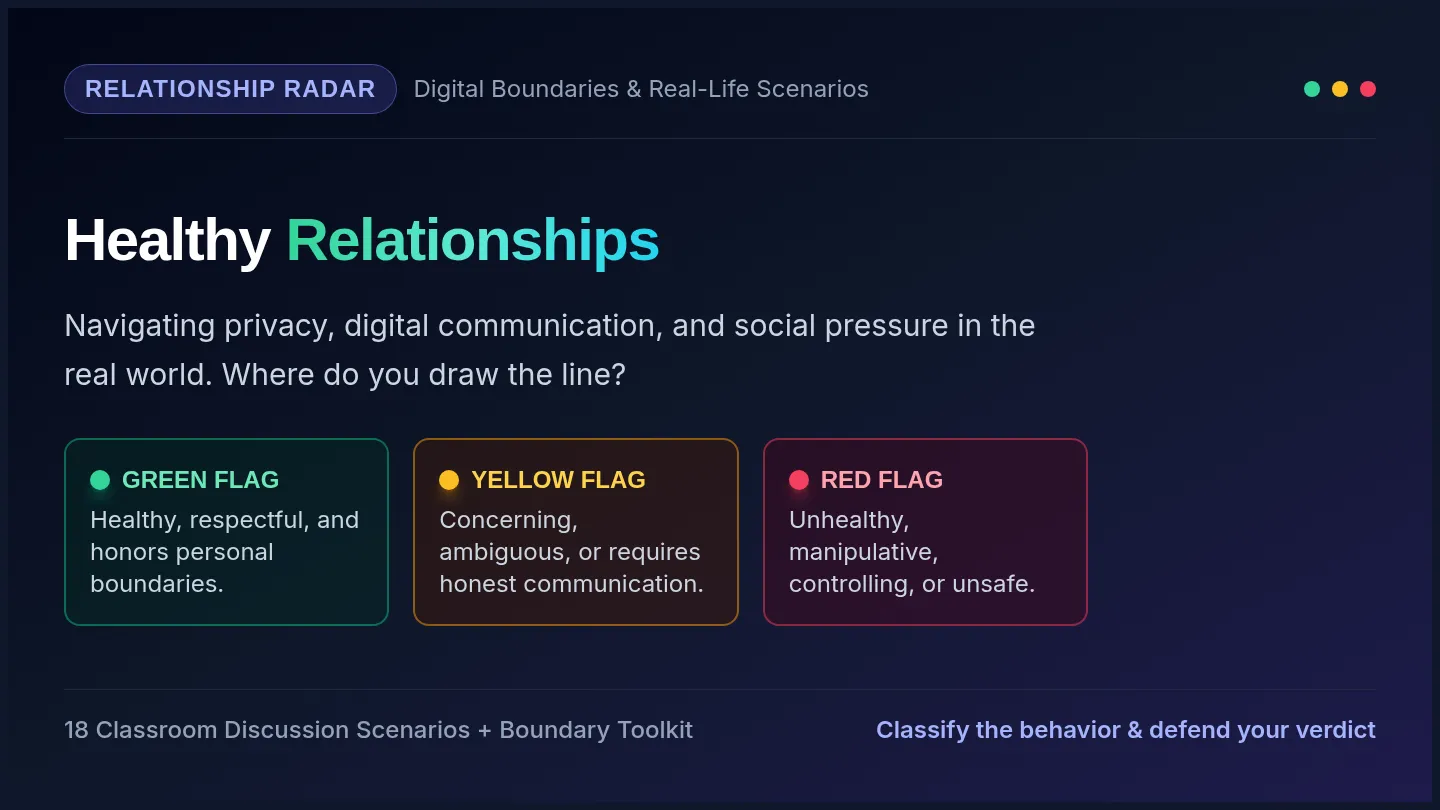
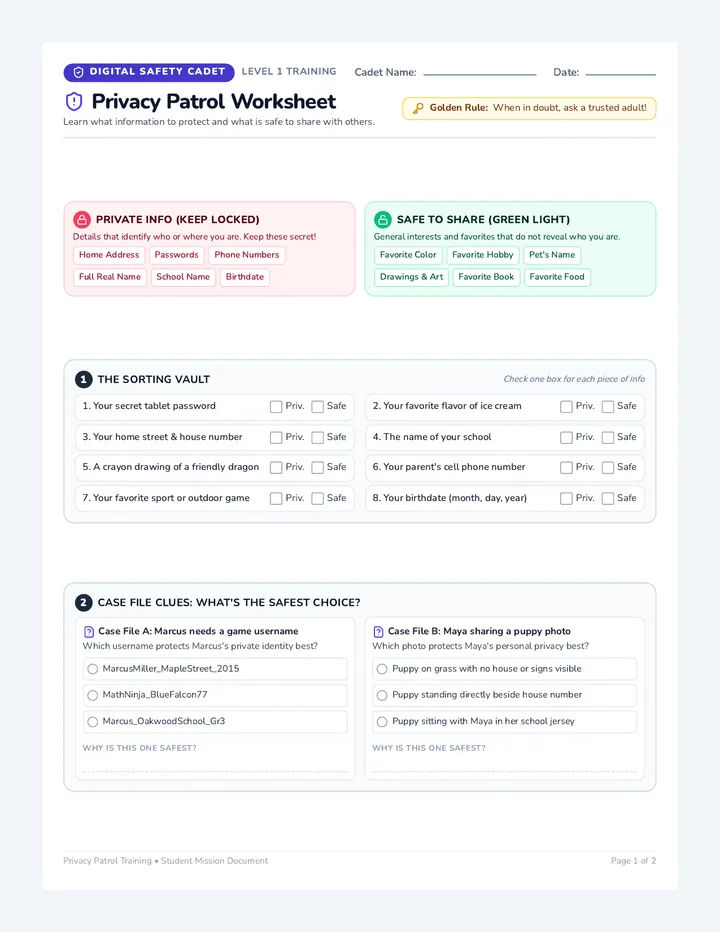
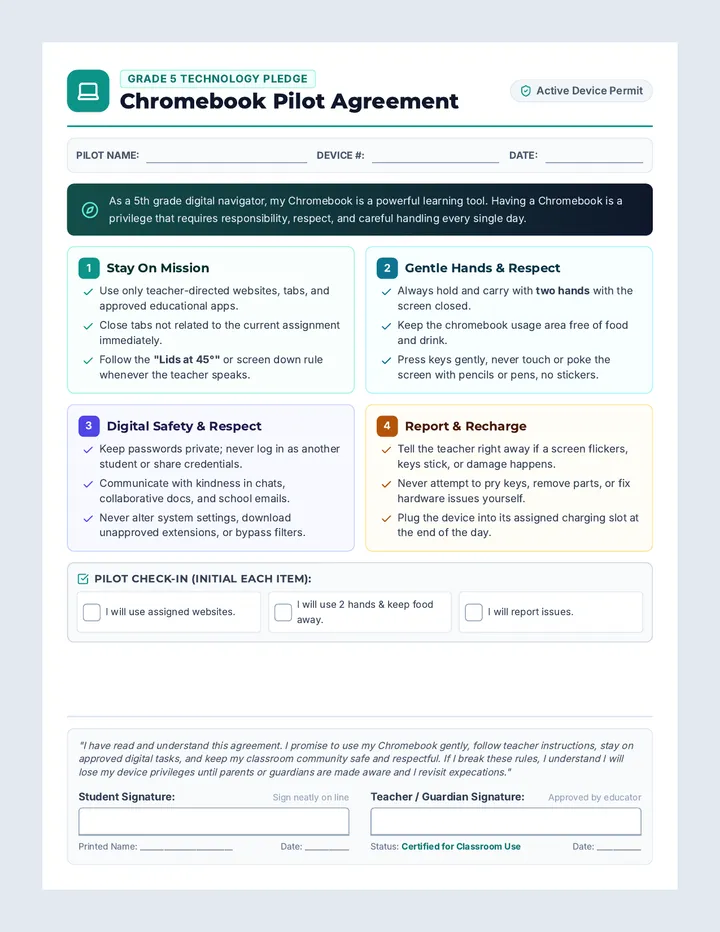
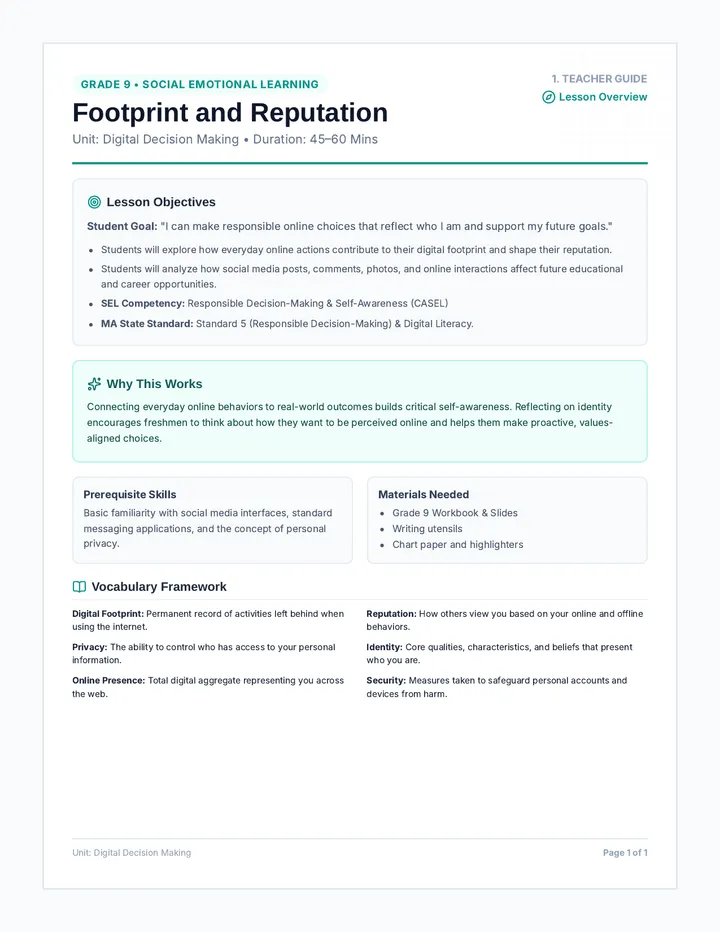
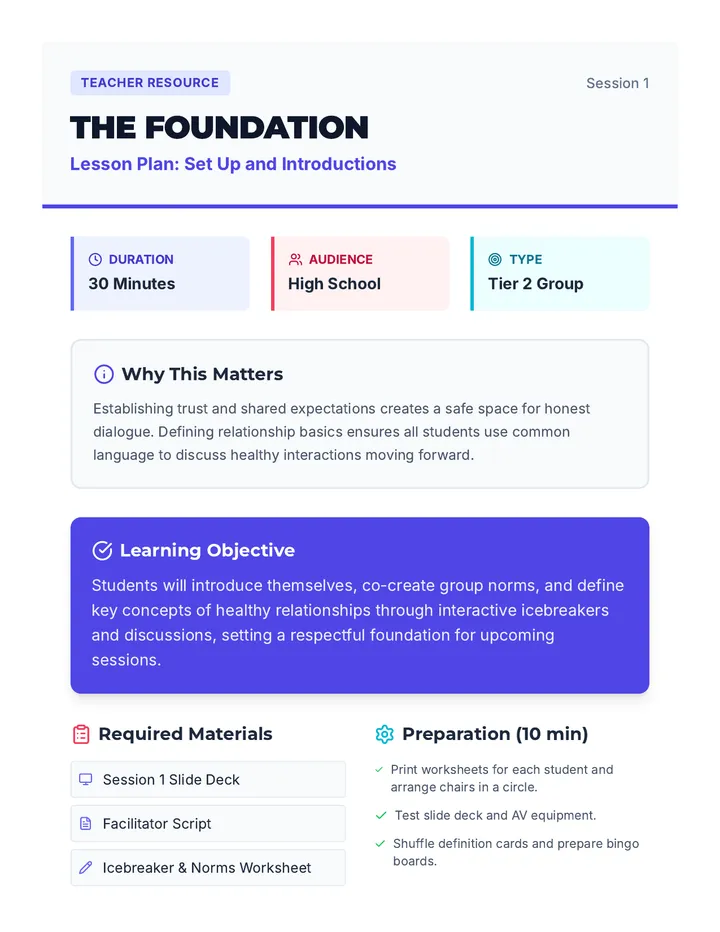
Privacy settings, password security, and digital footprint management for safe internet navigation. Addresses cyberbullying prevention and identifying phishing attempts or online scams.
A 2nd-grade sequence on digital literacy focusing on file naming, folder organization, search retrieval, cloud storage, and digital collaboration. Students learn to maintain a clean digital workspace through a 'Cyber Space Station' theme.
This inquiry-based sequence for Kindergarteners uses a traffic light model (Green, Yellow, Red) to teach safe online navigation. Students learn to recognize 'tricky' content like ads and pop-ups, understand stranger danger through avatars, and master the 'Pause and Ask' reflex when encountering unexpected online situations.
A Kindergarten sequence focused on making digital footprints concrete through physical analogies, promoting online kindness, and establishing safety protocols for young internet users.
A foundational sequence for Kindergarten students exploring digital privacy and security. Students learn to distinguish between public and private information, understand the purpose of passwords, and identify trusted adults for online help.
A comprehensive graduate-level sequence focused on the professional project management of fellowship and scholarship applications. Students learn to build tracking systems, manage recommenders strategically, curate funding-specific CVs, and ensure quality control for final submissions.
A comprehensive sequence for graduate students to navigate the complex landscape of advanced degree funding, including fellowships, grants, and assistantships. Students will learn to analyze funder missions, leverage niche databases, and build a strategic 12-month funding roadmap.
A high-energy, game-based sequence for 10th-grade students to master keyboard shortcuts for window management and multitasking. Students transition from basic app switching to managing complex virtual workspaces, culminating in a competitive 'Olympics' event.
A comprehensive 5-lesson sequence for 5th-grade students on keyboard shortcut navigation for web browsing and research. This series transforms students into 'Web Pilots,' teaching them to navigate, search, and manage web content entirely through keyboard commands to foster independence and efficiency.
This sequence guides undergraduate students through building a professional scholarship portfolio and mastering the interview process. Students will transition from document creation (CVs, brag sheets) to interpersonal communication (STAR method, mock interviews), ensuring they present a cohesive and professional narrative to scholarship committees.
A comprehensive guide for undergraduate students to systematically search for, evaluate, and manage scholarship applications. The sequence covers self-auditing, database navigation, ROI analysis, project management, and donor mission alignment.
A comprehensive 12th-grade sequence focused on evaluating and selecting assistive technology, specifically speech recognition and dictation, for post-secondary transition. Students act as technology analysts to compare solutions, assess hardware, and build a personalized advocacy plan for college and the workplace.
This sequence prepares 11th-grade students to use speech recognition dictation in professional and higher education settings. It focuses on workplace efficiency, professional tone, social awareness in shared spaces, self-advocacy for accommodations under the ADA, and technical troubleshooting to foster independence.
Students learn the rules of sharing digital spaces, focusing on collaborative editing and respecting others' work in a shared document.
An introduction to cloud storage and the importance of saving work online to ensure accessibility across different devices.
Students use search tools and folder navigation to find specific files in a simulated directory structure.
Learners practice creating storage pods (folders) and sorting data crystals (files) into categories using drag-and-drop concepts.
Students learn why specific file names are important and practice a naming convention (Name_Assignment) to keep their digital work identifiable.
A final simulation where students apply their knowledge to navigate a safe digital environment and earn their 'Safe Surfer' certificate.
Students build muscle memory for the 'Pause and Ask' technique to handle unexpected or scary online encounters.
Students synthesize their learning by creating a personal Digital Citizen Pledge and earning their Super Citizen badges.
Students learn that avatars can hide a person's true identity and establish the rule of never talking to strangers online.
Students practice the "Stop, Walk, and Tell" strategy to respond to unkind behavior or scary content online, focusing on seeking help from trusted adults.
This lesson focuses on identifying 'tricky' online content like pop-up ads and fake prizes that look too good to be true.
Students are introduced to the Green/Yellow/Red framework for internet safety, learning to categorize sites as safe, cautious, or dangerous.
A formal 'Digital Neighbor Contract' for 2nd-grade students to sign, reinforcing the rules of collaborative digital work and etiquette. Designed for print and display.
A digital etiquette worksheet for 2nd graders. Features scenarios of collaborating in shared documents and asks students to identify good vs bad choices.
A slide deck for 2nd graders on digital collaboration. Covers the basics of shared documents, real-time editing visibility (cursors), and the 'Rules of the Room' for digital etiquette.
Teacher resource for teaching cloud storage concepts to 2nd graders. Includes metaphors, vocabulary, answer guidance for the student worksheet, and visual checkpoints.
A 2nd-grade worksheet about cloud storage concepts. Includes a comparison between cloud and hard drive saving, and scenario-based questions to assess understanding.
A slide deck for 2nd graders explaining cloud storage and the concept of auto-saving work. Uses metaphors and simple visuals to make abstract concepts understandable.
Answer key and setup guide for the Data Scavenger Hunt activity. Provides instructions on how to prepare the hidden files for students.
A scavenger hunt worksheet where 2nd-grade students use search tools and folder navigation to find 'secret files' and solve a puzzle. Requires teacher to set up files on student devices or simulate the experience.
A slide deck teaching 2nd graders how to use digital search tools and navigate folder structures. Uses a 'Scavenger Hunt' theme to make file retrieval engaging.
Teacher guide for the Storage Pod Sorting lesson. Includes key concepts, vocabulary, answer key for student worksheet, and facilitation tips for 2nd-grade digital literacy.
A 2nd-grade matching activity where students practice categorizing files (Data Crystals) into themed folders (Storage Pods) to learn digital organization.
Teacher lesson guide for the final simulation and certification, providing a recap of all safety rules and assessment instructions.