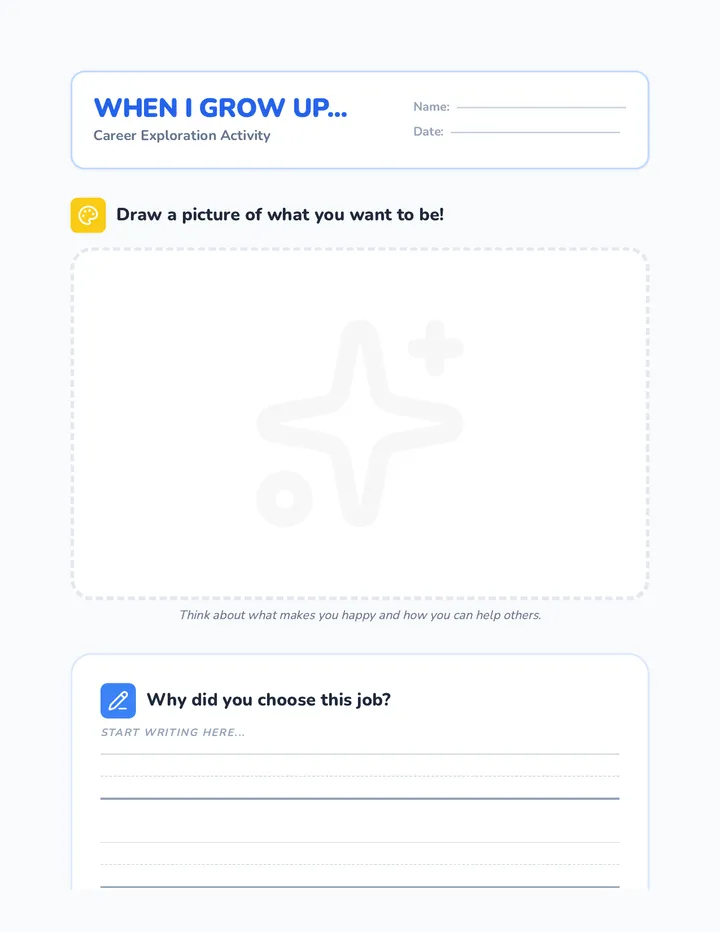
Emoji Emotions Slides 😊 😢 😠
Emoji Emotions
How do we feel behind the screen?
The Same Words?
"I can't believe you did that."
🎉
Happy Voice: Like a surprise party!
😠
Mean Voice: Like being in trouble.
The Invisible Face
When we use a tablet or computer, we can't see the other person's:
Eyes and Smiles
Sound of Voice
Body Movements
Emojis to the Rescue!
Emojis help us show how we feel. What do these mean?
😂
Just Joking!
😢
My feelings are hurt.
❤️
I like this!
Wait and Think!
Before you send a message, ask:
"Would I say this to their face?"
If the answer is NO, then don't send it!
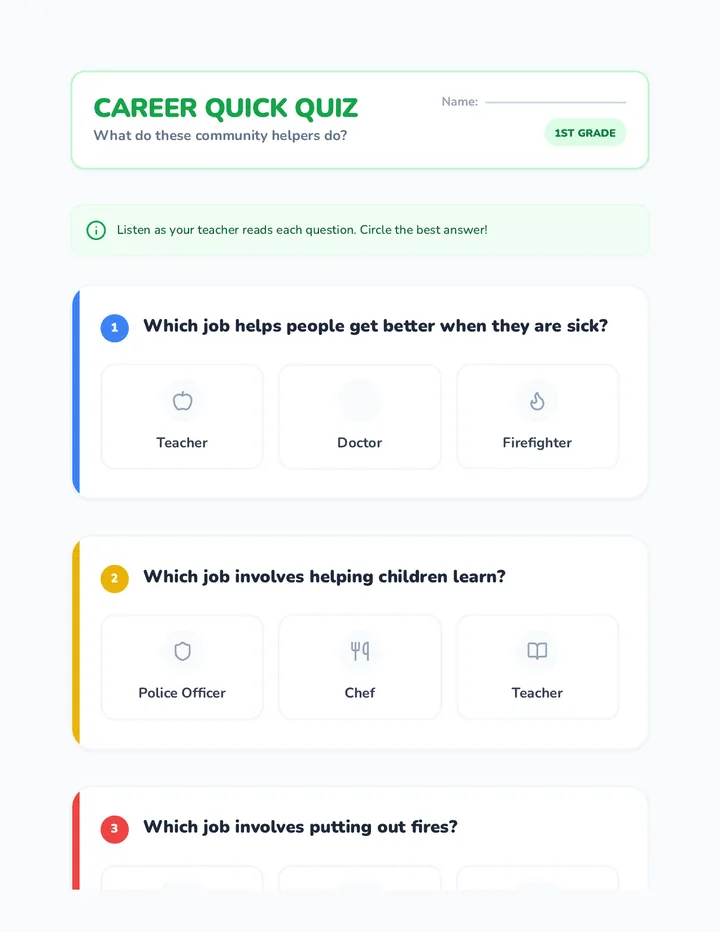
Digital Face Detectives Worksheet Digital Face Detectives
Can you guess the feeling?
Name: __________________________
Date: ___________________________
Instructions:
Read each message. Circle the face that shows how the person might be feeling. Then, write one word to describe that feeling.
"That was a really bad game. You played terrible! 😠"
😊 😢 😠
This person feels:
"I like your new avatar! It looks so cool! 🌟"
😊 😢 😠
This person feels:
"Nobody wants to play with you. Go away. 👋"
😊 😢 😠
This person feels:
The Detective Question:
Why is it harder to know how someone feels on a computer than in person?
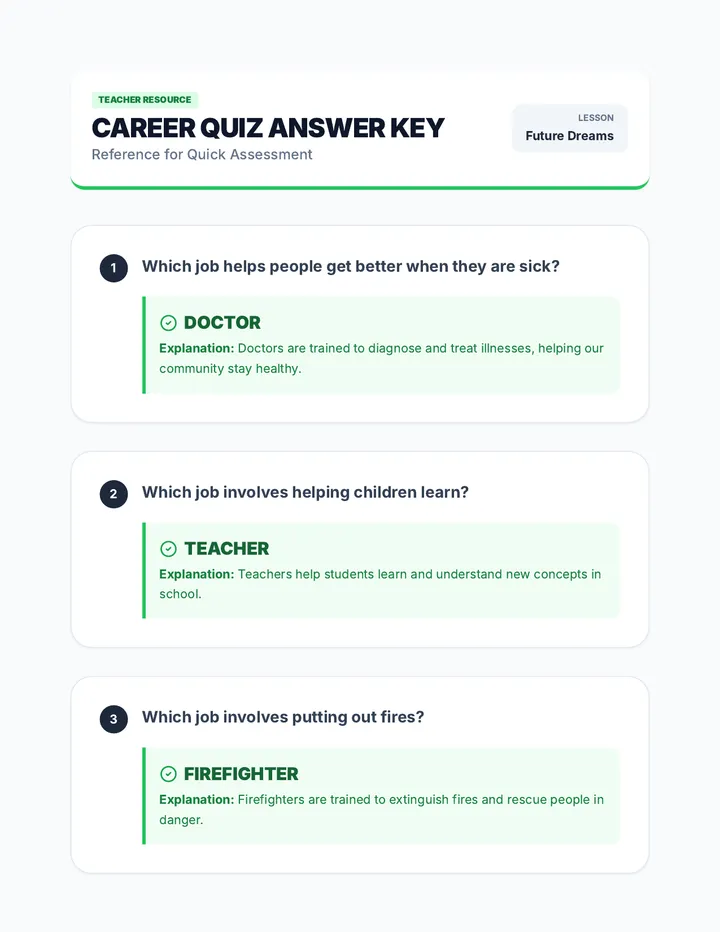
Feeling Focus Teacher Guide Feeling Focus
Lesson 1: Feelings Behind the Screen
Teacher Guide
Time
45 Minutes
Goal
Identify digital emotions
Skills
EQ, Text Interpretation
1
The Hook: Mystery Voice (5 min)
Read the sentence: "I can't believe you did that."
First, say it with a big smile and high energy (Happy/Excited).
Then, say it with a frown and a harsh tone (Angry/Mean).
Ask: Did the words change? No. Did the meaning change? Yes!
Connect: Explain that online, we only see the words, not the face or voice.
2
Guided Instruction (15 min)
Use the Emoji Emotions Slides to facilitate a discussion about non-verbal cues.
"When we can't see someone's face, we are 'Digital Detectives.' We have to look for clues like emojis or specific words to know if they are being kind or unkind."
3
Detective Work (15 min)
Distribute the Digital Face Detectives Worksheet.
Walk around and help students read the messages. Encourage them to act out the message before deciding on the emotion.
4
The "Think Before You Send" Rule (10 min)
Introduce the golden rule of the unit: "If you wouldn't say it to their face, don't send it through the screen."
Differentiation Corner
Support
Provide a "Feelings Word Bank" (Happy, Sad, Angry, Excited) for students who struggle with writing.
Challenge
Ask students to write their own digital message and draw a matching emoji for a partner to decode.
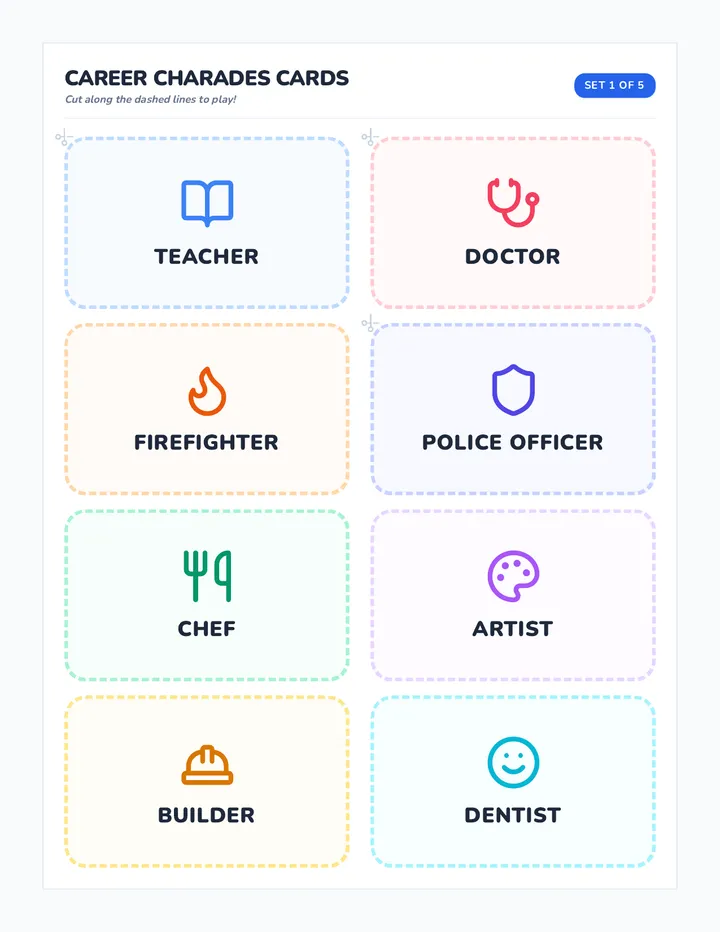
Kindness Clicks Slides Kindness Clicks
Spreading Joy with our Fingertips!
The Kindness Chain
❤️
✨
😊
🌈
When you send ONE kind message,
it makes the internet a better place for EVERYONE!
What can we send?
Kind Notes
"Great job on the game!"
Digital Art
Draw a happy picture!
Friendly Emojis
Send a star or a heart.
Encouragement
"You can do it!"
The Golden Rule
Treat people online the same way you want to be treated in the classroom.
💻 📱 🎮
Ready for Action?
We are going to make our own Digital Kindness Cards to share with our friends!
Digital Kindness Cards Activity Digital Kindness Cards
Write a kind note to a friend to make their screen shine!
9:41
To:
9:41
To:
Creativity Tips:
• Draw a favorite emoji
• Use bright colors
• Compliment a talent
• Add glitter or stickers!
Kindness Chain Teacher Guide Kindness Chain
Lesson 2: The Power of Kind Words
Teacher Guide
Time
50 Minutes
Goal
Send positive digital notes
Values
Empathy, Citizenship
1
The Hook: Chain Reaction (10 min)
Gather students in a circle.
Start by giving a compliment to the student to your left: "I love how hard you worked on your drawing today."
That student then gives a compliment to the next person, and so on, until the chain returns to you.
Ask: How did it feel to hear something nice? How did it feel to say something nice?
Connect: Explain that we can do this "chain reaction" online too using our tablets and computers.
2
Digital Golden Rule (10 min)
Present the Kindness Clicks Slides.
"The Golden Rule is simple: Treat others the way you want to be treated. It's easy in person, but sometimes we forget it when we are behind a screen. Today we are practicing how to keep that rule online."
3
Kindness Card Workshop (20 min)
Hand out the Digital Kindness Cards Activity.
Students should choose two classmates (you may want to assign names to ensure everyone receives a card) and create a "digital message" for them.
Teacher Tip: Encourage students to use a mix of "text" (writing simple words) and "emojis" (drawing small icons).
4
The Delivery (10 min)
Have students "deliver" their paper cards to their friends' desks. Spend the last few minutes letting students read their cards and share their favorite part of the activity.
Differentiation Corner
Support
Provide stickers for students who find drawing difficult. Have "sentence starters" like "You are good at..." or "I like when you..."
Challenge
Ask students to include an 'action step': "Next time we are online together, I will [help you/play with you]."
Mean or Kind Slides Mean or Kind?
Learning to spot the "Yucky" stuff online.
The "Yucky" Feeling
If you read something that makes your tummy feel tight or makes you want to hide your screen...
😖
It's a "Yucky" sign!
🛑
It's time to stop!
Is this okay?
"I don't like playing with you. You're a baby and you play bad."
A: It's Kind! 😊
B: It's Unkind! 🛑
What is a Cyberbully?
Someone who is mean on purpose using a computer, phone, or tablet.
They might do it over and over again.
It is never okay to be a cyberbully!
Naming It!
If you see meanness, use your brave voice to say:
"That's not okay!"
Yucky or Yummy Sorting Activity Yucky or Yummy?
The Great Digital Sort
Name: __________________________
😋
Yummy Messages
They make us feel happy and safe!
🤮
Yucky Messages
They make our tummies feel tight.
The Message List:
Draw a line from each message to the correct box above!
"You are a great friend! 🌟"
"Go away, nobody likes you. 😠"
"Your picture is so pretty! 🎨"
"You're too slow for this game. 🛑"
"I love playing with you! 🎮"
"You're a loser! Hahaha. 👎"
Spotting Meanness Teacher Guide Spotting Meanness
Lesson 3: Recognizing Unkind Behavior
Teacher Guide
Time
45 Minutes
Goal
Identify cyberbullying
Focus
Moral Reasoning
1
The Hook: Face the Feeling (5 min)
Tell a short story: "Leo was playing his favorite tablet game. Suddenly, a message popped up: 'Leo, you are a loser! Don't play anymore.' Leo's heart beat fast and his tummy felt yucky."
"Class, show me with your faces how Leo feels right now."
Use this to introduce the term "Yucky Feeling."
2
Cyberbully Detectives (15 min)
Use the Mean or Kind Slides.
Define a cyberbully as someone who is mean on purpose and regularly.
Practice saying "That's not okay!" in a firm, brave voice.
3
Yucky vs. Yummy Sort (15 min)
Hand out the Yucky or Yummy Sorting Activity.
Read each message aloud to the class and have them draw lines to the correct "box." Discuss why a message is yucky (e.g., "It's making fun of someone," "It's excluding someone").
4
The Brave Circle (10 min)
"If we see a 'Yucky' message, what do we say?"
Have the whole class stand in a circle and shout together: "That's not okay!" Repeat it three times, getting louder (but still brave) each time.
Differentiation Corner
Support
Provide color-coded messages (green for kind, red for mean) to help students who struggle with reading clues.
Challenge
Ask students to rewrite a "Yucky" message to make it "Yummy" (e.g., "You play bad" becomes "Let's practice together!").
Safety Superstars Slides Safety Superstars
Your 3-Step Plan for Cyber-Safety!
Stop, Block, and Tell!
1
STOP
Put the screen down.
2
BLOCK
Close the app or device.
3
TELL
Find a trusted adult.
Don't Keep Looking!
When something is mean, looking at it makes us feel worse.
Close the screen!
Shut the case!
Closing the screen "blocks" the meanness from our eyes.
Who is a Trusted Adult?
Family
Mom, Dad, Grandma, or Grandpa
Teacher
Your teacher or principal
Other Helpers
Coaches or club leaders
Challenge!
Tell the adult RIGHT AWAY!
Don't wait until tomorrow.
Get help NOW!
Action Plan Shield Sheet My Safety Shield
Color your shield and keep it as your secret plan!
1
STOP
Don't keep looking at the screen.
2
BLOCK
Close the game, app, or tablet.
3
TELL
Go find a trusted adult and tell!
SAFE STUDENT:
Safety Simulation Teacher Guide Safety Simulation
Lesson 4: Stop, Block, and Tell
Teacher Guide
Time
50 Minutes
Goal
Master safety protocol
Focus
Problem Solving
1
The Hook: Hot Potato Meanness (10 min)
Sit in a circle. Use a physical "potato" (a ball or beanbag). Tell students the potato represents a "Yucky" message.
Play music and pass the potato. When the music stops, the person holding it has to "drop" it immediately.
The student then stands up and walks to the "Trusted Adult" (the teacher) and says: "I found something yucky on my screen!"
Repeat several times so different students can practice the physical action of "getting away" from the meanness and getting help.
2
Stop, Block, Tell Plan (15 min)
Use the Safety Superstars Slides to teach the 3 steps.
"When we see something mean online, we don't keep reading it. That just makes us feel bad. Instead, we use our shield!"
Spend time defining "Block" for 1st graders as physically closing the laptop or turning over the tablet, which prevents the message from being seen.
3
Shield Workshop (15 min)
Hand out the Action Plan Shield Sheet.
Students color their shields. As they color, walk around and ask: "Who is one trusted adult you will tell if you find something yucky?"
4
The Shield Salute (10 min)
Have students hold up their shields. Teach them a chant with motions:
STOP: Hands out in front (stop sign)
BLOCK: Clapping hands together (closing a book)
TELL: Points to themselves and then toward the door/teacher
Differentiation Corner
Support
Print the shield with the names of "Trusted Adults" already listed for students who struggle with the concept of who to go to.
Challenge
Ask students to role-play exactly what words they will use when telling an adult (e.g., "I saw a mean message on the computer and it made me feel sad").
Upstander Power Slides Upstander Power!
Helping our friends stay safe online.
What's the Difference?
Bystander
Someone who sees meanness but does nothing.
Upstander
Someone who sees meanness and takes action to help!
Upstander Moves
Say "That's not nice" to the bully.
Send a kind note to the friend.
Ask a trusted adult for help.
Invite the friend to play something else.
Brave Words
What would you say if a friend was being teased online?
"Hey, that was mean. Let's not say that."
"Are you okay? I think you're awesome!"
You Did It!
You are now official members of the Digital Kindness Crew.
🛡️ ✨ 💻
Helping Hands Exit Ticket Helping Hands Exit Ticket
Name: __________________________
1. Draw a circle around the UPSTANDER. Who is taking action to help?
Student A: Watches meanness but doesn't say anything.
Student B: Says "That's not okay" and gets a teacher.
2. Color the heart next to the best way to help a friend who is being teased online.
Laugh at the mean joke so you don't get teased too.
Send a kind message to your friend like "I'm your friend."
Tell your friend to just ignore it and be quiet.
3. I am an Upstander! Draw yourself helping a friend today.
Upstander Puppet Script Teacher Guide Upstander Power
Lesson 5: The Digital Upstander
Teacher Guide
Time
50 Minutes
Goal
Learn upstander actions
Focus
Advocacy & Empathy
1
The Hook: Puppet Power Show (10 min)
Materials: 2 Puppets (Blue and Pink).
Pink Puppet: "I love playing this building game! Look at my castle!"
Blue Puppet: "That castle is ugly! Pink is a bad builder! Haha!"
Teacher: (Stop puppets) "Class, Blue is being a cyberbully. Pink looks sad. If we were in the game too, what could we do?"
Allow students to shout out ideas to help the bystander (the class) become an upstander.
2
Upstander Moves (15 min)
Use the Upstander Power Slides to define the 4 moves:
"That's not nice." (Saying it to the bully)
"Are you okay?" (Checking on the friend)
"Let's play something else." (Moving away)
"Help!" (Getting an adult)
3
Brave Voices Practice (15 min)
Divide the class into small groups. Give them a "Digital Scenario":
"Scenario: Someone is sending 'Yucky' faces to your friend in a chat. You see it. What do you do?"
Have students role-play the upstander move they would choose. Emphasize using a Brave Voice (strong and clear, not yelling).
4
Digital Kindness Crew Pledge (10 min)
"I promise to be kind online,
help my friends when things get yucky,
and always tell a trusted adult!"
Distribute the Helping Hands Exit Ticket as students finish the lesson.
Differentiation Corner
Support
Provide a "Brave Voice Checklist" with pictures of the 4 moves to help students remember their options during role-play.
Challenge
Ask students to explain why being an upstander is harder than being a bystander.