Lenny for K-12 Schools
Equip your staff to support every student
Give every teacher, counselor, and specialist in your building access to practical MTSS supports, behavior response materials, counseling tools, classroom interventions, and staff PD.
Lenny is the one tool that will empower every staff member to create the lessons, interventions, and student support materials they need for any student, in minutes.
Schools in every state are
elevating education with Lenny


 +1,000
more
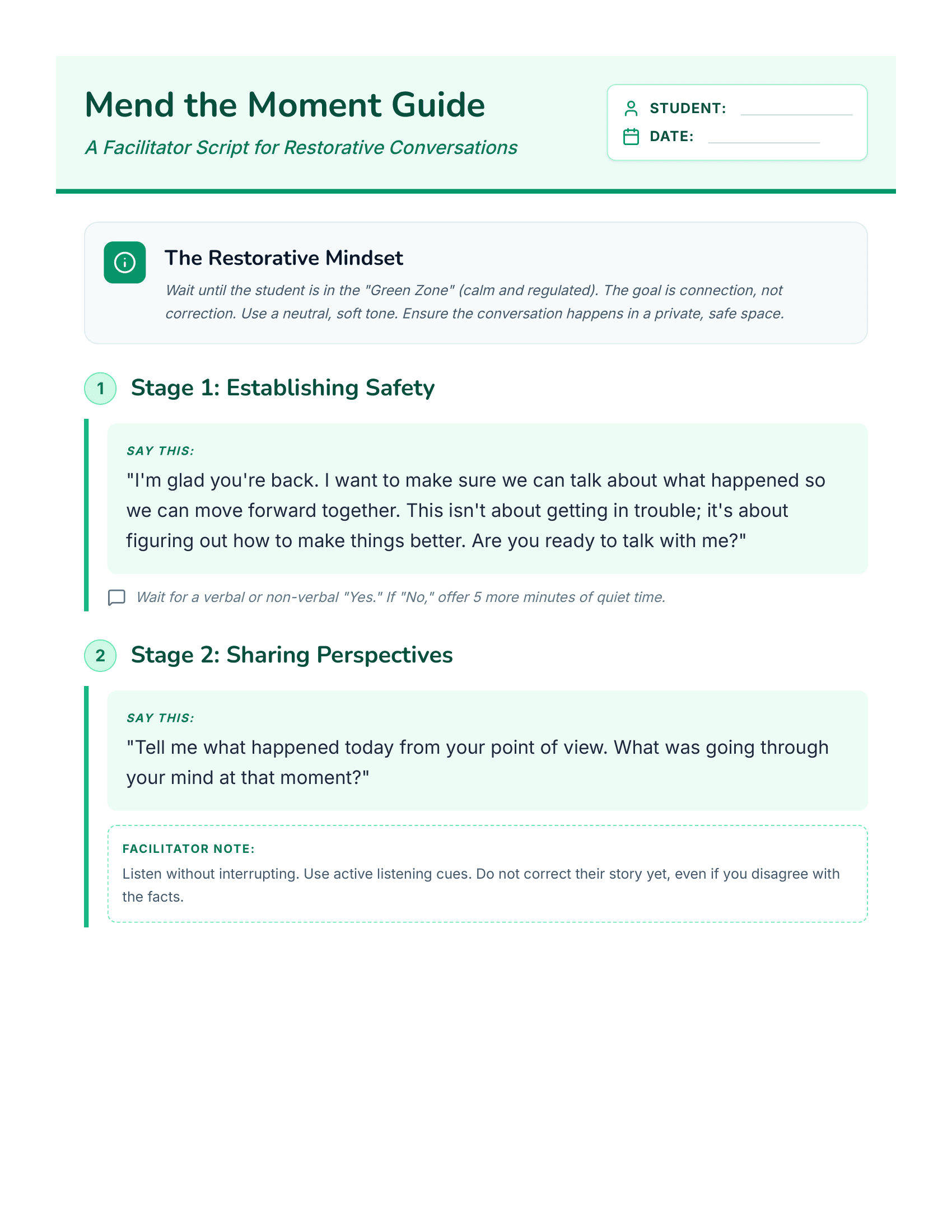
A student had an emotional outburst in class today and was removed from the room. I need a resource to guide the teacher through a restorative conversation
For Principals
Turn classroom challenges into clear teacher support
- Create practical behavior response guides for common classroom moments
- Give teachers ready-to-use language, routines, and expectations
- Help staff respond more consistently without starting from scratch
Built on trusted frameworks
Give time back
to your team
Every resource created with Lenny helps staff spend less time searching, rewriting, and building from scratch, and more time supporting students.
500+
hours saved per school, per year
Top Lenny schools save hundreds of planning hours by helping staff create lessons, interventions, behavior supports, and classroom materials faster.
*Based on internal Lenny usage data.
15+
percentile points higher
Students receiving personalized support can perform about 15 percentile points higher than peers receiving generic, one-size-fits-all instruction.
*Based on Tlili et al. (2024), a meta-analysis on personalization and learning achievement.
40%
fewer discipline referrals
Schools using structured Tier 1 behavior and MTSS supports have seen fewer office discipline referrals and more consistent behavior response.
*Based on a university study that reported a 40% decrease in office discipline referrals after PBIS implementation.
Simple pricing
for one building
Essential
For schools that want every staff member to access Lenny's core MTSS, behavior, counseling, and classroom support resources.
what you'll get:
- Access for all staff at the school
- MTSS Tier 2 and Tier 3 intervention library
- Behavior and crisis response materials
- Counseling and social worker resources
- Multilingual resources
- Implementation kickstart
- Staff rollout deck and training materials
Complete
For schools that want everything in Essential, with added PD support, leadership tools, completion tracking, and adoption visibility.
what you'll get:
- Everything in Essential
- Principal leadership toolkit
- PD implementation materials
- Staff completion tracking
- Principal-facing adoption reporting
- Dashboard access
Pull from existing MTSS, student support, and professional learning funds
Start using Lenny today
Most schools can be set up within a day. We create your workspace, send the rollout materials, and your team can start using Lenny right away.
Day 1
01Workspace ready
School workspace created, staff access added, basics configured.
02Materials sent
Staff emails, onboarding resources, and launch deck delivered.
03Team starts
Staff log in and start creating lessons, interventions, behavior supports, and counseling resources.
From day 2 onwards
Office hours, support, and adoption visibility continue through the principal dashboard.
Elevate instruction for every learner
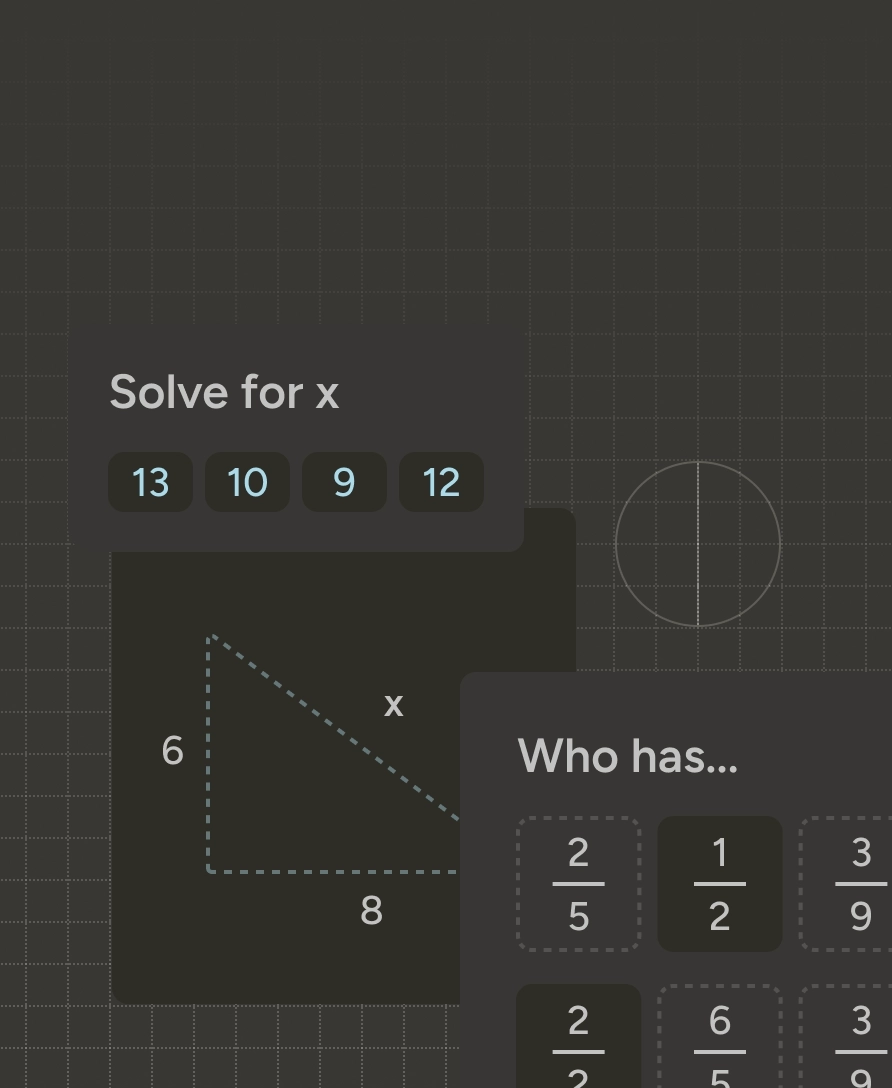
Math
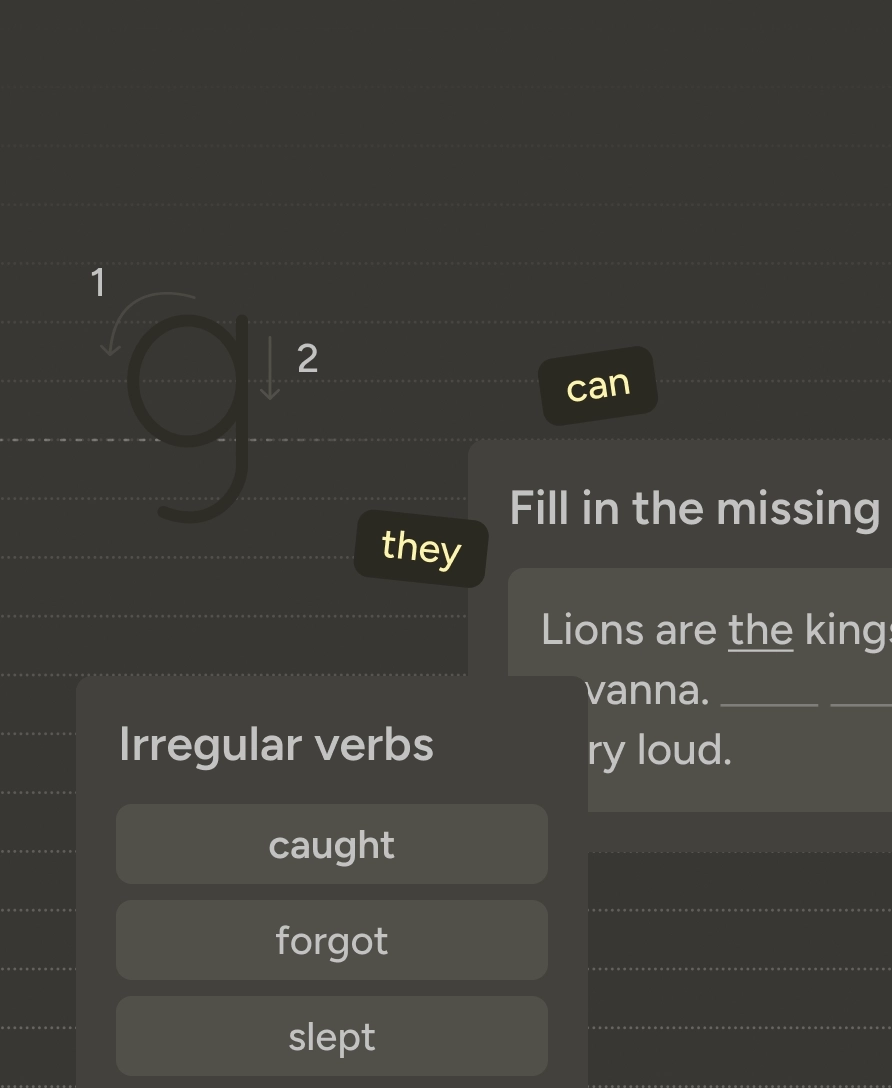
ELA
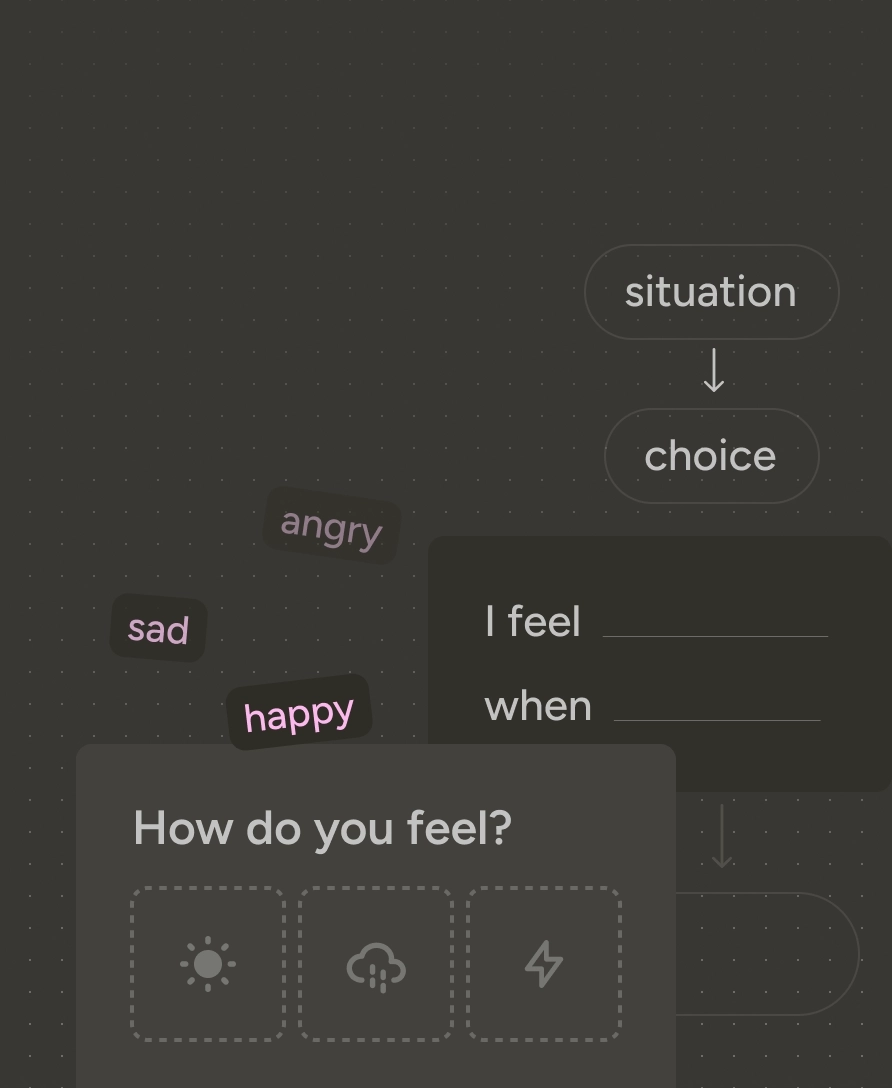
Counseling & Life Skills
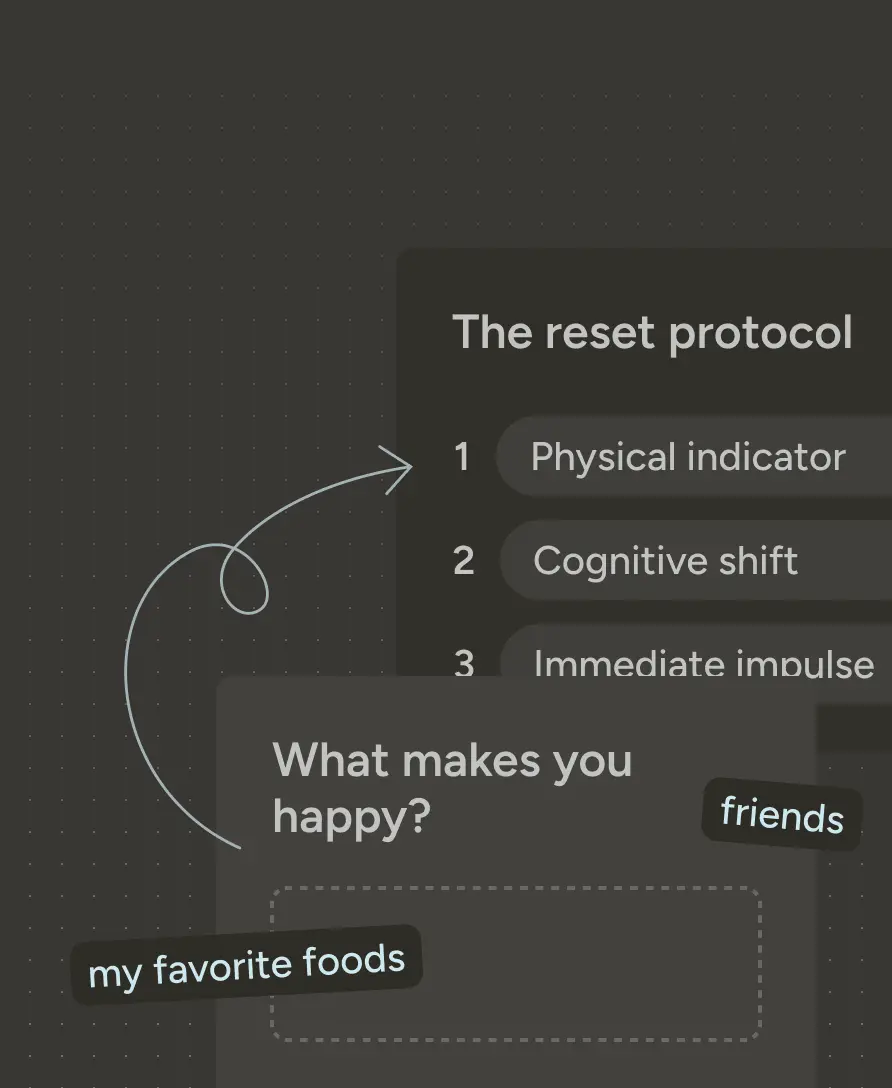
Special Education
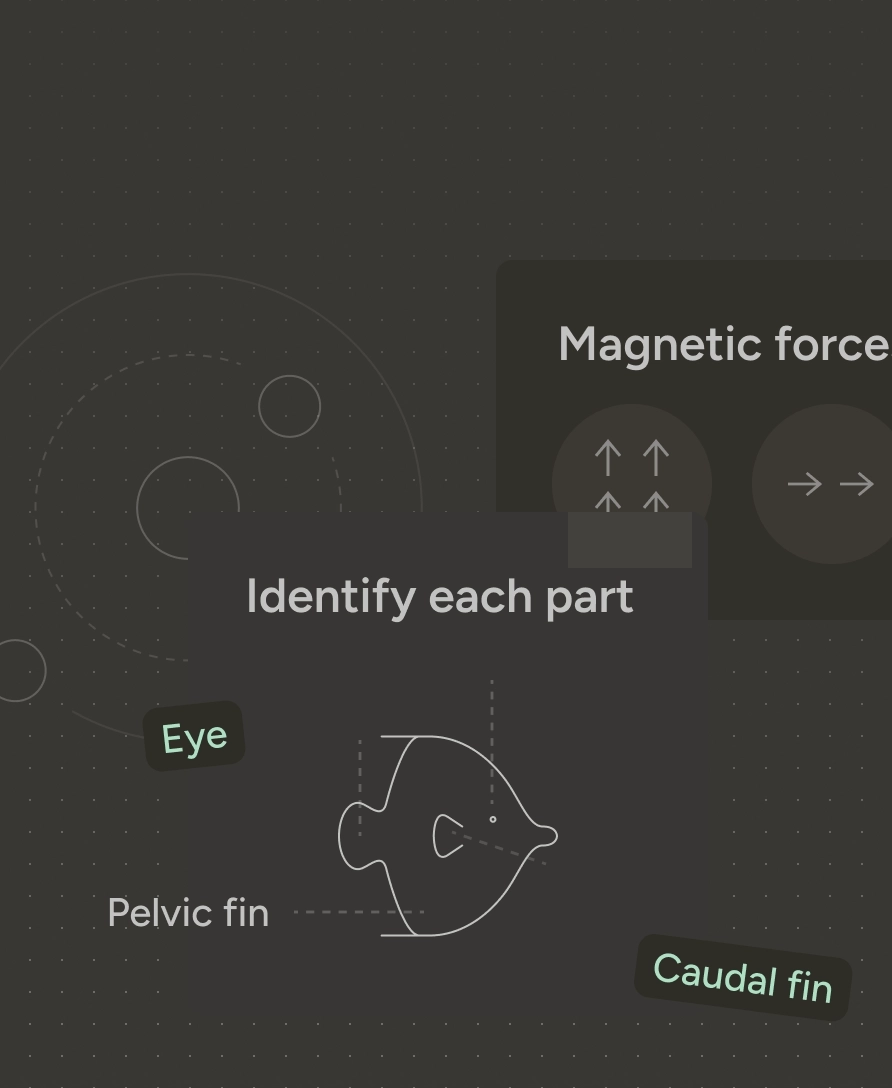
Science & Engineering
Global Languages
Social Studies
Arts & Creativity
Health & Physical Education