Behavior Blueprint Anchor Chart
Mission Control
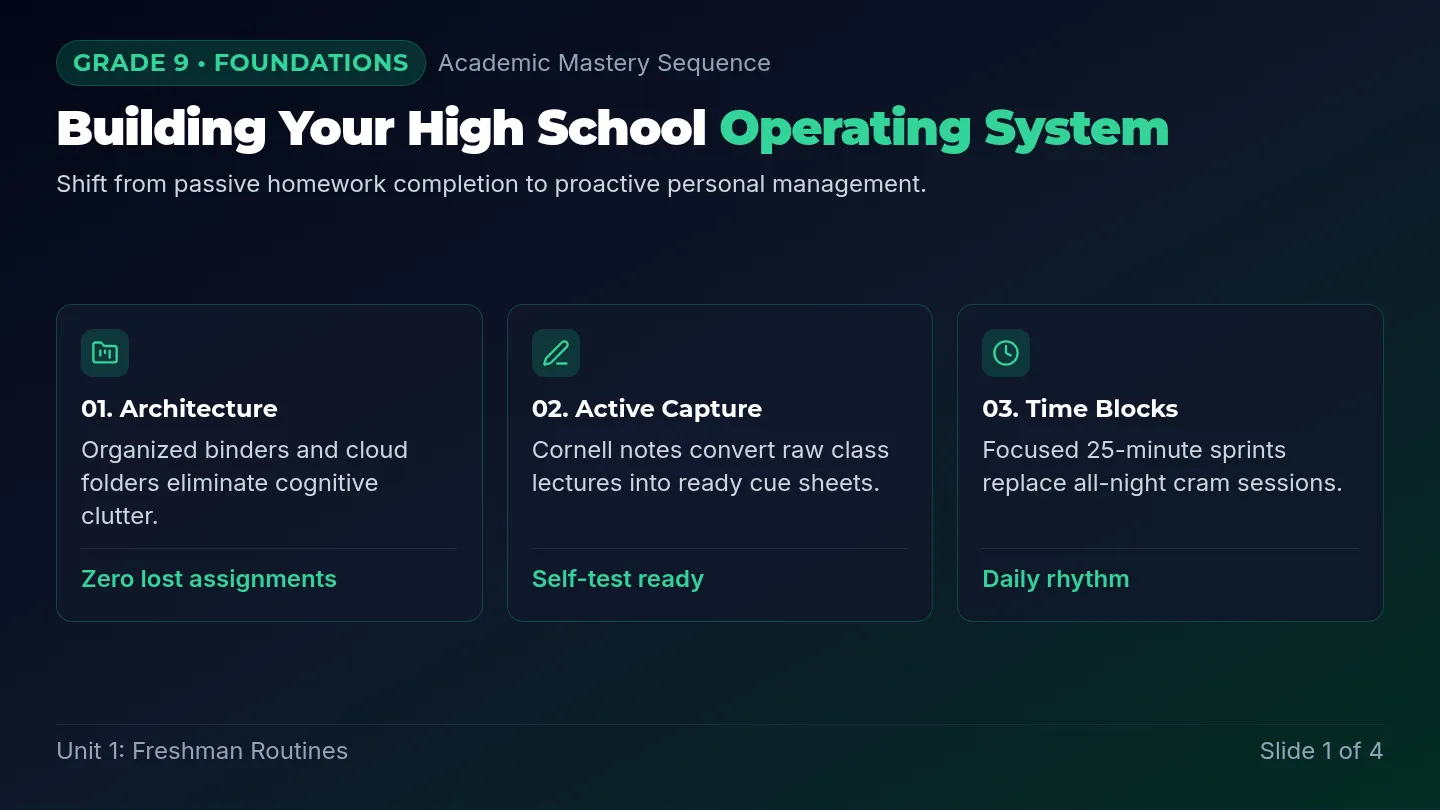
The Behavior Blueprint
1. Stay on Track
- • Eyes on the Mission: Look at the teacher when instructions are given.
- • Listen for the Launch: Wait until the teacher says "Go" to start.
- • One Step at a Time: Check your task list to see what comes next.
2. Use Your Pause Button
PAUSE
Freeze your body
THINK
What's the goal?
ACT
Make the choice
3. Shield Your Focus
Block Distractions
Keep your eyes on your work, not the window or friends.
Check Your Fuel
If you're stuck, use a "Help" signal or take a deep breath.
Mission Hero Social Story
The Mission
Control
Hero
A Guide to Staying in Command
Mission Log: Student Edition
Every great astronaut has a Mission Control. Inside my brain, I have one too!
Mission Control helps me make good choices, follow the map, and keep my ship steady when things get tricky.
Listening for the Plan
When my teacher talks, they are sharing the Mission Map.
I use my eyes to look and my ears to hear. If I don't know the next step, I can look at the board or ask for help. Following the map helps the whole crew!
Look
Listen
The Pause Button
Sometimes I want to shout out or jump up. This is a Flash Reaction.
Before I react, I hit my Mental Pause Button. I wait for 3 seconds.
1... 2... 3...
Waiting gives my brain time to think of the best choice.
Checking the Gauges
My feelings are like gauges on a dashboard. Sometimes I feel Blue (tired), Green (ready), or Red (angry).
It's okay to have big feelings! I just need to tell Mission Control so I can stay safe and kind.
Mission Accomplished
When I use my Mission Control, I am the hero of my own ship. I can learn, play, and grow every single day!
I am a Control Center Champion!
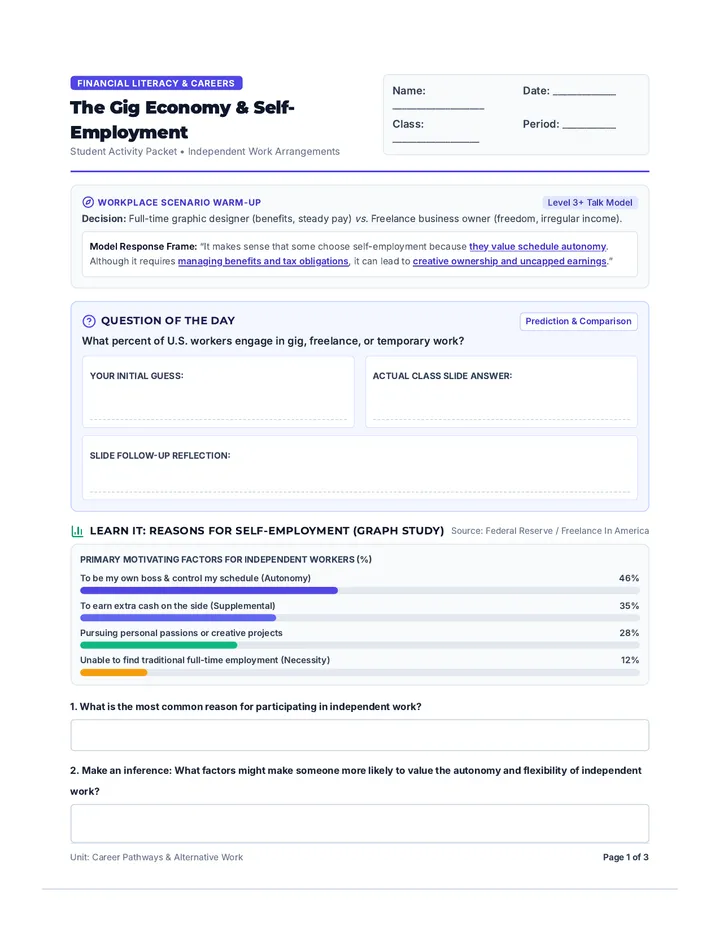
Emotional Dashboard Worksheet
Emotional Dashboard
Mission Log: Emotion Identification
Name:
Date:
"Mission Control to Pilot! It's time to check your dashboard. How is your engine running today? Color in the gauge that matches your feeling and tell us why."
Part 1: Current Status
Low Power
Sad, Bored, Tired
Ready to Launch
Happy, Focused, Calm
Engine Warning
Worried, Silly, Excited
Overheating
Angry, Mean, Out of Control
1. My dashboard is in the zone right now.
2. I feel this way because...
3. One tool I can use to get back to the GREEN ZONE is:
Take 3 deep breaths
Ask for a 2-minute break
Push my palms together
Count backward from 10
4. Draw a picture of your Mission Control Hero (You!) being calm and focused:
End of Mission Report • Keep Controlling Your Center
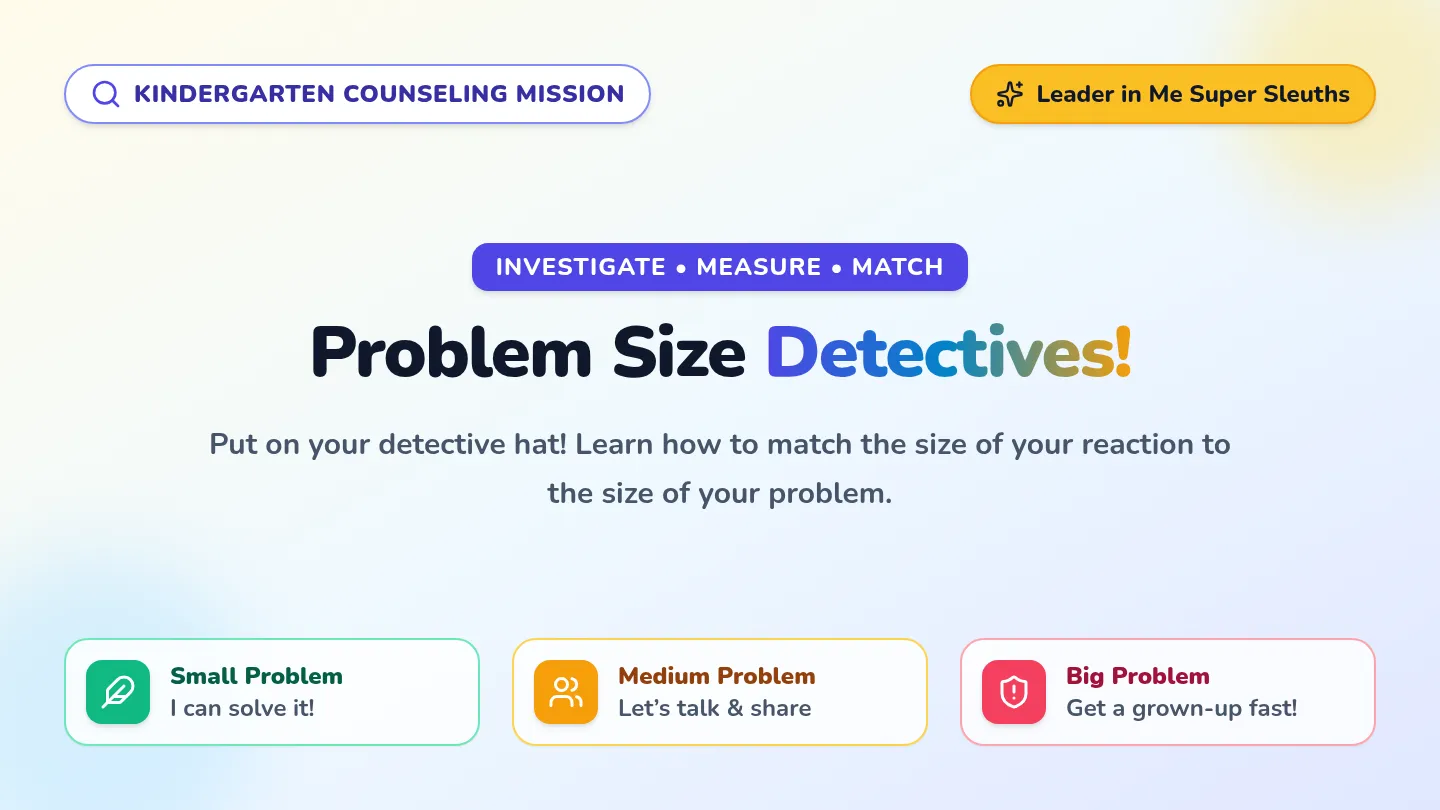
Mission Commander Teacher Guide
Mission Commander Guide
Self-Regulation Lesson Plan
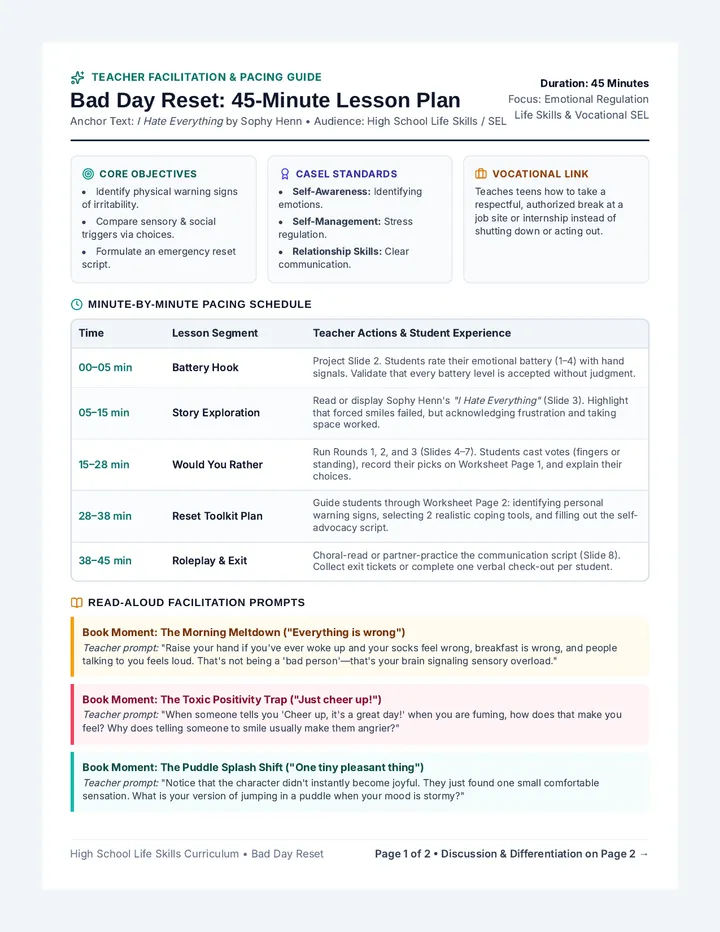
Mission Objectives
Students will identify their emotional state using the dashboard metaphor.
Students will apply "Pause-Think-Act" to manage impulsive behaviors.
Students will demonstrate improved attention to multi-step instructions.
Students will use "Mission Control" vocabulary to communicate needs.
Step 1: The Social Story Launch
Instructional Strategy: Read "The Mission Control Hero" aloud. Stop at the "Pause Button" page to practice a 3-second freeze as a class.
Discussion Prompts:
- "When was a time you felt your 'Flash Reaction' take over?"
- "How does looking at the teacher help your Mission Control?"
- "Which color is your dashboard right now? Why?"
Step 2: Displaying the Blueprint
Place the Behavior Blueprint Anchor Chart in a high-visibility area. Use the vocabulary consistently throughout the day.
Praise Phrases:
"I love how Pilot [Name] is checking the Mission Map!"
Redirection Phrases:
"Check your gauges. Do you need to use your Pause Button?"
Active Mission: Command & Control
A variation of Simon Says to practice waiting and multi-step directions.
- Wait for the Signal: Students must wait for you to say "Command says..." before moving. If you just say the action, they must remain in "Pause" mode.
- Sequence Challenge: Give 2 or 3 instructions at once (e.g., "Touch your knees, then clap once, then sit down"). Students must wait until the full command is finished before starting.
- Reaction Check: Speed up and slow down the commands to test their "Internal Brakes."
Troubleshooting & Differentiation
Common Friction Points
- Waiting Fatigue: If students struggle with long waits, use a visual timer or a physical "Pause Button" fidget.
- Emotional Overload: If a student is in the "Red Zone," avoid verbal processing. Use the dashboard worksheet later when they return to "Green."
Differentiation
- Advanced Pilots: Have them lead the "Command & Control" game with 3-4 step directions.
- Co-Pilots (Support): Provide a smaller, printed version of the Anchor Chart to keep at their desk as a personal checklist.
Post-Mission Debrief