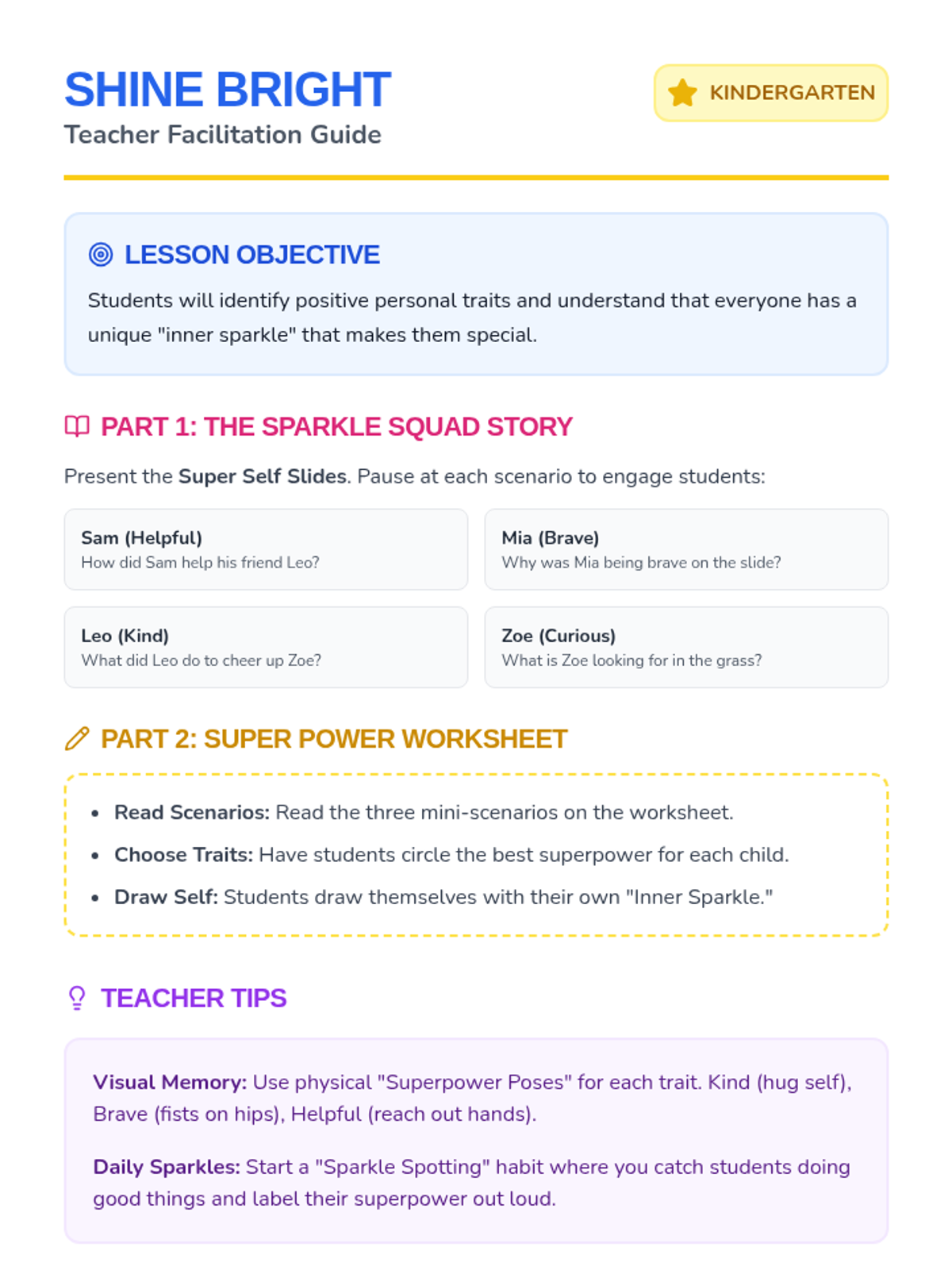
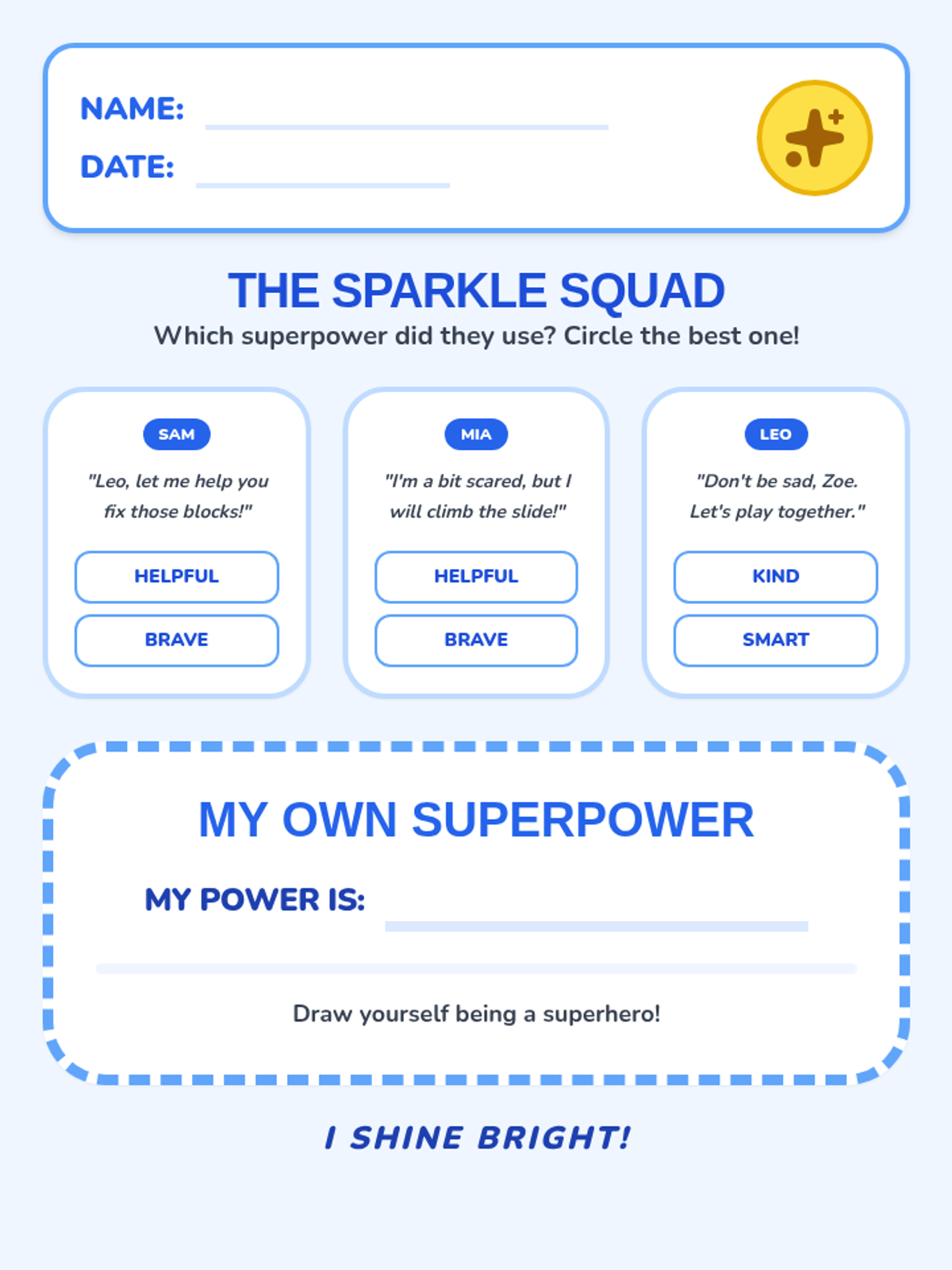
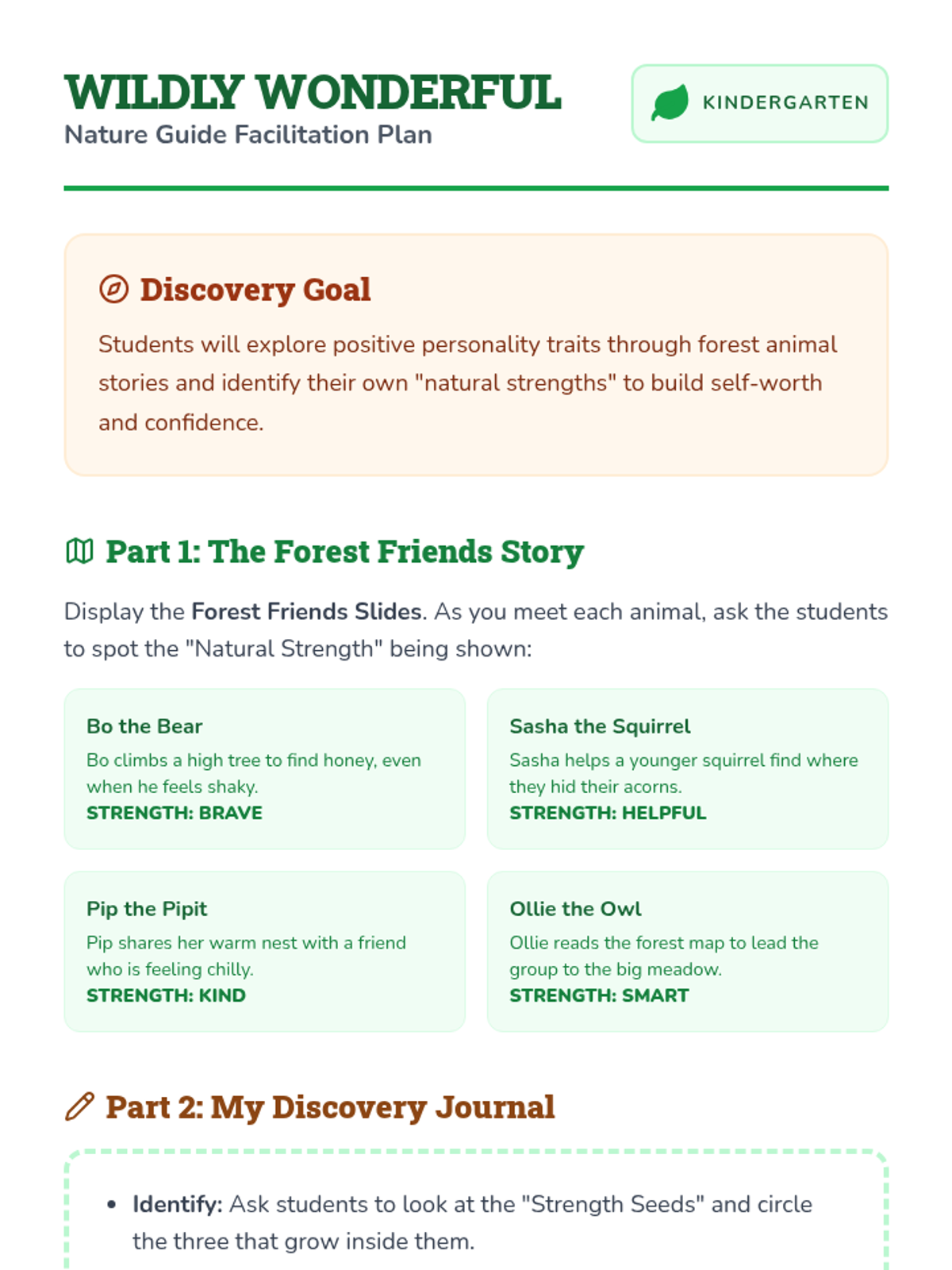
Playground Pixels Slides Playground to Pixels
Kindness Crusaders: Mission 1
The Golden Rule
"Treat others the way you want to be treated."
On the Playground
On our Tablets
ARE SCREENS REAL?
You are here
A friend is here!
Even if you can't see them, there is a REAL PERSON with REAL FEELINGS on the other side!
KINDNESS IS THE SAME!
Playground
Share the toys
Say "Nice job!"
Use kind words
Digital World
Share the game
Send a smiley face
Use kind typing
MISSION CHECK!
If someone says something mean to you in a game, does it hurt?
YES
Hurts feelings
NO
Just a game
KINDNESS CRUSADERS ALWAYS CHOOSE KIND!
Kindness Match Up Worksheet Kindness Match-Up
Kindness Crusaders Mission 1
Name:
Date:
Draw a line to match the Kind Playground Act to the Kind Digital Act!
Share a Toy
Nice Words
Helping a Friend
Send a Heart
Share a Game
Kind Typing
Crusader Bonus!
Draw a picture of YOU being kind on a tablet or computer:
Playground Pixels Teacher Guide Teacher Mission Briefing
Playground to Pixels
Lesson 1: The Golden Rule Goes Digital
Duration: 30-40 Mins
Unit: Kindness Crusaders
Learning Objectives
Define the "Golden Rule".
Recognize that real people are behind digital screens.
Match playground kindness to digital kindness.
Materials Needed
• 2 Puppets (Sock puppets work!)
• Slide Deck: Playground Pixels
• Worksheet: Kindness Match-Up
• A tablet or laptop (for demo)
The Hook: Puppet Play (10 mins)
"Set the scene: Puppet A and Puppet B are playing a game together on a pretend tablet."
Puppet A:
"Haha! You're so slow! You're the worst player ever! I don't want to play with you anymore!"
Puppet B:
(Cries and walks away)
Ask the Class:
What happened to Puppet B's feelings?
Did it matter that they were using a screen?
How could Puppet A have used the Golden Rule?
Direct Instruction (15 mins)
Use Playground Pixels Slides
Concept 1: The Golden Rule. Reinforce that kindness doesn't change just because we have a device in our hands.
Concept 2: Real People. Explain that when we send a message or play a game, a real human with a heart is receiving it on the other side.
Concept 3: Brainstorming. Ask students to name kind things they do on the playground, then help them "translate" those to digital actions.
Guided Practice (15 mins)
Distribute the Kindness Match-Up Worksheet. Guide students through the first match as a whole group. Have them share their "Crusader Bonus" drawings at the end.
Teacher Tip
Kindergarteners often view characters in games as "toys" rather than representations of people. Continually emphasize: "Your friend Tommy is behind that character!" to build empathy.
Emoji Emotions Slides 😊
💡
Emoji Emotions
Kindness Crusaders: Mission 2
😎
🥳
🤩
What is an Emoji?
When we can't see a face, an emoji shows the feeling!
🤔
PICTURE POWER!
GUESS THE FEELING!
"Wow... thank you."
🙄
Grumpy
🤩
Happy
😢
Sad
CHOOSE THE KIND EMOJI!
"Your drawing is so cool!"
👍
😠
"I'm sorry you are sad."
❤️
😂
✨
MISSION COMPLETE!
You used your Emoji Power to show kindness!
⭐ ⭐ ⭐
Emoji Match Worksheet Emoji Feelings
Kindness Crusaders Mission 2
Name:
Date:
Look at the feeling. Draw a line to the Emoji that matches!
Happy Party!
I Love It!
Super Wow!
❤️
🤩
🥳
Draw Your Own!
Draw a NEW emoji for when you are FEELING SILLY:
Emoji Emotions Teacher Guide Crusader Mission Log
Emoji Emotions
Lesson 2: Non-Verbal Communication Power
Duration: 35-45 Mins
Unit: Kindness Crusaders
Learning Objectives
Understand that emojis represent real feelings.
Match emojis to specific emotional scenarios.
Practice using kind emojis to respond to friends.
Preparation
Print "Emoji Cards" (Simple printed emojis) for students to hold up during the Hook.
Display Slide Deck: Emoji Emotions.
The Hook: Tone Detective (10 mins)
The Teacher says the same sentence three different ways:
1. Happy/Excited Voice
"I can't wait to play that game!"
2. Bored/Grumpy Voice
"I can't wait to play that game..."
Ask the Class:
"When we type on a screen, we can't hear my voice. How do we know how I'm feeling?" (EMOJIS!)
Guided Practice: Emoji Charades (15 mins)
1. Call a student up to "Act Out" an emoji expression (e.g., Star Eyes, Heart, Crying face).
2. The class holds up the corresponding emoji card from their desk.
3. Discuss: "When would we send this to a friend to be KIND?"
Heart: When a friend is sad or did something nice.
Thumbs Up: To say "Good job!"
Star Eyes: When you are proud of their work.
Independent Work (15 mins)
Students complete the Emoji Match Worksheet. While they work, circulate and ask: "Why did you choose the Heart for 'I Love It'?"
Common Misconception
Kindergarteners might think emojis are just for fun stickers. Emphasize that emojis are tools for feelings to help our friends understand us better.
Eyes Up Slides Eyes Up Action
Kindness Crusaders: Mission 3
DEVICE DOWN, EYES UP!
What is Respect?
"Respect means showing someone that they are important."
Device Down
Eyes Up
How does it feel?
📵
"You are talking, but your friend is looking at a game."
Feels Ignored
👀
"You are talking, and your friend puts the tablet down to listen."
Feels Important
Crusader Drill!
1
PAUSE
Stop the game
2
DOWN
Place device on table
3
UP
Eyes on the speaker
I AM READY!
I show respect by putting my device down and my eyes up!
Device Down Poster Crusader Rule
Color and Decorate!
DEVICE
DOWN
EYES
UP
Show Respect
Be a Friend
Mission Scout:
Eyes Up Teacher Guide Action Mission Manual
Eyes Up Action
Lesson 3: Respect and Active Listening
Duration: 30 Mins
Unit: Kindness Crusaders
Learning Objectives
Practice the "Device Down, Eyes Up" habit.
Understand how being ignored feels.
Explain why eye contact shows respect.
Preparation
Teacher's phone or tablet (for demo).
Display Slide Deck: Eyes Up Slides.
Crayons/Markers for Poster activity.
The Hook: The Invisible Class (5 mins)
Enter the classroom (or start the lesson) while staring intensely at your phone/tablet. Pretend to be playing a very exciting game.
Teacher:
"Okay class, today we are—oh wow, I almost got a high score—today we are going to learn about—hold on, just one more level—"
Ask the Class:
"How did it feel when I didn't look at you? Did you feel important or ignored?"
The Drill: 1-2-3 Action! (10 mins)
Use the Slide Deck to introduce the 3 steps:
1
PAUSE
Stop what you are doing. Don't worry, the game will wait!
2
DOWN
Put the device on the desk or lap. Hands off!
3
UP
Look at the person who is talking. This shows they are important.
PRACTICE: Call out "Crusader Drill!" and have students practice with a book or pretend tablet.
Creative Reinforcement (15 mins)
Hand out the Device Down Poster. As they color, walk around and ask: "Why do we put our eyes up?"
Teaching Tip
Use the phrase "Device Down, Eyes Up" as a regular classroom management tool whenever technology is used. Consistency builds the muscle memory for this social skill.
Digital Shield Slides Super Skill!
Digital Shield
Kindness Crusaders: Mission 4
Kindness Crusaders are SHIELDS
The Sword
Being mean back. Fighting with words. It hurts everyone.
The Shield
Walking away. Protecting your heart. Staying kind.
THE SECRET STRATEGY
STOP
Pause the game or put the tablet down.
BLOCK
Walk away from the screen.
TELL
Tell a trusted adult right away.
WHAT WOULD YOU DO?
"Someone you don't know says something mean to you in your favorite game."
SAY SOMETHING MEAN BACK?
STOP, BLOCK, AND TELL!
SHIELD POWER!
I am a Kindness Crusader. I choose peace over fighting!
Shield Strategy Cards OFFICIAL CRUSADER CARD
DIGITAL SHIELD
STOP
BLOCK
TELL
OFFICIAL CRUSADER CARD
DIGITAL SHIELD
STOP
BLOCK
TELL
OFFICIAL CRUSADER CARD
DIGITAL SHIELD
STOP
BLOCK
TELL
OFFICIAL CRUSADER CARD
DIGITAL SHIELD
STOP
BLOCK
TELL
✂️ Cut out these cards for students to take home or use in class!
Digital Shield Teacher Guide Security Mission Brief
Digital Shield
Lesson 4: Handling Unkindness Online
Duration: 40 Mins
Unit: Kindness Crusaders
Learning Objectives
Memorize the "Stop, Block, Tell" strategy.
Choose to be a "Shield" (peace) instead of a "Sword" (fighting).
Identify trusted adults to tell about online trouble.
Materials
Display Slide Deck: Digital Shield.
Print Shield Strategy Cards (cut and ready).
Small stickers (optional for card "activation").
The Hook: Shield vs. Sword (10 mins)
Draw a simple sword and a simple shield on the board. Explain that when someone is mean, our brain sometimes wants to use a "Sword" to fight back.
Discussion Questions:
What happens if two people keep swinging swords at each other? (Everyone gets hurt)
What does a shield do? (Protects us and stops the fight)
Kindness Crusaders use SHIELDS to stay safe and kind!
Direct Instruction: Stop, Block, Tell (15 mins)
Teach the 3-step action with physical movements:
STOP (Hand up like a stop sign)
Don't click anything. Don't type back.
BLOCK (Turn your back to the board)
Leave the game or put the device down. "Block" it with your body.
TELL (Walk to the teacher/adult)
Find a grown-up and say, "Something happened online that made me feel bad."
Guided Practice: Card Activation (15 mins)
Distribute the Shield Strategy Cards. Have students recite the 3 steps while touching each icon on their card. You can "activate" their cards with a sticker or a special Crusader stamp.
Safety Note
For Kindergarteners, "Block" often means physical blocking (walking away). Actual software blocking is a tool for adults. Emphasize that Telling an Adult is the most important part of the shield!
Happy Message Slides Happy Message Makers
Kindness Crusaders: Mission 5
SPREAD THE HAPPINESS!
Digital Smiles
💖✨🌈
A tiny message can make someone's whole day happy!
We use technology to build up, not tear down.
KIND MESSAGE IDEAS
🎨
The Artist
"I love your drawing!"
⭐
The Star
"You are a great friend!"
🍦
The Cool Friend
"Let's play together!"
MISSION TIME!
Today, you will make a Kindness Card for a friend.
1. DRAW IT
2. EMOJI IT
3. GIVE IT
👑
GRADUATED!
Official Kindness Crusader
Kindness Card Template Kindness Card Maker
Kindness Crusaders Graduation Project
Name:
Kindness Mail
Draw Your Message Here!
😊
❤️
🥳
👍
🌟
Who is this for?
To my friend:
Happy Message Teacher Guide Graduation Mission Log
Happy Message Makers
Lesson 5: Spreading Digital Positivity
Duration: 45 Mins
Unit: Kindness Crusaders
Learning Objectives
Explain how kind messages make others feel.
Create a positive digital-style message for a peer.
Celebrate completing the Kindness Crusaders unit.
Preparation
Display Slide Deck: Happy Message Makers.
Print Kindness Card Templates.
Art supplies (glitter, stickers, bright markers).
The Hook: The Happy Chain (10 mins)
Discuss a time when someone said something nice to you on a screen or in a card. How did it change your mood?
The Chain Reaction:
Explain that one happy message makes the receiver smile, then they are kind to someone else, and the kindness grows like a giant digital chain!
The Project: Kindness Card Makers (20 mins)
1. Assign each student a "Secret Mission Friend" (or let them choose).
2. Students use the Kindness Card Template to draw a happy message.
3. Encourage them to use "Emoji Power" (drawing the symbols from Lesson 2).
4. Mission Goal: The card must be 100% kind and meant to make their friend smile.
The Celebration: Crusader Graduation (15 mins)
Once cards are delivered, have a small "graduation ceremony." Use the final slide of the deck. Give each student a high-five and declare them an Official Kindness Crusader!
Final Crusader Note
This sequence isn't just about computers; it's about Empathy. Remind students: "The person on the other side of the screen is just like you. Treat them with your heart!"