Tech Champions Poster
Classroom Tech Rules
TECH CHAMPIONS
We move safely, handle gently, and work quietly!
Step 1
1. The Safe Transition Move
From the rug to your device table in three simple counts:
1
Stand & Tuck
Tuck in your chair and wait for the signal
2
Walking Feet
Walk carefully like a slow turtle
3
Hands in Lap
Keep hands away until teacher says GO
Step 2
2. Device Handling & Care
Our iPads & Laptops are precious. Let's protect them!
Two-Hand Hug
Hold devices tightly to your chest like a hug
Gentle Hands
Open covers softly. Tap screens gently like a butterfly
Plugs & Clean
Plug in cords straight. Hands must be clean and dry
Step 3
3. Getting Help Quietly
No shouting out! Use our quiet signals to get assistance:
GREEN
I am OK!
Working great and ready to go
YELLOW
Ask a Peer
Stuck? Ask a helpful neighbor quietly
RED
Stuck/Teacher
Stop and wait quietly. Help is coming
Are you a tech champion today?
Stop, Look, and Listen when you hear the chime! 🔔
Tech Champions Checklist
MY TECH CHAMPION CHALLENGE
Track your awesome technology routines every day!
Weekly Goal
⭐ SUPER STAR ⭐
NAME:
WEEK OF:
How to play: At the end of each computer lesson, check your choices. Fill in the star ⭐ for each rule you completed perfectly. Can you get all 3 each day?
Day 1
MONDAY
1. SAFE MOVE
2. DEVICE CARE
3. QUIET HELP
Day 2
TUESDAY
1. SAFE MOVE
2. DEVICE CARE
3. QUIET HELP
Day 3
WEDNESDAY
1. SAFE MOVE
2. DEVICE CARE
3. QUIET HELP
Day 4
THURSDAY
1. SAFE MOVE
2. DEVICE CARE
3. QUIET HELP
Day 5
FRIDAY
1. SAFE MOVE
2. DEVICE CARE
3. QUIET HELP
How I did this week:
Need Prep
Getting There
Awesome!
My Tech Goal For Next Week:
Tech Champions Slides
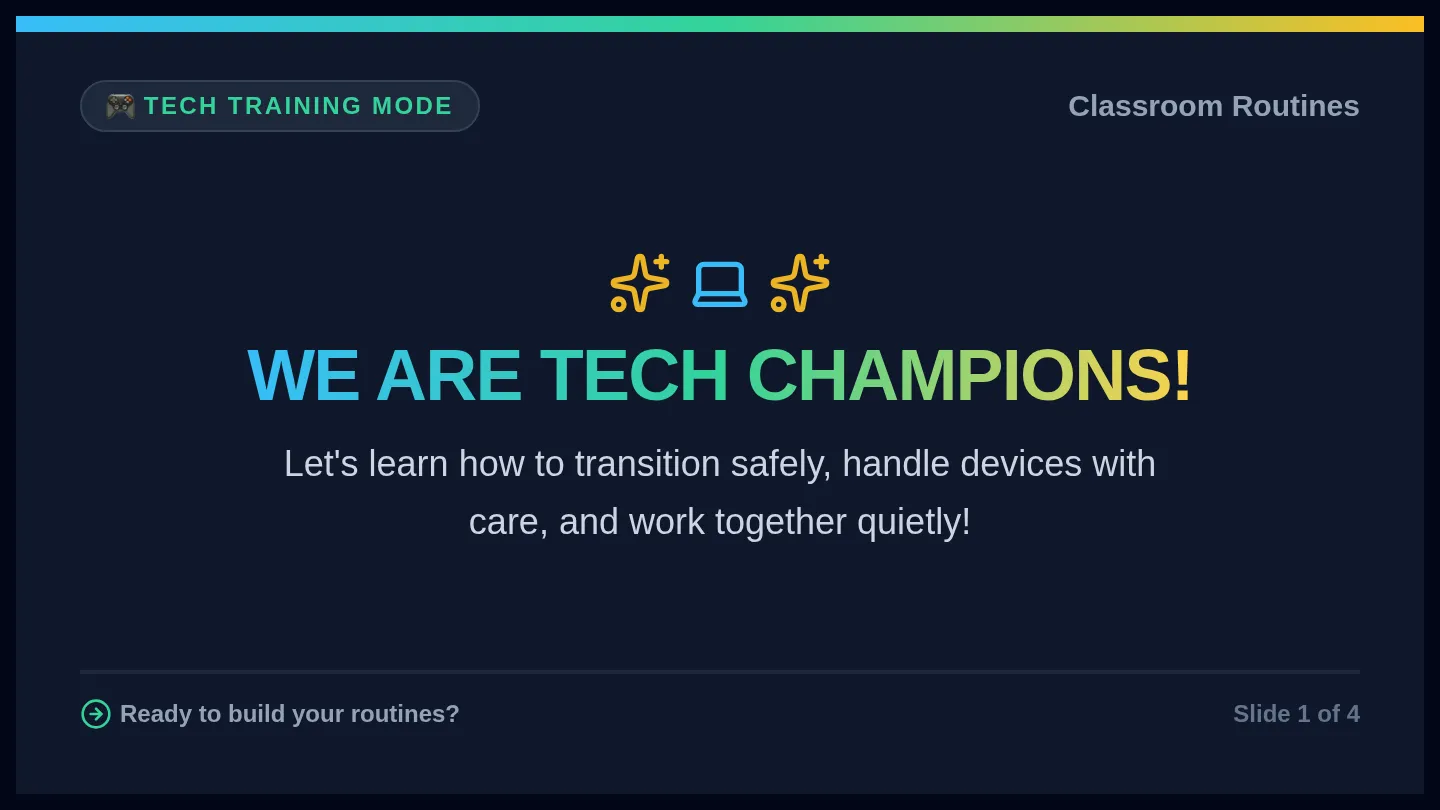
🎮 Tech Training Mode
Classroom Routines
WE ARE TECH CHAMPIONS!
Let's learn how to transition safely, handle devices with care, and work together quietly!
Ready to build your routines?
Slide 1 of 4
🏃♂️ ROUTINE 1: SAFE MOVE
Unplugged to Plugged
Walk Like a Turtle
Slow, steady, and extremely safe! No running, no sliding, no rush!
1
STAND & TUCK
Stand up gently. Tuck your chair all the way in.
2
WALKING FEET
Keep eyes ahead. Walk quietly to your device spot.
3
HANDS IN LAP
Sit with hands cozy in your lap until you hear "Go!"
Teacher's cue check: Wait for the special transition chime!
Slide 2 of 4
🛡️ ROUTINE 2: DEVICE CARE
Handling Laptops & iPads
Two-Hand Hug
Always use both hands! Hold devices securely right against your chest.
Safe Carrying
Gentle Hands
Open screens gently like a storybook. Tap softly. Never push or punch keys!
Safe Screens
Plugs & Clean
Wiggle plugs slowly and safely. Keep food, drinks, and sticky hands far away.
Safe Station
Golden Rule: Clean hands + Dry fingers = Happy devices!
Slide 3 of 4
🤫 ROUTINE 3: GETTING HELP
Quiet Classroom Signals
Our Cup Signal System
Stack color cups on top of your desk to show the teacher how your work is going:
GO
Green
PEER
Yellow
STOP
Red
GREEN = WORK MODE
My device is working! I am focused and doing fantastic.
YELLOW = ASK A NEIGHBOR FIRST
Stuck on a button? Ask a teammate next to you. Remember: "Ask 3 before me!"
RED = STUCK / HELP NEEDED
I need help from the teacher. I can leave my red cup up and wait quietly.
Quiet voices keep our classroom brain power super strong!
Slide 4 of 4