Students explore organizational tools and techniques to find what works best for their individual learning style, fostering self-awareness and empowering them to take ownership of their learning journey.
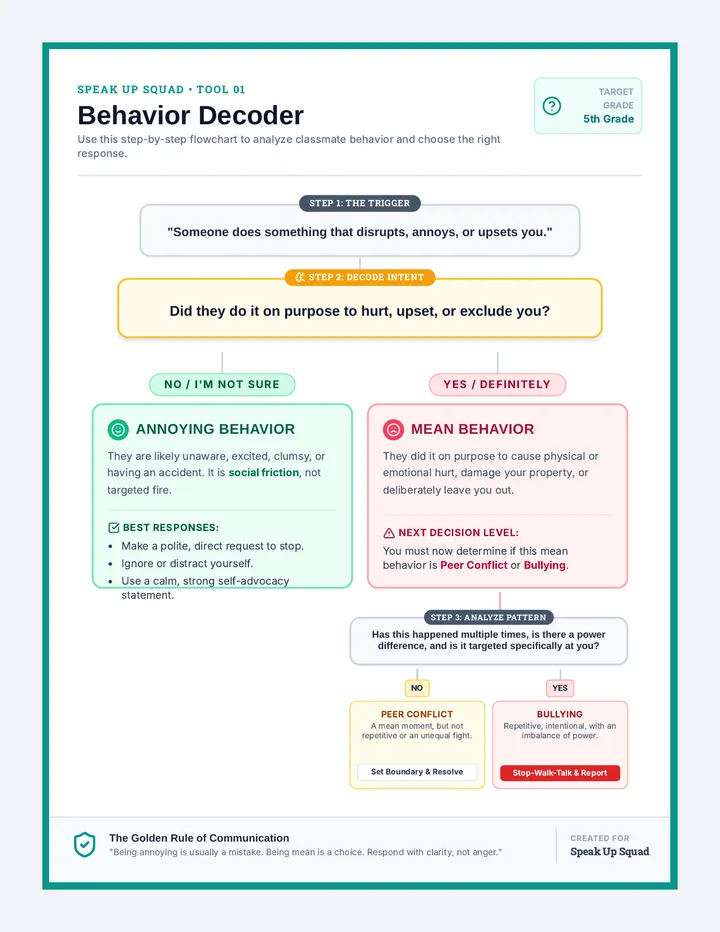
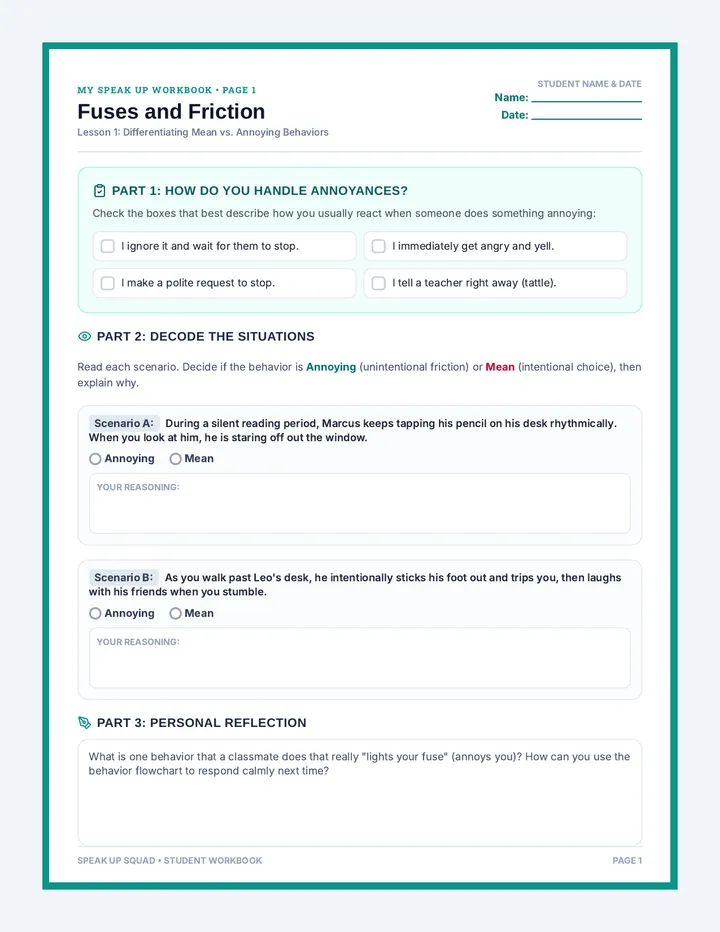
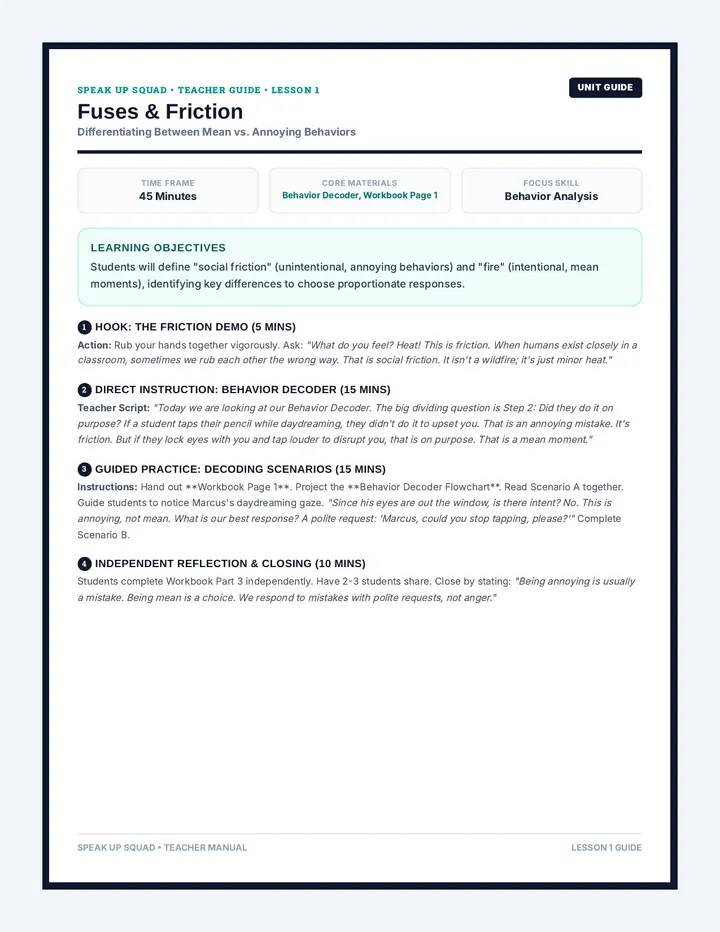
A comprehensive social self-advocacy unit for 5th graders to develop assertive communication, decode social intents, and confidently navigate peer conflicts and bullying.
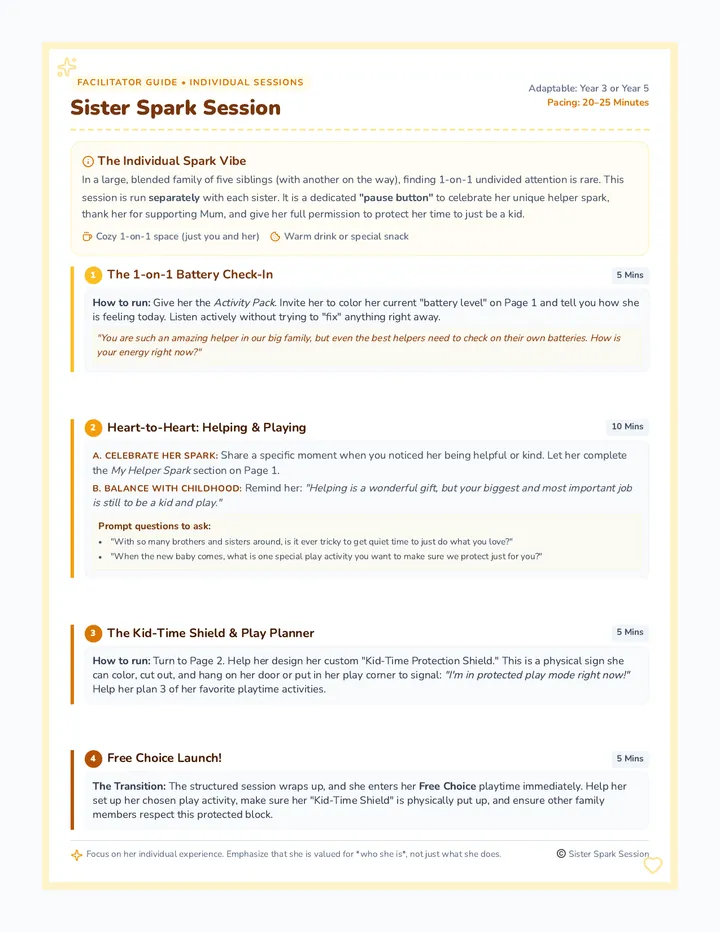
A cozy, 20-25 minute wellbeing session run separately with each sister (Year 3 and Year 5) in a large, blended family. It focuses on celebrating her individual helper spark, acknowledging her support for Mum and her siblings, and establishing a healthy balance between helping out and protecting her own time to just be a kid.
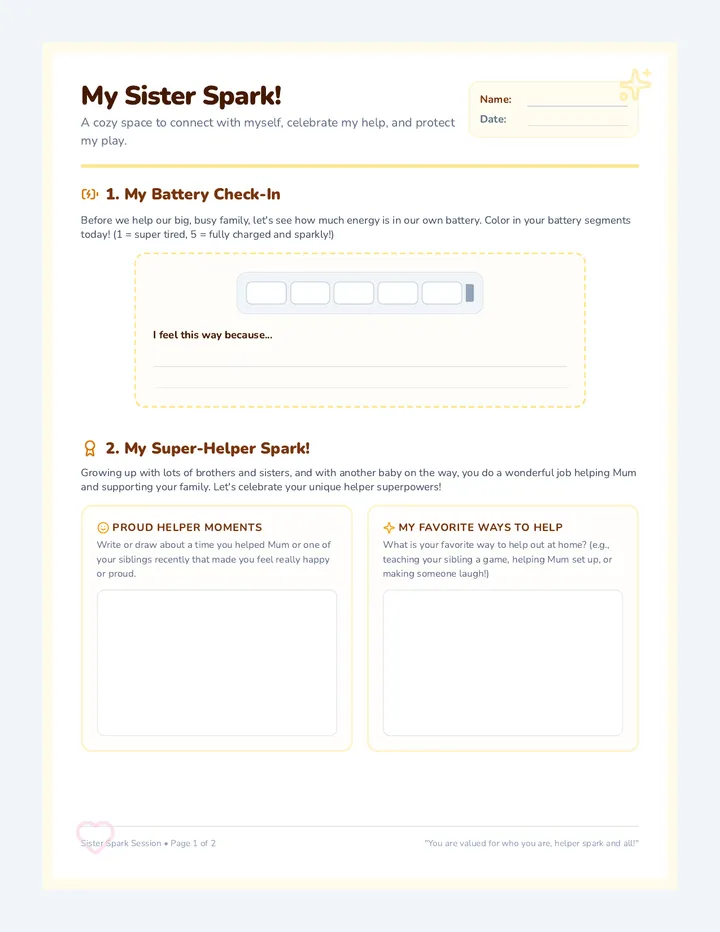
A highly engaging, 2-page activity pack for the individual sister. Page 1 features an individual 'battery meter' check-in and 'My Super-Helper Spark' space to celebrate how she supports her family. Page 2 includes a custom 'Kid-Time Shield' sign to color and cut out, alongside her own 'Protected Play Planner' to schedule uninterrupted kid-time.
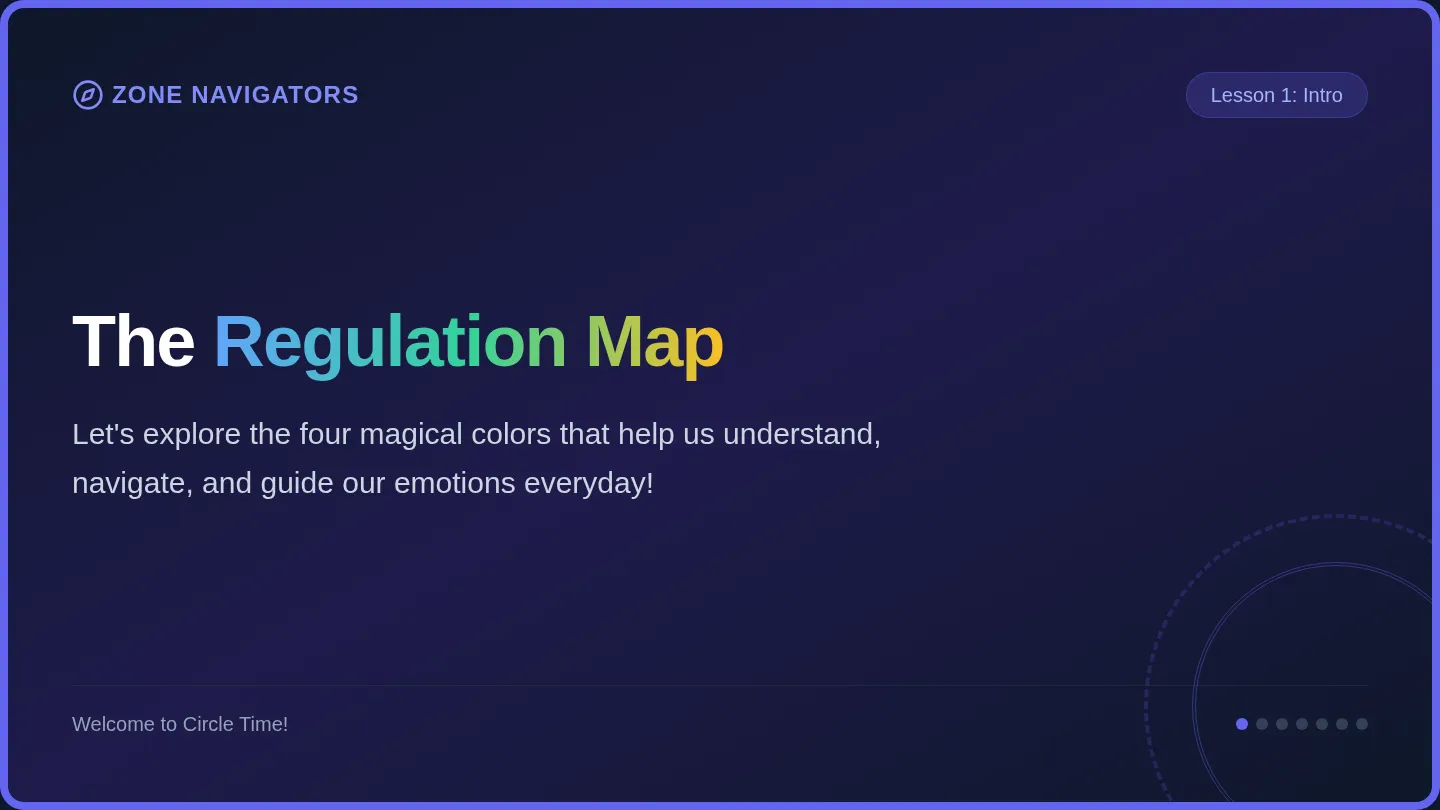
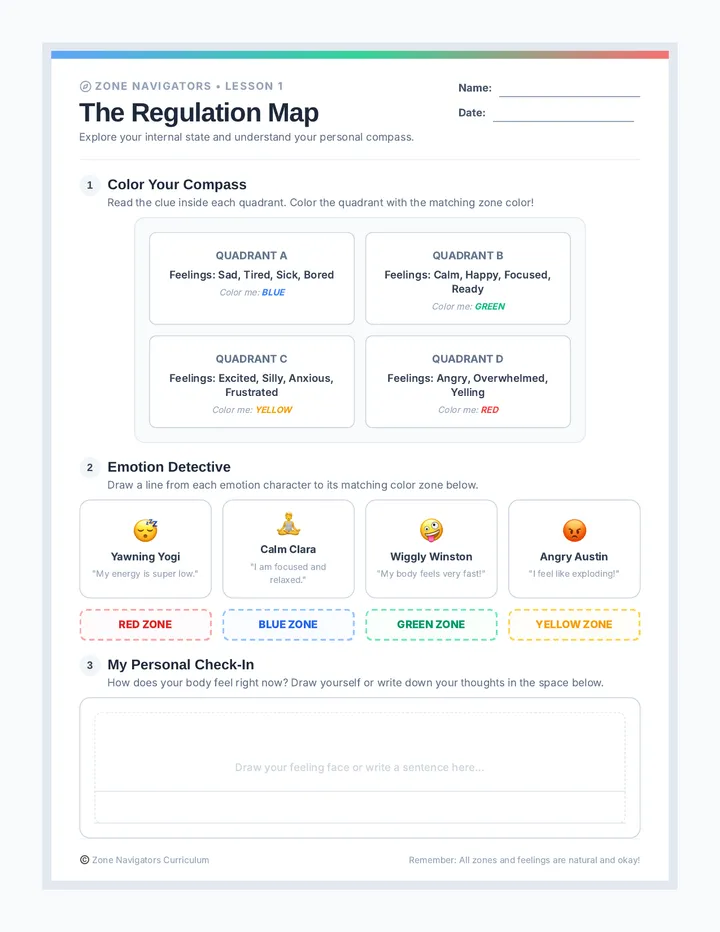
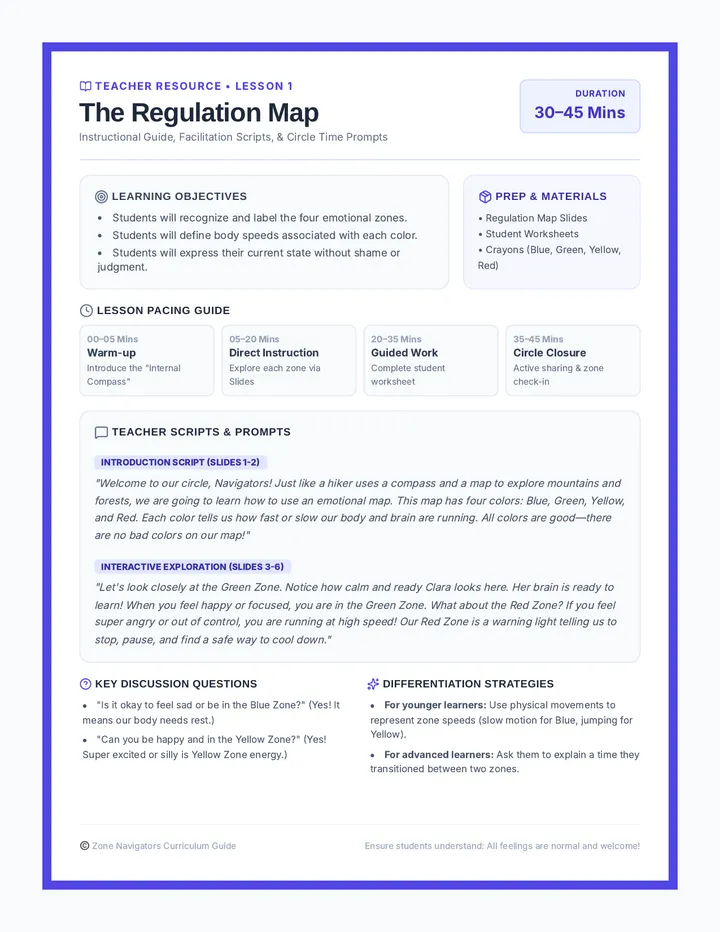
A comprehensive social-emotional learning curriculum designed to teach emotional regulation based on the four-zone framework. Students learn to recognize emotional states, identify body cues, and construct a personalized coping toolbox to transition between zones safely.
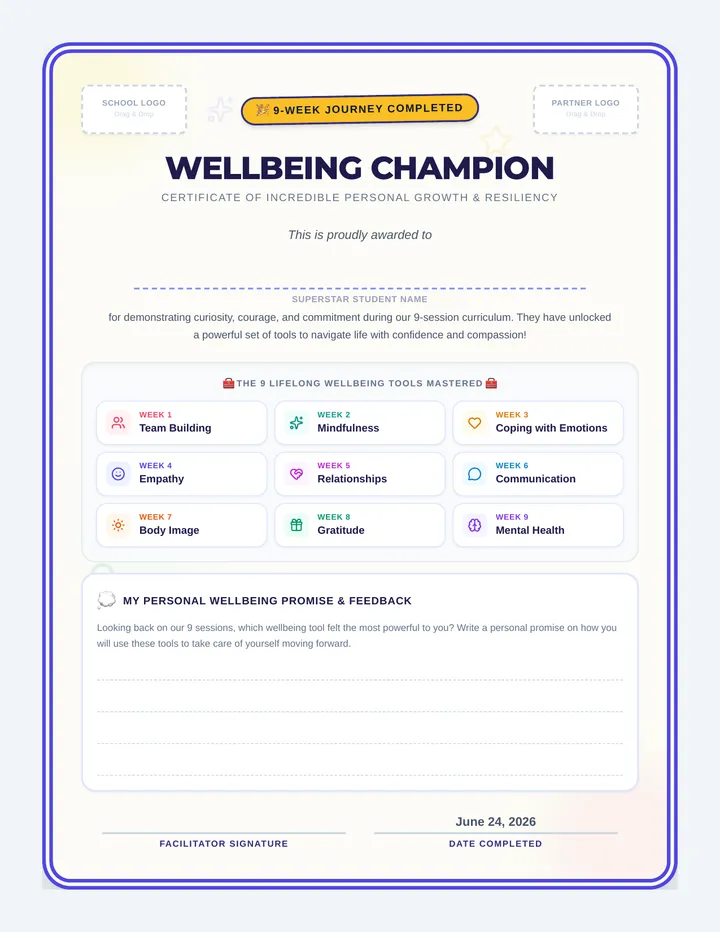
A celebratory lesson culminating a 9-week social and emotional wellbeing journey, reinforcing core concepts like mindfulness, coping with emotions, empathy, relationships, communication, body image, gratitude, and mental health, with a student certificate of achievement and personalized reflection.
A warm, 1-page guide for a parent or facilitator to run a cozy 20-25 minute wellbeing session for two sisters. Includes step-by-step guidance on setting a relaxed tone, running a battery check-in, discussing the balance between helping and playing, and launching them into free play.
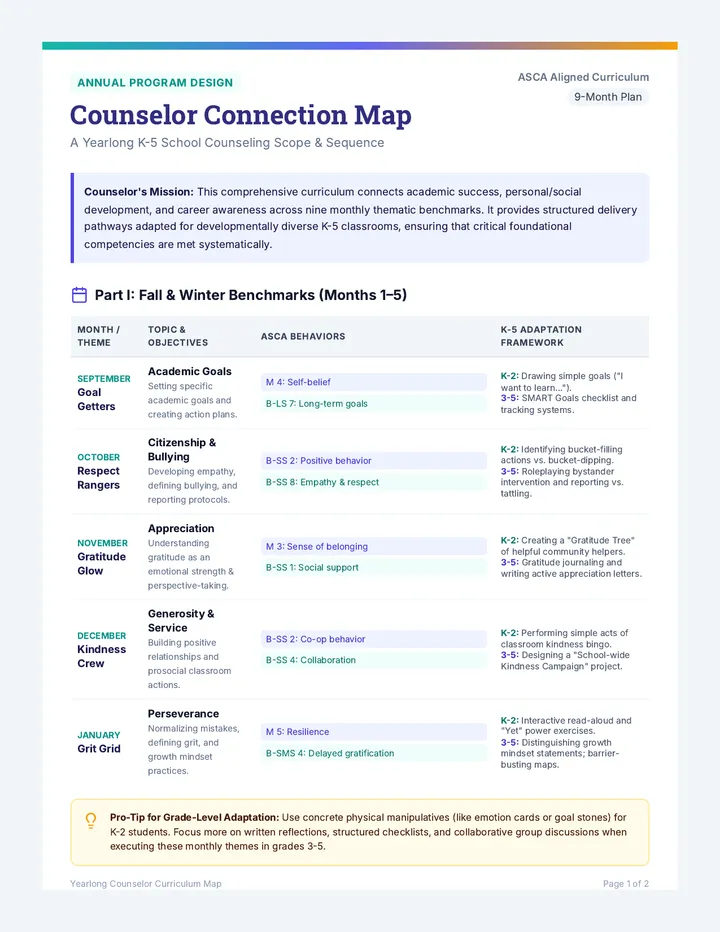
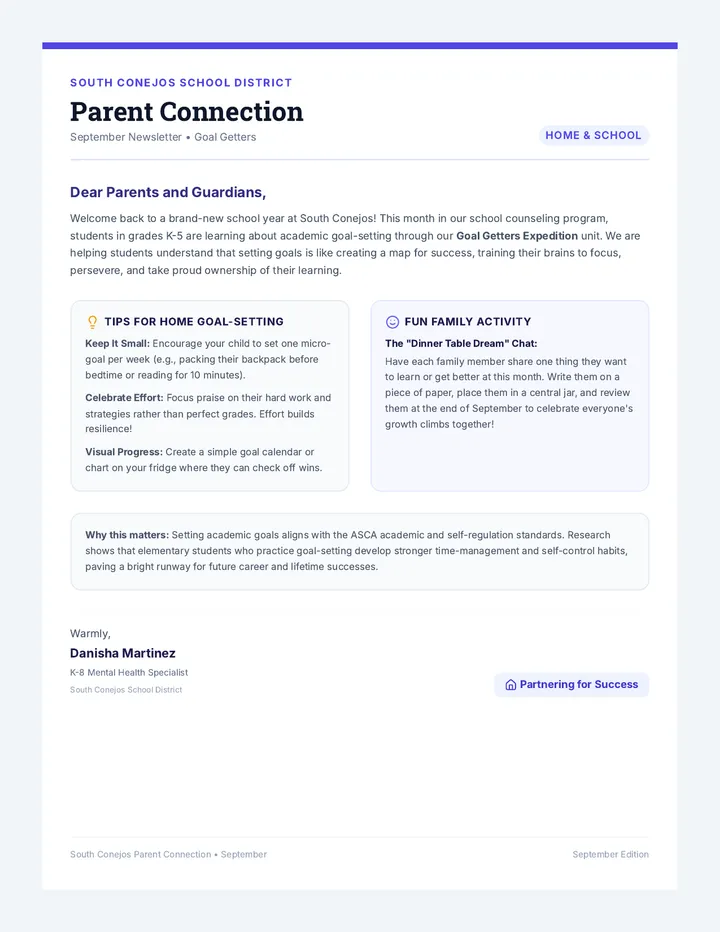
A comprehensive, yearlong K-5 school counseling curriculum bridging social-emotional learning, academic growth, and career exploration. Rooted in ASCA Student Standards, this curriculum provides counselors with structured lesson maps, slide presentations, and student worksheets to cultivate student success throughout the school year.
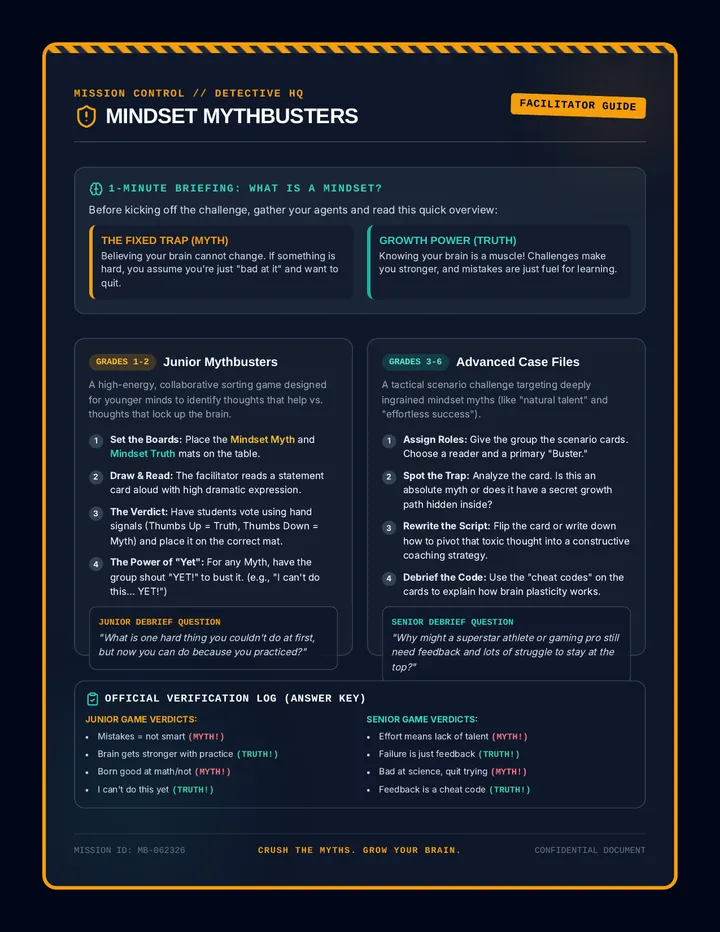
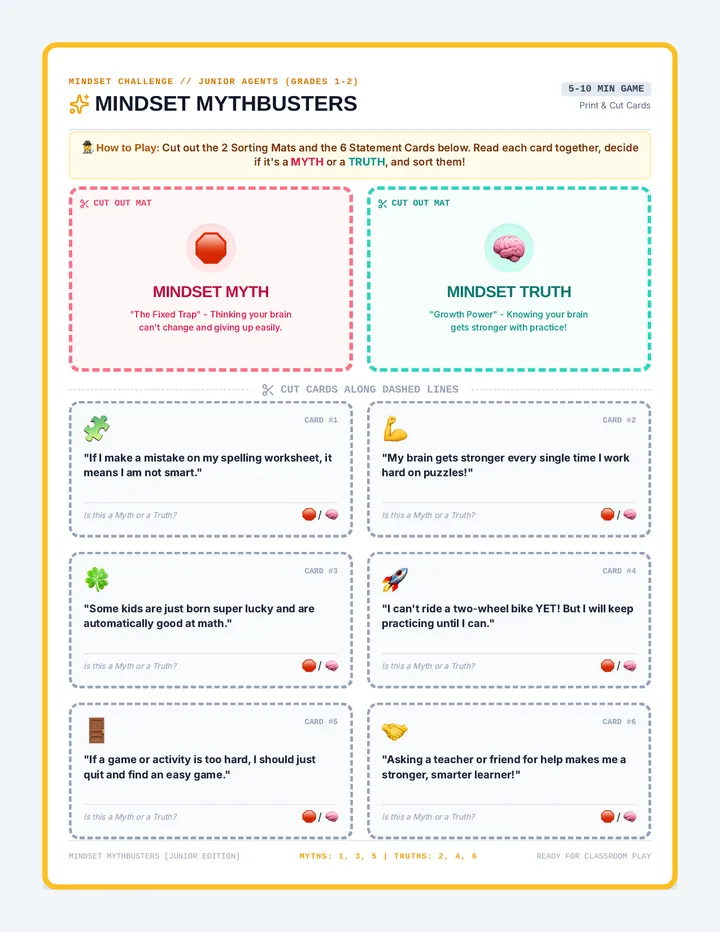
An engaging, fast-paced small group game where students bust common mindset myths and discover growth mindset truths.
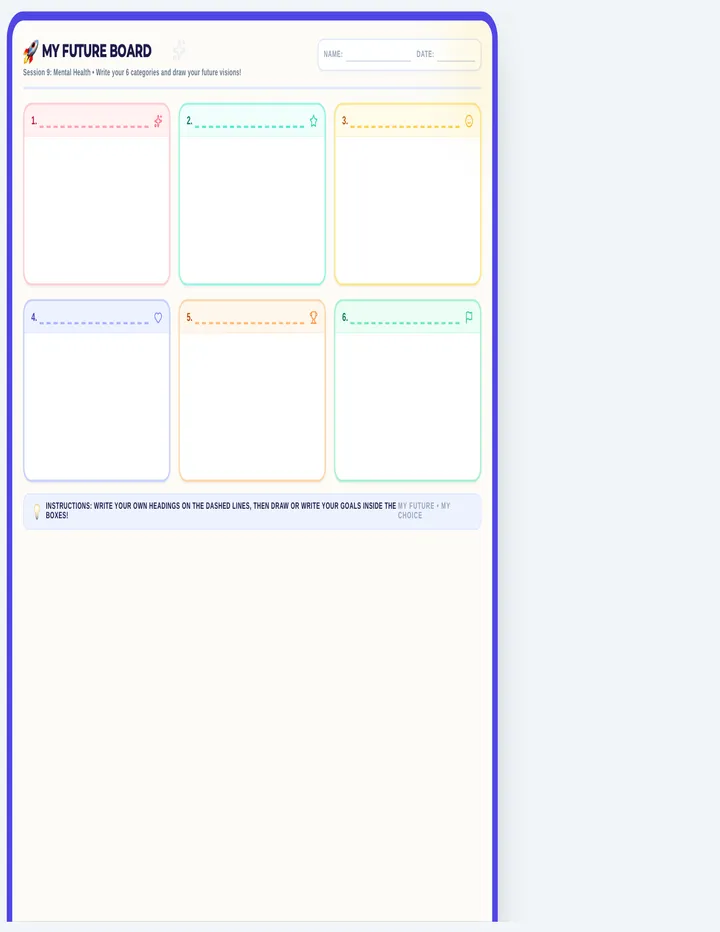
A landscape-format future vision board template for Year 5 and 6 students, featuring a 3x2 grid of drawing cards with pre-labeled categories representing key wellbeing pillars from the 9-week course, complete with student name/date fields and large blank work spaces.
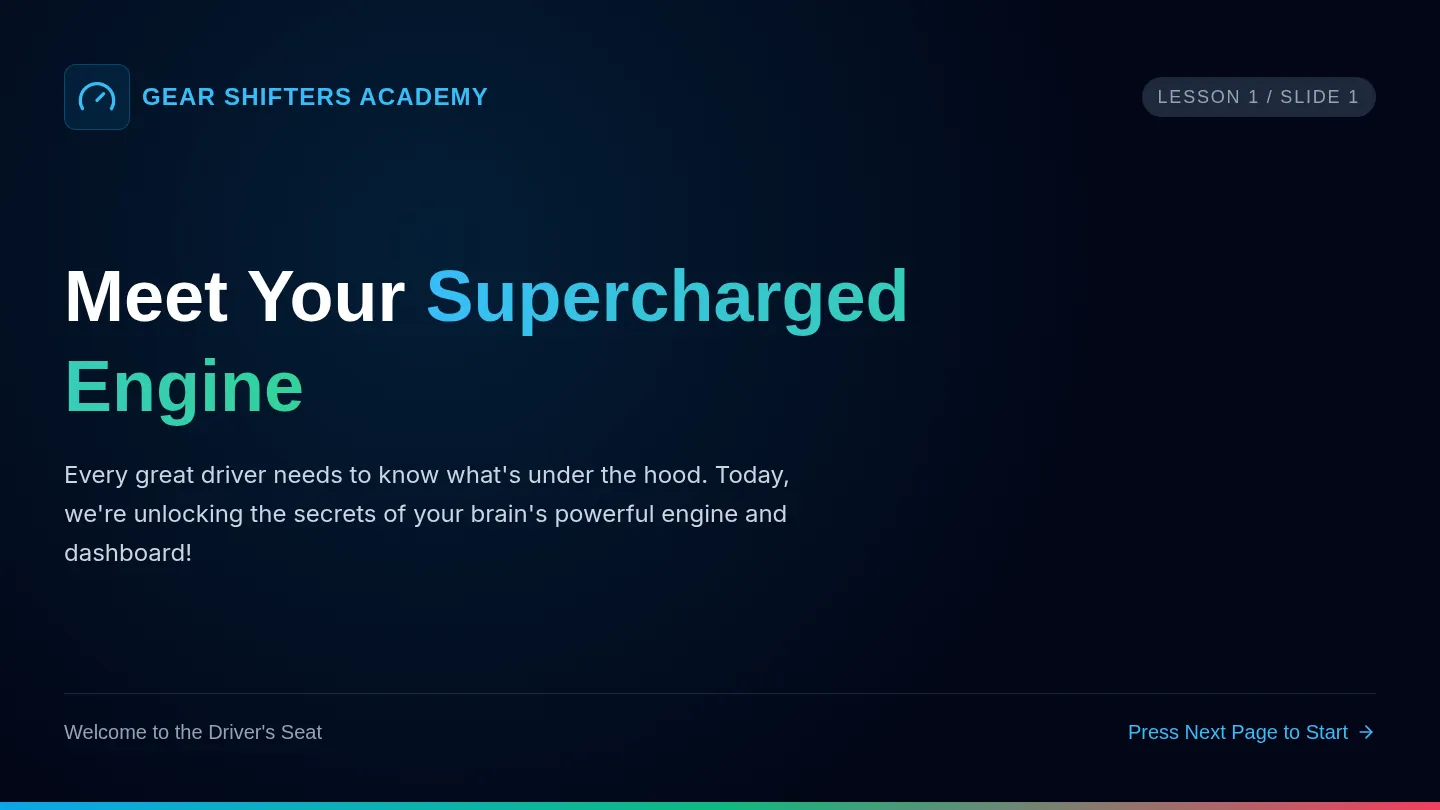
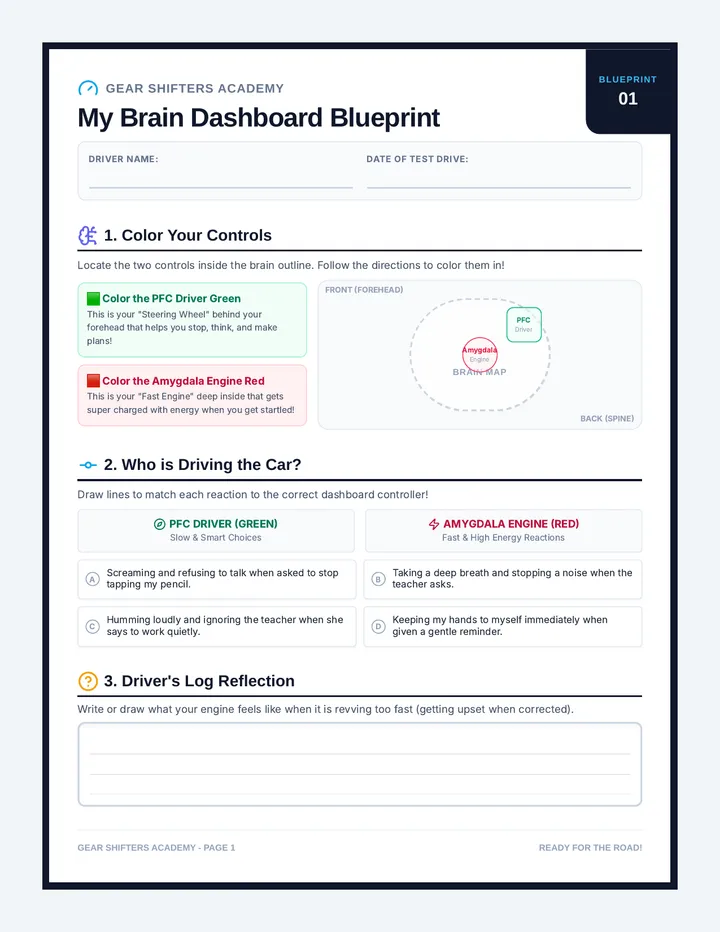
An automotive-themed emotional regulation curriculum designed for elementary students (specifically those with ADHD/Rejection Sensitivity) to reframe feedback triggers as engine RPM revs and coping strategies as downshifting gears.
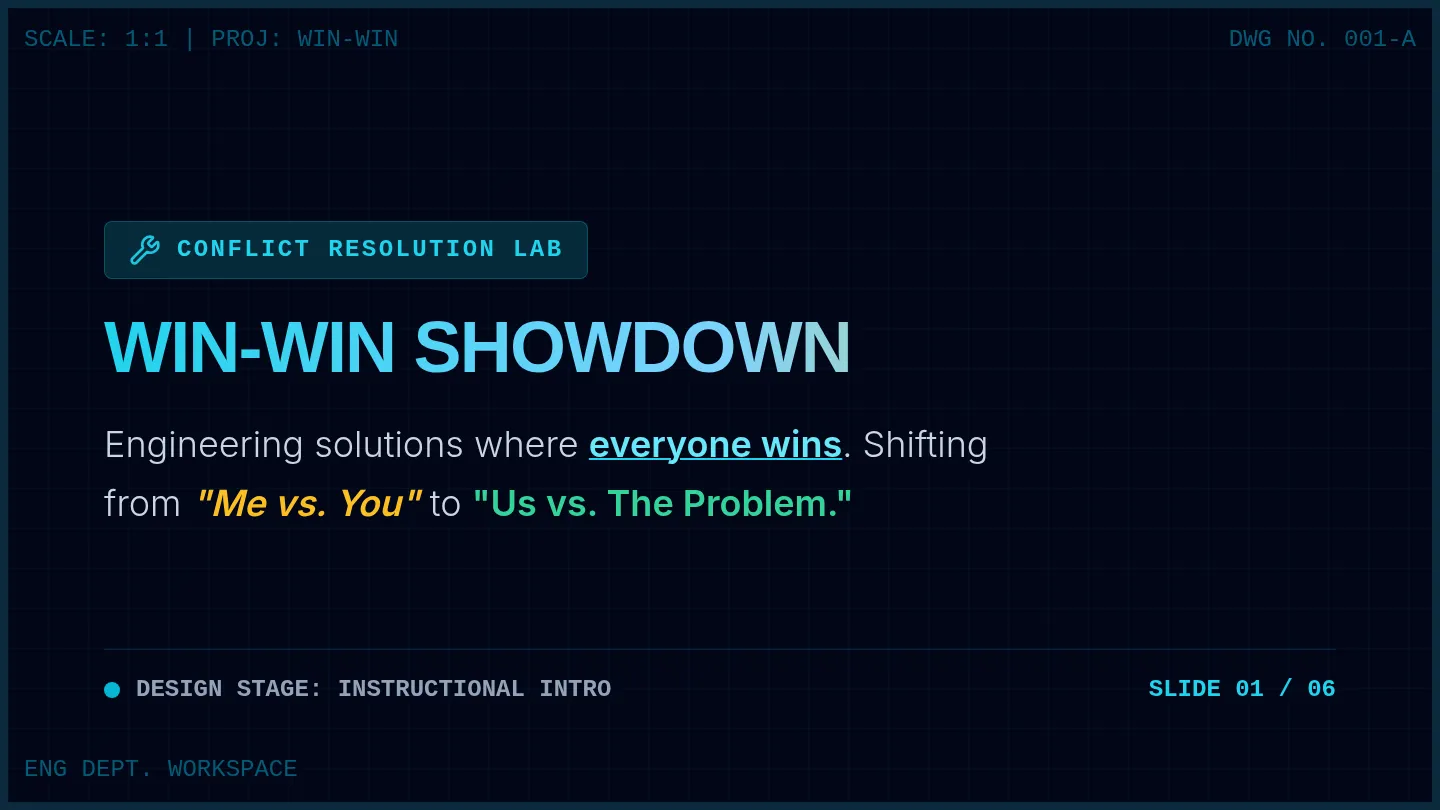
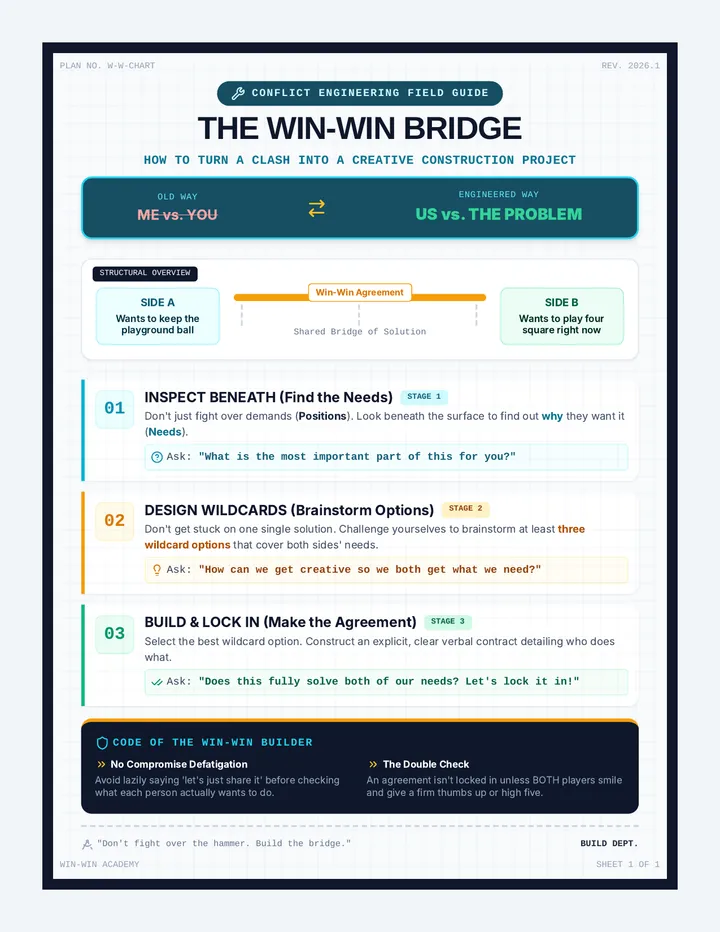
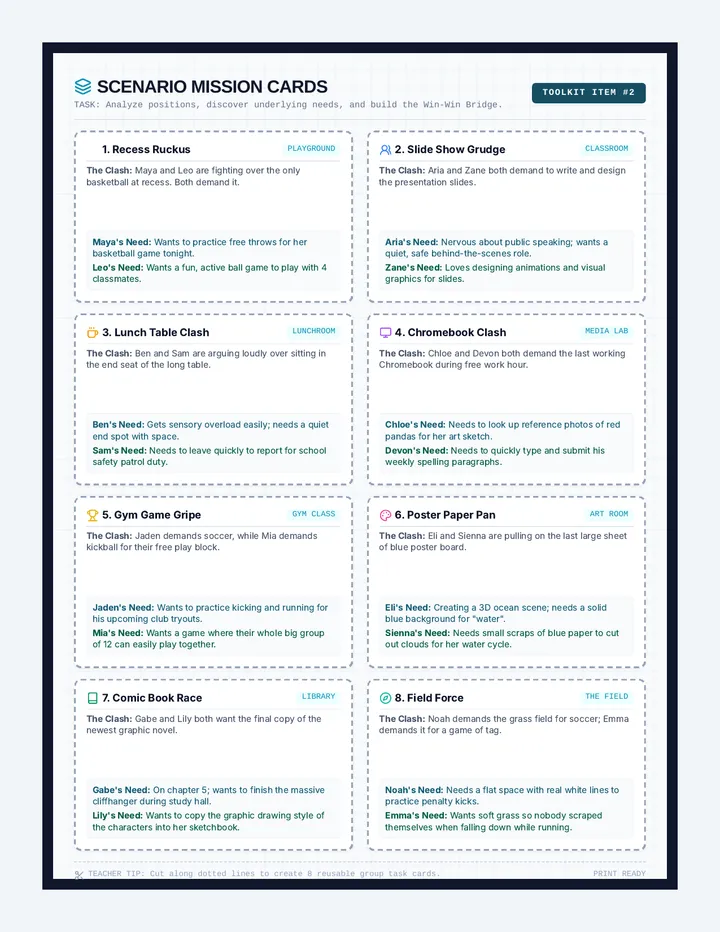
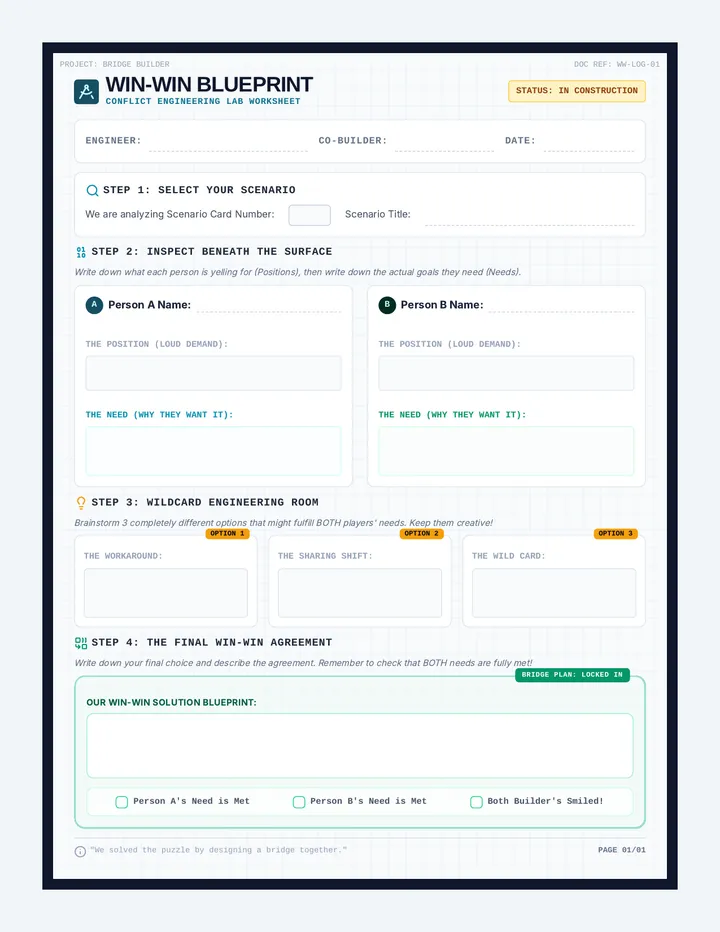
A dynamic conflict resolution lesson for 4th and 5th graders focusing on collaborative win-win negotiation. Students learn to move from 'Me vs. You' to 'Us vs. The Problem' by engineering solutions that satisfy everyone's underlying needs.
A celebratory, modern portrait certificate of achievement for completing the 9-week wellbeing course, featuring a 3x3 tool grid of course subheadings, double school logo placeholders, and a dedicated, light-background open reflection section for student commitments and feedback.