Chat Champions Slides
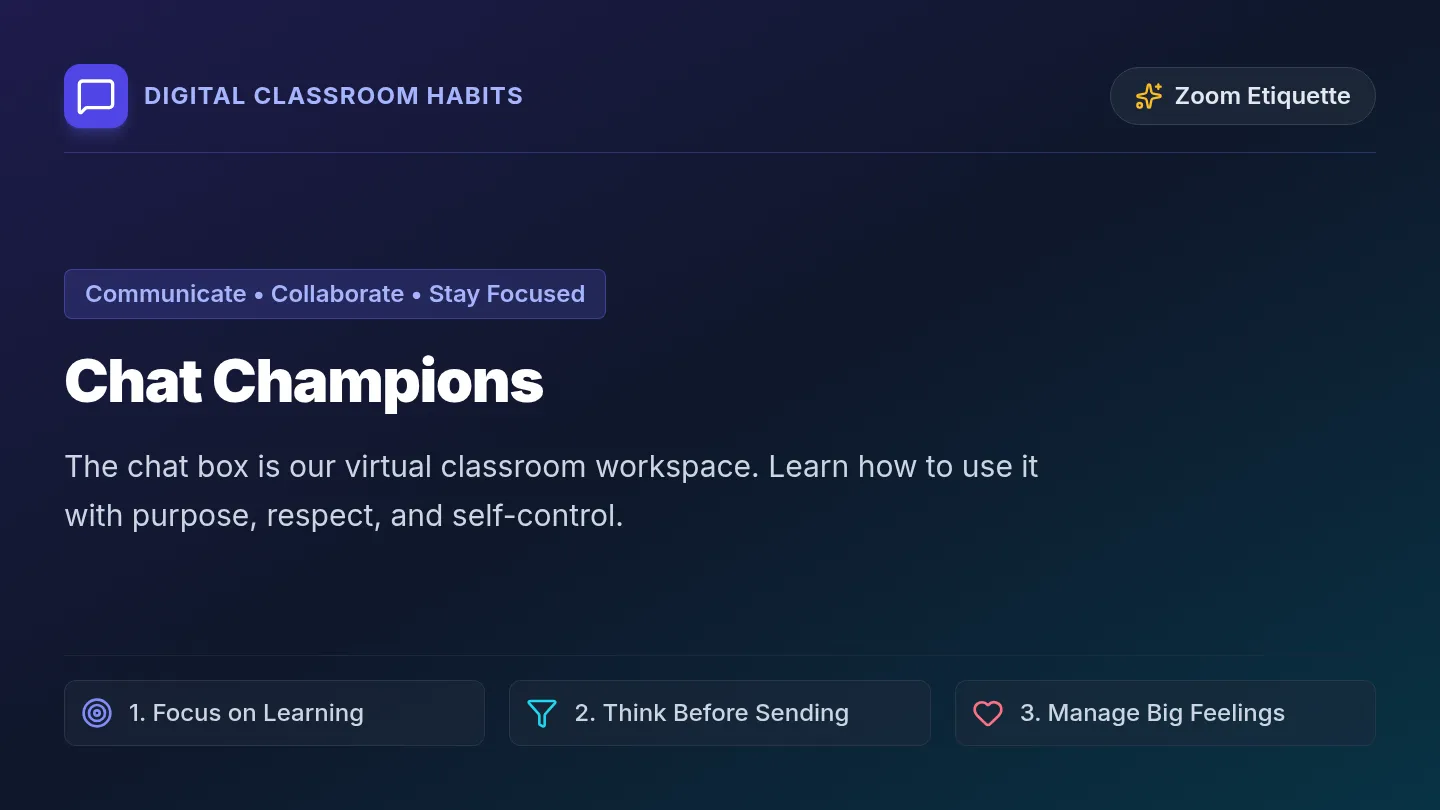
Digital Classroom Habits
Zoom Etiquette
Communicate • Collaborate • Stay Focused
Chat Champions
The chat box is our virtual classroom workspace. Learn how to use it with purpose, respect, and self-control.
1. Focus on Learning
2. Think Before Sending
3. Manage Big Feelings
RULE 1
Use Chat for Learning
What Belongs in Chat
- ✓ Answers and ideas for current lesson questions
- ✓ Asking for help or lesson clarification
- ✓ Kind encouragement and collaborative group work
What Does Not Belong
- ✗ Random emojis, memes, or message spamming
- ✗ Side conversations unrelated to the topic
- ✗ Sharing every single random passing thought
🎯 Quick Test: If a visitor read the chat right now, would they know what we are learning?
RULE 2
Think Before You Send
Before you hit Enter, pause for 3 seconds and run through this 4-step checklist:
1
Is it related?
Does this connect directly to today's prompt or lesson activity?
2
Is it helpful?
Does it add value or answer someone's question constructively?
3
Does everyone need it?
Is this for the whole class, or just a quick note for the teacher?
4
Is the time right?
Are we in open chat time, or is someone currently presenting?
💡 If any answer is "No", hold onto that thought for later!
RULE 3
Big Feelings? Use Coping Tools!
Feeling excited, bored, frustrated, or anxious is normal. Instead of spamming the chat, try these four healthy tools:
Slow Breaths
Breathe in for 4 seconds, hold for 2, breathe out slowly.
Use a Fidget
Keep hands busy with an approved silent desk tool.
Paper Scribble
Jot thoughts or doodles in your private notebook.
Private Message
Send a discreet 1-on-1 note directly to your teacher.
🗣️ Self-Talk Mantra: "I can pause and wait for the right moment to share this."
RULES 4 & 5
Right Place & Respectful Pace
Public vs. Private Chat
📢 Everyone: Lesson answers, group reactions, open discussions.
🔒 Teacher Only: Bathroom requests, tech issues, personal worries, feeling overwhelmed.
Pacing & Respect
- ● Send once: Avoid typing the same word or letter over and over.
- ● Give space: Wait for classmates and your teacher to read and reply.
- ● Safety first: If something is urgent, tell a trusted adult immediately.
🤝 Everyone in our group deserves the space to learn without sudden screen distractions.
The Chat Champion Pledge
Our Classroom Goal
"All my thoughts and feelings are welcome.
I am learning when, where, and how to share them."
WHEN
At the right lesson time
WHERE
Public or private chat
HOW
Kind, helpful, and calm
Ready to participate and learn together!
Let's have a great class
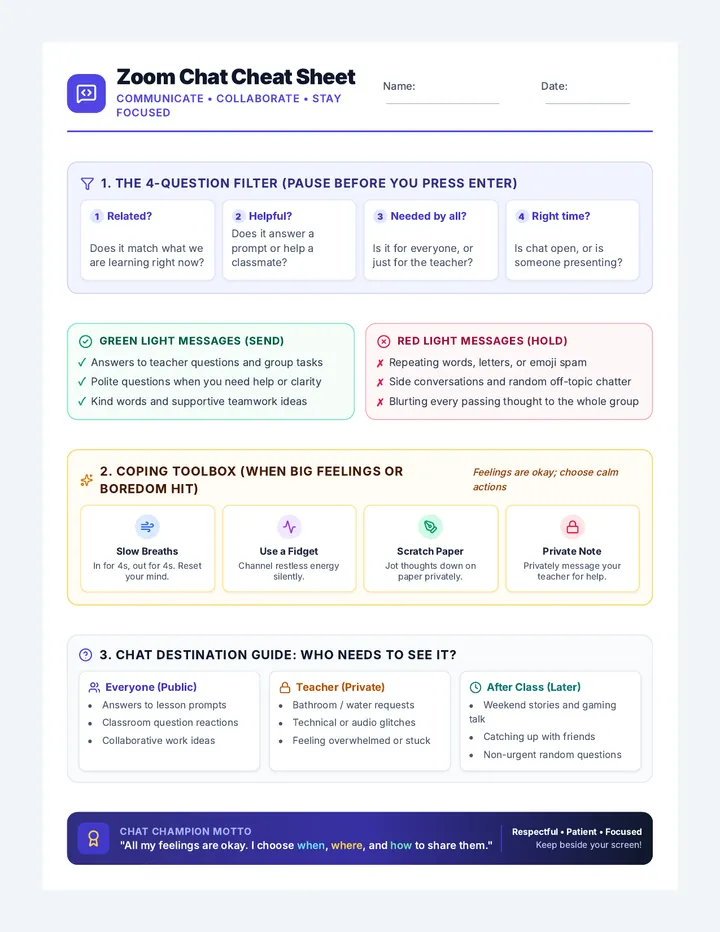
Chat Champions Cheat Sheet
Zoom Chat Cheat Sheet
Communicate • Collaborate • Stay Focused
Name:
Date:
1. The 4-Question Filter (Pause Before You Press Enter)
1 Related?
Does it match what we are learning right now?
2 Helpful?
Does it answer a prompt or help a classmate?
3 Needed by all?
Is it for everyone, or just for the teacher?
4 Right time?
Is chat open, or is someone presenting?
Green Light Messages (Send)
- ✓ Answers to teacher questions and group tasks
- ✓ Polite questions when you need help or clarity
- ✓ Kind words and supportive teamwork ideas
Red Light Messages (Hold)
- ✗ Repeating words, letters, or emoji spam
- ✗ Side conversations and random off-topic chatter
- ✗ Blurting every passing thought to the whole group
2. Coping Toolbox (When Big Feelings or Boredom Hit)
Feelings are okay; choose calm actions
Slow Breaths
In for 4s, out for 4s. Reset your mind.
Use a Fidget
Channel restless energy silently.
Scratch Paper
Jot thoughts down on paper privately.
Private Note
Privately message your teacher for help.
3. Chat Destination Guide: Who Needs to See It?
Everyone (Public)
- Answers to lesson prompts
- Classroom question reactions
- Collaborative work ideas
Teacher (Private)
- Bathroom / water requests
- Technical or audio glitches
- Feeling overwhelmed or stuck
After Class (Later)
- Weekend stories and gaming talk
- Catching up with friends
- Non-urgent random questions
Chat Champion Motto
"All my feelings are okay. I choose when, where, and how to share them."
Respectful • Patient • Focused Keep beside your screen!