A lesson focused on equipping students with practical organization systems for school, covering binders, planners, and folder management to reduce stress and improve efficiency.
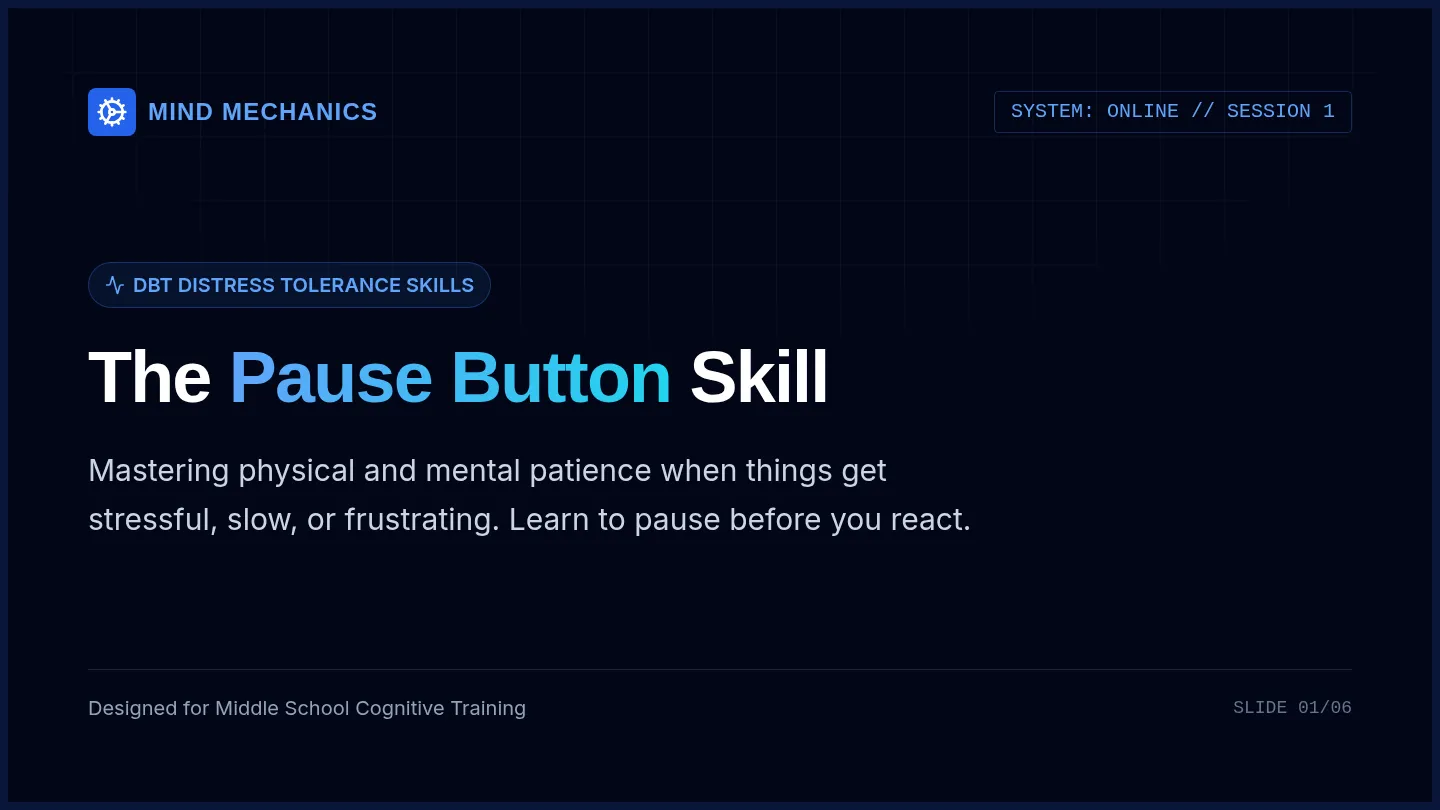
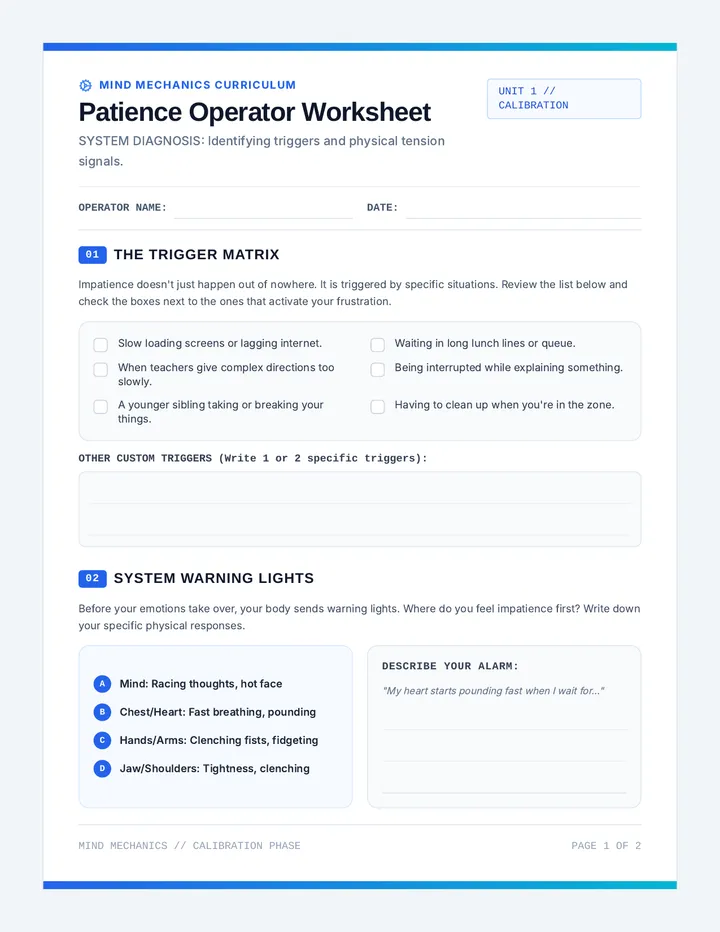
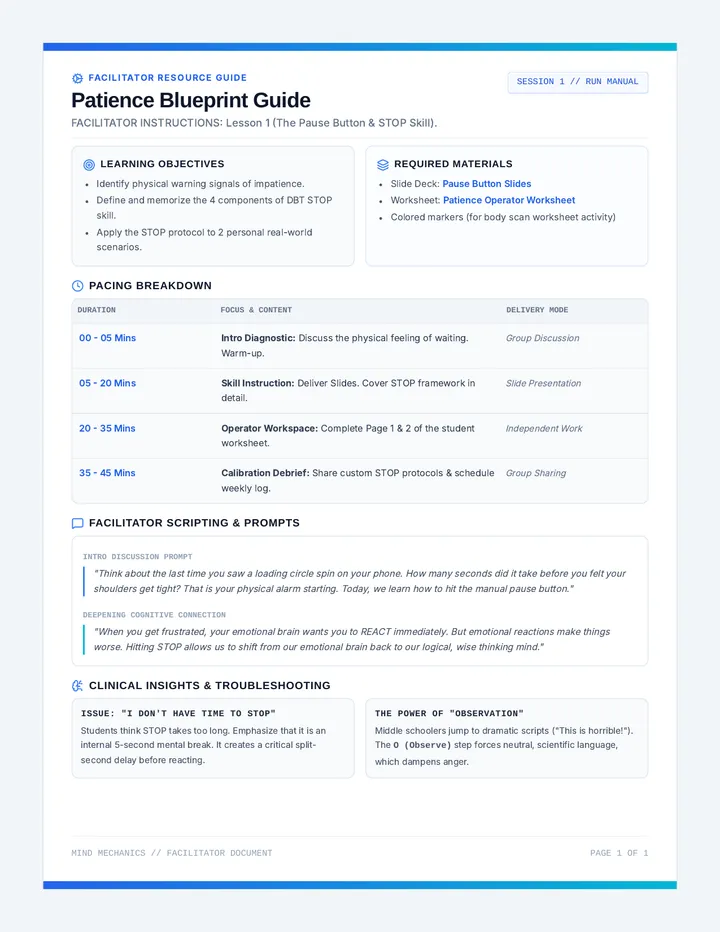
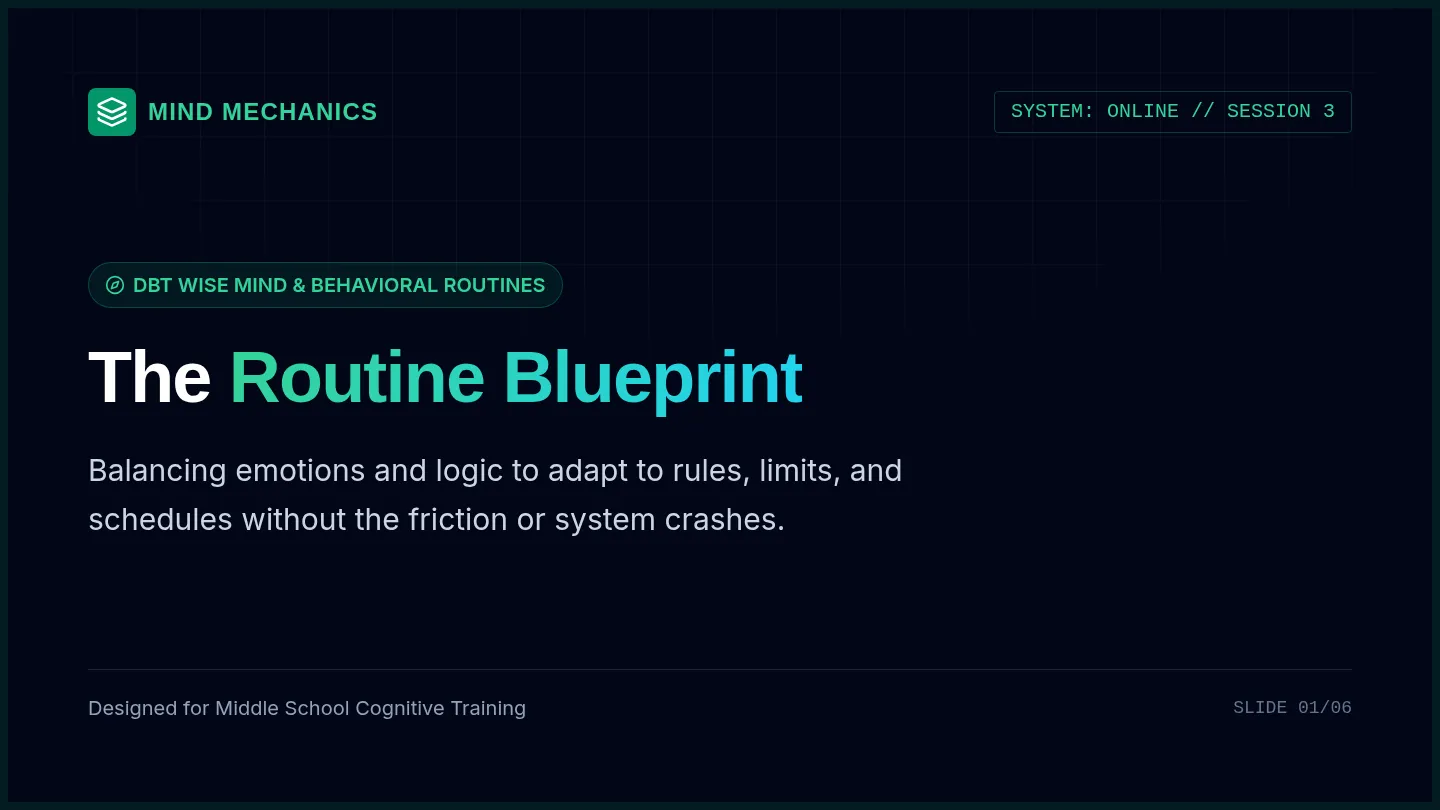
A three-part DBT and CBT curriculum designed to help middle school students build patience, reframe negative mindsets, and comfortably adapt to school and home routines.
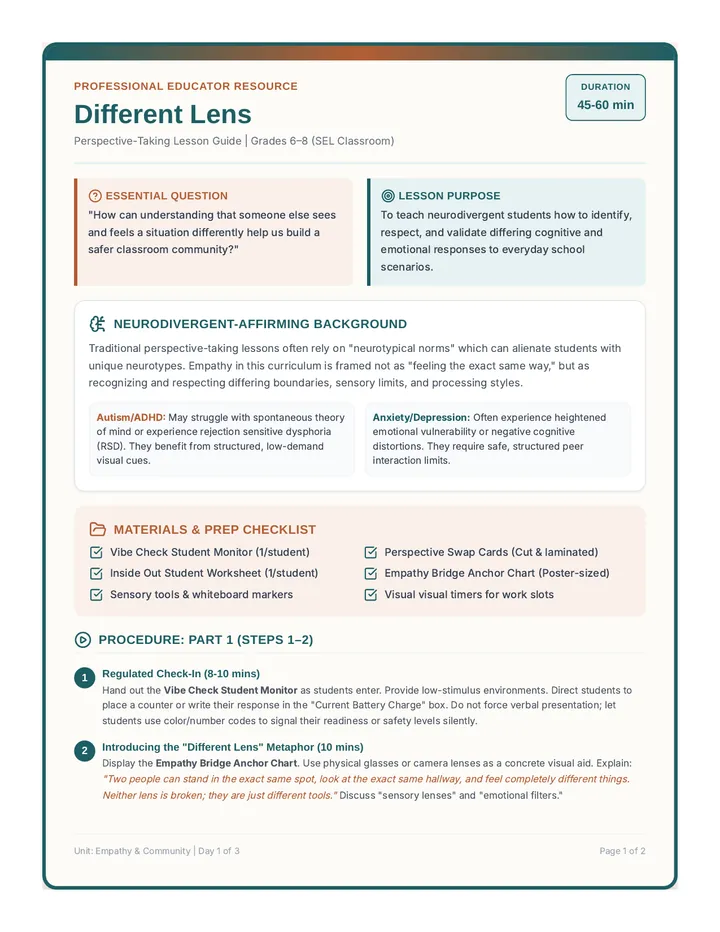
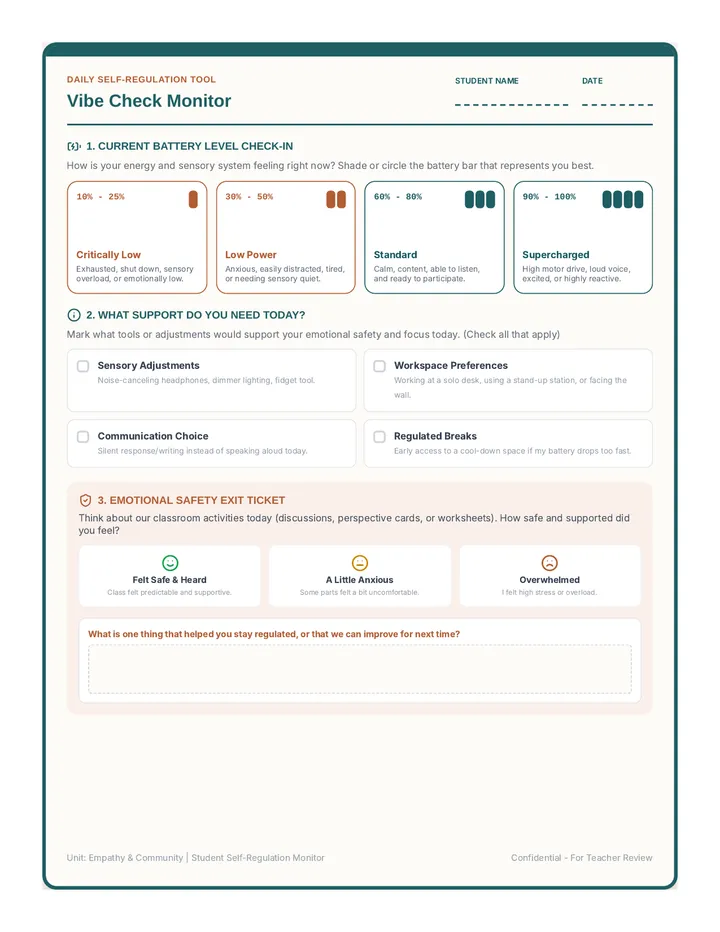
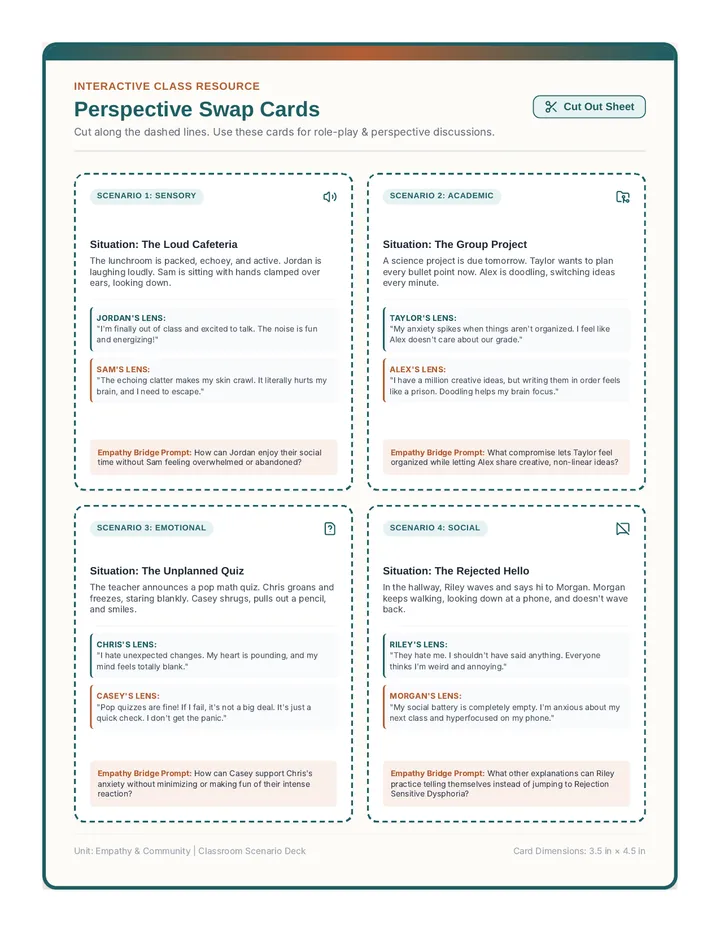
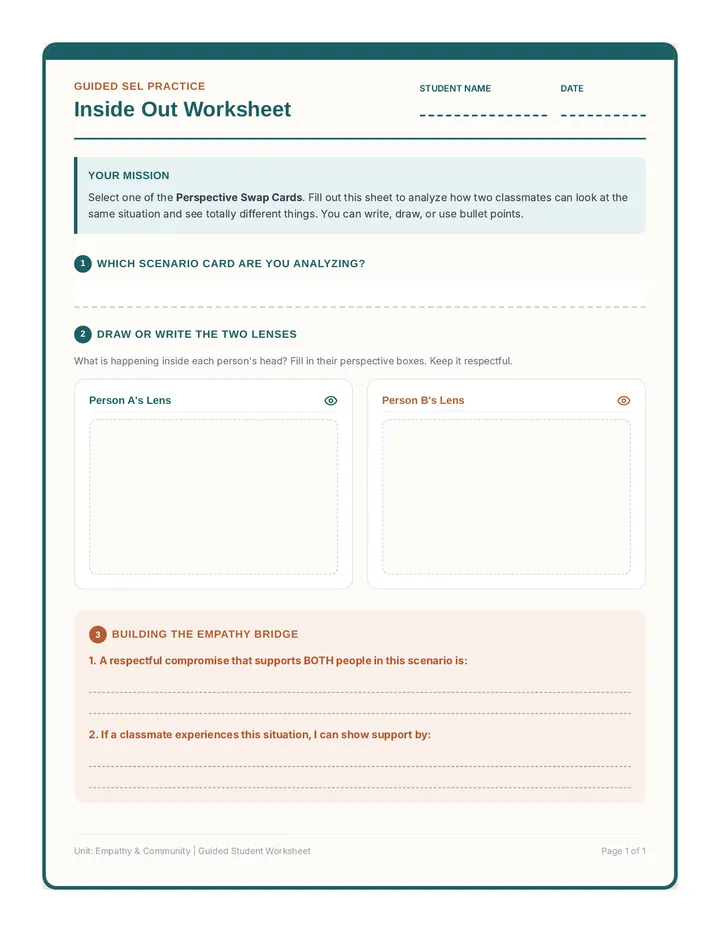
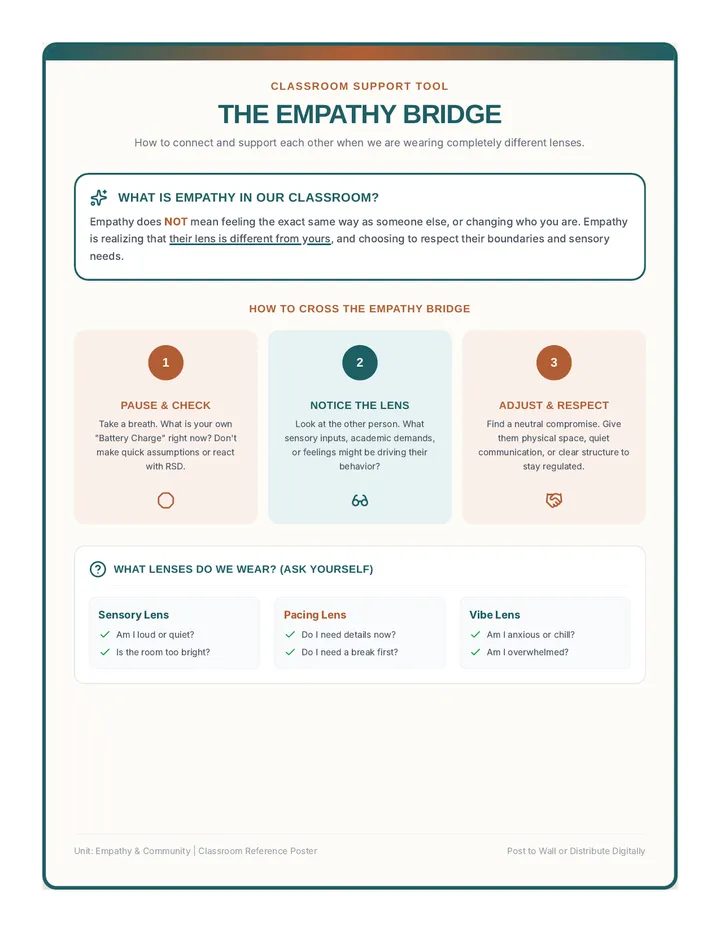
A social-emotional learning lesson for grades 6-8 building perspective-taking. It features visual check-ins, interactive scenario cards, scaffolded worksheets, and anchor charts tailored for neurodivergent students (ADHD, autism, anxiety, depression) in self-contained and inclusion classrooms.
A visual classroom anchor chart poster defining the 'Empathy Bridge' and perspective-taking steps. It uses high-contrast text, clear icons, and structured callouts to support visual and neurodivergent learners.
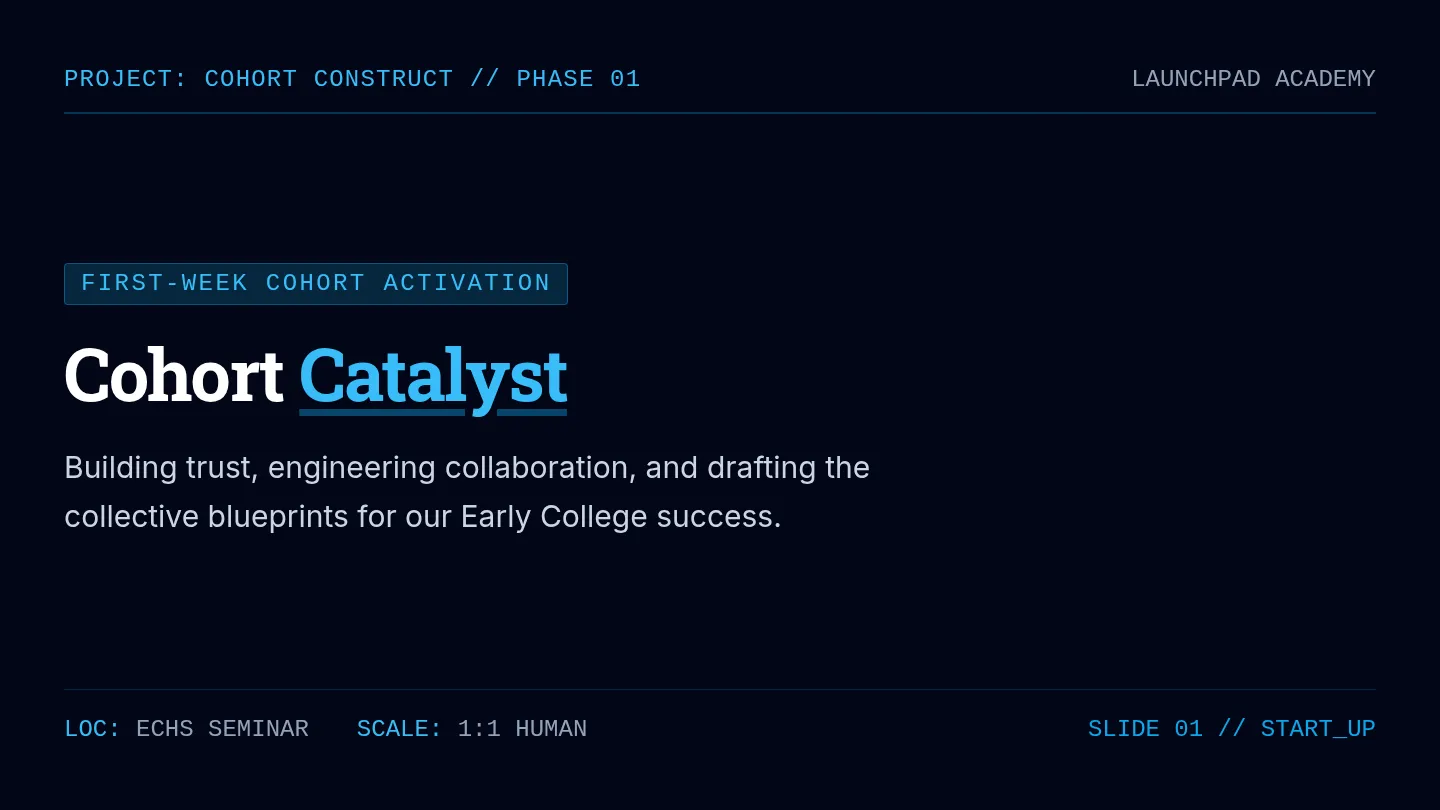
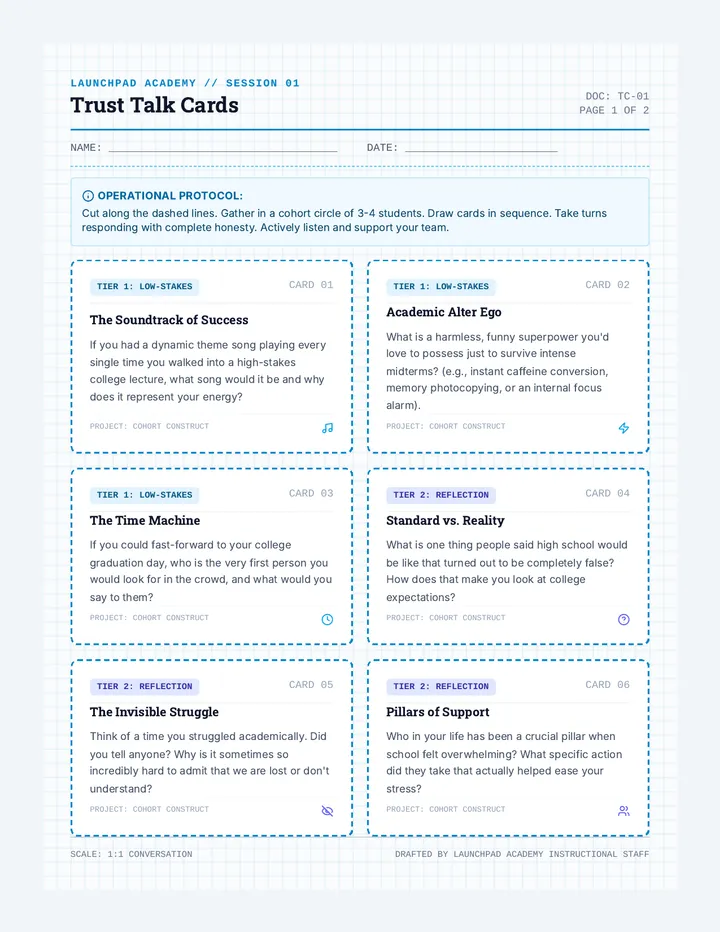
An introductory transition sequence for early college high school students designed to build a supportive peer cohort and de-mystify the academic and social transitions of college life.
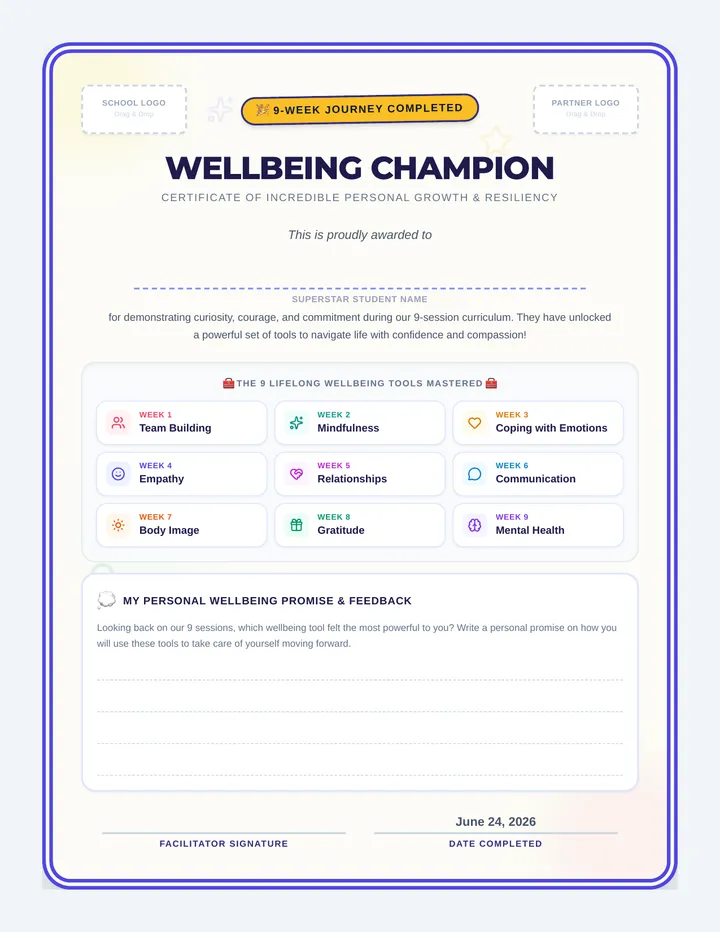
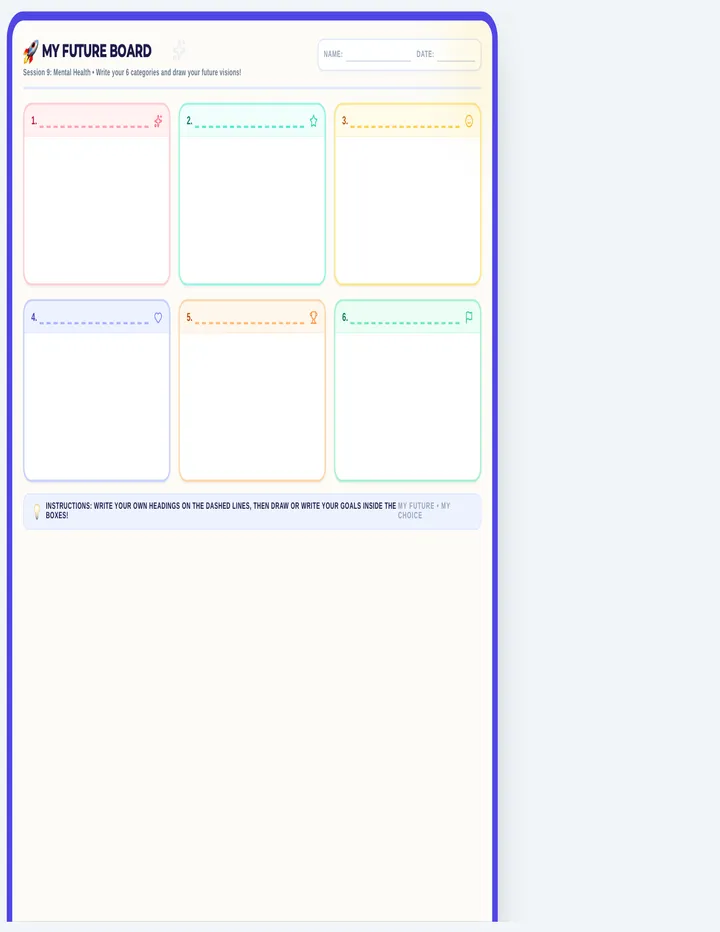
A celebratory lesson culminating a 9-week social and emotional wellbeing journey, reinforcing core concepts like mindfulness, coping with emotions, empathy, relationships, communication, body image, gratitude, and mental health, with a student certificate of achievement and personalized reflection.
A student reflection worksheet with structured sentence stems, visual "lens" organizers, and completely blank work boxes to allow anxious or neurodivergent students to draw or write responses comfortably.
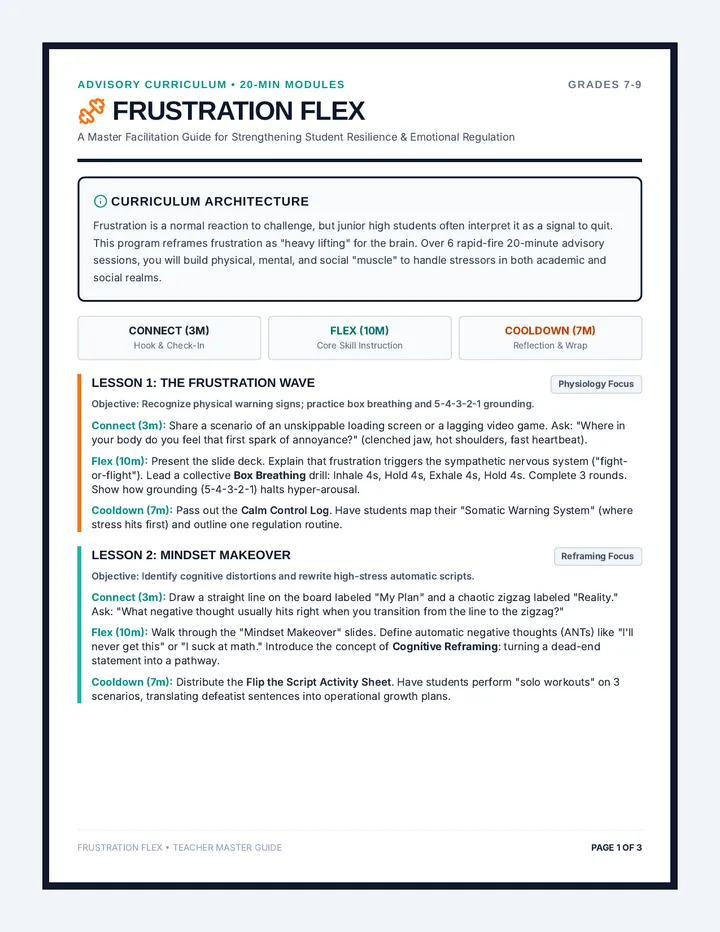
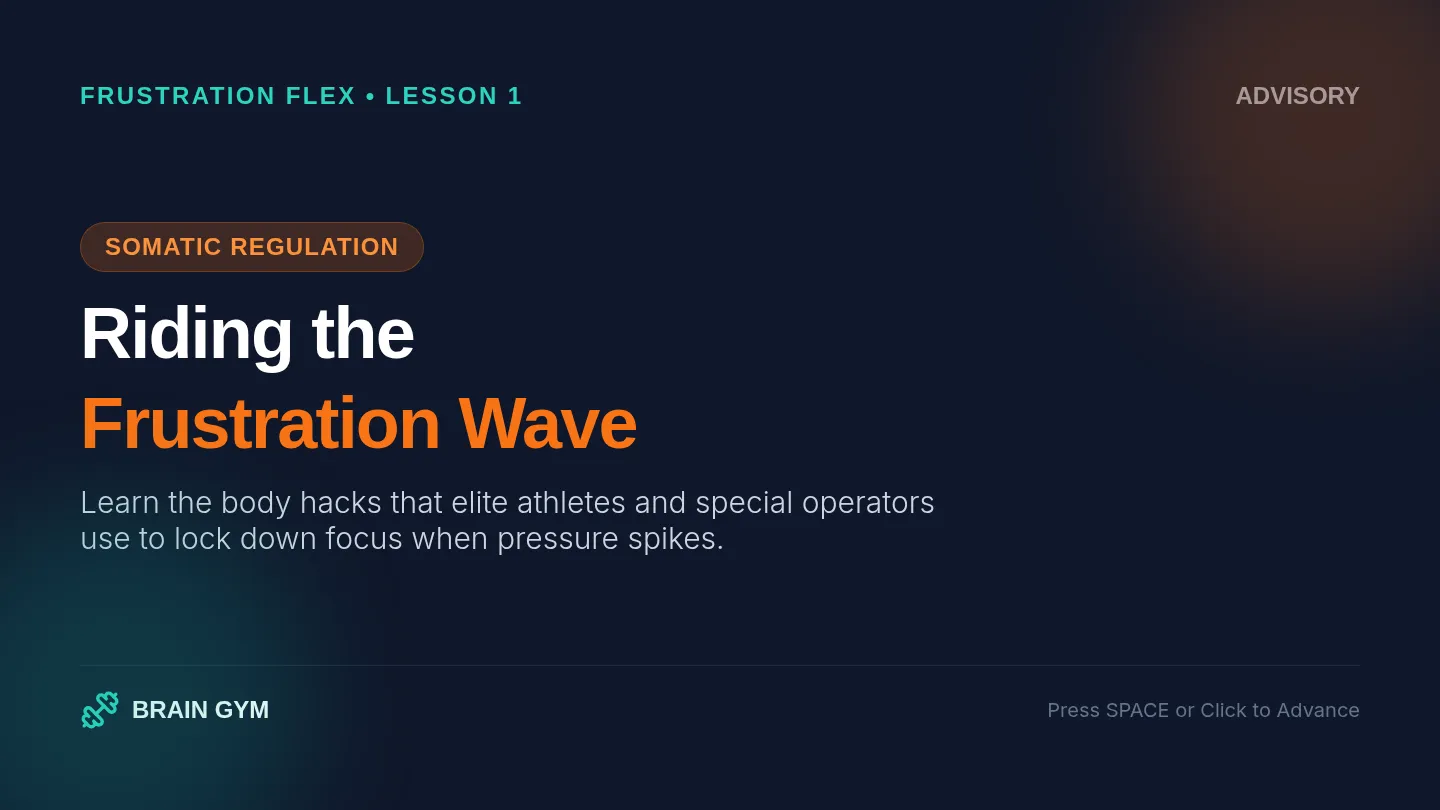
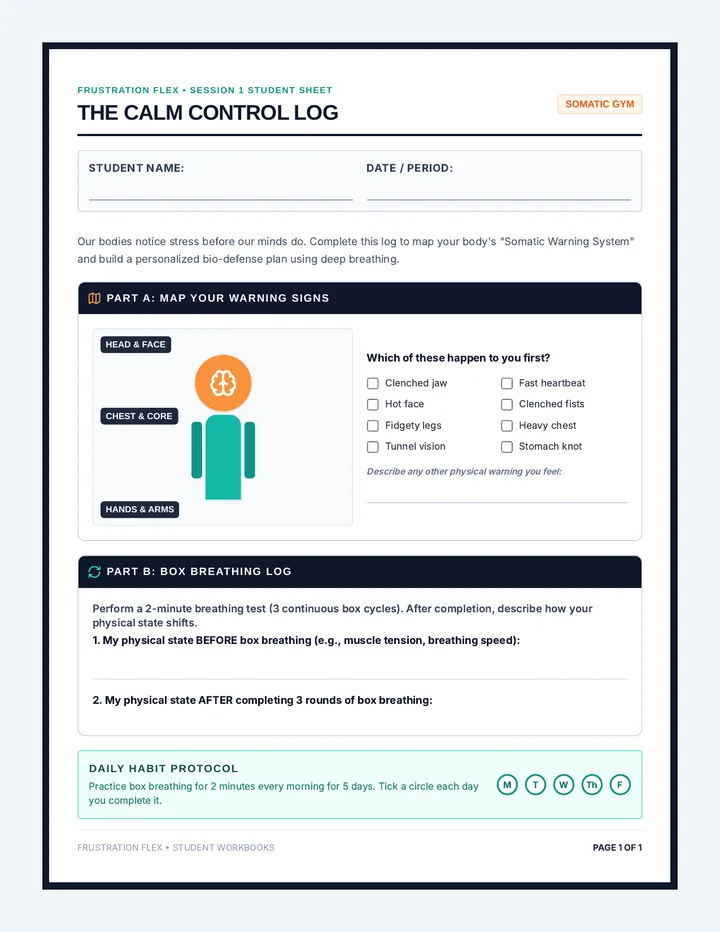
A six-lesson social-emotional learning sequence designed for 20-minute junior high advisory periods, equipping students with practical skills in physiological regulation, cognitive reframing, help-seeking, and social boundary setting.
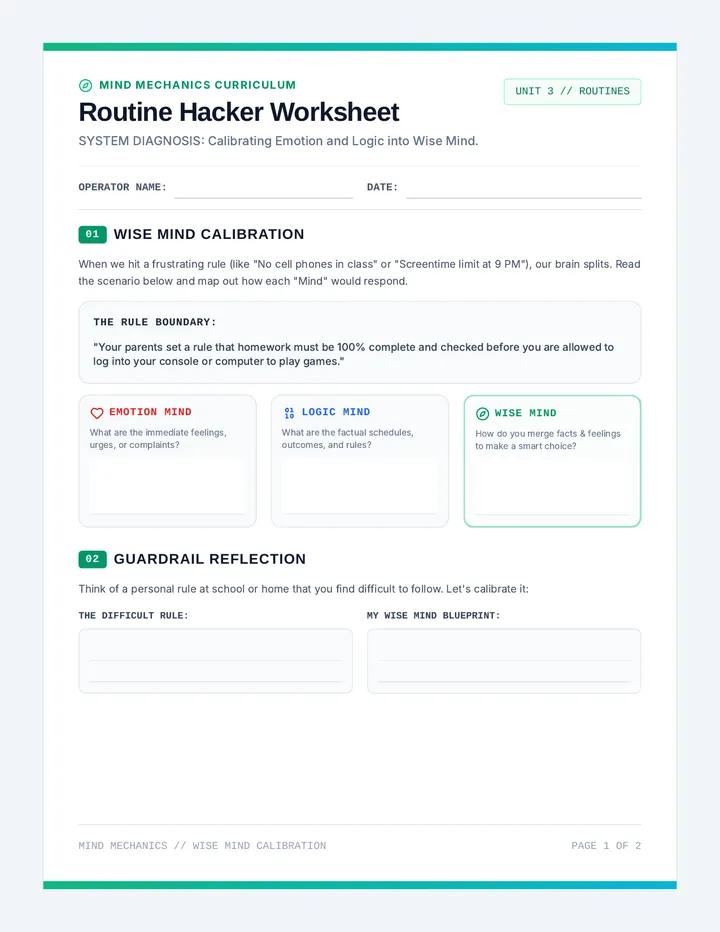
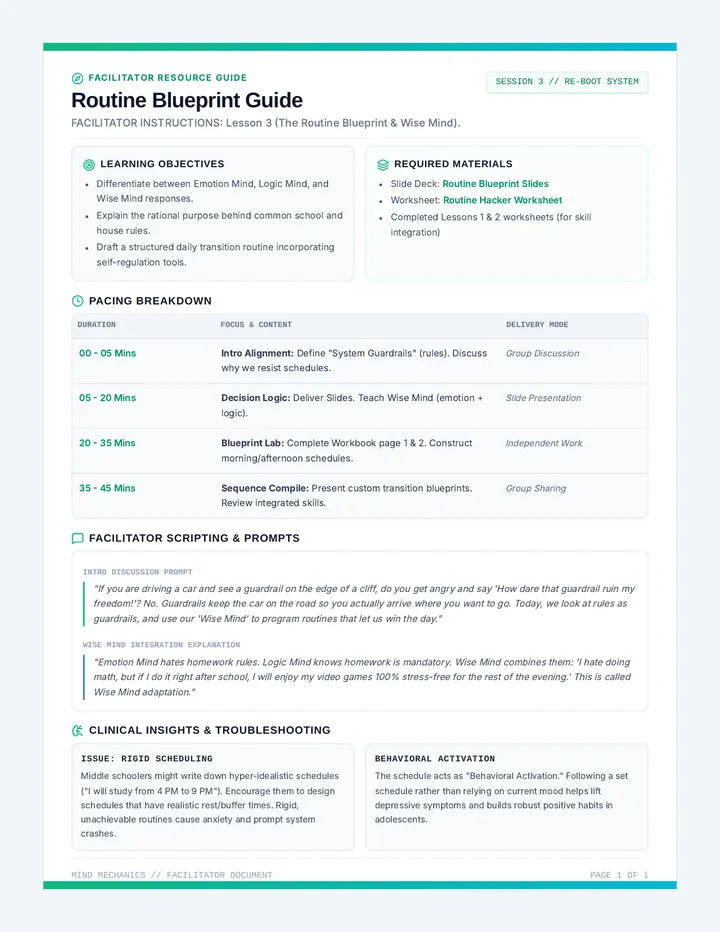
Focuses on adapting to rules, boundaries, and schedules by blending Wise Mind decision-making with practical self-regulation routines.
Printable role-playing and perspective-taking cards tailored for middle school scenarios (sensory, social, and academic). Each card defines the scenario, two distinct characters' lenses, and a guided discussion bridge.
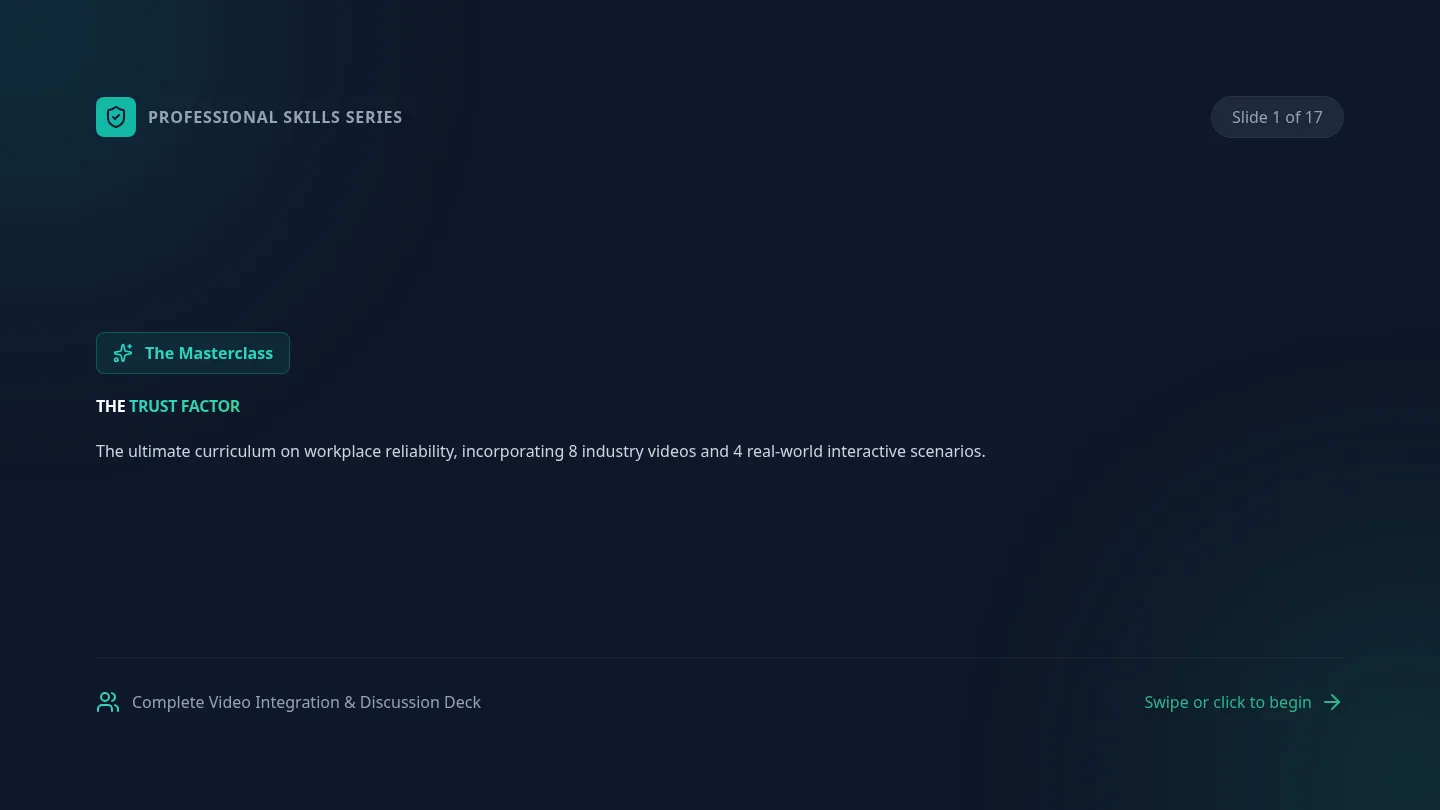
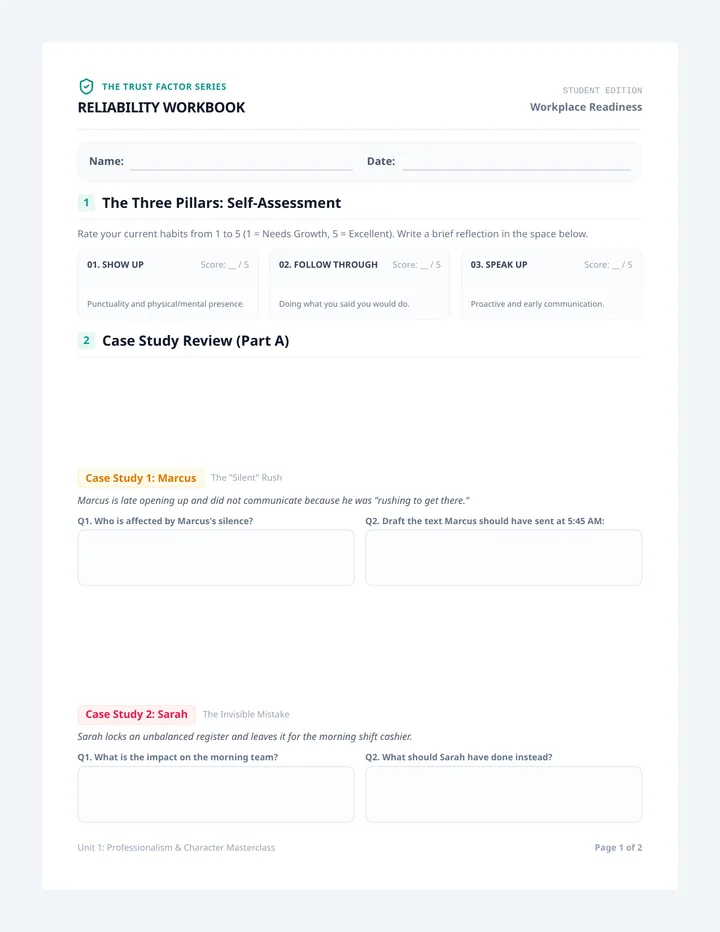
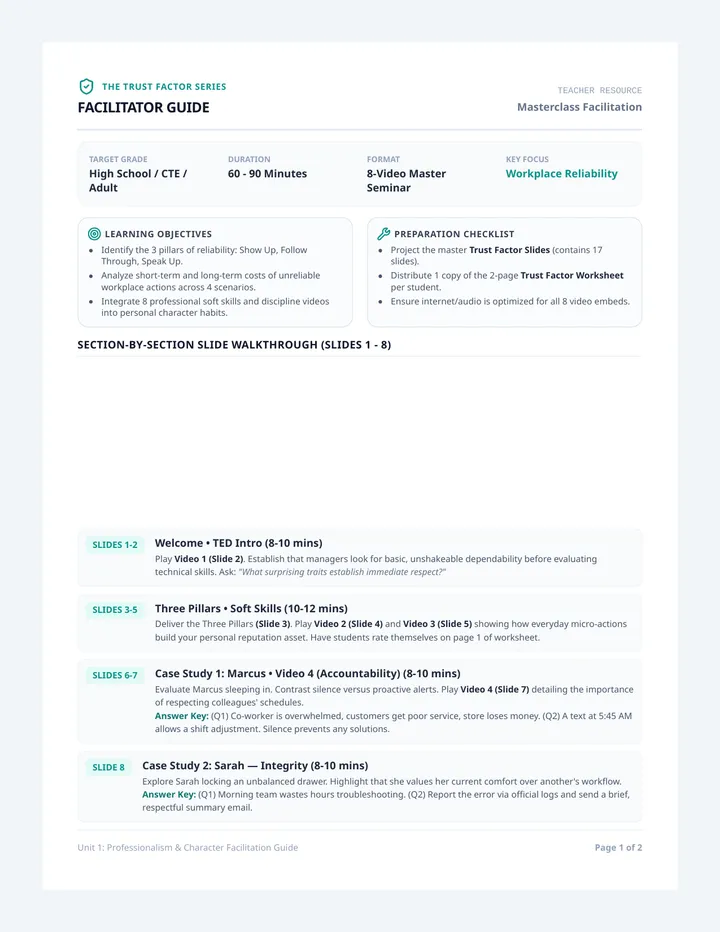
A 2-part unit sequence on workplace professionalism, reliability, and dependability. Students learn the foundational mindset of trust, daily accountability routines, and how to communicate effectively during crises.
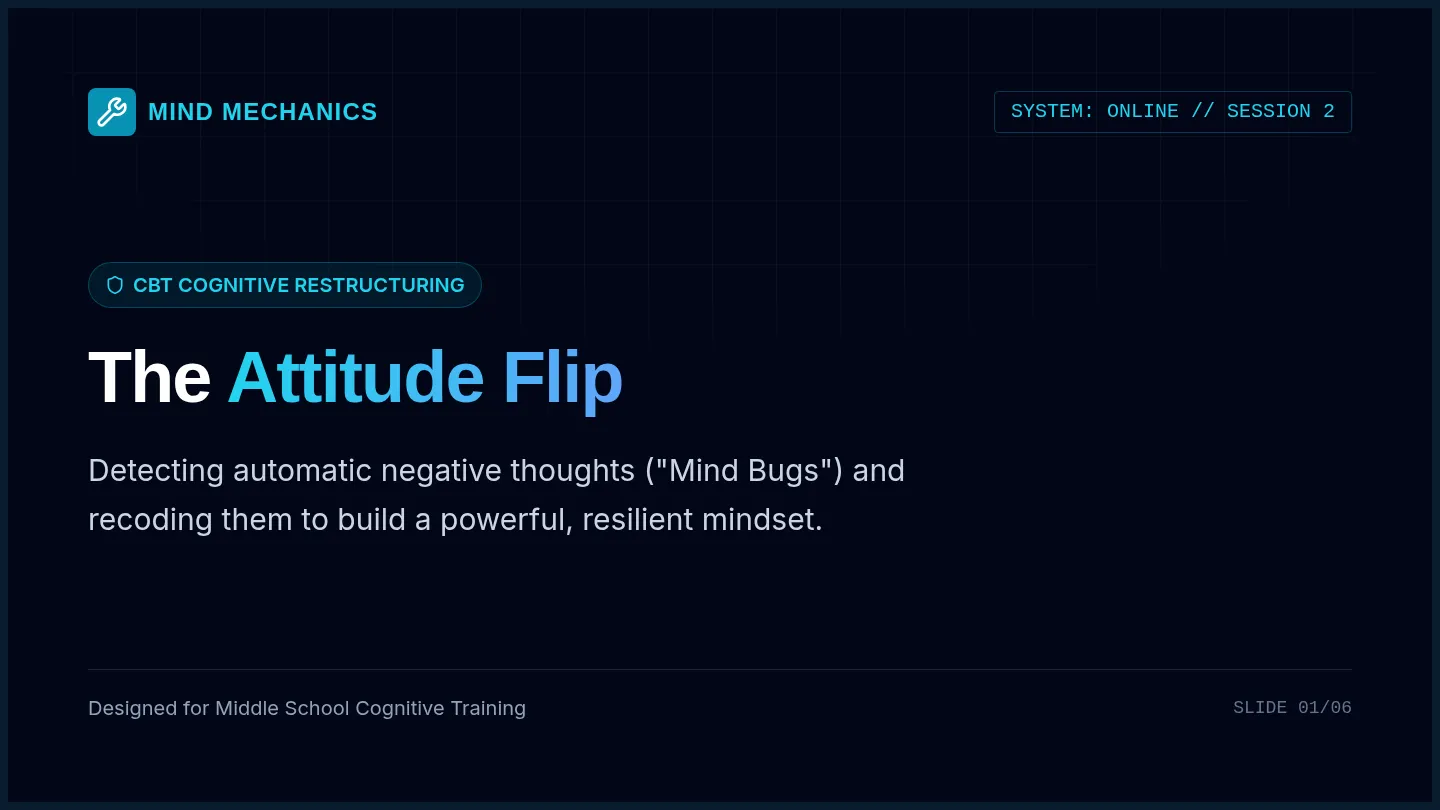
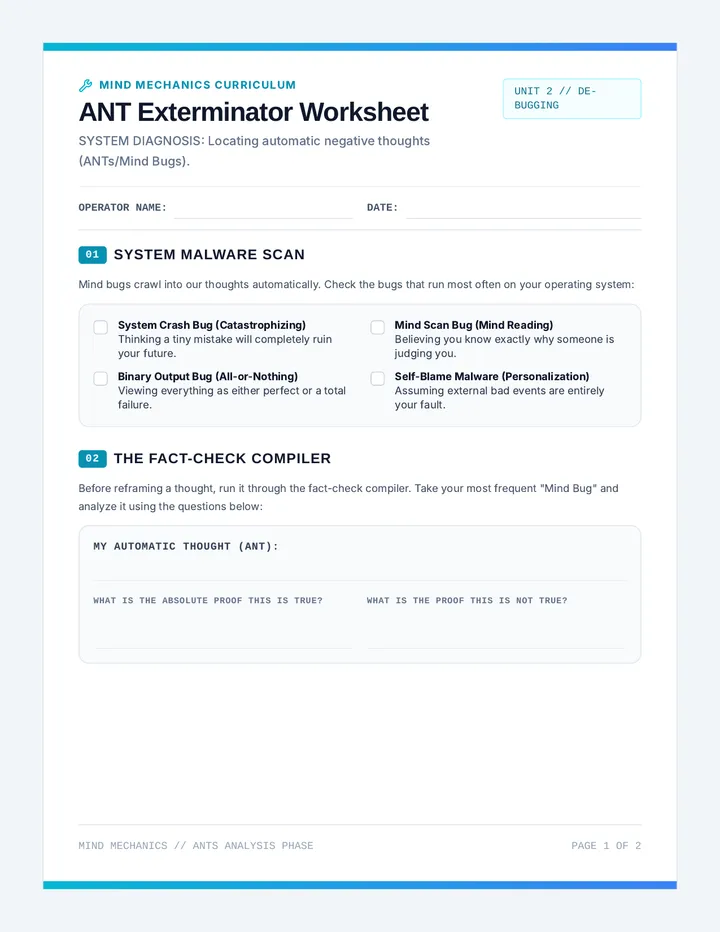
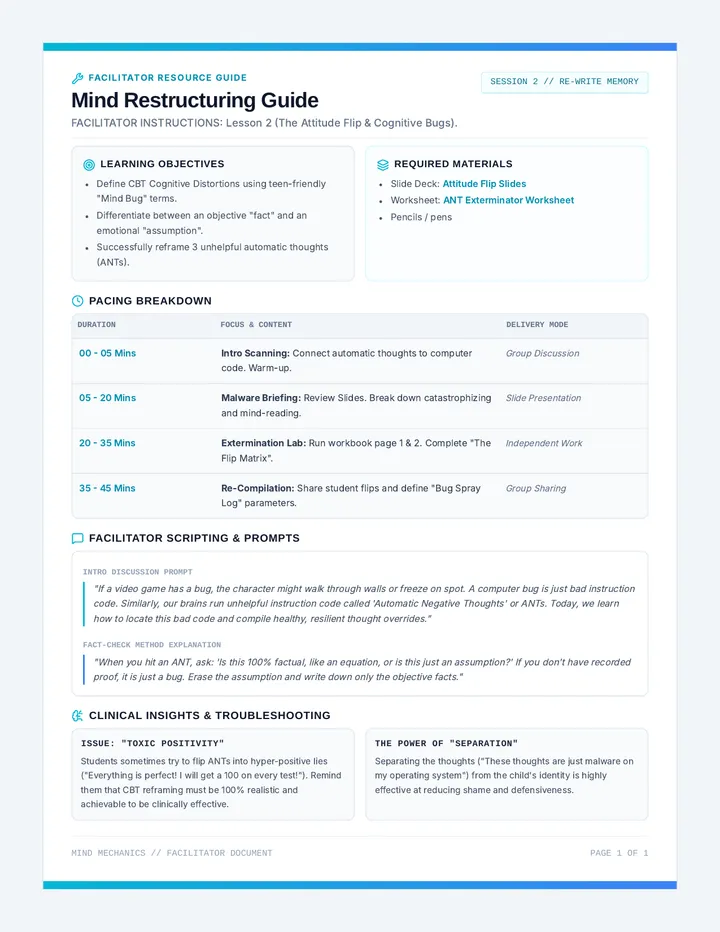
Teaches cognitive restructuring to identify automatic negative thoughts (ANTs), challenge cognitive distortions, and actively reframe mindsets for a more positive and adaptive attitude.
A student-facing self-regulation tool in a print-ready document format. It includes a sensory-aware battery level check-in scale, sensory radar checkbox, and an emotional safety exit ticket.