Remote Control Slides
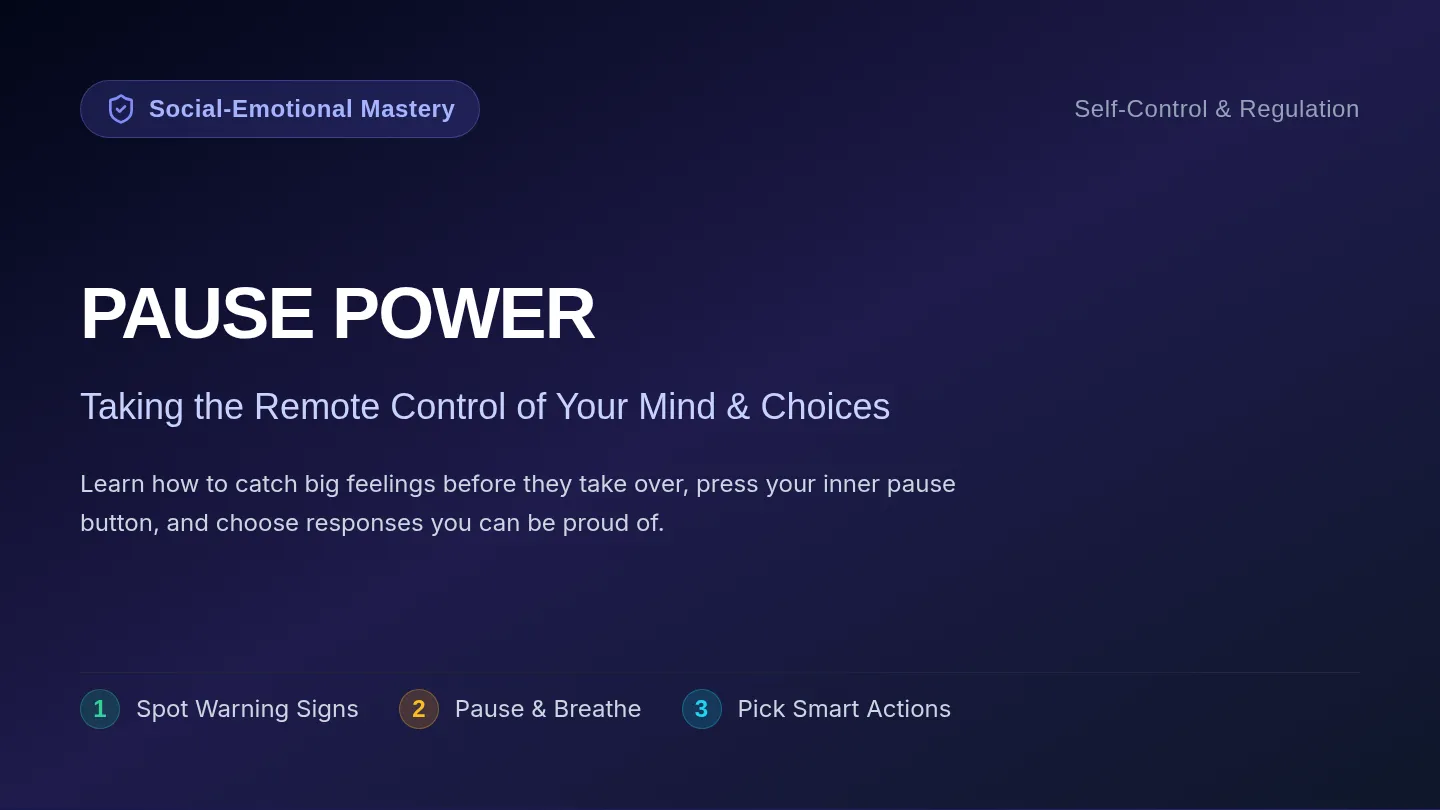
EMOTIONAL
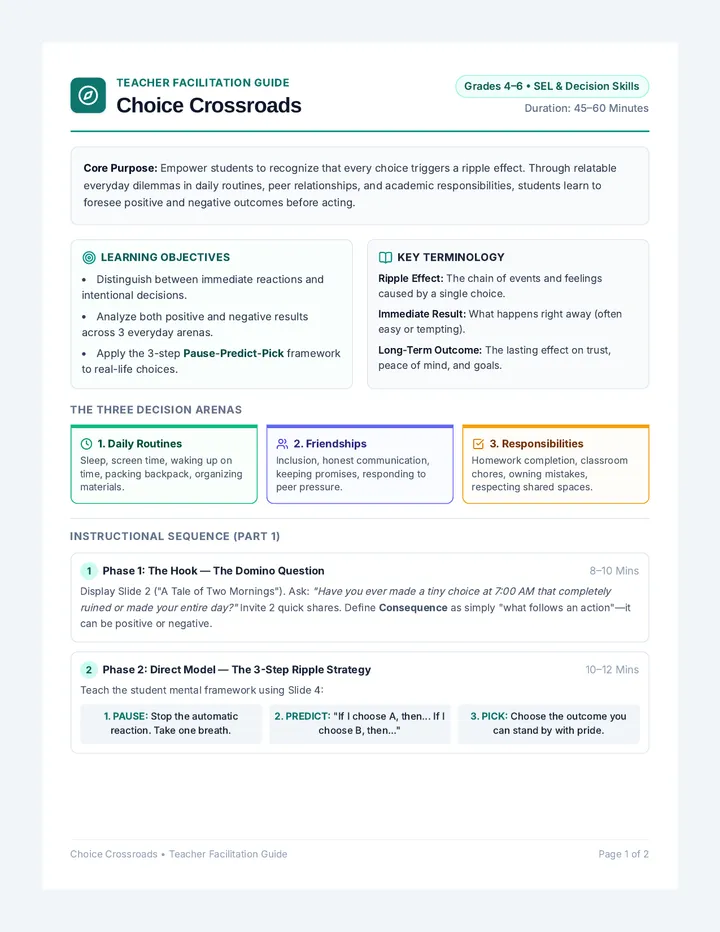
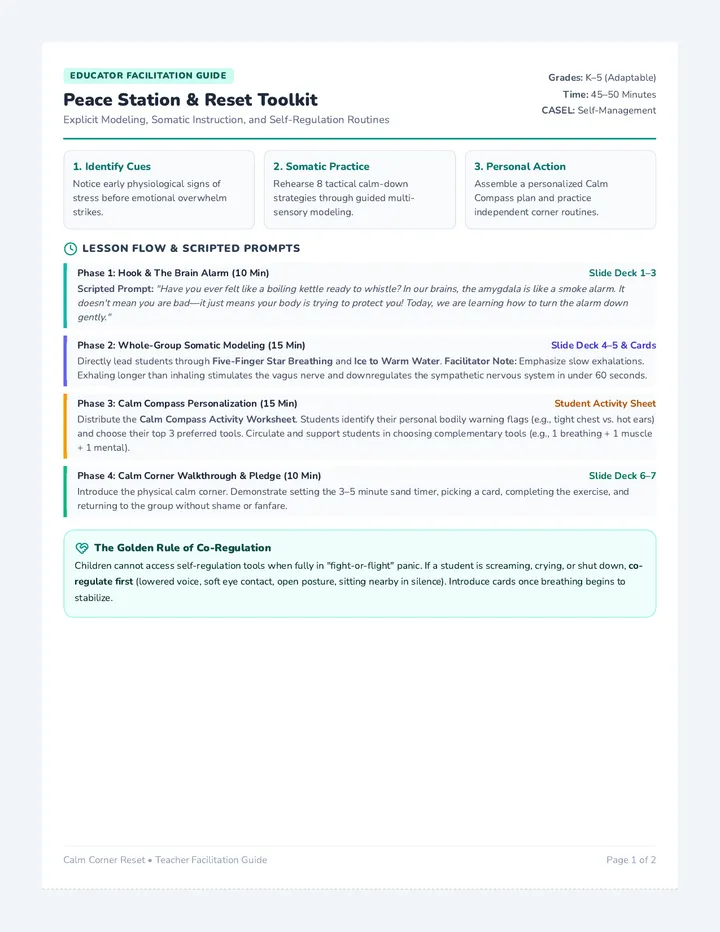
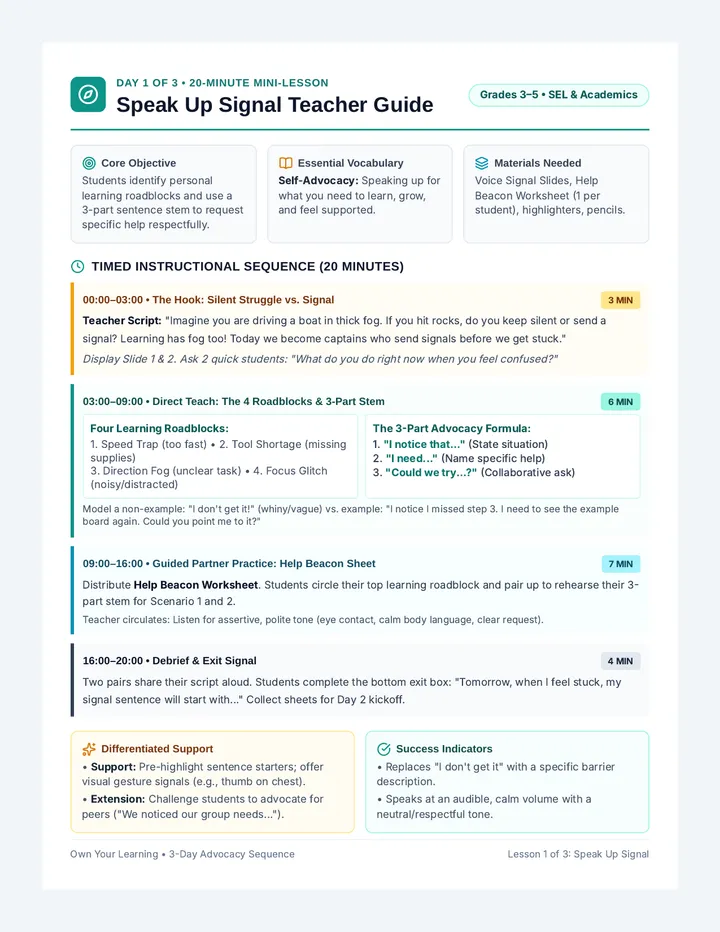
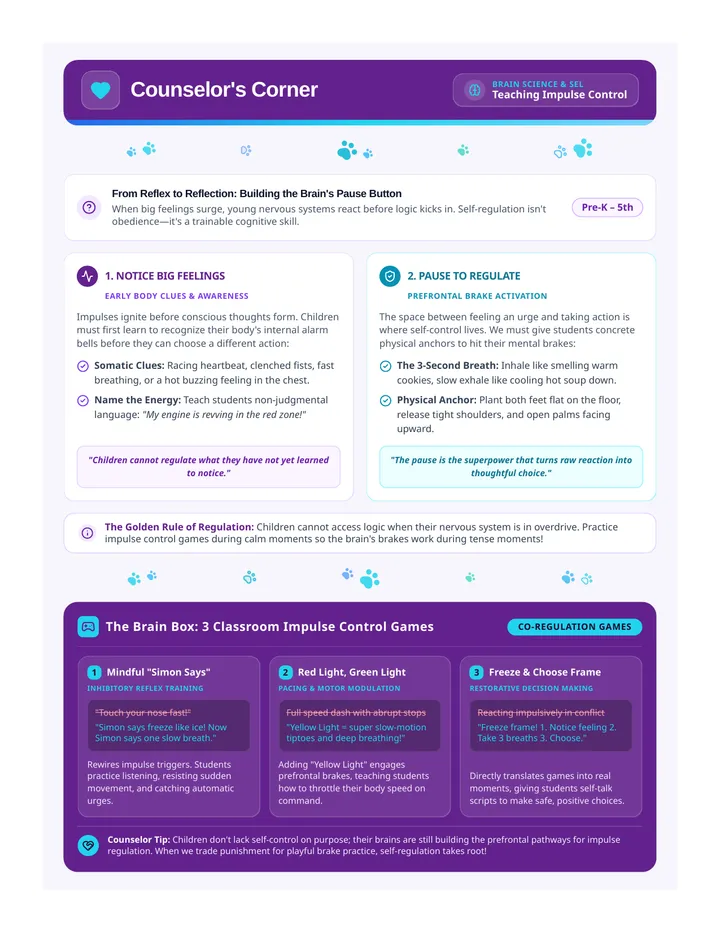
REMOTE CONTROL
Mastering your internal "buttons" to stay in charge of your day.
The Power in Your Hands
Just like a TV remote, our brain has buttons that help us handle "The Glitch"—those moments when things go wrong.
Self-Regulation is...
Knowing which button to press before the screen goes black.
EMO-TEK V4.0
Case Study: Max & The Crash
Max was working on his final Science presentation for remote class. He had spent three hours drawing a perfect diagram of a volcano. Just as he went to click "Save," his laptop screen flickered, turned blue, and restarted.
His heart started racing. His face felt hot. He felt like throwing his mouse across the room and shouting.
Decode the Glitch
The Body
What were the physical warning signs in Max's body?
The Action
What was Max about to do? Why would that be a "bad signal"?
The Button
If Max had a remote, which button should he press first?
PRESS PAUSE
1
Notice the Signal
Recognize the "hot face" or "fast heart."
2
Hands Off
Pull your hands away from the keyboard or mouse.
3
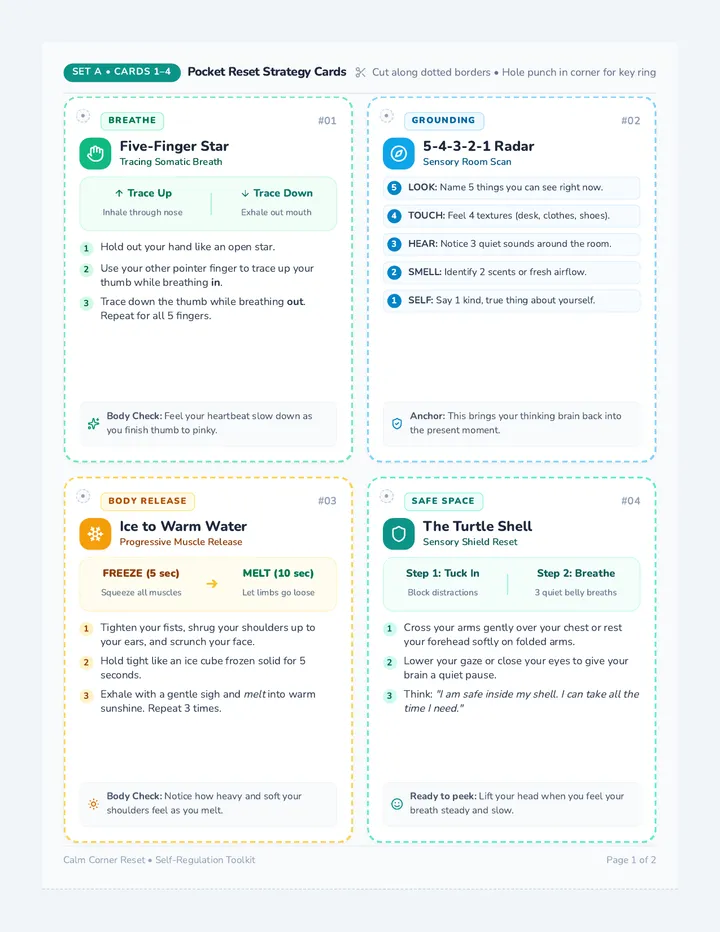
The Reset Breath
One deep breath in for 4, hold for 2, out for 6.
Let's try one Reset Breath together right now!
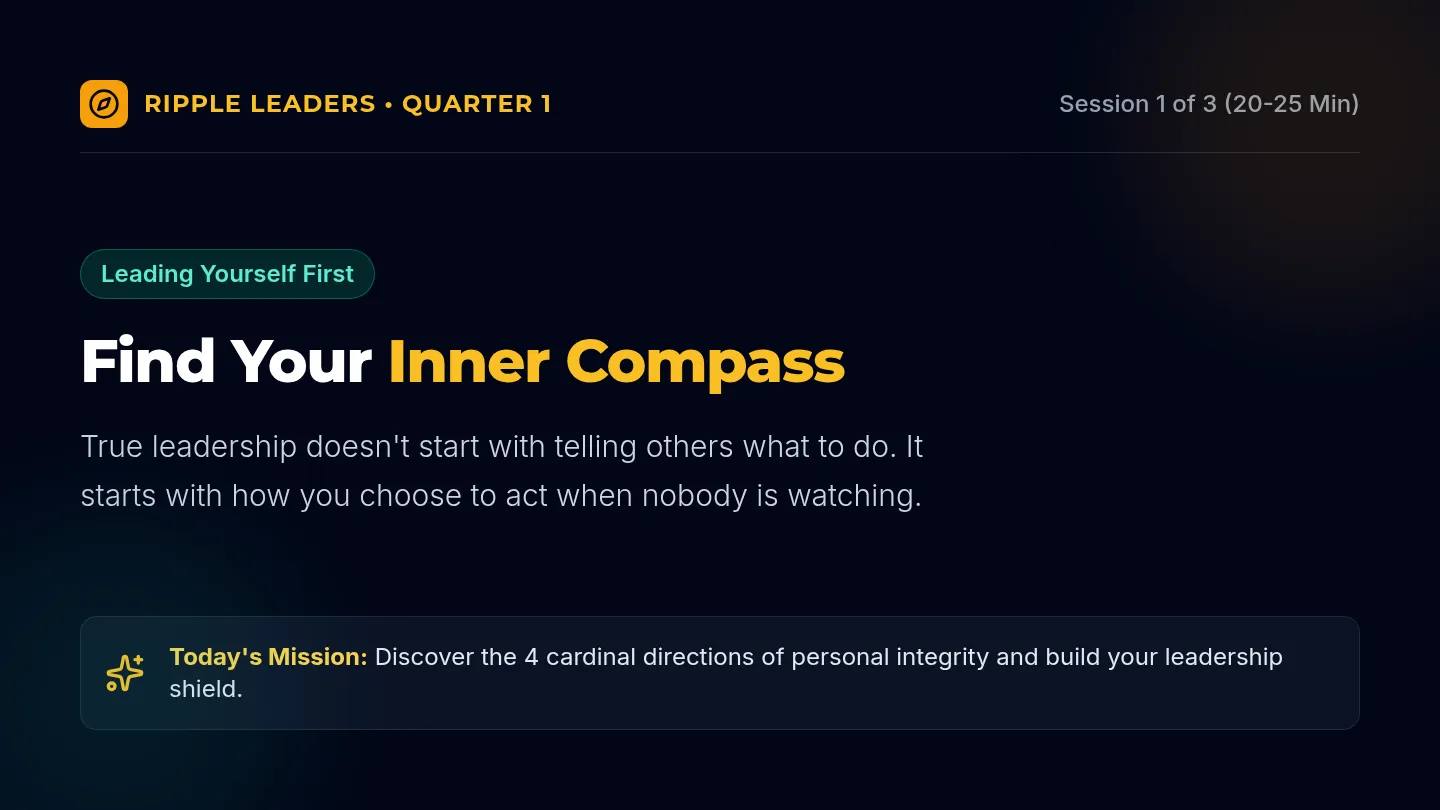
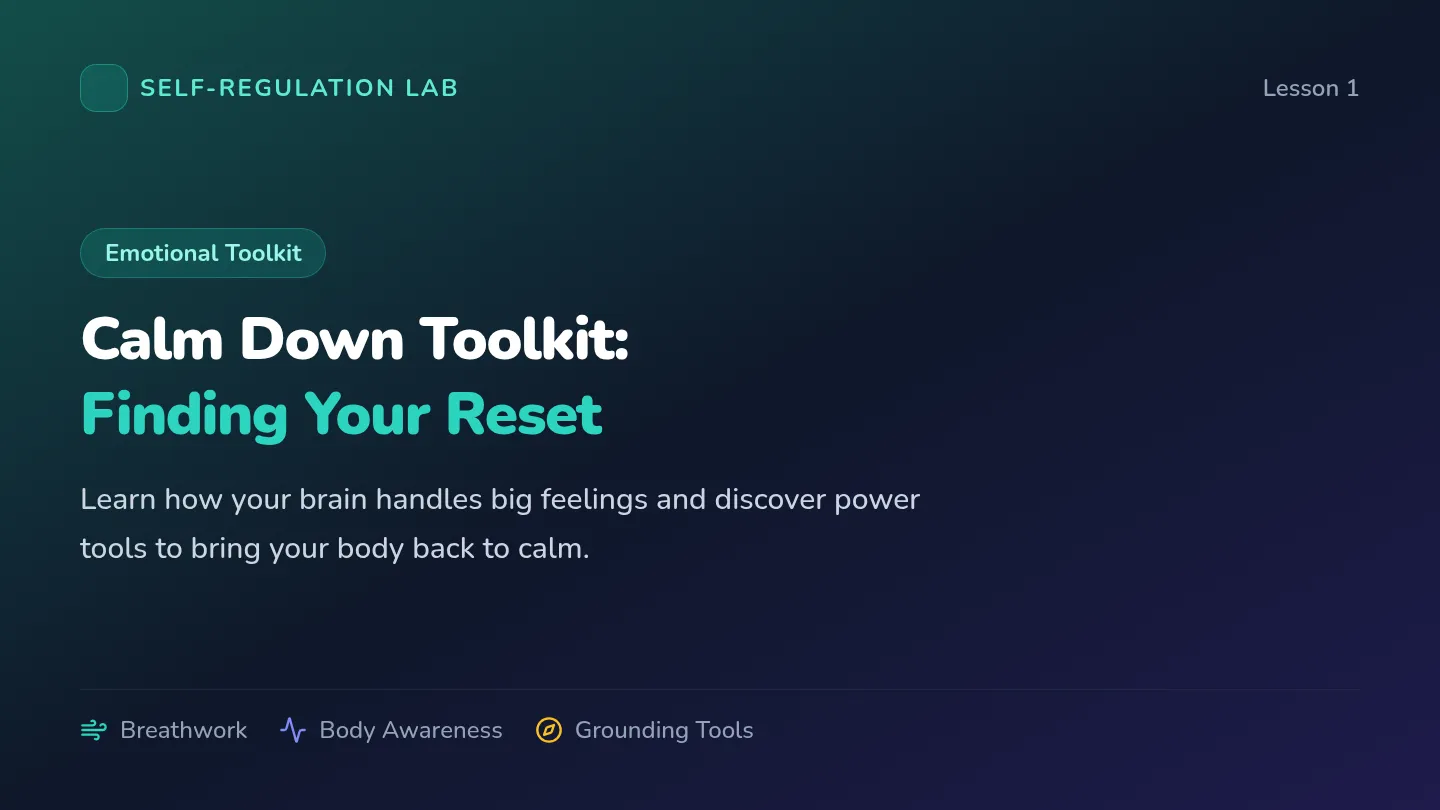
Ready to Level Up?
In our next session, we'll talk about your personal "Fast Forward" button—how to move toward your goals even when you're tired.
Great work today, Captain!
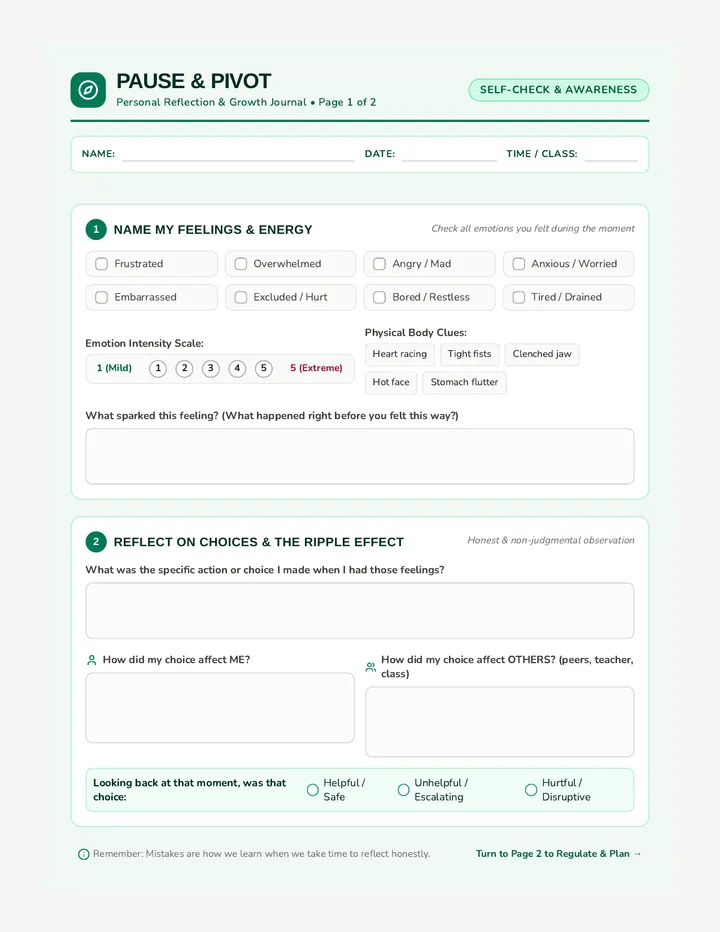
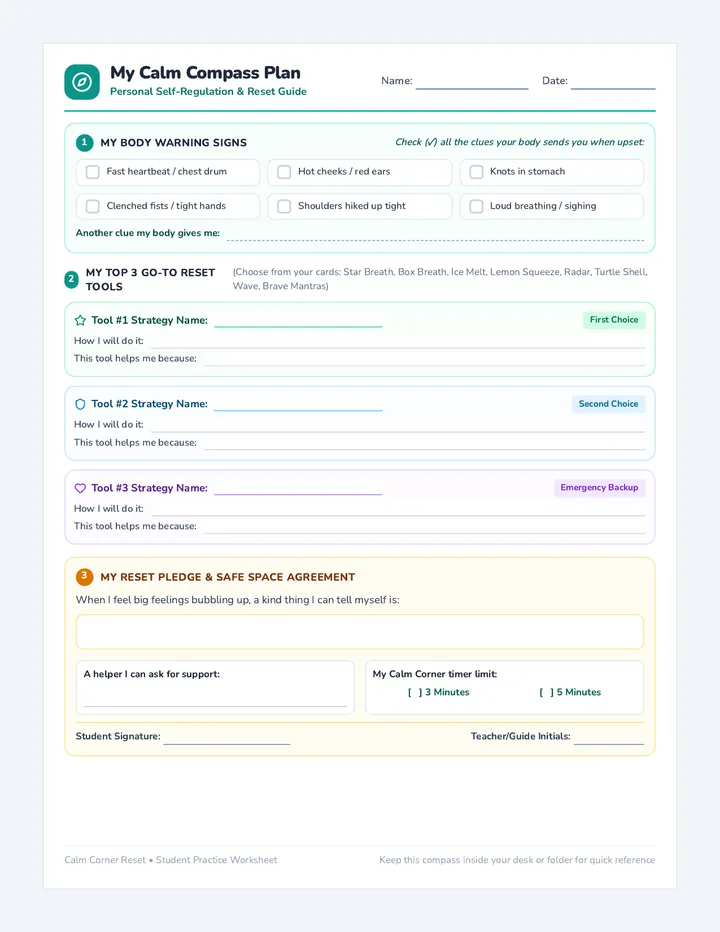
Reset Button Worksheet
REMOTE CONTROL
RESET LOG
Self-Regulation Strategy Tool
User ID
Mission Date
The Glitch Moment
Think about Max's story (or a time your "screen crashed"). What did it feel like in your body?
Mark where you feel the glitch
Physical Signals
Hot face / Red cheeks
Fast heartbeat
Tight fists
Bumpy stomach
Other signals:
Design Your Reset Button
Draw your personal remote control here
MY PAUSE PLAN
When I feel the glitch, I will:
Take a Reset Breath
PRO TIP
The Pause button doesn't fix the computer, but it fixes you so you can handle the computer!
KEEP THIS BY YOUR COMPUTER • MISSION ACCOMPLISHED
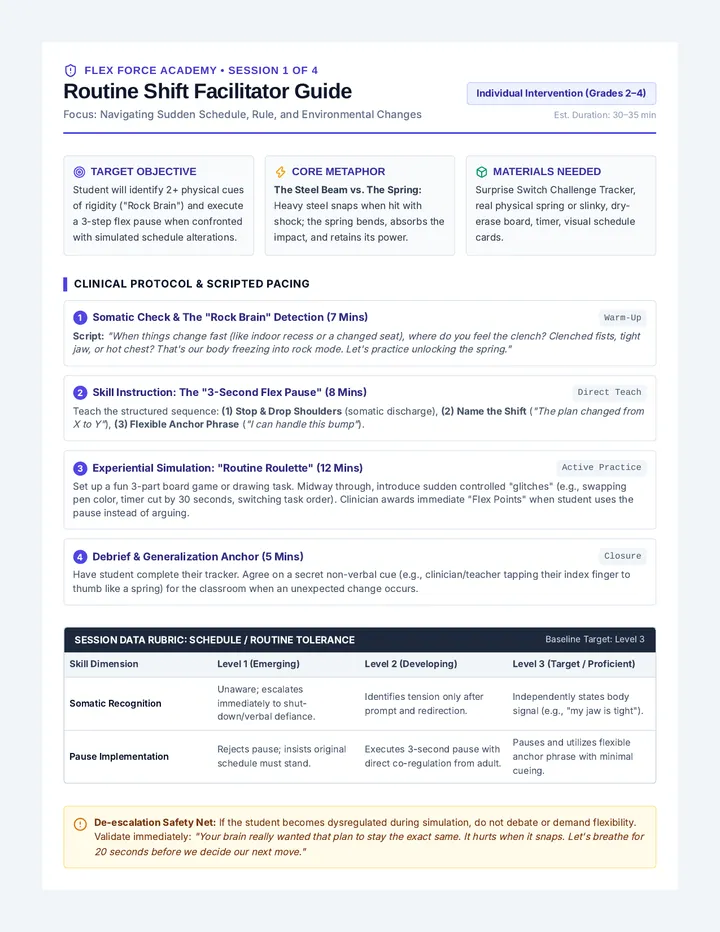
Remote Mentor Guide
Remote Facilitation File
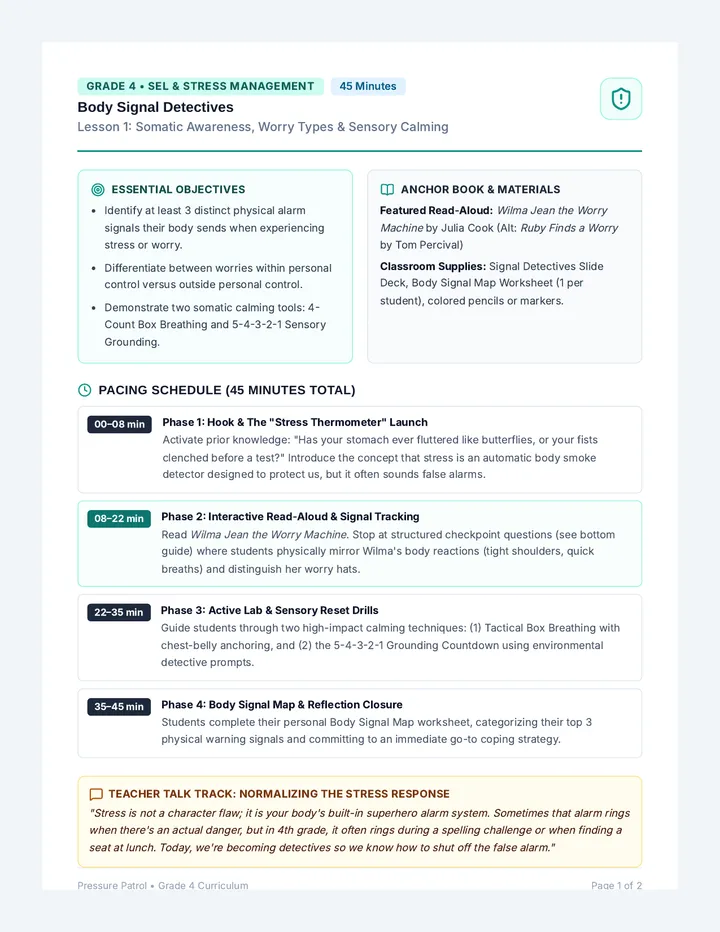
REMOTE MENTOR GUIDE
15 Minutes
1-on-1 (Remote)
Grade 4
Objectives
- • Identify physical signals of frustration and anger.
- • Apply a "Pause" strategy in response to a trigger.
- • Practice a specific breathing technique for regulation.
Pacing
0-3 MIN Connection
Intro & check-in buttons.
3-8 MIN The Glitch Story
Read & reflect on Max's crash.
8-13 MIN Strategy Lab
Practice Pause & Reset Breath.
13-15 MIN Wrap Up
Log the plan on the worksheet.
Facilitation Script & Prompts
Connection & Metaphor
"Hey! Before we start, look at your 'internal remote.' Are you feeling like you're on Channel Calm, or is there a bit of static today? Today we're going to learn how to fix the static when a 'Glitch' happens."
Story Interaction
During Slide 3-4, ask:
Observation: "What do you think Max's face looked like right when the screen went blue?"
Application: "Has that ever happened to you? Tell me about a 'glitch' you had this week."
The "Pause" Strategy
Key Point: Emphasize that self-regulation isn't about not being angry—it's about how we handle the anger.
"Let's practice the Reset Breath together. I want to see you pull your hands away from the camera like you're letting go of a mouse. Ready? In... 2, 3, 4. Hold... Out... 2, 3, 4, 5, 6."
Digital Adaptations
- If the student is shy, use the chat box for the reflection questions.
- If screen-sharing the worksheet, use the "Annotate" tool to draw the remote together.
- Camera off option: If the student is dysregulated, allow camera-off for the breathing exercise.