Visual schedules, transition cues, and consistent routines to minimize behavioral challenges during schedule changes. Supports students in navigating shifts between activities while maintaining emotional regulation.
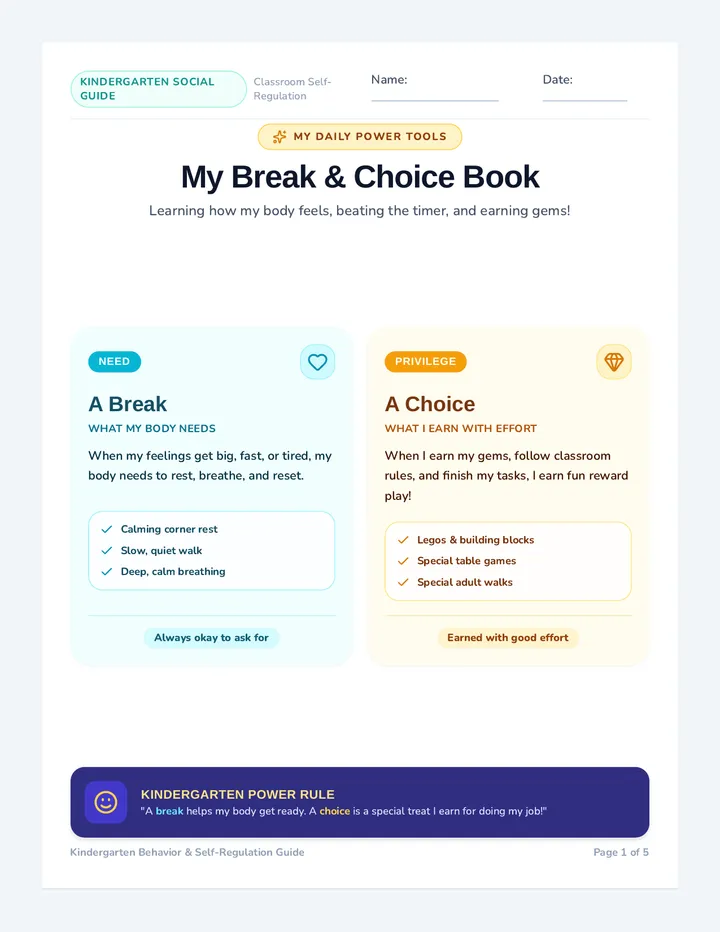
A 5-page visual social story booklet for kindergarten students explaining the difference between sensory breaks and earned choices. It guides students through regulation tools, reward options, the 5-minute play and 1-minute beat-the-timer cleanup rules, and returning calmly to class to do their job and earn more gems.
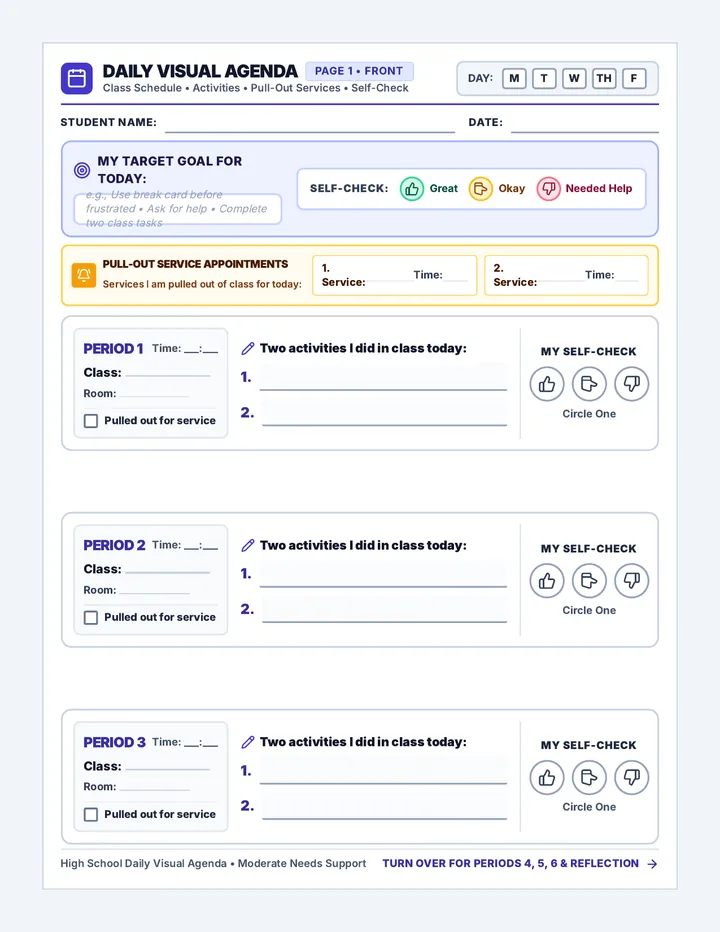
An updated two-page daily visual agenda and self-regulation template for high school students with moderate needs, with significantly enlarged font sizes across all period cards, class activity writing areas, and self-check labels for enhanced vision access.
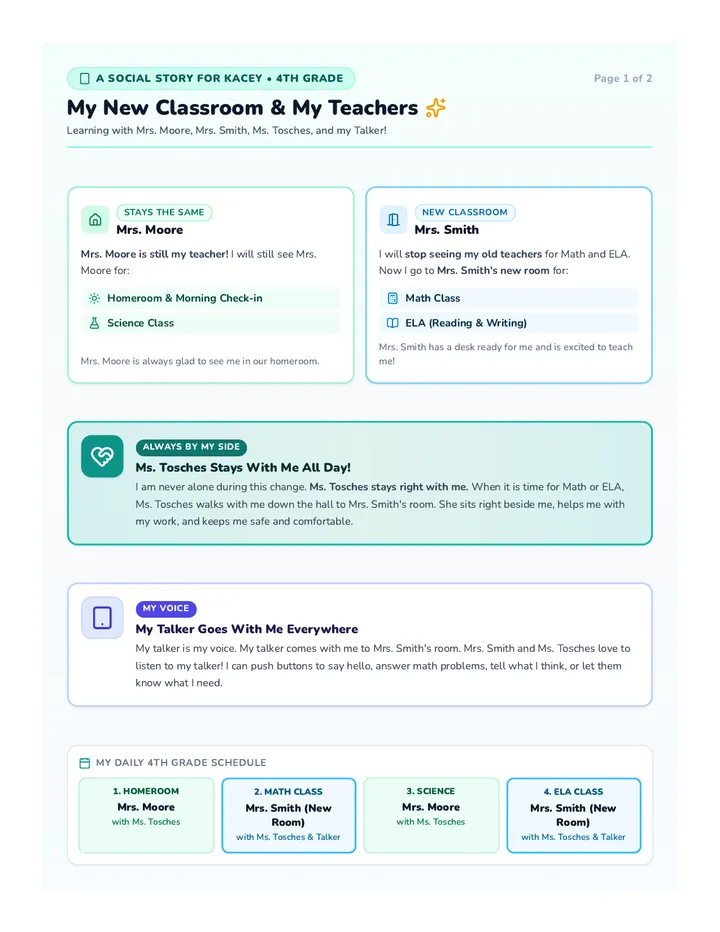
A highly concrete, visual 2-page social story customized for Kacey, a nonverbal fourth grader with intensive needs who uses an AAC talker. It clearly explains stopping with old Math/ELA teachers, starting in a new room with Mrs. Smith, keeping Mrs. Moore for Homeroom and Science, and having Ms. Tosches and her talker present at all times.
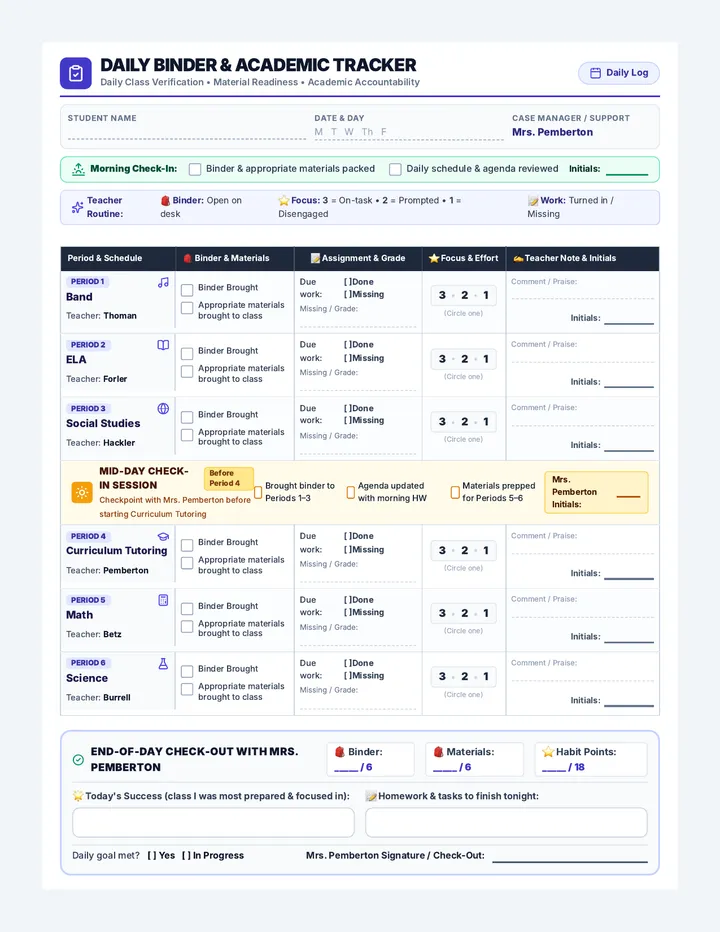
A 1-page daily behavior and academic accountability chart optimized to fill the printable page cleanly without overflow. Features a unified table with a colspan Mid-Day Check-In row before Period 4, larger font sizes, expanded writing boxes, and an End-of-Day Check-Out with Mrs. Pemberton.
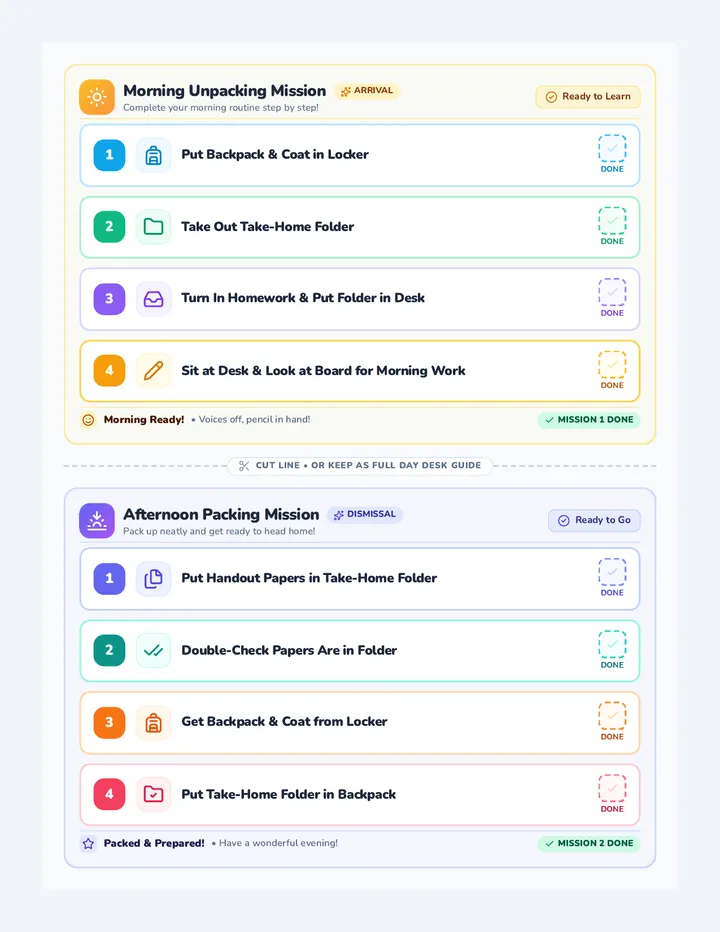
A high-visibility half-sheet daily routine checklist with enlarged bold step titles, prominent visual icons, and checkboxes, with all subtitle text removed for quick student reading.
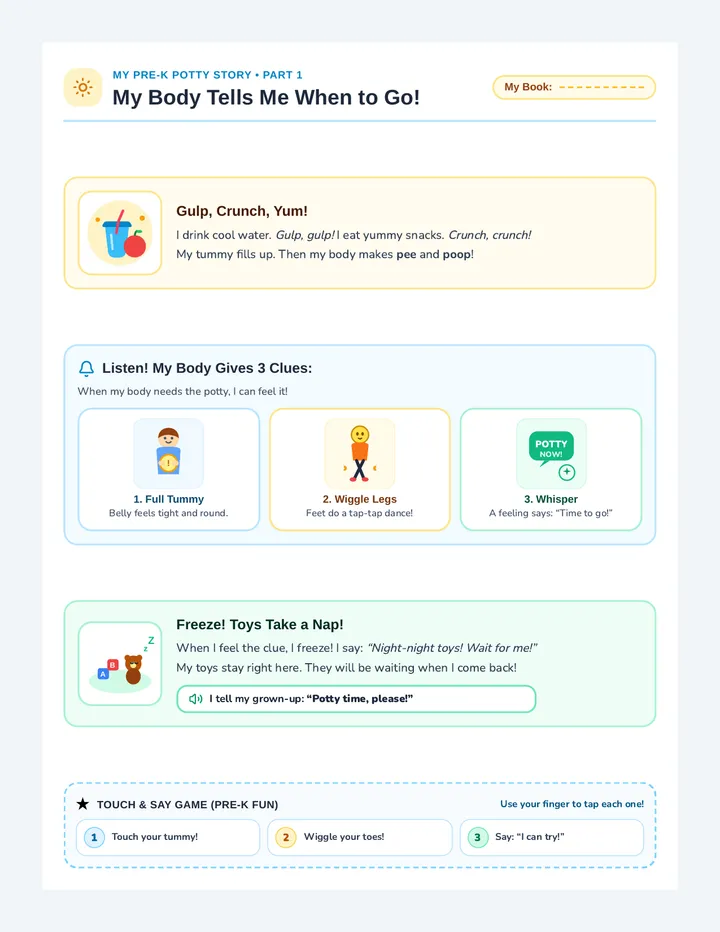
A cheerful, pre-K friendly 2-page illustrated social story for potty training with simple rhythmic language, playful sound cues, large visual picture cards, and zero-pressure encouragement.
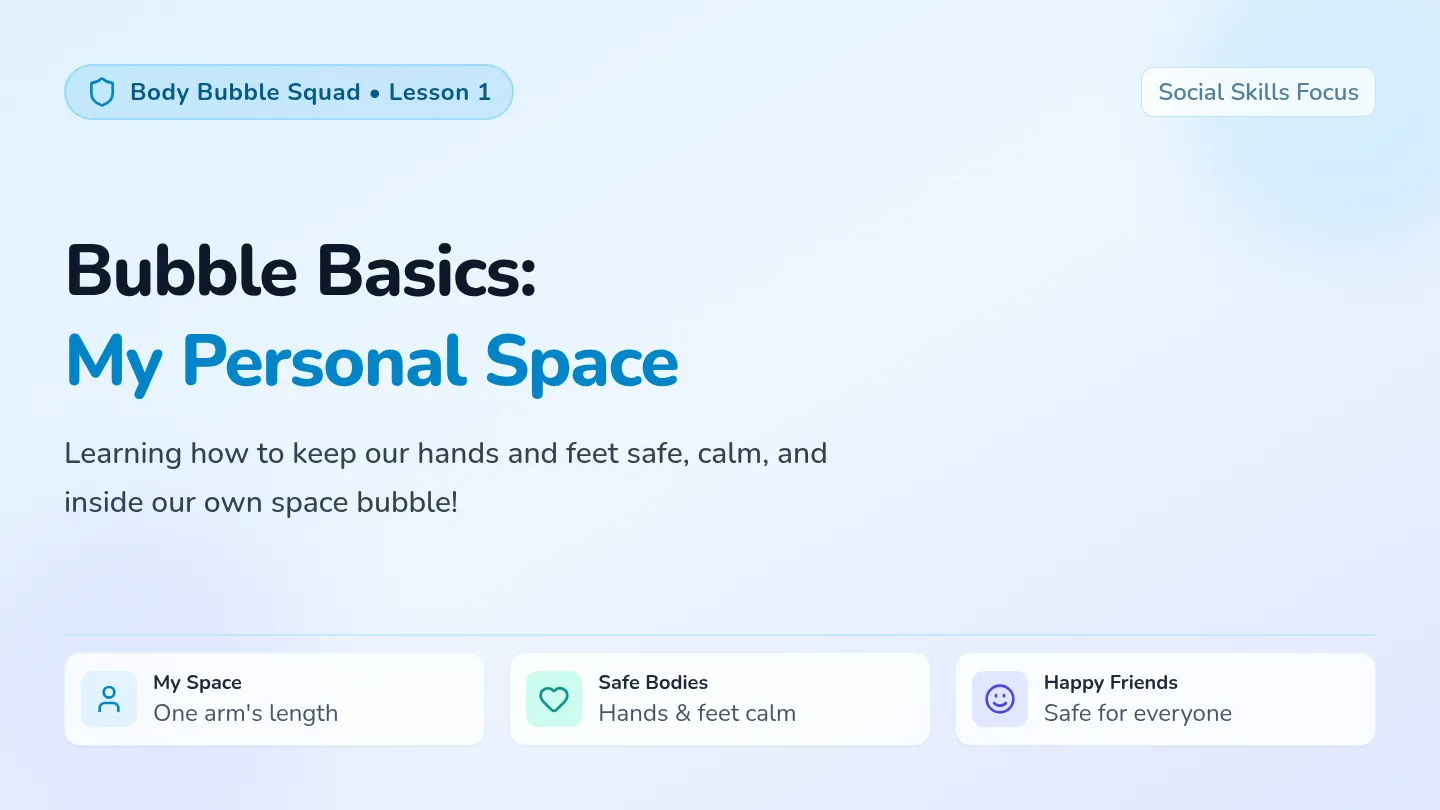
A comprehensive multi-day social skills sequence teaching students how to maintain personal space and keep hands and feet to themselves across school environments. Students learn about their personal space bubble, practice transition routines, and develop safe choices during play and conflict.
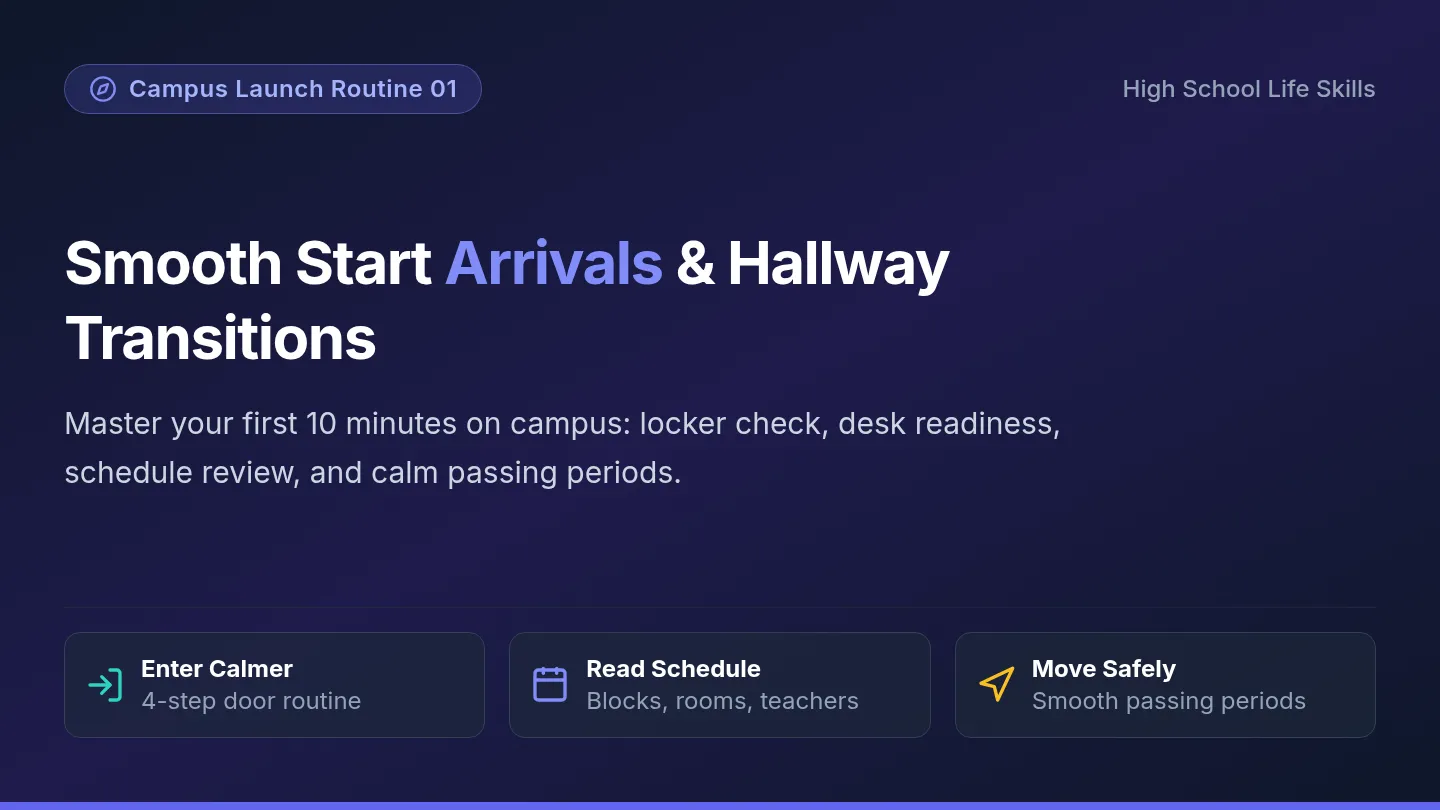
A comprehensive life skills and executive function sequence tailored for high school special education classrooms. Students learn and practice daily arrival, classroom participation, organization, and social safety routines to build independence throughout the school year.
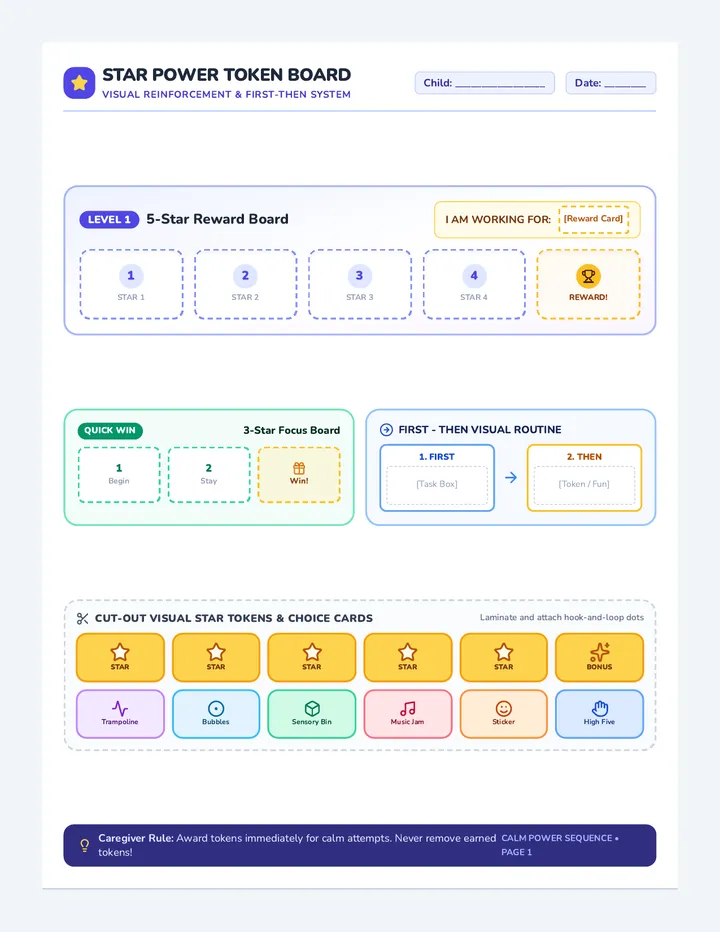
A multi-day social-emotional and self-regulation sequence designed for 5-year-olds with ADHD across classroom, home, and therapy settings. Focuses on visual token reinforcement, work pacing, calm hands redirection, fidget rules, and functional communication for breaks and task boxes.
A comprehensive 8-session course for 9th graders with IEPs to build essential life skills including organization, accountability, time management, emotional regulation, and focus.
A proactive 1st-grade behavioral sequence designed to help young learners transition smoothly from preferred play or free time to academic tasks without refusal or meltdowns. Through predictable routines, emotional self-regulation cues, and help-seeking strategies, students develop stamina and independence.
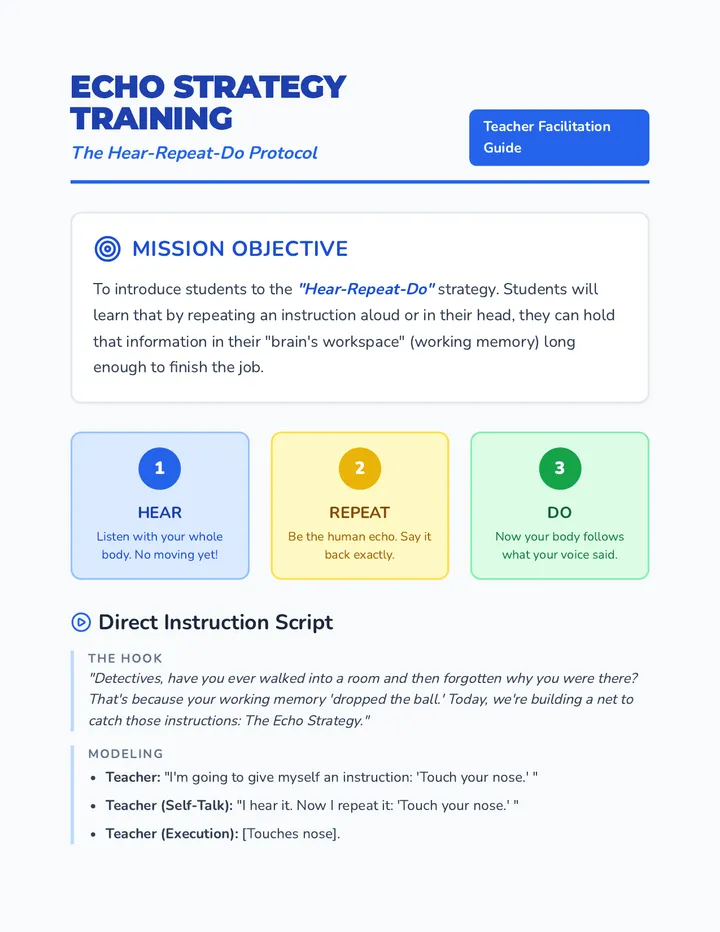
A specialized sequence for 4th-grade students to develop working memory through verbal rehearsal. Students practice the 'Hear-Repeat-Do' strategy, identify action keywords, utilize processing pauses, and verify their work to improve follow-through on single-step directions.