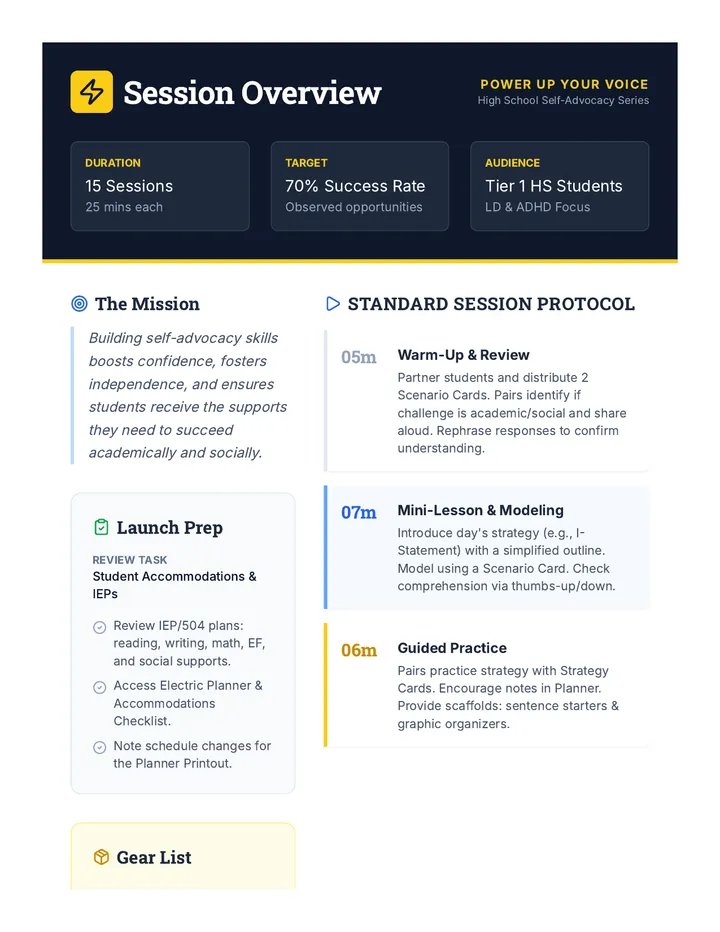
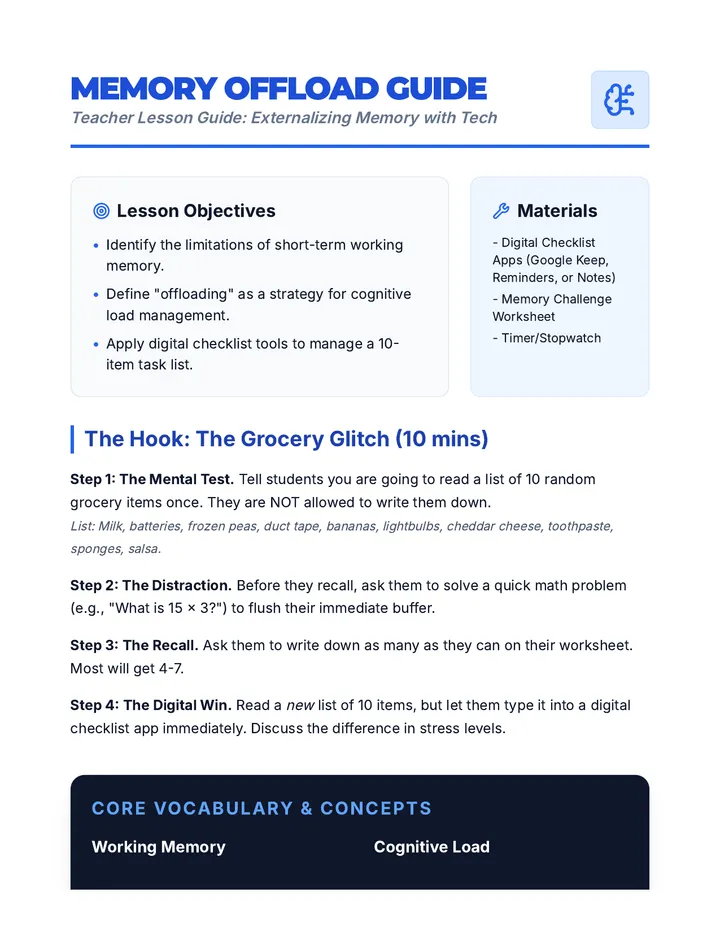
Configuration of digital organizers, task managers, and reminder systems to support executive function. Targets selection strategies and workflow customization to meet diverse accessibility needs.
Final mastery check and exit ticket for the 5-lesson sequence, allowing students to self-assess their technical skills and pedagogical understanding of digital annotation.
Student data management tool for organizing digital research annotations, quotes, and sources into a structured table.
Introductory slide deck for Lesson 5, explaining how a Research Matrix helps organize digital annotations from multiple sources into one master document.
Reference sheet for students providing safe and reliable websites for finding definitions, facts, maps, and multimedia to use as hyperlinks.
Answer key and evaluation guide for the Digital Backpack Audit worksheet, providing suggested file naming conventions and folder structure criteria.
Student activity guide for Lesson 4, challenging students to transform a plain text paragraph into a rich, multi-dimensional resource with four types of hyperlinks.
A comprehensive teacher guide for the Access Ally sequence, covering pacing, recommended AT tools, and facilitation strategies for 9th-grade self-advocacy.
Introductory slide deck for Lesson 4, explaining how hyperlinks turn static text into rich, multi-dimensional resources.
Student rubric and peer feedback form for Lesson 3, focusing on collaborative annotation quality and engagement.
A one-page 'Access Plan' template for students to synthesize their TTS tools, file management strategies, and self-advocacy goals for sharing with teachers.
Introductory slide deck for Lesson 3, covering the rules and etiquette for collaborative digital annotation during a 'Silent Debate'.
A mock restaurant menu with complex vocabulary and serif fonts, designed for students to practice using mobile OCR/TTS scanning tools.
Focuses on data management and synthesis, teaching students how to move annotations from source texts into a structured research matrix.
Students learn to turn static text into rich resources by hyperlinking to external evidence, definitions, and multimedia.
A collaborative lesson where students use shared documents to debate and analyze text in real-time using only digital annotation tools.
Using the analogy of social media threads, students learn to use digital comments as marginalia to record their internal dialogue and questions.
Students explore the technical toolsets of digital annotation, including highlighting palettes and comment features, while navigating the ergonomic differences of screen reading.
Culminating project where students synthesize their learning into a one-page 'Access Plan' and practice presenting it to teachers or IEP team members.
Students master the use of mobile OCR (Optical Character Recognition) apps to convert physical handouts into digital, speech-ready text on the fly.
Focuses on the executive functioning skills needed to organize digital files for easy use with TTS. Students develop naming conventions and cloud storage systems to keep their 'digital backpack' accessible.
Students learn the components of professional communication to request digital versions of classroom materials. They practice drafting emails that clearly articulate their need for accessible text.
Students analyze their class schedules to identify high-volume reading tasks and pinpoint where Text-to-Speech (TTS) will provide the most benefit. They create a visual 'Barrier Map' to guide their advocacy efforts.
Debate the role of AI summarization versus student-generated highlighting, focusing on ethical and pedagogical implications in special education.
Apply UDL principles to digital text, ensuring compatibility with screen readers and learning to remediate inaccessible documents.
A 5-lesson sequence designed for 9th-grade students in an academic support setting to master digital annotation, highlighting, and collaborative text analysis tools. The sequence focuses on transitioning traditional paper-based strategies to digital environments like Google Docs and PDFs, emphasizing visible thinking and peer collaboration.
This sequence empowers 9th-grade students to integrate Text-to-Speech (TTS) into their high school workflows through self-advocacy and digital organization. Students move from identifying reading barriers in their schedules to creating a professional Access Plan for their teachers.
This sequence explores how graduate students can leverage assistive technology for digital annotation, moving from basic tool audits to advanced data extraction and AI integration to support students with disabilities.
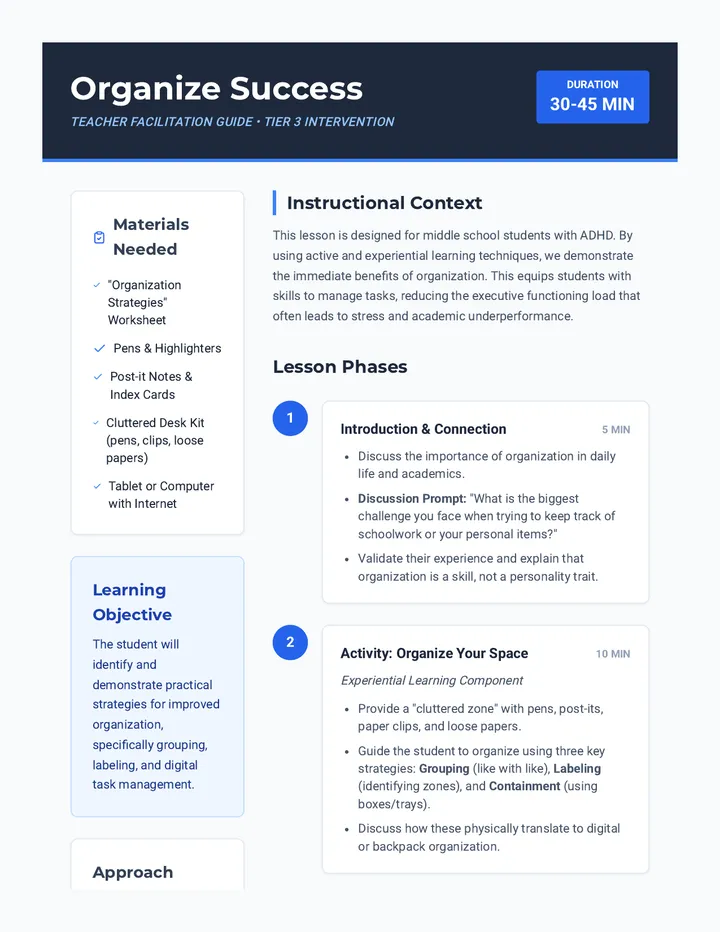
A comprehensive sequence designed to help 9th-grade students with executive function challenges develop, implement, and test personalized organizational systems. Students explore analog and digital tools, master calendar management, organize digital and physical spaces, and simulate real-world 'stress tests' to refine their chosen frameworks.
A graduate-level sequence focused on the mechanics of administrative compliance in Special Education. Students will design and implement a comprehensive IEP workflow system using project management principles, automation, and deep work strategies to prevent burnout and ensure 100% legal compliance.
A comprehensive sequence for 11th-grade students focusing on the systems and environmental designs necessary for effective Special Education caseload management. Students explore physical workspace optimization, digital workflow tools, paperwork automation, and legal confidentiality requirements to build a personalized organizational toolkit.
Students design a comprehensive 'Teacher Command Center' for special education case management, focusing on reducing cognitive load through automated systems, checklists, and organized filing.
This sequence introduces 12th-grade students to the complex workload management required in Special Education. Students will learn to categorize tasks into instruction, compliance, and assessment pillars, improve their time estimation skills, and apply productivity strategies like time-blocking and task-batching to create a functional weekly schedule.
This sequence empowers 3rd-grade students to bypass physical writing barriers using assistive technology tools like speech-to-text, digital organizers, and word prediction. Students progress from basic dictation mechanics to publishing a fully edited personal narrative, fostering independence and confidence in their writing abilities.
A 5-lesson unit for 6th-grade students focused on mastering assistive writing technologies, including speech-to-text, word prediction, and digital graphic organizers, culminating in a personal narrative and a self-advocacy tech plan.
A project-based sequence for preservice special education teachers to design a digital organizational ecosystem. Students learn to evaluate tools, build central dashboards, automate data collection, and streamline communications to reduce administrative burden.
This sequence introduces 2nd-grade students to assistive writing technology, including speech-to-text, digital organizers, word prediction, and text-to-speech, to foster independence in writing.