Strategies for identifying task barriers and implementing adaptive solutions when routines are disrupted. Focuses on self-advocacy, cognitive flexibility, and step-by-step troubleshooting for neurodiverse students.
A 5th-grade sequence focused on using Text-to-Speech (TTS) technology as a cognitive strategy for reading comprehension. Students learn bi-modal reading, text chunking, evidence collection, and active annotation to transition from passive listening to active engagement with digital text.
This sequence equips 12th-grade students with advanced technical skills in Text-to-Speech (TTS) technology. It moves beyond basic tool usage to professional-grade workflows, including auditory calibration, OCR conversion, immersion reading, mobile synchronization, and technical troubleshooting, preparing students for the heavy reading demands of post-secondary environments.
A comprehensive graduate-level sequence focused on the pedagogical implementation of assistive writing technology. It shifts the focus from tool selection to instructional methodologies that scaffold digital organizers, dictation, and text-to-speech for student autonomy.
A project-based sequence for 4th-grade students in special education settings, focusing on moving from passive highlighting to active extraction, organization, and synthesis. Students learn to refine highlights, extract them onto cards, sort ideas logically, and create a visual 'One-Page Expert Guide' as a summary tool.
This sequence explores how graduate students can leverage assistive technology for digital annotation, moving from basic tool audits to advanced data extraction and AI integration to support students with disabilities.
A graduate-level sequence exploring the cognitive science of text highlighting and annotation, focusing on memory, cognitive load, and evidence-based interventions for students with learning disabilities.
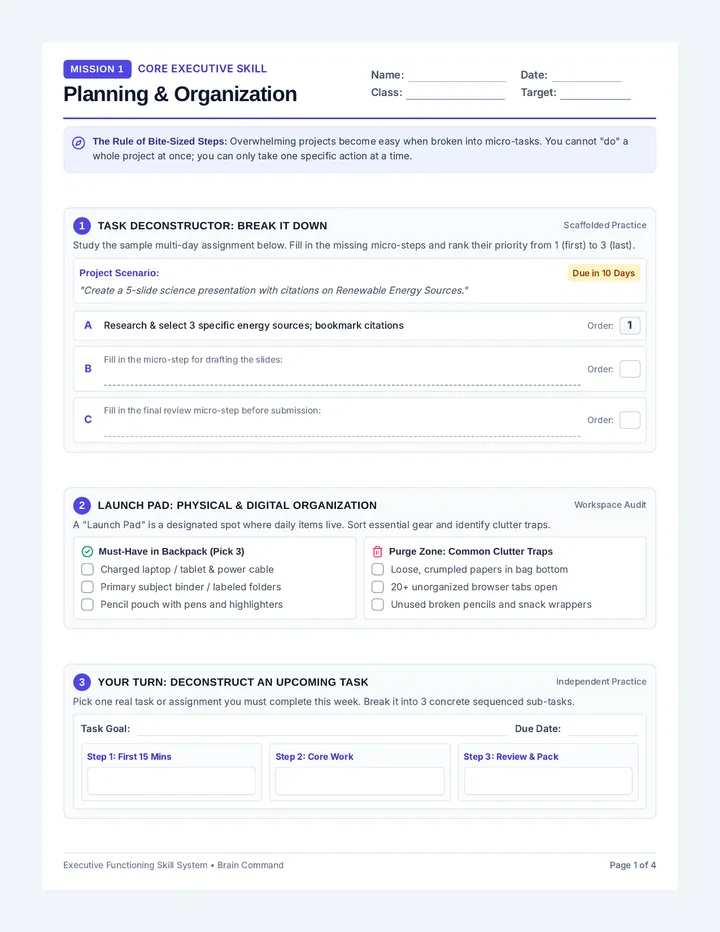
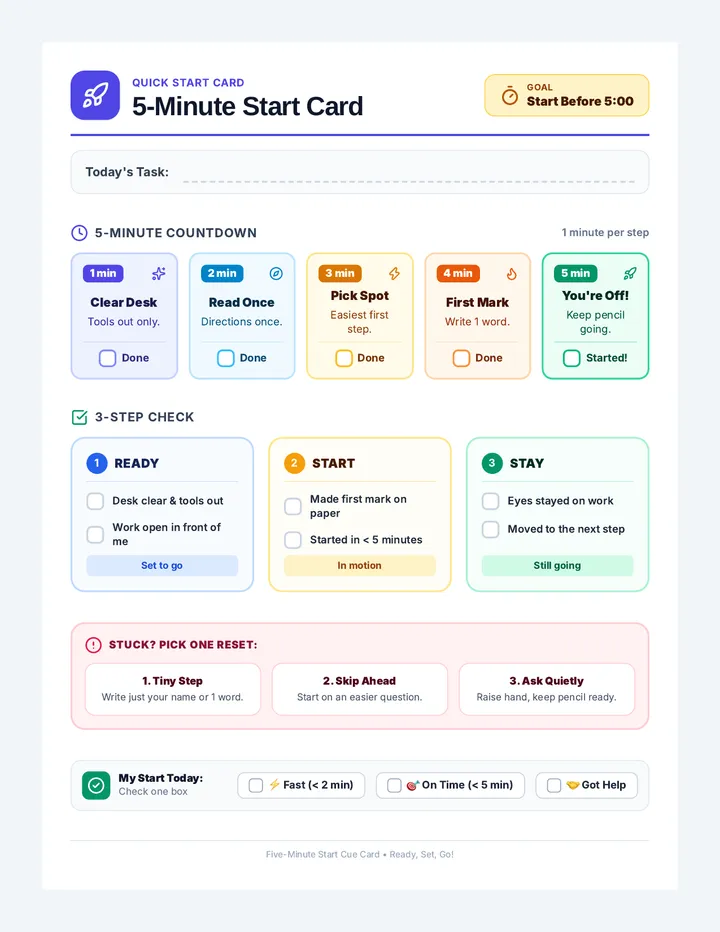
A specialized sequence for 9th-grade students with executive function challenges, focusing on deconstructing long-term projects, backward planning, overcoming procrastination, and building accountability structures.
A comprehensive sequence designed to help 9th-grade students with executive function challenges develop, implement, and test personalized organizational systems. Students explore analog and digital tools, master calendar management, organize digital and physical spaces, and simulate real-world 'stress tests' to refine their chosen frameworks.
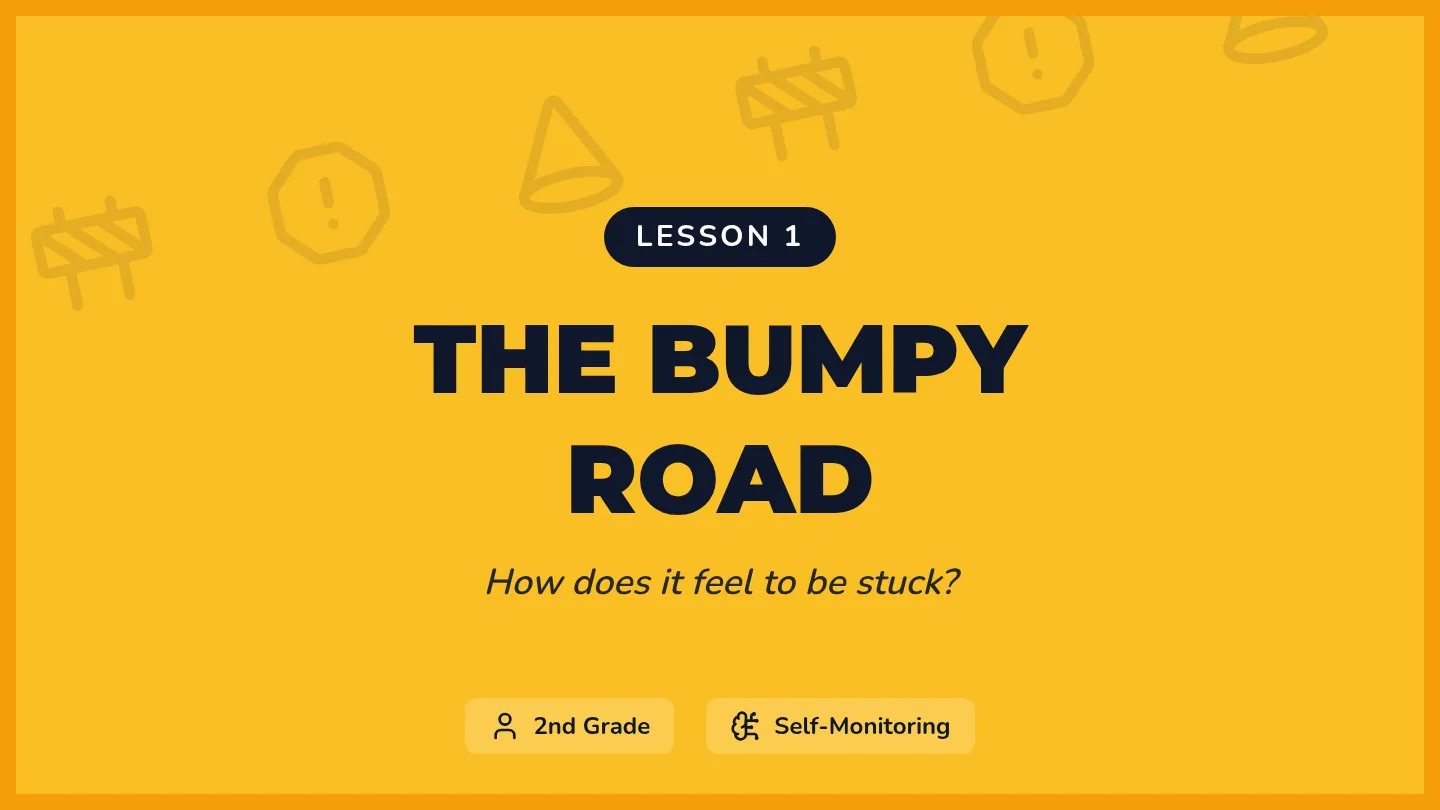
A 2nd-grade special education unit focused on executive function. Students learn to recognize the physical signs of being 'stuck' and categorize barriers into materials, comprehension, and environment.
A comprehensive sequence designed for Kindergarten students in Special Education to master the concept of time, transitions, and break management using visual timers and structured protocols.
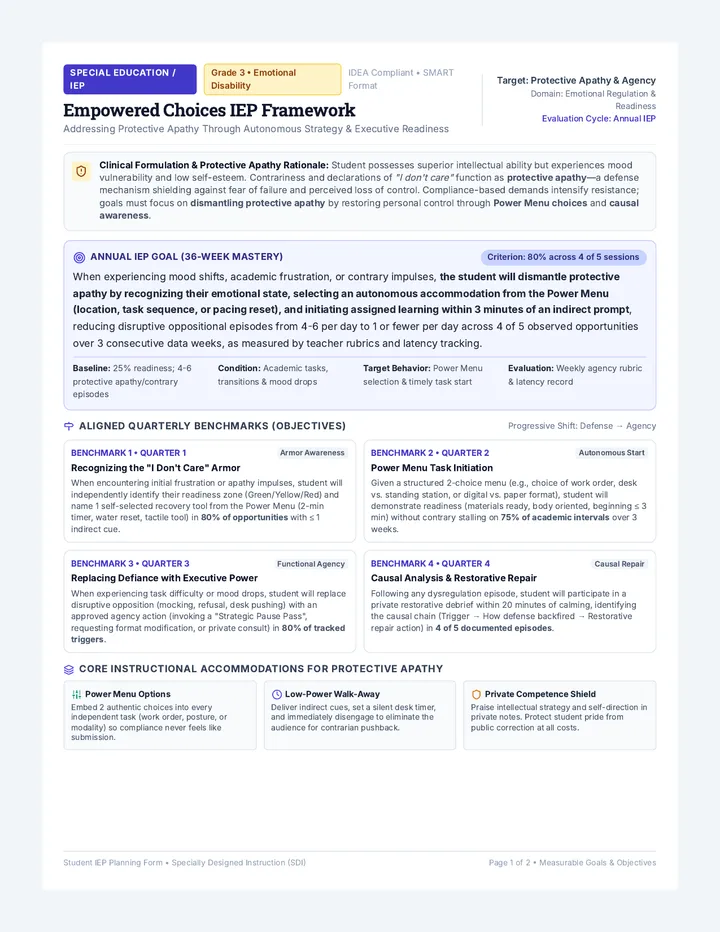
A graduate-level sequence focused on the mechanics of administrative compliance in Special Education. Students will design and implement a comprehensive IEP workflow system using project management principles, automation, and deep work strategies to prevent burnout and ensure 100% legal compliance.
A comprehensive sequence for 11th-grade students to master Text-to-Speech (TTS) technology for high-level academic research. Students progress from software evaluation and auditory optimization to advanced annotation strategies and troubleshooting complex document formats.
Students assess their own comprehension after using TTS strategies and reflect on which tools and settings work best for their specific learning needs.
Introduces the skill of taking digital notes or highlighting key information while the text-to-speech audio continues to play.
Uses TTS to scan for specific details and re-listen to complex sections to verify evidence and facts within a text.
Teaches students to use the pause button strategically to segment long passages into manageable 'chunks' for better processing and summarization.
Focuses on the connection between seeing and hearing text (bi-modal reading) to support decoding and focus. Students practice visual tracking with audio highlight bars.
Students display their Expert Guides. They visit peers' guides and must answer one question about the topic based solely on the extracted information presented, verifying that the highlights were effective.
In this final lesson, students practice solving common TTS technical failures. They develop 'digital resilience' by creating backup plans for high-stakes academic situations.
Students set up mobile reading ecosystems, syncing their computer-based reading lists with mobile devices for on-the-go learning and effective time management.
This lesson focuses on 'immersion reading'—the simultaneous use of auditory and visual input. Students learn to use digital annotation tools to mark up text while listening.
Students tackle inaccessible text formats using Optical Character Recognition (OCR). They will learn to convert images and flat PDFs into editable, readable text for TTS tools.
Students explore the impact of voice selection and playback speed on comprehension. They will determine their personal 'sweet spot' for different genres, learning to maximize efficiency without sacrificing retention.
Students glue their arranged notes onto a poster or template to create a 'One-Page Expert Guide.' They add headers and arrows to connect the ideas, effectively creating a graphic organizer from their original text highlights.
Student reflection and final assessment sheet for Lesson 5, allowing students to plan strategies and evaluate their comprehension performance.
Detailed teacher guide for Lesson 5, focusing on strategy selection, metacognitive reflection, and identifying when to use TTS support versus silent reading.
Slide deck for Lesson 5, focusing on strategy selection, metacognitive reflection, and identifying when to use TTS support versus silent reading.
Student activity sheet for Lesson 4, featuring a symbol-based annotation log for live listening practice.
Detailed teacher guide for Lesson 4, focusing on the mapping theme and the live annotation technique for multitasking with TTS.
Slide deck for Lesson 4, introducing the multitasking skills, symbols for notes, and highlighting while playing for live annotation.
Student activity sheet for Lesson 3, featuring a detective case file layout for evidence collection using TTS scanning and looping strategies.
A personal template for Lesson 5. Students fill this out to create their own 'Digital Resilience Plan', documenting their tool arsenal, escalation steps for technical failures, and human support resources.
Detailed teacher guide for Lesson 3, focusing on the detective theme and the "Scan" and "Loop" techniques for finding and verifying evidence with TTS.
A technical worksheet for Lesson 5. Students are presented with three 'high-stakes' technical failure scenarios and must document their primary and secondary backup plans to ensure reading productivity.
Slides for Lesson 5 on Digital Resilience. Teaches students how to troubleshoot common TTS failures, establish a 'Plan B' hierarchy, and remain productive during technical high-stakes moments.
Slide deck for Lesson 3, introducing the detective theme, the "Scan" and "Loop" techniques for finding and verifying evidence with TTS.