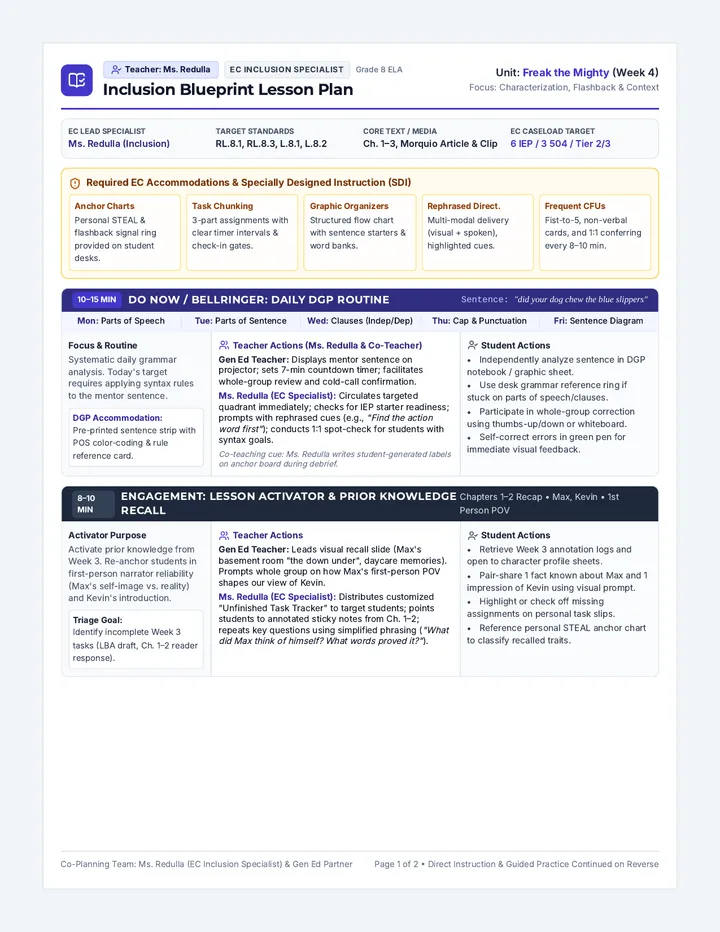
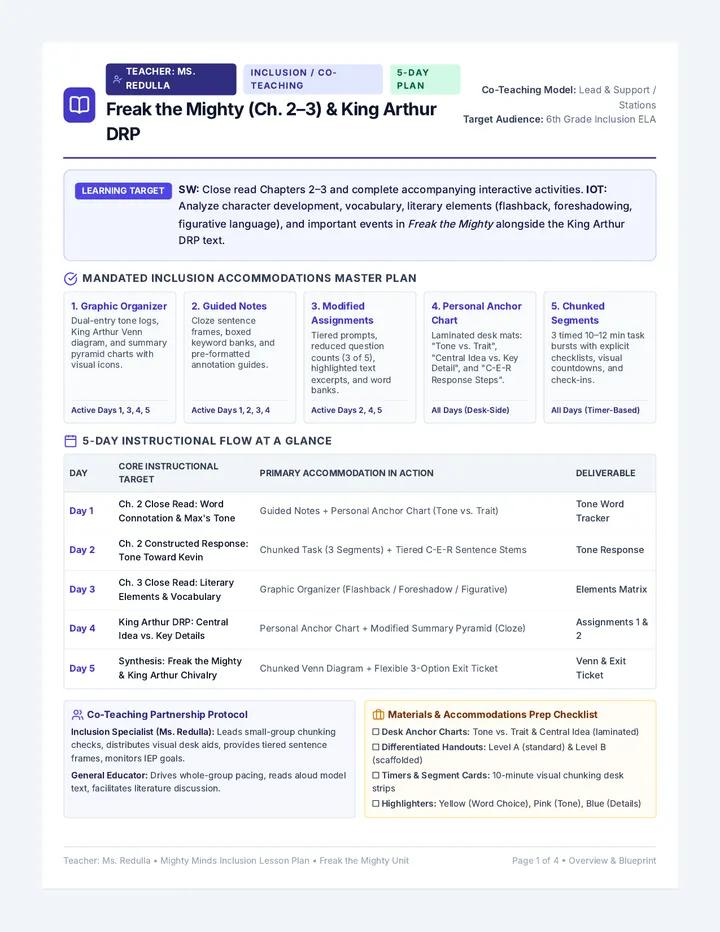
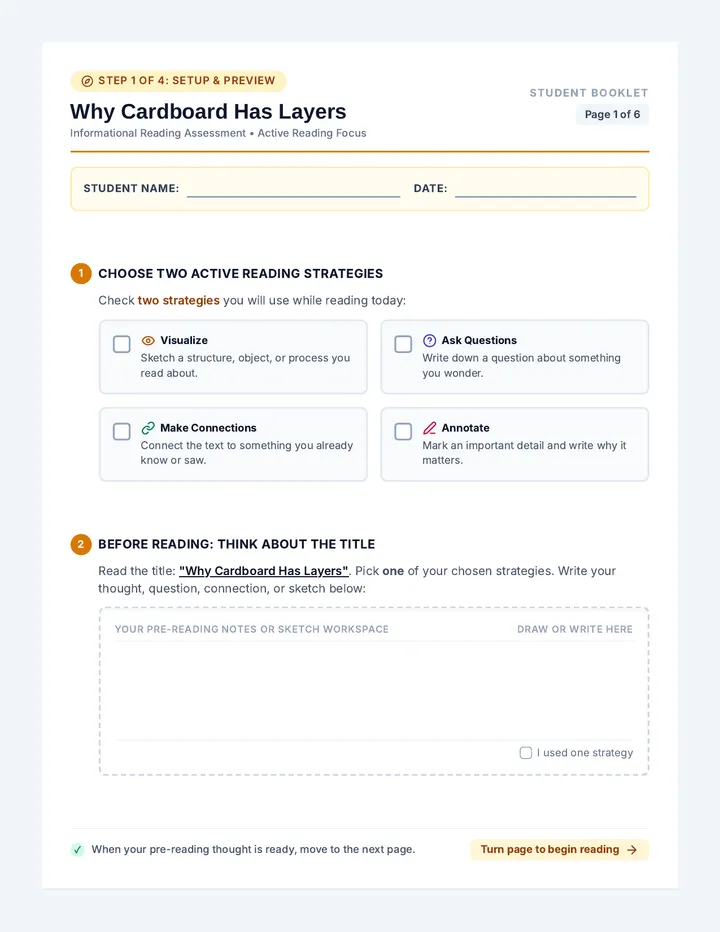
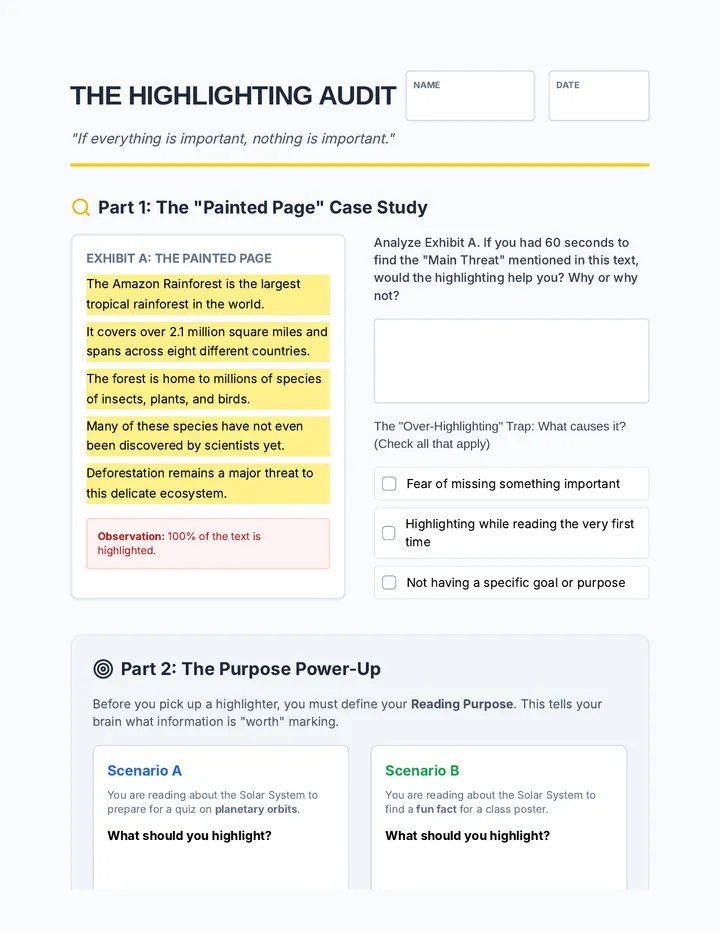
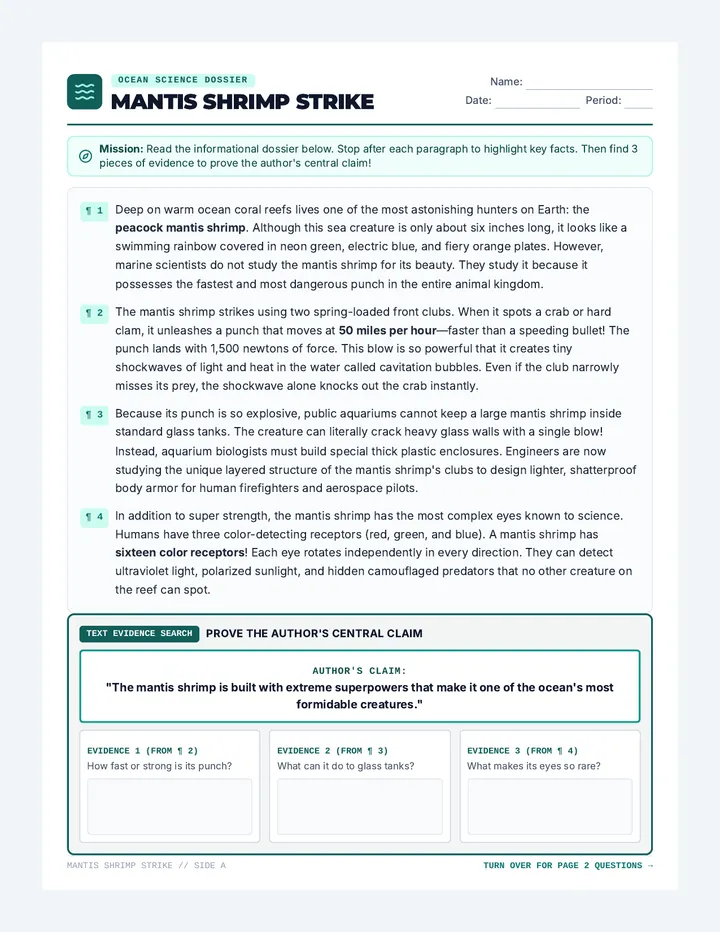
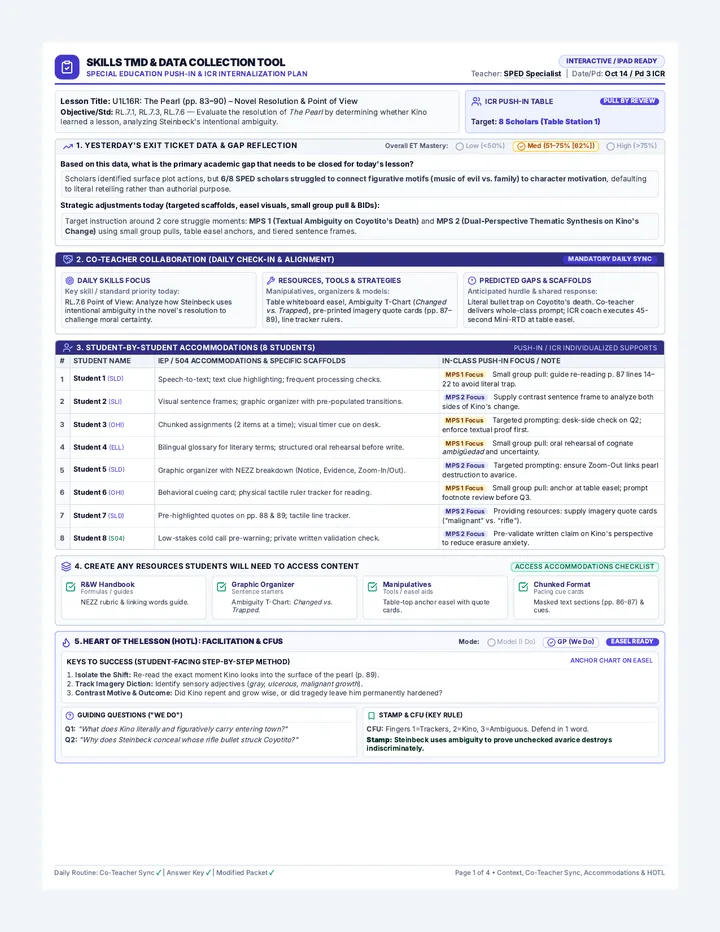
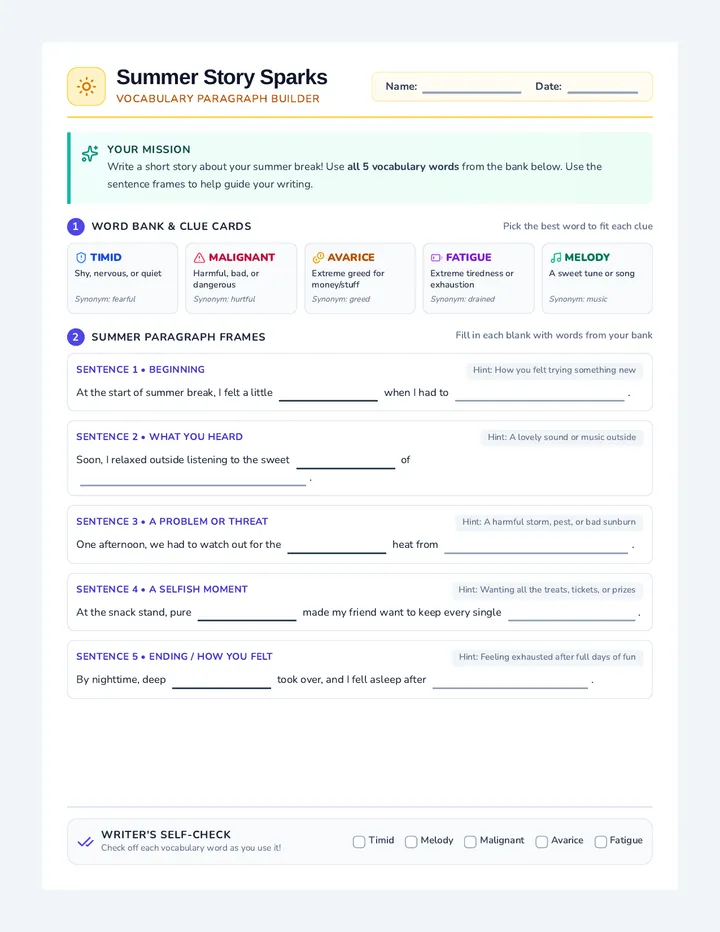
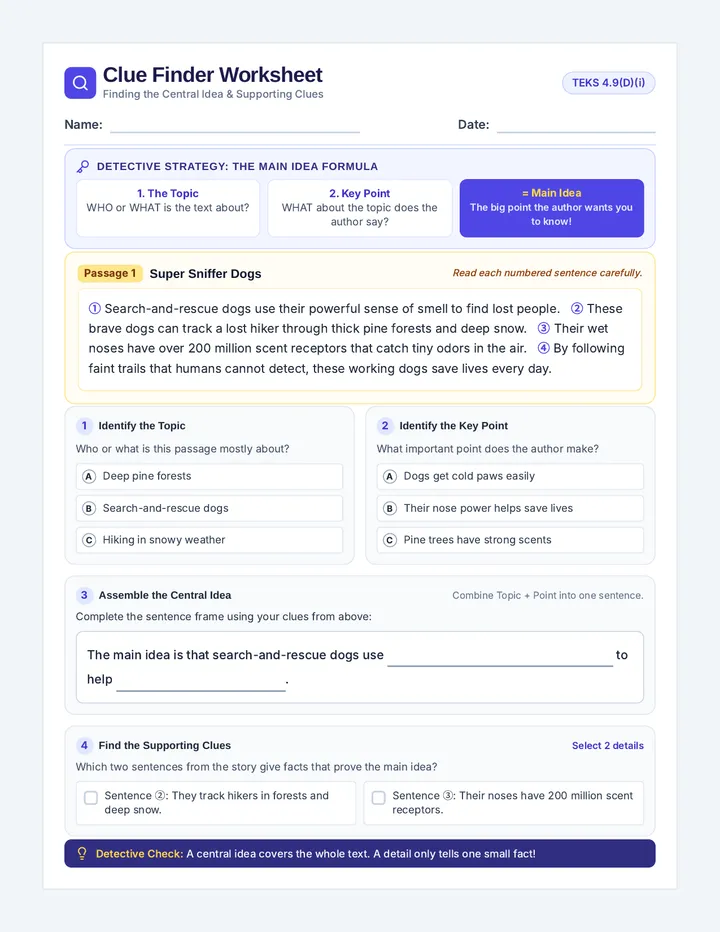
Systematic color-coding and marginalia techniques to support active reading and information retention. Targets skills in isolating key concepts and organizing textual evidence for students with diverse learning needs.
A facilitation guide for teachers to lead the Tech Hero Profile lesson, including self-advocacy scripts, roleplay instructions, and cross-device generalization tips.
A portable 'User Badge' for students to display their preferred text-to-speech settings and use for self-advocacy.
Slides for the Tech Hero Profile lesson, focusing on self-advocacy, cross-device accessibility settings, and finalizing the student user profile.
A teacher guide for the Master Mix Testing lesson, including instructions for the integrated test and metacognitive reflection prompts.
A fun recipe-style card for students to record their final chosen text-to-speech settings for speed, voice, and visuals.
Slides for the Master Mix Testing lesson, where students combine their chosen speed, voice, and visual settings to read a nonfiction article.
Student reflection and final assessment sheet for Lesson 5, allowing students to plan strategies and evaluate their comprehension performance.
A teacher guide for the Visual Spotlight Zone lesson, focusing on masking vs highlighting and color contrast psychology.
A worksheet for students to investigate and record their visual preferences for reading, including highlighting style and color contrast.
Detailed teacher guide for Lesson 5, focusing on strategy selection, metacognitive reflection, and identifying when to use TTS support versus silent reading.
Slides for the Visual Spotlight Zone lesson, investigating highlighting types, masking, and color contrast for reading focus.
Teacher guide for the 'Fact Spy Academy' lesson, providing instructional steps, modeling scripts, and technical troubleshooting for using TTS for note-taking.
A sequence focused on empowering 3rd-grade students to customize their text-to-speech settings. Students experiment with speed, voice, and visual highlighting to create a personalized 'Assistive Tech Profile' for better reading retention and comfort.
A comprehensive sequence for 4th-grade students to master Text-to-Speech (TTS) assistive technology. Students learn to navigate complex text features, clean up cluttered webpages, tackle math word problems, conduct research, and take effective notes using auditory tools.
A 5th-grade sequence focused on using Text-to-Speech (TTS) technology as a cognitive strategy for reading comprehension. Students learn bi-modal reading, text chunking, evidence collection, and active annotation to transition from passive listening to active engagement with digital text.
This sequence equips 12th-grade students with advanced technical skills in Text-to-Speech (TTS) technology. It moves beyond basic tool usage to professional-grade workflows, including auditory calibration, OCR conversion, immersion reading, mobile synchronization, and technical troubleshooting, preparing students for the heavy reading demands of post-secondary environments.
A 3rd-grade sequence focused on teaching students with processing difficulties how to navigate informational texts using annotation and highlighting techniques. Through a 'text detective' theme, students analyze informational articles as 'specimens' to identify features, vocabulary, and main ideas.
A 5-lesson sequence designed for 9th-grade students in an academic support setting to master digital annotation, highlighting, and collaborative text analysis tools. The sequence focuses on transitioning traditional paper-based strategies to digital environments like Google Docs and PDFs, emphasizing visible thinking and peer collaboration.
A 5-lesson sequence for 9th-grade students to master a systematic, three-color highlighting strategy, moving from identifying 'over-highlighting' pitfalls to independent application on non-fiction texts.
A project-based sequence for 4th-grade students in special education settings, focusing on moving from passive highlighting to active extraction, organization, and synthesis. Students learn to refine highlights, extract them onto cards, sort ideas logically, and create a visual 'One-Page Expert Guide' as a summary tool.
This sequence teaches 4th-grade students how to use digital annotation tools—like highlighting, commenting, and text-to-speech—to support reading comprehension and prepare for computer-based assessments. It is designed specifically for students needing academic support or accommodations.
This sequence guides 9th-grade students through the cognitive strategies of using Text-to-Speech (TTS) for deep comprehension. It moves from basic bi-modal tracking to advanced digital annotation and genre-specific strategy adaptation, culminating in a rigorous auditory comprehension assessment.
This graduate-level sequence focuses on the explicit instruction of text highlighting and annotation strategies. It prepares future special educators and coaches to move beyond 'assigning' annotation toward systematically 'teaching' it through cognitive modeling, guided practice, and implementation fidelity monitoring.
A graduate-level professional development sequence focused on designing customized text annotation and highlighting protocols for students with diverse learning needs, specifically targeting executive function and processing speed deficits.
Students finalize their settings and create a portable 'User Badge.' They practice self-advocacy skills to explain their technical needs to teachers across different classrooms and devices.
Students combine their chosen speed, voice, and visual settings into a final configuration. They test this 'Master Mix' on a nonfiction article and reflect on their ability to focus and understand.
Students investigate visual aids like word-by-word highlighting and masking. They compare reading with 'visual noise' versus a 'spotlight' to find settings that reduce distraction and improve tracking.
Students explore digital voice options including pitch, accent, and gender. They learn to identify which voices help them stay focused and which feel most natural for long-form reading.
Students test different words-per-minute settings to find their 'Goldilocks' zone. They participate in a Speed Racer challenge to understand how speed impacts their auditory processing and memory.
Students practice taking notes while listening to an educational article. They pause the audio to write down key facts, combining listening comprehension with note-taking skills.
Students conduct a mini-research project on a topic of interest using TTS to access articles that might be above their independent reading level. They practice gathering facts via audio.
Students apply TTS specifically to math word problems. The lesson focuses on re-listening to identify the numbers and the question being asked without getting overwhelmed by the text.
Students learn to use 'Reader View' or text-only modes in conjunction with TTS to strip away ads and distractions on websites. This focuses the audio on the main content.
Students practice using TTS on non-fiction articles, learning how to handle captions, sidebars, and headings. They discuss the order in which to listen to these elements for best understanding.
Students assess their own comprehension after using TTS strategies and reflect on which tools and settings work best for their specific learning needs.
Introduces the skill of taking digital notes or highlighting key information while the text-to-speech audio continues to play.