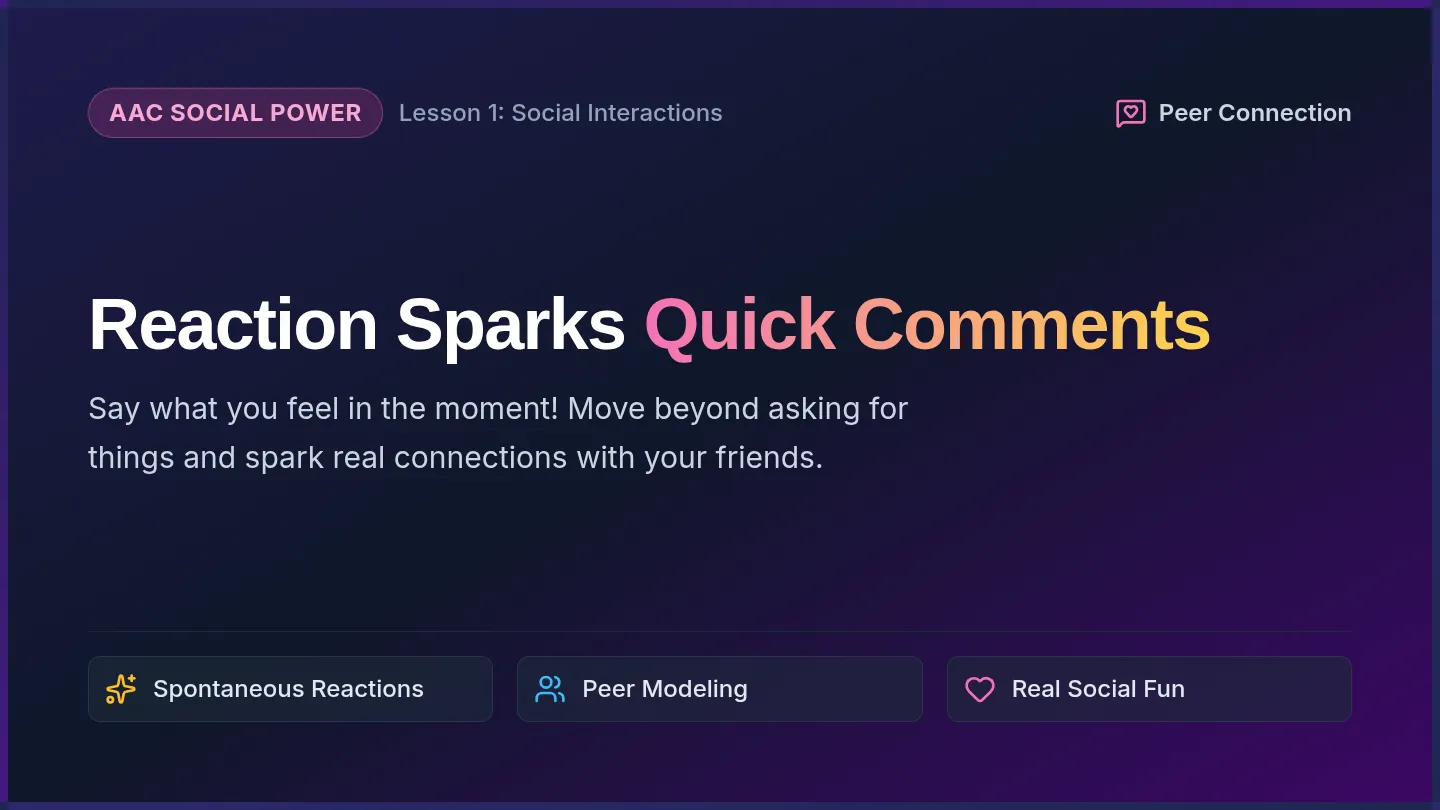
Launch Speed Run Slides Executive Functioning Mission 01
Target Skill: Rapid Task Initiation
IEP Focus: Start Within 2 Minutes
The Launch Speed Run:
Crush The Starting Friction
The hardest part of any assignment is the first 120 seconds. Master the ignition protocol to launch before your brain hesitates.
Obstacle 01
Staring at a blank screen or paper
Target Action
Pencil touches paper within 120 sec
Goal Metric
Zero verbal prompts needed
Why Initiation Feels Heavy
Phase 1: Diagnosis
The Brain Trap
Your brain views a big assignment as a mountain. It stalls with wandering thoughts, pencil organizing, or checking out.
Result: 5 to 10 minutes lost before writing a single word.
The Scientific Fix
Lower the bar for starting. You do NOT have to finish right now. You only have to take one ridiculous micro-action.
Result: Once you write 3 words, resistance drops by 80%.
Key Rule: Motivation does not come before starting. Action triggers motivation!
The 3-2-1 Blast Off Protocol
Action Trigger
3
Clear The Runway
Open the page. Cap off the pen. Put away phone or extra tabs. Only one task in view.
2
Name Micro-Step
Say aloud or whisper: "First, I am writing my name and reading question number one."
1
Touch Down & Go
Physical contact. Pen touches line 1 or fingers touch keys before the 120-second timer dings.
Timer cue set to 2:00 Goal: Finish Micro-Step before timer runs out
IEP Self-Monitoring Criteria
Daily Data Check
How to Earn Your Initiation Point Each Class:
✓
Level 4: Independent Ignition
Started work in under 2 minutes with no teacher or visual prompt needed.
4 pts
⚡
Level 3: Desk Visual Cue
Started in under 2 minutes after checking desk cue card or visual timer.
3 pts
💬
Level 2: One Verbal Reminder
Started within 2 minutes of teacher providing 1 direct verbal prompt.
2 pts
Today's Practice: Complete the Launch Speed Run drill on your worksheet!
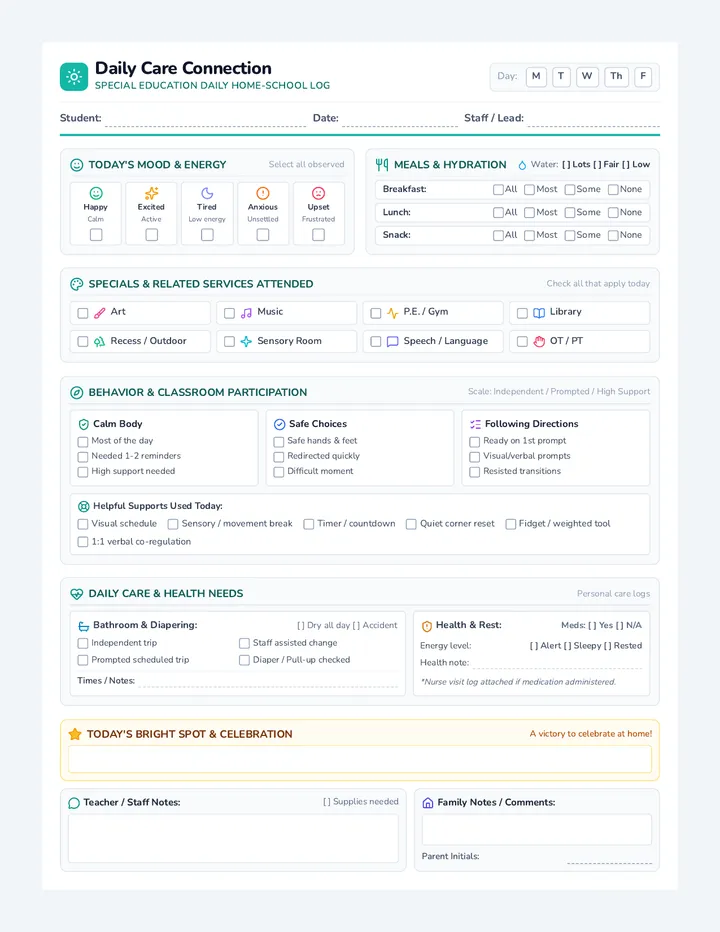
Task Launch Practice Worksheet Task Launch Practice Worksheet
Executive Functioning Skill 1: Start Within Time
Goal: Latency < 120 Seconds
Target: 4 out of 5 Trials
Student Name:
Date:
Current Class/Subject:
The 3-2-1 Blast Off Rule: 1) Clear runway • 2) State micro-step • 3) Touch pencil to paper before 2:00.
Sprint Mode
Part 1: Identify Starting Friction
Check your common delay trap today:
Organizing Freeze
Fixing pens, tabs, or desk endlessly
Overwhelm Fog
Looking at whole packet instead of step 1
Mind Wandering
Daydreaming before opening assignment
Part 2: Timed Launch Trials (Target ≤ 120 Seconds)
Trial
Assignment / Prompt Task
My Micro-Step
Start Latency
Prompt Level
#1
Bellringer / Warm-Up
Task announced by teacher
sec ≤ 120s?
Ind Vis Verb
#2
Independent Classwork
Opening book, worksheet, or LMS
sec ≤ 120s?
Ind Vis Verb
#3
Station / Activity Transition
Switching tasks or subjects
sec ≤ 120s?
Ind Vis Verb
Part 3: Launch Reflection
What helped me start quickest today?
One thing to eliminate tomorrow to start faster:
Trial Success: ___ / 3 Met 2-Min Goal Independence Rating: ___ / 4 Pts
Staff / Facilitator Initials:
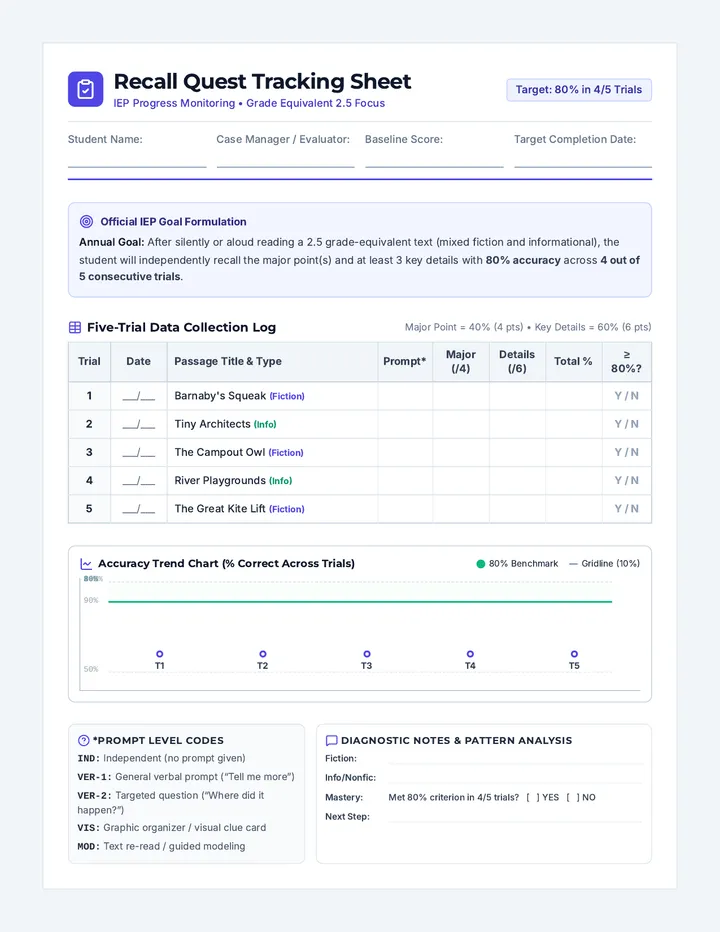
Initiation Latency Data Sheet Initiation Latency Data Sheet
IEP Progress Monitoring • Executive Functioning Objective 1
Latency Tracking Probe
Student Name
IEP Date / Cycle
Observer / Role
Baseline Latency
Target IEP Goal: By , when presented with academic tasks, student will initiate the task within 120 seconds (2 mins) with ≤ 1 visual cue across 4 out of 5 consecutive sessions.
[ IND ] Independent
[ VIS ] Visual Cue / Timer
[ VER ] Single Verbal Prompt
[ GES ] Gestural / Pointing
[ MOD ] Modeling First Step
Trial
Date
Setting / Activity
Signal Time
Start Time
Latency
Prompt
Met?
Init
#1
Y / N
#2
Y / N
#3
Y / N
#4
Y / N
#5
Y / N
#6
Y / N
#7
Y / N
#8
Y / N
Latency Summary
Average Latency: ___ min ___ sec
Fastest Launch: ___ seconds
Goal Mastery Rate
Trials ≤ 2 Min: ___ / 8 Trials
Independent (IND): ___ % of Trials
Intervention Adjustment
[ ] Maintain current support
Qualitative Field Notes (Triggers, Environmental Factors, Self-Talk):
Review Status: [ ] Satisfactory Progress [ ] Needs Revision [ ] Goal Mastered
Specialist Signature:
Time Radar Slides Executive Functioning Mission 02
Target Skill: Time Estimation & Calibration
IEP Focus: Accuracy Within ±20%
Time Radar:
Master The Clock Before It Runs Out
Time is invisible until you measure it. Turn on your mental radar to predict how long work takes and eliminate accidental cramming.
Common Illusion
"This worksheet will take 2 minutes" (Takes 18)
The Superpower
Predicting time within 5 minutes of reality
The Payoff
No frantic rushing & guaranteed free time
Why Estimation Is Hard
The Brain Science
The "Now vs. Not Now" Mind
Executive functioning brains often experience time in only two modes: NOW and NOT NOW .
• Uninteresting work feels like it takes 2 hours
• Fun screens make 45 minutes vanish in seconds
The Calibration Formula
Real time is objective. We calibrate our estimation radar by testing our guesses against stopwatch clocks.
Predicted Time vs. Actual Time = Reality Gap
Our Goal: Shrink the Reality Gap until your guess matches the clock! Target: Within 20% Variance
The 3-Step Estimation Hack
Strategy Toolkit
1
Count Units
Never guess a whole assignment. Count the pieces: 5 math problems, 1 paragraph, or 10 flashcards.
2
Benchmark 1 Unit
How long does ONE problem take? Usually 2 minutes. Multiply: 5 problems × 2 min = 10 minutes.
3
Add Buffer (+20%)
Always add a 20% cushion for erased mistakes, sharpening pencils, or rereading confusing questions.
Example: 10 math problems × 1.5 min = 15 mins + 3 min buffer = 18 Minute Realistic Prediction .
Live Calibration Experiment
Lab Exercise
Your Log Protocol Today:
Step 1
Write Task
Identify the exact assignment & quantity
Step 2
Lock Estimate
Write predicted minutes before starting
Step 3
Run Visual Clock
Keep timer in eye line while completing work
Step 4
Log & Compare
Calculate variance (+/- minutes off)
Open your Prediction Reality Log to run Trial 1 now!
Prediction Reality Log Prediction Reality Log
Executive Functioning Skill 2: Estimate Task Time
Goal: Accuracy ± 20%
IEP Calibration Practice
Student Name:
Date:
Target Time Support:
Estimation Formula: (Number of Units × Time Per Unit) + 20% Buffer Time = Realistic Estimate
Radar On
Task Calibration Lab (Log 4 Tasks Today)
Task Name & Item Count
Predicted Time
Actual Clock Time
Diff (+/-)
Bullseye? (≤20%)
1
min
min
[ ] YES [ ] NO
2
min
min
[ ] YES [ ] NO
3
min
min
[ ] YES [ ] NO
4
min
min
[ ] YES [ ] NO
Calibration Detective (Check What Happened)
My Tendency Pattern Today:
Under-Estimated: Work took significantly longer than I thought.
Over-Estimated: I finished much faster than I expected.
Calibrated: My predictions were within 2-5 minutes of clock.
The "Hidden Minutes" Thief: What step consumed extra unplanned minutes?
Adjustment For Next Prediction:
Bullseye Accuracy: ___ / 4 Tasks within 20% Visual Timer Used: [ ] Full Time [ ] Partial [ ] None
Staff Initials:
Estimation Accuracy Probe Estimation Accuracy Probe
IEP Progress Monitoring • Executive Functioning Objective 2
Bi-Weekly Assessment Probe
Student Name
Case Manager
Evaluation Period
Baseline Variance
IEP Mastery Criterion: When presented with academic tasks (5–40 min duration), student will predict completion time within ± 20% variance of actual elapsed time across 4 of 5 consecutive probes without adult cueing.
Variance % = (|Actual Minutes - Predicted Minutes| ÷ Actual Minutes) × 100
Target: ≤ 20.0% Error
Probe
Date
Assigned Academic Task
Pred.
Act.
Diff / Variance %
Met ≤20%?
Prompt
Init
#1
Y / N
#2
Y / N
#3
Y / N
#4
Y / N
#5
Y / N
#6
Y / N
IEP Quarterly Performance Rubric
1: Emerging
Variance > 50%. Cannot predict time without direct adult breakdown; severe time blindness.
2: Developing
Variance 25–50%. Makes estimates with verbal prompts to count units; inconsistent buffer use.
3: Proficient
Variance 10–20%. Independently calculates time estimates with formula; regularly meets IEP goal.
4: Mastered
Variance ≤ 10%. Highly calibrated self-monitoring across multiple academic subjects independently.
IEP Progress Report Statement (Summary & Generalization):
Mastery Status: ___ / 5 Consecutive Probes Met Current Rubric Level: Level ___
Evaluator Signature:
Support Squad Slides Executive Functioning Mission 03
Target Skill: Independent Support Tools
IEP Focus: 100% Self-Initiated Tools
Support Squad:
Externalize Your Working Memory
High performers don't keep time in their heads. They build an external control station using visual timers, cue cards, and active checklists.
Tool 01
Visual Countdown Clock (Disappearing Disk)
Tool 02
Desk Pacing Strip (Chunked 3-Step Queue)
Tool 03
Sprint & Recovery Rhythms (15m + 3m)
The External Brain Concept
Cognitive Load Theory
Relying On Memory Alone
Trying to track what step you're on, how much class time is left, and what problem to do next drains your cognitive fuel.
Symptom: Constant teacher reminders needed to stay on track.
Offloading To Desk Supports
When time is visible on your desk, your brain uses 0% energy tracking the clock. All your power goes into solving problems!
Result: Complete independence from teacher verbal prompts.
Rule of Autonomy: The tool tells you what to do, so a teacher doesn't have to. 100% Self-Directed
Desk Command Station
Visual Setup
1. The Visual Disk
Position your visual timer in your direct 45° eye line. As the colored wedge shrinks, your urgency builds naturally.
2. Rule of Three
Never write 10 tasks. Only display 3 micro-tasks on your board. When all 3 are crossed off, load the next 3.
3. Recovery Anchor
Schedule a 2-minute reset: stretch hands, drink water, take 3 deep breaths, then set the next sprint timer.
IEP Benchmark: Student sets up desk supports within 60 seconds of sitting down.
Independence Prompt Fading
IEP Goal Level
How We Measure Your Tool Mastery:
4
Independent Execution
Opens desk board, sets visual timer, checks off tasks with zero prompts.
Mastered
3
Visual Desk Prompt
Teacher taps the desk reminder card; student sets timer and checklist independently.
Fading
2
Direct Verbal Prompt
Teacher says: "Please set your timer for 15 minutes and write your 3 tasks."
Instructional
Today's Mission: Deploy your Visual Pacing Desk Board on your workstation!
Visual Pacing Desk Board Visual Pacing Desk Board
Executive Functioning Skill 3: Use Time Supports
Desk Station Dashboard
Dry-Erase / Daily Printable
Student Name:
Date:
Target Sprint Length:
Dock Timer Here Place physical visual clock or open timer app
Select Sprint Length:
10 Min
15 Min
20 Min
25 Min
Target: Zero reminders to reset timer Goal: 100% Independent
Active Task Queue (Max 3 Chunks at a Time)
Only focus on one active chunk at a time!
1
Immediate Micro-Step:
✓
DONE
2
Next In Line:
DONE
3
Final Sprint:
DONE
Pacing Check-in (Mark As Timer Runs)
Sprint Start
Timer launched
Halfway Check
Chunk 1 done?
2-Min Warning
Wrap up sentence
Sprint Complete
Pencil down
2-Minute Brain Recharge Protocol 1) Shake hands • 2) Take 3 box breaths • 3) Drink water • 4) Reset timer
Recharge Station
Today's Independence Self-Check:
I set timer myself
I chunked tasks myself
Zero verbal prompts needed
Independence Rating: ___ / 3 Self-Directed Behaviors
Staff Initials:
Executive Mastery Tracker Executive Mastery Tracker
Comprehensive IEP Goal Progress Monitoring Dashboard
IEP Master Portfolio
Student Full Name
Annual IEP Date
Case Manager
Grade / Setting
Target Skill Mastery Matrix (Quarterly Reporting)
Target IEP Objective
Mastery Standard
Baseline
Q1
Q2
Q3
Q4
Current Status
1. Start Within Time Latency to initiate assigned tasks
≤ 120s in 4/5 trials (Ind/Vis)
[ ] Met [ ] Progress
2. Estimate Task Time Predicted vs actual clock time
± 20% error in 4/5 probes
[ ] Met [ ] Progress
3. Use Time Supports Visual timers, checklists & cues
Ind. setup in 4/5 sessions
[ ] Met [ ] Progress
Prompt Level Fading Analysis
Task Initiation Latency
Independent [IND]: ___ %
Desk Visual Prompt [VIS]: ___ %
Verbal Reminder [VER]: ___ %
Time Estimation Fidelity
Independent Formula: ___ %
Visual Formula Guide: ___ %
Adult Guided Count: ___ %
Support Tool Deployment
Self-Initiated Setup: ___ %
Desk Card Cue: ___ %
Direct Teacher Prompt: ___ %
Accommodations & Environmental Supports Fidelity
Visual Timer on desk
3-Step task queue strip
2-Minute launch countdown
Movement break recharge
IEP Team Instructional Decision / Goal Revision:
IEP Progress Code: [ ] Mastered [ ] Expected Progress [ ] Insufficient Progress
Case Manager:
Date: