Brain Hack Blueprint Worksheet
Brain Hack Blueprint
Student:
Date:
Exploring the link between digital habits and Executive Functioning (EF).
Part 1: The EF Match-Up
Draw a line connecting the EF Skill to the Phone Behavior that challenges it.
1. Impulse Control
2. Task Initiation
3. Sustained Attention
4. Working Memory
Switching apps while trying to work.
Checking a buzz immediately during a talk.
Forgetting why you grabbed your phone.
"One more video" instead of starting work.
Part 2: The Notification Trap
The Distraction:
Which app pulls you away from what you're doing most often?
The Brain Lag:
How long does it take to get back "into the zone" after checking? Why?
Part 3: The Scroll Hole
Time Blindness is when we lose track of time. Infinite scroll feeds (TikTok, Reels) are designed to trigger this.
My "Scroll Hole" App
The "Cost"
(What did you miss out on?)
The Brain Hack:
What is one physical change to your space or habits to stop "Time Blindness"?
Part 4: Brain Defense Strategy
Example 1
Impulse Control
Phone in locker during class
Example 2
Task Initiation
Set 20min kitchen timer for work
Skill to Protect:
Defense Strategy:
Skill to Protect:
Defense Strategy:
Brain Hack Slides
Interactive Seminar
EF Skills
Brain Hack:
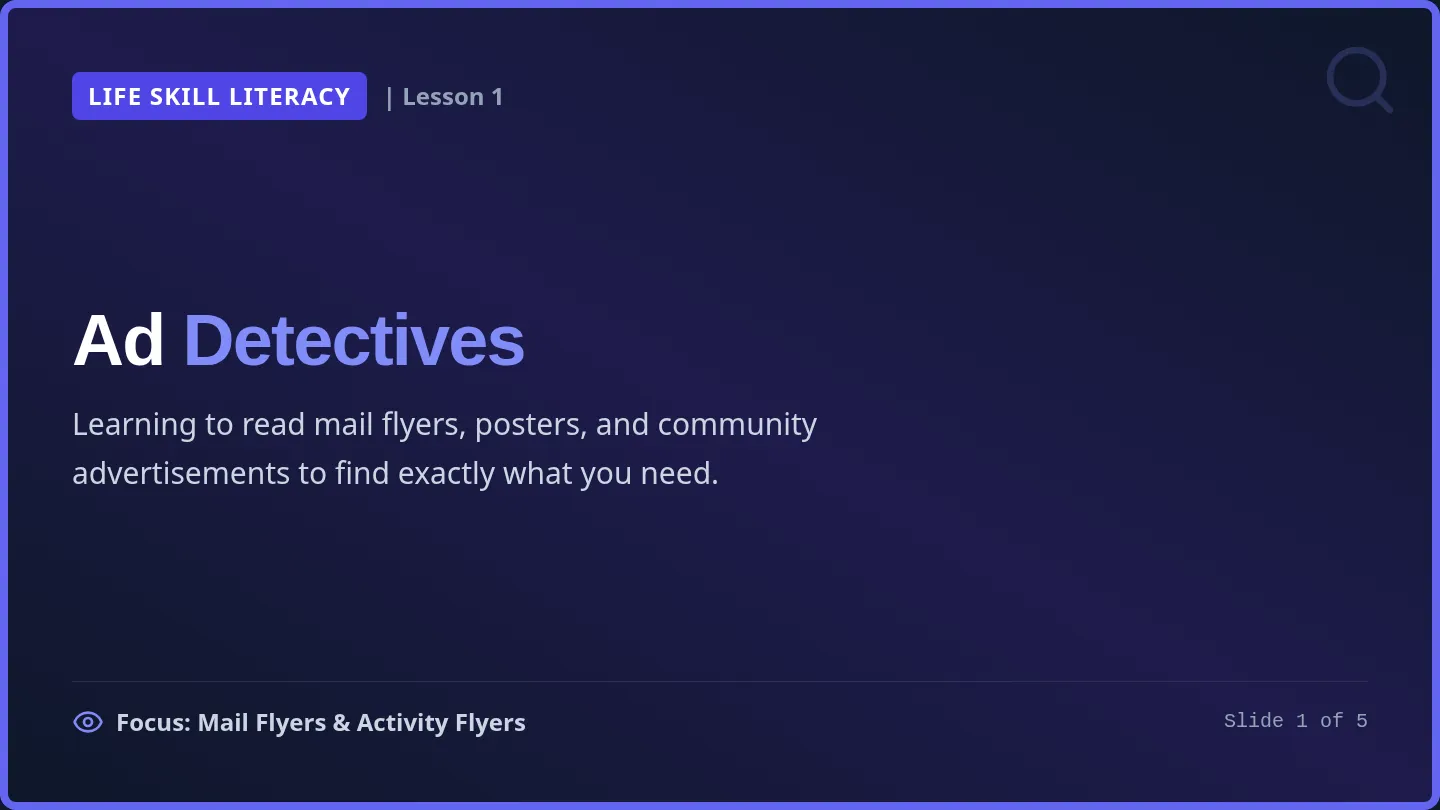
Digital Detox & EF
Understanding how infinite scrolls, notifications, and instant dopamine reshape your executive functioning—and how to hack your environment back.
High School Academic Support Slide 1 of 6
What is Executive Functioning?
Core Concept
Executive Functioning (EF) is your brain's air traffic control system. It helps you manage tasks, focus attention, and regulate actions.
"Your phone doesn't fail you; it's designed to bypass your control systems entirely."
Impulse Control
Resisting immediate urges to check.
Task Initiation
Starting work without stalling.
Attention
Staying locked on one key task.
Memory
Holding information active.
EF is located in the prefrontal cortex—the last part of the brain to fully develop. Slide 2 of 6
The Dopamine Loop
Why It's Hard
The "Instant Prize" System
Your brain seeks dopamine—a chemical that rewards exploration. Phones deliver small dopamine hits every few seconds through notifications, likes, and clips.
Class Discussion: Why start a heavy essay when you can get an instant dopamine "prize" in 2 seconds on your feed?
The Cycle
Anticipation → Trigger → Action → Reward
- Urge: Boredom or minor frustration kicks in.
- Action: Unlock screen automatically.
- Consequence: Task initiation is stalled again.
Dopamine creates subconscious habits, making manual willpower very unreliable. Slide 3 of 6
The Notification Trap
Cognitive Cost
Cognitive Switching Cost
Every buzz causes an immediate focus hijack. Even if you only look for 2 seconds, your brain loses its current thread of thought.
The Brain Lag
It takes an average of 23 minutes to fully return to "the zone" after a single interruption.
Attention Fragmentation
When notifications fire repeatedly, you live in a constant state of attention switching. This destroys Working Memory—you forget why you started working or opened an app.
Check: Think of the app that pulls you away most often. Is it a group chat, a social feed, or a mobile game?
"Do Not Disturb" and physical distance are tools to shield your limited brain power. Slide 4 of 6
The "Scroll Hole"
Time Blindness
Infinite Scroll Design
Feeds are engineered with no stop signs. Your brain doesn't receive the "natural break" cues that books or episodic content provide.
This triggers Time Blindness: losing your sense of how much time has passed.
Class Reflection
"I'll just check this for 5 minutes..."
Suddenly, 45 minutes have evaporated. What did you miss out on? Sleep? Hanging with friends? Setting up for a good tomorrow?
💡 EF Skill Impacted: Planning & Time Management
The feed doesn't run out of content, so your brain doesn't run out of triggers. Slide 5 of 6
Brain Defense Strategies
Take Action
1. The Grayscale Hack
Remove the warm, addictive colors of your screen. Turning on grayscale settings instantly lowers the subconscious pull.
2. Out of Sight
Keep your phone in another room or inside a locker while starting tasks. Merely having it on your desk drains brain energy.
3. Micro-Commitment
Set a non-phone timer (kitchen timer) for just 5 minutes. Tell your brain: "I only have to work for five minutes, then I can stop."
Your Next Step: Fill out Part 4 of your "Brain Hack Blueprint" worksheet! Slide 6 of 6
Brain Hack Teacher Guide
Teacher Facilitation Guide
Digital Detox & EF
Facilitation notes for the "Brain Hack Blueprint" student worksheet.
Lesson Overview
This lesson reframes phone use as a challenge to Executive Functioning (EF) rather than a behavioral choice. This approach reduces shame for neurodivergent students (ADHD, Autism) and focuses on environmental "hacks" rather than willpower.
Grades 9-12 Academic Support
EF Skills Tracked
- Impulse Control
- Task Initiation
- Sustained Attention
- Time Management
Slide Presentation Discussion Prompts
The Dopamine Loop
"Phones give tiny dopamine 'prizes' every few seconds. Why is it harder to start a boring essay when you can get a 'prize' from TikTok instantly?"
Goal: Link dopamine to Task Initiation.
Time Blindness
"Have you ever felt like you spent 5 minutes on your phone, but it was actually 45? How does that ruin your plan for the evening?"
Goal: Link Infinite Scroll to Planning.
Part 1 Worksheet Answer Key
| Skill | Linked Phone Behavior |
|---|
| Impulse Control | Checking a buzz immediately during a conversation. |
| Task Initiation | "Just one more video" instead of starting work. |
| Sustained Attention | Switching between apps while trying to stay focused. |
| Working Memory | Forgetting why you grabbed your phone after seeing an alert. |
Part 4: Defense Strategy Ideas
Impulse Control
- Phone in locker or in another room.
- Turn off all non-human notifications.
- Use "Do Not Disturb" face down.
Task Initiation
- The "5-Minute Rule": Commit to 5 mins of work.
- Physical kitchen timer (out of phone reach).
- Phone stays off until first task is done.
Sustained Attention
- Grayscale mode (Accessibility settings).
- Use "Focus Mode" to block social apps.
- Listen to brown noise/lo-fi (phone across room).
Working Memory
- Write search goal on sticky note first.
- Clear lock-screen notifications nightly.
- Set immediate voice reminders (Siri/Google).