Access to Communication Lesson Plan Access to Communication
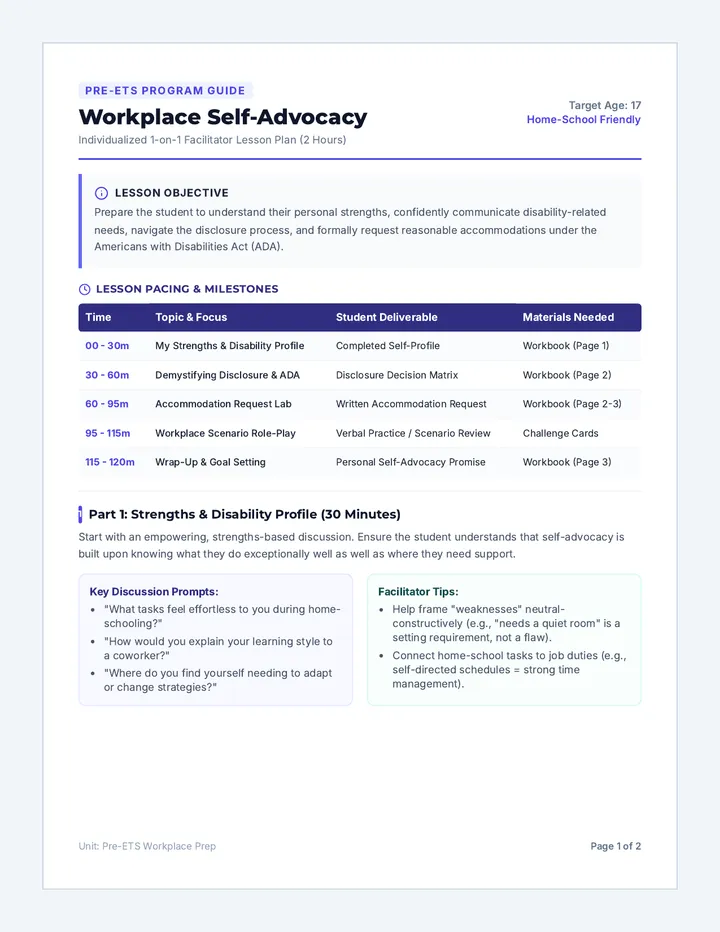
Lesson Plan • Tier 3 Individual Instruction
Duration: 90 Minutes
Audience: Adult
Why This Lesson?
Understanding communication accessibility is crucial for fostering inclusive environments in personal and professional life. This lesson equips the student with the knowledge to identify and address communication barriers, promoting empathy and effective interaction with diverse individuals.
Learning Objective
The student will be able to define communication accessibility, identify various barriers to accessible communication, and recognize strategies and tools for inclusive communication through a comprehensive multiple-choice quiz.
Instructional Approach
Individualized instruction, guided discussion, and a comprehensive quiz.
Materials Needed
Communication Accessibility Slide Deck
Communication Accessibility Quiz
Quiz Answer Key
Communication Accessibility Script
Preparation (15 min)
• Review the slide deck to familiarize yourself with content and discussion points.
• Read through the quiz and answer key to understand the assessment parameters.
• Familiarize yourself with the script to ensure a smooth facilitation of the session.
Instructional Sequence
10 min
Introduction and Warm-up
Greet the student and outline the objective/agenda.
Use the first slide to introduce the concept of communication accessibility.
30 min
Exploring Communication Accessibility
Go through the slide deck, pausing for discussion and questions.
Use script talking points to facilitate deeper understanding of barriers and strategies.
Encourage the student to share personal insights or experiences.
40 min
Quiz: Testing Your Knowledge
Distribute the multiple-choice quiz.
Allow the student to complete it independently (clarify instructions only).
10 min
Review and Discussion
Review answers together using the Answer Key.
Discuss incorrect answers to reinforce concepts and clarify misunderstandings.
Conclude with key takeaways and real-world application.
Communication Accessibility Slide Deck What is Communication Accessibility?
Making sure information and interactions are designed so that everyone can access them.
Removing barriers to receiving, understanding, and expressing info.
Imagine if your primary way of communicating was suddenly closed off. How would that feel?
Teacher Notes: Welcome the student. Introduce the concept of accessibility as a universal design principle. Emphasize empathy and the removal of "invisible walls."
Common Communication Barriers
Physical
Poor acoustics, distance, lack of visual aids.
Sensory
No captions, unclear speech, small print.
Cognitive
Jargon, complex language, fast-paced speech.
Language
Native language differences, lack of translation.
Attitudinal
Assumptions, stereotypes, lack of patience or willingness to adapt.
Teacher Notes: Discuss each barrier type. Ask the student for personal examples or observations of these barriers in daily life.
Why Is it So Important?
Inclusion & Equity
Ensures everyone can participate fully and provides fair opportunities for diverse needs.
Independence
Empowers individuals to make their own choices and manage their own lives autonomously.
Understanding
Reduces misunderstandings and fosters clearer, more effective interactions for everyone.
Legal & Ethical
Often a legal requirement (like the ADA) and always an ethical responsibility to others.
Teacher Notes: Introduce "Universal Design"—making things accessible benefits everyone (e.g., captions in a noisy gym benefit people with and without hearing loss).
Strategies for Inclusion
Making your message clear to everyone
Plain Language: Simple words; avoid jargon.
Visual Supports: Images, diagrams, interpreters.
Audio Supports: Descriptions, induction loops.
Written Supports: Captions, transcripts, braille.
Technology: Apps, ALDs, text-to-speech.
Patient & Flexible: Allow extra time; adapt style.
Teacher Notes: Go through specific strategies. Ask: "If you were explaining a complex topic, which 2 strategies would you use first?"
Assistive Tech & Tools
Hearing Aids & Cochlear Implants: Amplify sound for hearing loss.
Screen Readers: Convert text into speech or braille.
AAC Devices: Tools (speech-generating) for non-verbal users.
Captioning Services: Real-time conversion of speech to text.
Teacher Notes: Discuss how technology bridges the gap. Ask if the student has seen these in public or knows how they work.
Ready to Test Your Knowledge?
We've covered what communication accessibility is, why it matters, and how we can make it happen.
Take your time with the quiz. Read each question carefully and choose the best answer.
Teacher Notes: Prepare the student for the assessment. Transition to the quiz material.
Communication Accessibility Quiz Communication Accessibility Quiz
Testing Knowledge on Inclusive Communication
Name:
Date:
Instructions: Read each question carefully. Select the best answer by marking the box or circling the corresponding letter. There is only one correct answer for each question.
1. Which of the following best defines communication accessibility?
Making sure everyone speaks the same language.
Designing information and interactions so that everyone can access them, regardless of their abilities or disabilities.
Providing all communication in written format only.
Limiting communication to a select group of individuals.
2. What is an example of a physical barrier to communication accessibility?
Using simple language.
Providing captions for a video.
Poor acoustics in a room.
Speaking clearly and slowly.
3. A person with a visual impairment struggles to read a presentation with small font. This is an example of what type of barrier?
Attitudinal barrier.
Language barrier.
Sensory barrier.
Cognitive barrier.
4. Using complex jargon and technical terms without explanation can create which type of communication barrier?
Physical barrier.
Cognitive barrier.
Sensory barrier.
Attitudinal barrier.
5. Why is it important to use plain language in communication?
To make the communication shorter.
To exclude those who don't understand complex terms.
To ensure information is easily understood by a wider audience, including those with cognitive disabilities or language barriers.
To demonstrate advanced vocabulary.
6. Providing captions for a video primarily addresses accessibility for individuals with what type of impairment?
Visual impairment.
Mobility impairment.
Hearing impairment.
Cognitive impairment.
7. Which of the following is an example of an assistive technology for communication?
A standard computer keyboard.
A basic mobile phone.
A screen reader that converts text to speech.
A traditional pen and paper.
8. When communicating with someone who has difficulty speaking, what is an inclusive strategy?
Interrupting them to finish their sentences.
Ignoring their attempts to communicate.
Allowing them extra time to respond and being patient.
Communication Accessibility Quiz Answer Key Quiz Answer Key
Access to Communication • Teacher Resource
Question 1
Correct Answer: Designing information and interactions so that everyone can access them, regardless of their abilities or disabilities.
Explainer: Communication accessibility aims for universal access, removing barriers to ensure all individuals can receive, understand, and express information. Other options are too narrow.
Question 2
Correct Answer: Poor acoustics in a room.
Explainer: Physical barriers relate to the environment. Poor acoustics directly impede clear auditory communication, making it a physical obstacle.
Question 3
Correct Answer: Sensory barrier.
Explainer: Visual impairment affects a person's sensory input (sight). Therefore, small font creates a sensory barrier that prevents accessing information visually.
Question 4
Correct Answer: Cognitive barrier.
Explainer: Cognitive barriers arise when information is difficult to process due to complexity or unfamiliar language. Jargon falls into this category.
Question 5
Correct Answer: To ensure information is easily understood by a wider audience, including those with cognitive disabilities or language barriers.
Explainer: Plain language is a strategy to reduce cognitive and language barriers, focusing on clarity and comprehensibility for all.
Question 6
Correct Answer: Hearing impairment.
Explainer: Captions provide a visual text alternative to spoken audio, directly benefiting individuals who cannot hear the sound.
Question 7
Correct Answer: A screen reader that converts text to speech.
Explainer: Assistive technologies are tools designed to help perform tasks. A screen reader assists visually impaired individuals in accessing written content.
Question 8
Correct Answer: Allowing them extra time to respond and being patient.
Explainer: Patience and time are crucial for inclusive communication with individuals who may have speech difficulties.
Question 9
Correct Answer: It promotes inclusion and equal participation for all individuals.
Explainer: The overarching goal is a society where everyone can participate equally, regardless of communication abilities.
Question 10
Correct Answer: Assumptions, stereotypes, or a lack of willingness to adapt communication styles.
Explainer: Attitudinal barriers are rooted in beliefs and behaviors rather than physical or sensory limitations.
Question 11
Correct Answer: Visual impairment.
Communication Accessibility Script Facilitator Script
Individual Session: Access to Communication
10 MIN
Part 1: Introduction & Warm-up
"Hello [Student Name], welcome! Today we're going to explore a really important topic: communication accessibility. Essentially, we'll be looking at how we can make sure everyone can understand and be understood, no matter how they communicate. We'll chat a bit, go through some slides, and then you'll have a chance to show what you've learned with a quiz. How does that sound?"
Wait for student response. Once confirmed, transition to the slide deck.
"Great! Let's start with our first slide: What is Communication Accessibility?"
30 MIN
Part 2: Exploring Accessibility
Referencing Slide 1
"So, as this slide says, communication accessibility is about making sure everyone can access information and express themselves. It's about removing those invisible walls that can make it hard for some people to participate. Think about your own daily interactions. Can you recall a time when you found it difficult to understand someone, or when someone struggled to understand you? What do you think contributed to that difficulty?"
Referencing Slide 2
"That's a great example. Now, let's look at some common barriers. We have physical, sensory, cognitive, language, and even attitudinal barriers. Which of these resonates most with your experience, or perhaps something you've observed in others? Can you give me an example of one of these barriers from your own perspective?"
Referencing Slide 3
"It's clear these barriers can be tough. So, why do you think communication accessibility is so important, not just for individuals, but for society as a whole? What benefits do you see in making communication more inclusive?"
Referencing Slide 4
"Those are excellent points. Luckily, there are many strategies we can use. We talked about plain language, visual supports, audio supports, written supports, and just being patient and flexible. Imagine you're explaining something complex to a group of people with diverse needs. Which of these strategies do you think would be most effective, and why?"
Referencing Slide 5
"Beyond strategies, technology also plays a huge role. Things like screen readers, AAC devices, and captioning services are powerful tools. Have you ever encountered any of these technologies, or perhaps wondered how they work? What impact do you think these tools have on someone's ability to communicate?"
40 MIN
Part 3: Quiz Facilitation
"You've been incredibly thoughtful in our discussion. Now, it's time to see what you've learned and how well these concepts have stuck! I have a Communication Accessibility Quiz for you. Please take your time to read each question carefully and choose the best answer. If you have any questions about instructions, ask, but I won't be able to help with answers. You have about 40 minutes. Ready?"