Confidence Coach Plan Confidence Coach
Lesson Facilitation Guide
Time Allotment 60 Minutes
Focus
AAC Device Mastery
Audience
15yo Student (Autism/PDA)
Strategy
Game-Based / Experiential
Why This Matters
This lesson empowers students to express needs, emotions, and thoughts independently. For students with PDA, the game-based approach reduces "demand" pressure, framing communication as a tool for agency rather than a requirement.
Gear List
iPad (AAC App pre-loaded)
Tech Talk Slide Deck
Device Deep Dive Handout
Social Spark Activity Cards
Communication Bingo Grid
Scenario Skill Check + Key
Session Flow
Launch & Context
10 MIN
Open with the Tech Talk Slides. Watch the "What is Autism?" video to anchor the session in self-advocacy. Frame the AAC device as a "Communication Tech" tool.
Deep Dive Exploration
10 MIN
Student reads "Understanding Augmentative Communication." Support autonomy: let them choose between reading silently or using text-to-speech. Discuss the "why" of the device.
Action & Games
20 MIN
Social Spark Cards: Roleplay scenarios using the device.
Comm-Bingo: Complete communication tasks to mark a row.
Simon Says (AAC Mix): Give and follow commands via the iPad.
Scenario Check
15 MIN
Administer the quiz. For high-PDA students, frame this as a "Device Stress Test" or "System Audit" rather than a test. Allow them to use the device to answer.
Debrief & Celebration
5 MIN
Celebrate successes. Ask the student what phrase they want to practice next week.
Facilitation Pro-Tips (PDA Focus)
"We're testing the device together" instead of "I'm testing you."
Offer choice: "Should we start with Bingo or the Activity Cards?"
Device Deep Dive Reading Device Deep Dive
Tech Reference Guide 01
SYSTEM: AAC-V1
What is Augmentative Communication?
Augmentative Communication devices are powerful tools designed for individuals who find traditional speech challenging. These tools "augment" (add to) or "replace" verbal speech, providing a clear and reliable way to share thoughts, needs, and ideas with the world.
Low-Tech Tools
Simple systems like picture boards, PECS (Picture Exchange Communication System), or handwritten notes.
High-Tech Systems
Advanced electronic devices or iPad apps that use synthesized speech (computer-generated voices) to speak out loud.
Why Use Communication Tech?
For many individuals, these devices are more than just gadgets—they are a voice. Using communication tech can empower you to:
Express exactly what you're thinking or feeling without guessing.
Participate in social events, school, and hobbies with confidence.
Foster independence by making your own choices known to others.
Mastery Tip
"Communication is about connection, not perfection. Every button press is a step toward being heard."
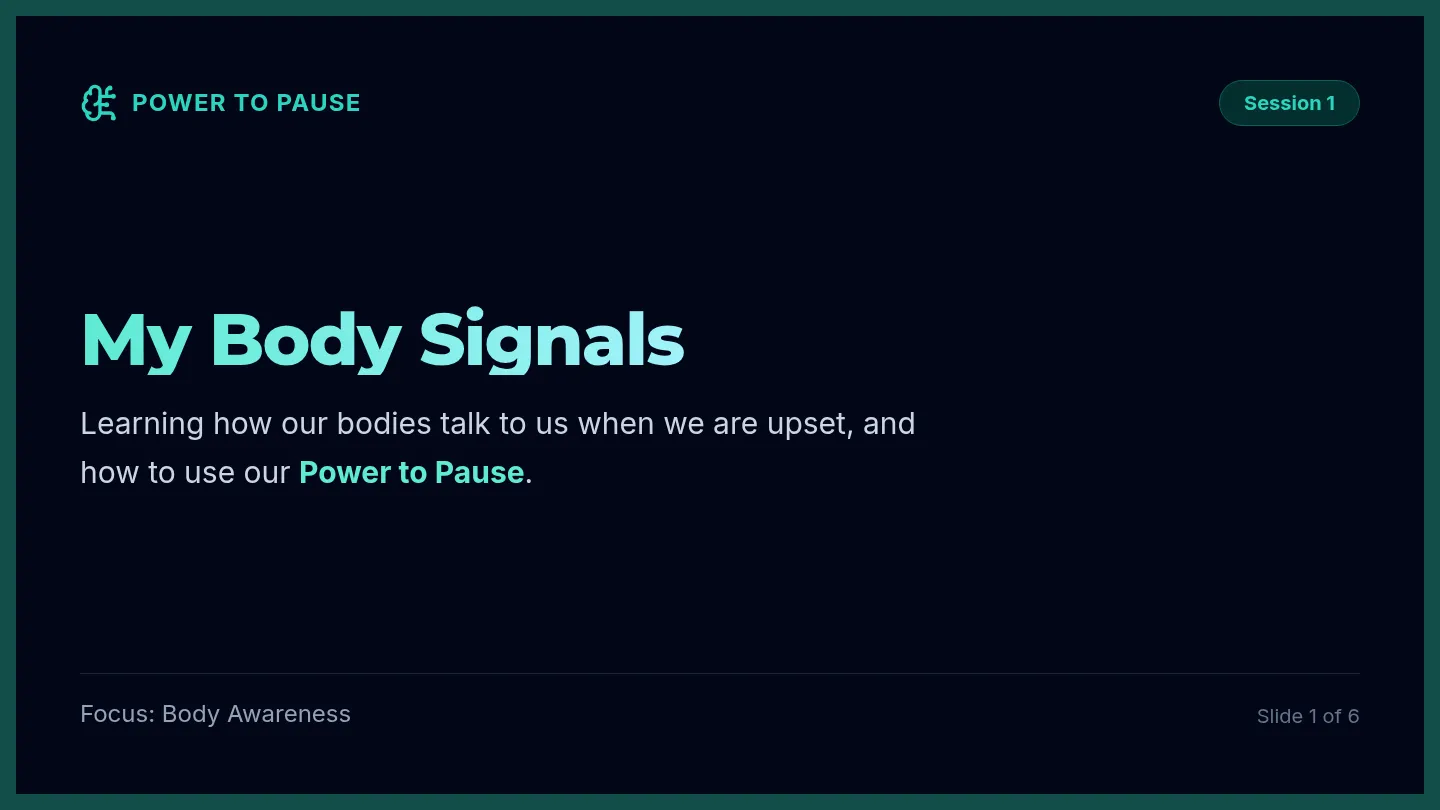
Tech Talk Slides Tech Talk
Mastering Your Communication Device
Lesson 01
AAC Mastery
Understanding Autism
Watch & Discuss
Video: What is Autism?
Let's watch a quick video to understand more about how our brains work and why communication tools are so helpful.
Open Video
What is an AAC Device?
Augmentative
"Adding to your speech"
Alternative
"A different way to speak"
It's like a translation machine for your thoughts!
Communication Tech
Today's Training Session
System Scan
Reading and understanding how the device works.
Battle Mode
Using the device in games and real-life scenarios.
Final Audit
Checking our progress with a quick scenario quiz.
Ready to start? Let's go!
Social Spark Activity Cards Social Spark
AAC Scenario Cards • Set 01
ID: SC-01
Seeking Support
You are working on a tricky math problem and aren't sure what to do next. Use your device to get someone's attention.
Mastery Goal: Ask for Help
ID: SC-02
Gratitude Glow
A classmate holds the door open for you as you walk into the cafeteria. Show them you appreciate it using your AAC app.
Mastery Goal: Say Thank You
ID: SC-03
Mood Check
Your favorite song starts playing on the radio and you're feeling great. Tell the people around you how you feel.
Mastery Goal: Express Happiness
ID: SC-04
System Recharge
The classroom is getting too loud and you need a few minutes of quiet. Use your device to advocate for your space.
Mastery Goal: Request a Break
ID: SC-05
Quick Connect
You see a teacher you like in the hallway. Use a friendly greeting to say hi as you pass by.
Mastery Goal: Greet Someone
ID: SC-06
Decision Time
Lunch options today are pizza or a turkey wrap. Use your iPad to let the server know which one you want.
Mastery Goal: Make a Choice
Cut along the lines to create individual scenario cards.
Communication Scenarios Quiz Scenario Skill Check
System Audit: AAC Communication Efficiency
Subject ID
Audit Instructions: Review each scenario. Select the most efficient way to communicate using your device. Mark your answer clearly.
1
You need assistance with a difficult task. How would you ask for help using your device?
Press the 'Help' button
Use gestures
Stay silent
2
A friend shares a snack with you. What would you do if you want to say 'thank you'?
Use the 'Thank You' button
Nod your head
Ignore
3
You are having a fun time playing a game. How can you express that you are happy?
Use the 'Happy' icon
Smile
Say nothing
Audit Complete
ENCRYPTED // AAC-UNIT-01
Communication Scenarios Answer Key Audit Key
Communication Scenario Resolutions
Teacher Reference
1
How would you ask for help?
Correct Response
Press the 'Help' button
"Using the 'Help' button is a direct and effective way to communicate the need for assistance, ensuring others know exactly what is required without ambiguity."
2
How would you say 'thank you'?
Correct Response
Use the 'Thank You' button
"Using the 'Thank You' button provides a clear, auditory expression of gratitude that is universally understood in social settings."
3
How would you express happiness?
Correct Response
Use the 'Happy' icon
"The 'Happy' icon is a straightforward way to convey internal emotional states clearly to others using the device's specialized vocabulary."
Scoring Philosophy
For a student with PDA, focus on the "Success" of the communication rather than "Right/Wrong" labels. If they choose an alternative but effective method (like nodding), acknowledge it as a valid backup while highlighting the device's clarity.
Communication Bingo Cards Worksheet Comm-Bingo
COMMUNICATION CHALLENGE GRID
Session ID
AAC-G01
User Name
Date
Ask for help
Say thank you
Express happiness
Request a break
Greet someone
Ask a question
Express a need
Share a feeling
Make a choice
Free Space
Say goodbye
Say "I'm ready"
Ask "What's next?"
Say "No thank you"
Tell a joke
Say "I like this"
How to Play
Use your communication device to complete the action in a square. When you finish, the coach will mark it off. Get 4 in a row (vertical, horizontal, or diagonal) to win!