A 30-minute Tier 3 individualized lesson for specialized EC students to share personal interests using visual aids and guided prompts. This session fosters self-expression and builds rapport through a structured, visual-first approach.
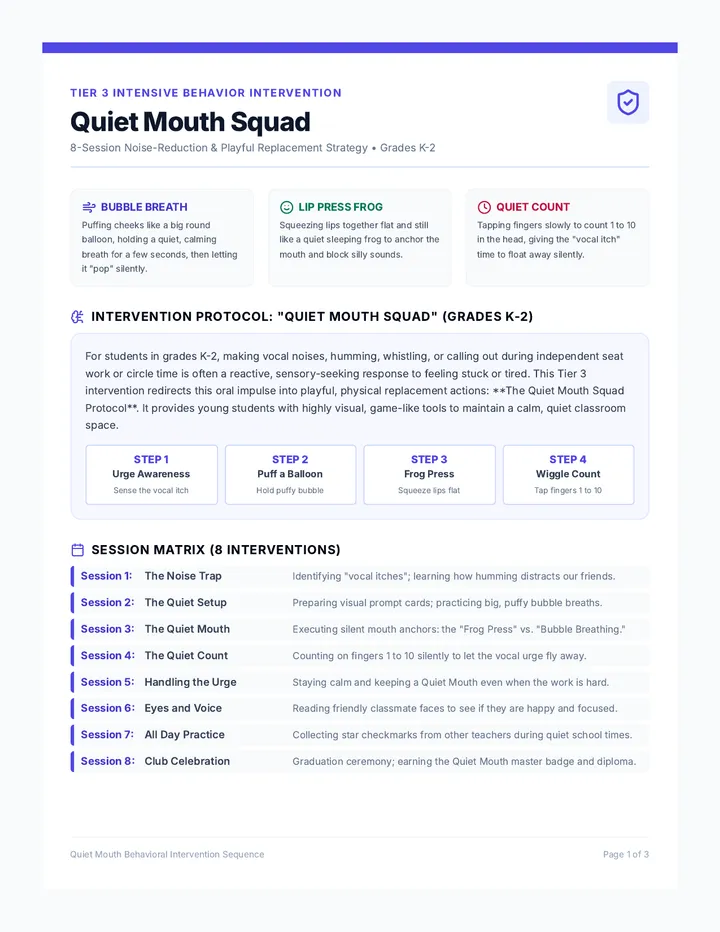
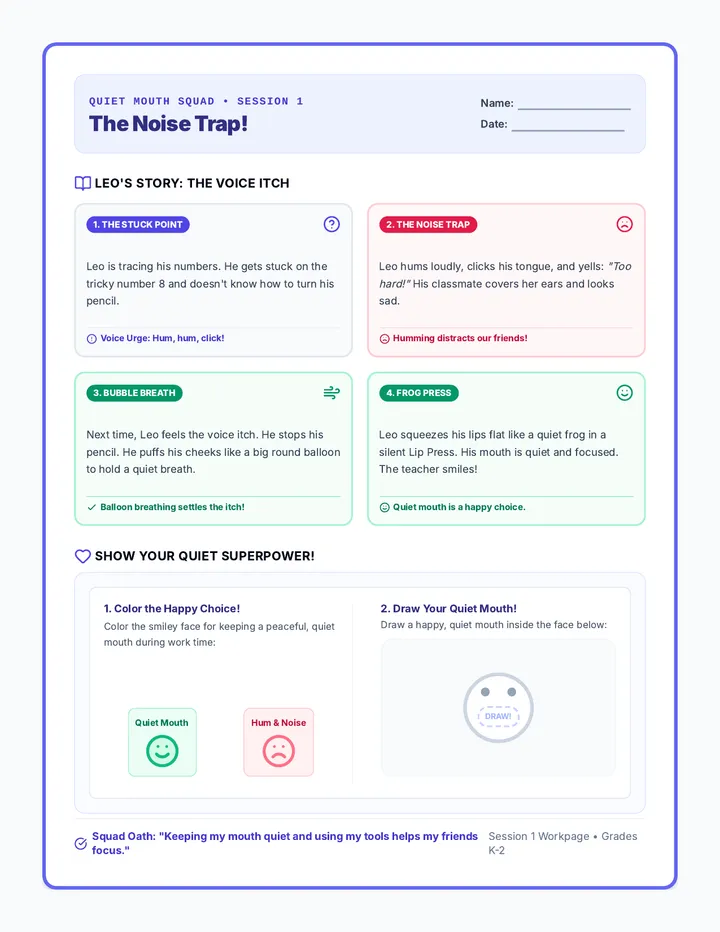
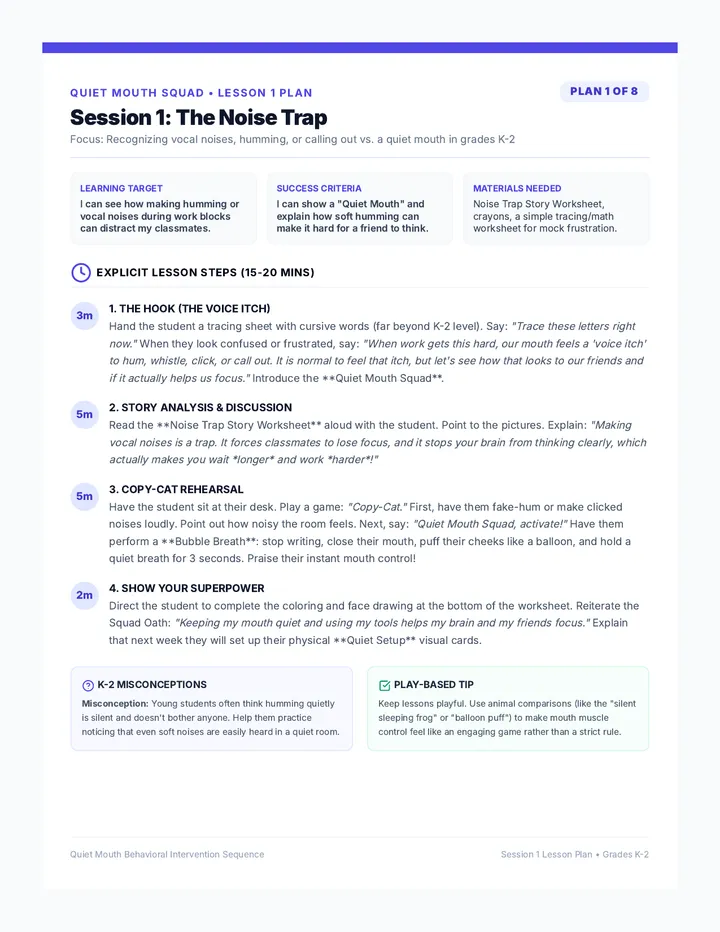
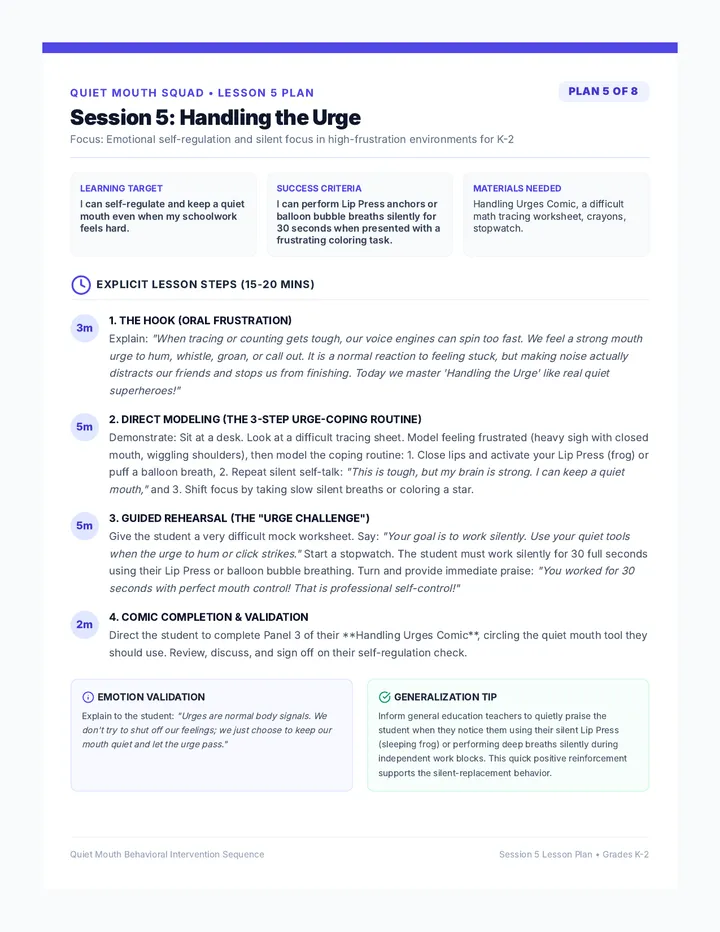
An 8-session intensive behavioral intervention sequence for students in grades K-2 targeting vocal noises, humming, or calling out during independent work. It teaches playful replacement behaviors: holding a quiet, puffy 'Bubble Breath' (like a balloon) or a firm 'Lip Press' (making a flat, silent mouth) to settle urges and maintain classroom focus.
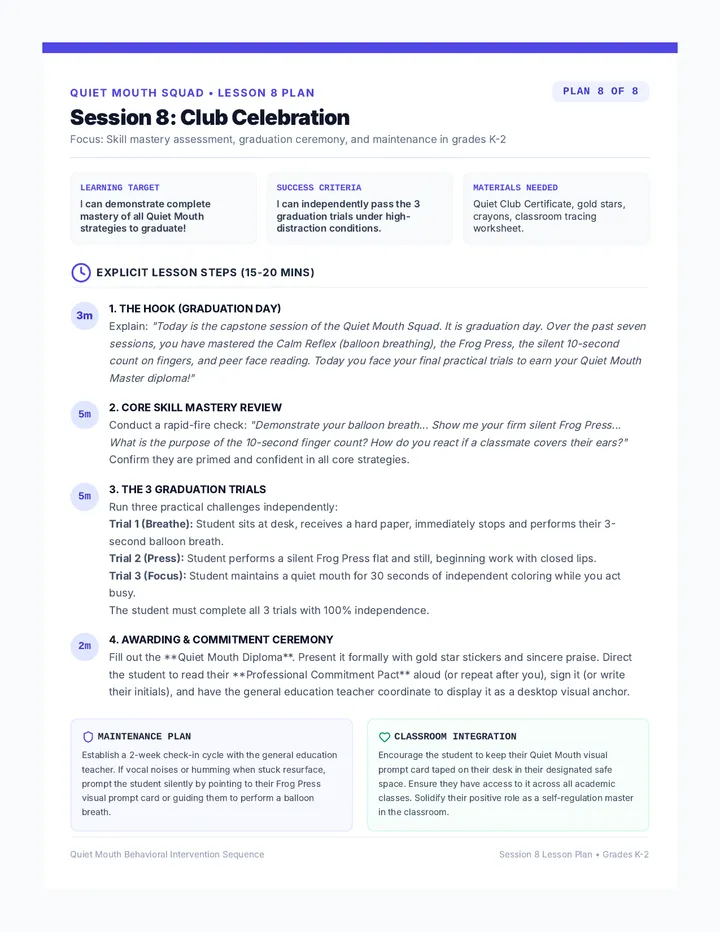
Reviews all skills, celebrates student progress with graduation ceremonies, and sets up maintenance plans for classroom reintegration.
A highly detailed 1-page teacher lesson plan for Session 8, focusing on program review, graduation ceremony execution, and maintenance transitions in Grades K-2.
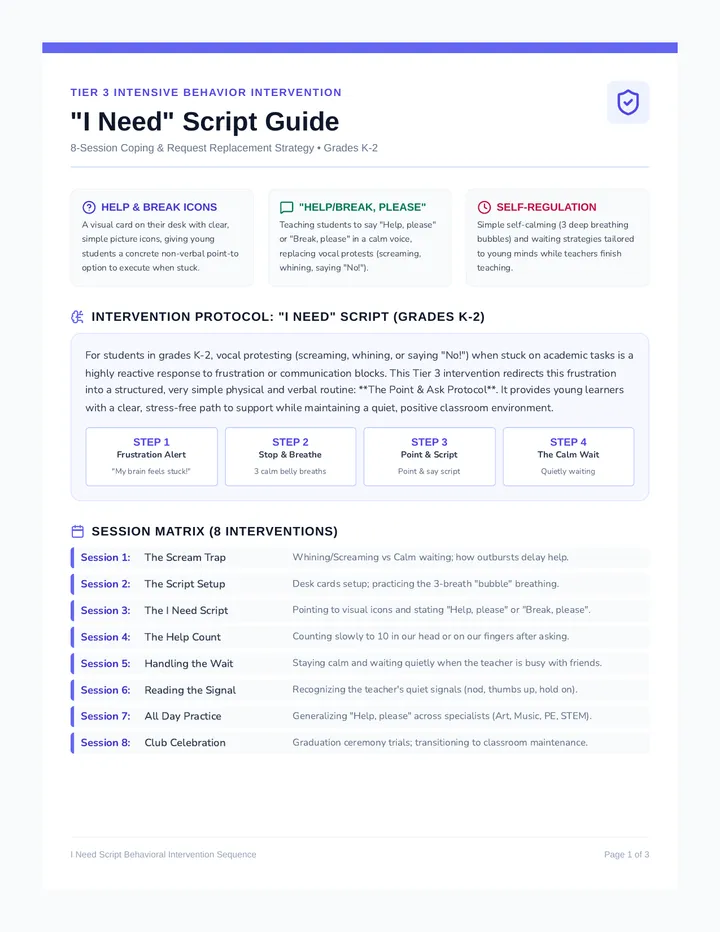
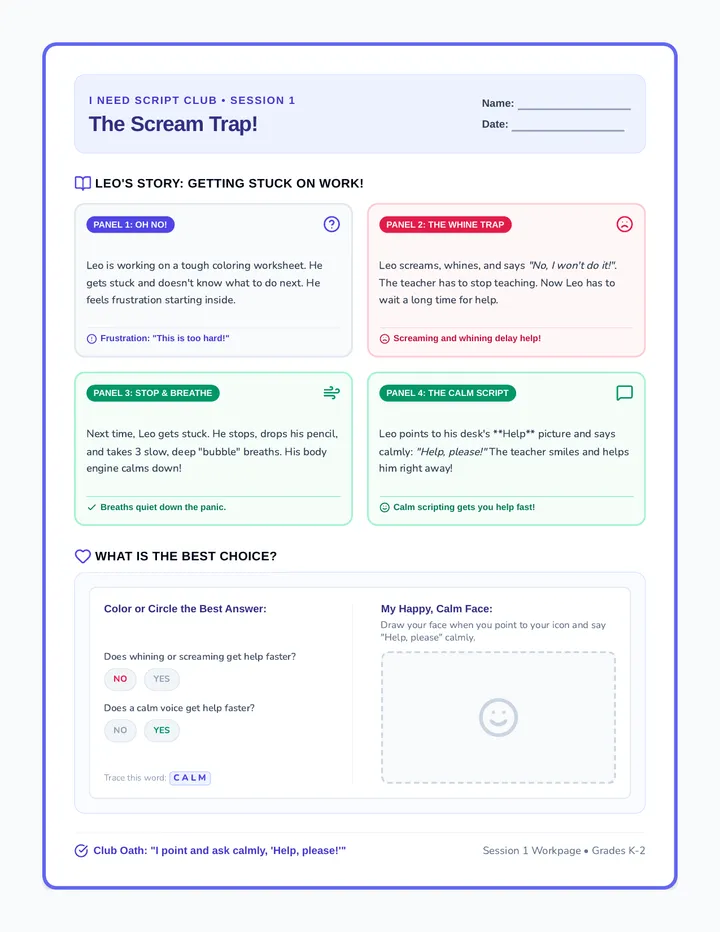
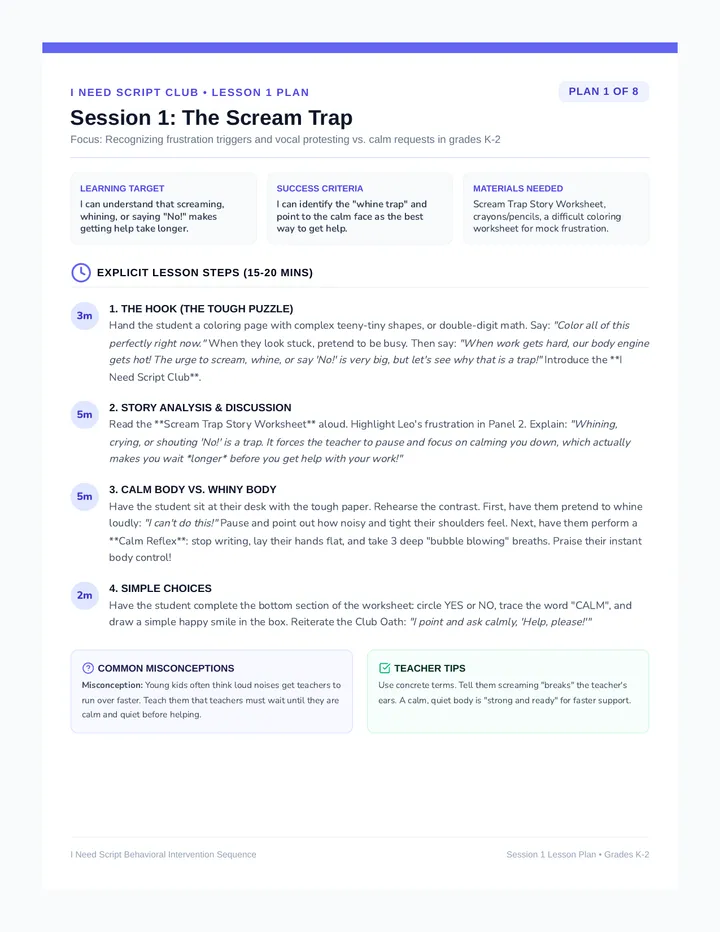
An 8-session intensive behavioral intervention sequence for students in grades K-2 targeting vocal protesting such as screaming, whining, or saying 'No!' when stuck on work. It teaches the 'I Need' Script replacement behavior: pointing to a 'Help' or 'Break' icon and asking calmly 'Help, please' or 'Break, please'.
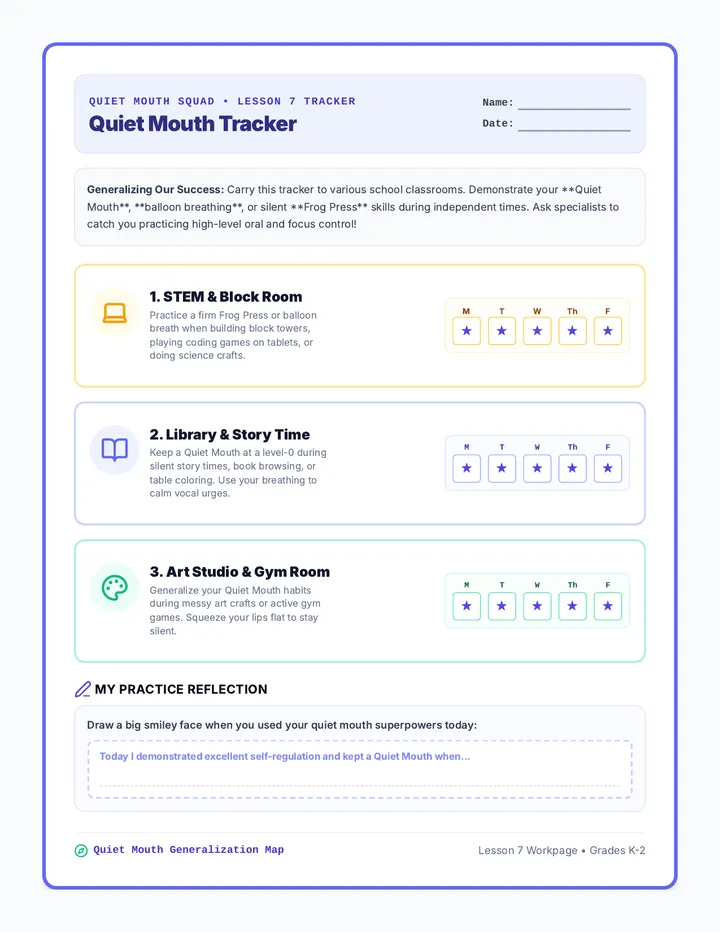
Focuses on generalizing the replacement behavior to other school settings like recess, the cafeteria, and the art room using visual tracker guides.
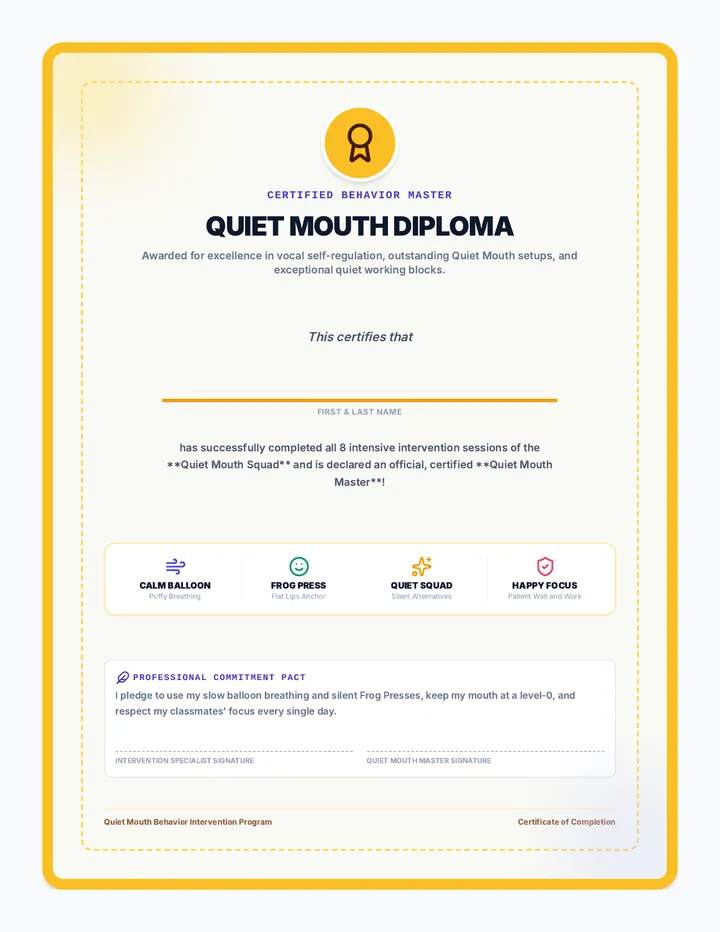
A graduation certificate celebrating the student's entry into the Quiet Mouth Squad as a certified master in Grades K-2.
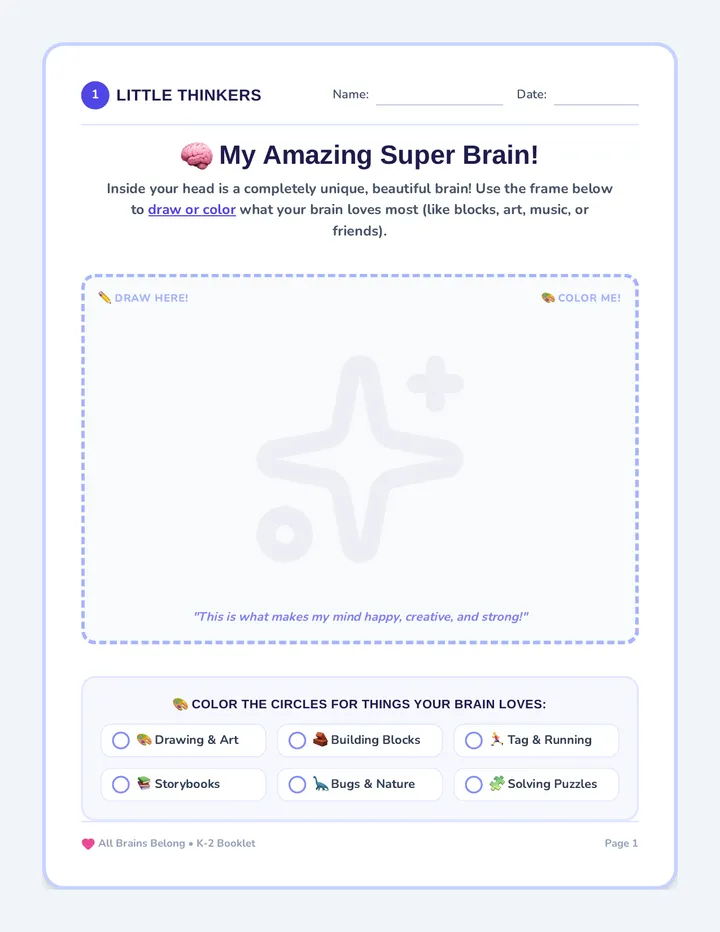
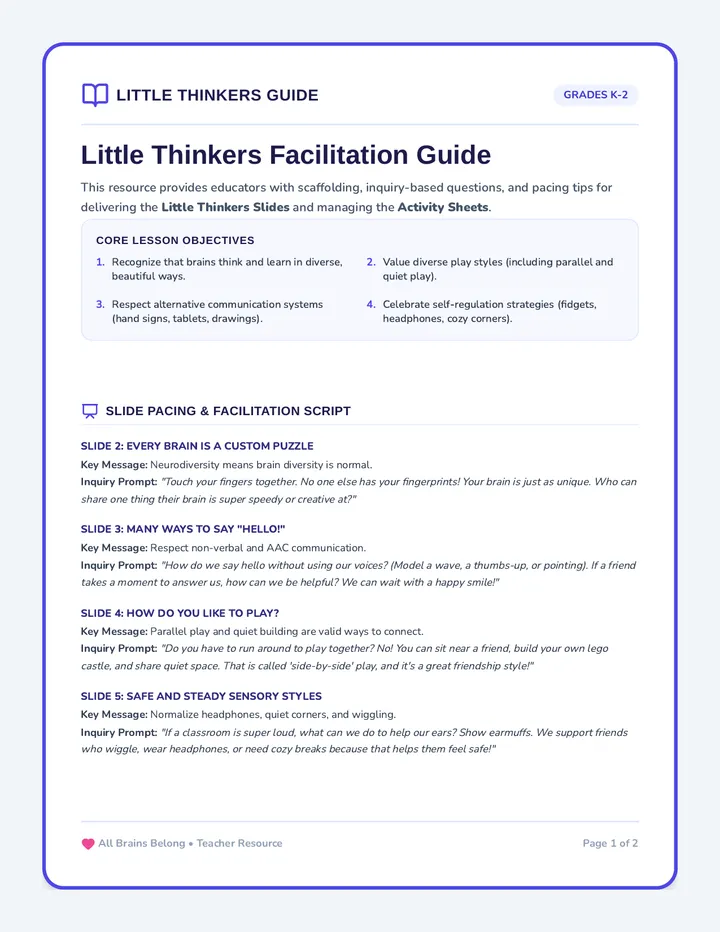
A comprehensive educational unit celebrating neurodiversity, acceptance, and inclusive communication across elementary grades. It equips educators with slide presentations and reflection tools tailored for K-2 and 3-5 students to cultivate empathetic classrooms.
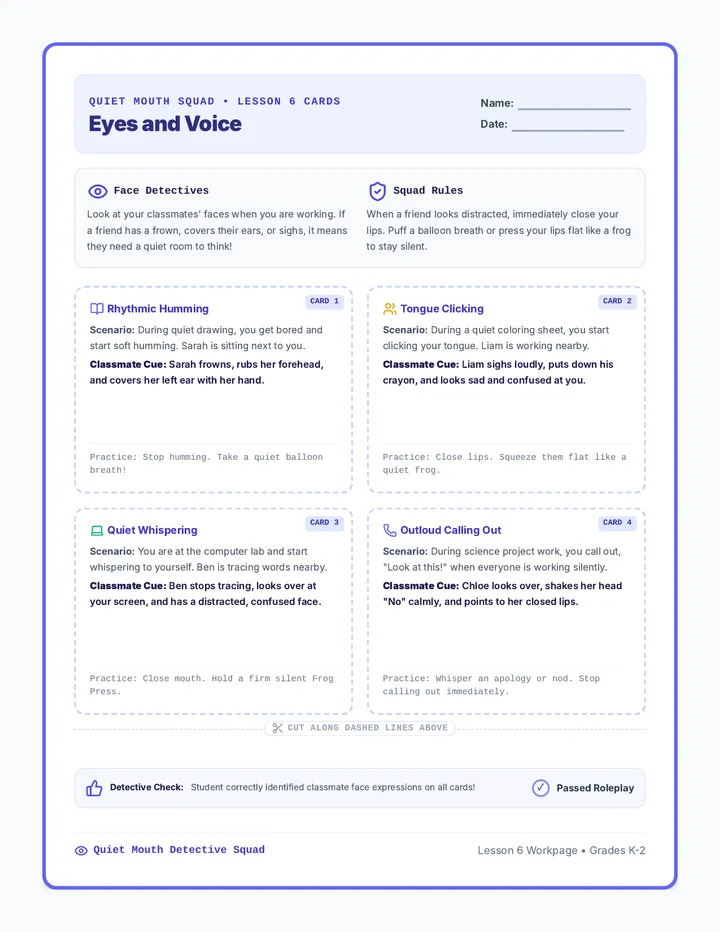
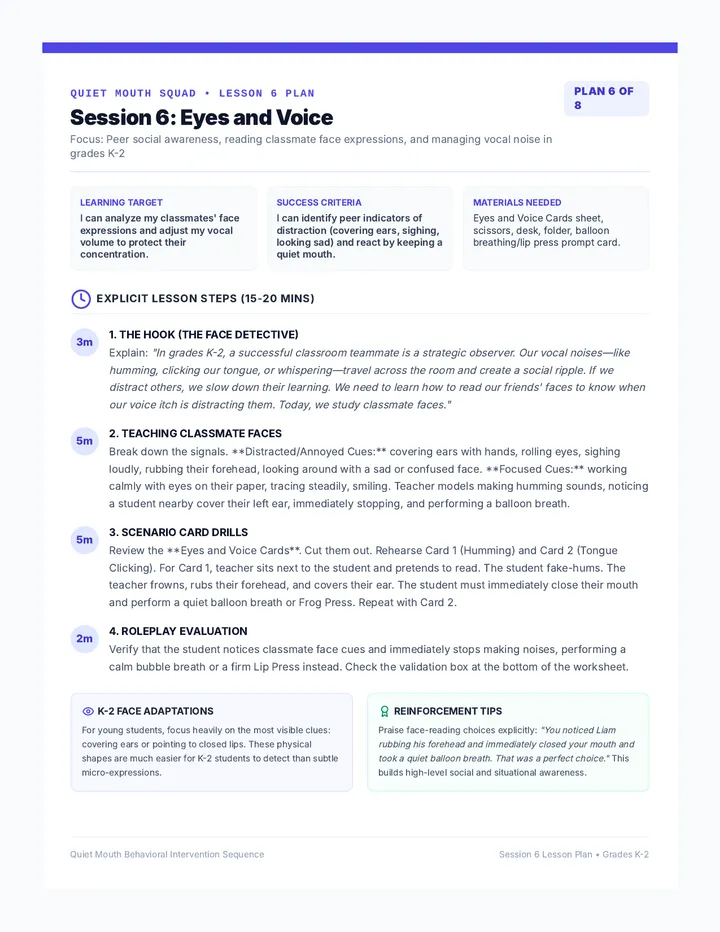
Refines communication skills by training students to read classmate faces and use simple, quiet signals when they need help.
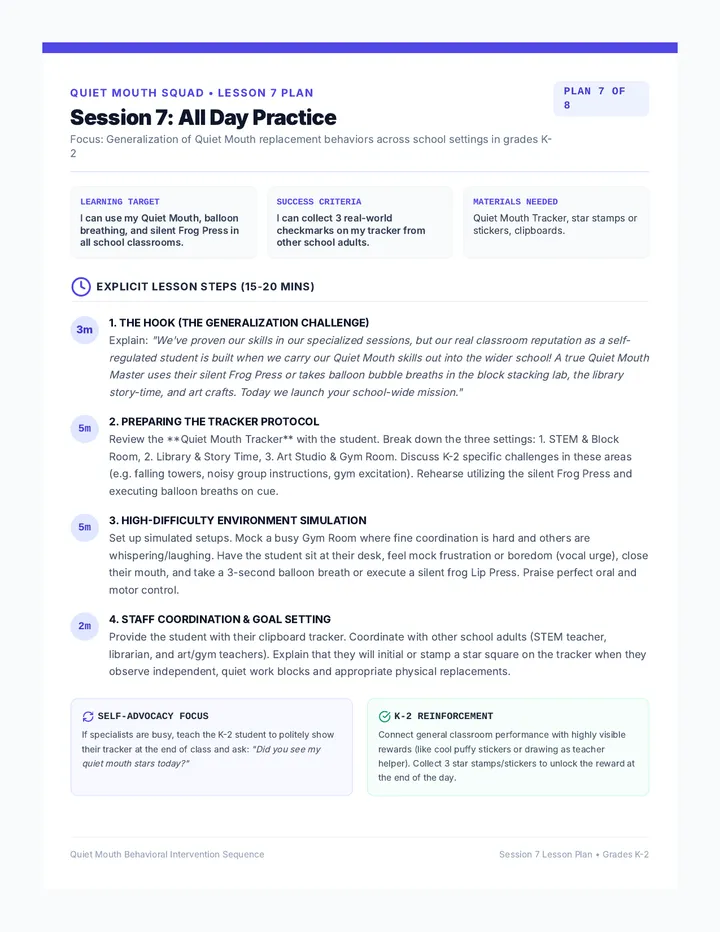
A highly detailed 1-page teacher lesson plan for Session 7, focusing on generalizing the replacement behaviors across various school settings like recess, cafeteria, and art in Grades K-2.
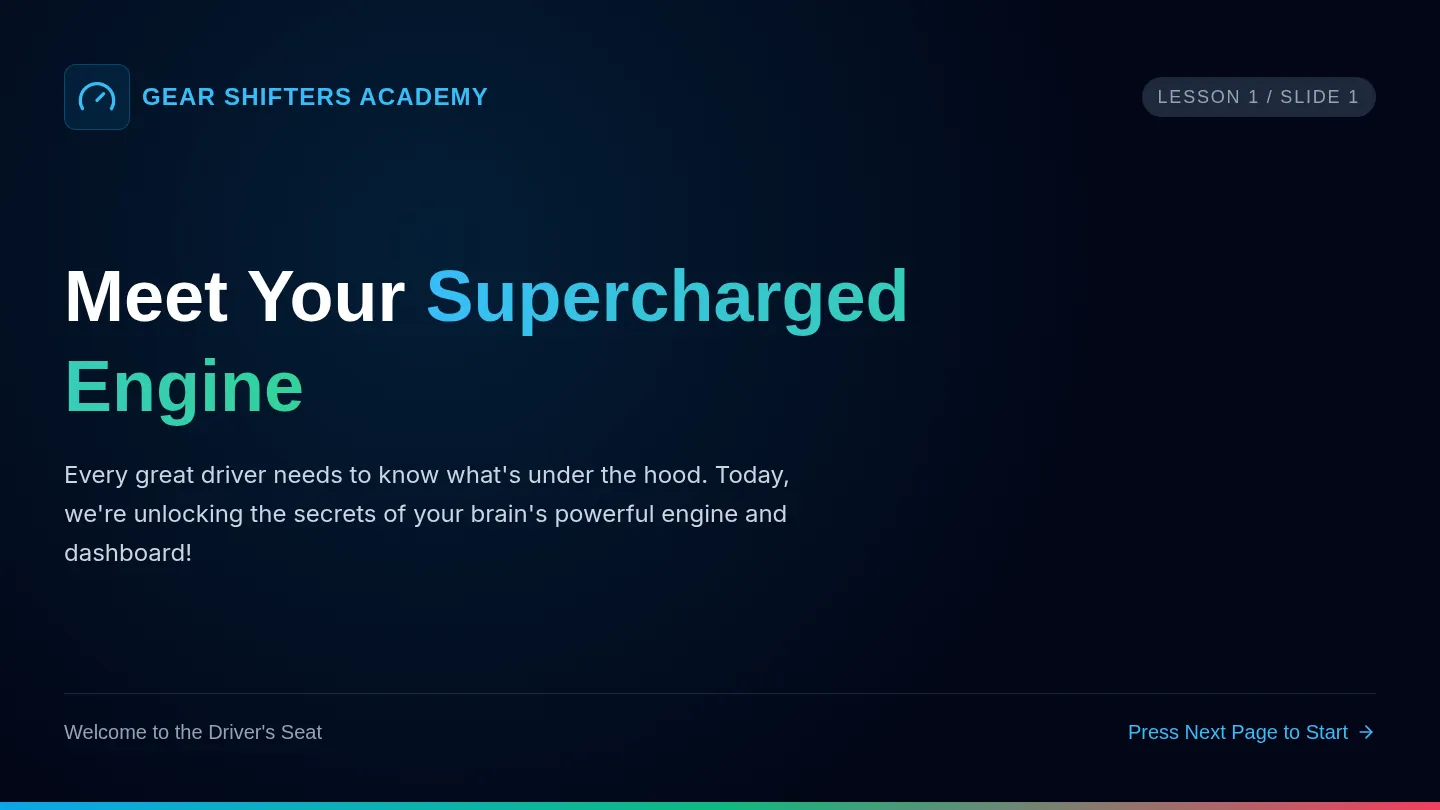
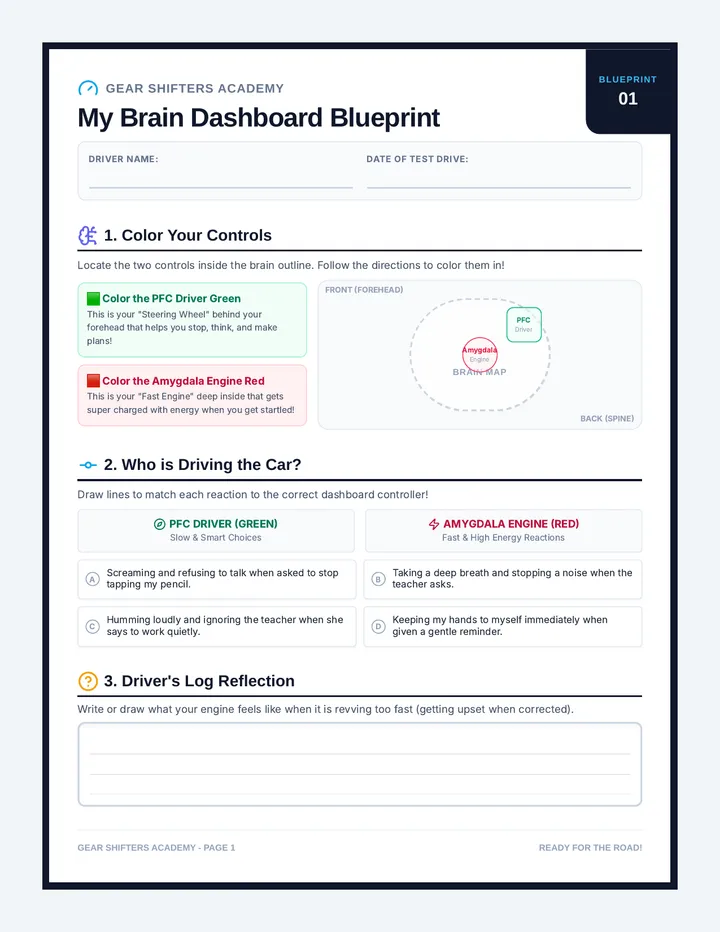
An automotive-themed emotional regulation curriculum designed for elementary students (specifically those with ADHD/Rejection Sensitivity) to reframe feedback triggers as engine RPM revs and coping strategies as downshifting gears.
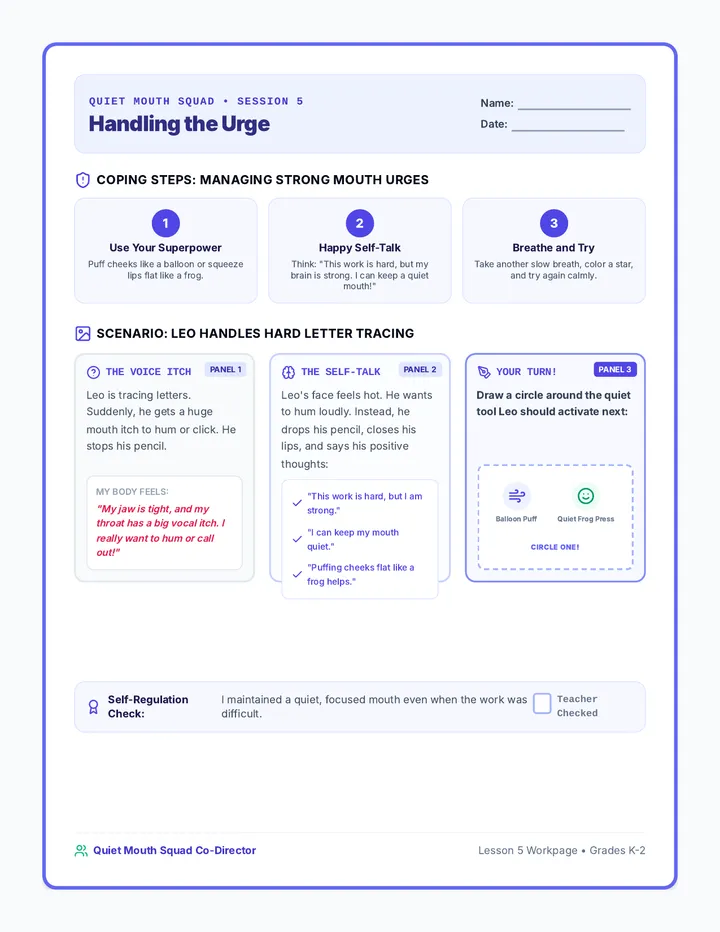
Teaches emotional self-regulation and visual strategies for coping with internal urges to make noises during quiet classroom work blocks.
A school-wide practice tracker document enabling teachers and specialists to monitor and reinforce the 'Can I...' script across various environments in Grades K-2.