A personalized CBT-focused lesson for an 8th-grade student with autism, addressing challenging behaviors during the transition from vacation to school by identifying triggers, teaching calming strategies, and promoting positive coping mechanisms.
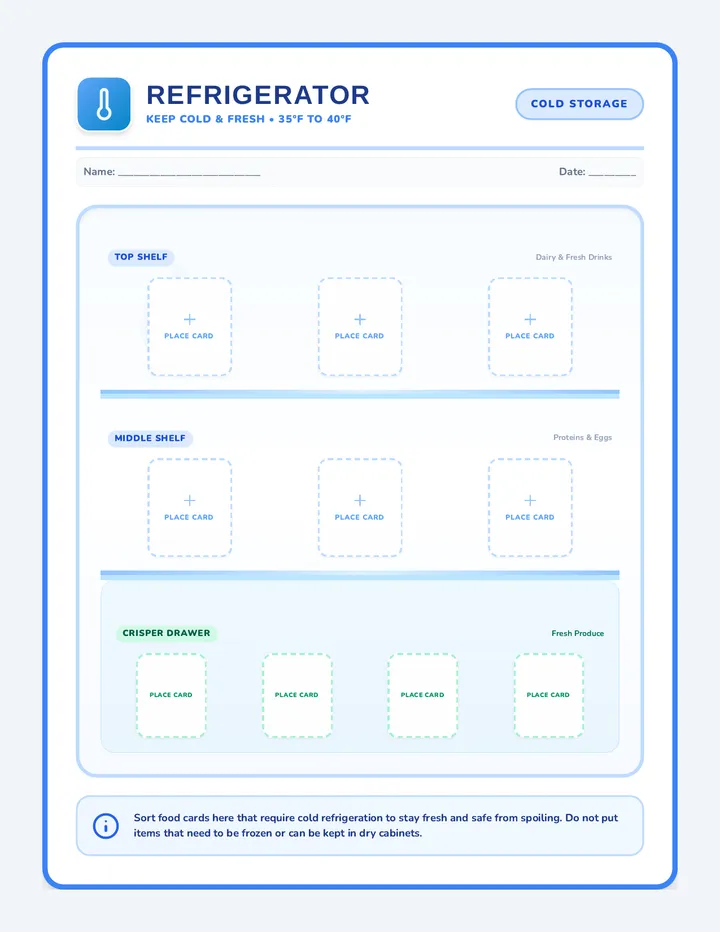
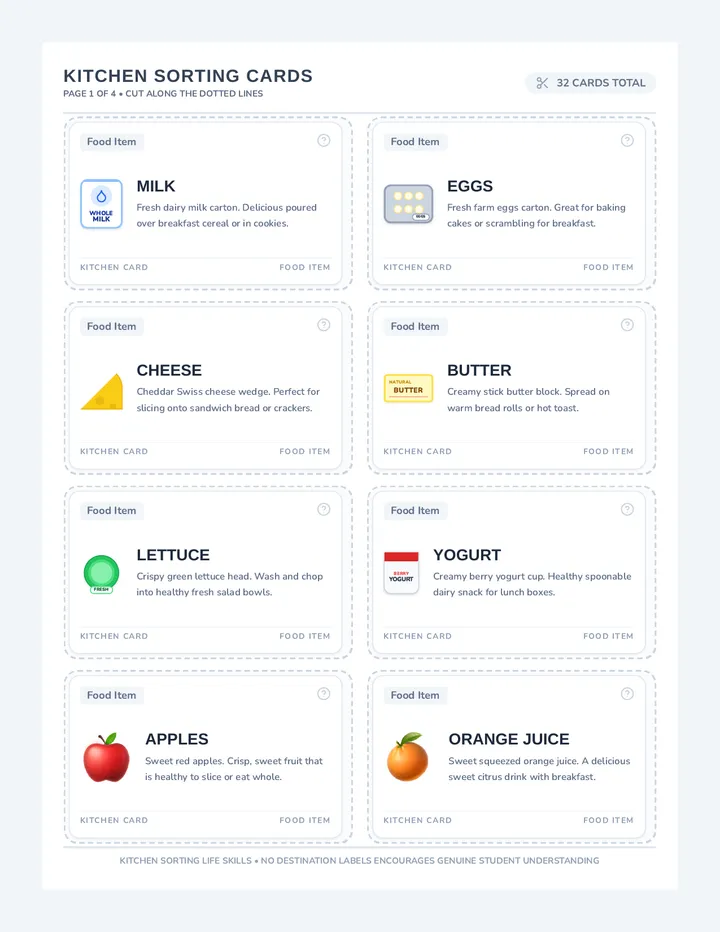
A progressive life-skills curriculum designed to teach students how to identify, categorize, and sort grocery items. Starts with kitchen storage sorting (fridge, freezer, pantry) and advances to sorting by major retail grocery store departments.
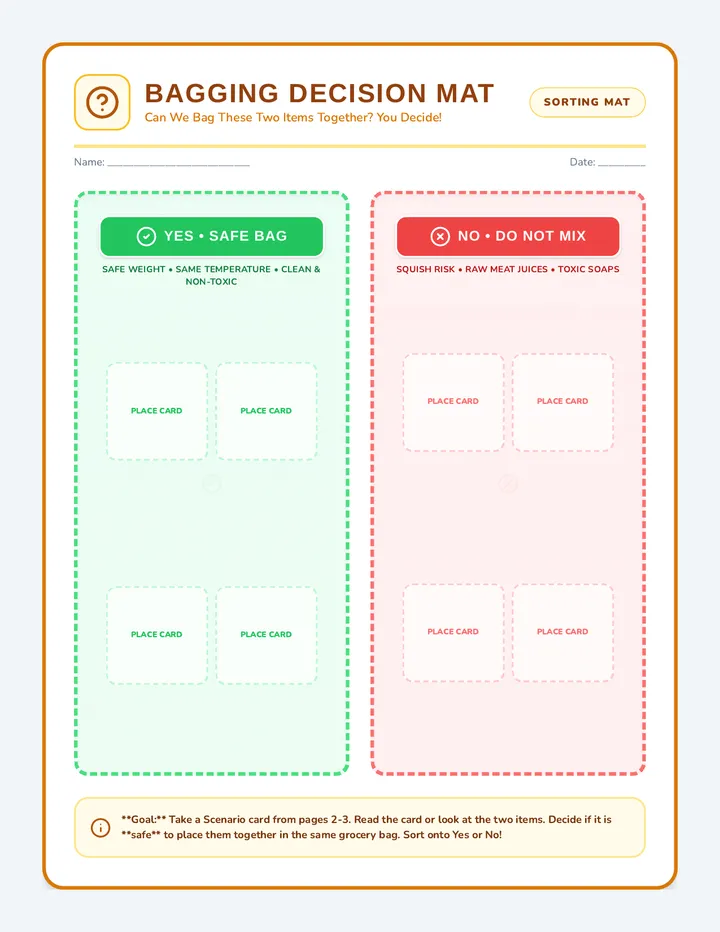
A vocational life skills bagging activity where students learn how to group items into paper grocery bags based on food safety, weight, and temperature rules. Features bagging mats, scenario task cards, and a visual anchor chart.
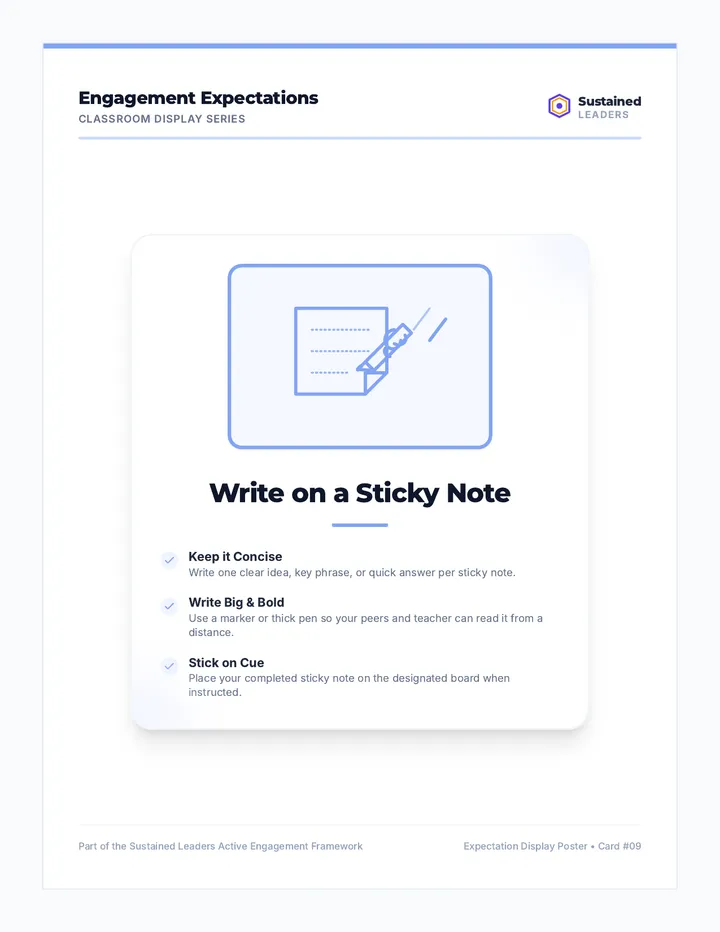
An updated, polished classroom expectation display card featuring a refined, custom 'Write on a Sticky Note' line-art icon with hand-drawn SVG precision. The layout includes corporate branding elements of Sustained Leaders, custom logo, and soft blue accents.
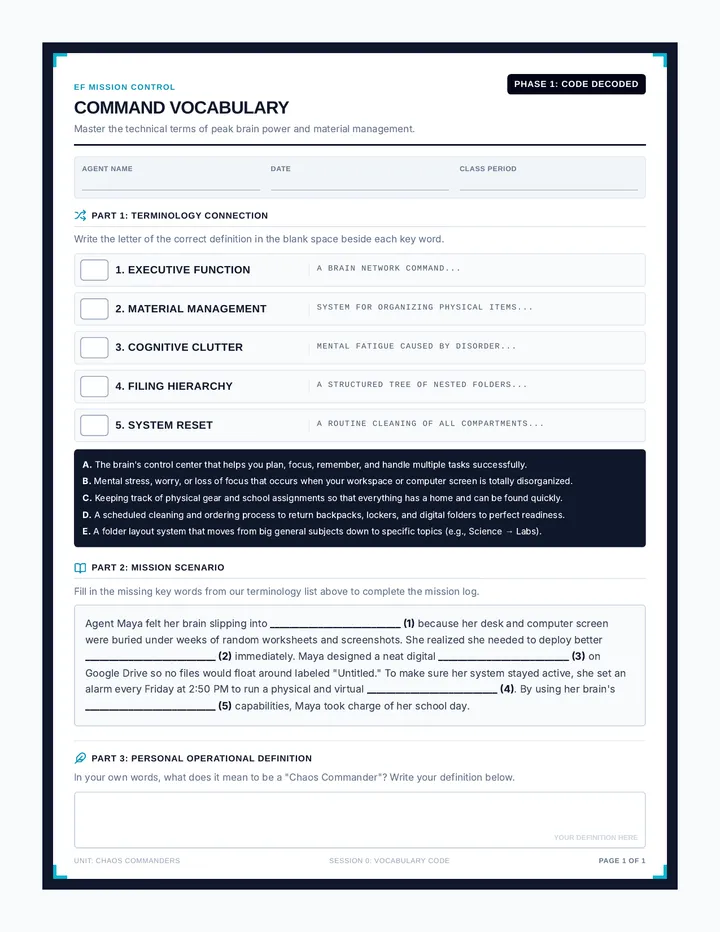
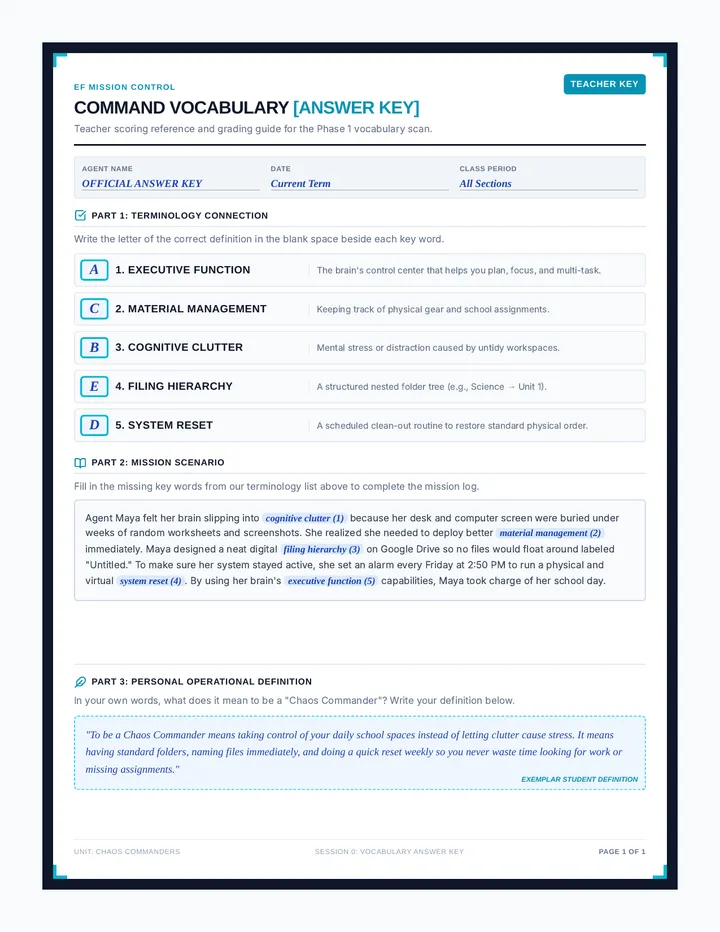
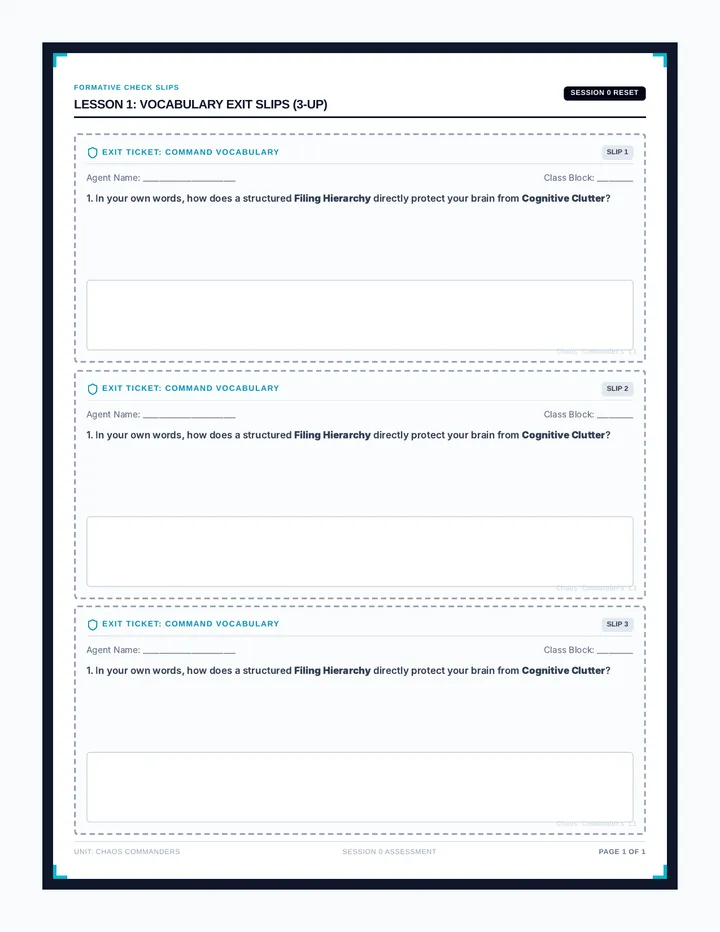
A five-part executive functioning sequence designed for middle schoolers to master foundational vocabulary, physical workspace organization, digital file hierarchies, afternoon time management, and project backward planning. Students self-assess, solve common organization dilemmas, and design concrete systems for schoolwork, lockers, and digital files.
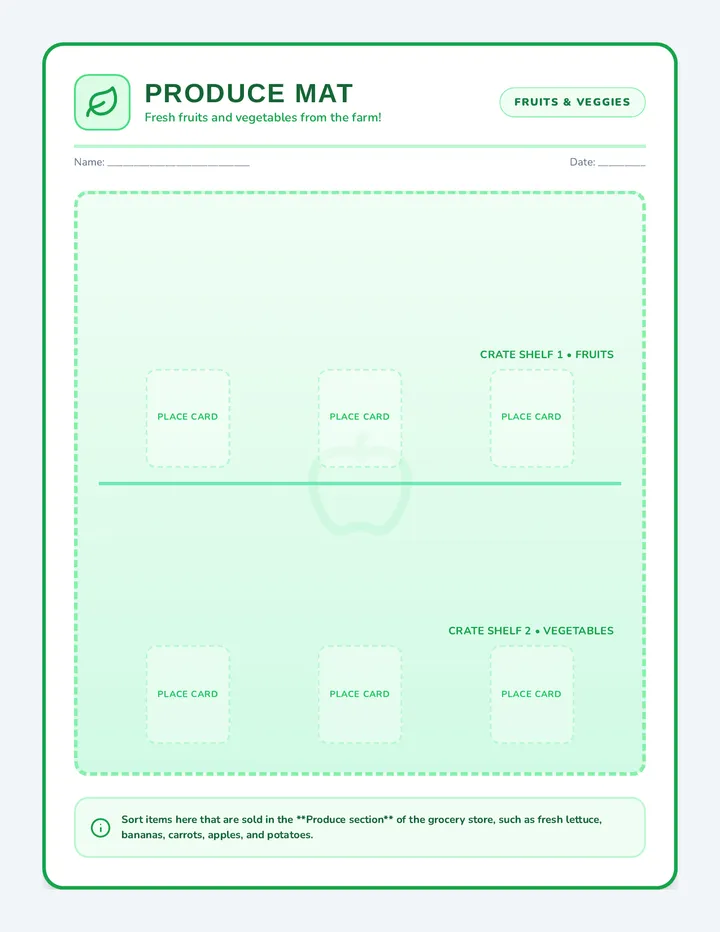
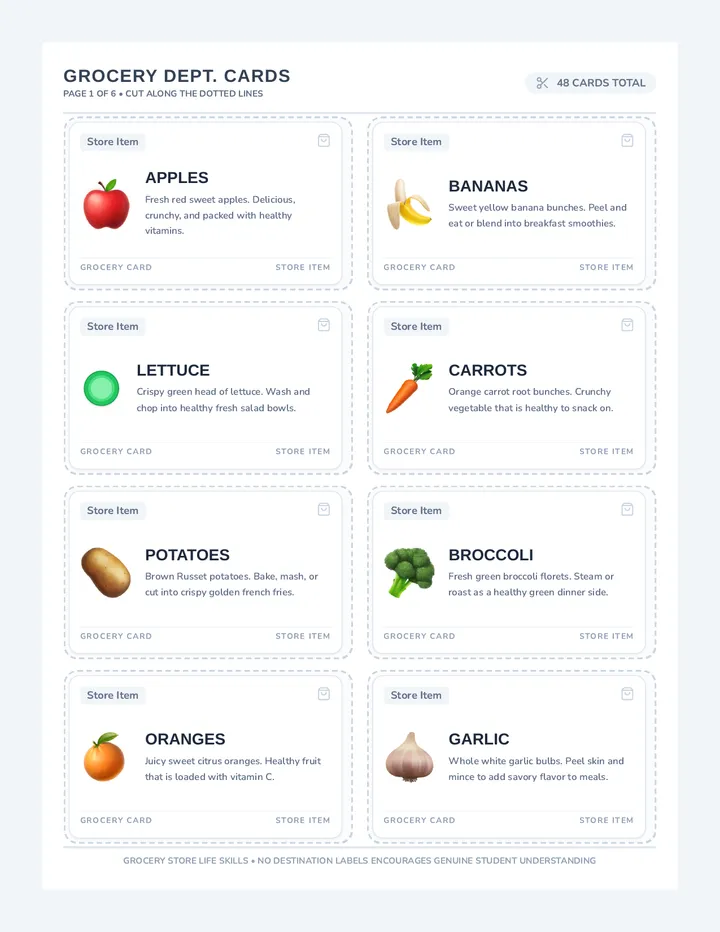
An advanced vocational life skills activity where students learn to sort 48 unique grocery store items into six major retail departments: Produce, Bakery, Dairy, Meat & Deli, Frozen Foods, and Household & Hygiene.
A 3-page vocational sorting set for Grocery Bagging. Page 1 features a dual-basket decision mat (YES - Safe to Bag vs. NO - Do Not Bag). Pages 2-3 feature 16 realistic visual scenario cards to test student knowledge of weight, temperature, raw meat, and chemical safety rules.
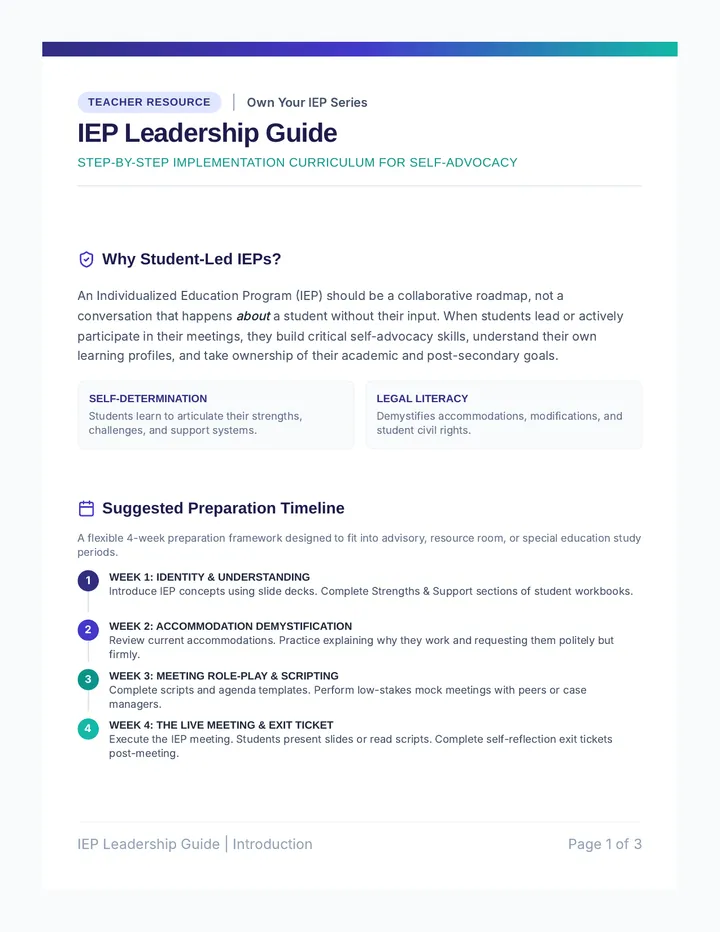
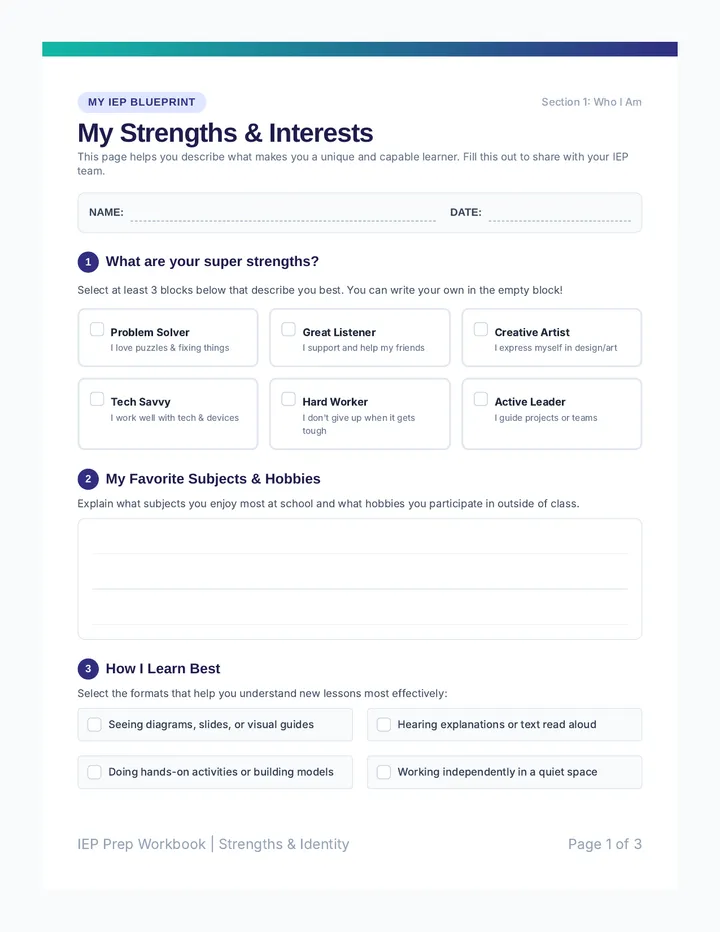
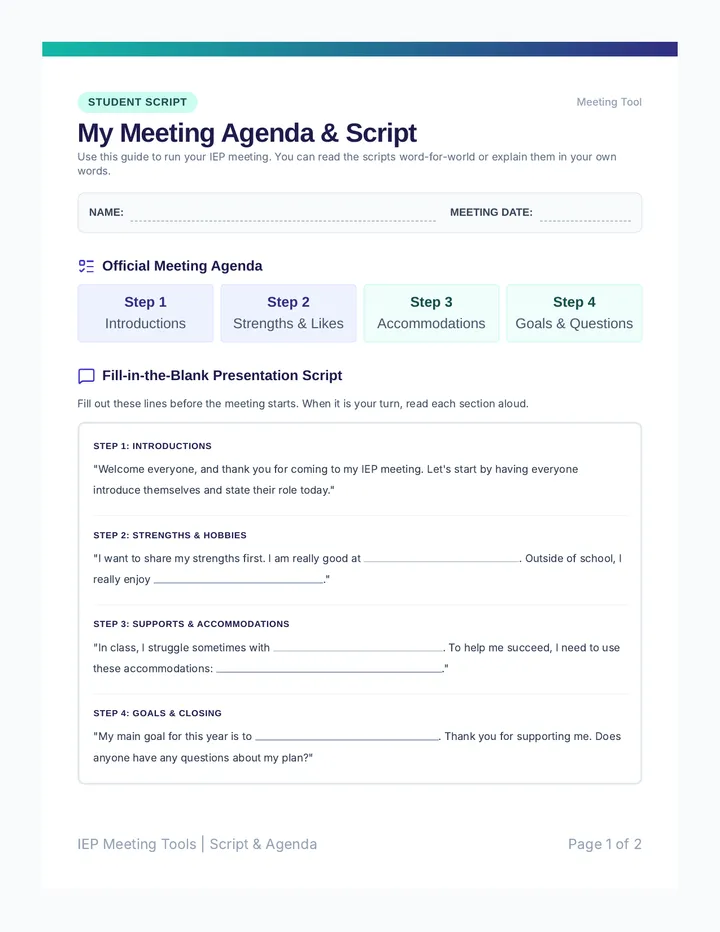
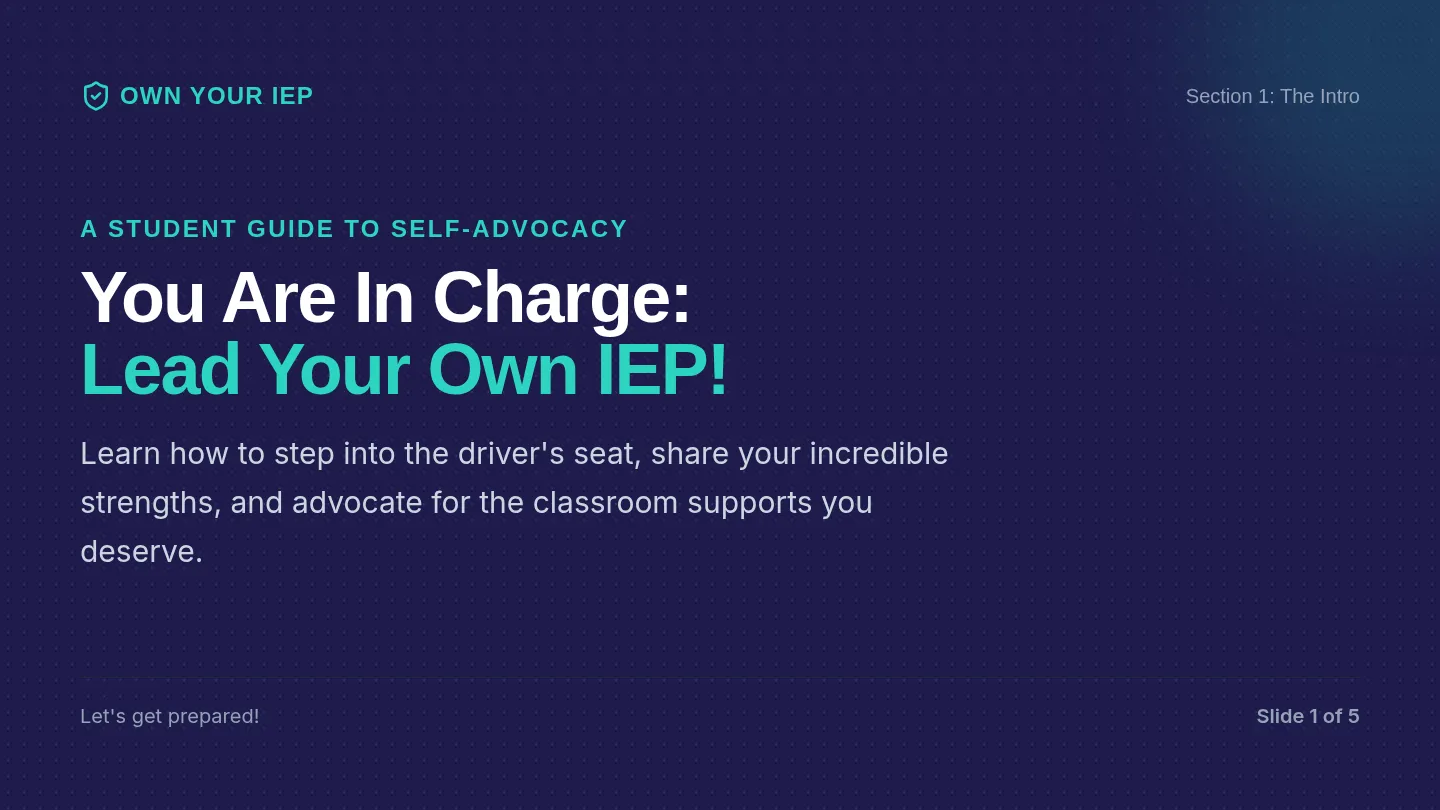
A comprehensive program designed to empower middle and high school students to lead their own IEP meetings. Includes a detailed teacher guide, student preparation workbook, meeting scripts, agenda templates, and interactive presentation slides to scaffold self-advocacy and goal-setting.
A functional life skills sorting activity where students categorize food items into the refrigerator, freezer, or pantry. Features high-contrast sorting mats and 30 realistic labeled food cards for hands-on learning.
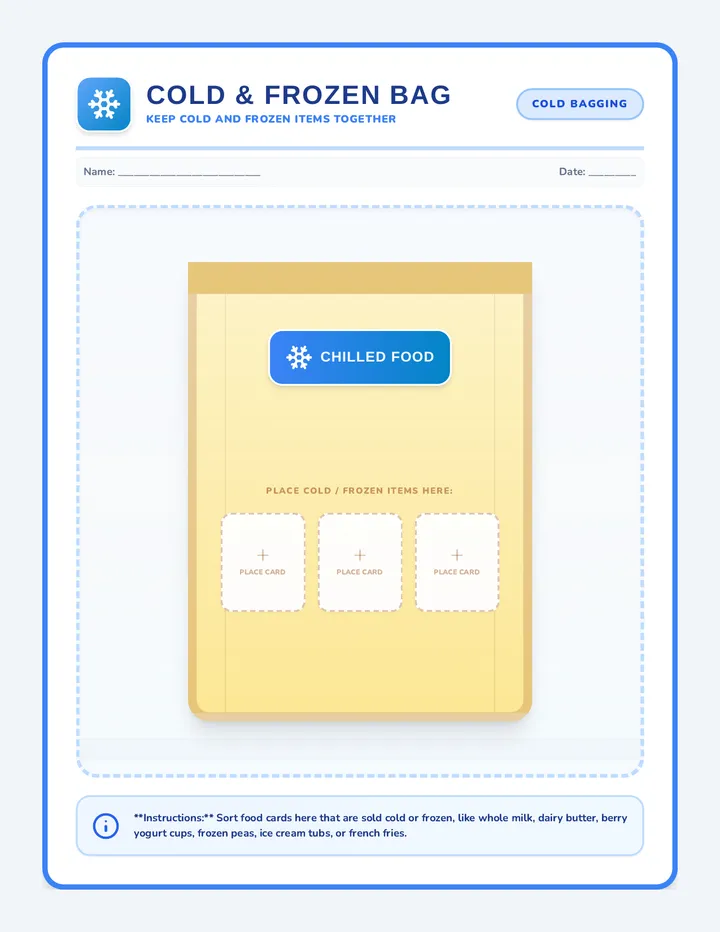
Four high-contrast, visual grocery bag sorting mats. Representing Chilled & Frozen Bag, Heavy & Dry Staples Bag, Soft & Fragile Bag, and Household & Soap Bag. Designed as a 4-page printable task box set.
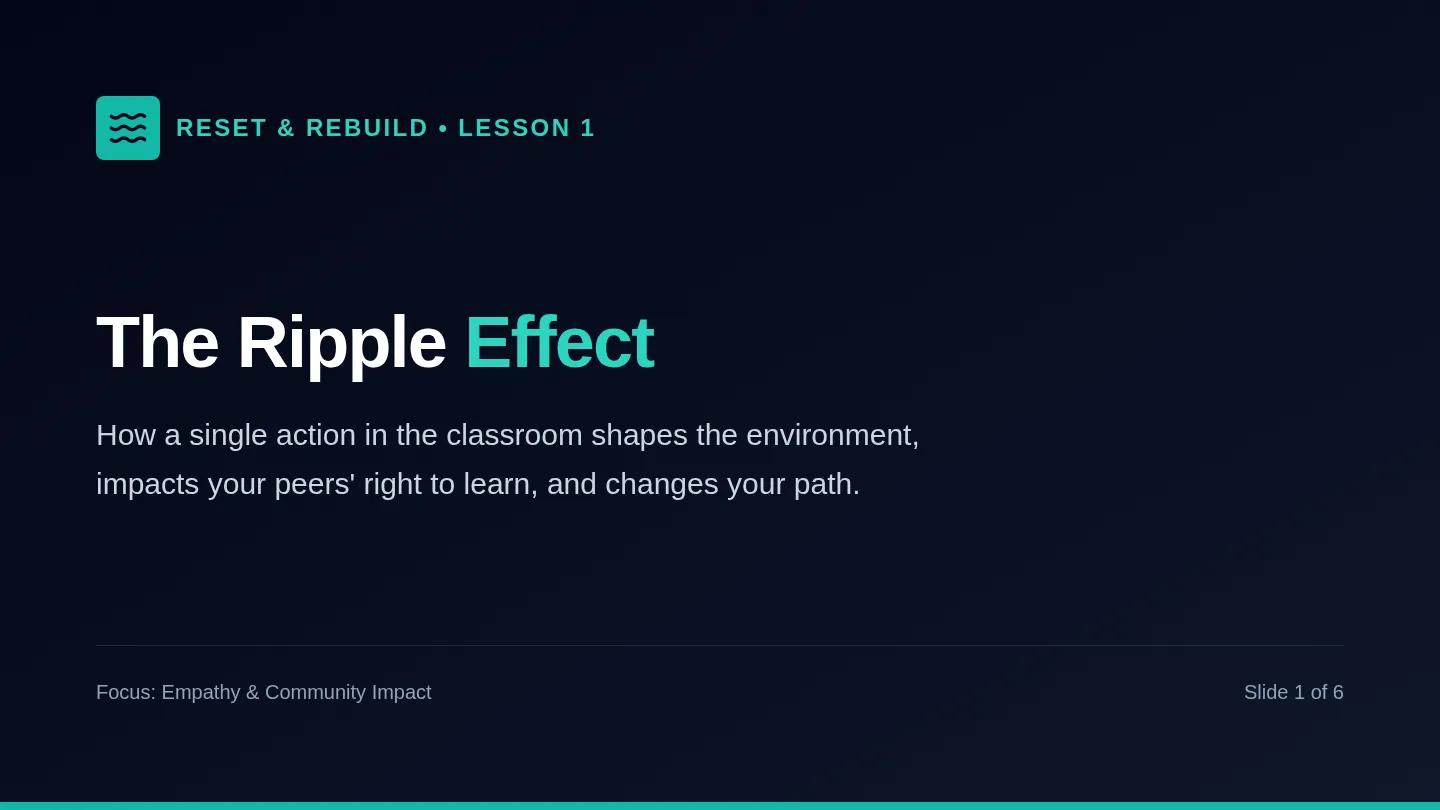
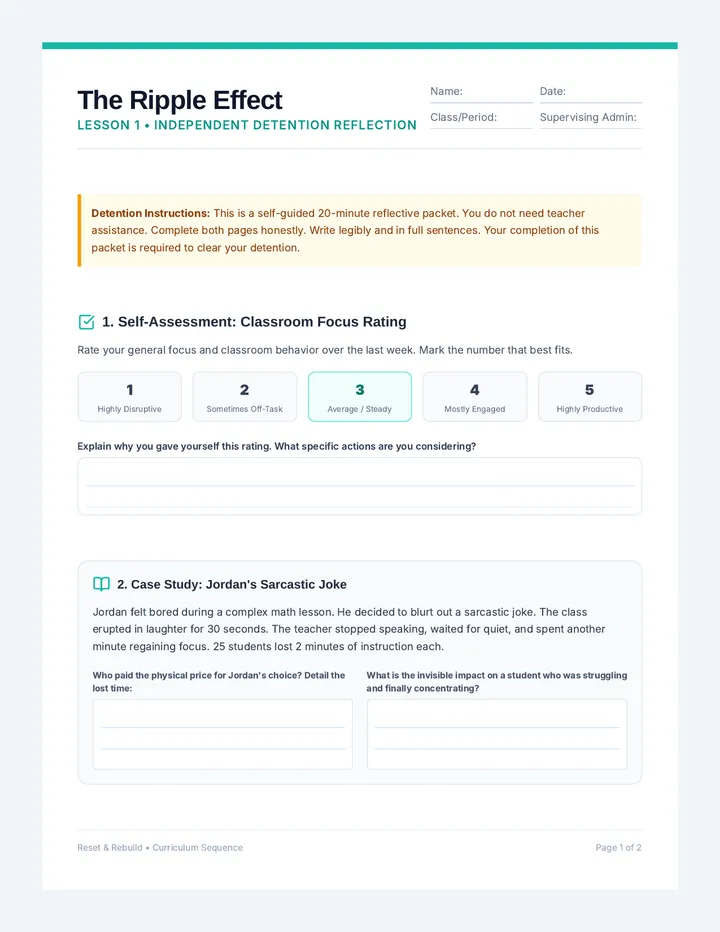
A ten-part progressive behavior intervention sequence designed for 7th and 8th-grade students who disrupt classroom environments. Each independent lesson contains a visual instructional slide deck and a reflective worksheet that guide the student through self-regulation, empathy, and accountability.
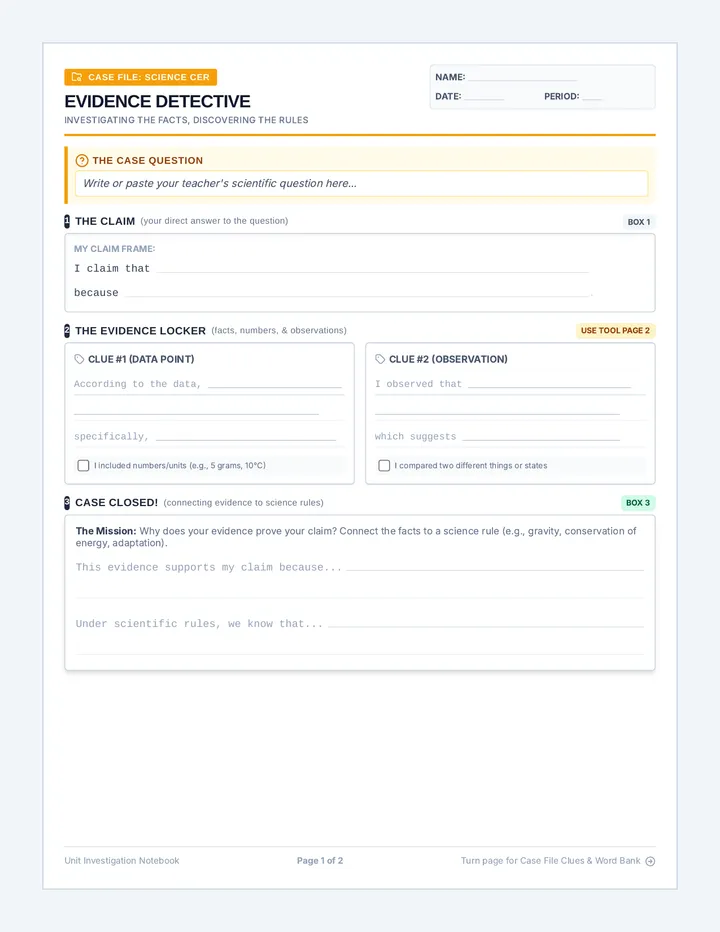
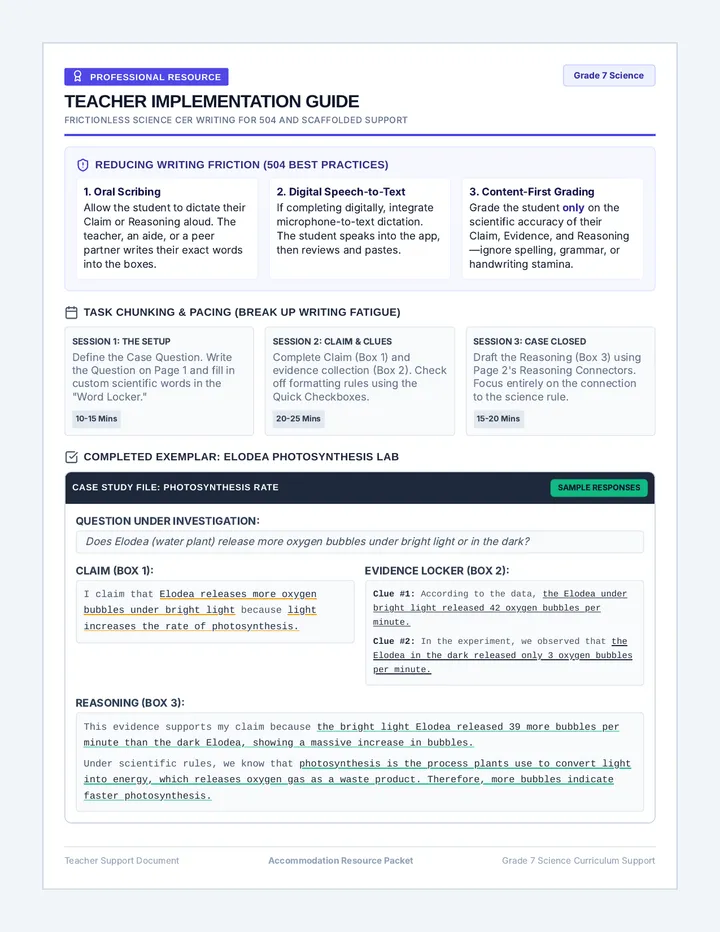
A highly structured science CER (Claim, Evidence, Reasoning) lesson tailored for students with writing-related 504 plans, providing visual organizers and sentence frames.
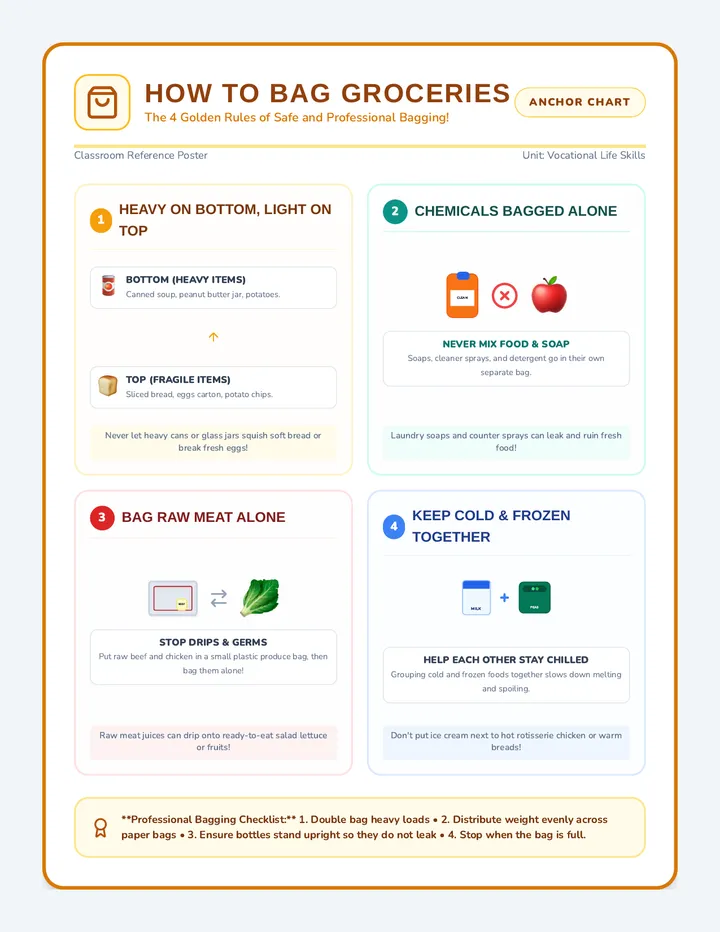
A visual step-by-step grocery bagging anchor chart. Outlines the 4 golden rules of bagging: heavy on the bottom/fragile on top, separate chemicals from food, bag raw meat alone, and group cold/frozen items together.