A comprehensive tutorial for Mile Tree School staff on integrating Lenny Learning into their workflow, covering login procedures, material creation, and pedagogical benefits.
A comprehensive three-lesson sequence designed for intellectually disabled students to identify and analyze character traits, physical features/feelings, and internal motivations using visual cues.
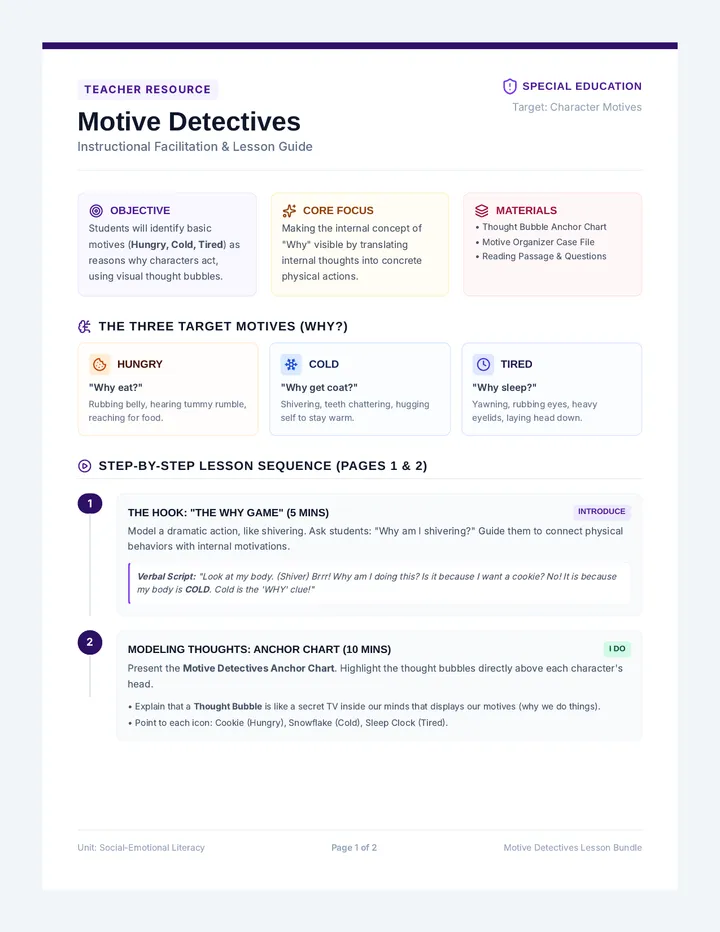
A highly visual lesson teaching students to identify character motives and thoughts (why characters do things) using a thought bubble framework, concrete cause-and-effect visuals, and scaffolds.
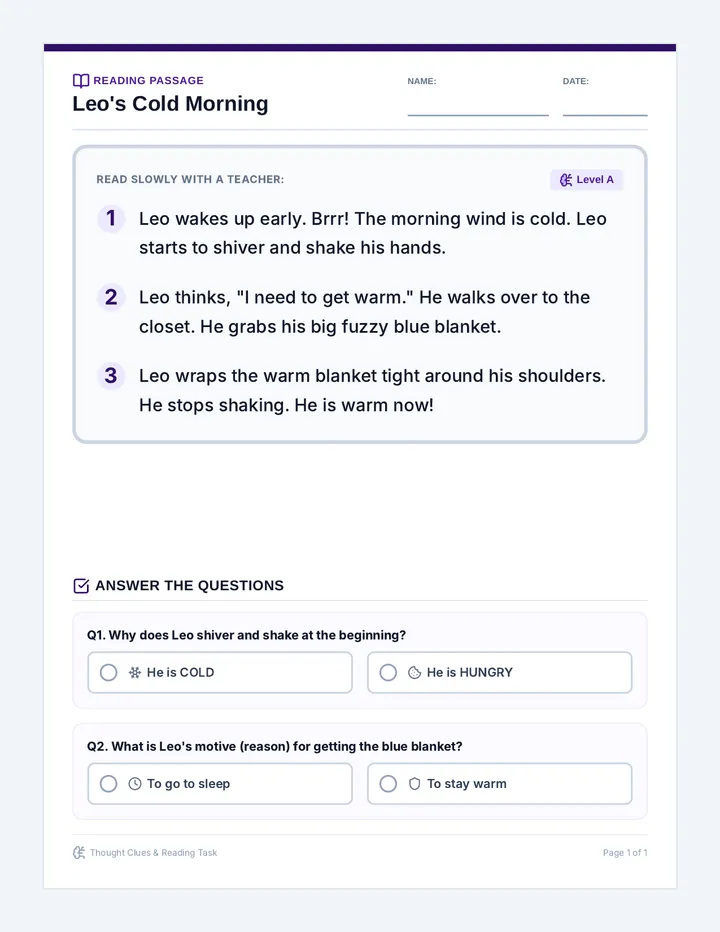
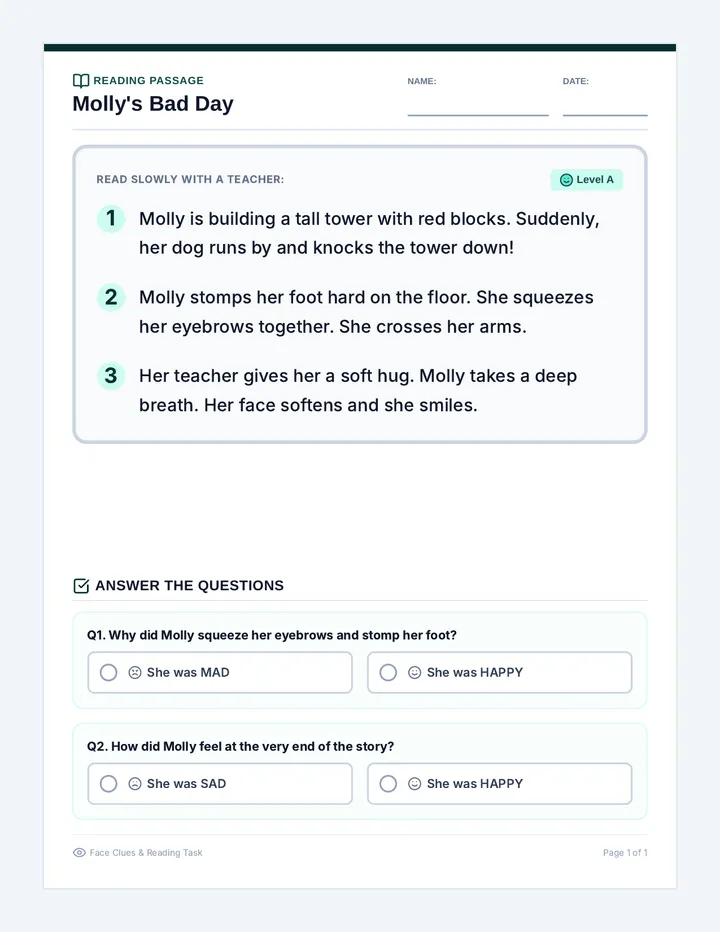
A highly readable practice passage focusing on simple character motives and thoughts, with visual cues and multiple-choice questions designed for intellectually disabled students.
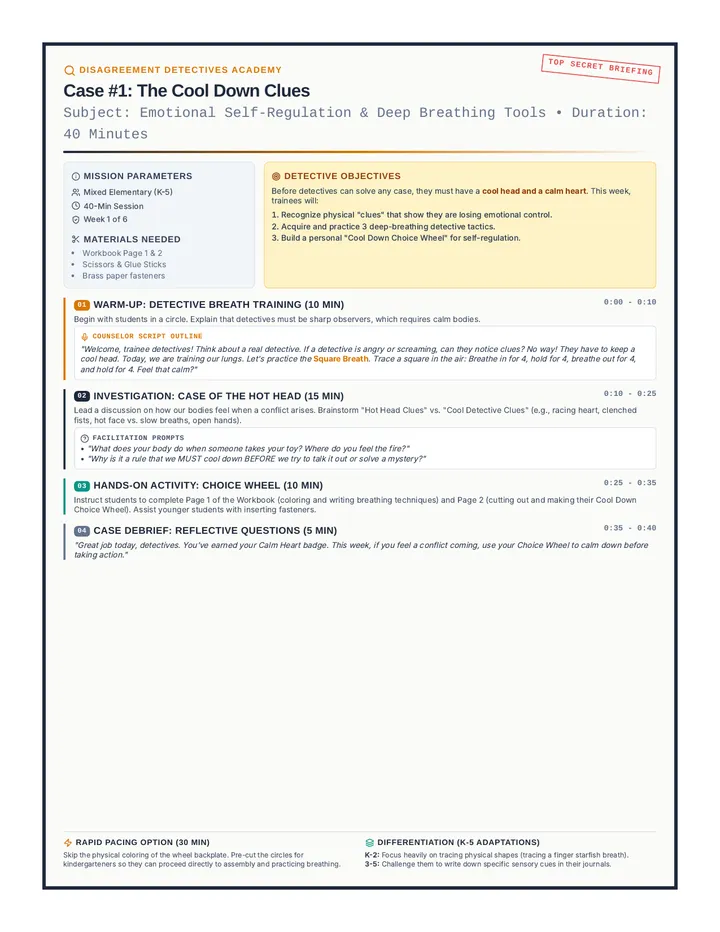
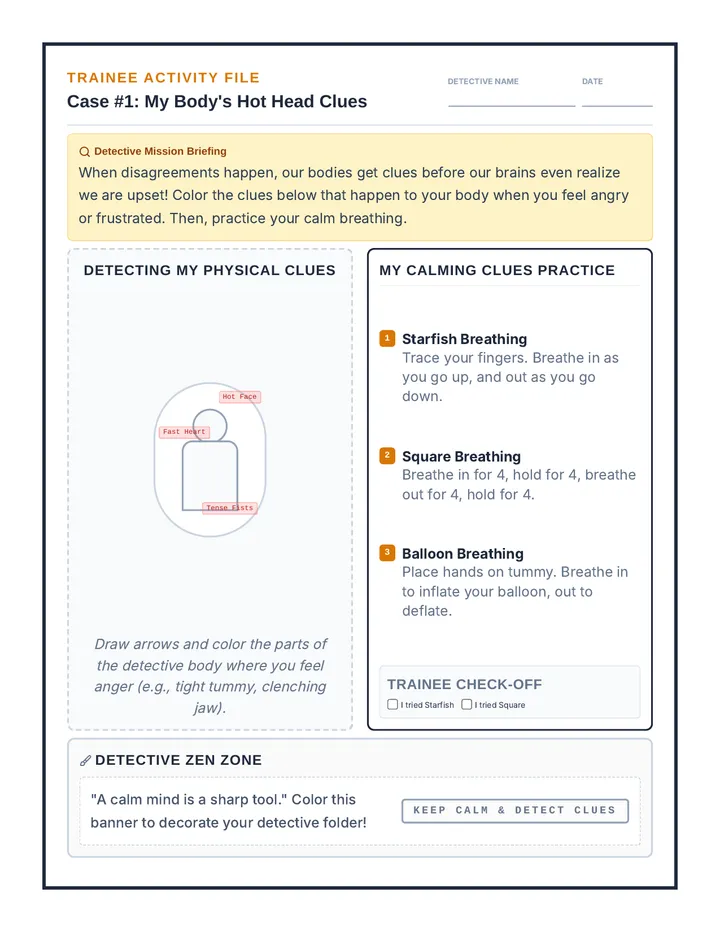
A 6-week conflict resolution group for mixed elementary students. Through a fun detective-themed curriculum, students learn to cool down, identify problem sizes, express feelings with I-messages, listen actively, and walk the Peace Path to solve peer conflicts.
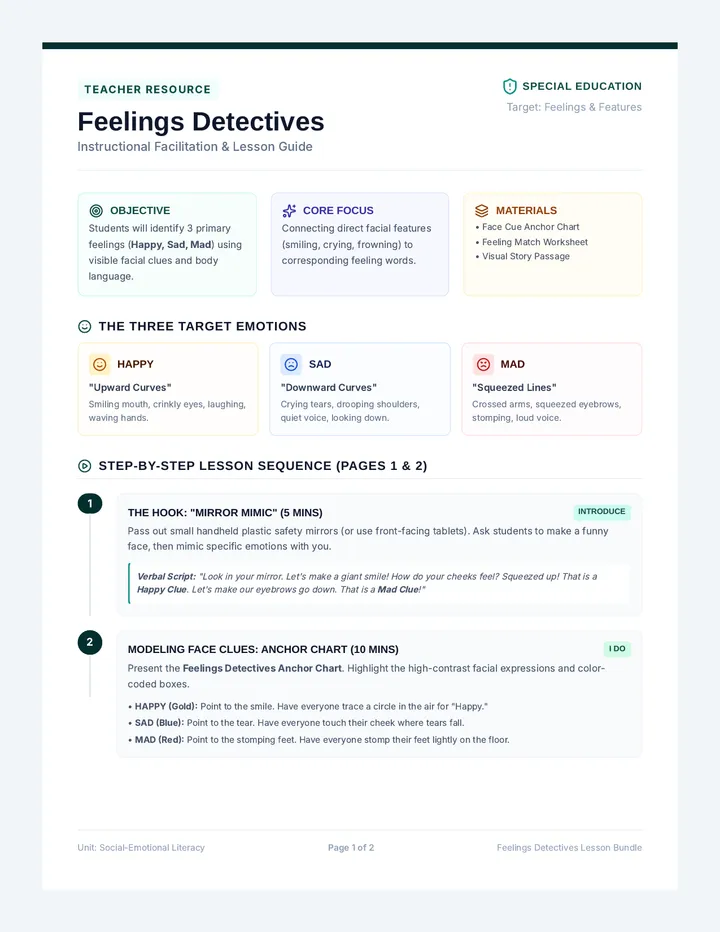
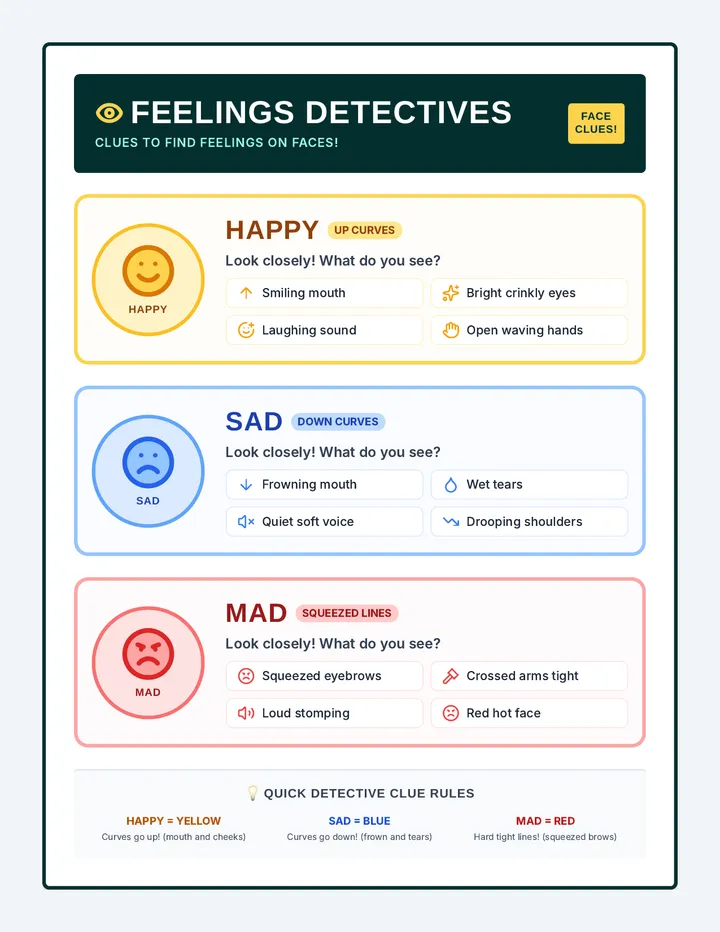
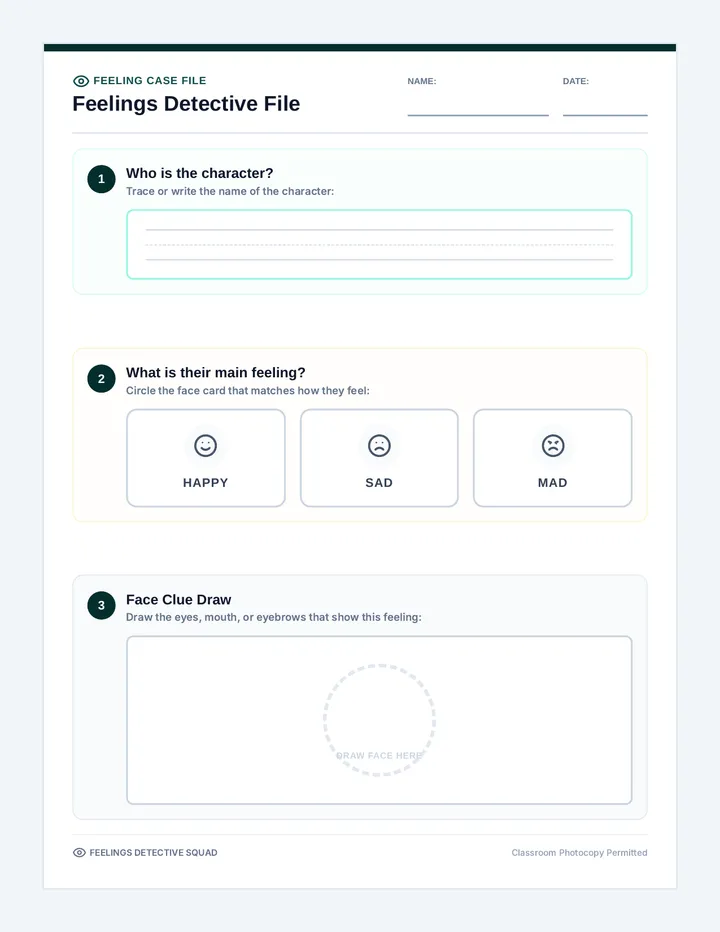
A visual and sensory-friendly lesson focused on helping students identify external physical features and basic emotions (happy, sad, mad) in characters using color-coded visual cues.
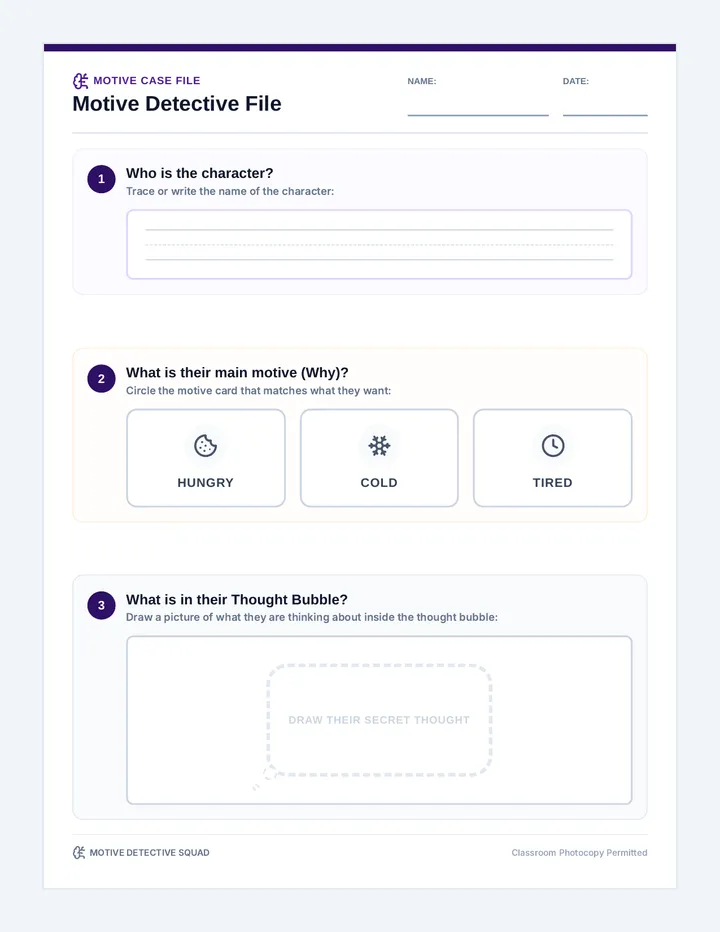
A student-facing, printable graphic organizer featuring motive selectors, handwriting guides, and a dedicated drawing space shaped as a character's visual thought bubble.
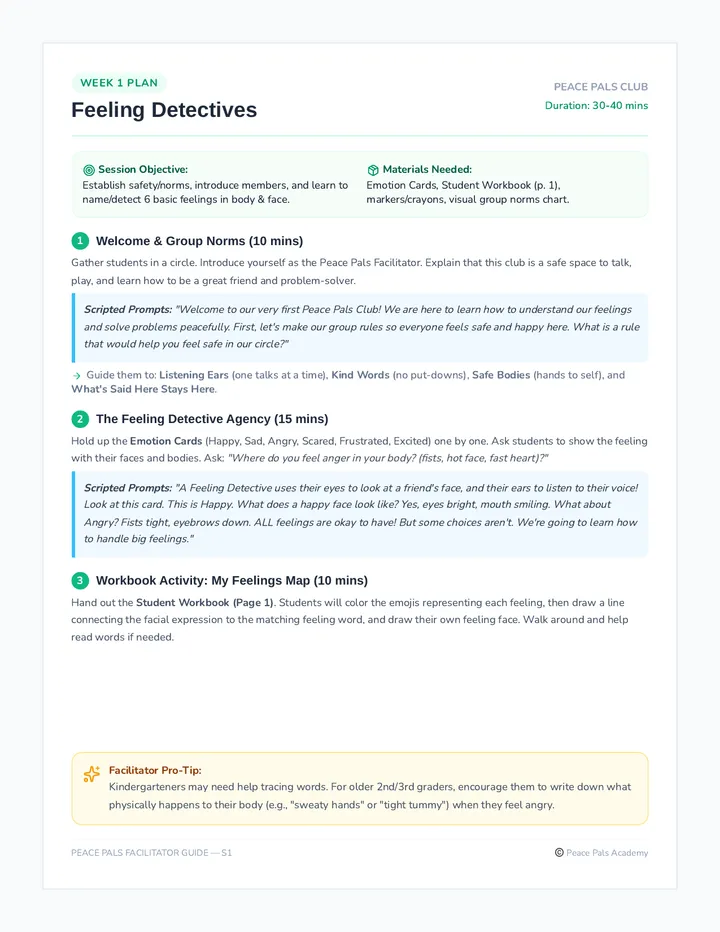
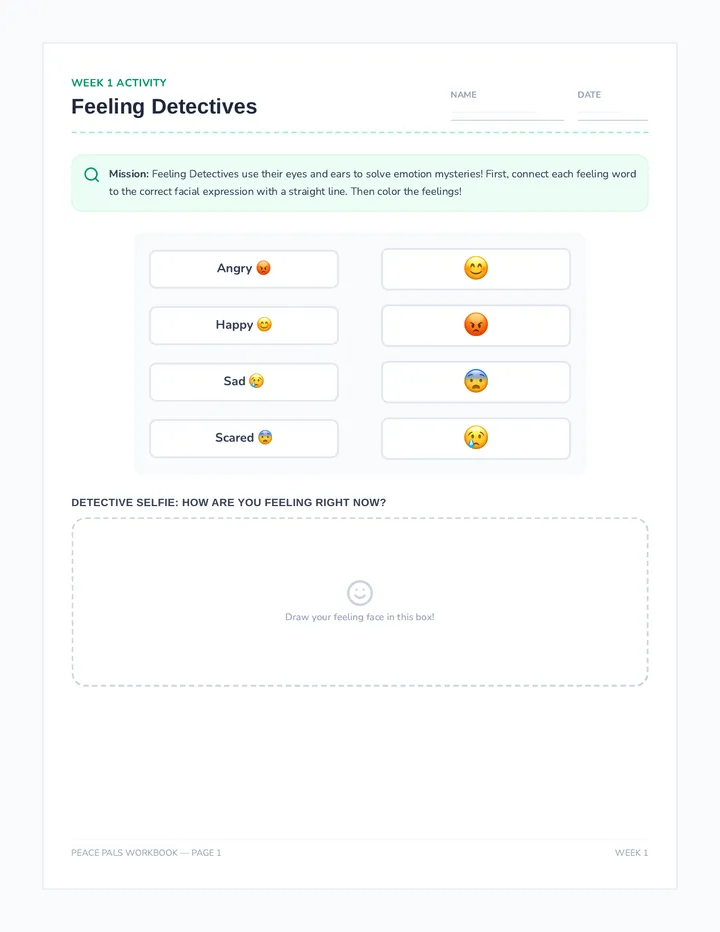
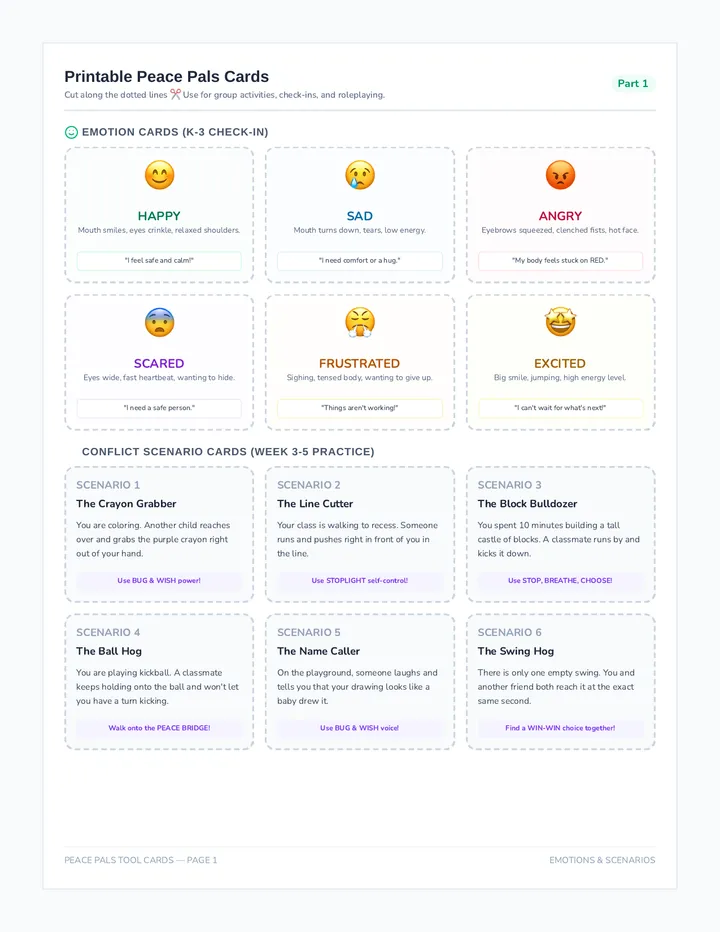
A 6-week conflict resolution small group sequence for K-3 students, focusing on self-regulation, emotion identification, active listening, assertion, and collaborative problem-solving. This cohesive program includes a comprehensive facilitator guide, student workbook, visual tools, and a calm-down poster.
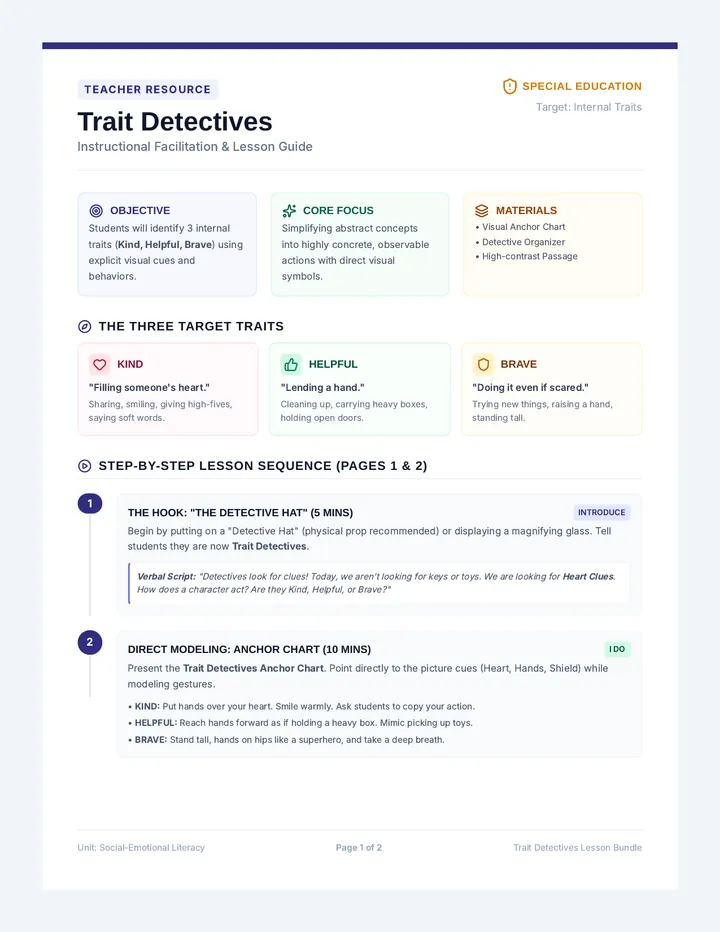
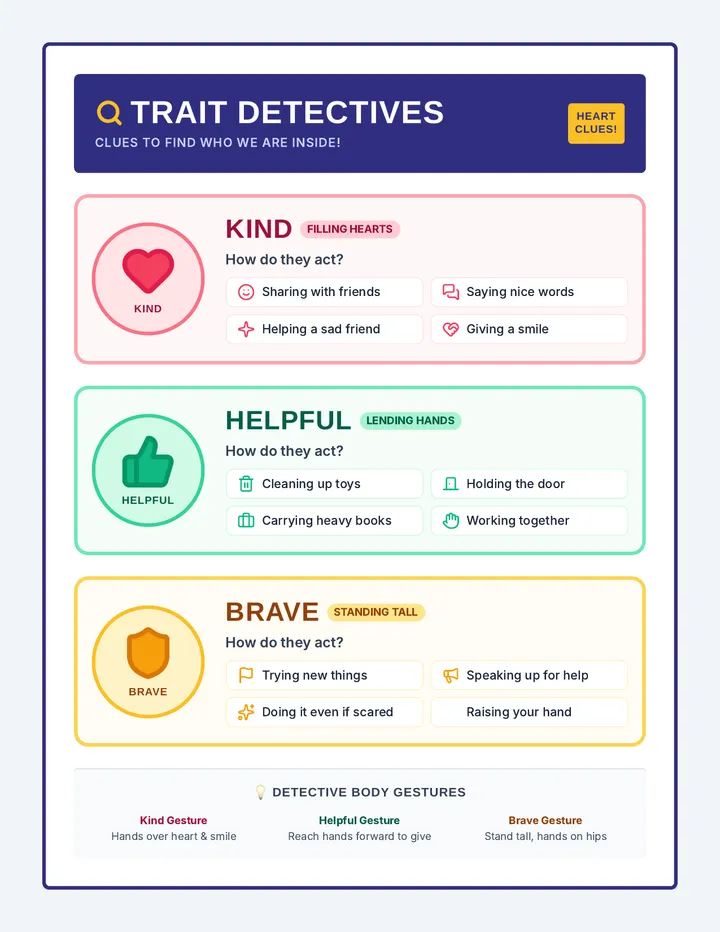
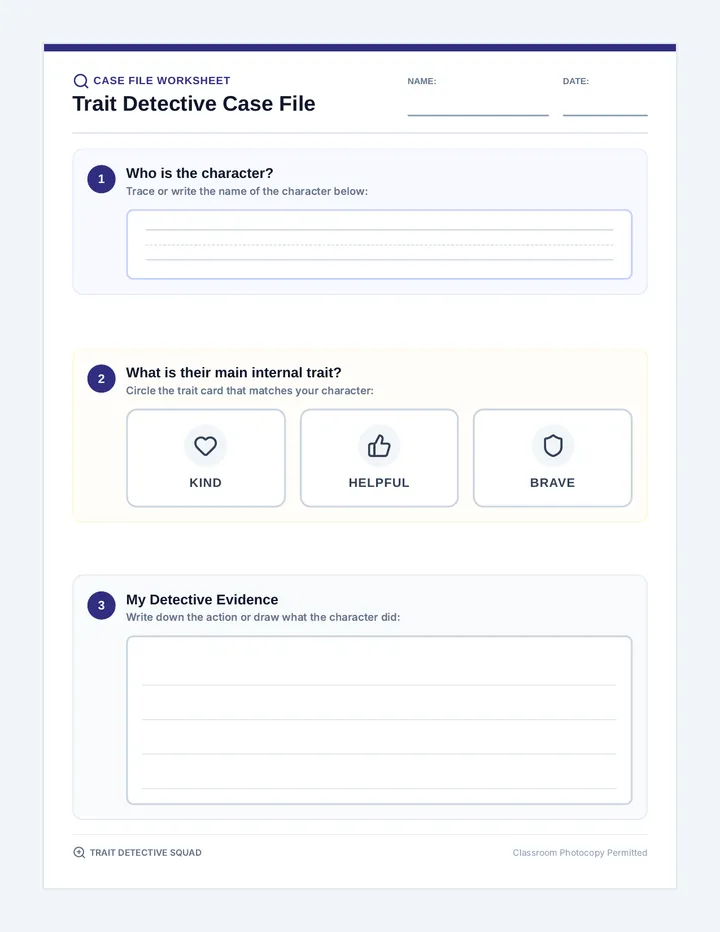
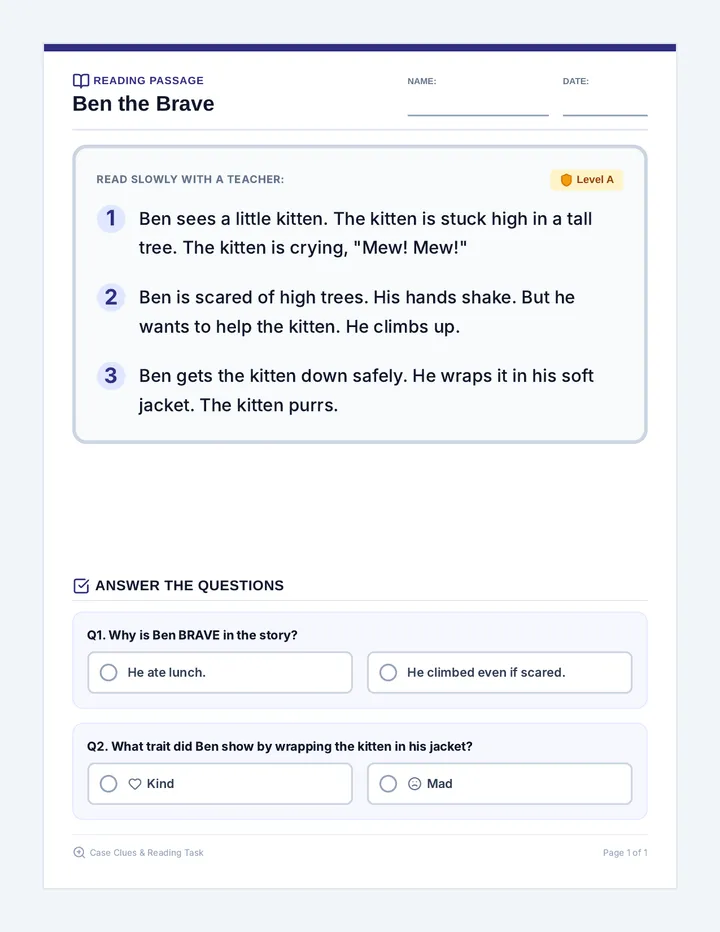
A structured, visual lesson designed for intellectually disabled students to identify internal character traits (helpful, brave, kind) using explicit visual cues, guided modeling, and a simplified graphic organizer.
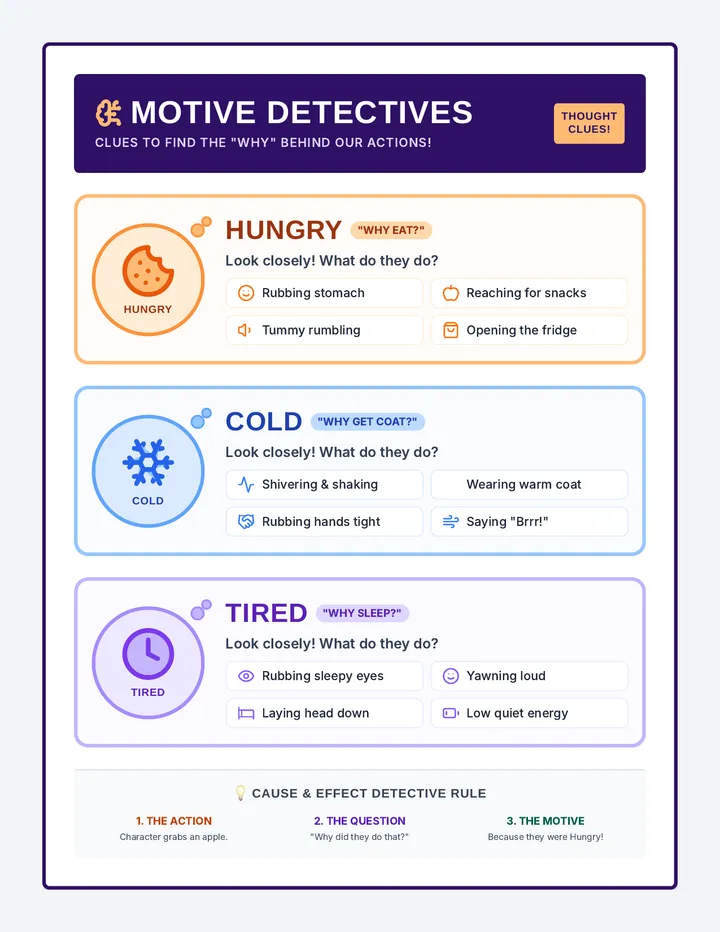
A highly visual, single-page anchor chart featuring the key motives (Hungry, Cold, Tired) with simple, high-contrast picture cues, thought-bubble frames, and behavior examples.
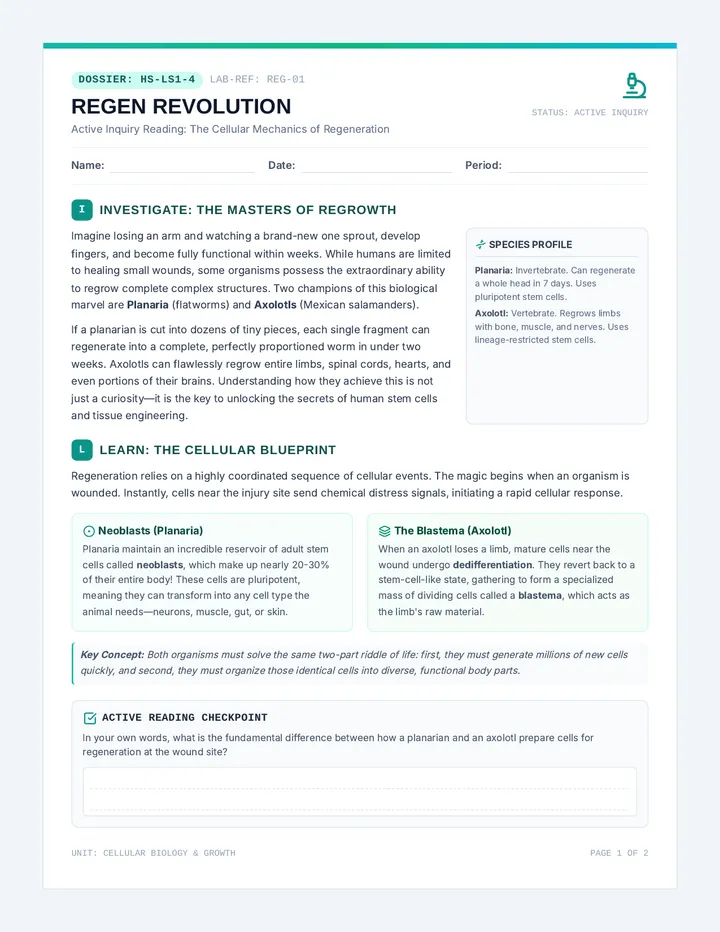
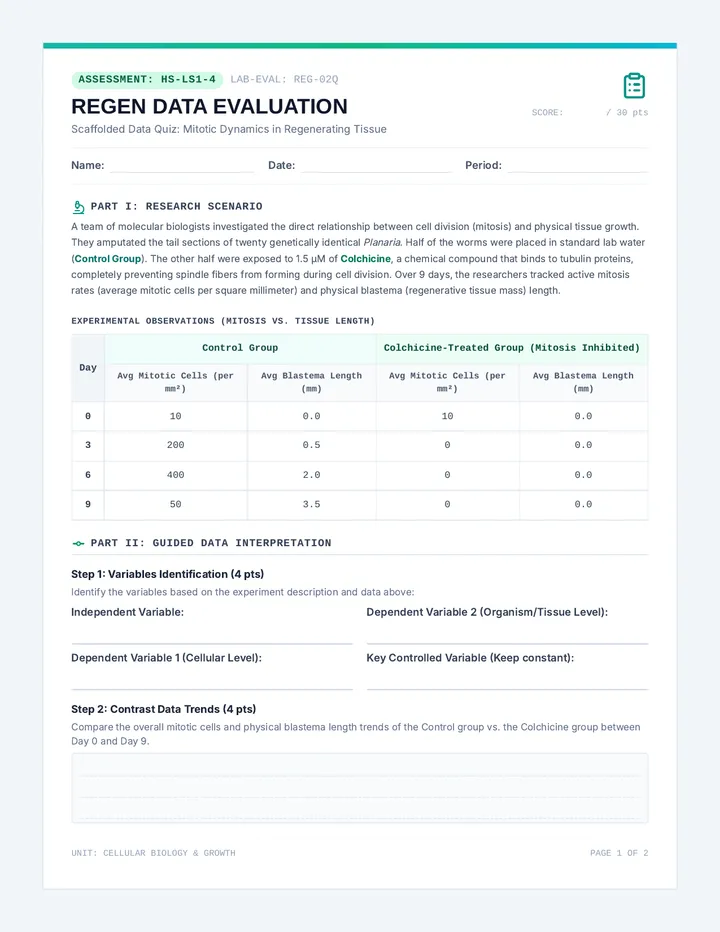
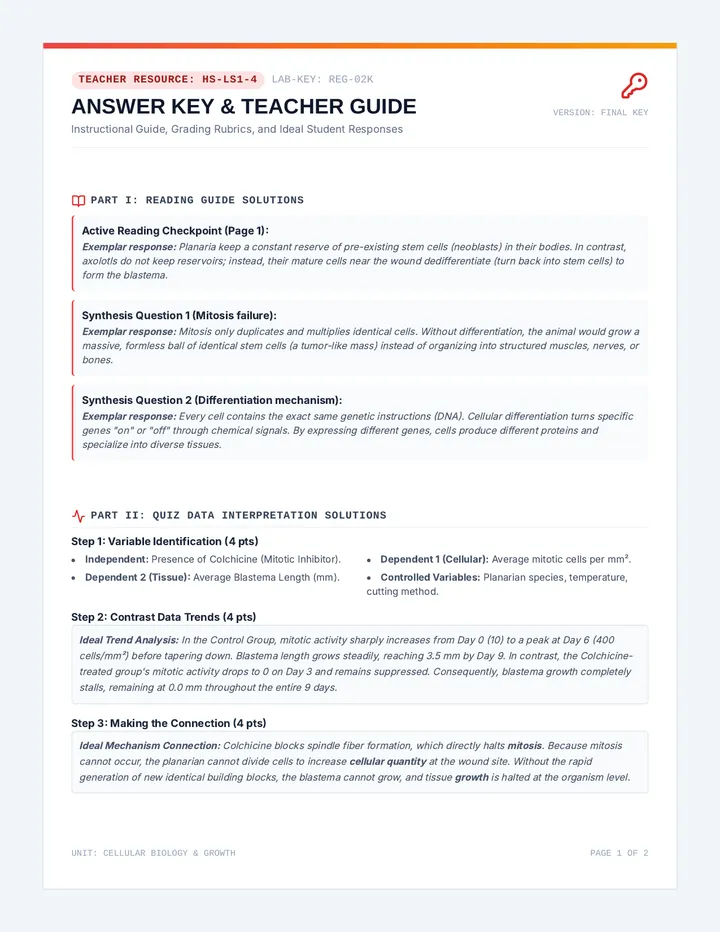
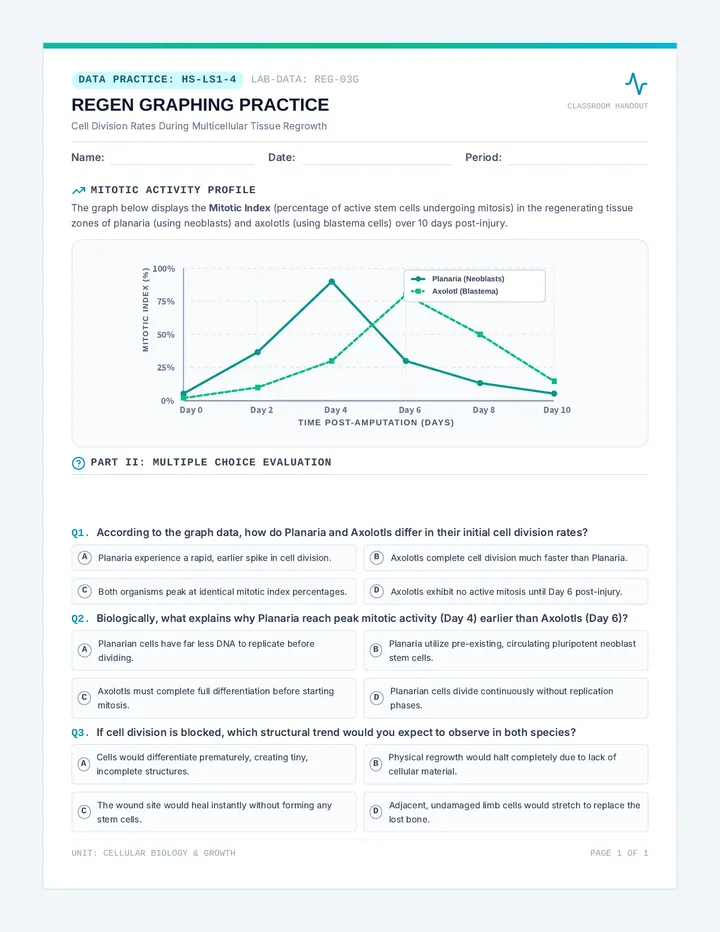
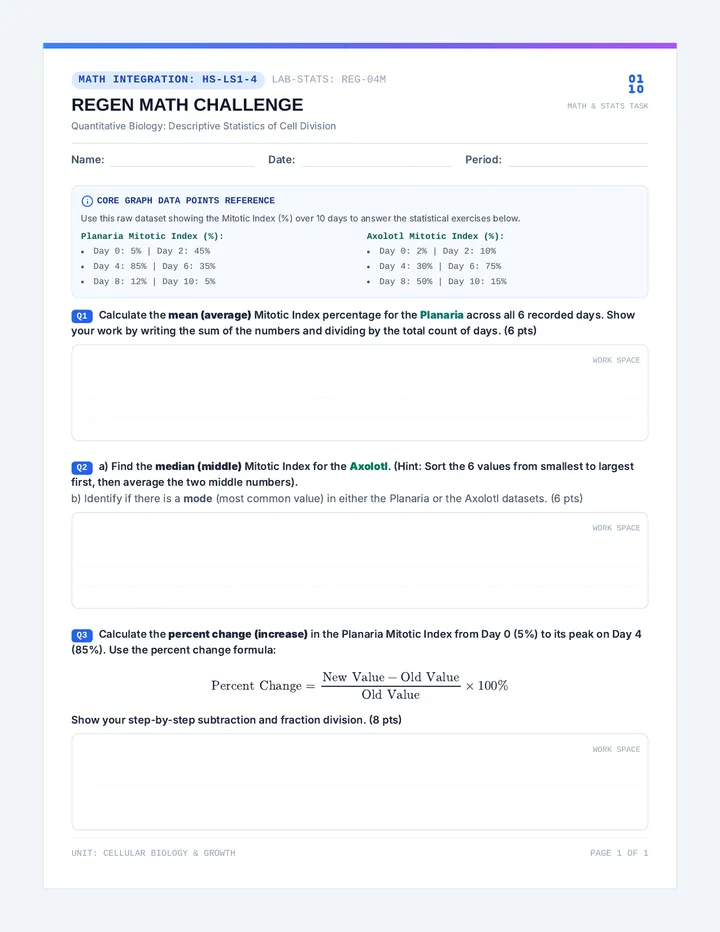
An instructional sequence exploring cellular growth, cell division, and cellular energetics. Students investigate multicellular regrowth and regeneration (HS-LS1-4) and model the transformation of solar energy into chemical energy via photosynthesis (HS-LS1-5).
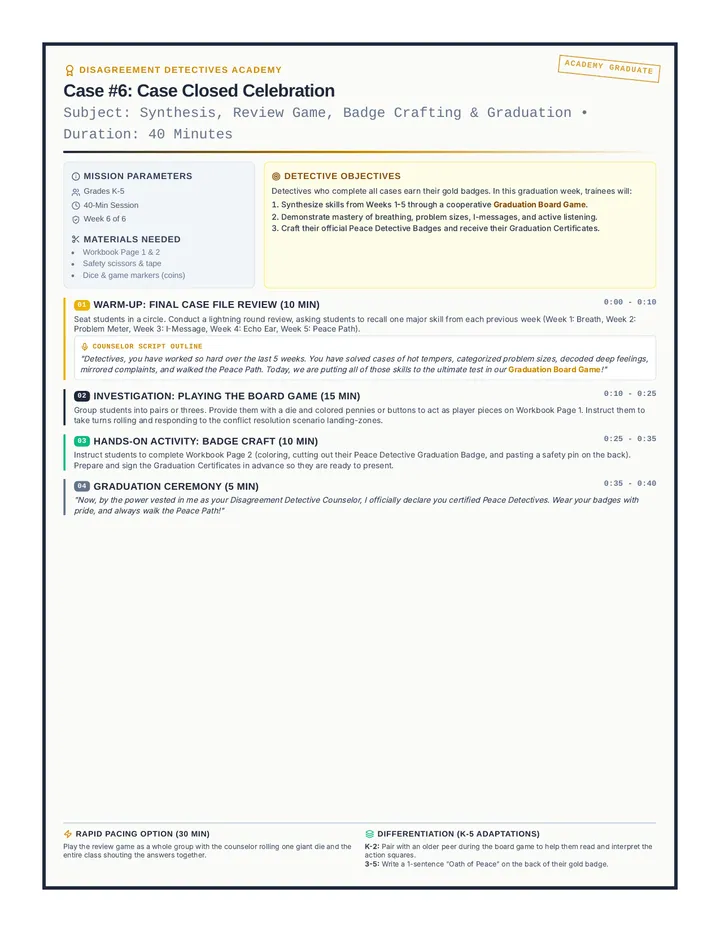
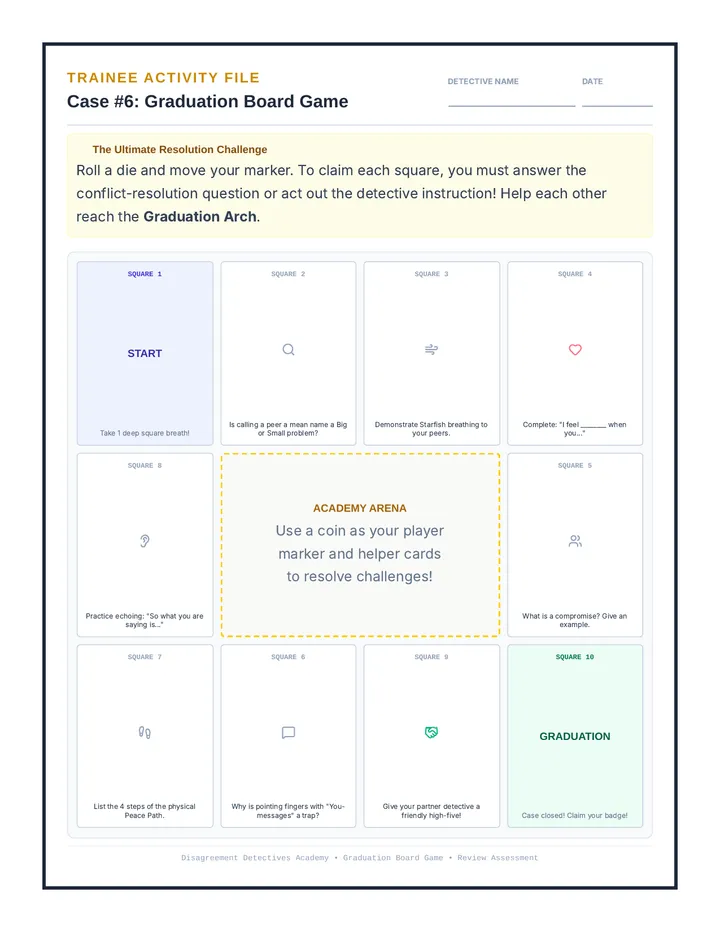
Week 6 is the graduation and celebration session. Trainees review all detective techniques by playing a graduation board game, and then craft their official Peace Detective Badges and receive their Graduation Certificates.
A comprehensive, two-page facilitator guide outlining explicit scripts, thought-bubble modeling, and cause-and-effect structures to teach character motives to intellectually disabled students.