Paper Triage Slides Paper Triage
Sort It. File It. Boss It.
Lesson 1: The Sorting Secret
The Backpack Explosion
KABOOM!
Is your binder a black hole for papers?
The Problems:
Lost homework
Crinkled papers
"I can't find it!"
Today, we become the Binder Bosses.
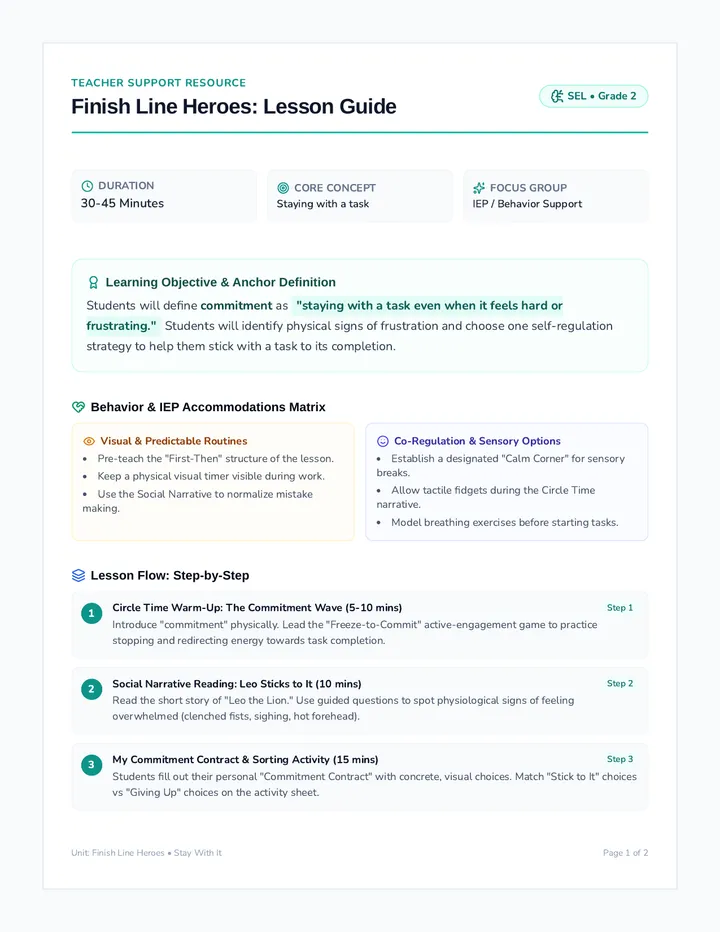
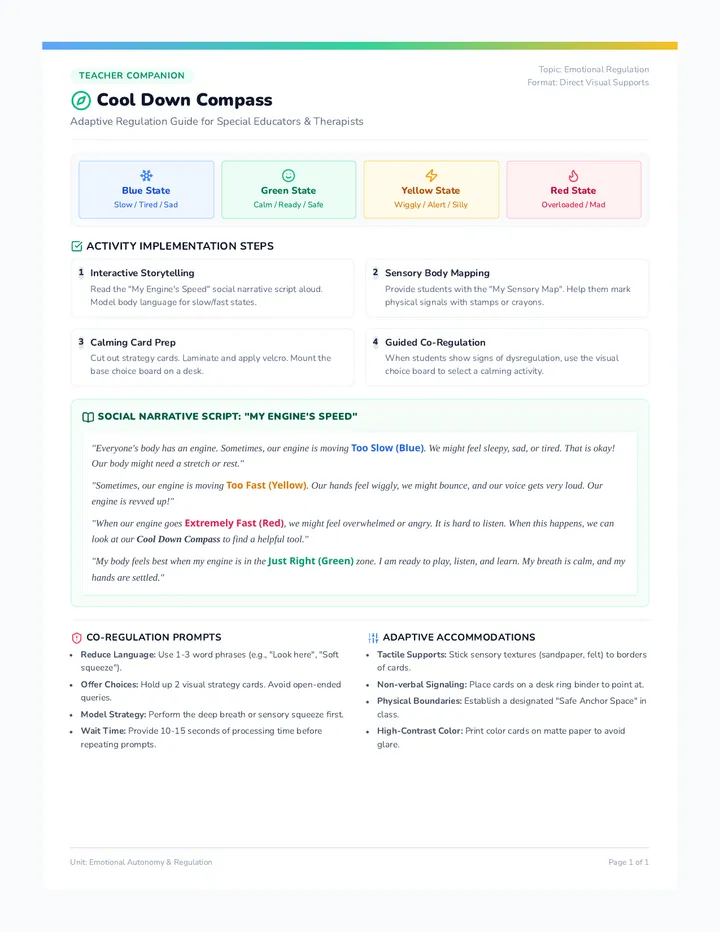
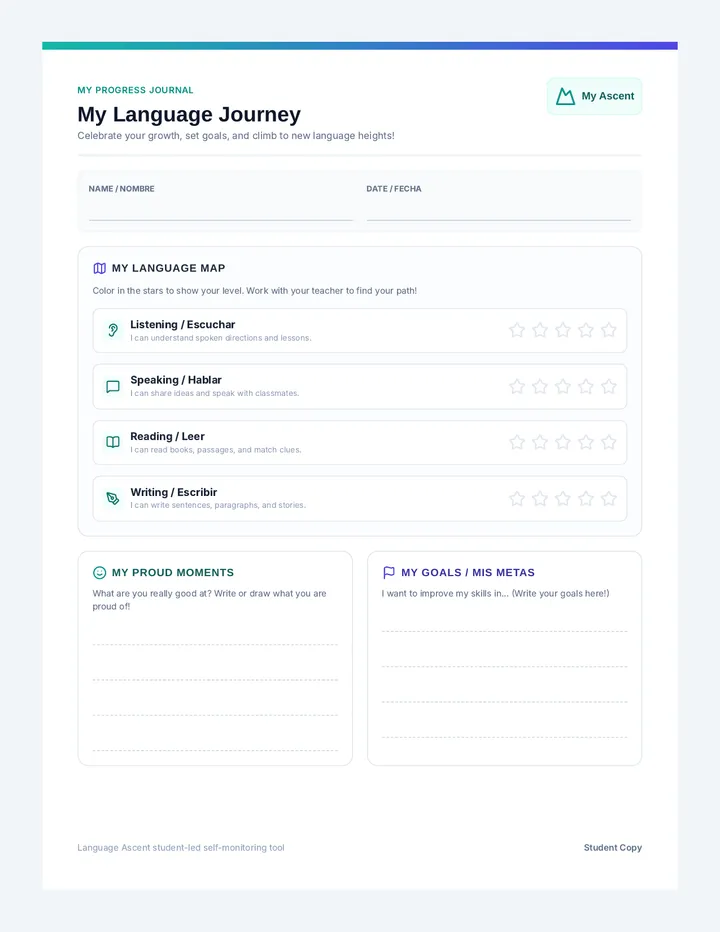
What is Triage?
Tree-Ahzh
It's a fancy word for sorting things by how important they are.
"Doctors use triage to decide who needs help first. Binder Bosses use triage to decide where a paper belongs!"
1
Look at the paper
2
Ask: "What do I do with this?"
3
Put it in its new home
The Binder Boss Categories
Action
Papers you need to finish or turn in.
Homework, Forms
Reference
Tools you use to help you work.
Multiplication Charts, Schedules
Evidence
Finished work that shows your progress.
Tests, Writing Samples
Recycle
Old notes or scraps you don't need anymore.
Old scratch paper
Let's Play: Triage Race
Use your sorting mat to categorize the papers on your desk. Who can be the fastest—and most accurate—Binder Boss?
Think fast!
Decide quick!
Boss the paper!
Triage Sorting Mat Triage Sorting Mat
Lesson 1: Paper Triage Activity
Boss Name:
Date:
Instructions: Place this mat on your desk. Sort your stack of papers into the four zones below.
Do It!
Action
Homework, permission slips, and things you need to finish or turn in TODAY.
Action Items Only
Use It!
Reference
Tools that help you work, like math charts, schedules, and login cards.
Tools & Guides
Show It!
Evidence
Completed work and tests that show how much you've learned and grown.
Your Best Work
Toss It!
Recycle
Old scratch paper, duplicates, and things you definitely don't need anymore.
Waste Only
Goal Binder Slides Goal Binder Build
Construction Zone: Building Your Success System
Lesson 2: System Construction
The Transformation
The Messy Pile
"I know it's in here somewhere..."
❌ Takes 5 minutes to find a paper
❌ Papers are ripped or stained
❌ It feels stressful to look at
The Goal Binder
"Found it! Let's get to work."
✅ Find any paper in 10 seconds
✅ Everything stays clean and safe
✅ You are the boss of your work
Your System Blueprint
Dividers (The Map)
Tabs that tell you exactly where to go. Label them clearly!
3 Rings (The Lock)
The mechanical heart. Keep them closed to keep papers safe.
Pockets (The Garage)
For papers that haven't been hole-punched yet.
Pro Tip: Always line up the holes BEFORE you punch!
Your Navigation Tabs
We will label our tabs based on our big learning goals. Here are the 5 sections we need:
Reading
Math
Writing
Reference (Toolbox)
My Choices
Instructions:
Use a permanent marker to write your labels on the tab inserts. Slide them carefully into the plastic tabs on your dividers.
Binder Assembly Guide Binder Build Checklist
Lesson 2: System Construction
System Owner
Follow these steps to build your professional goal binder. Check off each box as you complete the task.
1
The Labels
Write these 5 names on your tab inserts clearly using a permanent marker:
Reading Math Writing Toolbox My Choices
2
Tab Installation
Slide your paper inserts into the clear plastic tabs on each divider. Make sure they are right-side up!
3
Hole Punch Training
Take a blank piece of paper. Practice using the 3-hole punch. Make sure the paper is pushed all the way to the back before you push down.
4
Final Assembly
Open the 3 rings. Place your dividers in order (Reading, Math, Writing, Toolbox, My Choices). Close the rings and listen for the "click"!
Watch your fingers—the rings snap hard!
Reflection Box
What was the hardest part of building your binder? How will you keep it organized?
Evidence Curators Slides Evidence Curators
The Museum of You: Selecting Your Best Work
Lesson 3: Selection & Reflection
What is a Curator?
Cure-Ay-Tor
A person in charge of a museum who picks the best things to show off to the world.
You are the Curator of your binder!
Search
Look through your work.
Select
Pick the work that shows growth.
Label
Explain why you picked it.
Protect
File it in your Evidence section.
What Counts as Evidence?
Growth
A paper that shows you are getting better at something hard.
"I'm improving!"
Mastery
A test or quiz where you showed you really know the skill.
"I've got this!"
Pride
A piece of work you are just really proud of doing.
"I worked hard!"
The Curator's Choice
Ask yourself these Questions:
Does this paper match one of my goals?
Does it show how much I've learned?
If I showed this to my teacher, would they be impressed?
Action: Pick ONE paper from your "Action" or "Evidence" pile that you want to keep forever in your Goal Binder!
Curators Choice Sheet Curator's Choice
Lesson 3: Evidence Selection
Master Curator
You've found a piece of evidence! Now, tell the world why this paper is special. Attach this sheet to the front of your work sample before you file it in your binder.
Artifact Name
(e.g., "Week 4 Math Quiz" or "The Solar System Story")
Binder Section
Reading
Math
Writing
Why did you select this?
Growth
I got better at this!
Mastery
I know this well.
Pride
I am proud of this.
Curator's Reflection
Explain in your own words why this paper shows you are meeting your goals:
Official Evidence Seal
Reference Toolbox Slides Reference Toolbox
Tools at Your Fingertips: Speed Up Your Work
Lesson 4: Resource Accessibility
The 10-Second Challenge
Can you find your Multiplication Chart in 10 seconds?
Search in your backpack...
Search under your desk...
Open the "Toolbox" Tab!
When you know exactly where your tools are, you work faster and smarter.
Toolbox Essentials
Math Helpers
• Multiplication Chart
• Number Line
• Fraction Guide
Word Tools
• Spelling List
• Editing Checklist
• Sentence Starters
Keys to Success
• Login Cards
• Daily Schedule
• Classroom Map
Mindset Tools
• Calm Down Menu
• Growth Mindset Tip
• Reward Tracker
Toolbox Maintenance
1
Keep it Hole-Punched so it never falls out.
2
Use Sheet Protectors for tools you use every day.
3
Update it weekly. Outdated tools go to Recycle!
Binder Boss Oath:
"I will keep my tools ready and my toolbox organized so I can be the best learner I can be."
Toolbox Inventory Worksheet Toolbox Inventory
Are you missing any tools?
Owner:
Look through your "Toolbox" section. Check the boxes for the tools you have. If you're missing something, put it on your "To Get" list!
Math Helpers
Multiplication Chart
Hundreds Chart
Number Line
Word Tools
Spelling List
CUPS Editing Guide
Sight Word Bank
My Access
Login & Password Card
Daily Schedule
Goal Tracker
Extras
My "To Get" List
List the tools you need to ask for:
Toolbox Tip
If a tool is getting crinkled or ripped, ask your teacher for a Sheet Protector or a fresh copy. Binder Bosses keep their tools in pristine condition!
Portfolio Premiere Slides Portfolio Premiere
Showtime: Advocating for Your Own Success
Lesson 5: Self-Advocacy & Presentation
Your Voice Matters
Your Goal Binder is more than just organized paper—it's your story of growth.
Self-Advocacy:
Speaking up for yourself and showing what you need and what you've achieved.
I am the expert on my own learning.
I can show exactly how I've improved.
I know what my goals are.
How to Present Your Binder
1
The Tour
"Welcome to my Goal Binder. I have 5 sections: Reading, Math, Writing, Toolbox, and My Choices."
2
The Evidence
"I'm especially proud of this Math paper in my Evidence section because it shows I'm meeting my goal of..."
3
The Tool Check
"If I get stuck, I use my Toolbox. Here is my multiplication chart that helps me solve big problems."
ACTION!
Binder Speed Dating
You will have 3 minutes to present your binder to a partner. Then, switch!
Show 1 Artifact
Explain 1 Tool
Celebrate 1 Goal
Binder Boss Presentation Script Binder Boss Script
Lesson 5: Presentation Prep
Presenter
Master the Premiere
Use this script to practice presenting your Goal Binder. You don't have to say it perfectly—just use the bullet points to help you tell your story.
Part 1: The Intro
Welcome & Navigation
"Hi, my name is . Welcome to my Goal Binder. I use this binder to organize my academic papers and track my progress."
Open Binder
Point to Tabs
Part 2: The Proof
Evidence Spotlight
"I want to show you a piece of Evidence. In my section, I have this paper. It shows that I am meeting my goal because..."
Part 3: The Support
The Toolbox
"When I'm working and I get stuck, I use my Toolbox. My favorite tool is my because it helps me..."
Part 4: Conclusion
Closing & Goal
"Next week, I hope to add even better evidence to my binder. Do you have any questions for me?"
Listener's Feedback
One thing I liked about your binder/presentation: