Broadcast Breakthroughs Slides Live Broadcast Tech Lab
Unit: Signal & Screen
Visual Audio Project Masterclass
Broadcast Breakthroughs
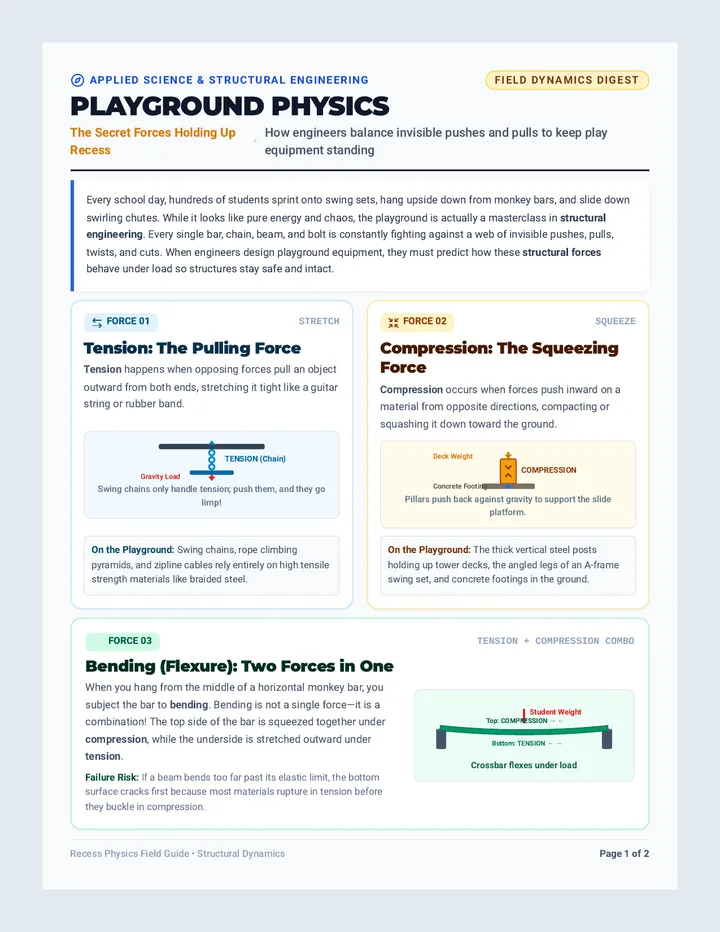
How real-time computer vision, sensor telemetry, and dynamic graphics transformed how billions experience live sports.
Format: Recorded Narration Over Visuals
Project Briefing & Technology Breakdown
Case Study 01 • Augmented Reality
The Yellow 1st & Ten Line
Debuted: 1998 (ESPN)
The Viewer Problem
In American football, viewers at home struggled to tell if a ball carrier crossed the first-down marker before the camera cut away.
The Engineering Miracle
The line appears painted on the grass, yet players, referees, and the ball seamlessly walk over it without turning yellow.
How It Works in 60 FPS
3D Field Mapping: Detailed digital laser model of field crown and variations.
Instrumented Sensors: Pan, tilt, and zoom sensors on main stadium broadcast cameras.
Color Keying: Software draws yellow only on grass hues, skipping player jersey and skin tones.
Broadcasting Lesson: Great broadcast tech appears invisible and enhances comprehension instantly.
Case Study 02 • Computer Vision
Hawk-Eye Ball Tracking
Tennis • Cricket • Football
Multi-Angle Cameras
10 to 12 synchronized high-speed cameras placed around the stadium record ball trajectory at up to 340 frames per second.
Optical capture & 2D coordinates
Triangulation Engine
Geometric algorithms combine 2D images from multiple camera perspectives to construct a definitive 3D flight path accurate within 3.6 millimeters.
Physics & trajectory prediction
Instant CGI Replay
Generates virtual animated replays in under 3 seconds for broadcast viewing and official referee challenges (In vs Out).
TV graphics & officiating ruling
Key Question to Investigate: How does computer vision replace subjective human refereeing?
Case Study 03 • Sensor Telemetry & AI
Statcast & Next Gen Stats
MLB • NFL • NBA
Hardware
RFID & Optical Radar
Micro-transmitters embedded in player shoulder pads and balls transmit location coordinates 10 to 25 times per second to stadium receivers.
Metrics
New Sports Vocabulary
Broadcasters display Exit Velocity, Launch Angle, Route Efficiency, Catch Probability, and Separation Distance in live graphics packages.
Analytics
Cloud Processing
Algorithms calculate expected outcomes in sub-second latency, feeding on-screen stat bars before the next play begins.
Story
Data-Driven Storytelling
Commentators move from gut opinions to verified quantitative proof, showing viewers exactly how fast an athlete sprinted.
Other innovations to explore: Skycam • Pylon Cams • 360-Degree FreeD Volumetric Video
Your Production Challenge
The Recorded Narration Blueprint
1. The Visual Anchor
Choose high-impact visual clips, freeze-frames, or diagrams. Your narration should explain what the viewer cannot immediately see.
Rule: Never just read the bullet points on screen.
2. Audio-Visual Sync
Time your voiceover cues with visual changes. When pointing to a sensor or camera angle, mention it precisely as it highlights.
Pacing: Target 130–150 spoken words per minute.
3. Technical Clarity
Break down complex science (optics, radar, latency) using simple analogies so any fan can grasp the technology in 2 minutes.
Goal: Inform, educate, and captivate the audience.
Target Deliverable: 2 to 3 Minute Video with Synchronized Voiceover Narration
Tech Detective Worksheet TV
Broadcast Tech Spotlight • Investigation Lab
Tech Detective Worksheet
Phase 1: Research
Student Name:
Date:
Class Period:
Chosen Sports Broadcast Advancement:
1 The Problem-Solution Matrix
Before This Innovation (The Viewing/Officiating Challenge):
After This Innovation (How the Broadcast Experience Changed):
2 The Three-Part Technical Engine
A. Capture & Hardware
What physical devices capture the data? (e.g. high-speed cameras, RFID chips, radar, lidar)
B. Processing & Software
How is raw data turned into information? (e.g. computer vision algorithms, AI prediction, triangulation)
C. Live Rendering
How does it appear on the viewer's screen? (e.g. augmented reality line, 3D trajectory replay, stat graphic)
3 Game Impact & Critical Analysis
Primary Benefit to Fans, Players, or Referees:
Limitation, Cost, or Unintended Consequence:
4 Opening 15-Second Narration Hook
Target: 30–35 Spoken Words
Draft the exact sentence you will speak over your opening title card/clip to instantly hook the audience.
Broadcast Project Guide REC
Broadcast Booth • Video Production Suite
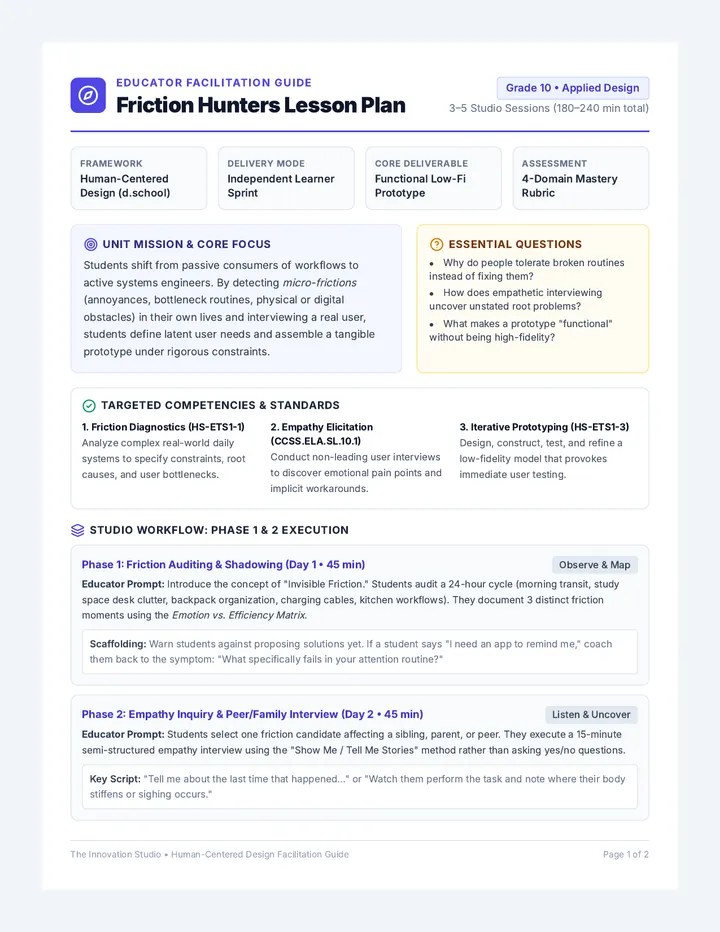
Broadcast Project Guide
2–3 Minute Video Project
Deliverable MP4 / Video Link
Format Voiceover Over Slides
Target Runtime 120 – 180 Seconds
Word Target 260 – 350 Spoken Words
★ Production Mission Overview
Live sports broadcasting is one of the world's most demanding visual technology fields. In this project, you will step into the role of a sports technology broadcast producer. You will research one major technological advancement, assemble compelling visual assets (slides, diagrams, freeze-frames), and record a professional, synchronized voiceover narration explaining how the technology operates, why it was invented, and how it transforms the viewing experience.
01 Approved Broadcast Technologies (Select One)
1. 1st & Ten Virtual Line (NFL) Augmented reality, real-time camera tracking, green color-keying algorithms.
2. Hawk-Eye Ball Tracking (Tennis/Soccer) Synchronized multi-camera triangulation, ball flight simulation, sub-3mm precision.
3. Statcast & Next Gen Stats (MLB/NFL) RFID player shoulder pads, optical radar, exit velocity, acceleration analytics.
4. Skycam & Cablecam Robotics (Stadiums) 4-axis computer-controlled winches, fiber-optic video transmission, gyro-stabilization.
5. Pylon & Umpire Micro-Cameras Miniature prism optics, wireless RF transmitters, impact-resistant housing.
6. Volumetric 360 FreeD Replay Dozens of 5K stadium perimeter cameras generating virtual 3D point-cloud camera angles.
02 Production Workflow: Phases 1 & 2
Phase 1: Investigation & Evidence
Complete your Tech Detective Worksheet . Find at least 2 credible sources explaining the engineering mechanics behind the cameras, sensors, or algorithms.
Phase 2: Storyboarding & Scripting
Map out each 30-to-45-second segment using your Broadcast Storyboard Worksheet . Write out every spoken sentence word-for-word with timing cues.
Broadcast Booth • Project Guide (Page 1 of 2) Turn Over for Recording Specs & Rubric Alignment →
Production & Audio Engineering
Narration & Capture Protocol
Phase 3 & 4 Execution
03 Recommended Recording Options
Option A: Loom / Screencastify
Record your browser tab while clicking through your slide deck with audio mic enabled.
Option B: Canva Video / Keynote
Use built-in "Record Presentation" studio to add voiceover directly onto each slide.
Option C: Clipchamp / iMovie
Export presentation slides as images, import onto timeline, and record voice track over them.
Broadcast Storyboard Worksheet SB
Broadcast Booth • Script & Visual Alignment
Broadcast Storyboard Worksheet
Phase 2: Storyboard
Student Producer:
Date & Period:
Broadcast Tech:
Est. Video Runtime:
Rule of Synchronization: Each visual on the left must change or highlight in sync with the narration words on the right. Pacing: ~35–45 words per 20 seconds
SCENE 01 Hook, Problem & Broadcast Debut
Timestamp: 0:00 – 0:35 • Target: ~45 words
Visual / Slide Mockup (Sketch Below):
On-screen text: Title, graphic overlay, or game freeze-frame
Spoken Voiceover Script: Vocal delivery: High energy hook
SCENE 02 Physical Hardware & Field Sensors
Timestamp: 0:35 – 1:15 • Target: ~60 words
Visual / Diagram Sketch:
On-screen text: Sensor specs, camera positions, radar callouts
Spoken Voiceover Script: Vocal delivery: Informative, explanatory
SCENE 03 Software, Computer Vision & Real-Time Math
Timestamp: 1:15 – 1:55 • Target: ~60 words
Visual / Flowchart Sketch:
On-screen text: Triangulation, latency, color keying steps
Spoken Voiceover Script: Vocal delivery: Analytical, clear analogies
SCENE 04 Broadcast Impact, Officiating & Future Vision
Timestamp: 1:55 – 2:30 • Target: ~50 words
Visual / Closing Graphic Sketch:
On-screen text: Takeaways, future evolution, student credits
Spoken Voiceover Script: Vocal delivery: Memorable sign-off
Broadcast Booth • Storyboard & Narration Alignment Total Word Target: 215–230 words | Runtime: ~2:15
Broadcast Showcase Rubric ★
Broadcast Booth • Production Evaluation
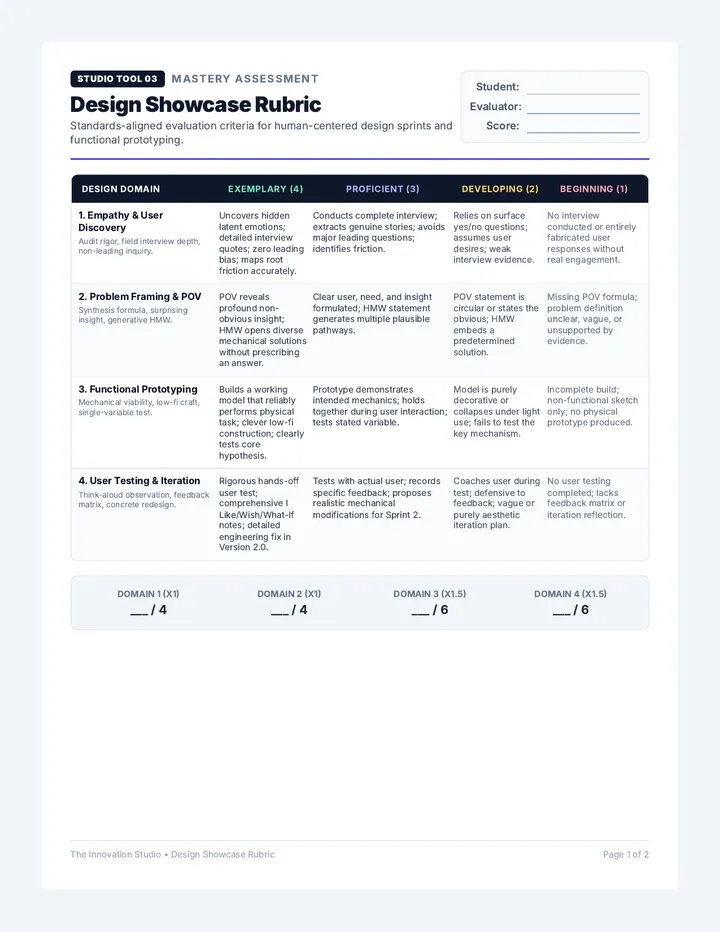
Broadcast Showcase Rubric
Total: 16 Points
Student Producer:
Evaluator (Teacher/Peer):
Broadcast Tech Covered:
Final Runtime:
Production Dimension Advanced (4 Pts) Proficient (3 Pts) Developing (2 Pts) Novice (1 Pt) 1. Technical Accuracy & Depth Hardware, software, computer vision, algorithms & latency. Deconstructs both hardware (sensors/cameras) and algorithms with precision; clear real-world analogies. Accurately explains how the technology functions; mentions key sensors and processing steps. Provides general overview of what the tech does, but glosses over underlying engineering mechanisms. Contains technical inaccuracies, misconceptions, or purely superficial description. 2. Visual Design & Assets Slide aesthetics, clarity, diagrams, annotations & clips. Broadcast-quality graphics; sharp diagrams and annotations that clarify complex engineering concepts. Clean, well-organized slides with relevant images, labels, and readable font styling. Visuals are cluttered, low-resolution, or include dense paragraphs rather than focused diagrams. Minimal or distracting visual aids that fail to support viewer comprehension. 3. Narration & Voice Quality Enunciation, broadcast cadence, audio clarity & volume balance. Energetic, authoritative delivery; crisp diction; zero background noise or echo; natural broadcast tone. Clear voiceover with steady pacing (130-140 WPM); audible volume; occasional minor hesitation. Pacing too fast or slow; reads directly from notes in monotone; noticeable background room noise. Inaudible, muffled audio, rushed mumble, or distracting audio interference throughout. 4. AV Sync & Pacing Voice-visual alignment, transition timing, 120-180s runtime. Flawless synchronization; visual callouts highlight in lockstep with narration; runtime precisely 120–180s. Strong audio-visual alignment with minor delays; transitions feel purposeful; runtime within target. Loose coordination; slides change before narration finishes or lag significantly behind audio. Static slide left on for long periods; severe disconnect between audio and visuals; off runtime.
PR Broadcast Studio Peer Critique Panel
Complete during class showcase screening
Broadcast Glows (2 Specific Strengths in Explanation or Narration):