Automation Industry Slides THE RISE OF THE MACHINES
"Would you rather wash dishes for 8 hours or build a robot to do it for you?"
Lesson 01: Automation
What is Automation?
Definition
Automation is using technology to do a task with minimal human help.
Examples you see daily:
Automatic sliding doors
Washing machines
Scheduled alarm clocks
Think: What is one thing your phone does automatically for you?
The 3 D's of Automation
Why do we build robots to do certain jobs?
DULL
Repetitive tasks that are boring for humans to do for hours.
Example: Scanning items in a factory
DIRTY
Jobs that are unhygienic or unpleasant for people.
Example: Cleaning sewers or trash
DANGEROUS
Tasks that put human lives at risk or cause injury.
Example: Diffusing bombs or space repair
Automation in Action
Where do we see these 3 D's today?
Factories Farming Kitchens
The Impact
"Machines don't get tired, they don't get bored, and they don't mind getting dirty."
Case Study: Fast Food
In some kitchens, robots now flip burgers and fry potatoes. Why? Because working over a 400-degree vat of oil all day is Dangerous and Dull.
Your Mission
Open your "Industry Case Study" worksheet. We're going to investigate 3 real-world scenarios and decide: Is it Dull, Dirty, or Dangerous?
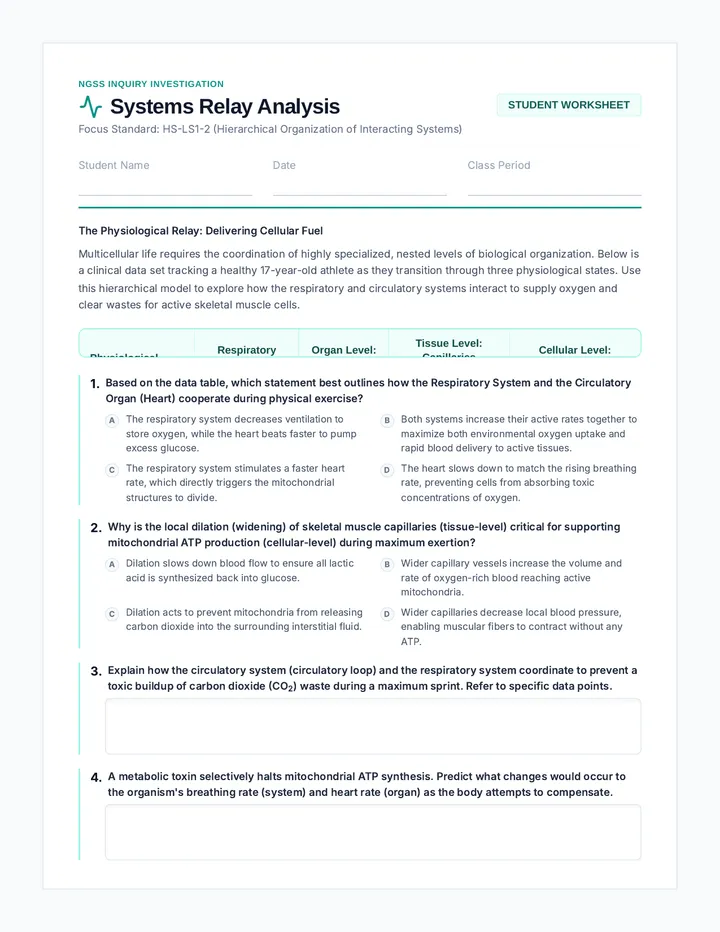
Automation Case Study Worksheet Digital Literacy: Lesson 01
Industrial Automation Case Study
Name:
Date:
The Framework: Dull, Dirty, and Dangerous
Engineers look for jobs that fit into three categories to decide if they should build a robot or use software to automate them. Read the cases below and categorize the tasks.
Dull: Repetitive
Dirty: Unpleasant
Dangerous: Risky
01 Case Study: The Deep Sea Explorer
Industry: Marine Biology
"Scientists need to check underwater pipes for leaks at the bottom of the ocean. It is pitch black, extremely cold, and the water pressure is high enough to crush a person."
Categorize this task:
Dull
Dirty
Dangerous
Why should this be automated? (Explain using evidence from the text)
02 Case Study: The Tomato Picker
Industry: Agriculture
"A farm needs to harvest 50,000 tomatoes. Workers must walk down rows for 10 hours a day, reaching down, picking a tomato, and putting it in a bucket. They do this exact motion thousands of times."
Categorize this task:
Dull
Dirty
Dangerous
How would automation help the farm workers?
03 Case Study: The Sewer Scout
Industry: Public Works
"City workers must inspect old sewer pipes for clogs. The pipes are small, filled with waste and toxic fumes, and are covered in slime and bacteria."
Categorize this task:
Dull
Dirty
Dangerous
Why is a robot better than a human for this job?
Inventor's Reflection
Can a job be more than one "D"? Which one from above fits two or three categories?
In your own words: What is the main reason humans invent automated systems?
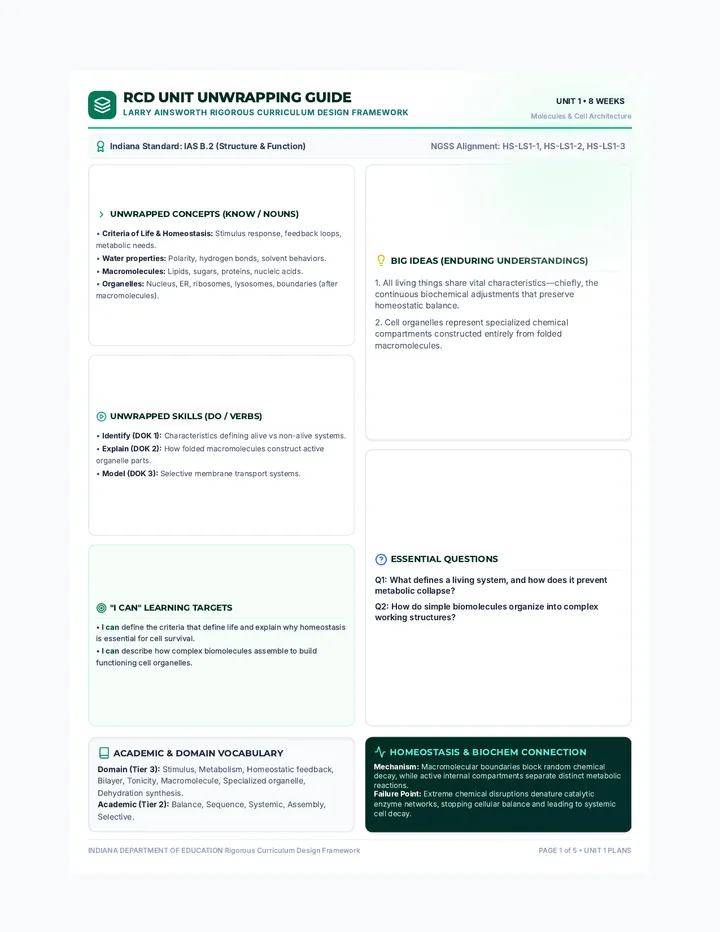
Automation Facilitation Guide Teacher Facilitation Guide
Designing Automated Solutions | Lesson 1
Teacher Resource
Lesson Objective
Students will be able to define automation and identify three primary justifications for industrial automation (Dull, Dirty, Dangerous) through case study analysis.
Key Discussion Prompts
"If a robot takes a 'dirty' job, what happens to the person who used to do that job? Is that a good thing or a bad thing?"
"Can you think of a job that is 'Dull' but might be hard for a robot to do? (e.g., listening to someone's problems)"
Pacing
Hook / Slides 15 min
Case Study Activity 20 min
Class Discussion 10 min
Reflection 5 min
Pro-Tip
Encourage students to think about safety. Often, the "Dangerous" jobs are the easiest to justify automating to parents and community members.
Step-by-Step Facilitation
1
The Hook
Start with the "Would You Rather" question. Most students will choose the robot. Ask them *why*. This leads naturally into the 3 D's framework.
2
Framework Delivery
Present the slides. Emphasize that automation isn't just "robots with arms." It's software, sensors, and algorithms. Use the phone alarm example to make it relatable.
3
Guided Case Studies
Distribute the worksheet. Do Case Study 1 together as a class. Highlight the keywords: "pitch black," "crush a person." These are indicators of "Dangerous."
4
The Transition
As students finish, ask them: "If robots do all the D's, what's left for us?" This sets up the next lesson on Future Careers and Human Skills.
Categorization Critical Thinking Digital Literacy
ID: LG-DLS-L1-TG
Future Career Slides CAREERS OF TOMORROW
"What is a 'Robot Repair Psychologist' and why might we need one?"
Lesson 02: Future Pathways
Jobs That Didn't Exist
20 Years Ago:
App Developer
Social Media Manager
Drone Pilot
Technology doesn't just take jobs—it creates new ones we haven't even thought of yet.
Your Prediction
What is a job that will exist in 2045 but doesn't exist today?
The Human Edge
What can humans do that machines struggle with?
Machine Strengths
Math & Calculations
Memorizing huge amounts of data
Following exact instructions
Working without breaks
Human Strengths
Empathy (Feeling for others)
Complex Problem Solving
Ethical Decision Making
Abstract Creativity
Robot Repair Psychologist
If a domestic robot is acting out or "feeling" sad because of a coding error, who fixes it? A technician handles the wires, but a Psychologist handles the complex behavior.
This job combines Technology + Empathy.
Future Job Trading Cards Future Job Lab
2045 Career Trading Cards
Design two jobs that don't exist yet! Think about what humans will still be needed for.
Innovator:
Date:
Future Job #1
Sketch Job in Action
Job Title
What do they do?
Primary Human Skill Used:
Empathy
Ethics
Art/Design
Leadership
Level 01 Innovator Edition
Future Job #2
Sketch Job in Action
Job Title
What do they do?
Primary Human Skill Used:
Empathy
Ethics
Art/Design
Leadership
Level 02 Visionary Edition
Inventor Tip:
Don't just think about robots. Think about the people who manage , fix , and teach them!
Skills Radar Worksheet Human Skills Radar
Self-Assessment & Career Mapping
Student Name
My Inventory
Rate yourself on these uniquely human skills. These are your "superpowers" in an automated world!
Empathy Understanding others
Creativity Original ideas
Problem Solving Complex challenges
Ethics Right vs. Wrong
Reflection Question
Which of these skills do you think will be the most important in 20 years?
Empathy Ethics Problem Solving Creativity
Draw your "Skill Shape" by connecting the dots based on your ratings on the left.
Goal Setting
Your Dream Future Job
Even if it doesn't exist yet, what would you LOVE to do?
How do your "Radar Skills" help you in this job?
Problem Identification Slides SOLVING HUMAN PROBLEMS
"What is the most annoying chore in your house, and how can we invent a machine to fix it?"
Lesson 03: Empathy & Identification
What is Design Thinking?
1. Empathize
Understand the people you are designing for.
TODAY
2. Define
State the user's needs and problems clearly.
3. Ideate
Brainstorm many creative solutions.
4. Prototype
Build a model of your idea.
5. Test
Share your model and get feedback.
Choosing a User Group
We don't invent for machines—we invent for PEOPLE.
TEACHERS
What are the repetitive or difficult tasks in a classroom?
GRANDPARENTS
What daily tasks become harder as people get older?
ASTRONAUTS
What is dangerous or impossible for humans in space?
Today, you will pick a group and empathize with them.
The Empathy Map
To build a great automated solution, you must answer:
What does my user FEEL?
What do they DO every day?
What is HARD for them?
Project Launch!
Start your Project
Complete the Empathy Map and Problem Statement to define your inventor's goal.
Empathy Map Organizer Design Phase 01: Empathy
Empathy Map Organizer
Seeing the world through your user's eyes.
Lead Designer
Step 1: Who is your user?
My chosen user group is:
User Persona (Age/Role):
What do they SAY?
Quotes or things they might talk about regarding their day.
What do they DO?
Actions, tasks, and routines they perform daily.
What do they THINK?
What are their goals? What are they worried about?
What do they FEEL?
Emotions: Frustrated, tired, happy, rushed, etc.
The Big Pain Point
After mapping your user, what is the ONE thing that is most annoying, difficult, or slow for them?
Problem Statement Worksheet Design Phase 02: Define
The Problem Statement
Turning empathy into an invention goal
The Inventor's Formula
01
Who is the user?
[ My User ]
needs a way to...
02
What is the specific goal or task?
[ Action / Task ]
because...
03
Why is this a problem? (Based on Empathy Map)
[ Insight / Pain Point ]
Final Problem Statement
Combine the parts above into one clear sentence that defines your project goal.
____________________________________________________________________________________________________________________________________________________________________________________________________________________________________
Wait!
Get teacher approval before moving to Lesson 4 (Prototyping)!
Systems Design Slides BUILDING THE FUTURE
"It's time to take your idea out of your head and build a model of the future."
Lesson 04: Systems Design & Prototyping
What is a Prototype?
A prototype is an early version of your product.
Why prototype?
To test if it works
To show others your vision
To find problems early
Paper Prototyping
"You don't need real wires to show a real idea."
The System Flow
Every automated machine follows these three steps:
1. INPUT
Sensors or data that the machine "sees" or "hears".
e.g. Temperature Sensor
2. PROCESS
The "brain" making decisions based on the input.
"IF too hot, THEN..."
3. OUTPUT
The action the machine takes in the world.
e.g. Turn on Fan
Blueprint Mode
Today's Goal: Draw your invention and LABEL the sensors, the brain, and the mechanical parts.
No artistic skill required—just clear engineering!
Invention Blueprint Template Invention Blueprint
Project: Designing Automated Solutions
Designer:
Version:
Invention Sketch Area
Draw your invention here & label the parts
Input (Sensors)
What data does it collect?
Process (Logic)
If [this] happens, then [that].
Output (Action)
What does the machine DO?
User Interaction
How does a human start or stop this machine?
Materials Needed
What physical parts (metal, plastic, AI) are required?
Prototype Feedback Sheet Peer Feedback Sheet
Improving our automated futures together
Feedback Provider
Inventor I am Reviewing:
The Glows
What is the most clever or helpful part of their invention?
The Grows
What is one question you have or a way they could make it better?
The System Check
Input Labelled
Process Labelled
Output Labelled
Final Challenge: Ask your partner—"What happens if this machine makes a mistake? Is there a backup plan?" Write their answer on the back!
Presentation Pitch Slides SHARK TANK
"Convince the class that your invention is the one that will change the world for the better."
Lesson 05: The Showcase
The Perfect Pitch
1
The Hook
Describe the human problem you saw (from your Empathy Map).
2
The Solution
Show your prototype and explain the Input, Process, and Output.
3
The Impact
How does this improve the user's life? What "D" does it solve?
4
The Ethics
How do we know it's safe? What safeguards did you include?
Ethics First
A great inventor doesn't just ask "Can I build it?" but also "Should I build it?"
Be ready to answer the Sharks:
"What happens if your machine malfunctions?"
Pro Speaker Tips
Quick Tips
EYE CONTACT
Look at your audience, not just your paper.
CLEAR VOICE
Speak slowly and loudly so everyone can hear your vision.
PASSION
Show us why YOU care about this problem.
Pitch Script Template Project Showcase: Final Stage
Invention Pitch Script
Prepare your presentation for the Shark Tank
01 The Hook & The Problem
Start by telling the story of your user. "Imagine if you were a [USER] and you had to [PAIN POINT] every single day..."
____________________________________________________________________________________________________________________________________________________________________________________________________________________________________
02 The Invention & How it Works
"That is why I created [INVENTION NAME]. It uses a [INPUT] to detect [DATA]..."
____________________________________________________________________________________________________________________________________________________________________________________________________________________________________
03 Impact & Ethics
"This invention helps by [IMPACT]. To keep people safe, I have included a [SAFEGUARD]..."
____________________________________________________________________________________________________________________________________________________________________________________________________________________________________
The Closer
End with a strong sentence about the future.
Ethics Safeguards Checklist Ethics & Safeguards
The Responsible Inventor's Checklist
Invention Name
The "What If?" Challenge
Every piece of technology can have "unintended consequences." Think about your invention—what could go wrong?
If this machine malfunctioned, who could get hurt or frustrated?
Could this invention take a job away that someone actually ENJOYS?
My Safeguard Plan
Emergency Shut-Off
Does your machine have a way for a human to STOP it immediately?
Describe the "Off" switch...
Privacy Protection
If it uses cameras or data, how do you keep that information secret?
Describe how data is protected...
Human Oversight
Is there a human "in the loop" who checks the machine's work?
Describe the human role...
"Technology should serve people, not the other way around."
Invention Showcase Rubric Invention Showcase Rubric
Final Assessment | Digital Literacy Sequence
Total Score
____ / 20
Criteria Developing (2) Proficient (4) Exceptional (5) Problem ID
Based on Empathy Map & Pain Points
| Identifies a general problem with limited connection to a specific user. | Clearly identifies a user and a specific "pain point" that needs solving. | Demonstrates deep empathy for the user; the problem is insightful and well-defined. |
|
Systems Design
IPO (Input, Process, Output) Model
| Missing labels or unclear connection between parts. | Accurately labels Input, Process, and Output in the blueprint. | IPO model is logically sound, creative, and expertly explained. |
|
Ethics & Safety
Safeguards and human impact
| Few or no safeguards included; little thought on impact. | Includes at least one safeguard and explains the benefit to humans. | Sophisticated consideration of ethics; proactive safety features included. |
|
Presentation
Clarity, voice, and hook
| Difficult to hear or follow; hook is missing. | Clear voice, eye contact, and follows the pitch script structure. | Highly persuasive and engaging; uses prototype effectively to tell a story. |
Teacher Feedback & Comments
Strengths (Glows)
Areas for Growth
Designer: ____________________
Reviewer: ____________________
Date: ____________________