Coding Quest Journal Quest Journal
WEEK 1: The Secret Language
HERO NAME: ____________________
DATE: _________ LEVEL: 01
Binary Power: Computers only understand two states: 1 (ON / Light) and 0 (OFF / Dark). By grouping 8 bits together into a Byte , we can send letters, draw pictures, and write programs!
1 My Binary Initials
Convert your initials into 8-bit binary using the slide reference chart. Fill in the boxes (1 for colored bead, 0 for white bead) to build your code!
Letter 1: ______
128
64
32
16
8
4
2
1
Letter 2: ______
128
64
32
16
8
4
2
1
2 Secret Pixel Key
Create a mini pixel art badge below! Fill in cells using 1 (colored) or 0 (empty) . Then, write out the binary code for each line.
Draw Grid
R1
R2
R3
R4
R5
Your Binary Code
Row 1:
_ _ _ _ _
Row 2:
_ _ _ _ _
Row 3:
_ _ _ _ _
Row 4:
_ _ _ _ _
Row 5:
_ _ _ _ _
? Week 1 Mission Reflection
What is something exciting you learned about how a computer thinks and speaks?
Quest Journal
WEEK 2: Programmer Brain
HERO NAME: ____________________
DATE: _________ LEVEL: 02
Algorithms: An algorithm is a step-by-step list of instructions to complete a task. In code, the order of instructions (the sequence ) is critical. If your sequence is off, your code has a bug that needs debugging!
1 Unplugged Grid Navigator
Help the pixel robot reach the power cell! Write an algorithm using arrows (↑, ↓, ←, →) and the active command GRAB .
💥
🔋
💥
💥
🤖
Write Your Instructions
Step 1: _
Step 5: _
Step 2: _
Step 6: _
Step 3: _
Step 7: _
Step 4: _
Step 8: GRAB
Avoid the 💥 barriers! Row 4, Col 1 is starting point (🤖). Row 1, Col 4 is target (🔋).
2 Code.org Express Adventure
Color in a puzzle star each time you complete a level in today's sequencing block challenge!
Puzzle 1
Puzzle 2
Puzzle 3
Puzzle 4
Puzzle 5
What is a Bug?
A "bug" is an error in software that produces an unexpected result. In Angry Birds levels, a bug might mean taking a wrong turn!
? Week 2 Mission Reflection
Describe a bug you hit during your online coding today, and how you debugged (fixed) it.
Quest Journal
WEEK 3: Loops and Decisions
HERO NAME: ____________________
DATE: _________ LEVEL: 03
Control Structures: Instead of writing the same line of code fifty times, we use a Loop to repeat actions automatically. To make our code smart and responsive, we use Conditionals (IF / THEN logic) to tell the program when to act.
1 Unplugged Dance Loop Blueprint
Write a repeatable dance step sequence. Then, wrap it inside a repeating loop block! Draw or write 3 simple actions (Clap, Jump, Spin) inside the loop box.
REPEAT 4 TIMES DO:
1:
___________________________
2:
___________________________
3:
___________________________
END REPEAT
Efficiency Check Writing 3 instructions inside a loop that repeats 4 times causes the computer to execute 12 total steps , using only 4 written blocks!
2 If-Then Decision Engine
Fill in the gaps to create realistic code rules for an adventure video game. Think like a compiler!
Game Rule A
IF player steps in lava,
THEN lose _ hearts!
Game Rule B
IF score reaches _ points,
THEN level up!
Custom Creative Rule
IF ___________________________________________________
THEN ___________________________________________________
? Week 3 Mission Reflection
How do loops and conditionals make coding easier and more powerful?
Quest Journal
WEEK 4: Bits and Buttons
HERO NAME: ____________________
DATE: _________ LEVEL: 04
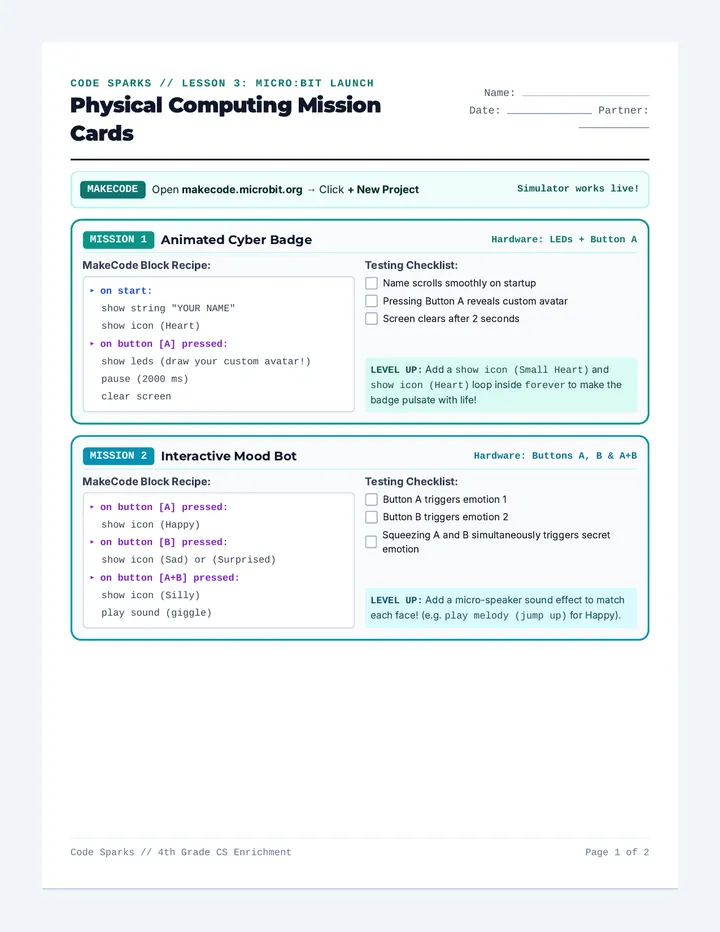
Physical Computing: Coding isn't just about glowing computer screens. With micro-controllers like the micro:bit, we use software logic to control actual physical hardware: flashing LEDs, checking sensors, and responding to button triggers.
1 Micro:bit 5x5 LED Grid Planner
Design an icon to display on your virtual micro:bit LED screen. Color in the circles that represent ON (1) pixels and leave the OFF (0) pixels blank.
Button Event Logic
WHEN BUTTON A IS PRESSED:
Show Icon: ____________________
WHEN BUTTON B IS PRESSED:
Show Secret Message: ___________
⭐ Graduation Quest Reflect
Reflect on your 4-week coding adventure!
What was your favorite challenge?
What coding superpower did you build?
Binary and Beyond Course Complete! ⭐ JUNIOR PROGRAMMER CERTIFIED ⭐
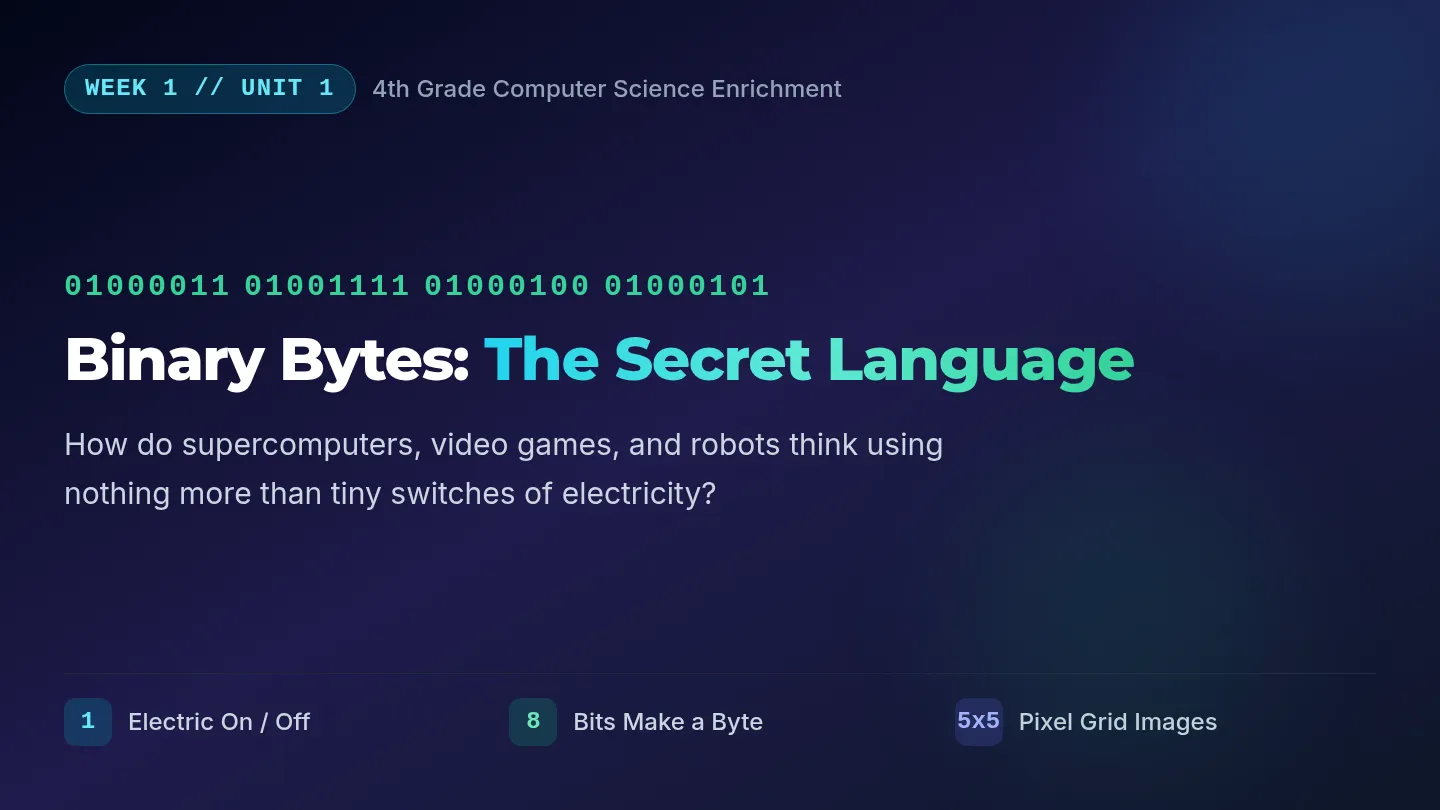
Secret Language Slides QUEST LEVEL 01
CODE: 01001011
The Secret Language
of Computers
How do smart machines use simple on and off switches to read, speak, draw, and play music?
Binary and Beyond Enrichment Quest
Press Switch
On or Off?
Binary Concept
What is a Bit?
A Bit is the smallest piece of computer information. It is like a lightbulb that can only have two choices:
1
ON / YES
0
OFF / NO
What is a Byte?
When we group 8 bits together, we get a Byte . A Byte can represent 256 different values, like letters!
A = 01000001
8 switches make 1 letter Bits vs Bytes
Unplugged: Binary Keychains
Hands-On Activity
Your Mission Guidelines
1 Write your initials in Letter 1 and Letter 2 on Page 1 of your Journal.
2 Convert your initials into 8-bit binary using our alphabet guide.
3 String your code onto a keychain: Colored Bead for 1 and White Bead for 0 !
8-Bit Decoder Chart
A: 01000001
M: 01001101
B: 01000010
R: 01010010
C: 01000011
S: 01010011
Full alphabet is shared on your desk charts!
Color = 1, White = 0 Crafting Binary Logic
Digital Grid Quest
Digital Creation
Designing Pixels
In computers, images are broken down into a grid of tiny points of light called Pixels .
By sending groups of 1s and 0s, we tell the computer which lights to switch on!
1 = Active light, 0 = Off switch
Your Journal Challenge
Look at Page 1 of your Coding Quest Journal. Complete the Secret Pixel Key :
Draw a cool icon inside the 5x5 grid
Write its code in binary code rows
Share your binary sequence with a friend!
Turn switches into drawings! Journal Level 01
Mission Debrief
Review & Reflection
Group Discussion Spark
A: If computers can only use 1s and 0s, how do they show a million colors or play movie files?
B: Why does having a standard binary pattern (like A = 01000001) matter for computers worldwide?
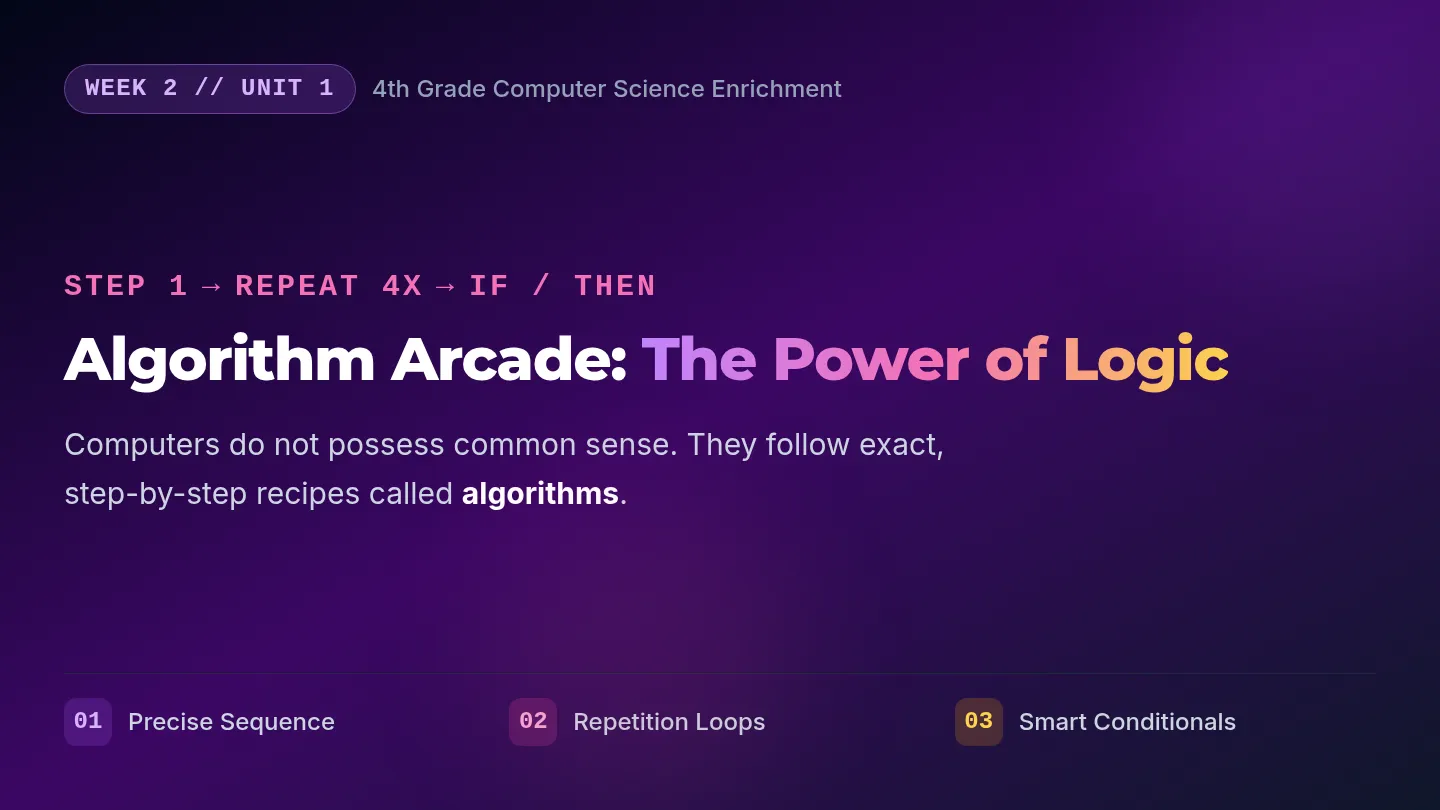
Programmer Brain Slides QUEST LEVEL 02
CODE: ALGORITHM
Thinking Like a
Programmer Brain
How do we write bulletproof directions that tell a computer EXACTLY how to solve complex mazes and puzzles?
Binary and Beyond Enrichment Quest
Initialize Path
What is an Algorithm?
Logic Definition
Step-by-Step Power
An algorithm is a list of steps that allows anyone (or any machine!) to finish a big project or task.
Think of a recipe for baking cookies or the directions for building a Lego spacecraft!
The Golden Rules
Be Precise: Computers don't guess. They do exactly what you write!Perfect Sequence: The order of commands is everything. A step out of order breaks code!
Programs read from top to bottom Precision = Success
Unplugged: Grid Quest
Group Activity
Mission Checklist
1 Look at the 4x4 Grid Navigator maze on Page 2 of your Quest Journal.
2 Your goal: Write directions to move the 🤖 robot to the 🔋 battery.
3 CRITICAL: Avoid the 💥 barriers! Use ↑, ↓, ←, → arrows and a final GRAB step.
🤖 → 💥 → 🔋
Watch the Obstacles!
If you write an arrow that hits a 💥 box, your robot crashes! Code a safe detour.
Write arrows in steps 1 to 7 Step 8 is GRAB
Digital: Code.org Express
Online Puzzle Quest
Navigating the Puzzles
Log in to your student workspace on Code.org and jump into the sequencing levels.
Drag block commands together to guide your character to the targets. Test your code after each step!
Click "Run" to test your algorithm!
Level Tracker Challenge
Track your real-time coding achievements inside your physical Quest Journal!
Complete puzzles 1 through 5 on screen
Color in corresponding stars in your journal
Help an ally if you finish early!
Code.org Express: Sequencing Levels Color your level stars!
Mission Debrief: Bugs!
Group Review
What happens when things break?
A: Why is finding a "bug" actually a cool discovery instead of a mistake? How does it help our brain?
B: What was your process for fixing/debugging a line of code today that didn't work at first?
Write your bug reflection at the bottom of Page 2! LEVEL 02 END
Loops and Decisions Slides QUEST LEVEL 03
CODE: LOOP_LOGIC
Loops & Decisions
Automating the Action
How do programmers write simple code that does massive work, and how do computers make smart choices in games?
Binary and Beyond Enrichment Quest
Engage Loops
Control Structures
Core Concepts
What is a Loop?
A loop is a block of code that automatically repeats commands over and over.
Instead of coding MOVE FORWARD five times, we tell the computer: REPEAT 5 TIMES { MOVE FORWARD }. It saves space!
What is a Conditional?
A conditional is an IF / THEN decision check. It makes devices reactive:
IF button pressed:
THEN play happy sound
Loops build efficiency Conditionals build intelligence
Unplugged: Dance Loop Studio
Active Activity
Choreographing Code
1 Turn to Page 3 of your Coding Quest Journal.
2 Write down 3 dance moves (Clap, Jump, Spin, Dab) in the Repeat 4 Times box.
3 Perform the dance with your partner! Run the loop exactly 4 times. Do not crash!
Dance Loop Action
LOOP (4X):
👏 CLAP
🦘 JUMP
🌀 SPIN
END LOOP
How many steps did your partner perform? 3 moves x 4 loops = 12 steps!
Performers execute loops perfectly Loop Blueprinting
Digital: Code.org Automation
Online Levels
The Repeat Block
In Code.org, look for the pink/red Repeat block.
Drag your movements inside the repeat block instead of piling up identical blocks. Try to use as few blocks as possible to solve the puzzle!
Can you hit the "Perfect Block Count"?
Conditionals in Action
On later stages, use the If Path to Right or If Flower blocks:
IF there is a path to the right, turn right!
IF you find honey, gather it!
Solve puzzles with efficiency Journal Level 03
Mission Debrief
Group Review
Smart Code Conversations
A: How did loops make writing your code faster today? What would code look like without loops?
B: Where do you think we use "If-Then" rules in real life outside of computers? (Hint: Rain and umbrellas!)
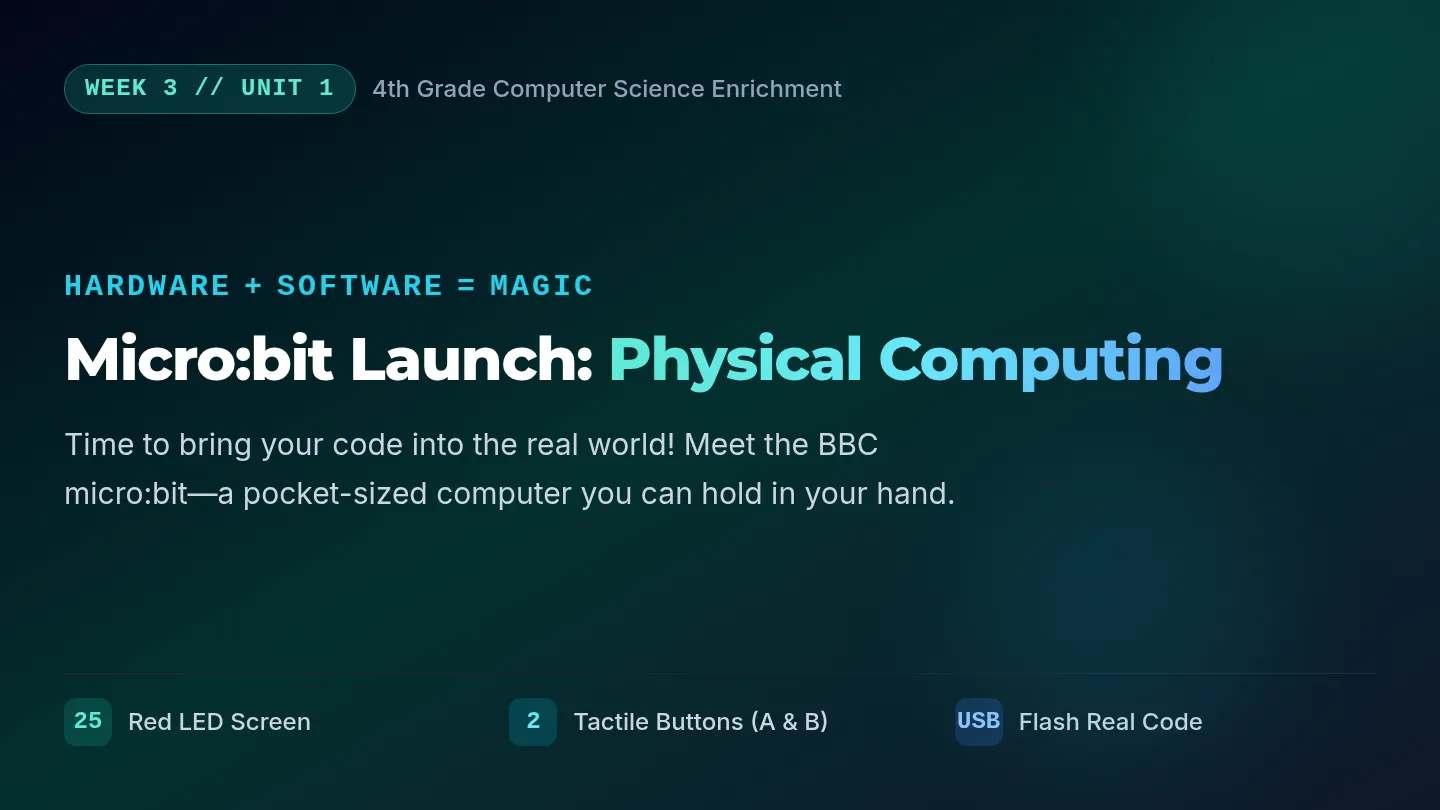
Bits and Buttons Slides QUEST LEVEL 04
CODE: MICRO_BIT
Bits & Buttons
Software Meets Hardware
Let's escape the screen! How do we write programs that control micro-controllers, light up real LEDs, and react to physical button presses?
Binary and Beyond Enrichment Quest
Connect Hardware
What is a Micro:bit?
Hardware Concept
A Pocket-Sized Computer
The micro:bit is a micro-controller designed to help kids write software that interacts with the real physical world around them.
It has physical inputs (buttons, temperature sensors) and outputs (LED lights, sounds).
Physical Features
5x5 LED Grid: Displays pixel pictures using ON/OFF logic!Buttons A & B: Sensors that trigger custom code branches!
Software controls the physical hardware Bits and Buttons
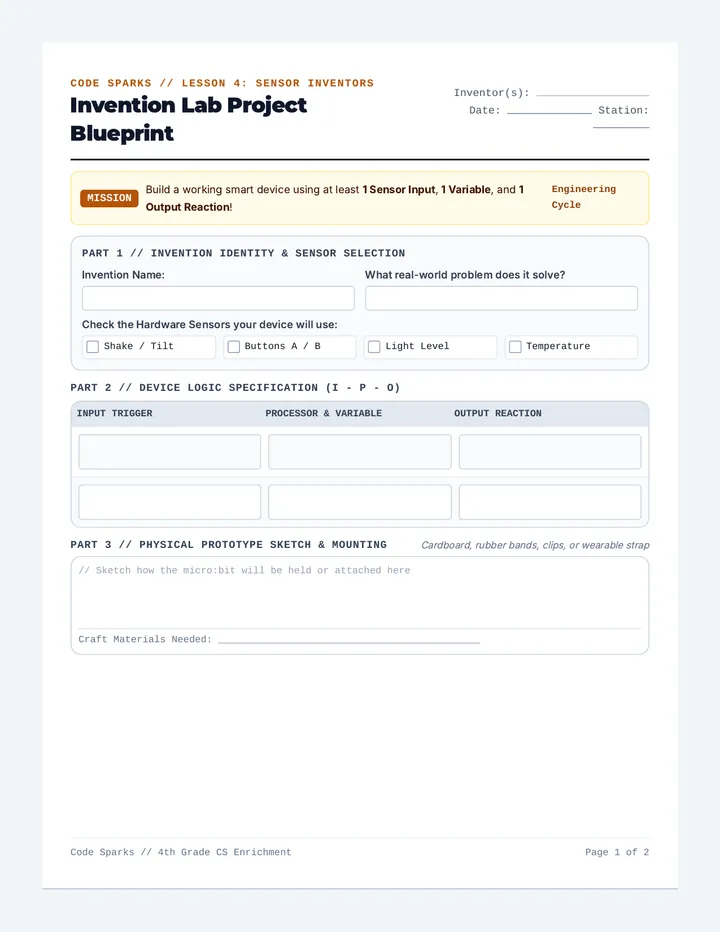
Unplugged: LED & Event Planning
Design Stage
Blueprint Strategy
1 Turn to Page 4 of your Coding Quest Journal.
2 Design a 5x5 LED pixel pattern by coloring in specific bubbles on your page (1 = On, 0 = Off).
3 Write out the "Button Event" rules to plan what happens when physical Button A or B is clicked.
A
micro:bit
B
Pins: 0 1 2 3V GND
Program custom flashing faces or logos!
Event Handlers: On Button A Pressed Journal Level 04
Digital: Live Coding
Micro:bit Classroom
Programming the Simulator
Launch the MakeCode Micro:bit Classroom portal on your device.
Drag blue Show LEDs blocks together. Draw your custom designs in the blocks just like you did in your Journal!
Press buttons on the virtual board to test!
Input & Output Logic
Use magenta On Button Pressed event containers:
WHEN Button A pressed → SHOW smile face
WHEN Button B pressed → SCROLL secret text
WHEN Shaken → PLAY surprise animation
Event-driven programs wait for triggers Simulator Active
Quest Graduation
Level Complete
Junior Programmer Certified!
You've decoded binary signals, structured loops, hunted bugs, and engineered physical simulators!
🎉 Let's share and celebrate our custom Micro:bit creations!