RPS Multi Round Upgrade Worksheet
Computing Foundations • Python Sprint
Rock, Paper, Scissors: Multi-Round Upgrade
Name:
Period:
Colab File:
Learning Target
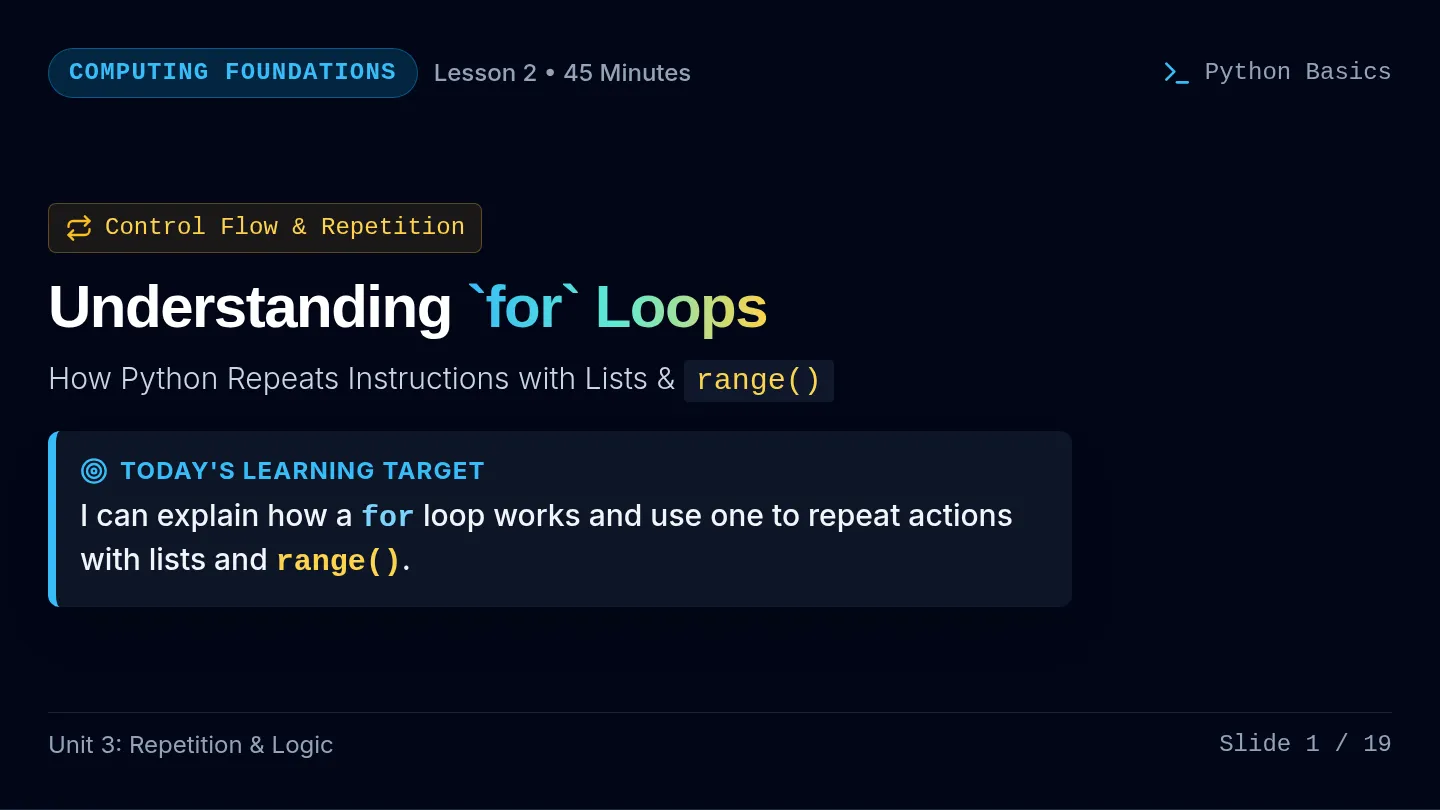
I can modify an existing Python program to use a loop and counters to play multiple rounds and keep score.
Start Here: Today you are not starting from scratch unless your original program needs to be rebuilt. Your job is to take your existing Rock, Paper, Scissors program and upgrade it.
The 3-Phase Multi-Round Architecture Google Colab Python 3
# SETUP
player_score = 0
computer_score = 0
for i in range(5):
# PLAY ONE ROUND
# DETERMINE WHO WON
# UPDATE THE SCORE
# COMPARE FINAL SCORES
# ANNOUNCE THE OVERALL WINNER
1 Before the Loop
Set up information that needs to last through the whole game (like counters).
2 Inside the Loop
Do everything that should happen each round (prompts, random picks, scoring).
3 After the Loop
Do something once after all rounds have finished (declare the overall winner).
Section 1: Which Starting Path Are You On?
Check one box
All paths are acceptable starting points for today's lesson. Choose the one that matches where you are right now:
Path A: My original RPS program does not work yet.
Go to Section 2 (Page 2) to systematically debug and repair your single-round game before adding loops.
Path B: My original RPS program works, but it only plays one round.
Skip Section 2 and start directly on Section 3 (Page 2) to add the five-round loop and state counters.
Path C: My five-round version is already working and I am ready for bonus challenges.
Verify your game on the Testing Table (Page 4), then start the Bonus Challenge Ladder (Page 5).
Rock, Paper, Scissors: Multi-Round Upgrade Challenge Page 1 of 7
Section 2: Path A — Repair Your Original Game
Path A Students Only
Before adding loops or scores, your program should correctly handle all single-round scenarios below.
Single-Round Checklist
Player chooses rock Scissors beat paper Player chooses paper Rock beats scissors Player chooses scissors Paper beats rock Computer random pick Player losing condition Tie handled correctly Runs without errors
Debugging Reminder: Check
- spelling in choice names & variables
- quotation marks around strings
- colons after
if / elif / else
- indentation alignment
- == (compare) versus = (assign)
- matching variable names
One problem I found in my original code was:
How I fixed it:
Section 3: Core Upgrade — Five Rounds
REQUIRED FOR EVERYONE
Once your single-round game works, add the core multi-round features.
Step 3A: Add Score Variables Before Loop
player_score = 0
computer_score = 0
Why should these variables be created before the loop?
Step 3B: Add the 5-Round Loop Inside Loop
for i in range(5):
What code from your original game needs to be indented underneath this loop?
💡 Reminder: Everything that should happen once per round belongs inside the loop.
Rock, Paper, Scissors: Multi-Round Upgrade Challenge Page 2 of 7
Section 4: Add Scorekeeping
Update the score counters based on each round's outcome and display the score during or after rounds.
Increase player score when player wins:
player_score += 1
Place inside the block where player wins the round.
Increase computer score when computer wins:
computer_score += 1
Place inside the block where computer wins the round.
Should either score increase during a tie? Why or why not?
Display Score Every Round:
Add a print() statement inside the loop so the player sees the updated score during or after each round.
Section 5: Final Winner
The final winner comparison must happen AFTER the loop finishes. Your program must compare player_score and computer_score to announce: player wins, computer wins, or tie.
Why should this code NOT be inside the five-round loop?
Section 6: Required Success Checklist
Before moving to bonus challenges
You must verify all 12 items below before beginning any bonus challenges:
My game plays 5 rounds. Player score increases correctly. The player makes a new choice every round. Computer score increases correctly. The computer makes a new random choice every round. Scores do not reset between rounds. Ties are recognized. Current score is displayed. Player wins are recognized. Final winner is announced after Round 5. Computer wins are recognized. My program runs without errors.
STOP
Do not begin bonus challenges until all required items above work. If you spend the full 90 minutes completing and verifying the required game, you will earn full credit!
Rock, Paper, Scissors: Multi-Round Upgrade Challenge Page 3 of 7
Section 7: Testing Your Game
Quality Assurance
Reminder: Running your program once is not enough to prove it works. Test each scenario below and record what happened.
| Test | What I Expected | What Happened | Pass / Needs Fix |
|---|
| Player chooses rock | Program compares rock vs bot; score updates on win | | PASS / FIX |
| Player chooses paper | Program compares paper vs bot; score updates on win | | PASS / FIX |
| Player chooses scissors | Program compares scissors vs bot; score updates on win | | PASS / FIX |
| Tie occurs | Tie message prints; neither score increments | | PASS / FIX |
| Player score increases | Increases by +1 when player wins | | PASS / FIX |
| Computer score increases | Increases by +1 when computer wins | | PASS / FIX |
| Game reaches Round 5 | Plays all 5 rounds without stopping prematurely | | PASS / FIX |
| Final winner displays correctly | Correct winner (or tie) announced after Round 5 | | PASS / FIX |
Core 5-Round Game Verified All required features confirmed functional
Check-off:
Bonus Challenge Ladder
Bonus Opportunities
Once your required five-round game works, choose bonus challenges. You may complete as many as time allows. Each completed challenge must work correctly to earn bonus points.
LEVEL 1 +1 Point
Challenges 1 & 2
Readability improvements and tie counter tracking
LEVEL 2 +2 Points
Challenges 3 & 4
Input validation guards and custom match rounds
LEVEL 3 +3 Points
Challenges 5 & 6
While loops, early exit, and custom upgrades
Bonus Point Policy: Students may earn bonus points only after completing the required five-round game. Bonus points reward extensions and are not required for full credit on the core assignment.
Rock, Paper, Scissors: Multi-Round Upgrade Challenge Page 4 of 7
Bonus Challenge Ladder: Level 1 & Level 2
Work in Google Colab, test your code, and document your additions below.
Level 1
Bonus Challenge 1 — Clean It Up
+1 Point
Improve the readability of the game. Require at least THREE improvements:
Add blank lines between rounds Display current score after every round Clearly label each round Display the final score Add useful comments
What changes did you make?
Level 1
Bonus Challenge 2 — Track Ties
+1 Point
Create ties = 0. Increase it whenever a round ends in a tie. At the end, display: player wins, computer wins, and ties.
Where should the ties = 0 variable be created? Why?
Level 2
Bonus Challenge 3 — Better Input
+2 Points
Right now, a player could type: banana. Prevent invalid choices from automatically counting as a computer win.
# Hint only: if player not in ["rock", "paper", "scissors"]:
Explain what your program does when someone enters an invalid choice:
Level 2
Bonus Challenge 4 — Choose the Number of Rounds
+2 Points
Instead of always playing 5 rounds, ask the player how many rounds they want to play.
# Hint: rounds = int(input("How many rounds would you like to play? "))
What would need to change in your for loop?
Rock, Paper, Scissors: Multi-Round Upgrade Challenge Page 5 of 7
Bonus Ladder: Level 3 Mastery
+3 Points Each
Independent extension challenges for advanced programmers.
Level 3
Bonus Challenge 5 — True Best of Five
+3 Points
A traditional best-of-five match does not always play all five rounds. The match ends as soon as one player reaches 3 wins. Challenge: make the game stop when either the player or computer reaches 3 wins.
# Hint only:
while player_score < 3 and computer_score < 3:
Note: while is a new kind of loop you have not formally learned yet. Research, experiment, and test independently!
How did you structure your loop and how does the game stop when someone reaches 3 wins?
Level 3
Bonus Challenge 6 — Design Your Own Upgrade
+3 Points
Invent an additional feature! Ideas: ask for player name, win streak counter, rematch option, statistics, custom messages, Rock Paper Scissors Lizard Spock, or another meaningful game feature.
My upgrade idea:
What I want the program to do:
What Python skills I think I will need:
Teacher Verification: Level 3 Bonus Challenge verified working
Sign-off:
Rock, Paper, Scissors: Multi-Round Upgrade Challenge Page 6 of 7
Final Reflection
Answer the following questions in complete sentences before submitting your work.
1. What part of your original RPS program had to go inside the loop?
2. Why are the score variables created before the loop?
3. What was one error or bug you encountered today?
4. How did you fix it?
5. Which bonus challenge did you attempt, if any?
6. What is one thing you understand better about loops or counters now?
Submission Checklist
Before leaving class
My required RPS game works. I completed the worksheet. I tested multiple possible outcomes. I submitted/shared my Google Colab program as directed. My scorekeeping works. I clearly identified any bonus challenges I completed. My final winner displays correctly.
Teacher Assessment Summary
Core Program: COMPLETE / INCOMPLETE • Bonus Points: pts
Instructor Signature:
Date:
Rock, Paper, Scissors: Multi-Round Upgrade Challenge Page 7 of 7