A 15-minute introductory lesson for 3rd graders on creating a low-poly Stegosaurus in Blender, focusing on basic 3D modeling concepts through simple shapes.
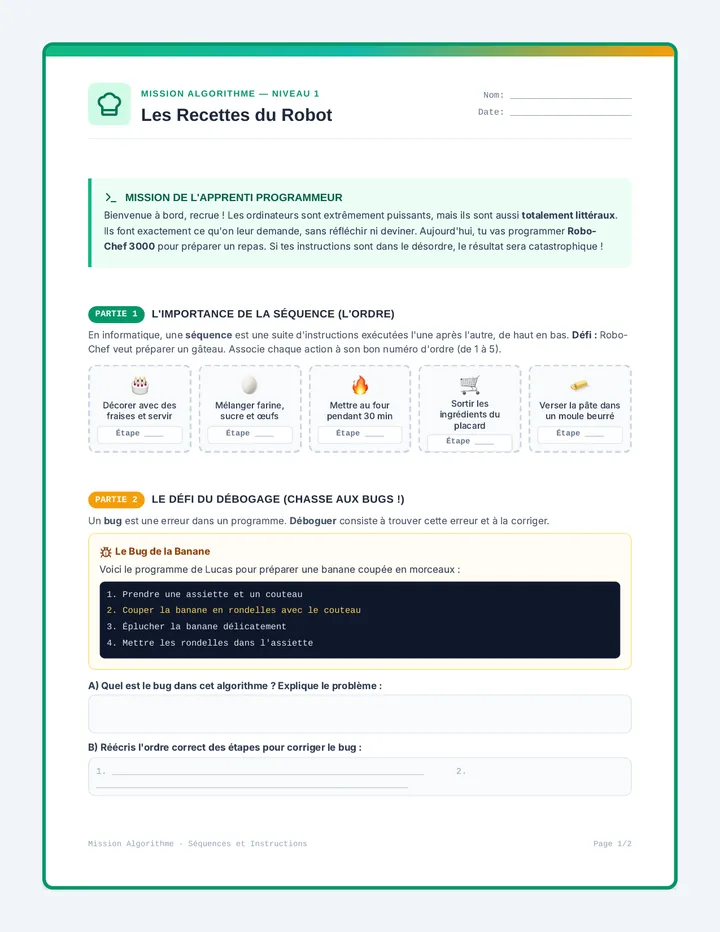
Une séquence d'initiation à l'algorithmique sans code pour débutants absolus. À travers des métaphores concrètes, les apprenants découvrent les trois piliers de la programmation : les séquences d'instructions, les conditions et les boucles.
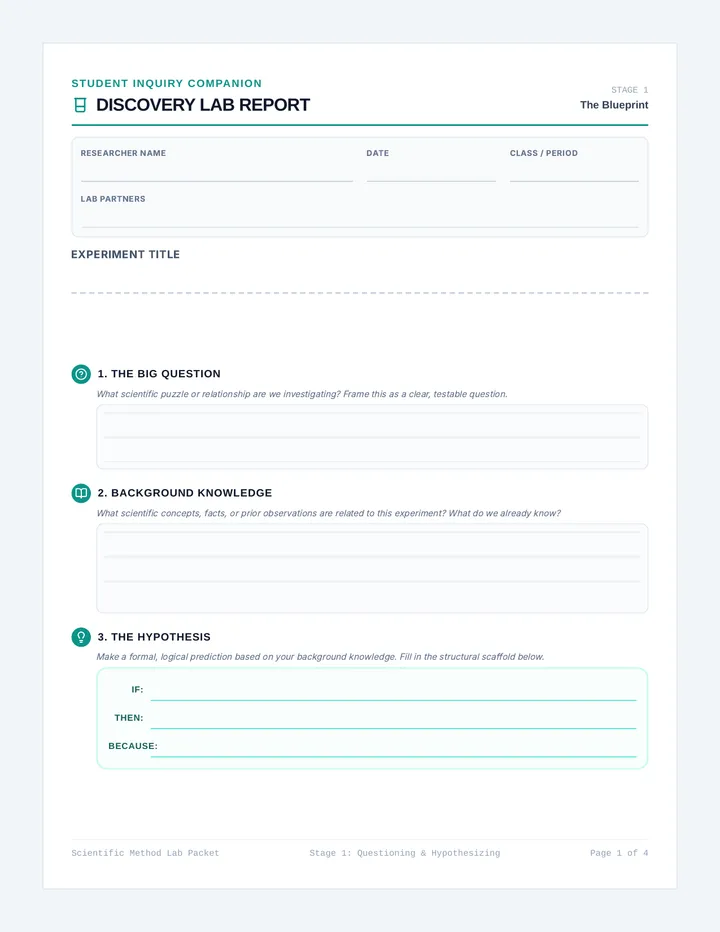
A foundational lesson containing a comprehensive, multi-page scientific inquiry packet and guide that scaffolds students through every stage of the scientific method for any classroom experiment.
A comprehensive, 4-page structured lab notebook scaffolding the scientific method. Includes scaffolded sections for questioning, variables, materials, procedure, data logging, qualitative observations, graphing, and concluding analysis.
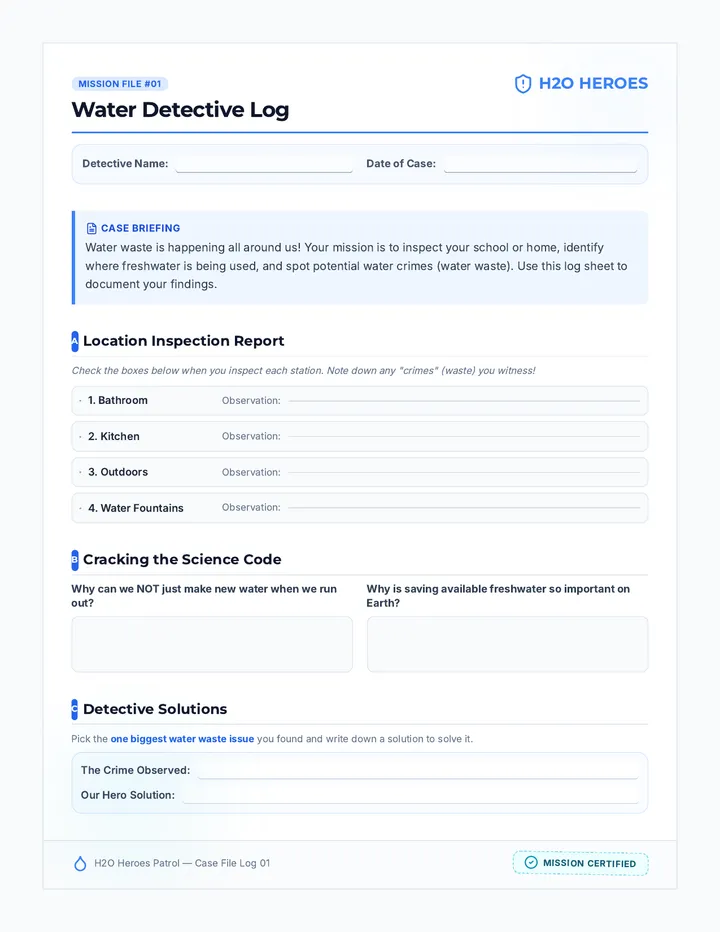
A comprehensive third-grade science and ELA unit focusing on freshwater distribution, conservation, and persuasive public service announcements. Students learn about global water resources and work in teams to design and produce a persuasive PSA to save water in their school or community.
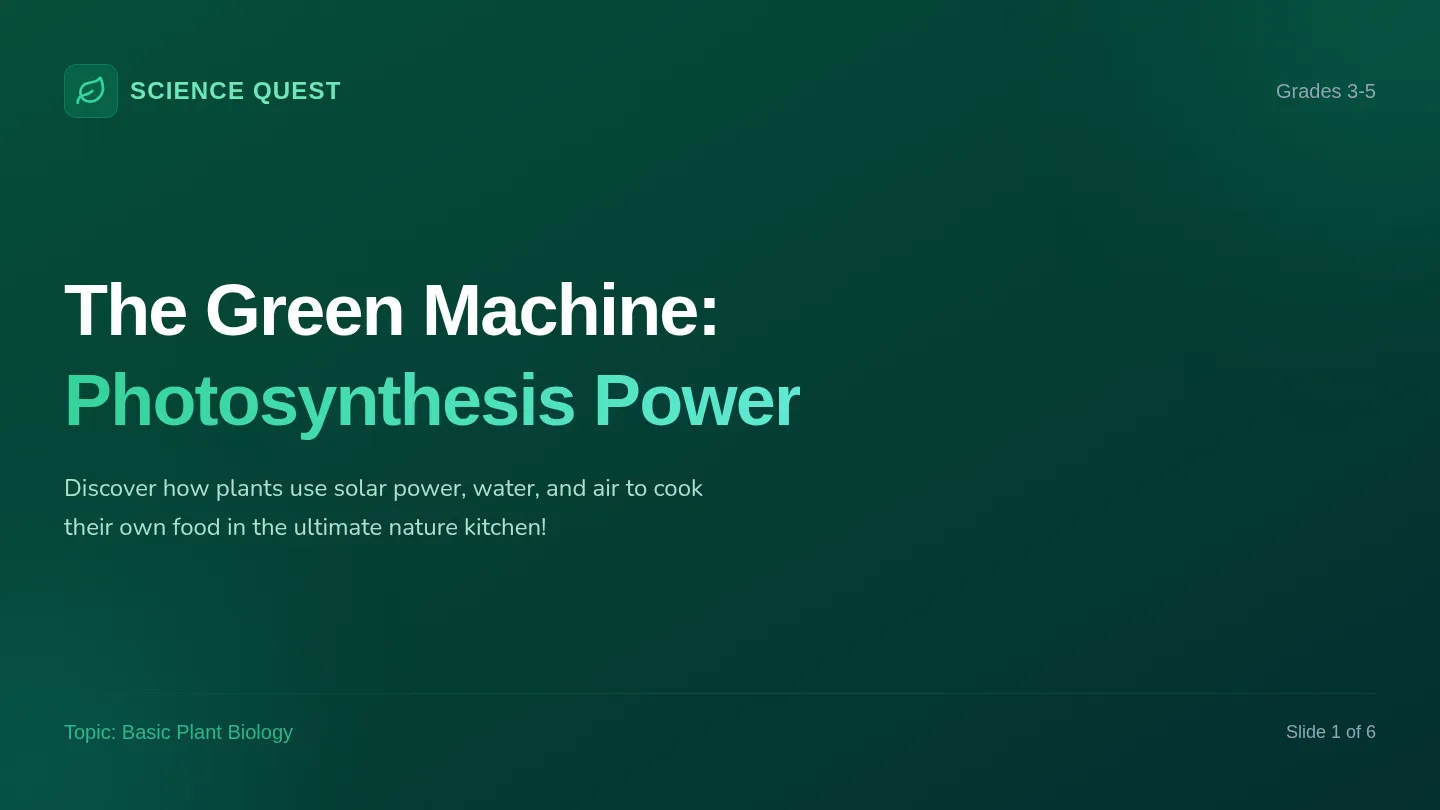
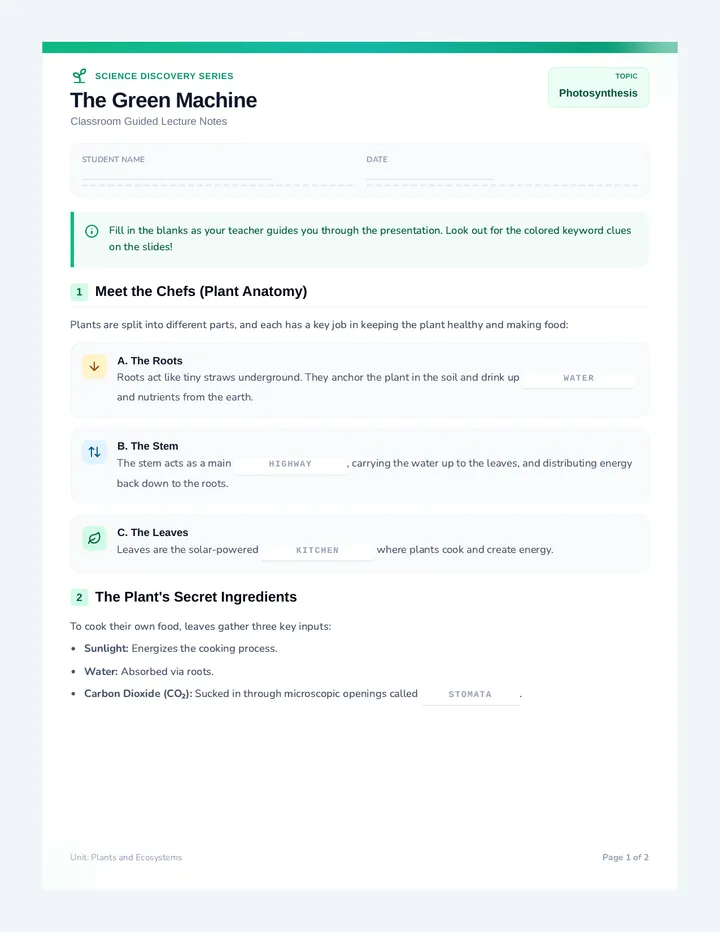
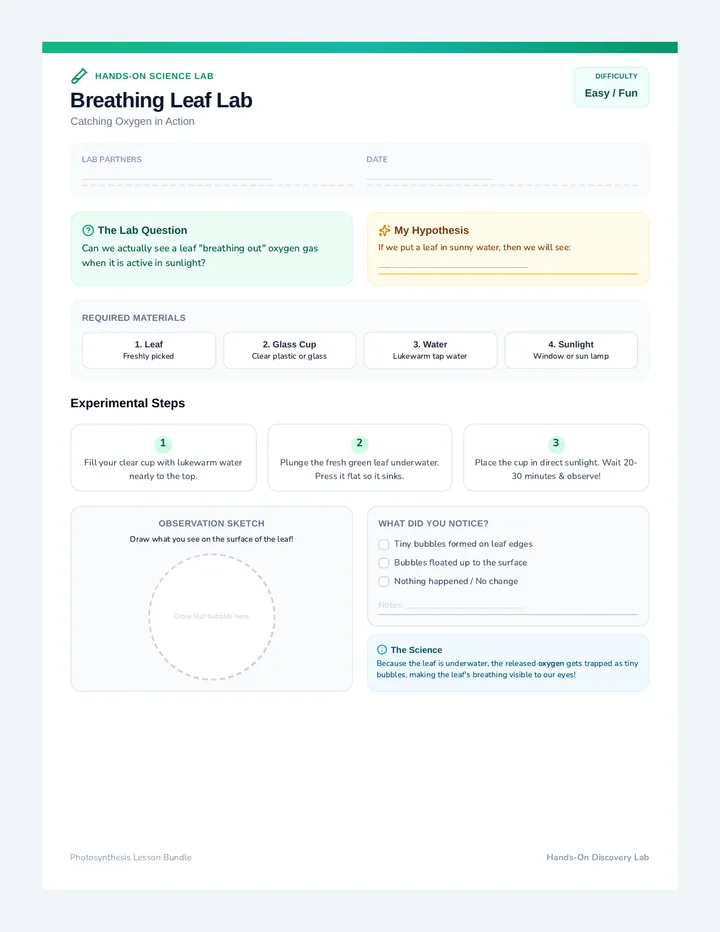
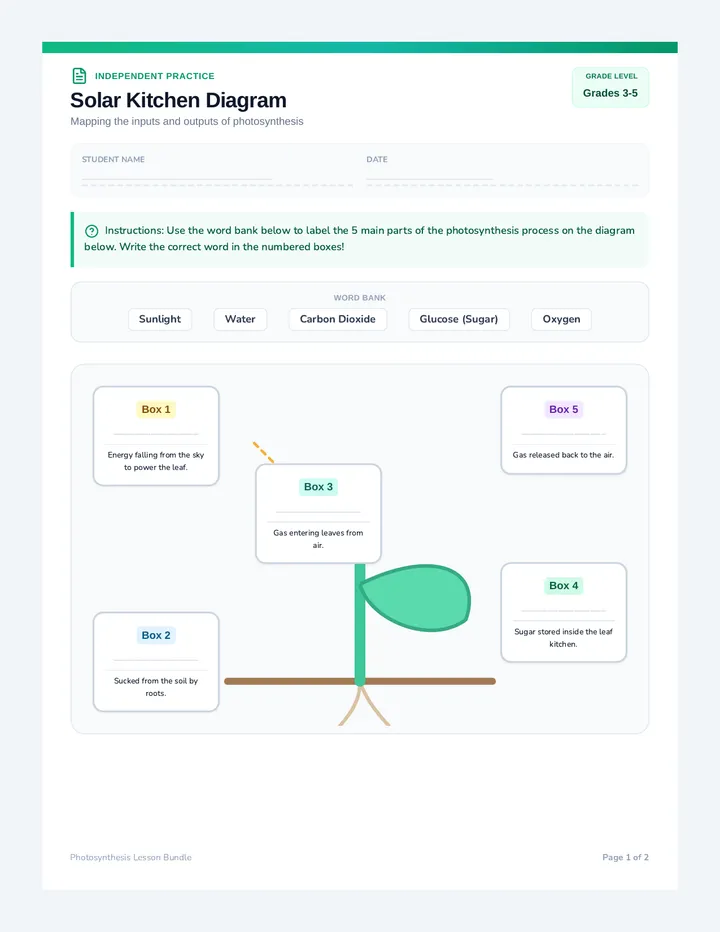
A comprehensive, hands-on lesson bundle for grades 3-5 exploring how plants make their own food using sunlight, air, and water. Through an interactive slide deck, guided notes, a hands-on leaf model lab, practice sheets, a quiz, graphic organizers, and sorting cards, students master the basic parts and processes of the plant's green machine.
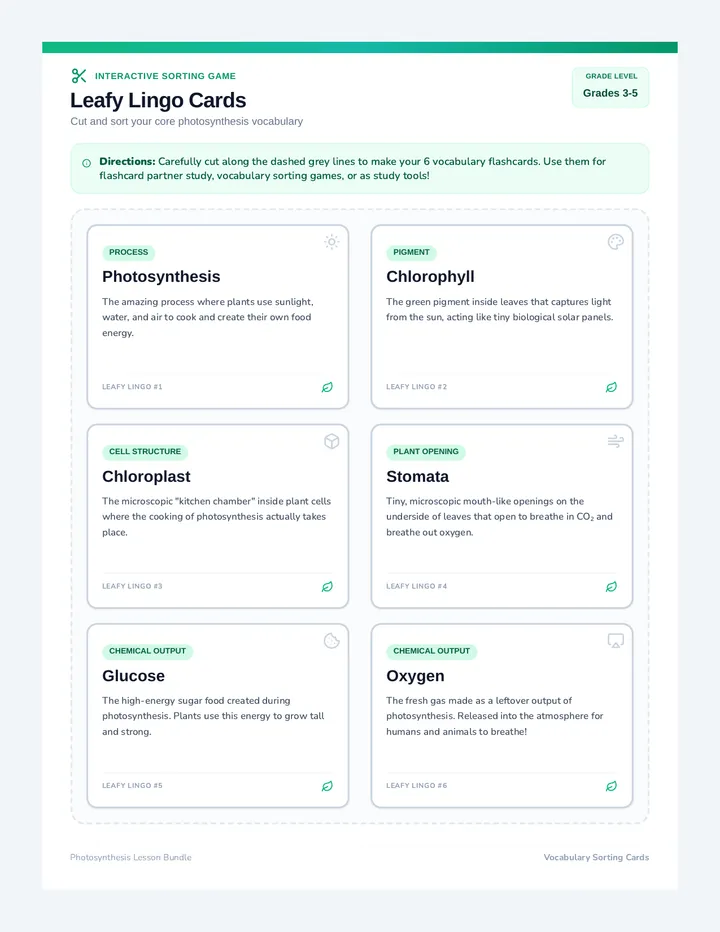
A 1-page printable vocabulary sorting game with 6 beautiful cut-out cards (Photosynthesis, Chloroplast, Chlorophyll, Stomata, Glucose, Oxygen). Each card includes terms, descriptions, and custom icons.
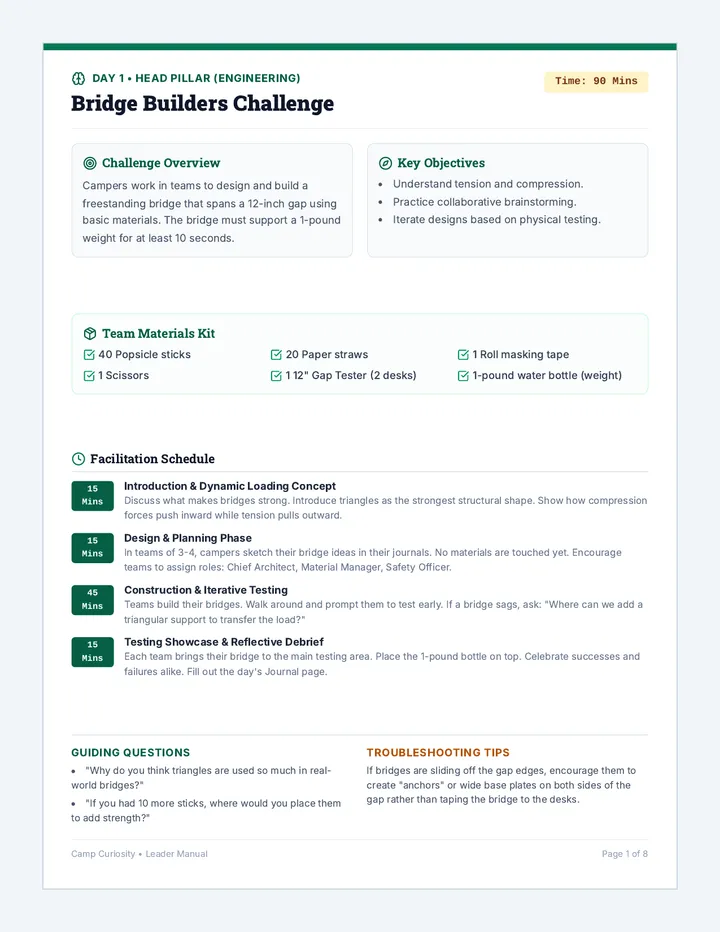
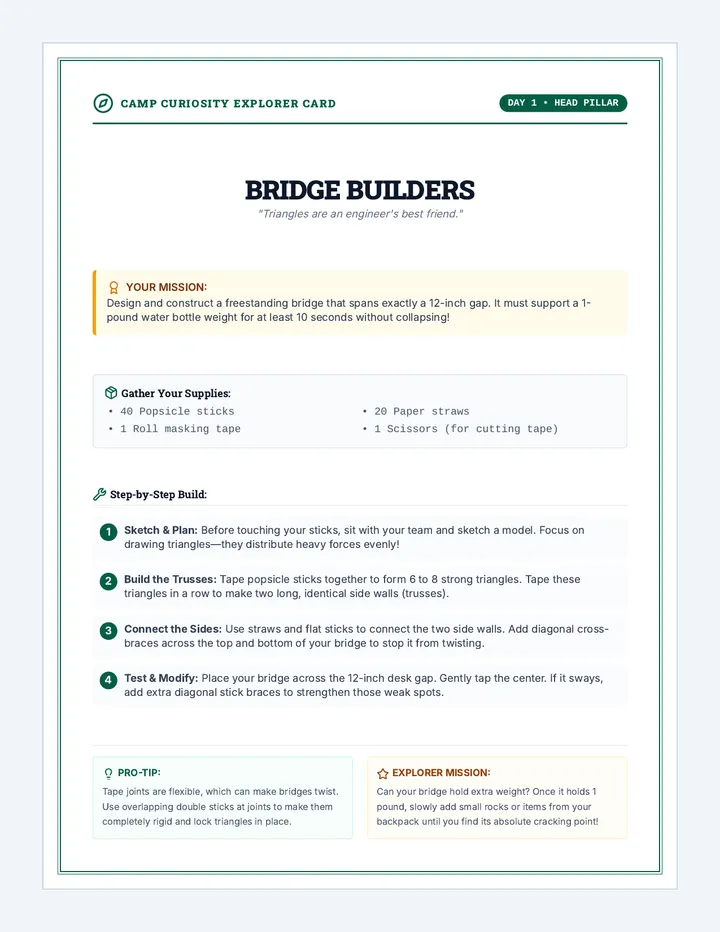
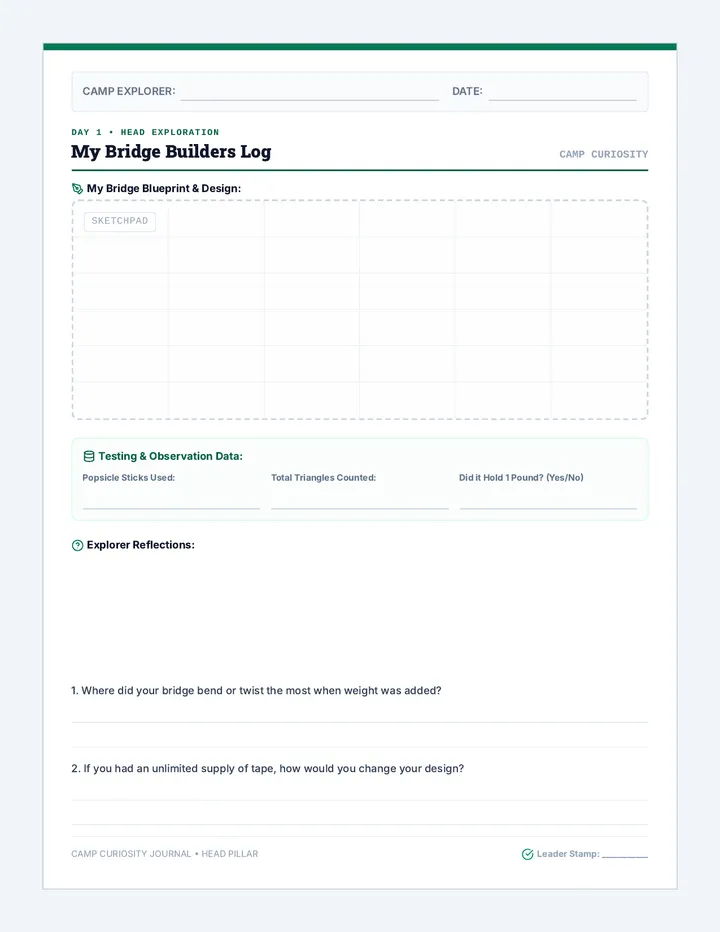
An action-packed, hands-on 8-day 4-H camp program focusing on Head, Heart, Hands, and Health. Students tackle engineering, teamwork, ecology, nutrition, and art challenges through daily active learning.
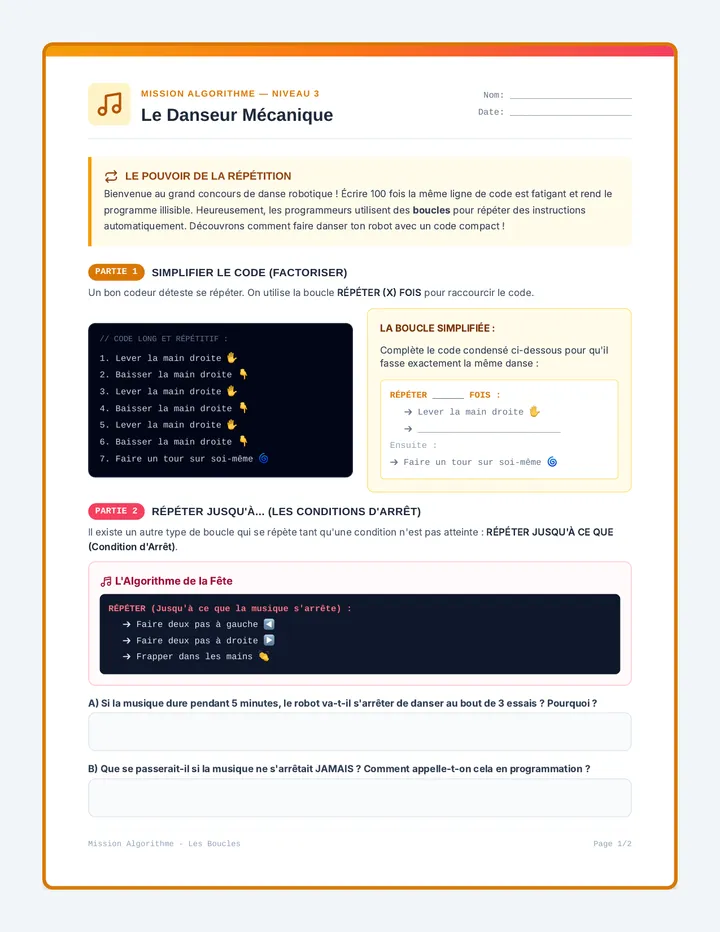
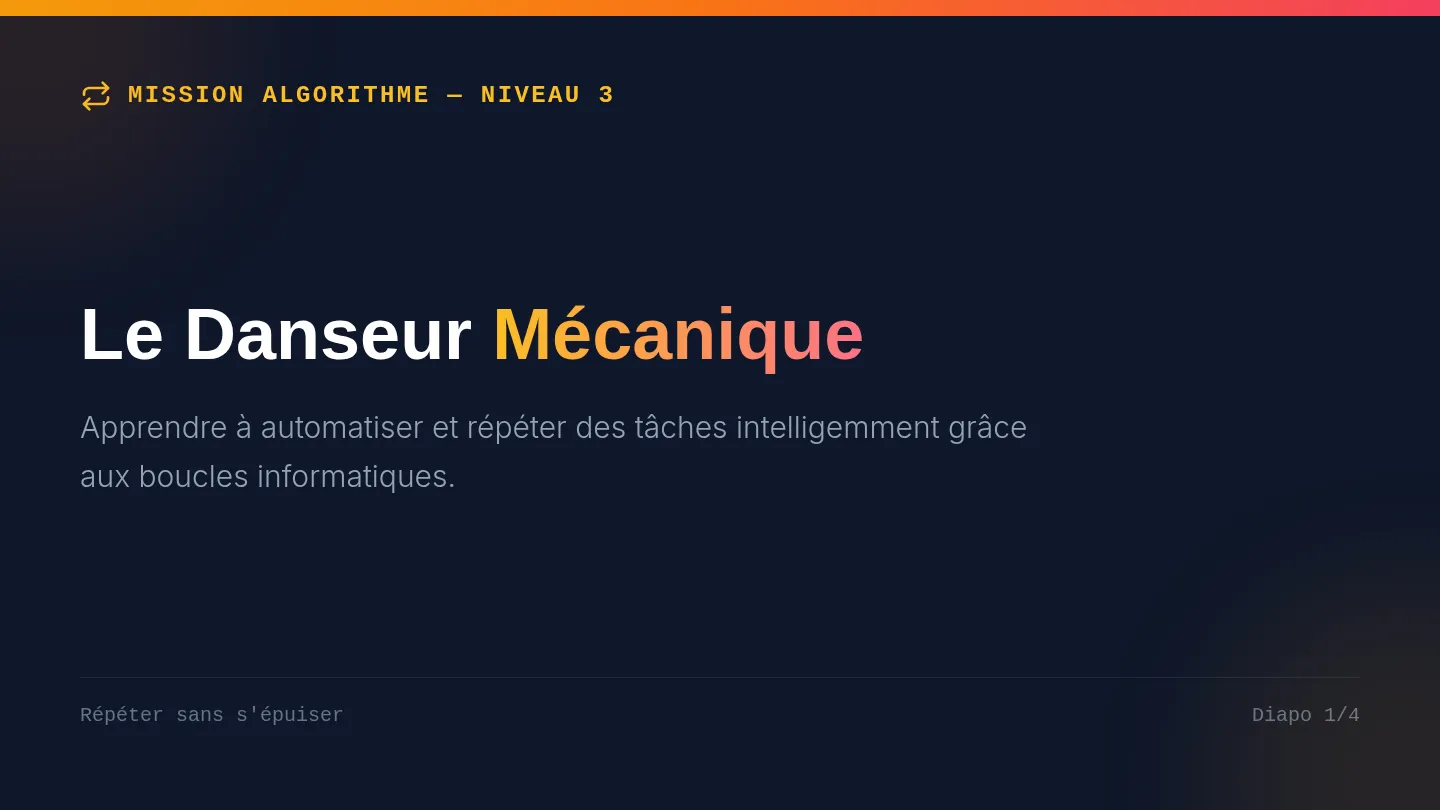
Découverte des boucles (Répéter... fois, Répéter... jusqu'à) à travers la création d'une chorégraphie pour un danseur automatique. Les apprenants apprennent à simplifier un code répétitif.
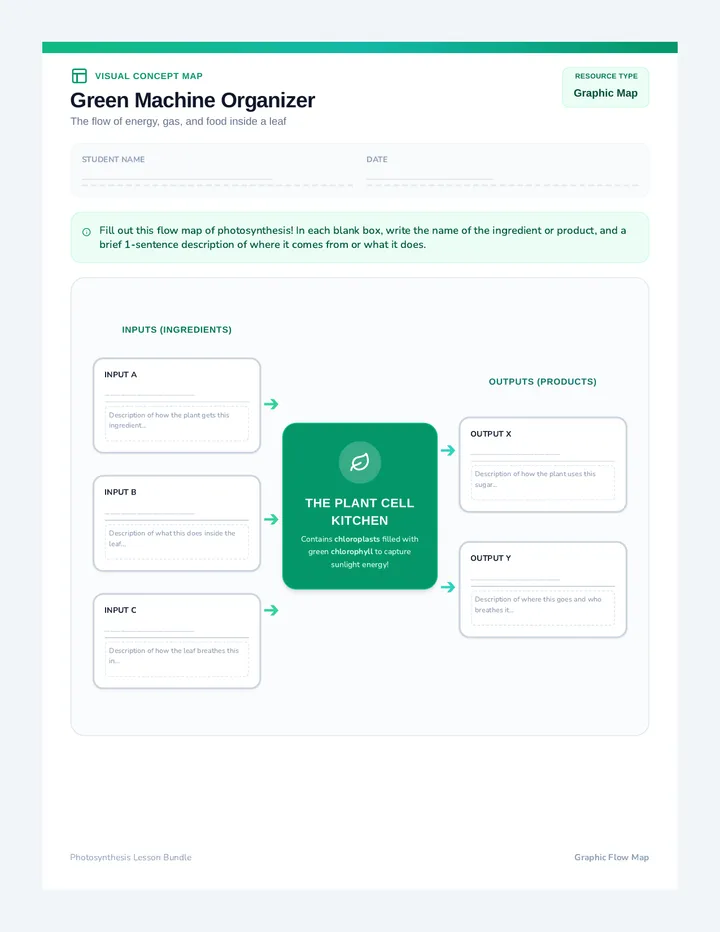
A 1-page visual concept map/graphic organizer for student completion. Connects inputs (sunlight, carbon dioxide, water) and outputs (glucose, oxygen) around a central leaf illustration.
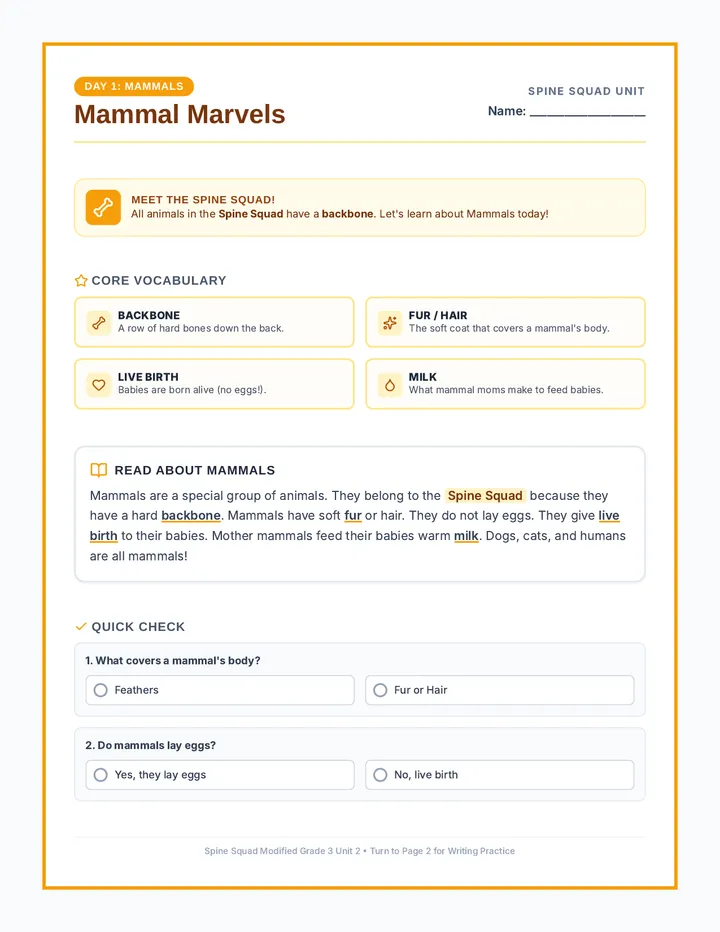
A five-day modified animal classification unit focusing on the five main vertebrate groups, designed with extensive visual support, sentence frames, and tracing options for modified learning.
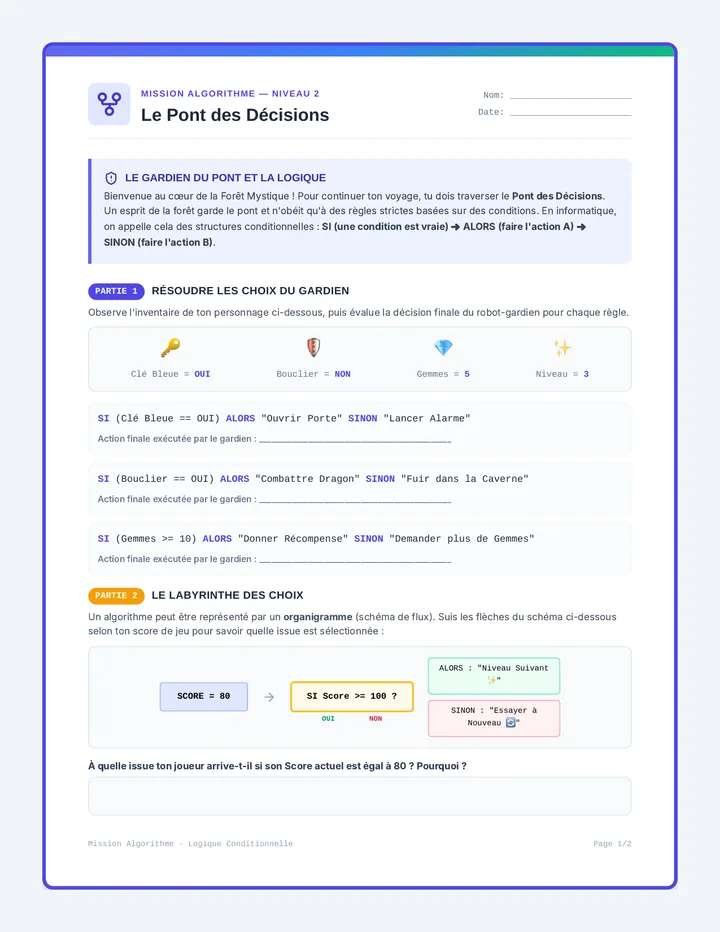
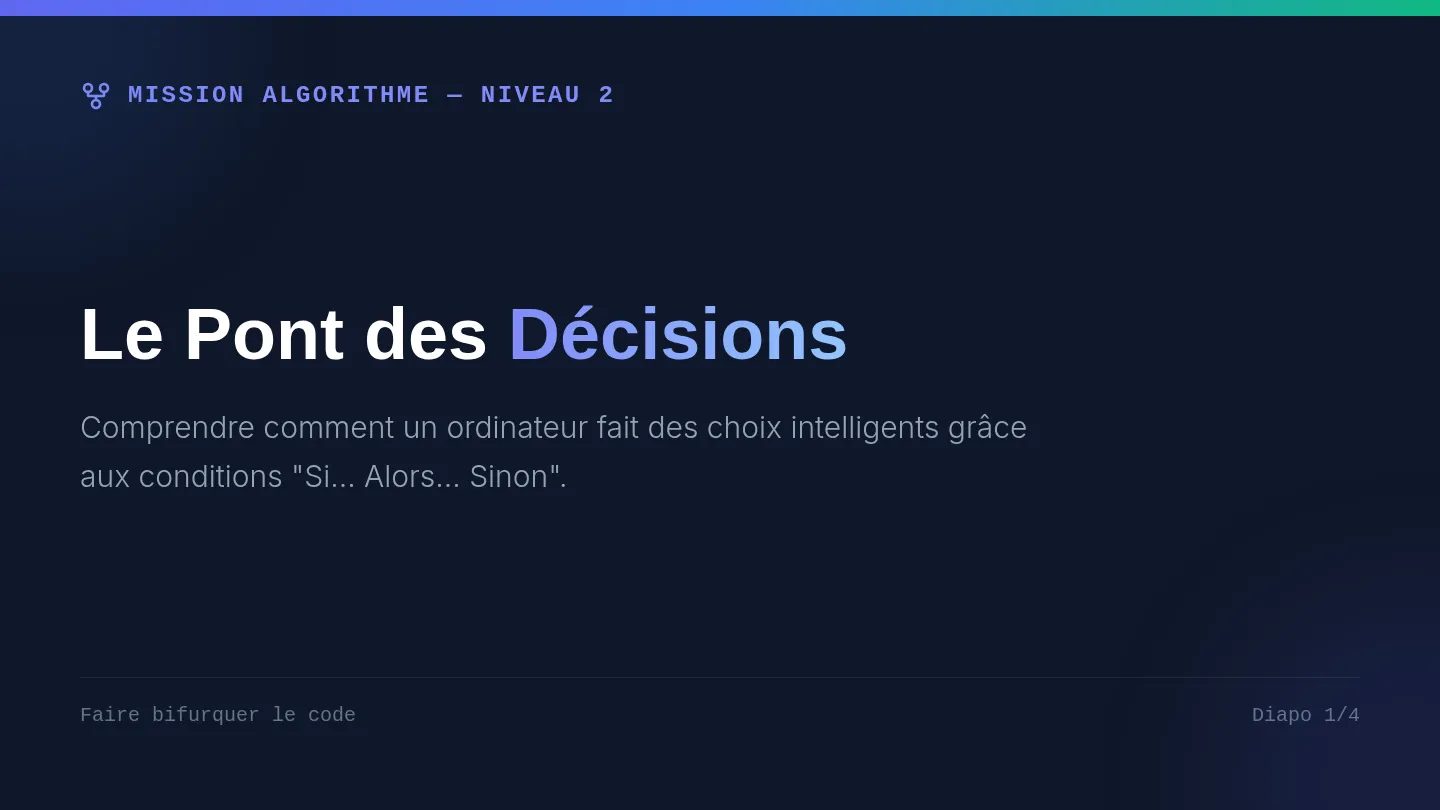
Introduction à la logique conditionnelle (Si... Alors... Sinon) à travers un jeu d'aventure et de choix. Les apprenants apprennent à faire bifurquer le flux d'instructions selon des critères précis.
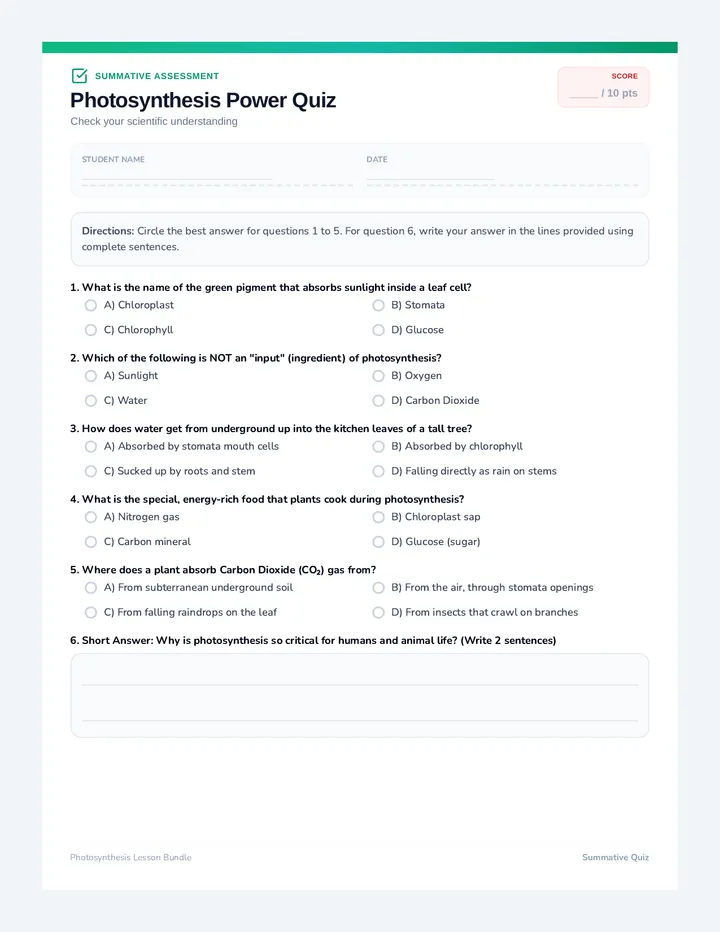
A 1-page structured summative assessment. Contains 5 multiple-choice questions and 1 short-answer response question. Includes name and date fields.