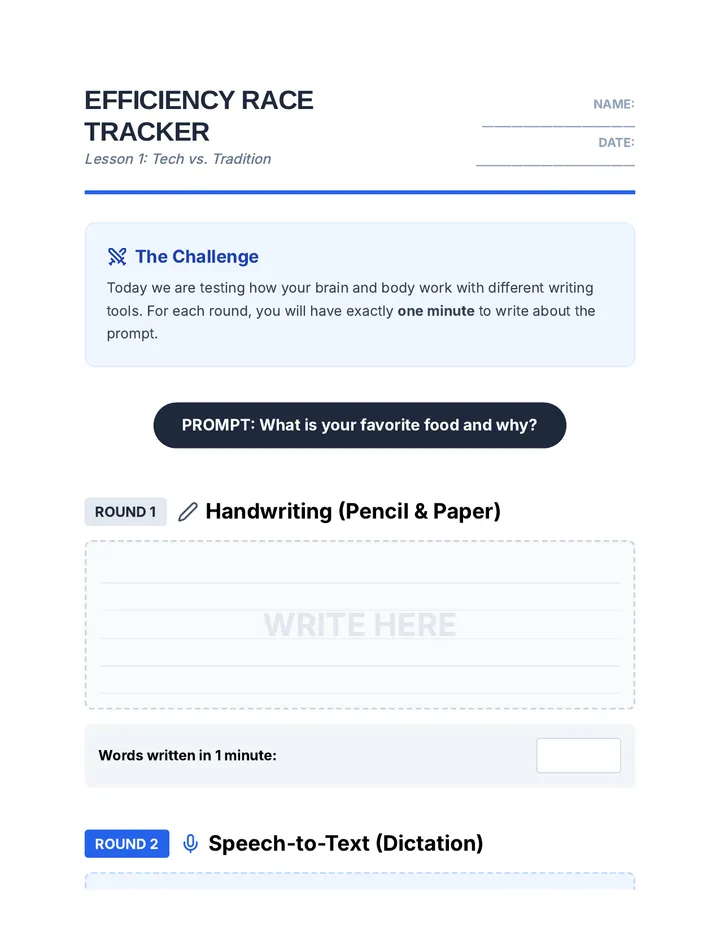
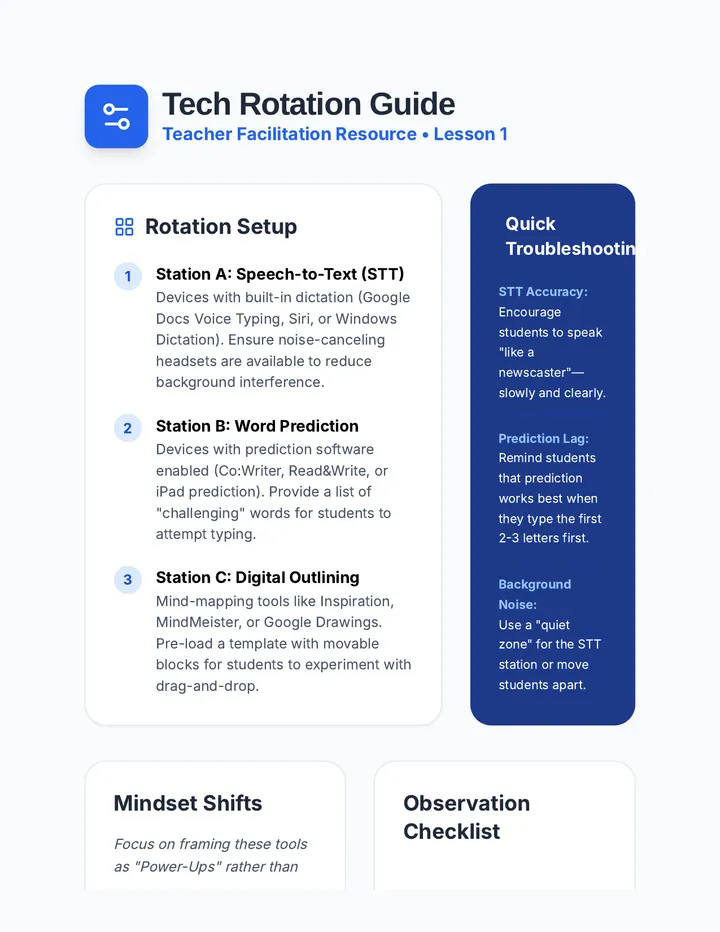
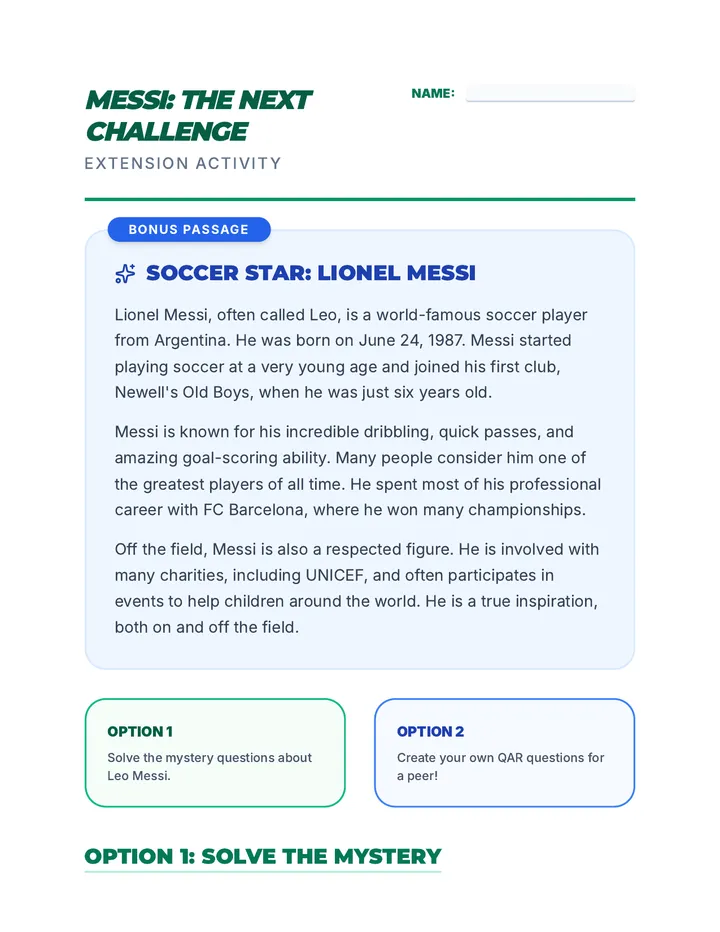
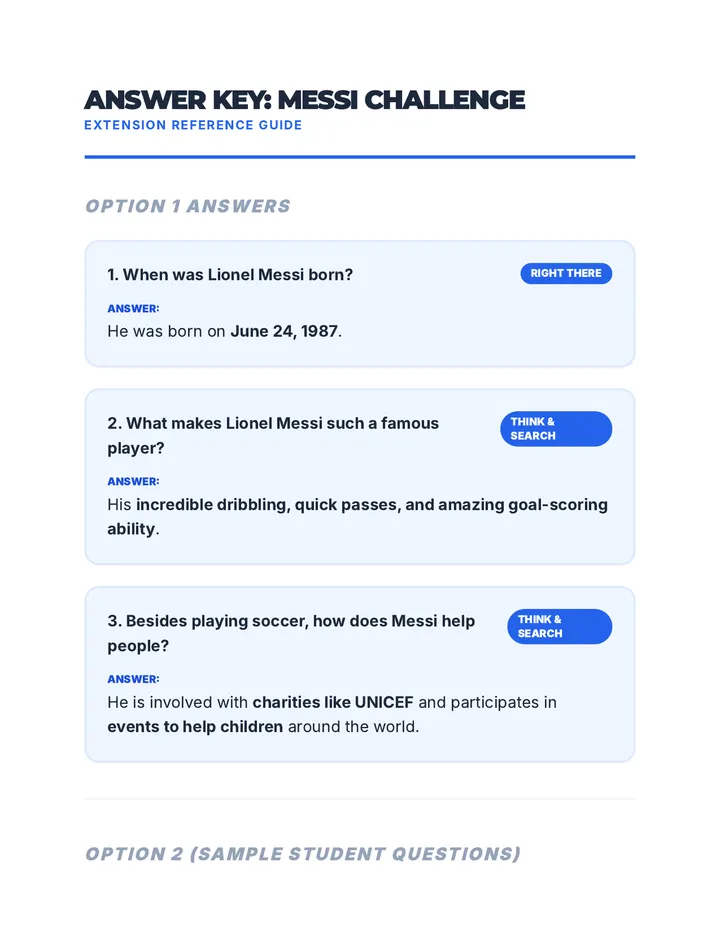
Implementation of AAC device navigation, symbol-word communication, and speech recognition for text editing. Builds proficiency in keyboard shortcuts, text-to-speech reading supports, and digital organization through productivity apps and calendars.
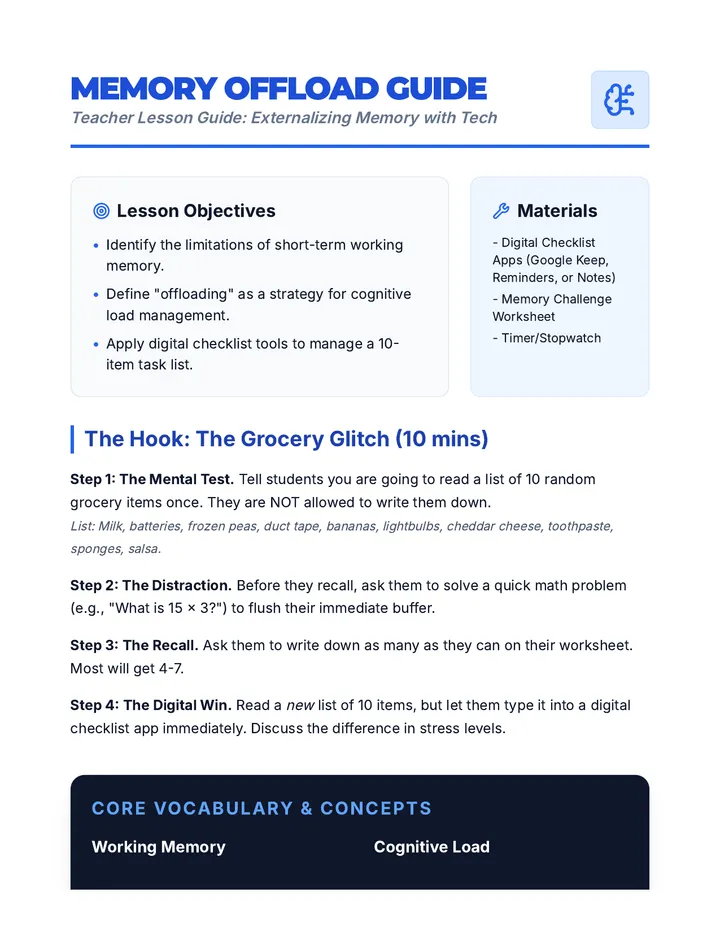
A workshop-style sequence for undergraduate education students focusing on the neurobiology, design, and implementation of strategic break systems for neurodivergent learners. Students transition from theoretical understanding to creating tangible visual supports and transition protocols.
This advanced sequence guides graduate students through the design, implementation, and evaluation of strategic break protocols for neurodivergent learners. It covers the neurobiological basis for self-regulation, visual supports, sensory modality matching, and data-driven efficacy evaluation to foster student independence.
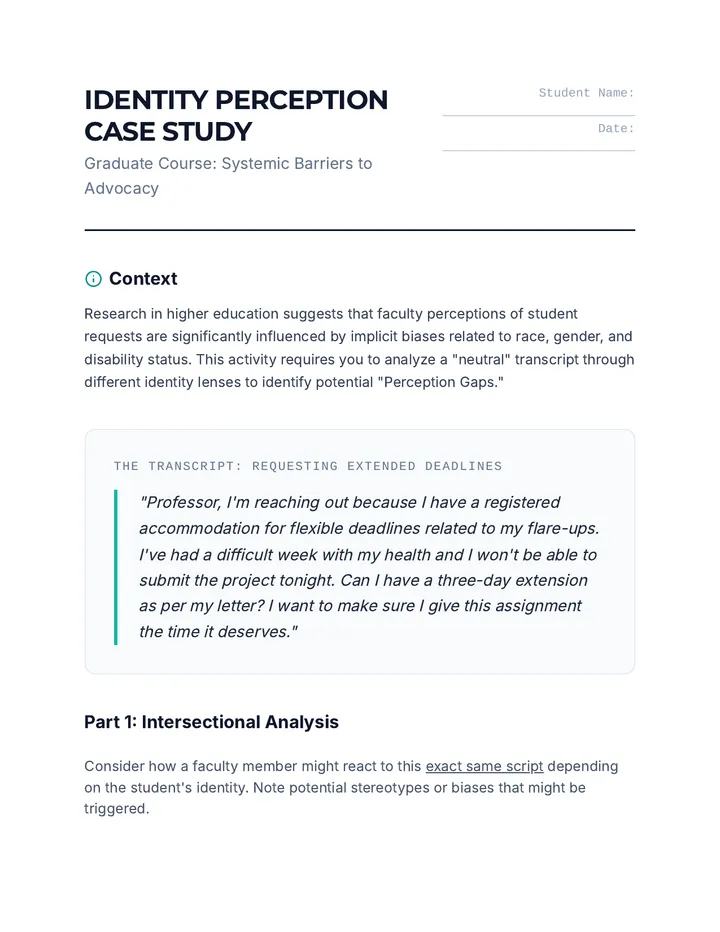
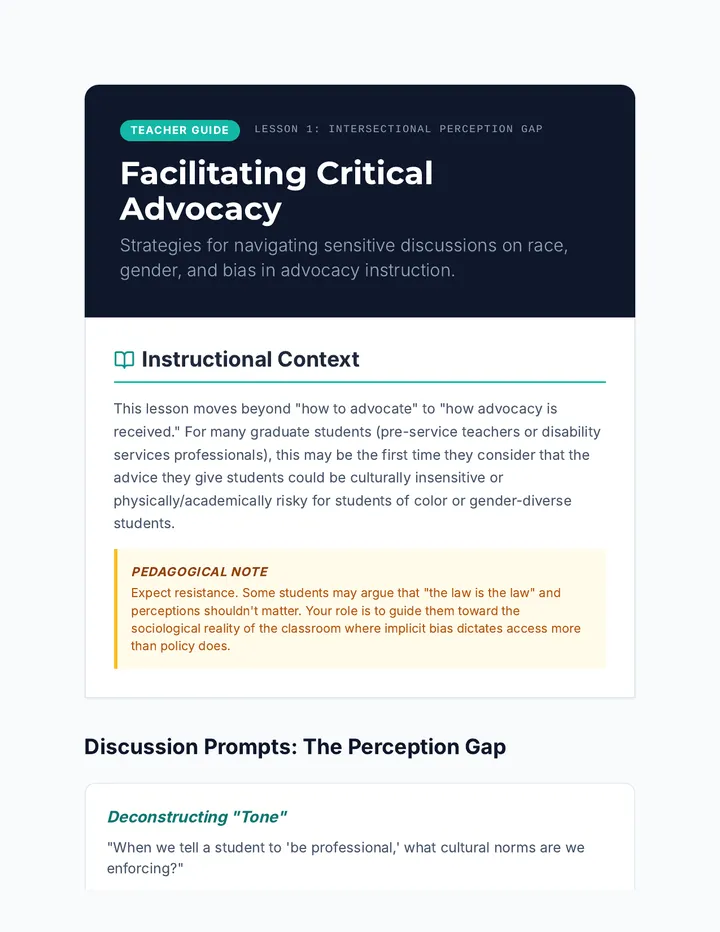
An advanced graduate-level course exploring the intersectional barriers to student self-advocacy. This sequence critiques traditional advocacy models through the lenses of Critical Race Theory and Disability Studies to develop culturally responsive strategies.
This graduate-level sequence examines how to adapt spaced repetition systems (SRS) for students with diverse learning needs, including Dyslexia, ADHD, and Dyscalculia. Students will learn to modify content, timing, and engagement strategies to bypass cognitive barriers and support long-term memory.
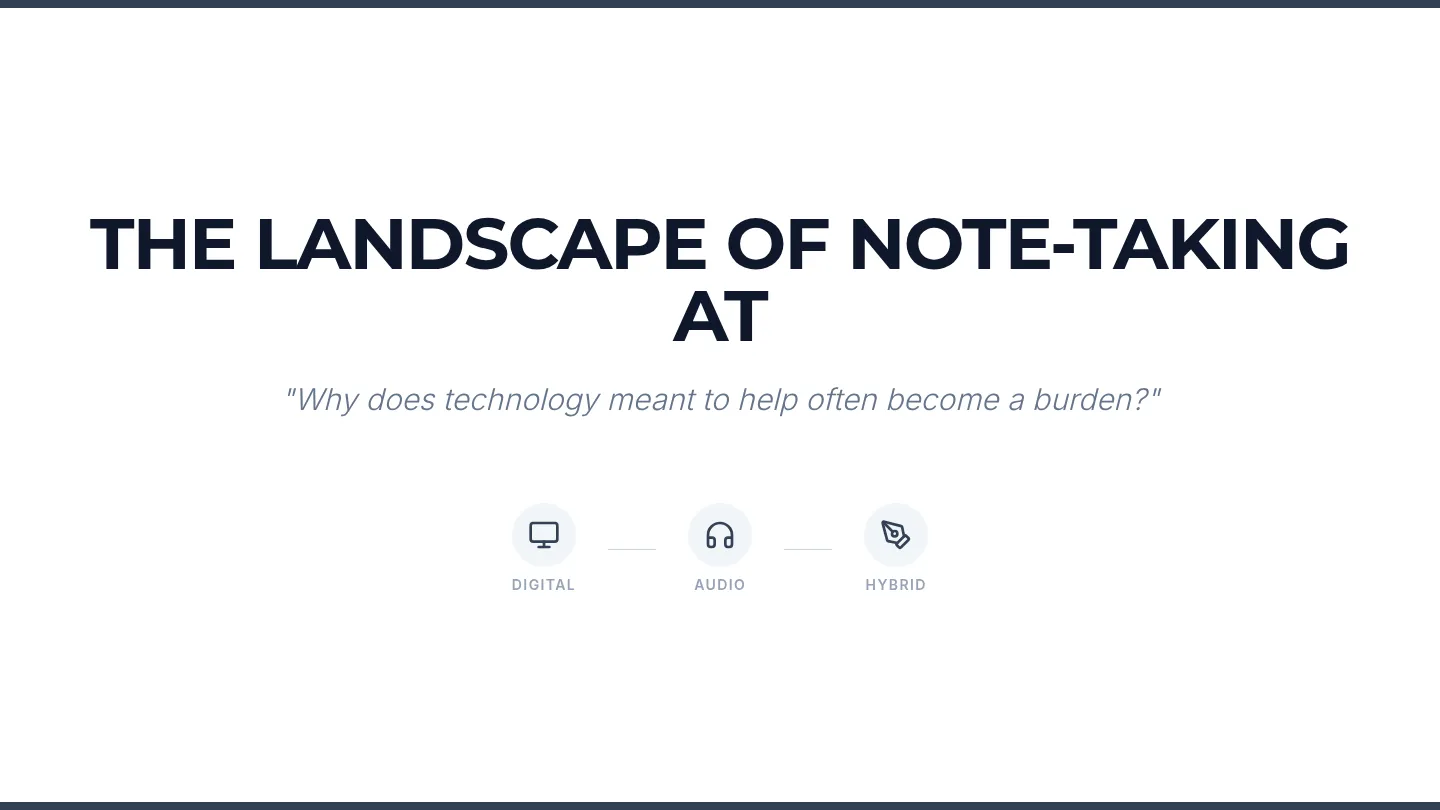
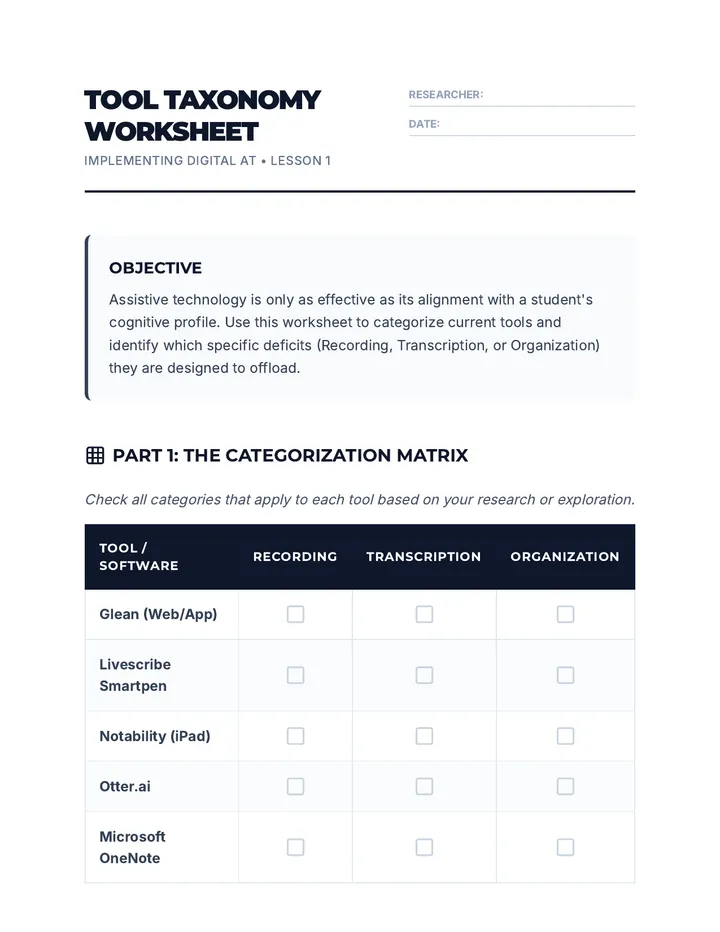
A comprehensive graduate-level sequence on implementing digital assistive technology for note-taking. It covers the transition from traditional methods to audio-synchronization, AI-driven summarization, and executive function-focused organization, concluding with IEP documentation.
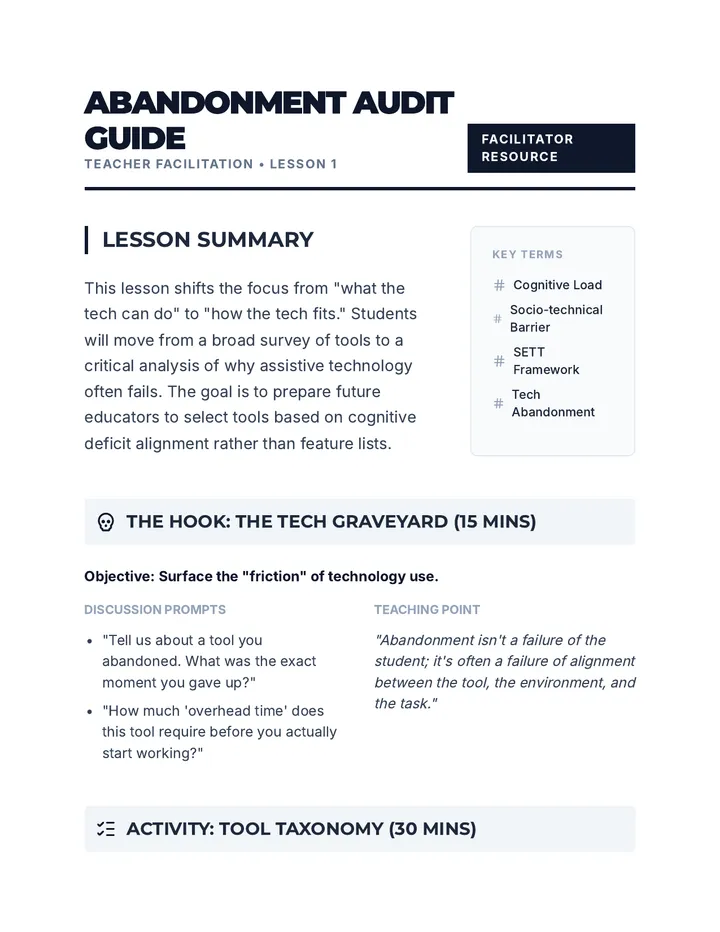
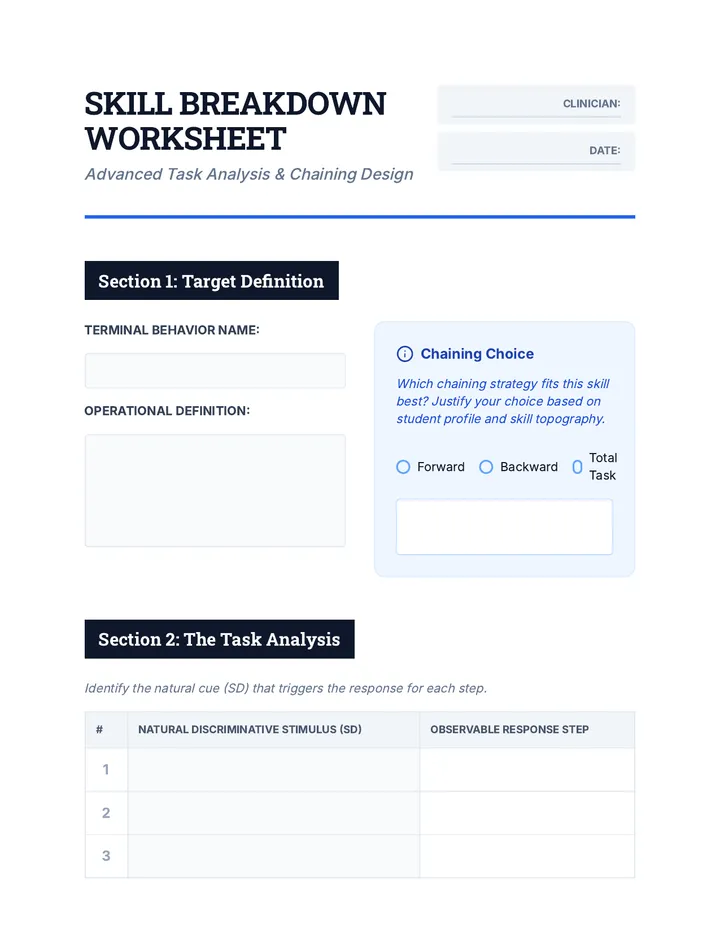
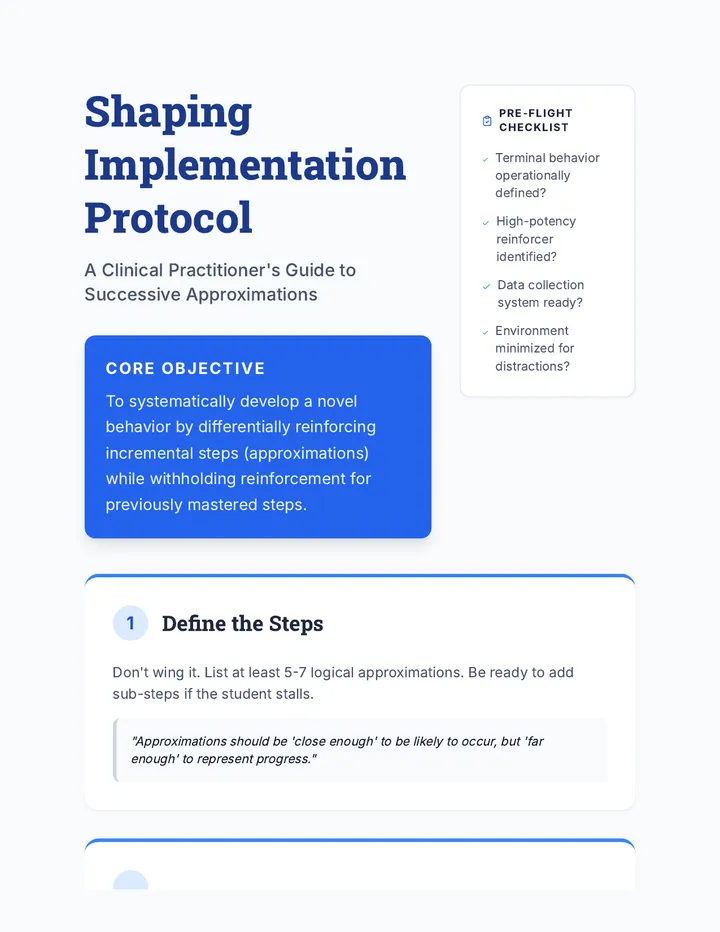
A graduate-level course on the systematic instruction of replacement behaviors within a function-based framework. Students master shaping, chaining, FCT, DTT, and naturalistic teaching, culminating in advanced generalization and maintenance planning for long-term clinical success.
This sequence for undergraduate students explores the design and implementation of Functionally Equivalent Replacement Behaviors (FERBs). Students will learn to apply the Matching Law, design Functional Communication Training (FCT) protocols, and use shaping and chaining to teach adaptive skills that serve the same purpose as challenging behaviors.
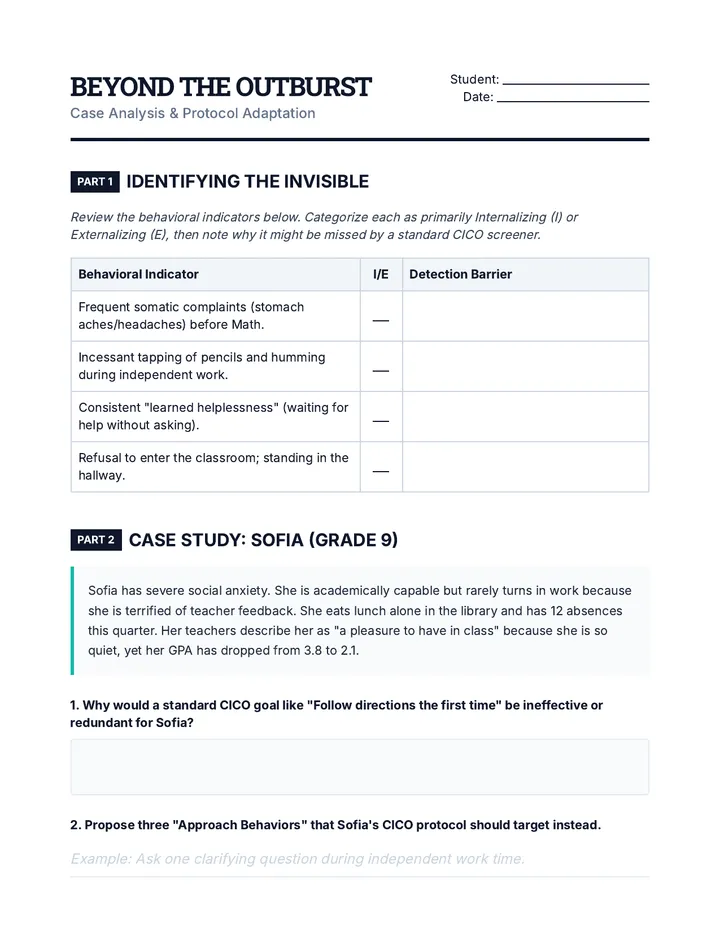
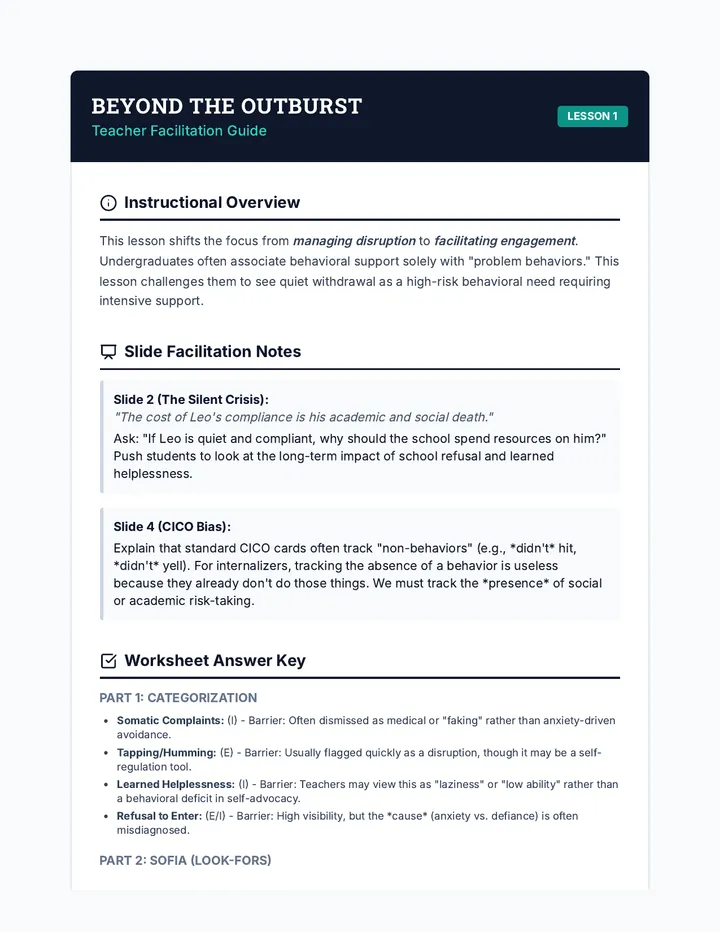
This sequence challenges undergraduate students to adapt standard behavioral check-in protocols for diverse student populations, focusing on developmental, cultural, and neurological differences. Students move beyond a one-size-fits-all approach to design equitable and effective behavioral supports.
This sequence teaches 12th-grade students how to replace challenging behaviors with adaptive skills. Students explore the ethics of behavior change, master Functional Communication Training, learn instructional techniques like shaping and chaining, and design comprehensive intervention plans based on differential reinforcement.
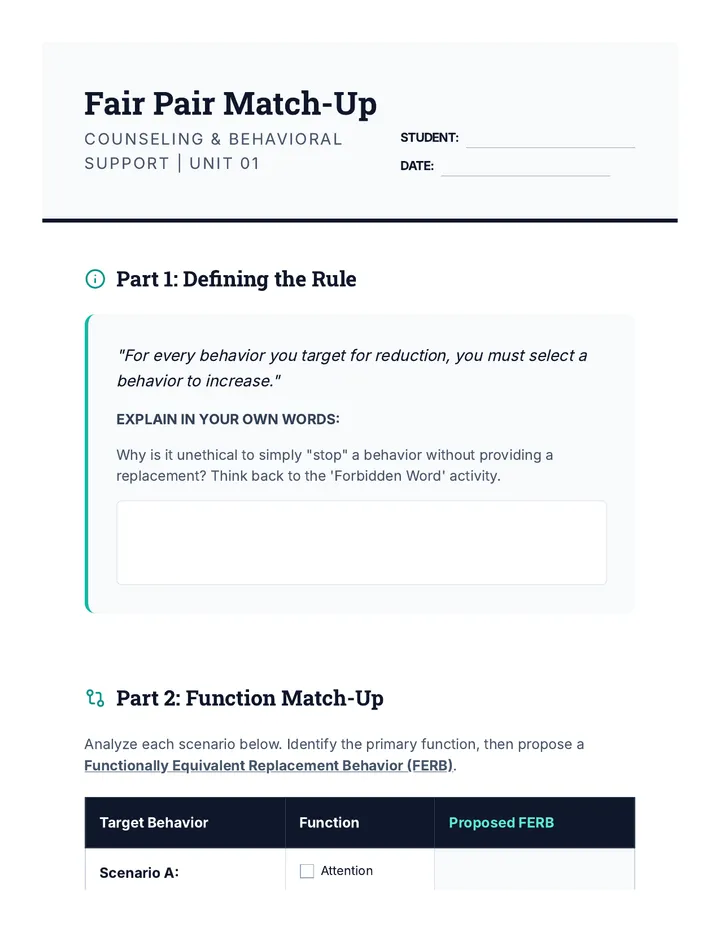
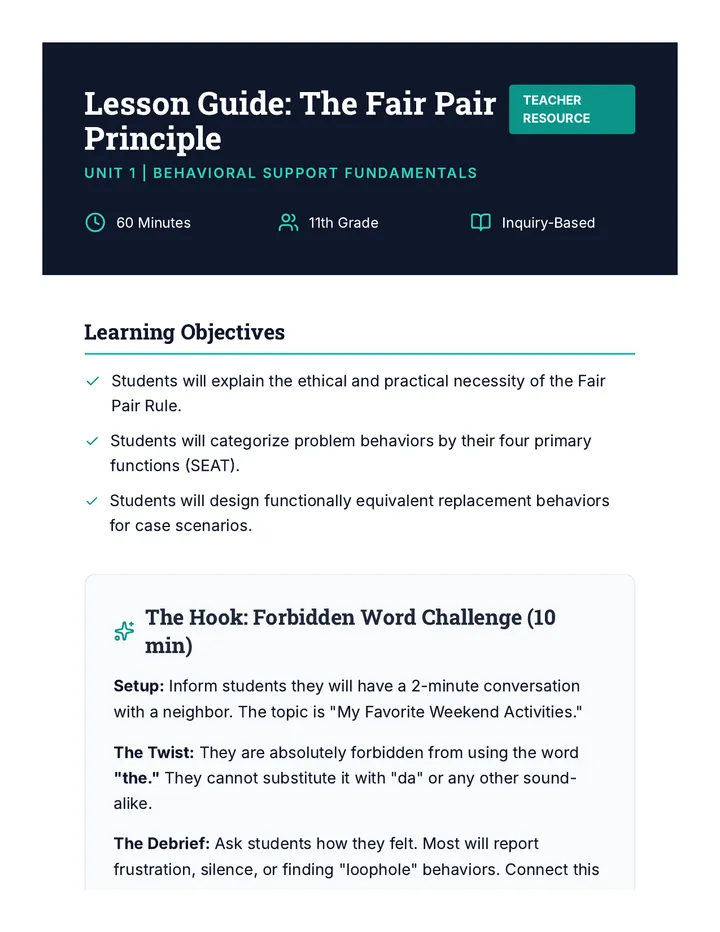
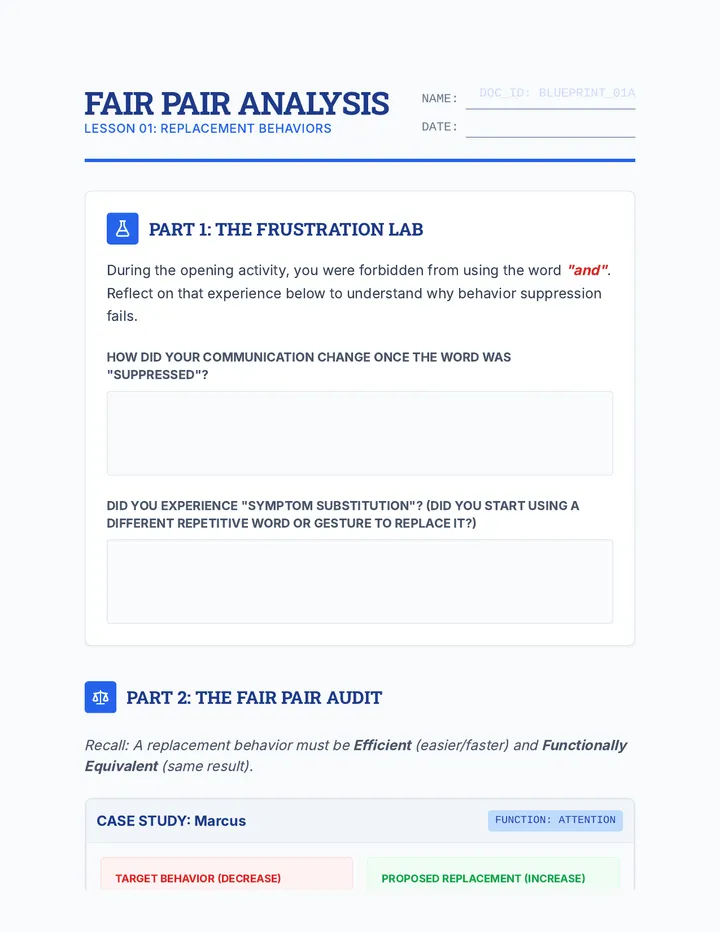
A comprehensive sequence for 11th-grade students on behavioral support, focusing on the 'Fair Pair' rule. Students learn to identify, design, and implement functionally equivalent replacement behaviors (FERBs) to empower individuals to meet their needs pro-socially.
A project-based sequence for undergraduate special education students focused on modernizing social narratives through multimedia and technology. Students progress from selecting appropriate visual supports to creating a comprehensive digital social story portfolio featuring video modeling and accessibility features.
A comprehensive unit for high school students on the ethical and technical aspects of teaching replacement behaviors. Students move from the core philosophy of the 'Fair Pair' rule to technical skills like FCT, task analysis, and generalization planning.
This workshop-style sequence for pre-service teachers bridges the gap between identifying student needs and designing instructional supports, focusing on the critical distinctions between accommodations, modifications, and Specially Designed Instruction (SDI). Students will move from theoretical definitions to practical application, culminating in the creation of a service delivery matrix.
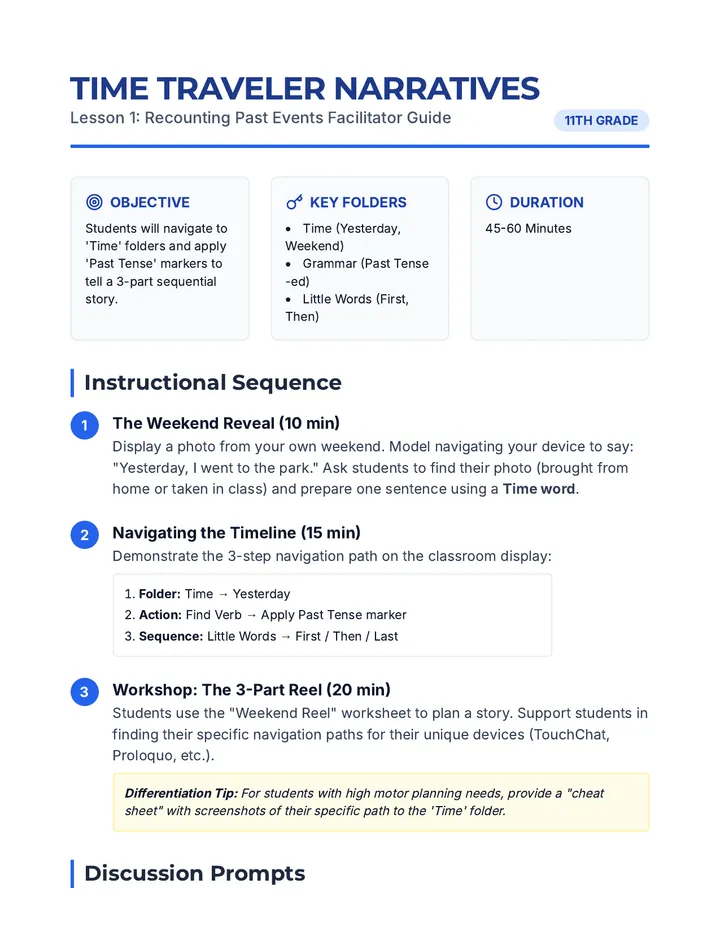
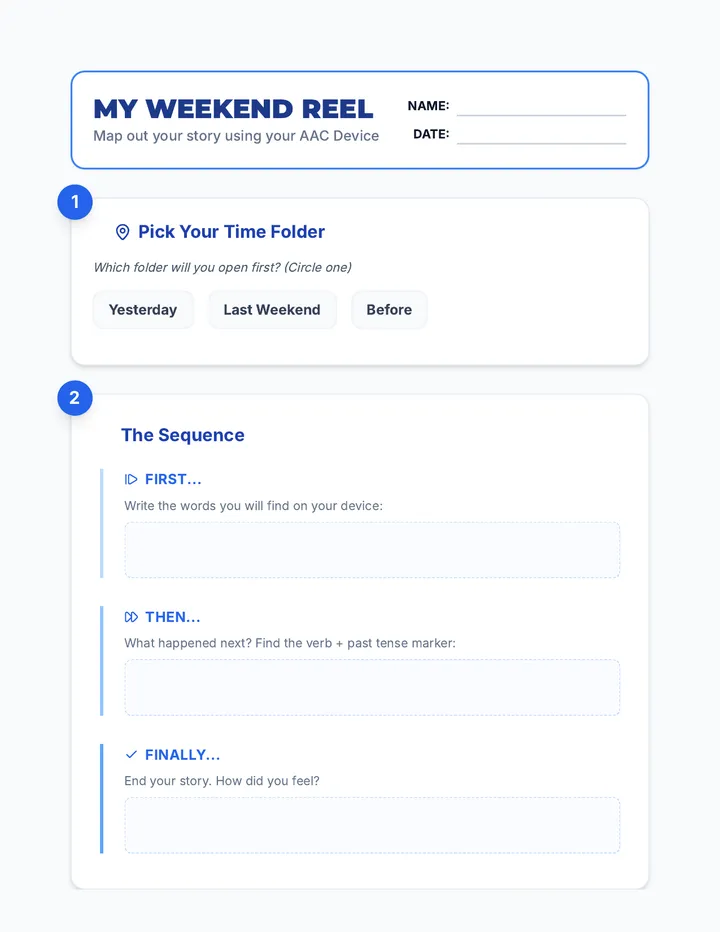
A specialized sequence for 11th-grade AAC users focused on transitioning from basic needs-based communication to complex social interaction, storytelling, and peer connection through advanced device navigation.
This sequence focuses on developing motor automaticity for AAC device navigation through gamified drills and repetitive motor planning exercises. 11th-grade students will progress from single-word retrieval to complex, fluent sentence construction, reducing cognitive load for more authentic communication.
A comprehensive sequence for 11th-grade AAC users to transition from passive users to active system administrators by mastering folder logic, personalization, and system maintenance.
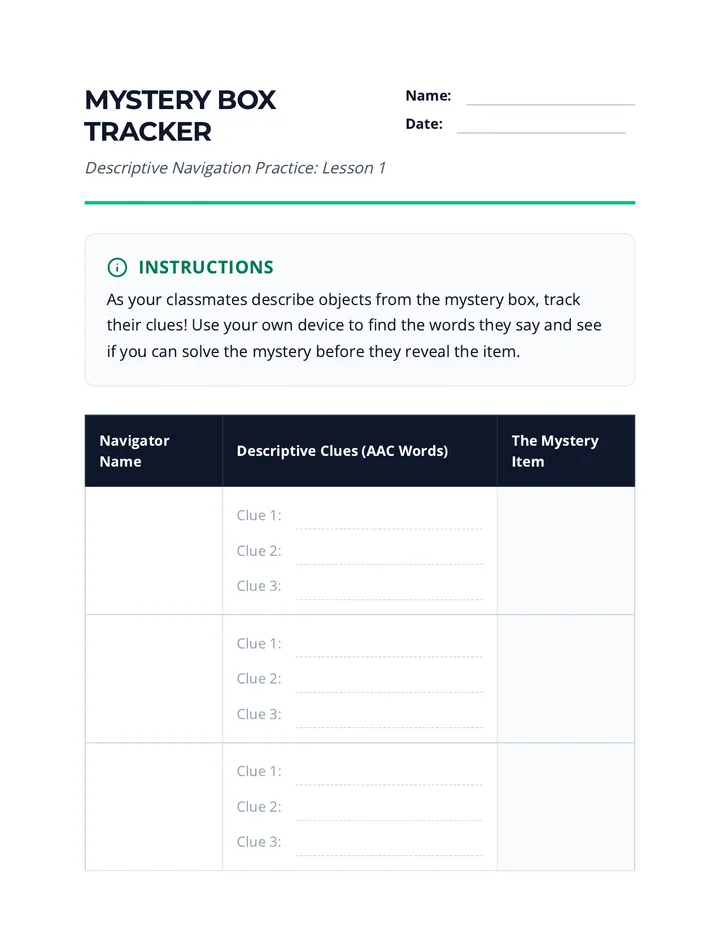
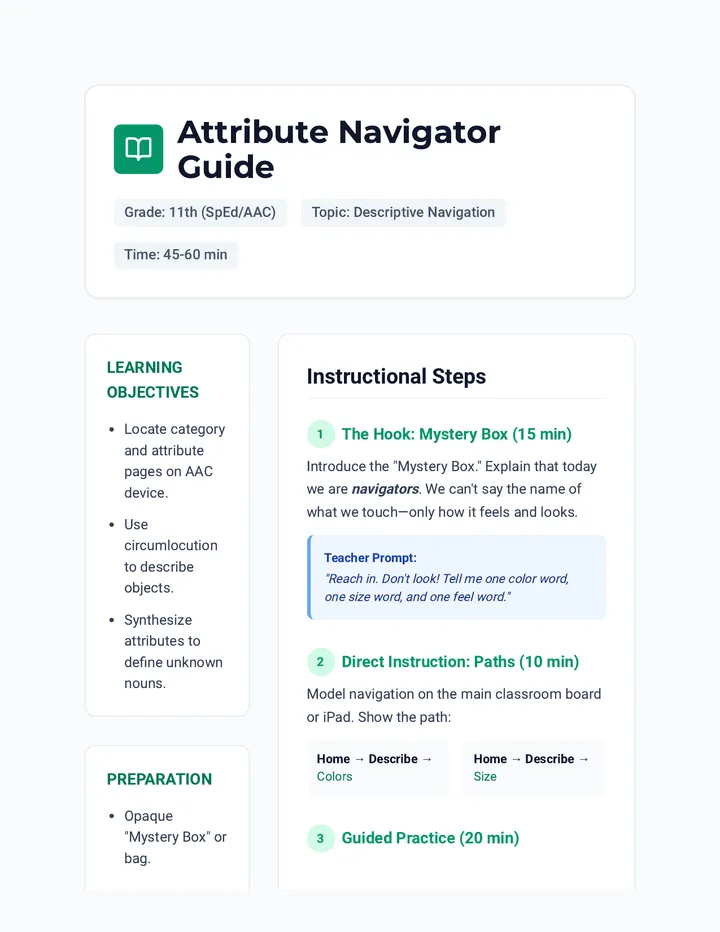
This 11th-grade sequence focuses on 'Descriptive Teaching' for AAC users. Students learn to navigate their devices strategically, using core vocabulary (adjectives, verbs, negation) to describe concepts and repair communication breakdowns rather than relying on specific fringe nouns.
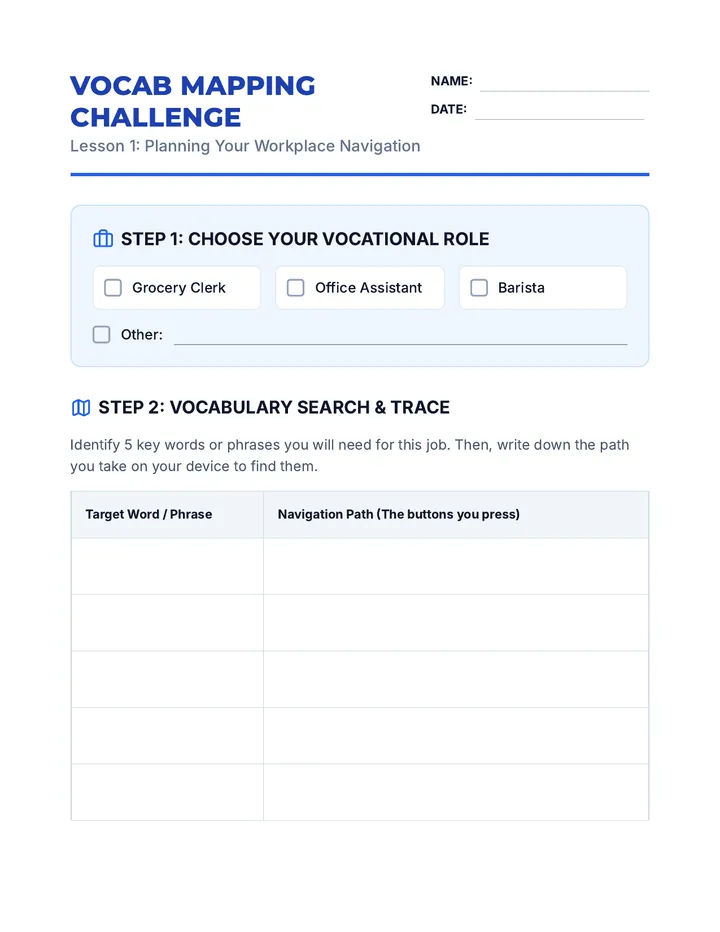
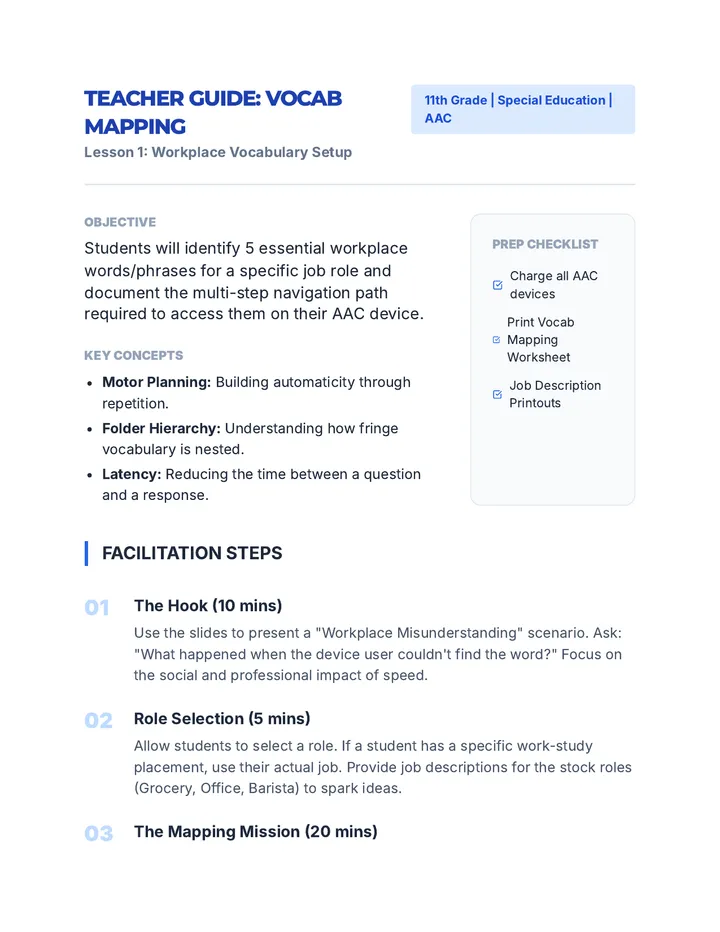
A comprehensive 5-lesson sequence designed for 11th-grade AAC users to master device navigation within vocational settings. Students progress from vocabulary mapping to high-stakes workplace simulations, focusing on speed, accuracy, and professional communication strategies.
A project-based sequence where 3rd-grade students use AAC device navigation to compose and present a personal or fictional narrative. Students progress from vocabulary selection to sequencing, drafting actions, and adding emotional depth, culminating in a public presentation.
This sequence bridges technical AAC navigation skills with pragmatic social application, teaching 3rd-grade students how to access specific pages for greetings, questions, repair strategies, and slang in real-world scenarios.
A sequence focused on teaching AAC users how to navigate their devices to build grammatically complex sentences, moving from basic pronoun selection to complex tense marking and negation.
A 5-lesson unit for 3rd Grade students on AAC device navigation, focusing on semantic categorization, sub-folders, and predictive logic to find fringe vocabulary. Students progress from basic sorting to a complex 'Treasure Hunt' using their communication devices.
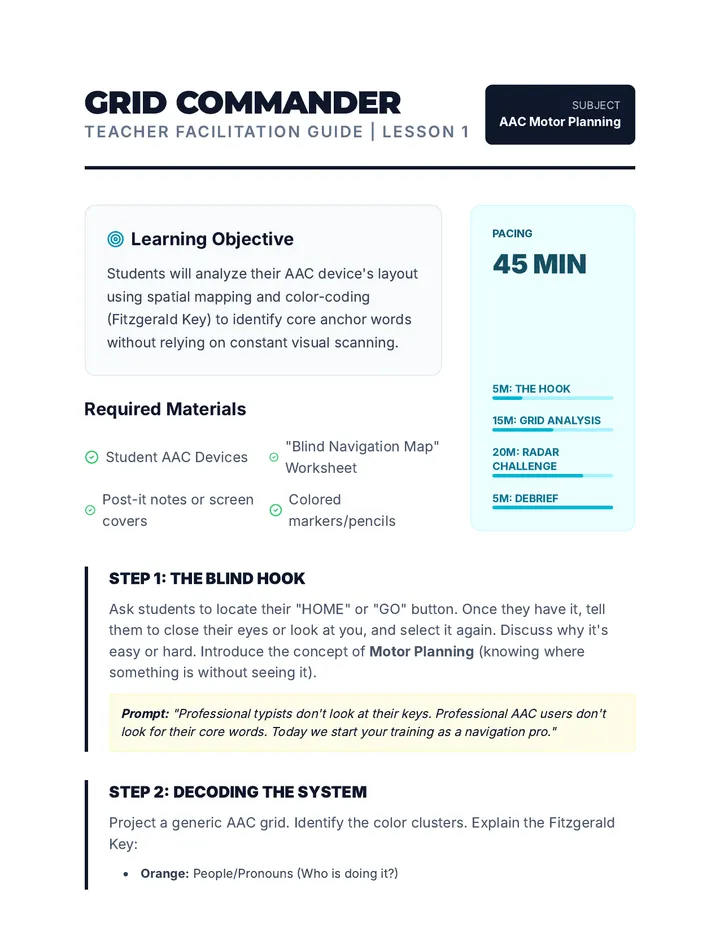
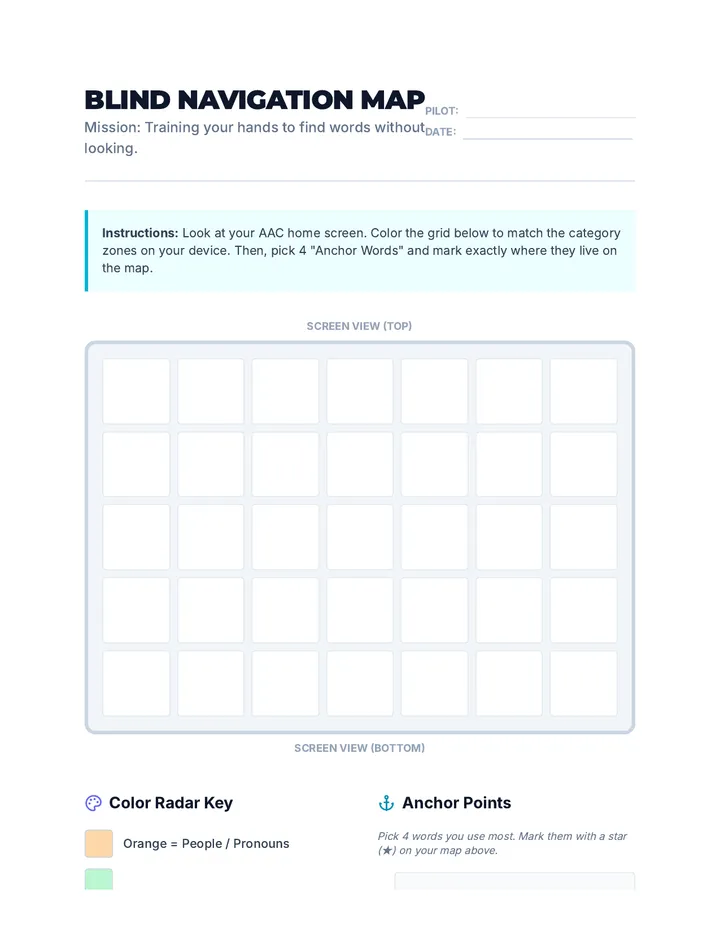
A specialized sequence for 3rd-grade students to build motor automaticity and muscle memory when navigating AAC devices. The unit progresses from single-word location to complex multi-step phrase construction, culminating in a blind navigation challenge to prove mastery.
A comprehensive training sequence for graduate students focusing on how to coach communication partners in AAC device navigation. Students move from mastering aided language stimulation to designing professional development for educational teams and families.
A graduate-level sequence focused on assessing and tracking AAC device navigation efficiency and operational competence. Students will learn to use data logging, measure navigation speed, and design operational goals for AAC users.
This project-based sequence for graduate students focuses on the advanced technical and clinical skills required to customize AAC devices. Students learn to manage vocabulary systems by prioritizing motor planning, hierarchical logic, and visual accessibility, culminating in a comprehensive case study customization project.
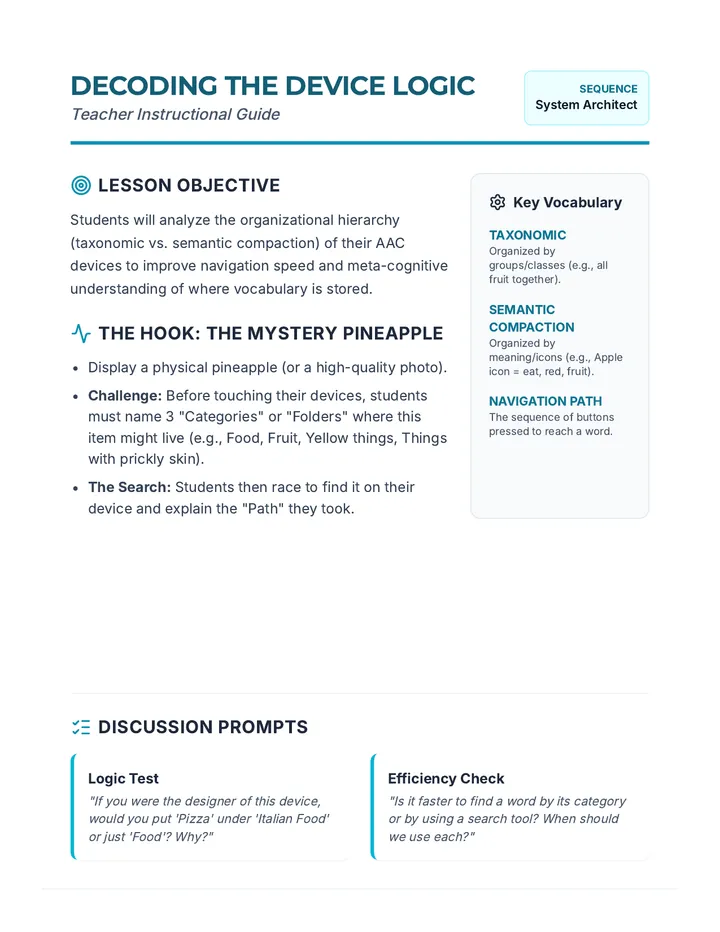
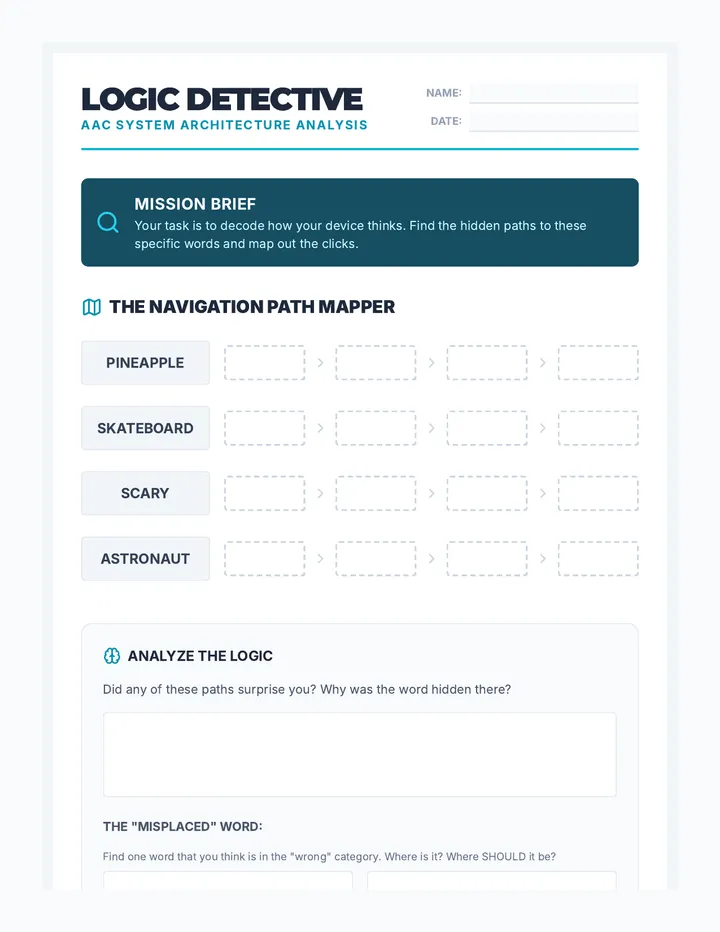
A graduate-level exploration of the linguistic and cognitive logic underlying AAC navigation systems. Students analyze semantic, syntactic, and taxonomic organizations to match communication architectures with diverse learner needs.
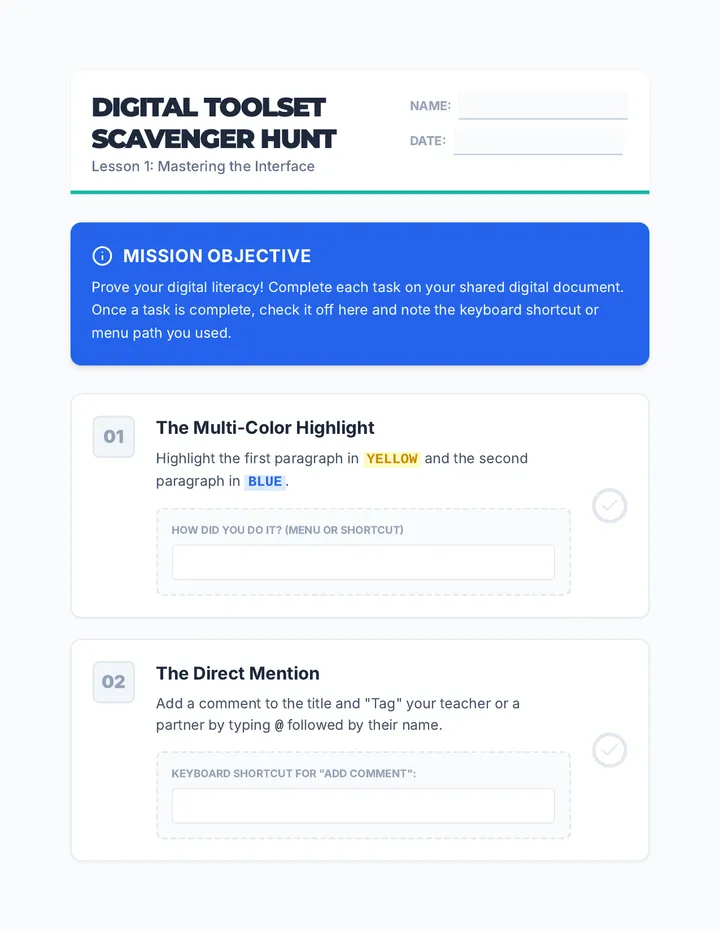
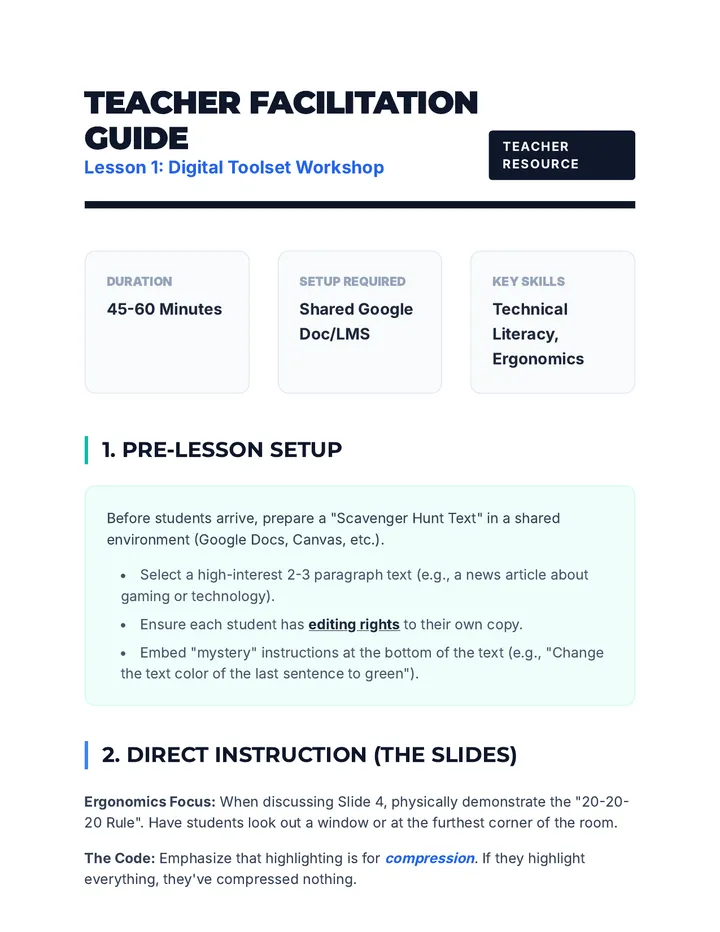
A 5-lesson sequence designed for 9th-grade students in an academic support setting to master digital annotation, highlighting, and collaborative text analysis tools. The sequence focuses on transitioning traditional paper-based strategies to digital environments like Google Docs and PDFs, emphasizing visible thinking and peer collaboration.
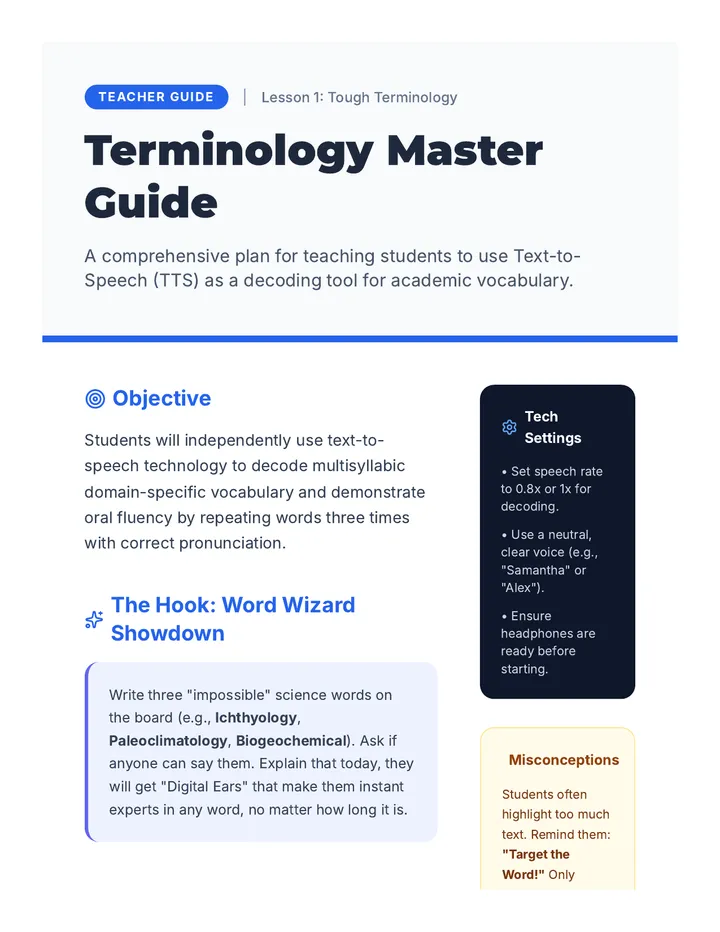
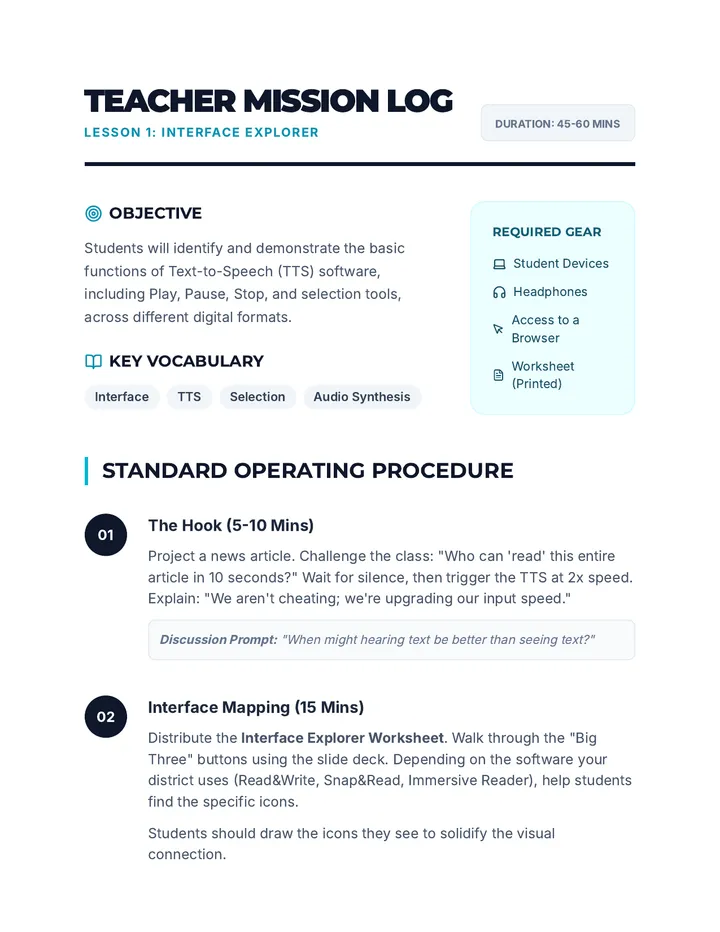
A technical sequence designed for high school students to master text-to-speech (TTS) tools. It covers tool selection, voice optimization, navigation shortcuts, troubleshooting inaccessible formats like PDFs, and ends with students creating a personal accessibility profile for independent academic success.
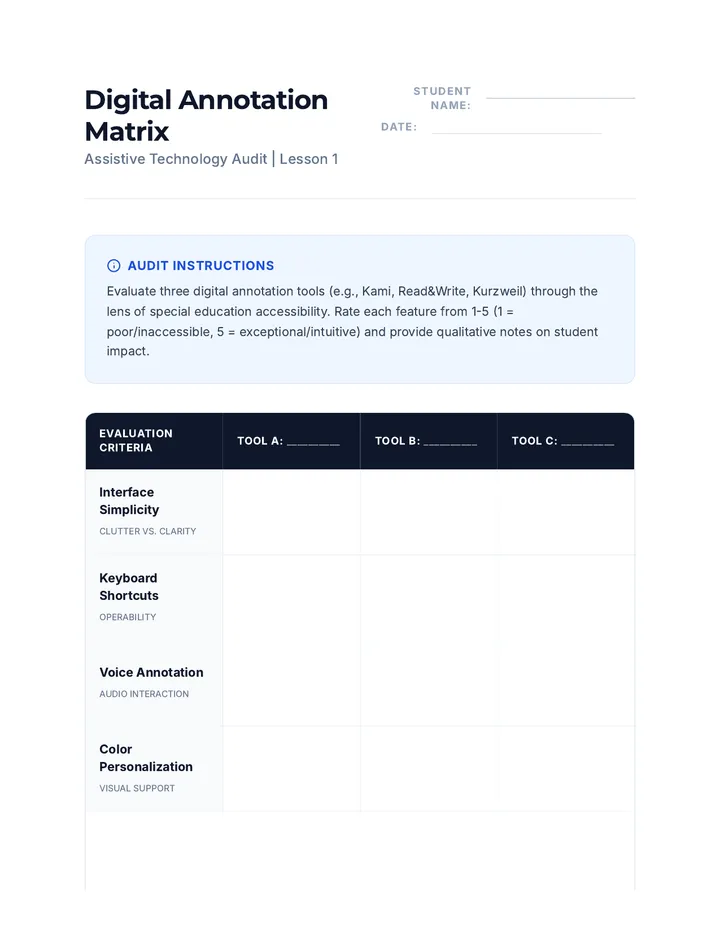
This sequence explores how graduate students can leverage assistive technology for digital annotation, moving from basic tool audits to advanced data extraction and AI integration to support students with disabilities.
A 5-lesson sequence for 8th-grade students to master Text-to-Speech (TTS) tools, develop self-advocacy skills for accessible materials, and create a personalized digital accessibility plan for high school. Students transition from identifying accessible content to independently managing their accommodations across various academic environments.
A technical mastery sequence for 8th-grade students to become expert users of Text-to-Speech (TTS) technology. Students progress from basic interface navigation to advanced auditory customization, complex document handling, OCR conversion, and independent troubleshooting.
A technical workshop series designed to transition 10th-grade students from passive assistance to active mastery of Text-to-Speech technologies and OCR tools for academic independence.
This sequence prepares pre-service teachers to evaluate, select, and implement assistive technology (AT) tools specifically designed for students with dysgraphia and physical motor impairments. Students will move from understanding neurological barriers to designing comprehensive, data-driven AT implementation plans.
A 5-lesson sequence for 11th-grade students transitioning from physical math manipulatives to virtual tools. The curriculum emphasizes digital literacy, strategic tool selection, and self-advocacy to prepare students for post-secondary academic environments.
A comprehensive sequence for 6th-grade students focusing on keyboard navigation of digital interfaces, including menus, dialog boxes, and forms, specifically designed for assistive technology awareness and skill-building.
A 5-lesson sequence designed for 6th-grade students, focusing on assistive technology through browser-based keyboard shortcuts. Students progress from basic interface navigation to complex, mouse-free research workflows.
A comprehensive 5-lesson unit for 6th-grade students in special education, focusing on assistive technology and keyboard-only navigation. The sequence uses a gamified 'Cyber Cadet' theme to teach focus indicators, application launching, multitasking, and file management.
A comprehensive graduate-level sequence for future Assistive Technology specialists, focusing on the pedagogical strategies required to teach keyboard navigation and shortcuts to individuals with disabilities. The course covers assessment, scaffolding, gamification, and emotional resilience in AT training.
A graduate-level sequence focused on modifying computing environments via text expansion, key remapping, and macros to enhance accessibility for individuals with motor impairments. Students progress from basic software configurations to designing bespoke automation profiles for complex client cases.
A specialized training program for graduate students in Special Education to master high-efficiency assistive technology navigation. Students learn to use keyboard shortcuts to perform professional-level document editing, spreadsheet management, and presentation design, with a focus on vocational rehabilitation.
This sequence explores the mechanics of keyboard-only web navigation for graduate students in special education and assistive technology. It covers browser controls, semantic HTML navigation, complex form interactions, caret browsing, and professional accessibility auditing techniques.
A graduate-level sequence focused on the technical and systemic mastery of keyboard-only navigation for Windows and macOS. Students explore focus management, file traversal, and accessibility settings through the lens of motor-impairment simulation and clinical application.
A 10th-grade Special Education sequence focusing on mastering keyboard shortcuts within vocational contexts like email, scheduling, and troubleshooting to build professional independence.
A sequence designed for 10th-grade students to master keyboard shortcut navigation within web browsers, promoting independence and accessibility for students with diverse needs. The progression moves from basic window and tab management to advanced search techniques and full keyboard-only research.
A comprehensive sequence for 10th-grade students with motor or visual impairments to master operating system navigation using only keyboard shortcuts. It covers focus indicators, menu navigation, file management, and system settings.
A comprehensive sequence for pre-service special education teachers focusing on diagnosing fraction misconceptions and implementing hybrid intervention strategies using physical and virtual manipulatives. Students move from error analysis to designing technology-integrated support plans for learners with disabilities.
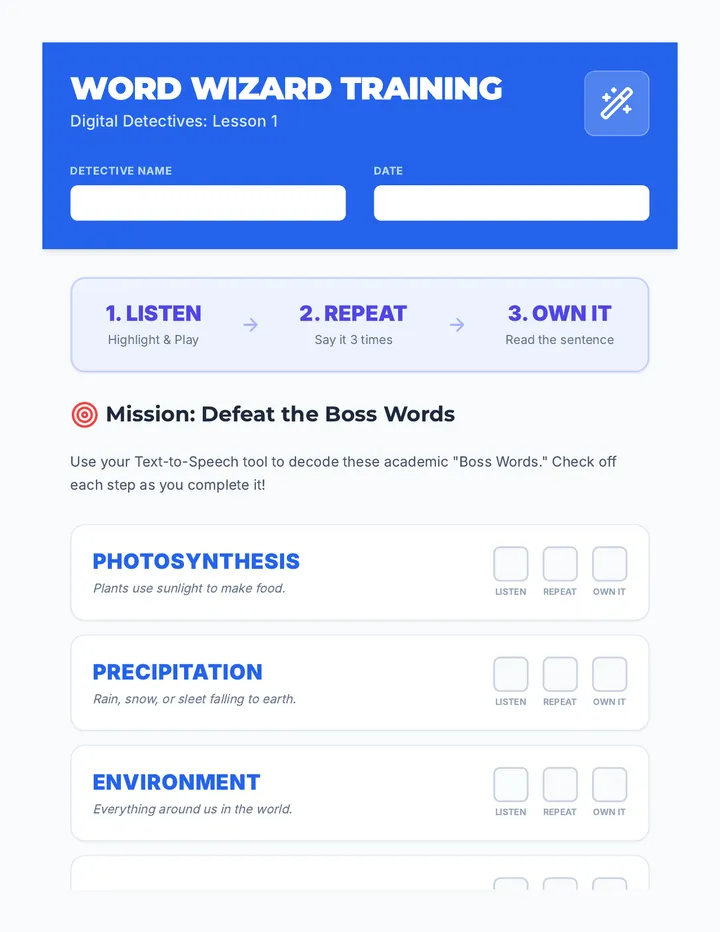
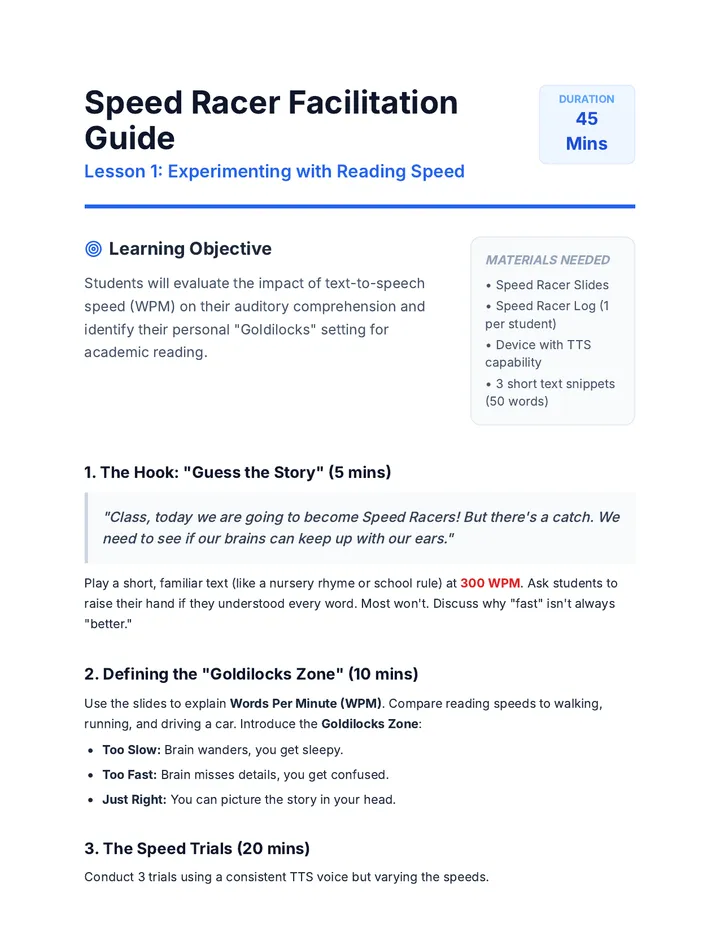
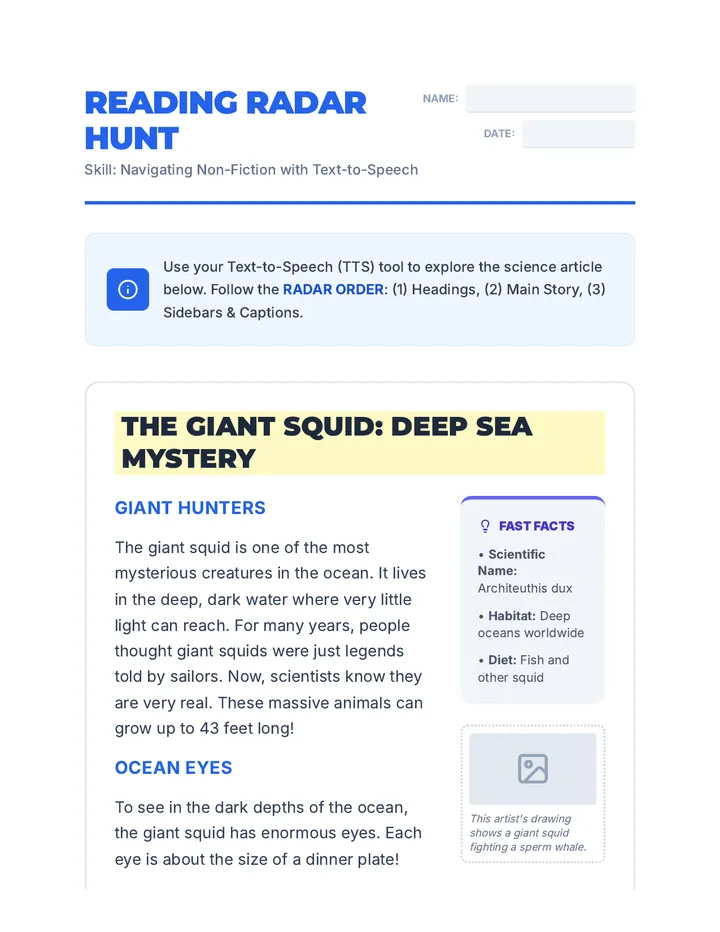
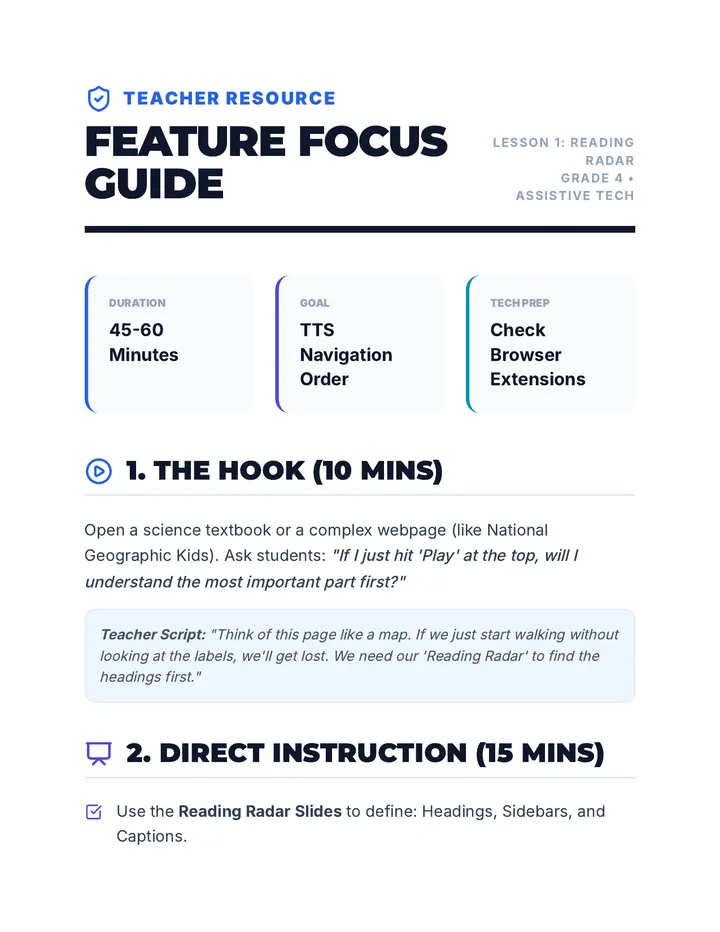
A 5-lesson sequence designed for 3rd-grade students to master the use of text-to-speech (TTS) technology for decoding informational texts, academic vocabulary, and non-linear text features like captions and sidebars. Students progress from decoding individual words to synthesizing information from multiple sources for research and presentation.
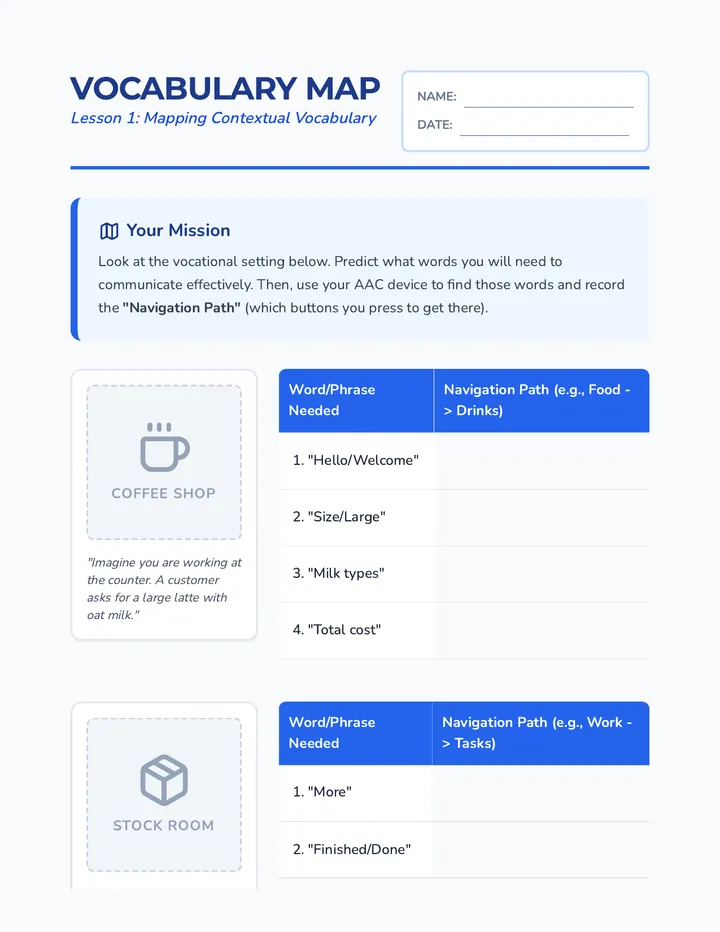
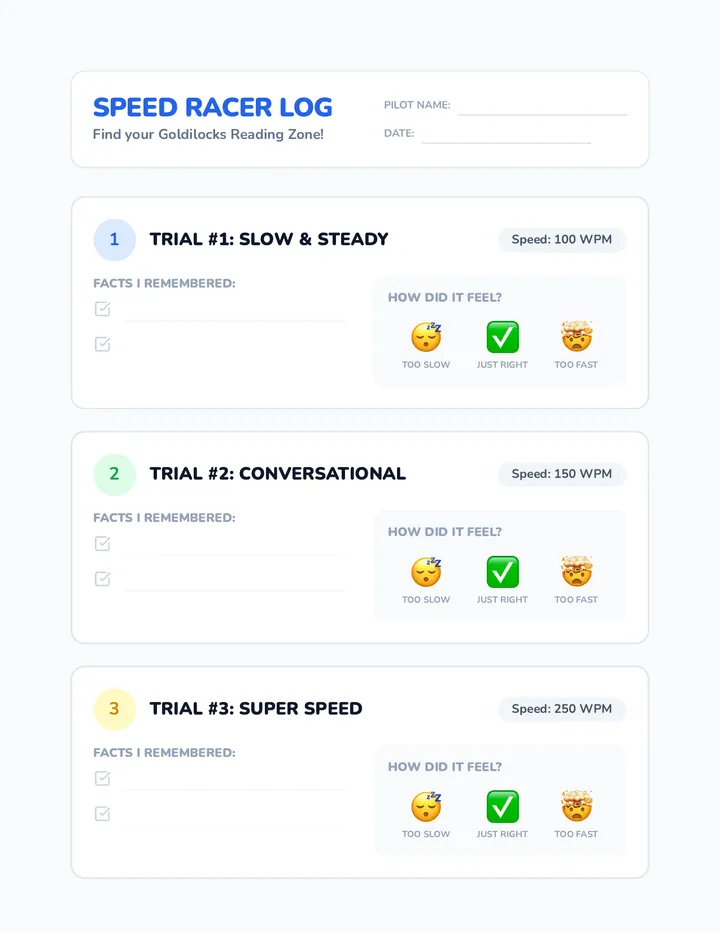
A sequence focused on empowering 3rd-grade students to customize their text-to-speech settings. Students experiment with speed, voice, and visual highlighting to create a personalized 'Assistive Tech Profile' for better reading retention and comfort.
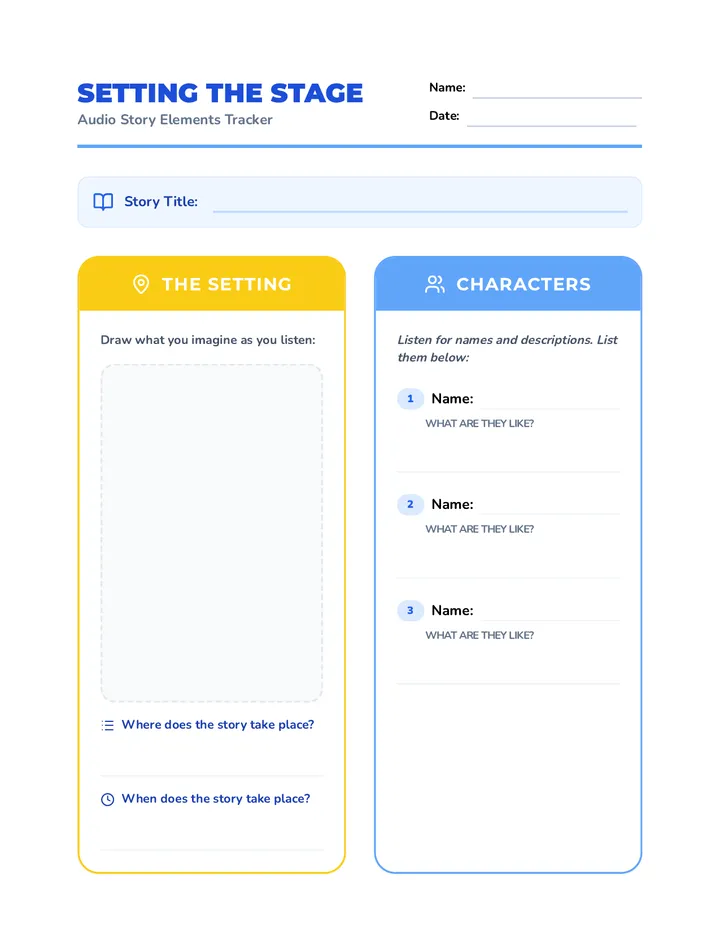
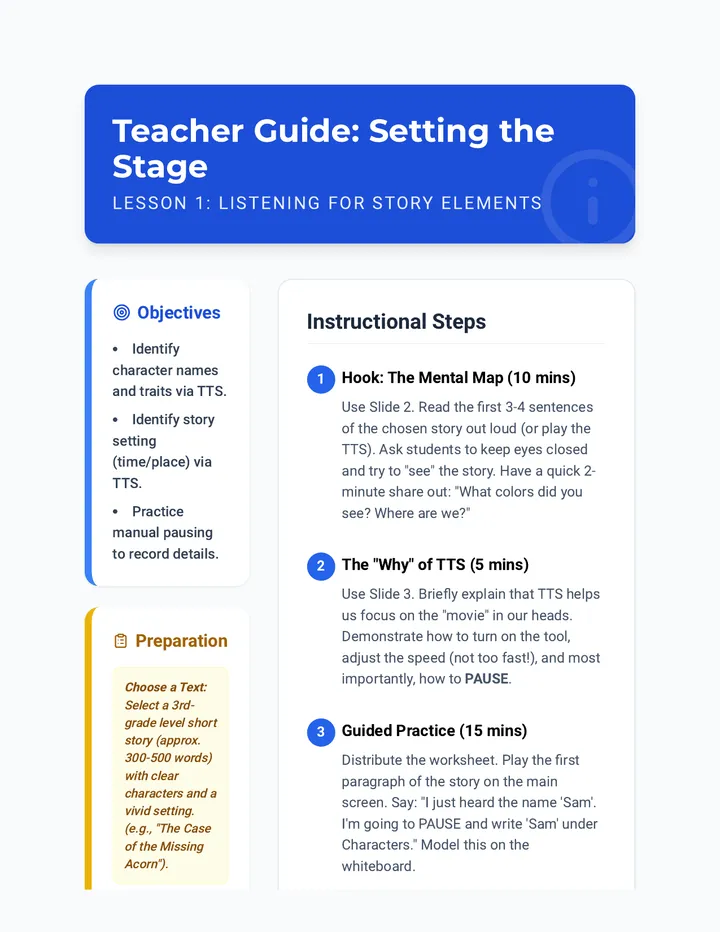
This sequence teaches 3rd-grade students how to use text-to-speech (TTS) as a strategic tool for narrative comprehension. Students learn to use audio for identifying story elements, summarizing via the 'Listen-Stop-Think' routine, citing evidence by re-listening, and visualizing descriptive text.
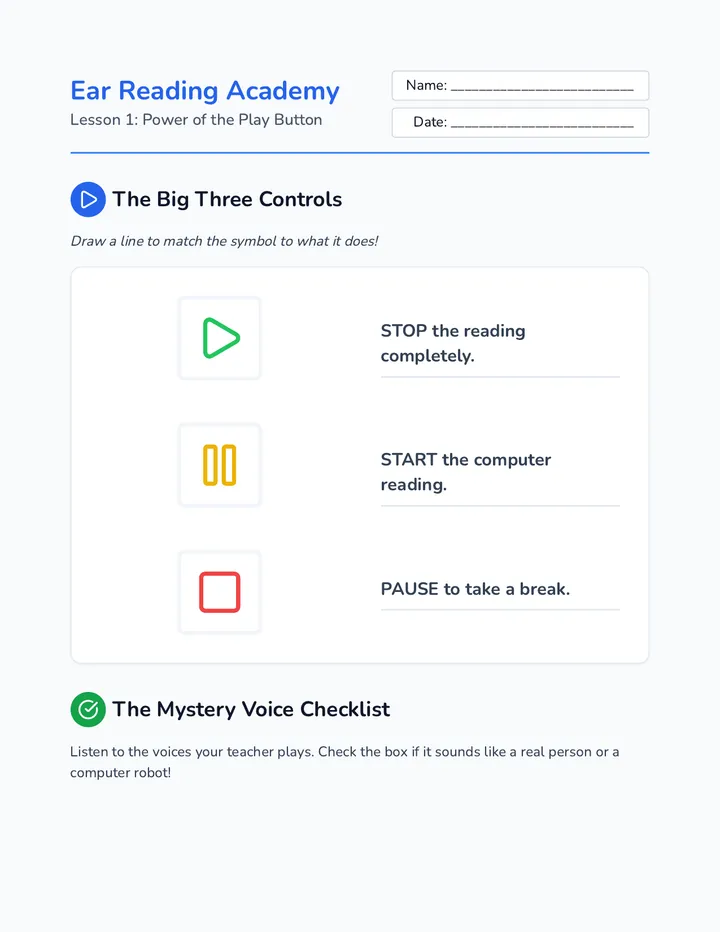
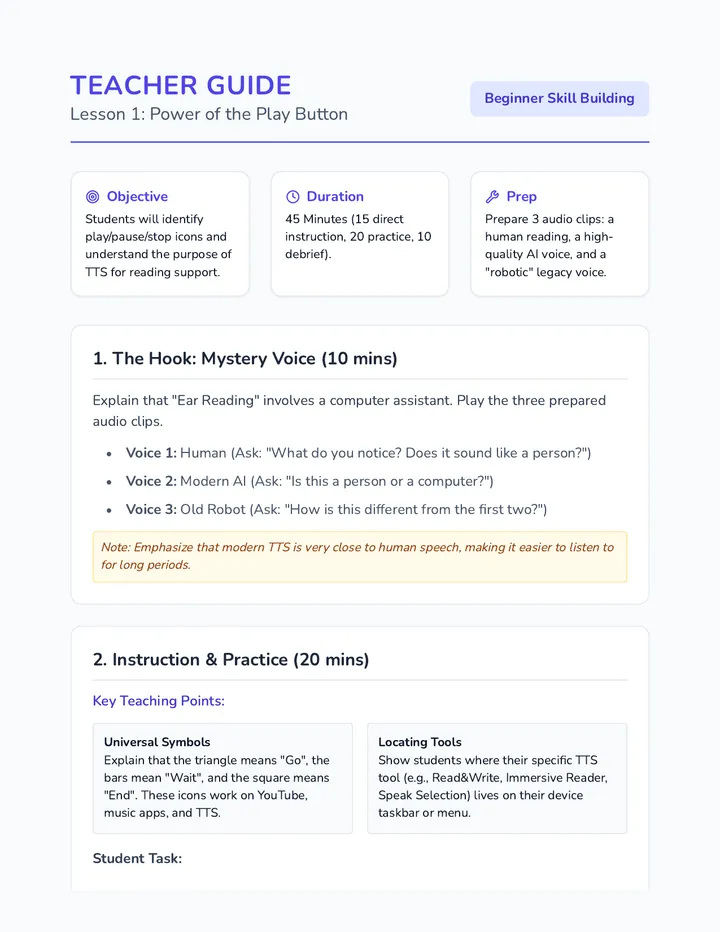
A 5-lesson sequence for 3rd graders to master text-to-speech (TTS) technology. Students progress from identifying basic controls to independent 'ear reading' with grade-level digital texts.
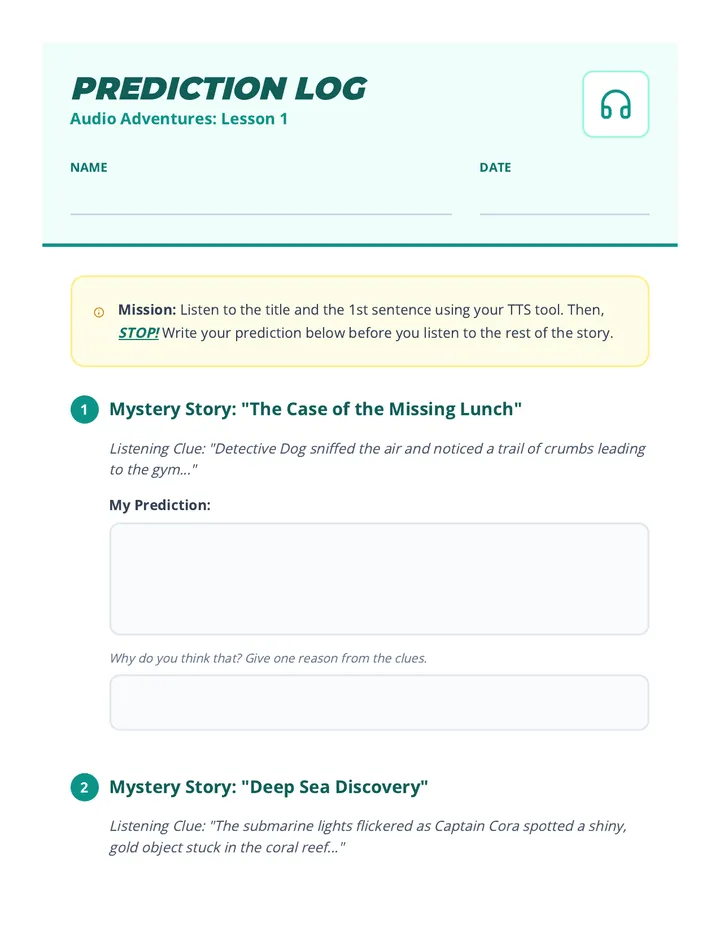
A sequence for 2nd Grade students to master text-to-speech (TTS) as a tool for reading comprehension. Students transition from decoding mechanics to deep understanding by using auditory support to predict, pause, answer questions, visualize, and sequence stories.
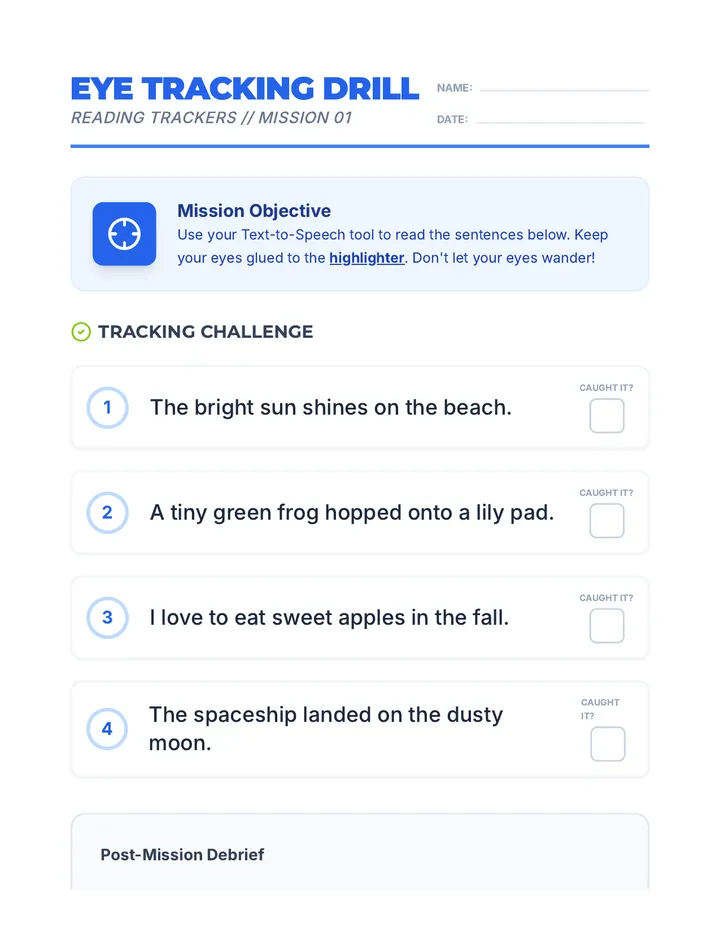
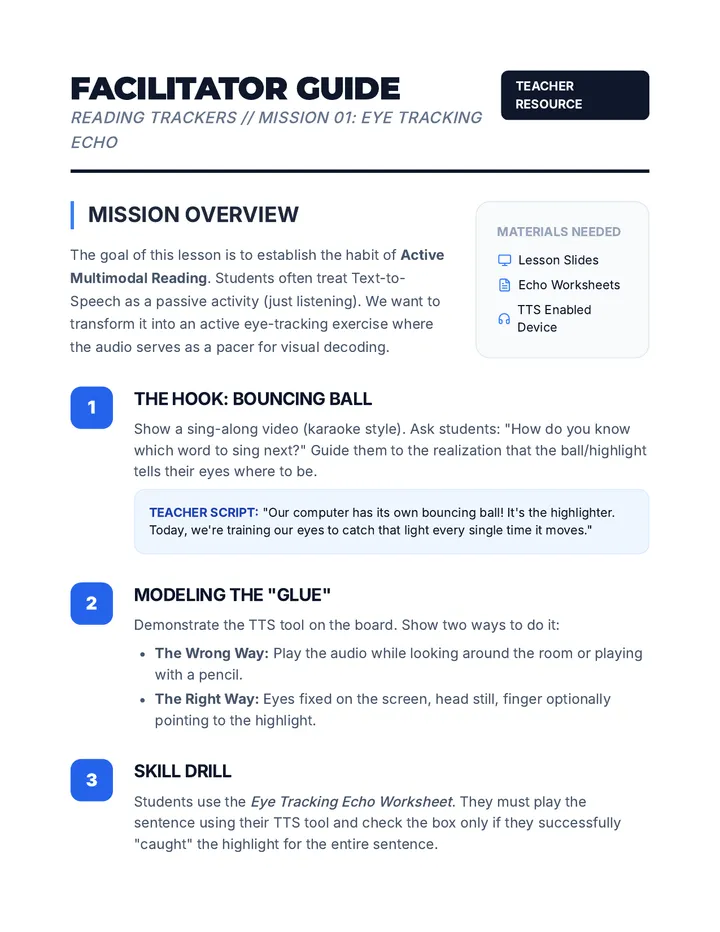
A comprehensive 2nd-grade sequence focused on mastering Text-to-Speech (TTS) tools. Students learn to synchronize visual tracking with audio, adjust speech rates for optimal processing, and use digital tools to support decoding and fluency.
A project-based unit where 6th-grade students use text-to-speech technology to access and analyze complex informational texts. Students develop research skills, digital literacy, and metacognitive awareness of their own learning tools.
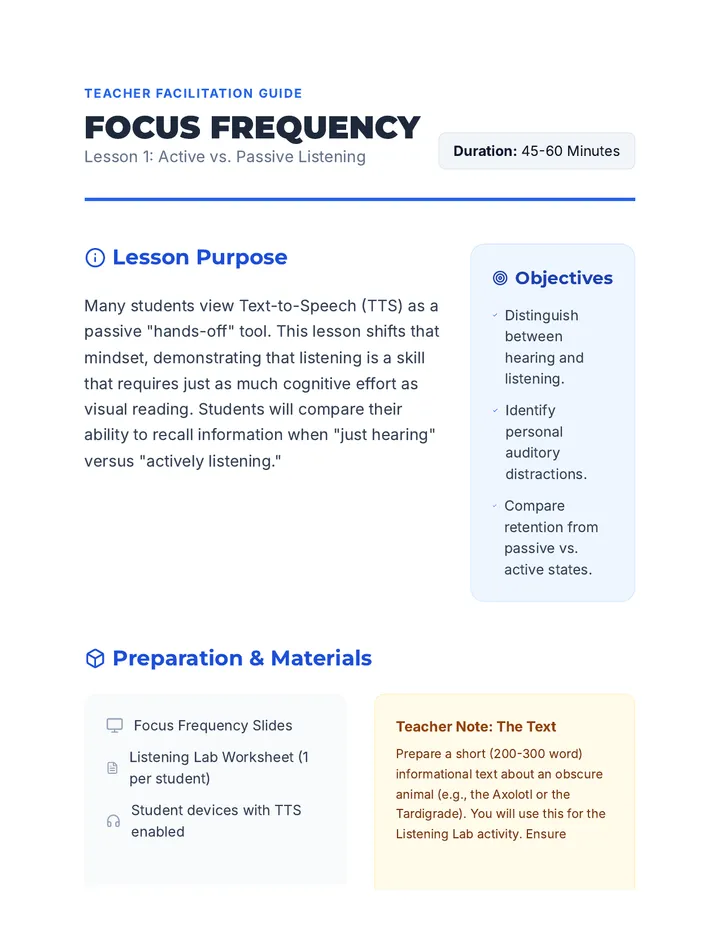
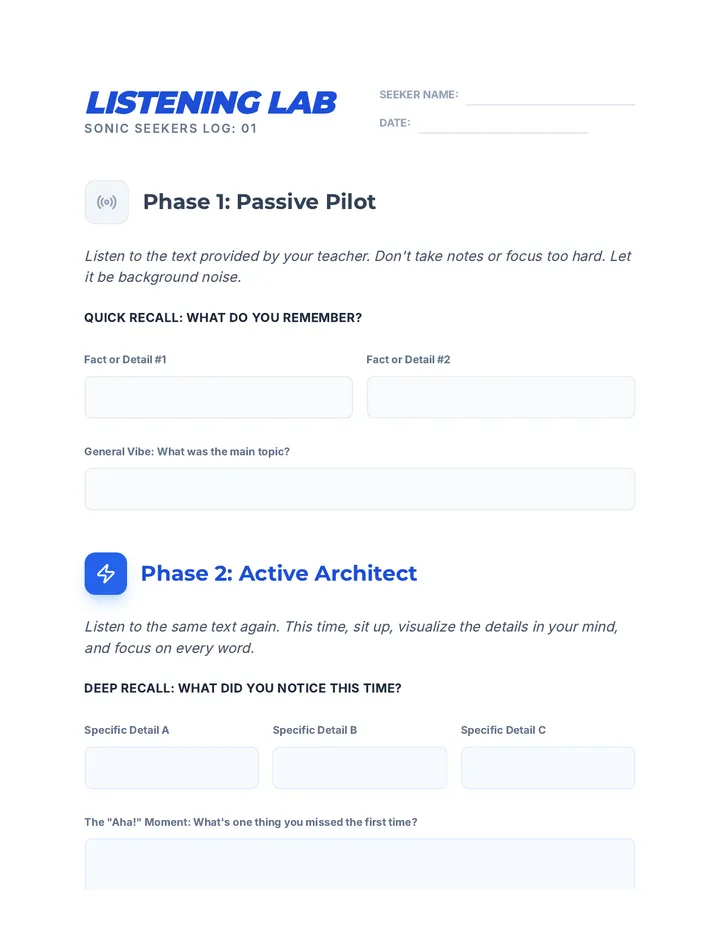
This sequence shifts the focus from assistive technology to the cognitive strategies required for auditory learning. Students engage in inquiry-based activities to distinguish between passive hearing and active listening, applying specific comprehension strategies while using text-to-speech (TTS) to access grade-level texts.
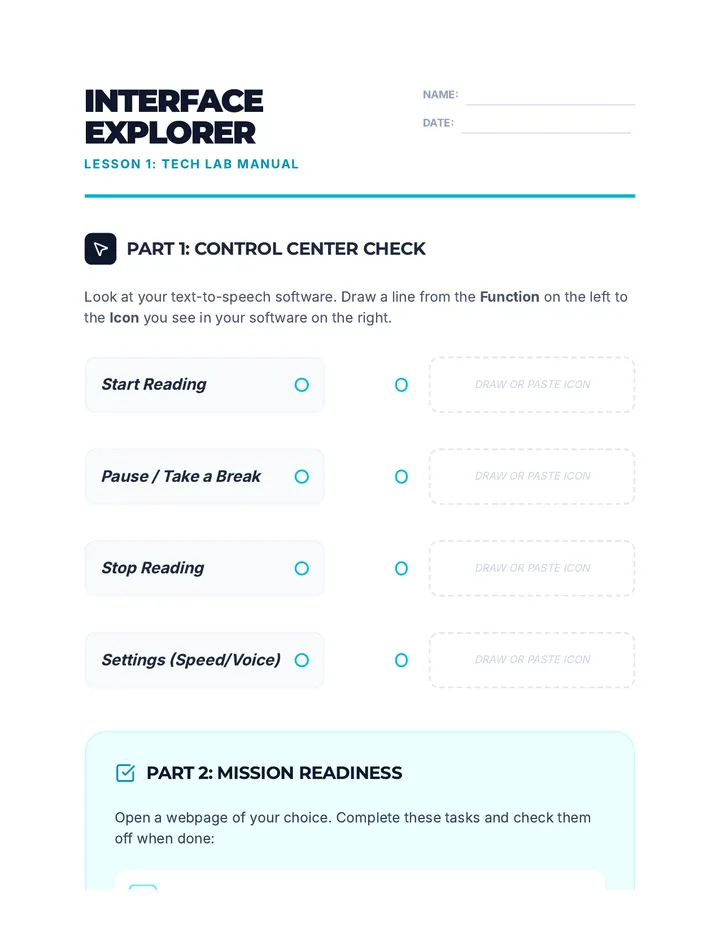
This sequence guides 6th-grade students through the technical mastery of text-to-speech (TTS) tools. It moves from basic navigation to personalized configuration, empowering students to treat assistive technology as a custom scaffold for their unique learning styles.
A comprehensive sequence for 4th-grade students to master Text-to-Speech (TTS) assistive technology. Students learn to navigate complex text features, clean up cluttered webpages, tackle math word problems, conduct research, and take effective notes using auditory tools.
A 5-lesson inquiry-based sequence for 4th graders to explore and customize text-to-speech (TTS) settings, focusing on self-advocacy and personal learning profiles.
A 4th-grade sequence focused on using Text-to-Speech (TTS) technology as a multi-sensory reading comprehension tool. Students learn to synchronize visual tracking with audio, visualize content through pauses, clarify vocabulary, re-read for evidence, and summarize narratives.
This sequence empowers 5th-grade students to understand, use, and advocate for Text-to-Speech (TTS) as a vital learning tool. It focuses on the distinction between fairness and sameness, identifying specific tasks where TTS is most effective, and building the social-emotional confidence to communicate needs to teachers and peers.
A 5th-grade sequence focused on using Text-to-Speech (TTS) technology as a cognitive strategy for reading comprehension. Students learn bi-modal reading, text chunking, evidence collection, and active annotation to transition from passive listening to active engagement with digital text.
This technical foundation sequence introduces 5th-grade students to text-to-speech (TTS) software, focusing on interface navigation, customization of voice settings, selective reading strategies, and independent troubleshooting. Students develop the skills to personalize digital tools to meet their individual sensory and learning needs.
This sequence equips 12th-grade students with advanced technical skills in Text-to-Speech (TTS) technology. It moves beyond basic tool usage to professional-grade workflows, including auditory calibration, OCR conversion, immersion reading, mobile synchronization, and technical troubleshooting, preparing students for the heavy reading demands of post-secondary environments.
A comprehensive transition sequence for 12th-grade students focusing on the legal, professional, and practical aspects of using Text-to-Speech (TTS) and other assistive technologies in higher education and the workplace. Students learn to advocate for their rights under the ADA and Section 504 through role-play, professional writing, and portfolio building.
A comprehensive graduate-level sequence focused on the pedagogical implementation of assistive writing technology. It shifts the focus from tool selection to instructional methodologies that scaffold digital organizers, dictation, and text-to-speech for student autonomy.
This graduate-level sequence prepares educators to evaluate and select assistive writing technologies using evidence-based frameworks like SETT. It covers the neurology of dysgraphia, technical analysis of speech-to-text and word prediction, and the legal requirements for IEP implementation.
This sequence teaches 4th-grade students how to use digital annotation tools—like highlighting, commenting, and text-to-speech—to support reading comprehension and prepare for computer-based assessments. It is designed specifically for students needing academic support or accommodations.
This sequence empowers 3rd-grade students to bypass physical writing barriers using assistive technology tools like speech-to-text, digital organizers, and word prediction. Students progress from basic dictation mechanics to publishing a fully edited personal narrative, fostering independence and confidence in their writing abilities.
A 5-lesson unit for 6th-grade students focused on mastering assistive writing technologies, including speech-to-text, word prediction, and digital graphic organizers, culminating in a personal narrative and a self-advocacy tech plan.
This sequence introduces 2nd-grade students to assistive writing technology, including speech-to-text, digital organizers, word prediction, and text-to-speech, to foster independence in writing.
A 5-lesson unit for 8th-grade students focusing on using digital tools to offload working memory and manage cognitive load. Students learn to use task managers, focus modes, sequential reminders, and assistive speech technologies to create a personalized digital workflow for school success.
This sequence teaches 2nd grade students how to identify and correct errors made by speech recognition software, transforming raw dictation into polished writing. Students act as 'Text Detectives' to master error detection, homophone correction, and hybrid editing strategies.
A comprehensive sequence for 2nd-grade students to master speech-to-text dictation across Math, Science, and Social Studies, fostering independence and self-advocacy.
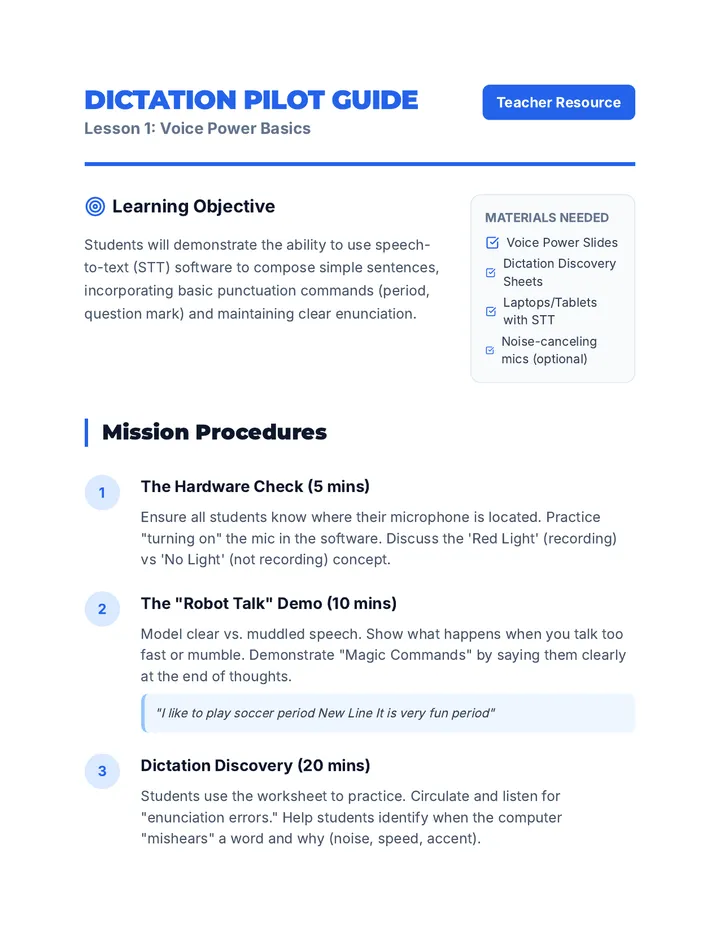
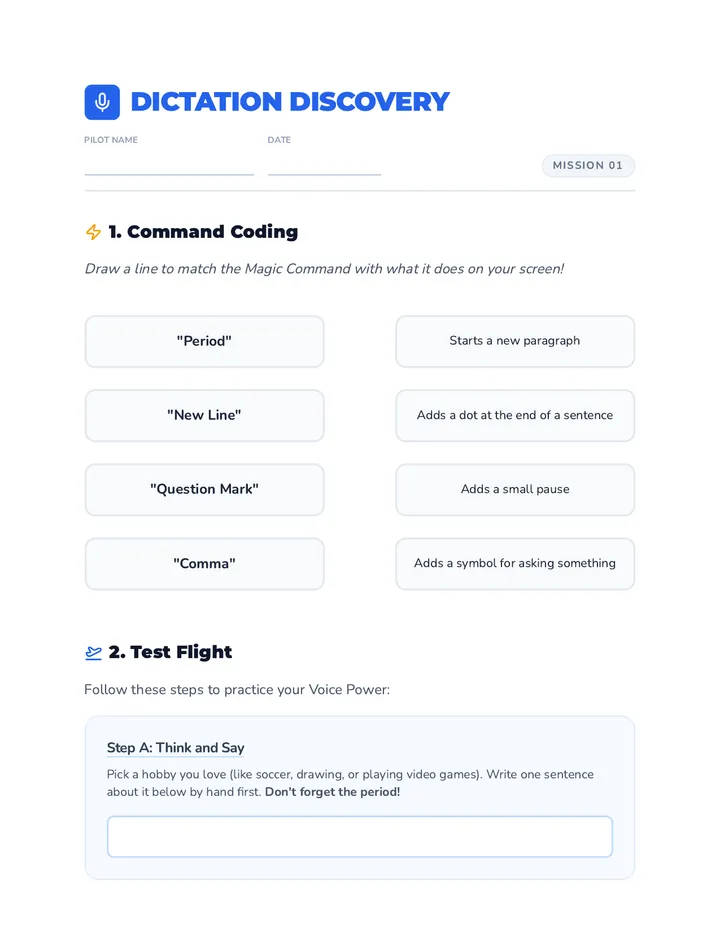
A comprehensive sequence designed for 2nd-grade students to master speech-to-text dictation commands, focusing on punctuation and basic formatting to create coherent written work using their voice.
This sequence explores the practical, ethical, and environmental considerations for implementing speech recognition technology in schools. Future educators will move beyond software mechanics to design implementation plans that address noise management, social stigma, data privacy, and UDL-based policy.
This undergraduate sequence explores the pedagogical shifts required when teaching speech-to-text (STT) technology. It focuses on the crucial 'post-production' phase of writing, moving from raw 'vomit drafts' to polished academic prose through specific error analysis, visual formatting, multimodal feedback (TTS), and hybrid editing workflows.
A comprehensive training program for future special educators on the pedagogy of speech recognition. This sequence focuses on transitioning students from traditional writing to verbal composition by addressing cognitive load, instructional modeling, command scaffolding, and error resilience.
A comprehensive sequence for undergraduate students focusing on the diagnostic and administrative aspects of implementing speech recognition as an assistive technology. Students progress from initial SETT analysis to designing trials, matching features, and writing legally defensible IEP goals.
This sequence guides pre-service teachers through the technical evaluation of speech recognition (SR) technologies, covering built-in tools, specialized software, hardware requirements, and environmental factors to make informed recommendations for K-12 students.
A comprehensive graduate-level sequence exploring the nuanced implementation of speech recognition technology for students with learning disabilities, motor impairments, speech disorders, and anxiety. The sequence emphasizes differentiation, ethical data usage, and the integration of emerging AI-driven assistive tools.
This project-based sequence prepares graduate students in Special Education to teach effective 'listen-read-edit' workflows for speech recognition technology. Participants move from identifying unique phonetic errors to designing instructional scaffolds and facilitating inclusive peer reviews for students with physical disabilities.
A graduate-level sequence focused on the clinical assessment and IEP documentation processes for speech recognition technology in Special Education. Students apply the SETT framework, conduct feature-matching, analyze fluency data, and draft legally defensible IEP goals.
A graduate-level sequence focused on the pedagogy of speech recognition. Students shift from learning the technology to designing instructional protocols that address the cognitive demands of oral composition, specifically for K-12 learners with executive function challenges.
A comprehensive sequence for undergraduate special education students focused on tailoring text engagement and annotation strategies for learners with SLD, ADHD, and visual processing needs. Students analyze case studies, evaluate assistive technologies, and design bespoke support plans.
This sequence teaches 11th-grade students with working memory challenges how to use digital tools as external memory aids. Students learn to capture, process, and execute instructions using voice-to-text, micro-tasking, auditory alarms, and visual freezing techniques.
This sequence empowers students with working memory challenges to use digital tools to linearize tasks. Students learn to offload cognitive burden by using task managers, voice assistants, QR codes, and accessibility features to focus on one step at a time.
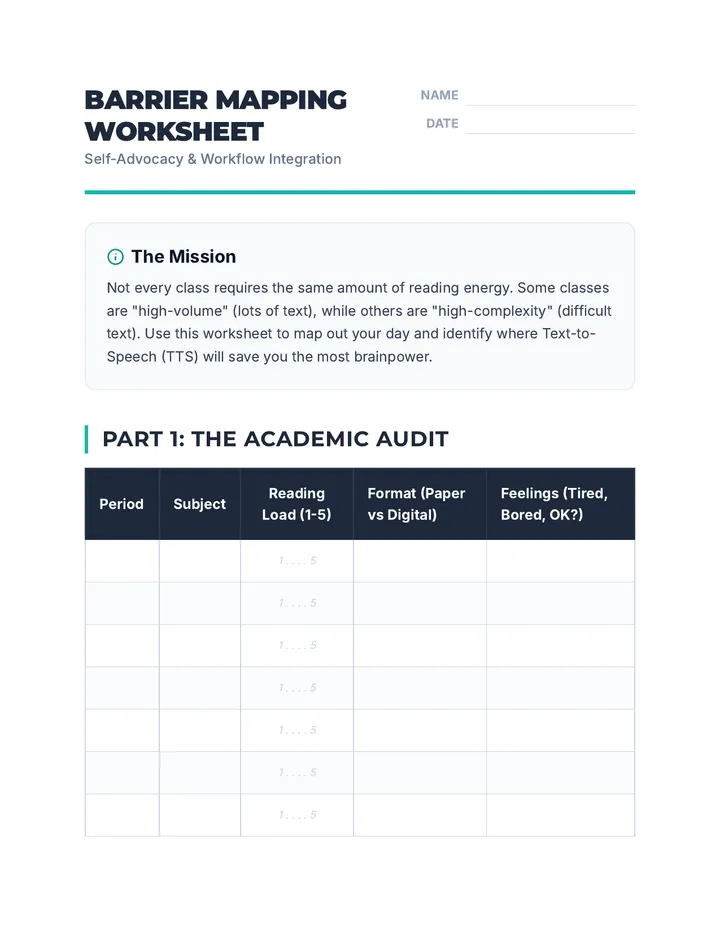
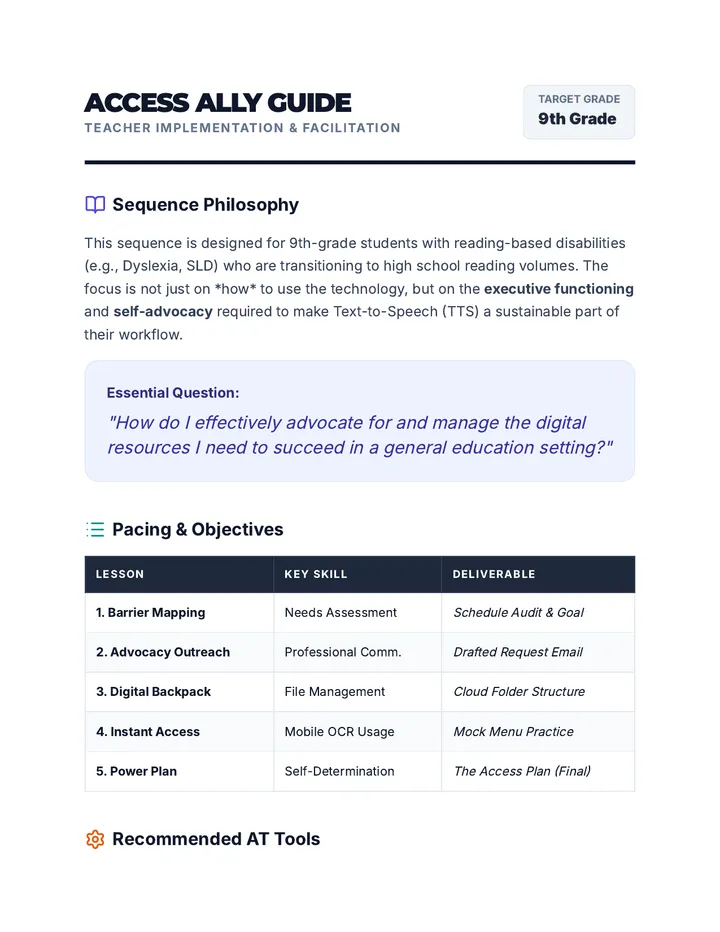
This sequence empowers 9th-grade students to integrate Text-to-Speech (TTS) into their high school workflows through self-advocacy and digital organization. Students move from identifying reading barriers in their schedules to creating a professional Access Plan for their teachers.
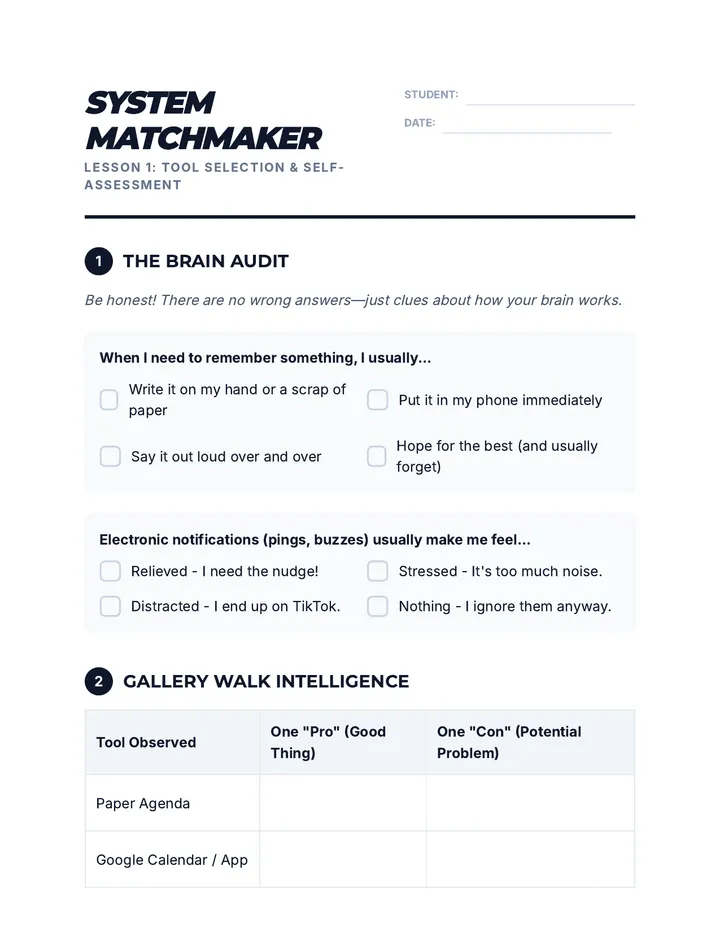
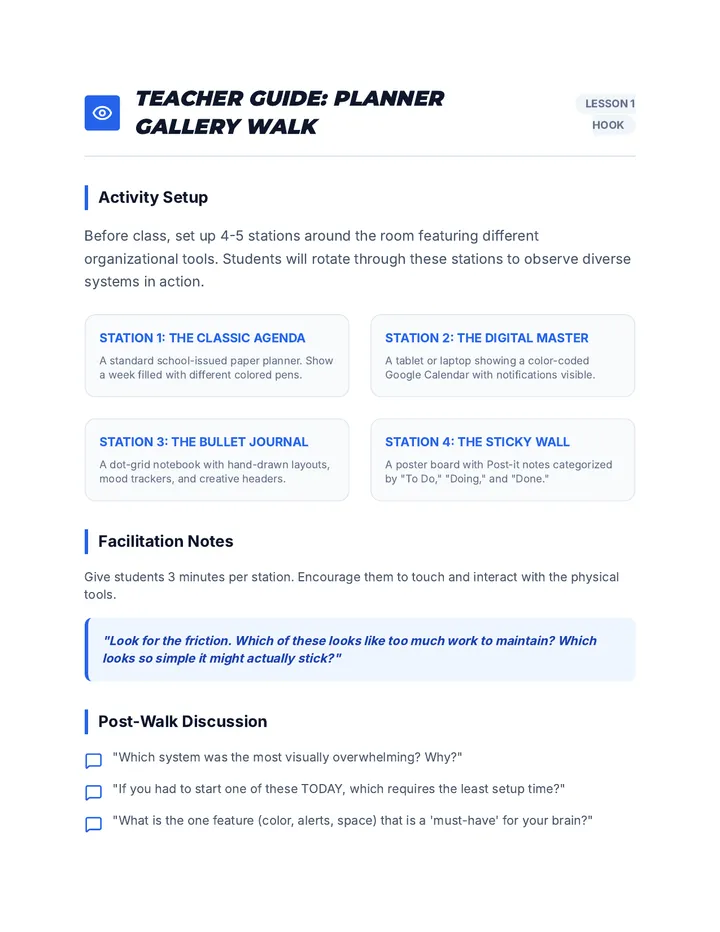
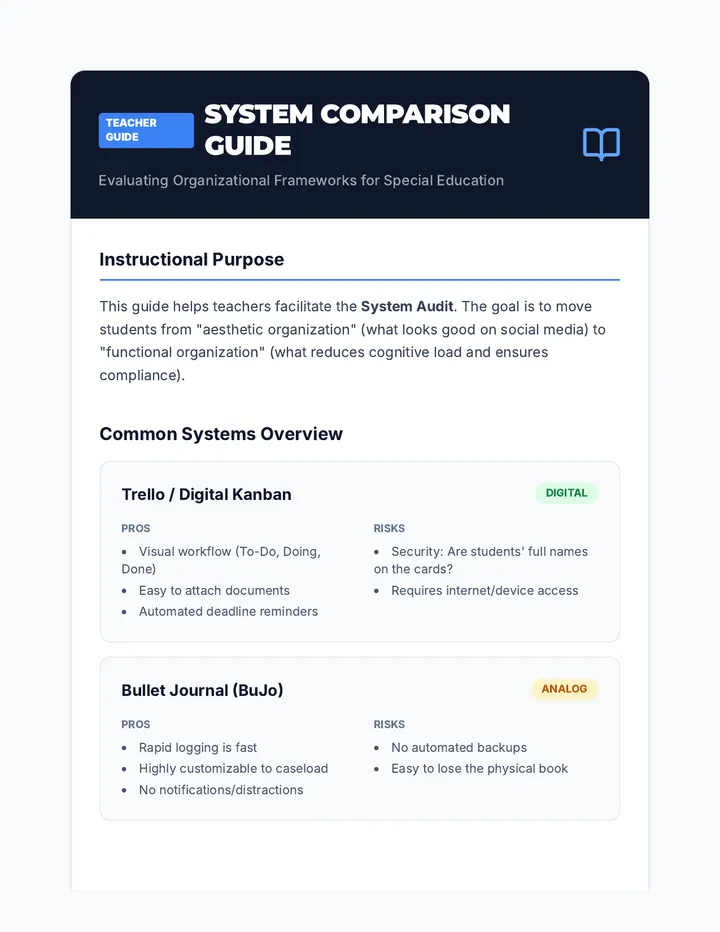
A comprehensive sequence designed to help 9th-grade students with executive function challenges develop, implement, and test personalized organizational systems. Students explore analog and digital tools, master calendar management, organize digital and physical spaces, and simulate real-world 'stress tests' to refine their chosen frameworks.
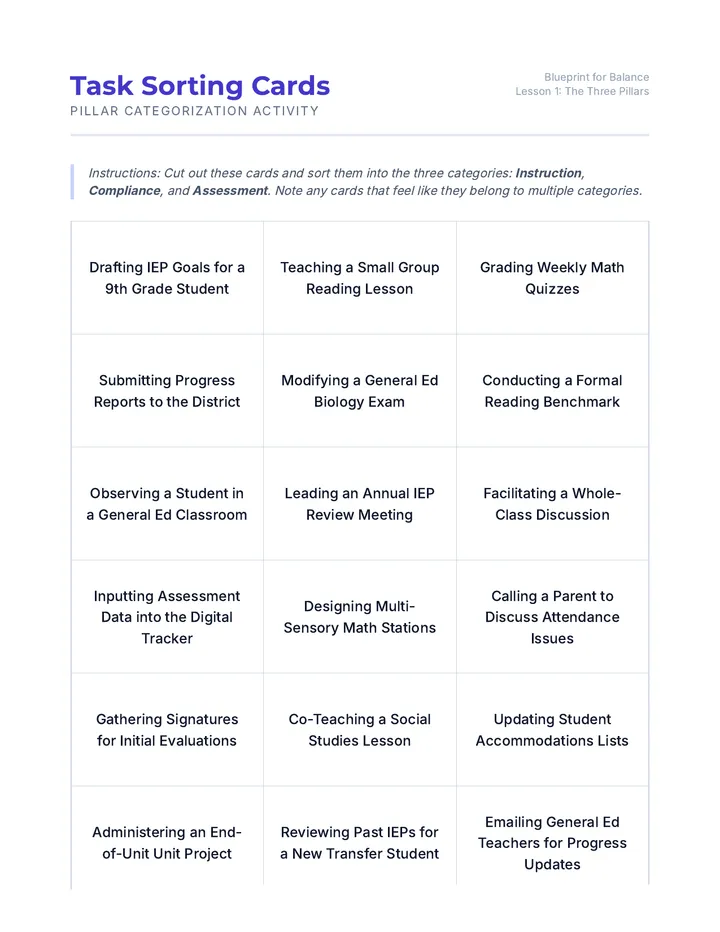
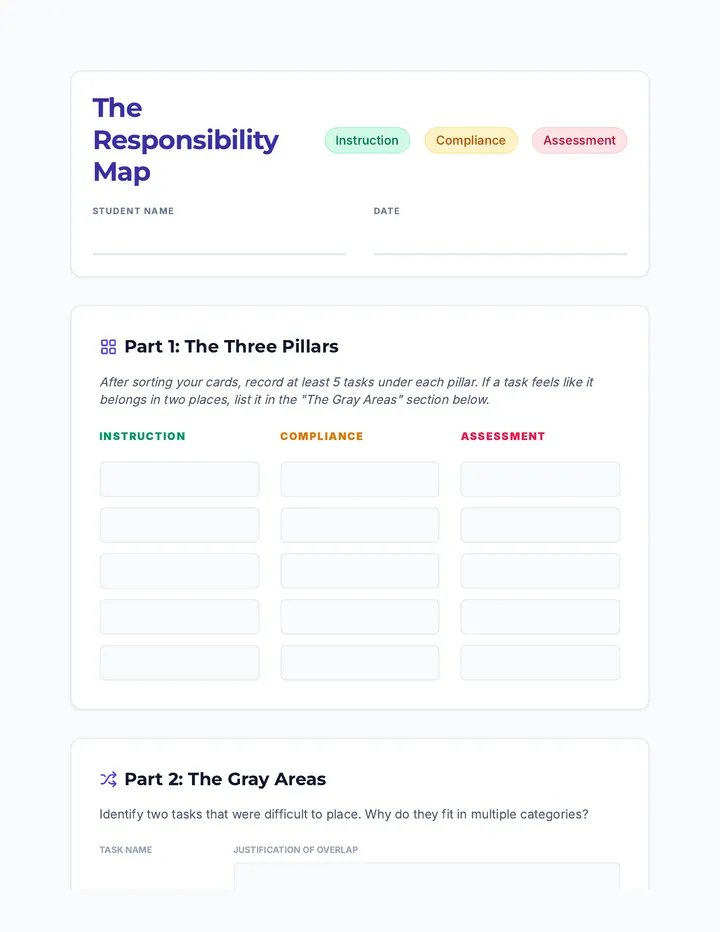
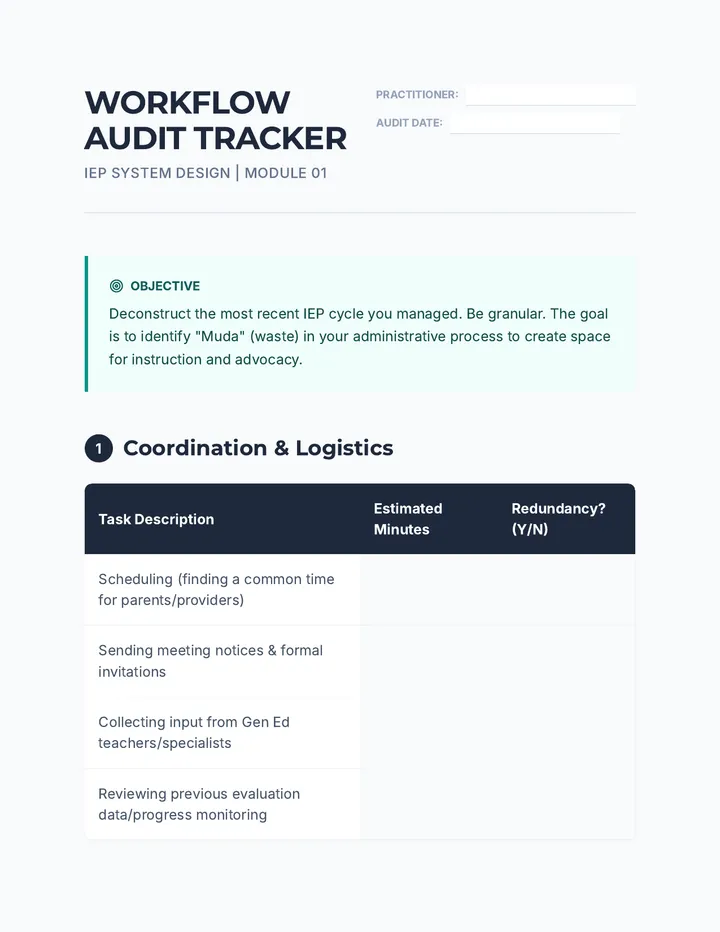
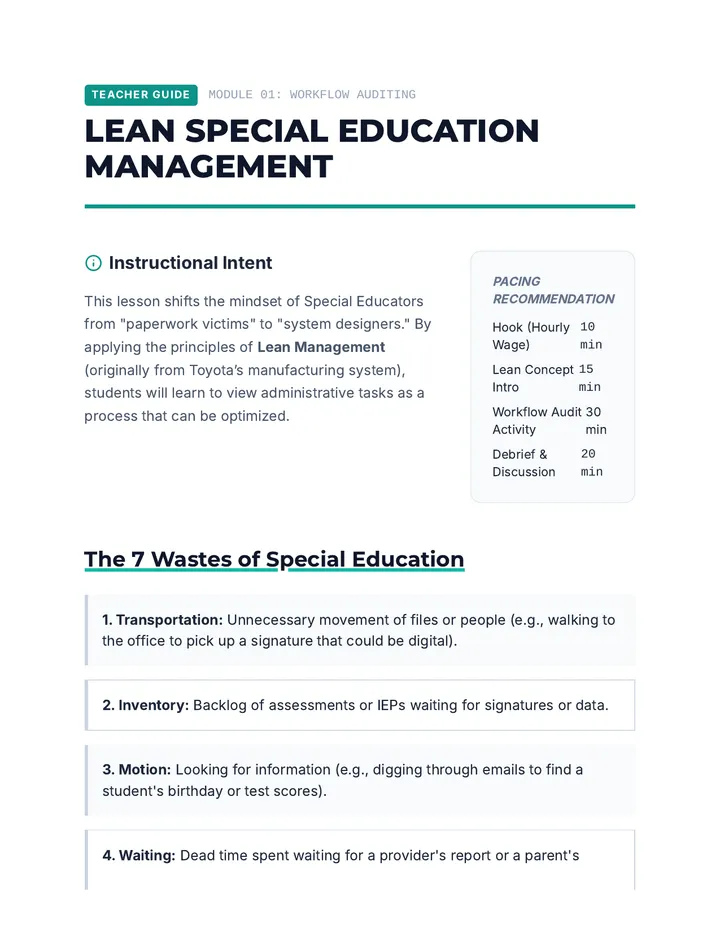
A graduate-level sequence focused on the mechanics of administrative compliance in Special Education. Students will design and implement a comprehensive IEP workflow system using project management principles, automation, and deep work strategies to prevent burnout and ensure 100% legal compliance.
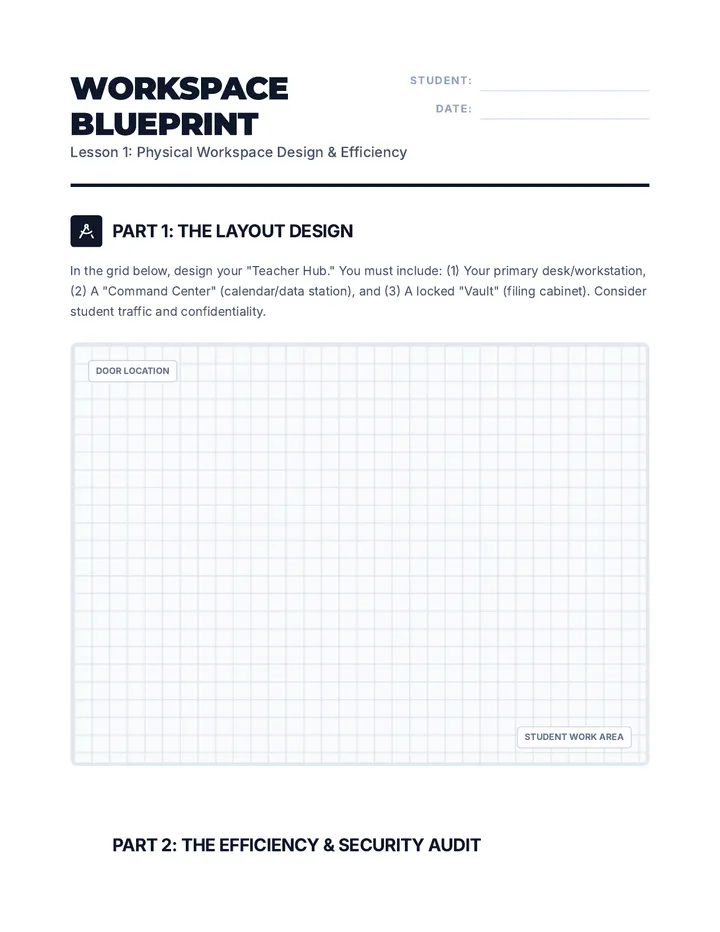
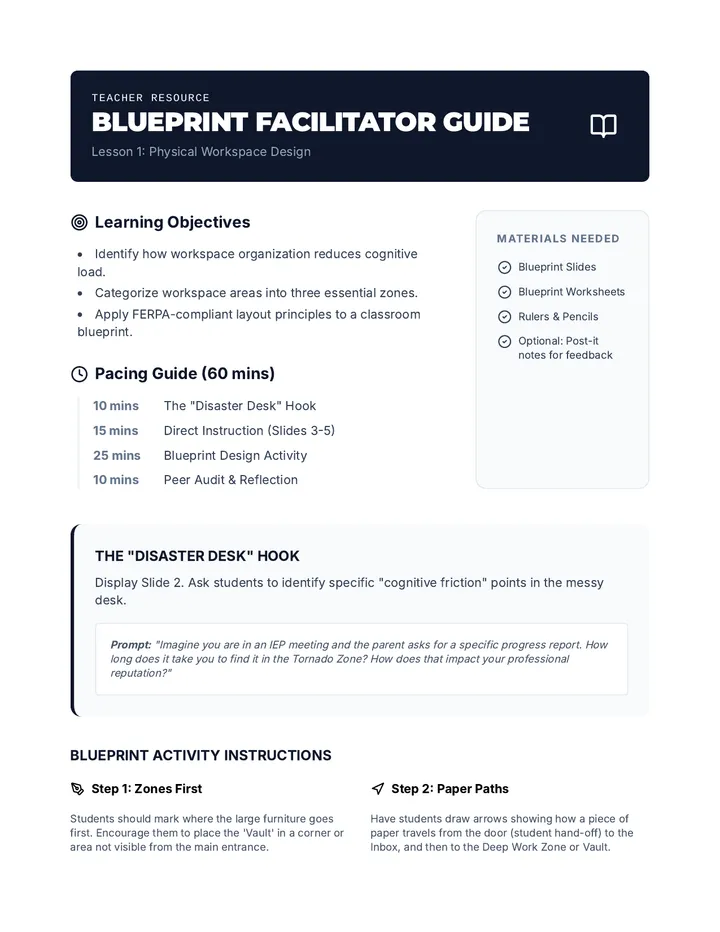
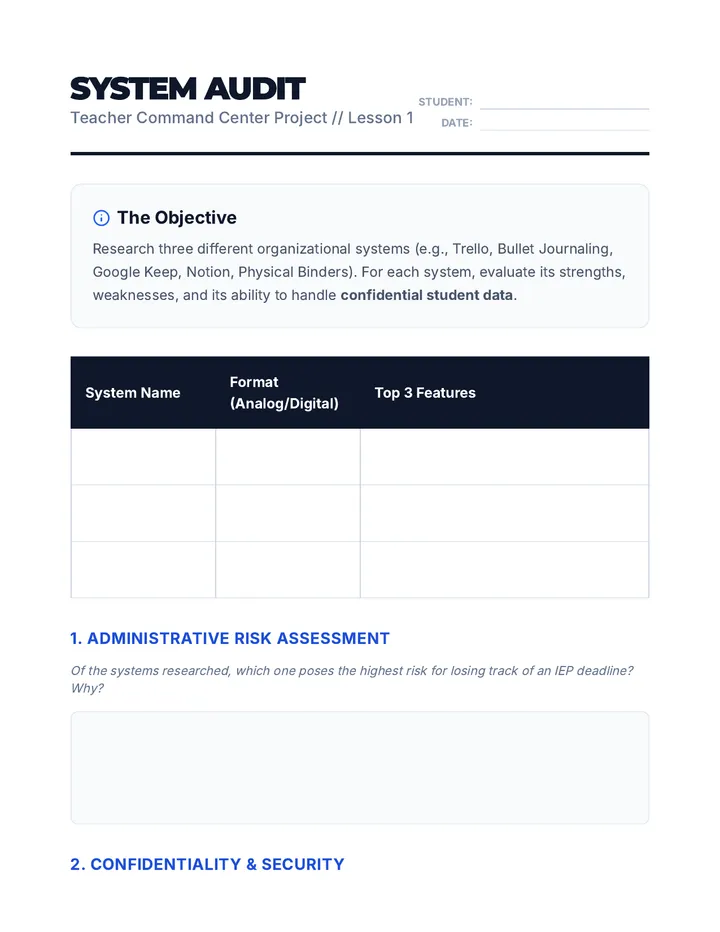
A comprehensive sequence for 11th-grade students focusing on the systems and environmental designs necessary for effective Special Education caseload management. Students explore physical workspace optimization, digital workflow tools, paperwork automation, and legal confidentiality requirements to build a personalized organizational toolkit.
Students design a comprehensive 'Teacher Command Center' for special education case management, focusing on reducing cognitive load through automated systems, checklists, and organized filing.
This sequence introduces 12th-grade students to the complex workload management required in Special Education. Students will learn to categorize tasks into instruction, compliance, and assessment pillars, improve their time estimation skills, and apply productivity strategies like time-blocking and task-batching to create a functional weekly schedule.
A project-based sequence for preservice special education teachers to design a digital organizational ecosystem. Students learn to evaluate tools, build central dashboards, automate data collection, and streamline communications to reduce administrative burden.
This sequence teaches 11th-grade students how to use digital visual systems (calendars, Kanban boards, and widgets) to support working memory and executive function. Students transition from reactive list-making to proactive visual time and task management, preparing them for the demands of college and career environments.
A project-based sequence for 10th-grade students to create external memory aids and visual anchors that compensate for working memory limitations. Students explore visual processing, color-coding, and linear design to build a personalized 'Visual Toolkit' for managing single-step directions.
A cognitive strategy sequence for 10th-grade students focused on deconstructing complex academic prompts into manageable single-step tasks to support working memory and executive function.
A 5-lesson sequence for 12th-grade students with working memory challenges, focusing on using assistive technology to break down complex tasks into manageable single-step directions. Students explore checklists, voice assistants, photo-based instructions, and QR codes to build independence through digital literacy.
An advanced sequence for graduate students exploring the intersection of Assistive Technology and systems-level collaboration to support student task prioritization and executive functioning.
A graduate-level sequence exploring how assistive technology (AT) supports executive functioning and multi-day project management in special education. Students will evaluate tools, configure reminders, explore AI integration, and design implementation plans for diverse learners.
A vocational-readiness sequence for 9th-grade students focusing on mastering assistive technology through keyboard shortcuts in professional communication tools (email and calendar). Students develop digital independence by learning to manage high-volume communication without mouse interaction, preparing them for workplace efficiency and accessibility.
This undergraduate-level sequence explores the cognitive science and practical implementation of spaced repetition systems (SRS) in special education contexts. Pre-service teachers will learn to design analog and digital memory supports tailored to students with working memory deficits and learning disabilities, ultimately creating integrated retention strategies for the core curriculum.
This simulation-based sequence immerses 3rd-grade students in the role of 'Time Travelers' to master digital calendars and reminder systems. Students learn to distinguish between tasks and events, manage time blindness through alerts, and organize their schedules using visual color coding and flexible editing.
A 9th-grade sequence focused on using digital tools and external aids to compensate for working memory limitations. Students learn to offload cognitive load using transcription, sequential reminders, logic-based planning, and strategic tutorial navigation to build a personalized 'external brain'.