Implementation of AAC device navigation, symbol-word communication, and speech recognition for text editing. Builds proficiency in keyboard shortcuts, text-to-speech reading supports, and digital organization through productivity apps and calendars.
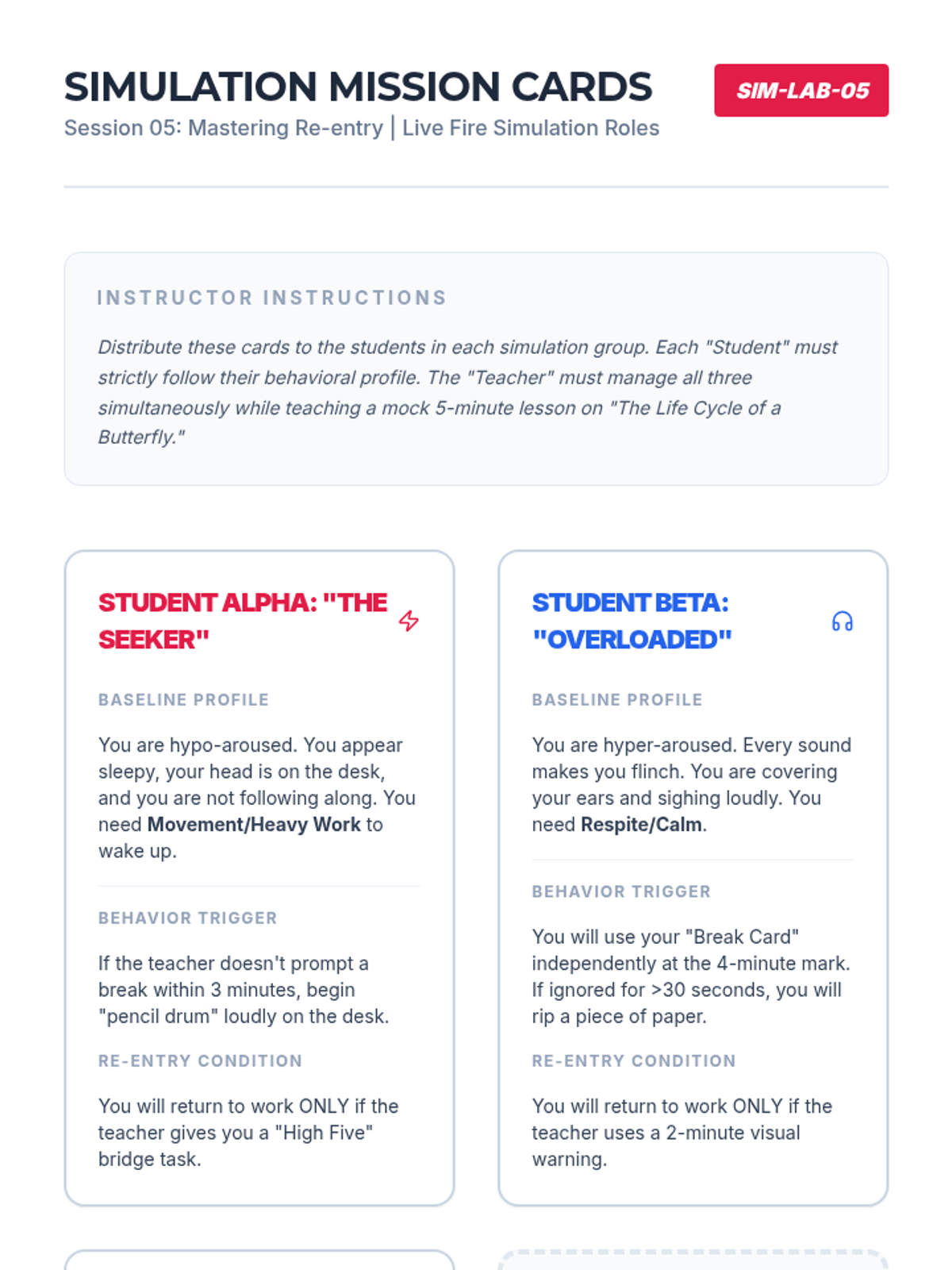
Simulation challenge cards for a role-playing activity where students practice managing different student profiles during transition periods.
A presentation deck for the culminating lesson, focusing on re-entry protocols and a whole-class simulation activity.
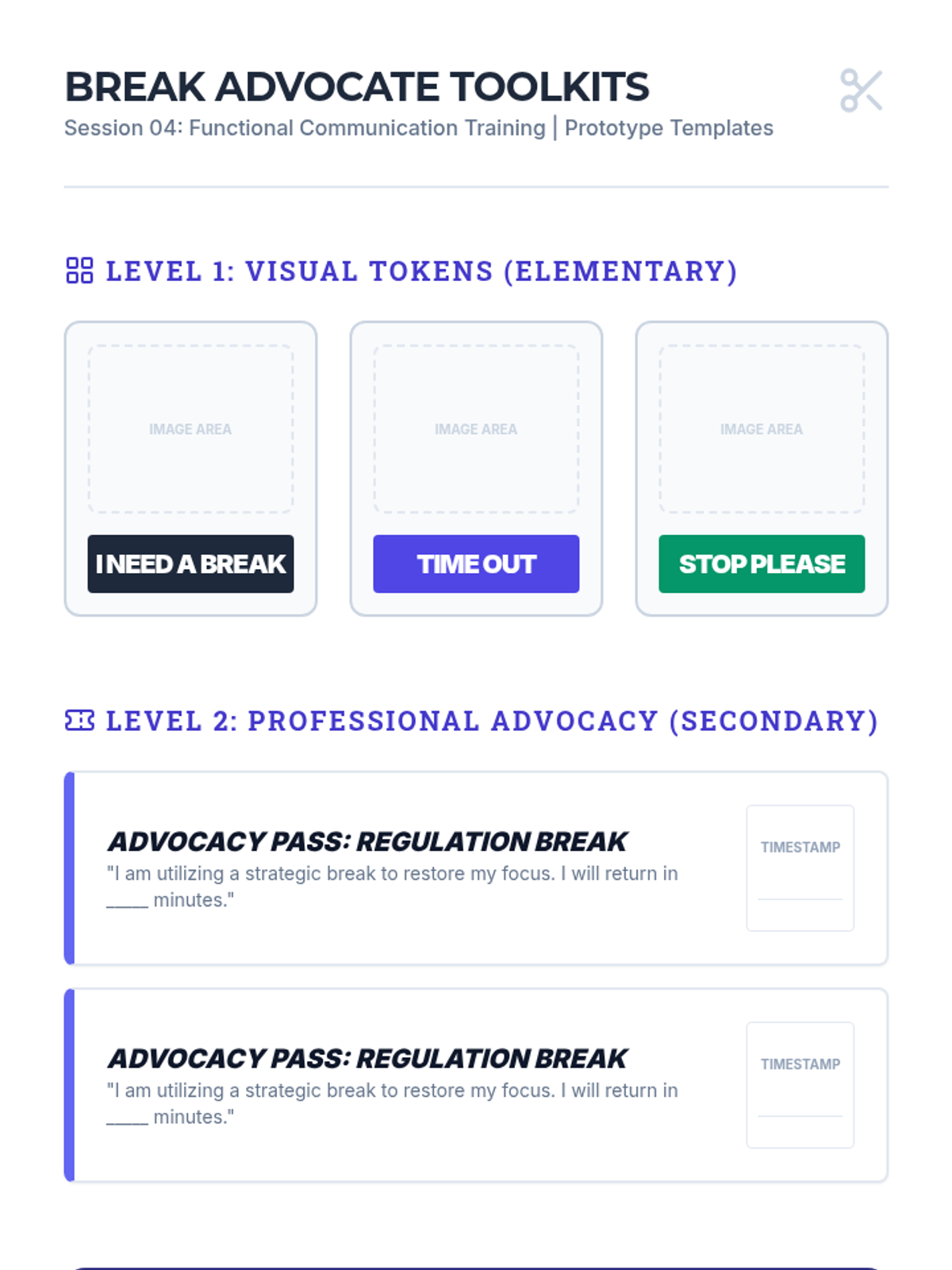
A set of printable break card templates and role-play simulation scenarios for teaching functional communication.
A presentation deck for undergraduate education students exploring Functional Communication Training (FCT) and self-advocacy for breaks.
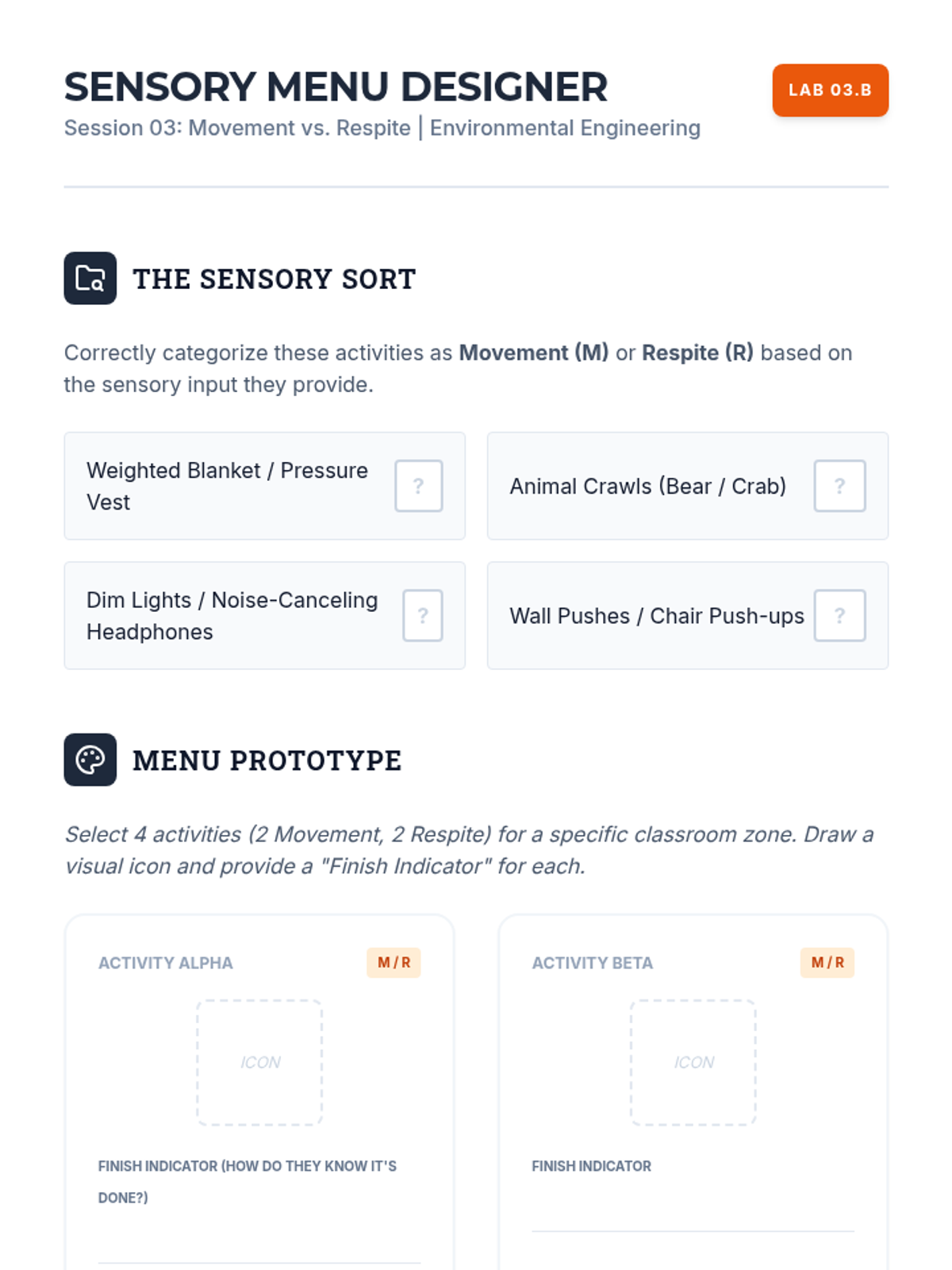
A design workshop handout for categorizing and creating a visual 'Break Menu' with movement and respite activities.
A presentation deck for undergraduate education students exploring the categorization of break activities into movement and respite.
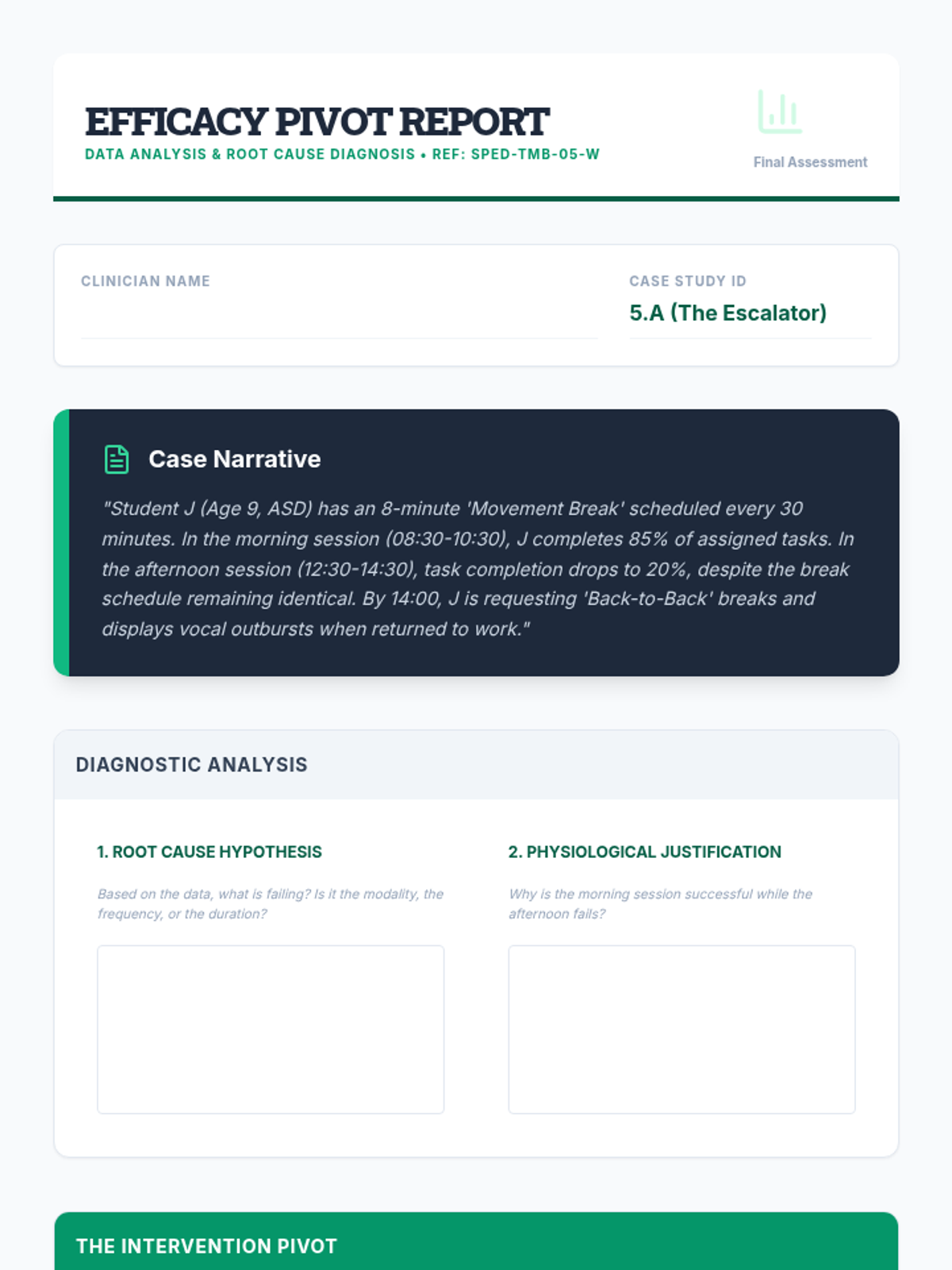
Graduate-level case study analysis worksheet where students analyze sample data sets to propose intervention pivots based on efficacy.
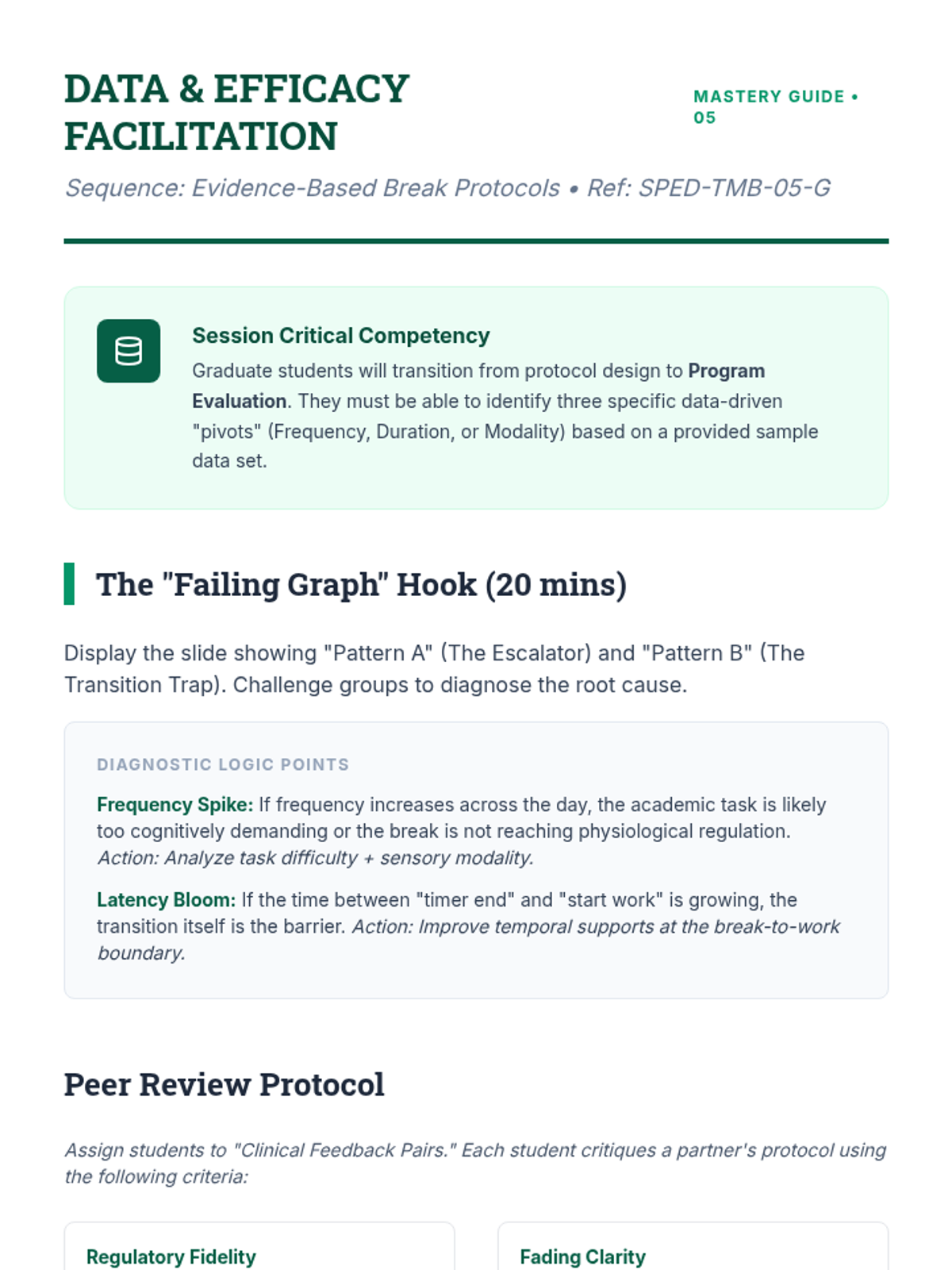
Teacher facilitation guide for Lesson 5, providing instructions for the root-cause data analysis exercise and a peer-review framework for the final break protocols.
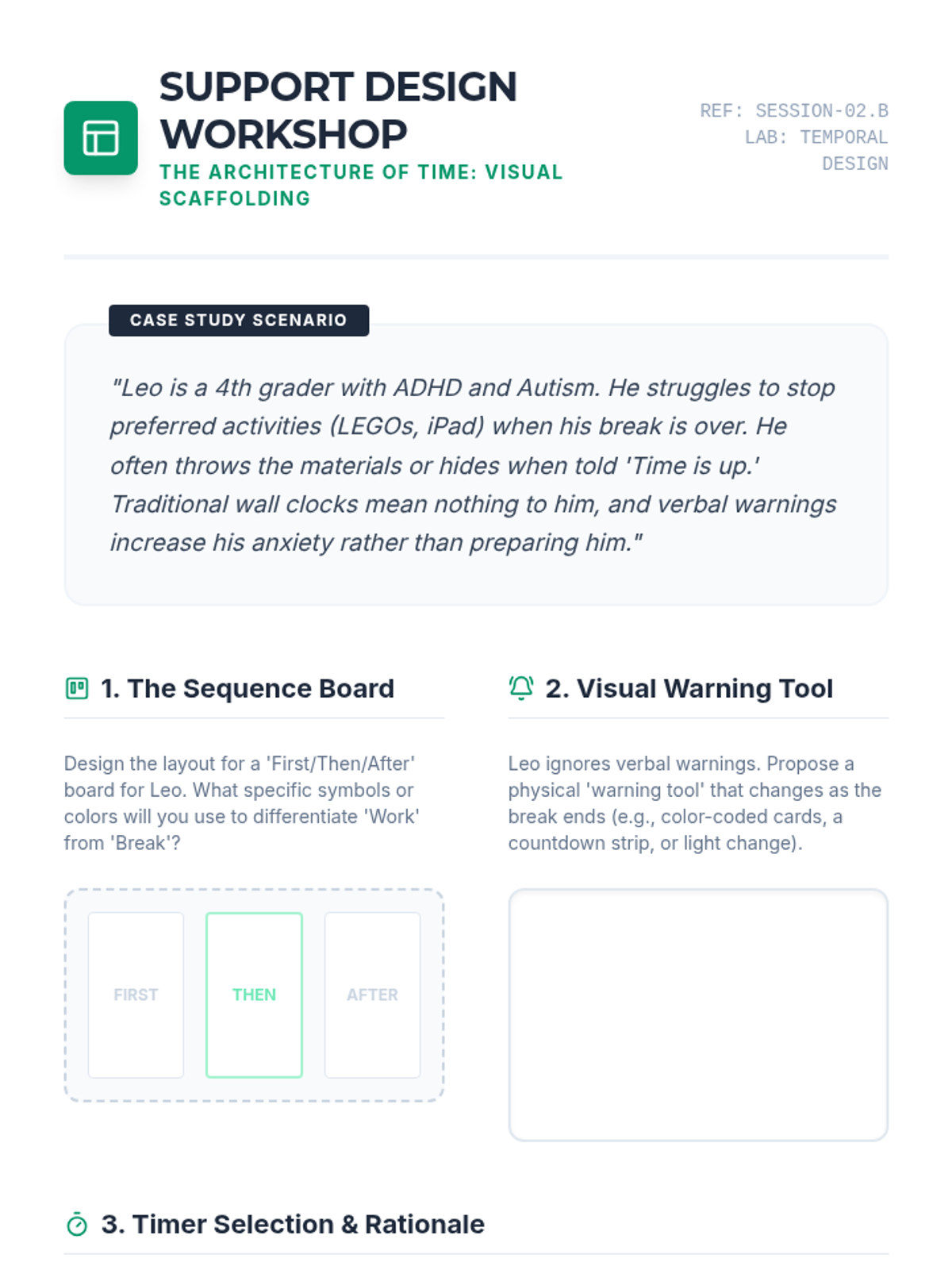
A design workshop handout where students create a personalized visual support system for a case-study student, selecting timers and designing schedules.
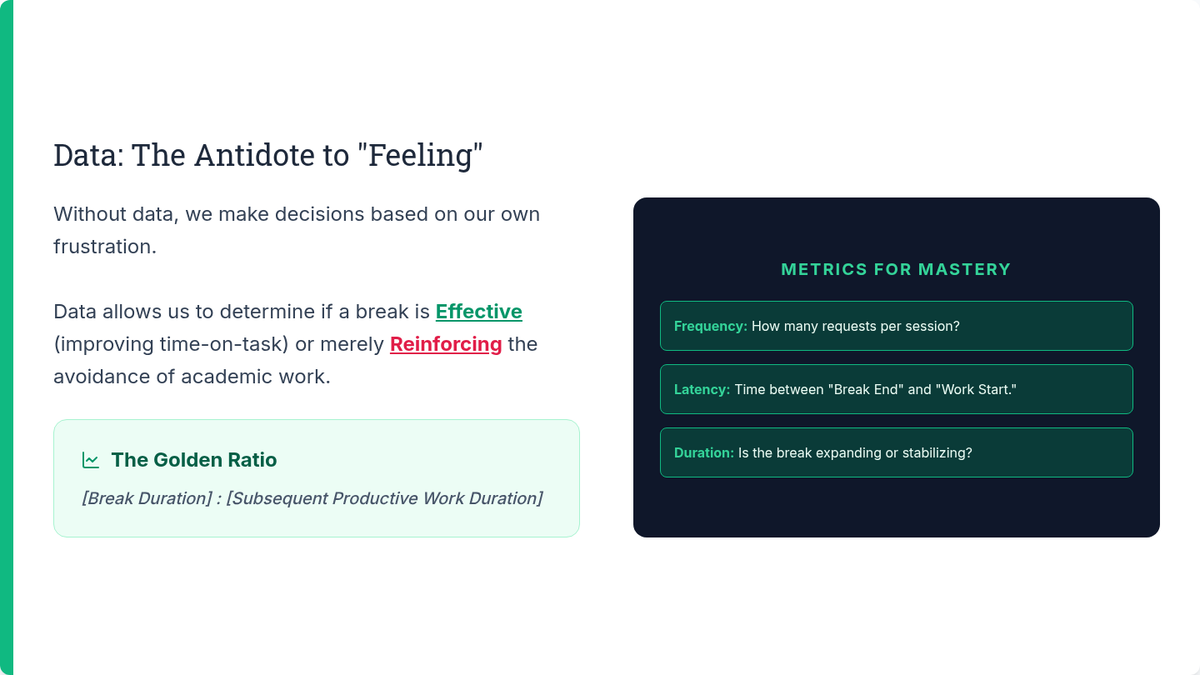
Slides for Lesson 5 focusing on analyzing latency, duration, and frequency data to evaluate break protocol effectiveness. Highlights diagnostic patterns and pivot strategies.
A presentation deck focusing on the use of visual timers and schedules to make time concrete for students during breaks and transitions.
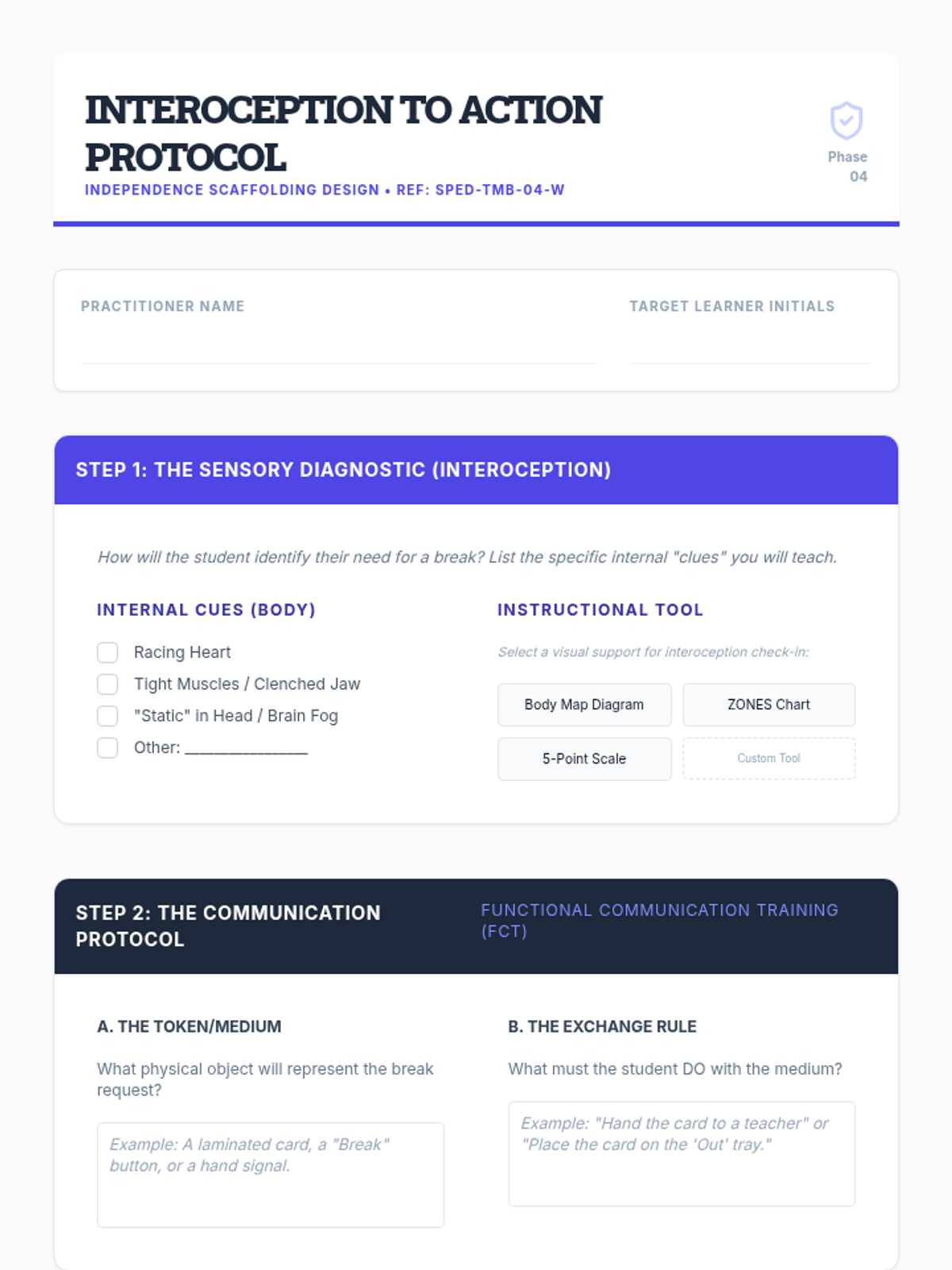
Design template for graduate students to create a specific self-regulation protocol for a student, focusing on the transition from interoception to communication.
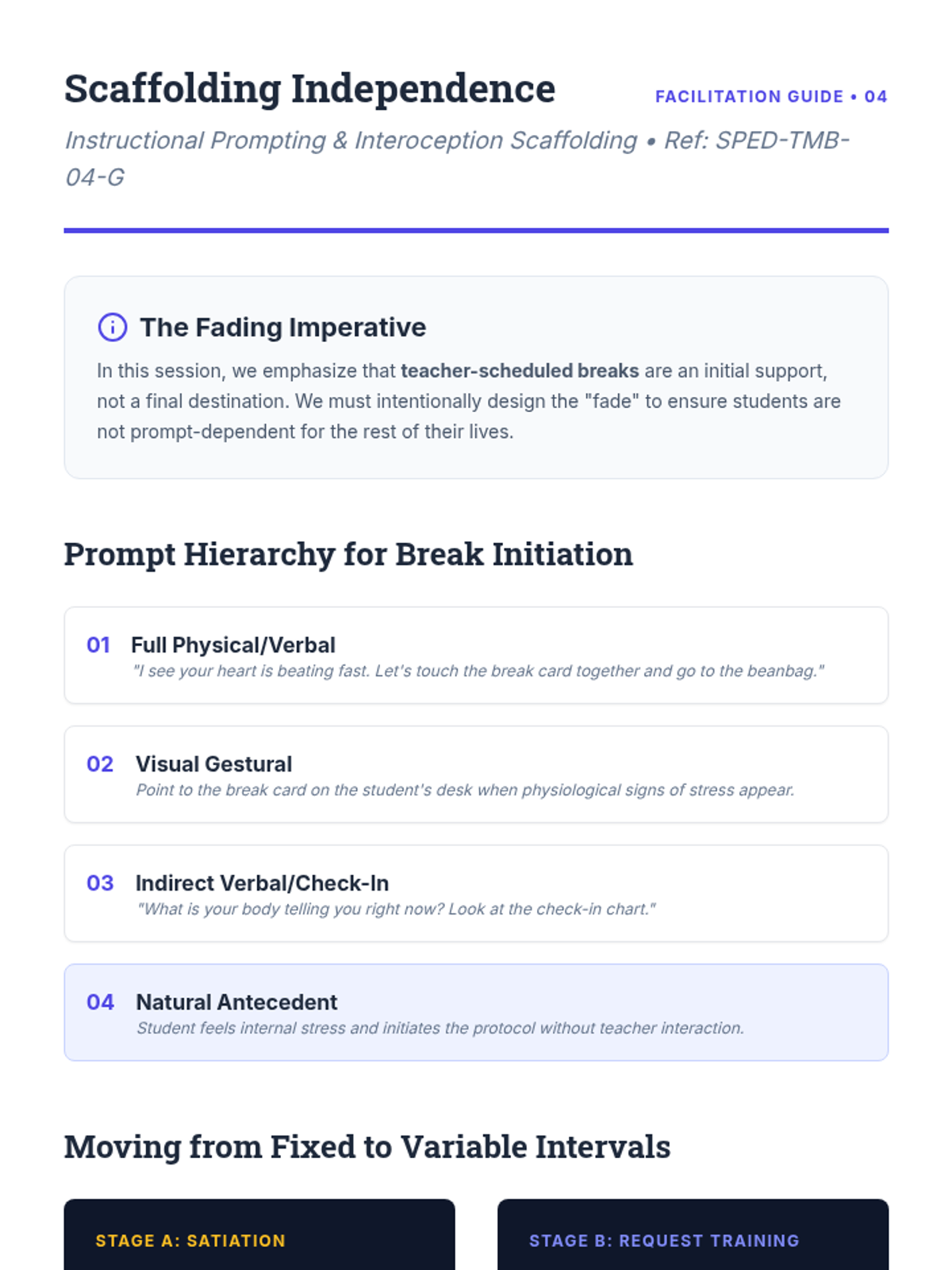
Teacher facilitation guide for Lesson 4, providing instructions for the prompt-fading hierarchy and interoception awareness exercises.
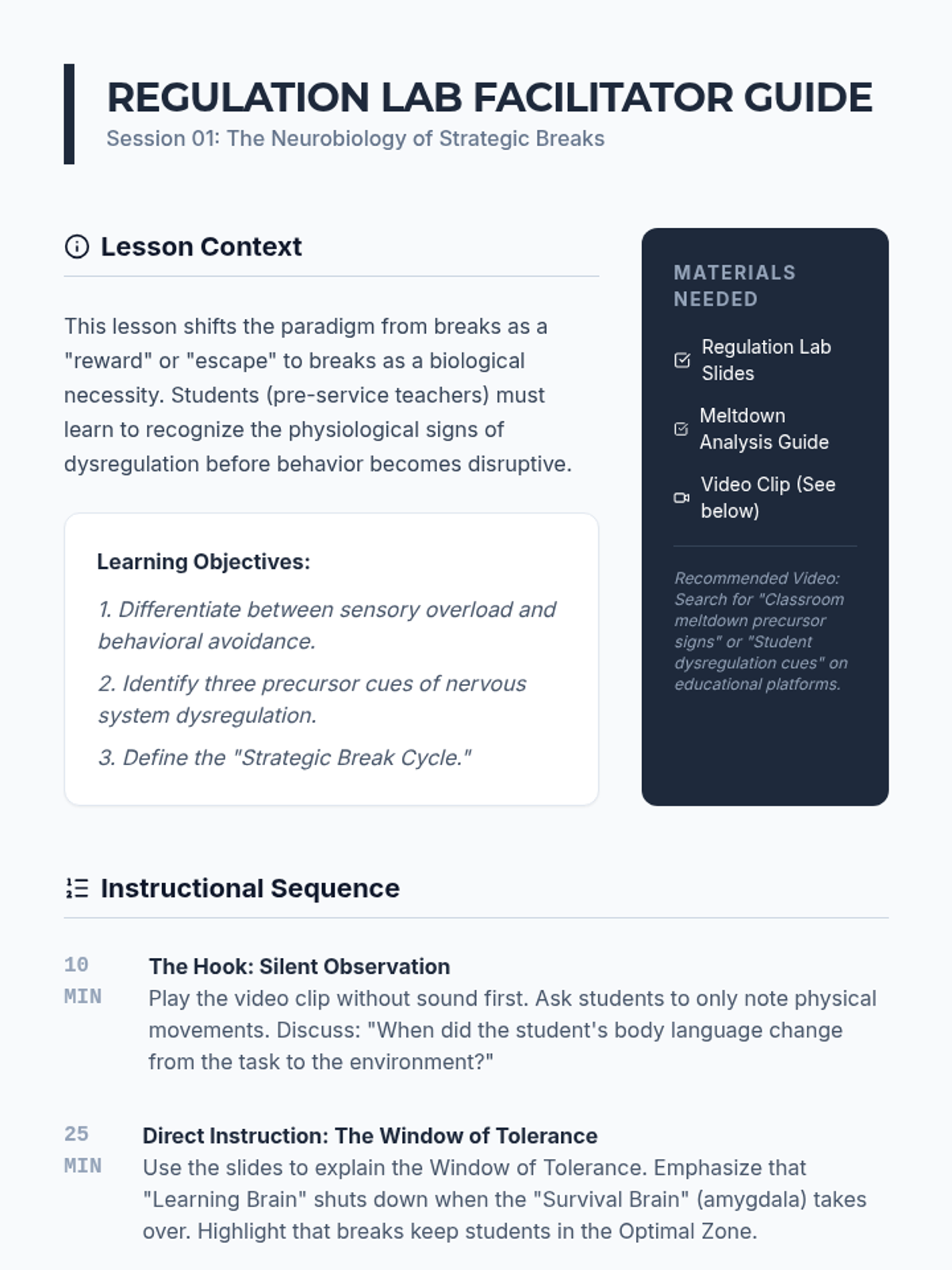
A facilitator guide for the Regulation Lab lesson, providing instructional timing, discussion prompts, and differentiation strategies for undergraduate instructors.
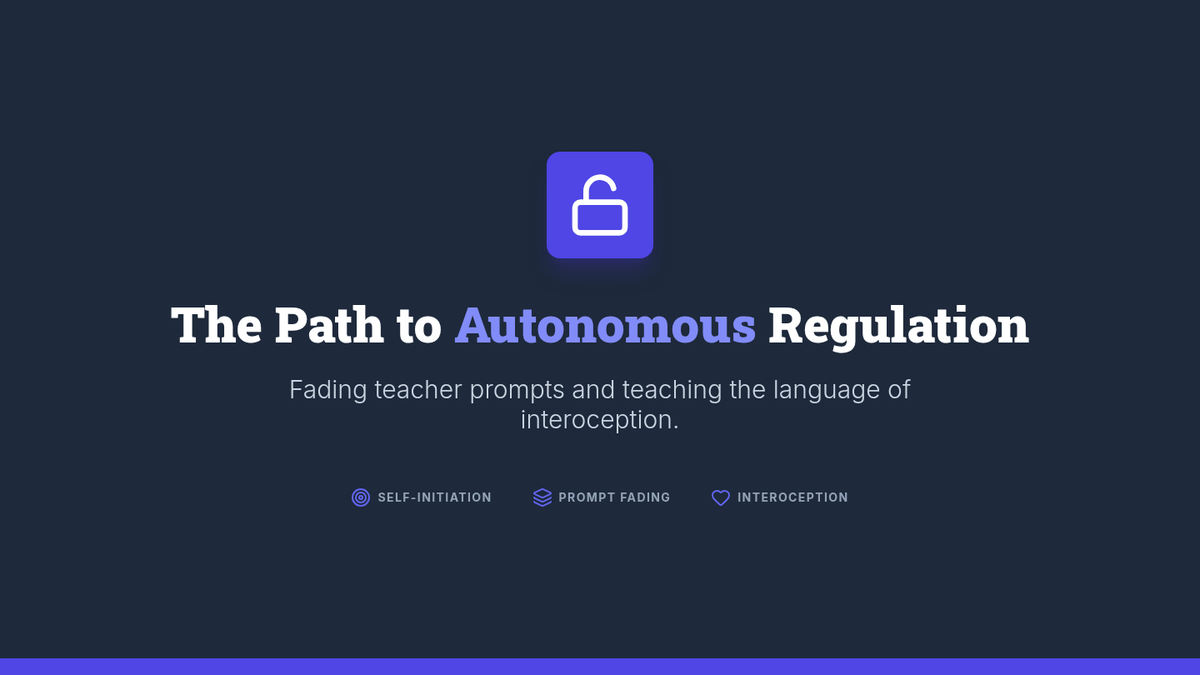
Slides for Lesson 4 focusing on student-initiated regulation through interoception training and communication tokens. Highlights the prompt-fading continuum from teacher-led to autonomous.
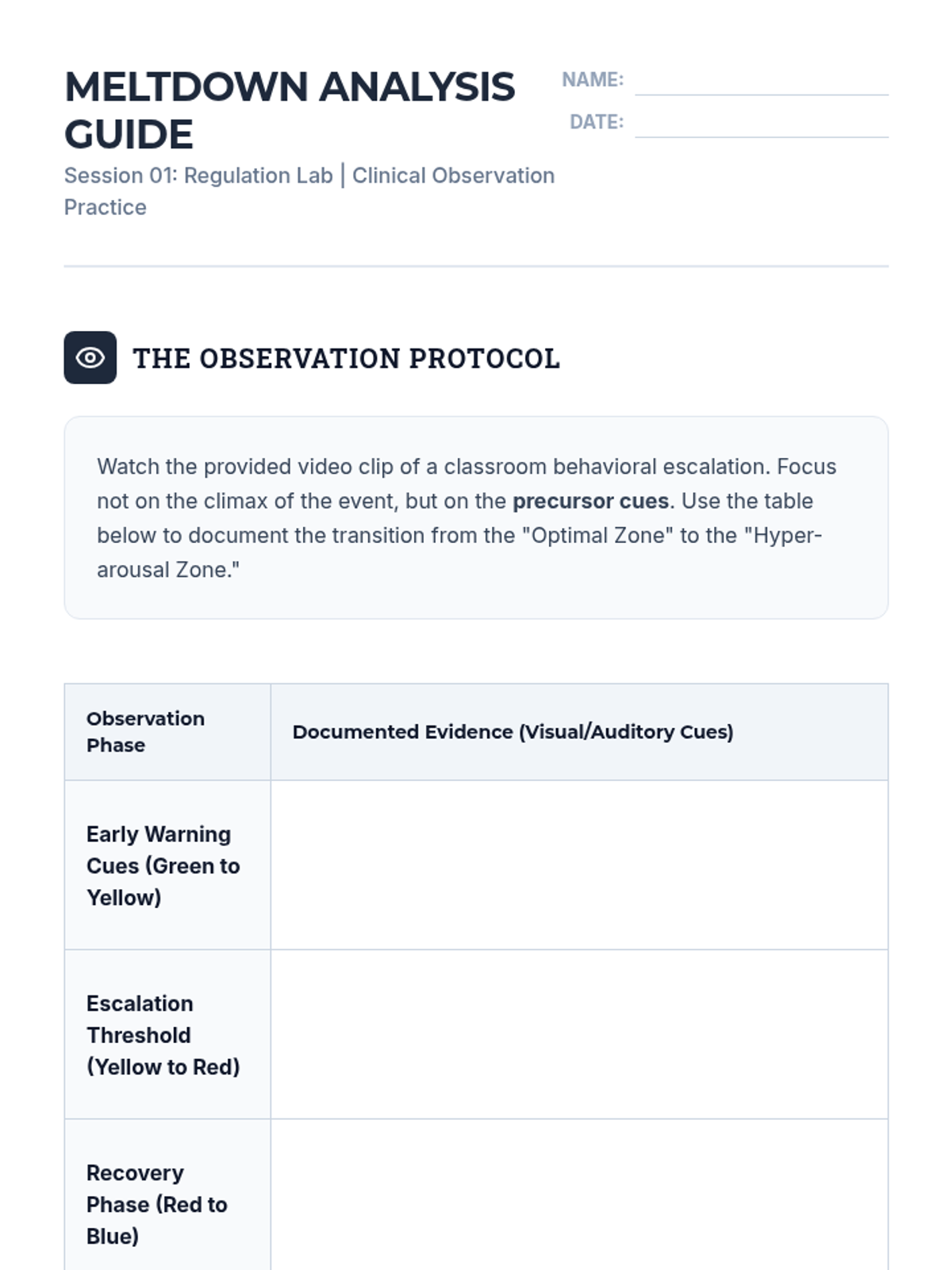
A worksheet for undergraduate students to analyze behavioral escalation and identify precursor cues for strategic breaks.
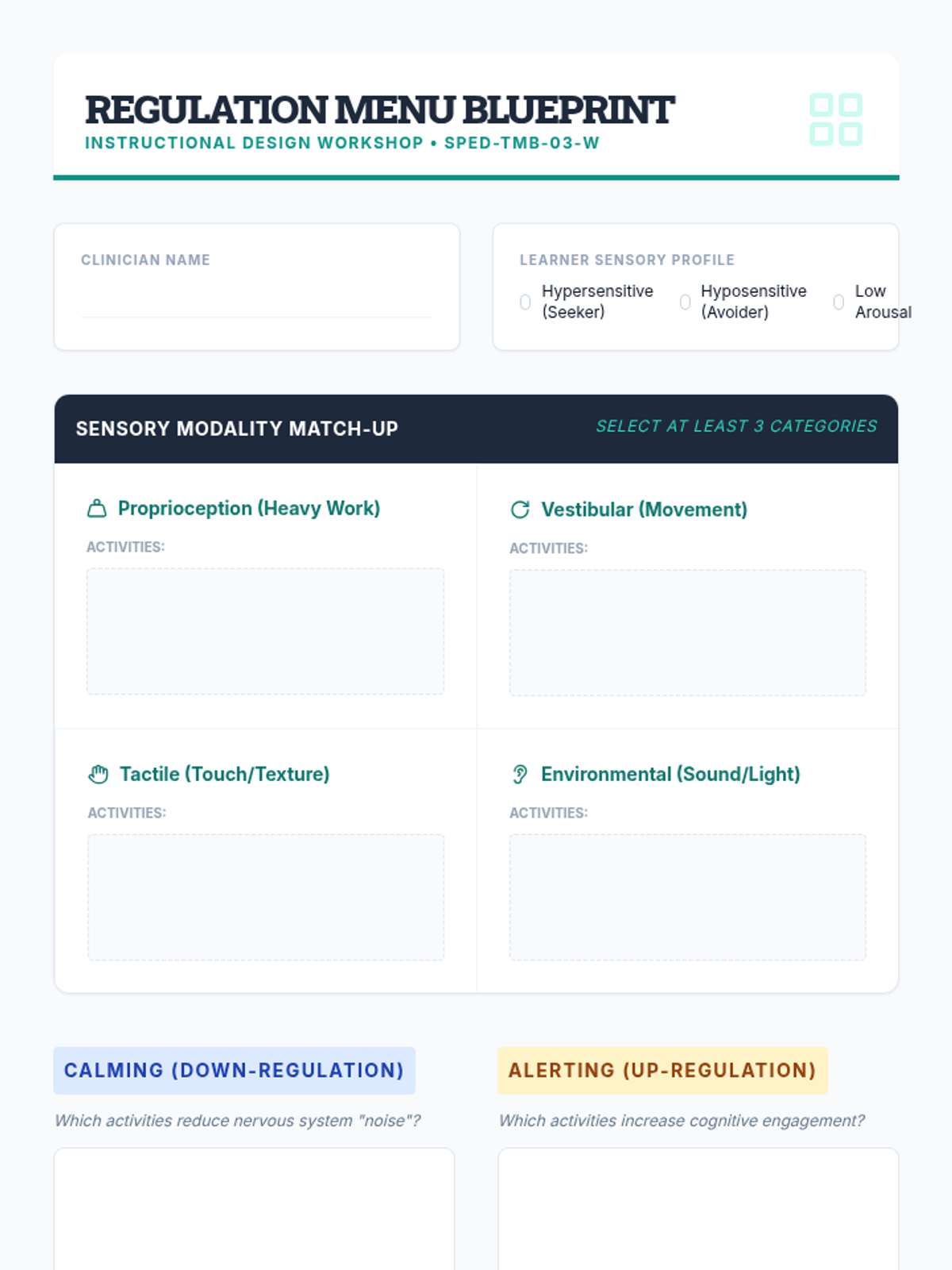
Graduate-level menu design blueprint where students curate sensory and movement break activities categorized by modality and regulatory effect.
A presentation deck for undergraduate students exploring the neurobiological basis of regulation and the importance of strategic breaks in special education.
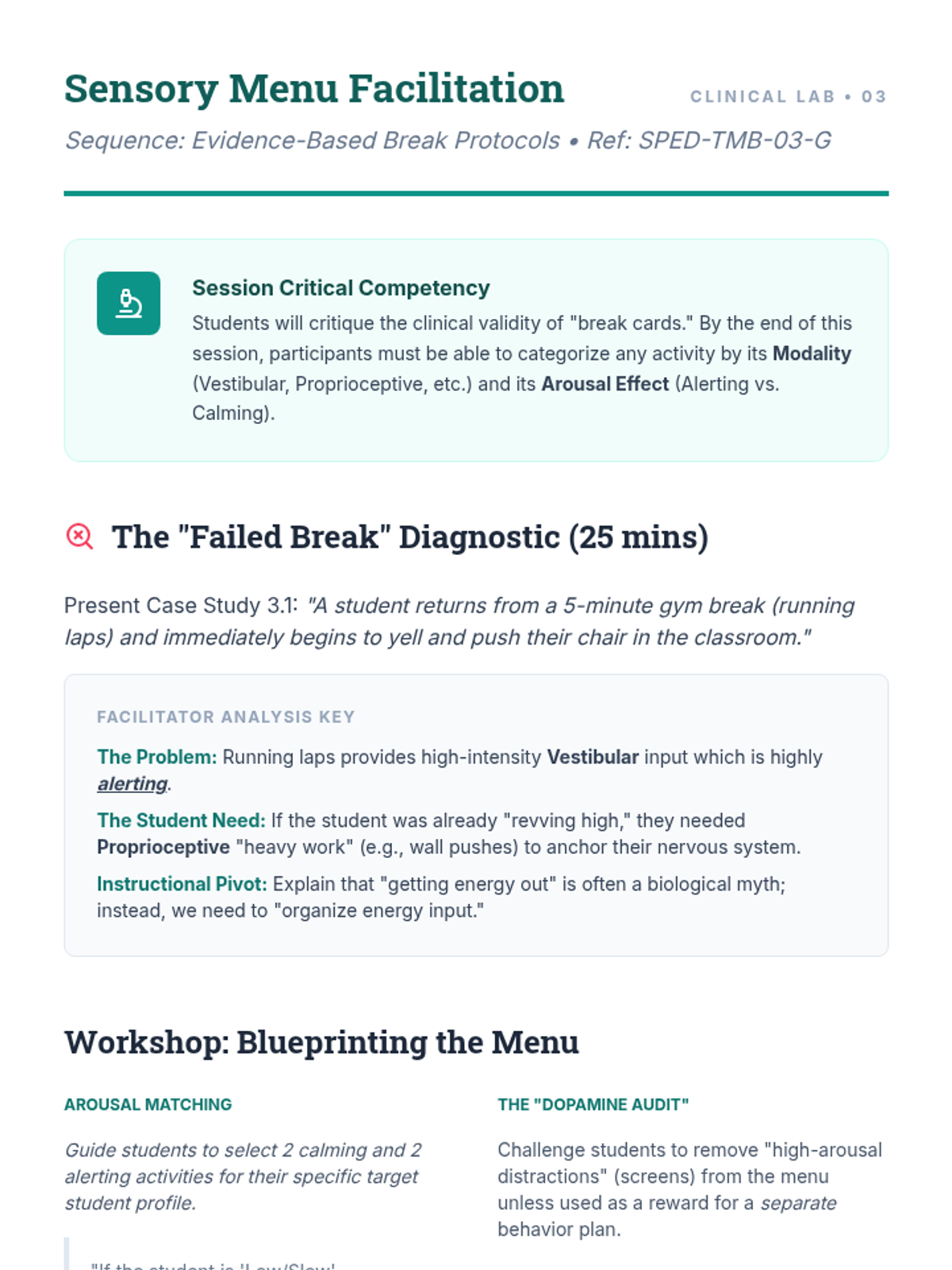
Teacher facilitation guide for Lesson 3, providing instructions for the sensory "Match-up" exercise and a framework for sensory-based decision making.
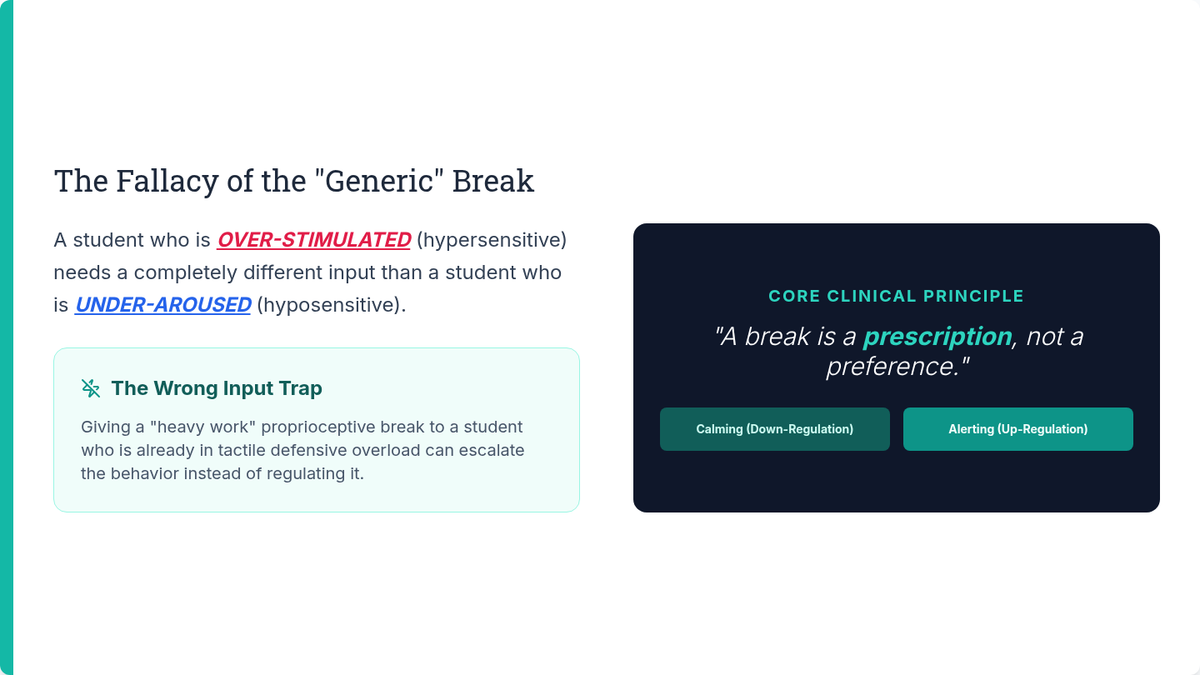
Slides for Lesson 3 focusing on sensory modalities (vestibular, proprioceptive, tactile) and distinguishing between calming vs. alerting regulatory inputs. Highlights the difference between regulation and high-dopamine distractions.
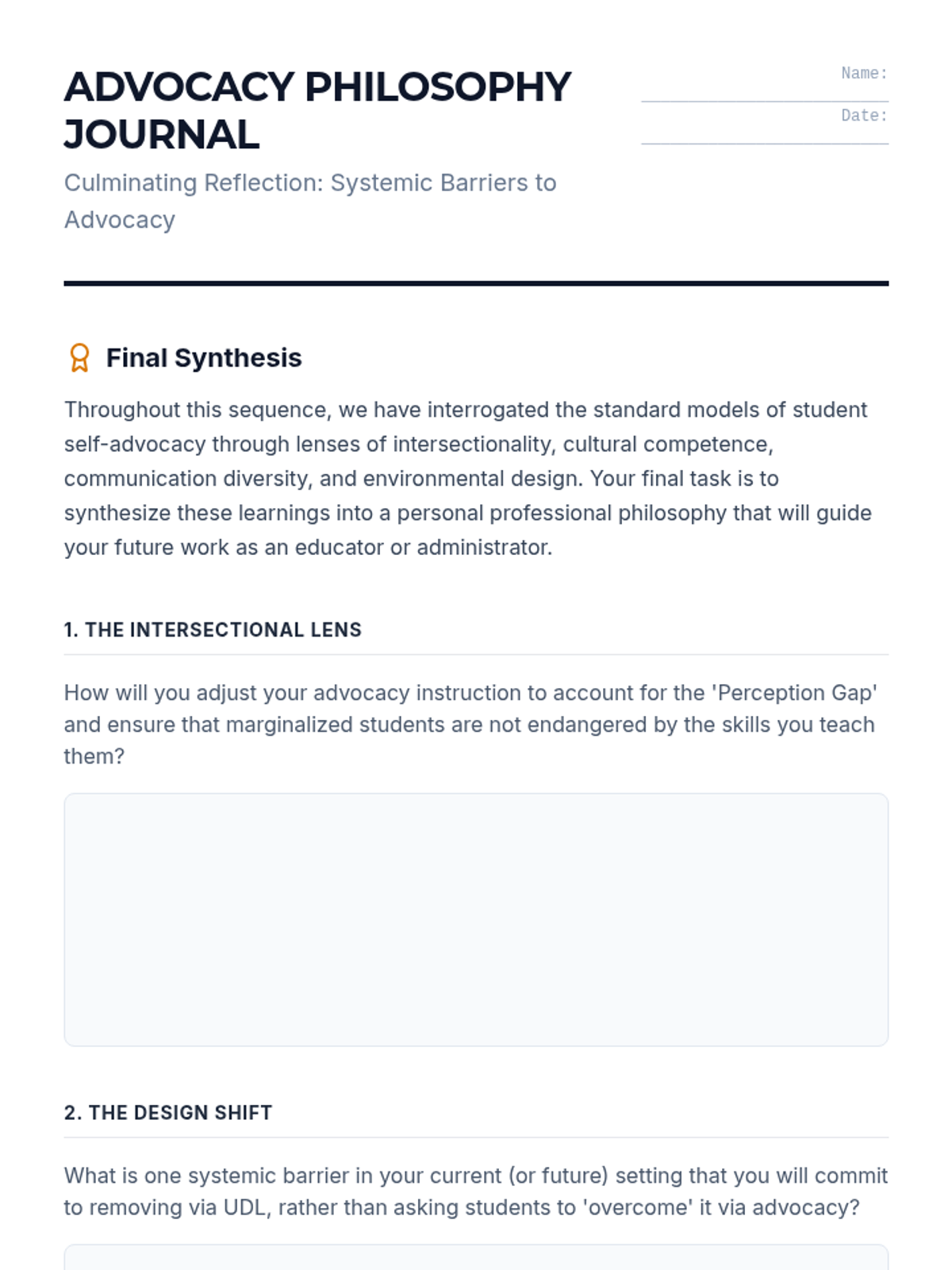
A final reflection journal for graduate students to synthesize their learning from the sequence and develop a personal philosophy of culturally responsive advocacy instruction.
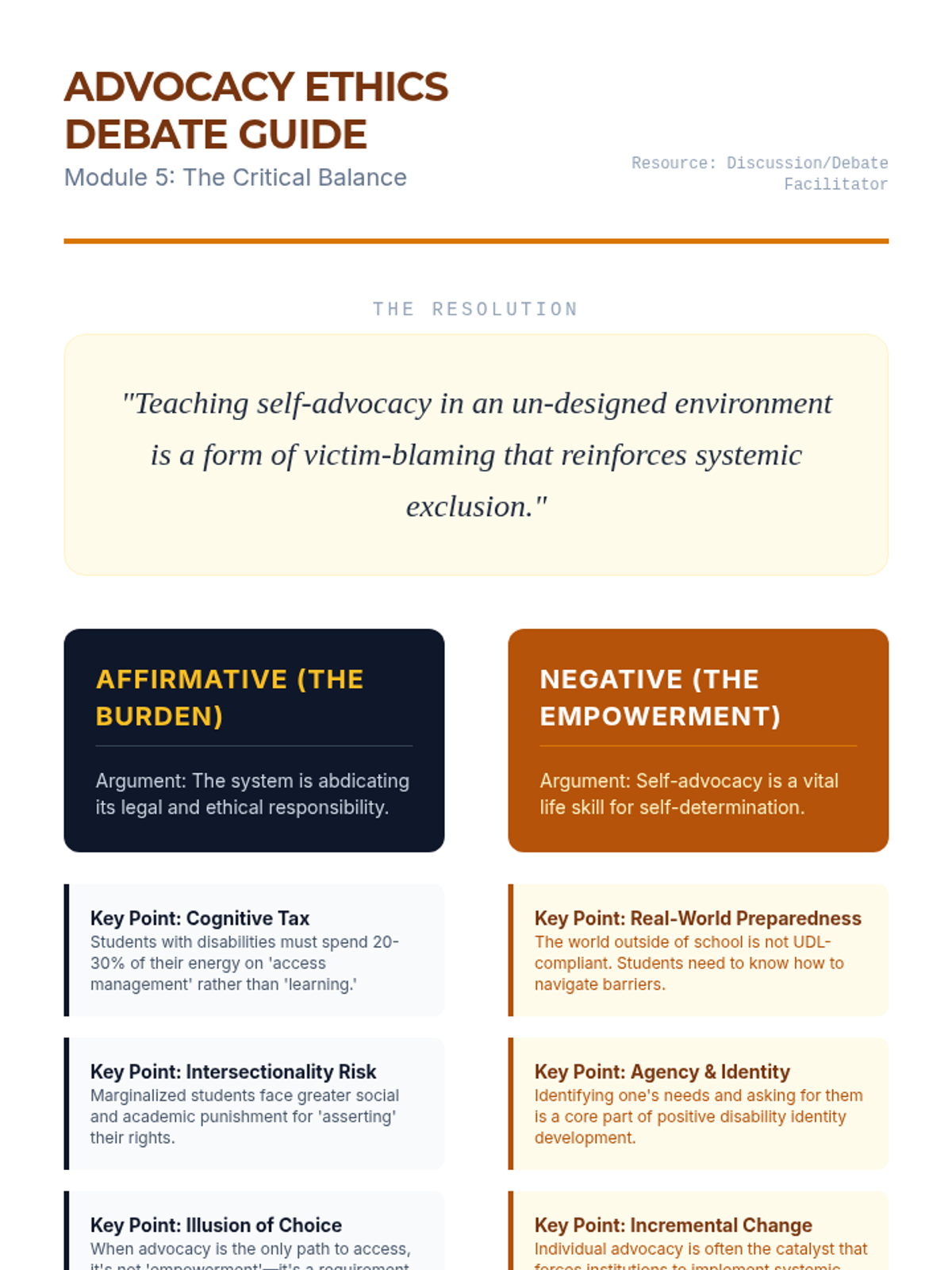
A debate guide for Lesson 5, outlining affirmative and negative positions on the ethics of teaching self-advocacy and providing Socratic prompts for deep ethical reasoning.
Graduate-level slides exploring the ethical balance between teaching student resilience and institutional responsibility, concluding the sequence with critical debate themes.
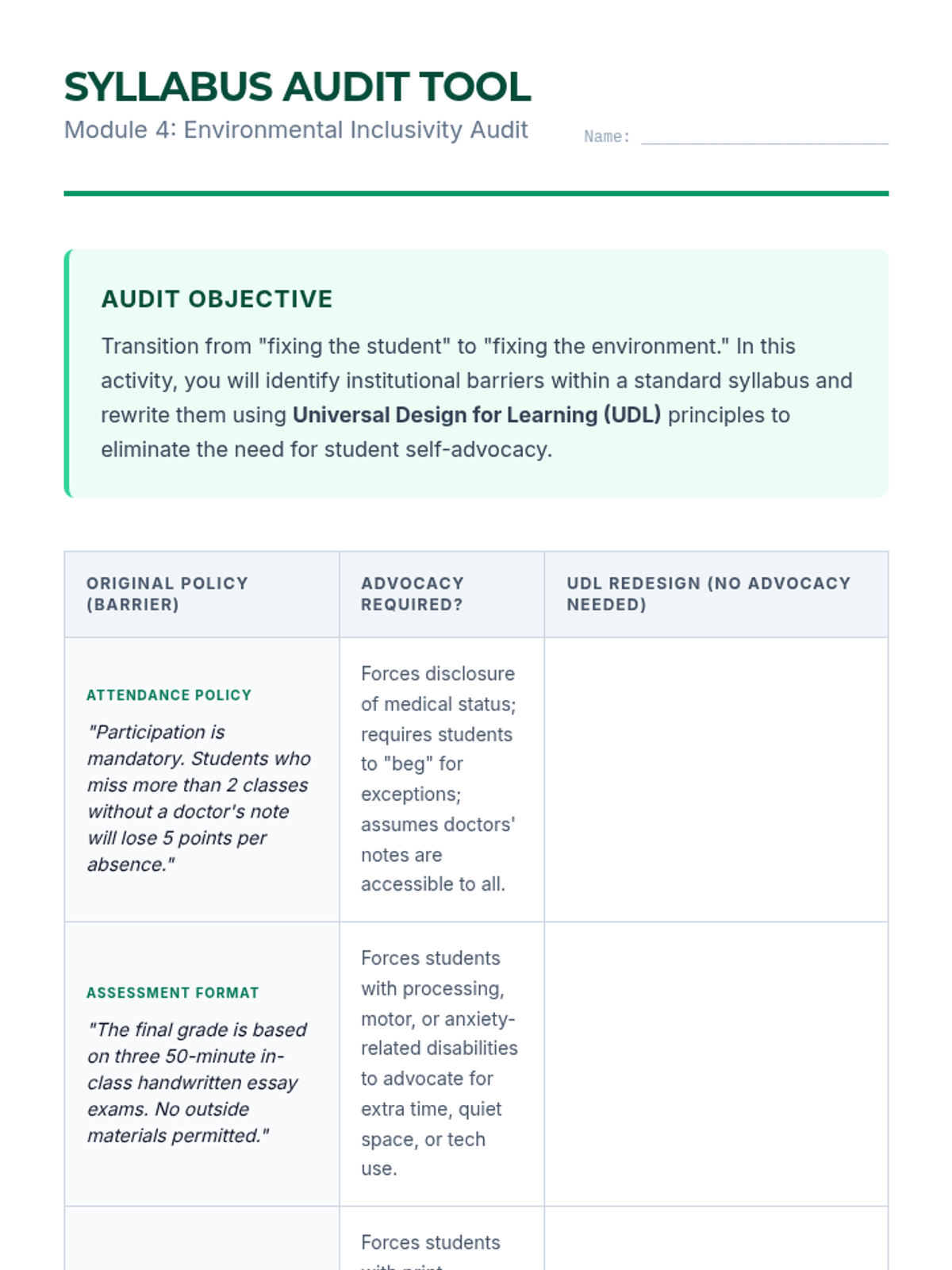
A student activity for auditing a syllabus to identify barriers that necessitate self-advocacy and redesigning policies using UDL principles to move toward proactive accessibility.
Graduate-level slides exploring the transition from individual accommodations to Universal Design, focusing on conducting institutional audits to identify and remove barriers.
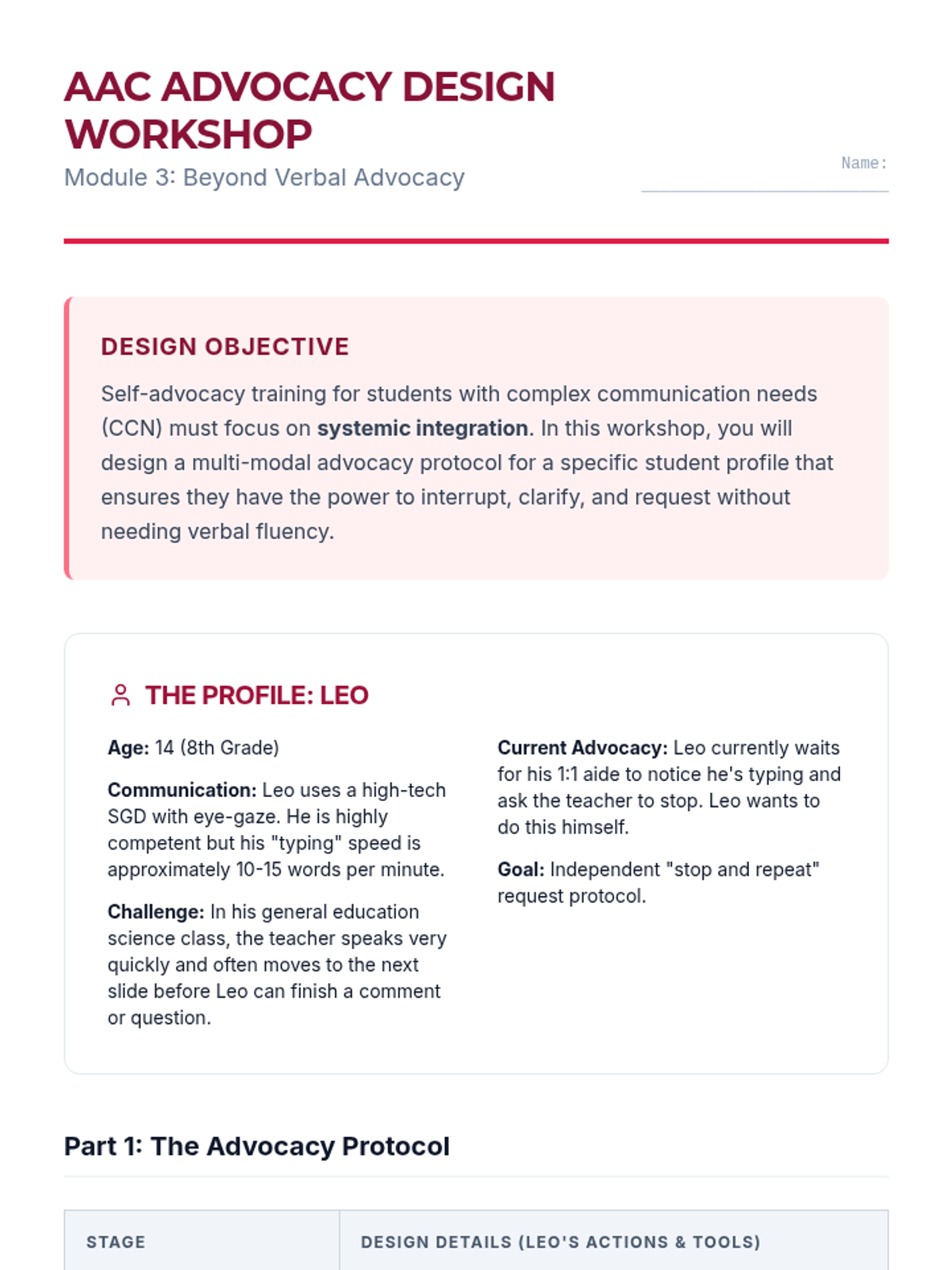
A student activity for designing a non-verbal advocacy protocol for a student using eye-gaze AAC, focusing on signals, pre-set phrases, and environmental waiting norms.
Graduate-level slides exploring the barriers and strategies for students with complex communication needs to engage in self-advocacy using AAC and other tools.
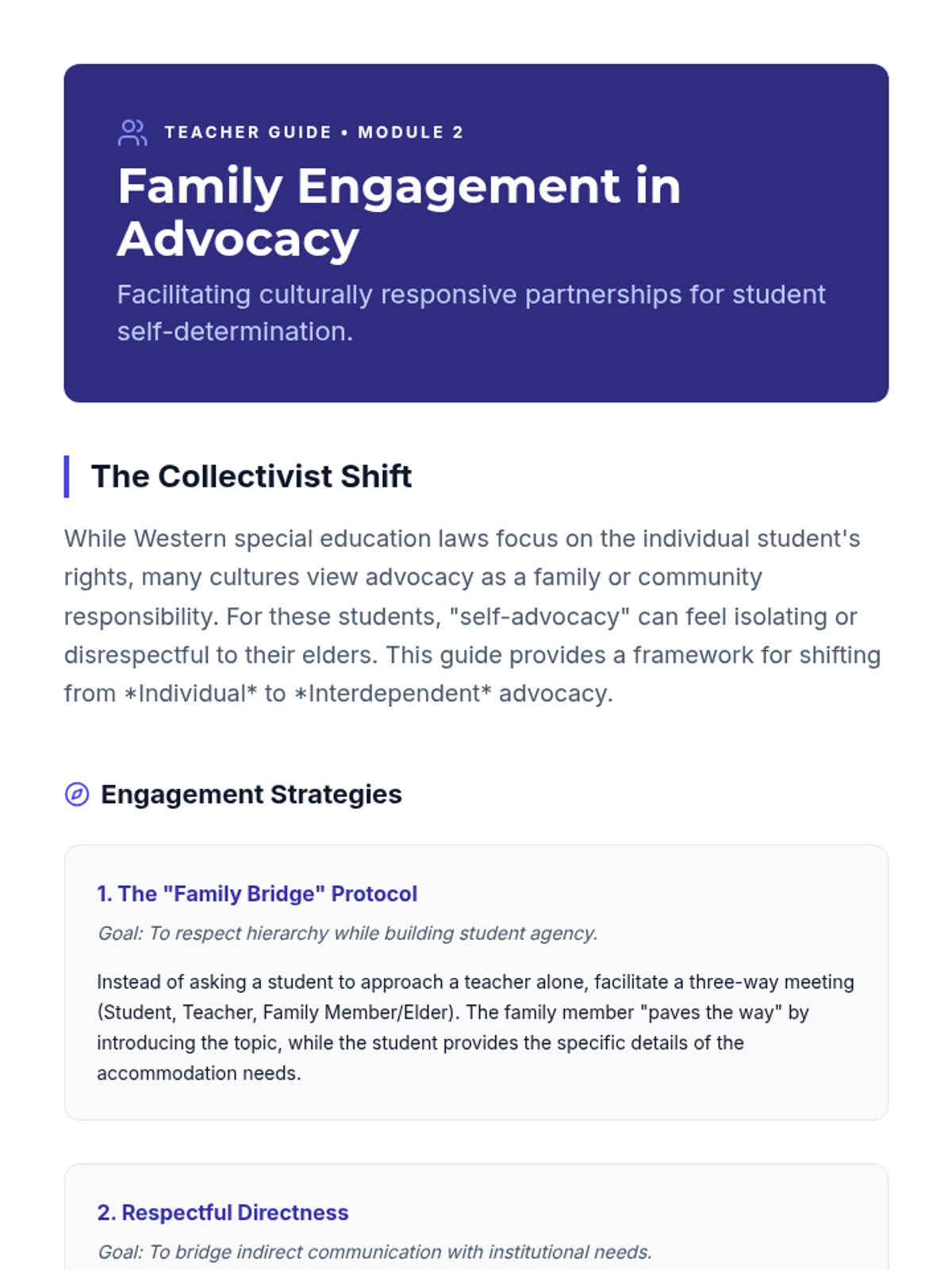
A teacher guide for Lesson 2, providing strategies for culturally responsive family engagement in advocacy, focusing on shifting from individual to interdependent models of help-seeking.
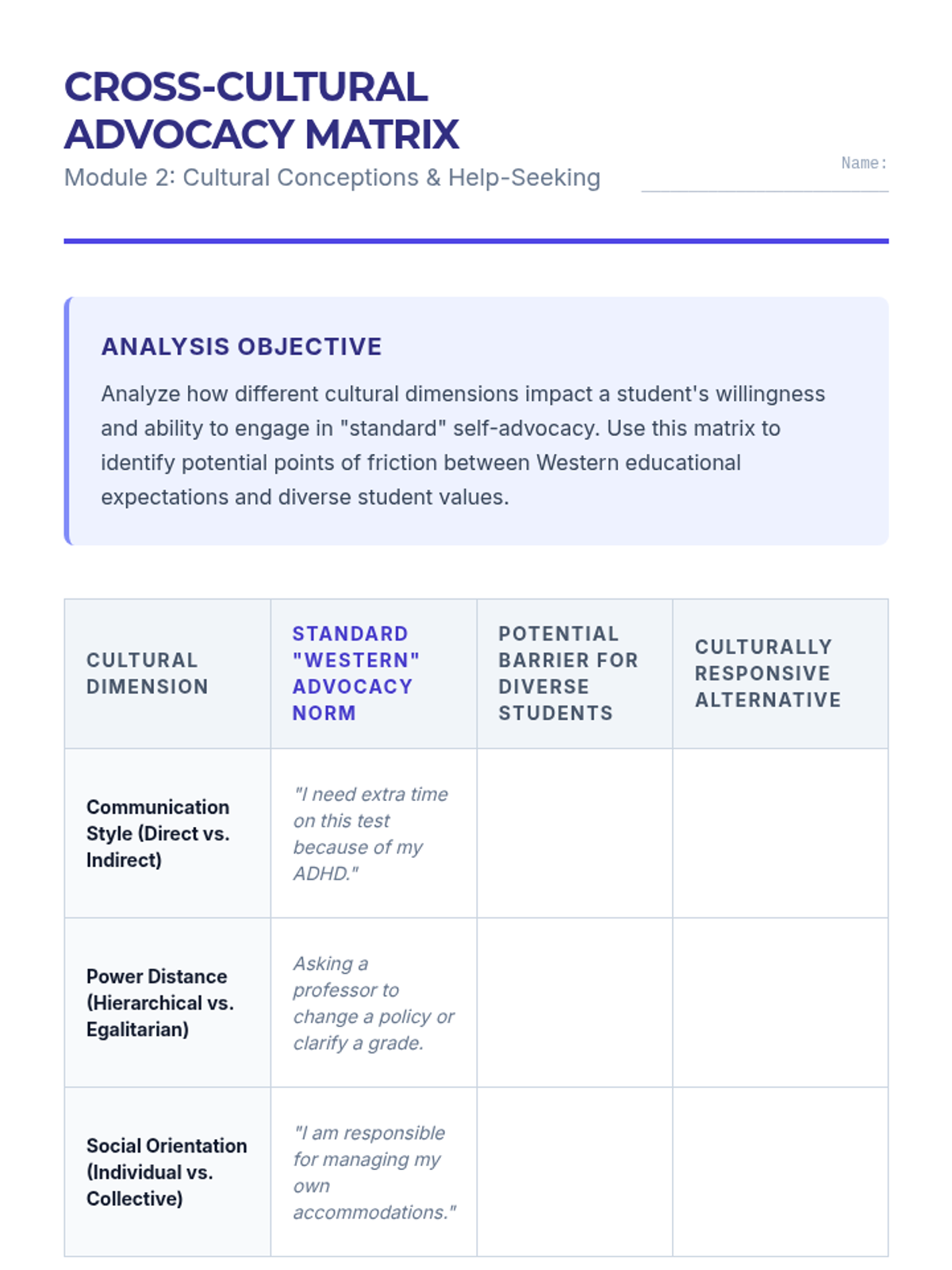
A student worksheet for analyzing the friction between Western advocacy norms and diverse cultural communication styles, power distances, and social orientations.
Graduate-level slides exploring how cultural values, authority structures, and disability conceptions impact help-seeking behaviors and self-advocacy.
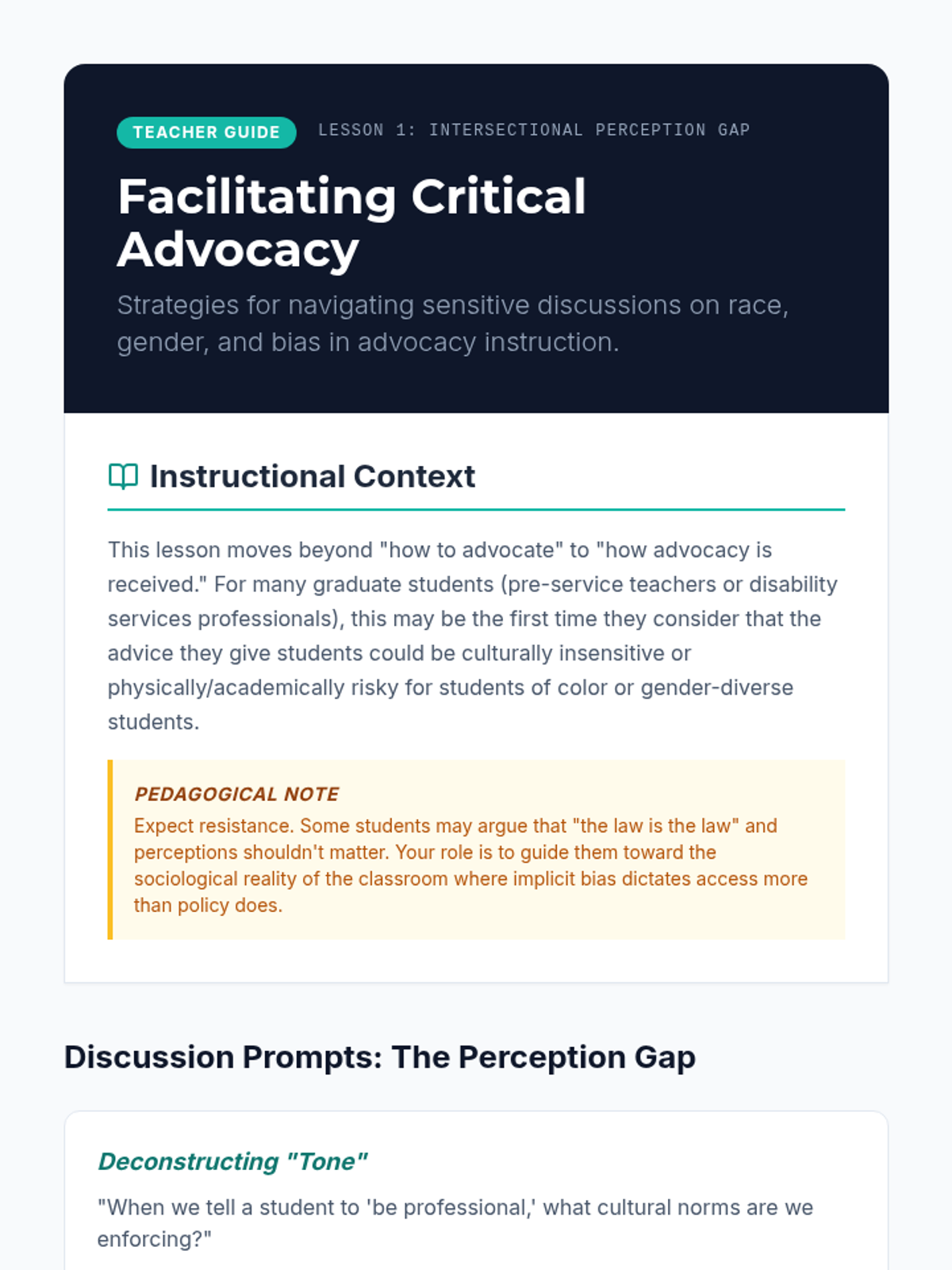
A teacher guide for Lesson 1, providing instructional context, discussion prompts, and a checklist for deconstructing traditional advocacy scripts through an intersectional lens.
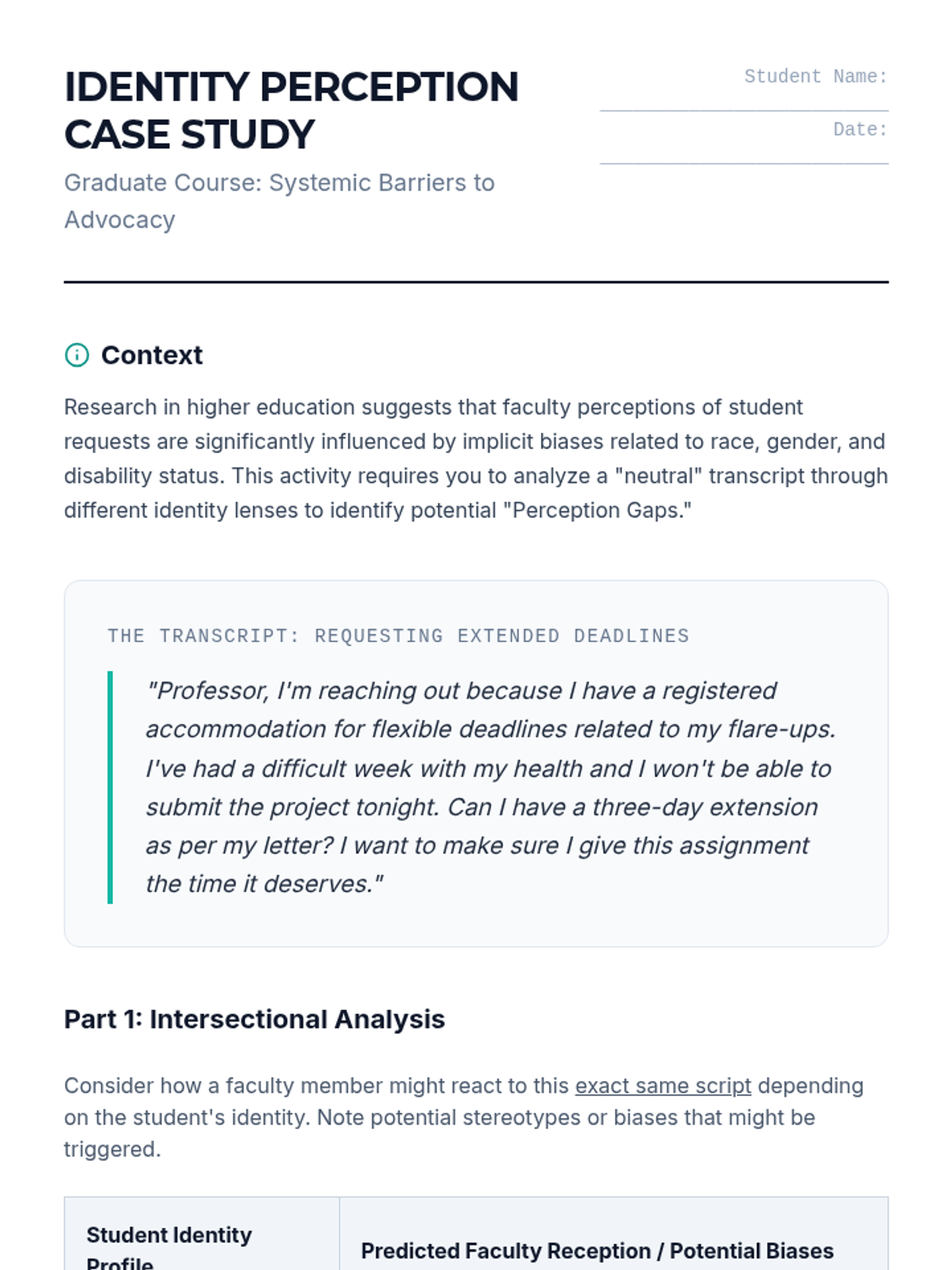
A student worksheet for analyzing a "neutral" accommodation request transcript through various intersectional identity profiles to identify potential perception biases in faculty.
Graduate-level presentation slides exploring the intersectional perception gap in student advocacy, focusing on how race, gender, and disability influence institutional reception.
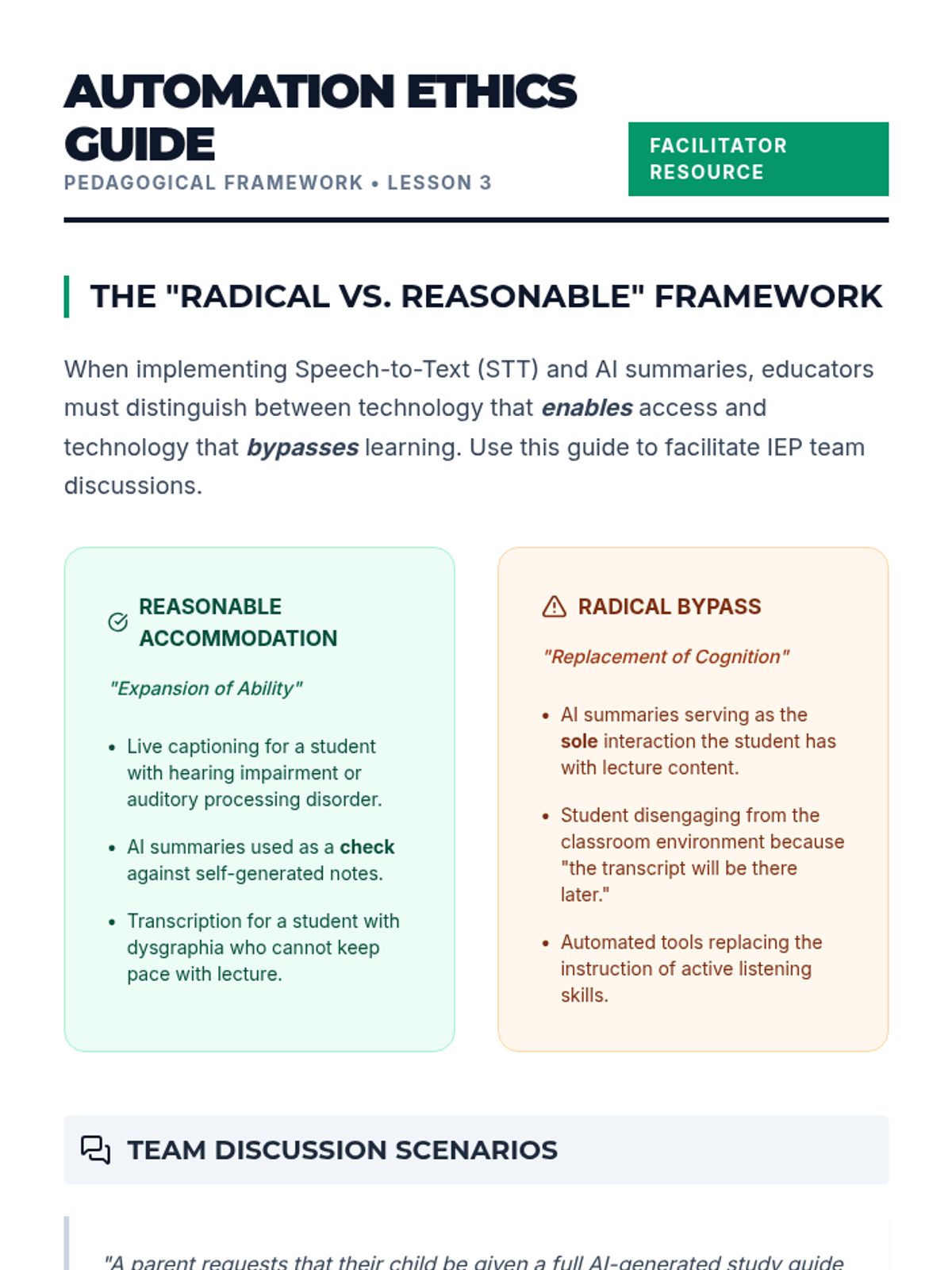
Teacher/student guide on the pedagogical implications of AI automation in the classroom, distinguishing between access and cognitive bypass.
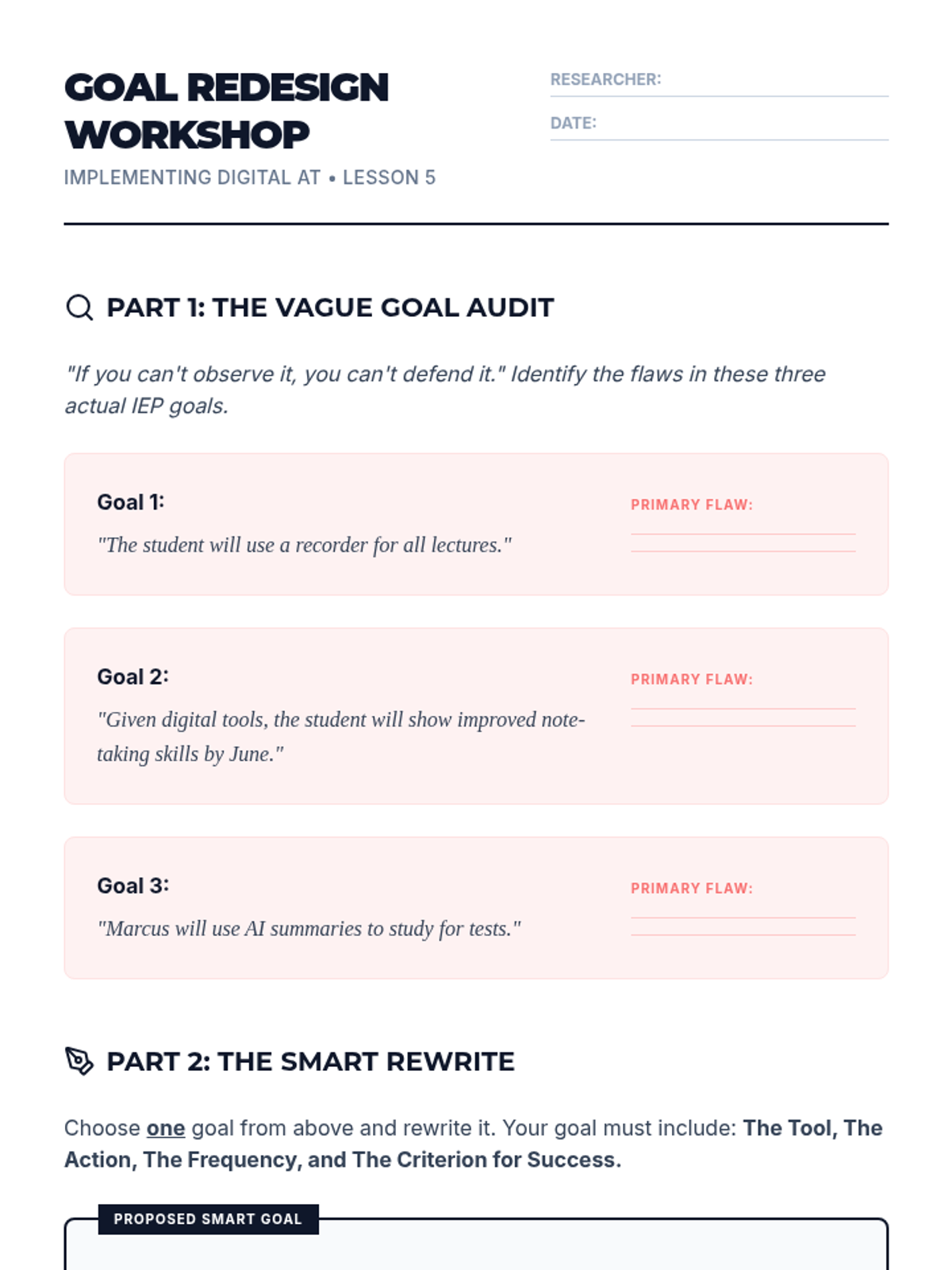
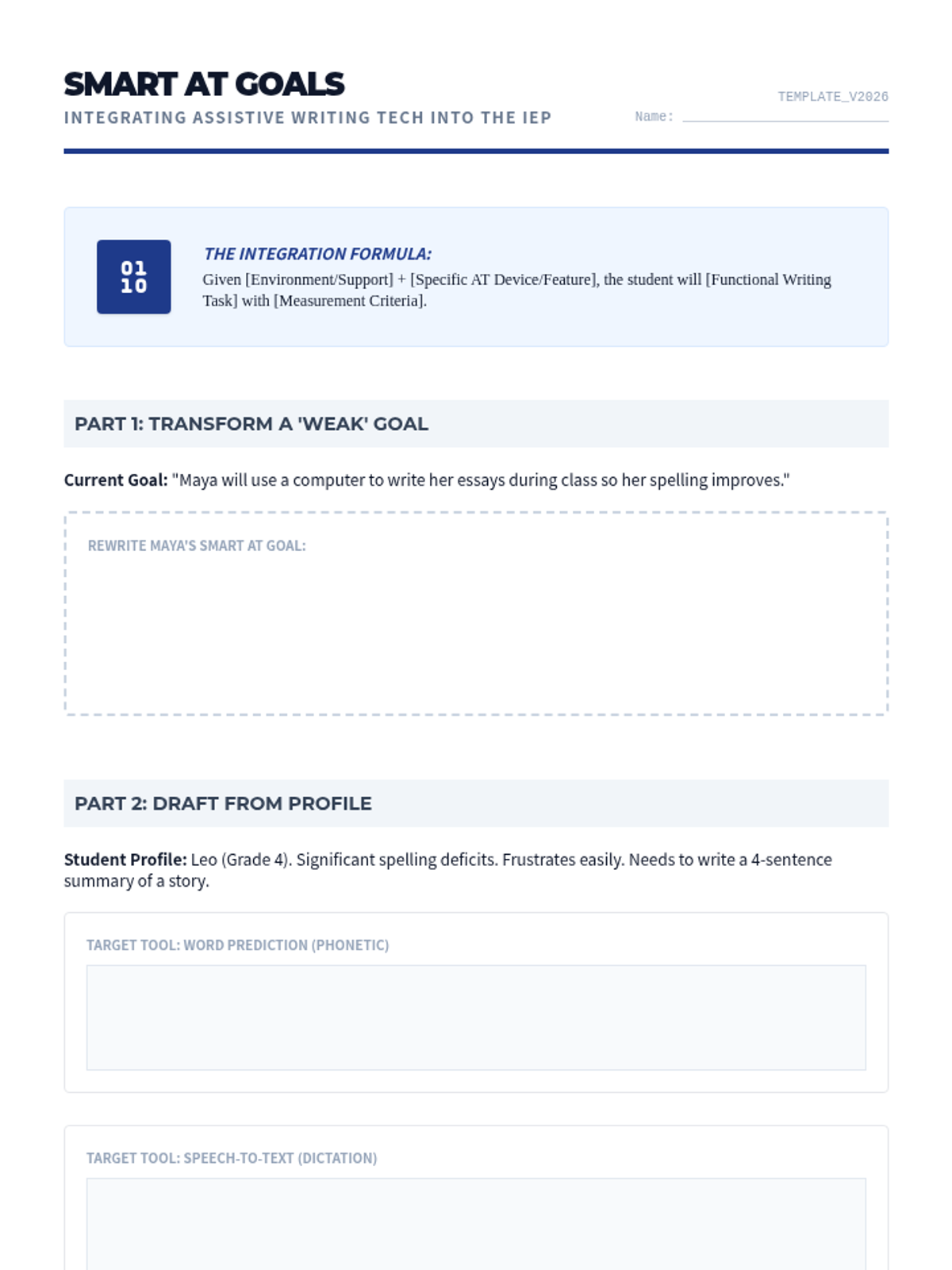
Worksheet for Lesson 5, asking students to rewrite vague IEP goals into specific, measurable, and tool-aligned SMART goals for assistive technology.
Final presentation for Lesson 5, focusing on the transition from technical assistive technology implementation to legal IEP documentation and goal writing.
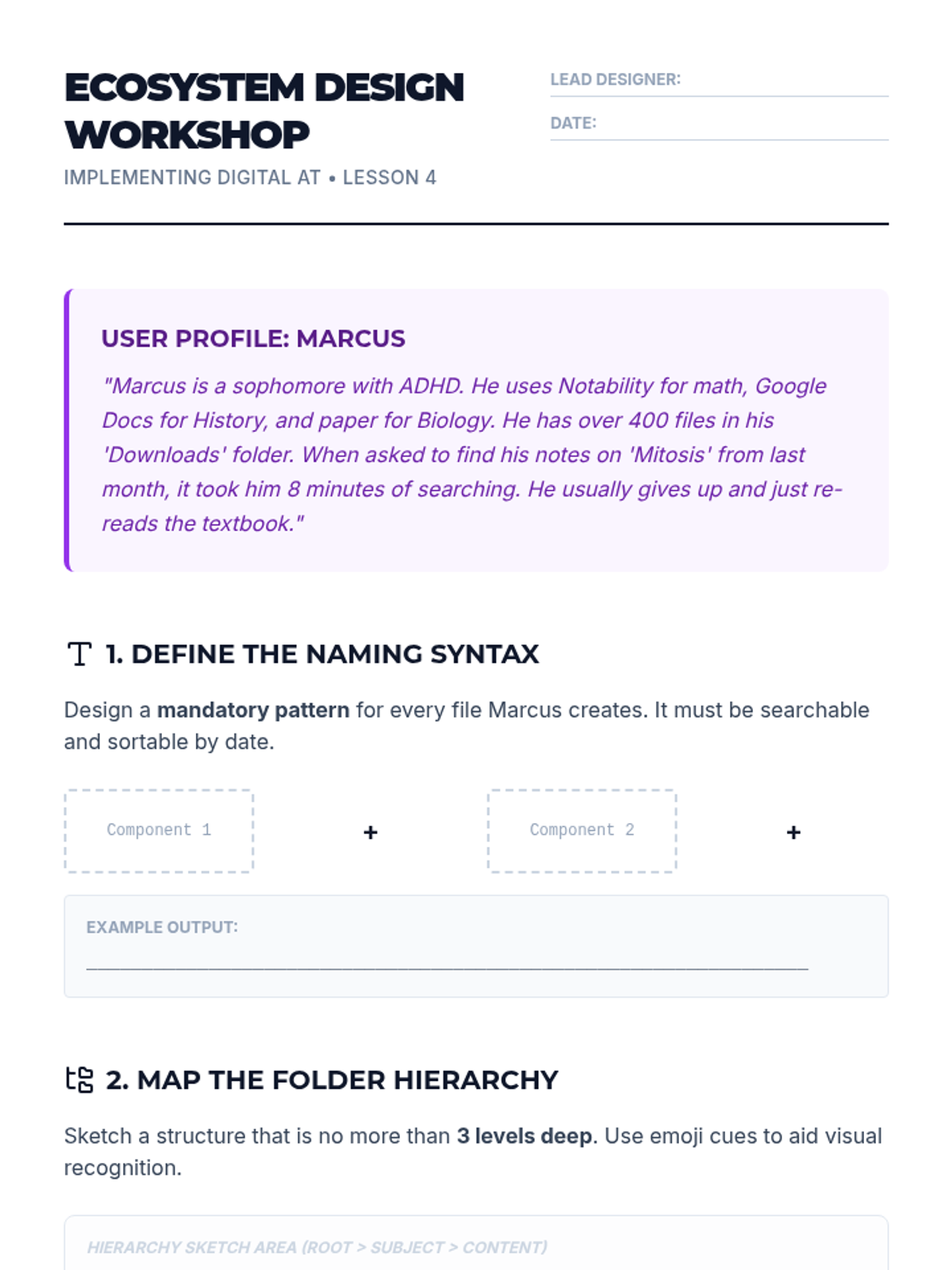
System design workshop for Lesson 4, challenging graduate students to create a digital organization ecosystem for a student with executive dysfunction.
Presentation for Lesson 4, introducing the principles of digital organization, retrieval strategies, and executive function supports for file management.
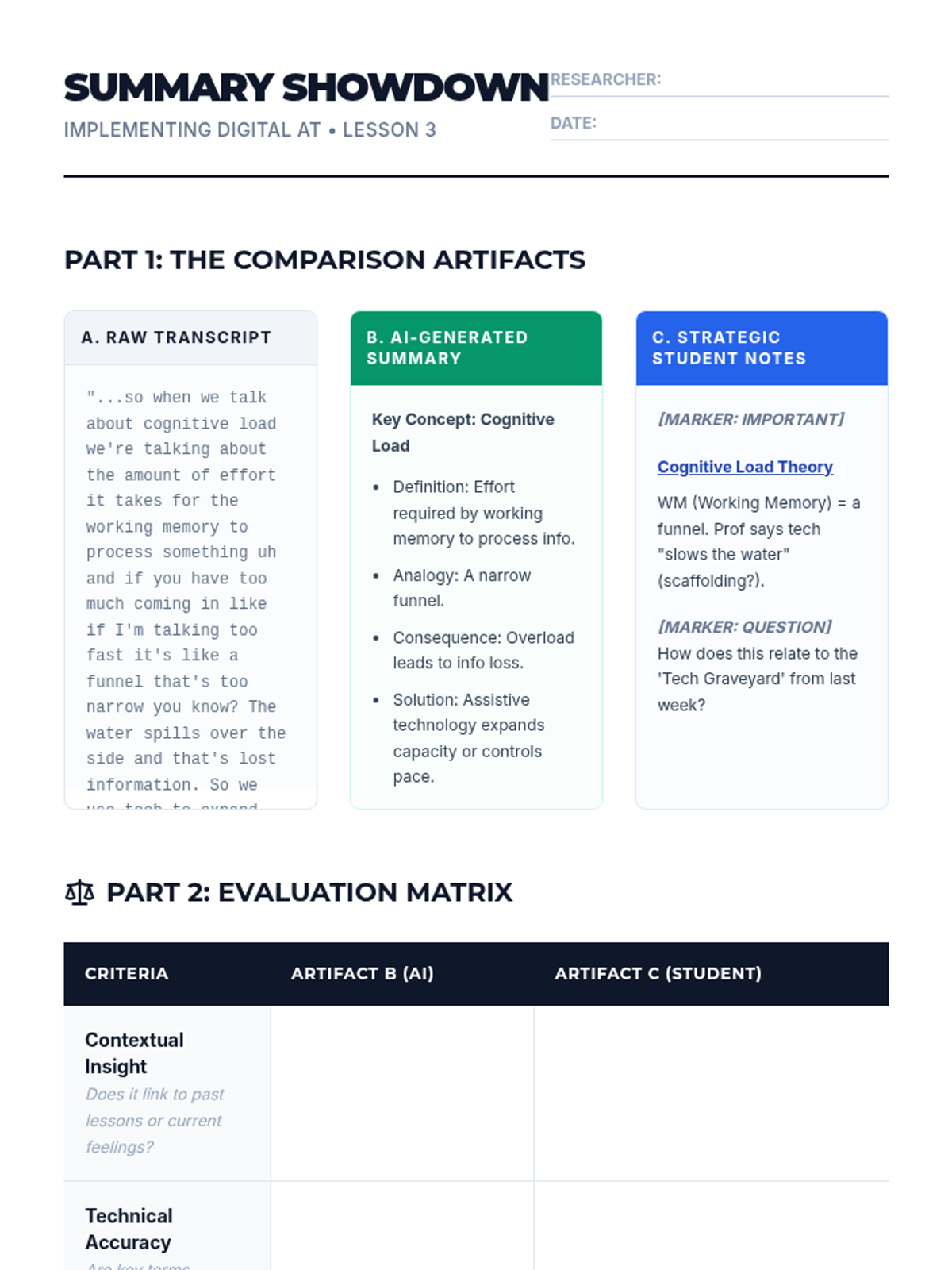
Worksheet for Lesson 3, asking students to critically evaluate the difference between AI-generated summaries and human-created notes across several pedagogical criteria.
Presentation for Lesson 3, introducing the role of automated transcription and AI summarization in the classroom and its impact on cognitive load.
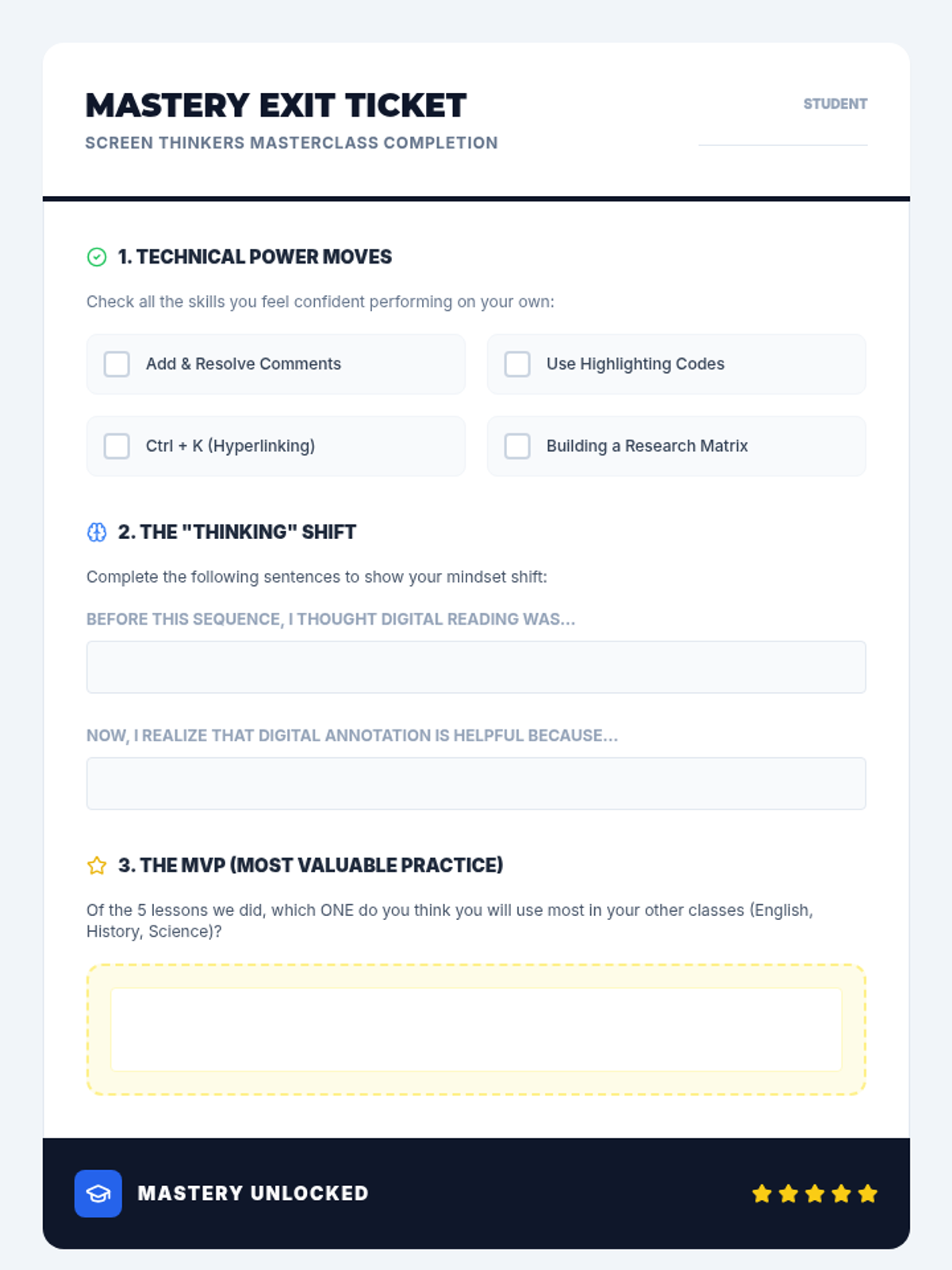
Final mastery check and exit ticket for the 5-lesson sequence, allowing students to self-assess their technical skills and pedagogical understanding of digital annotation.
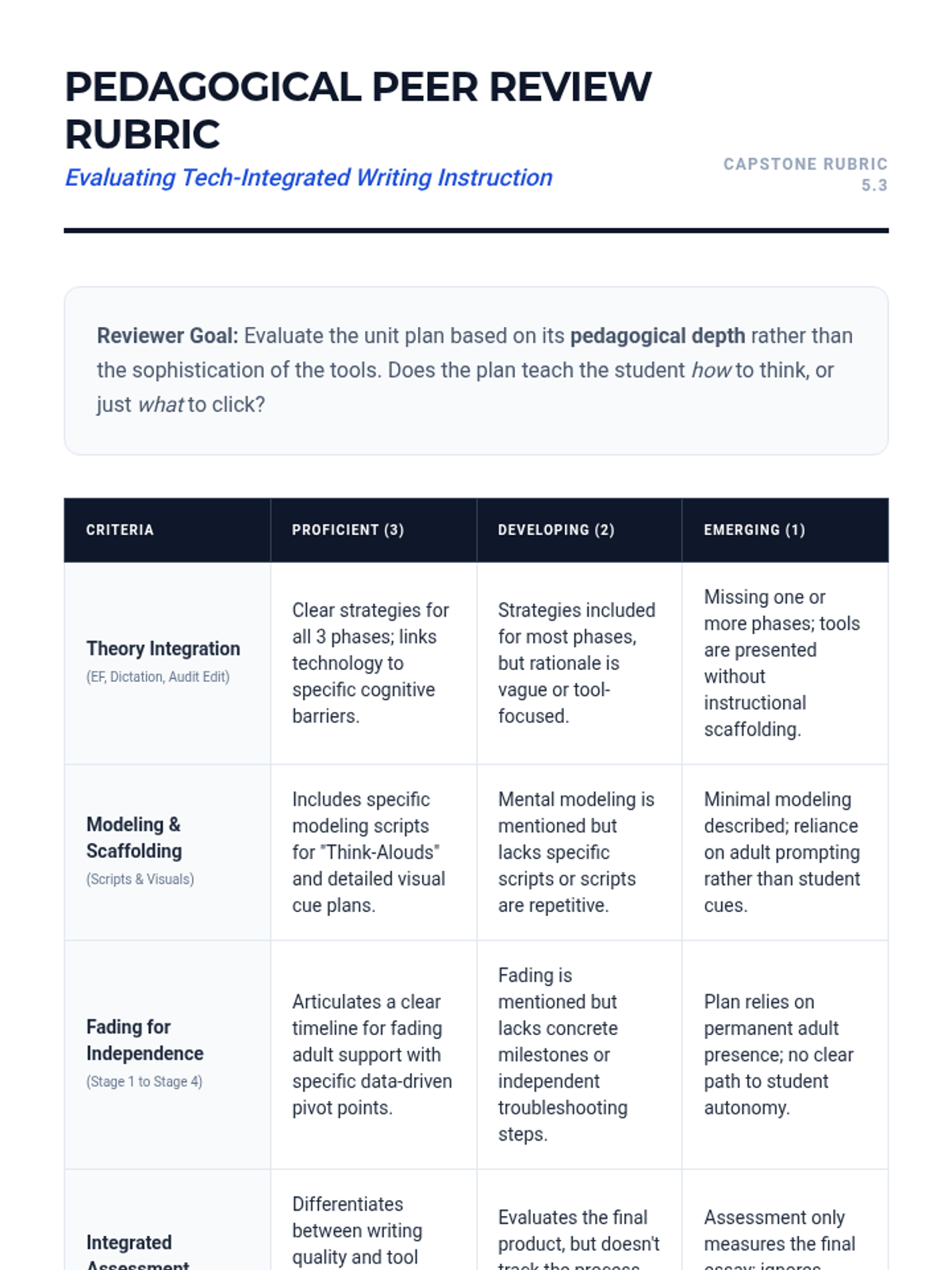
A rubric for peer evaluation of the capstone unit design. Criteria focus on theoretical integration, modeling quality, fading plans, and feasibility.
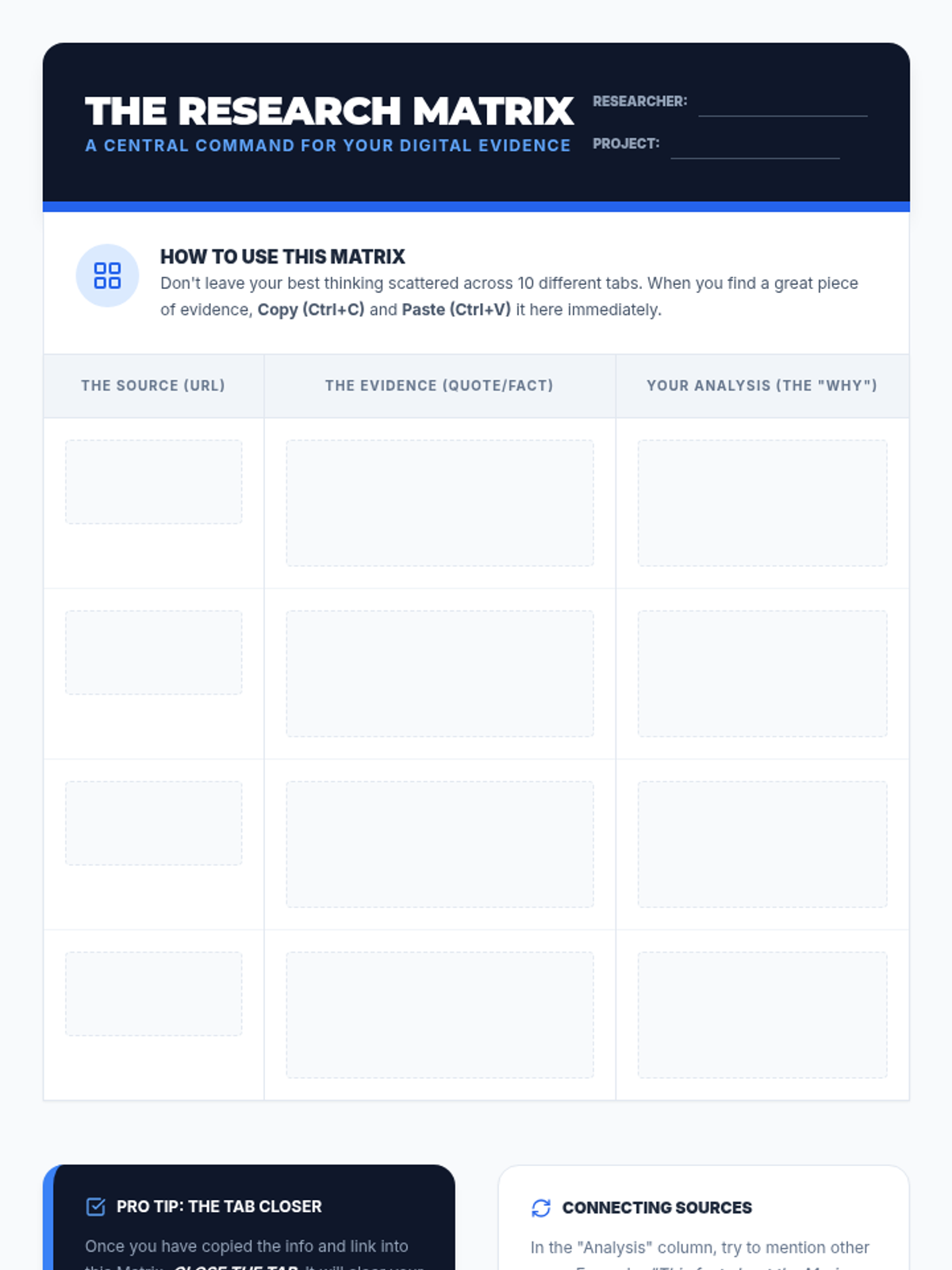
Student data management tool for organizing digital research annotations, quotes, and sources into a structured table.
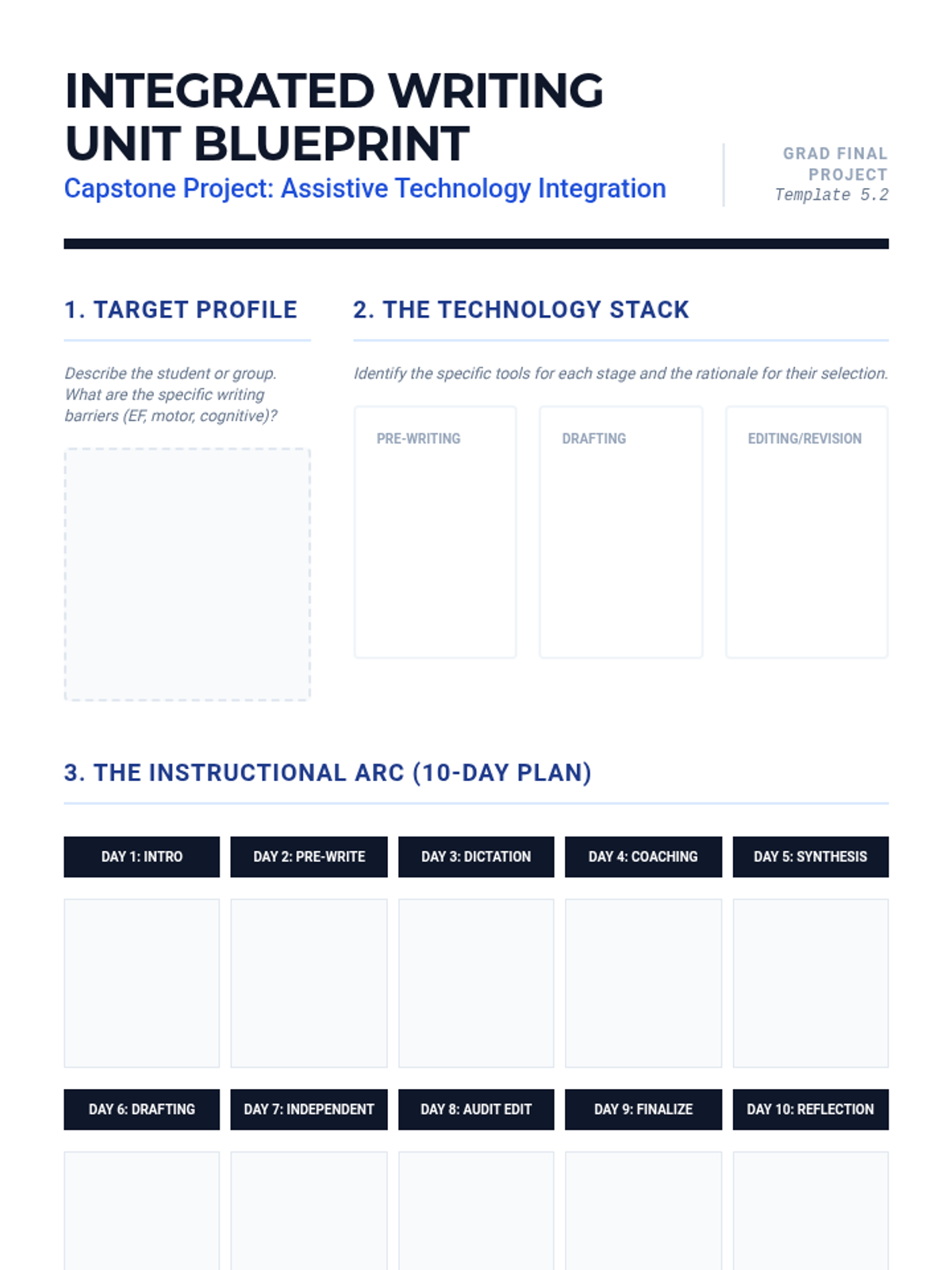
A comprehensive planning template for graduate students to design a 2-week writing unit that integrates assistive technology. Includes sections for student profiling, instructional scaffolding, and fading plans.
Introductory slide deck for Lesson 5, explaining how a Research Matrix helps organize digital annotations from multiple sources into one master document.
Slides for Lesson 5 focusing on the synthesis of previous lessons into a cohesive 2-week writing unit. Emphasizes pedagogy over tool selection and student autonomy.
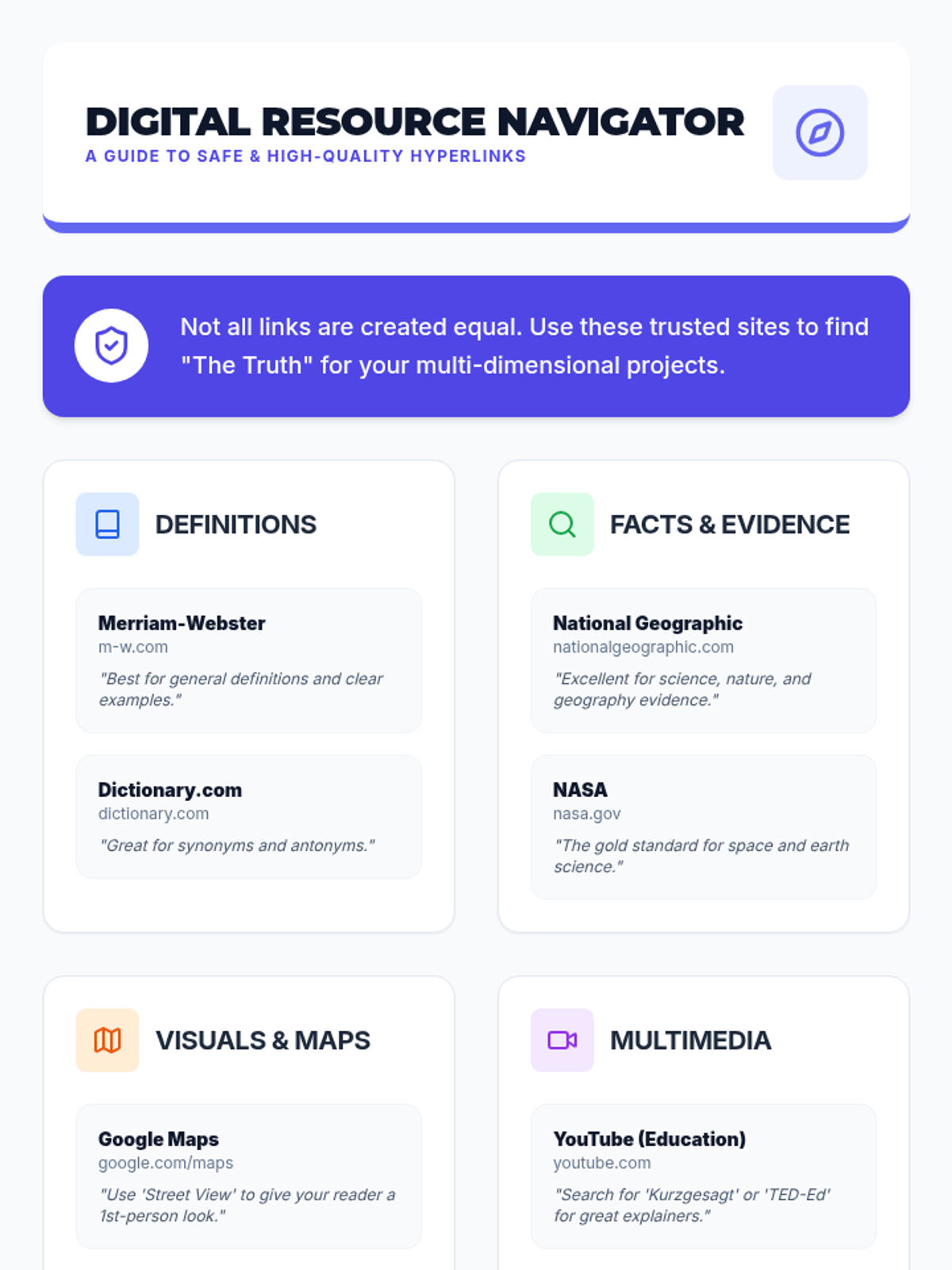
Reference sheet for students providing safe and reliable websites for finding definitions, facts, maps, and multimedia to use as hyperlinks.
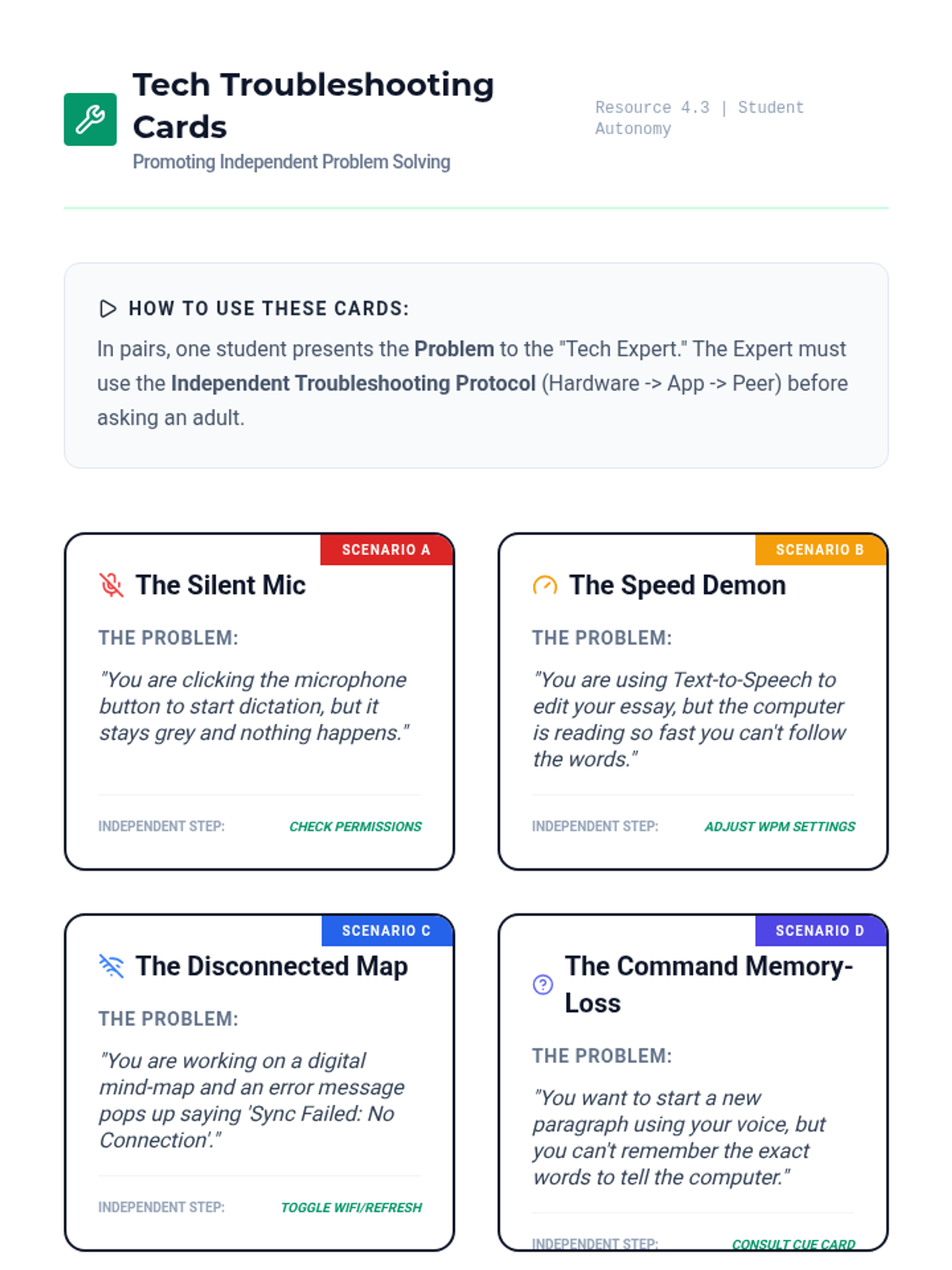
A set of role-play/troubleshooting cards for common assistive technology glitches. Designed to help students practice independent problem-solving before seeking adult help.
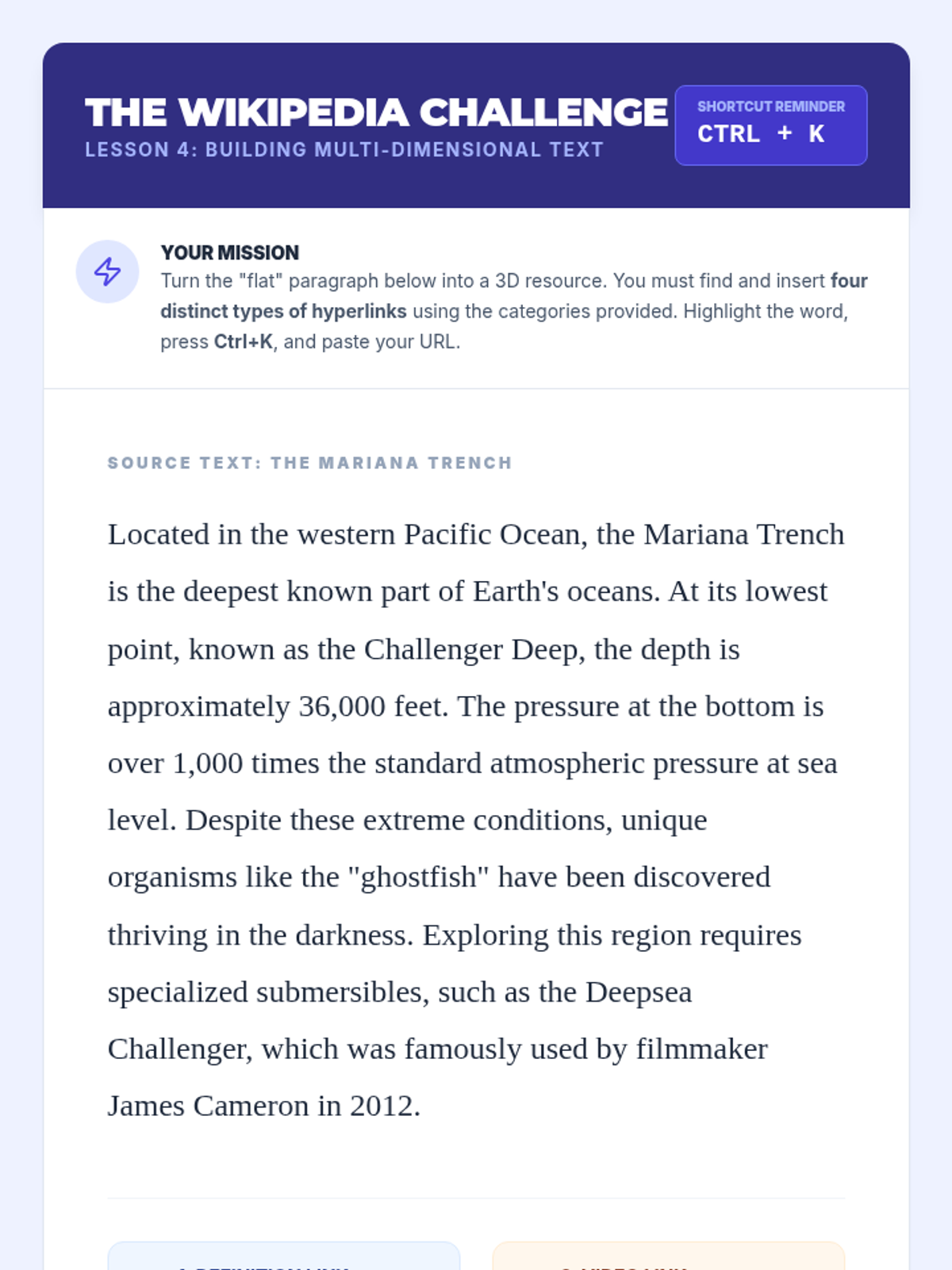
Student activity guide for Lesson 4, challenging students to transform a plain text paragraph into a rich, multi-dimensional resource with four types of hyperlinks.
Introductory slide deck for Lesson 4, explaining how hyperlinks turn static text into rich, multi-dimensional resources.
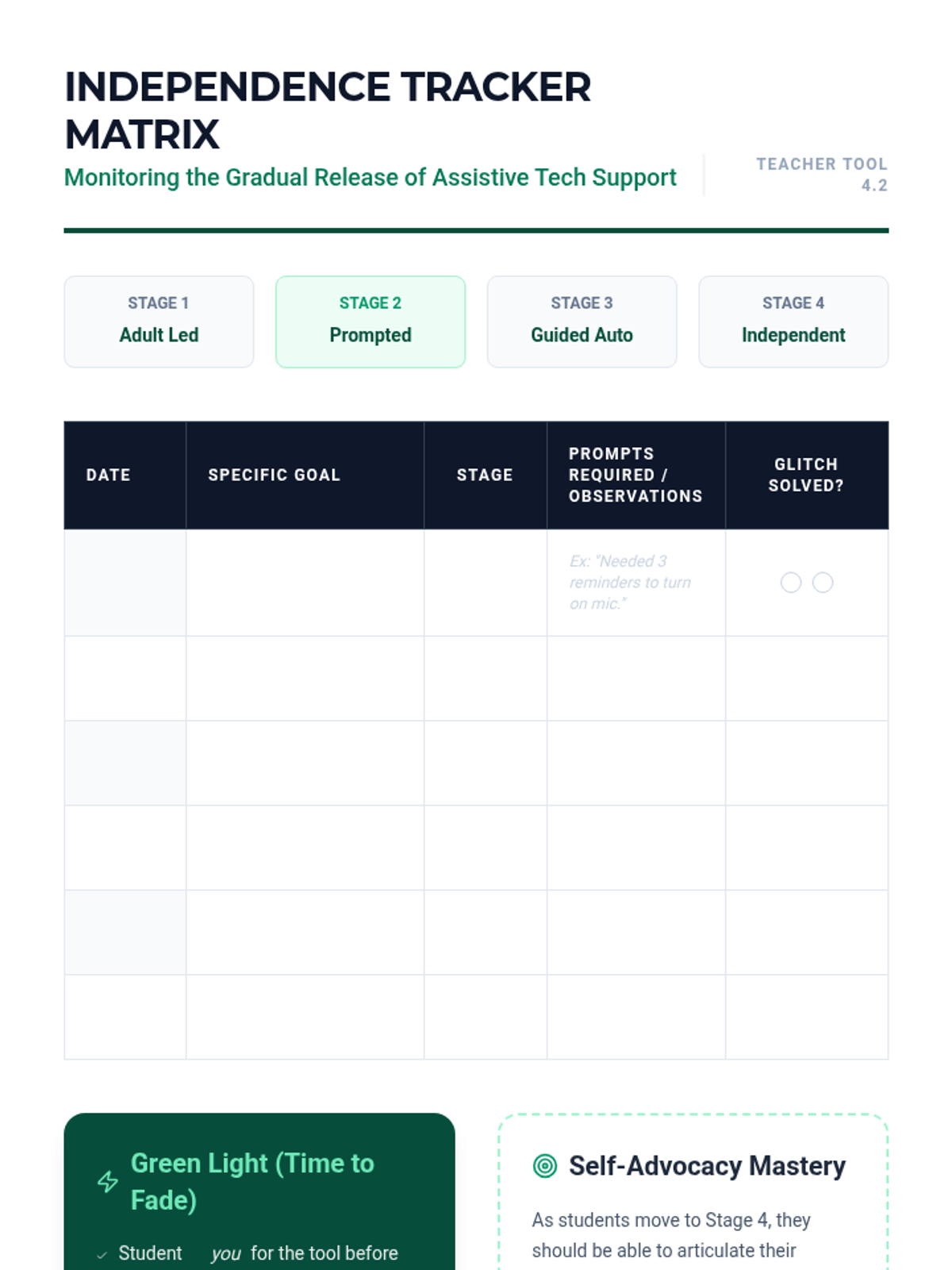
A data collection/tracking tool for teachers to monitor student independence with assistive technology across four stages of support.
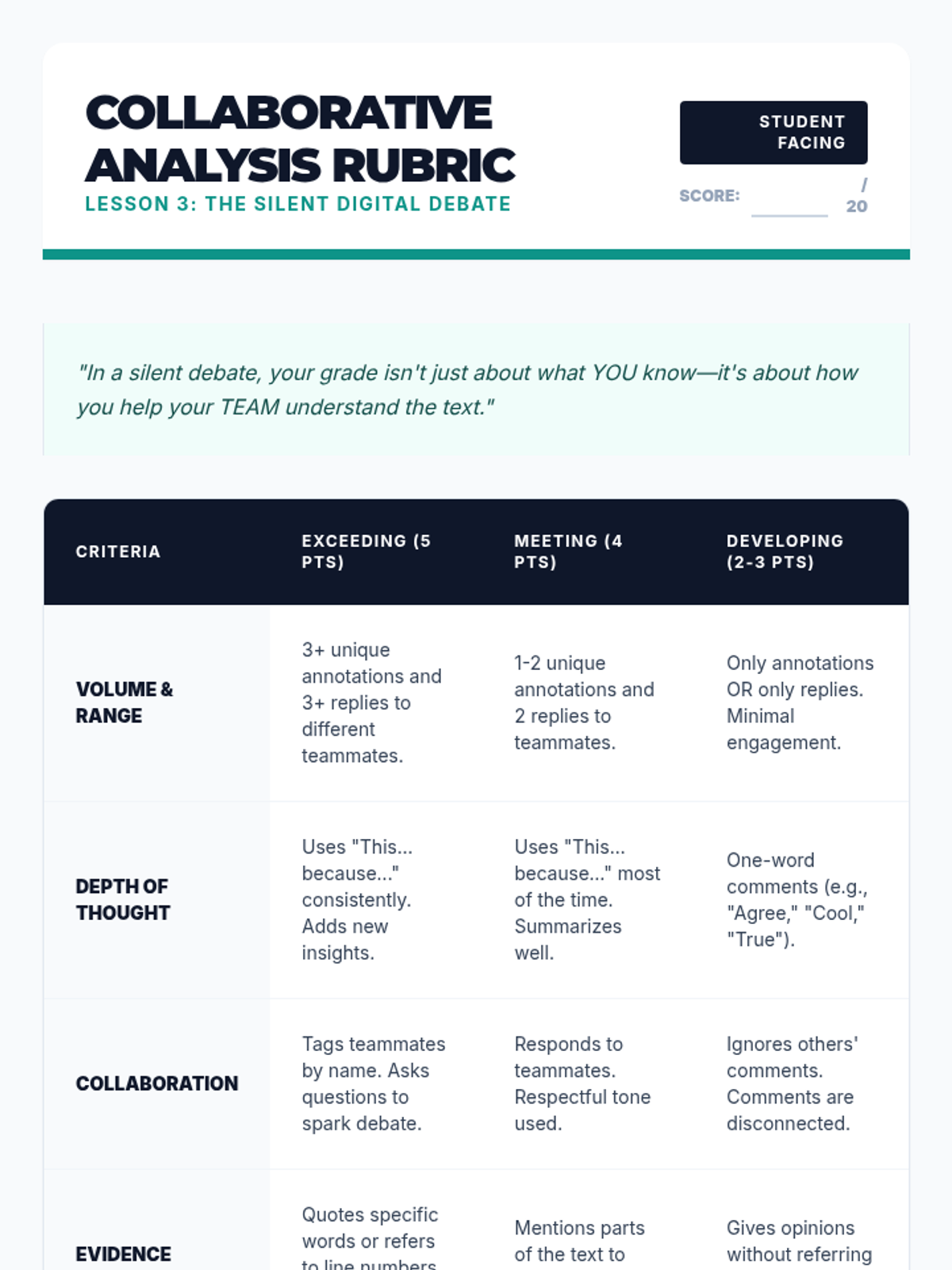
Student rubric and peer feedback form for Lesson 3, focusing on collaborative annotation quality and engagement.
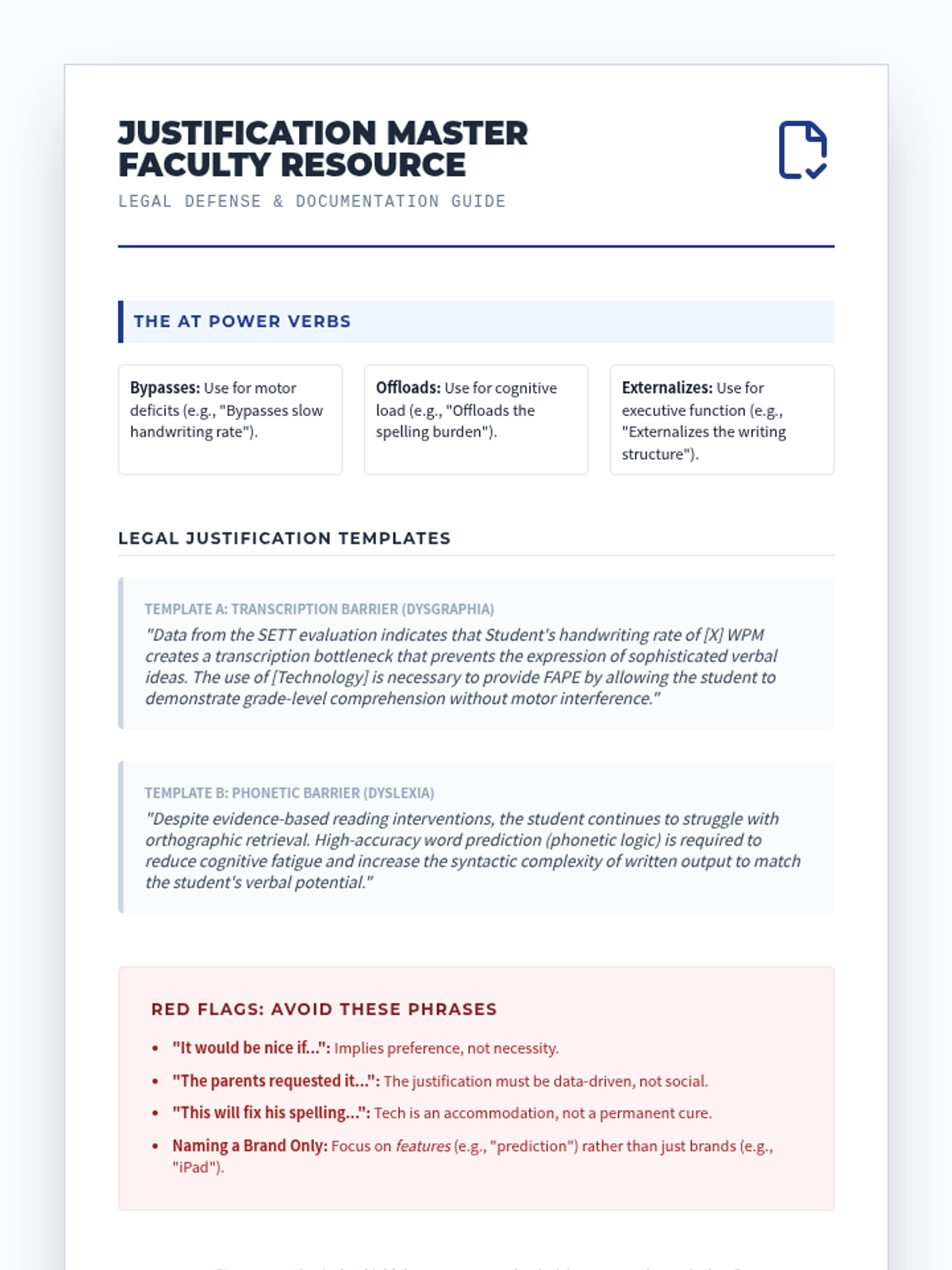
A teacher resource guide with templates and "power verbs" for drafting data-driven legal justifications for AT funding and services in the IEP.
Slides for Lesson 4 focusing on the transition from adult-prompted technology use to student independence. Introduces the 4-stage fading framework and data-driven monitoring.
Practice drafting goals that integrate writing tech (e.g., "Given word prediction, Student X will write..."). Students learn the specific formula for legally compliant AT goals.
Introductory slide deck for Lesson 3, covering the rules and etiquette for collaborative digital annotation during a 'Silent Debate'.
Visual presentation for Lesson 5, covering legal requirements for AT in the IEP, writing SMART goals with AT, and common pitfalls in justification statements.
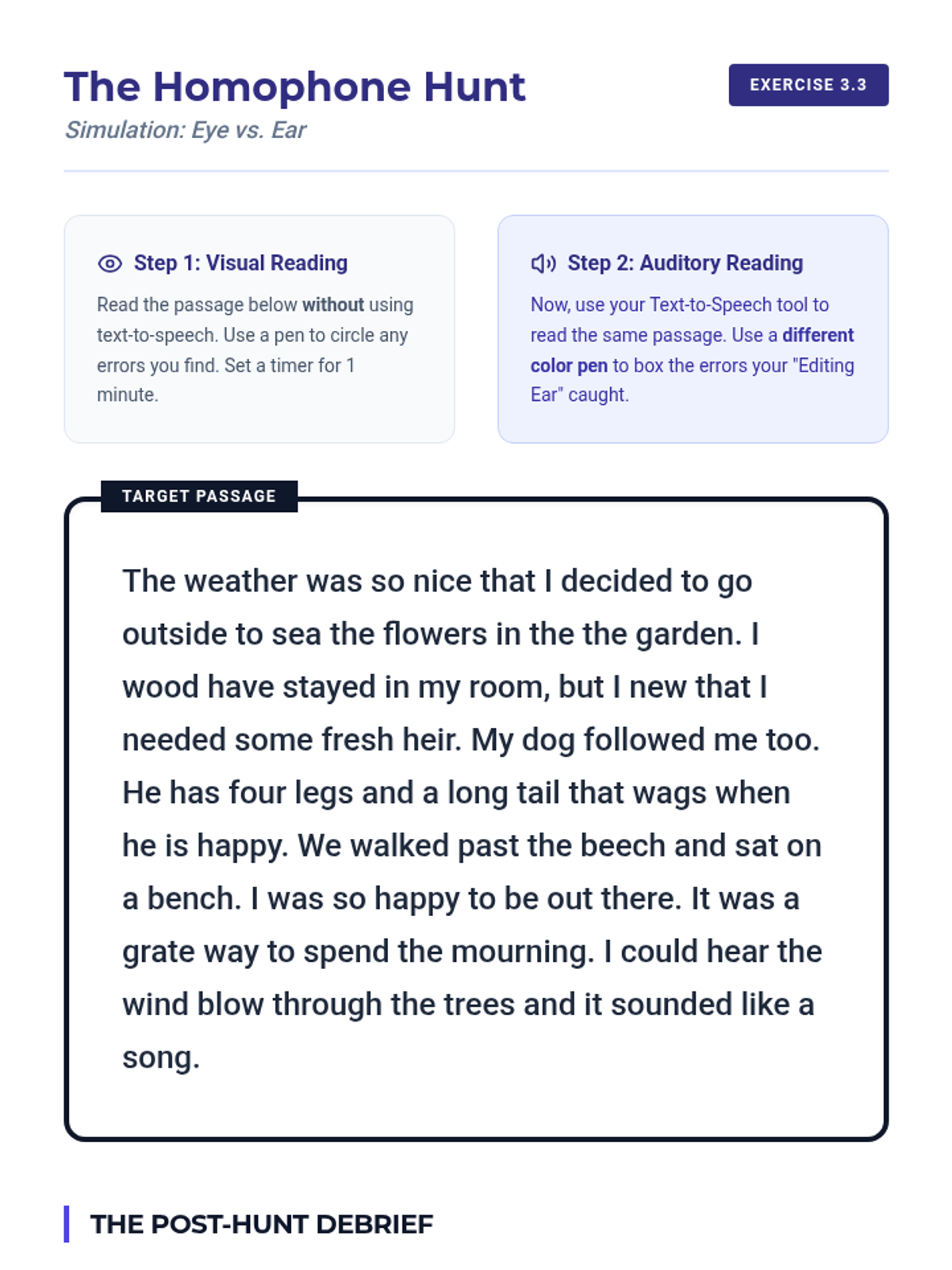
A practice activity for using Text-to-Speech to identify homophones and syntax errors. Includes a passage for comparative visual vs. auditory editing and a debrief section for pedagogical reflection.
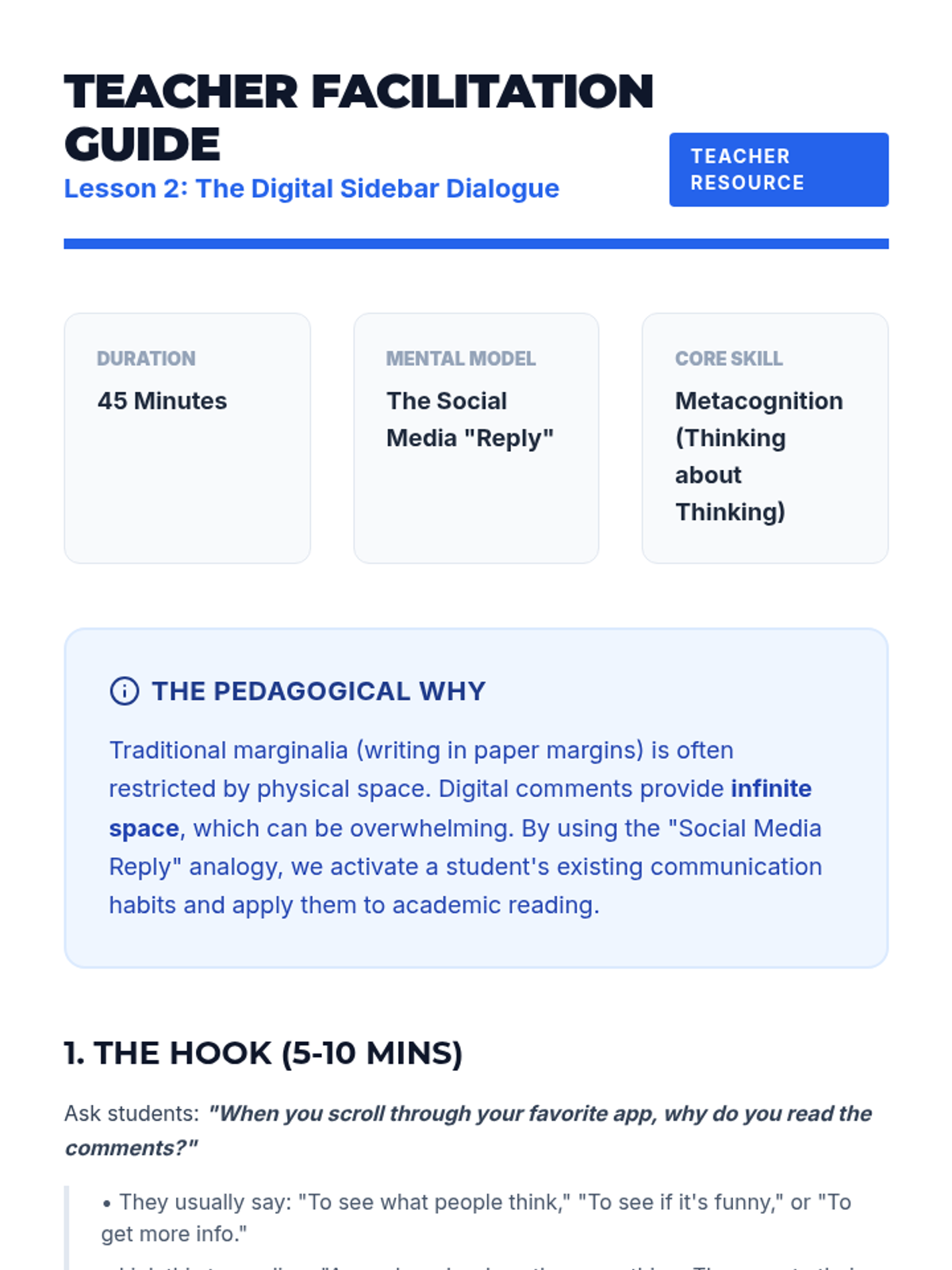
Teacher guide for Lesson 2, including the social media analogy breakdown, modeling tips, and common troubleshooting strategies for metacognition.
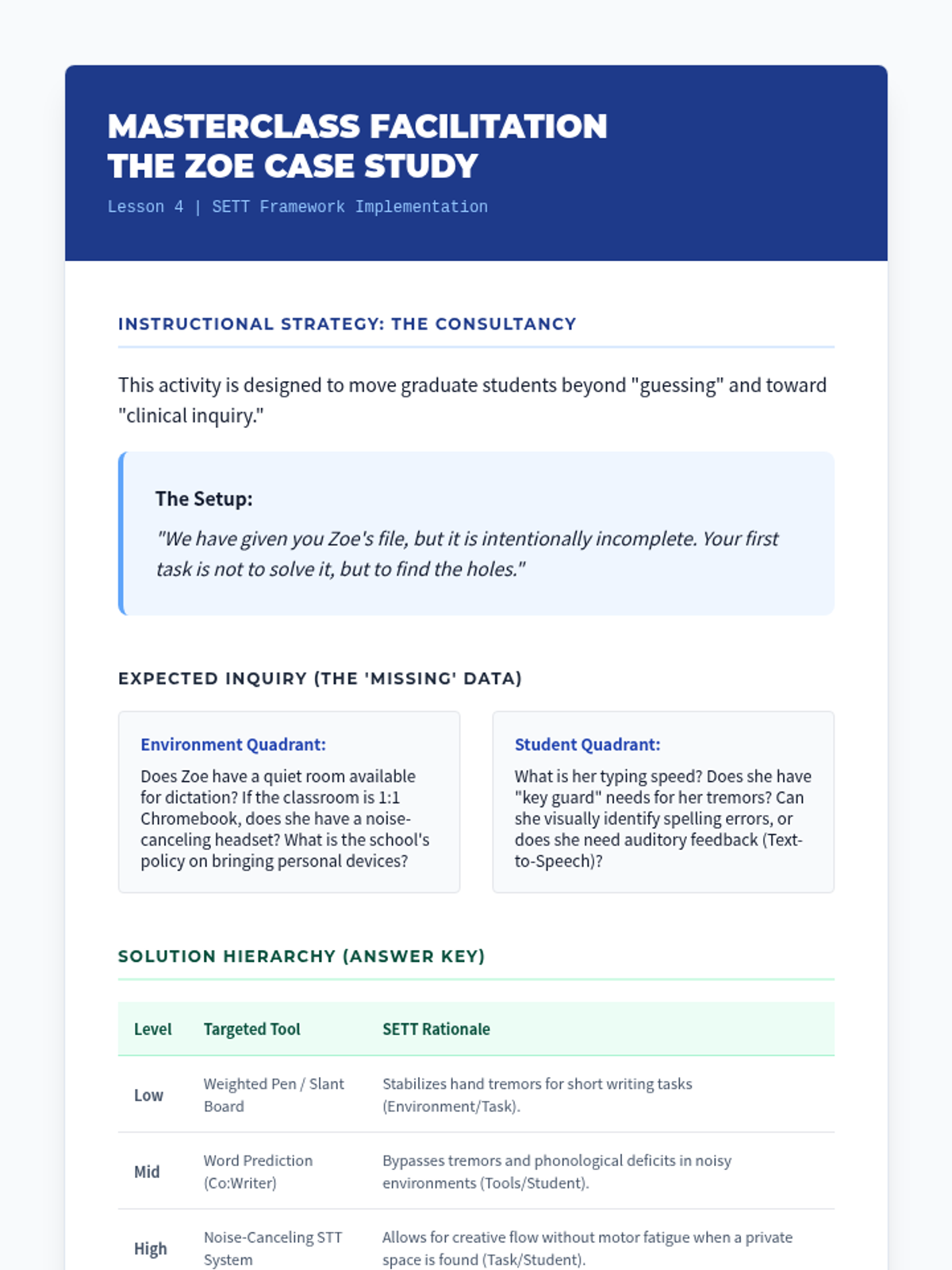
Teacher guide for Lesson 4 on facilitating the SETT consultancy protocol, including intended inquiry points and the proposed technology hierarchy for the Zoe case study.
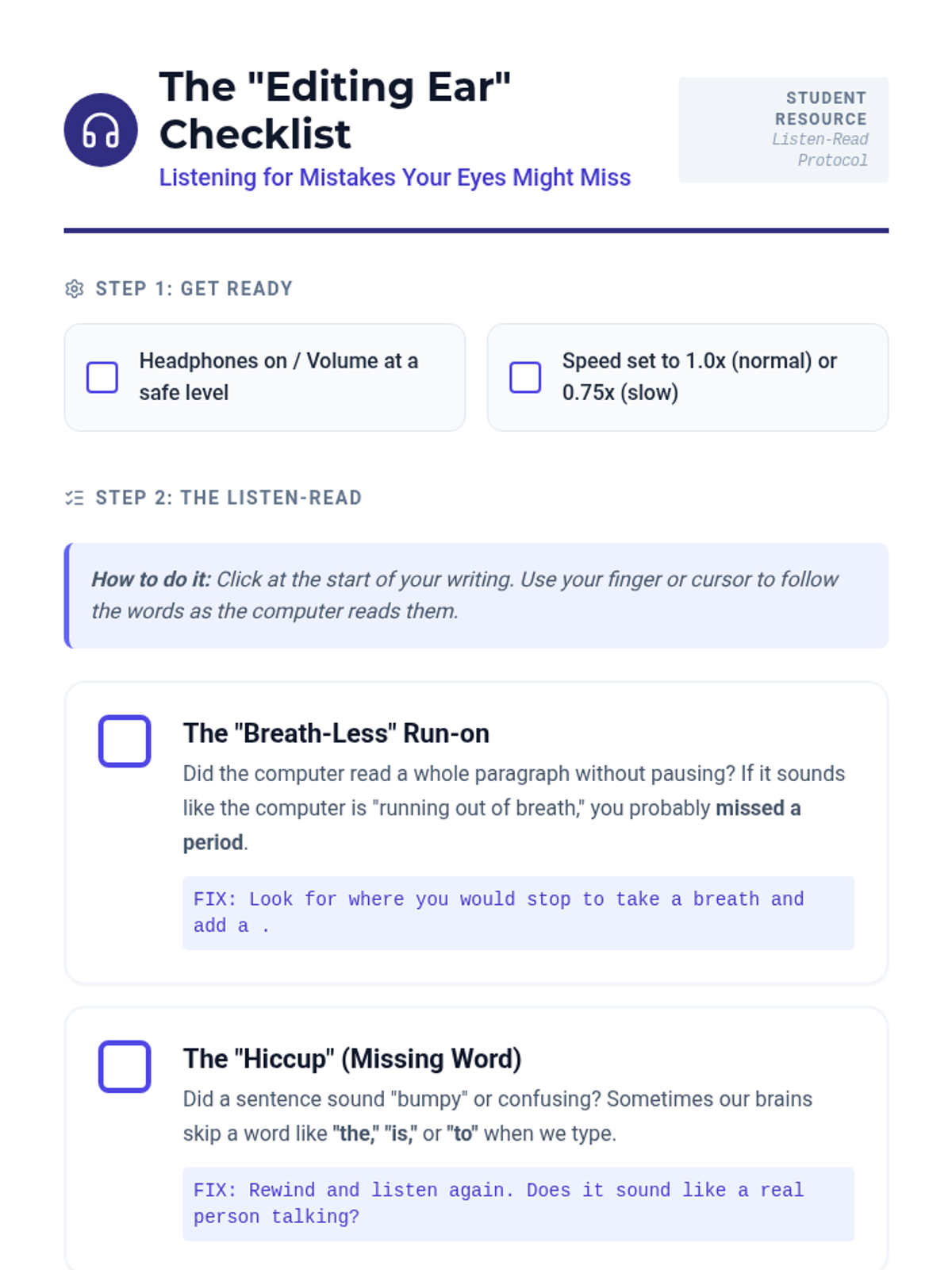
A student self-monitoring checklist for use with Text-to-Speech proofreading. Features visual cues for common errors like run-on sentences, missing words, and homophones.
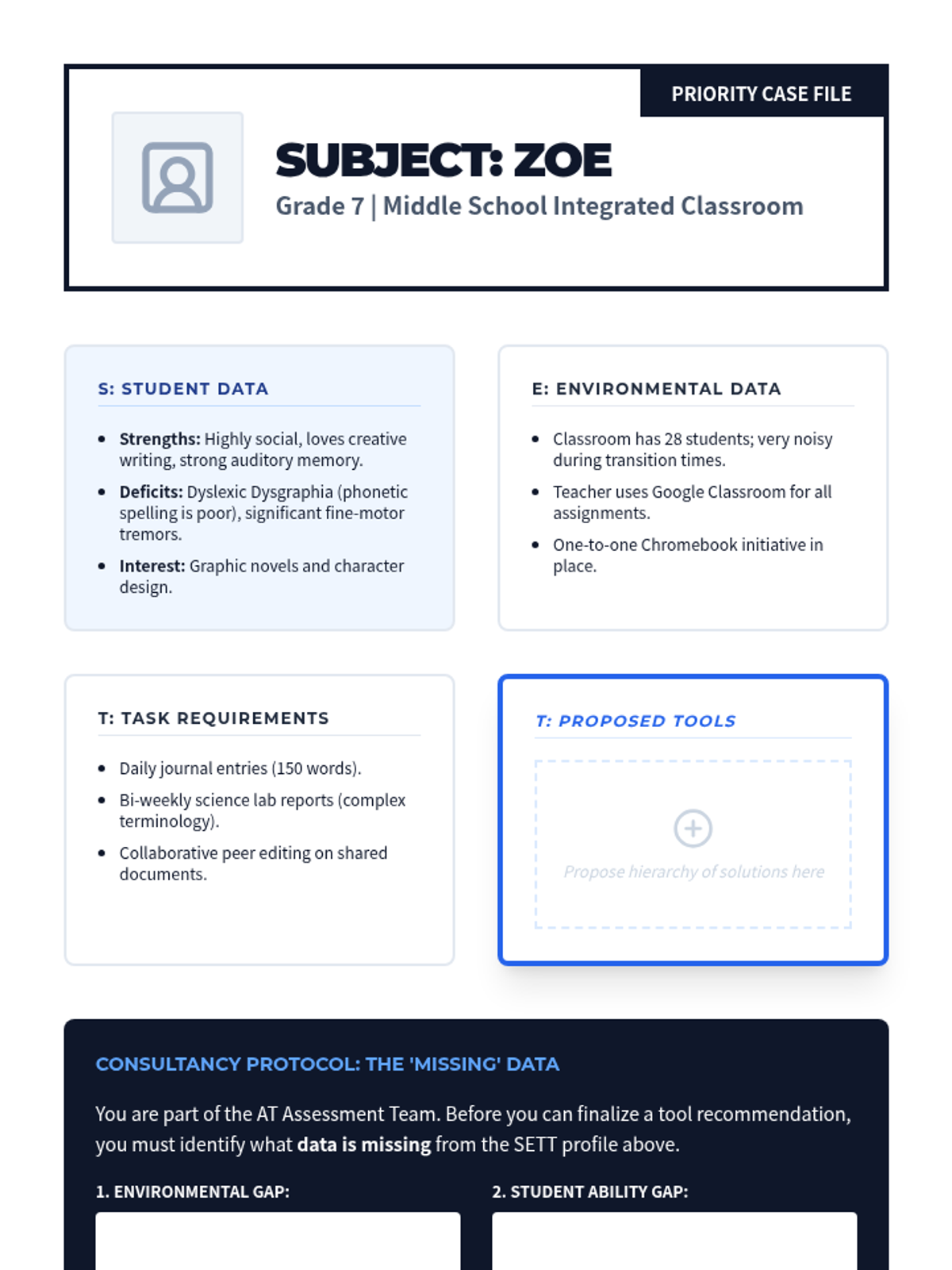
A detailed student case file for Zoe (Grade 7) used in the consultancy protocol activity. Students must analyze the SETT quadrants and propose a hierarchy of technology solutions.
Slides for Lesson 3 focusing on auditory editing using Text-to-Speech (TTS). Introduces the 'Listen-Read' protocol and the concept of 'the editing ear'.
Visual presentation for Lesson 4, introducing the SETT Framework (Student, Environments, Tasks, Tools) and its role in evidence-based assistive technology selection.
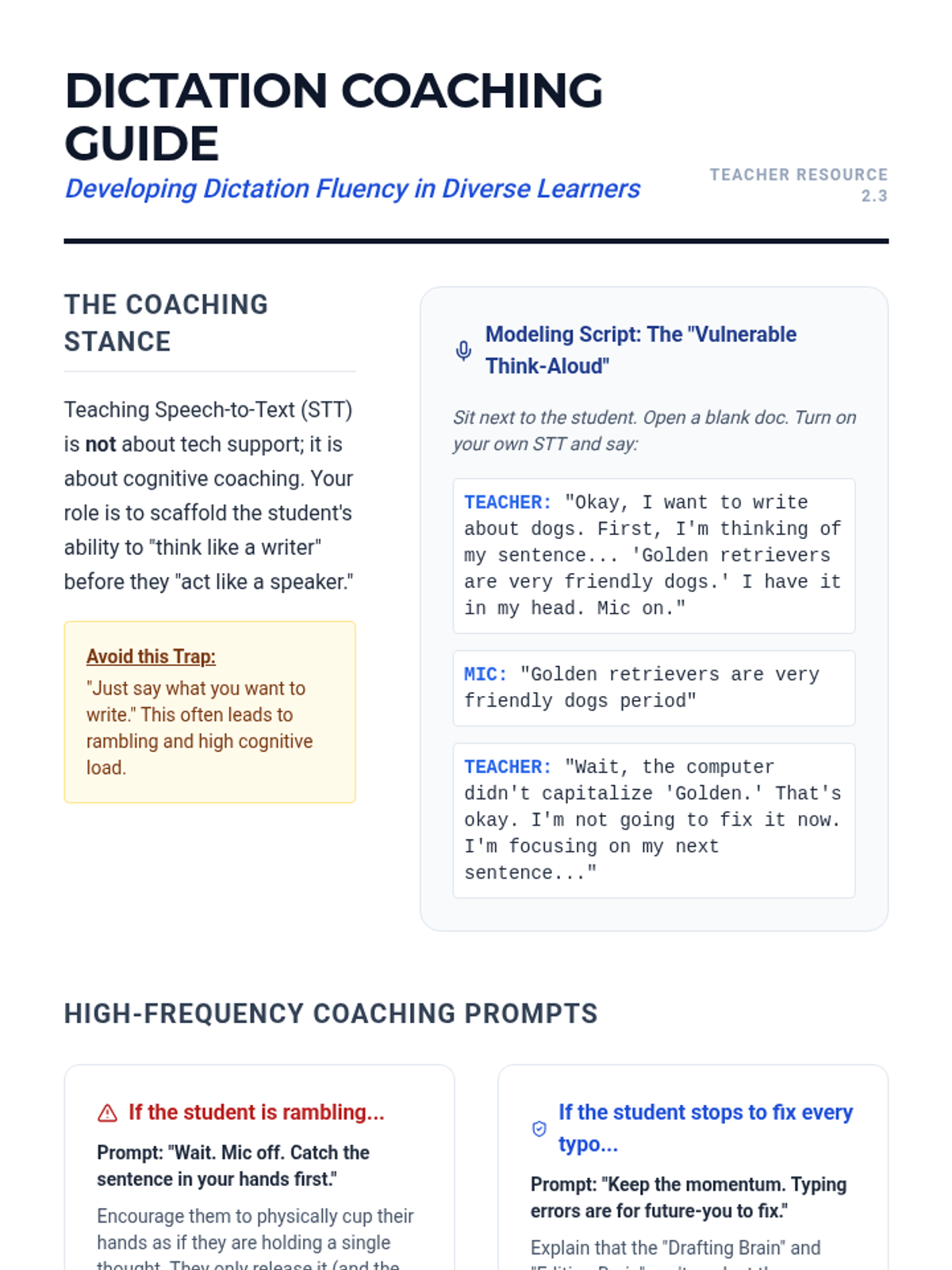
A guide for graduate students on instructional techniques for coaching dictation fluency. Includes modeling scripts, specific coaching prompts for common hurdles, and the "Magic Eraser" technique for error correction.
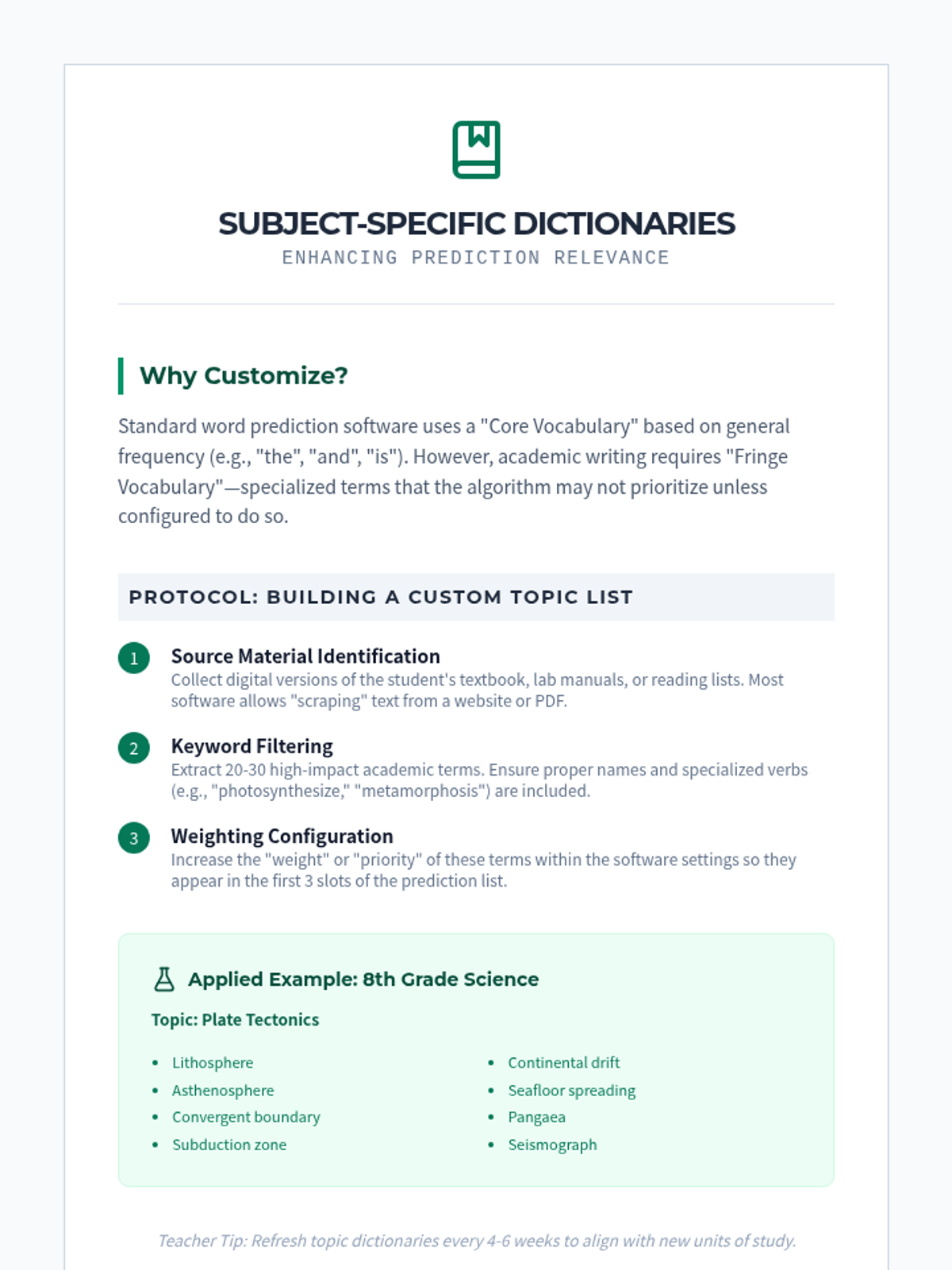
Instructional handout for teachers on how to build and customize topic-specific dictionaries (e.g., science, history) within word prediction software to support specialized academic vocabulary.
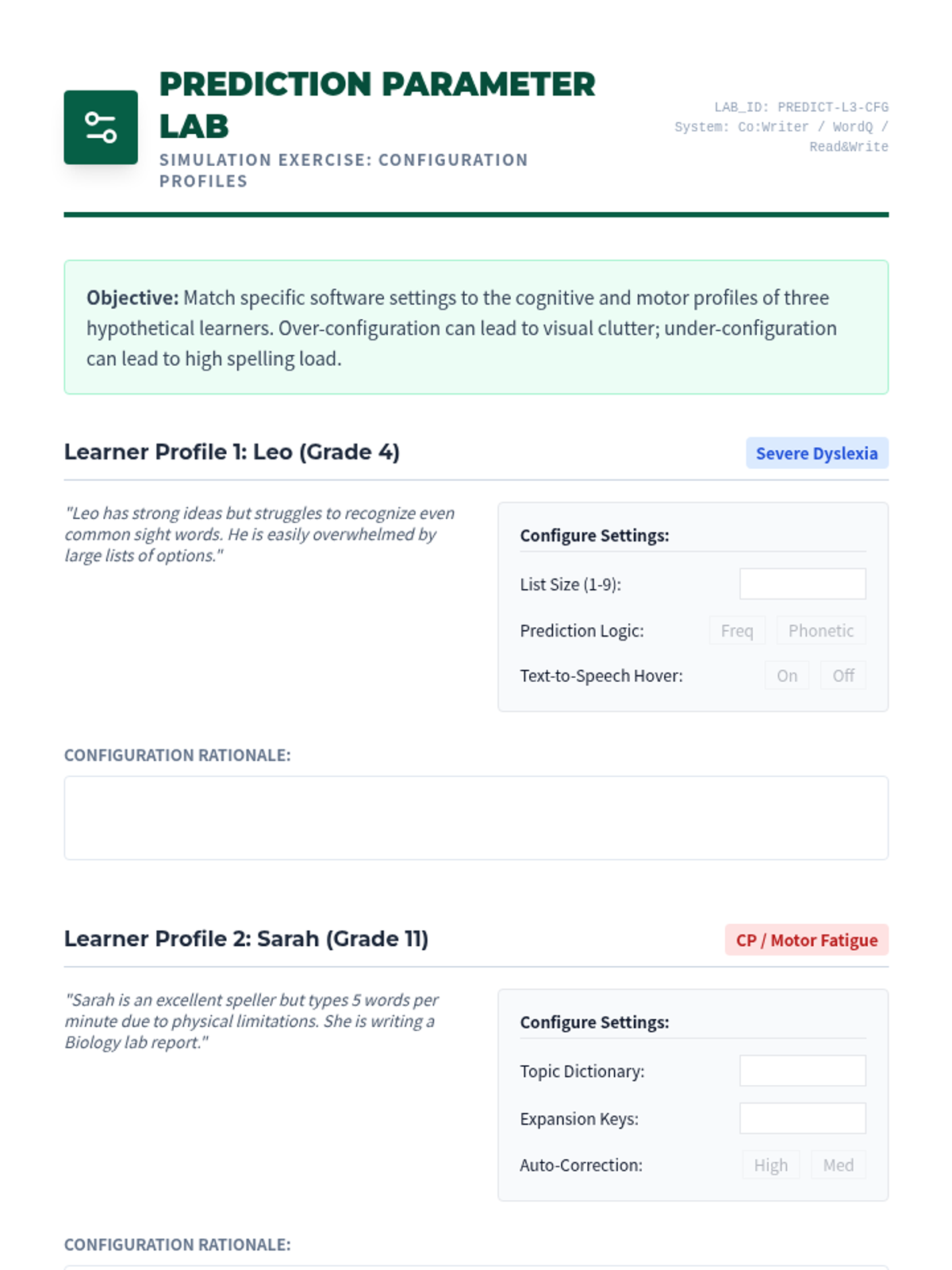
Activity worksheet for Lesson 3 where students configure prediction settings (list size, logic, speech feedback) for different hypothetical learner profiles (dyslexia vs. motor fatigue).
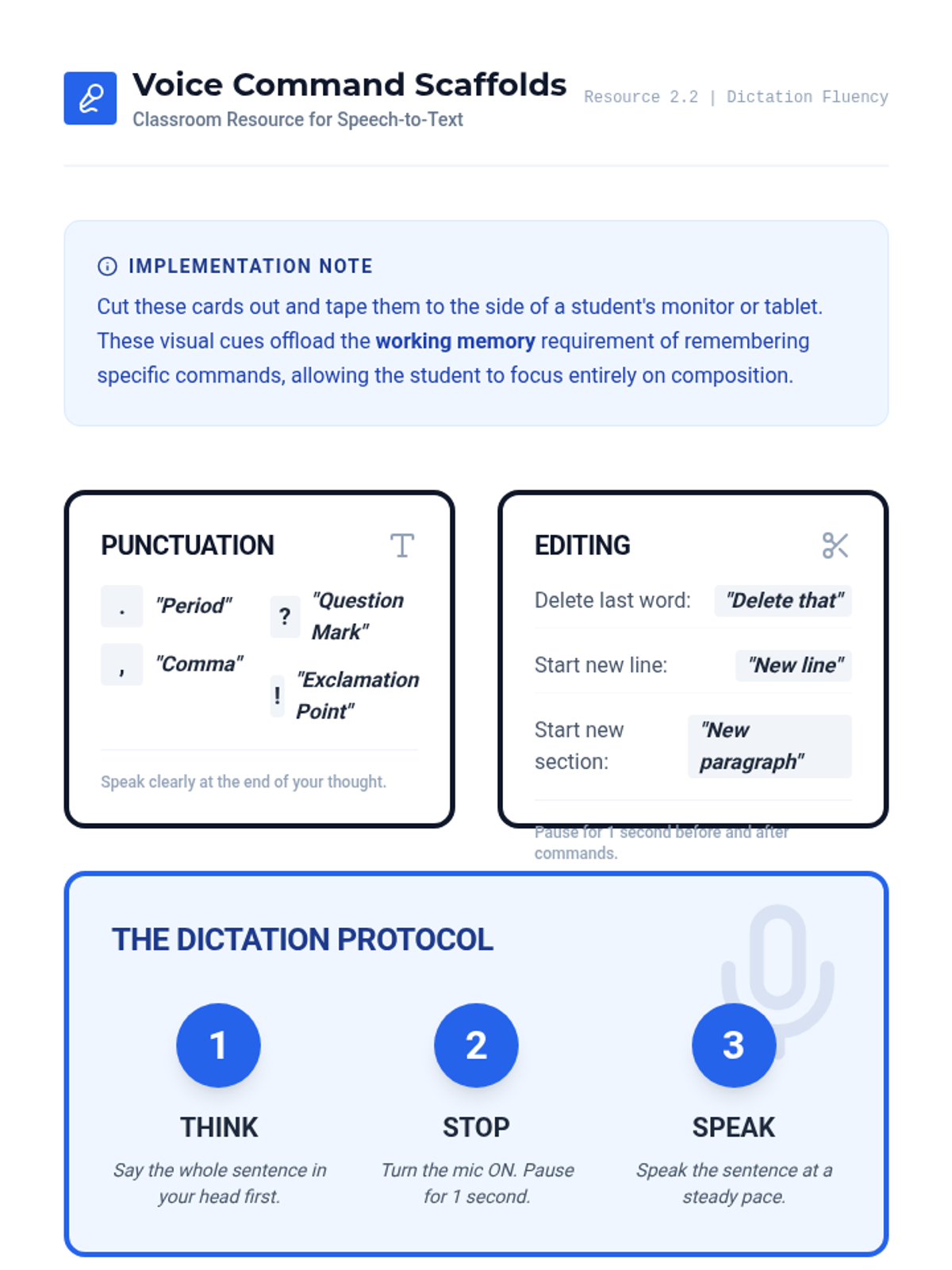
A printable visual aid for students using speech-to-text. Includes high-contrast cards for punctuation commands, editing commands, and the 'Think-Stop-Speak' dictation protocol.
Visual presentation for Lesson 3, covering word prediction logic, phonetic vs. frequency-based algorithms, and text expansion techniques.
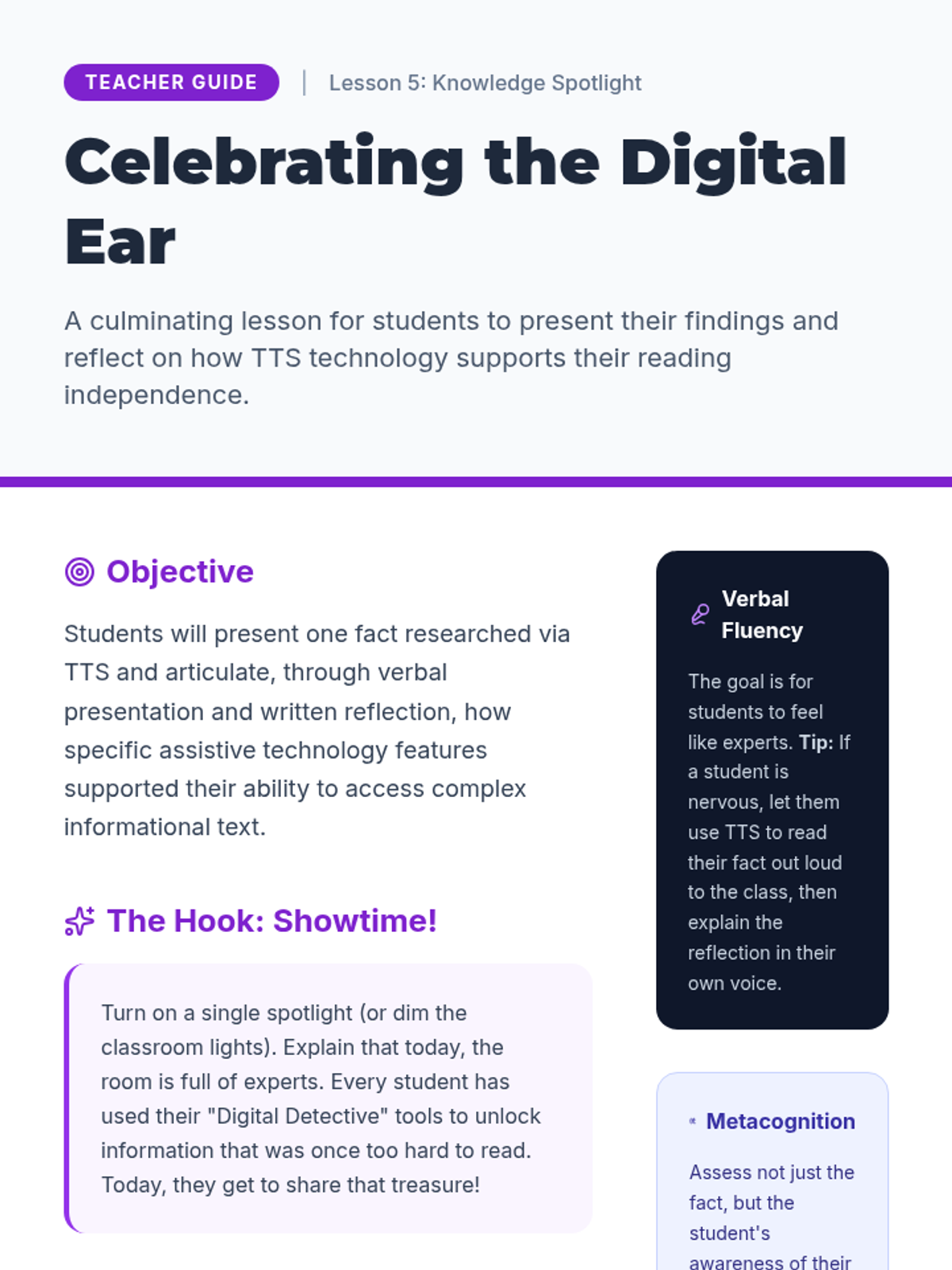
A comprehensive teacher guide for Lesson 5, focusing on student presentation of facts and reflection on the utility of text-to-speech technology.
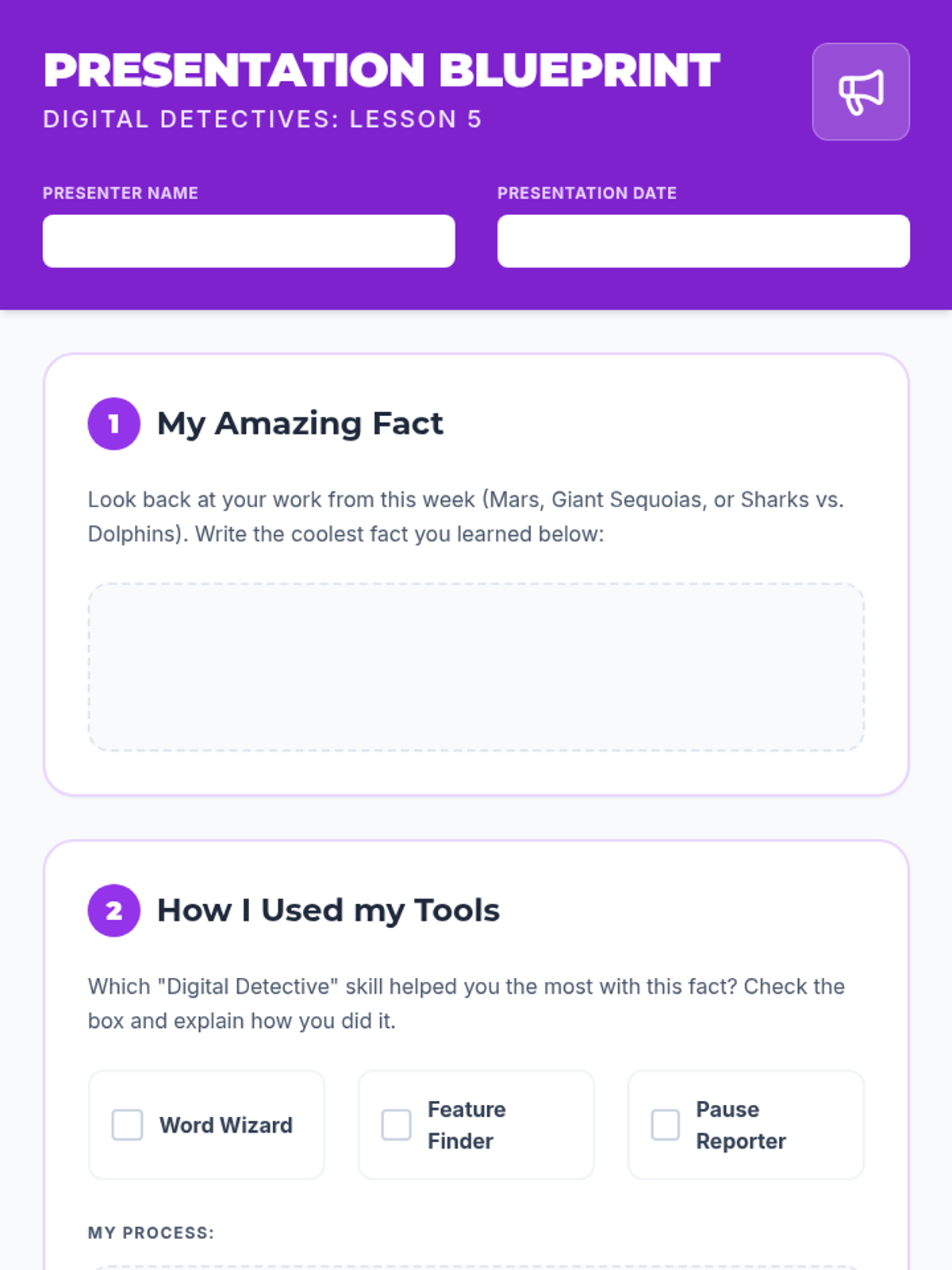
A presentation planning worksheet for Lesson 5 where students outline a fact learned through text-to-speech and reflect on the specific tools and methods they used.
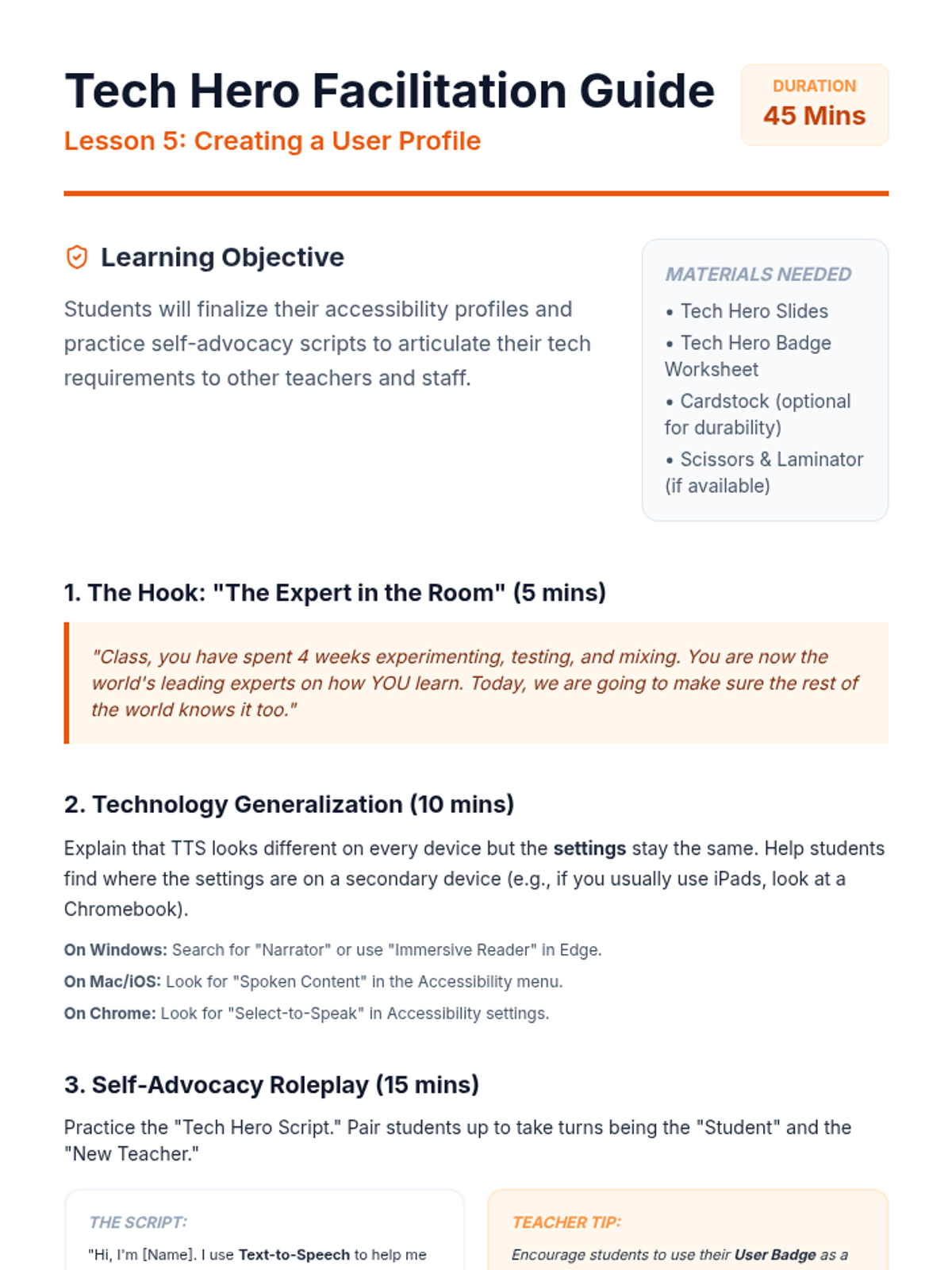
A facilitation guide for teachers to lead the Tech Hero Profile lesson, including self-advocacy scripts, roleplay instructions, and cross-device generalization tips.
A slide deck for Lesson 5, guiding 3rd-grade students through the process of presenting a fact learned via text-to-speech and reflecting on the utility of the tool.
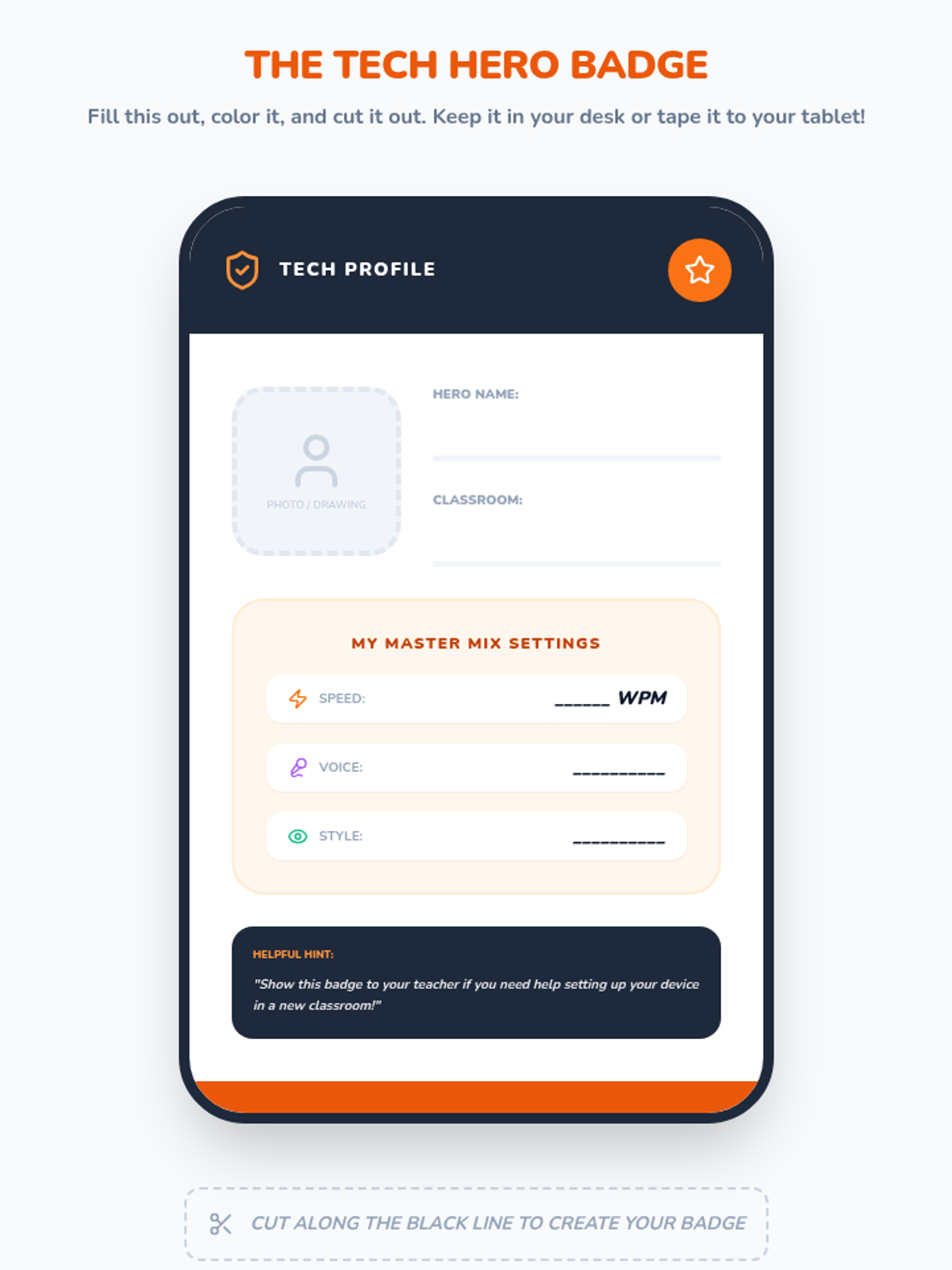
A portable 'User Badge' for students to display their preferred text-to-speech settings and use for self-advocacy.
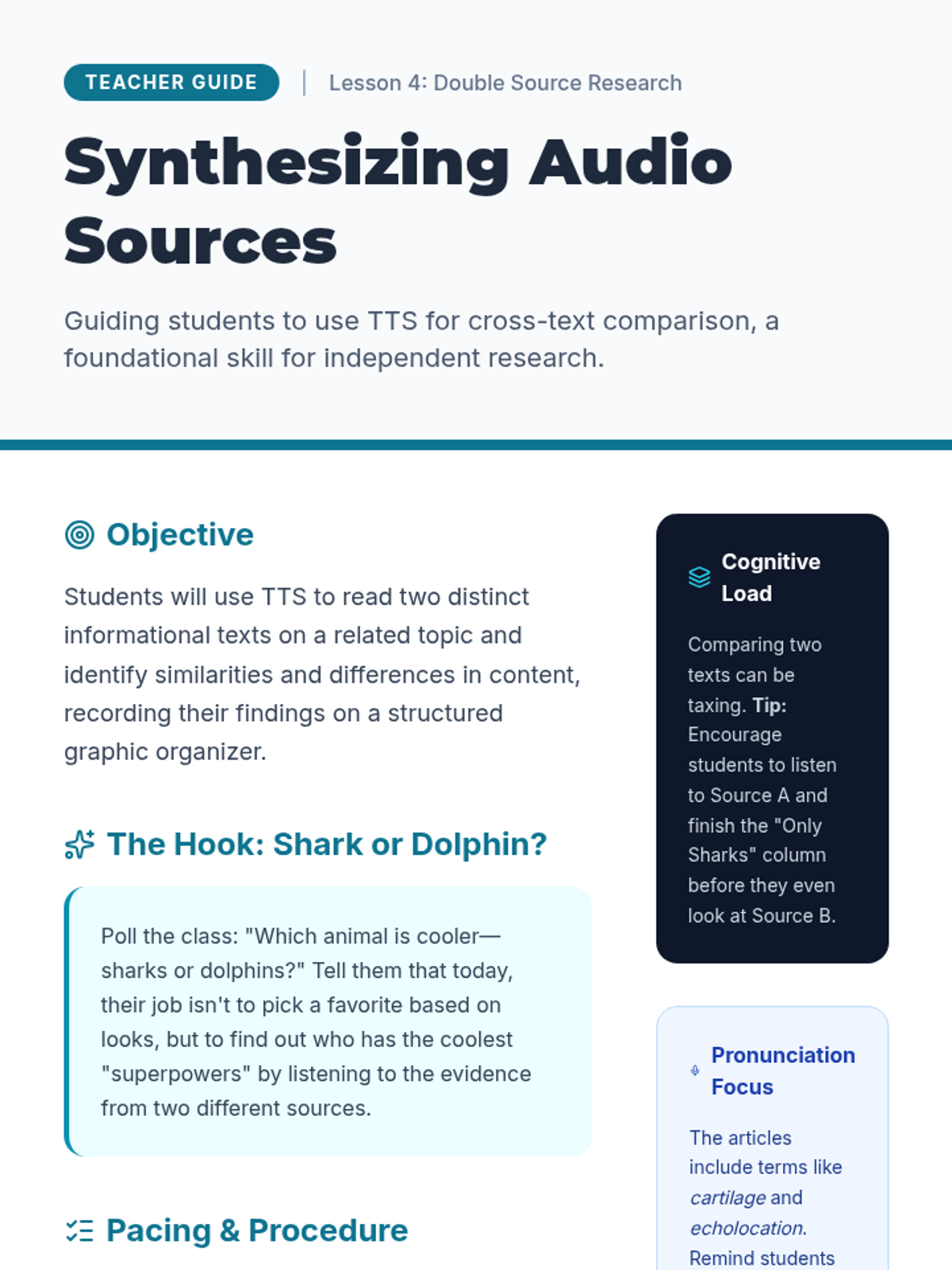
A comprehensive teacher guide for Lesson 4, focusing on teaching students to use text-to-speech to compare and contrast informational sources.
Slides for the Tech Hero Profile lesson, focusing on self-advocacy, cross-device accessibility settings, and finalizing the student user profile.
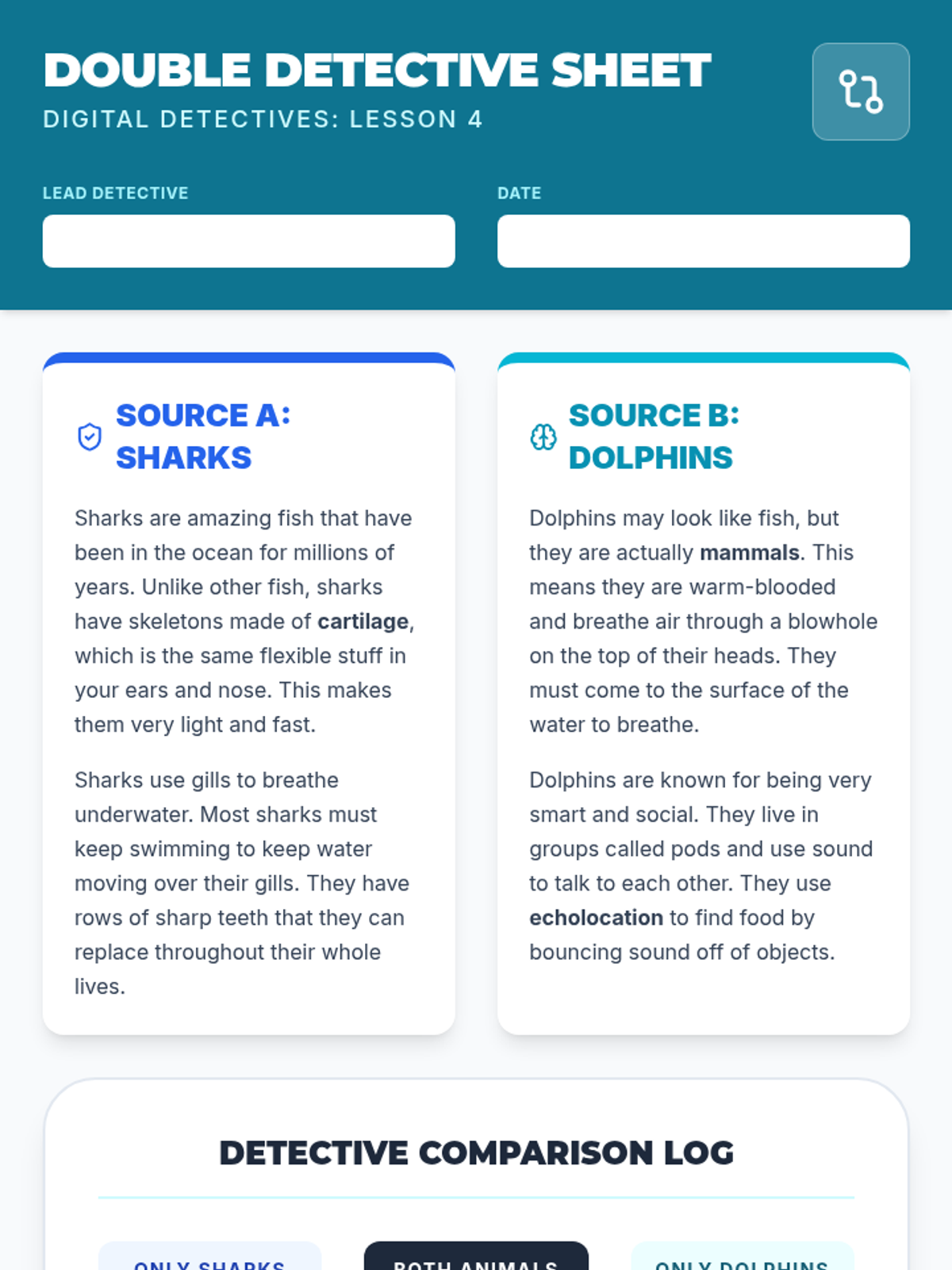
A comparison worksheet for Lesson 4 where students use text-to-speech to read and compare two sources about sharks and dolphins. Includes a structured comparison log and a synthesis question.
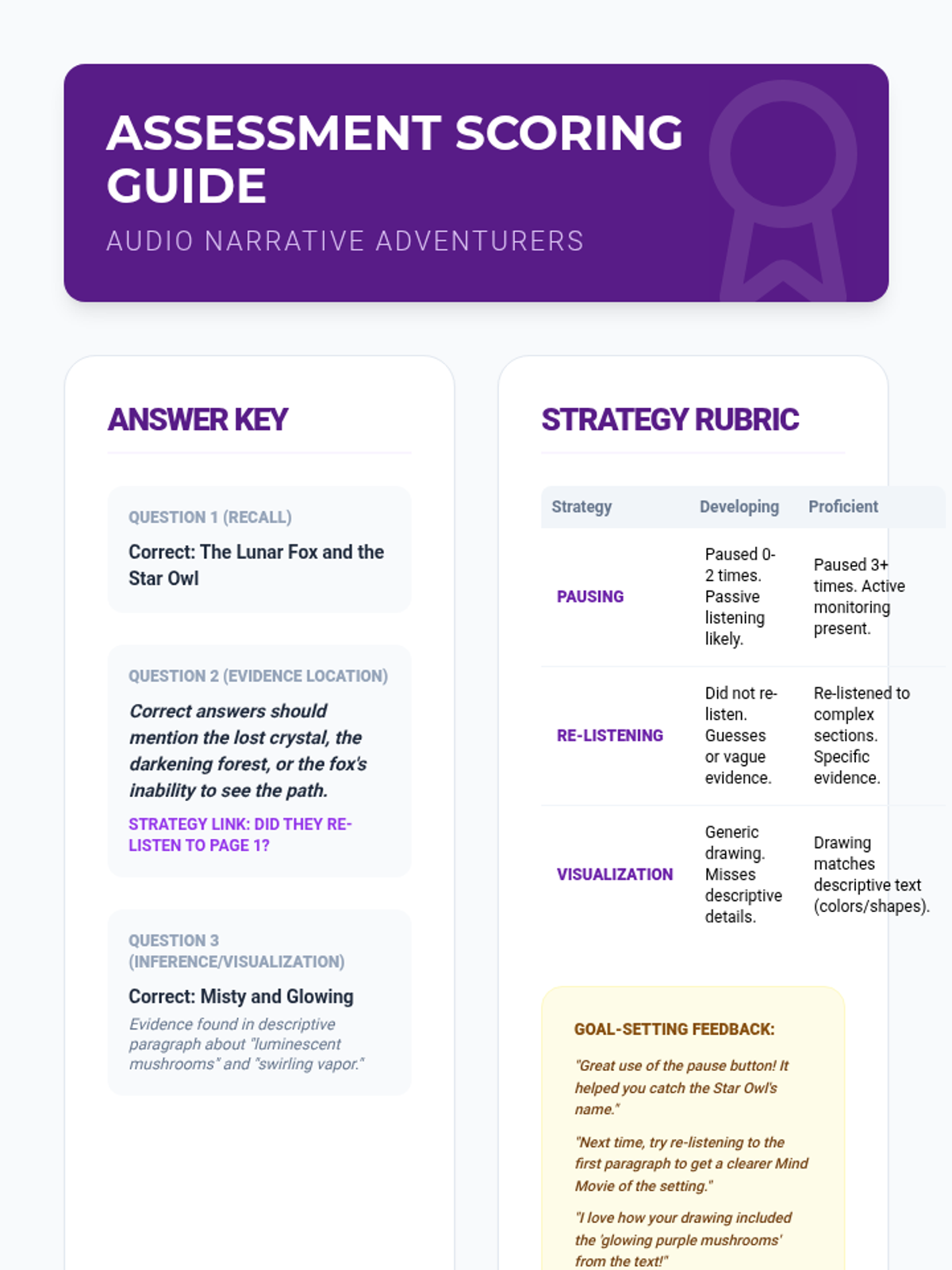
Scoring rubric and answer key for the final assessment, focusing on both comprehension and the correct application of text-to-speech reading strategies.
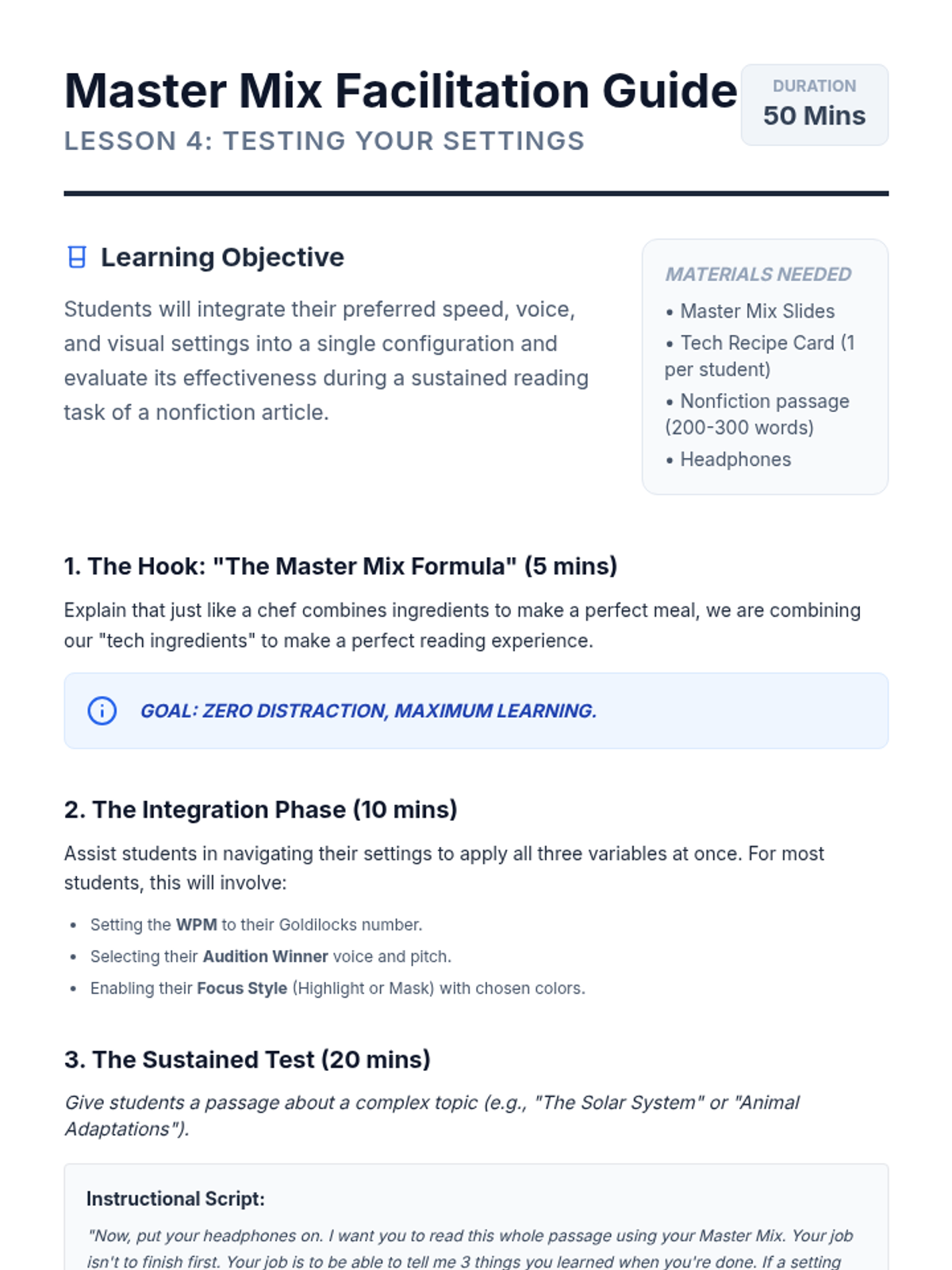
A teacher guide for the Master Mix Testing lesson, including instructions for the integrated test and metacognitive reflection prompts.
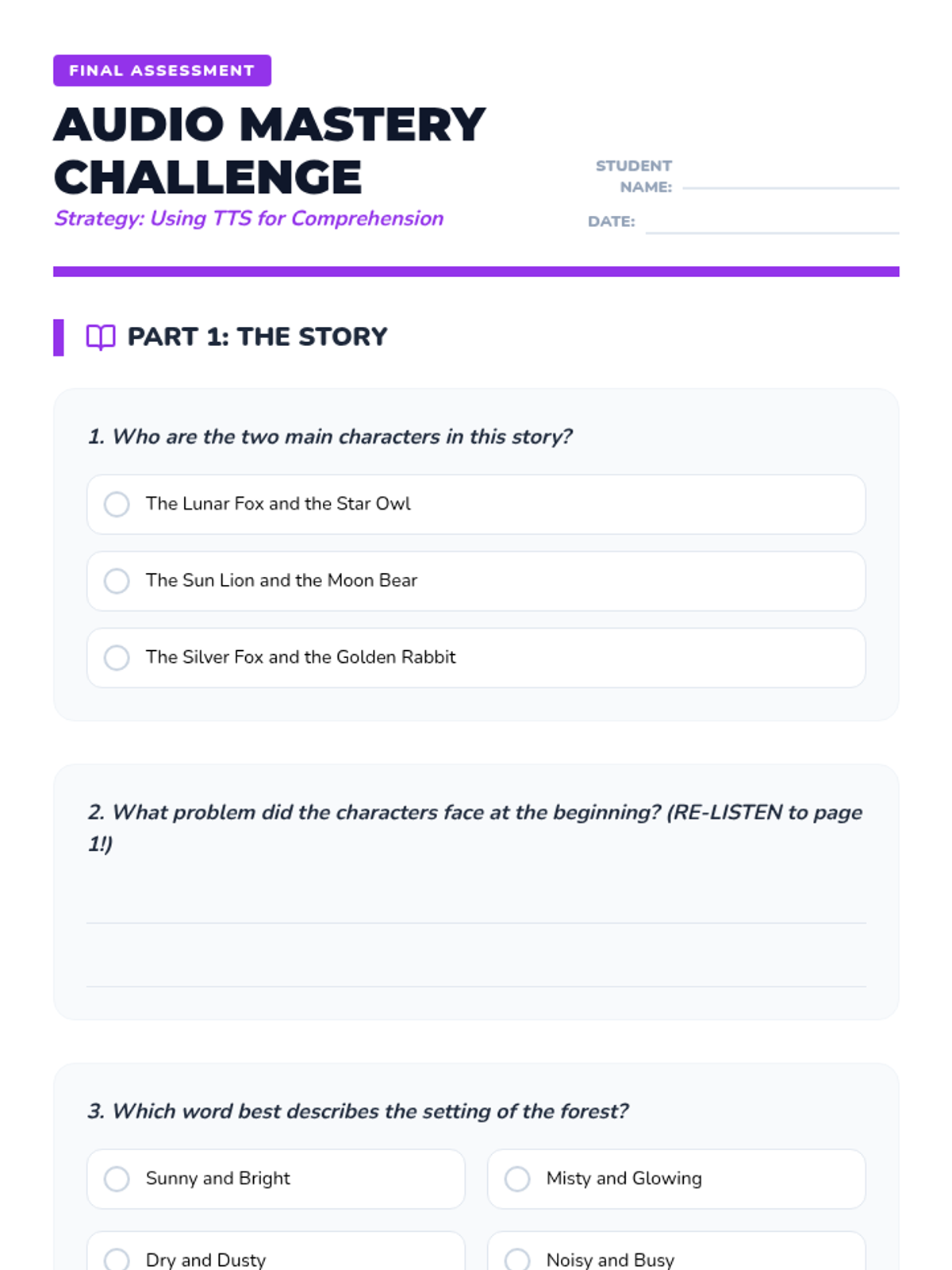
A final assessment for the audio comprehension sequence, testing story understanding and evaluating strategic tool usage (pausing, re-listening, visualization).
A slide deck teaching 3rd-grade students how to use text-to-speech to conduct research by comparing two informational sources on the same topic.
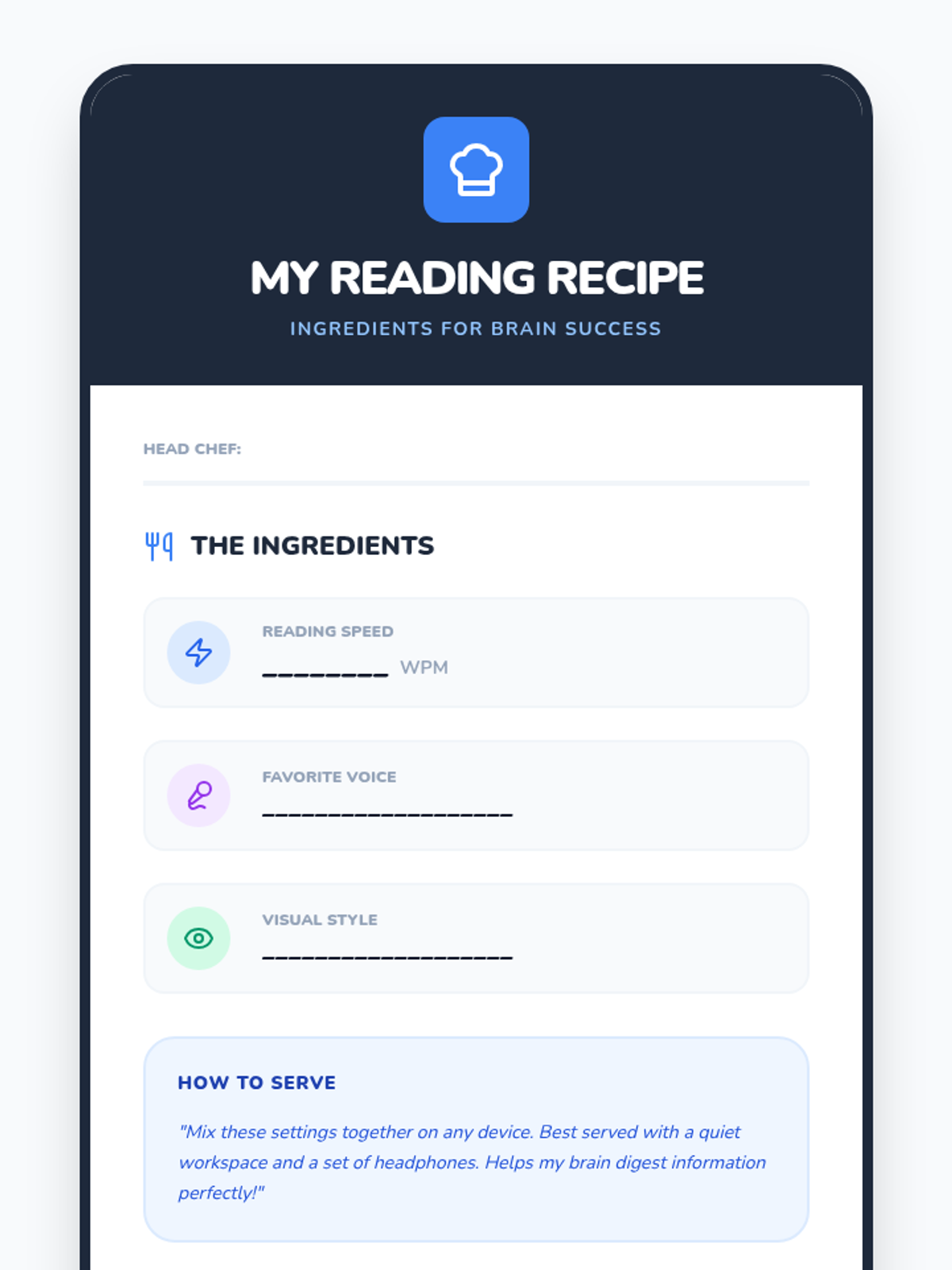
A fun recipe-style card for students to record their final chosen text-to-speech settings for speed, voice, and visuals.
Slides for Lesson 5, reviewing all text-to-speech comprehension strategies before the final assessment.
Slides for the Master Mix Testing lesson, where students combine their chosen speed, voice, and visual settings to read a nonfiction article.
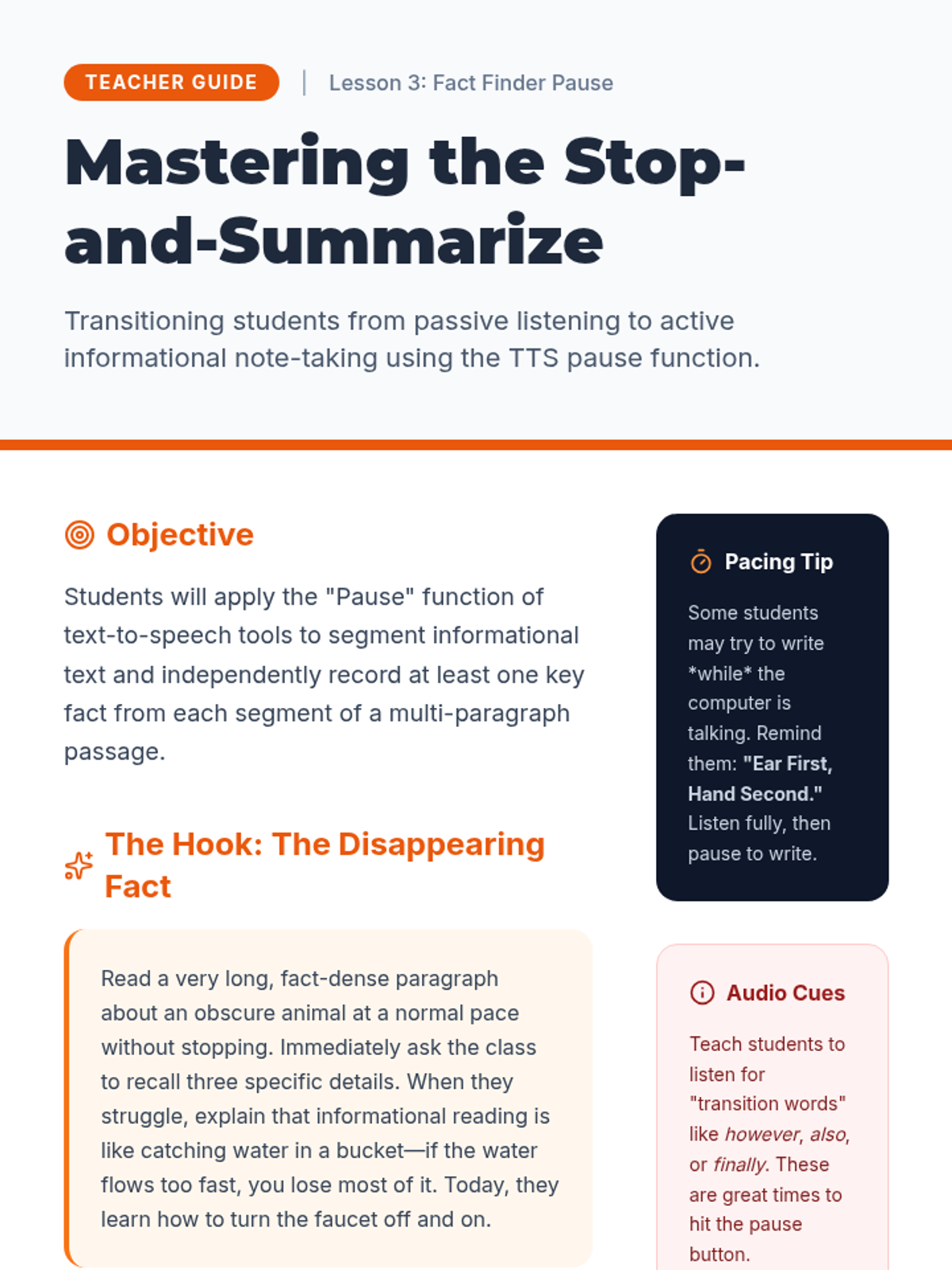
A comprehensive teacher guide for Lesson 3, focusing on teaching students to use the pause function of TTS for note-taking and informational synthesis.
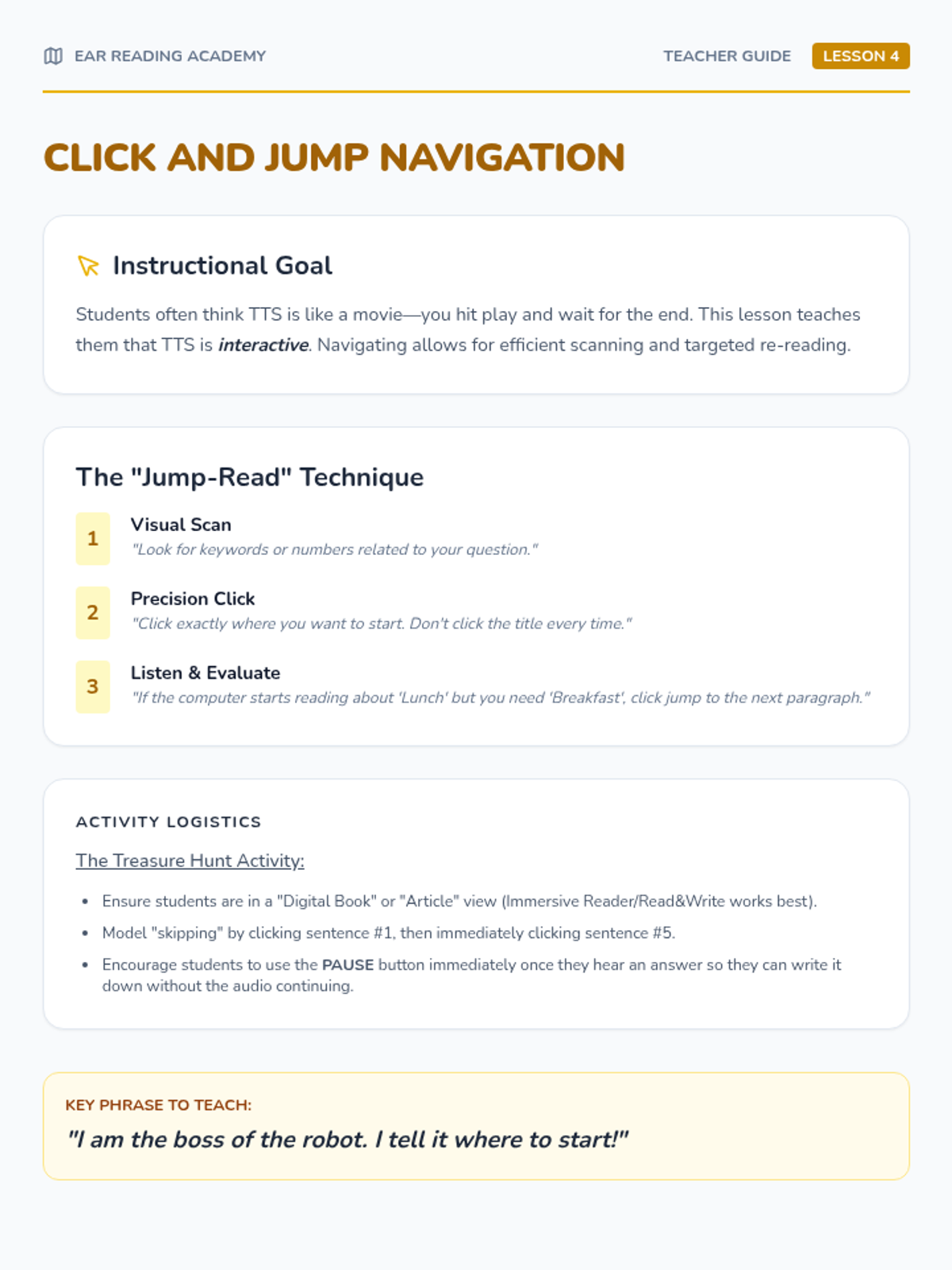
Teacher guide for Lesson 4, focusing on teaching students to use TTS for interactive scanning and re-reading rather than passive listening.
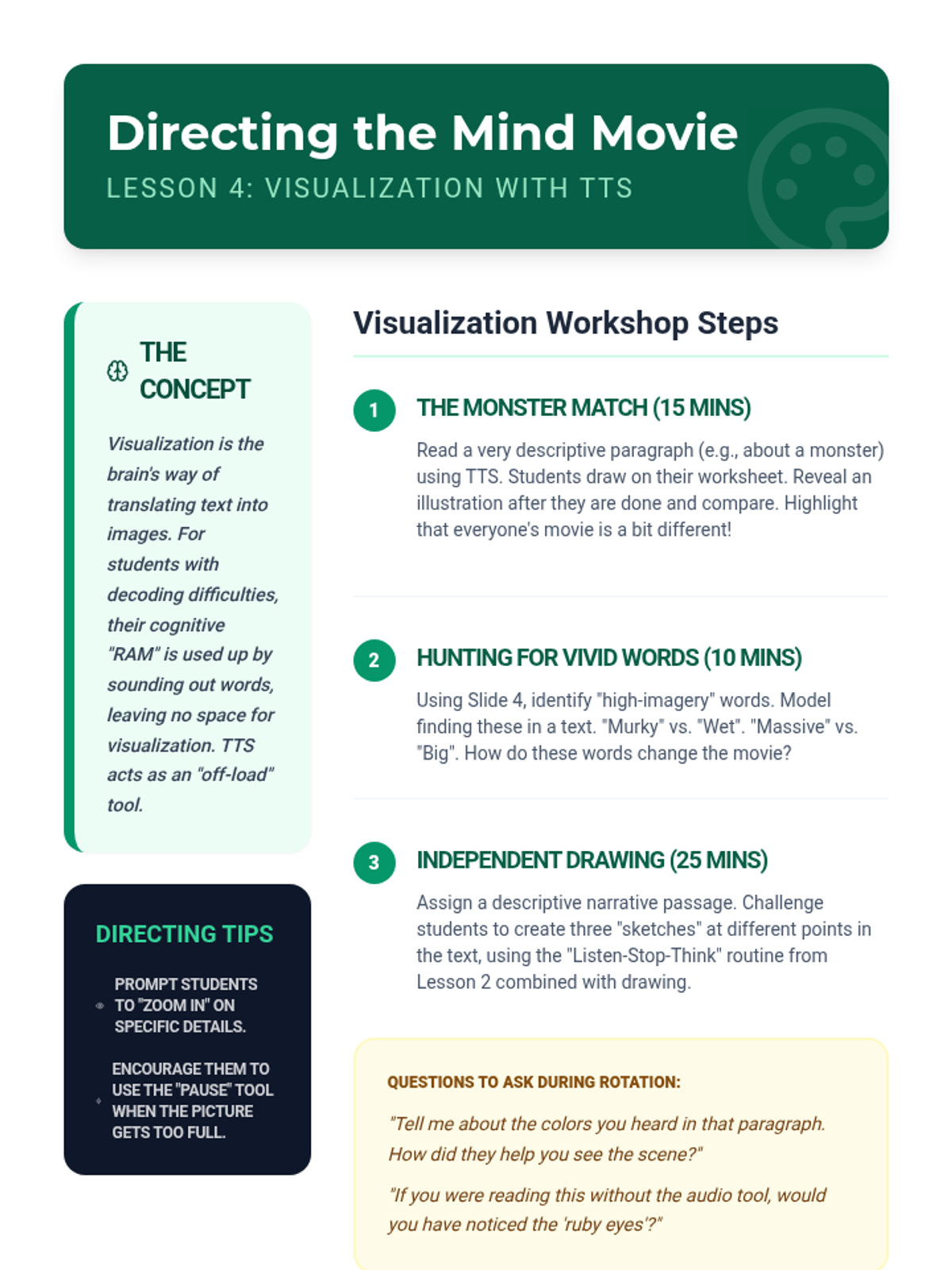
Teacher guide for Lesson 4, facilitating visualization exercises and guiding students to notice descriptive language through audio.
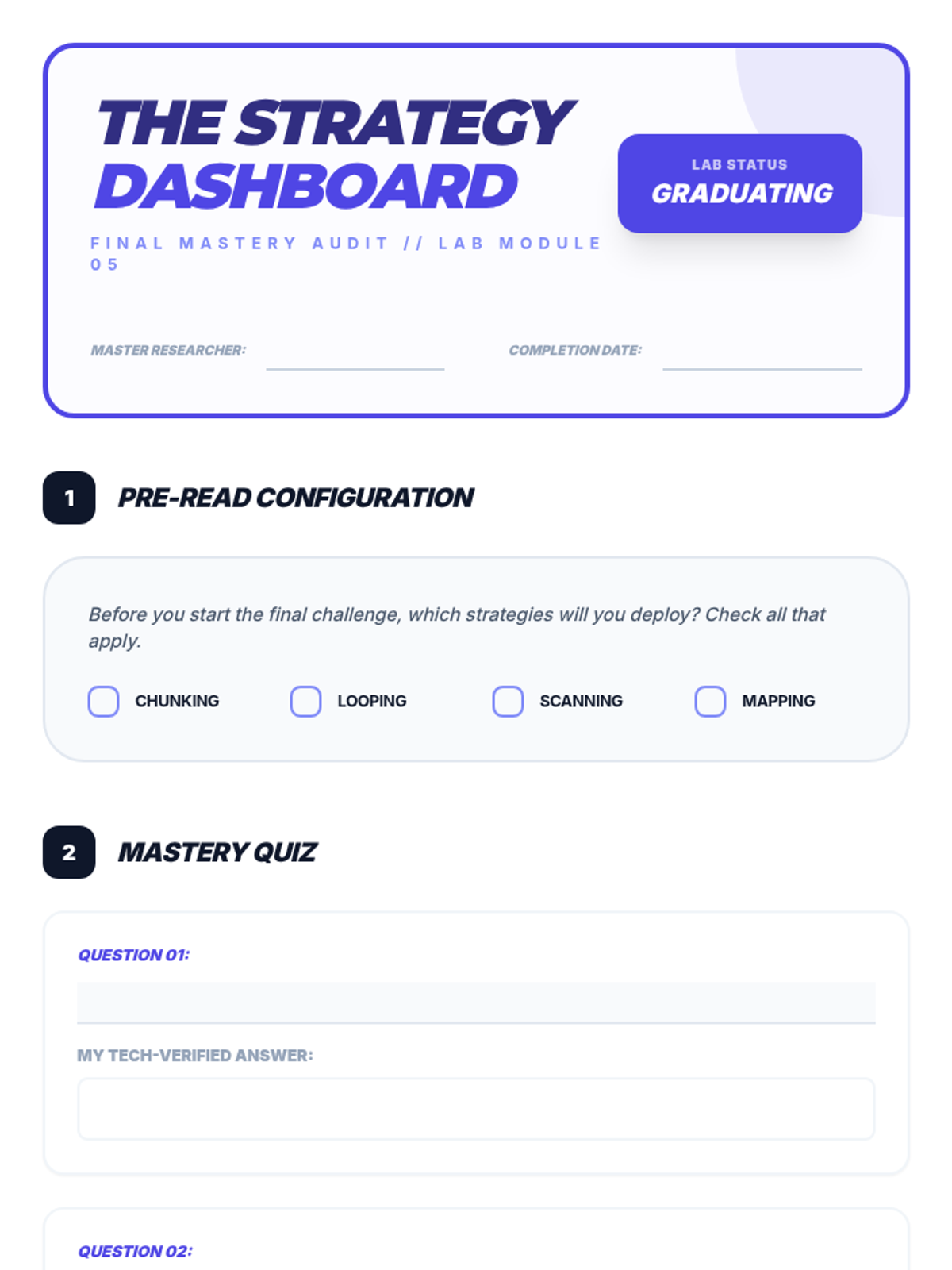
Student reflection and final assessment sheet for Lesson 5, allowing students to plan strategies and evaluate their comprehension performance.
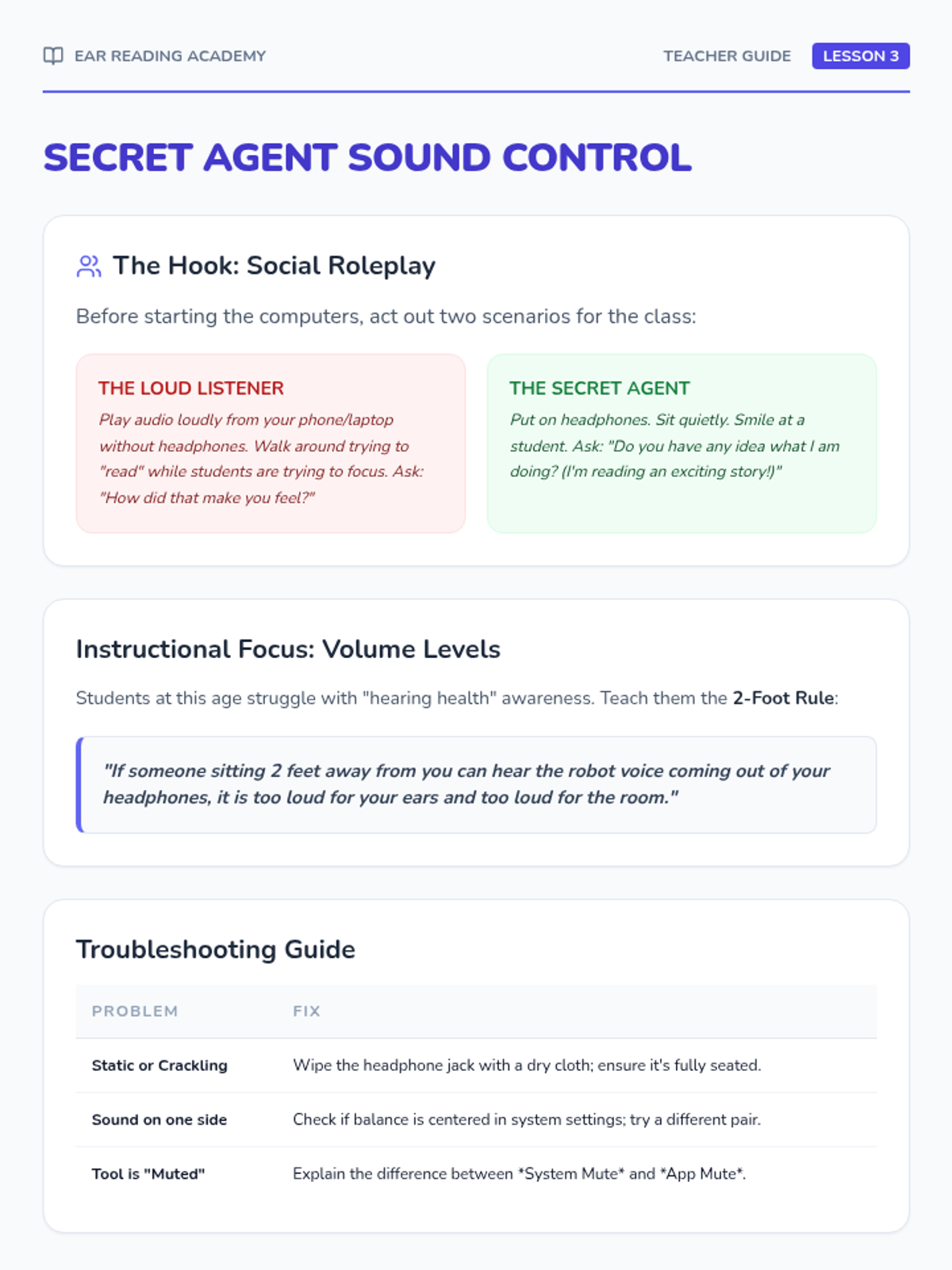
Teacher guide for Lesson 3, focusing on the social etiquette of using TTS and technical troubleshooting for headphones.
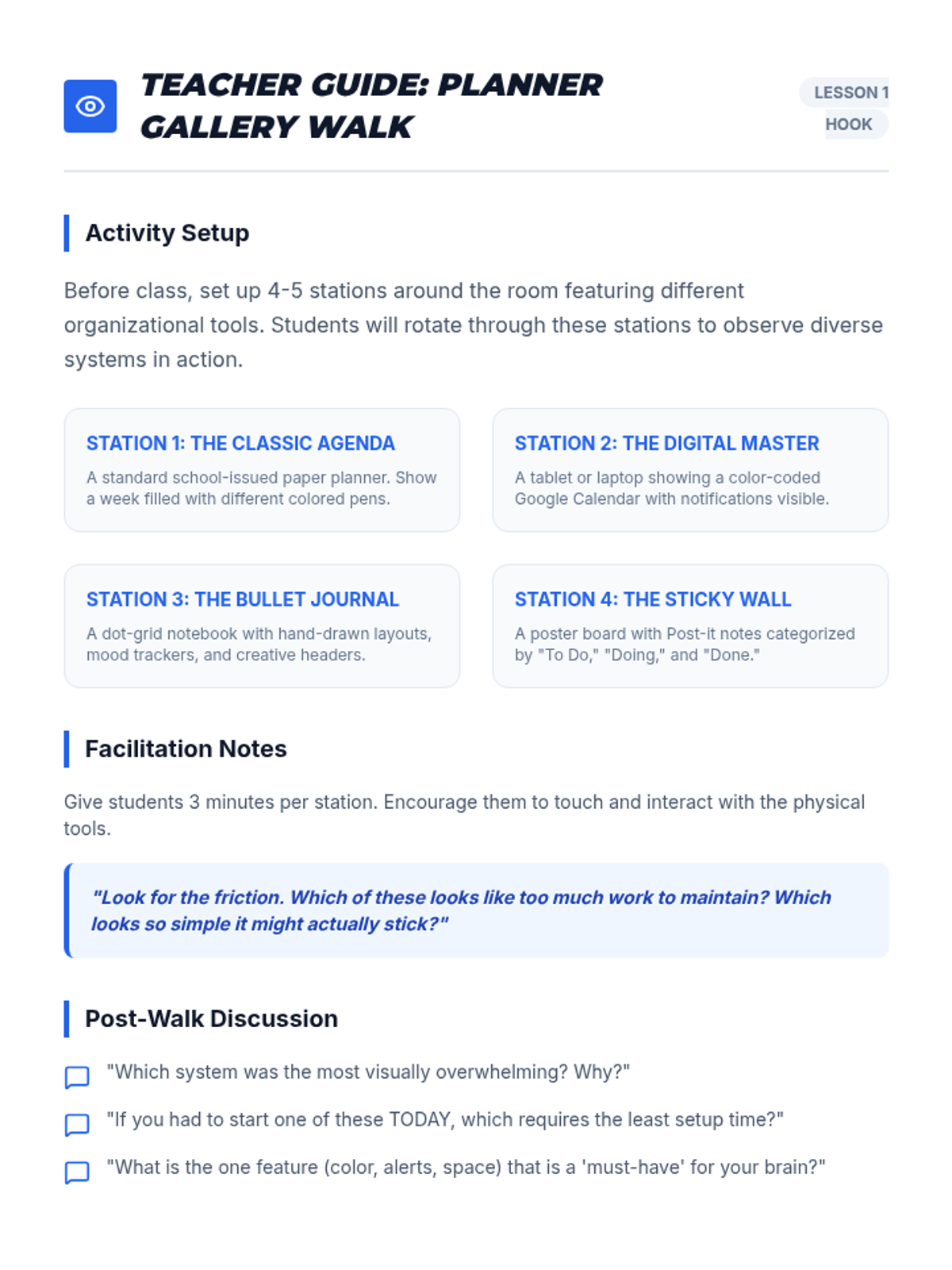
A facilitation guide for the 'Planner Gallery Walk' hook in Lesson 1, including station setup ideas and discussion prompts.
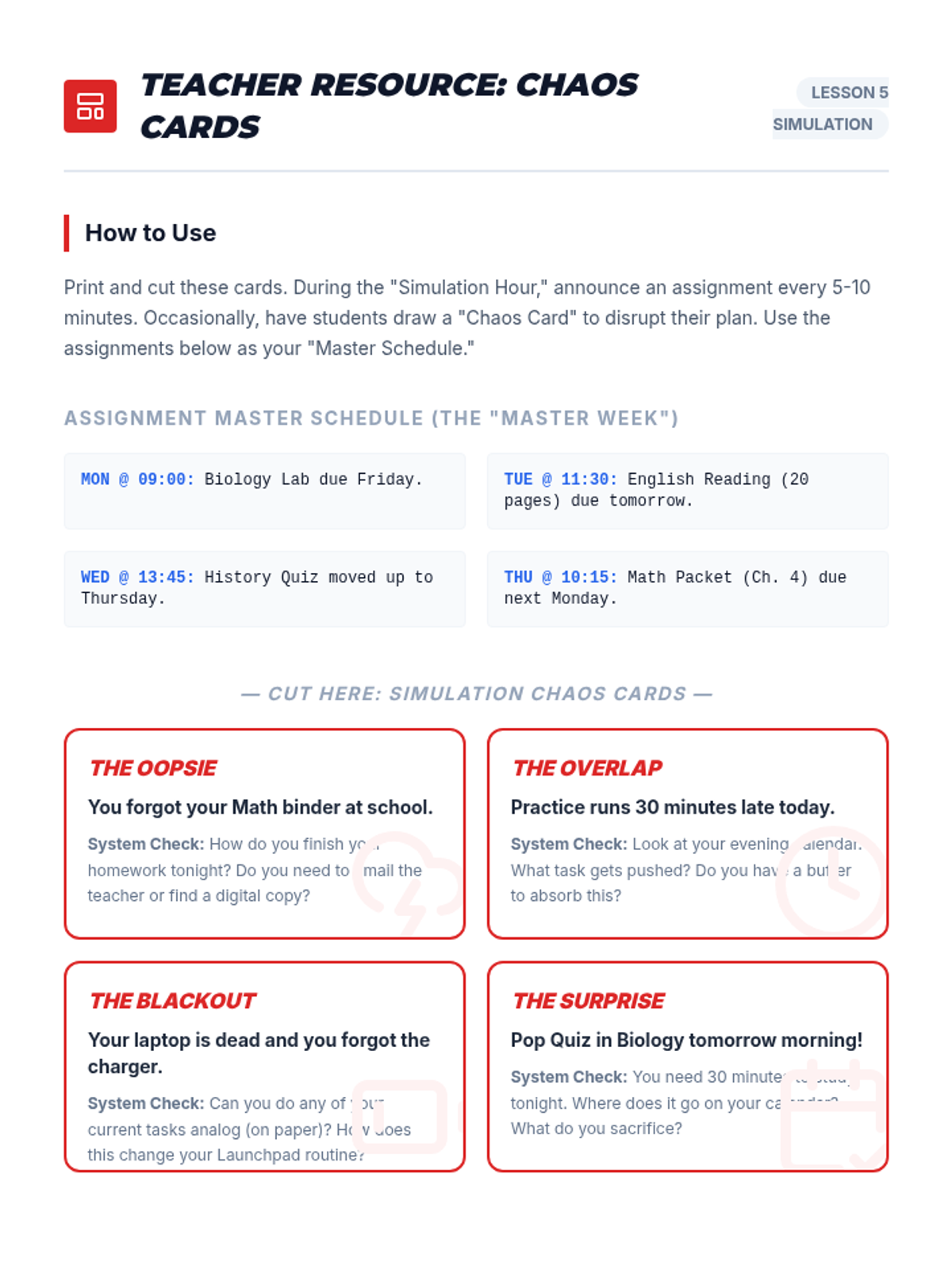
A set of scenario cards for the simulation activity, including master assignments and 'Chaos Card' events to test students' organizational frameworks.
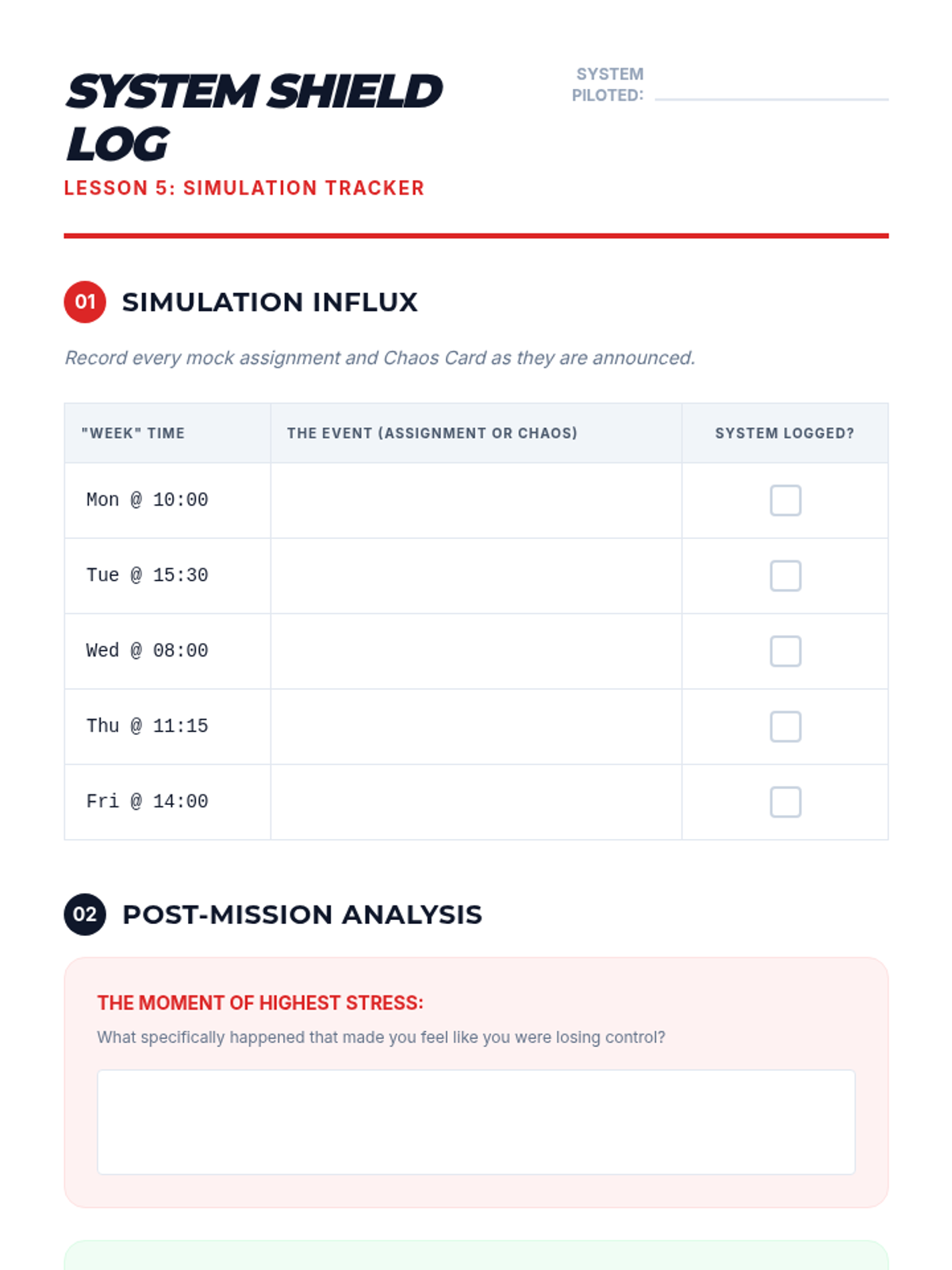
A reflection and tracking log for students to record successes and failures during the 'Stress Test' simulation.
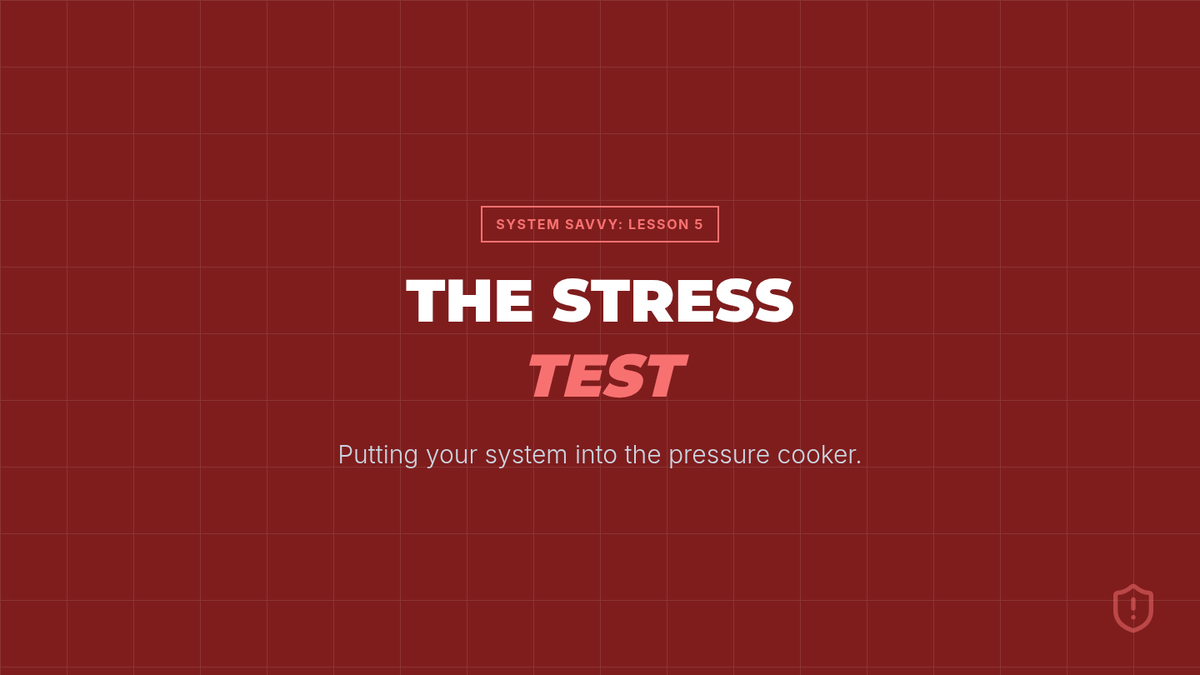
Simulation instructions and debrief slides for Lesson 5, putting students' organizational systems through a 'stress test' with mock assignments and surprise events.
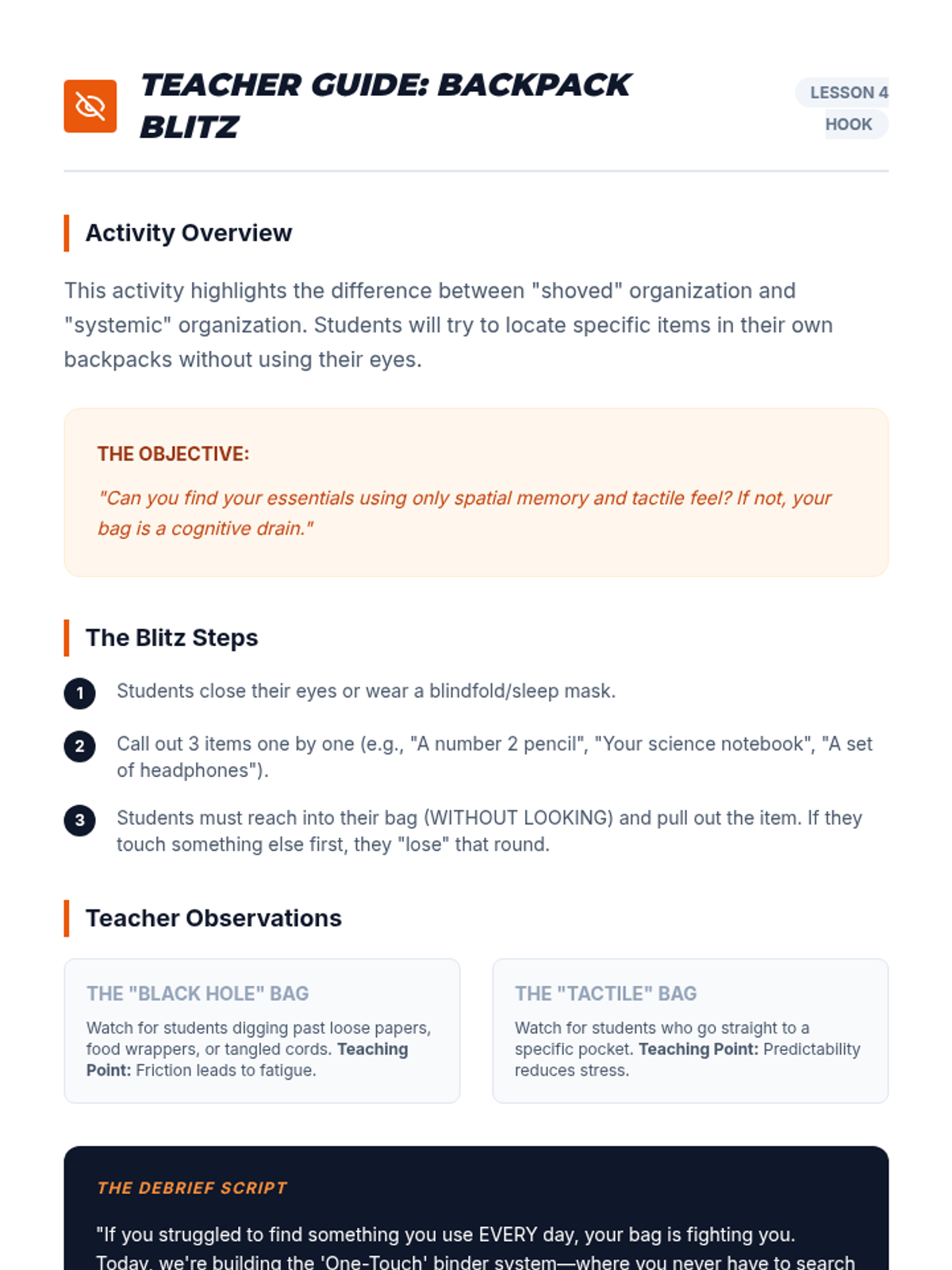
A facilitation guide for the 'Backpack Blitz' blindfold activity, focusing on spatial memory and physical organization.
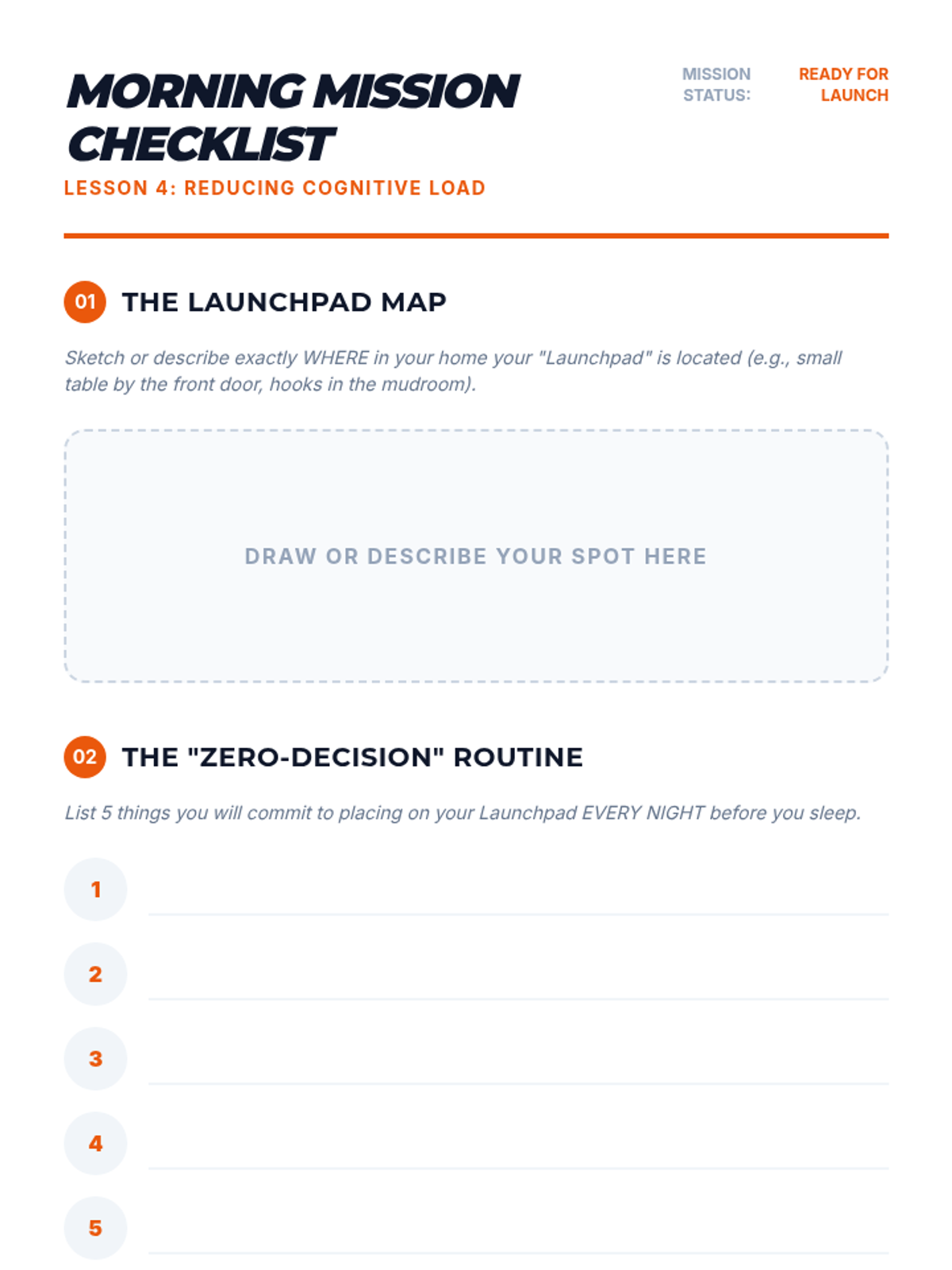
A guide for students to build a 'launchpad' routine and Morning Mission checklist to reduce morning cognitive load.
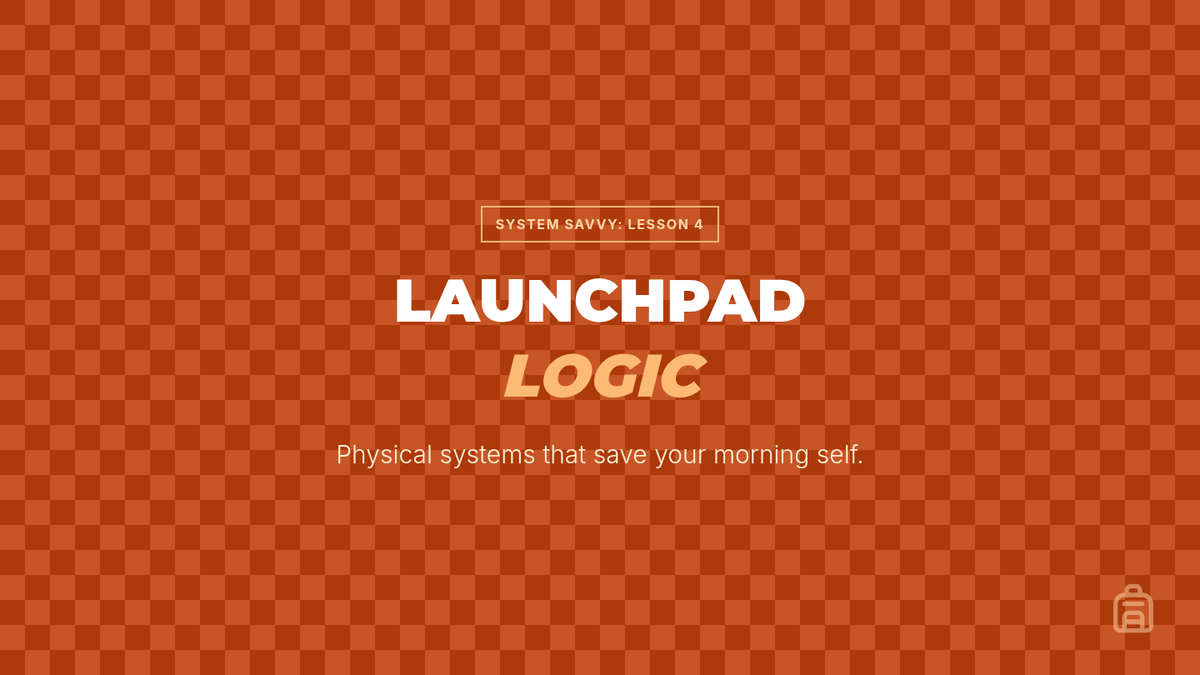
Workshop slides for Lesson 4, focusing on physical organization systems like binders and 'launchpad' routines to reduce morning cognitive load.
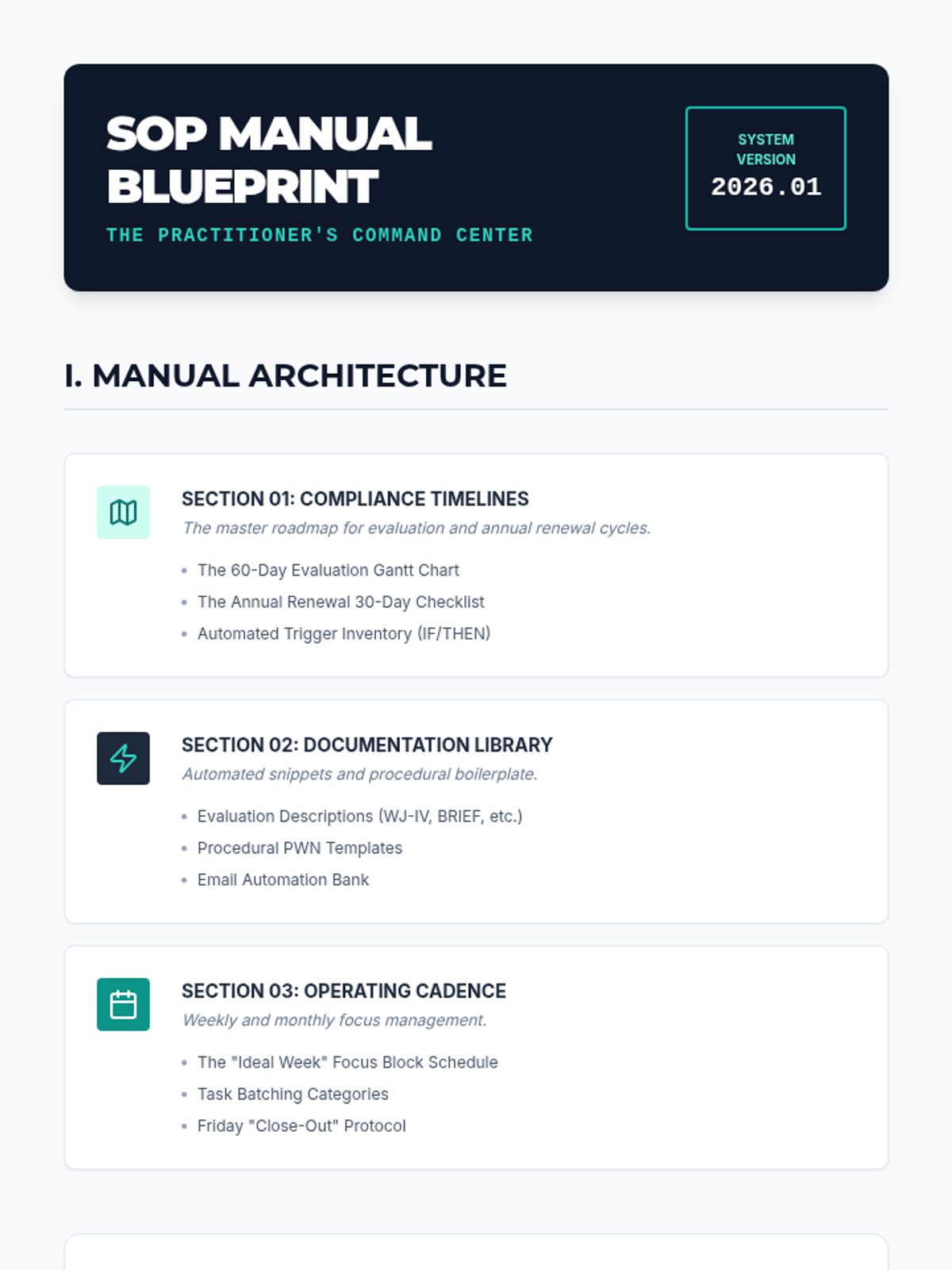
A table of contents and structure guide for students to use when assembling their final Standard Operating Procedure (SOP) manual.
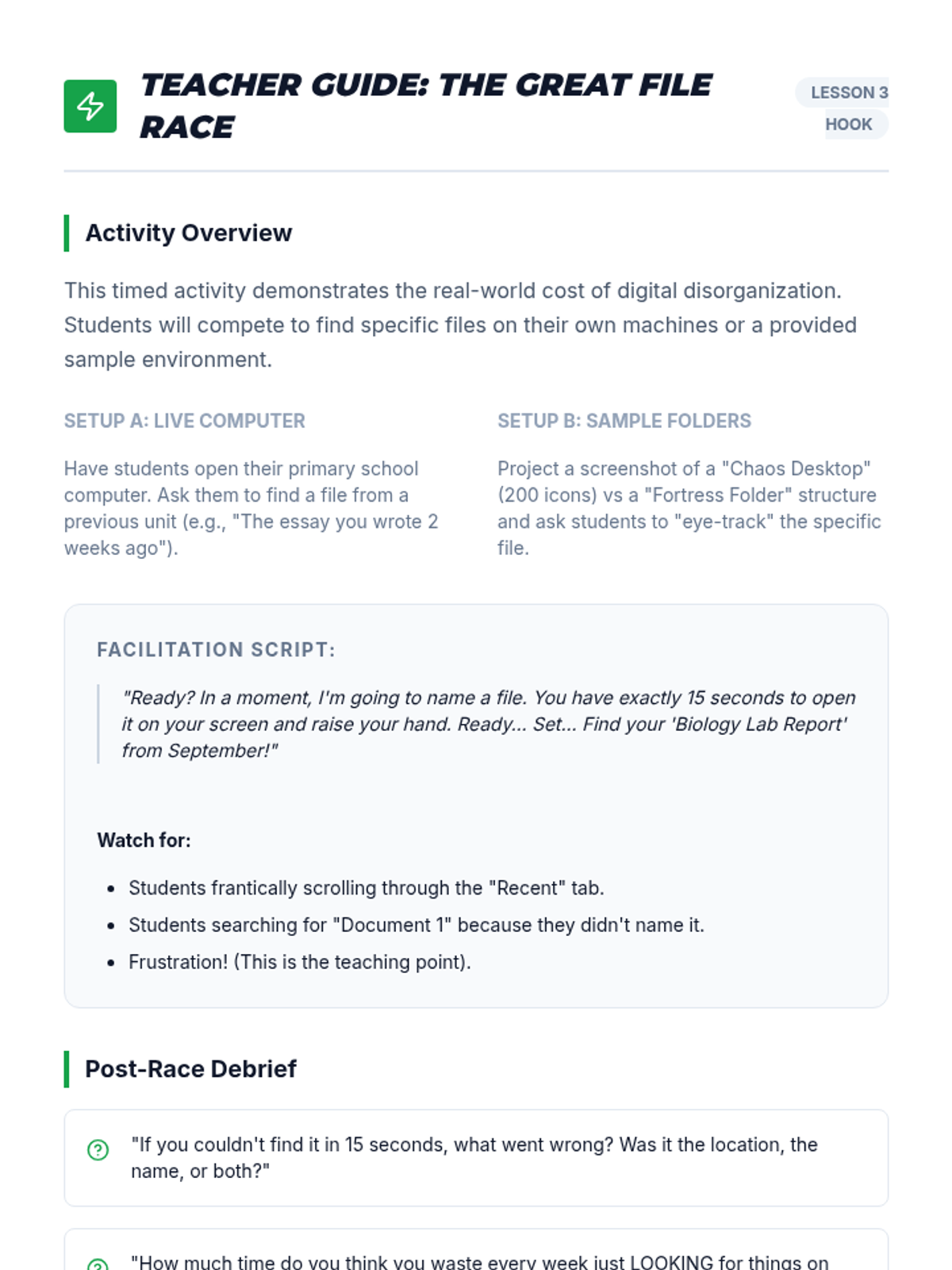
A facilitation guide for the 'Digital Race' hook activity, including script ideas and debrief questions.
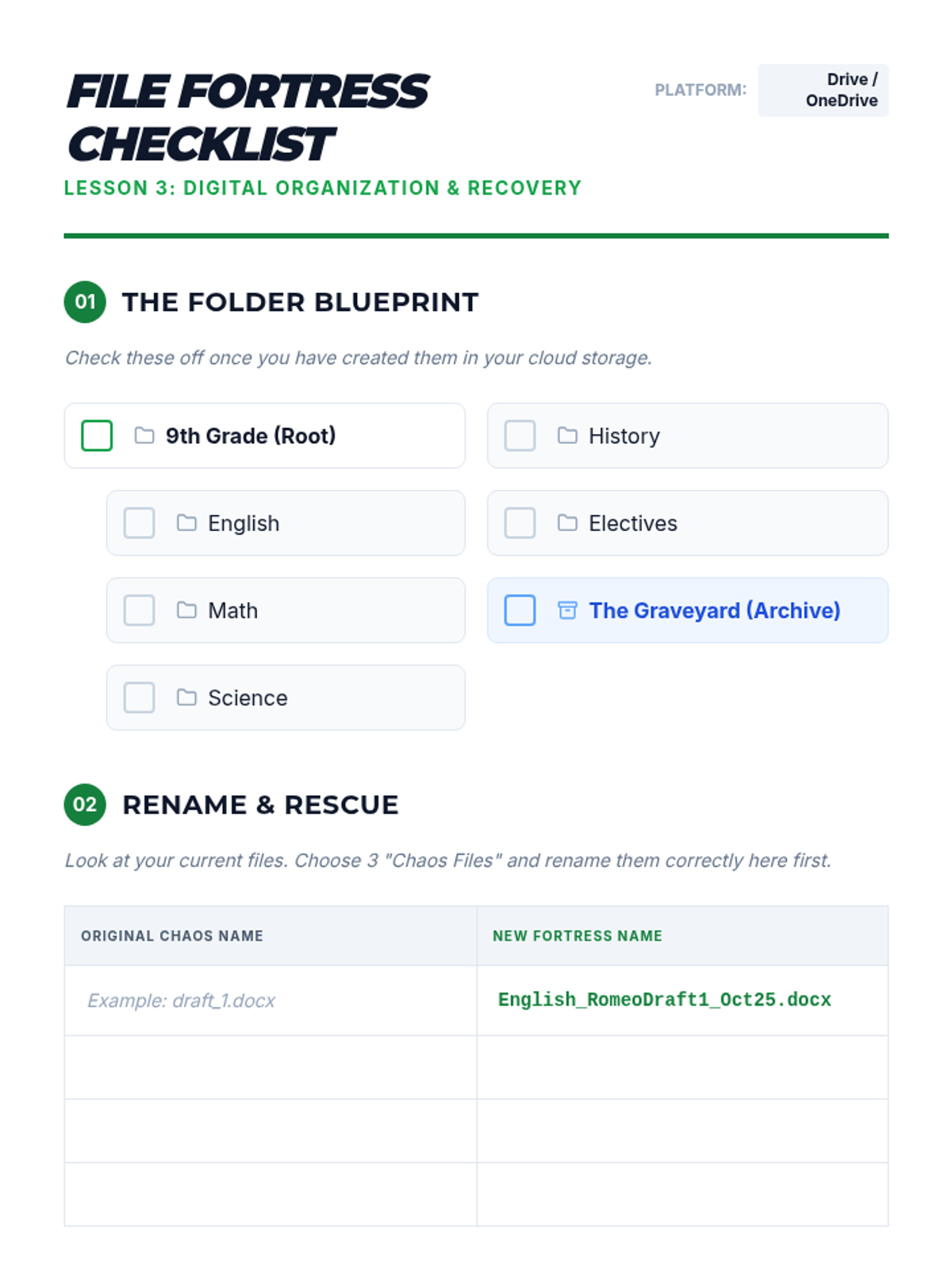
A guide for students to set up their digital folder hierarchy and practice professional file naming conventions.
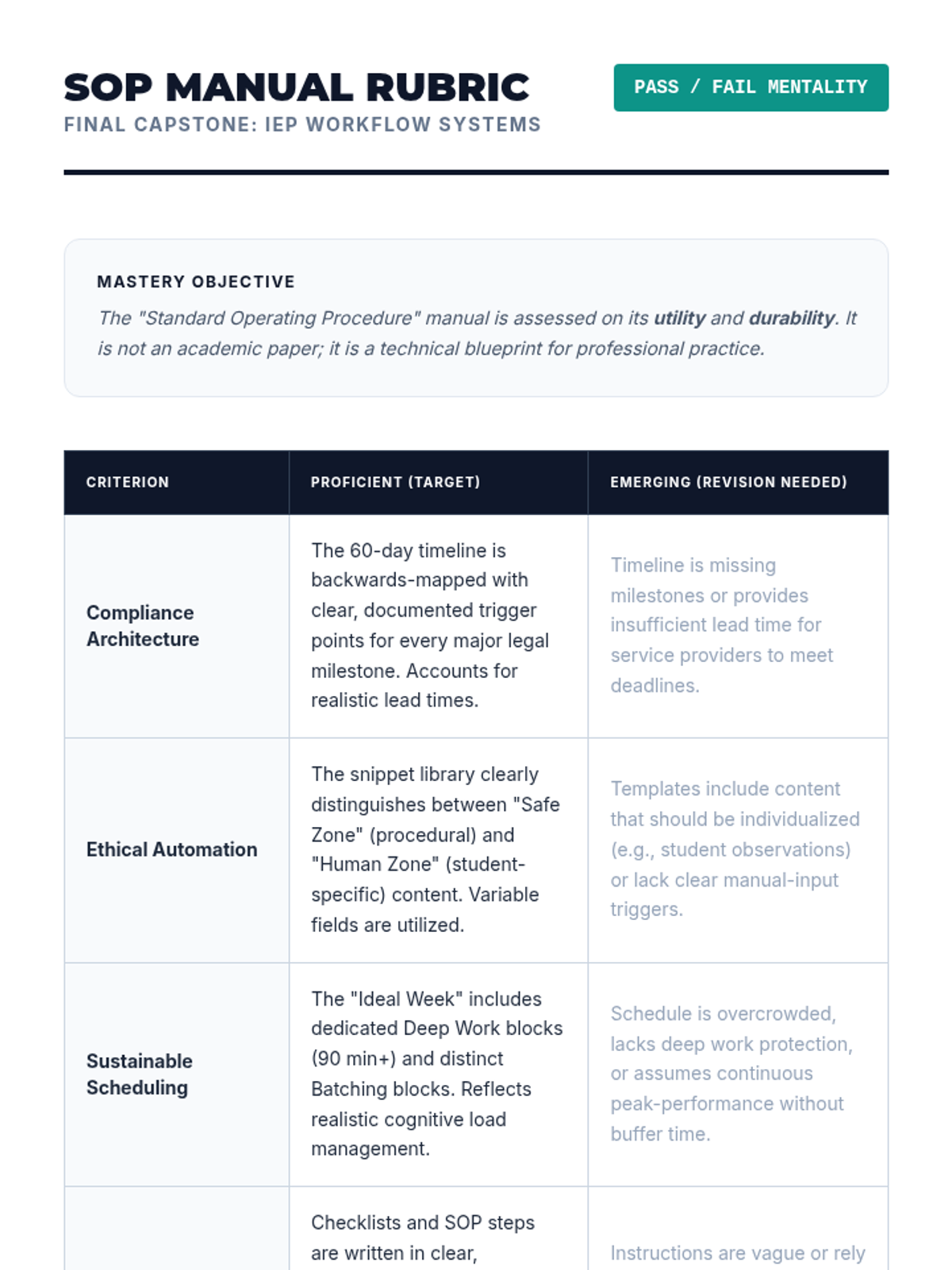
A rubric for evaluating the final SOP manual project, focusing on compliance architecture, ethical automation, and system sustainability.
Workshop slides for Lesson 3, focusing on folder hierarchies, naming conventions, and quick digital retrieval strategies to prevent lost assignments.
Introductory slides for Lesson 5, focusing on synthesizing the workflow tools into a final SOP manual and the importance of system sustainability.
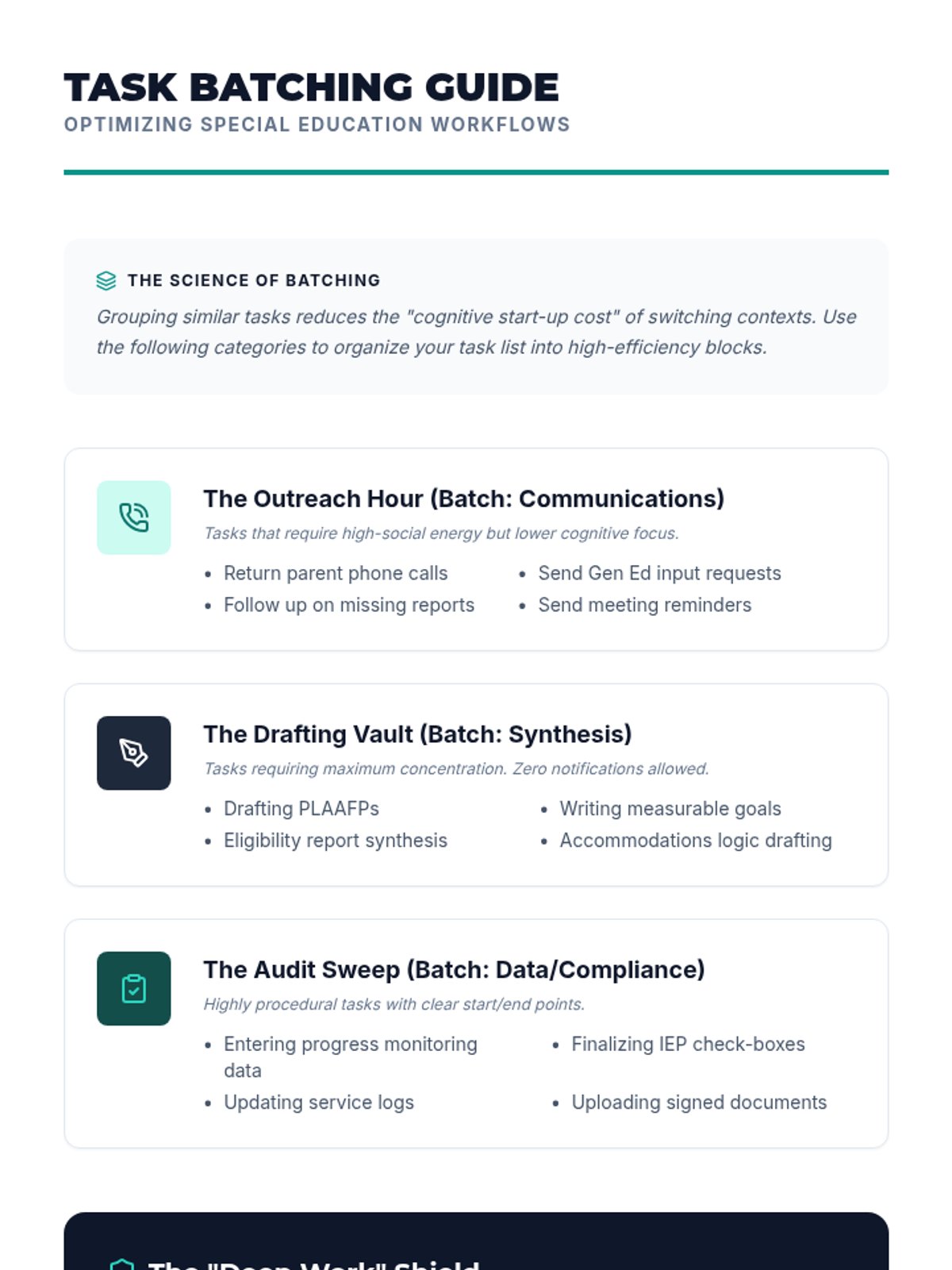
A guide for teachers on how to group similar administrative tasks together to minimize cognitive load and maximize efficiency.
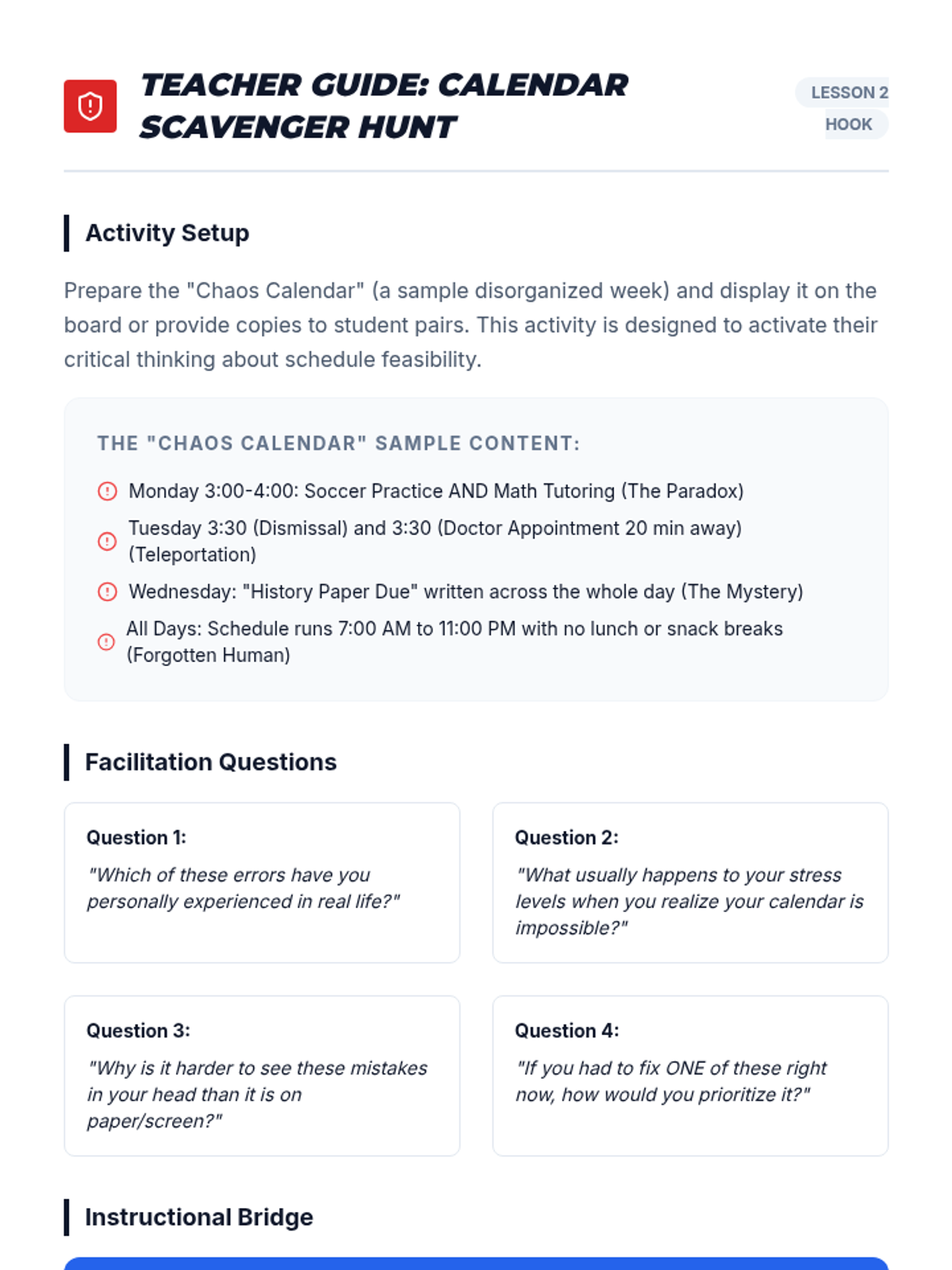
A facilitation guide for teachers to lead the 'Calendar Scavenger Hunt' hook, including sample chaos calendar entries and discussion prompts.
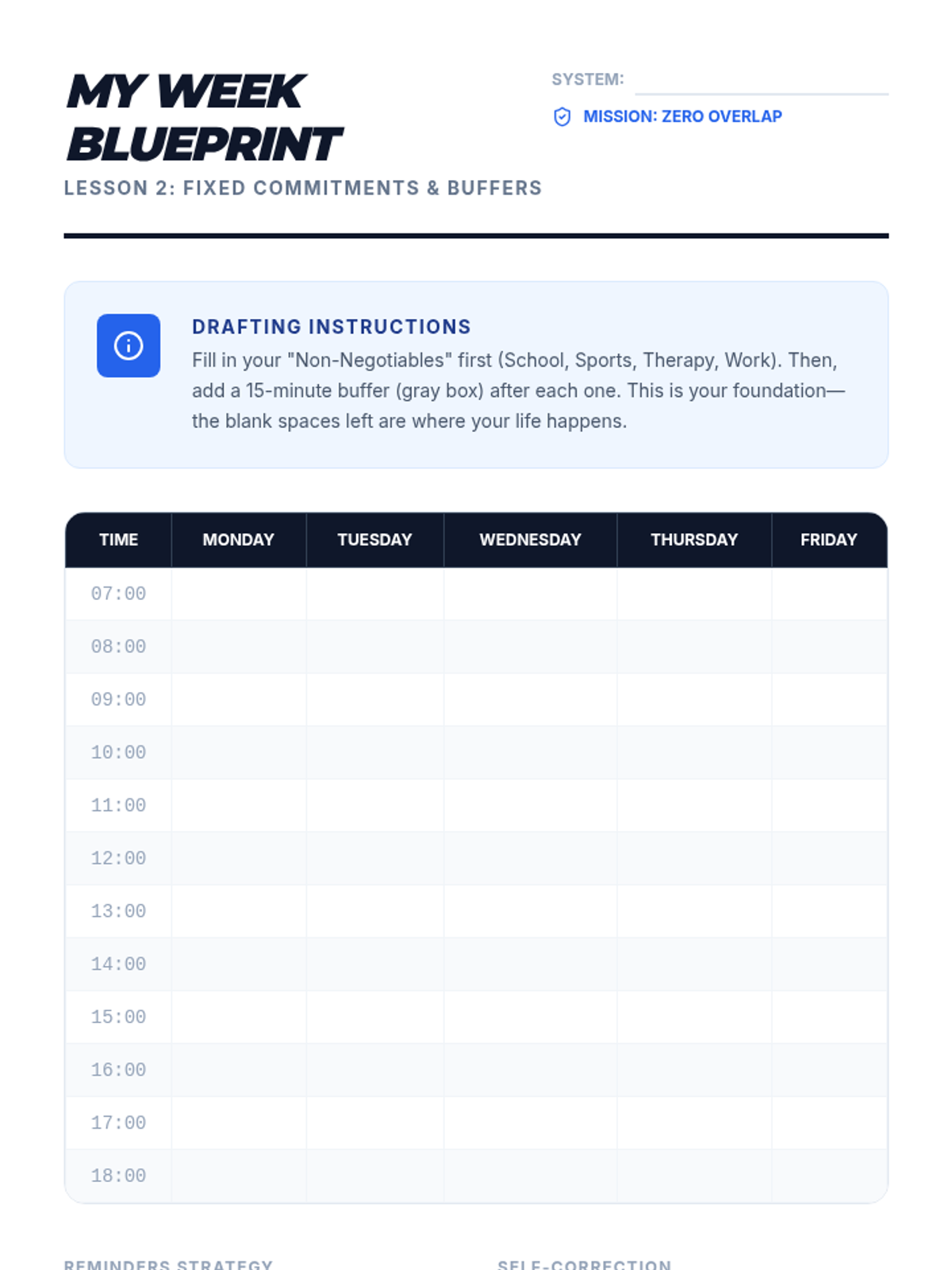
A calendar template designed for students to identify fixed commitments and incorporate necessary buffer times into their weekly schedule.
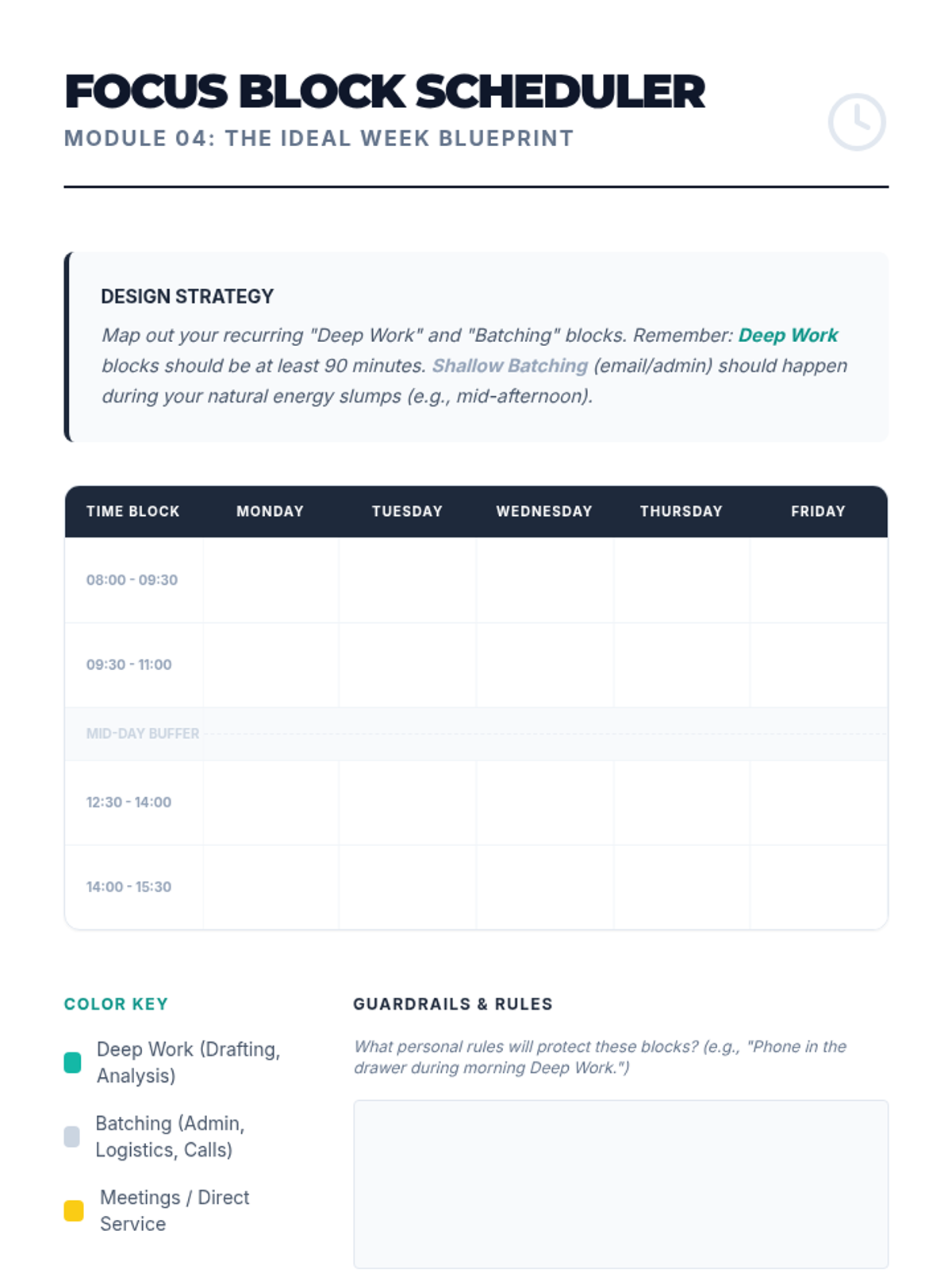
A student scheduler for mapping out recurring "Deep Work" and "Batching" blocks to manage cognitive load and ensure administrative efficiency.
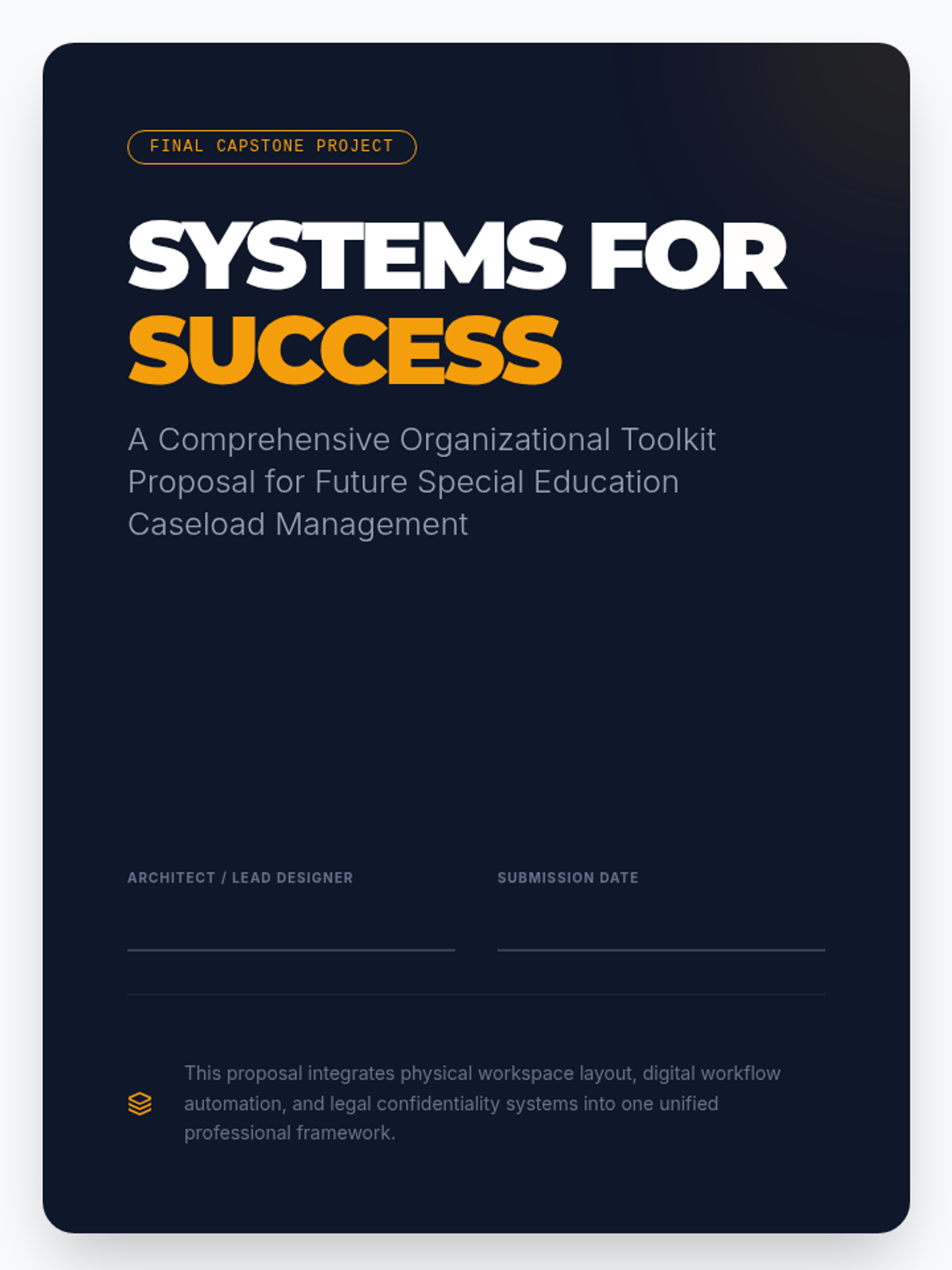
A comprehensive student template for synthesizing their learning into a personalized 'Organizational Toolkit' proposal.
Workshop slides for Lesson 2, focusing on time blocking, fixed commitments, the '15-minute buffer' rule, and effective digital reminder strategies.
Introductory slides for Lesson 4, teaching the science of deep work, attention residue, and task-batching strategies for special educators.
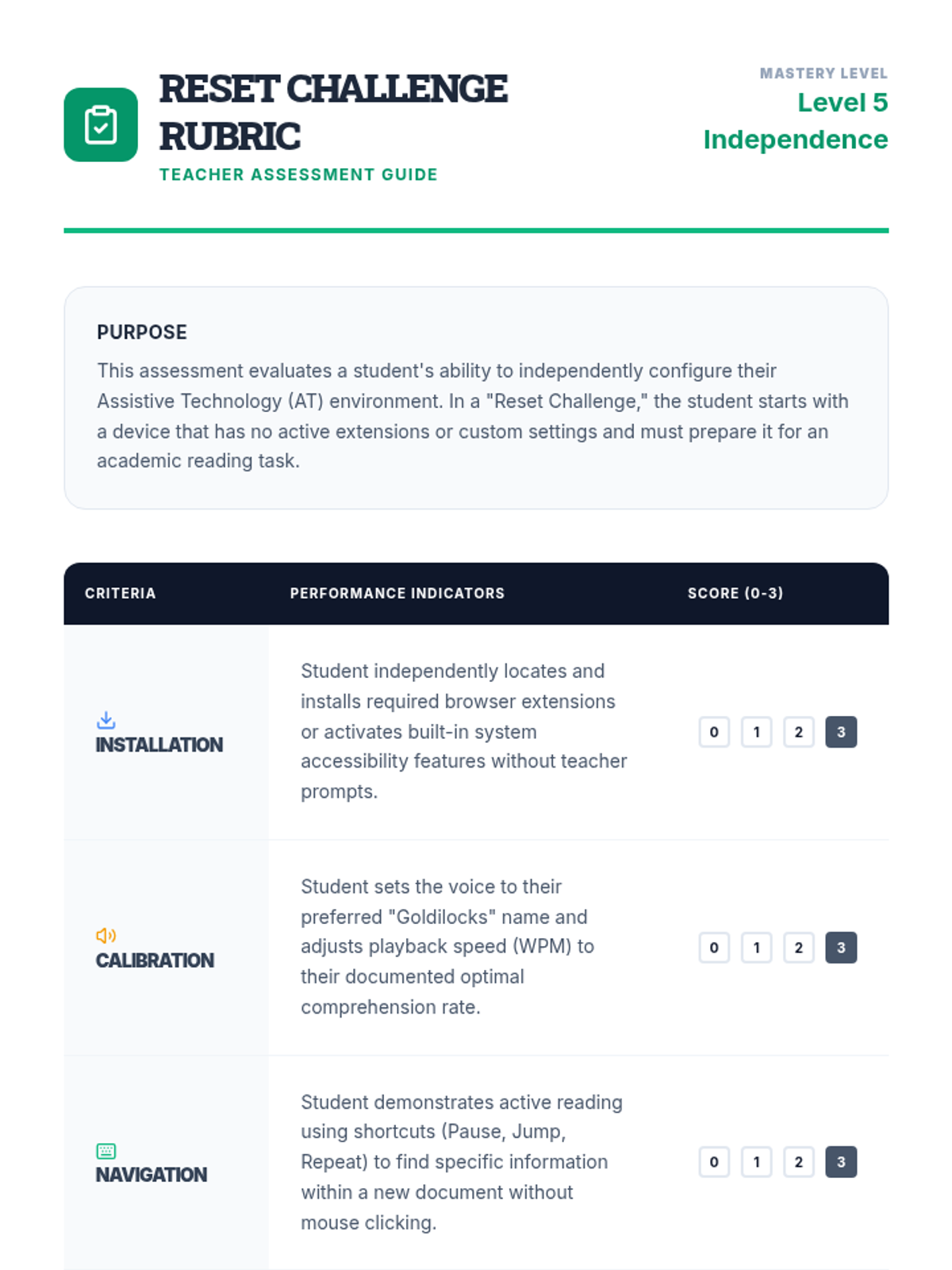
A teacher-facing rubric for assessing students during the 'Reset Challenge', focusing on installation, calibration, navigation, and technical efficiency.
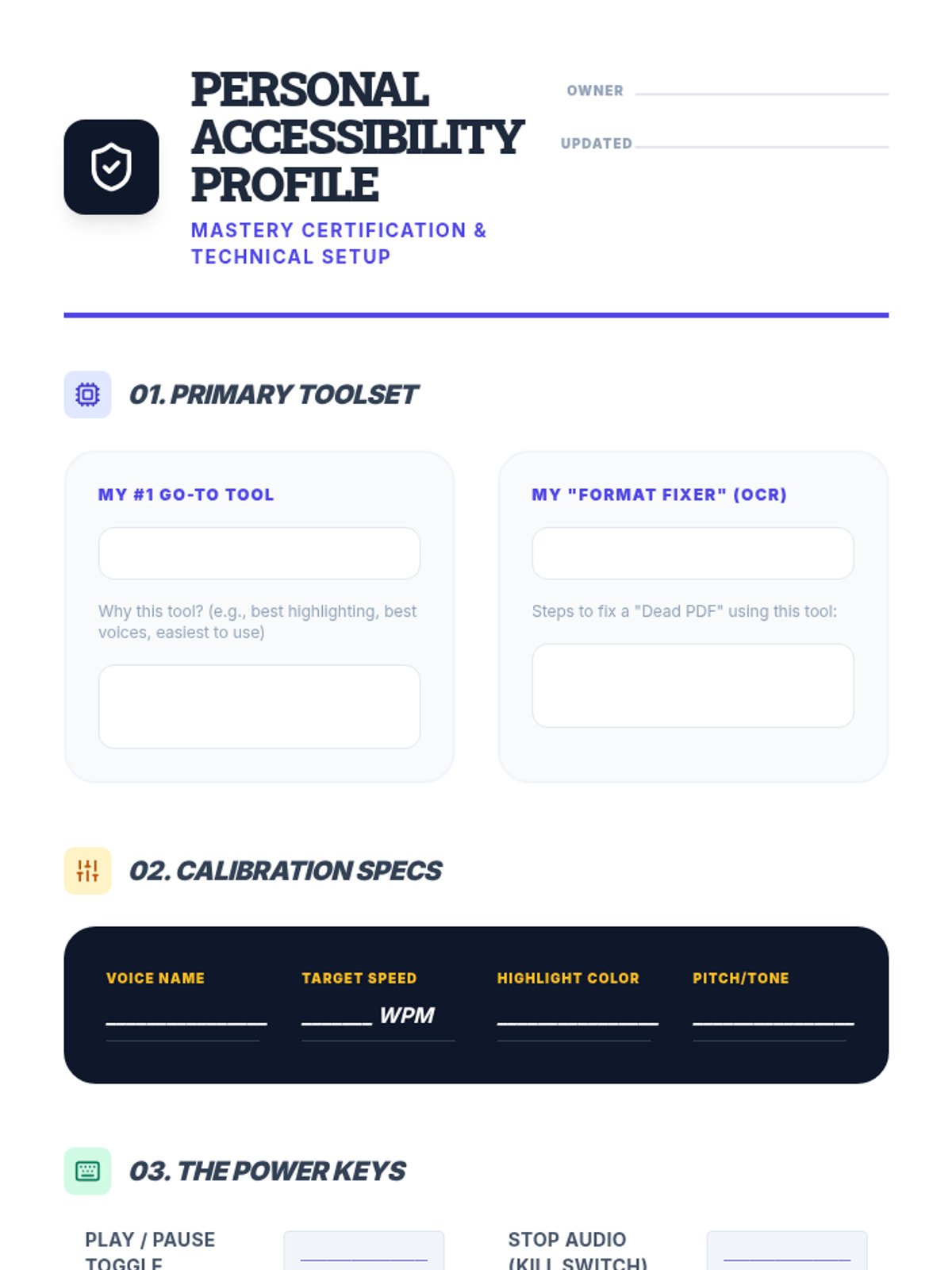
A student-facing document where they record their finalized TTS settings, tools, and shortcuts to serve as a personal reference for independent academic work.
Introductory slides for the final lesson of the TTS sequence, introducing the concept of a Personal Accessibility Profile and the 'Reset Challenge'.
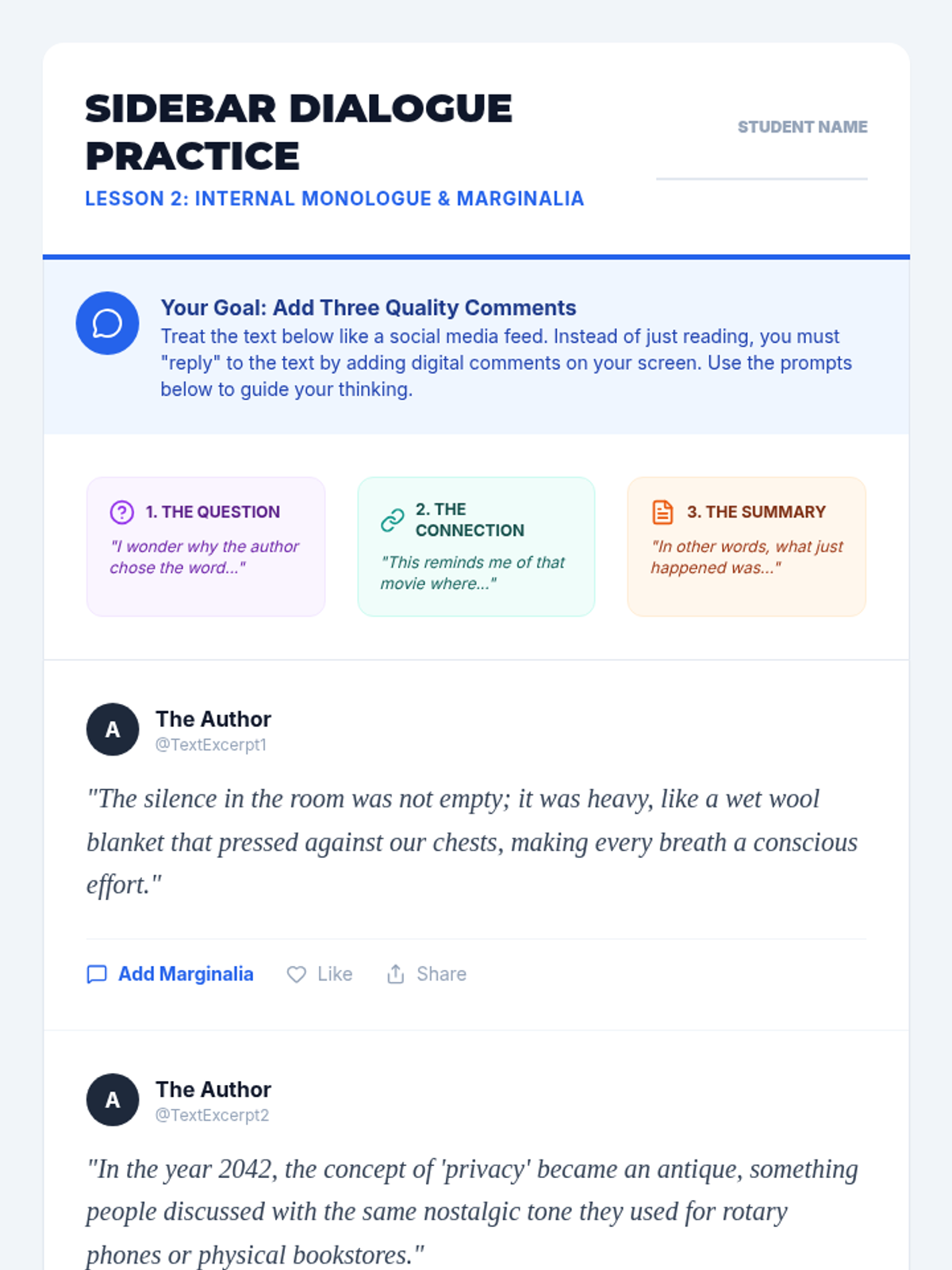
Practice document for Lesson 2, presenting text excerpts in a social-media style "feed" to encourage students to use the comment feature as marginalia.
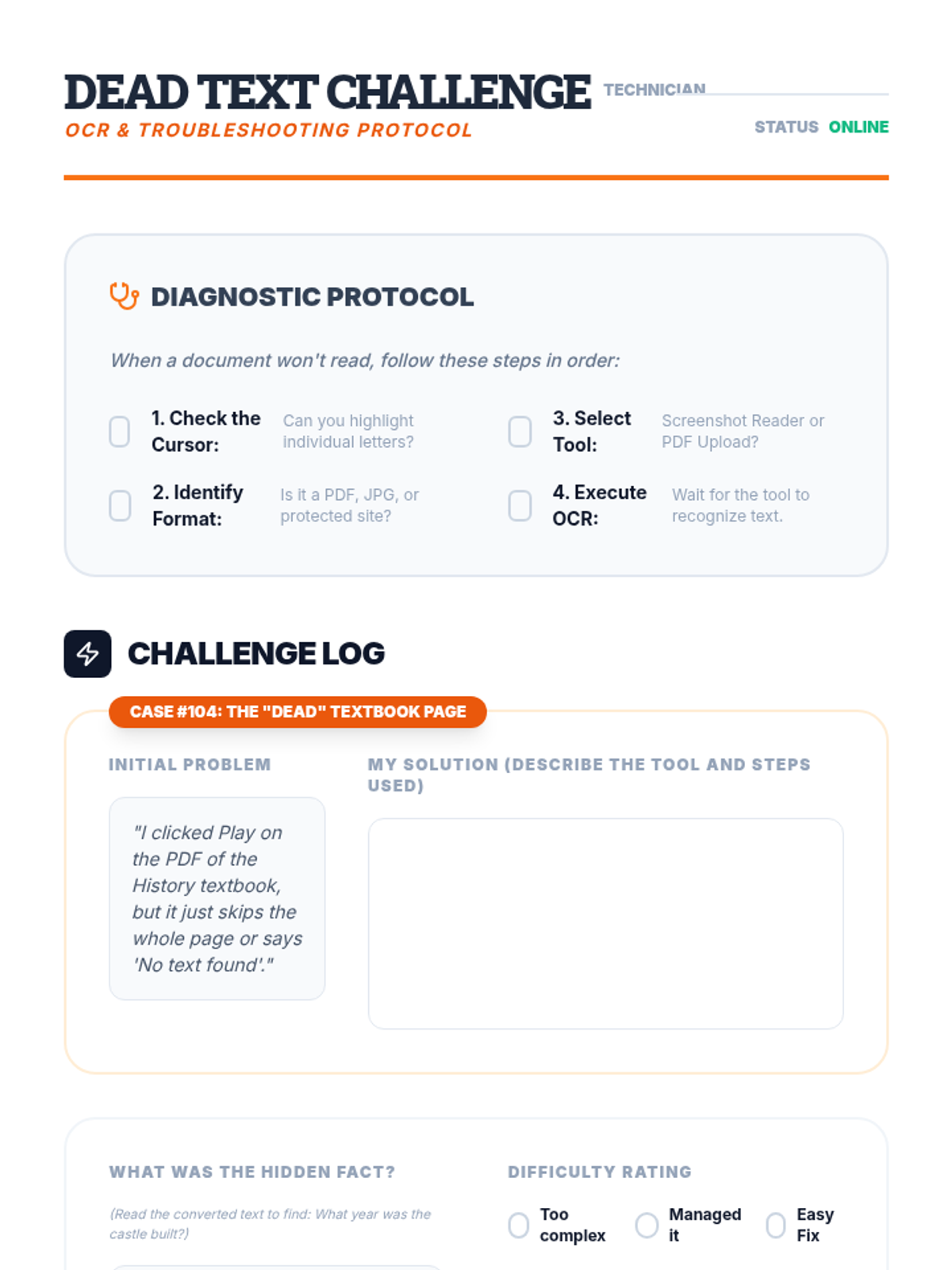
A worksheet for students to practice troubleshooting inaccessible text by using OCR tools and recording their process.
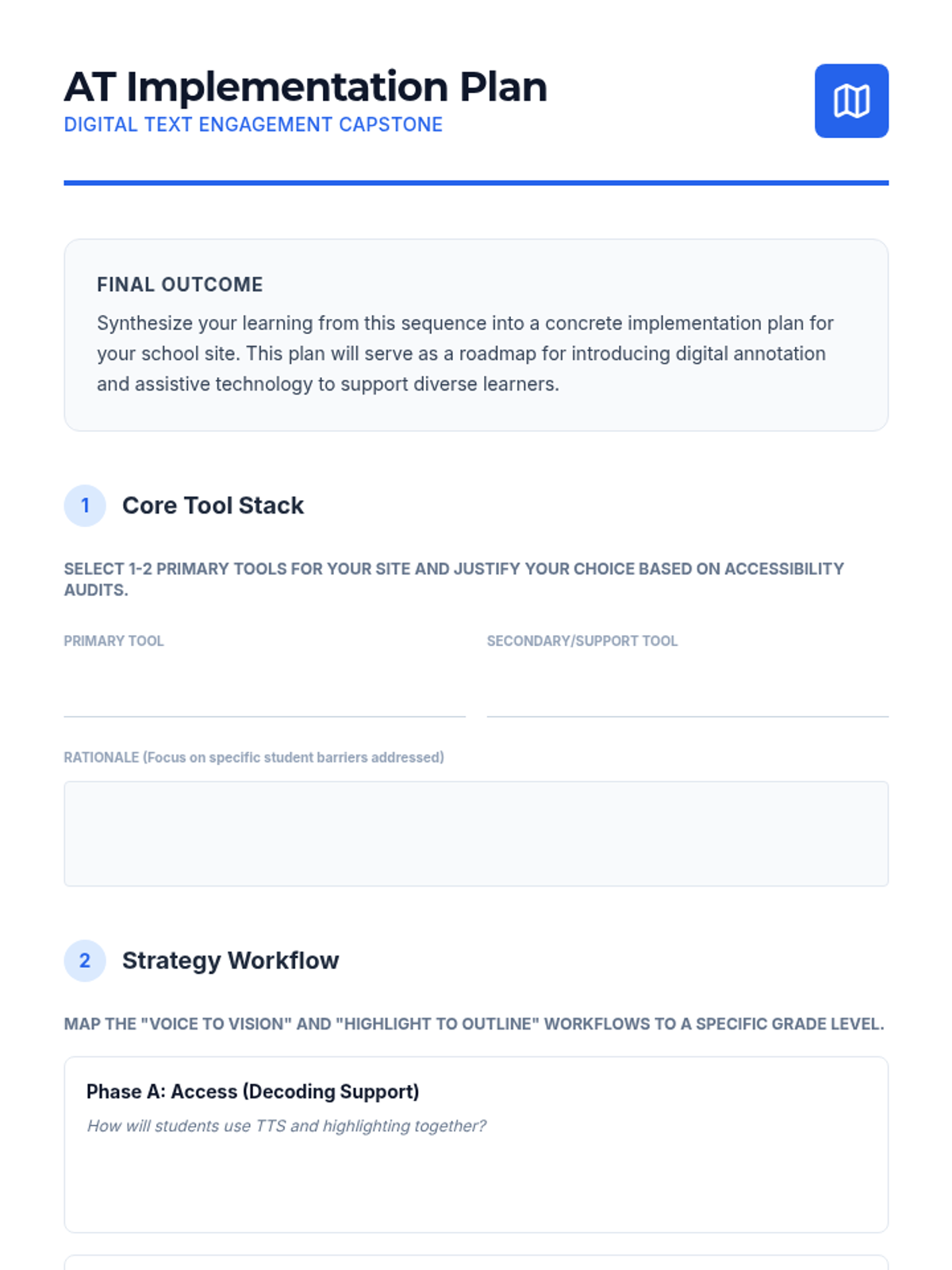
A final project template for graduate students to design an assistive technology implementation plan for digital annotation at their school site.
Introductory slides for the format troubleshooting lesson, explaining the difference between 'dead' and 'alive' text and introducing OCR tools.
Introductory slide deck for Lesson 2, using the social media "reply" analogy to teach students how to use the comment feature as digital marginalia.
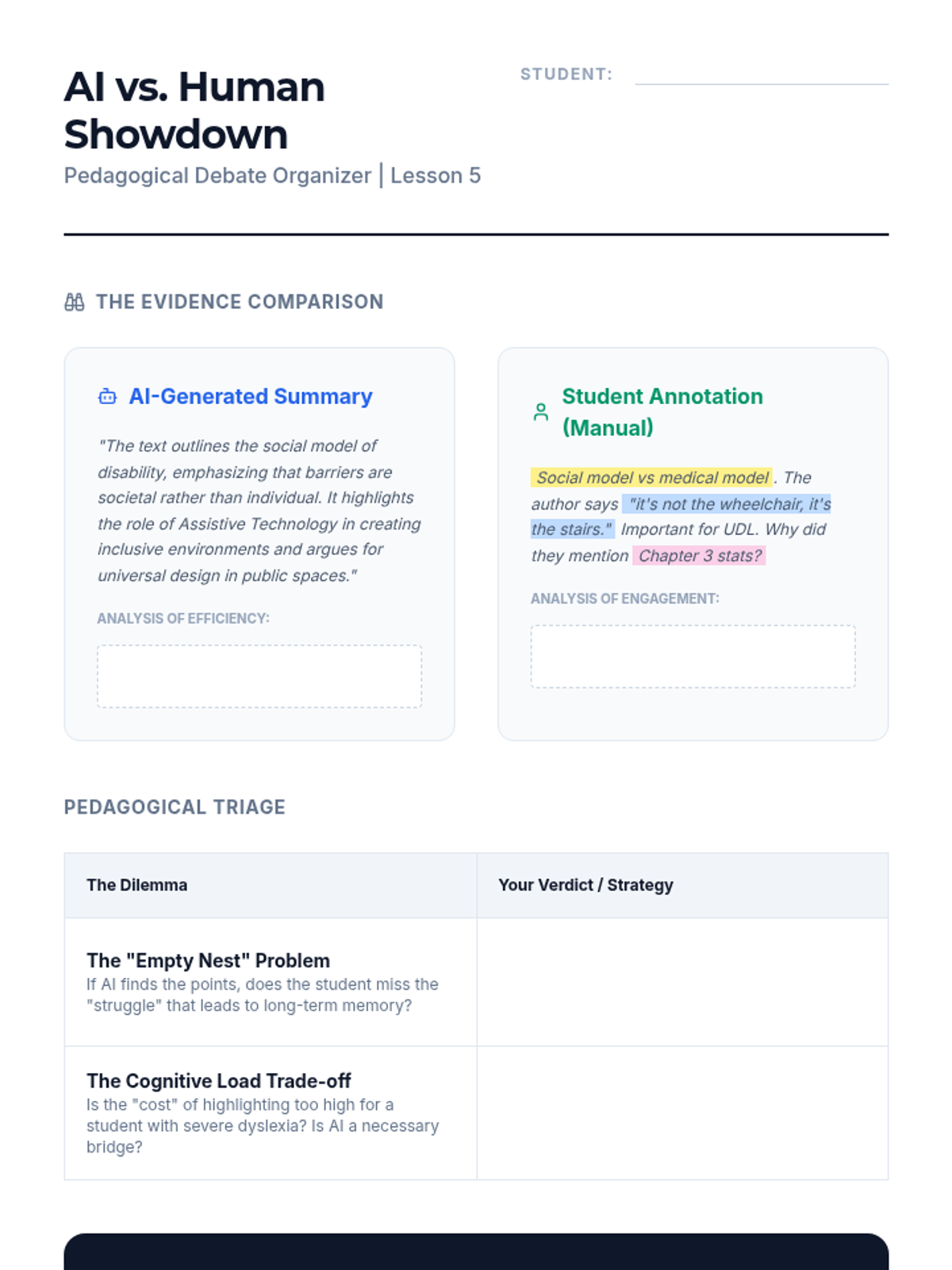
A structured organizer for debating the role of AI-generated summaries versus student-led highlighting in pedagogical settings.
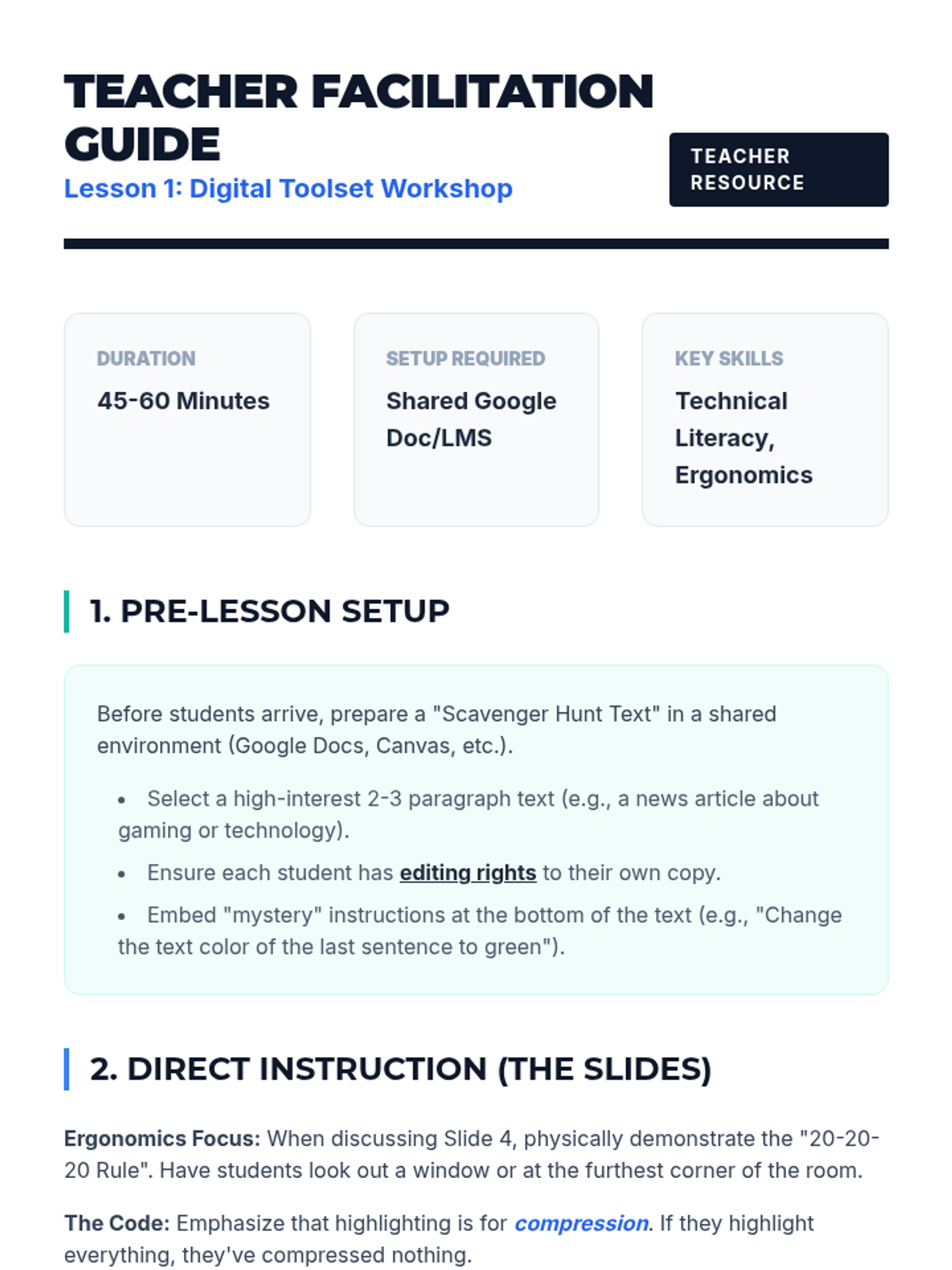
Teacher guide for Lesson 1, including setup instructions, troubleshooting tips, and differentiation strategies.
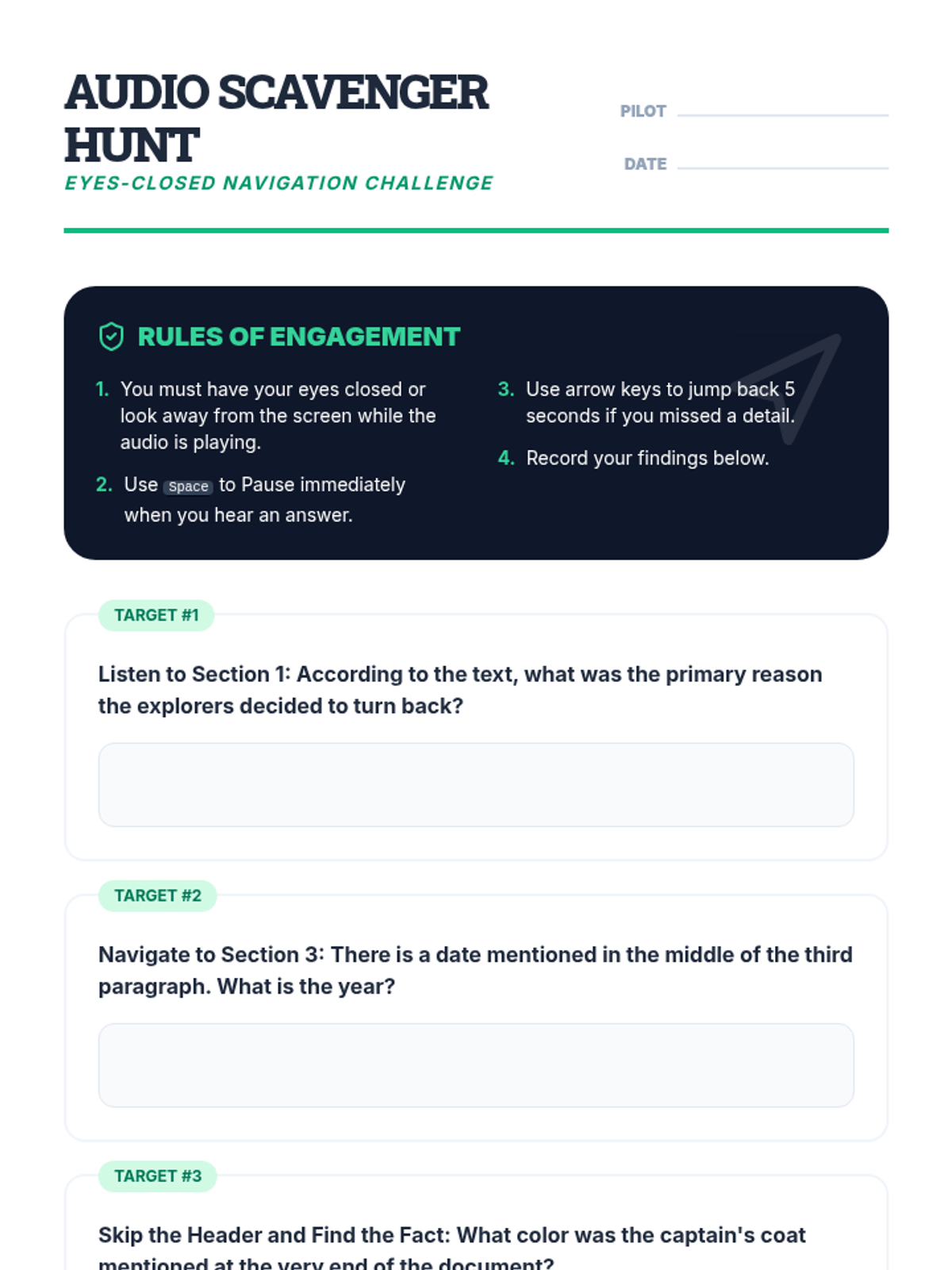
A student activity sheet for a navigation challenge, where students must find specific information in a text using only audio and keyboard shortcuts.
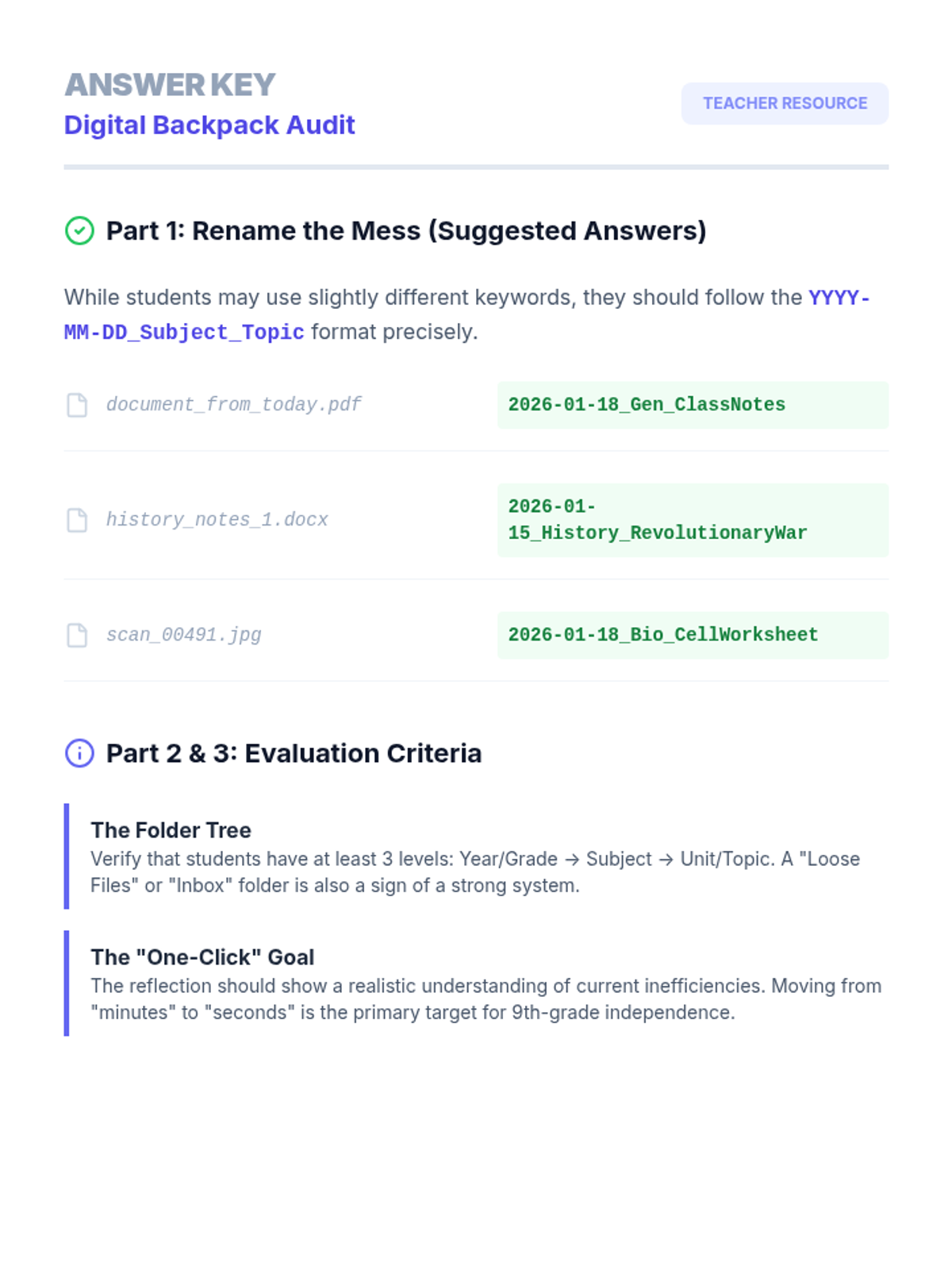
Answer key and evaluation guide for the Digital Backpack Audit worksheet, providing suggested file naming conventions and folder structure criteria.
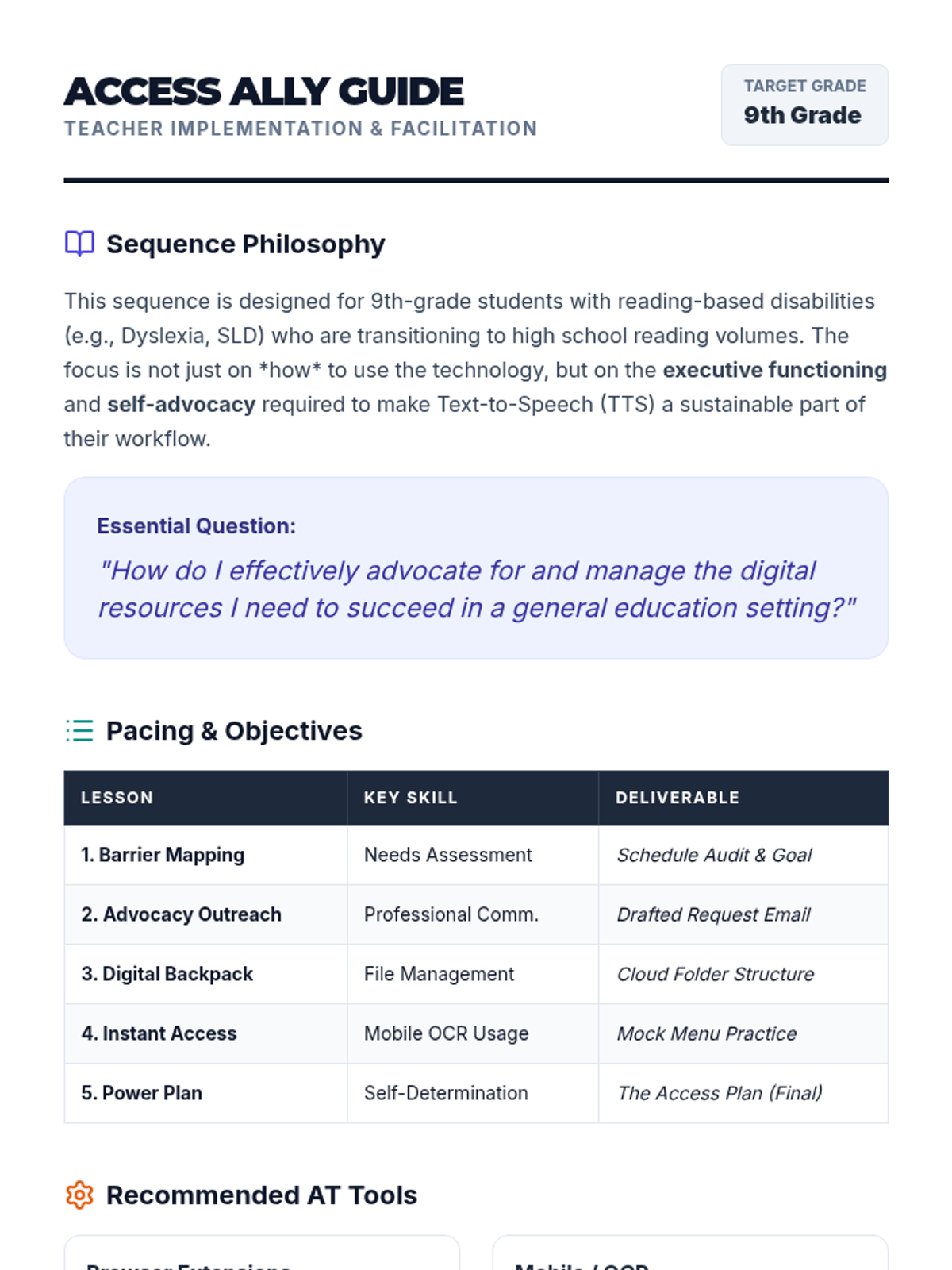
A comprehensive teacher guide for the Access Ally sequence, covering pacing, recommended AT tools, and facilitation strategies for 9th-grade self-advocacy.
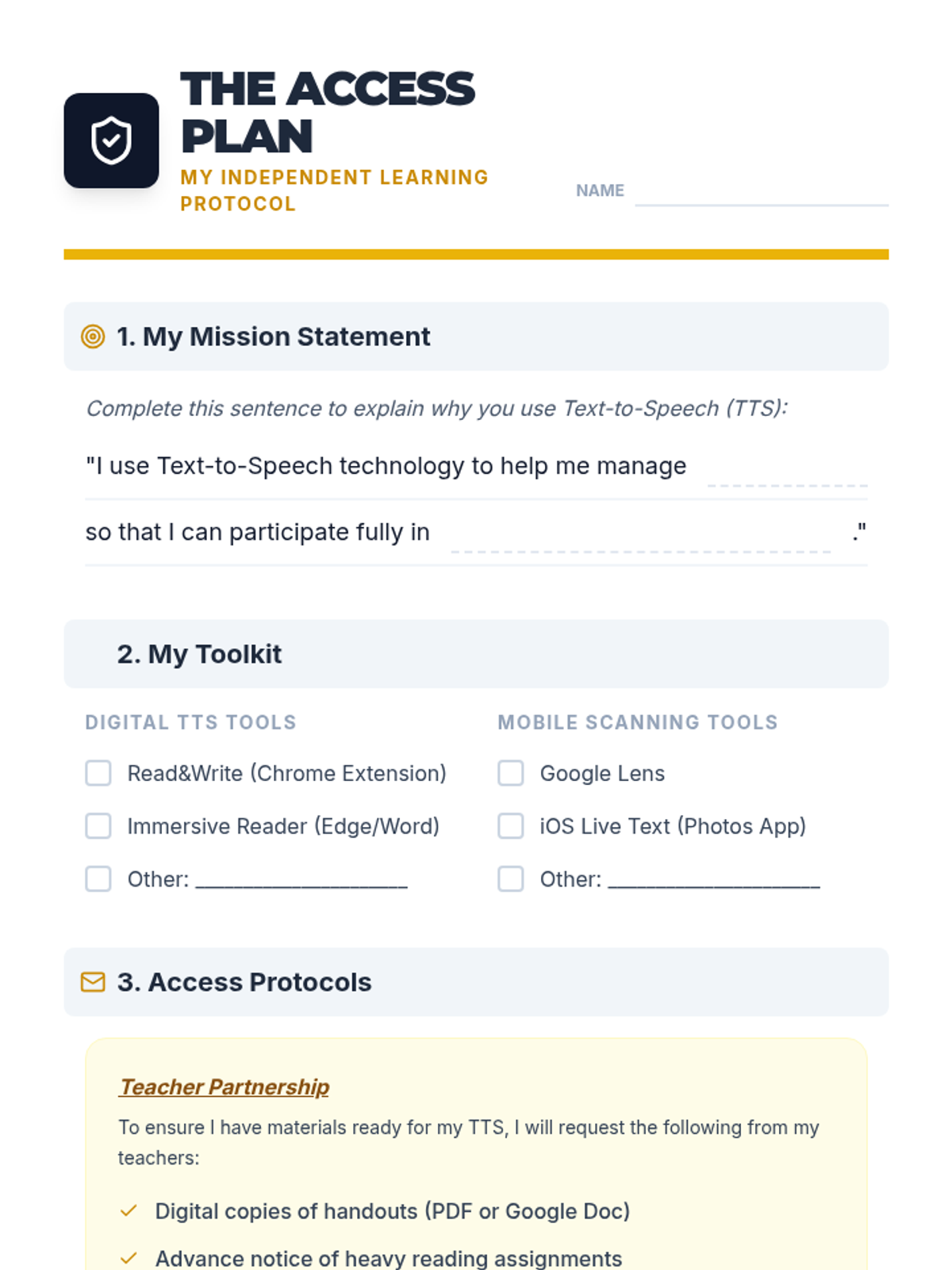
A one-page 'Access Plan' template for students to synthesize their TTS tools, file management strategies, and self-advocacy goals for sharing with teachers.
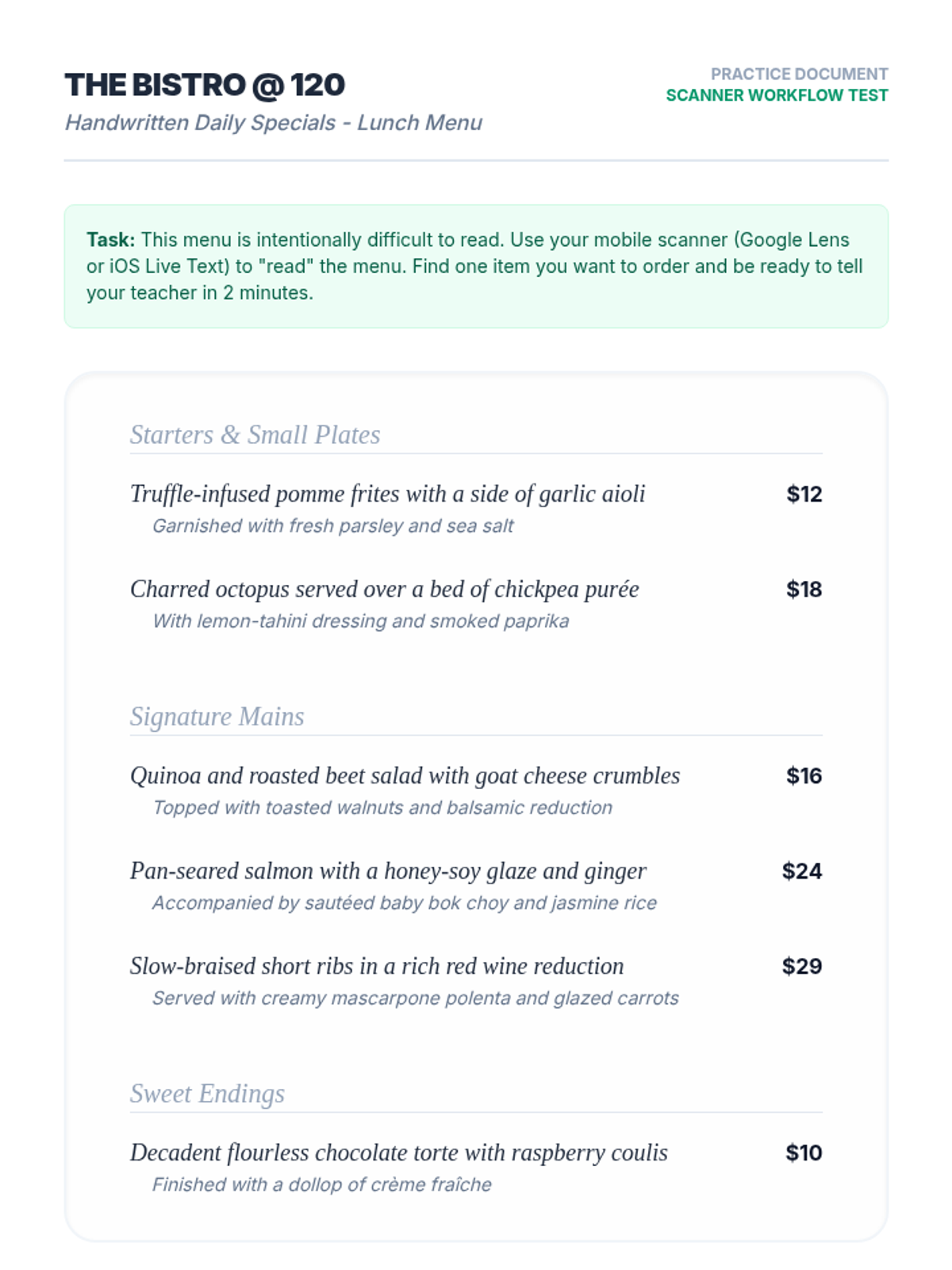
A mock restaurant menu with complex vocabulary and serif fonts, designed for students to practice using mobile OCR/TTS scanning tools.
Final project slides for the Power Plan lesson. Guides students through creating and presenting their one-page 'Access Plan' for teachers, emphasizing professional advocacy and self-determination.
Introductory slides for the Instant Access lesson. Covers OCR technology, mobile tool selection (Google Lens vs iOS Live Text), and tips for successful physical-to-digital text conversion.