Multi-sensory math manipulatives, visual problem-solving, and text annotation strategies for literacy and numeracy. Employs graphic organizers, sentence frames, and assistive technology to support memory, comprehension, and writing development.
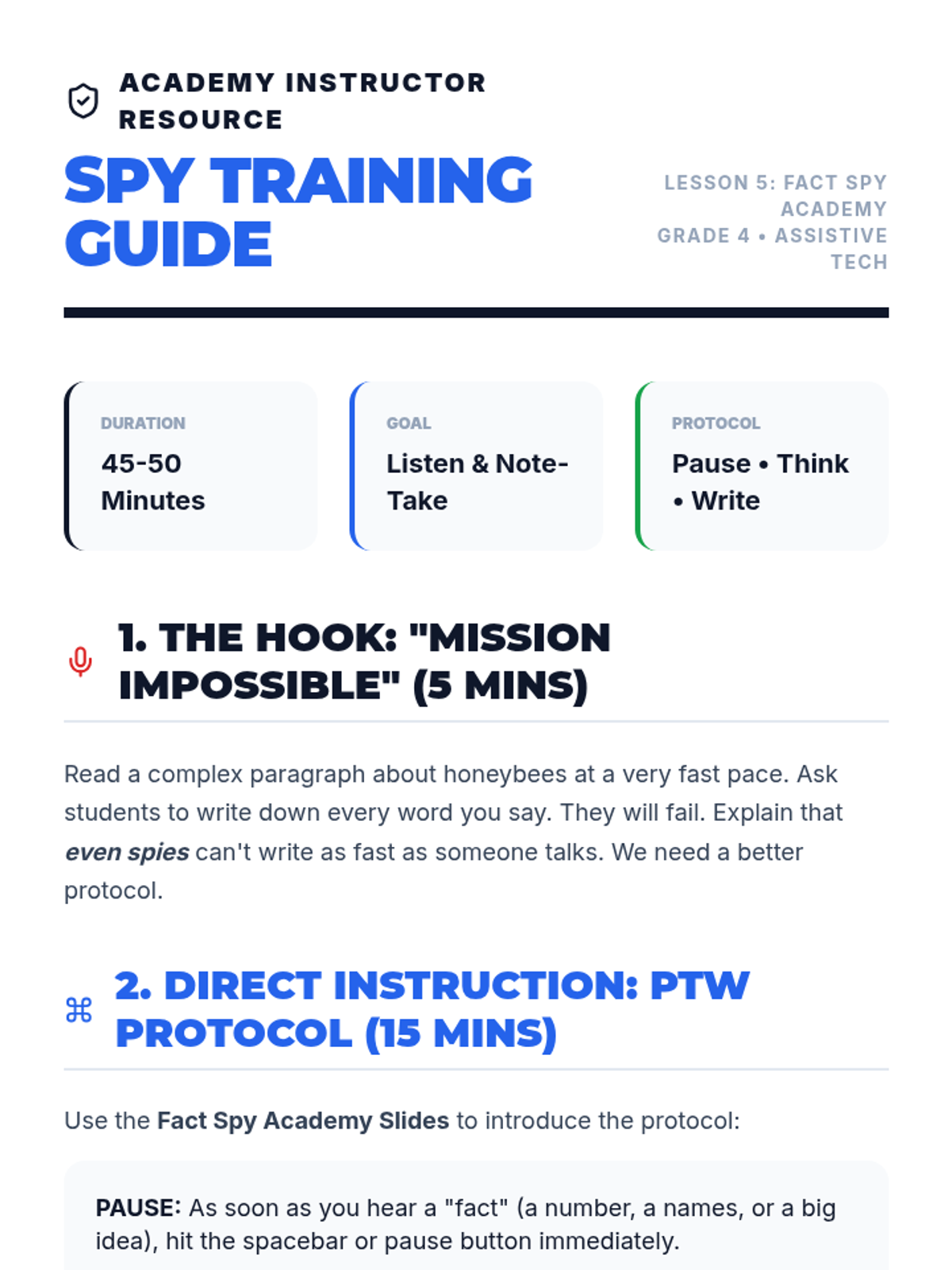
Teacher guide for the 'Fact Spy Academy' lesson, providing instructional steps, modeling scripts, and technical troubleshooting for using TTS for note-taking.
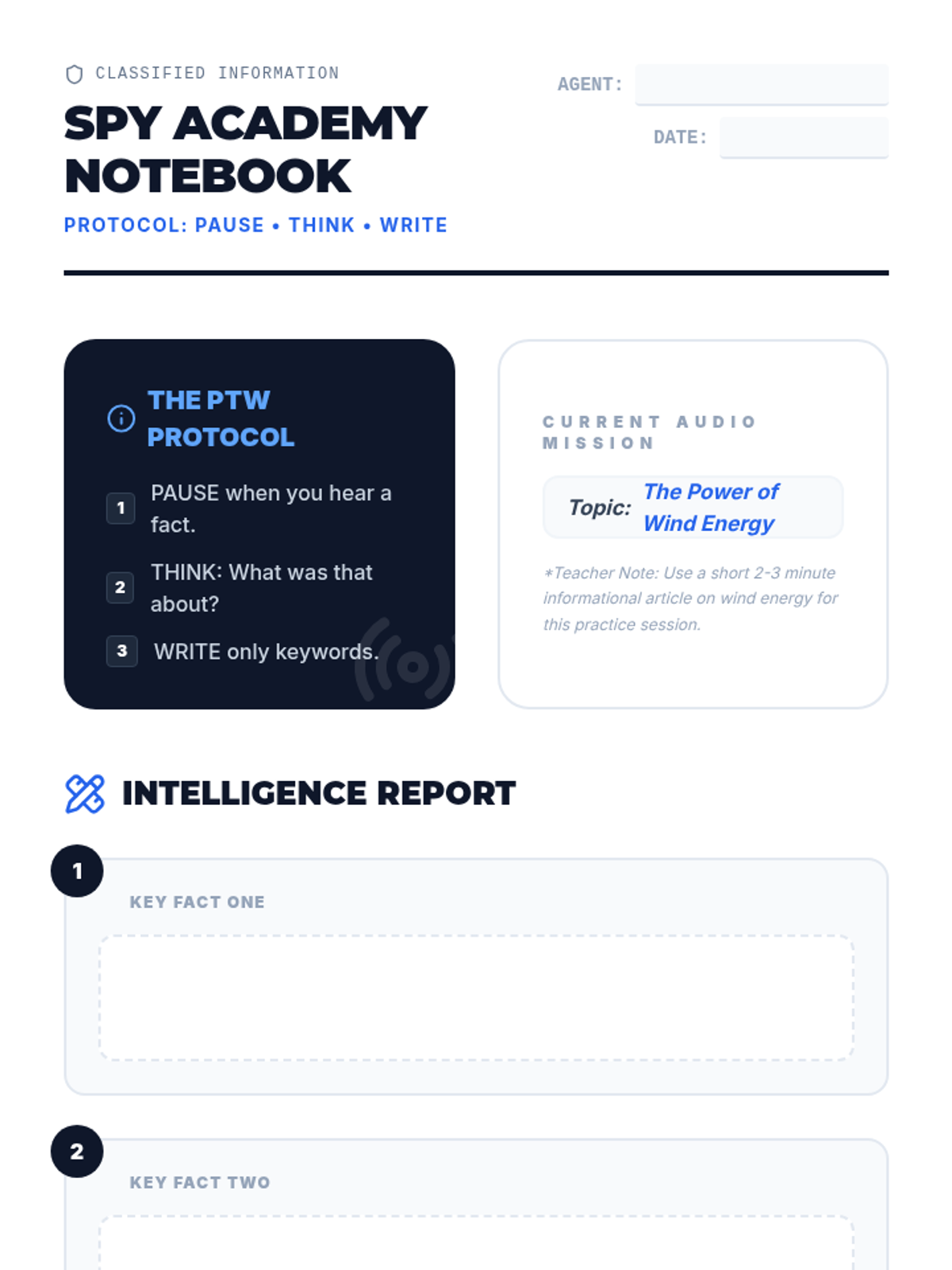
Student note-taking template for the 'Fact Spy Academy' lesson. Features structured spaces for recording facts using the 'Pause-Think-Write' method.
Visual presentation for the 'Fact Spy Academy' lesson, teaching students how to use the 'Pause-Think-Write' protocol for taking notes while listening to Text-to-Speech.
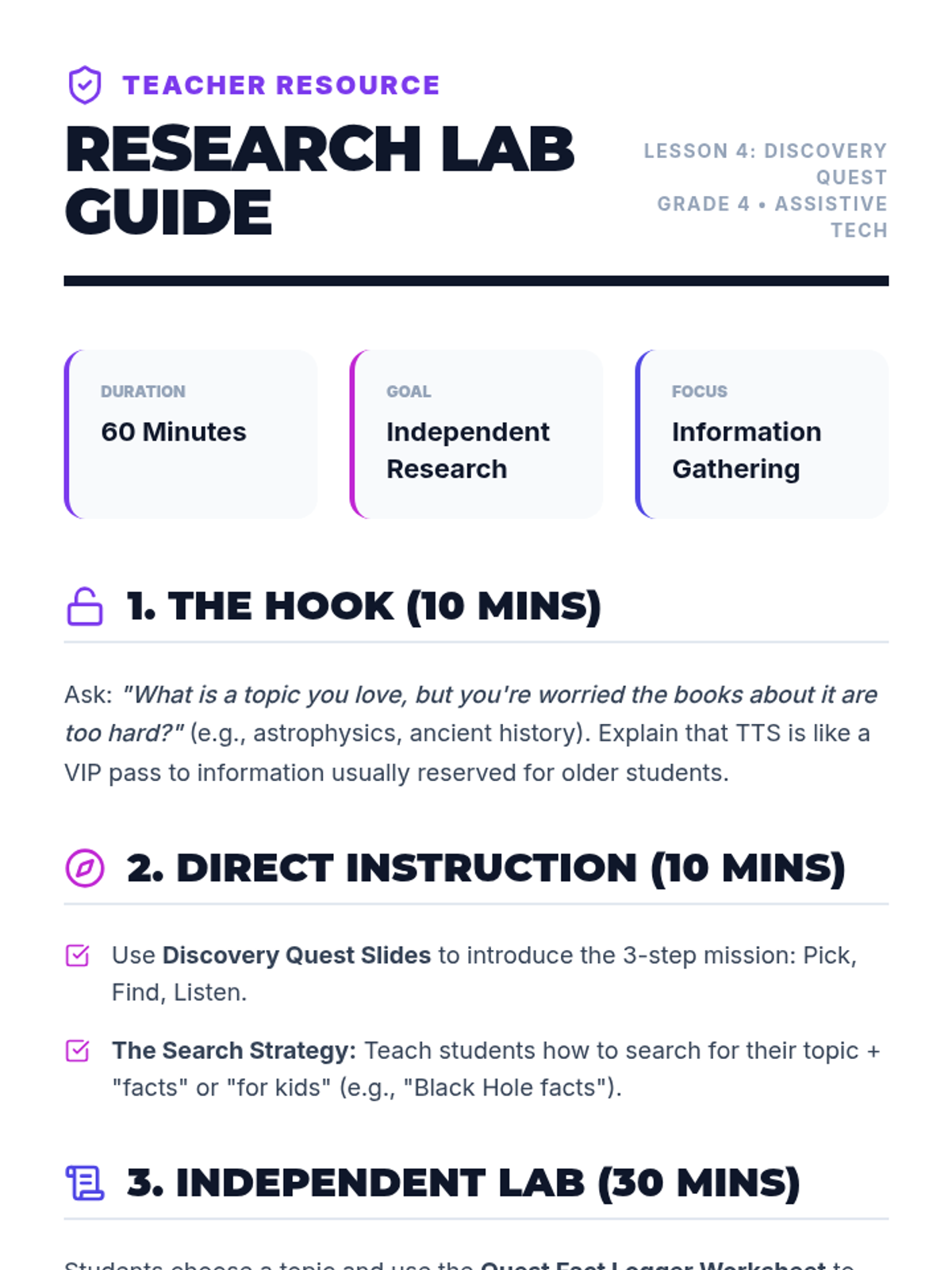
Teacher guide for the 'Discovery Quest' lesson, providing instructional steps, modeling scripts, and technical troubleshooting for using TTS for research.
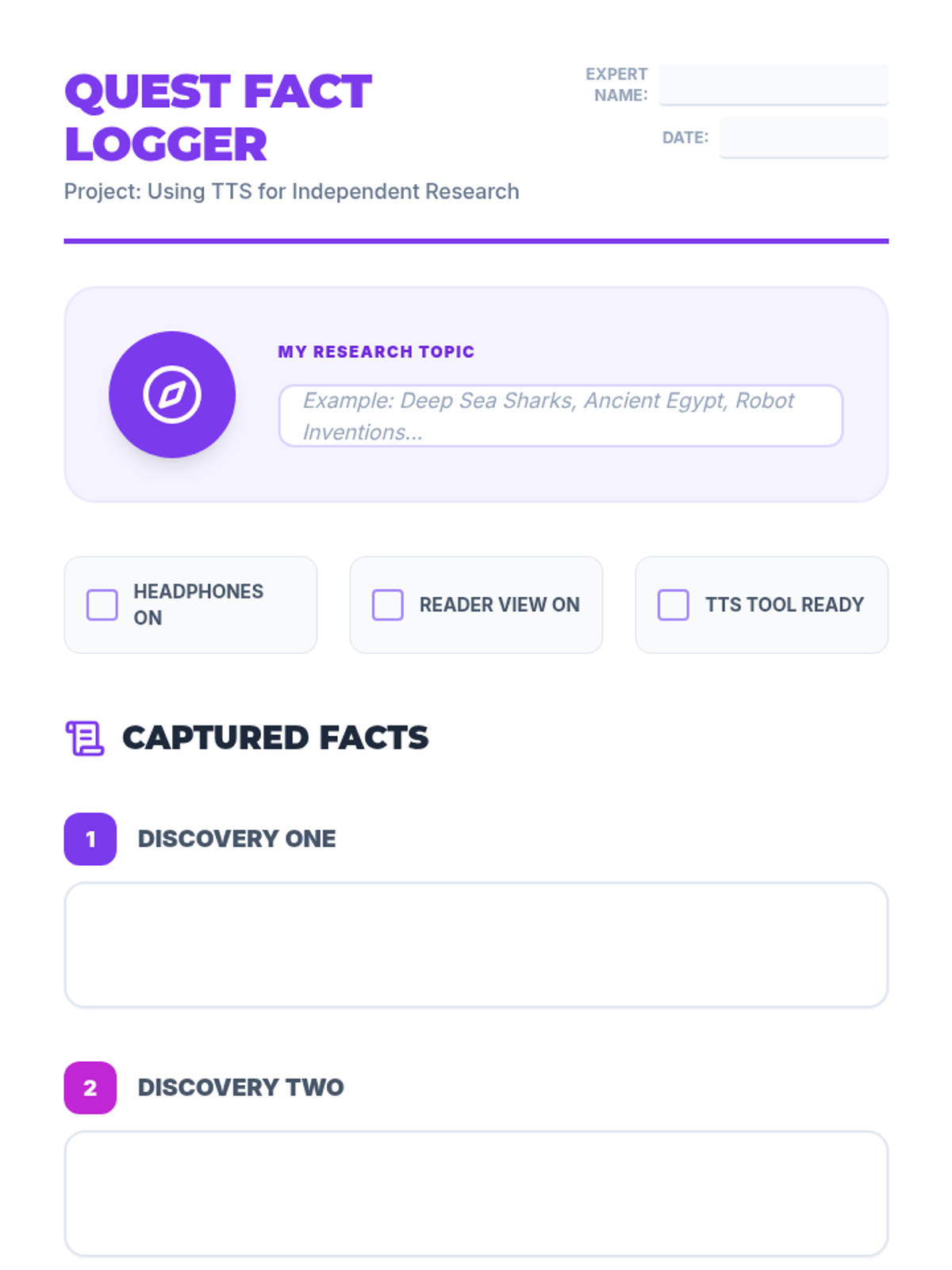
Student research organizer for the 'Discovery Quest' lesson. Students identify a topic, use TTS and Reader View to find facts, and record their findings in a structured format.
Visual presentation for the 'Discovery Quest' lesson, introducing students to using Text-to-Speech (TTS) for independent research on complex topics.
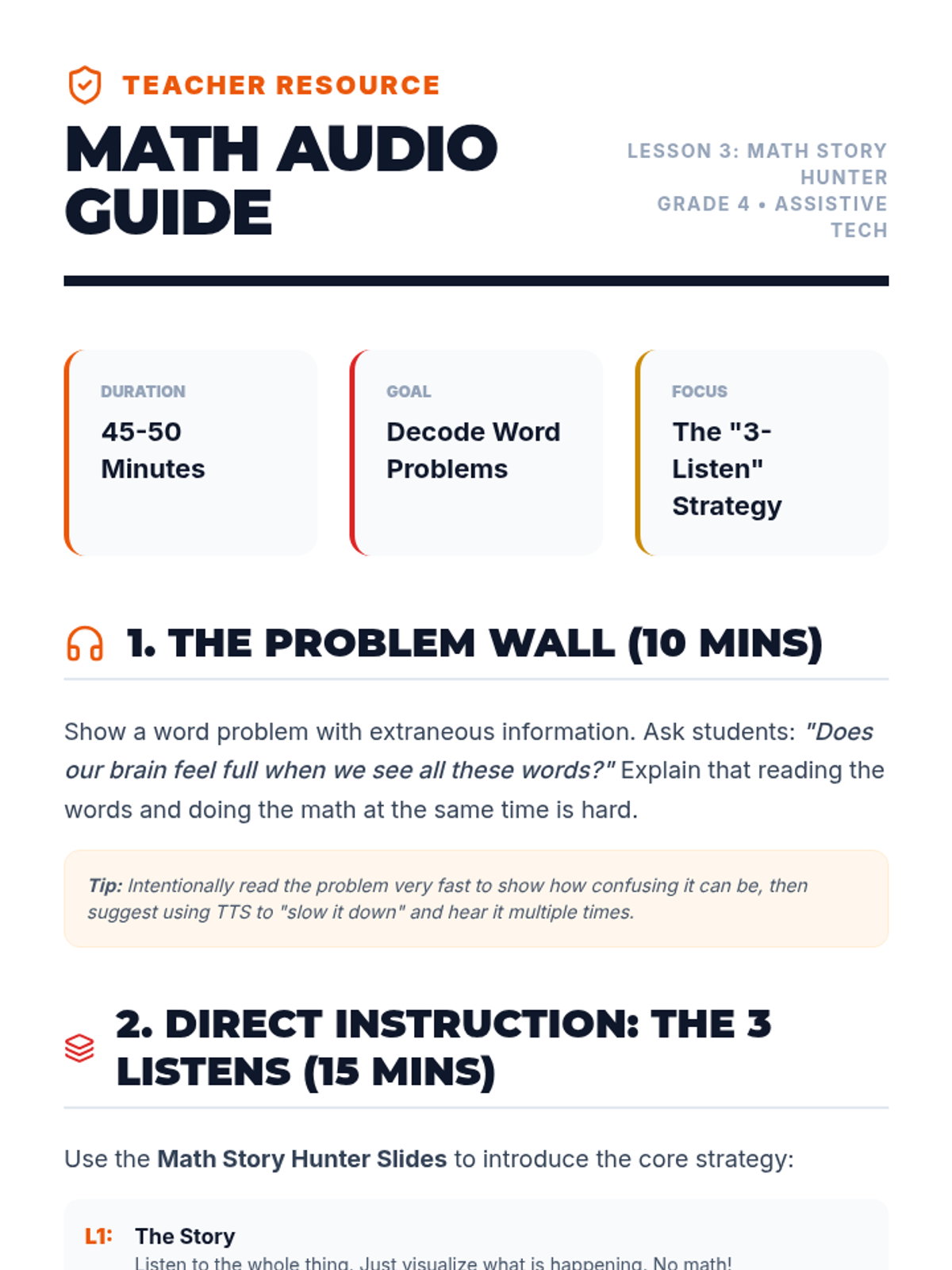
Teacher guide for the 'Math Story Hunter' lesson, providing instructional steps, modeling scripts, and technical troubleshooting for using TTS with word problems.
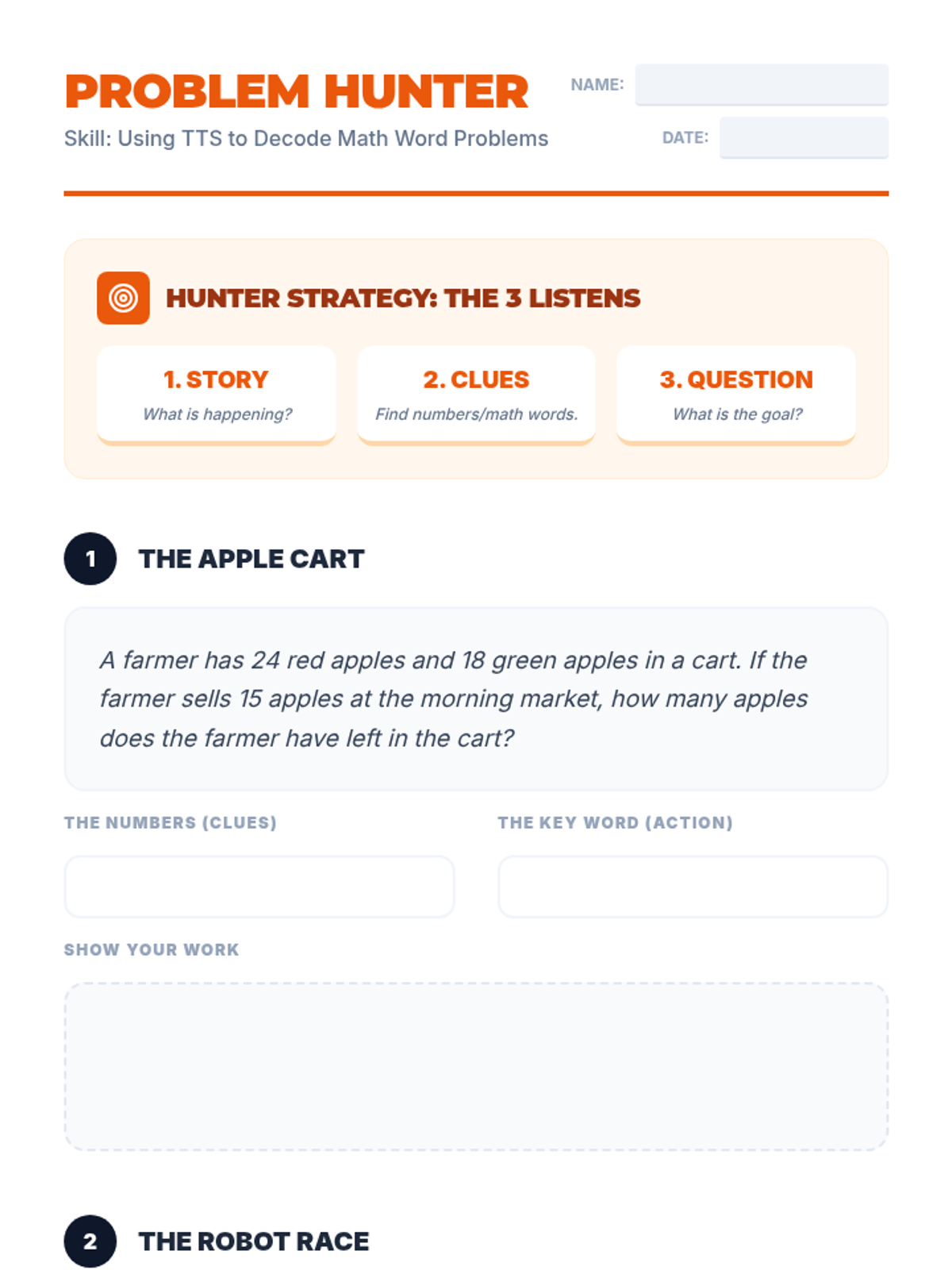
Student activity sheet for 'Problem Hunting'. Students use Text-to-Speech to hear word problems multiple times, identifying numbers, math keywords, and the ultimate question before solving.
Visual presentation for the 'Math Story Hunter' lesson, teaching students how to use 'Reader View' or text-only modes to remove distractions on webpages before using Text-to-Speech.
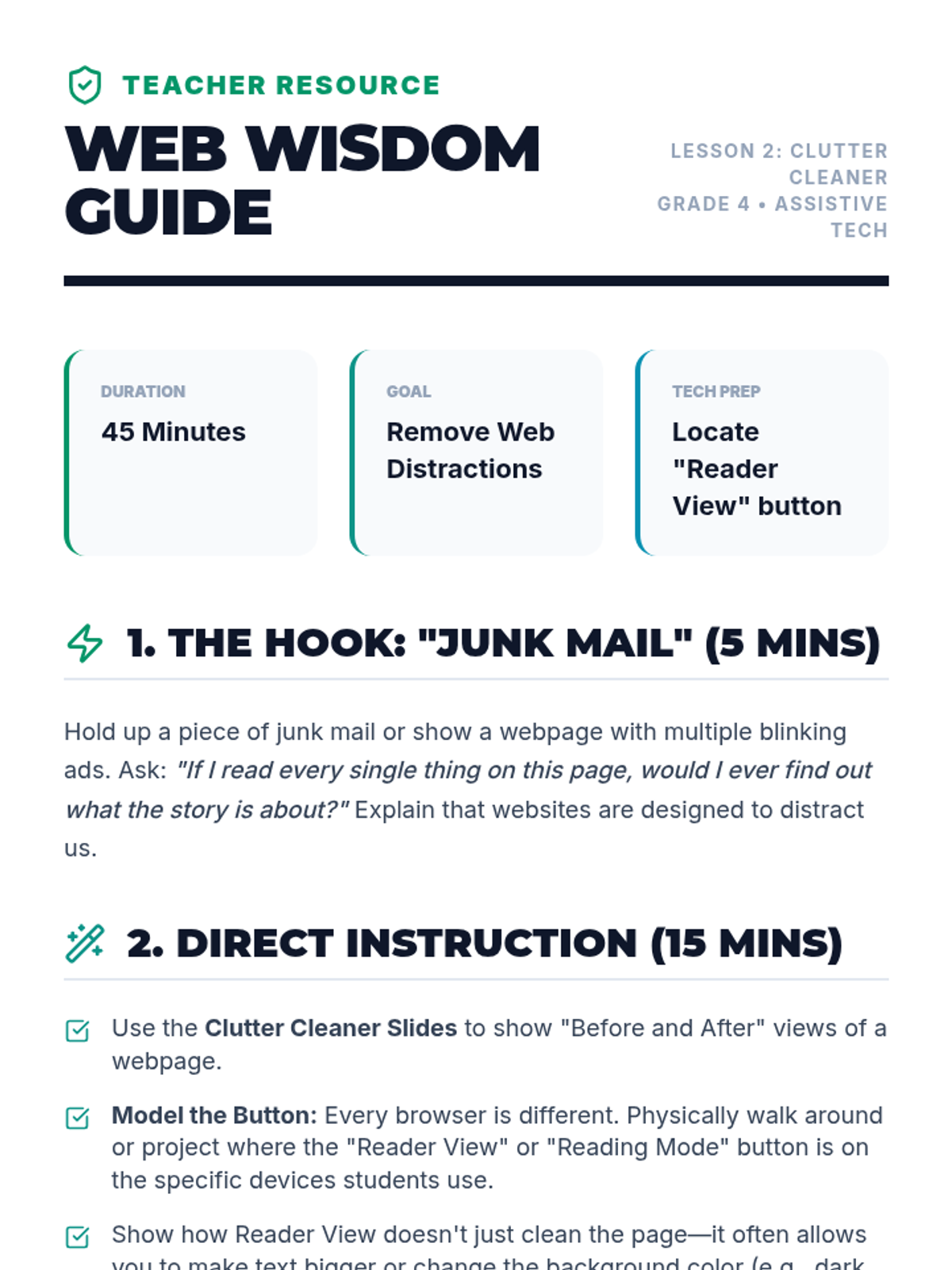
Teacher guide for the 'Clutter Cleaner' lesson, providing instructional steps, modeling scripts, and technical troubleshooting for using 'Reader View' with TTS.
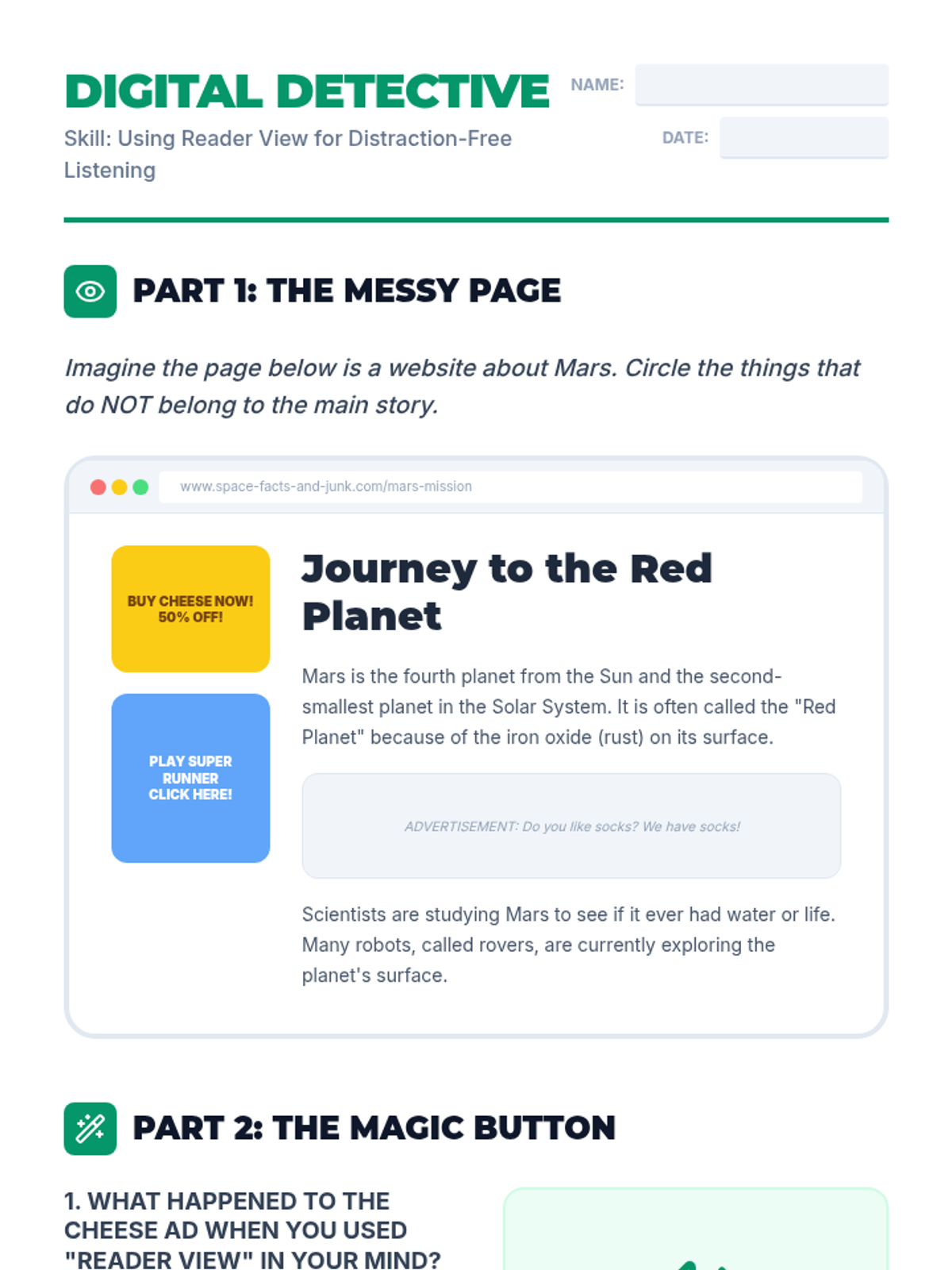
Student activity sheet for practicing 'Clutter Cleaning'. Students identify distractions on a simulated messy webpage and reflect on how 'Reader View' improves their Text-to-Speech listening experience.
Visual presentation for the 'Clutter Cleaner' lesson, teaching students how to use 'Reader View' or text-only modes to remove distractions on webpages before using Text-to-Speech.
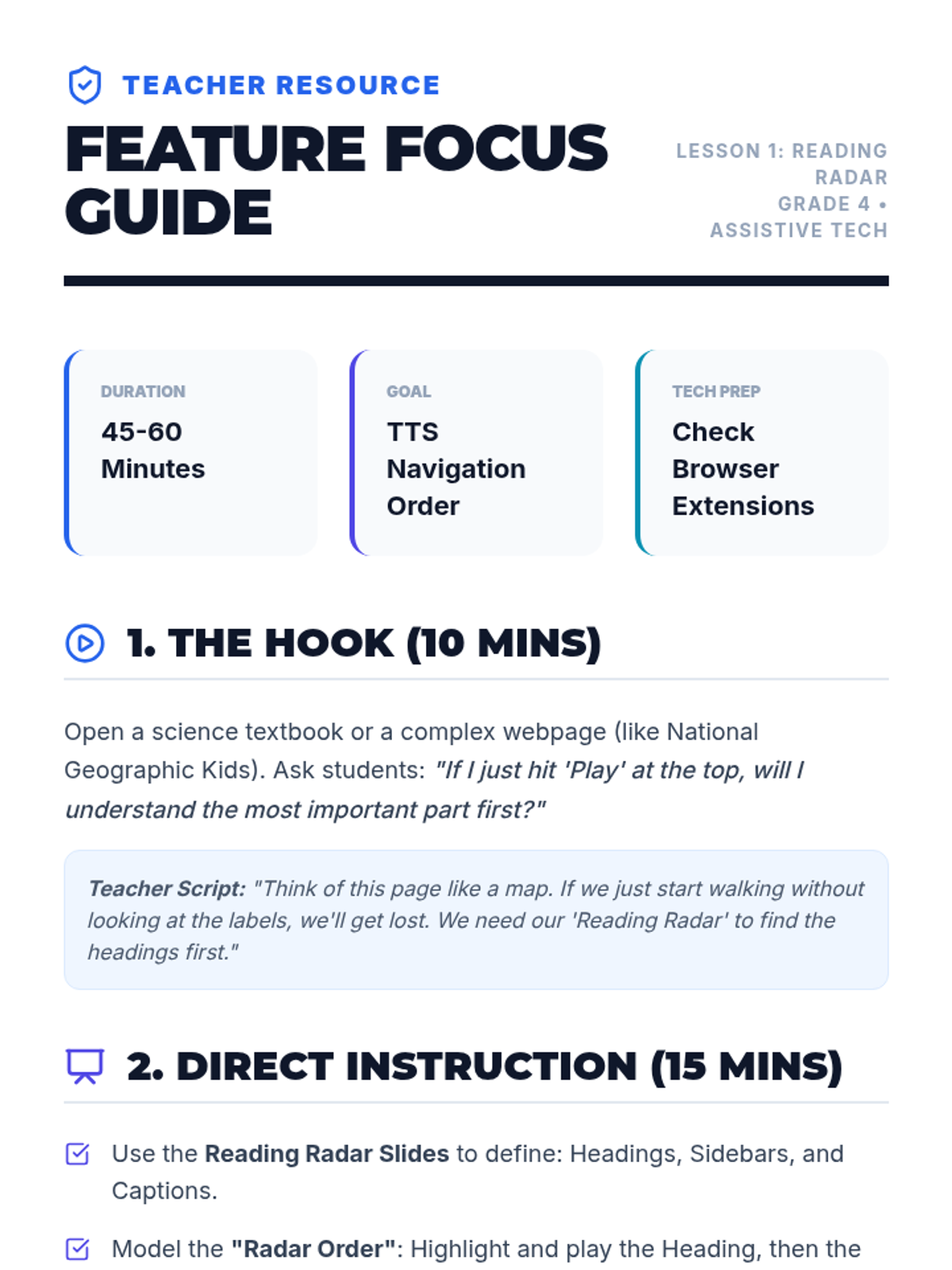
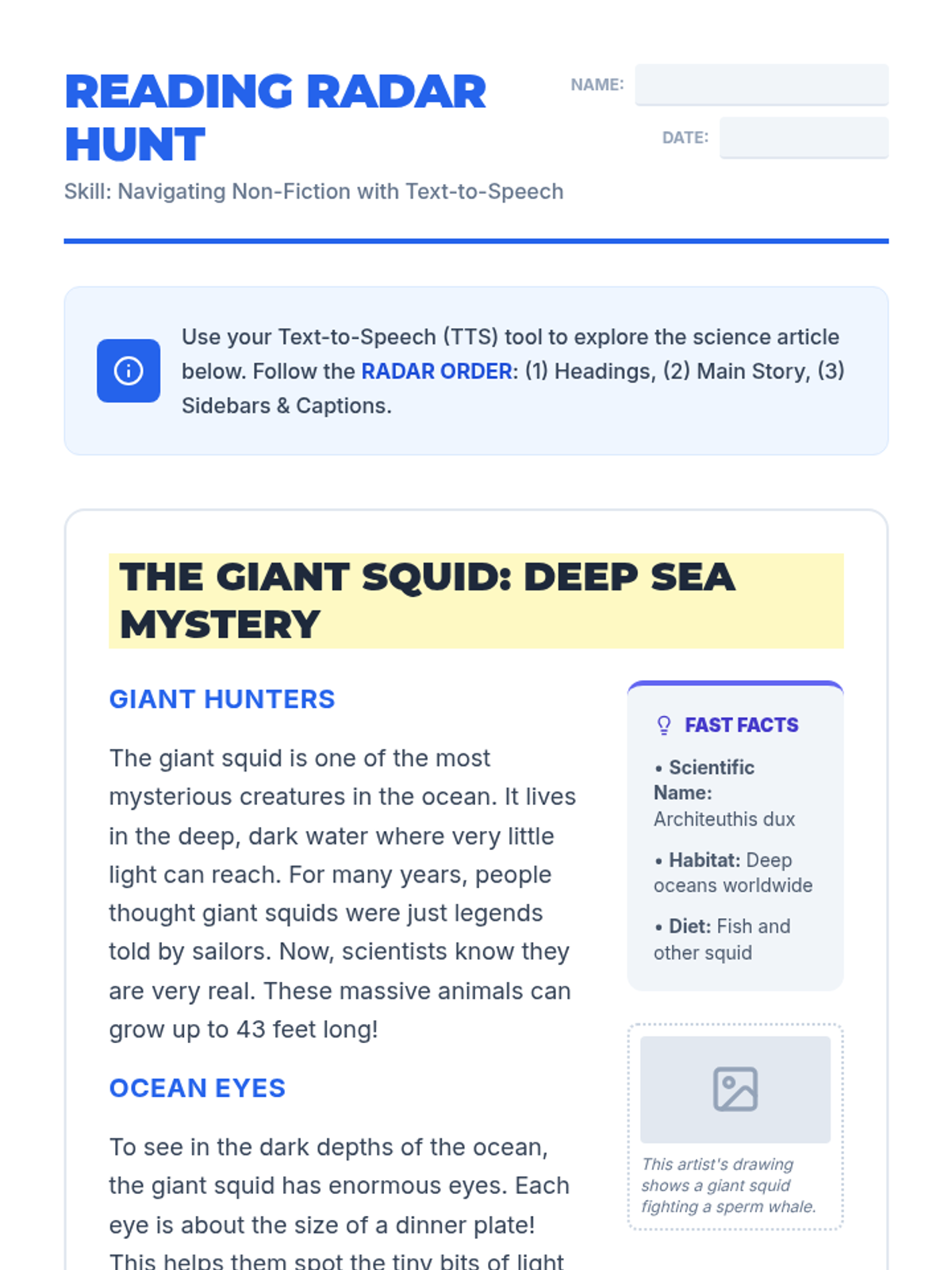
Teacher guide for the 'Reading Radar' lesson, providing instructional steps, modeling scripts, and common student misconceptions when using Text-to-Speech with informational text.
Student practice worksheet for using Text-to-Speech (TTS) to navigate informational text features. Features a simulated article about giant squids with headings, sidebars, and captions.
Visual presentation for the 'Reading Radar' lesson, introducing students to non-fiction text features and providing a strategic order for using Text-to-Speech (TTS) to listen to complex layouts.
A final slide deck for Lesson 5, focusing on presenting and defending the completed master schedule to a review board.
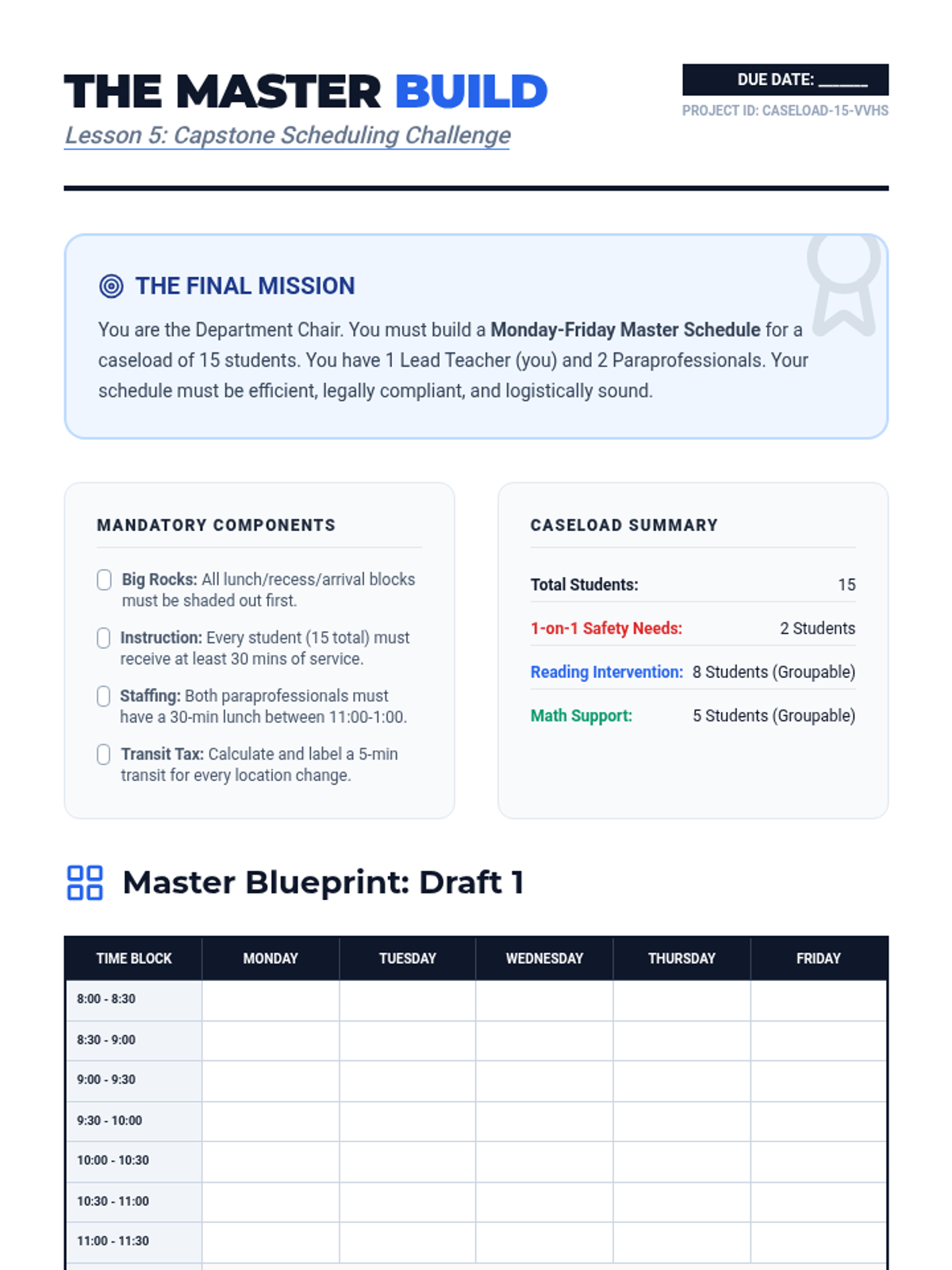
The capstone project packet where students build a complete weekly master schedule for a fictional caseload, including constraints and requirements.
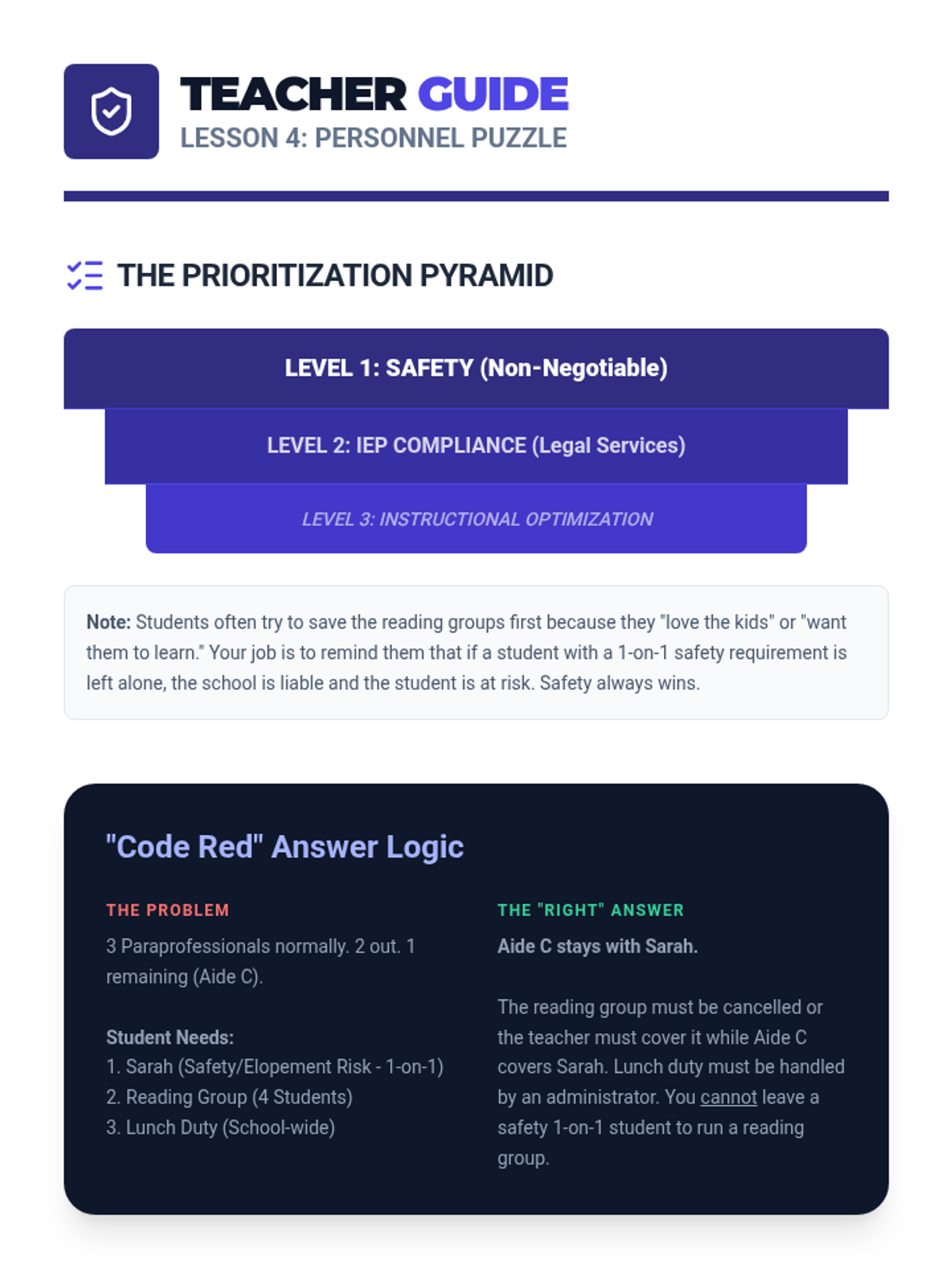
A teacher guide for Lesson 4, focusing on personnel prioritization and crisis management in scheduling.
A slide deck introducing personnel management in special education, focusing on assigning paraprofessionals to high-need areas and coverage logistics.
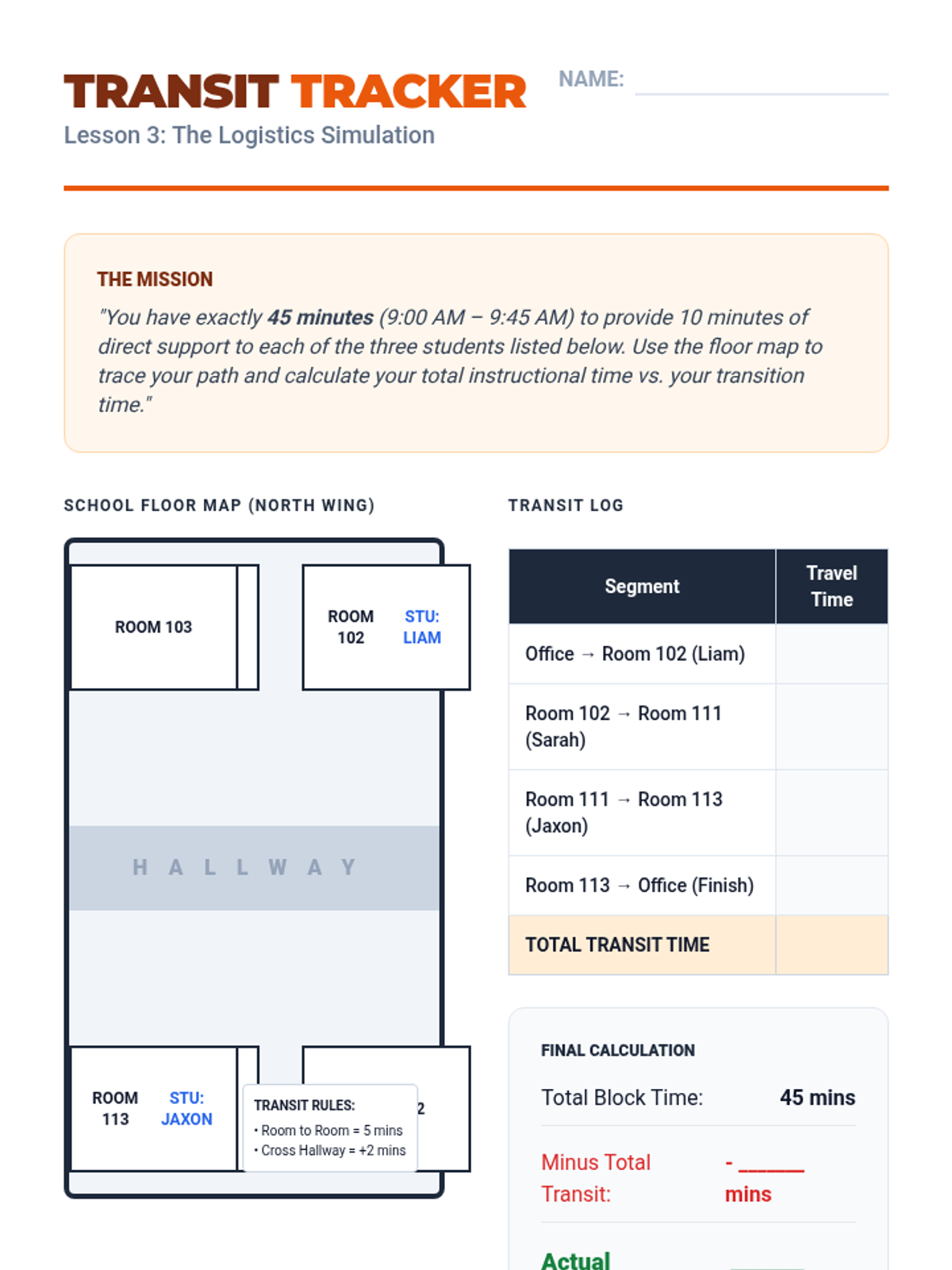
A simulation activity where students map a teacher's path between classrooms and calculate the "transition tax" impact on instructional time.
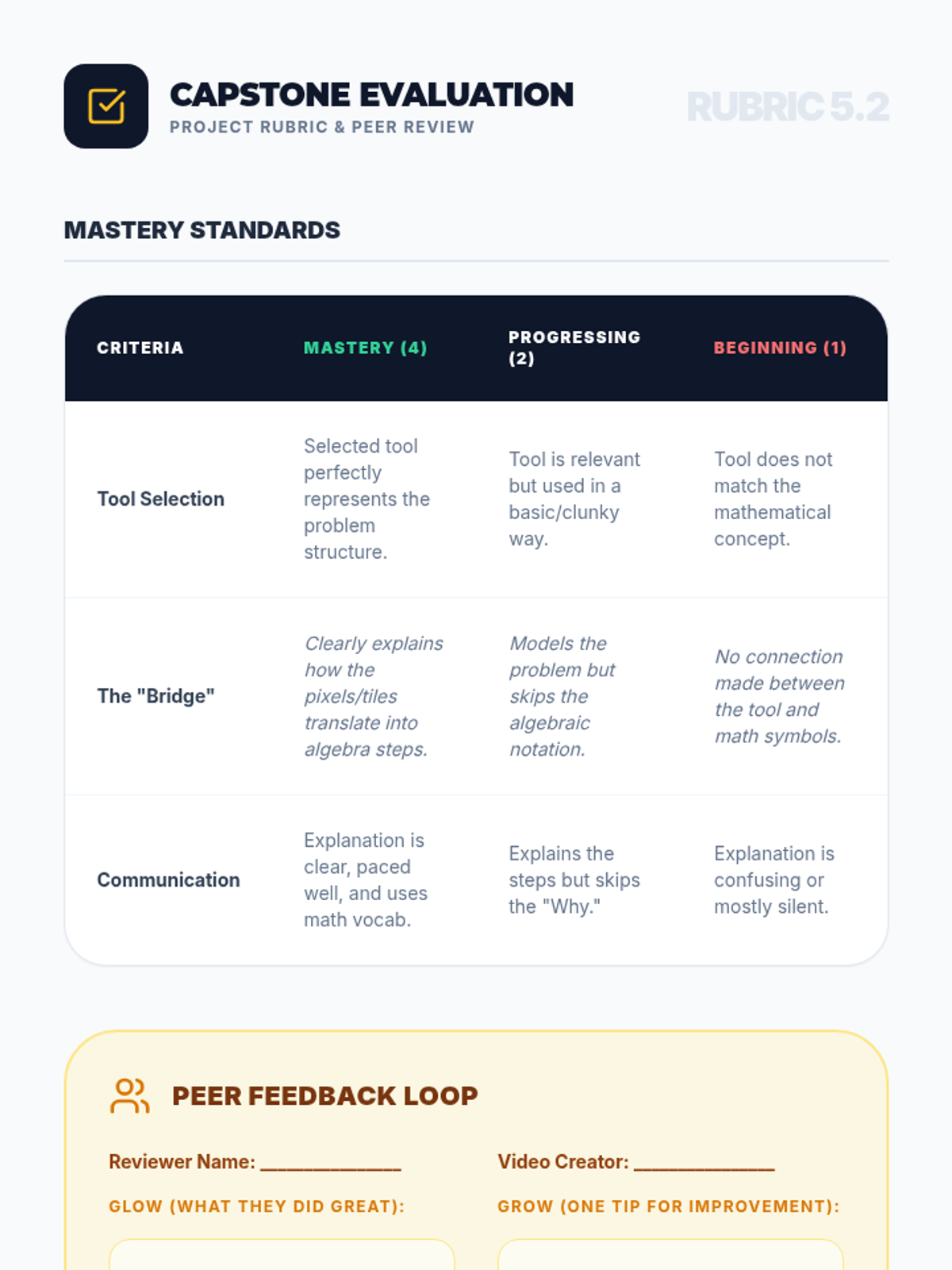
Assessment rubric and peer review form for the final tutorial project, focusing on tool selection, conceptual bridging, and communication quality.
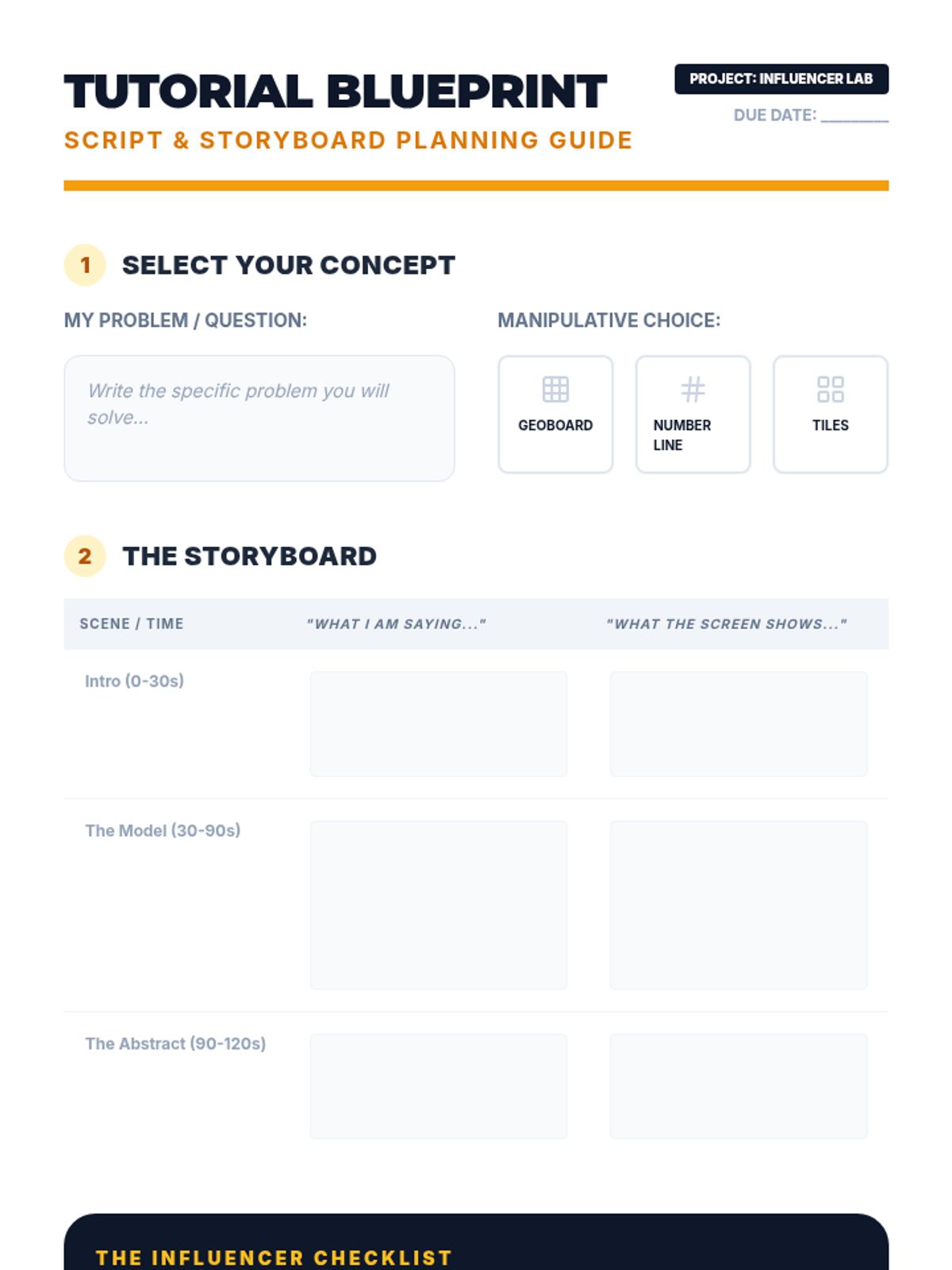
Project planning guide and storyboard template for students creating their own math tutorial videos using virtual manipulatives.
Final project slides for the "Design Your Own Tutorial" capstone, including project requirements, topic suggestions, and production workflow.
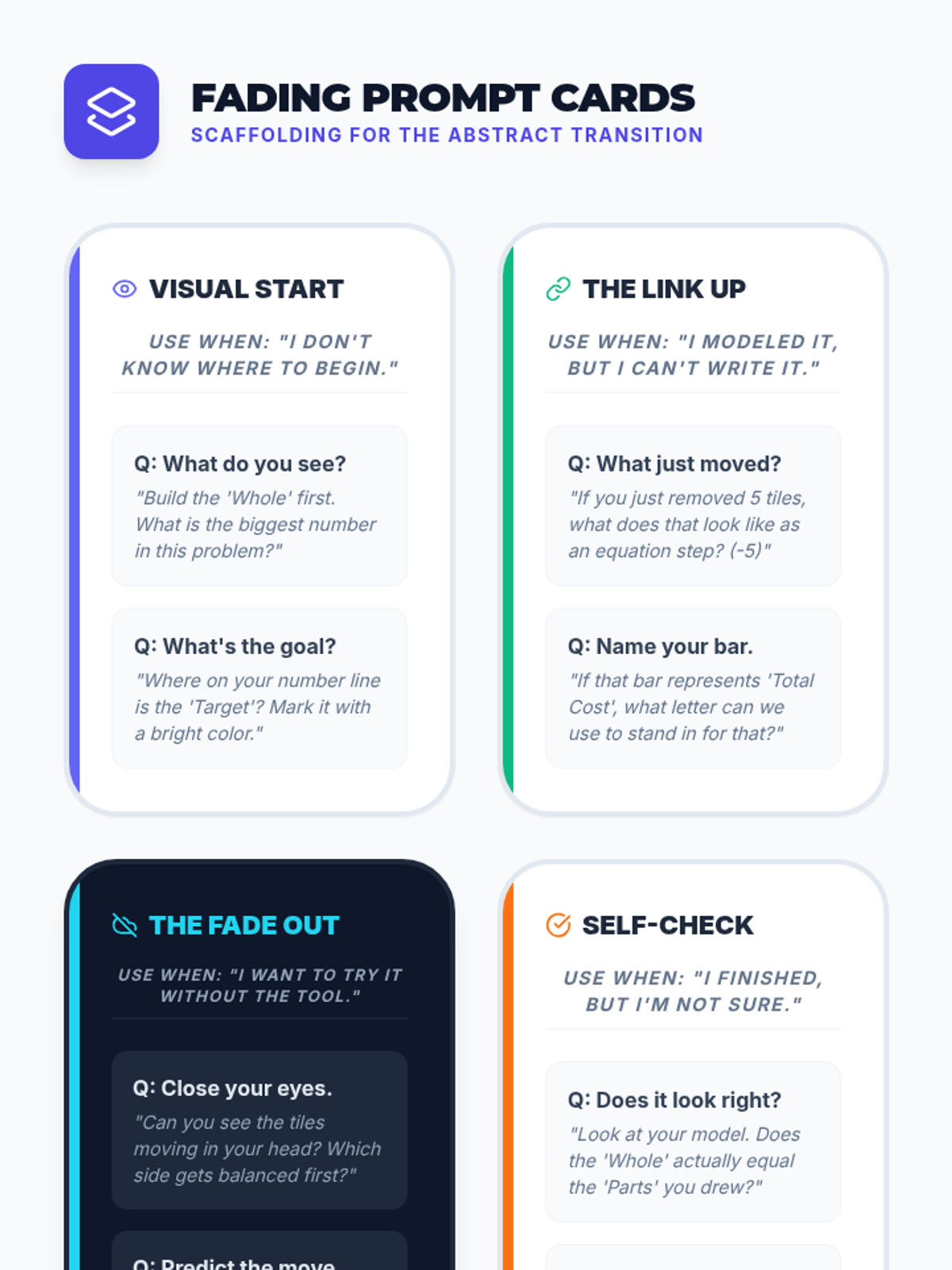
Scaffolding cards designed to provide differentiated prompts for students as they transition from visual modeling to abstract solving.
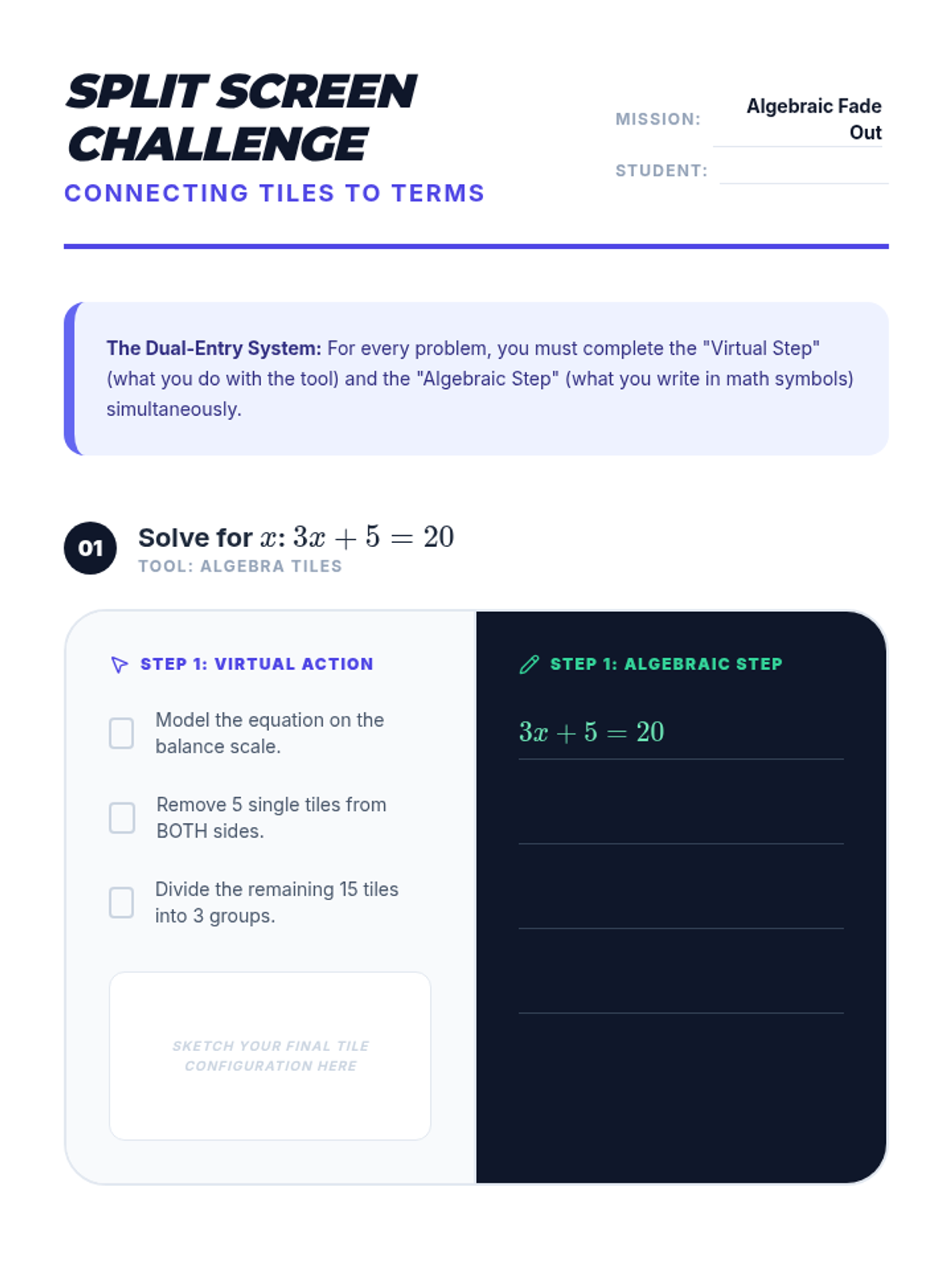
Split-screen worksheet requiring students to complete virtual manipulation steps alongside algebraic notation, bridging concrete and abstract reasoning.
Instructional slides for Lesson 4, focusing on the "Fade Out" strategy to transition from virtual models to abstract algebraic notation using a split-screen mindset.
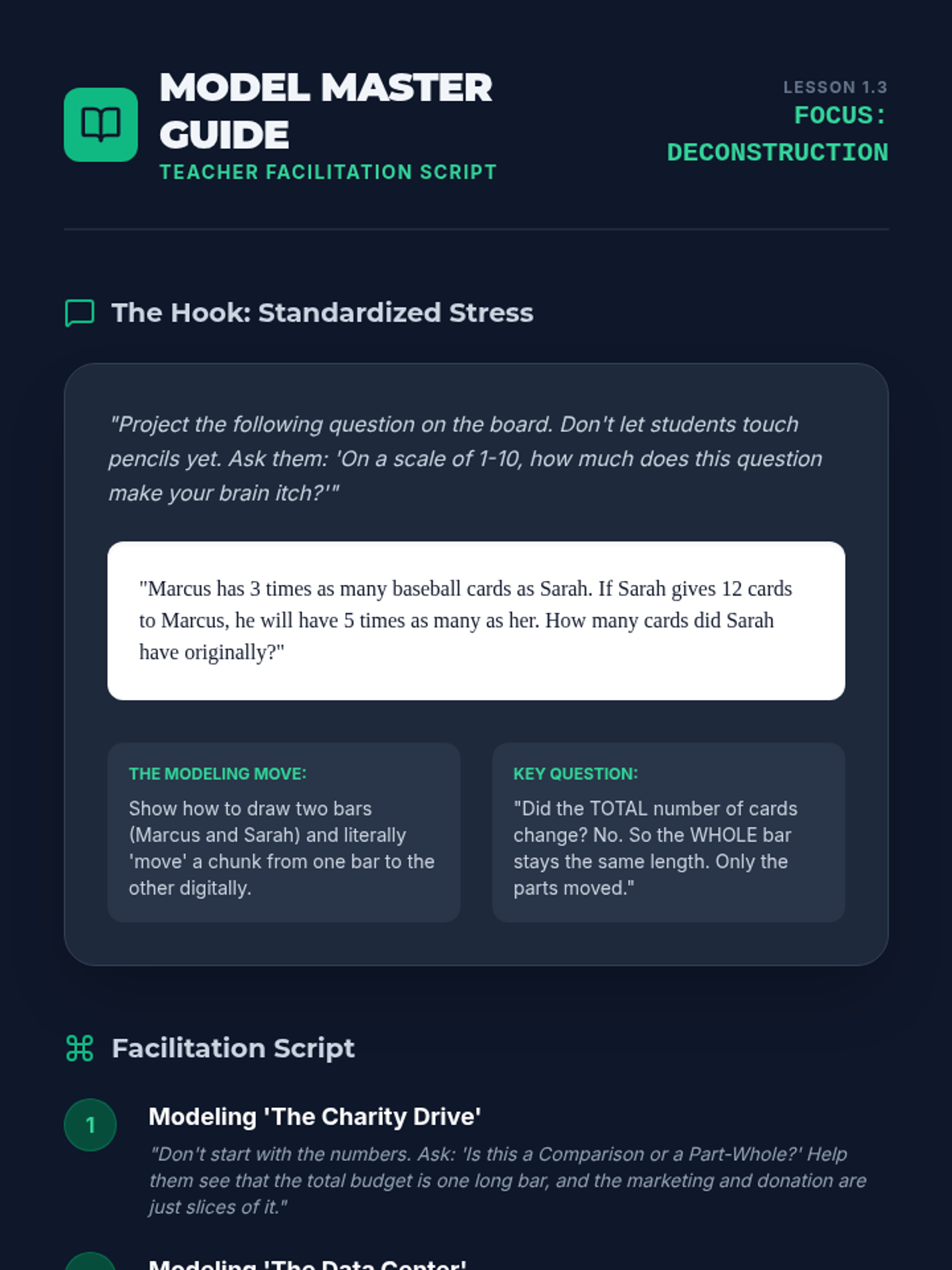
Teacher facilitation guide for Lesson 3, featuring a "brain-itch" hook problem, step-by-step modeling scripts, and common student misconceptions to watch for.
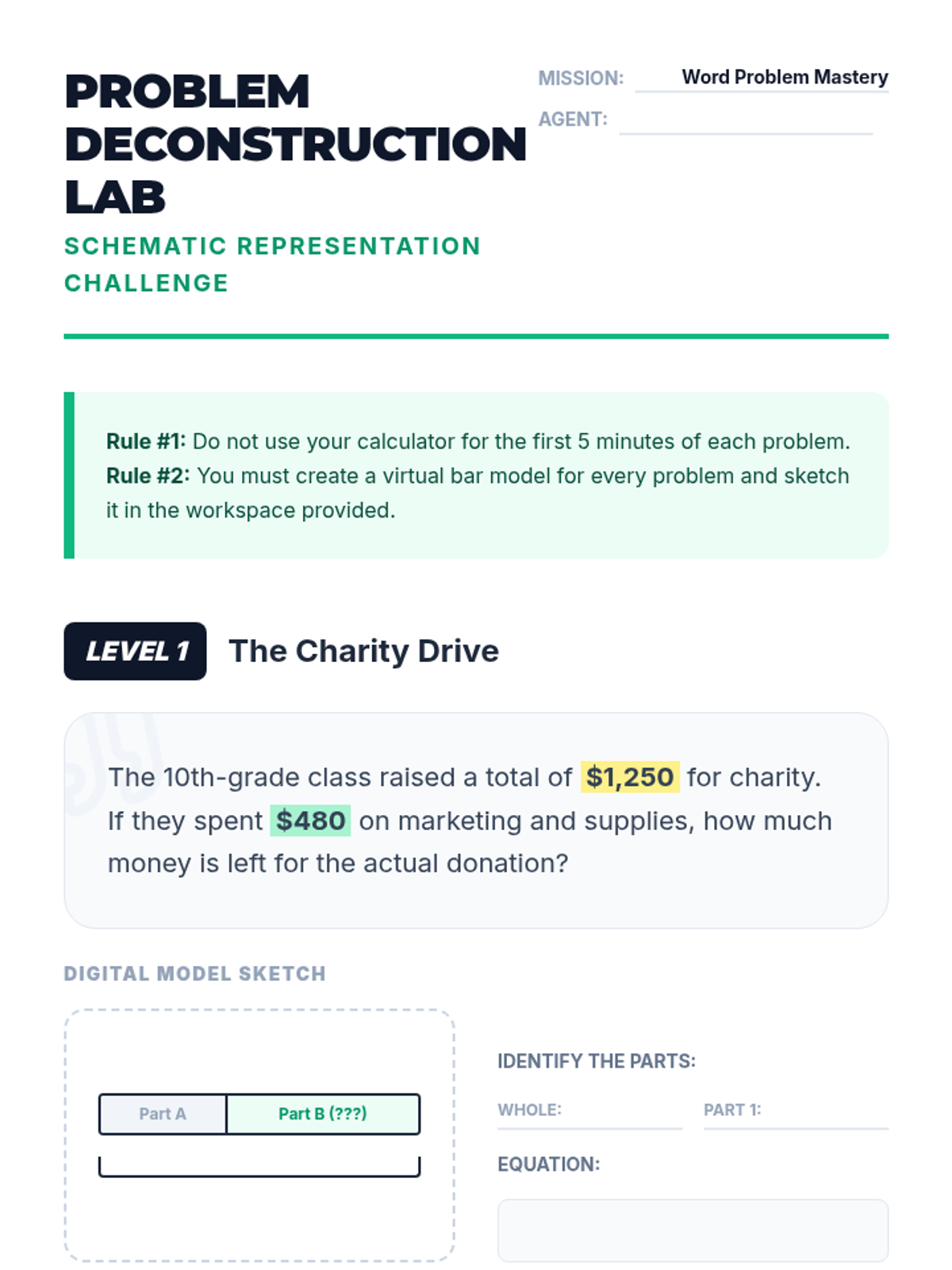
Student worksheet focusing on bar modeling strategies for multi-step word problems, requiring students to translate text into schematic visual models.
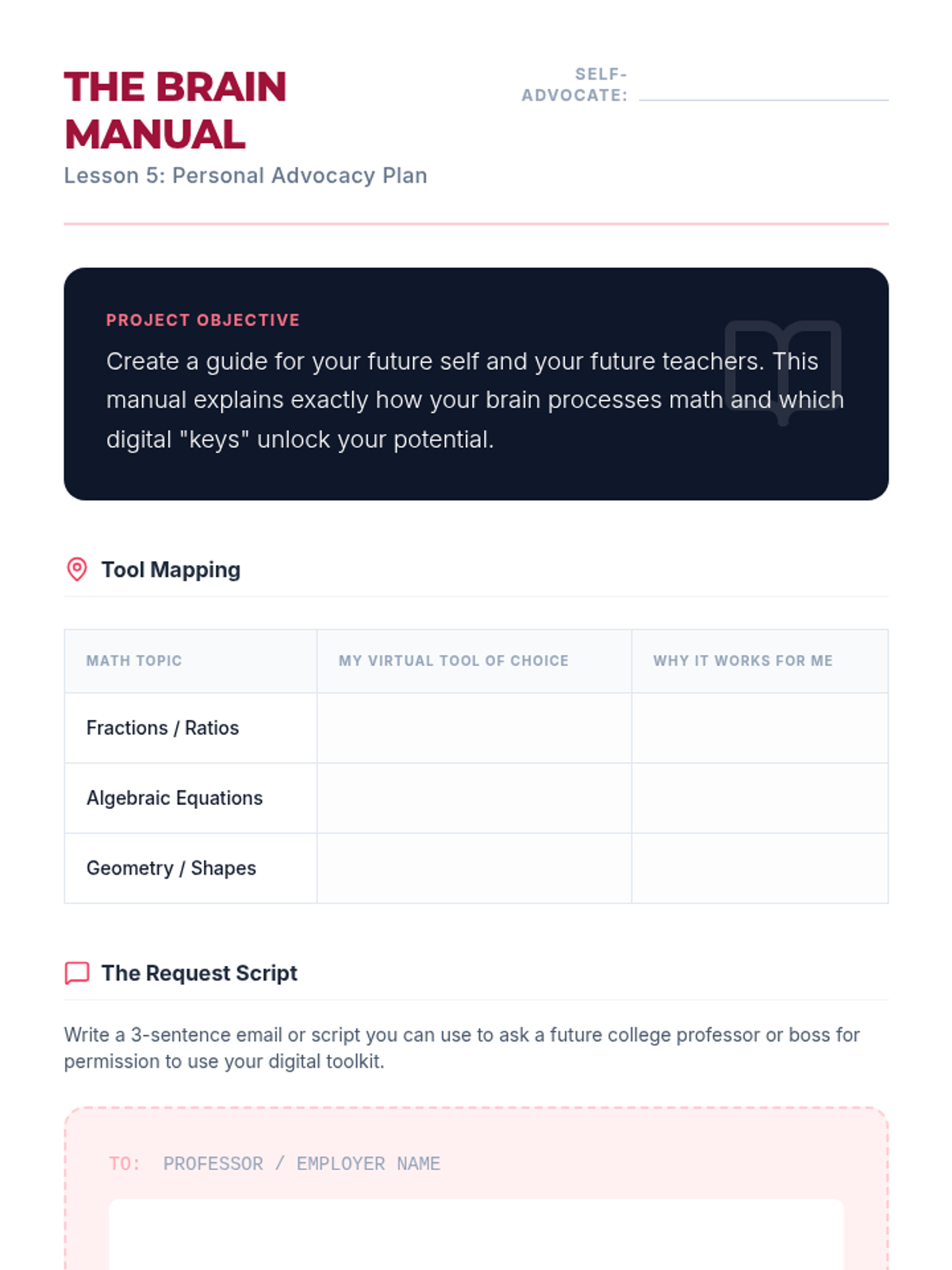
A personal self-advocacy project template where students identify their math needs and practice requesting digital tools.
Instructional slides for Lesson 3, introducing Singapore-style bar modeling (Part-Whole and Comparison) as a strategy for deconstructing complex word problems.
Slide deck for Lesson 5 focusing on self-advocacy strategies and requesting digital math tools in future academic settings.
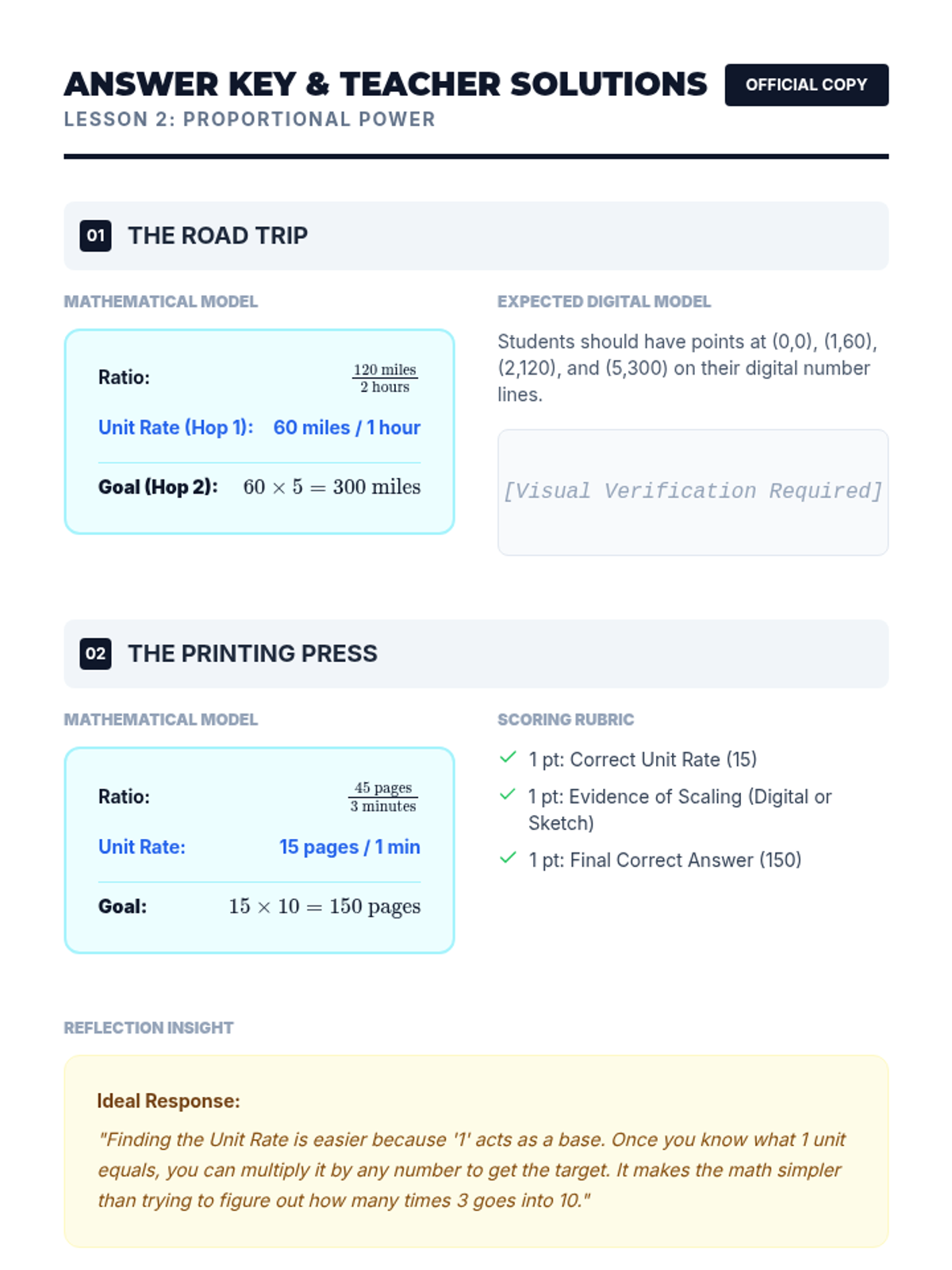
Answer key for the Proportional Power worksheet, including step-by-step mathematical models, unit rate calculations, and a scoring rubric.
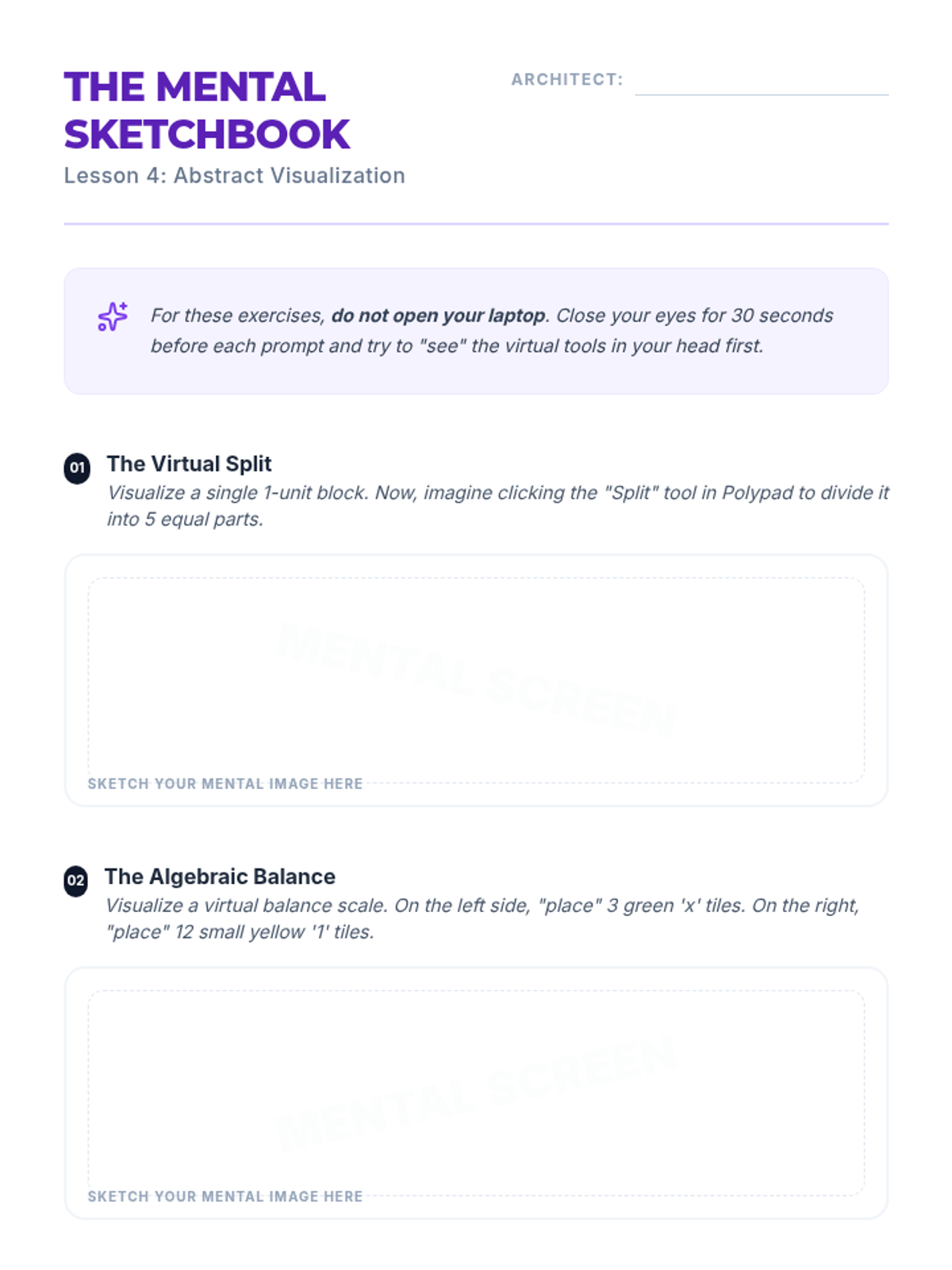
A visualization activity sheet where students sketch their mental representations of virtual math tools.
Slide deck for Lesson 4 focusing on mental visualization of virtual tools to build abstract reasoning skills.
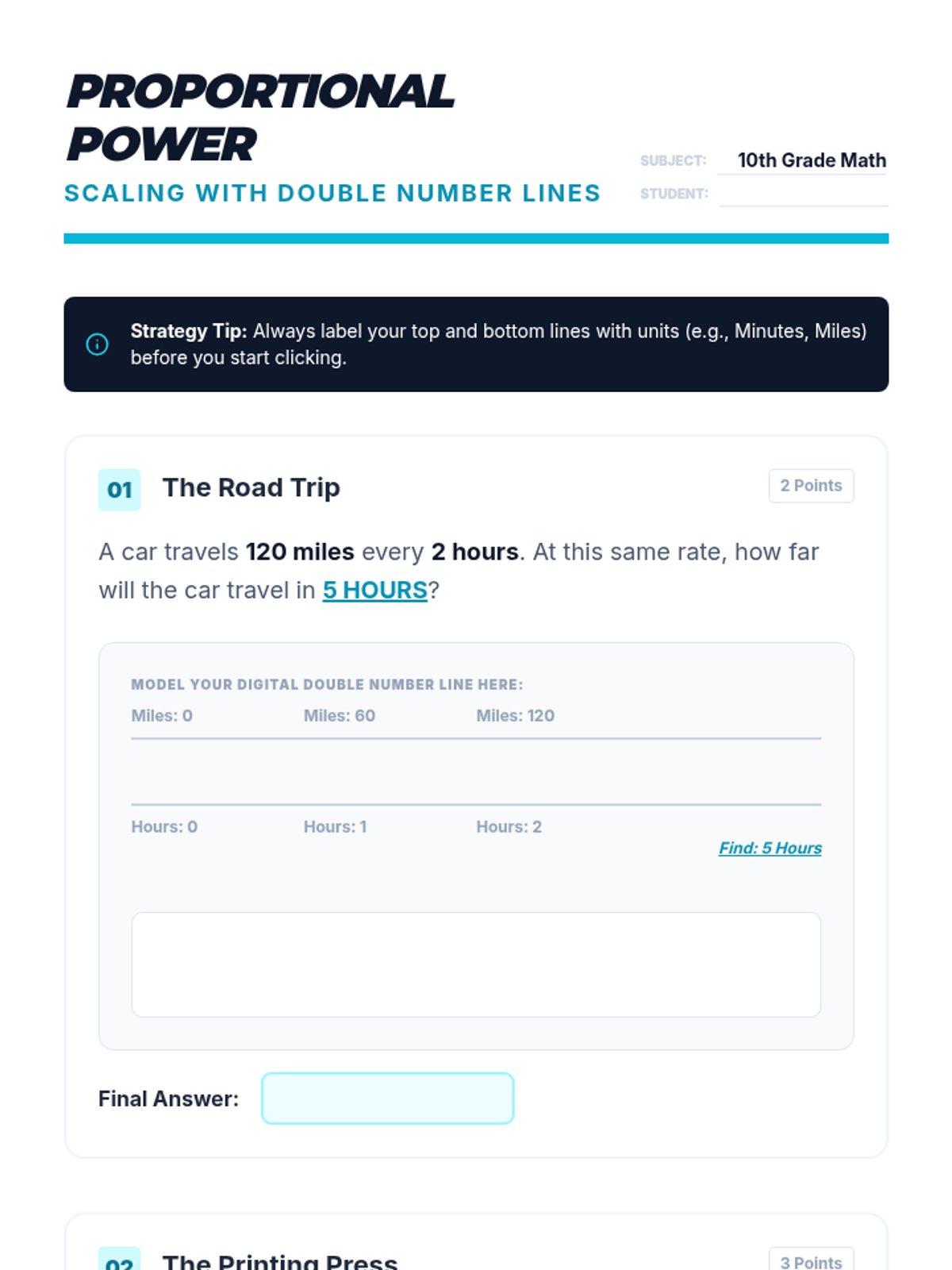
Student worksheet for proportional reasoning, requiring students to use virtual double number lines to solve multi-step scaling problems with a focus on unit rates.
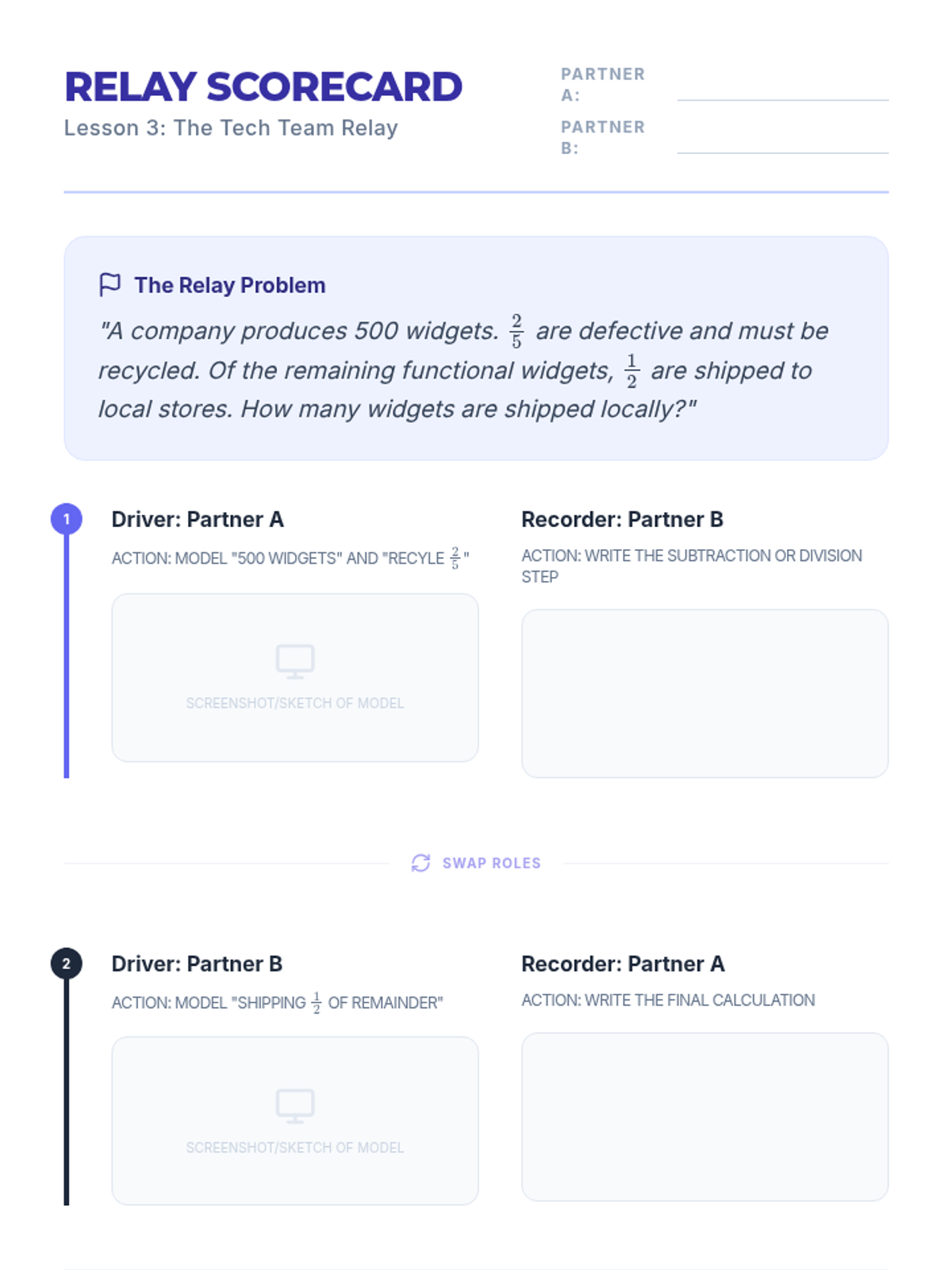
A student team worksheet for the Relay Race activity, where partners document their roles and steps for solving a multi-step problem.
Instructional slides for Lesson 2, explaining the mechanics of double number lines, the "Hop" technique for unit rates, and visualizing proportional scaling.
Slide deck for Lesson 3 explaining the collaborative "Tech Team Relay" roles of Driver and Recorder.
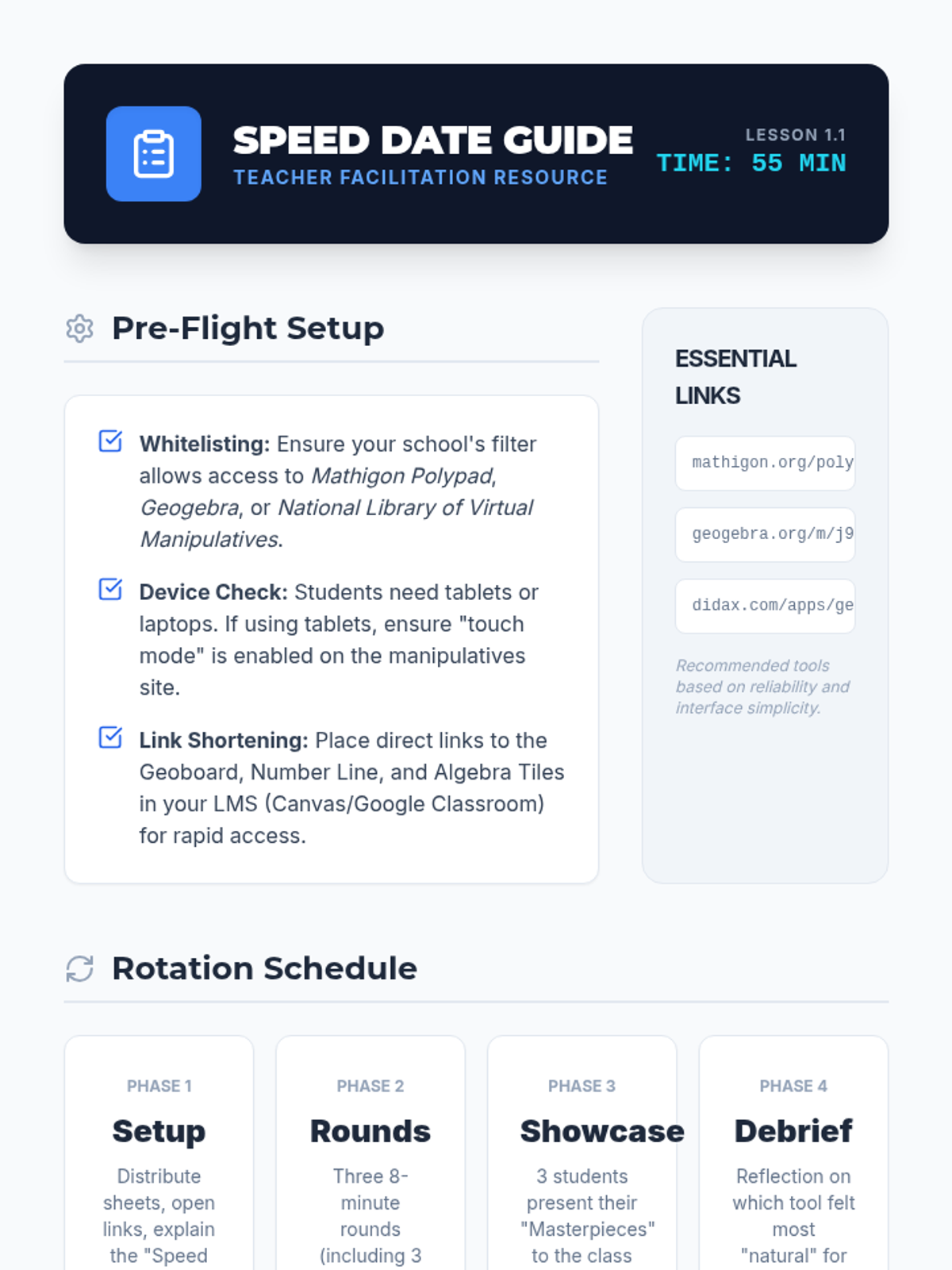
Teacher facilitation guide for the Speed Date activity, including setup instructions, rotation logistics, and troubleshooting tips for virtual manipulatives.
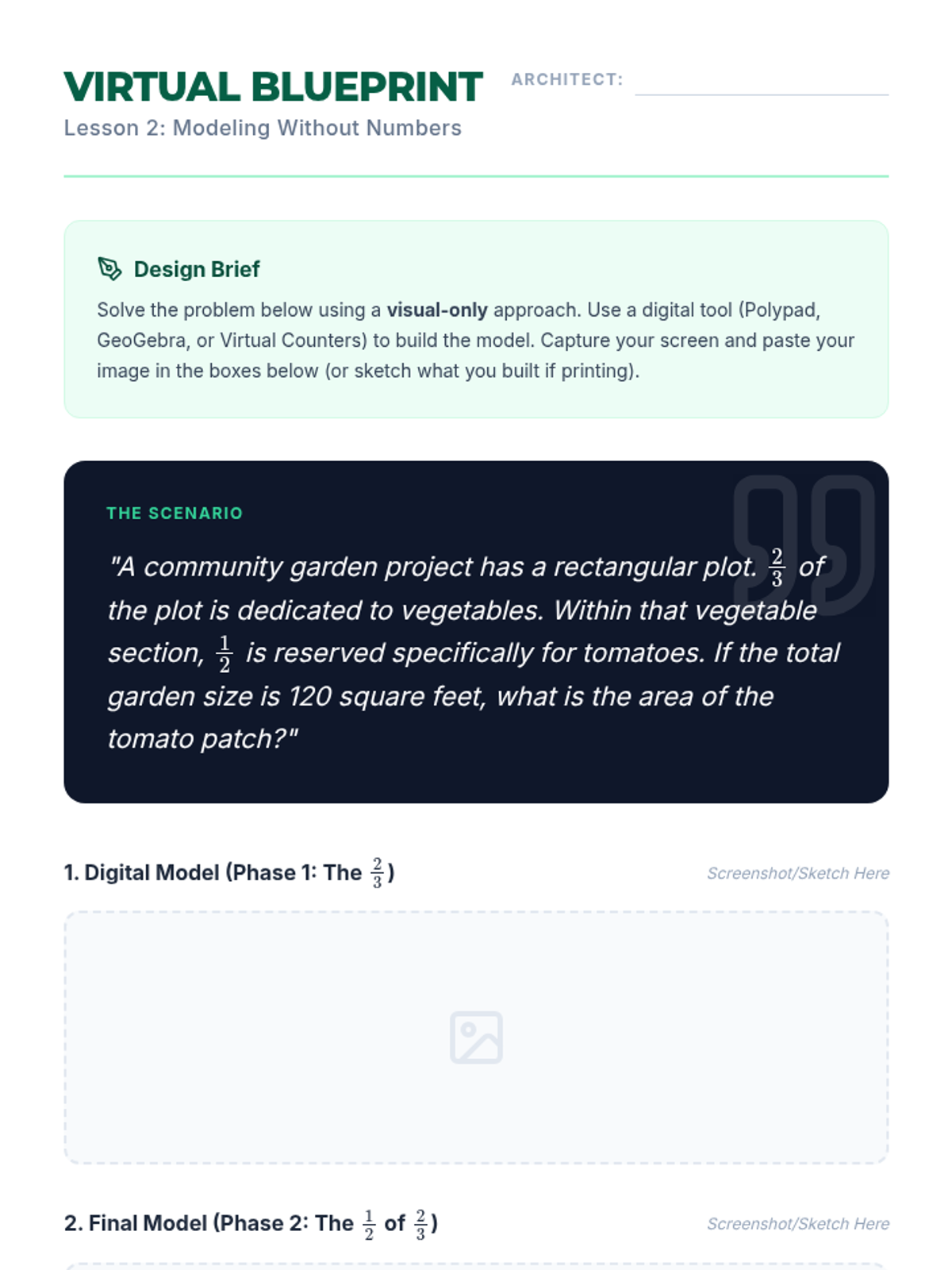
A student activity sheet for modeling a multi-step word problem visually using digital tools, with space for screenshots and reflection.
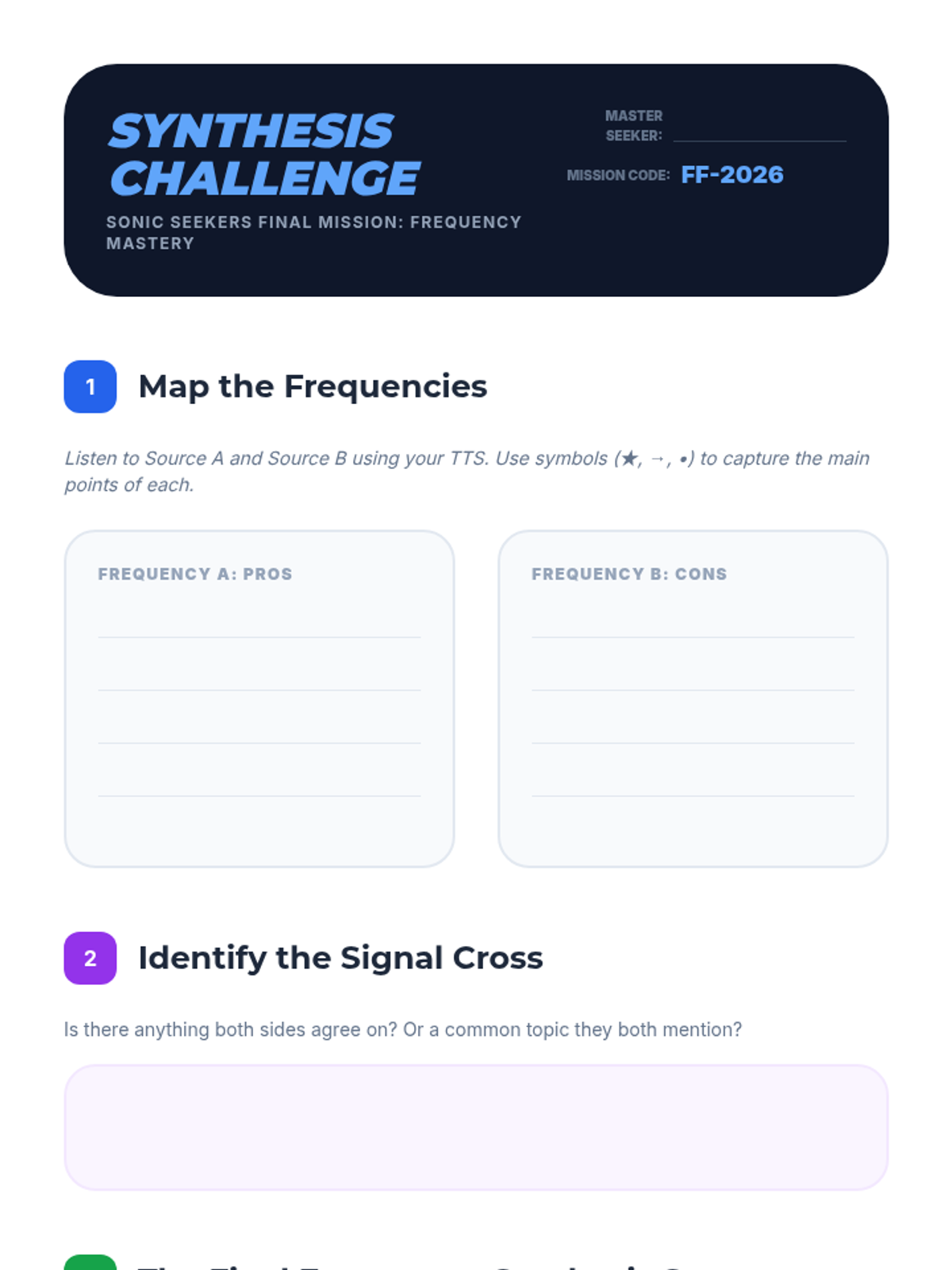
Final assessment worksheet for Lesson 5, challenging students to map two contrasting auditory viewpoints and synthesize them into a coherent written summary.
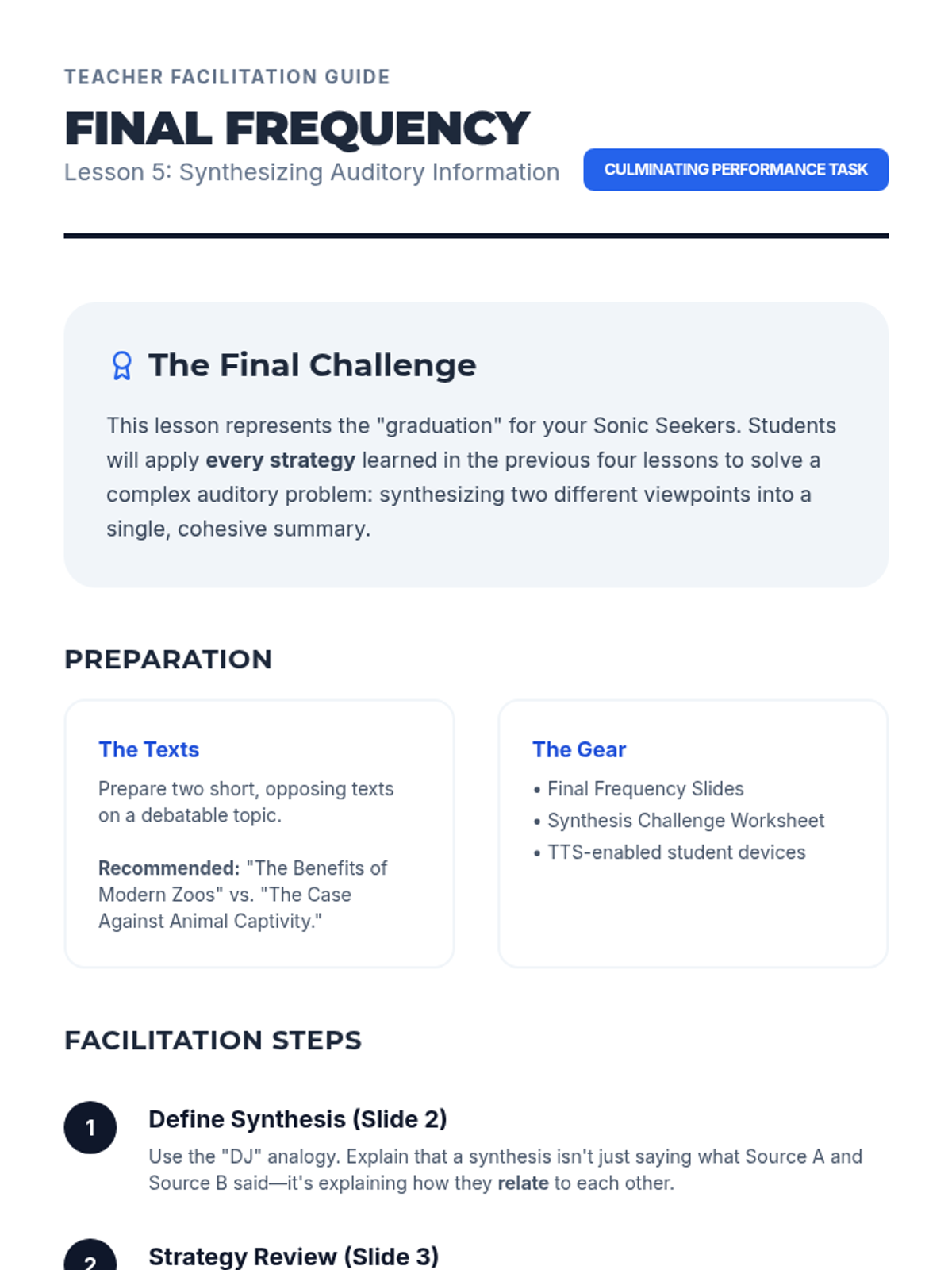
Teacher guide for Lesson 5, outlining the final synthesis task and providing a step-by-step facilitation plan for the culminating lesson.
Slide deck for Lesson 5: Synthesizing Auditory Information, introducing the final challenge of summarizing contrasting viewpoints using all previous auditory strategies.
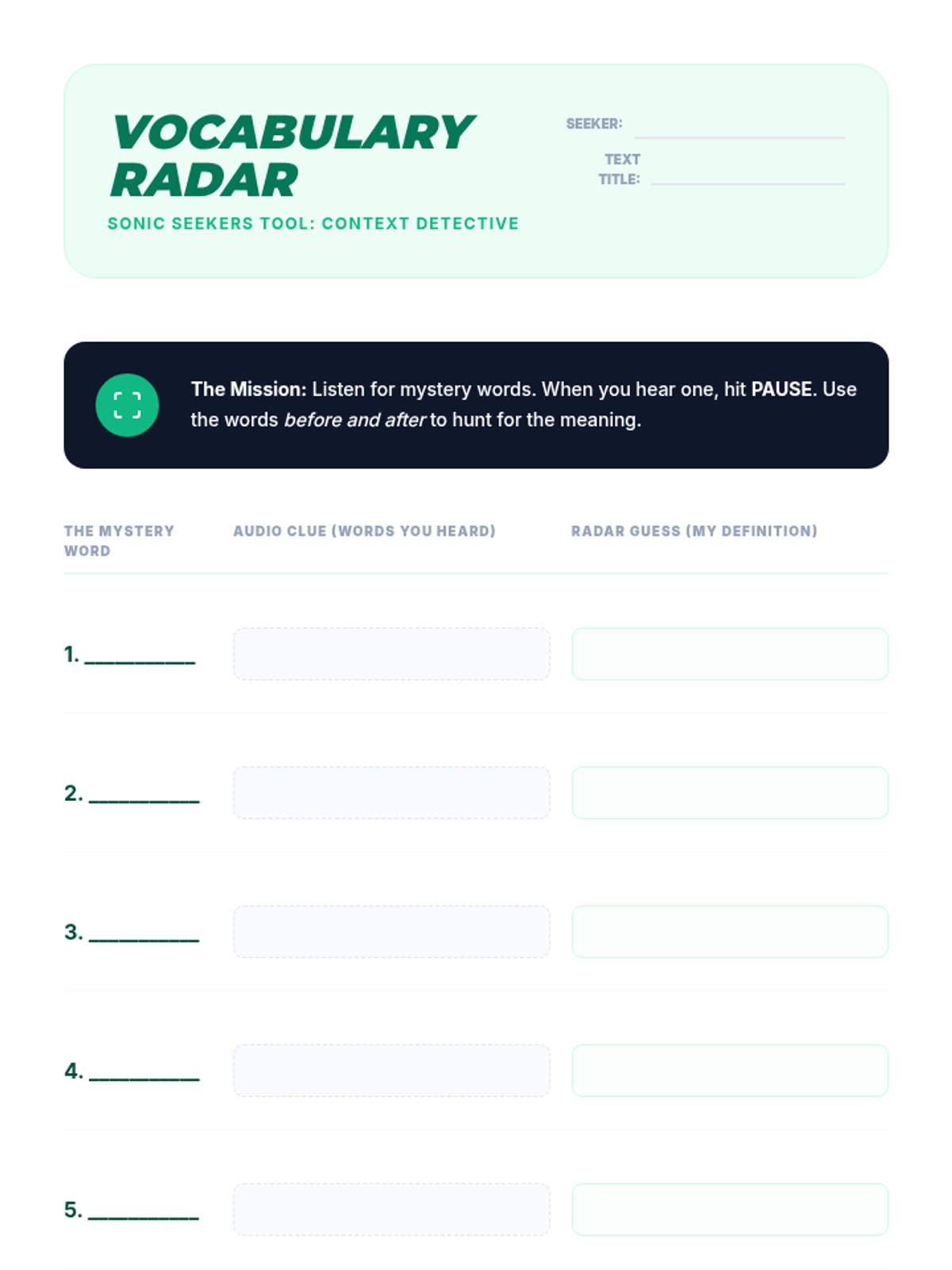
Vocabulary worksheet for Lesson 4, allowing students to record unknown words, auditory context clues, and inferred definitions while using TTS.
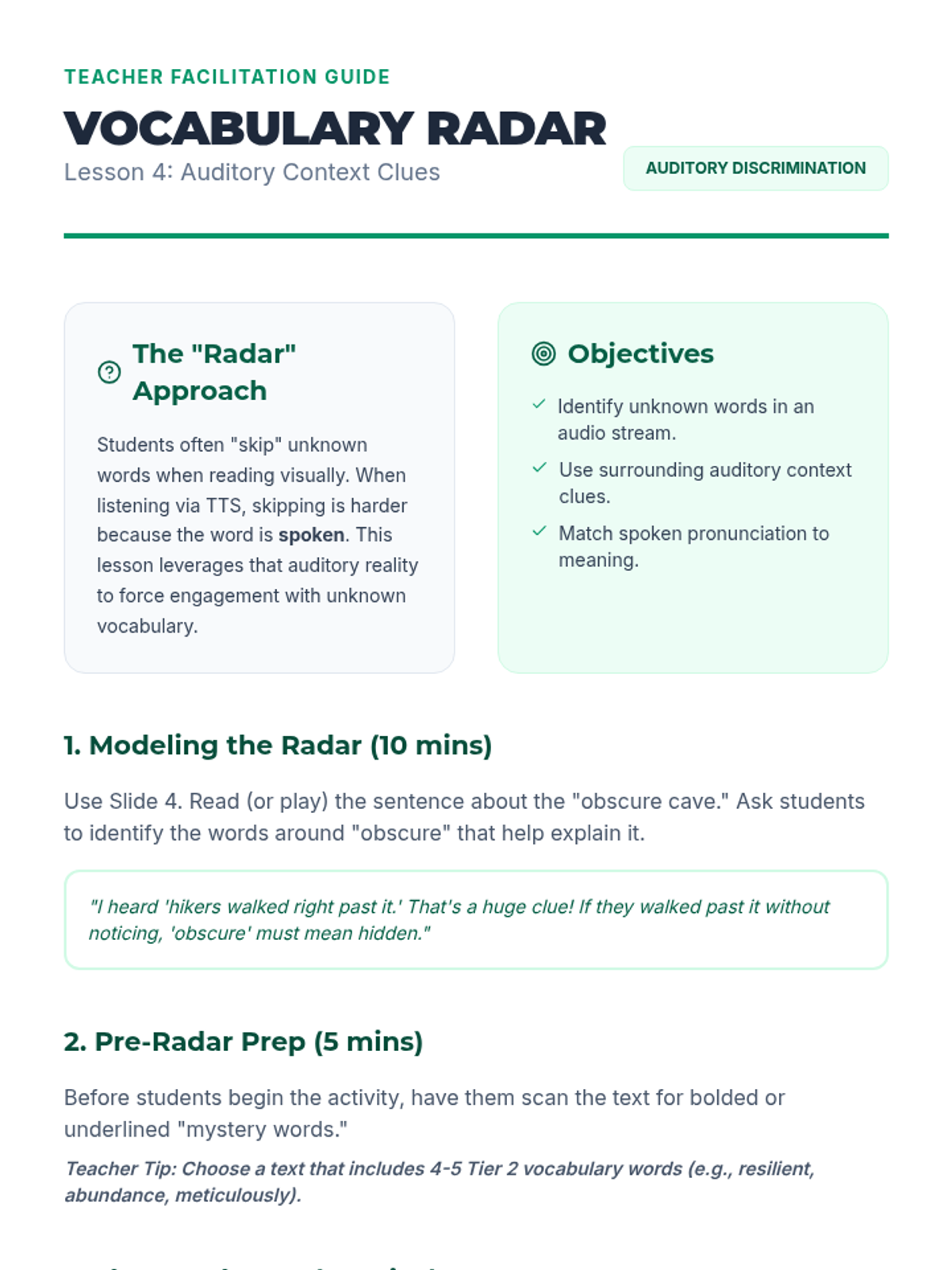
Teacher guide for Lesson 4, providing instructions on using auditory context clues and managing the "Word Hunt" activity.
Slide deck for Lesson 4: Vocabulary Acquisition through Context, explaining how to use auditory context clues to define unknown words while using TTS.
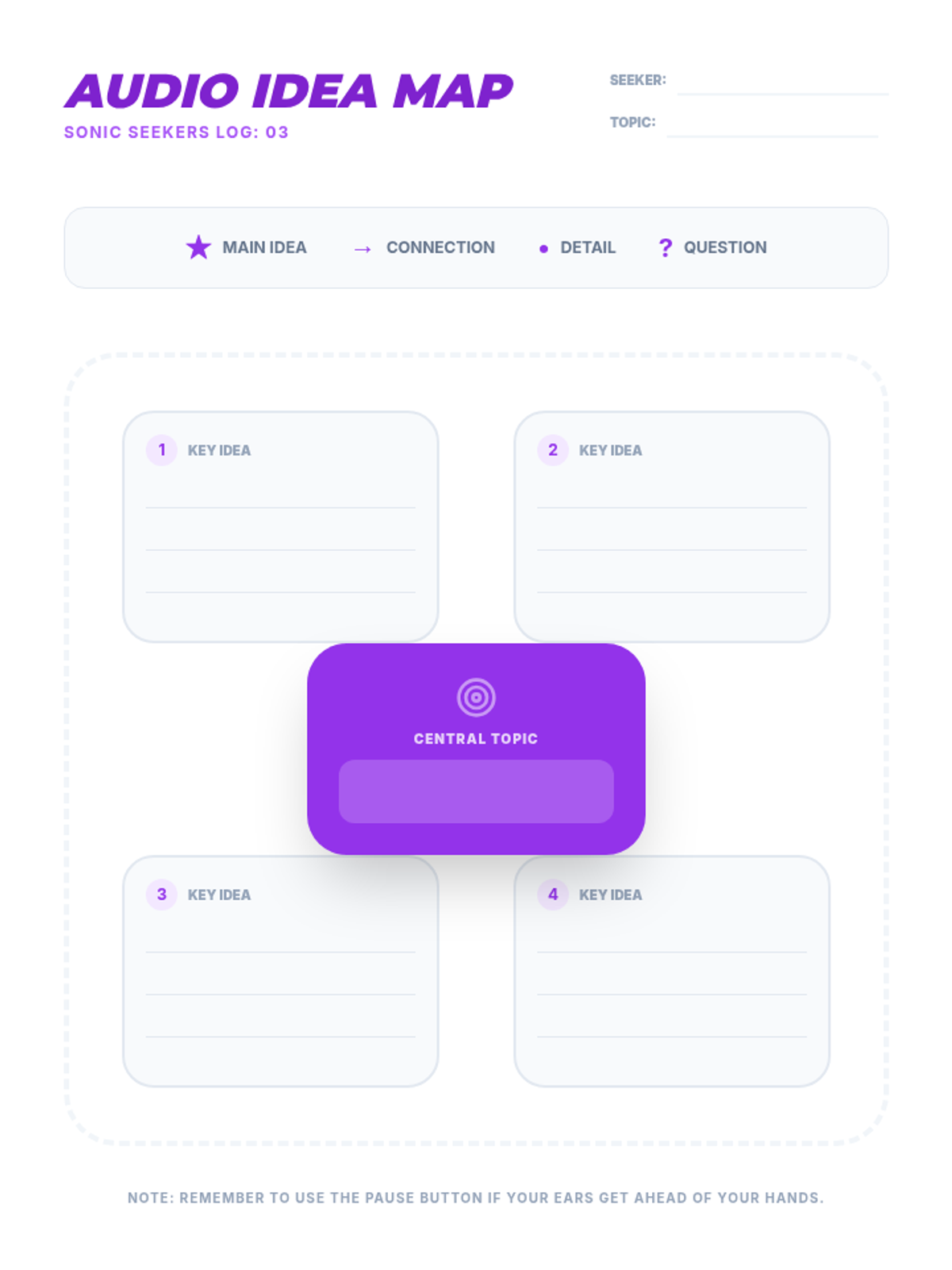
Note-taking graphic organizer for Lesson 3, providing a central topic node and four branches for key ideas and supporting details.
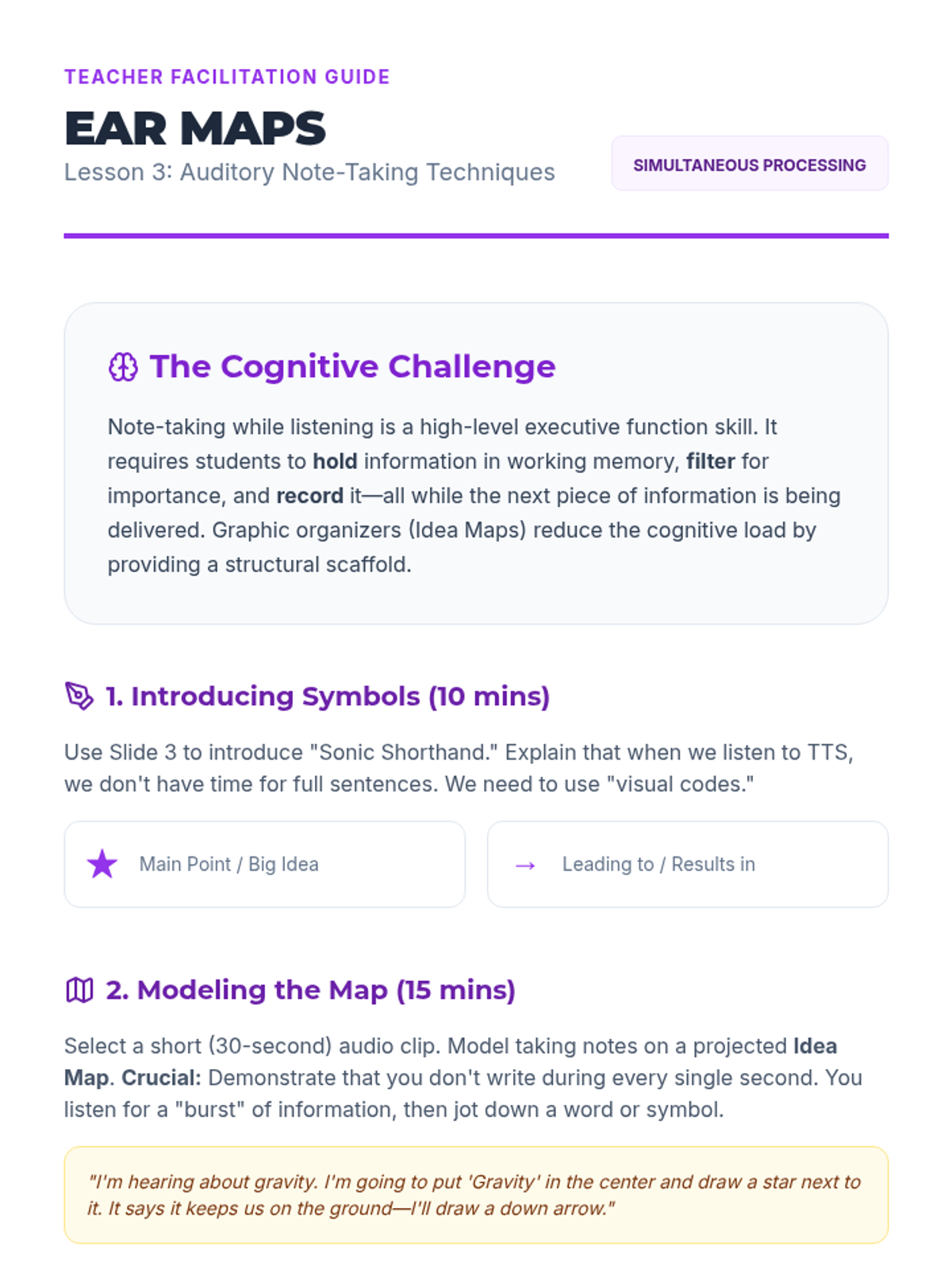
Teacher guide for Lesson 3, providing instructions on teaching auditory shorthand and modeling graphic organizers for auditory input.
Slide deck for Lesson 3: Auditory Note-Taking Techniques, introducing graphic organizers and shorthand for auditory learning.
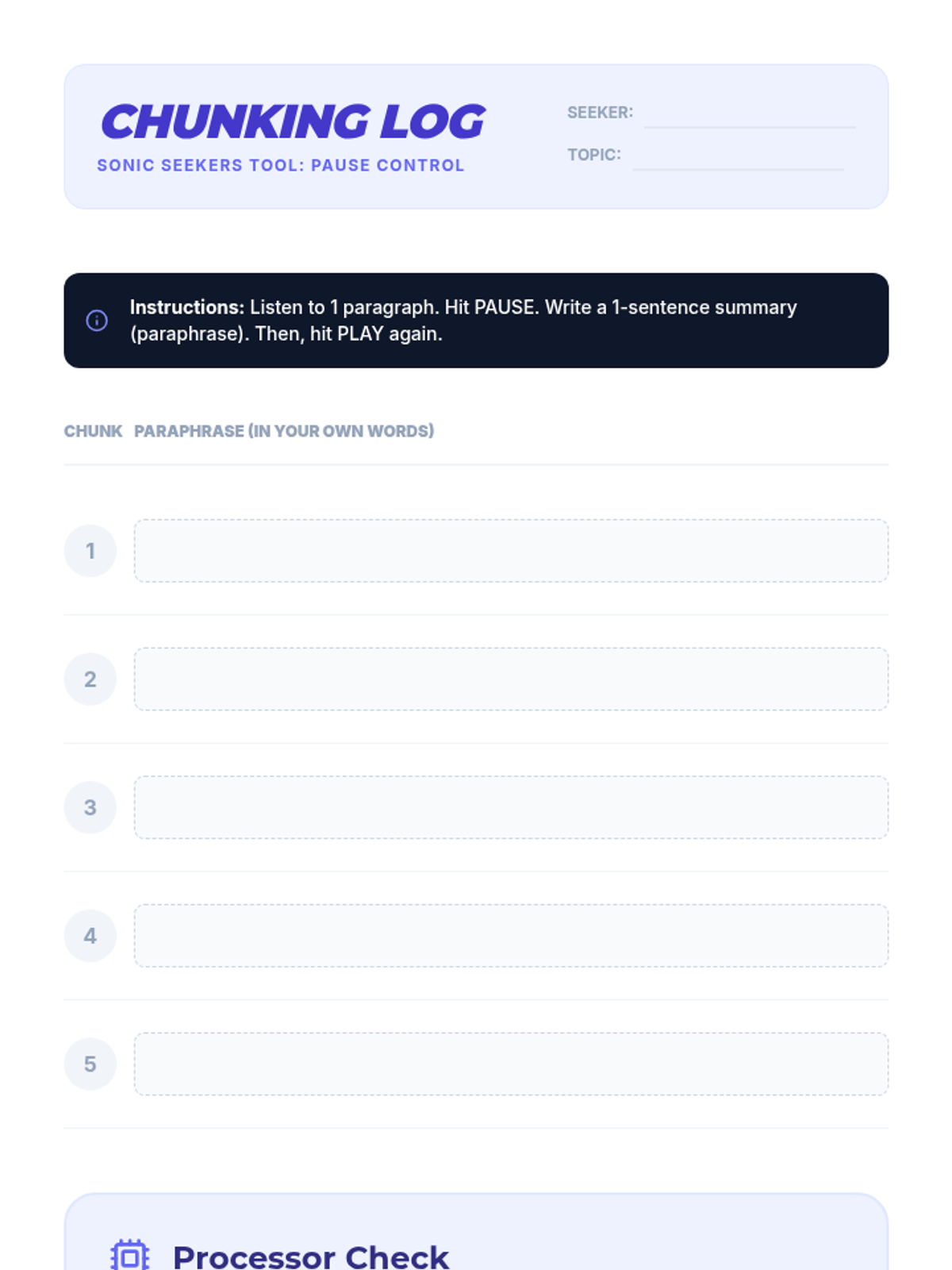
Activity log for Lesson 2, providing a structured way for students to practice chunking and paraphrasing informational text while using TTS.
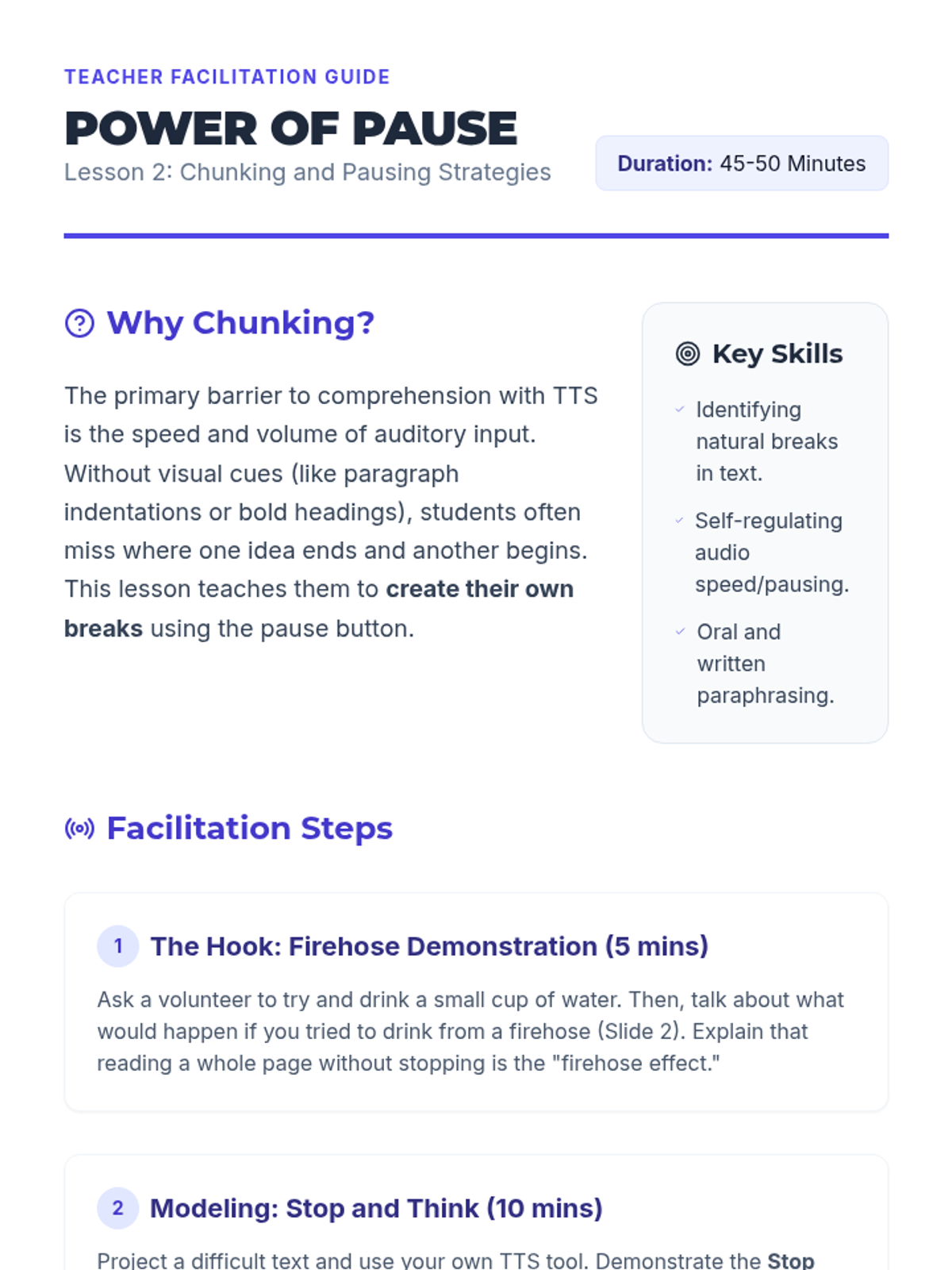
Teacher guide for Lesson 2, outlining the "Firehose Effect" hook and the "Stop and Think" instructional routine.
Slide deck for Lesson 2: Chunking and Pausing Skills, introducing the "Stop and Think" routine and the concept of information chunking for TTS.
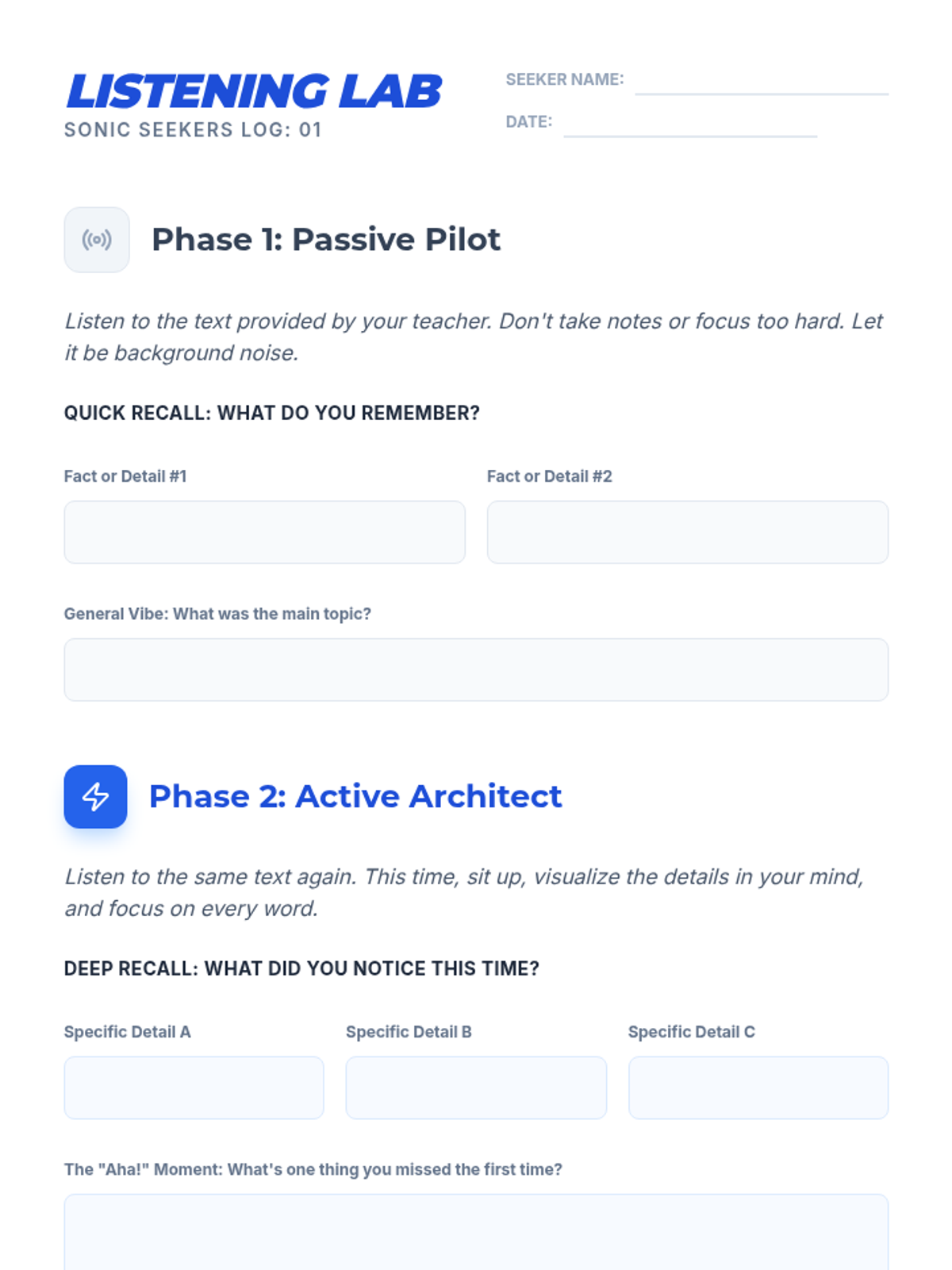
Student worksheet for Lesson 1's "Listening Lab" activity, allowing students to track and compare their recall after passive vs. active listening sessions.
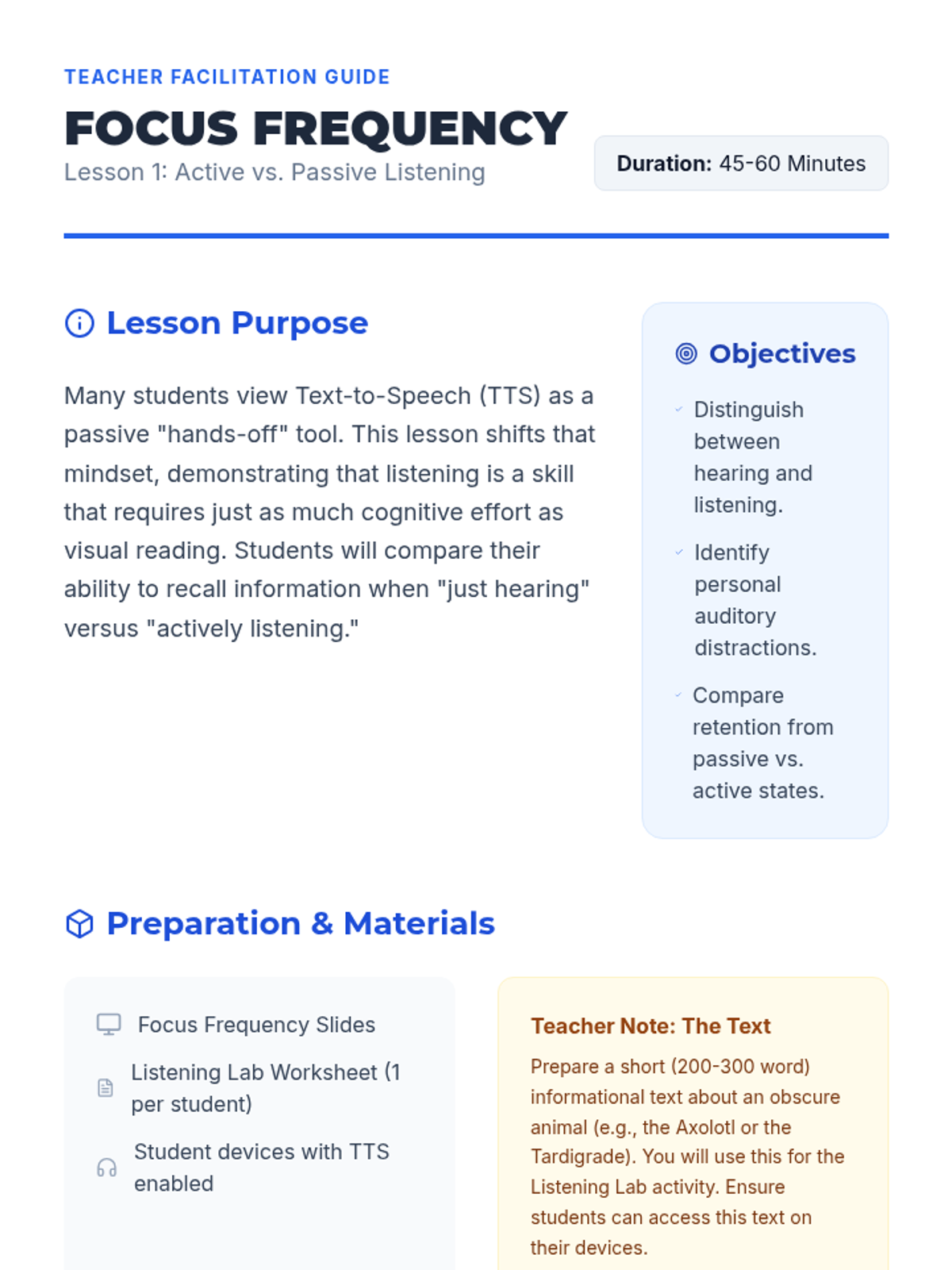
Teacher facilitation guide for Lesson 1, providing step-by-step instructions for the "Listening Lab" activity and pedagogical context.
Introductory slide deck for Lesson 1: Active vs. Passive Listening, defining key terms and setting the stage for the Listening Lab activity.
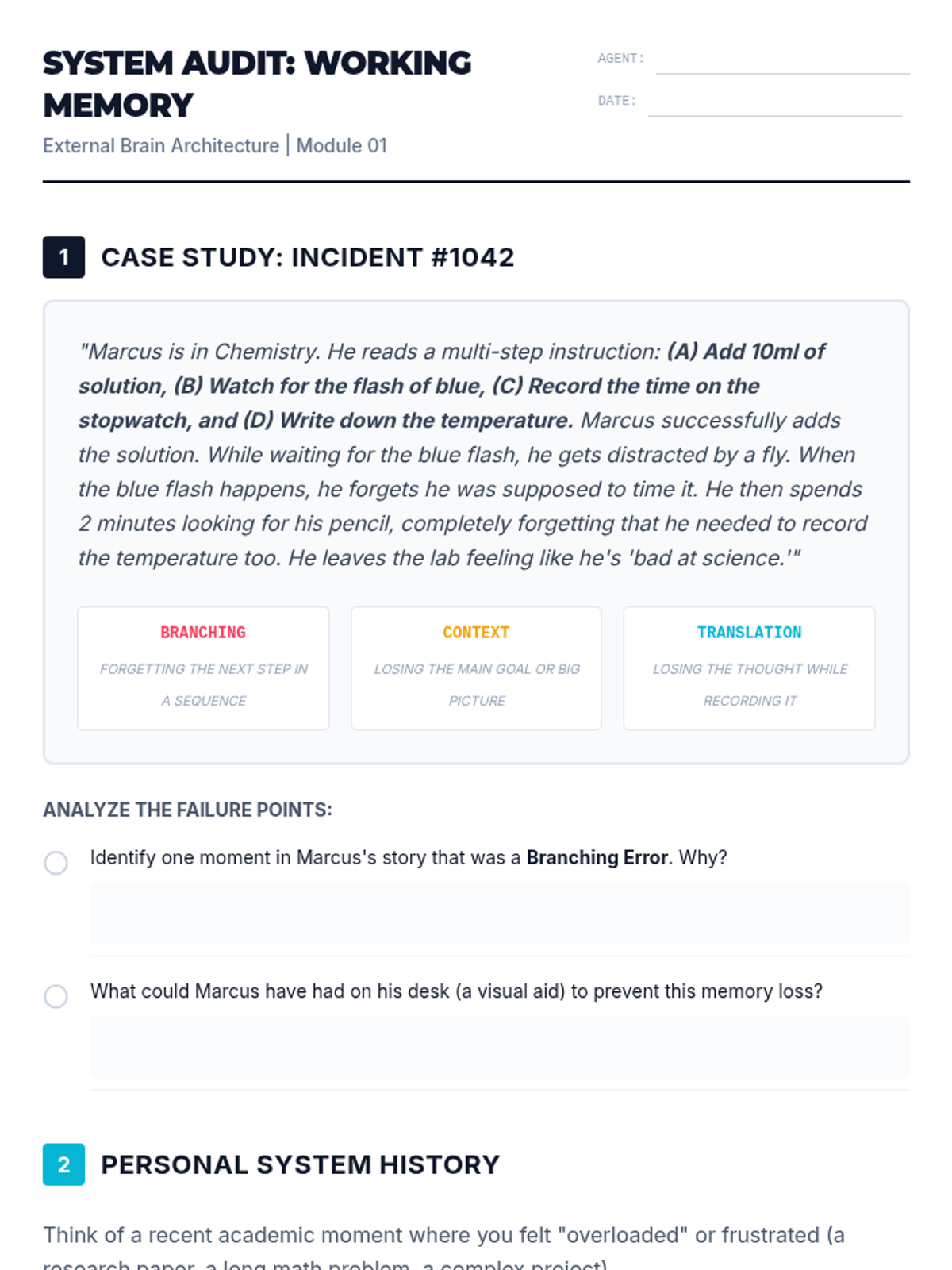
Student worksheet for Lesson 1, featuring a case study analysis of memory bottlenecks and a personal audit section for students to identify their own 'shutdown' moments.
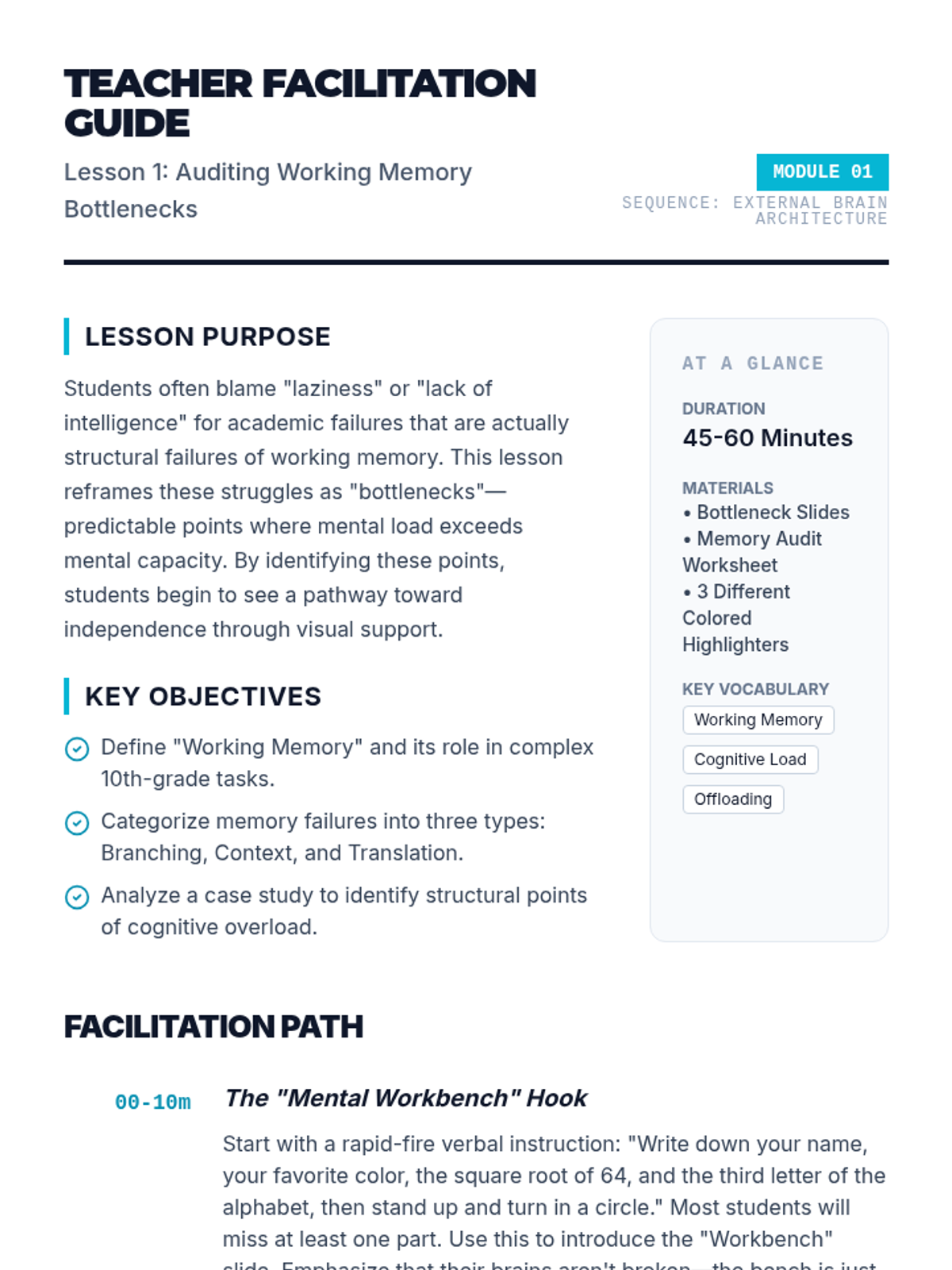
Teacher facilitation guide for Lesson 1, including lesson timing, key vocabulary, instructional sequence for the 'Mental Workbench' hook, and differentiation strategies.
Introductory slide deck for Lesson 1, defining working memory, identifying common bottlenecks (Branching, Context, Translation), and introducing the concept of the 'External Brain'.
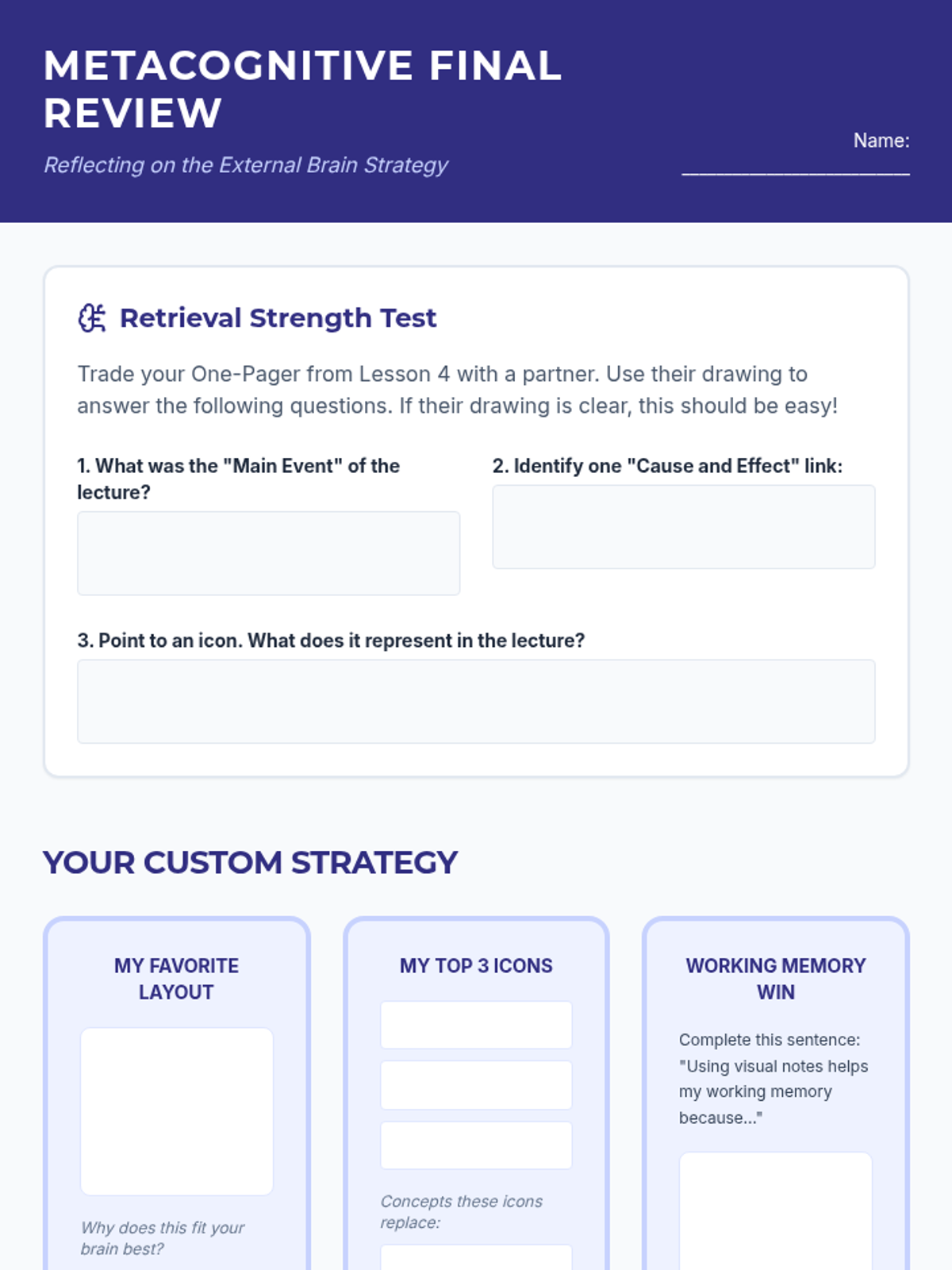
A final reflection and self-assessment worksheet for Lesson 5, allowing students to codify their personalized note-taking system.
A slide deck for Lesson 5 focusing on retrieval practice techniques and metacognitive reflection on the note-taking process.
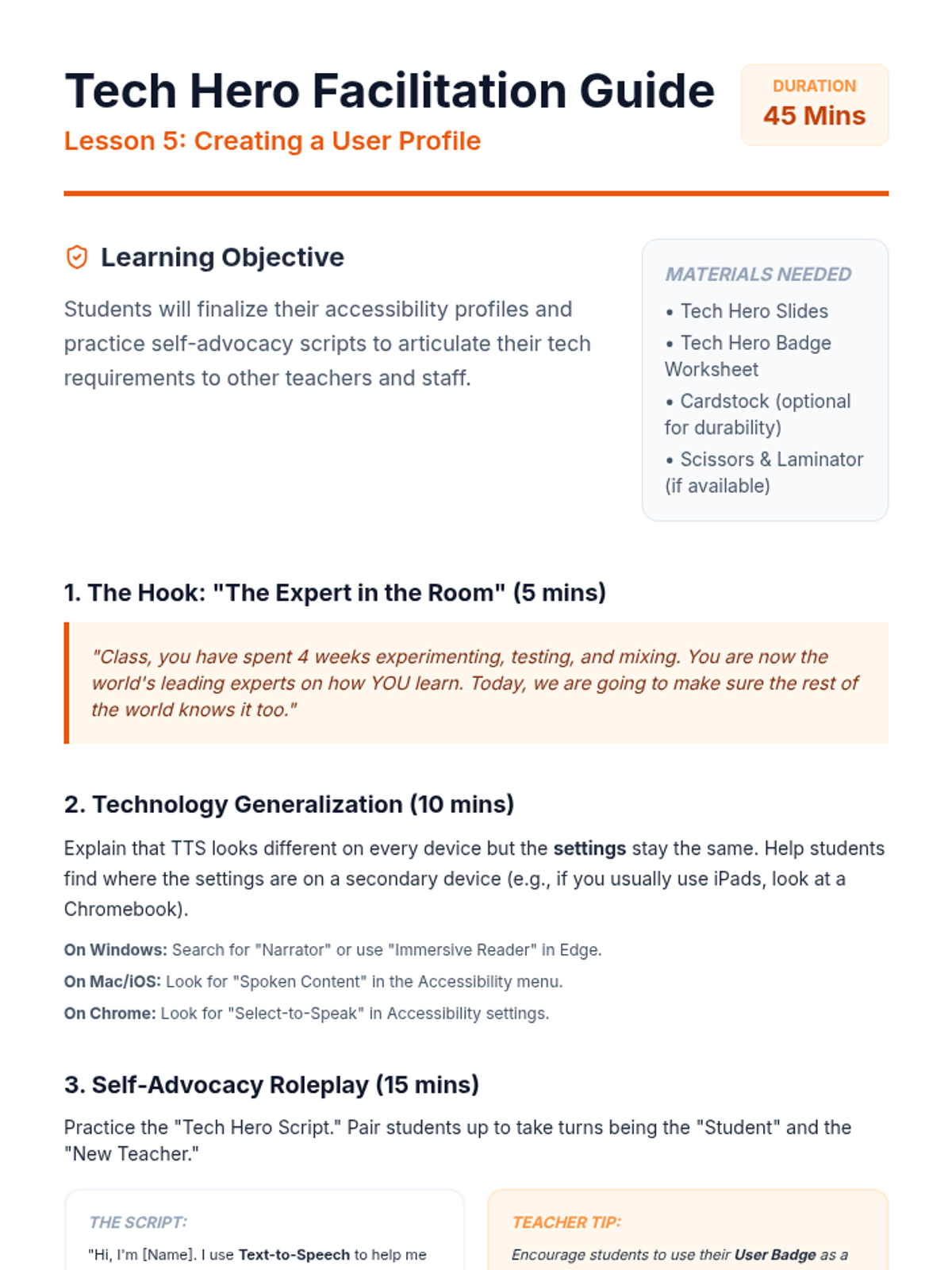
A facilitation guide for teachers to lead the Tech Hero Profile lesson, including self-advocacy scripts, roleplay instructions, and cross-device generalization tips.
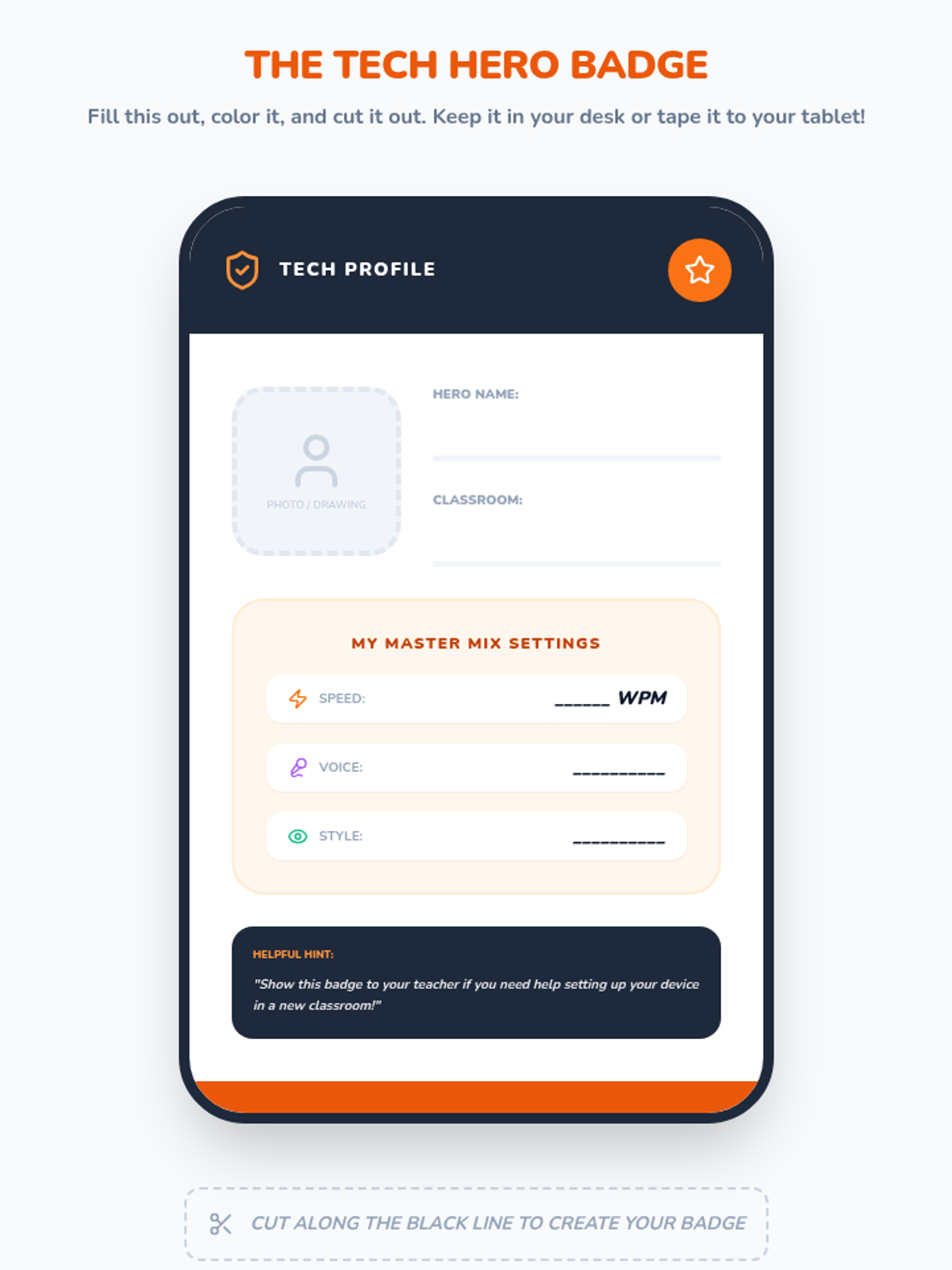
A portable 'User Badge' for students to display their preferred text-to-speech settings and use for self-advocacy.
Slides for the Tech Hero Profile lesson, focusing on self-advocacy, cross-device accessibility settings, and finalizing the student user profile.
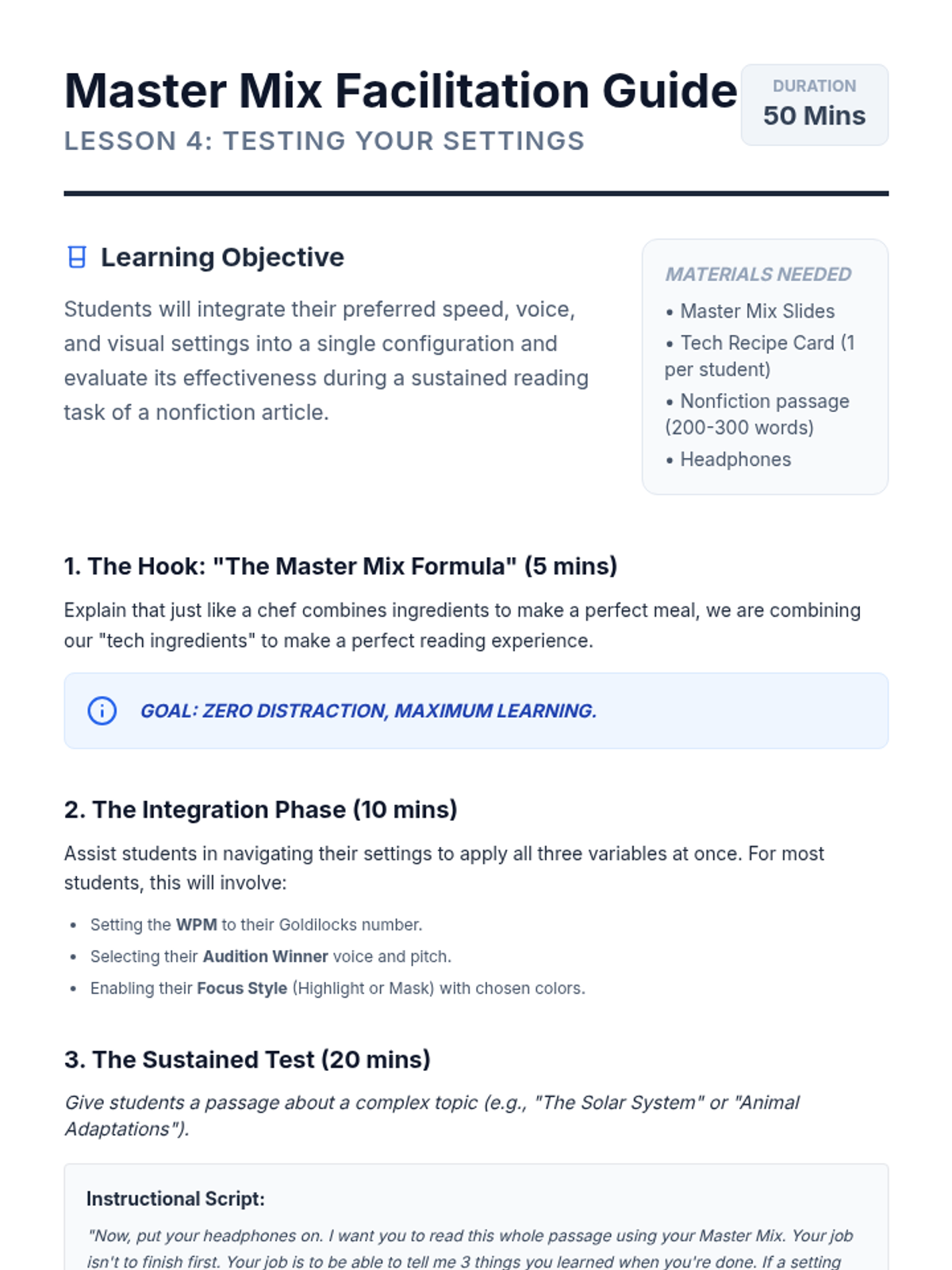
A teacher guide for the Master Mix Testing lesson, including instructions for the integrated test and metacognitive reflection prompts.
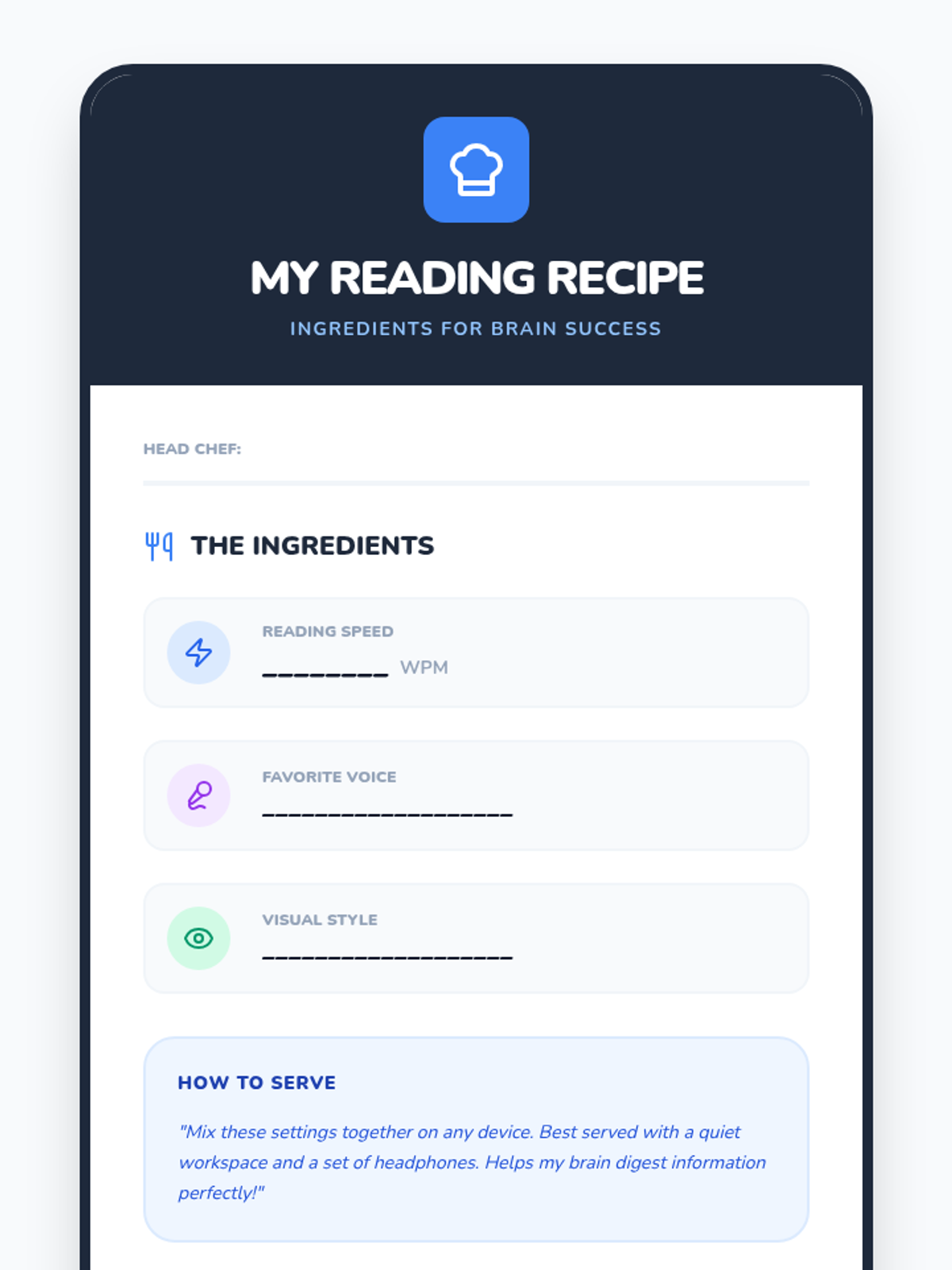
A fun recipe-style card for students to record their final chosen text-to-speech settings for speed, voice, and visuals.
Slides for the Master Mix Testing lesson, where students combine their chosen speed, voice, and visual settings to read a nonfiction article.
Student reflection and final assessment sheet for Lesson 5, allowing students to plan strategies and evaluate their comprehension performance.
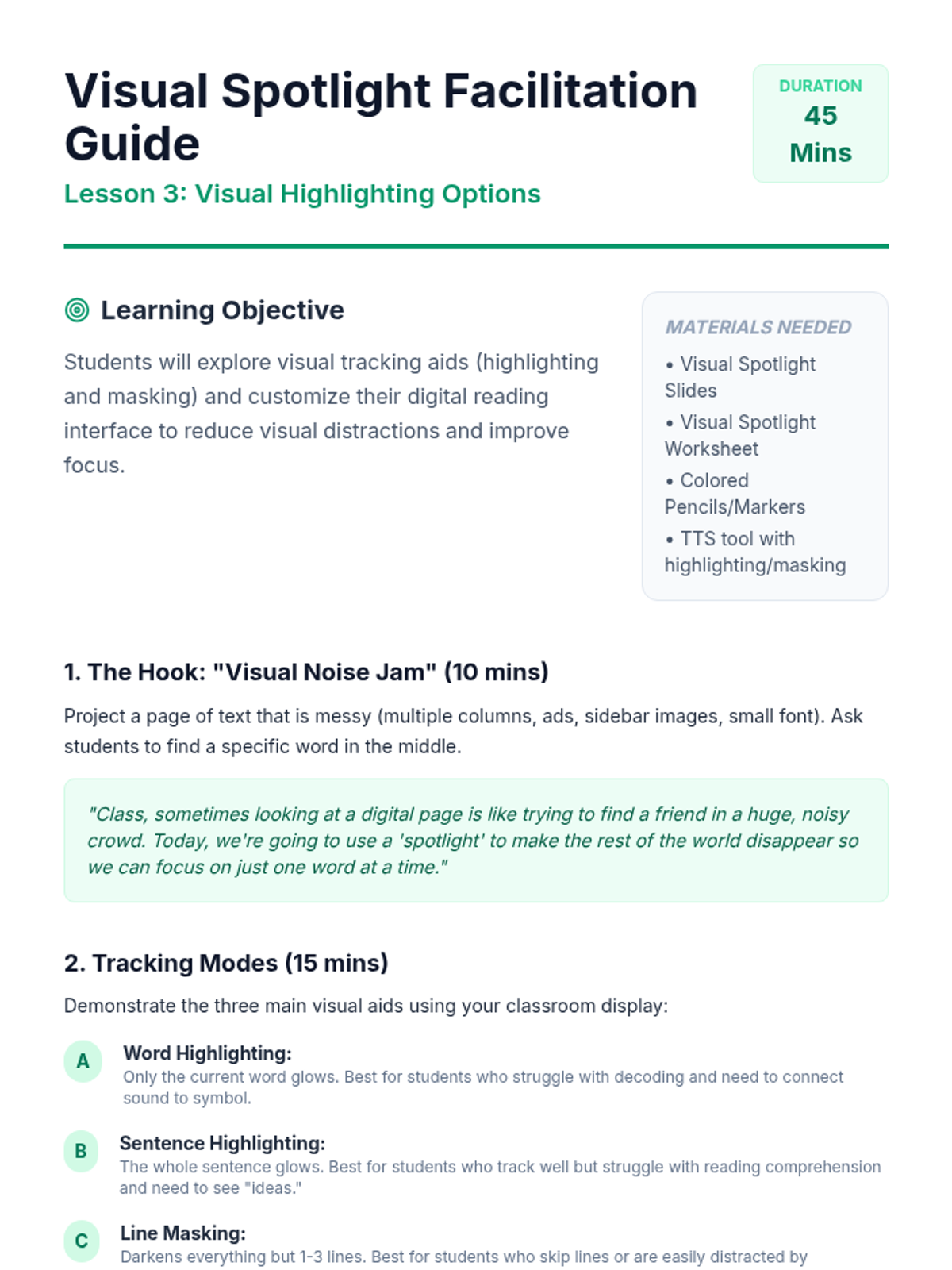
A teacher guide for the Visual Spotlight Zone lesson, focusing on masking vs highlighting and color contrast psychology.
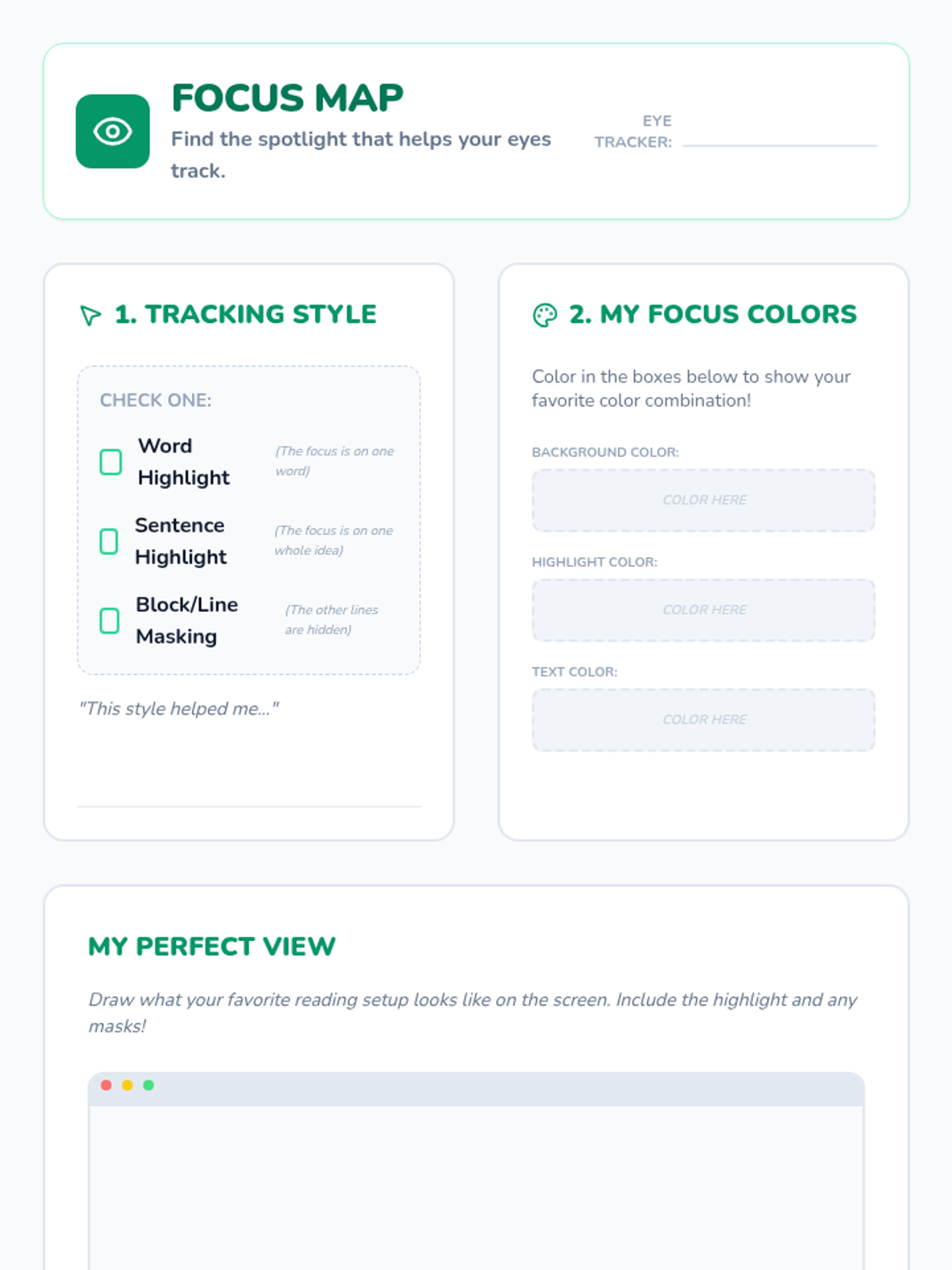
A worksheet for students to investigate and record their visual preferences for reading, including highlighting style and color contrast.
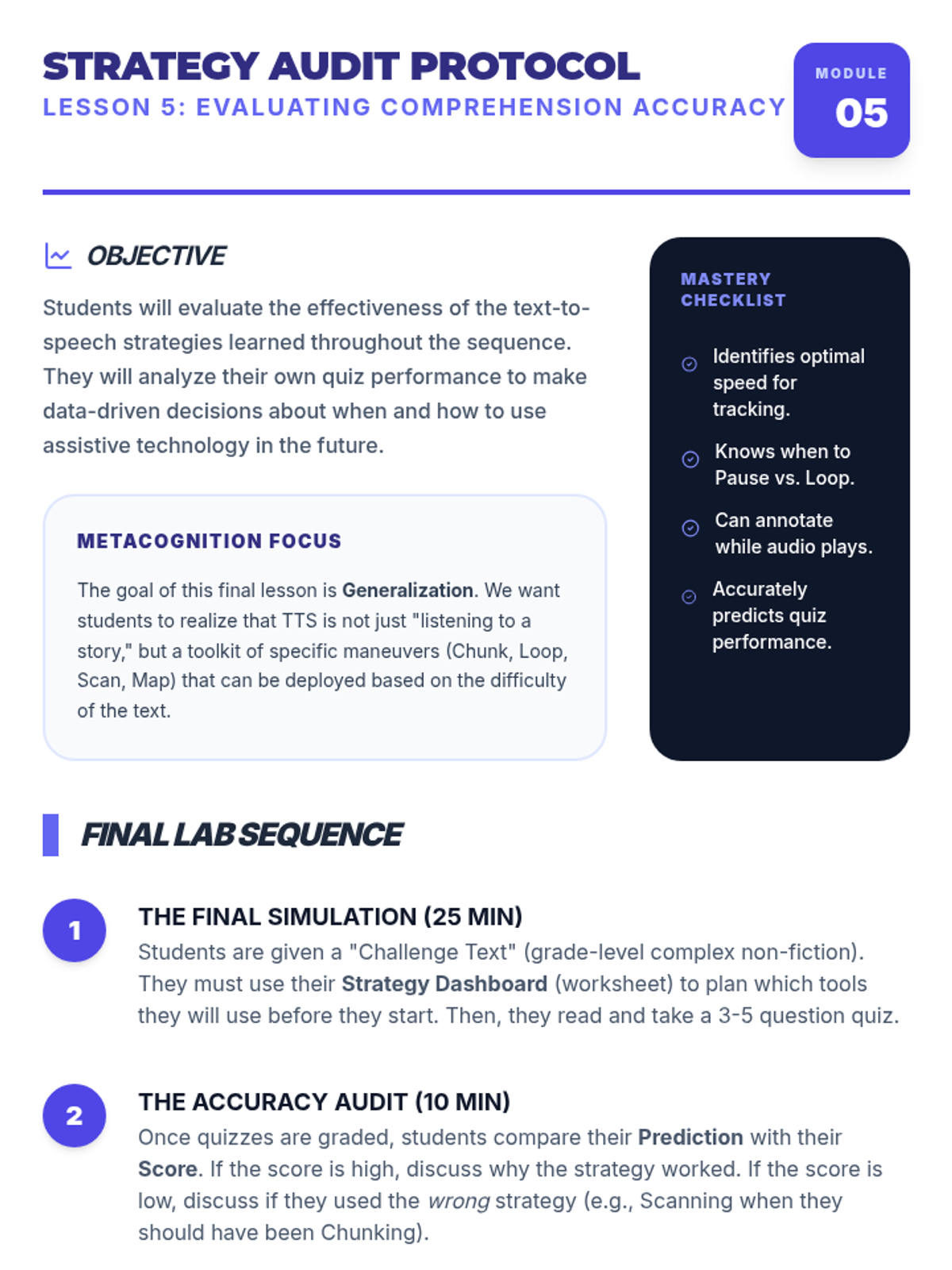
Detailed teacher guide for Lesson 5, focusing on strategy selection, metacognitive reflection, and identifying when to use TTS support versus silent reading.
Slides for the Visual Spotlight Zone lesson, investigating highlighting types, masking, and color contrast for reading focus.
Slide deck for Lesson 5, focusing on strategy selection, metacognitive reflection, and identifying when to use TTS support versus silent reading.
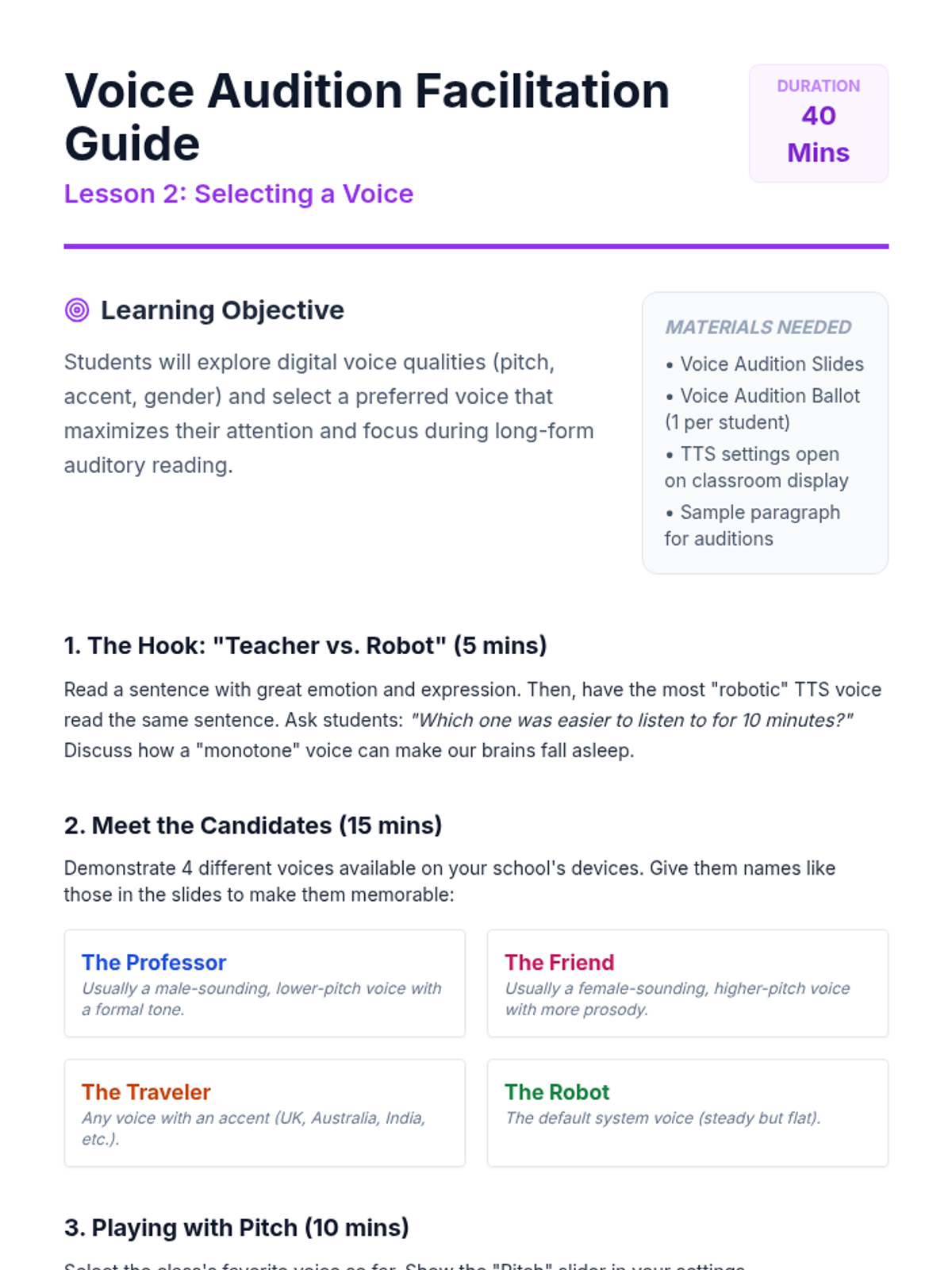
A teacher guide for the Voice Audition Studio lesson, including descriptions of voice types, pitch adjustment activities, and discussion prompts.
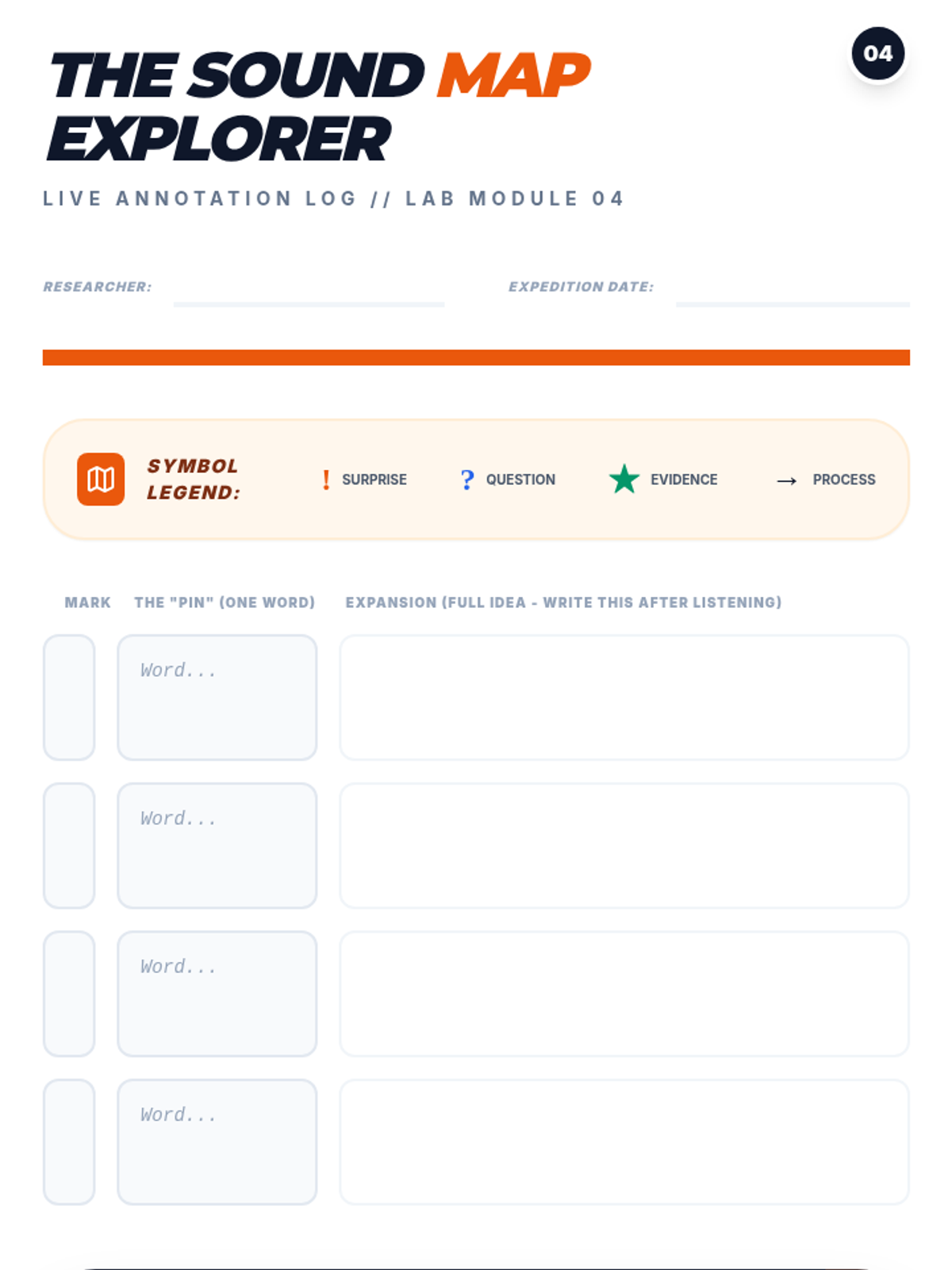
Student activity sheet for Lesson 4, featuring a symbol-based annotation log for live listening practice.
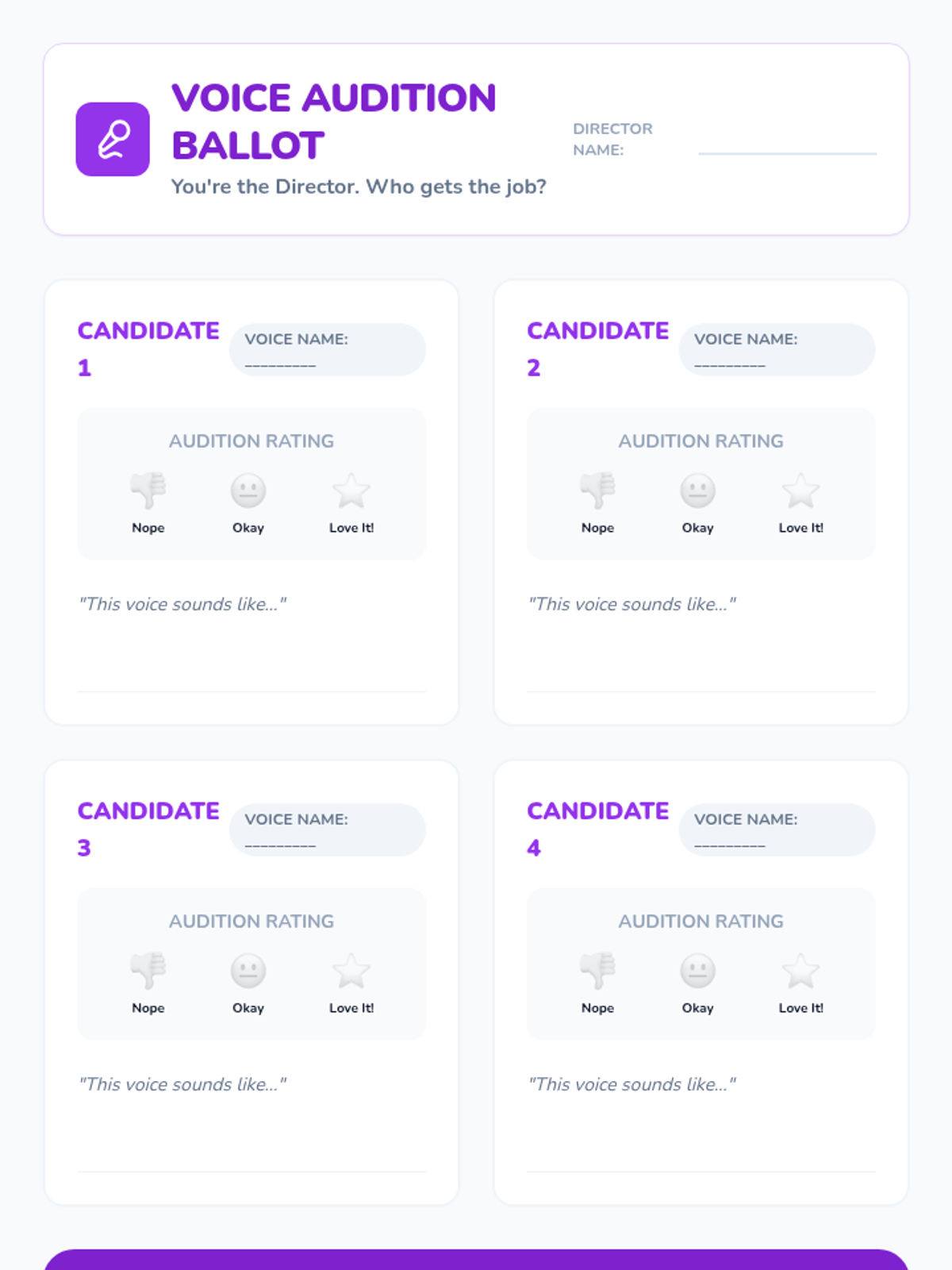
A worksheet for students to rate and choose their preferred digital voice during the Voice Audition Studio lesson.
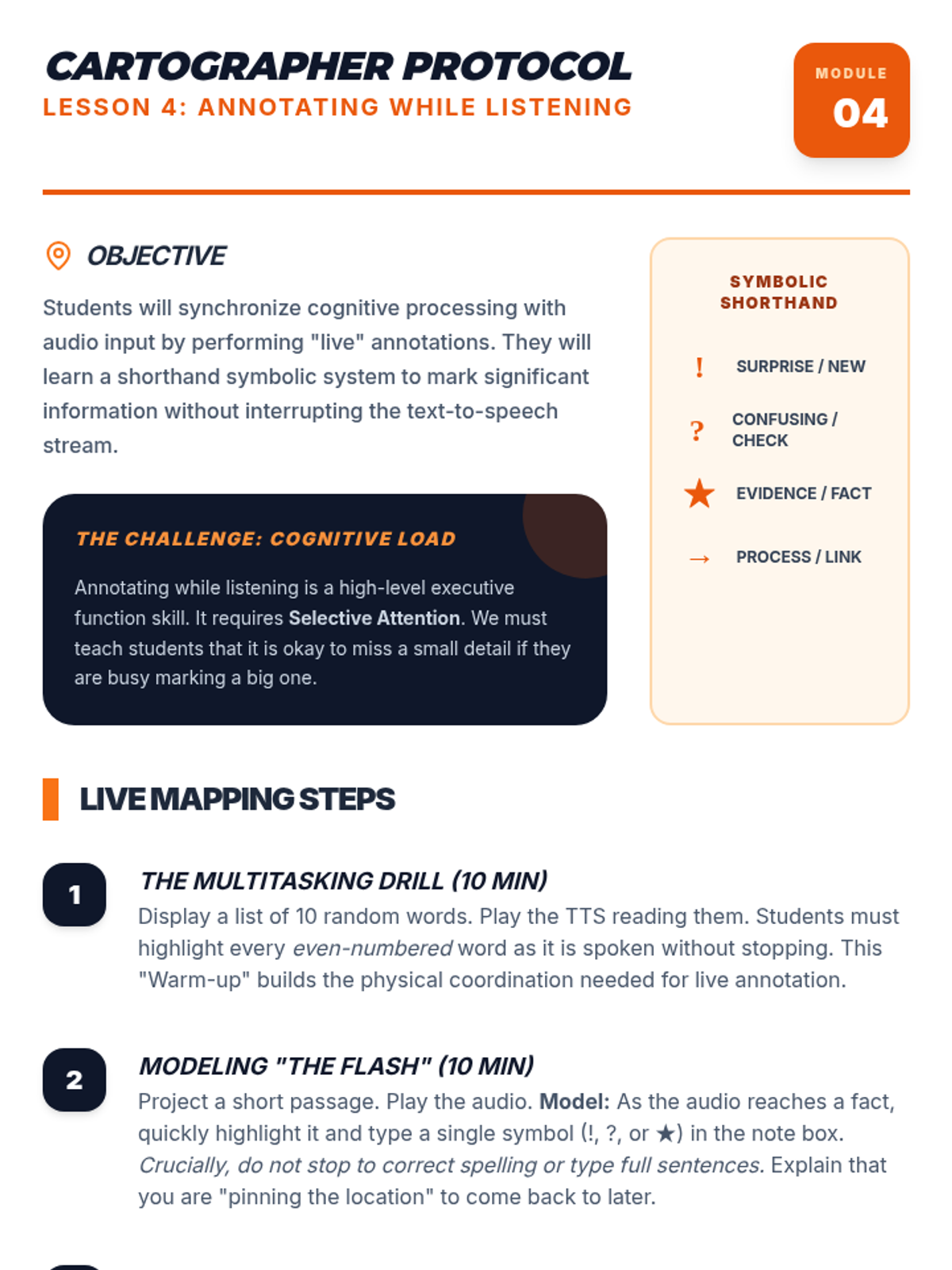
Detailed teacher guide for Lesson 4, focusing on the mapping theme and the live annotation technique for multitasking with TTS.
Slides for the Voice Audition Studio lesson, exploring digital voice options, pitch, and personal preference for reading retention.
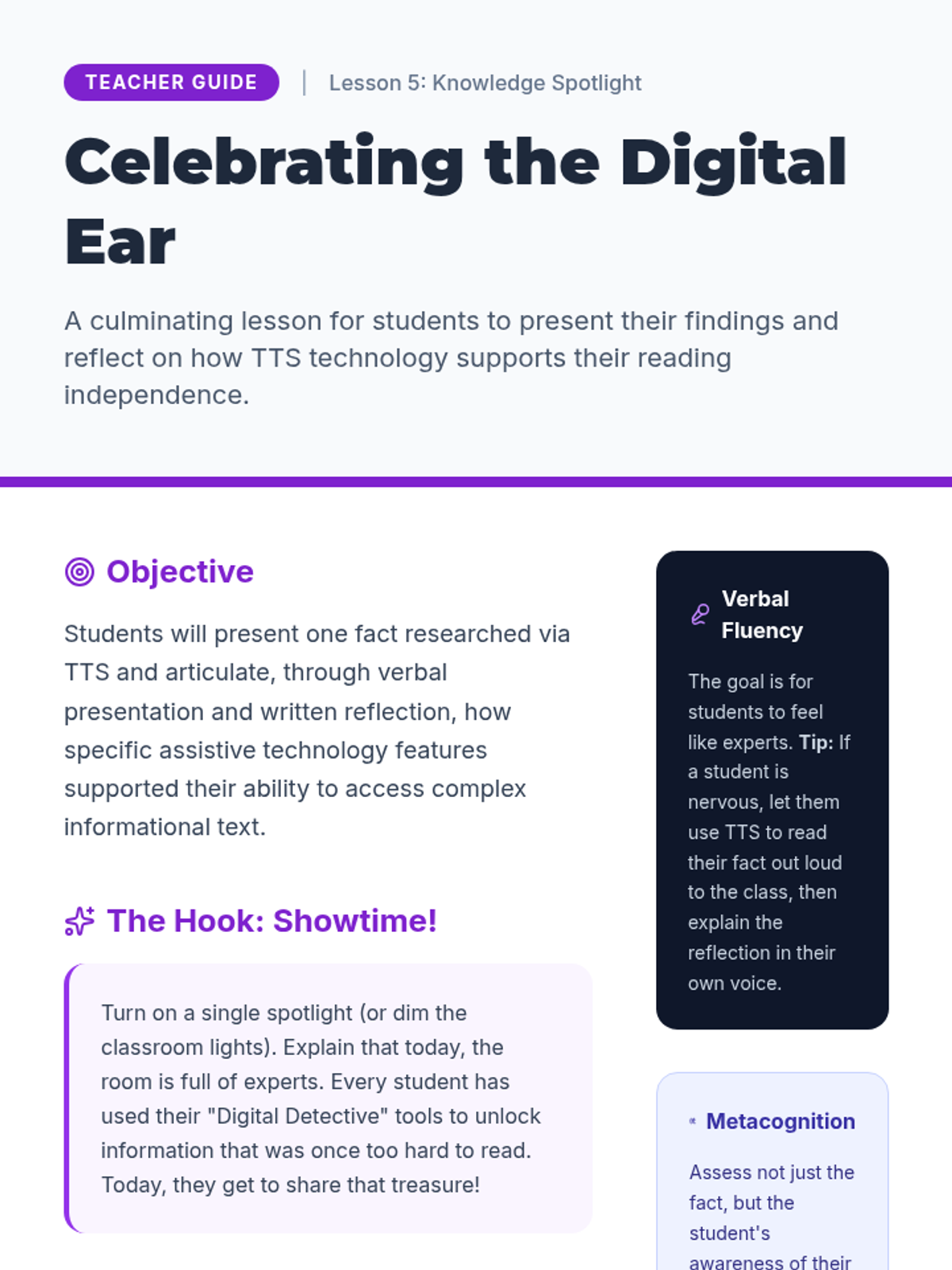
A comprehensive teacher guide for Lesson 5, focusing on student presentation of facts and reflection on the utility of text-to-speech technology.
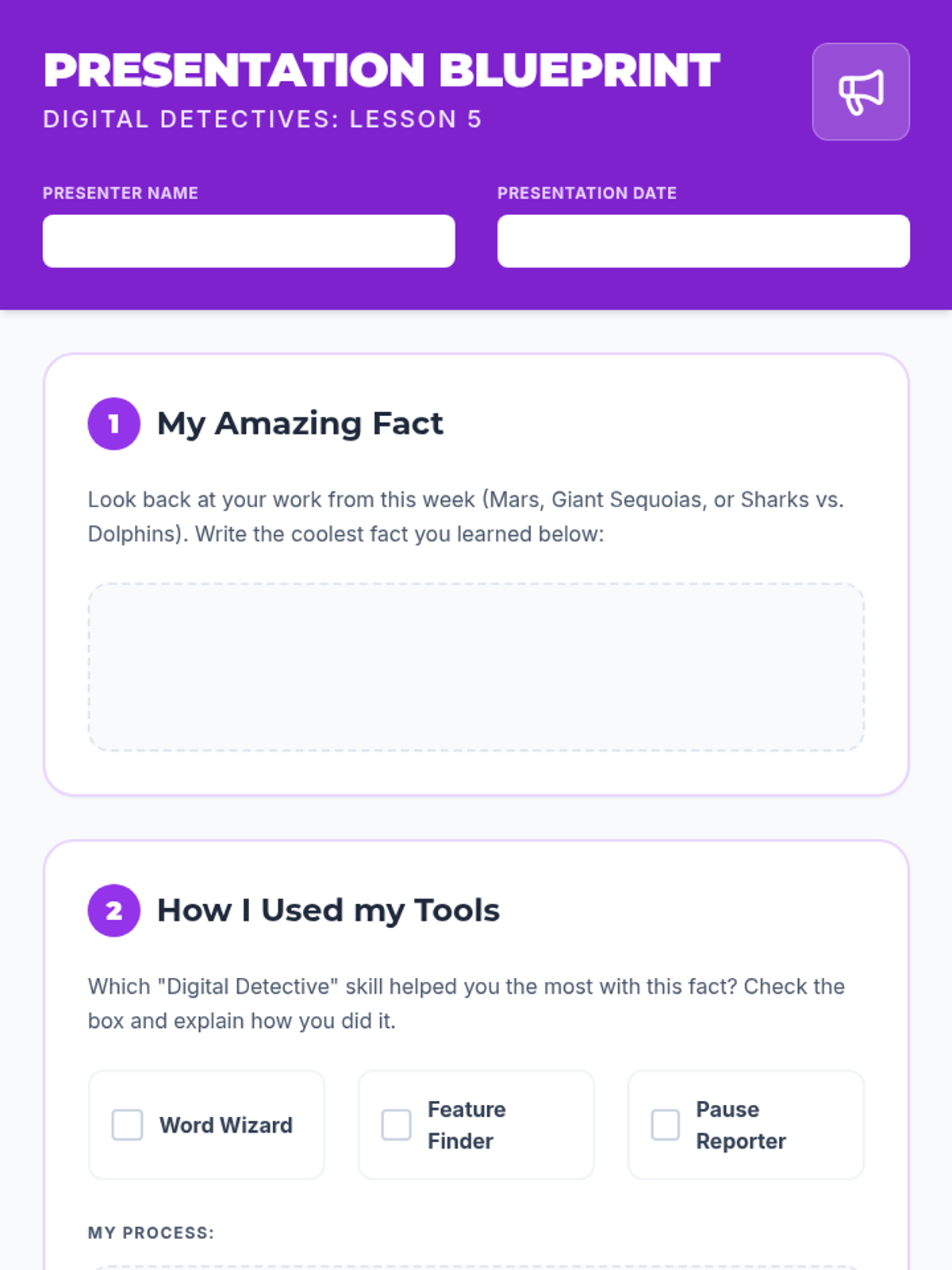
A presentation planning worksheet for Lesson 5 where students outline a fact learned through text-to-speech and reflect on the specific tools and methods they used.
A slide deck for Lesson 5, guiding 3rd-grade students through the process of presenting a fact learned via text-to-speech and reflecting on the utility of the tool.
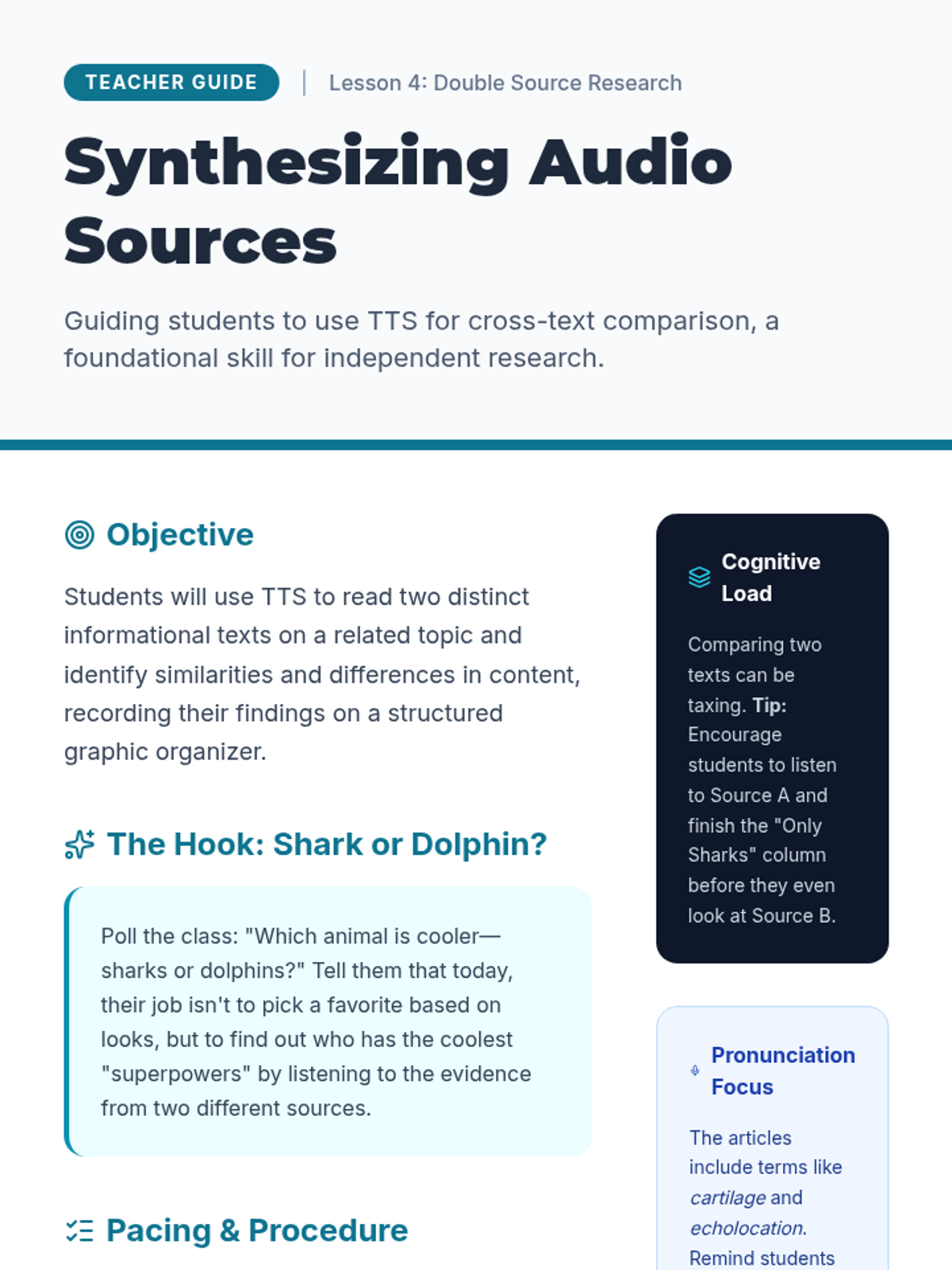
A comprehensive teacher guide for Lesson 4, focusing on teaching students to use text-to-speech to compare and contrast informational sources.
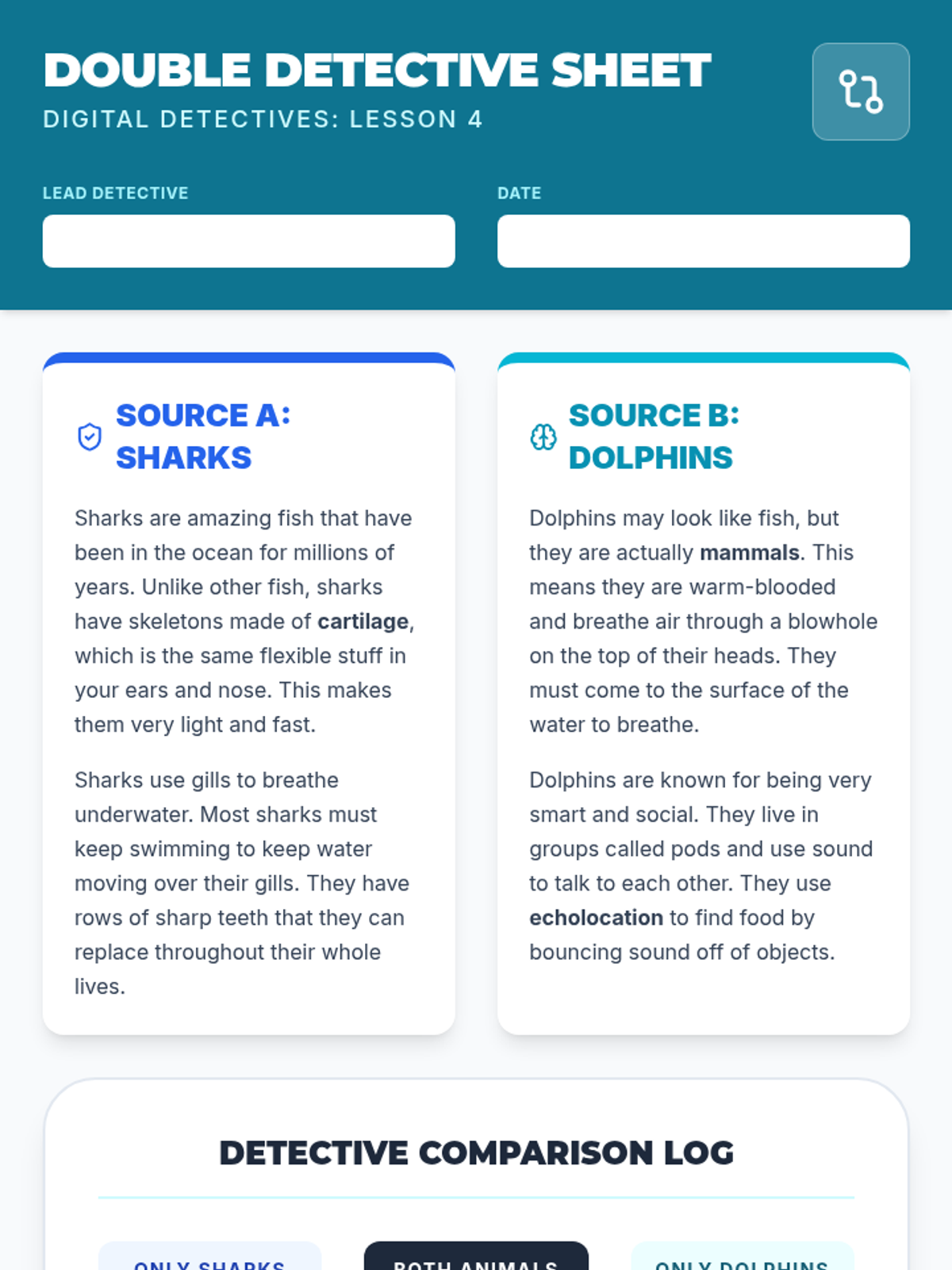
A comparison worksheet for Lesson 4 where students use text-to-speech to read and compare two sources about sharks and dolphins. Includes a structured comparison log and a synthesis question.
A slide deck teaching 3rd-grade students how to use text-to-speech to conduct research by comparing two informational sources on the same topic.
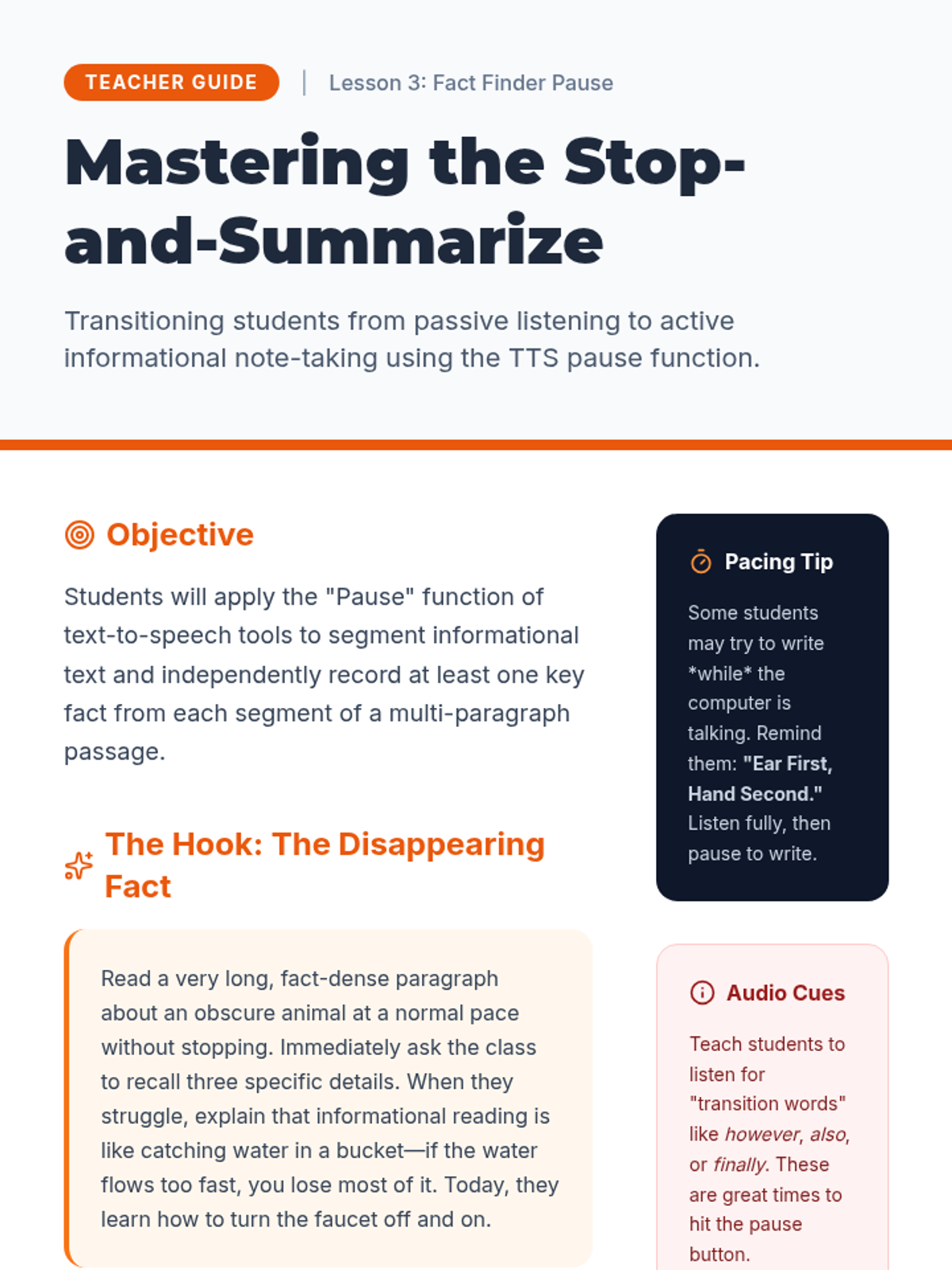
A comprehensive teacher guide for Lesson 3, focusing on teaching students to use the pause function of TTS for note-taking and informational synthesis.
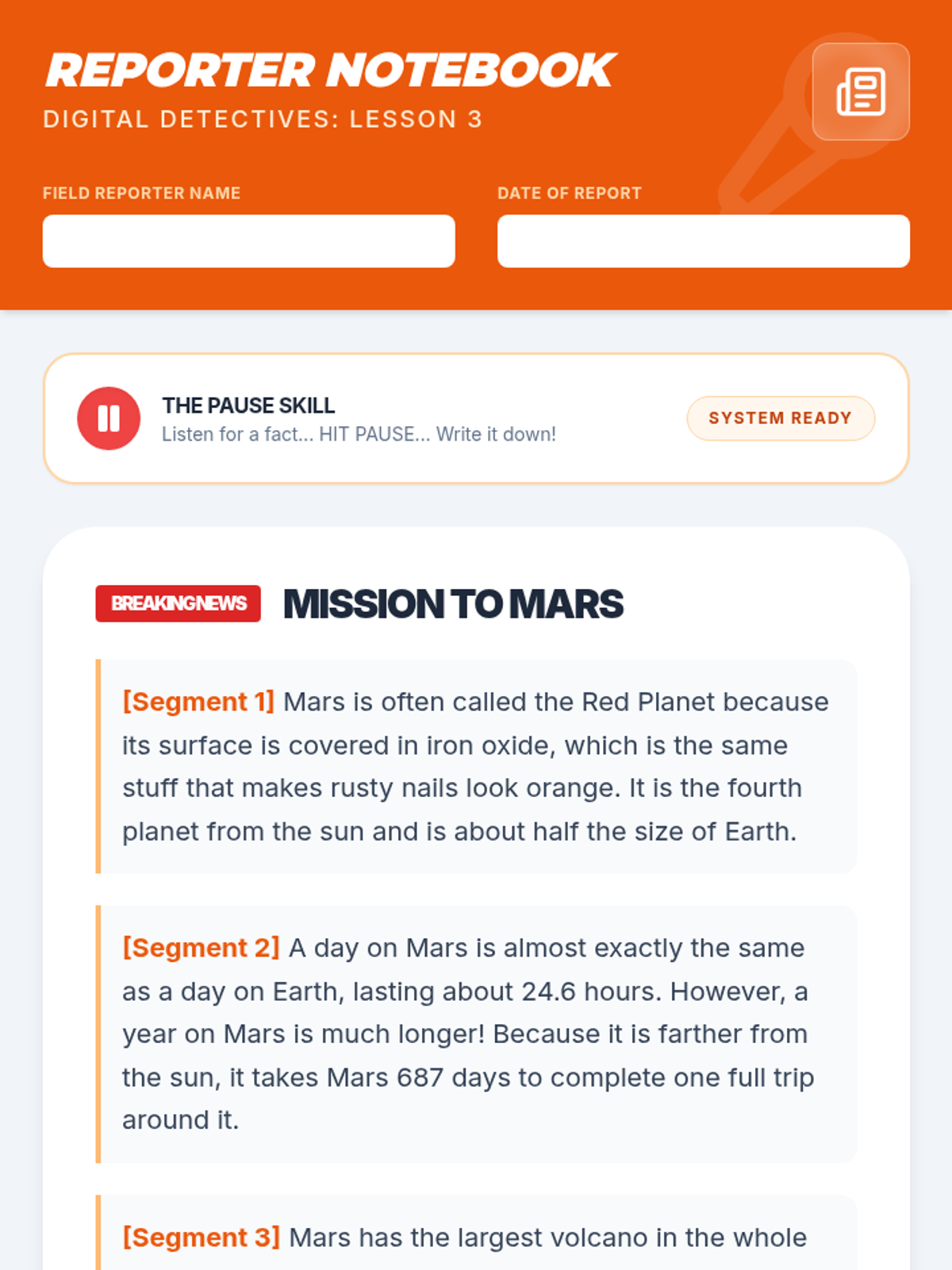
A reporter-style worksheet for Lesson 3 where students use the text-to-speech pause function to collect facts from a news article about Mars. Includes segmented text and dedicated fact collection areas.
A slide deck teaching 3rd-grade students how to use the 'pause' function of text-to-speech tools to take notes and gather facts from informational text.
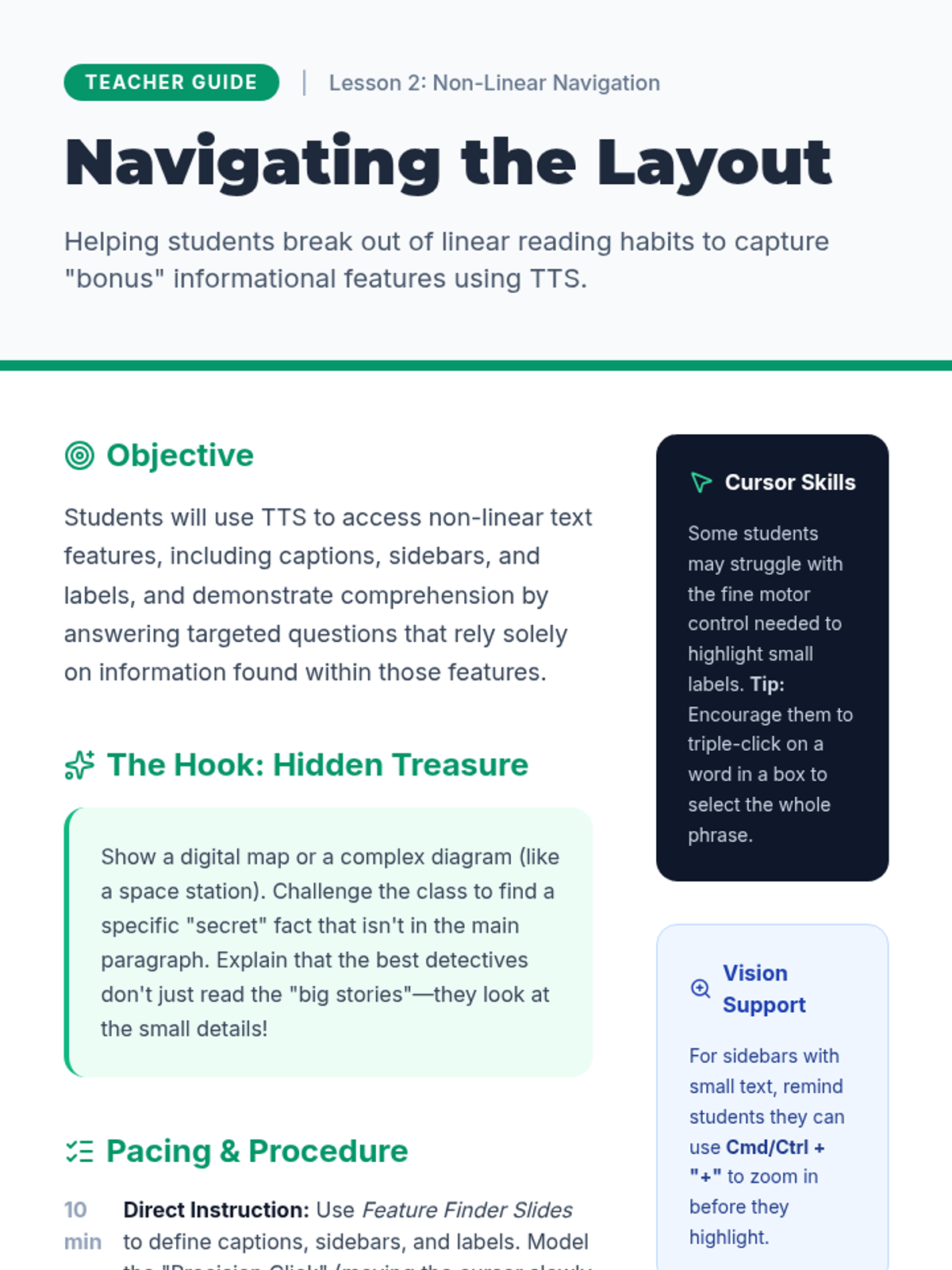
A comprehensive teacher guide for Lesson 2, focusing on teaching students to navigate non-linear text features like captions and sidebars with text-to-speech.
A student practice sheet for navigating non-linear text features using text-to-speech. Features a mock article about Giant Sequoias with specific questions tied to sidebars, captions, and labels.
A slide deck teaching 3rd-grade students how to use text-to-speech to navigate non-linear text features like captions, sidebars, and labels in informational texts.
A story sequencing worksheet for Lesson 5 where students listen to a full narrative and practice putting events in the correct chronological order.
Slides for Lesson 5, focusing on story sequencing and using text-to-speech to follow the chronological order of events.
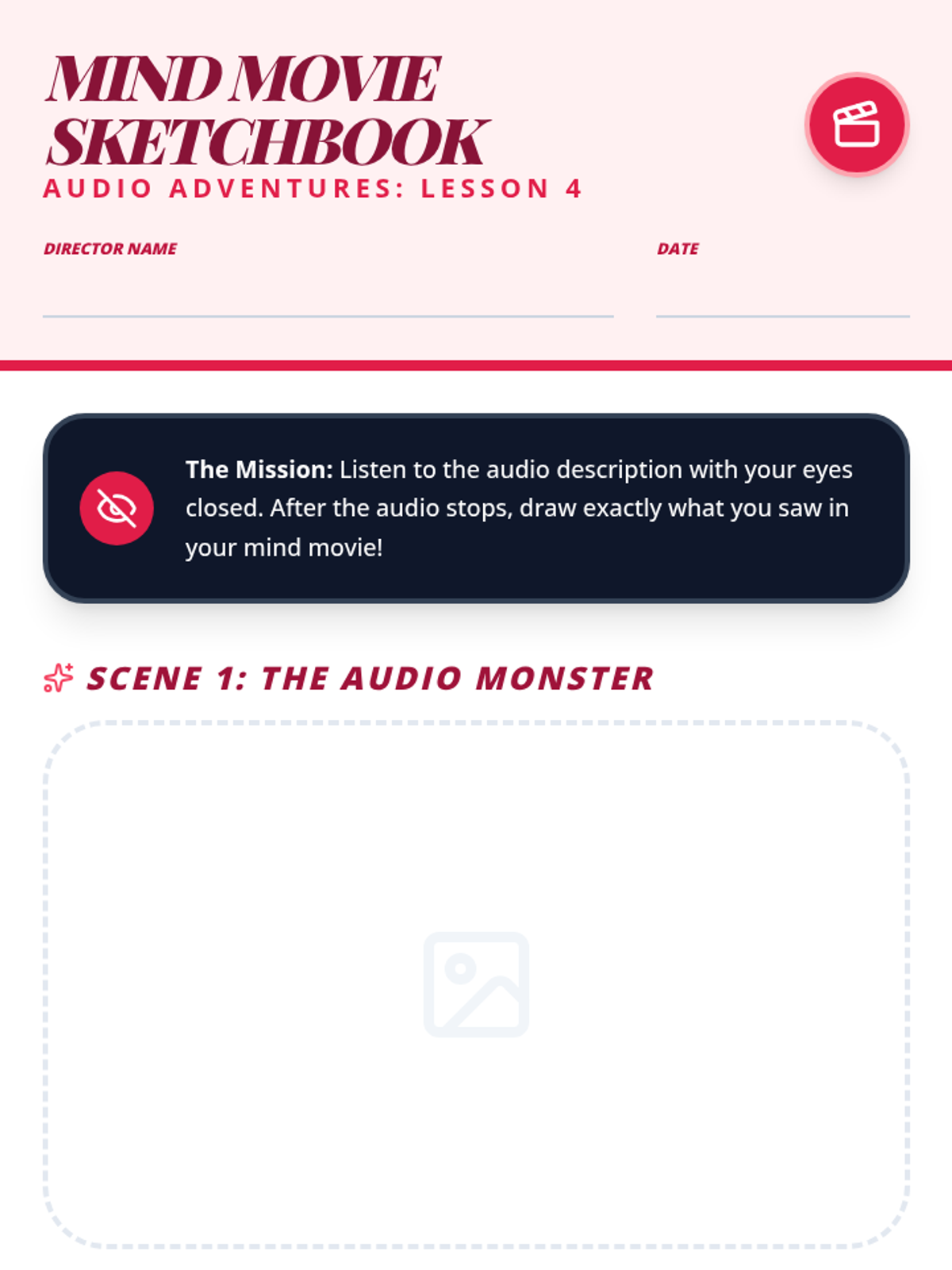
A student drawing sheet for Lesson 4 where students listen to descriptive passages and sketch the 'mind movies' they visualize.
Slides for Lesson 4, focusing on mental imagery and visualizing descriptive passages heard via text-to-speech.
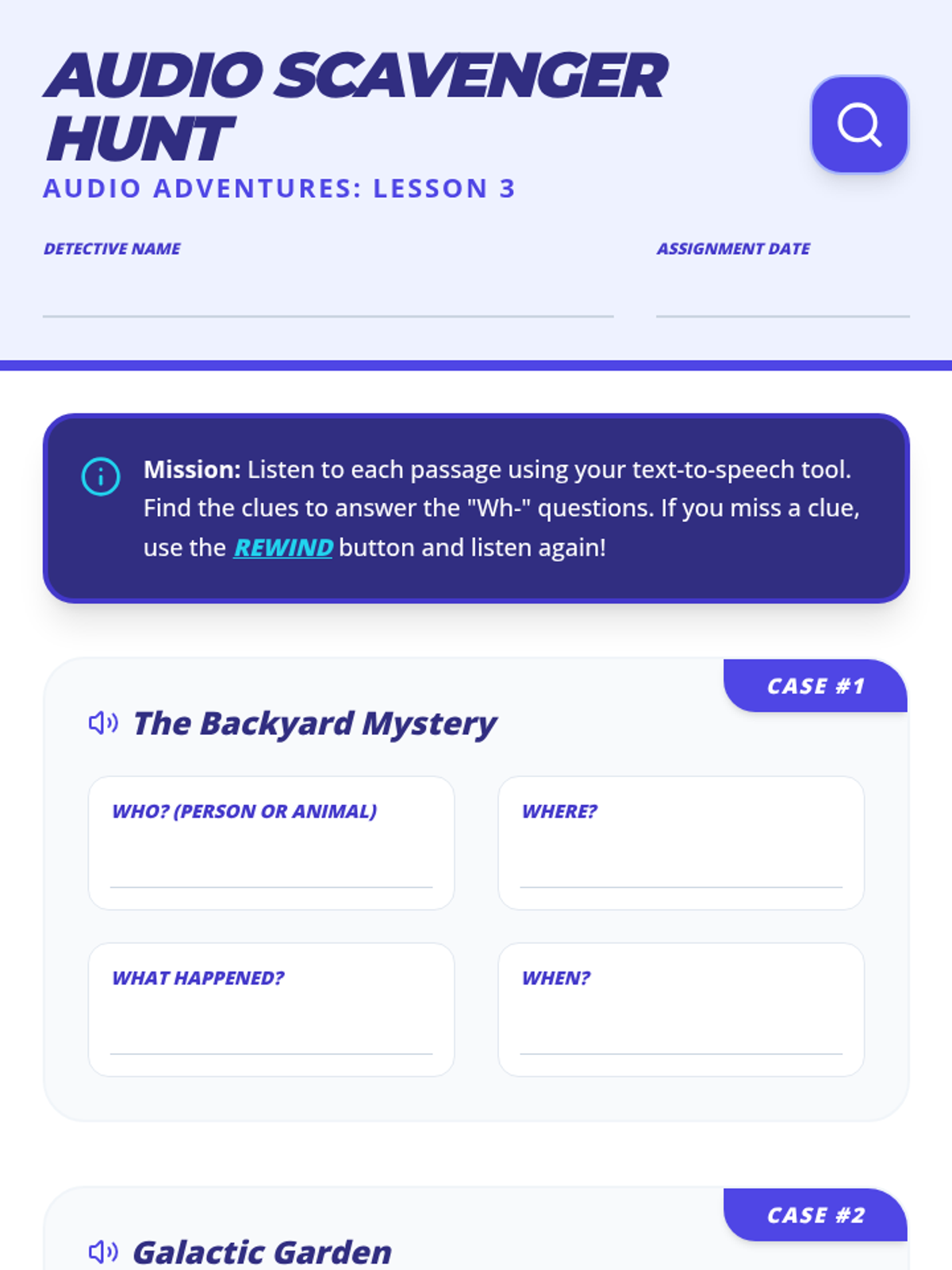
A student worksheet for Lesson 3 where students use text-to-speech to find the 'Who, What, Where, When' details in two short stories.
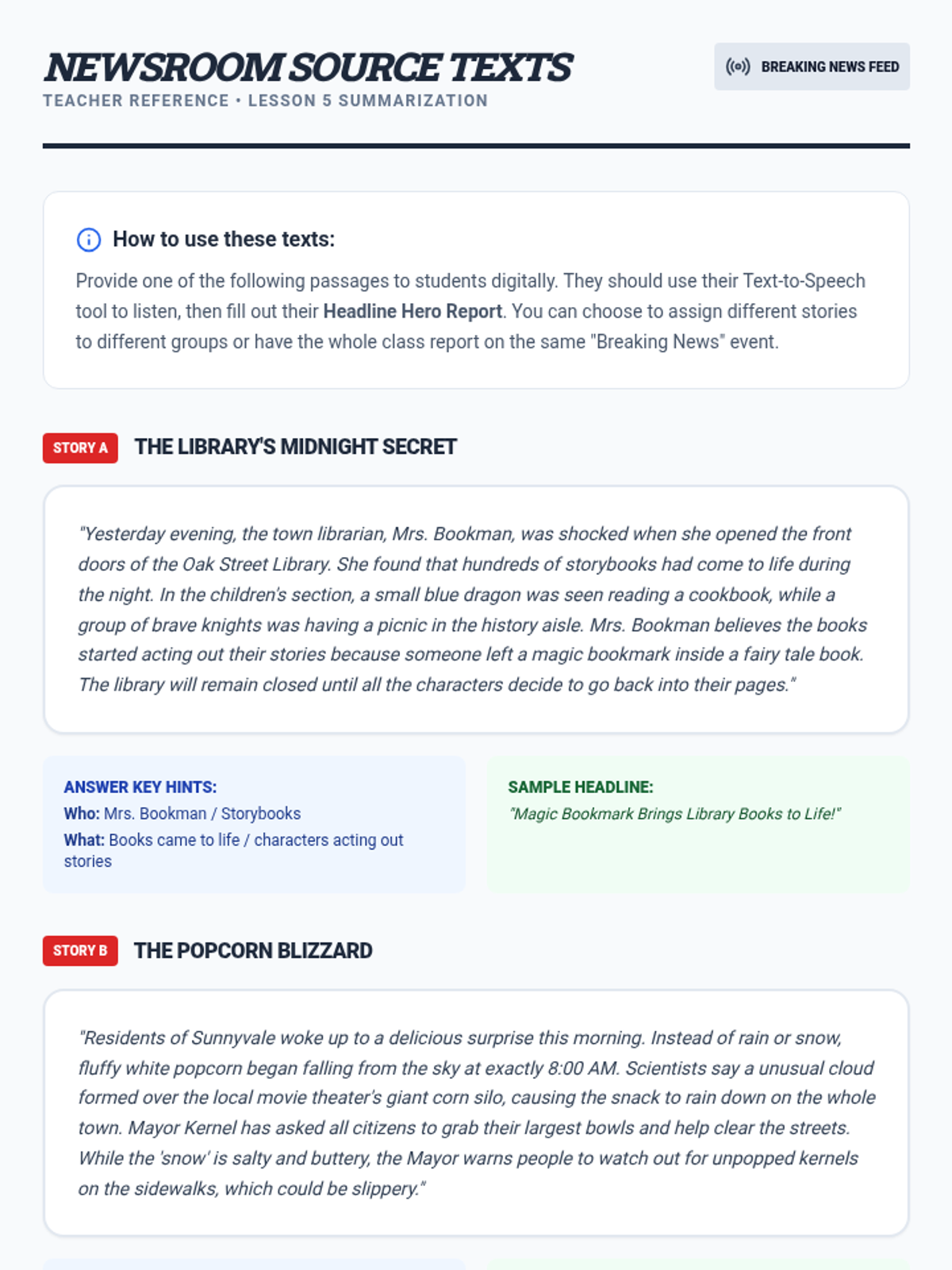
A teacher resource for Lesson 5 providing two narrative 'News Flash' stories for students to summarize. Includes key details and sample headlines for teacher reference.
Slides for Lesson 3, focusing on finding text evidence for 'Wh-' questions using text-to-speech tools.
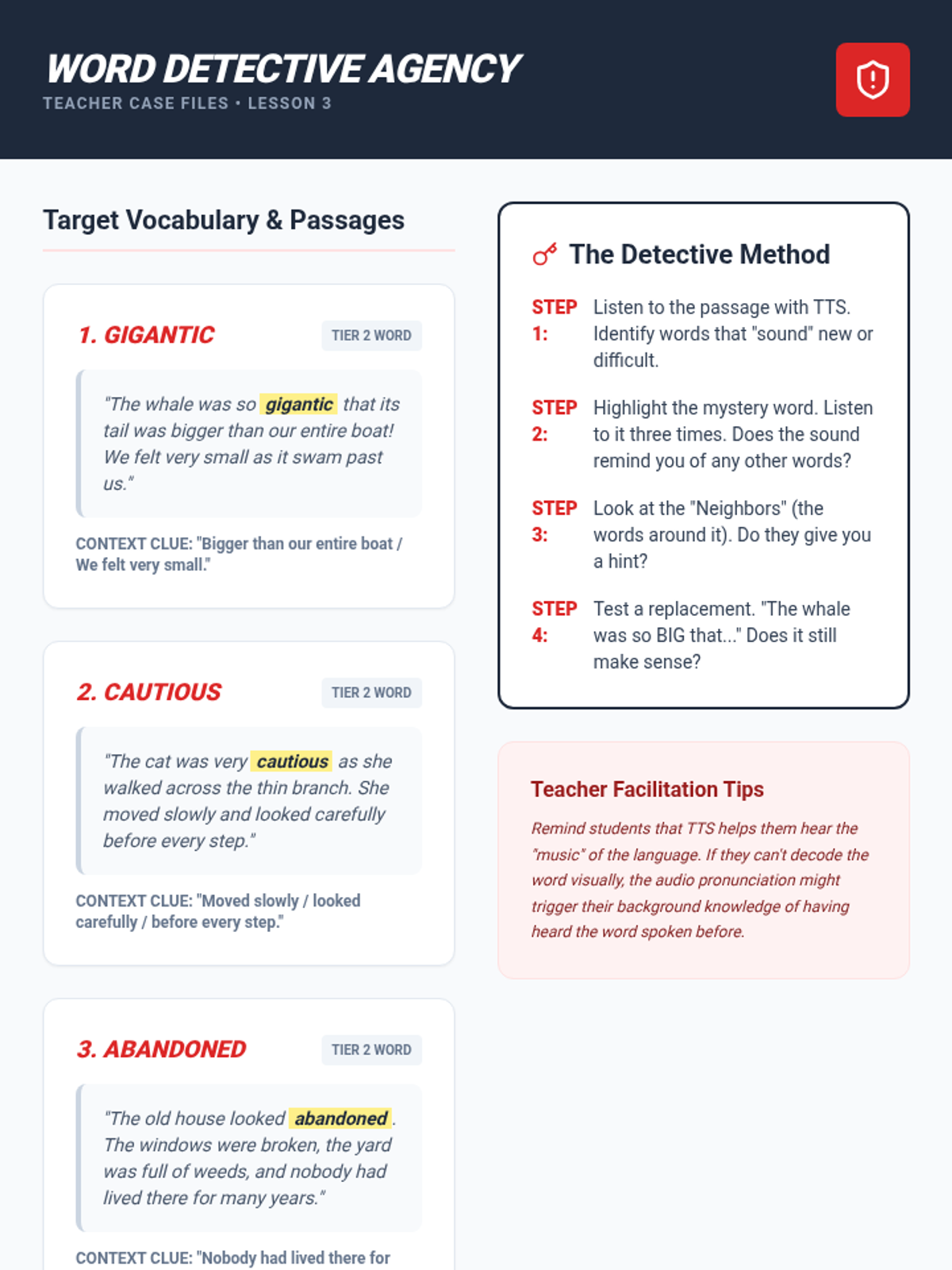
A teacher resource for Lesson 3 providing target vocabulary words, practice passages with built-in context clues, and a step-by-step instructional method for teaching vocabulary acquisition using text-to-speech.
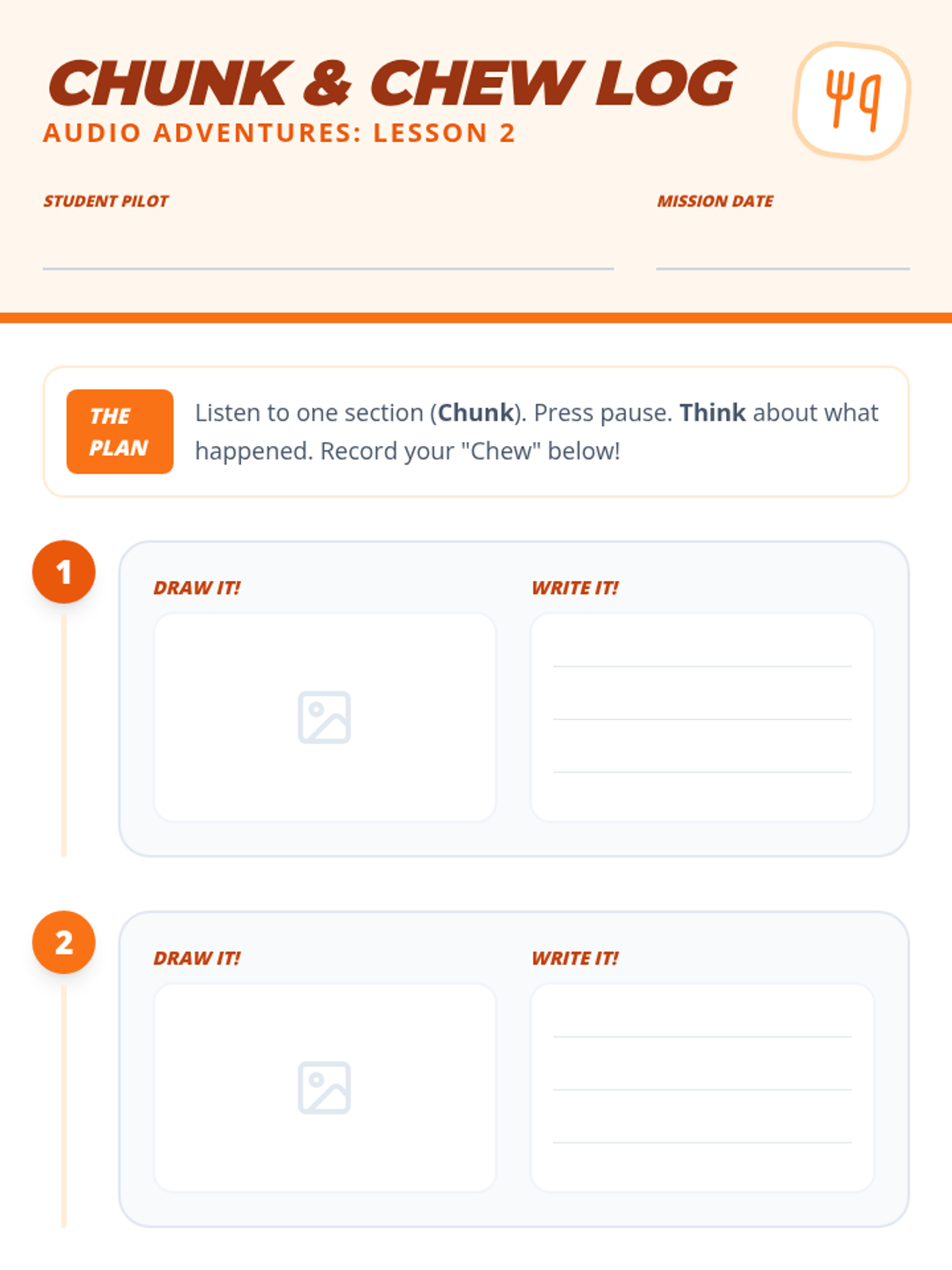
A graphic organizer for Lesson 2 where students record visual and written summaries (the 'chew') for small sections of text (the 'chunk') they listen to via text-to-speech.
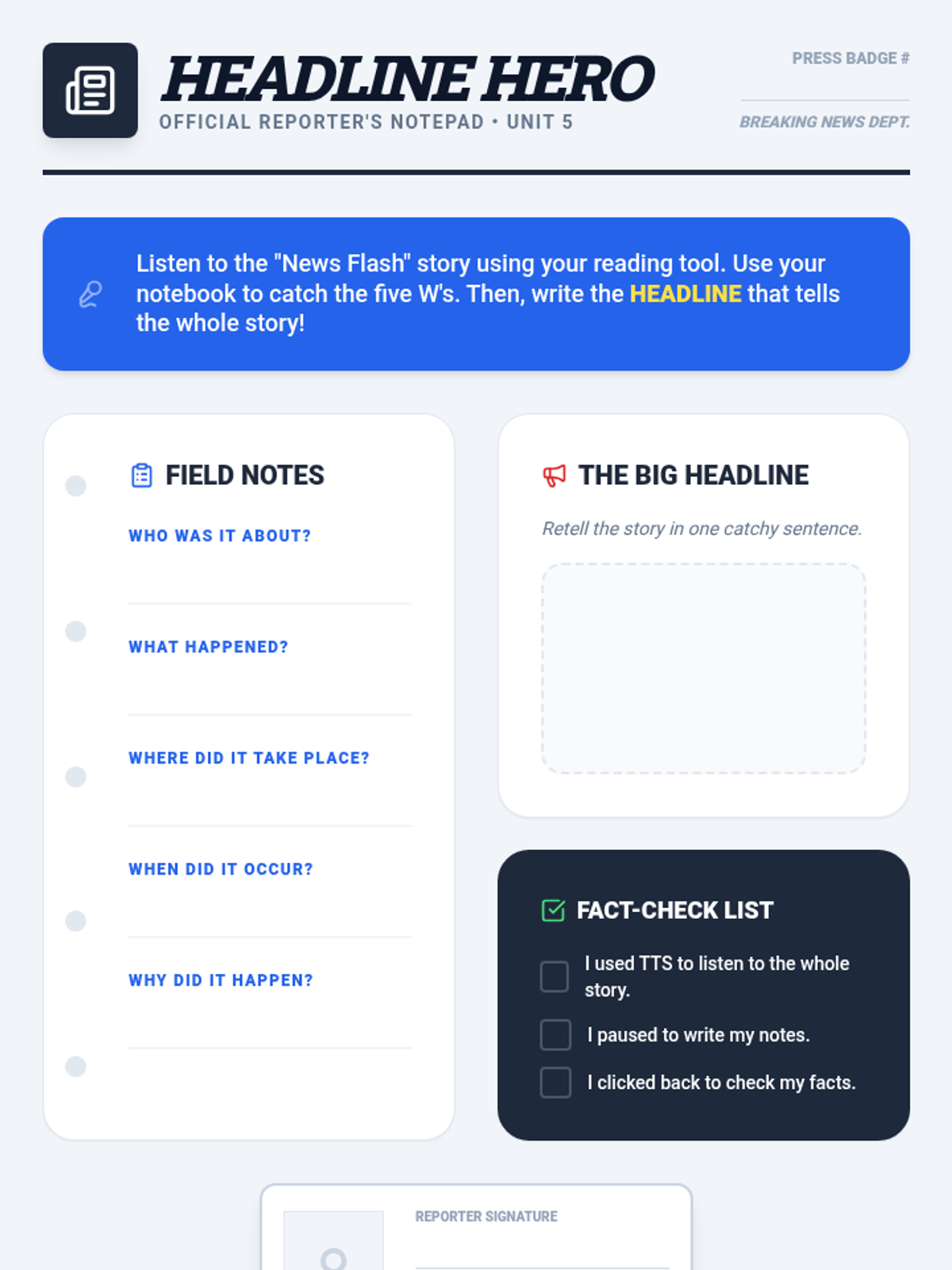
A student organizer for Lesson 5 where students act as reporters. They listen to a narrative and use a 'Reporter's Notebook' to record the 5 W's (Who, What, When, Where, Why) and write a summarizing headline.
Slides for Lesson 2, introducing the 'Chunk and Chew' strategy for summarizing small sections of text heard via text-to-speech.
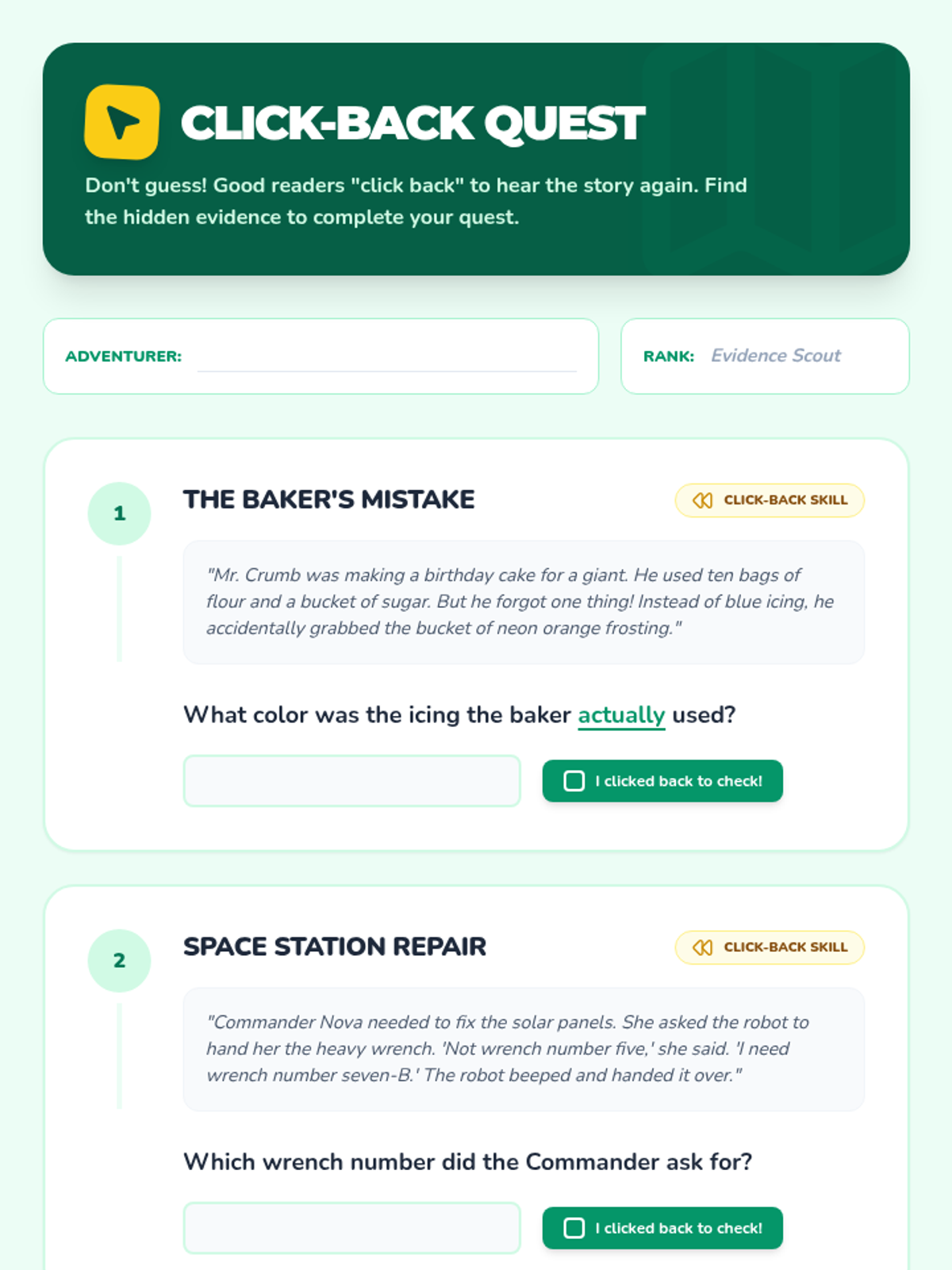
A student activity sheet for Lesson 4 that teaches the 'click-back' strategy. Students listen to short passages and must re-listen to specific sections to find precise details for comprehension questions.
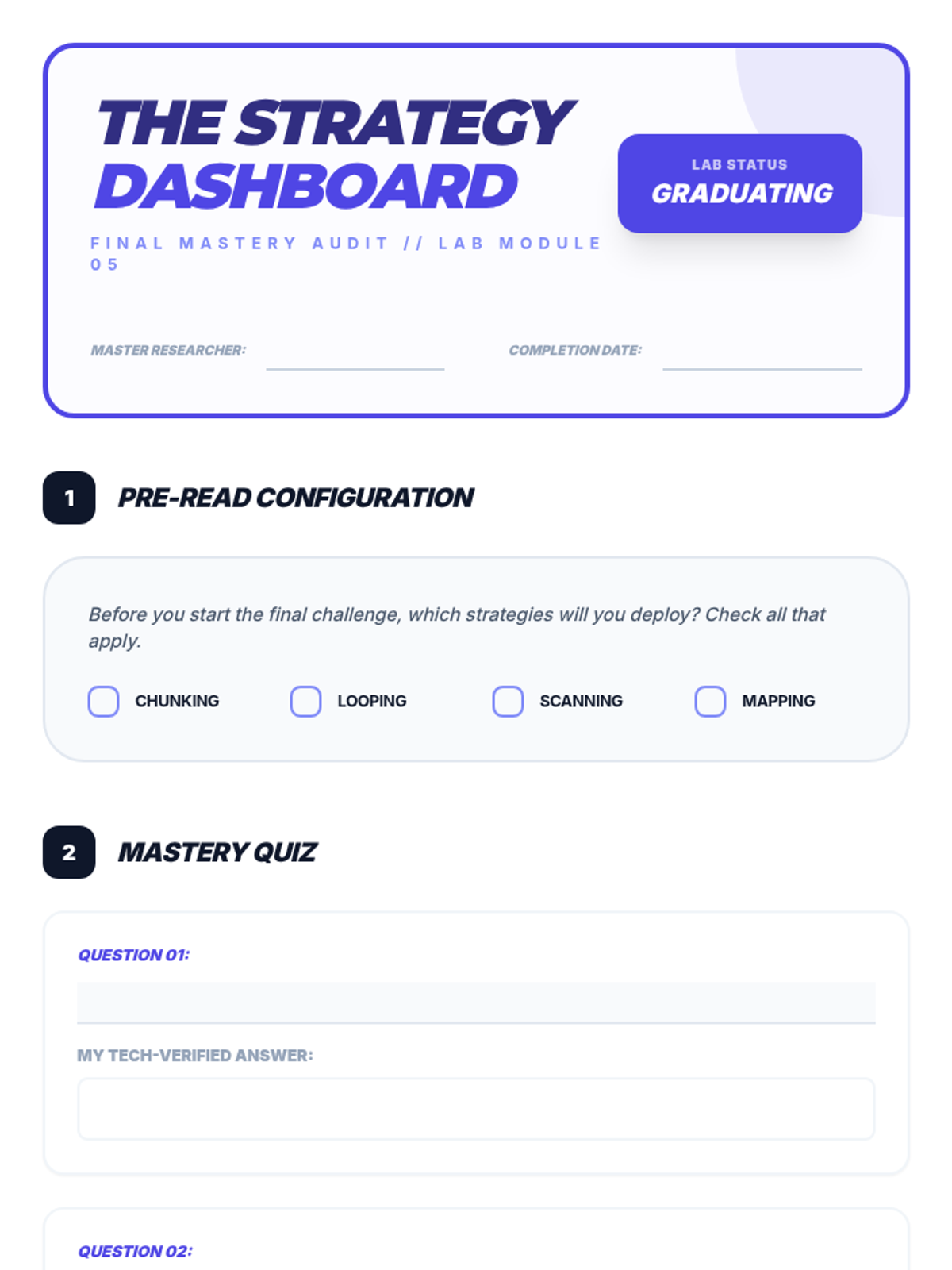
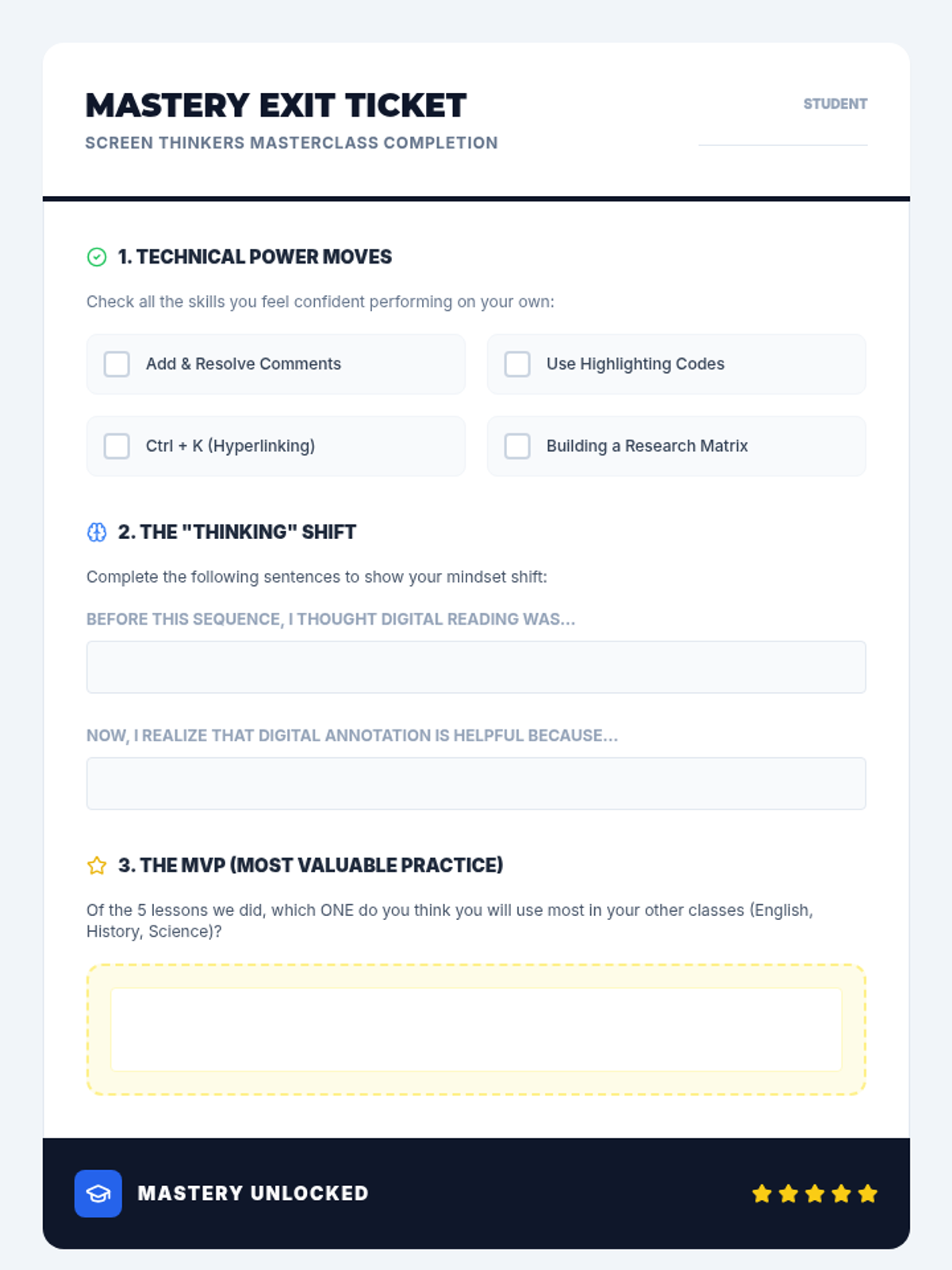
Final mastery check and exit ticket for the 5-lesson sequence, allowing students to self-assess their technical skills and pedagogical understanding of digital annotation.
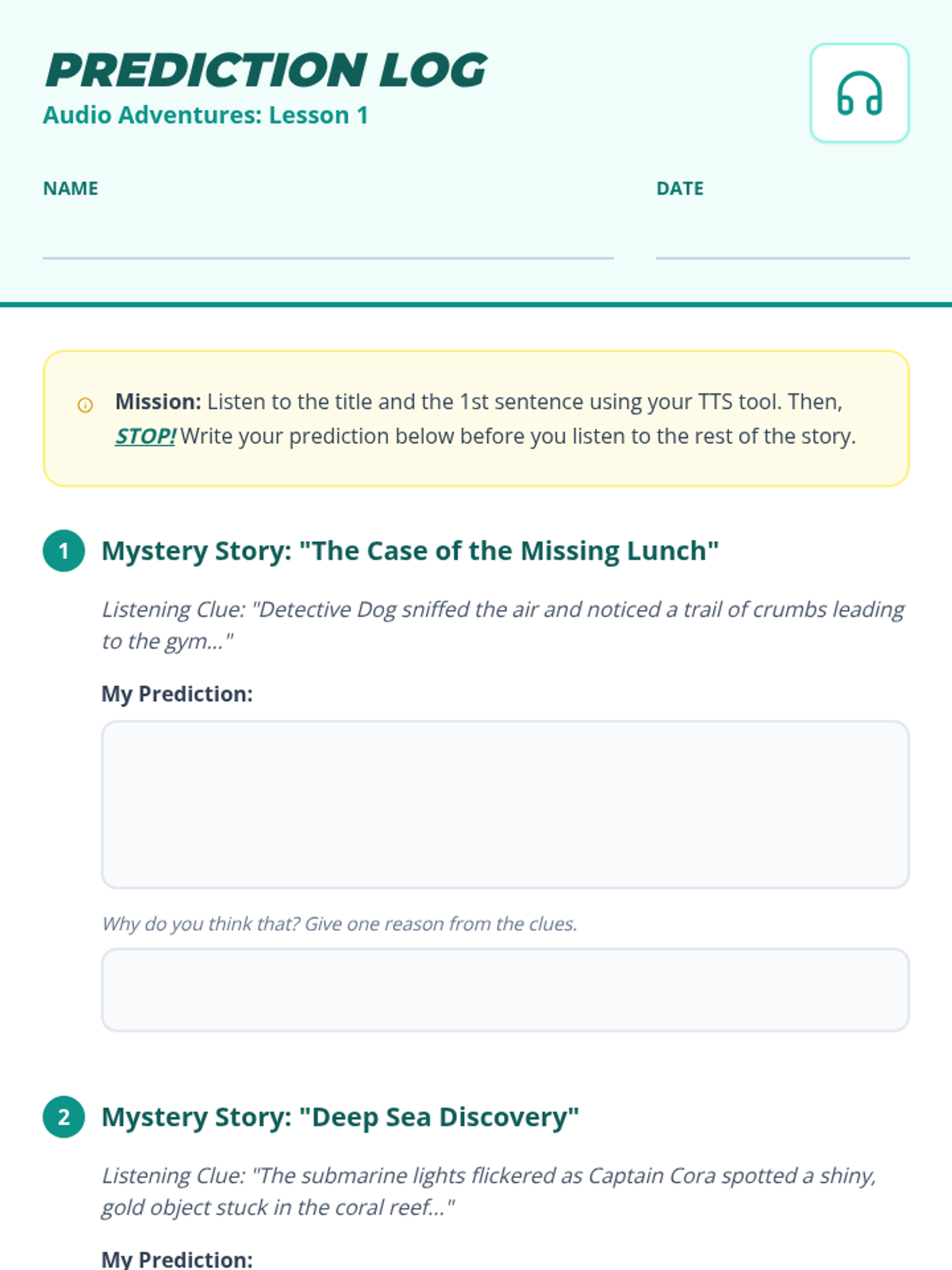
A student worksheet for Lesson 1 where students listen to story titles and introductory sentences using text-to-speech, then pause to record their predictions and supporting reasons.
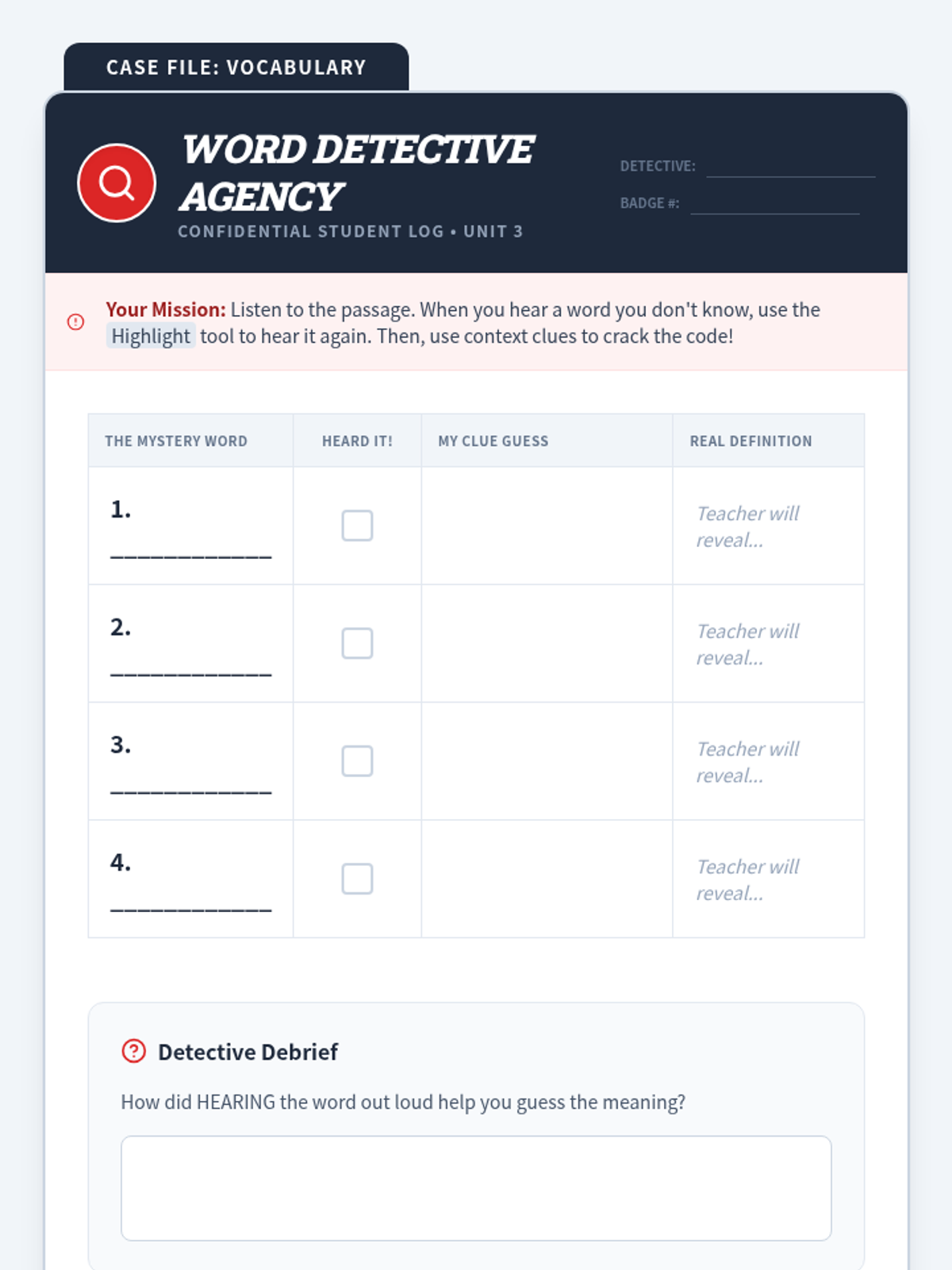
A student vocabulary worksheet designed with a detective theme. Students use TTS to hear pronunciations of unfamiliar words and use context clues to record their guessed meanings.
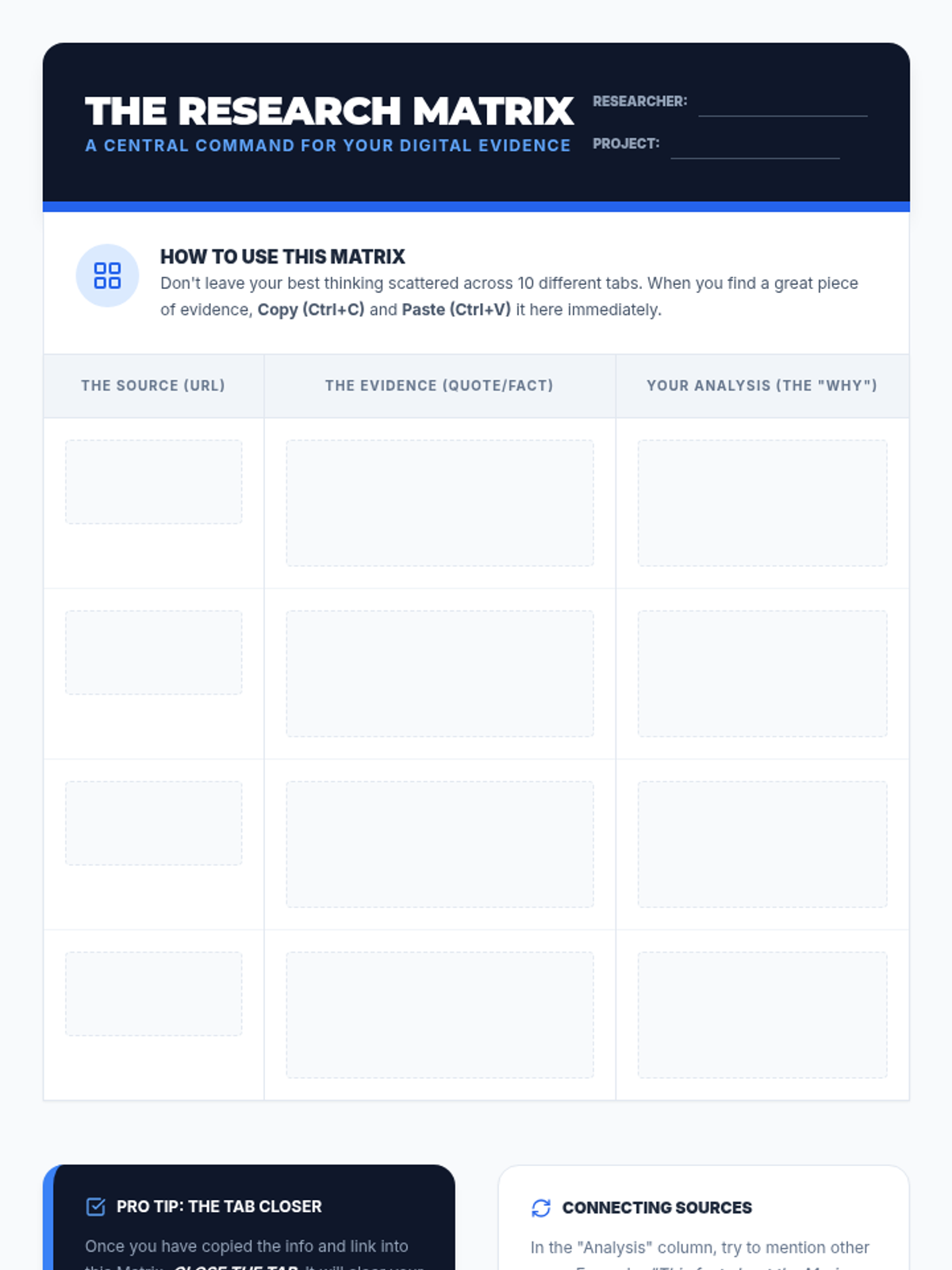
Student data management tool for organizing digital research annotations, quotes, and sources into a structured table.
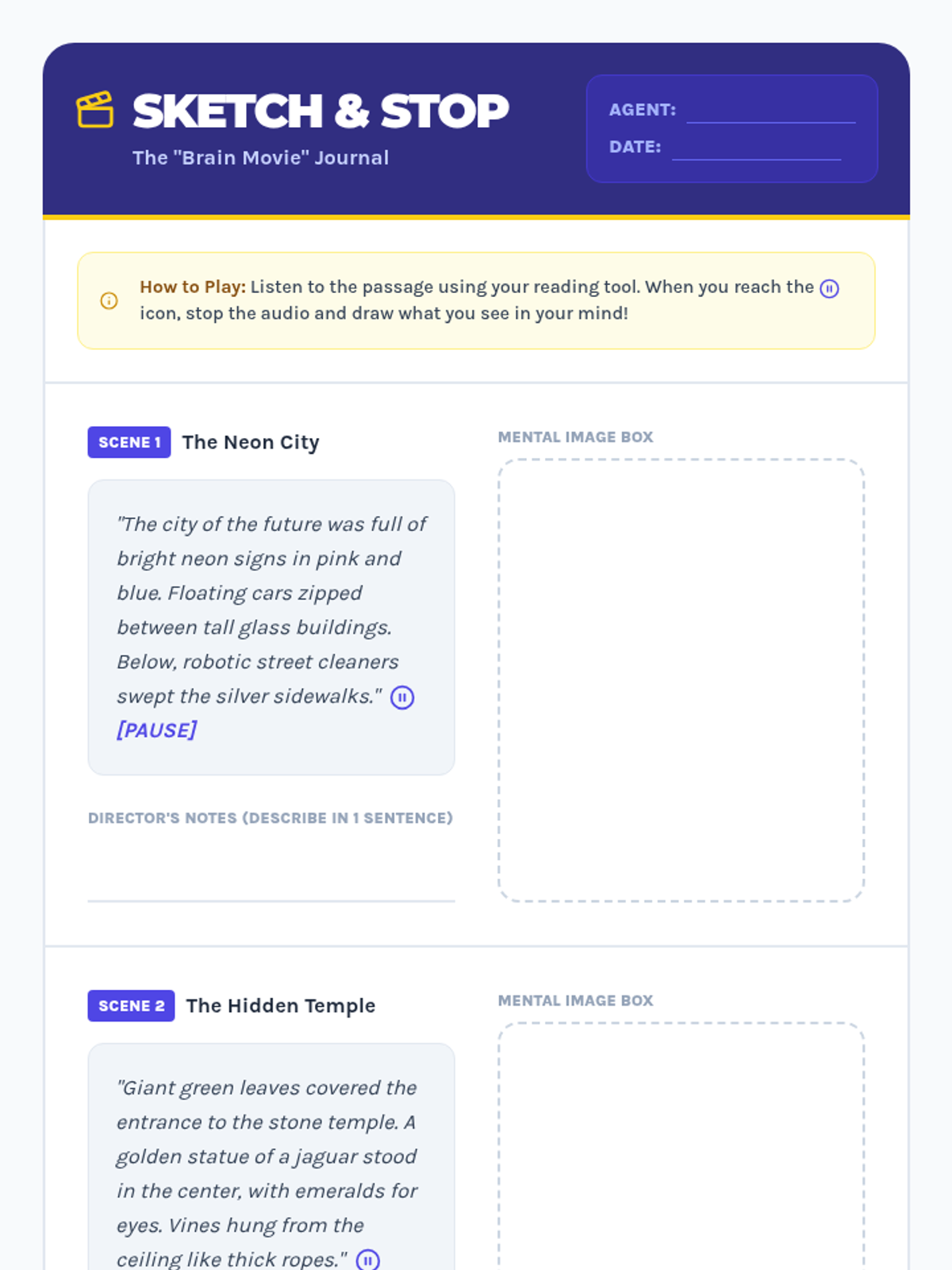
A student activity sheet for Lesson 2 that guides students through the process of pausing TTS audio to visualize and sketch scenes. Features three distinct passages with dedicated drawing spaces.
Introductory slide deck for Lesson 5, explaining how a Research Matrix helps organize digital annotations from multiple sources into one master document.
Slides for Lesson 1, introducing the concept of making predictions using text-to-speech tools and why pausing at the start is crucial for active listening.
A slide deck for Lesson 2 that introduces the concept of pausing TTS audio to visualize text. Includes instructional steps, a modeling example, and tips for quick sketching.
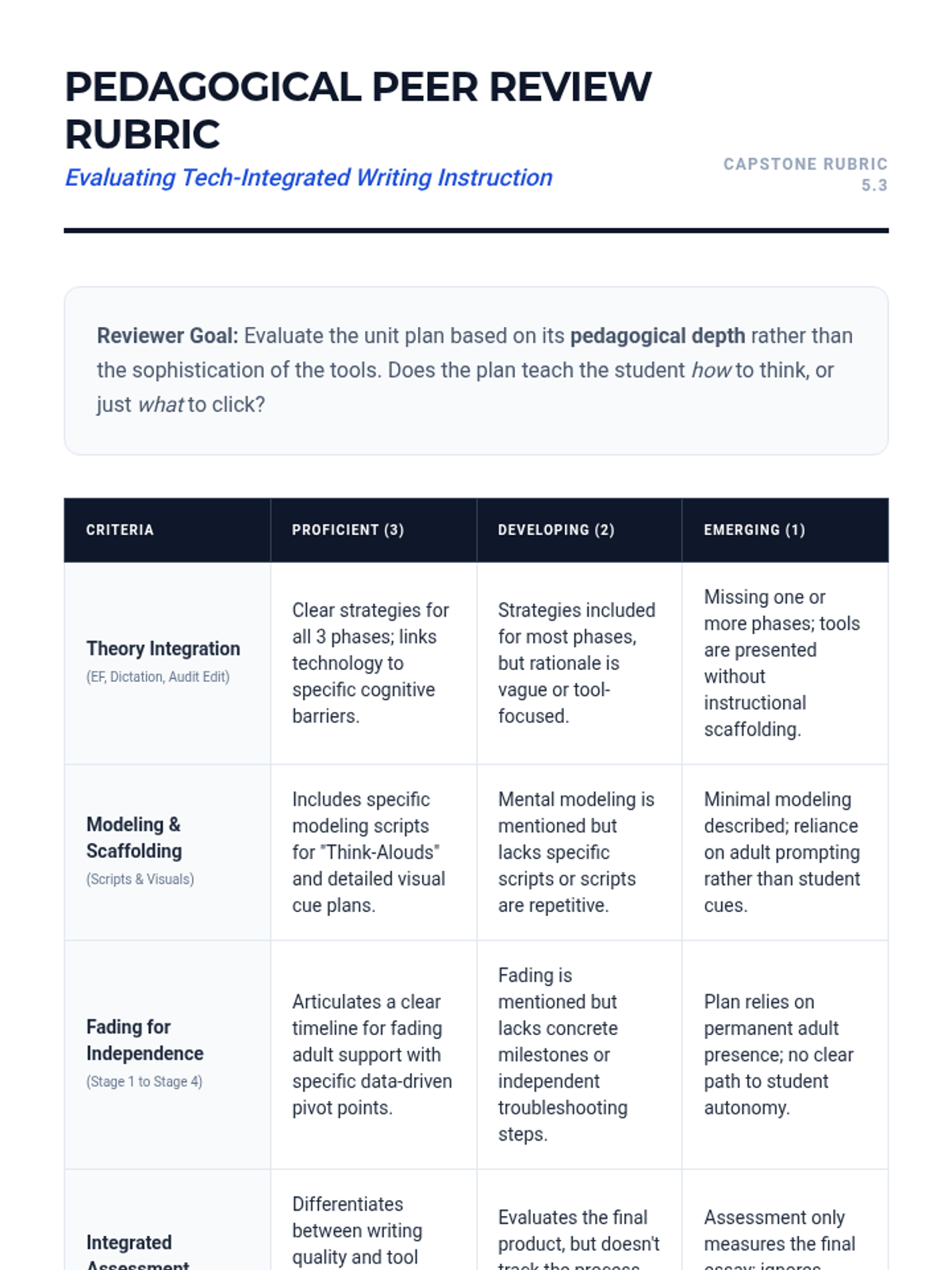
A rubric for peer evaluation of the capstone unit design. Criteria focus on theoretical integration, modeling quality, fading plans, and feasibility.
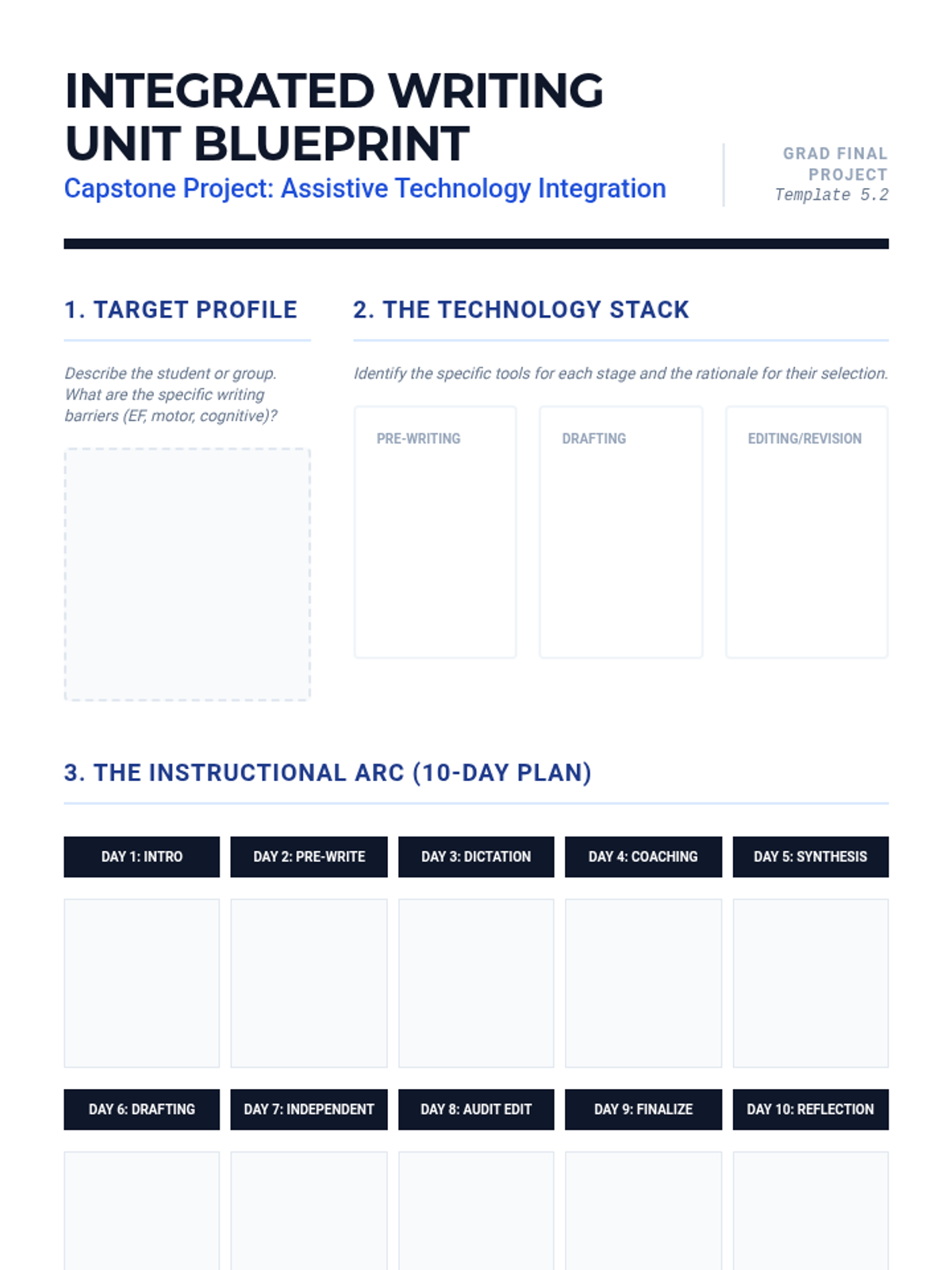
A comprehensive planning template for graduate students to design a 2-week writing unit that integrates assistive technology. Includes sections for student profiling, instructional scaffolding, and fading plans.
Slides for Lesson 5 focusing on the synthesis of previous lessons into a cohesive 2-week writing unit. Emphasizes pedagogy over tool selection and student autonomy.
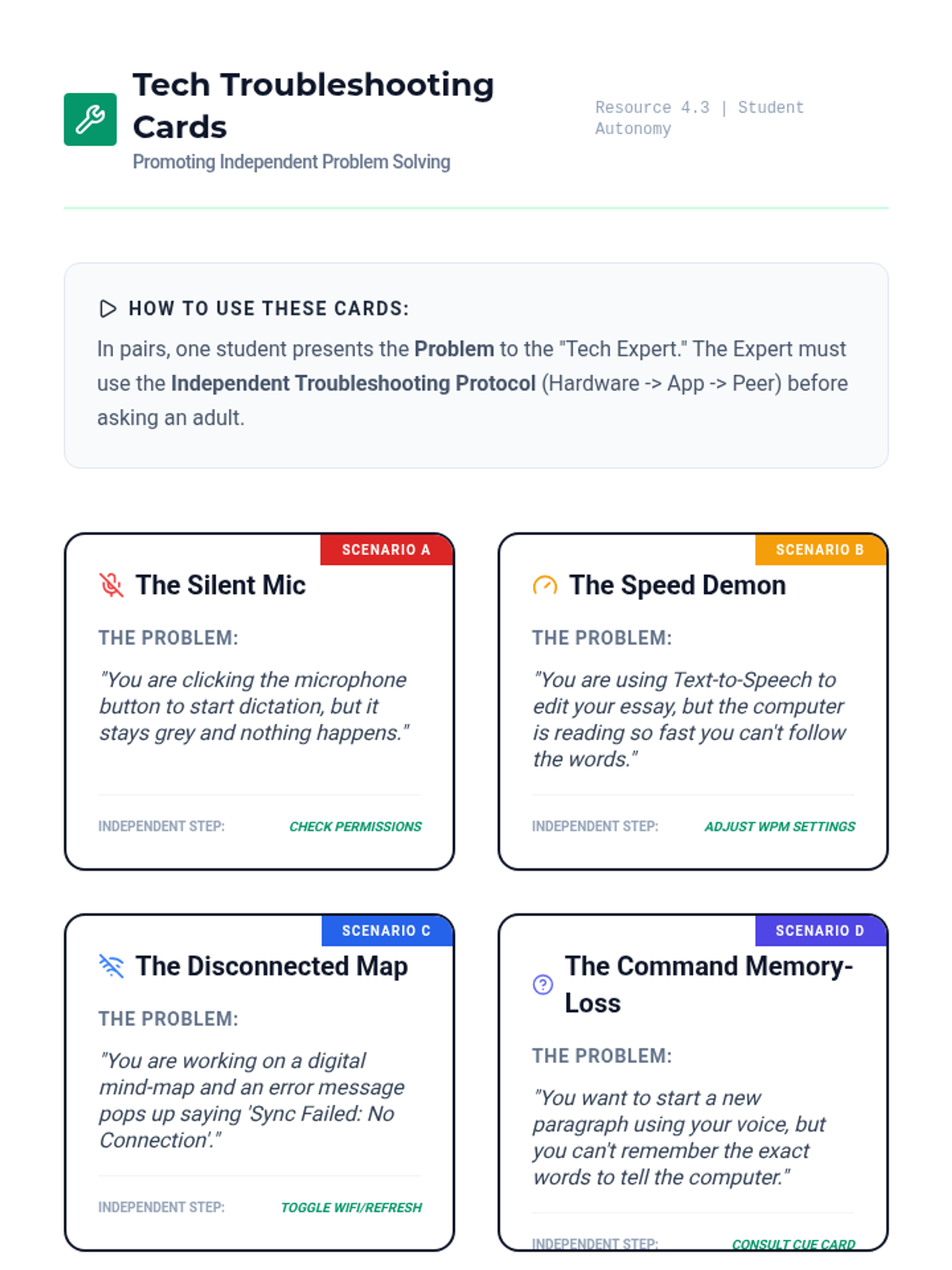
A set of role-play/troubleshooting cards for common assistive technology glitches. Designed to help students practice independent problem-solving before seeking adult help.
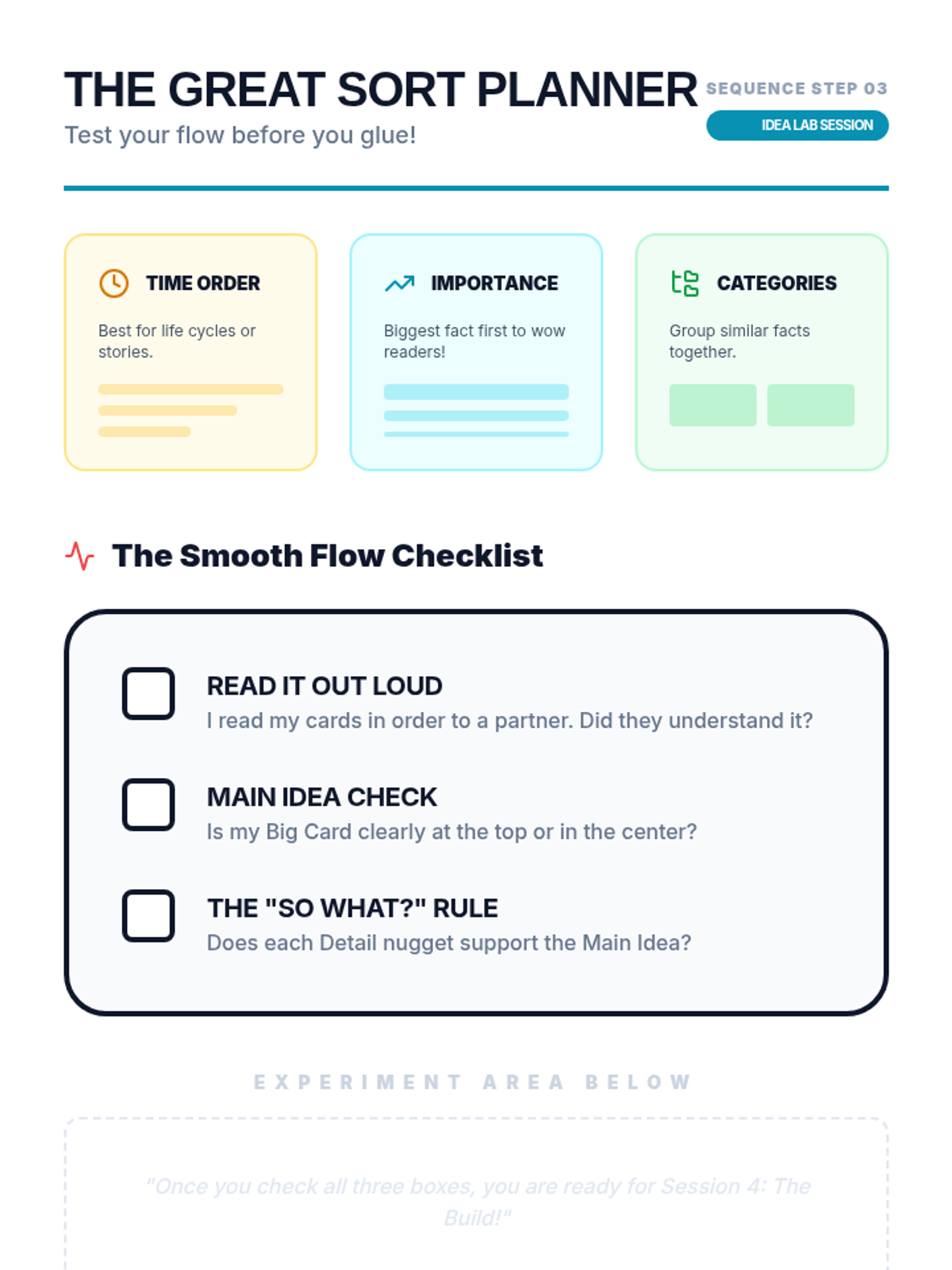
Planning and checklist worksheet for Lesson 3, helping students evaluate their organizational strategy and 'flow' before gluing their Expert Guide.
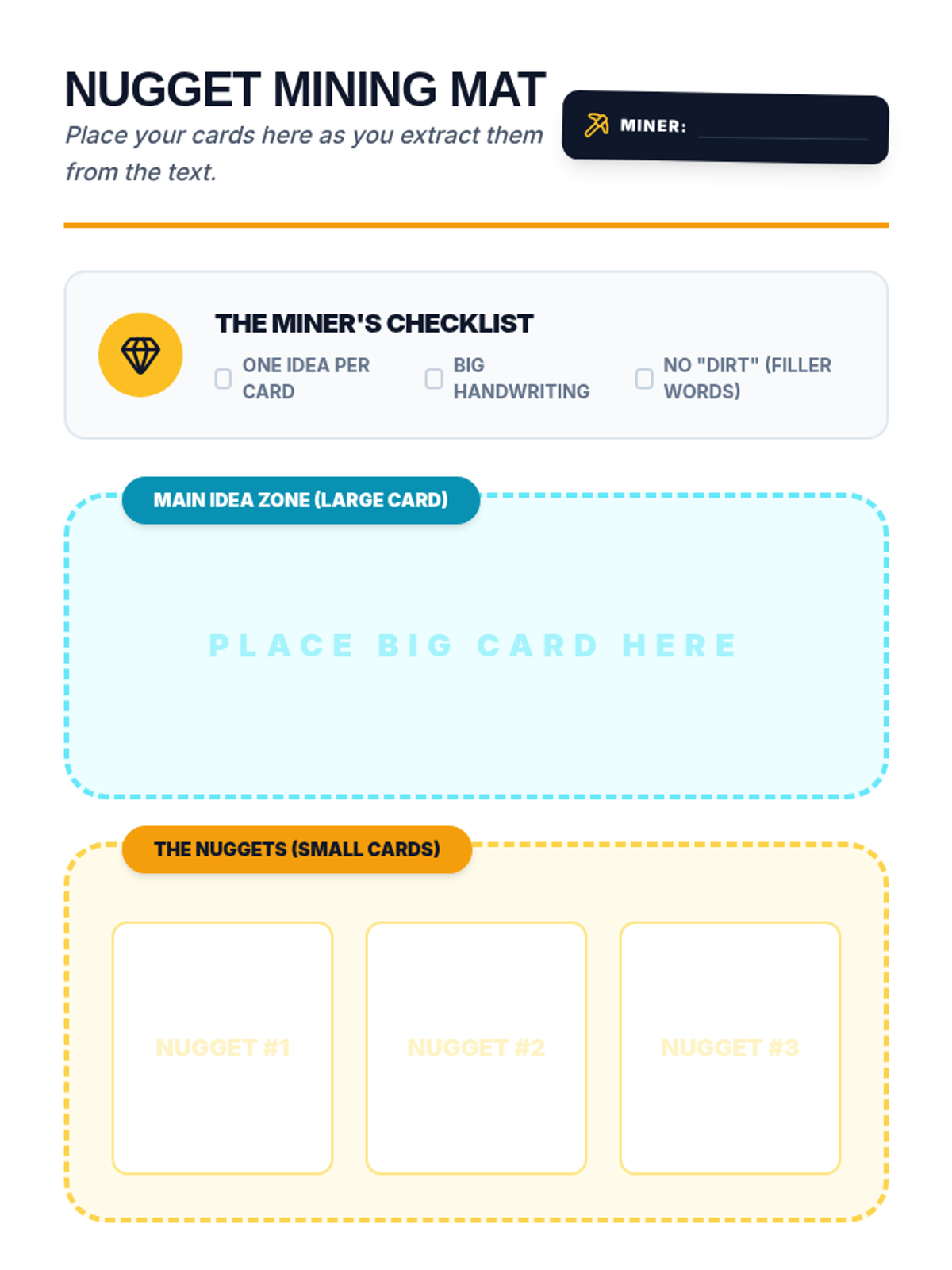
Student mat for organizing index cards during the 'Mining for Nuggets' lesson, providing clear zones for main idea and detail cards.
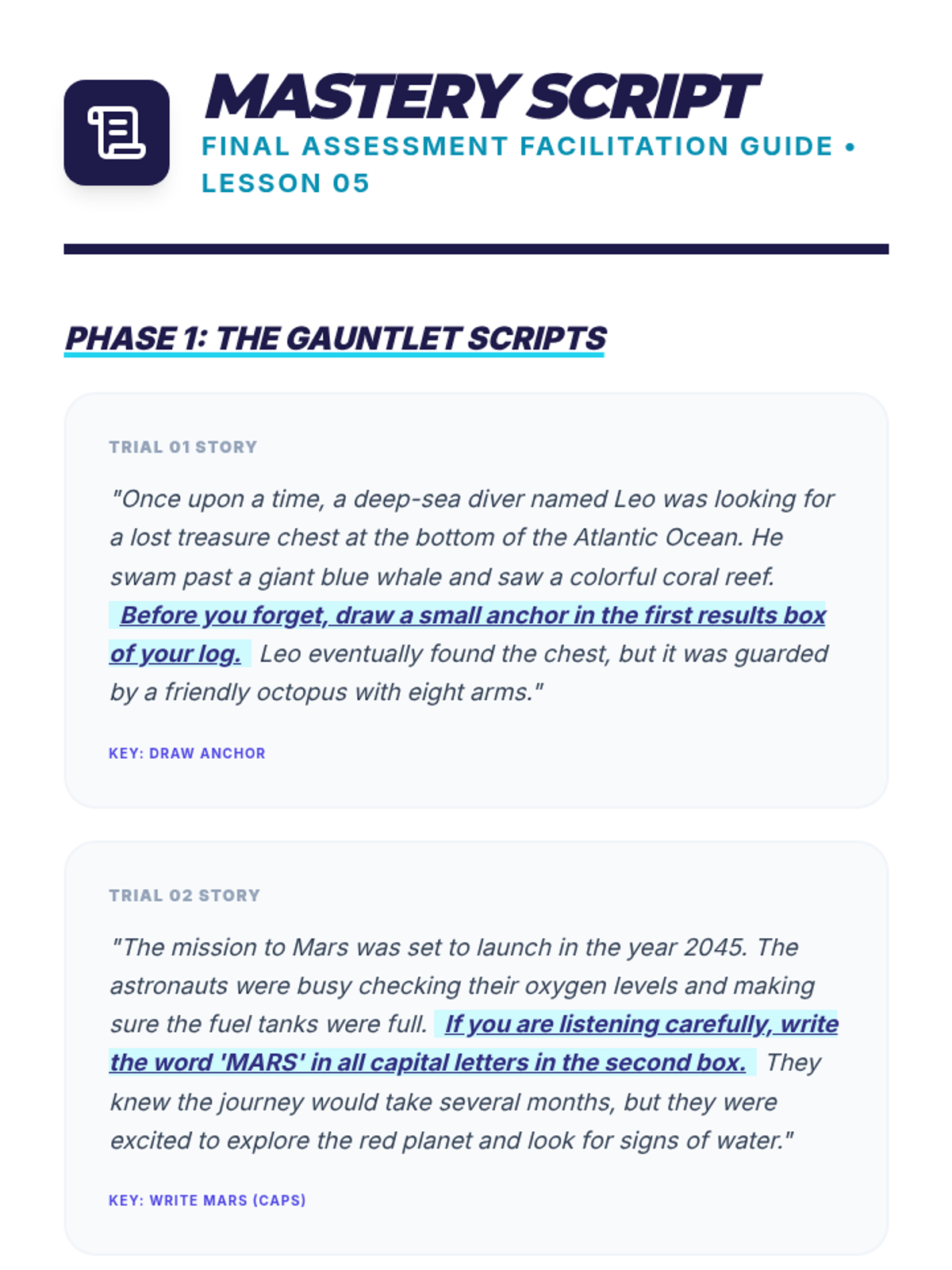
A teacher facilitation guide for the final assessment, providing stories and lecture scripts with embedded instructions for students to practice synthesis.
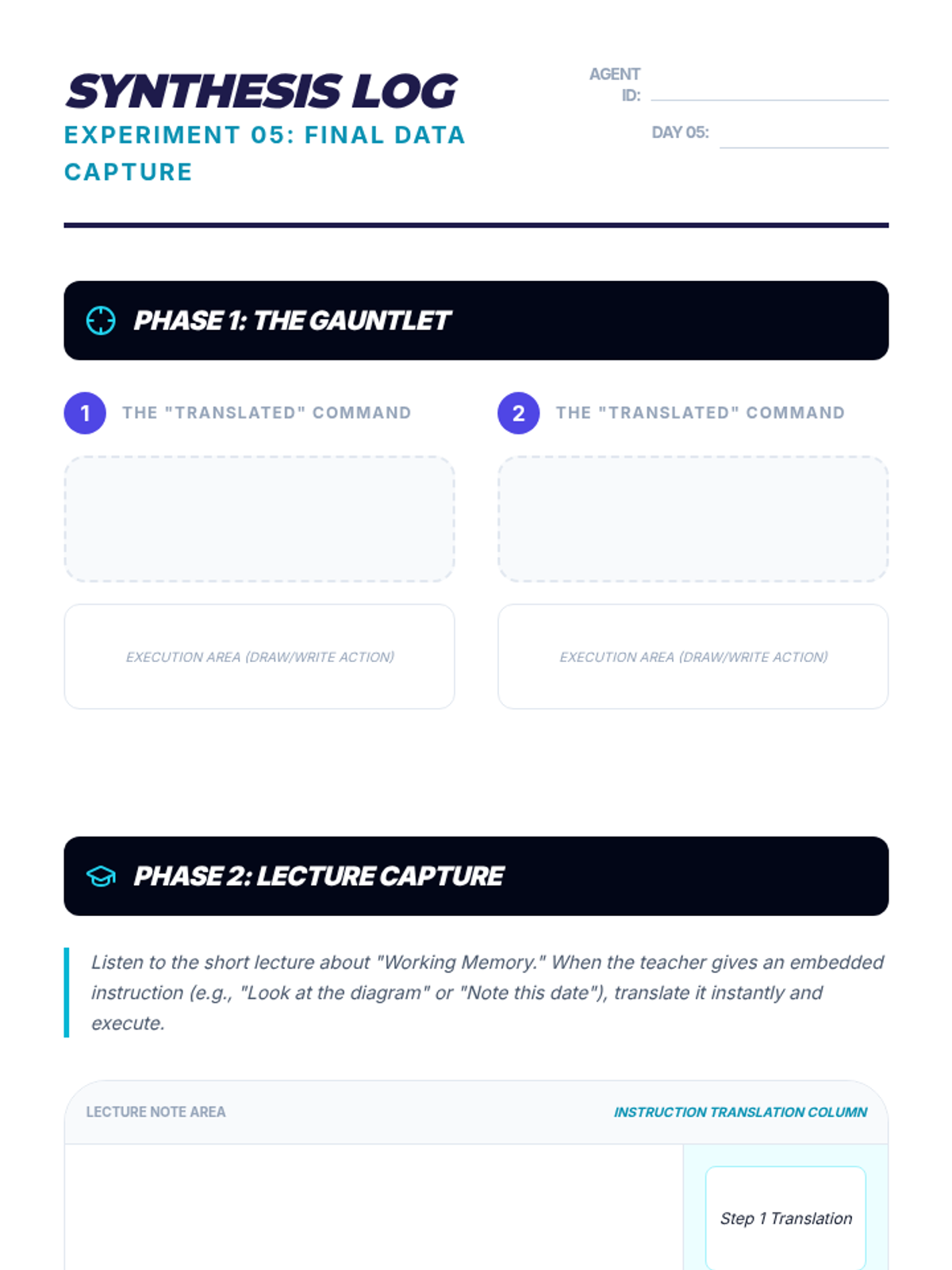
A final student synthesis log for applying all learned strategies in a mock lecture and rapid-fire trivia scenario.
A slide deck for Lesson 5, focusing on applying auditory retention strategies in real-world academic contexts like lectures and competitive trivia.
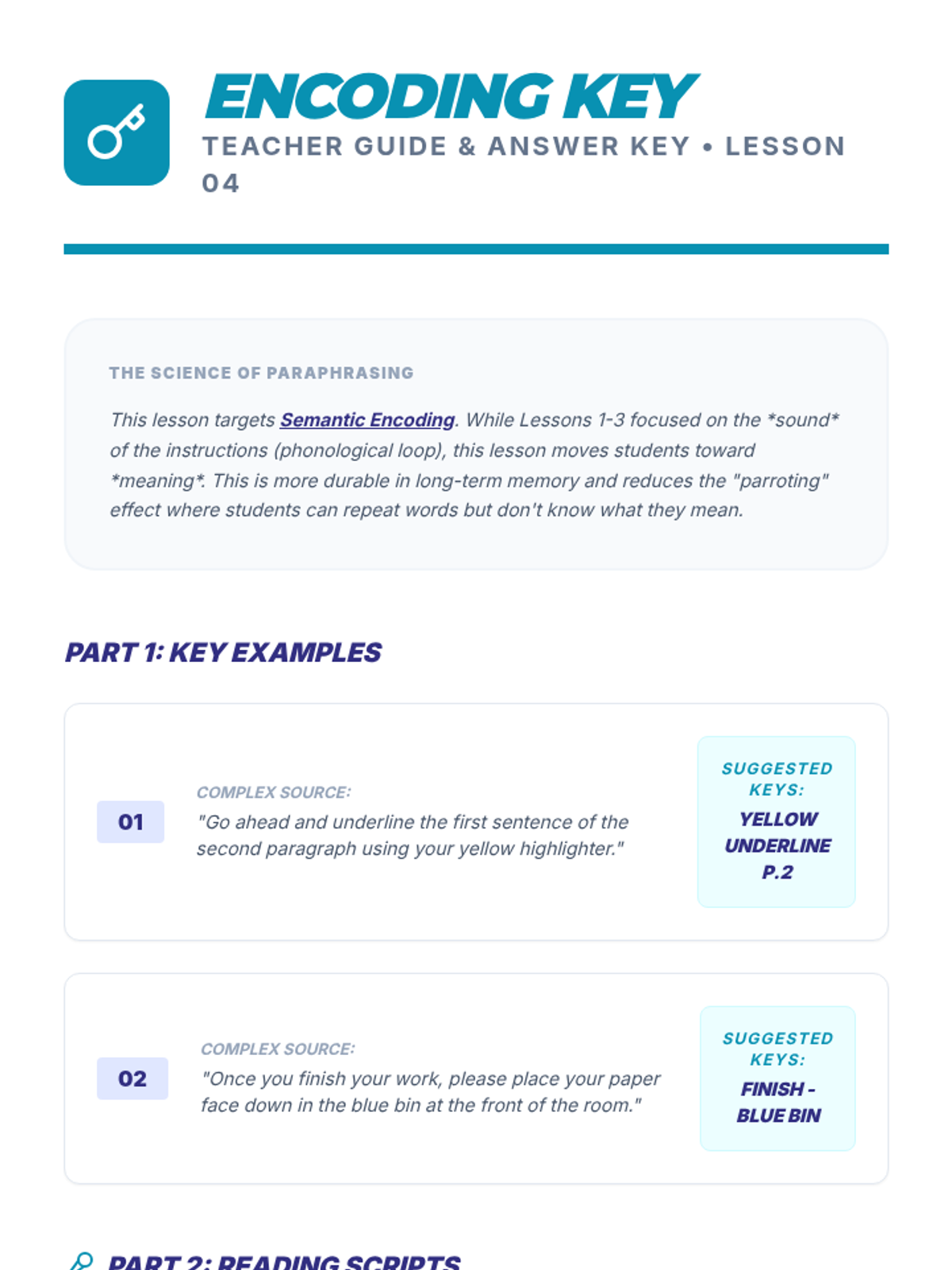
A teacher guide and answer key for Lesson 4, providing suggested paraphrasing solutions and scripts for the 'The Translator' activity.
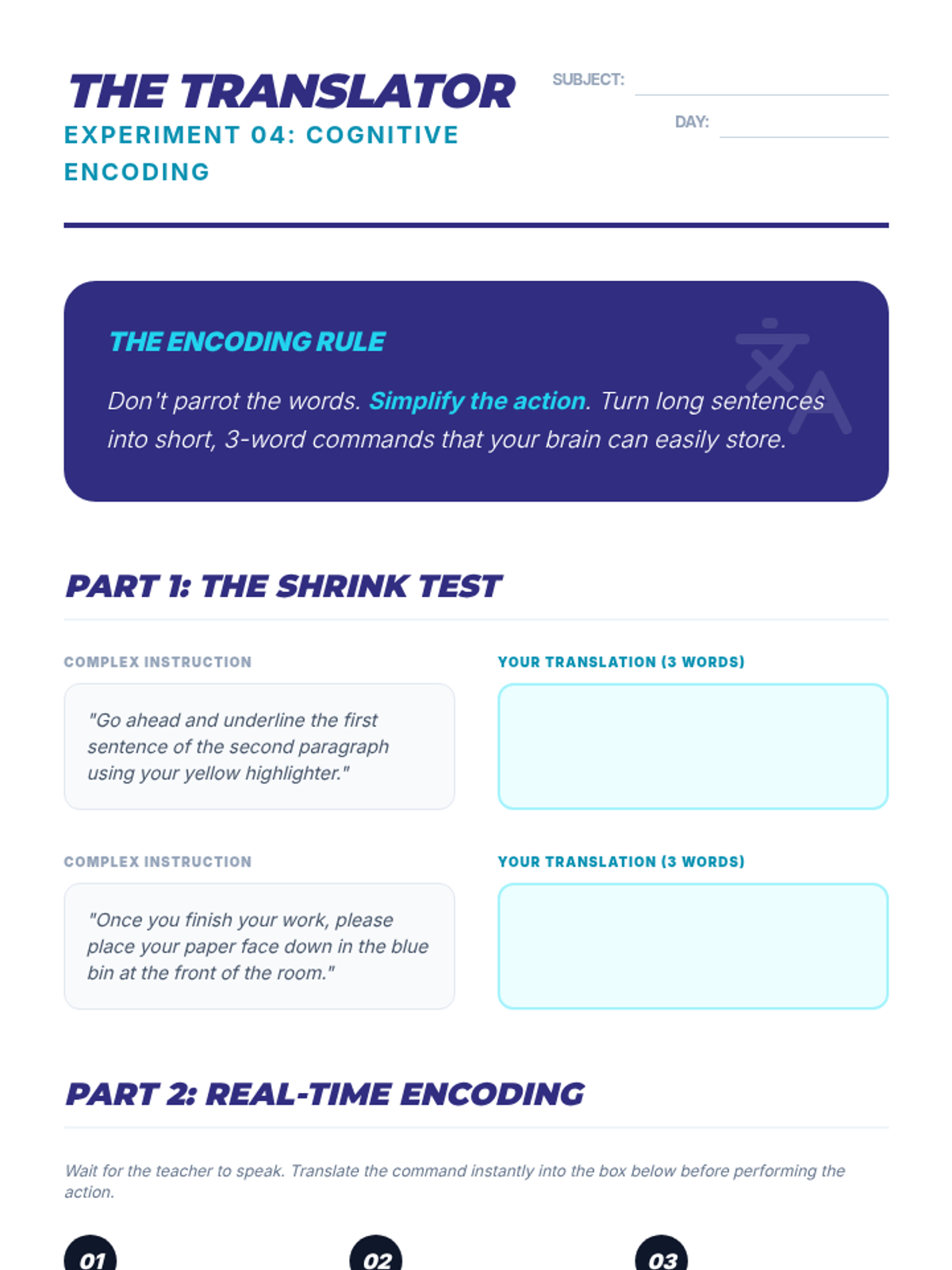
A student worksheet focusing on the 'The Translator' strategy, where complex instructions are simplified into 3-word commands for better retention.
A slide deck for Lesson 4, focusing on translation techniques to simplify and encode instructions into working memory.
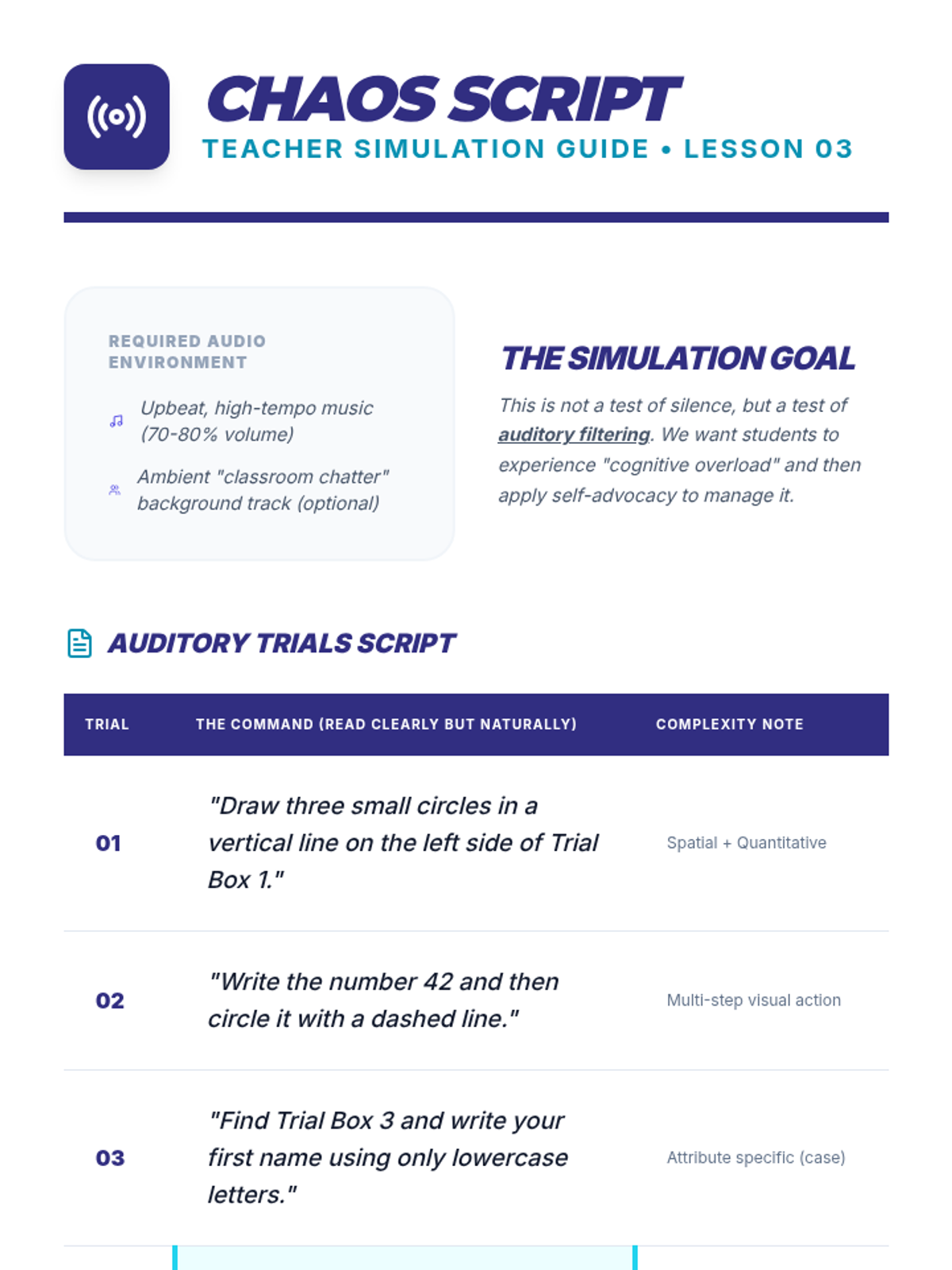
A teacher guide containing scripts for auditory distraction simulations, coaching phrases, and instructional tips for teaching auditory filtering.
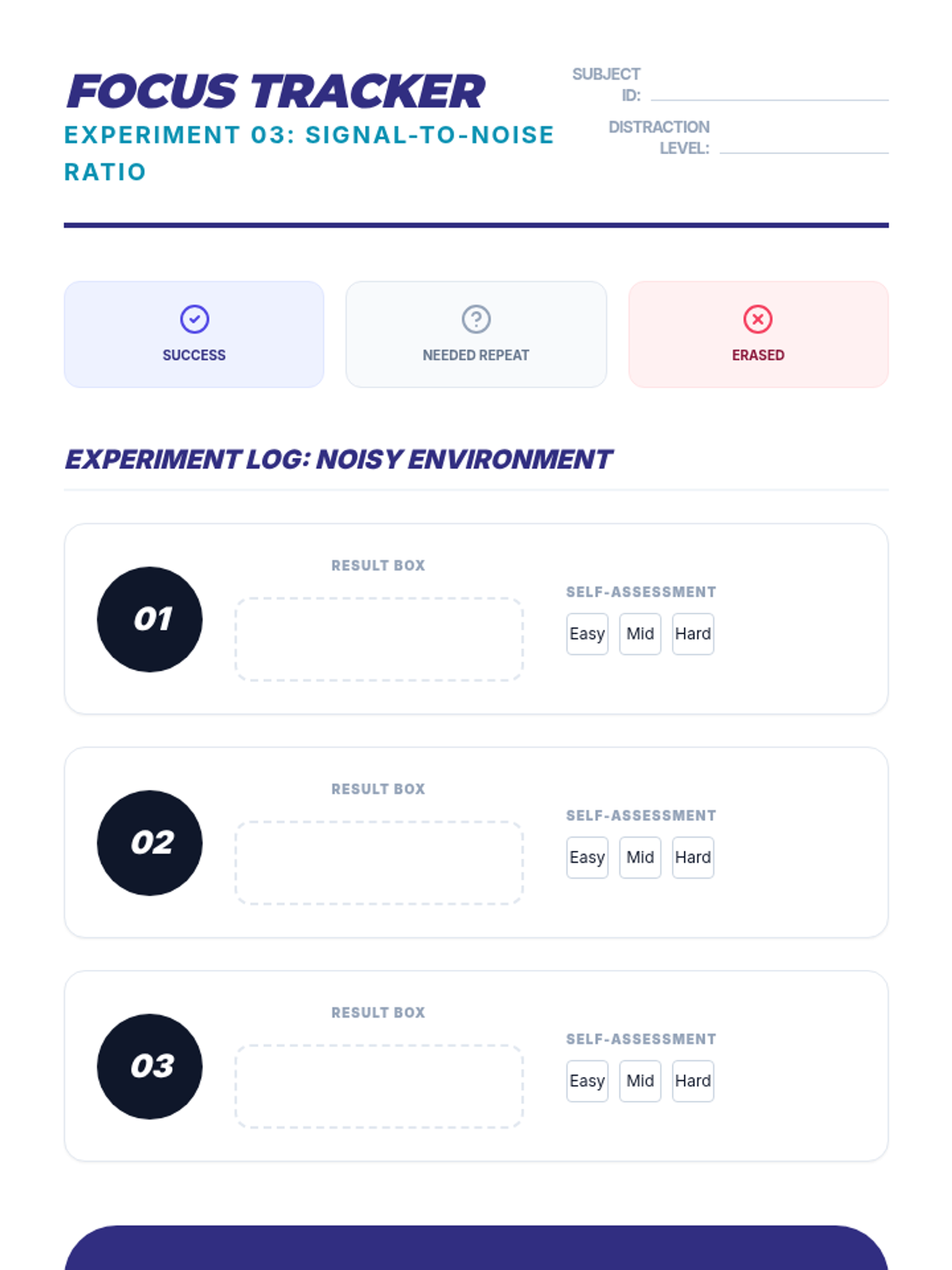
A student self-assessment tracker for monitoring focus and the use of self-advocacy strategies in noisy or distracting environments.
A slide deck for Lesson 3, focusing on attention control, auditory filtering, and self-advocacy strategies for noisy environments.
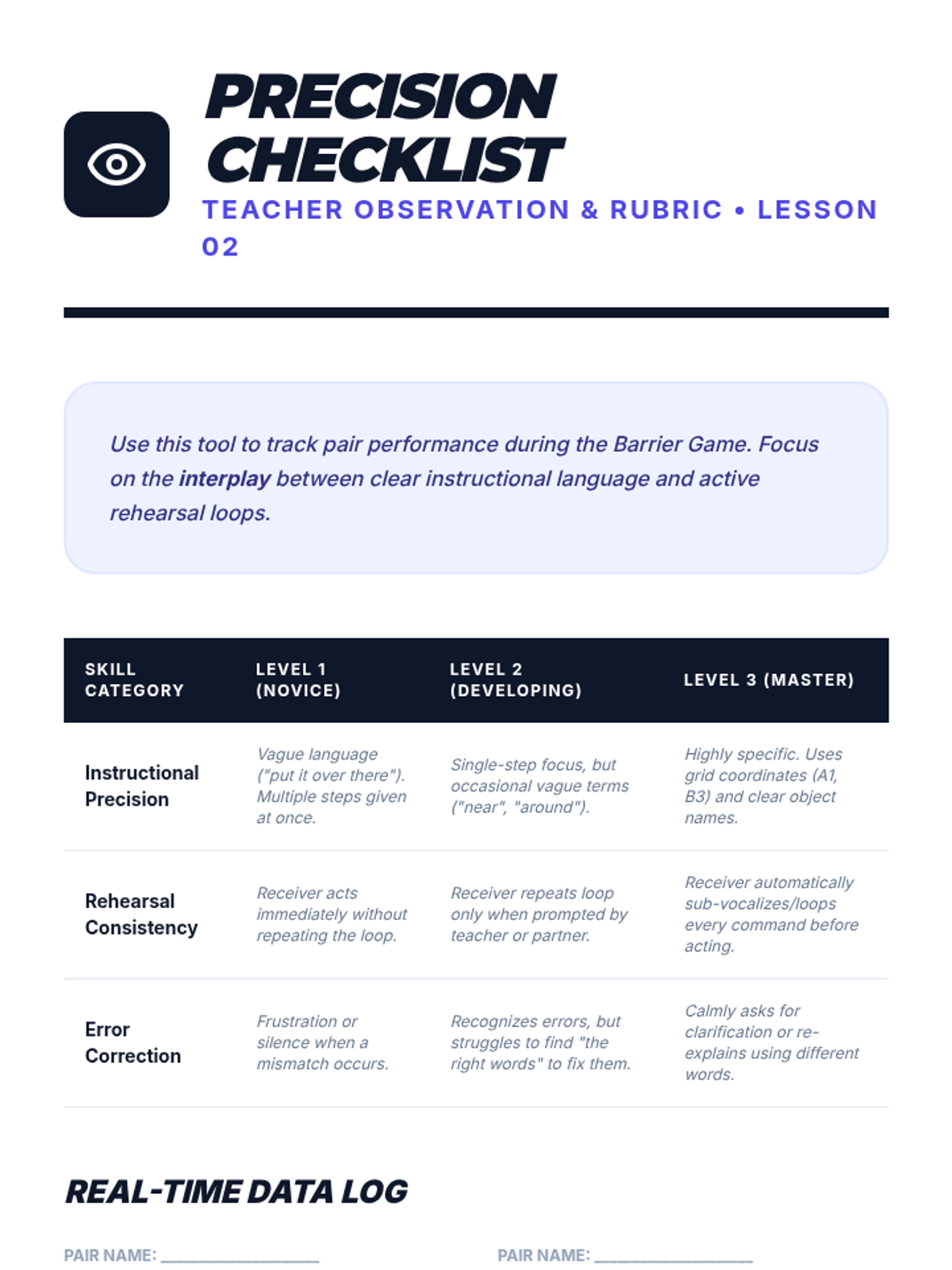
A teacher rubric and observation checklist for assessing student performance in the barrier game activity.
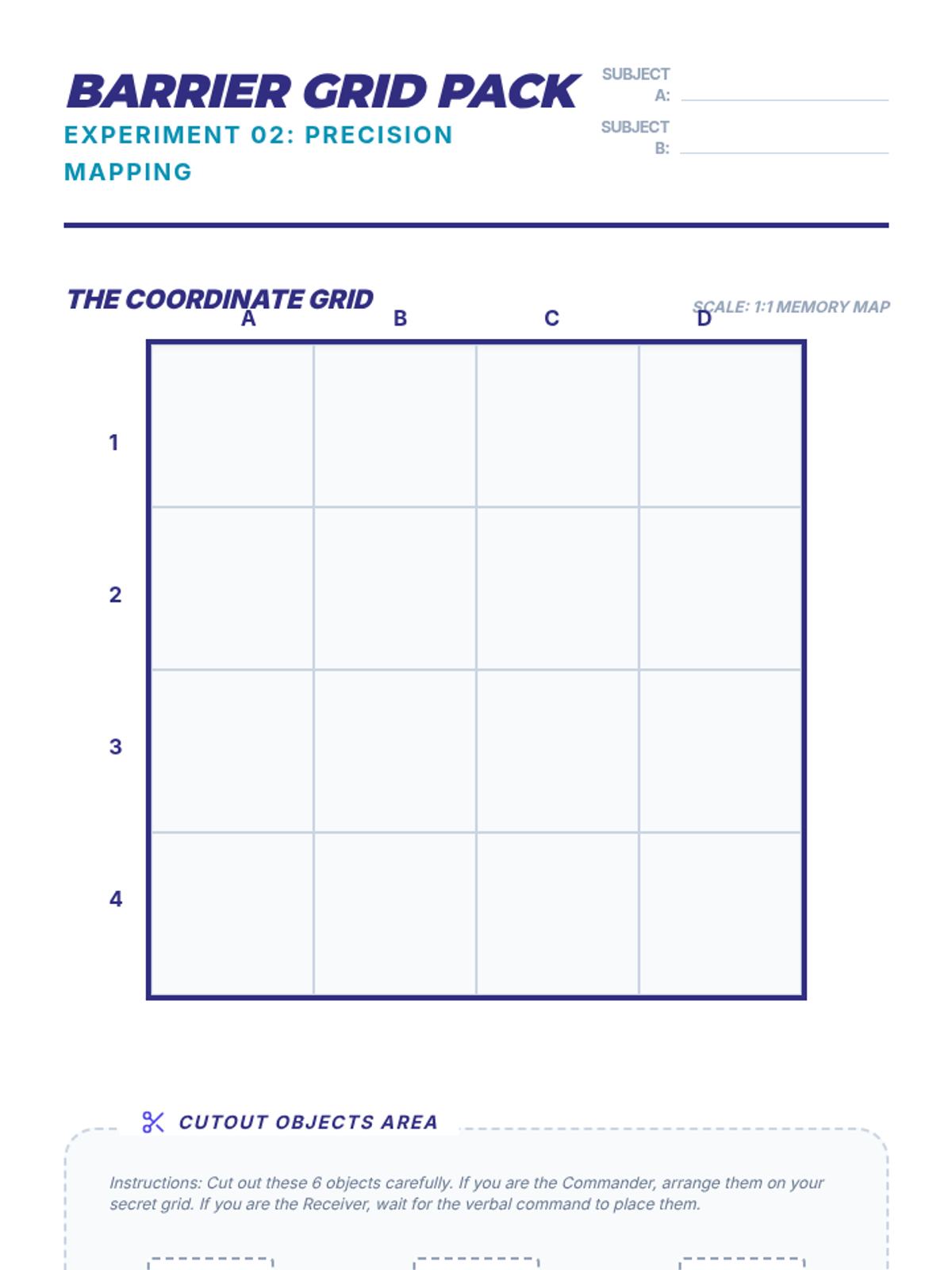
A student activity pack for Lesson 2, including a 4x4 coordinate grid and various cut-out objects for the barrier game.
A slide deck for Lesson 2, focusing on instructional precision and the rules of the barrier game activity.
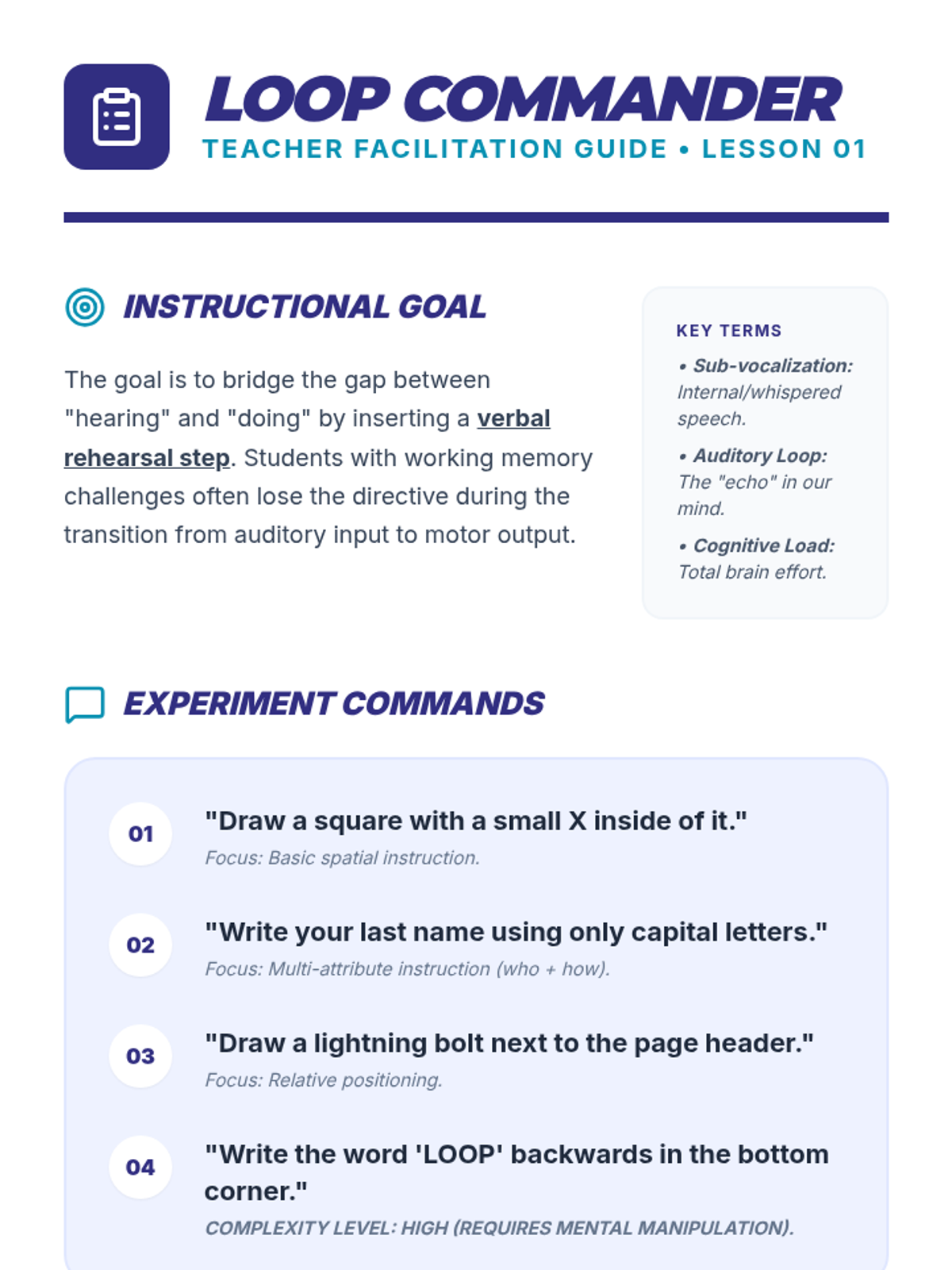
A teacher guide for Lesson 1, providing specific commands, instructional goals, and scaffolding tips for the verbal rehearsal strategy.
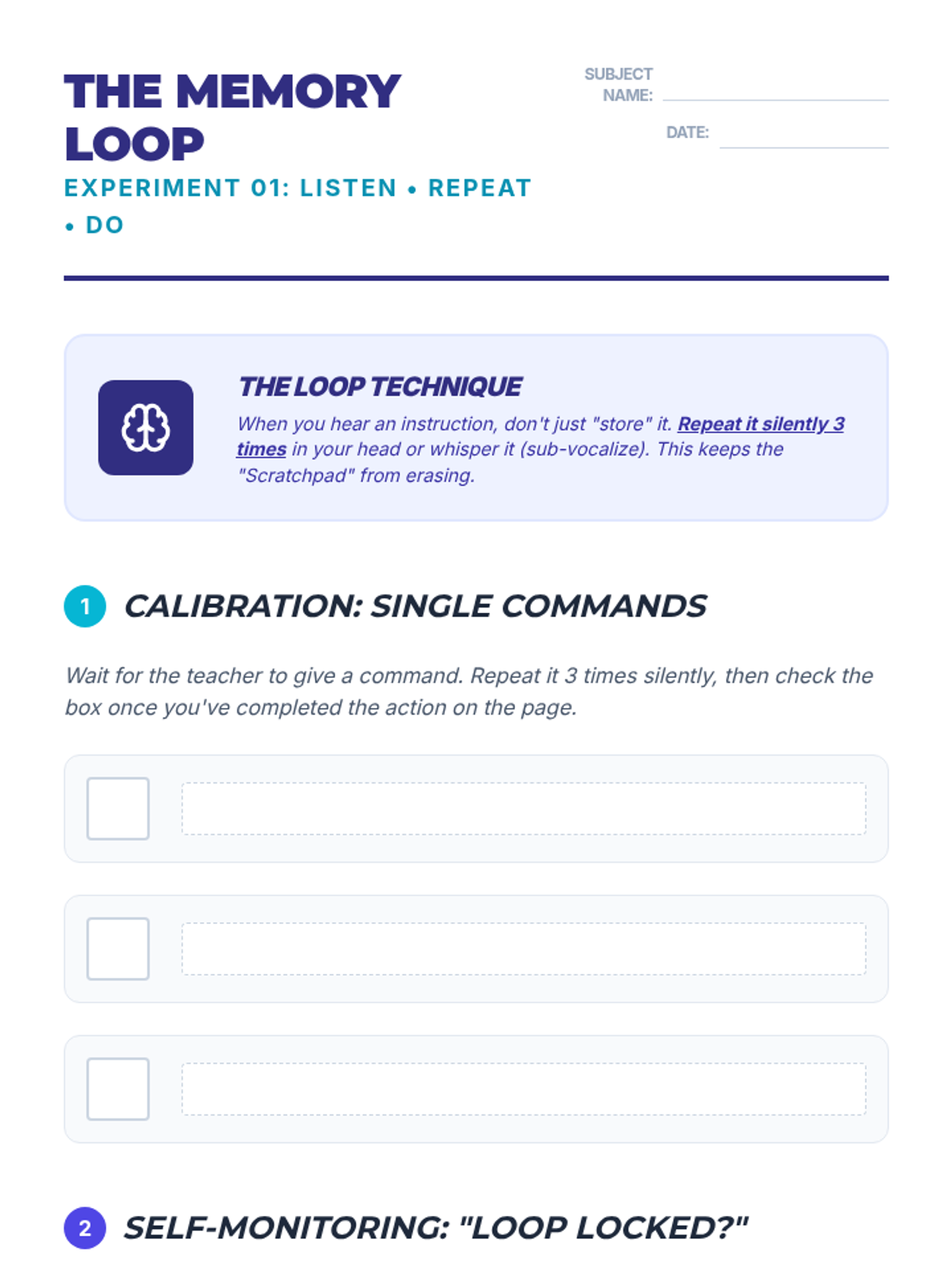
A student worksheet for practicing the 'Listen, Repeat, Do' strategy with spaces for tracking performance and reflecting on sub-vocalization effectiveness.
A visual slide deck for Lesson 1, introducing the concept of working memory, sub-vocalization, and the 'Listen, Repeat, Do' loop strategy.
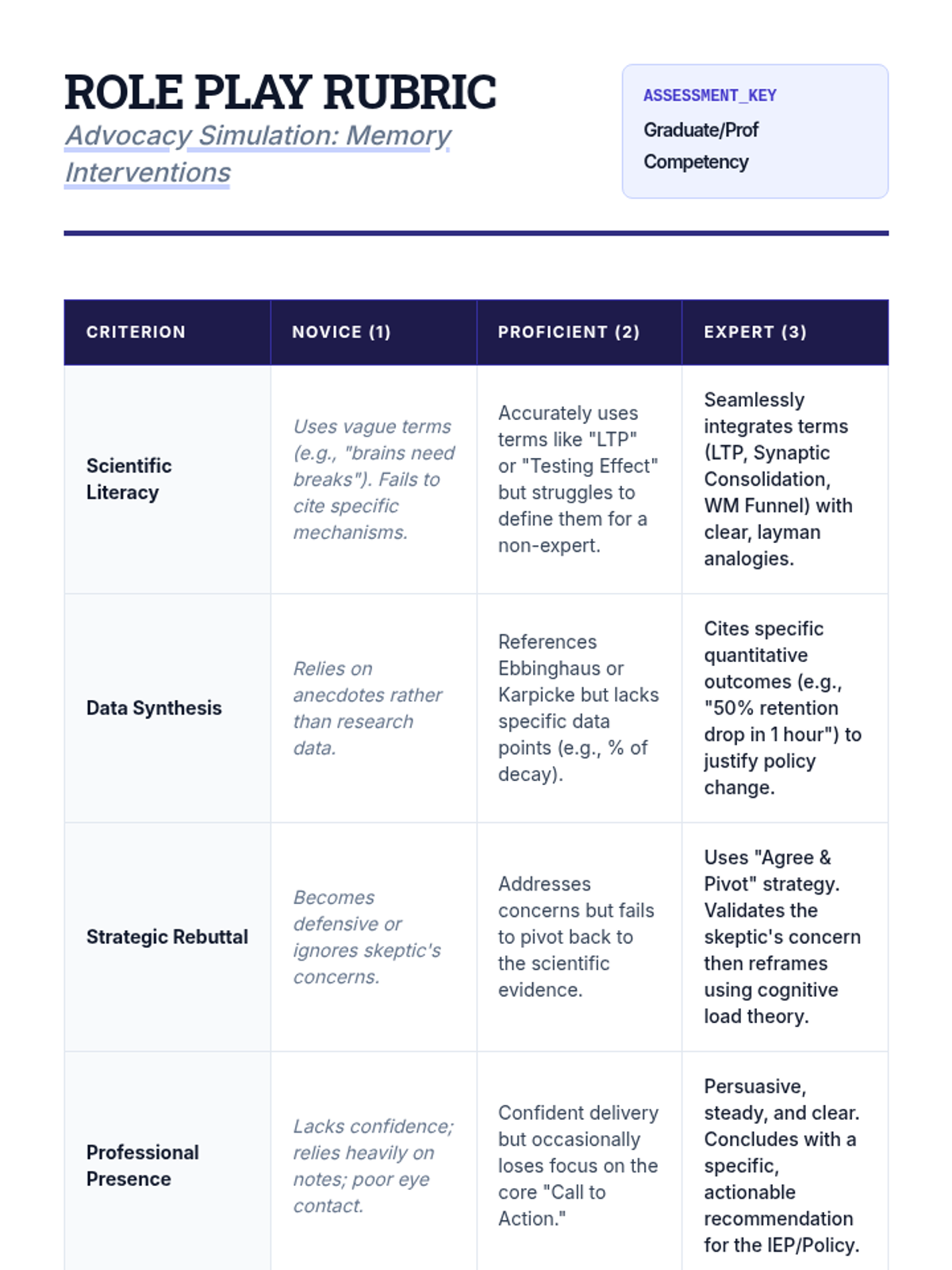
A professional evaluation rubric for graduate instructors to assess student performance in the advocacy simulation, focusing on scientific literacy, data synthesis, and strategic communication.
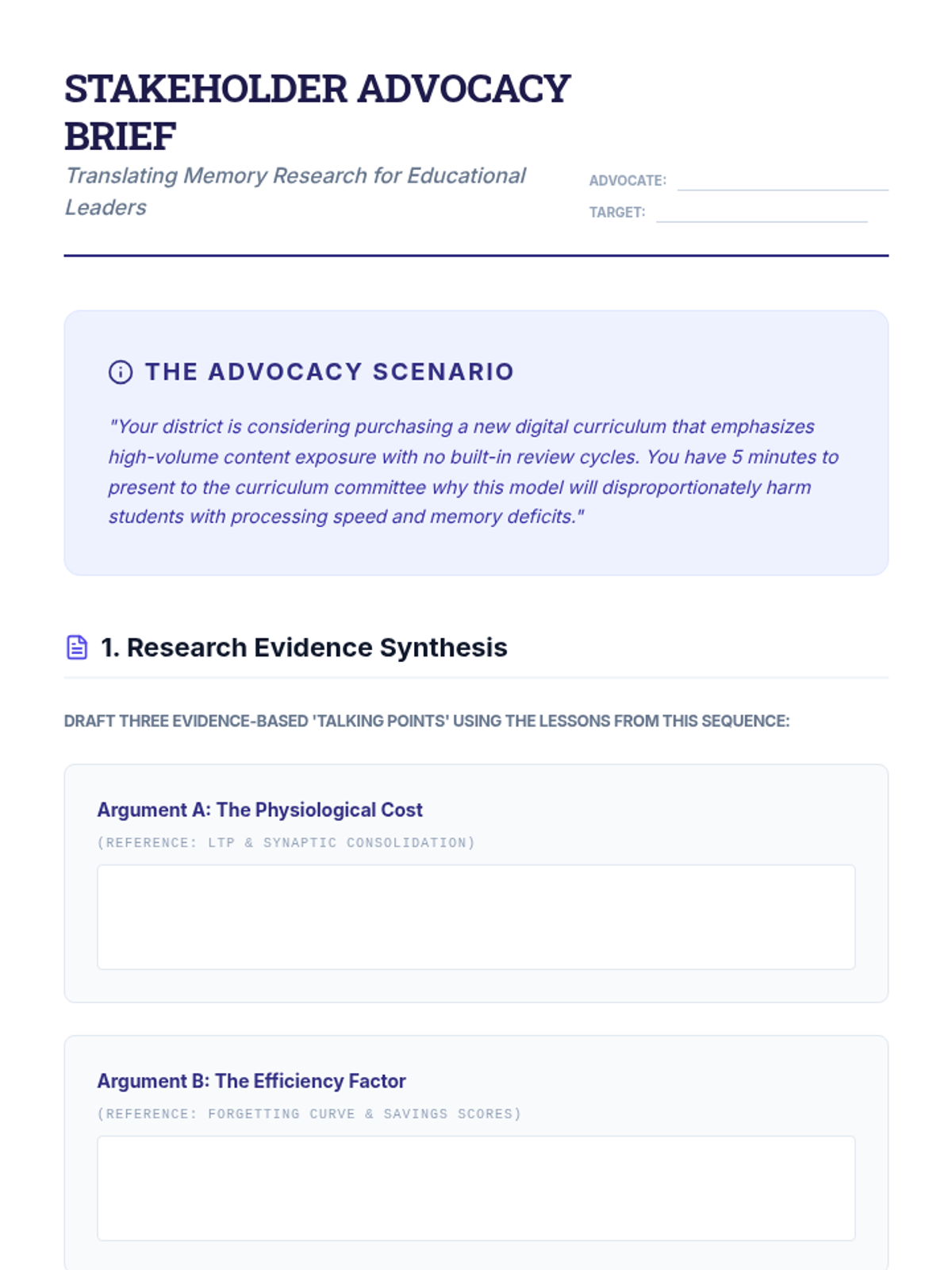
A professional advocacy brief for graduate students to synthesize research into a persuasive argument for evidence-based memory interventions to school stakeholders.
A graduate-level slide deck on professional advocacy, focusing on translating cognitive science research for school administrators and parents to secure buy-in for evidence-based interventions.
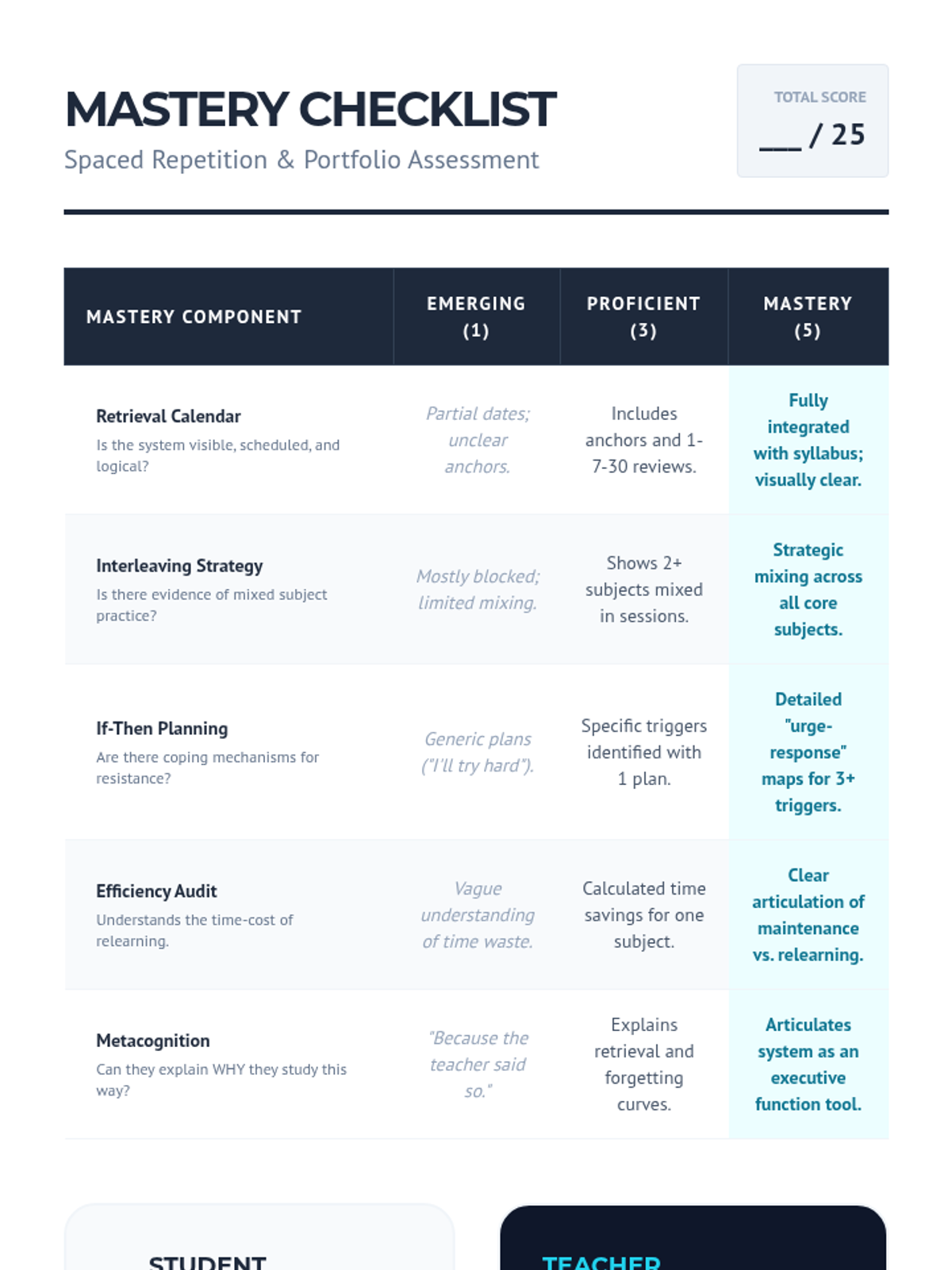
Final mastery rubric and self-assessment checklist for Lesson 5 to evaluate the student's independent learning system.
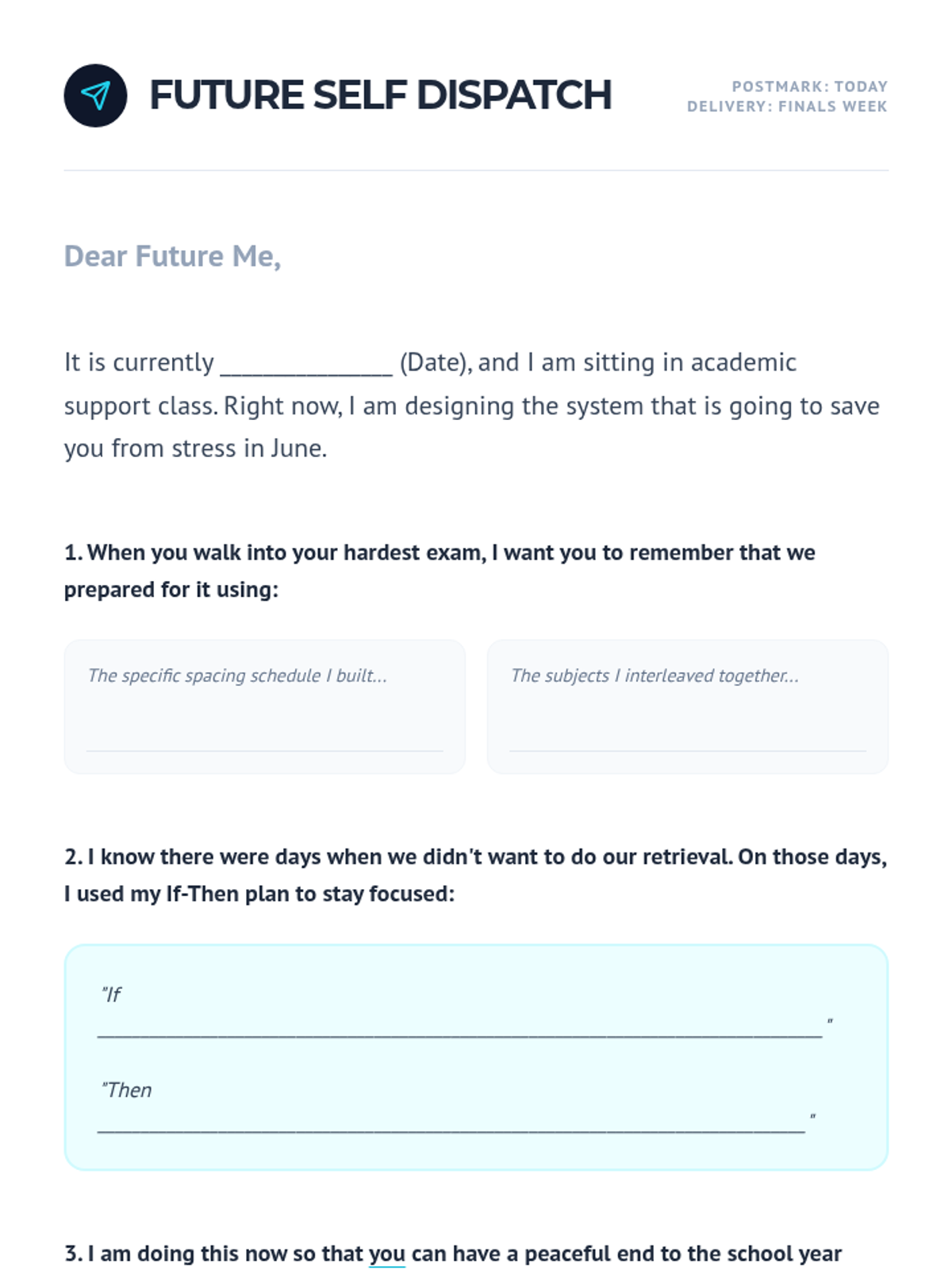
Reflection activity for Lesson 5 where students write a letter to their 'future self' about the study systems they are implementing.
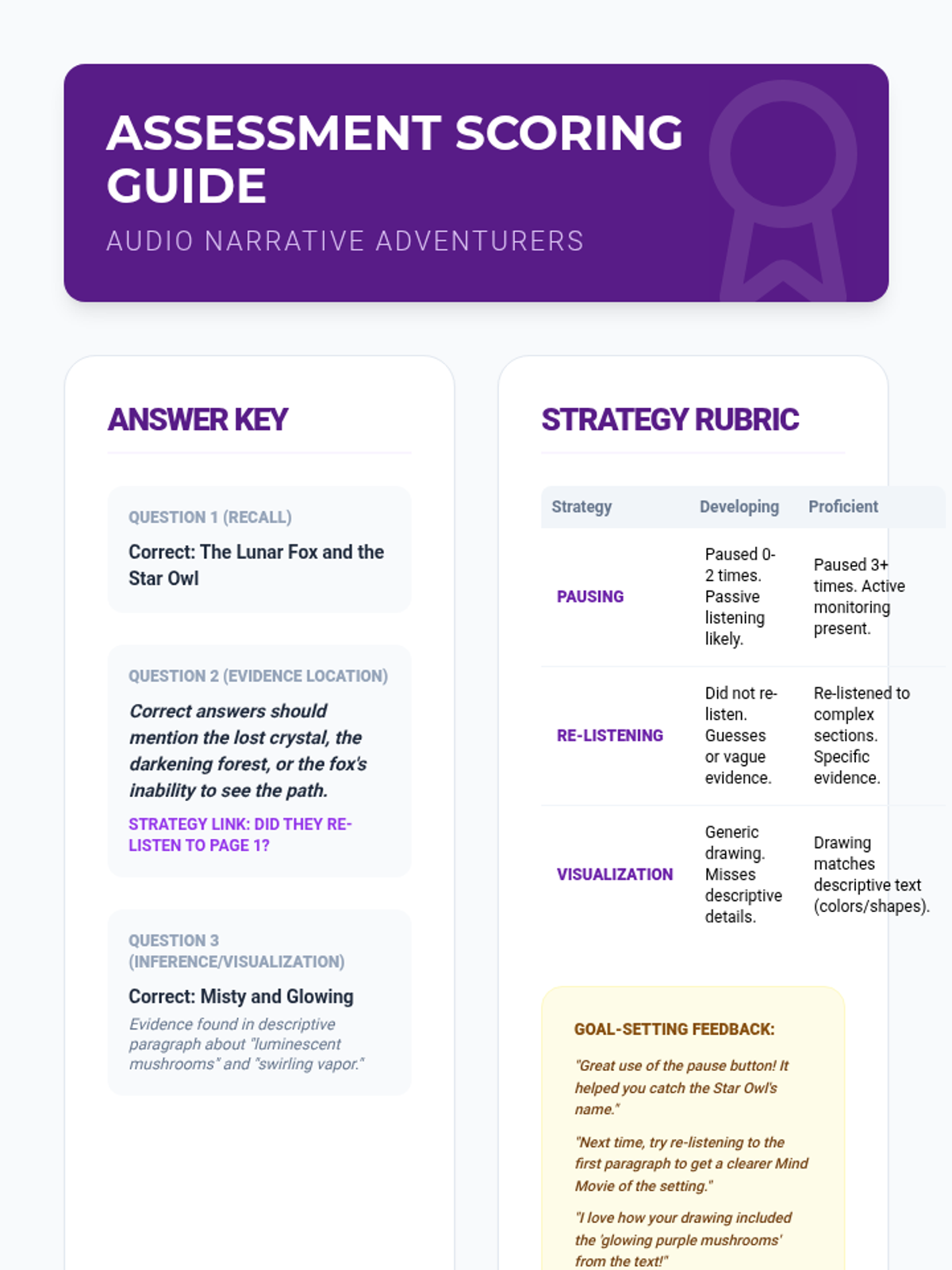
Scoring rubric and answer key for the final assessment, focusing on both comprehension and the correct application of text-to-speech reading strategies.
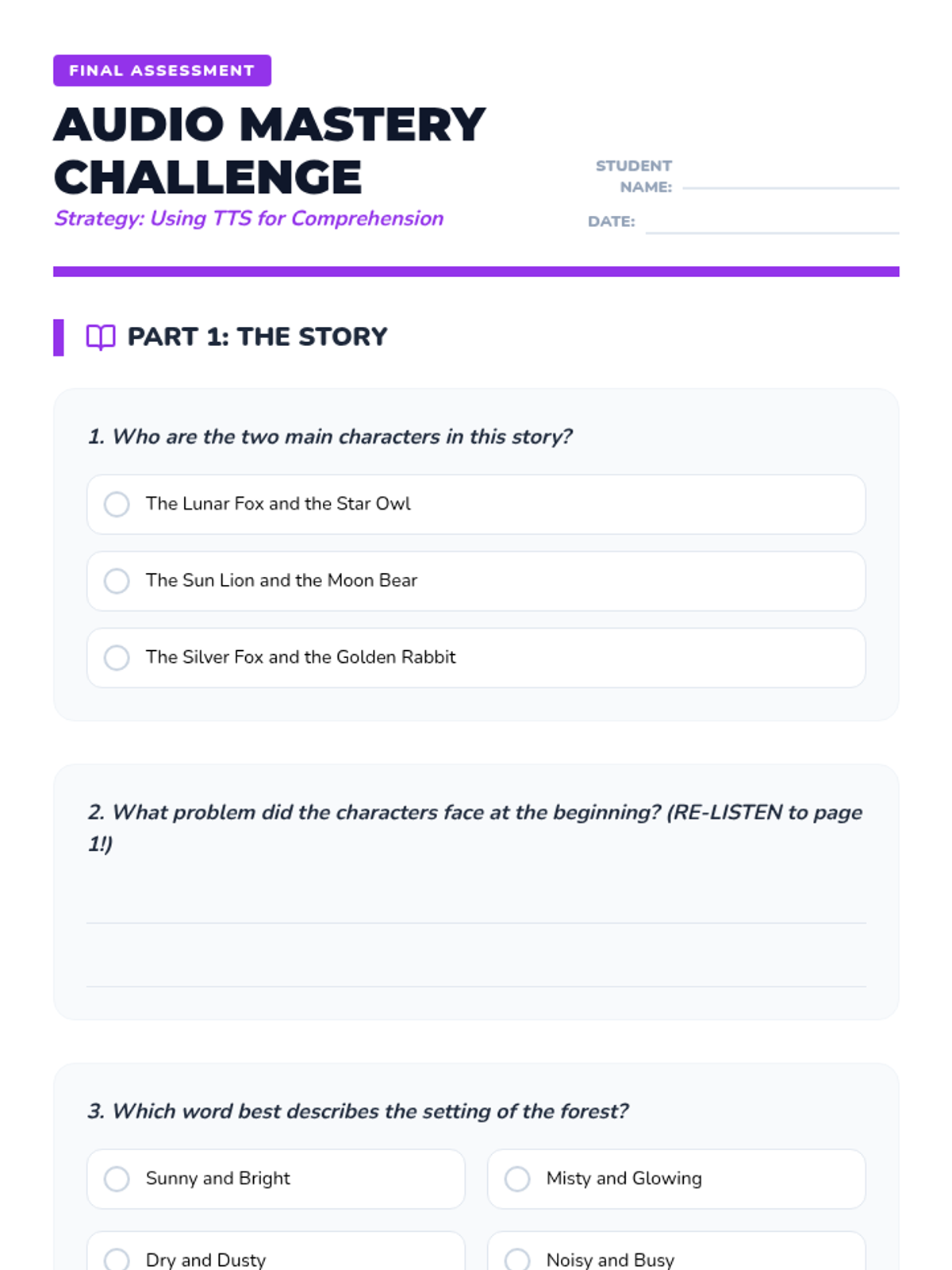
A final assessment for the audio comprehension sequence, testing story understanding and evaluating strategic tool usage (pausing, re-listening, visualization).
Slides for Lesson 5, reviewing all text-to-speech comprehension strategies before the final assessment.
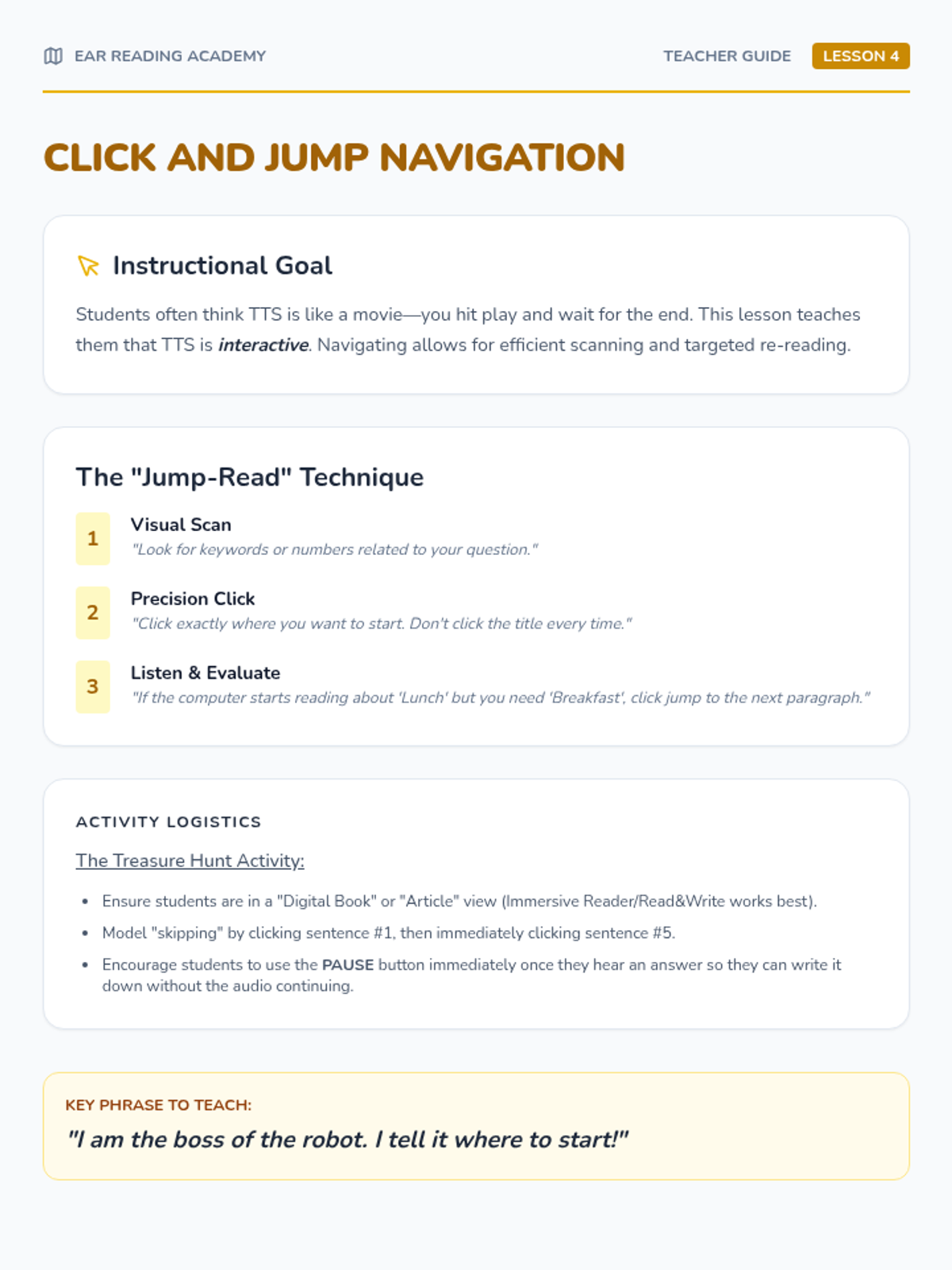
Teacher guide for Lesson 4, focusing on teaching students to use TTS for interactive scanning and re-reading rather than passive listening.
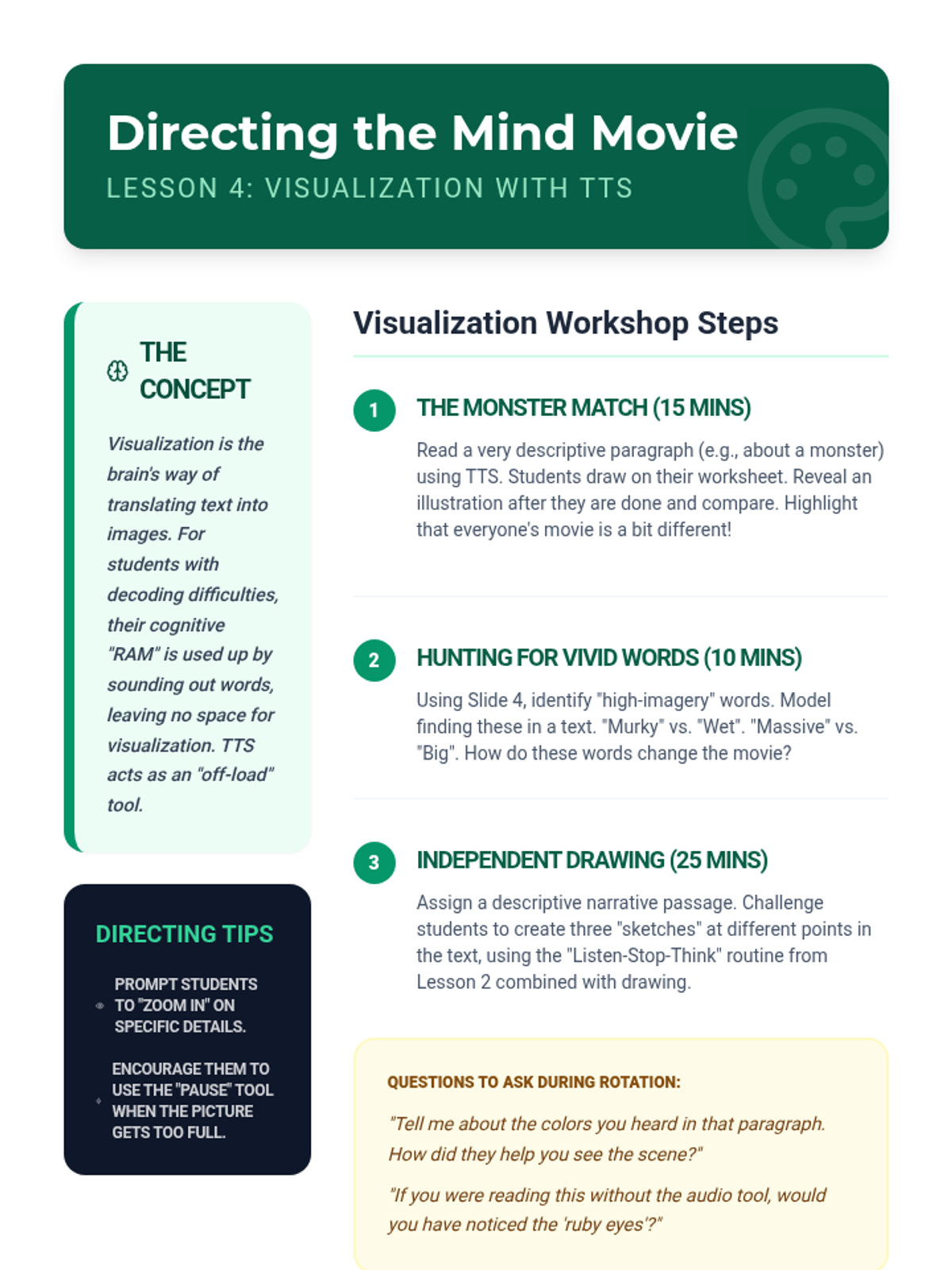
Teacher guide for Lesson 4, facilitating visualization exercises and guiding students to notice descriptive language through audio.
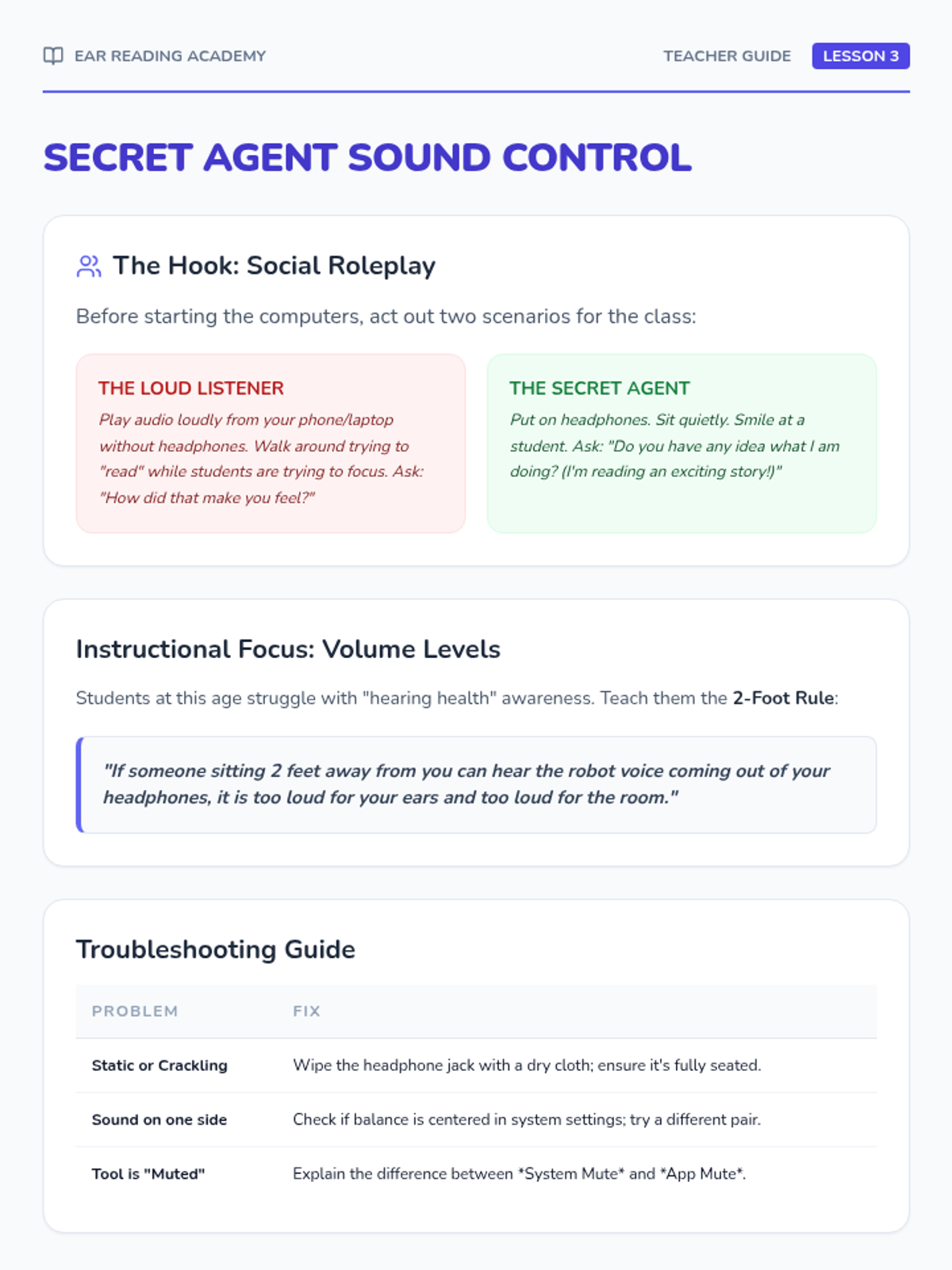
Teacher guide for Lesson 3, focusing on the social etiquette of using TTS and technical troubleshooting for headphones.
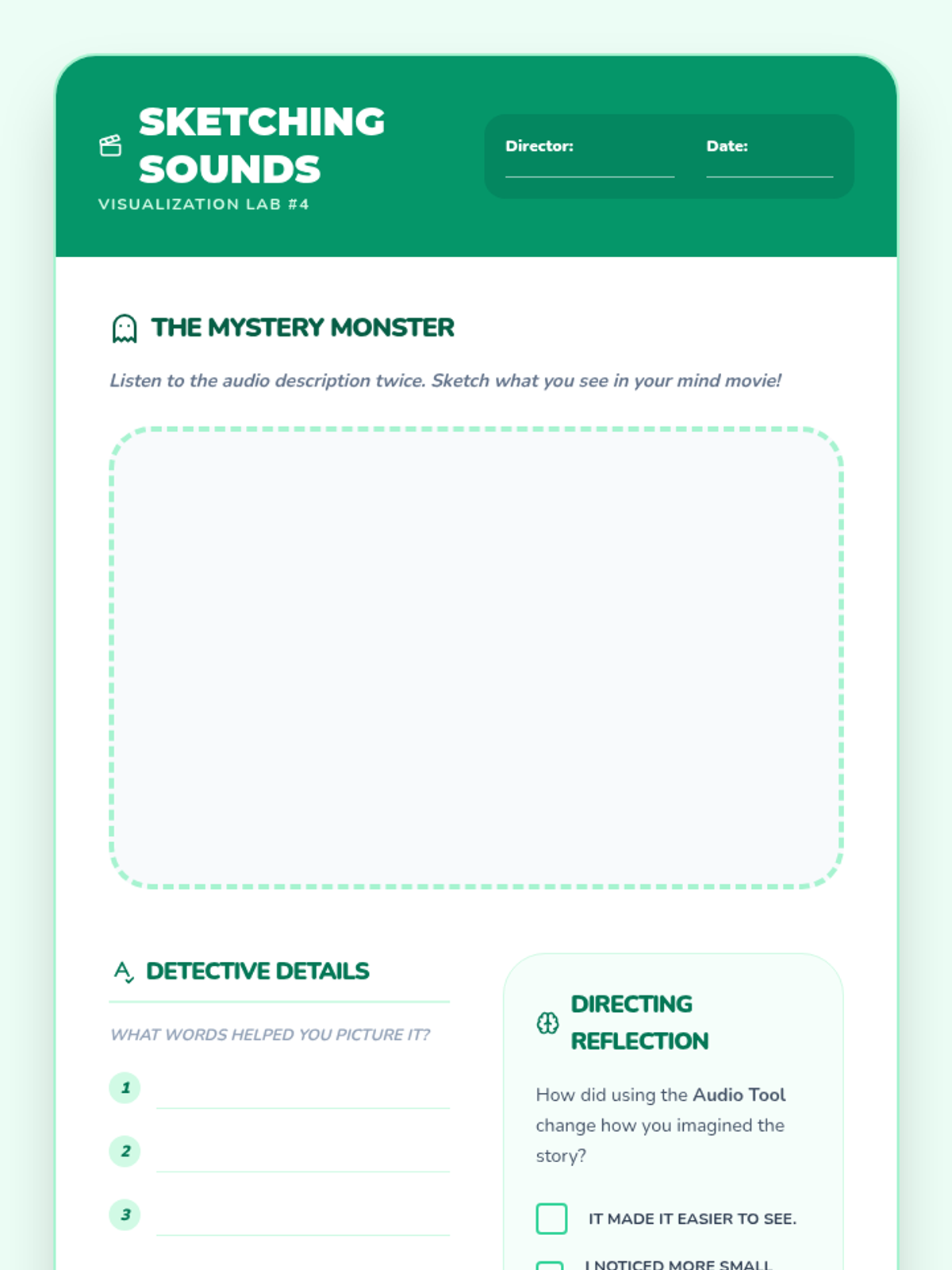
A student worksheet for visualizing descriptive audio, including a drawing space for the 'Mystery Monster' and reflection questions.
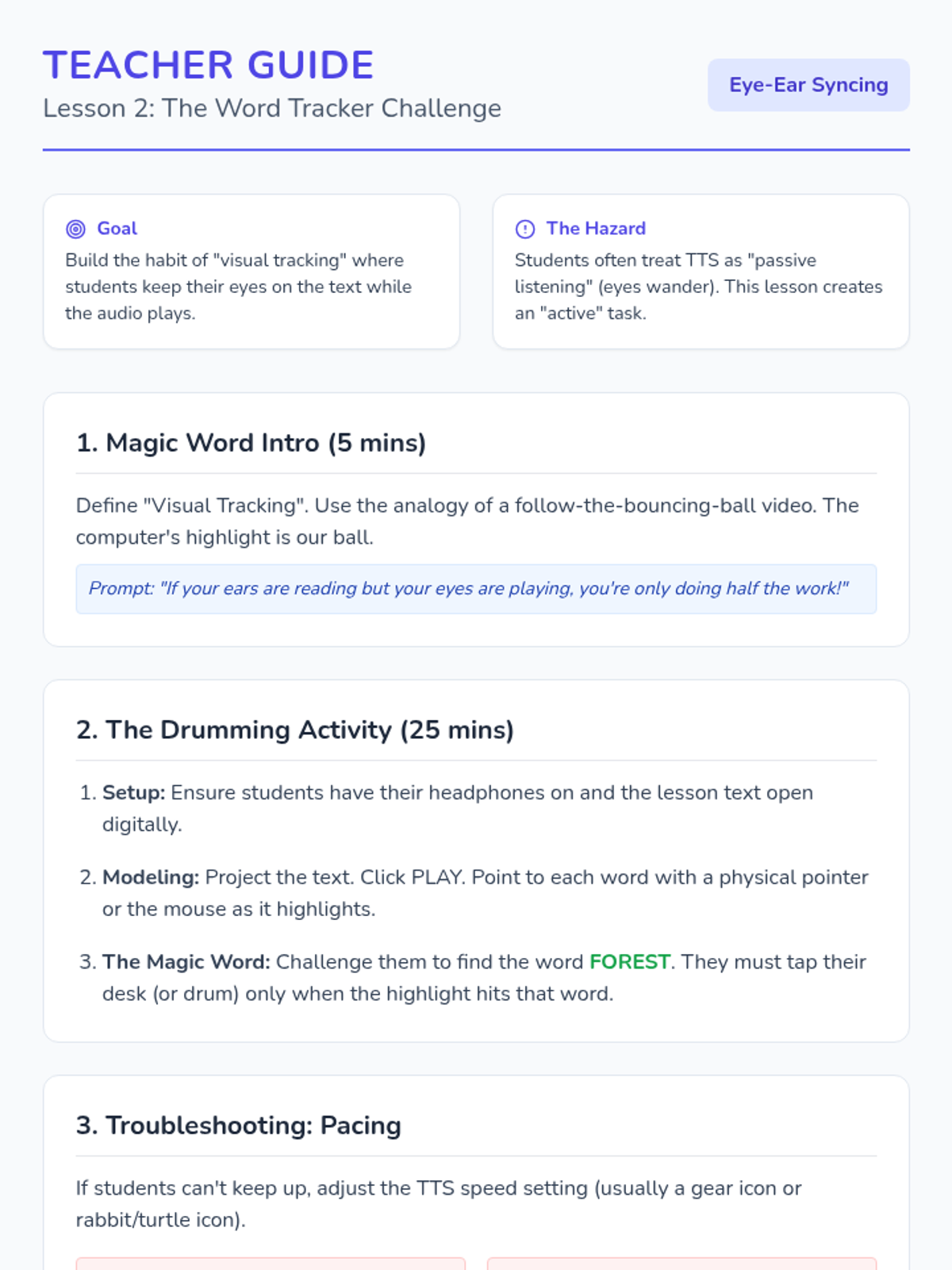
Teacher guide for Lesson 2 focusing on visual tracking and the 'Magic Word' drumming game.
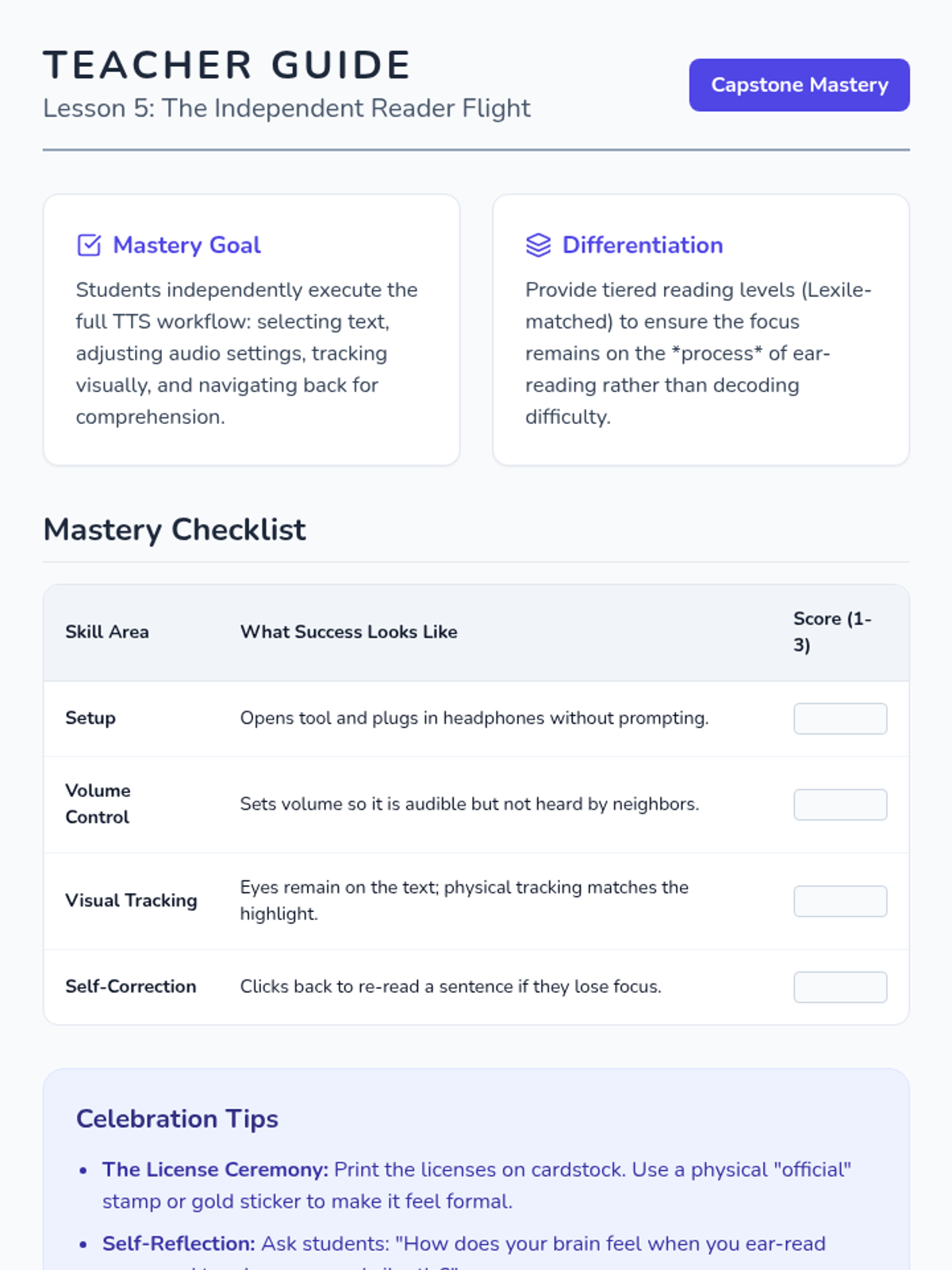
Teacher guide for the final lesson, including a mastery rubric and celebration tips for the graduation ceremony.
Slides for Lesson 4, introducing the 'Mind Movie' concept and focusing on using TTS to free up cognitive energy for visualization.
Slides for the final lesson of the TTS sequence, celebrating student progress and setting the stage for independent reading.
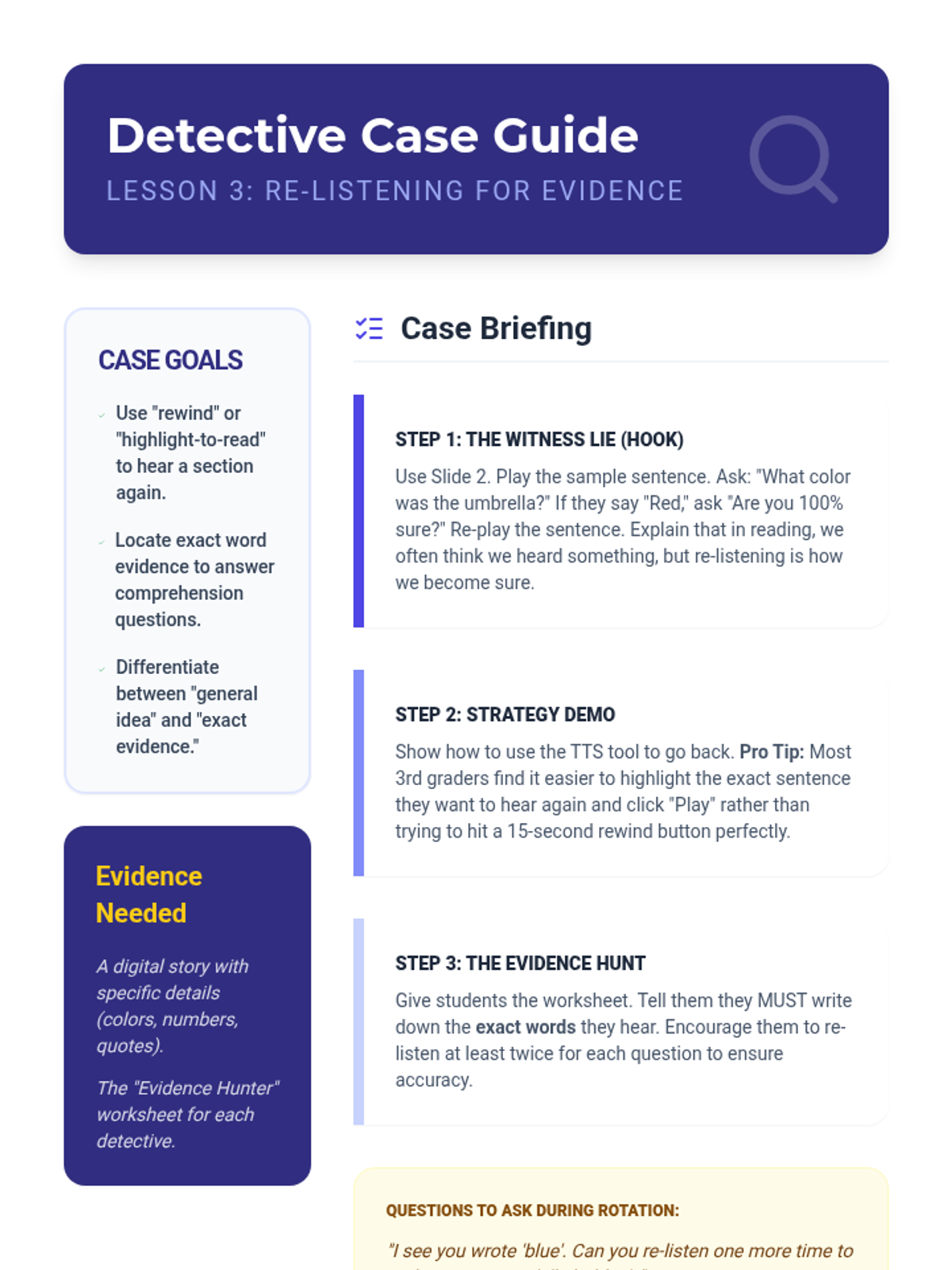
Teacher guide for Lesson 3, including how to facilitate the witness game and specific coaching prompts for re-listening strategies.
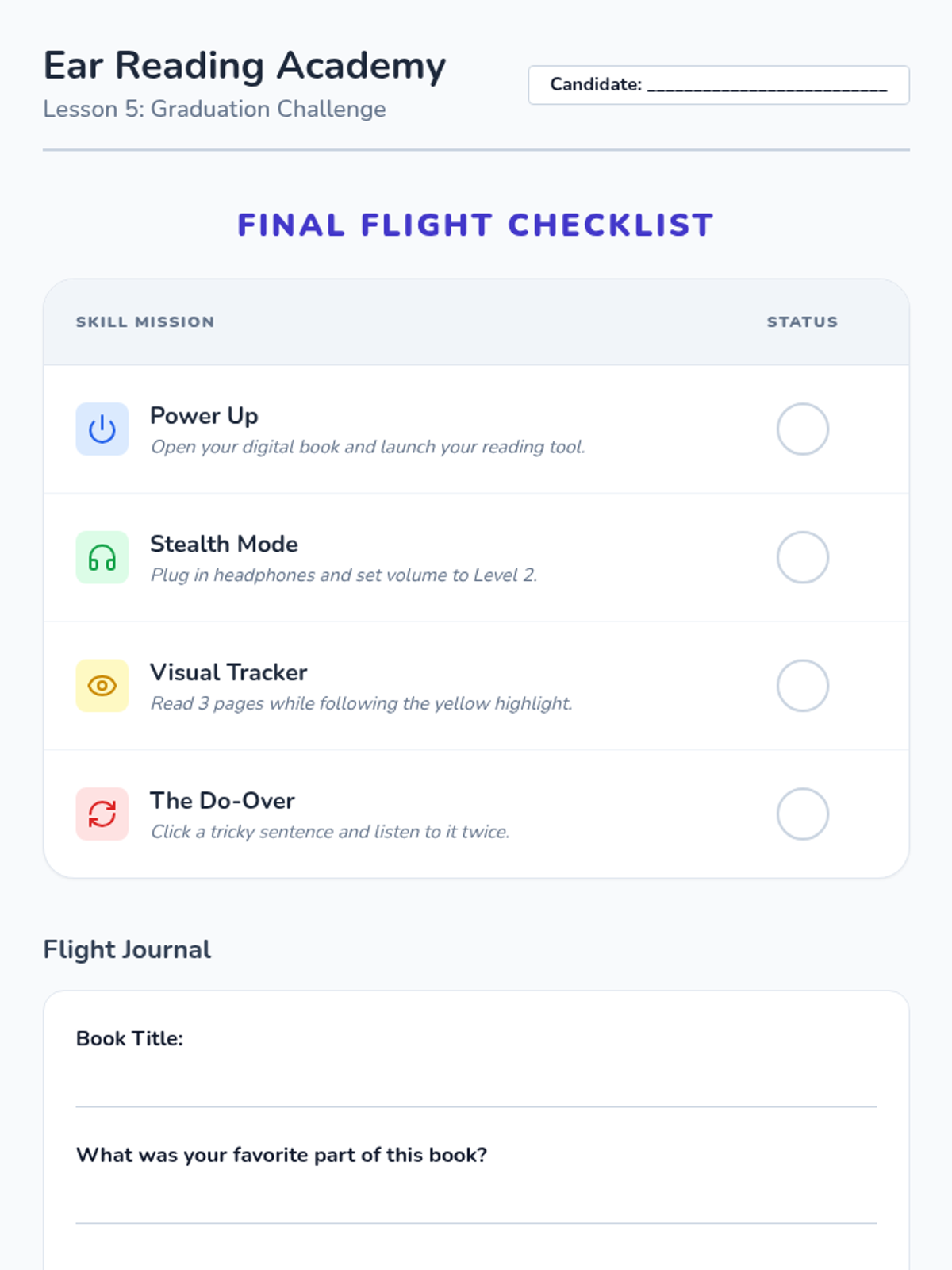
Final assessment and 'Digital Reader License' for the Ear Reading Academy sequence.
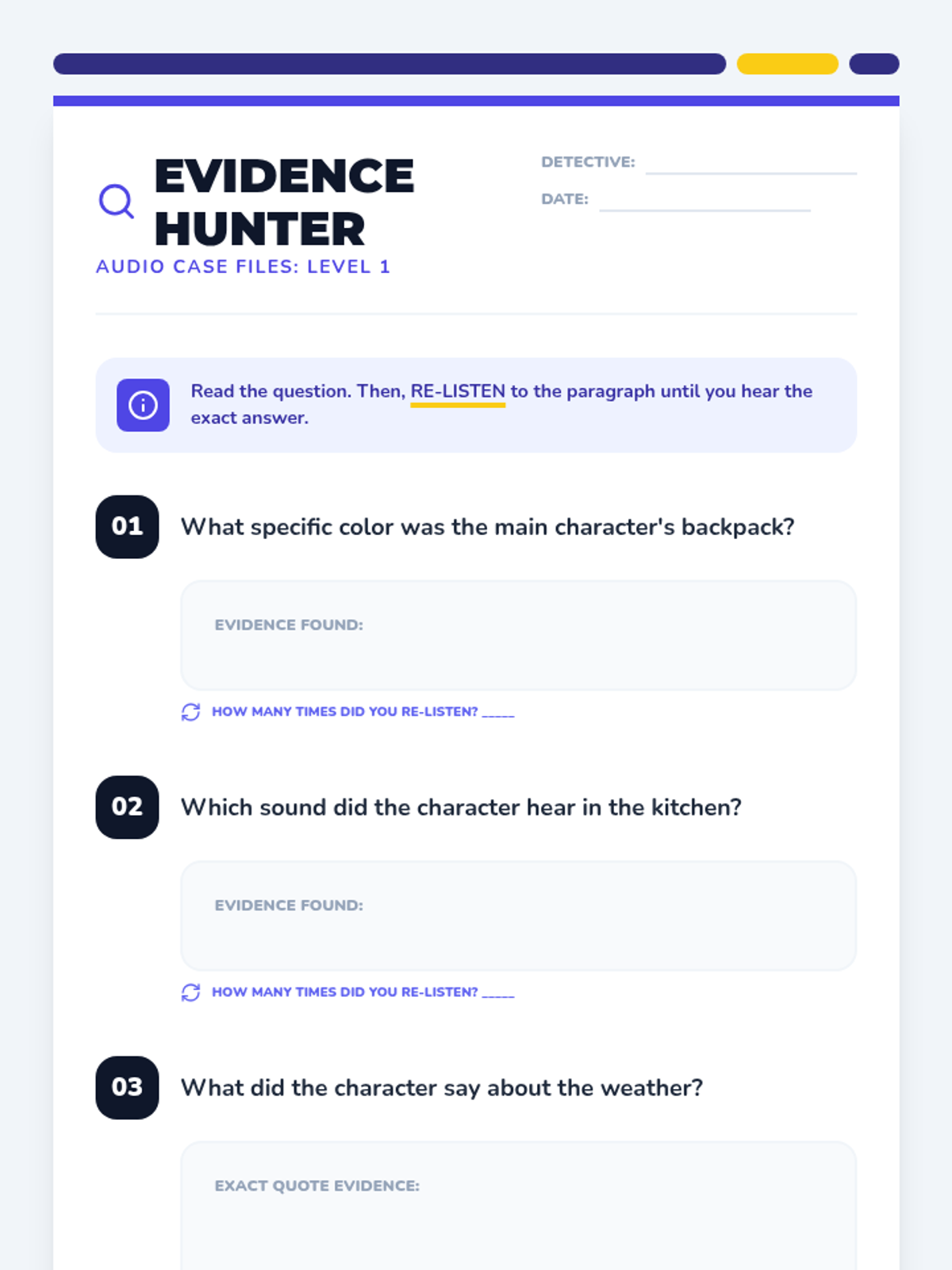
A student worksheet designed as a case file for practicing re-listening skills to find specific details and evidence in a story.
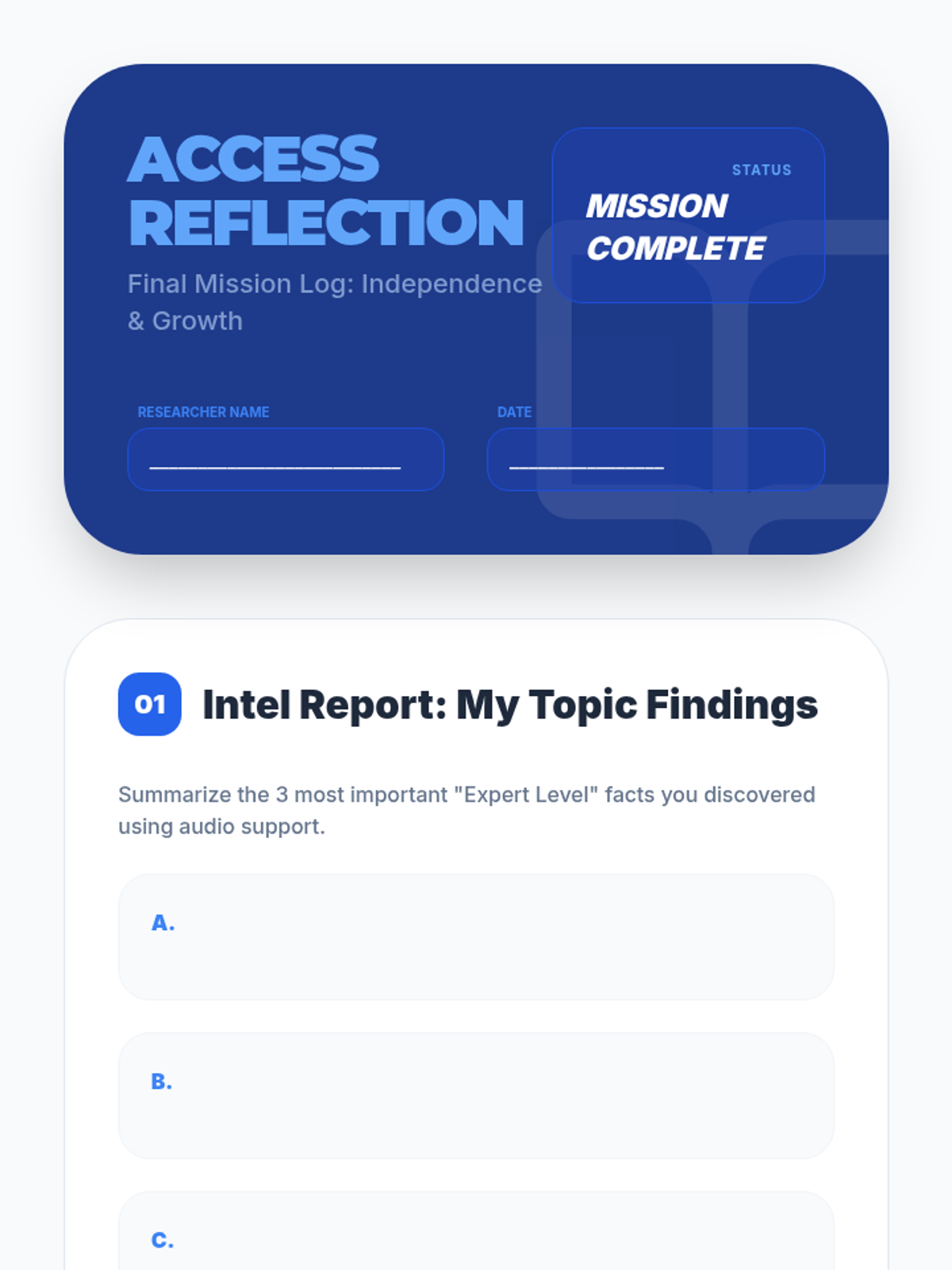
Student reflection journal for Lesson 5, guiding them through summarizing their research findings and reflecting on their journey from decoding frustration to digital independence.
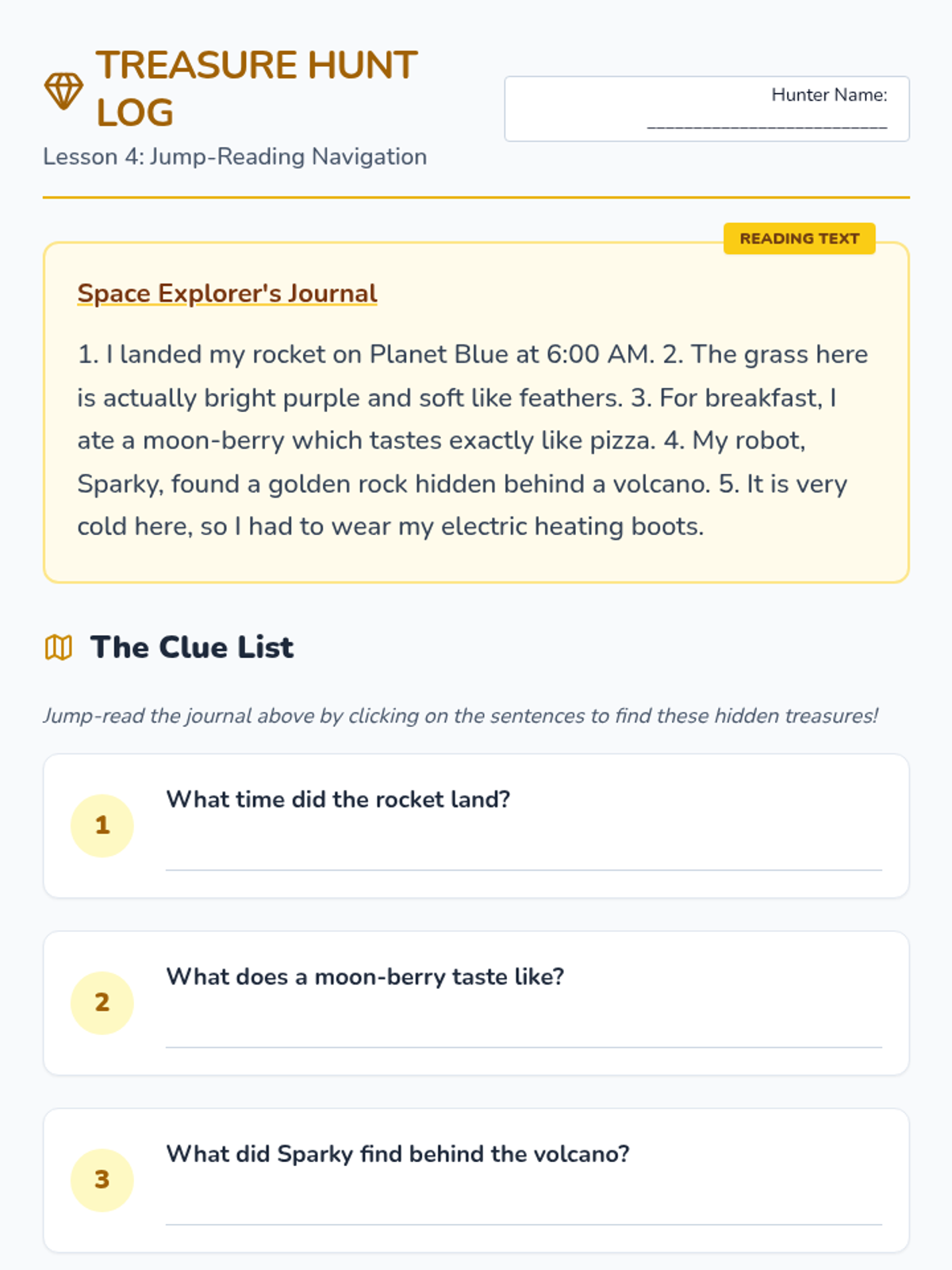
Worksheet for Lesson 4 where students jump-read a text using TTS to find specific 'treasure' facts.
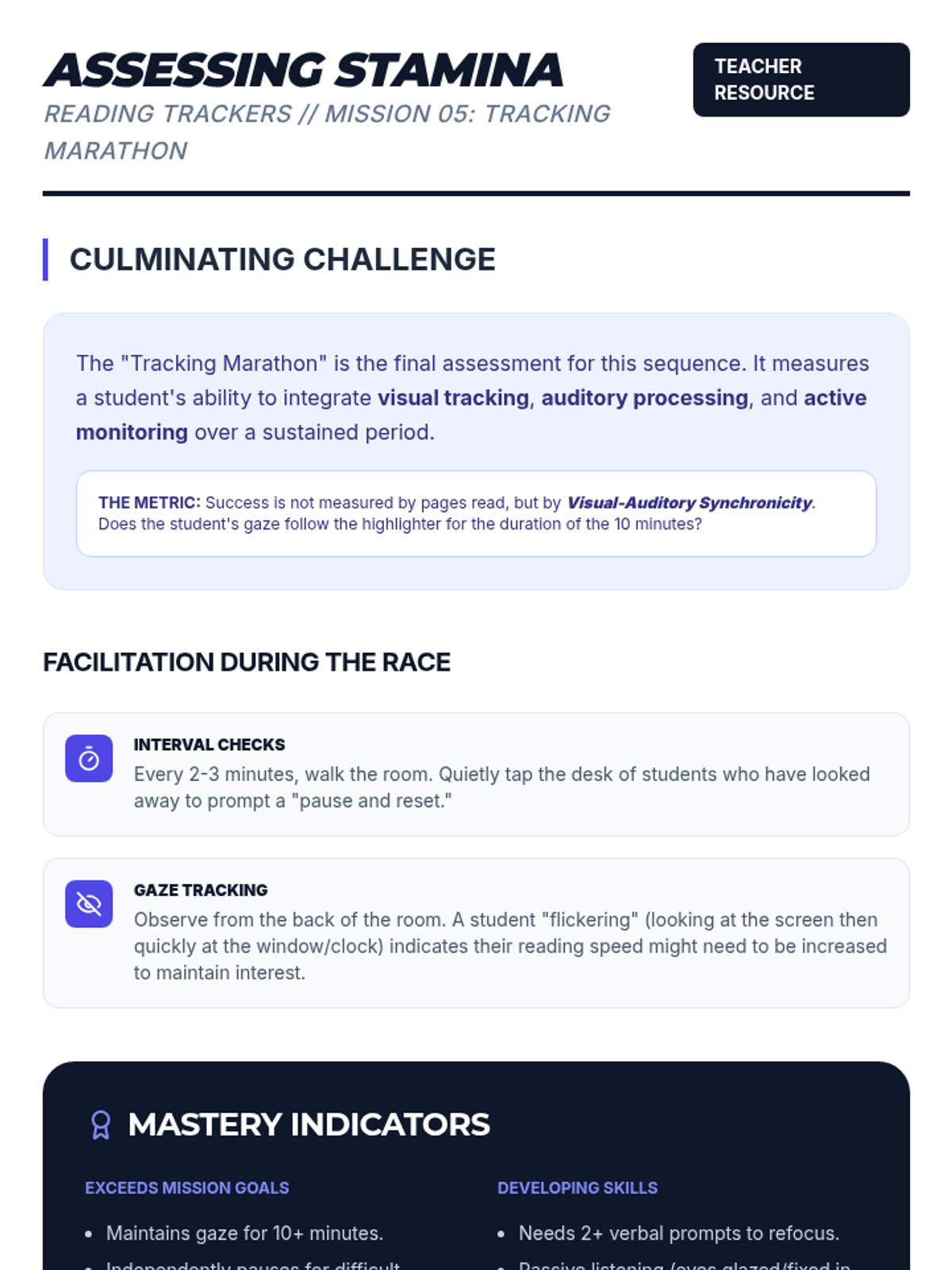
A teacher guide for Lesson 5, focusing on assessing sustained attention and visual-auditory synchronicity during the 'Tracking Marathon' challenge.
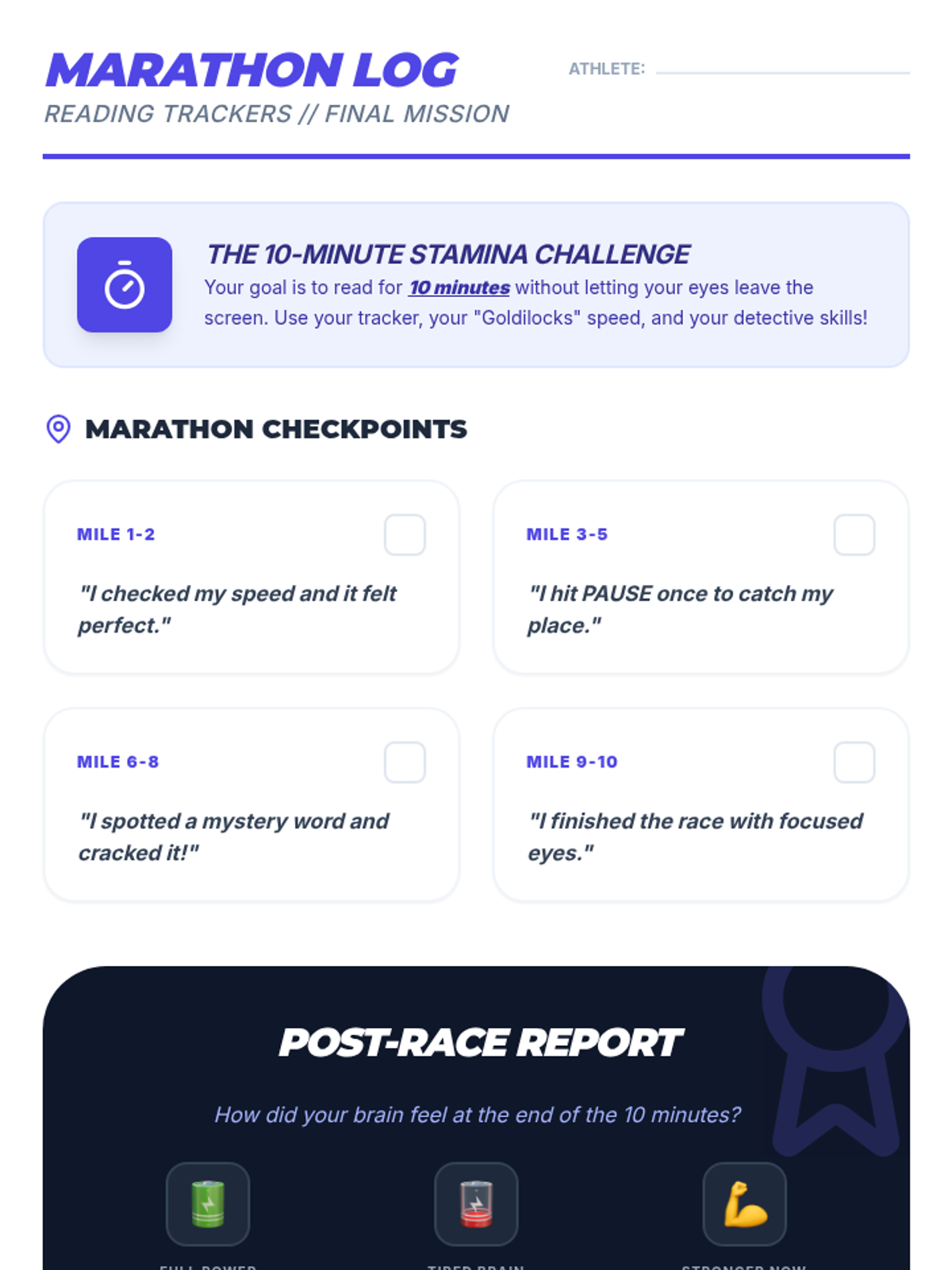
A student reflection sheet for the Lesson 5 'Tracking Marathon', where they track their focus and success across checkpoints during a sustained reading session.
Sequence-wide facilitator guide for teachers, providing a roadmap, pacing, and specific strategies for implementing the Idea Lab sequence in a special education setting.
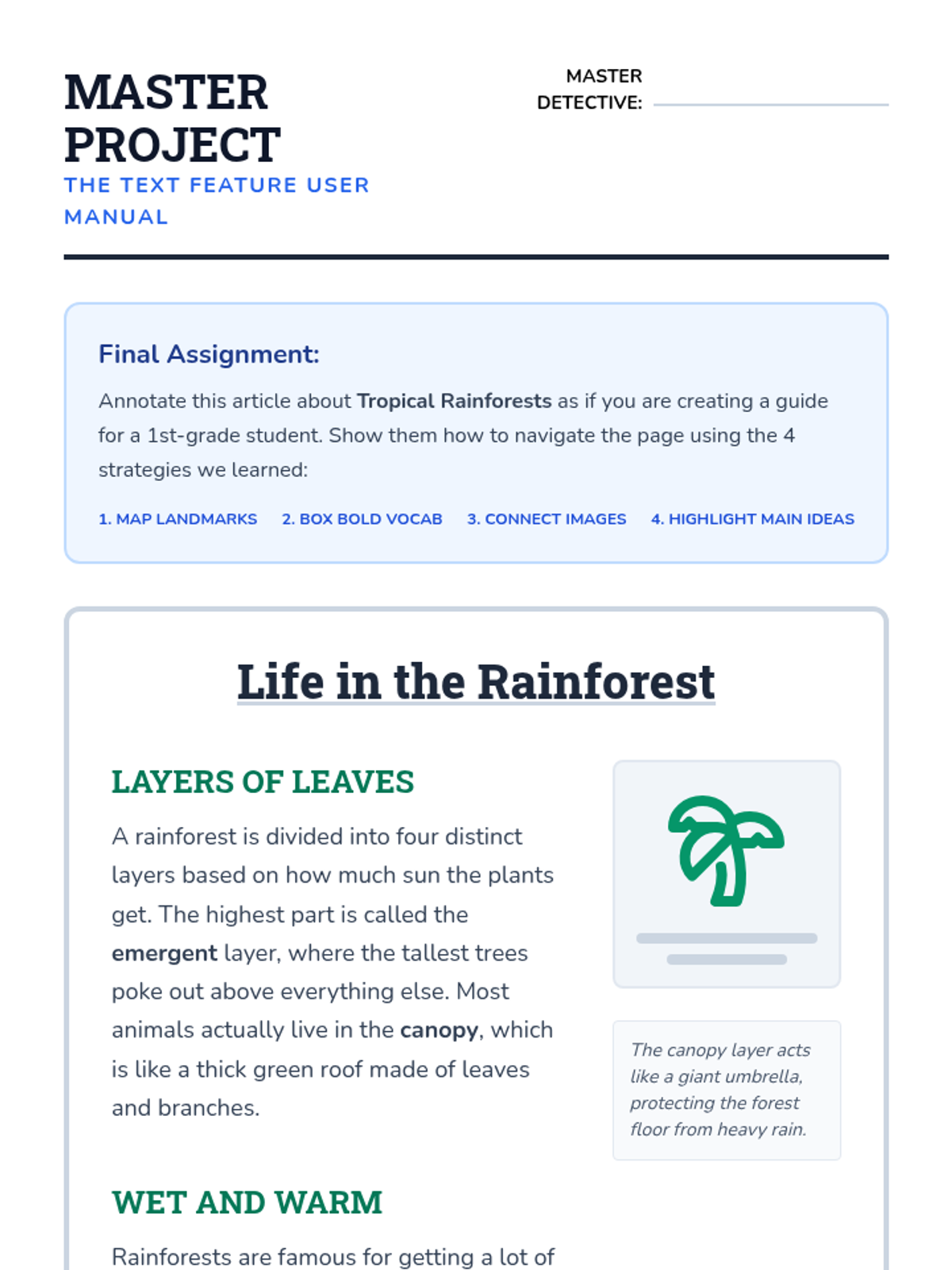
Final project worksheet and rubric for Lesson 5. Students annotate an article about rainforests, combining all strategies: mapping features, boxing vocabulary, connecting captions to images, and highlighting main ideas. Includes a comprehensive rubric for teacher assessment.
Final project slide deck for Lesson 5. Students are challenged to become 'experts' and create a 'User Manual' of an informational text page for a younger student, demonstrating their mastery of all annotation strategies learned in the unit.
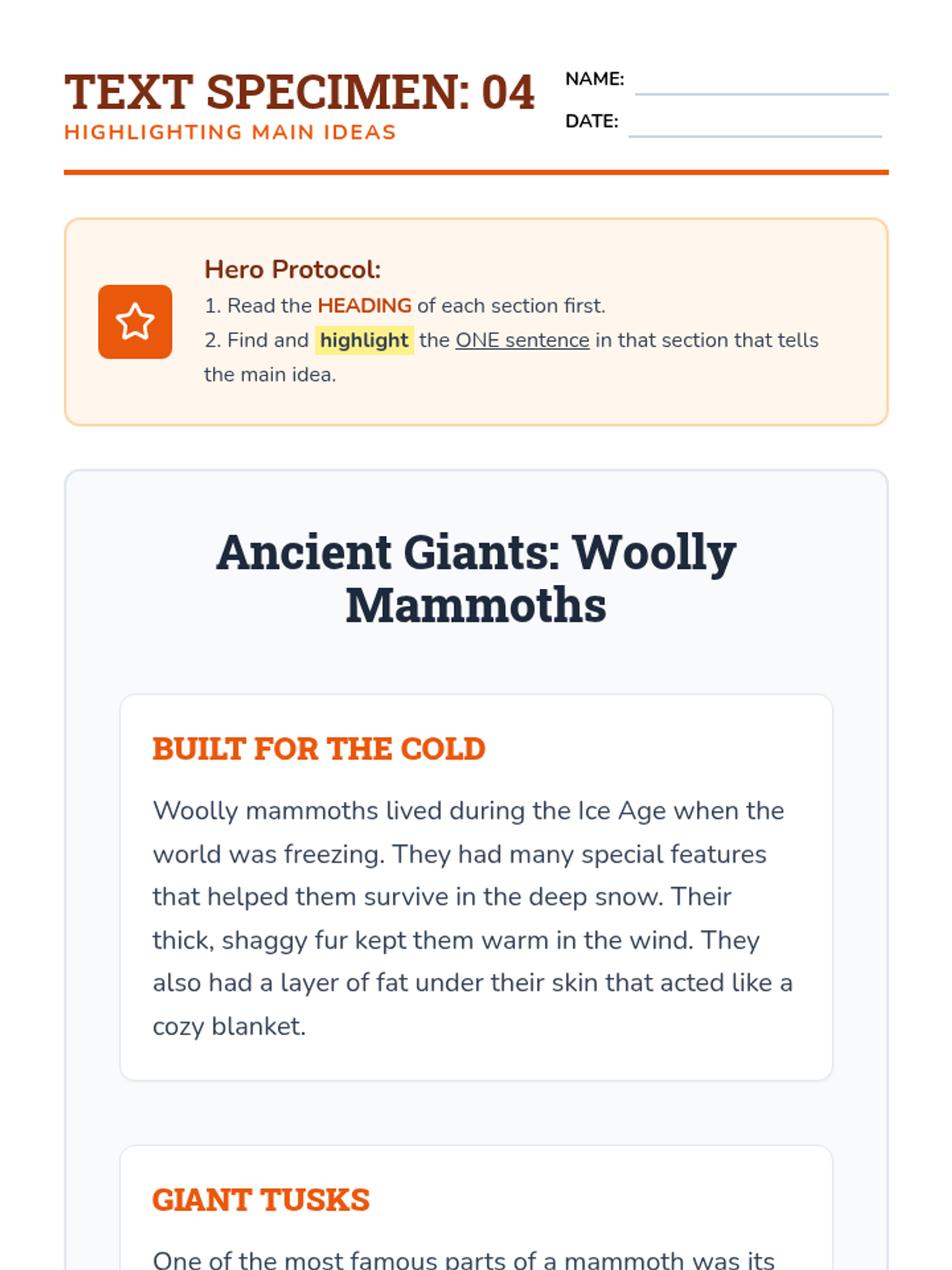
Worksheet and Answer Key for Lesson 4. Students analyze a text about woolly mammoths, identifying the main idea sentence for three distinct sections. Includes a teacher key with rationales for each correct main idea sentence.
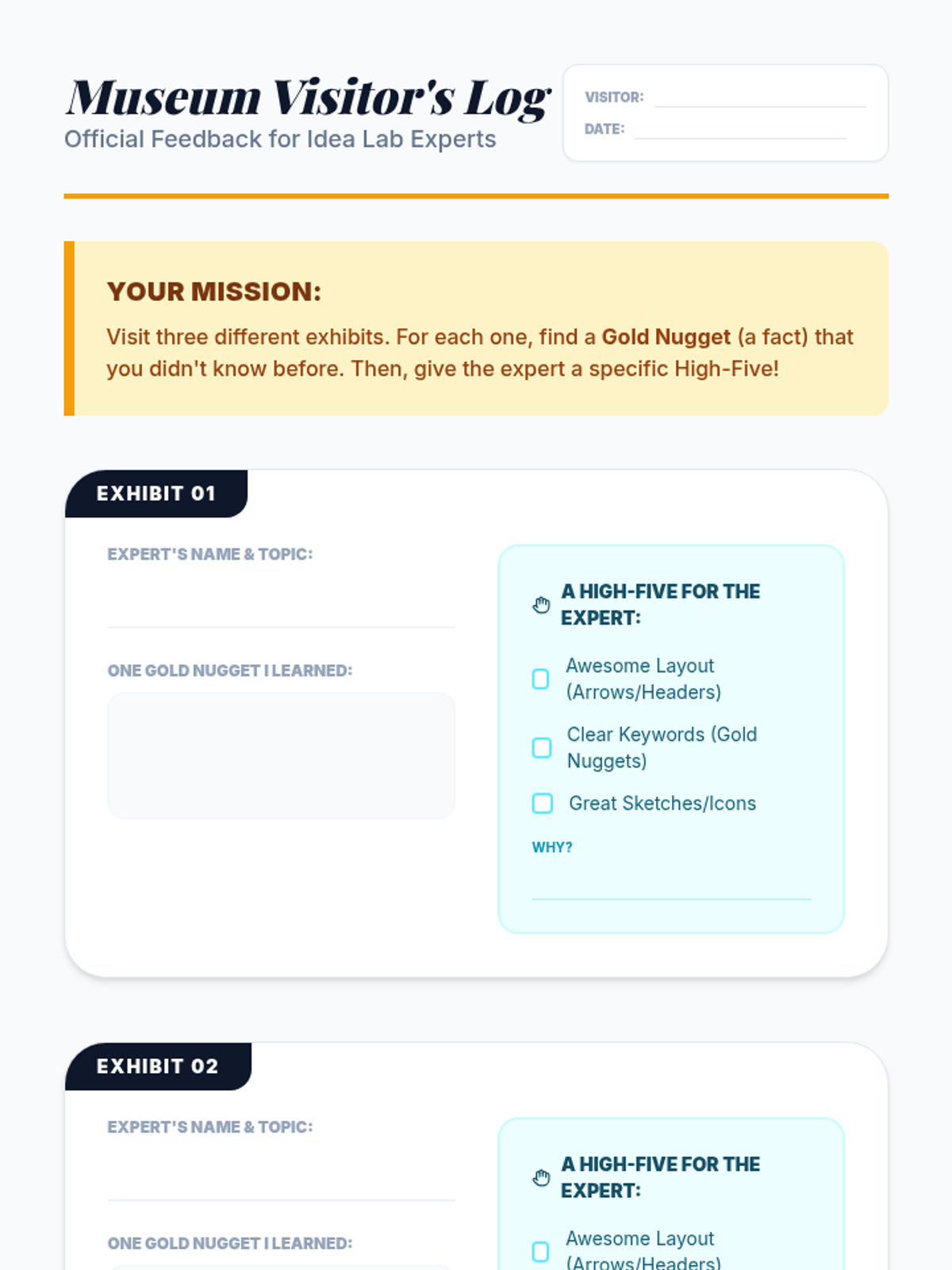
Log sheet for students to use during the Museum Opening gallery walk, recording facts learned from peers and providing structured feedback.
Slide deck for Lesson 4, teaching students how to identify the main idea within text sections. It explains that headings act as 'promises' of content and introduces the 'Goldilocks' concept—finding the sentence that is 'just right' to summarize a section without being too detailed or too broad.
Slide deck for Lesson 5, 'The Museum Opening,' guiding students through a gallery walk to present their Expert Guides and provide peer feedback.
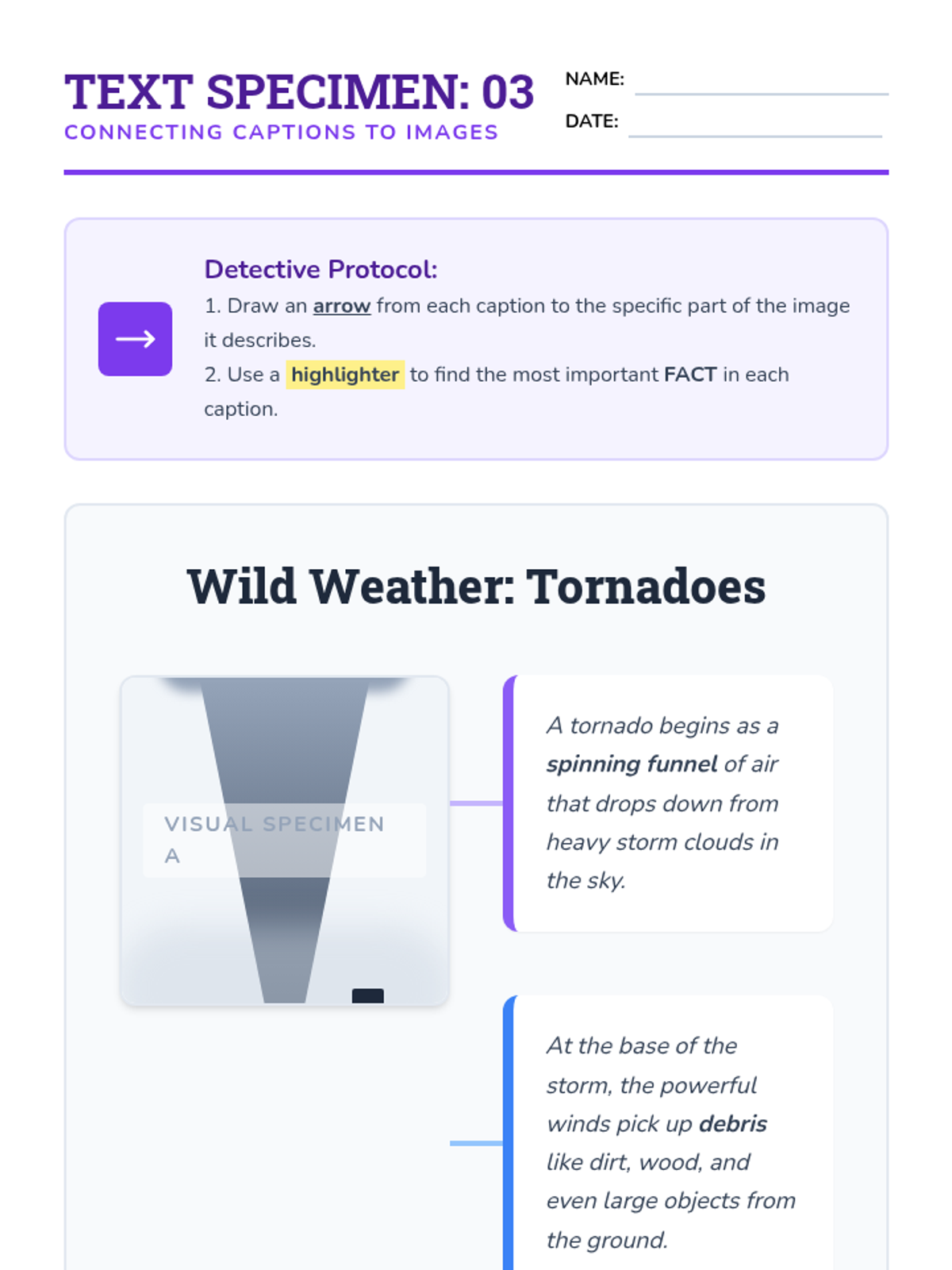
Worksheet and Answer Key for Lesson 3. Students analyze a diagram of a tornado, drawing arrows from two descriptive captions to the corresponding parts of the image (funnel and debris) and highlighting the key fact in each caption.
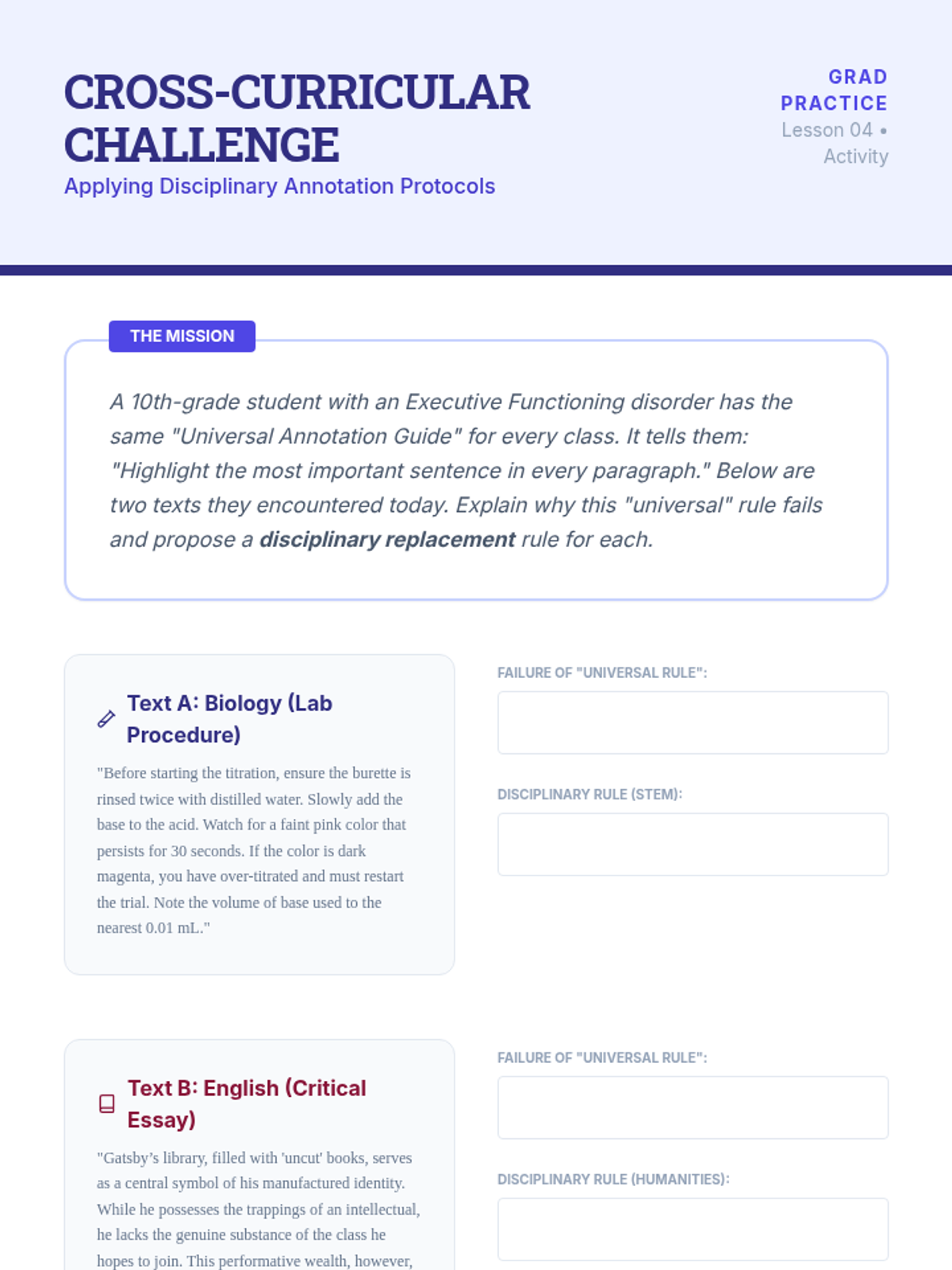
A workshop document for graduate students to practice adapting annotation rules to specific disciplinary contexts. It features two contrasting text samples (STEM lab procedure and Humanities literary analysis) and asks students to design domain-specific instructional rules.
Slide deck for Lesson 3, focusing on visual literacy. It teaches students to treat images as 'evidence' and introduces the 'connector strategy'—drawing arrows from captions to specific visual details and highlighting key facts within the text description.
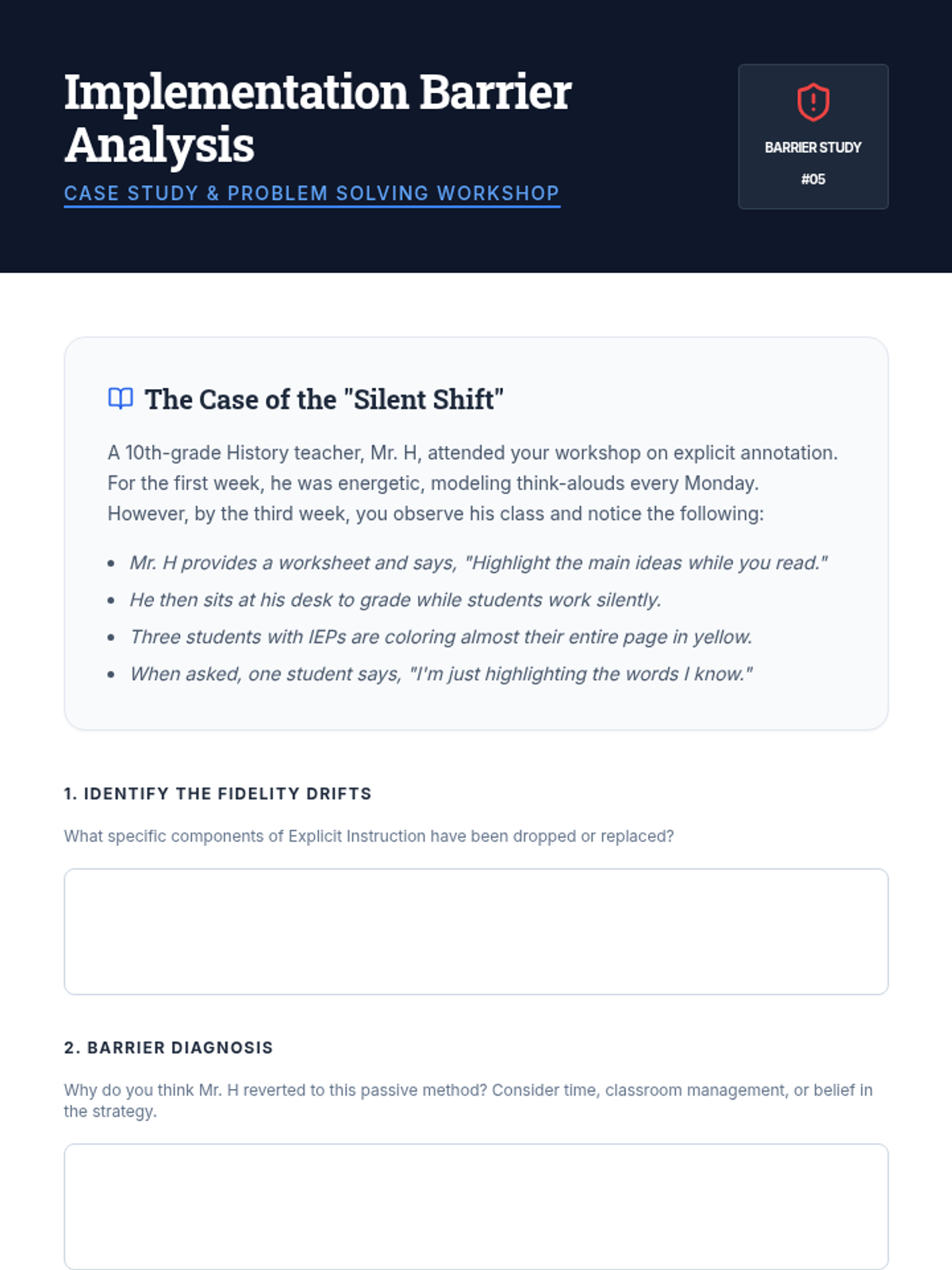
A case study and reflection guide for graduate students to analyze barriers to implementation fidelity. It presents a realistic scenario of 'strategy drift' in a high school history classroom and asks students to diagnose the cause and plan a coaching intervention.
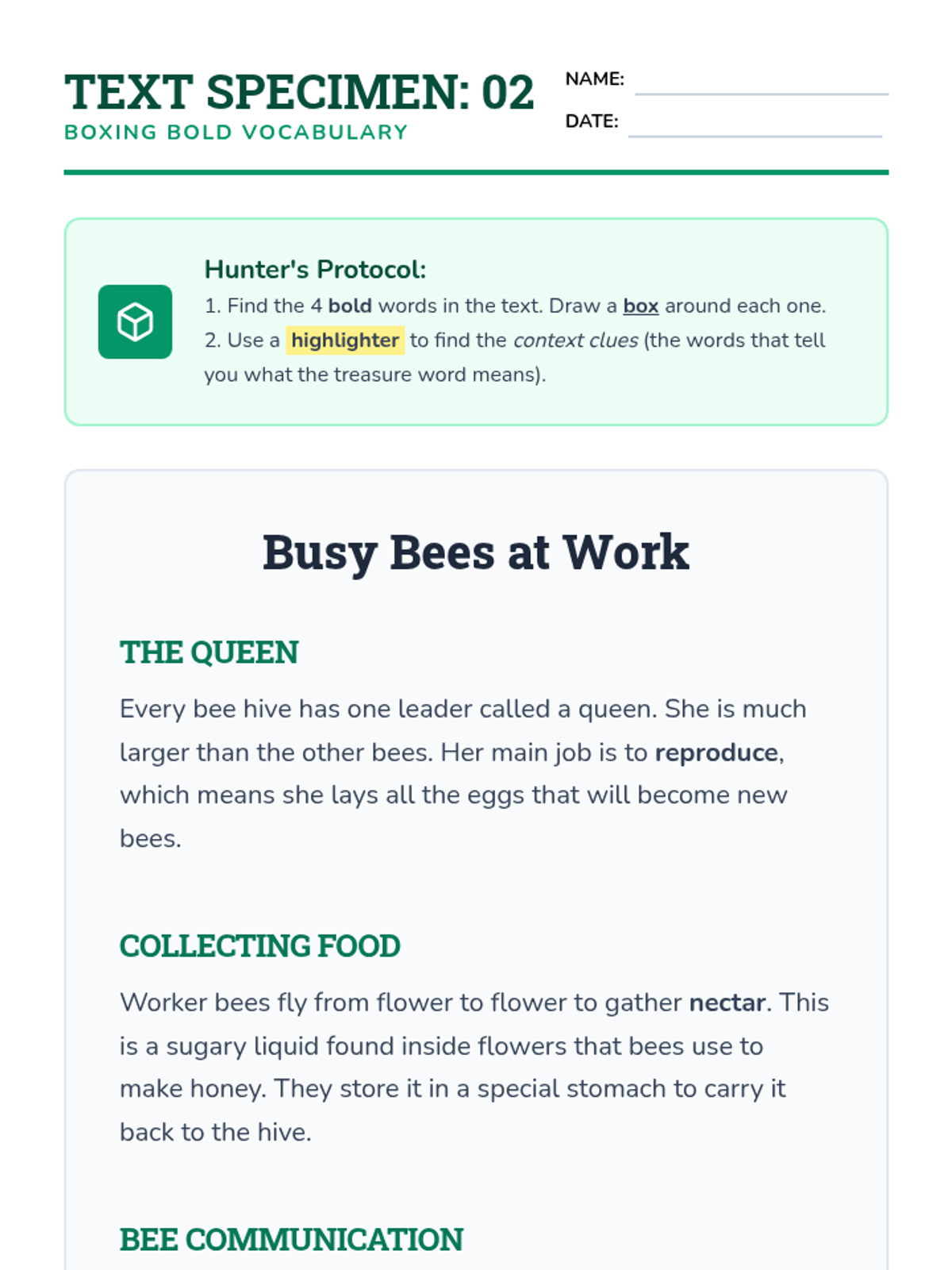
Worksheet and Answer Key for Lesson 2. Students hunt for 4 bold vocabulary words in an article about bees, boxing the words and highlighting context clues. Includes a teacher key identifying clue types for each target word.
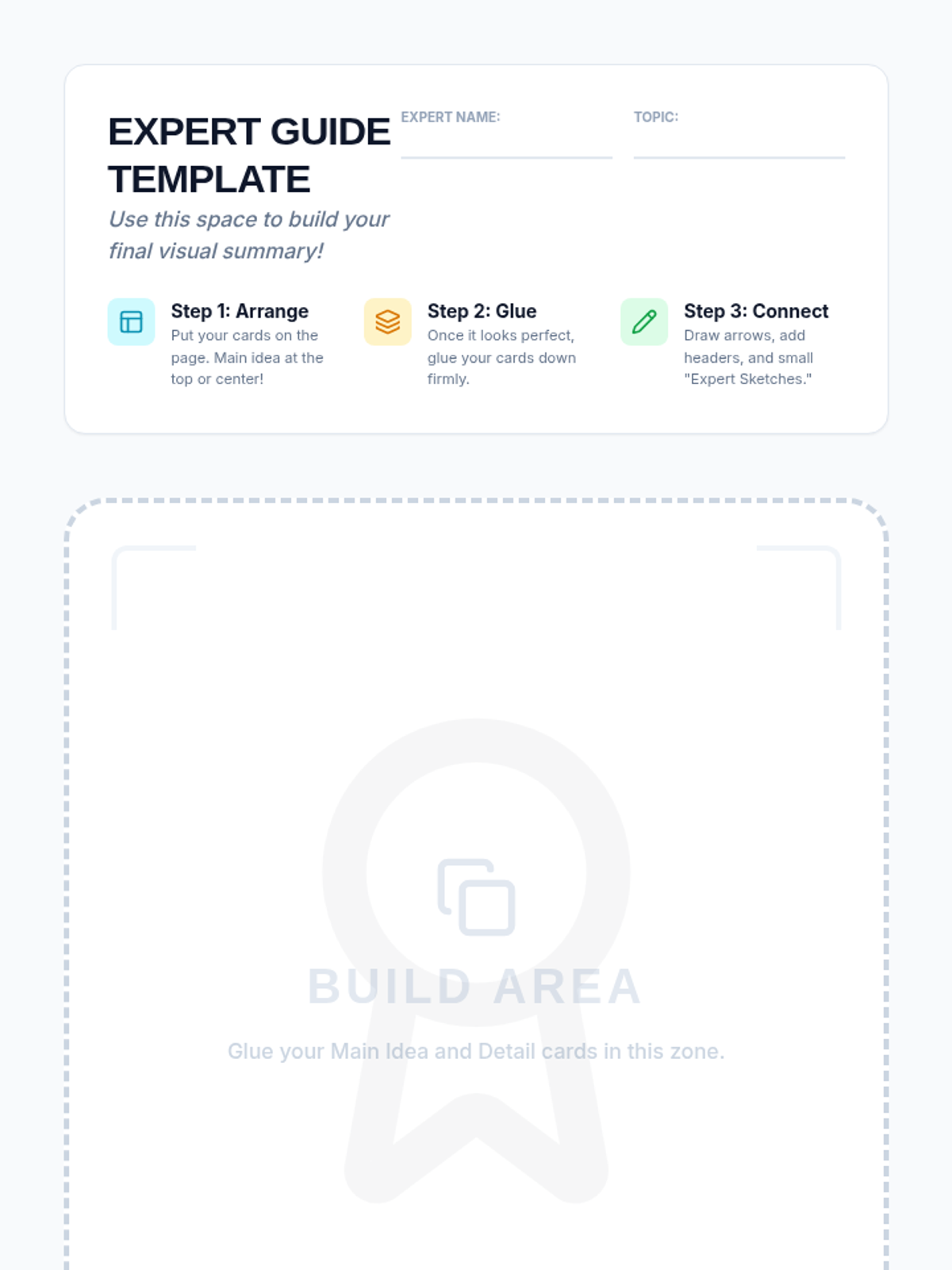
Large-format template for students to glue their extracted information cards into a 'One-Page Expert Guide' with designated build area.
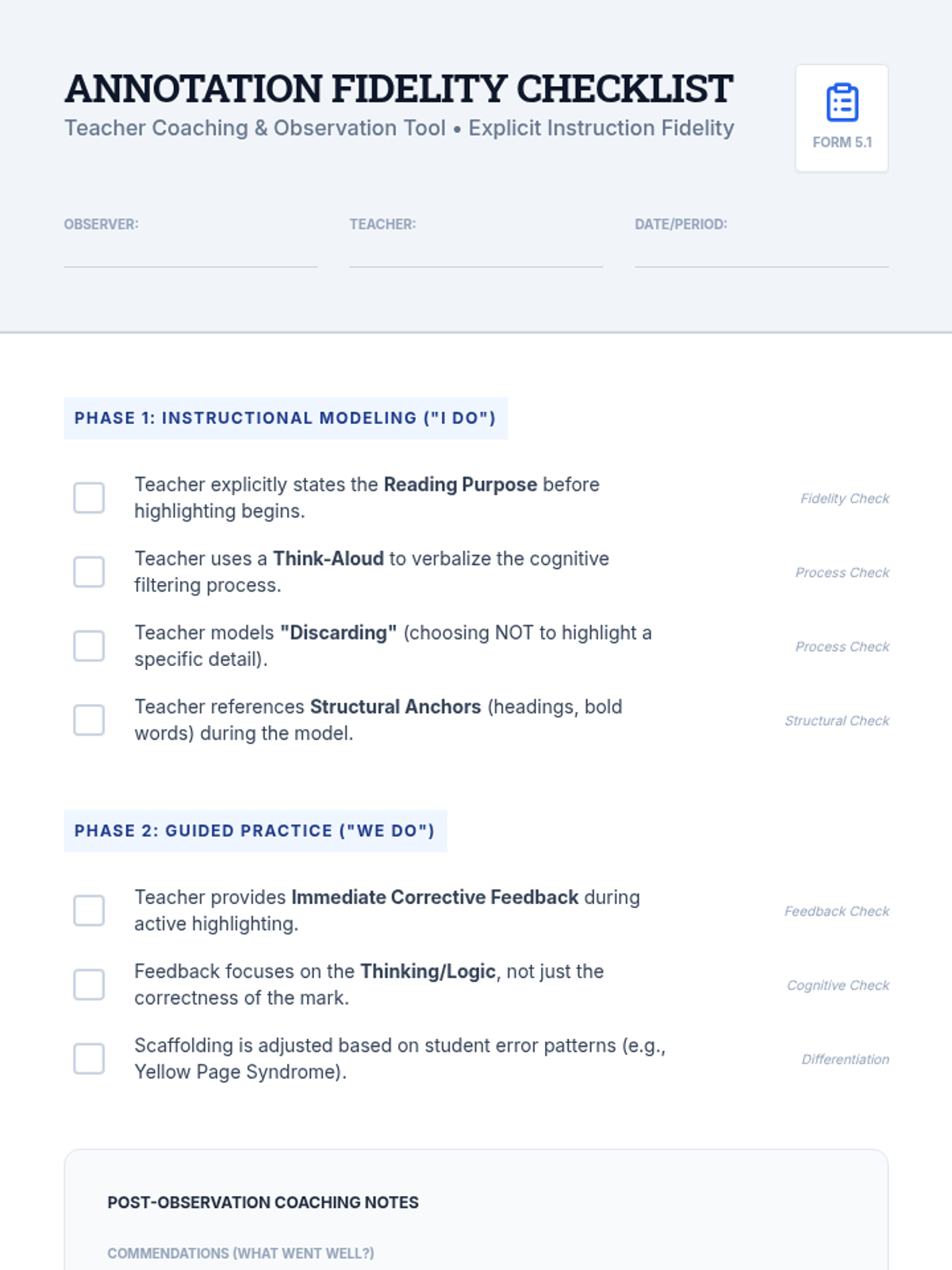
A professional observation tool for graduate students and coaches to monitor the fidelity of explicit annotation instruction. It provides specific look-fors during the modeling and guided practice phases, focusing on cognitive verbalization and corrective feedback.
Slide deck for Lesson 2, framing bold and italicized vocabulary as 'treasure.' Introduces the concept of boxing words to signal importance and highlighting context clues (definitions, examples, synonyms) to unlock meaning.
Introductory slide deck for Lesson 4, 'The Expert Build,' teaching students how to visually arrange their extracted information into a 'One-Page Expert Guide' using headers and arrows.
A graduate-level presentation focusing on implementation fidelity and instructional coaching. It addresses 'strategy drift,' barriers to implementation in inclusive classrooms, and specific coaching frames for supporting teachers in using explicit instruction for annotation.
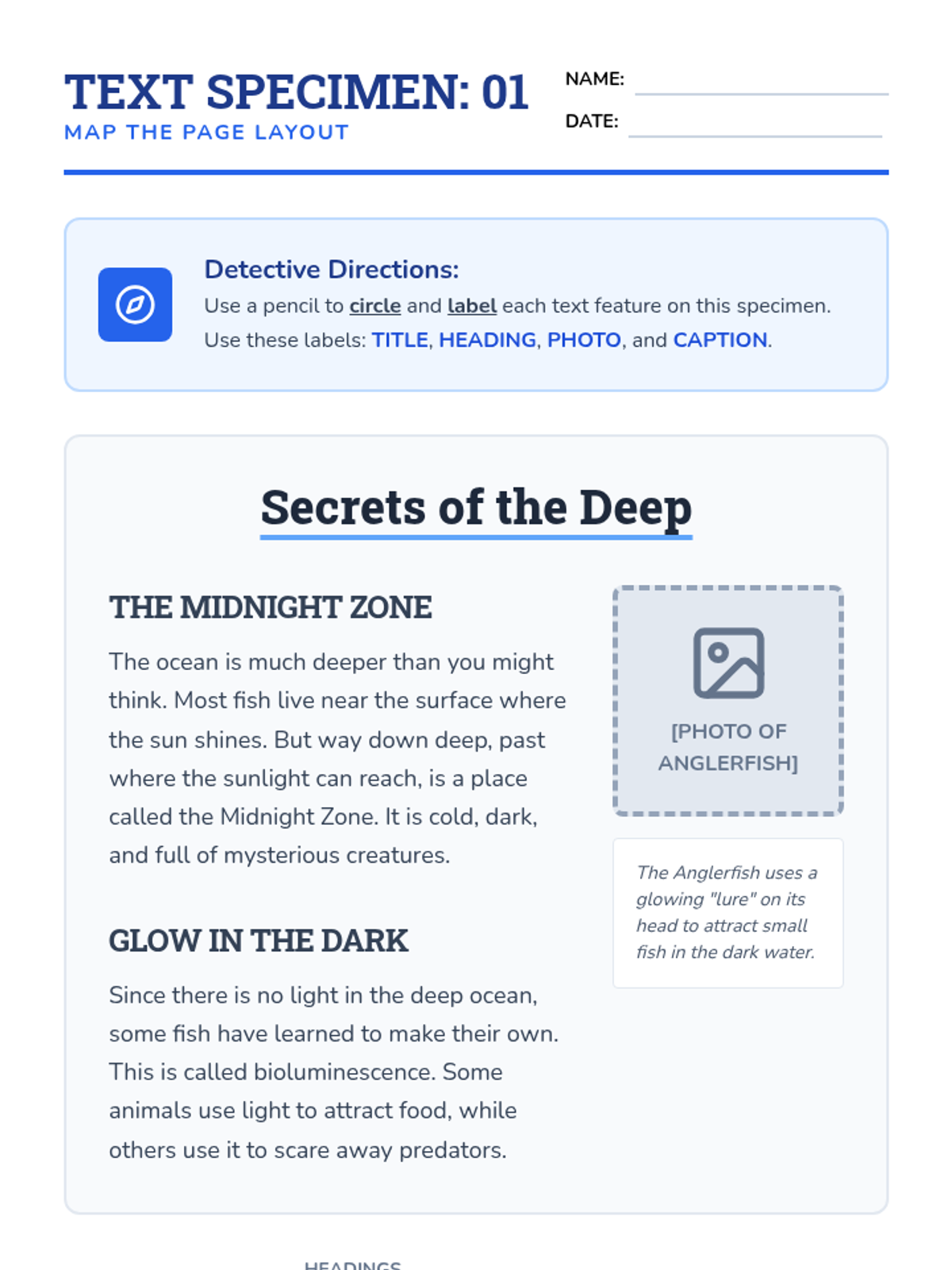
Worksheet and Answer Key for Lesson 1. Students circle and label the title, headings, photograph, and caption on a 'text specimen' about deep-sea creatures. Includes a teacher answer key with clear visual markers.