Multi-sensory math manipulatives, visual problem-solving, and text annotation strategies for literacy and numeracy. Employs graphic organizers, sentence frames, and assistive technology to support memory, comprehension, and writing development.
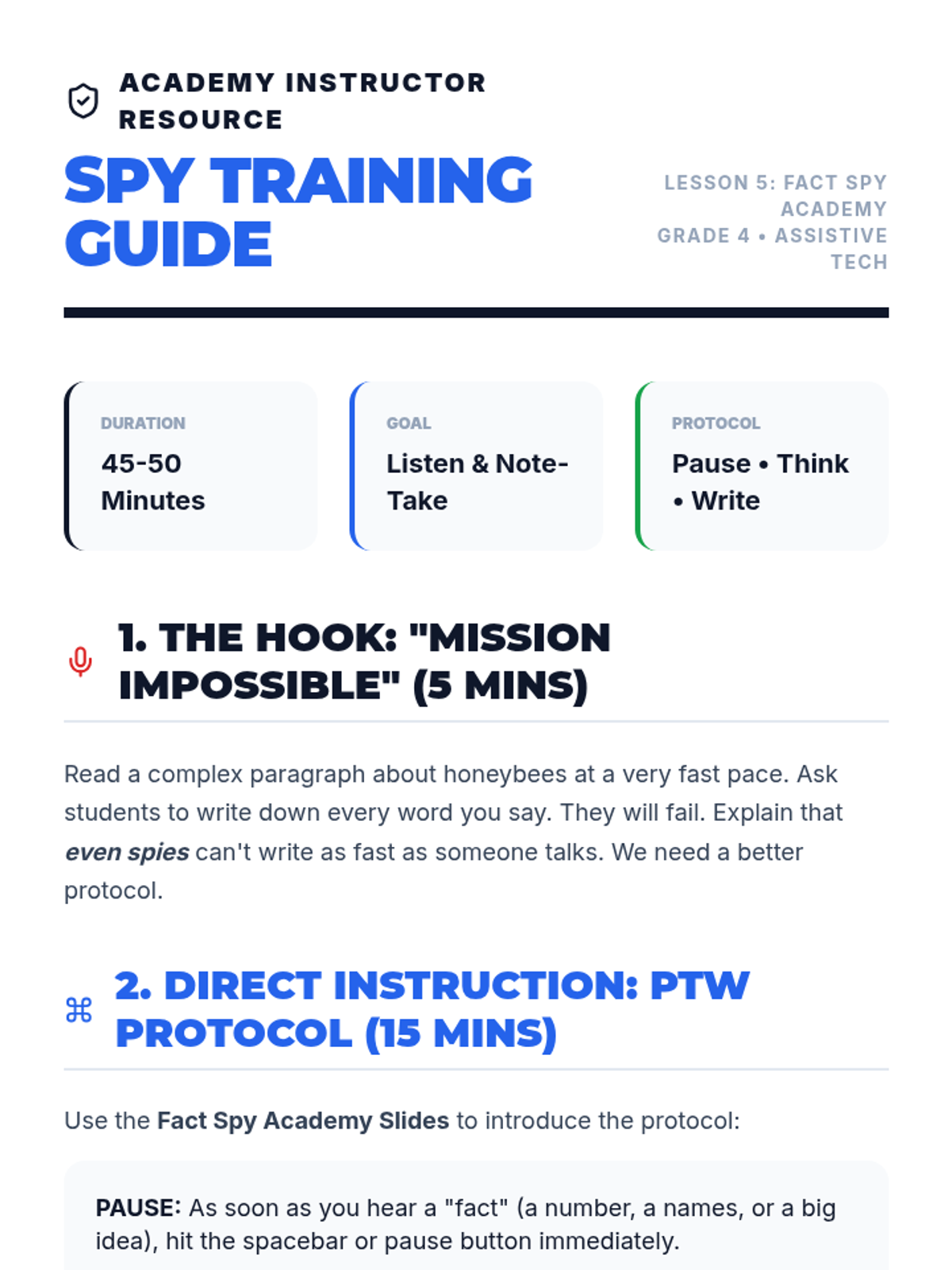
Students practice taking notes while listening to an educational article. They pause the audio to write down key facts, combining listening comprehension with note-taking skills.
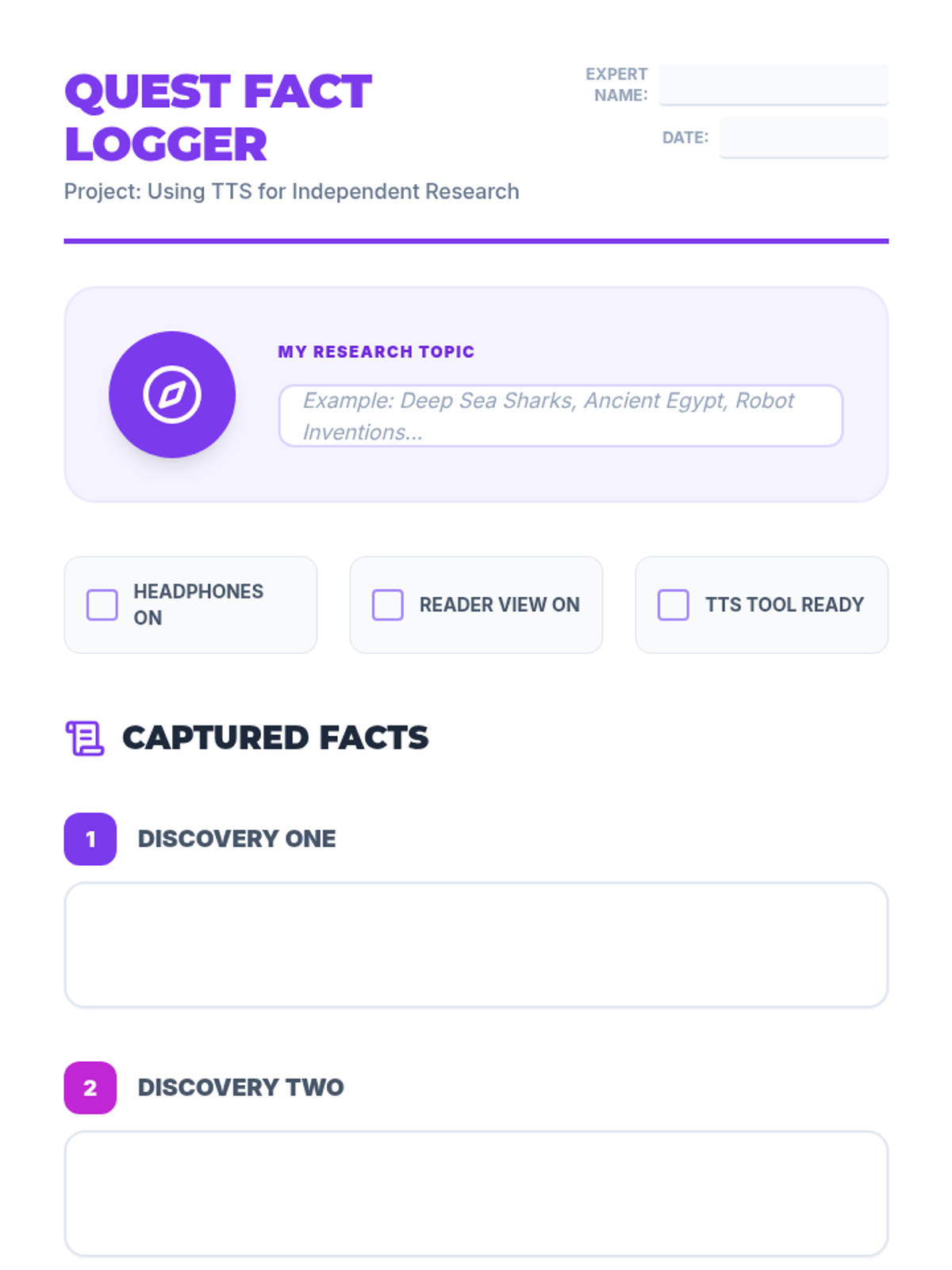
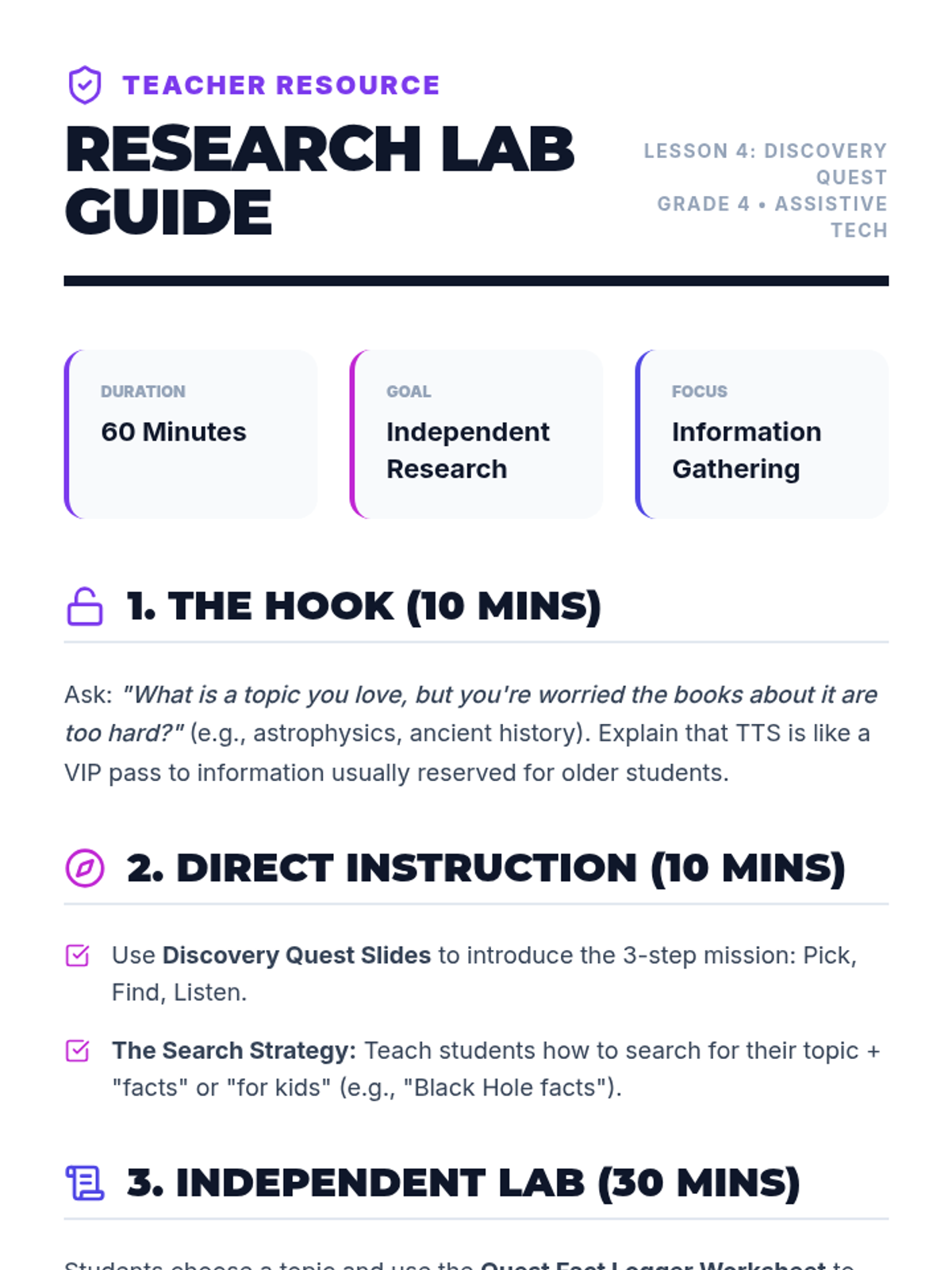
Students conduct a mini-research project on a topic of interest using TTS to access articles that might be above their independent reading level. They practice gathering facts via audio.
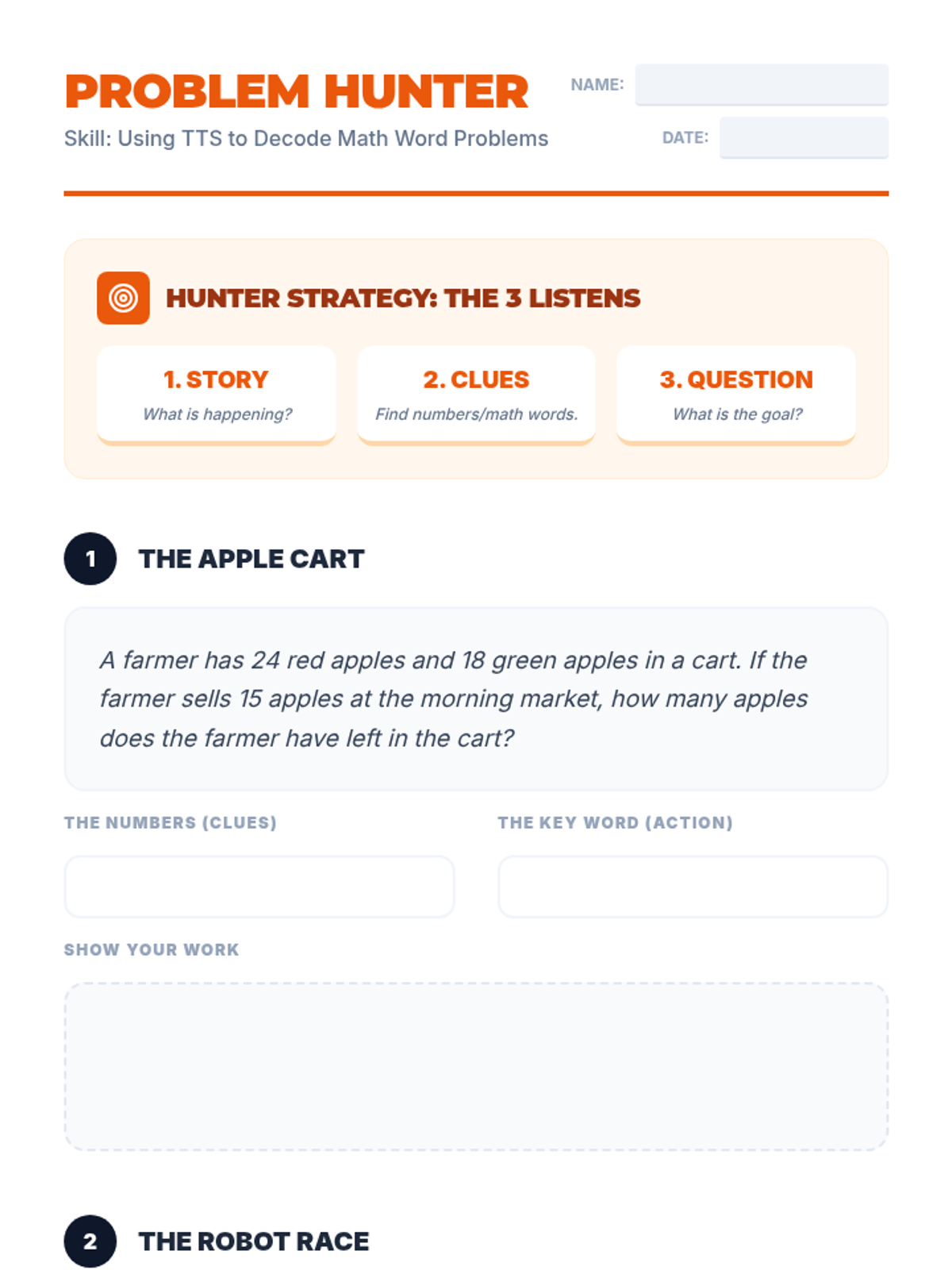
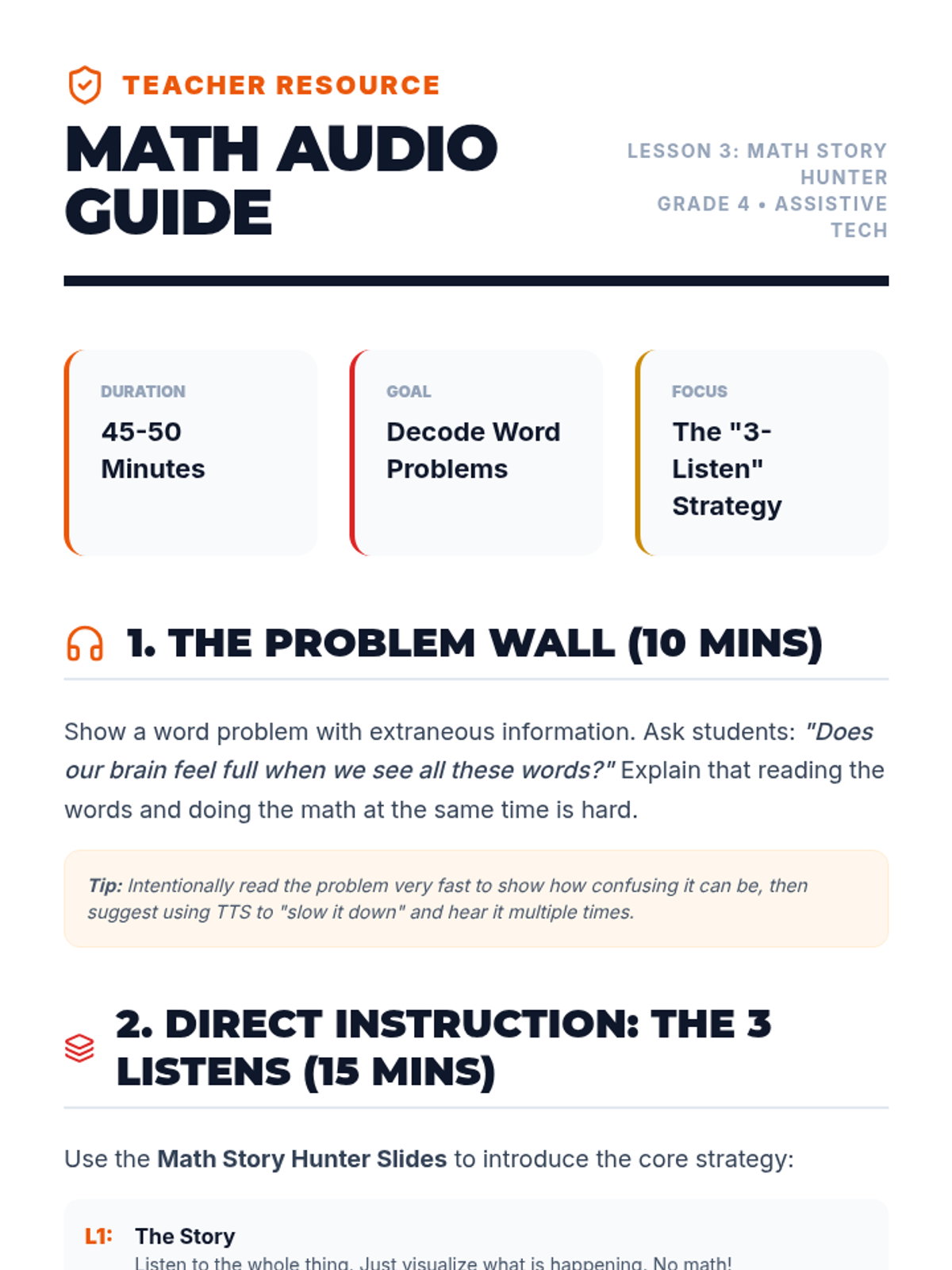
Students apply TTS specifically to math word problems. The lesson focuses on re-listening to identify the numbers and the question being asked without getting overwhelmed by the text.
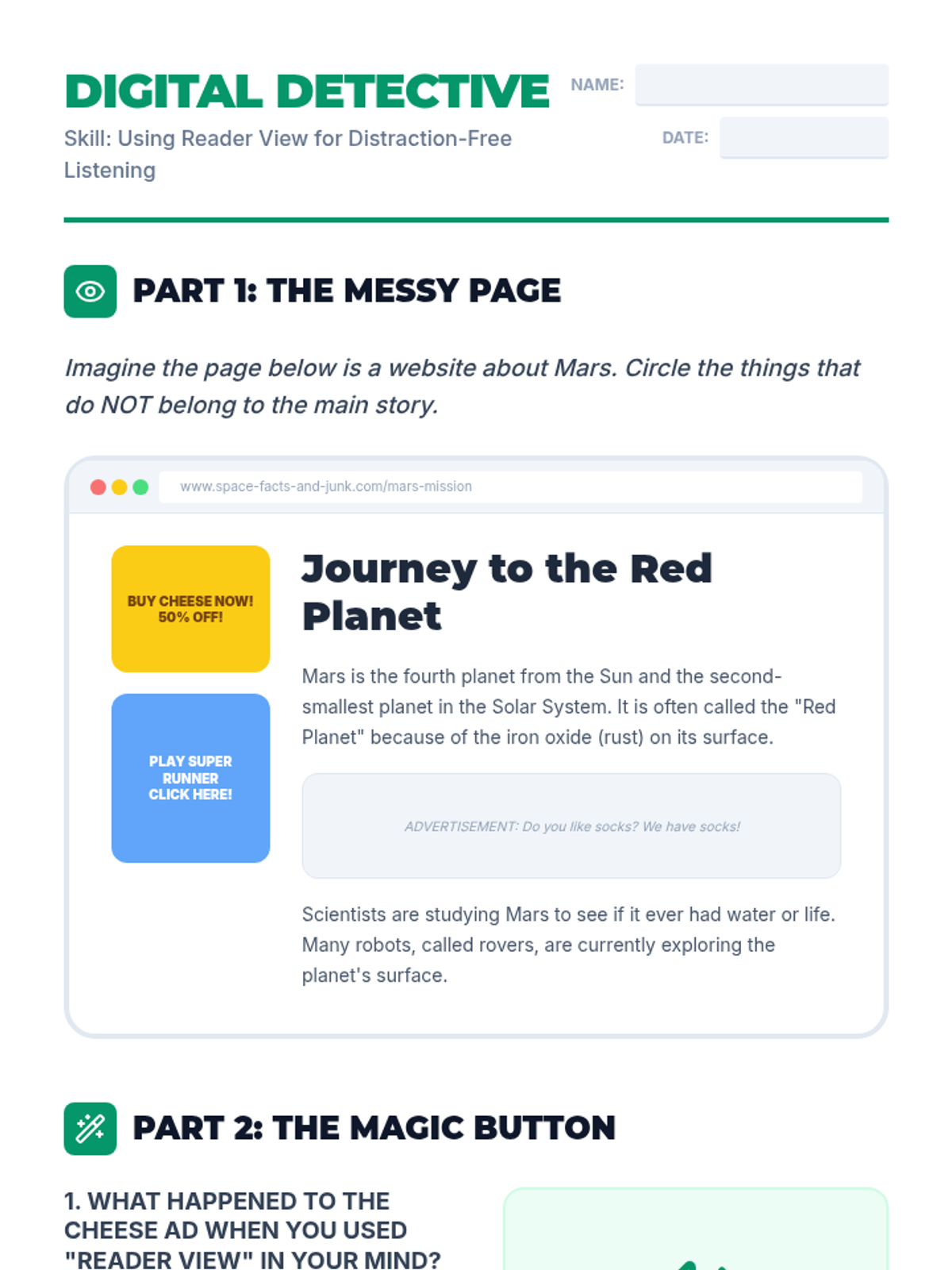
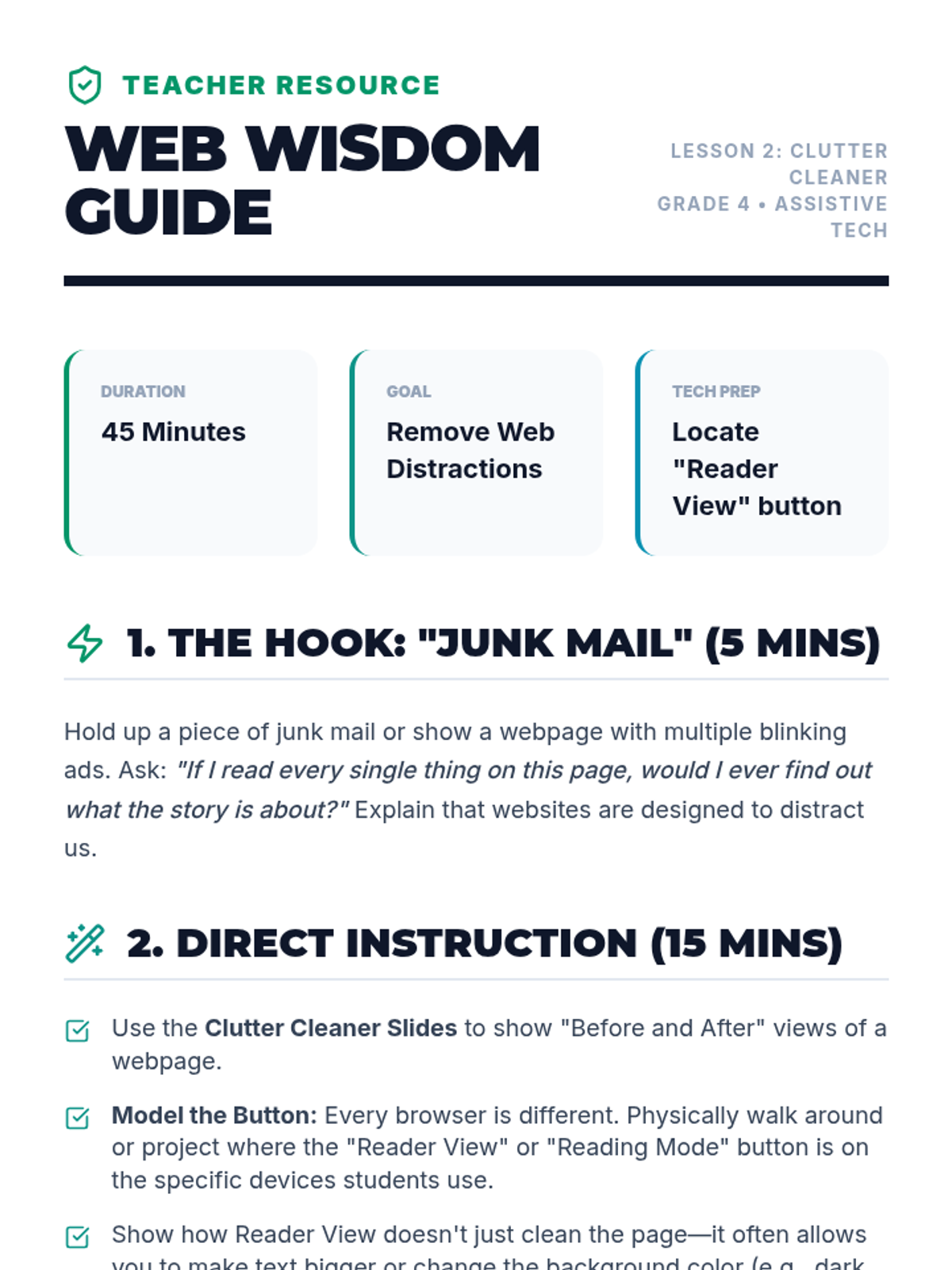
Students learn to use 'Reader View' or text-only modes in conjunction with TTS to strip away ads and distractions on websites. This focuses the audio on the main content.
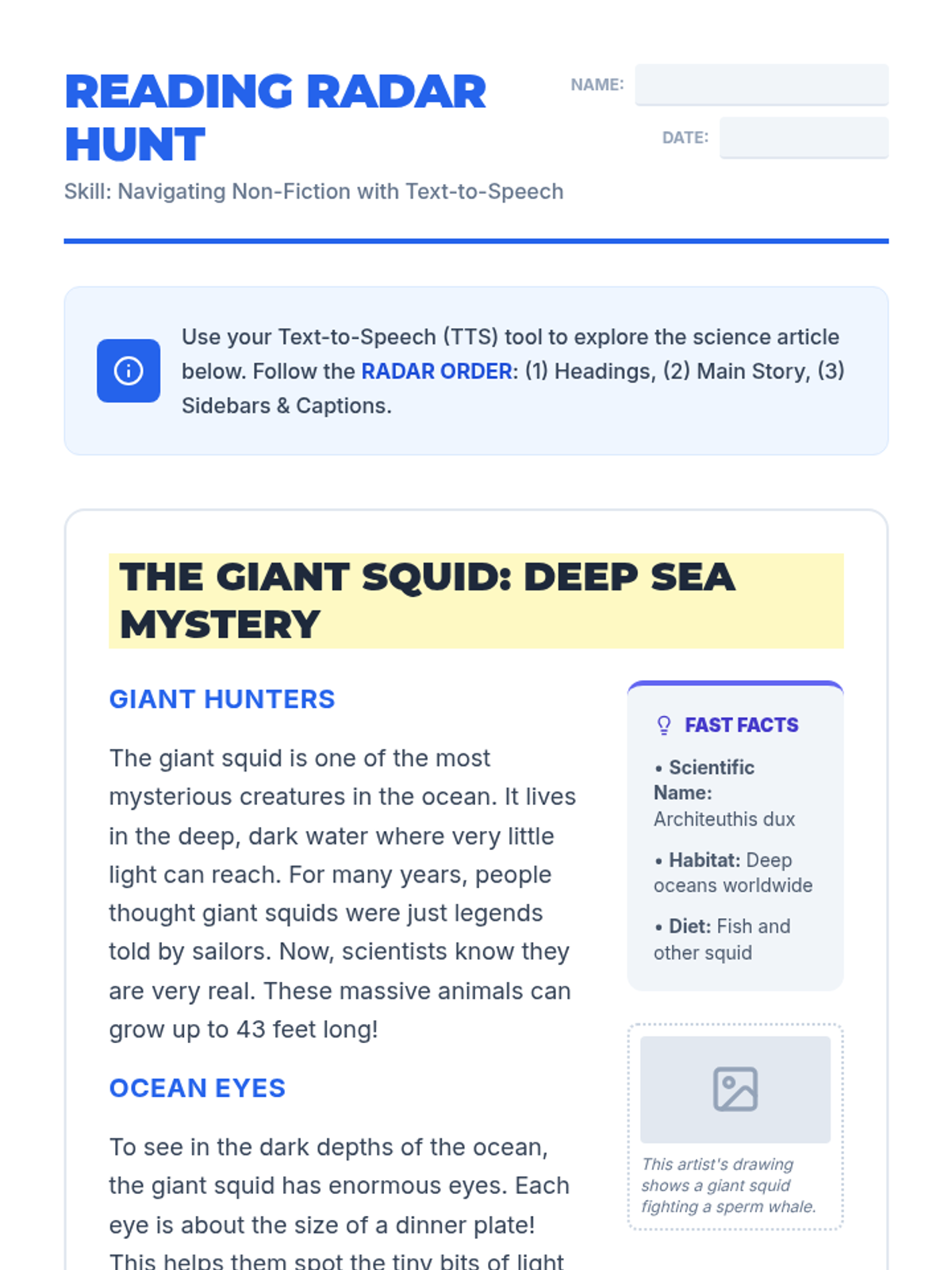
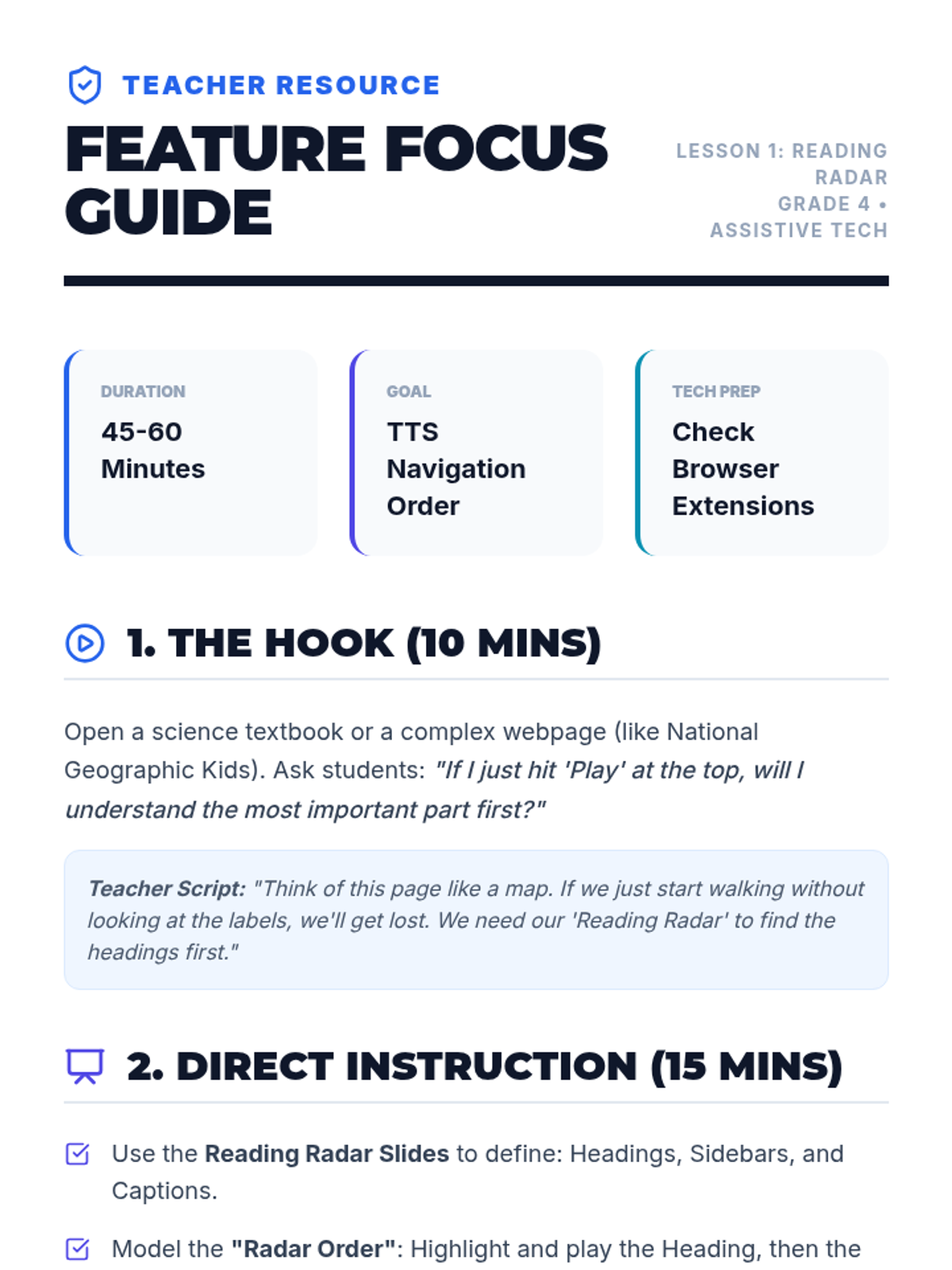
Students practice using TTS on non-fiction articles, learning how to handle captions, sidebars, and headings. They discuss the order in which to listen to these elements for best understanding.
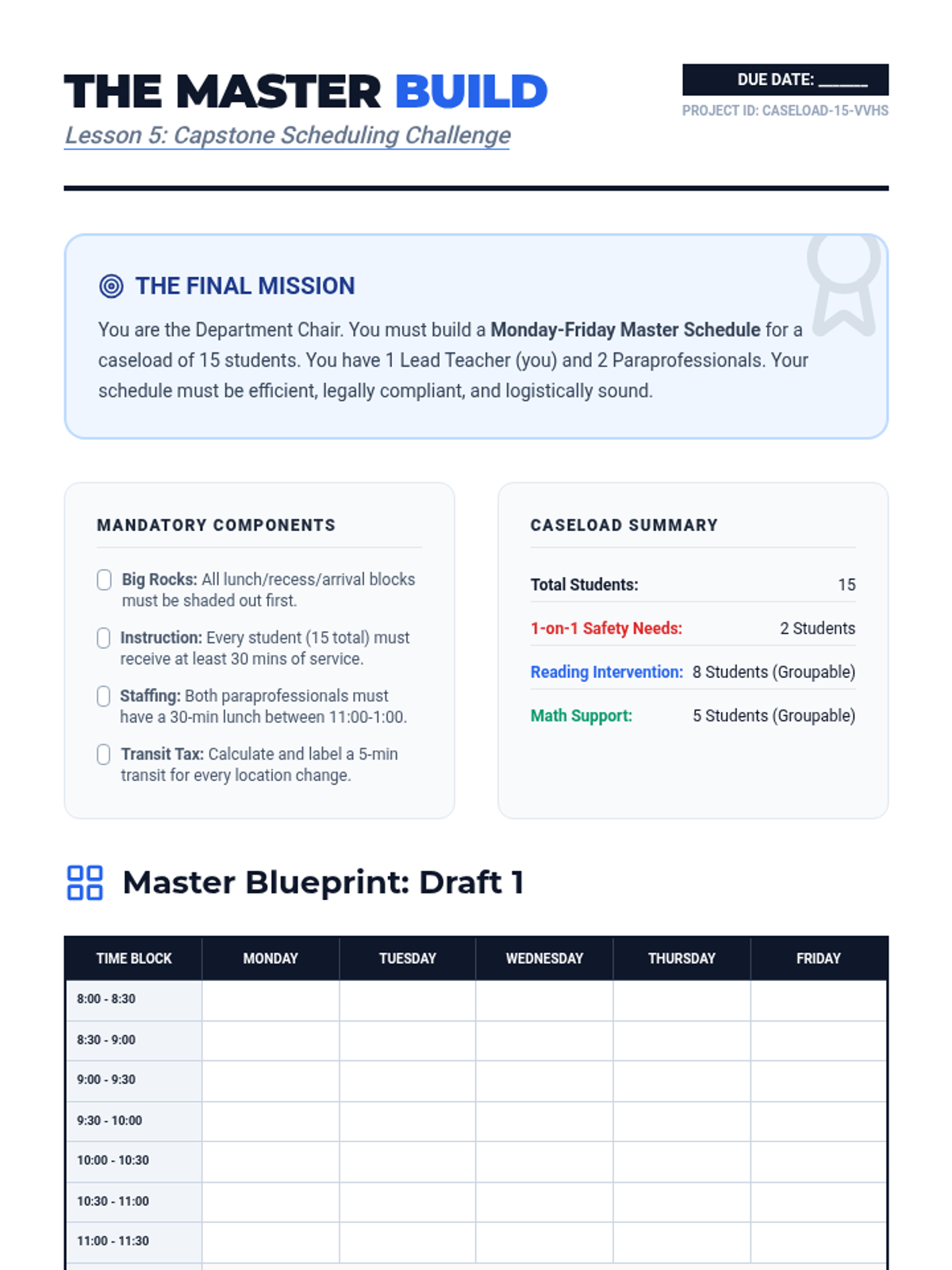
The capstone project where students build, present, and defend a complete weekly master schedule for a fictional special education caseload.
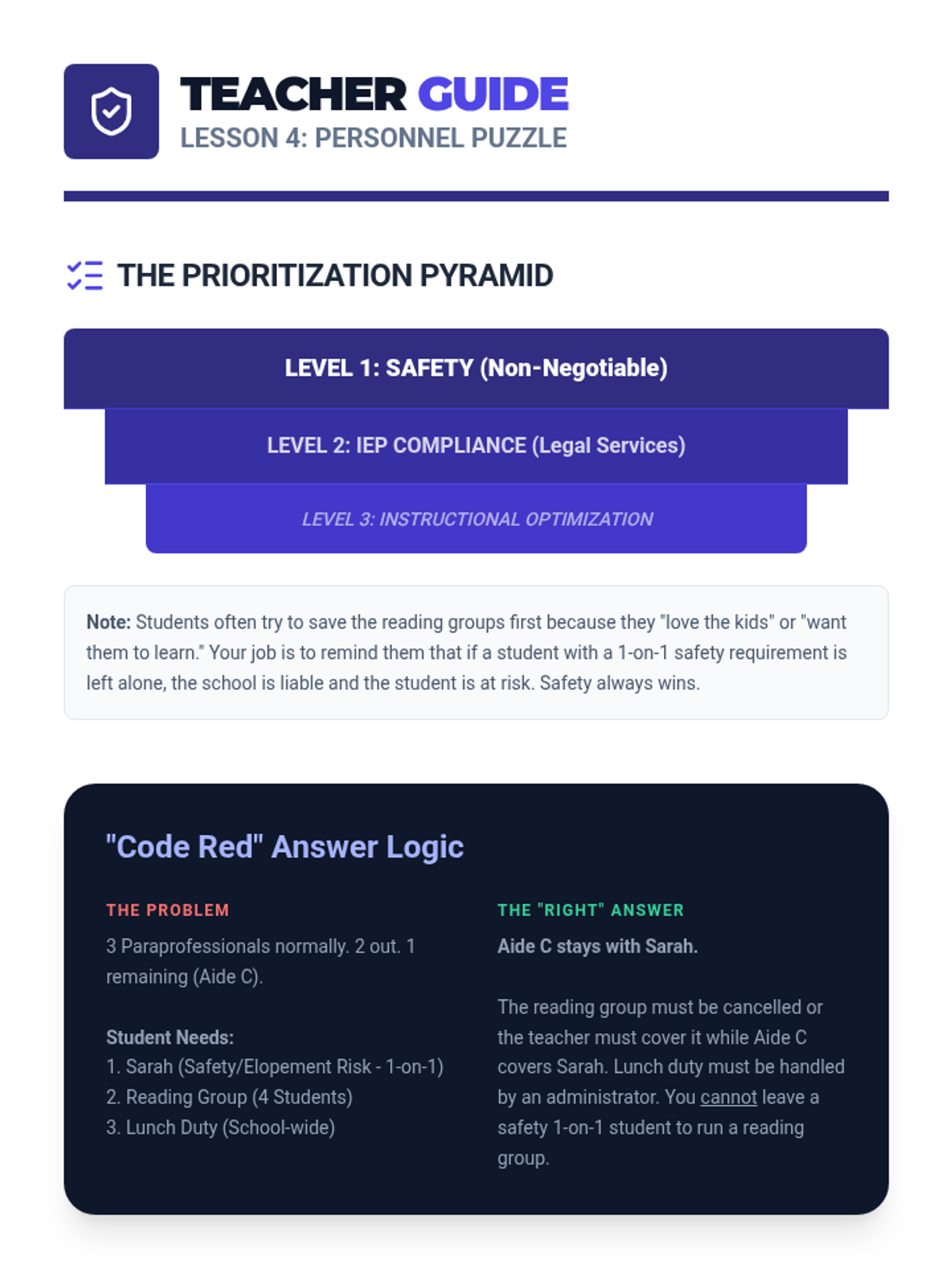
Students manage personnel resources by creating coverage schedules for paraprofessionals, accounting for breaks and high-need periods.
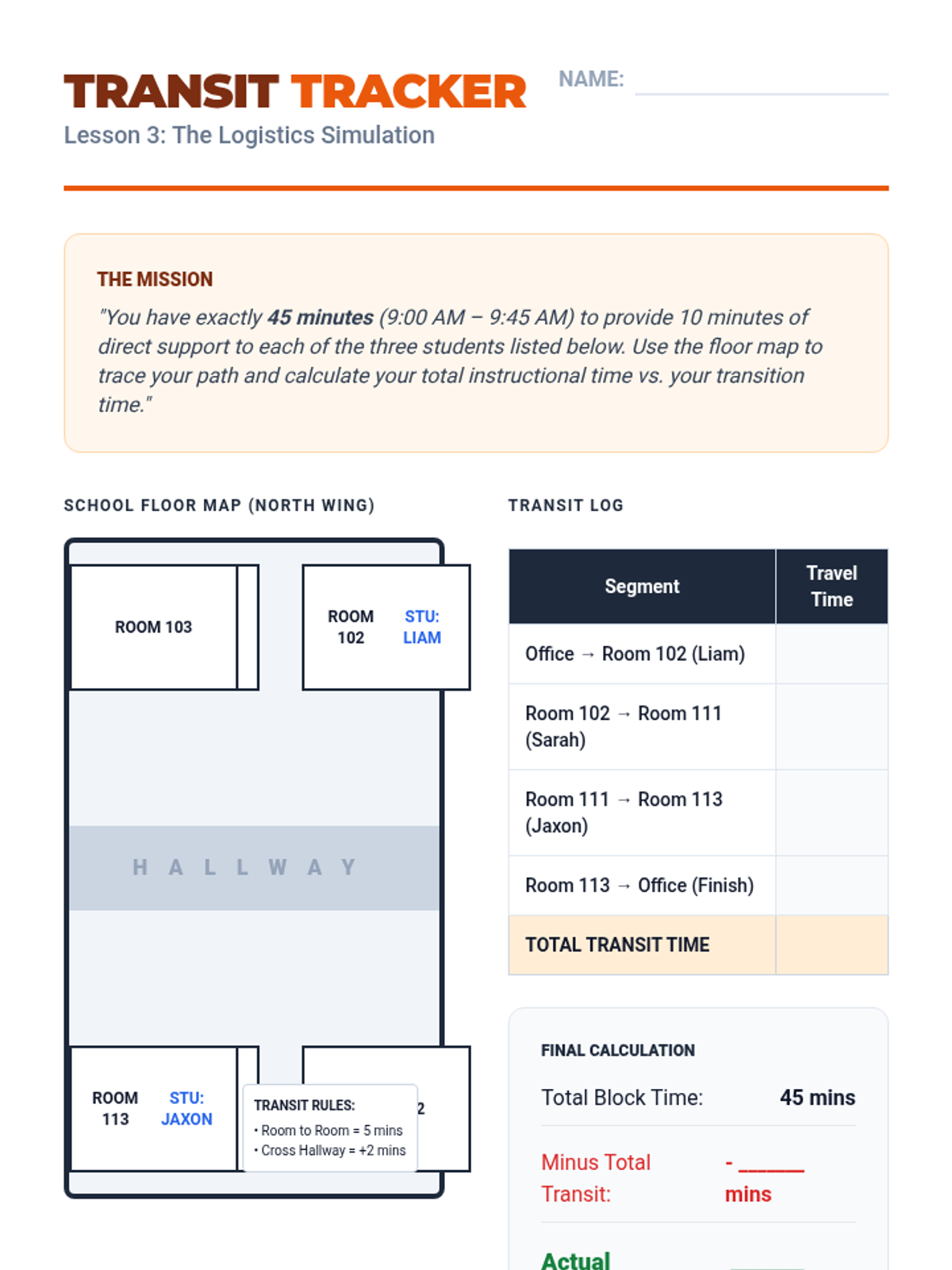
A simulation-based lesson where students map out the logistical trade-offs between push-in support and pull-out interventions, including transition times.
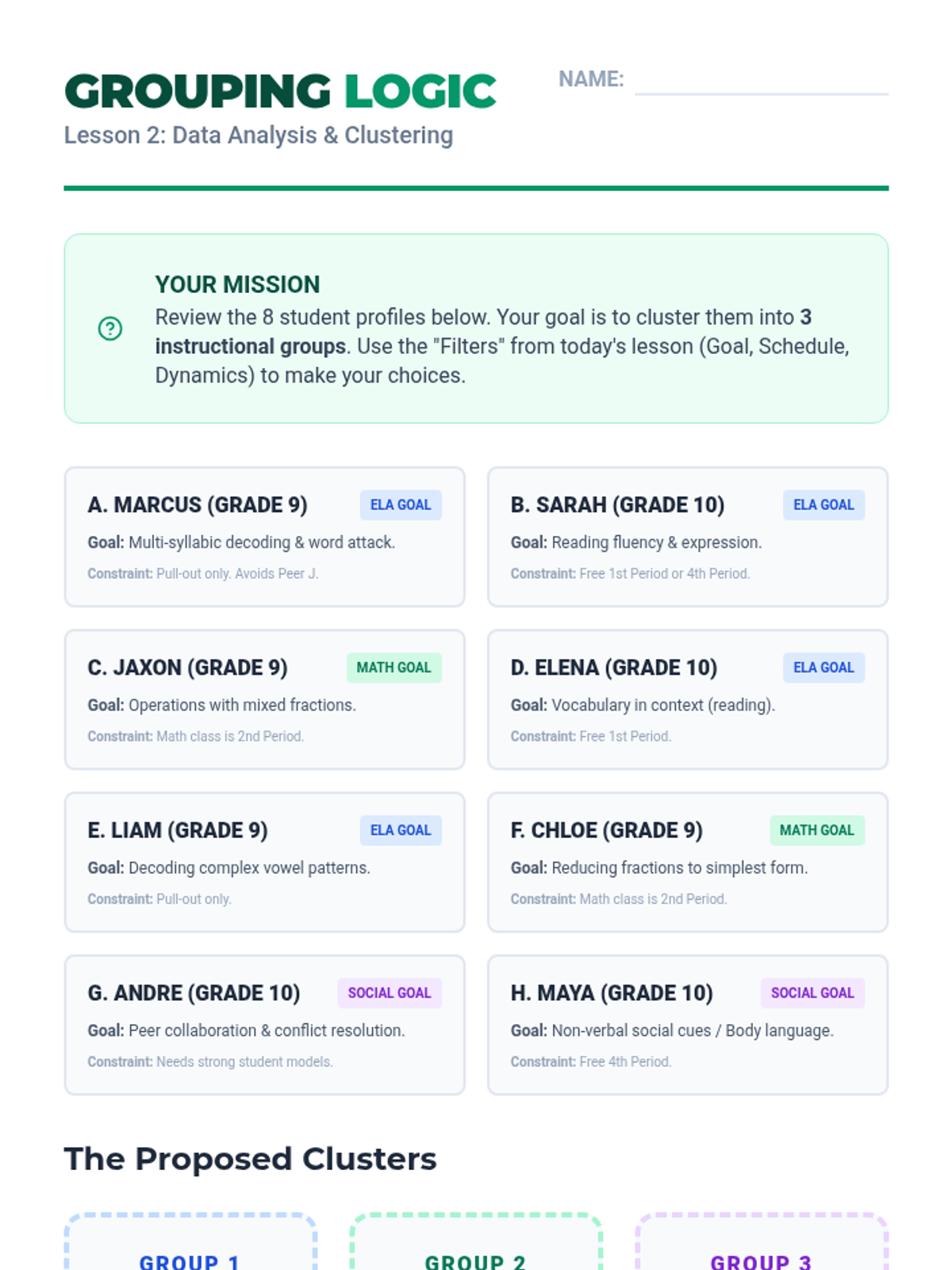
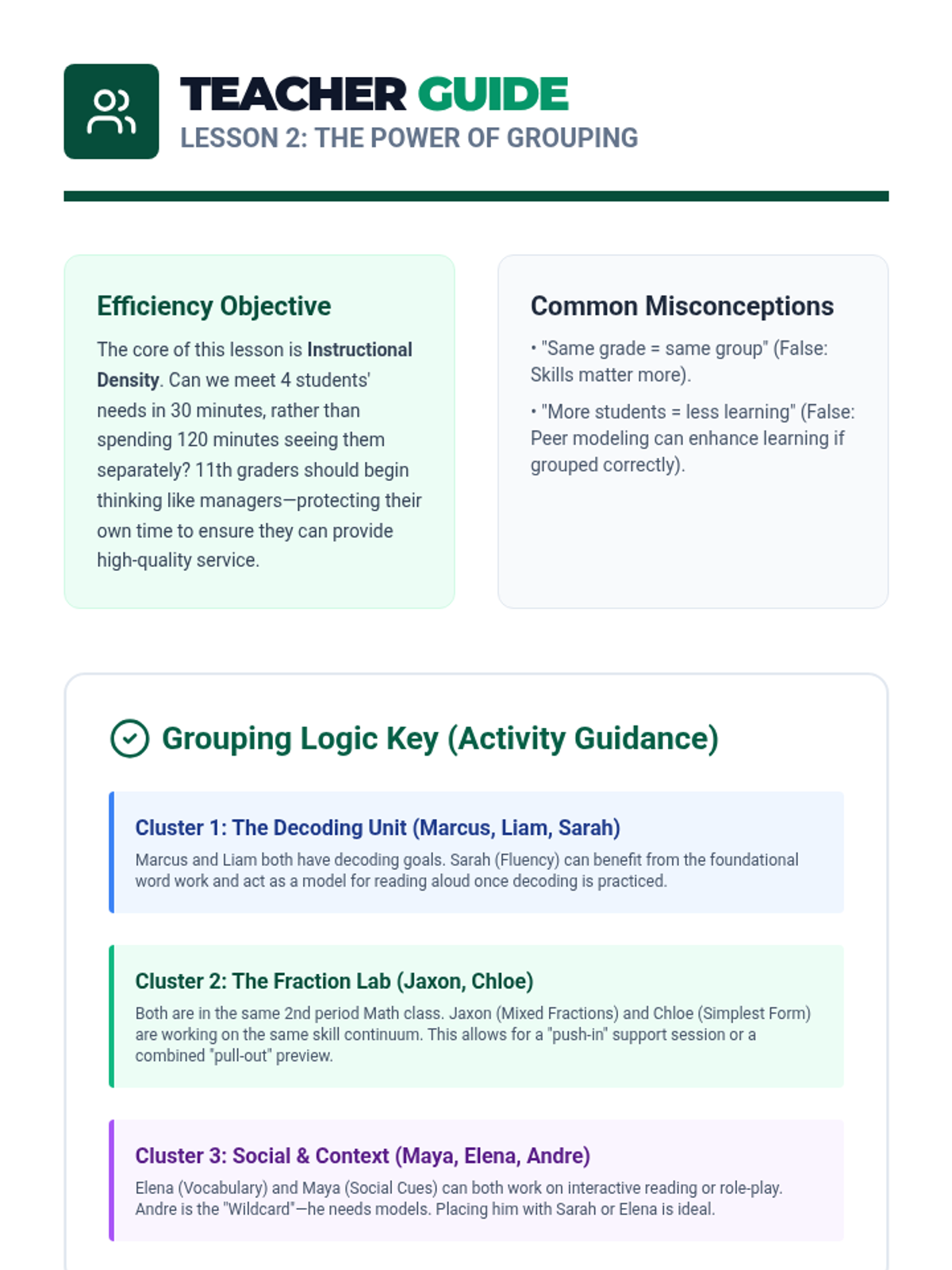
Students analyze student data to create efficient instructional groups, reducing the number of unique sessions needed while meeting individual goals.
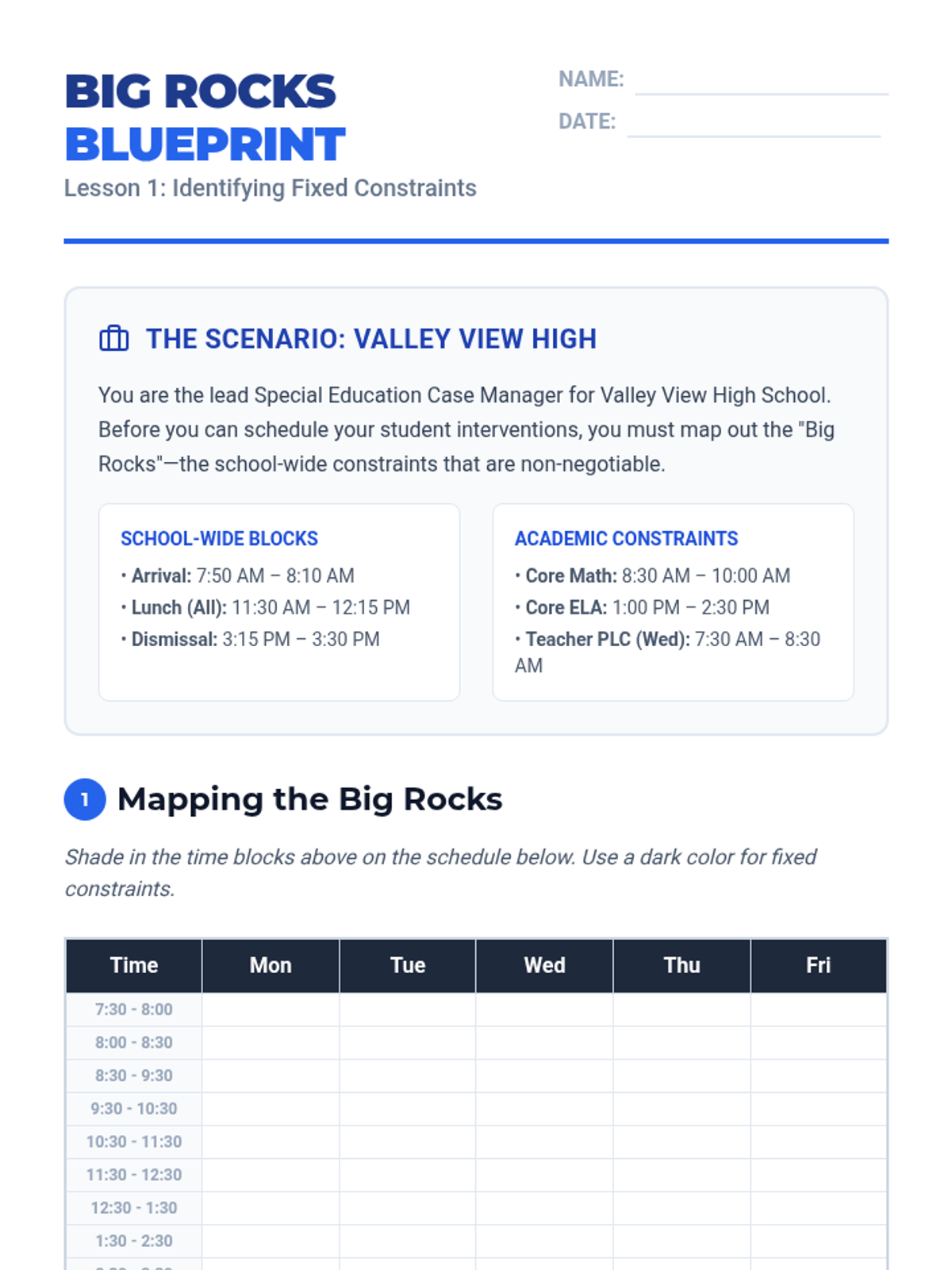
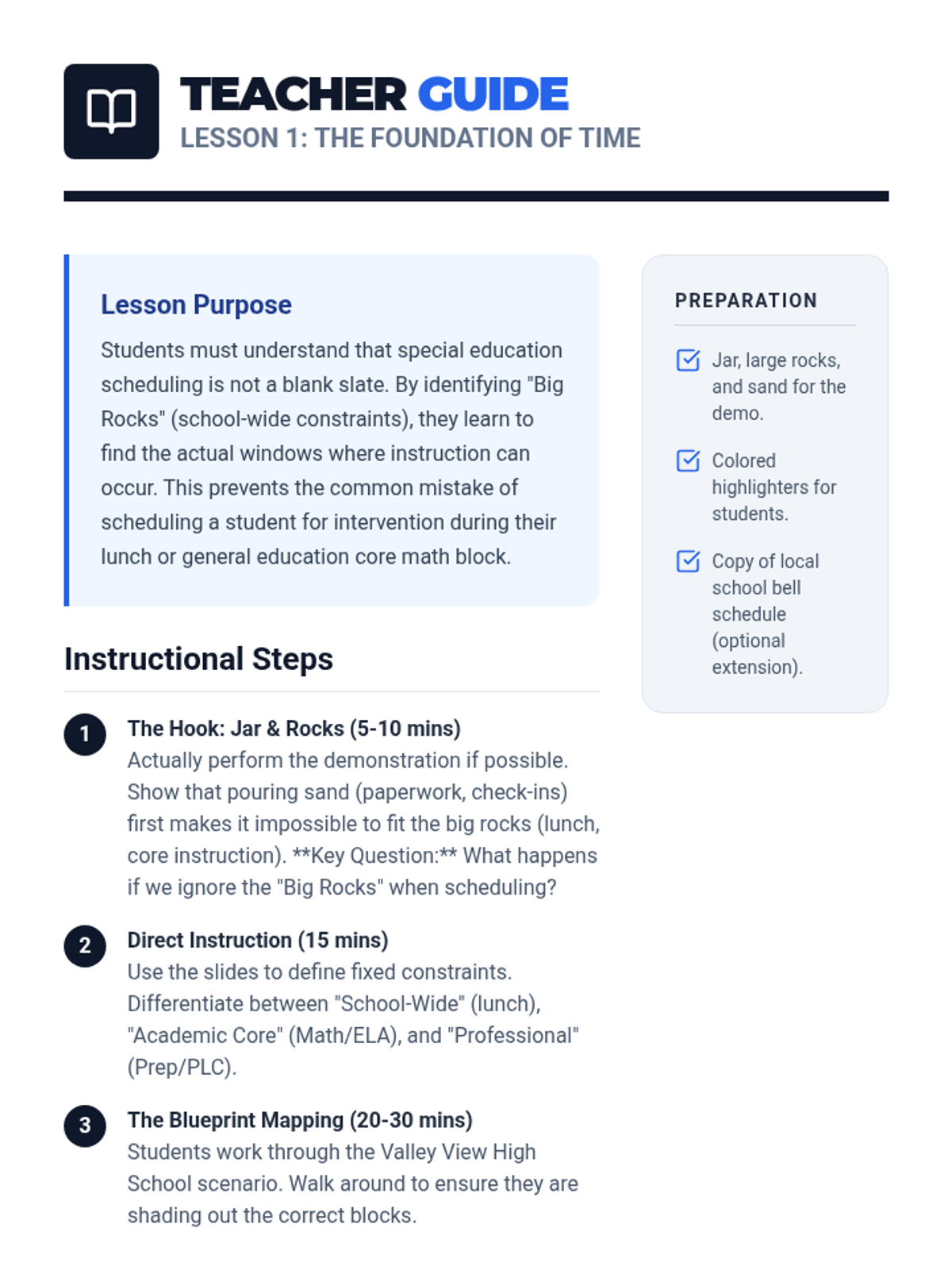
Students learn to identify 'big rock' constraints like lunch, recess, and core classes to determine available instructional time in a special education setting.
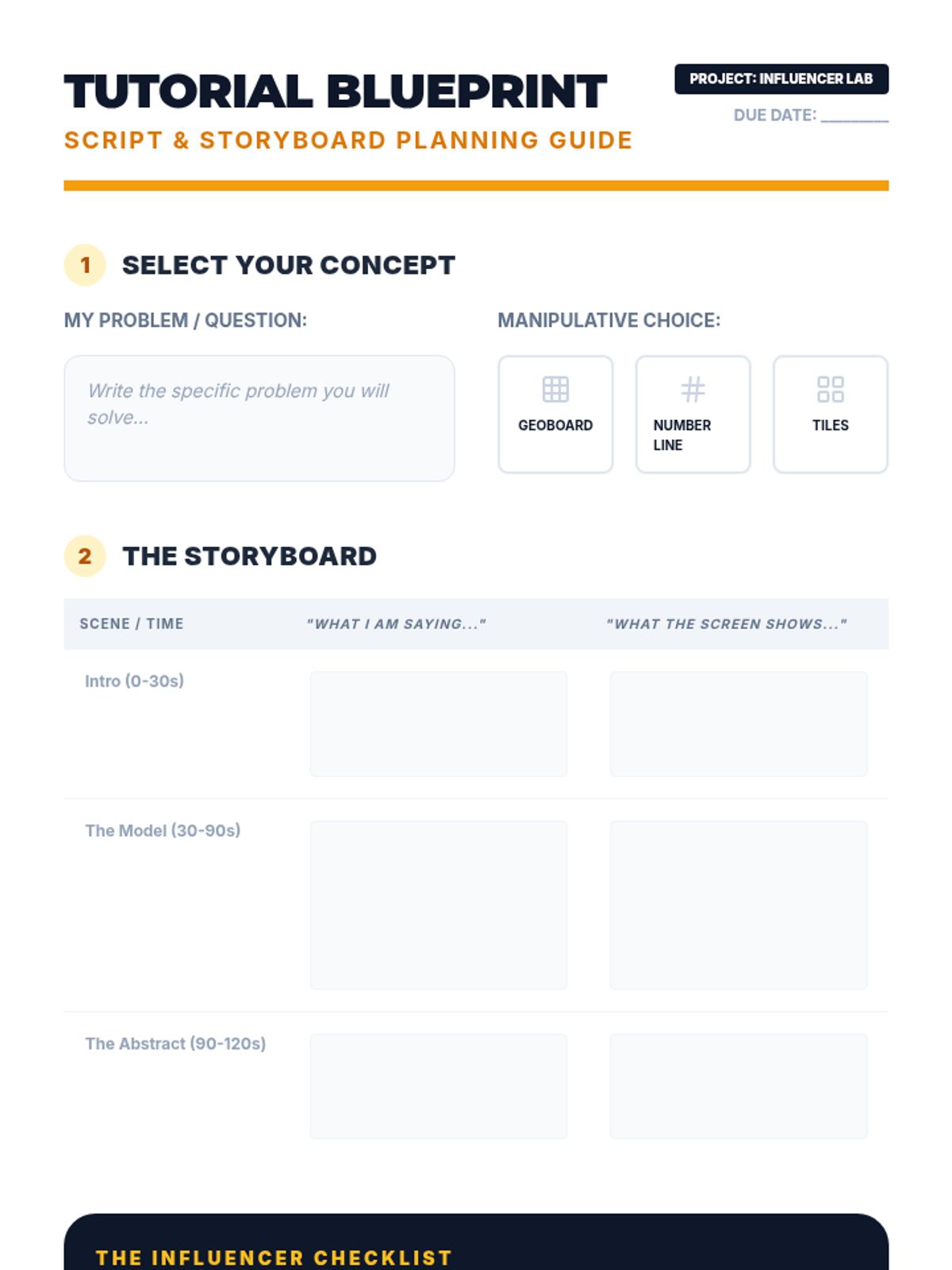
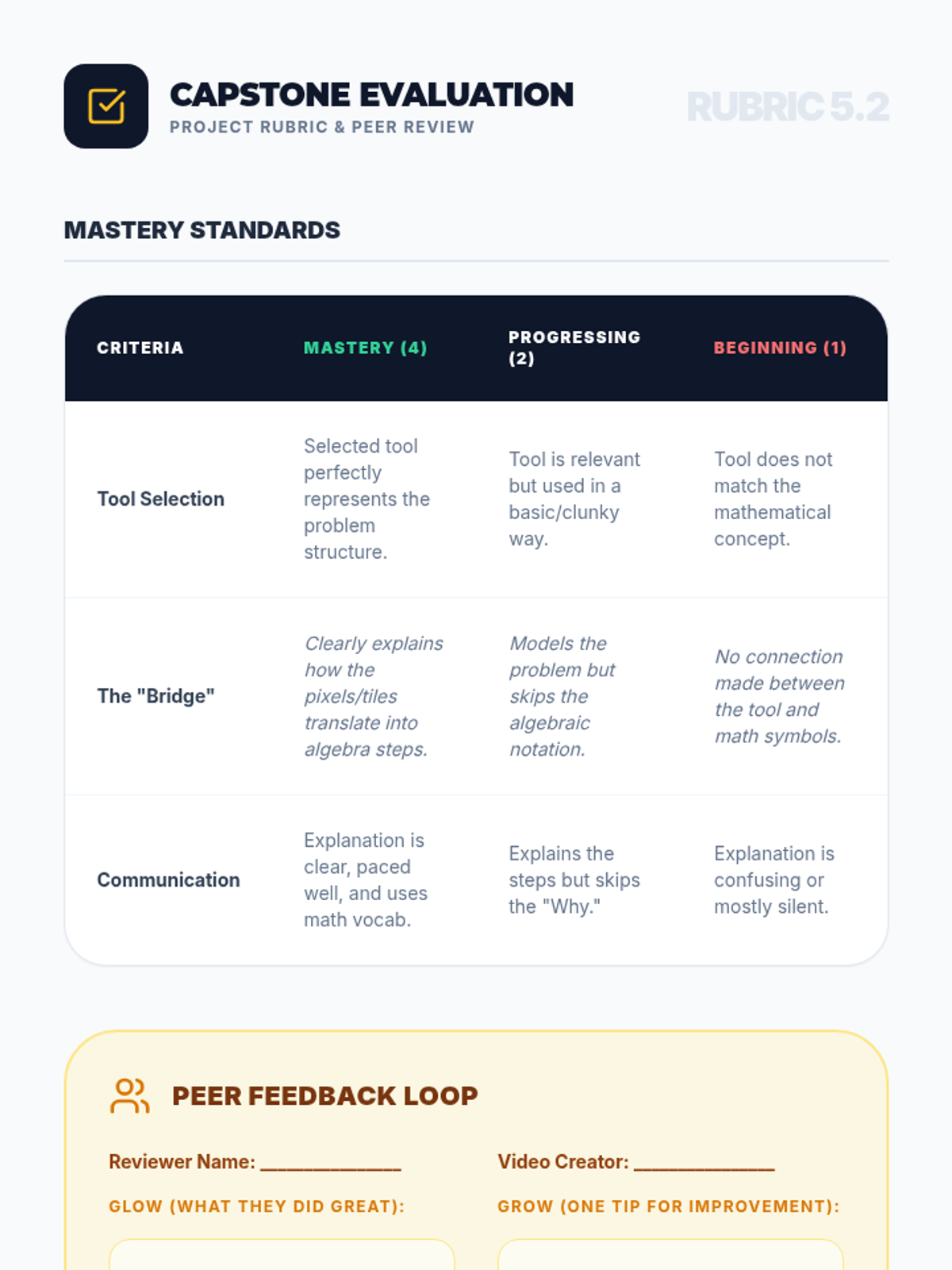
As a mastery capstone, students select a difficult mathematical concept and create a short video tutorial using virtual manipulatives to explain it, demonstrating conceptual synthesis and communication skills.
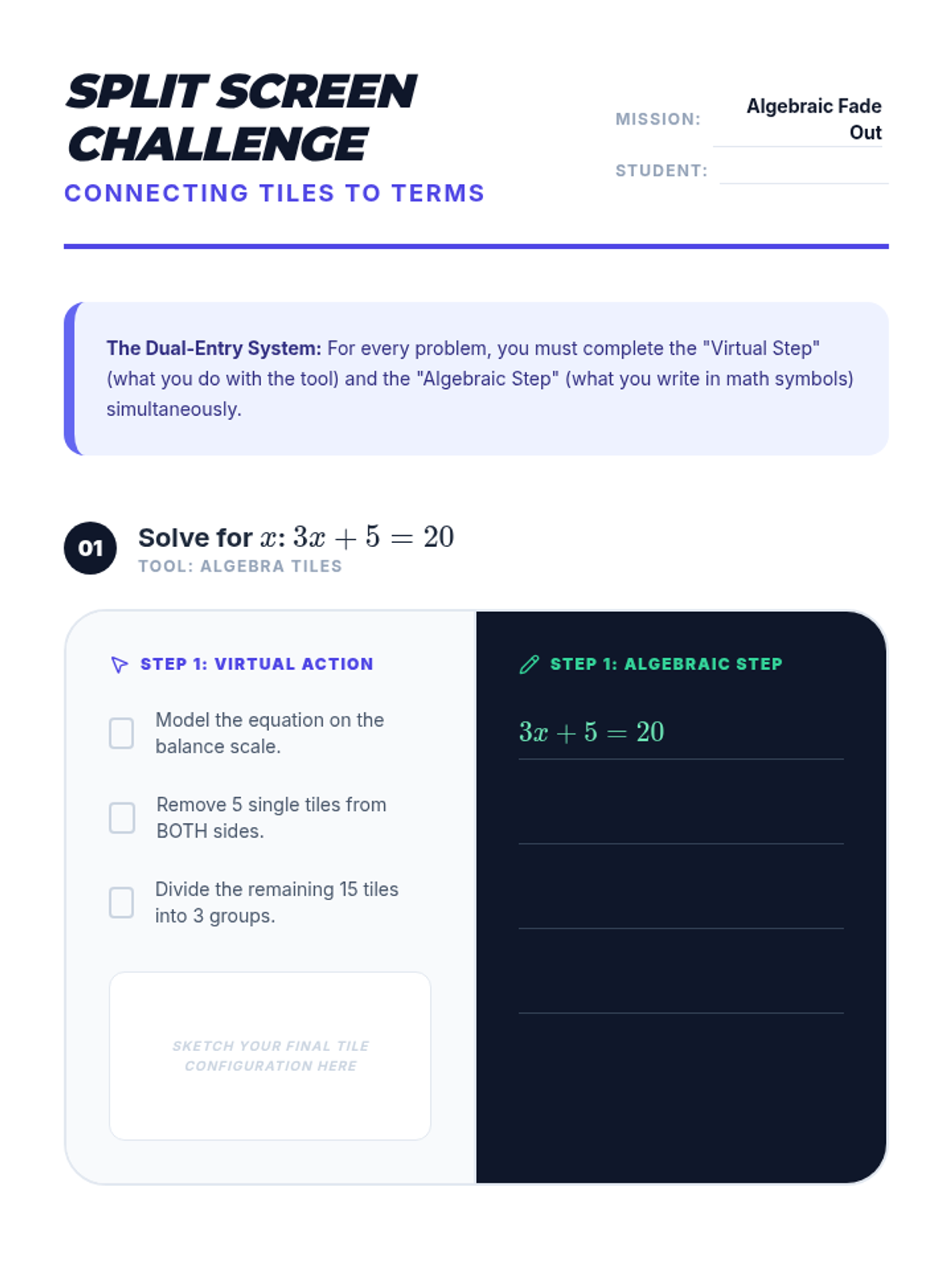
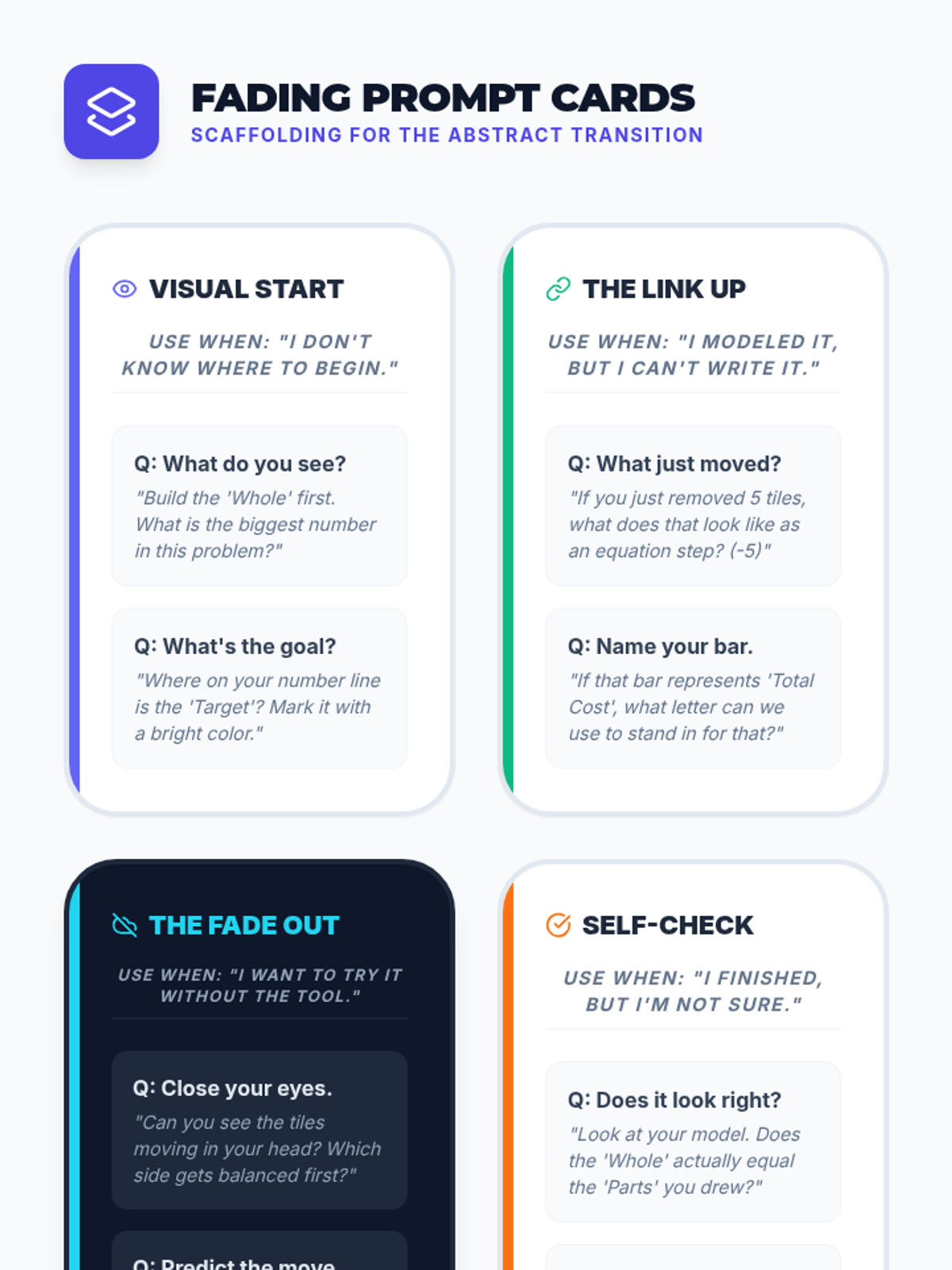
Students practice the transition from concrete virtual modeling to abstract algebraic notation, solving problems side-by-side to connect the visual 'doing' with the symbolic 'writing'.
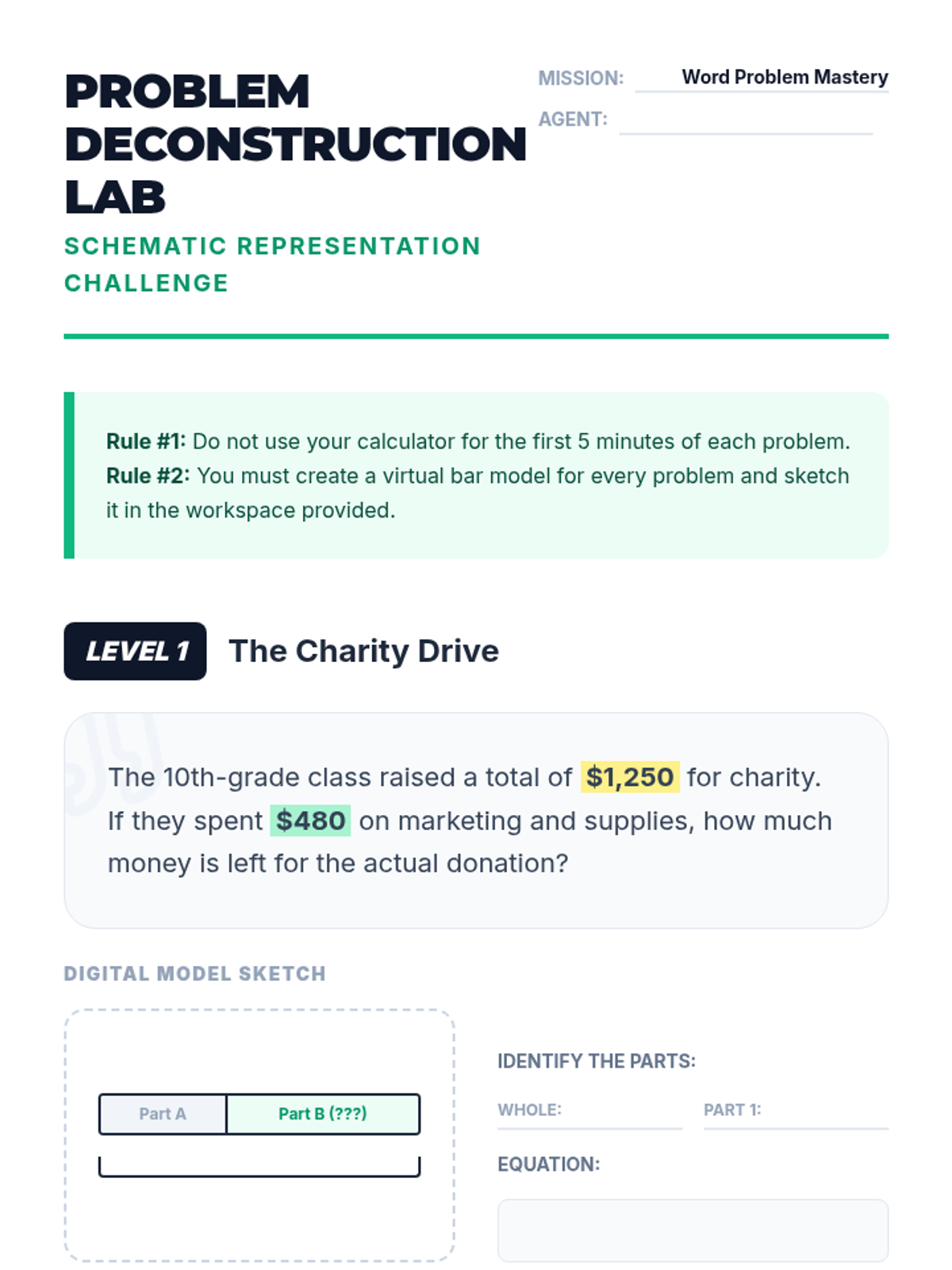
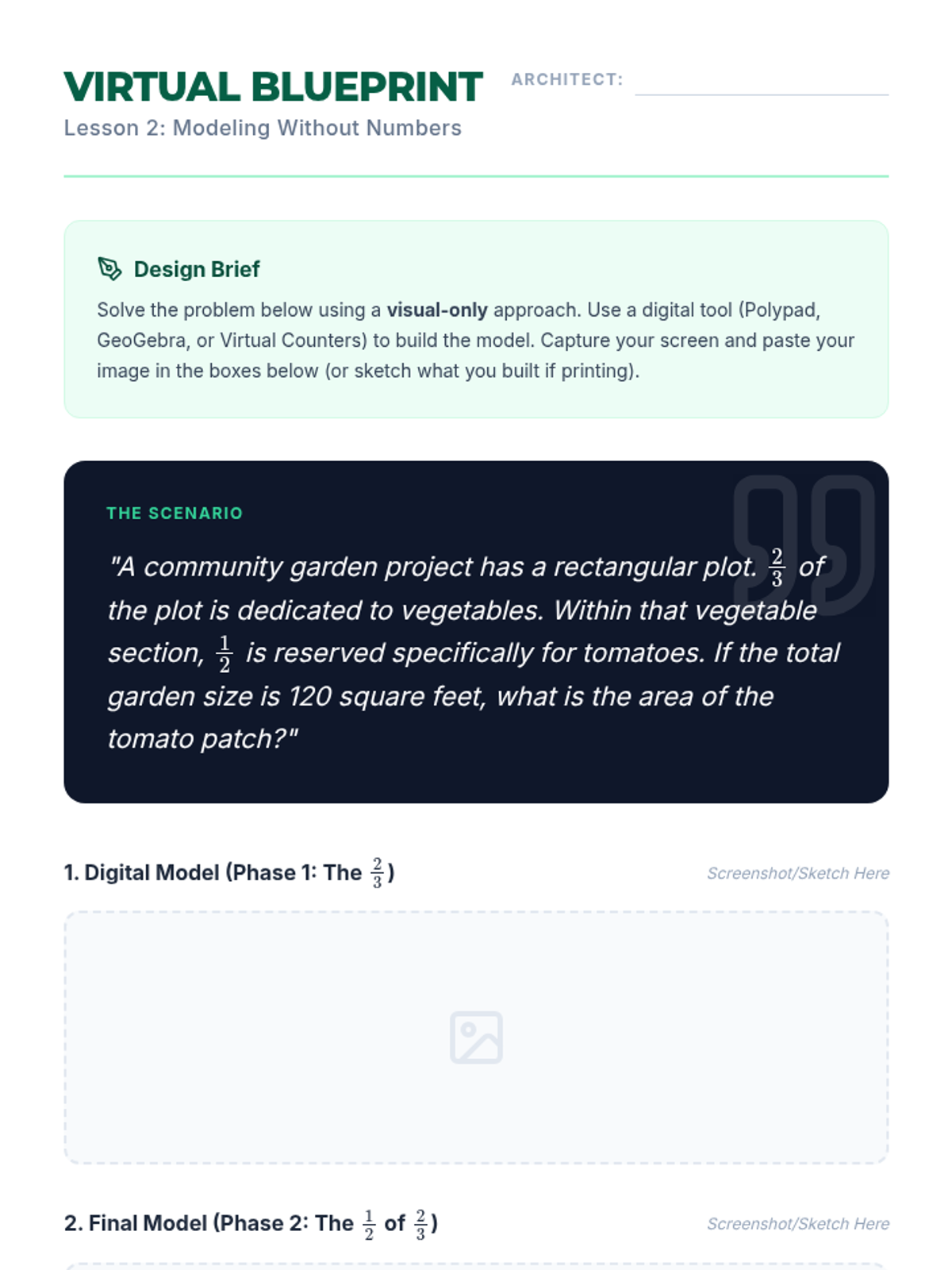
Students use virtual bar models to decompose and represent multi-step word problems visually, focusing on schematic representation before calculation.
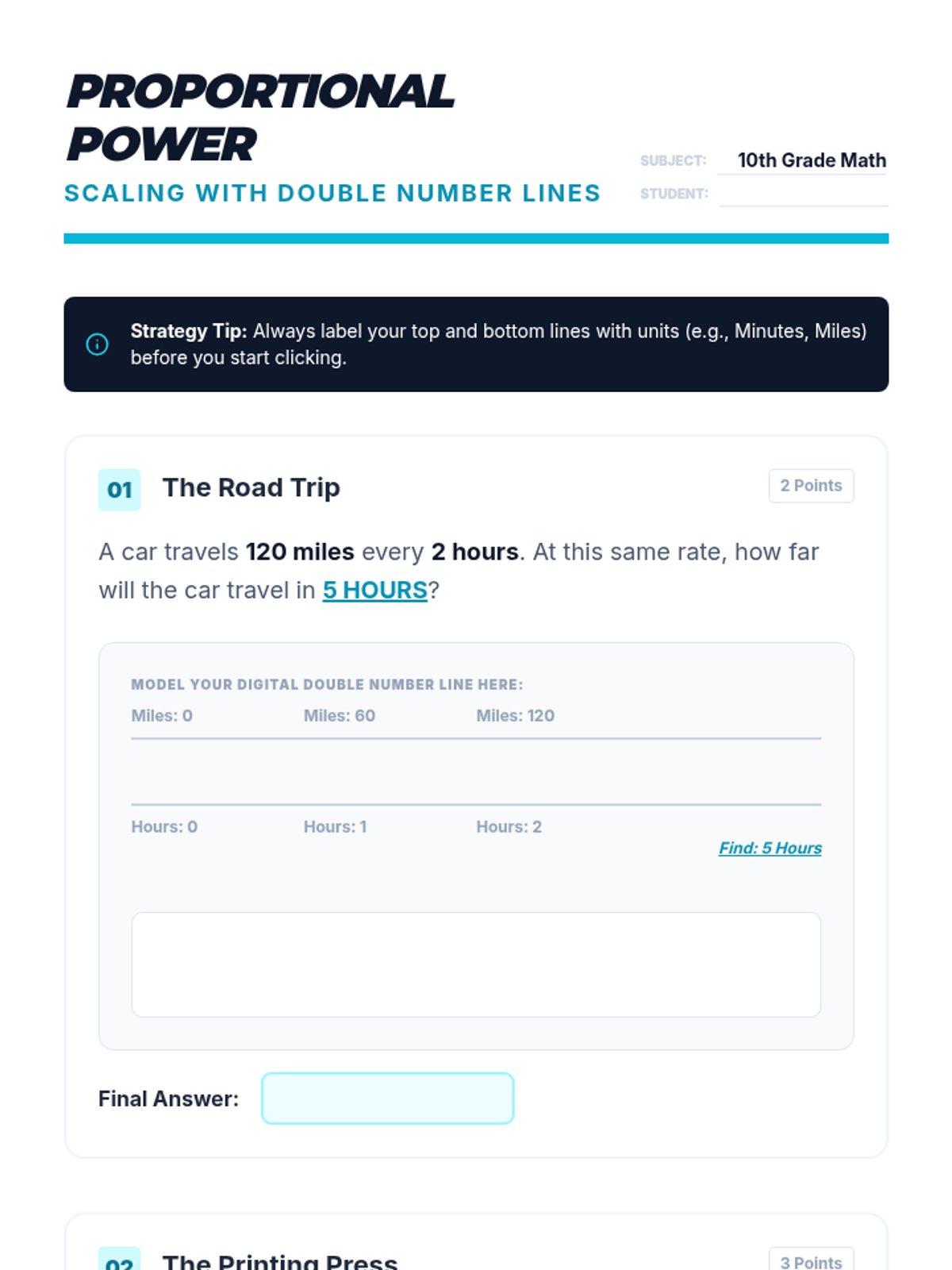
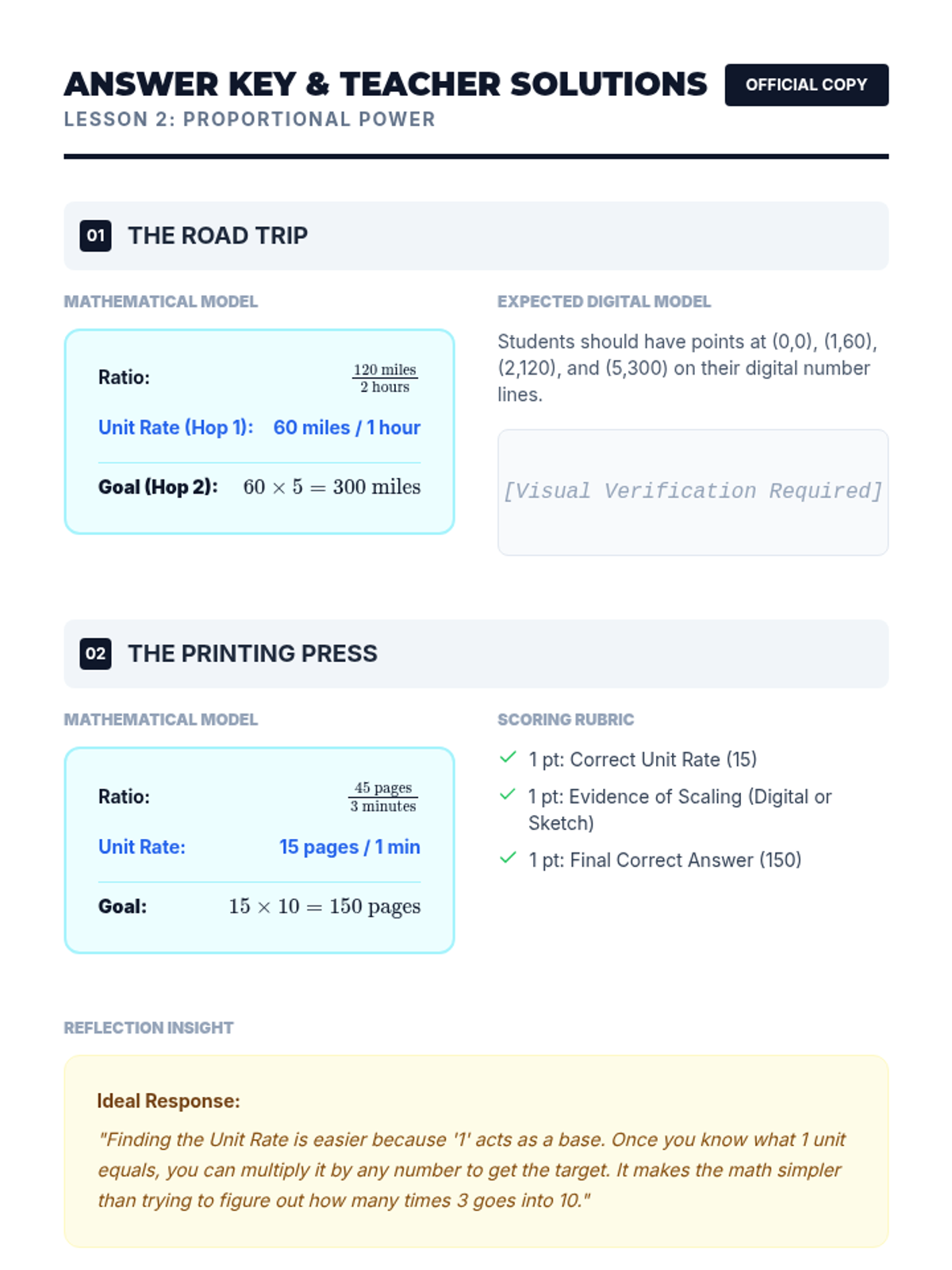
Students use virtual double number lines to solve ratio and proportion problems, bridging arithmetic to proportional reasoning through visual scaling.
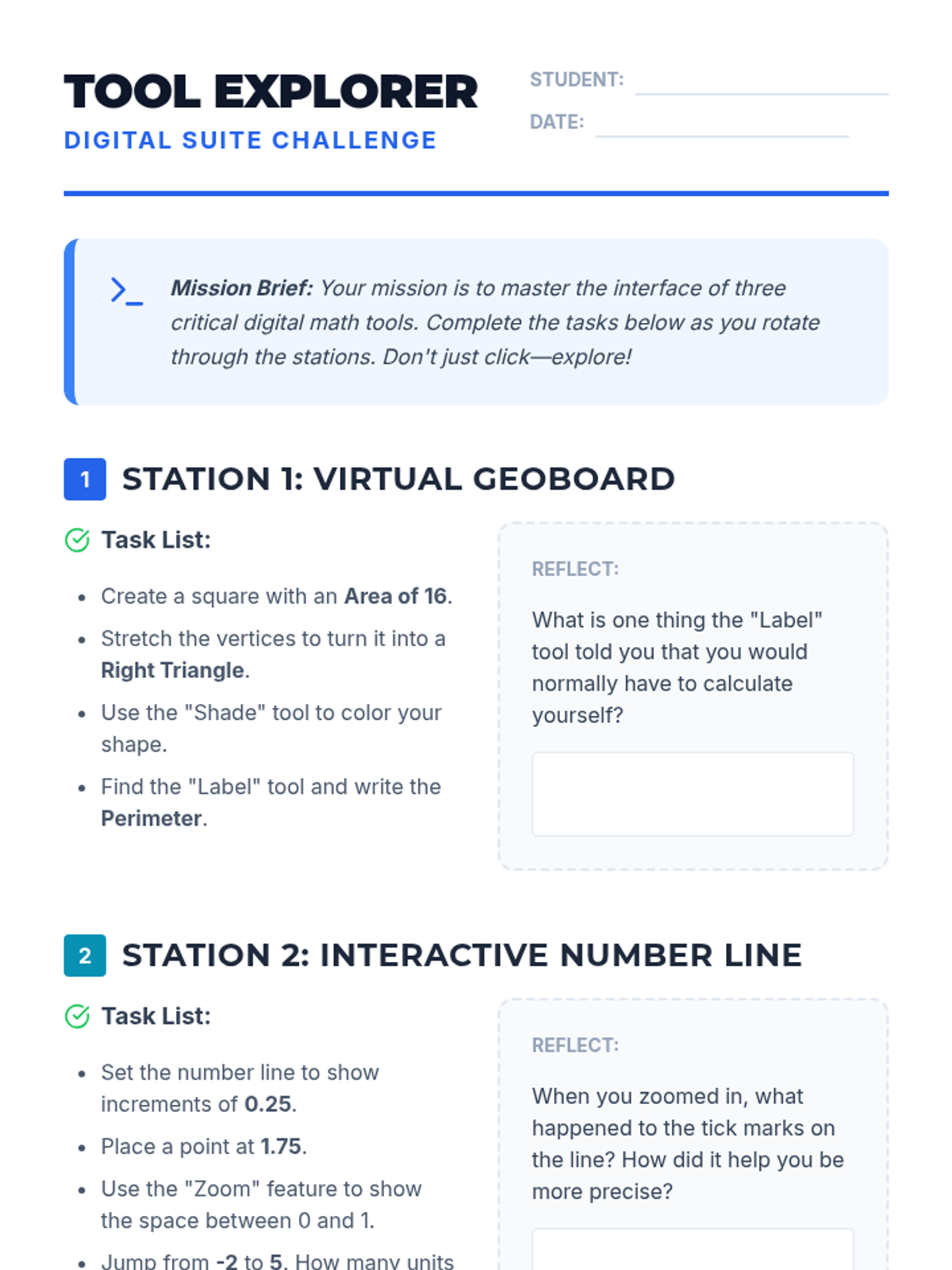
Students explore a suite of virtual math tools through high-speed challenges, learning the interface and potential applications of geoboards, counters, and number lines.
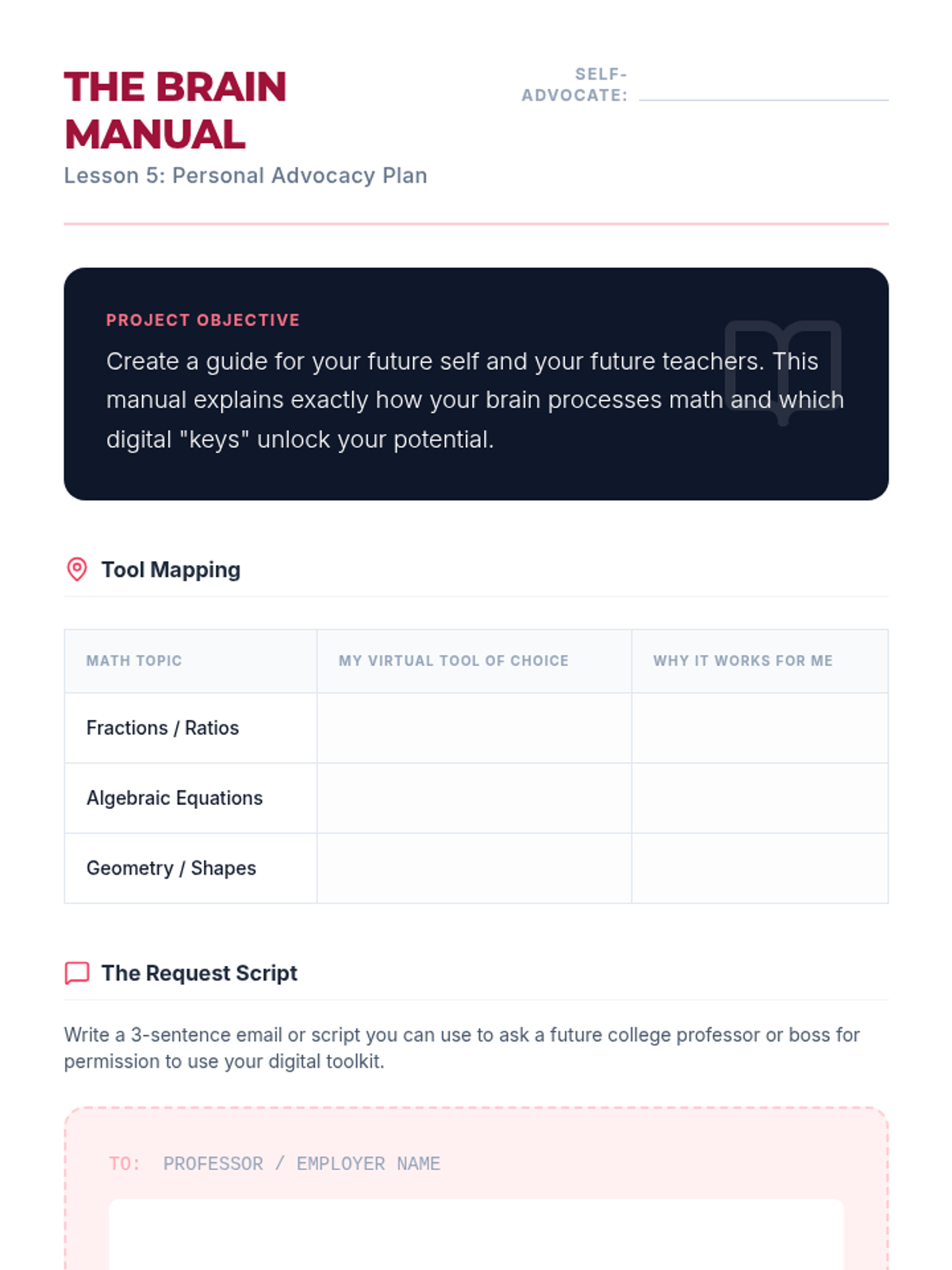
Students develop a personal self-advocacy plan, identifying specific tools they need and how to request them in future environments.
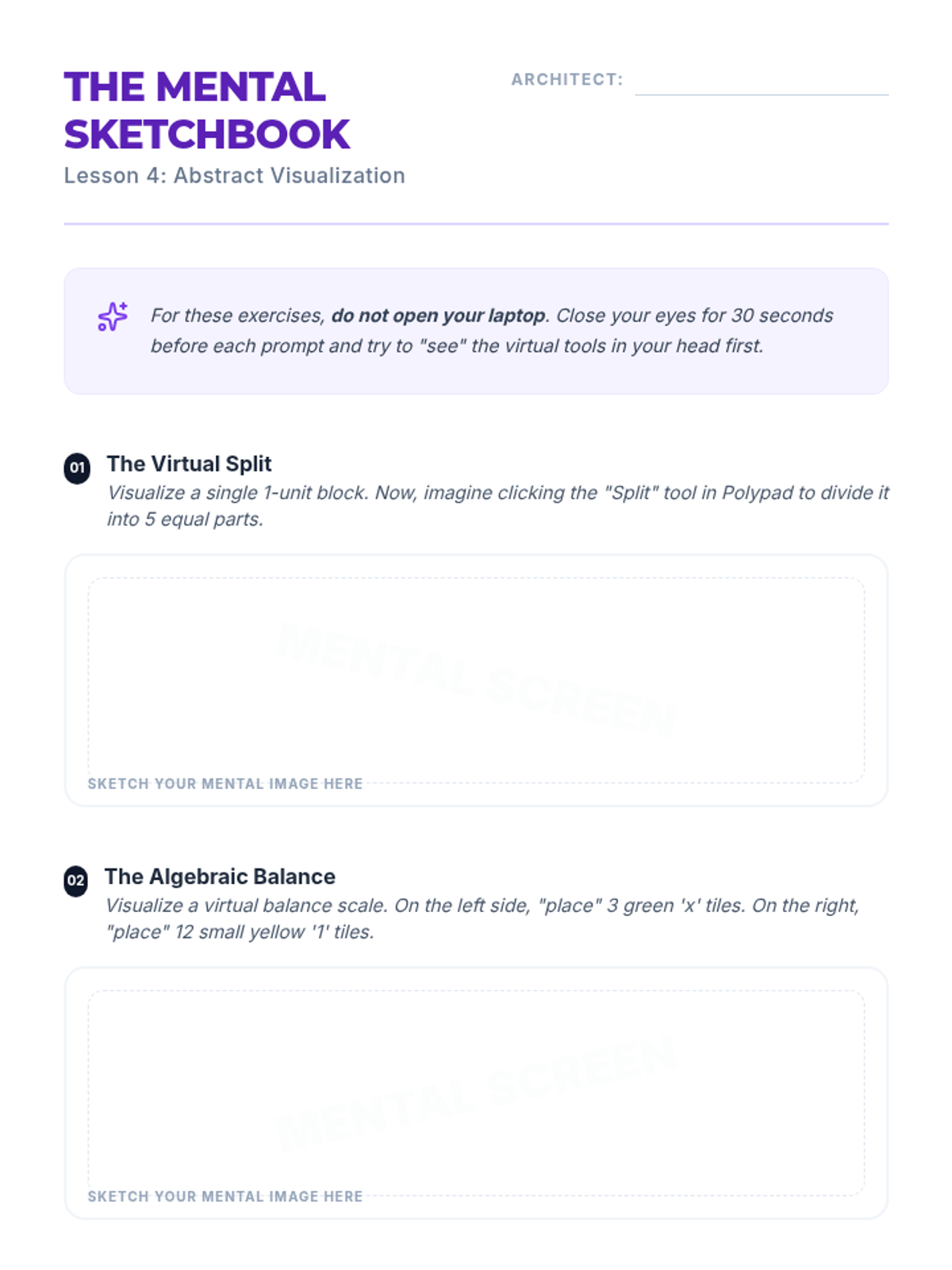
Students practice visualizing virtual tools internally to build abstract reasoning and mental modeling skills.
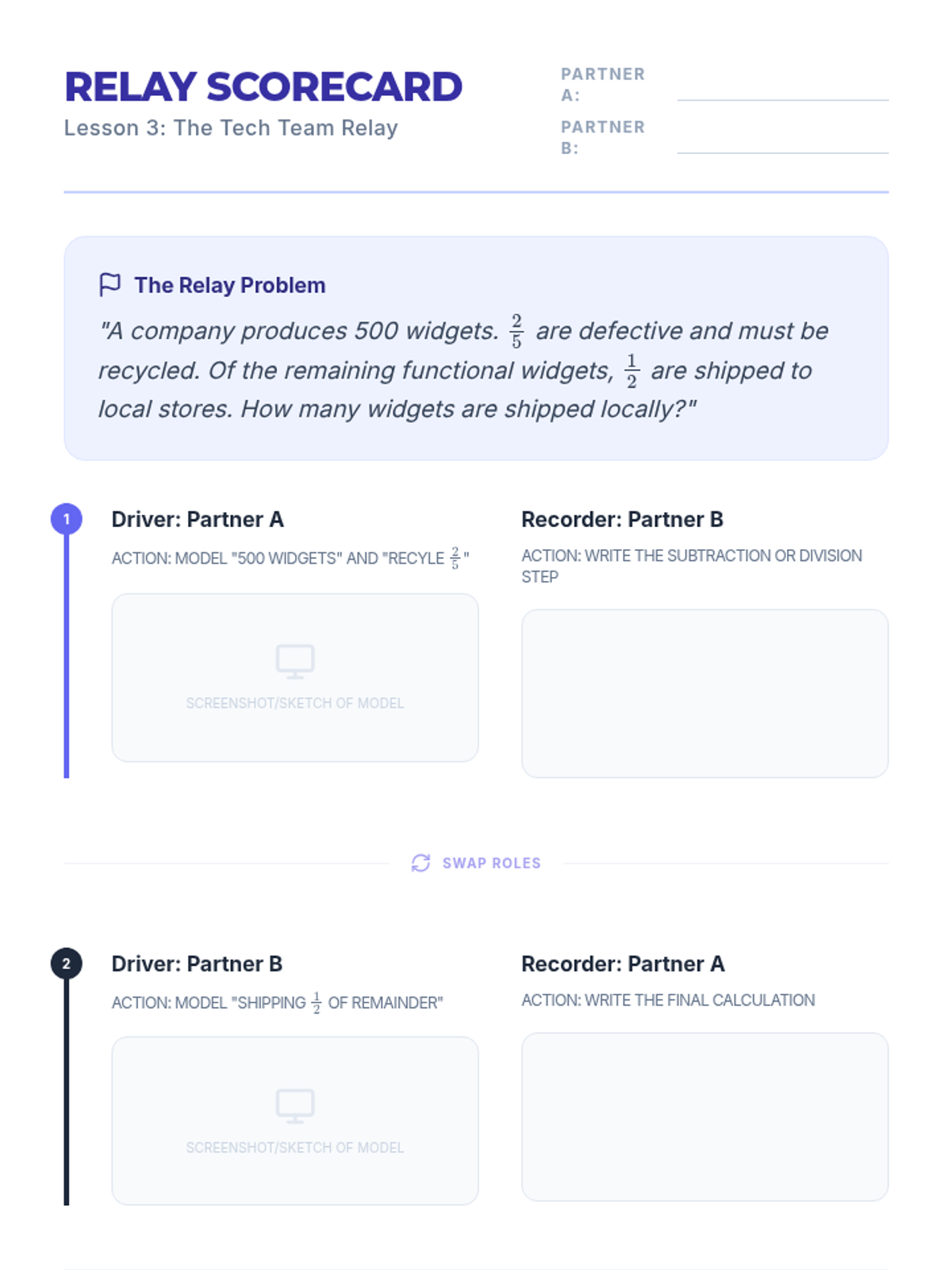
Pairs work together to solve multi-step problems, alternating between manipulating digital tools and recording mathematical steps.
Students learn to translate complex word problems into digital visual models using virtual counters and fraction bars.
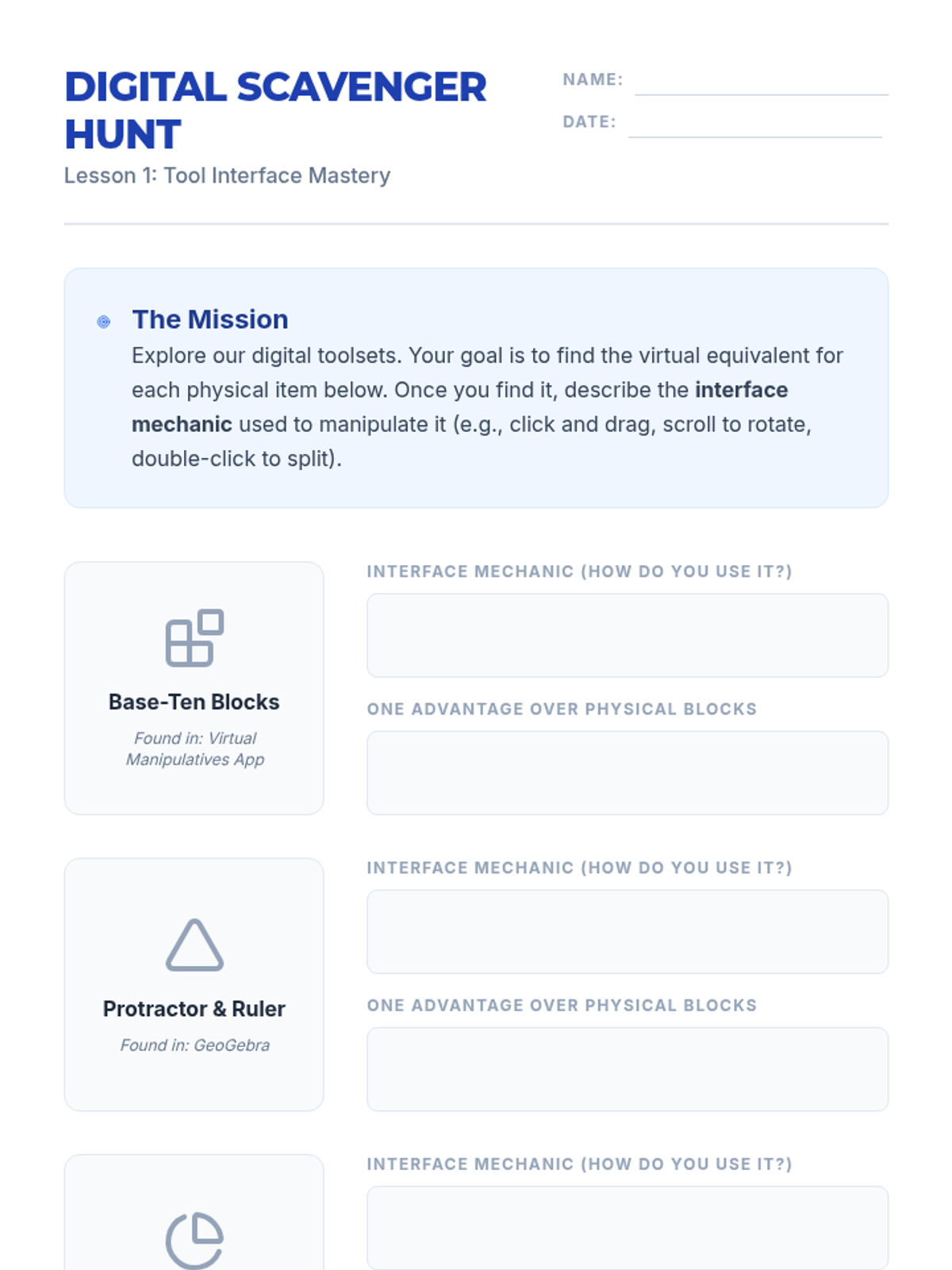
Students explore virtual manipulative platforms and compare them to physical objects, focusing on the mechanics of digital tool navigation.
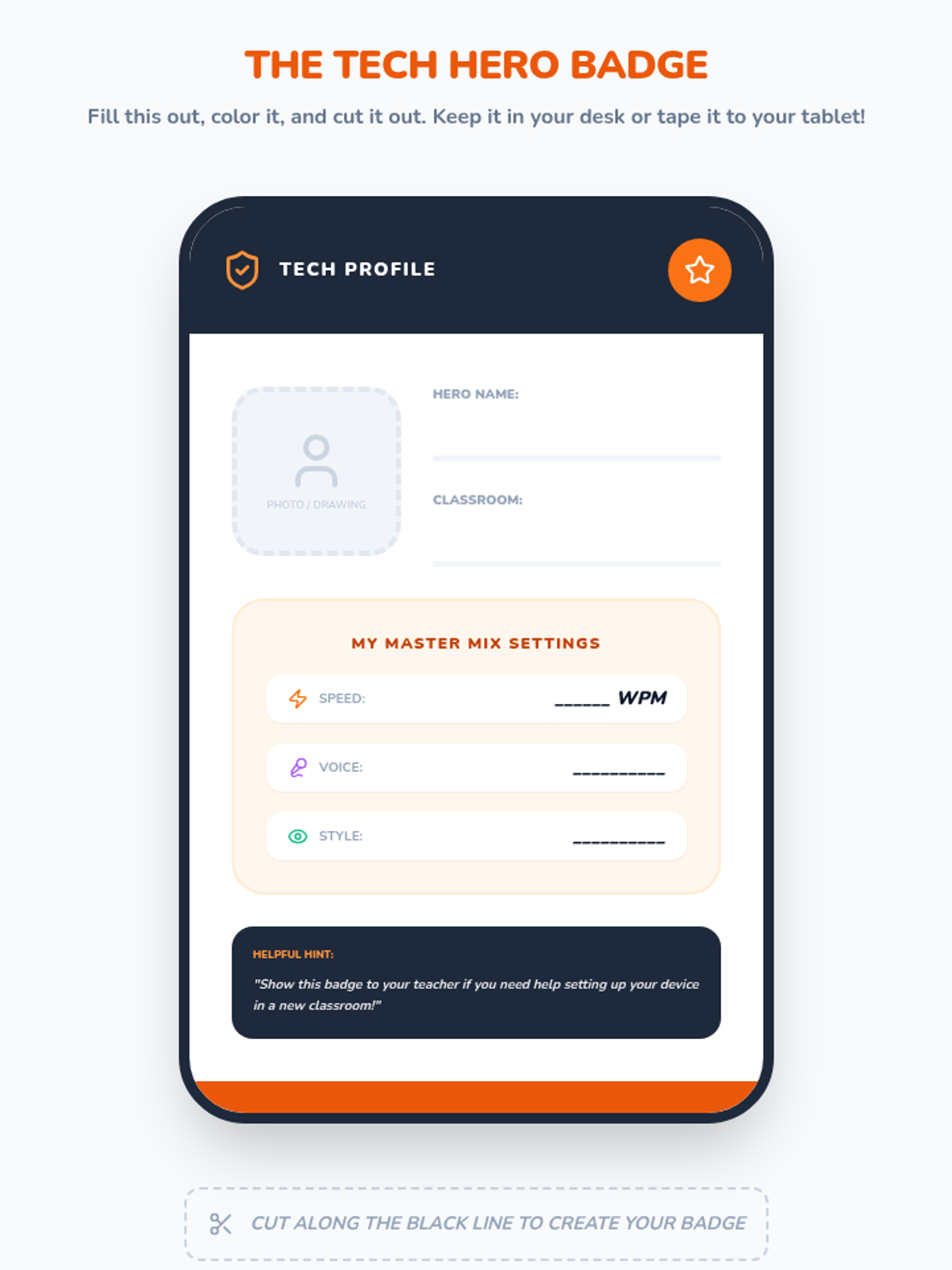
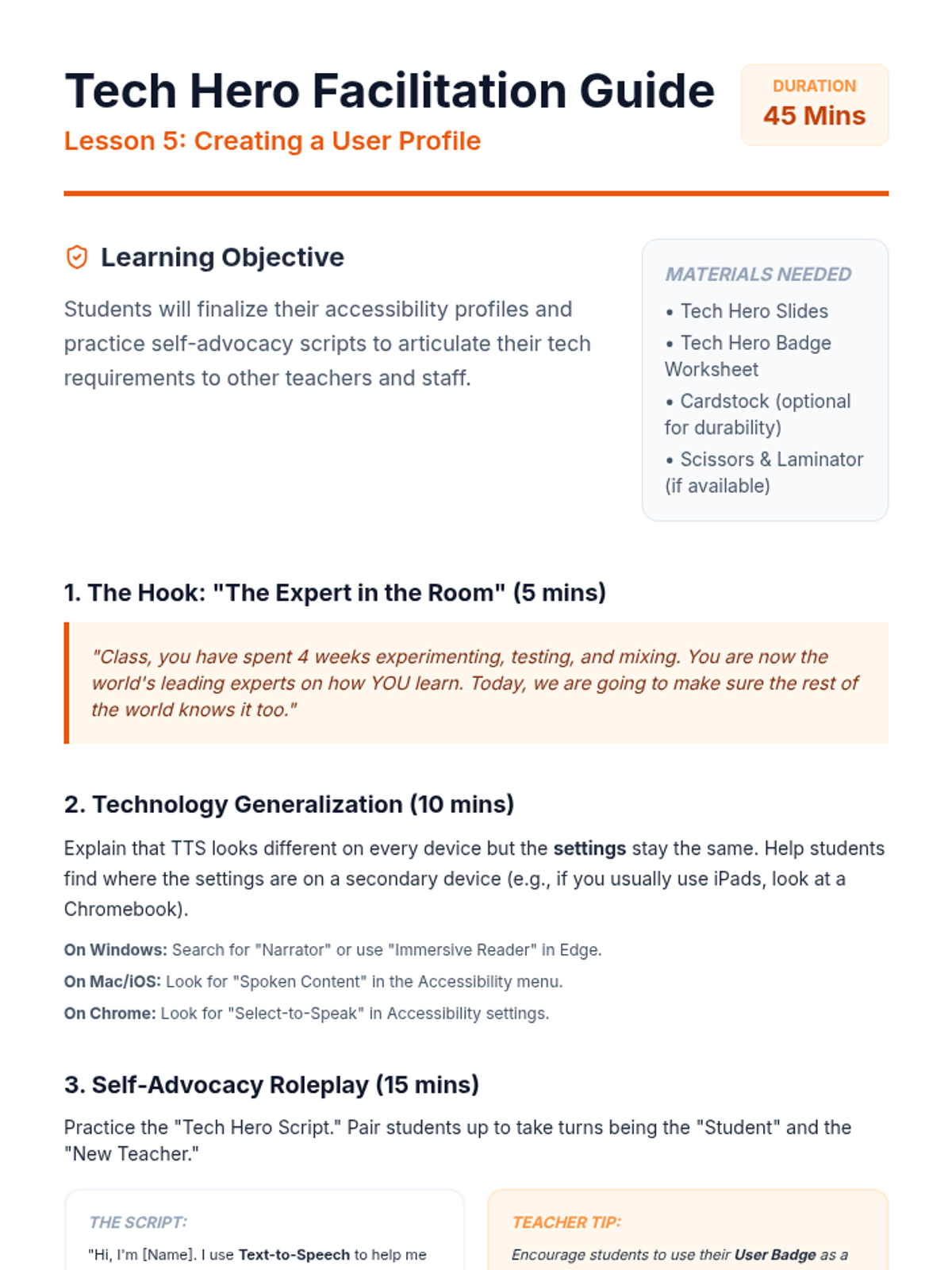
Students finalize their settings and create a portable 'User Badge.' They practice self-advocacy skills to explain their technical needs to teachers across different classrooms and devices.
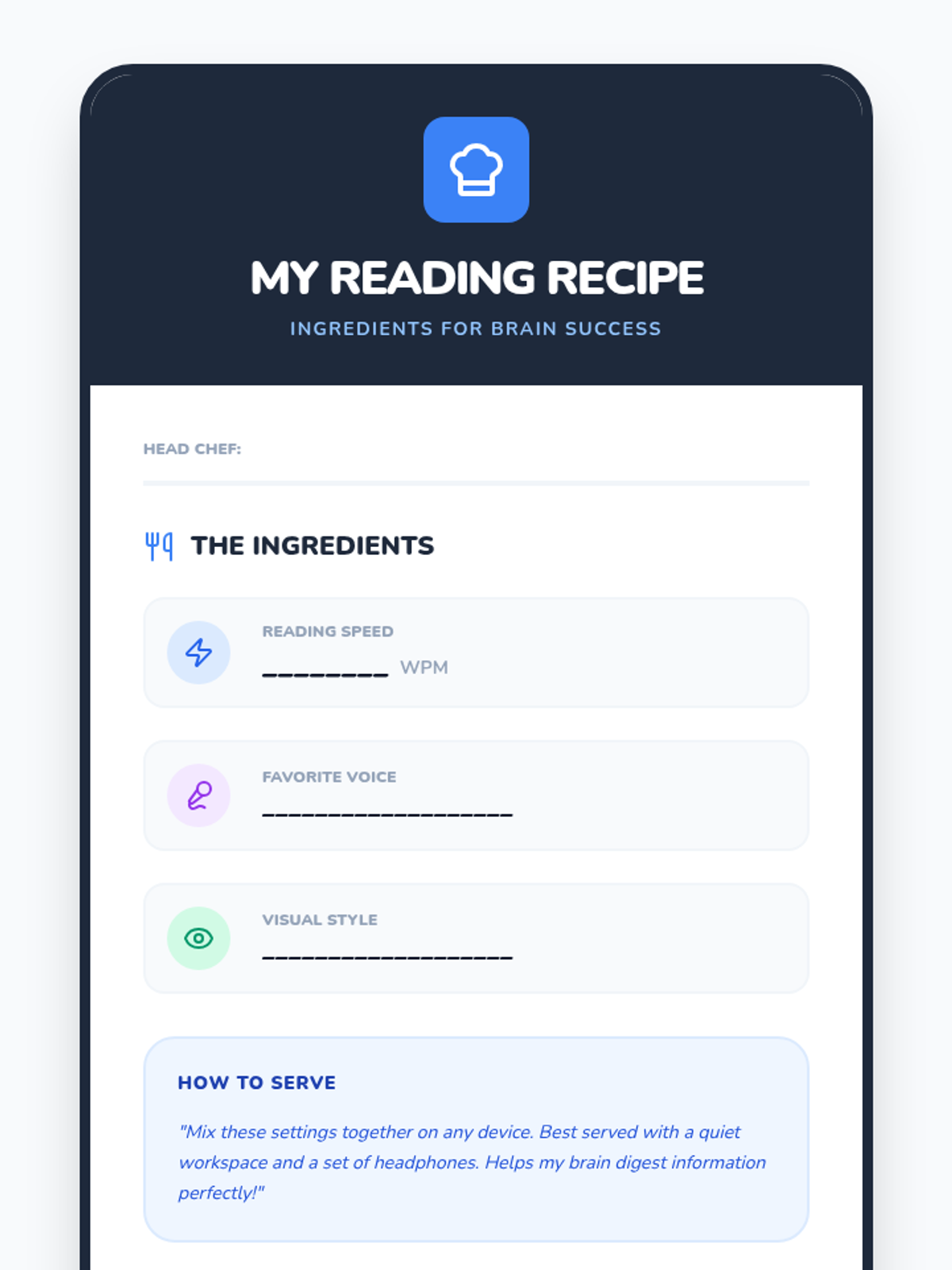
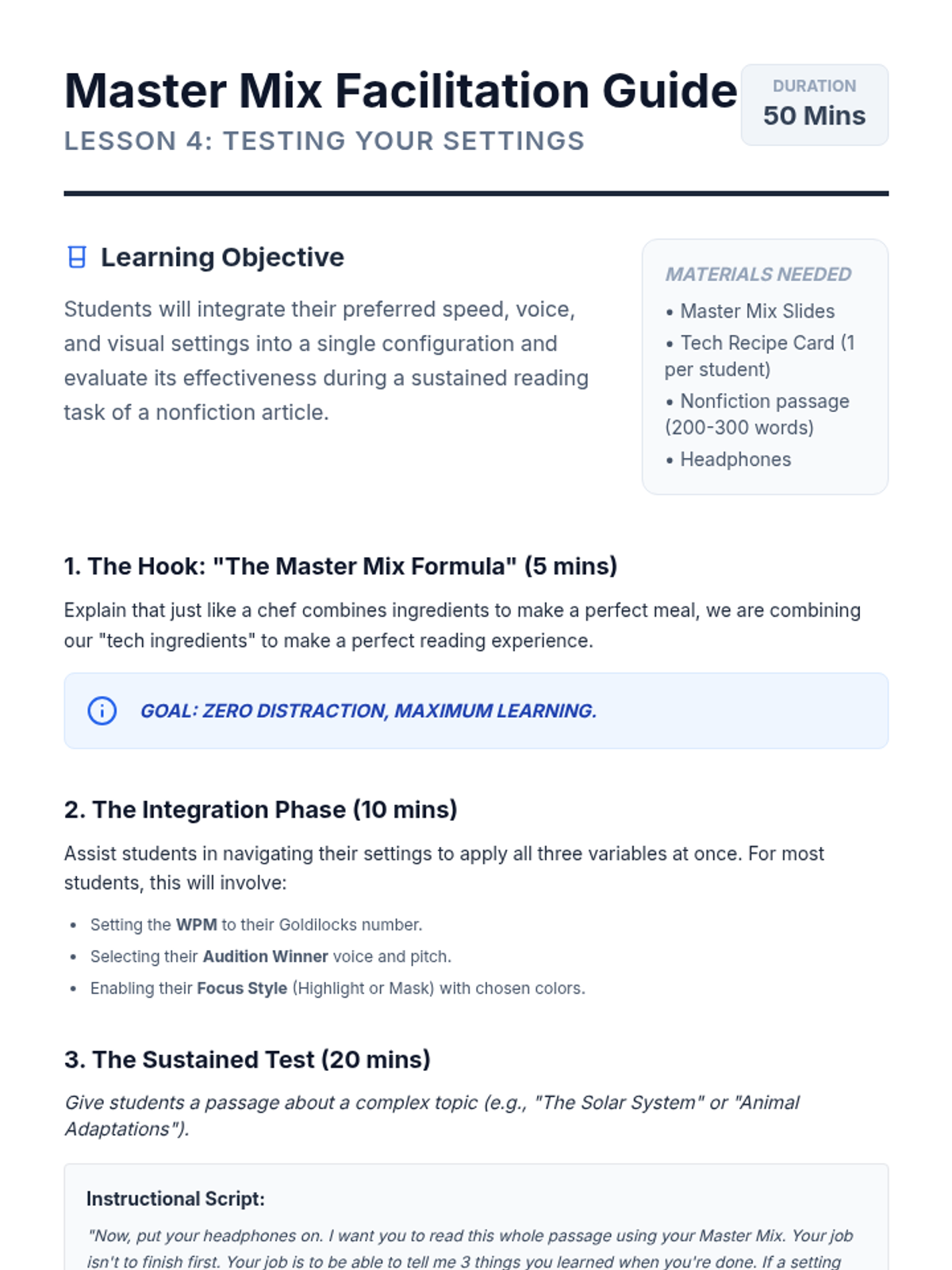
Students combine their chosen speed, voice, and visual settings into a final configuration. They test this 'Master Mix' on a nonfiction article and reflect on their ability to focus and understand.
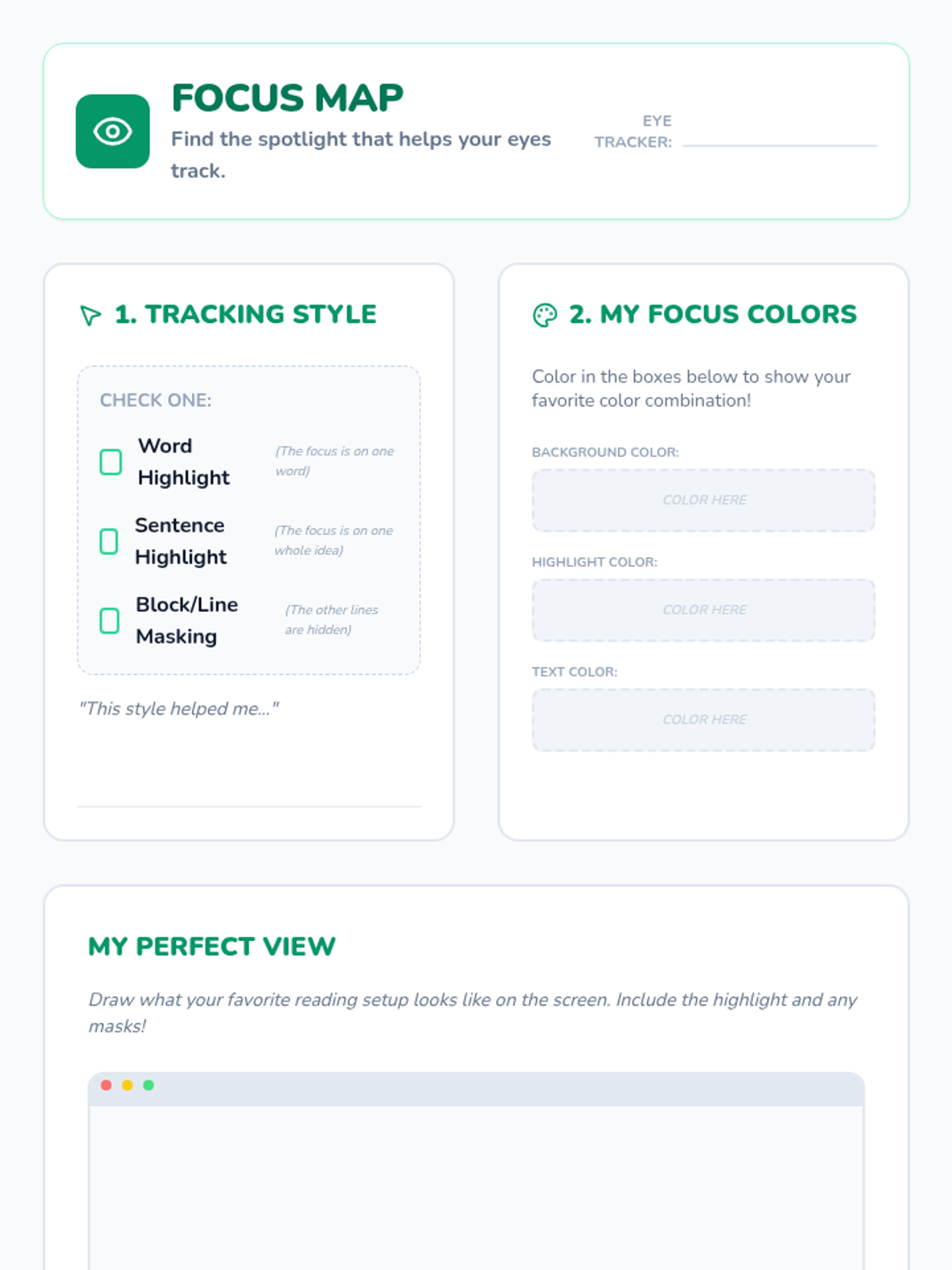
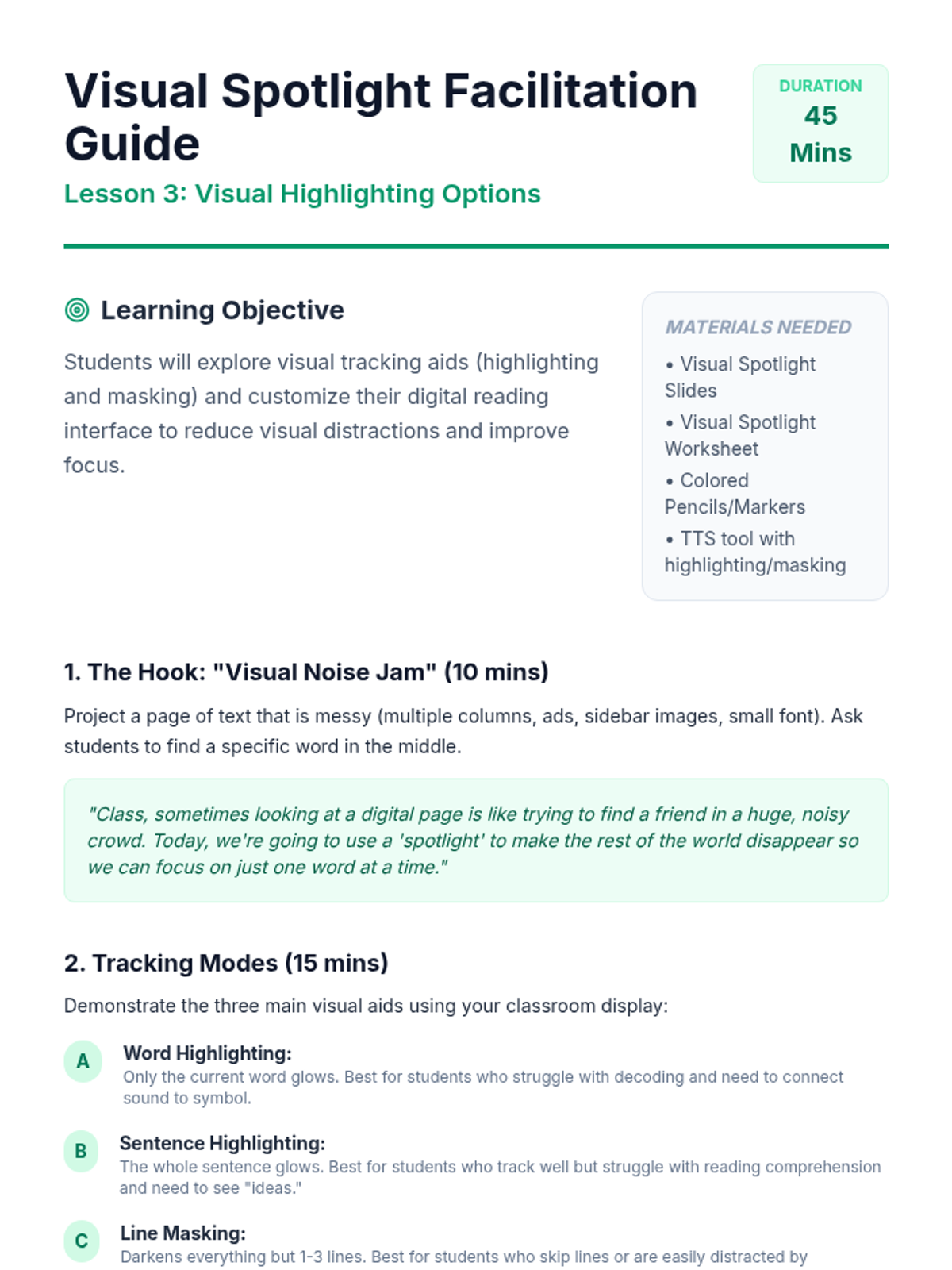
Students investigate visual aids like word-by-word highlighting and masking. They compare reading with 'visual noise' versus a 'spotlight' to find settings that reduce distraction and improve tracking.
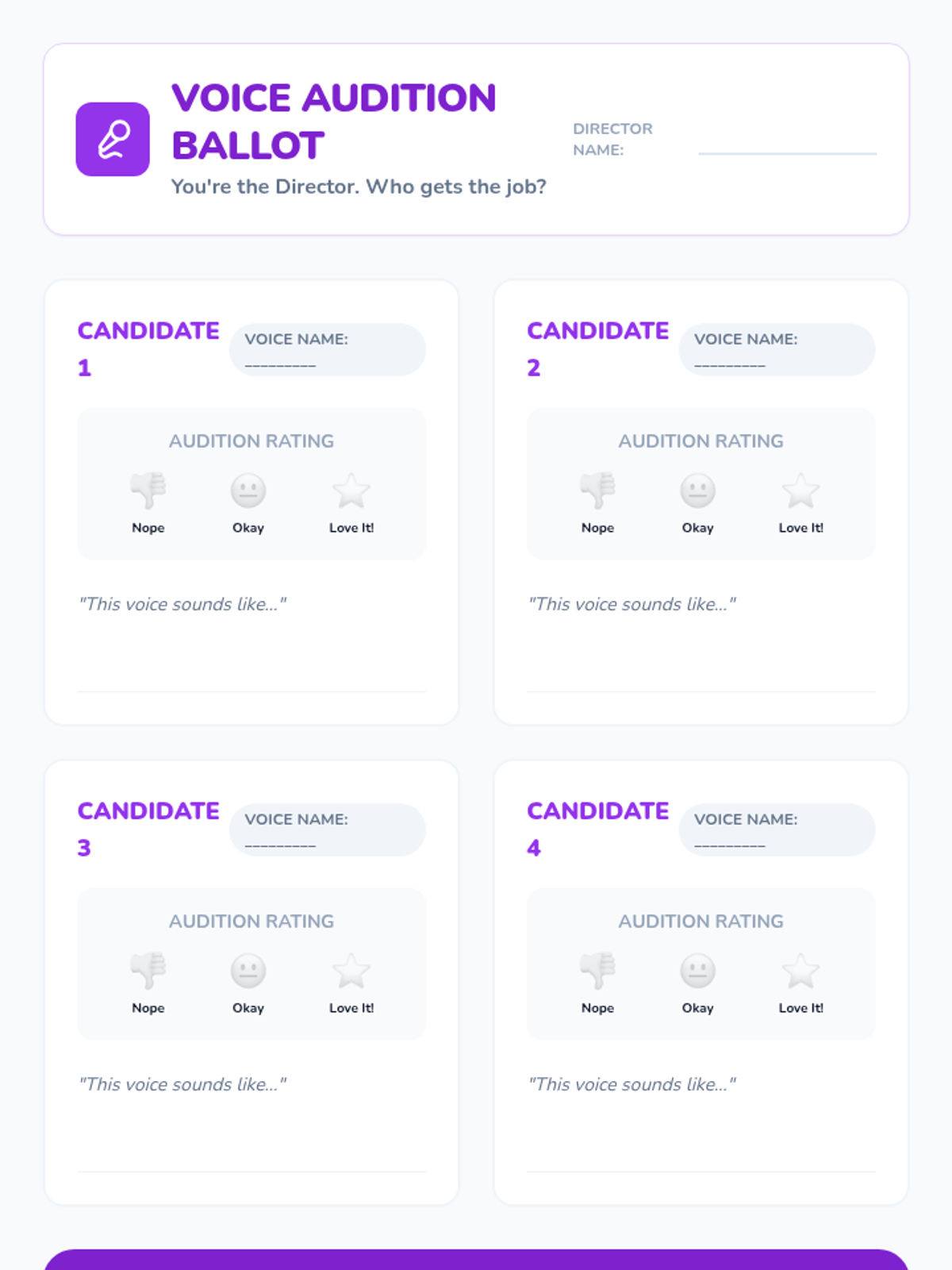
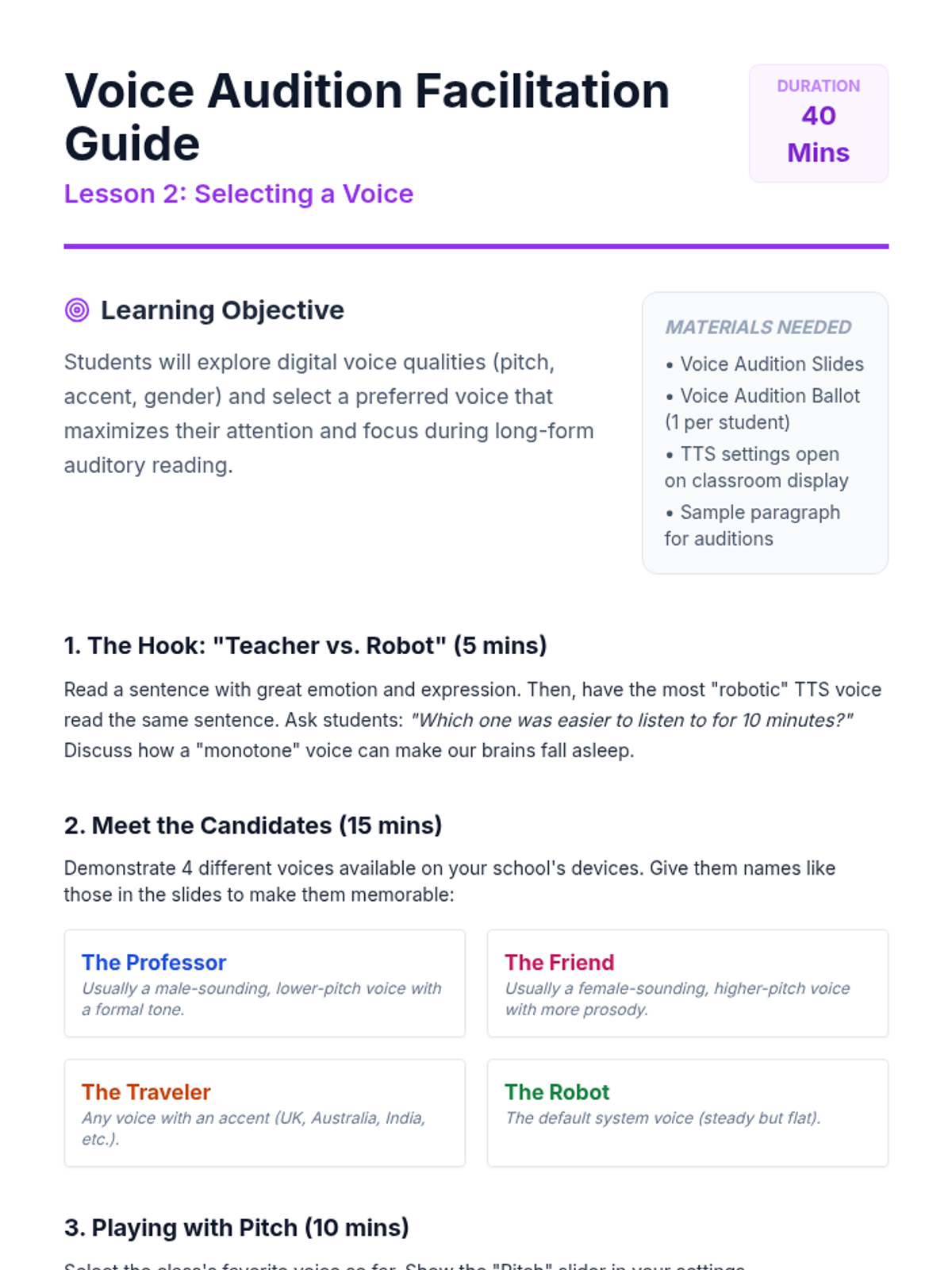
Students explore digital voice options including pitch, accent, and gender. They learn to identify which voices help them stay focused and which feel most natural for long-form reading.
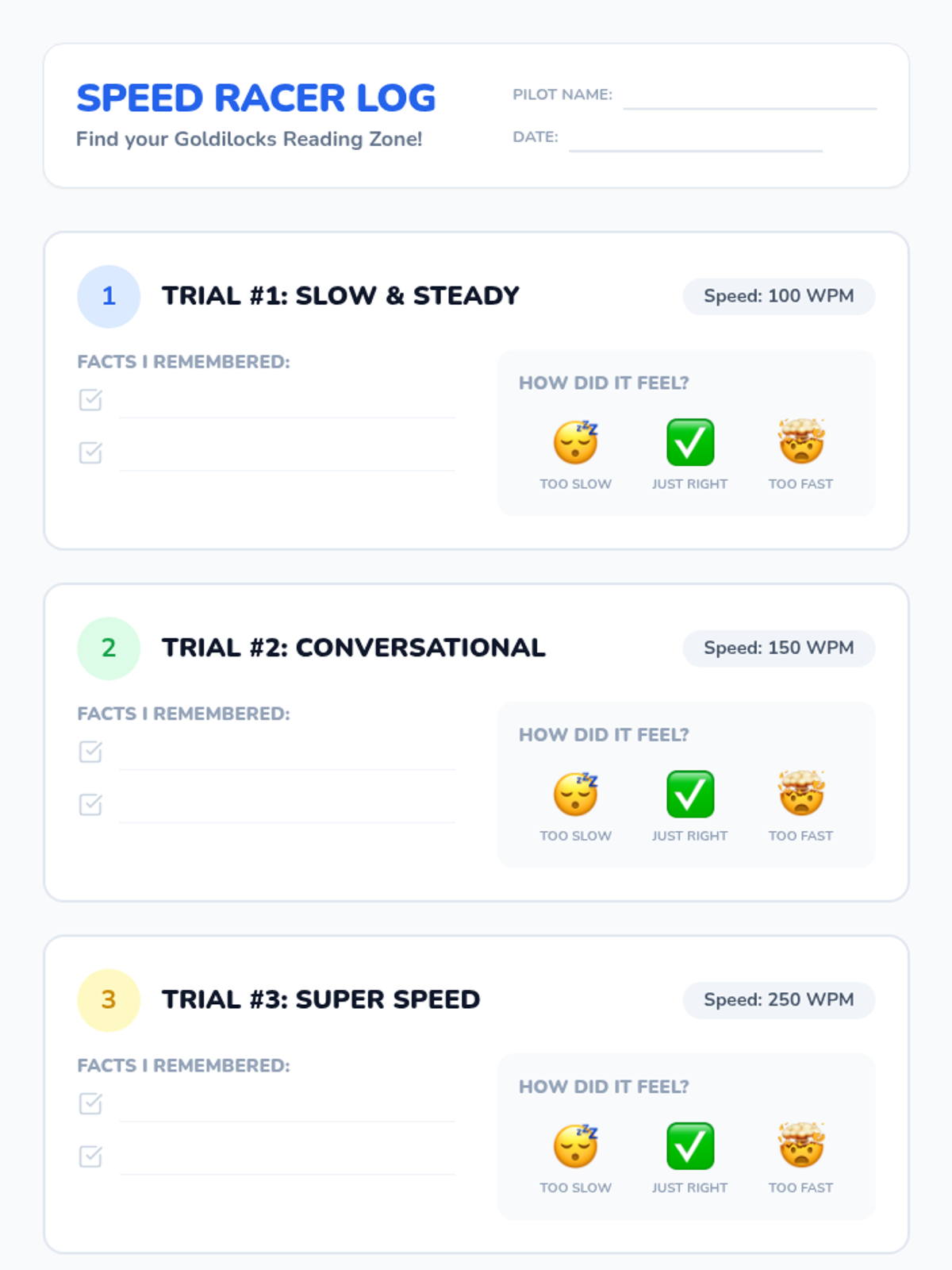
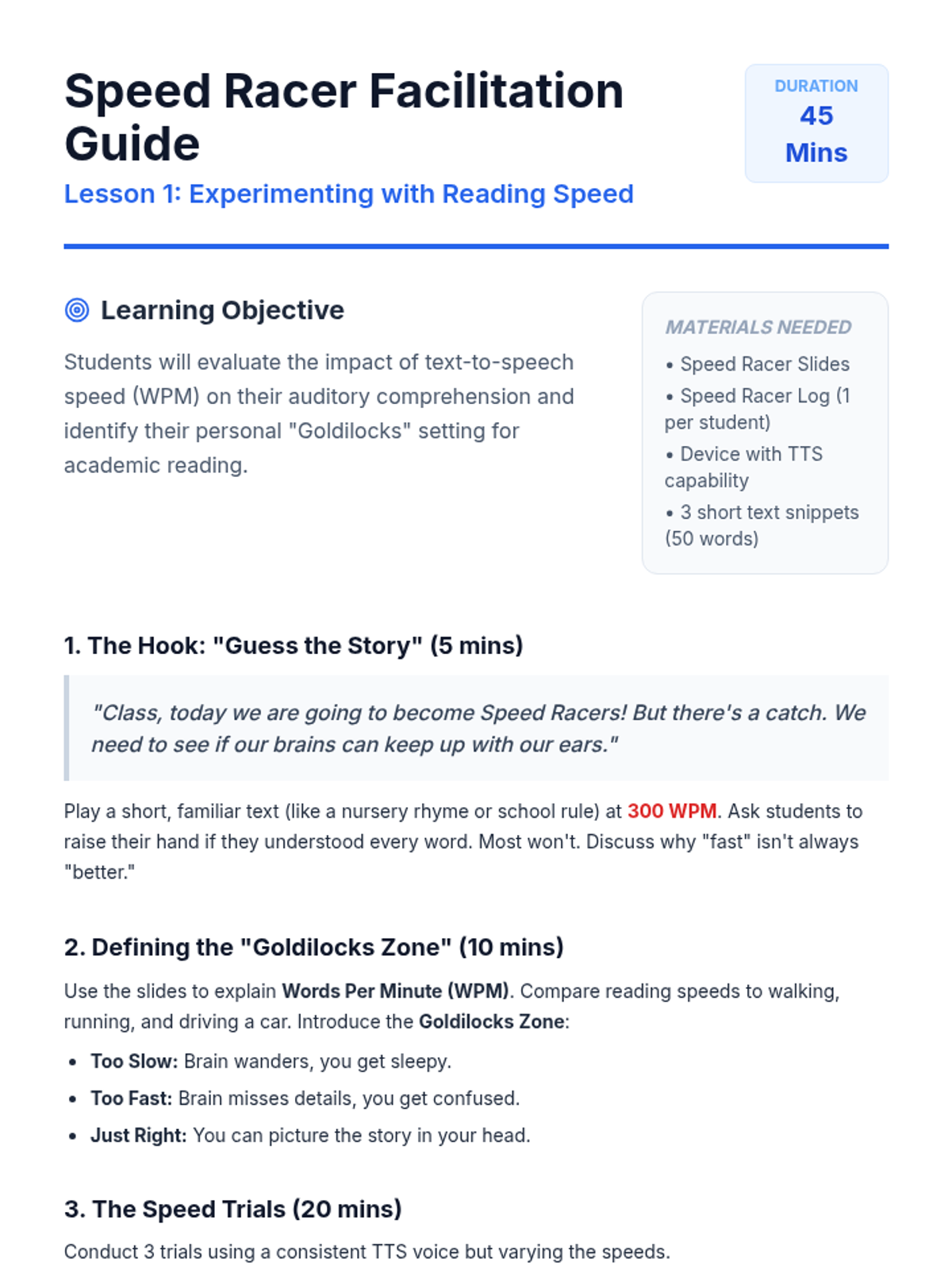
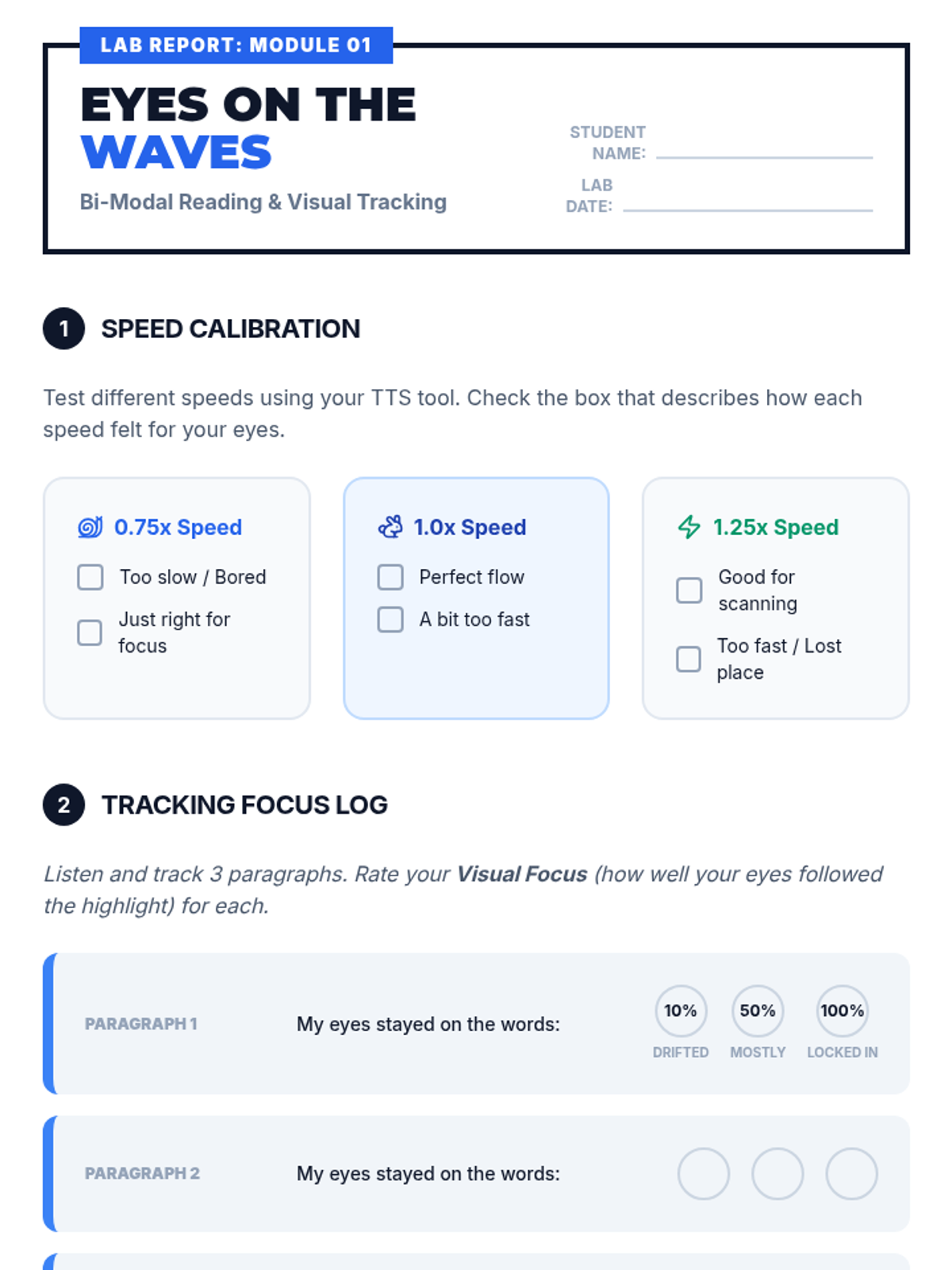
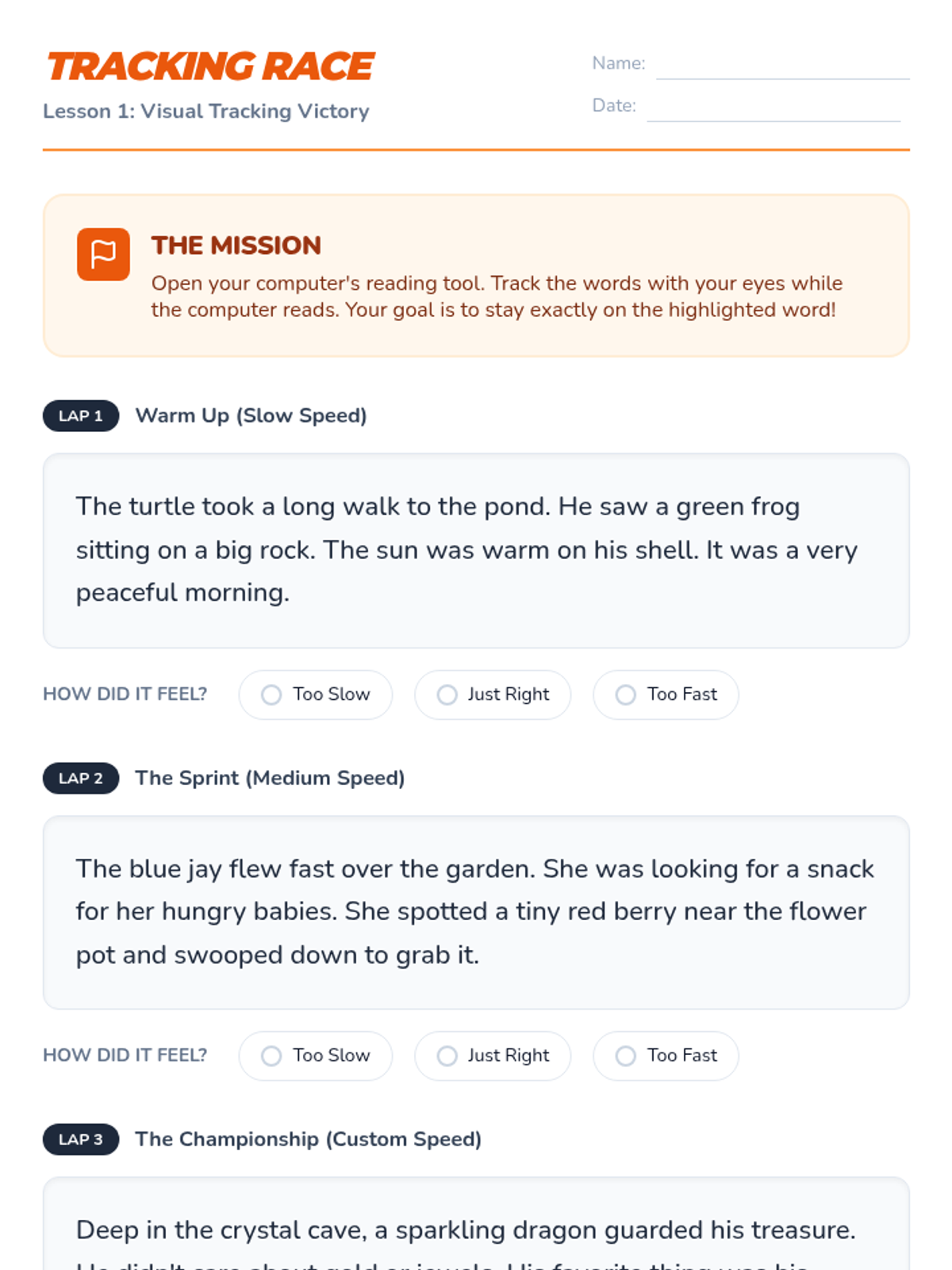
Students test different words-per-minute settings to find their 'Goldilocks' zone. They participate in a Speed Racer challenge to understand how speed impacts their auditory processing and memory.
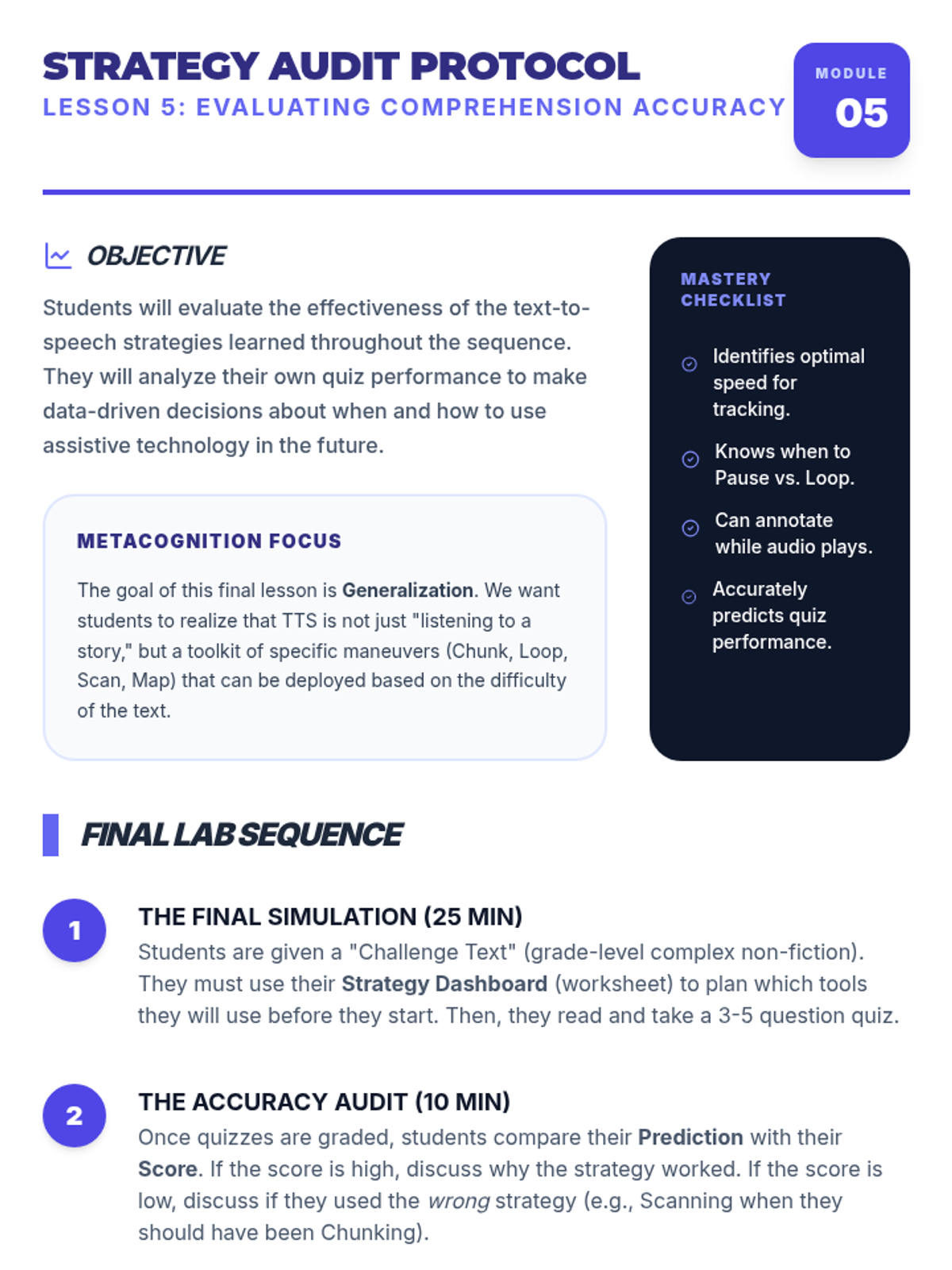
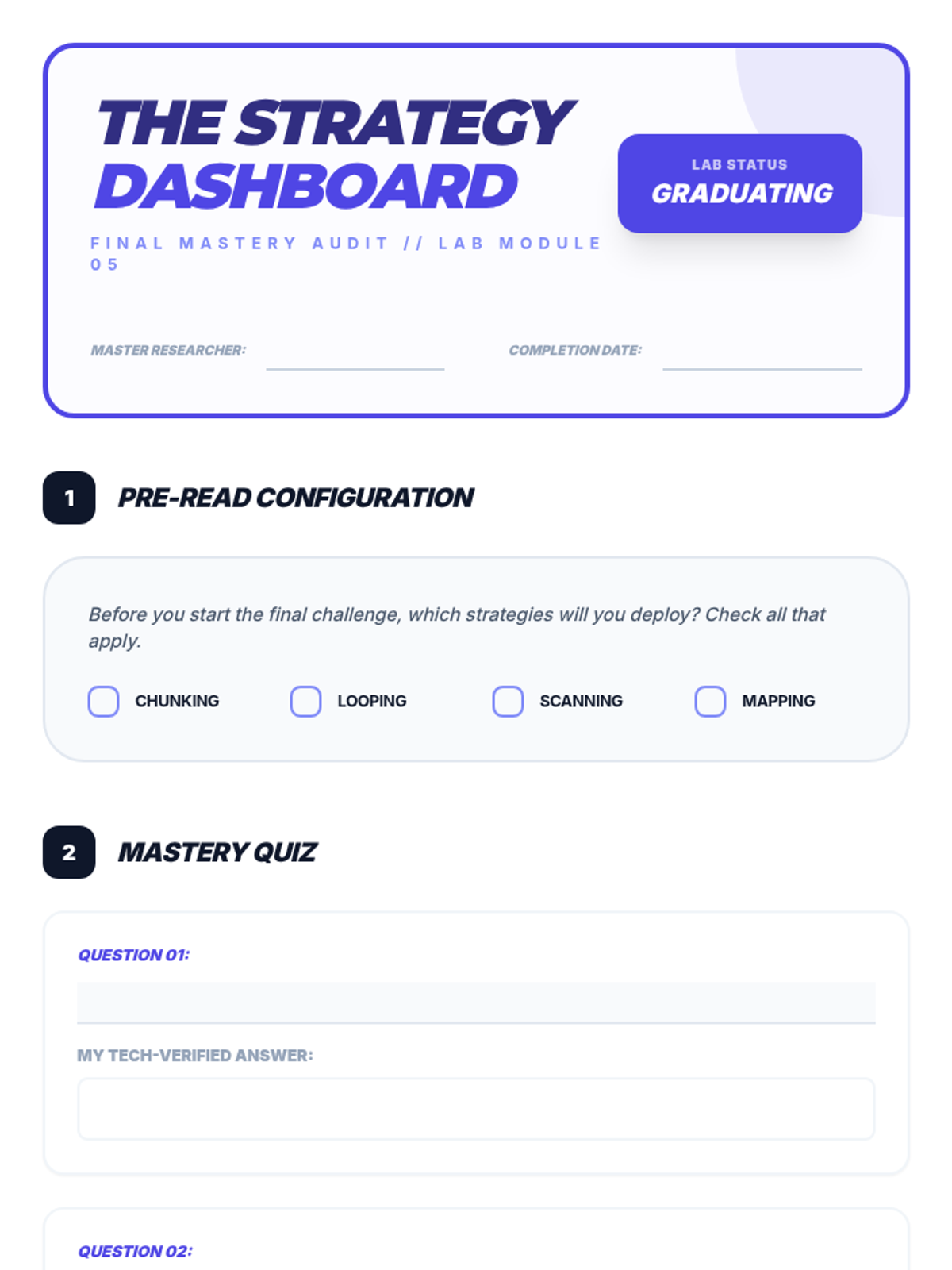
Students assess their own comprehension after using TTS strategies and reflect on which tools and settings work best for their specific learning needs.
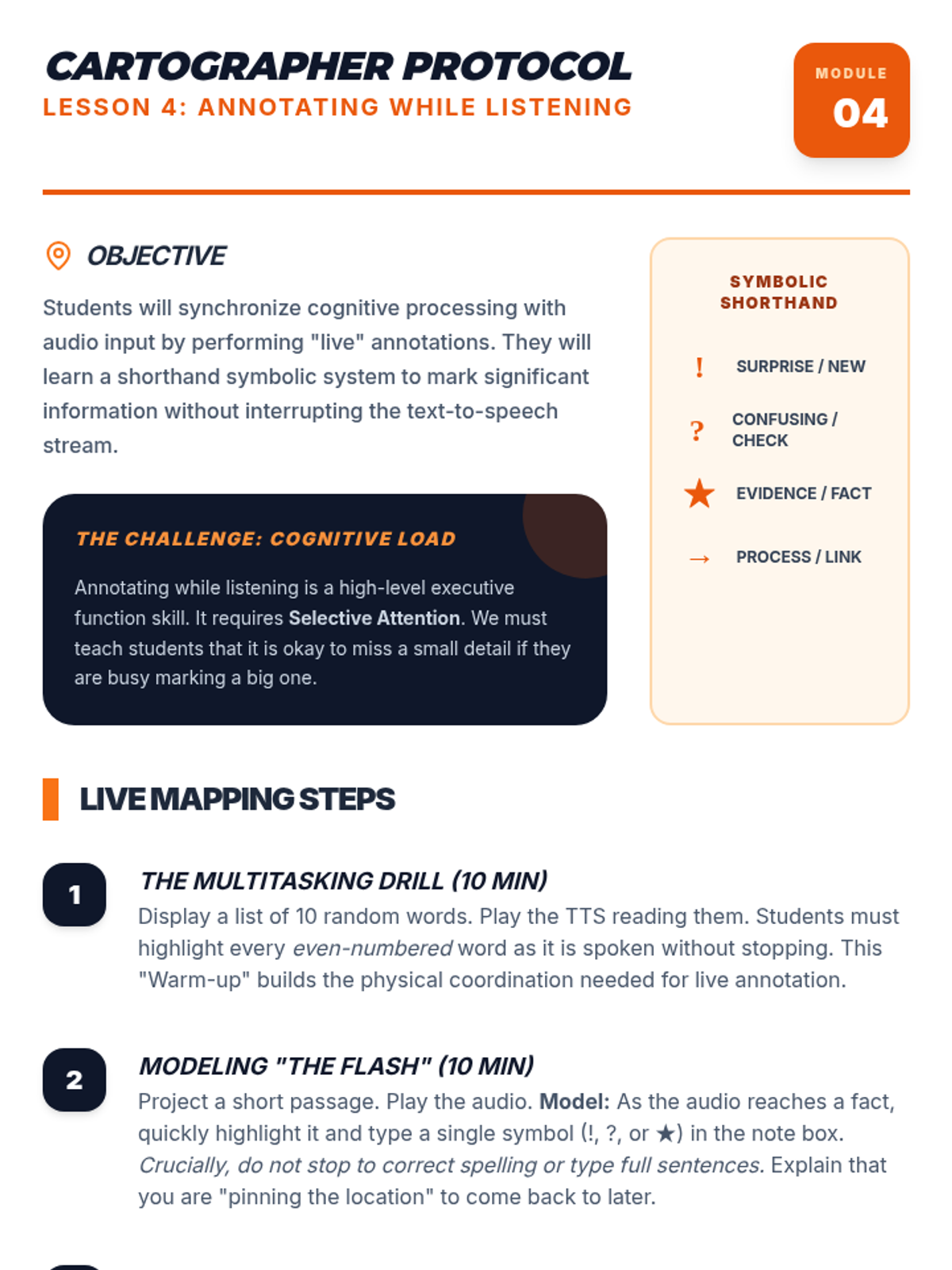
Introduces the skill of taking digital notes or highlighting key information while the text-to-speech audio continues to play.
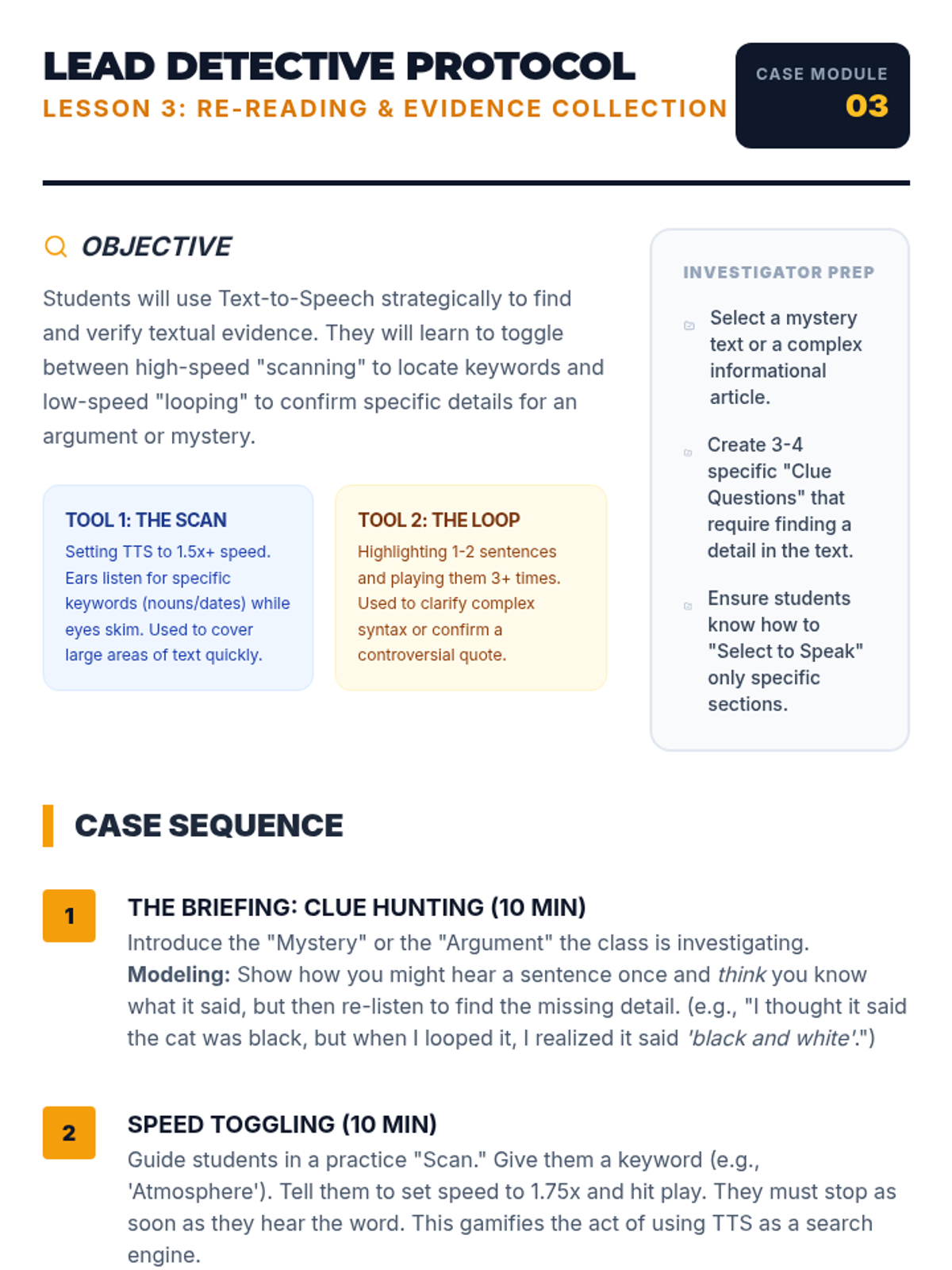
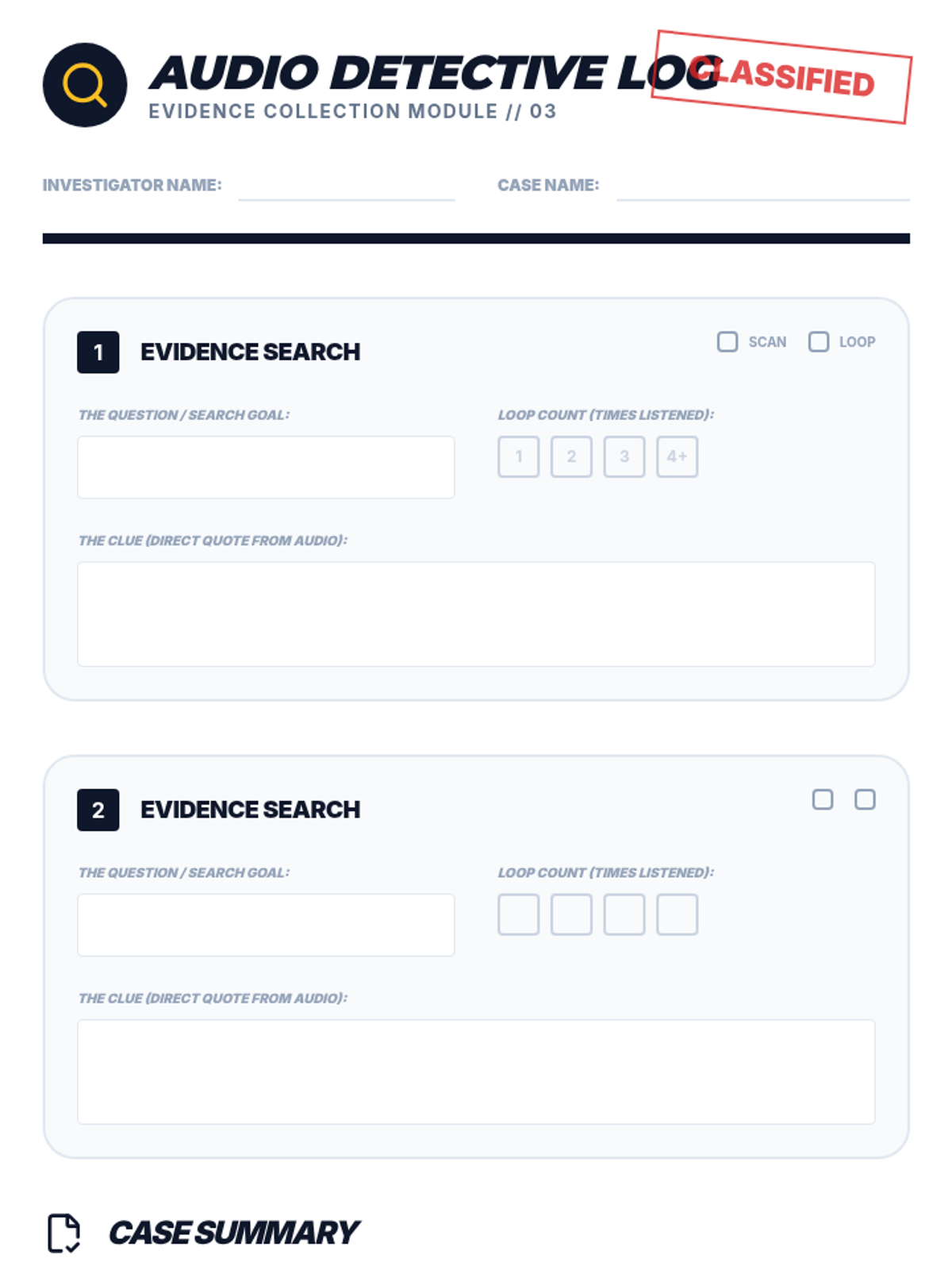
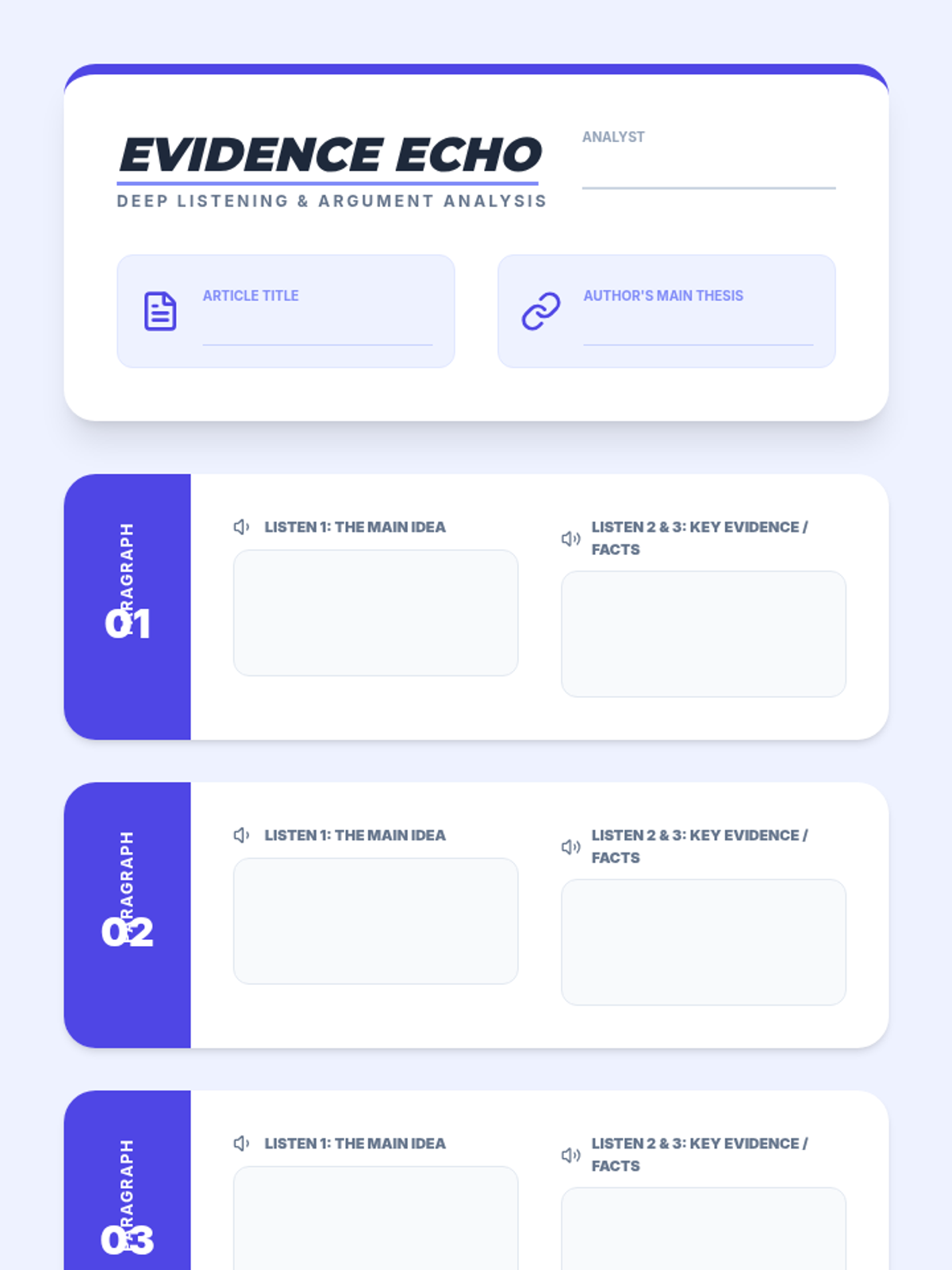
Uses TTS to scan for specific details and re-listen to complex sections to verify evidence and facts within a text.
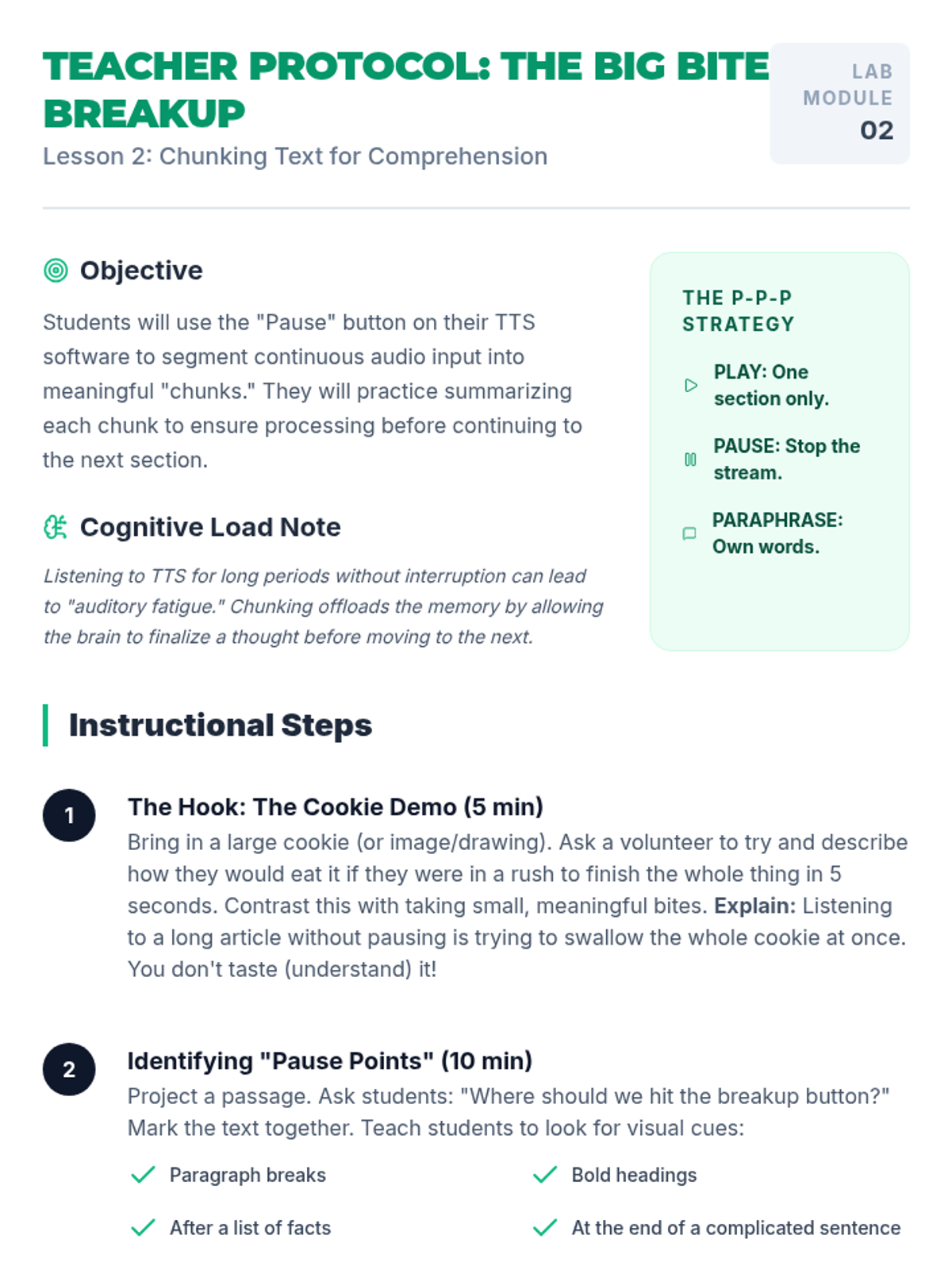
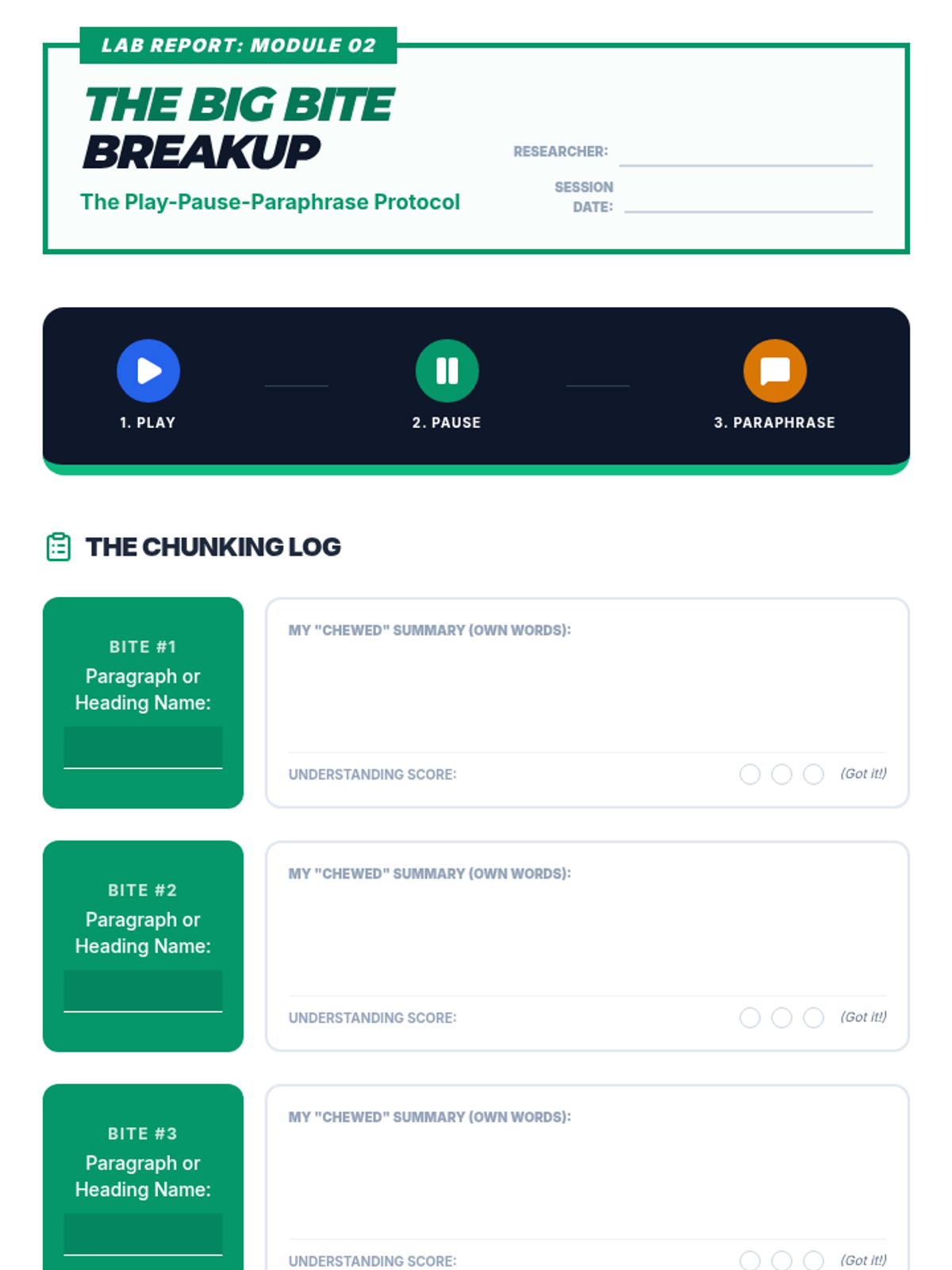
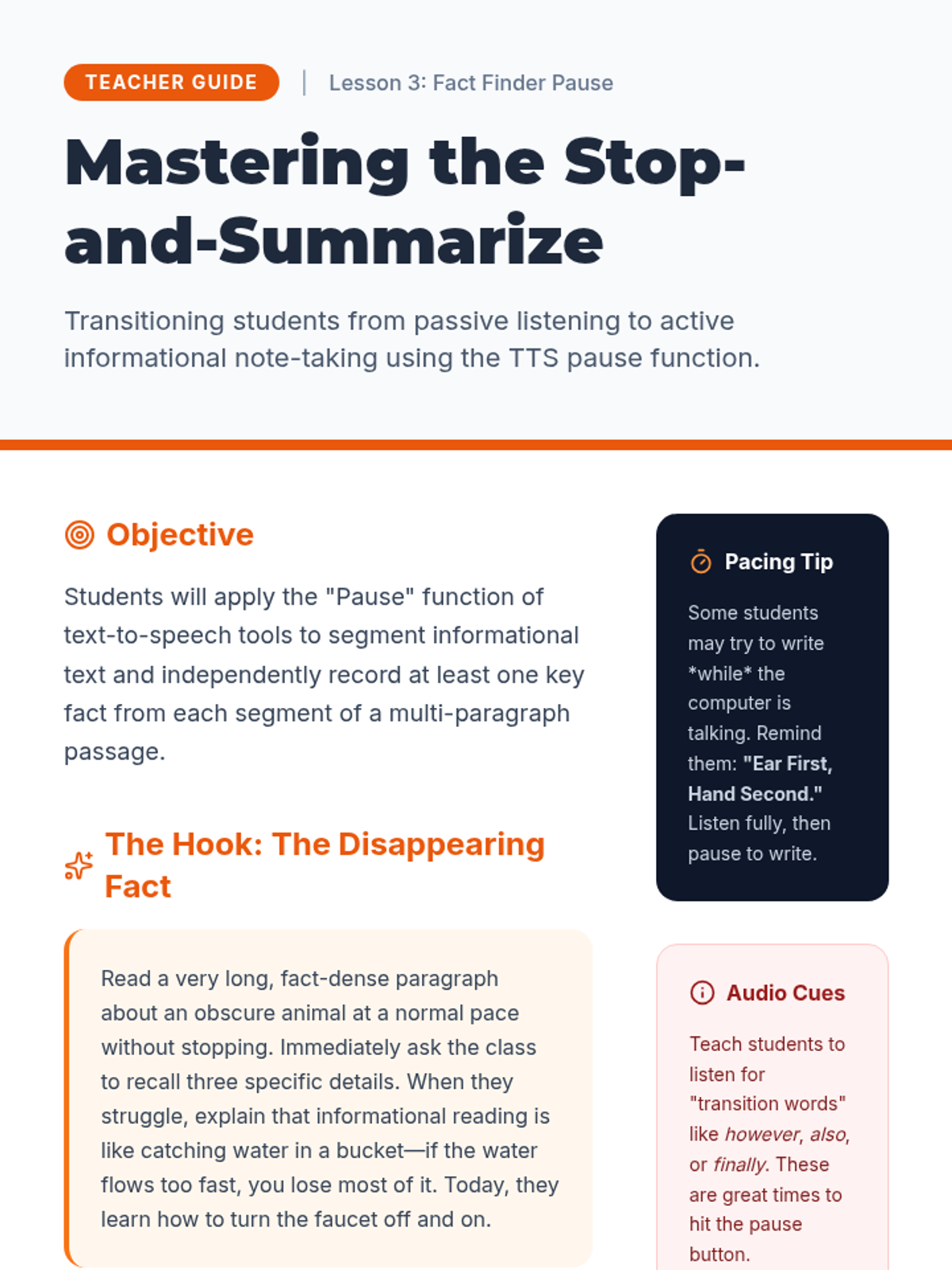
Teaches students to use the pause button strategically to segment long passages into manageable 'chunks' for better processing and summarization.
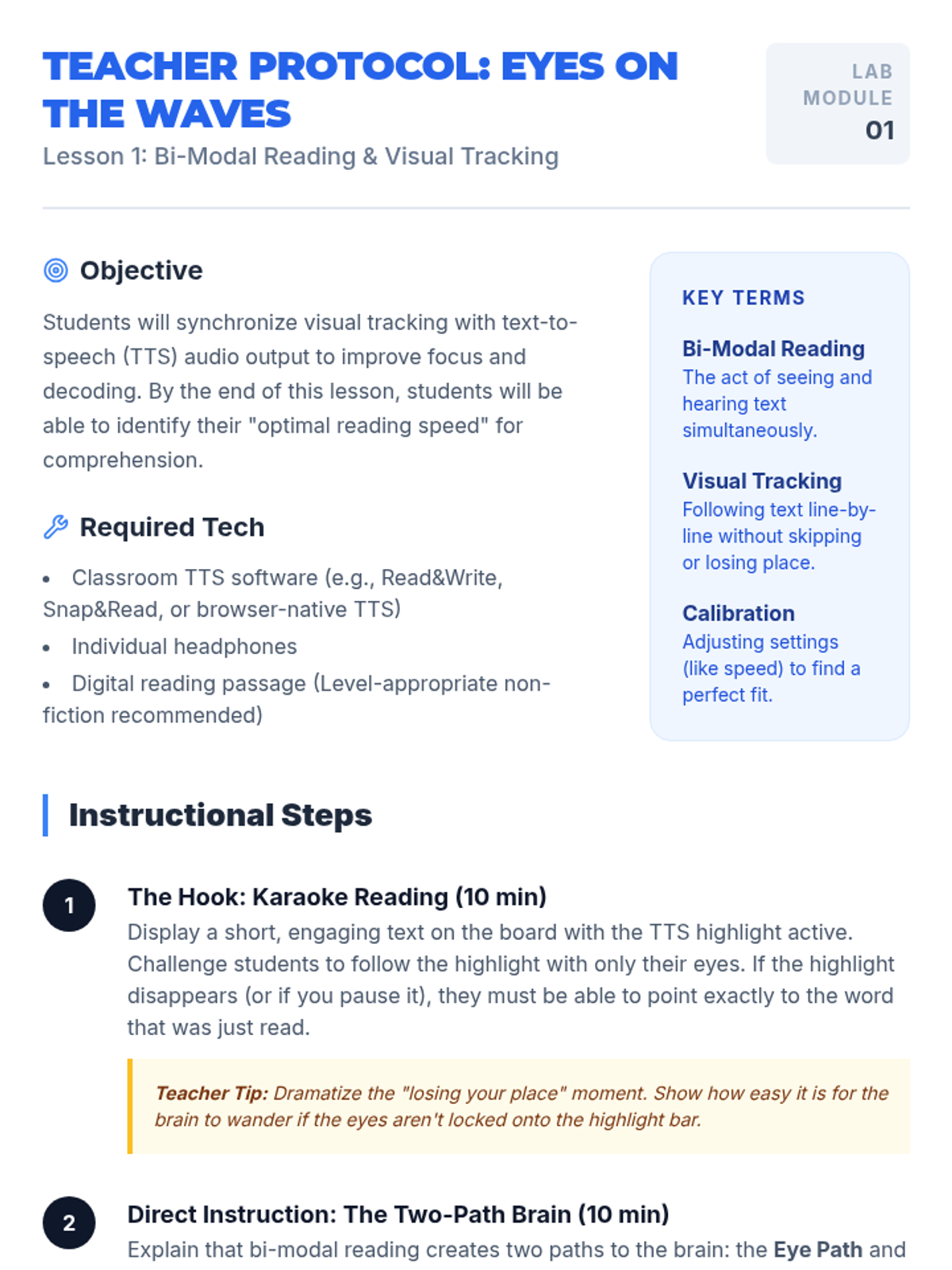
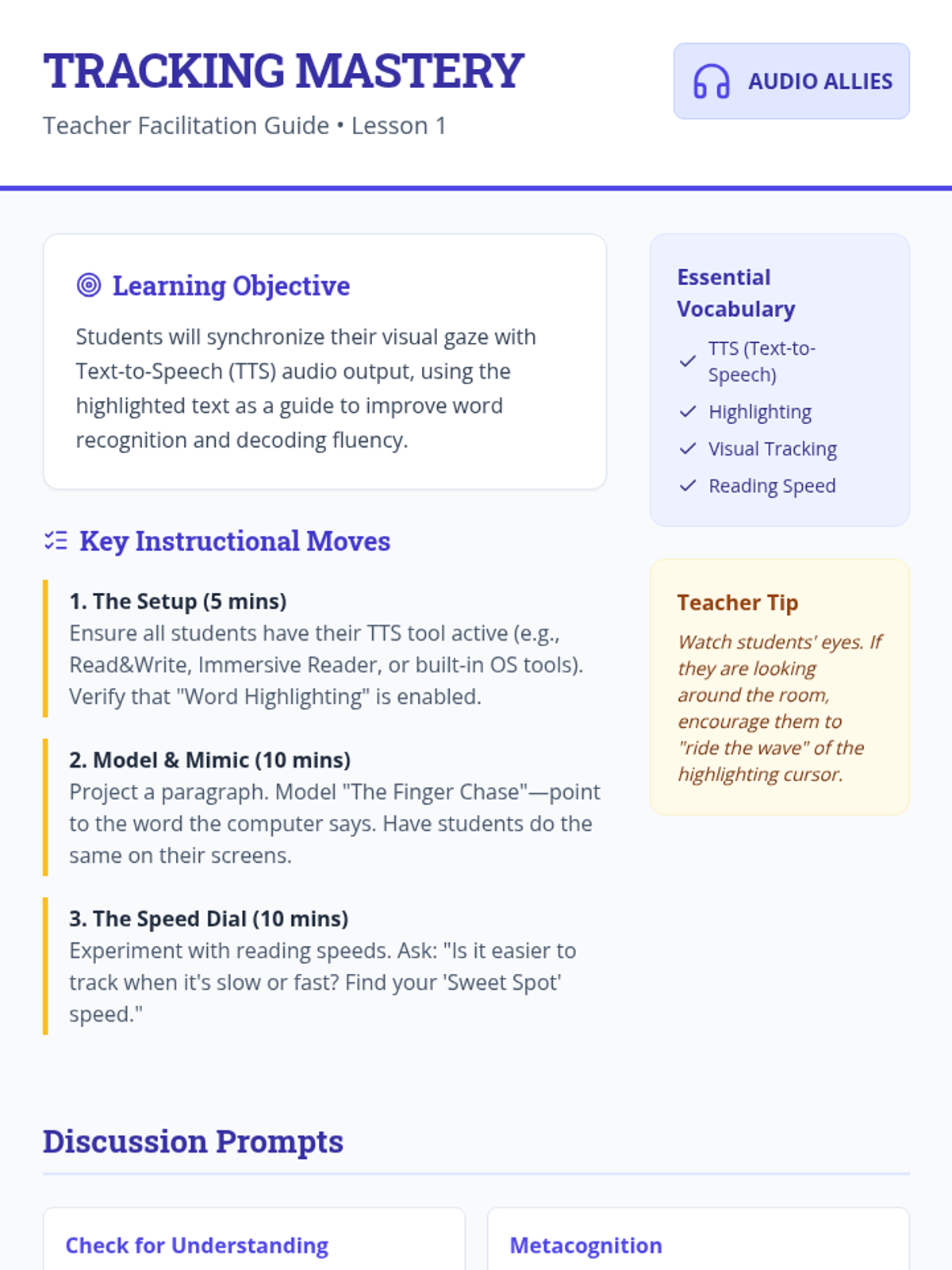
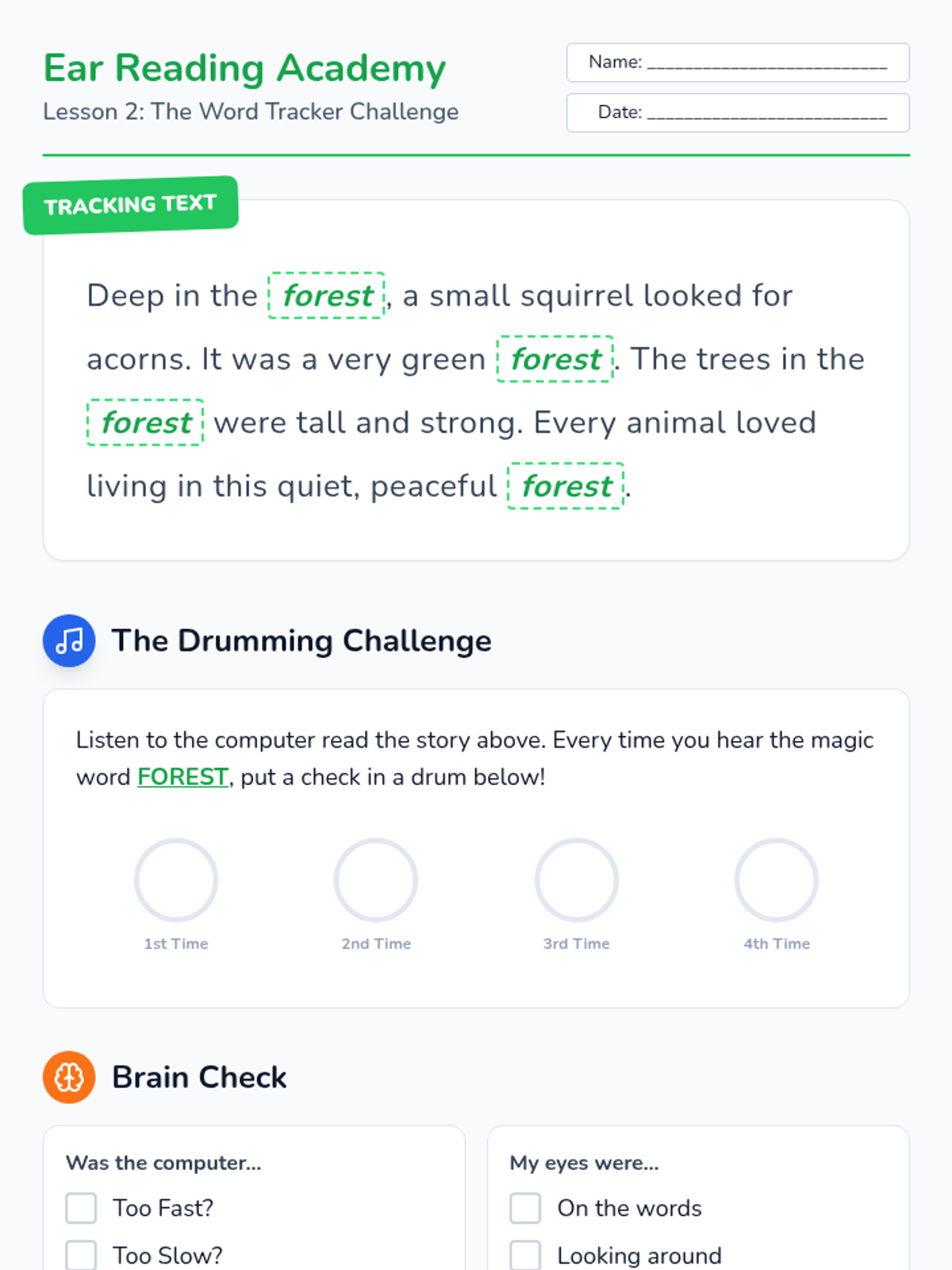
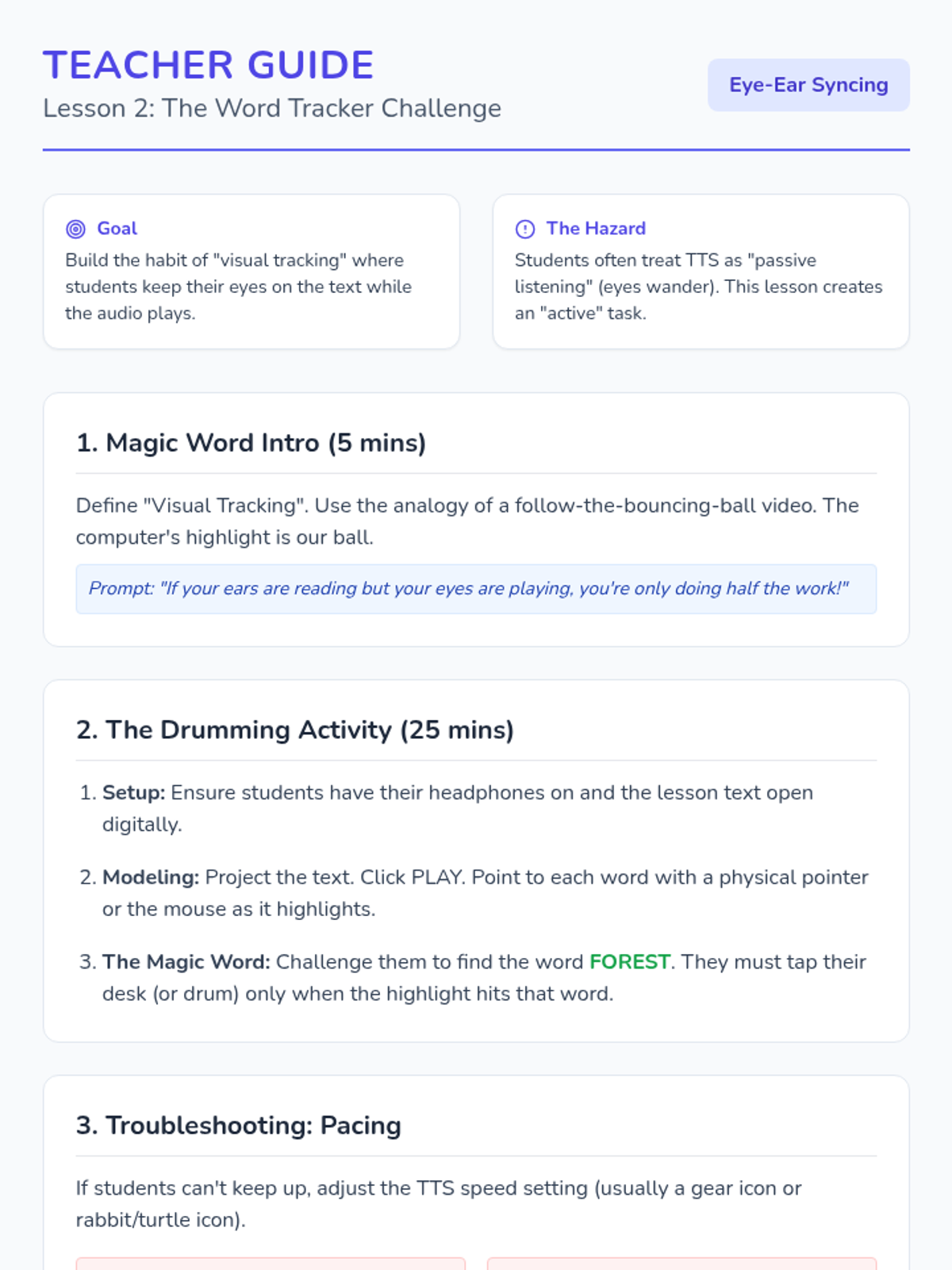
Focuses on the connection between seeing and hearing text (bi-modal reading) to support decoding and focus. Students practice visual tracking with audio highlight bars.
Students display their Expert Guides. They visit peers' guides and must answer one question about the topic based solely on the extracted information presented, verifying that the highlights were effective.
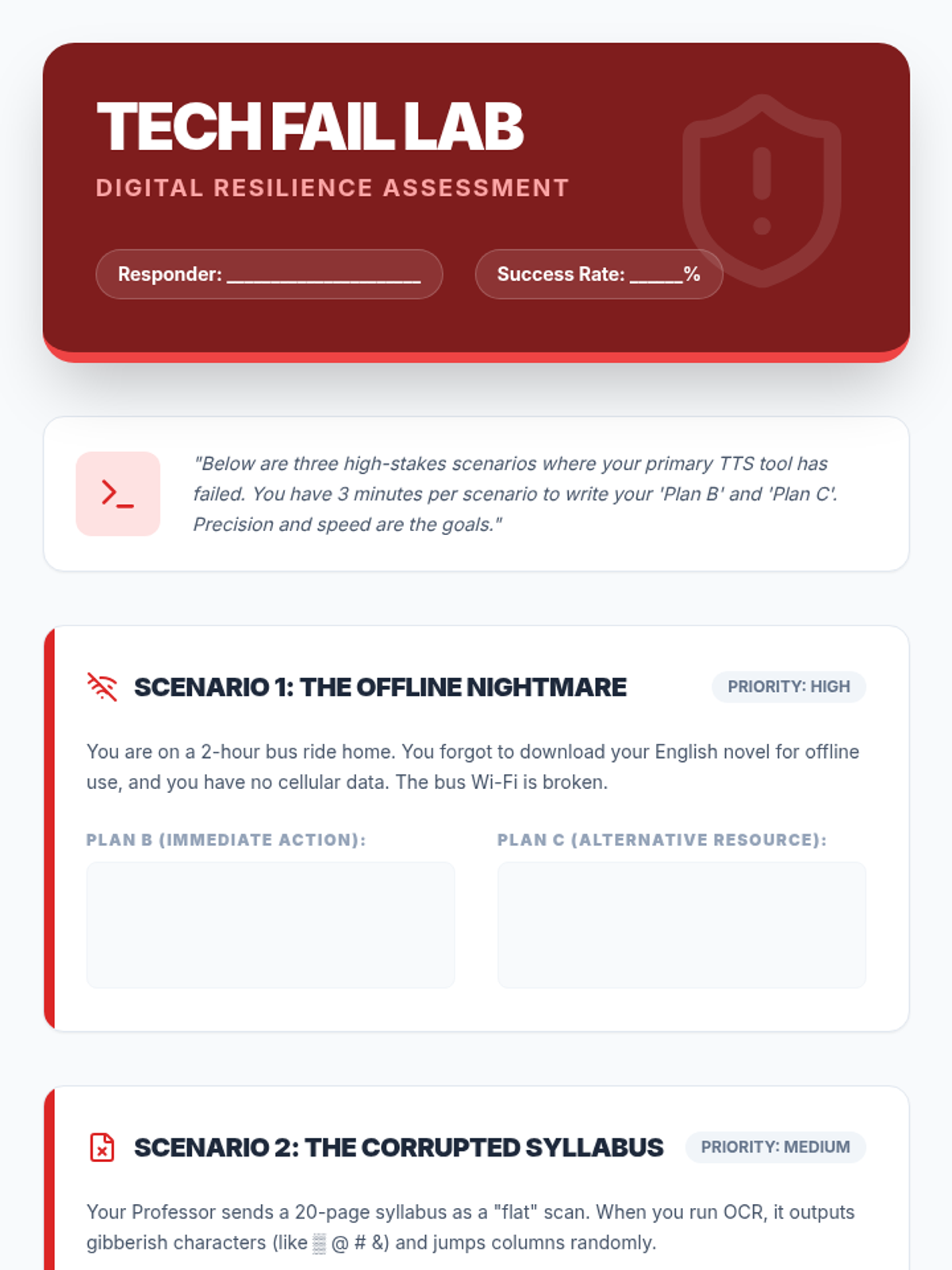
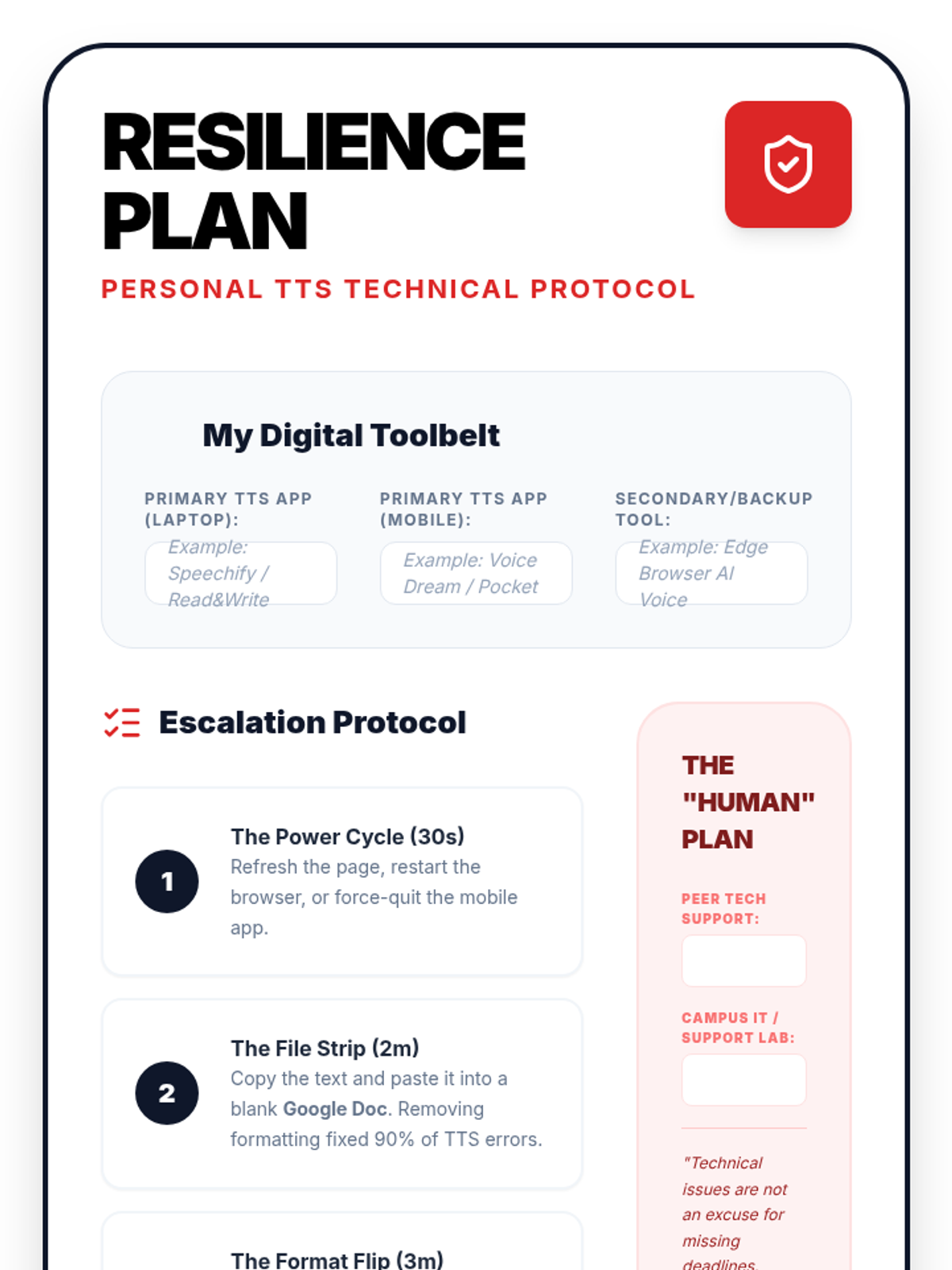
In this final lesson, students practice solving common TTS technical failures. They develop 'digital resilience' by creating backup plans for high-stakes academic situations.
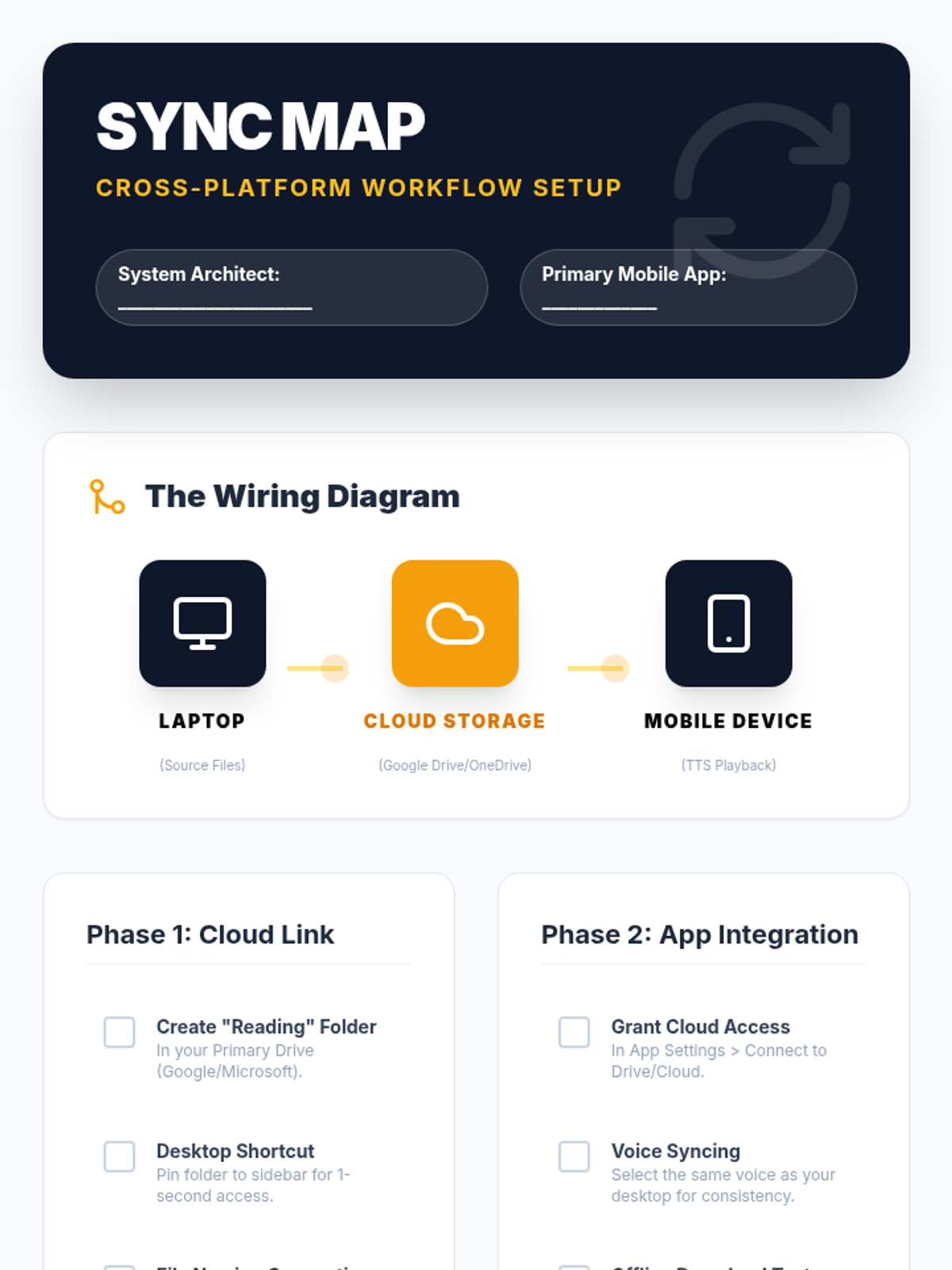
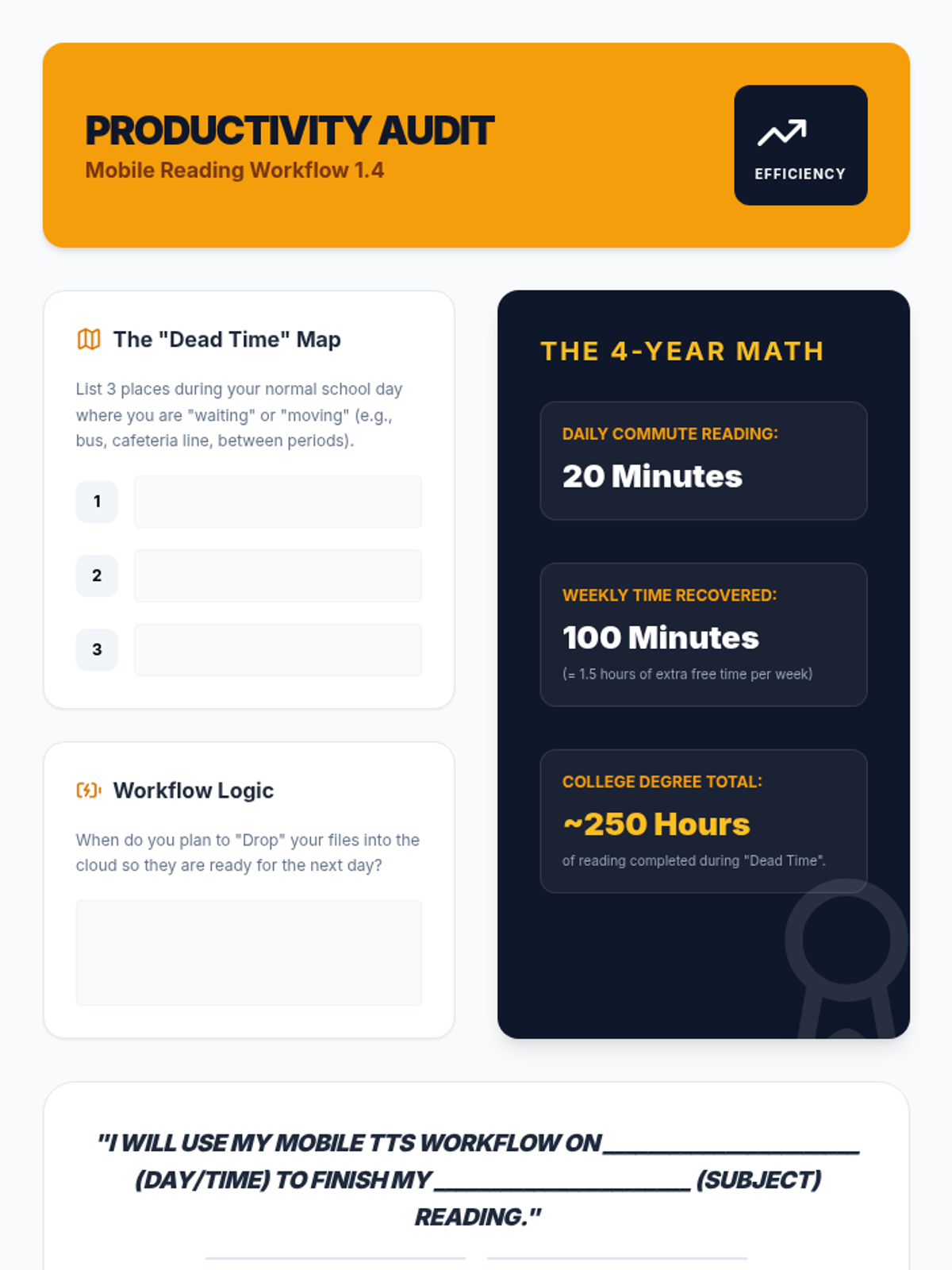
Students set up mobile reading ecosystems, syncing their computer-based reading lists with mobile devices for on-the-go learning and effective time management.
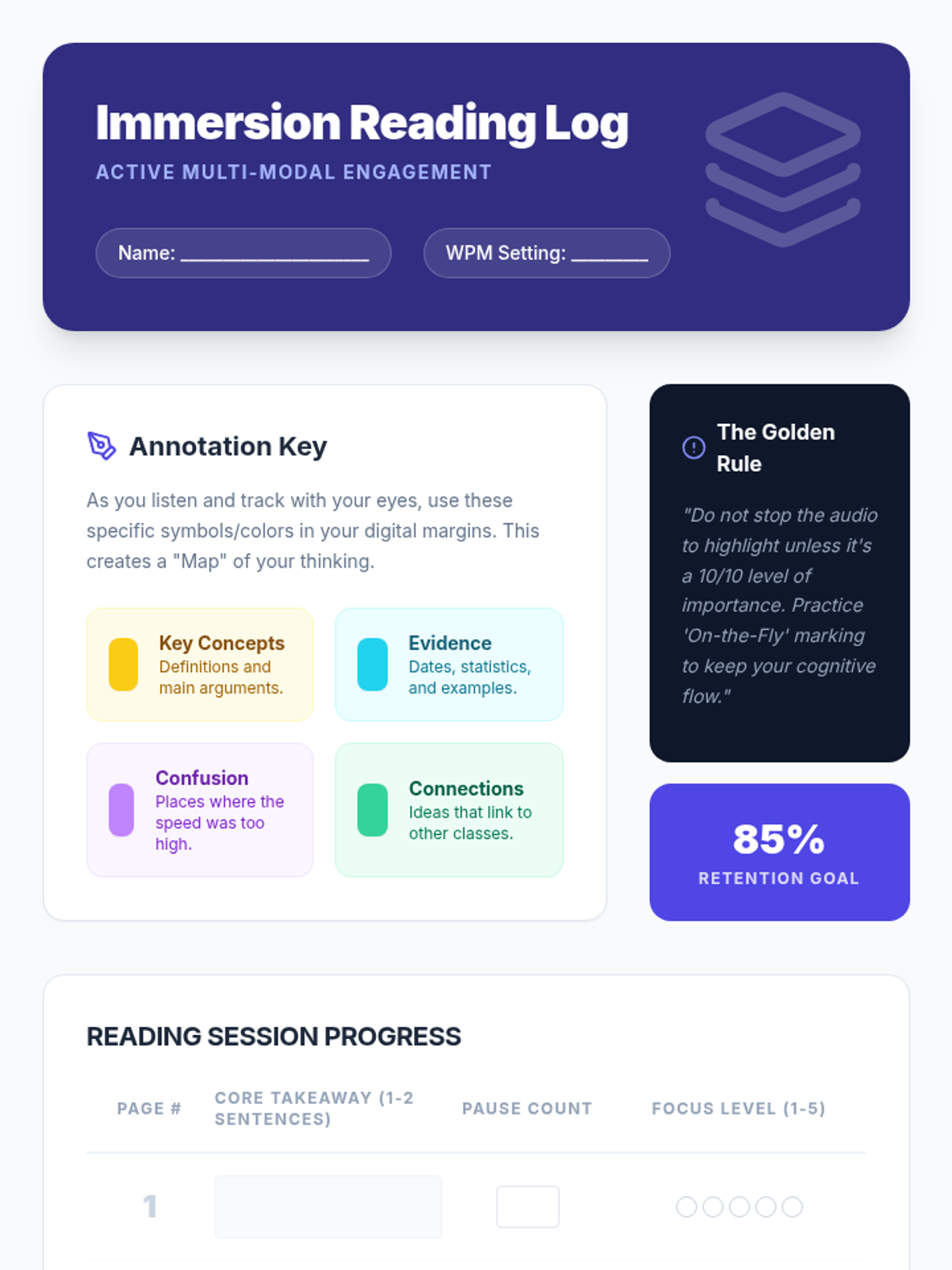
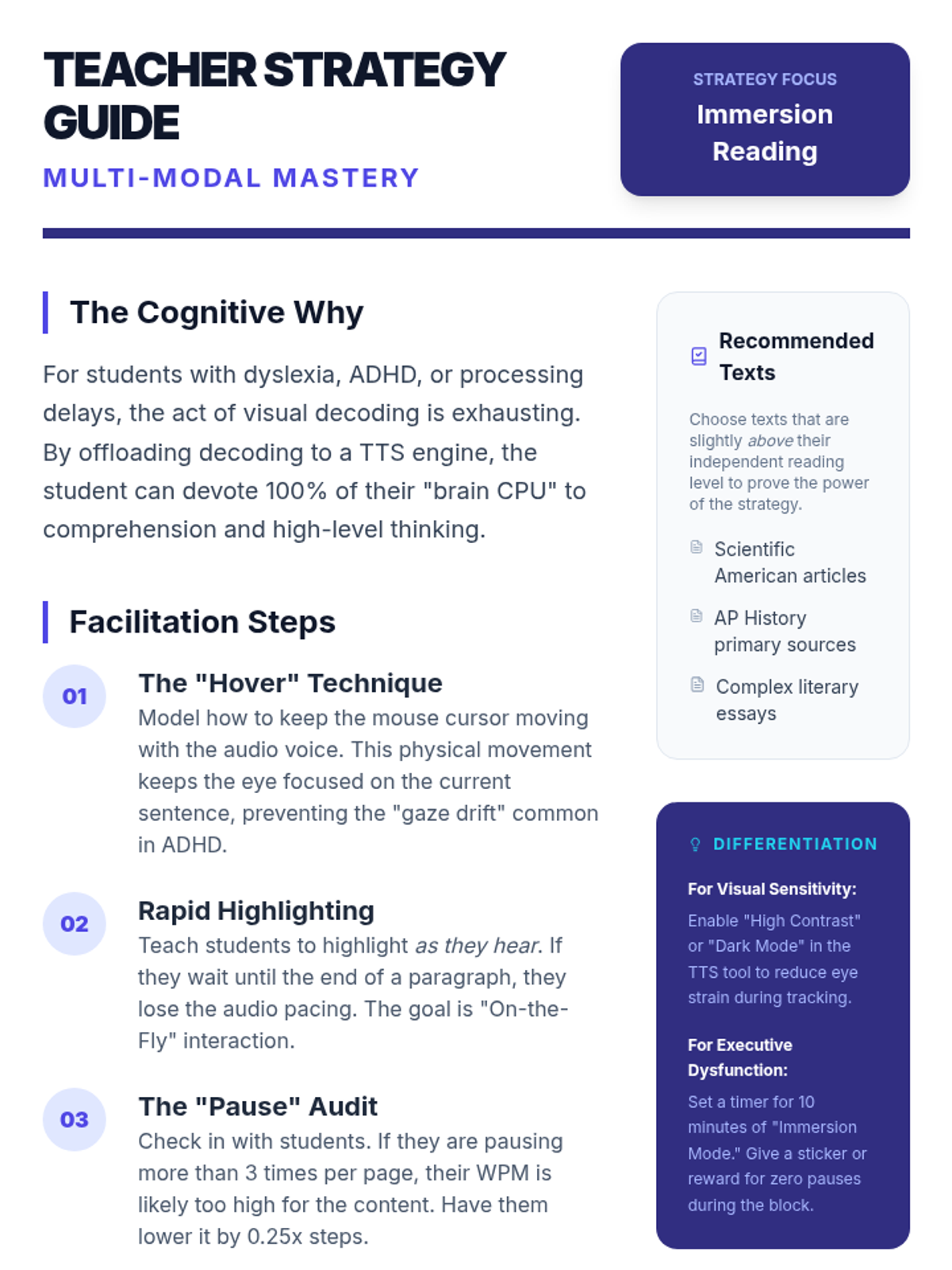
This lesson focuses on 'immersion reading'—the simultaneous use of auditory and visual input. Students learn to use digital annotation tools to mark up text while listening.
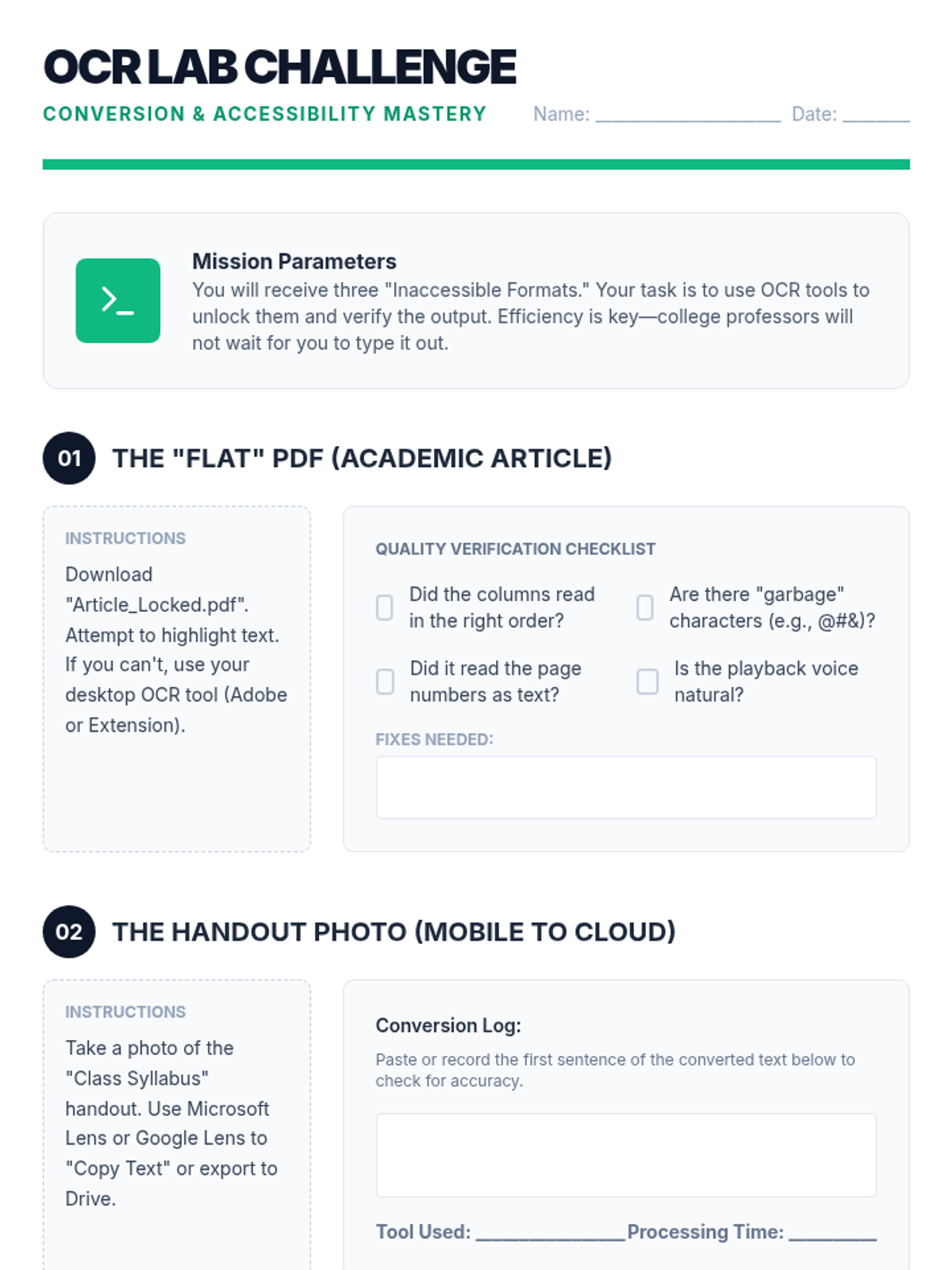
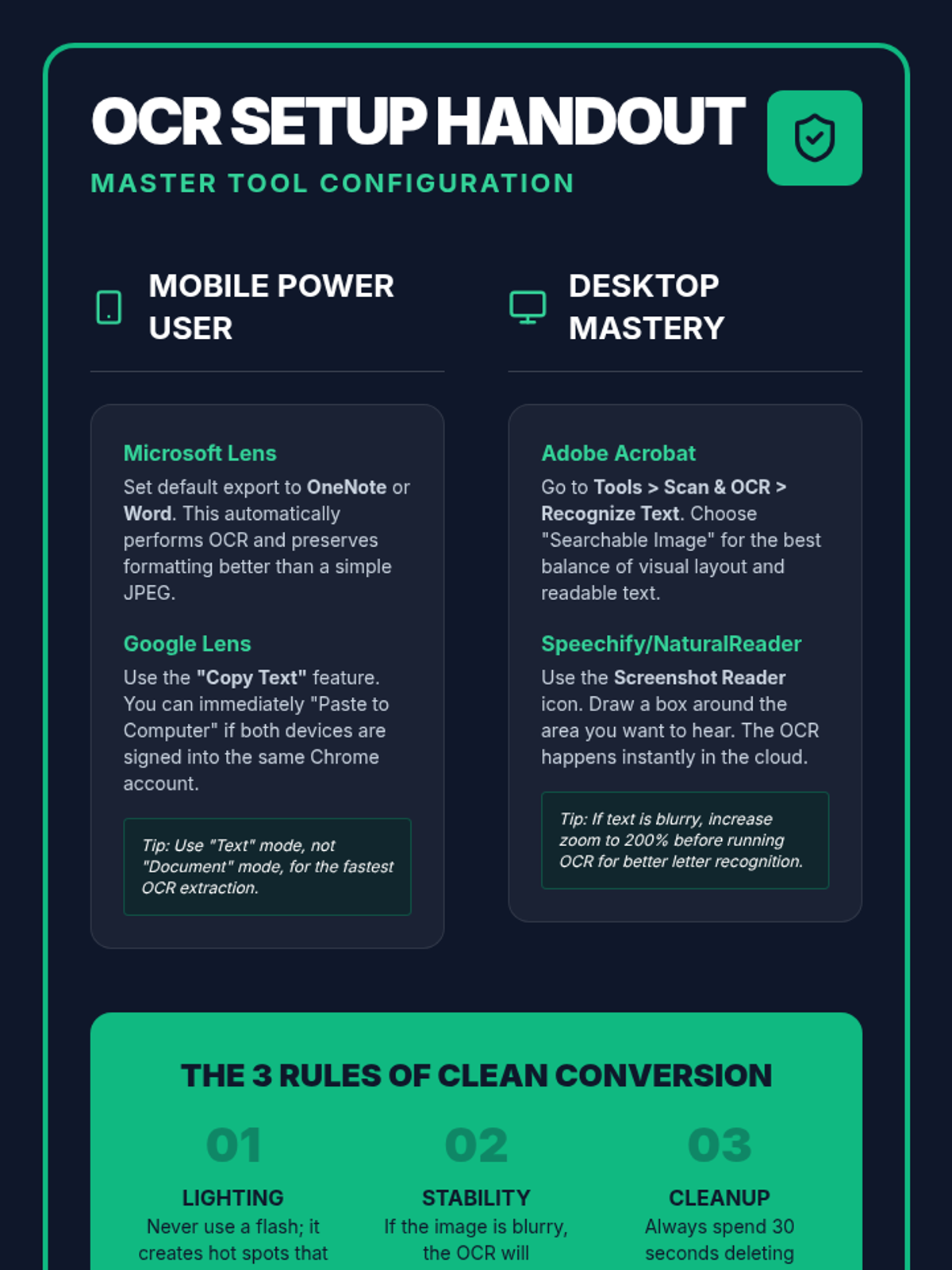
Students tackle inaccessible text formats using Optical Character Recognition (OCR). They will learn to convert images and flat PDFs into editable, readable text for TTS tools.
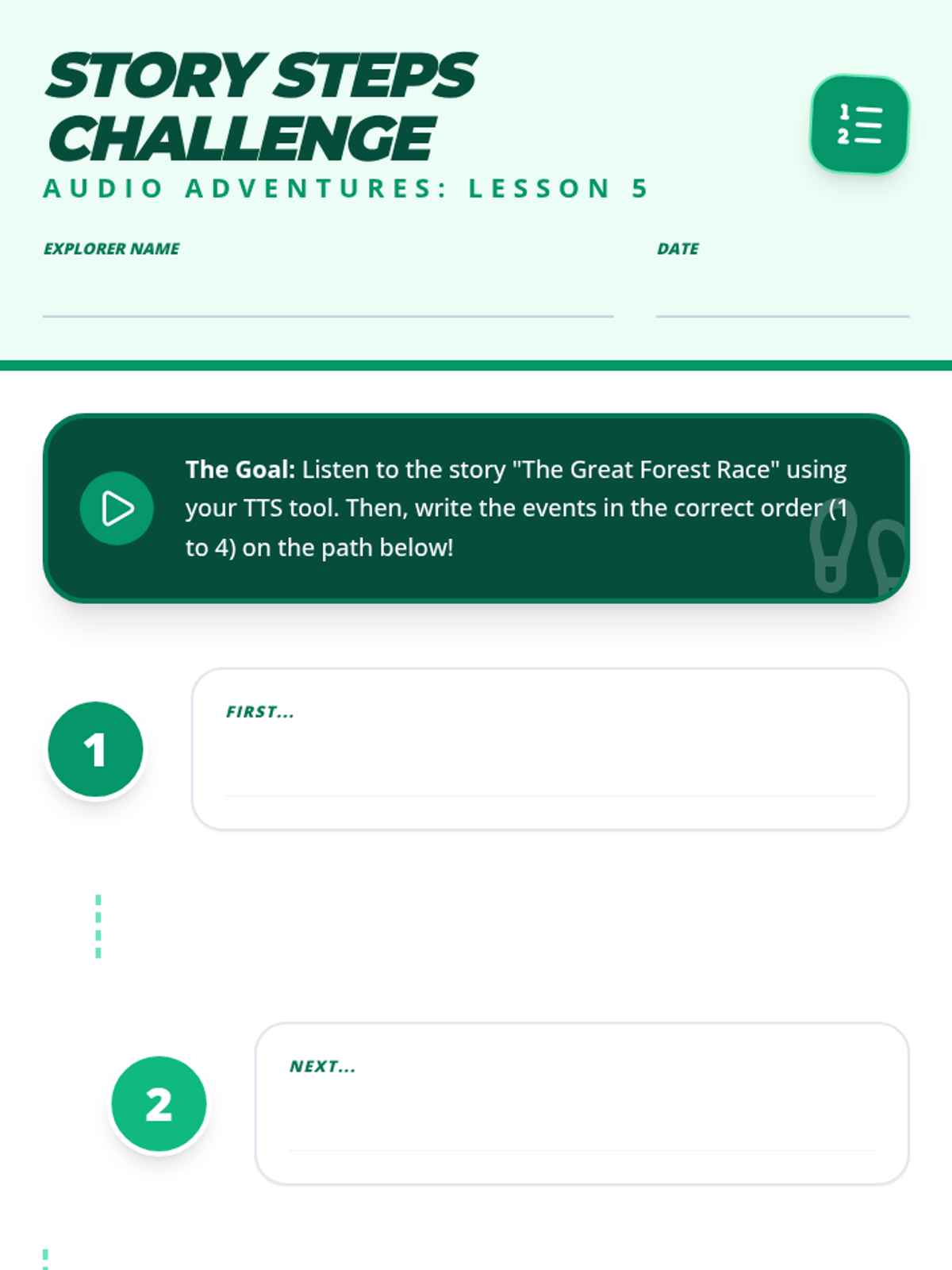
Students use TTS to follow the plot of a full narrative and practice putting events in the correct chronological order, reinforcing story structure.
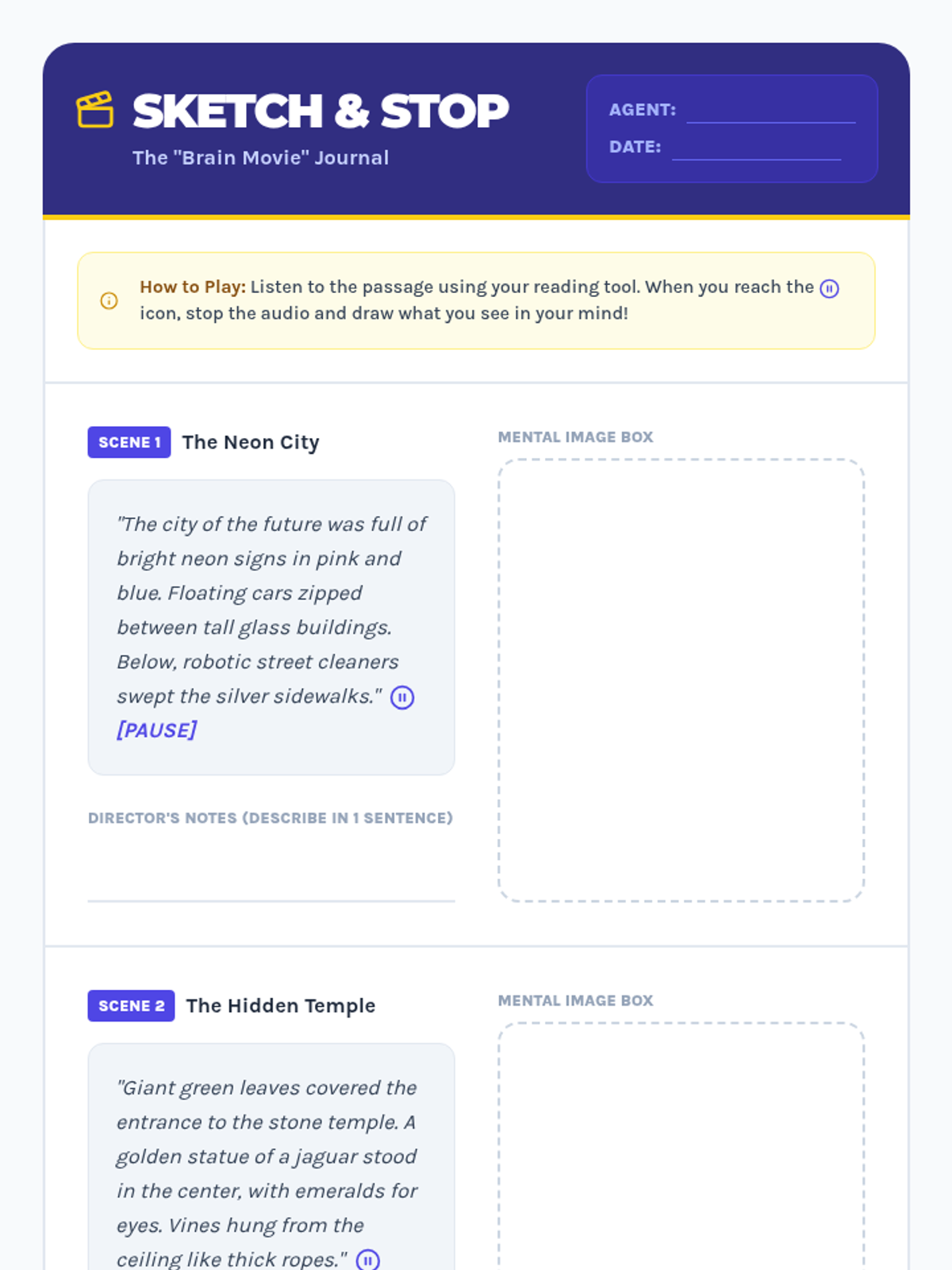
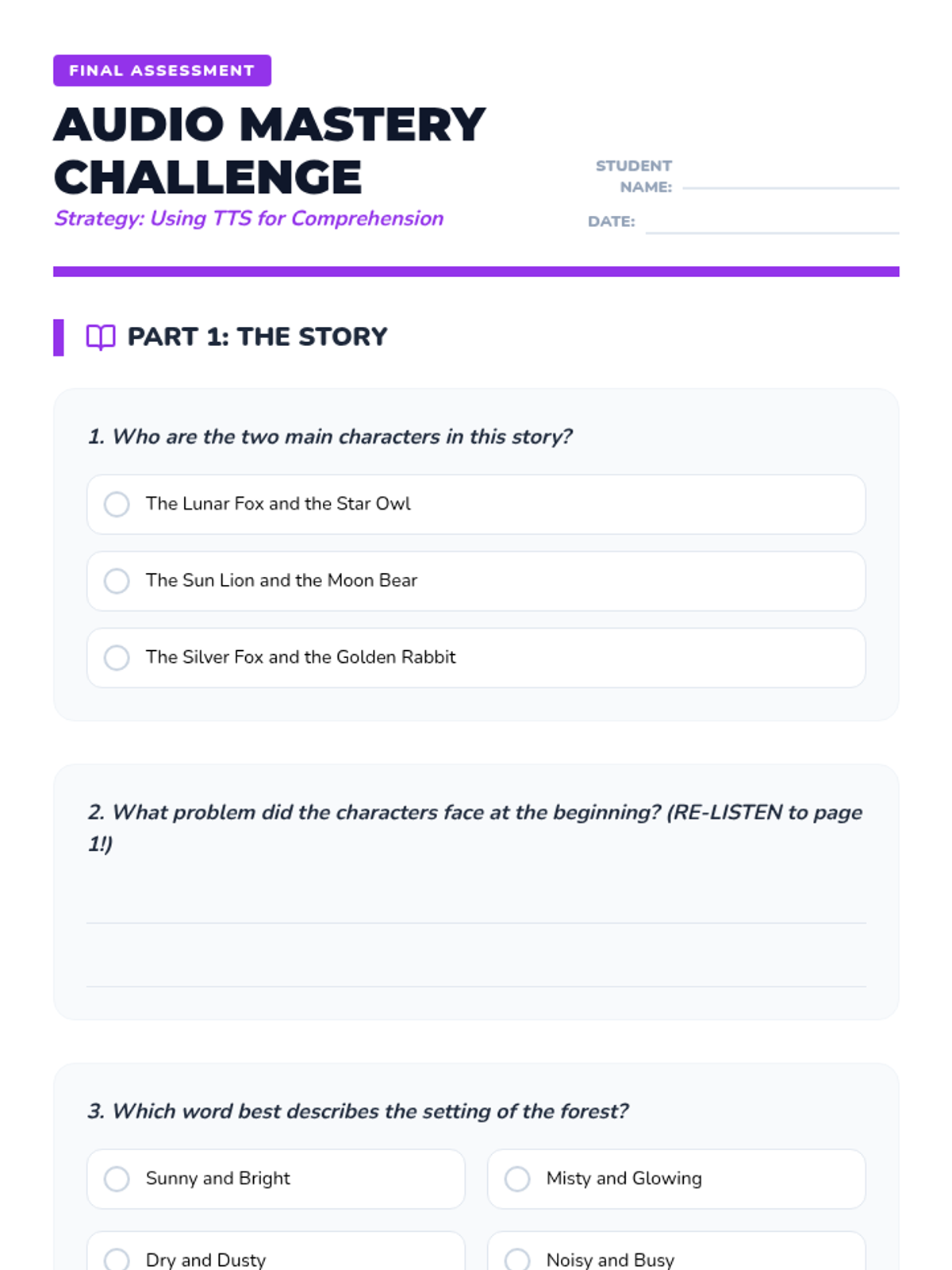
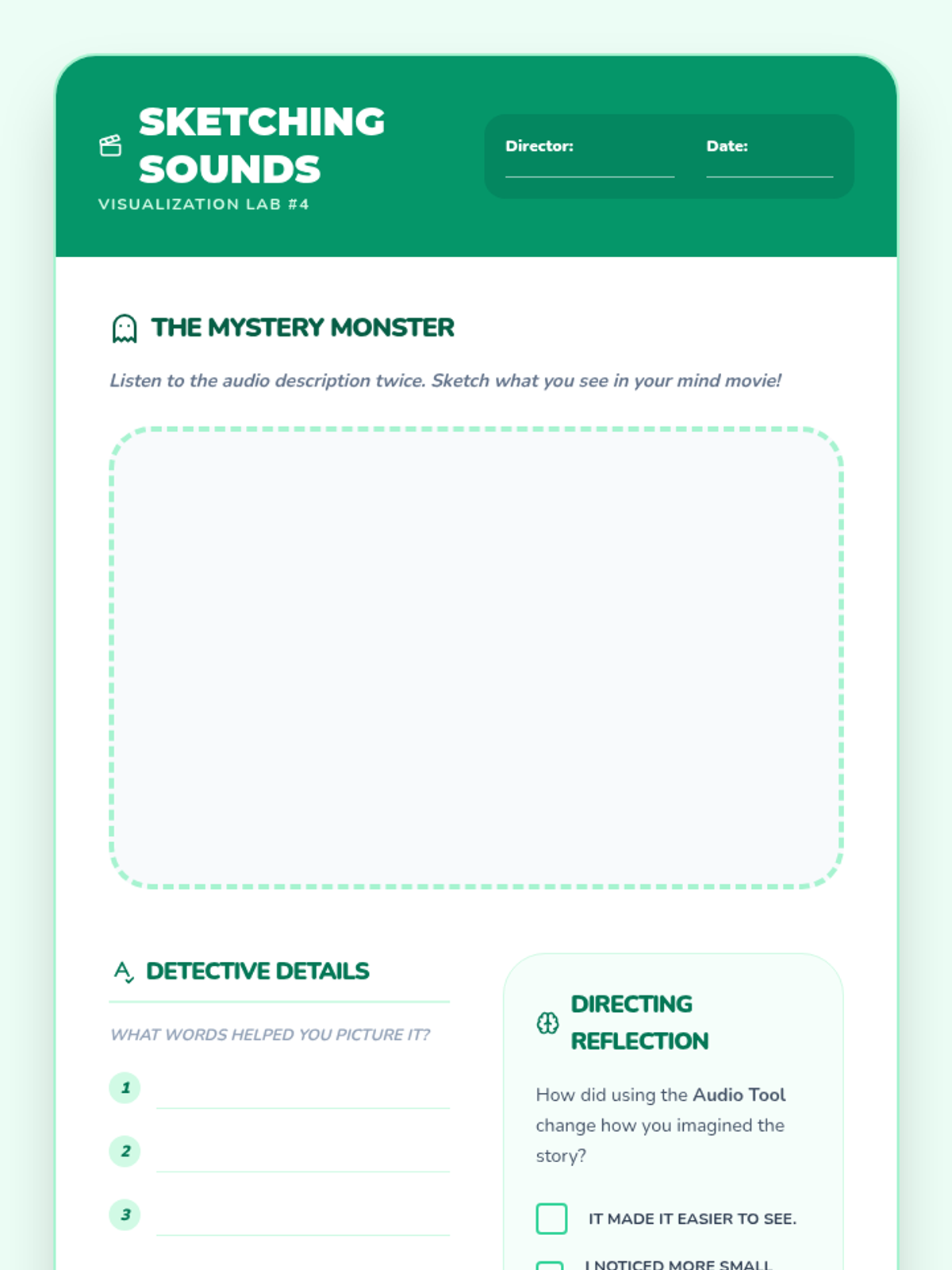
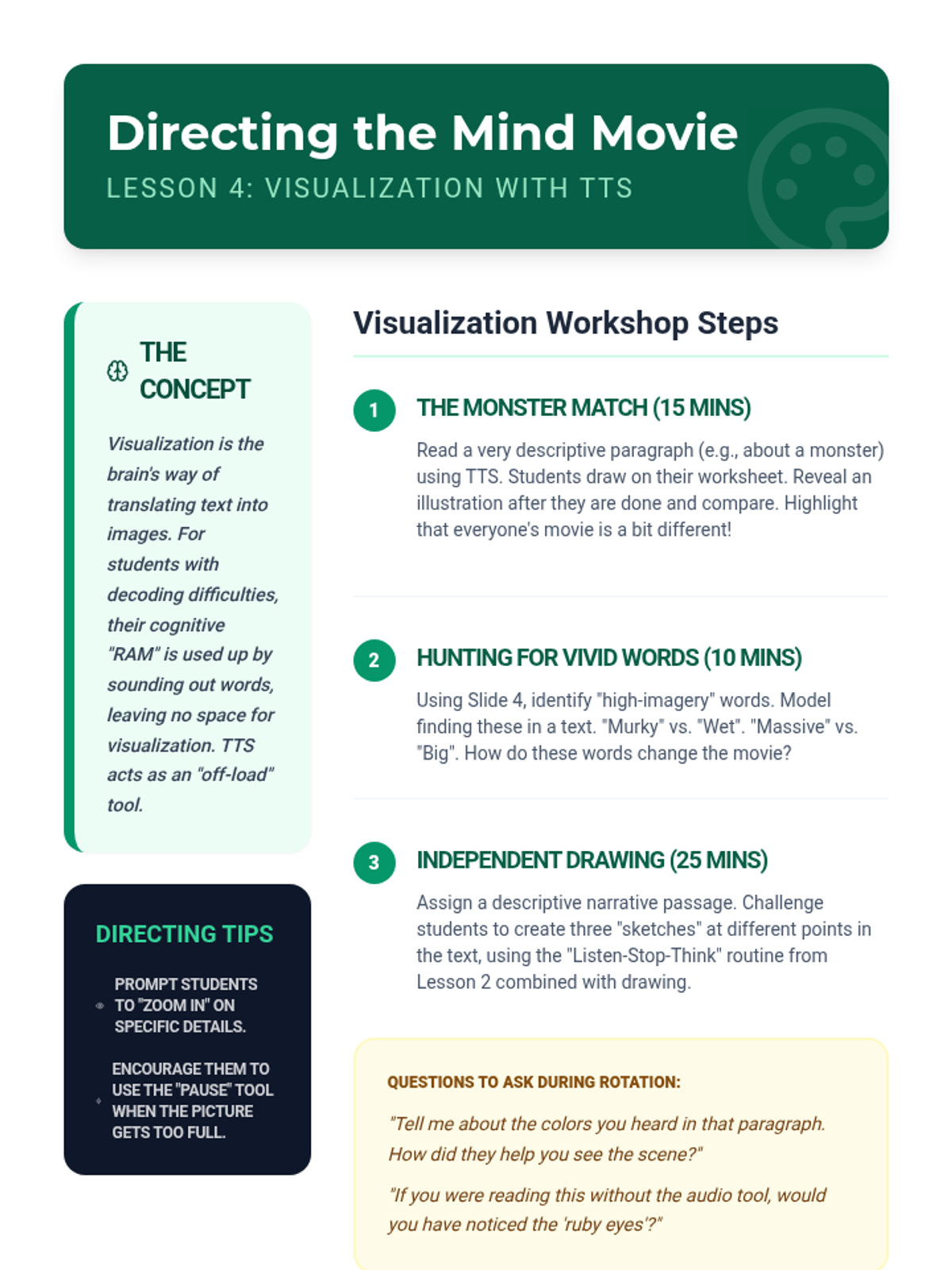
Focusing on mental imagery, students listen to descriptive passages via TTS and translate those auditory details into visual representations.
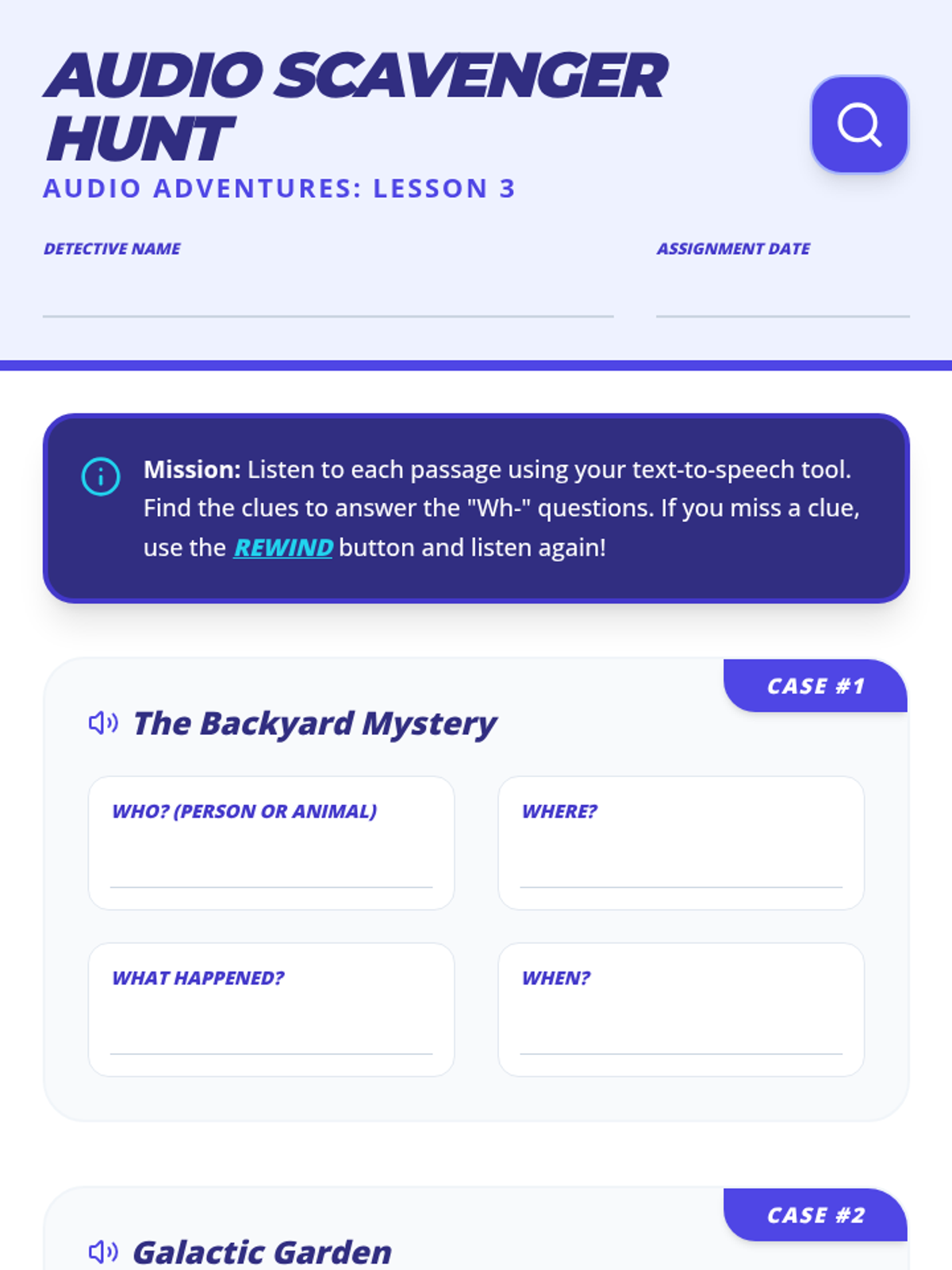
Students use TTS to locate specific details in a text, answering the core 'Wh-' questions (Who, What, Where, When). They practice navigating audio to find evidence.
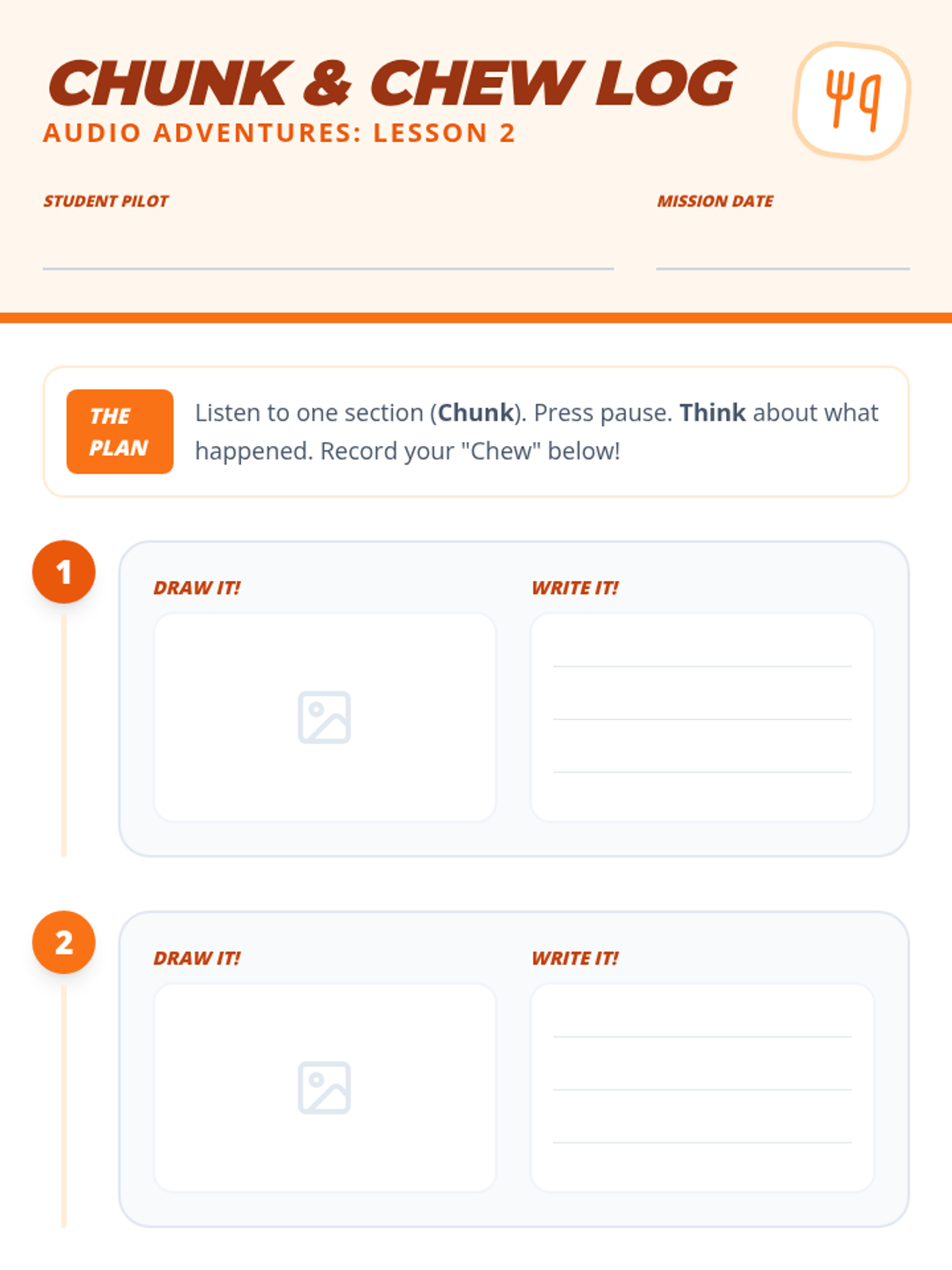
Introducing the 'Chunk and Chew' strategy, where students listen to small sections of text, pause, and reflect on the meaning. This lesson focuses on self-monitoring during auditory reading.
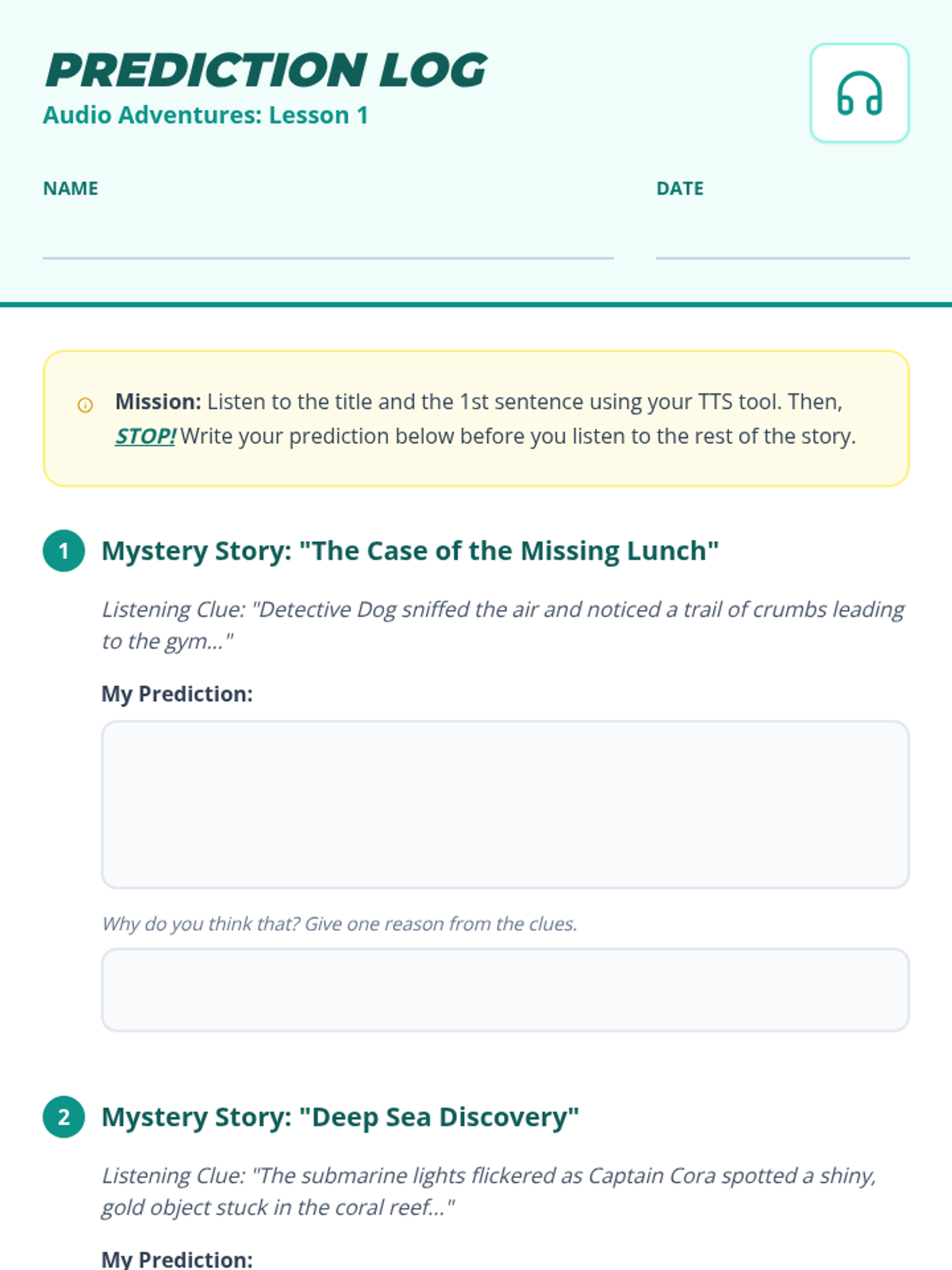
Students use TTS to listen to titles and introductory sentences, practicing the skill of predicting what comes next. They learn to stop and think before the story unfolds.
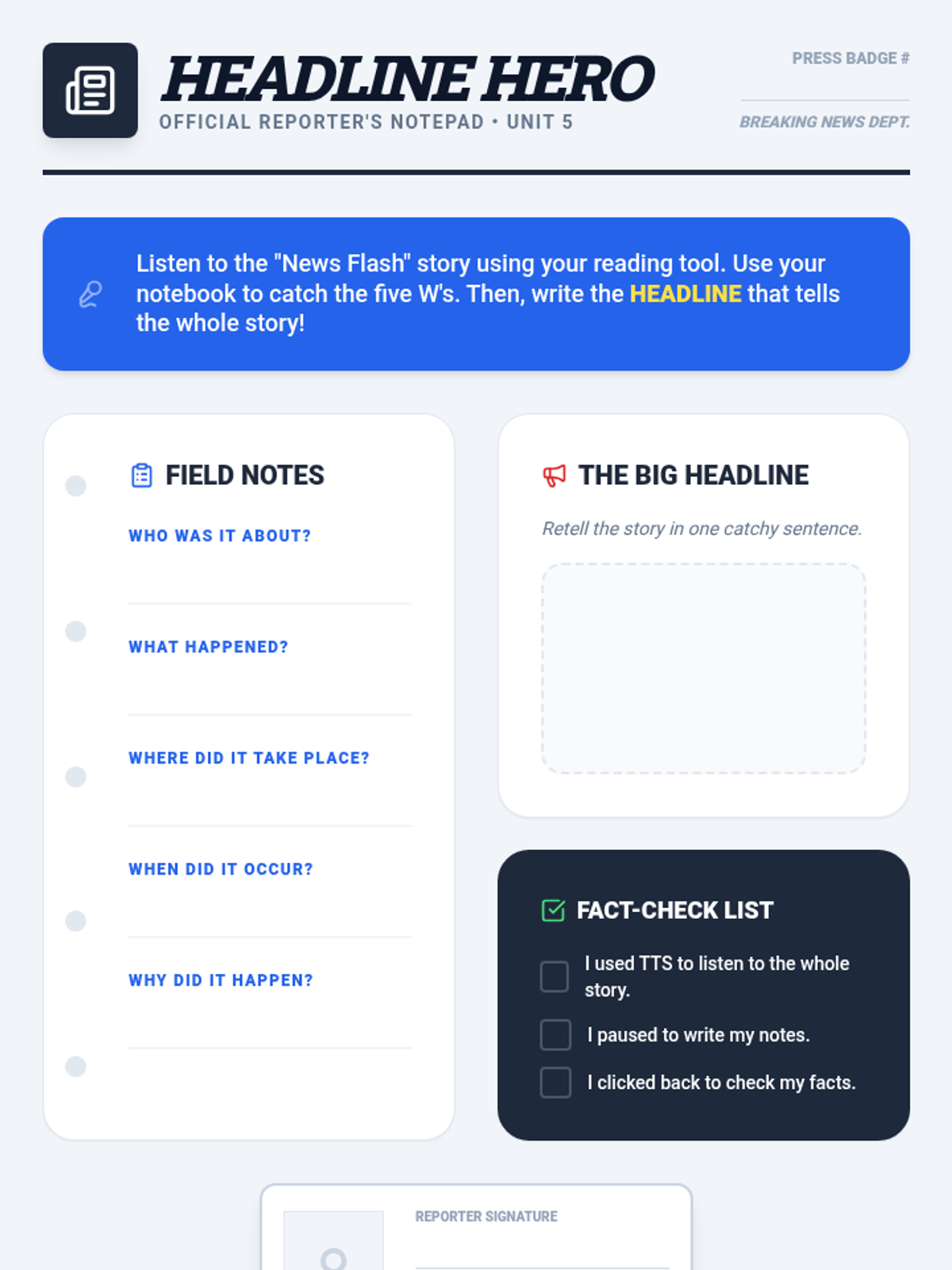
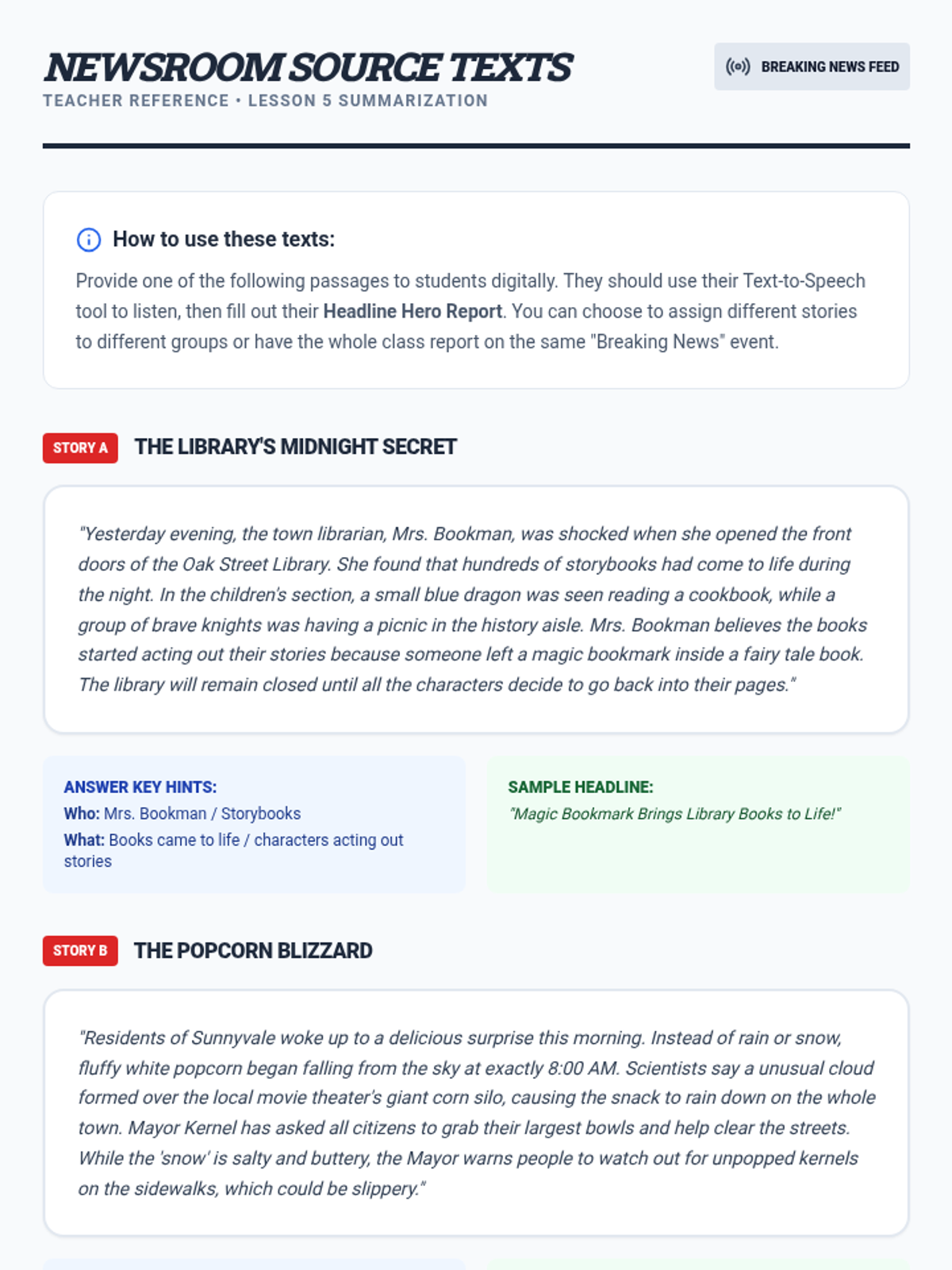
Students listen to narratives and use the 'reporter' mindset to summarize main events, using TTS to review key details as needed.
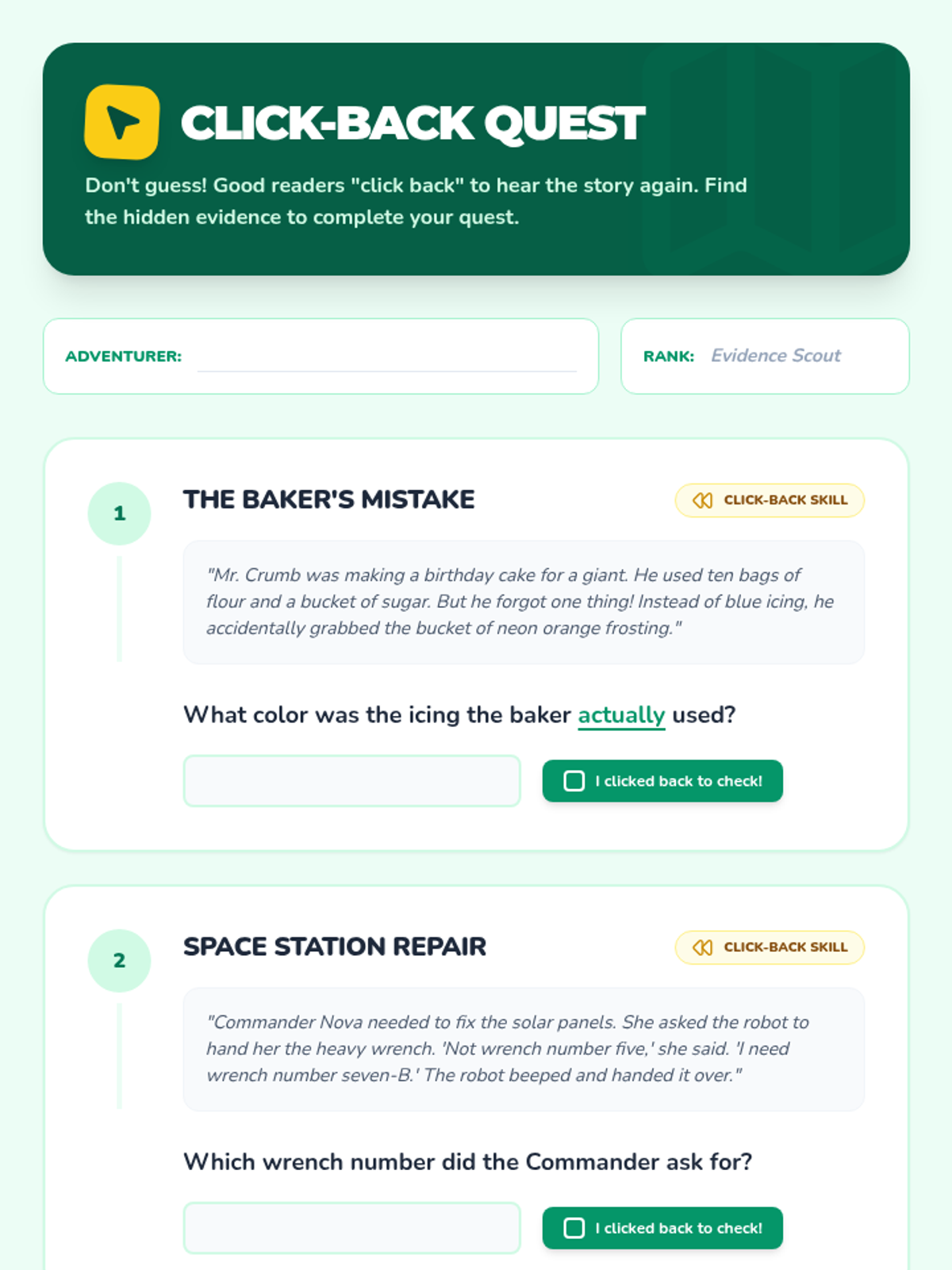
Students practice the 'click-back' strategy, re-listening to specific sections of text to find evidence for comprehension questions.
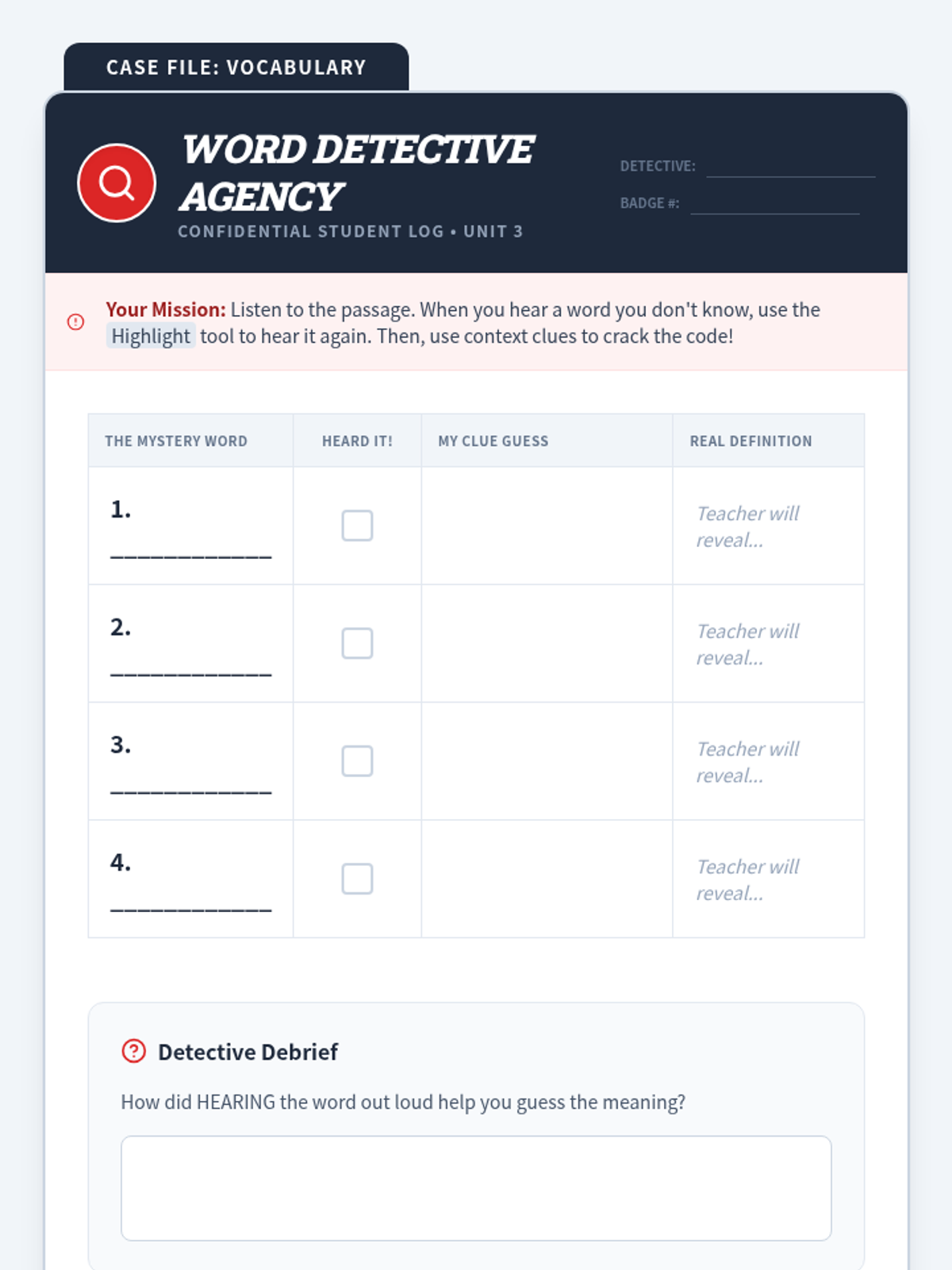
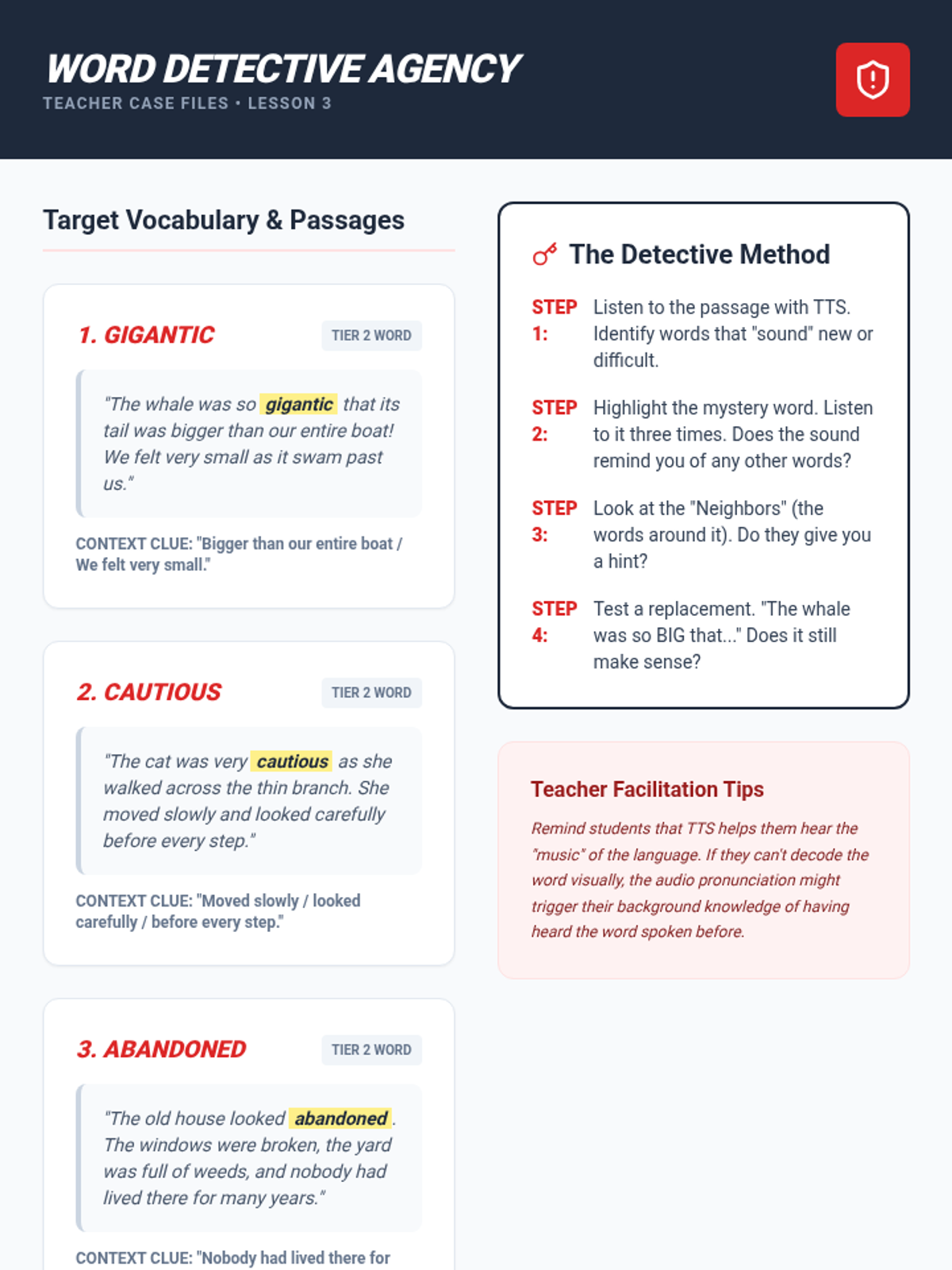
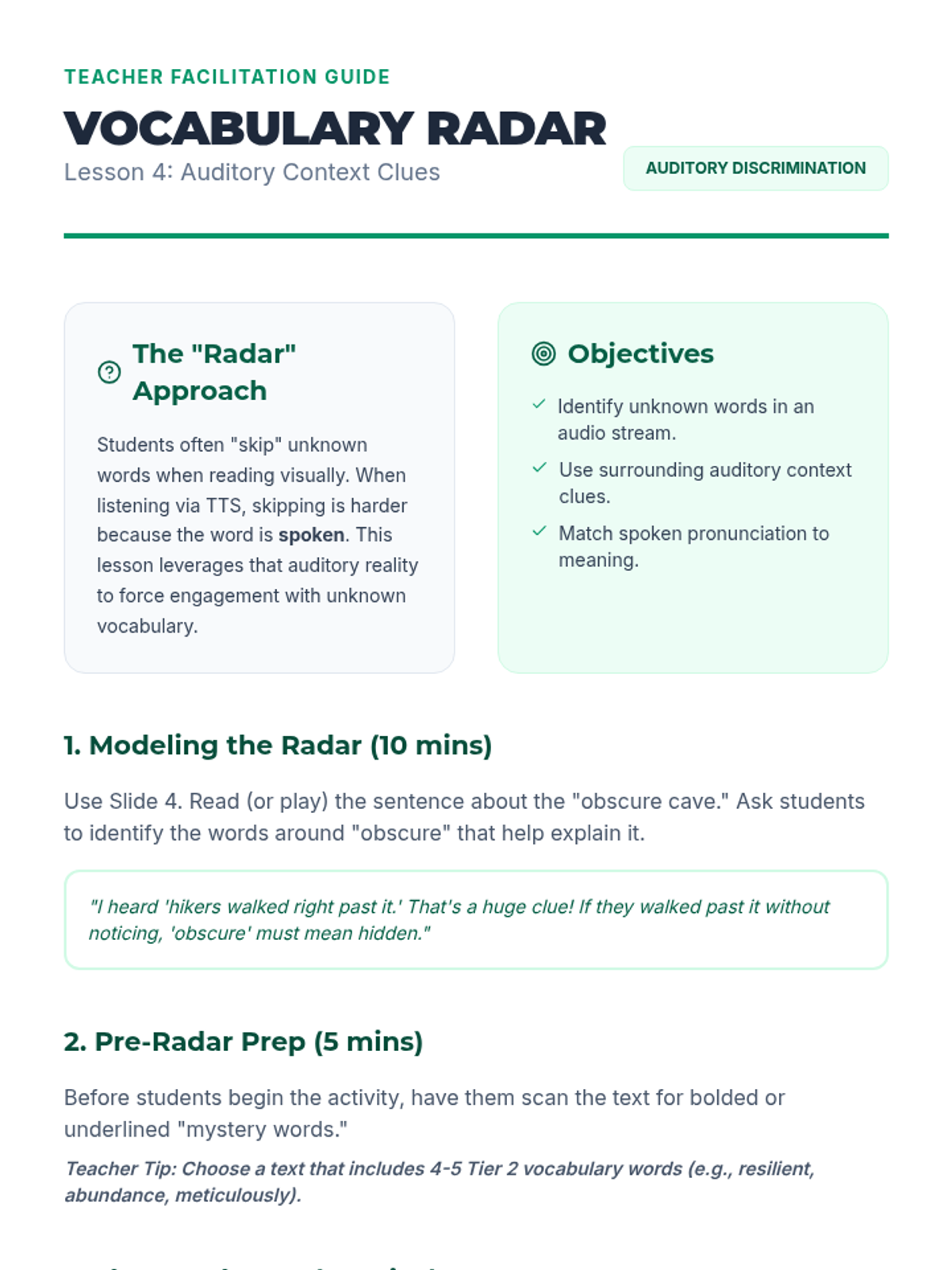
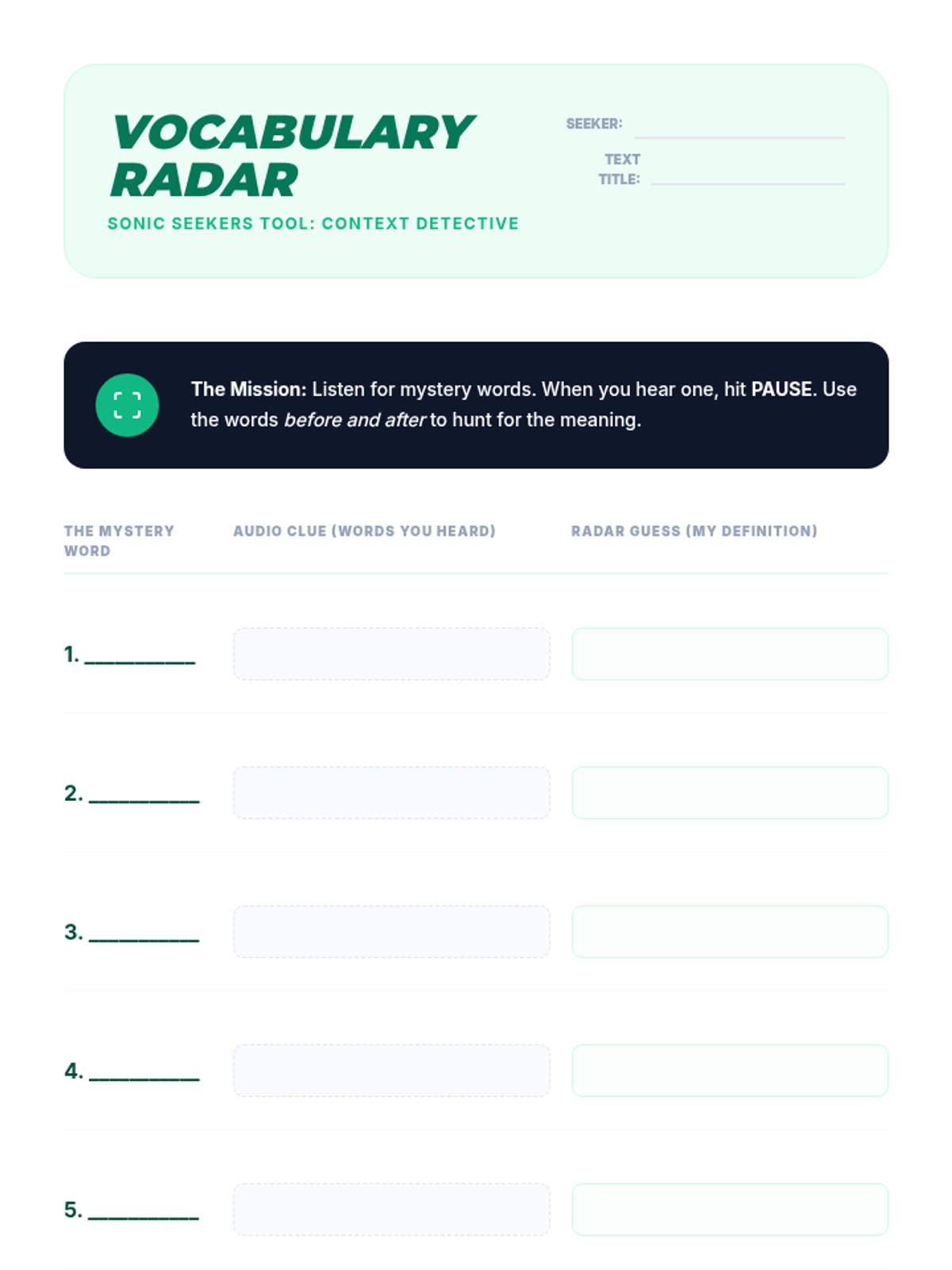
Students use TTS to hear the pronunciation of unfamiliar words and apply context clues to determine their meaning.
Students learn to pause the audio after descriptive paragraphs to create mental images and quick sketches, verifying their comprehension.
Students practice following the highlighted cursor or text block with their eyes while the audio plays, connecting visual word shapes with auditory pronunciations.
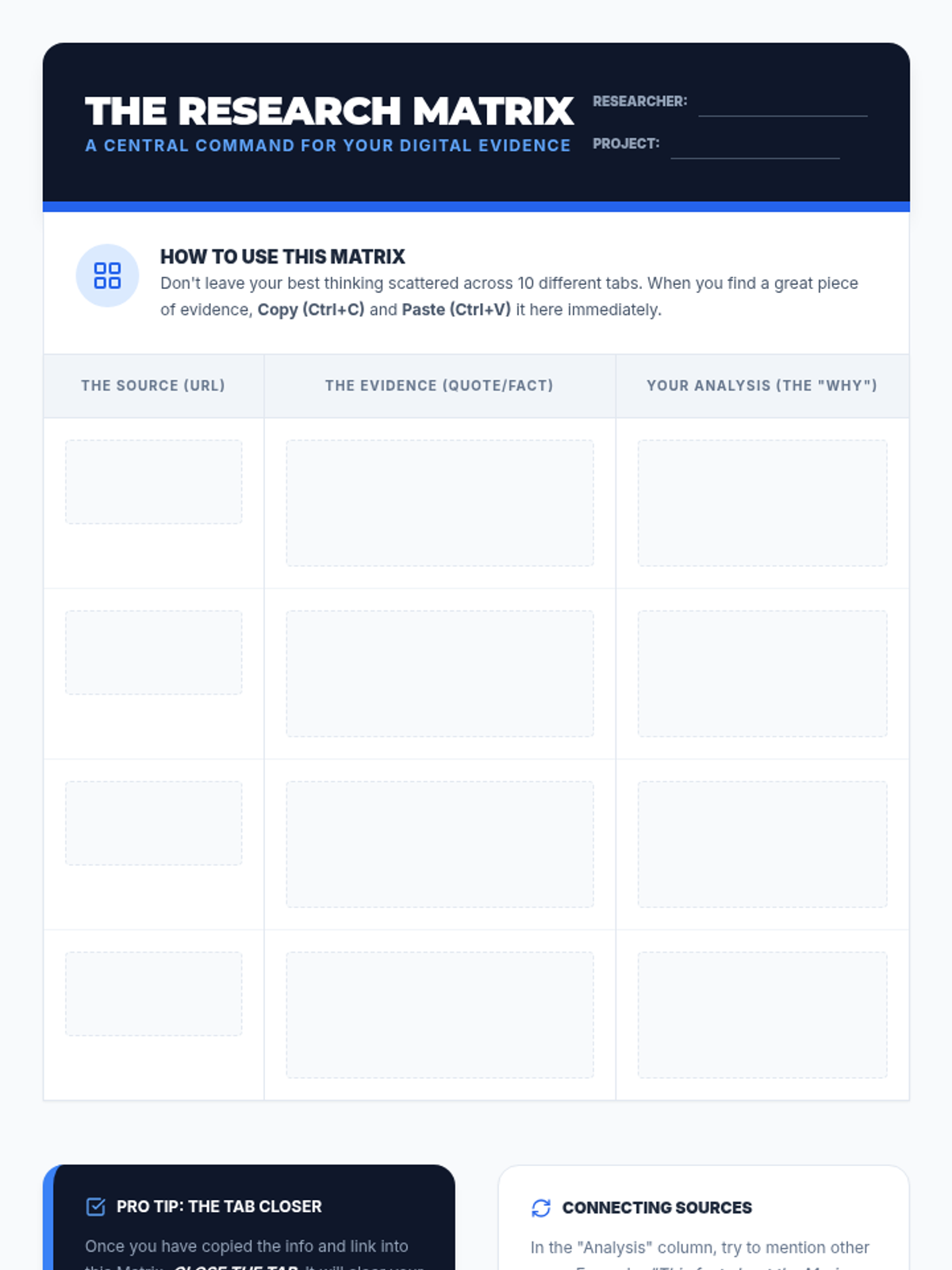
Focuses on data management and synthesis, teaching students how to move annotations from source texts into a structured research matrix.
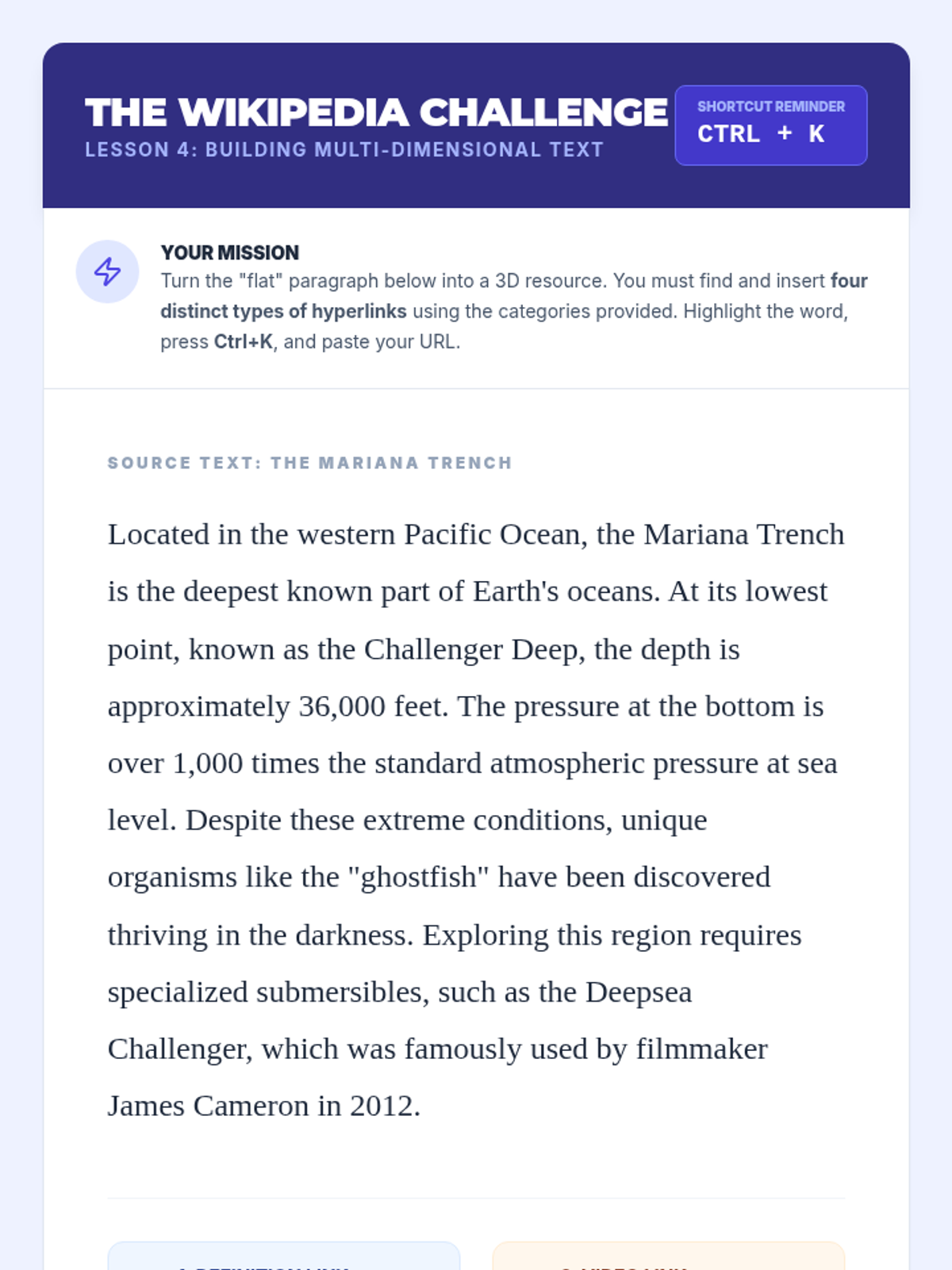
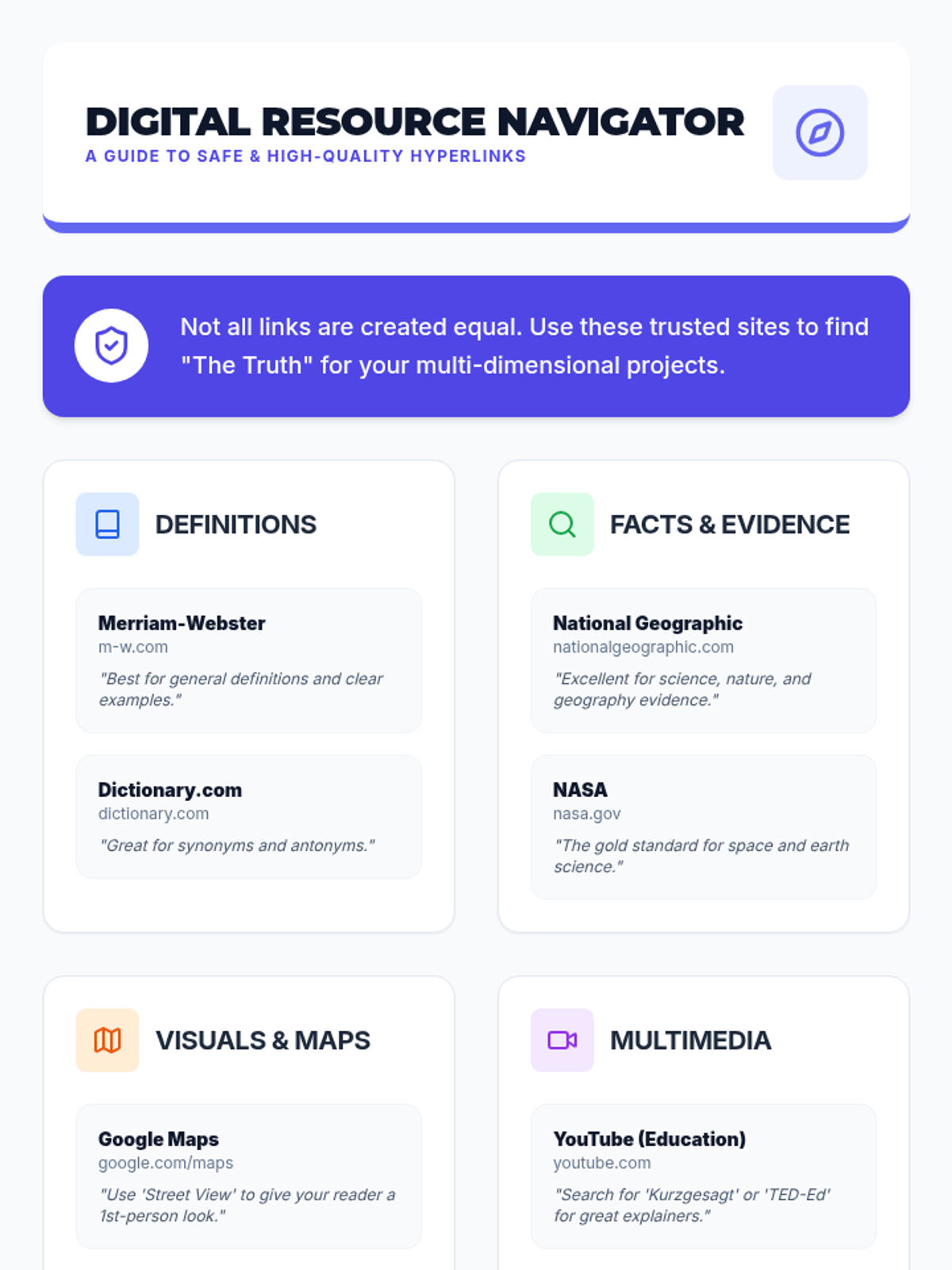
Students learn to turn static text into rich resources by hyperlinking to external evidence, definitions, and multimedia.
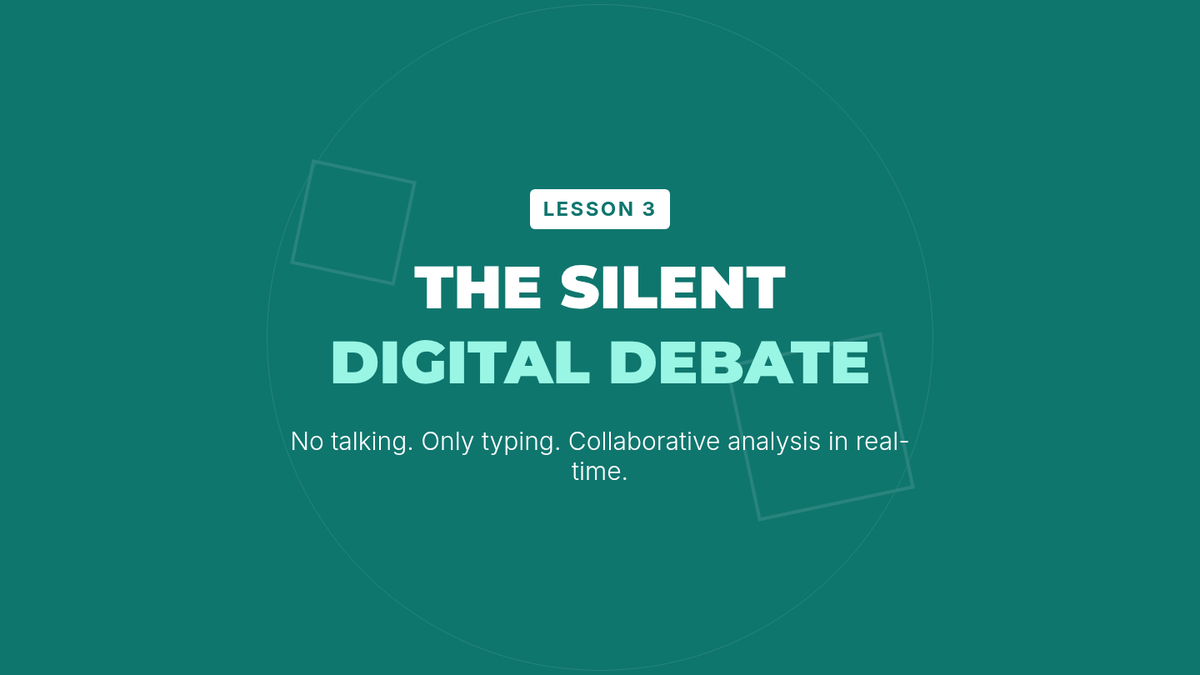
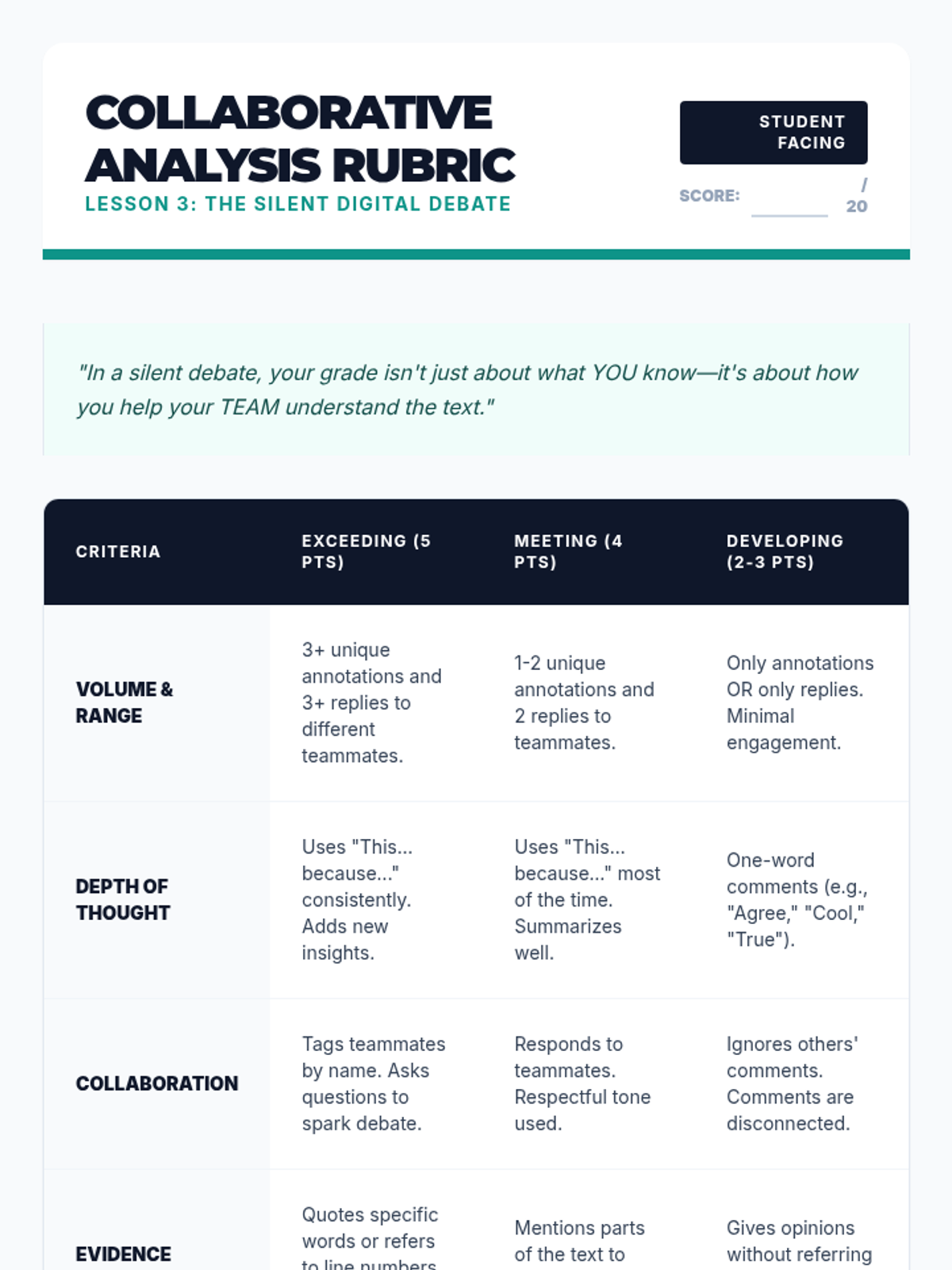
A collaborative lesson where students use shared documents to debate and analyze text in real-time using only digital annotation tools.
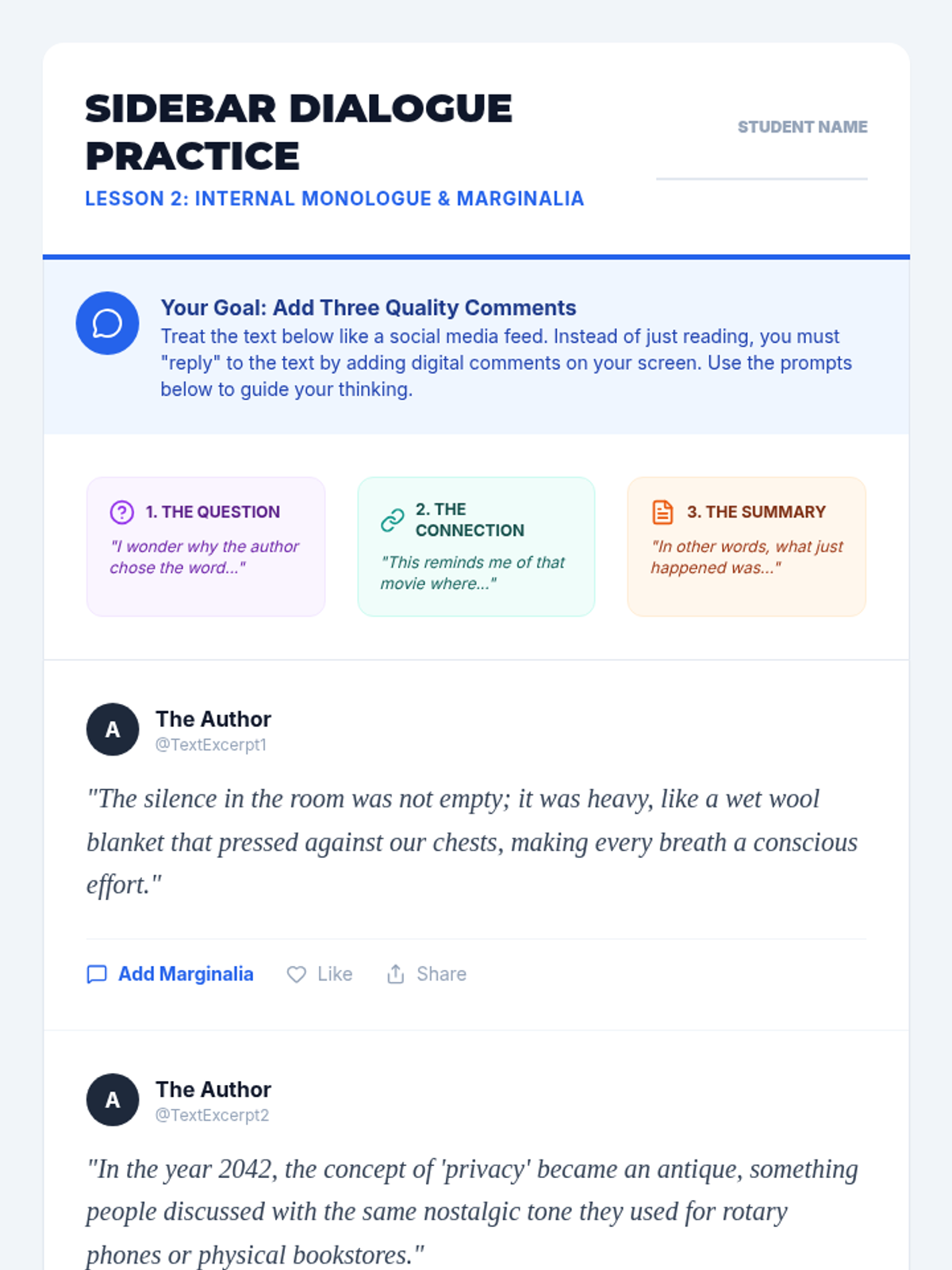
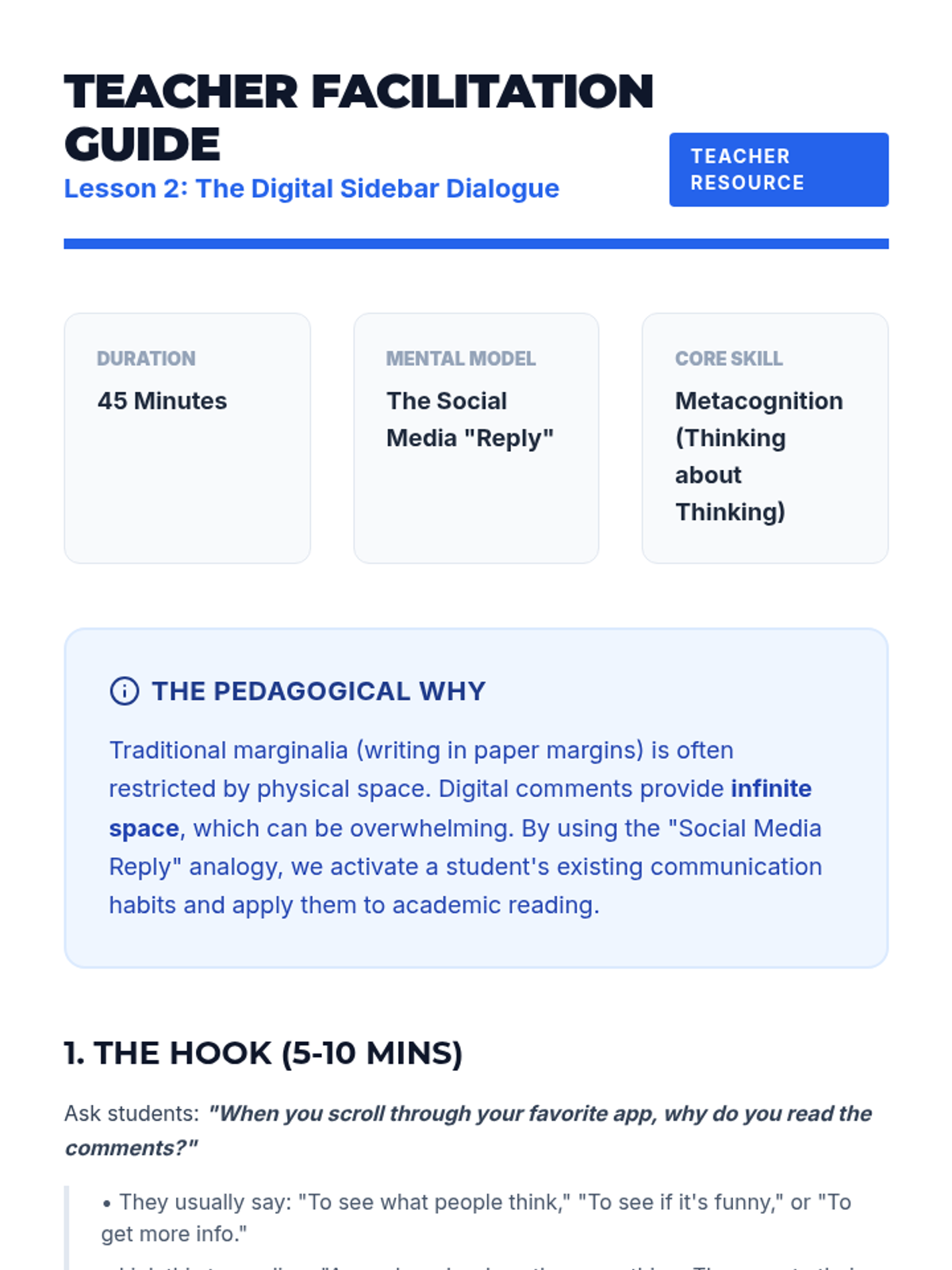
Using the analogy of social media threads, students learn to use digital comments as marginalia to record their internal dialogue and questions.
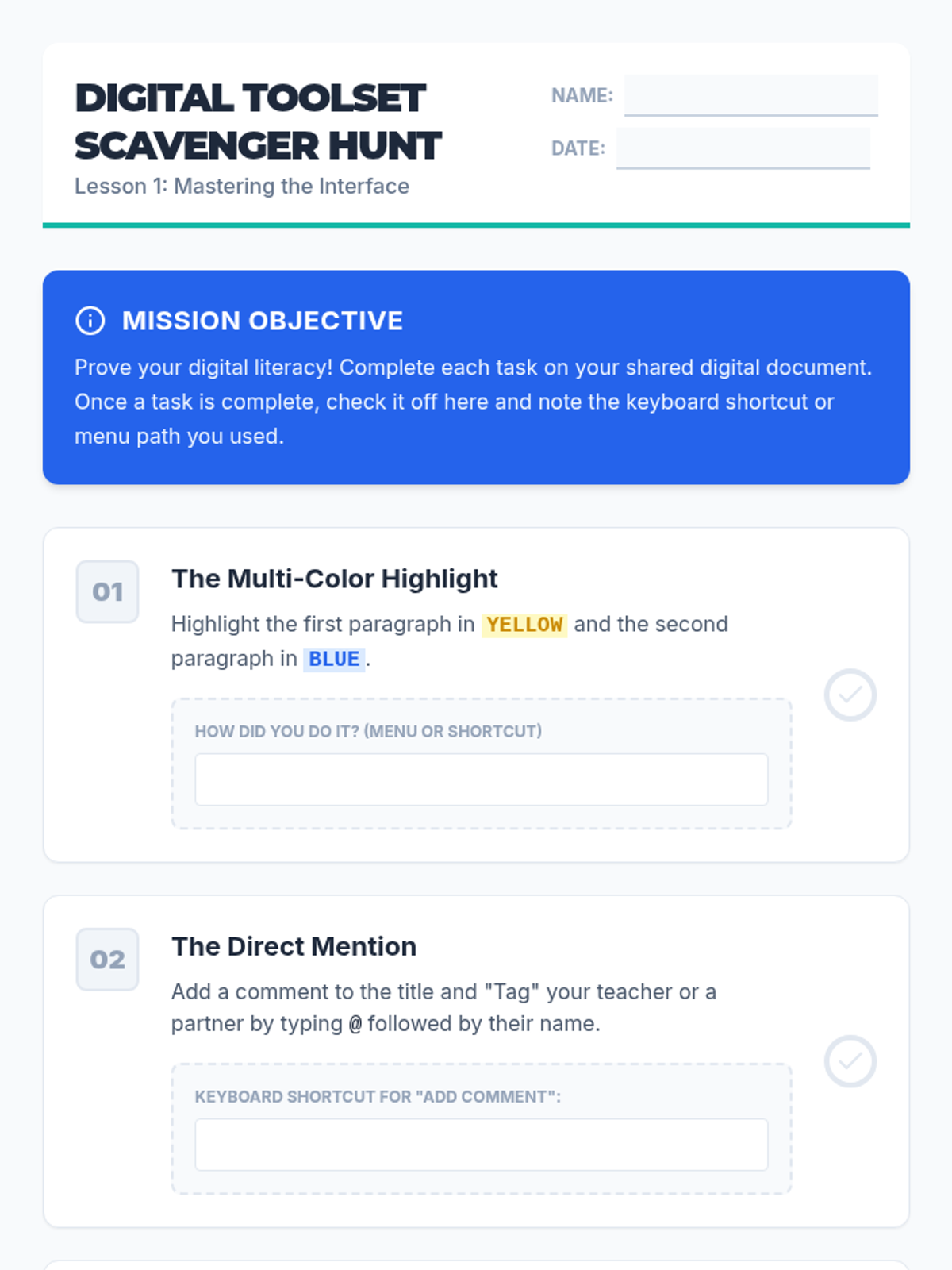
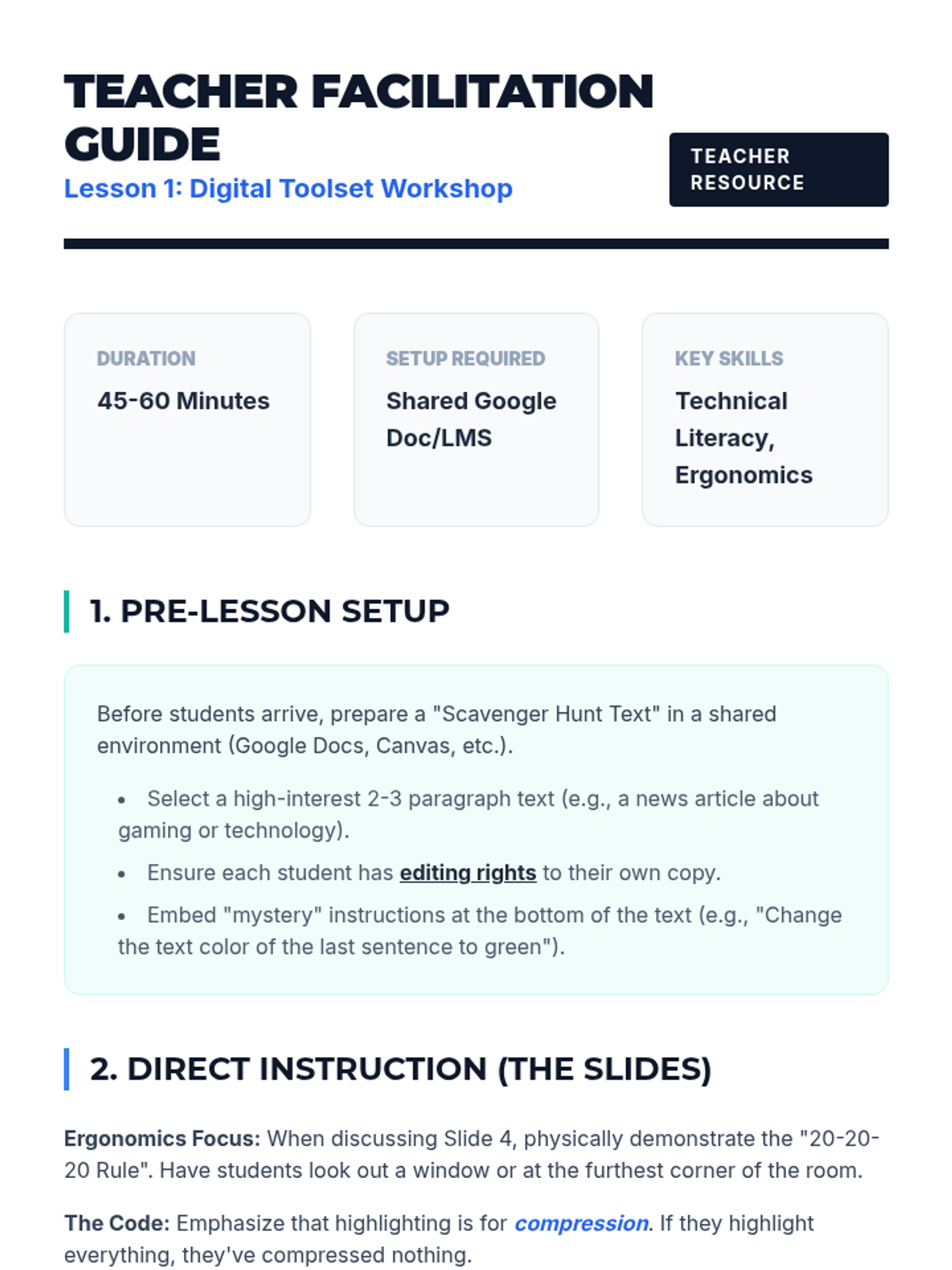
Students explore the technical toolsets of digital annotation, including highlighting palettes and comment features, while navigating the ergonomic differences of screen reading.
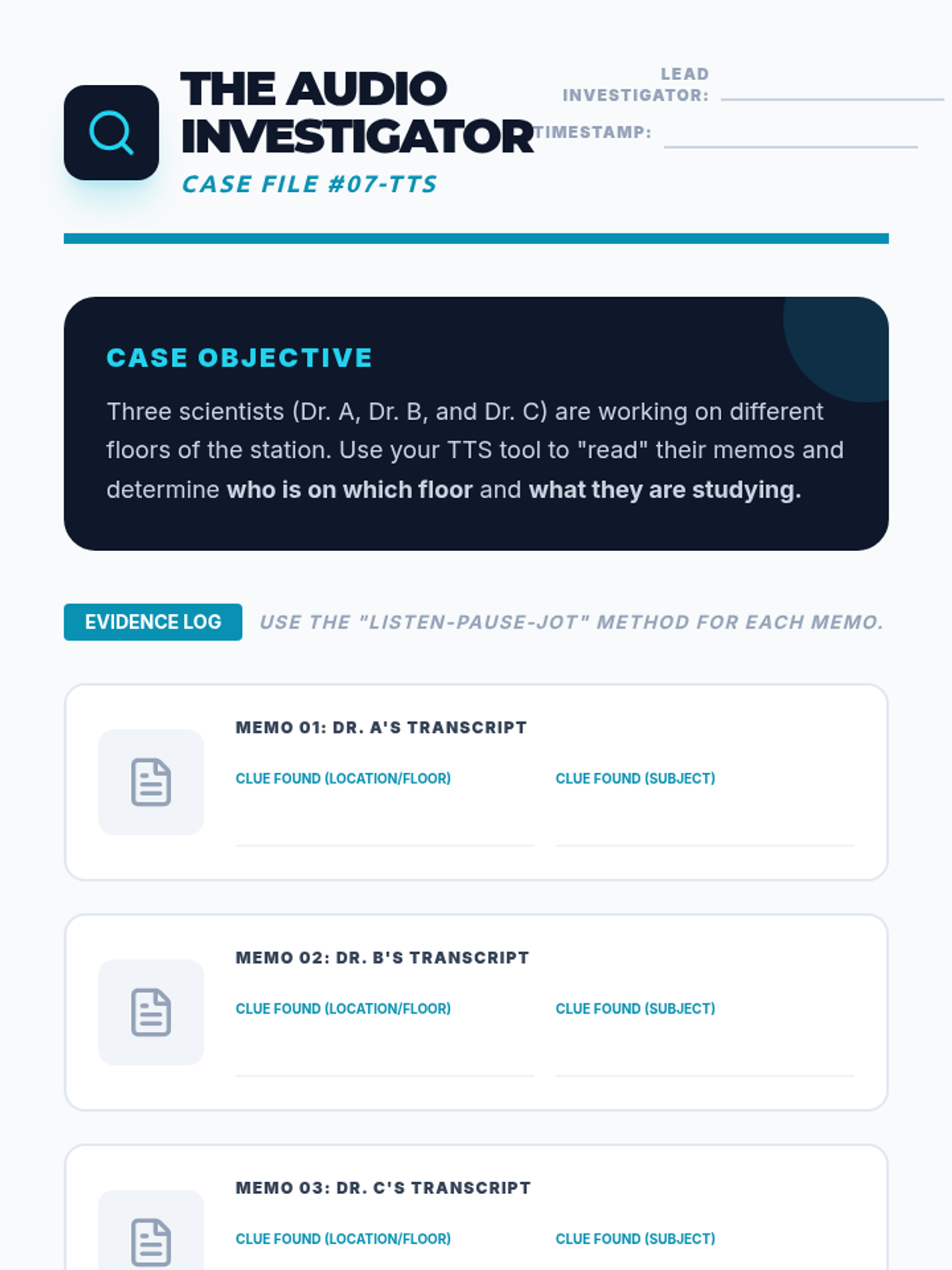
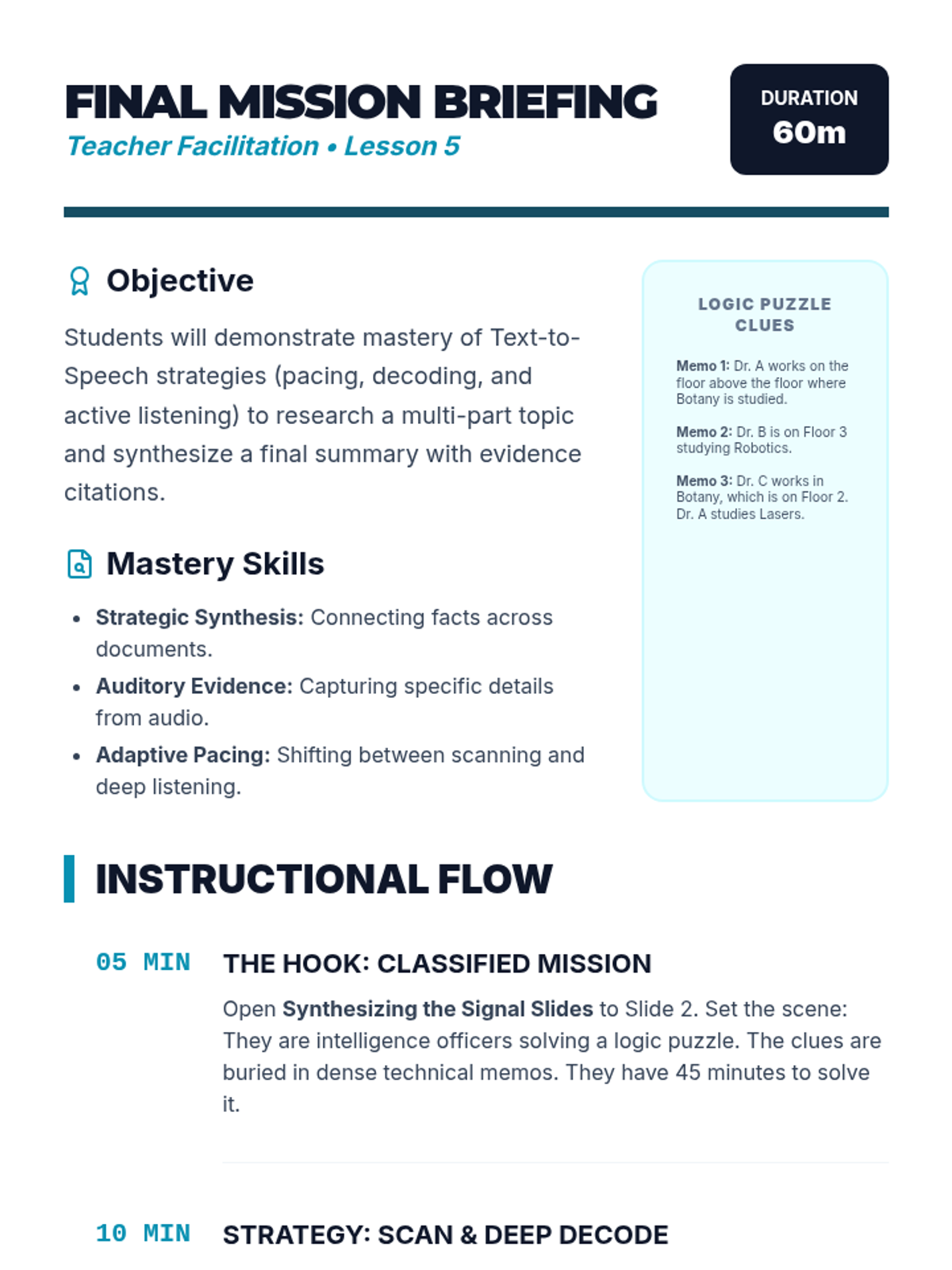
The capstone lesson where students apply all previous strategies to solve a logic puzzle by gathering clues from multiple audio-supported documents. They must synthesize information and provide evidence for their conclusions.
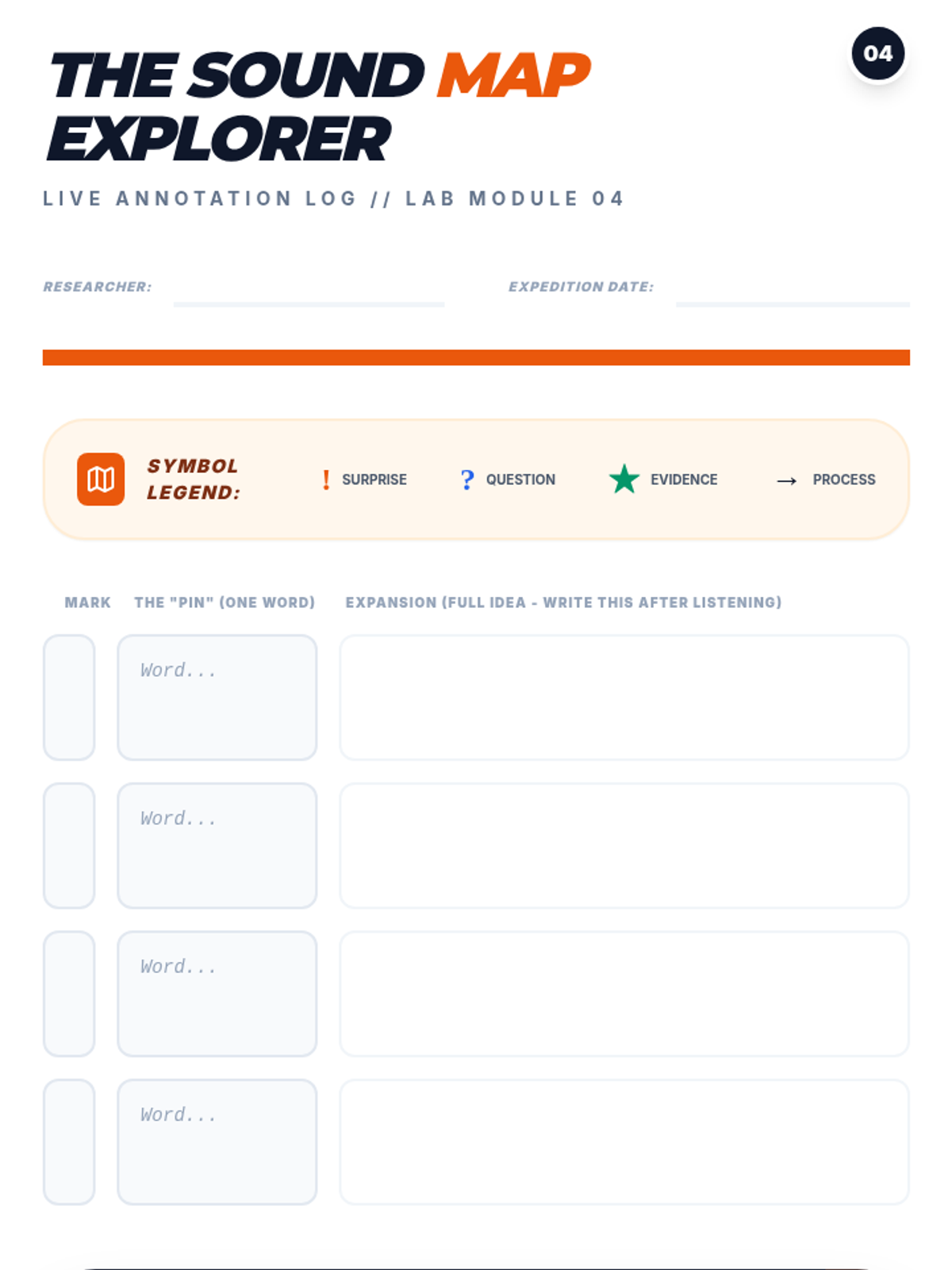
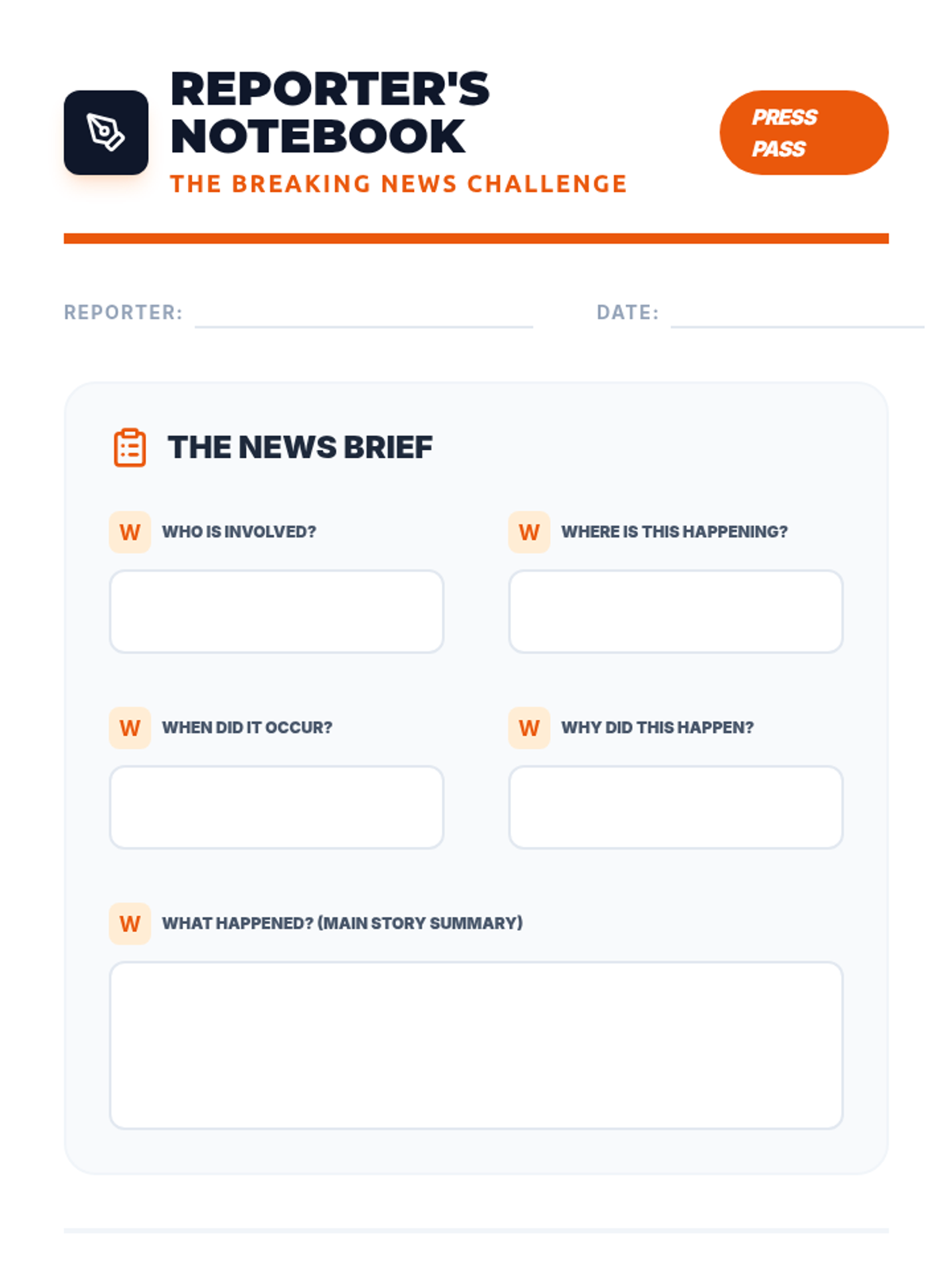
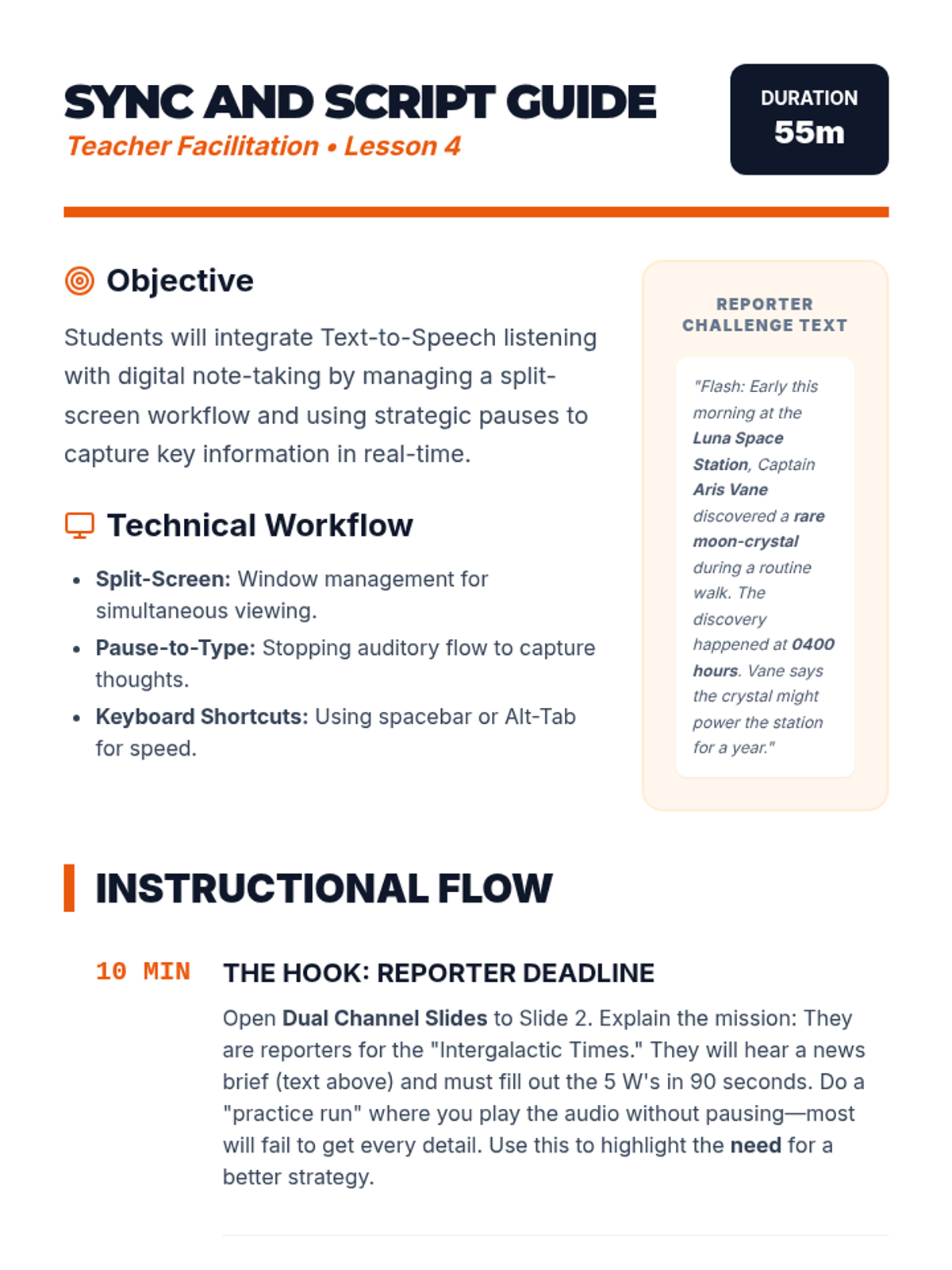
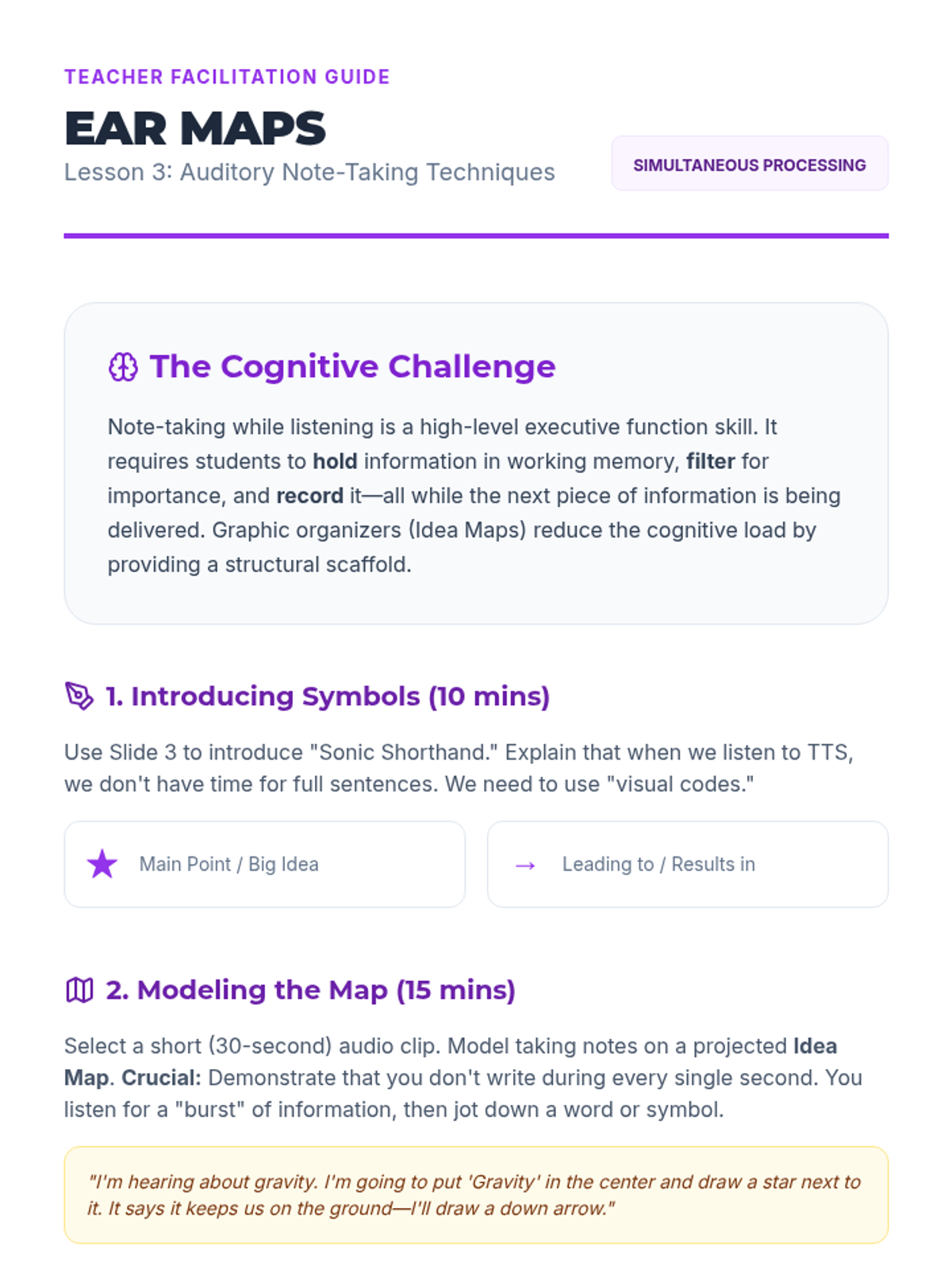
Integrates listening with active production. Students practice split-screen workflows to take notes in real-time while using TTS, learning how to pause effectively to capture key details without losing the narrative flow.
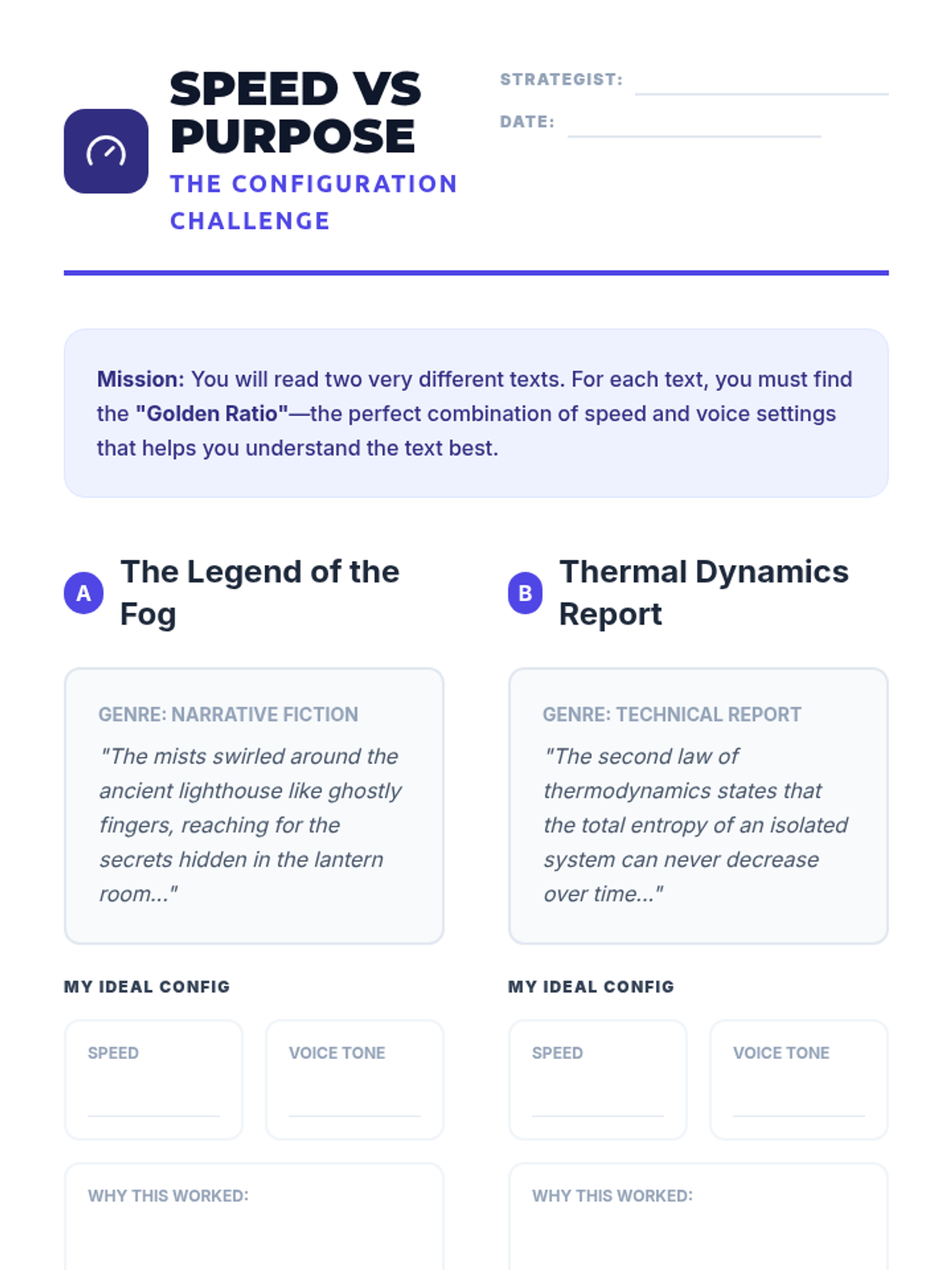
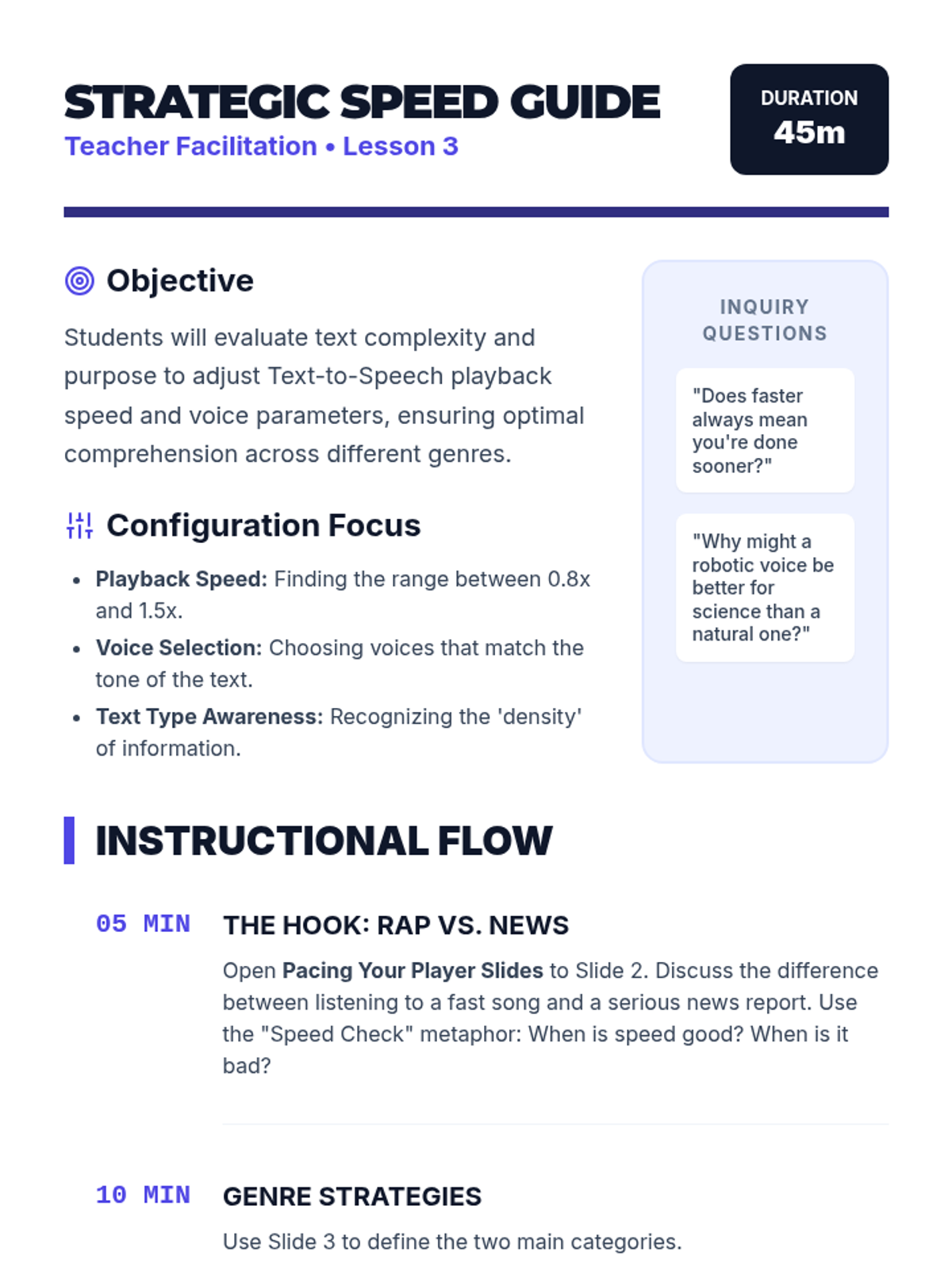
Students experiment with TTS settings (speed, voice, and pause frequency) across different genres. They analyze why technical informational texts require a different auditory strategy than narrative stories.
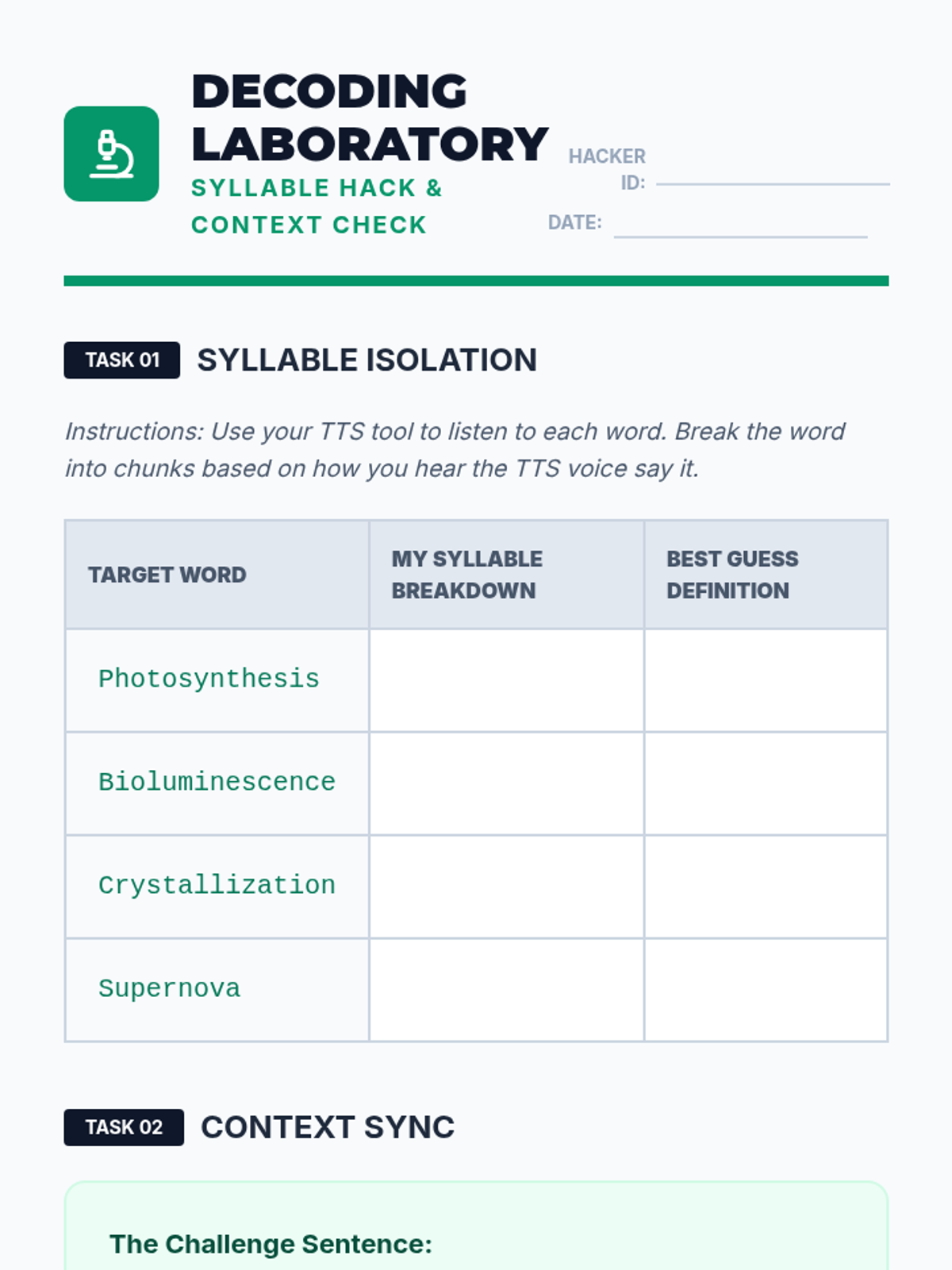
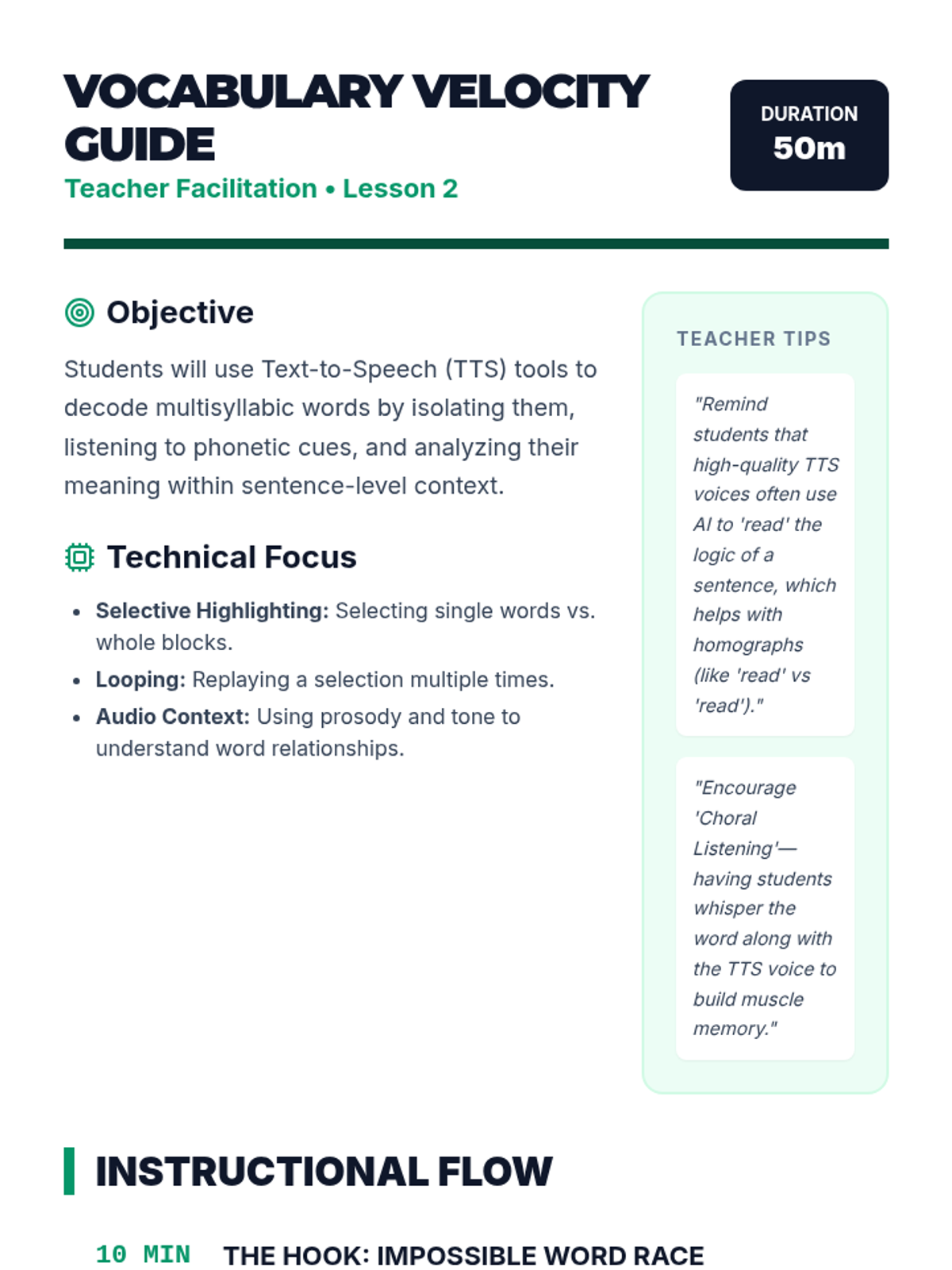
Focuses on using TTS to decode multisyllabic scientific and technical terms. Students learn to highlight specific words to hear their phonetic breakdown and use auditory context to define new vocabulary.
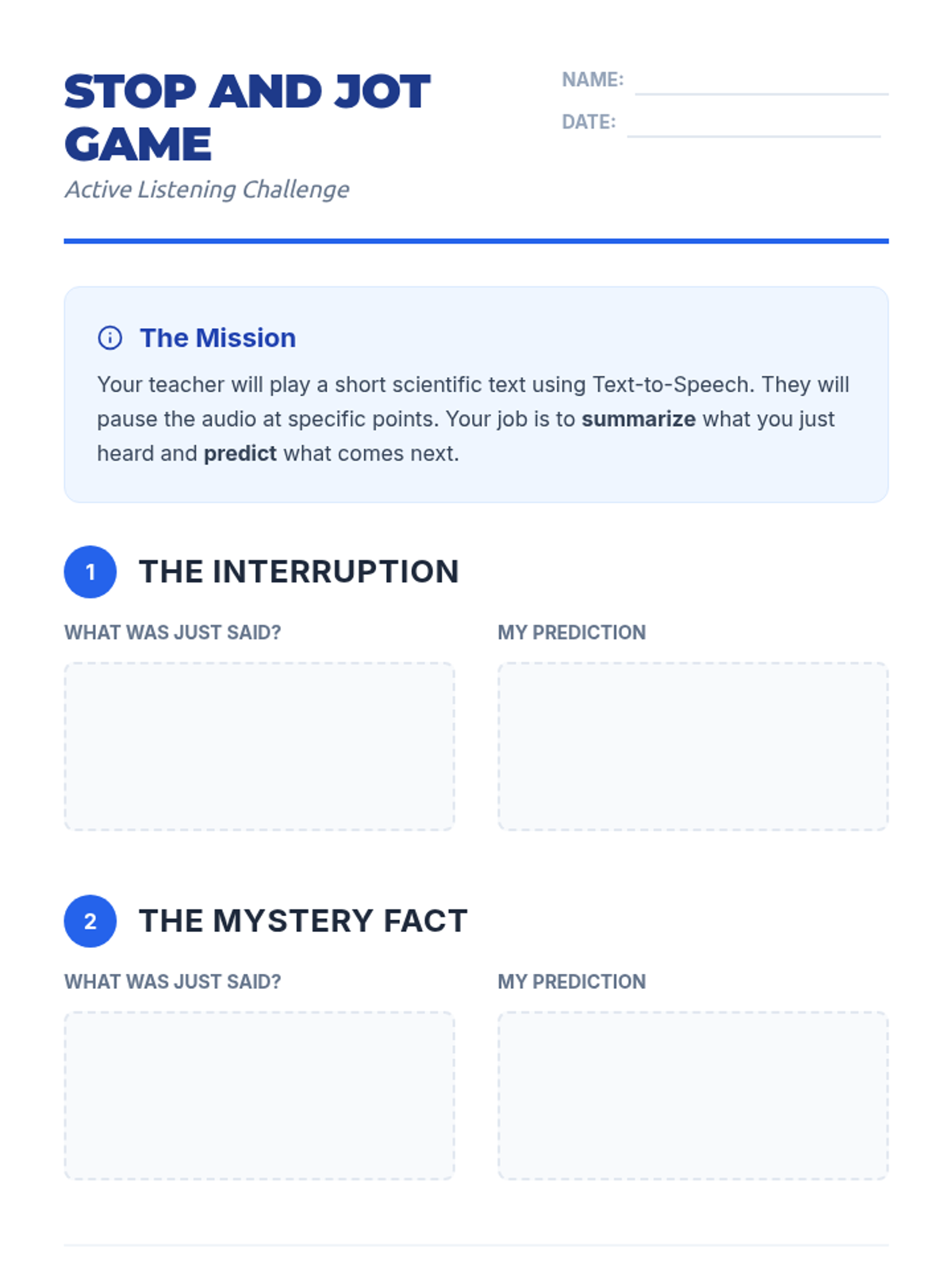
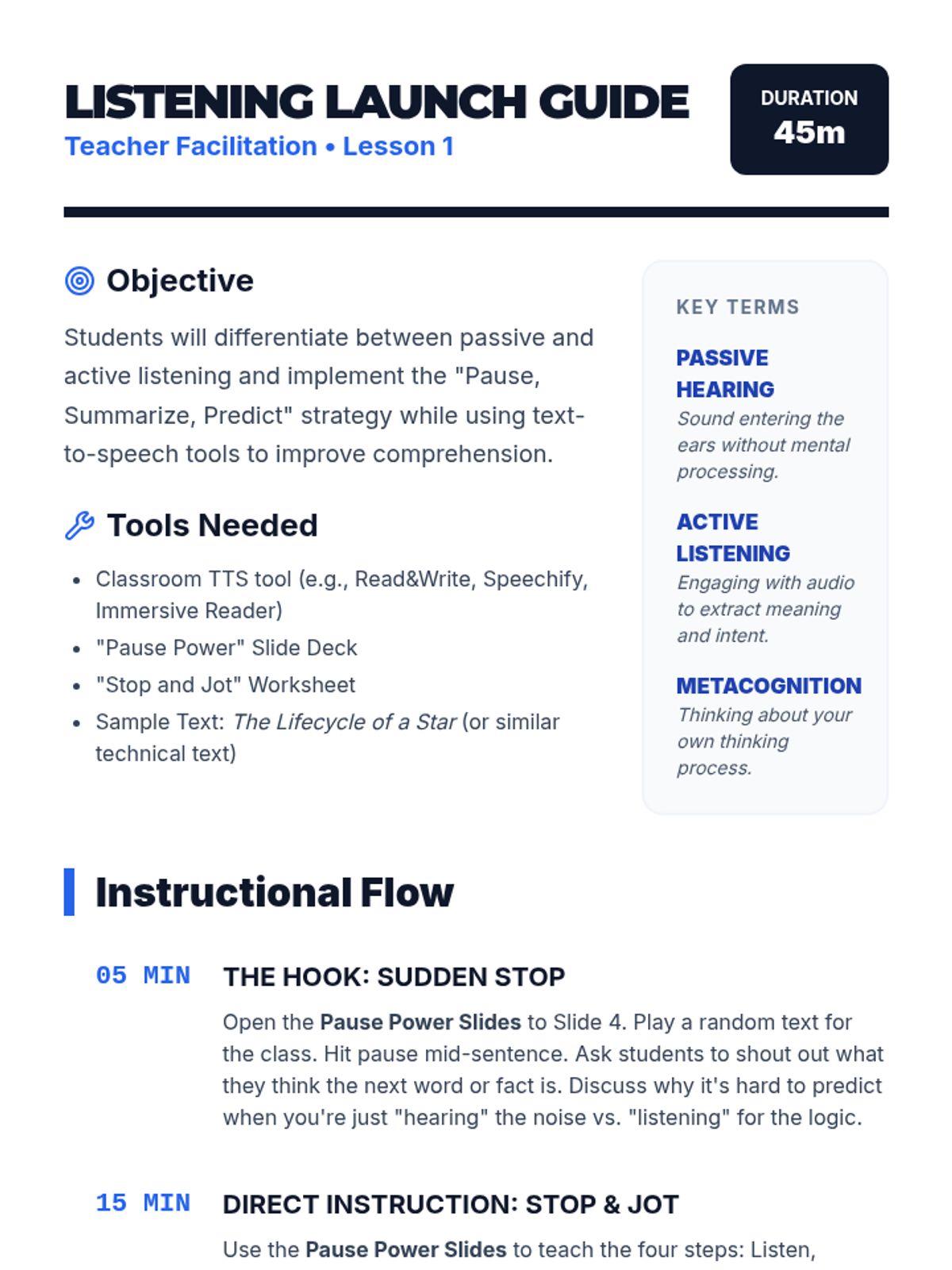
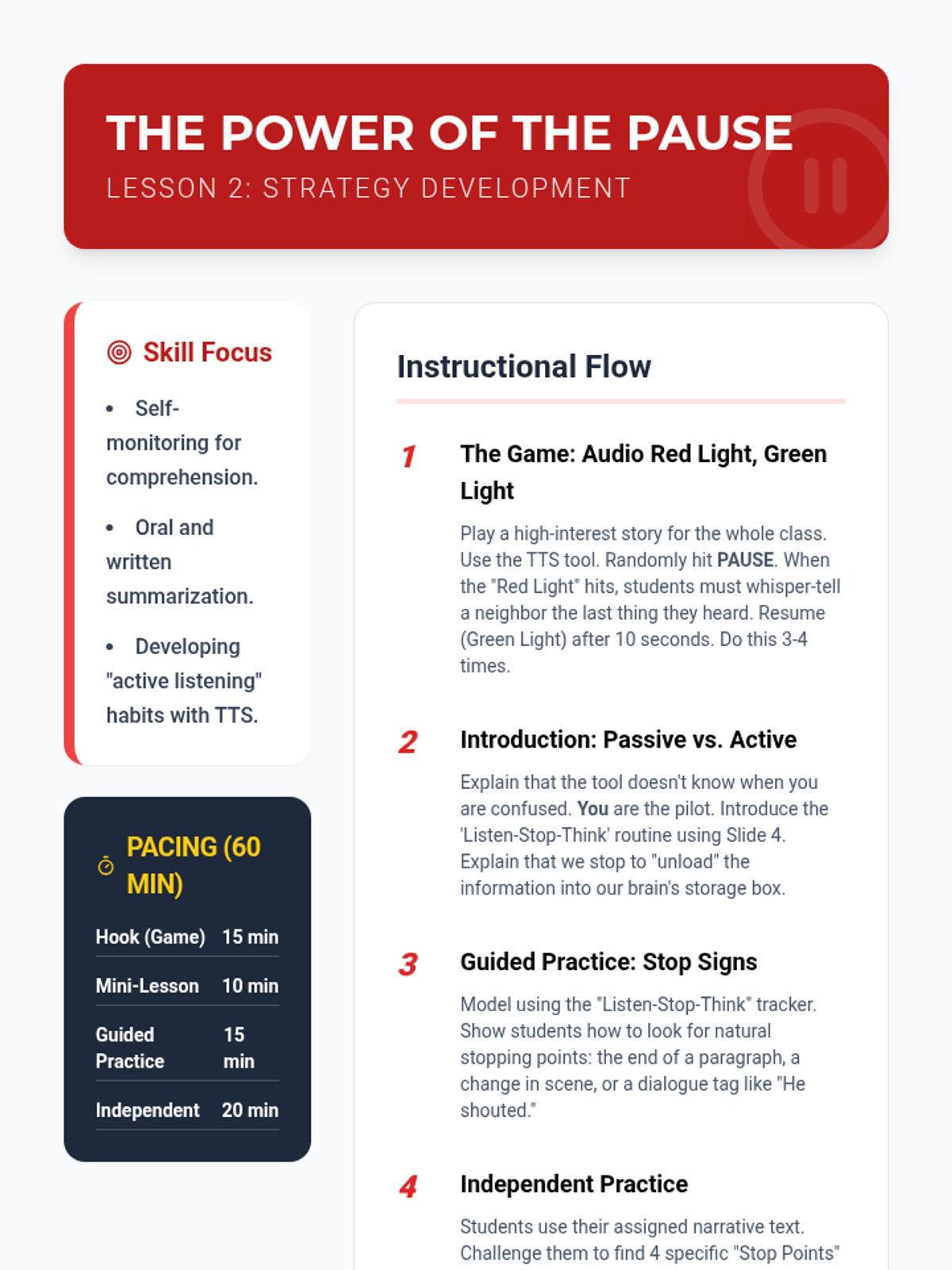
Students learn to transition from passive listening to active monitoring by practicing the 'Pause and Predict' strategy. The lesson emphasizes using the pause button as a tool for checking understanding at natural break points.
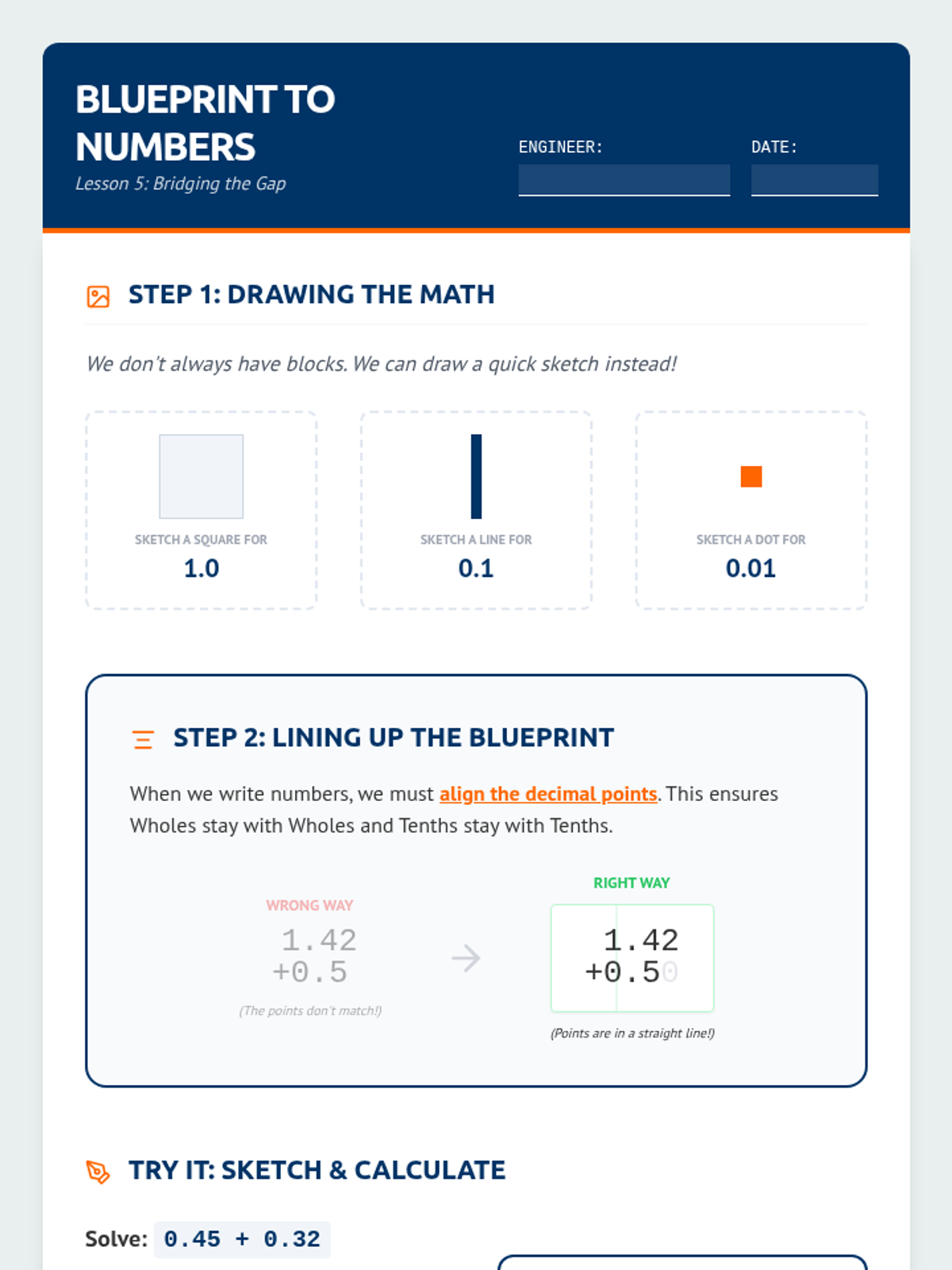
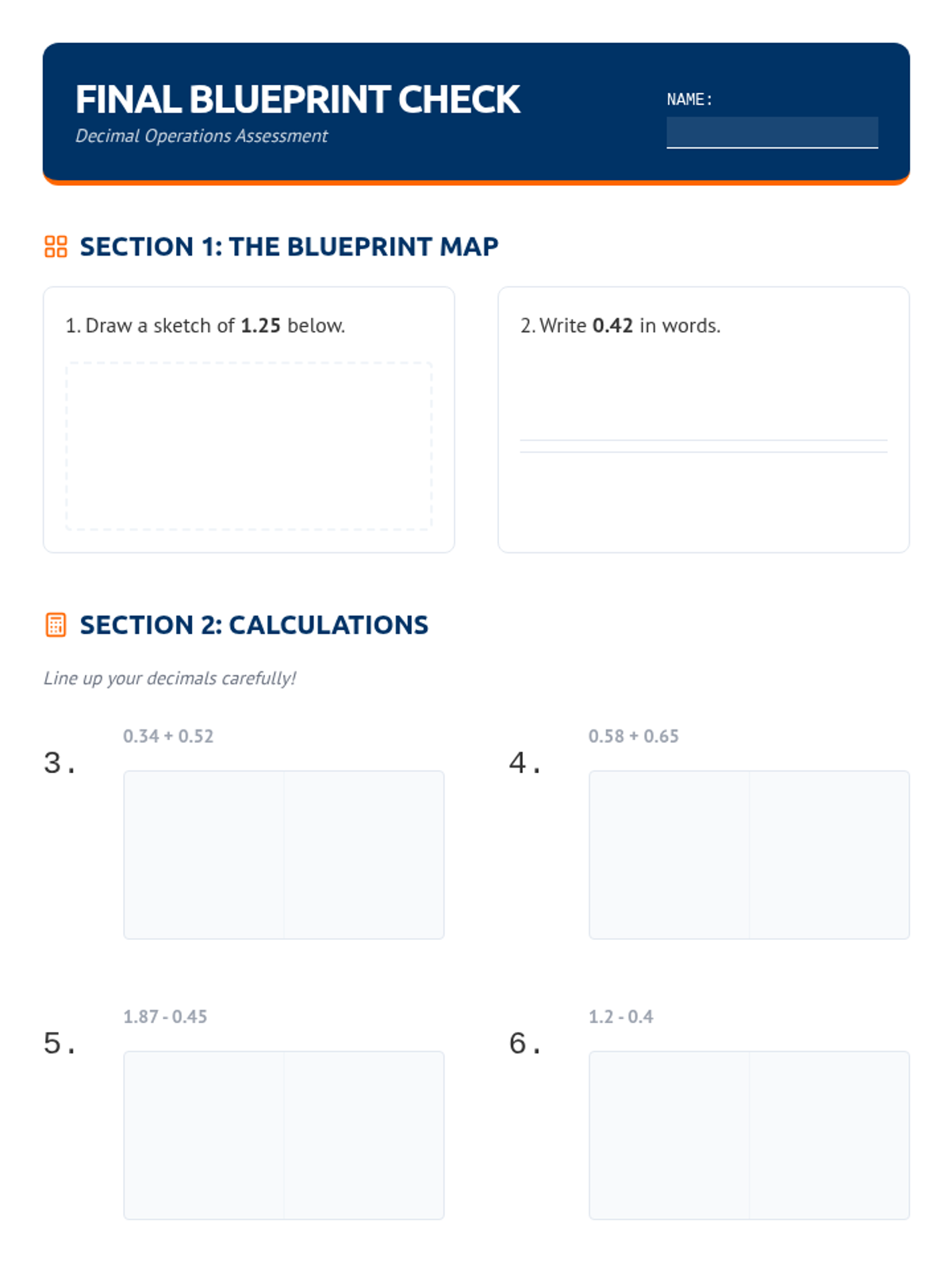
Students bridge the gap between concrete blocks and the standard algorithm by drawing pictorial representations and learning to align decimal points based on place value.
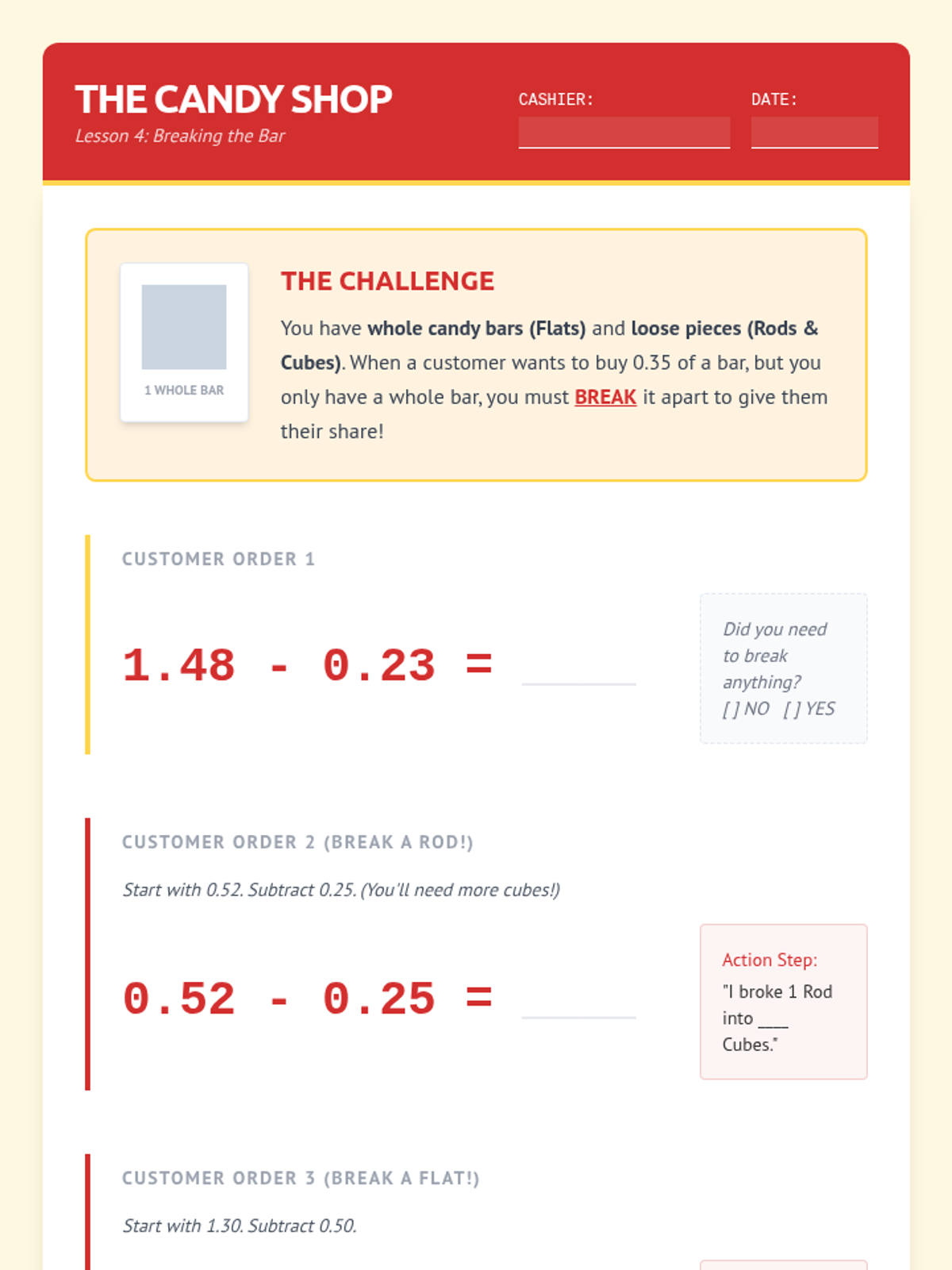
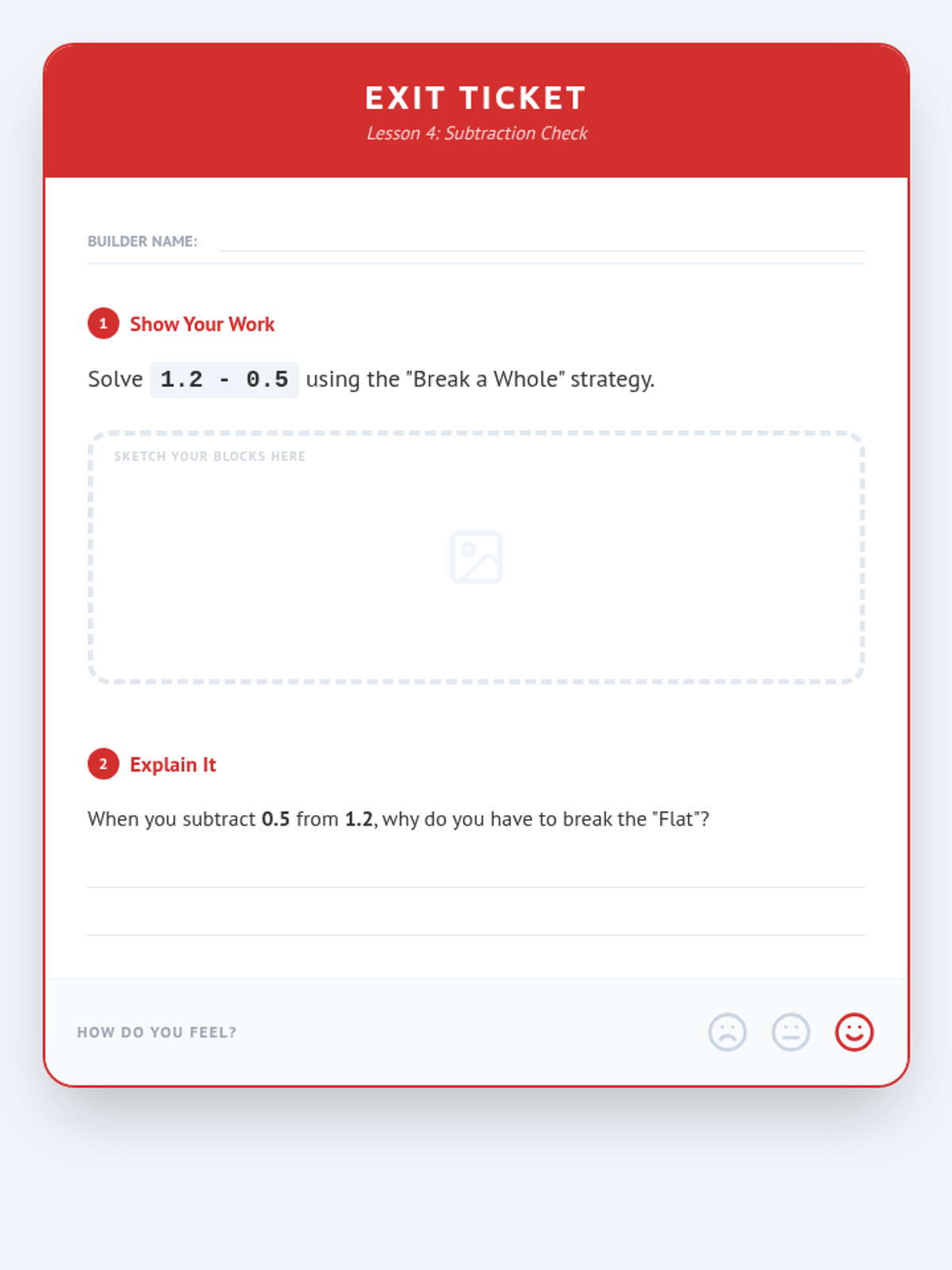
Students model subtraction as 'breaking' or 'decomposing' wholes and tenths into smaller units to take away decimal amounts, visualizing the standard subtraction algorithm.
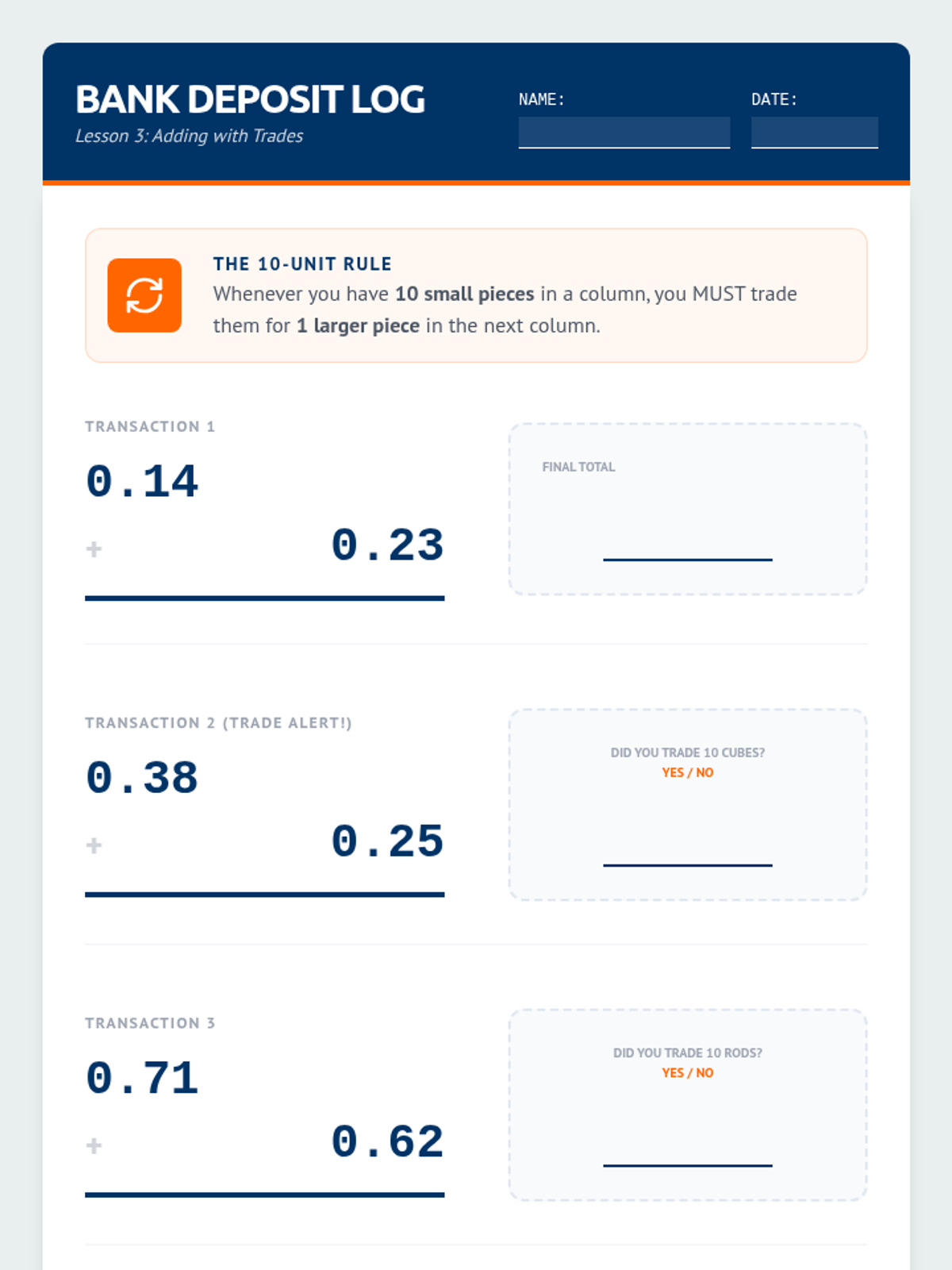
Using a 'Decimal Bank' theme, students add decimals by trading ten 0.01 cubes for one 0.1 rod, reinforcing the concept of regrouping across place values.
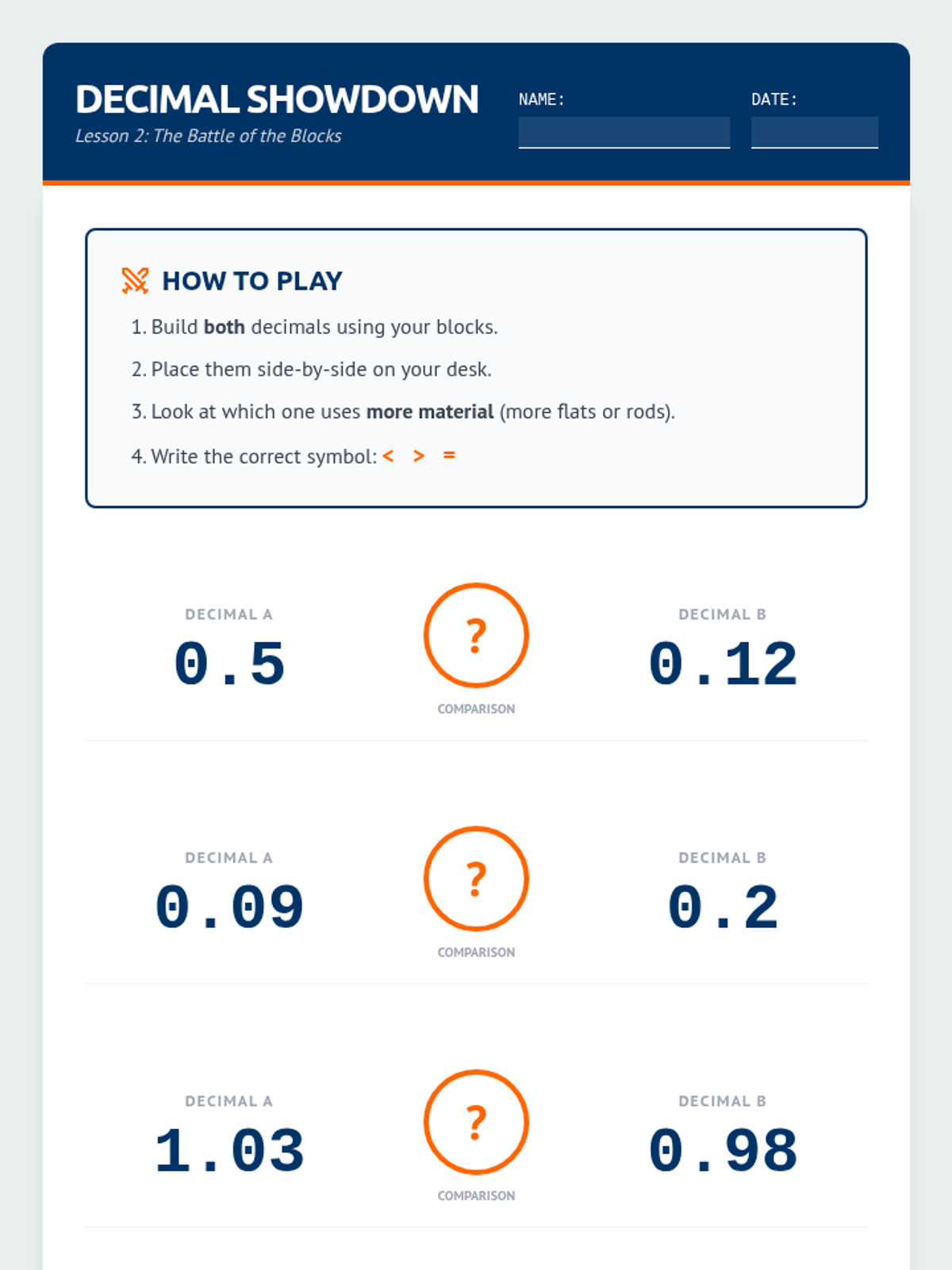
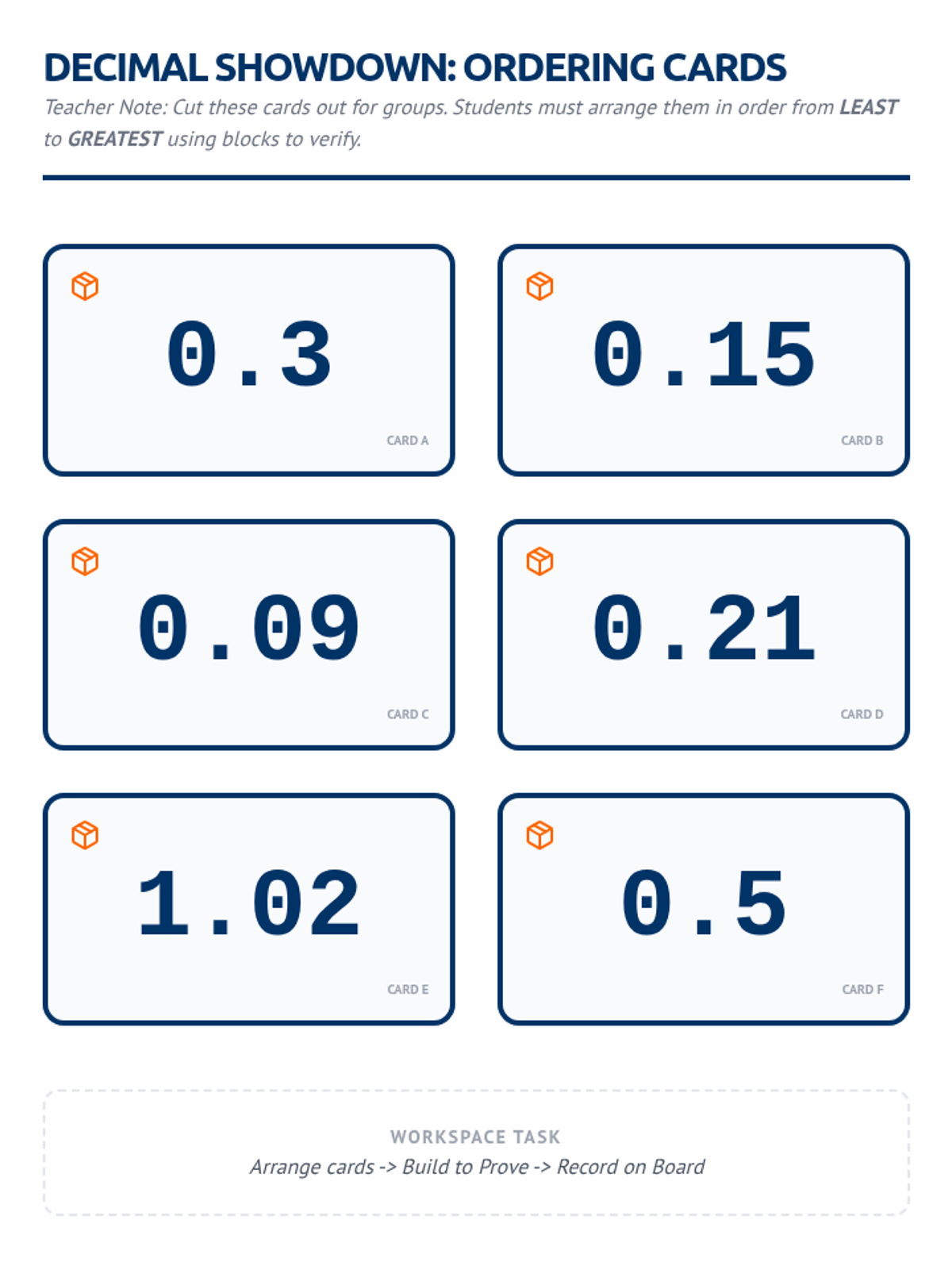
Students use blocks to physically compare decimal quantities, correcting common misconceptions about 'longer' numbers being larger. They practice ordering decimals from least to greatest.
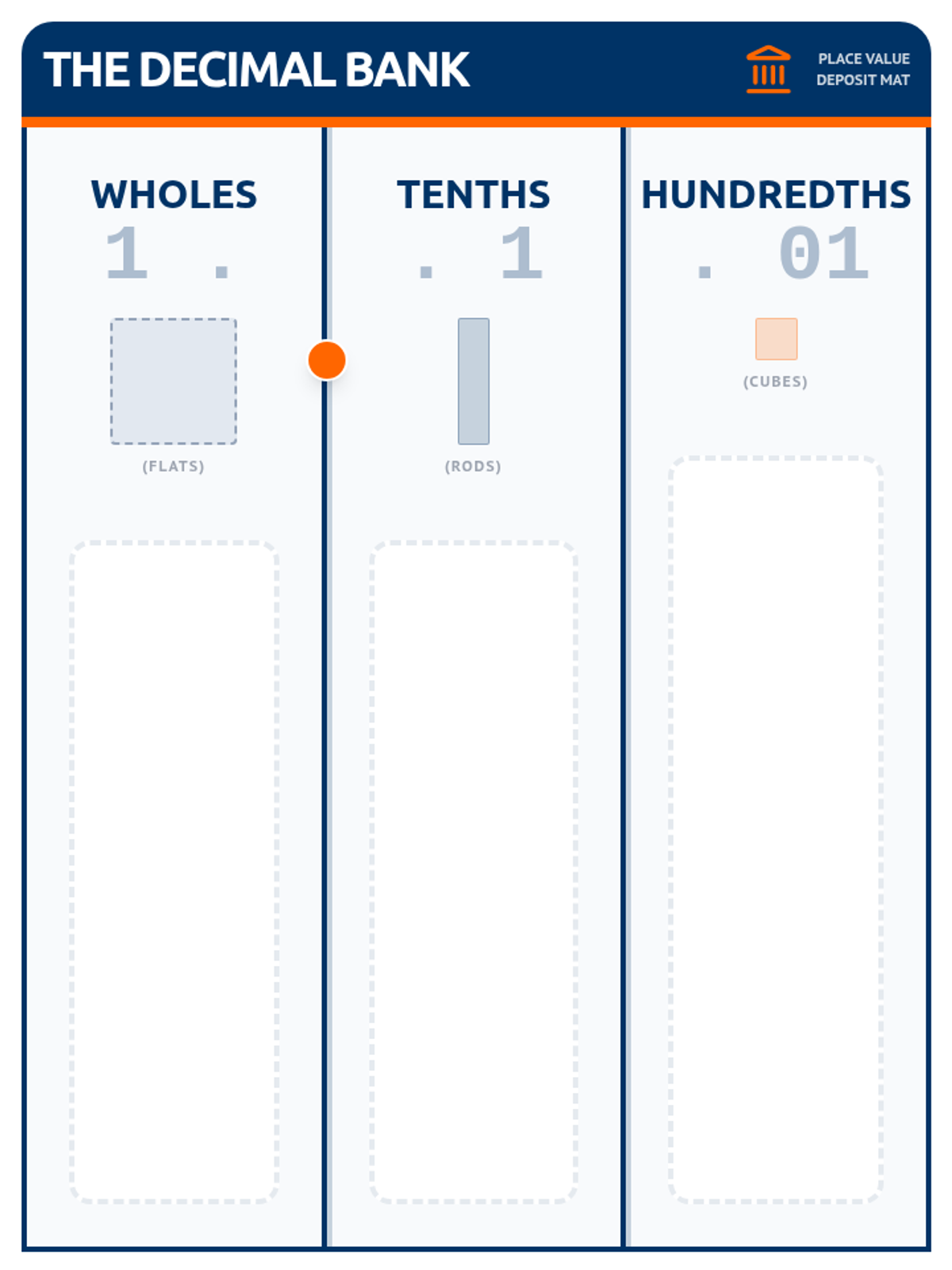
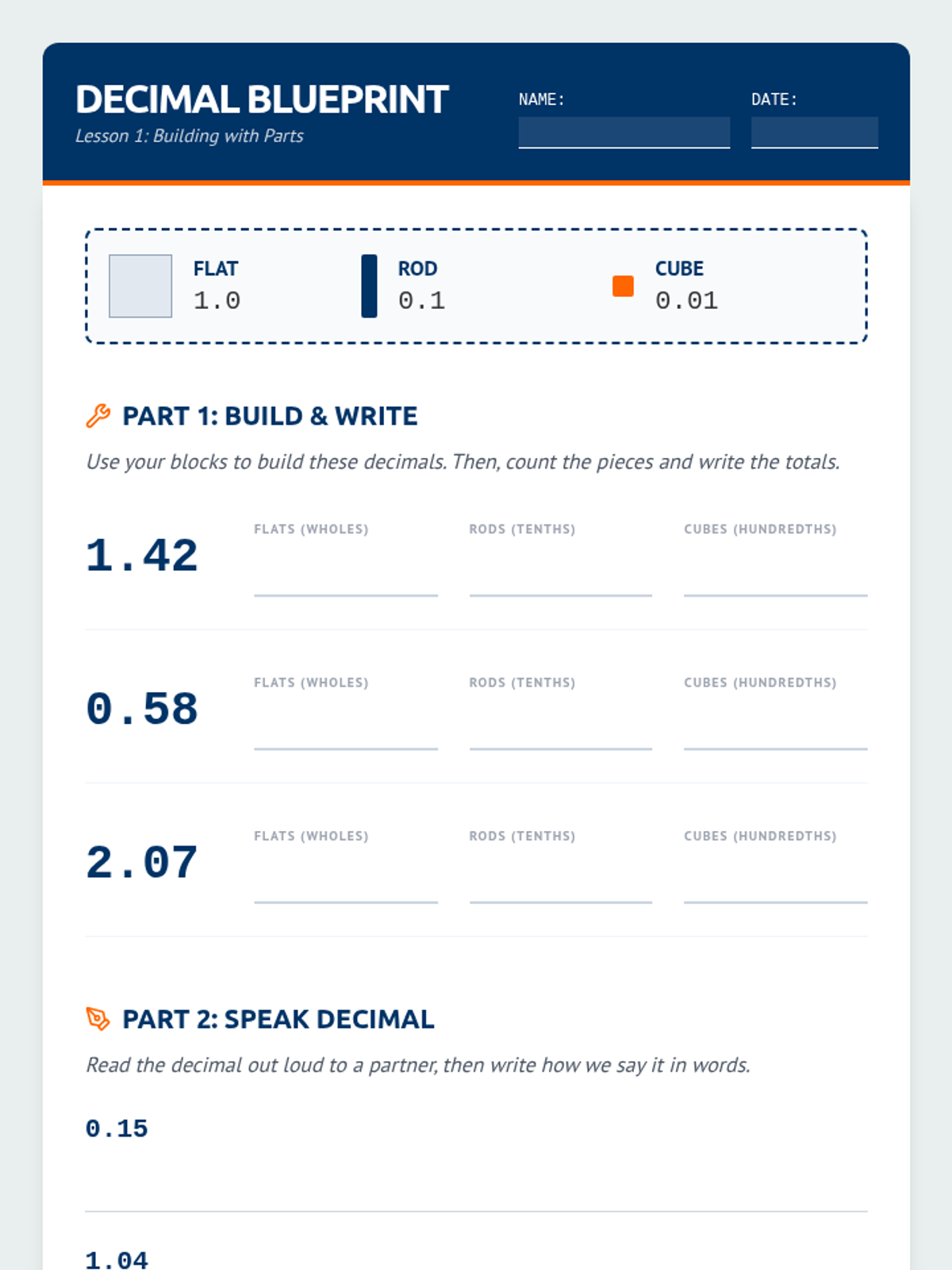
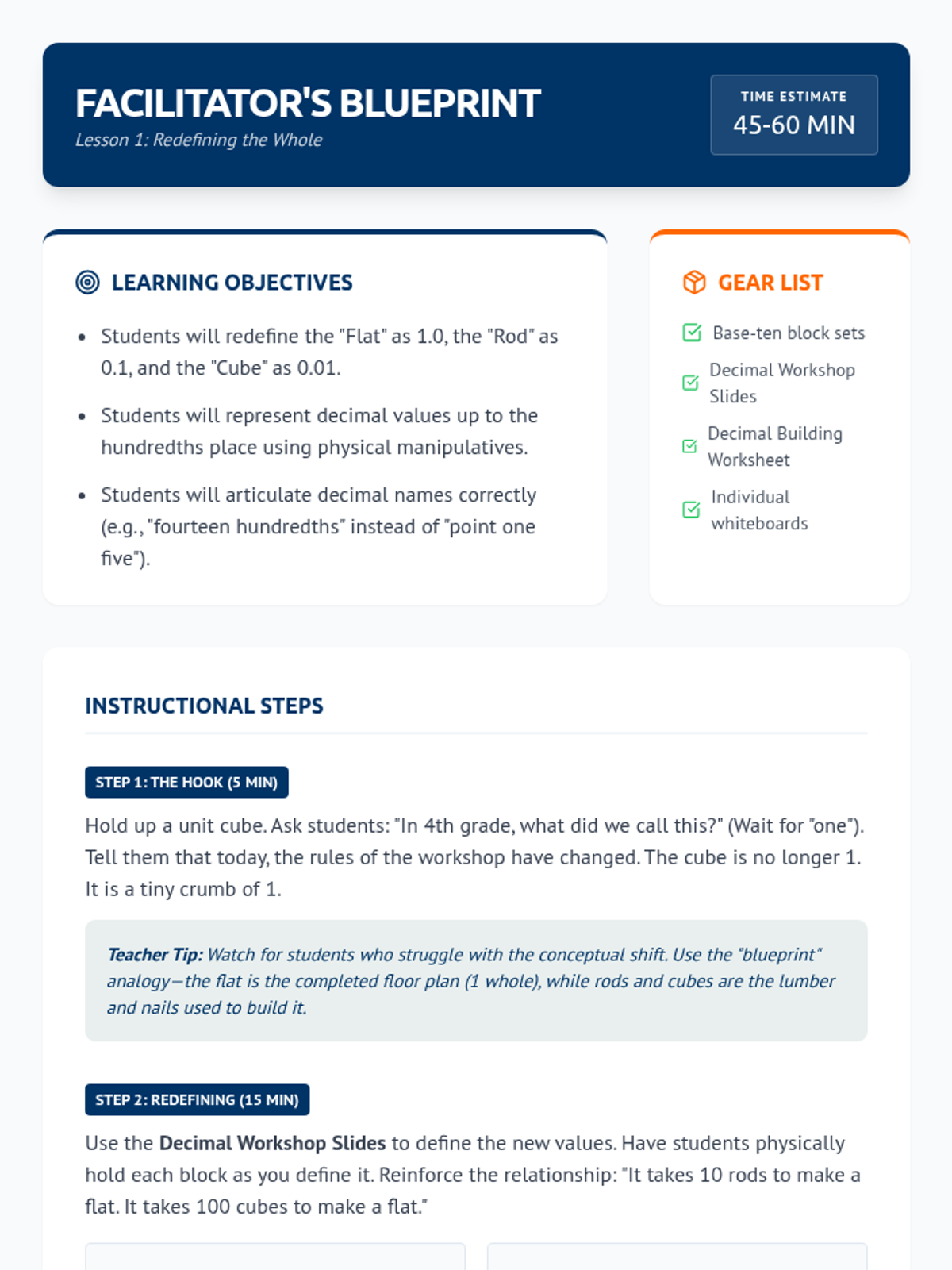
Students shift their understanding of base-ten blocks so that a flat represents 1, a rod represents 0.1, and a unit cube represents 0.01. They practice building and naming decimals to establish unit magnitude.
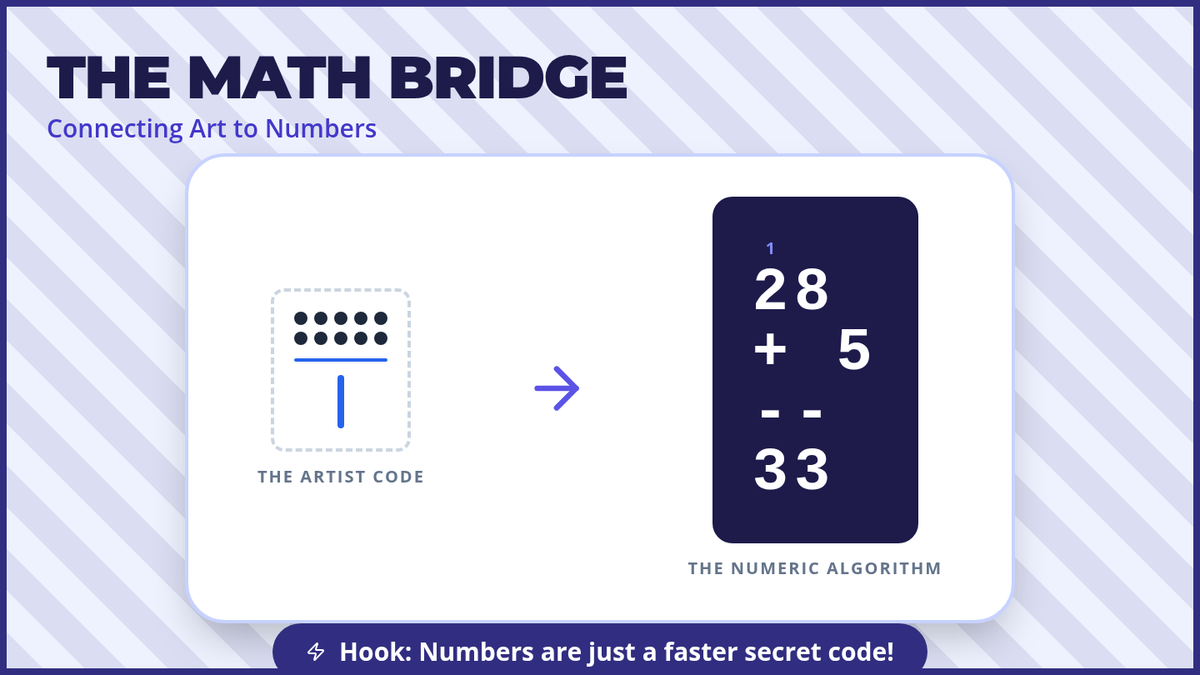
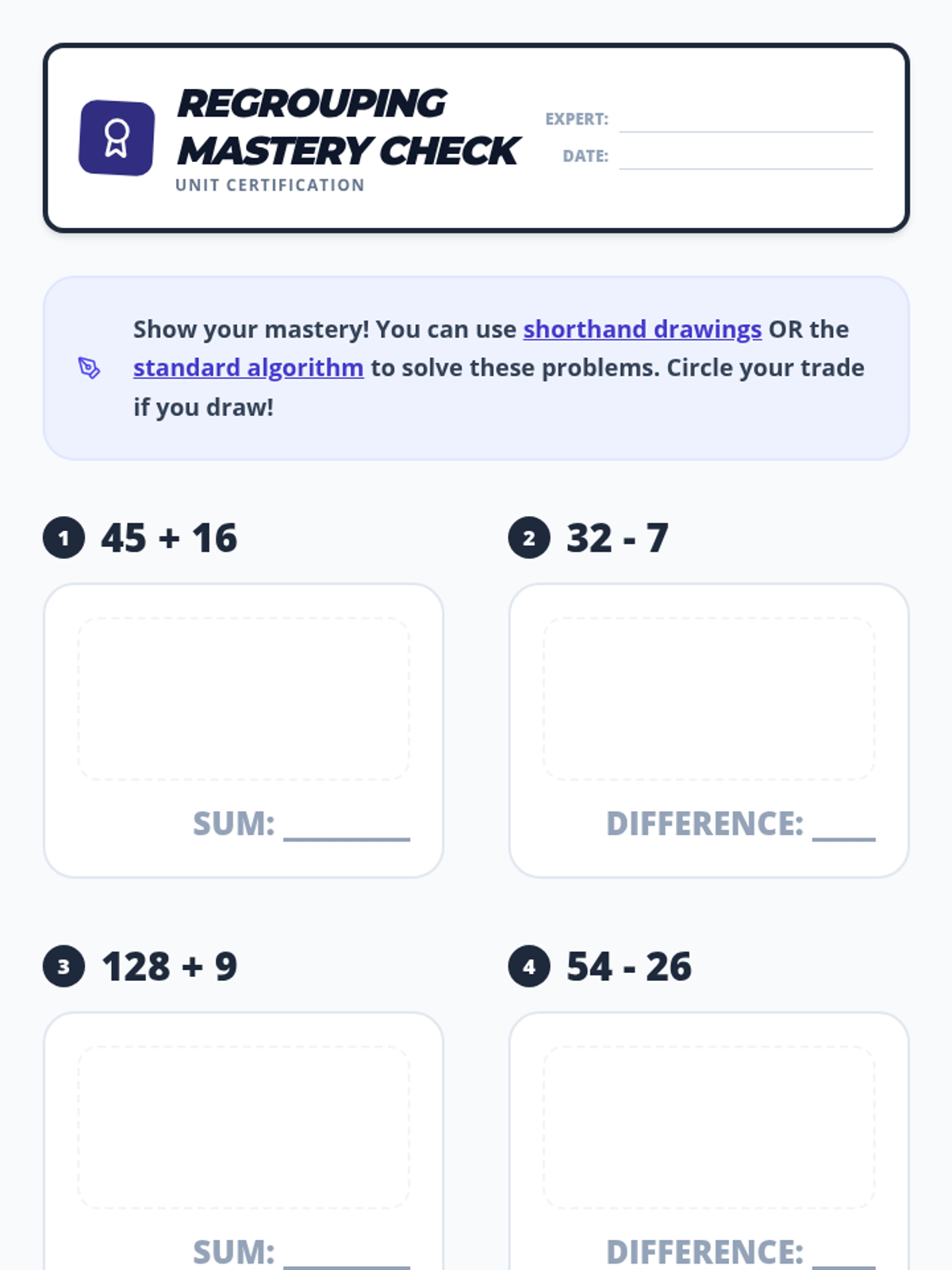
The final stage connects shorthand drawings to the standard numeric algorithm, helping students understand the symbols they write in carry and borrow steps.
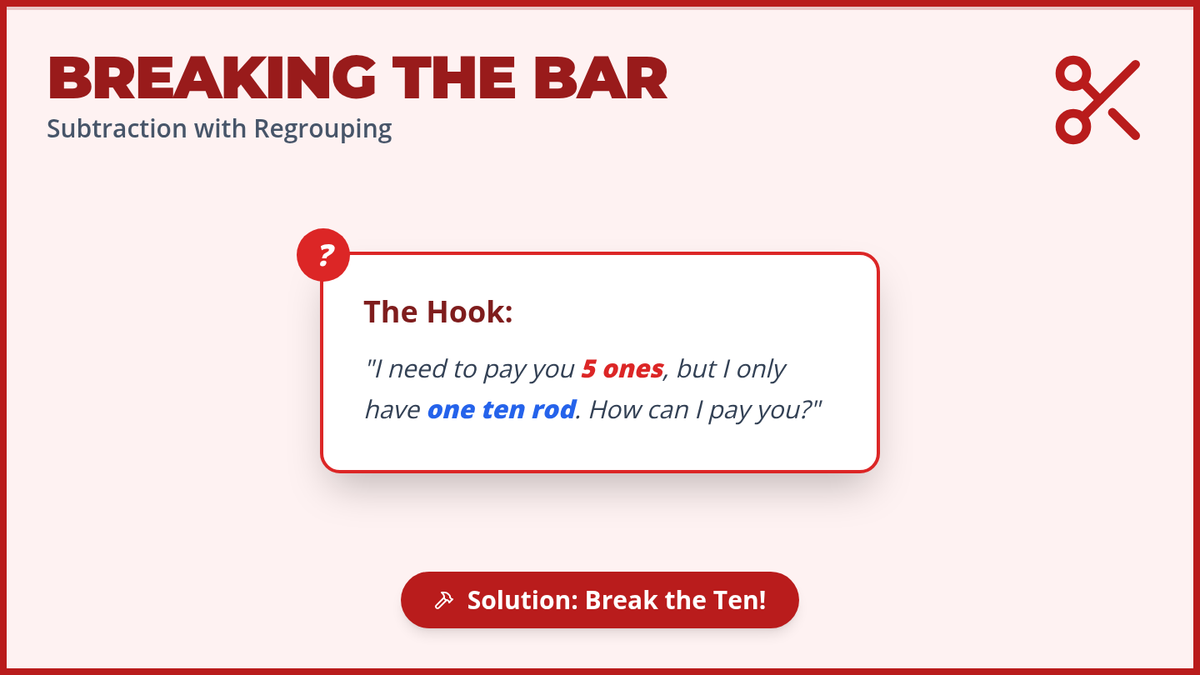
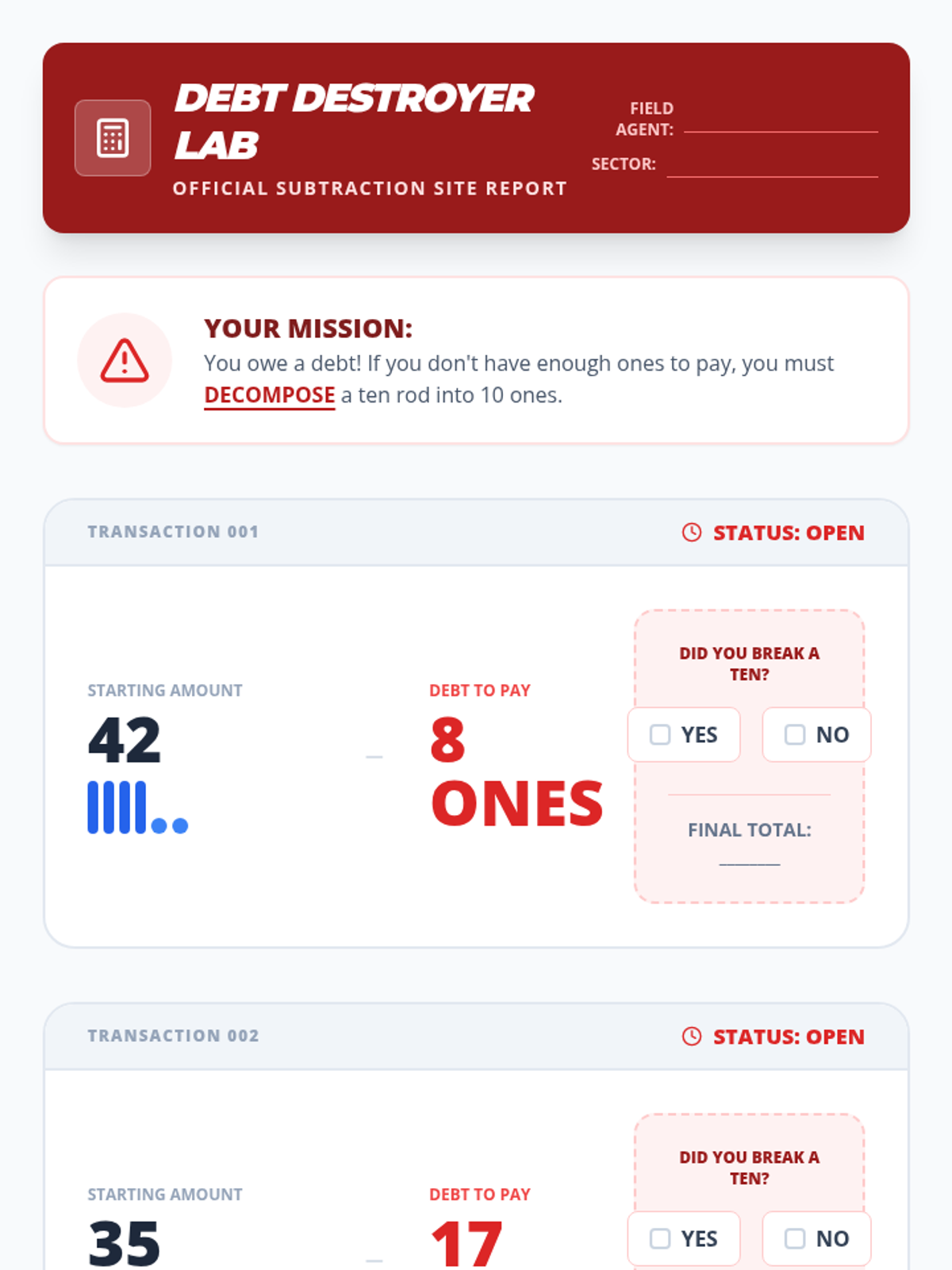
Students tackle subtraction with regrouping by physically decomposing ten rods into ones cubes to solve problems requiring 'borrowing.'
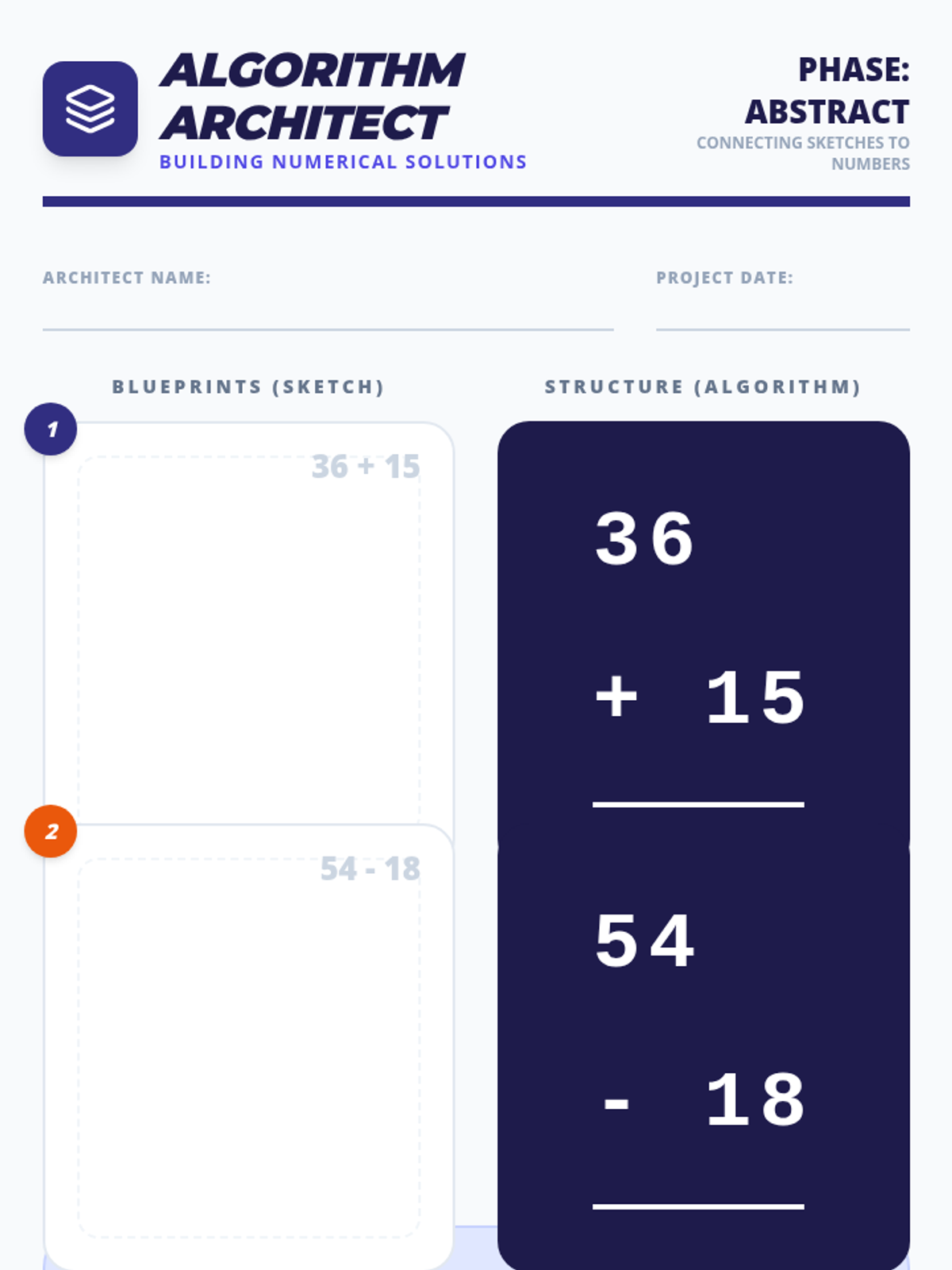
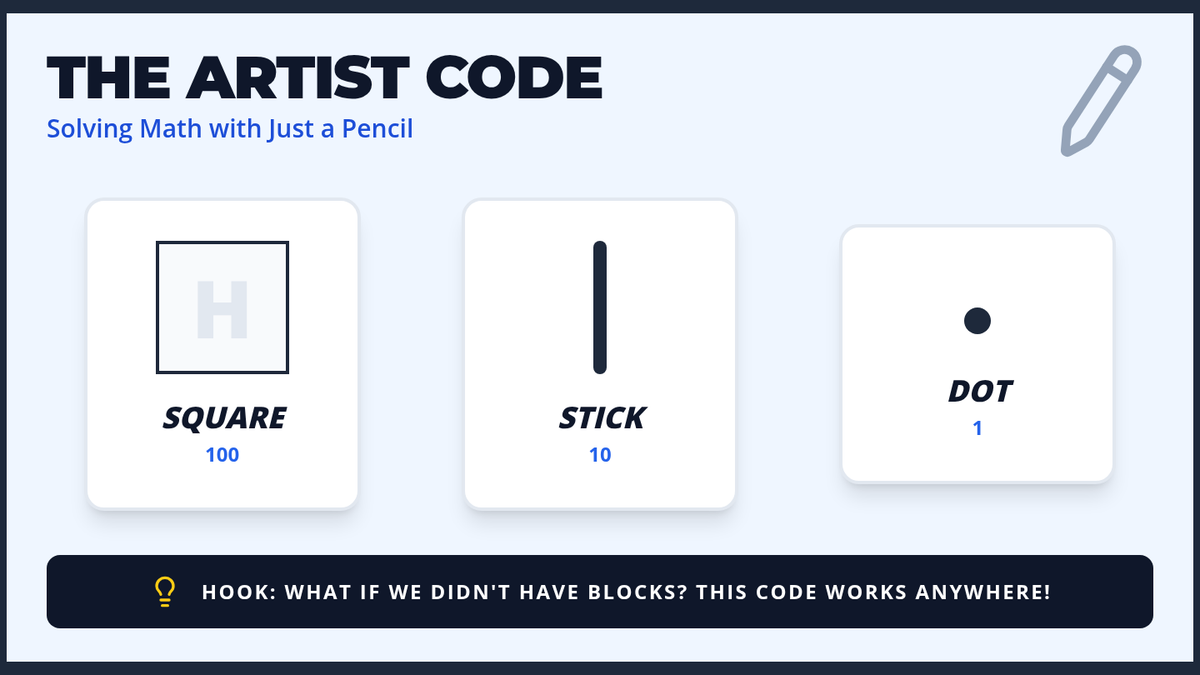
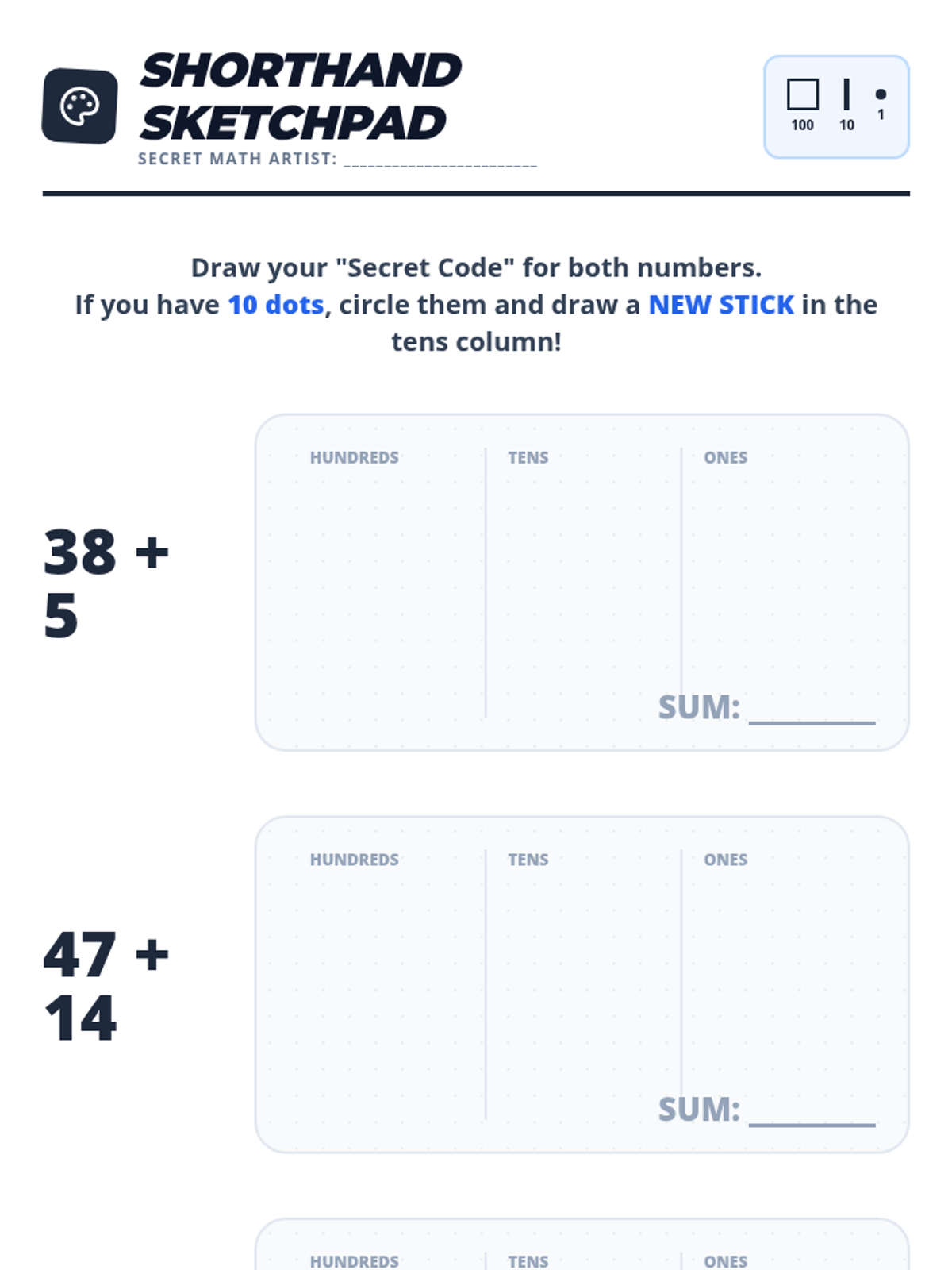
Transitioning to the representational stage, students use shorthand drawings (squares, lines, dots) to model and solve addition problems without physical blocks.
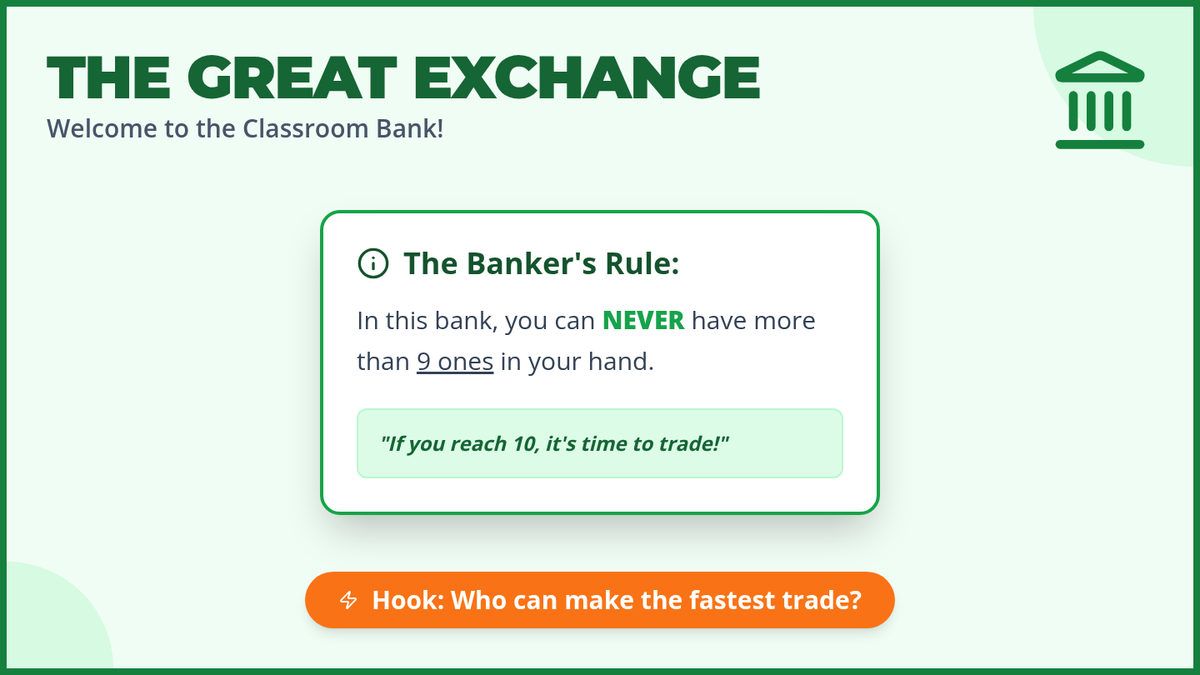
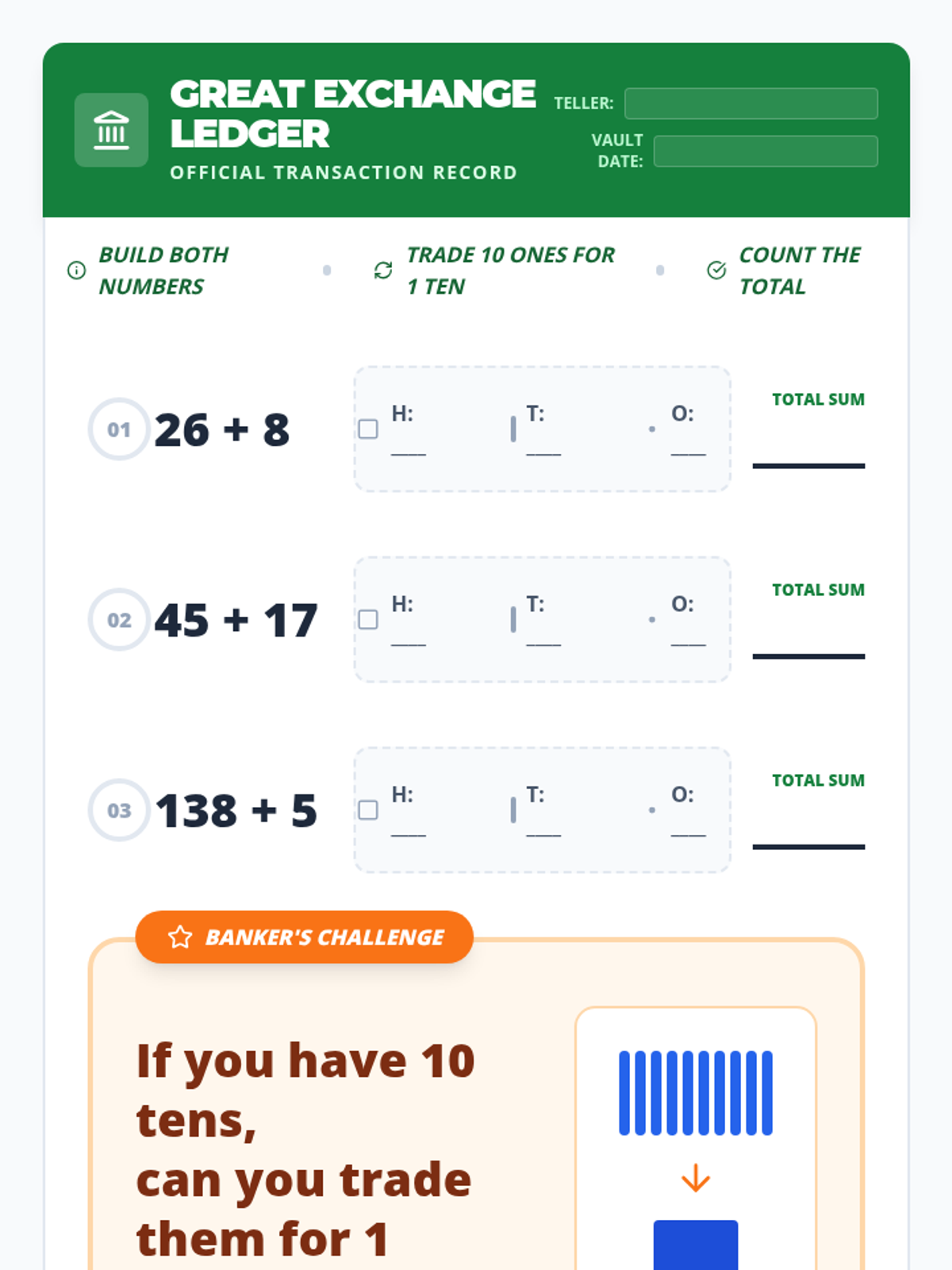
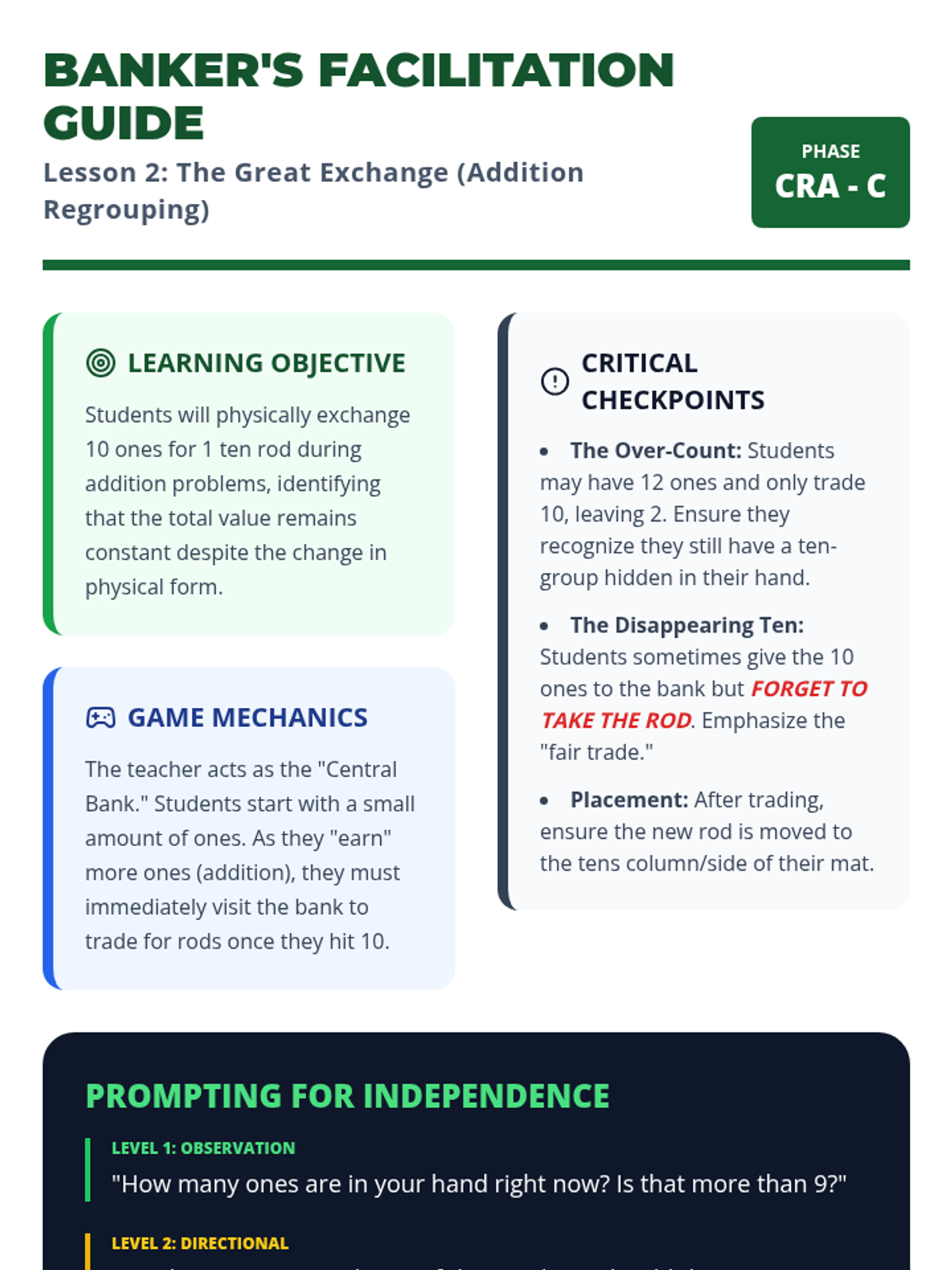
Students learn the 'Great Exchange' by trading ten ones for one ten during addition, physically experiencing the concept of regrouping.
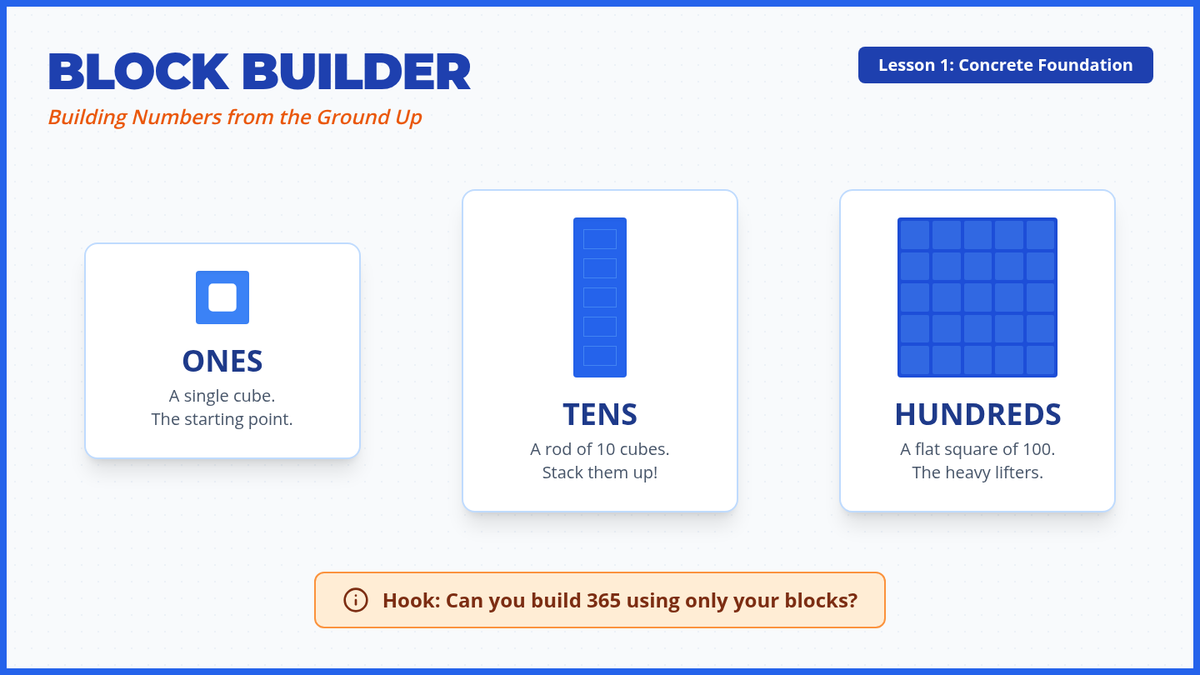
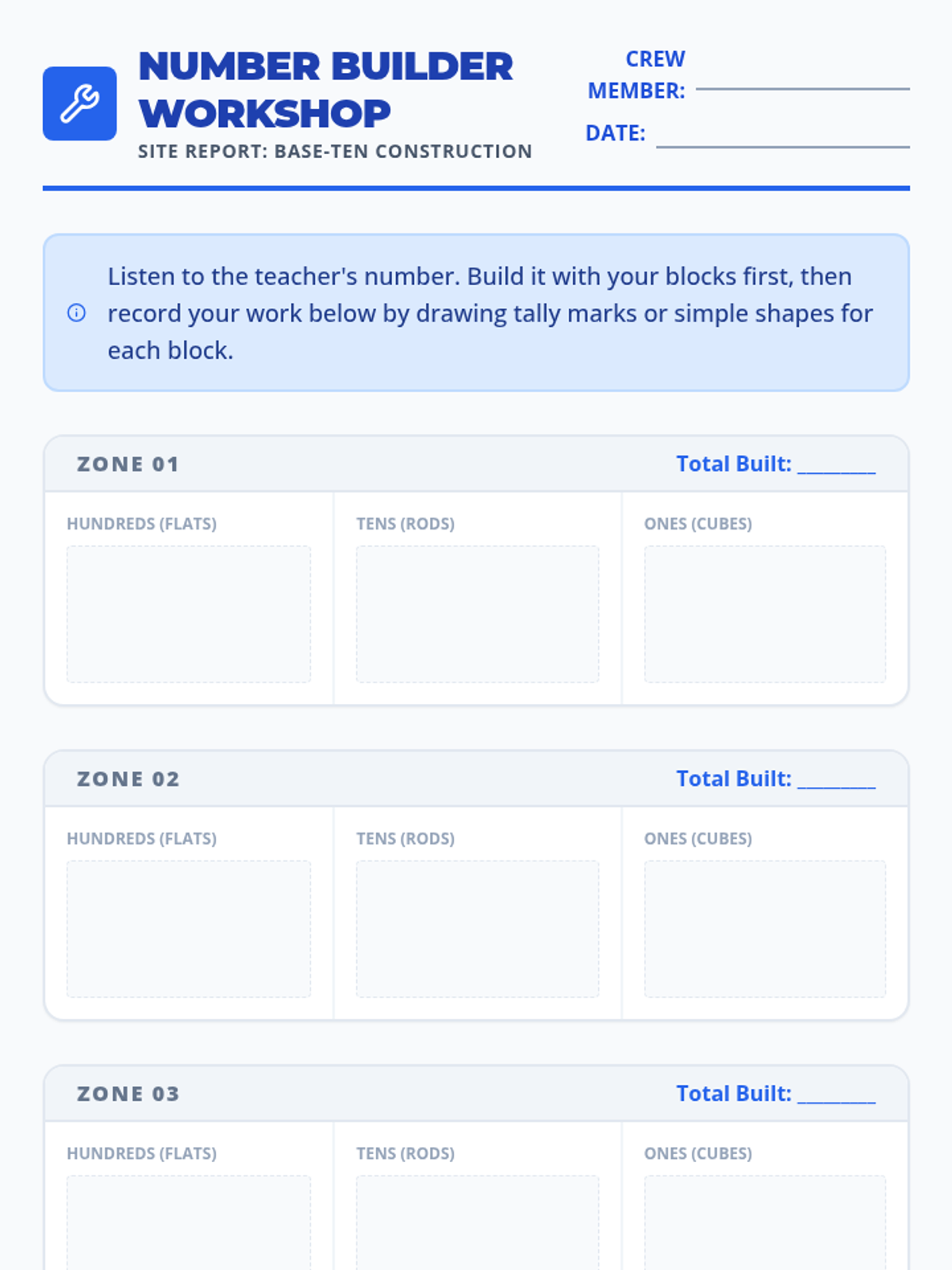
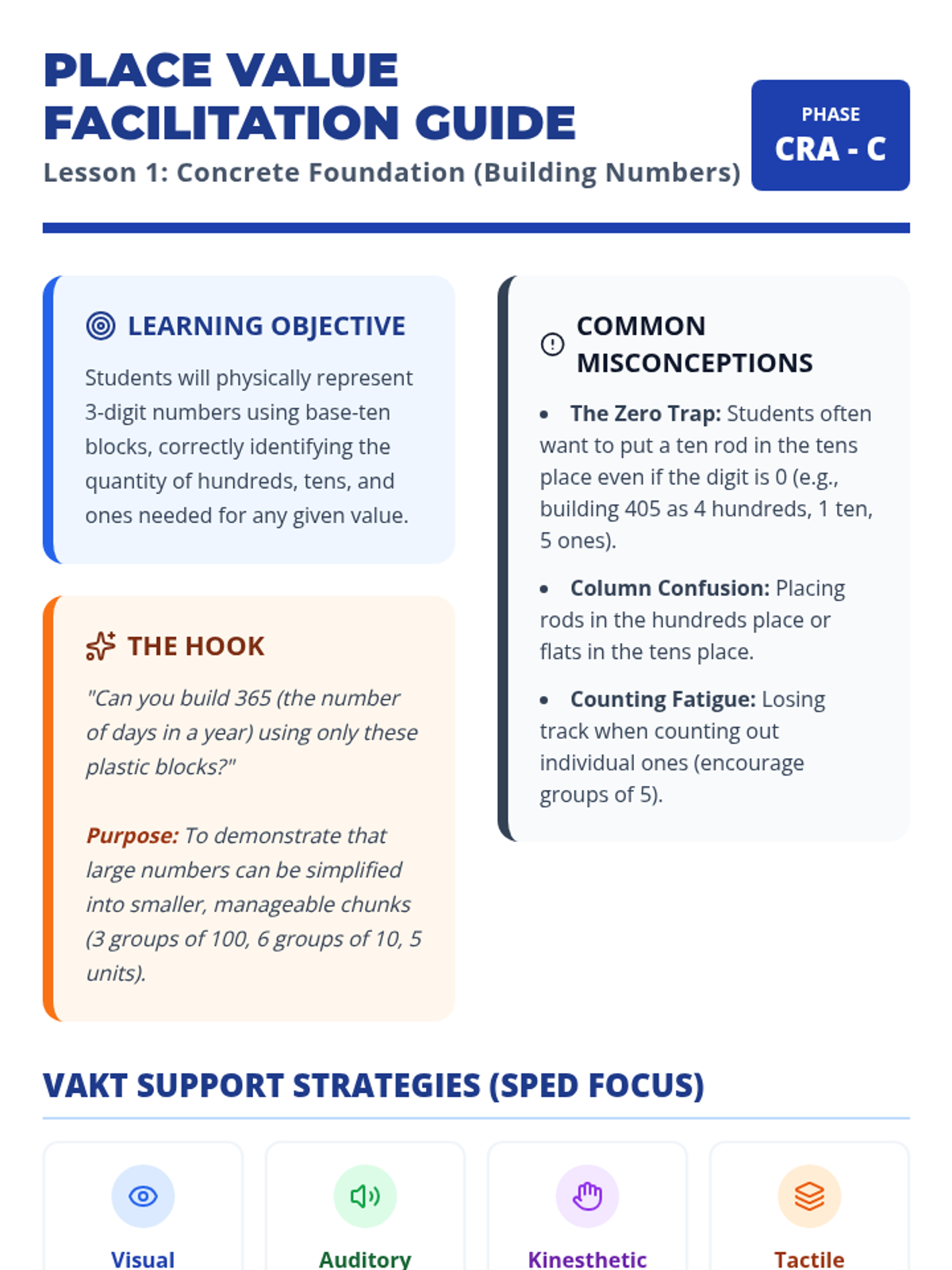
Students use physical base-ten blocks to represent 3-digit numbers, establishing a concrete foundation for place value. focus is on identifying hundreds, tens, and ones through tactile manipulation.
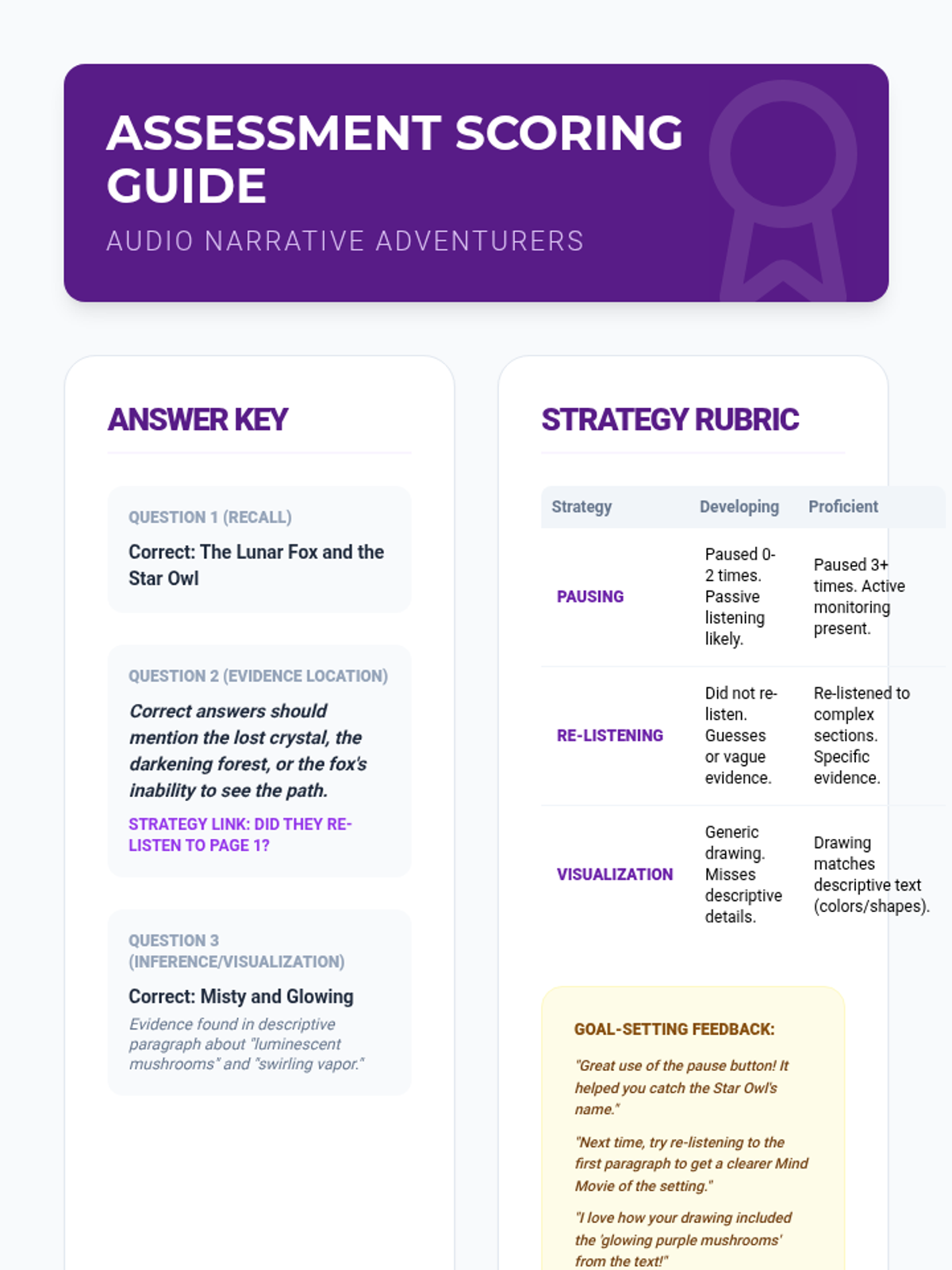
Students apply all strategies to read a grade-level fiction passage using TTS and answer standard comprehension questions. They document when they paused and what sections they re-played.
Students focus on mental imagery while listening to descriptive passages read by the TTS tool. They compare how listening helps them picture the action compared to struggling with decoding alone.
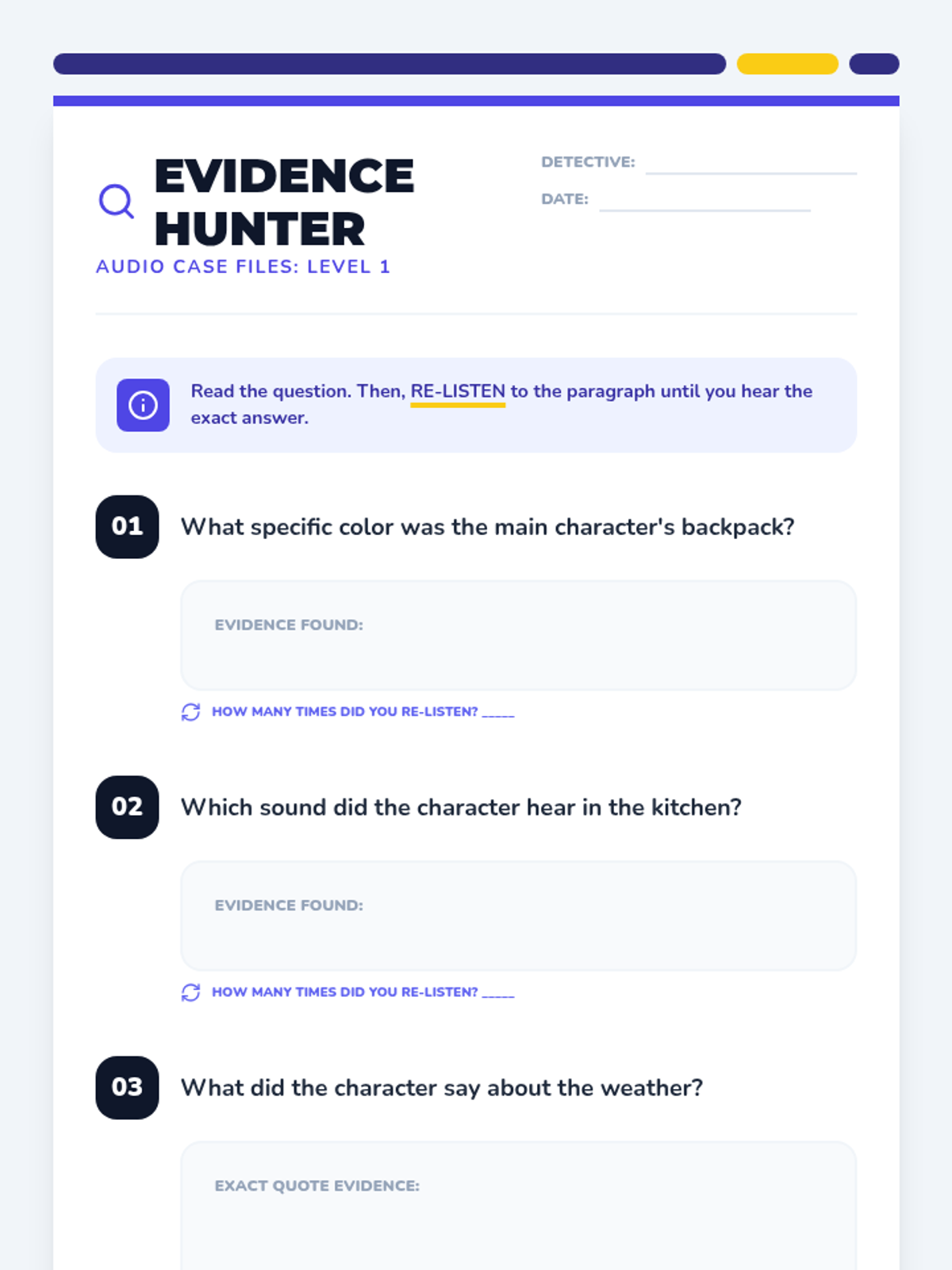
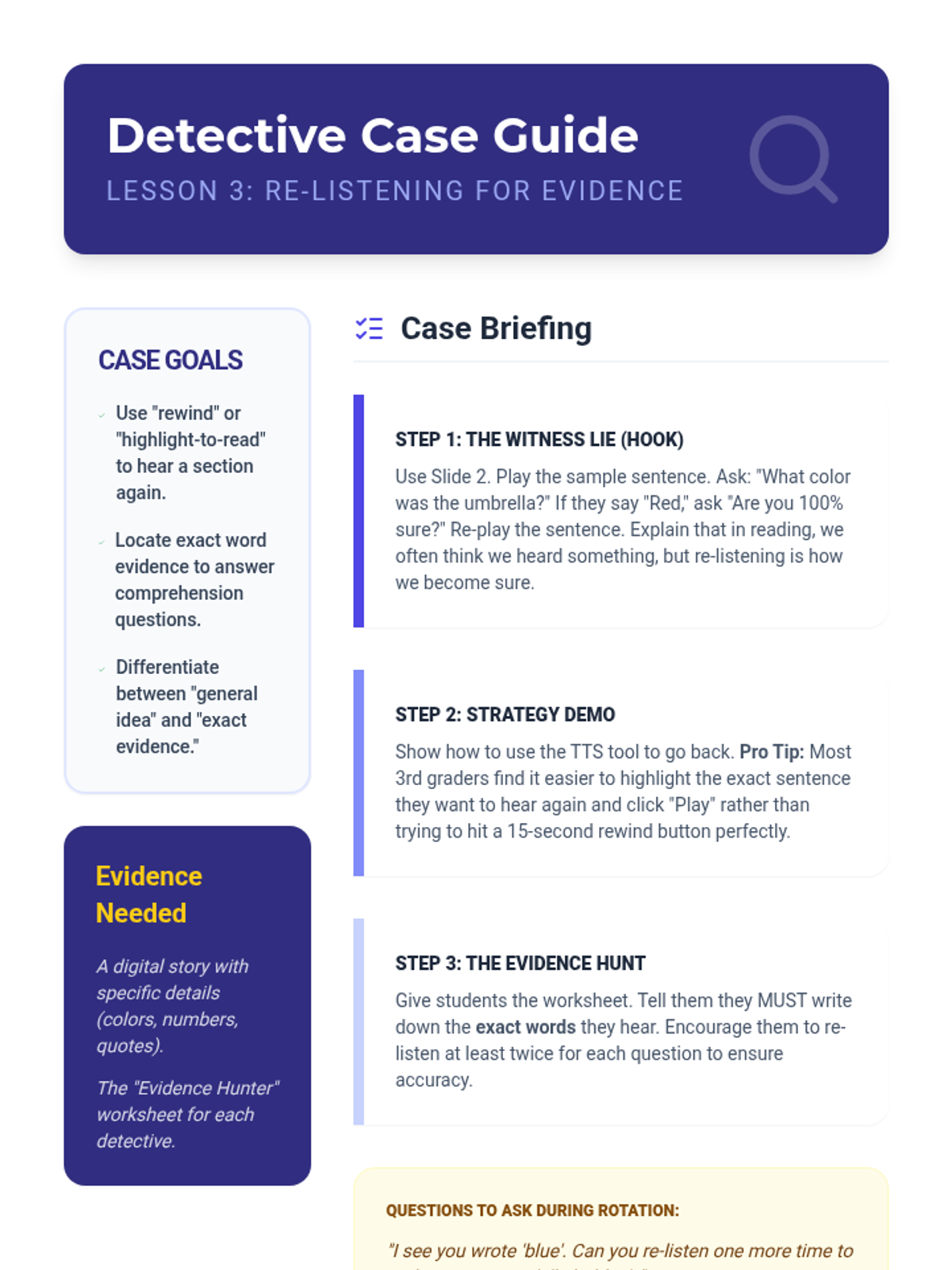
Students learn to use TTS to scan back and re-listen to specific sections to answer comprehension questions. They practice locating evidence in the text by listening to a paragraph multiple times.
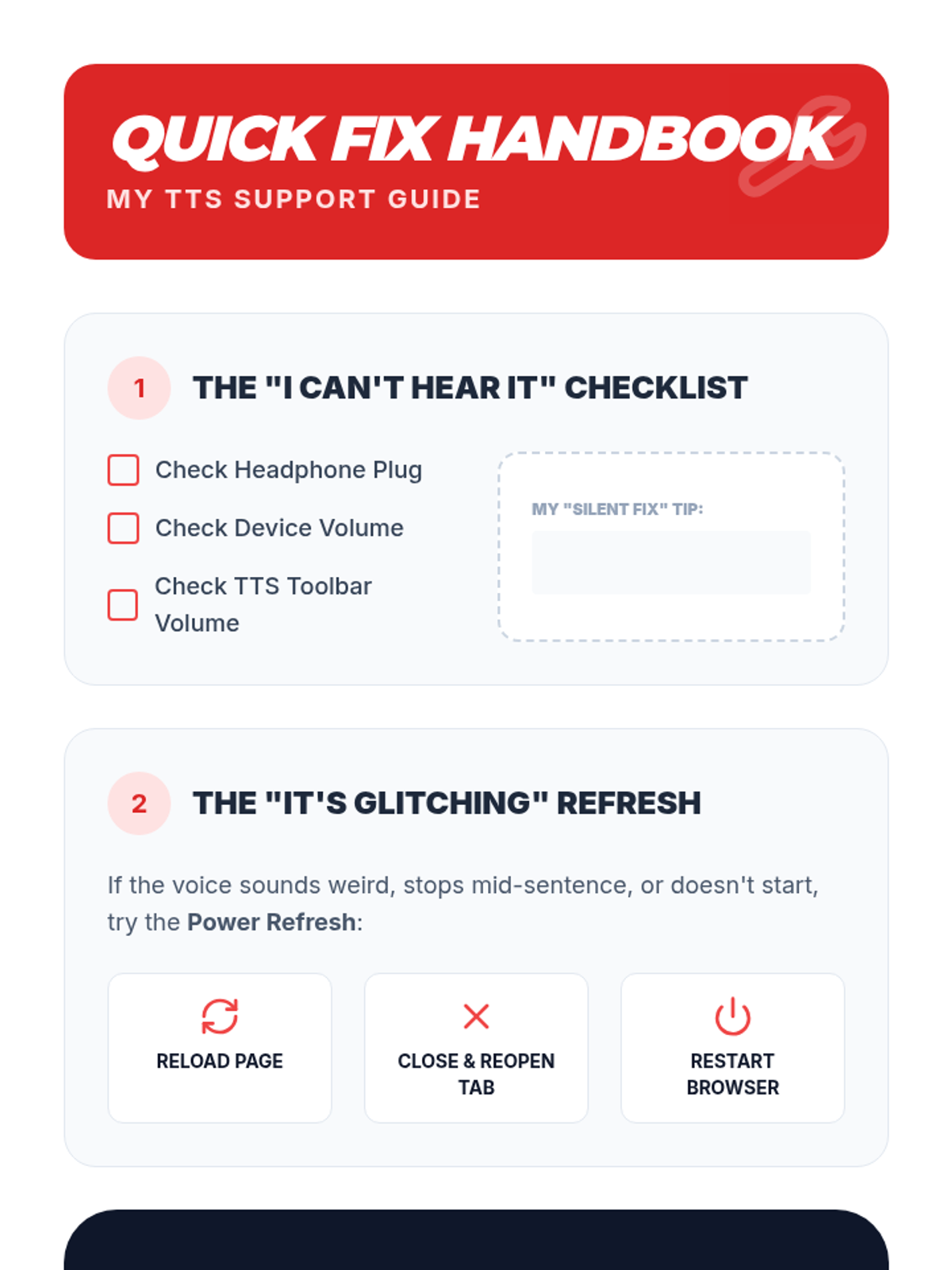
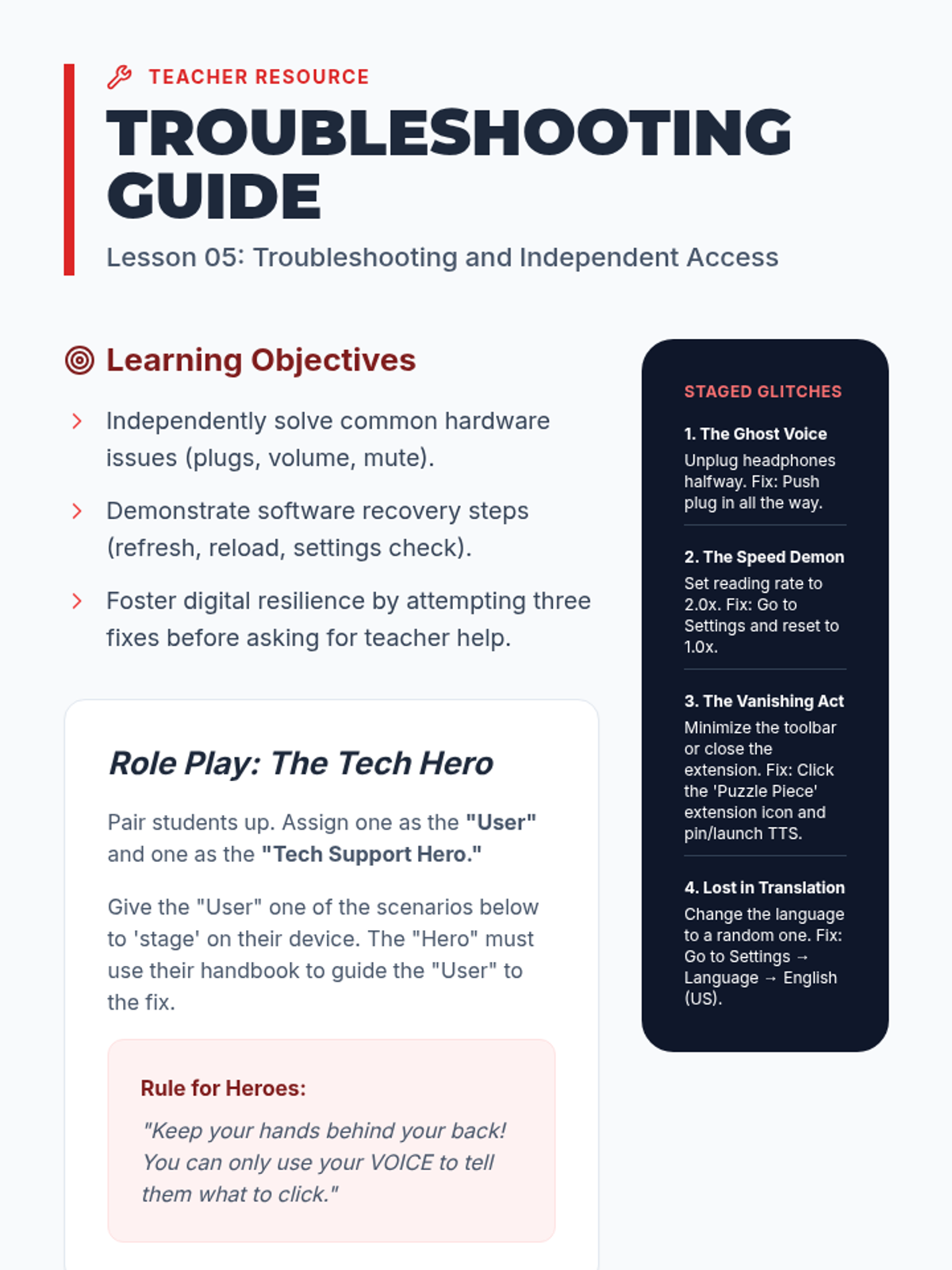
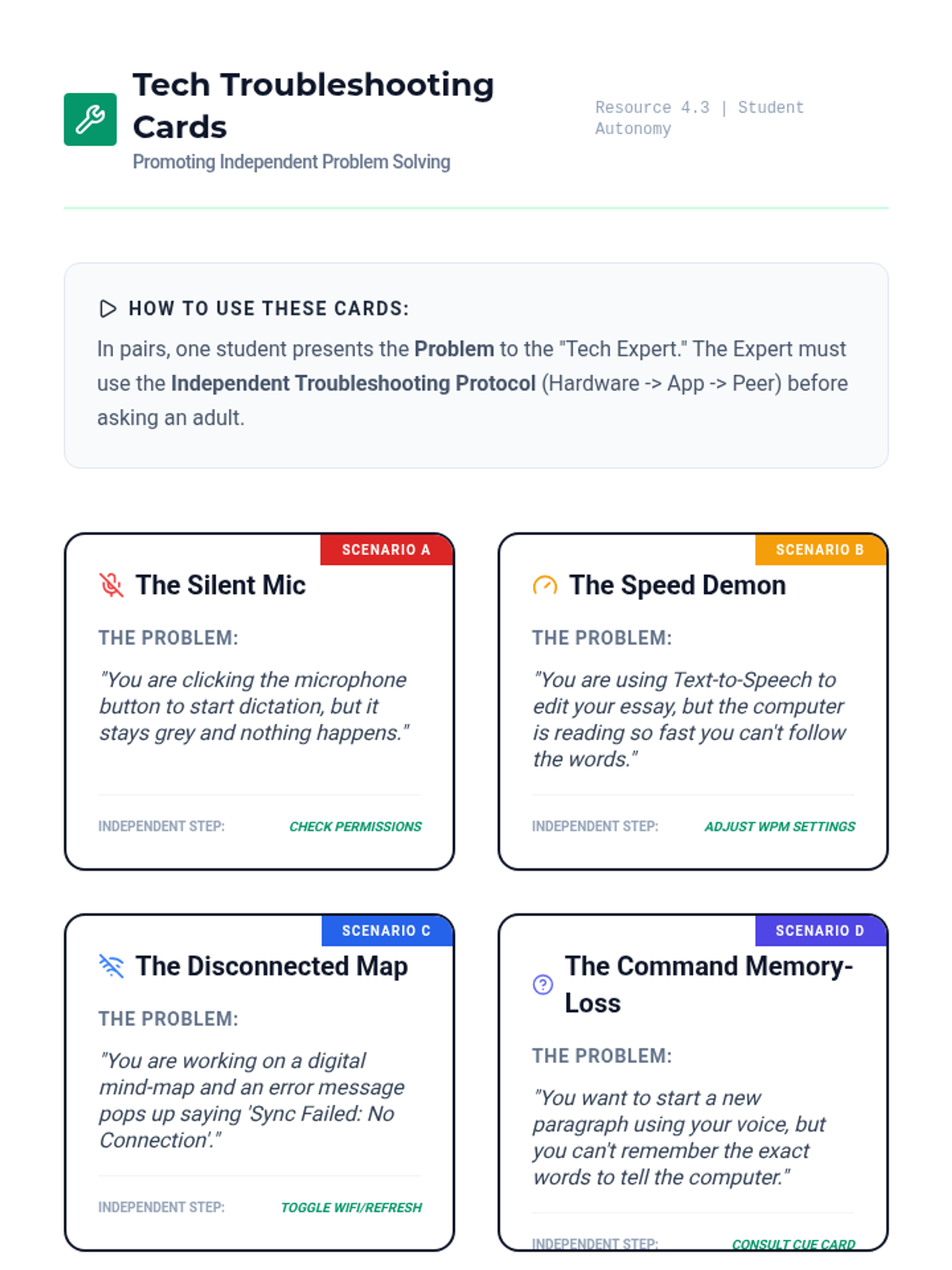
The final lesson covers common technical glitches (e.g., muted volume, disconnected headphones) and login procedures. Students create a 'Quick Fix' guide to solve their own technical issues without teacher intervention.
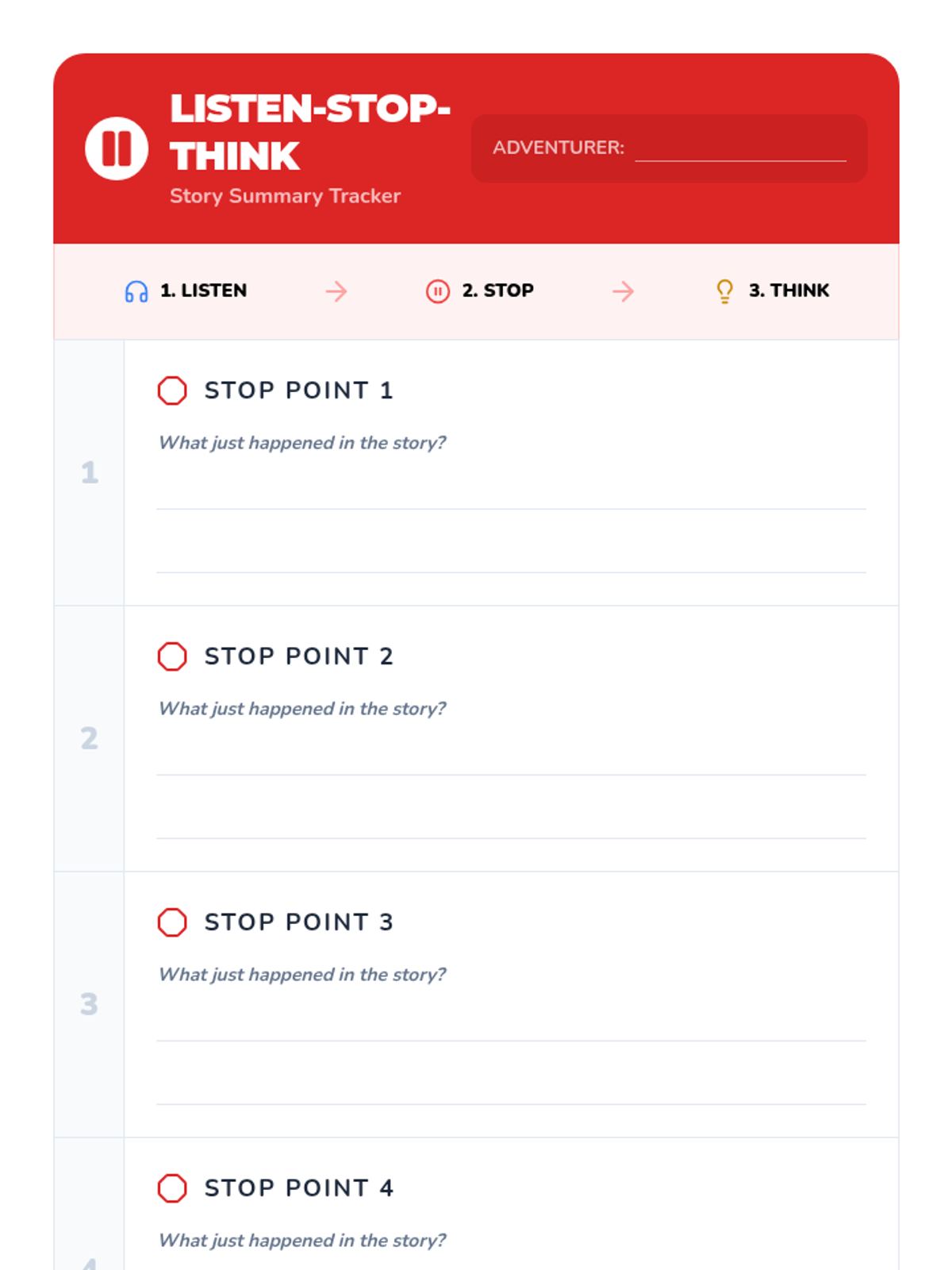
This lesson teaches students the strategy of pausing TTS at the end of every page or section to summarize what happened. Students practice the 'Listen-Stop-Think' routine to ensure they aren't just letting the audio wash over them.
Participants explore secondary features often paired with TTS, such as click-to-define or translation tools. They practice using audio support to decode unfamiliar vocabulary words encountered in science or social studies texts.
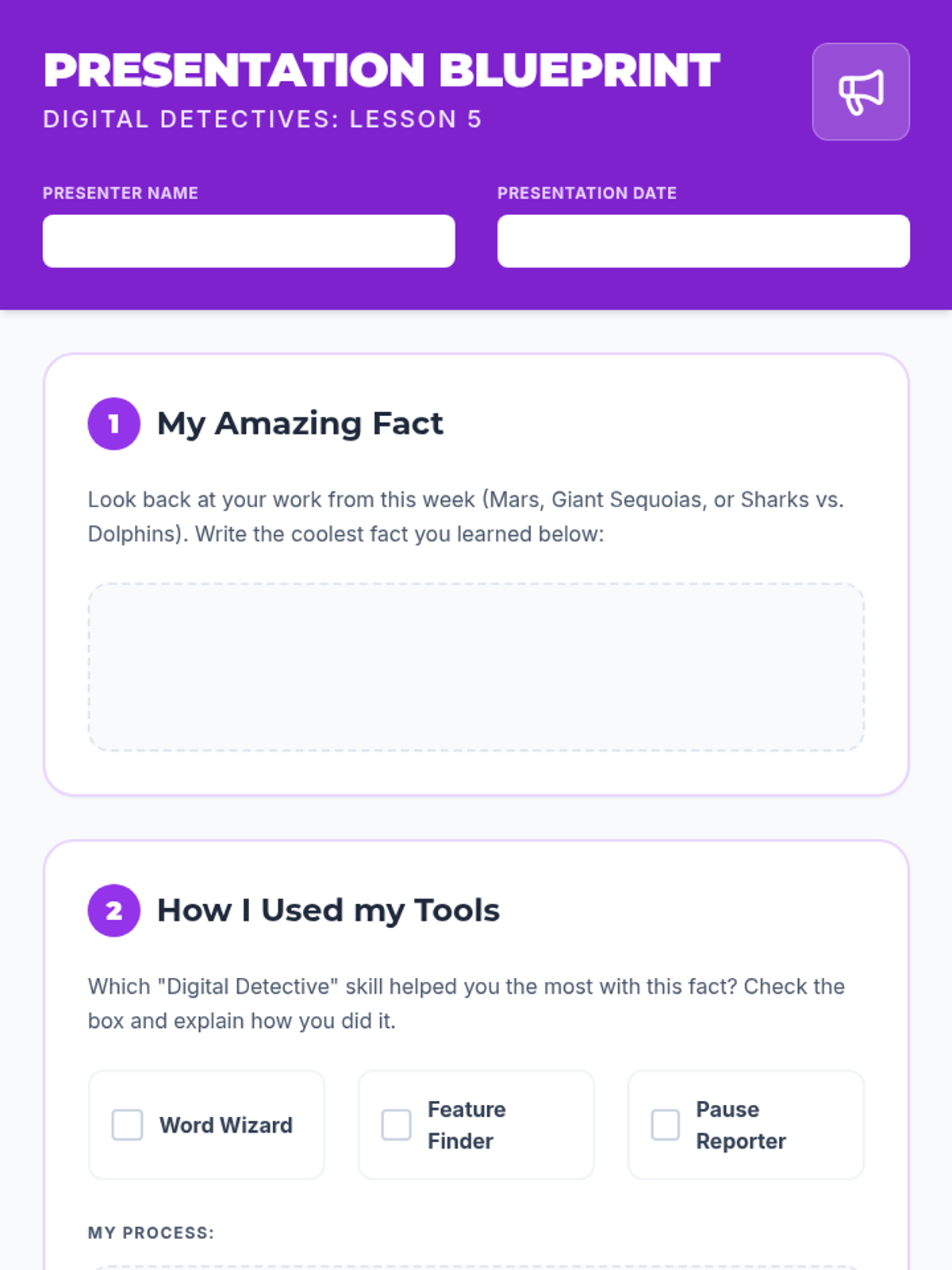
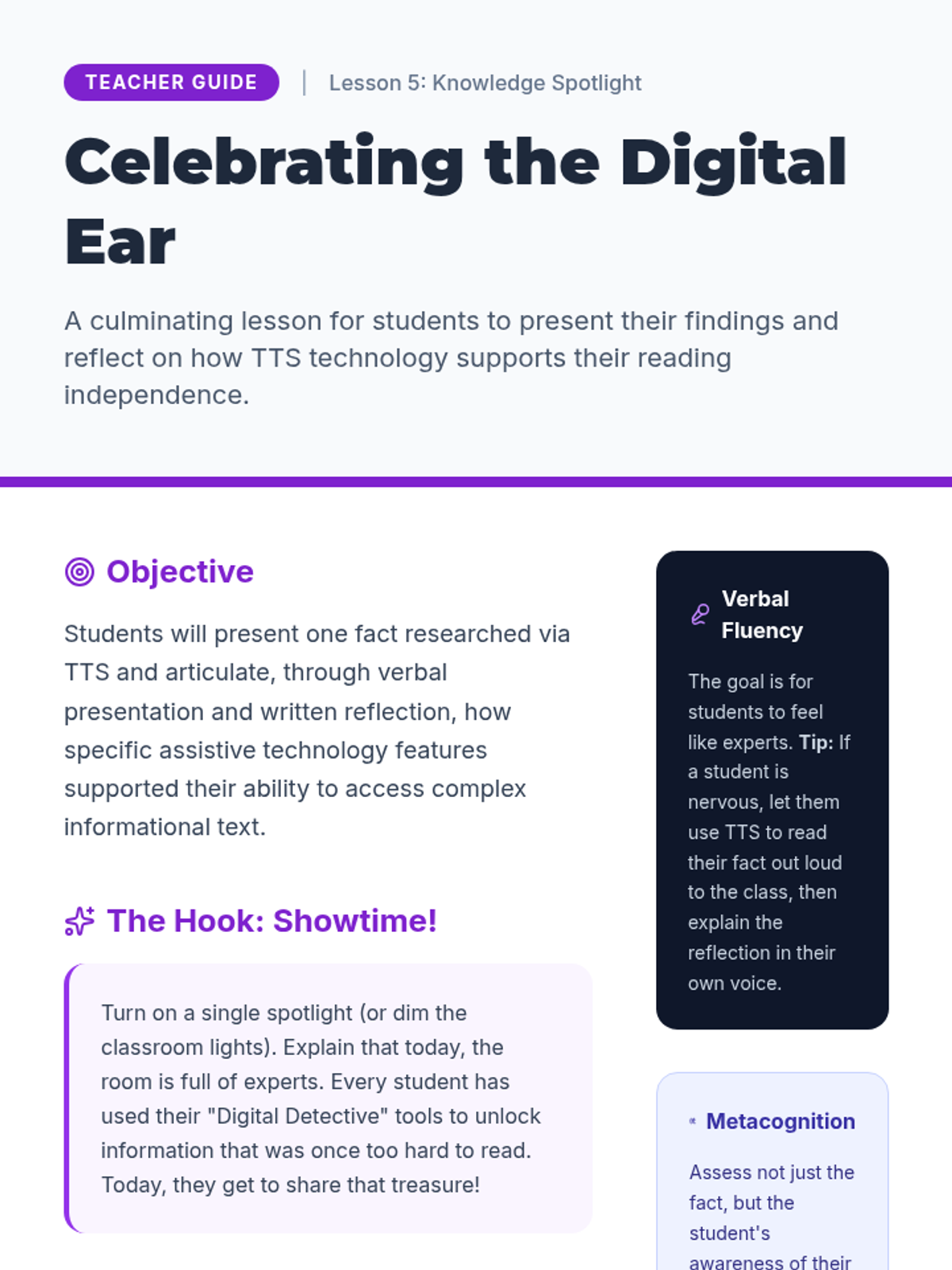
Students create a presentation about a topic researched using TTS and reflect on how the tool helped them access information independently.
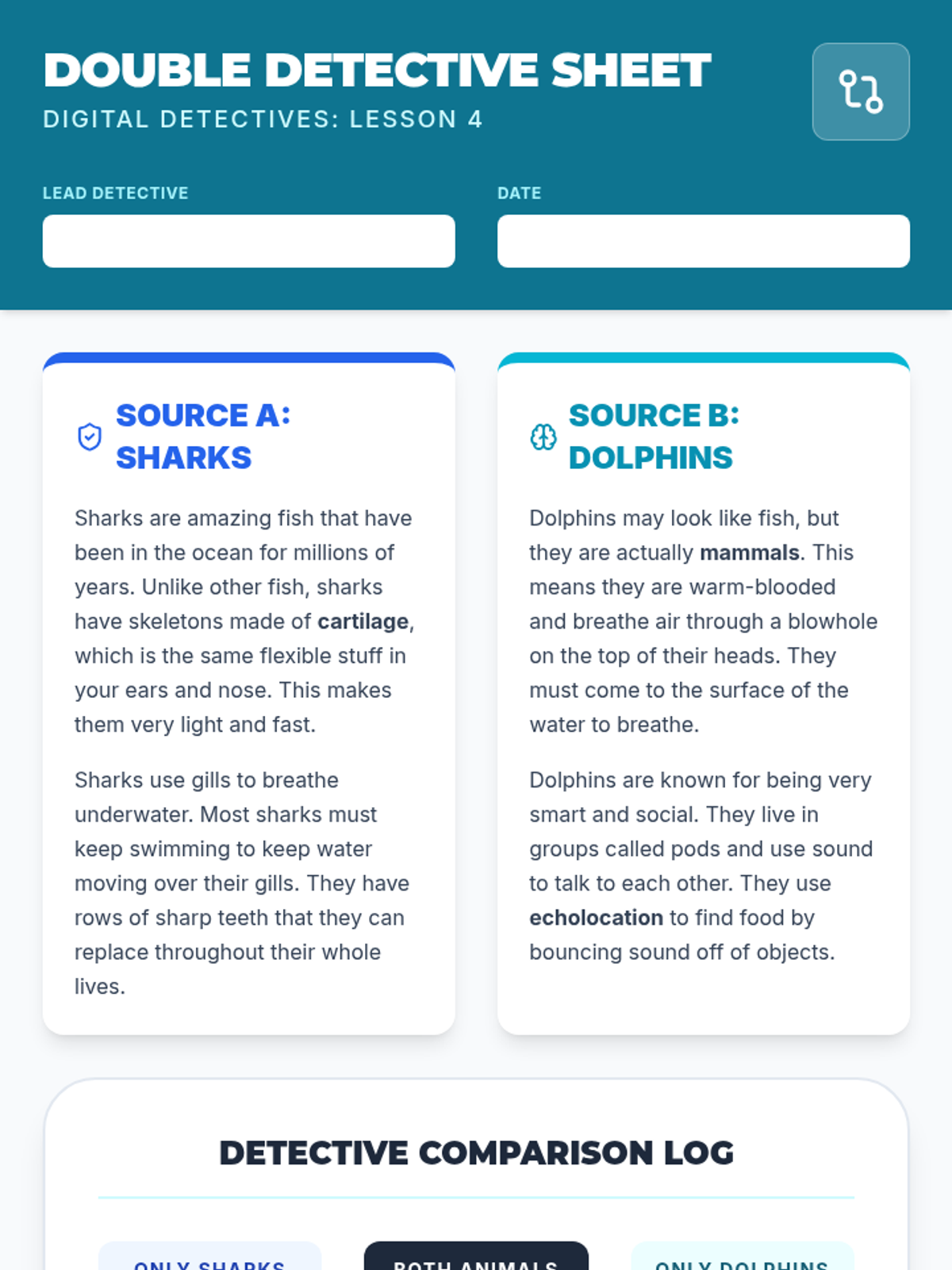
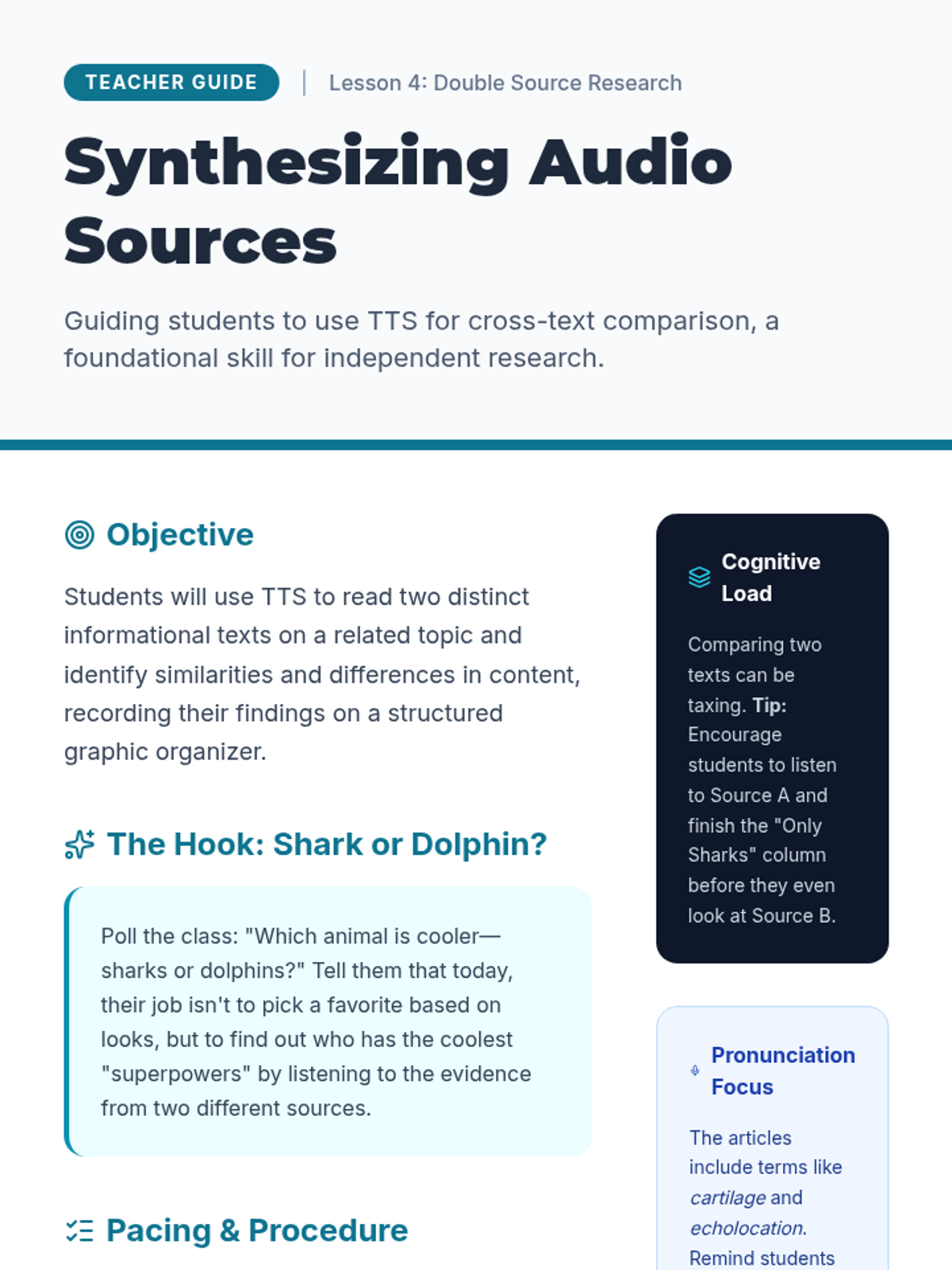
Students use TTS to read two short articles on the same topic and practice comparing the information heard to build a broader understanding.
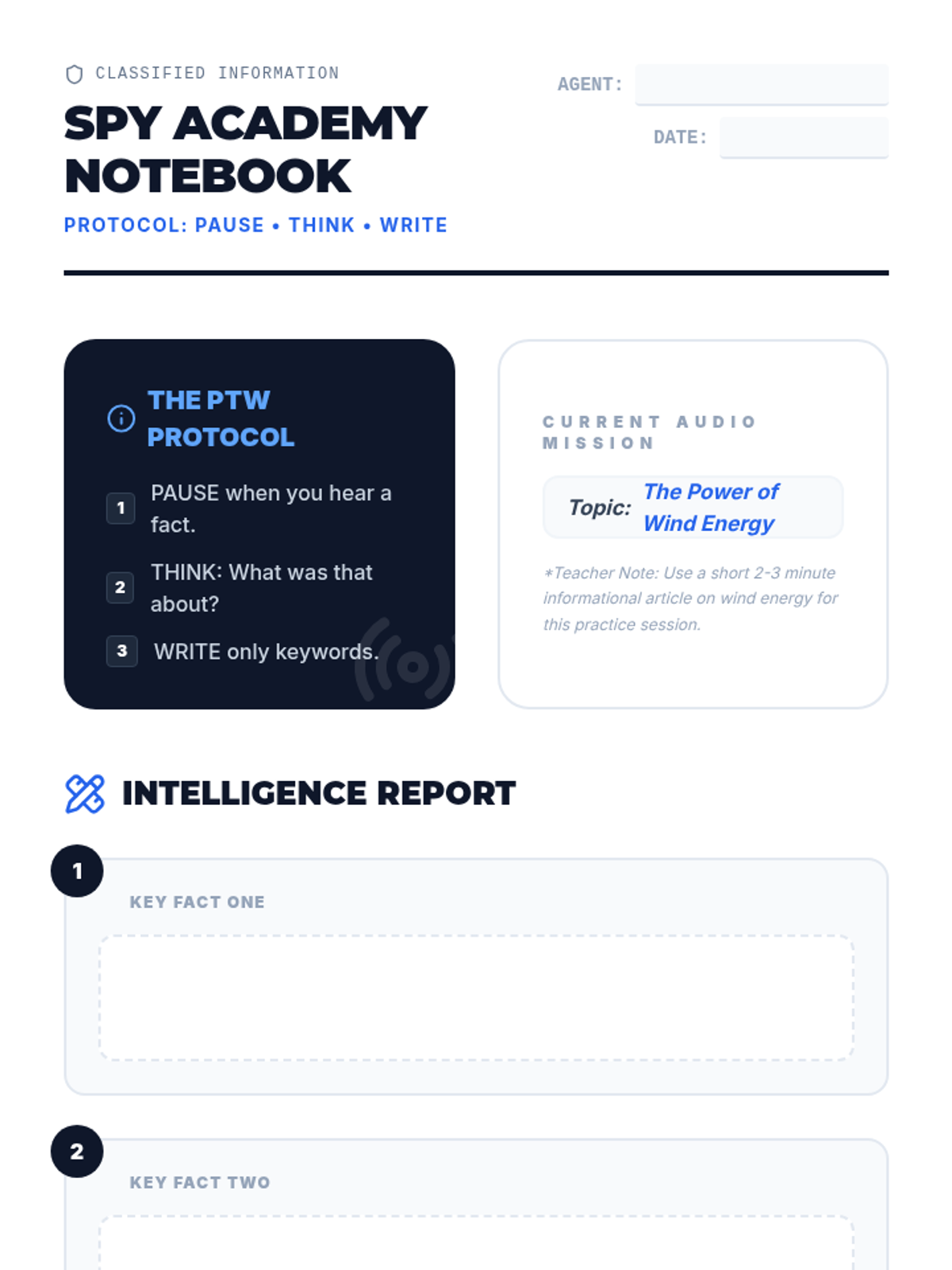
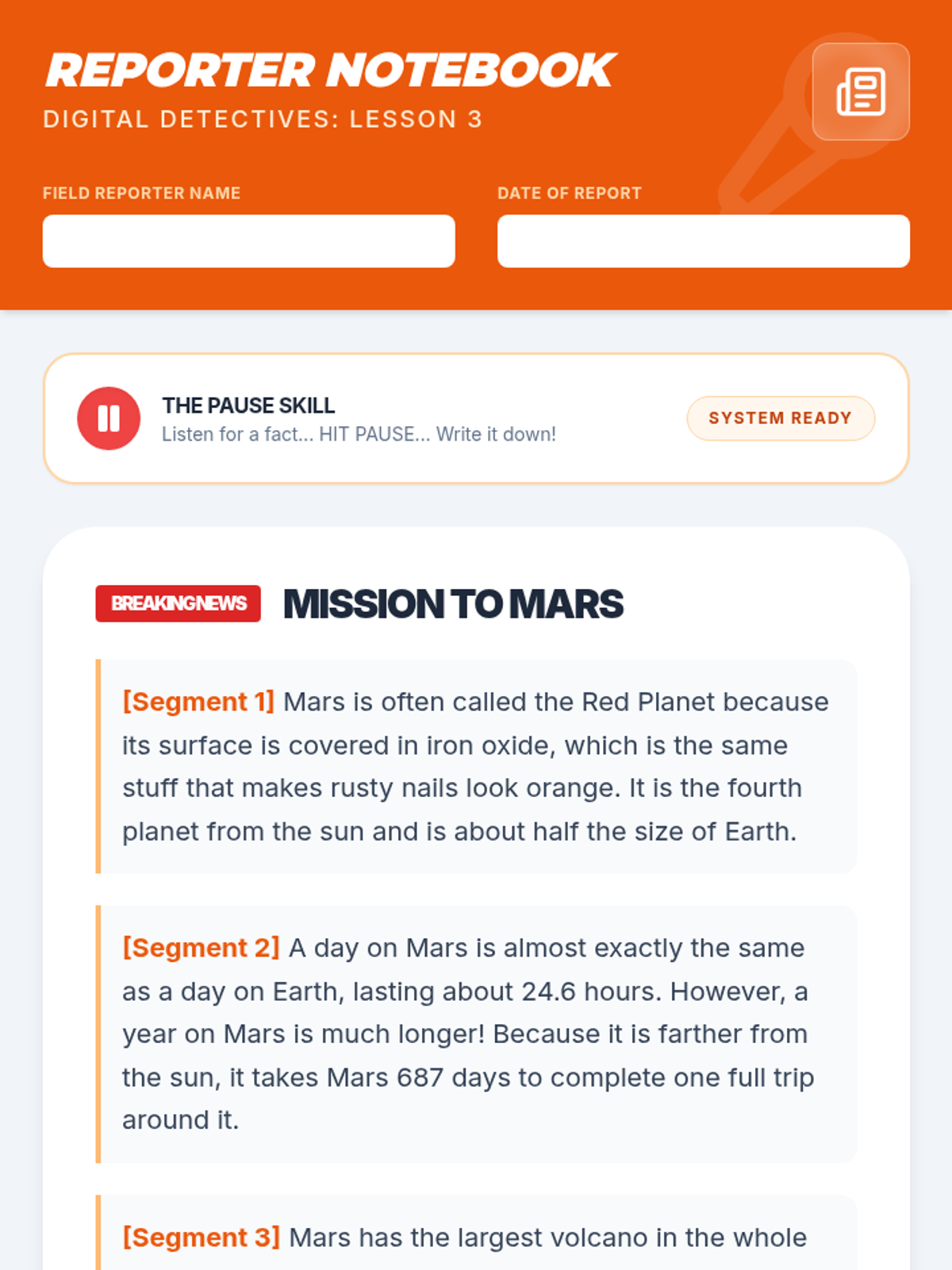
Students listen to informational passages and use the pause function to write down key facts, distinguishing between narrative listening and listening for information.
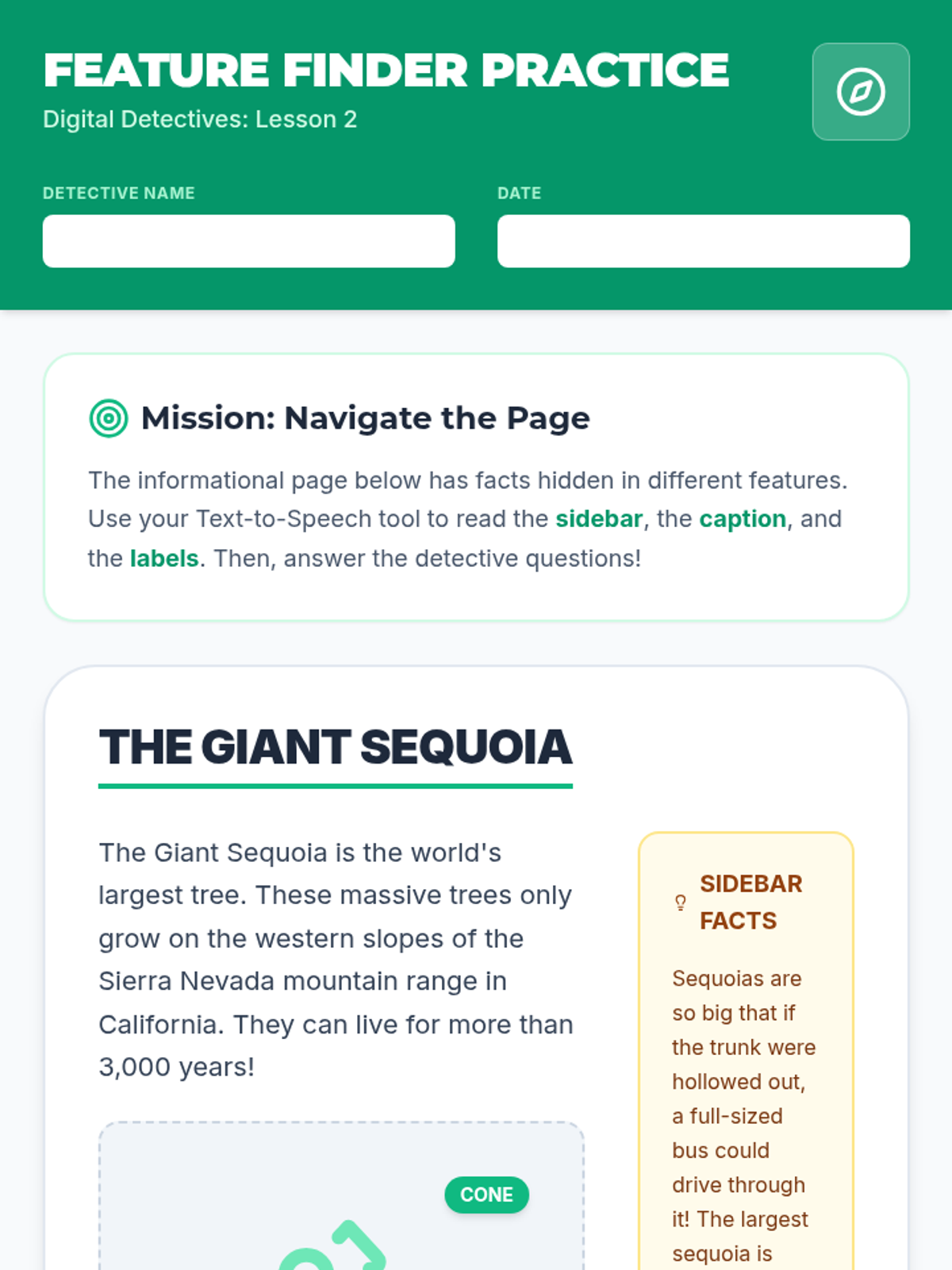
Teaches students how to direct the TTS tool to read non-linear elements like captions, diagrams, and sidebars rather than just the main body text.
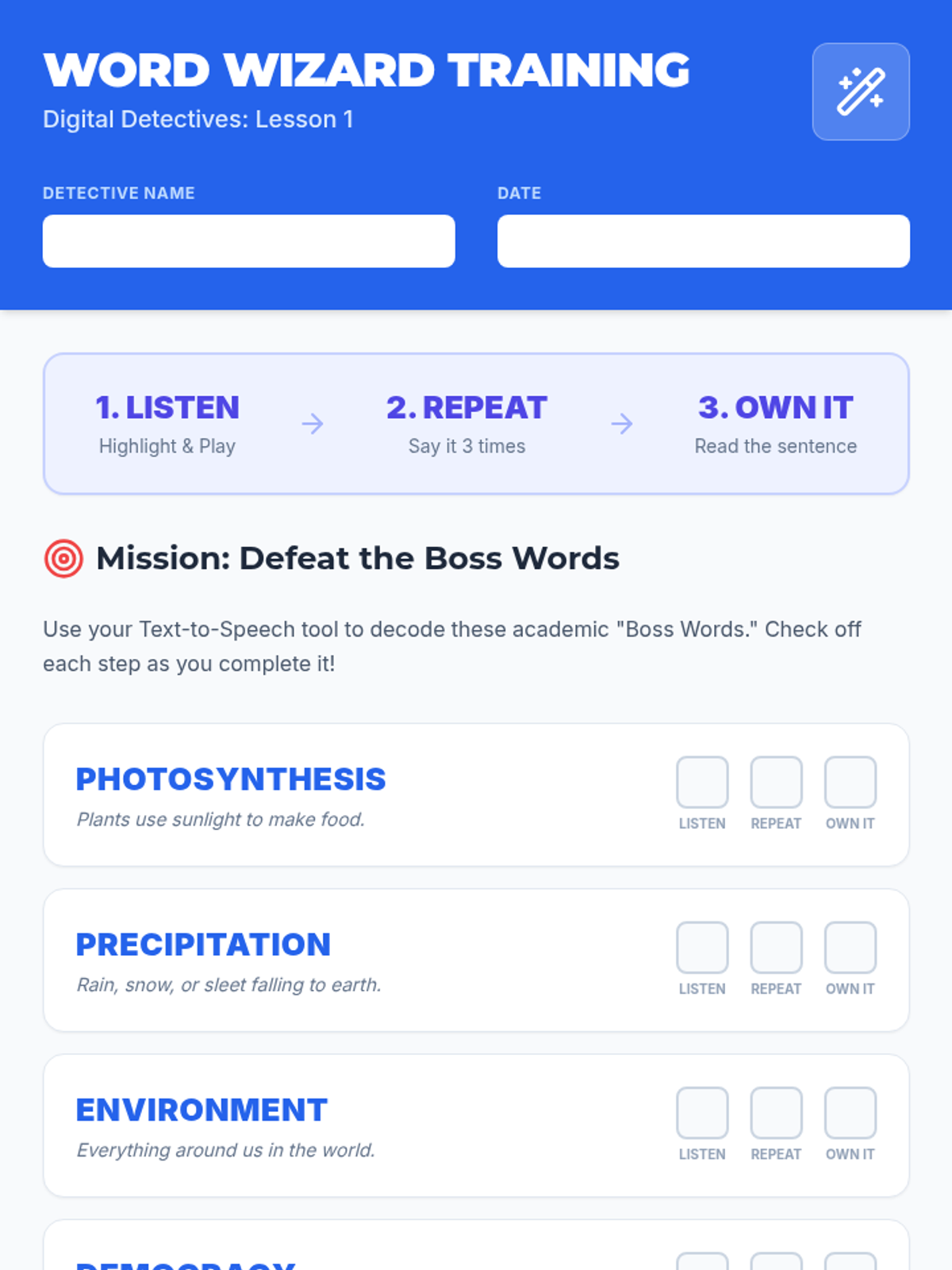
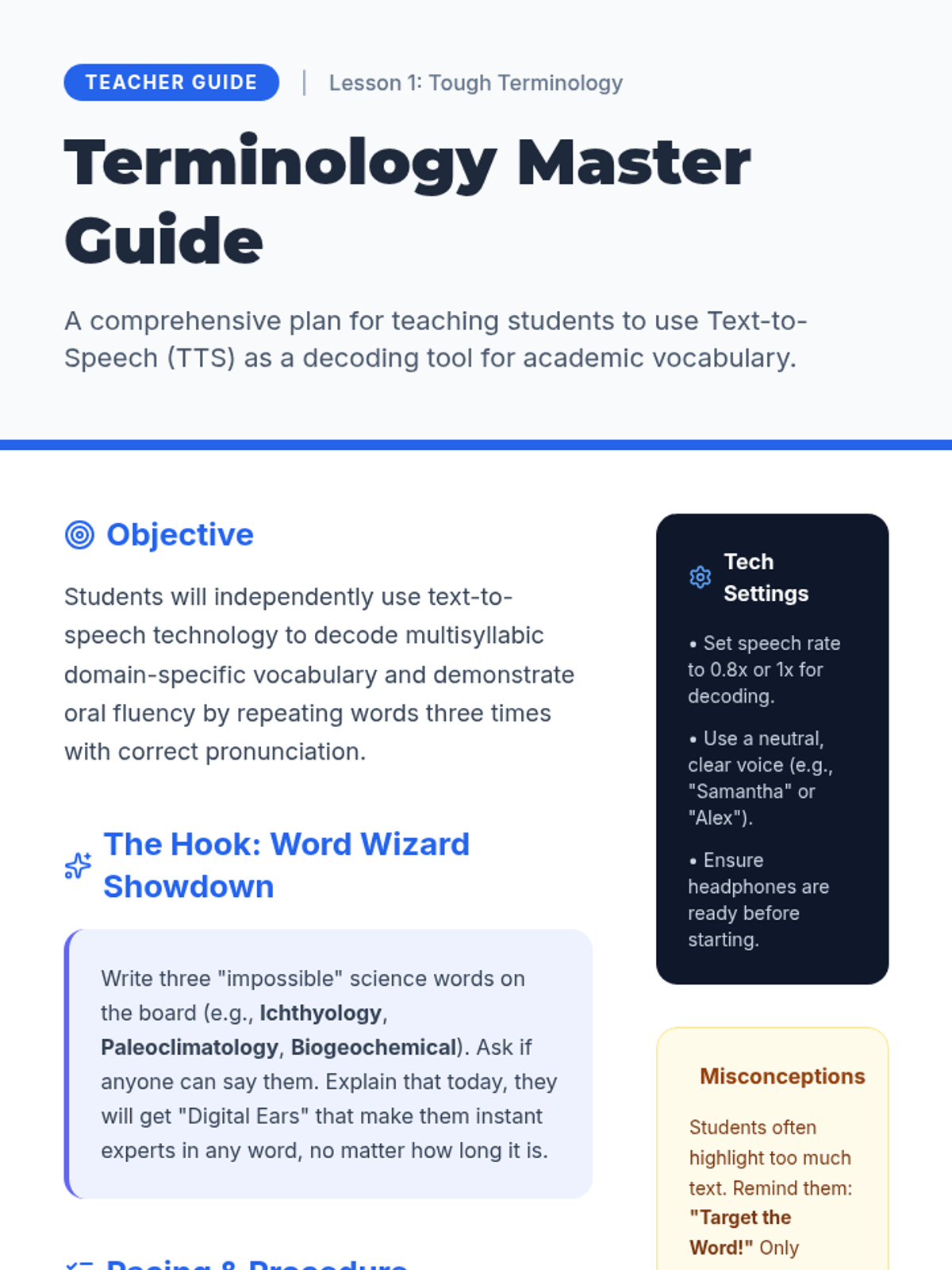
Students practice using TTS to decode specific domain-specific vocabulary by highlighting difficult words to hear the pronunciation and building oral fluency through repetition.
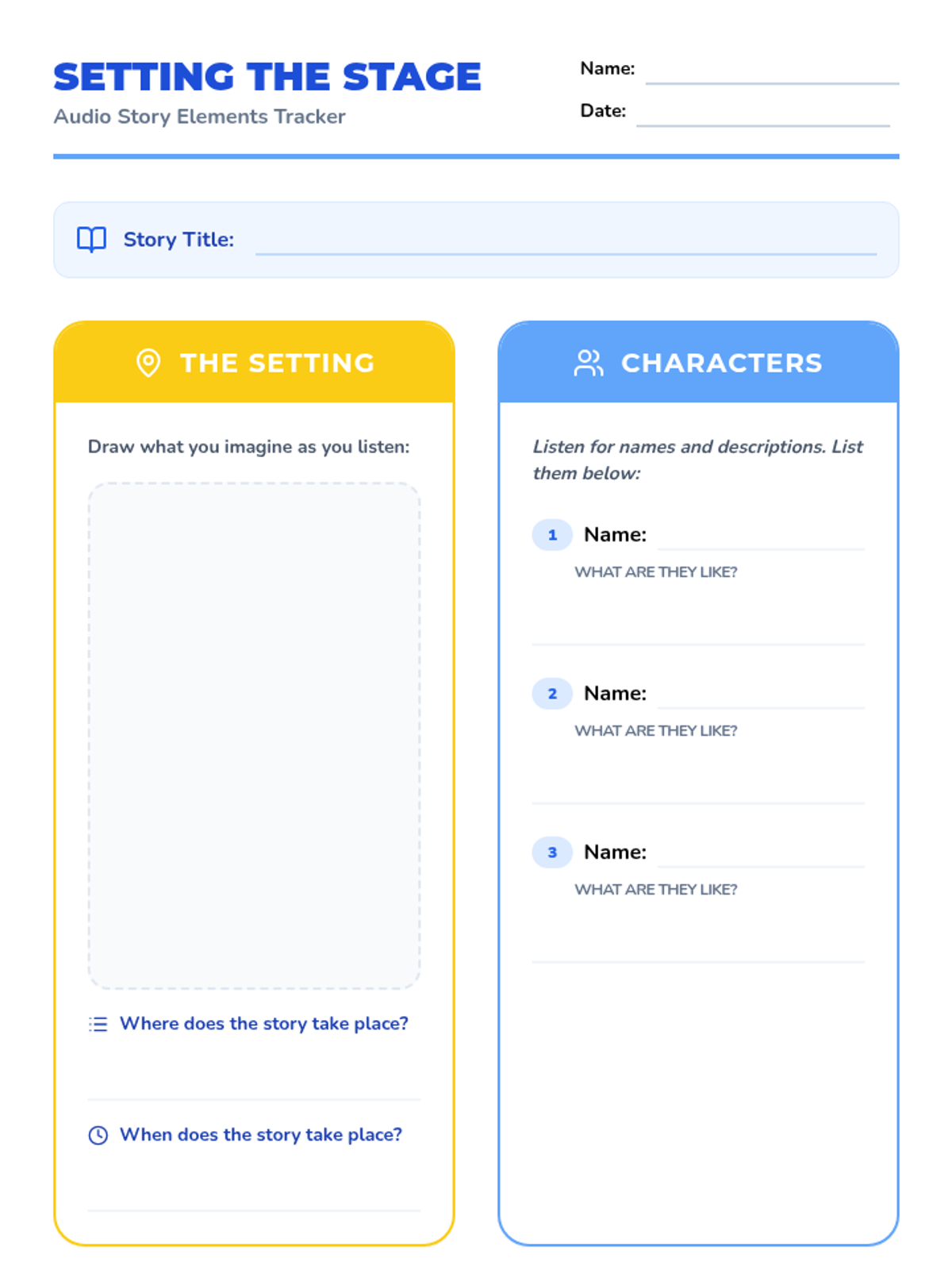
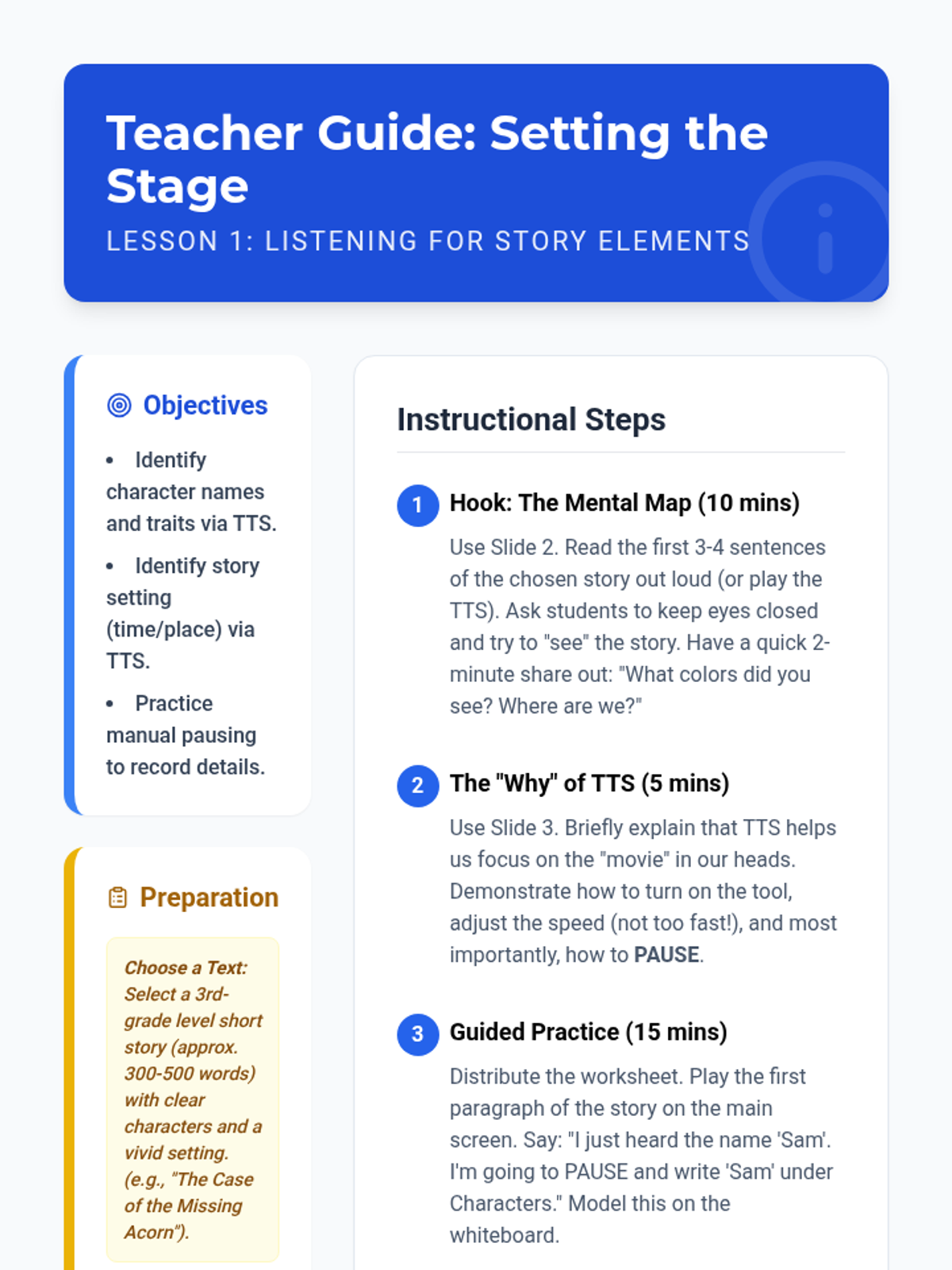
Students use TTS to listen to a story, focusing on identifying characters and setting. They practice pausing the audio to record these elements on a graphic organizer.
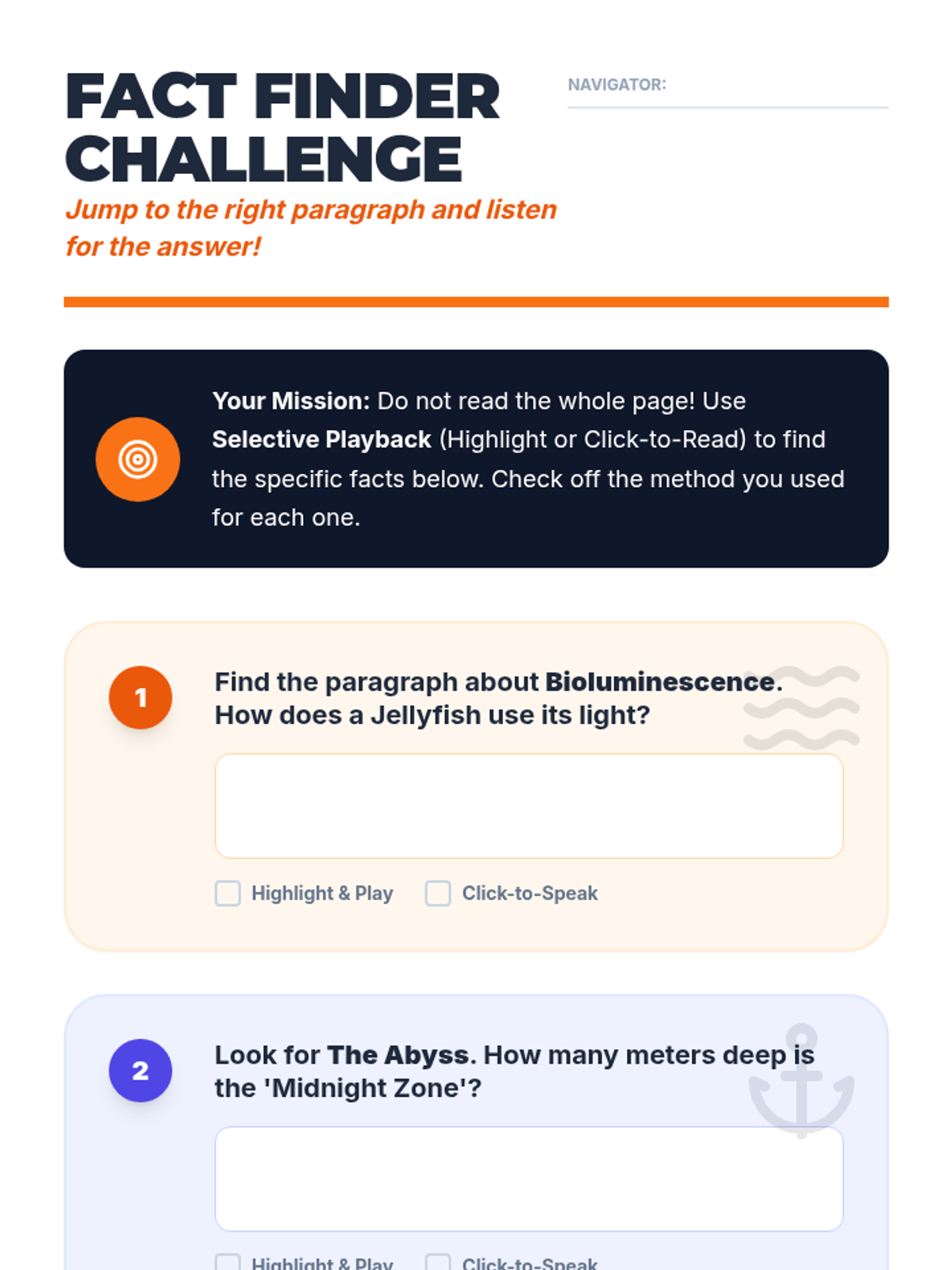
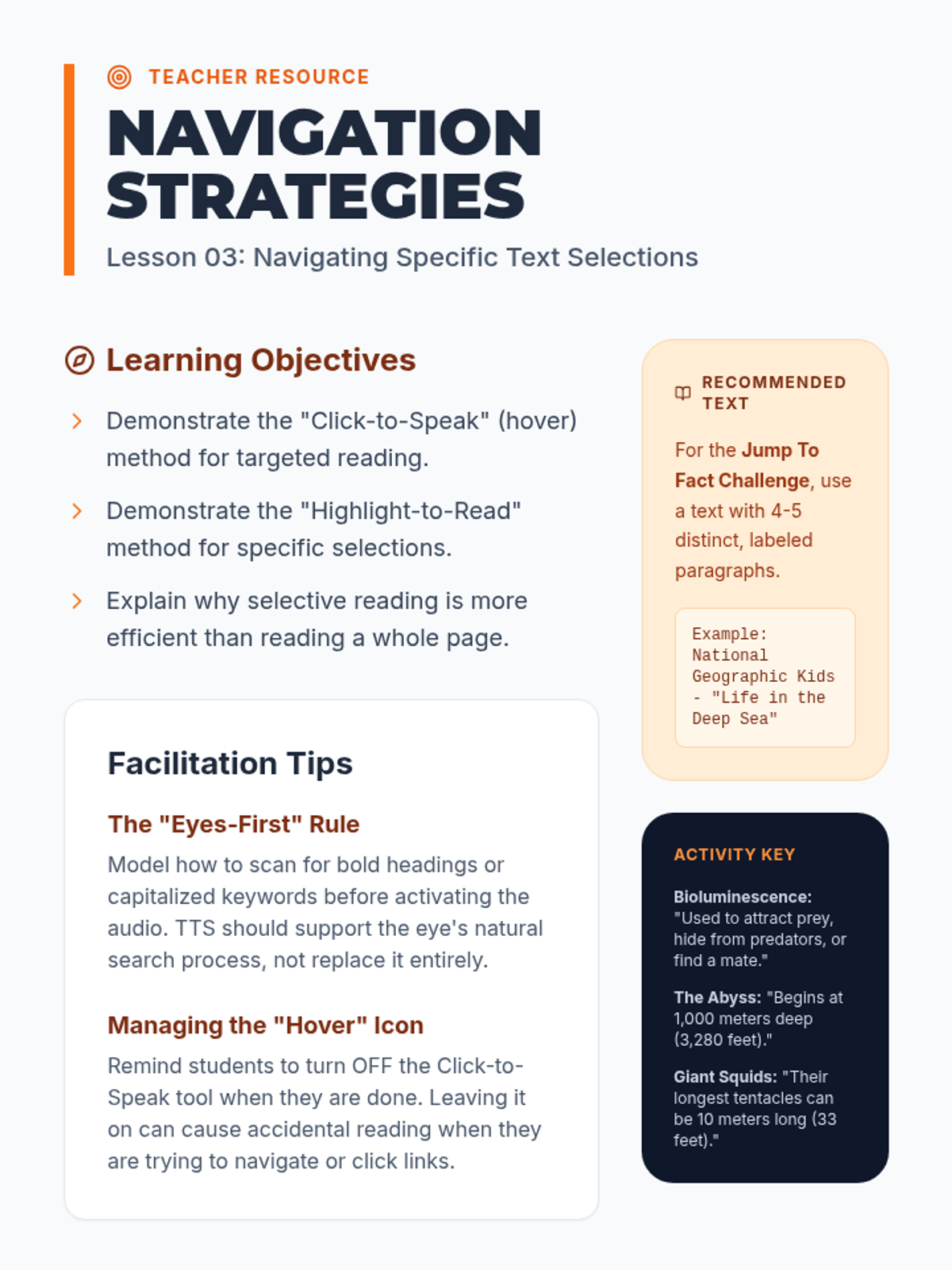
Students learn to highlight specific paragraphs or sentences for TTS playback rather than reading a whole page from the top. This lesson focuses on scanning for relevant information and using TTS for targeted inquiry.
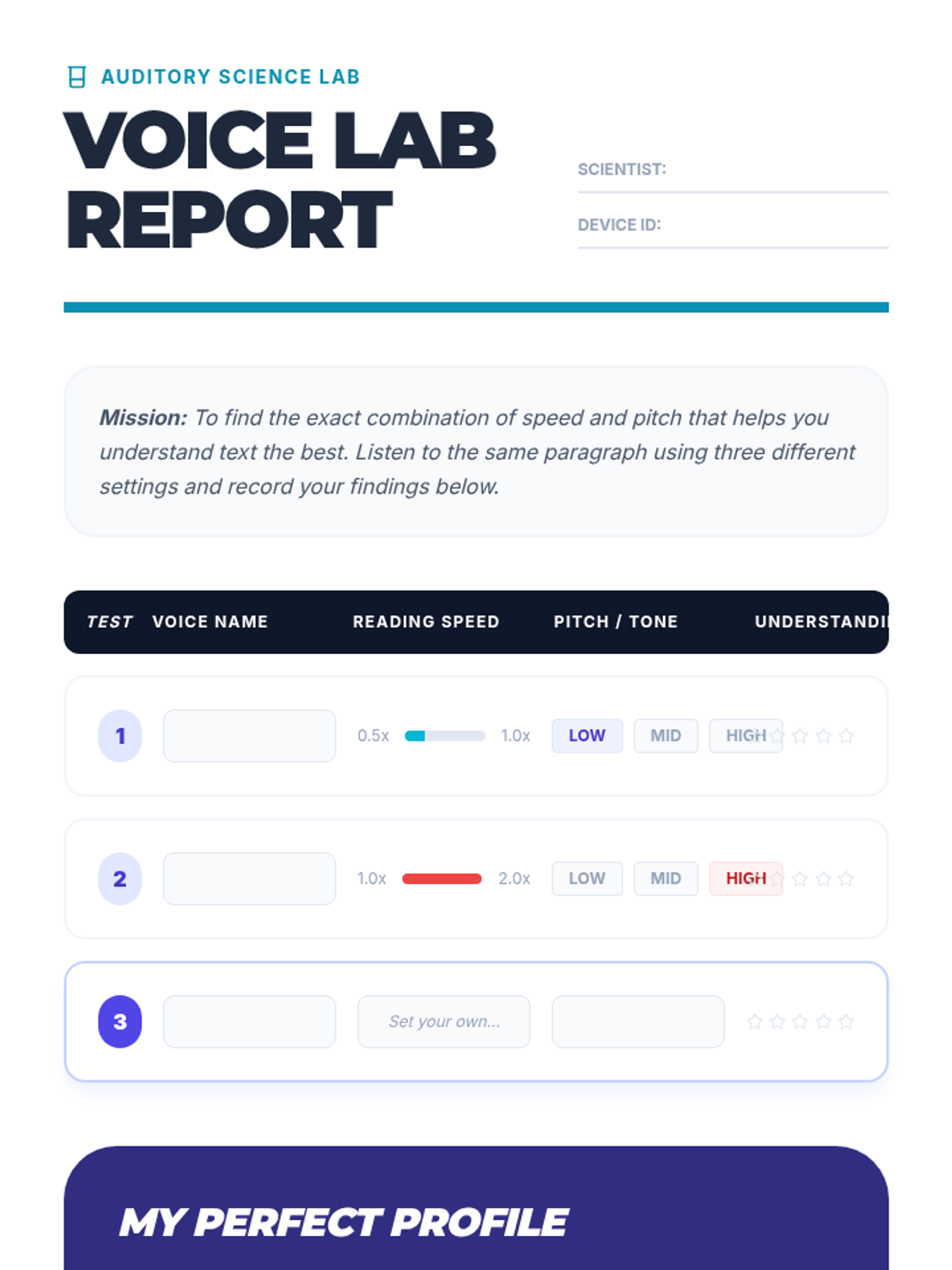
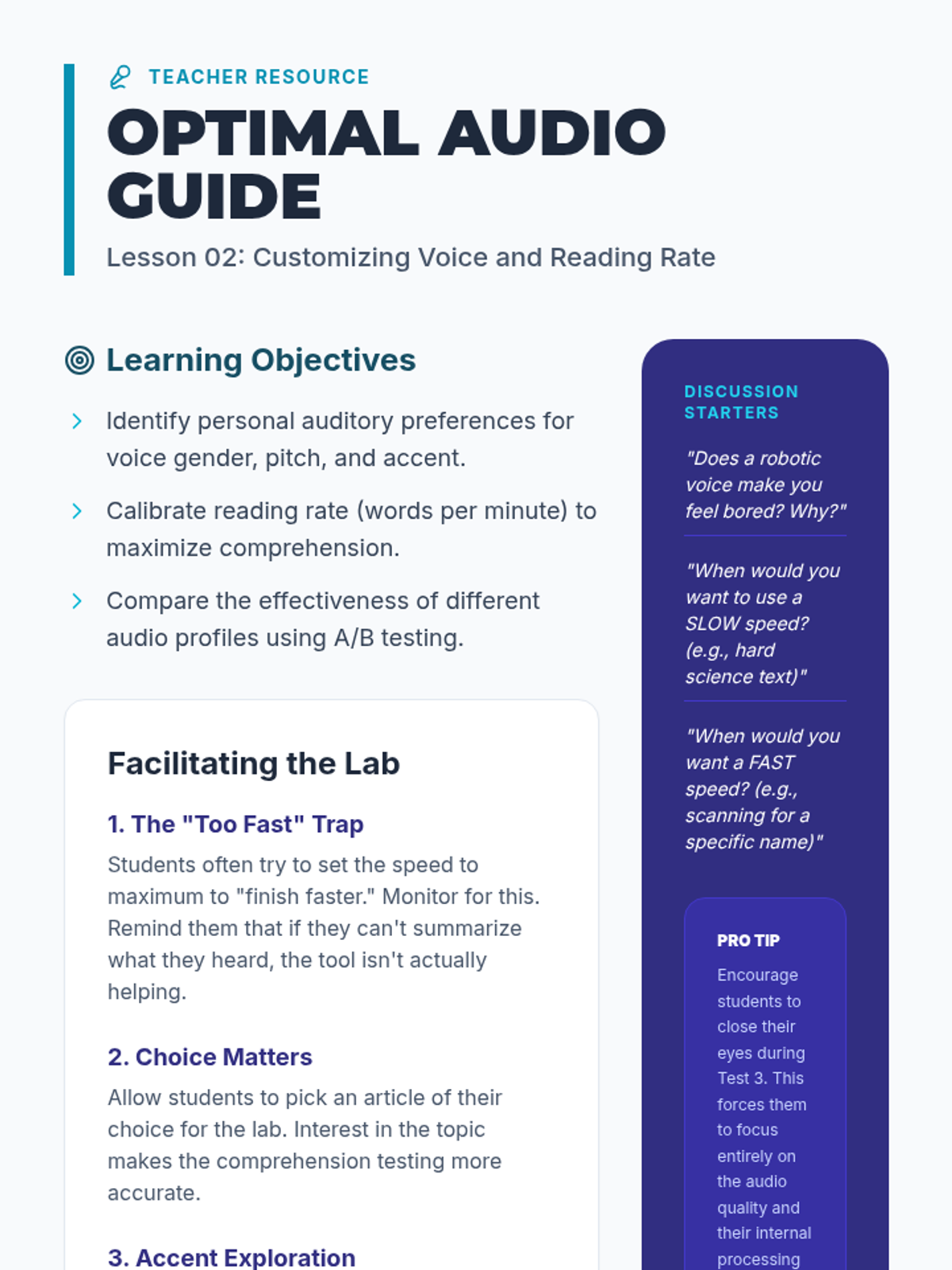
Learners experiment with different synthesized voices and reading speeds to find the optimal setting for their comprehension. They engage in A/B testing, listening to a passage at different speeds and rating their understanding.
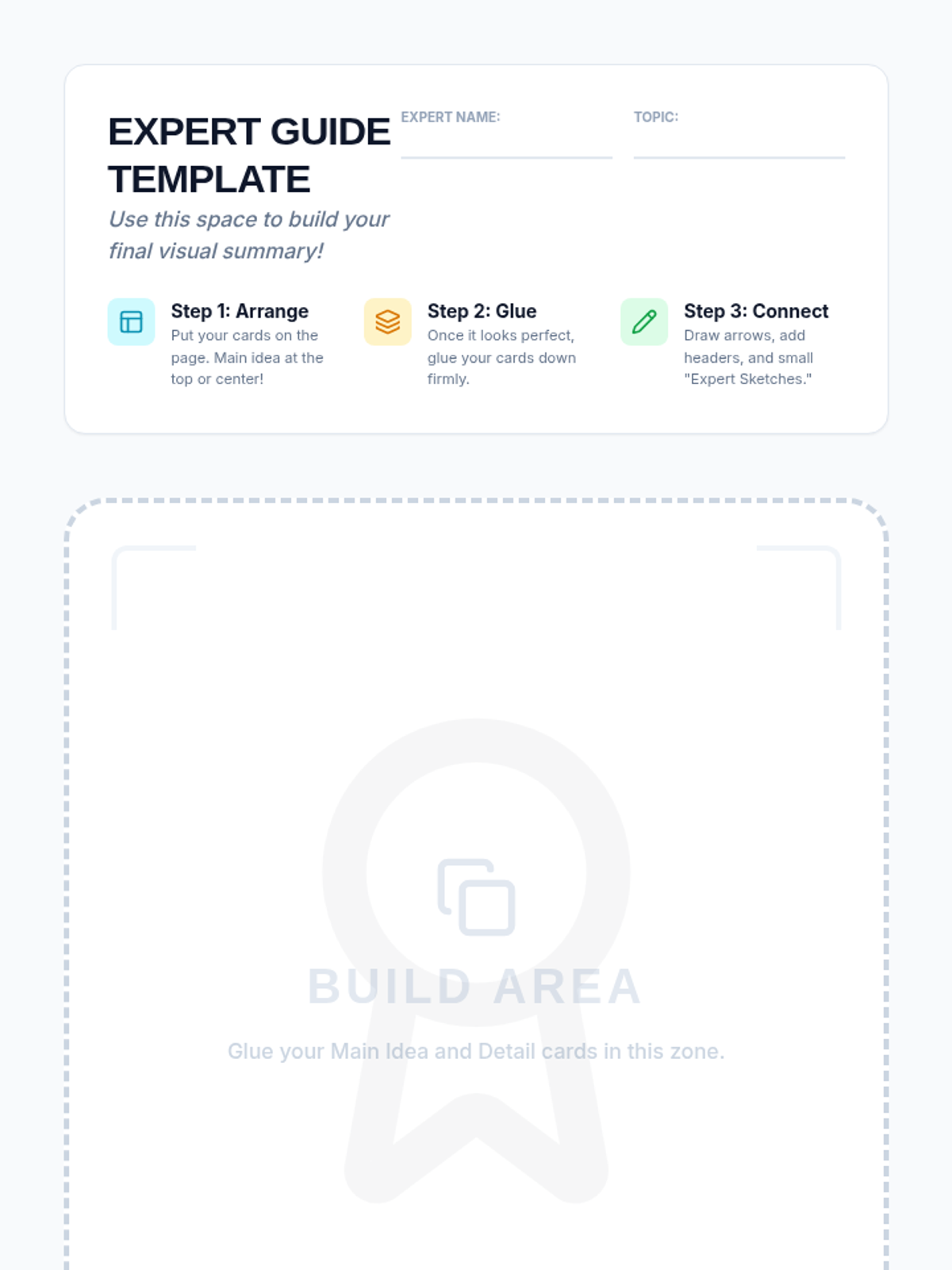
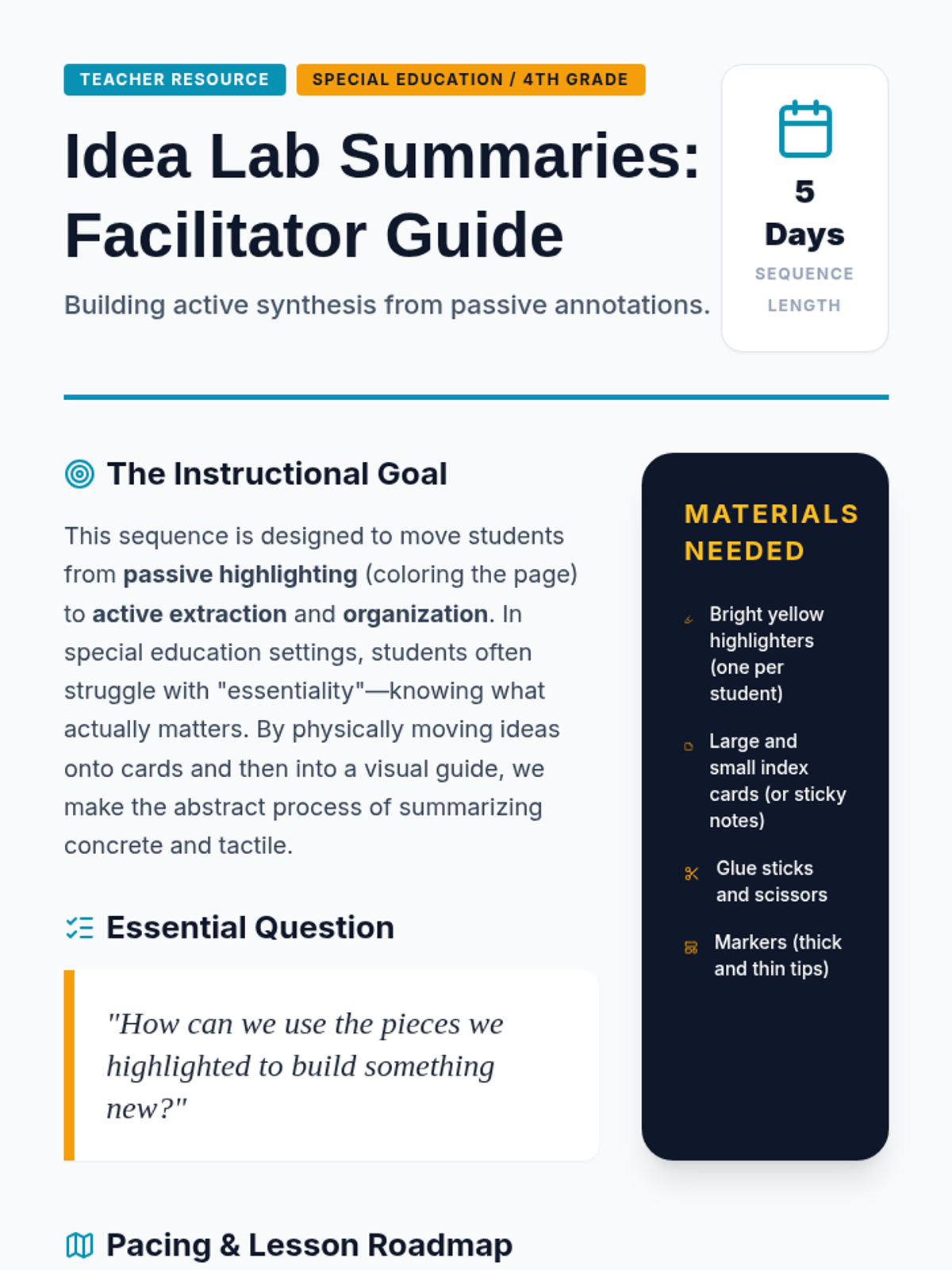
Students glue their arranged notes onto a poster or template to create a 'One-Page Expert Guide.' They add headers and arrows to connect the ideas, effectively creating a graphic organizer from their original text highlights.
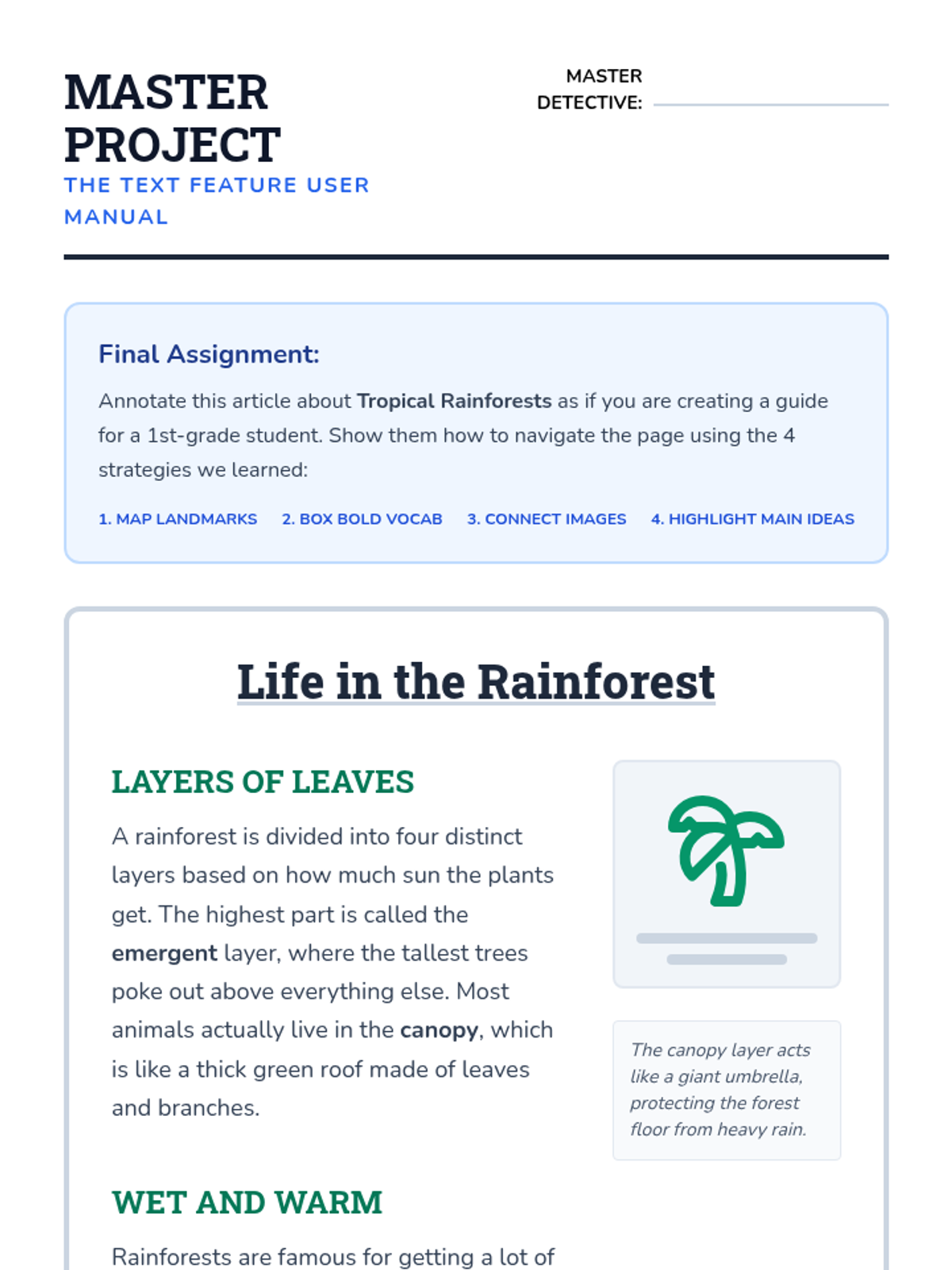
As a final project, students annotate a fresh article to create a 'user manual' guide for younger students, demonstrating their mastery of text structures.
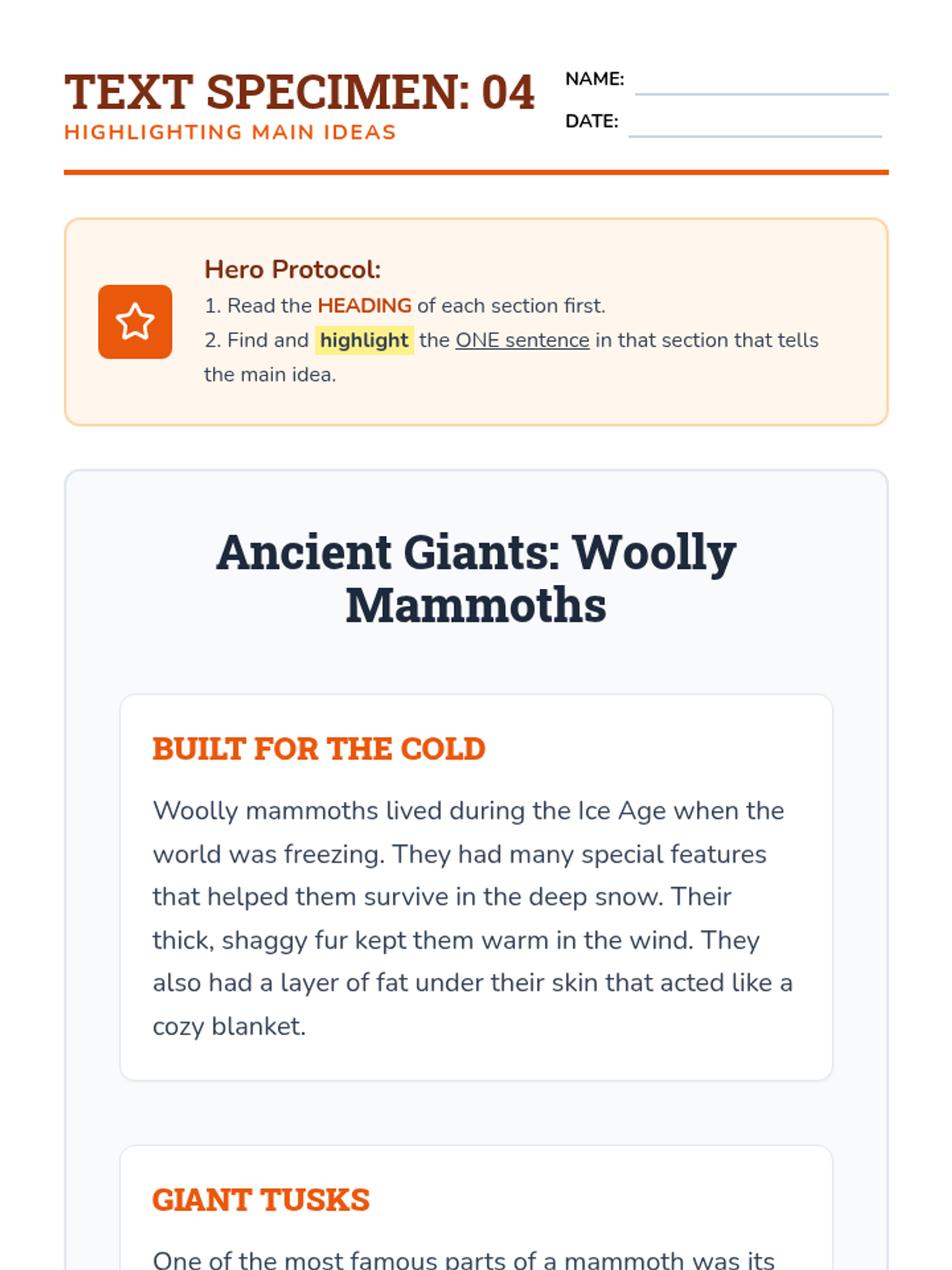
Students use headings as predictive tools to identify and highlight the main idea sentence within specific sections of a text.
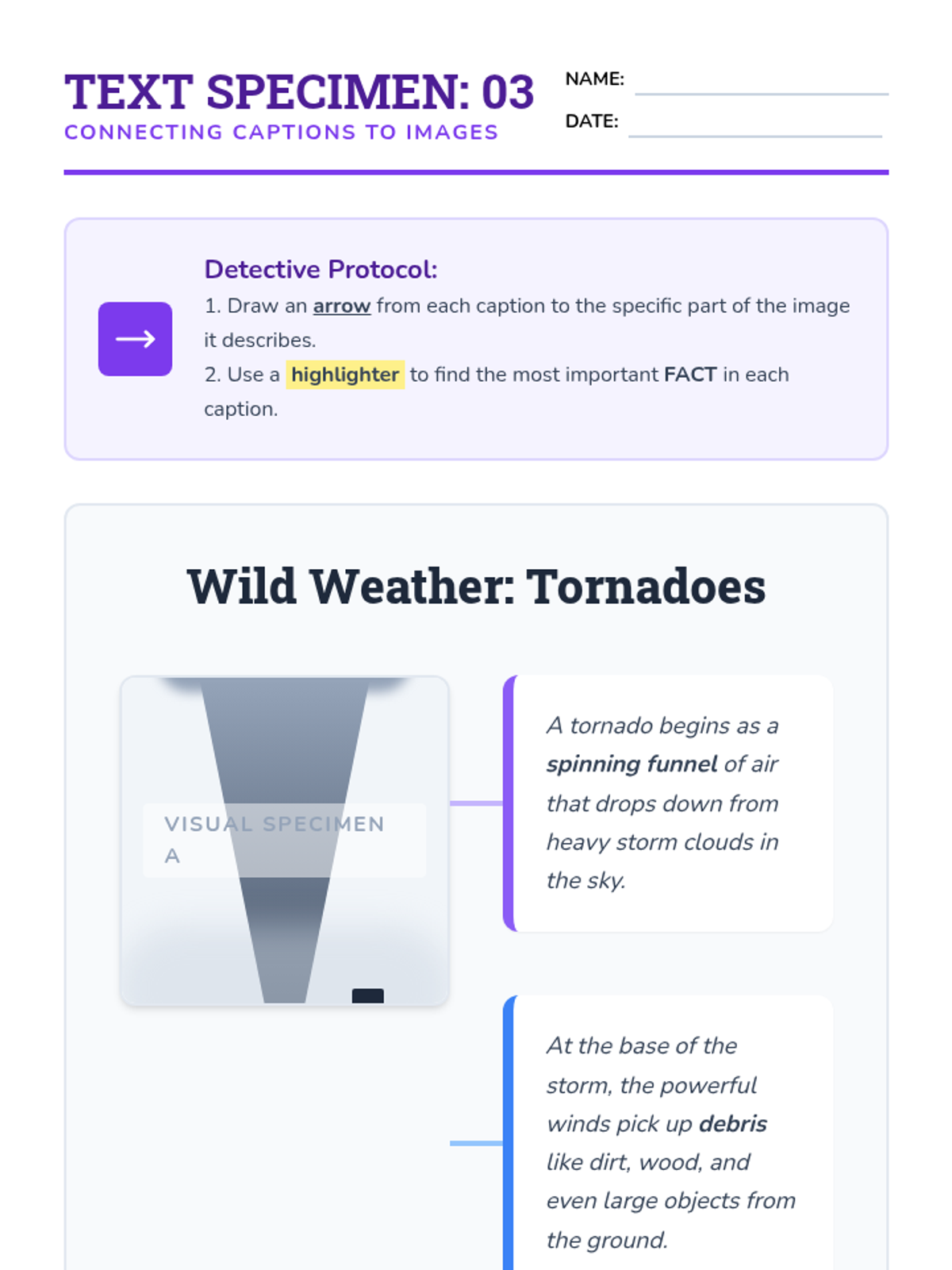
Students learn to connect visual information with text by drawing arrows between captions and images, highlighting key facts found in descriptions.
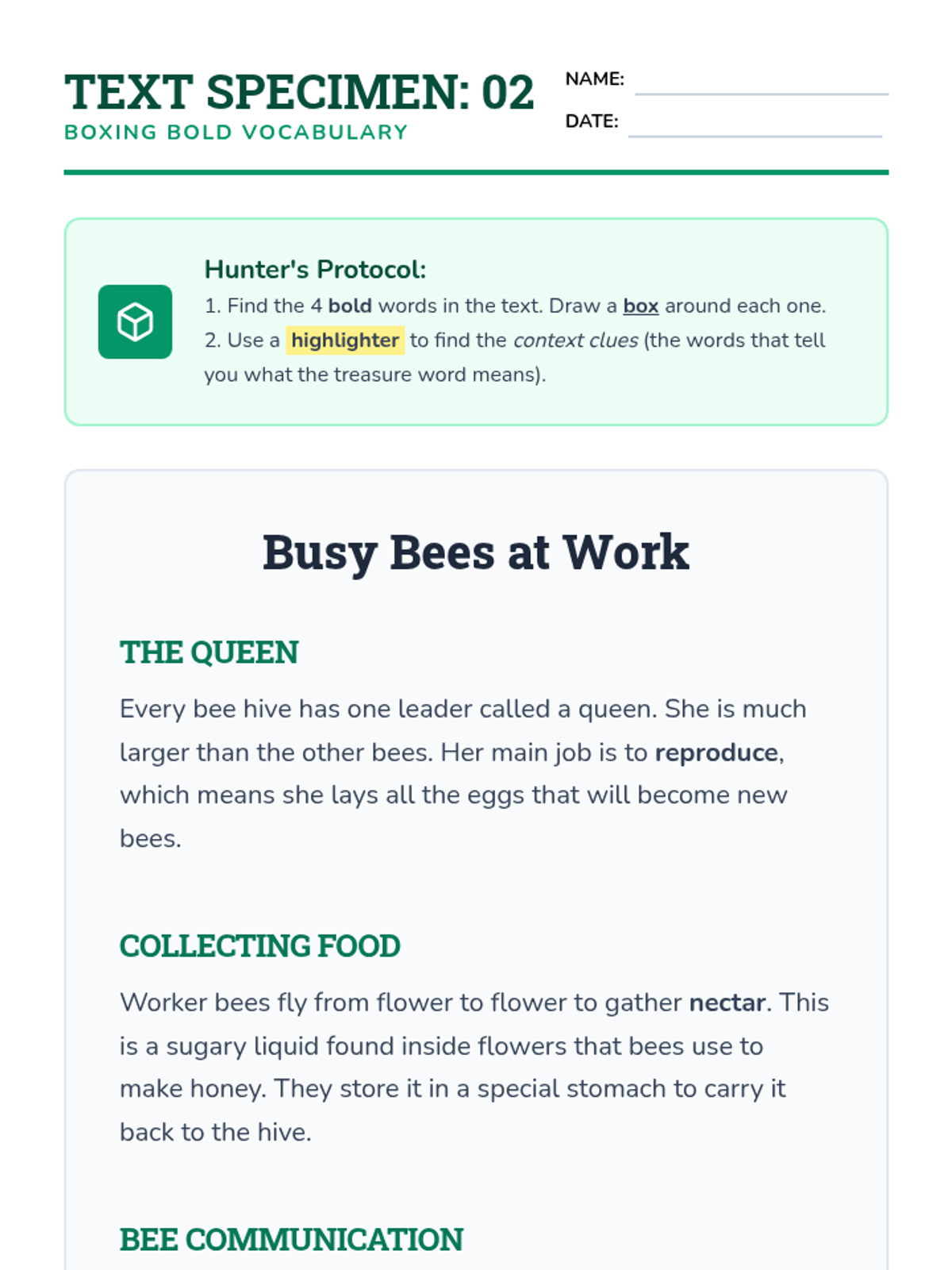
Students go on a 'treasure hunt' for bold and italicized vocabulary words, boxing them and highlighting surrounding context clues to build meaning.
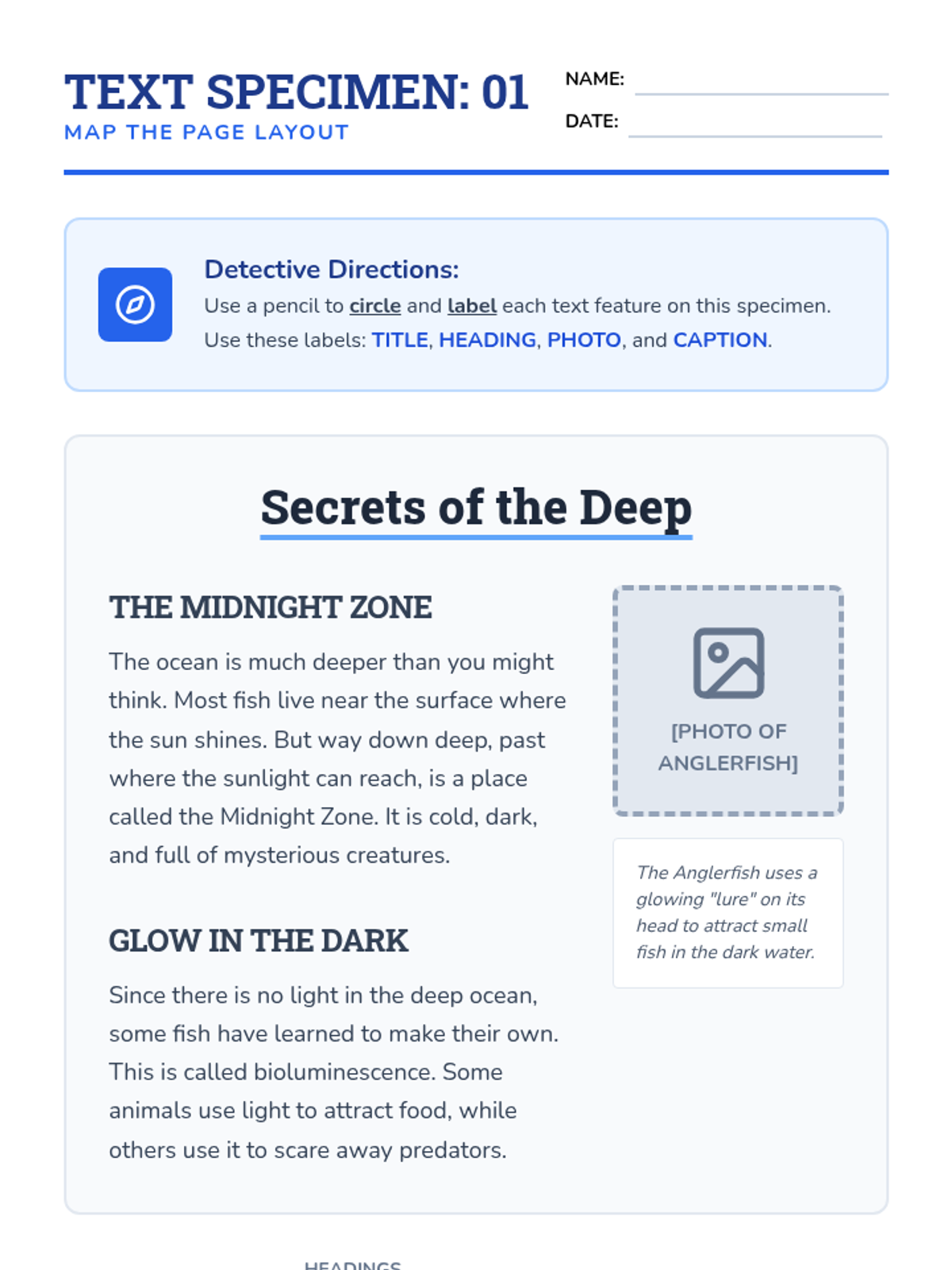
Students explore a non-fiction article, circling and labeling distinct features like titles, headings, photos, and captions to create a visual 'map' of the page.
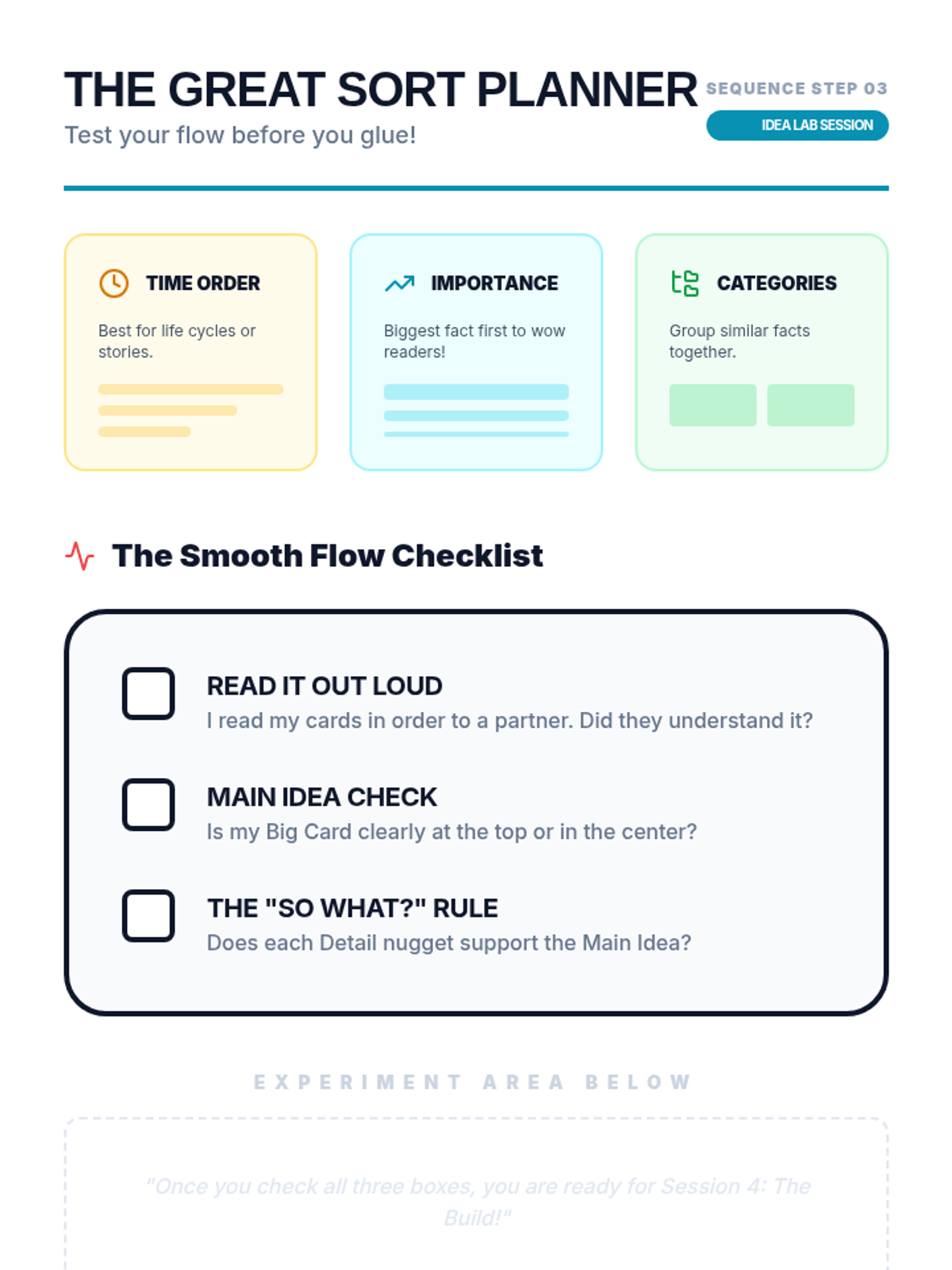
Using their extracted index cards/notes, students arrange the information in a logical order on their desk. They experiment with different arrangements to see how the flow of information changes.
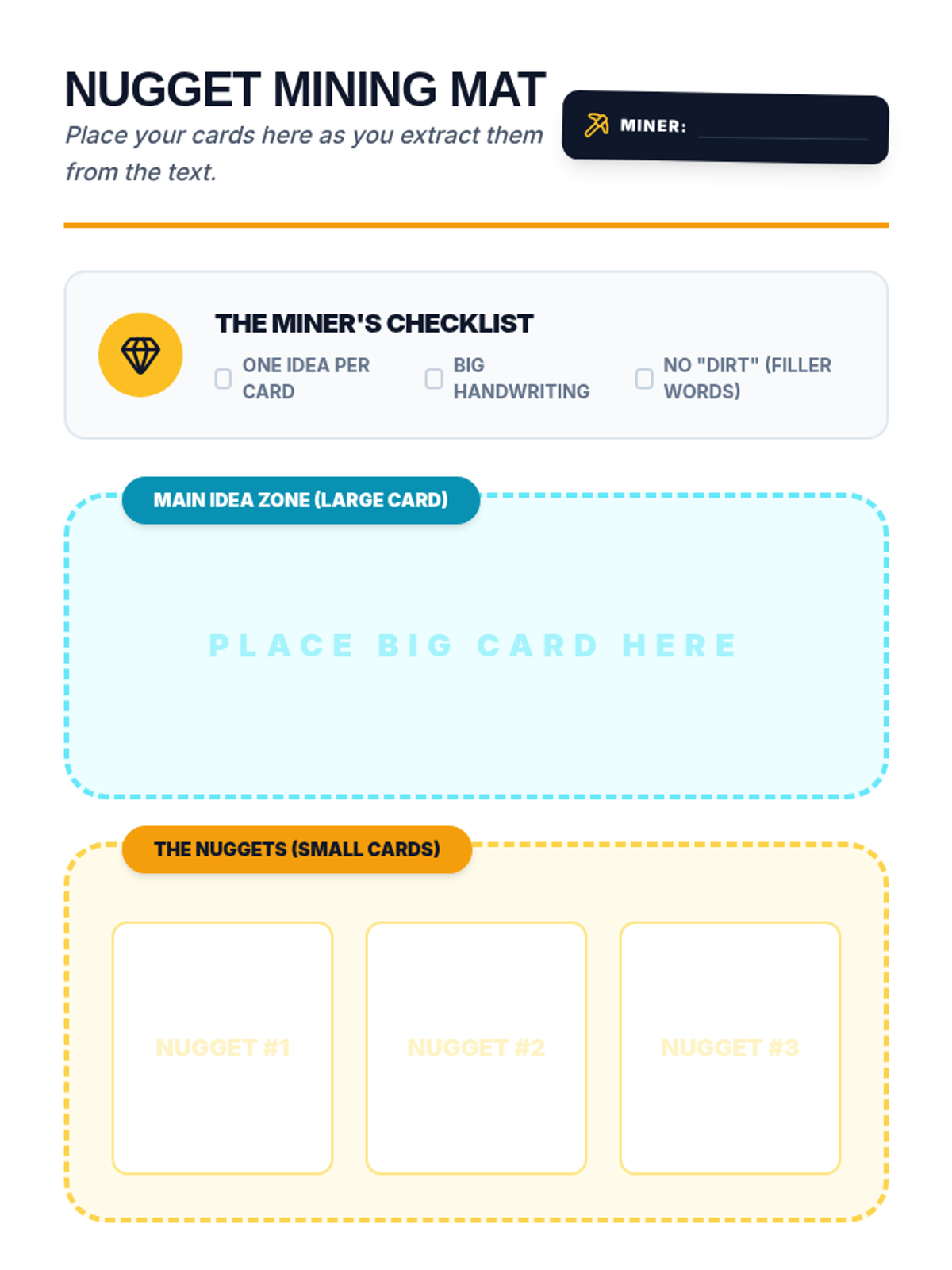
Students practice the physical act of transferring highlighted information onto index cards or sticky notes. Each main idea gets a large card, and supporting details get smaller cards, reinforcing the structure of the information.
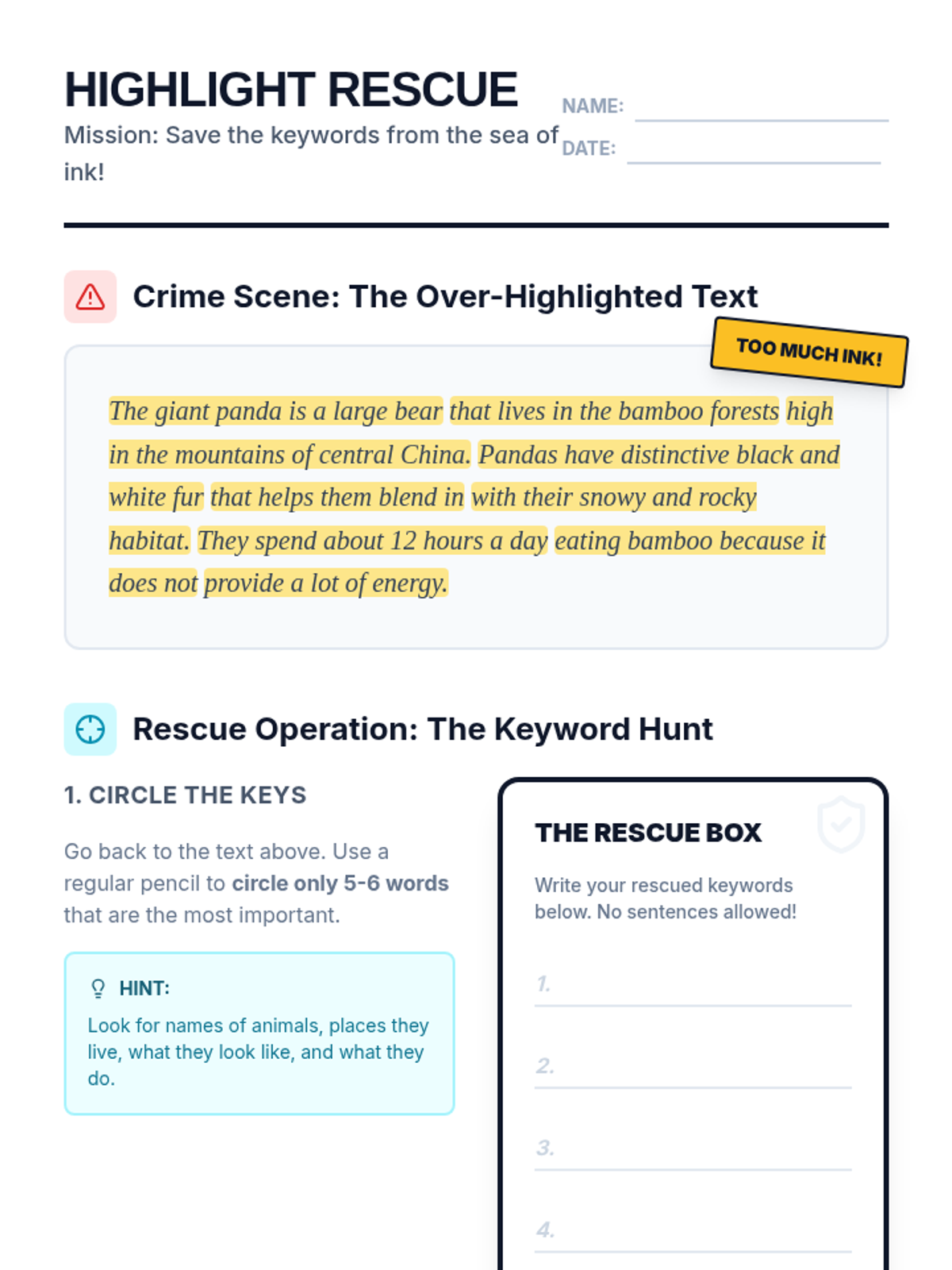
Students review pre-highlighted texts to identify 'highlighter crimes' (over-highlighting) and learn the 'Keyword Rule' to reduce highlights to only essential information.
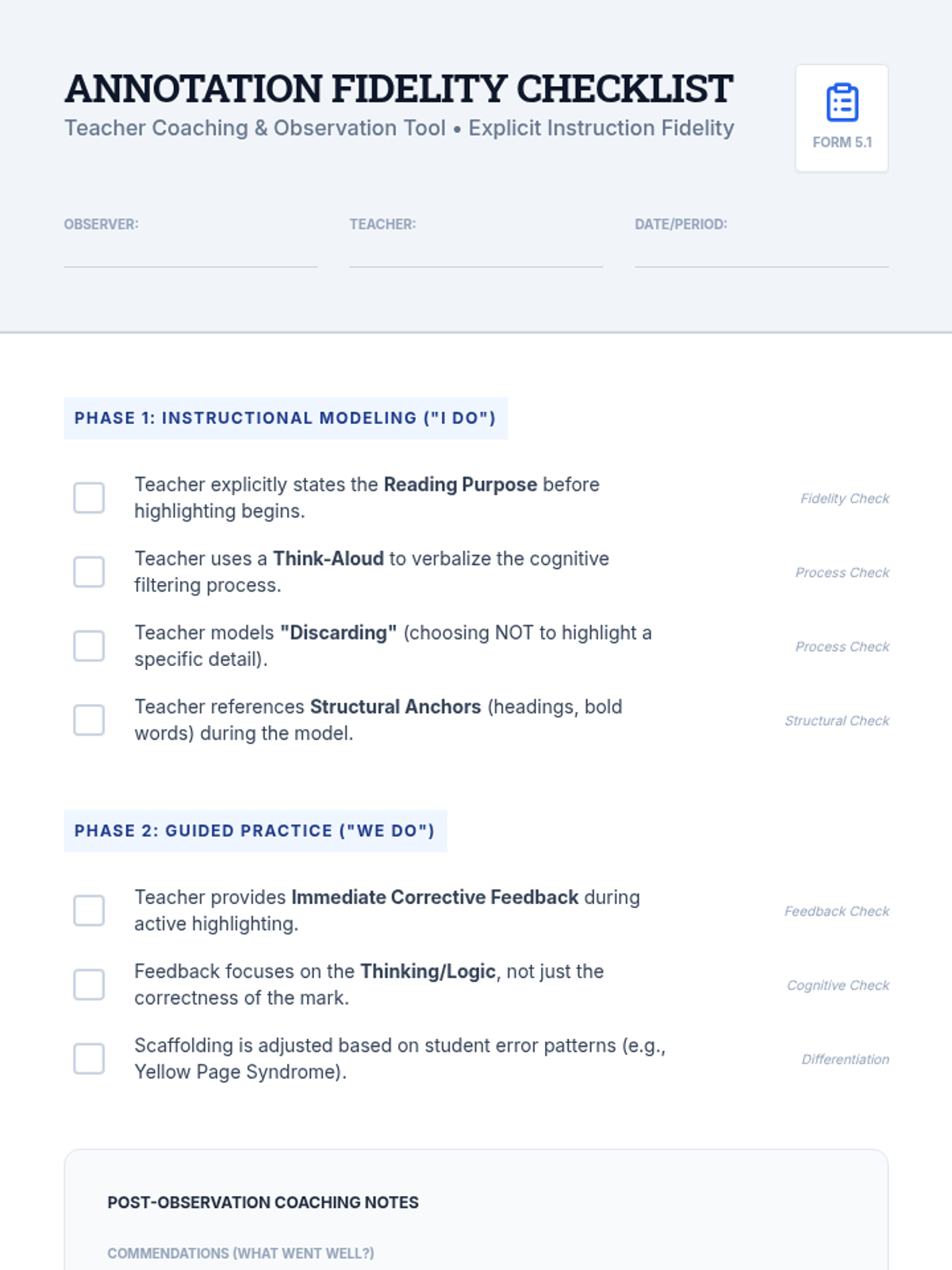
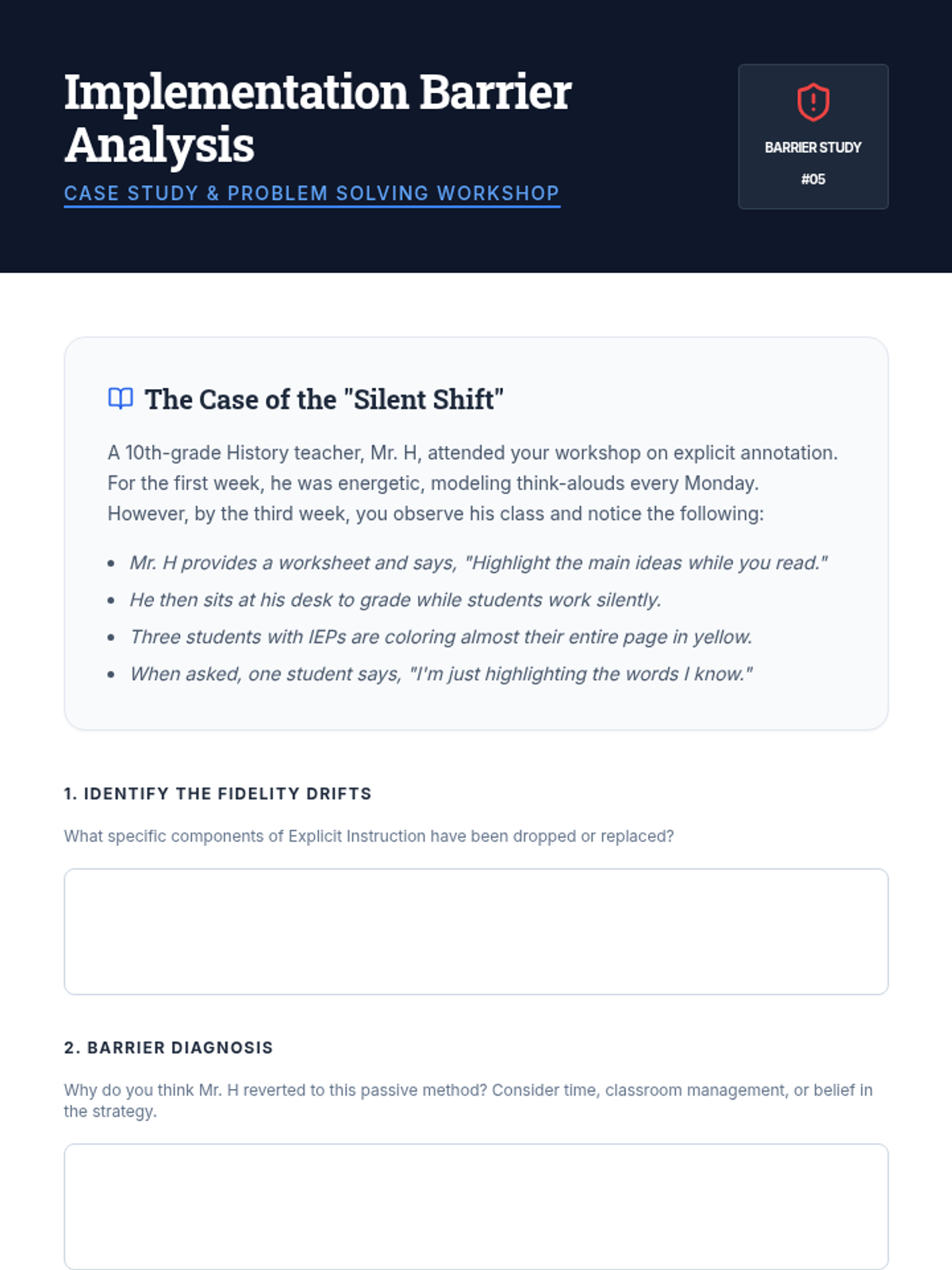
Shifting from teacher to coach, students design fidelity checklists and analyze barriers to strategy implementation in inclusive environments.
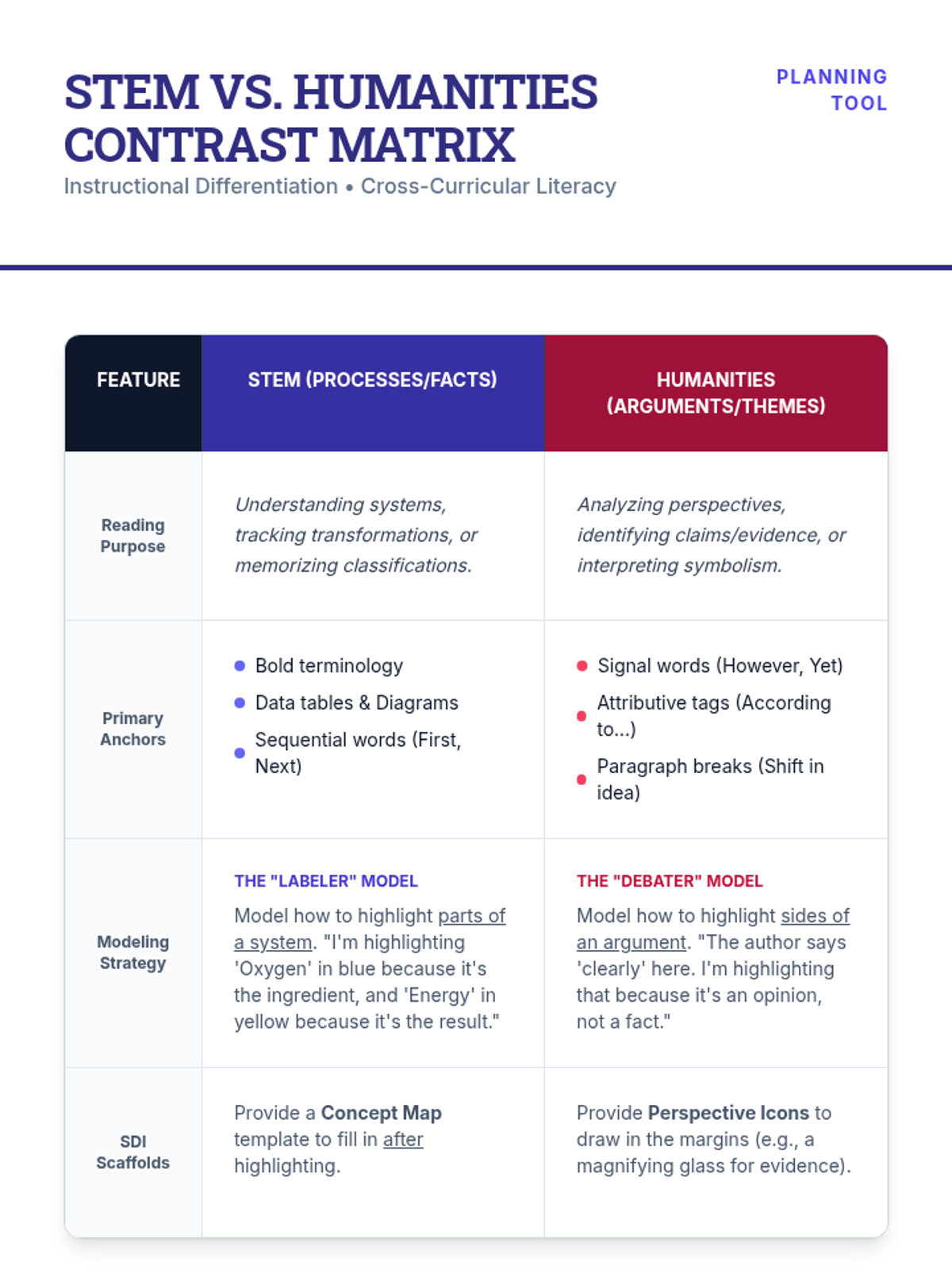
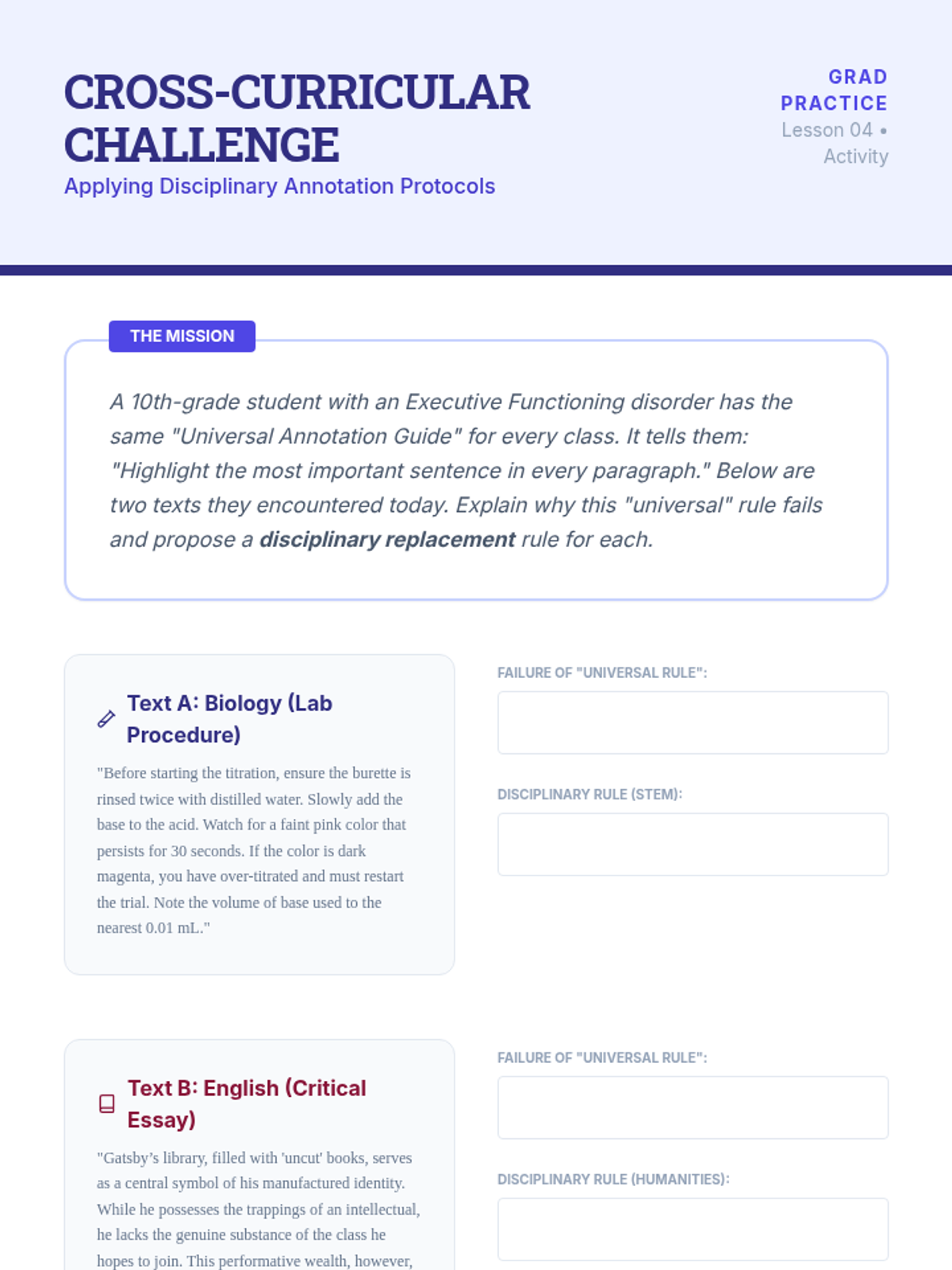
An exploration of how annotation strategies differ between STEM and Humanities, developing subject-specific guidelines for cross-curricular collaboration.
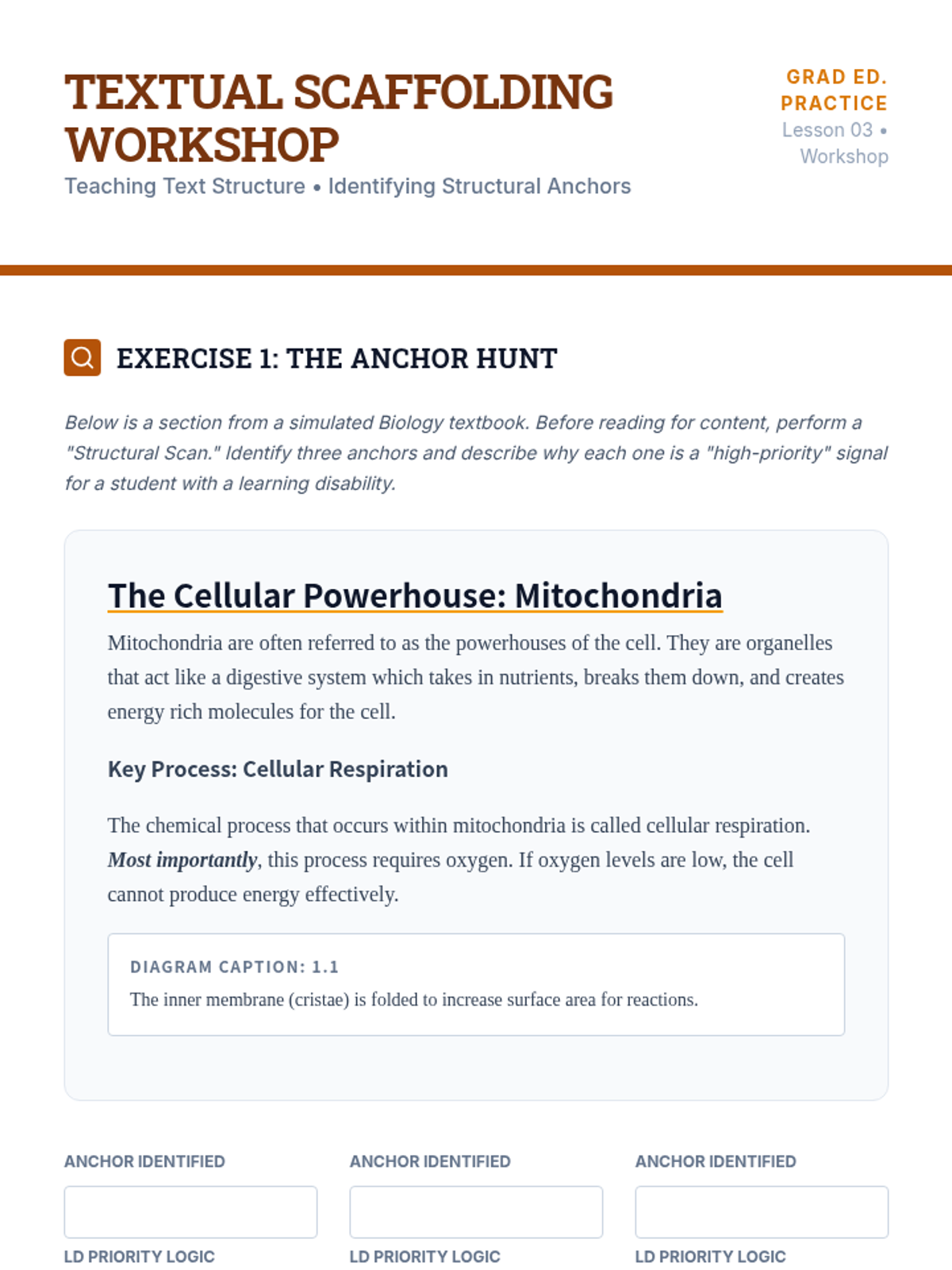
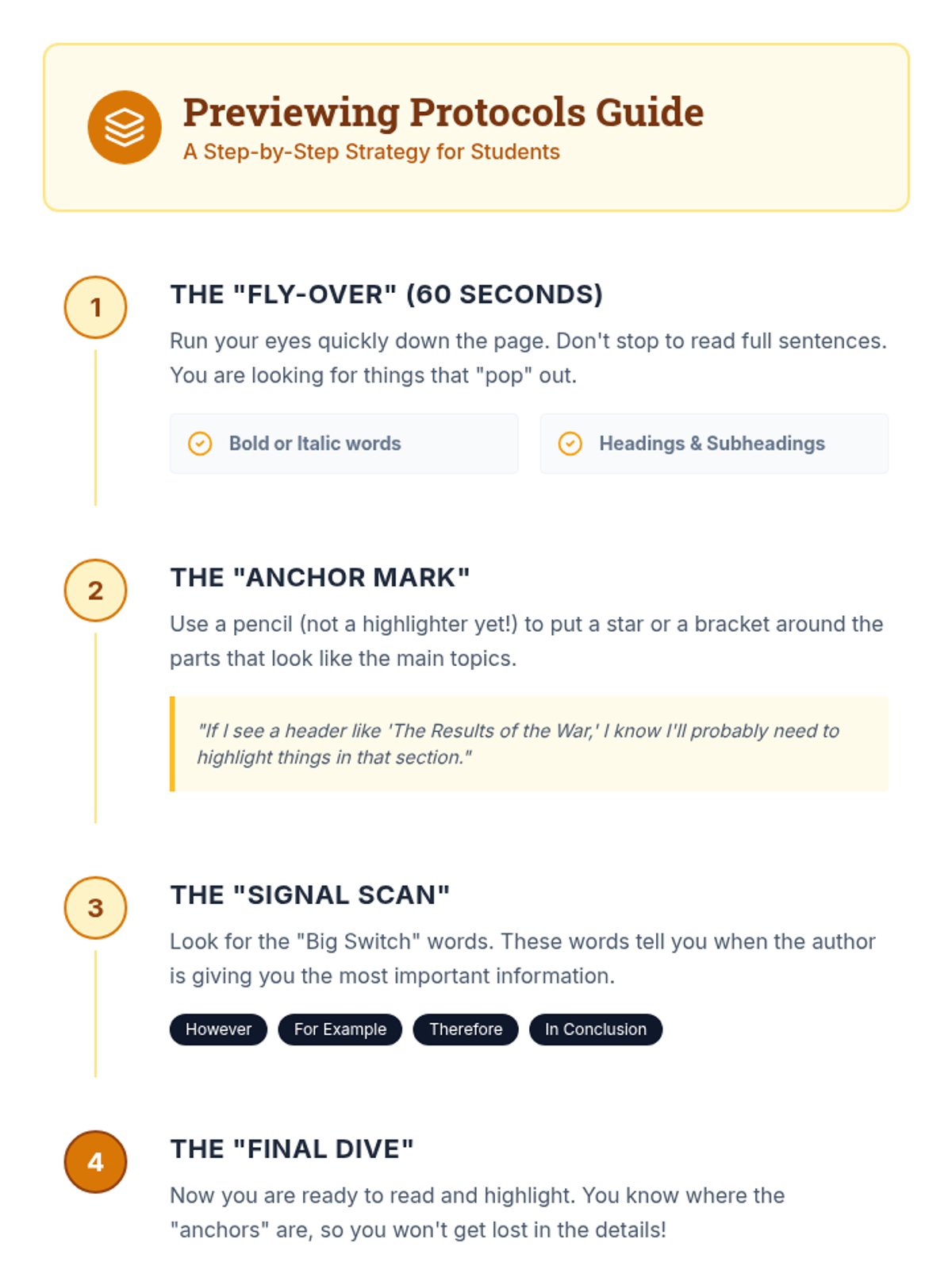
Students learn to teach learners how to use text features as anchors for highlighting, emphasizing text previewing before applying color.
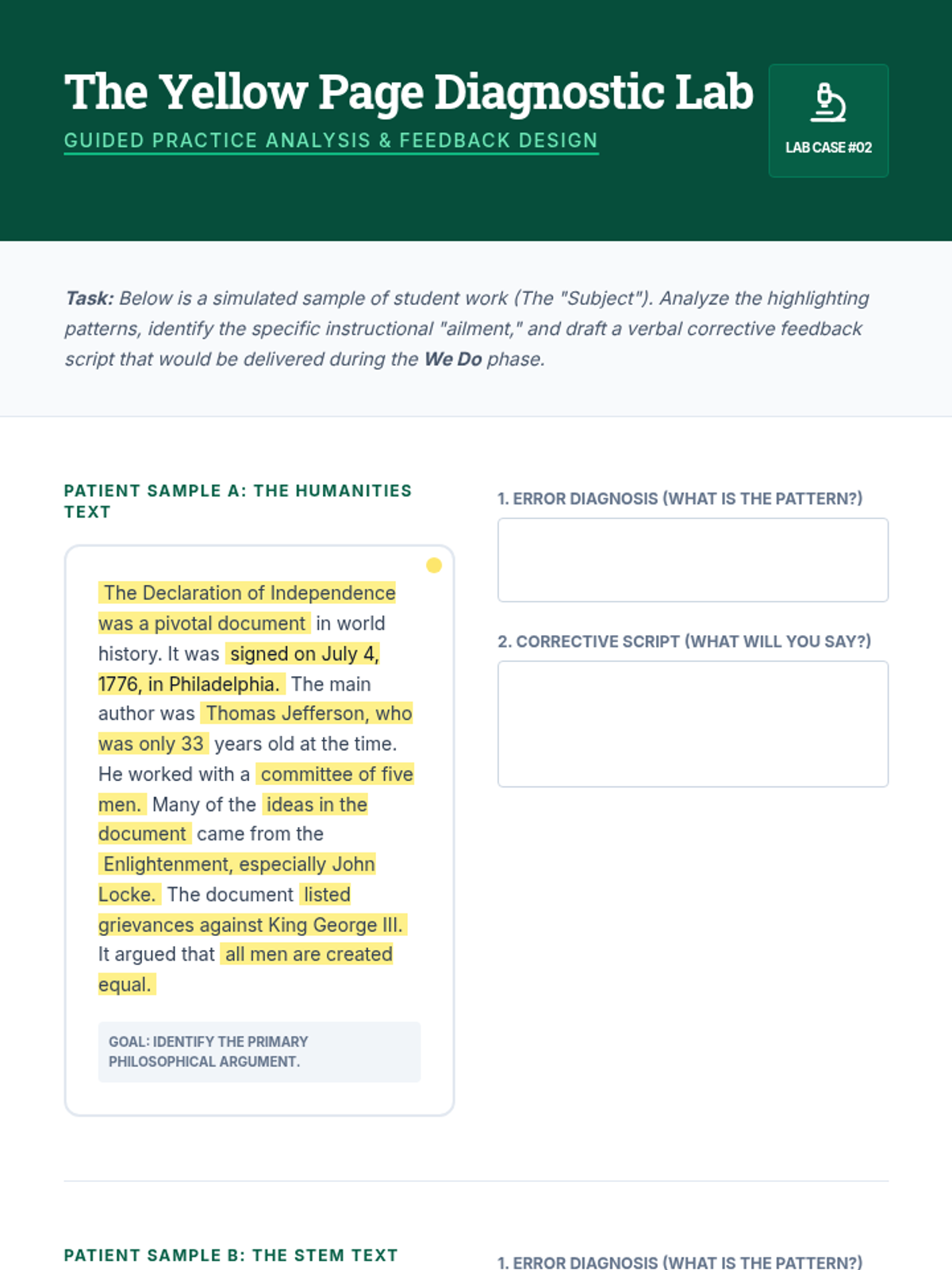
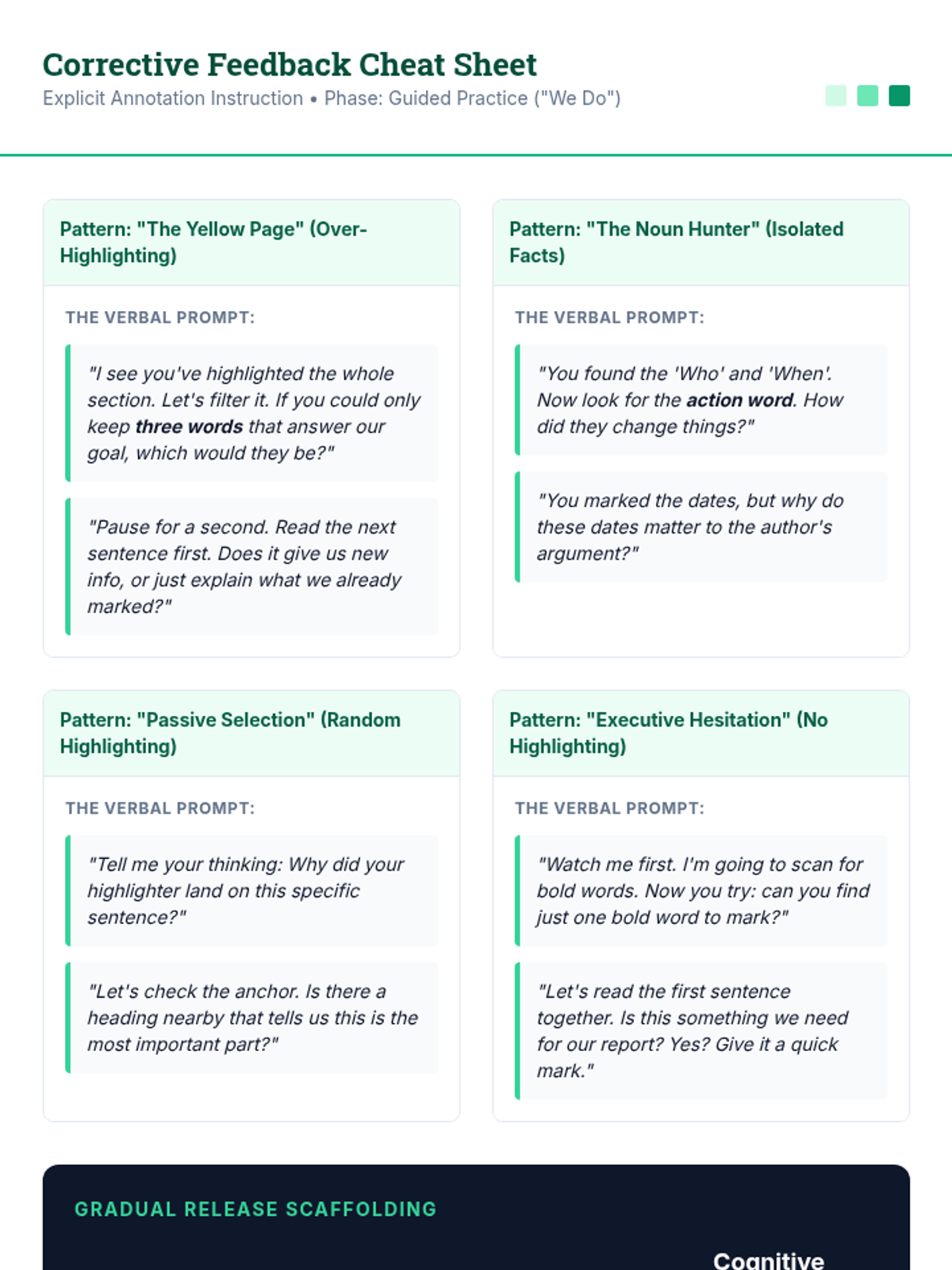
Focusing on the 'We Do' phase of explicit instruction, students practice generating immediate, specific corrective feedback for common annotation errors.
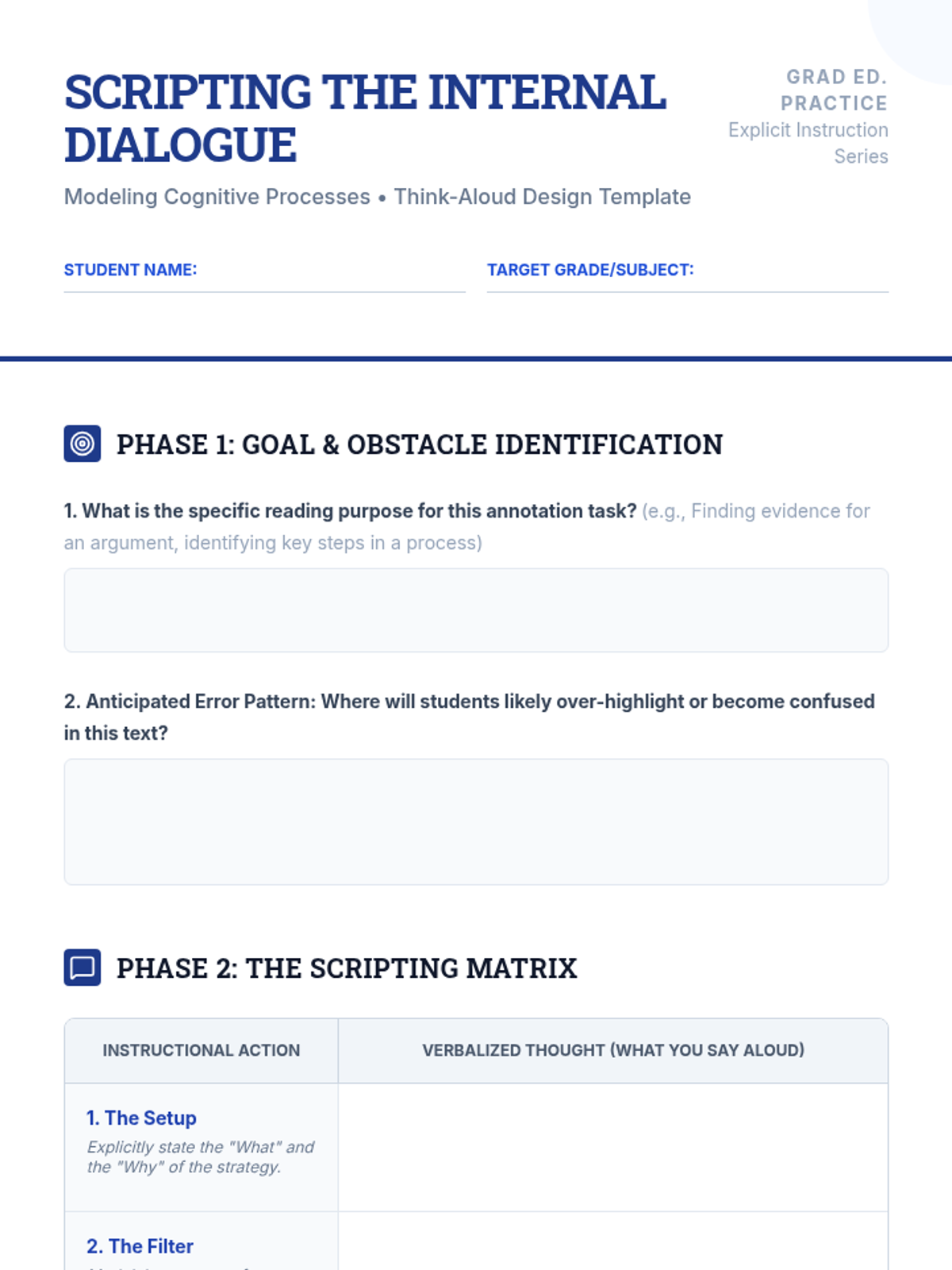
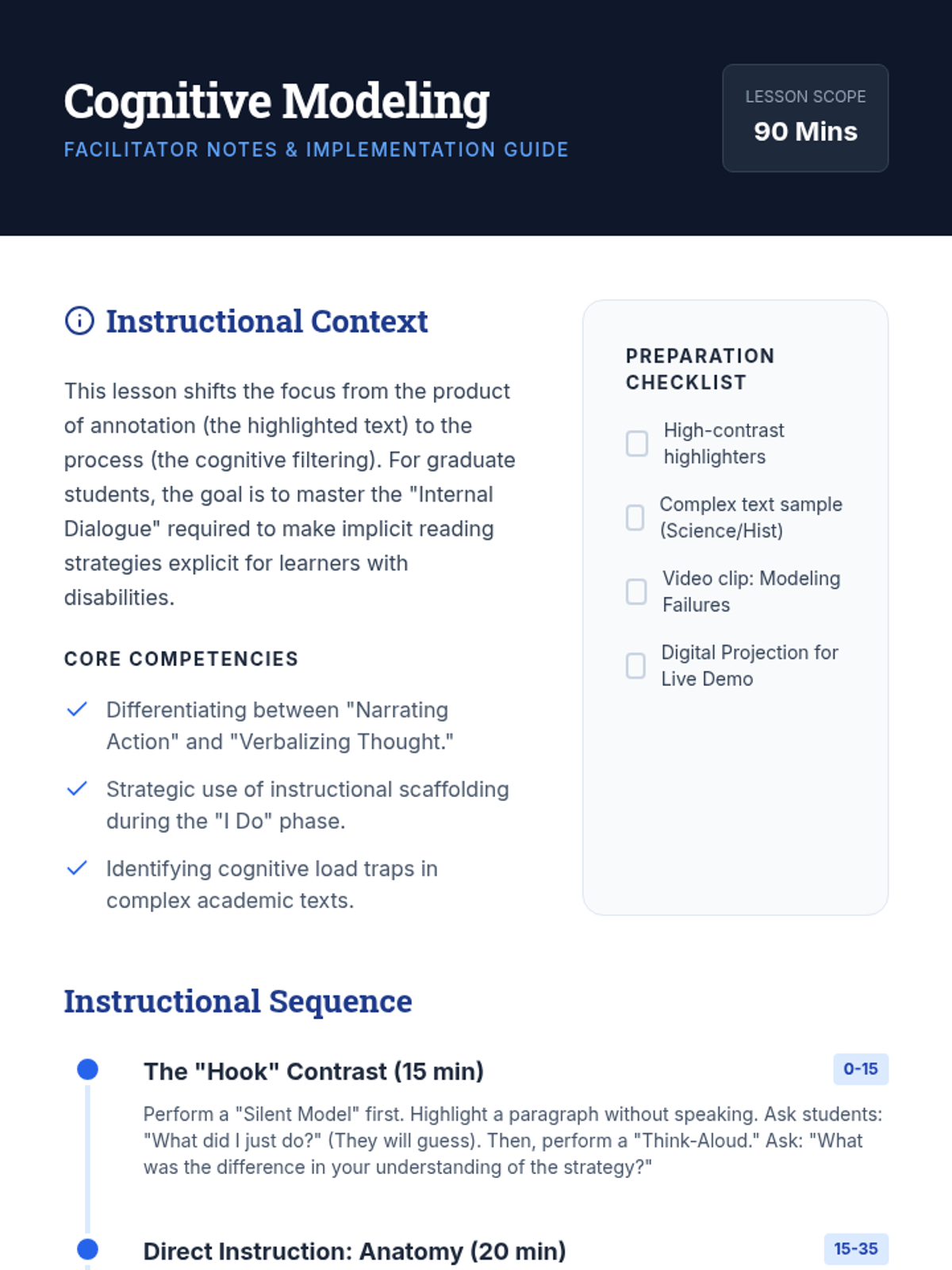
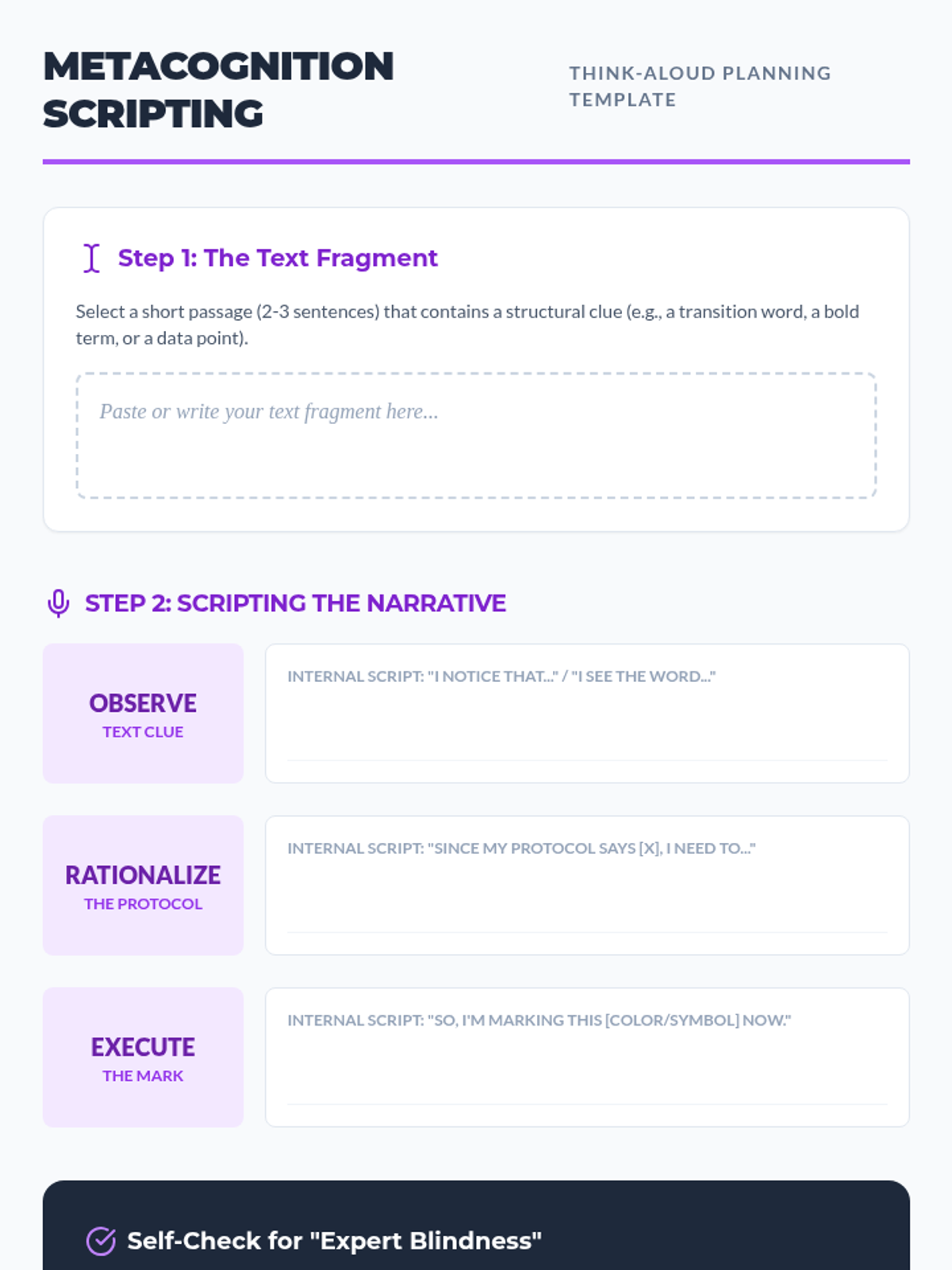
Graduate students analyze and script 'Think-Aloud' protocols to verbalize the decision-making process behind highlighting, making the 'hidden curriculum' of reading strategies visible.
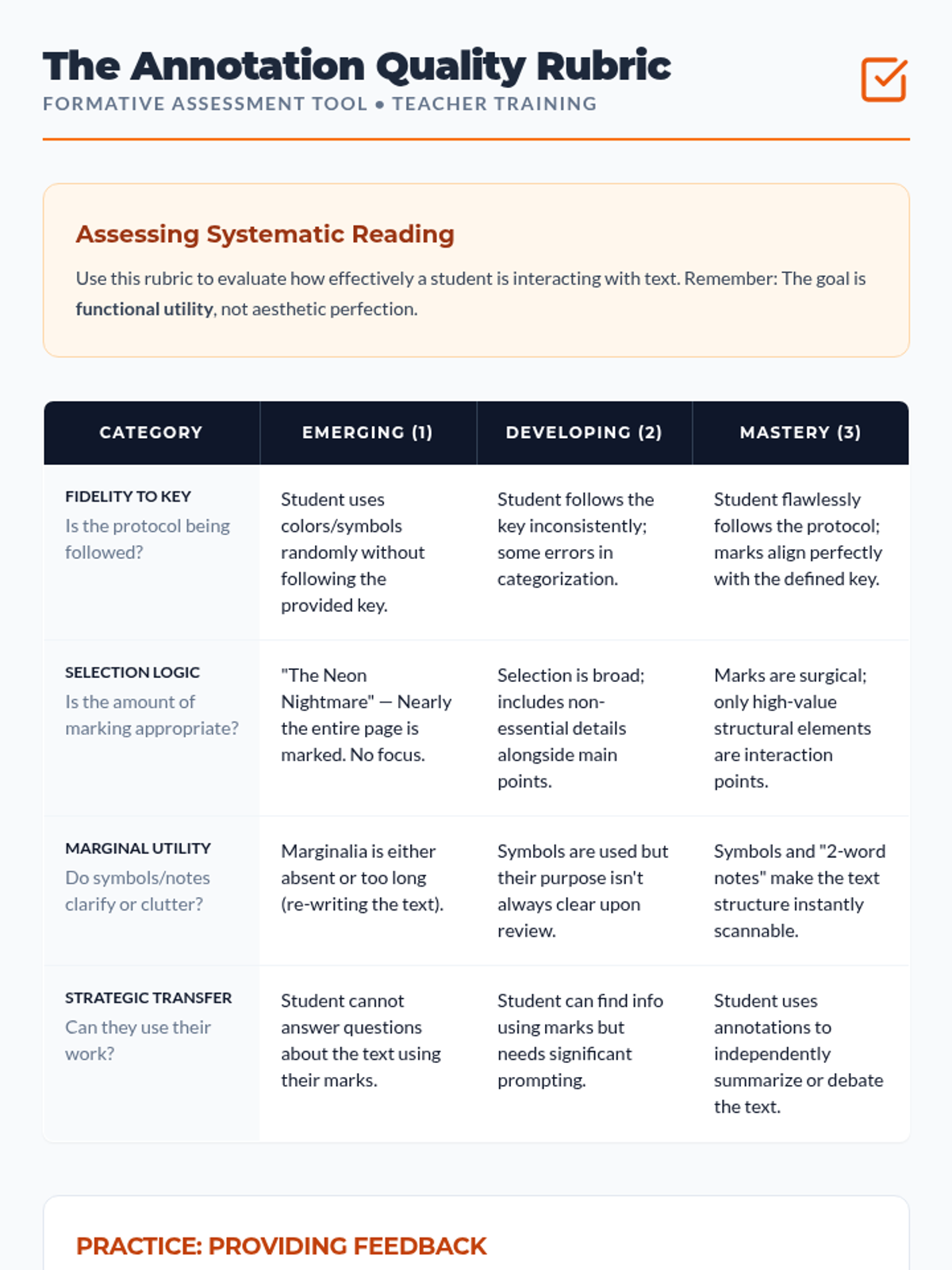
Focuses on developing rubrics and providing formative feedback on the quality and utility of student annotations.
Teaches students how to perform instructional 'Think-Alouds' to model the metacognitive process of strategic text marking.
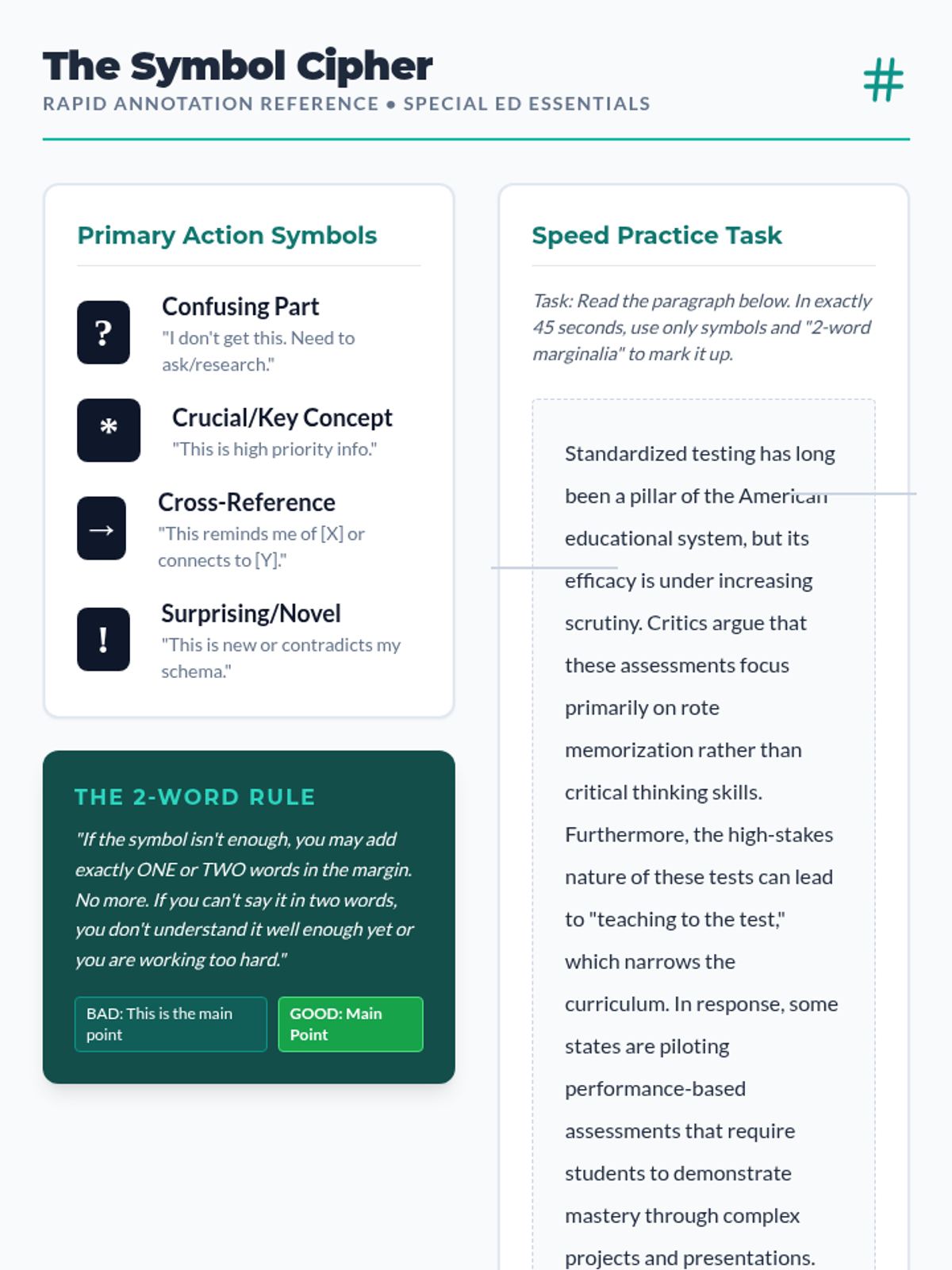
Introduces non-verbal symbol systems and marginalia strategies designed to reduce the writing burden while maintaining active engagement.
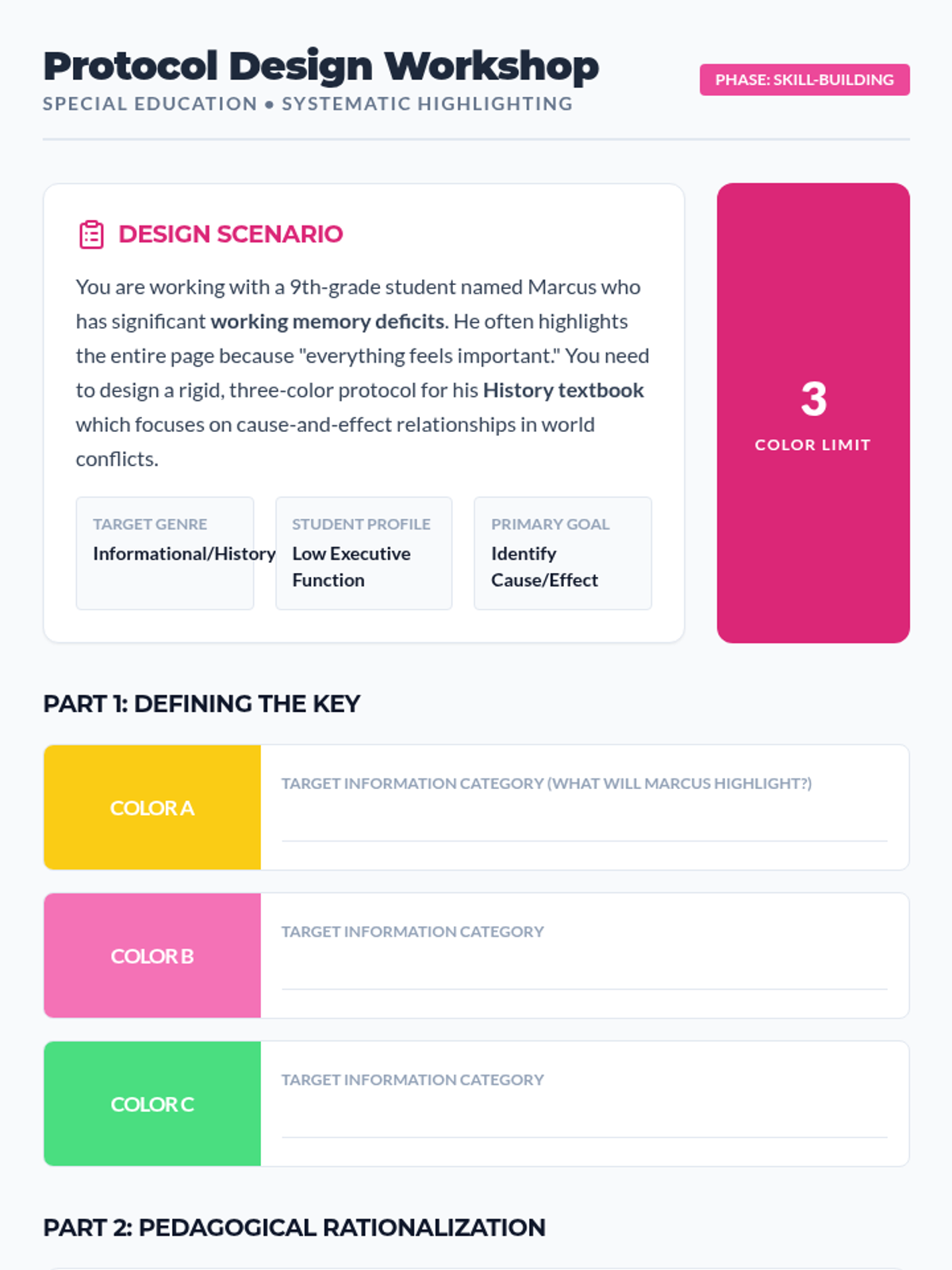
Focuses on creating tiered color-coding systems that align with text structures to make information hierarchies visible for learners.
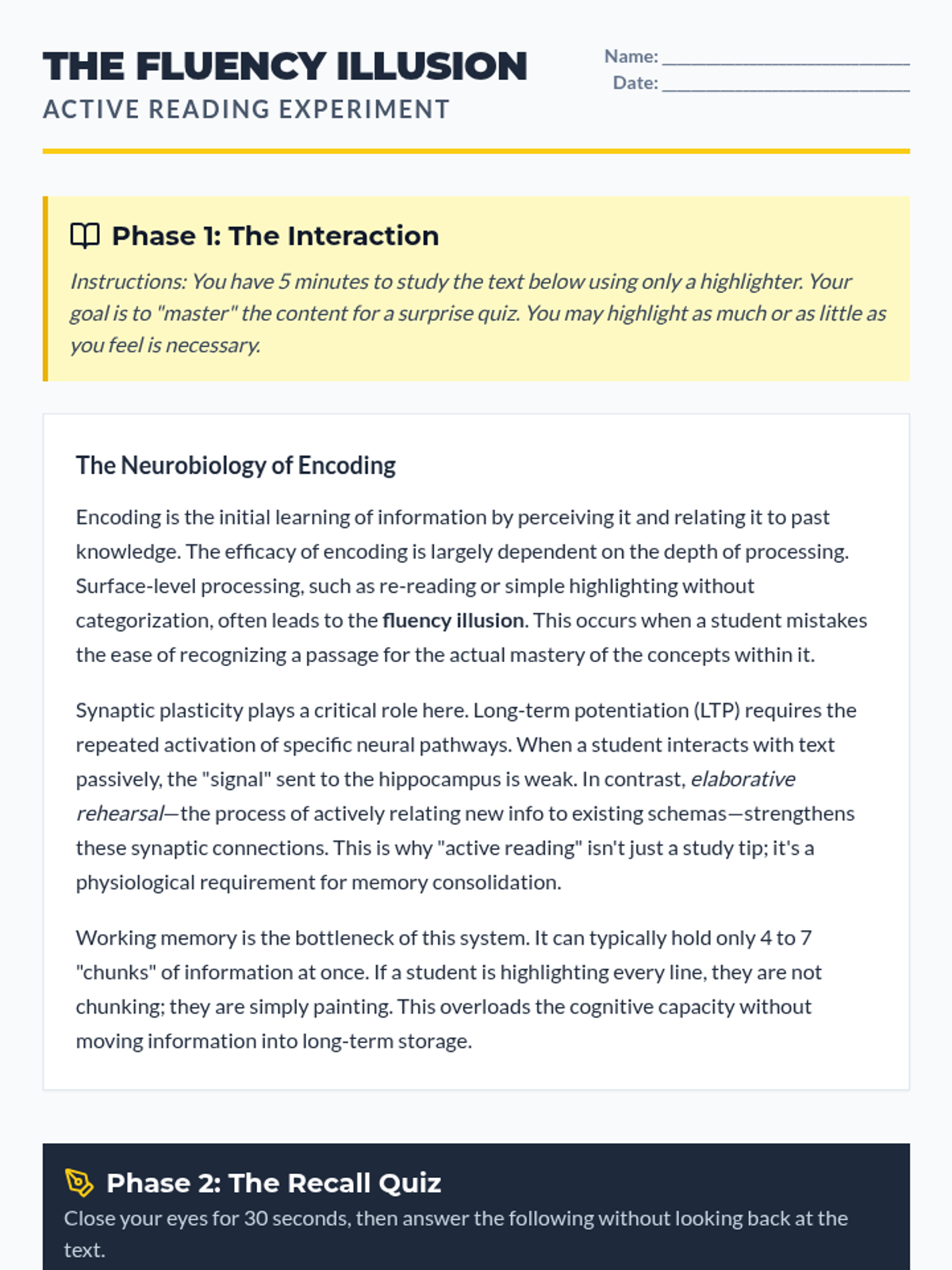
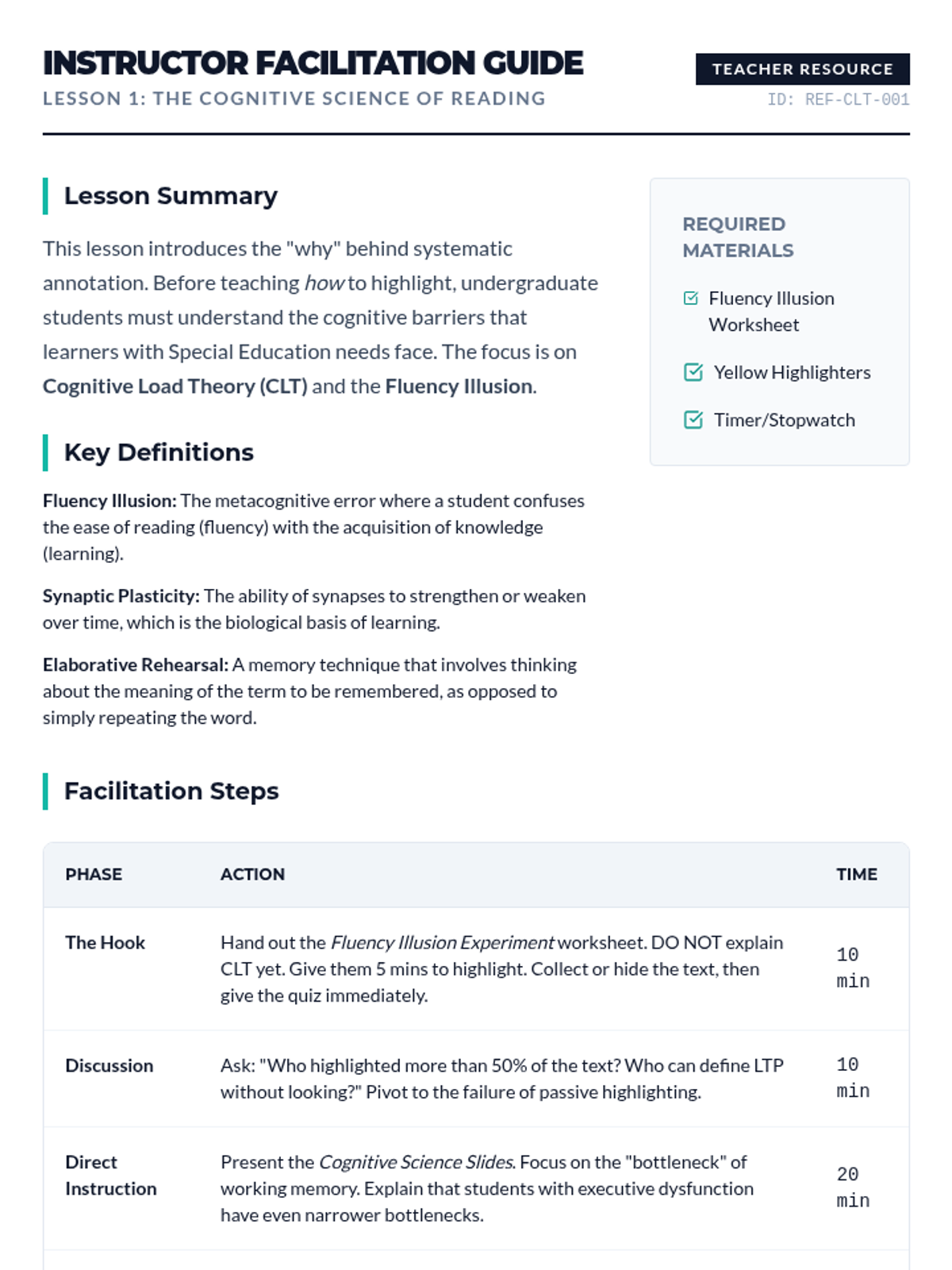
Students explore the difference between passive consumption and active processing, identifying the 'fluency illusion' and applying Cognitive Load Theory to text interaction.
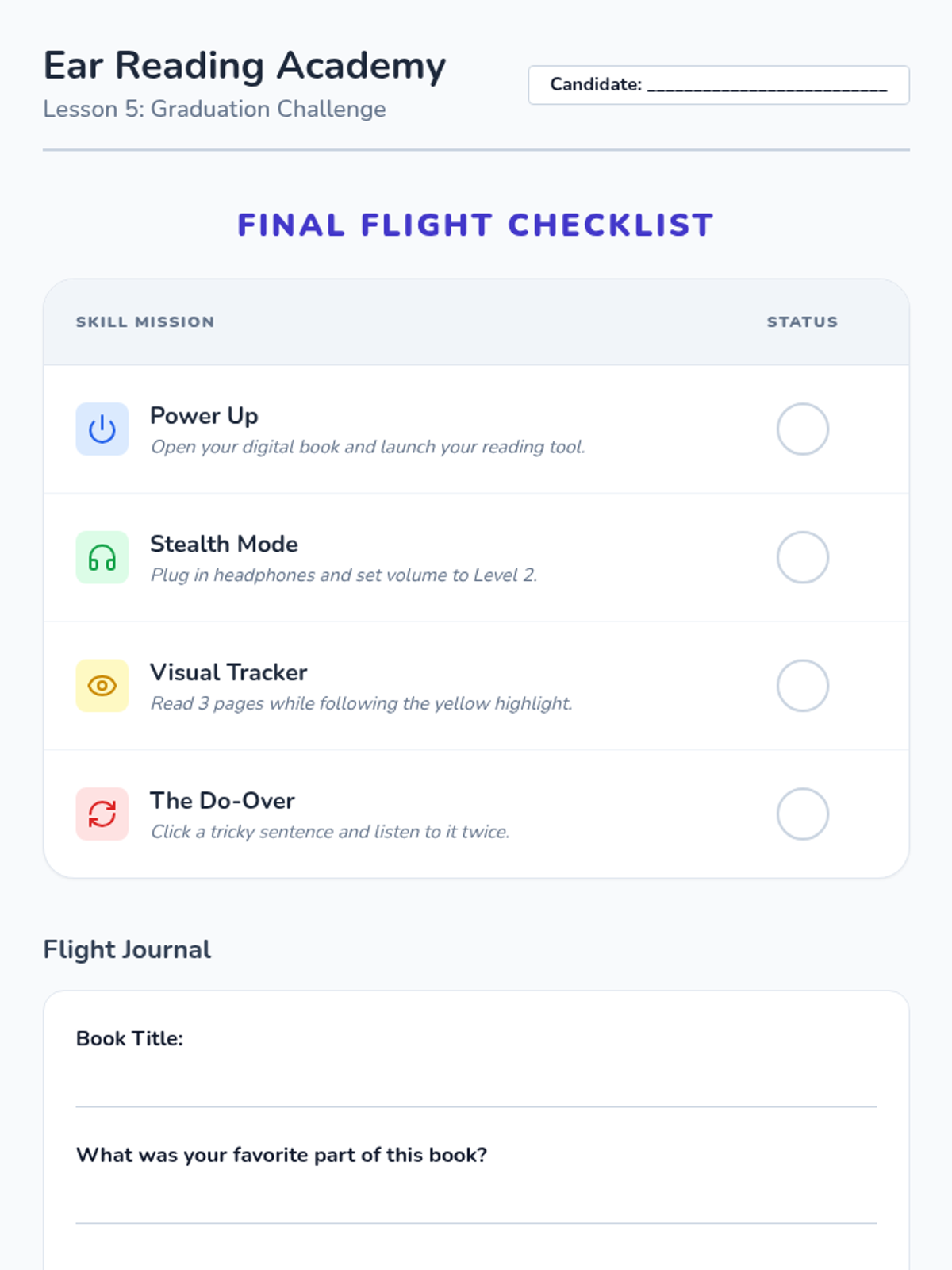
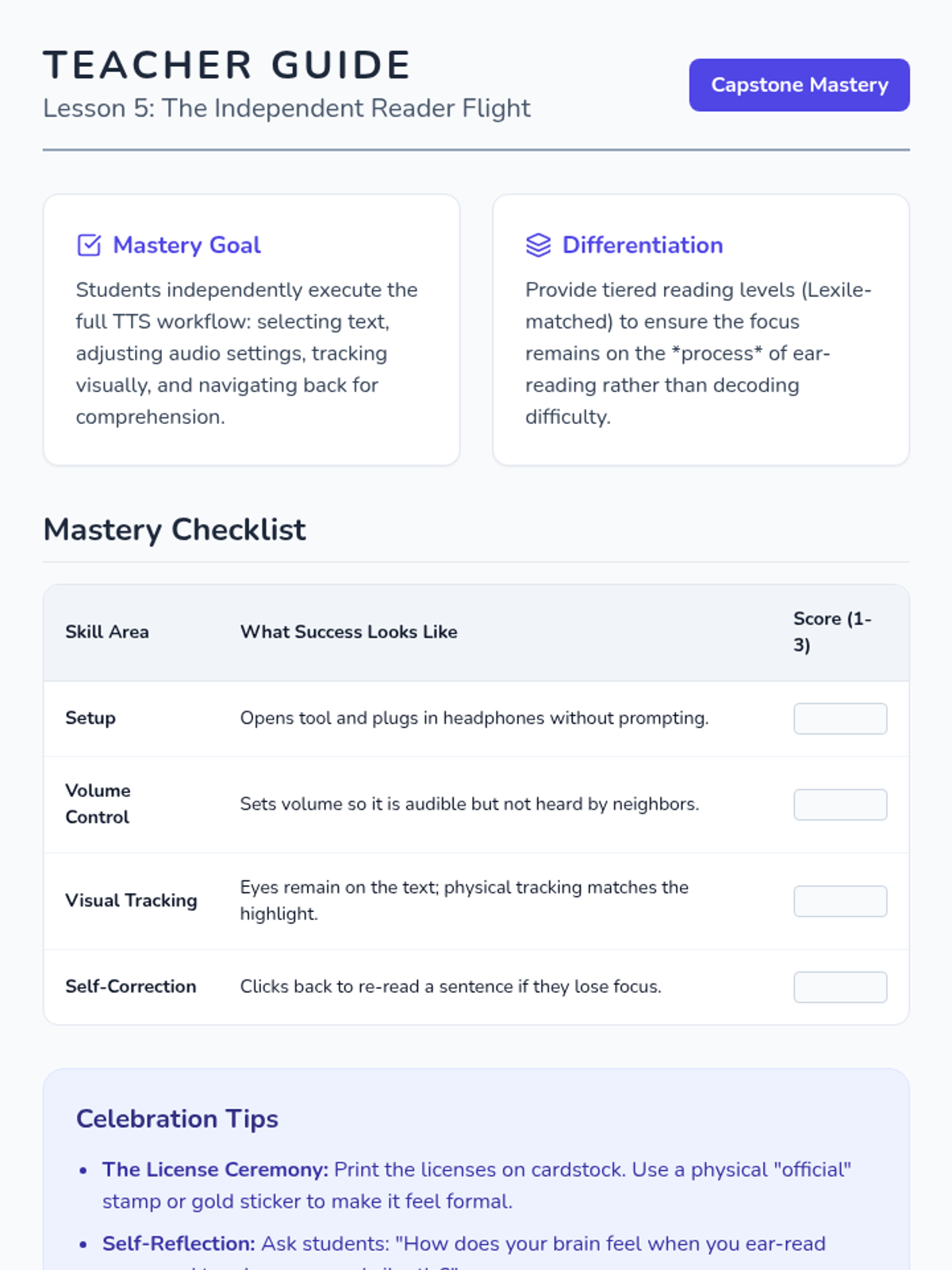
Culminating lesson where students use all learned skills to read a full digital book independently and earn their 'Digital Reader License'.
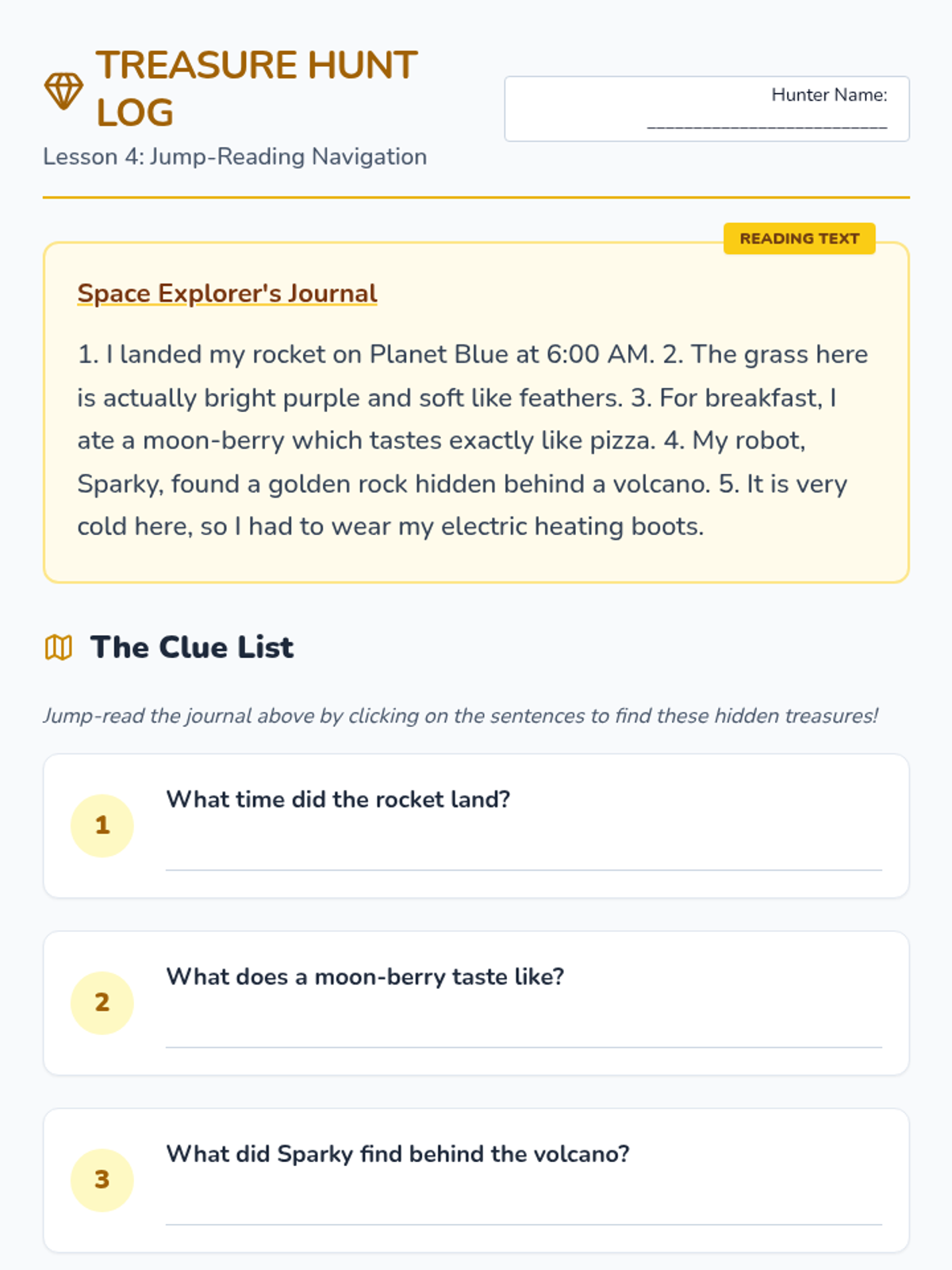
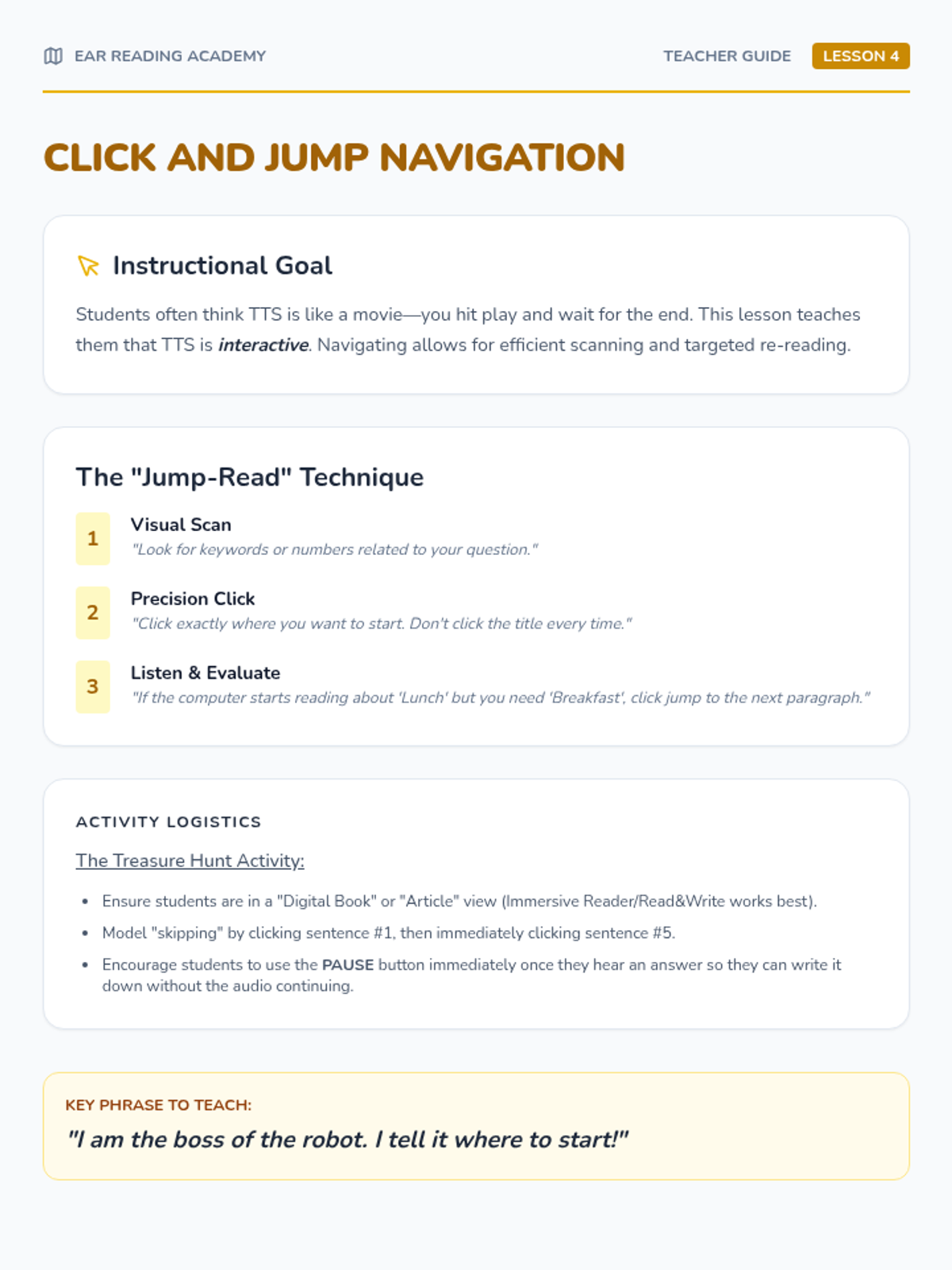
Teaches students how to click specific parts of text to start reading from the middle. Includes a 'treasure hunt' to find details within digital paragraphs.
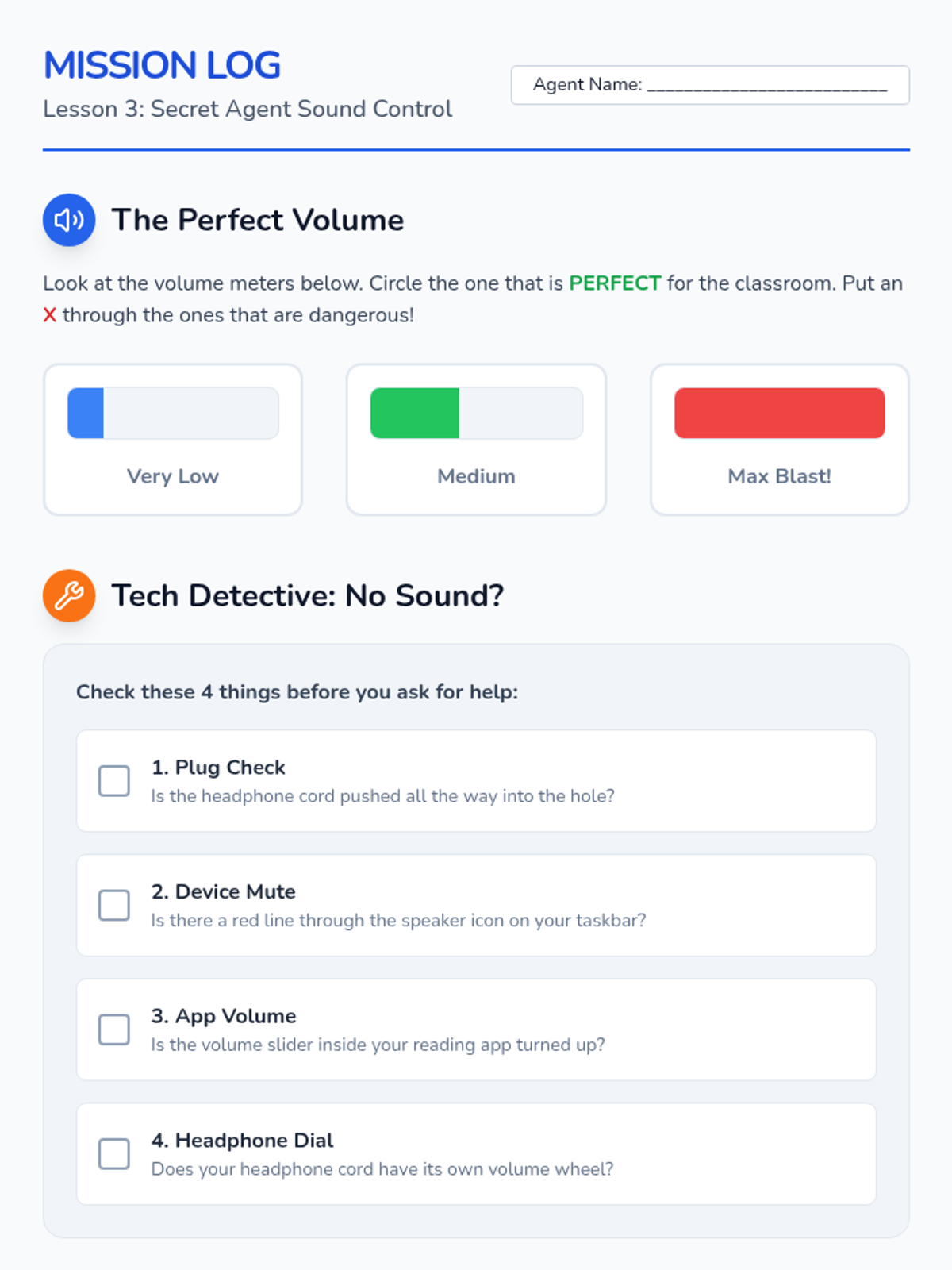
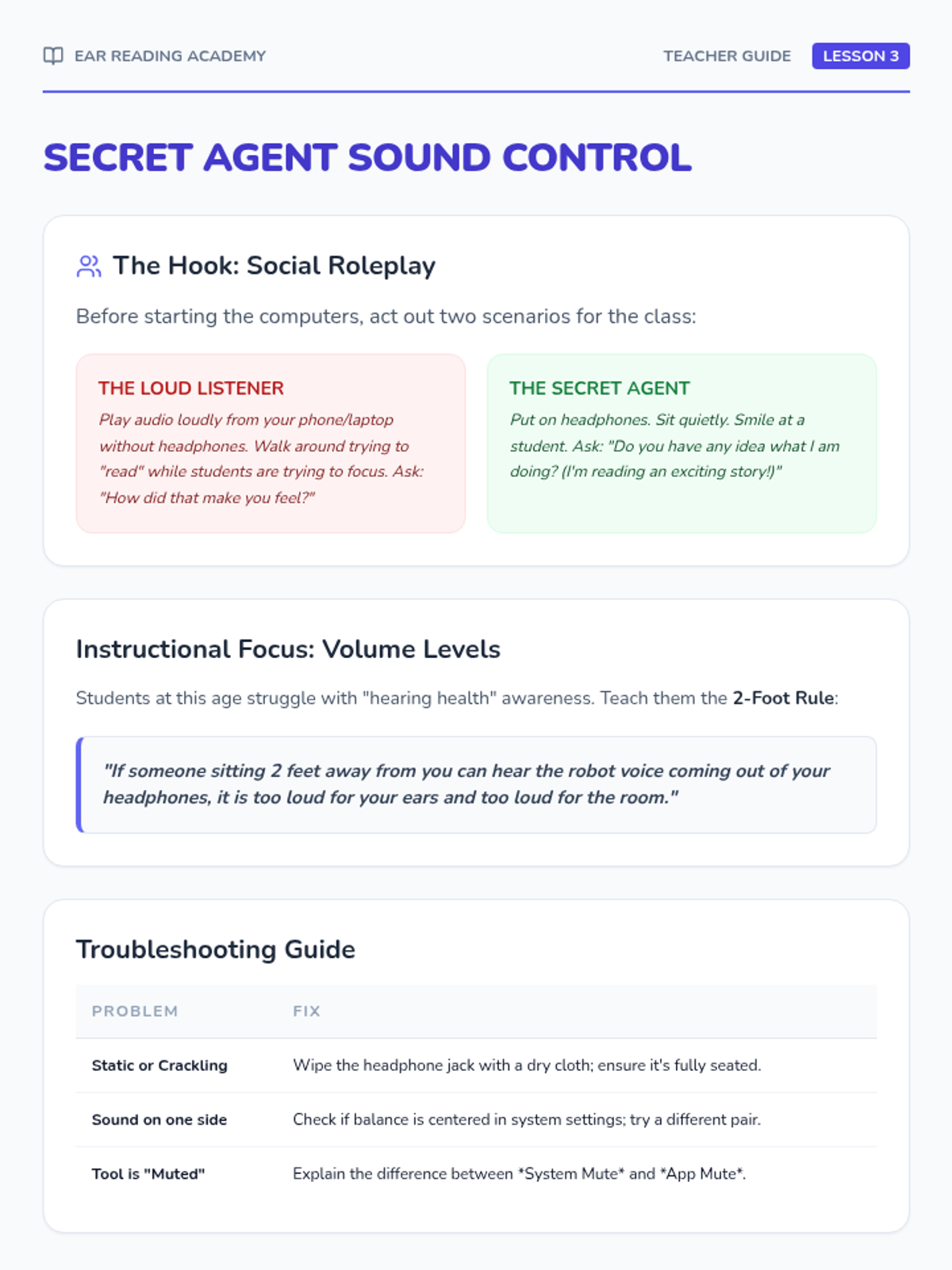
Students learn volume control, headphone management, and digital etiquette. Includes troubleshooting basic connections and role-playing classroom manners.
Focuses on visual tracking while listening. Students use guided activities to point to words as TTS highlights them, building the connection between written and spoken words.
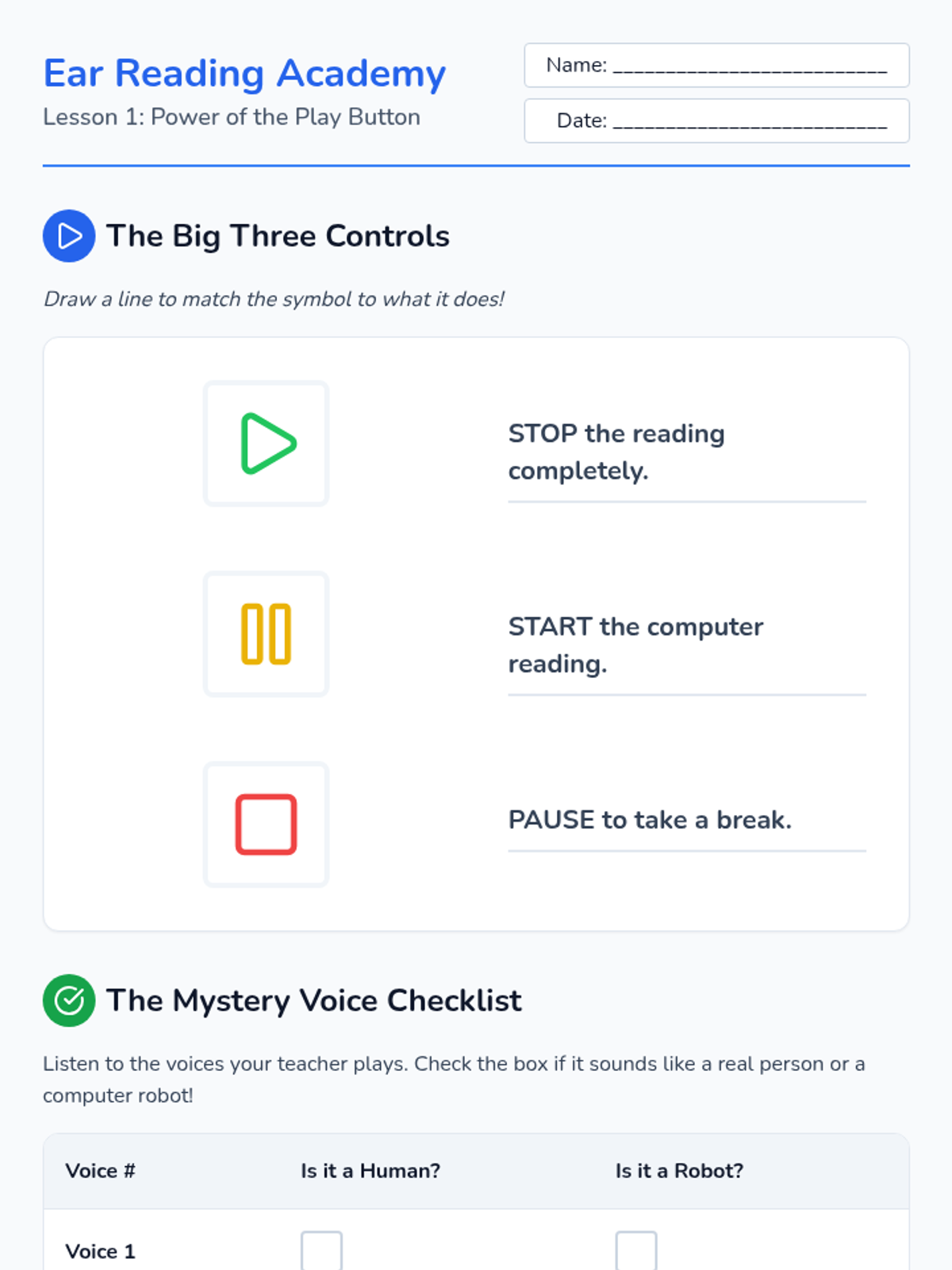
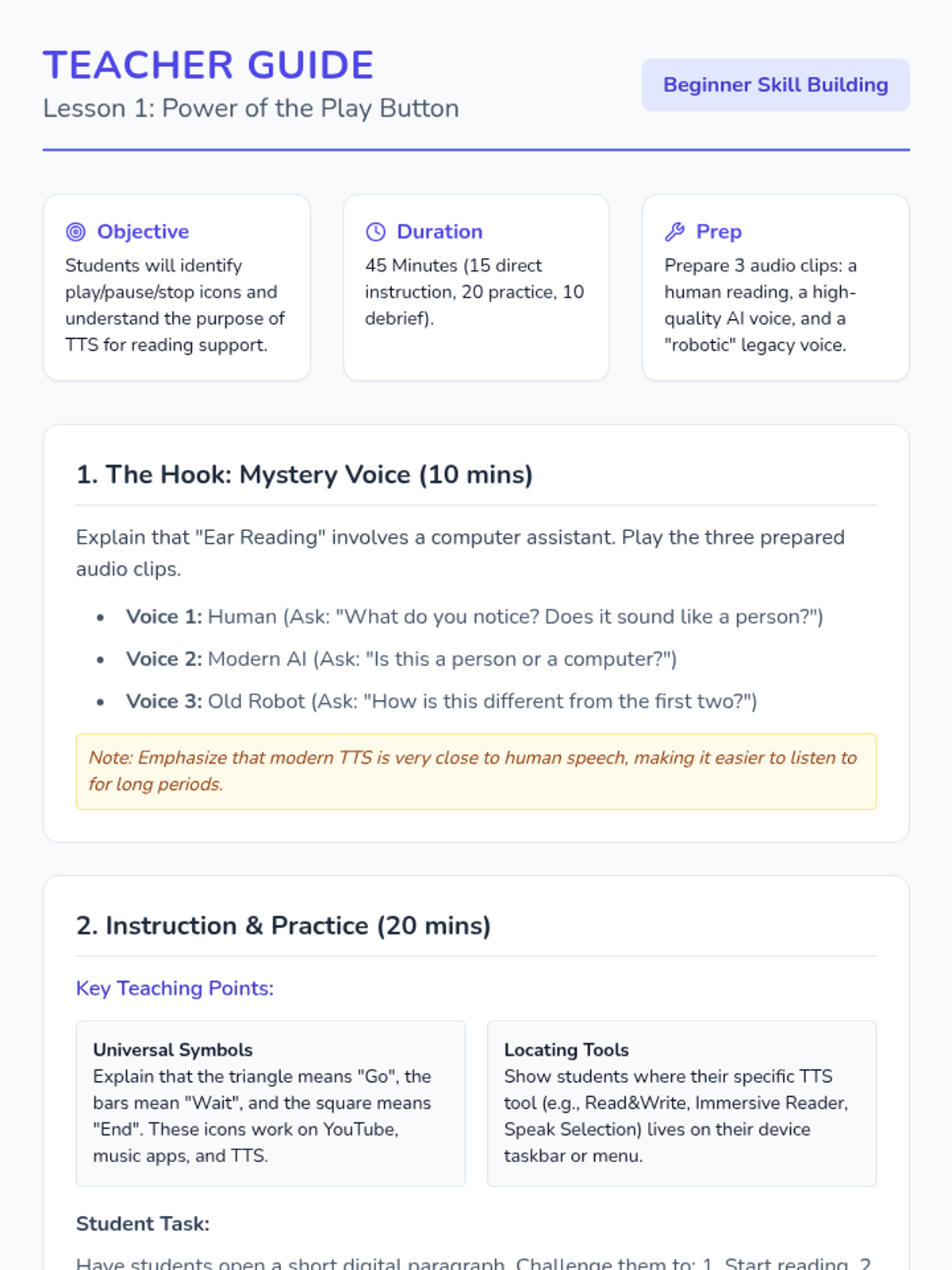
Students explore the concept of a computer reading text aloud and identify the universal symbols for play, pause, and stop. Practice starting and stopping audio on short sentences.
Students present their research findings and reflect on how TTS enabled them to access high-level content independently.
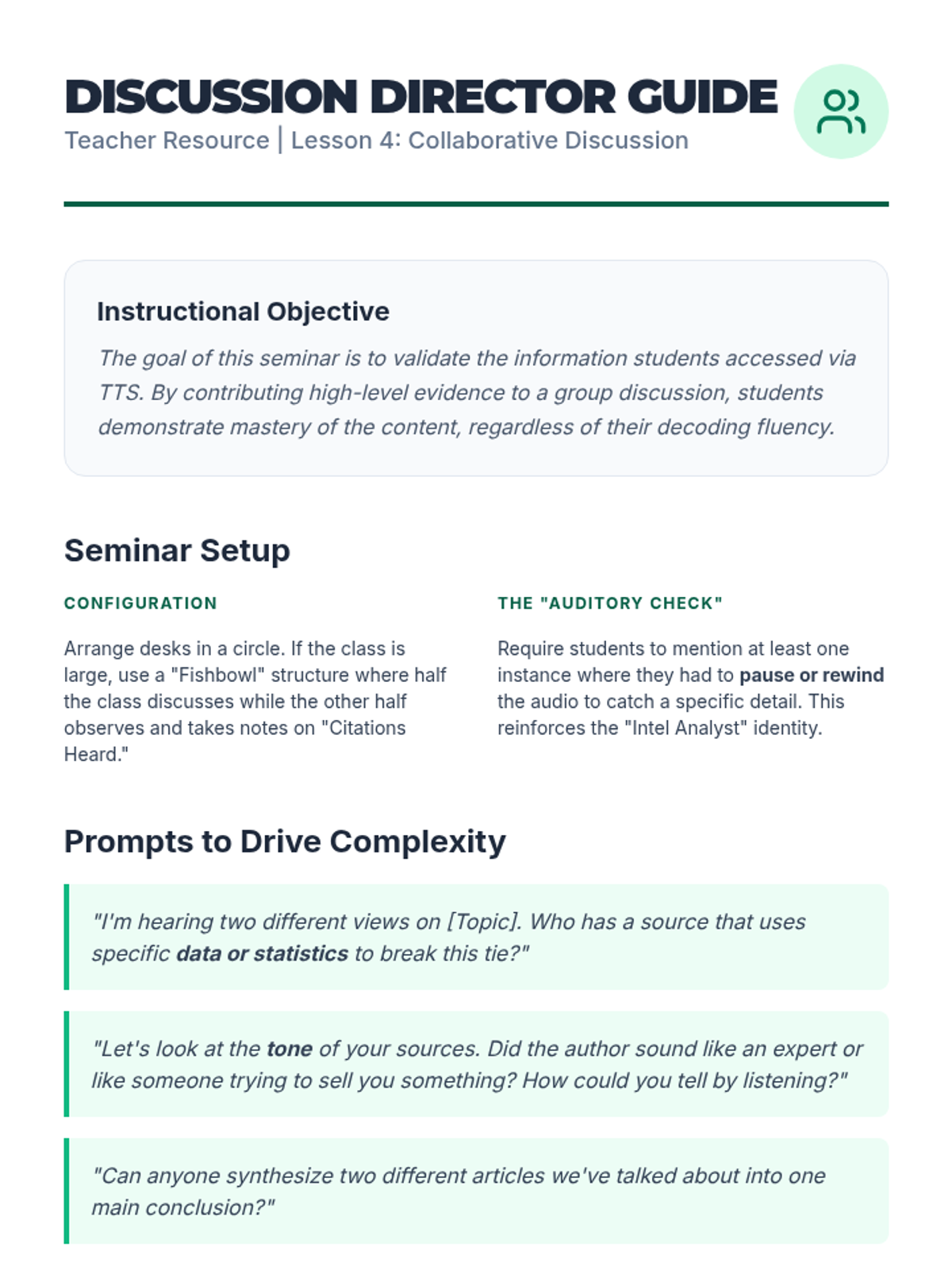
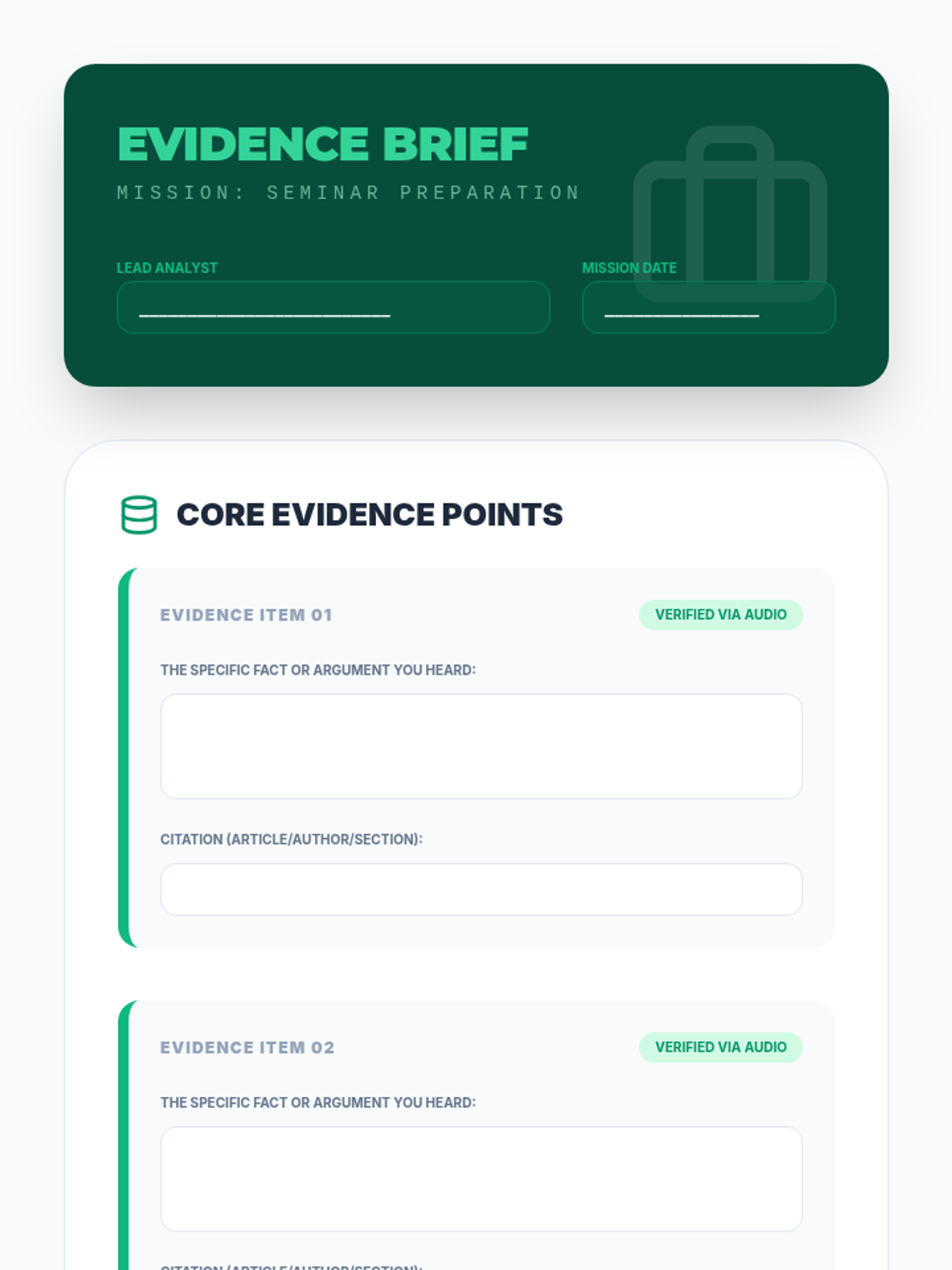
Students participate in a Socratic seminar to discuss information accessed via TTS, practicing evidence citation.
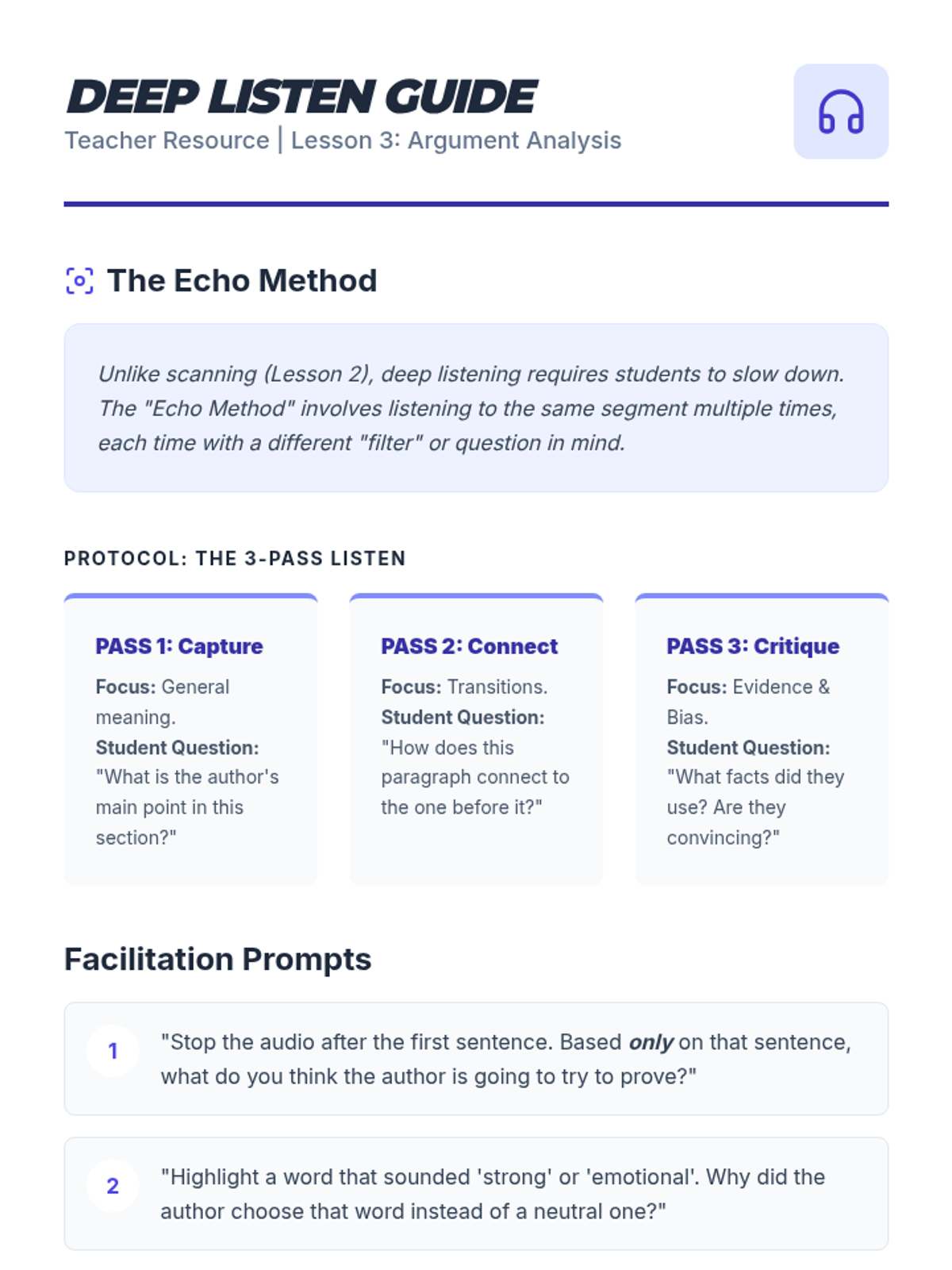
Students use TTS to analyze the author's argument through repeated listening and deconstruction of rhetorical devices.
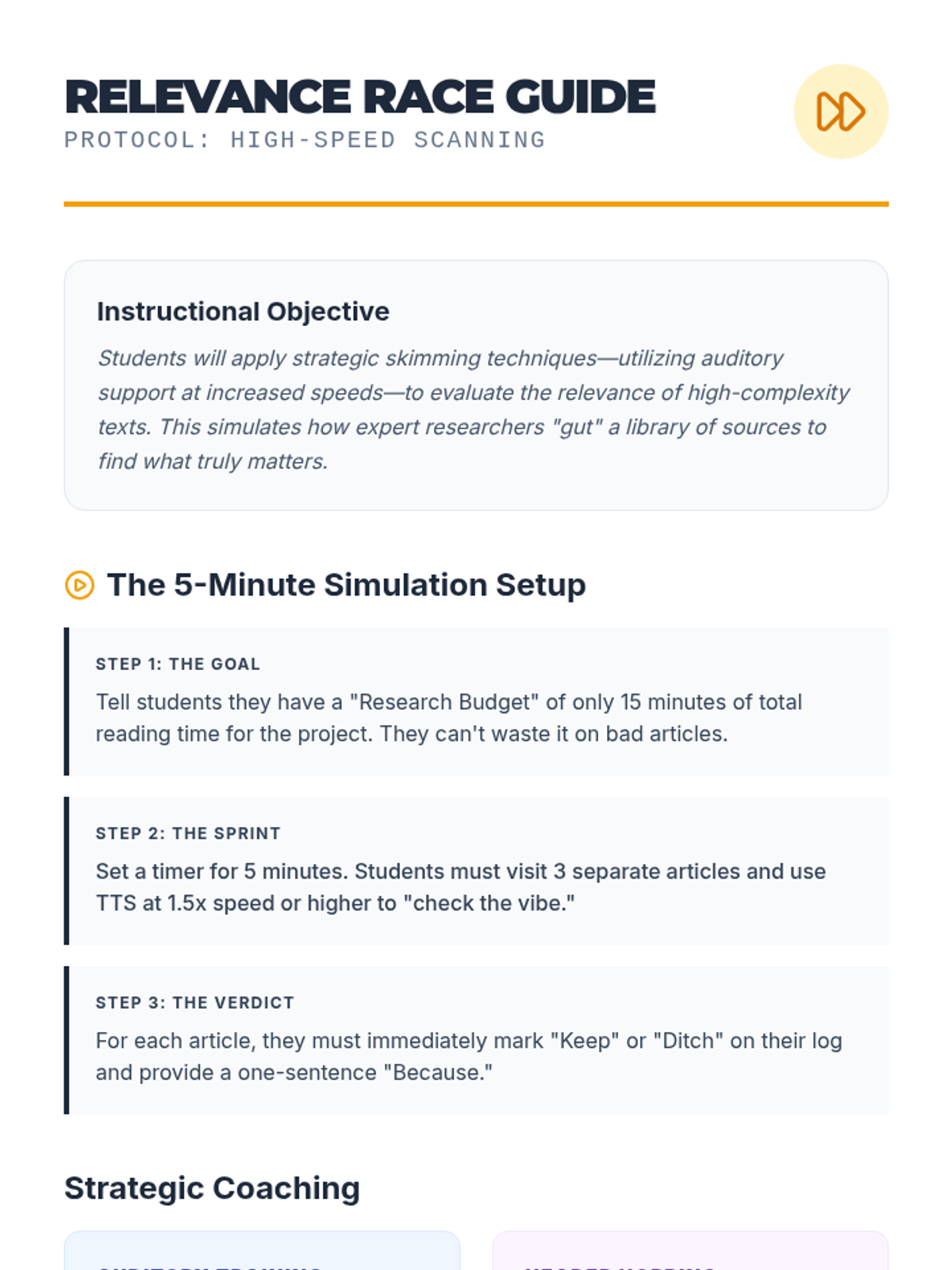
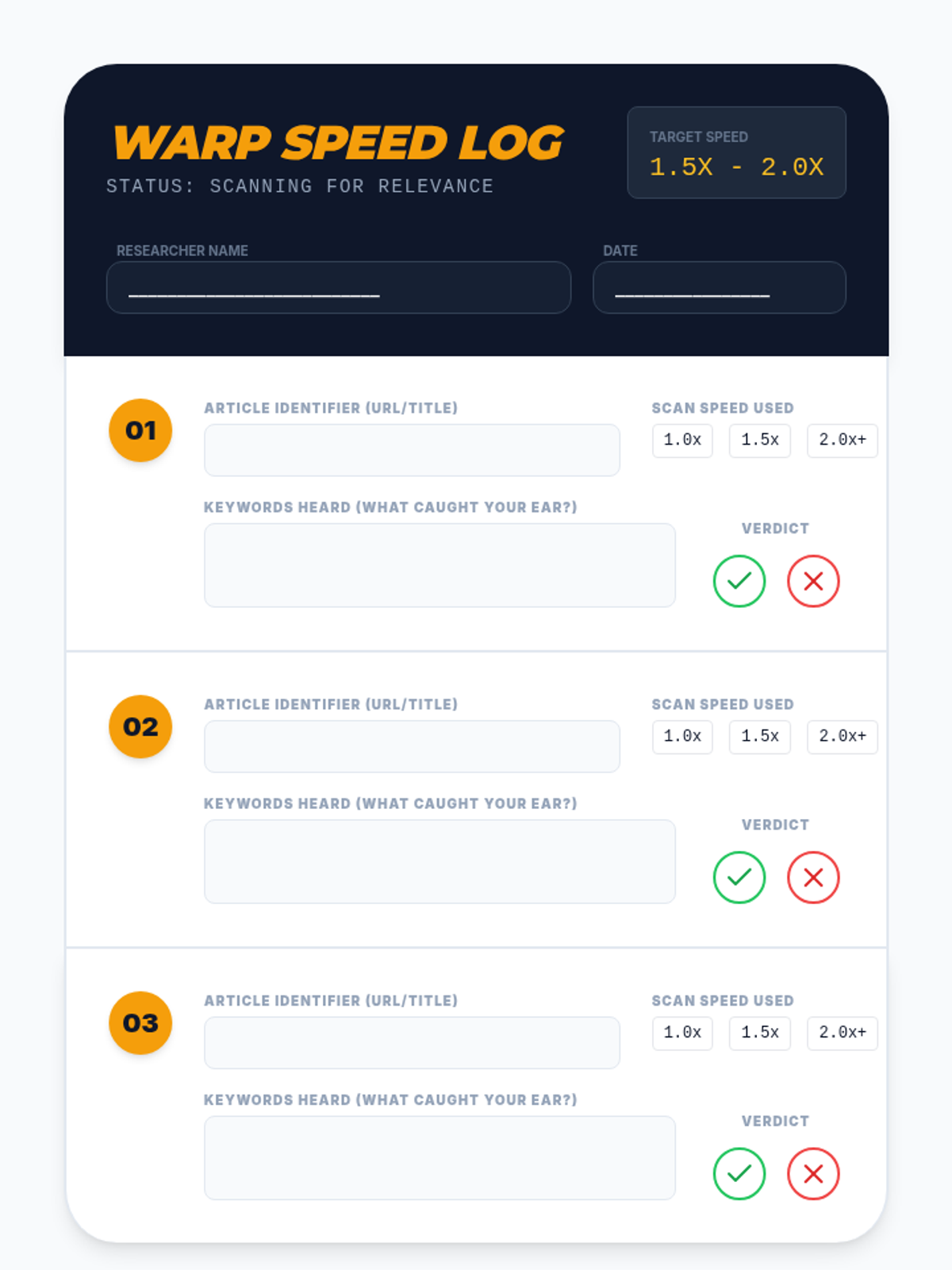
Students practice 'audio scanning' by using accelerated reading speeds to skim headers and introductory sentences for relevance.
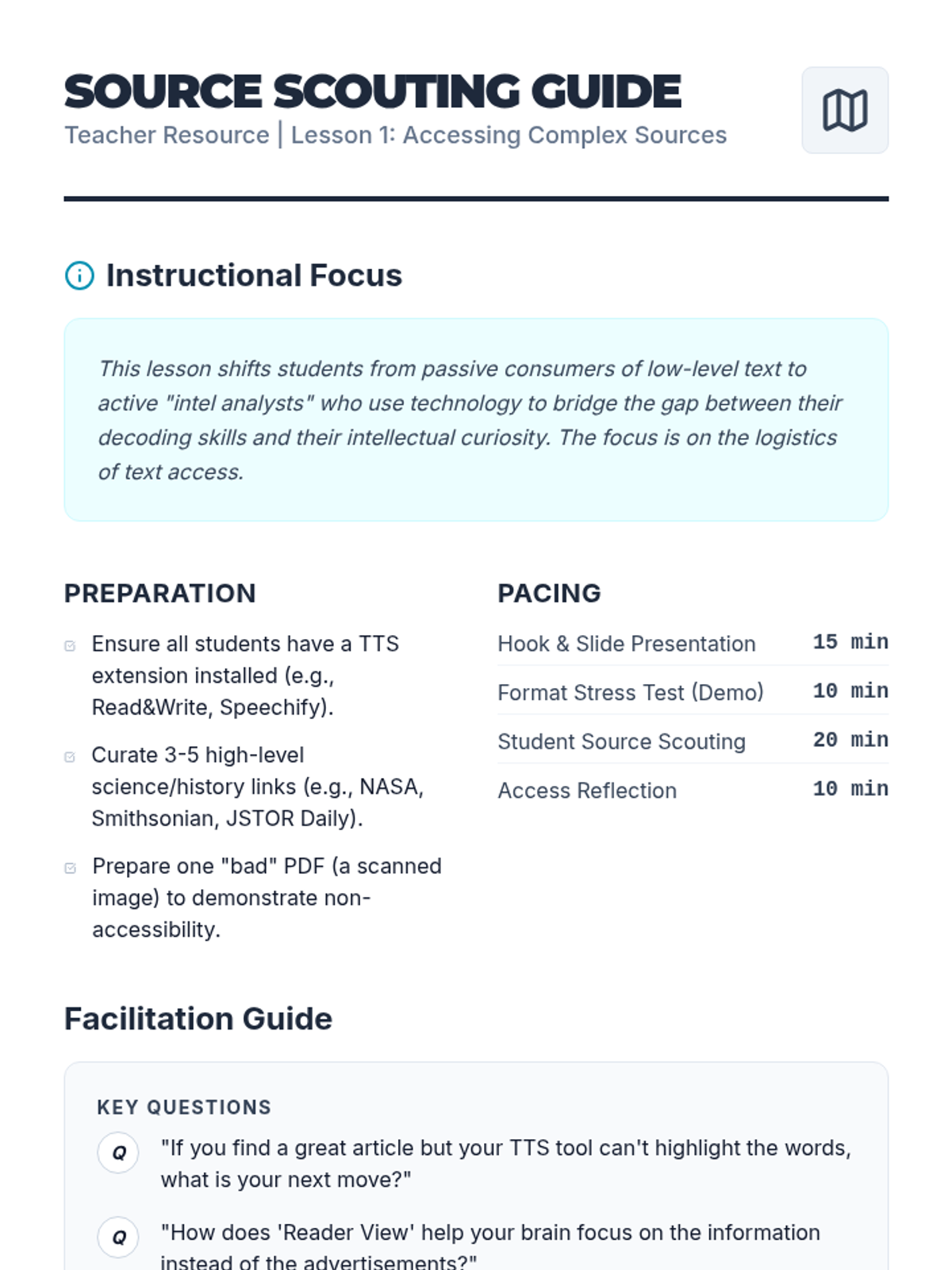
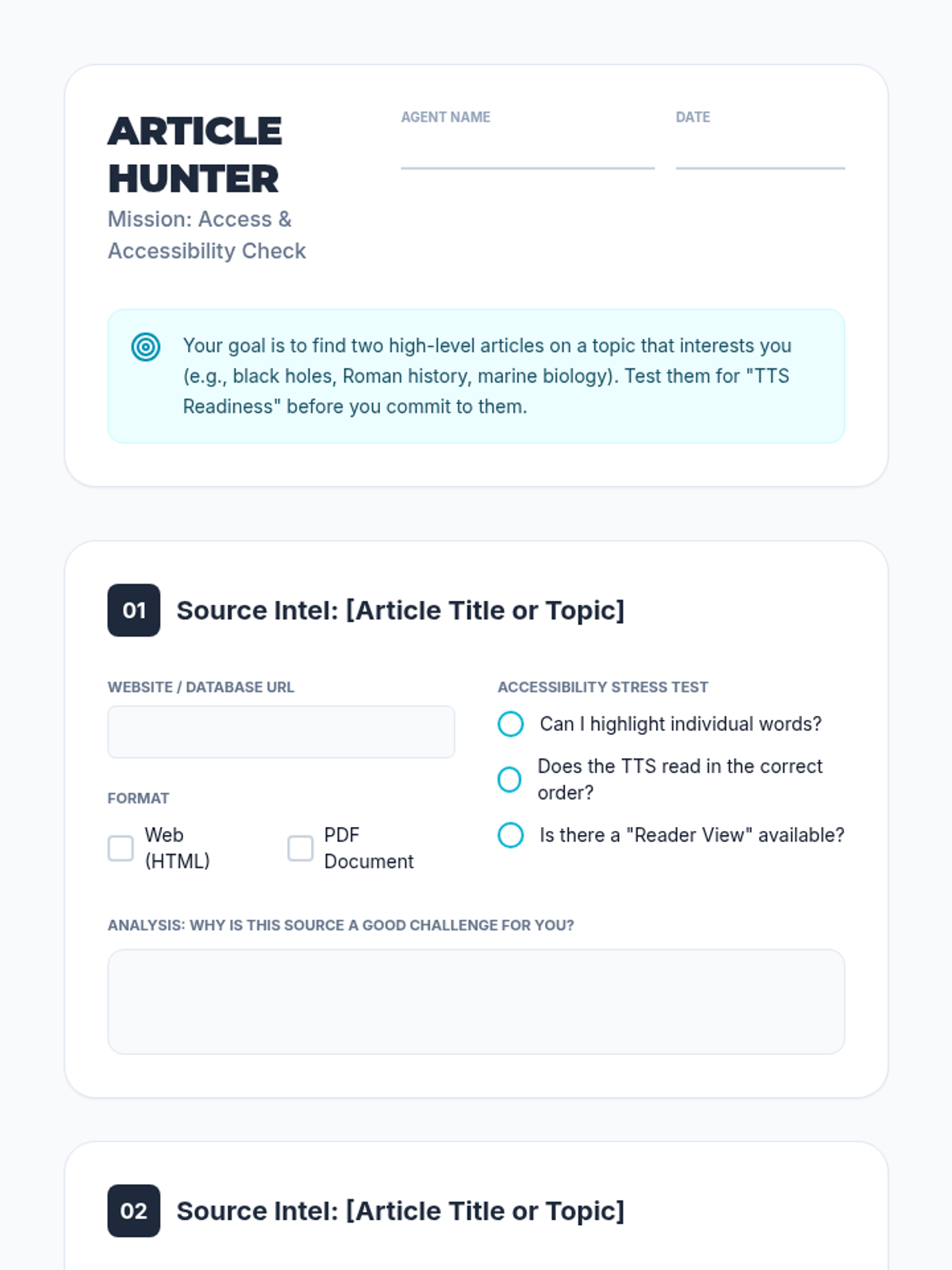
Students learn to identify and import high-level articles into their TTS platform, evaluating different file formats for accessibility.
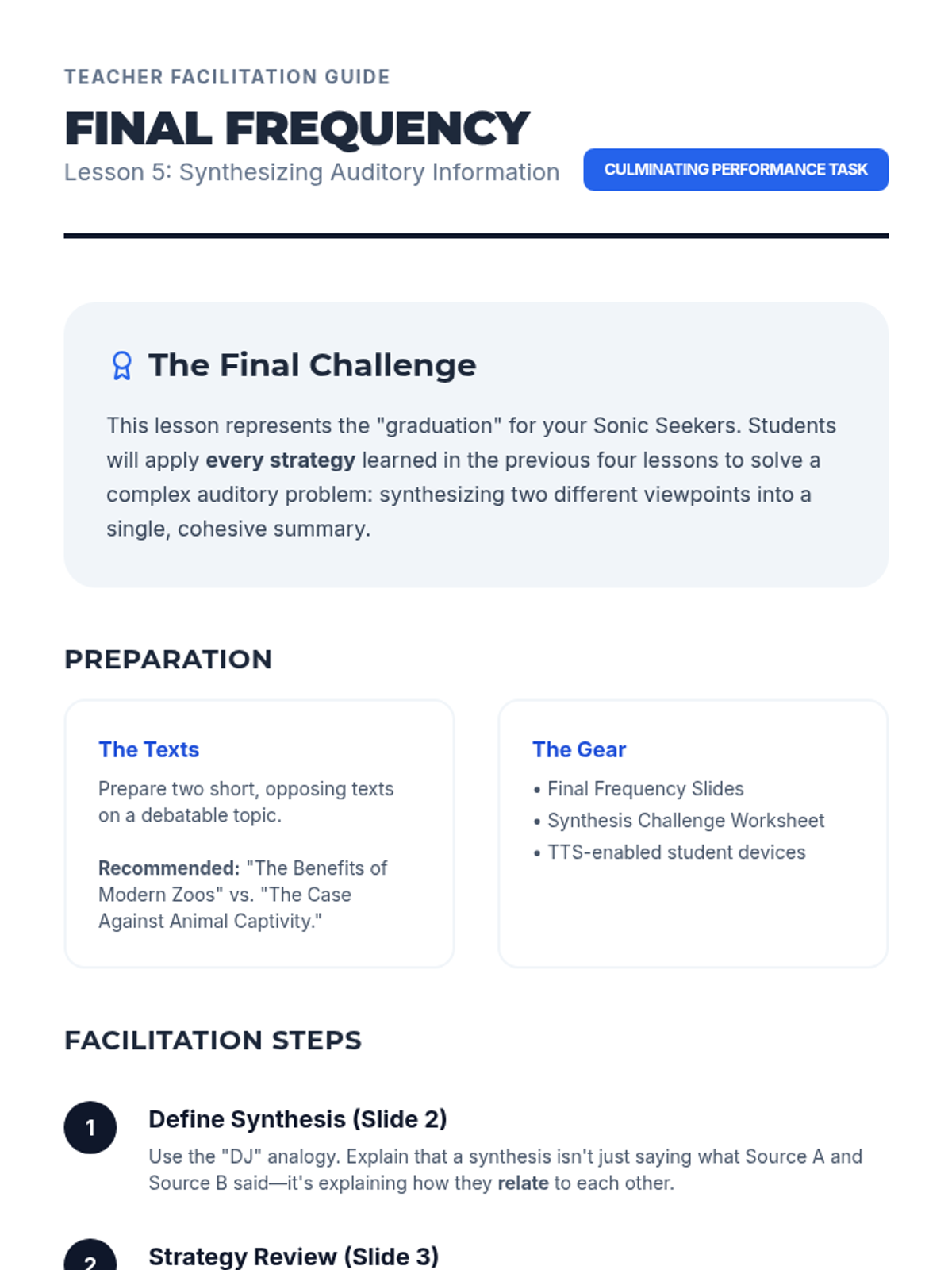
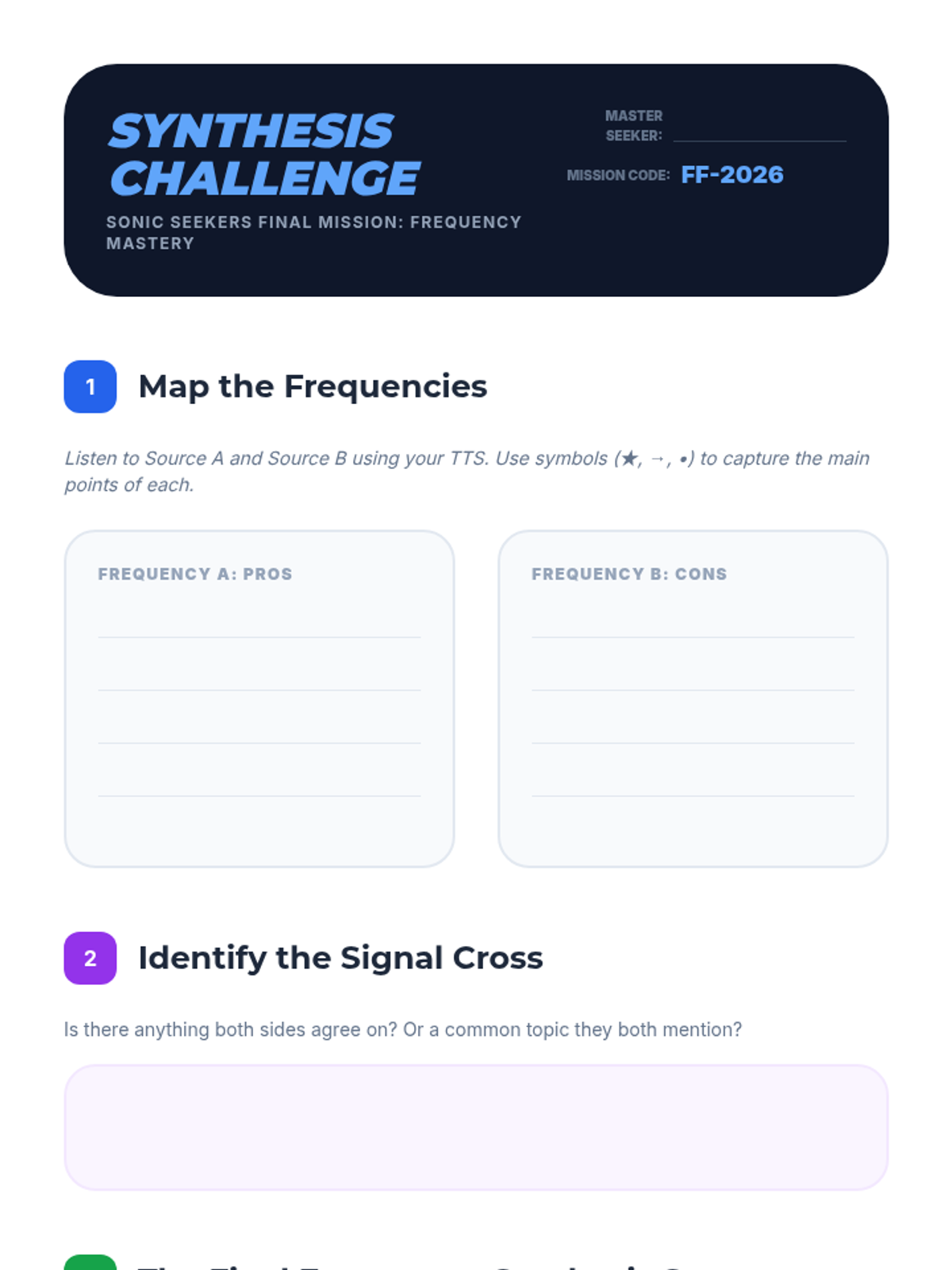
Students listen to two contrasting viewpoints on a topic using TTS and synthesize the information into a coherent summary. This tests their ability to maintain focus and organize auditory information over a longer duration.
Students encounter challenging vocabulary words within a text. They use TTS to hear proper pronunciation and use context clues from the audio flow to define words before checking definitions.
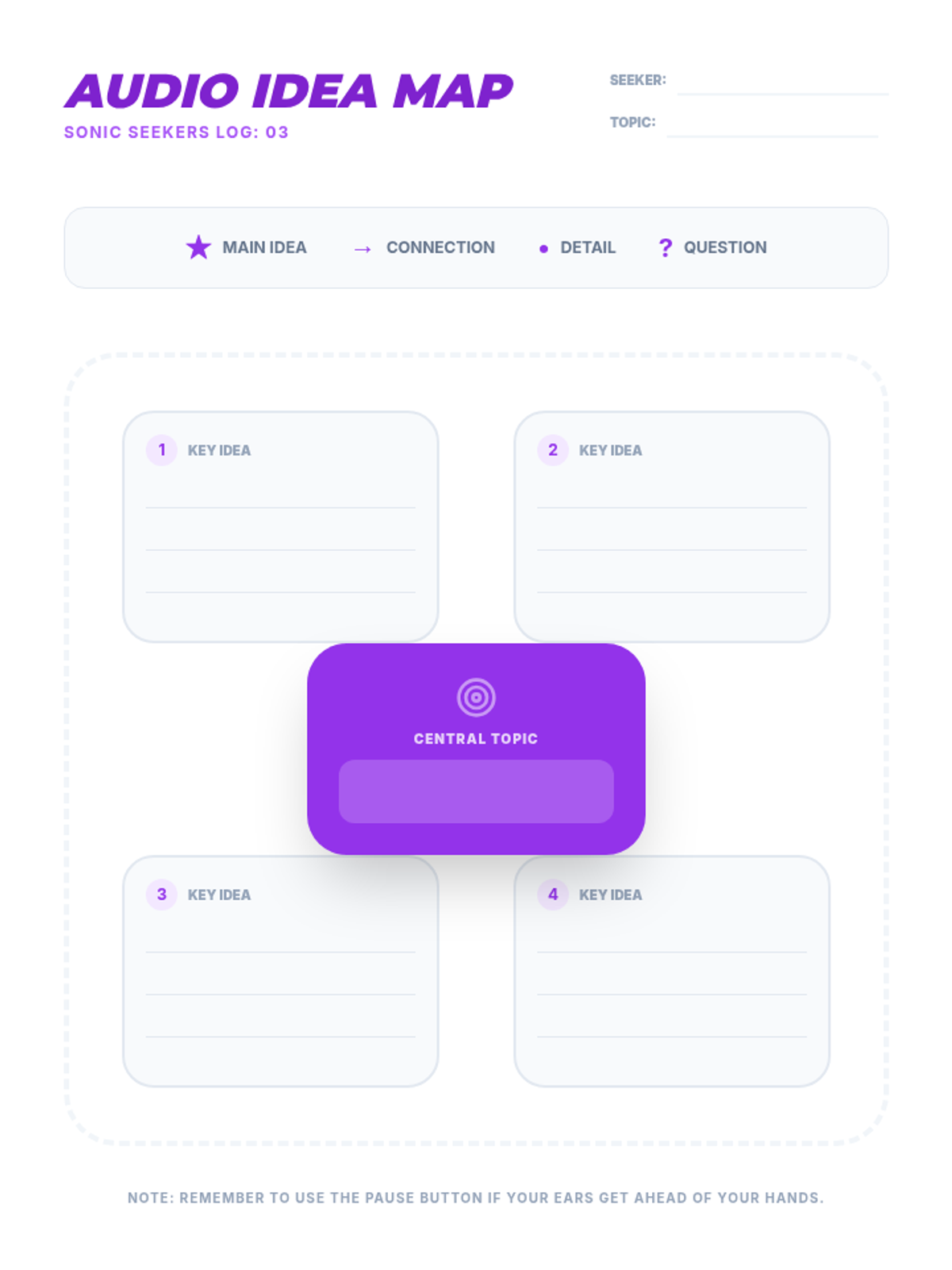
This lesson introduces graphic organizers designed for auditory learners. Students practice listening to a TTS-read article and simultaneously mapping out key ideas and supporting details.
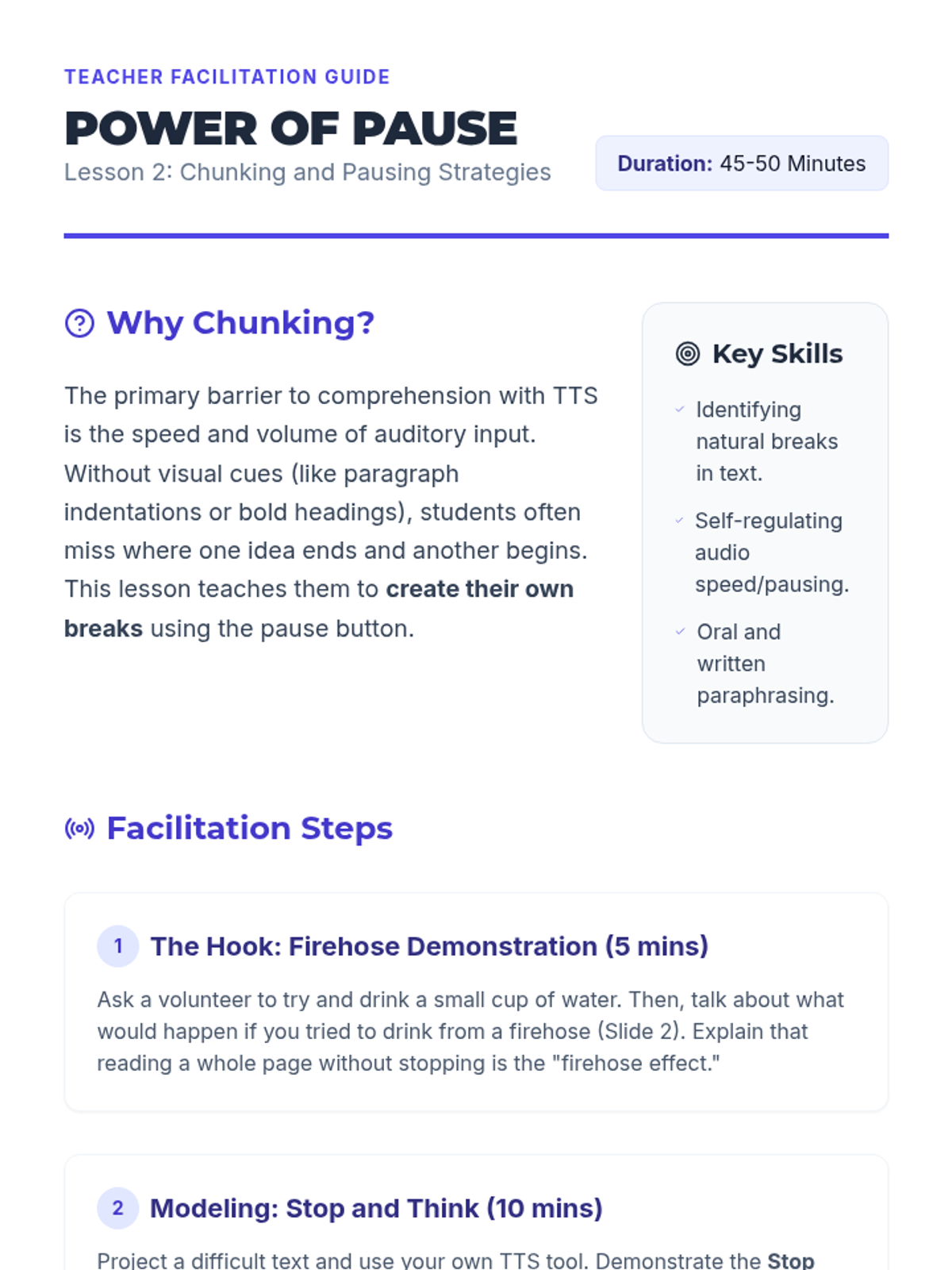
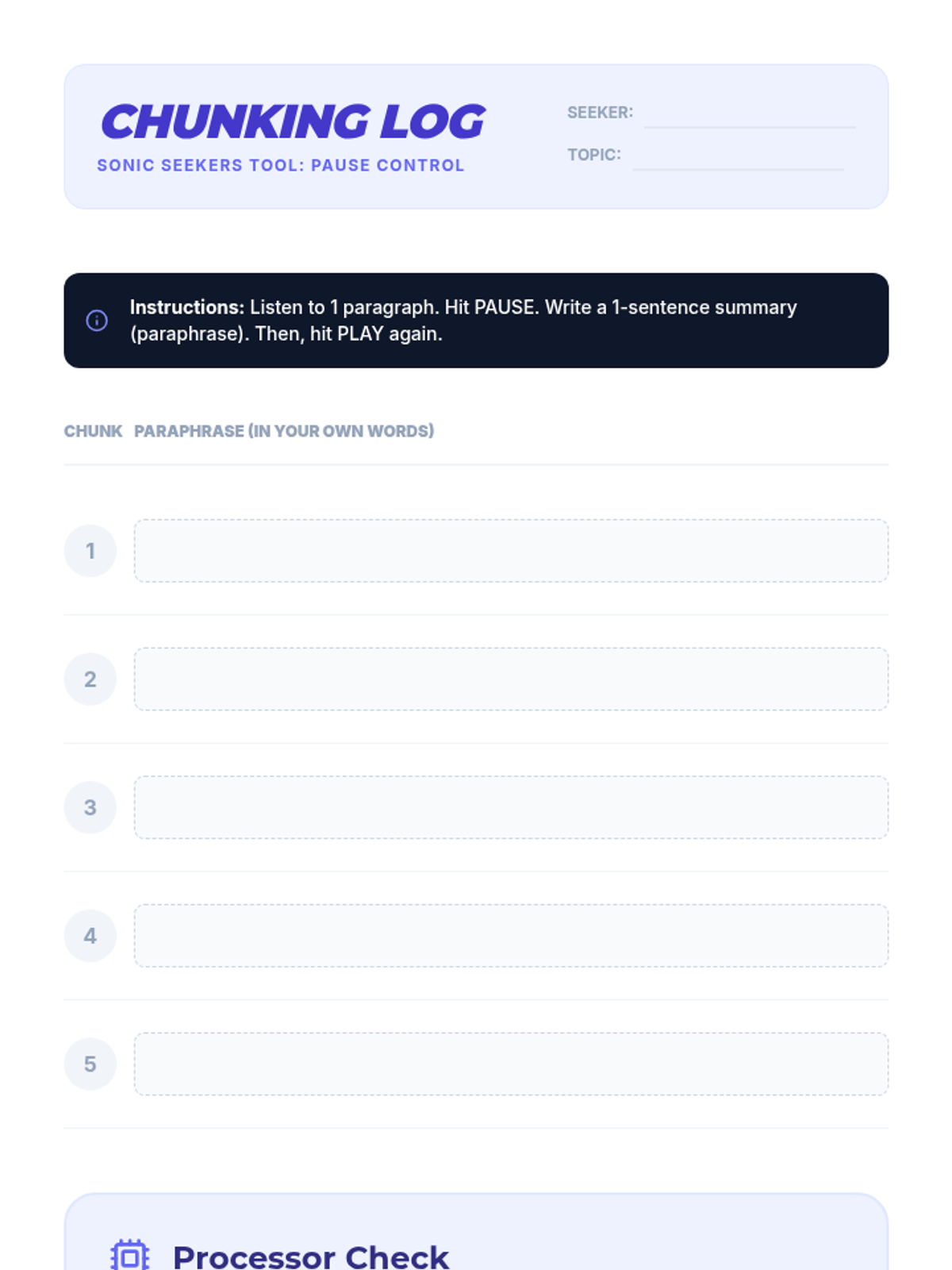
Students learn the 'Stop and Think' method, using the pause button to break dense text into manageable chunks. They practice paraphrasing orally or in writing after every segment played by the TTS tool.
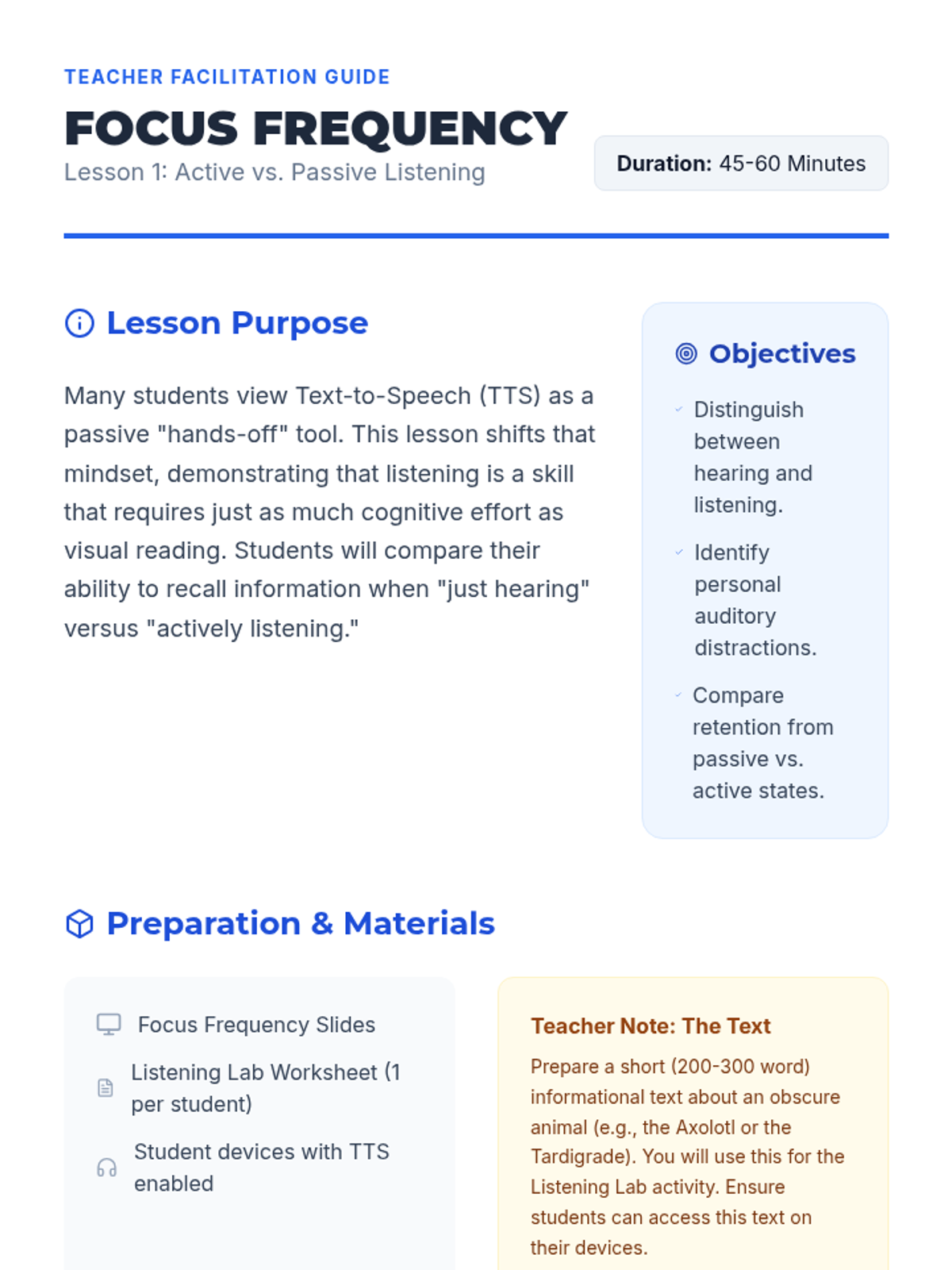
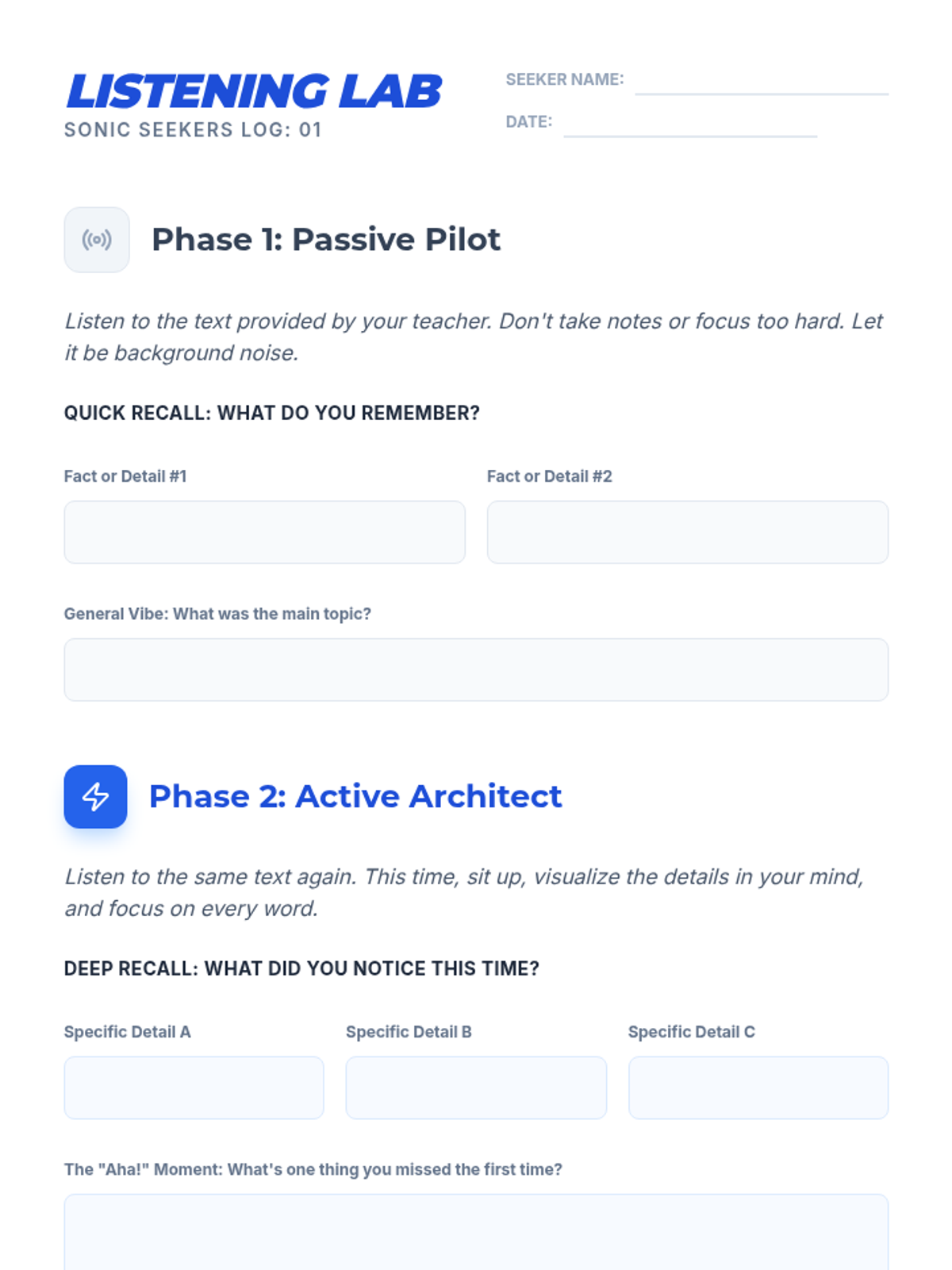
Students compare retention when passively listening to TTS versus active engagement. They identify distractions and brainstorm environments and behaviors that support deep listening.
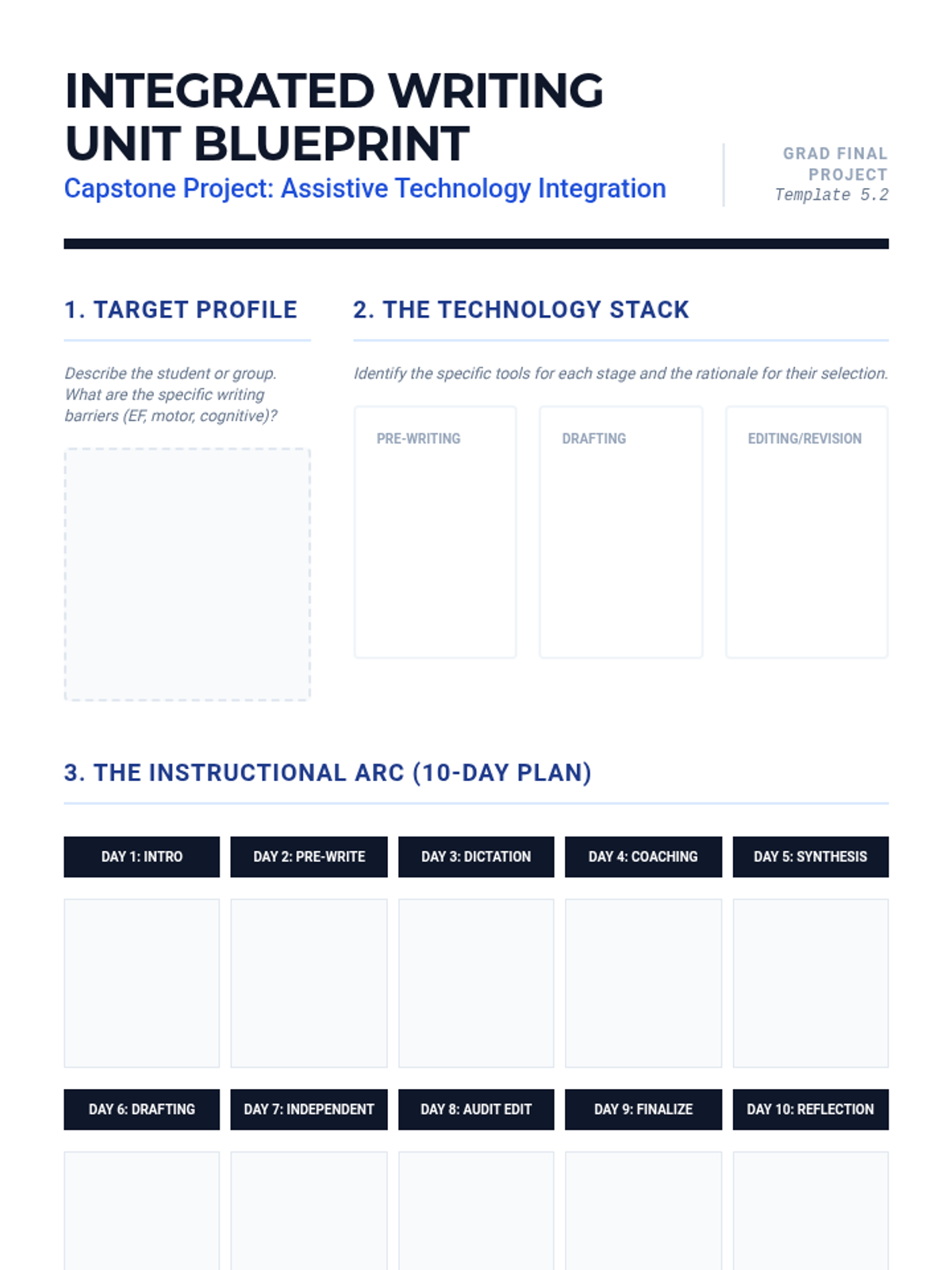
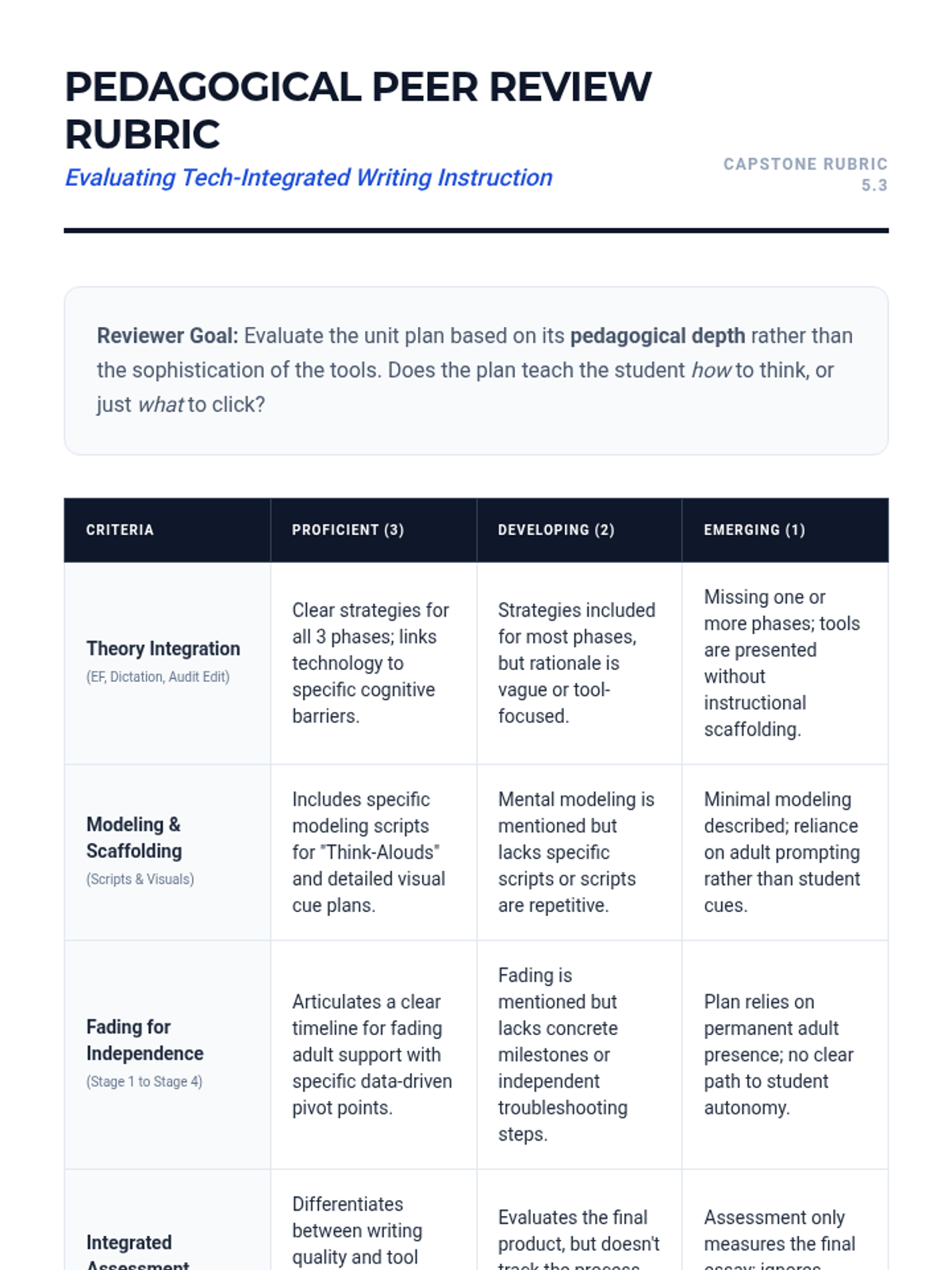
A synthesis lesson where participants design a 2-week writing unit integrating assistive technology. Includes modeling, guided practice, and assessment of tech-integrated writing products.
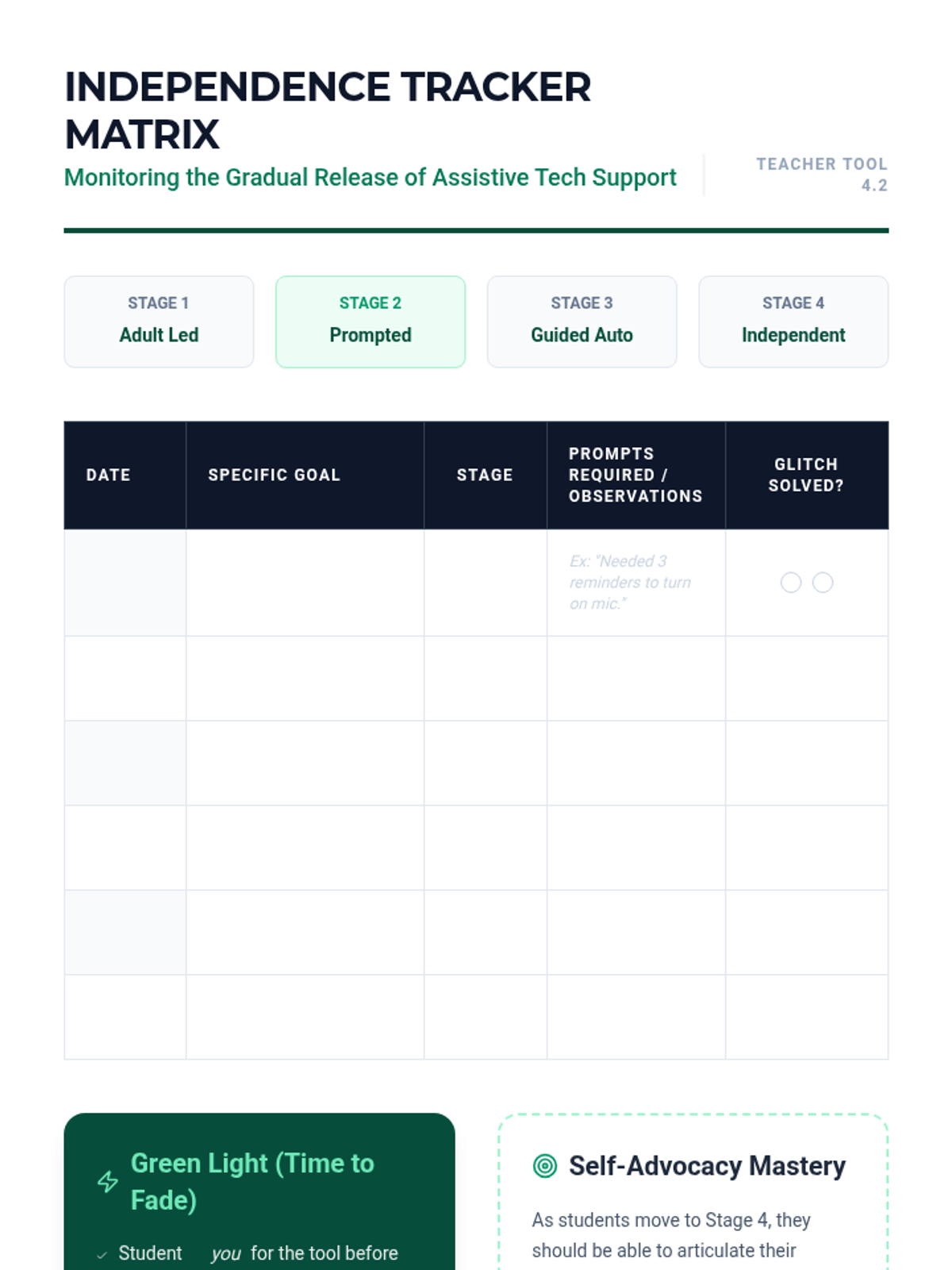
Addresses the transition from adult-prompted technology use to student independence. Focuses on data-driven fading plans and teaching students to manage their own troubleshooting.
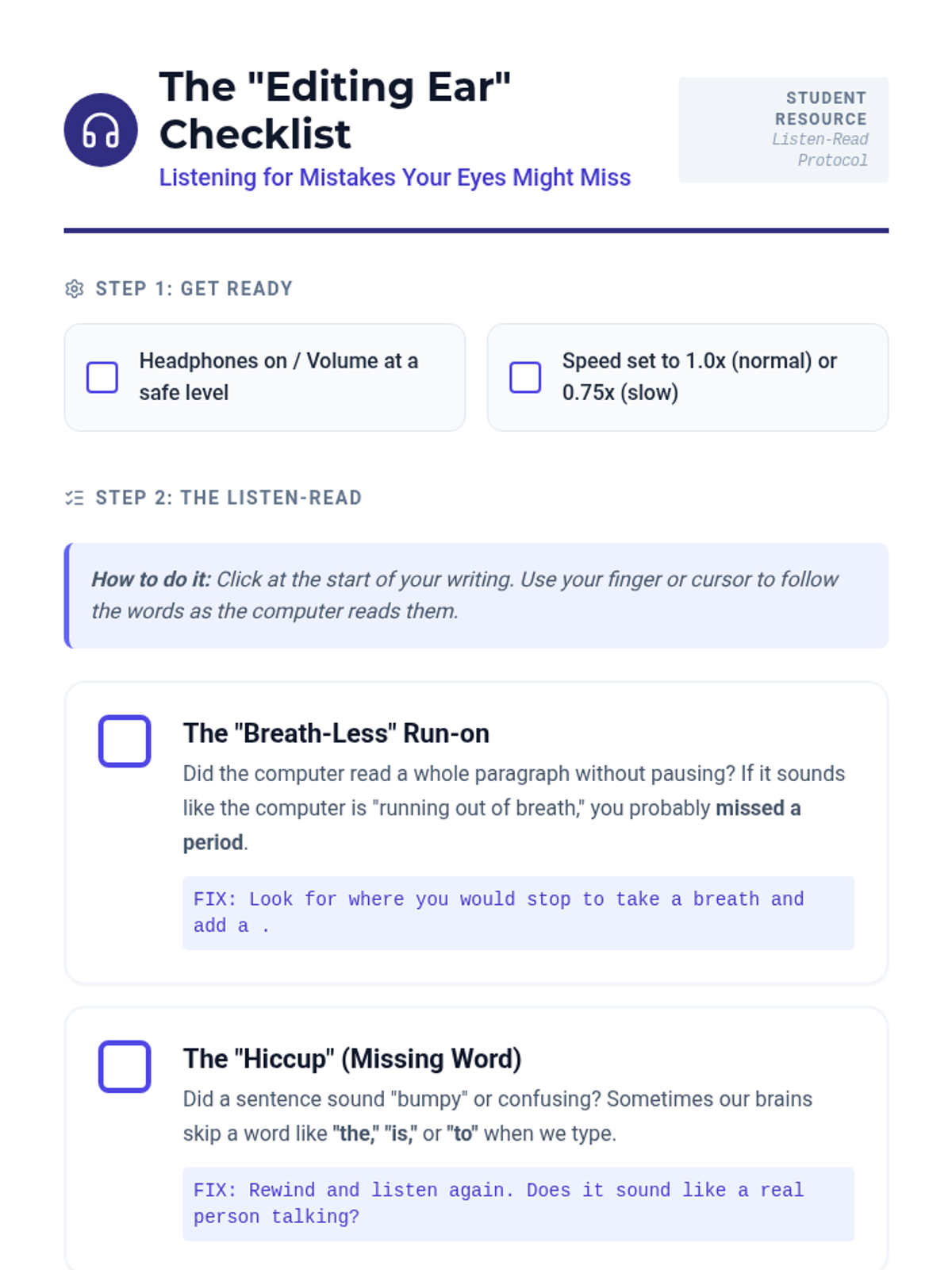
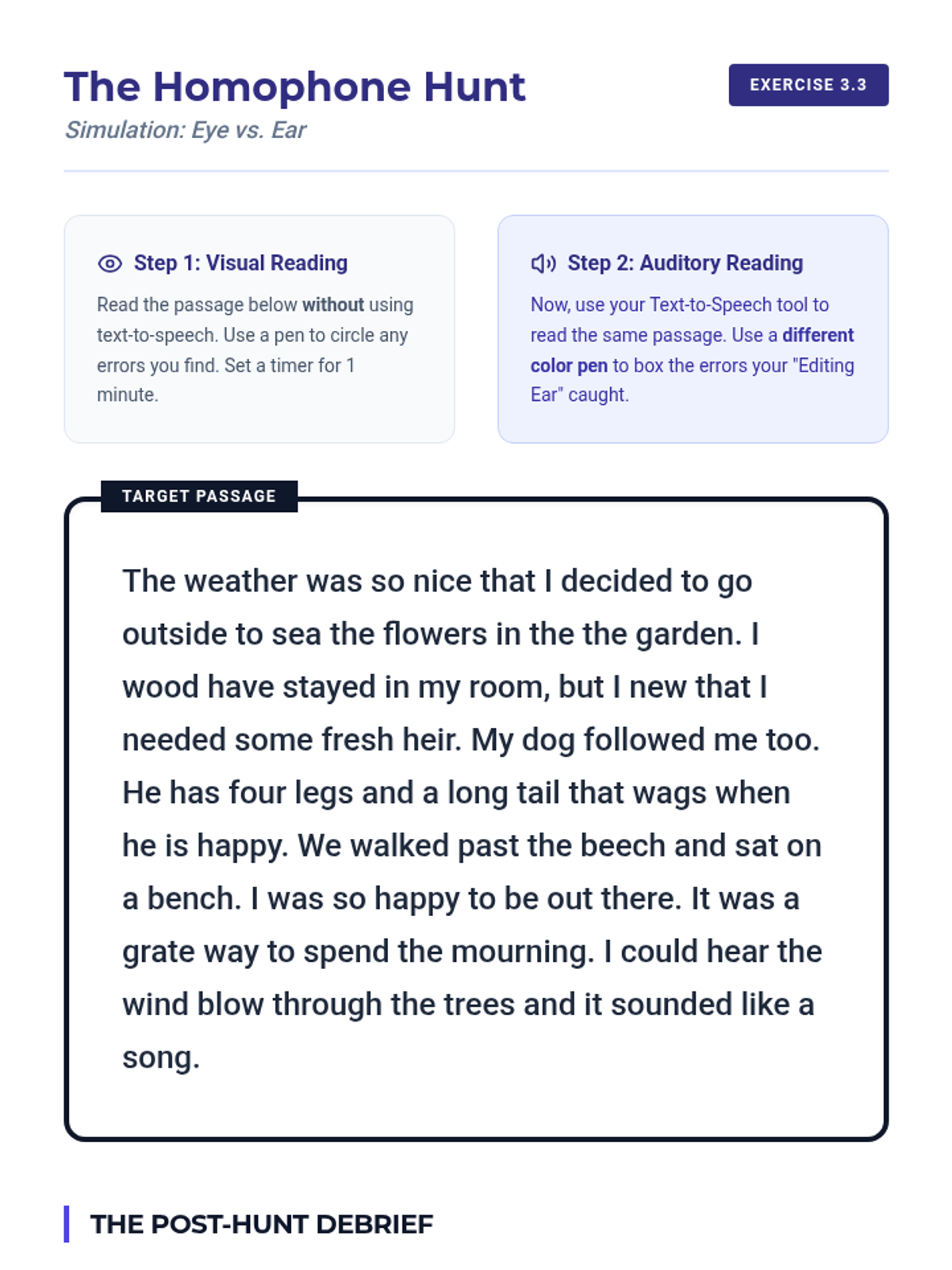
Teaches the 'Listen-Read' method for auditory editing using Text-to-Speech (TTS). Participants develop student checklists to catch syntax errors and omissions that visual reading might miss.
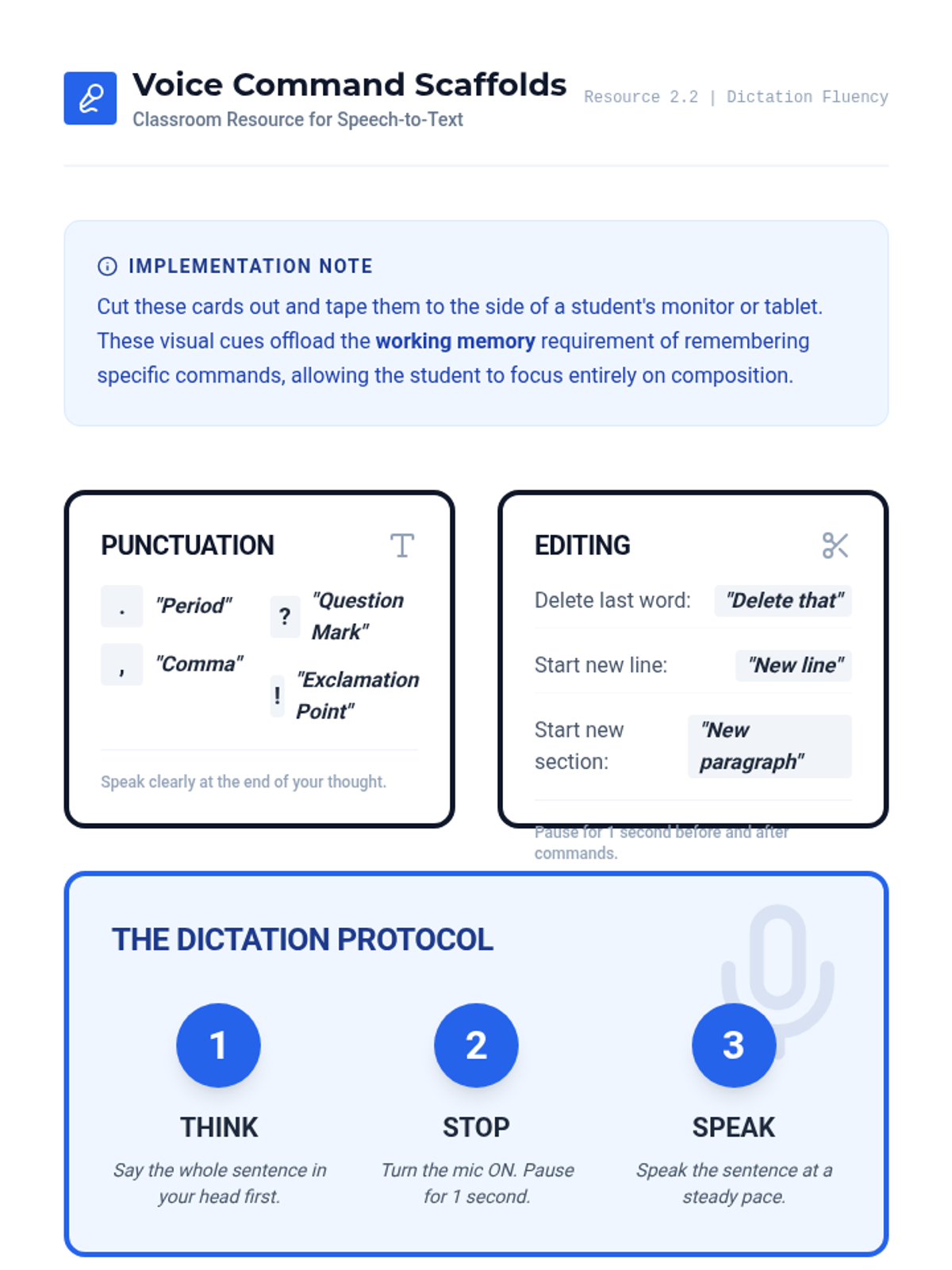
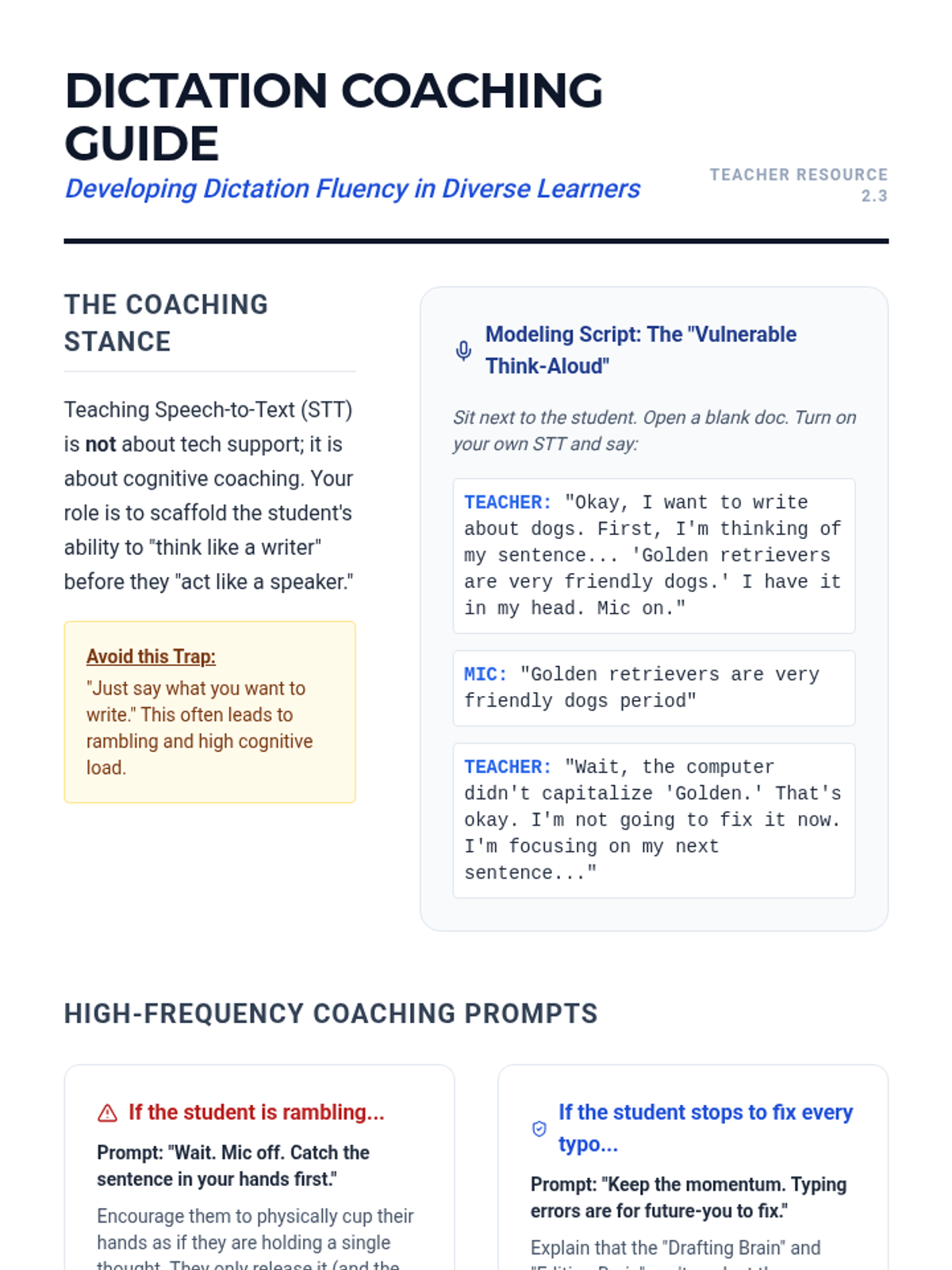
Focuses on 'dictation fluency' and the coaching techniques required for effective speech-to-text use. Covers 'think-alouds', short-burst drafting, and creating visual scaffolds for voice commands.
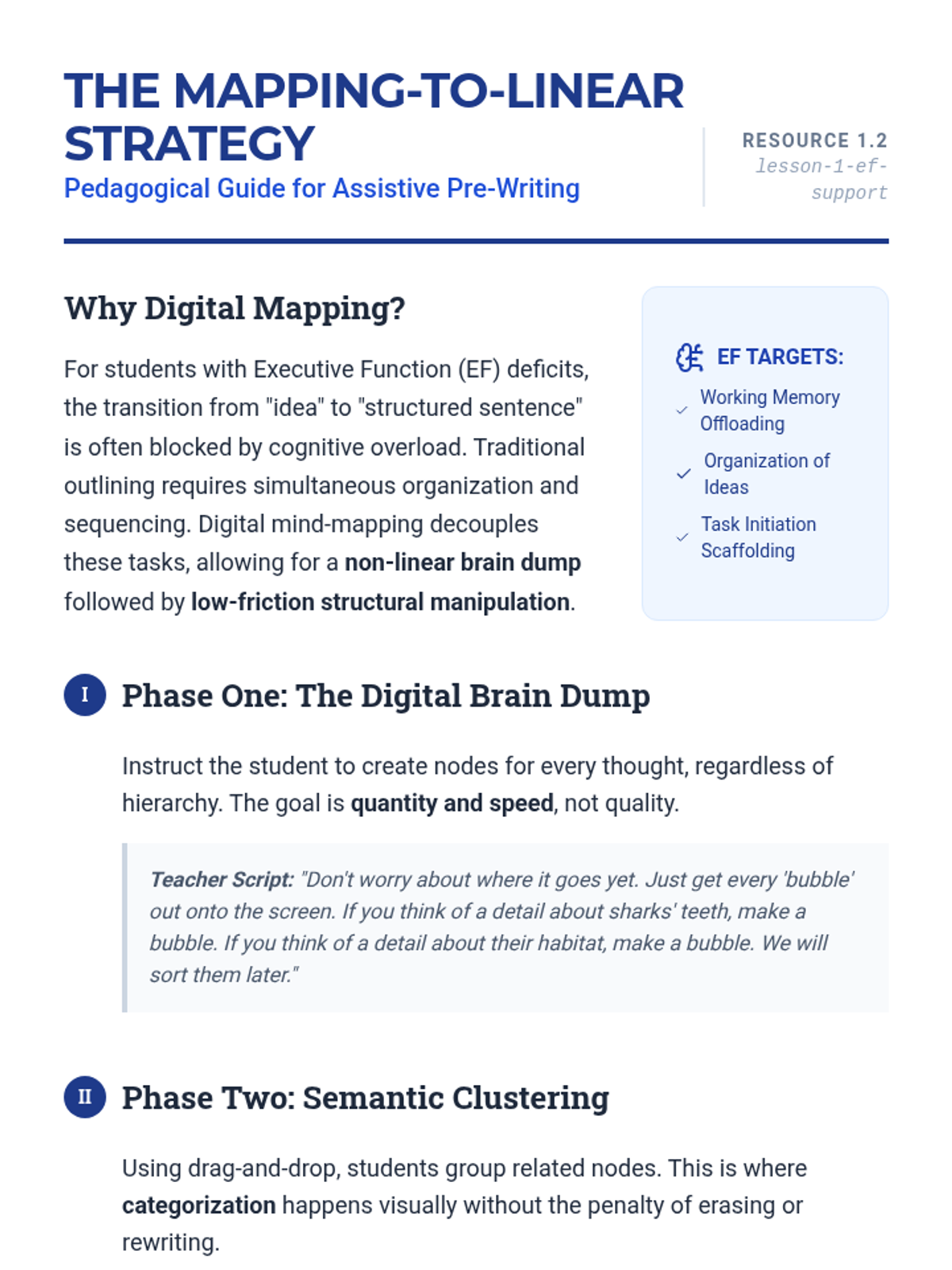
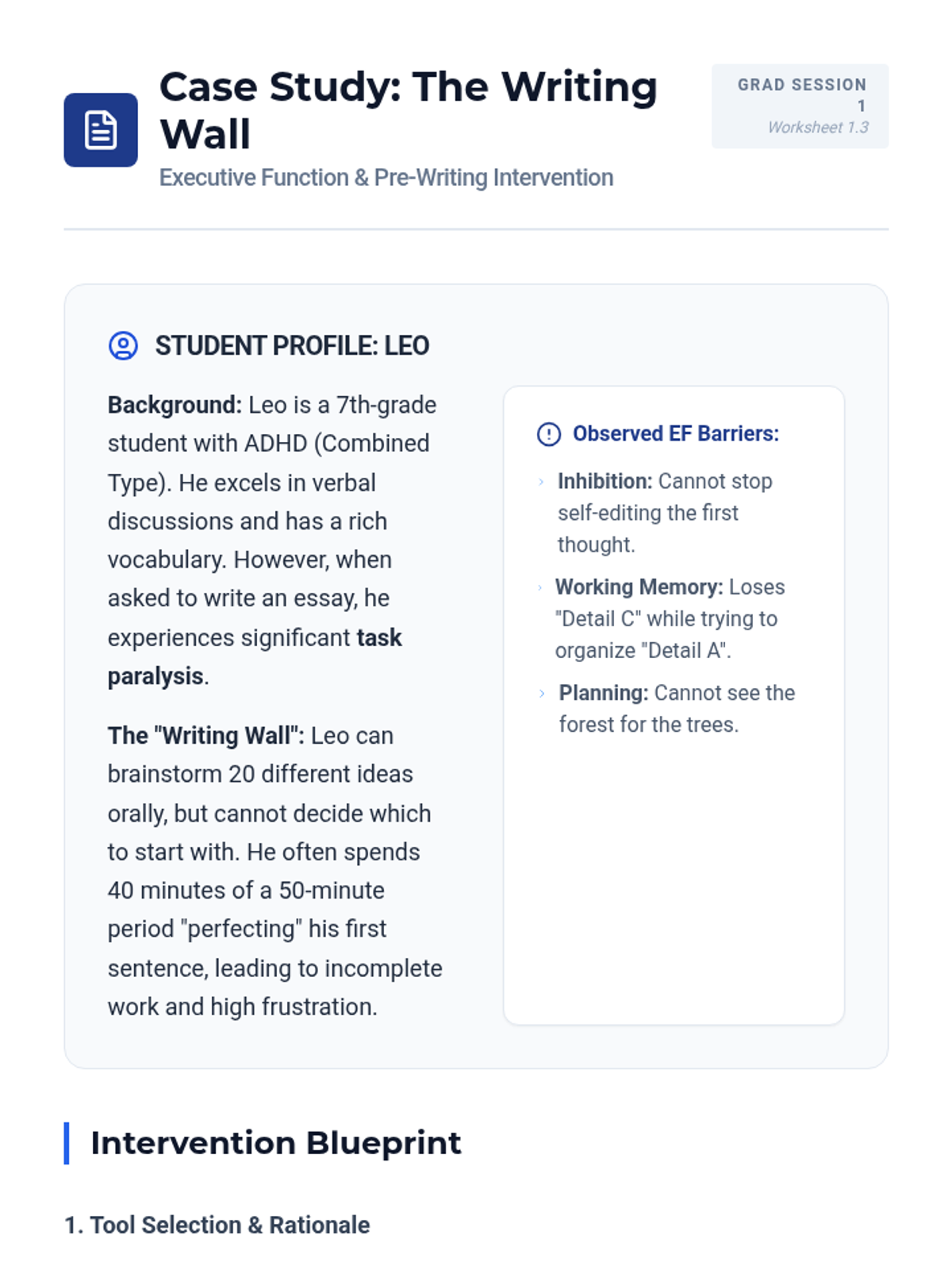
Explores how digital graphic organizers support executive function in the pre-writing stage. Graduate students learn to teach the conversion of mind-maps to linear outlines using drag-and-drop technology.
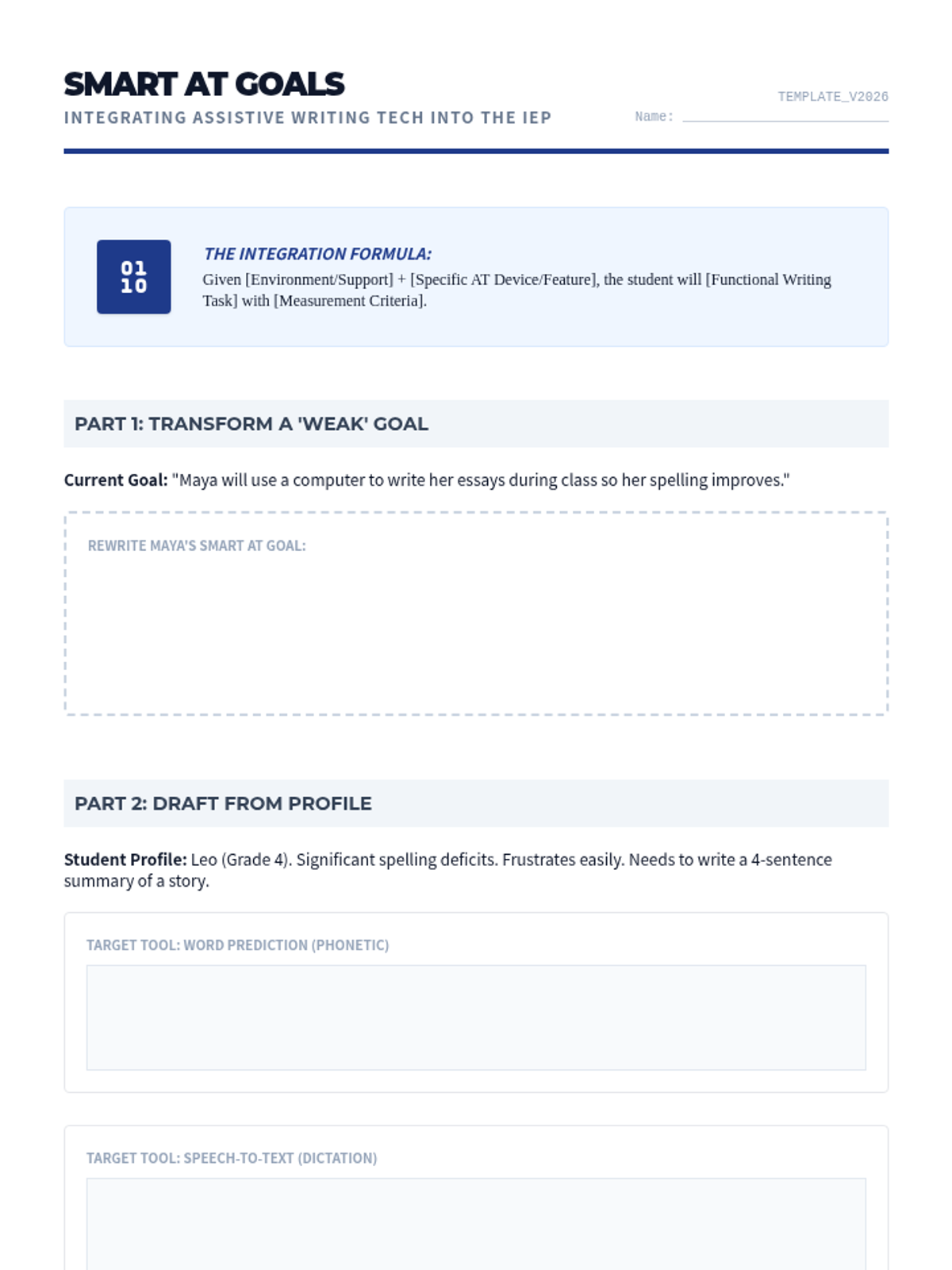
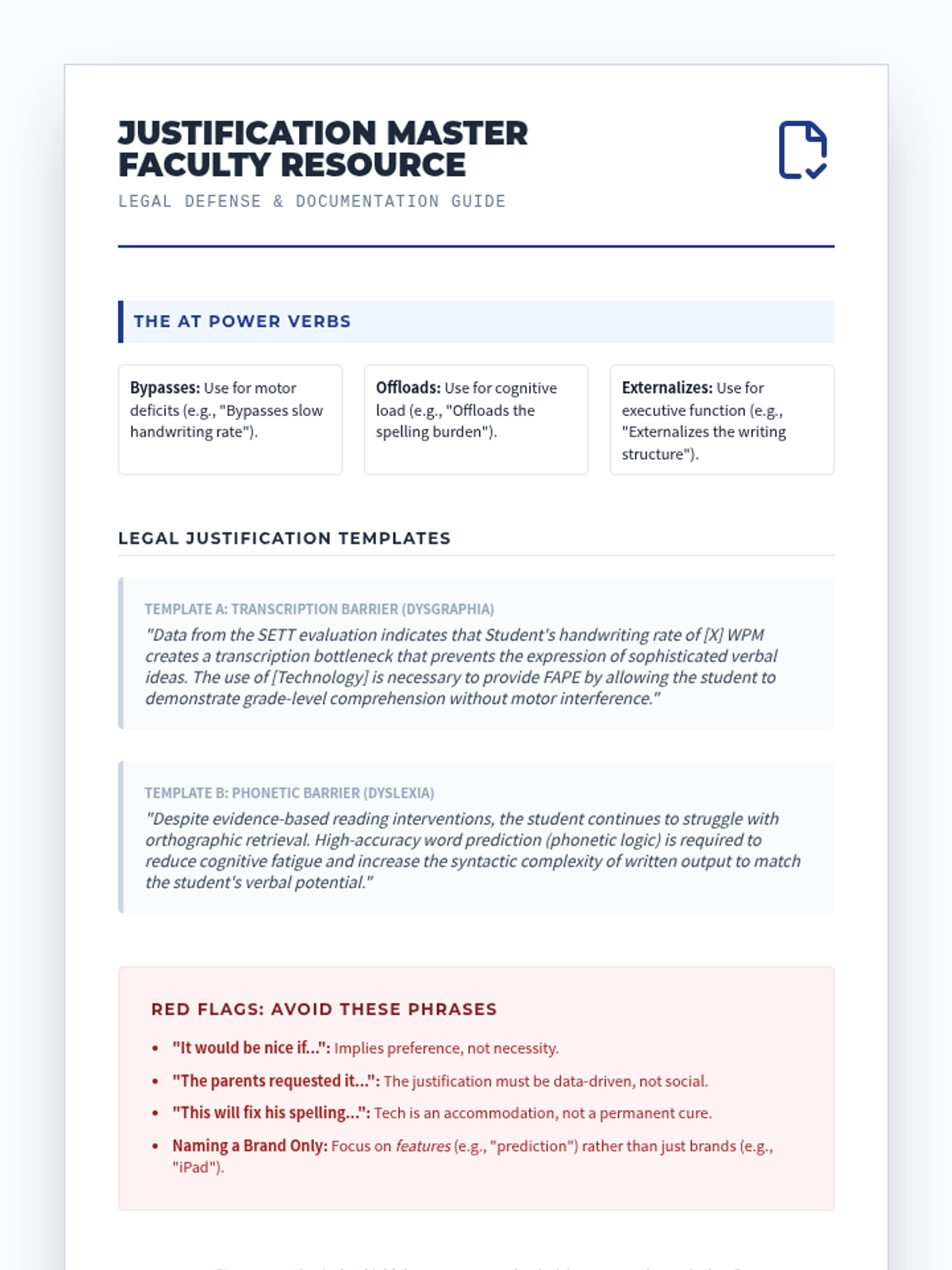
Master the legal and administrative requirements for documenting AT in the IEP. Draft SMART goals and data-driven justification statements for assistive devices.
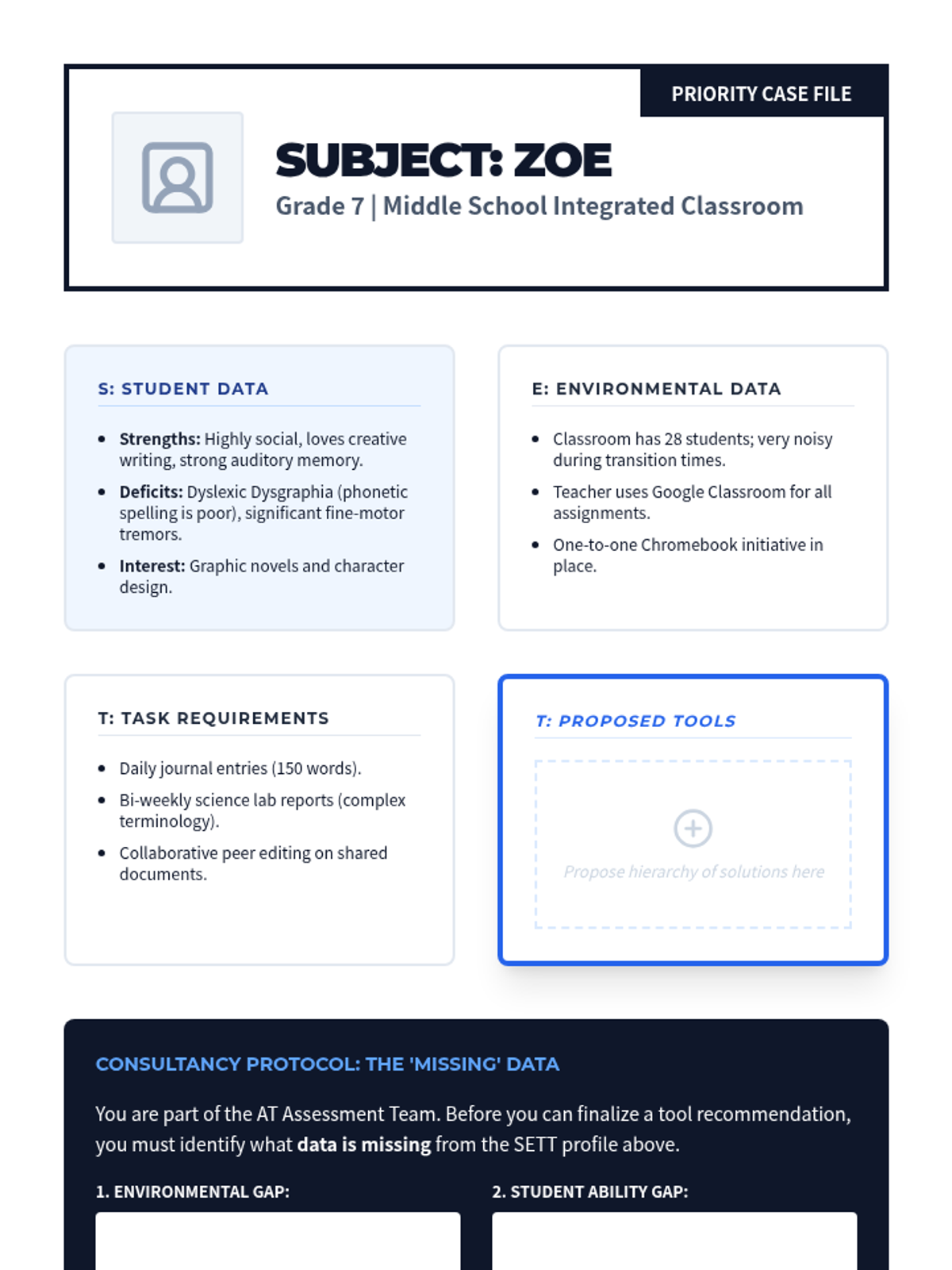
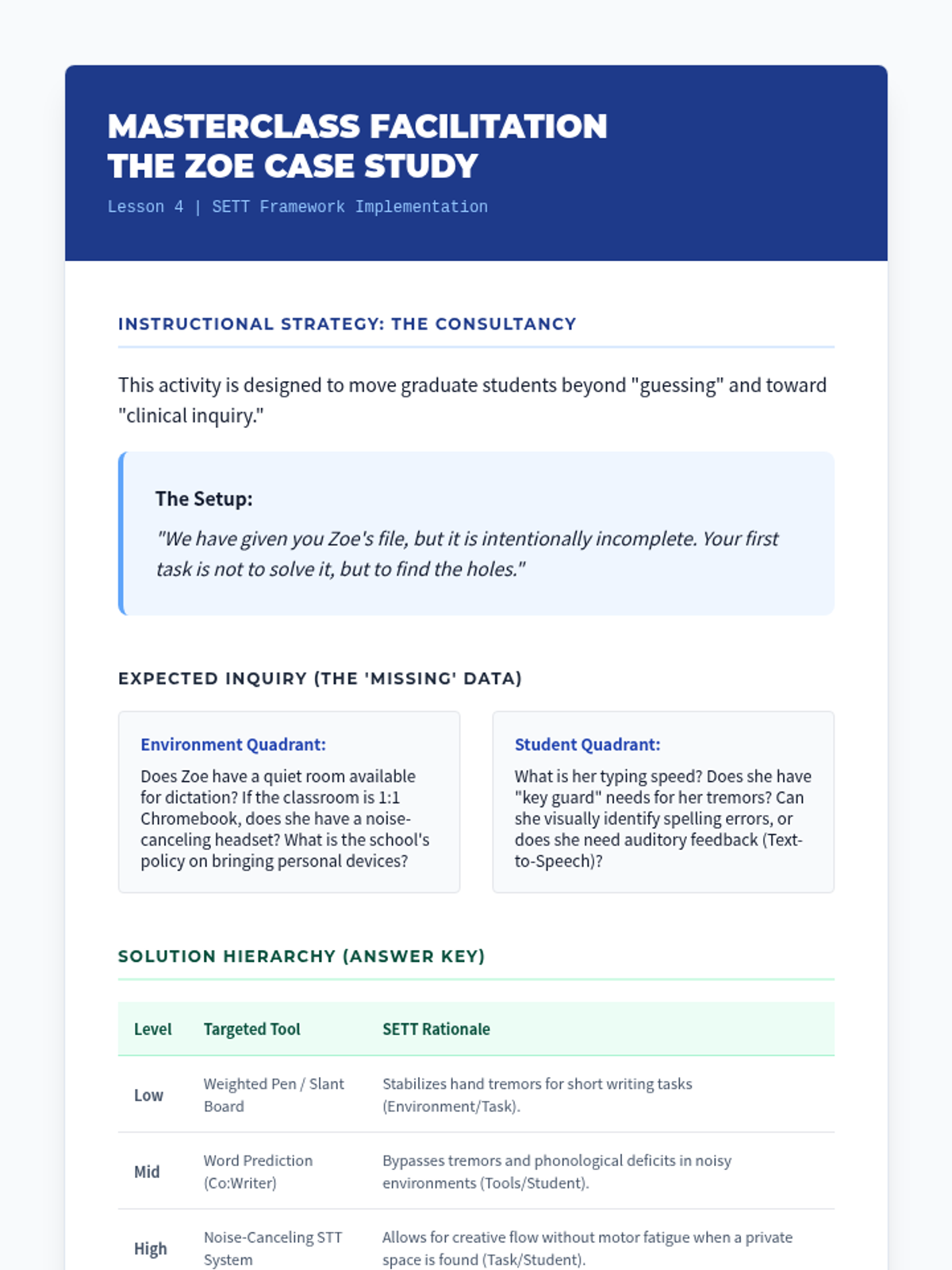
Synthesize student profiles and environmental data using the SETT Framework to propose a hierarchy of assistive writing solutions. Includes a consultancy protocol for complex cases.
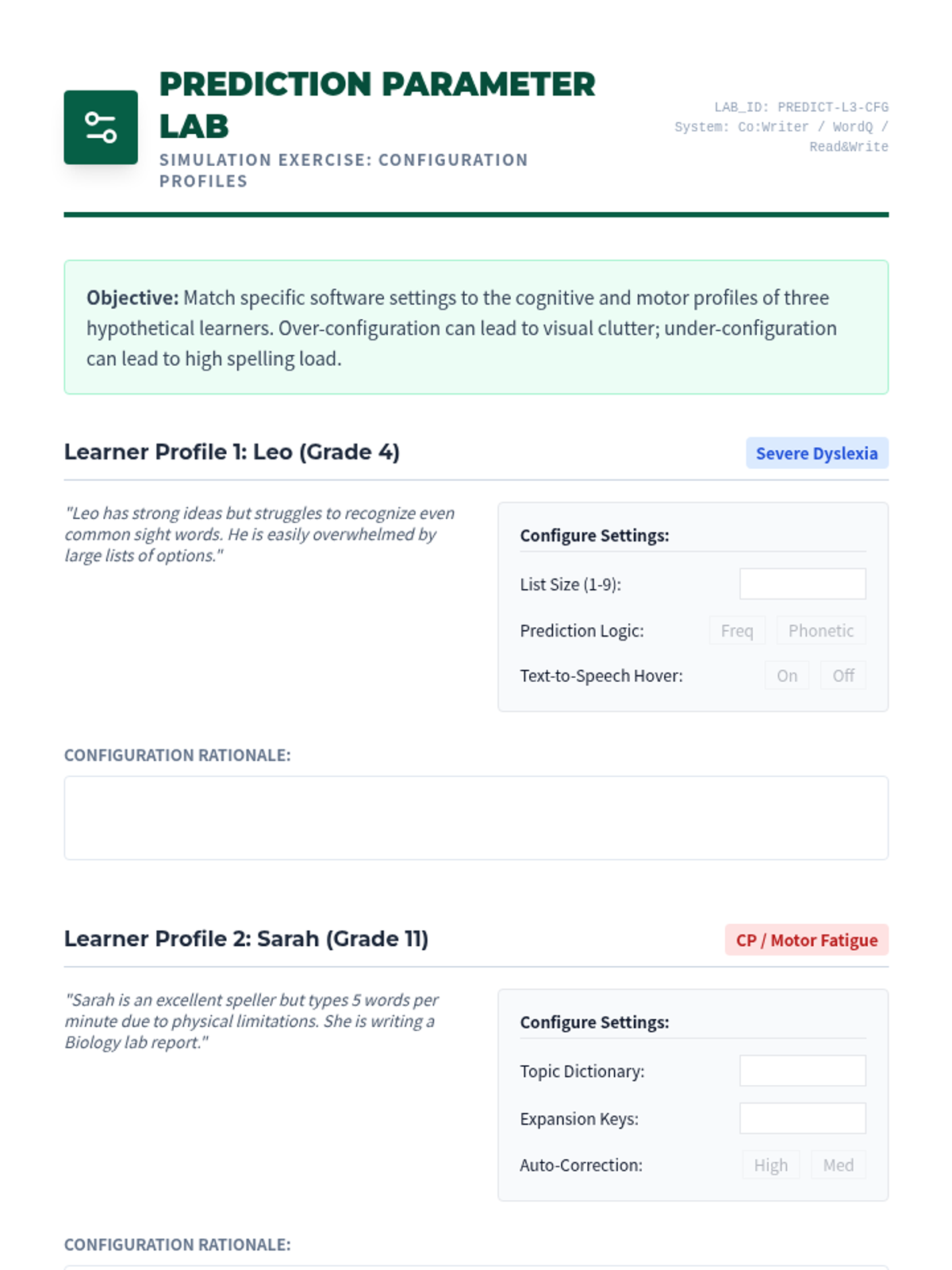
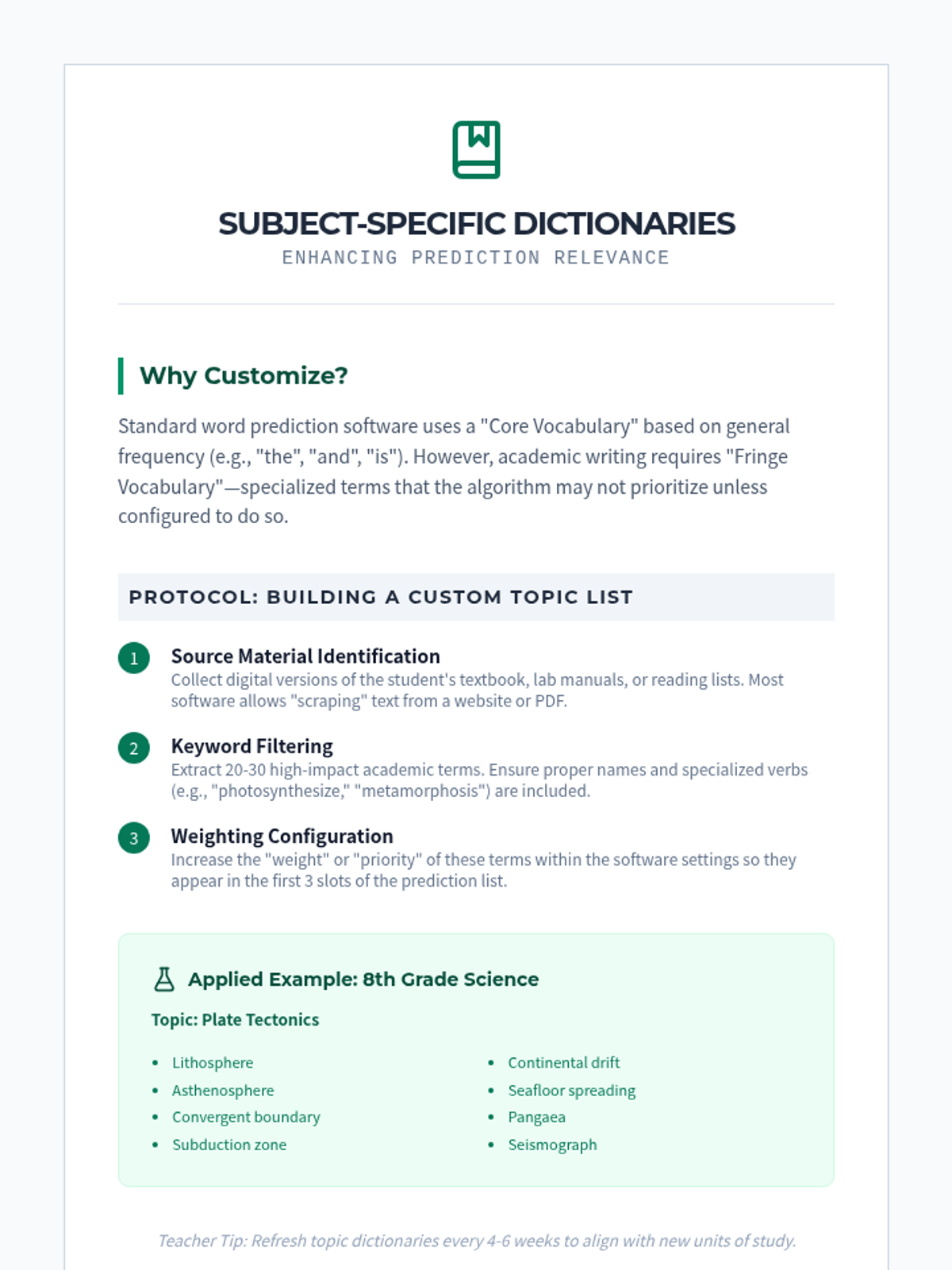
Investigate the logic of word prediction and text expansion tools. Learn to configure phonetic vs. frequency-based prediction and customize dictionaries for specific learner needs.
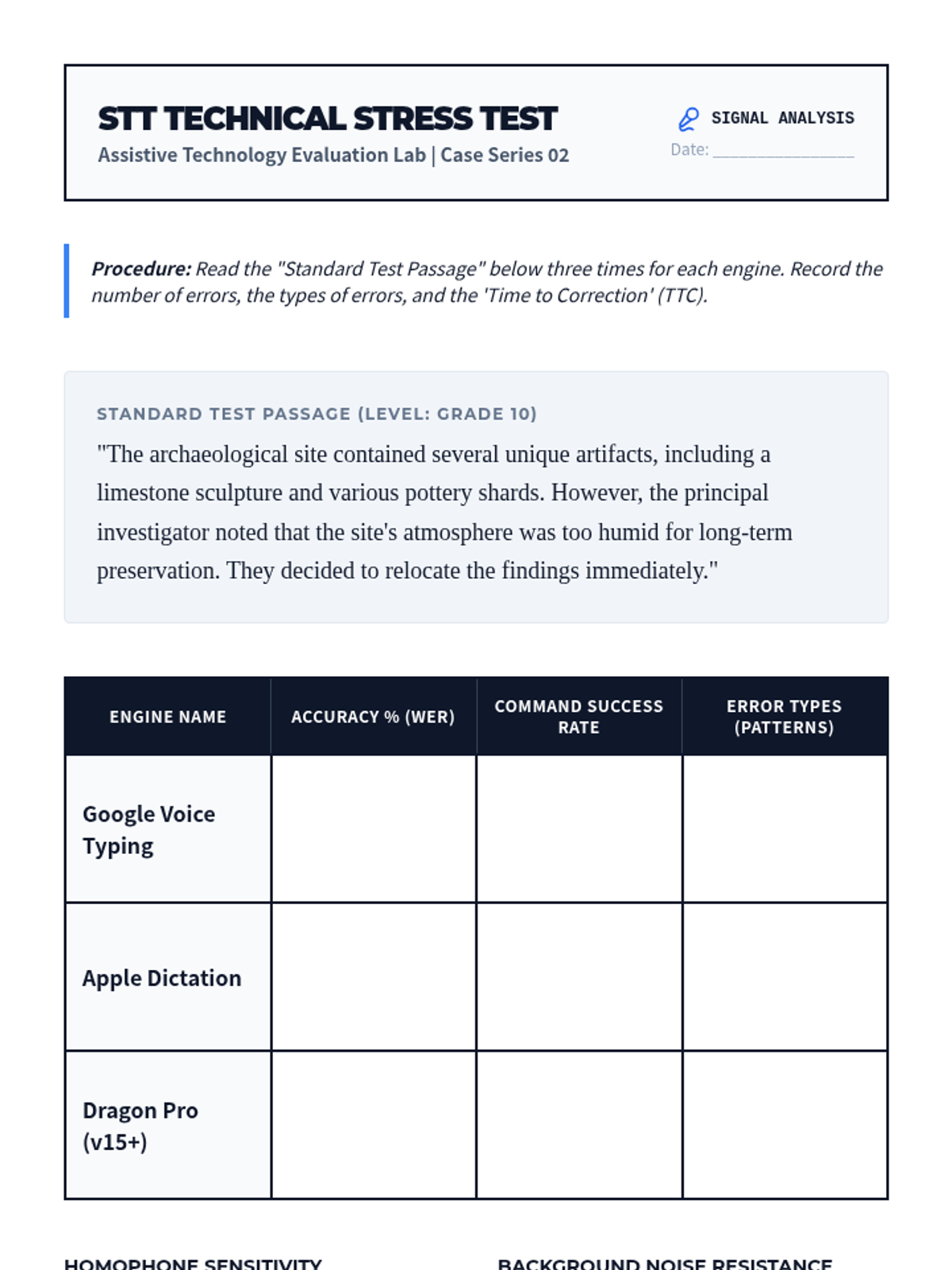
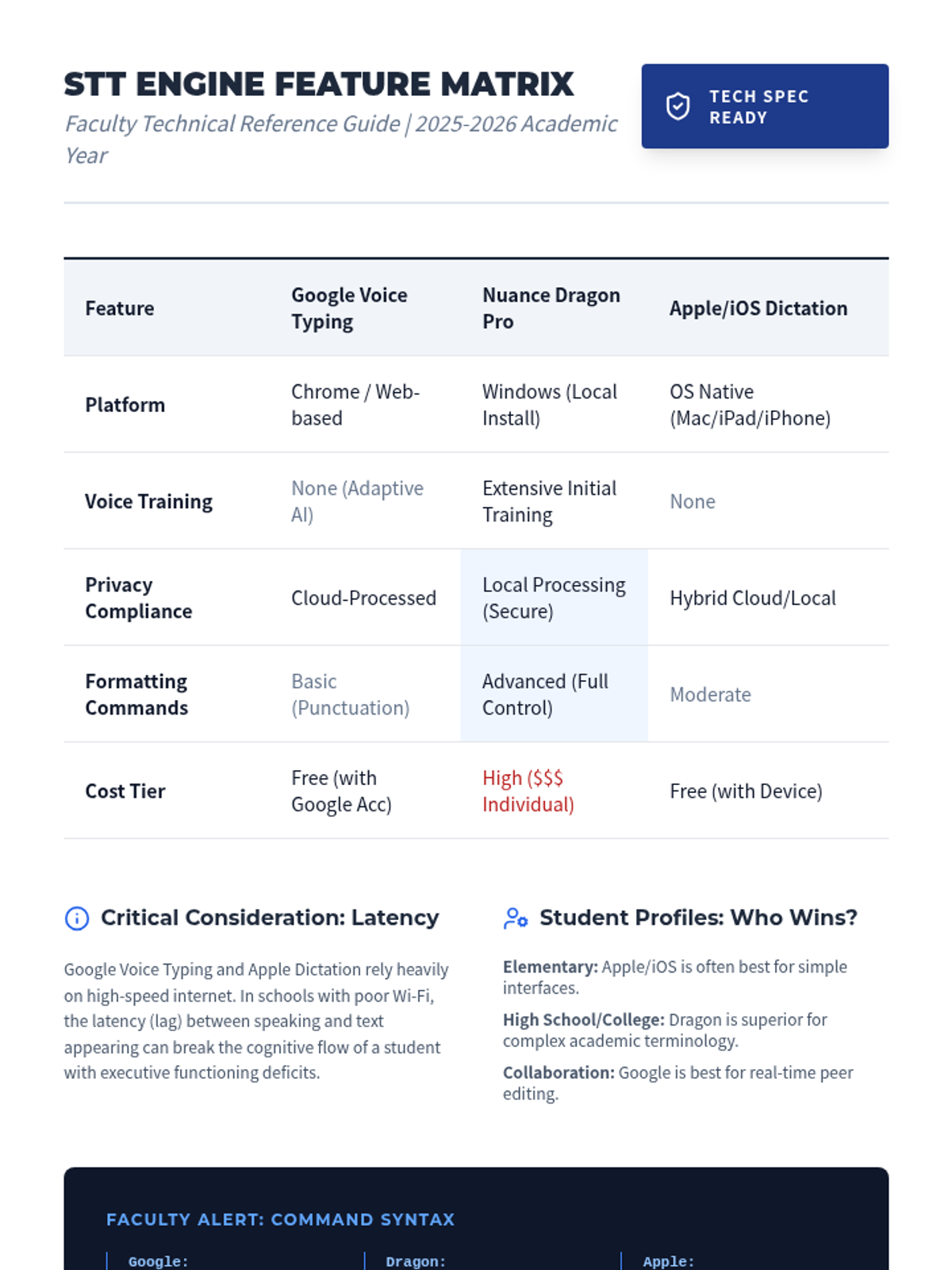
Perform a technical stress test of various speech-to-text engines to evaluate accuracy and cognitive prerequisites. Focuses on command sets and error pattern analysis.
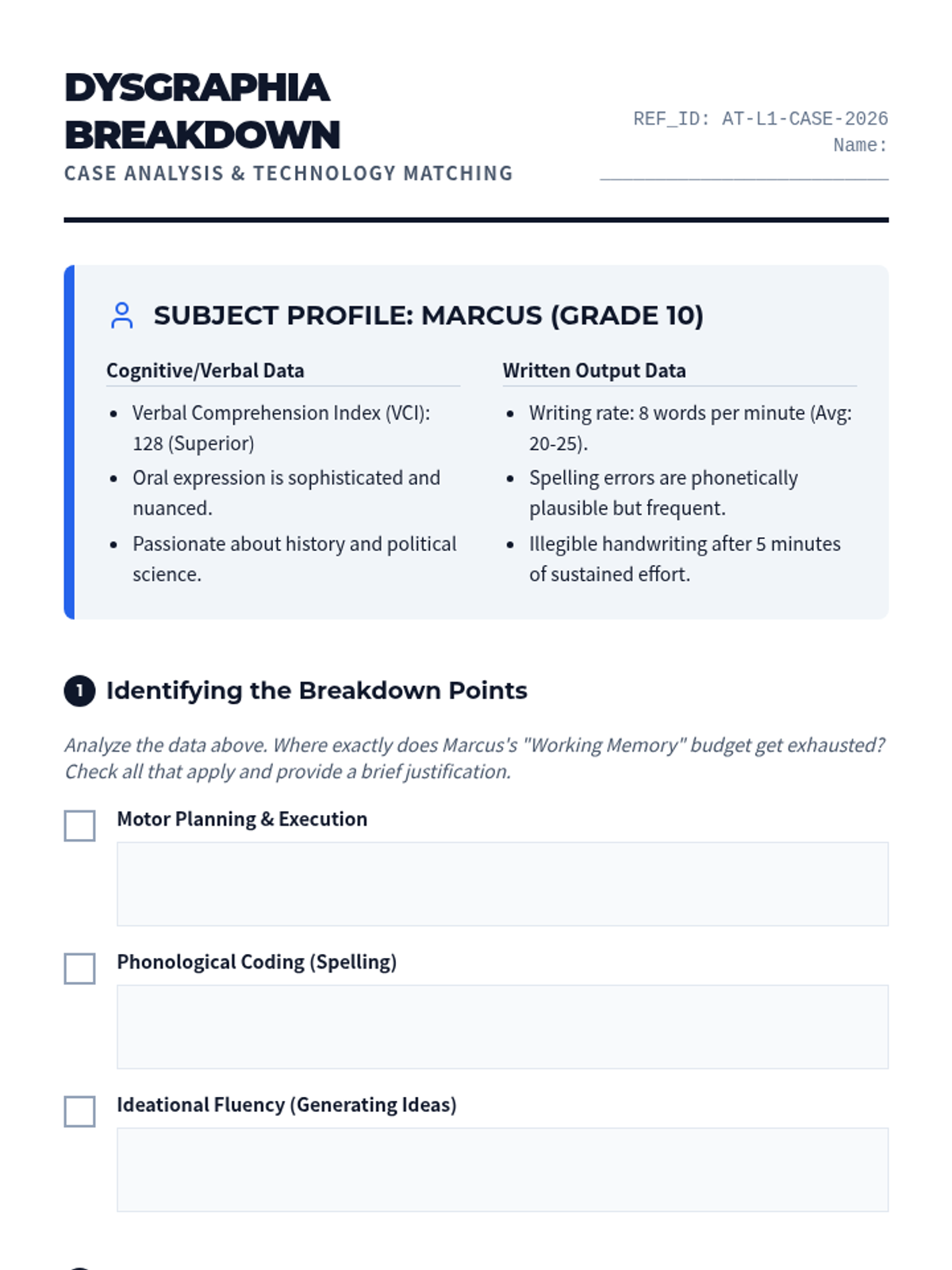
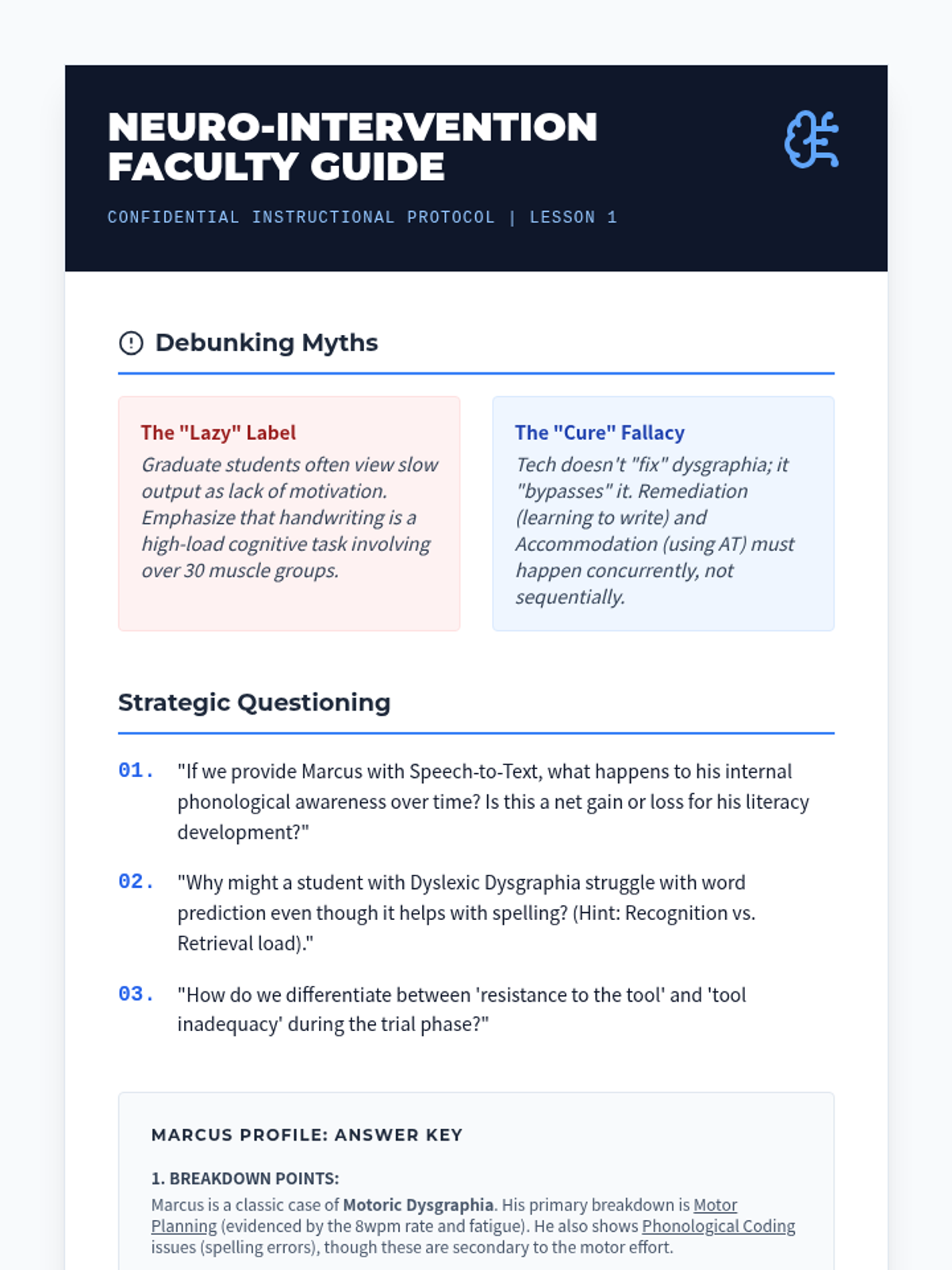
Examine the cognitive and motor bottlenecks of dysgraphia and learn to match specific technological features to neurological deficits. Includes case study analysis and a 'breakdown' identification framework.
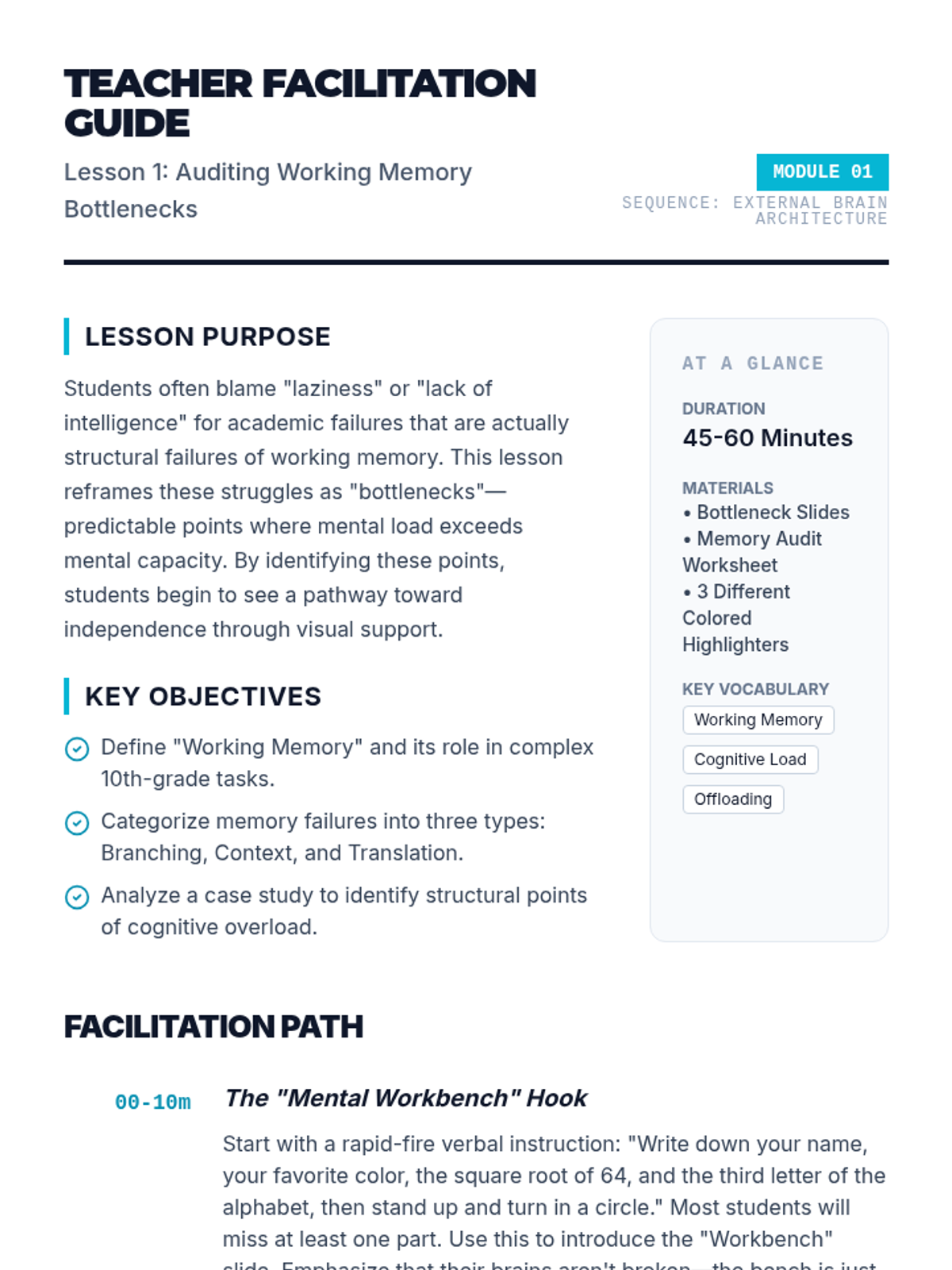
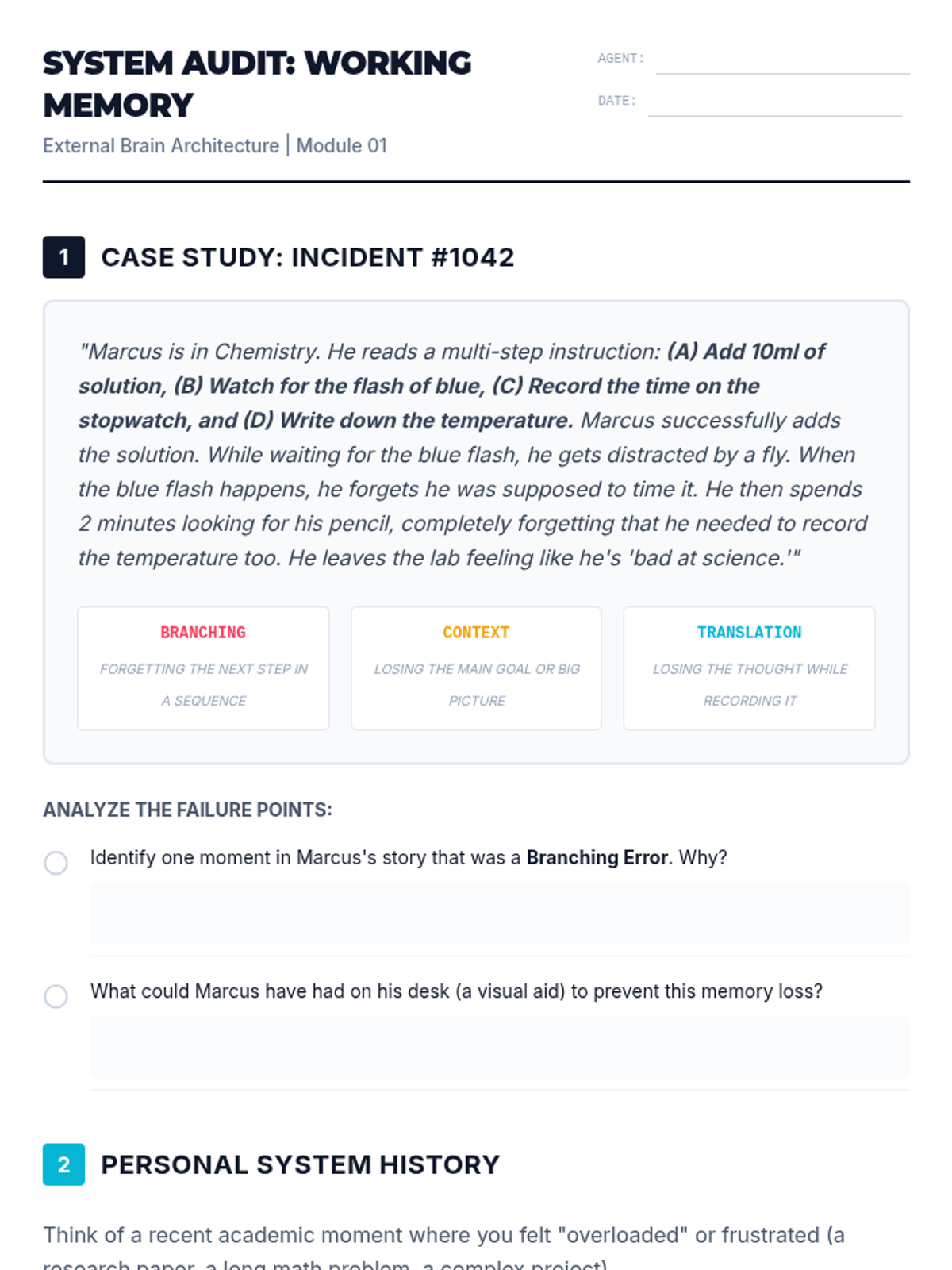
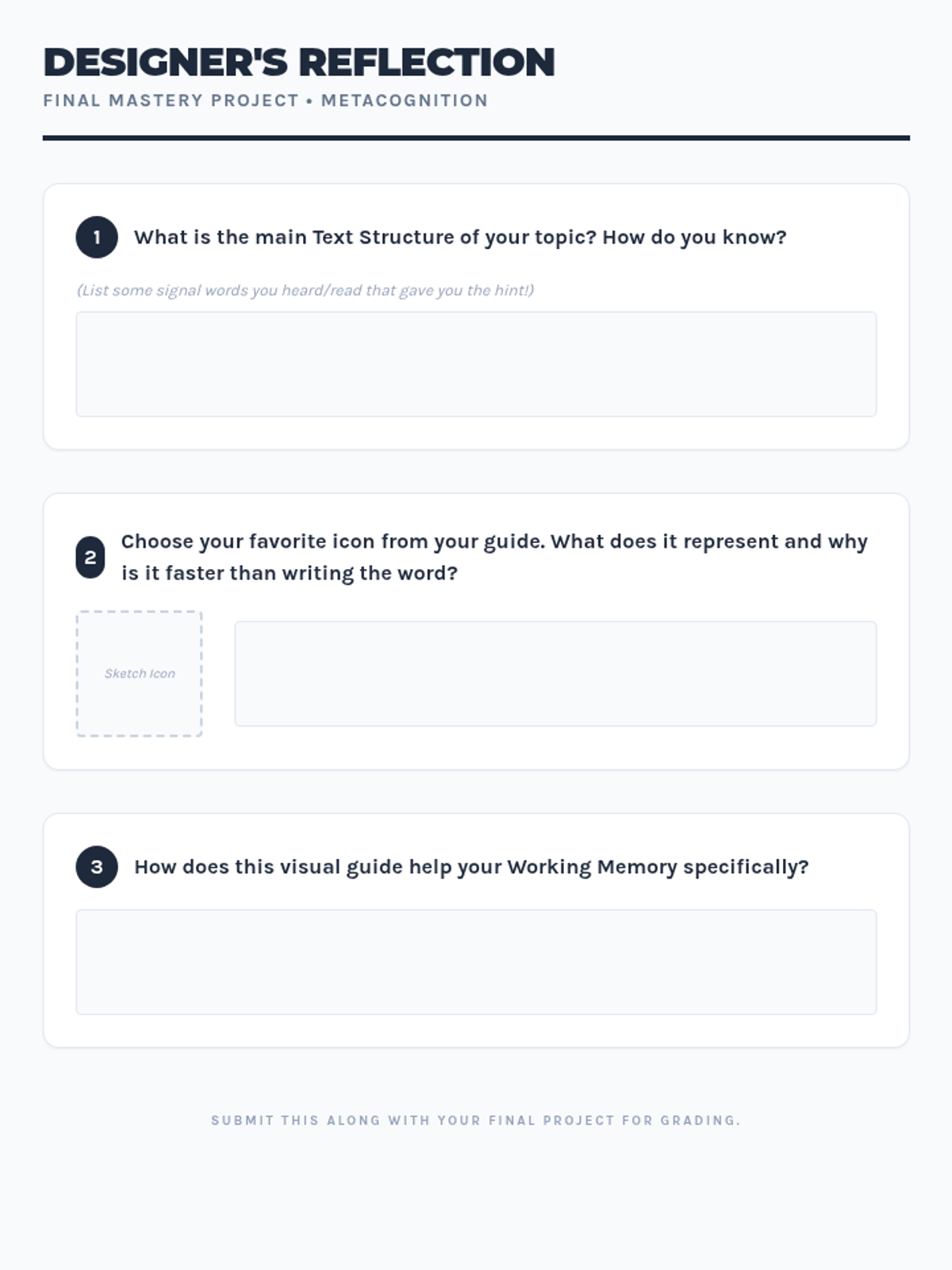
Students engage in a metacognitive analysis of previous academic struggles to identify specific points where working memory failures occurred. They categorize these bottlenecks to determine which types of visual aids (procedural vs. conceptual) are most necessary for their success.
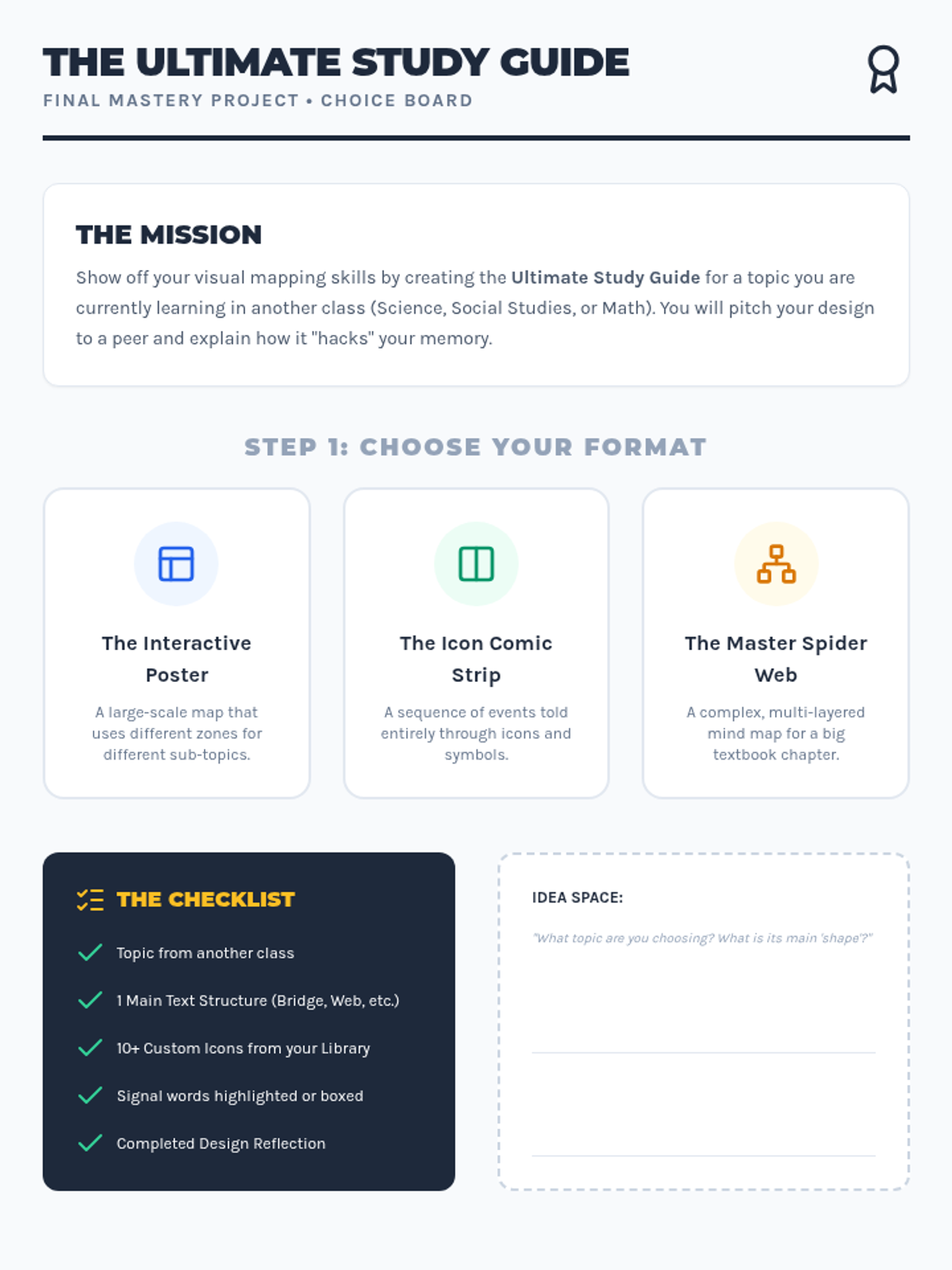
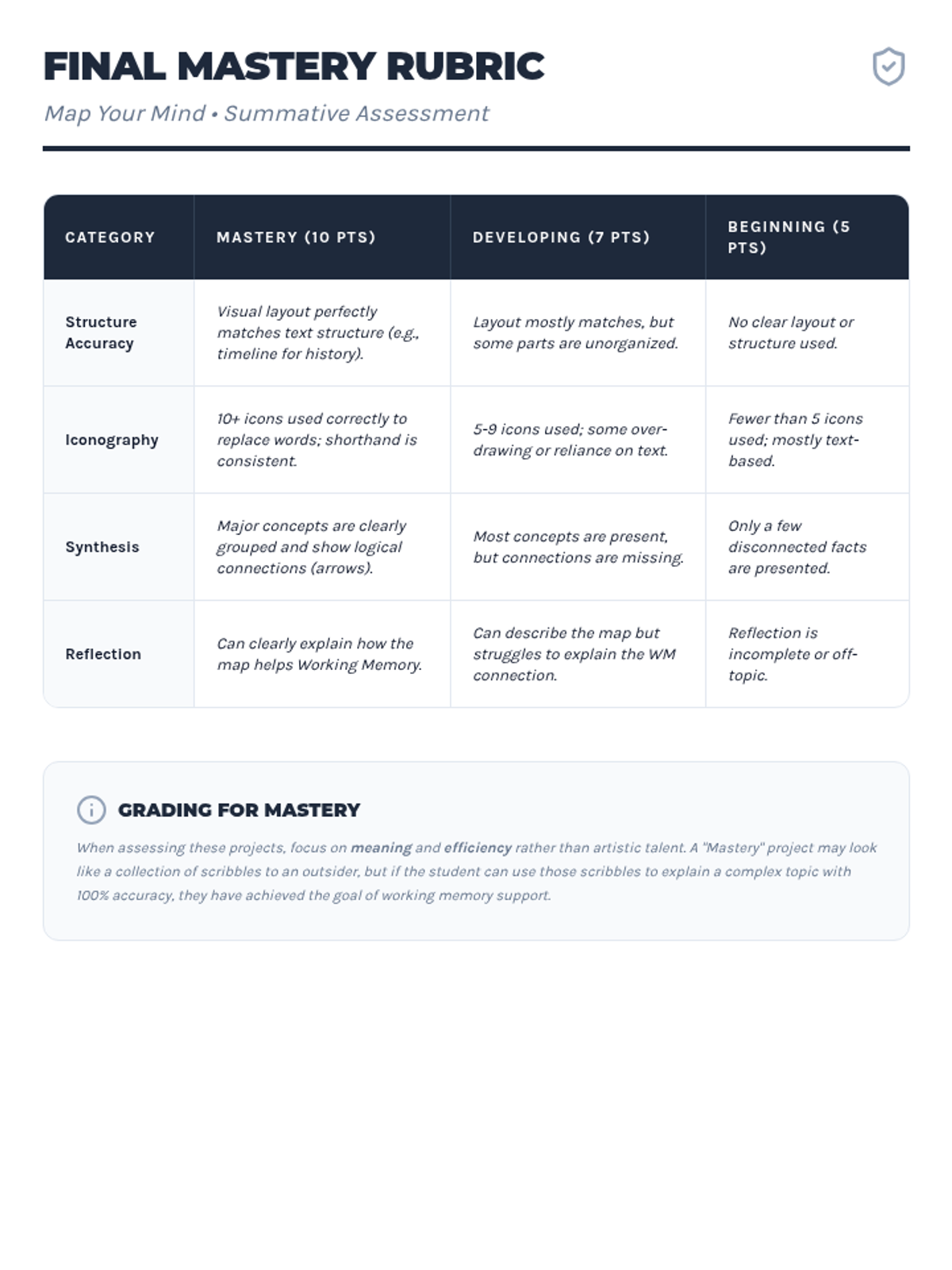
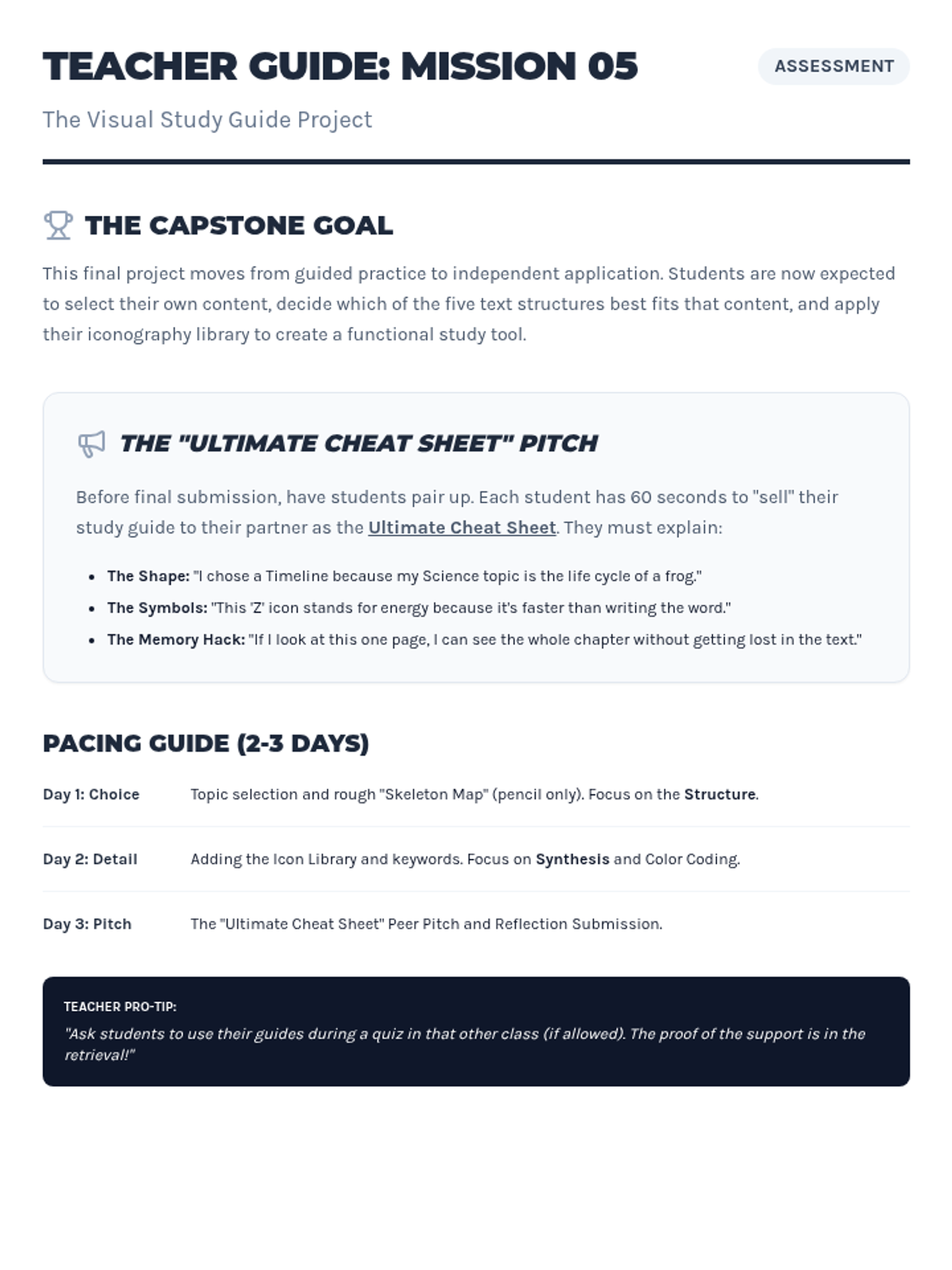
As a final assessment, students select a topic from another class (Science or Social Studies) and design a comprehensive visual guide. They must explain their choice of layout and how it helps them retain the specific type of information presented.
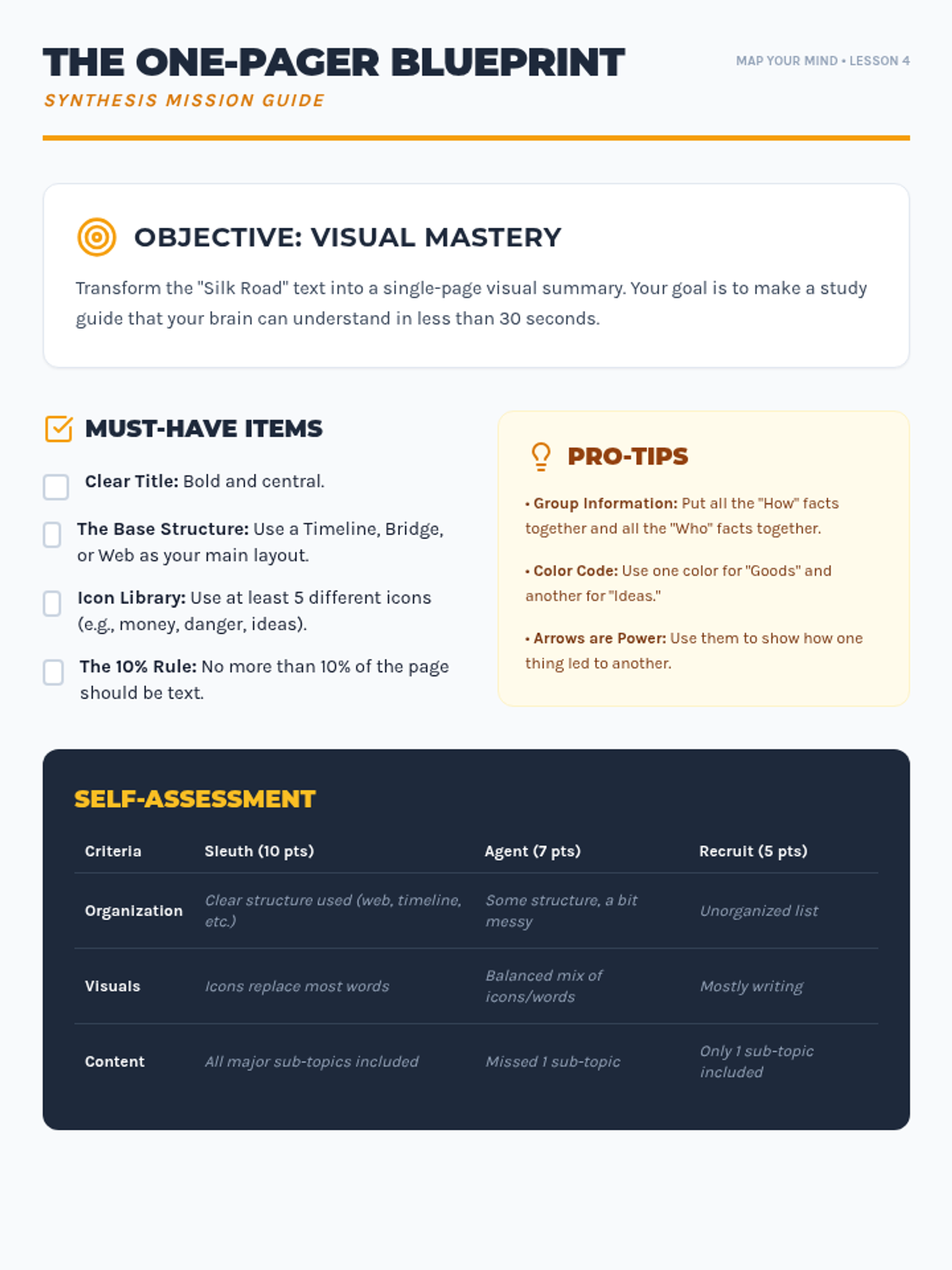
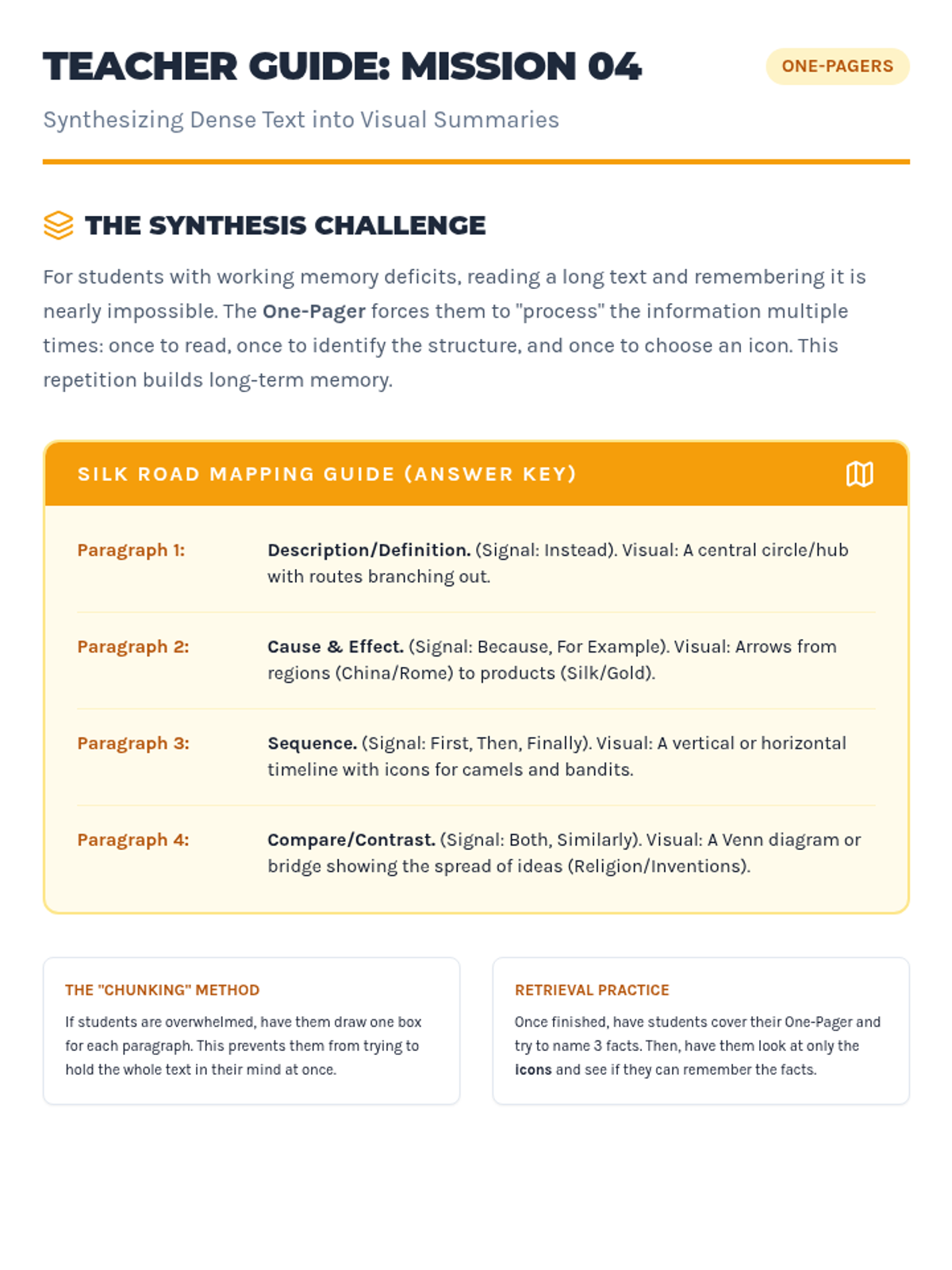
Students take a page of dense text from a textbook and transform it into a 'One-Pager'—a single page combining structure, icons, and minimal text. This process consolidates memory and creates a retrieval-friendly study tool.
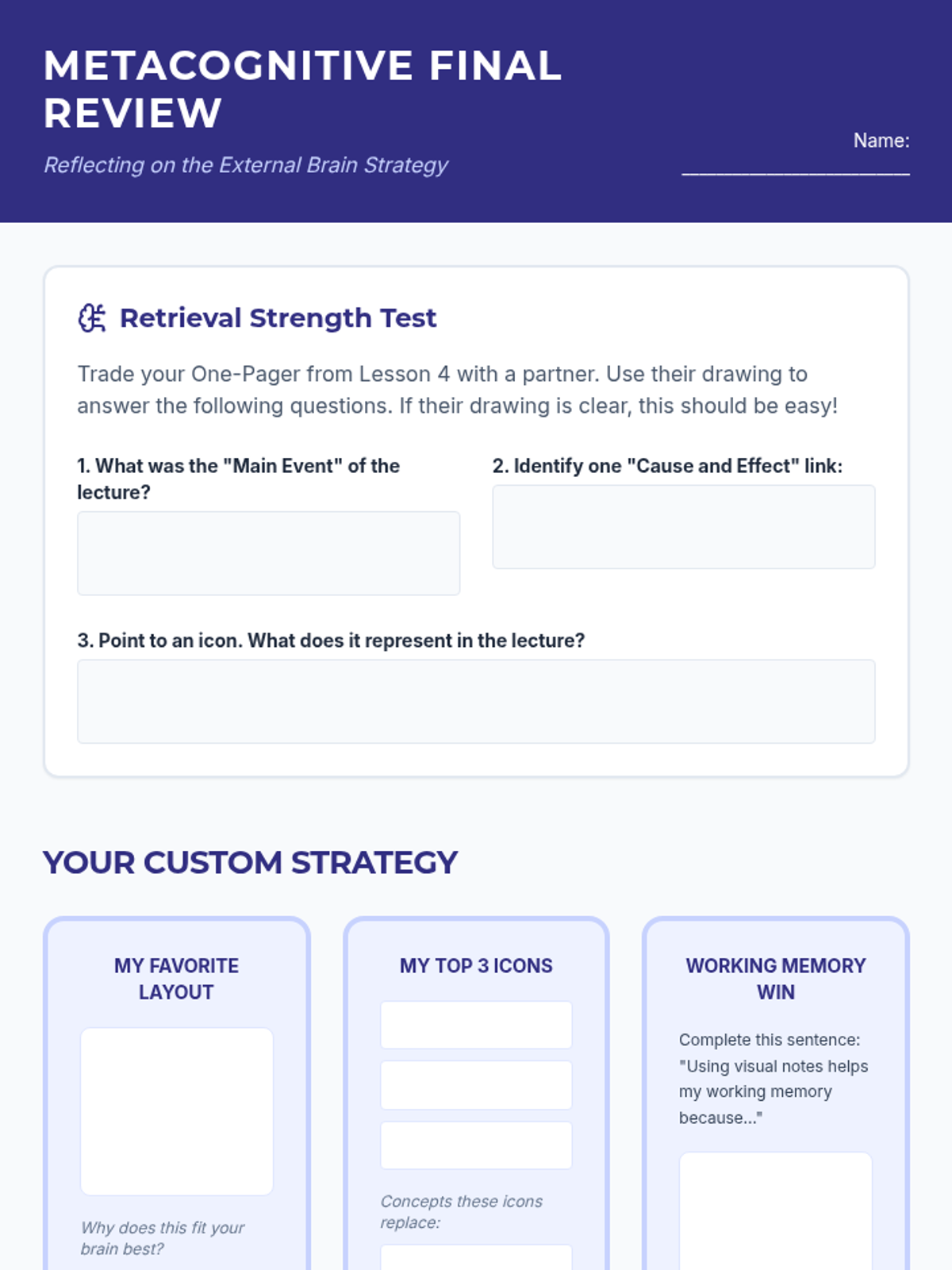
Students learn to use their visual notes as tools for retrieval practice and self-testing. The sequence concludes with a metacognitive reflection on which strategies best support their individual learning needs.
Students apply their layout and iconography skills to a live-lecture simulation. They focus on capturing relationships between ideas rather than isolated facts, culminating in a visual one-pager.
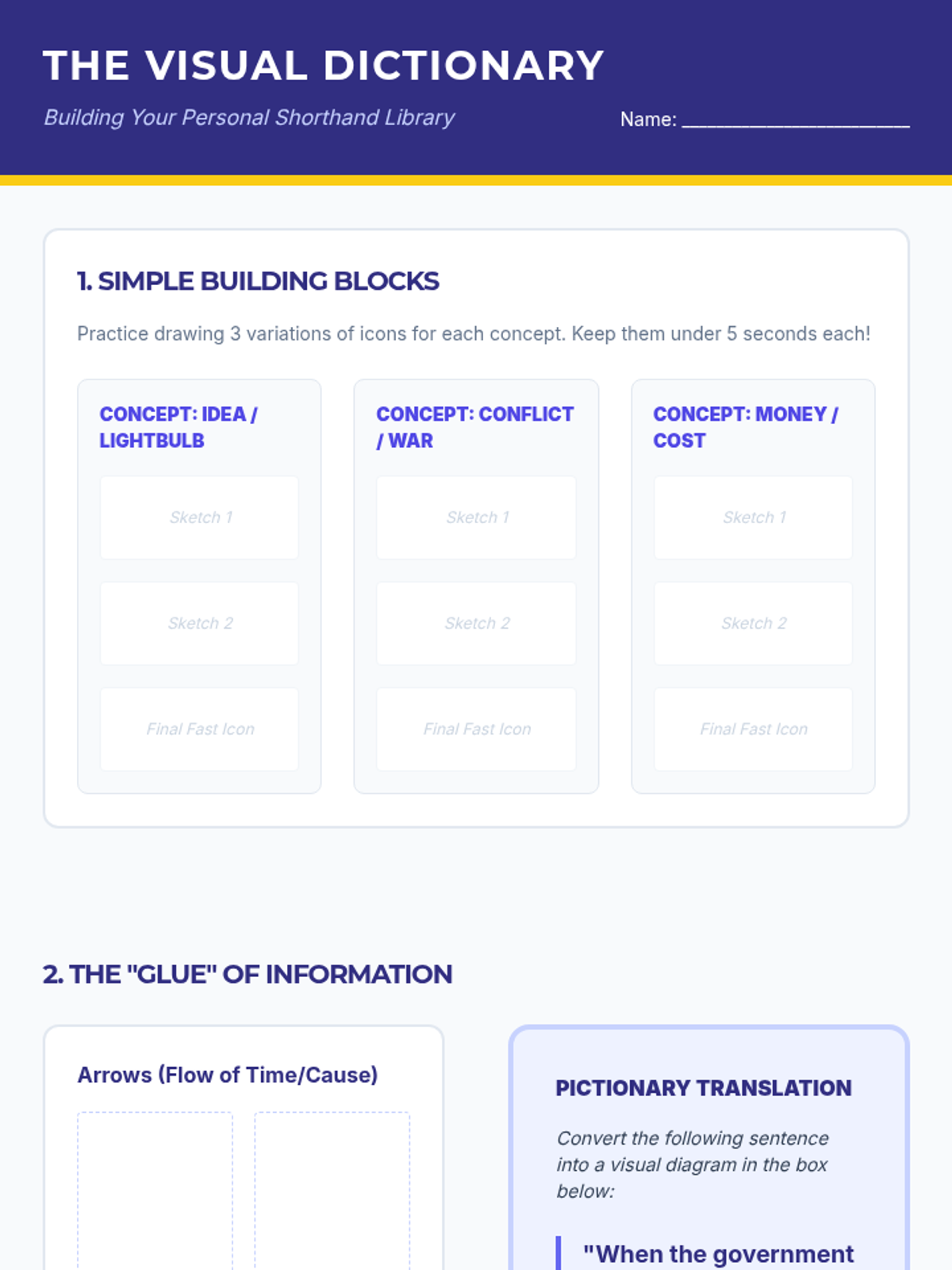
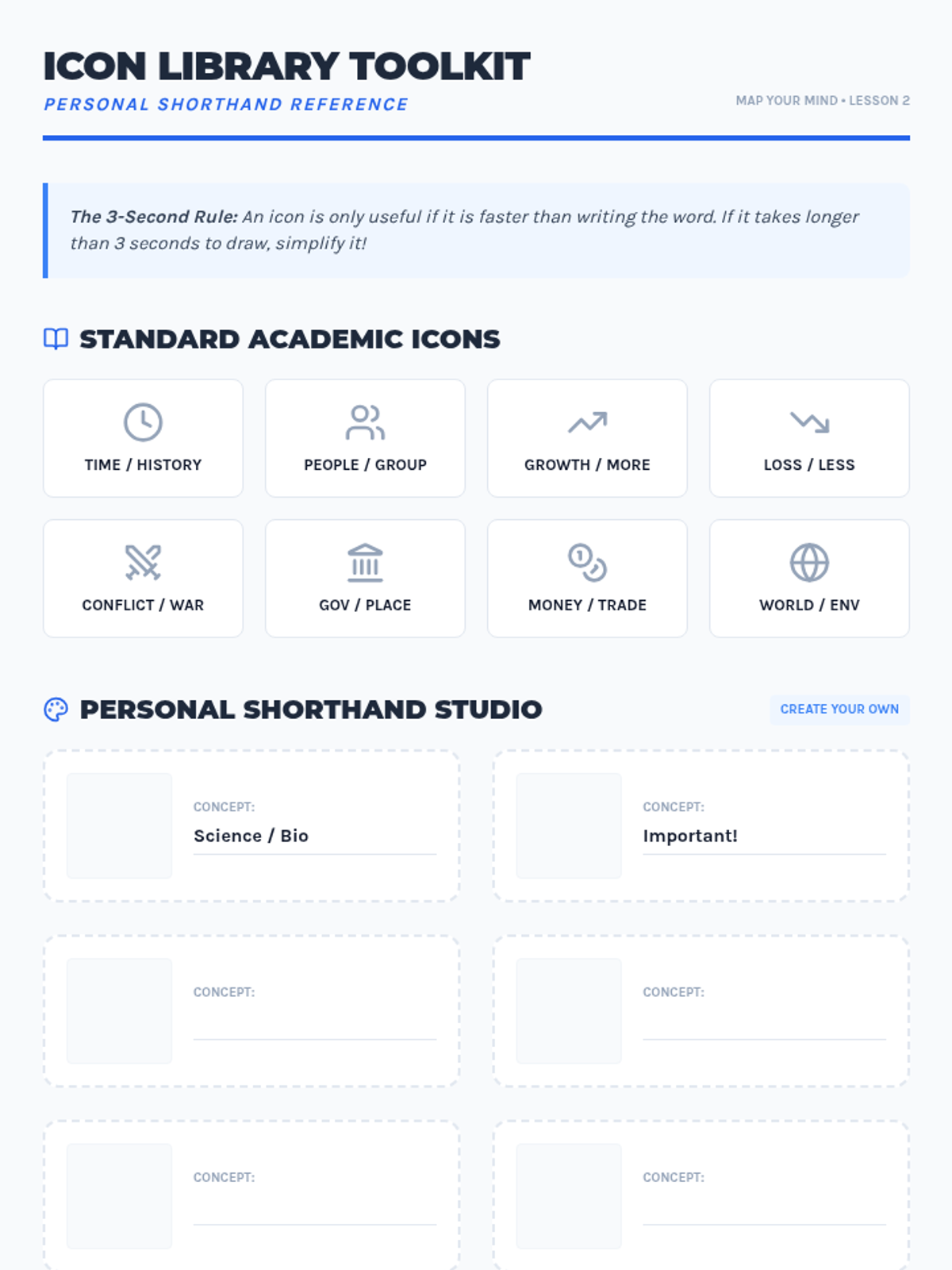
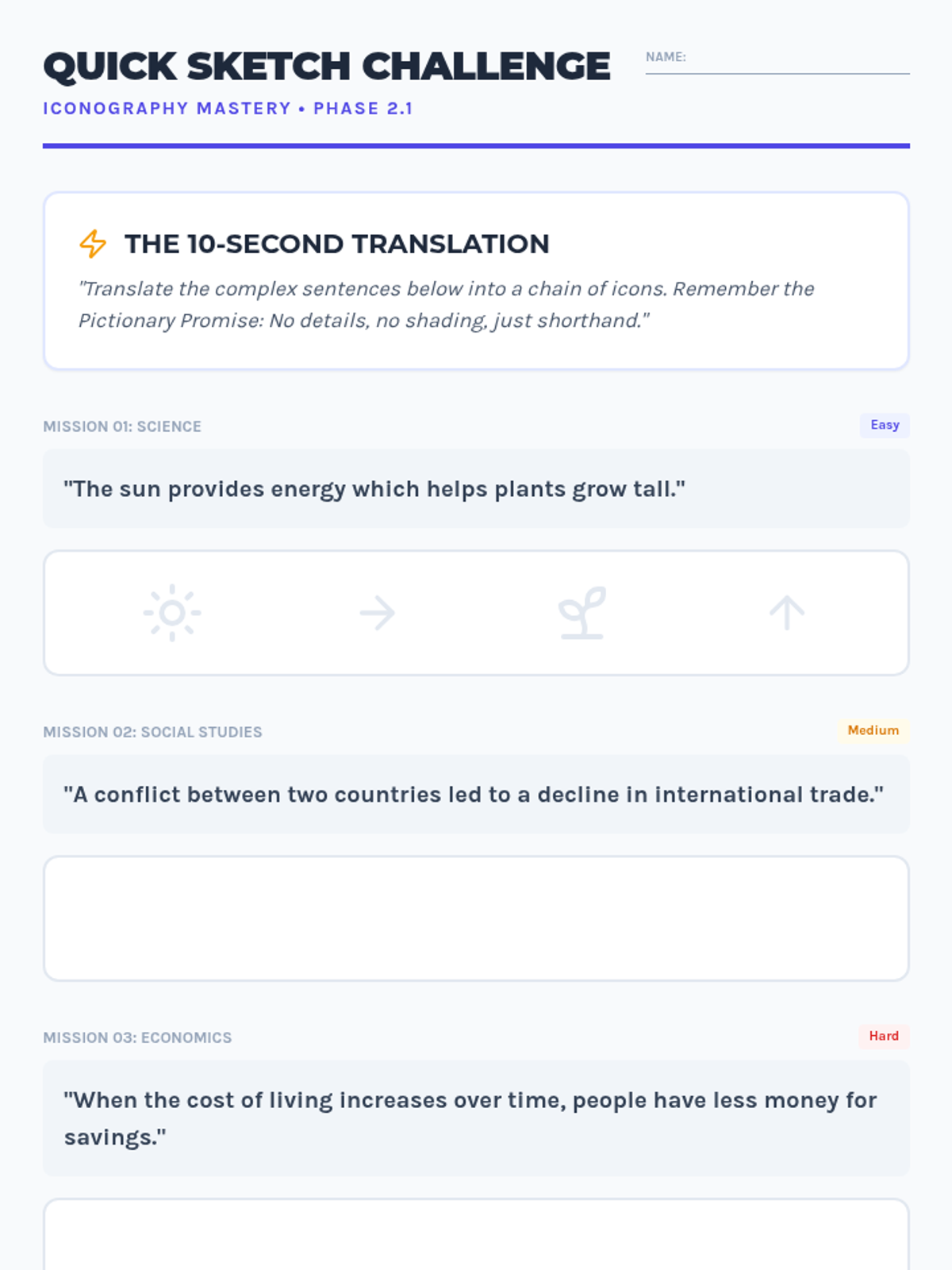
Students develop a personal library of visual shorthand and icons to represent complex academic concepts. This lesson focuses on rapid encoding and using symbols to bypass the slowness of handwriting.
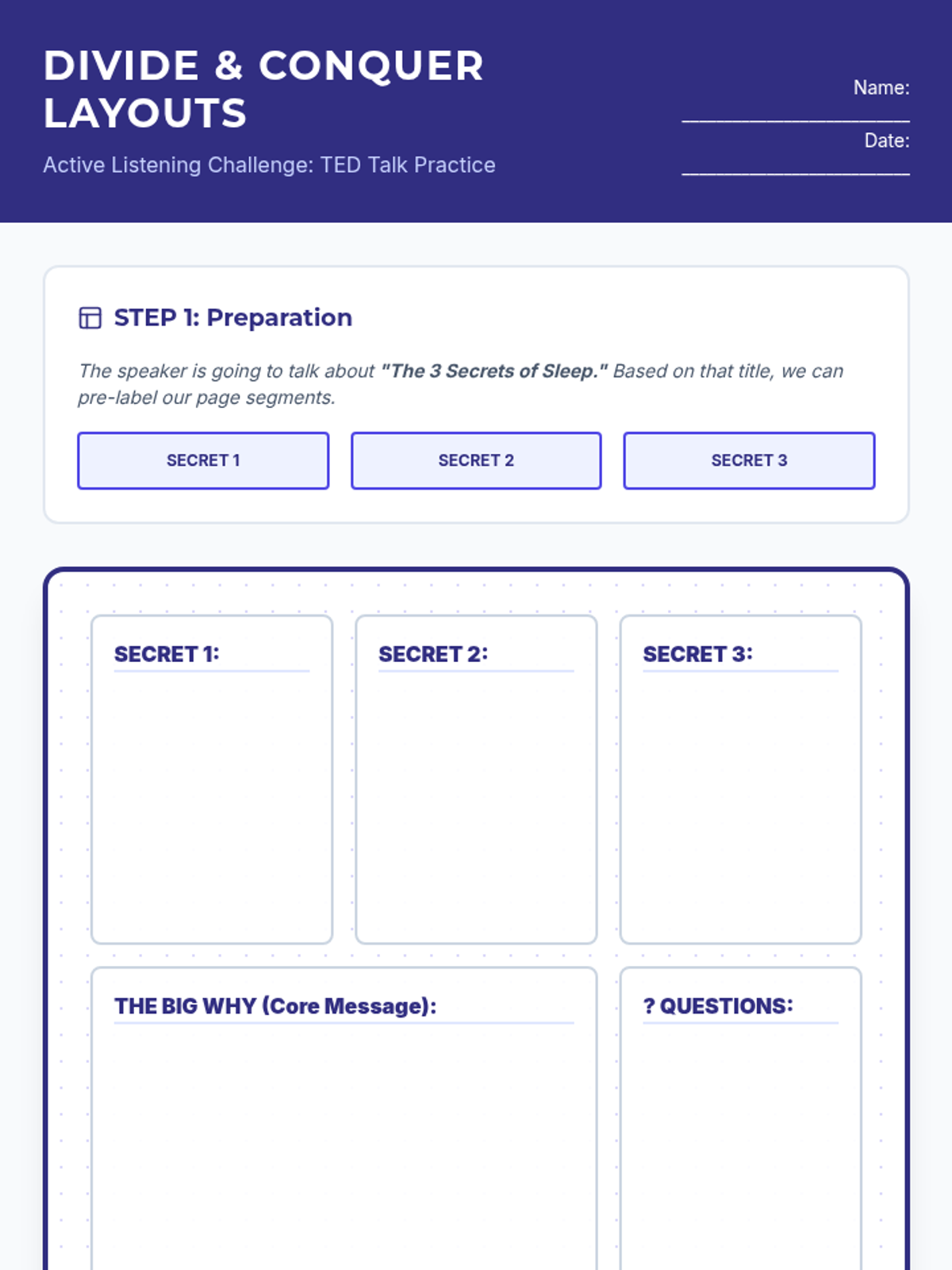
Students learn to pre-segment their note-taking space into 'mental buckets' to reduce cognitive load during lectures. They practice categorizing information in real-time using pre-labeled zones rather than linear lists.
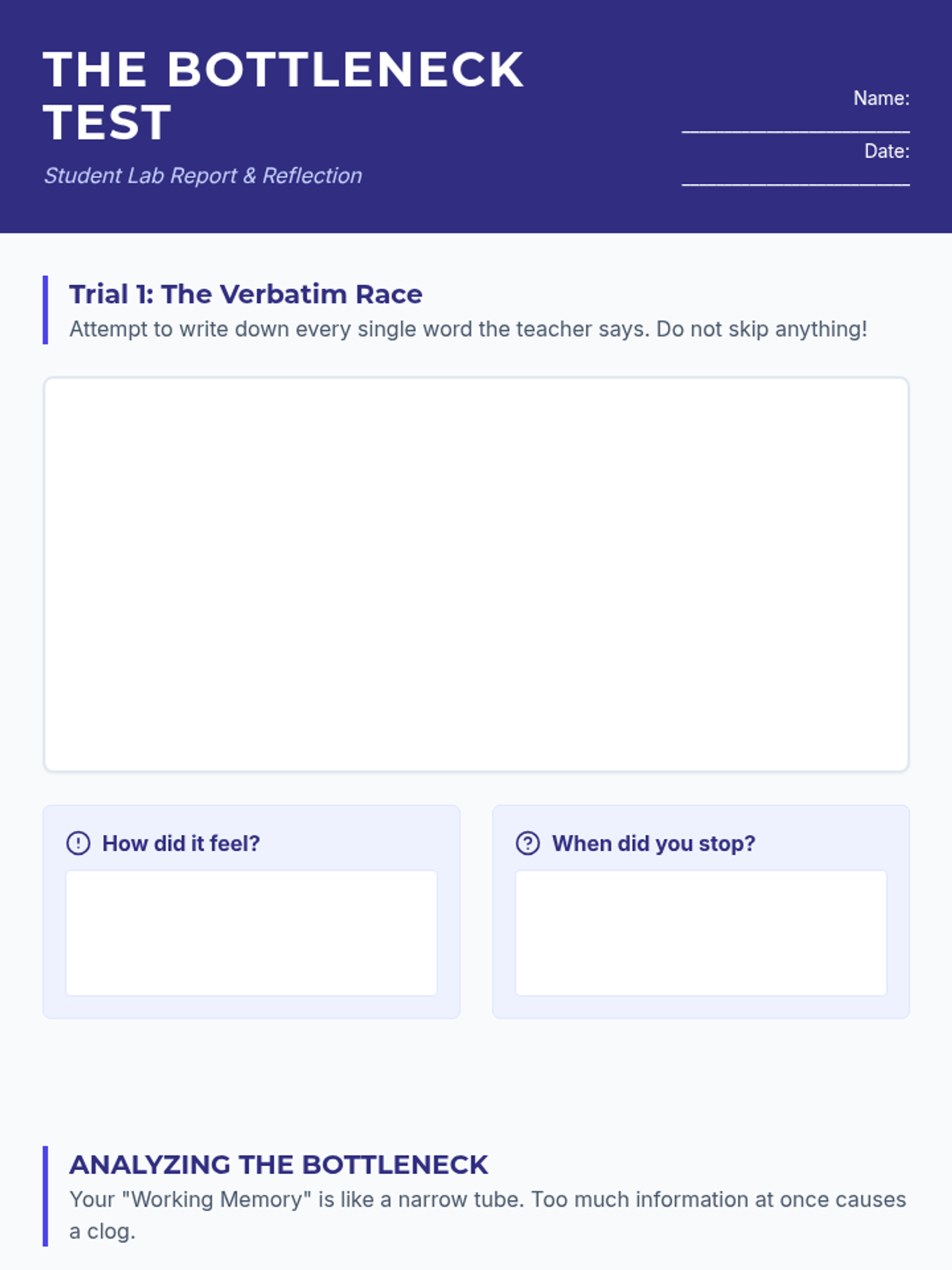
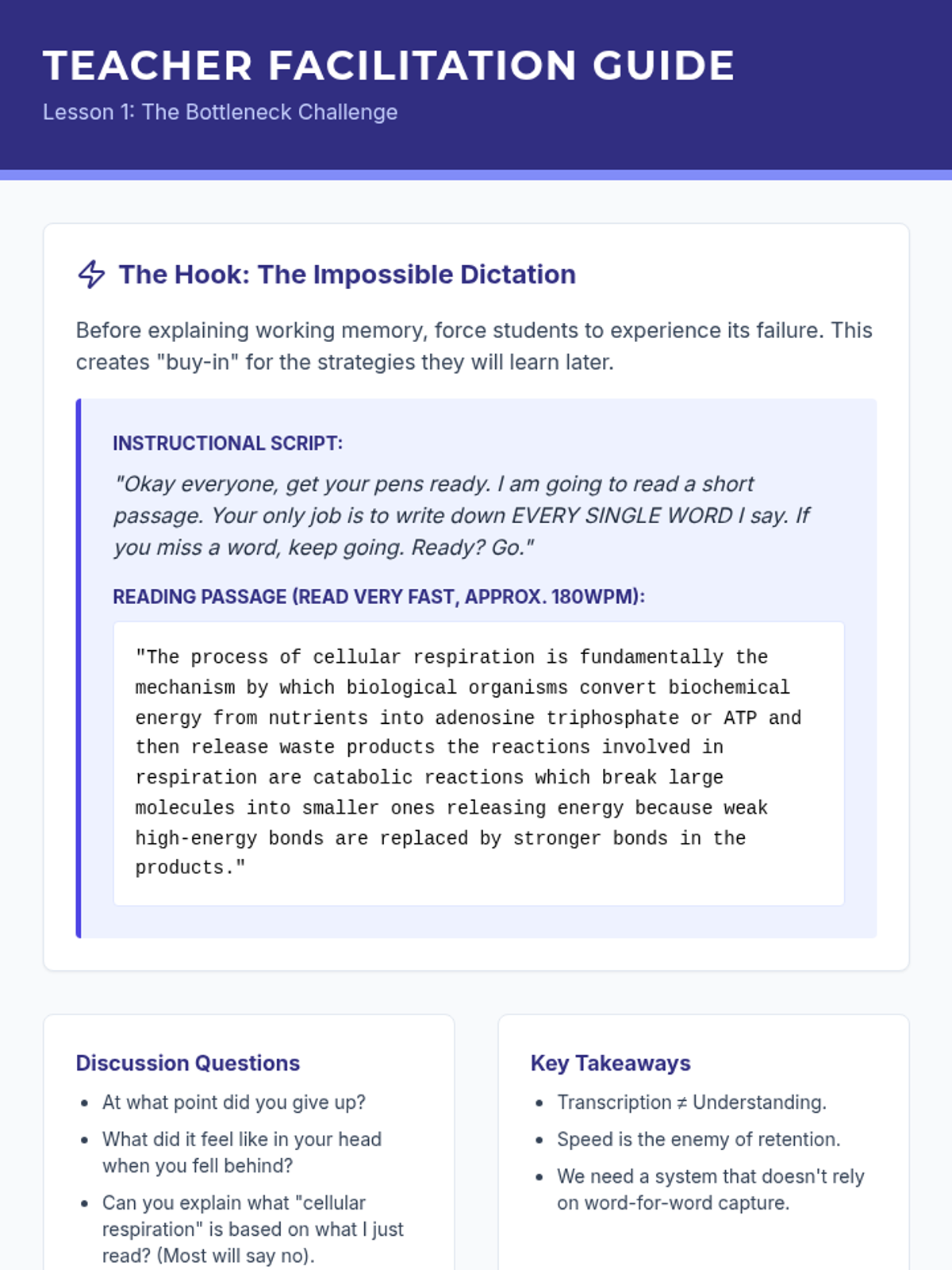
Students participate in an auditory dictation challenge to experience the 'cognitive bottleneck' of working memory. They analyze why verbatim transcription fails and learn about the importance of externalizing memory through spatial organization.
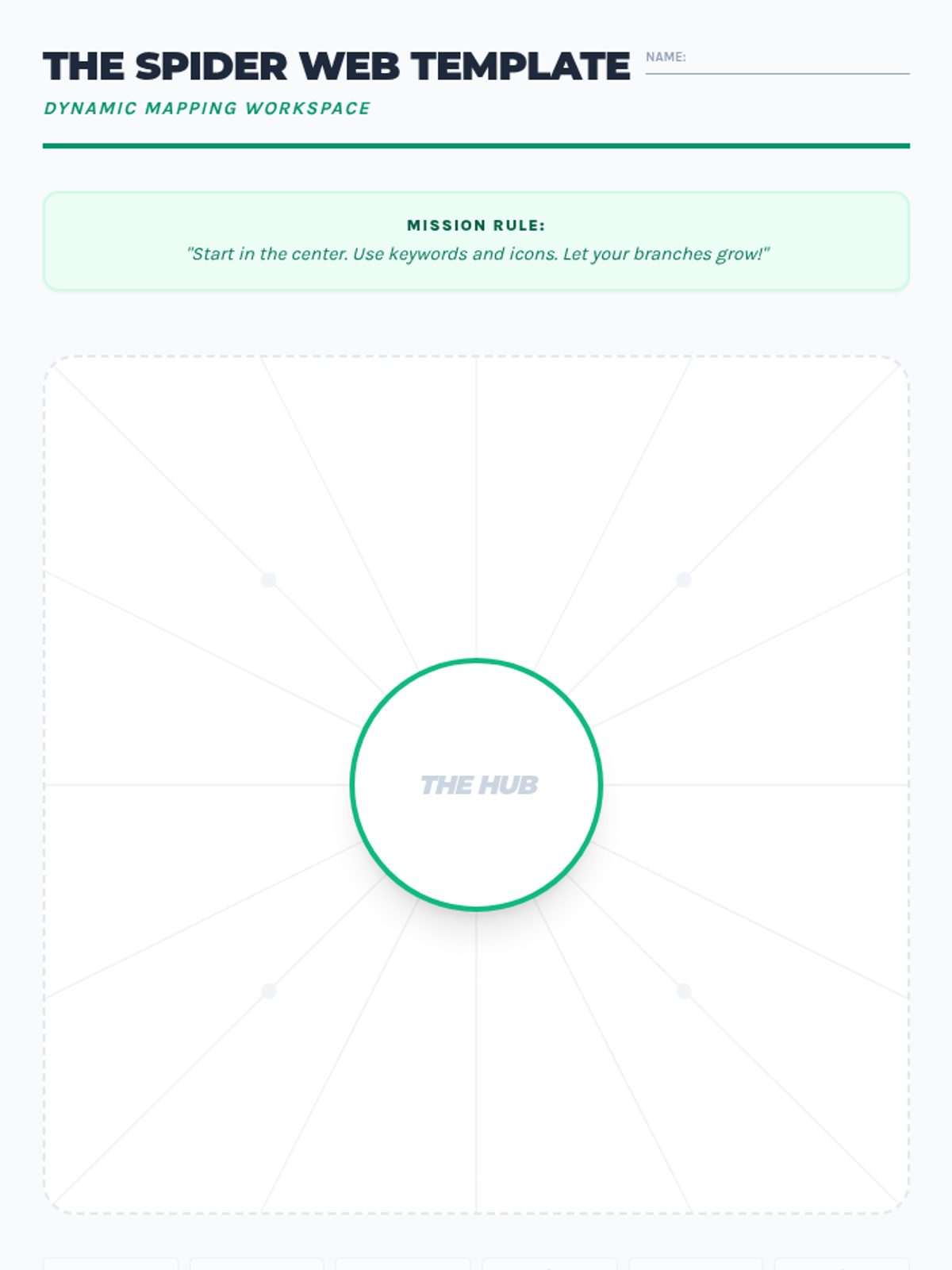
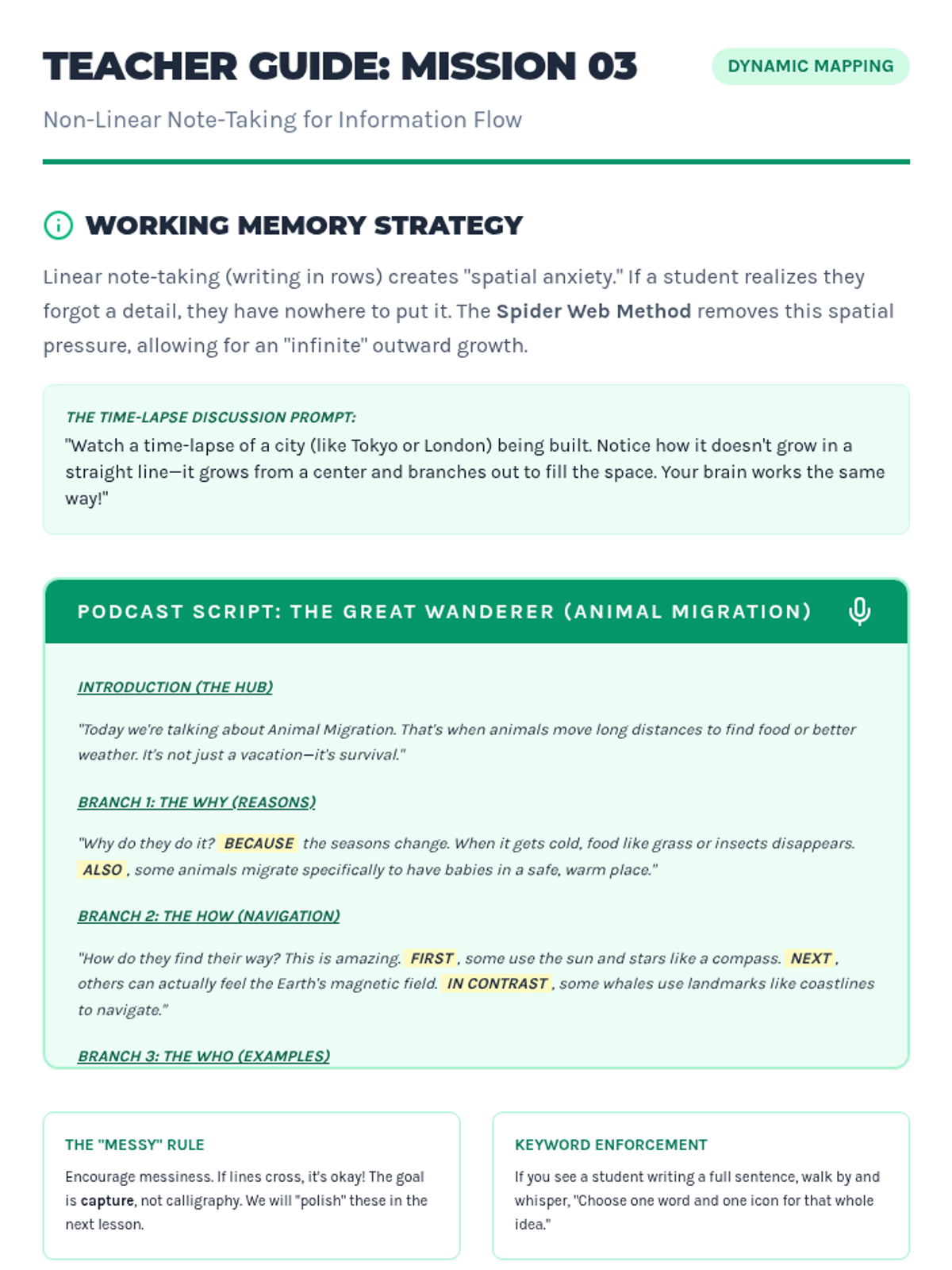
Students practice non-linear note-taking using spider maps or mind maps. They listen to a short informational podcast and branch out ideas from a center point, allowing them to add connections later without running out of space or breaking the flow.
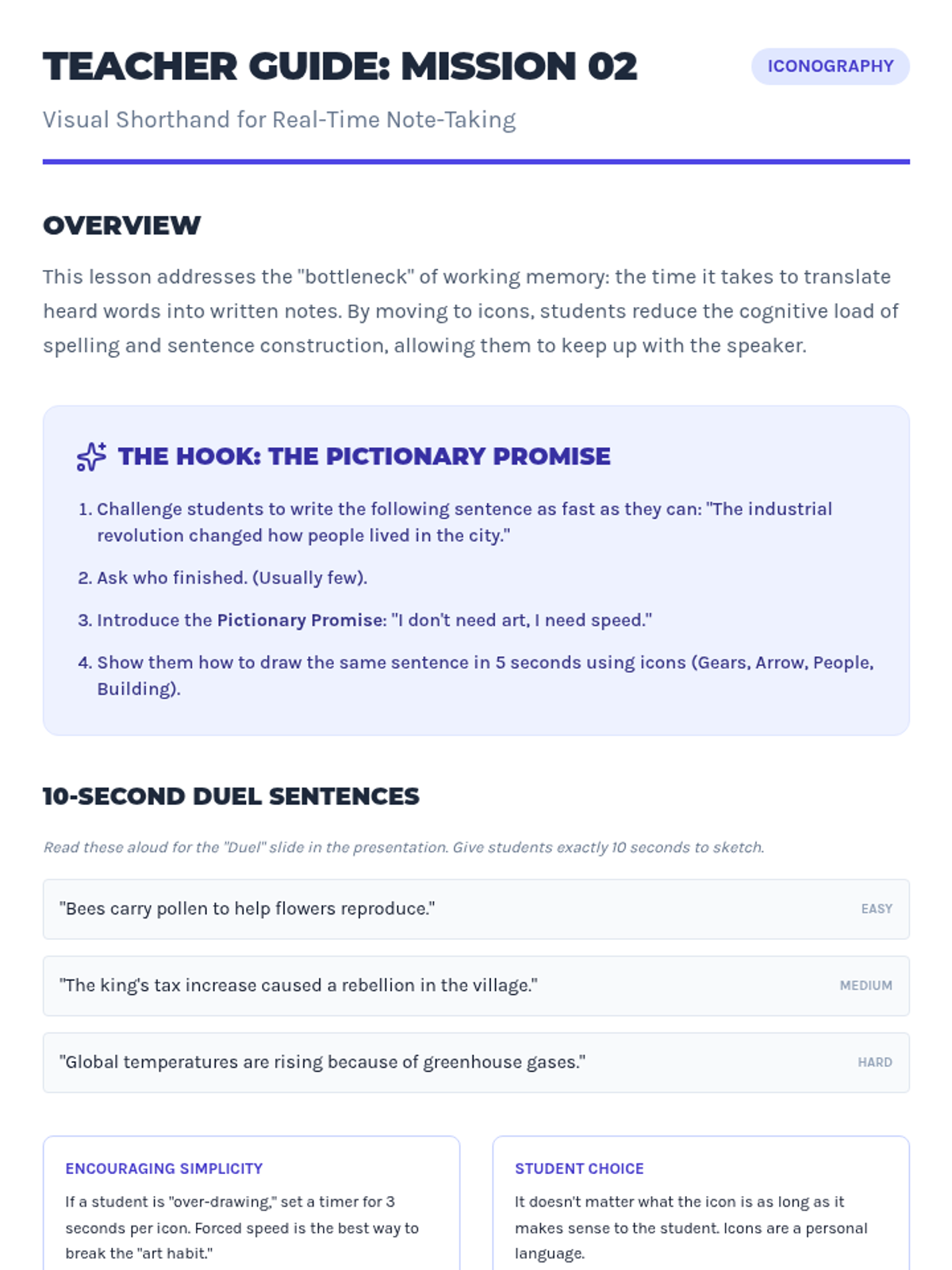
Students develop a personal library of simple icons and symbols to represent common academic concepts (e.g., an arrow for 'causes', a scale for 'balance'). This shorthand reduces the time spent writing, freeing up working memory to focus on comprehension.
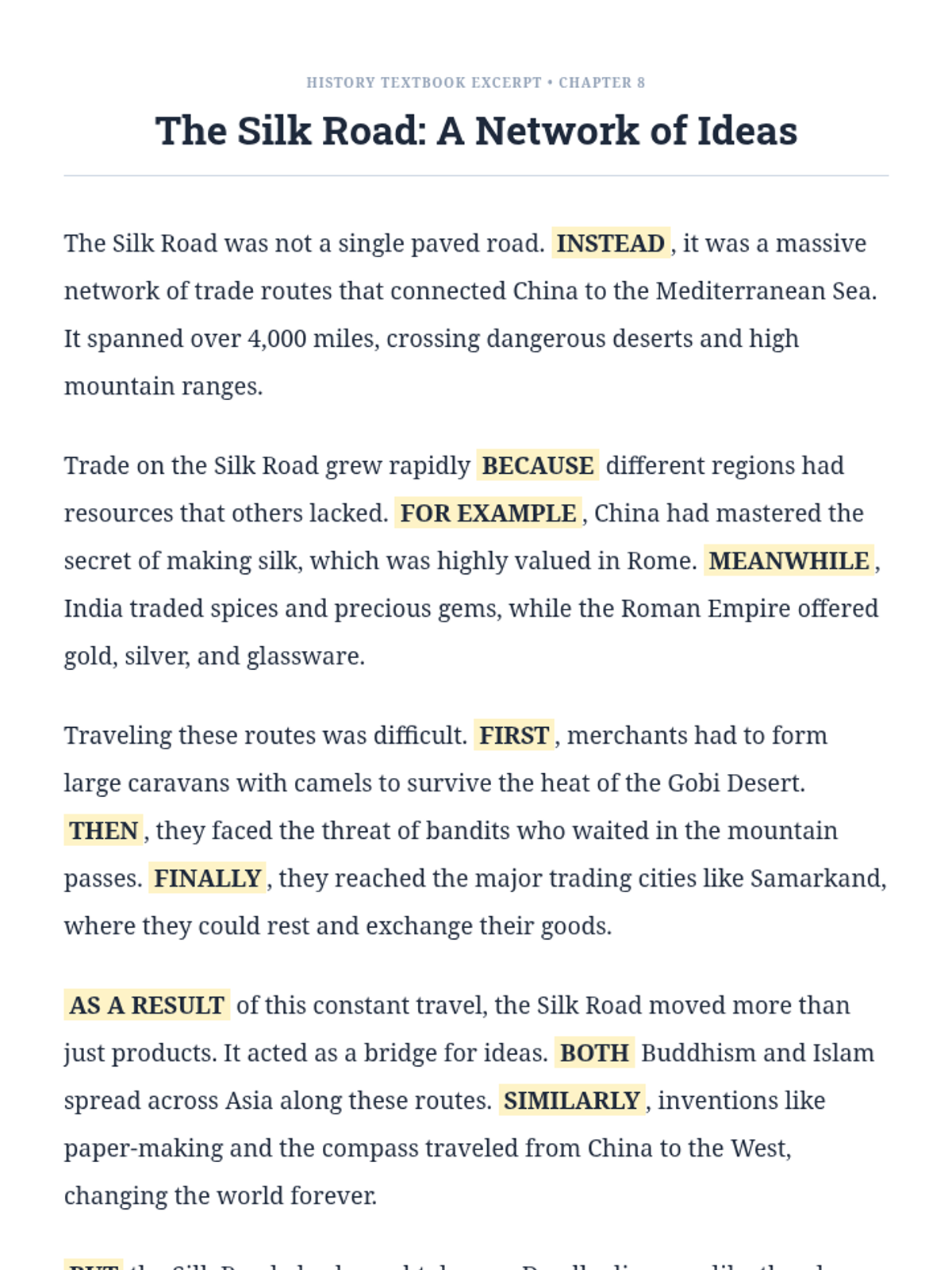
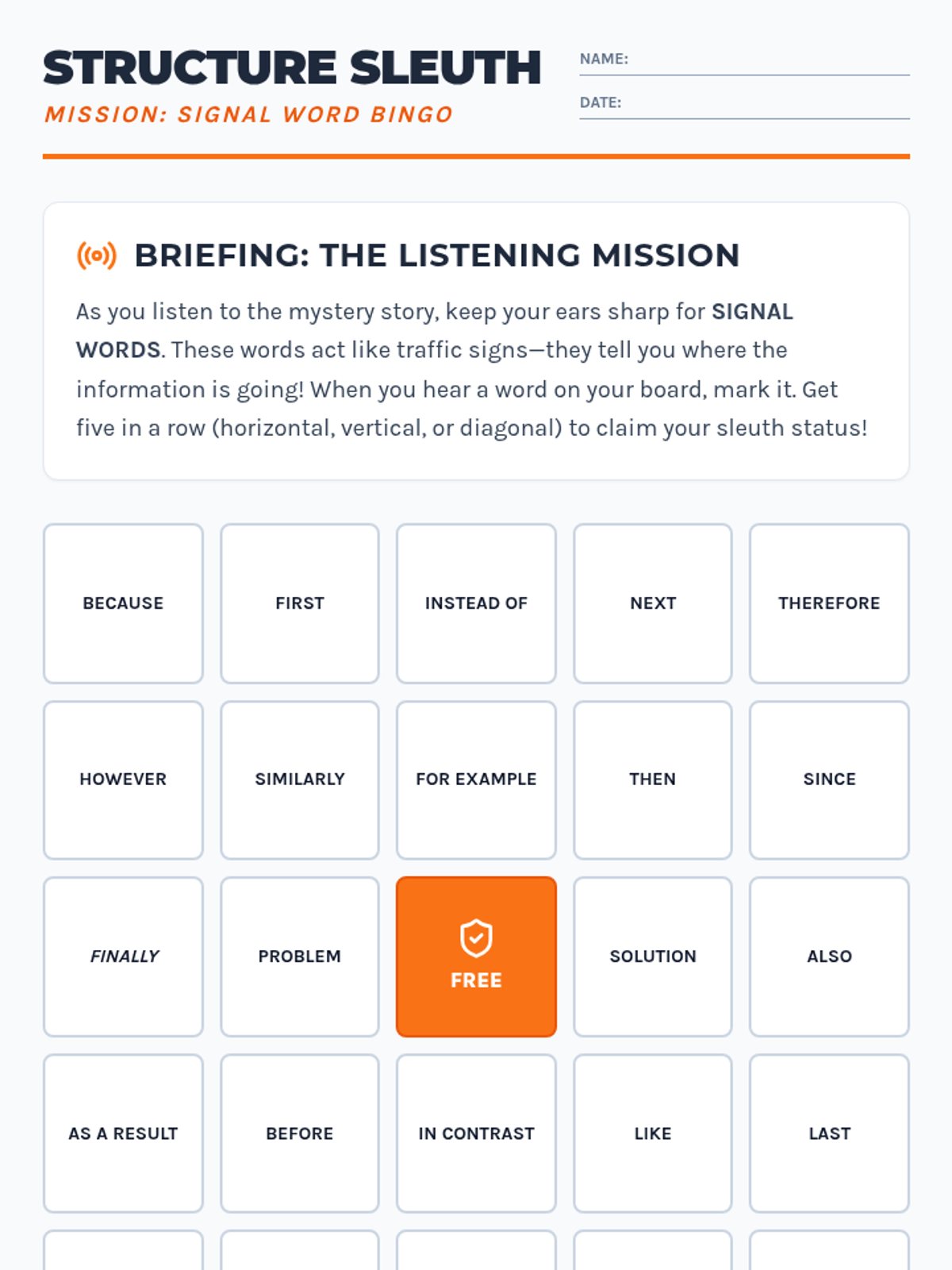
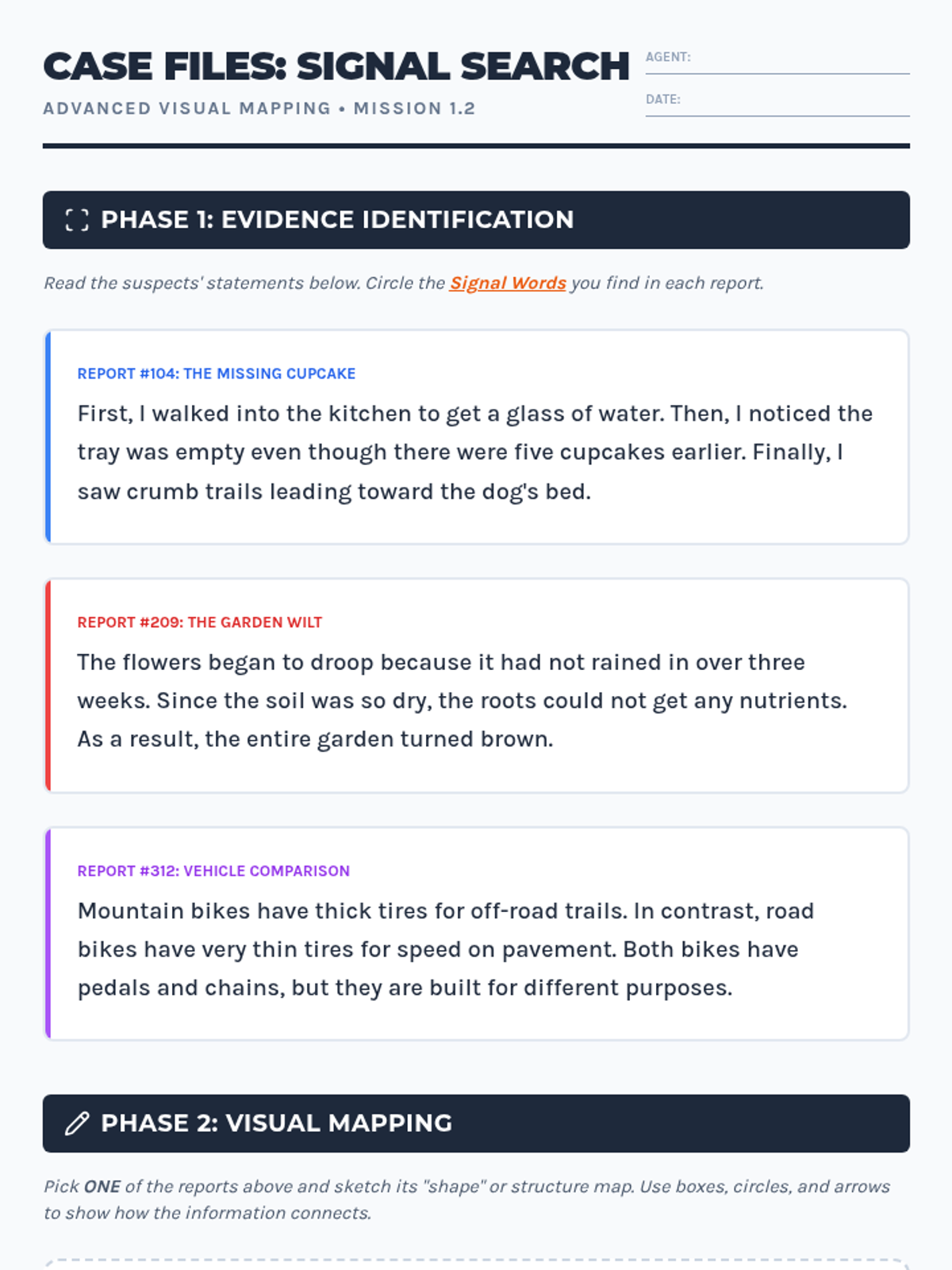
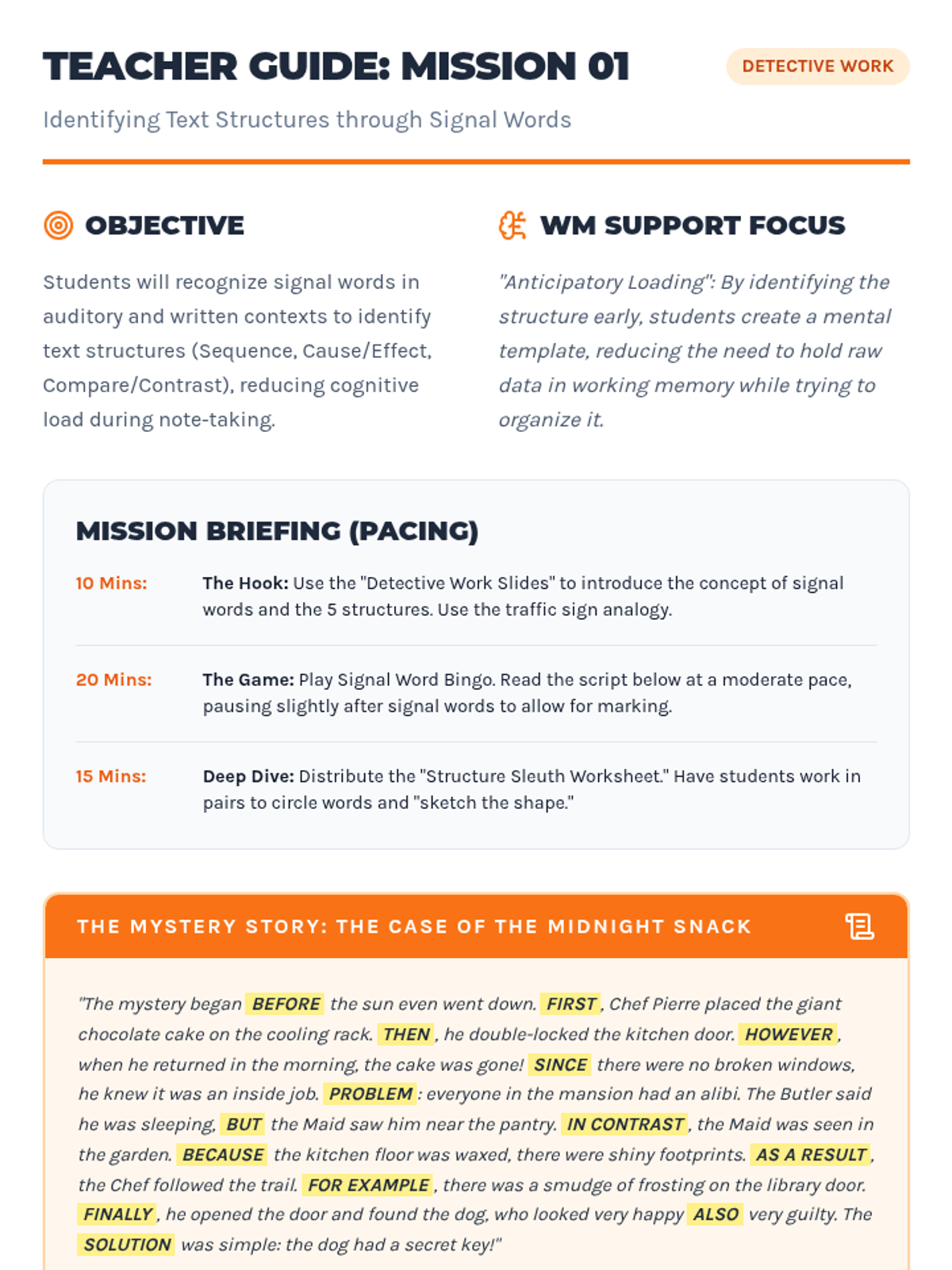
Students become 'Structure Sleuths' by learning to identify signal words that reveal the hidden organization of information. This lesson uses a game-based approach to reduce processing lag and help students anticipate how to organize their notes.
Students apply verbal rehearsal strategies during a mock lecture or oral quiz scenario. They demonstrate the ability to capture one point at a time before moving to the next.
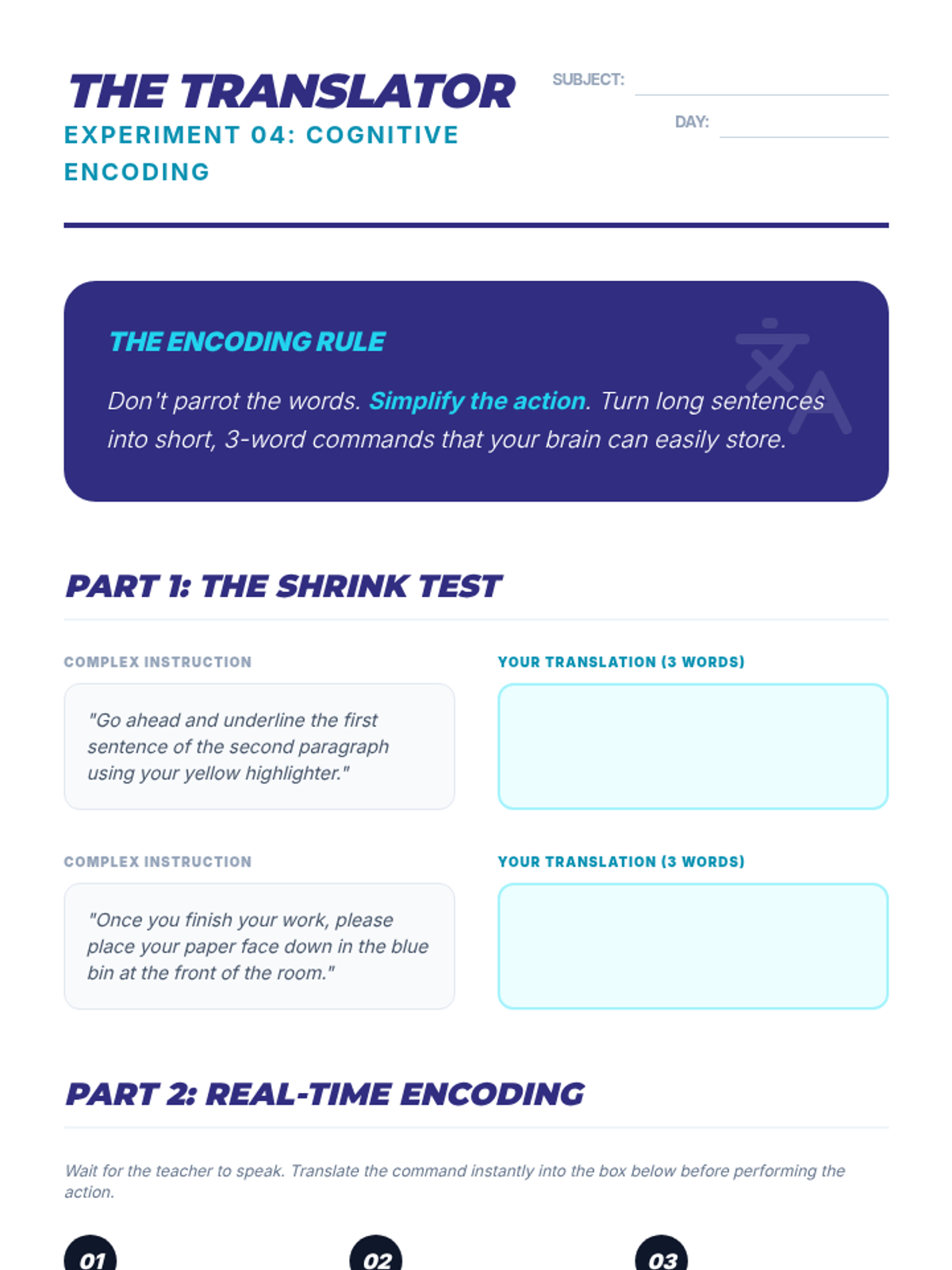
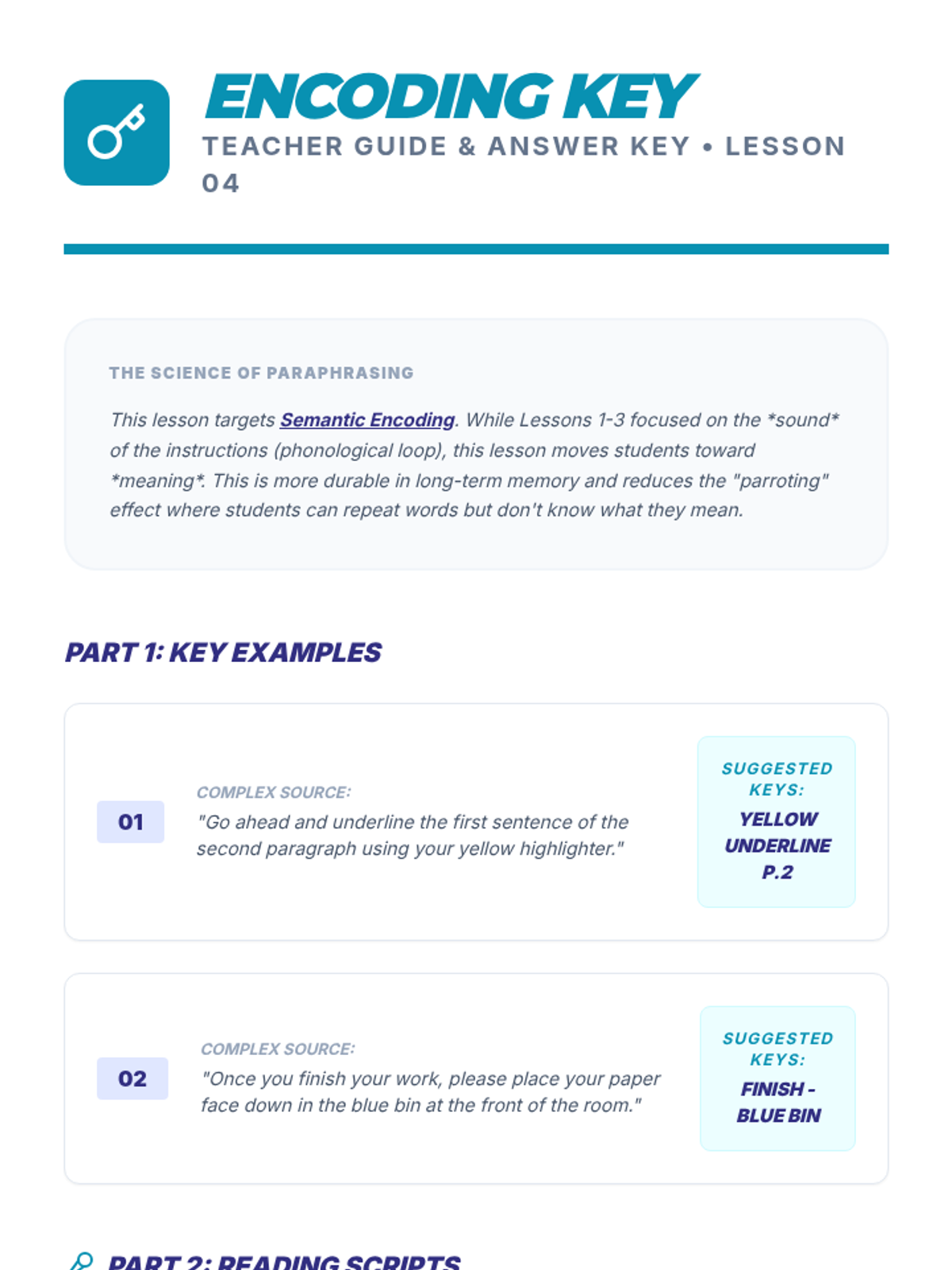
Students move from exact repetition to paraphrasing instructions into their own words. This ensures they process the meaning of the step rather than just the sound of the words.
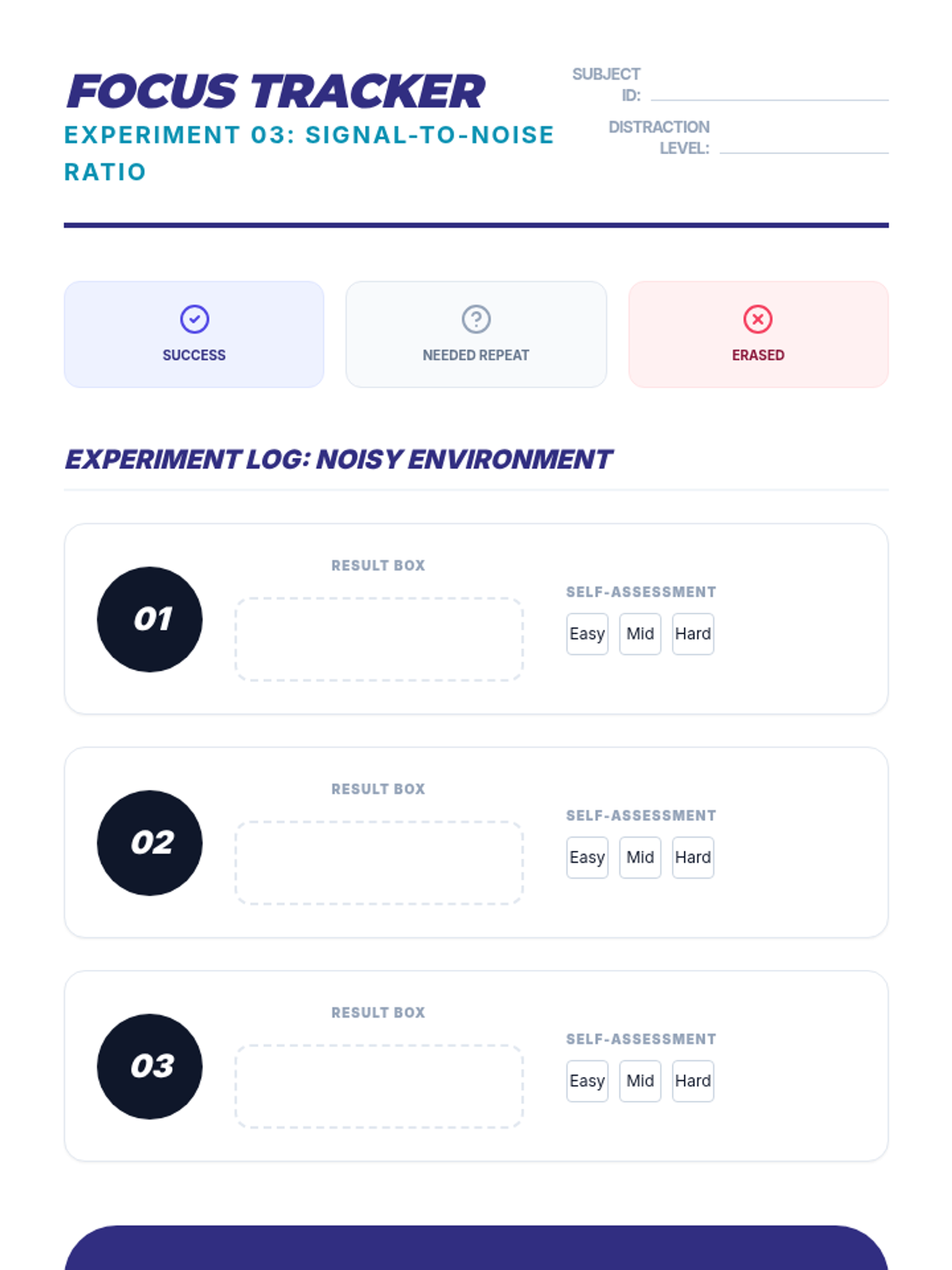
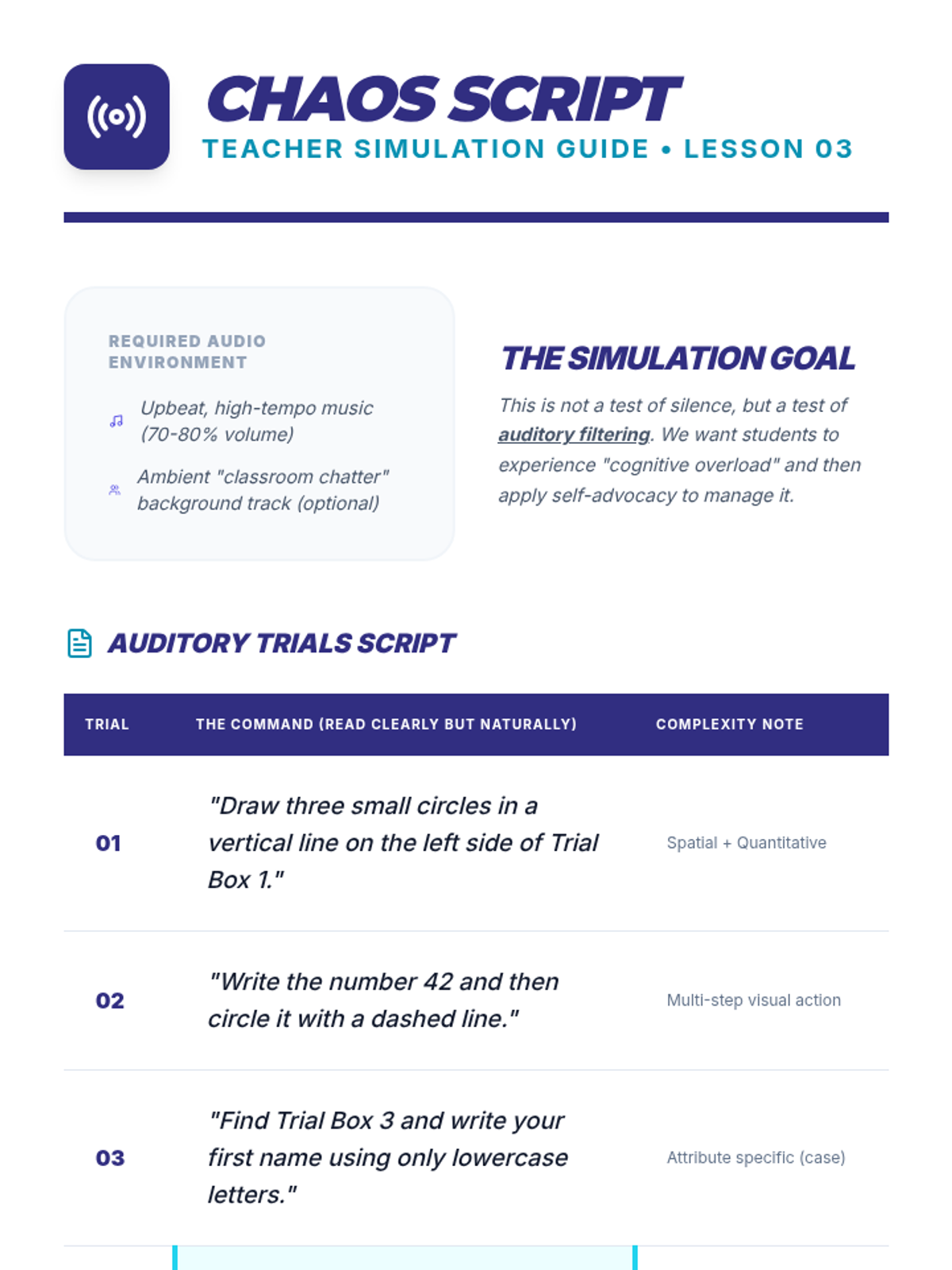
Students practice focusing on single-step directives while background noise or competing information is present. They learn techniques to signal when they need the speaker to pause or repeat.
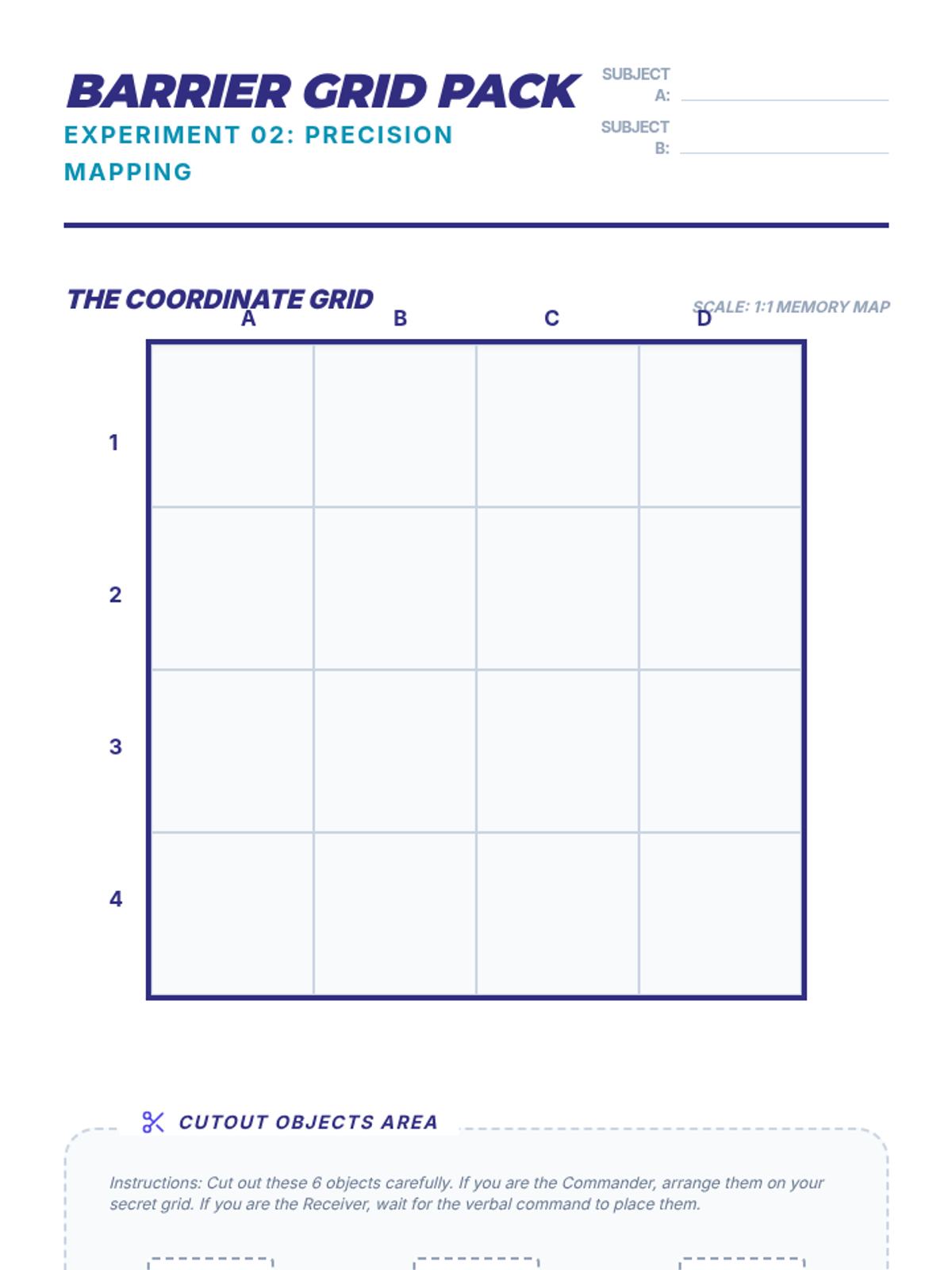
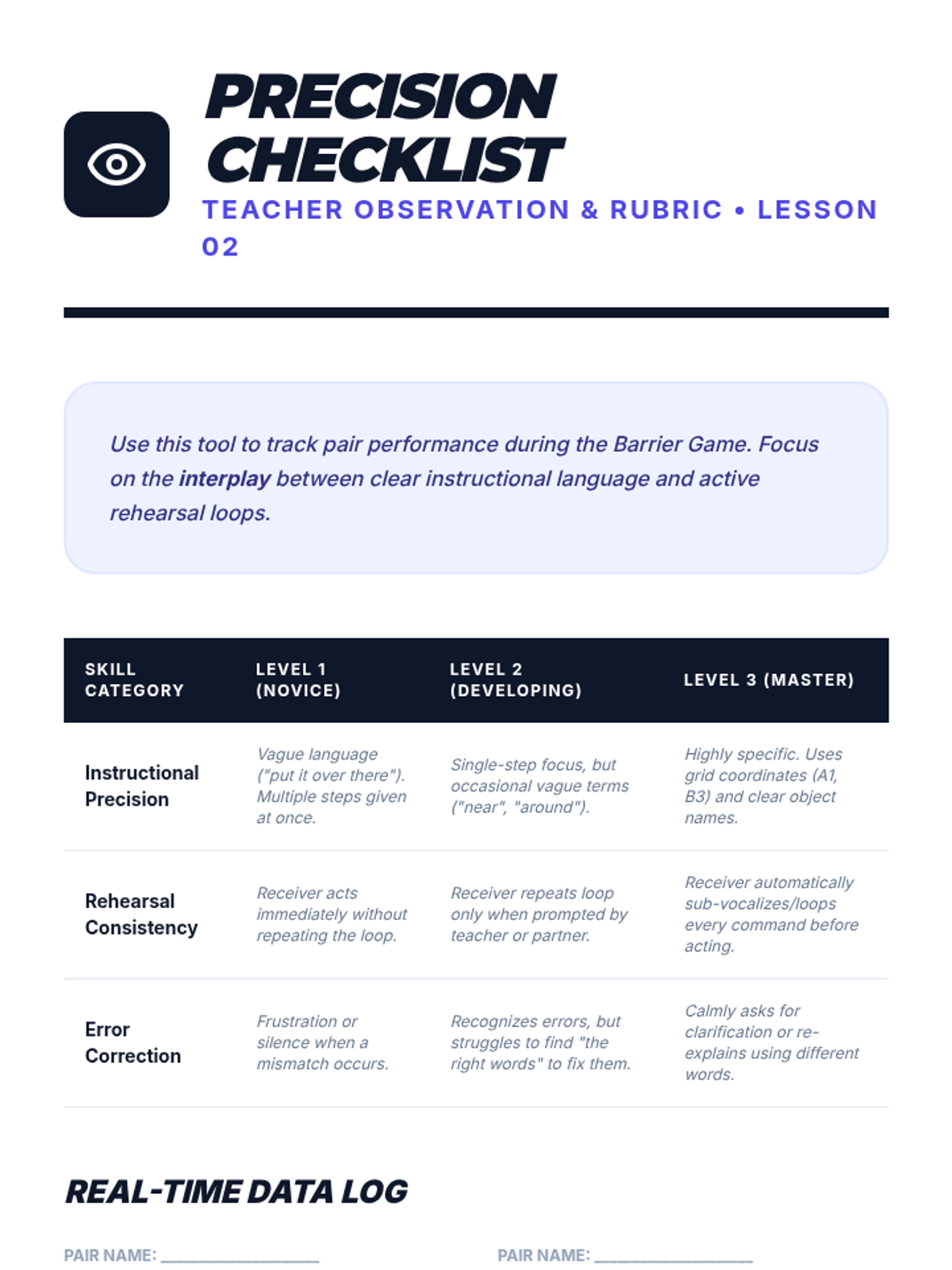
Working in pairs with a visual barrier between them, students give and follow single-step directions to arrange distinct objects on a grid. This emphasizes the need for precise, isolated instructions.
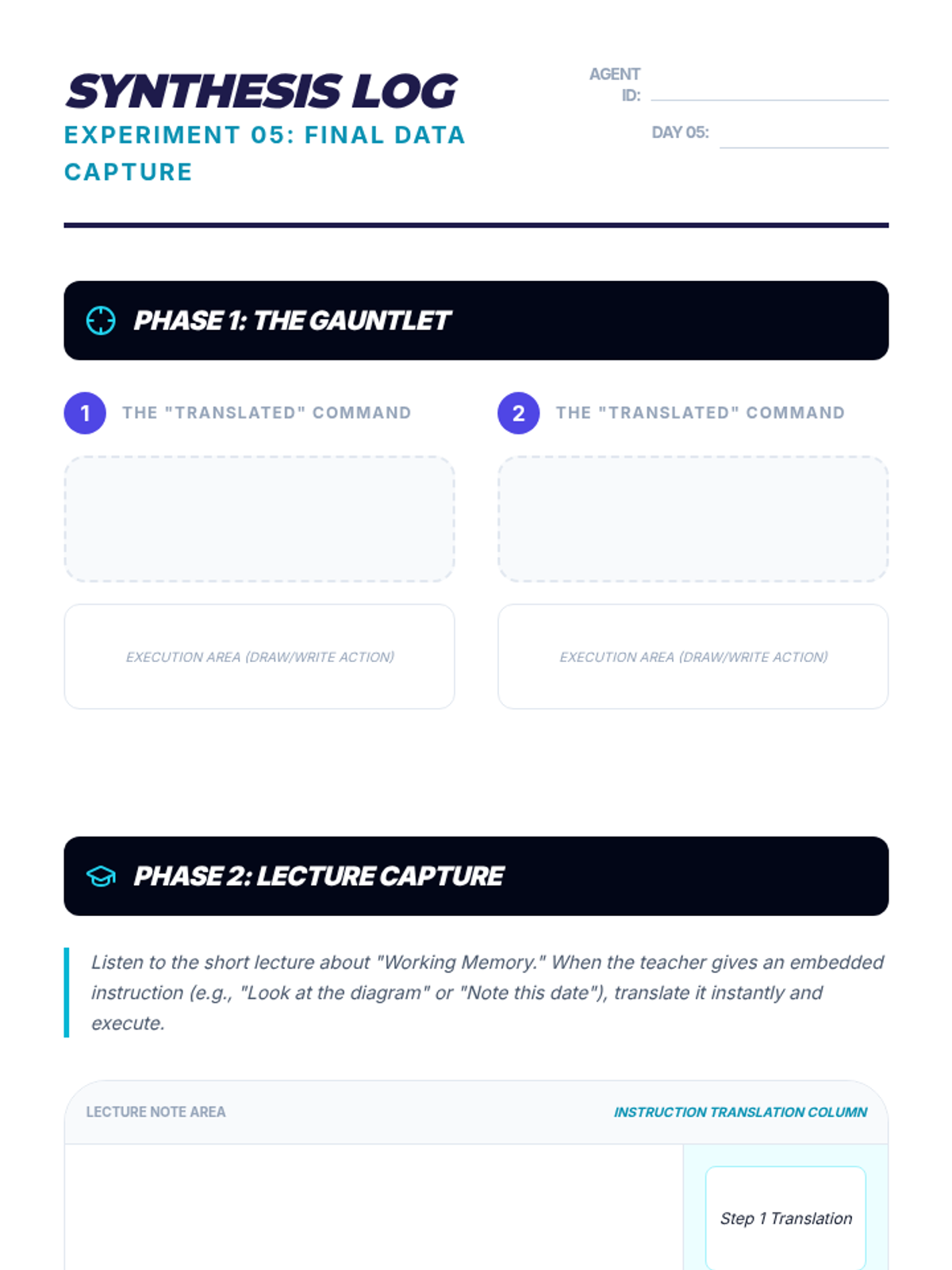
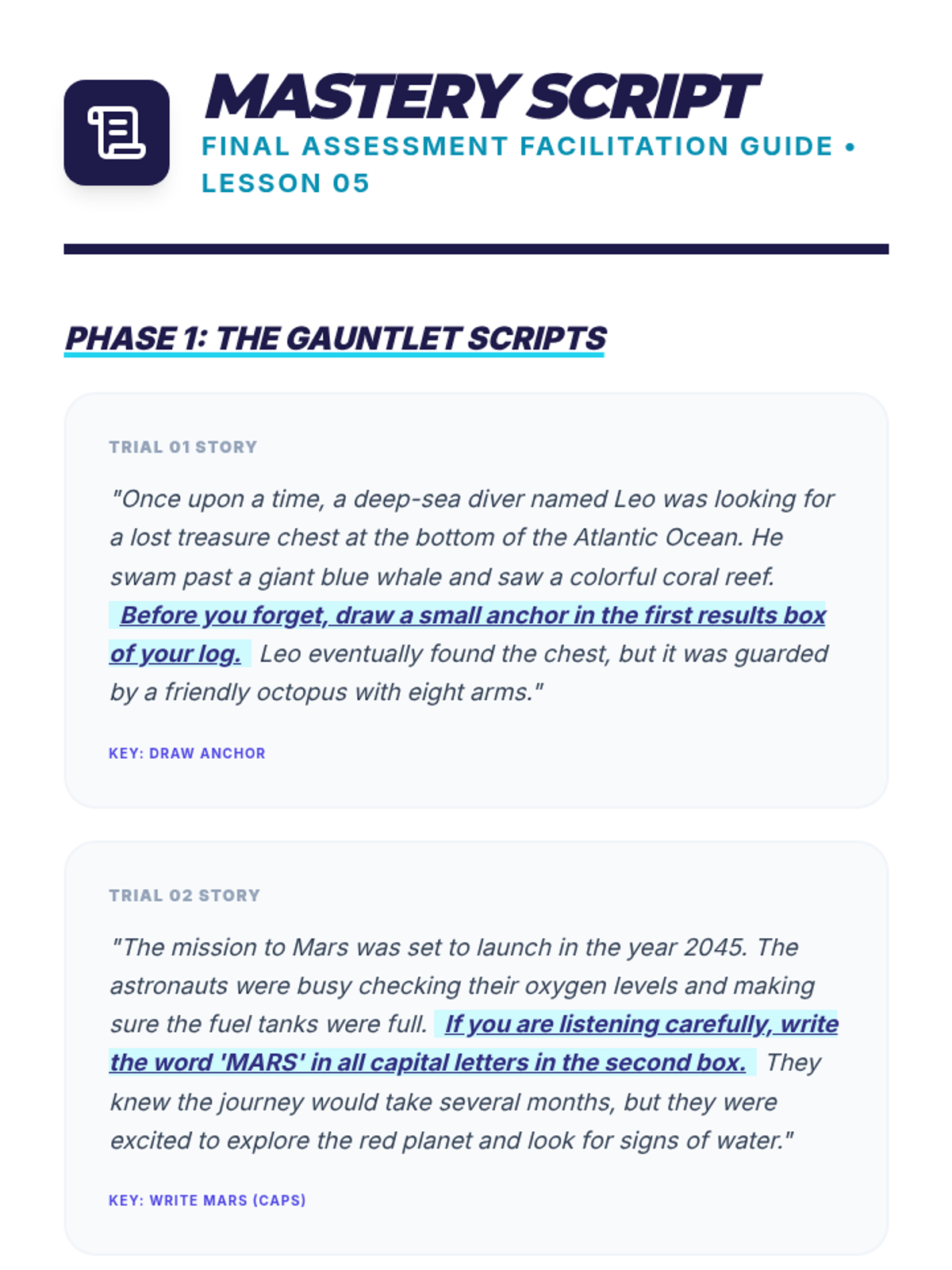
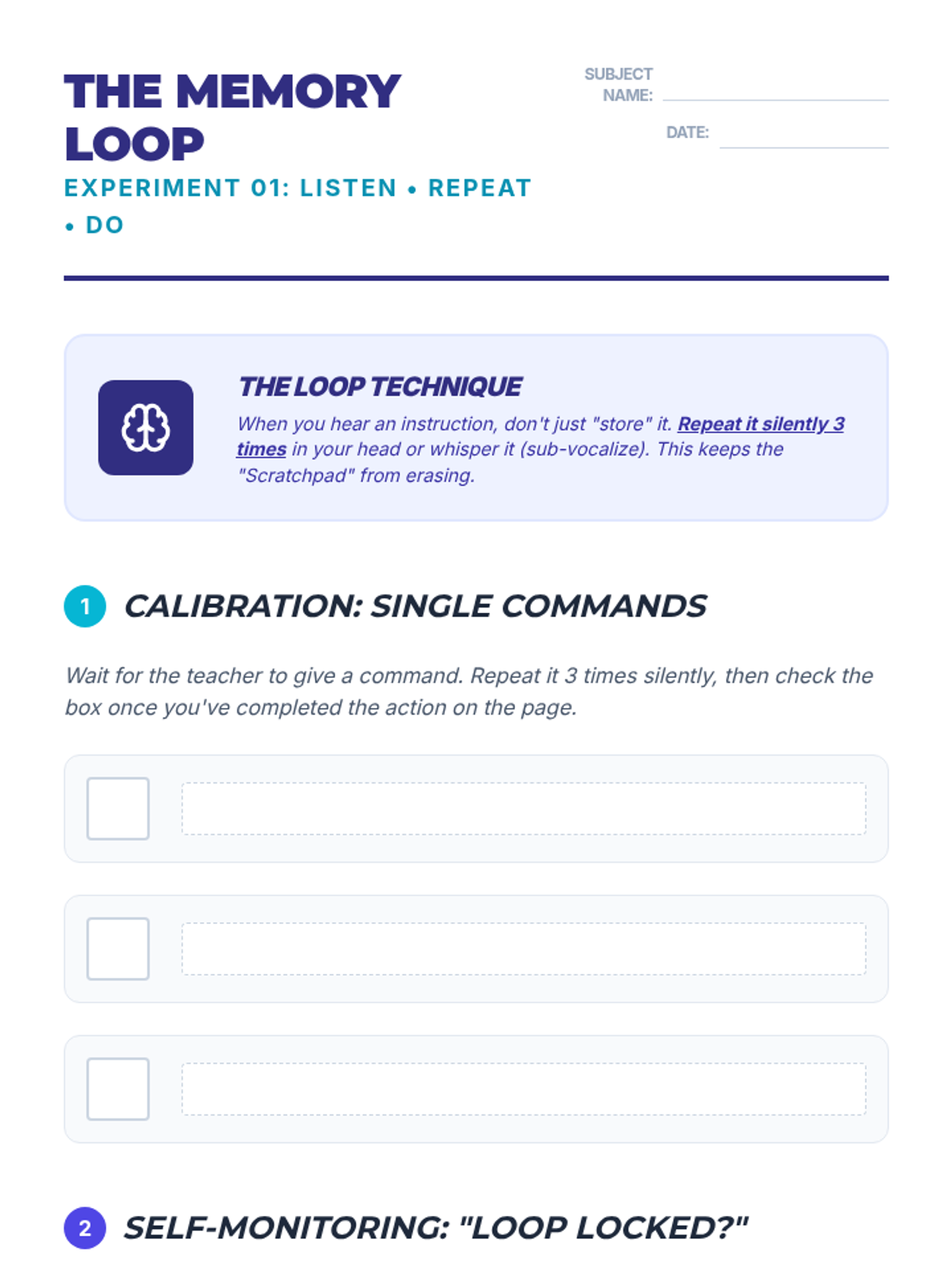
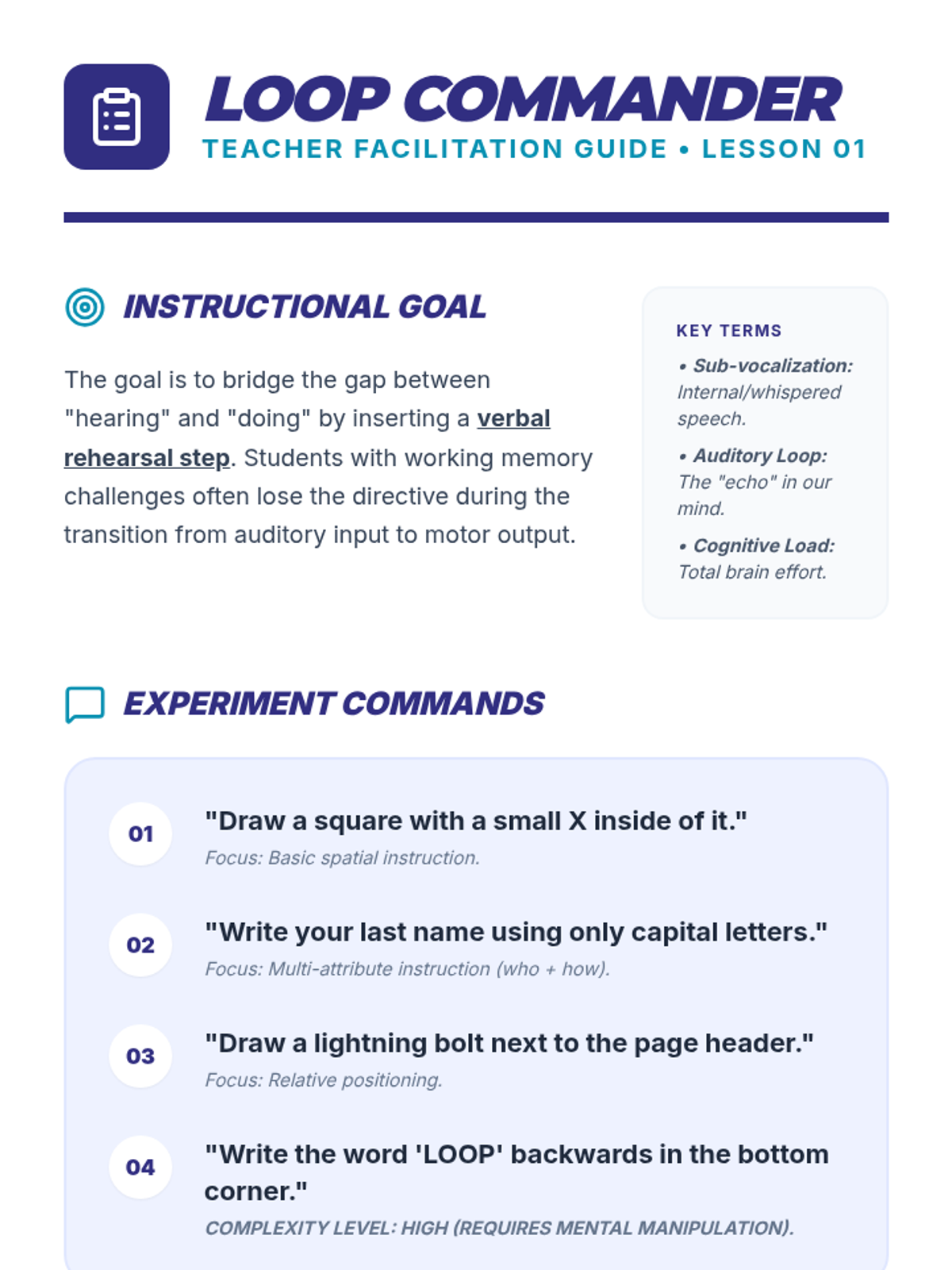
Students practice the 'Listen, Repeat, Do' strategy using short commands and explore sub-vocalization to keep instructions active in working memory.
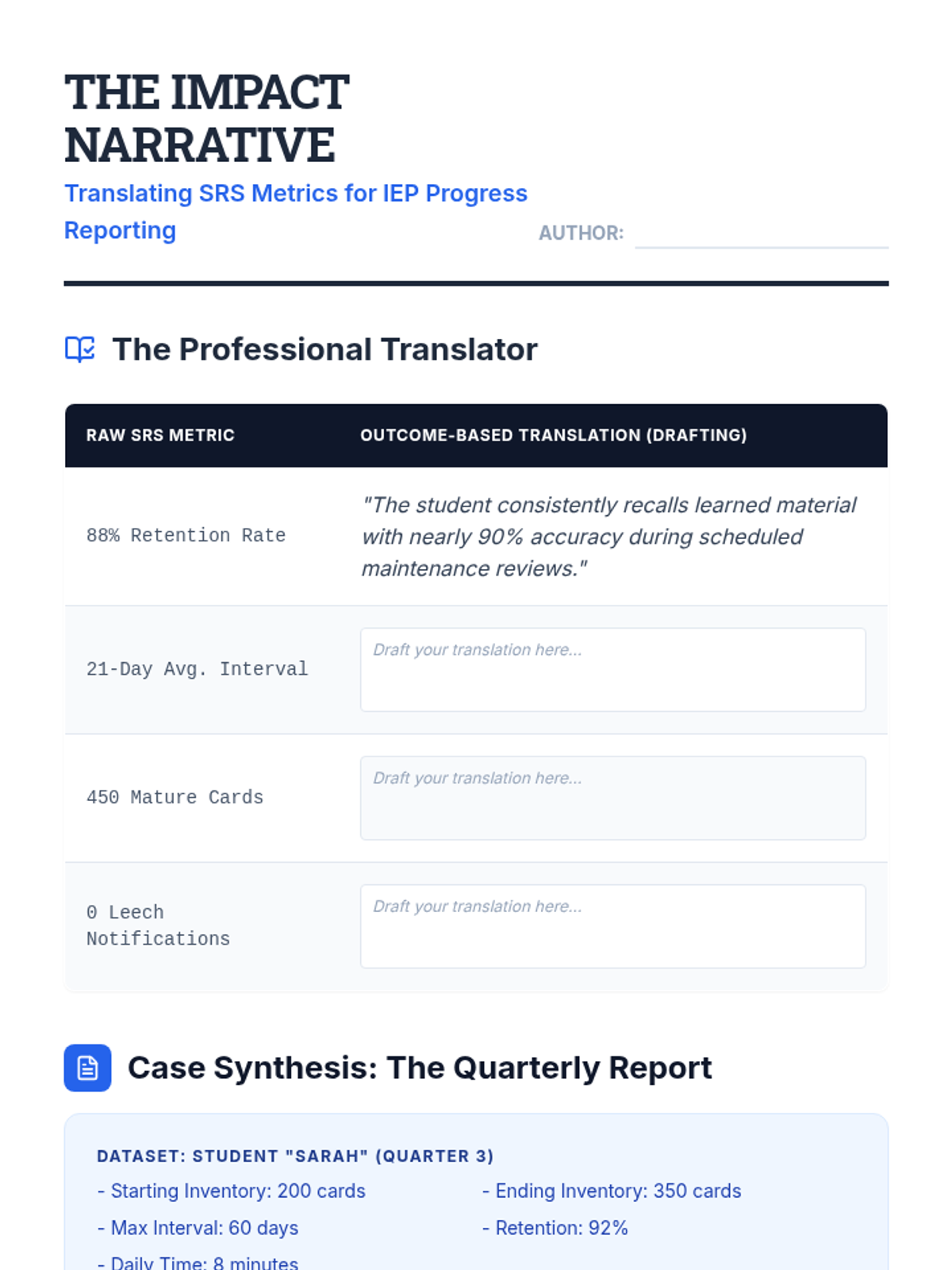
The final lesson covers translating raw SRS data into meaningful progress reports for IEP meetings and parents. Students create visualizations and narratives that demonstrate growth in long-term retention.
Students present their comprehensive study system and articulate how they will adjust their plan, demonstrating self-regulation.
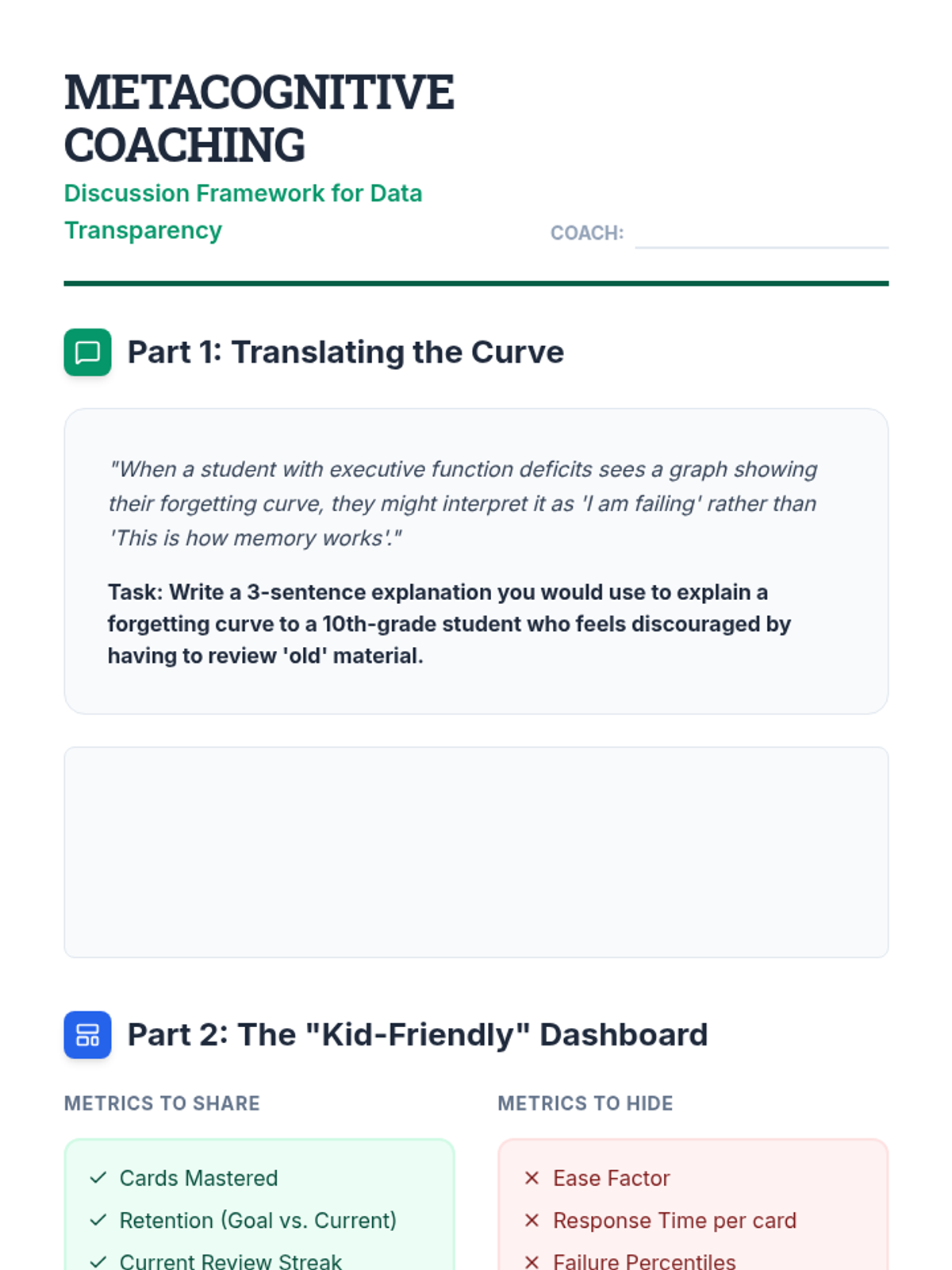
Students explore techniques for showing learners their own forgetting curves and retention data. The goal is to build buy-in and help students with executive function deficits visualize their own learning process.
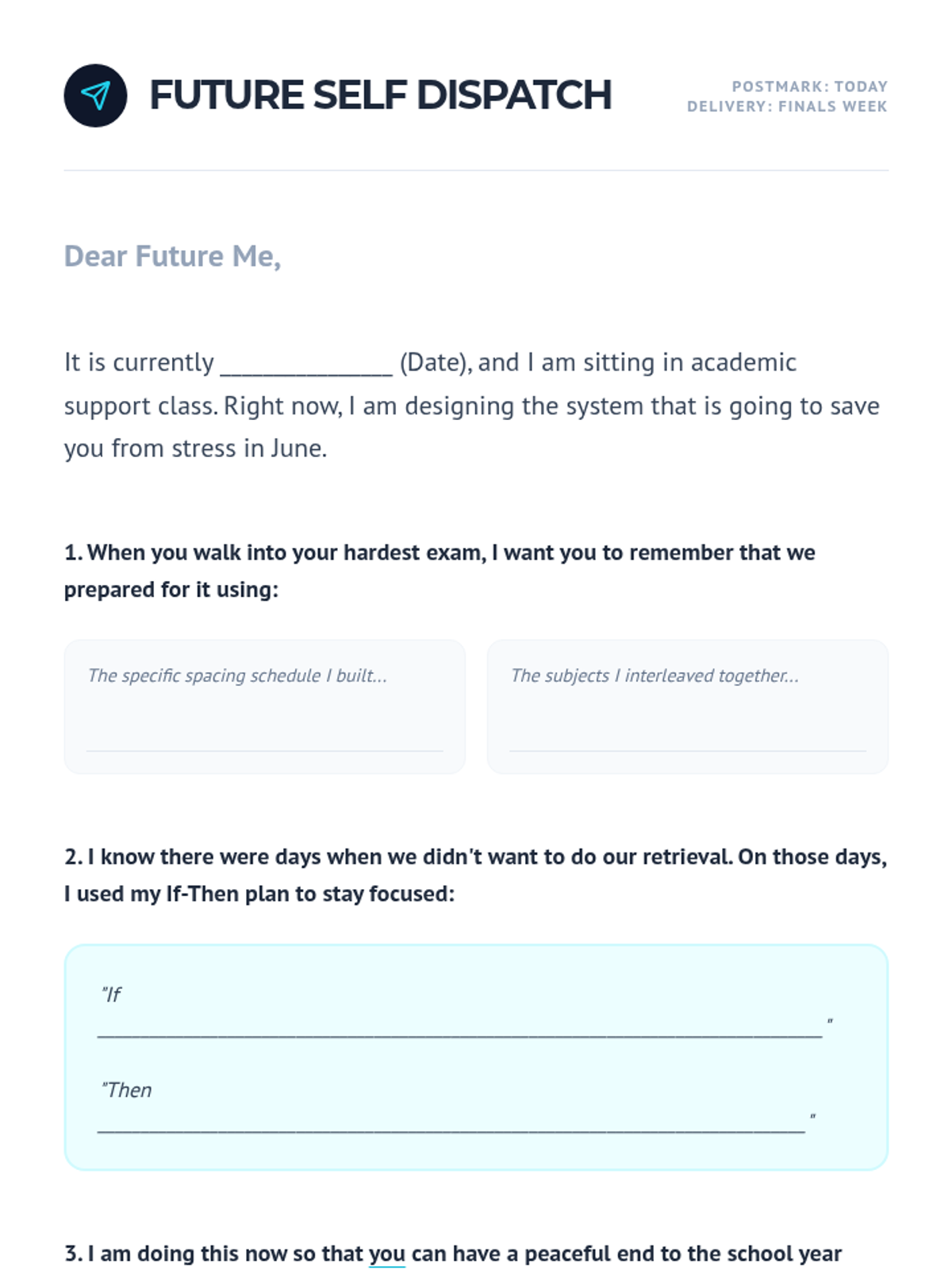
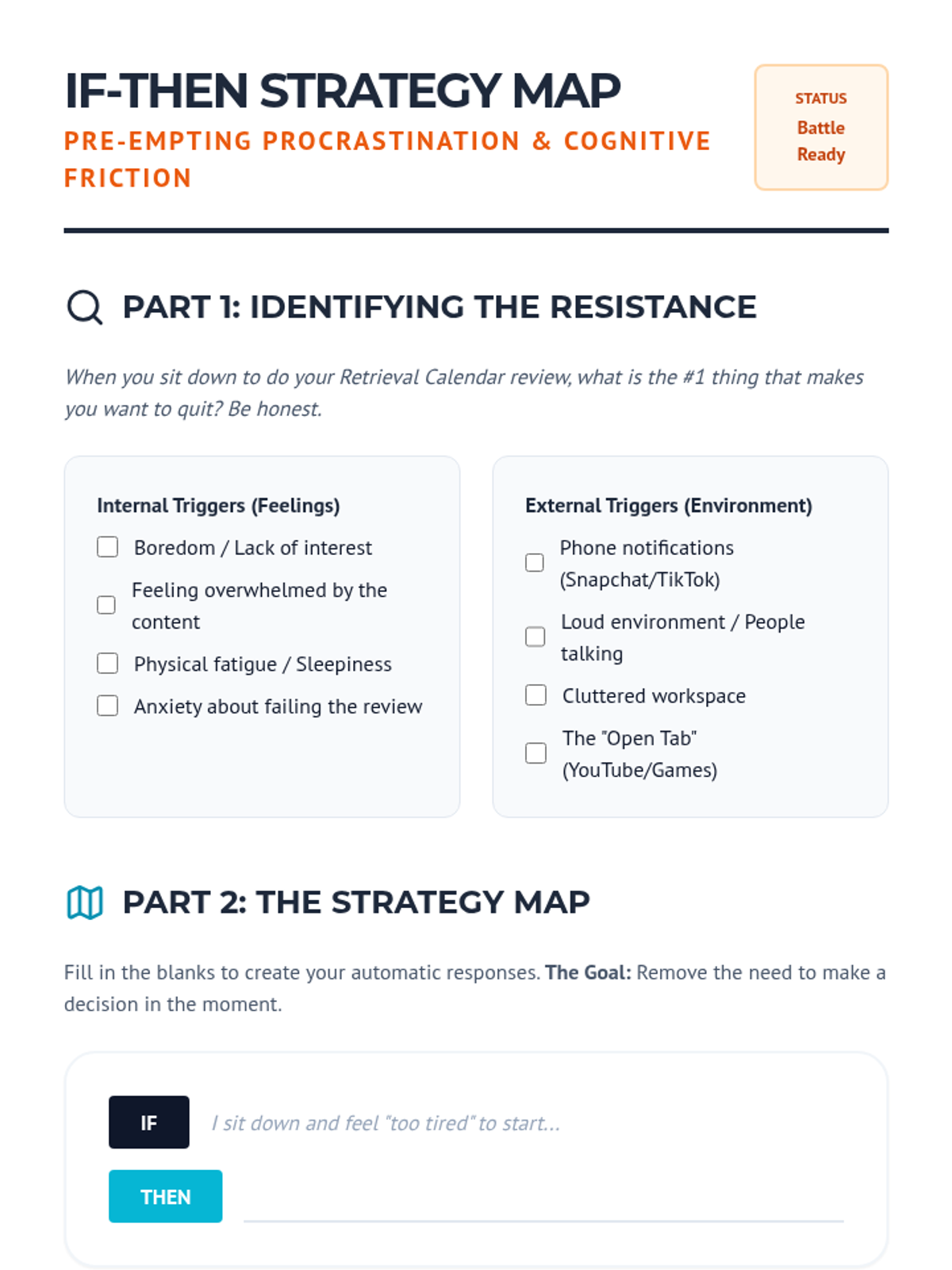
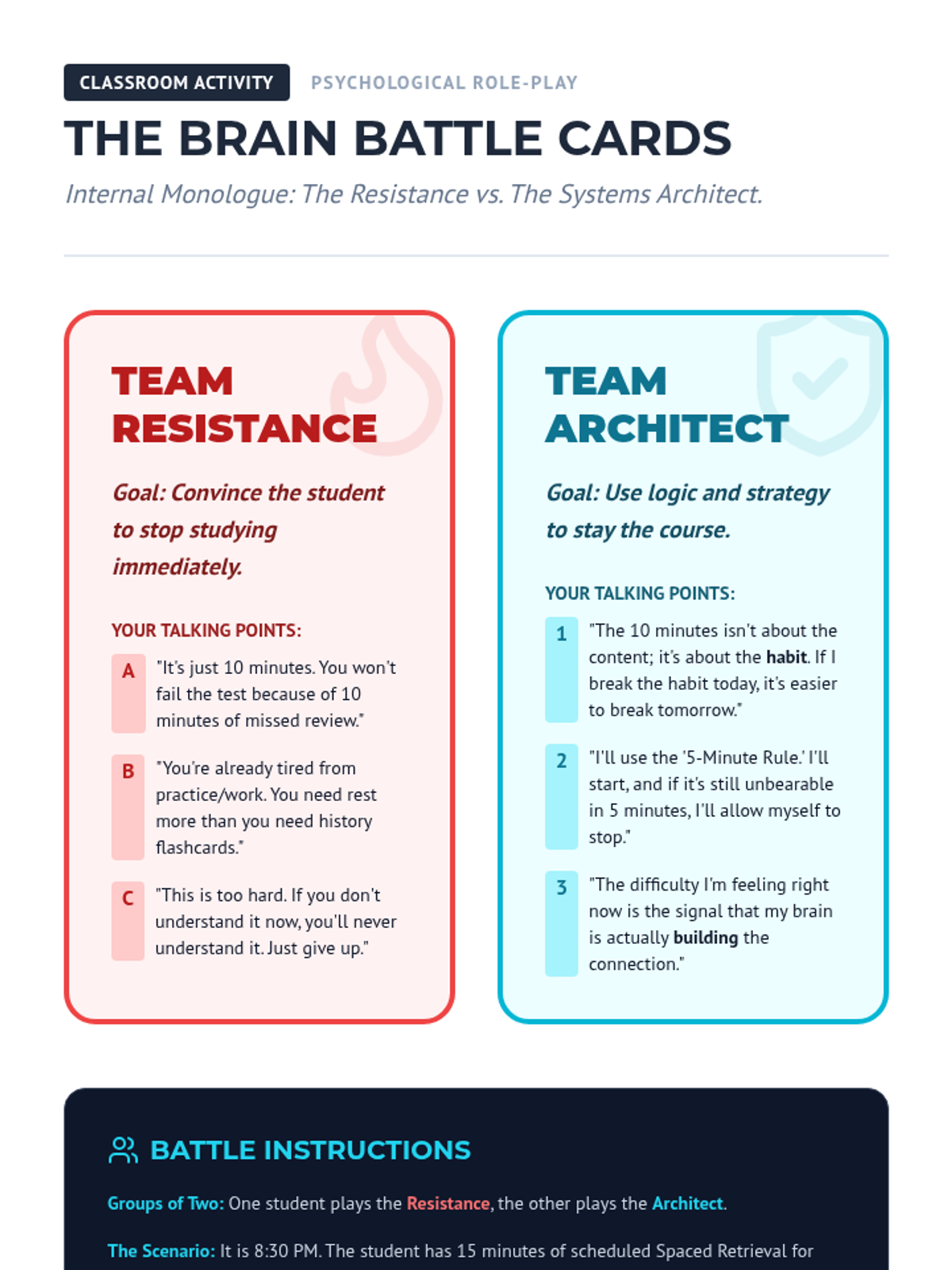
Students develop 'if-then' plans and coping strategies to overcome the emotional hurdles and friction of difficult study sessions.
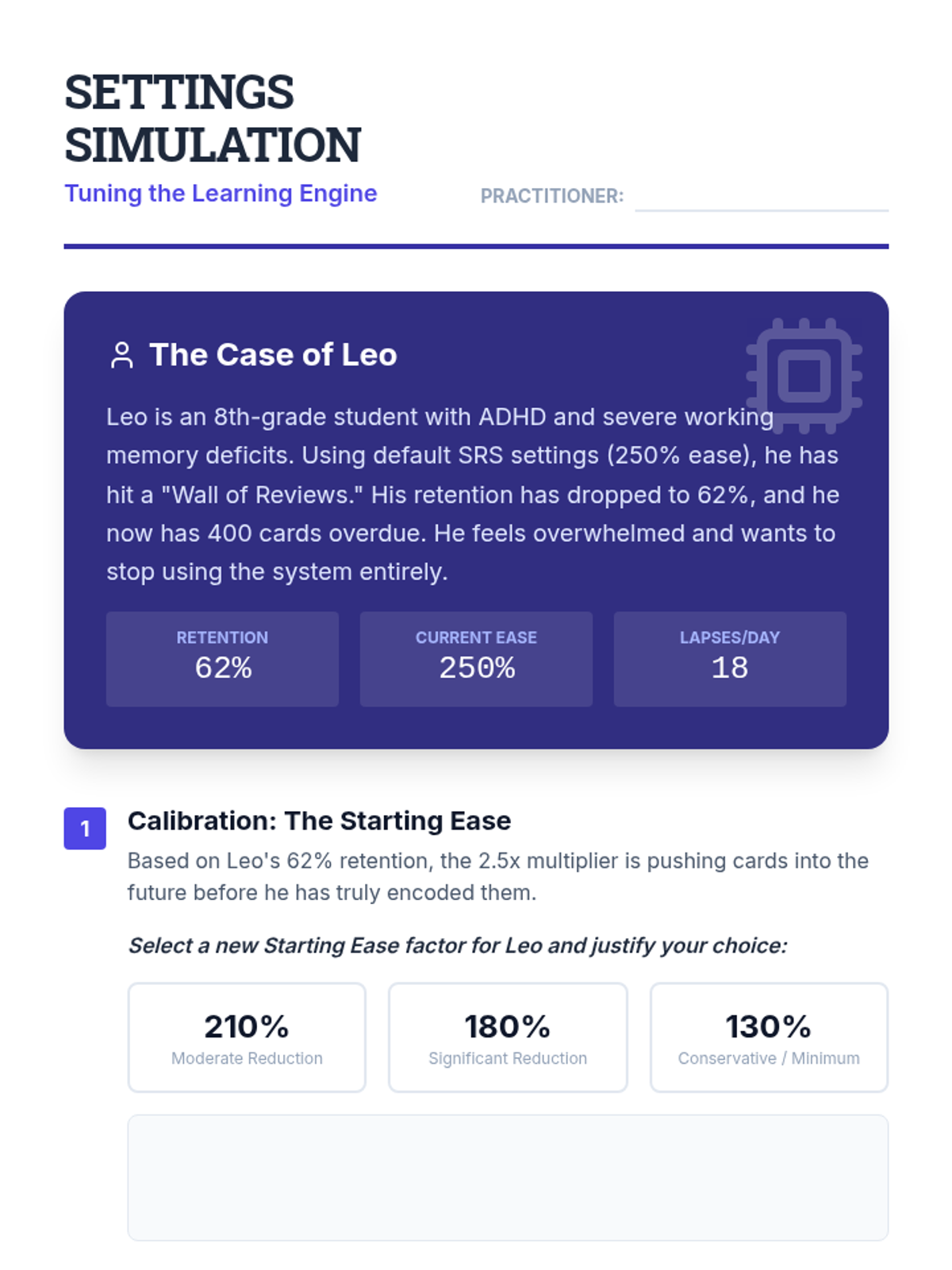
Students practice manually overriding algorithmic settings to better suit special education contexts. They learn when to reset a deck, when to cap maximum intervals, and how to adjust starting ease for students with memory deficits.
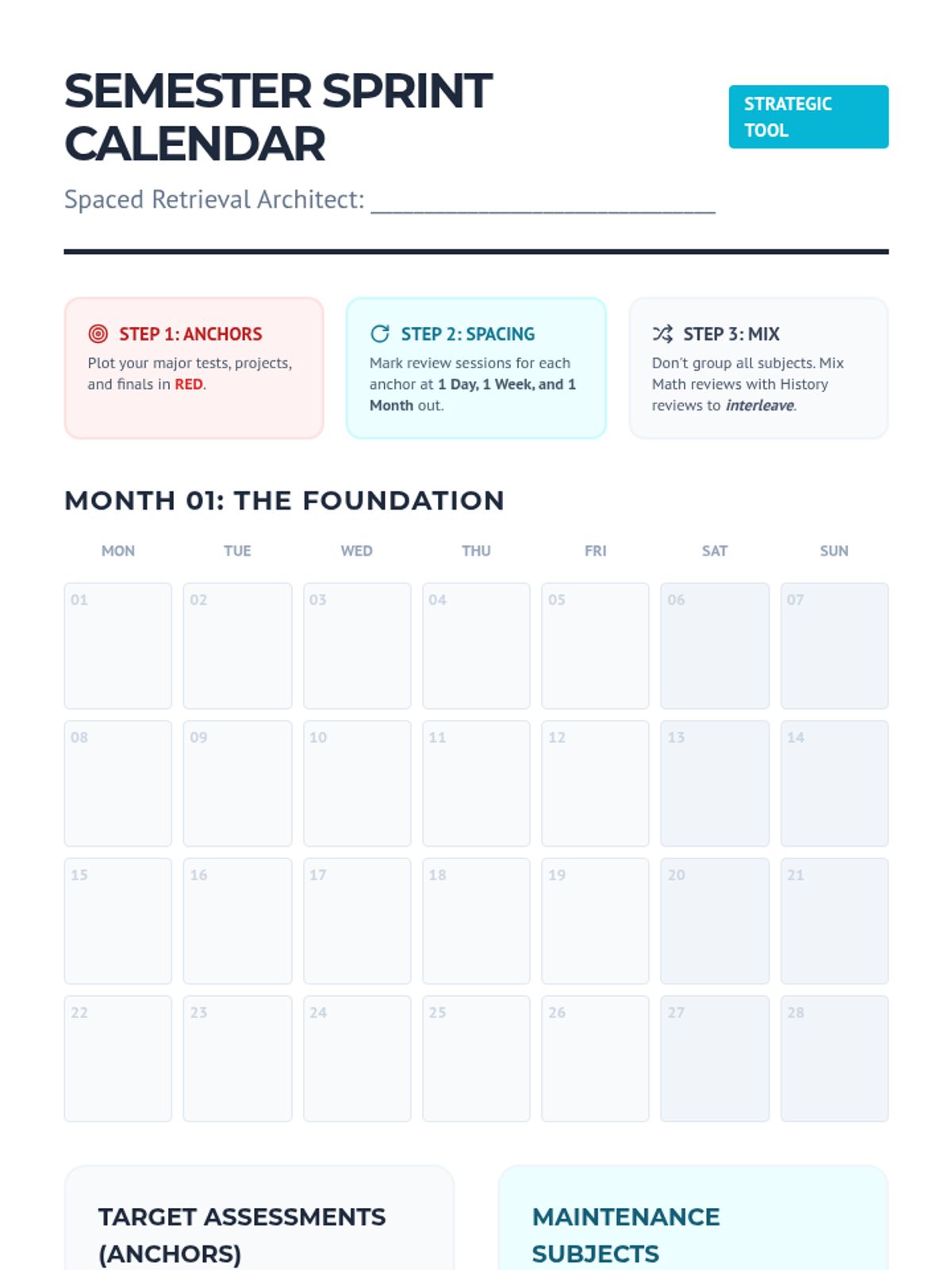
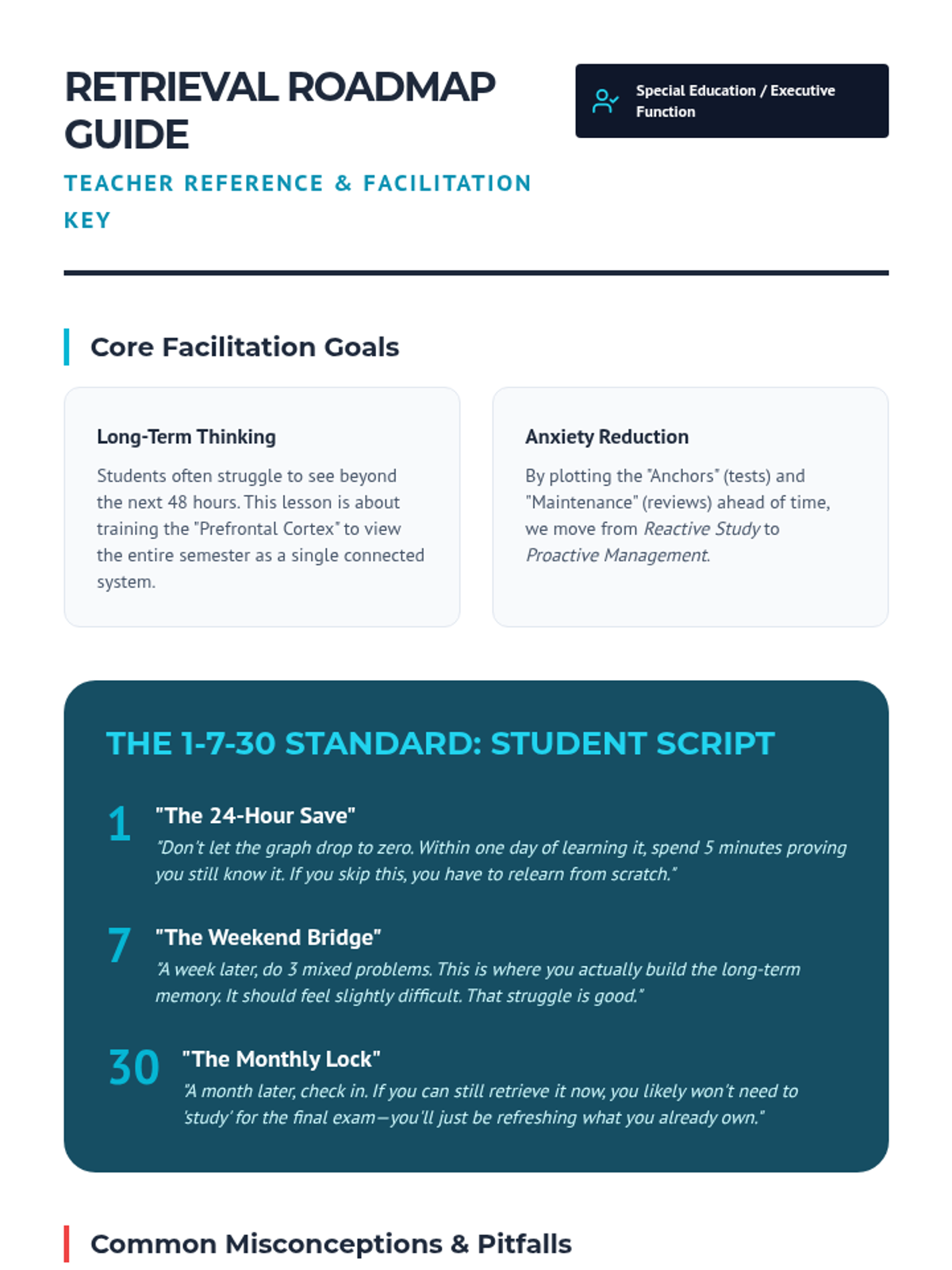
Students map out major assessments and work backward to schedule spaced exposures on a visual semester plan.
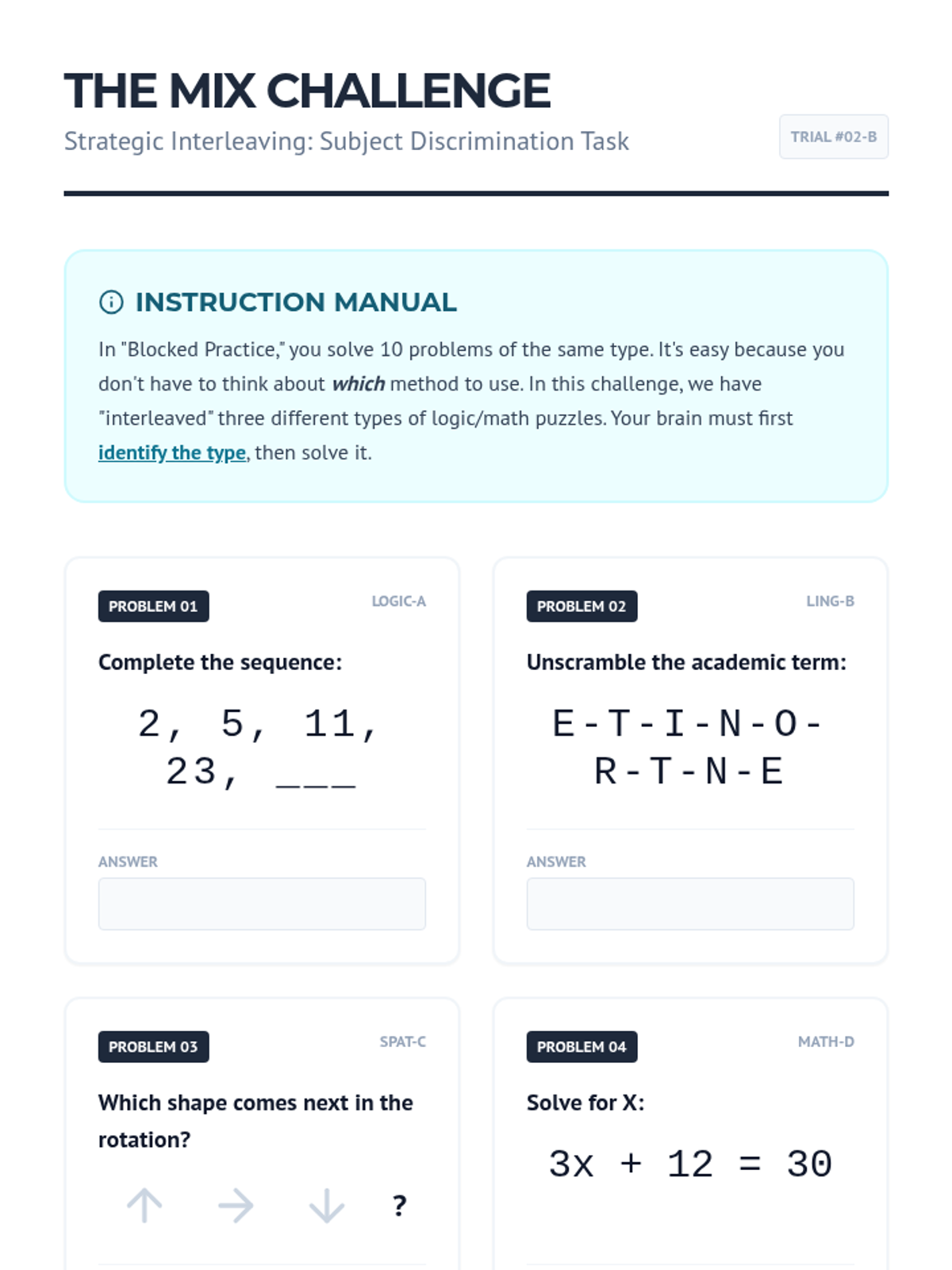
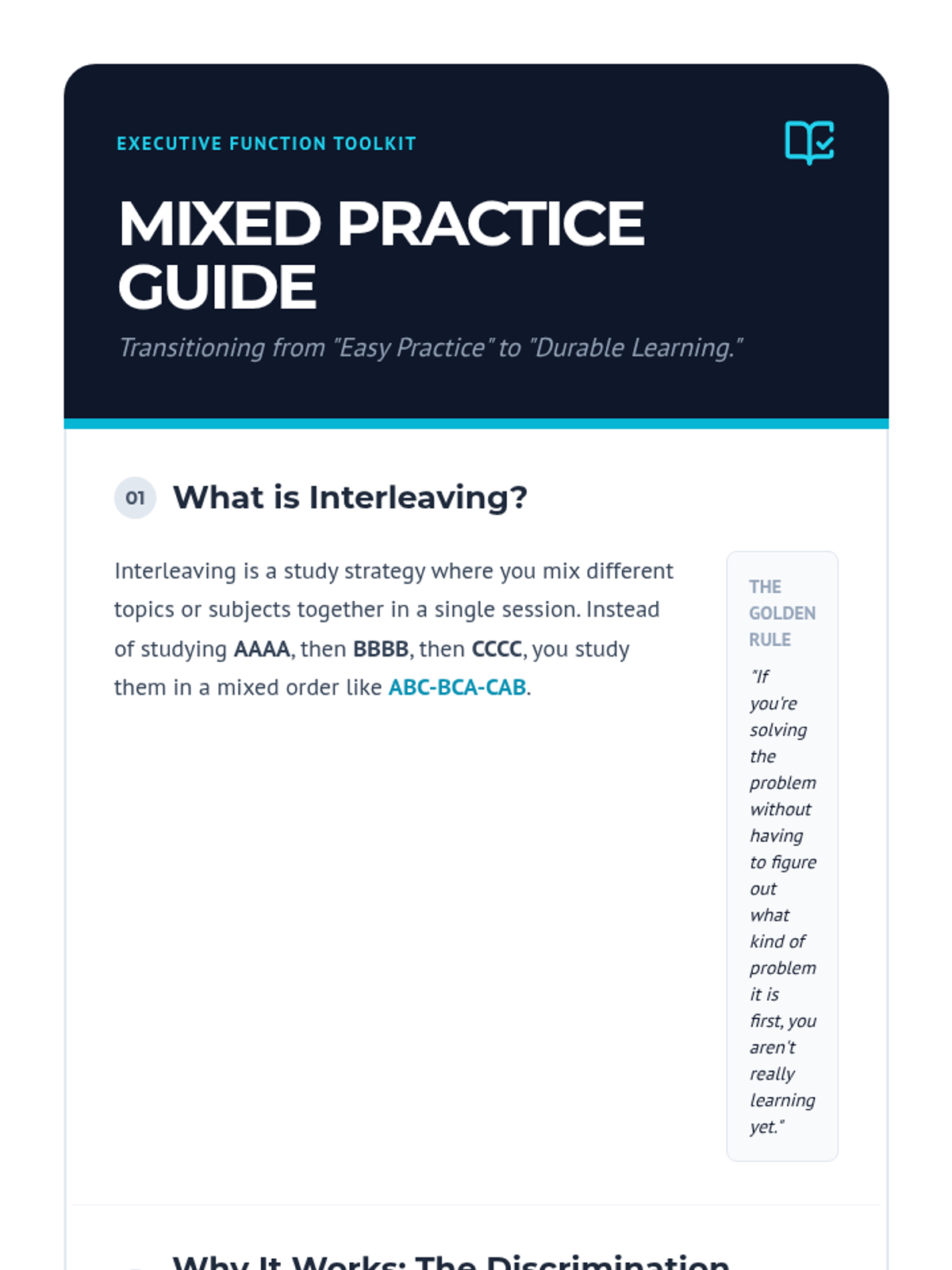
Students learn 'interleaving'—mixing subjects in a single session—to improve discrimination skills and problem-solving flexibility.
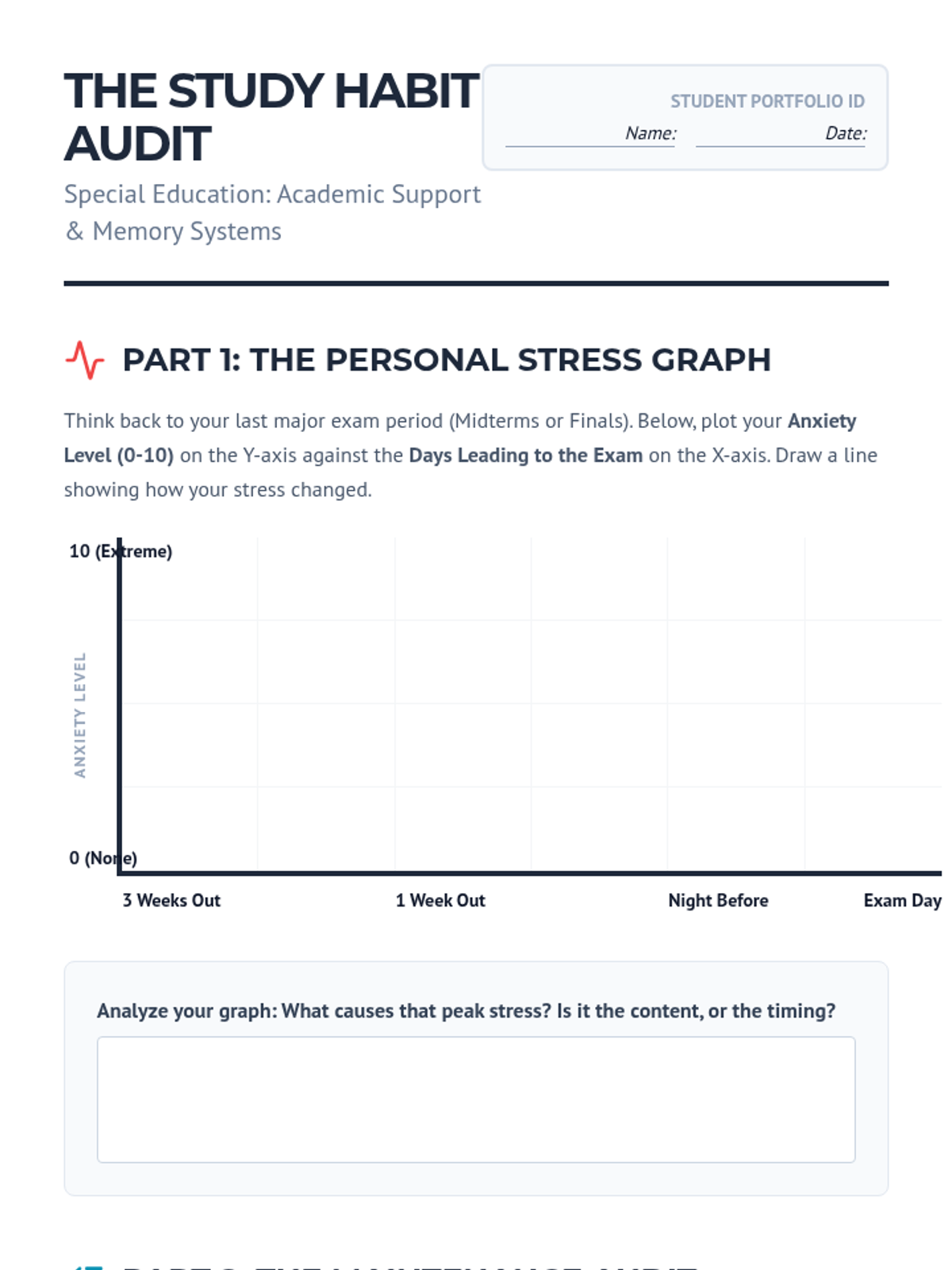
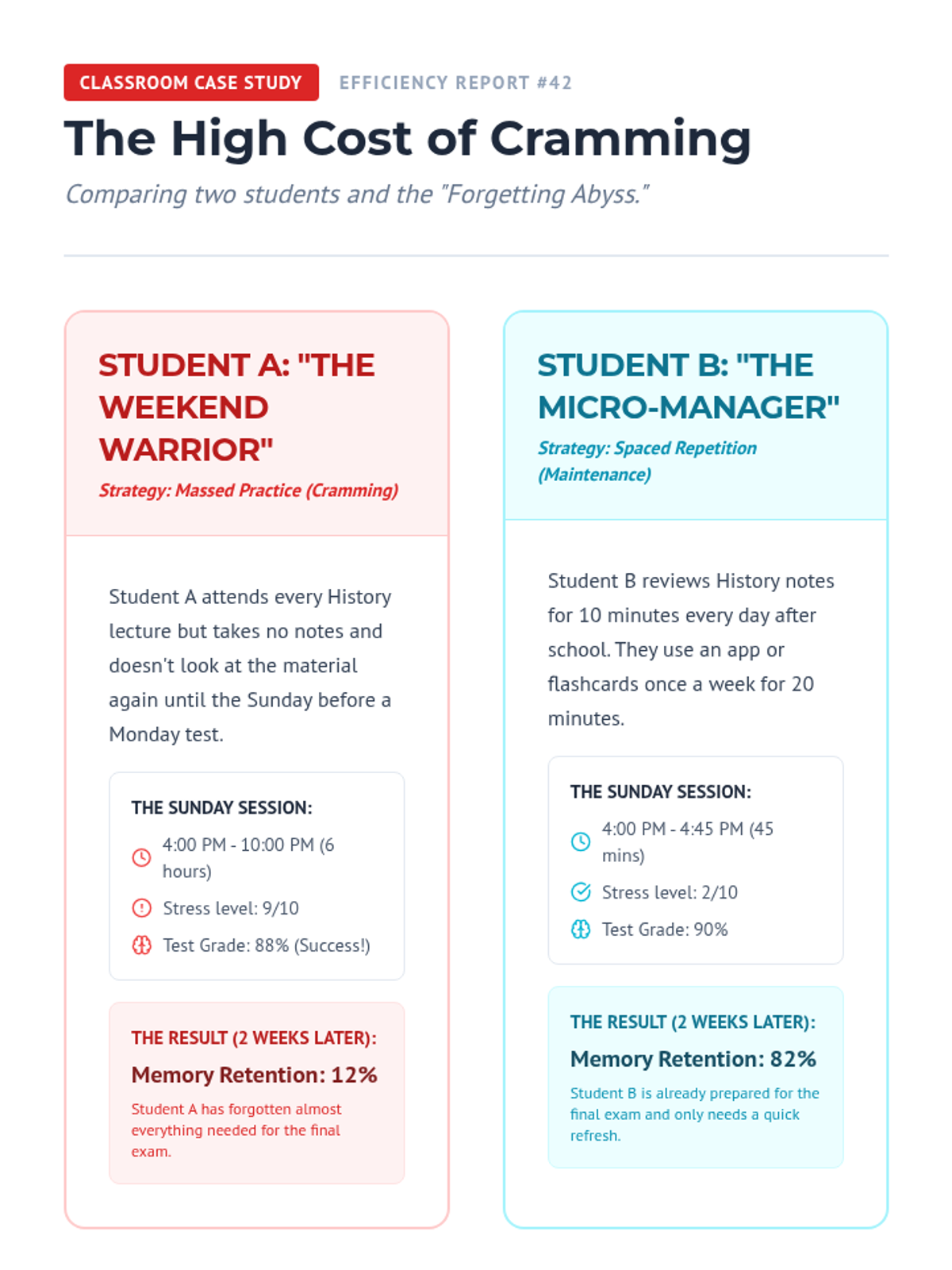
Students perform a self-audit of their current study routines, identifying 'cram cycles' and calculating the time cost of forgetting.
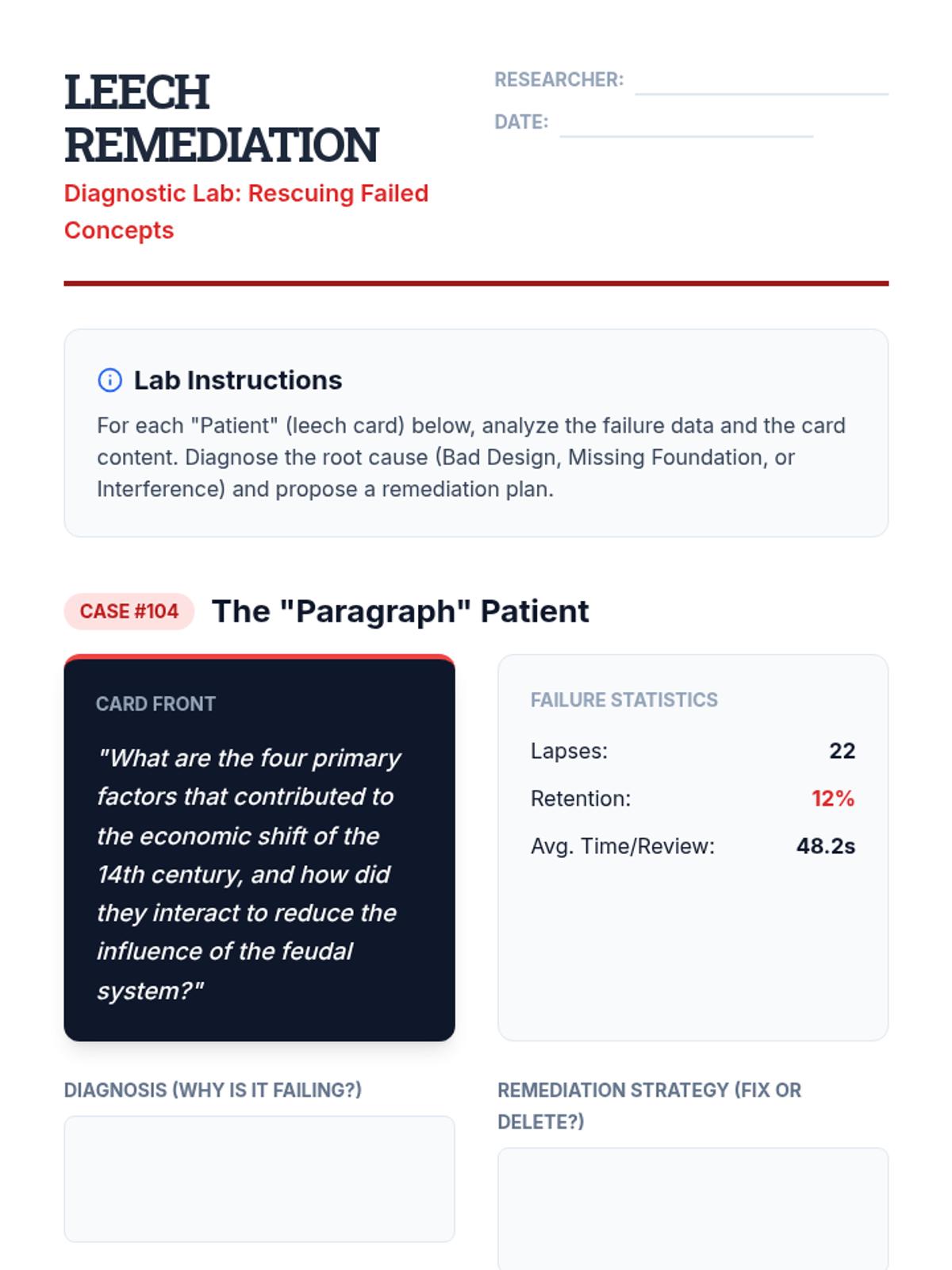
This lesson focuses on identifying 'leeches'—cards or concepts that a student repeatedly fails despite intervention. Students analyze the causes (bad card design, lack of foundational knowledge) and practice remediation strategies.
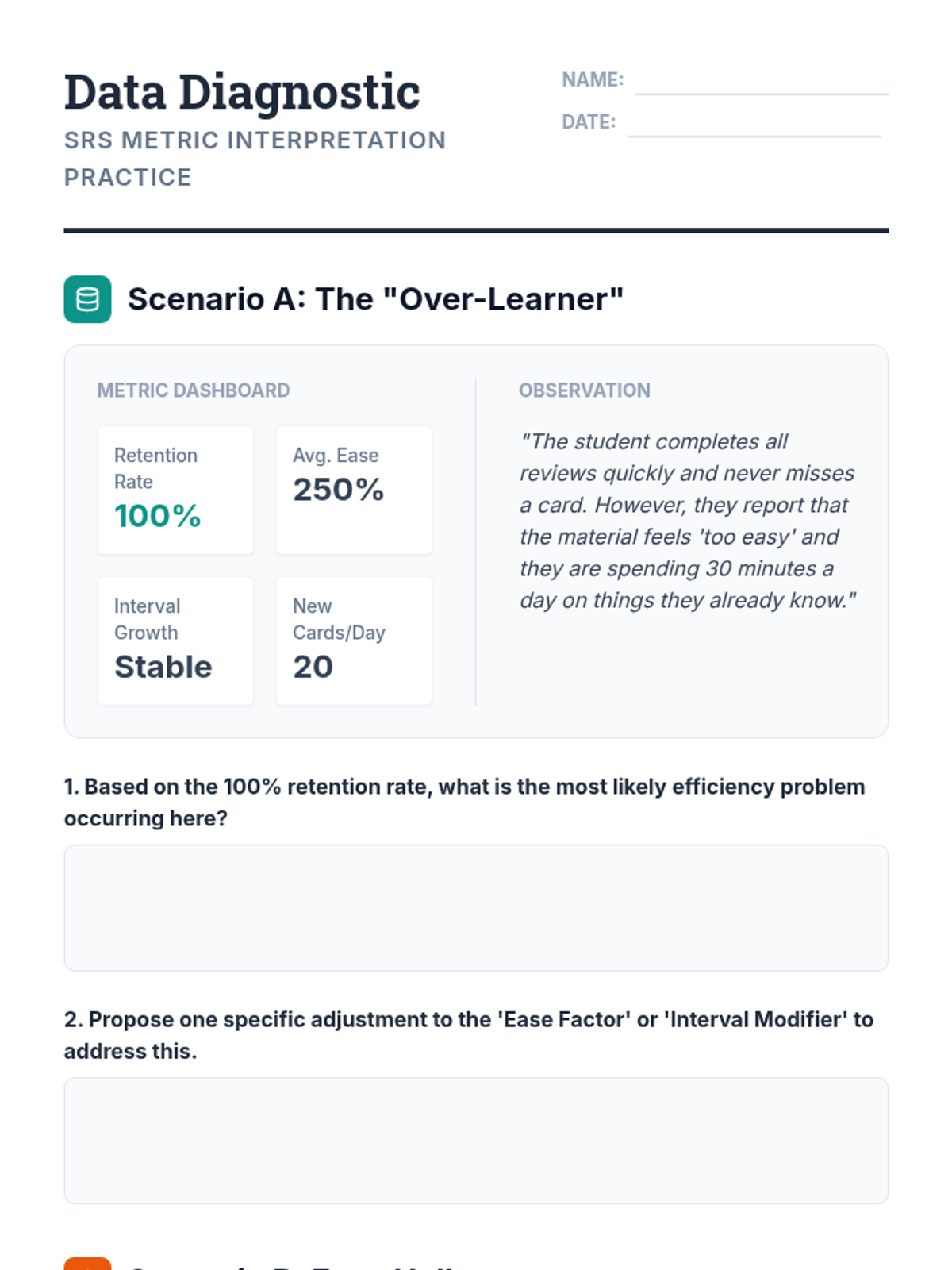
Students learn to read the backend data of digital SRS tools, specifically looking at 'ease factors' and interval multipliers. They identify what these metrics reveal about the difficulty of the material relative to the student's ability.
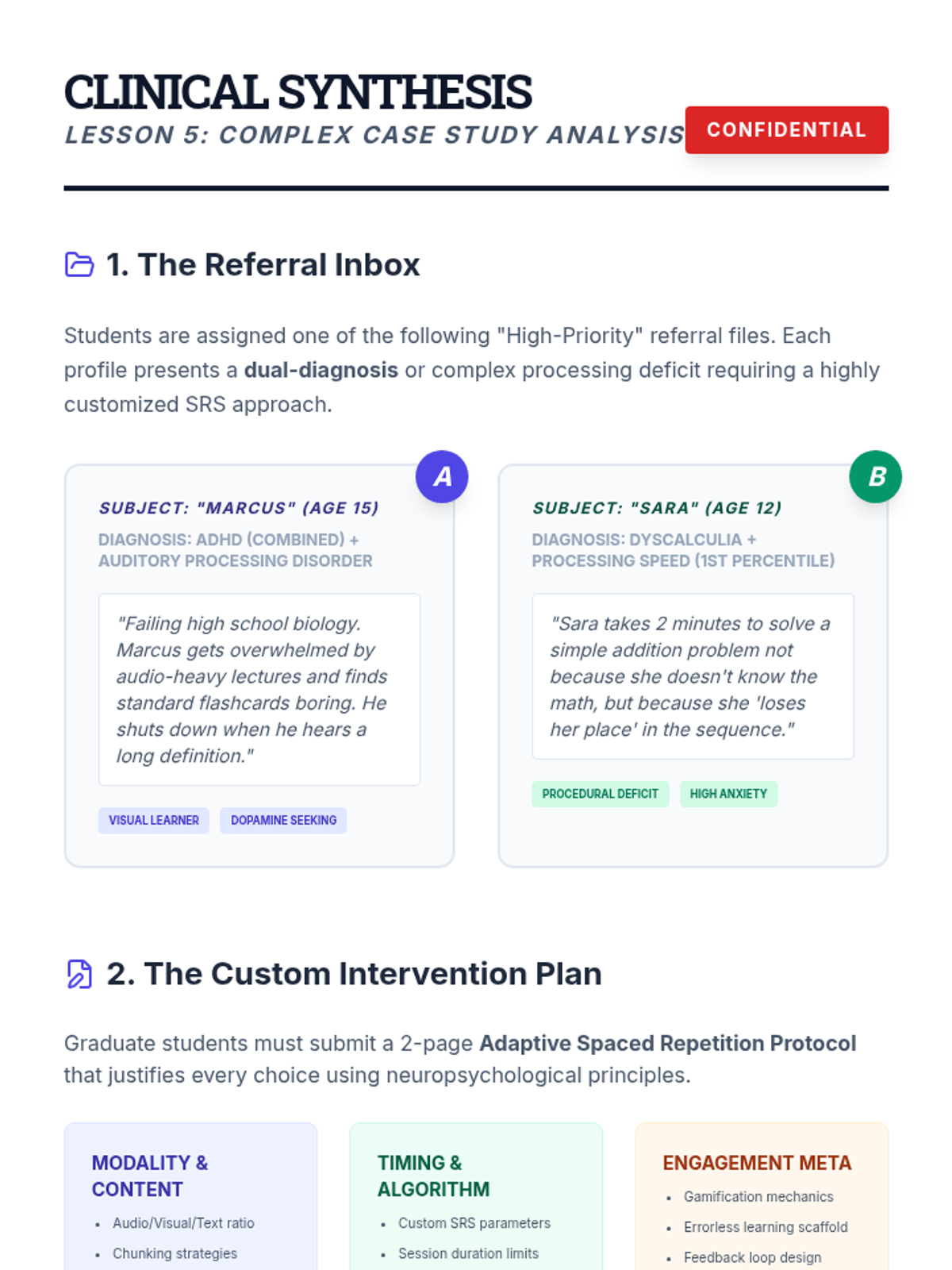
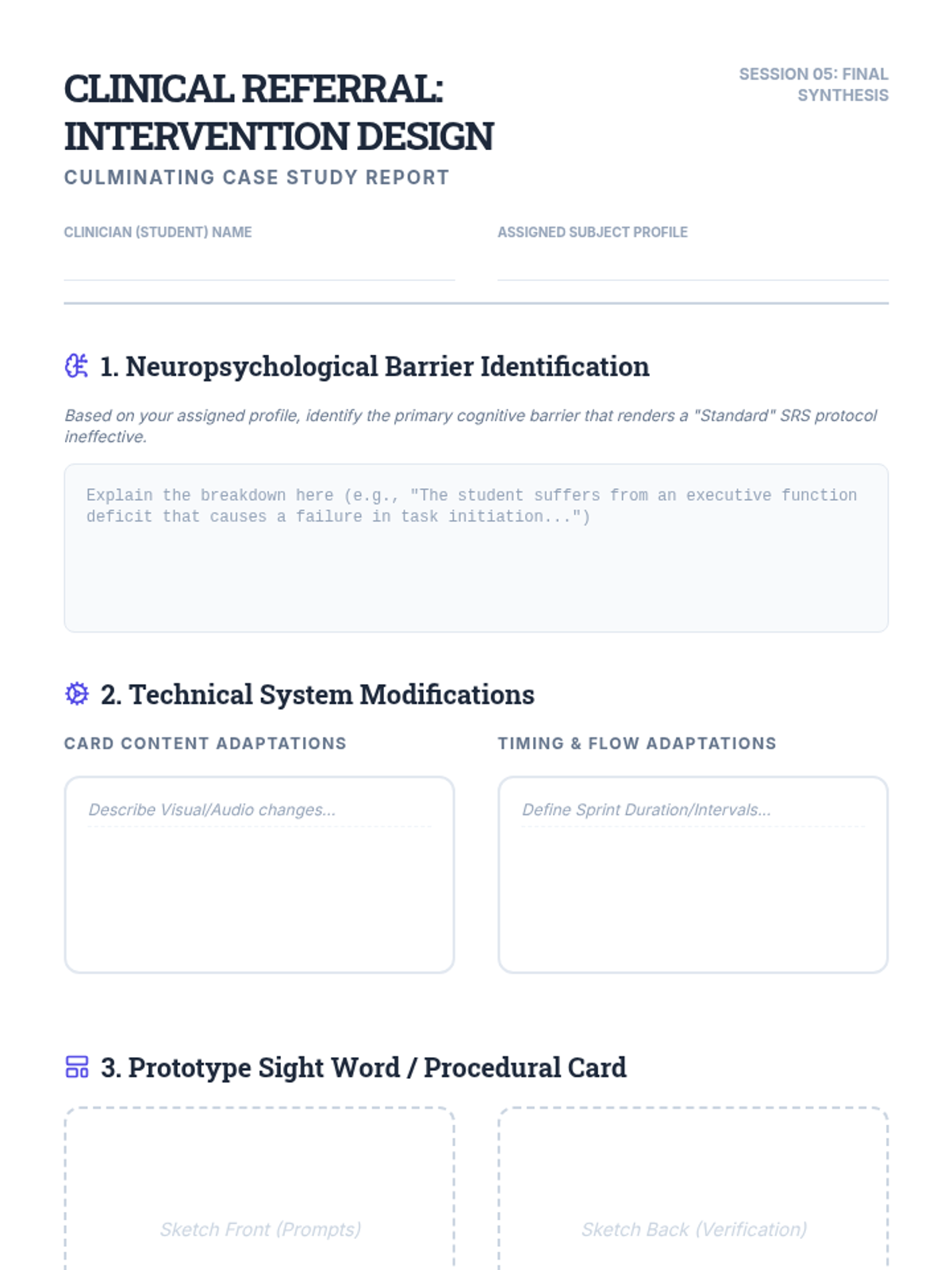
A culminating project where students design tailored SRS interventions for complex, dual-diagnosis student profiles.
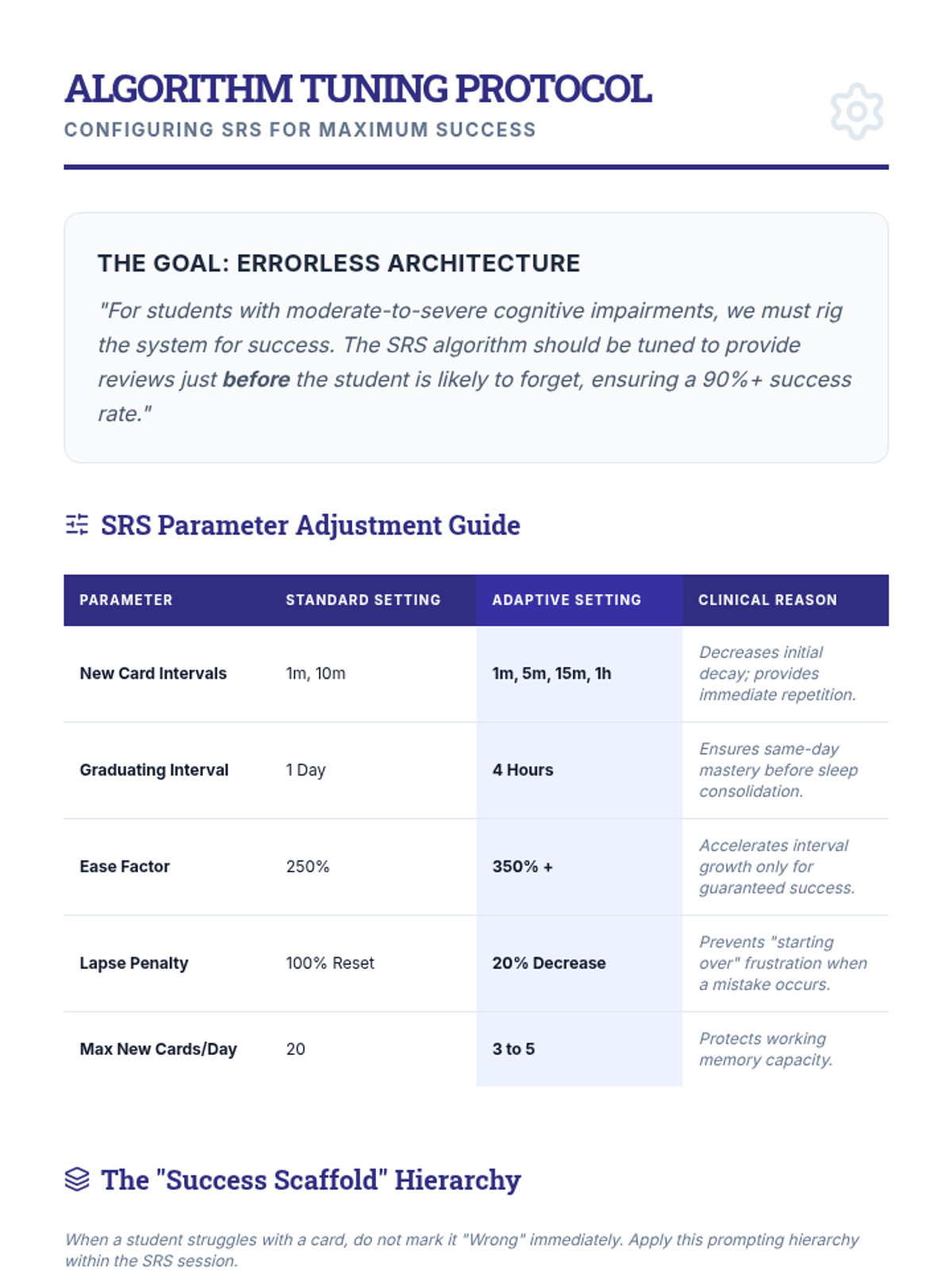
Covers 'errorless learning' adaptations for students with cognitive impairments, focusing on algorithm adjustments and scaffolding.
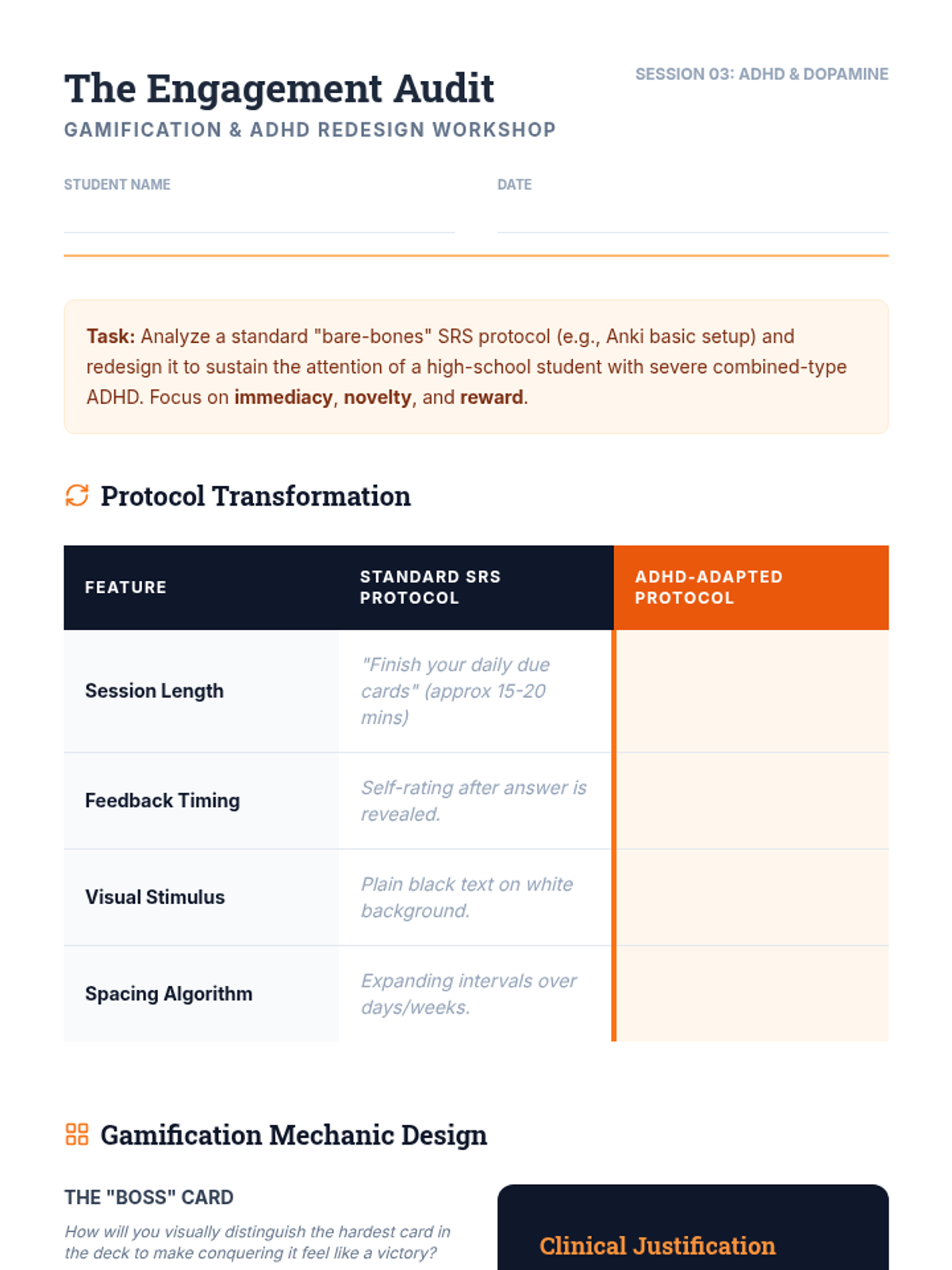
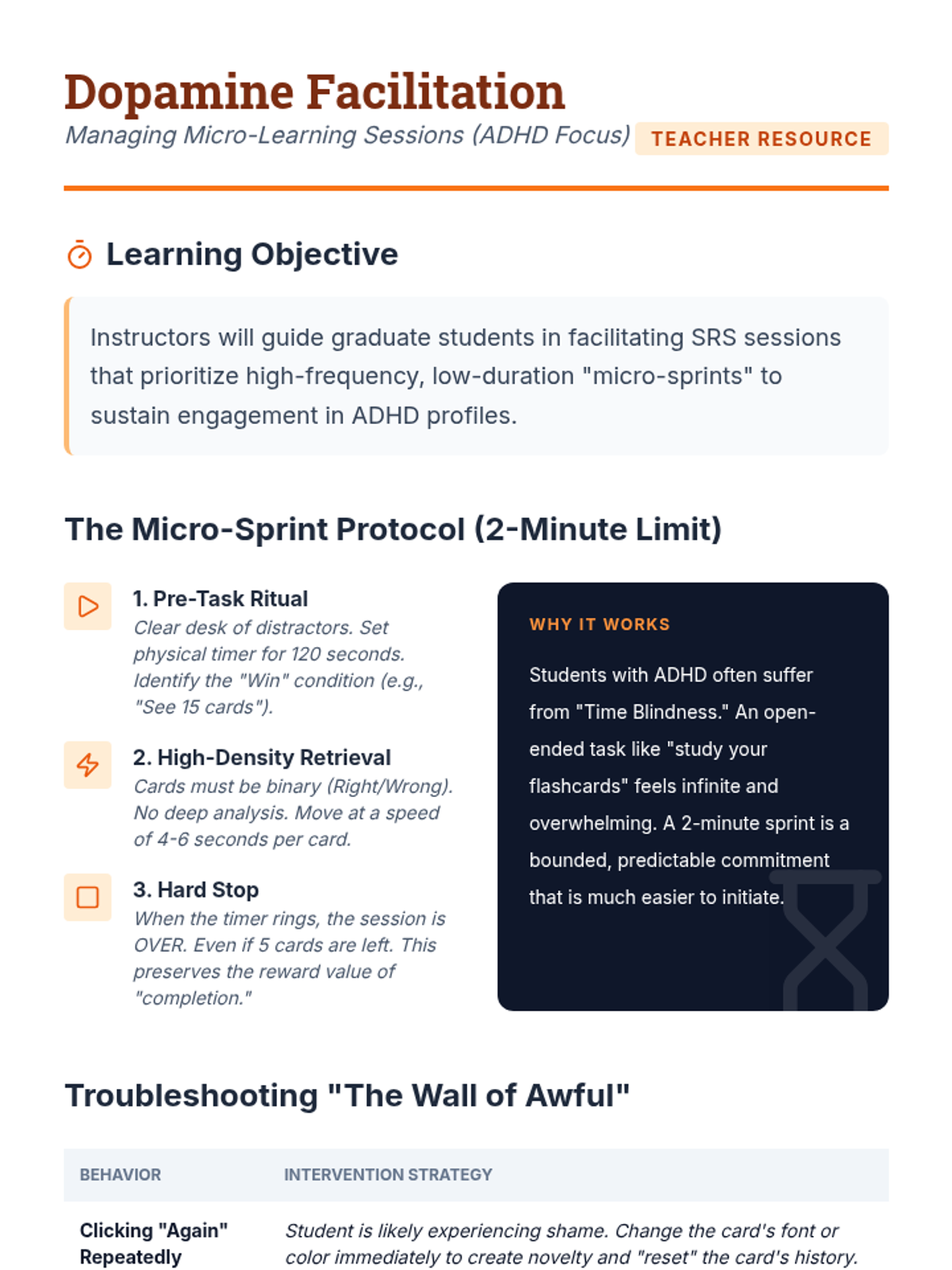
Investigates gamification and micro-learning techniques to sustain engagement for students with ADHD during repetitive memory tasks.
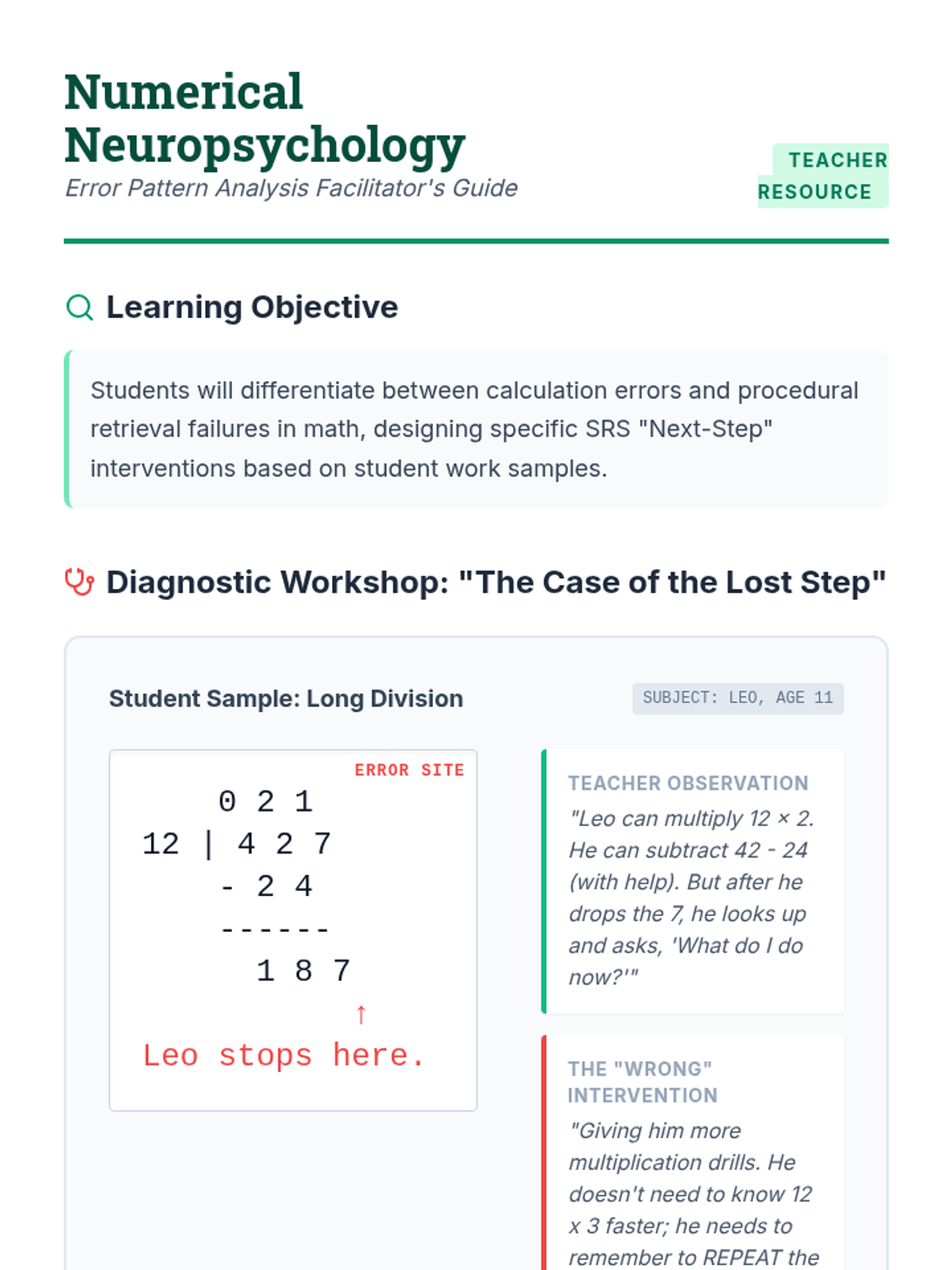
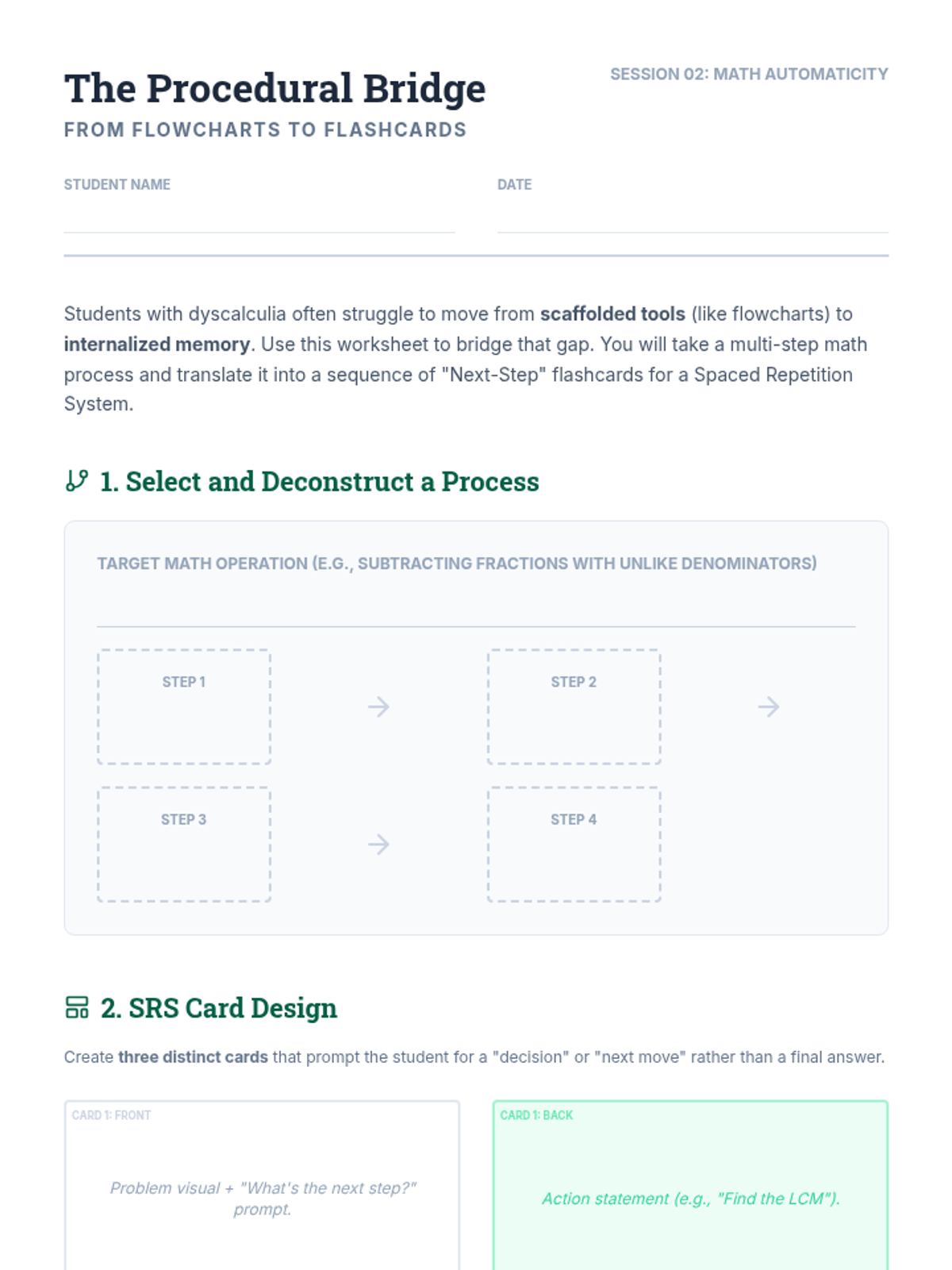
Explores how to use SRS to build math automaticity and procedural fluency for students with dyscalculia.
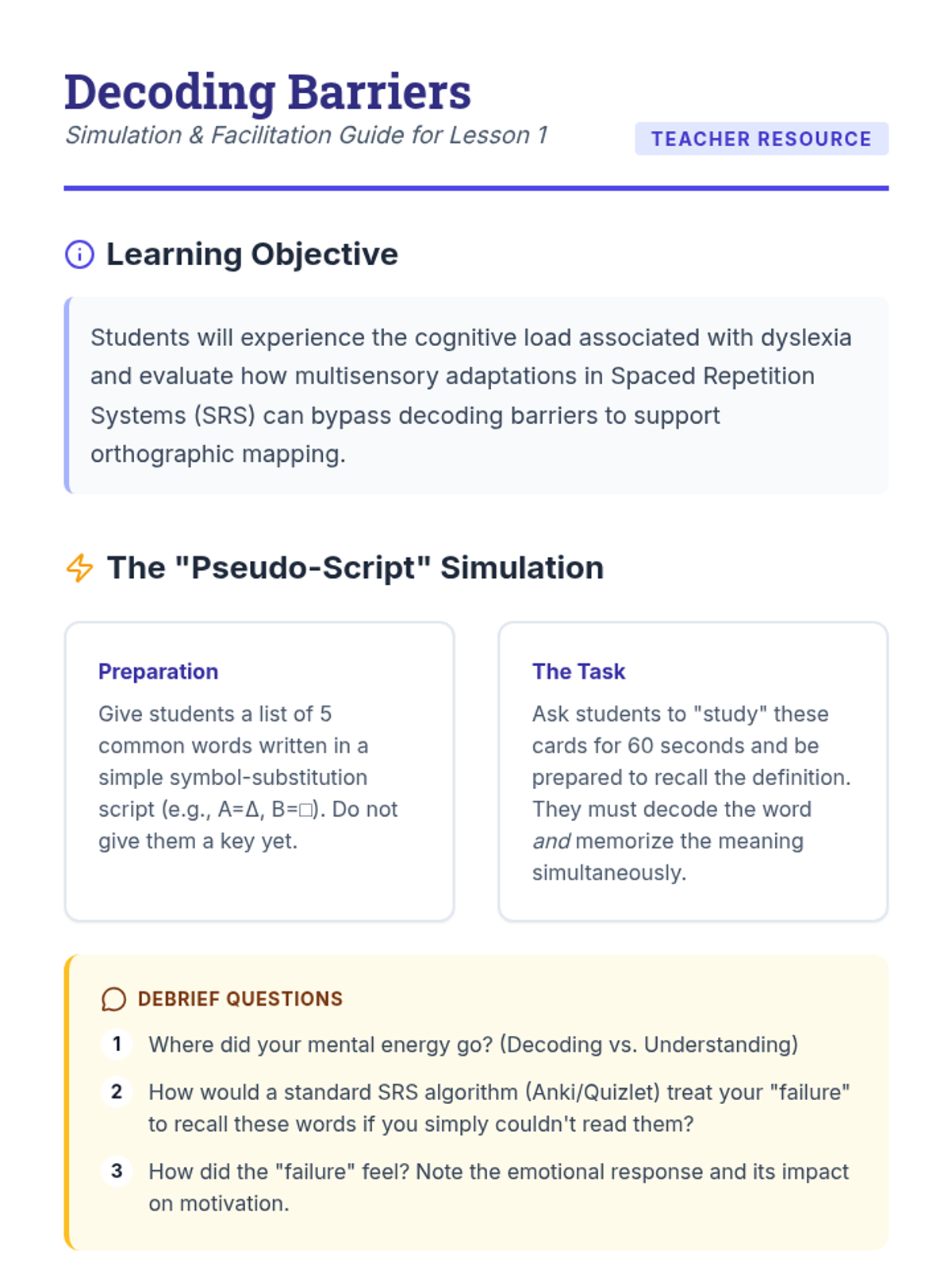
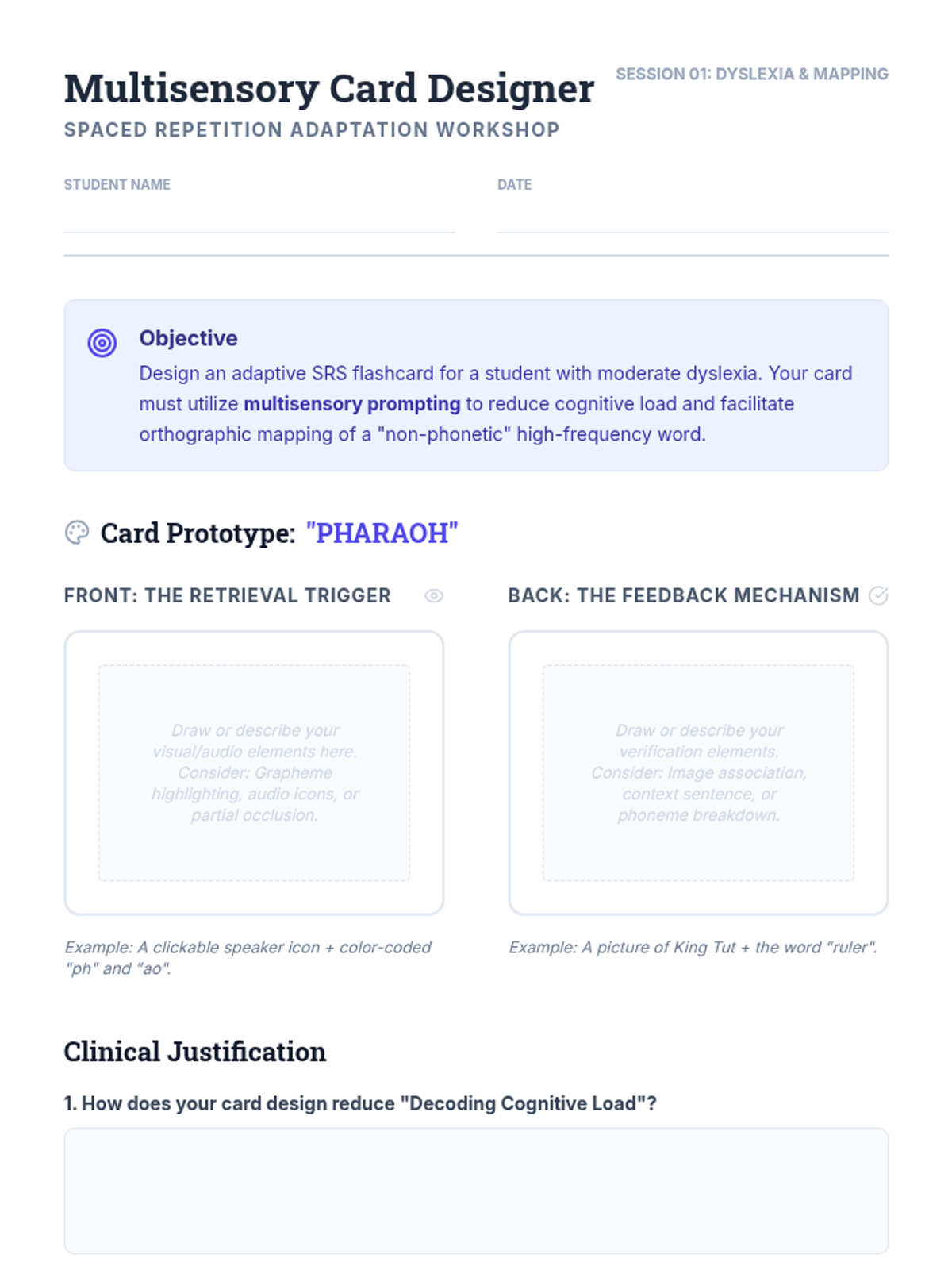
Focuses on using multisensory SRS to support sight word acquisition and phoneme-grapheme correspondence for students with reading disabilities.