Post-secondary education pathways, independent living requirements, and vocational training strategies for students with diverse needs. Targets career goal setting and the development of essential daily life skills for adult independence.
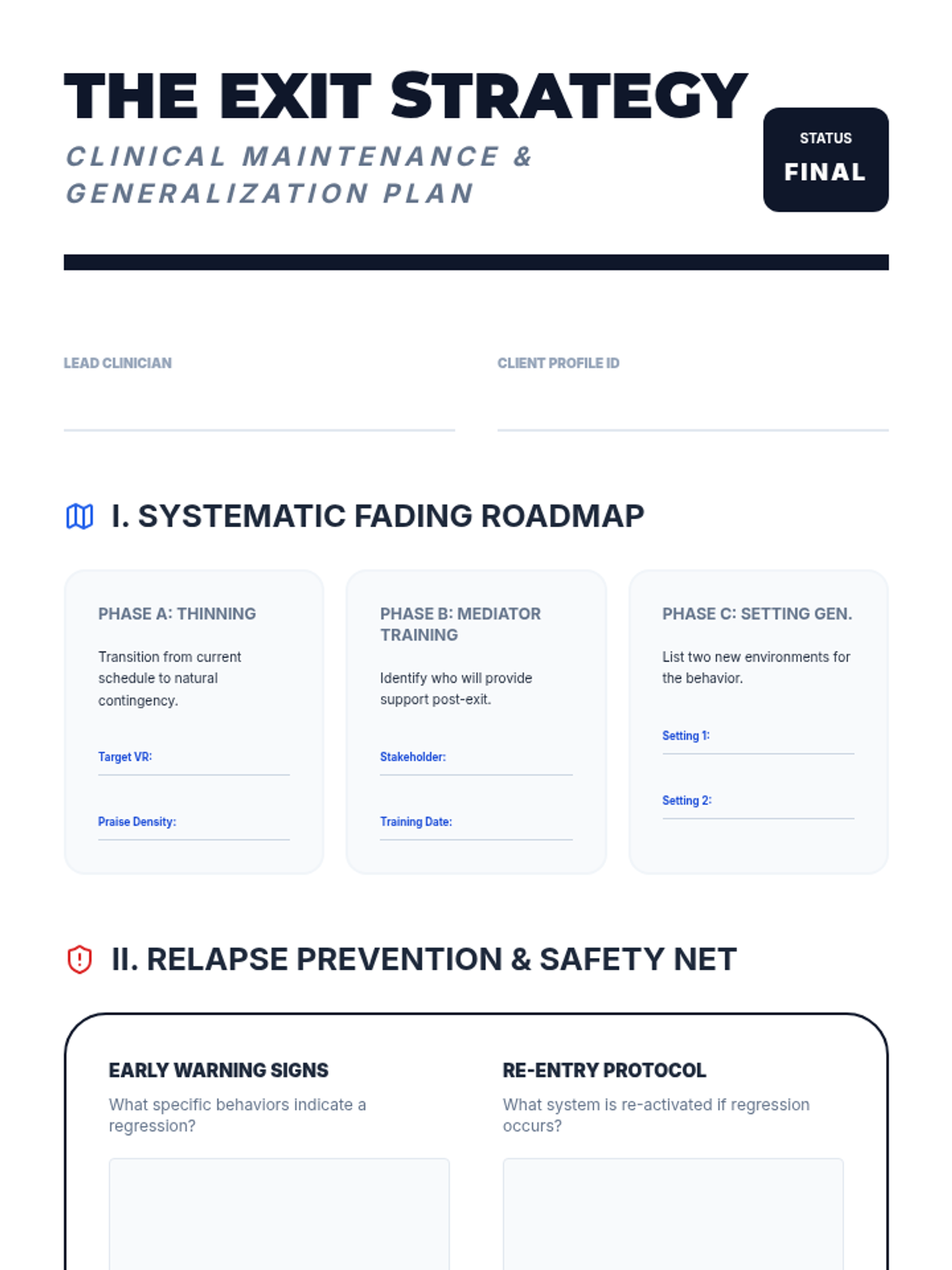
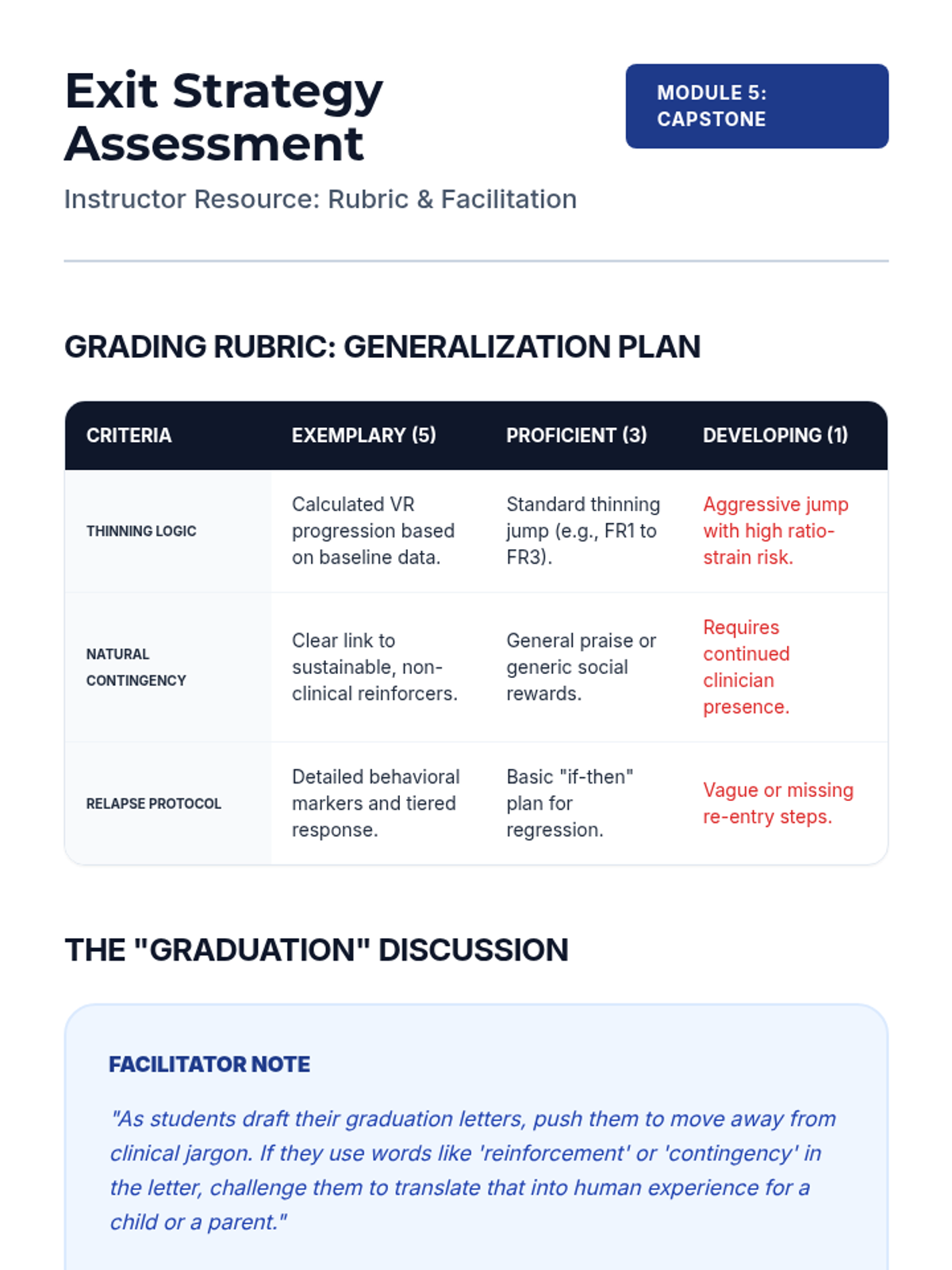
The capstone lesson on planning for skill maintenance and generalization across settings with a clear exit strategy.
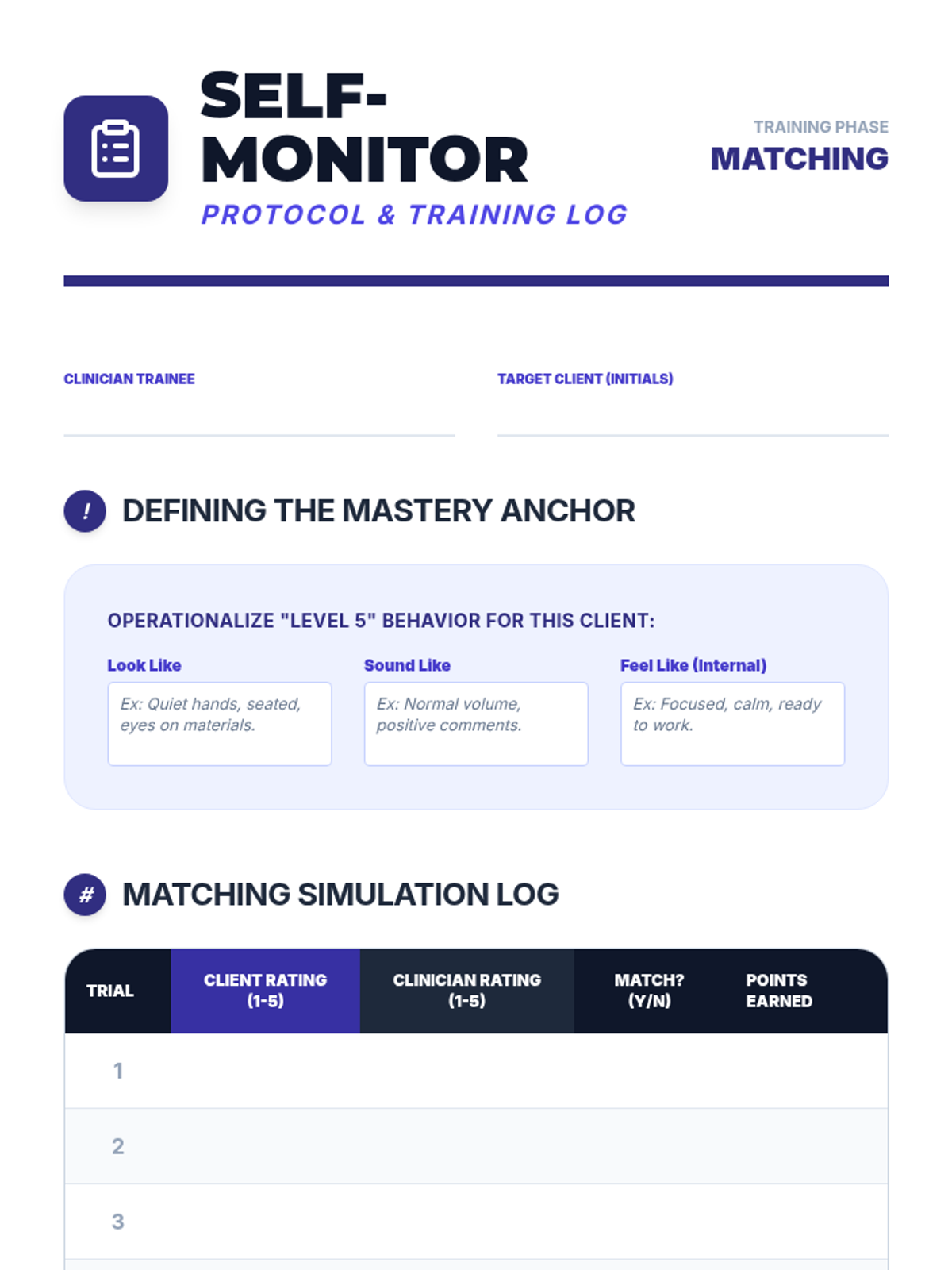
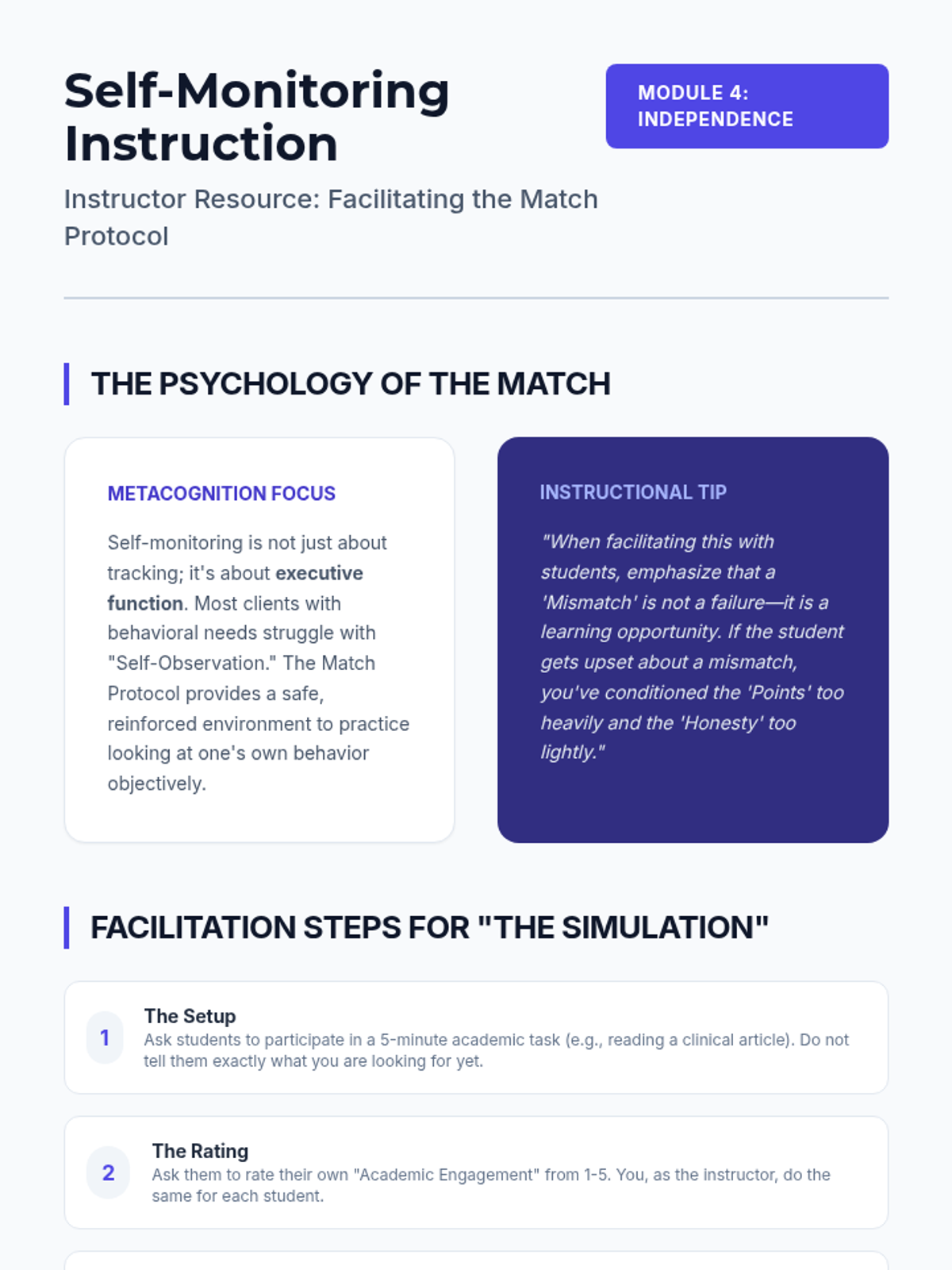
Explores techniques for teaching clients to track and manage their own behavior, moving toward clinical independence.
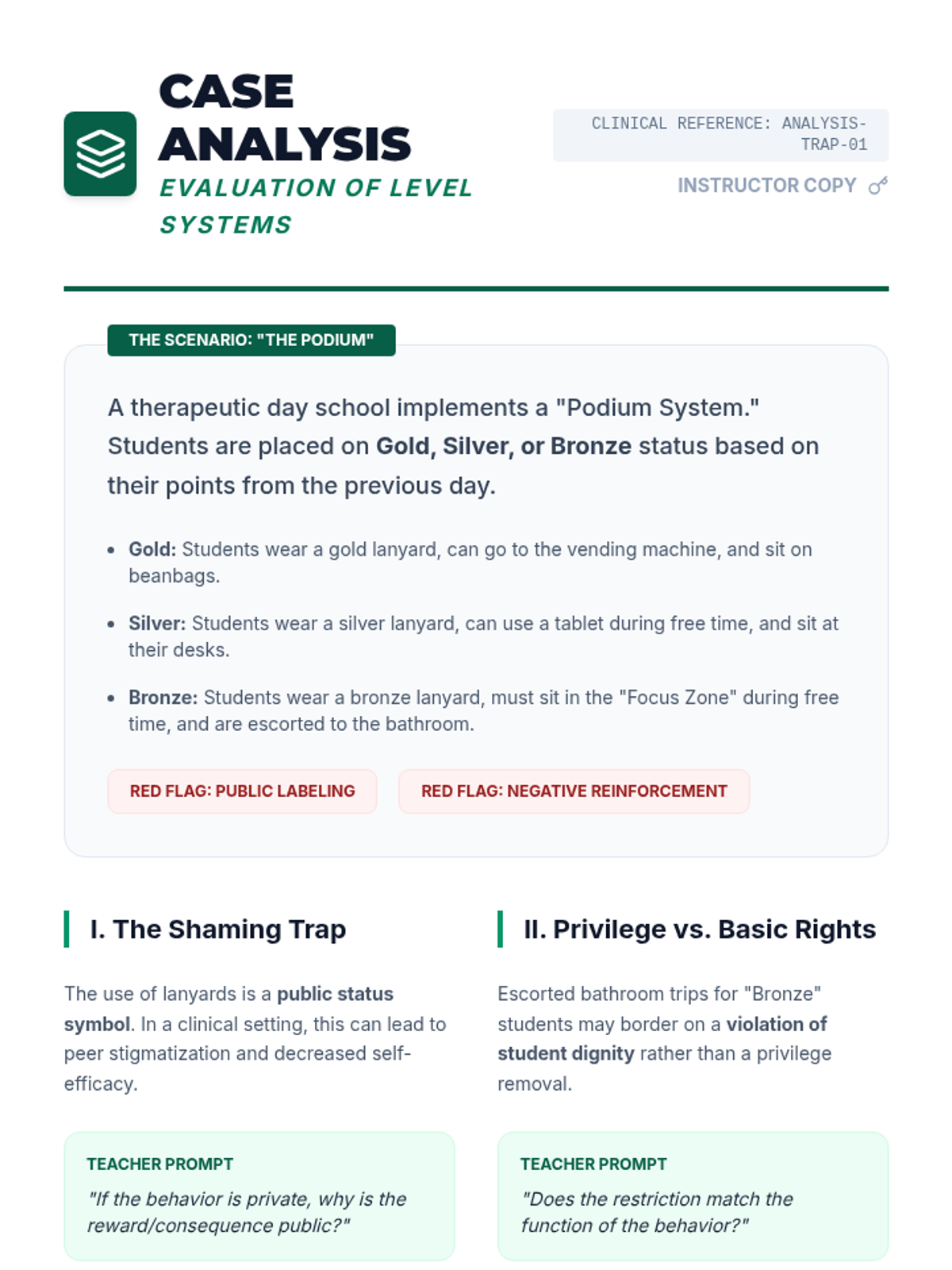
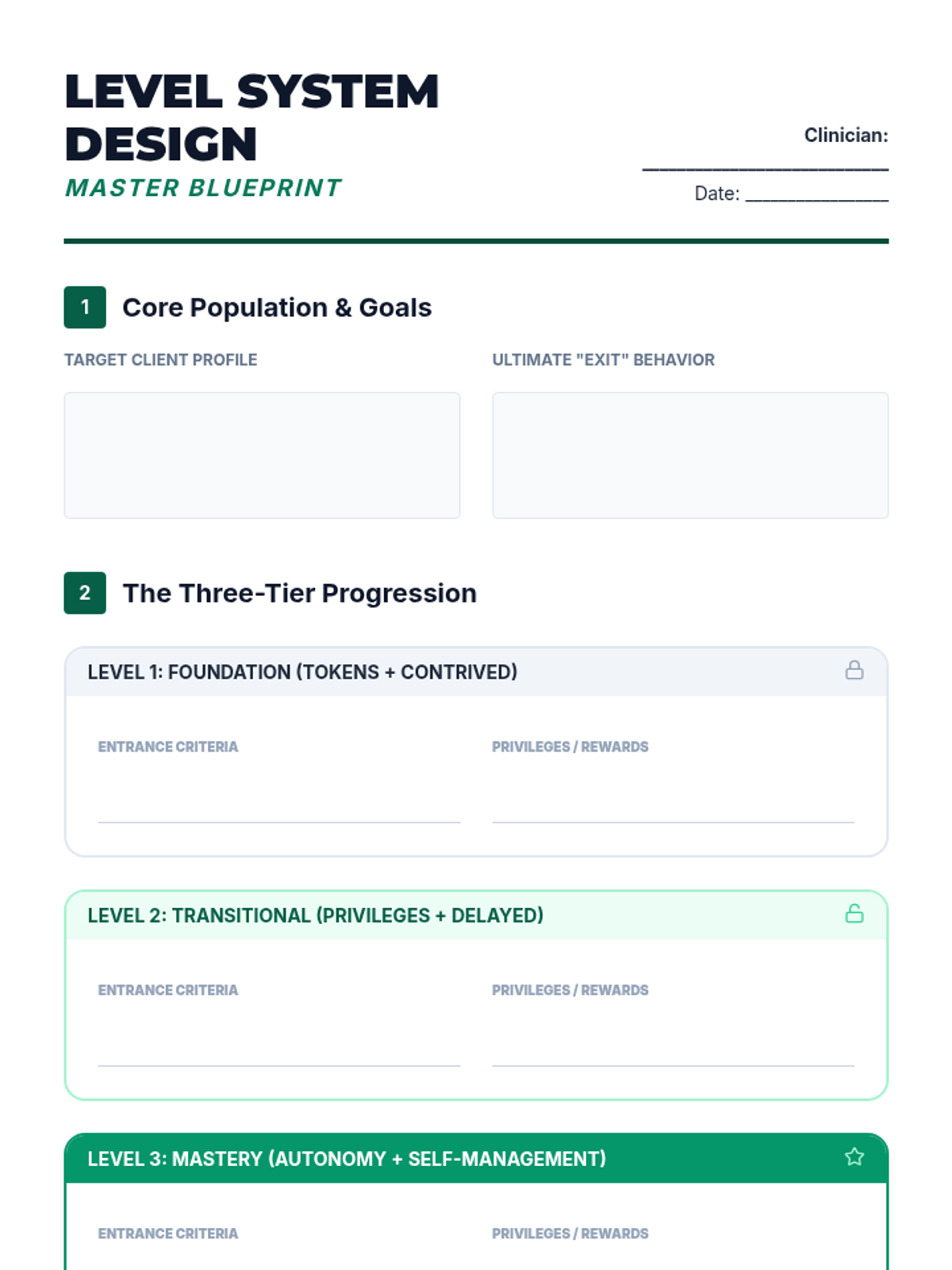
Teaches students how to design and implement level systems that bridge the gap between token economies and real-world expectations.
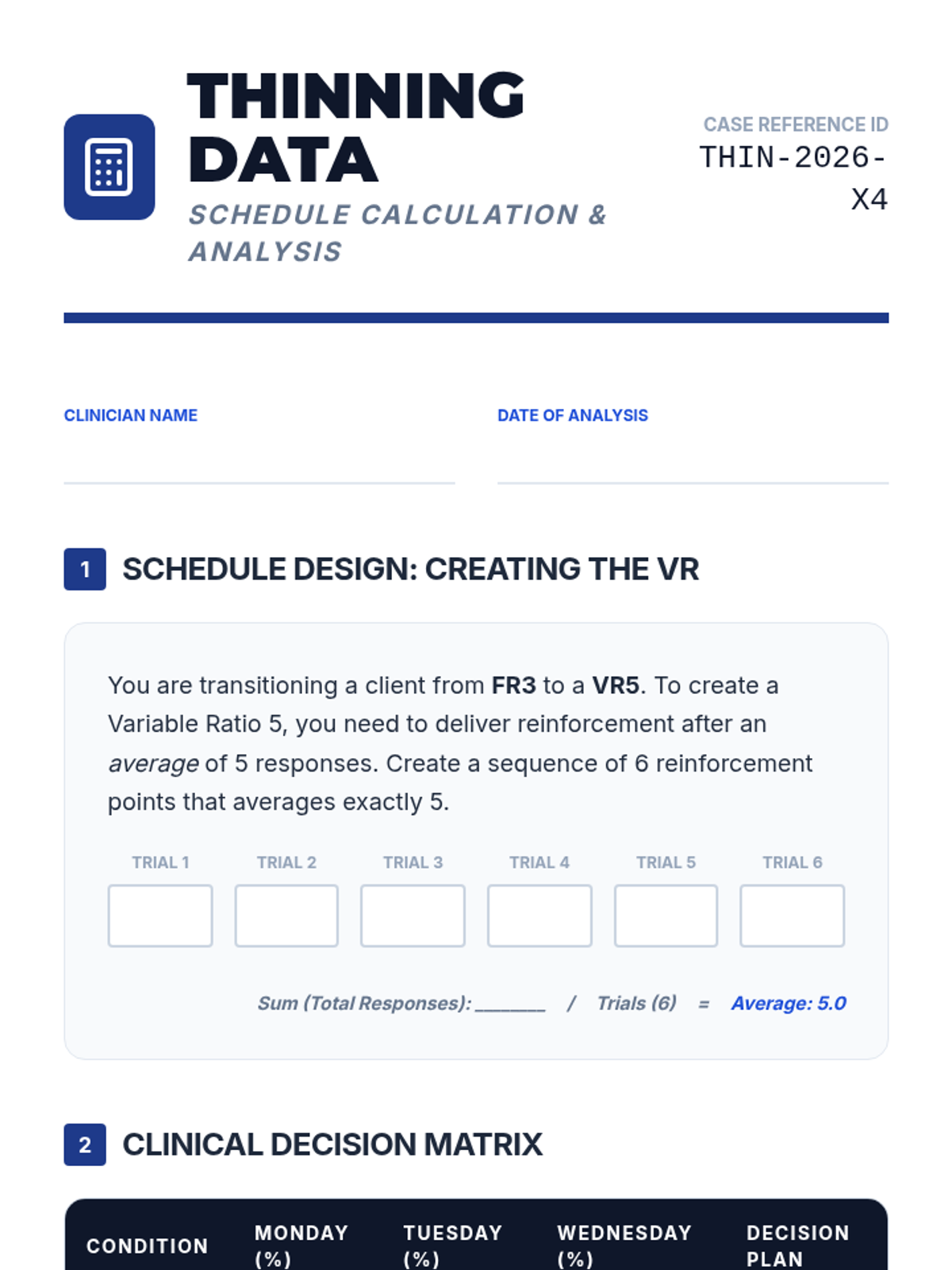
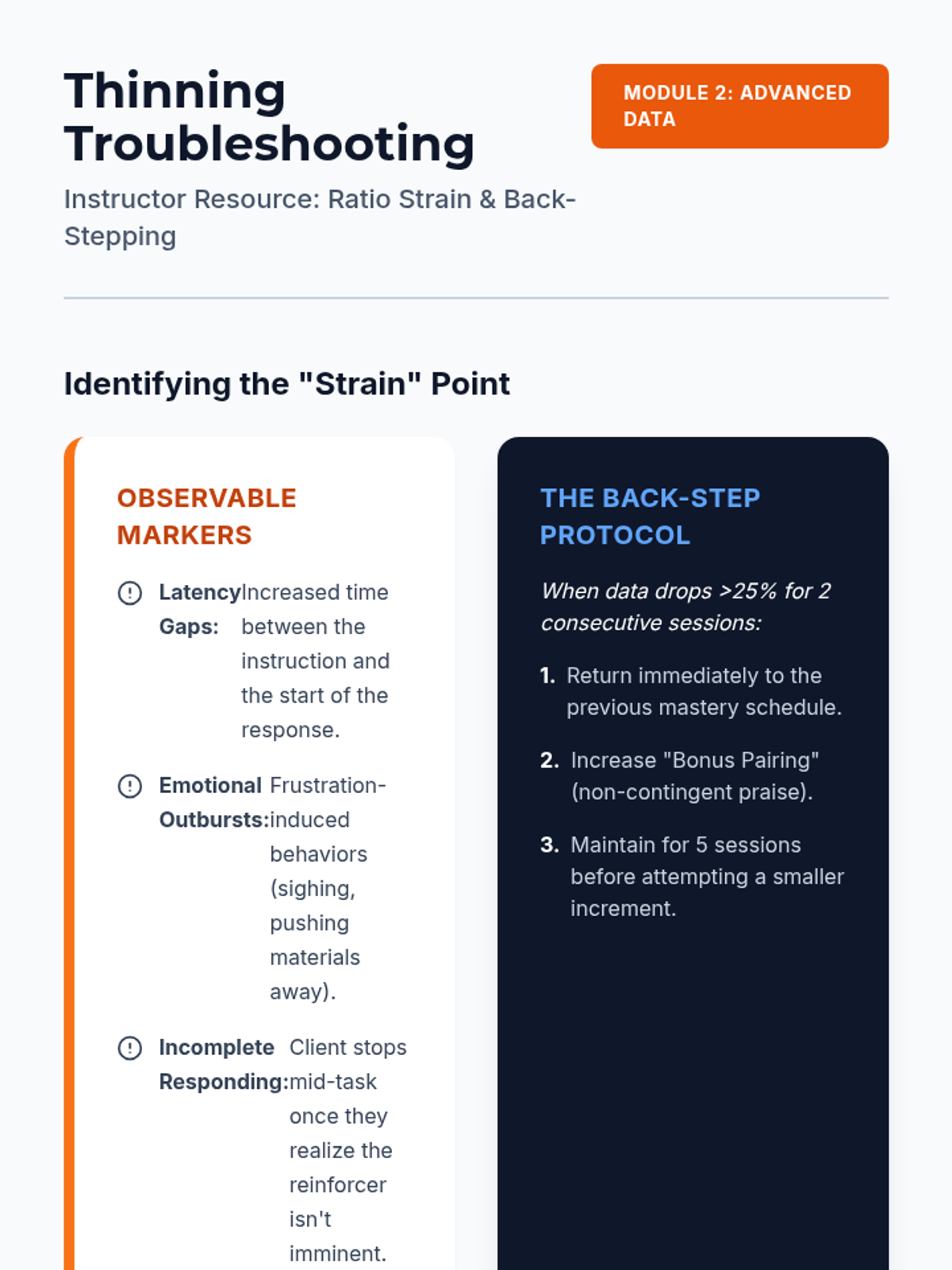
Covers the technical process of thinning reinforcement schedules to build behavioral endurance and reduce dependency on frequent tokens.
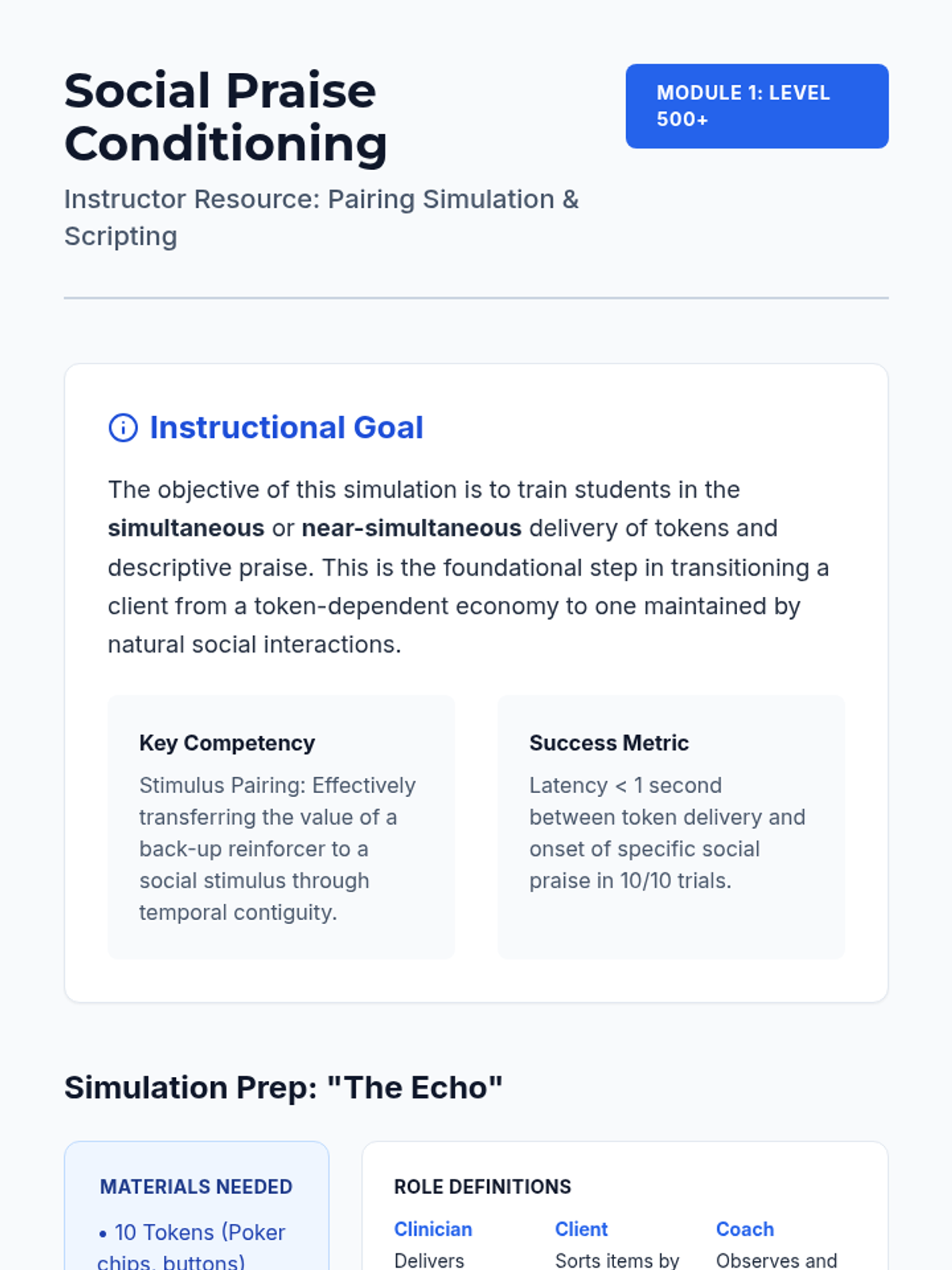
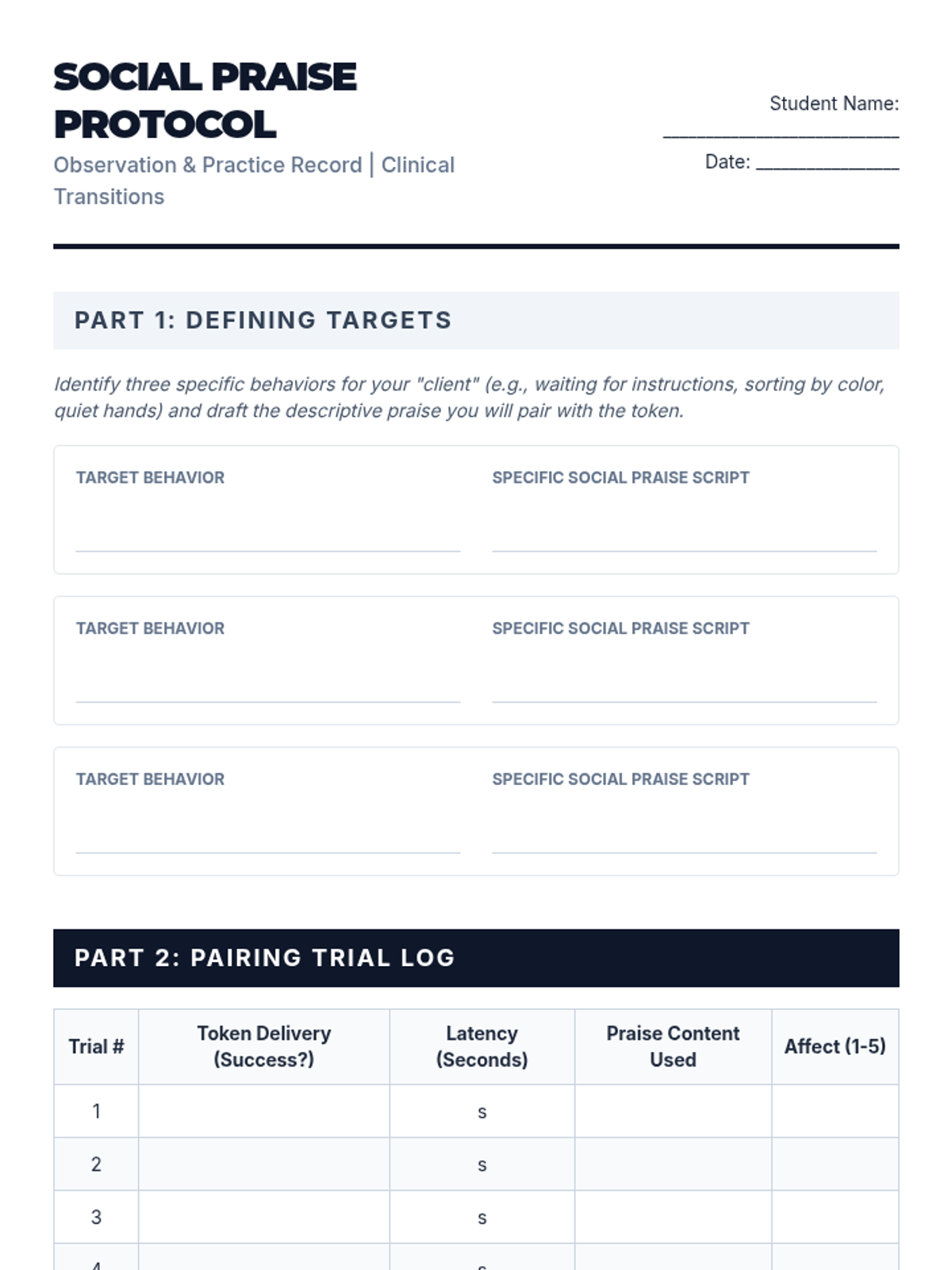
Focuses on stimulus pairing procedures to transform social praise into a secondary reinforcer, essential for fading token systems.
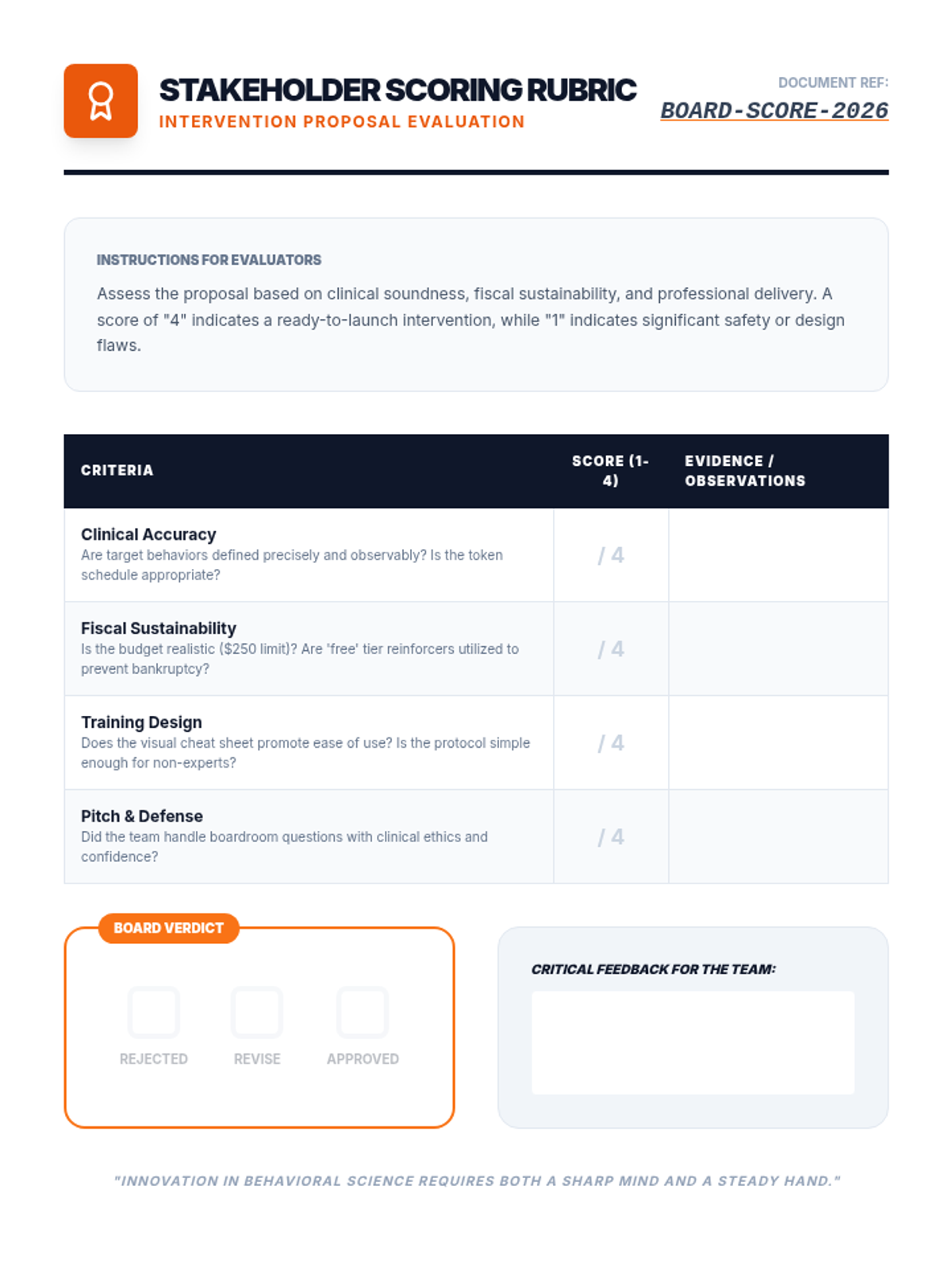
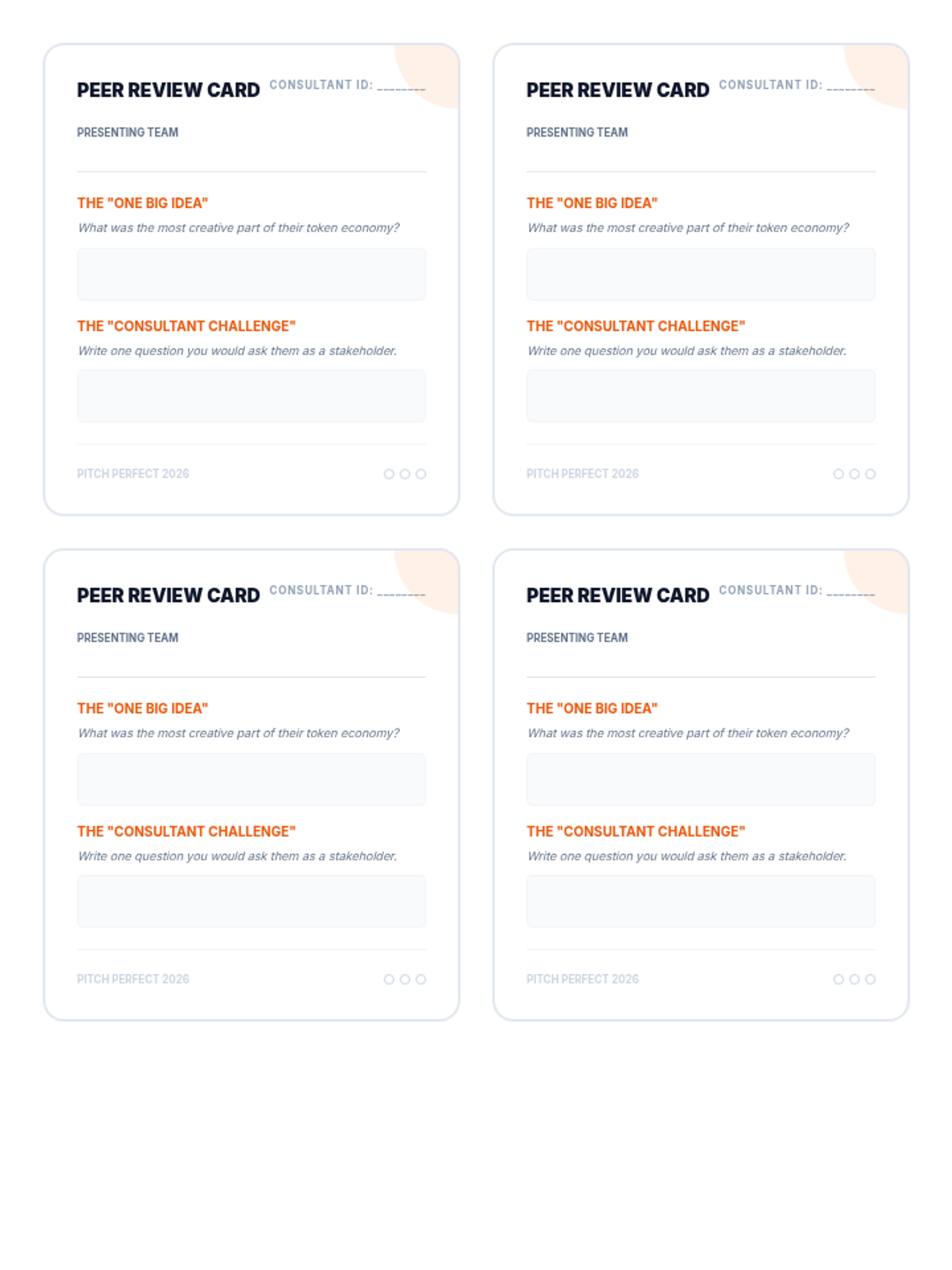
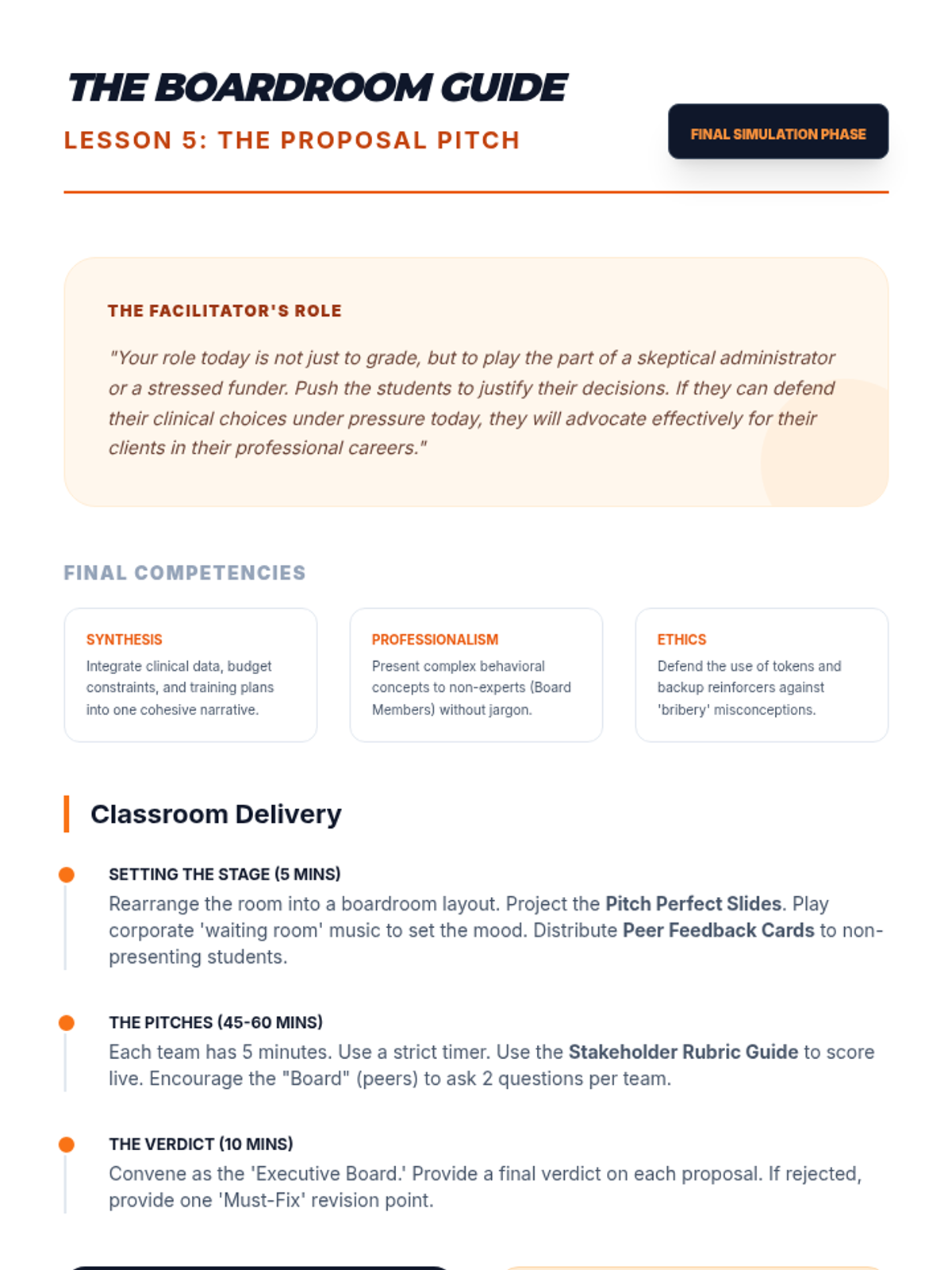
The culmination of the project where students pitch their comprehensive proposals to a mock board of directors in a 'Shark Tank' format.
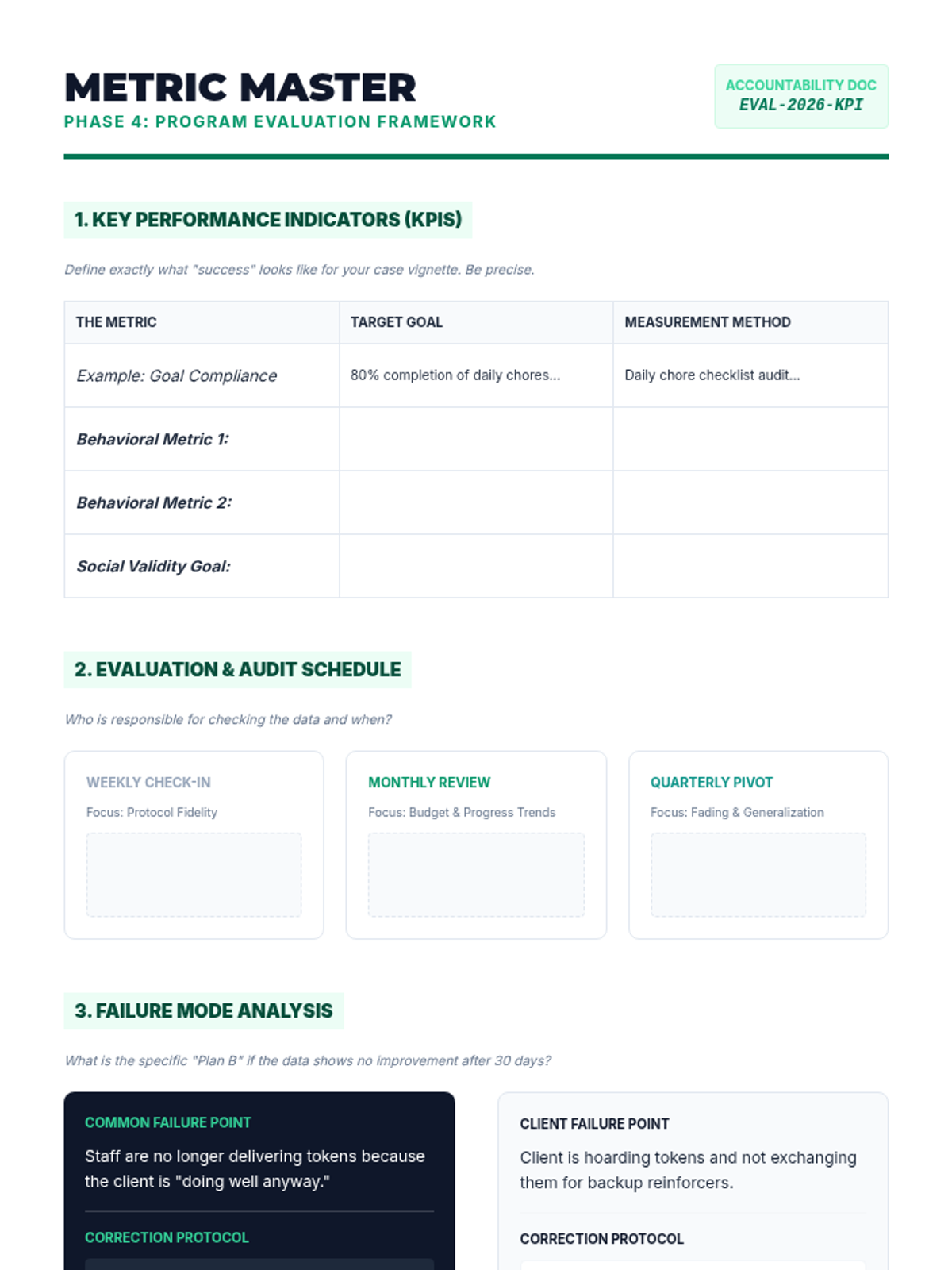
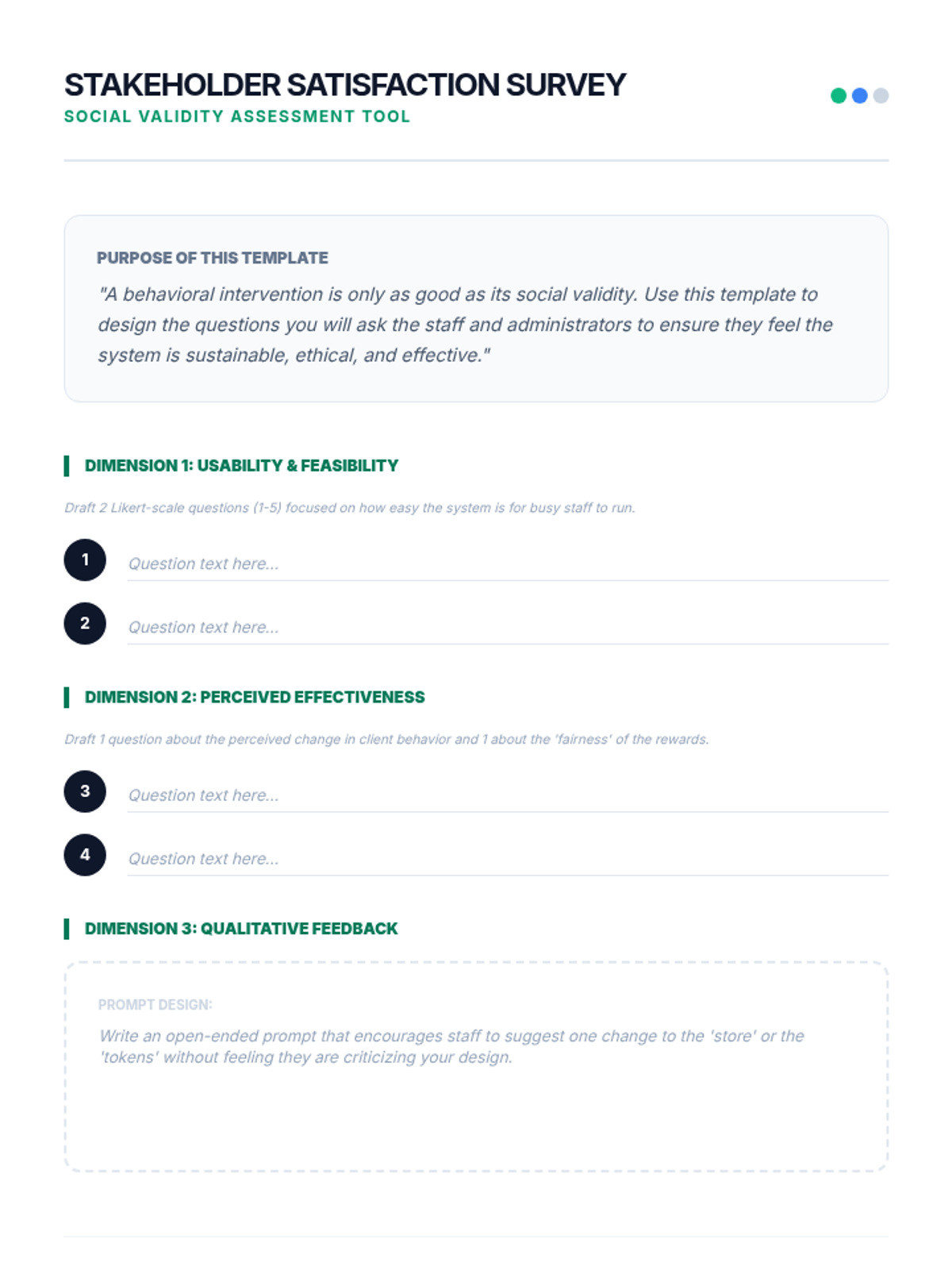
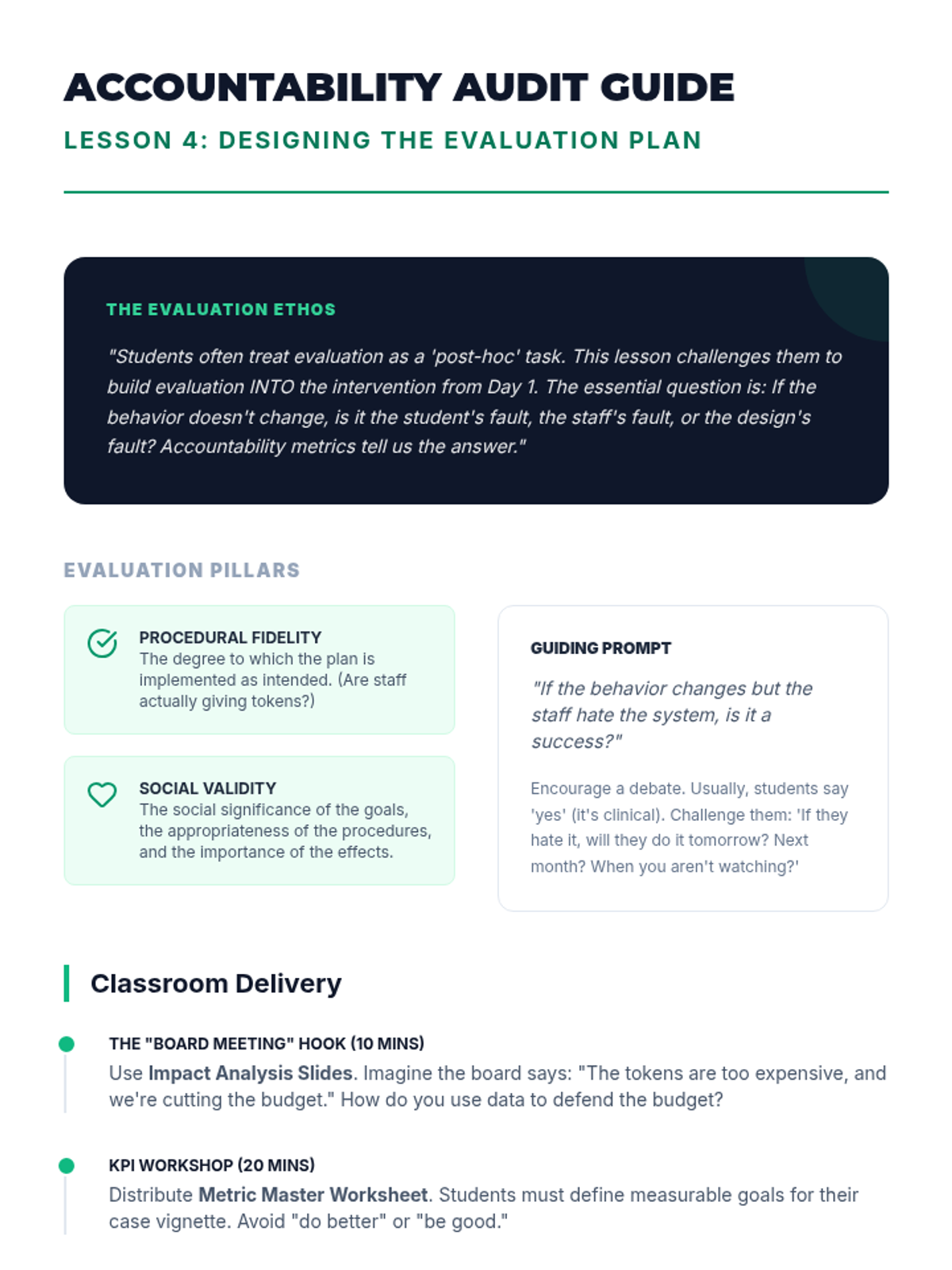
Students define success metrics and design evaluation tools, including satisfaction surveys, to ensure program accountability.
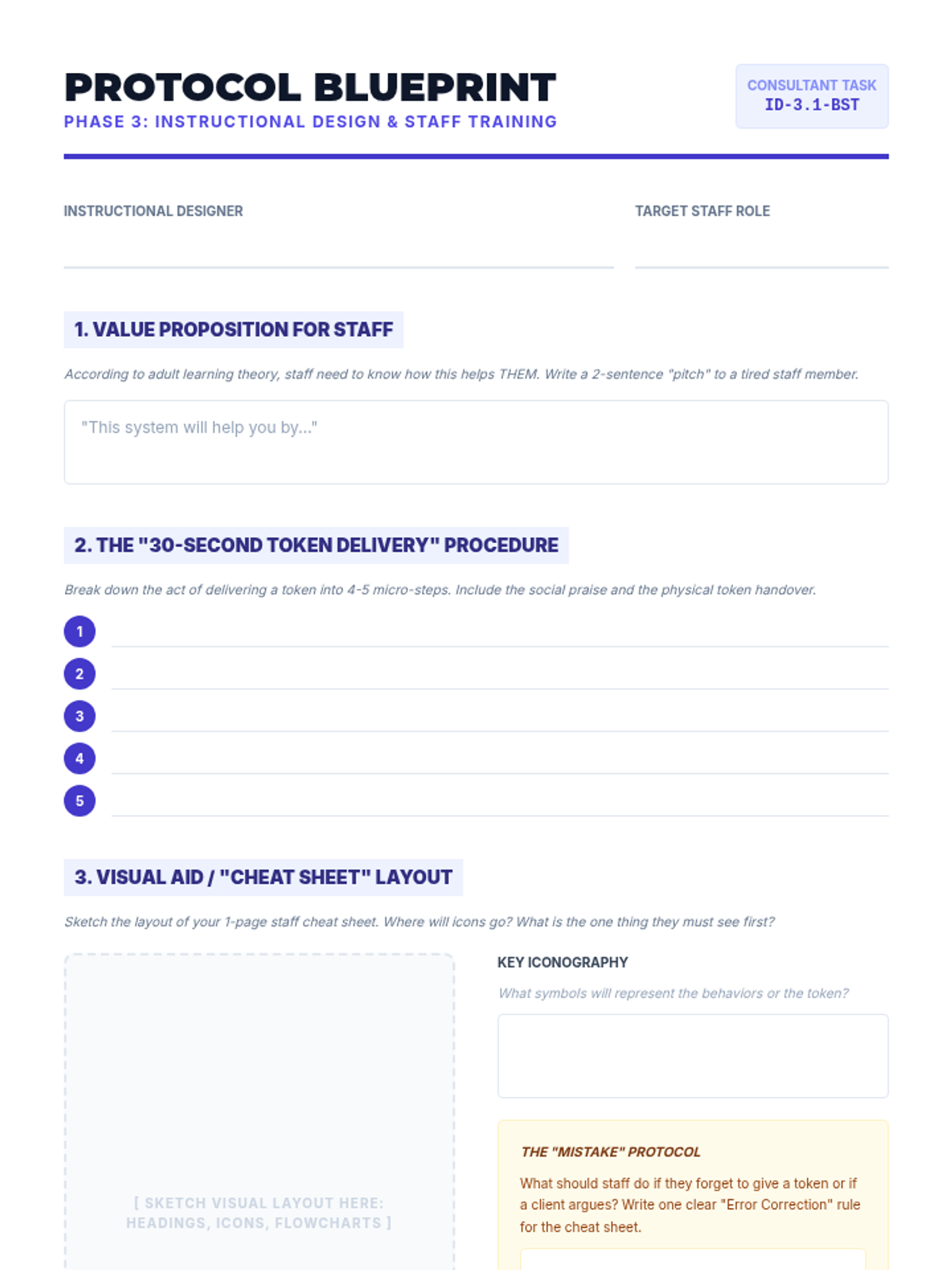
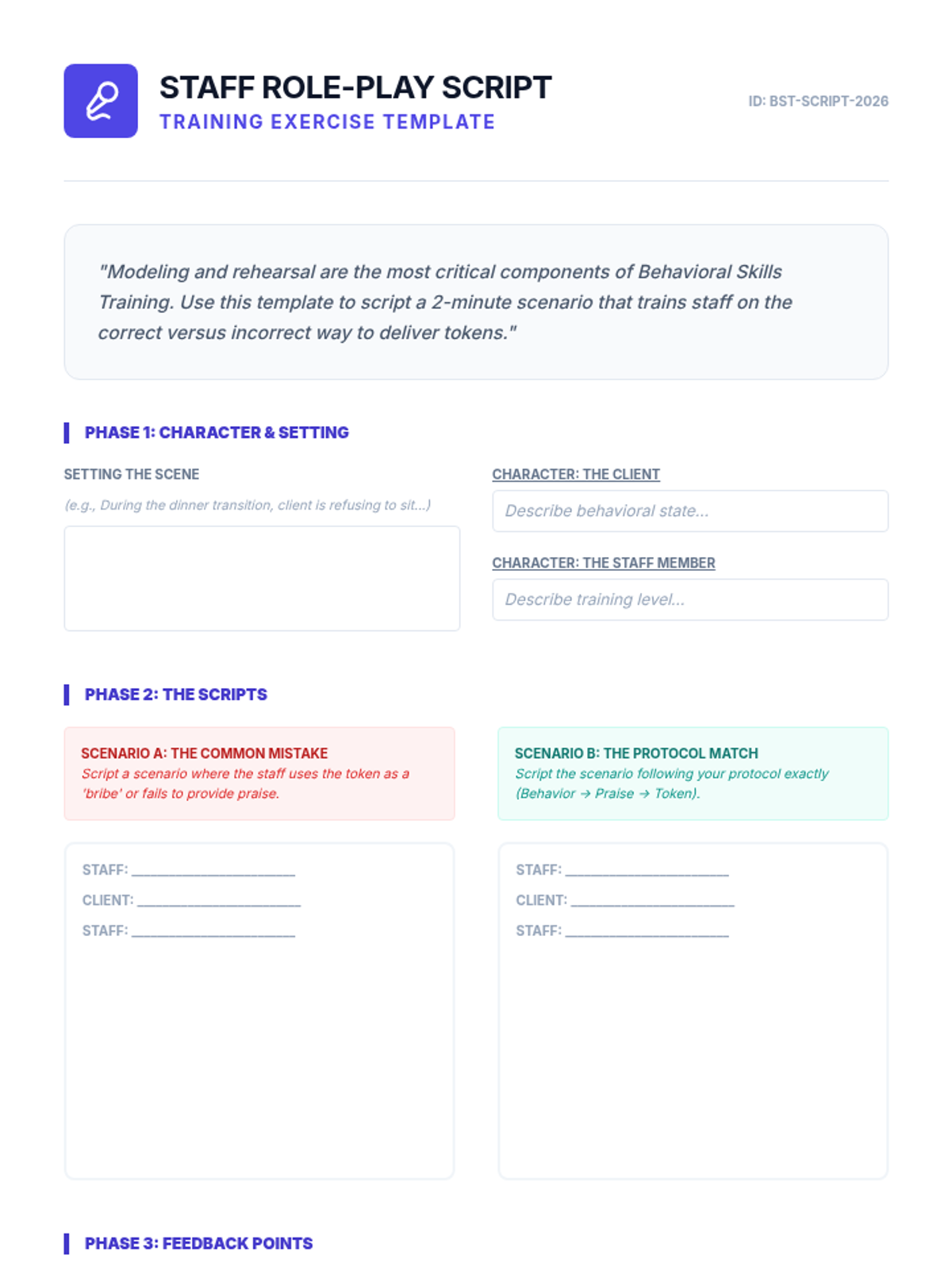
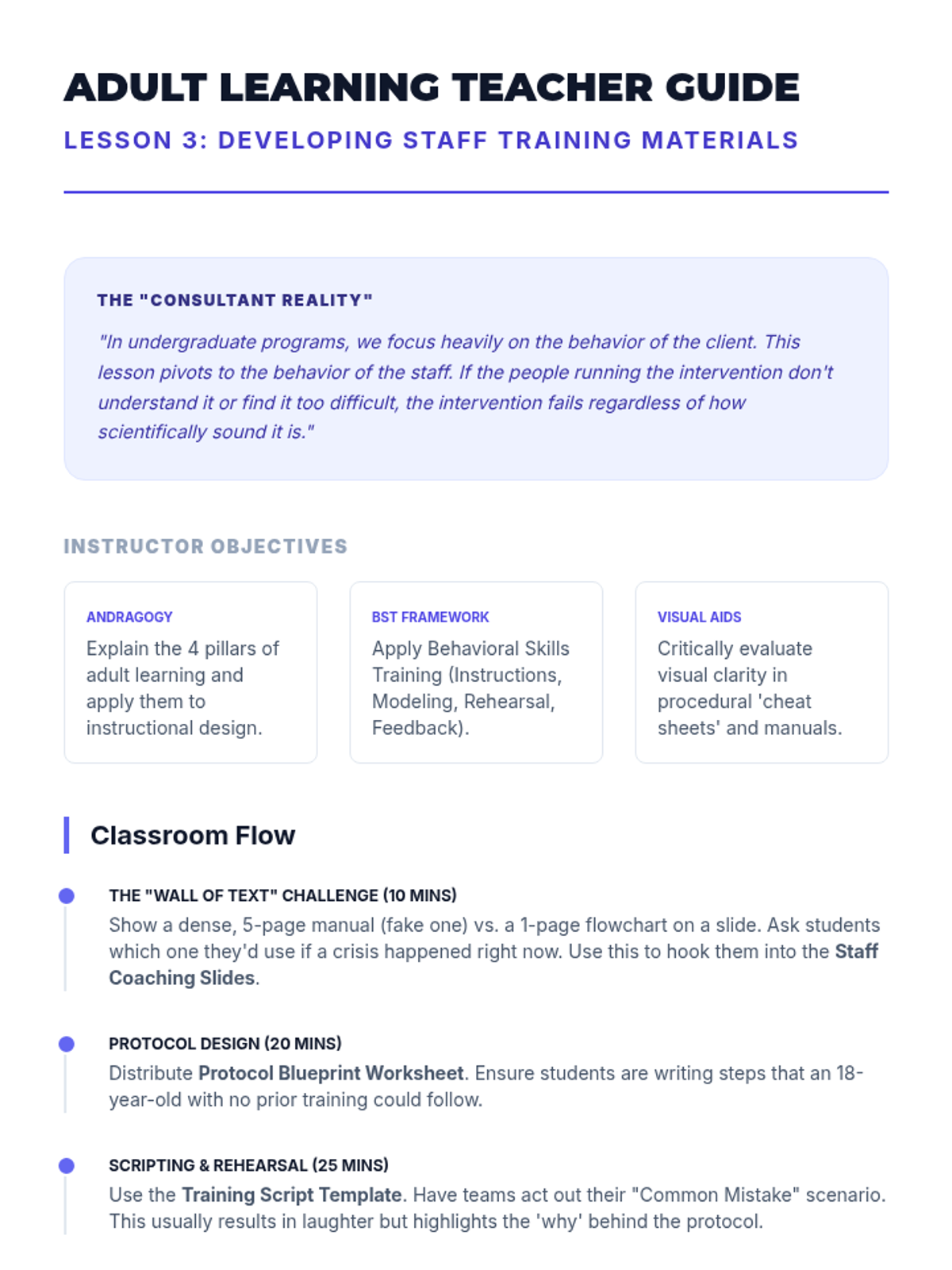
Focuses on instructional design for adult learners, where students create cheat sheets and protocols to train staff on the intervention.
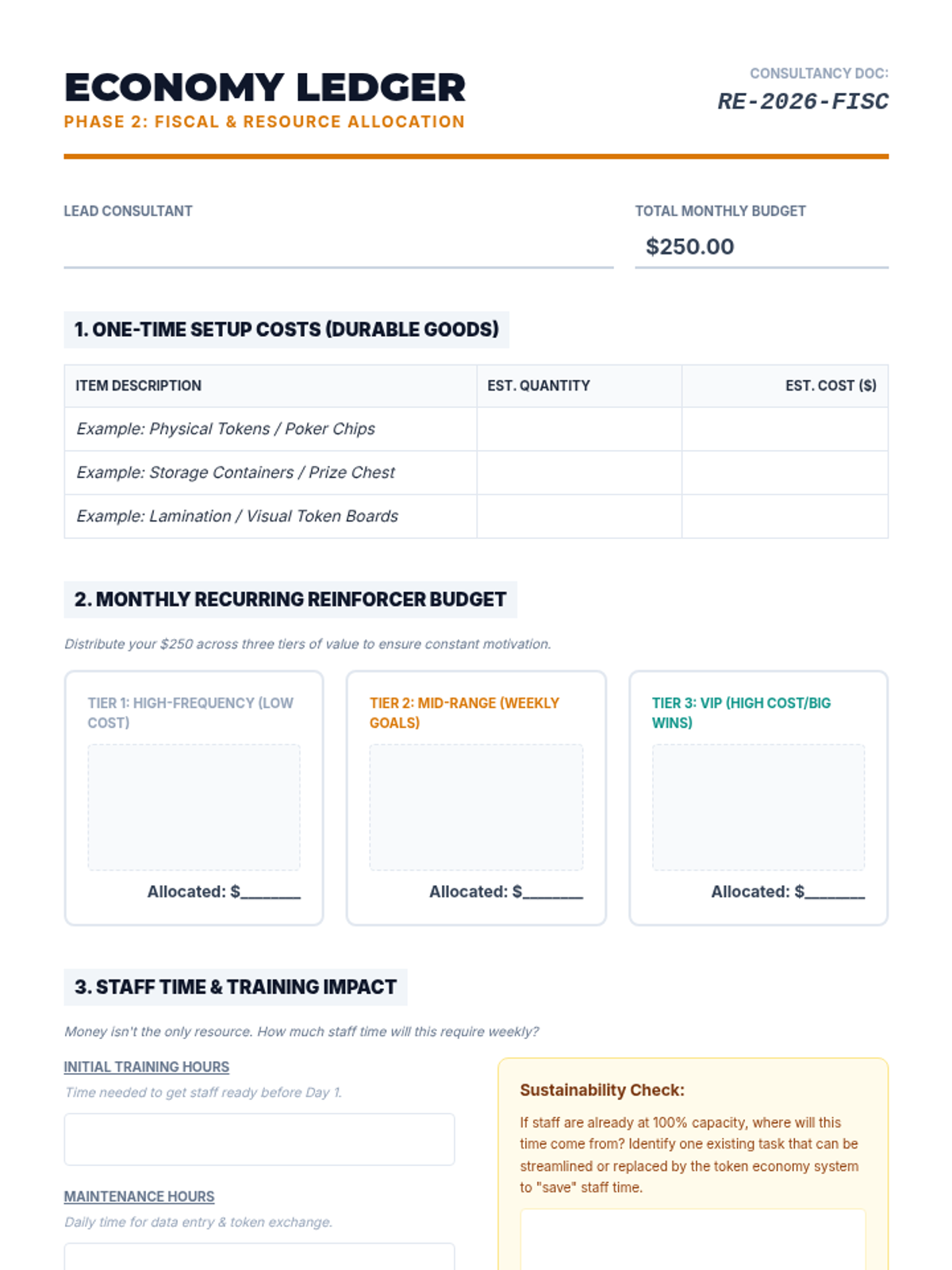
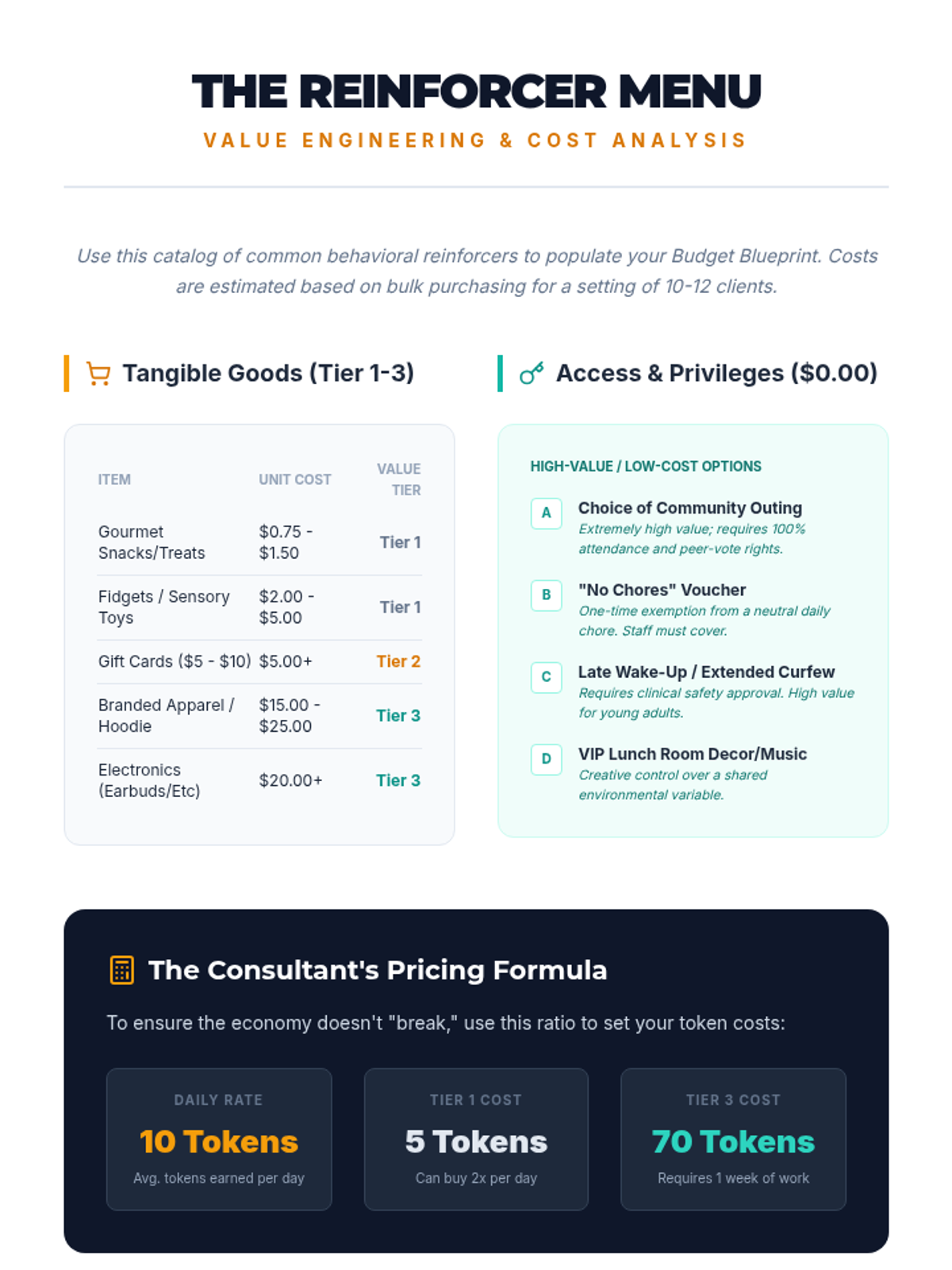
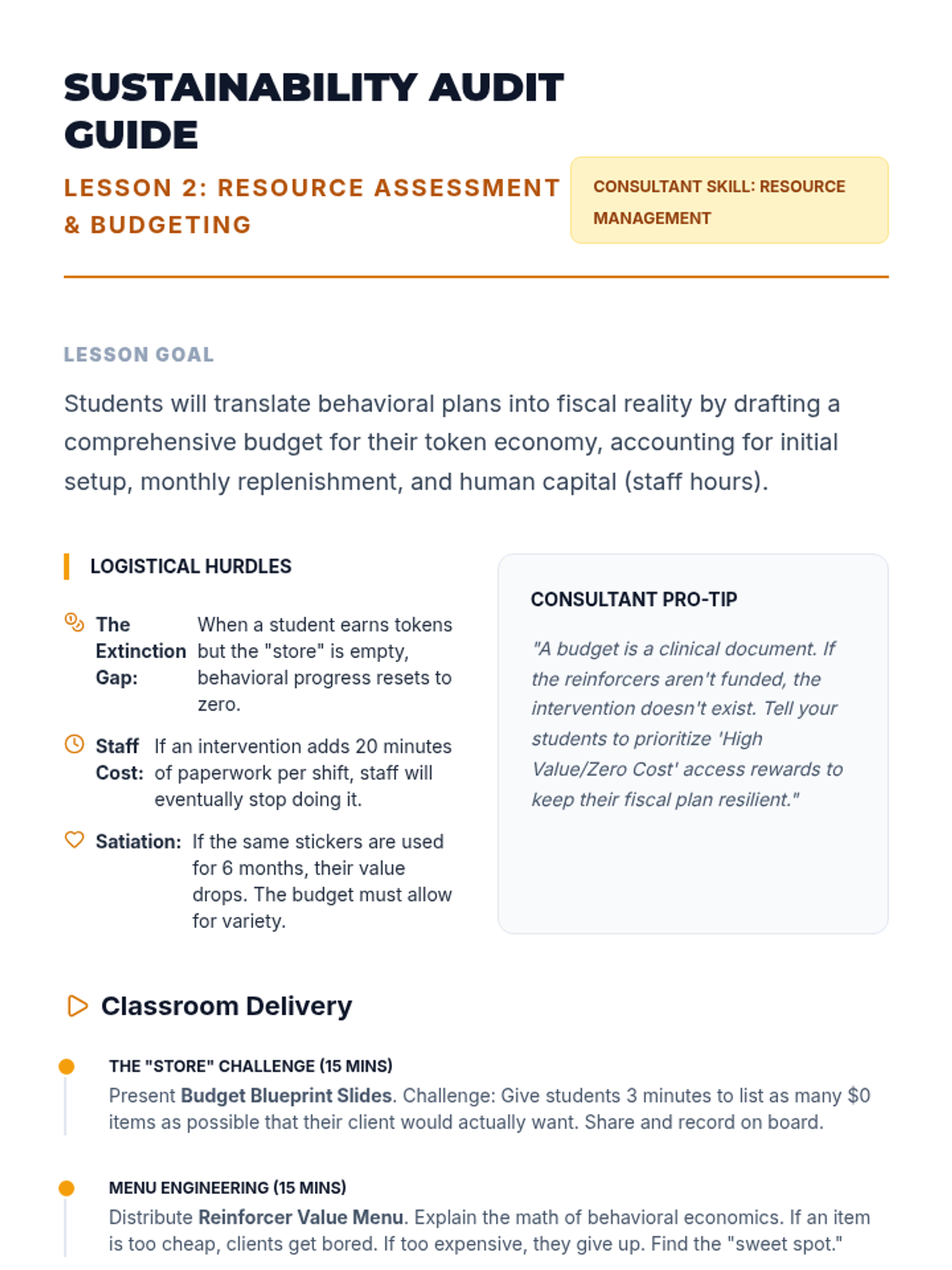
Students calculate the financial and human resources required for their intervention, drafting budgets for reinforcers and staff time.
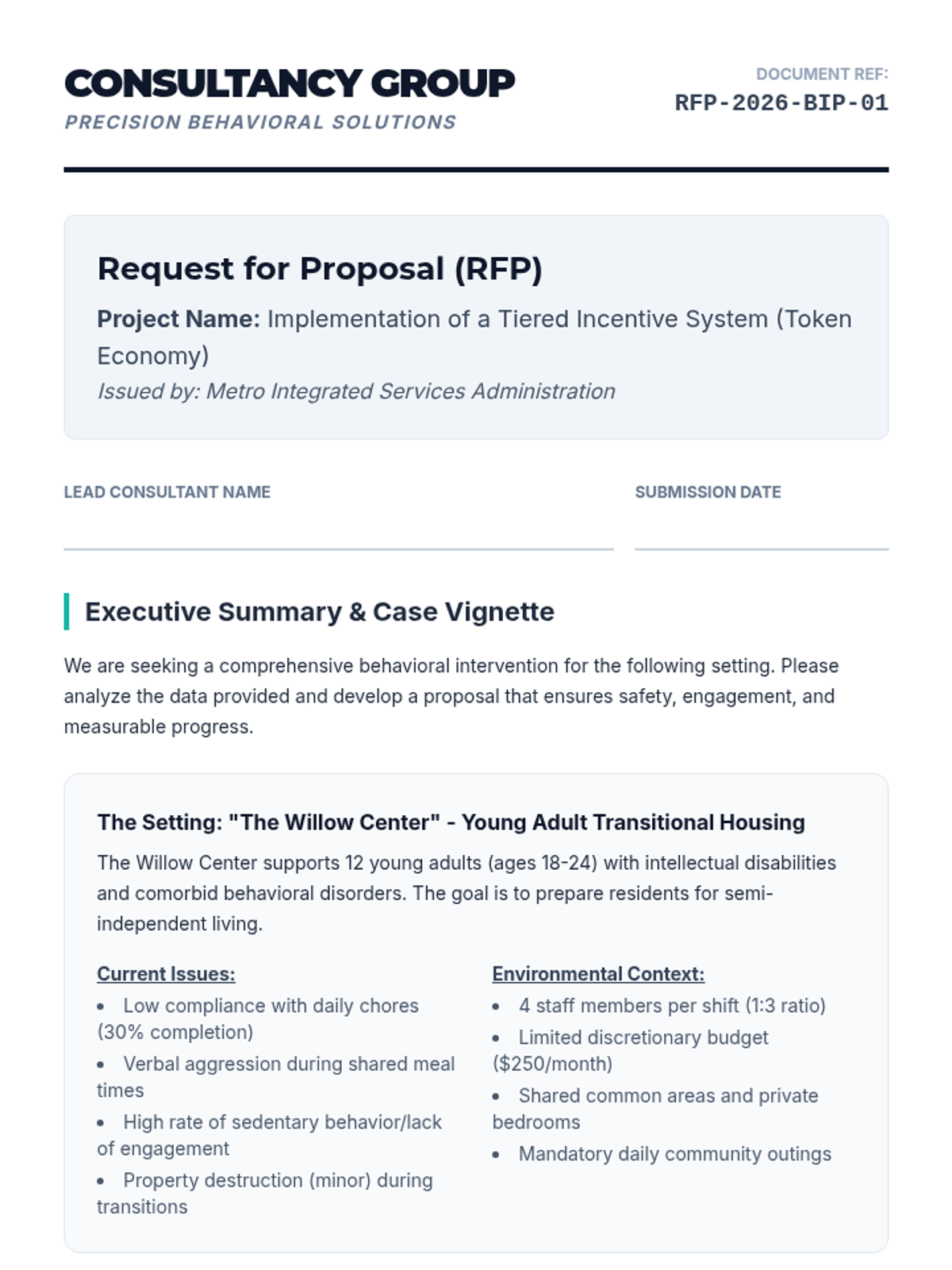
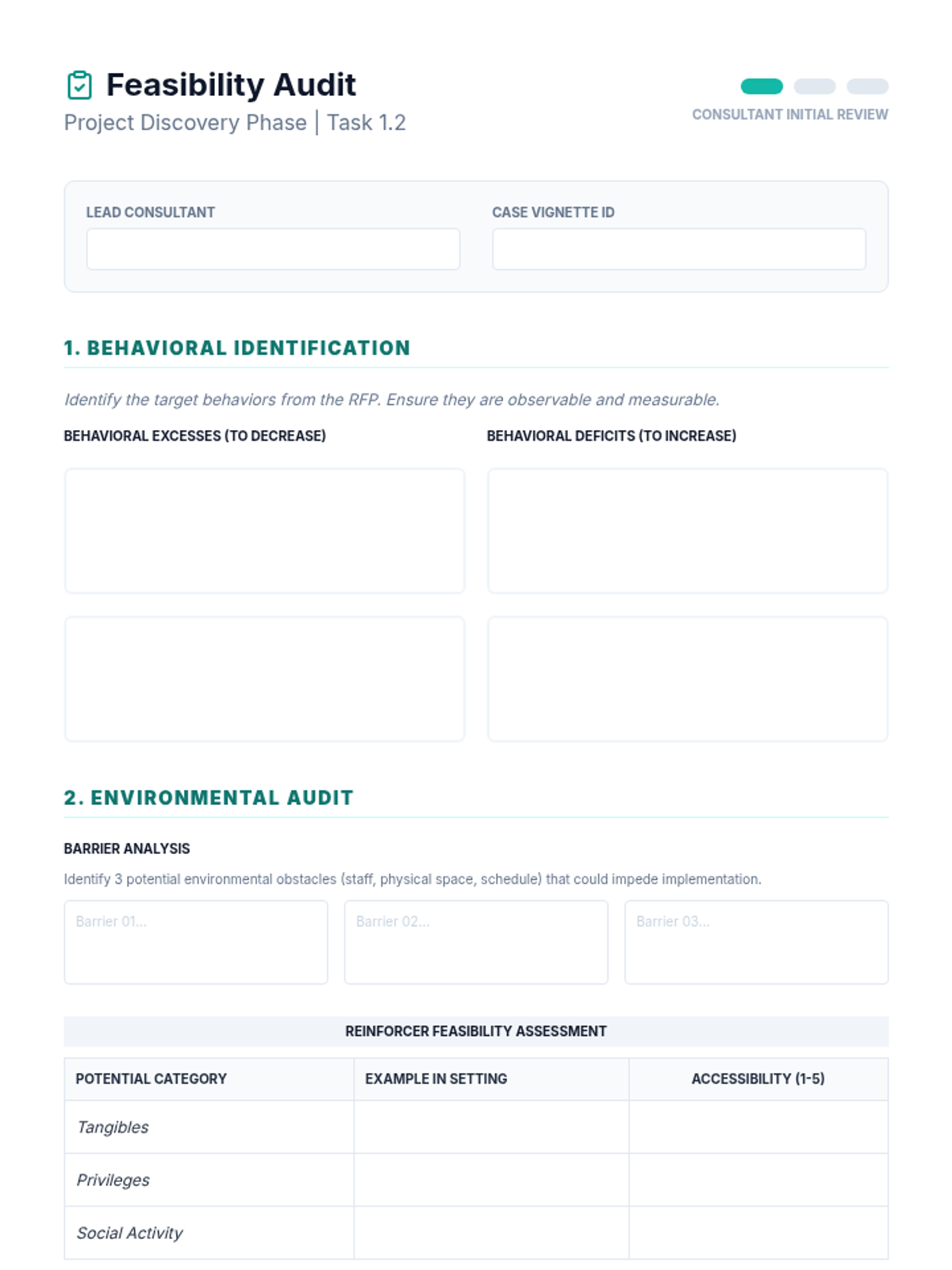
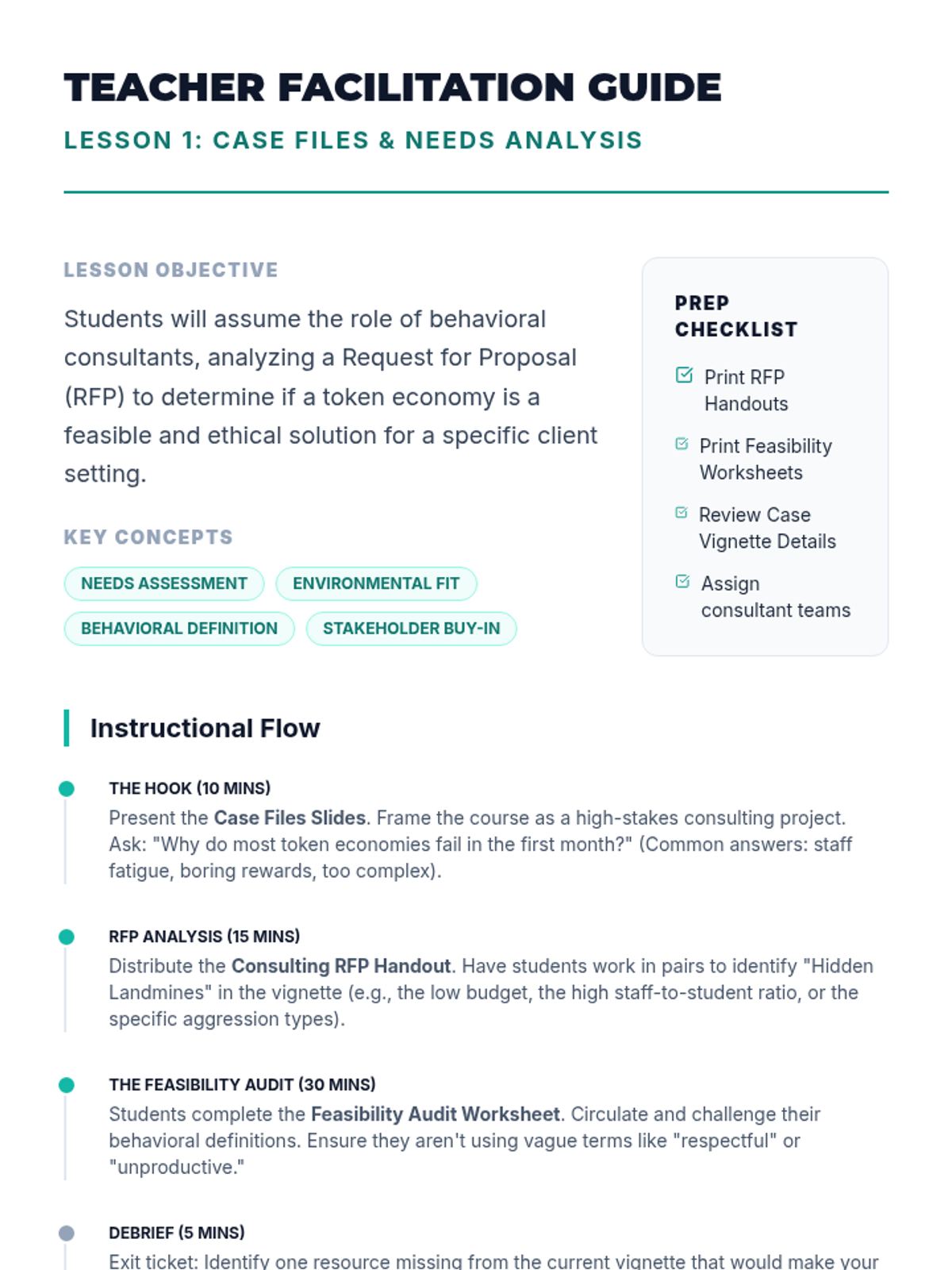
Students analyze complex client vignettes to identify behavioral needs and conduct a feasibility audit for a token economy implementation.
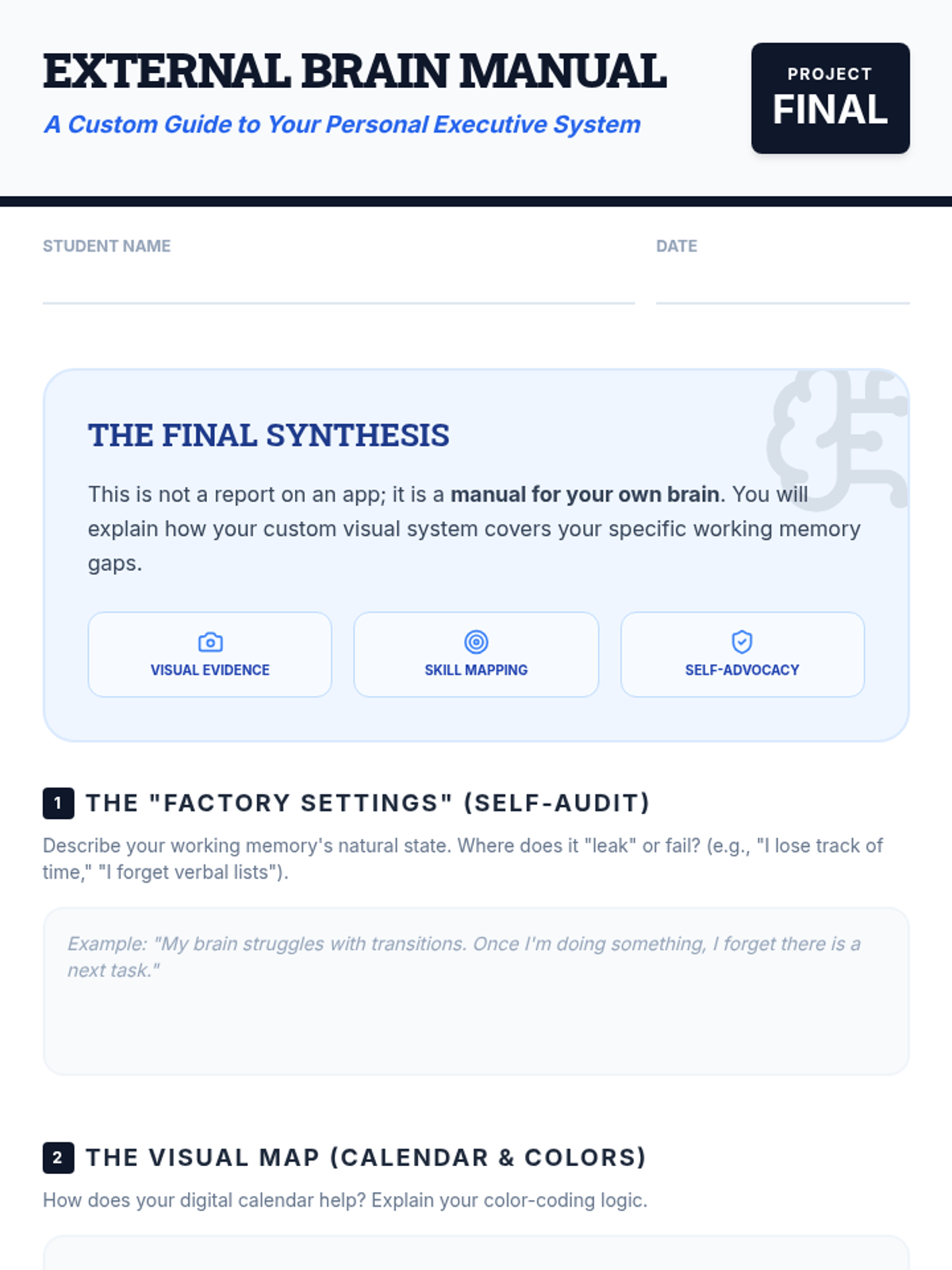
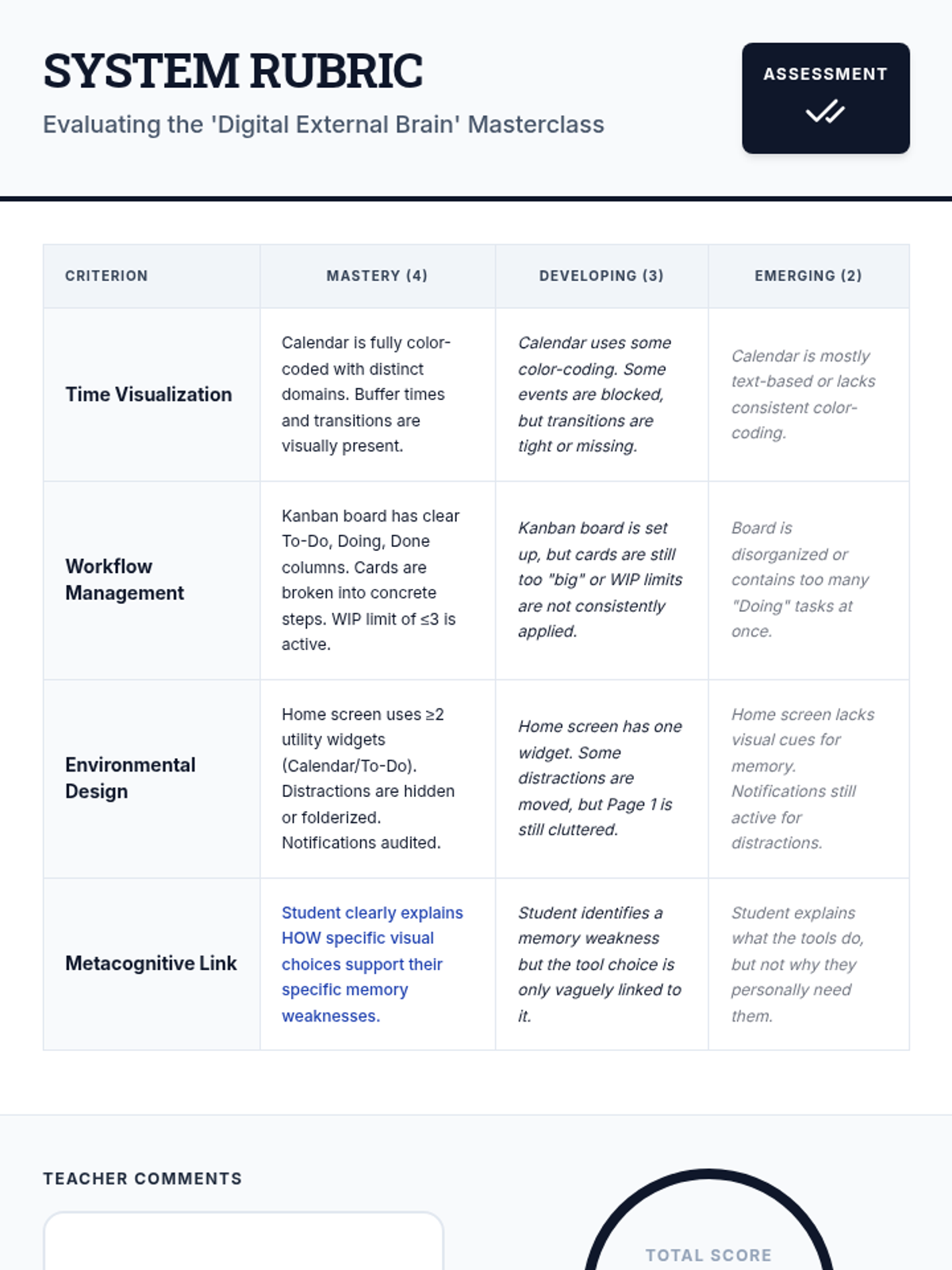
Students synthesize their learning by presenting their integrated 'Digital External Brain' system. They create a 'User Manual' that explains how their chosen tools support their specific memory needs.
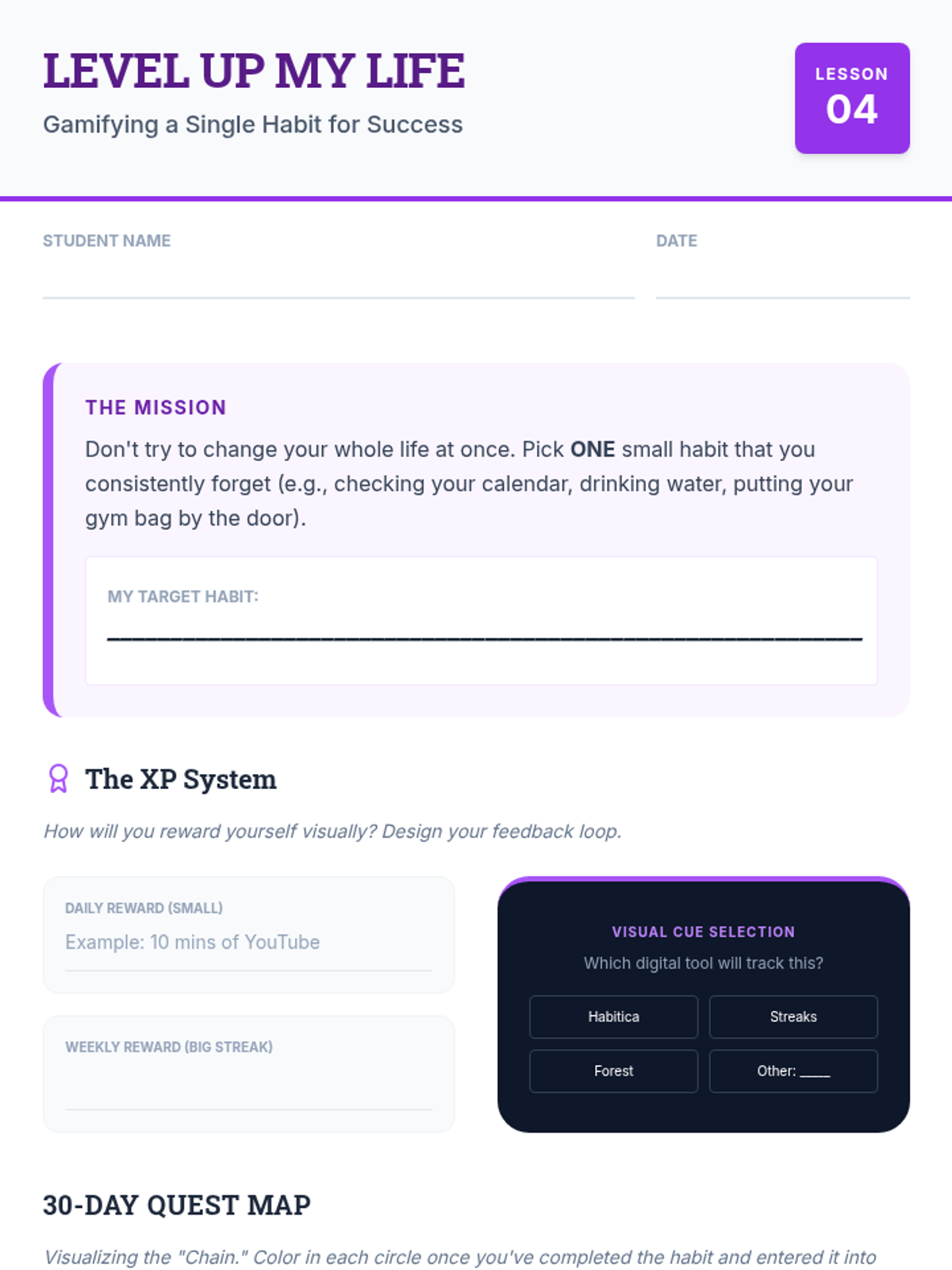
Exploration of gamification elements like progress bars, streaks, and XP to motivate task completion. Students select a gamified tool to track a personal habit or goal.
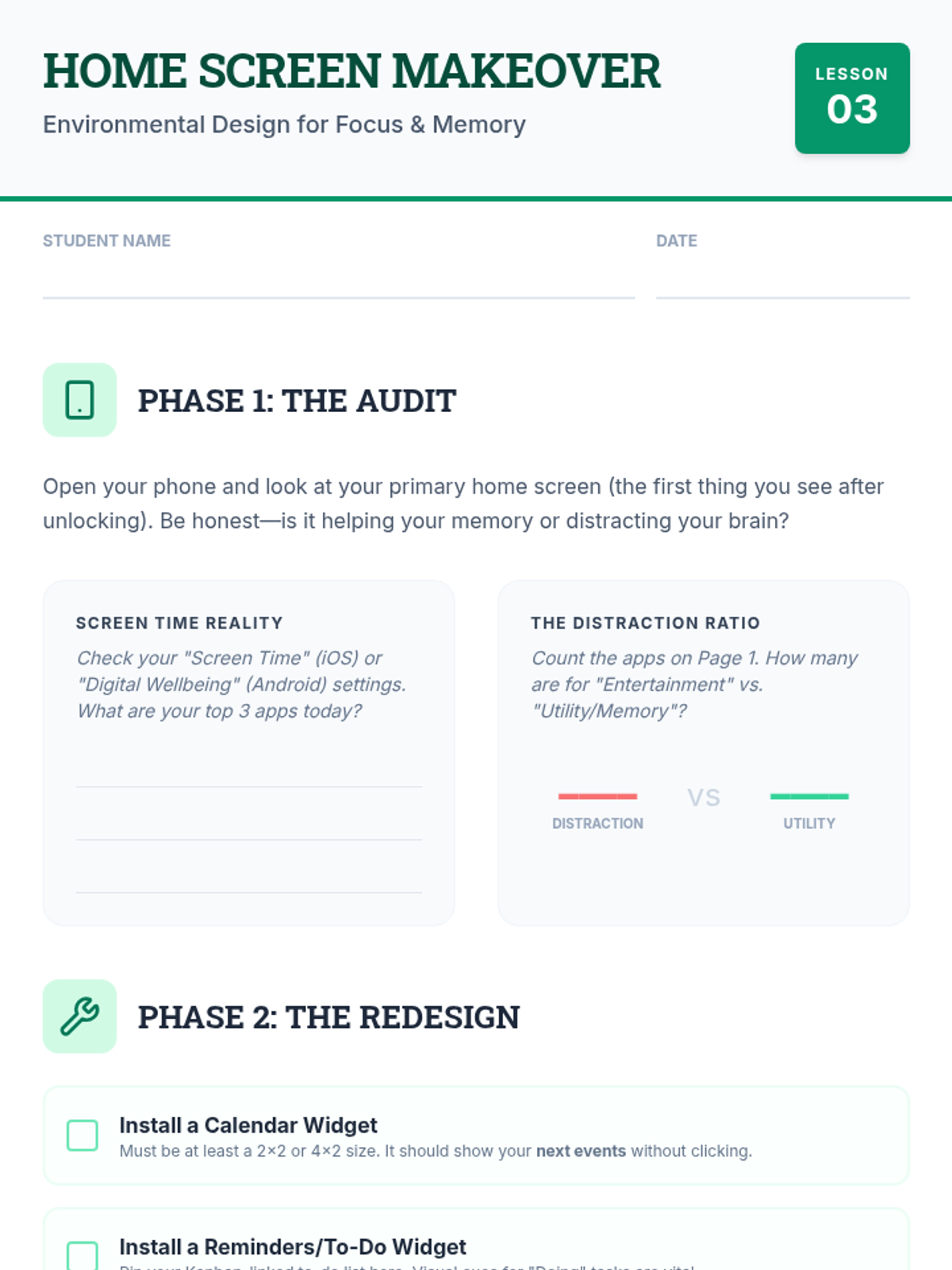
Students audit their digital environments, using widgets and home screen organization to create visual 'nudges' for important tasks while minimizing digital distractions.
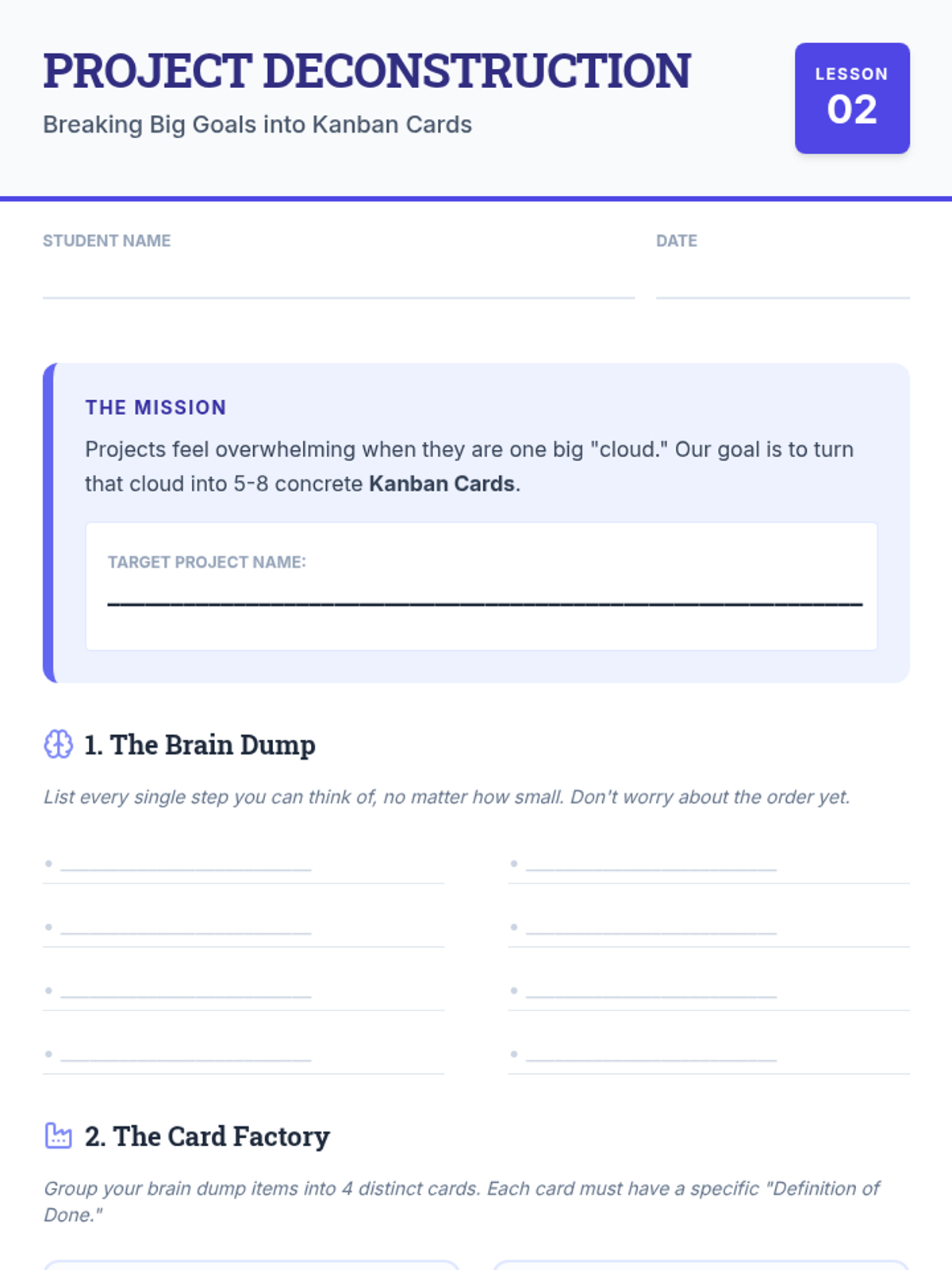
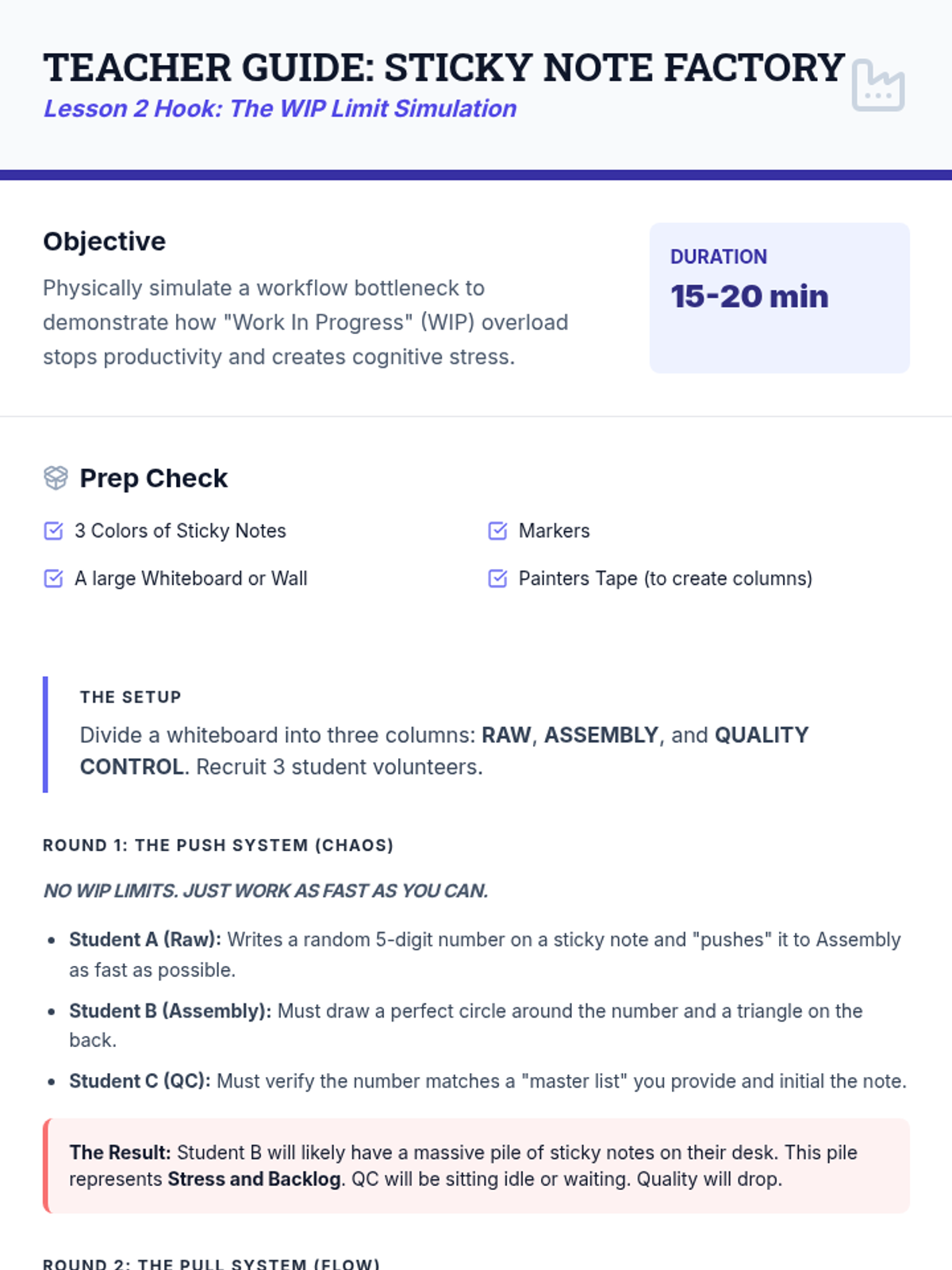
Introduction to the Kanban method for project management. Students learn to visualize workflow and limit 'Work in Progress' to prevent cognitive overload during long-term projects.
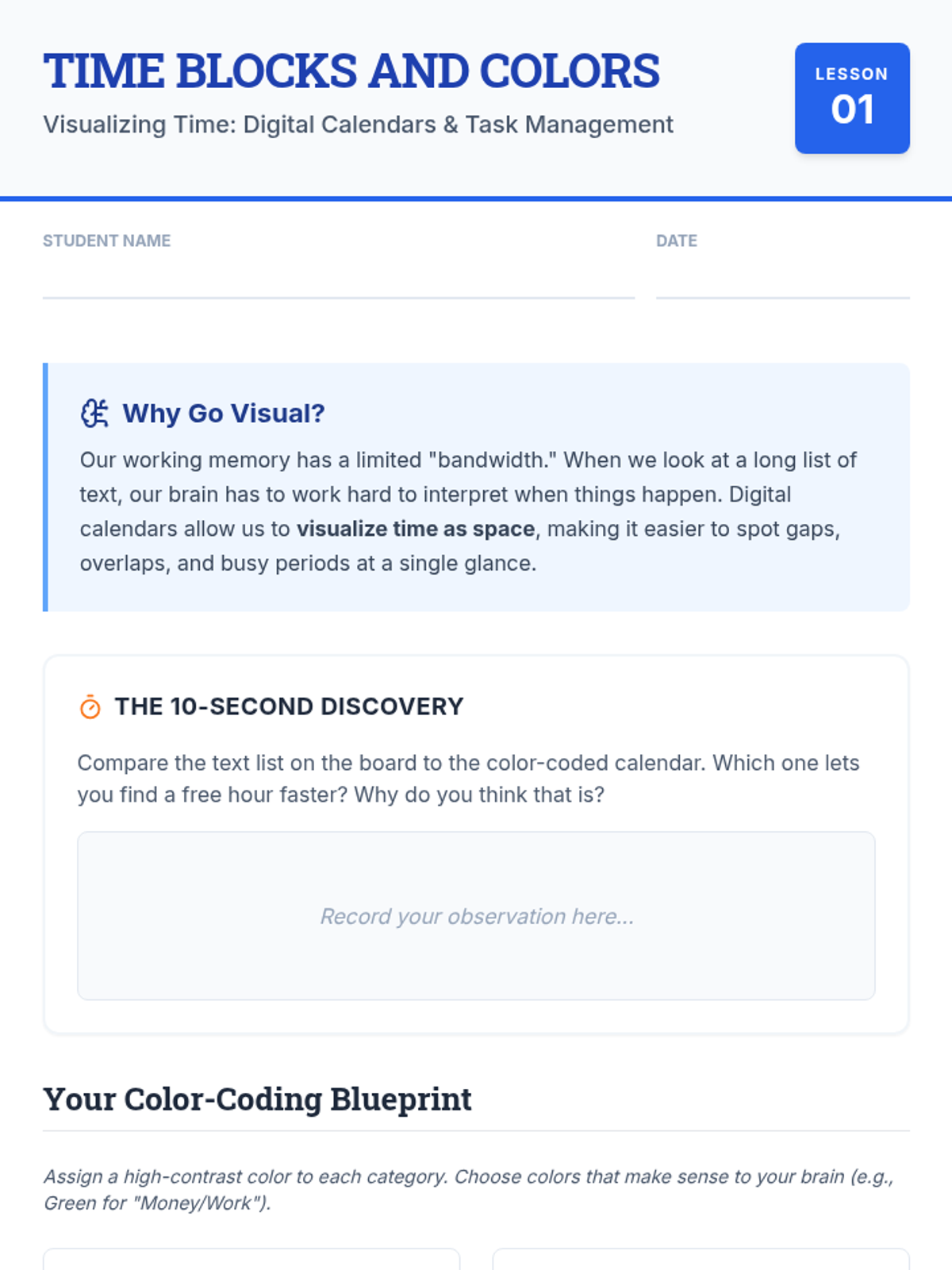
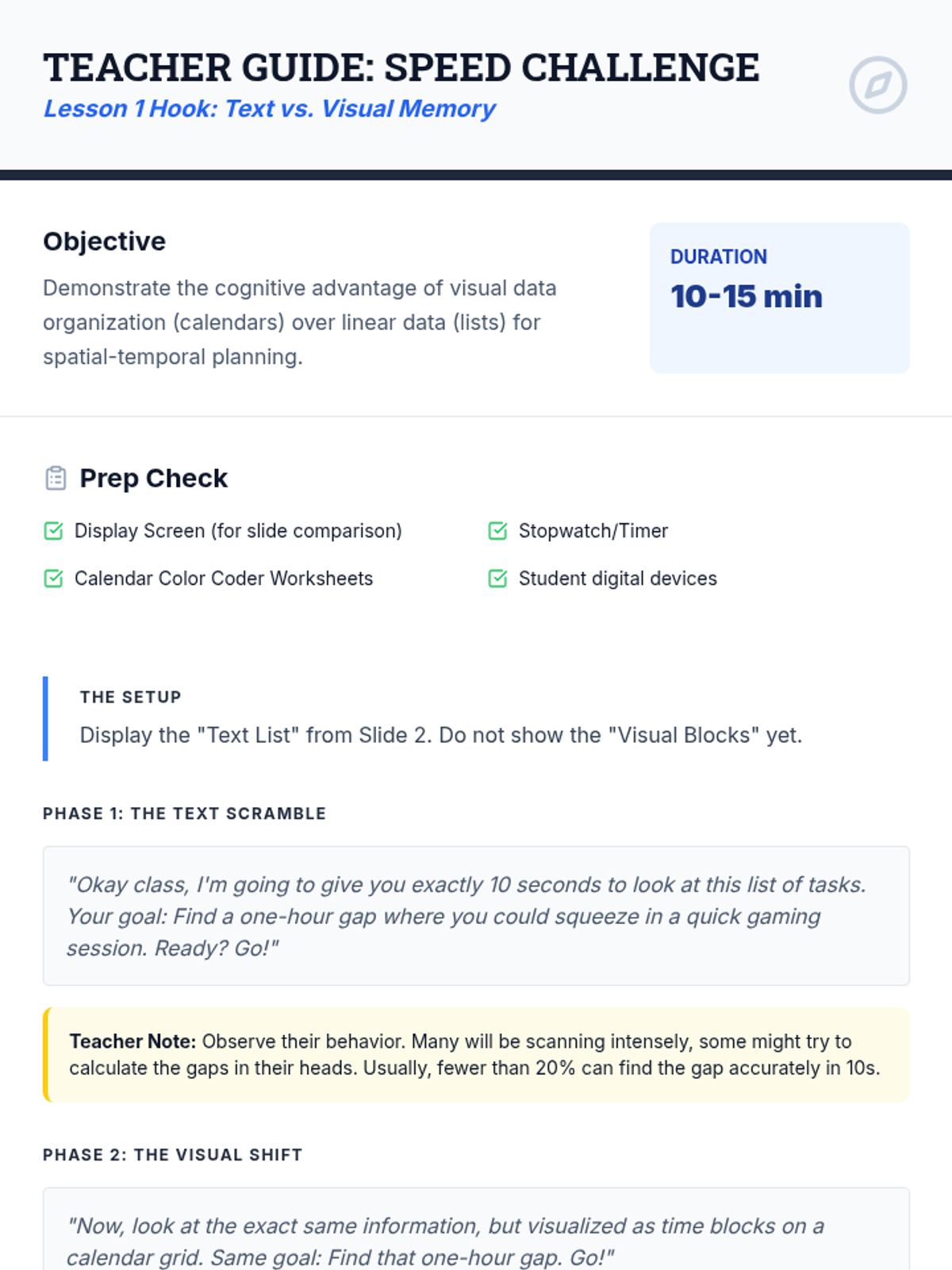
Students transition from simple text-based lists to visual time-blocking using digital calendars. They learn to color-code activities to distinguish between different domains of life, reducing the cognitive load of scheduling.
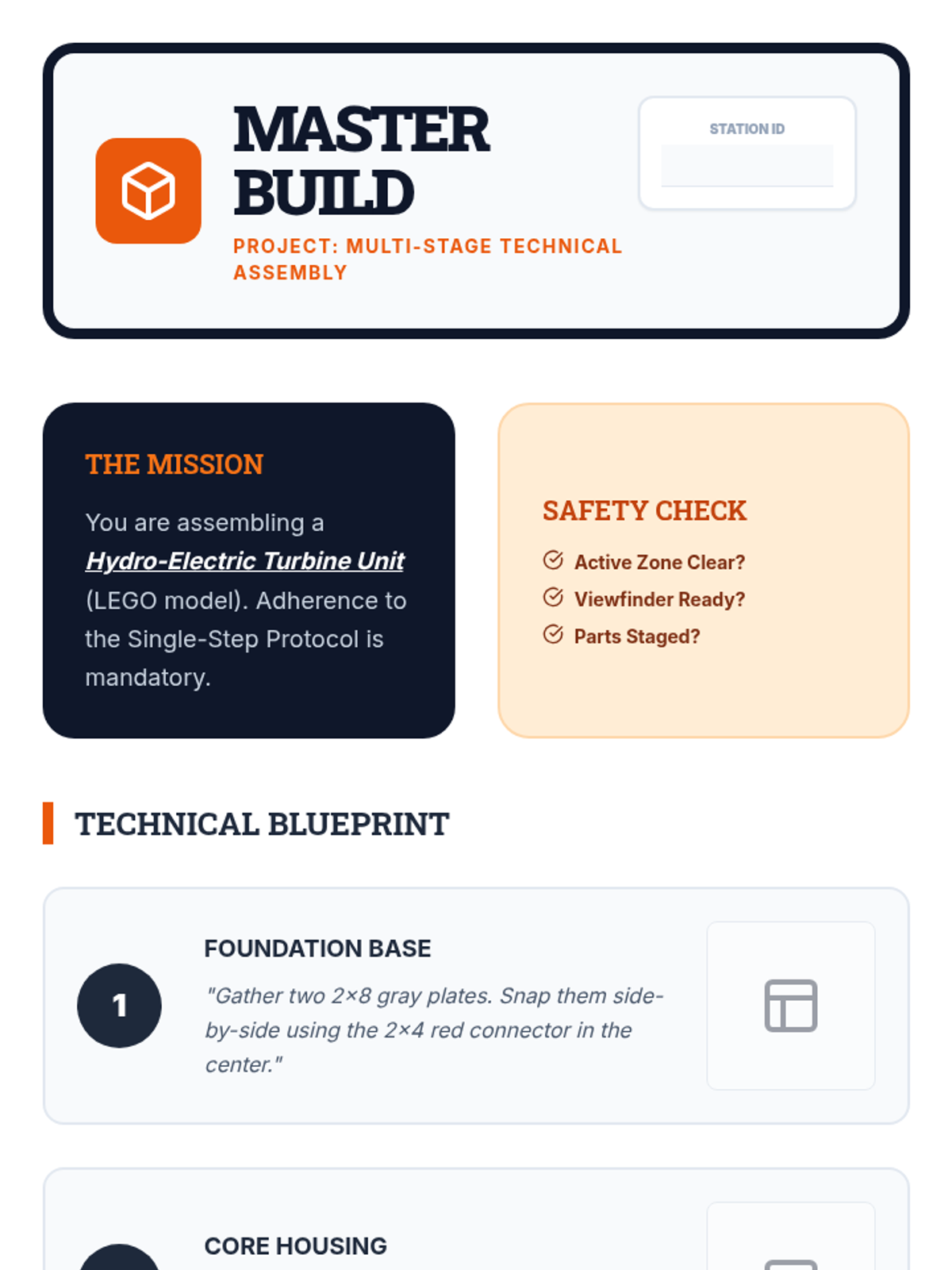
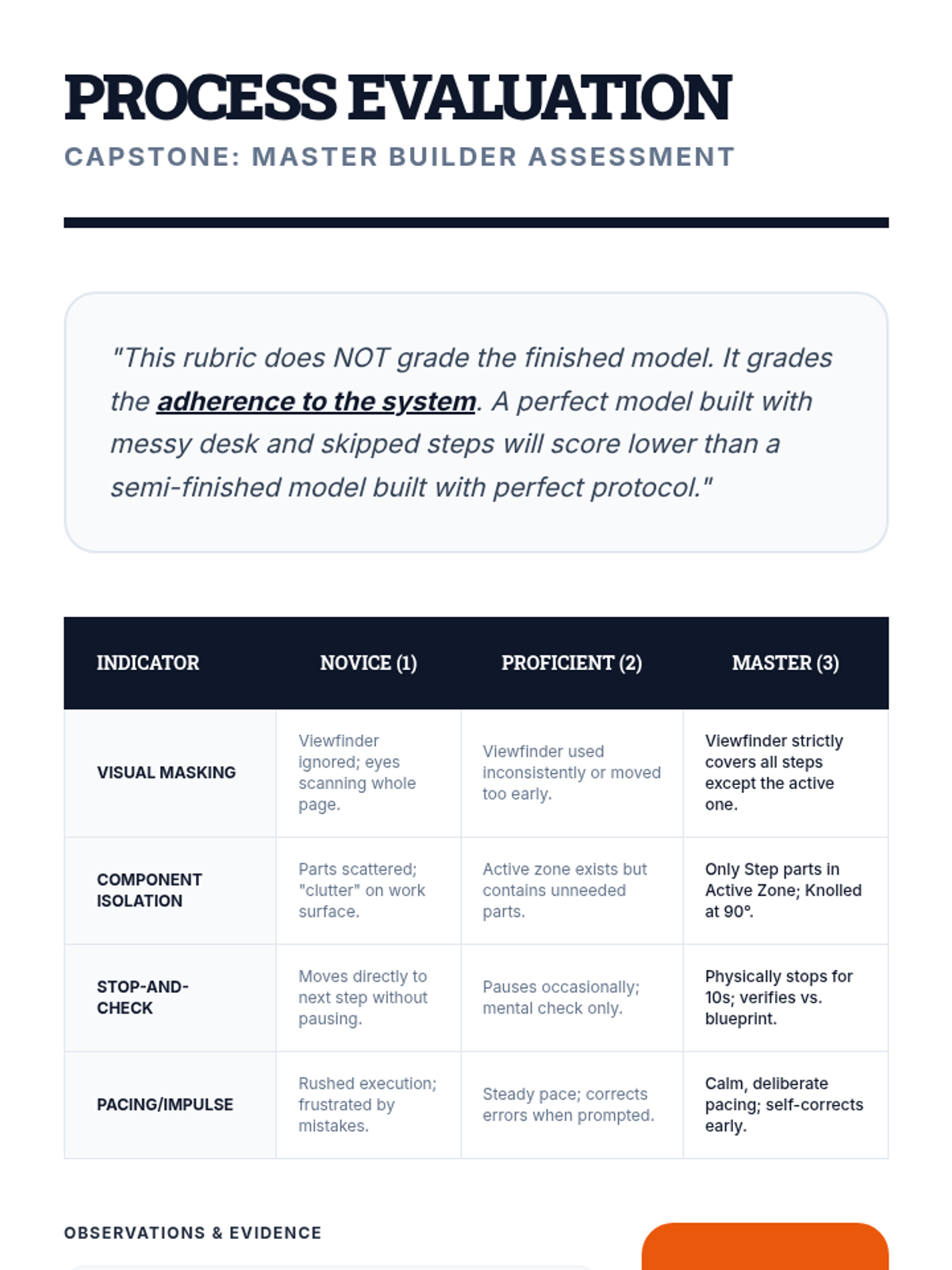
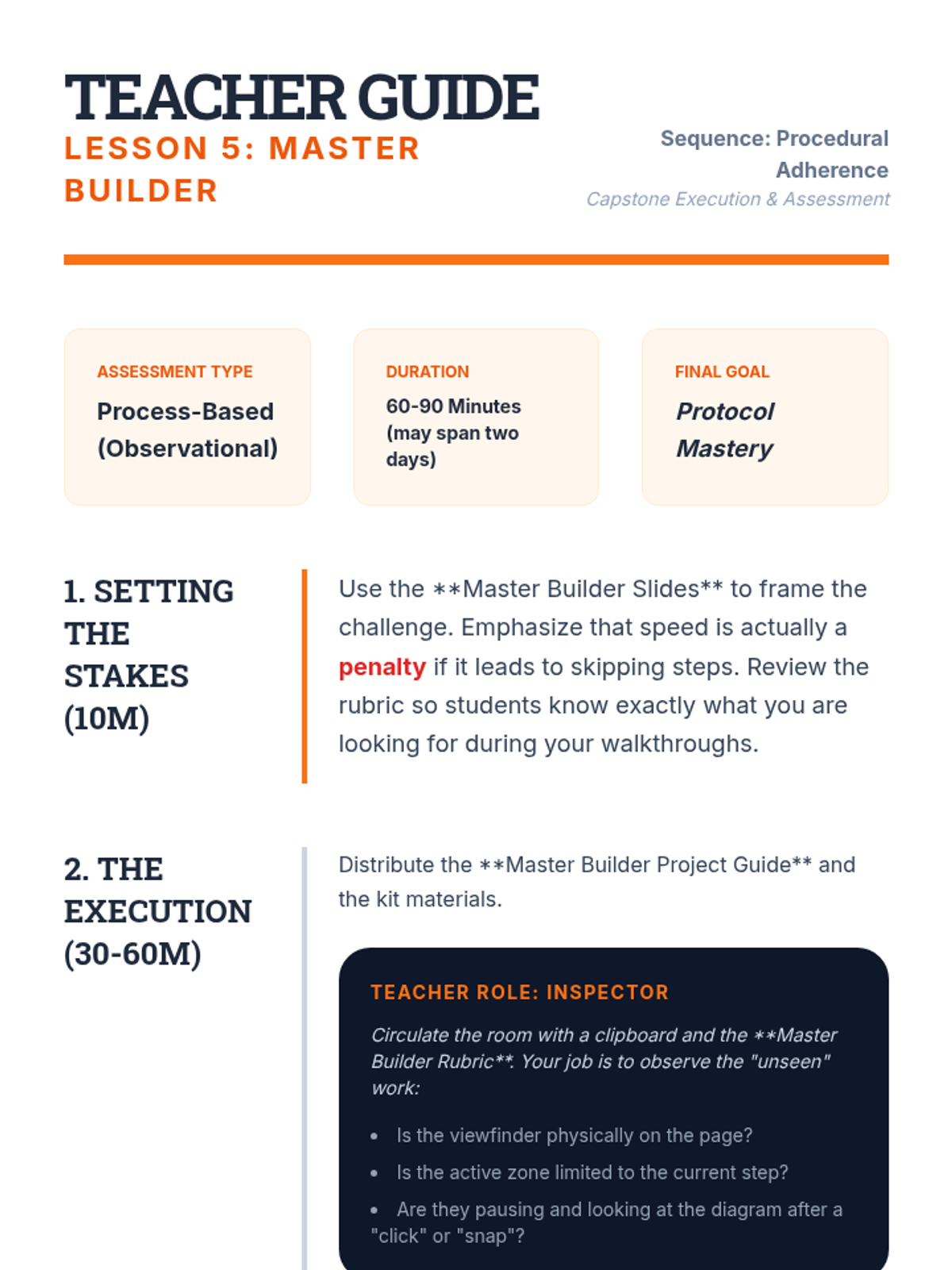
Students complete a multi-stage assembly project (e.g., a simple wood kit or circuit). They are assessed on their adherence to the single-step process rather than just the final product.
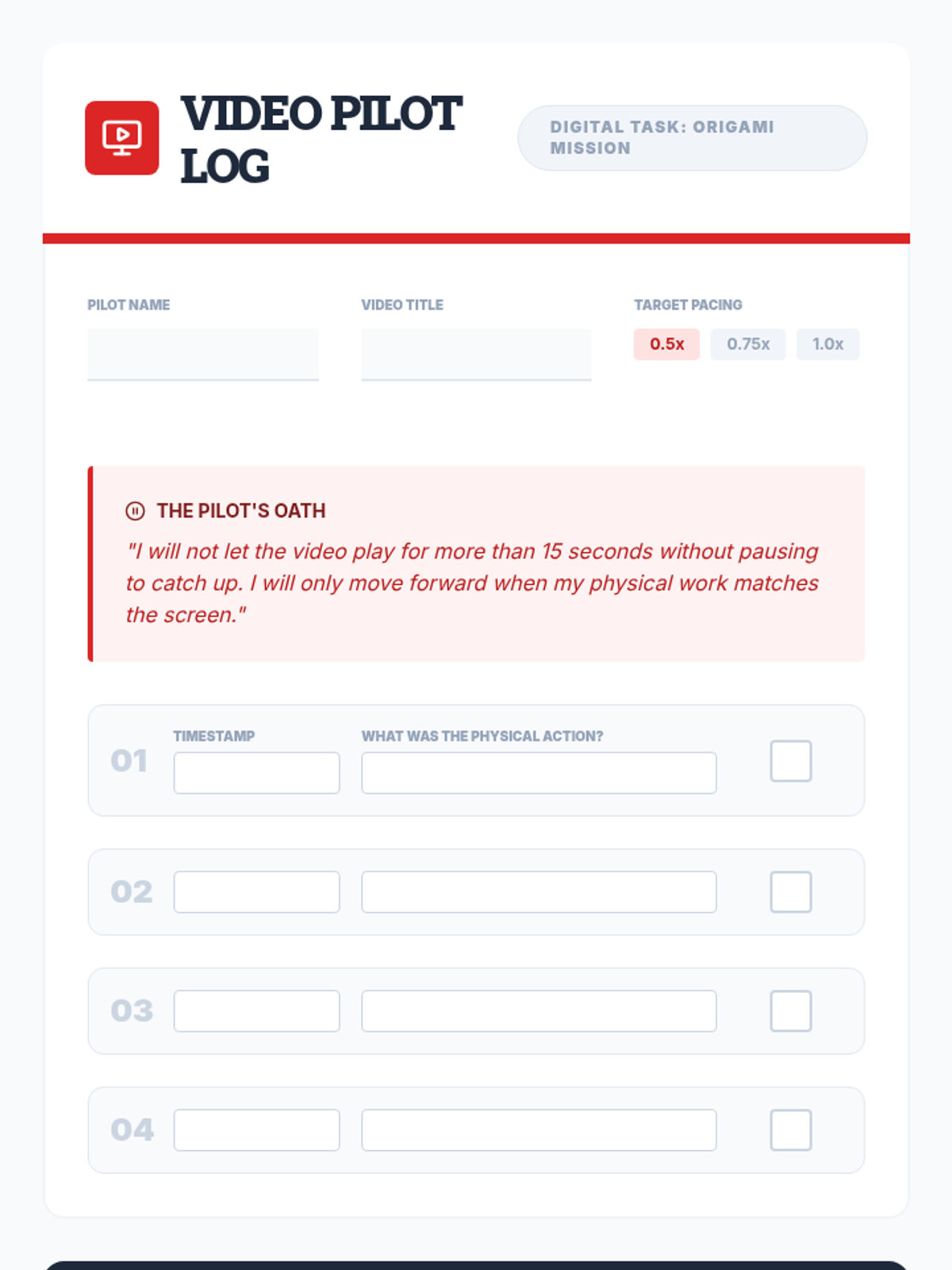
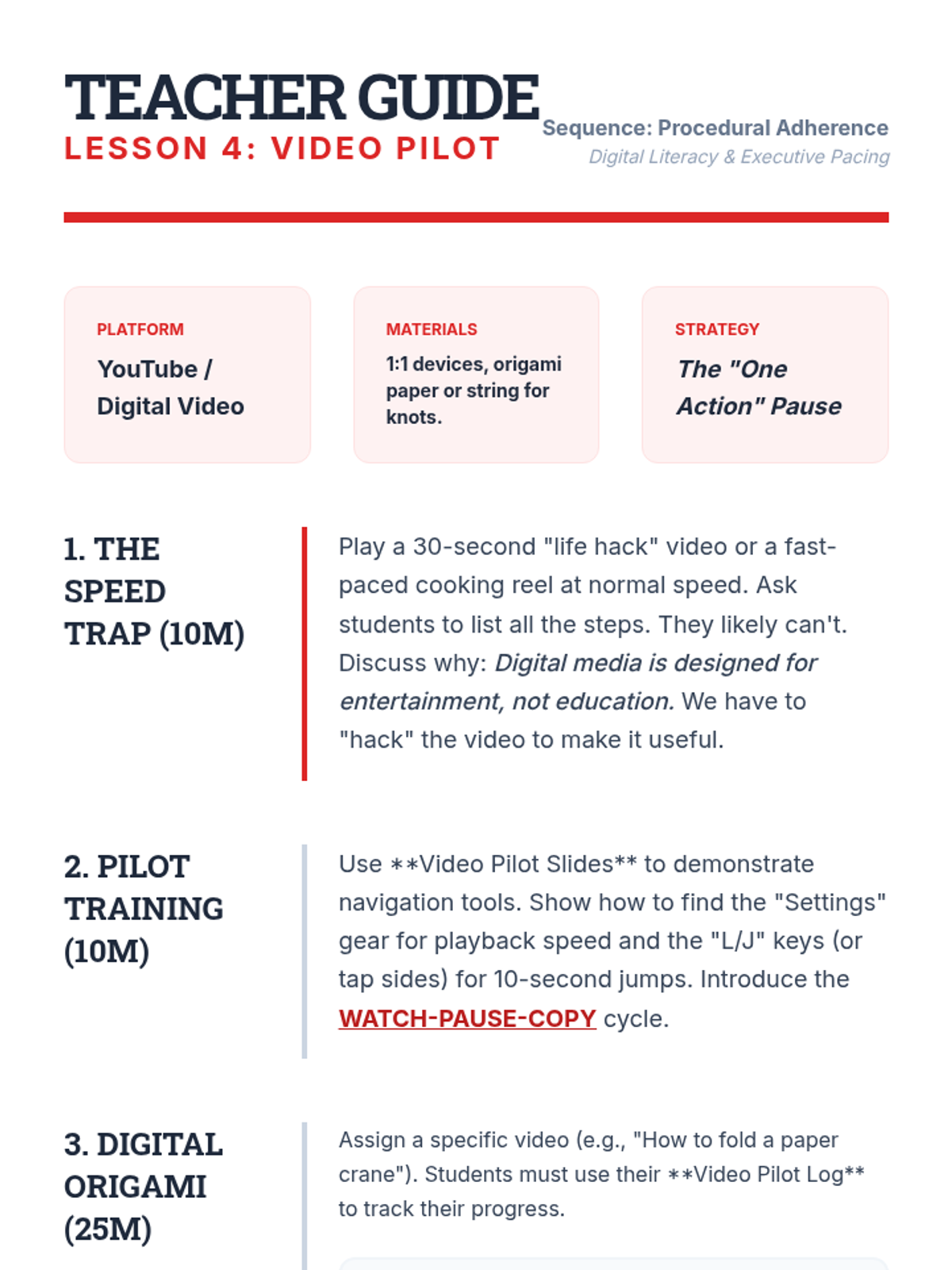
Students follow a video tutorial for a physical task (e.g., tie-dye or origami), practicing the skill of pausing the video to complete a single action before allowing the playback to continue.
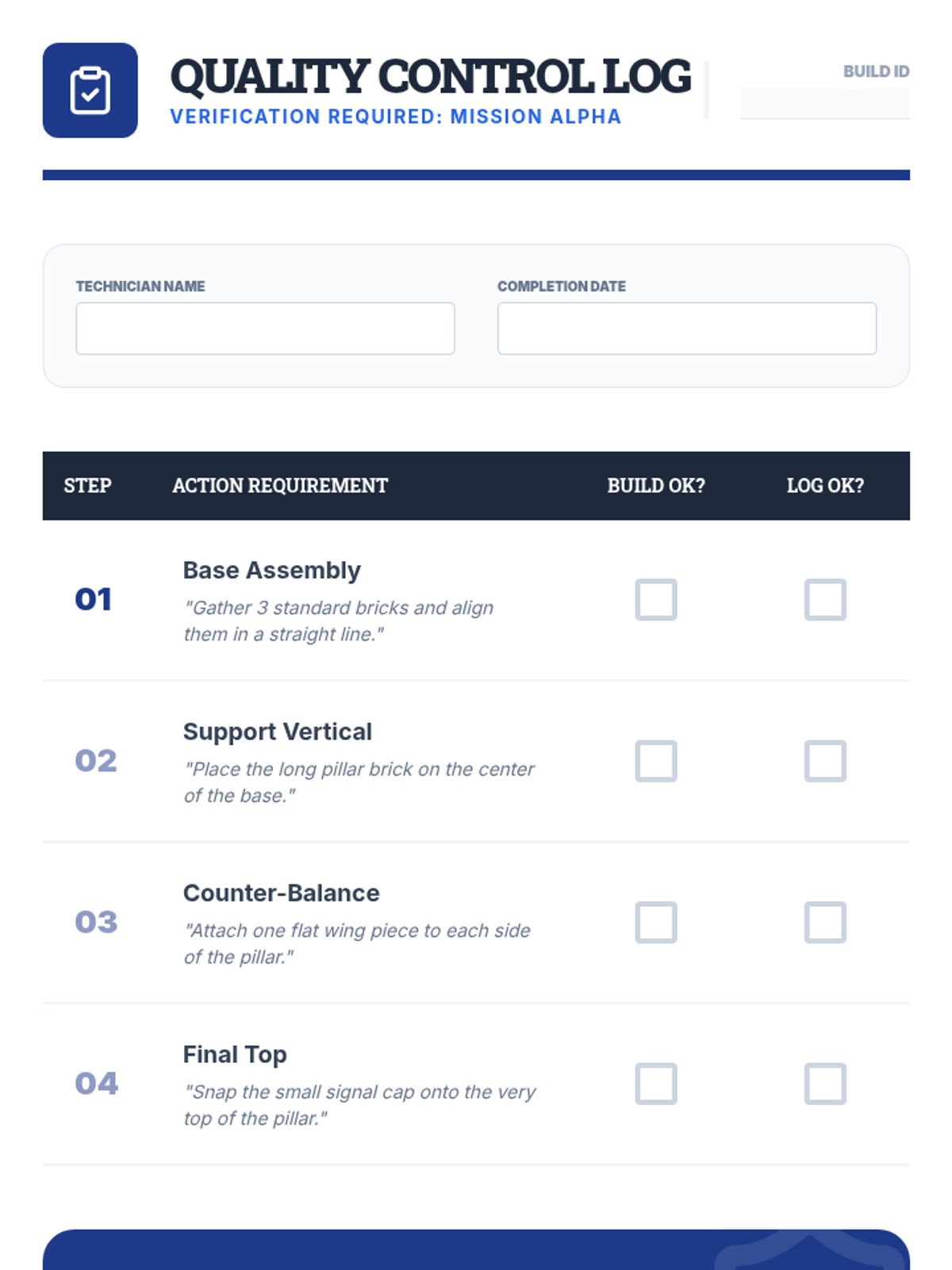
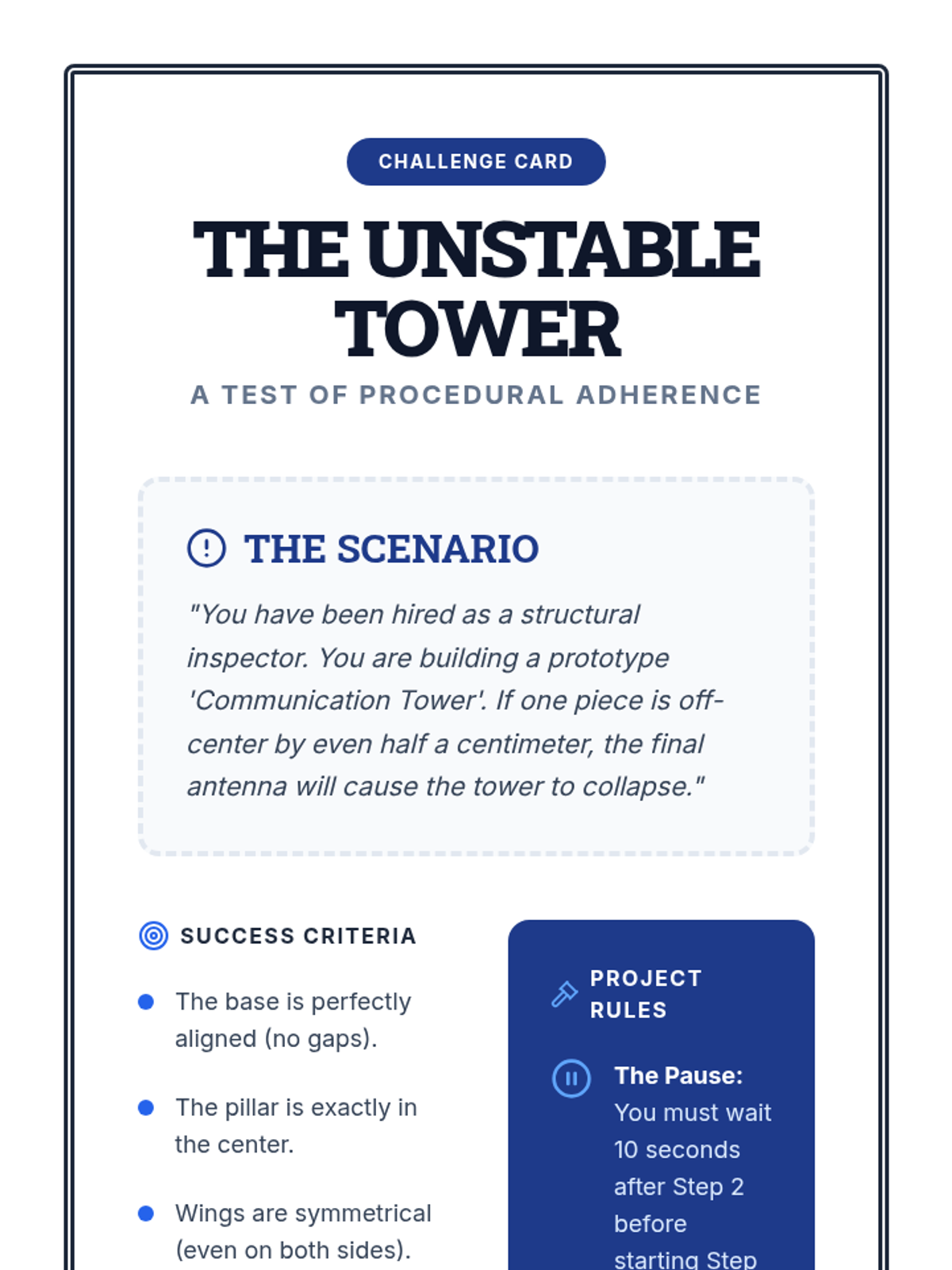
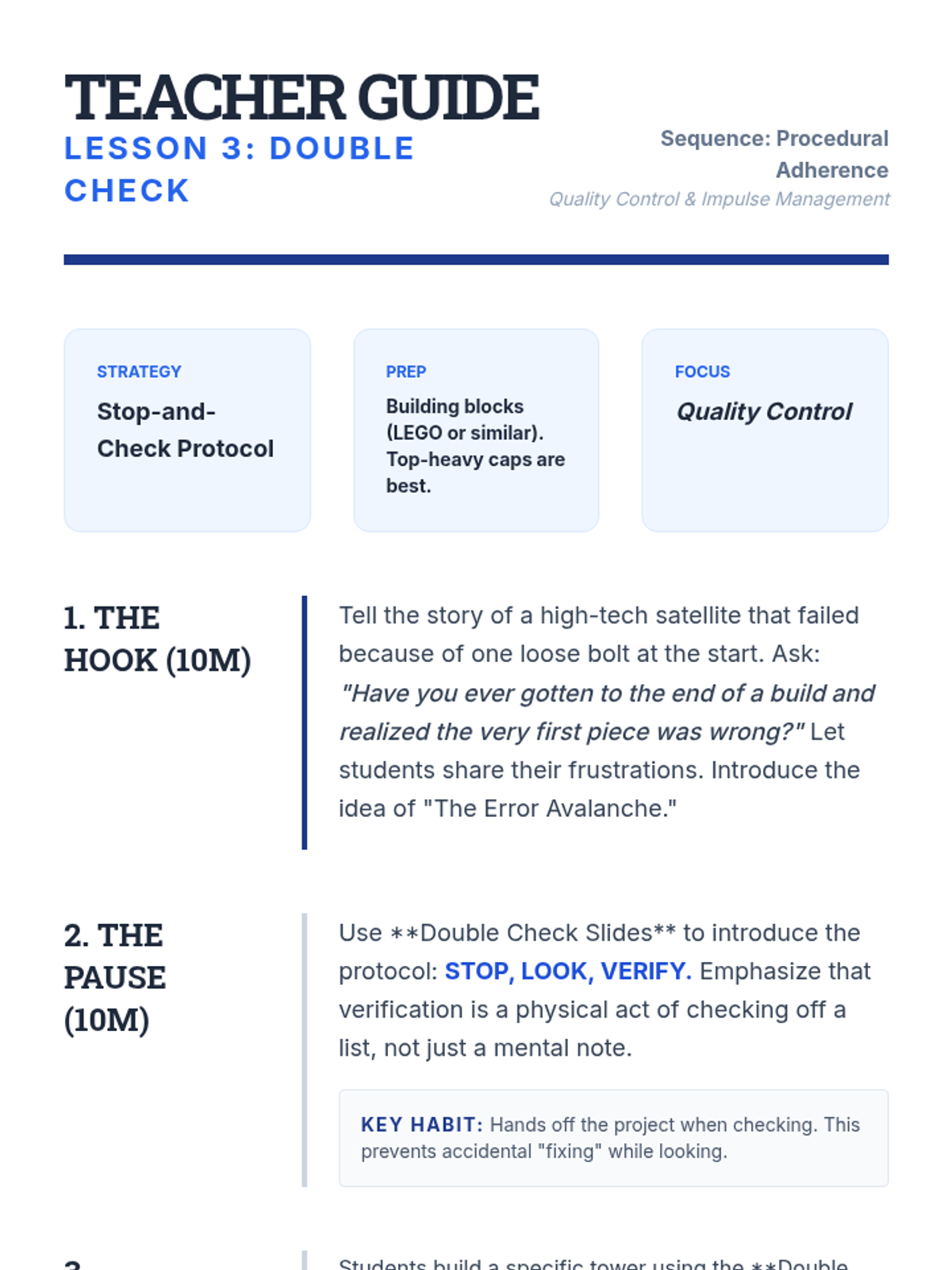
Students engage in a building task where they must physically pause and verify accuracy after every single step. This builds the habit of quality control and prevents compound errors.
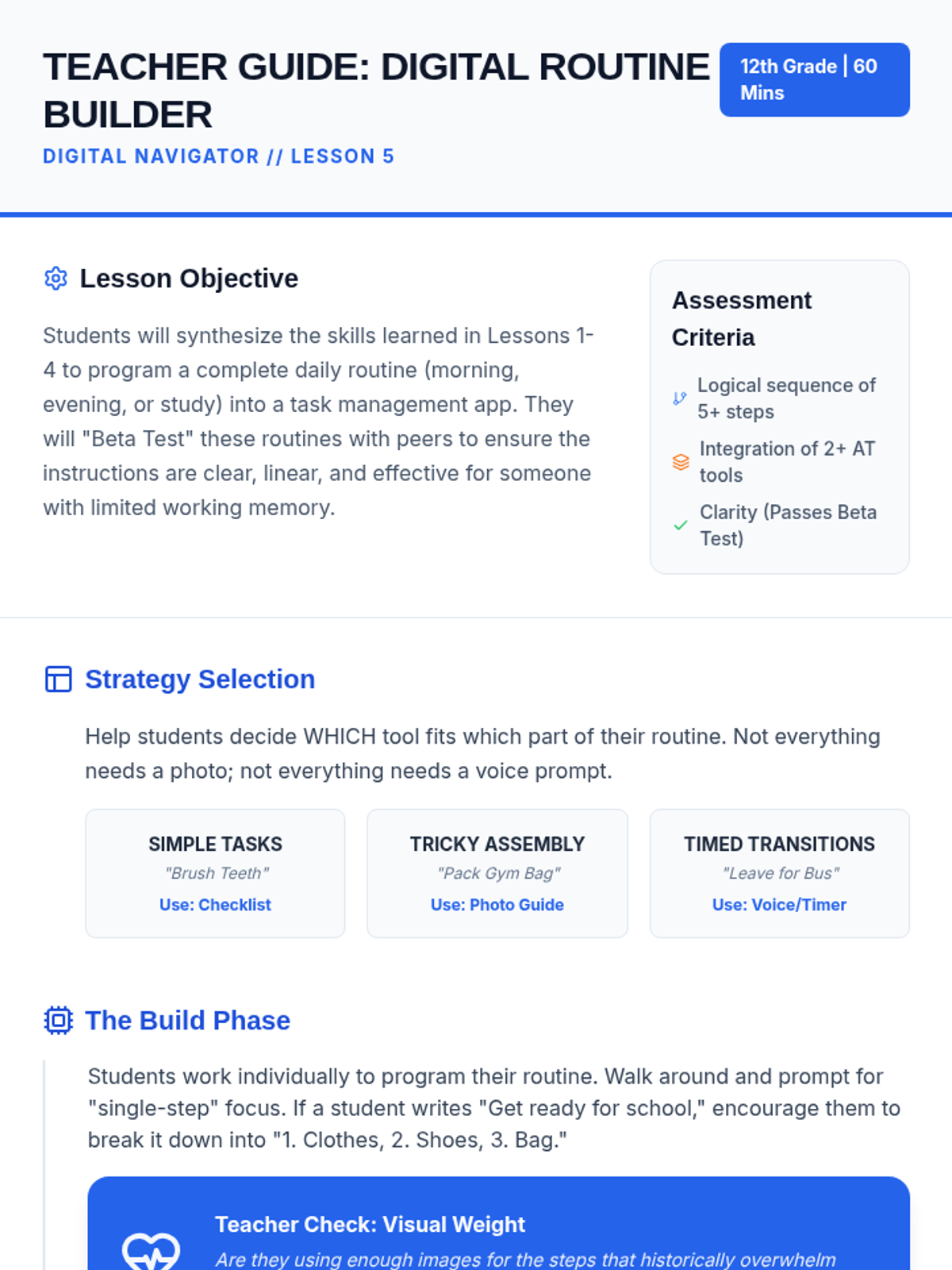
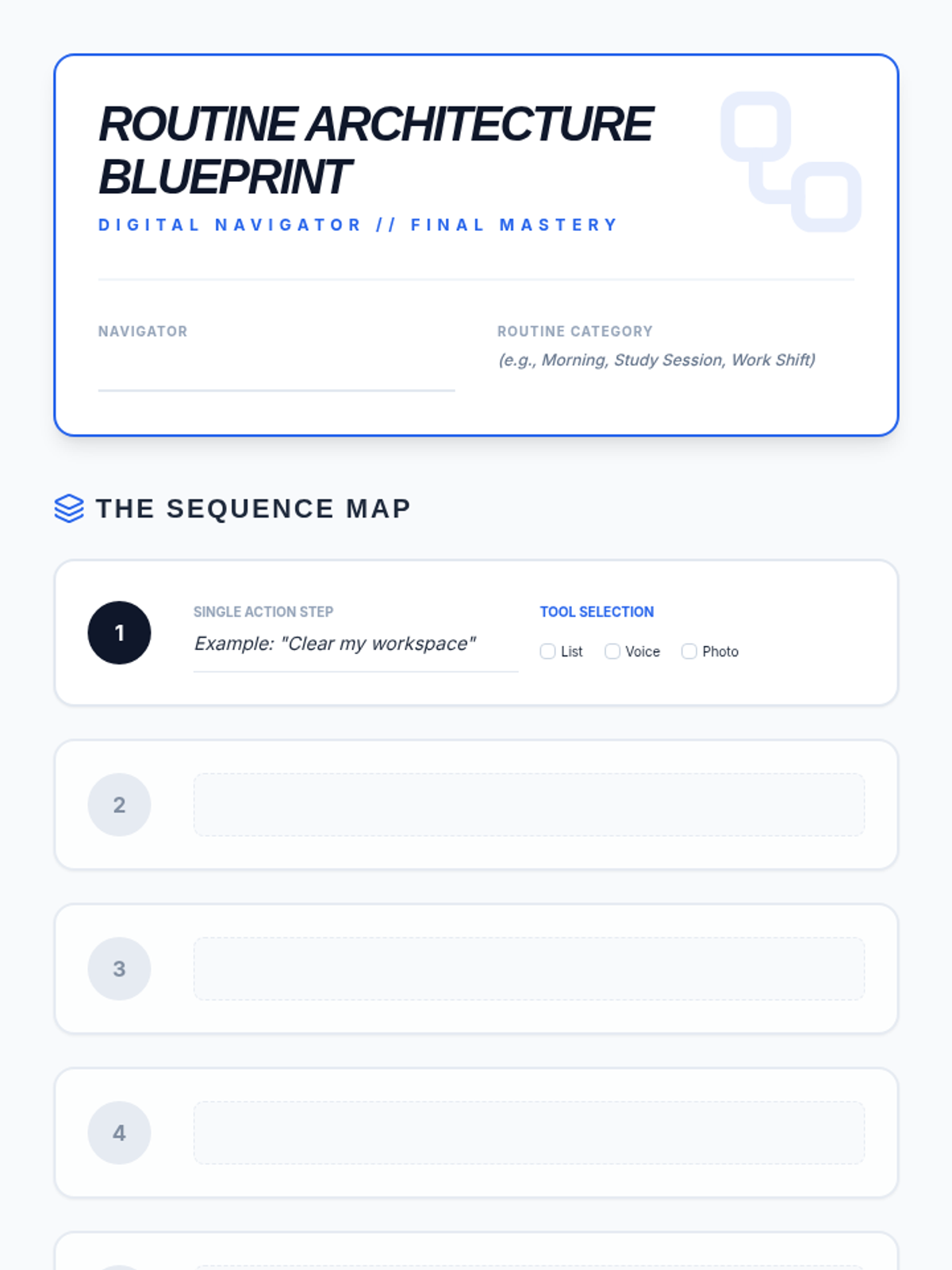
Students synthesize their learning by programming a full daily routine into a task management app and testing it for clarity and functionality.
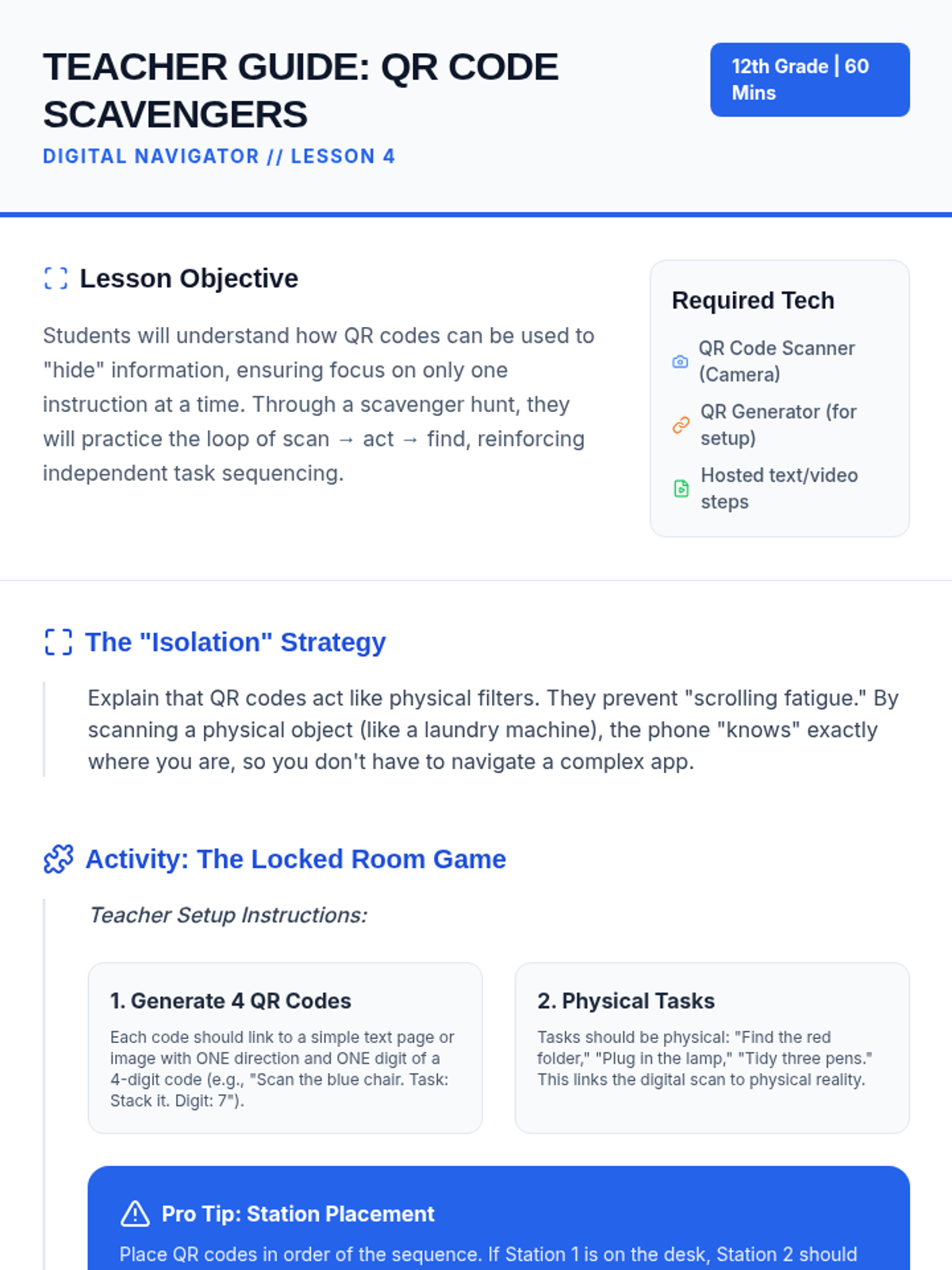
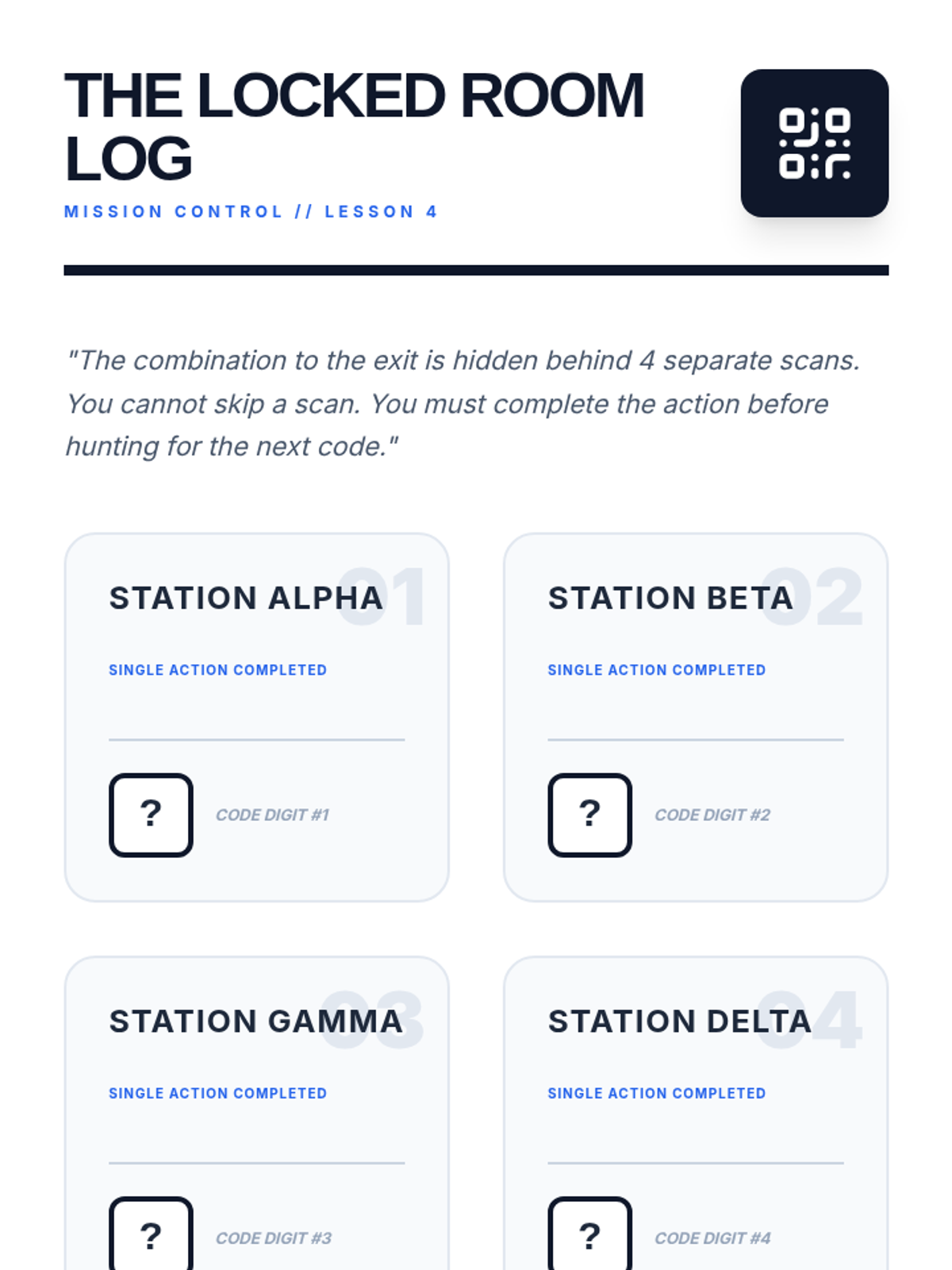
A game-based exploration of using QR codes to isolate single instructions, ensuring students complete one step before moving to the next.
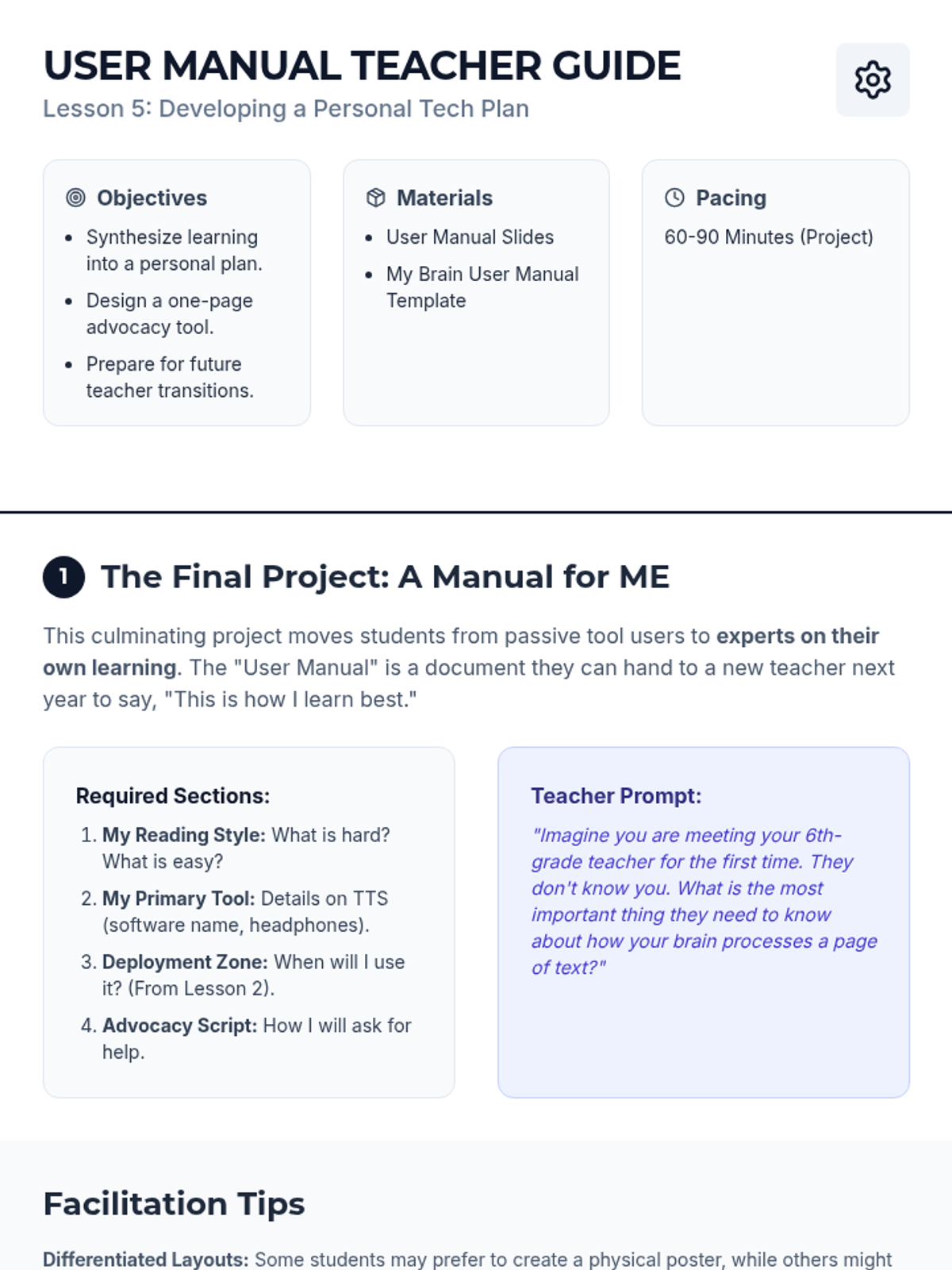
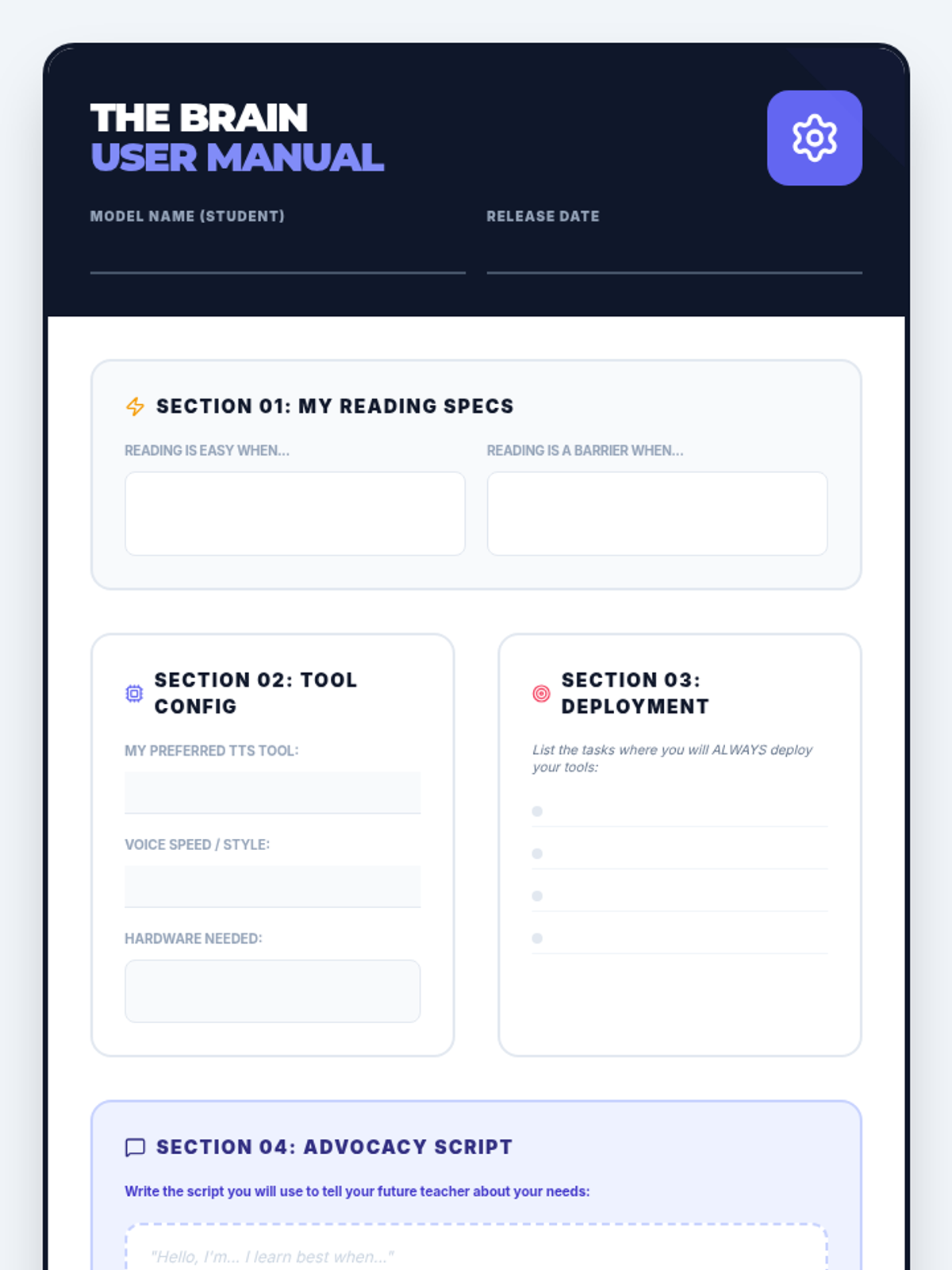
Culminating project where students design a 'User Manual' for their brain, documenting their specific tech needs and preferences to share with future educators.
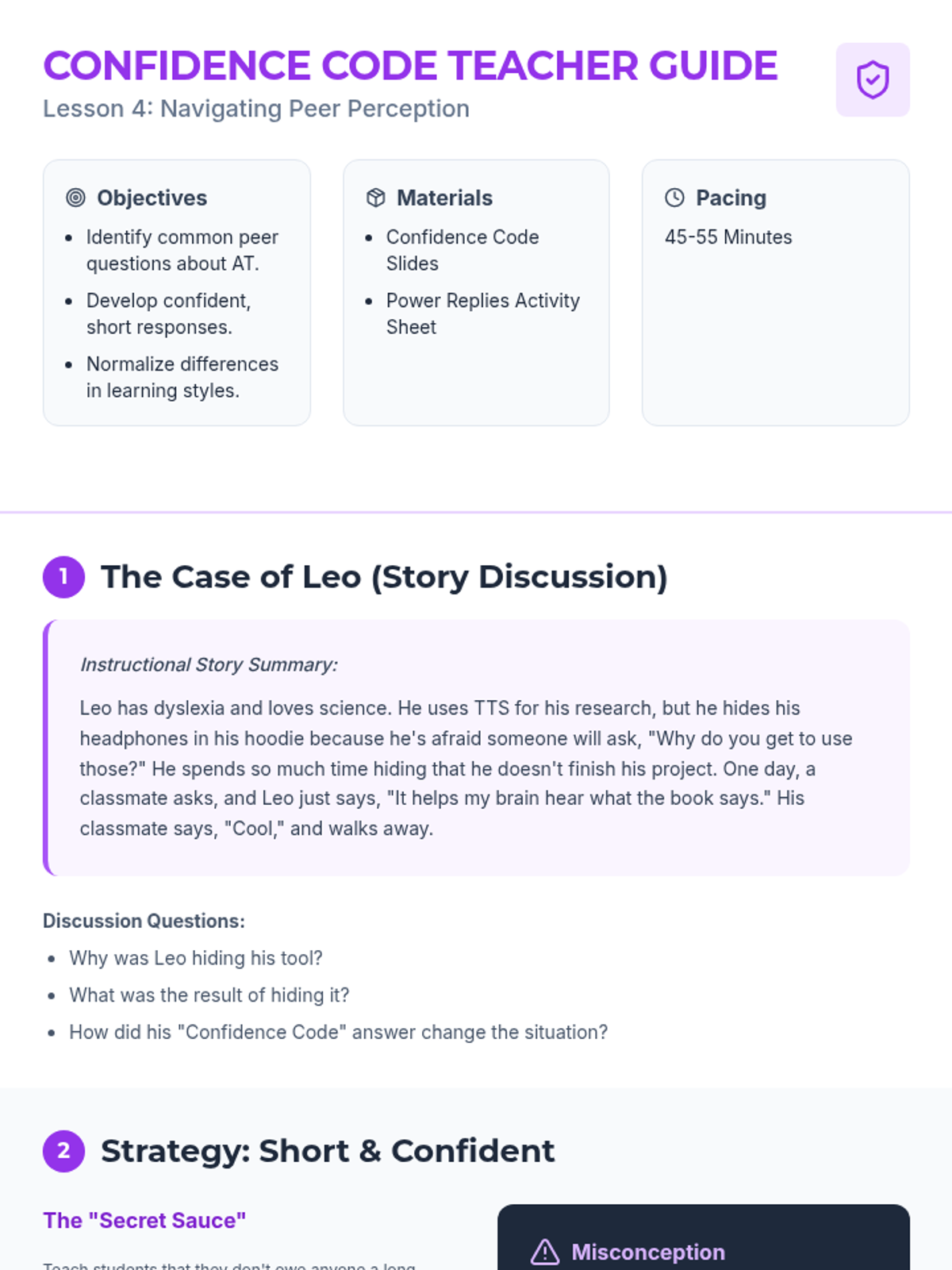
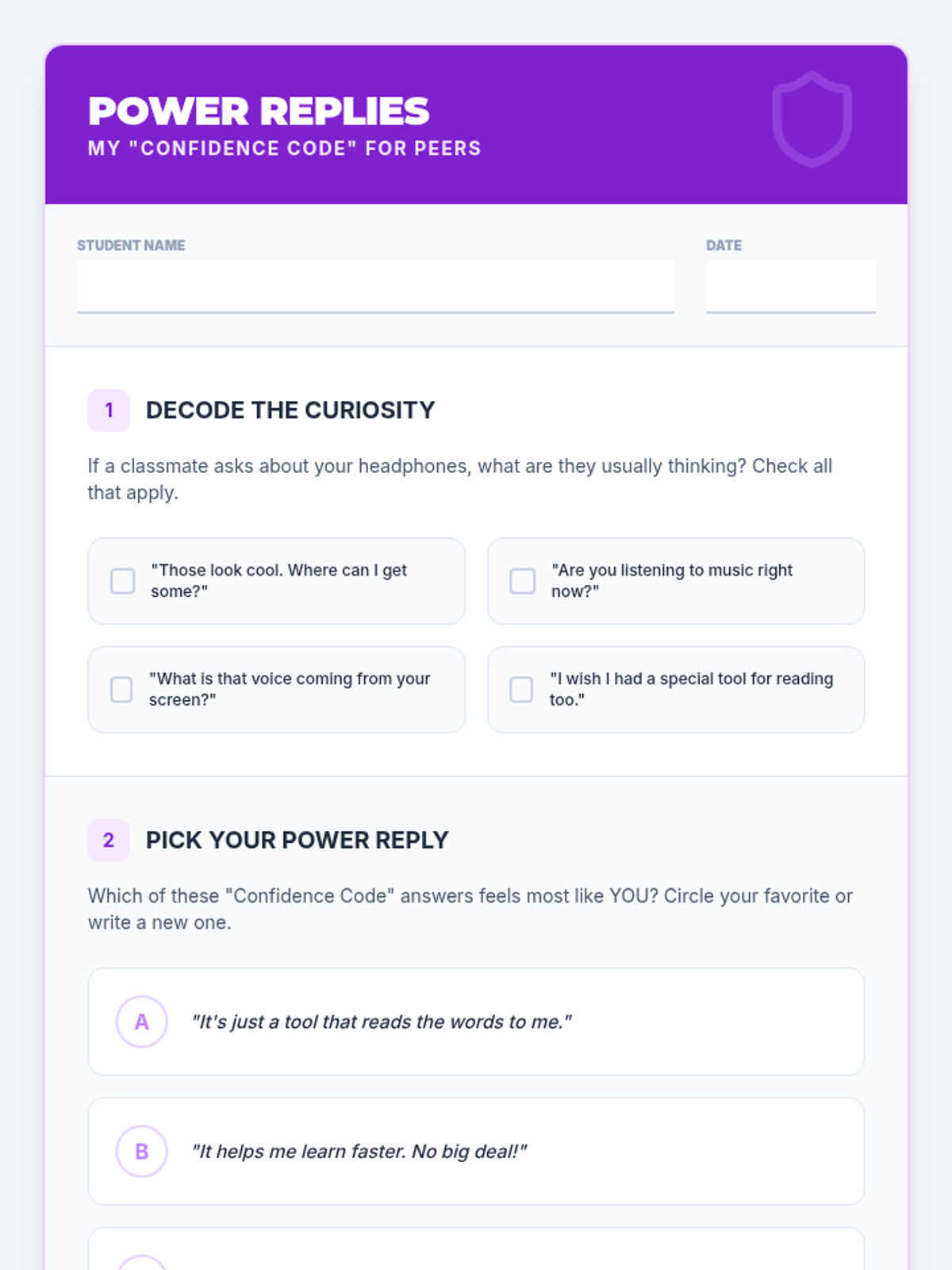
Focuses on building confidence when explaining assistive technology to peers. Students learn strategies to respond to curiosity or criticism with poise and clarity.
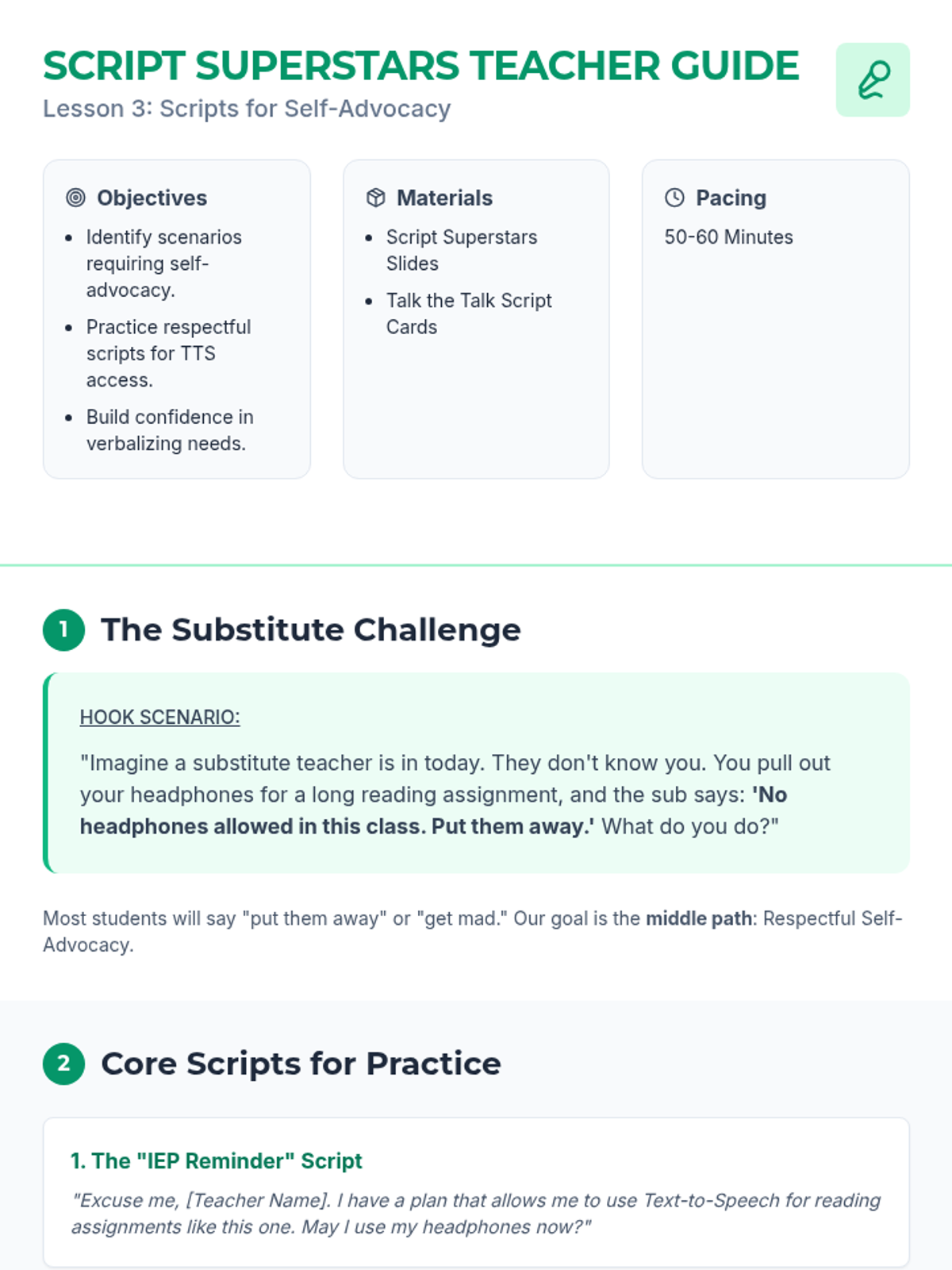
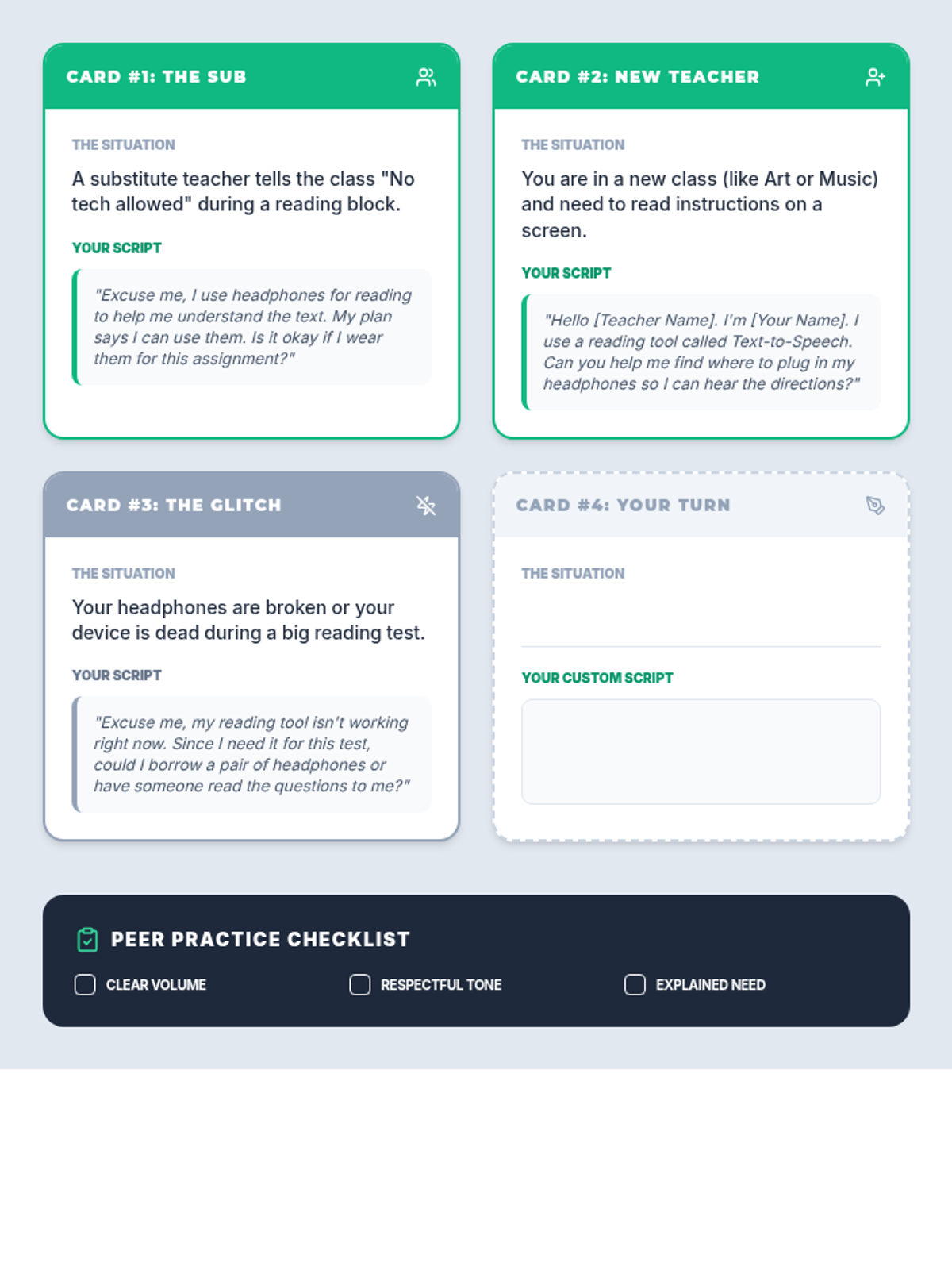
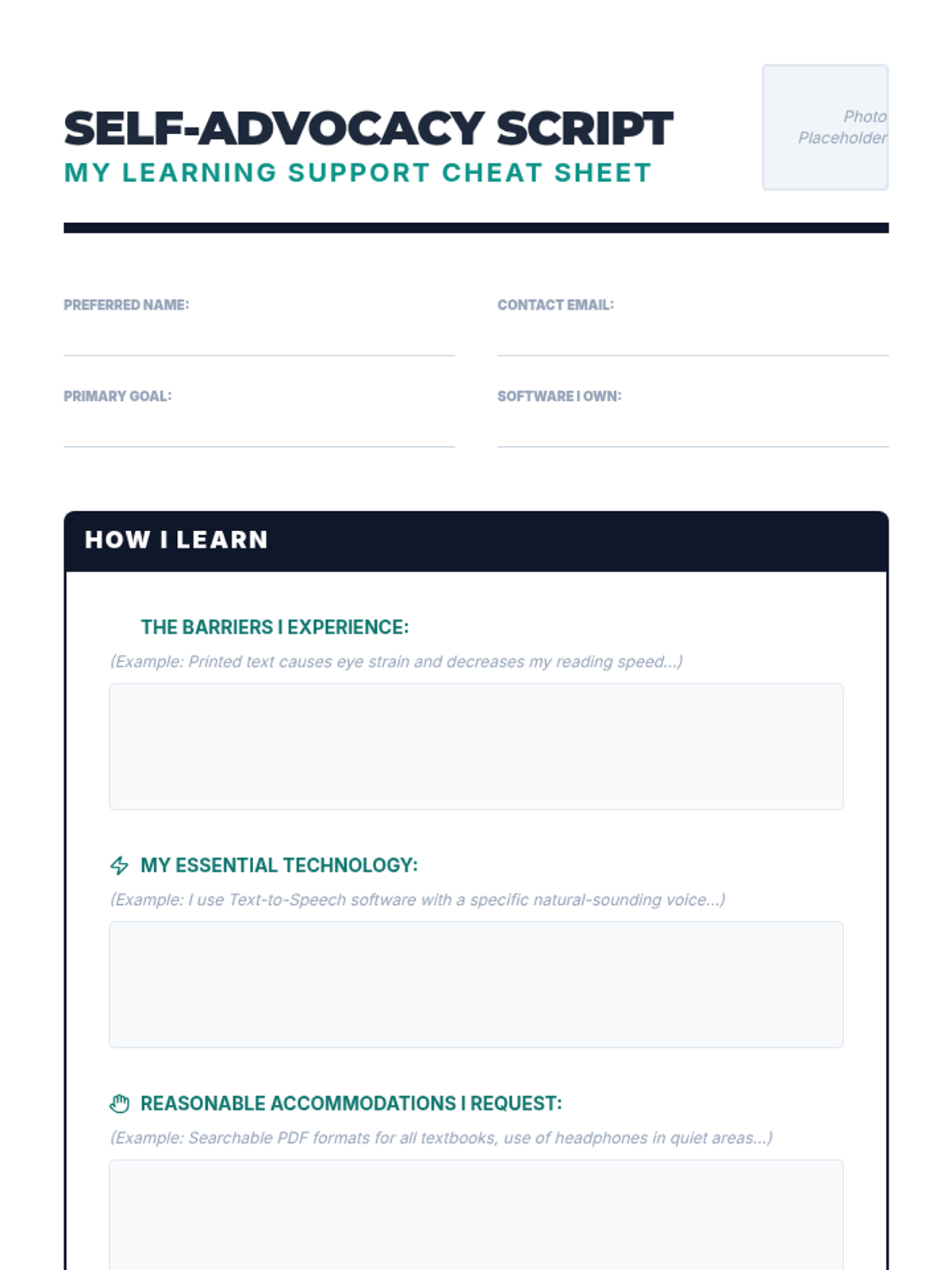
Students develop and practice verbal scripts to respectfully request TTS access from various adults, including substitutes. Role-playing builds the executive function and communication skills needed for self-advocacy.
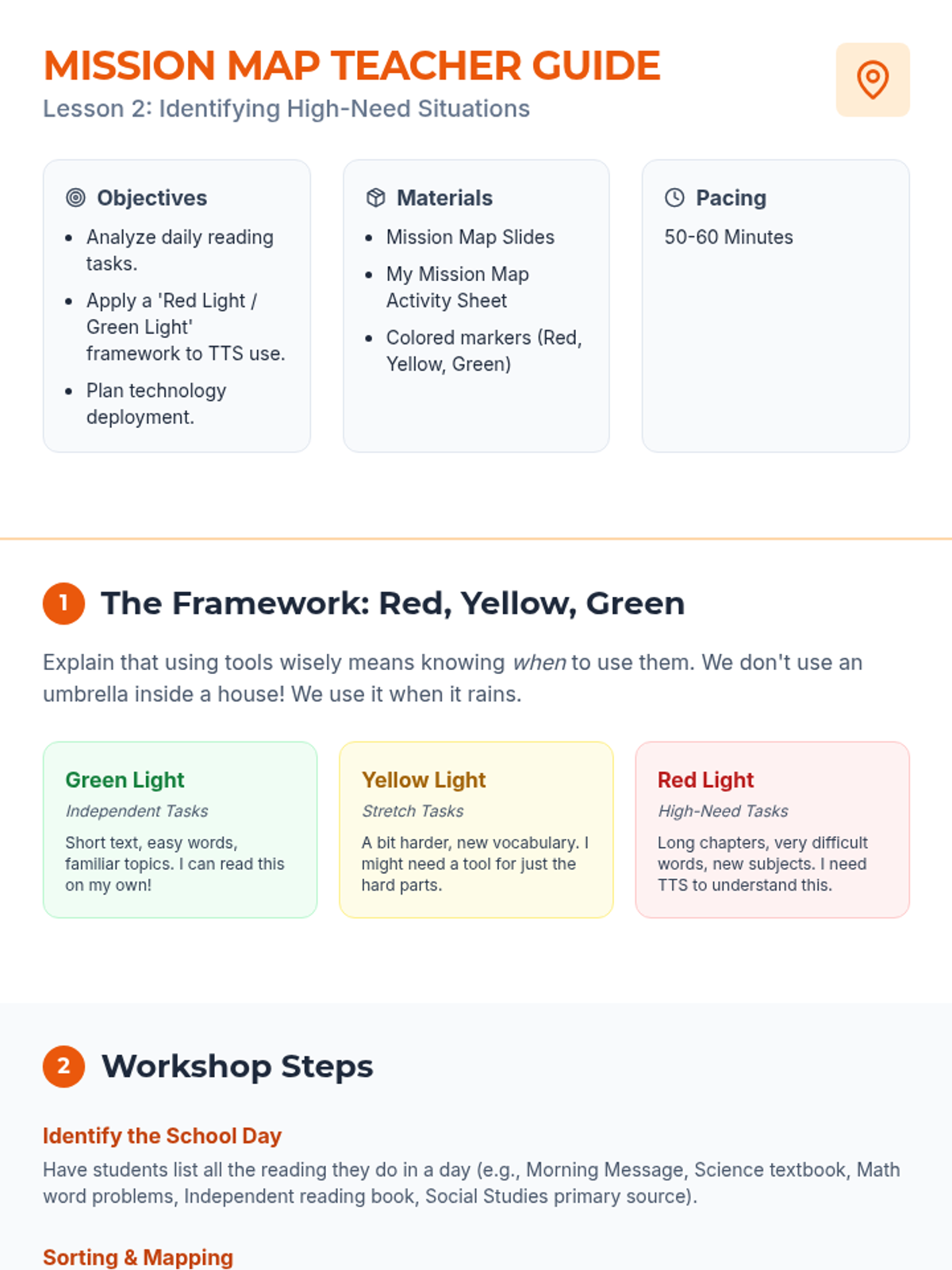
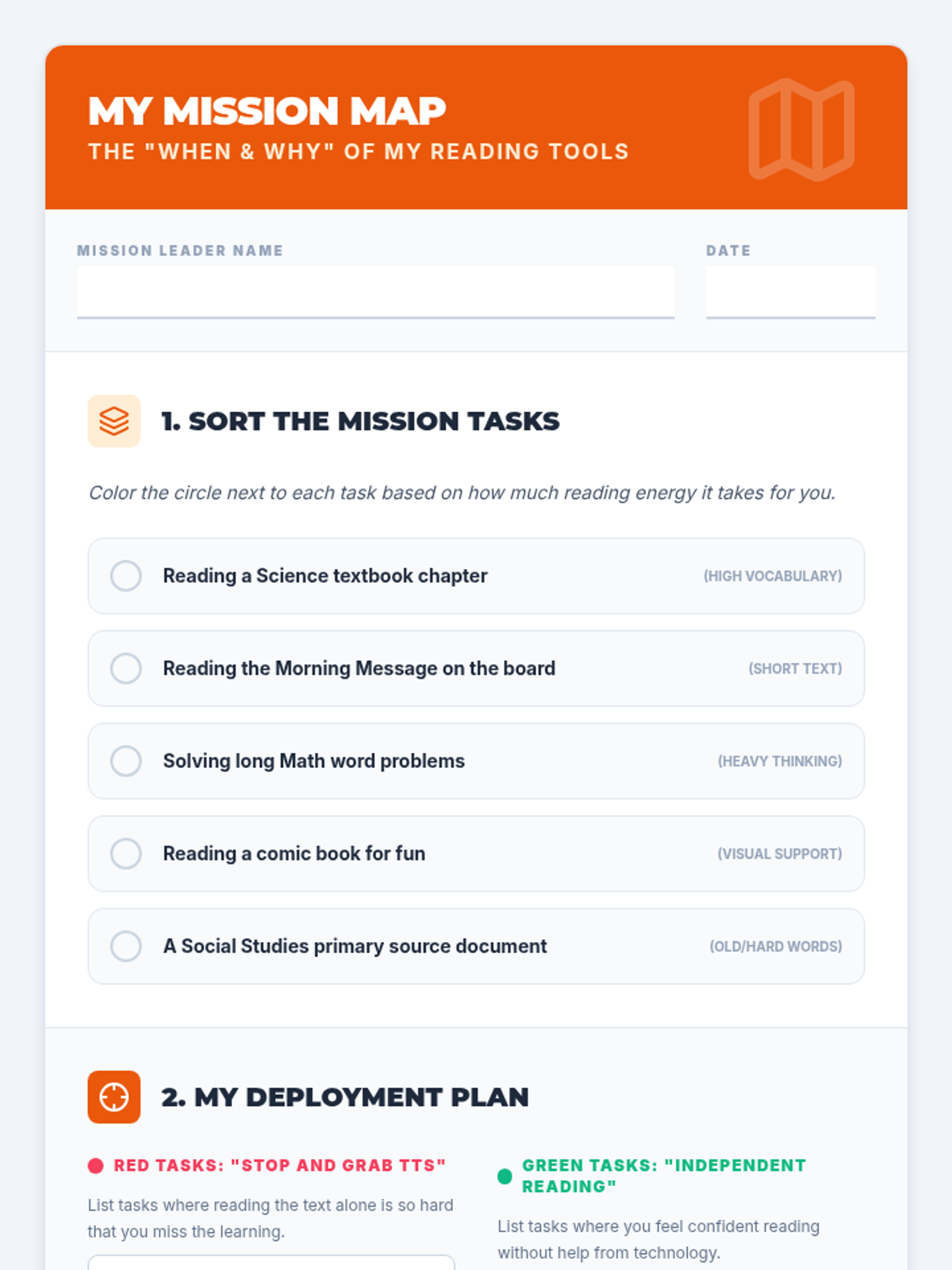
Learners analyze their school day to identify high-need reading tasks that benefit from Text-to-Speech. Using a 'Red Light, Green Light' framework, they create a personal usage map for their technology.
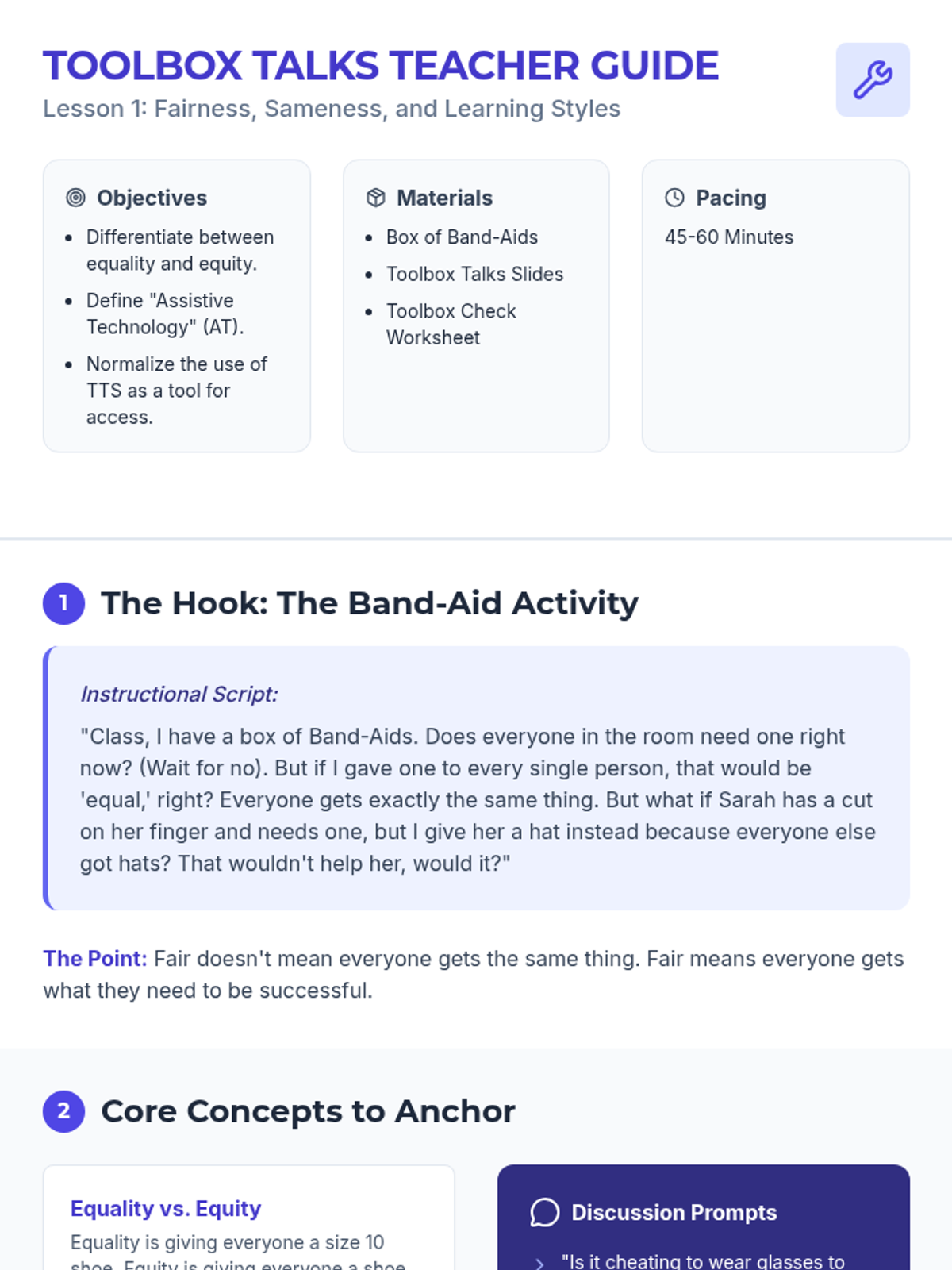
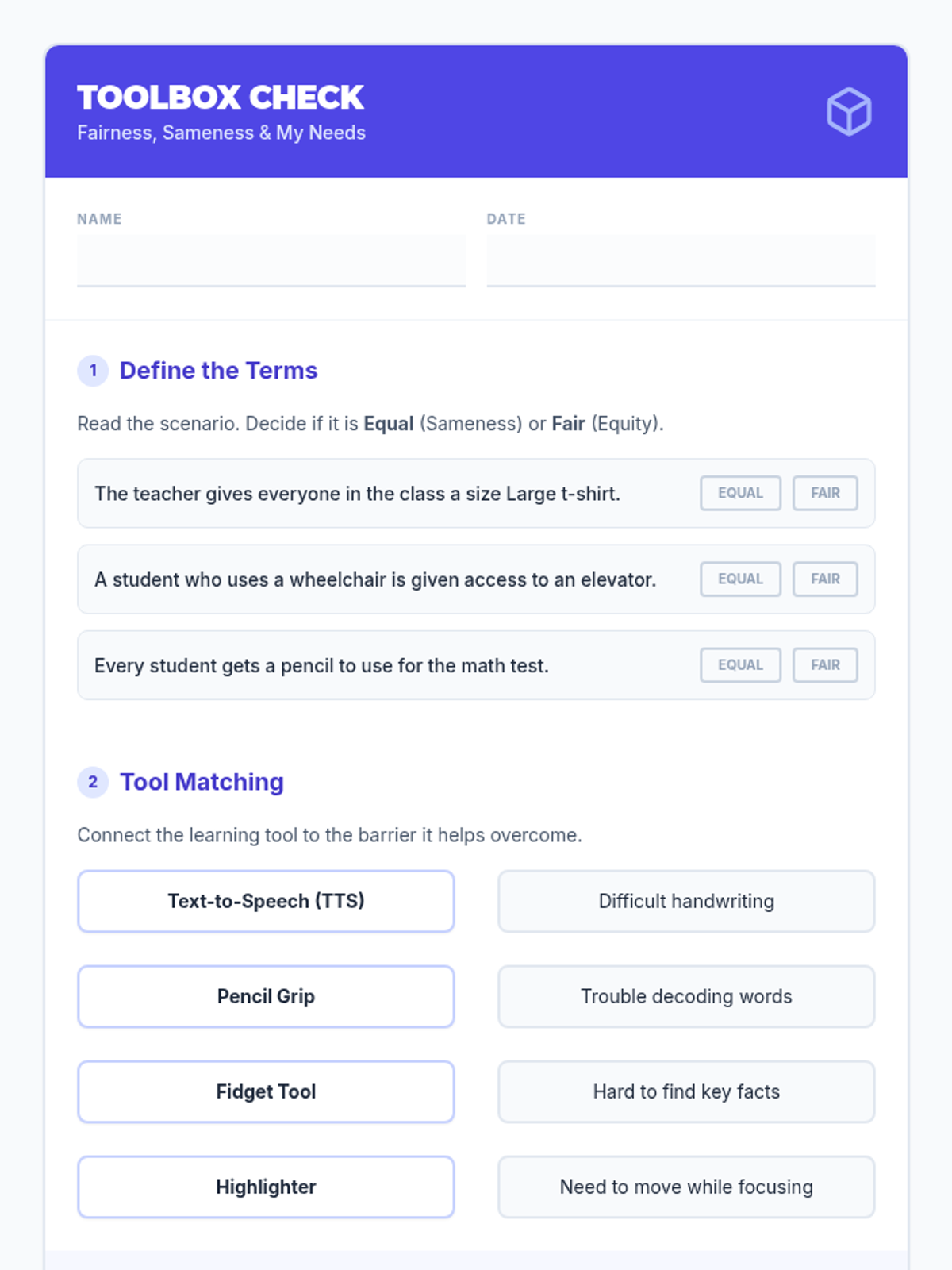
Students explore the concept of fairness versus sameness using the Band-Aid activity to understand that everyone needs different tools to succeed. They define assistive technology as an essential accommodation for access rather than an unfair advantage.
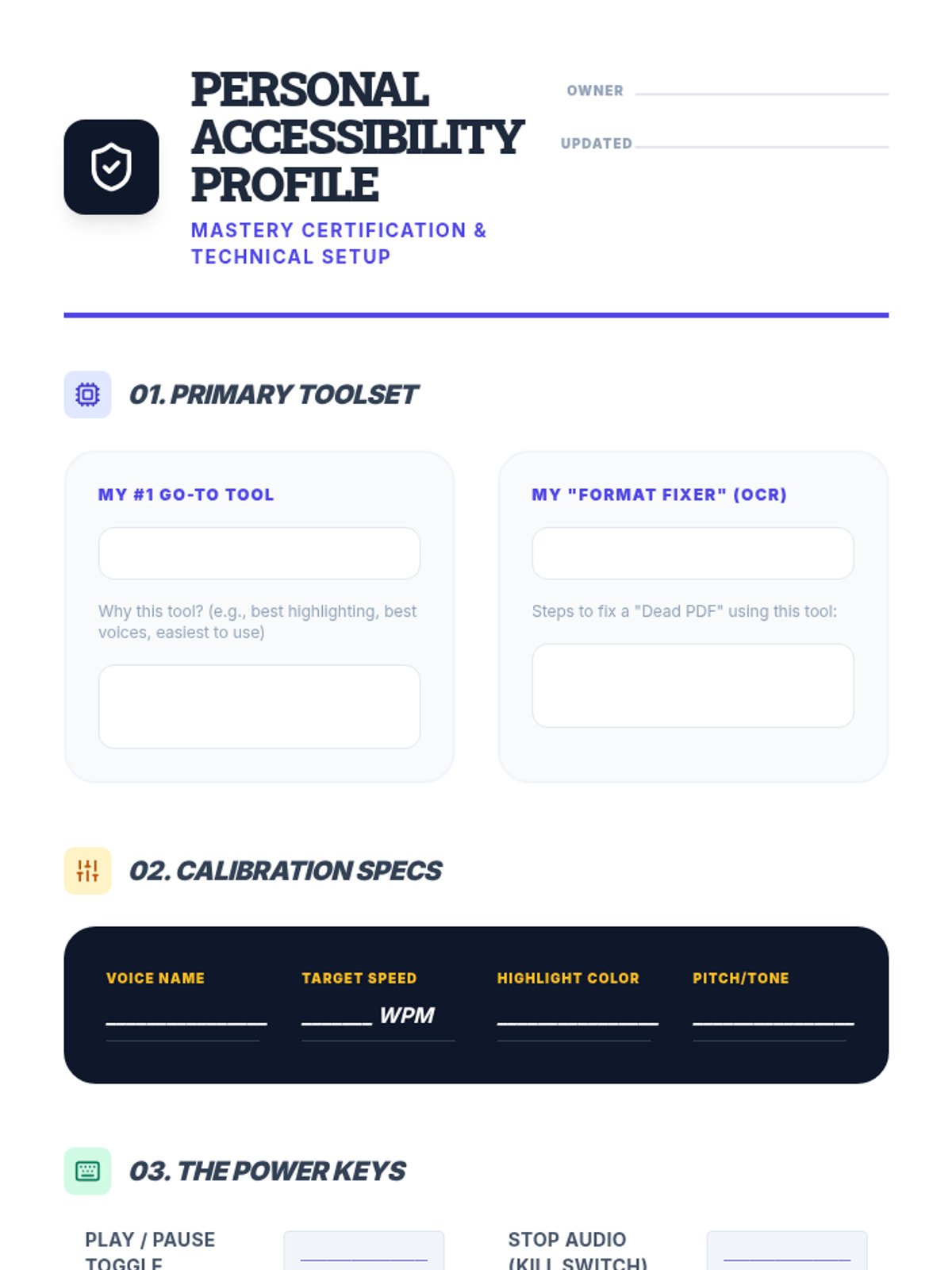
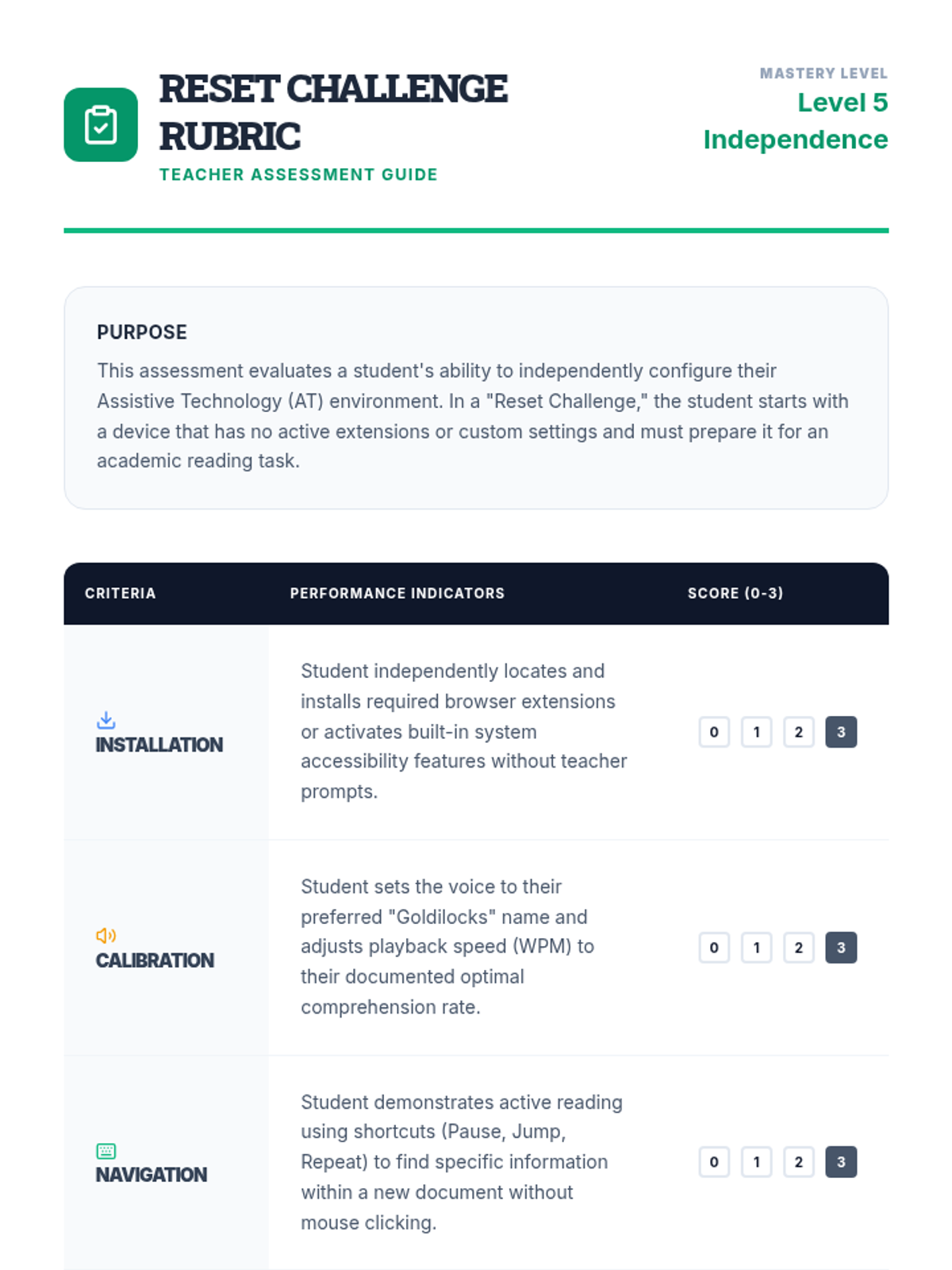
Students synthesize their preferences into a 'Personal Accessibility Profile' document that lists their preferred tools, settings, and strategies. They demonstrate mastery by configuring a 'clean' device to their specifications within a set time limit.
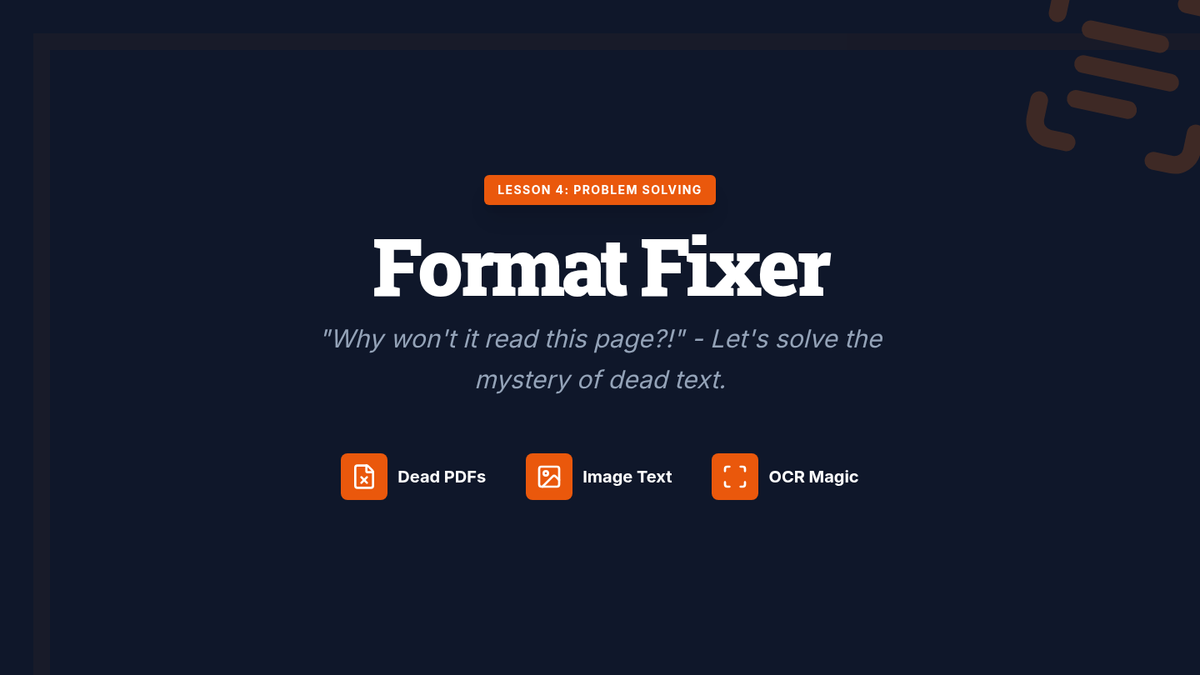
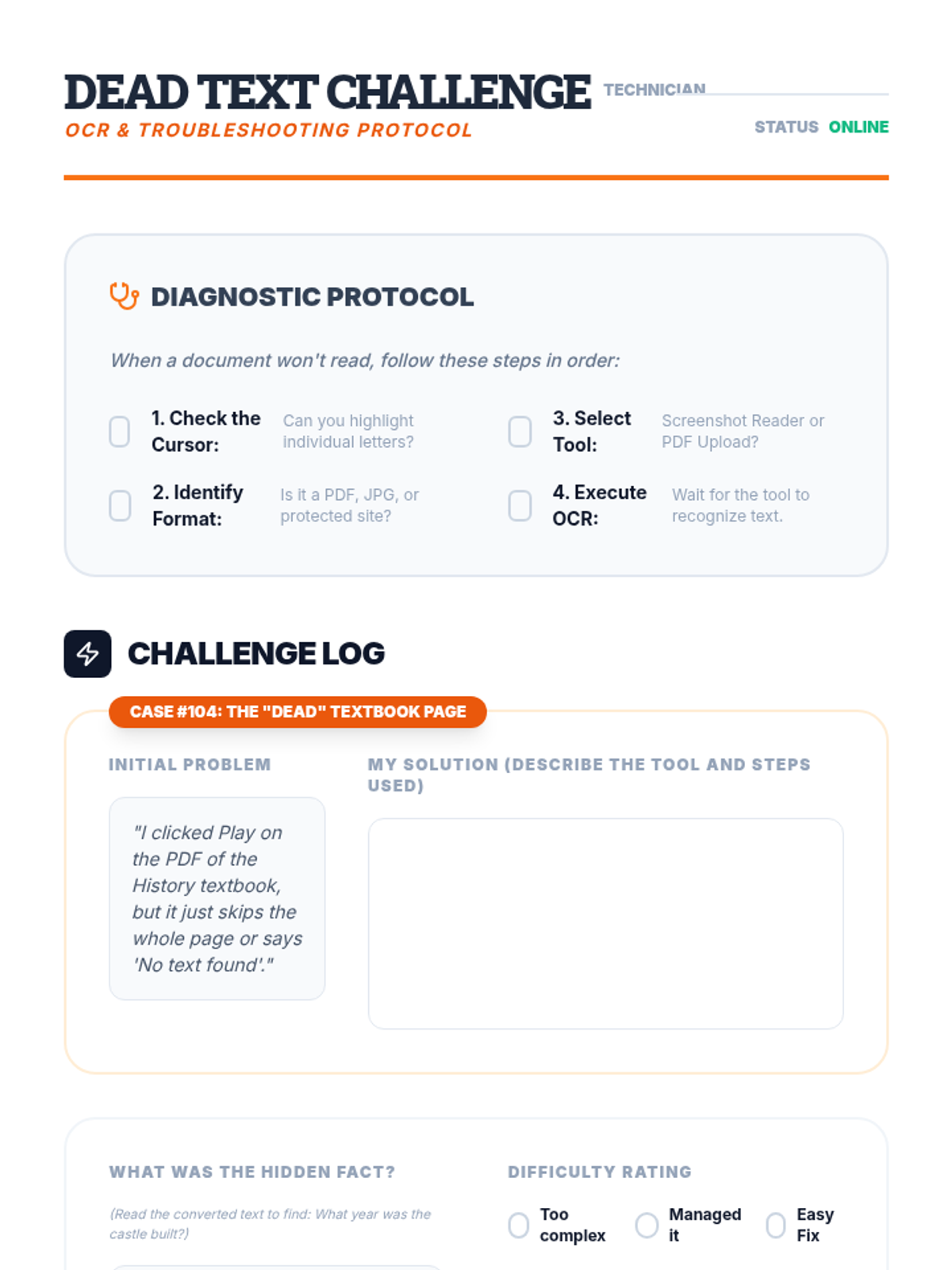
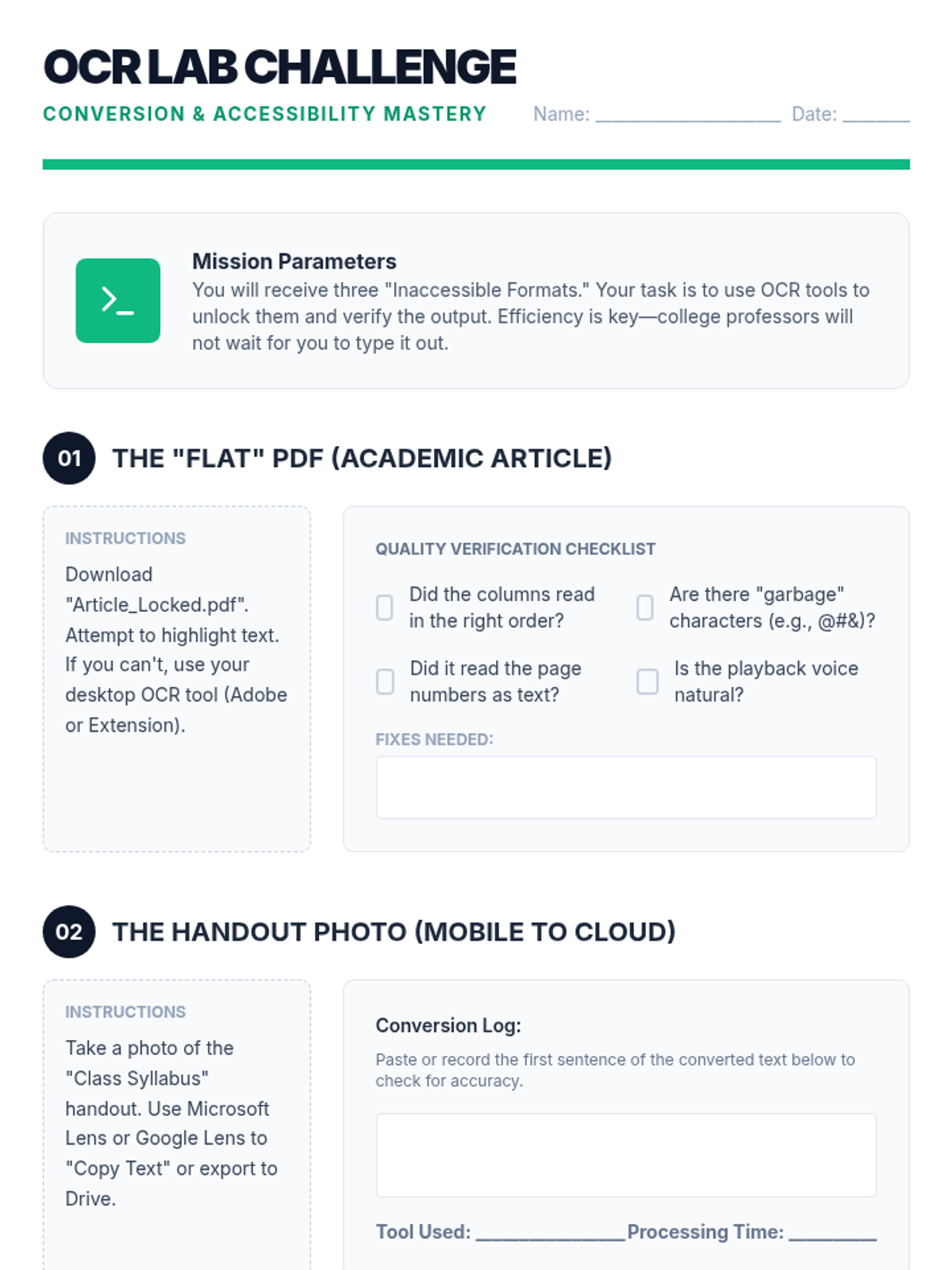
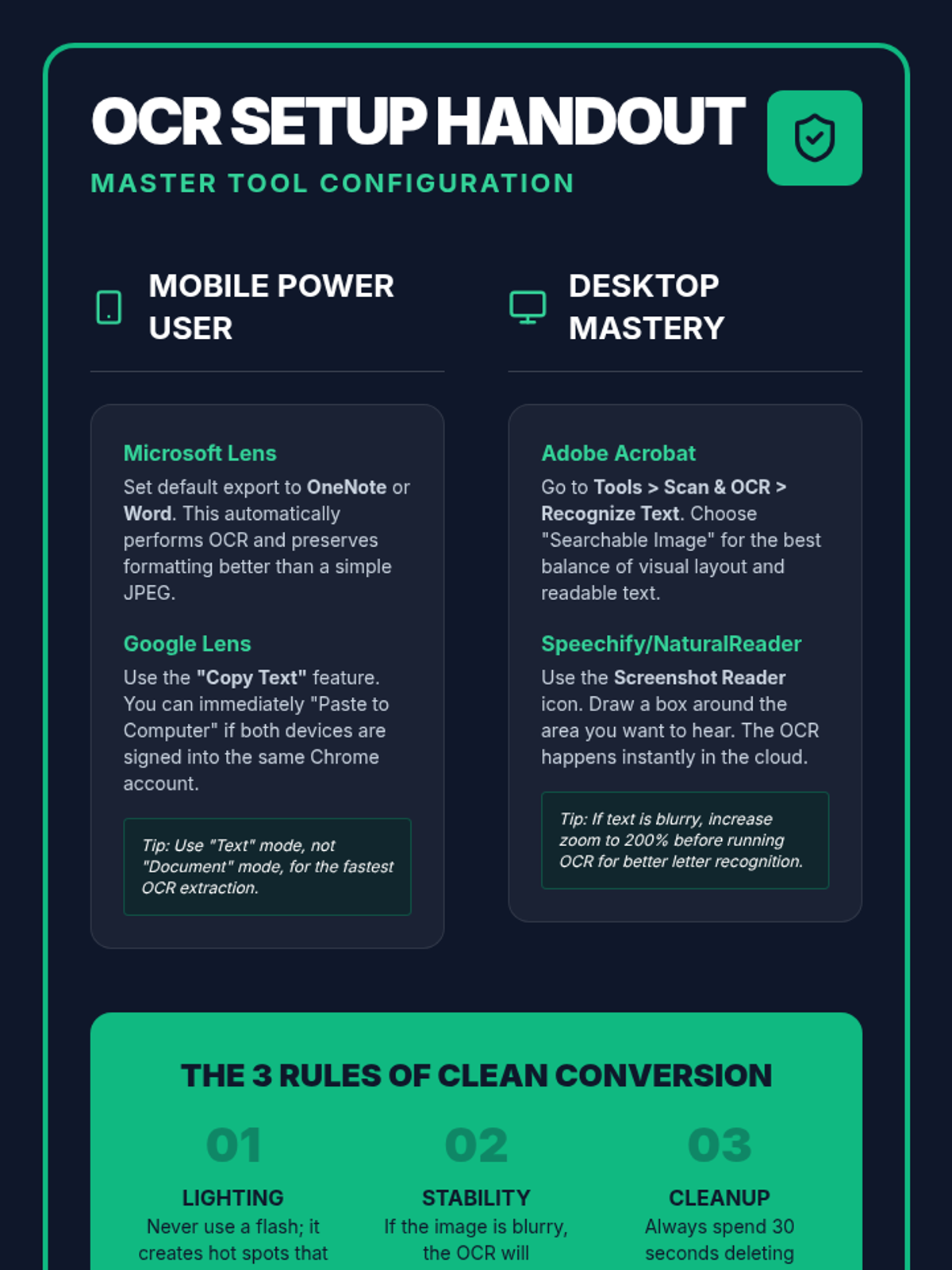
This lesson addresses common barriers, such as inaccessible PDFs or text embedded in images, by teaching students to use OCR (Optical Character Recognition) tools. Students practice converting 'dead text' into readable formats compatible with their TTS software.
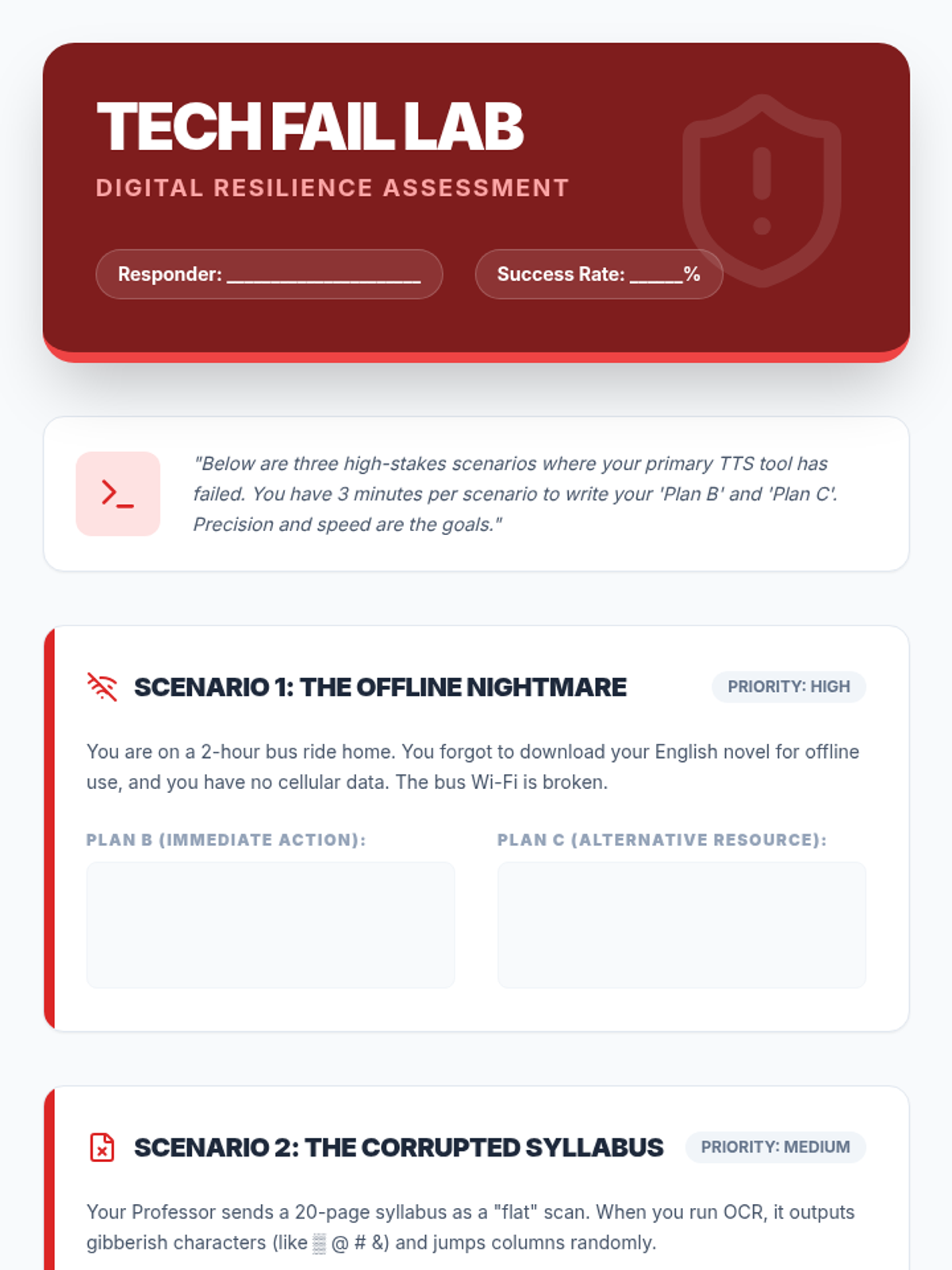
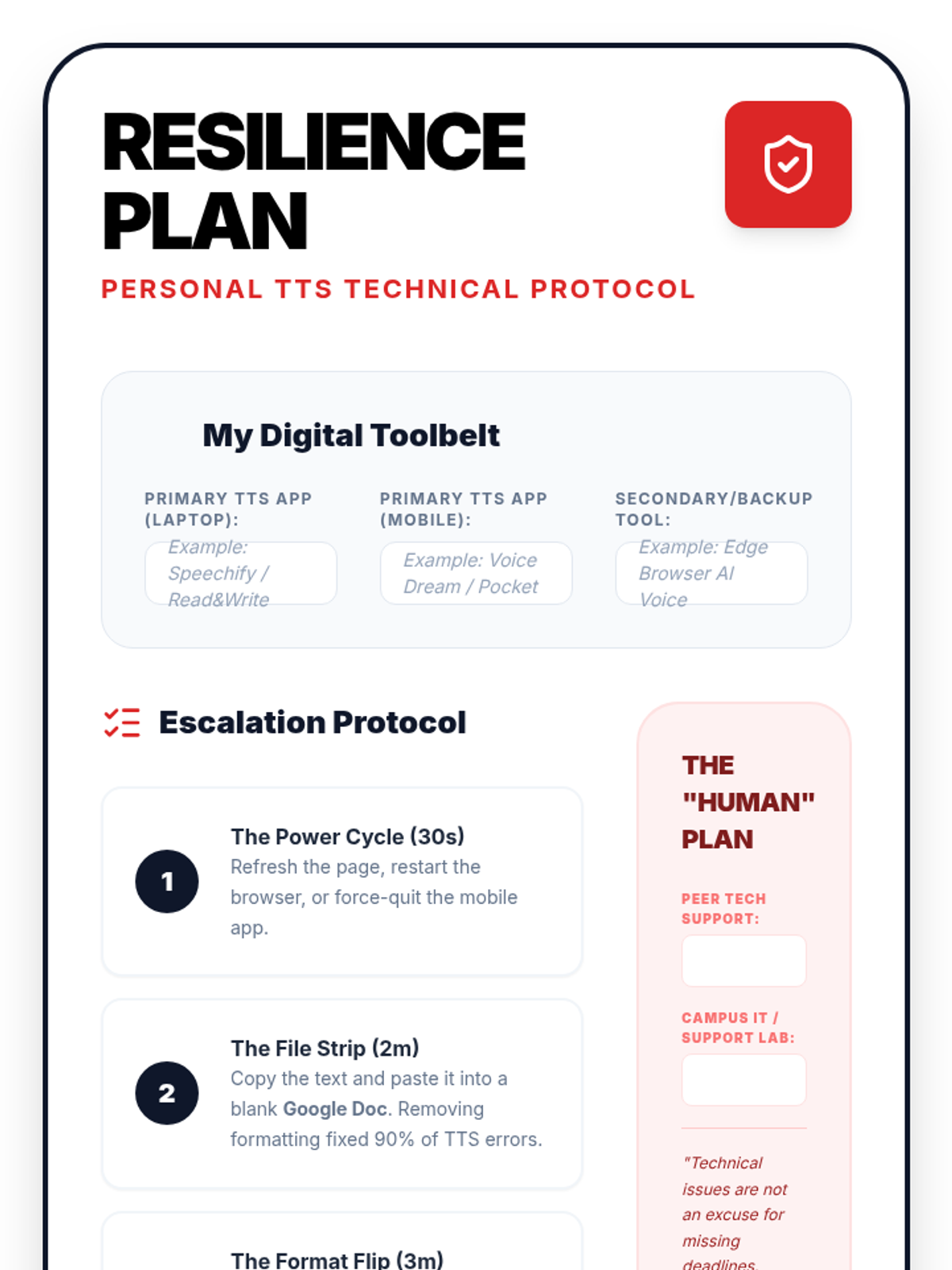
In this final lesson, students practice solving common TTS technical failures. They develop 'digital resilience' by creating backup plans for high-stakes academic situations.
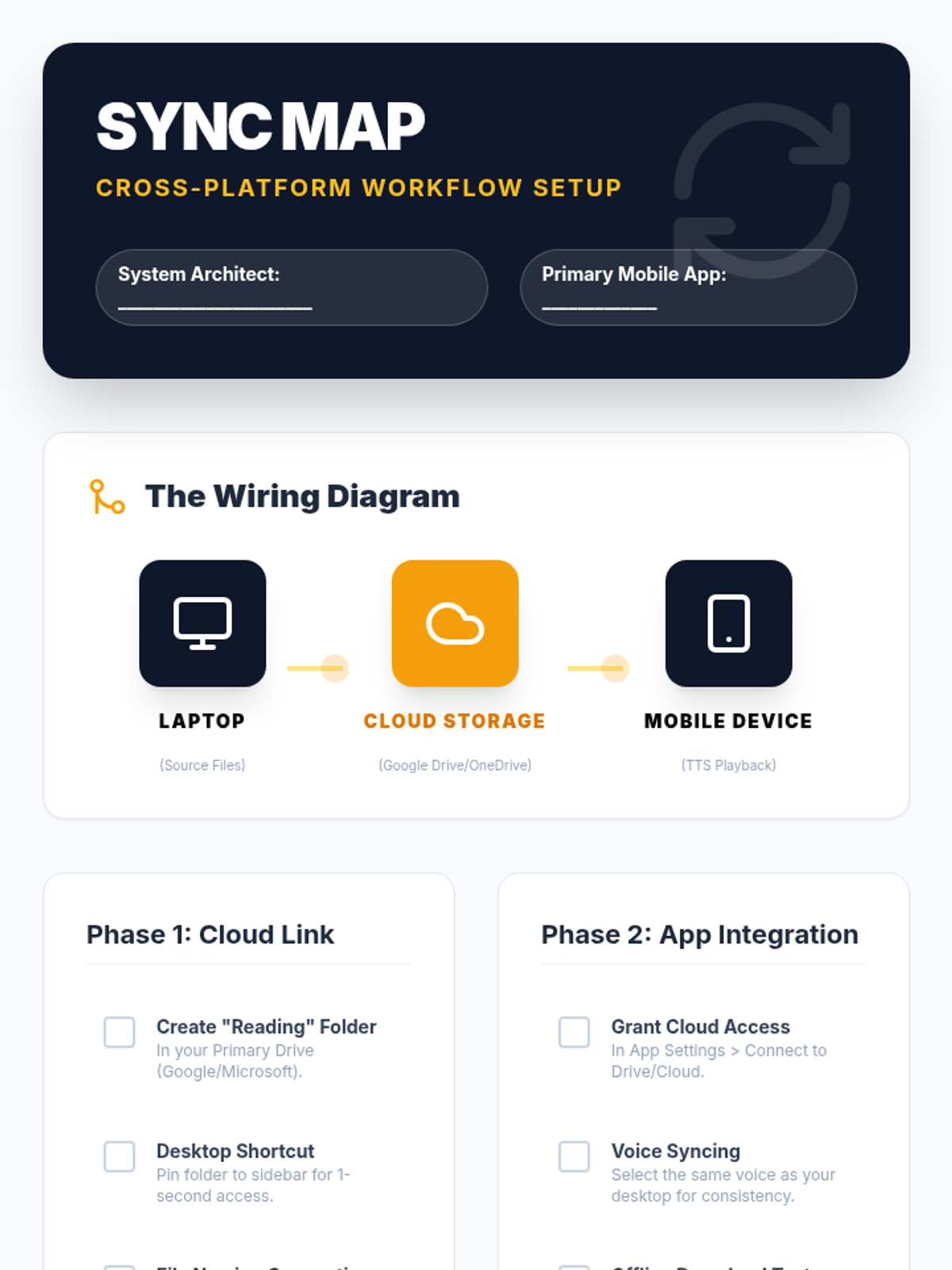
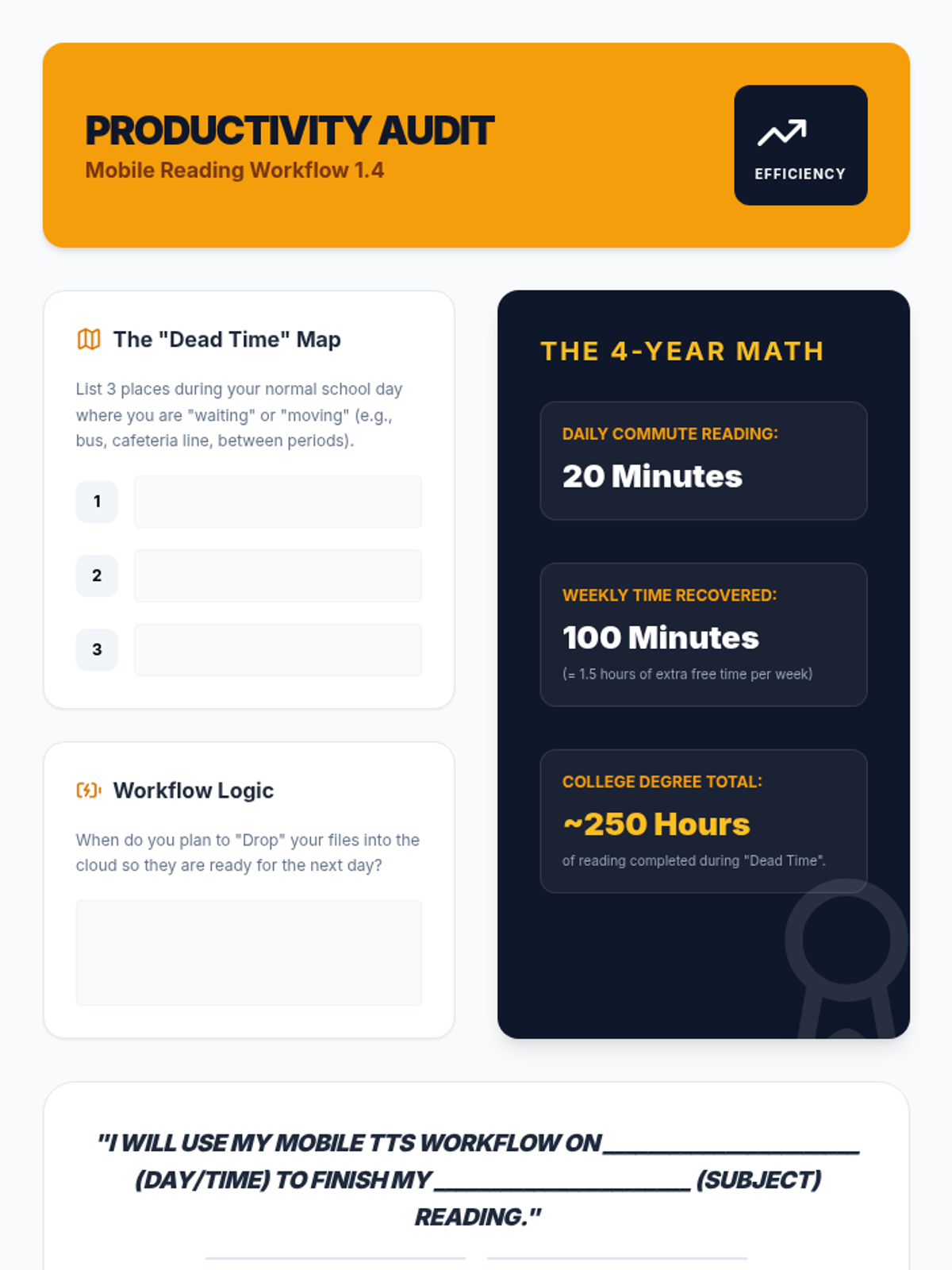
Students set up mobile reading ecosystems, syncing their computer-based reading lists with mobile devices for on-the-go learning and effective time management.
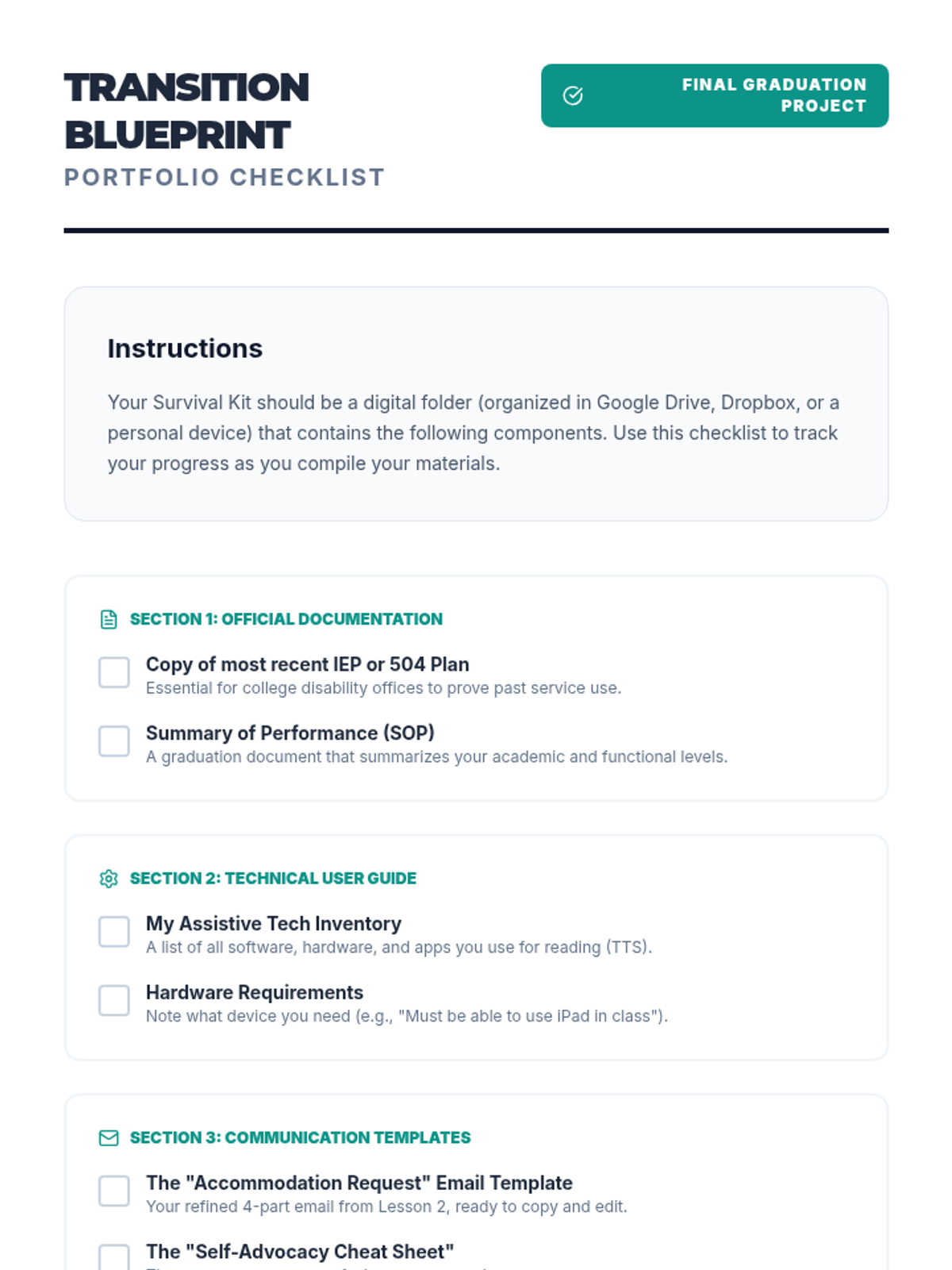
In this culminating lesson, students compile a digital portfolio listing their preferred software, proof of diagnosis/need, and templates for requesting accommodations.
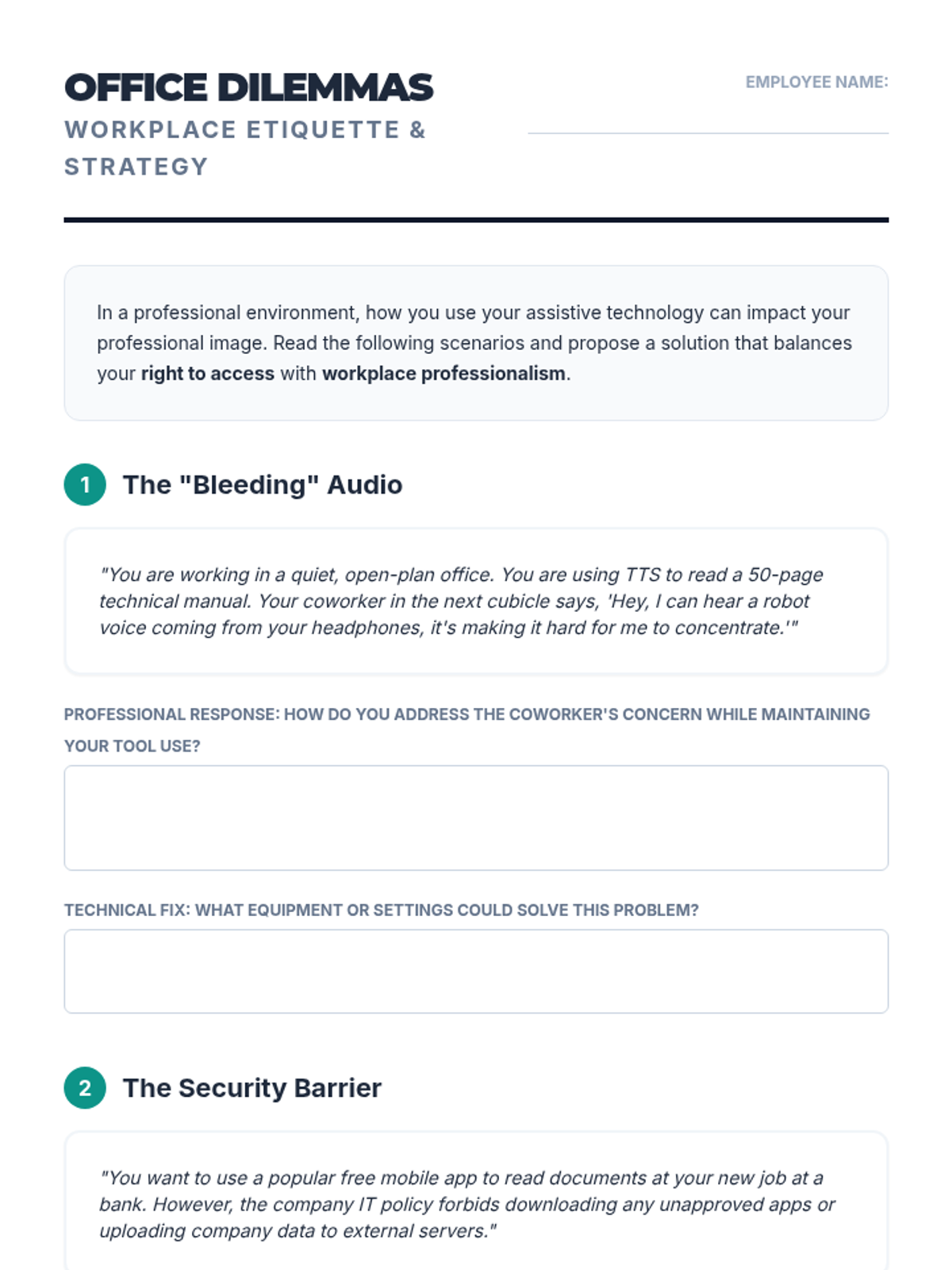
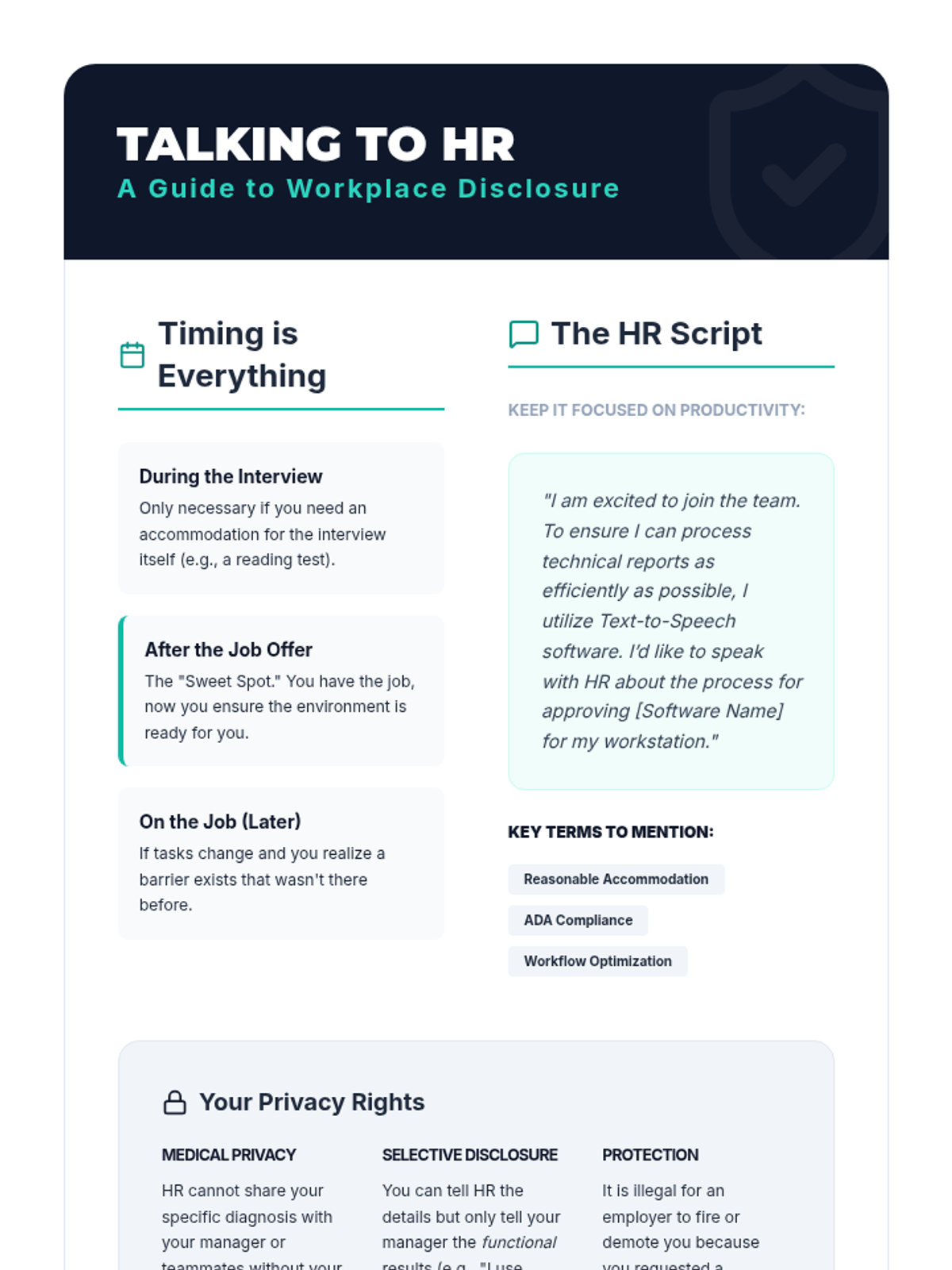
Students explore how TTS is perceived and utilized in corporate environments versus academic ones. They analyze workplace scenarios involving confidentiality, open-office etiquette, and disclosure to HR.
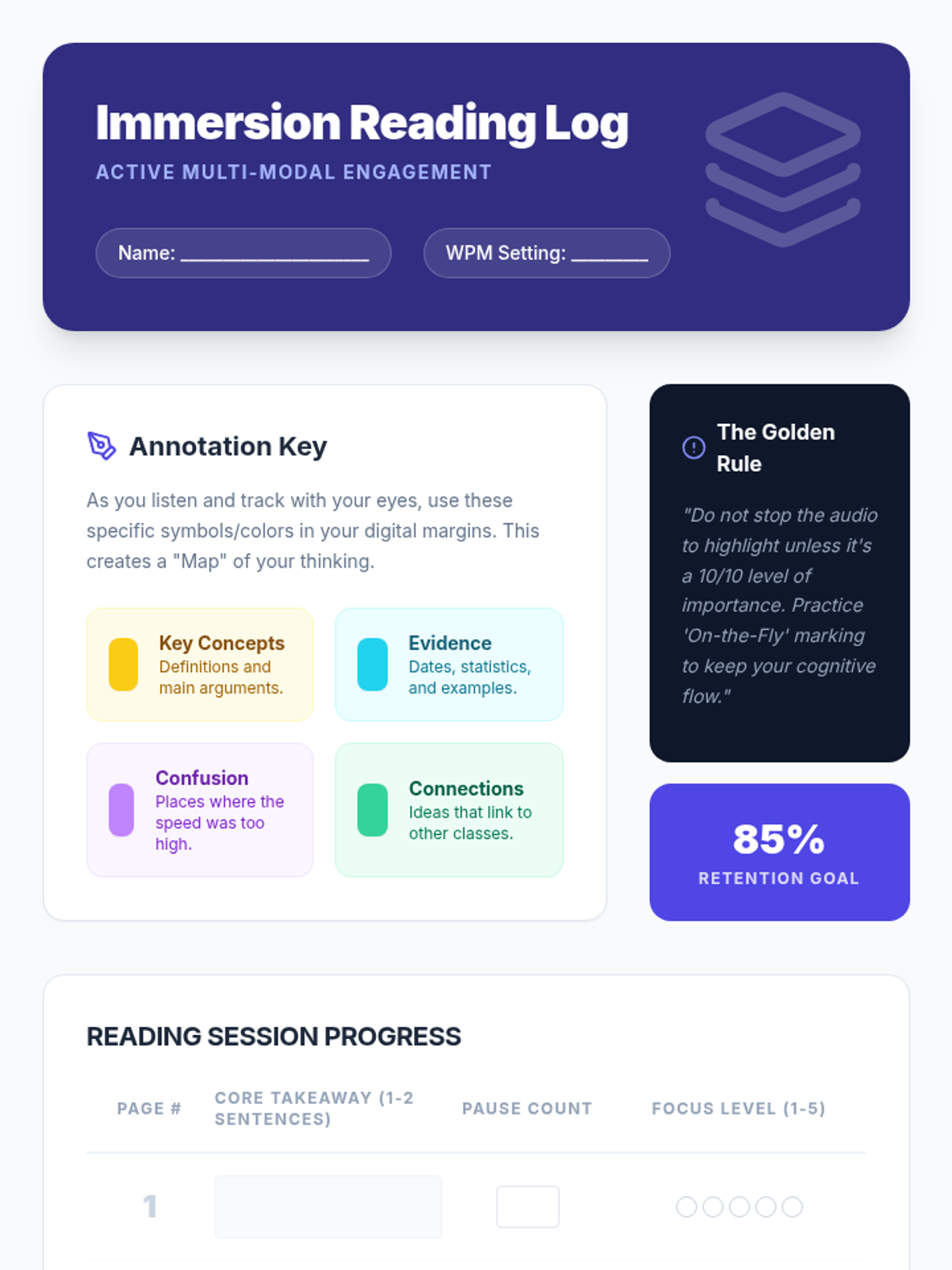
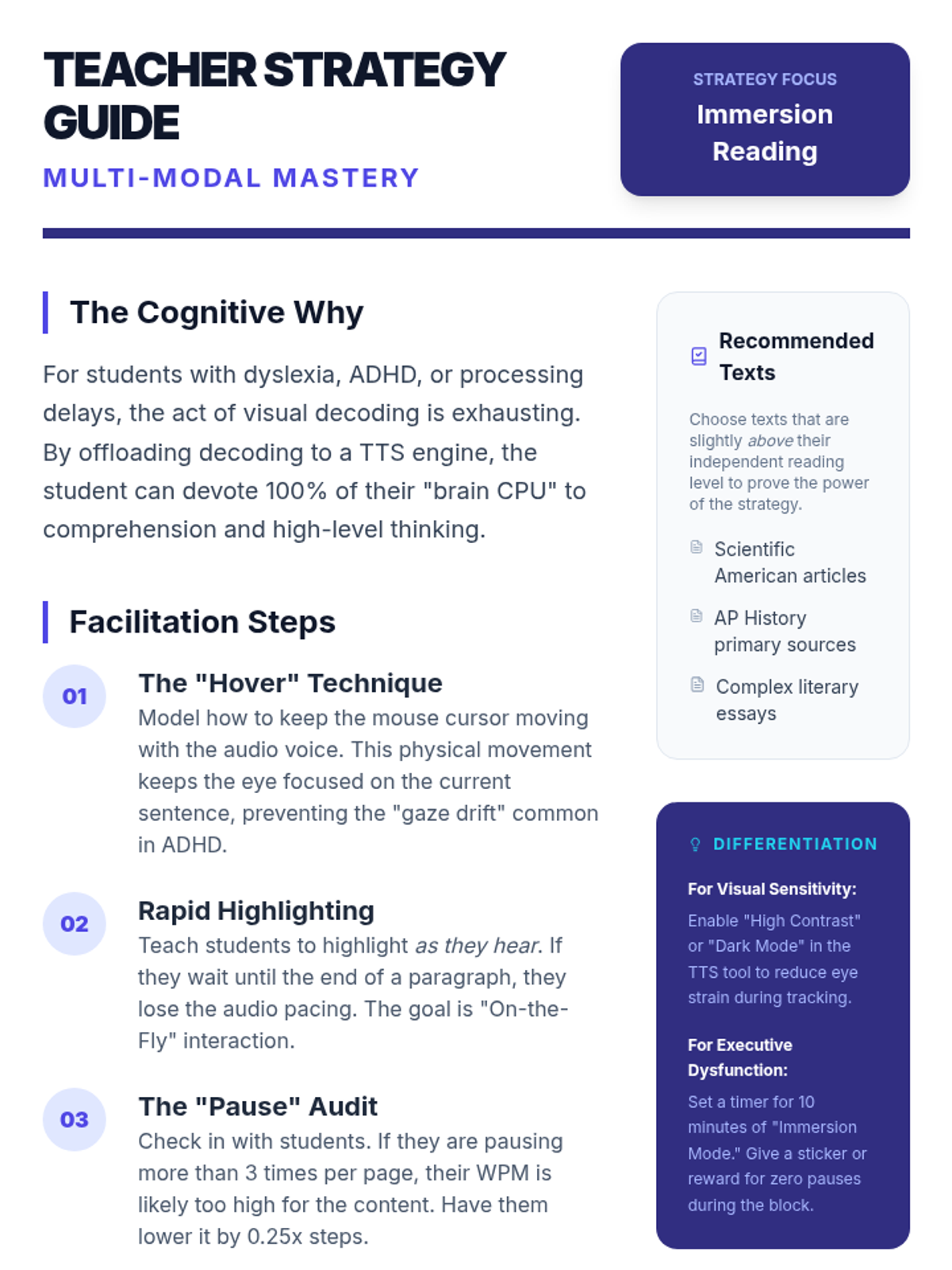
This lesson focuses on 'immersion reading'—the simultaneous use of auditory and visual input. Students learn to use digital annotation tools to mark up text while listening.
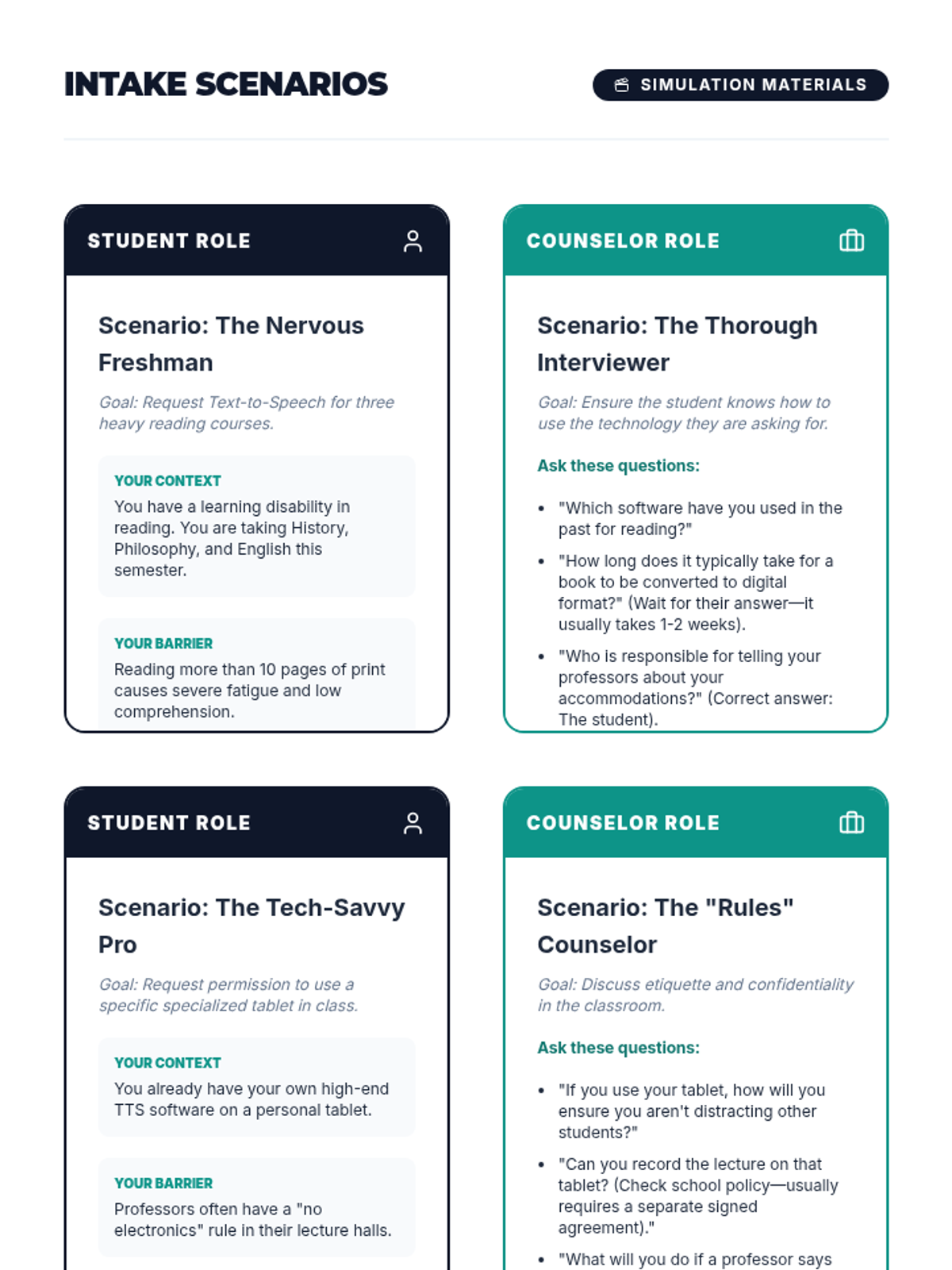
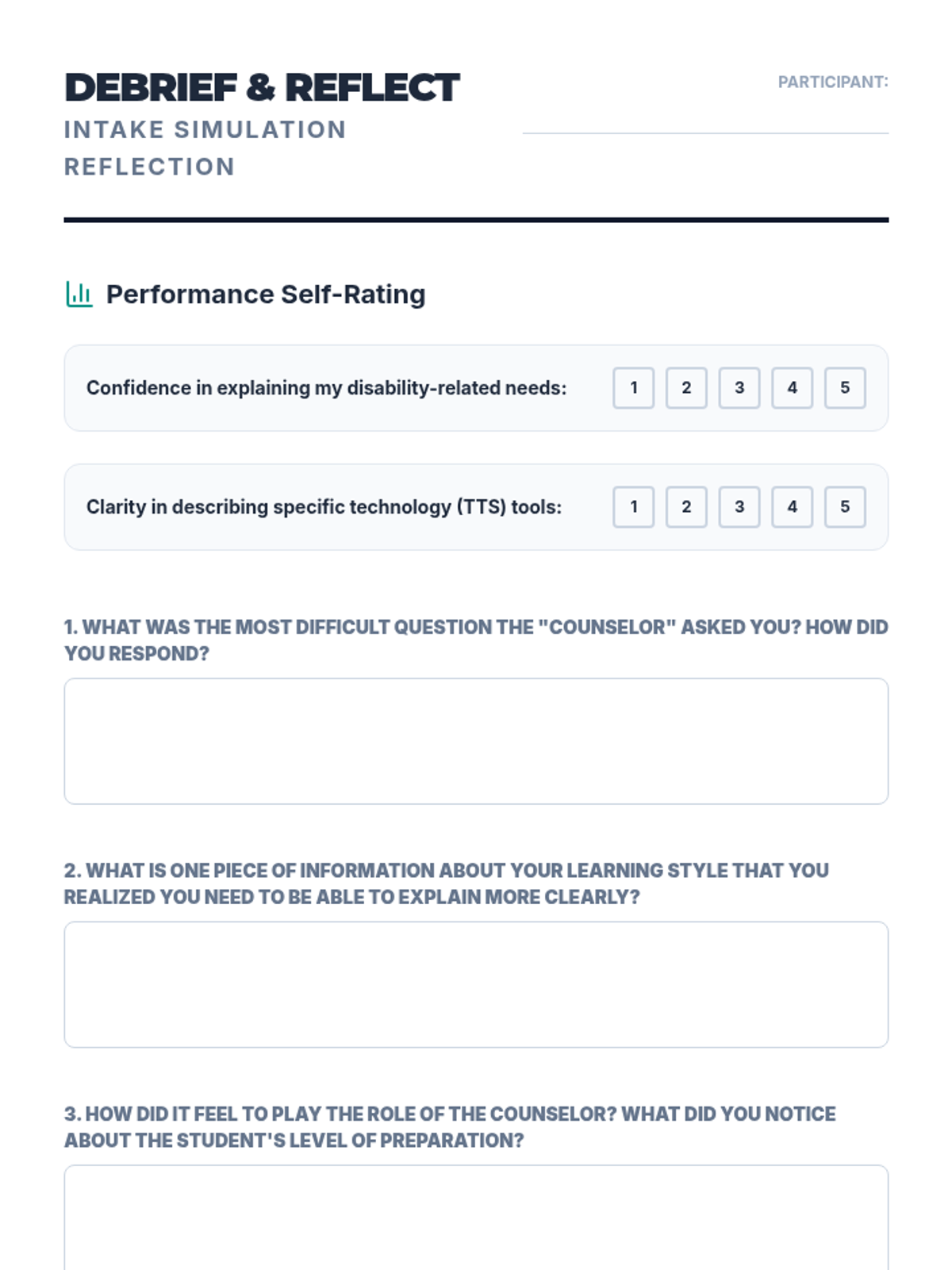
Using role-play, students practice the intake interview process common in college disability support centers. One student plays the counselor, the other the student explaining their need for TTS software and digital formats.
Students tackle inaccessible text formats using Optical Character Recognition (OCR). They will learn to convert images and flat PDFs into editable, readable text for TTS tools.
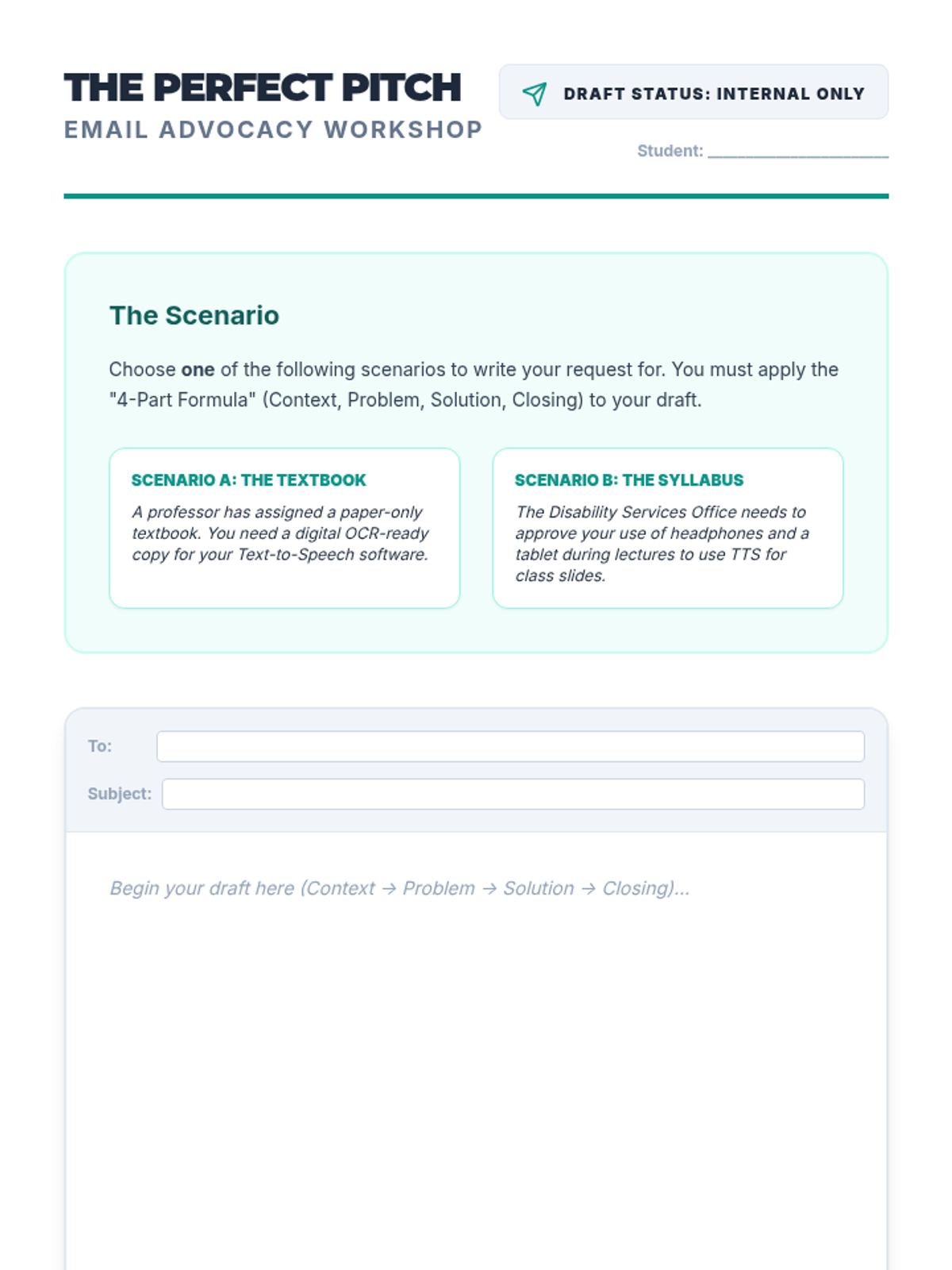
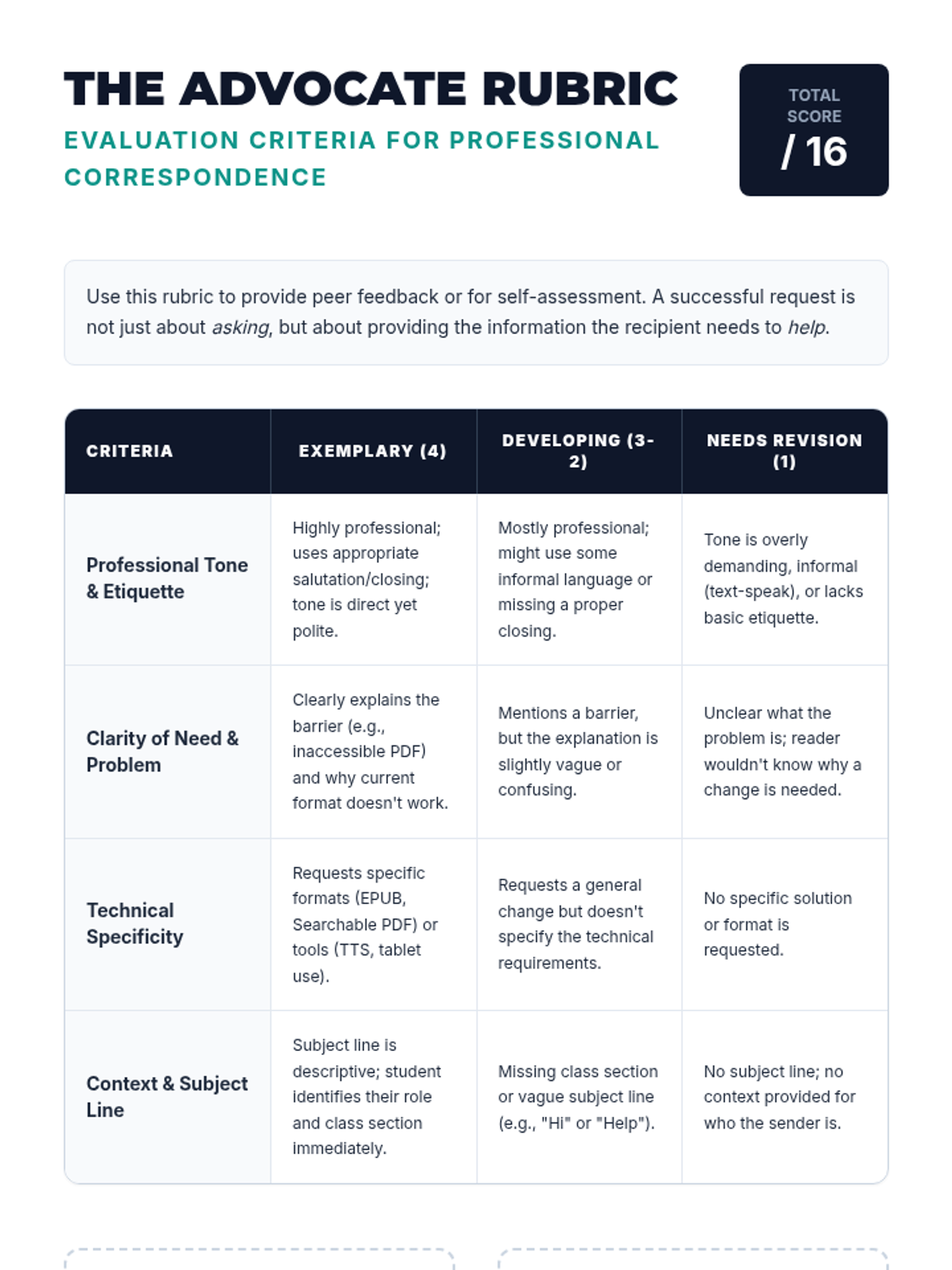
Students draft professional emails and scripts to request digital text formats from professors or disability service offices. They focus on professional tone, clarity of need, and specific technical requirements.
Students explore the impact of voice selection and playback speed on comprehension. They will determine their personal 'sweet spot' for different genres, learning to maximize efficiency without sacrificing retention.
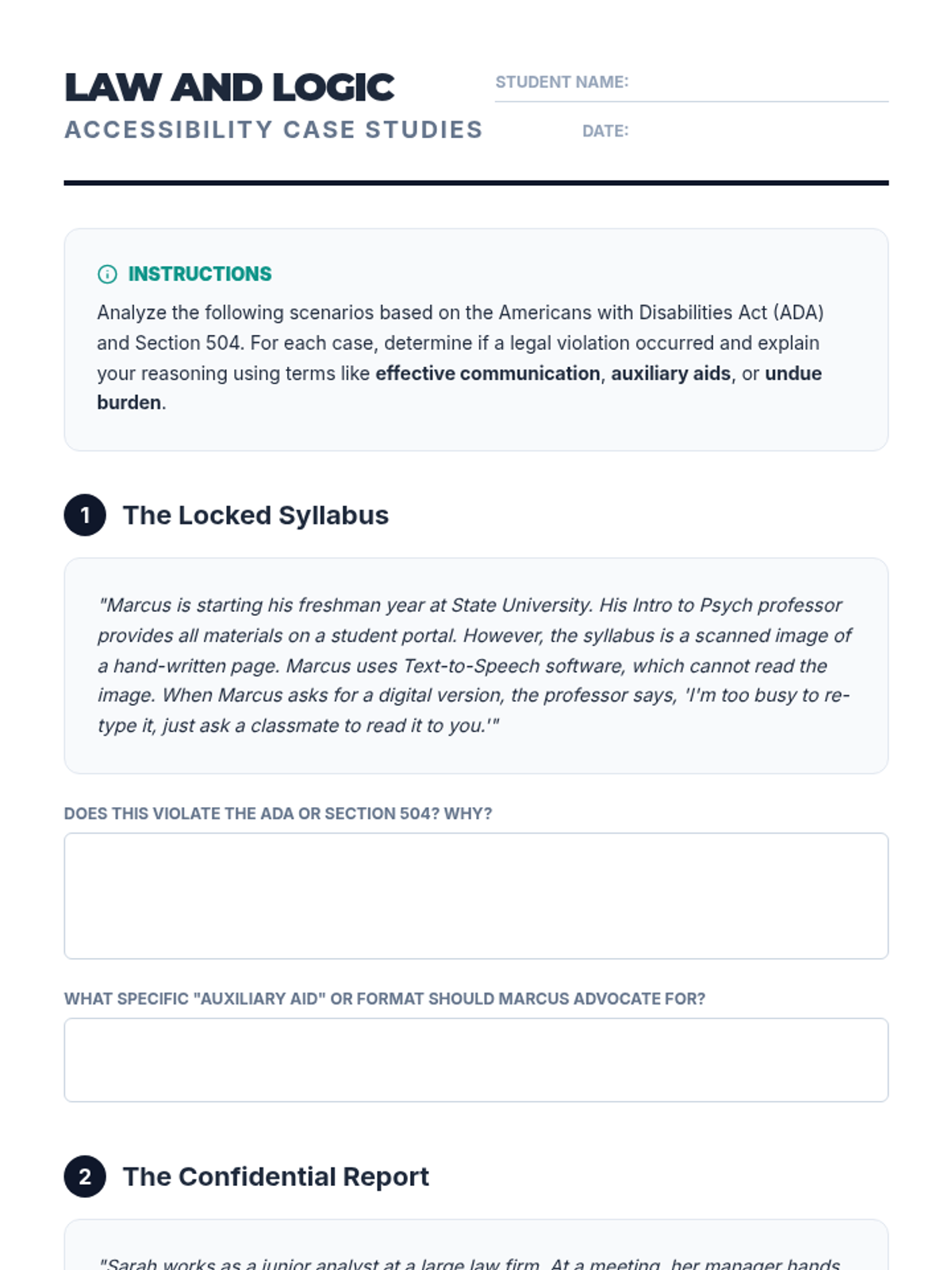
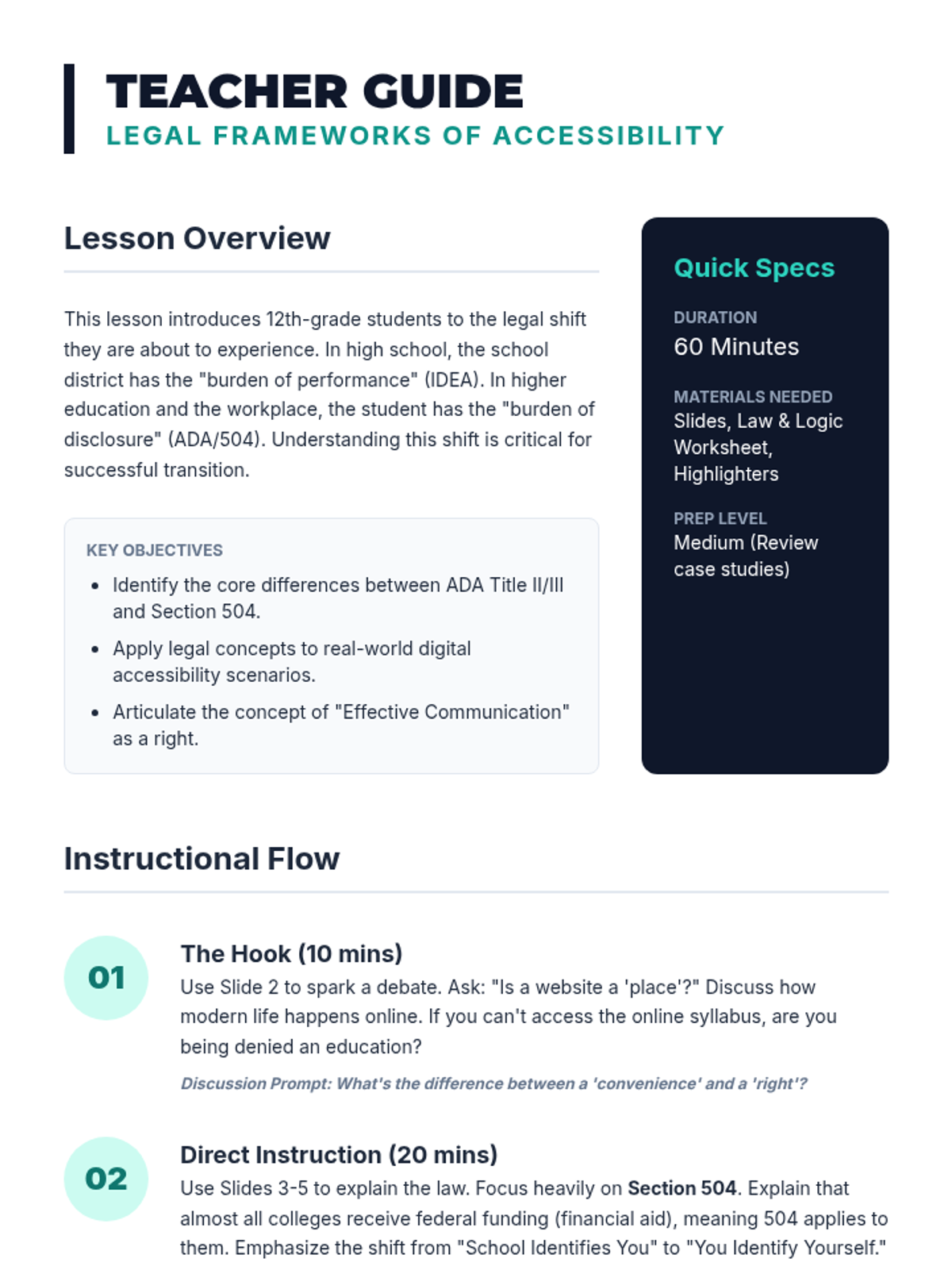
Students examine the Americans with Disabilities Act (ADA) and Section 504 to understand their legal rights regarding accessible text and assistive technology. They will analyze case studies of accessibility lawsuits to understand the legal obligation of institutions to provide digital formats.
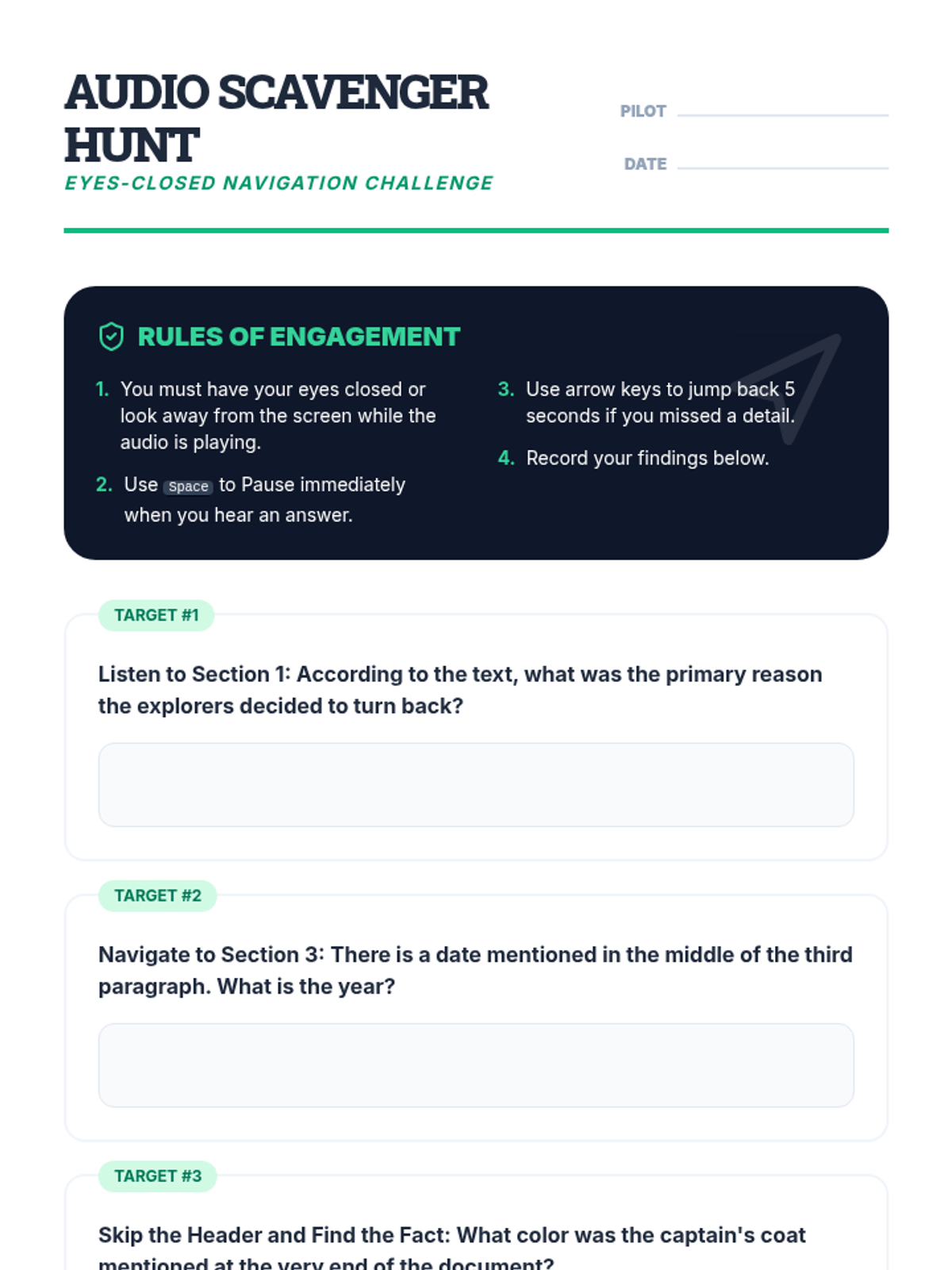
Students learn to control the flow of information by using navigation shortcuts to skip headers, repeat sentences, and jump between paragraphs. The lesson focuses on moving beyond passive listening to active navigation required for academic reading.
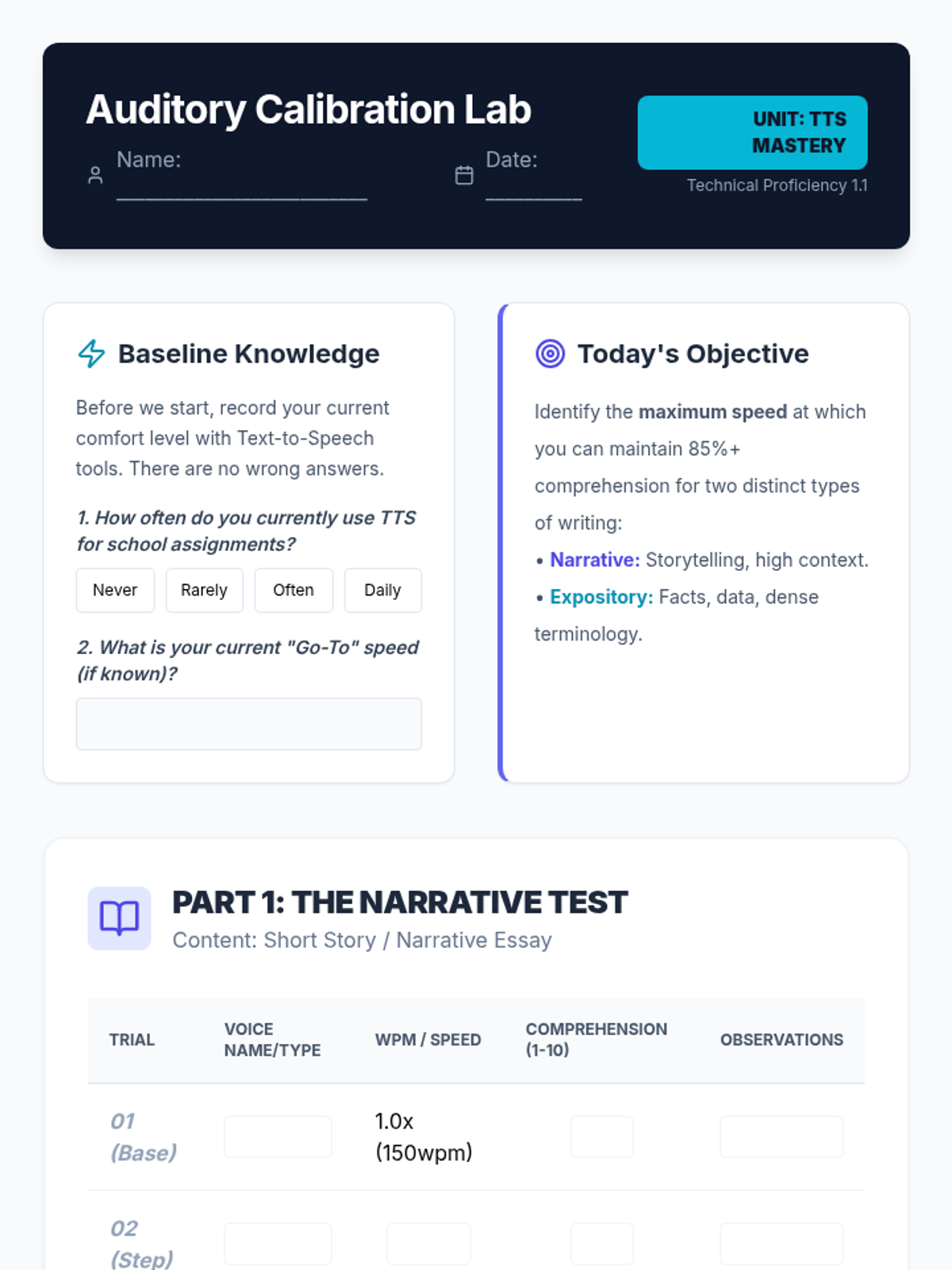
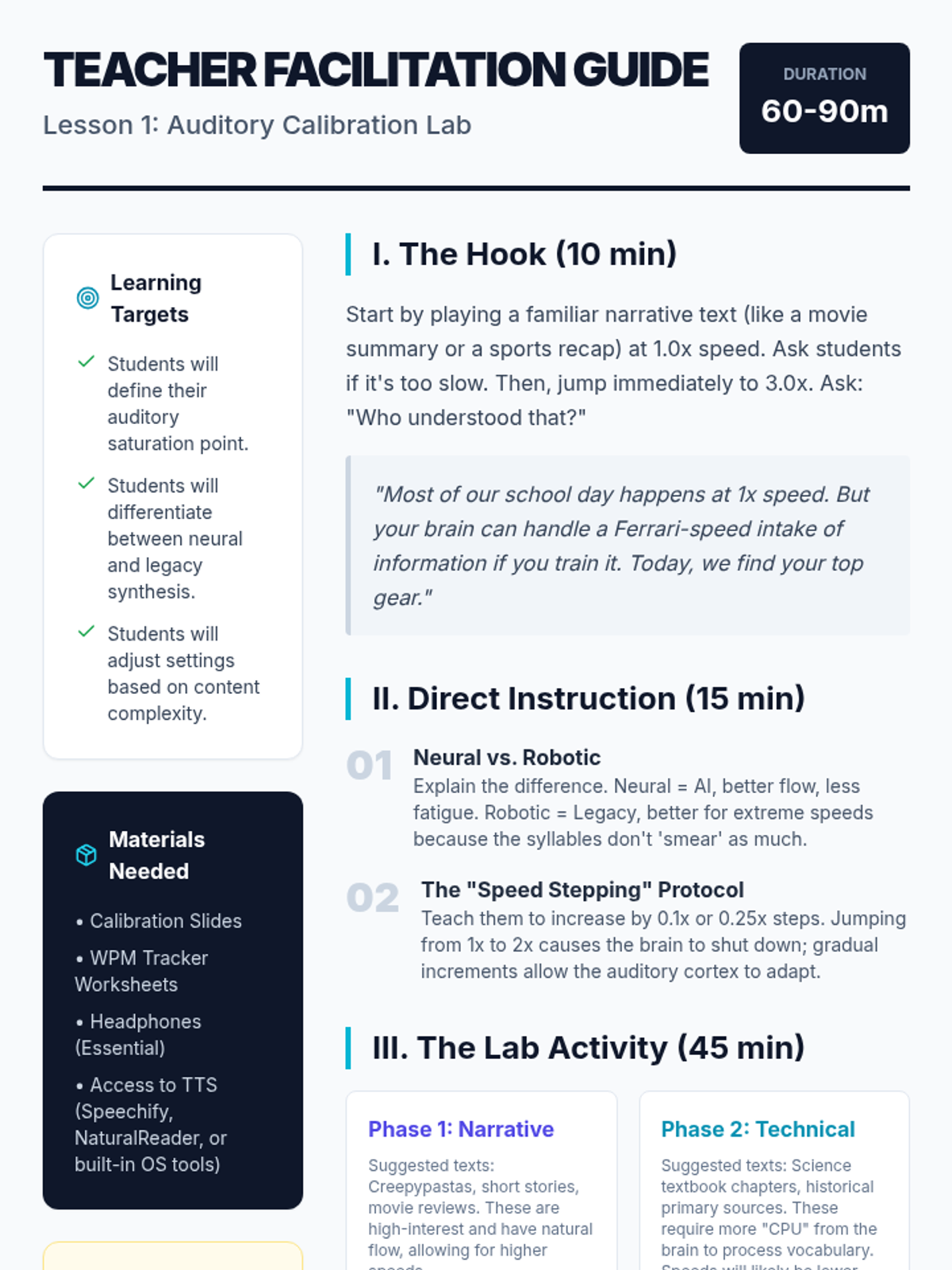
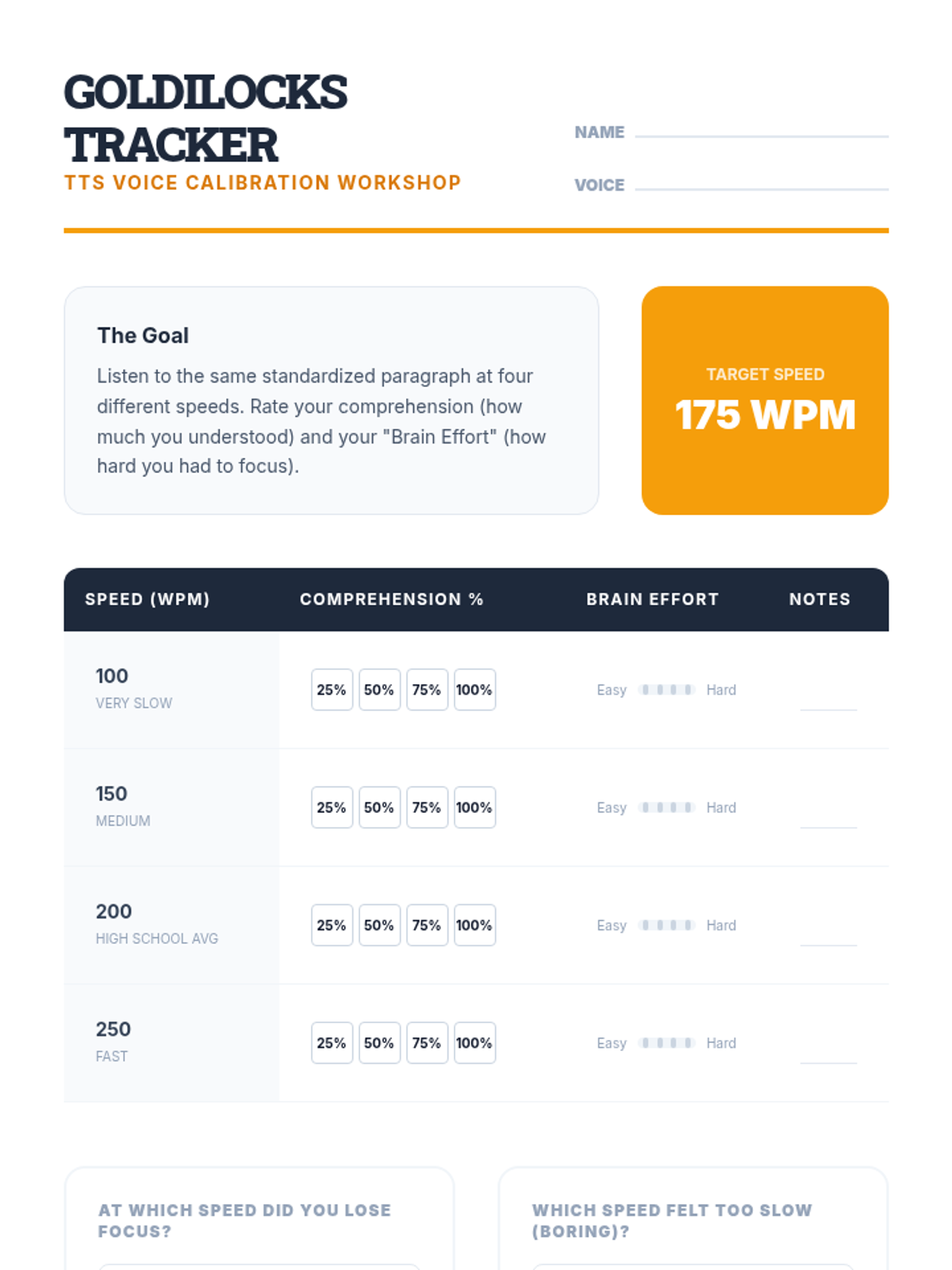
In this technical workshop, students experiment with voice synthesis options and playback rates to determine their optimal comprehension speed. Students track their understanding of a standardized text at various words-per-minute settings to find their 'Goldilocks' zone.
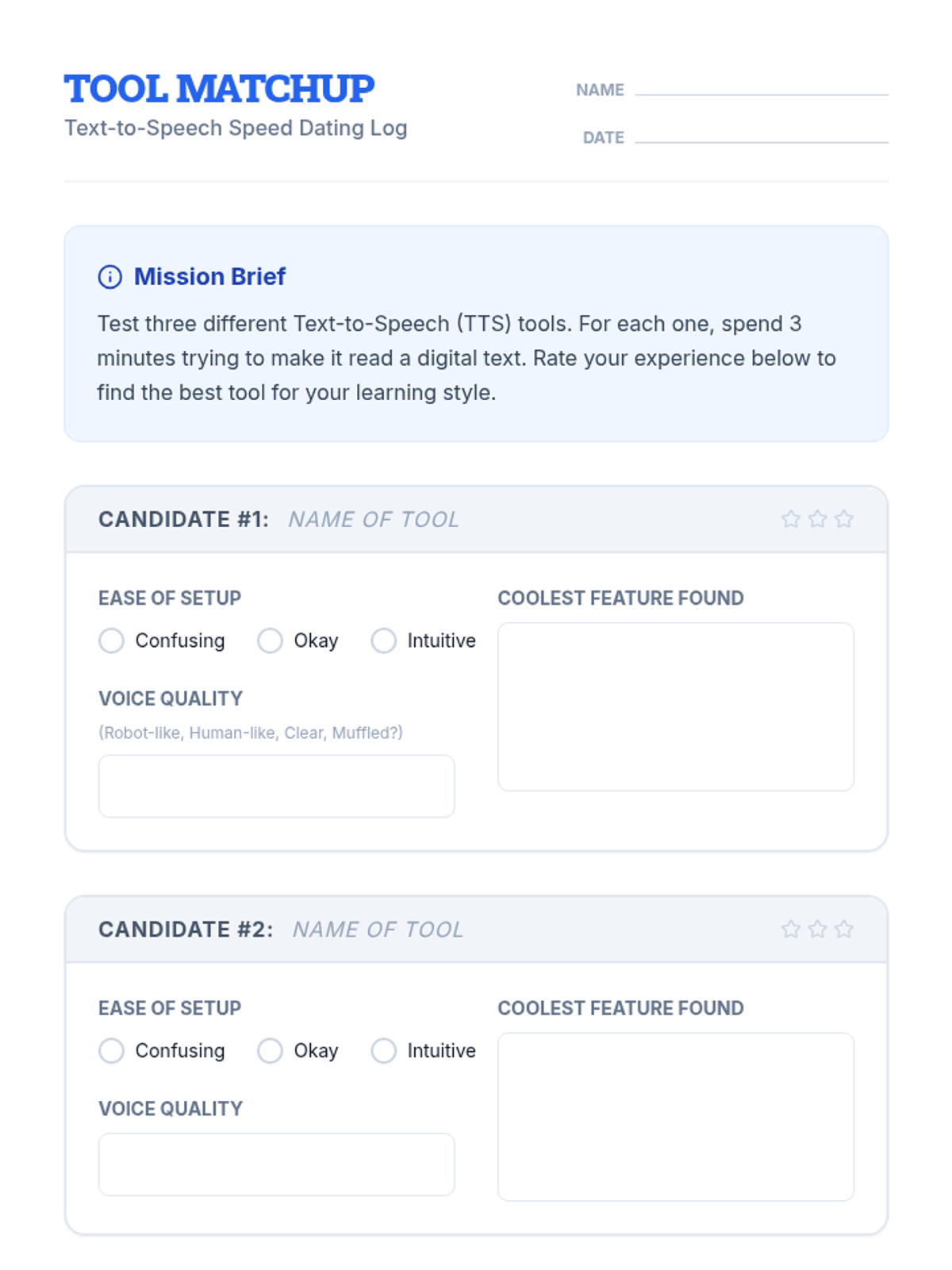
Students explore and compare various TTS tools, extensions, and built-in features to find the platform that best fits their learning style and device.
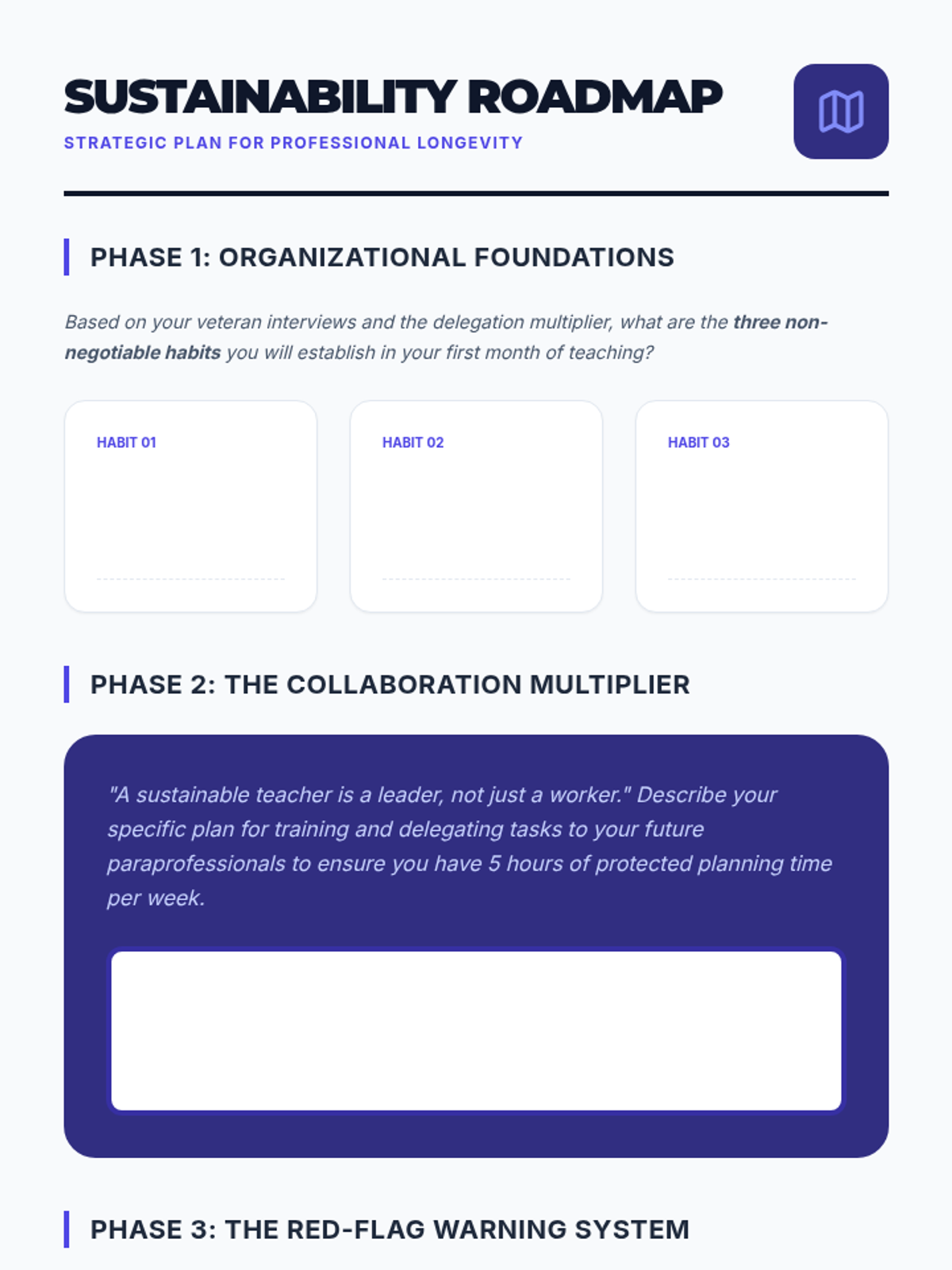
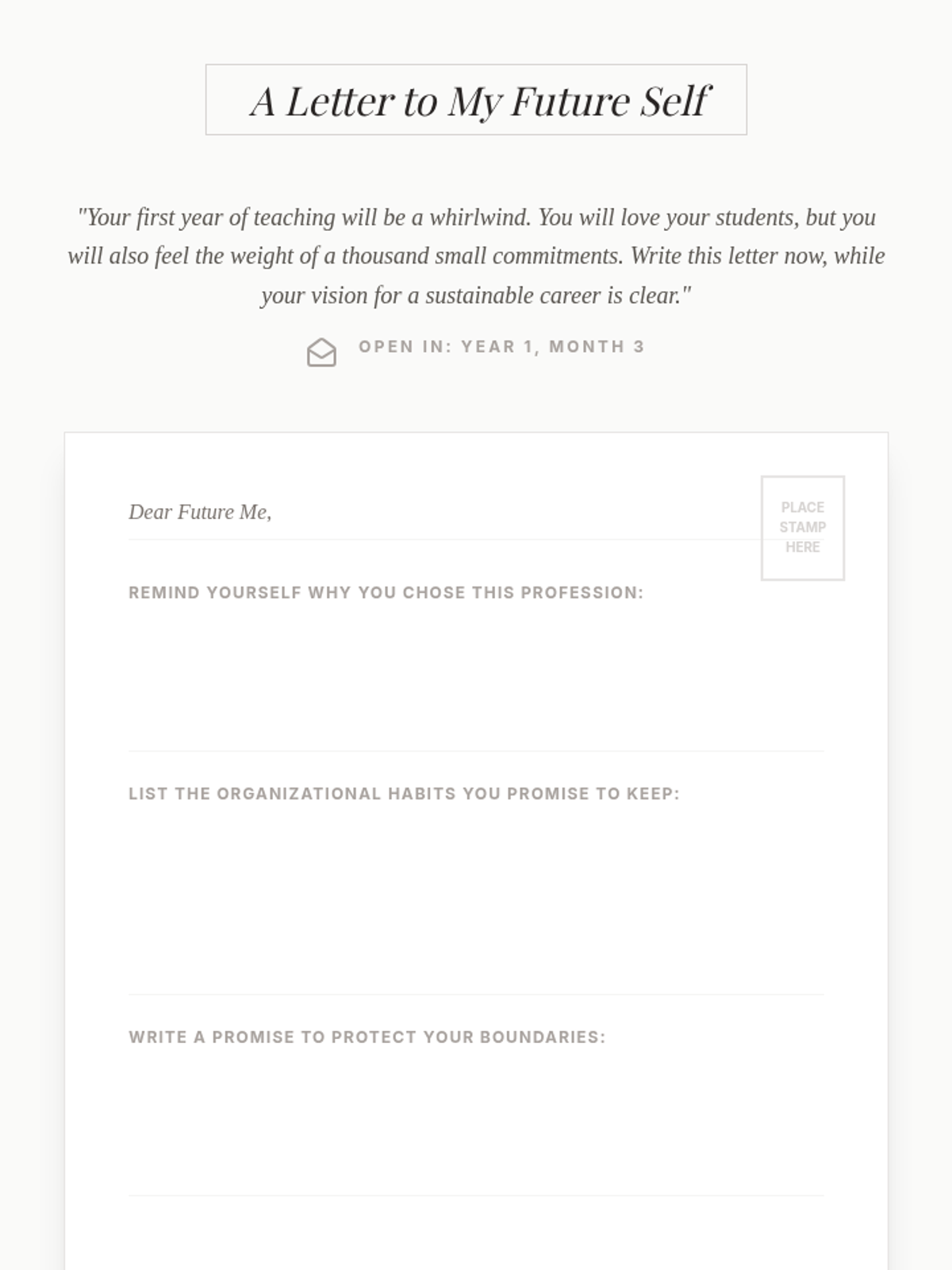
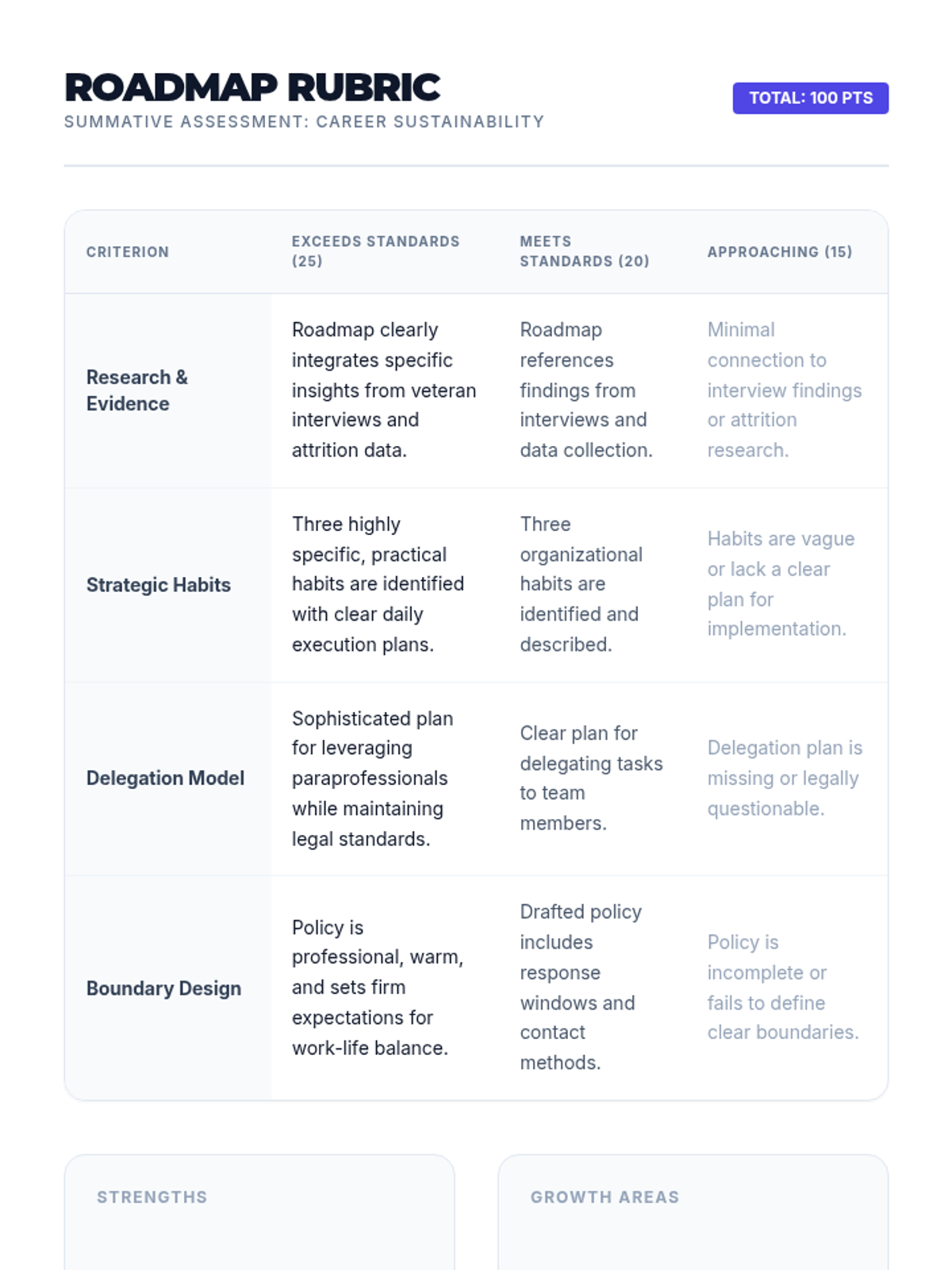
Students synthesize their learning into a comprehensive Sustainability Roadmap, including a commitment letter to their future selves and a strategic plan for organizational health.
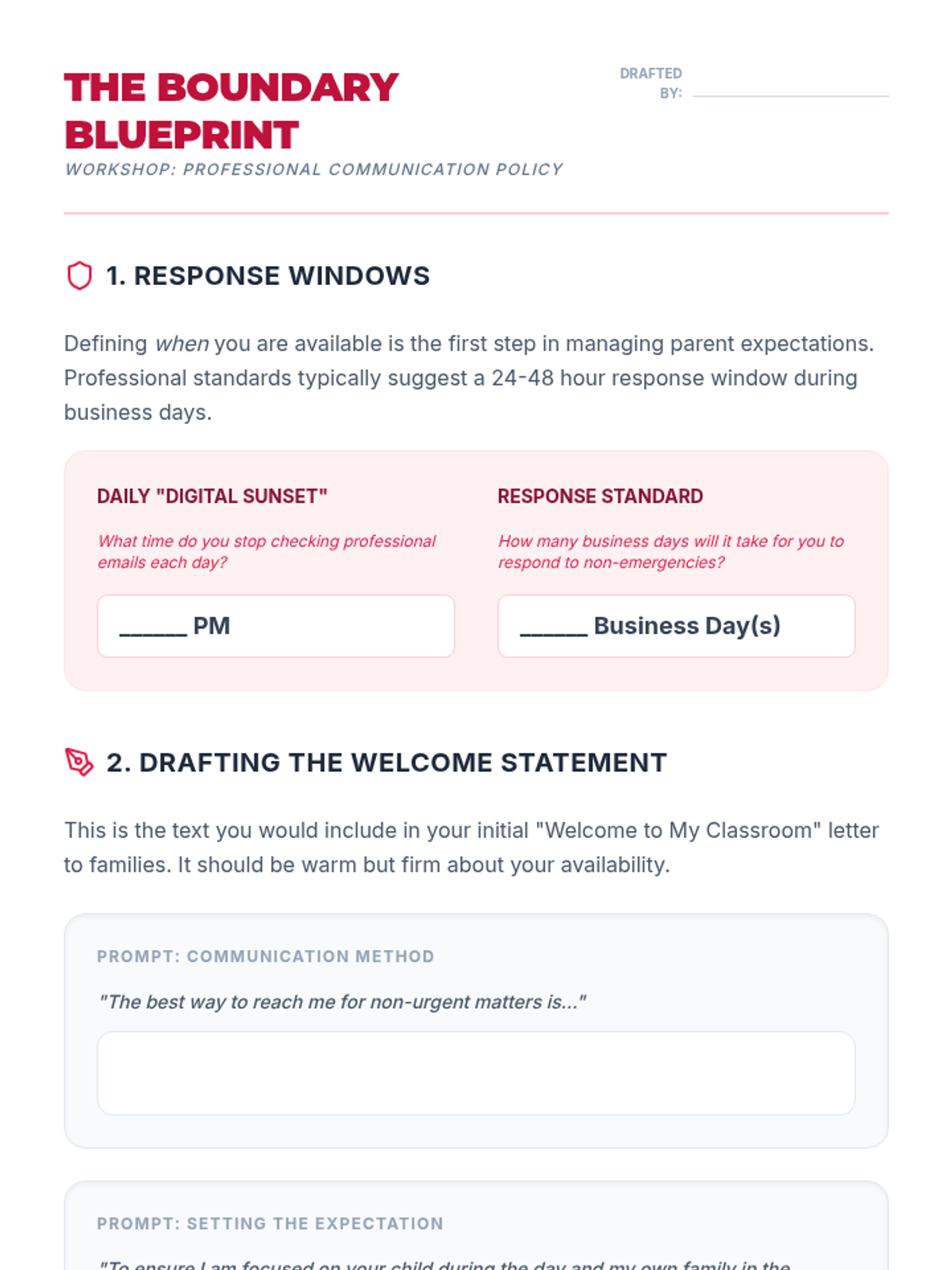
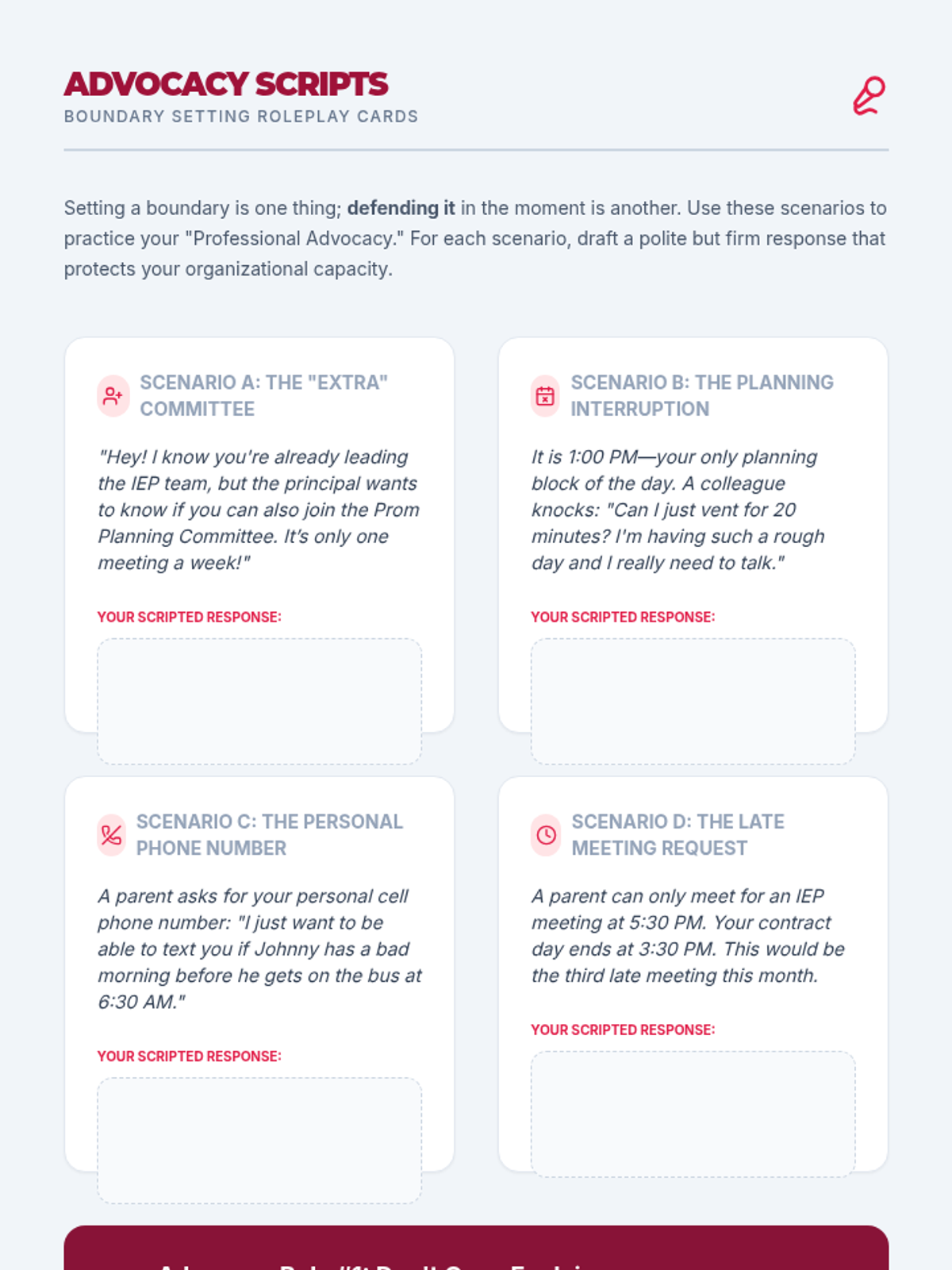
Students develop professional communication policies and boundary-setting strategies to protect their personal time and mental energy from the 'always-on' expectations of the modern teaching environment.
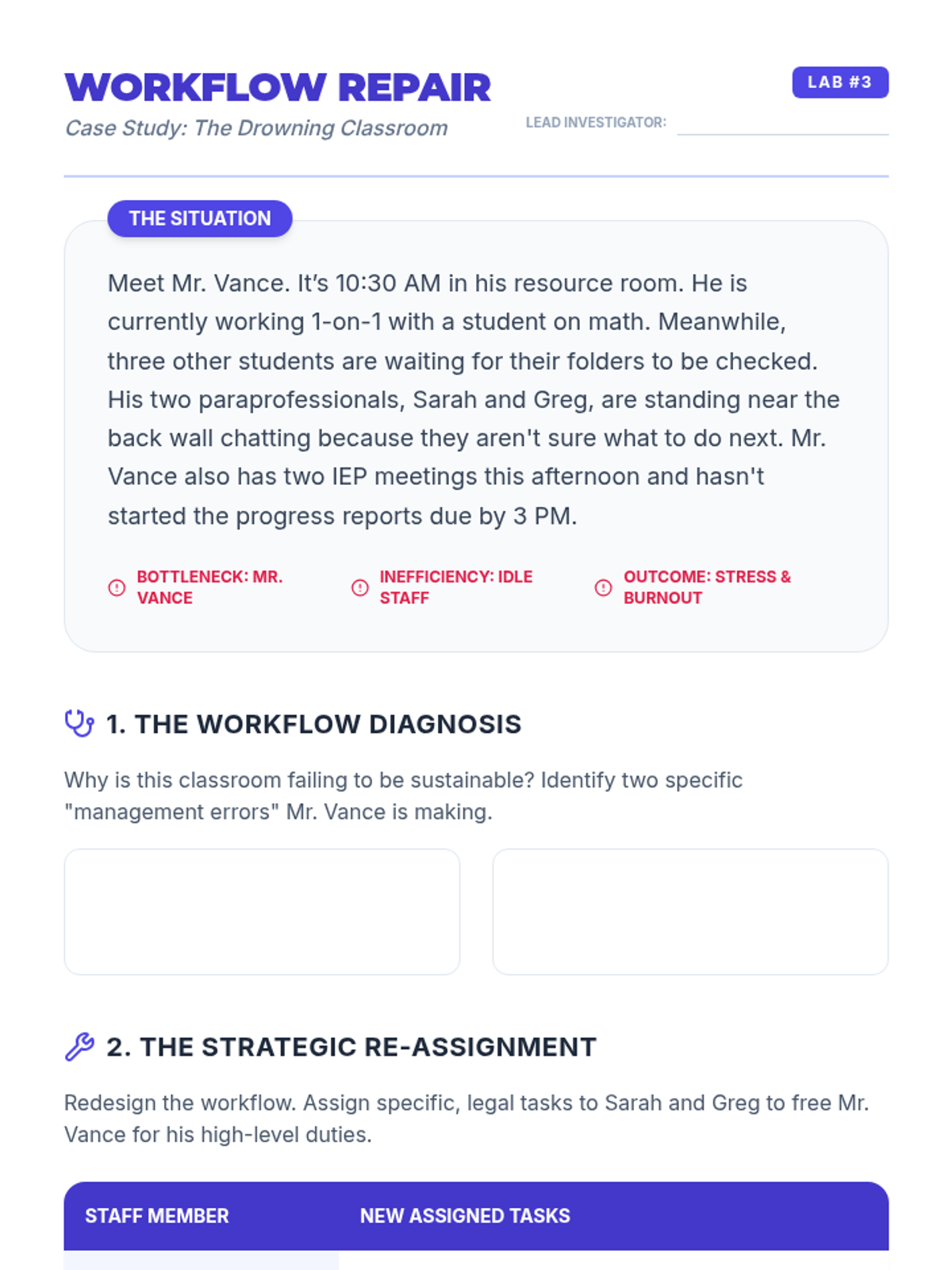
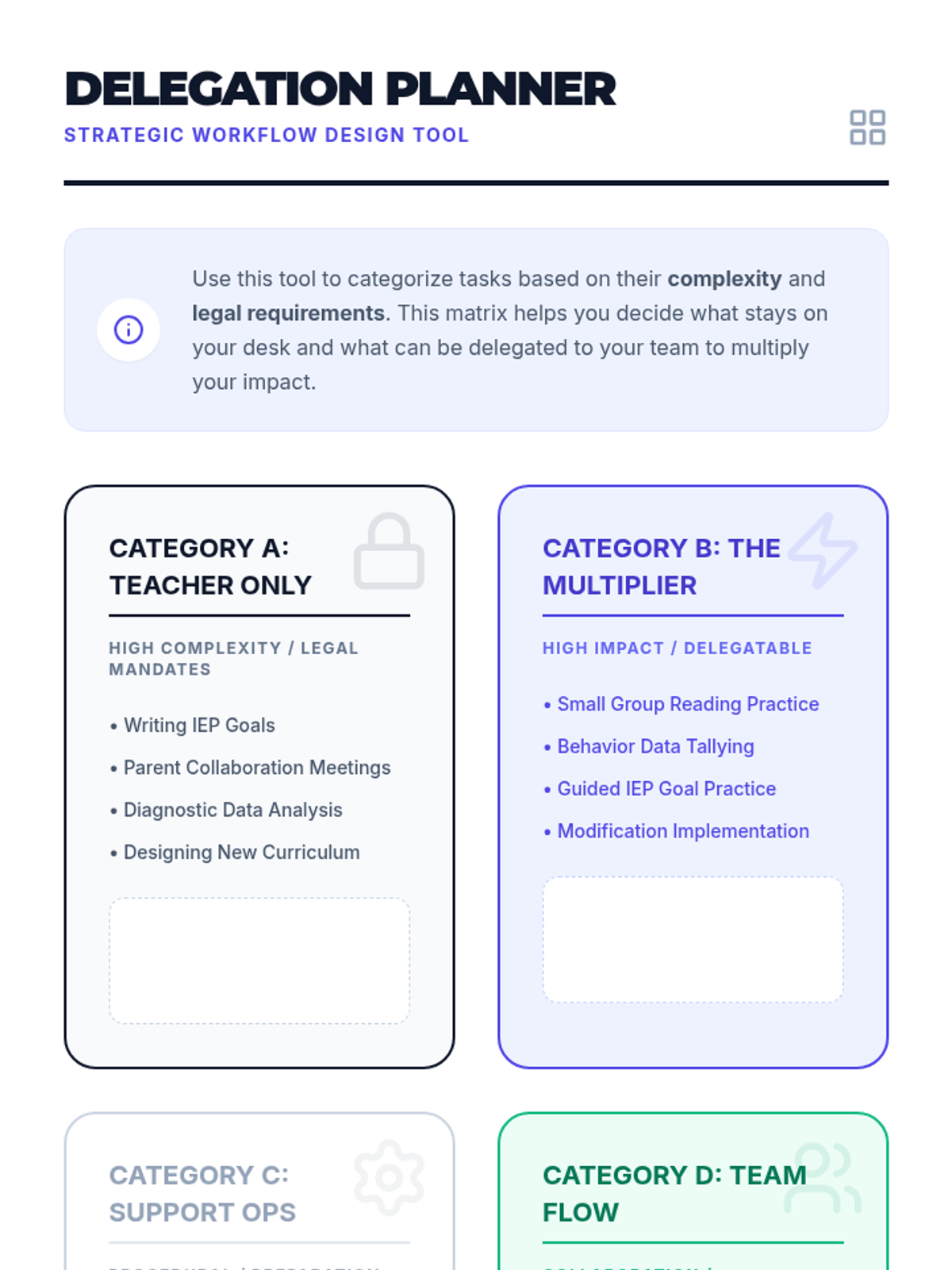
Students explore effective team management and delegation, learning how to leverage paraprofessionals to optimize workflows and reduce individual teacher burden within legal frameworks.
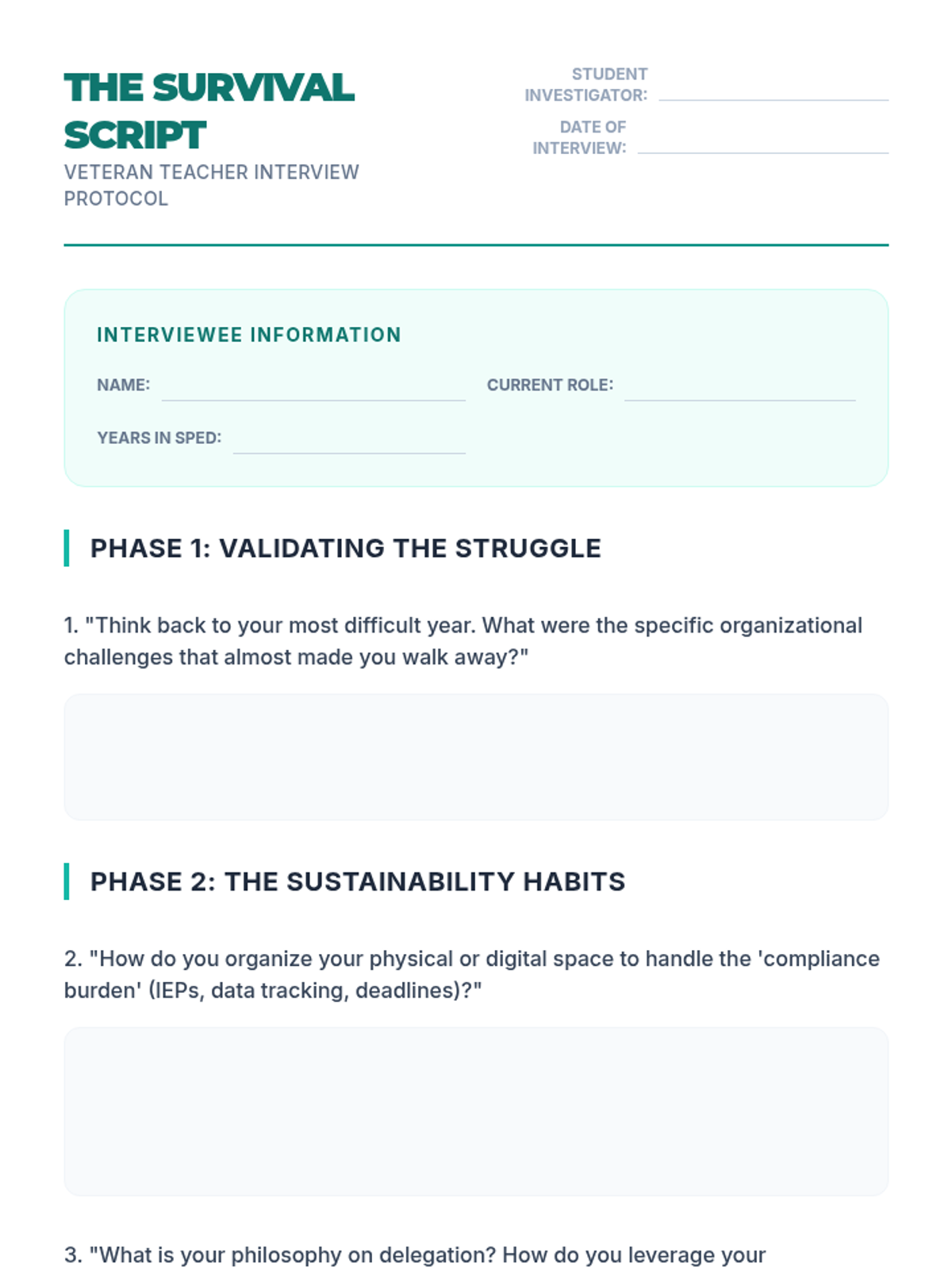
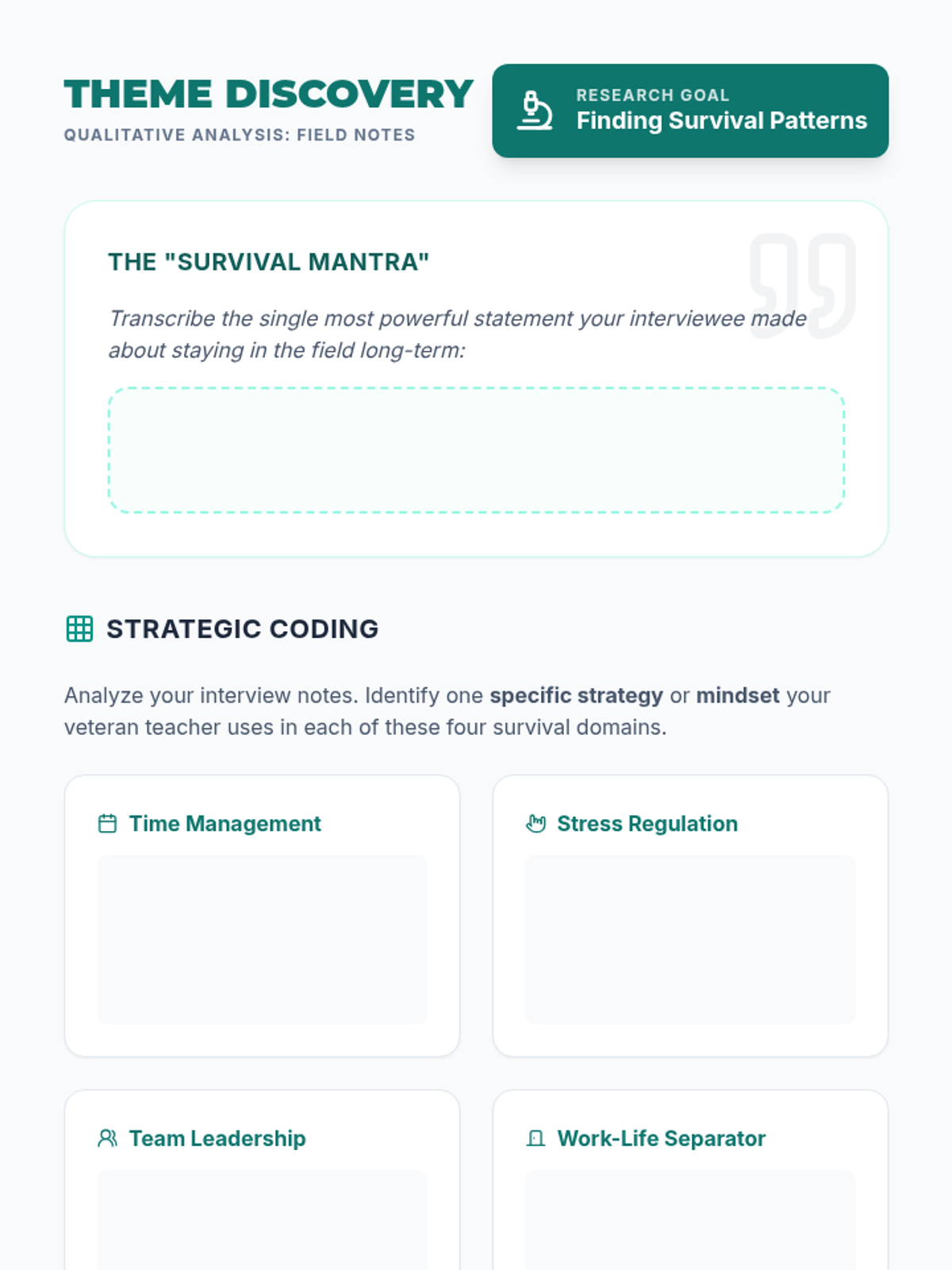
Students conduct field interviews with veteran special education teachers to uncover the organizational strategies and mental habits that allow for a long, healthy career in the field.
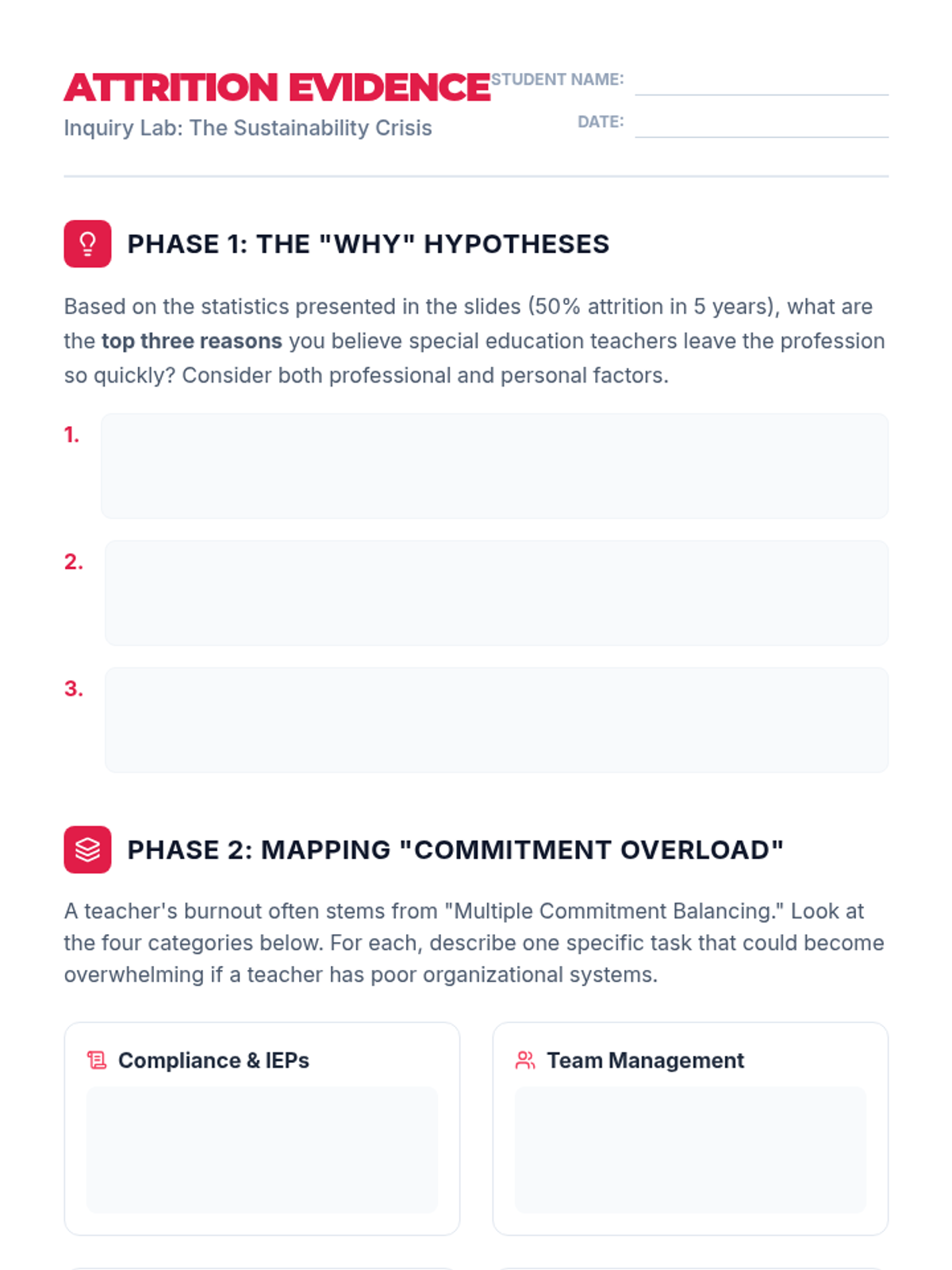
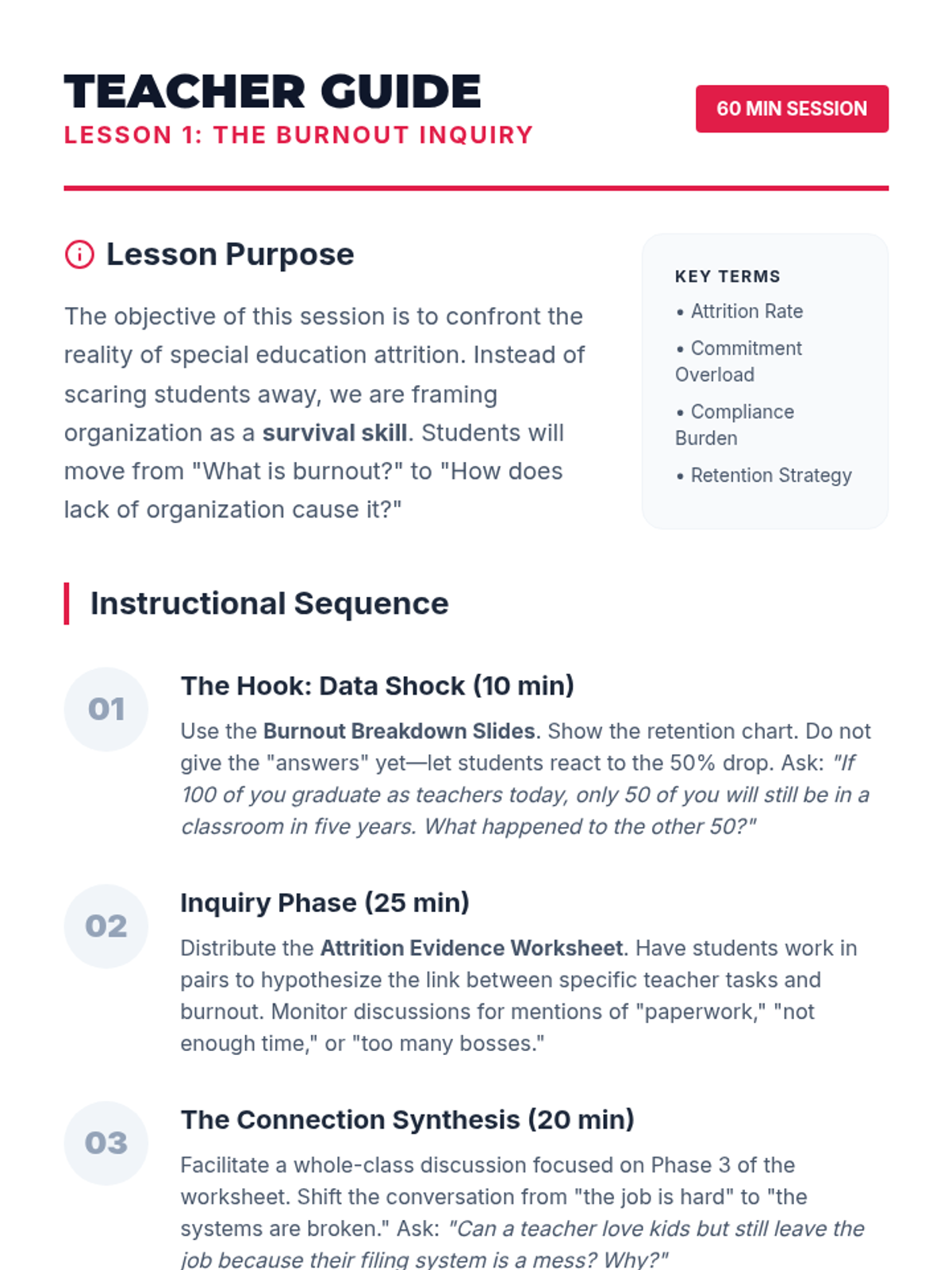
Students investigate special education teacher attrition rates, identifying how multiple commitment overload contributes to burnout and validating findings through data analysis and literature review.
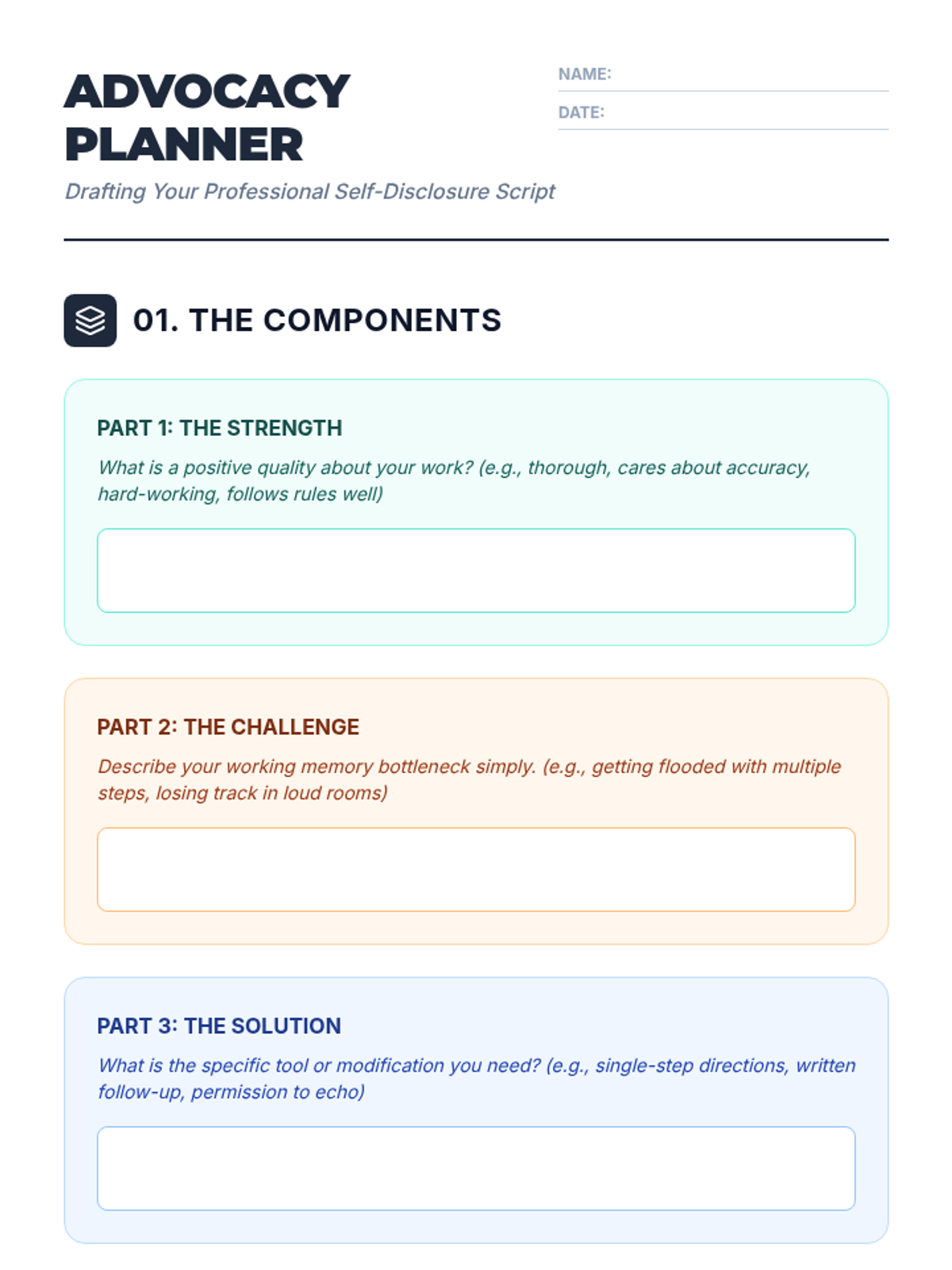
Students synthesize their skills into a personal disclosure script for use in interviews, IEP meetings, or workplace settings.
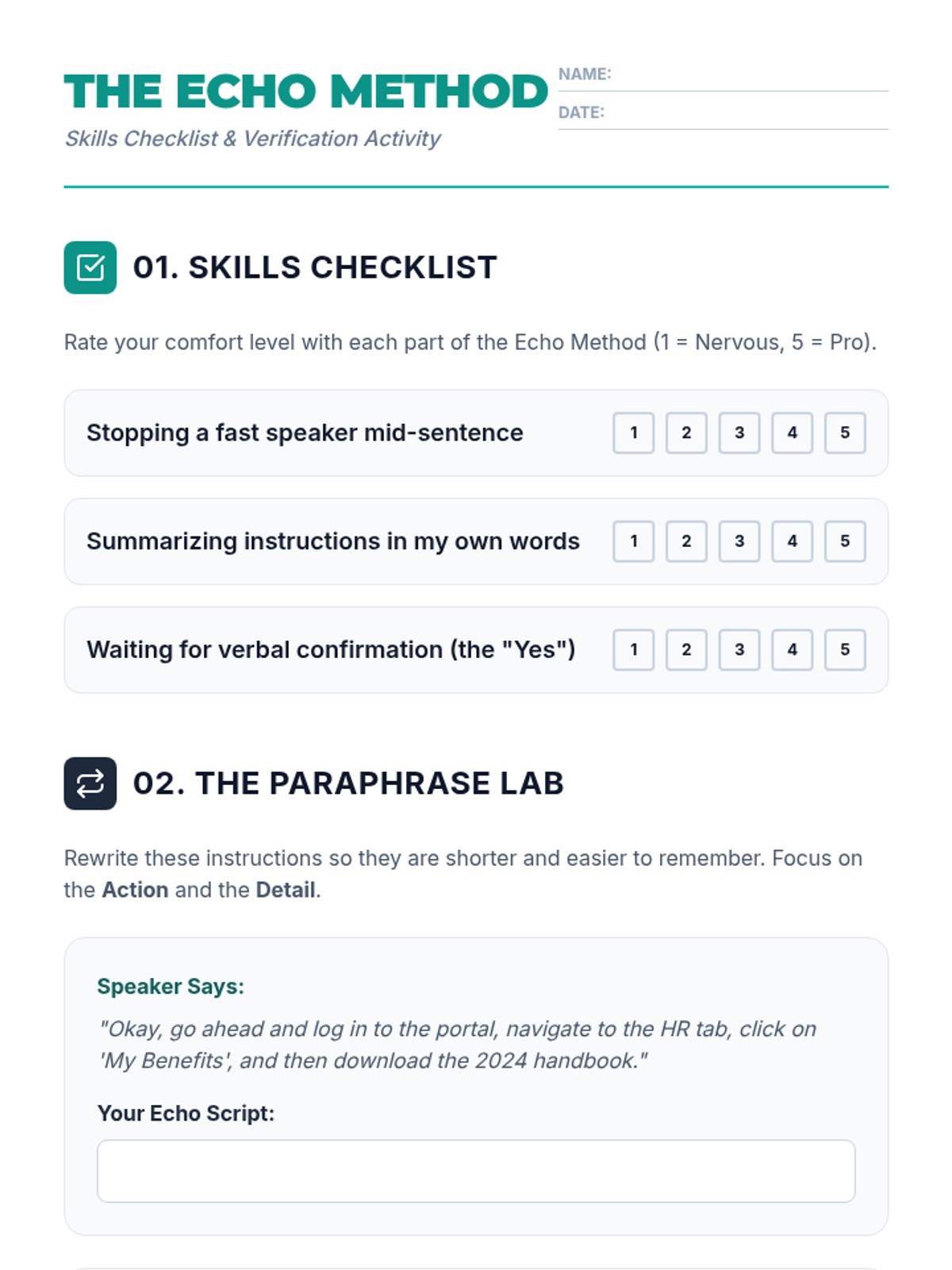
Students master the 'read-back' method to verify instructions and slow down information delivery.
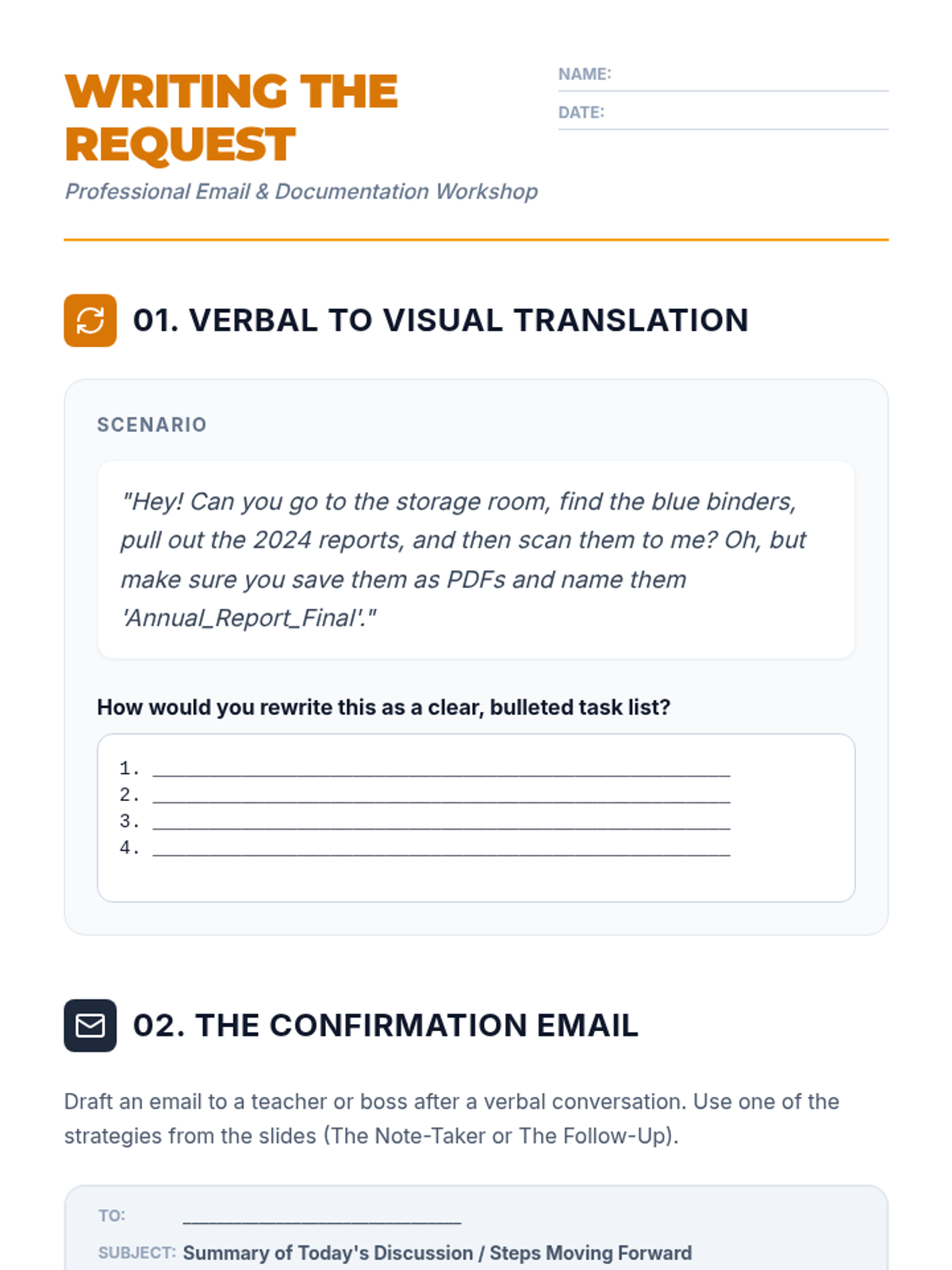
Students practice converting verbal instructions into written documentation through email templates and professional requests.
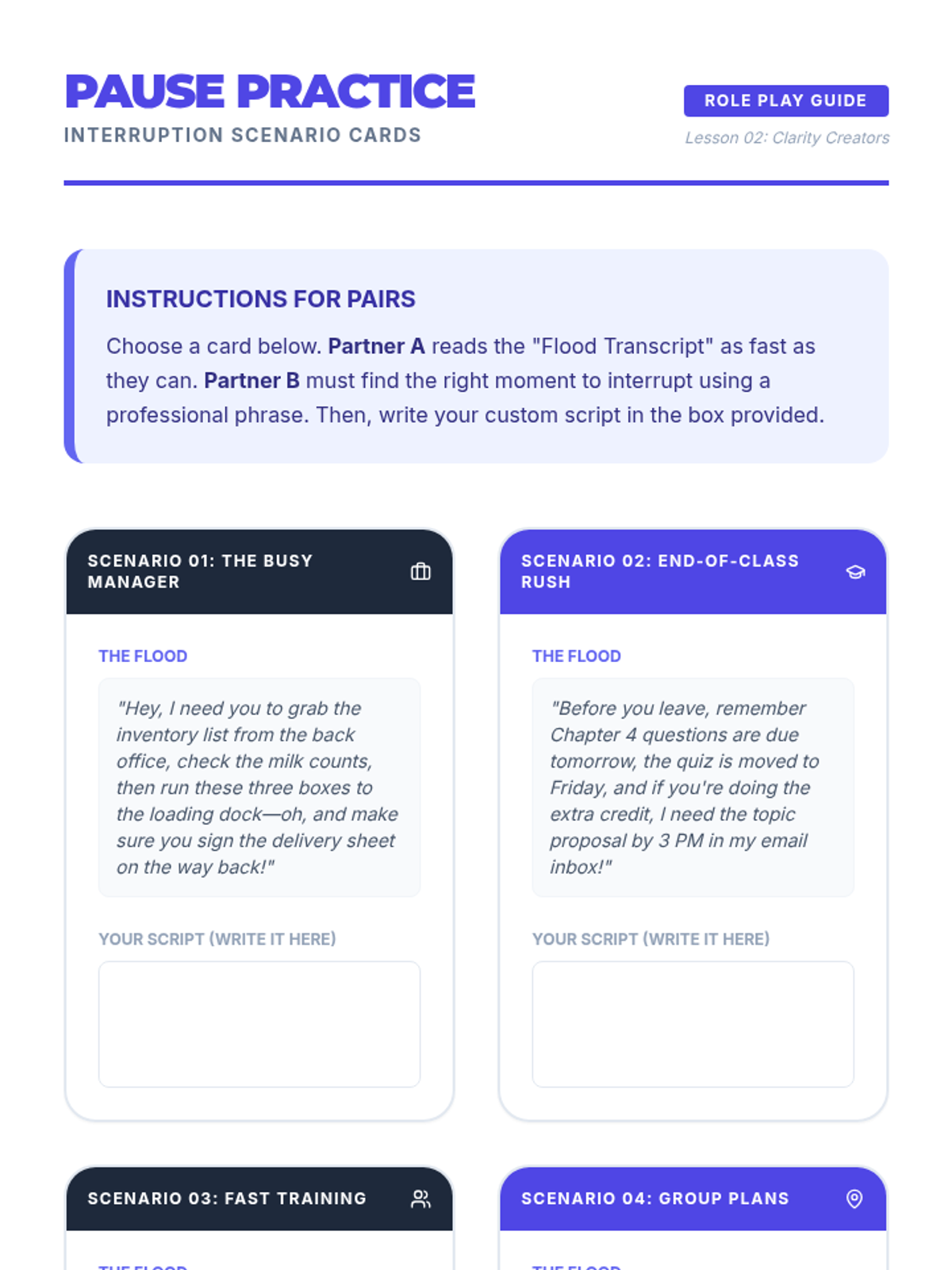
Students learn and practice professional interruption techniques to pause speakers and gain control over the flow of information.
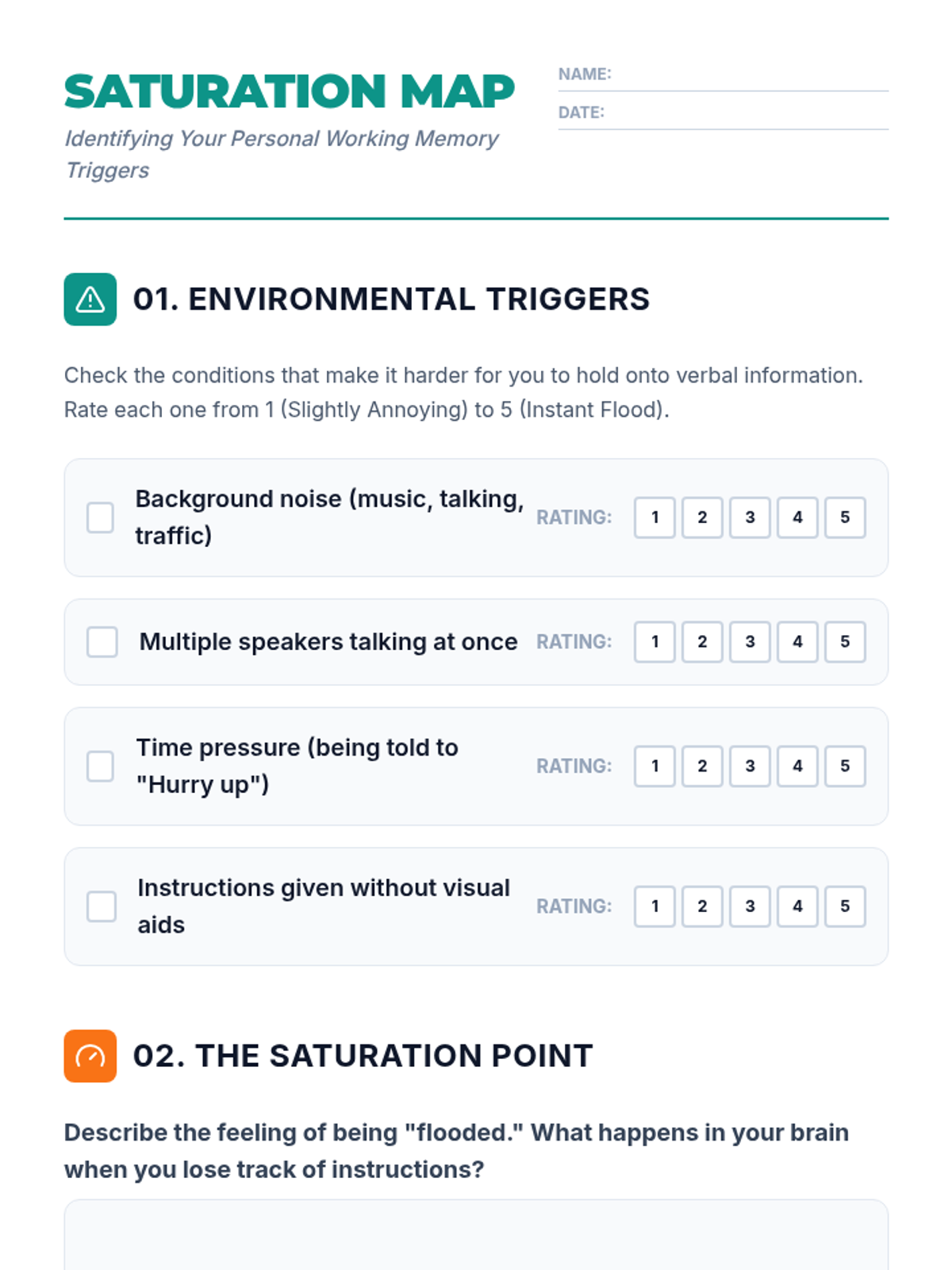
Students analyze high-pressure environments to identify working memory saturation and map their personal 'flooding' triggers.
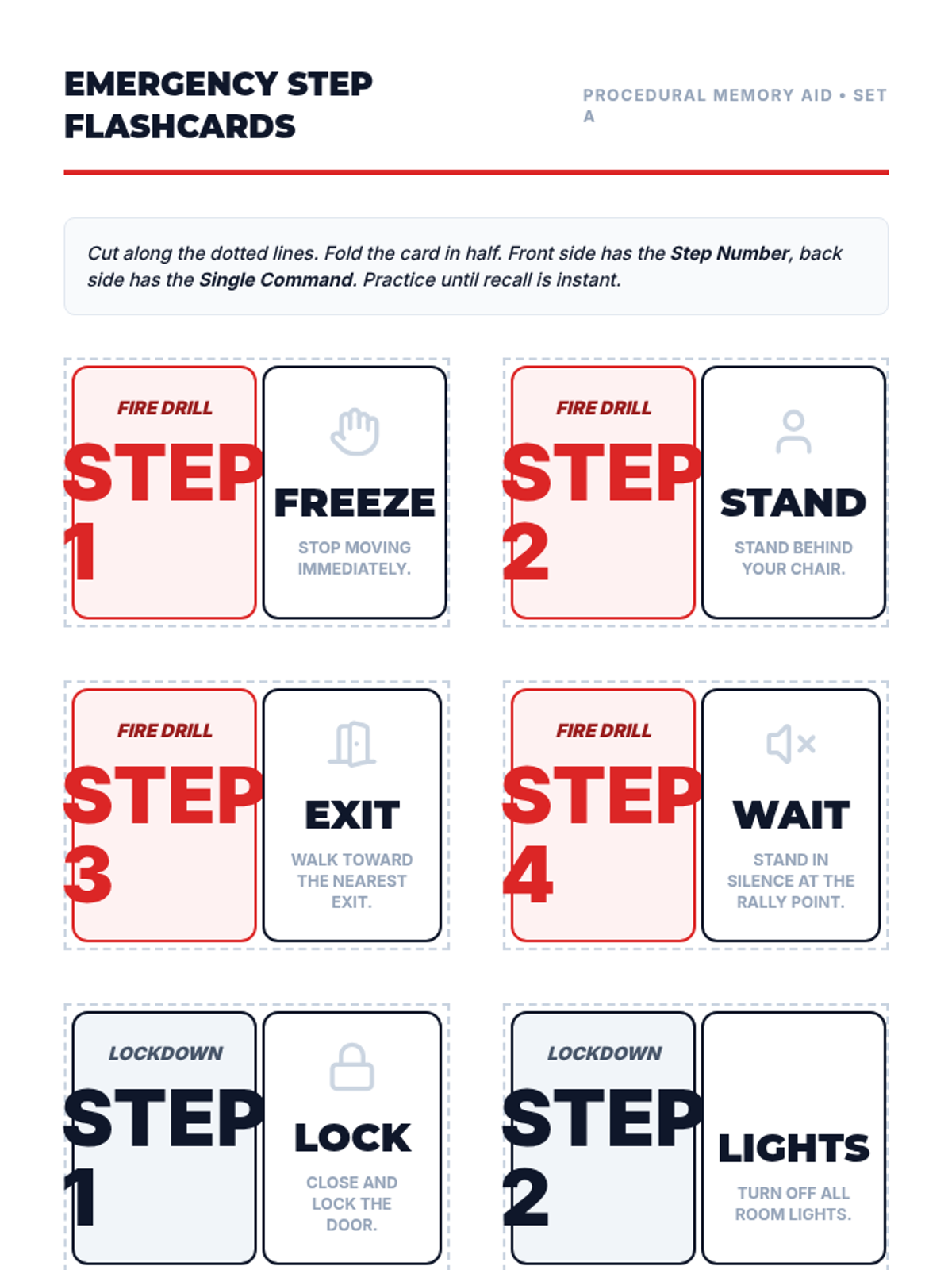
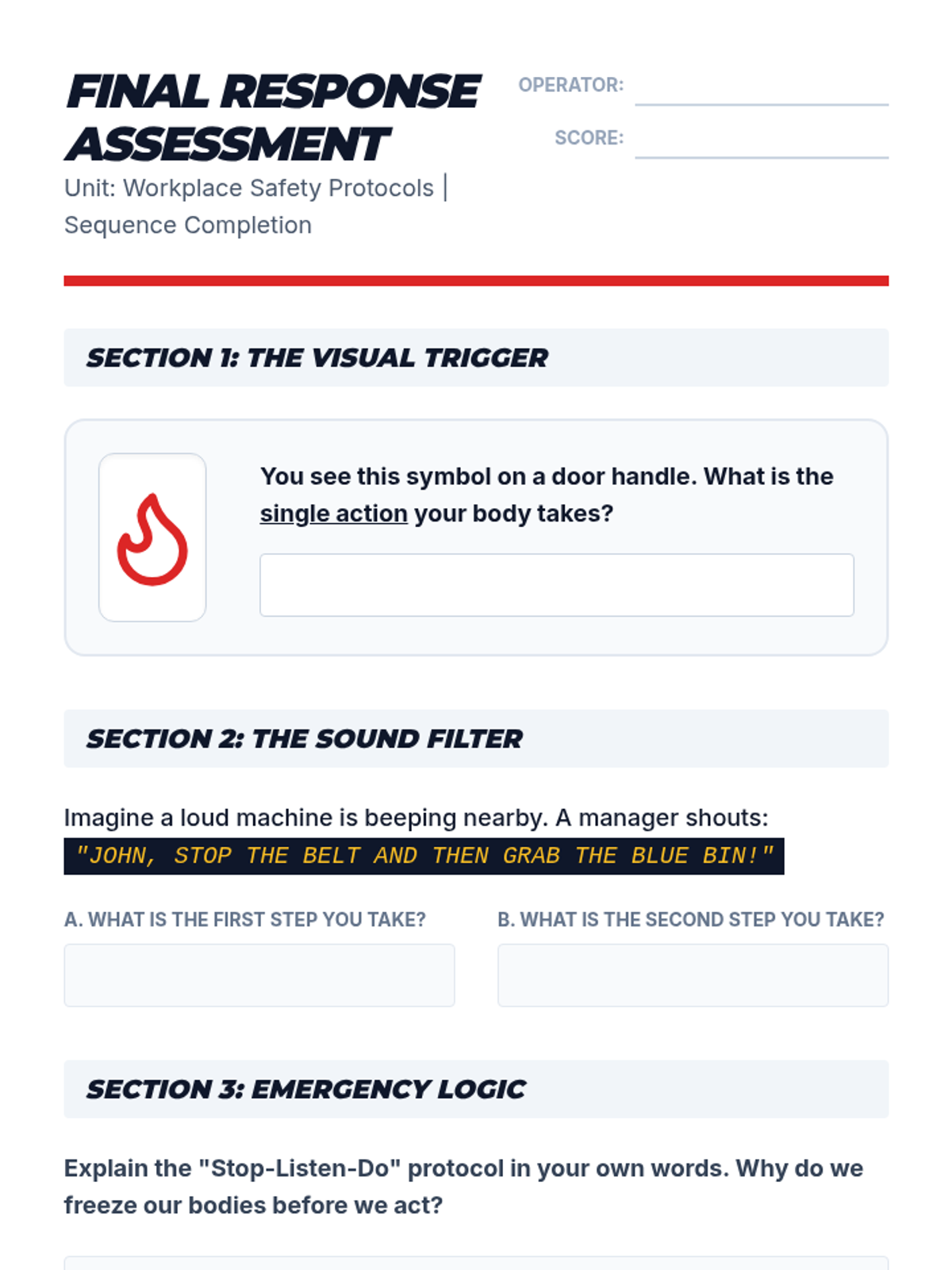
Students break down complex emergency procedures into isolated single steps to improve recall and execution during high-stress situations.
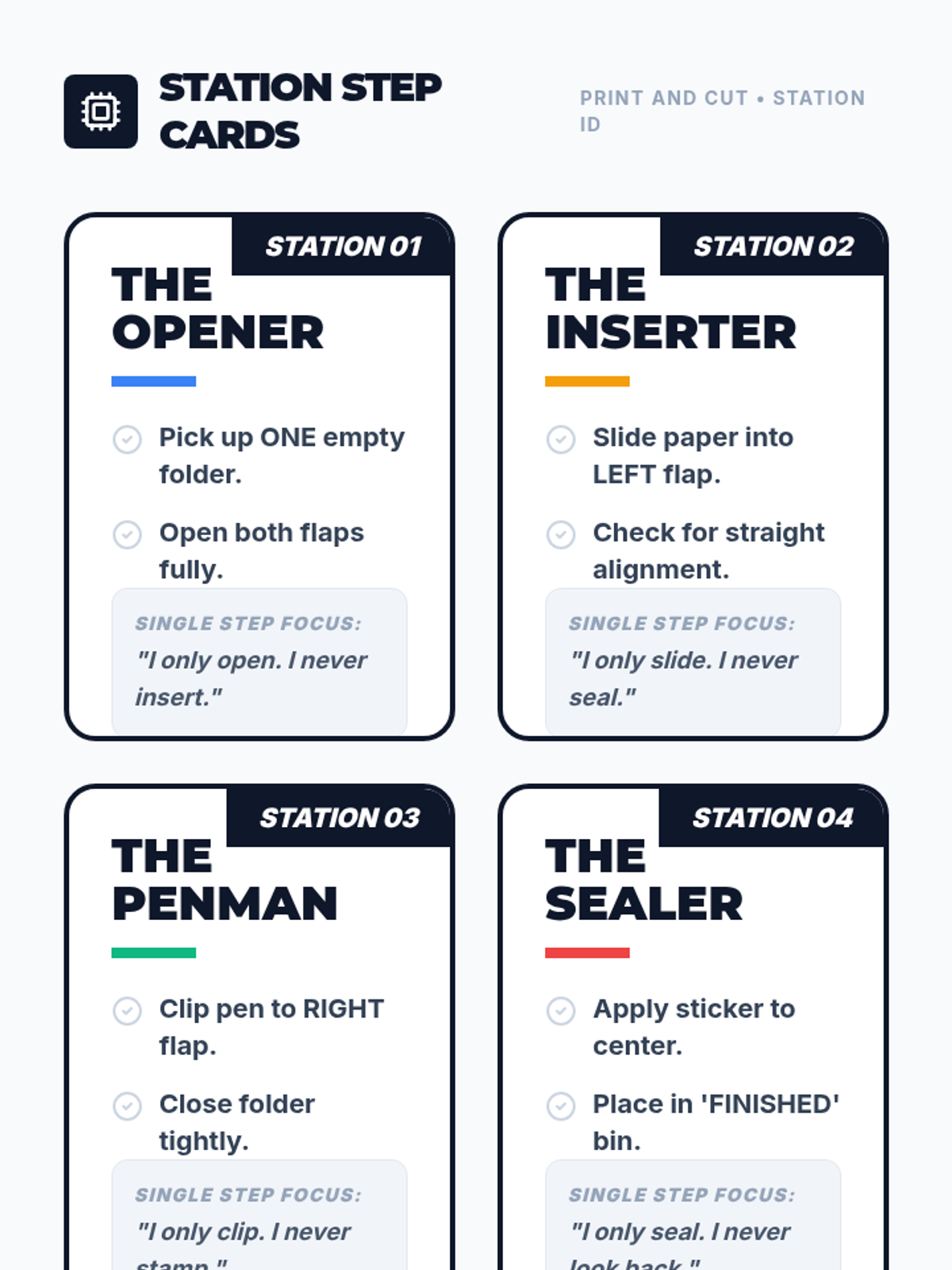
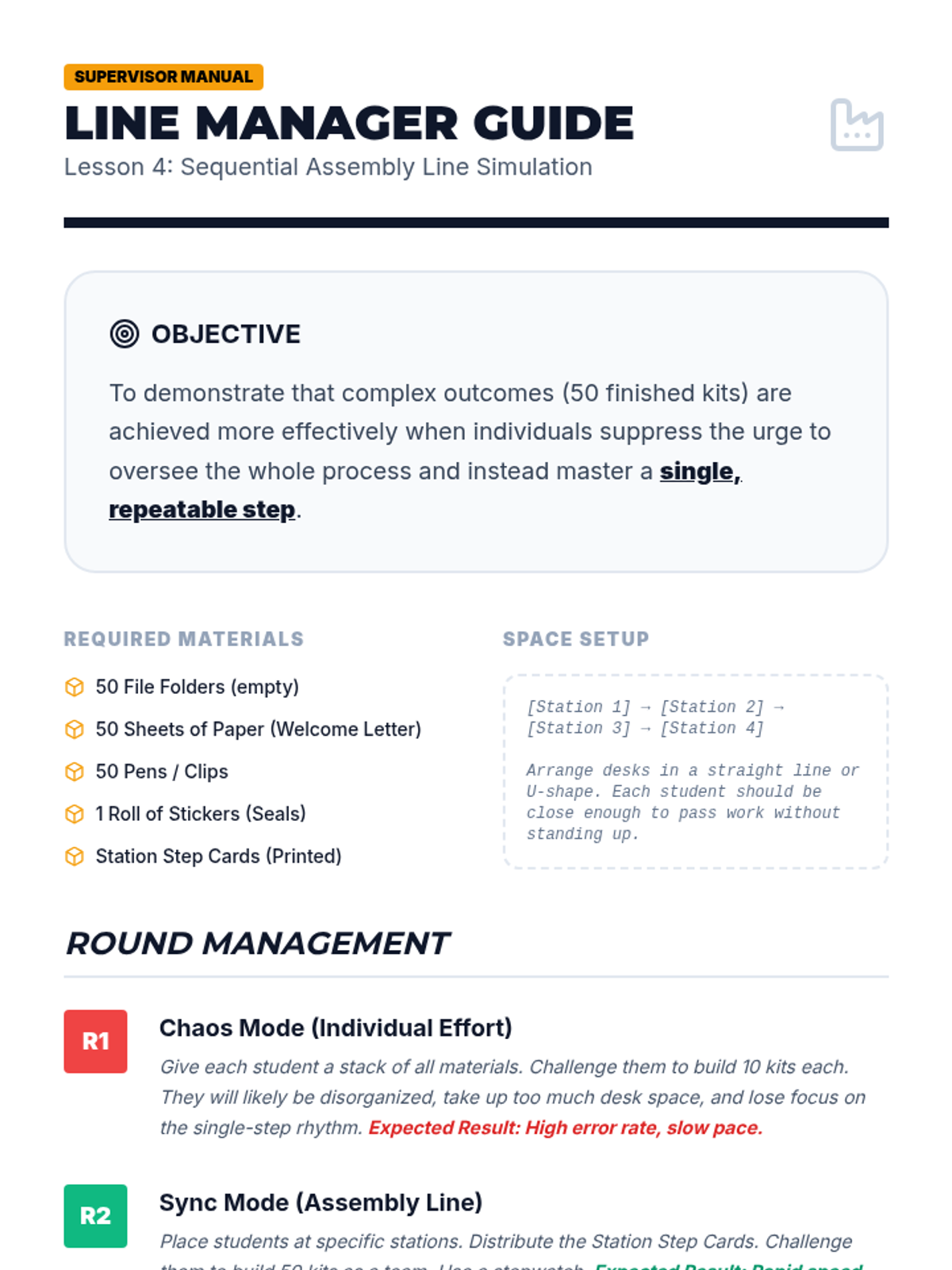
A simulation where students function as part of an assembly line, focusing exclusively on their specific single-step task to ensure overall efficiency.