Visual schedules, timers, and task prioritization techniques to support executive functioning and independent workflow. Addresses workspace management, time estimation, and sequential task breakdown for diverse learning needs.
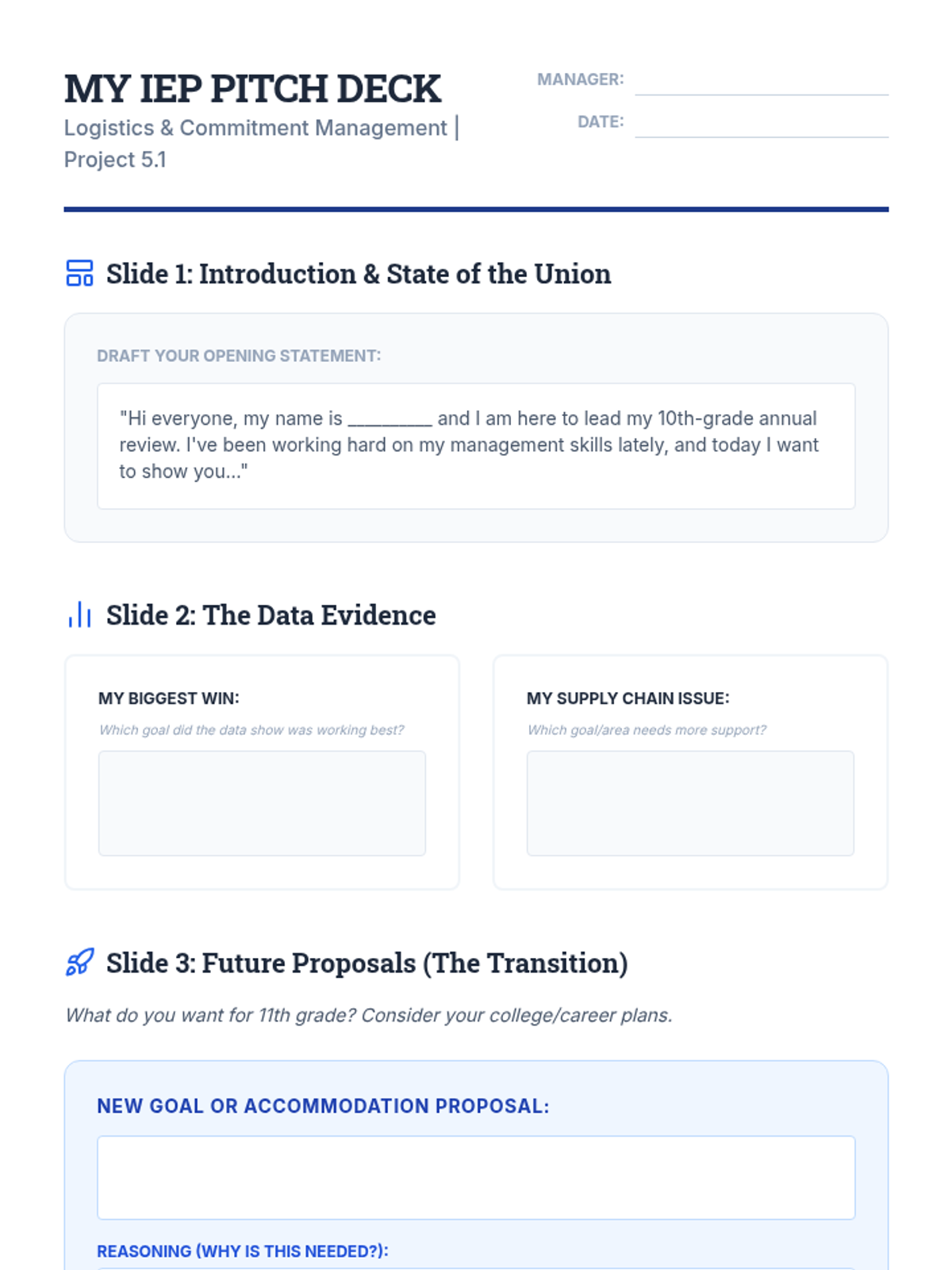
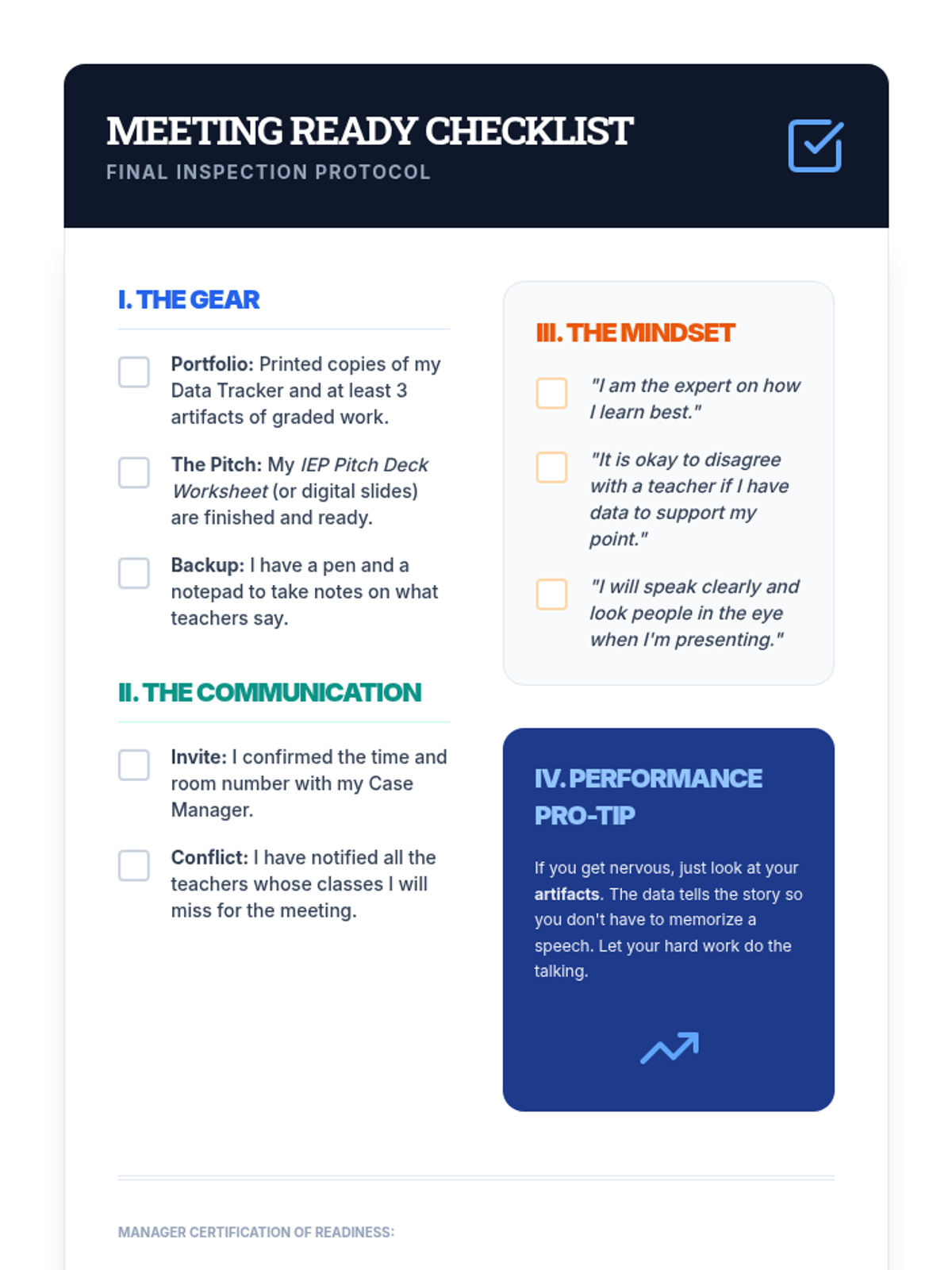
In the capstone lesson, students synthesize their scheduling, organization, and data-tracking efforts to prepare a professional presentation for their next IEP meeting. They practice leading the conversation about their own future.
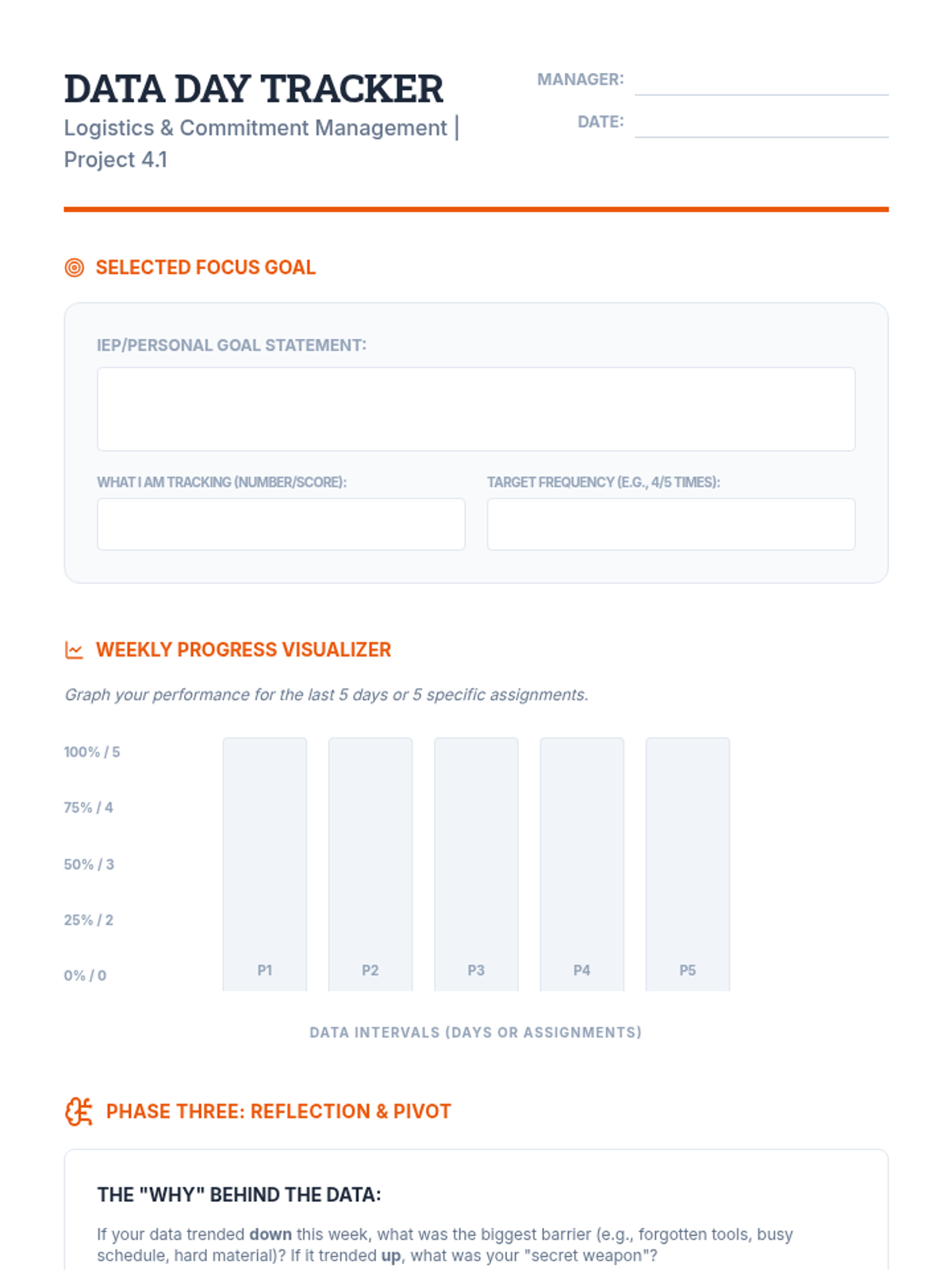
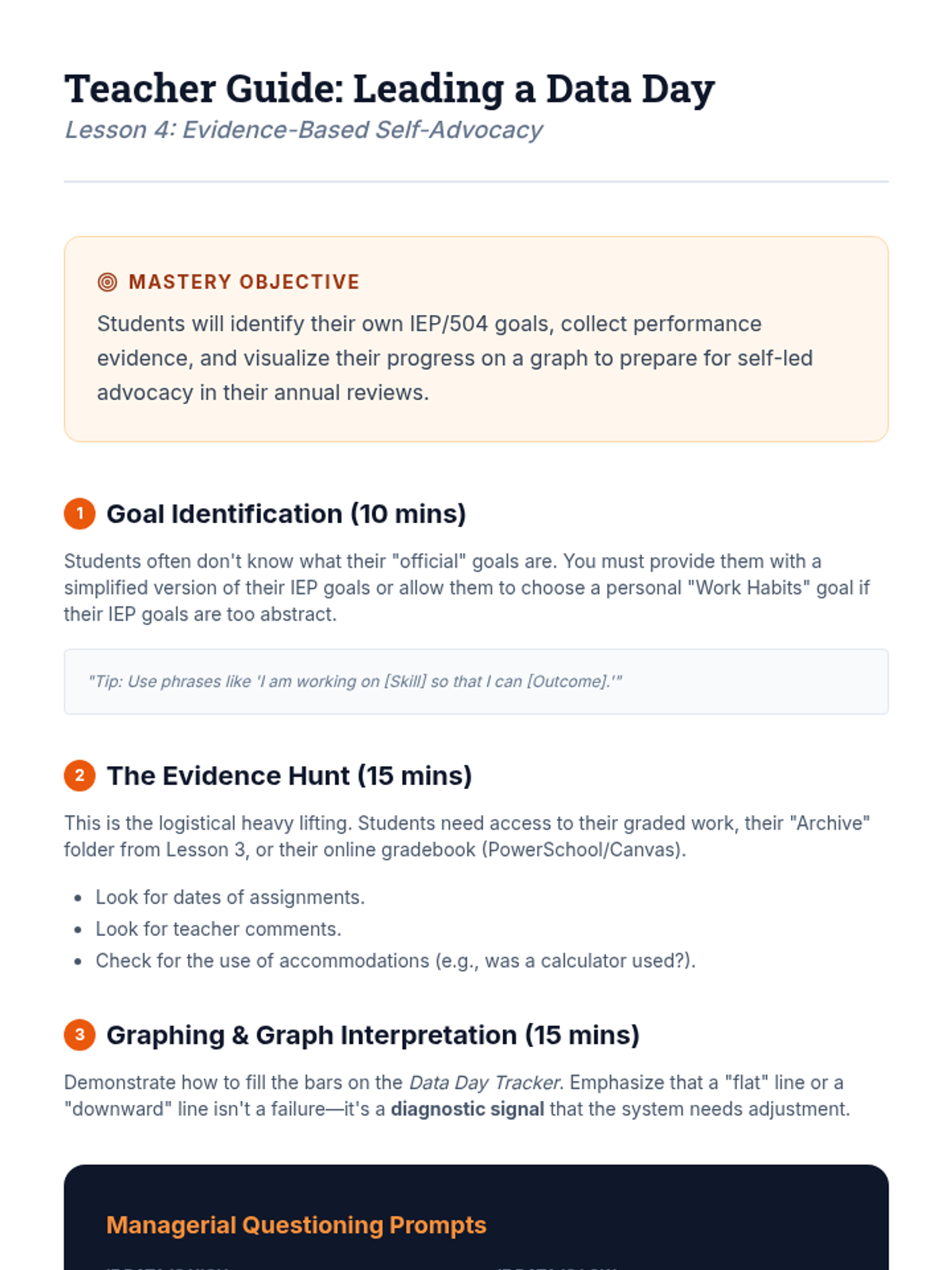
Students take charge of their own progress by learning to track data against their IEP goals. They develop a 'Data Day' routine for self-reflection and objective performance monitoring.
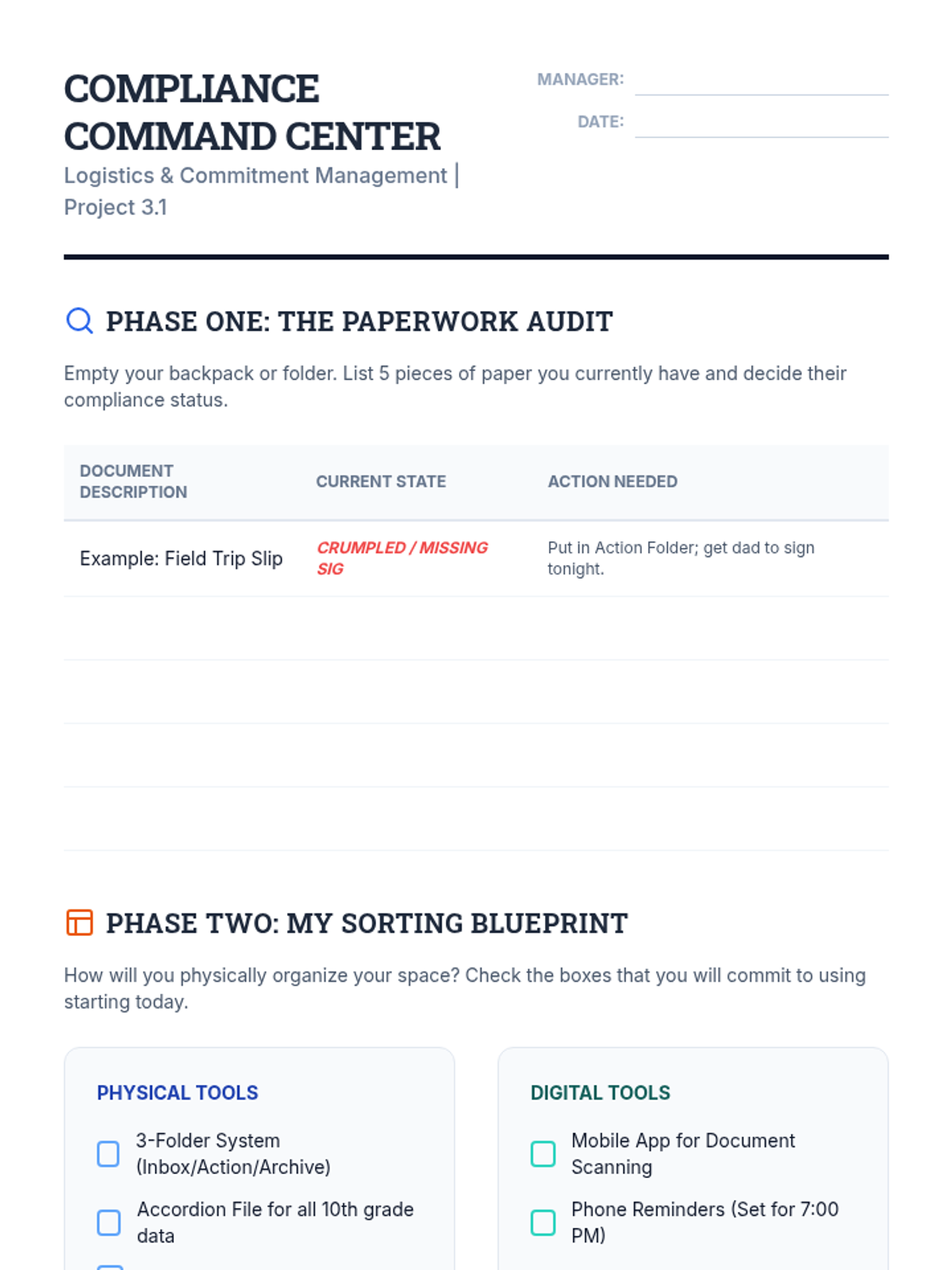
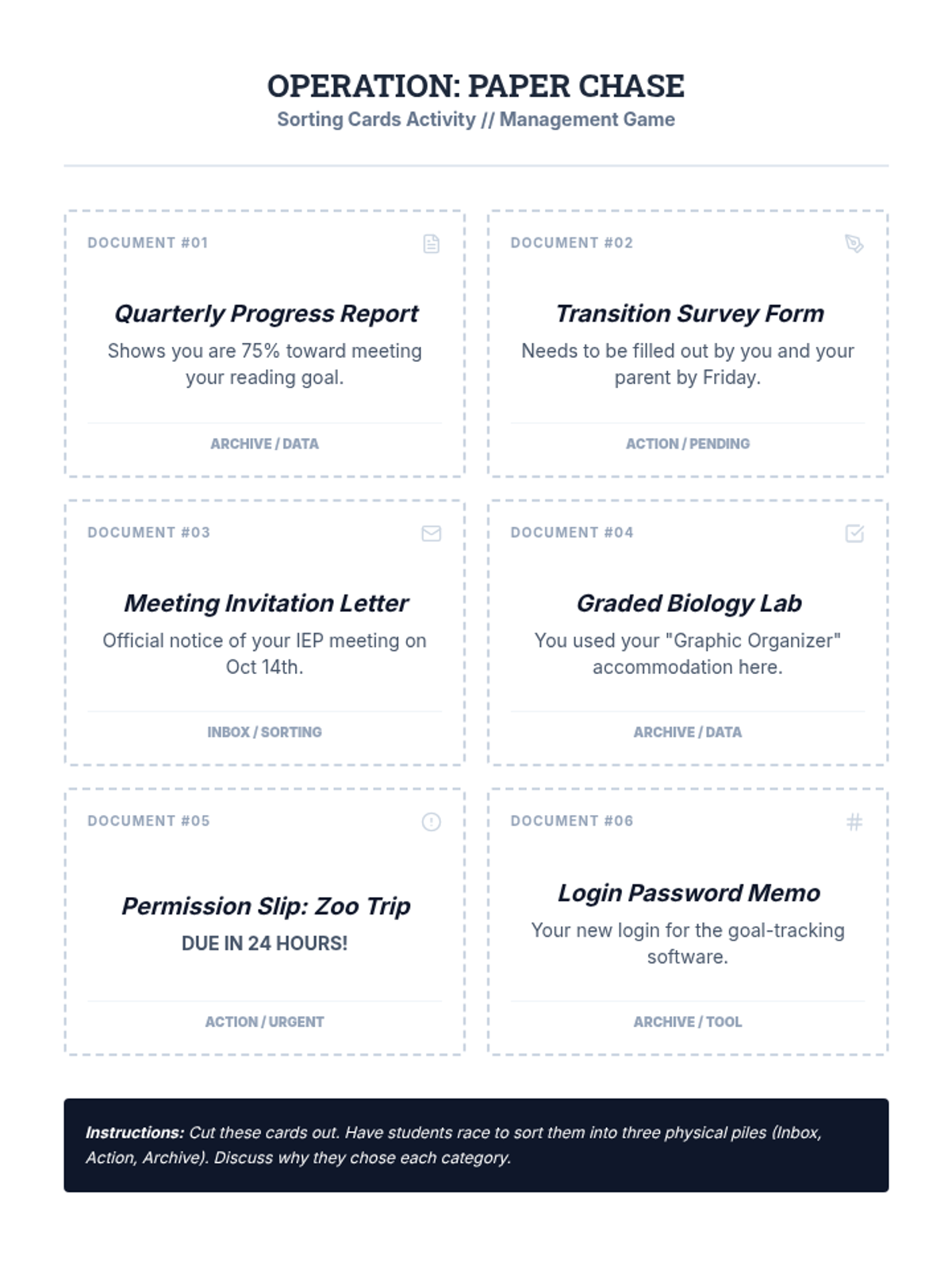
Students tackle the administrative side of education, from permission slips to agenda management. They develop a personal 'compliance system' to stay organized and responsible for their own paperwork.
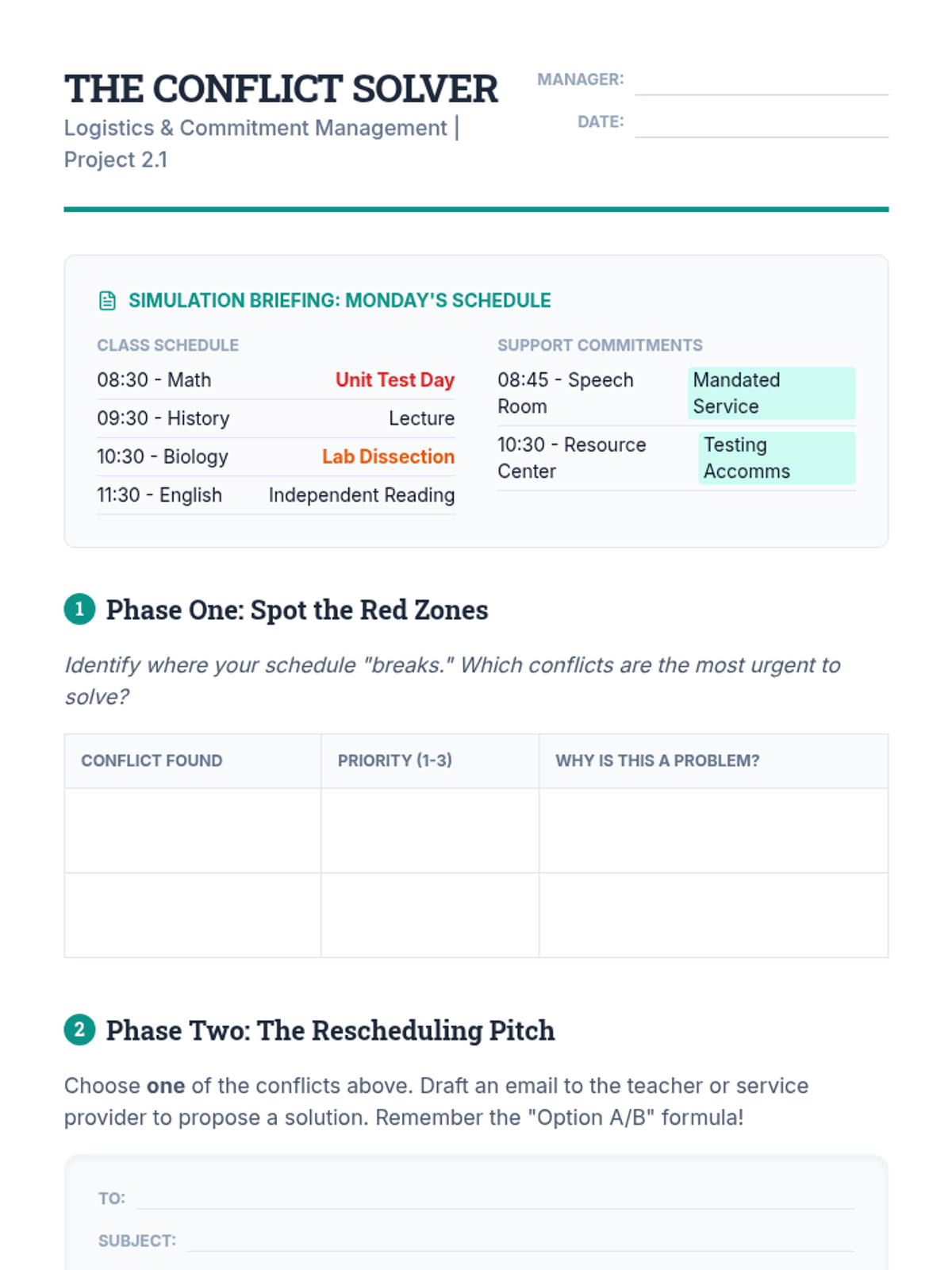
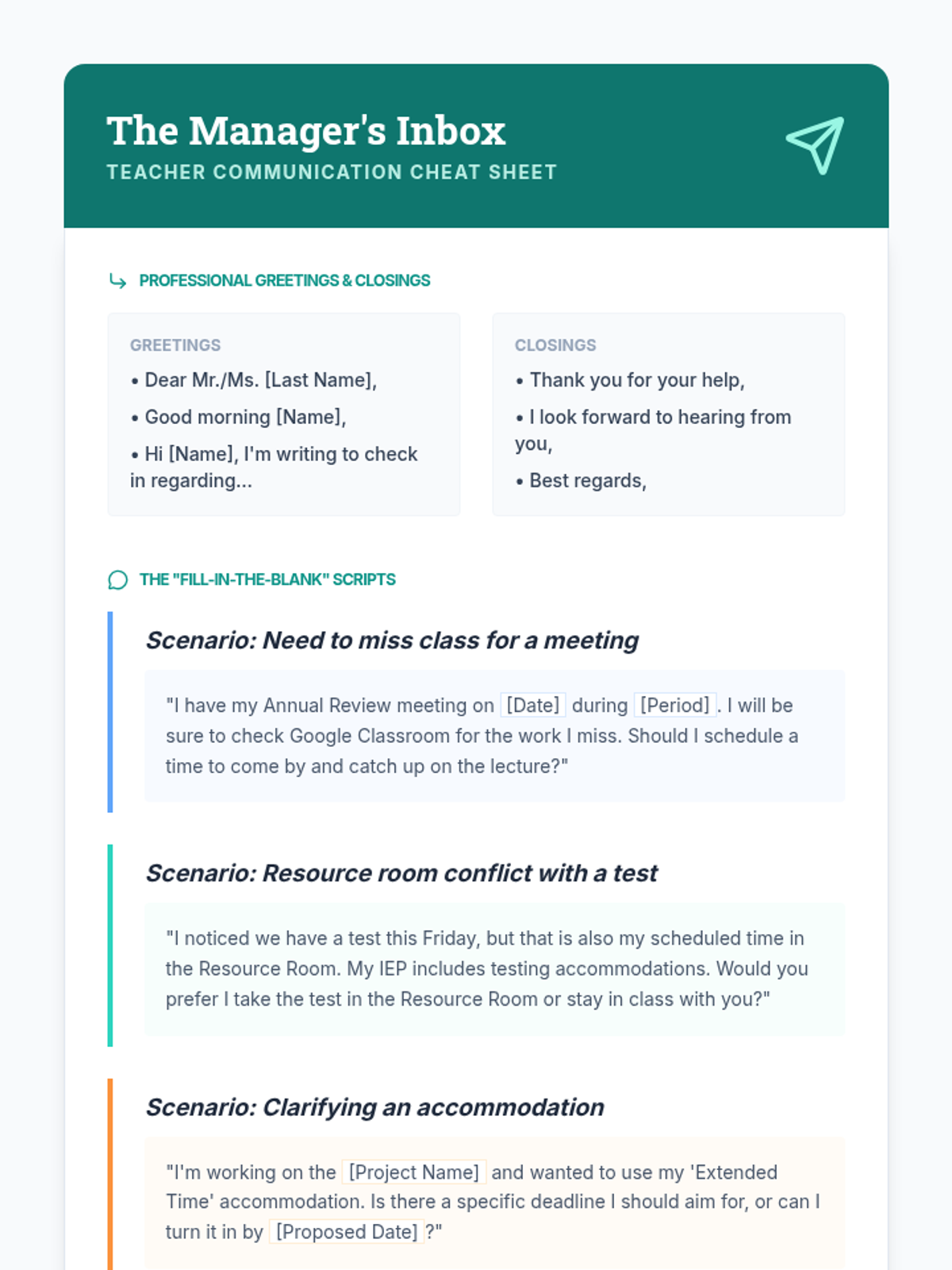
Students learn the art of coordinating conflicting schedules, focusing on the overlap between general education classes and mandated support services. They practice professional communication to resolve these conflicts.
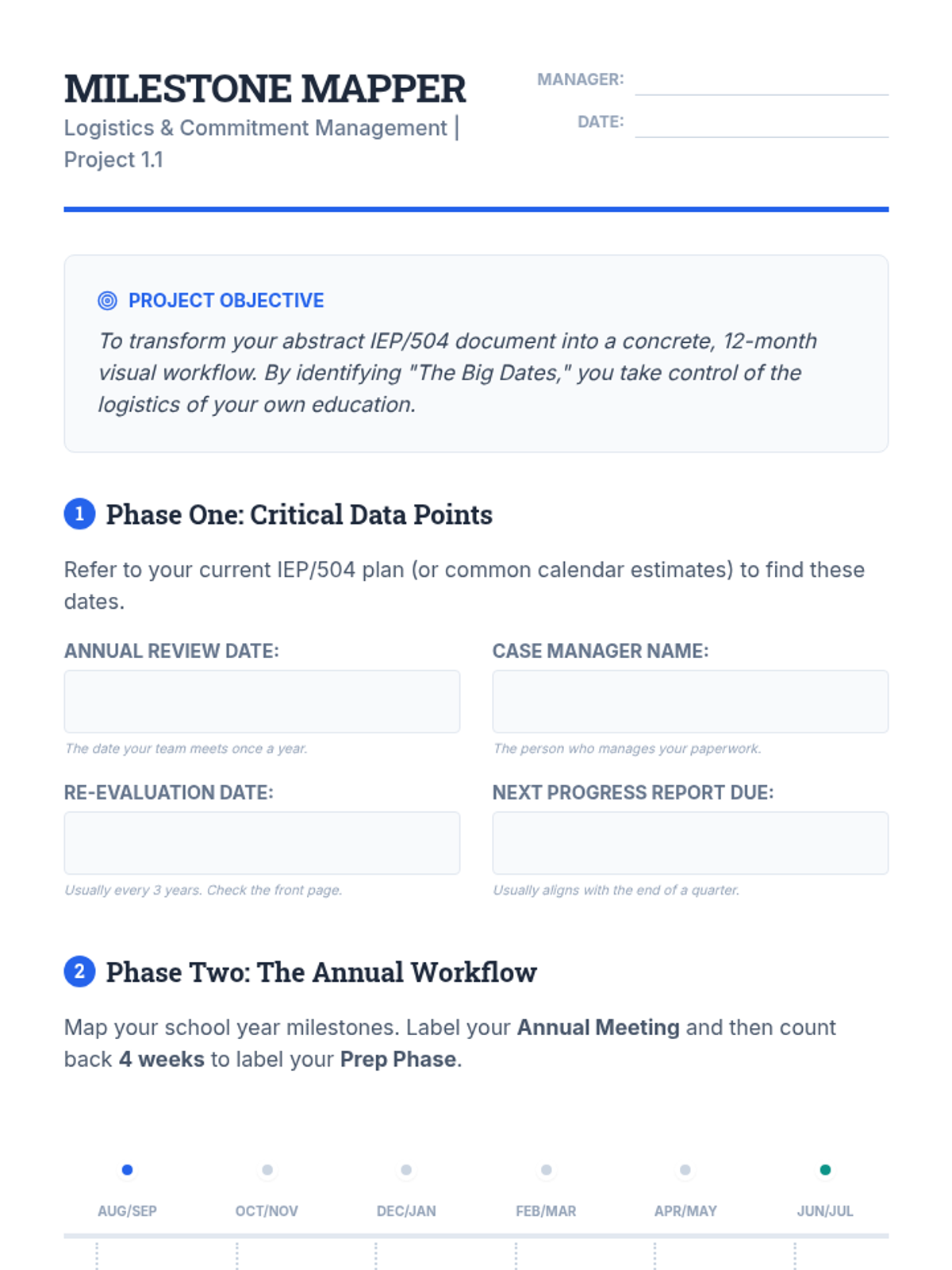
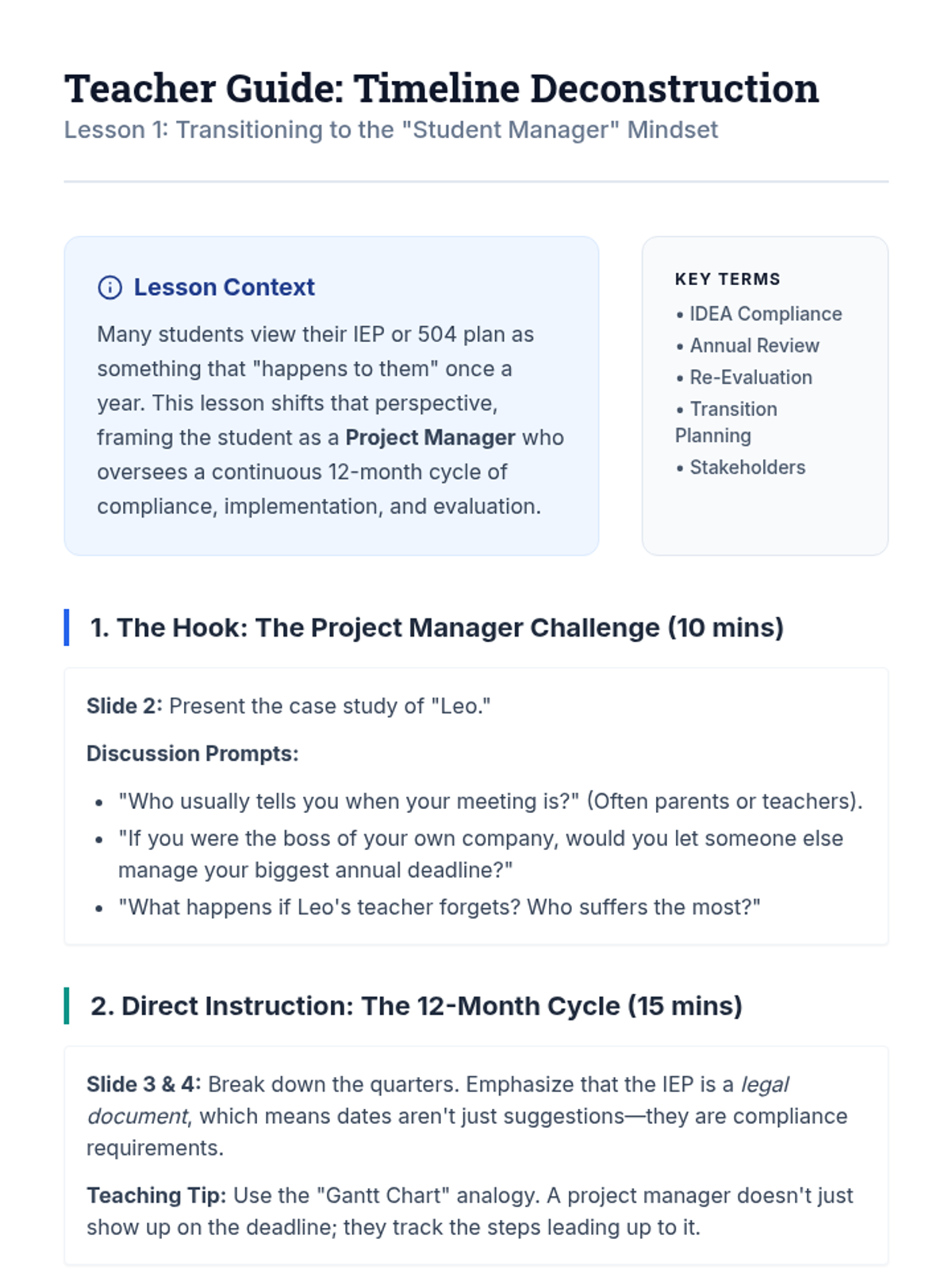
Students act as project managers to deconstruct the annual IEP/504 cycle, identifying critical deadlines and mapping out their own educational timelines.
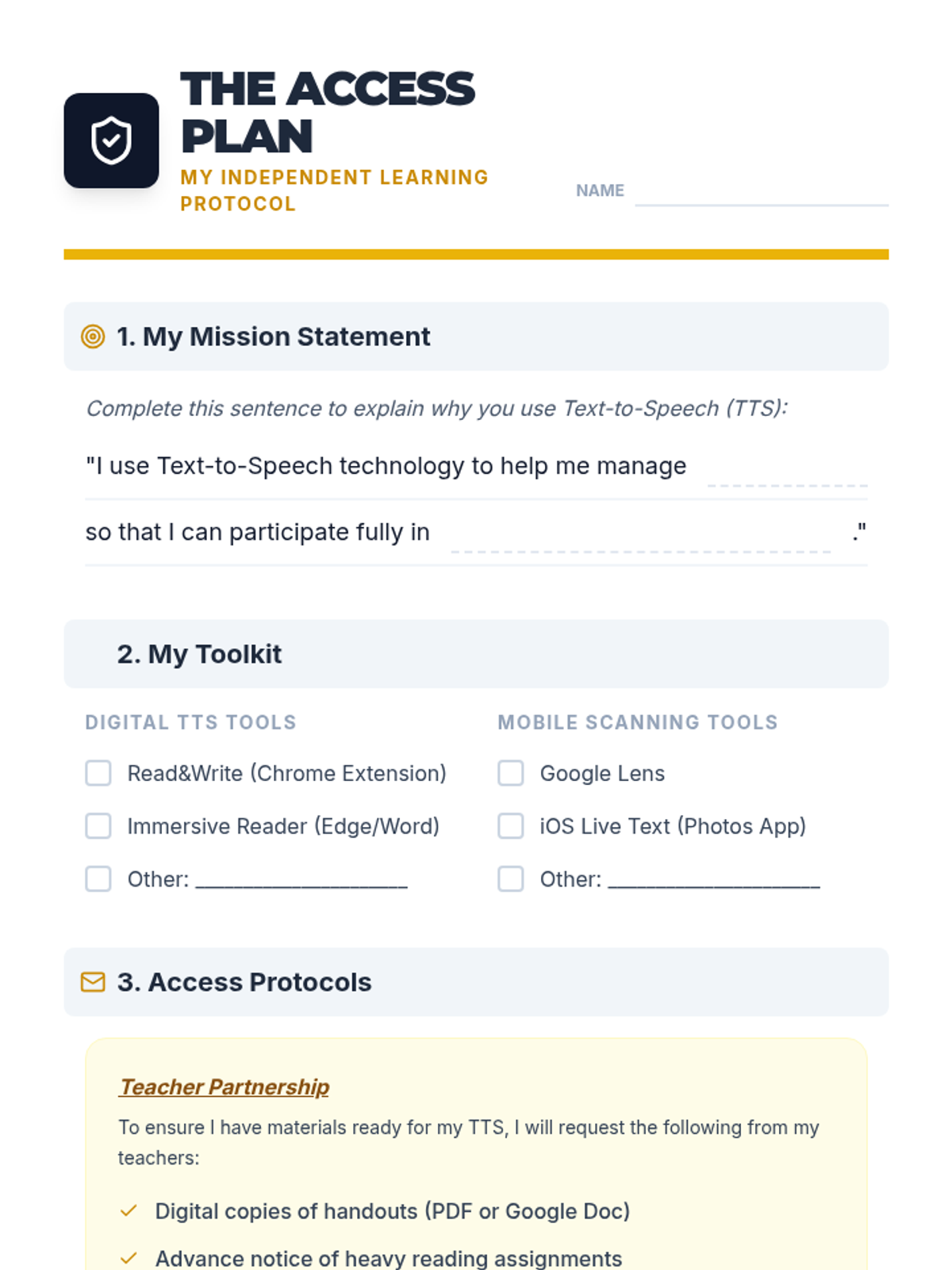
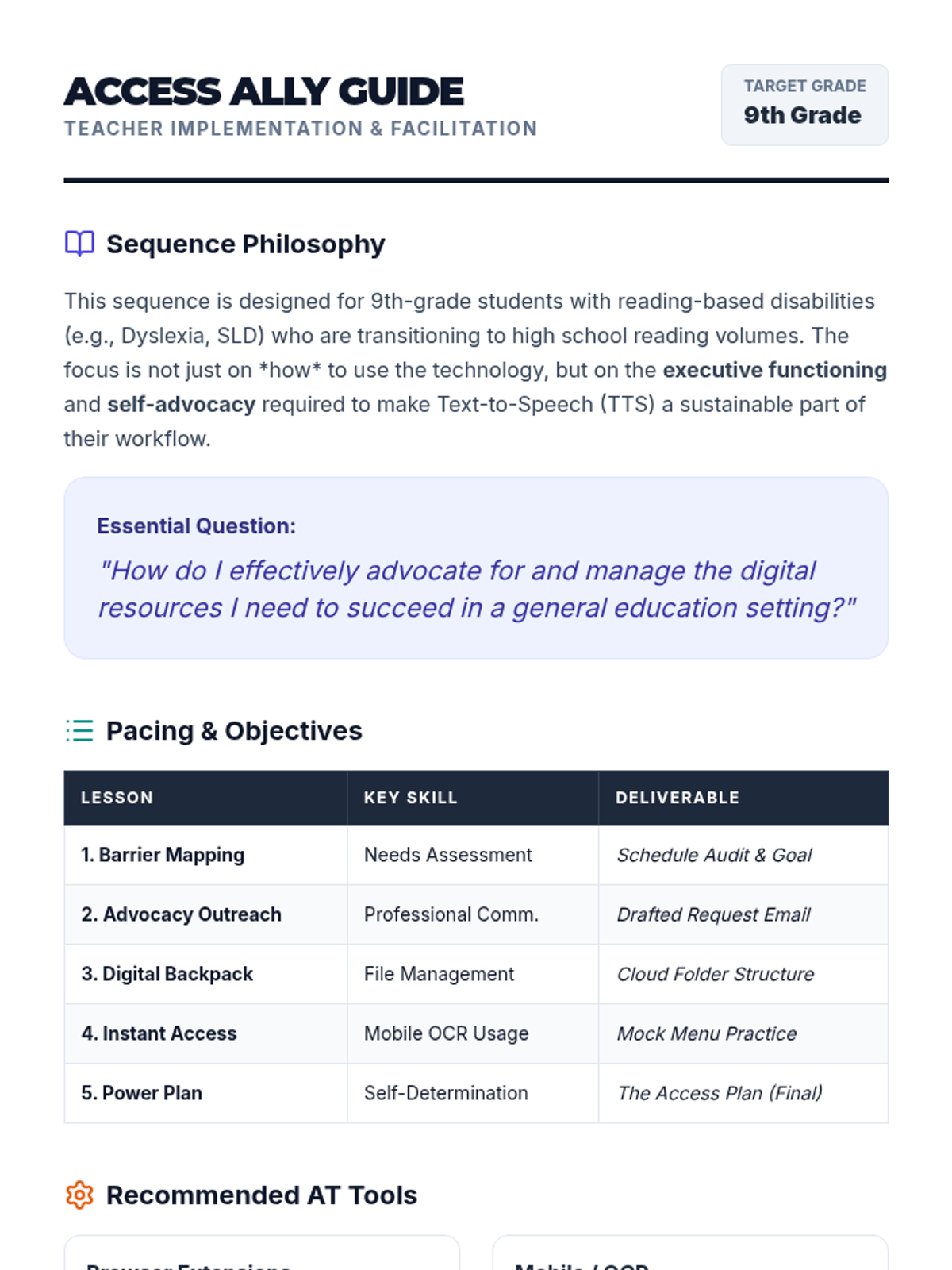
Culminating project where students synthesize their learning into a one-page 'Access Plan' and practice presenting it to teachers or IEP team members.
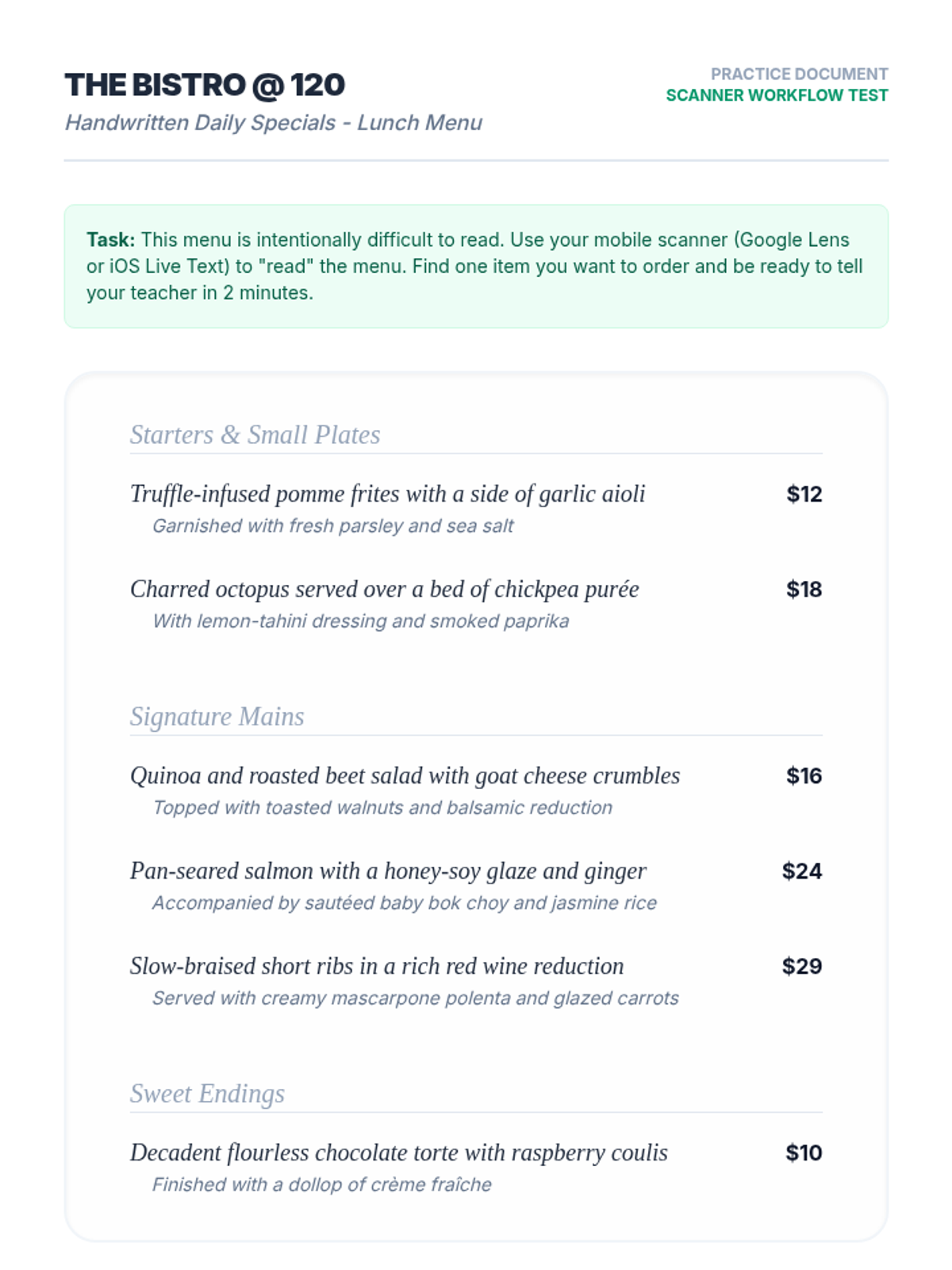
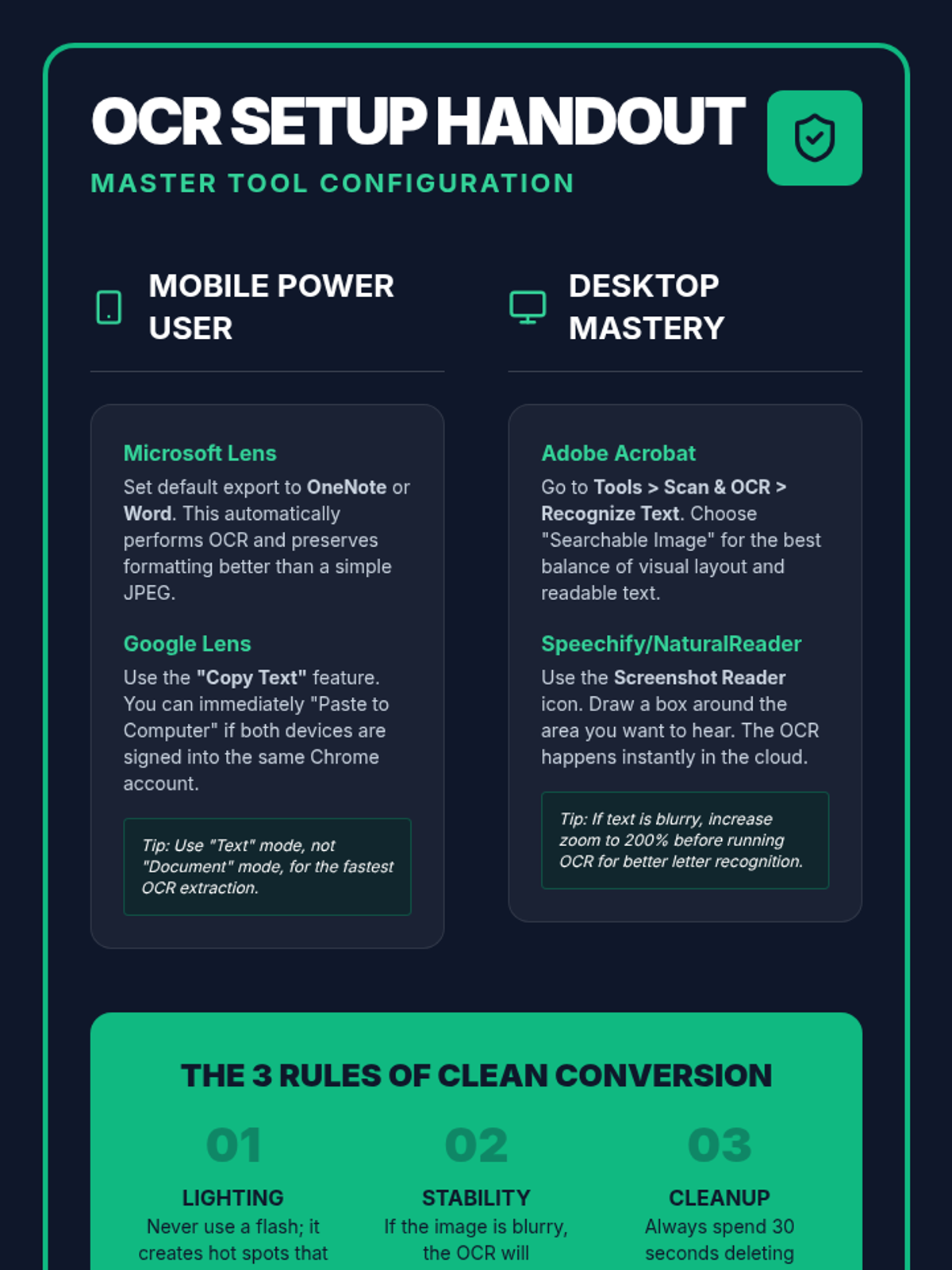
Students master the use of mobile OCR (Optical Character Recognition) apps to convert physical handouts into digital, speech-ready text on the fly.
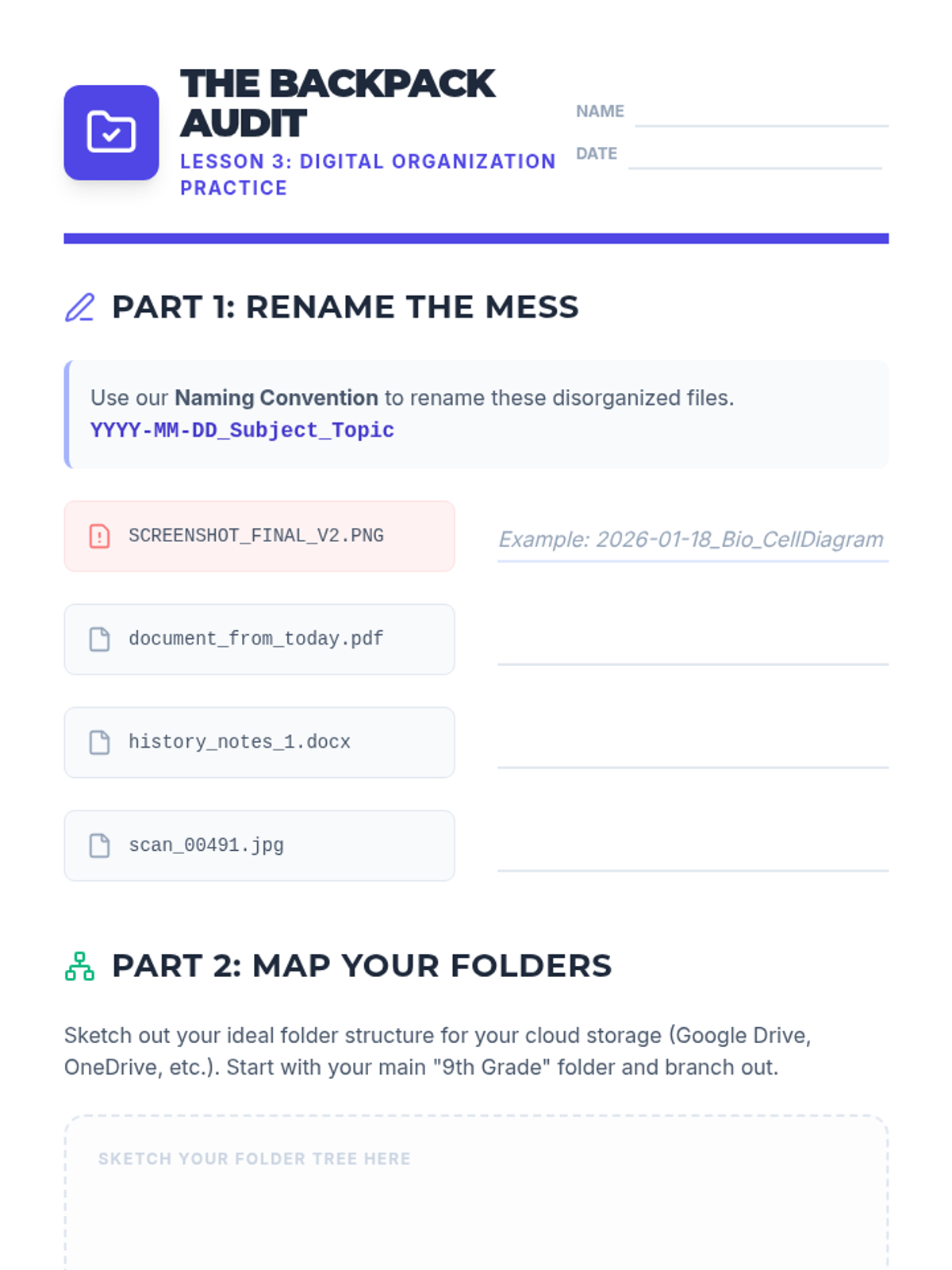
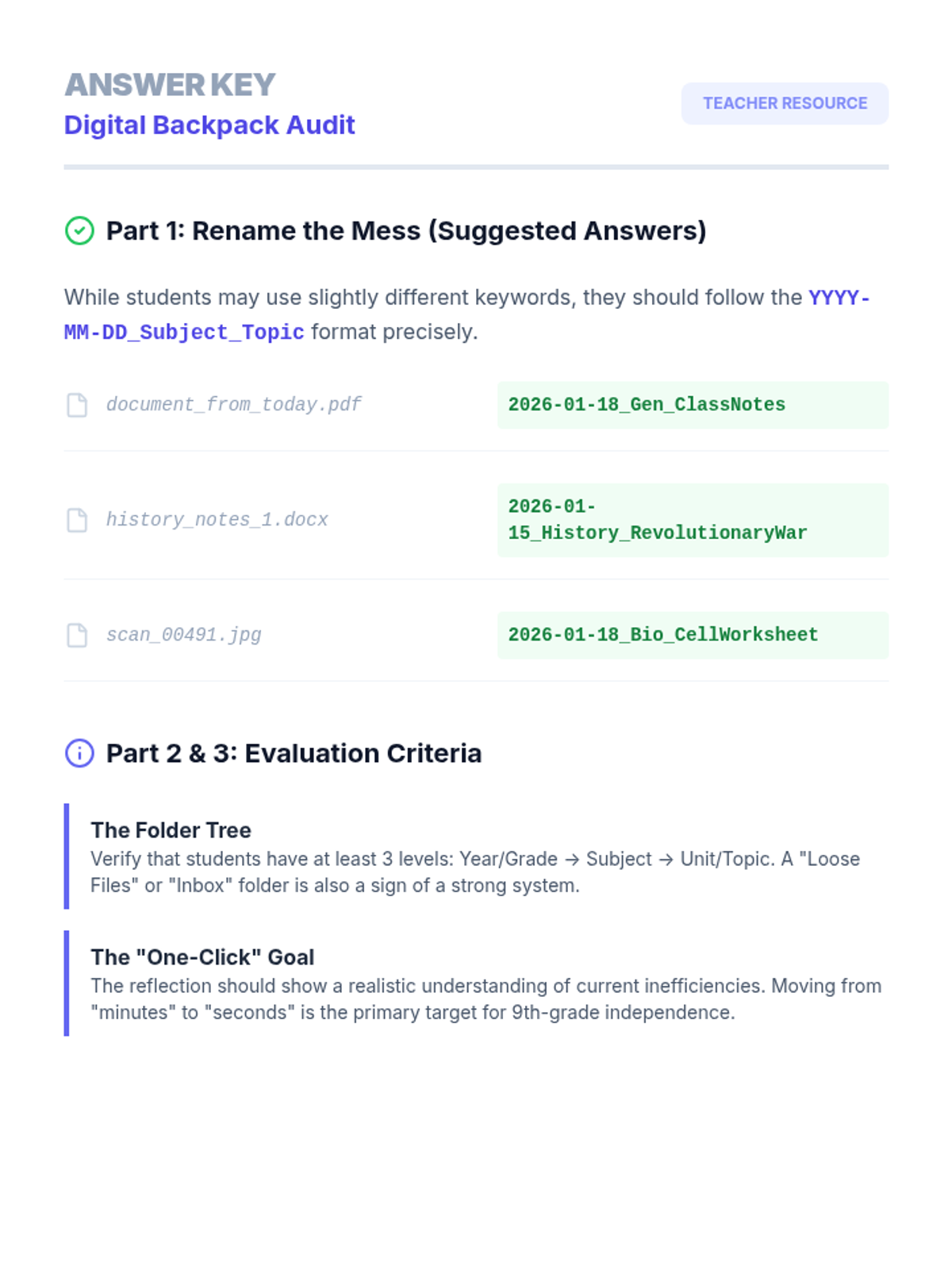
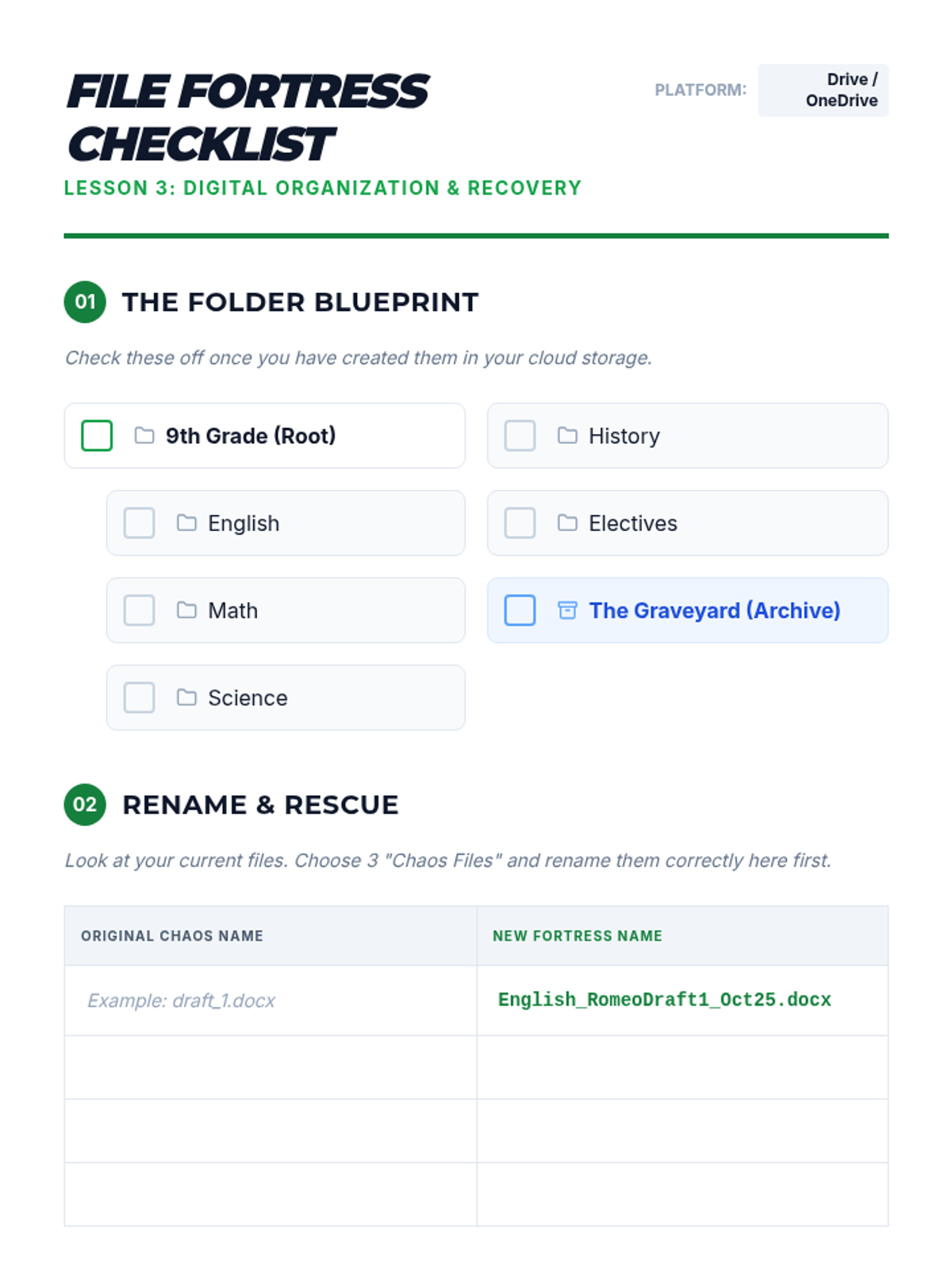
Focuses on the executive functioning skills needed to organize digital files for easy use with TTS. Students develop naming conventions and cloud storage systems to keep their 'digital backpack' accessible.
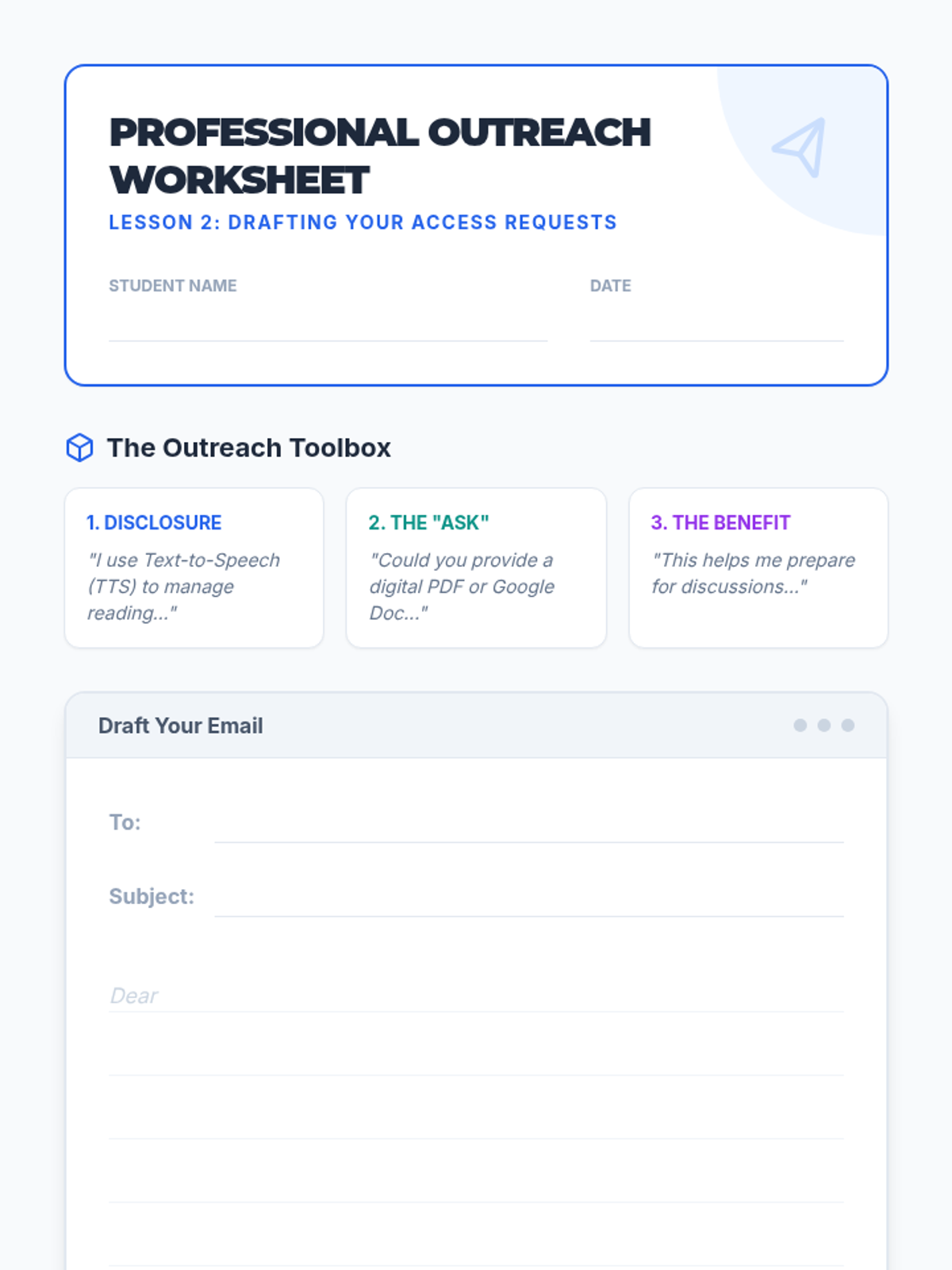
Students learn the components of professional communication to request digital versions of classroom materials. They practice drafting emails that clearly articulate their need for accessible text.
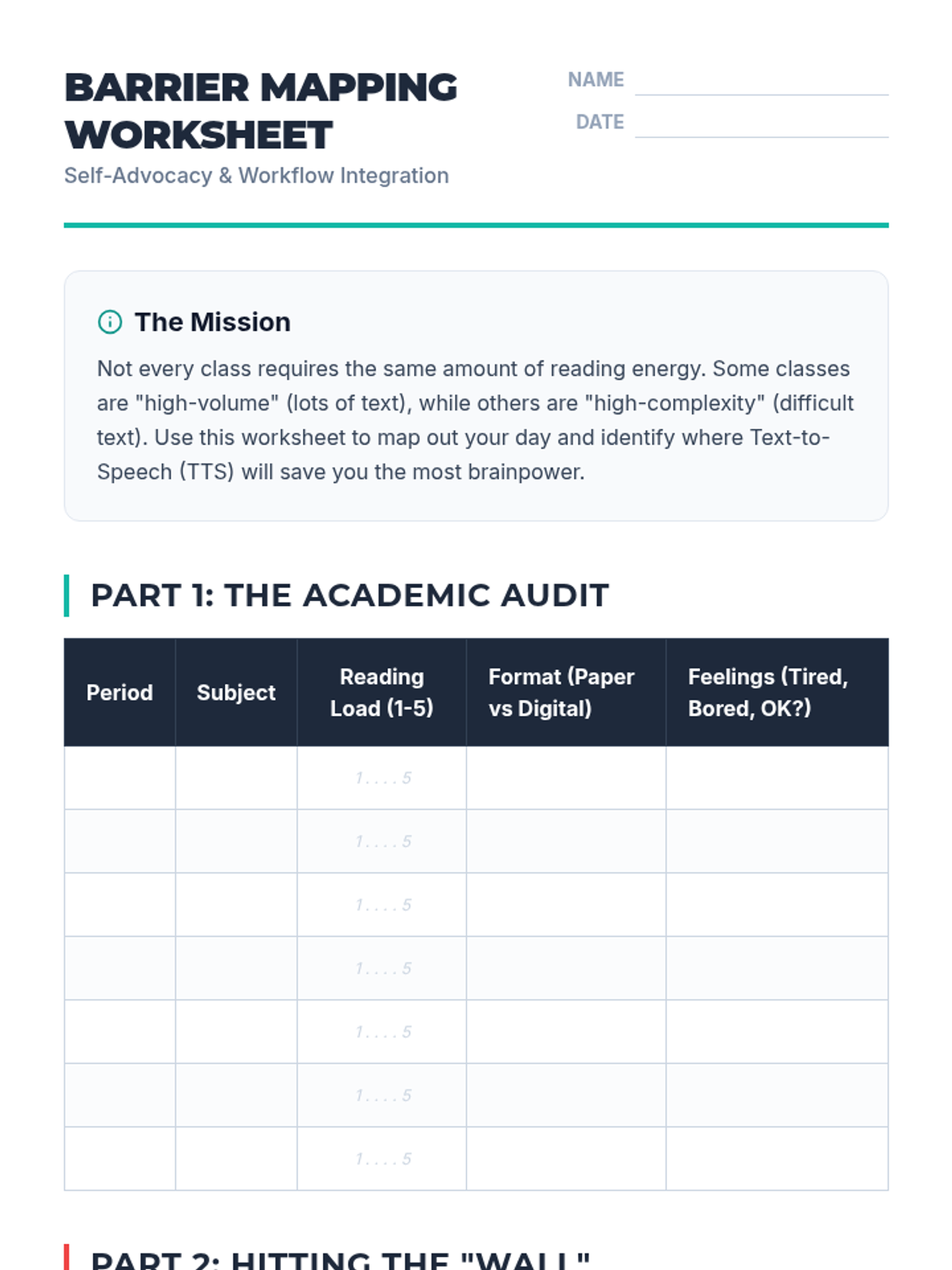
Students analyze their class schedules to identify high-volume reading tasks and pinpoint where Text-to-Speech (TTS) will provide the most benefit. They create a visual 'Barrier Map' to guide their advocacy efforts.
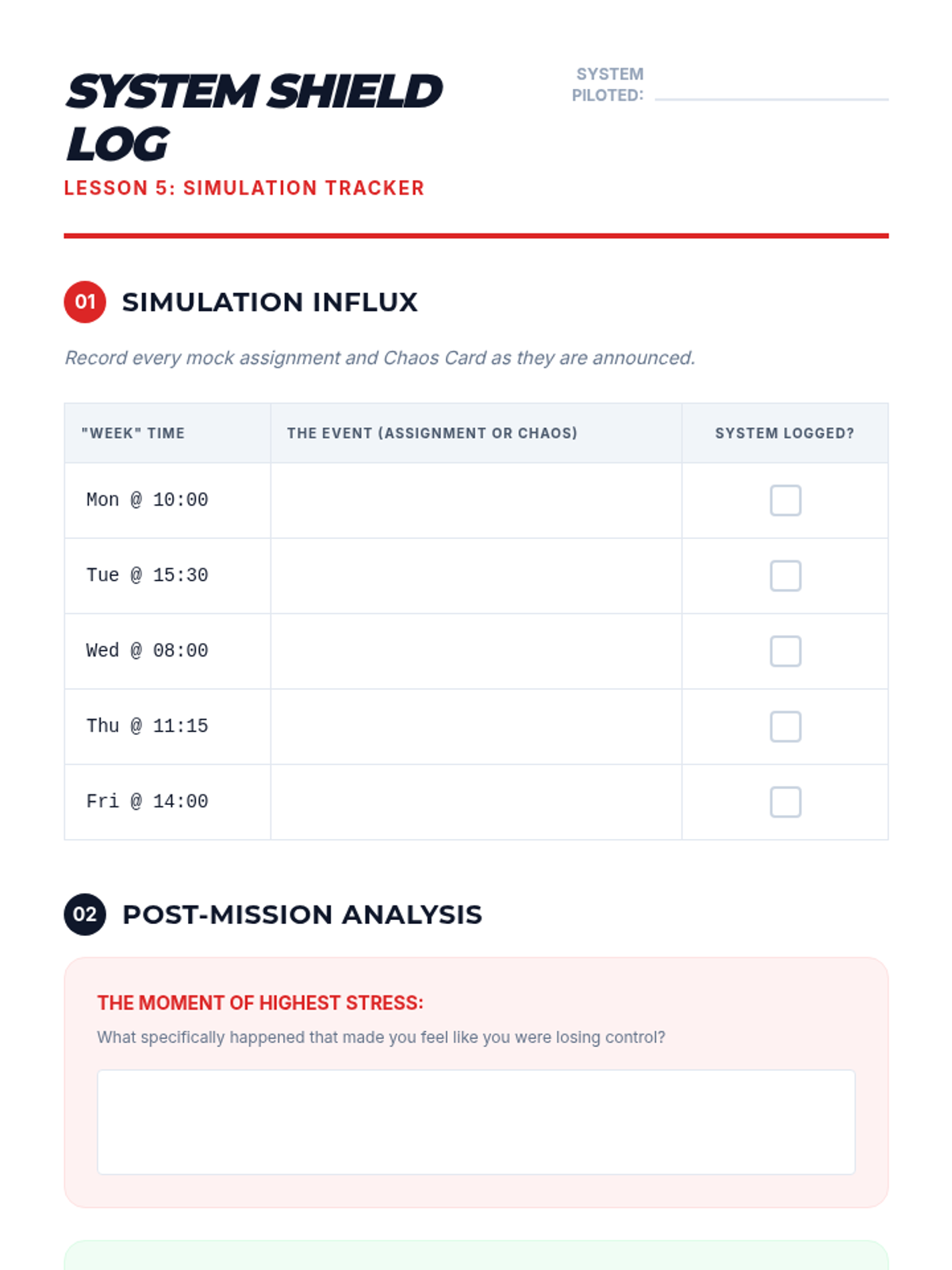
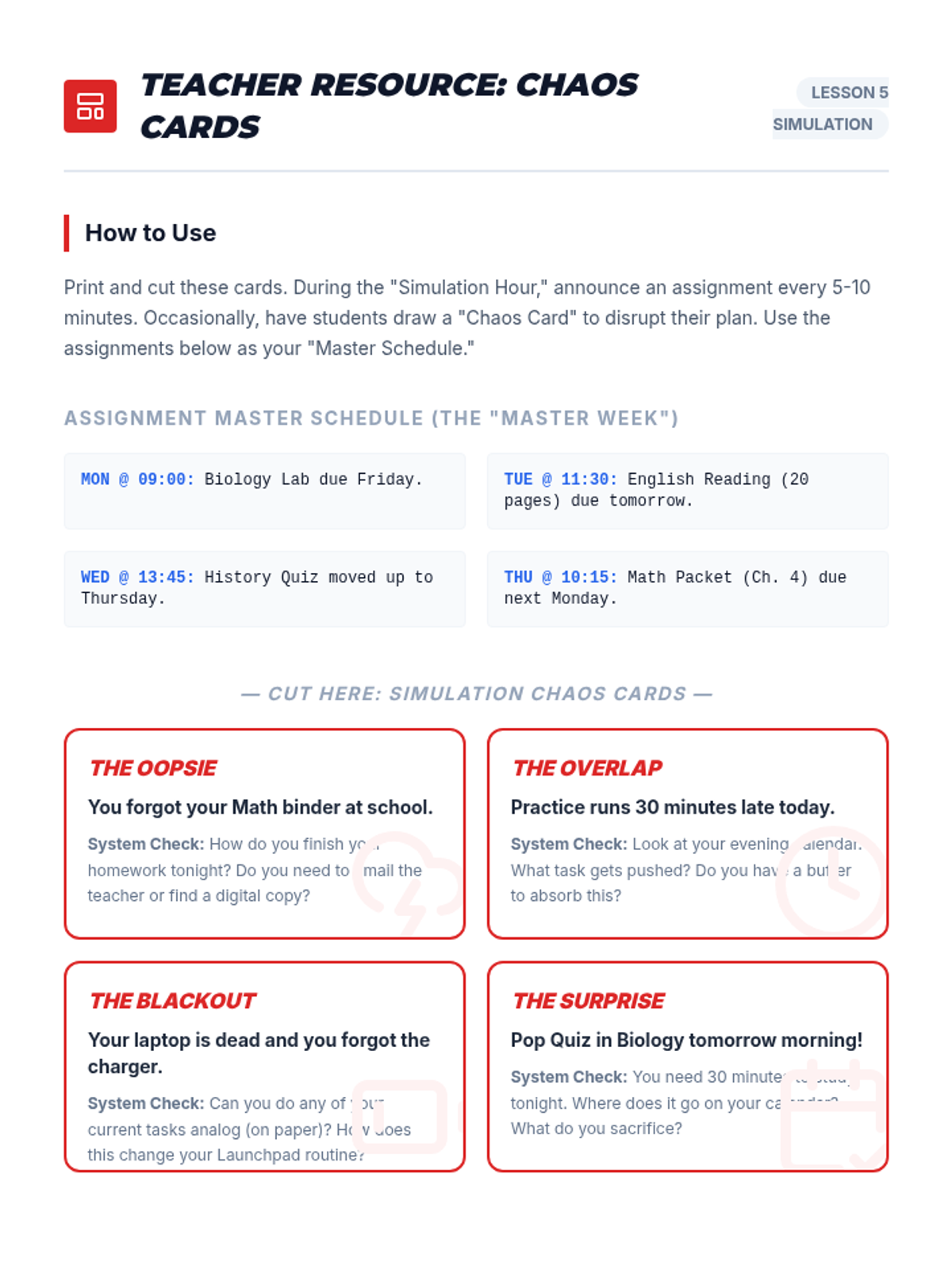
Students put their systems to the test with a 'Simulated Week' activity involving mock assignments and surprise events, followed by reflection.
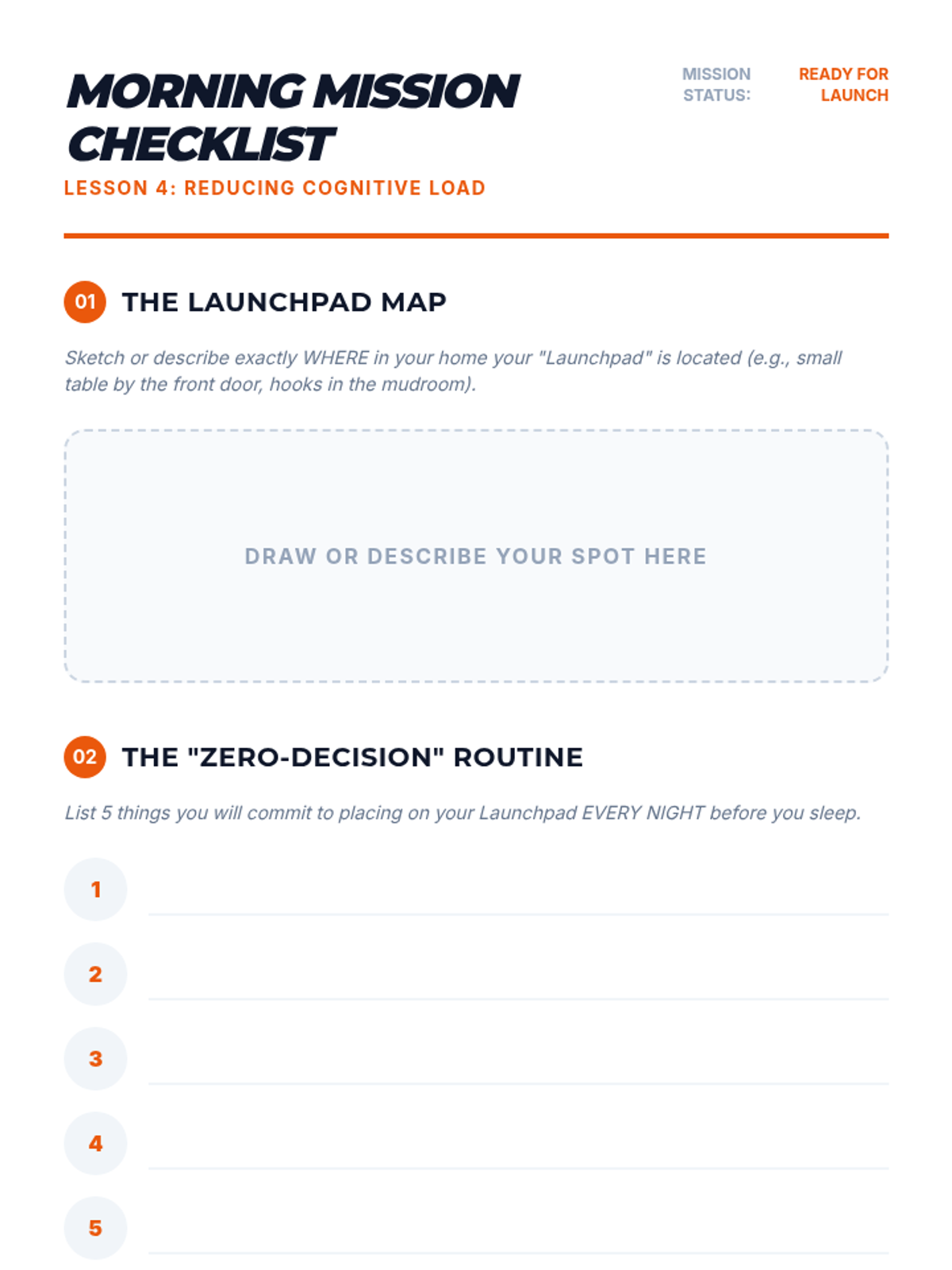
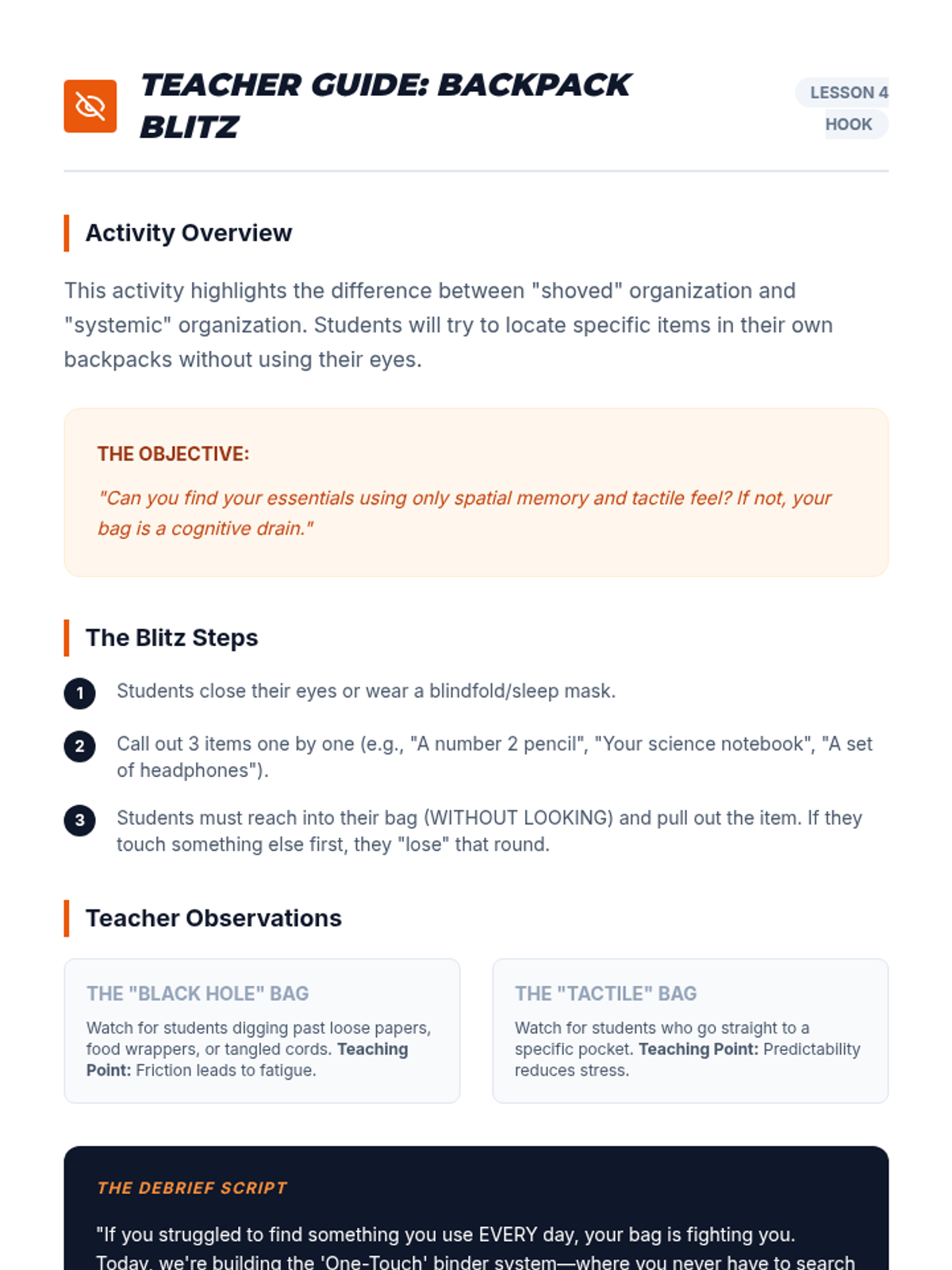
Students develop systems for physical materials, including binder organization and a 'launchpad' routine to reduce morning cognitive load.
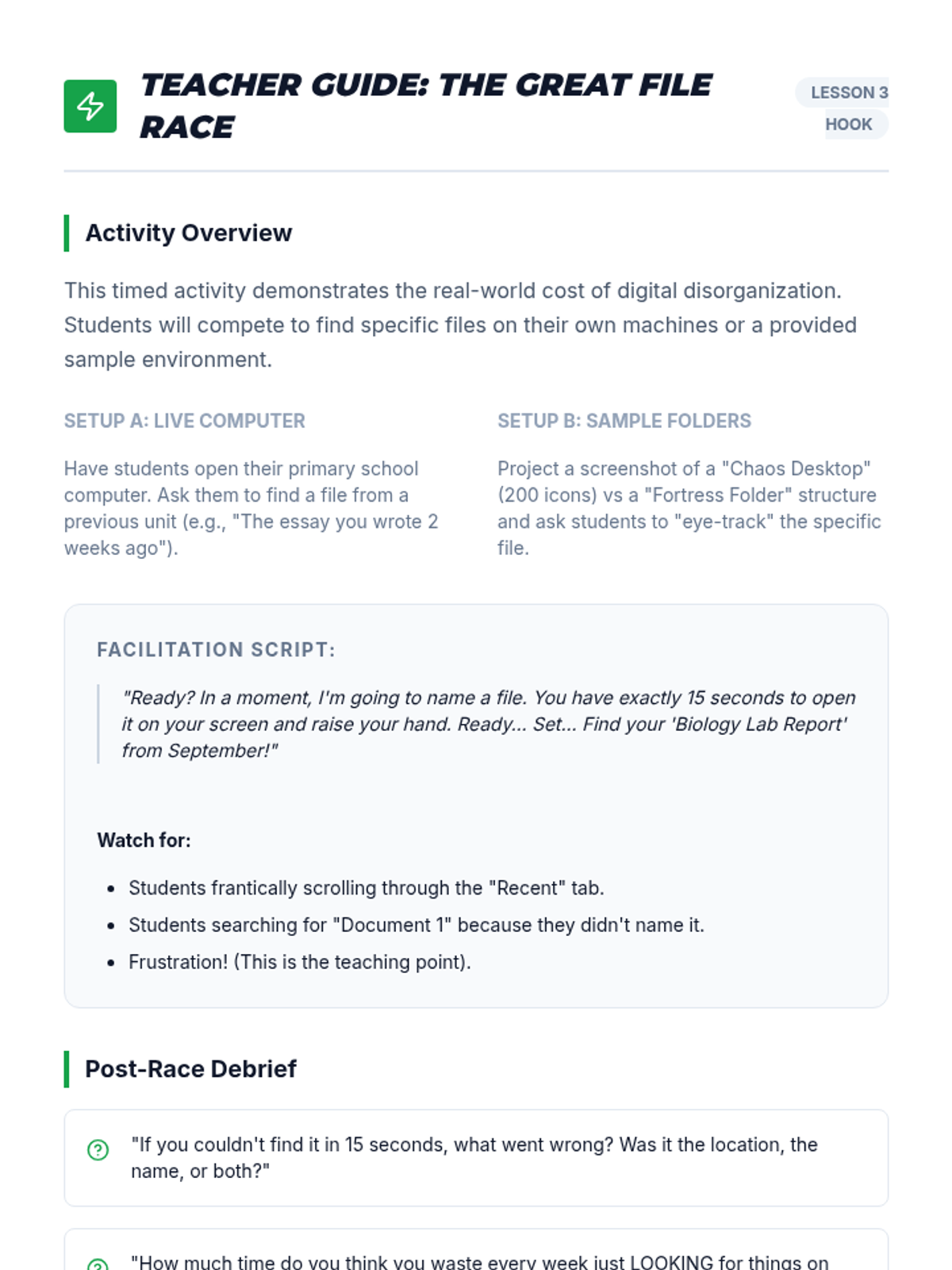
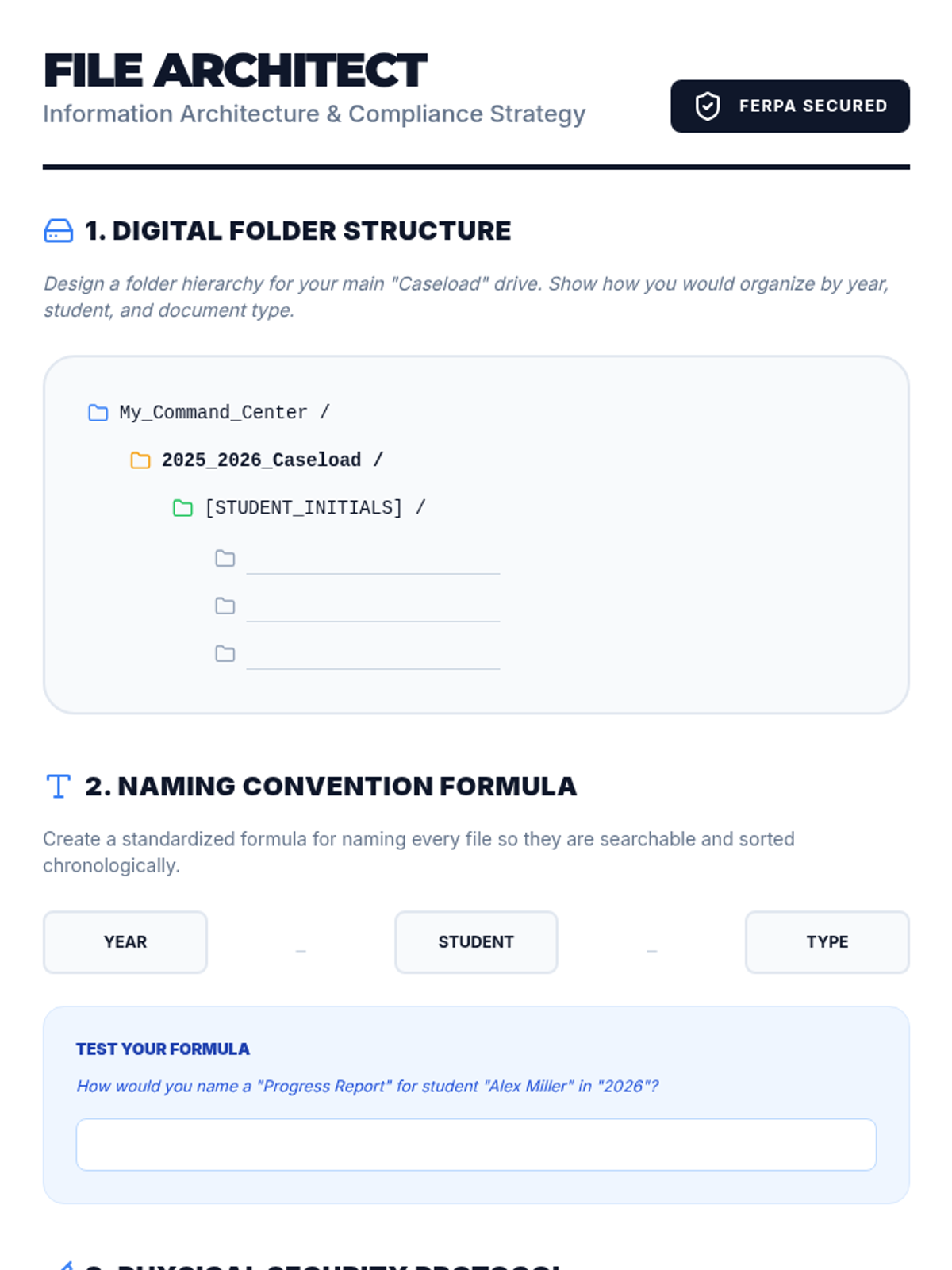
Students learn naming conventions and folder hierarchies for digital storage, focusing on quick retrieval to avoid the 'missing homework' cycle.
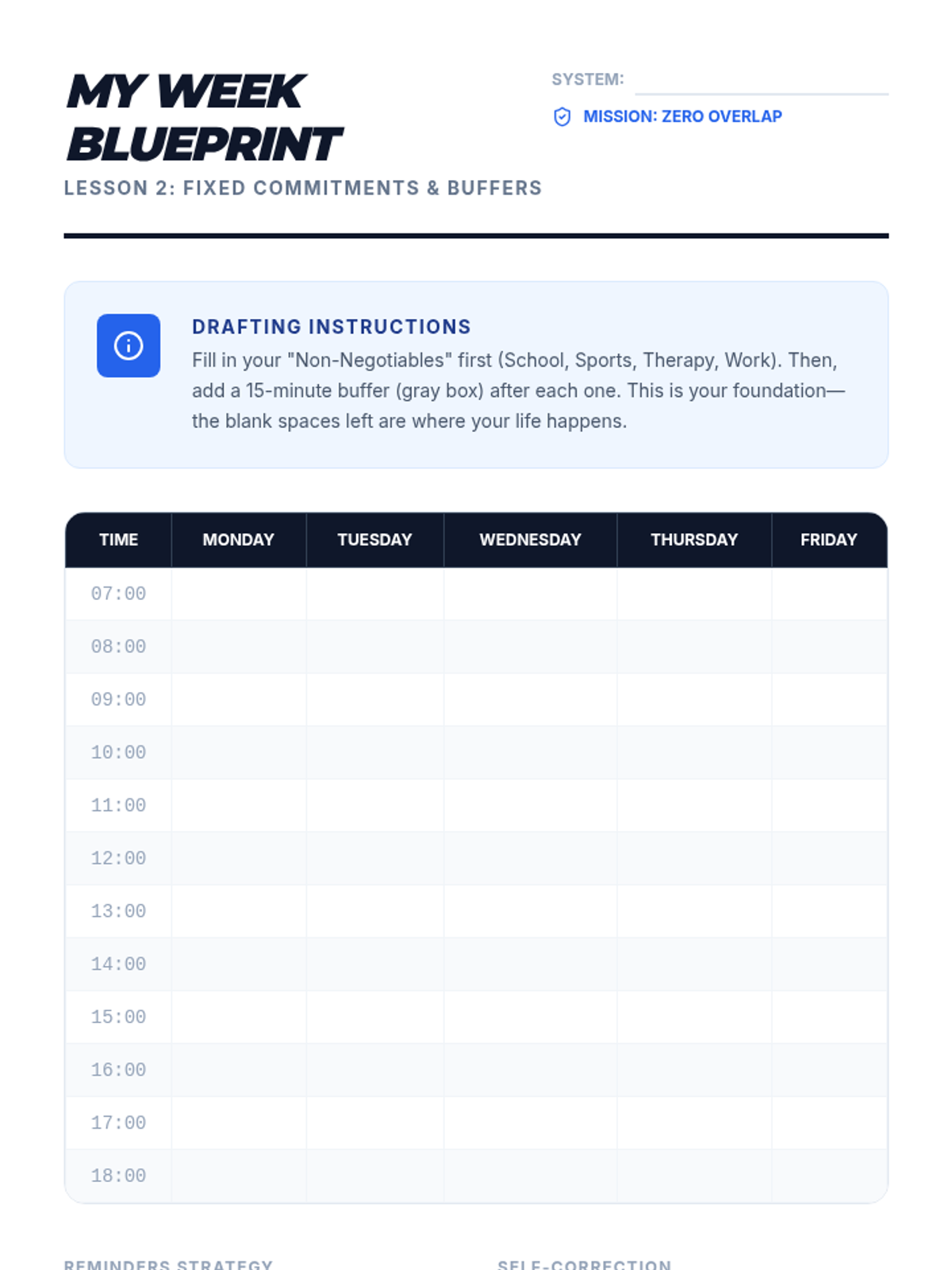
A workshop where students populate a calendar with fixed commitments, learning to set effective reminders and buffers for transition times.
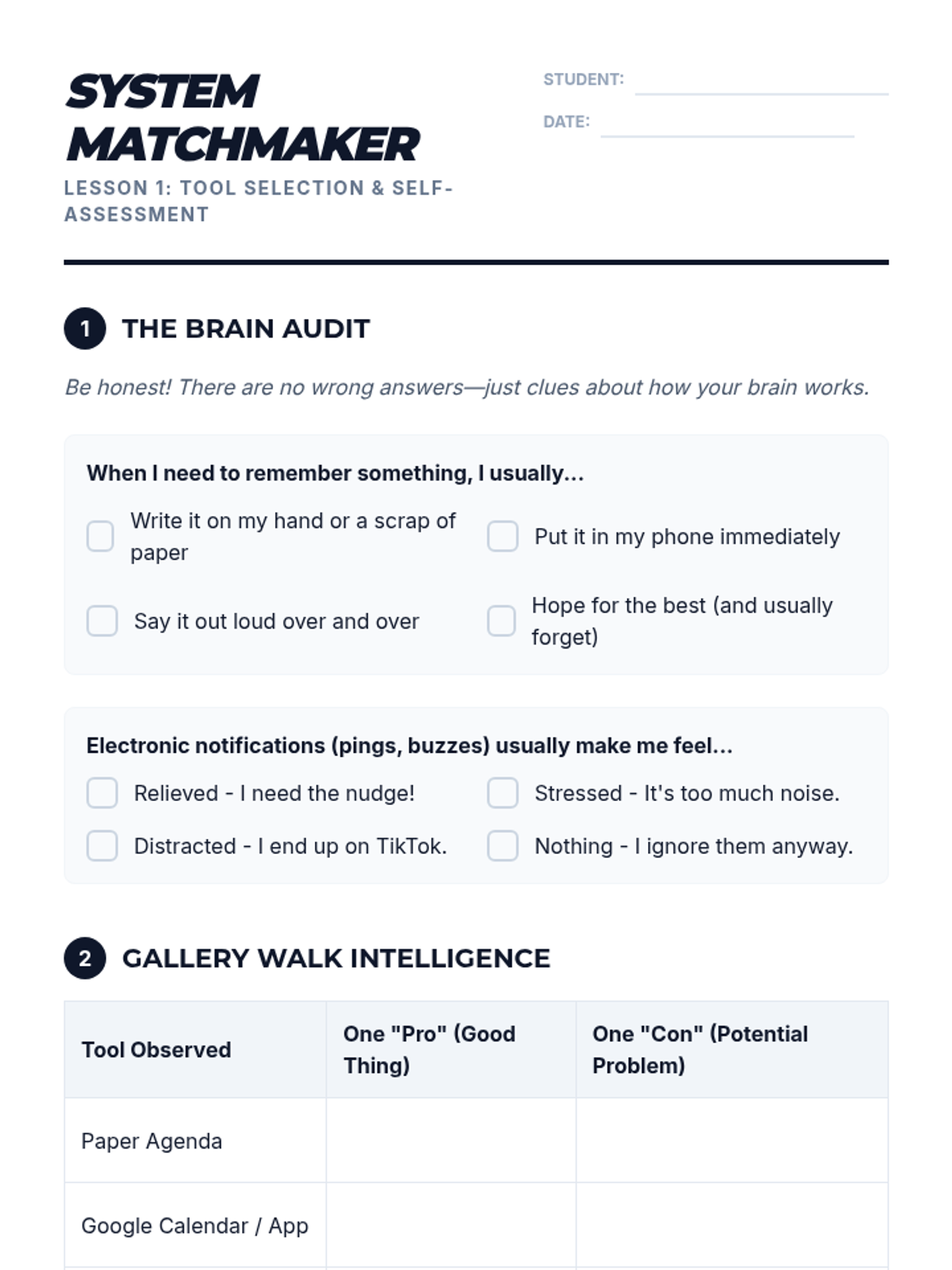
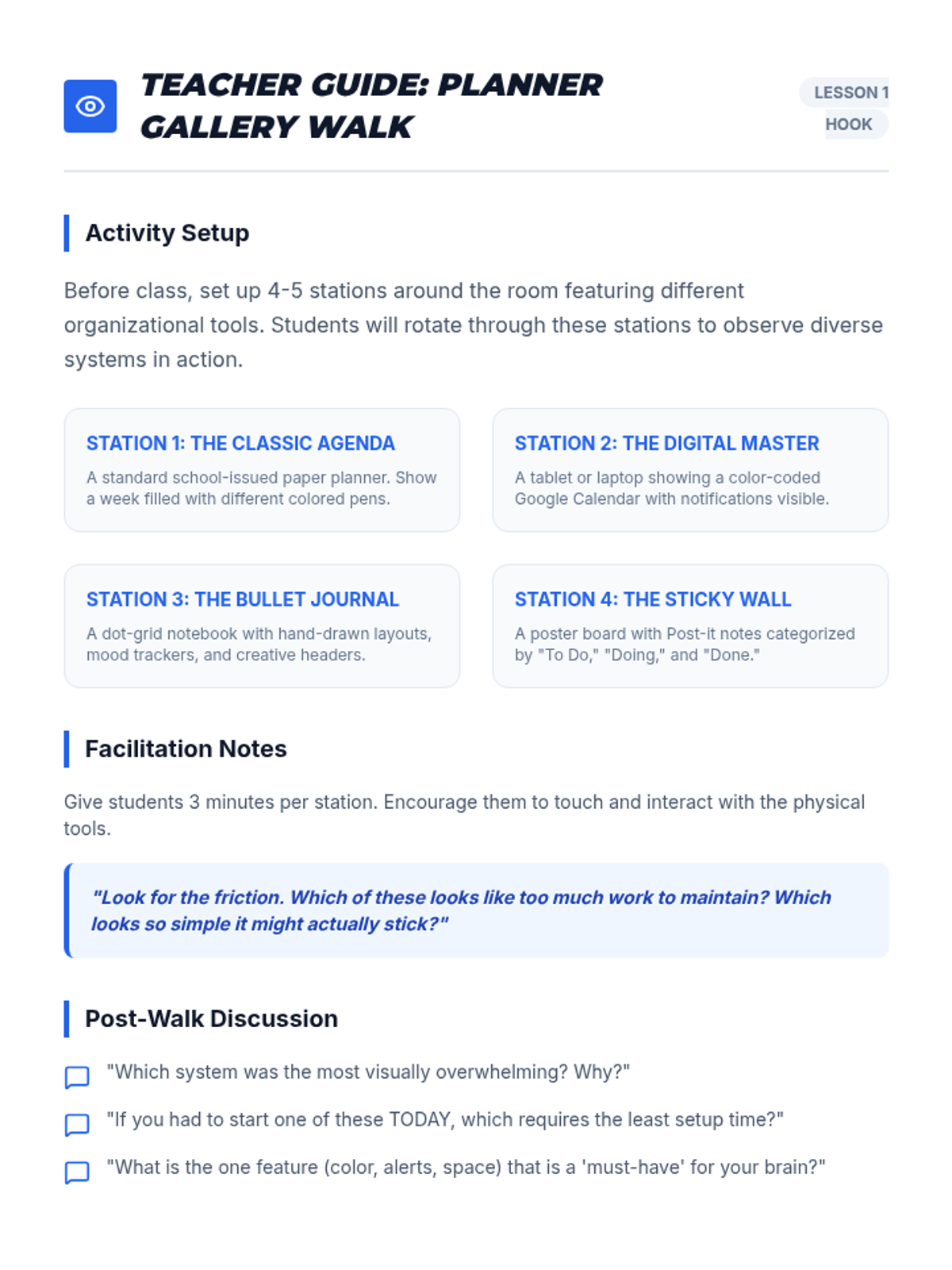
Students explore various planning tools, from paper agendas to apps, evaluating the pros and cons of each based on their own processing styles and accessibility needs.
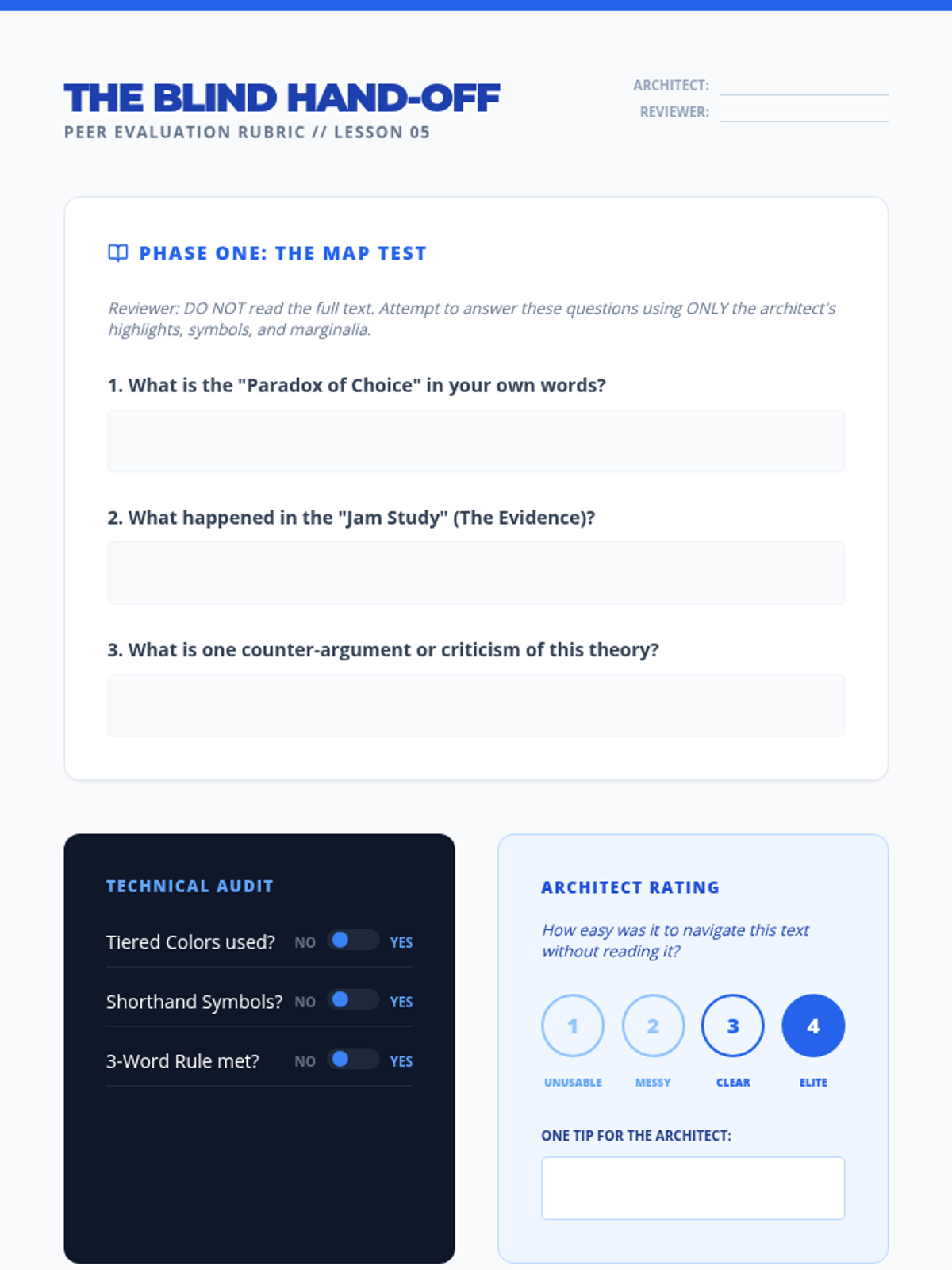
A culminating workshop where students apply their full toolkit to a college-level journal article and undergo peer evaluation.
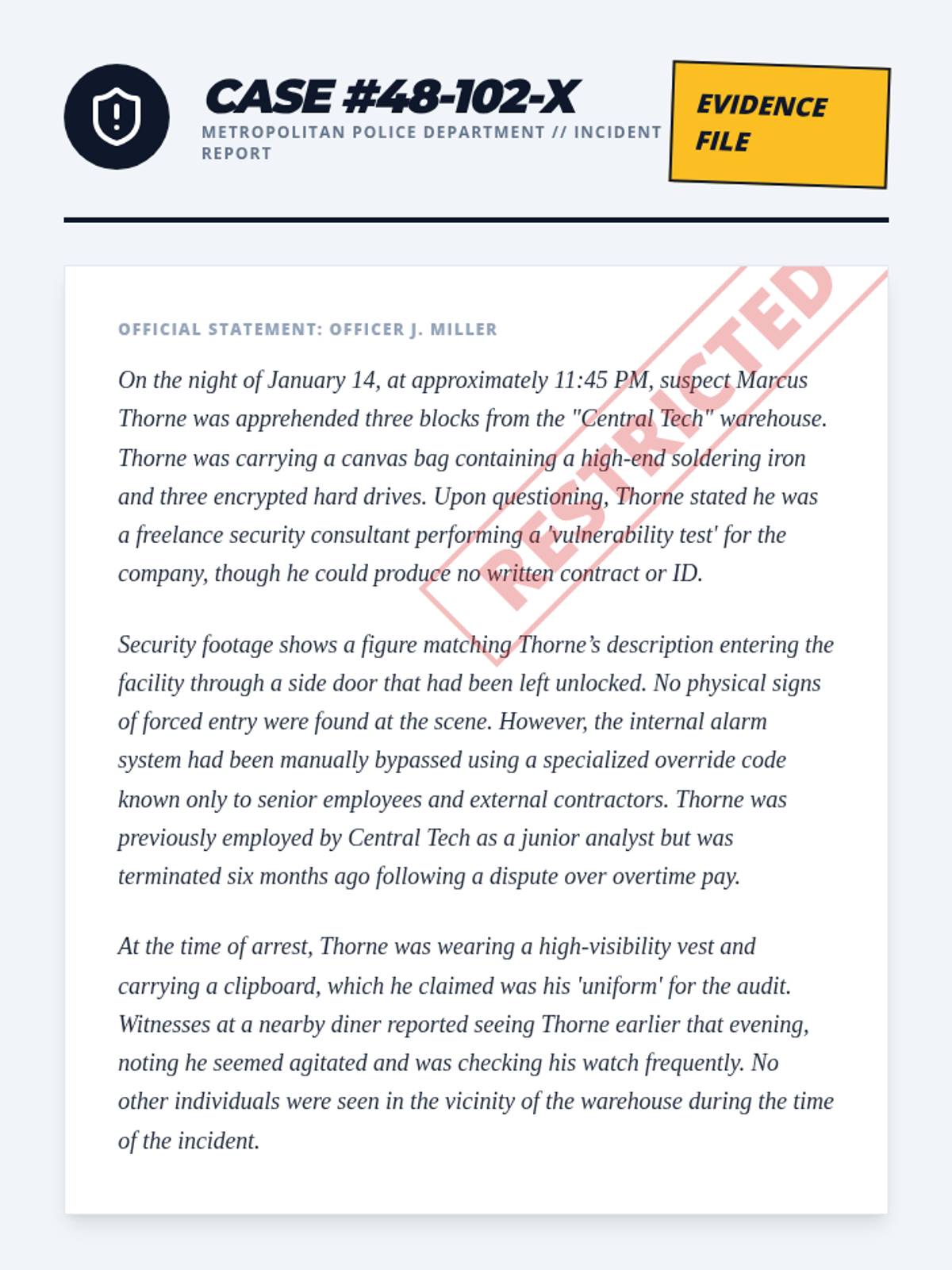
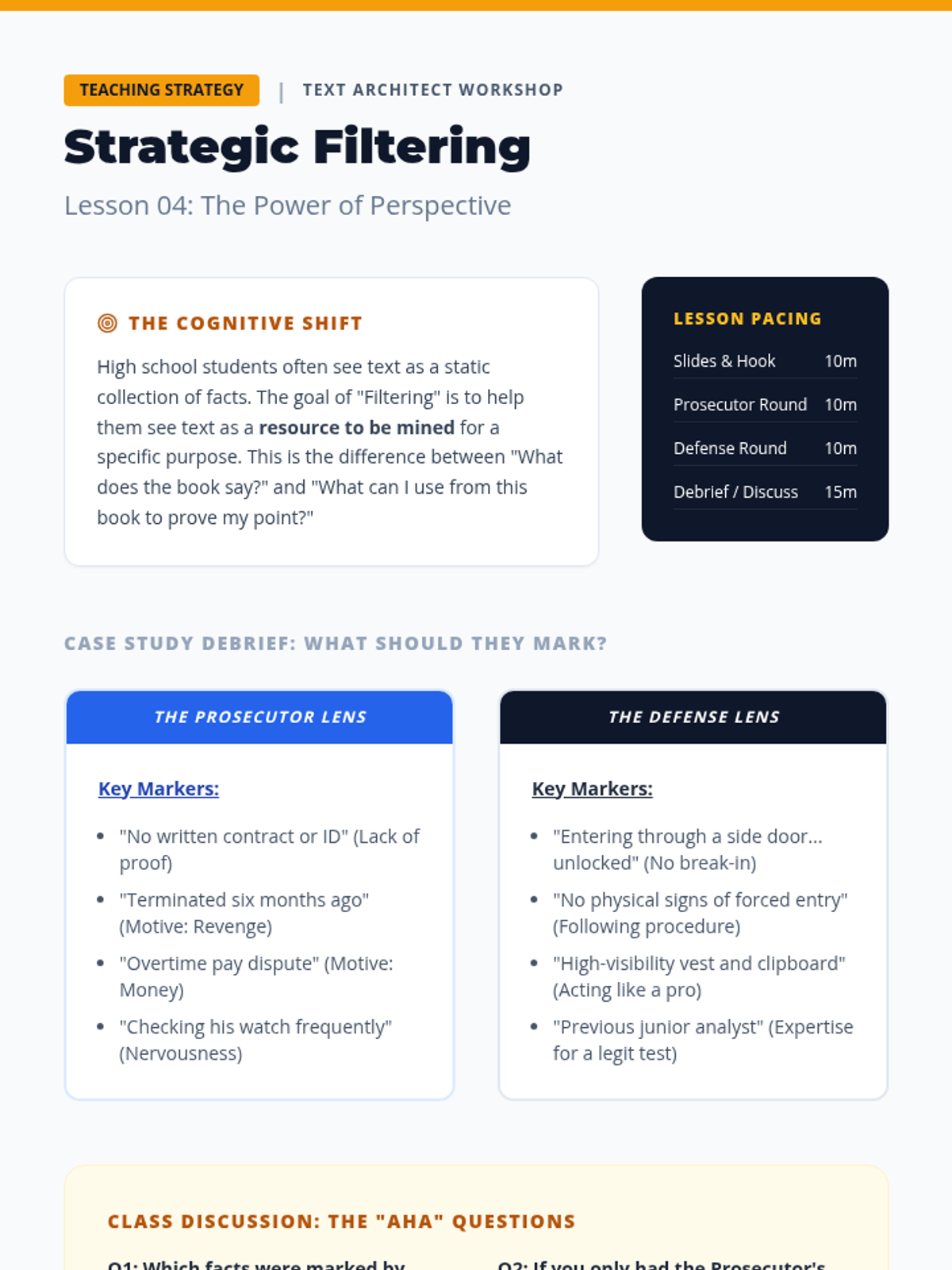
Students learn to adjust their annotation strategies based on specific reading goals using a 'two-lens' approach.
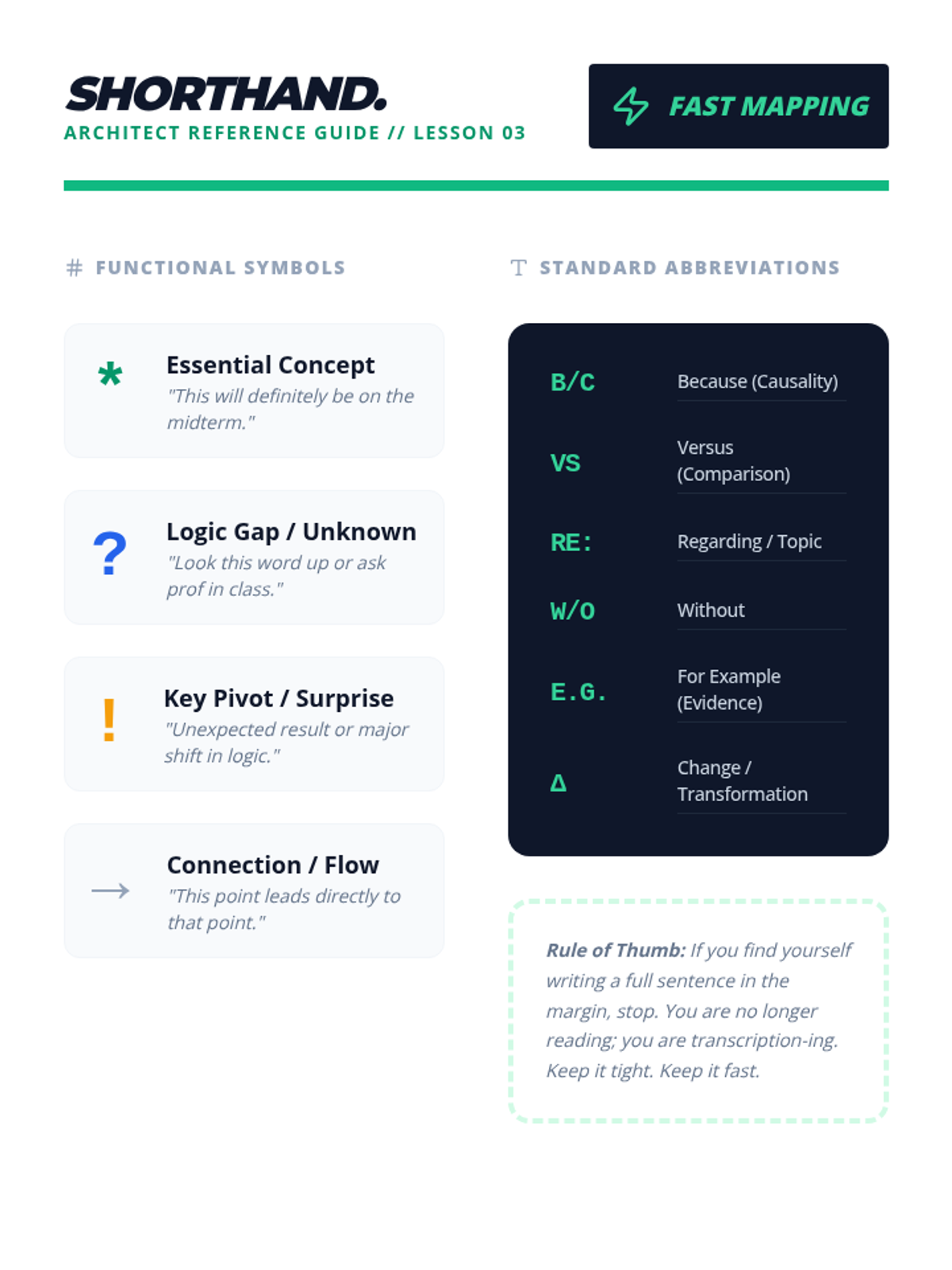
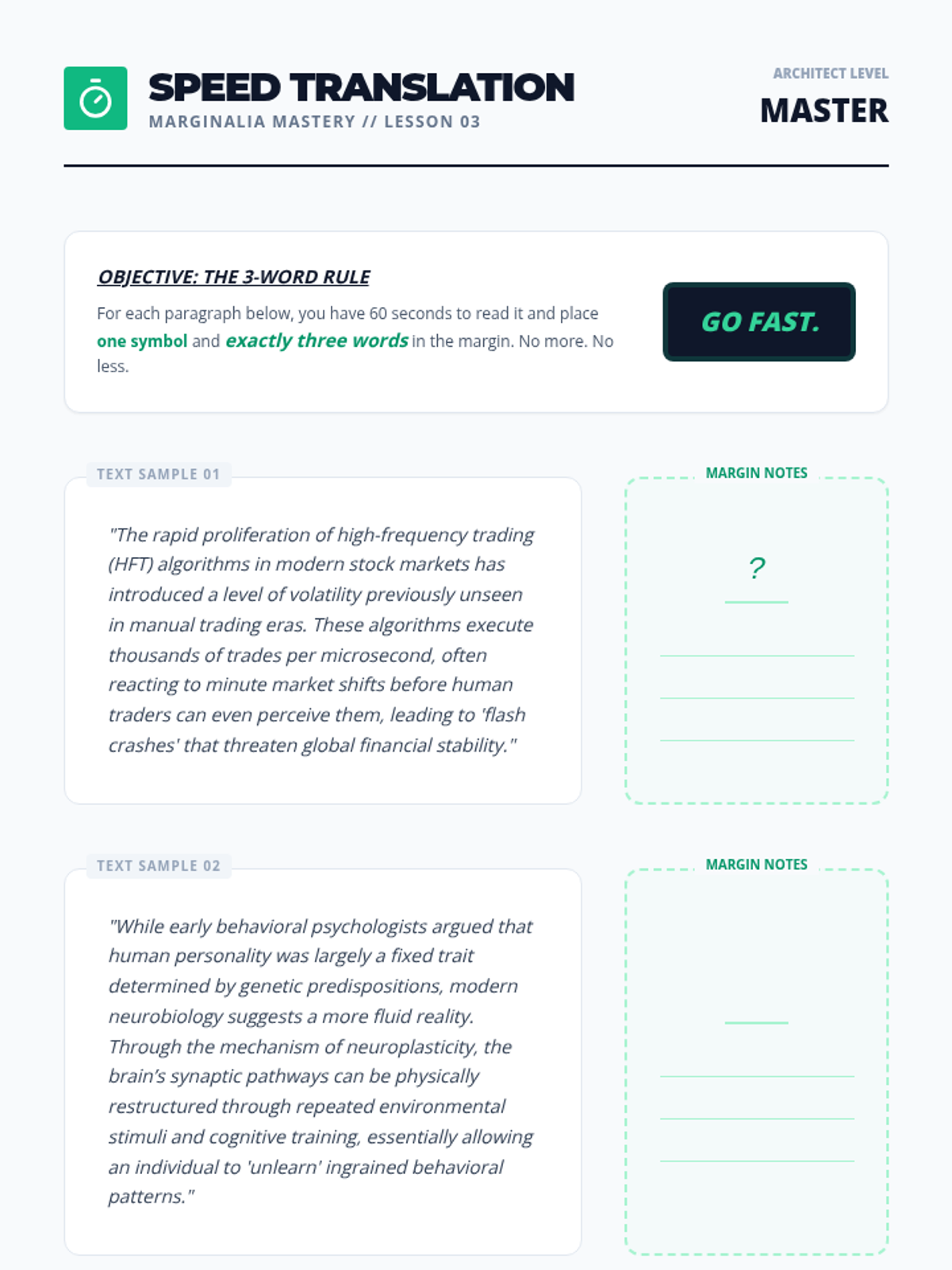
Introduction of symbol shorthand and rapid marginalia techniques to synthesize complex ideas into concise notes.
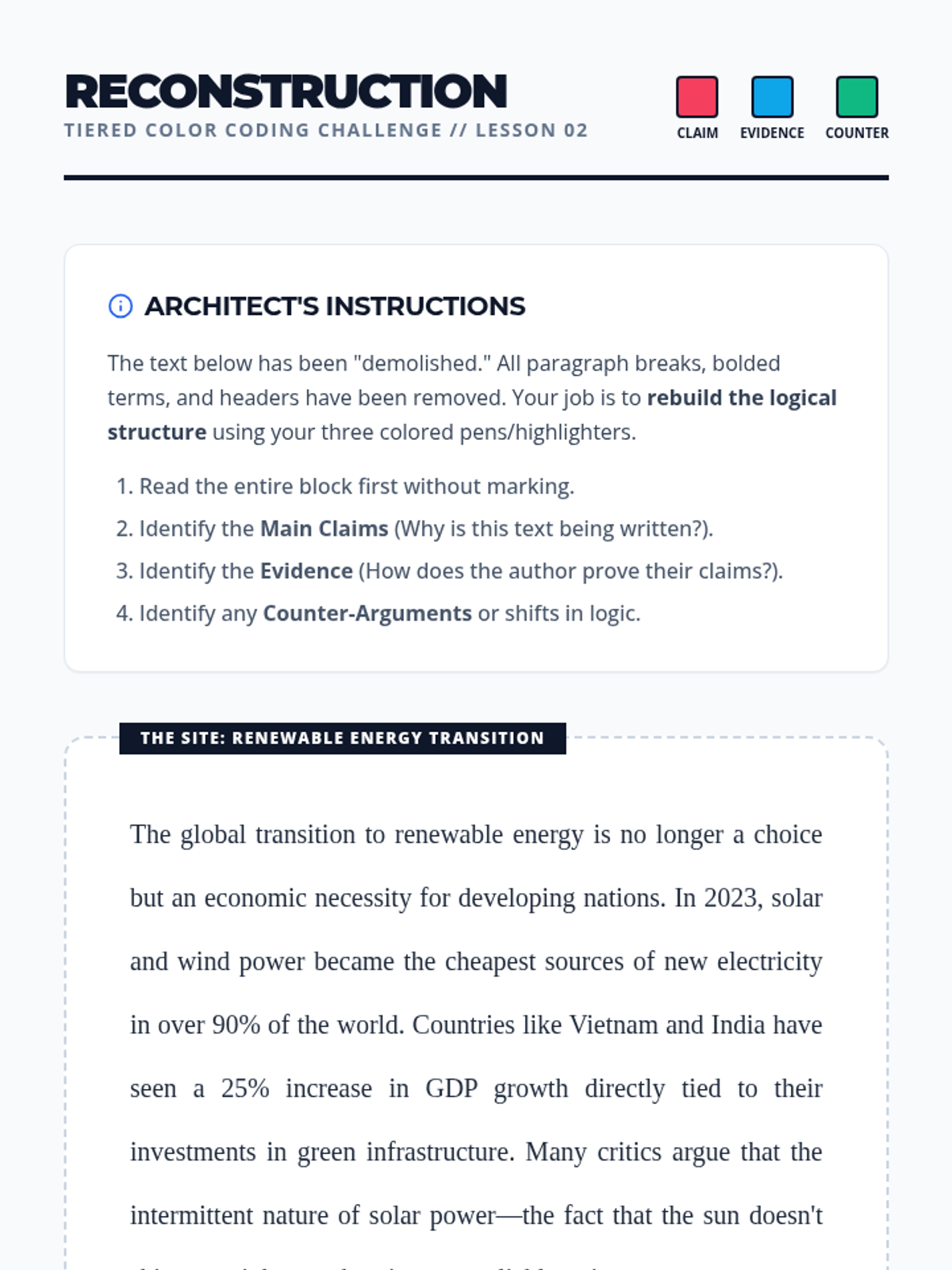
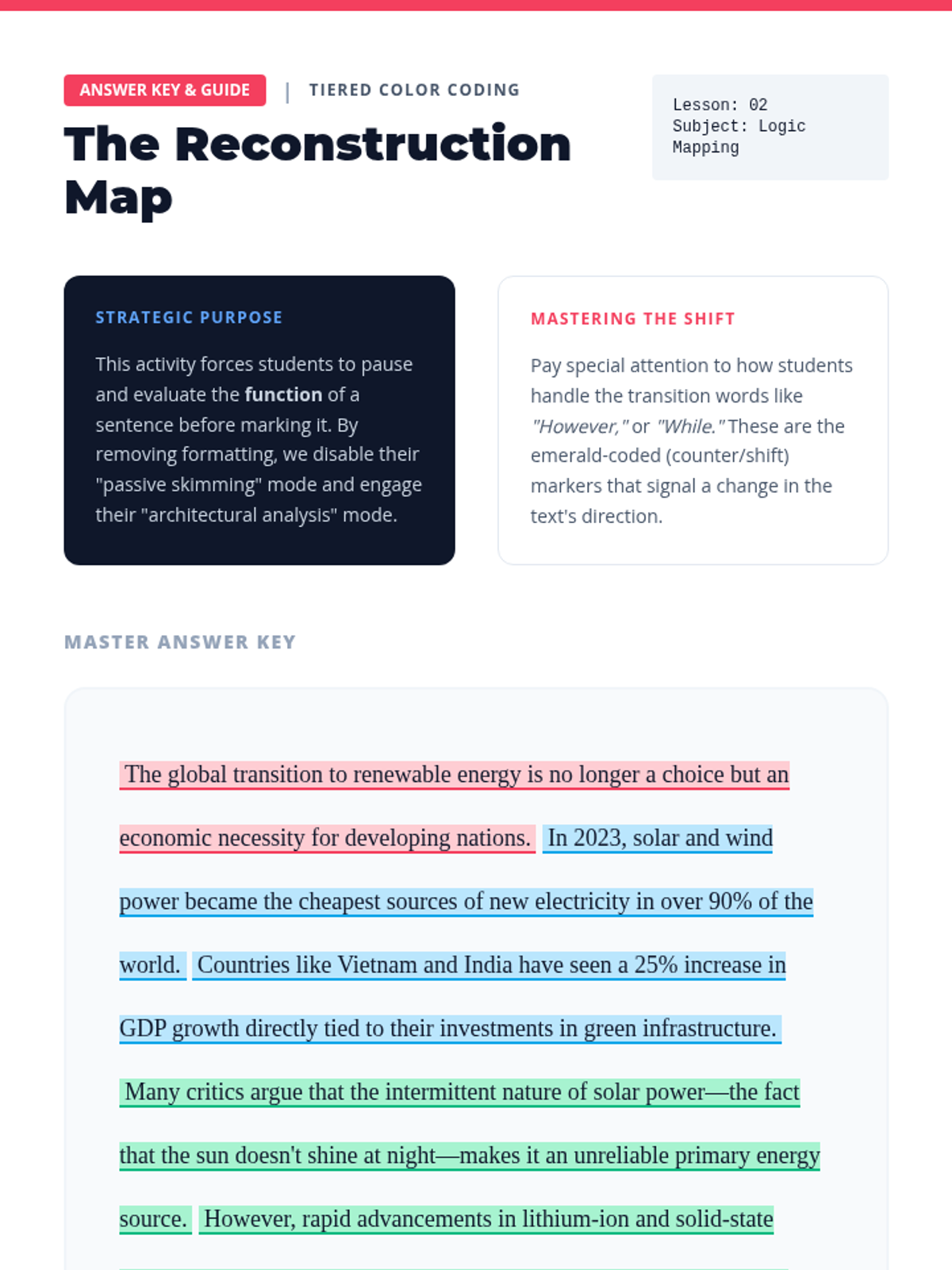
Students practice a three-color system to distinguish claims, evidence, and counter-arguments in a text.
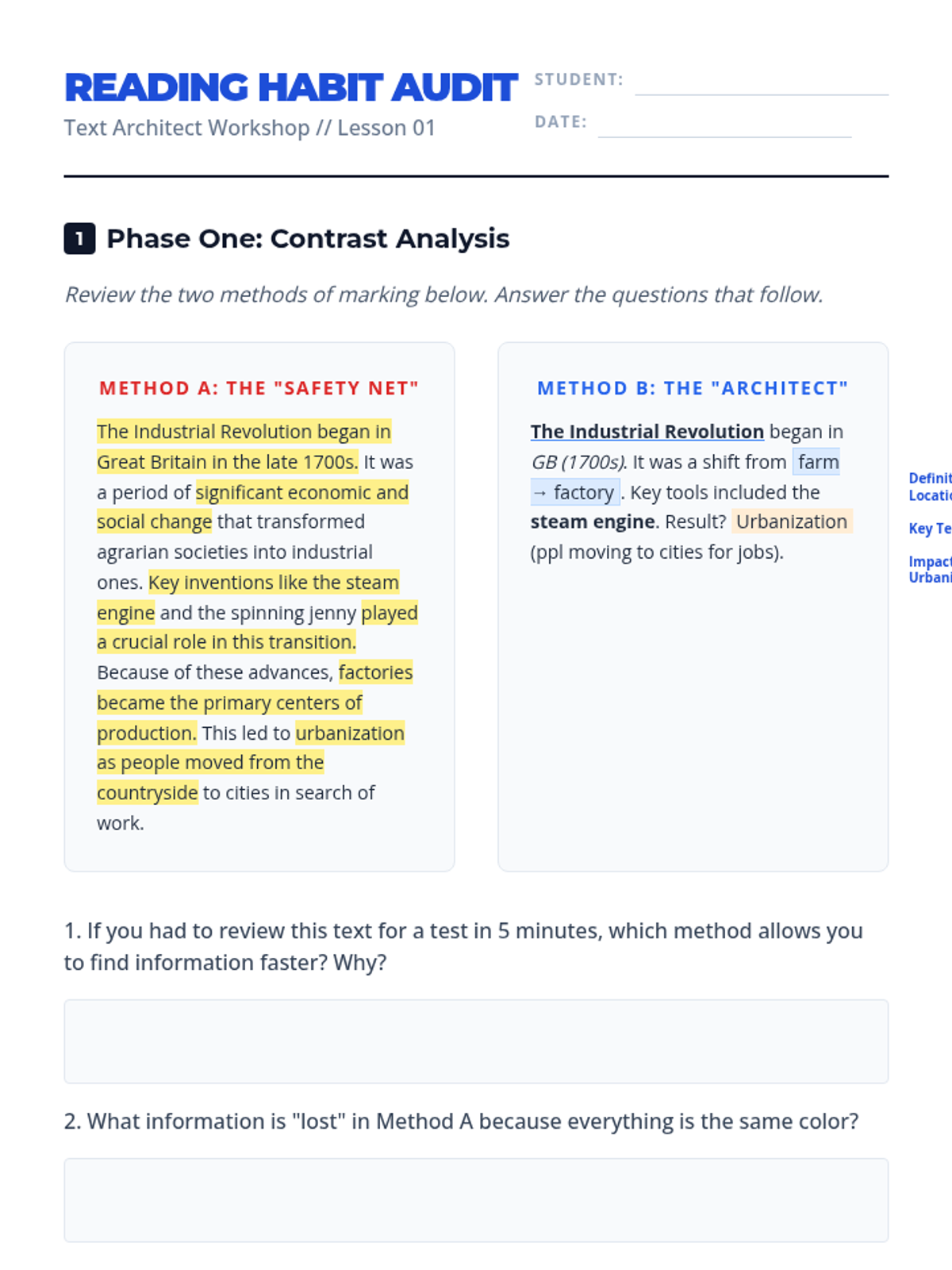
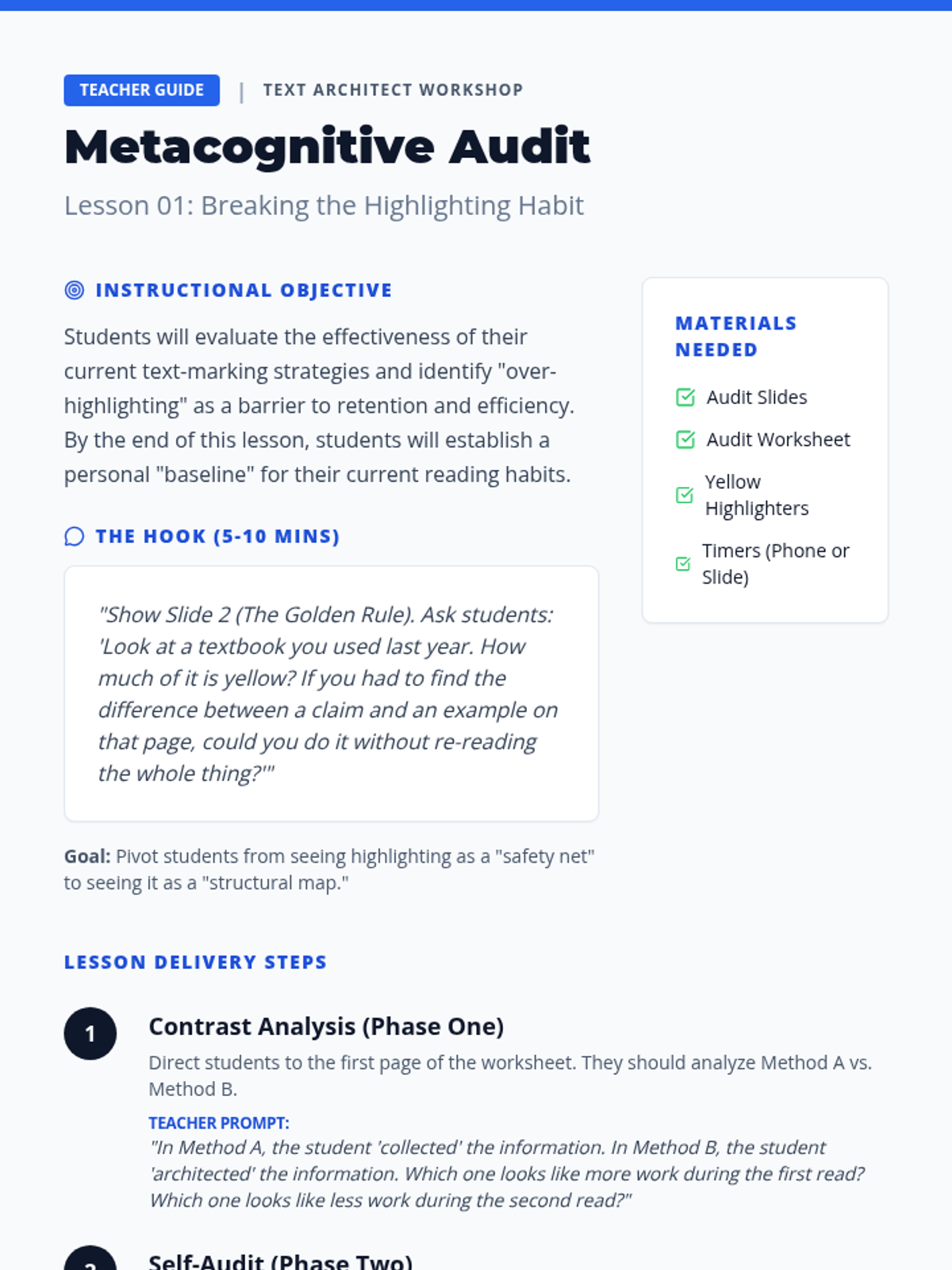
Students analyze their current reading habits through a metacognitive audit, comparing 'over-highlighting' with strategic marking to establish a need for efficiency.
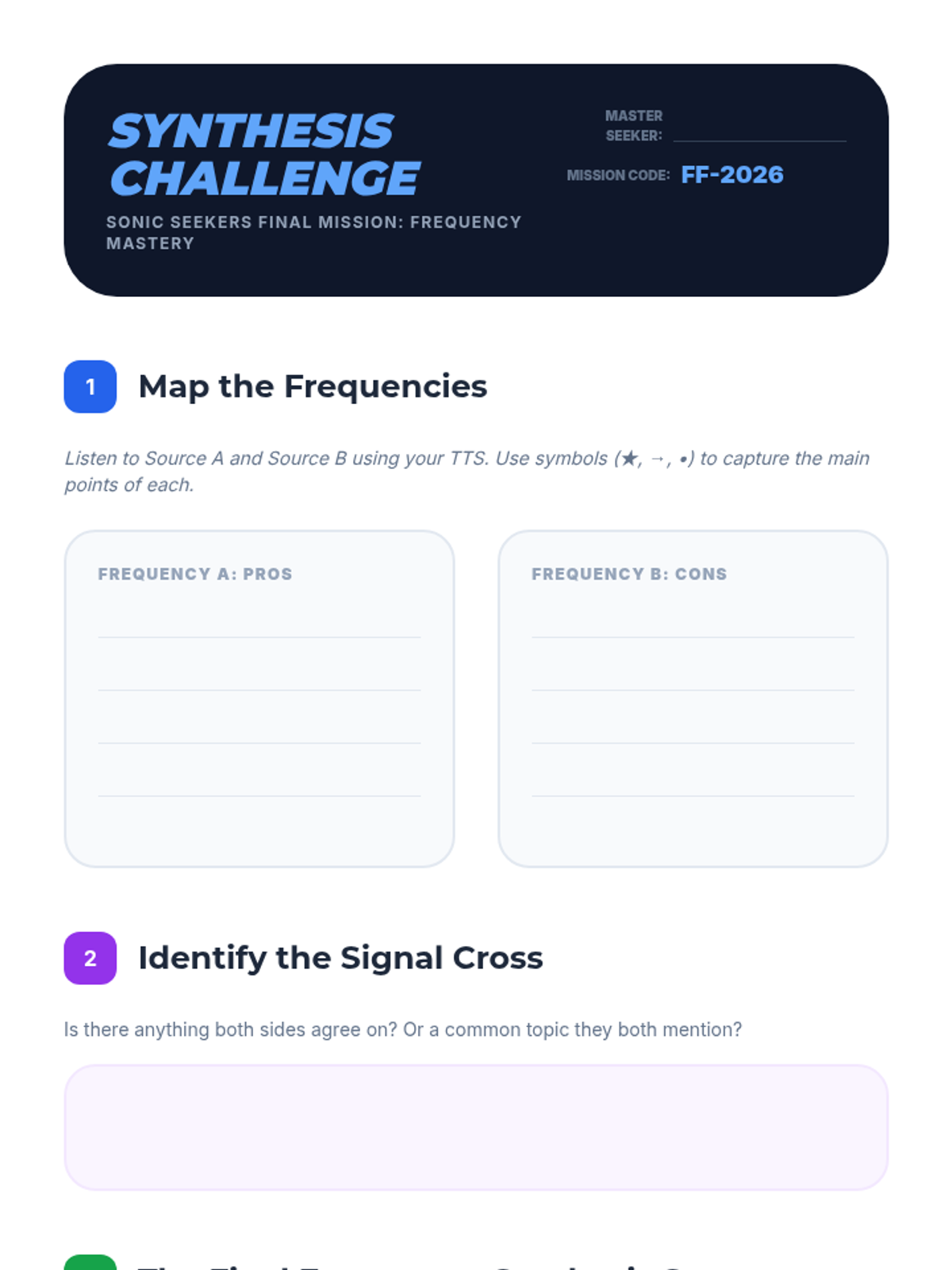
Students listen to two contrasting viewpoints on a topic using TTS and synthesize the information into a coherent summary. This tests their ability to maintain focus and organize auditory information over a longer duration.
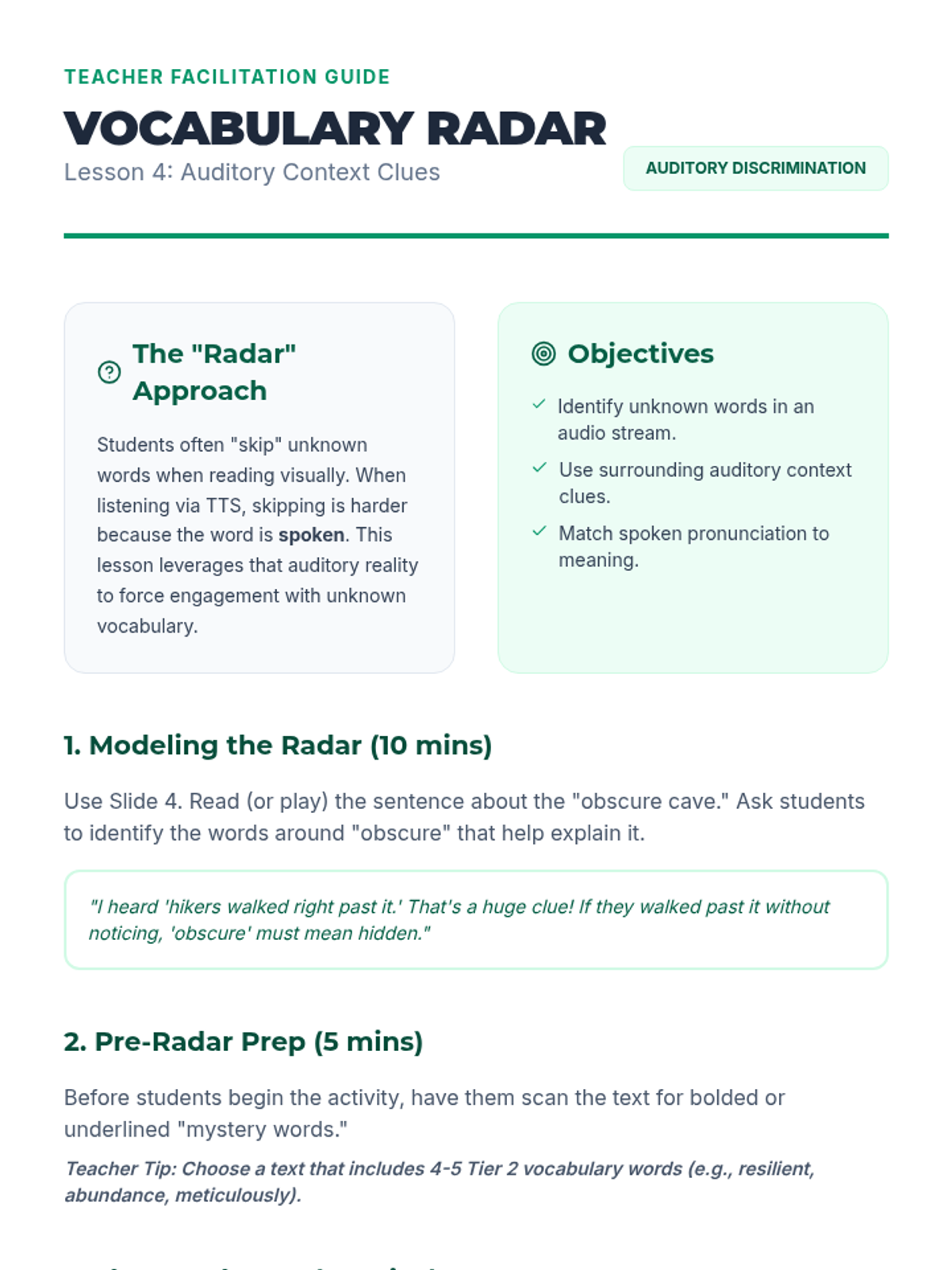
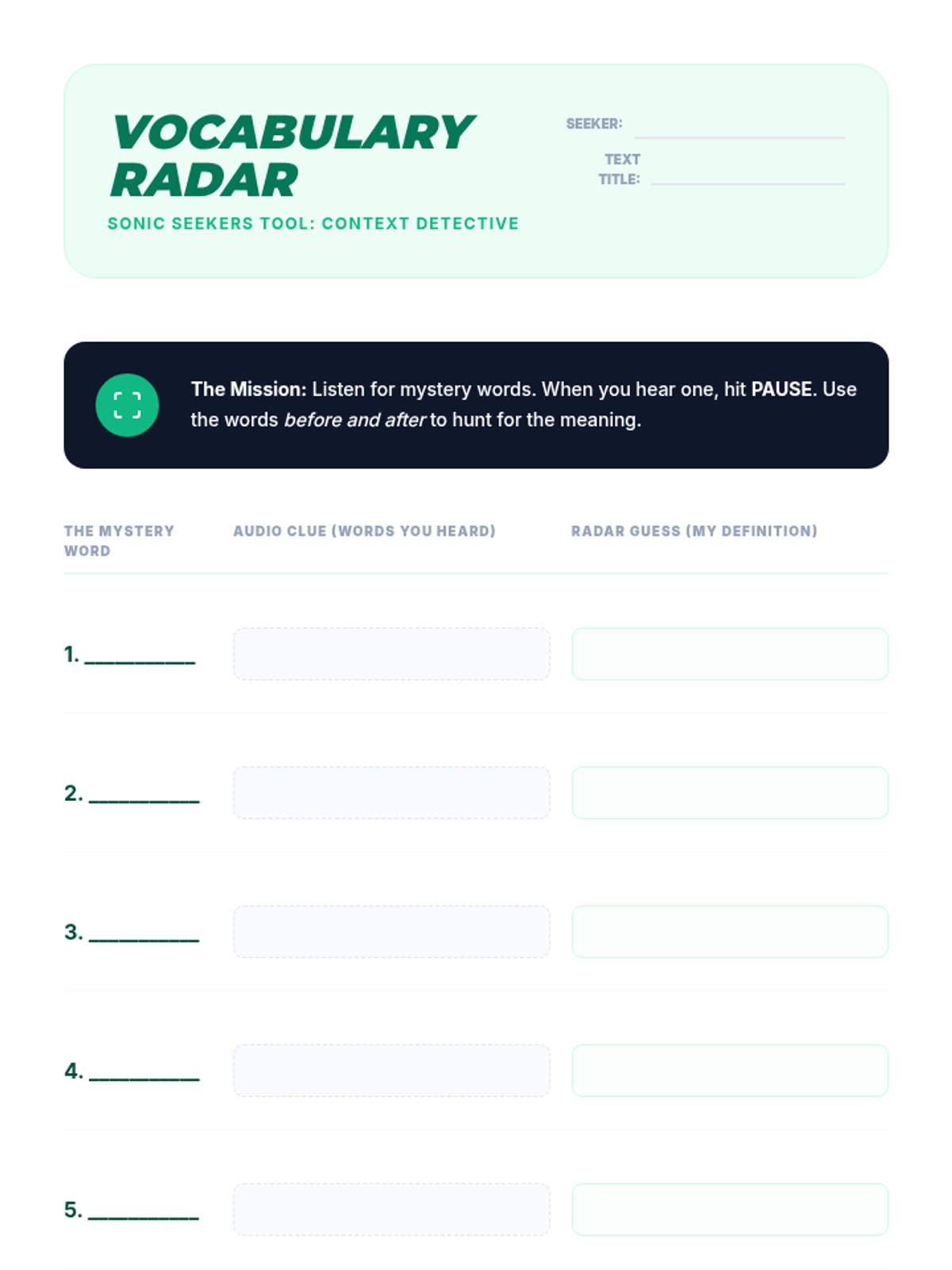
Students encounter challenging vocabulary words within a text. They use TTS to hear proper pronunciation and use context clues from the audio flow to define words before checking definitions.
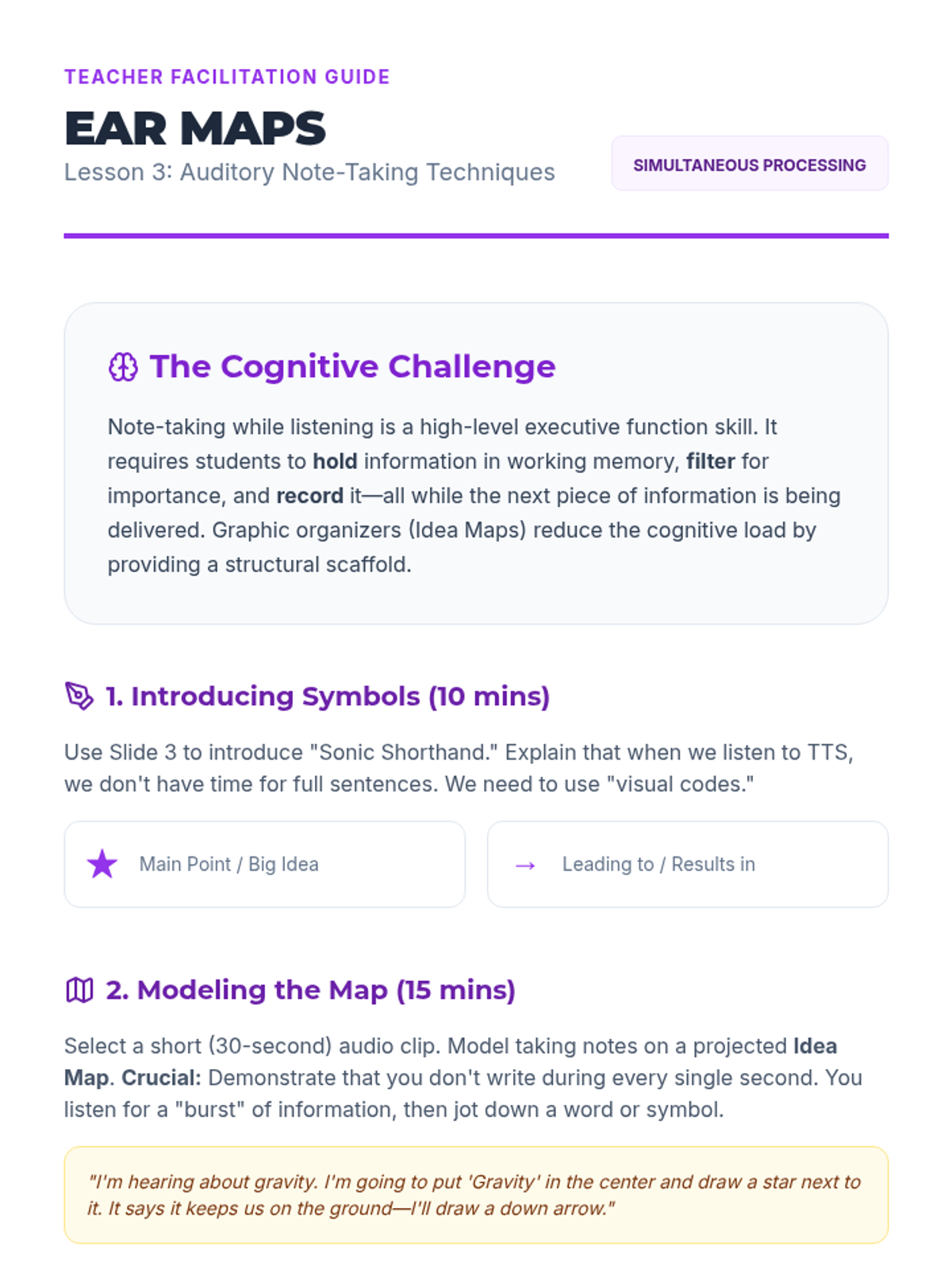
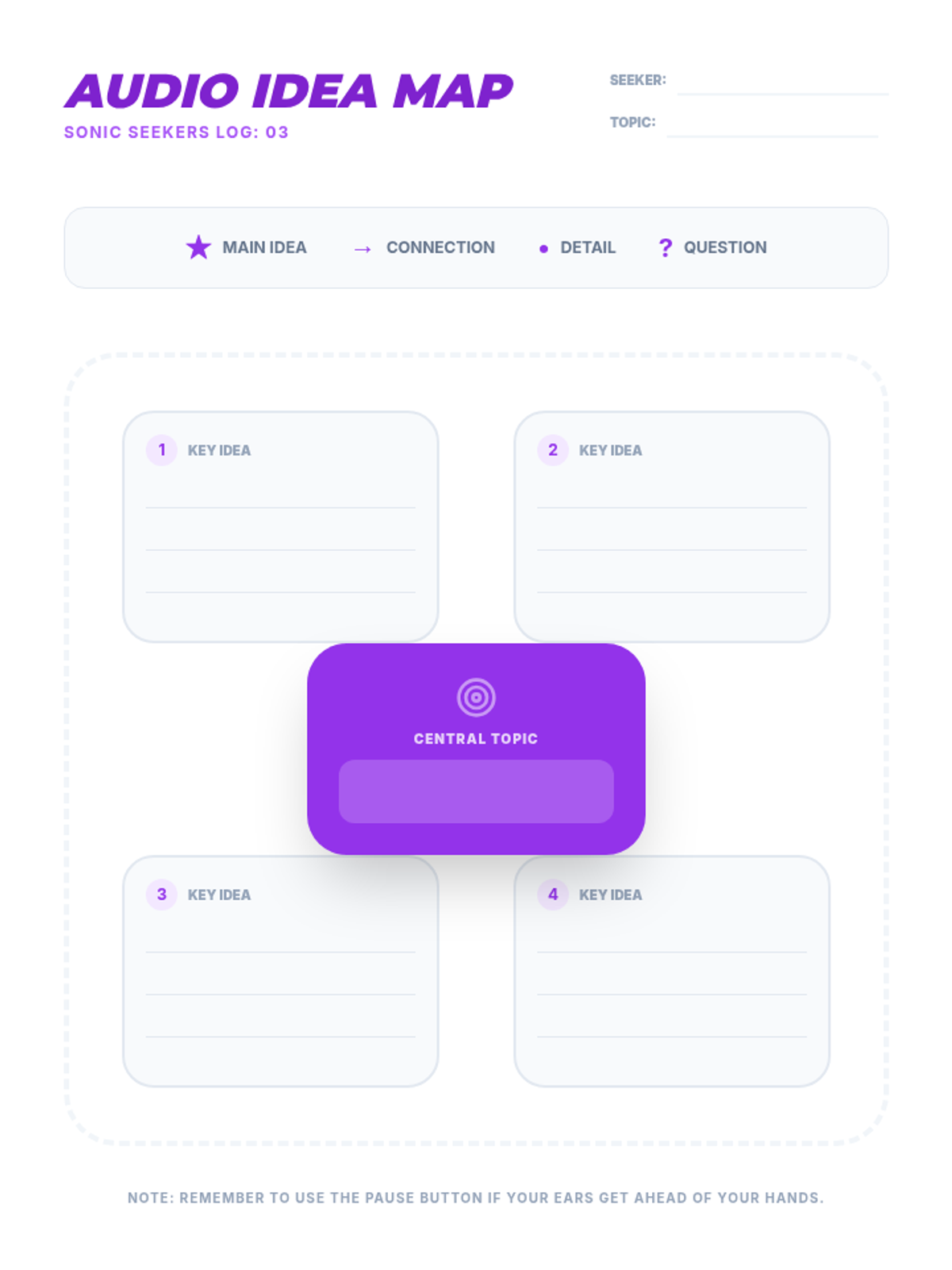
This lesson introduces graphic organizers designed for auditory learners. Students practice listening to a TTS-read article and simultaneously mapping out key ideas and supporting details.
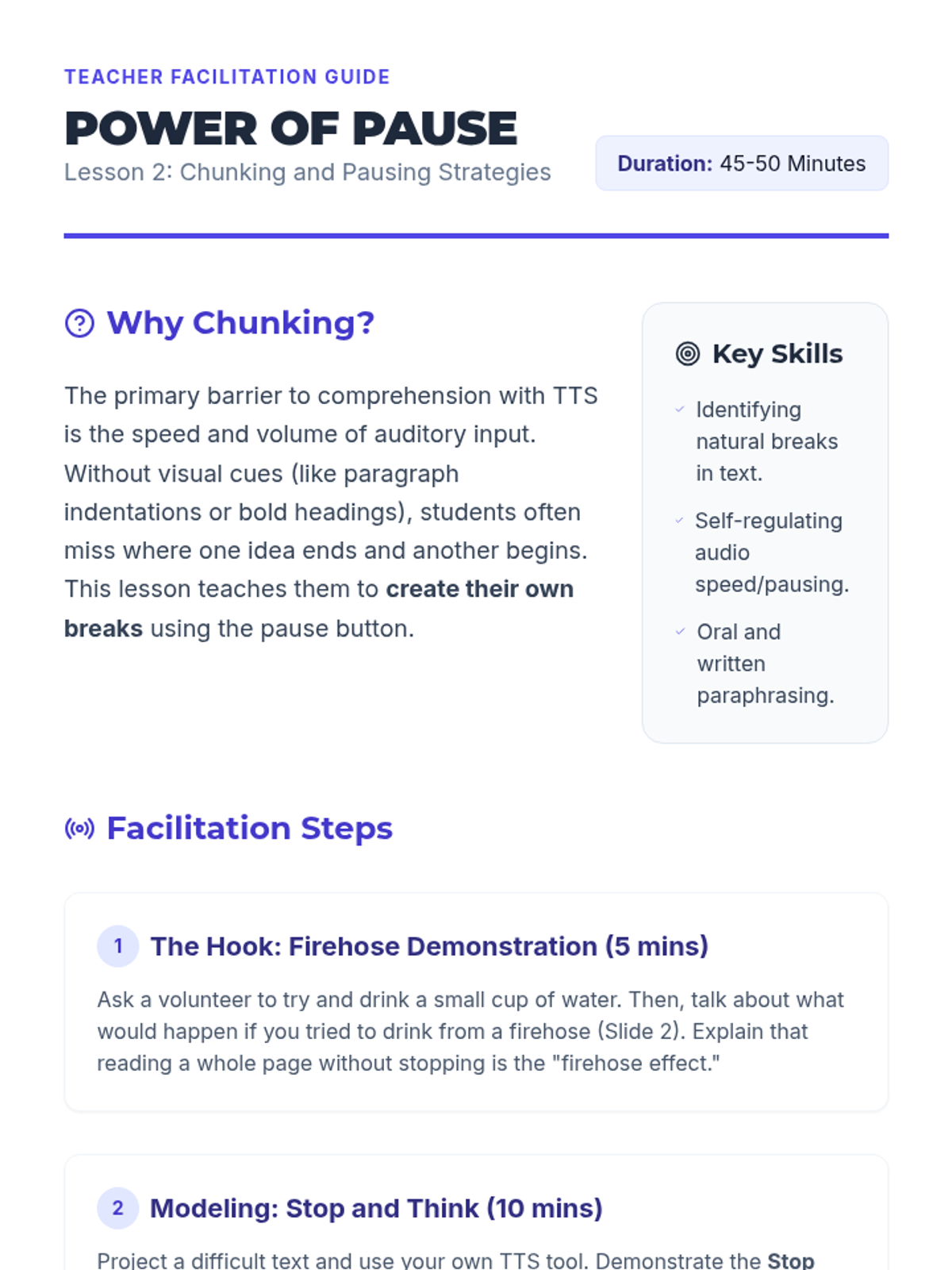
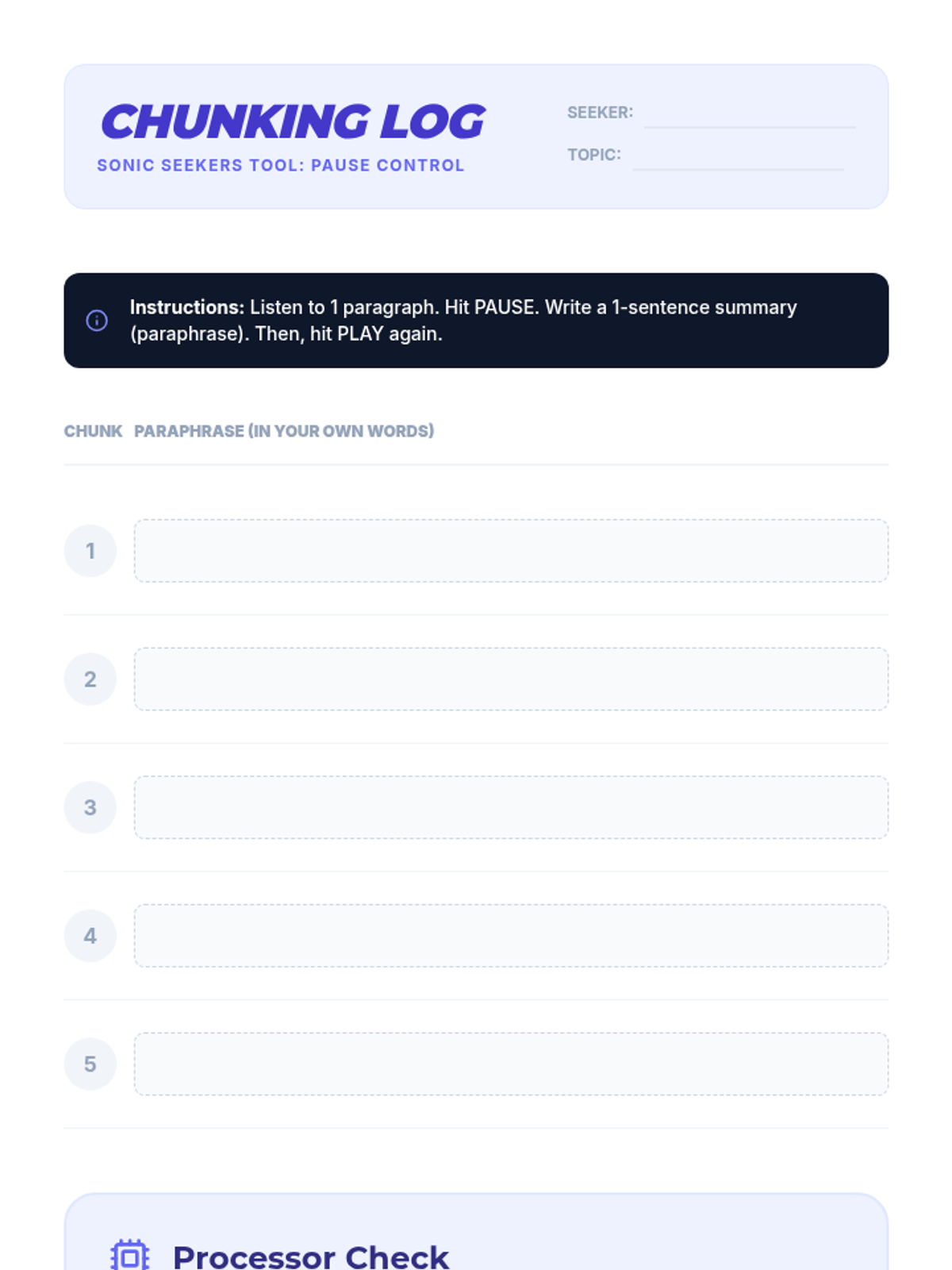
Students learn the 'Stop and Think' method, using the pause button to break dense text into manageable chunks. They practice paraphrasing orally or in writing after every segment played by the TTS tool.
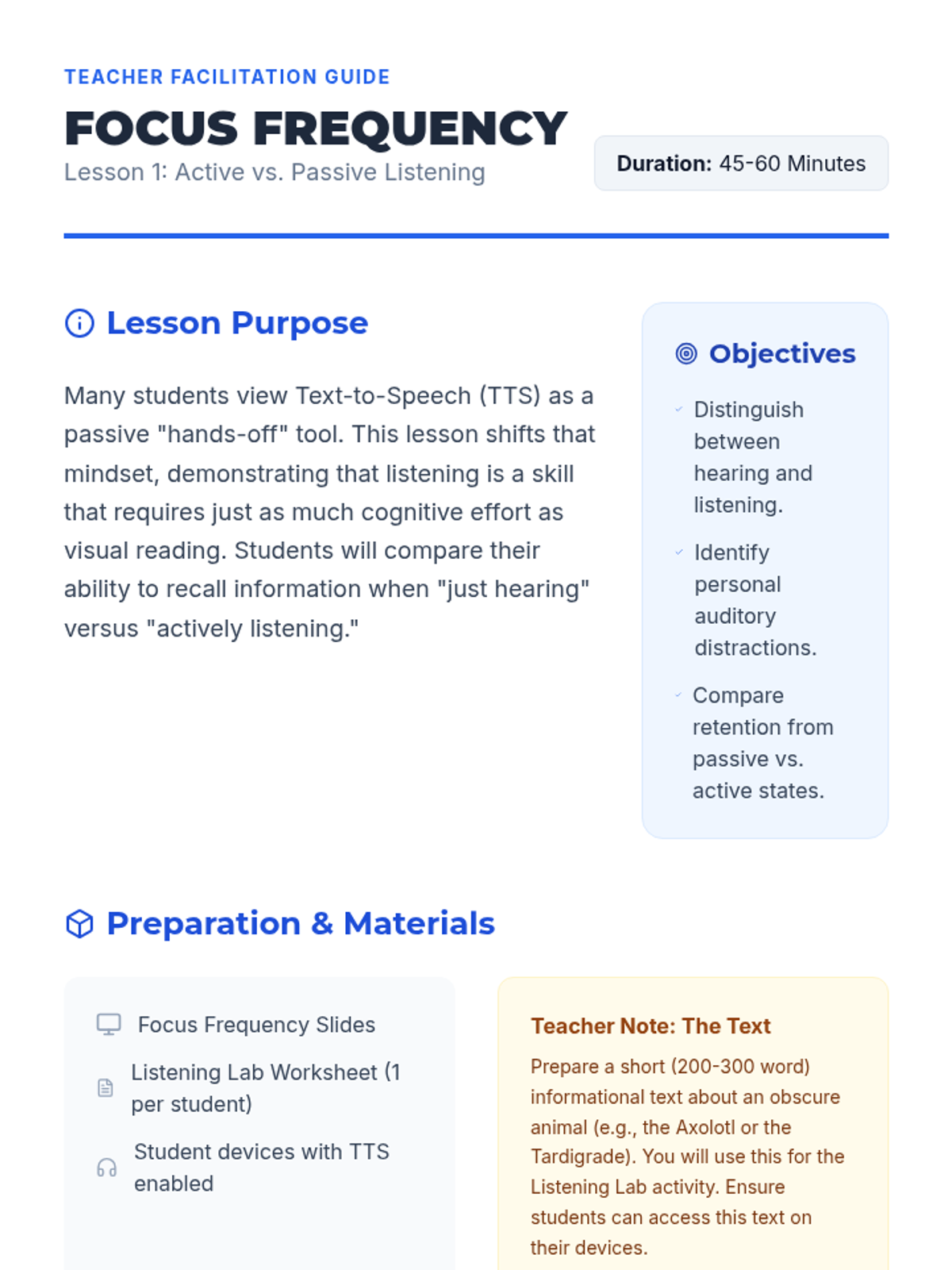
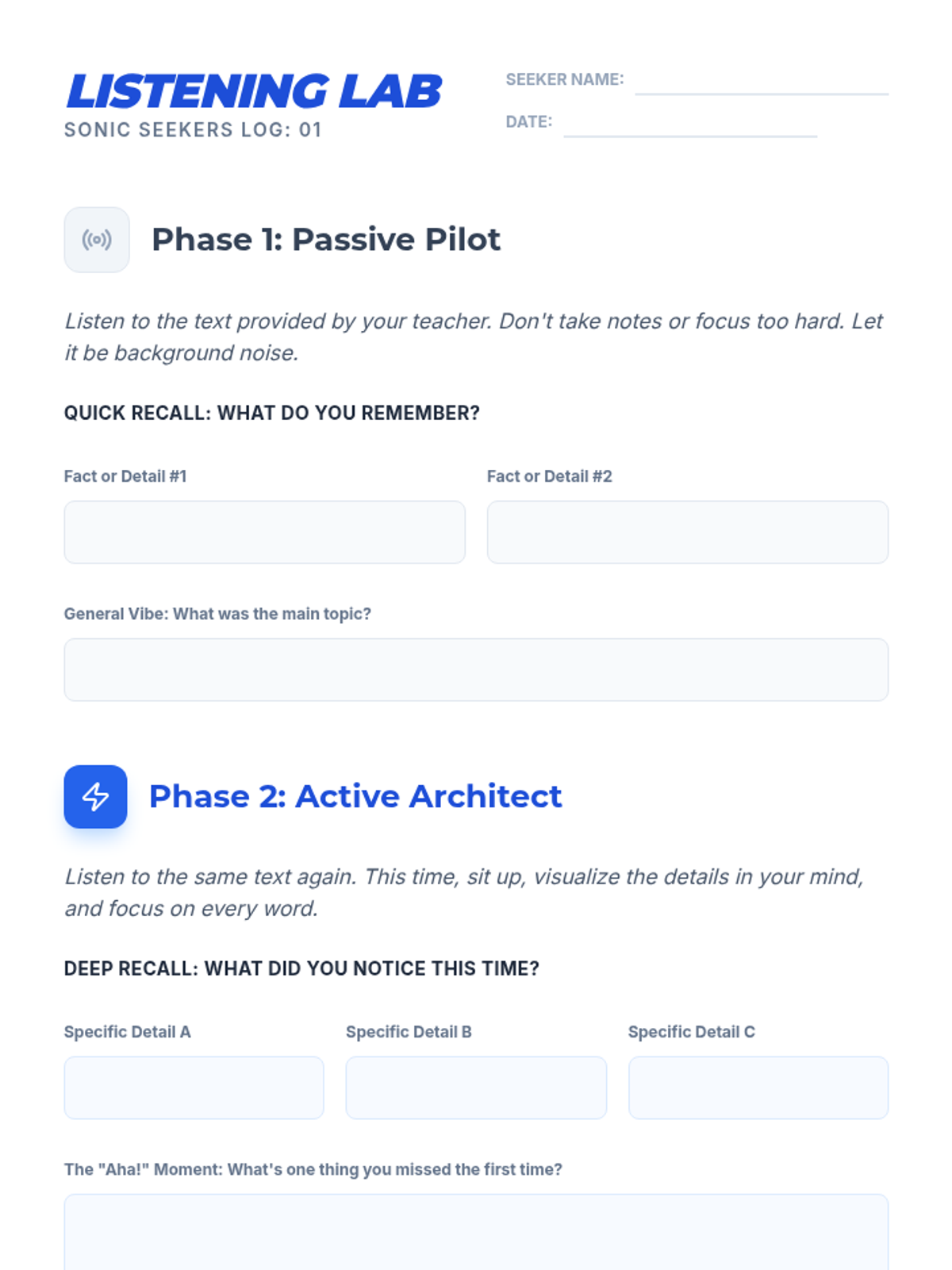
Students compare retention when passively listening to TTS versus active engagement. They identify distractions and brainstorm environments and behaviors that support deep listening.
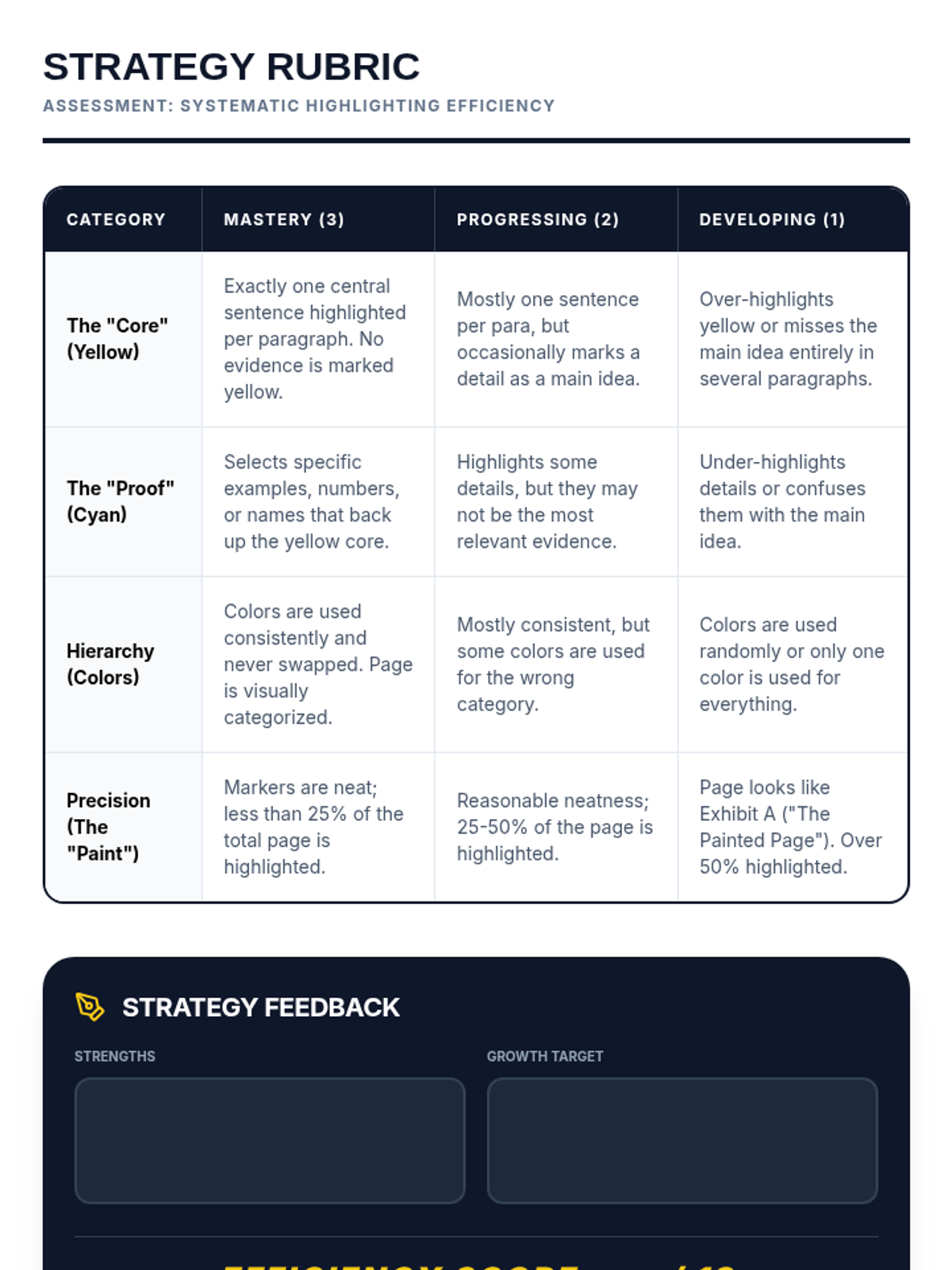
Students apply their systematic strategy to a multi-page non-fiction text and engage in peer review to refine their judgment.
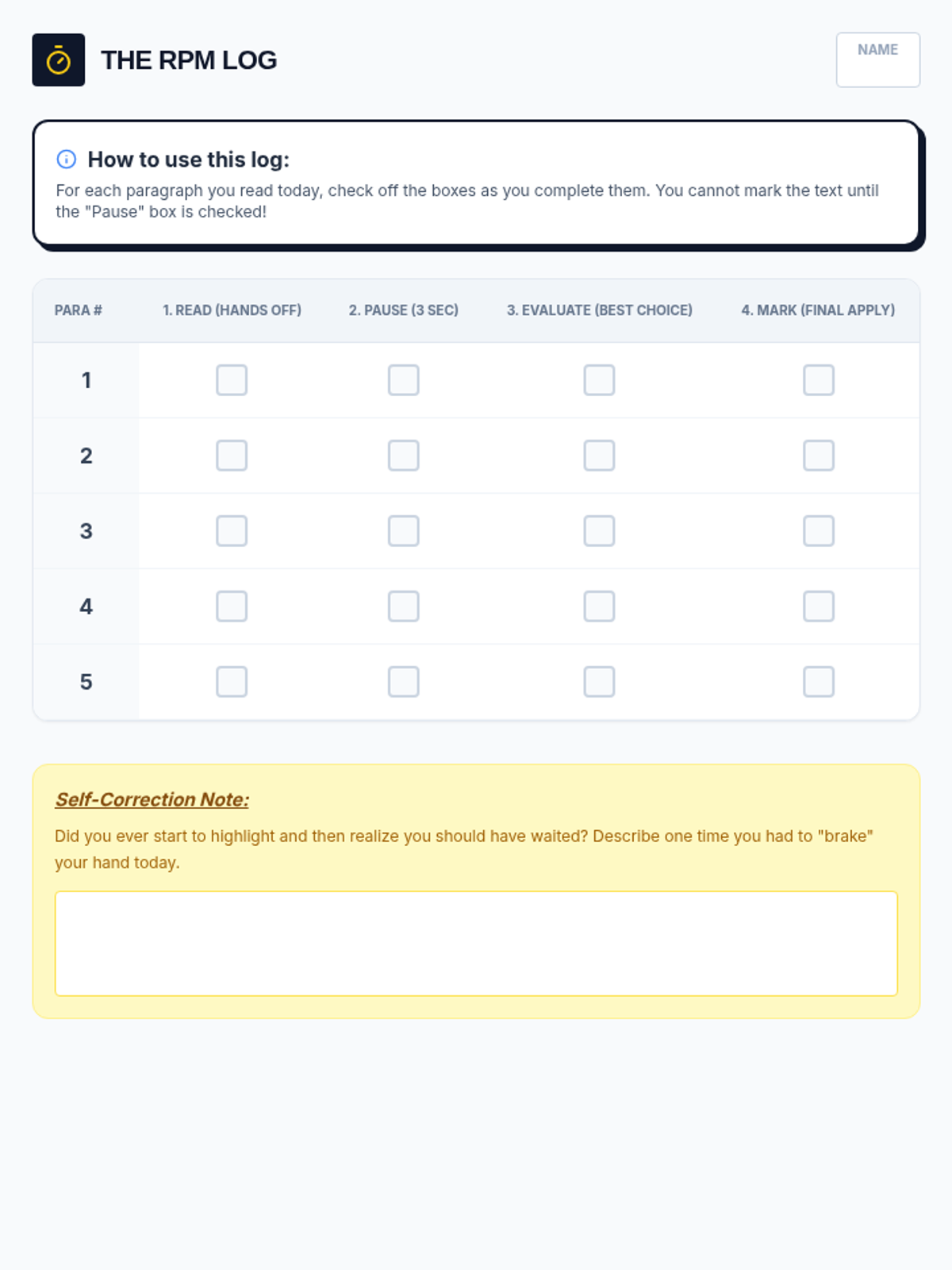
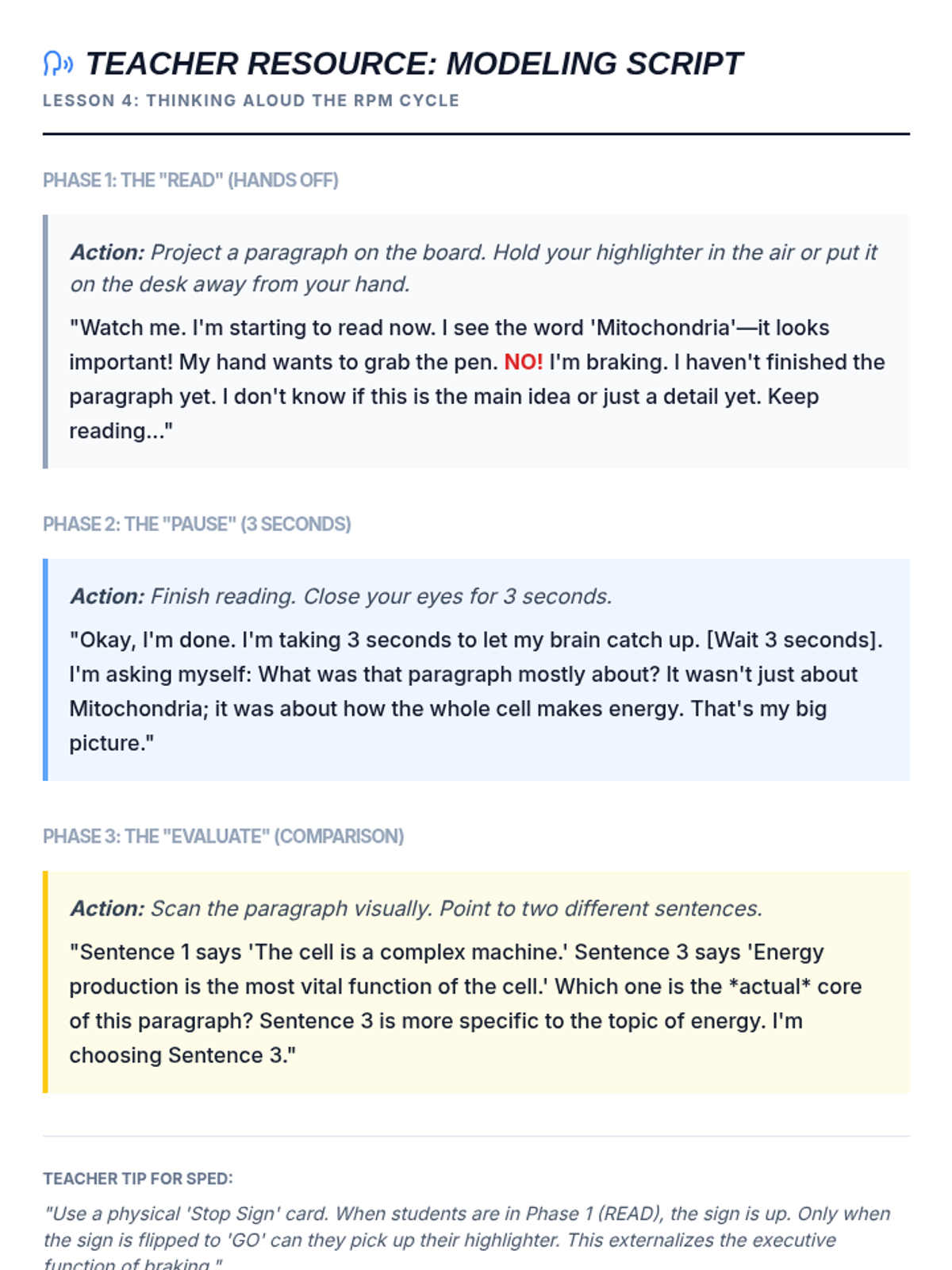
Teaches students the 'Read, Pause, Evaluate, Mark' cycle to improve executive function and prevent impulsive highlighting.
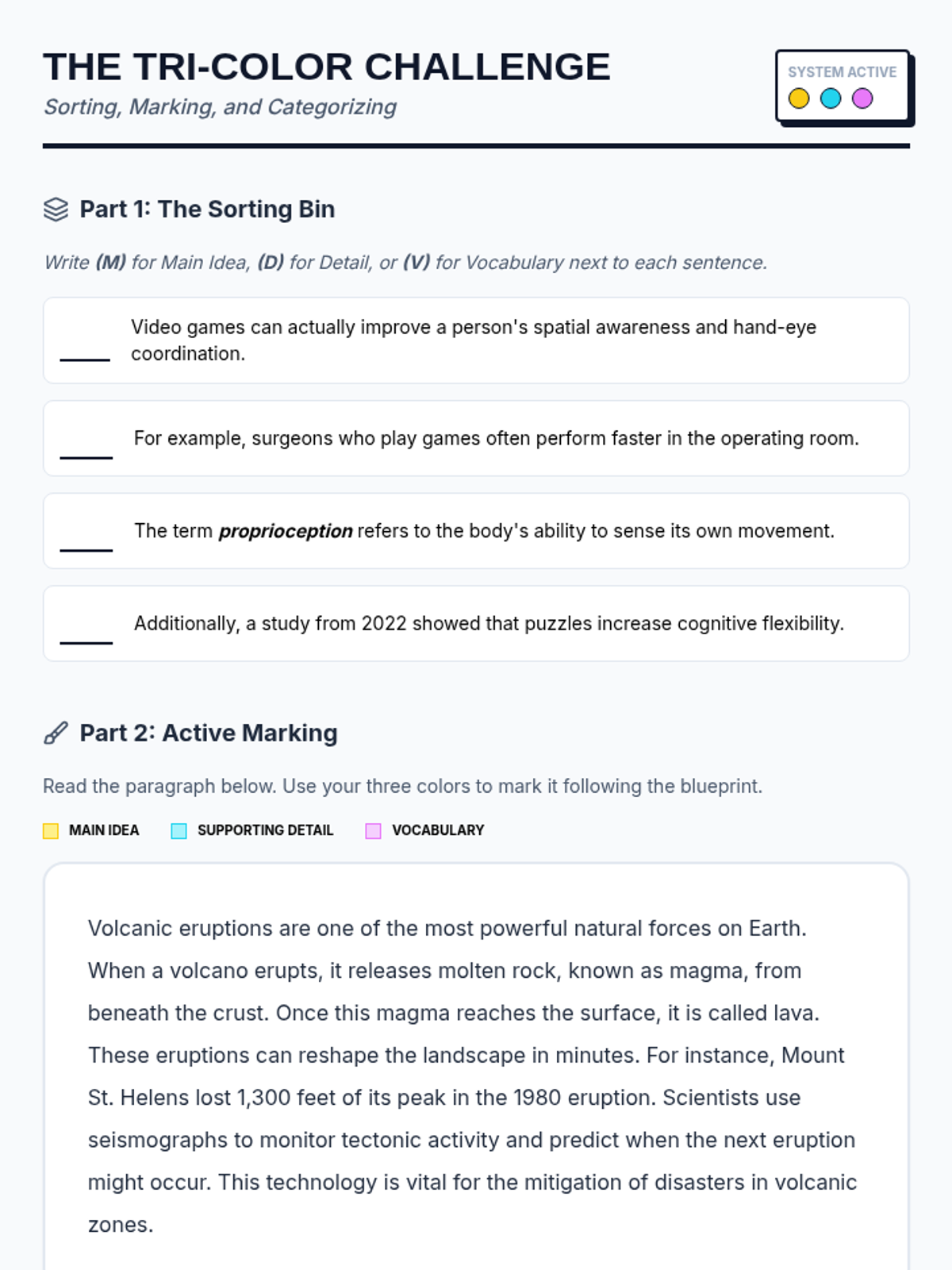
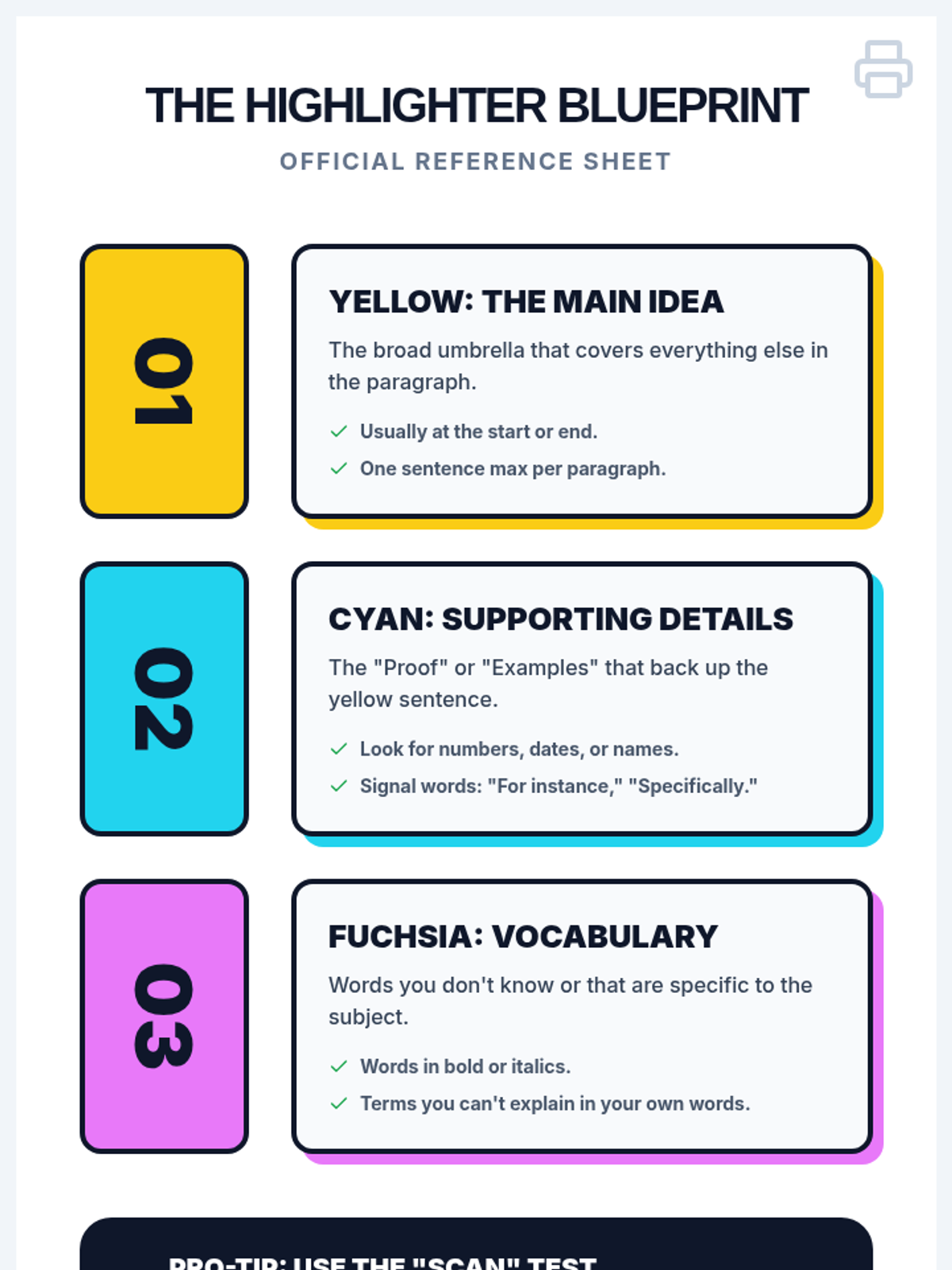
Introduces additional colors for supporting details and vocabulary, building a visual hierarchy for efficient information retrieval.
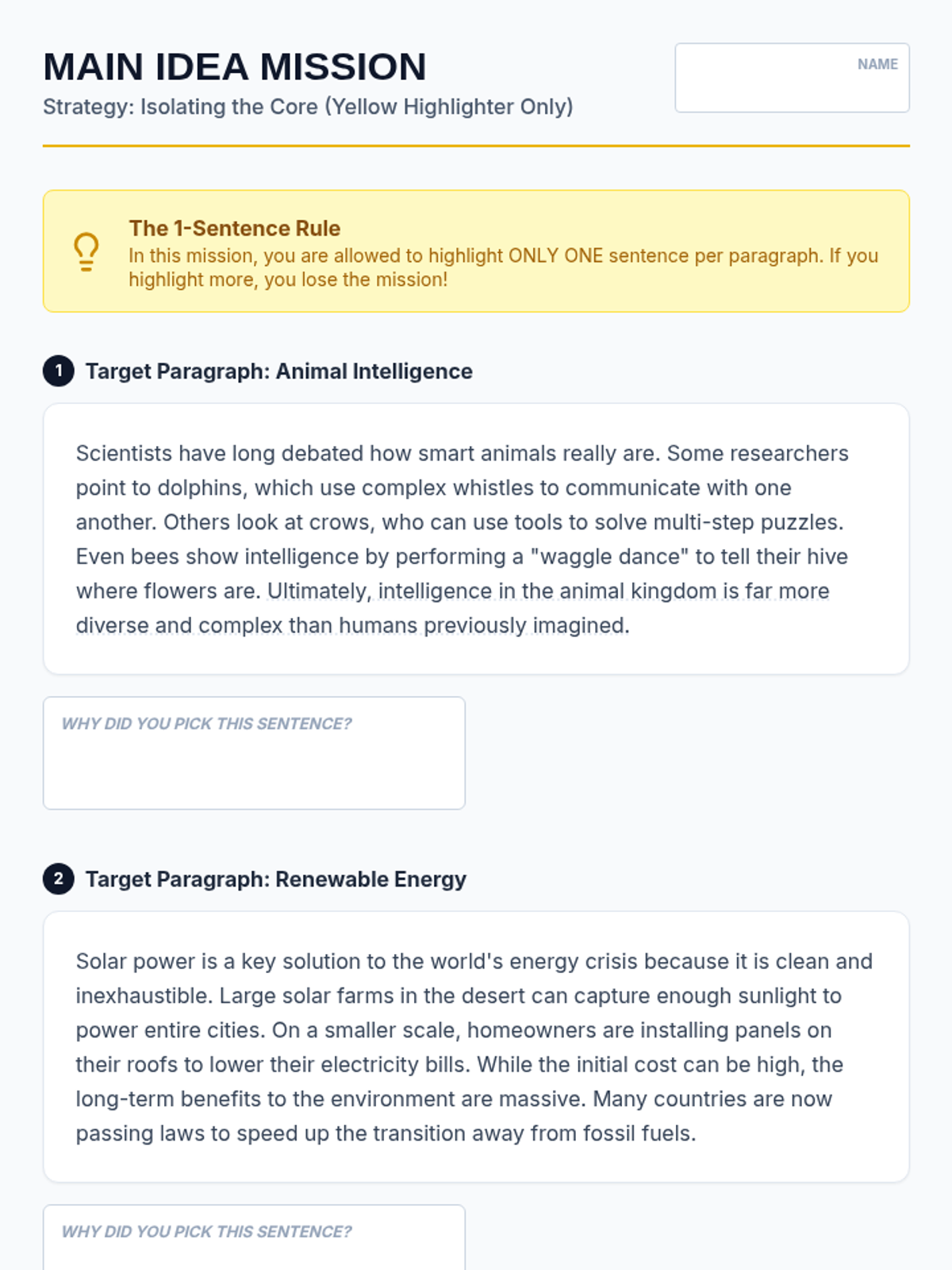
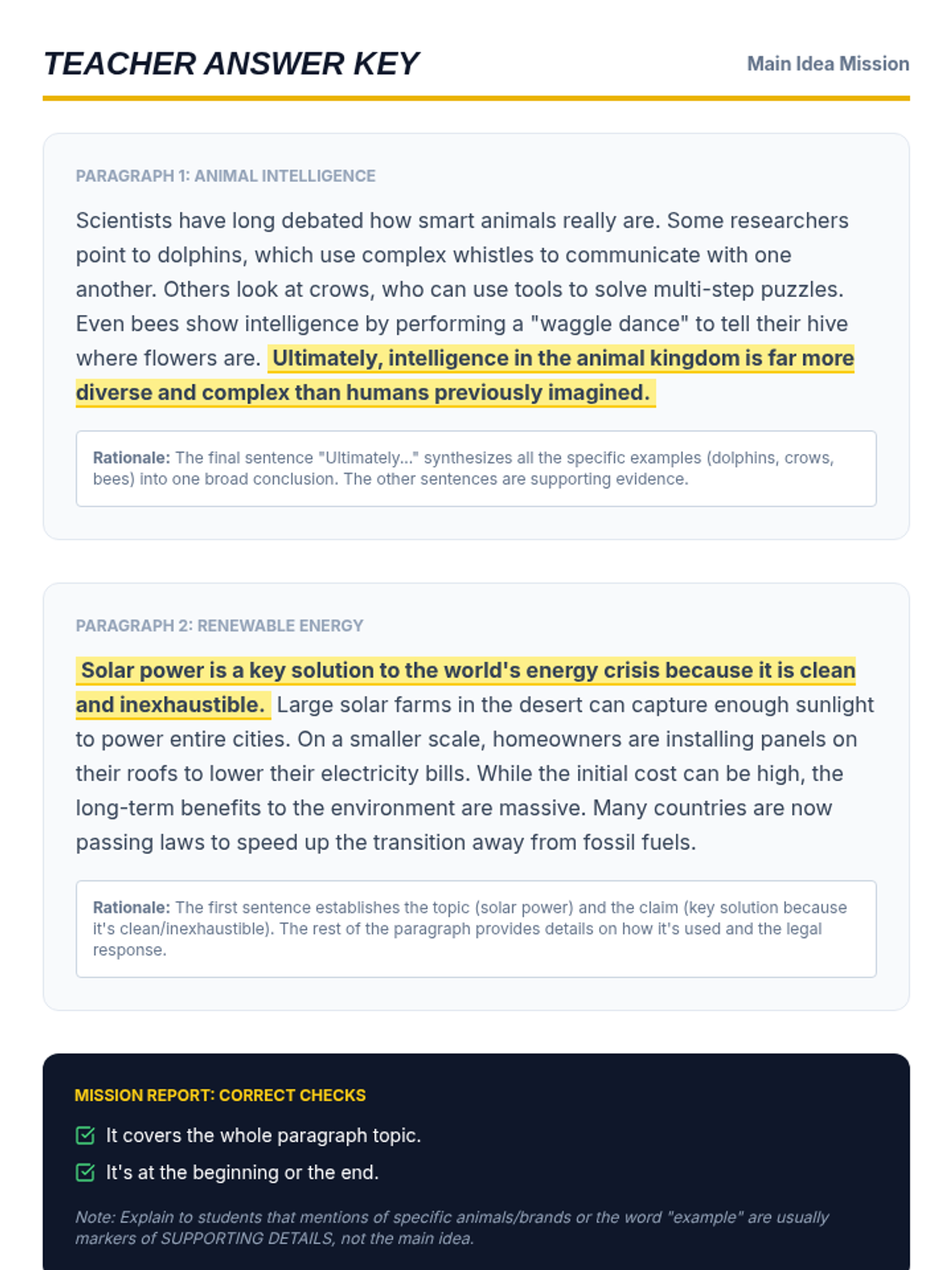
Focuses on the cognitive skill of isolating main ideas using a single dedicated color to distinguish the core message from secondary information.
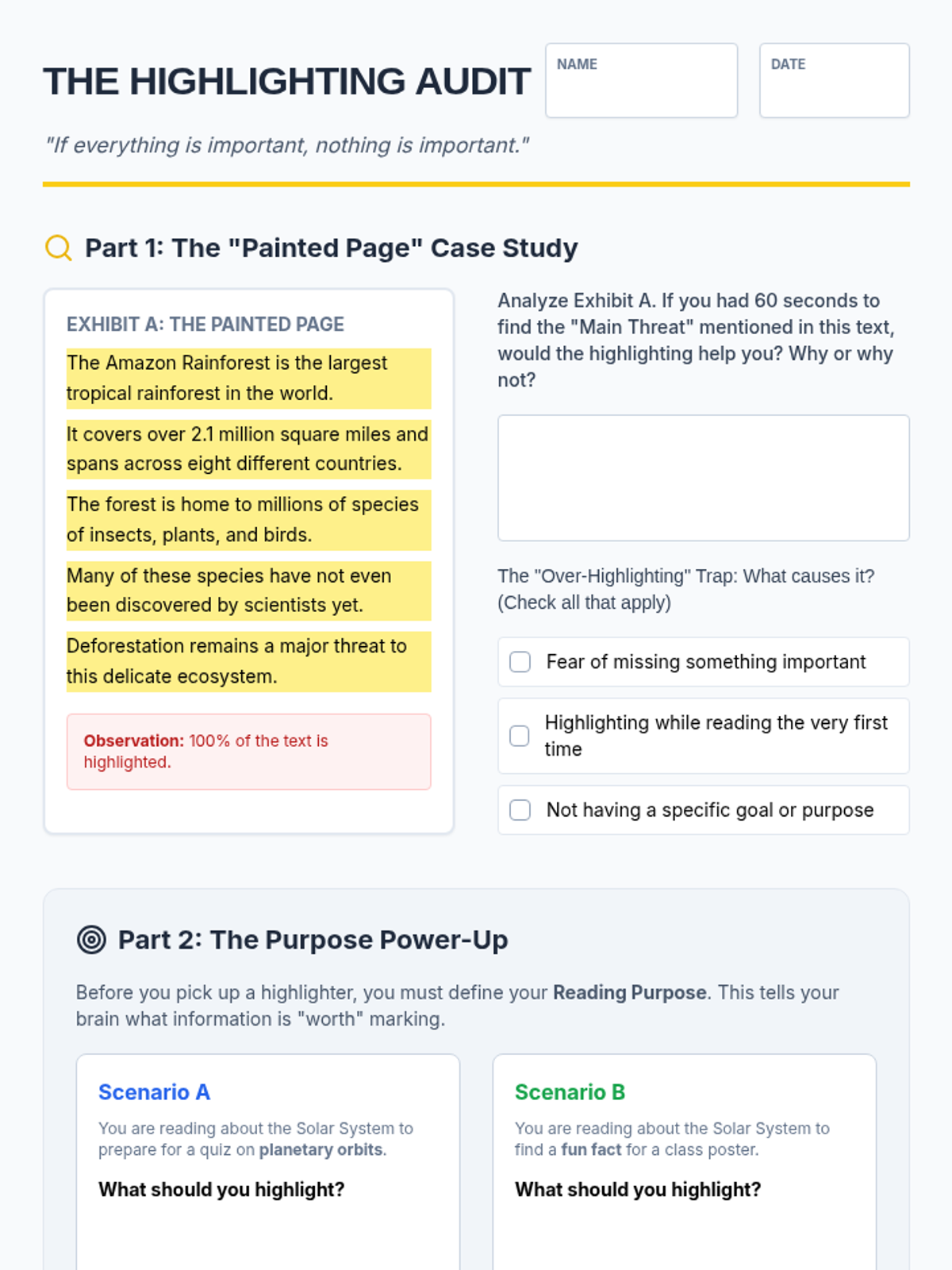
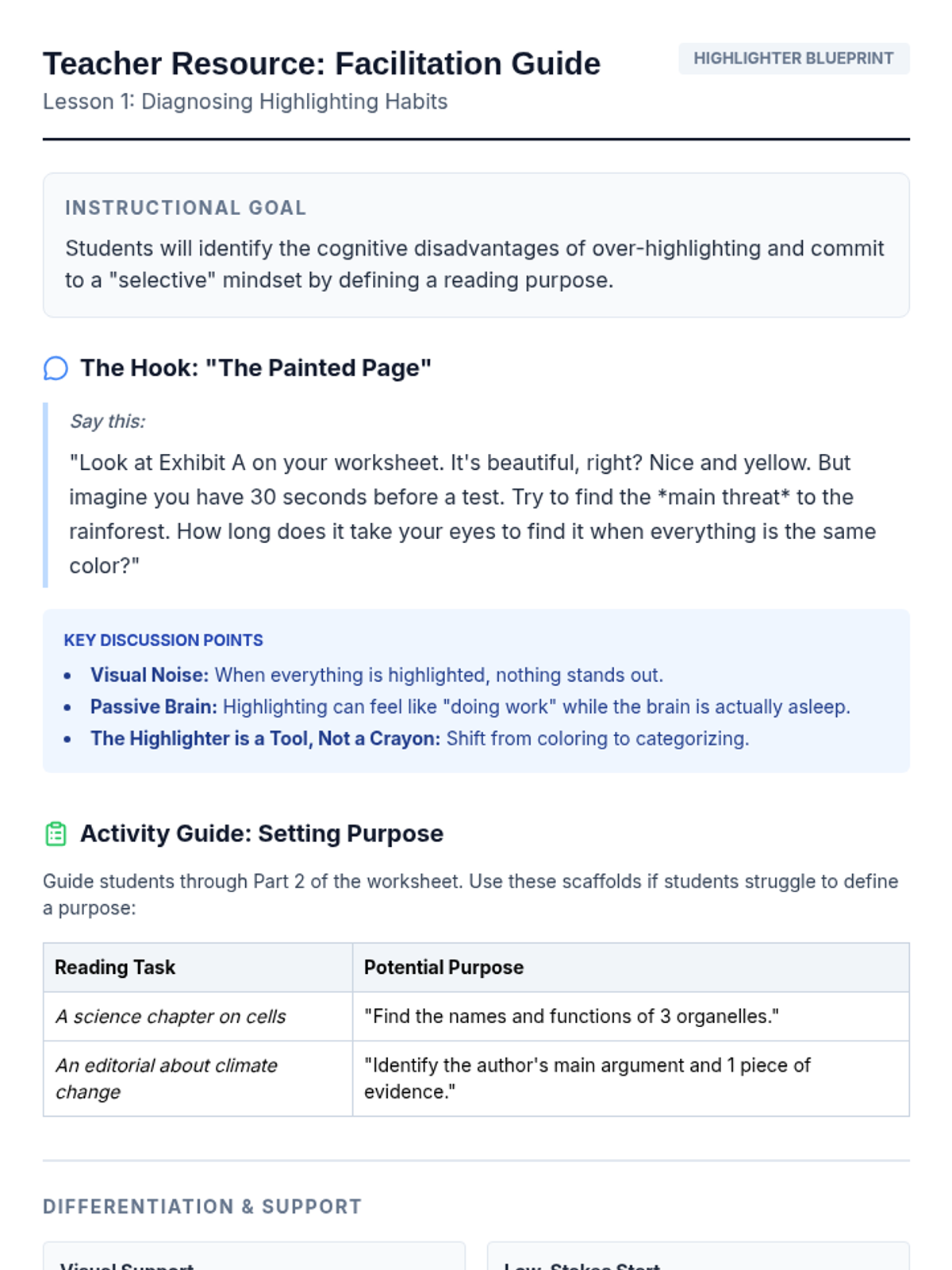
Students analyze the 'painted page' phenomenon to understand why over-highlighting fails and learn to set a purpose before reading.
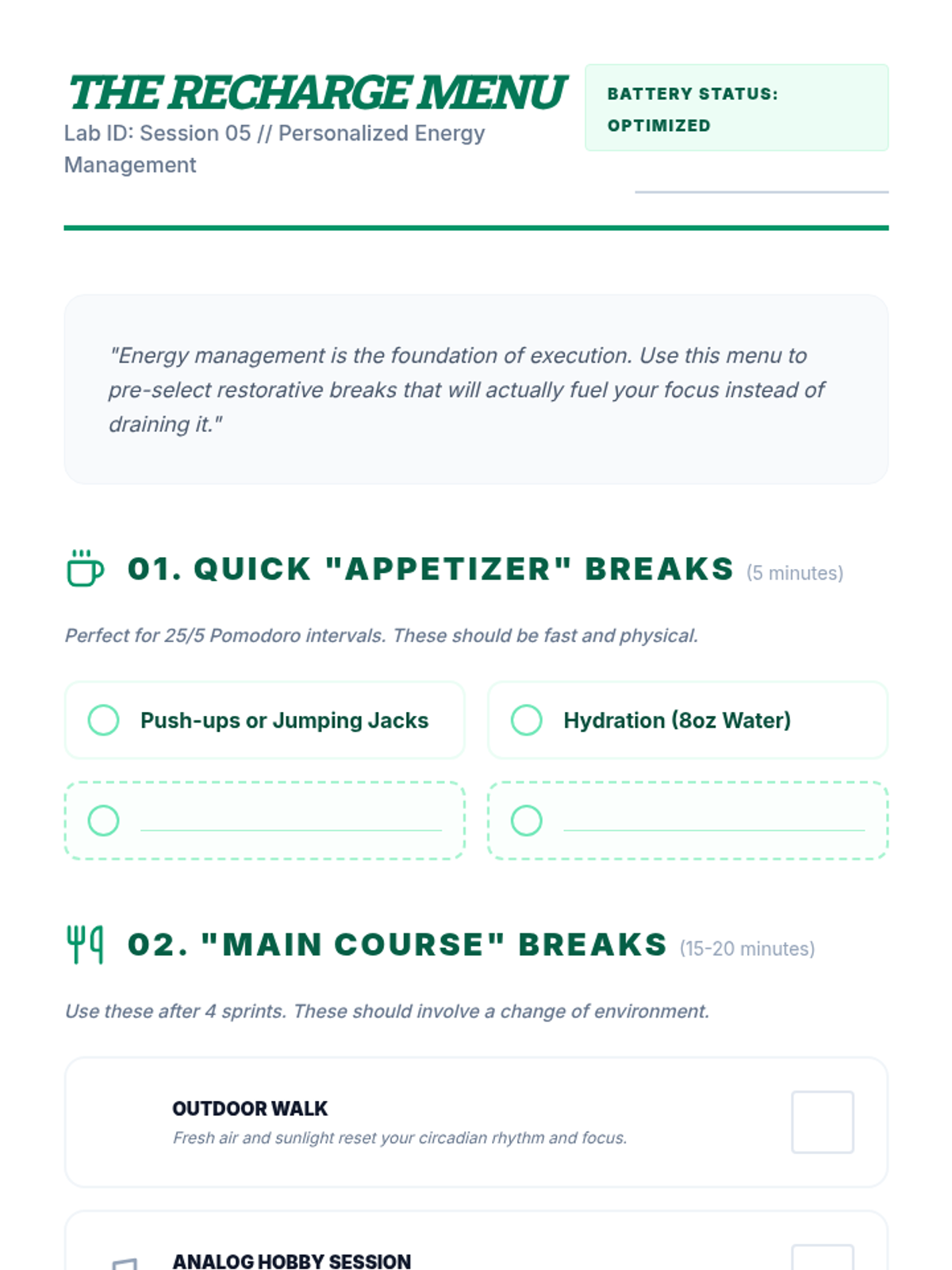
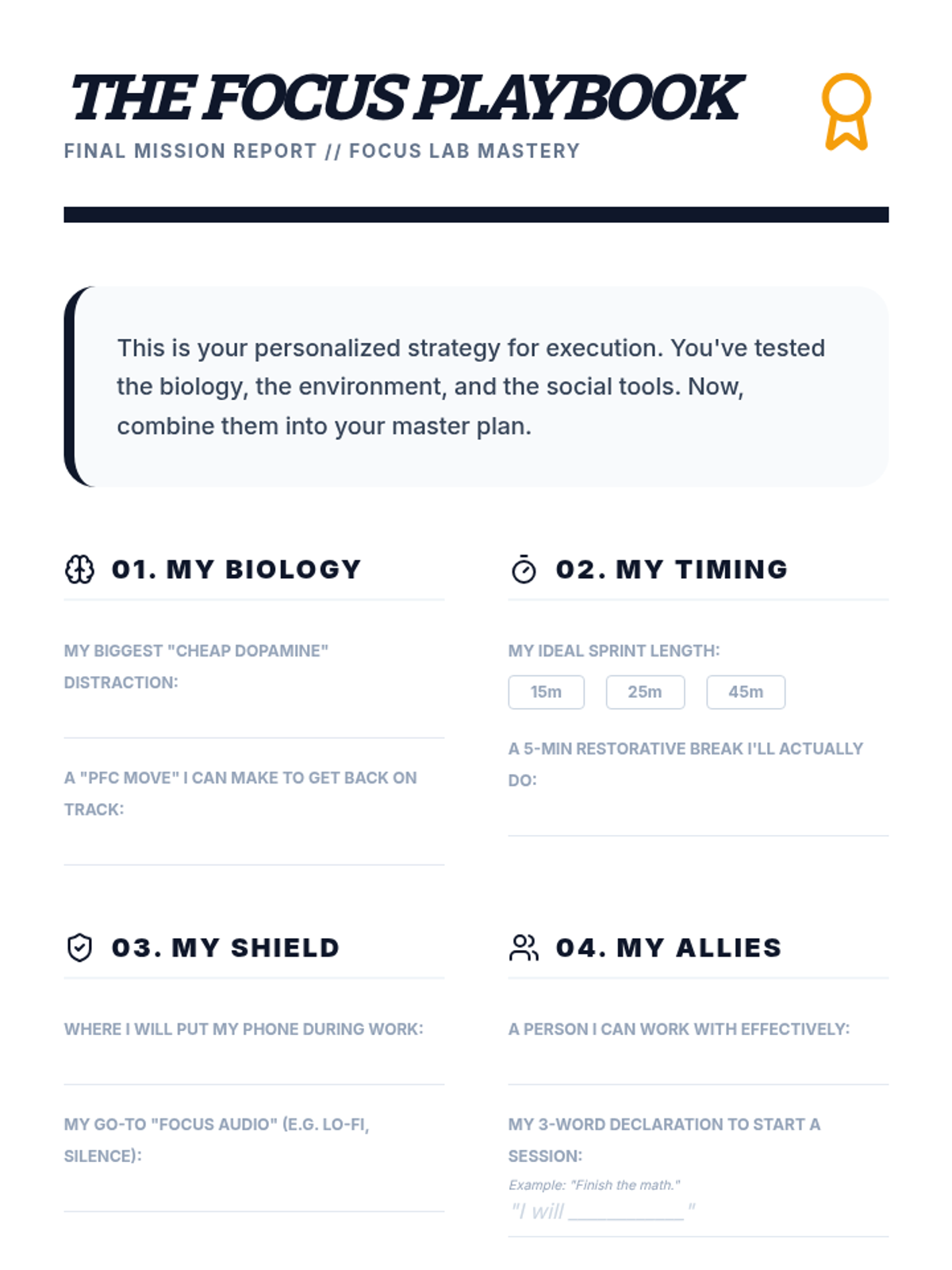
Students differentiate between restorative and depleting breaks, creating a personalized 'menu' of energy-management strategies.
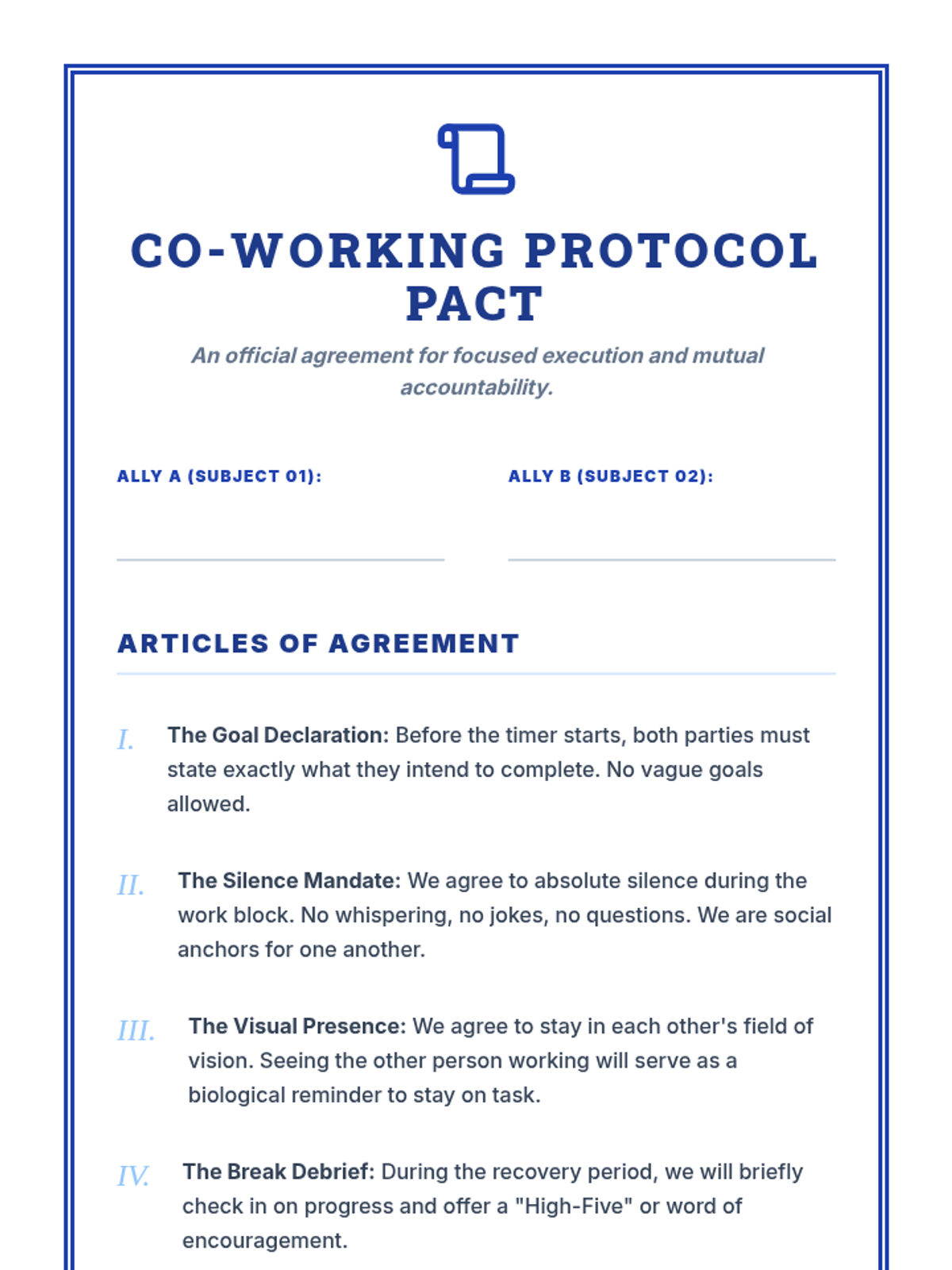
Students learn about body doubling and social accountability to leverage the presence of others for sustained task persistence.
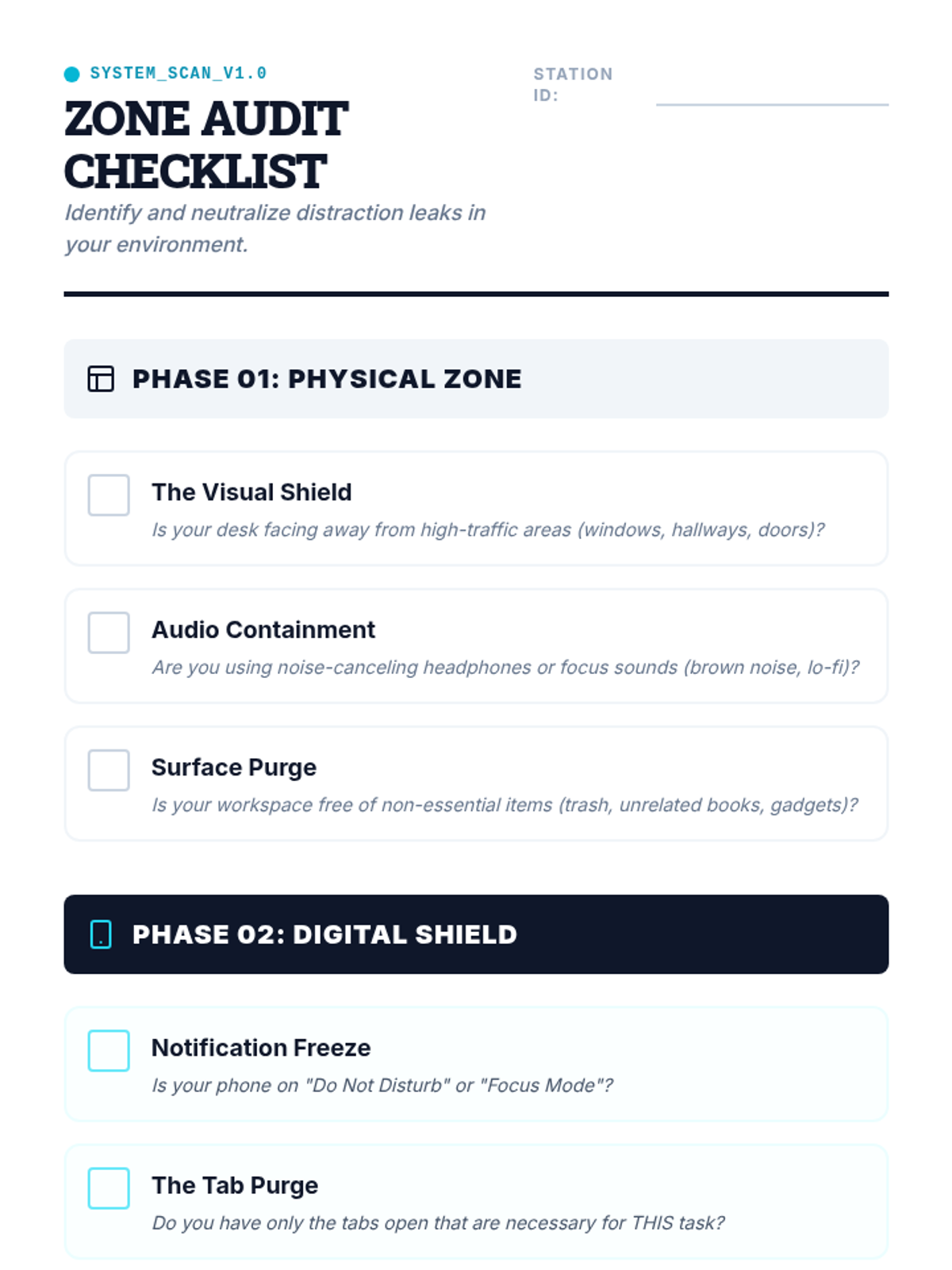
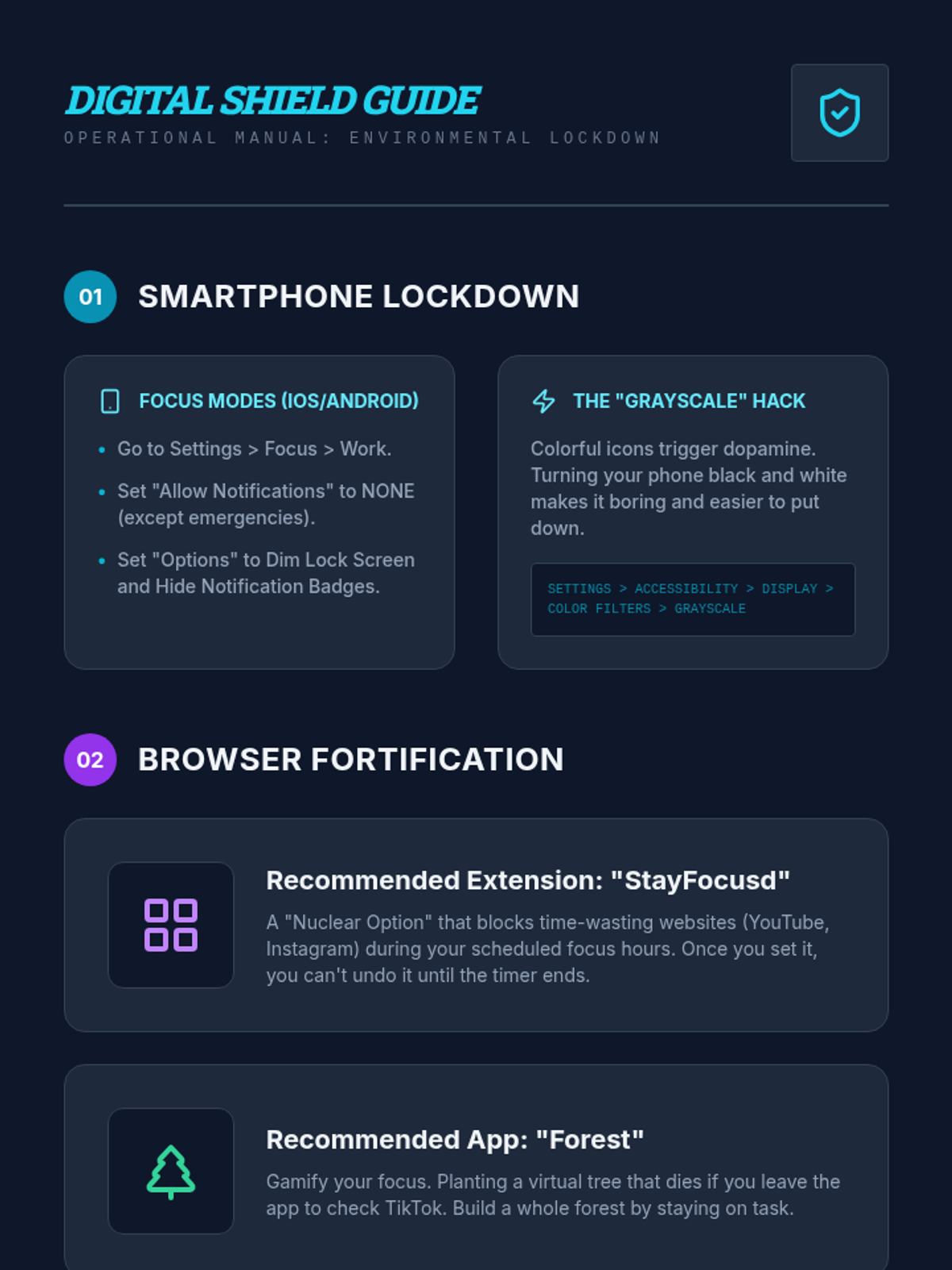
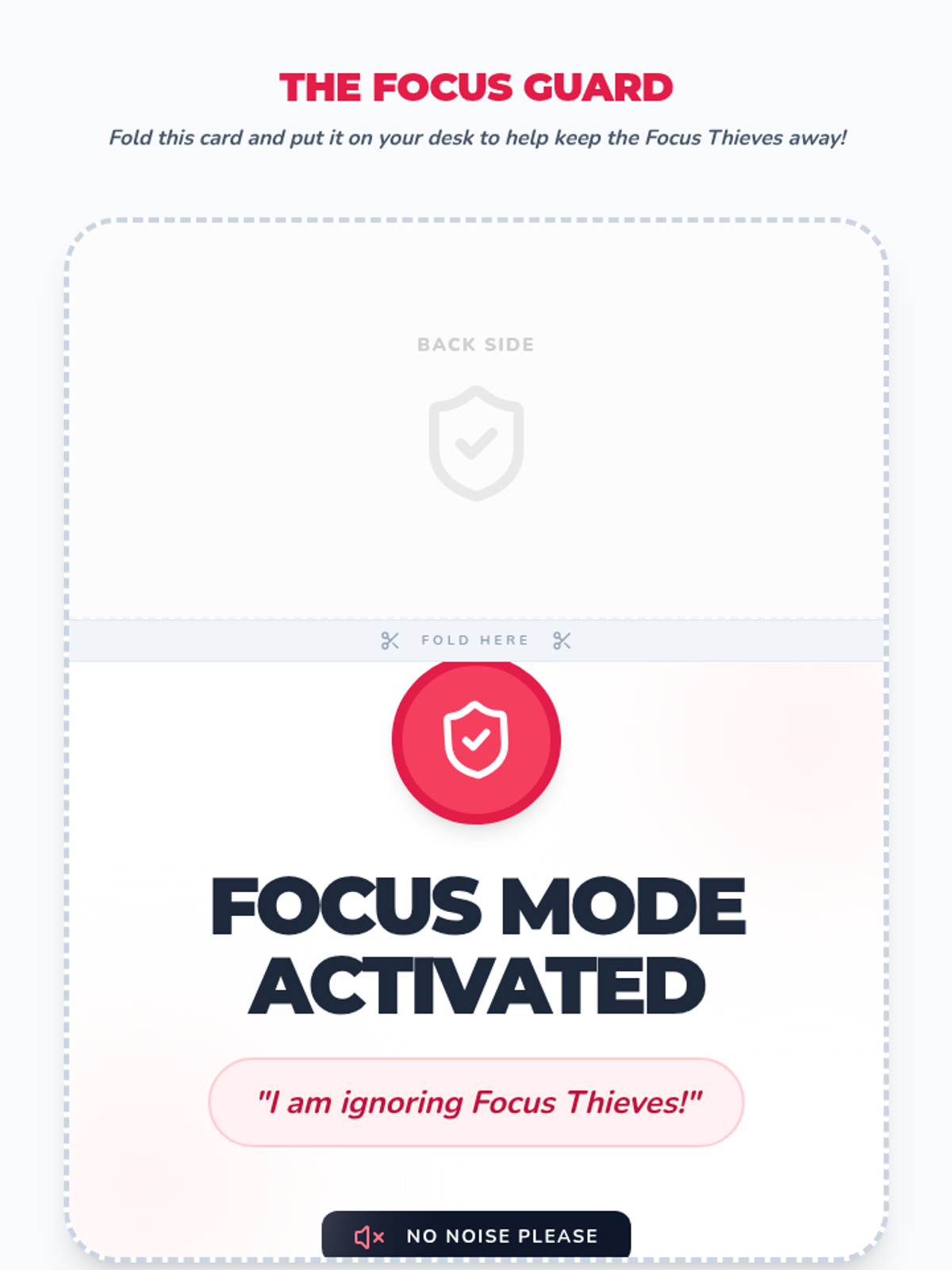
Students audit and modify their physical and digital environments to minimize sensory and notification-based distractions.
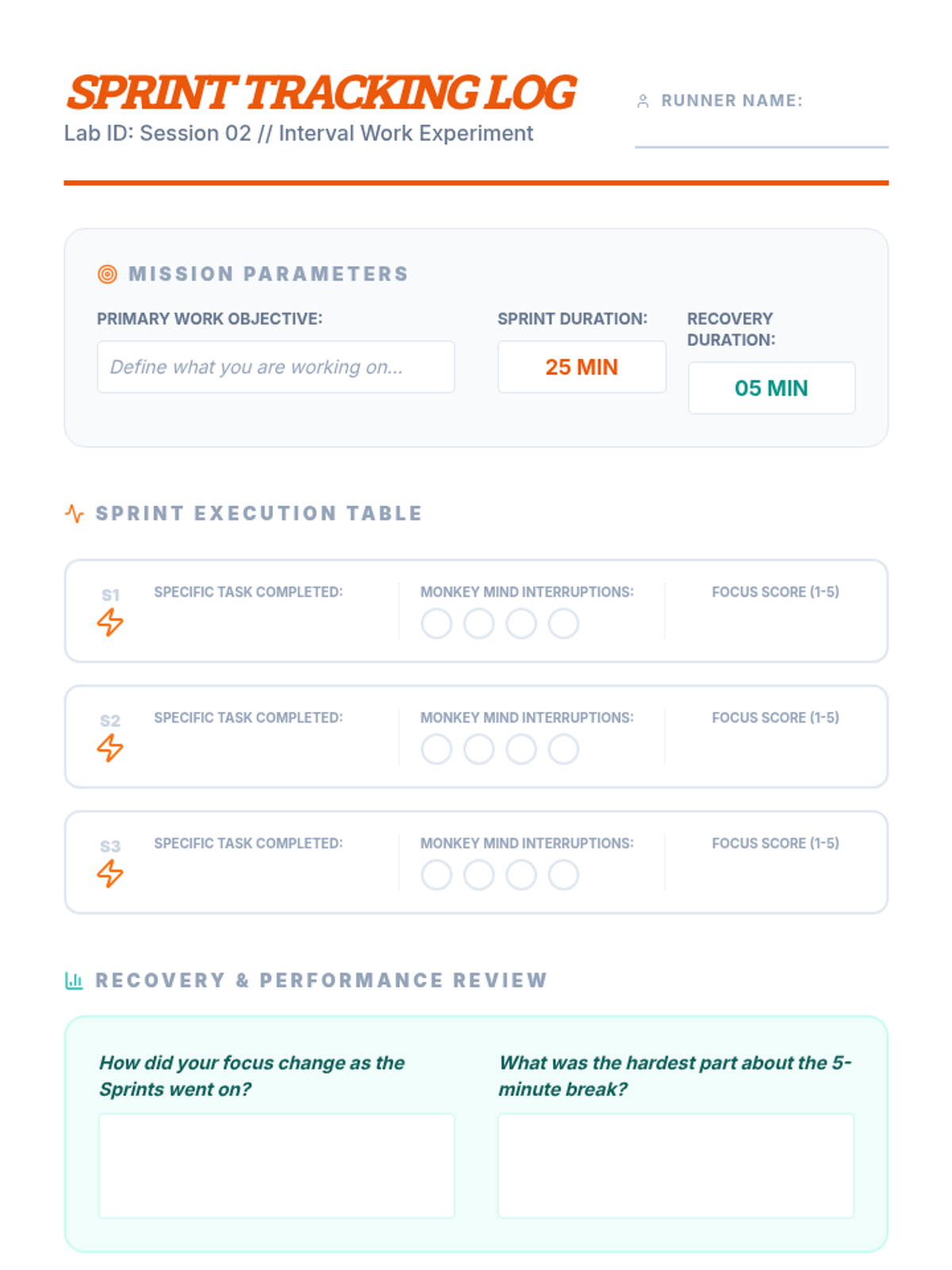
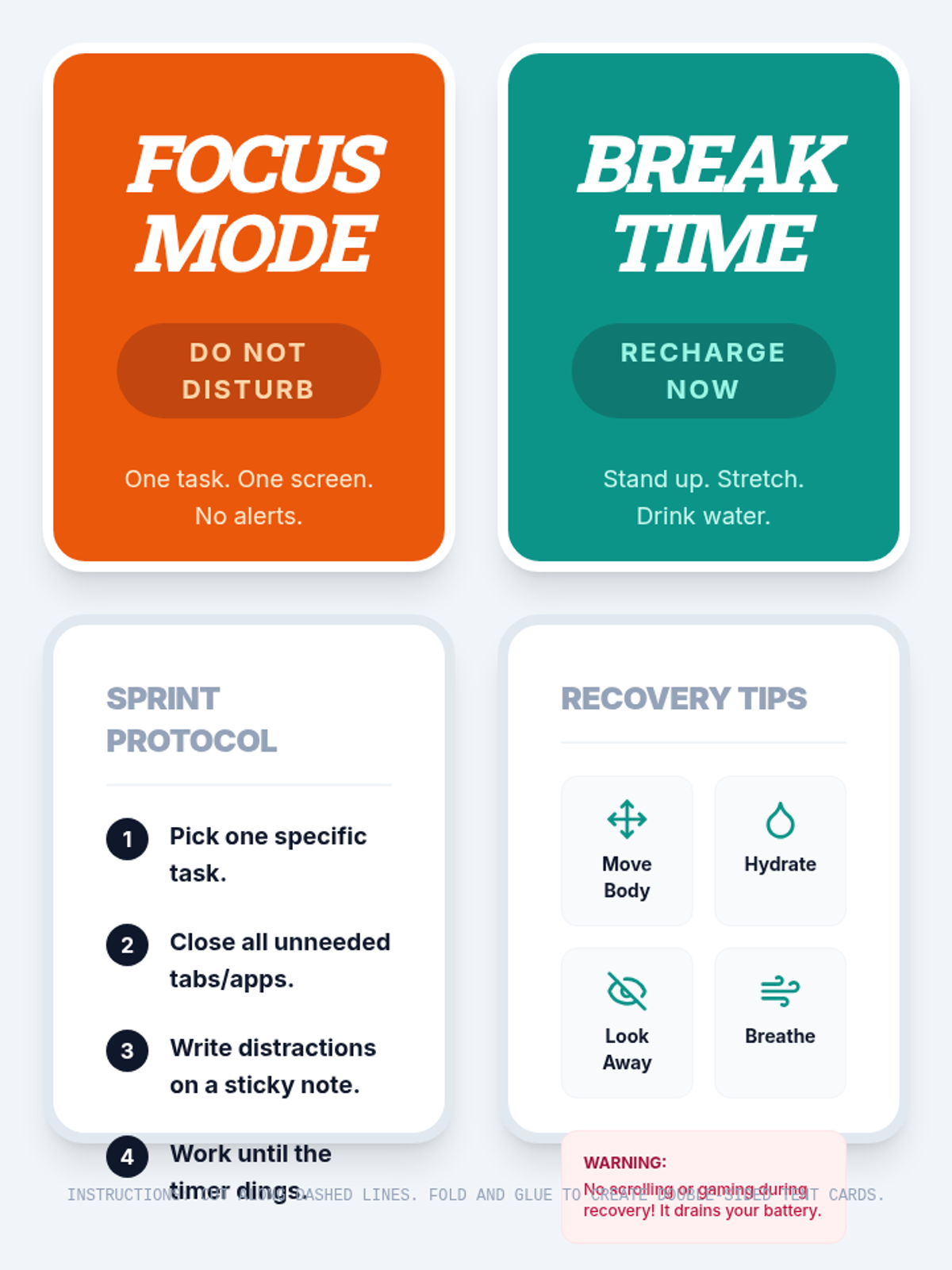
Students test the Pomodoro technique and interval-based work to discover how structured breaks impact their productivity and stamina.
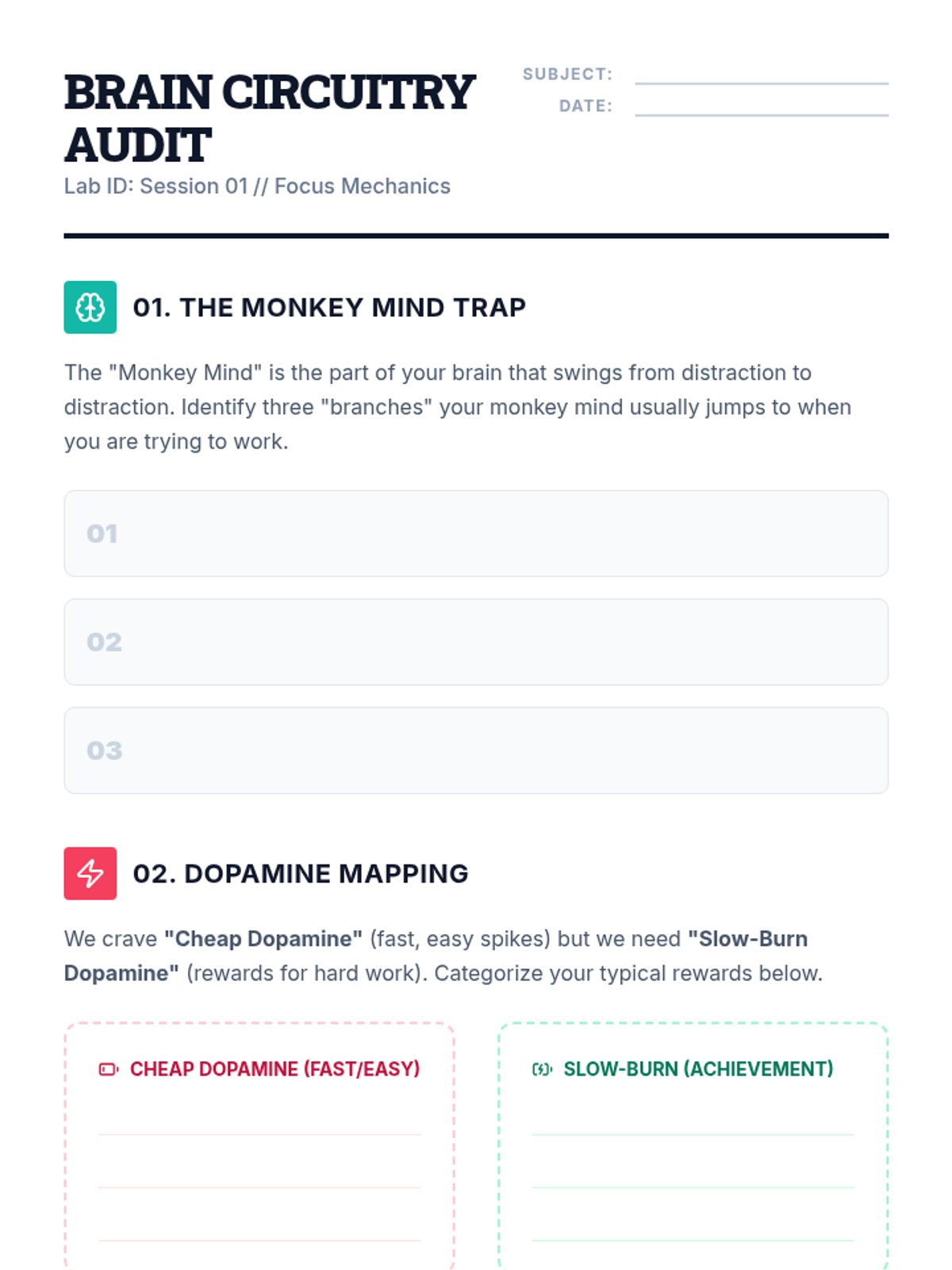
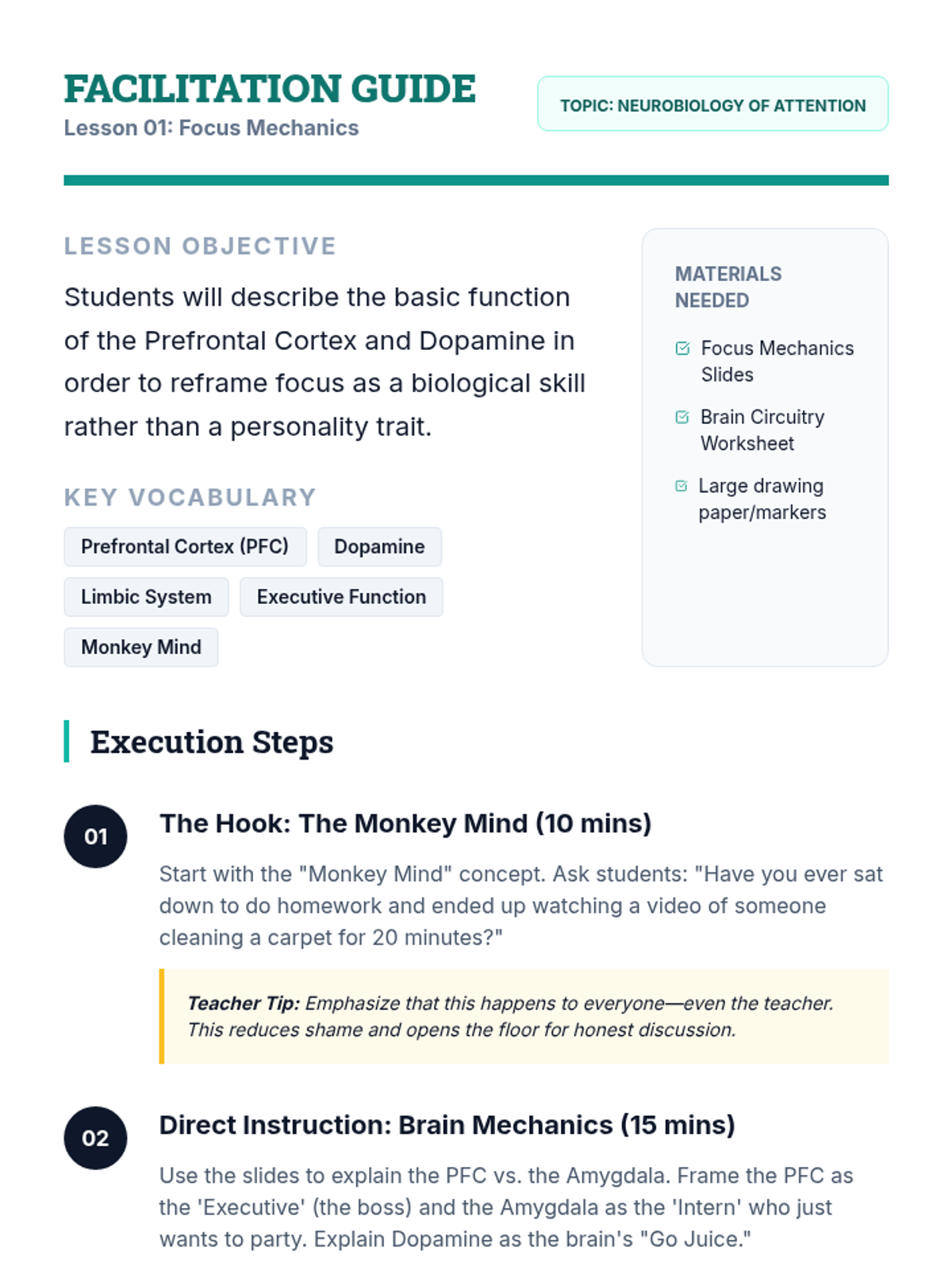
Students explore the neurobiology of dopamine and attention to understand focus as a mechanical brain function rather than a character trait.
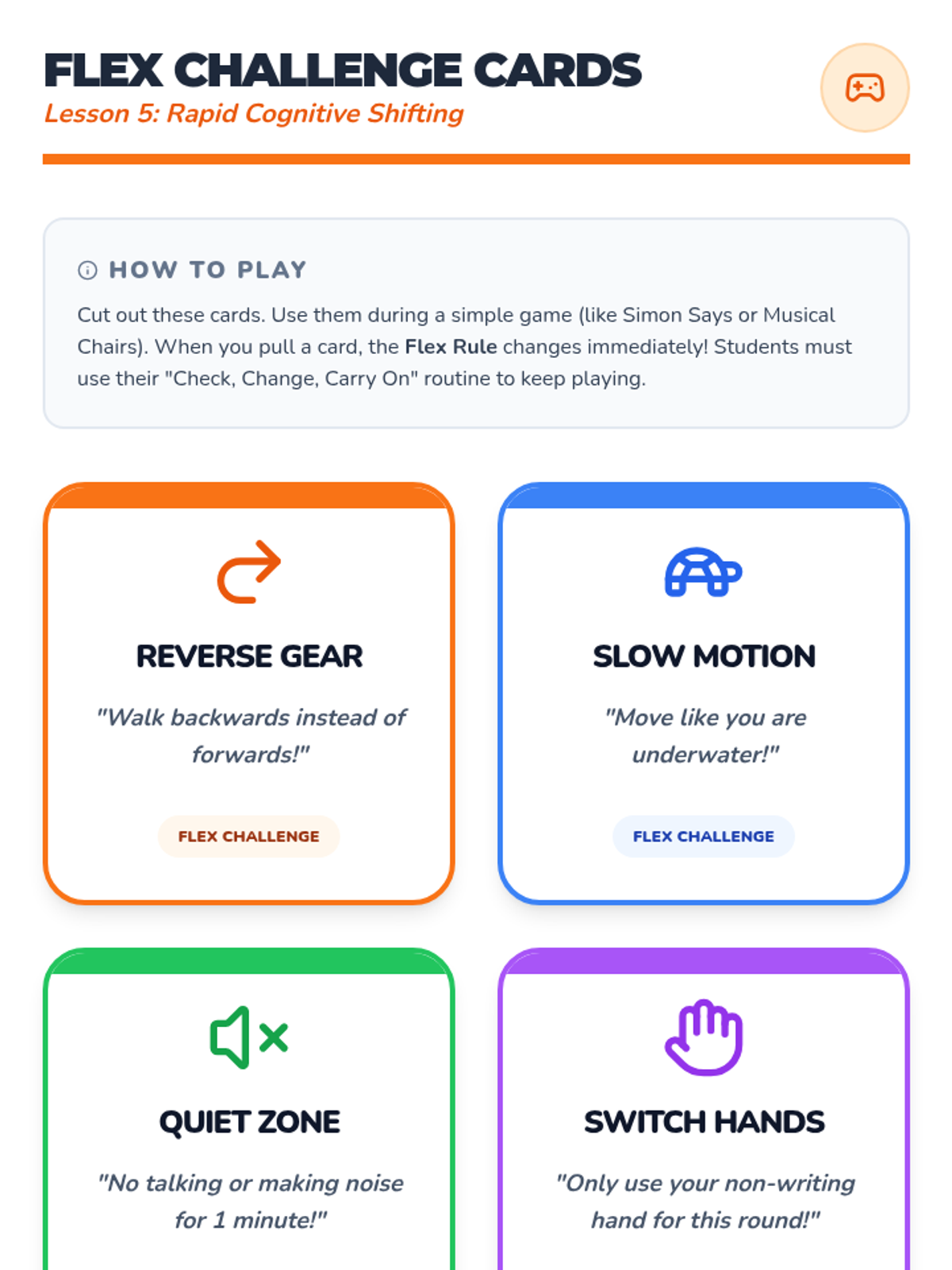
A game-based finale where students apply their flexibility skills in real-time as game rules change, celebrating their ability to pivot.
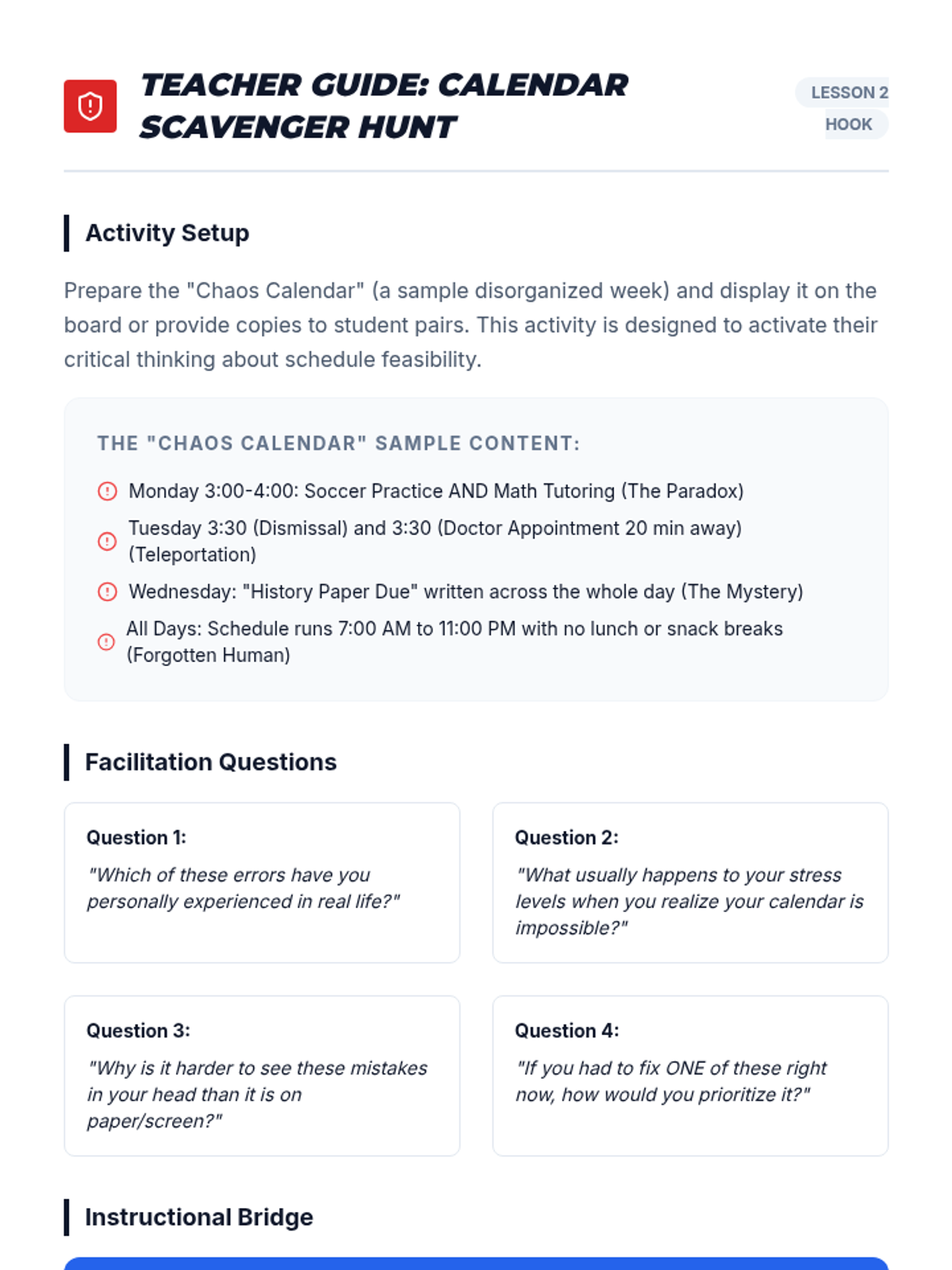
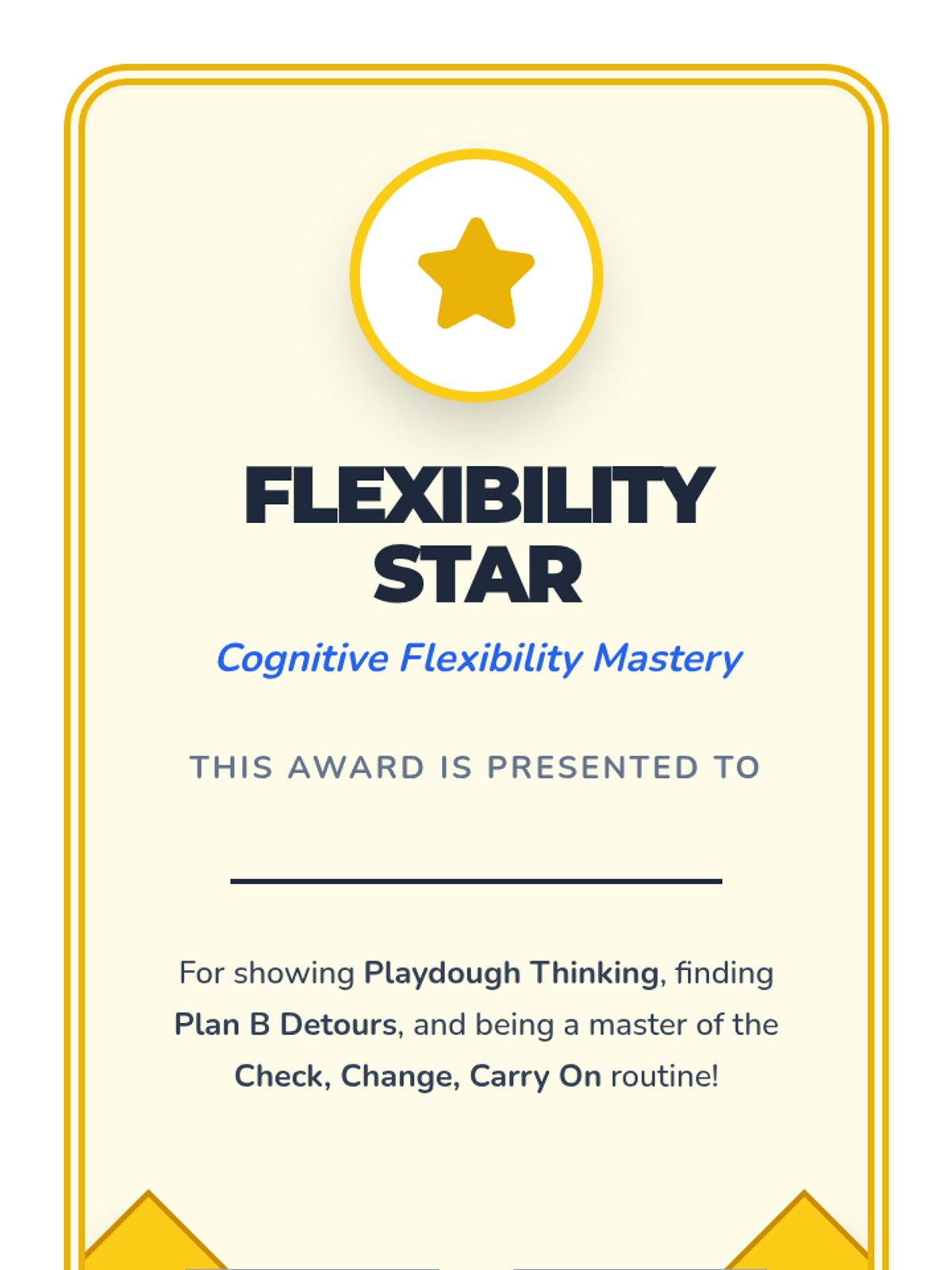
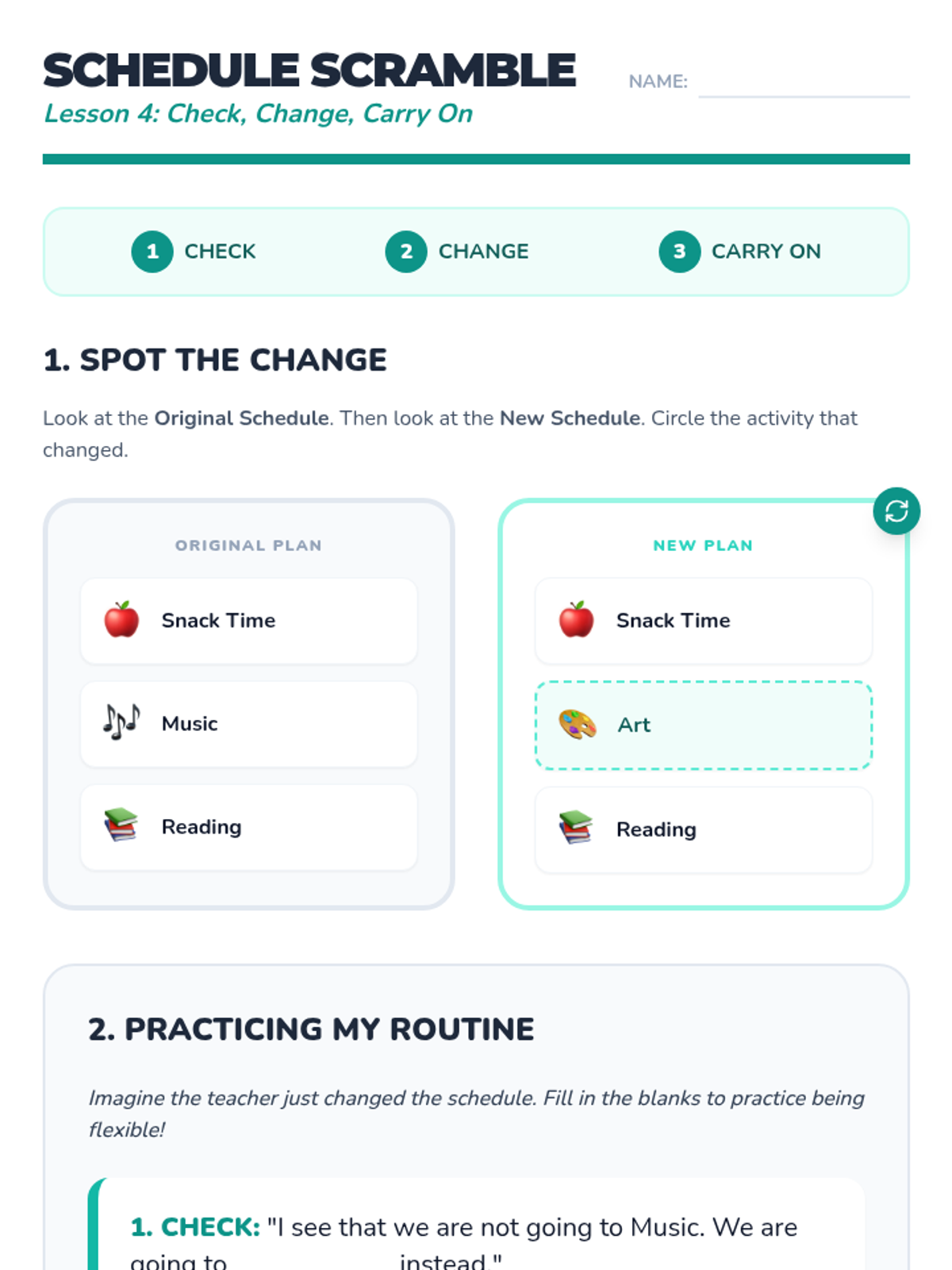
Focusing on schedule disruptions, students learn the 'Check, Change, Carry On' routine to handle visual schedule updates calmly.
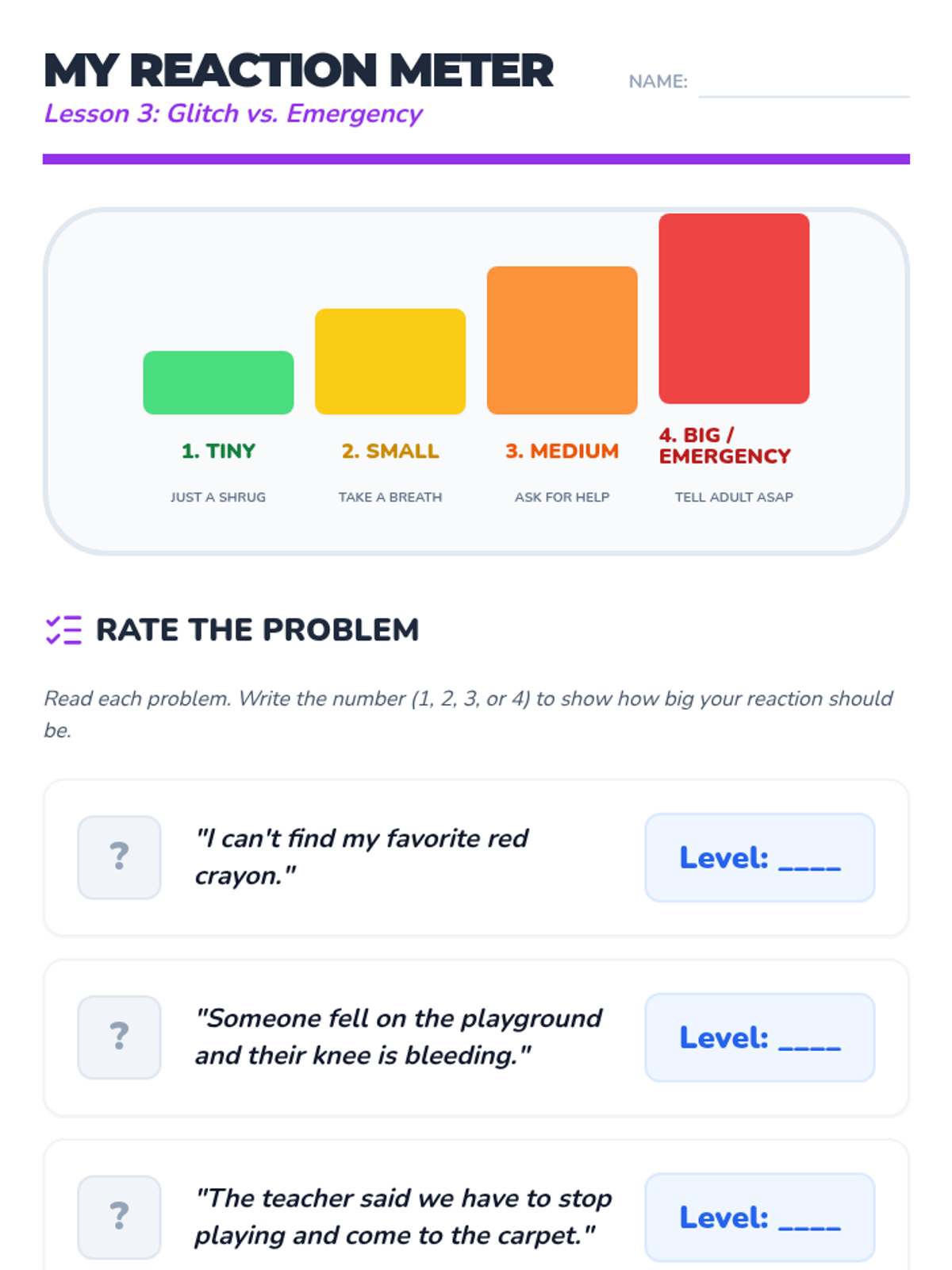
Students learn to categorize problems as 'glitches' or 'emergencies' and practice matching their emotional reaction size to the actual size of the problem.
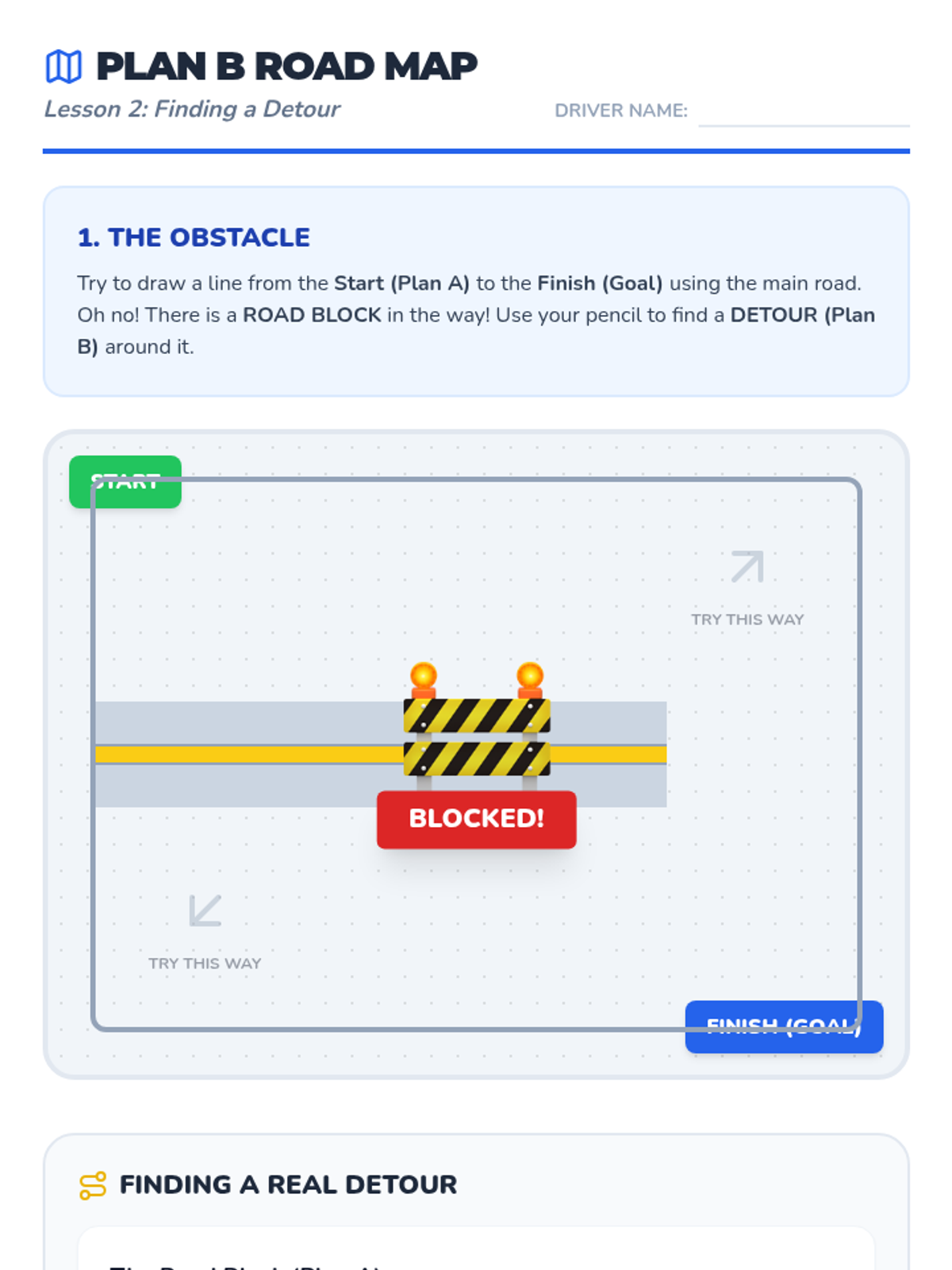
Using a road map metaphor, students practice finding a 'Plan B' when their original 'Plan A' is blocked by an unexpected obstacle or change.
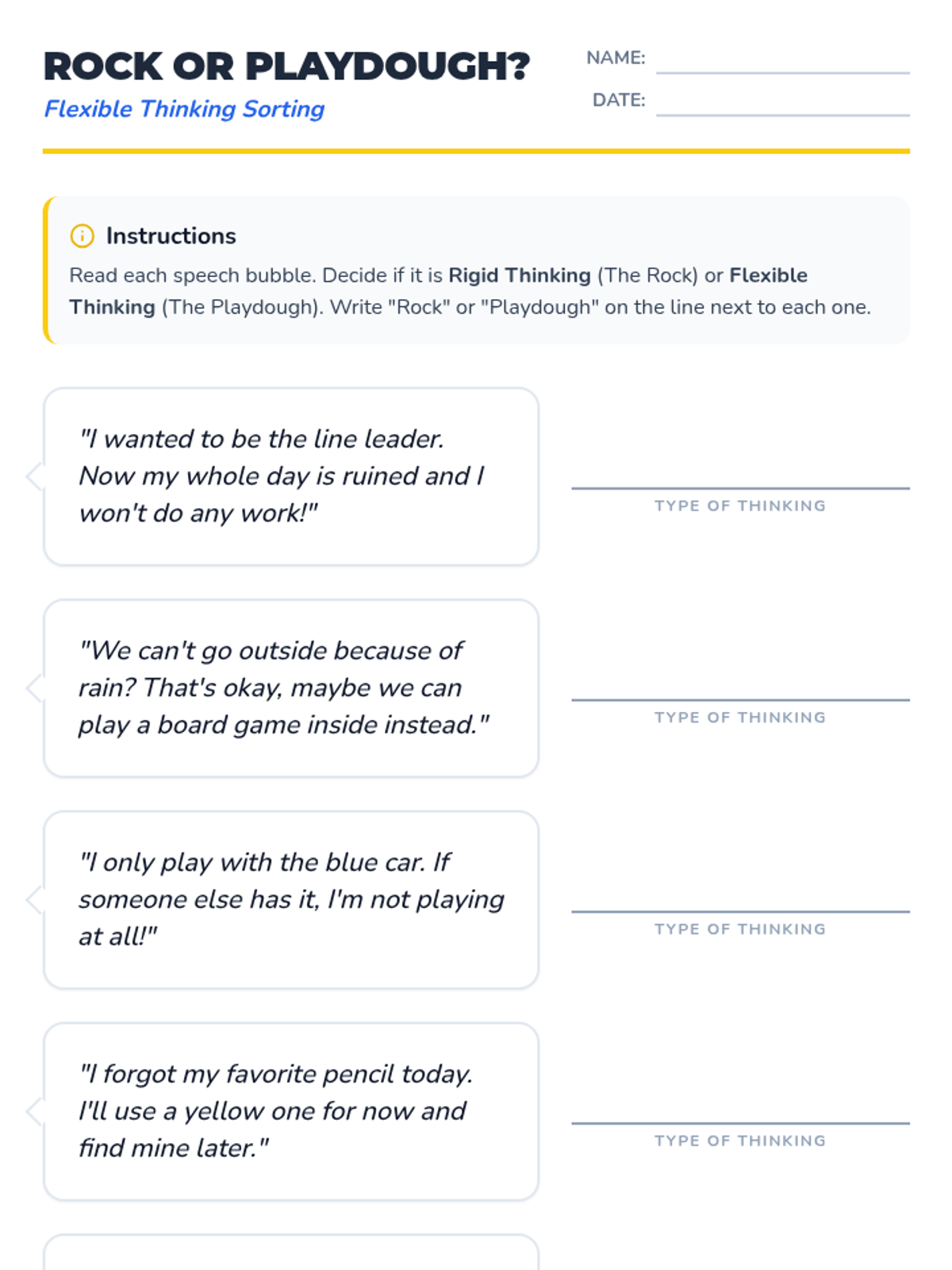
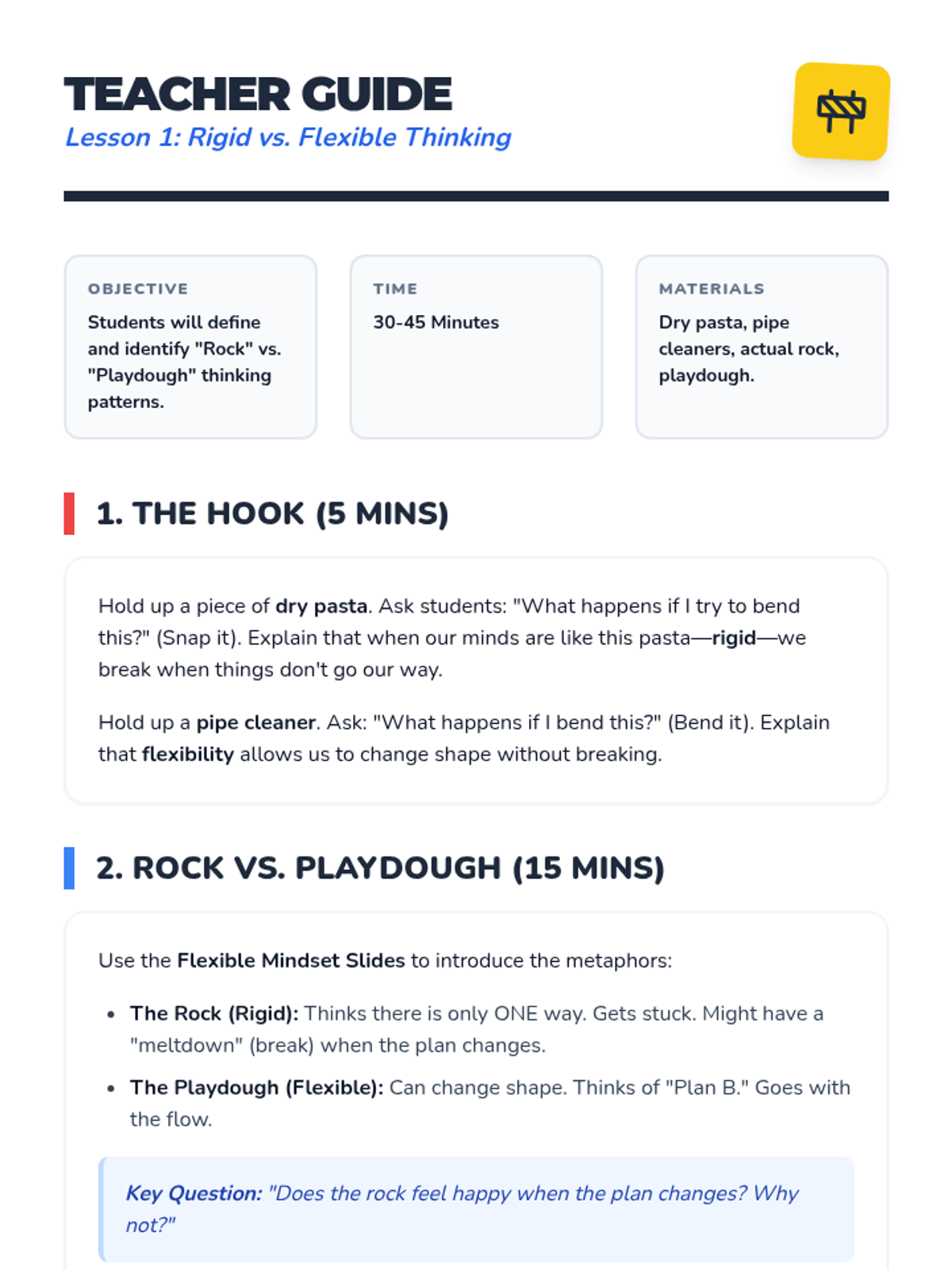
Students use the physical comparison of a rock and playdough to understand the difference between rigid and flexible thinking, learning that being 'stretchy' helps when things change.
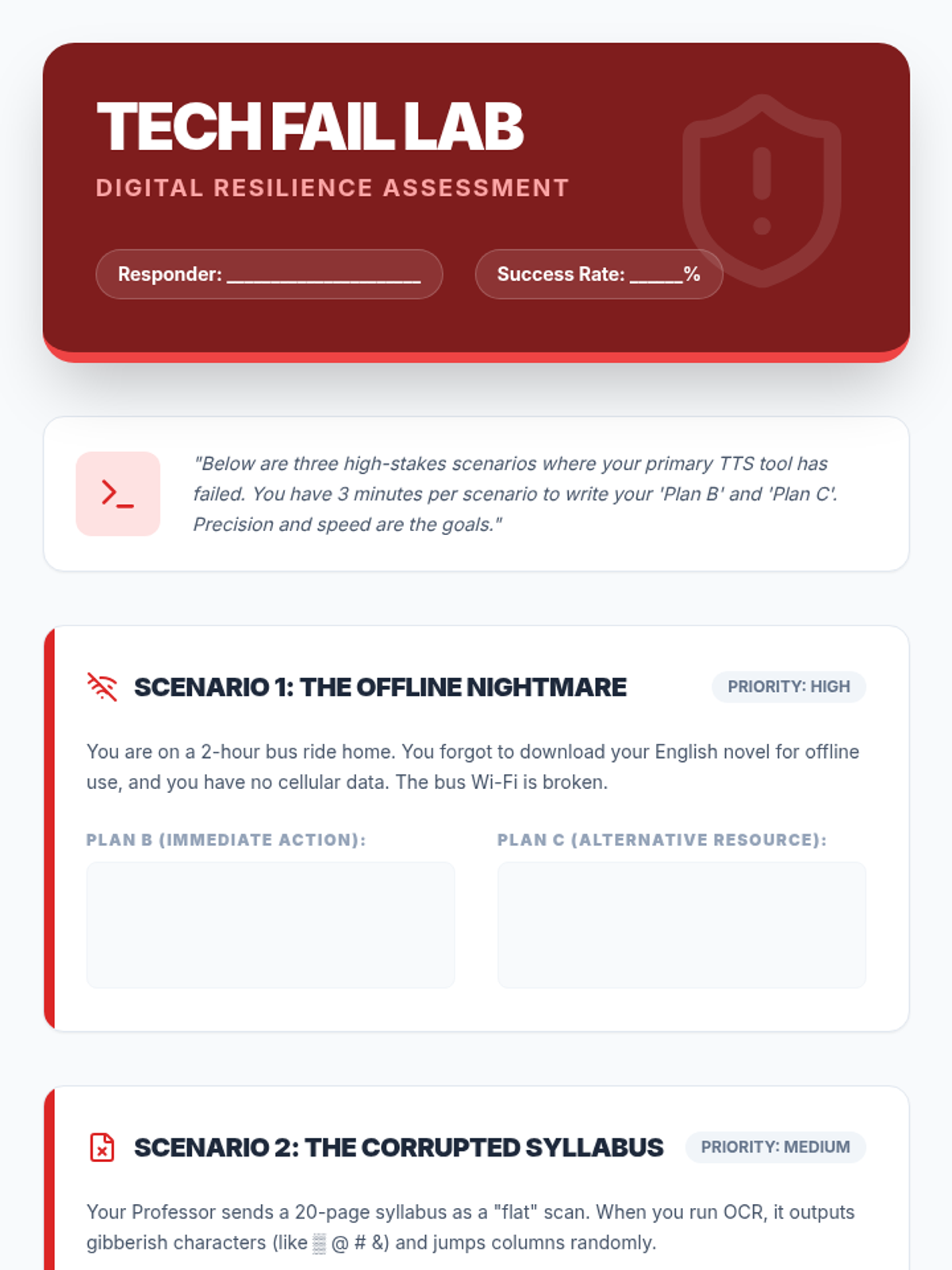
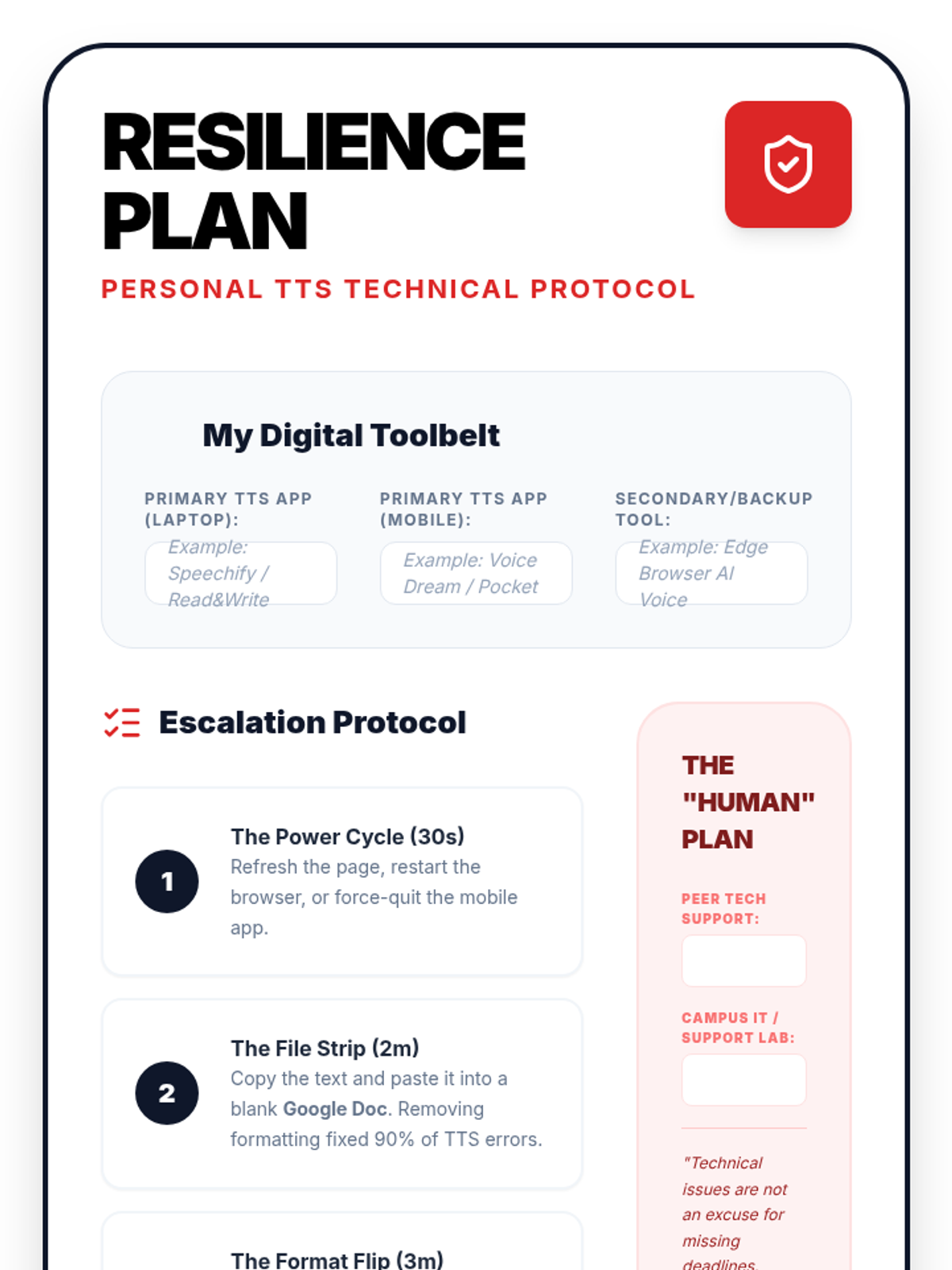
In this final lesson, students practice solving common TTS technical failures. They develop 'digital resilience' by creating backup plans for high-stakes academic situations.
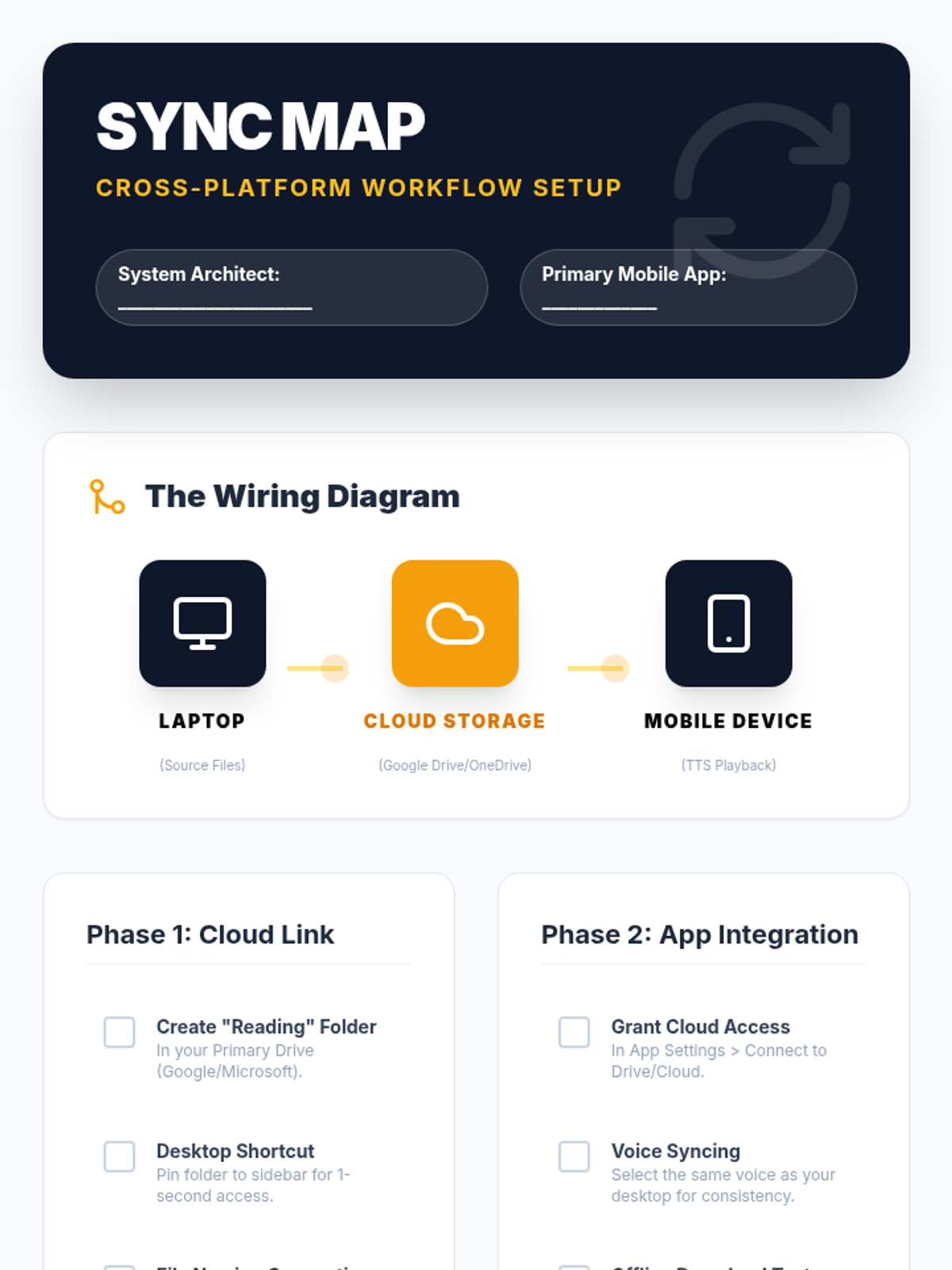
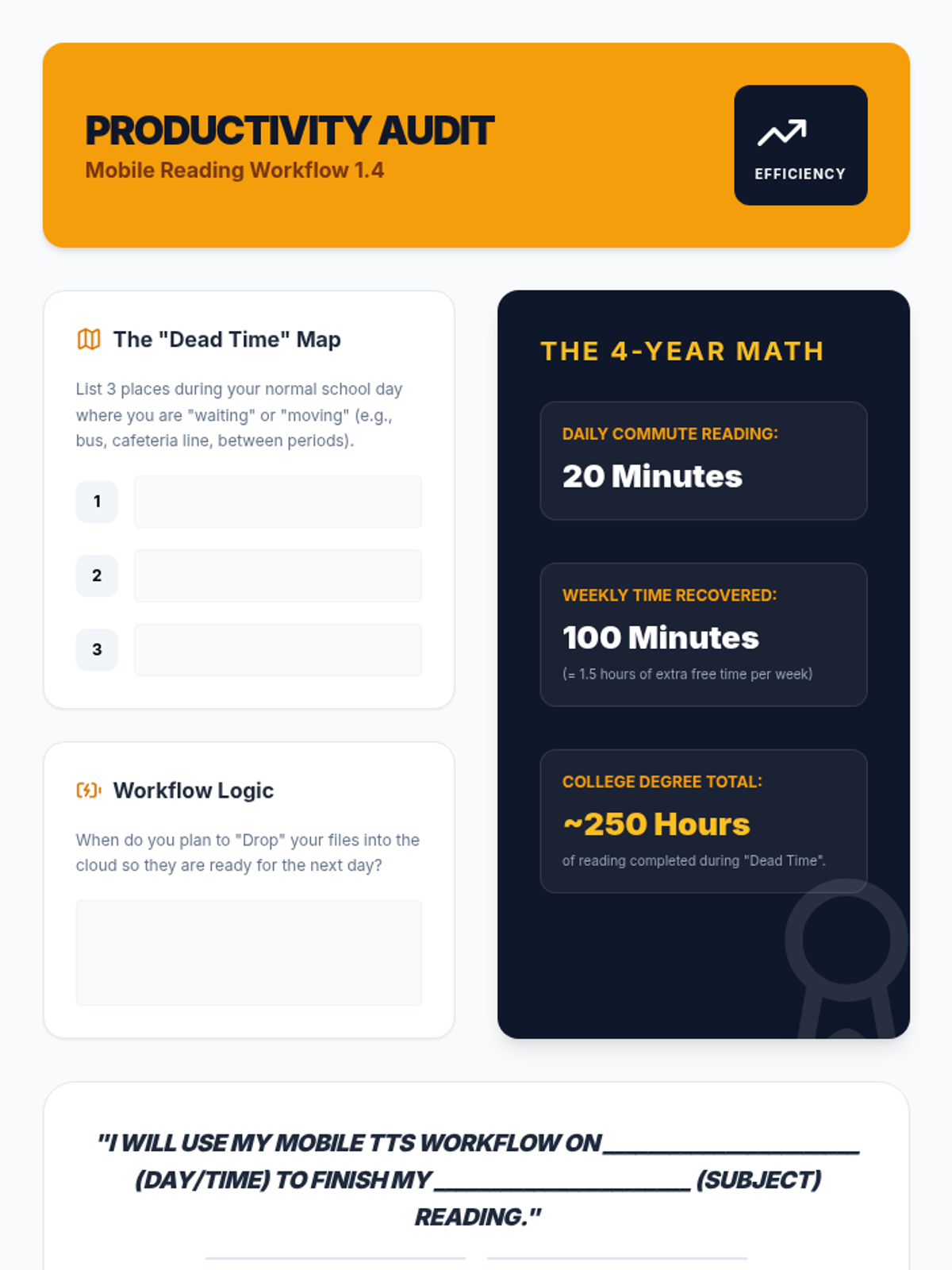
Students set up mobile reading ecosystems, syncing their computer-based reading lists with mobile devices for on-the-go learning and effective time management.
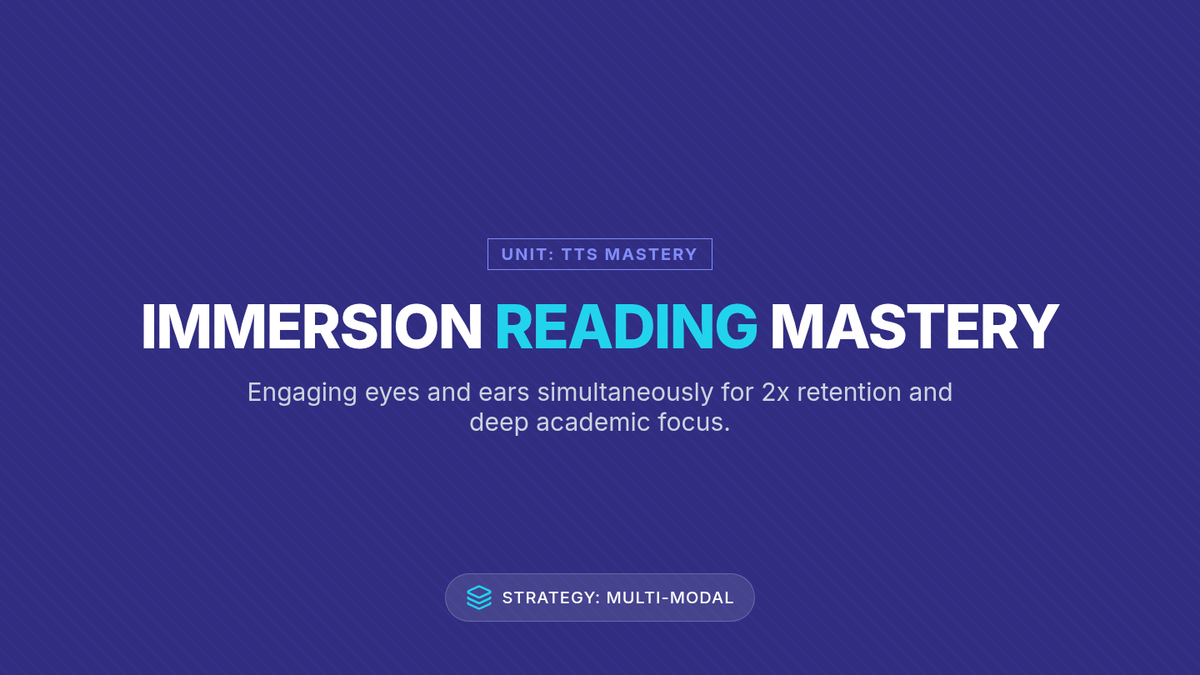
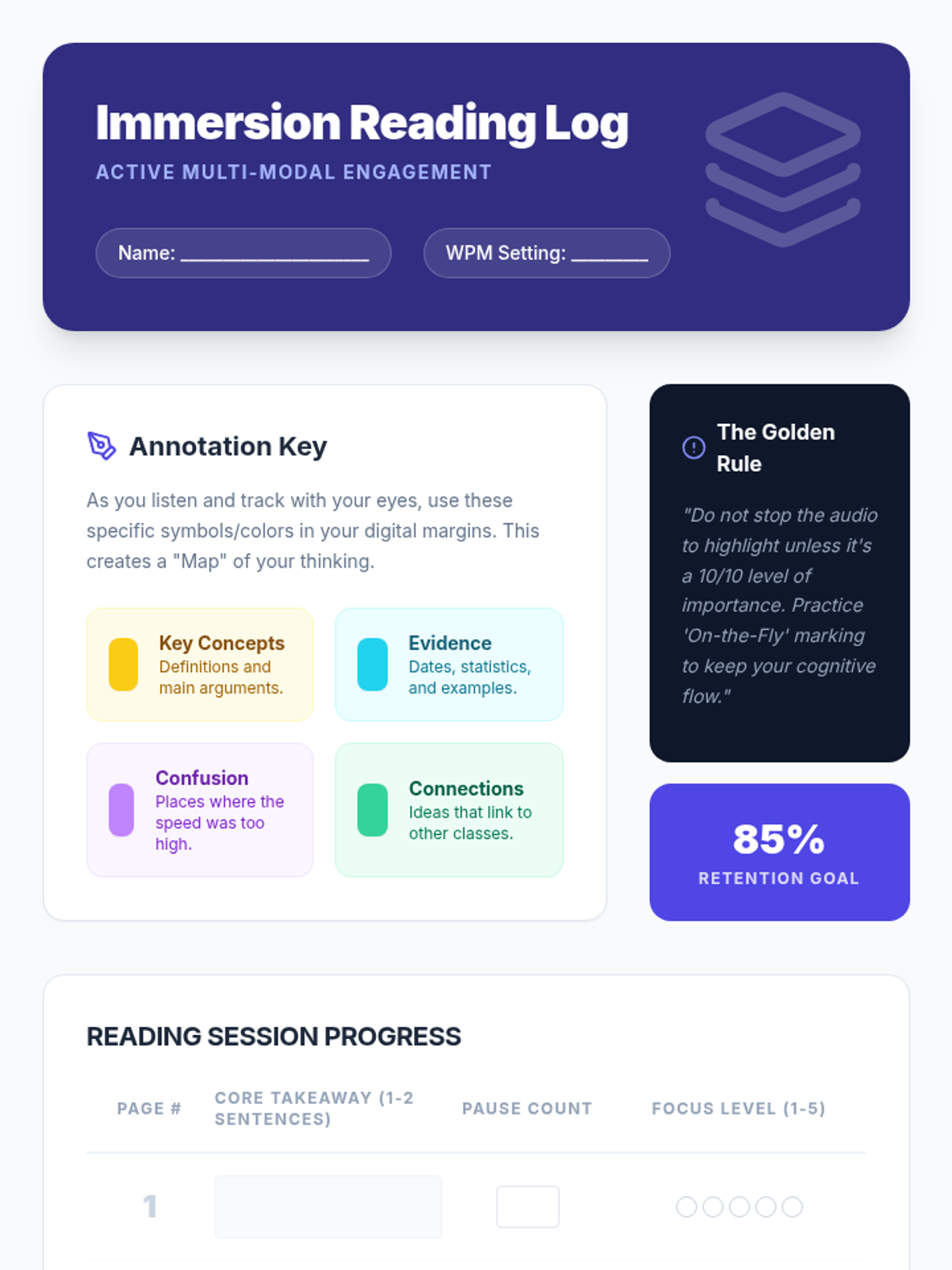
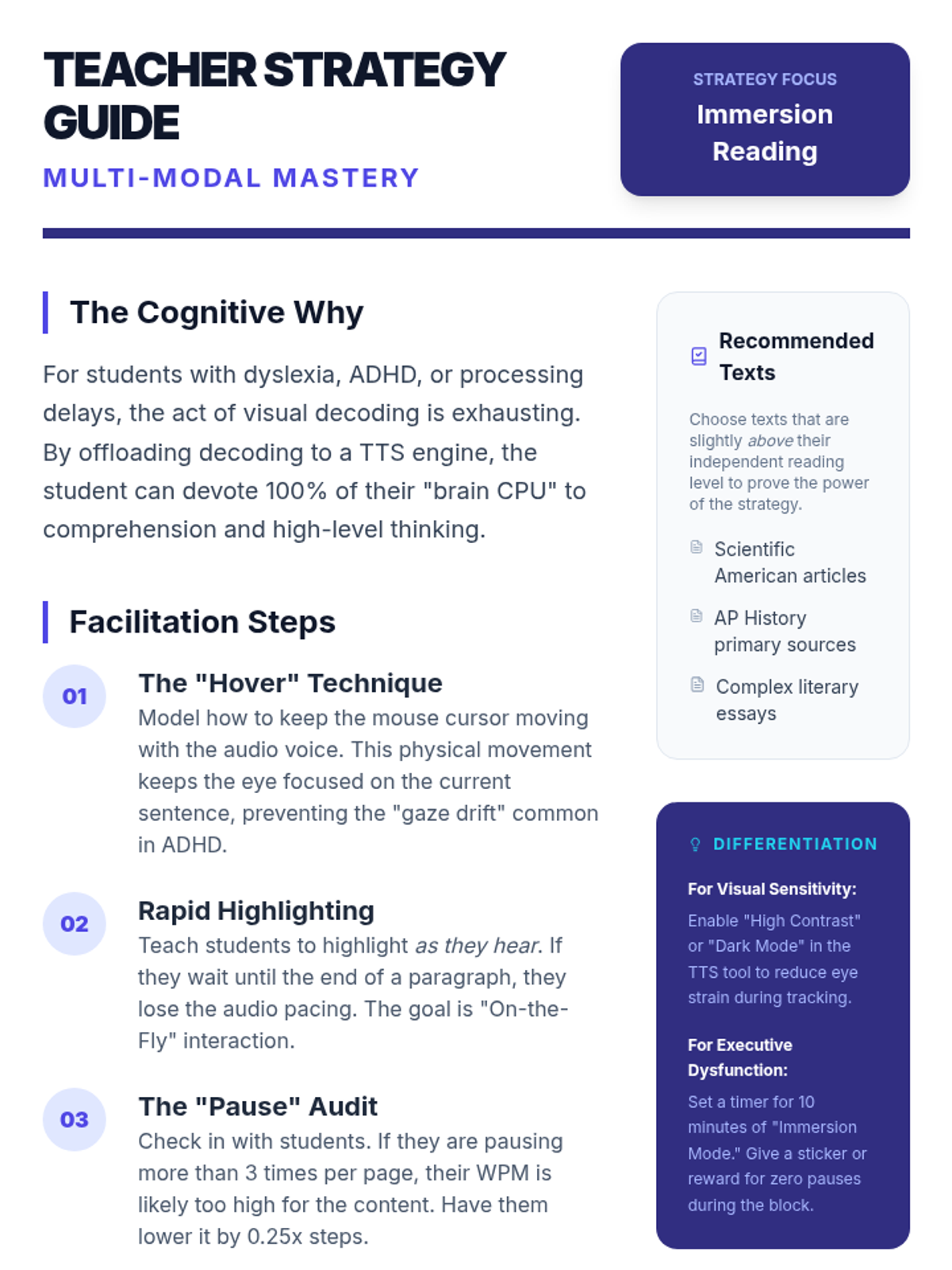
This lesson focuses on 'immersion reading'—the simultaneous use of auditory and visual input. Students learn to use digital annotation tools to mark up text while listening.
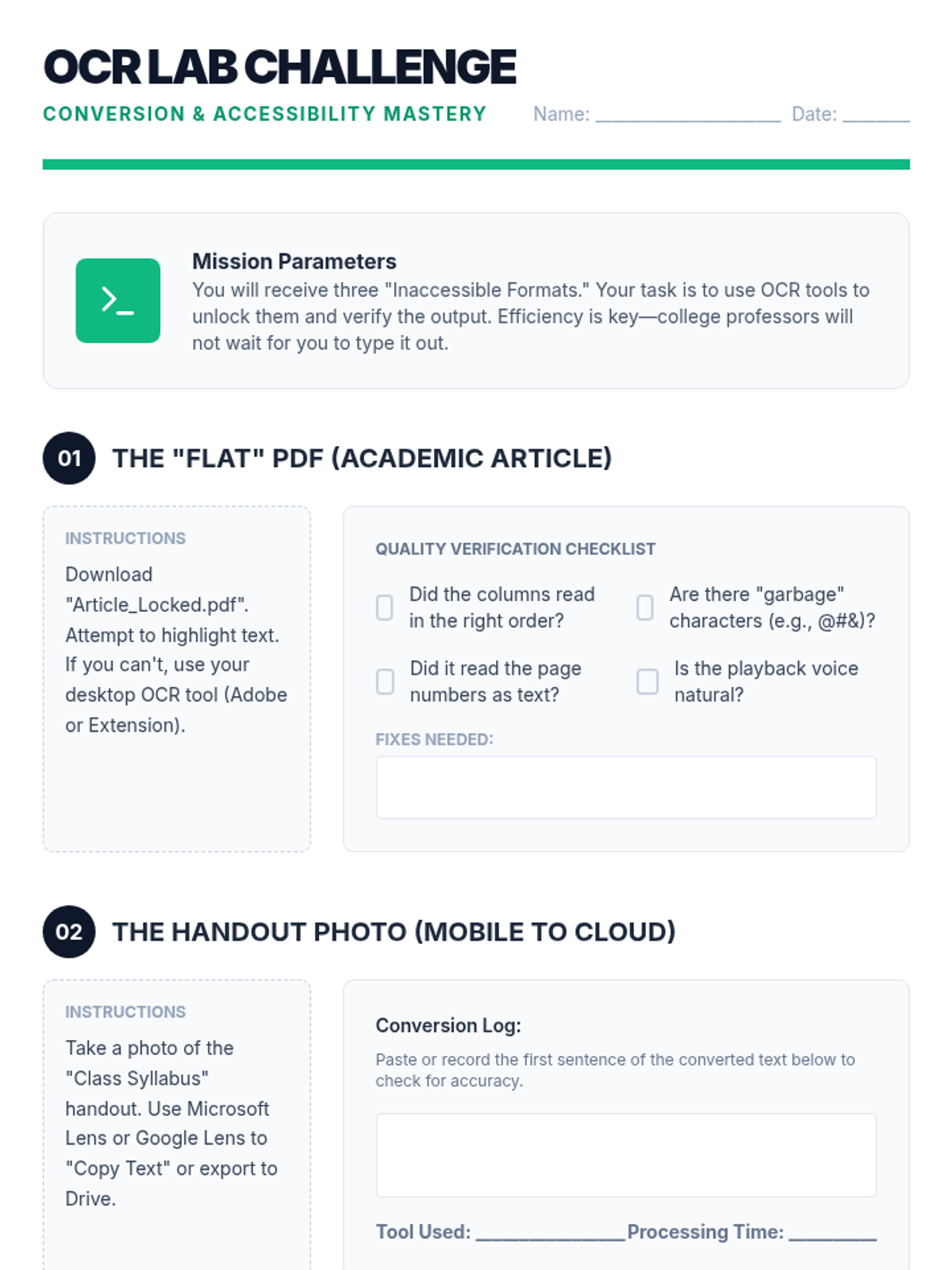
Students tackle inaccessible text formats using Optical Character Recognition (OCR). They will learn to convert images and flat PDFs into editable, readable text for TTS tools.
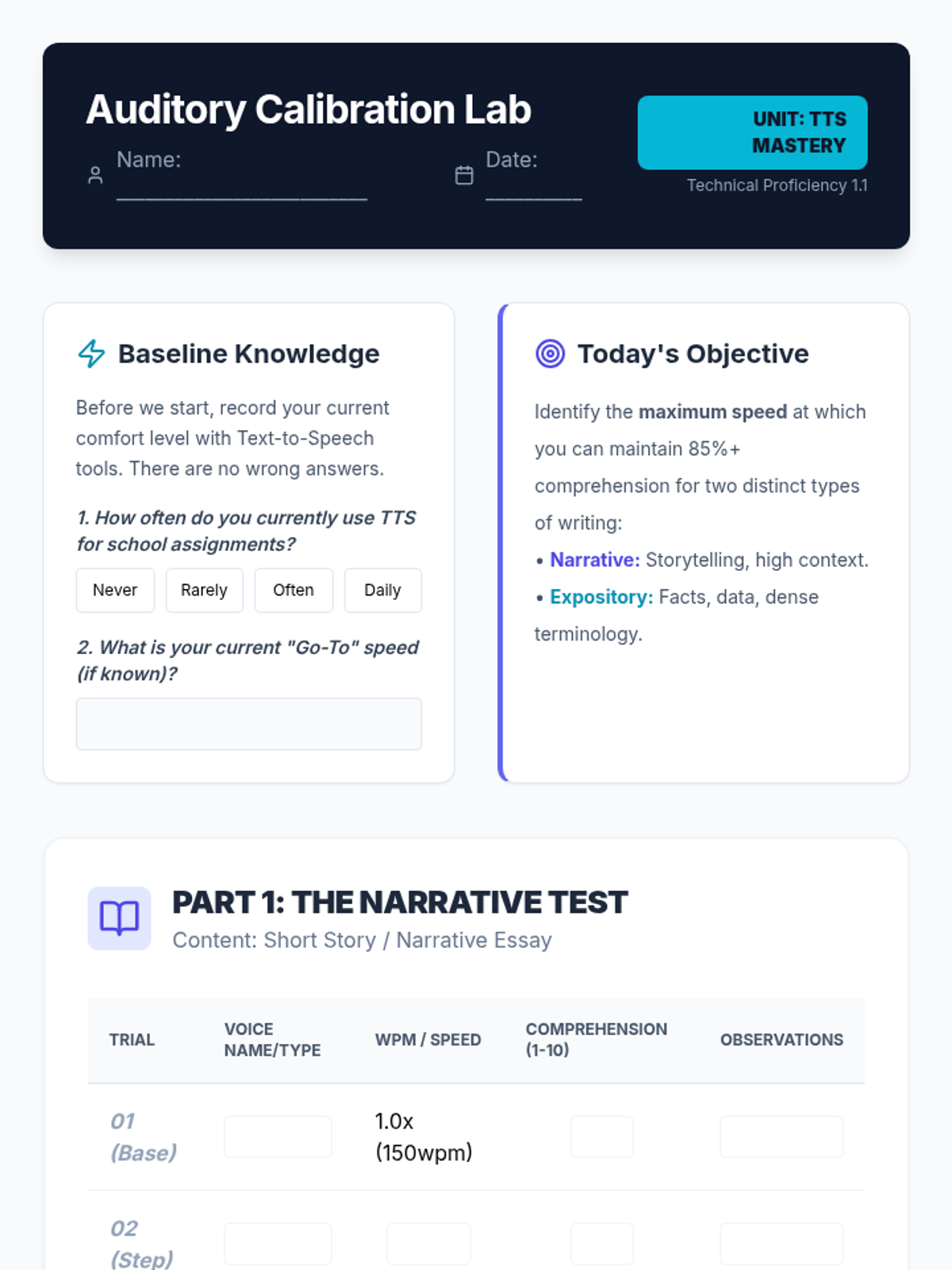
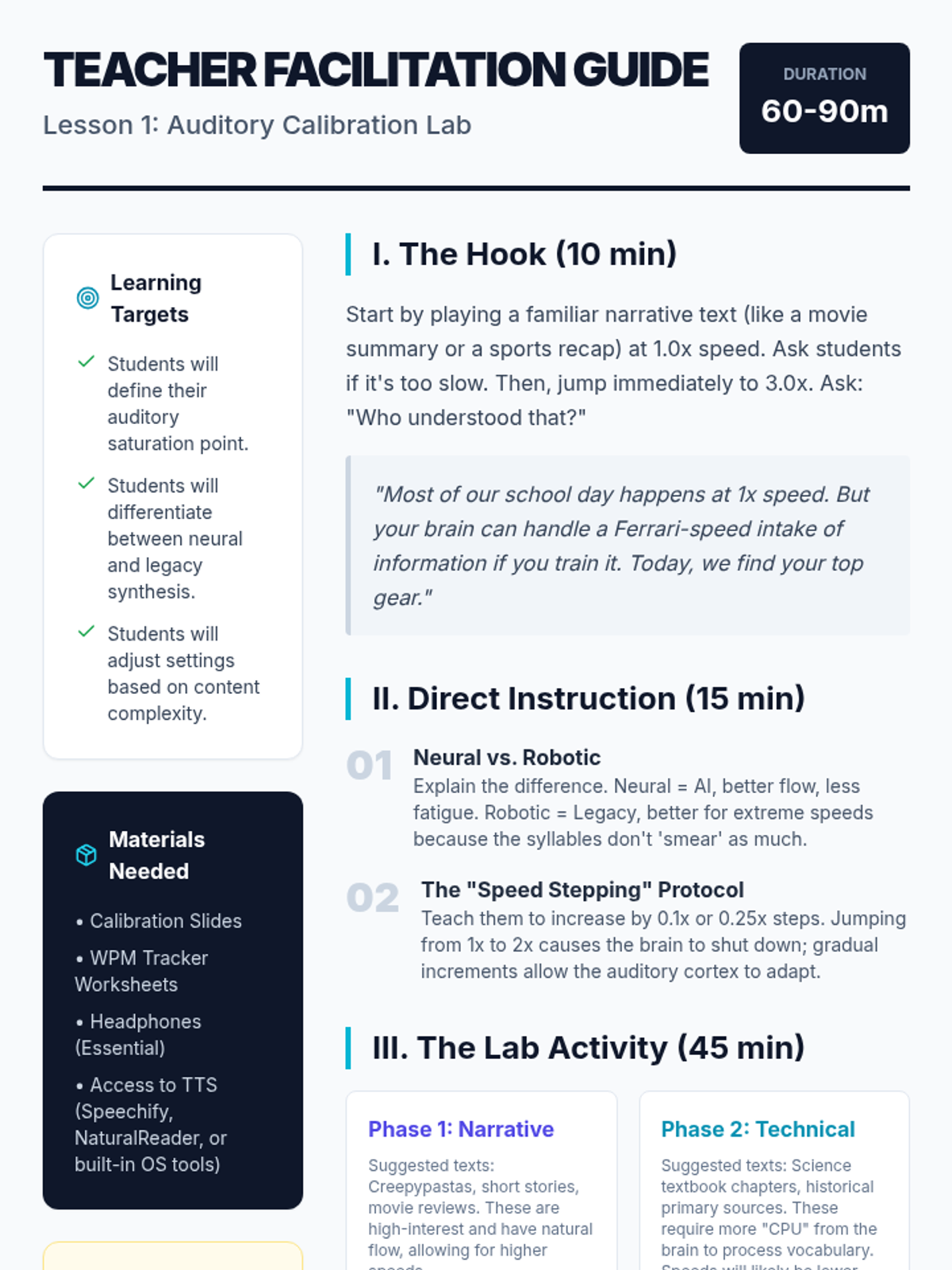
Students explore the impact of voice selection and playback speed on comprehension. They will determine their personal 'sweet spot' for different genres, learning to maximize efficiency without sacrificing retention.
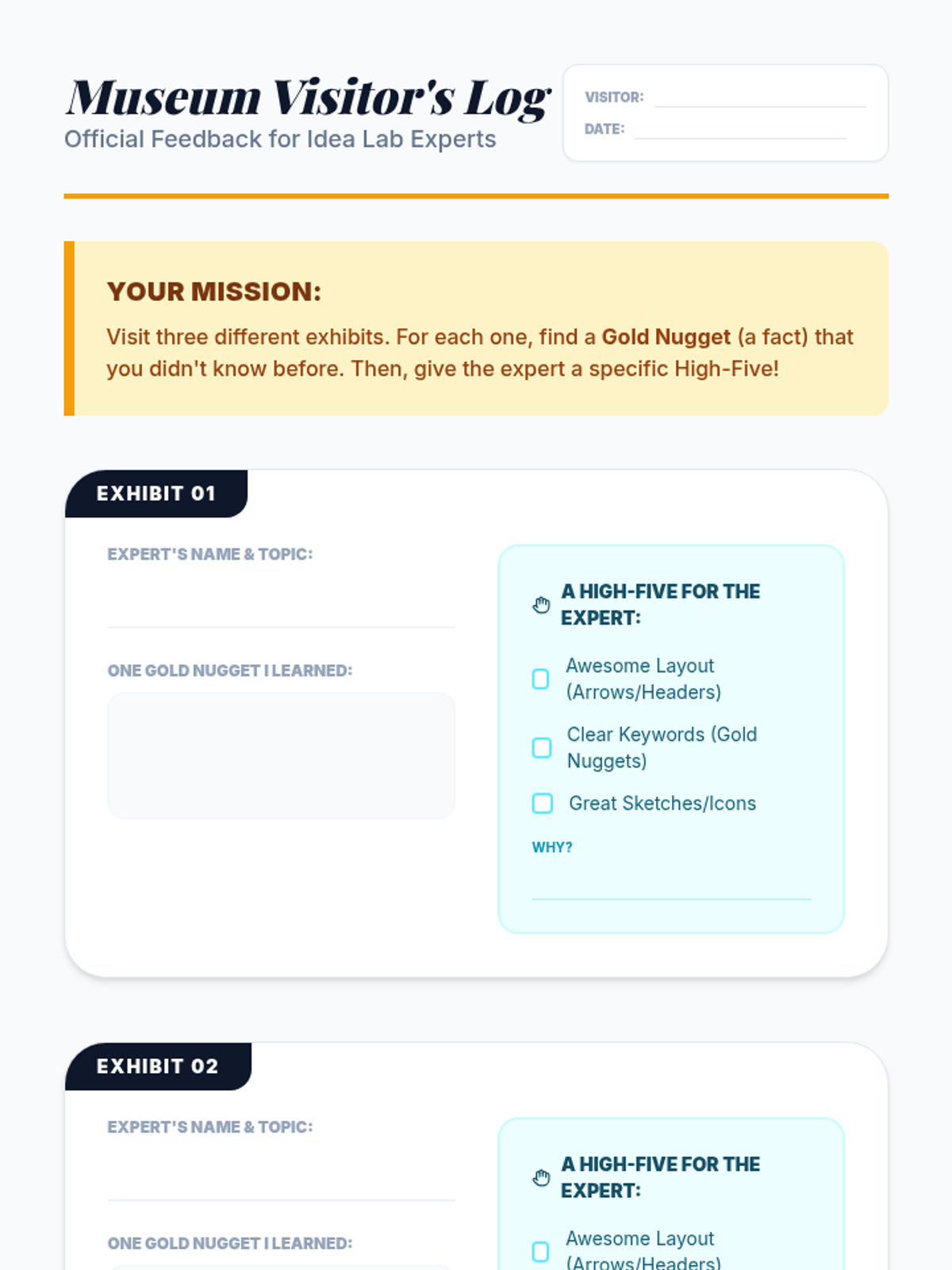
Students display their Expert Guides. They visit peers' guides and must answer one question about the topic based solely on the extracted information presented, verifying that the highlights were effective.
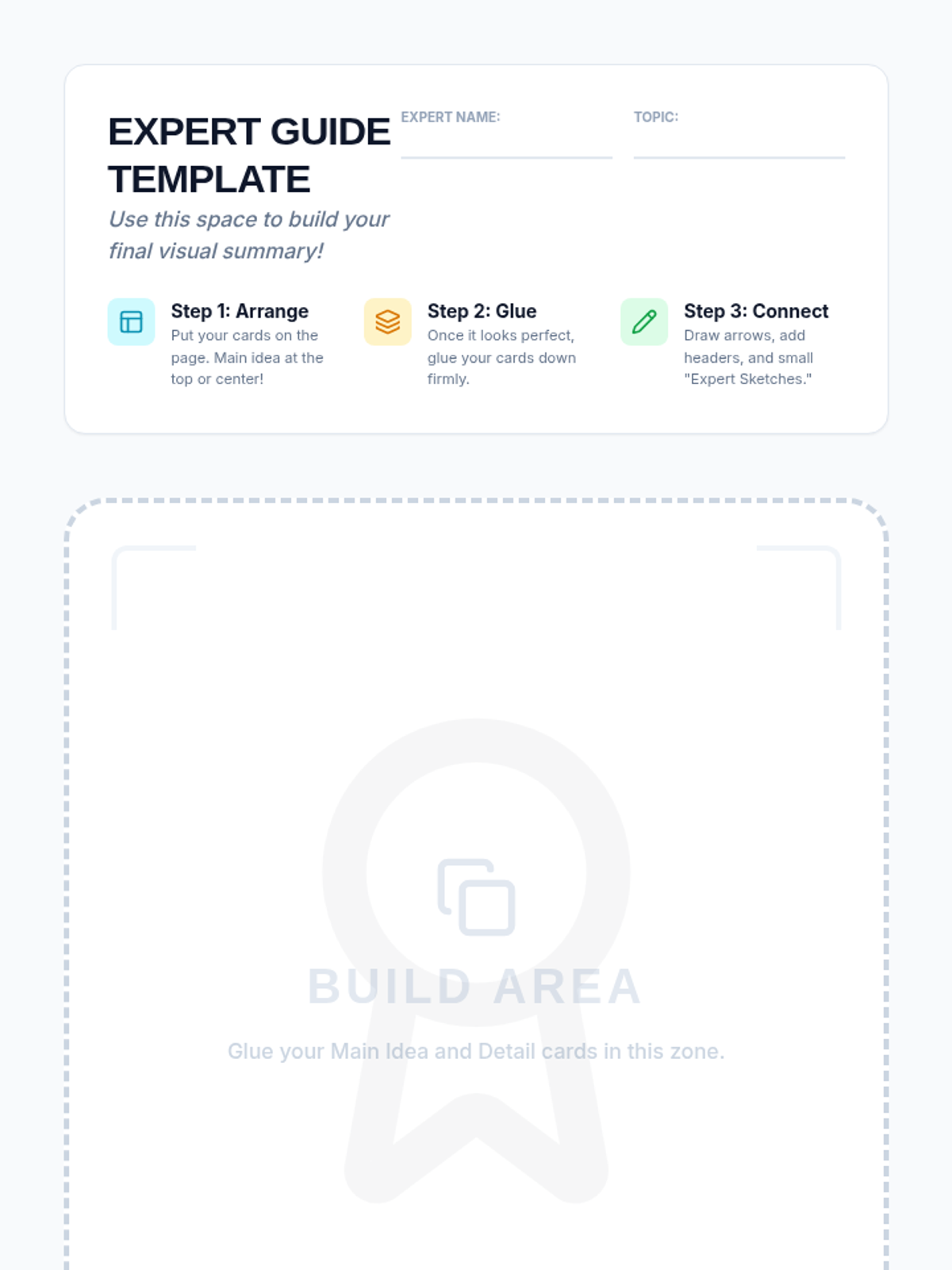
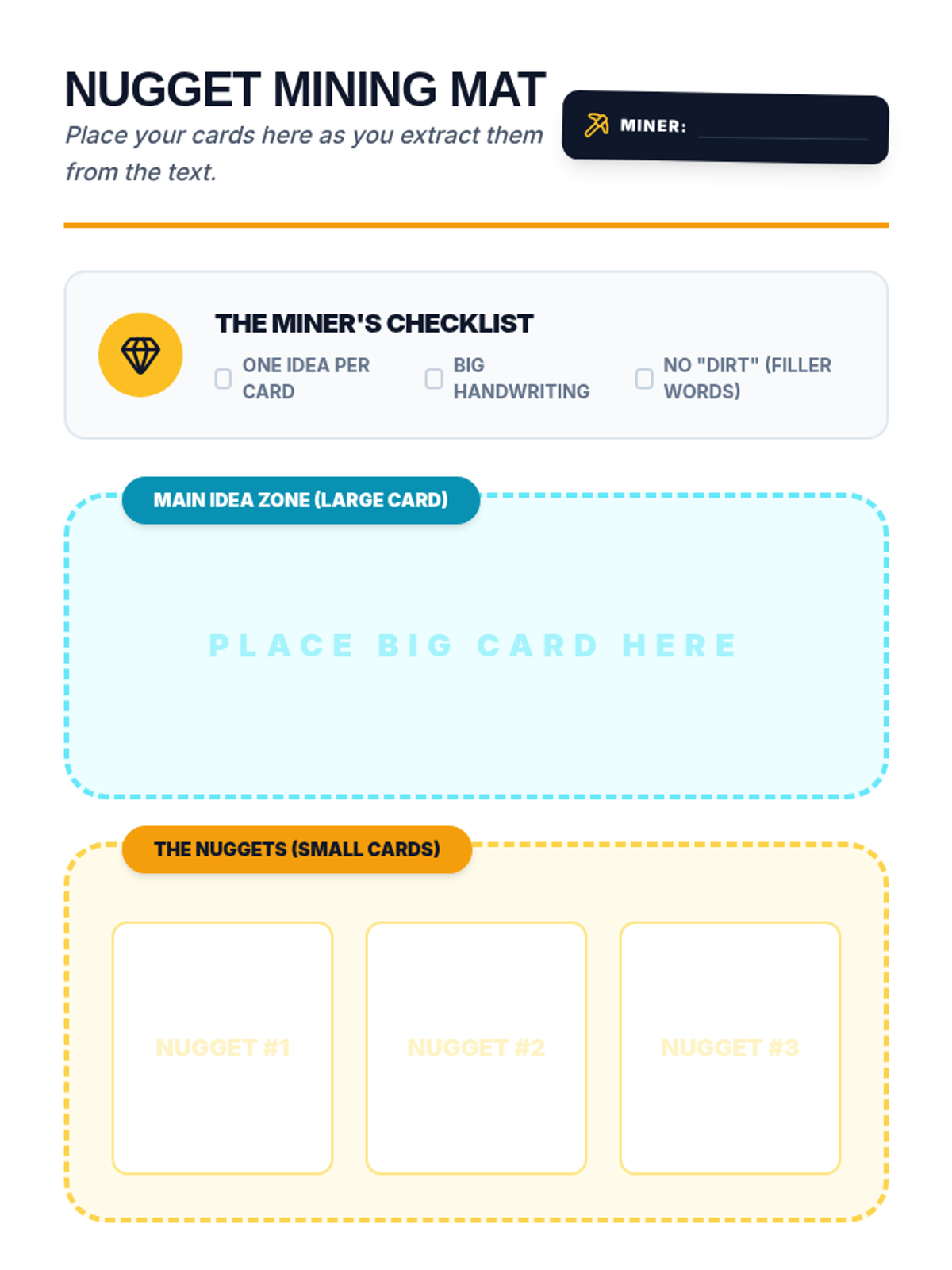
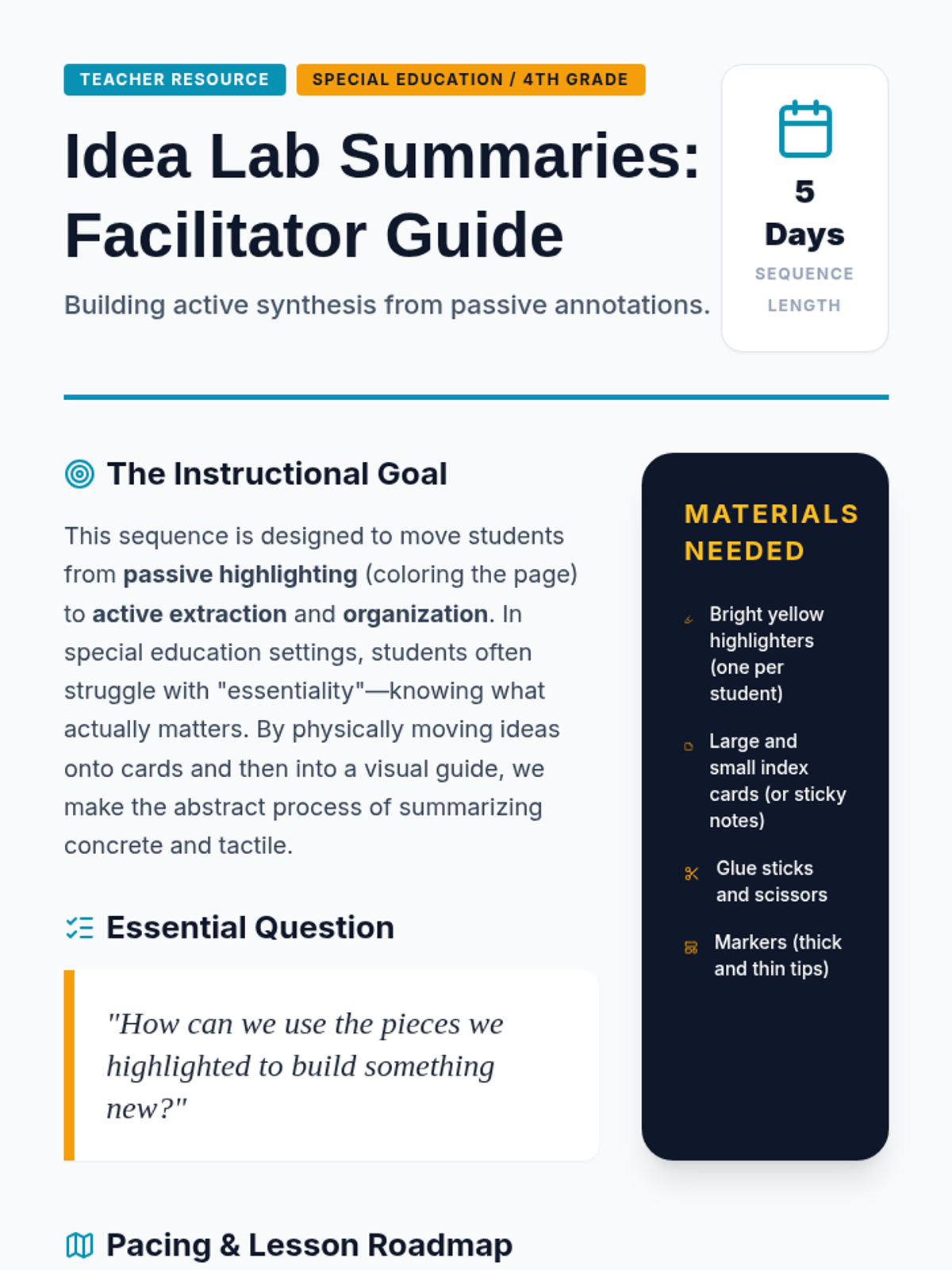
Students glue their arranged notes onto a poster or template to create a 'One-Page Expert Guide.' They add headers and arrows to connect the ideas, effectively creating a graphic organizer from their original text highlights.
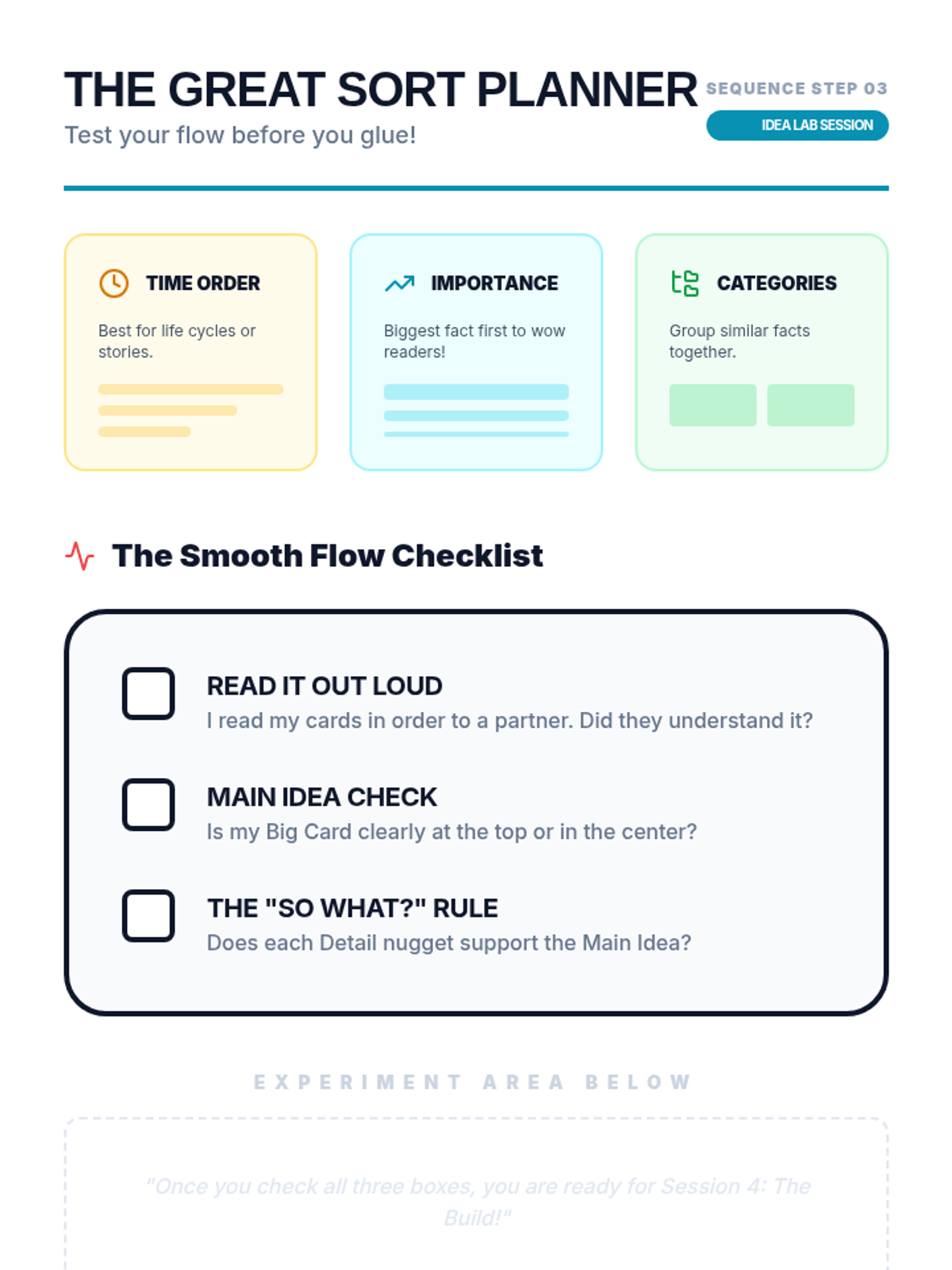
Using their extracted index cards/notes, students arrange the information in a logical order on their desk. They experiment with different arrangements to see how the flow of information changes.
Students practice the physical act of transferring highlighted information onto index cards or sticky notes. Each main idea gets a large card, and supporting details get smaller cards, reinforcing the structure of the information.
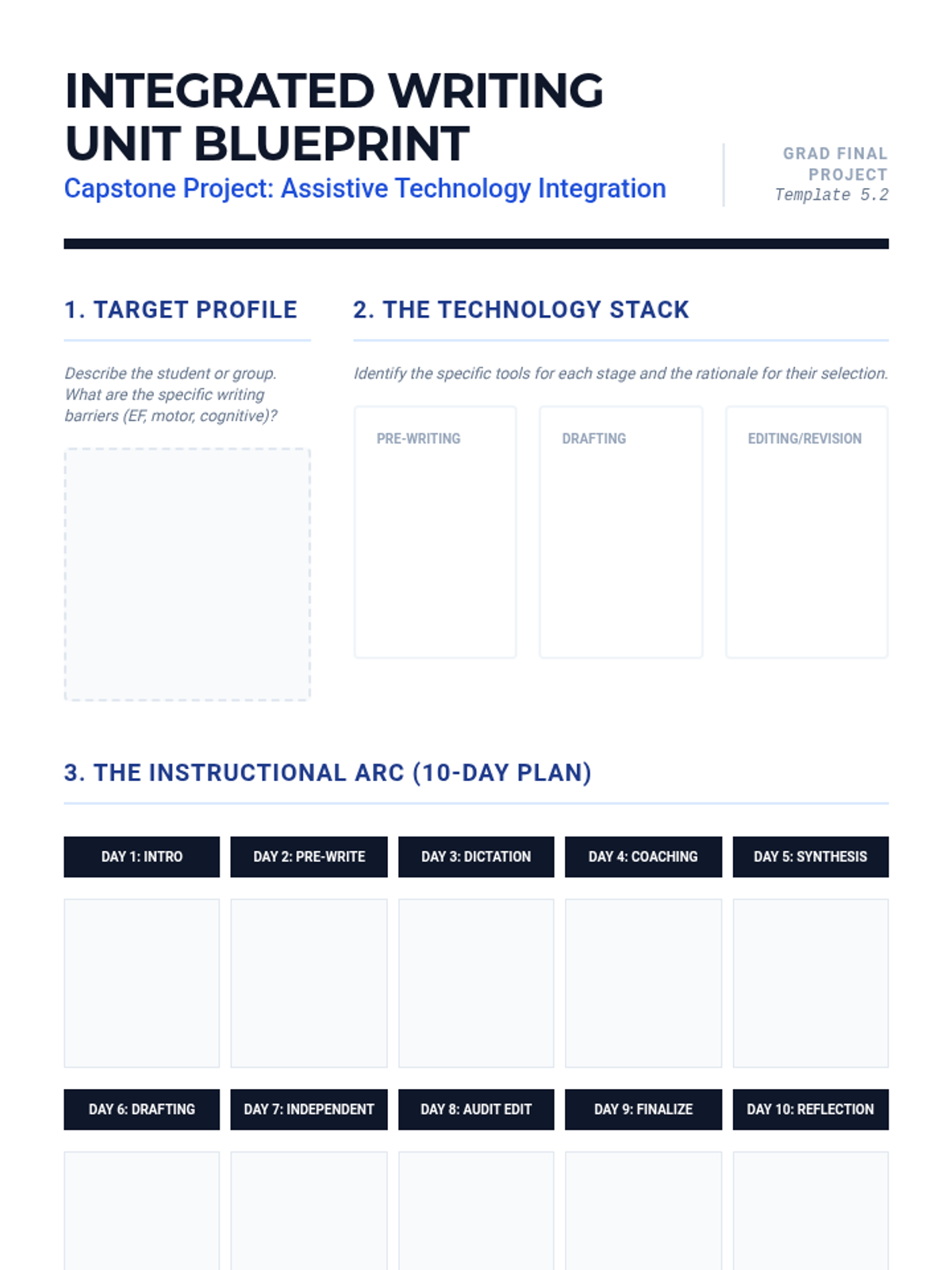
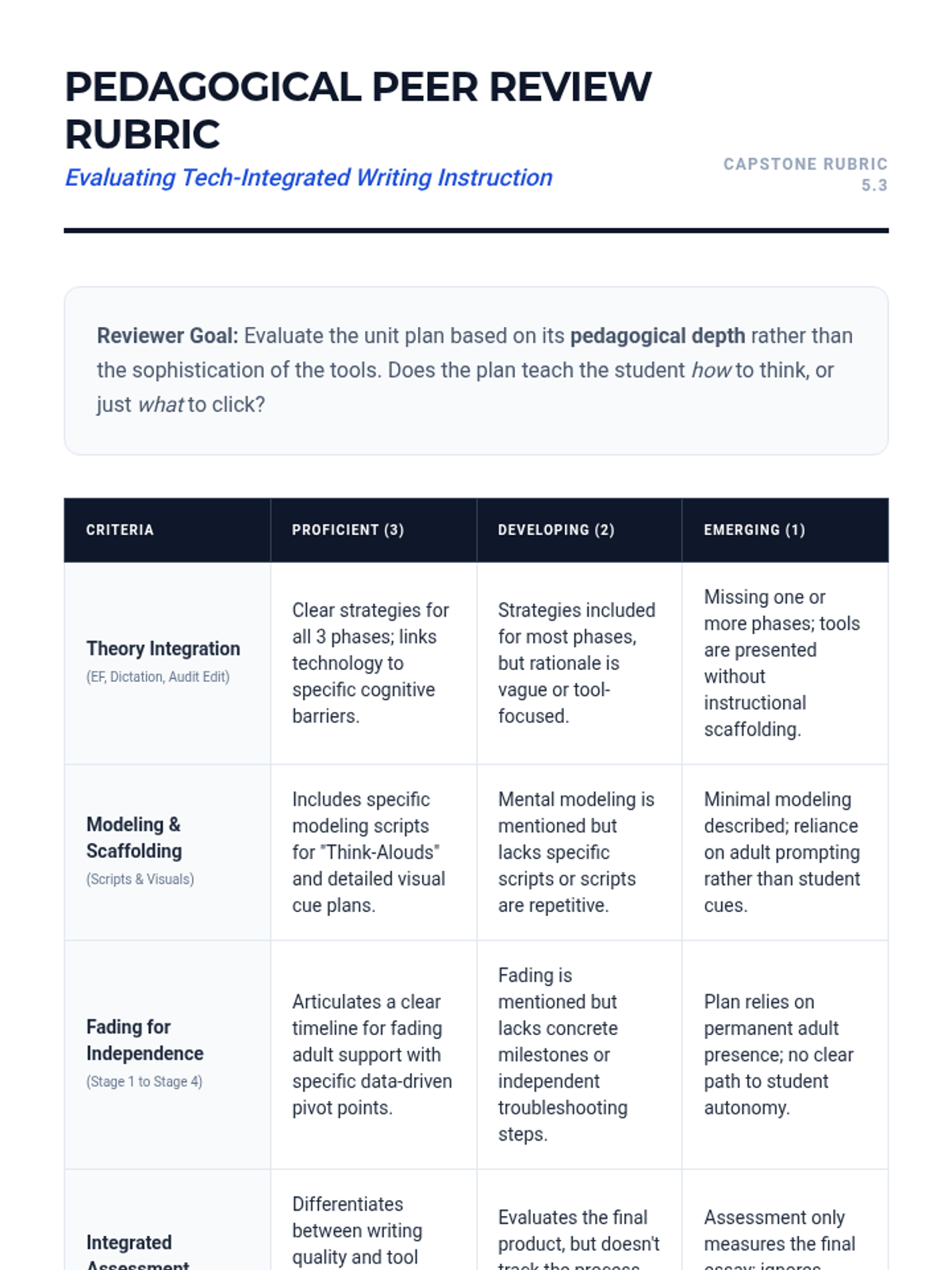
A synthesis lesson where participants design a 2-week writing unit integrating assistive technology. Includes modeling, guided practice, and assessment of tech-integrated writing products.
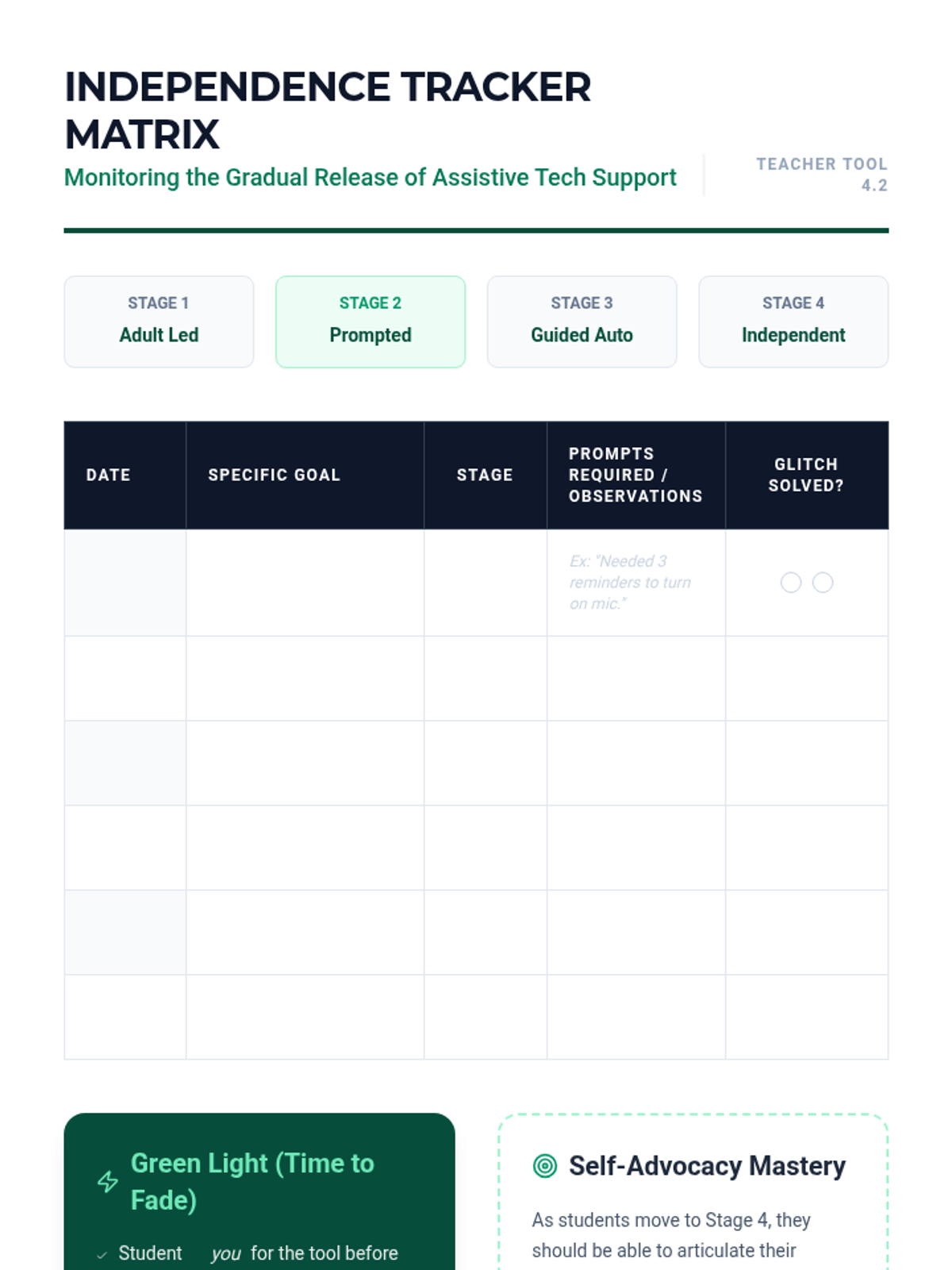
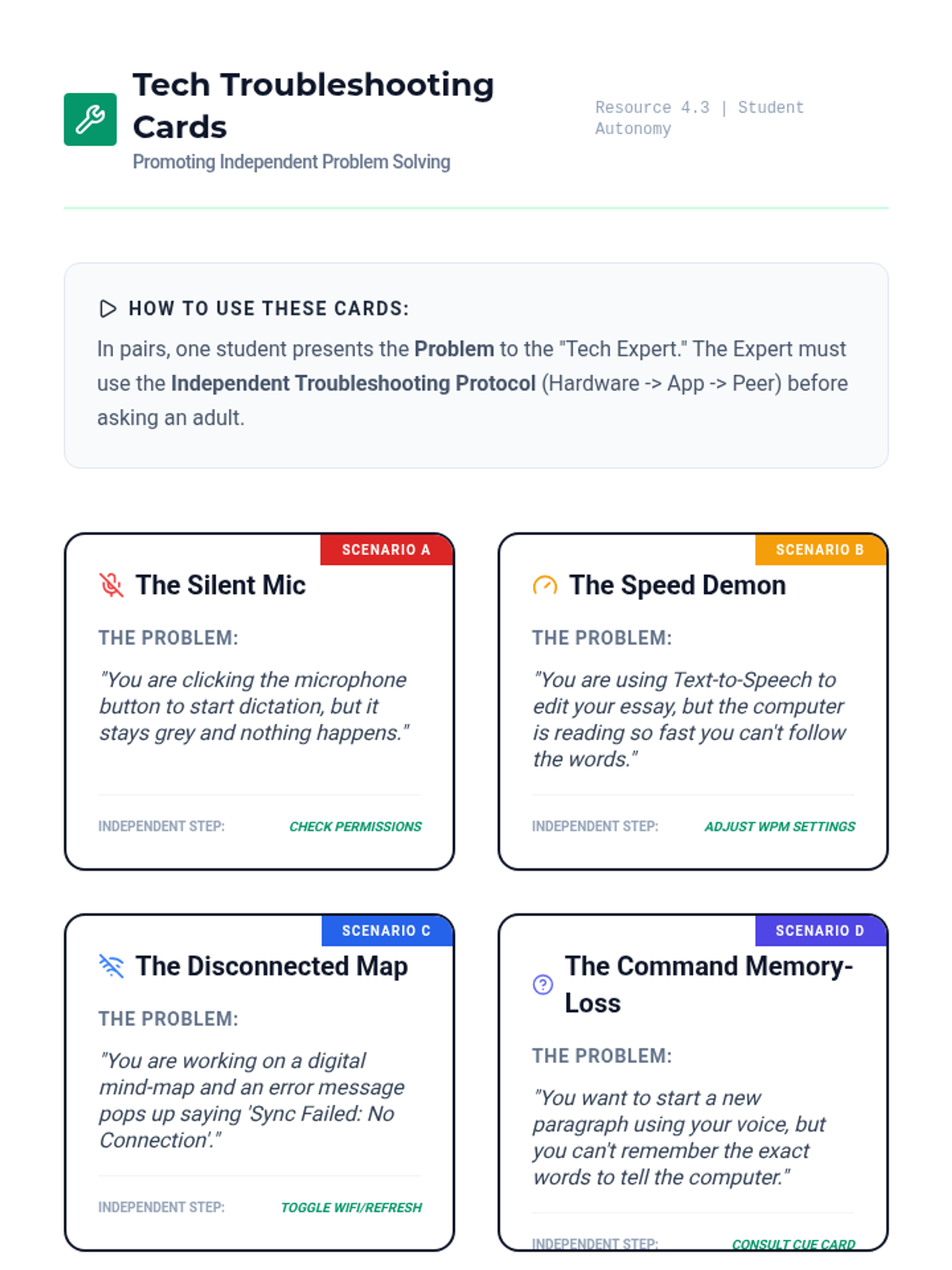
Addresses the transition from adult-prompted technology use to student independence. Focuses on data-driven fading plans and teaching students to manage their own troubleshooting.
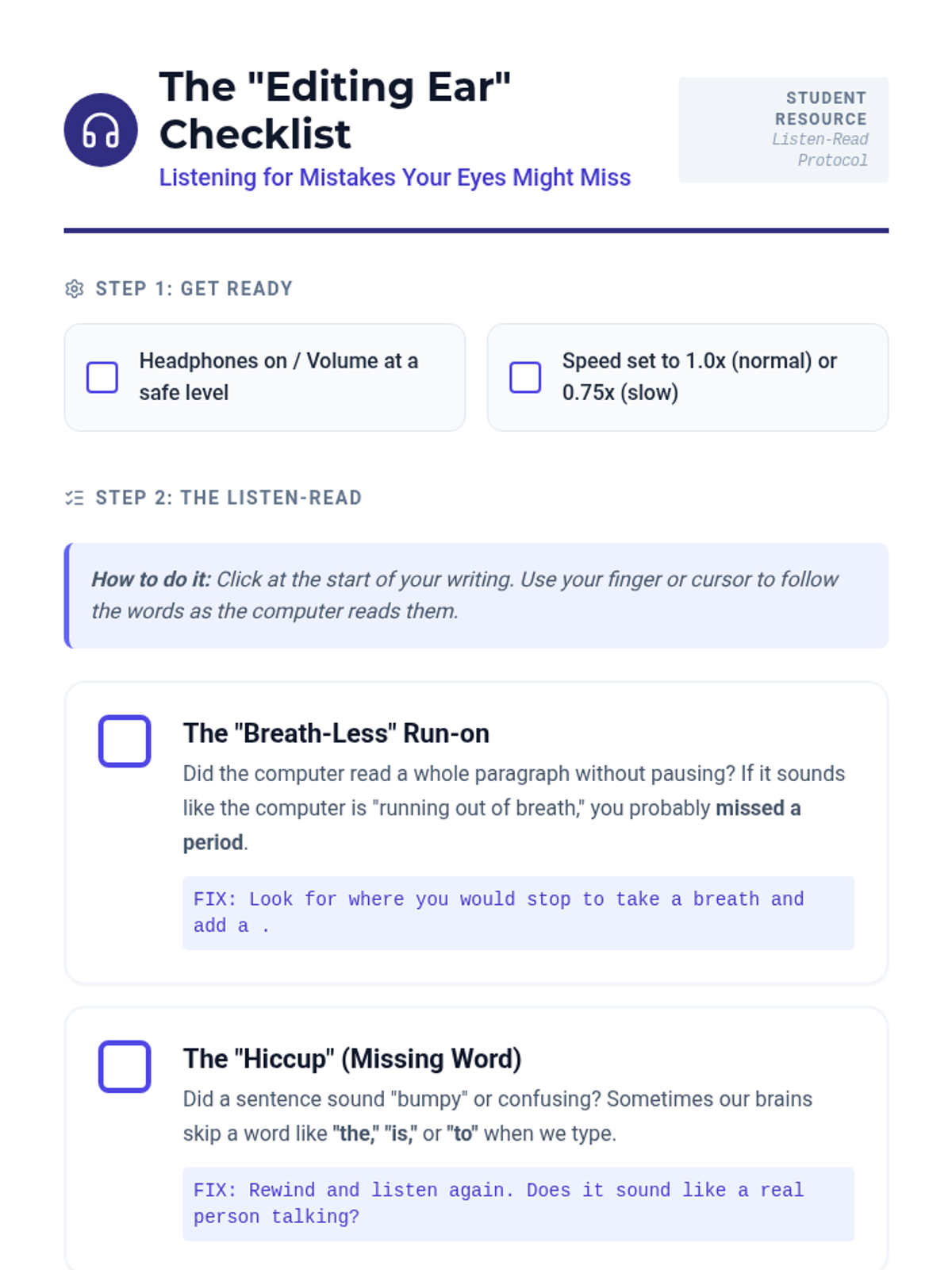
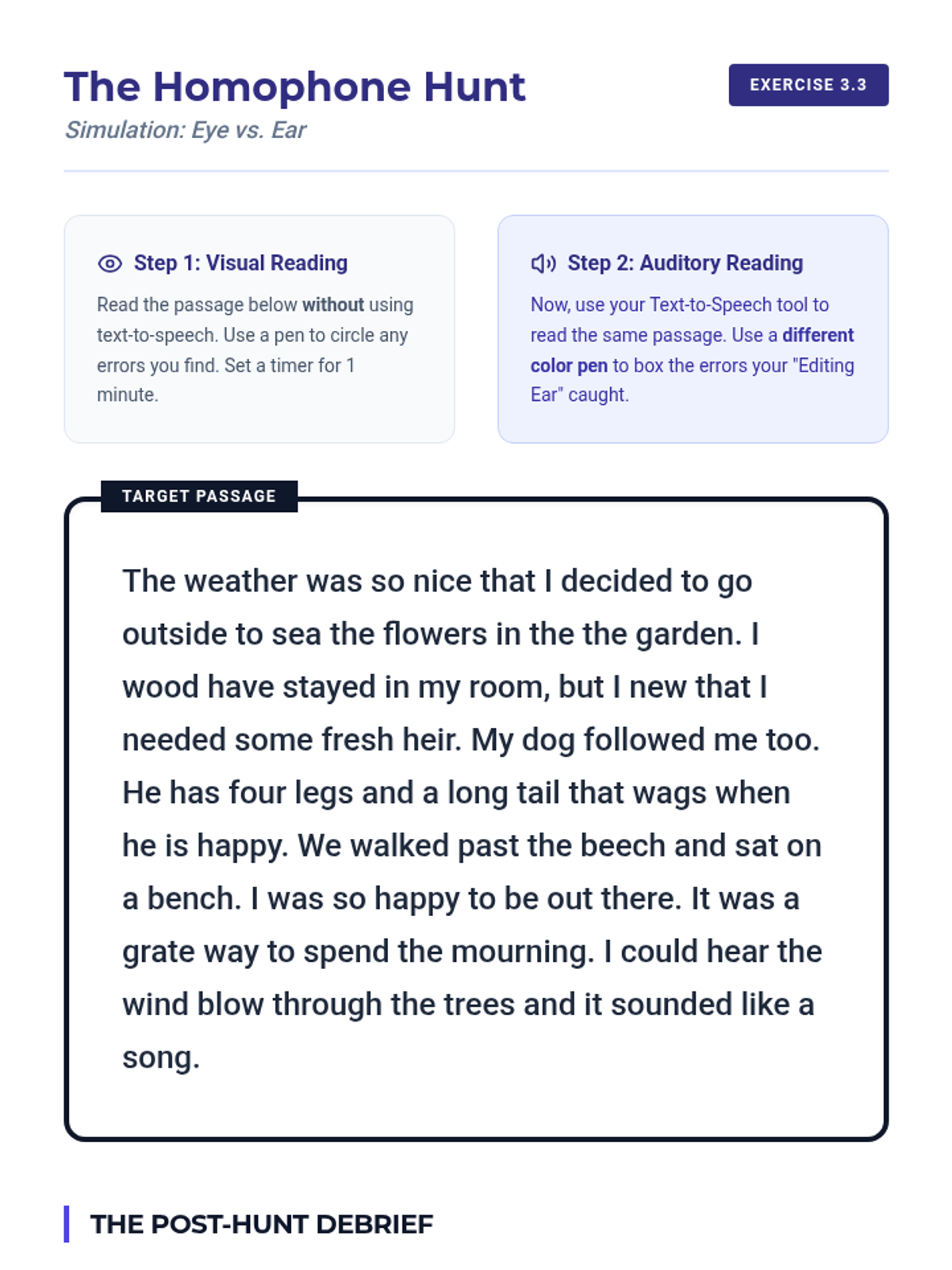
Teaches the 'Listen-Read' method for auditory editing using Text-to-Speech (TTS). Participants develop student checklists to catch syntax errors and omissions that visual reading might miss.
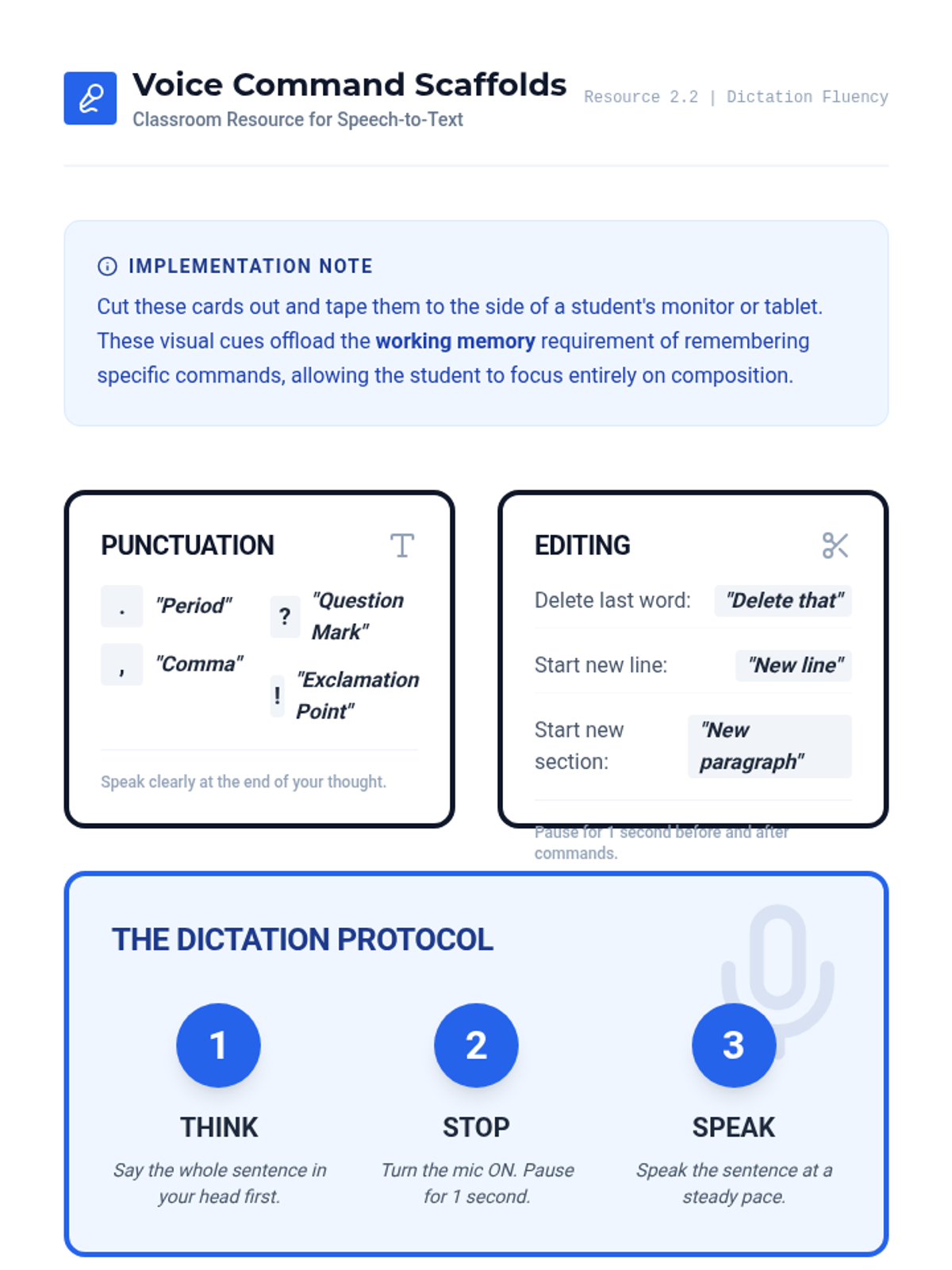
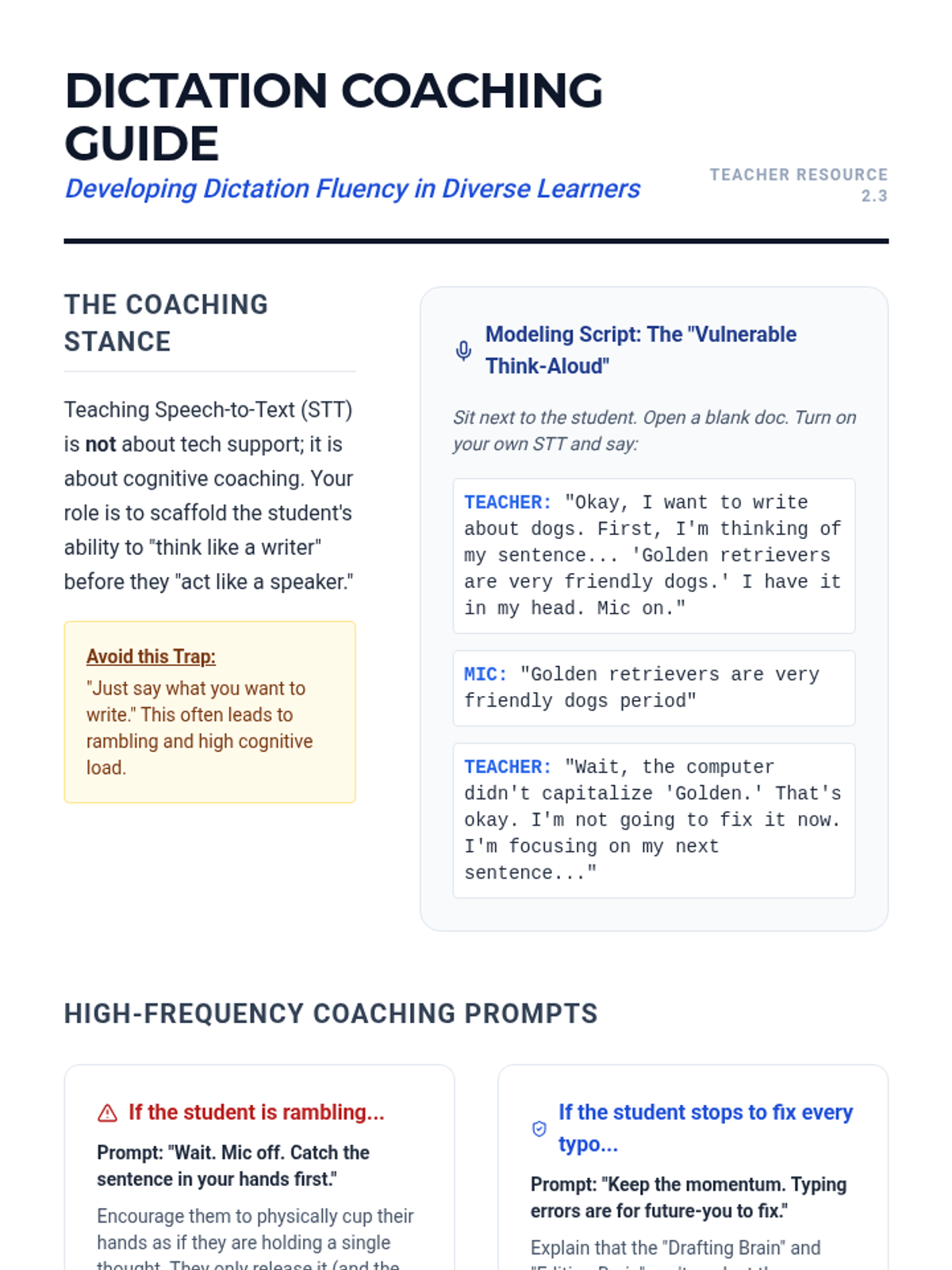
Focuses on 'dictation fluency' and the coaching techniques required for effective speech-to-text use. Covers 'think-alouds', short-burst drafting, and creating visual scaffolds for voice commands.
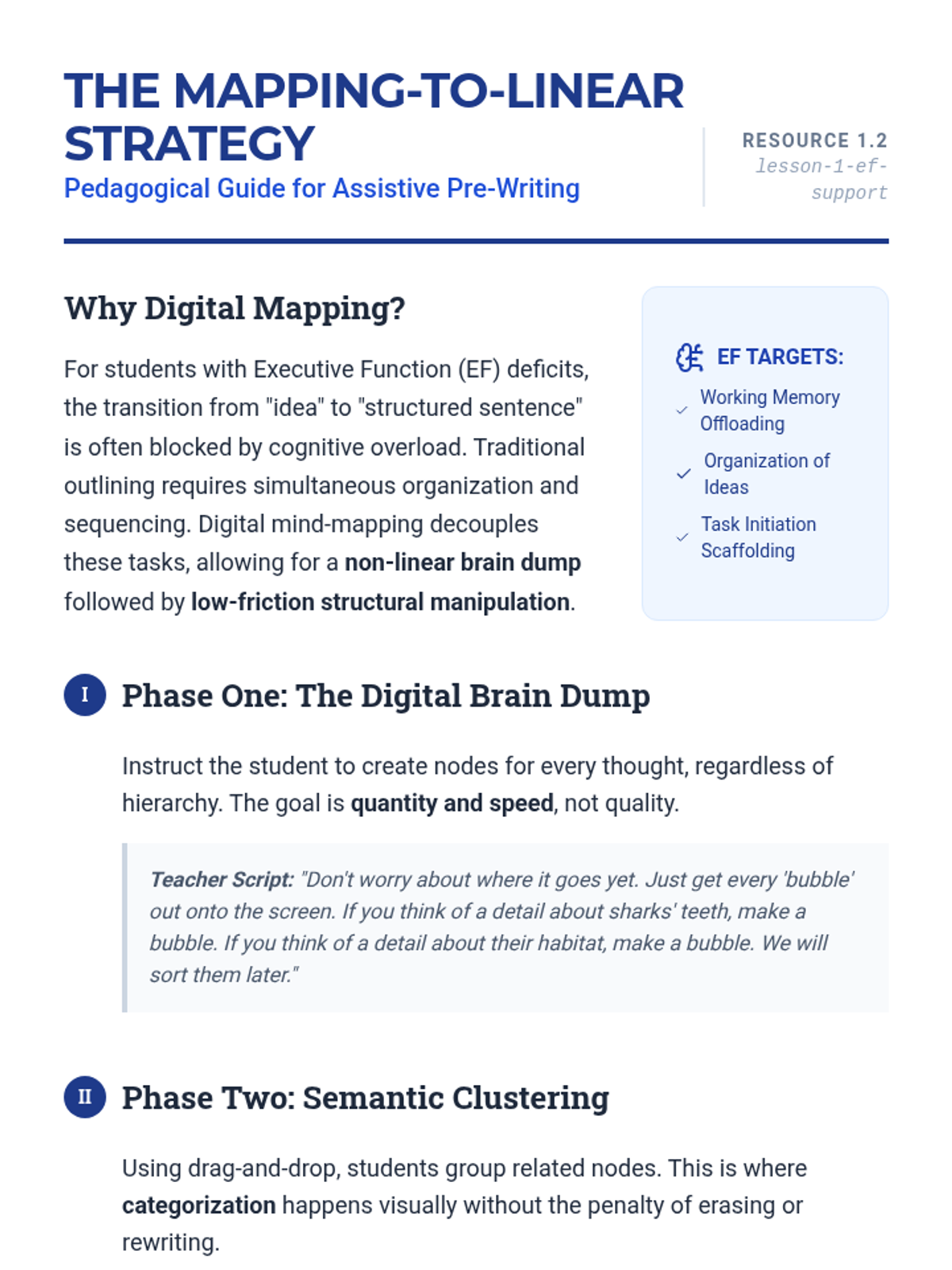
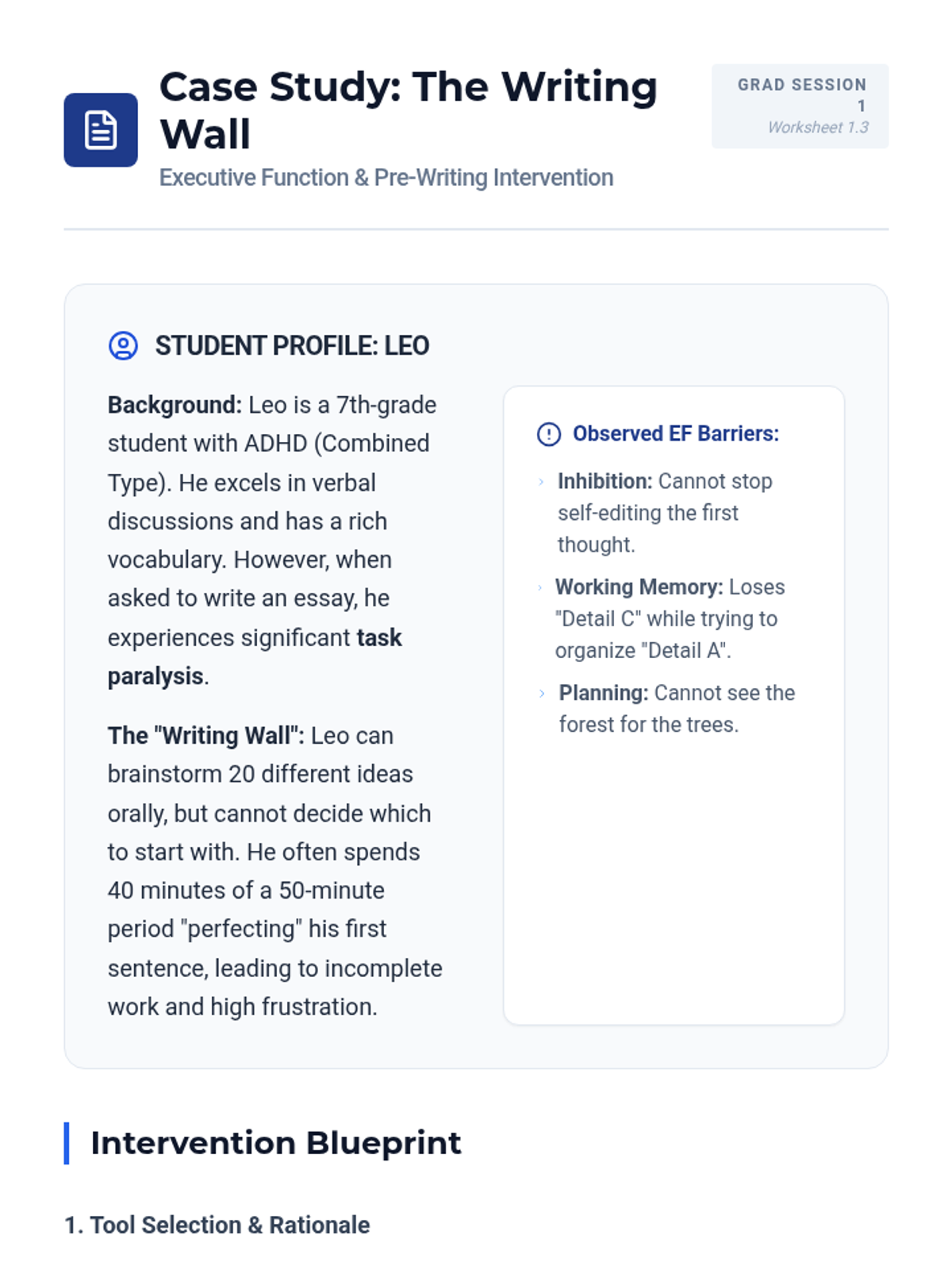
Explores how digital graphic organizers support executive function in the pre-writing stage. Graduate students learn to teach the conversion of mind-maps to linear outlines using drag-and-drop technology.
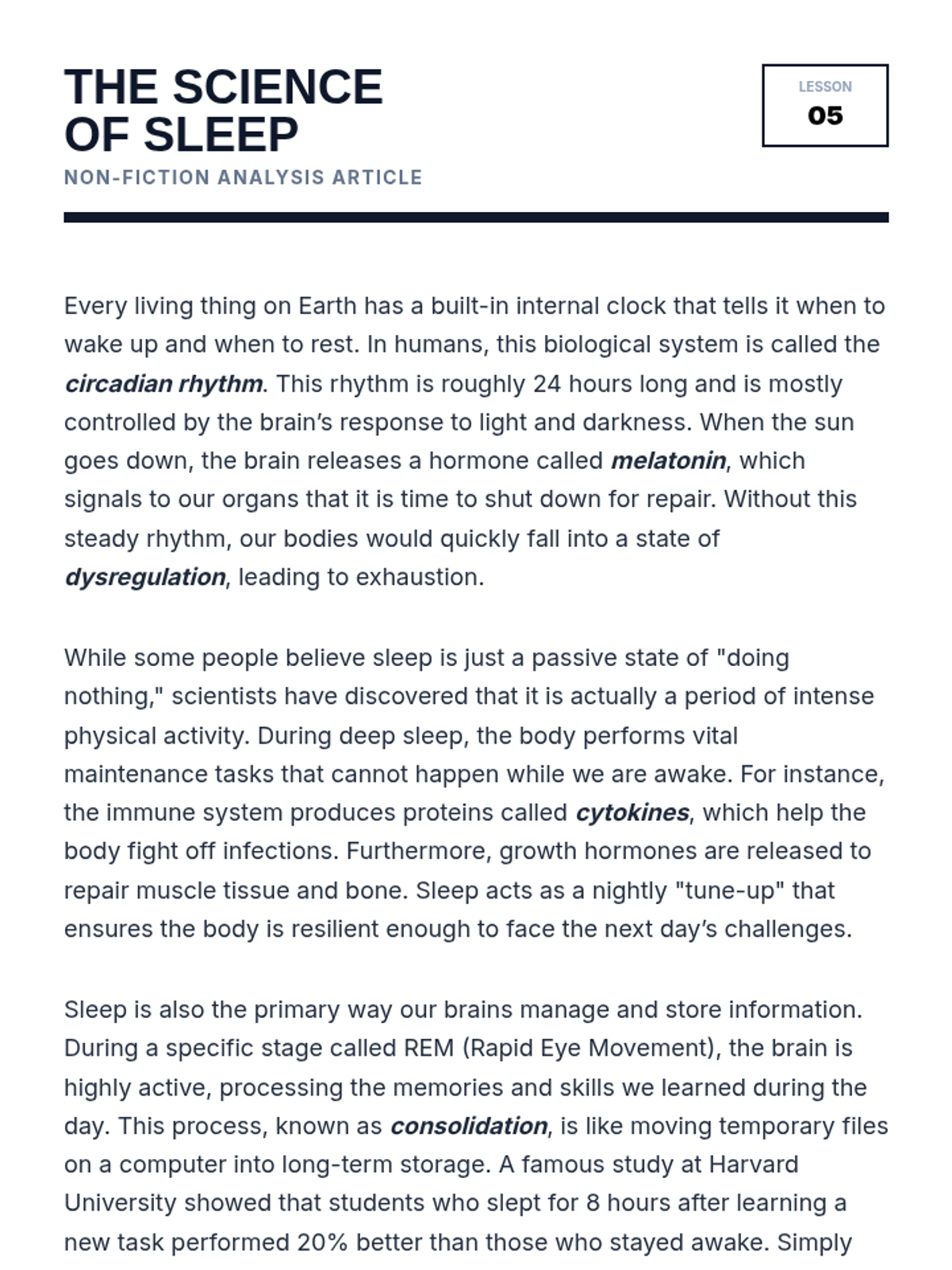
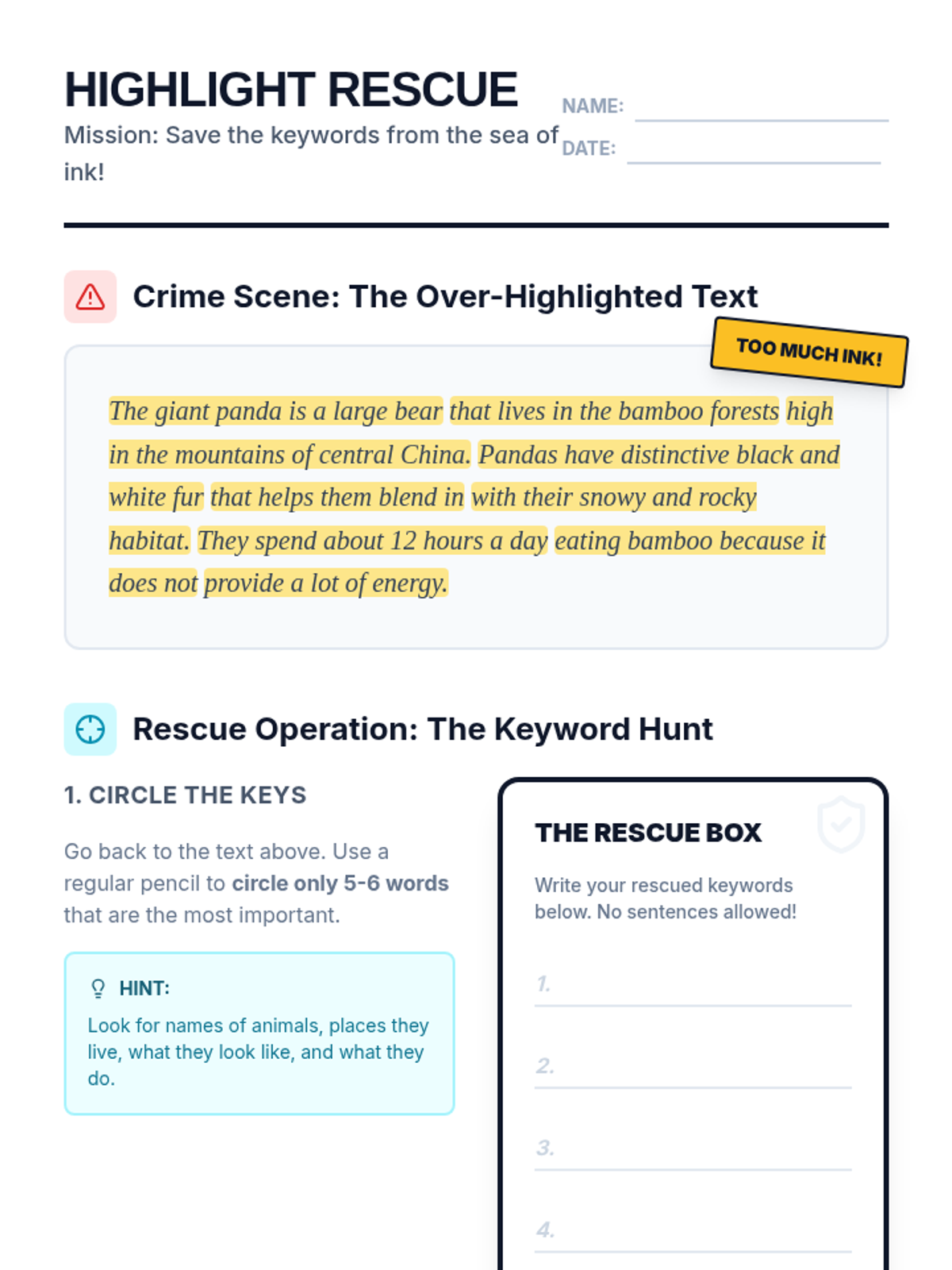
Students review pre-highlighted texts to identify 'highlighter crimes' (over-highlighting) and learn the 'Keyword Rule' to reduce highlights to only essential information.
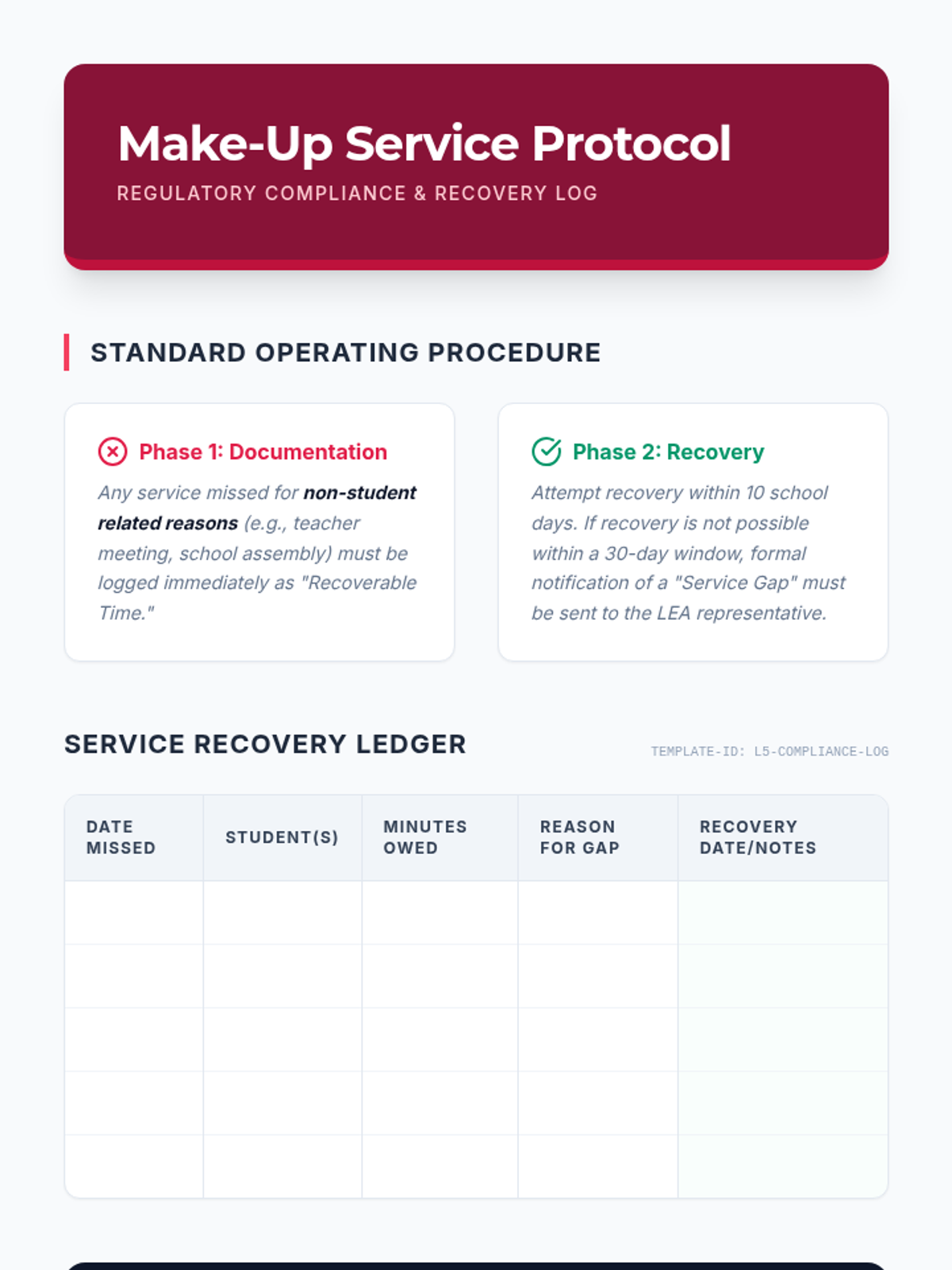
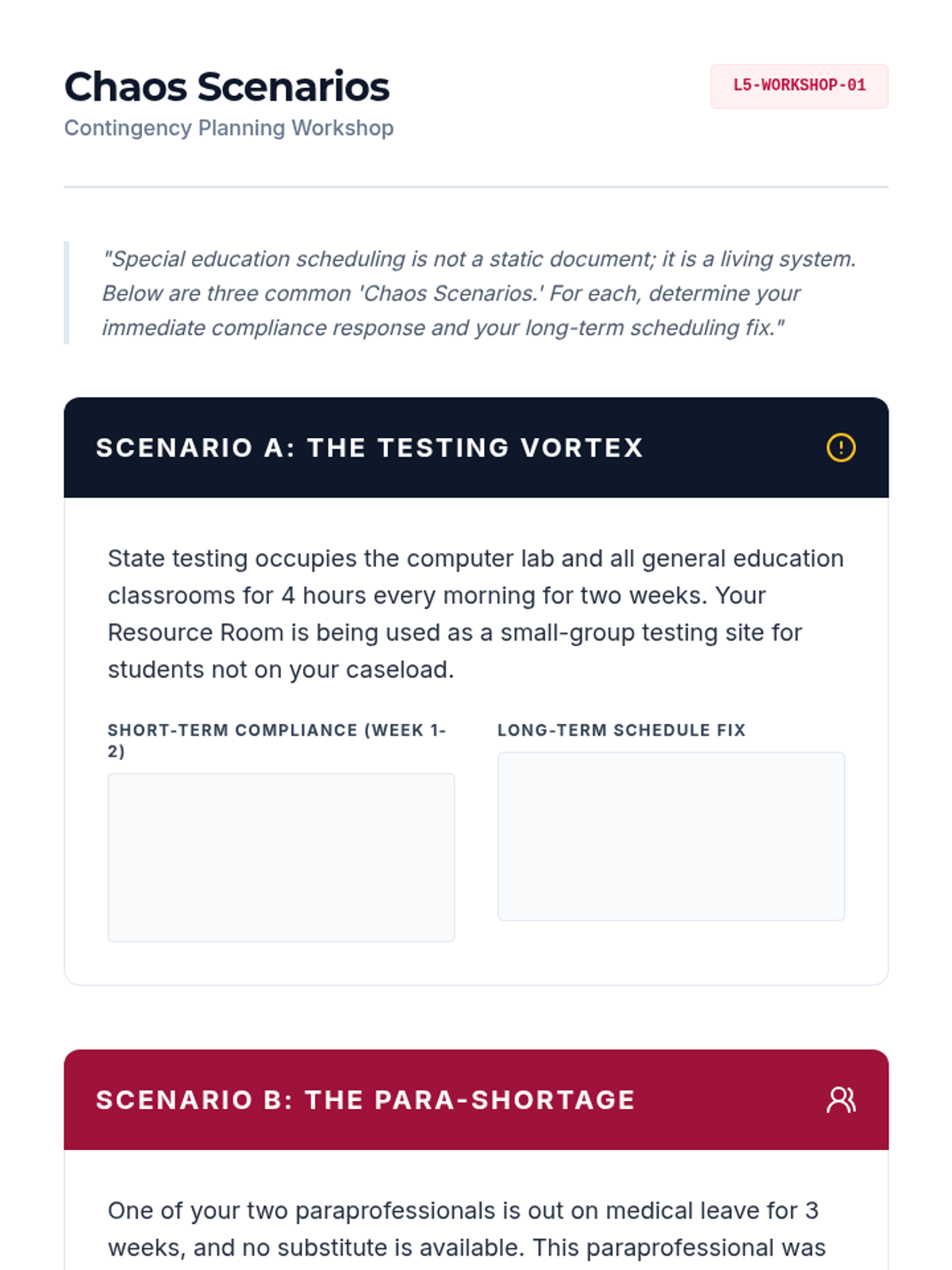
Students develop contingency plans for common disruptions (assemblies, teacher absence, testing weeks). They create a 'Make-Up Service' log and protocol to ensure FAPE is maintained despite irregularities.
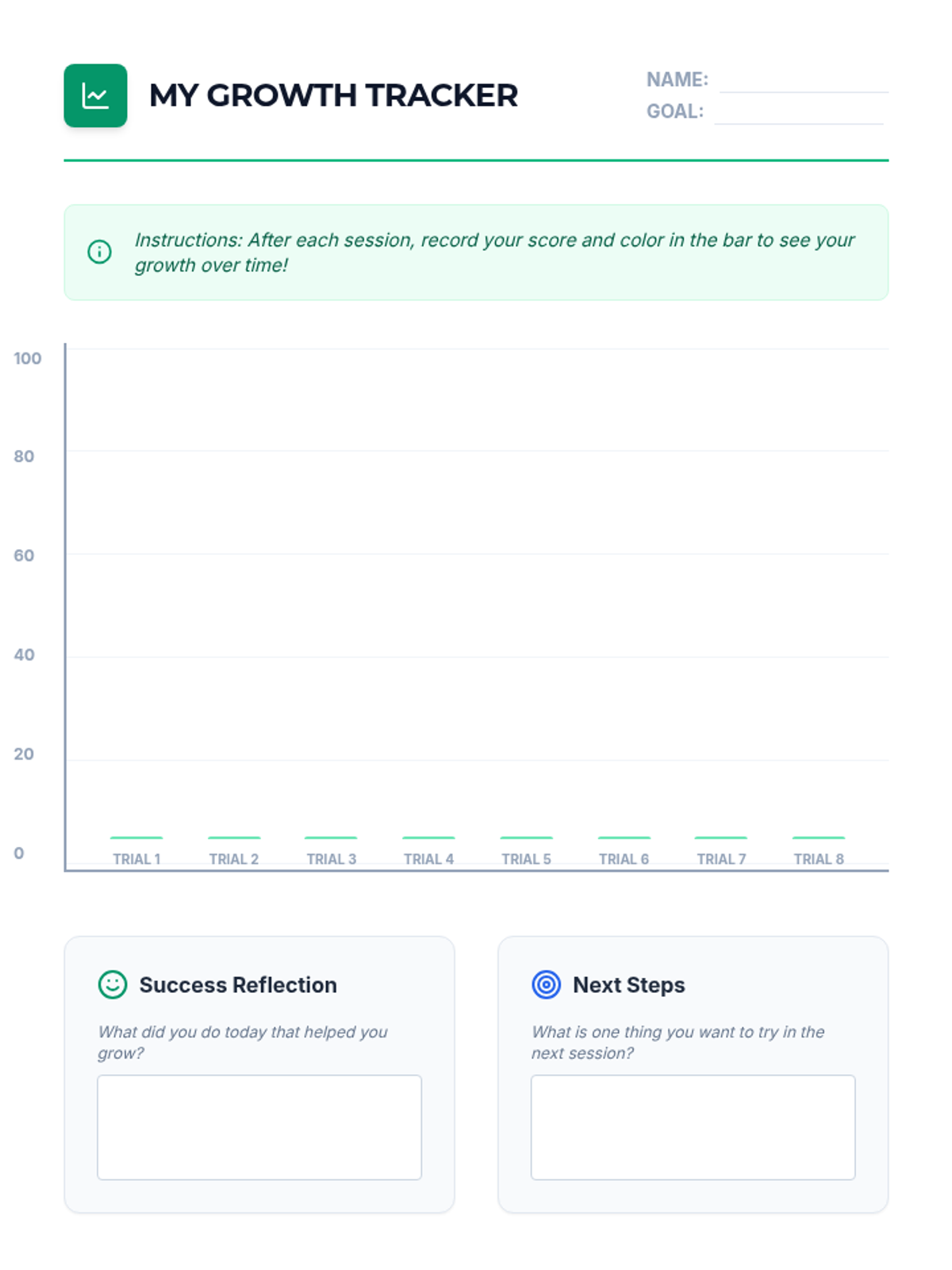
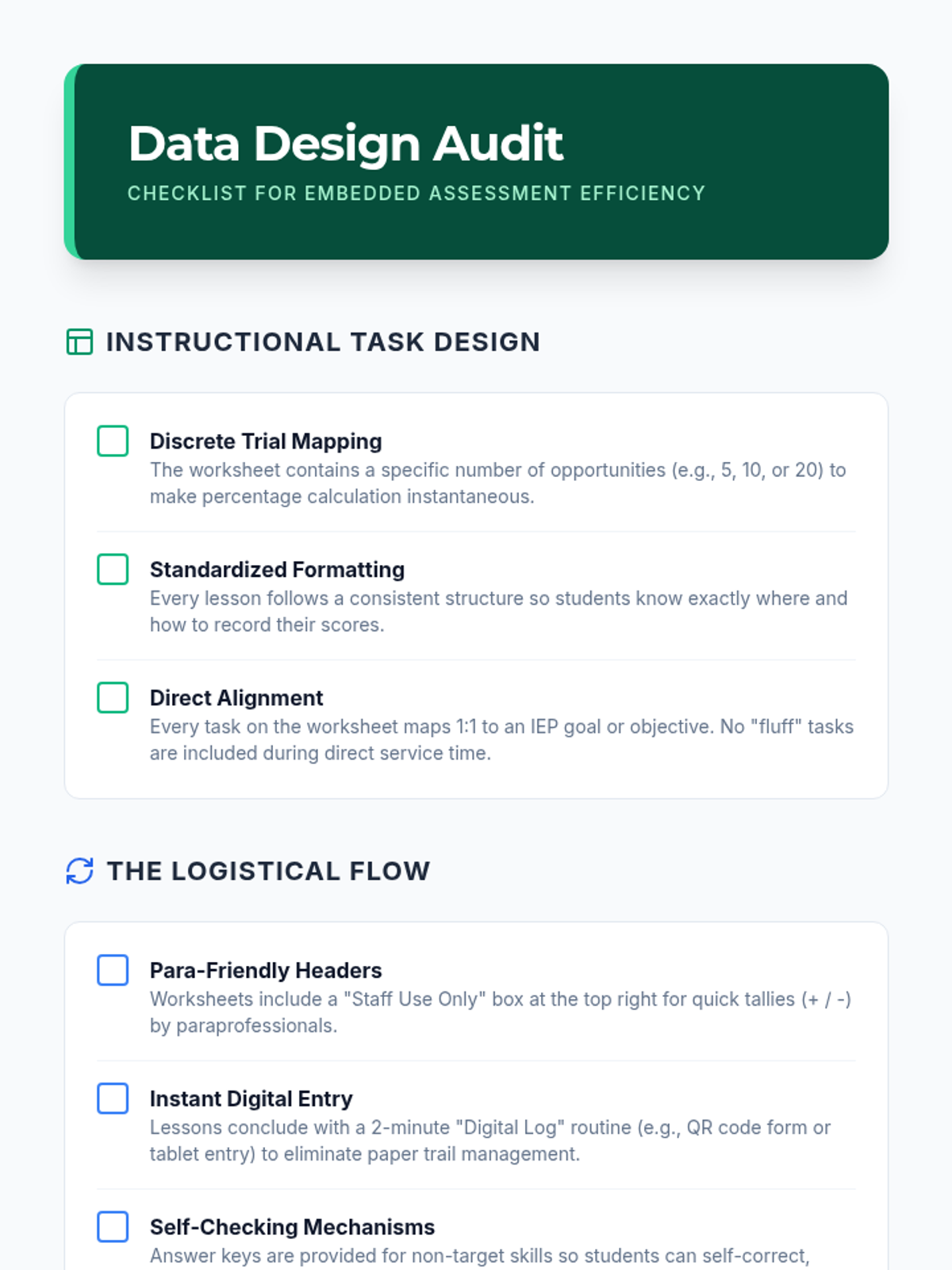
This lesson teaches students to design instruction that generates data automatically, reducing the need for separate 'testing' sessions. Students create data sheets and digital forms that students can complete as part of their learning tasks.
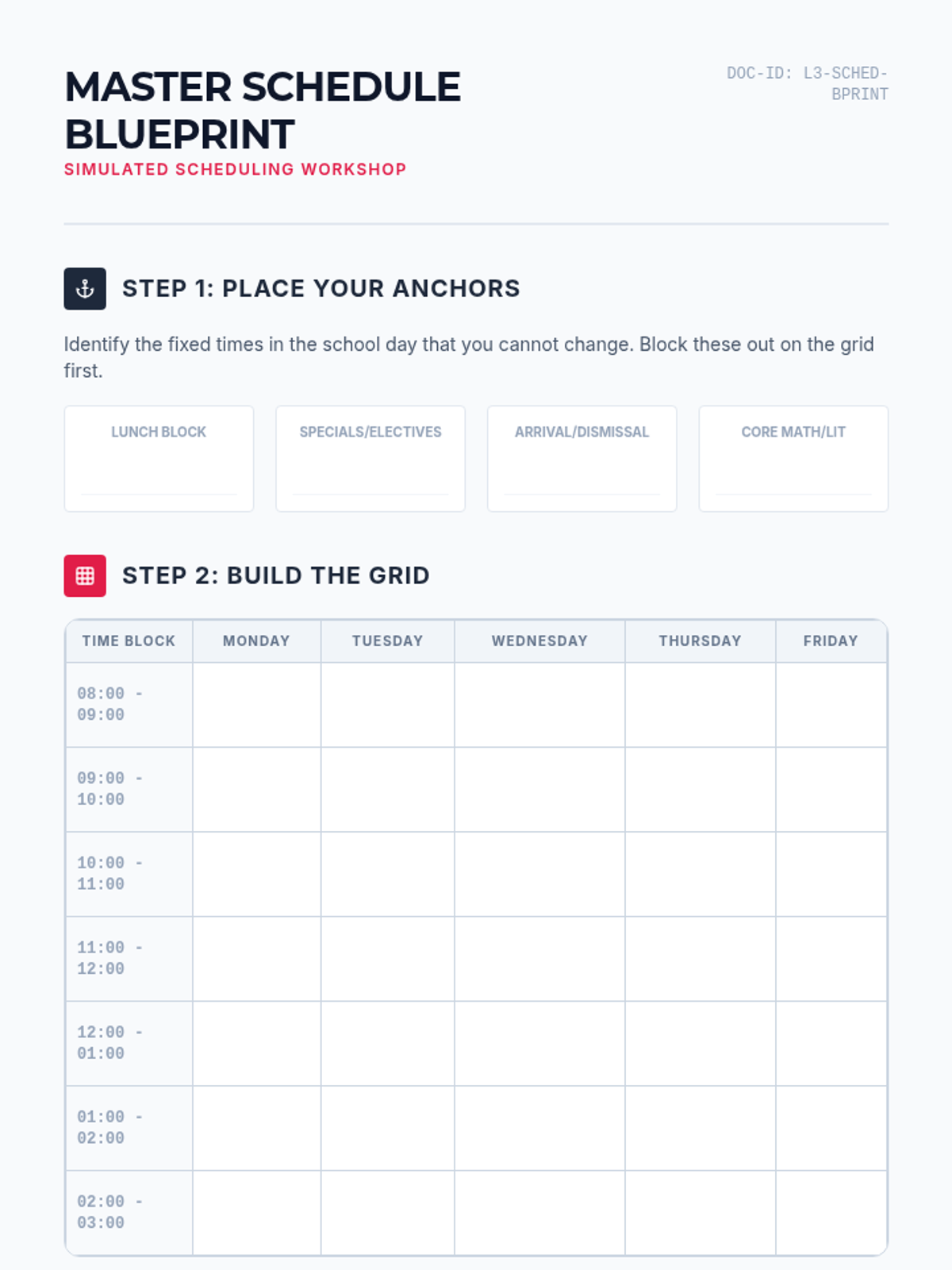
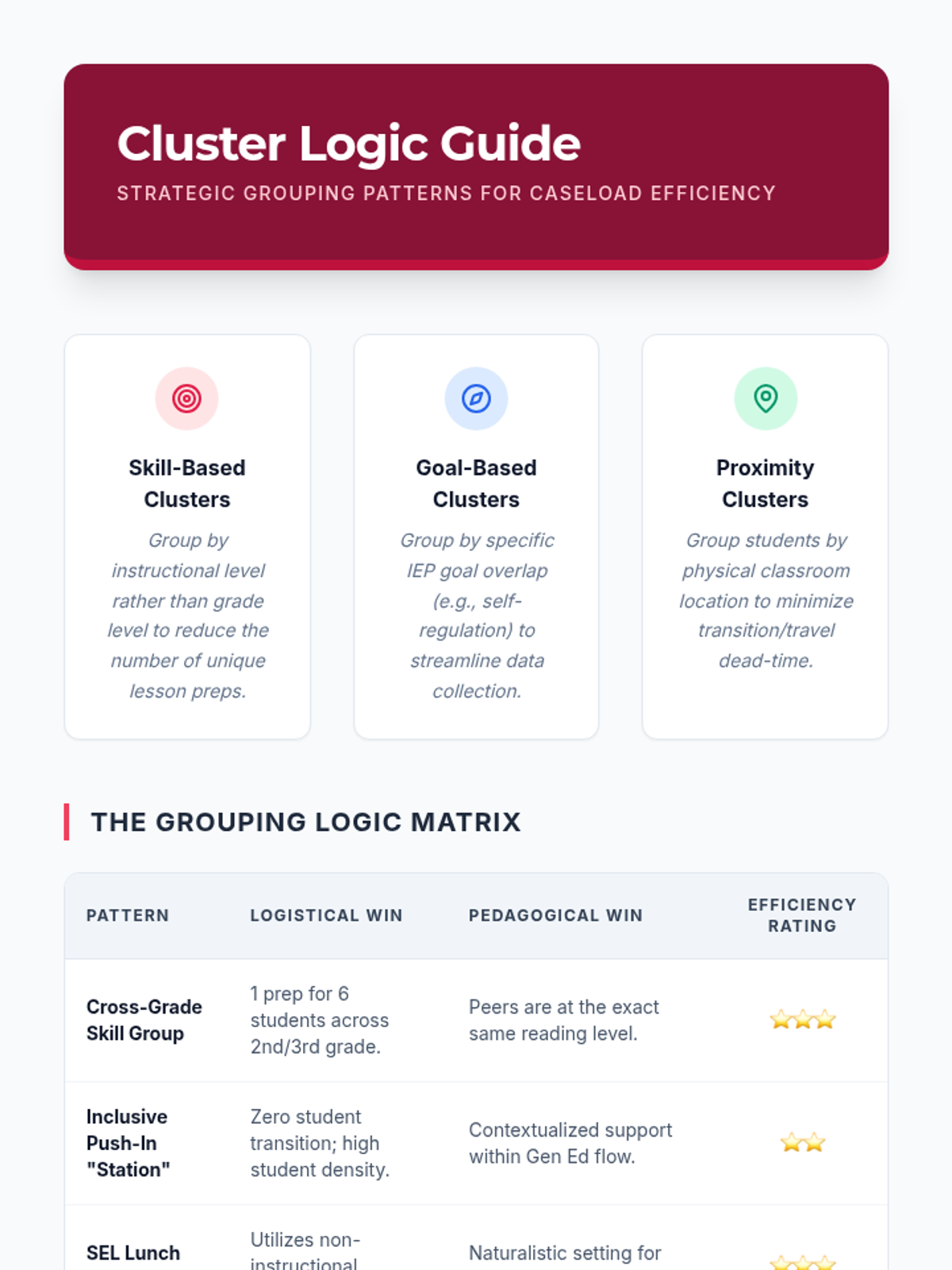
Students utilize logic and scheduling software to group students with similar IEP goals. They build a master schedule that minimizes fragmentation and creates larger blocks of instructional time.
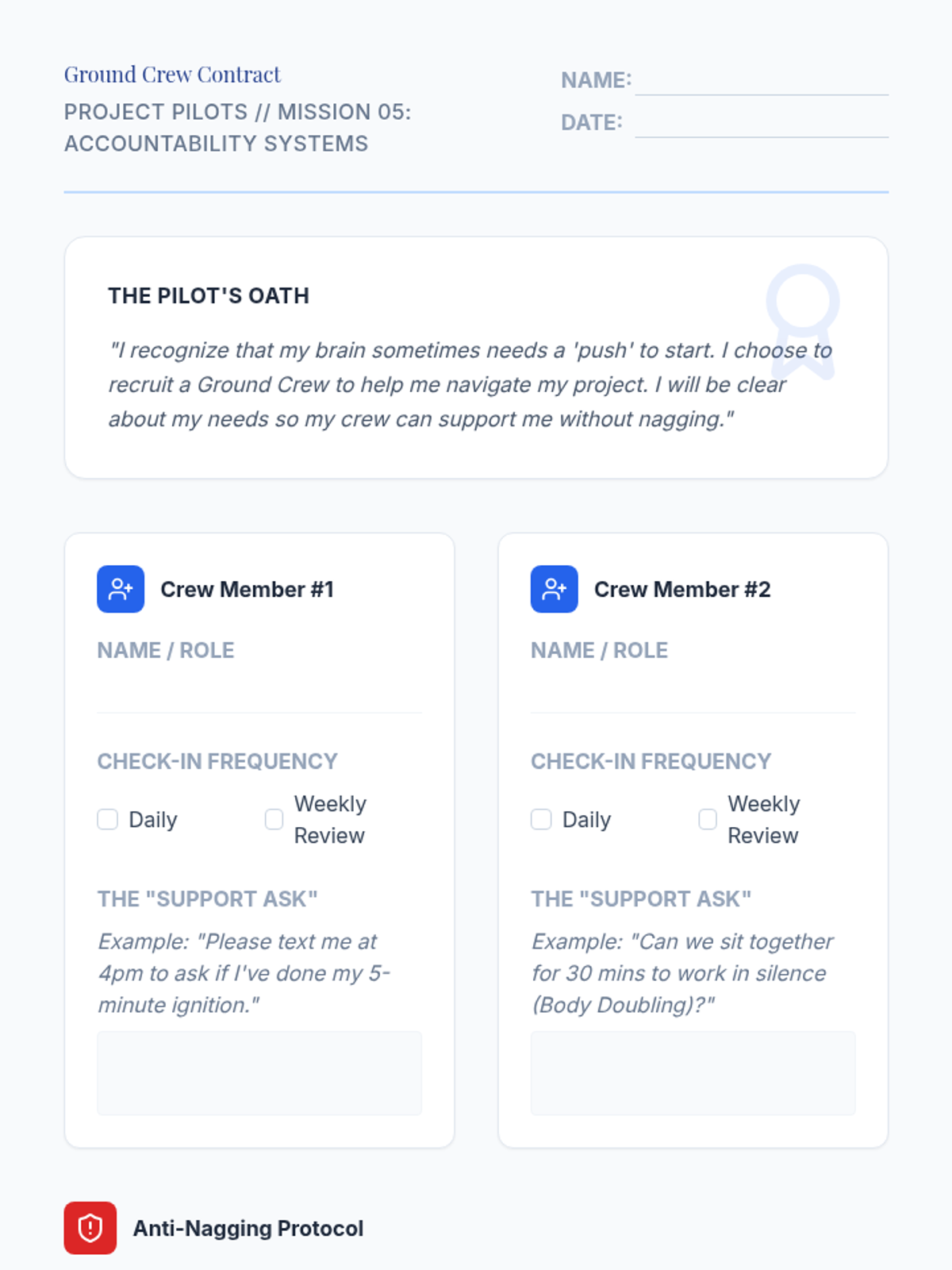
Explores the difference between nagging and accountability, helping students establish healthy peer-support structures for project completion.
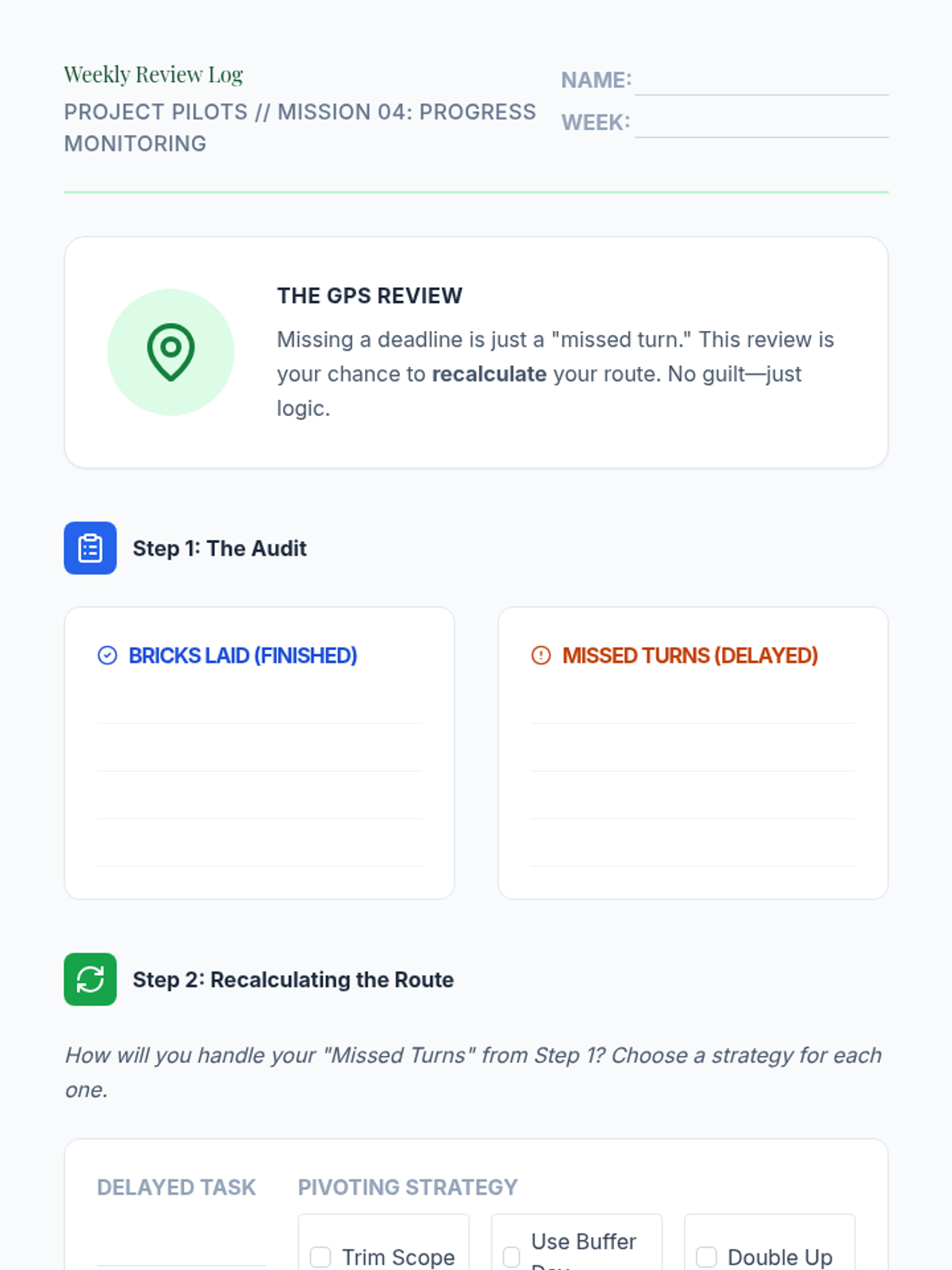
Teaches progress monitoring and the 'Weekly Review' concept, emphasizing flexibility and schedule recalculation when delays occur.
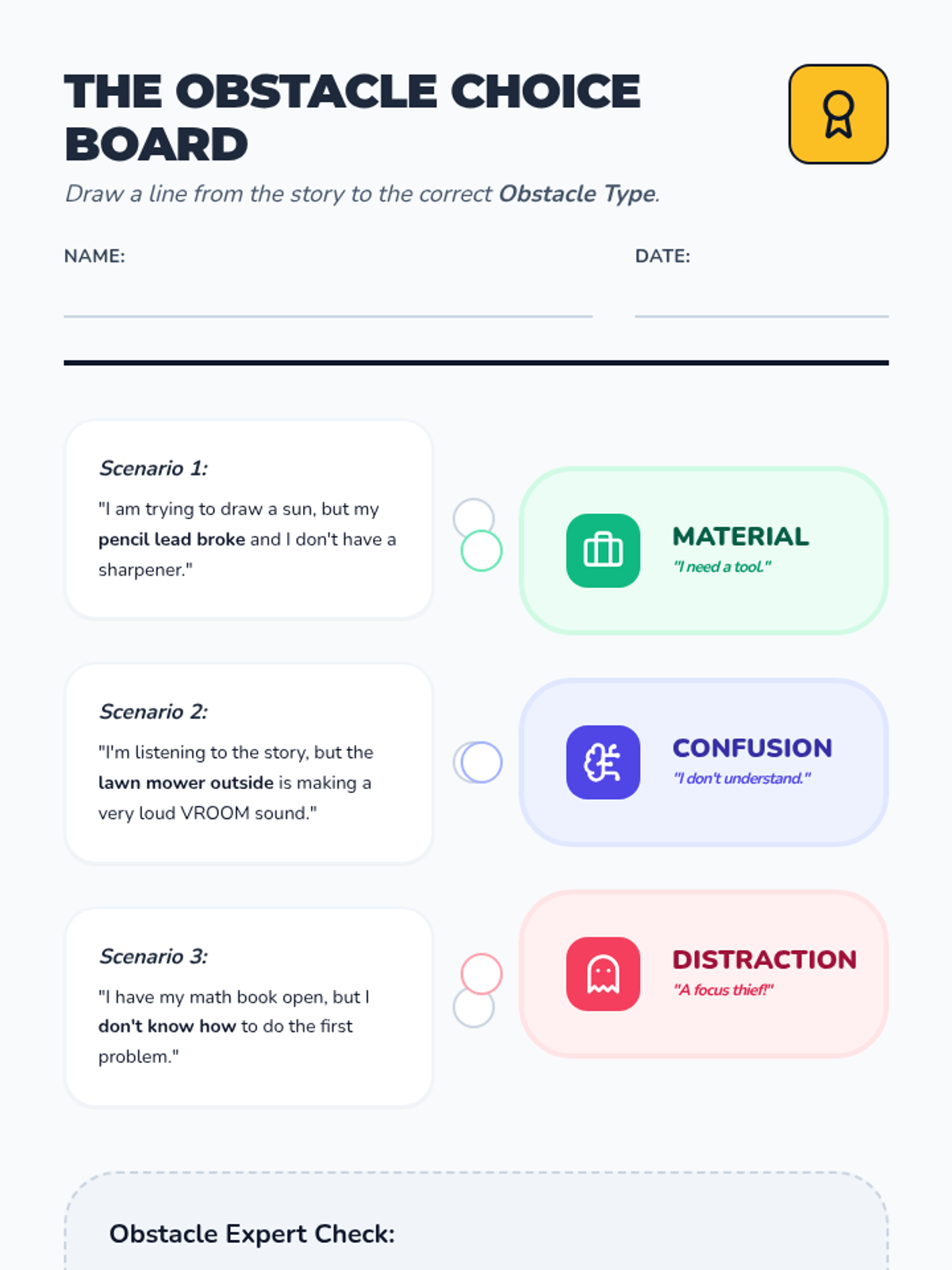
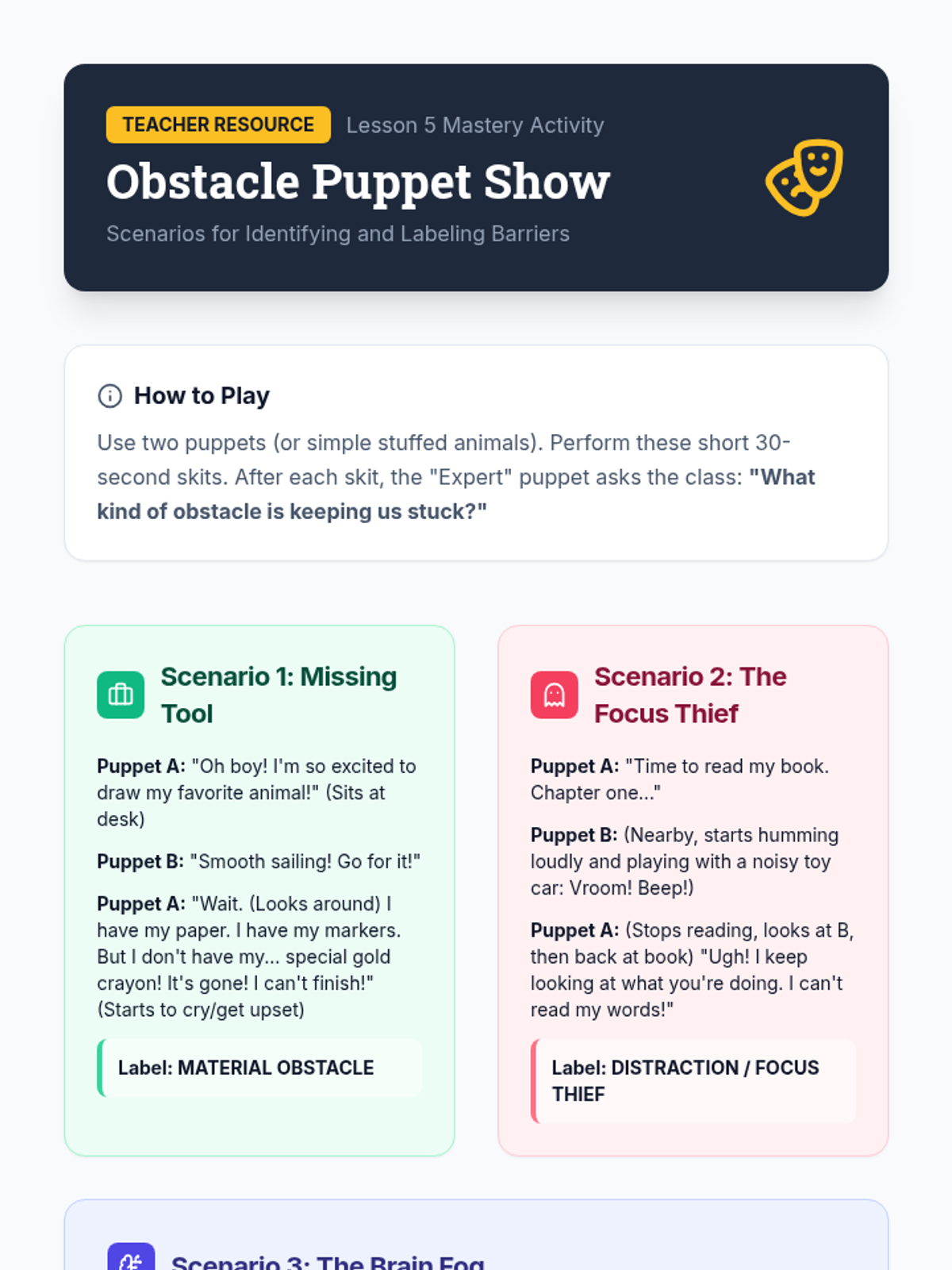
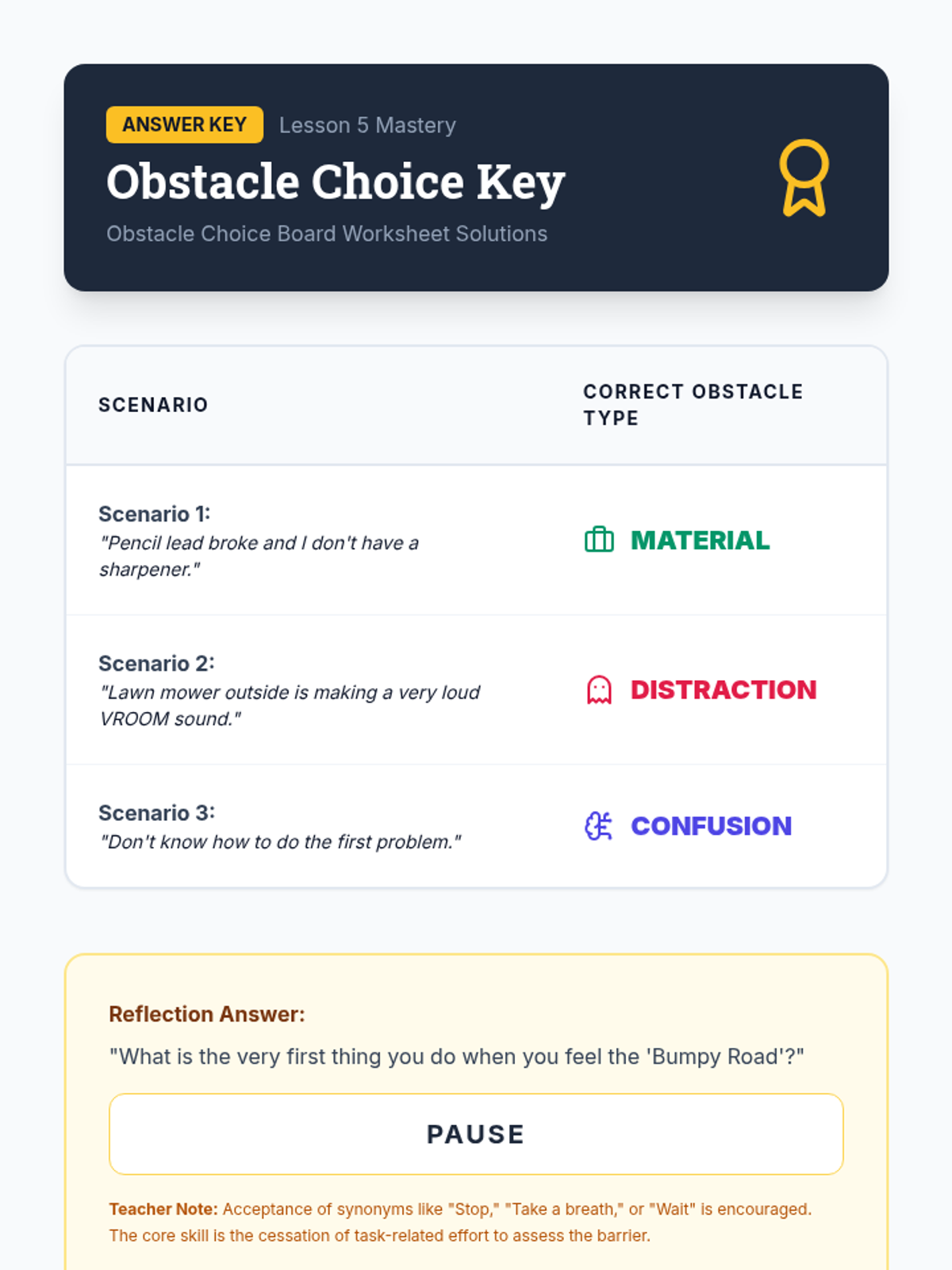
Culminating lesson where students label obstacles as material, comprehension, or distraction issues in various scenarios.
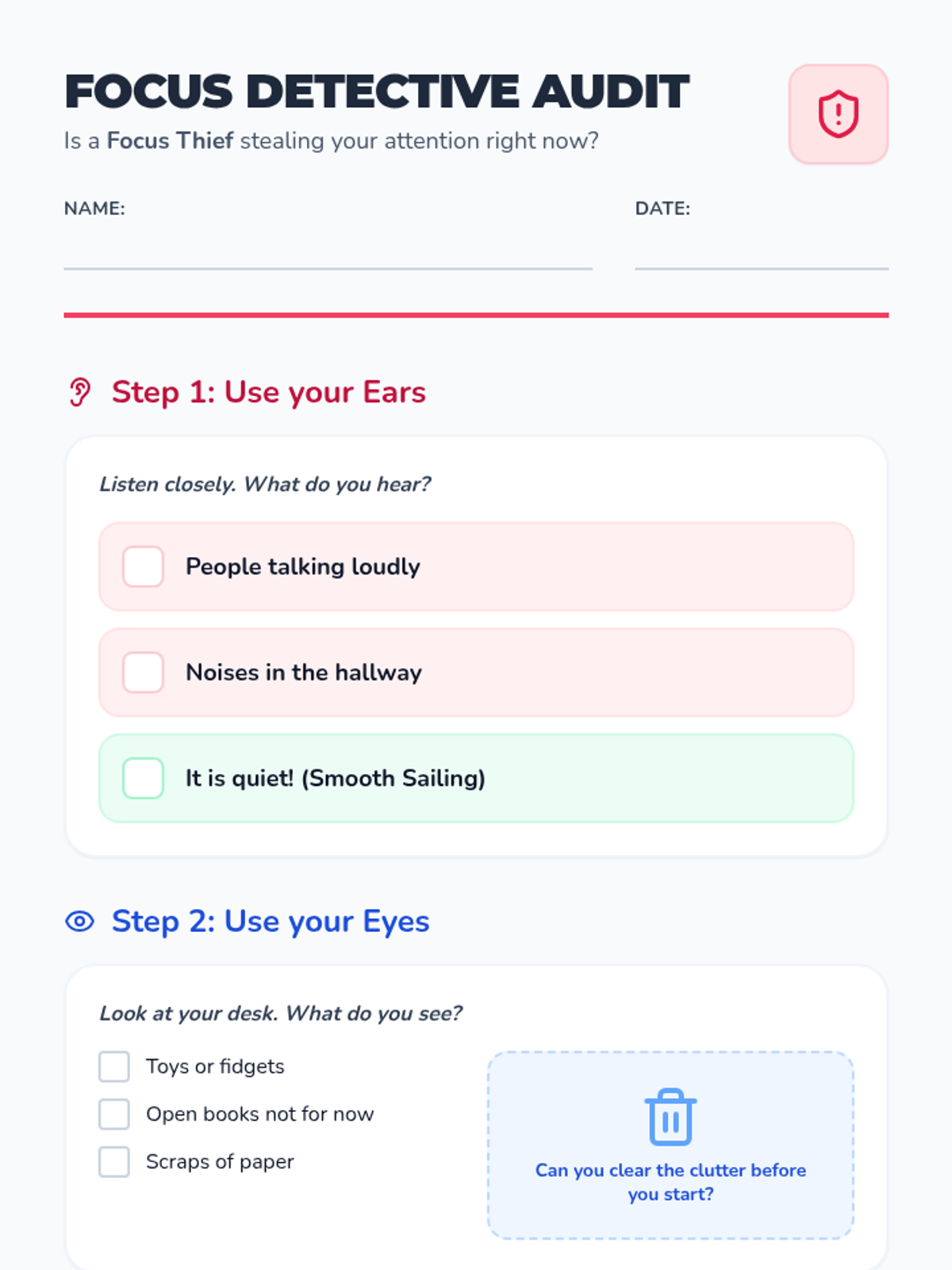
Focuses on sensory and environmental barriers like noise or visual clutter through a sensory audit.
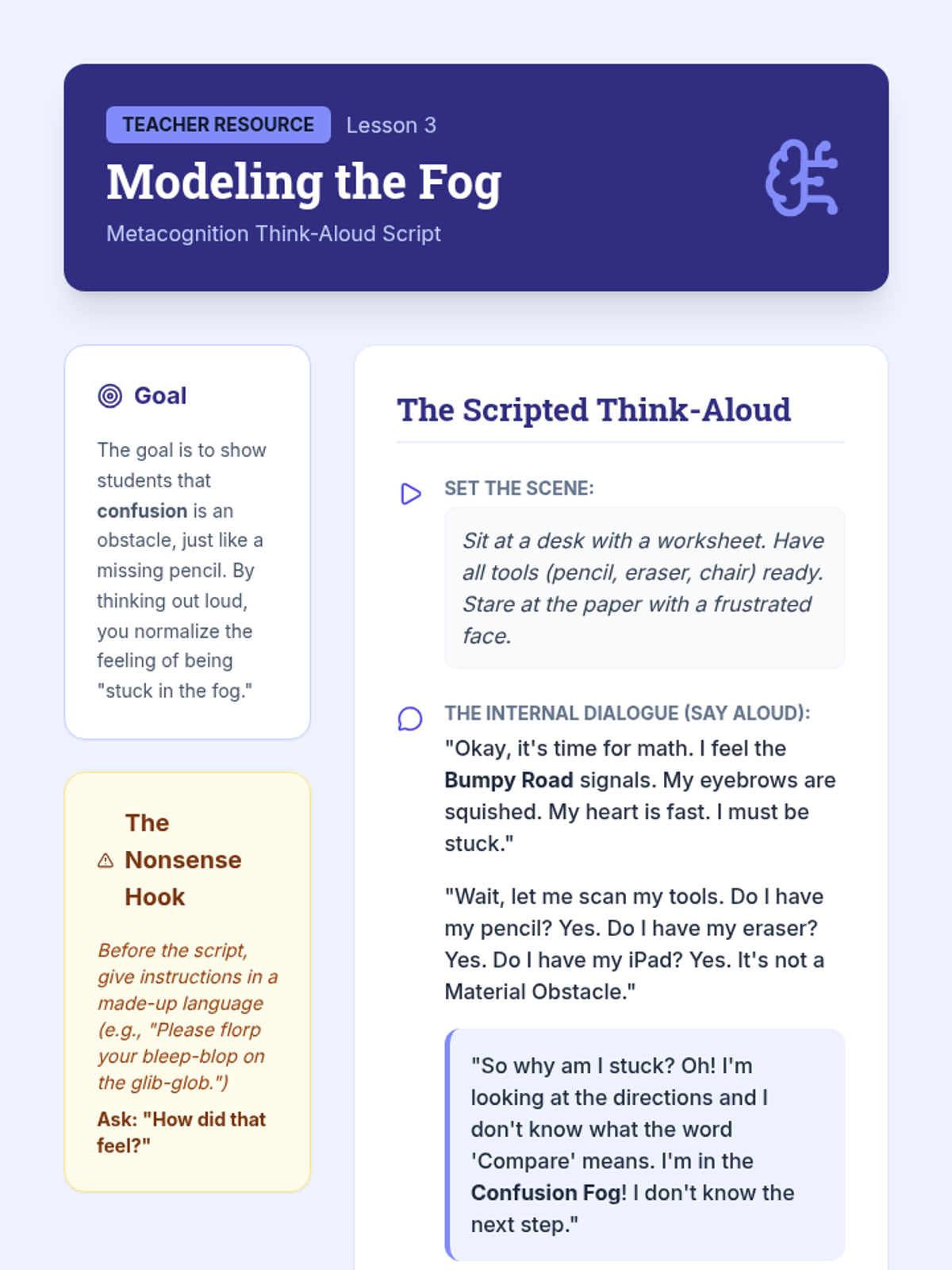
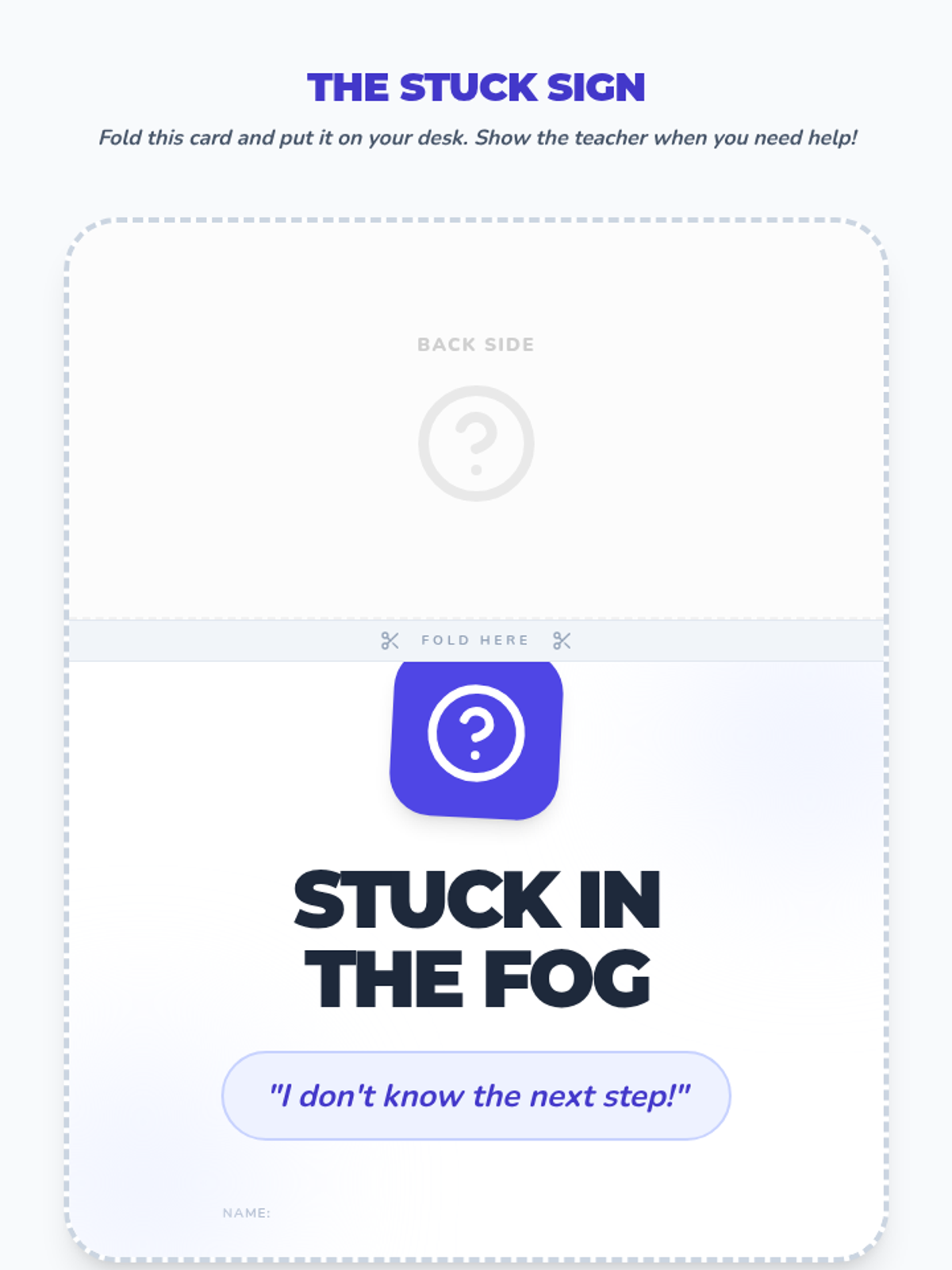
Students learn to identify internal obstacles related to confusion and not knowing the next step.
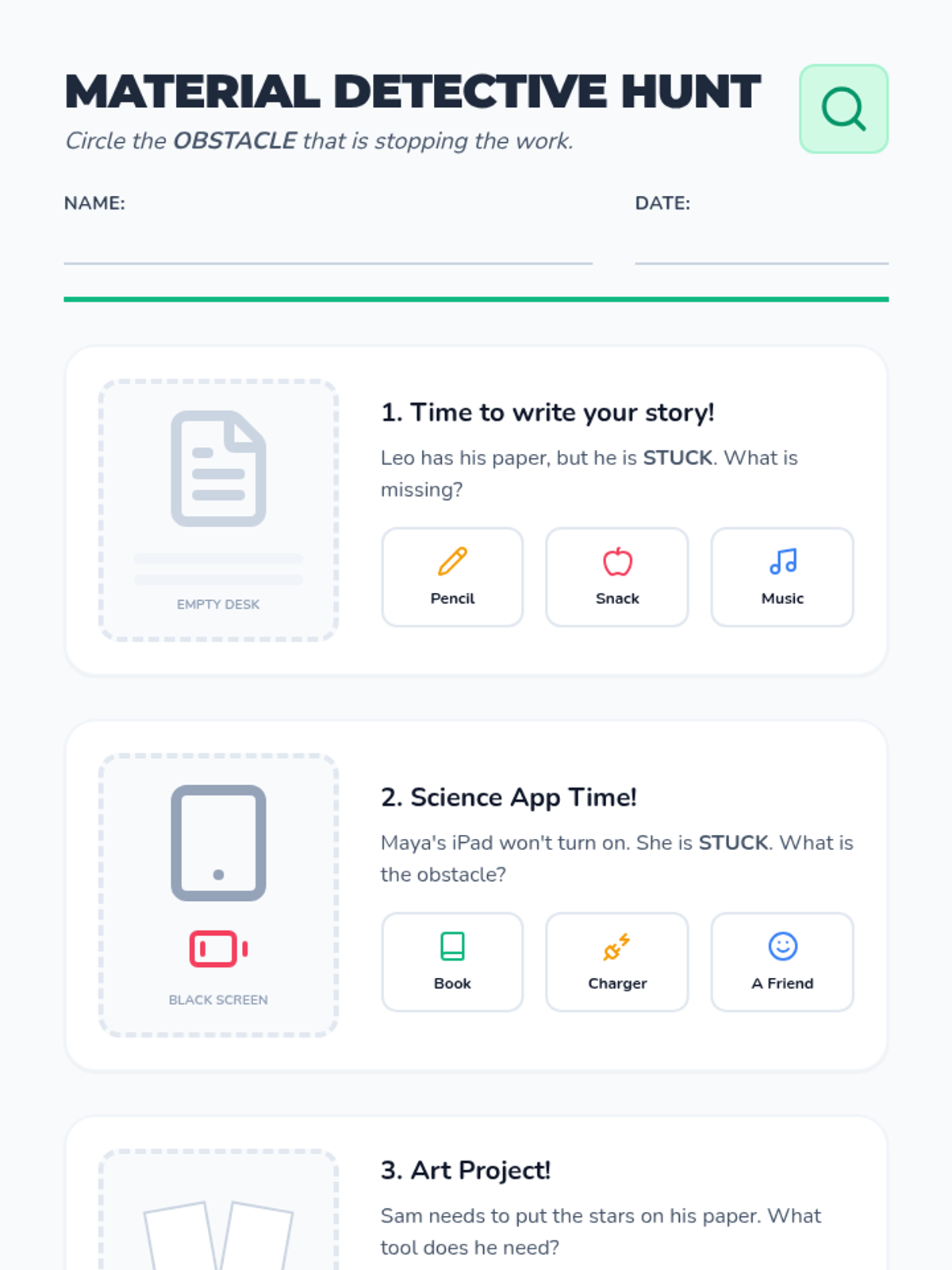
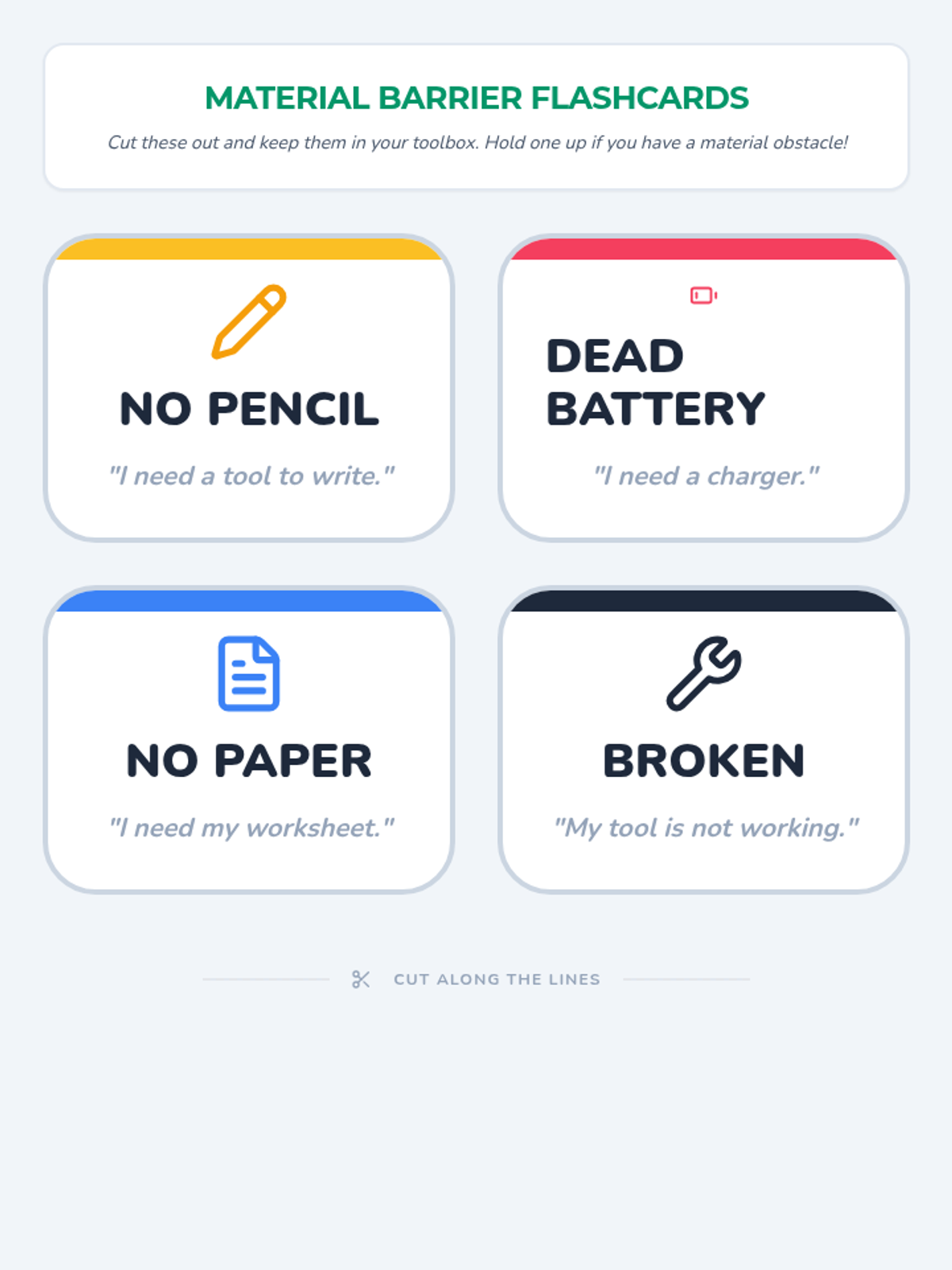
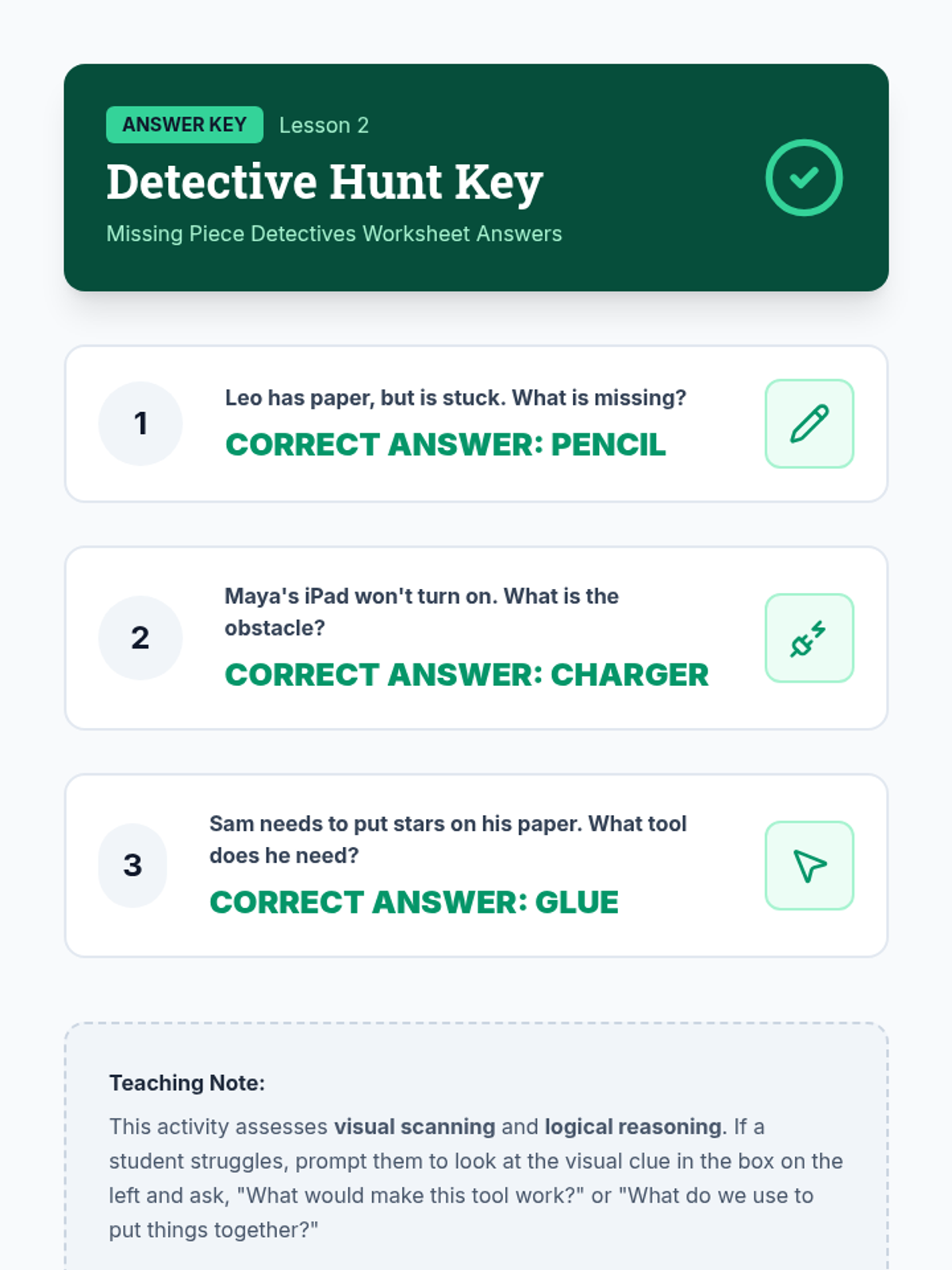
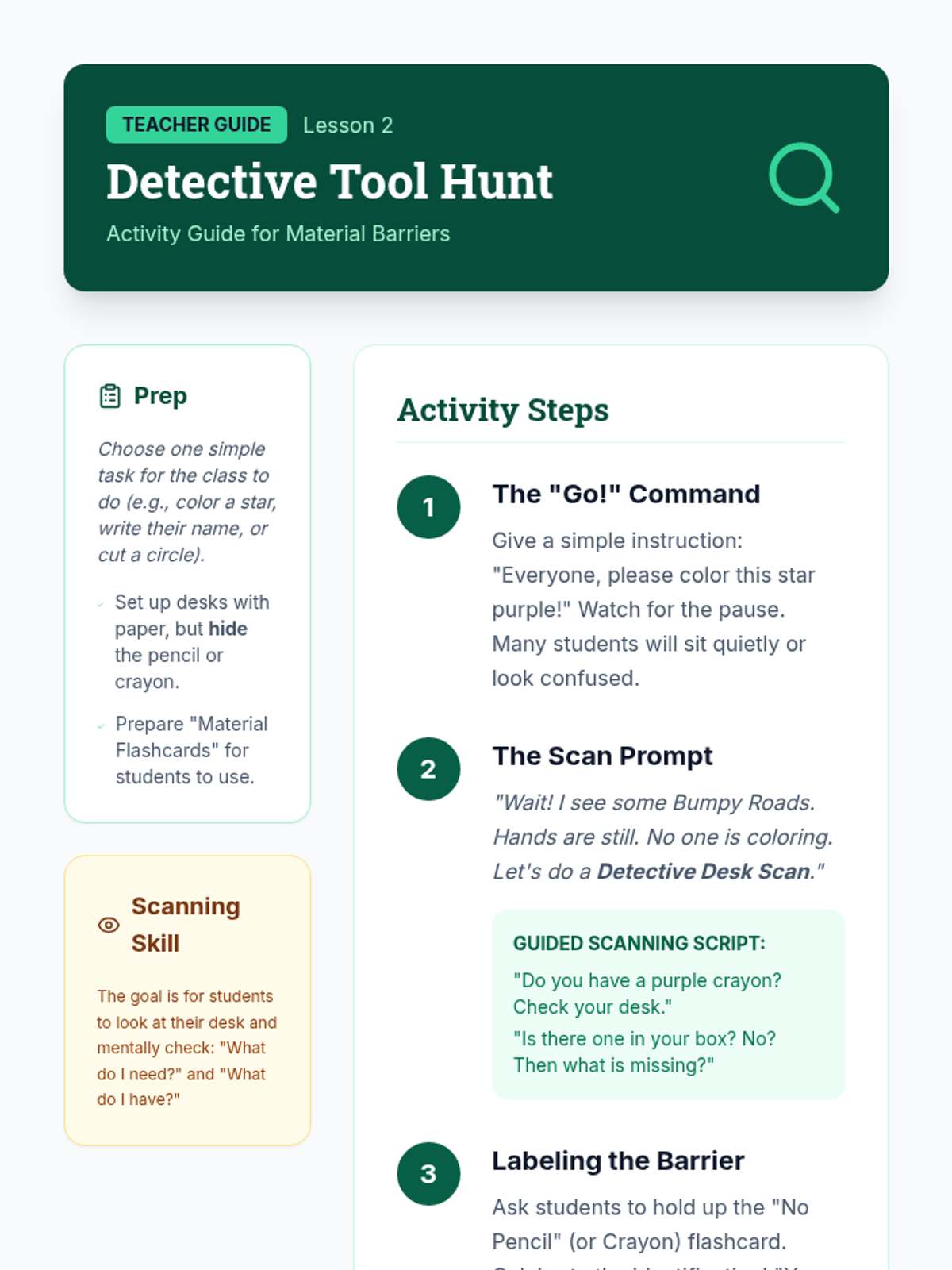
Focuses on identifying external obstacles like missing or broken tools through visual scanning activities.
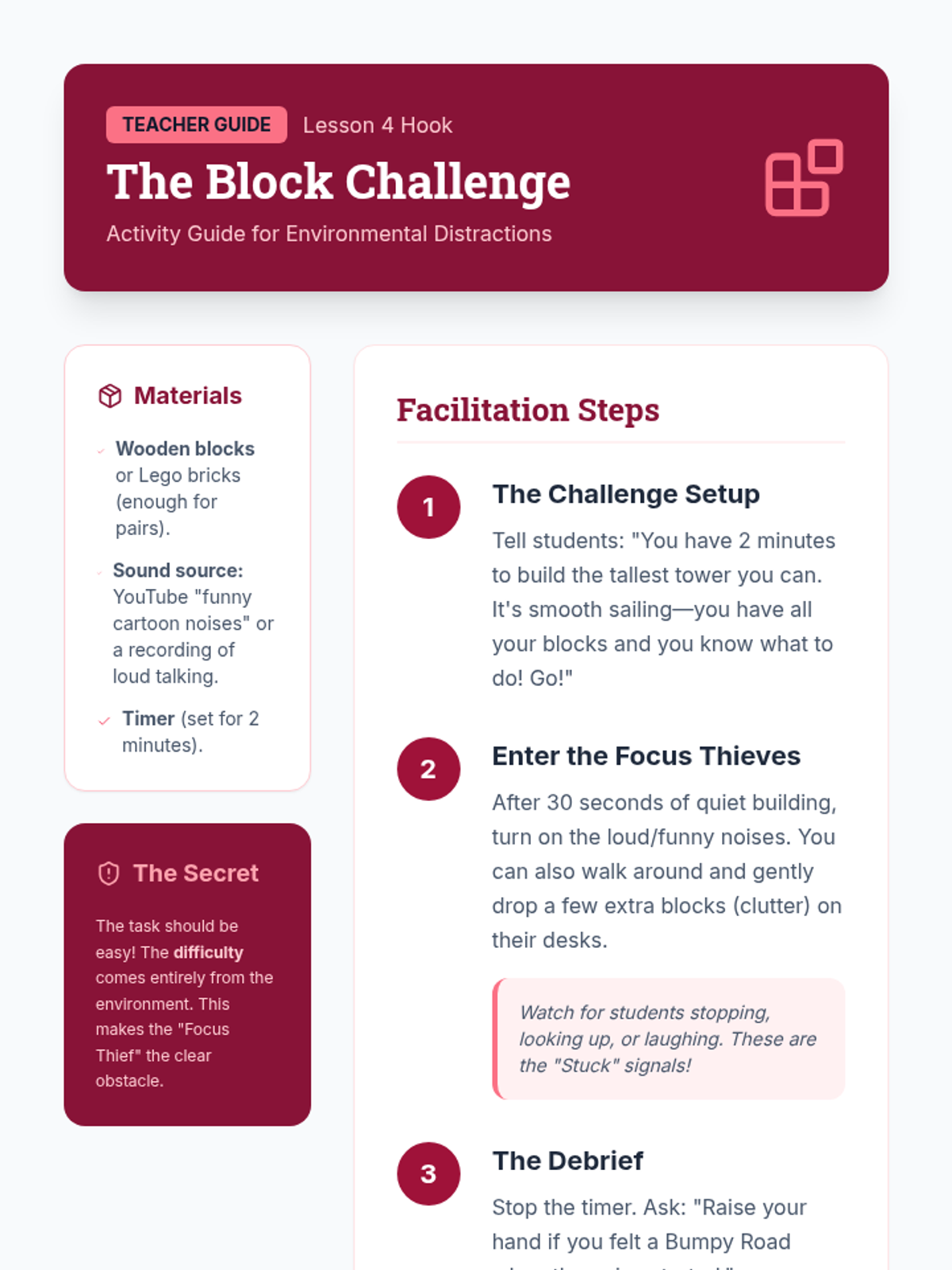
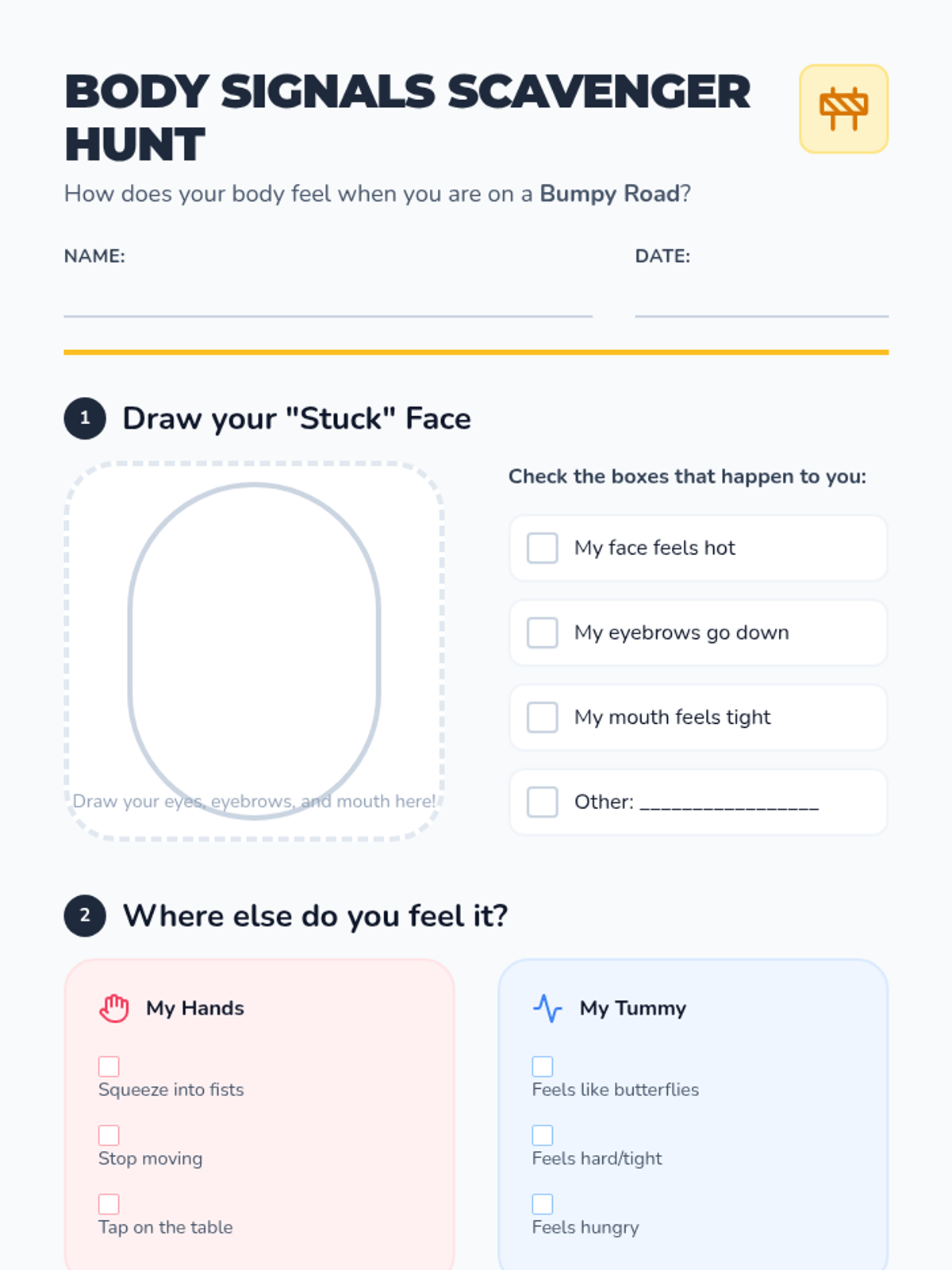
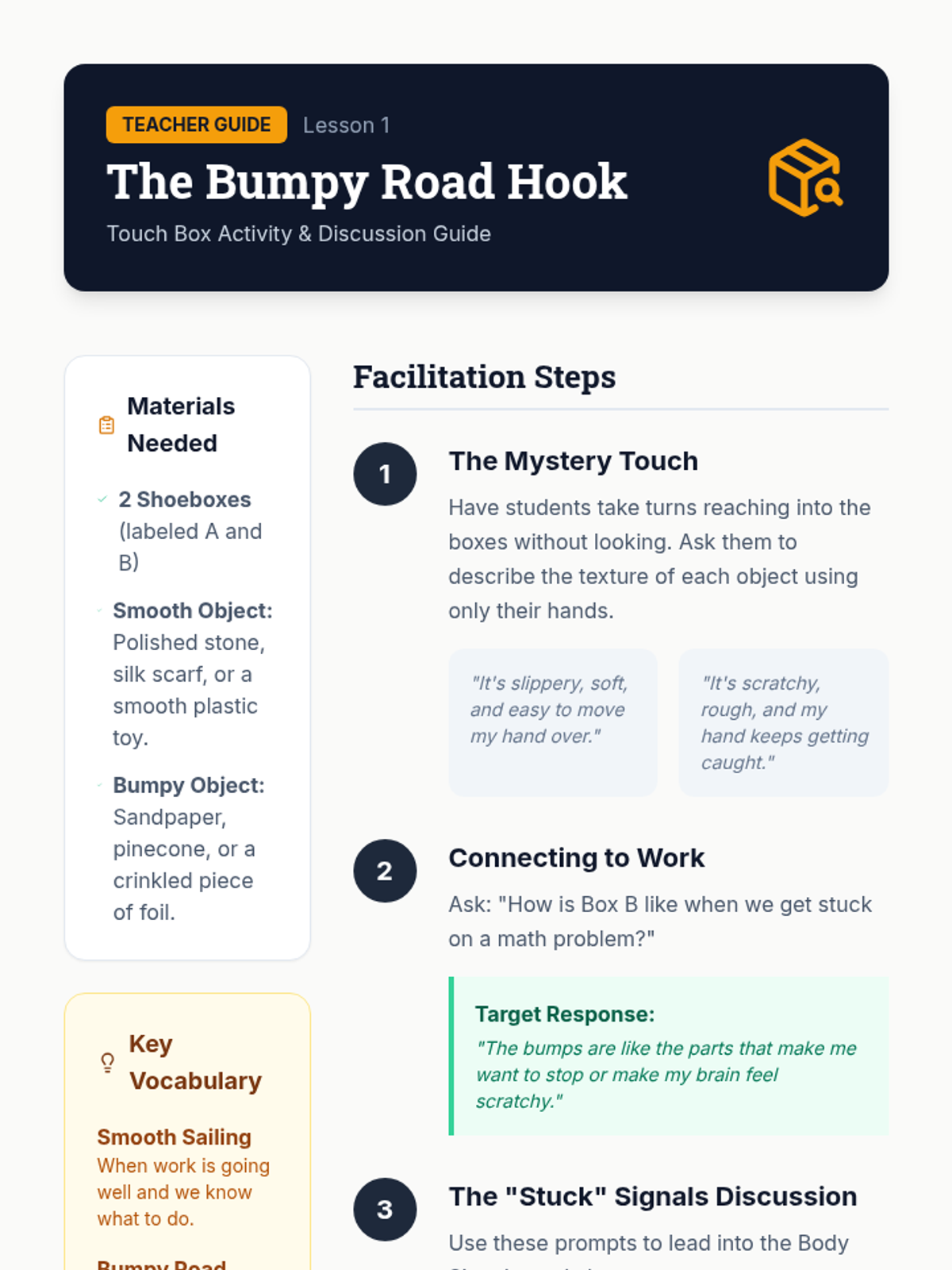
Students distinguish between 'smooth sailing' and 'bumpy road' task progression by identifying physical and emotional signs of being stuck.
Students synthesize their learning into a comprehensive 'Organizational Toolkit' proposal, pitching their systems for physical, digital, and administrative management.
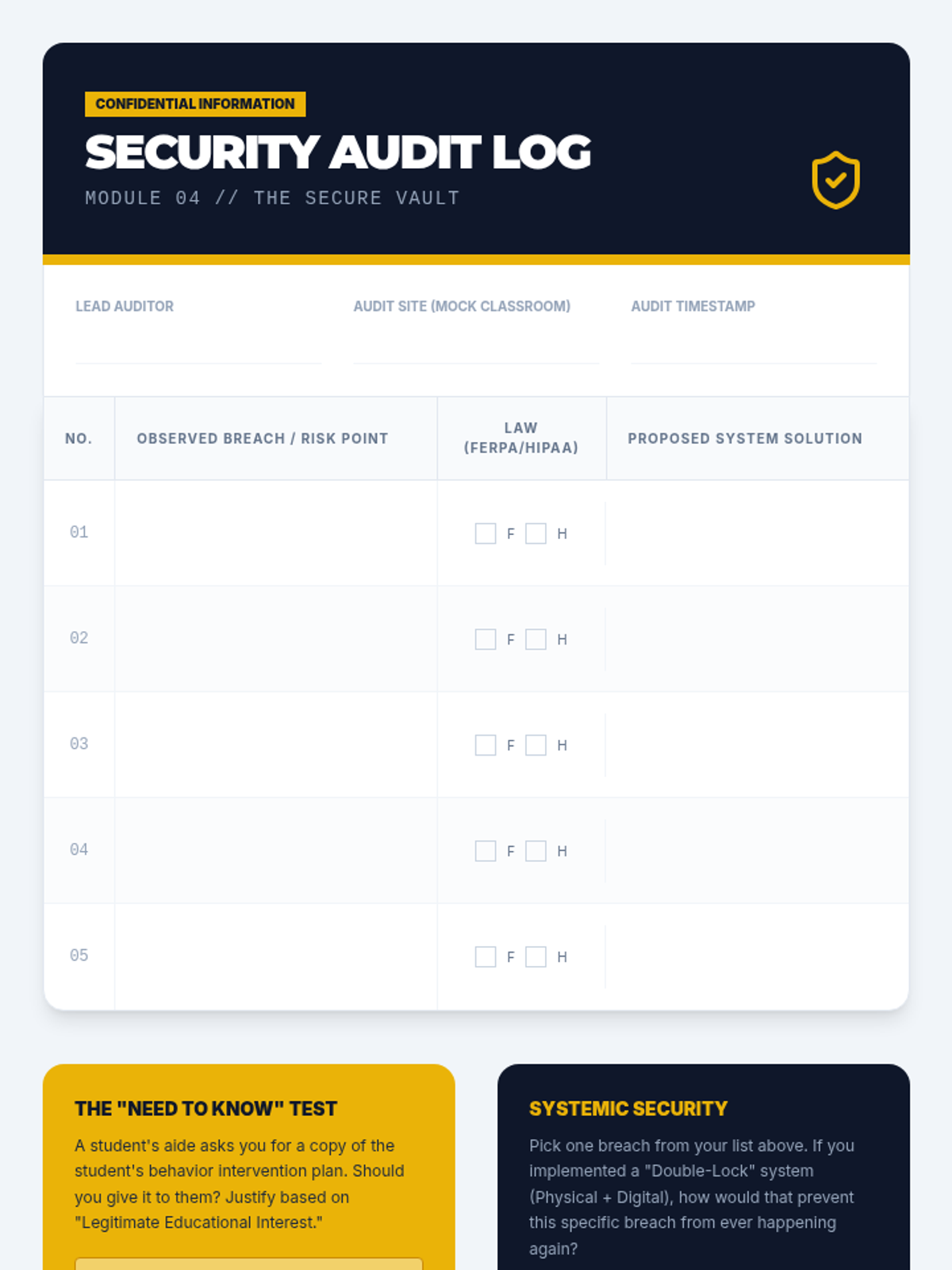
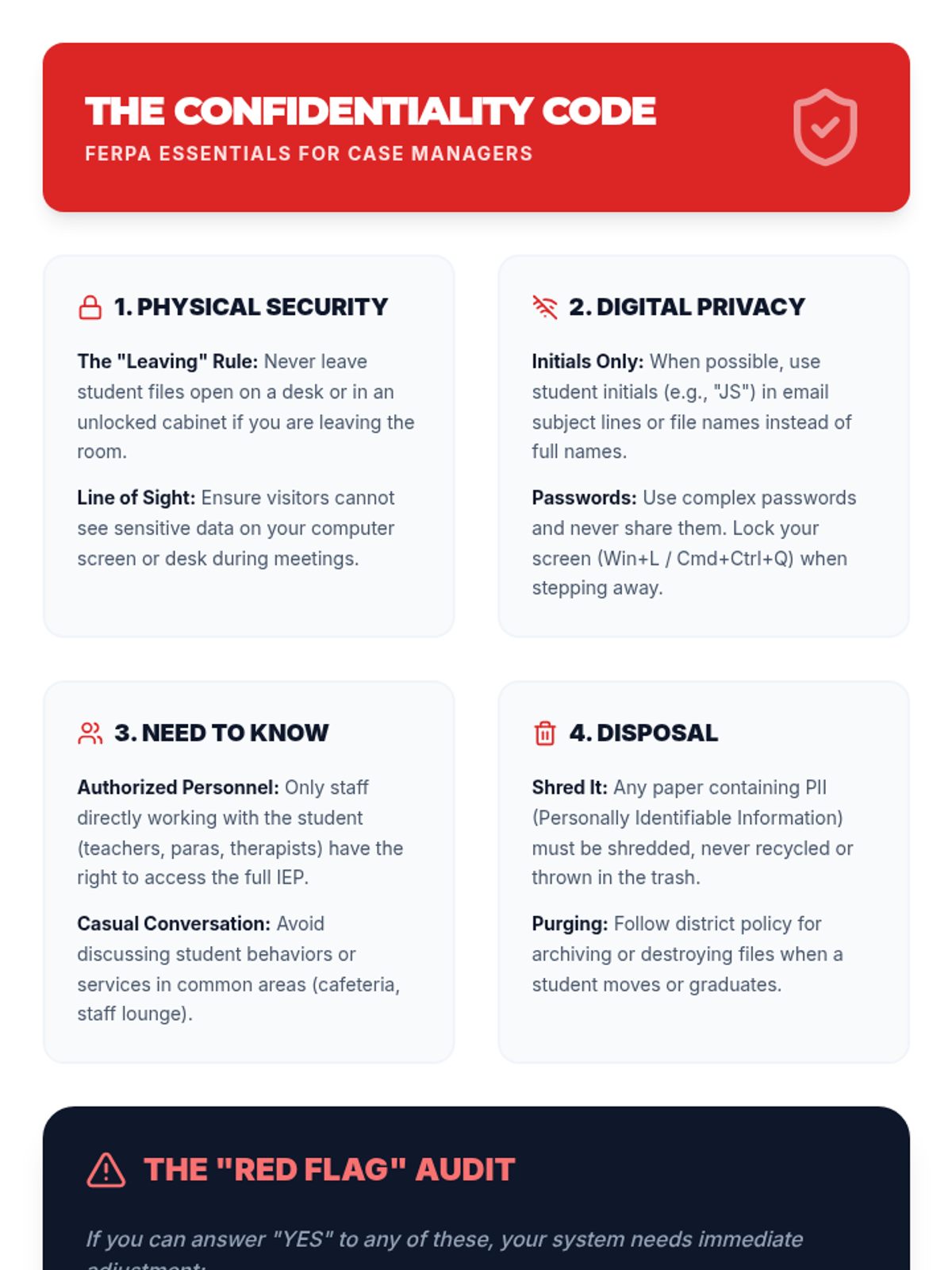
Students navigate the legal requirements of FERPA and HIPAA through organizational systems that protect sensitive student information.
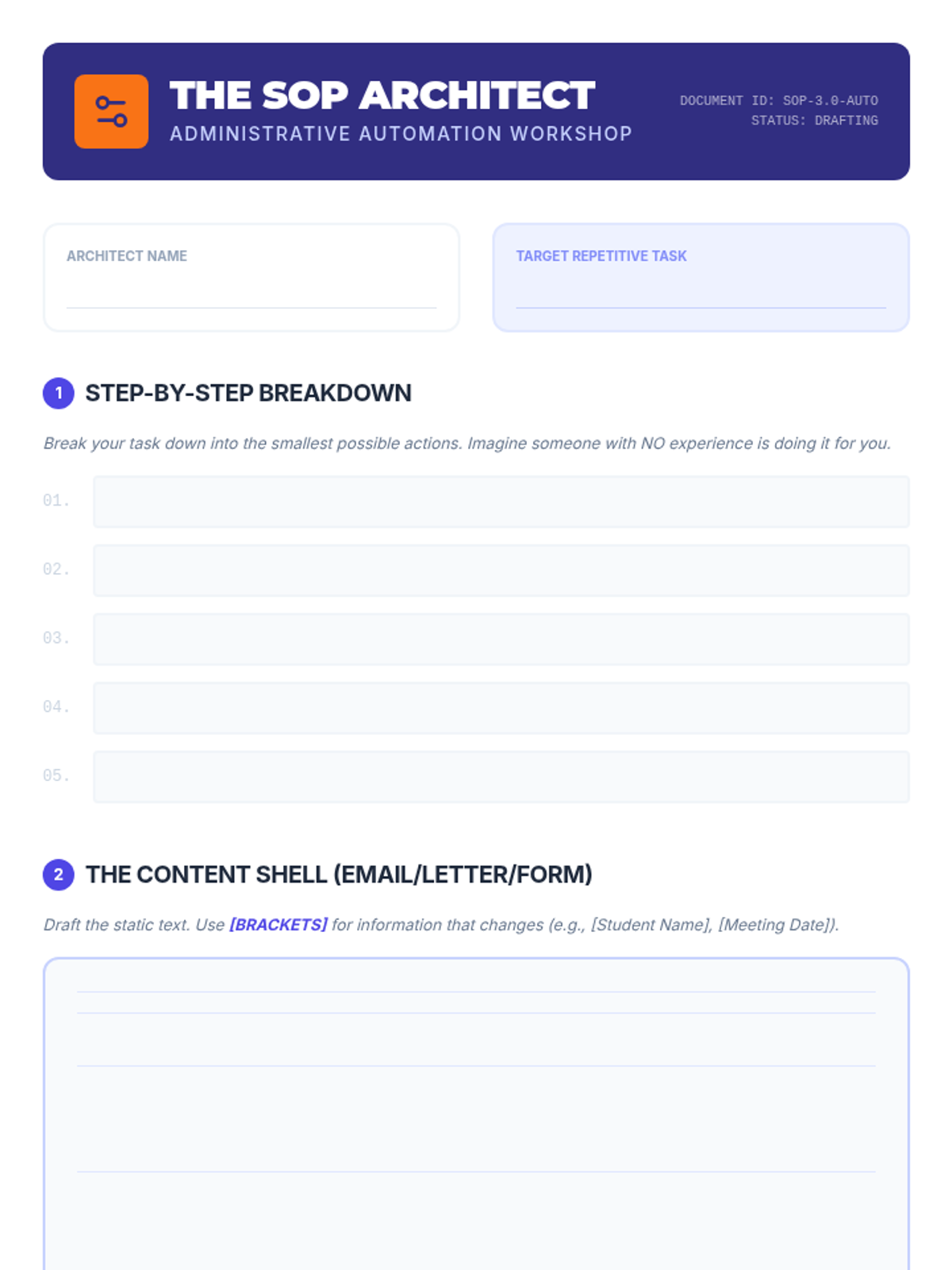
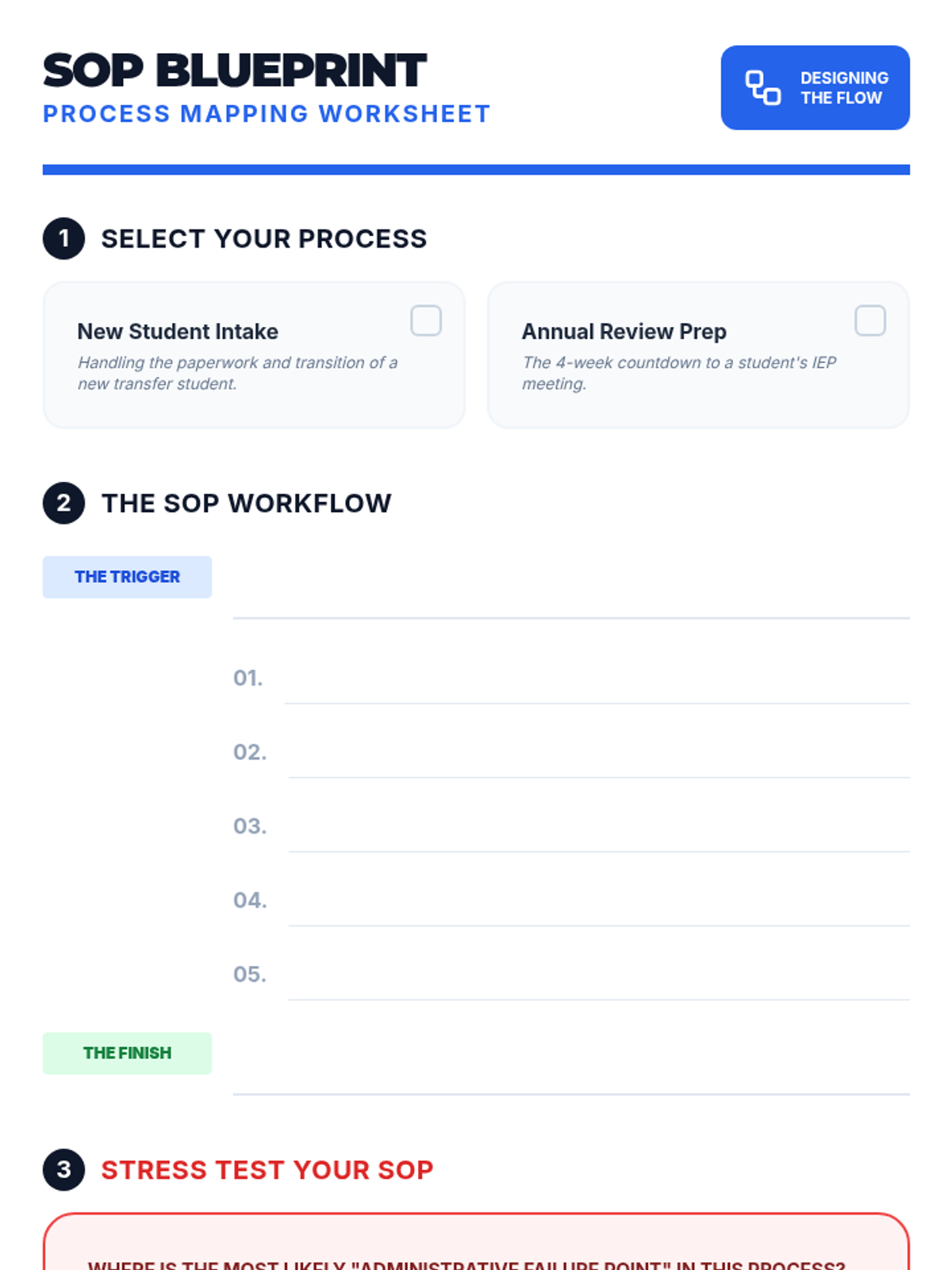
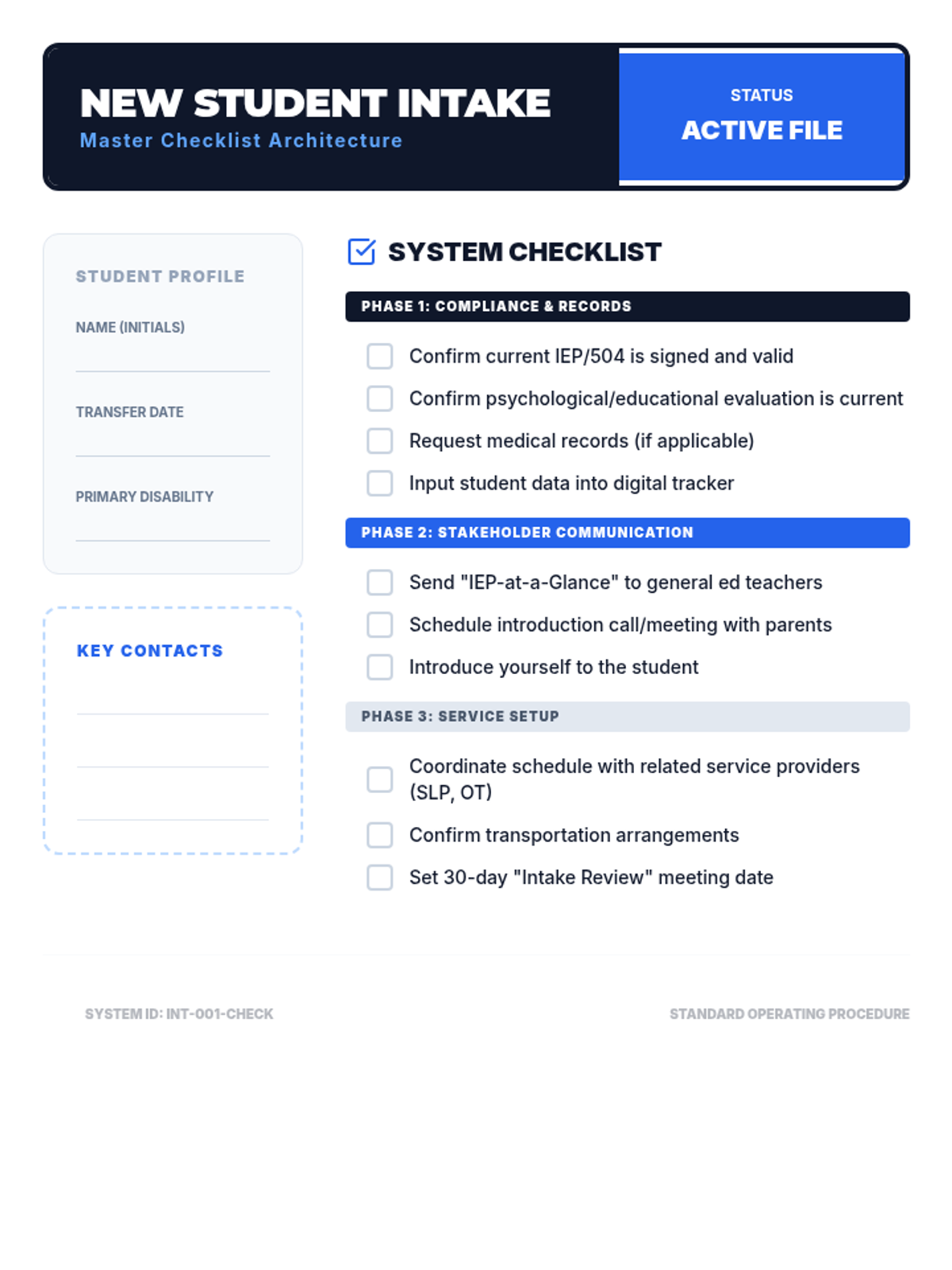
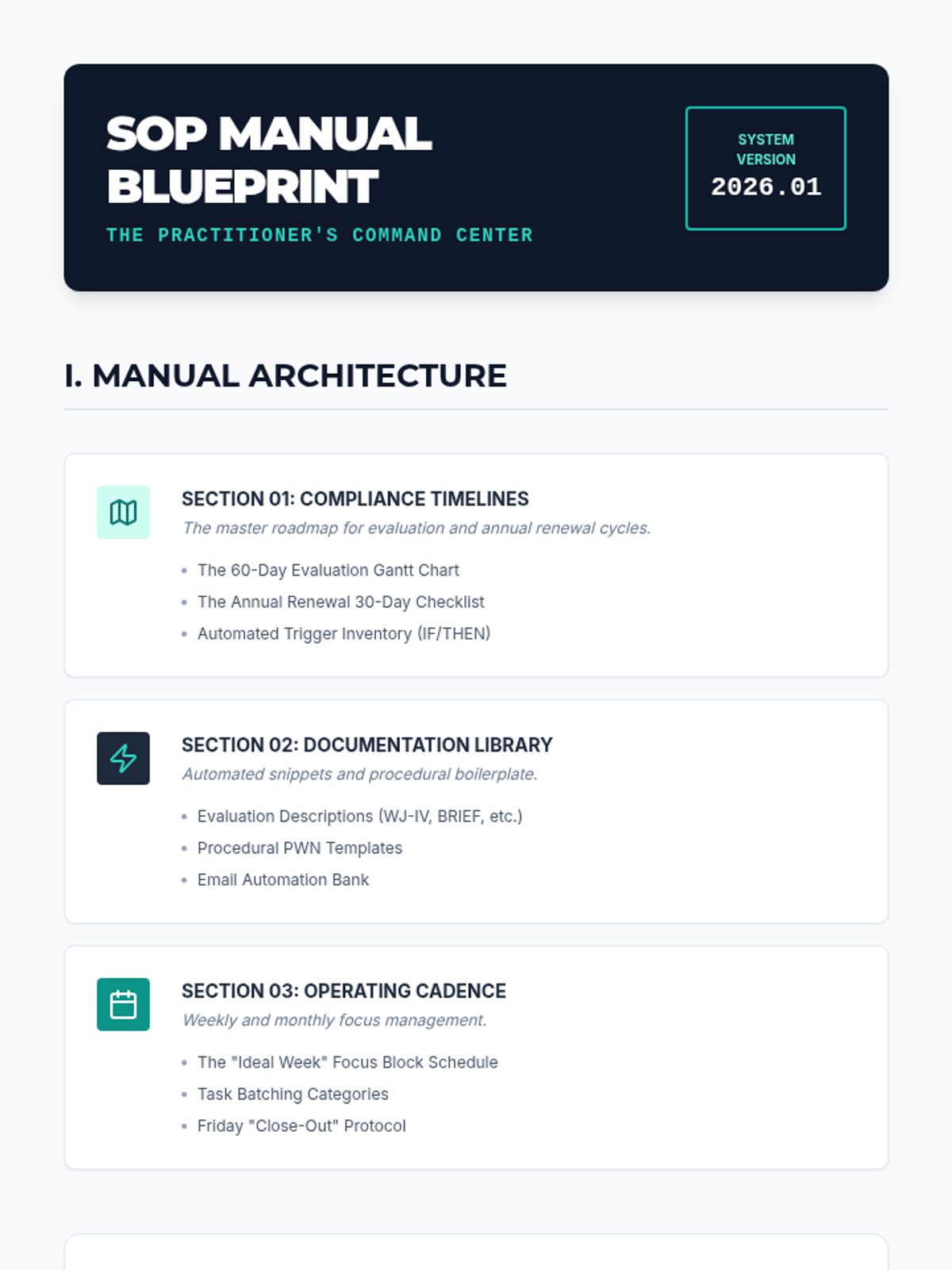
Students learn to create Standard Operating Procedures (SOPs) and automation templates to reduce cognitive load during repetitive administrative tasks.
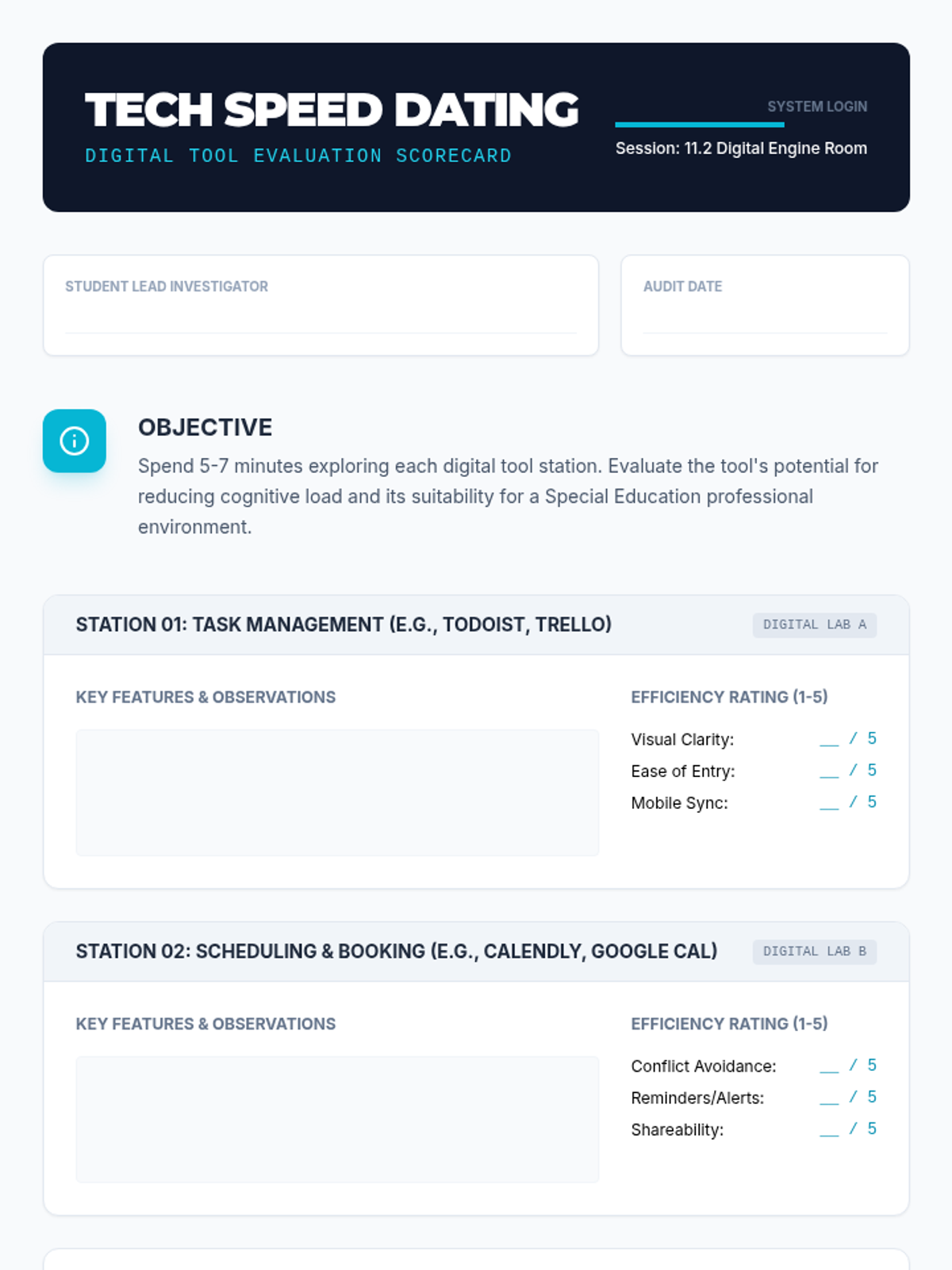
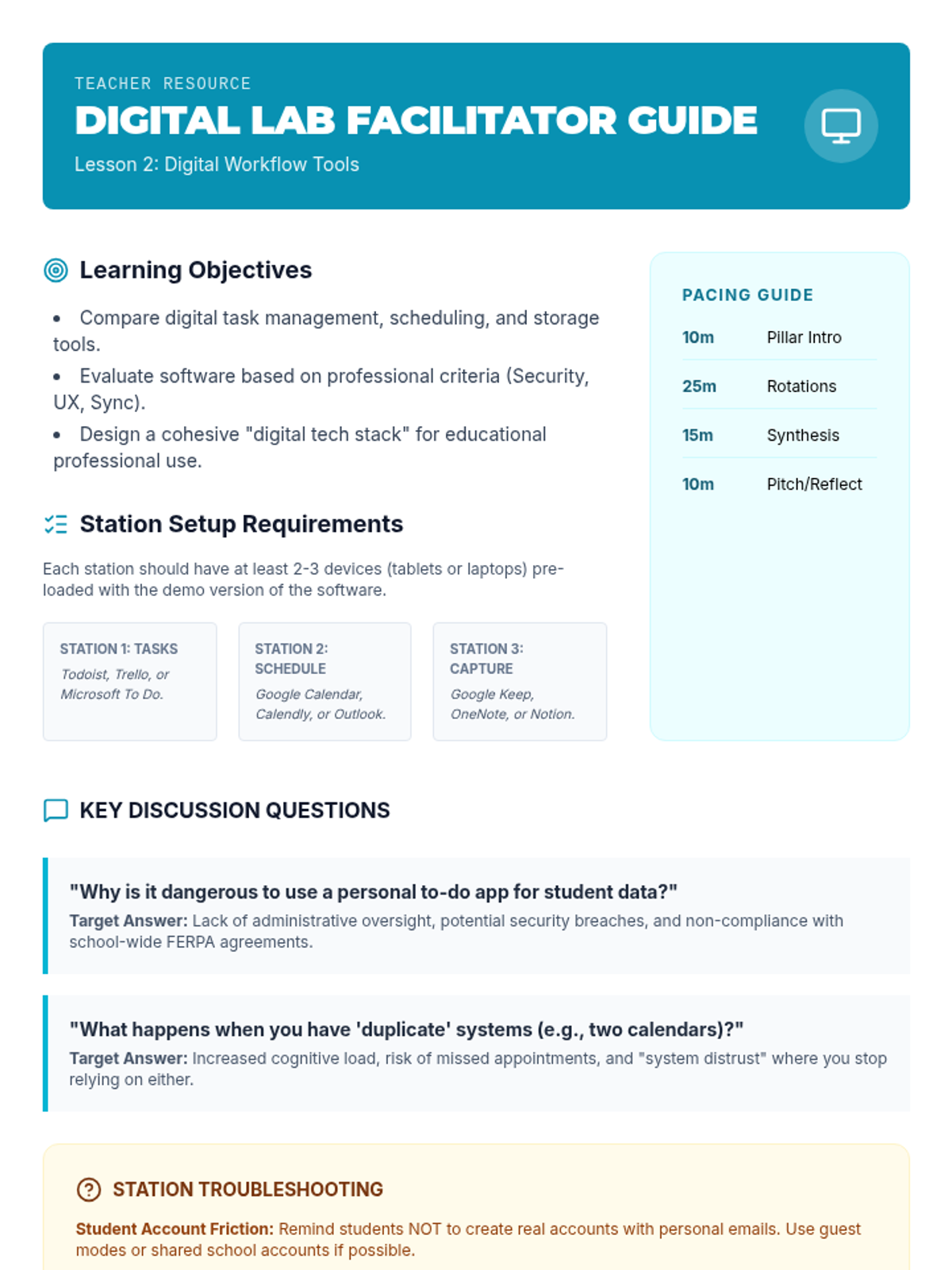
Students evaluate and test digital tools for task management, scheduling, and file storage, focusing on professional efficiency and data privacy.
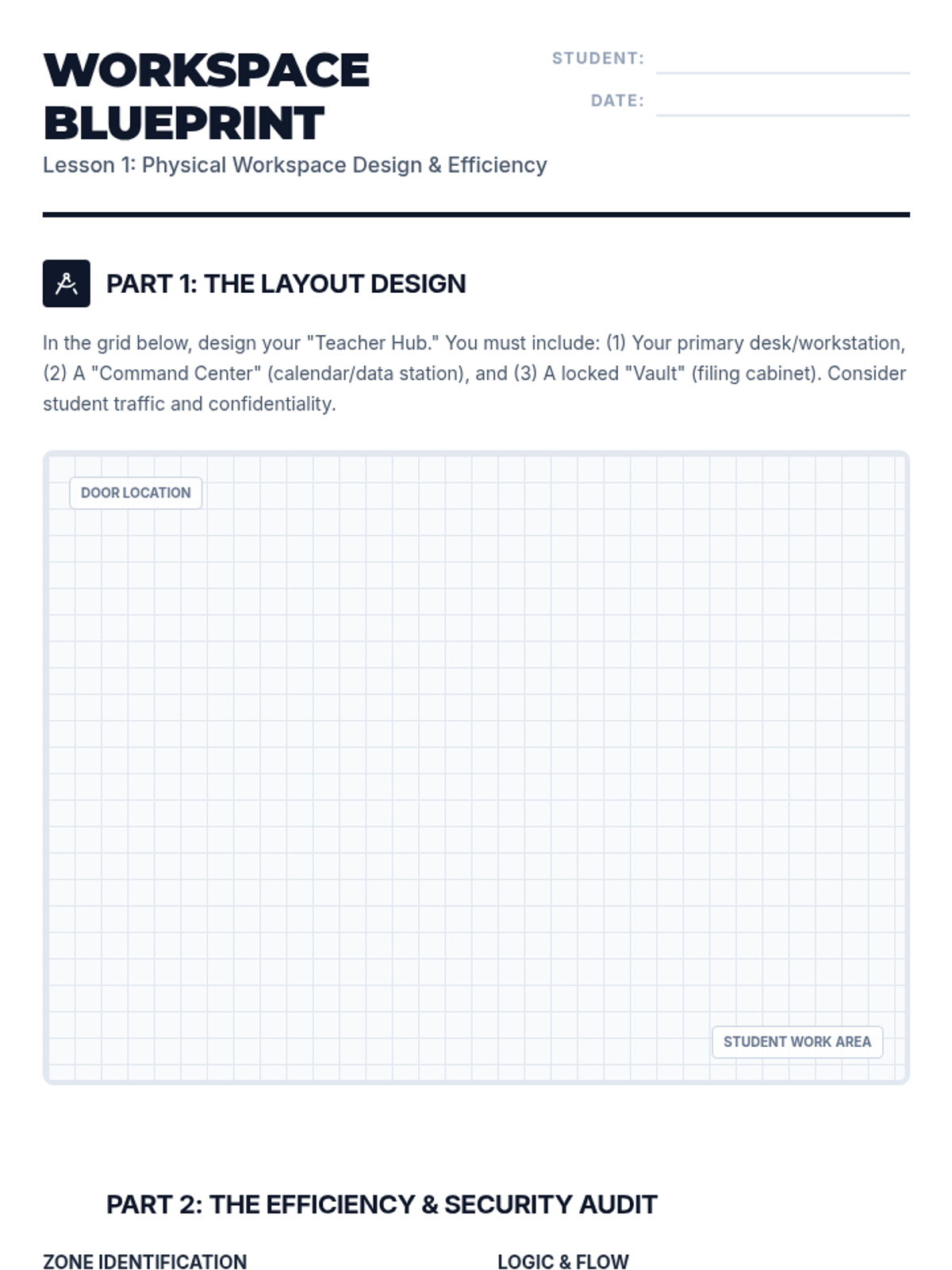
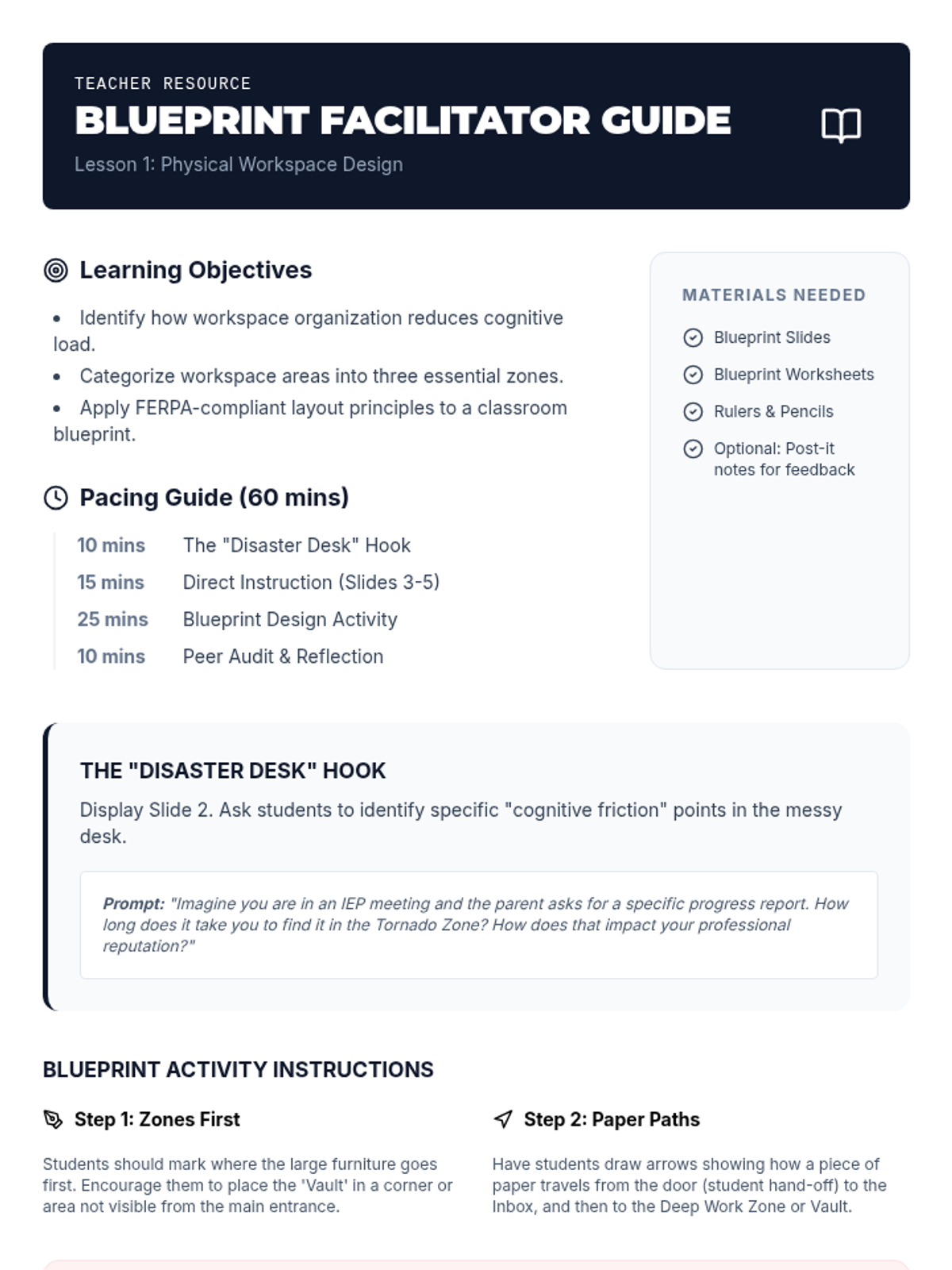
Students explore principles of workspace organization and design a classroom layout that optimizes efficiency and maintains confidentiality of instructional and legal materials.
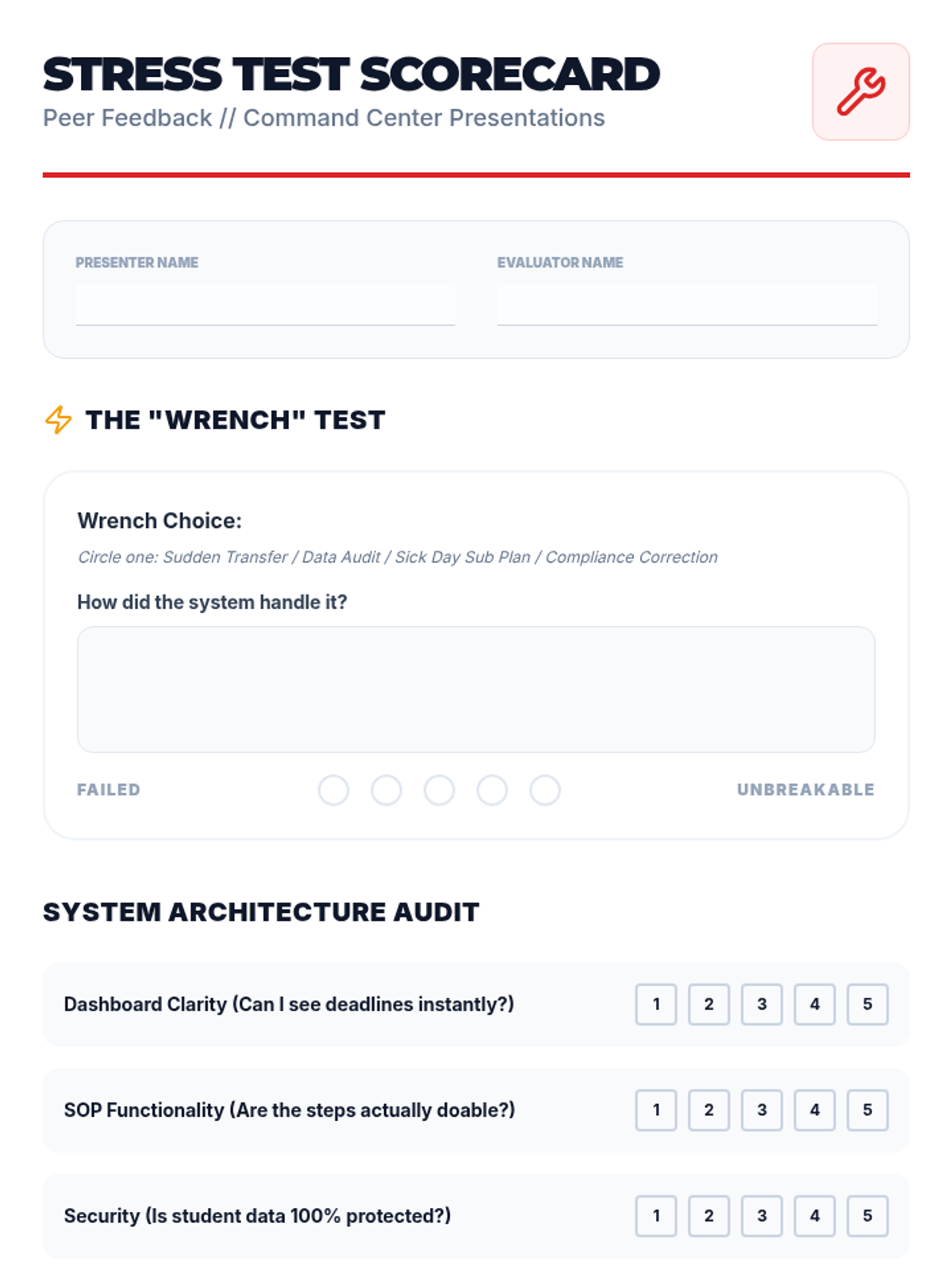
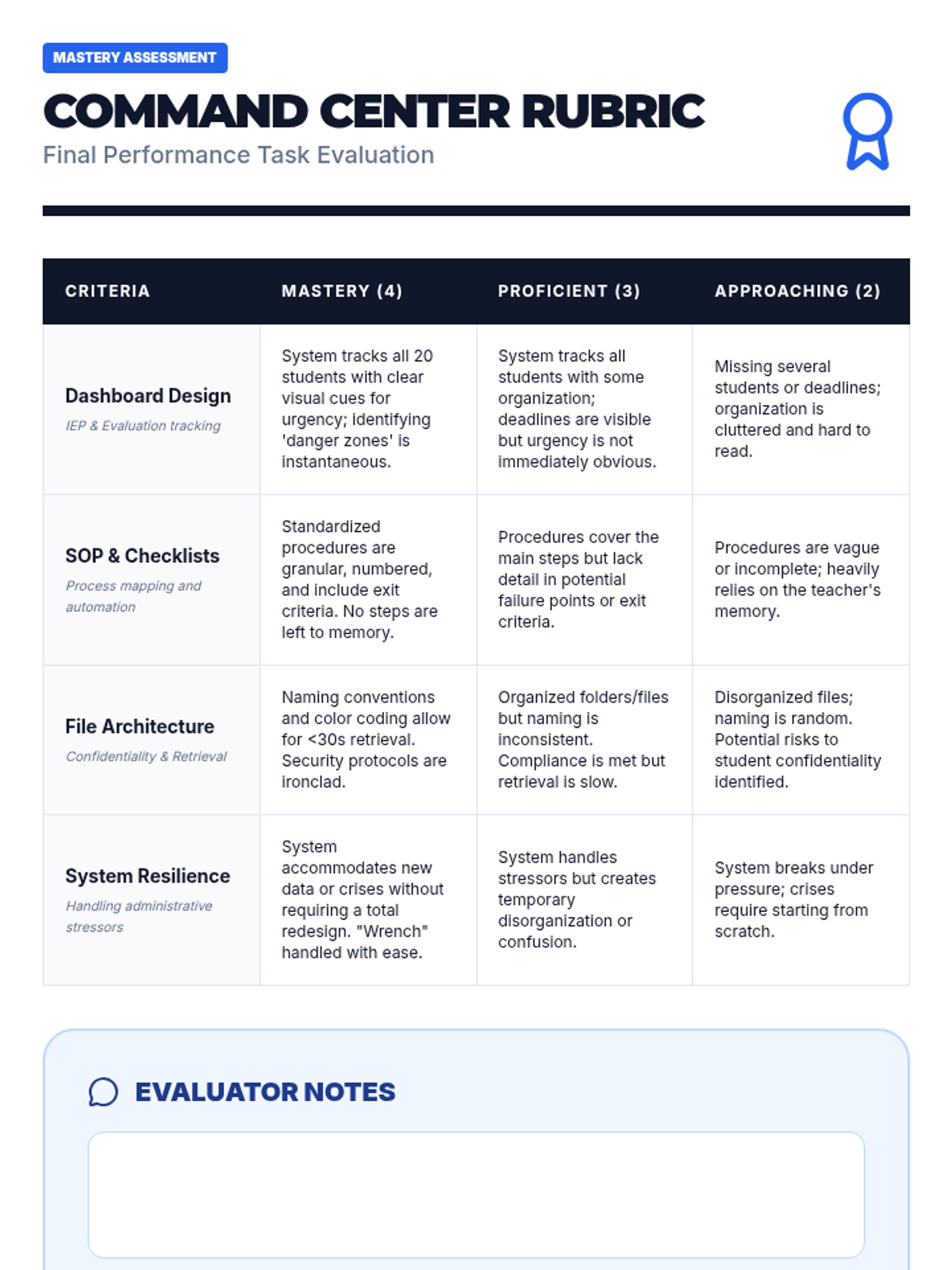
Students present their completed organizational systems and defend their design against hypothetical stressors.
Students design secure digital and physical filing systems that comply with FERPA regulations.
Students develop standard operating procedures and checklists to automate recurring case management tasks.
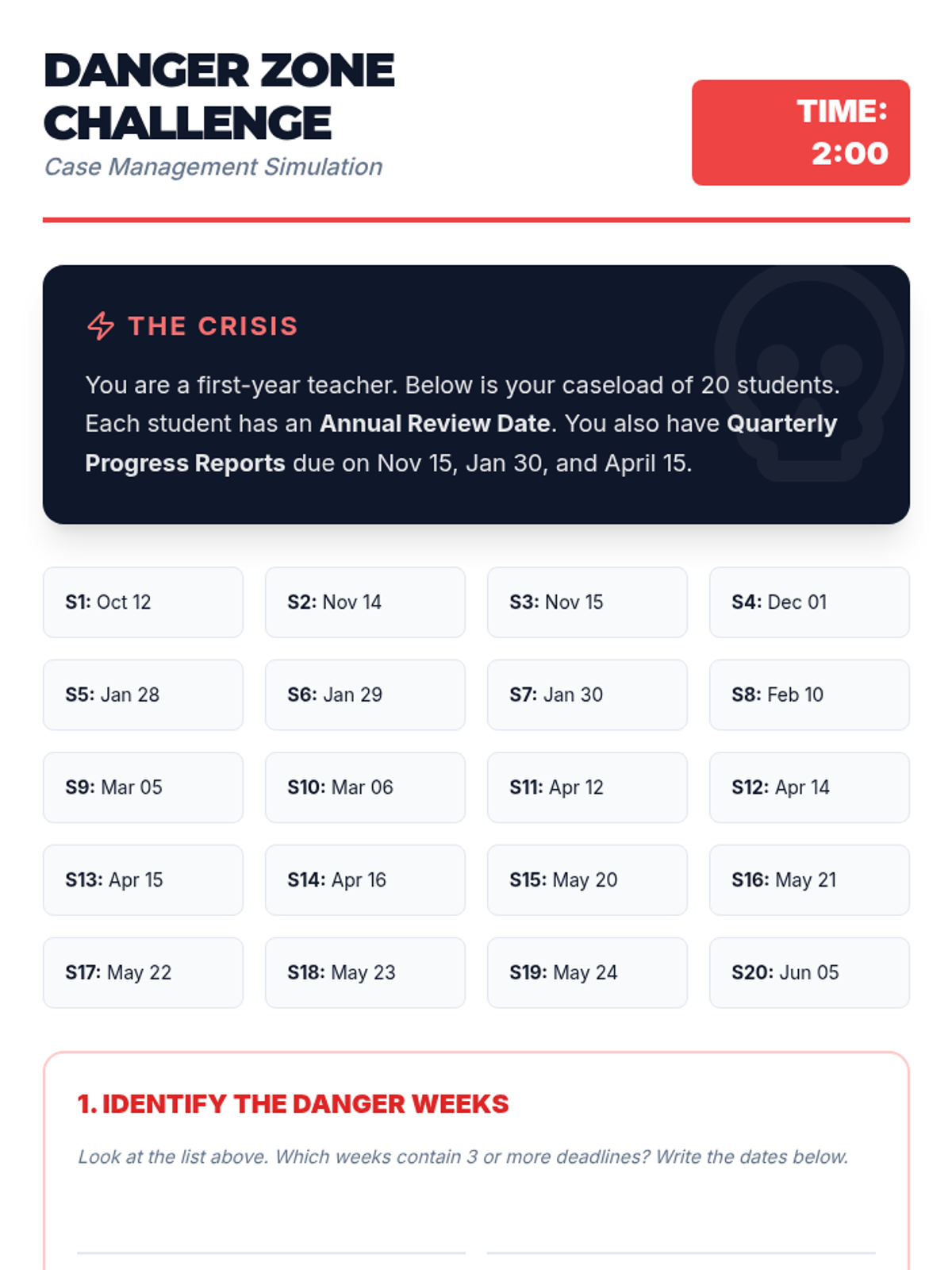
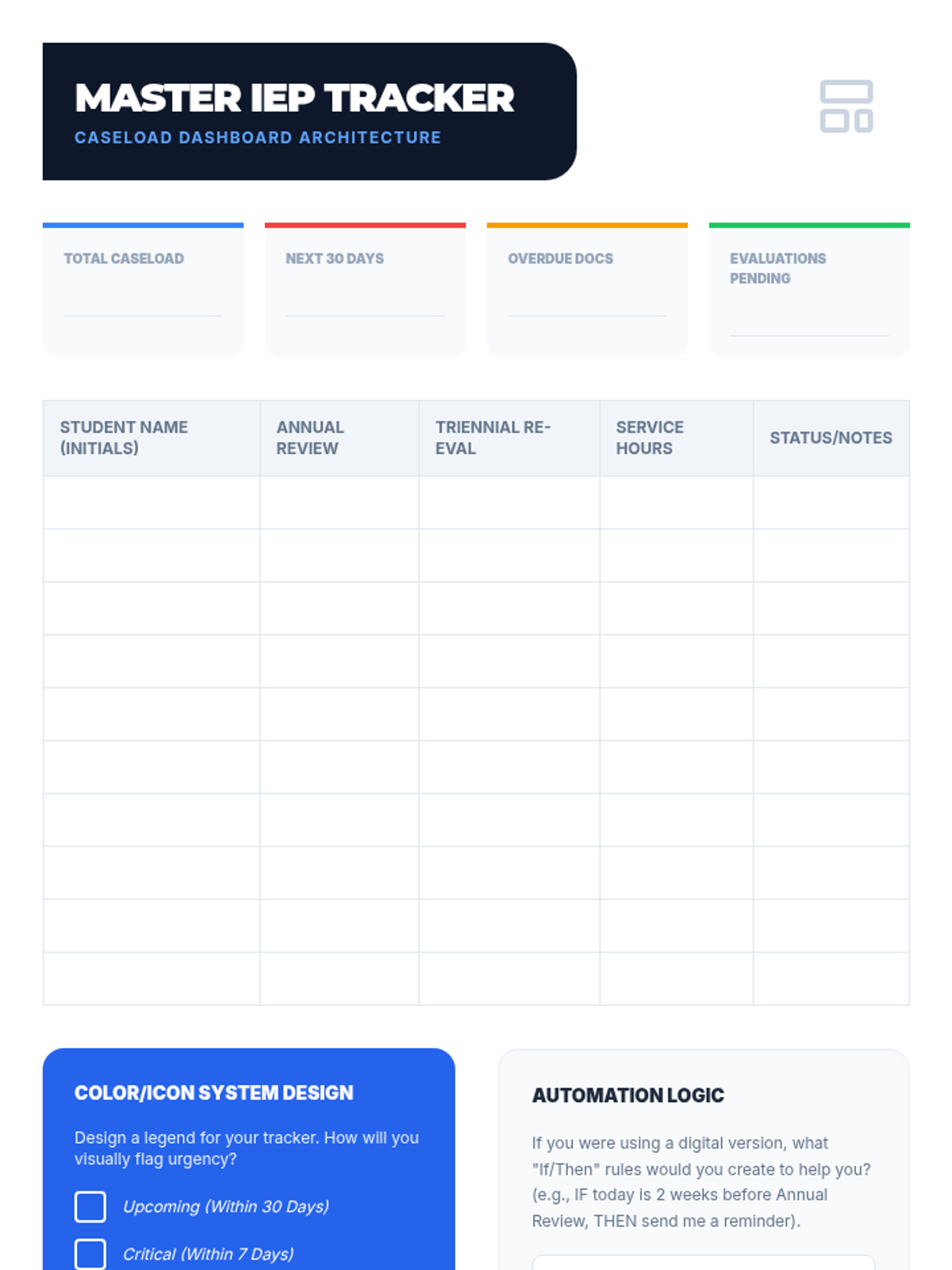
Students build a master dashboard to track critical IEP and evaluation deadlines for a hypothetical caseload of 20 students.
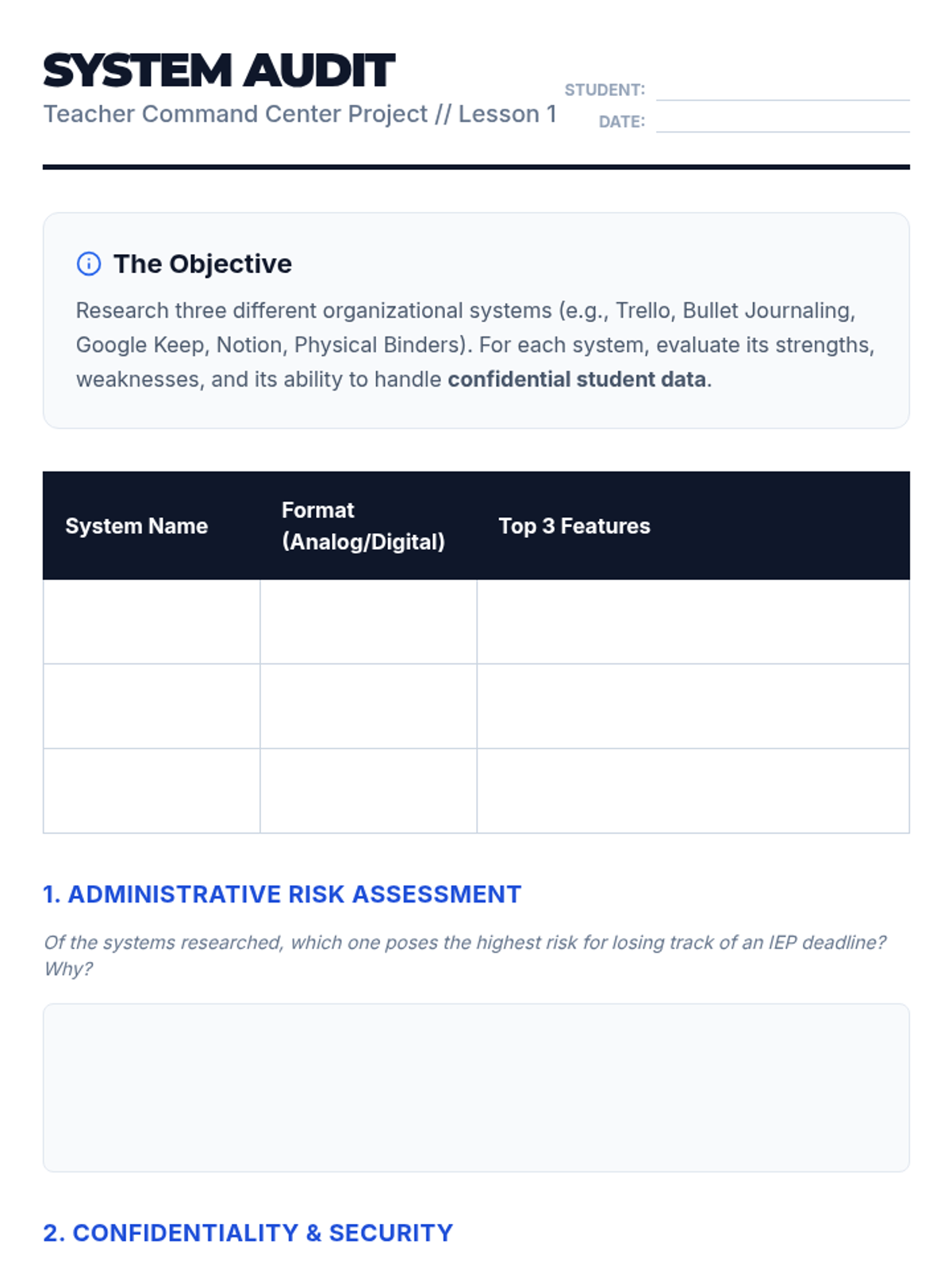
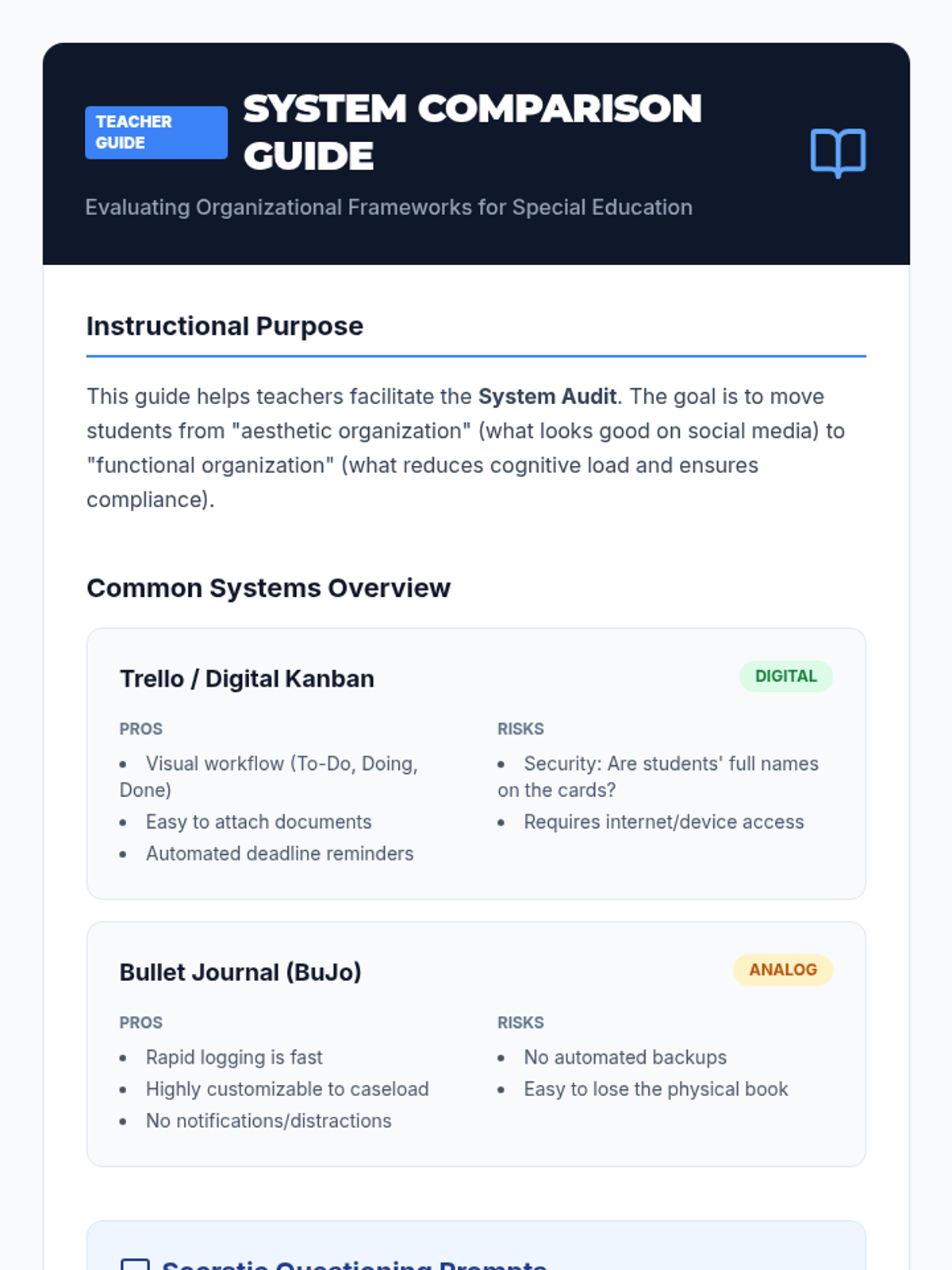
Students evaluate analog and digital organizational systems to determine their effectiveness in managing confidential student data.
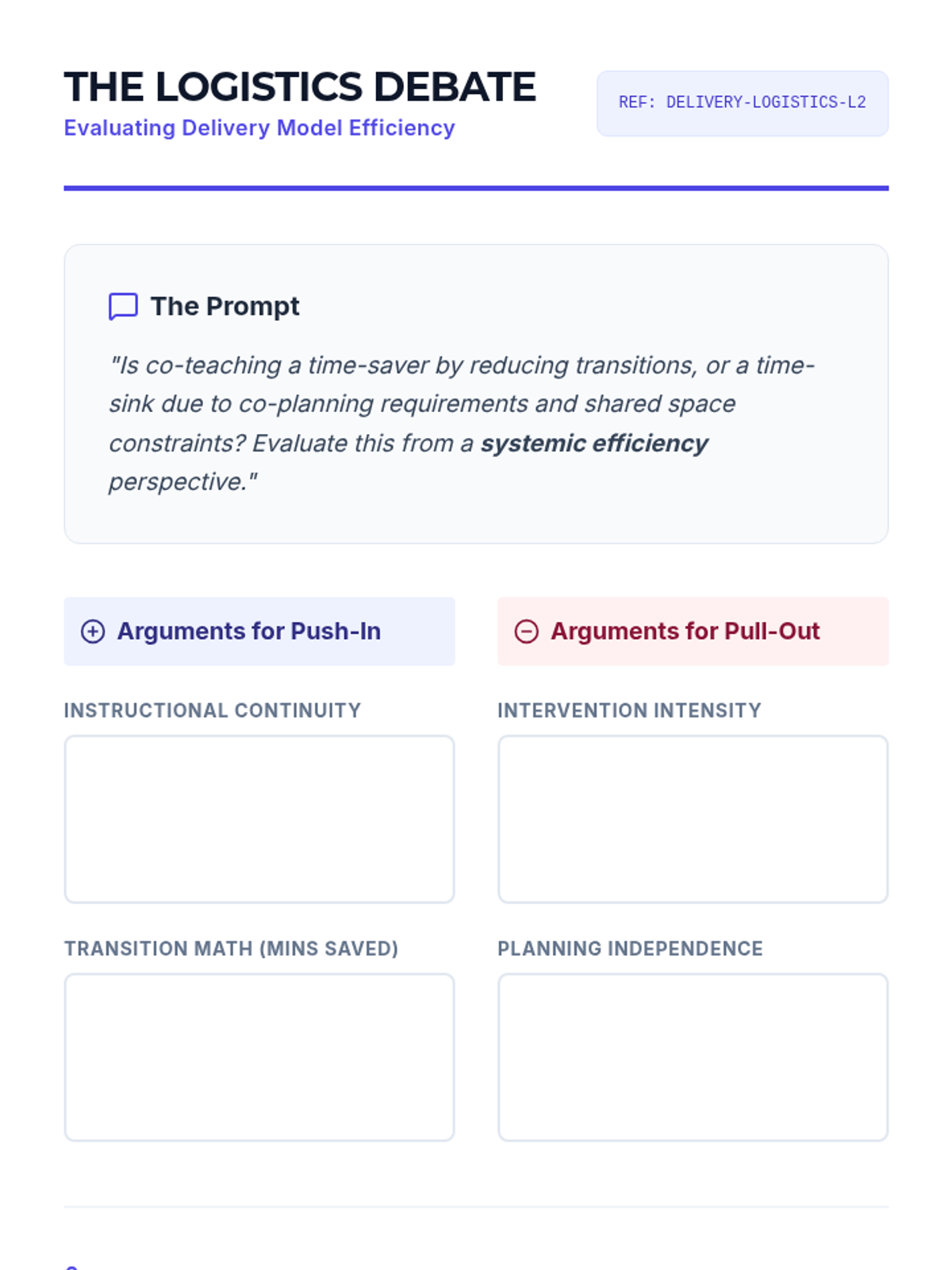
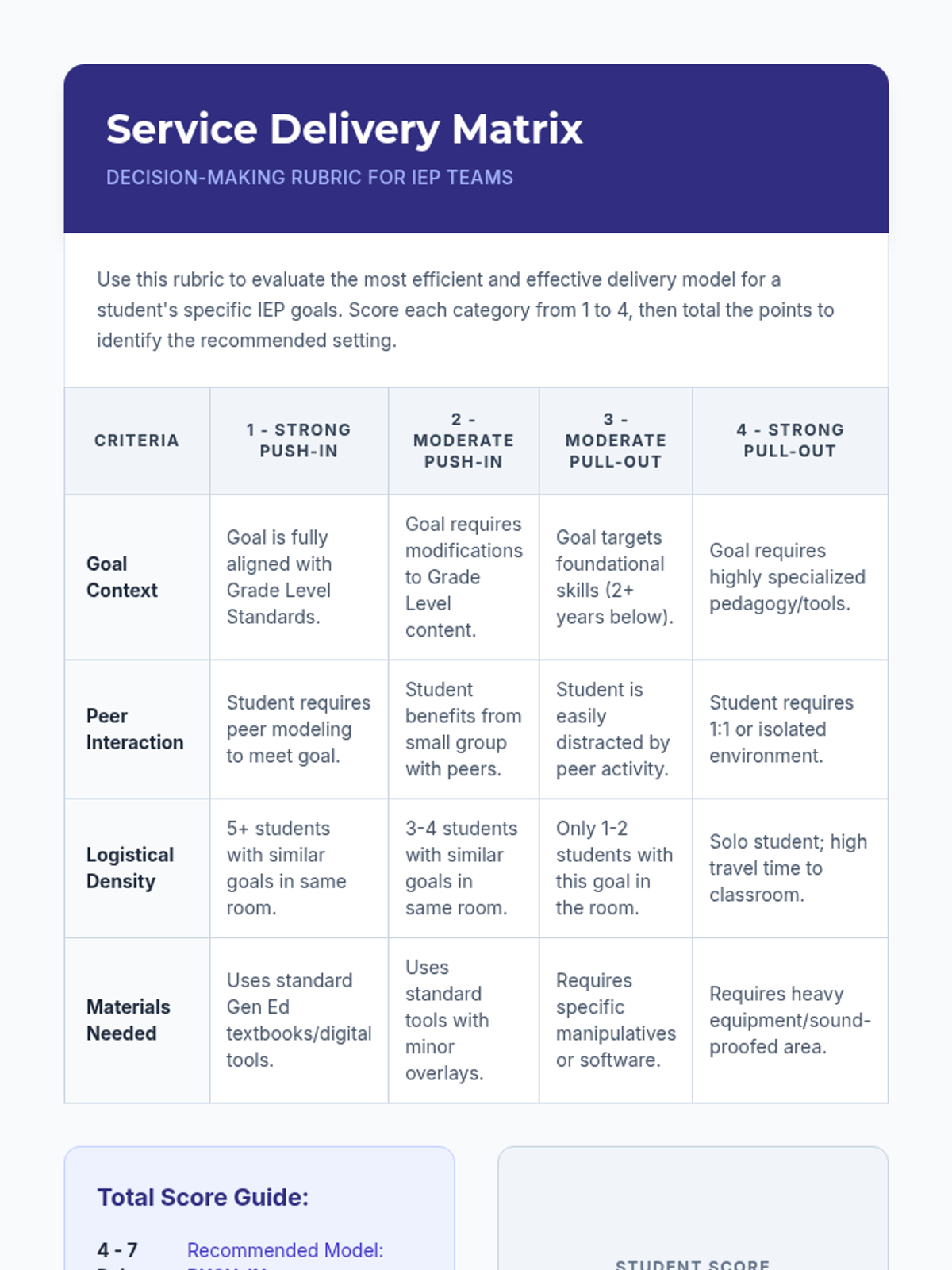
Participants evaluate different service delivery models for efficiency and efficacy. The lesson involves analyzing when 'Push-in' support saves transition time versus when 'Pull-out' is necessary for intensive intervention, and how to schedule both.
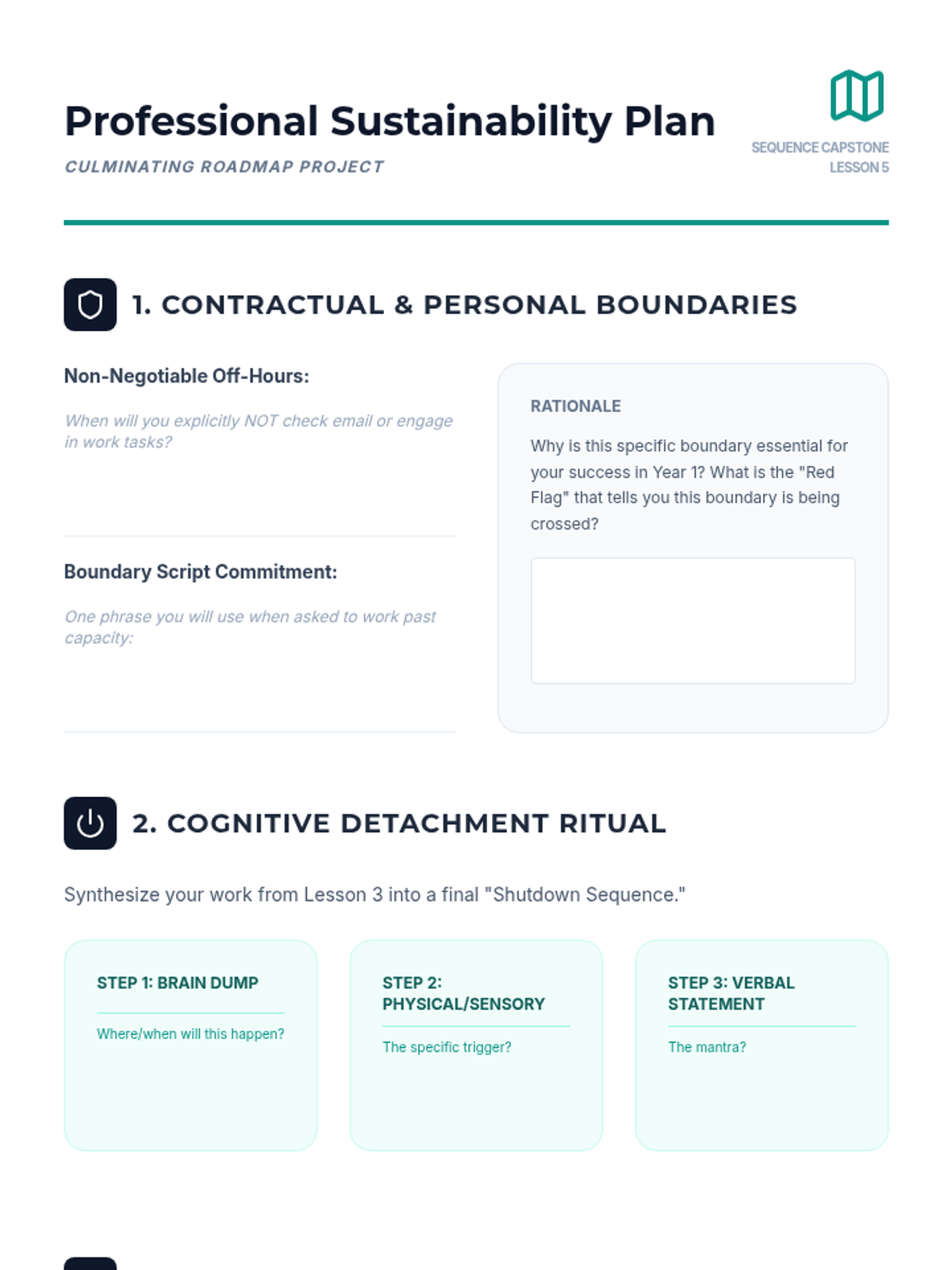
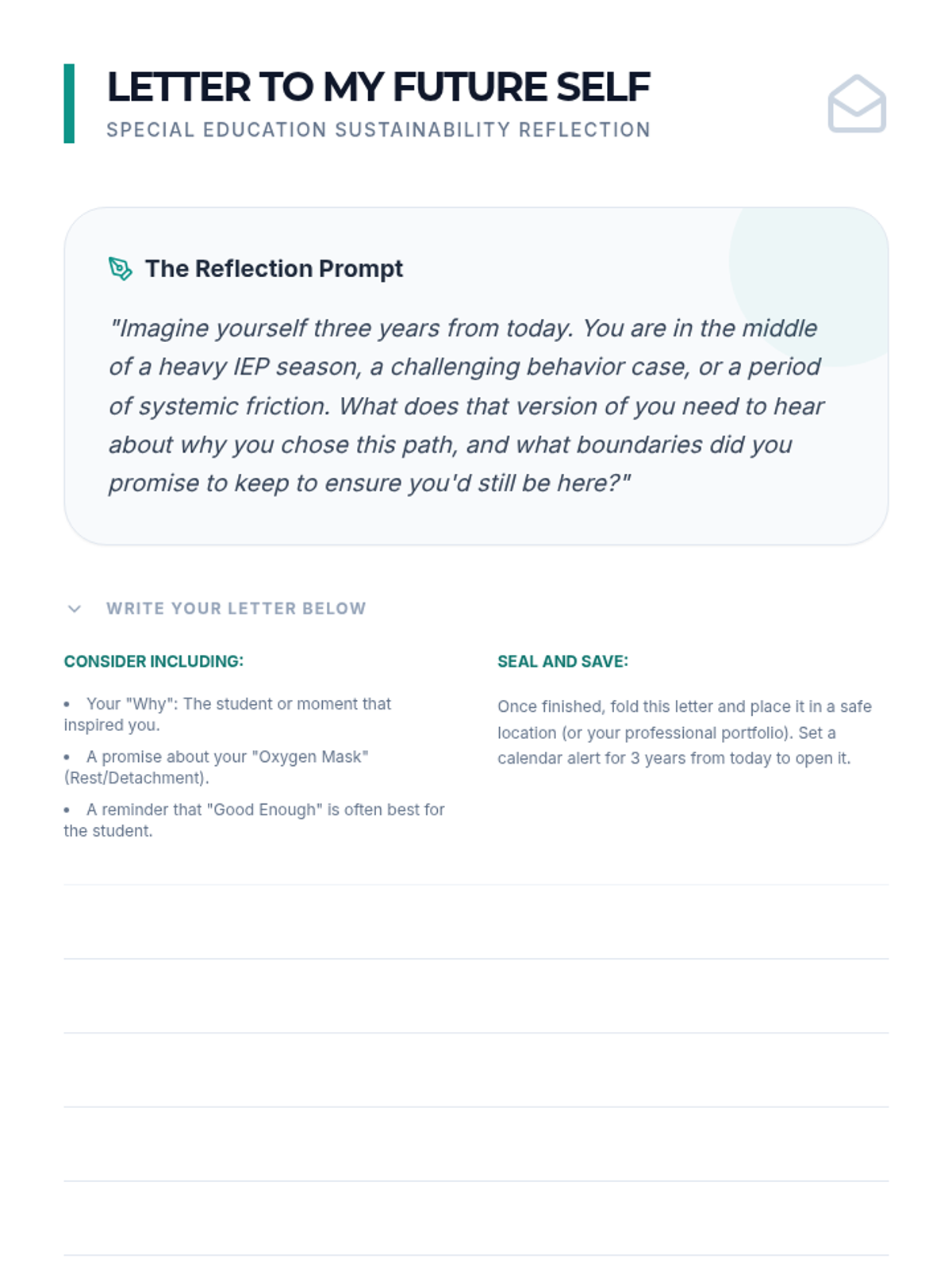
Culminates the sequence with the creation of a long-term Professional Sustainability Plan. Students synthesize organizational systems, support networks, and boundaries into a five-year career roadmap.
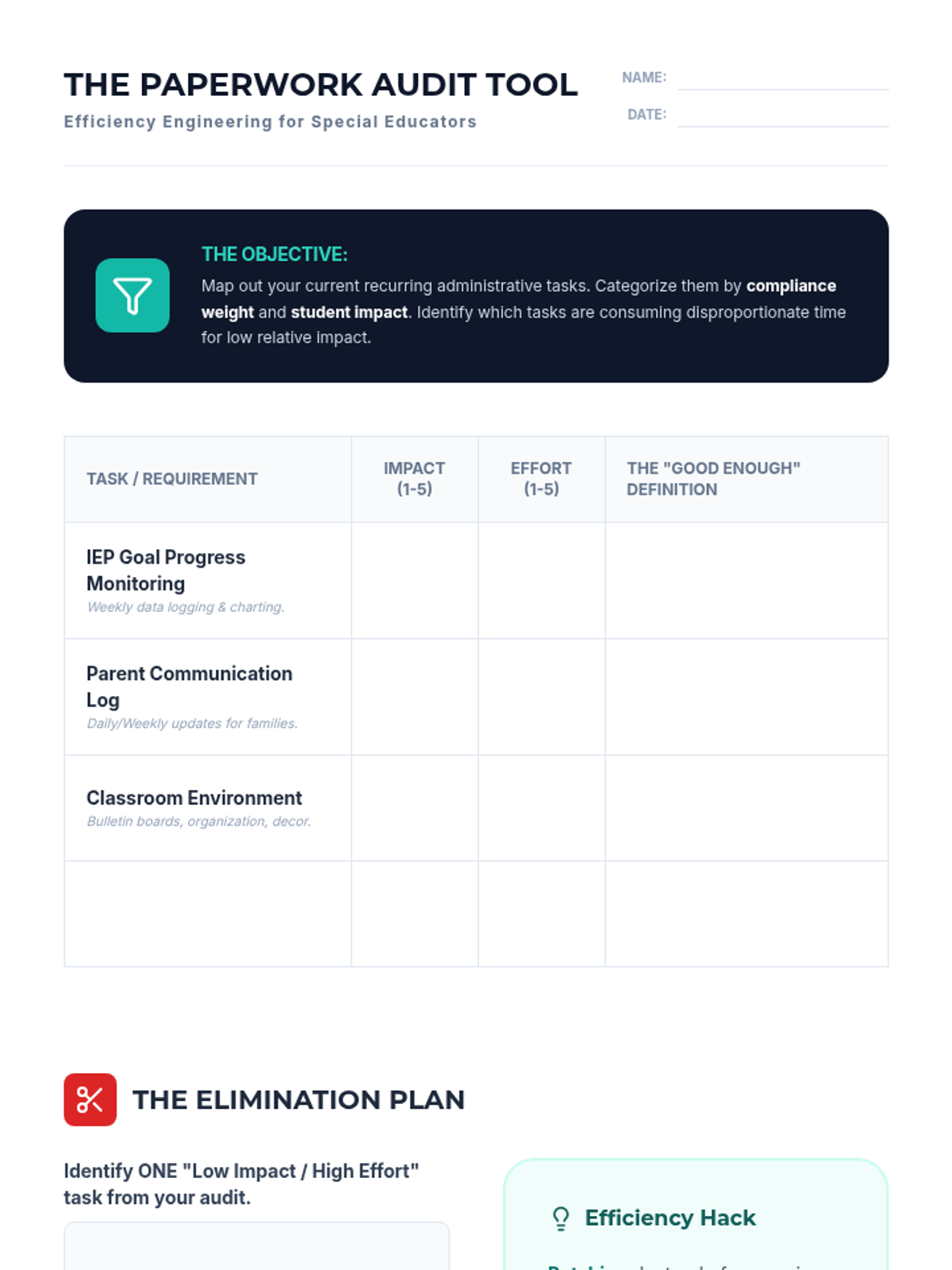
Focuses on identifying high-leverage vs. low-leverage tasks to manage perfectionism in special education paperwork. Students learn to apply the 80/20 rule to their administrative responsibilities.
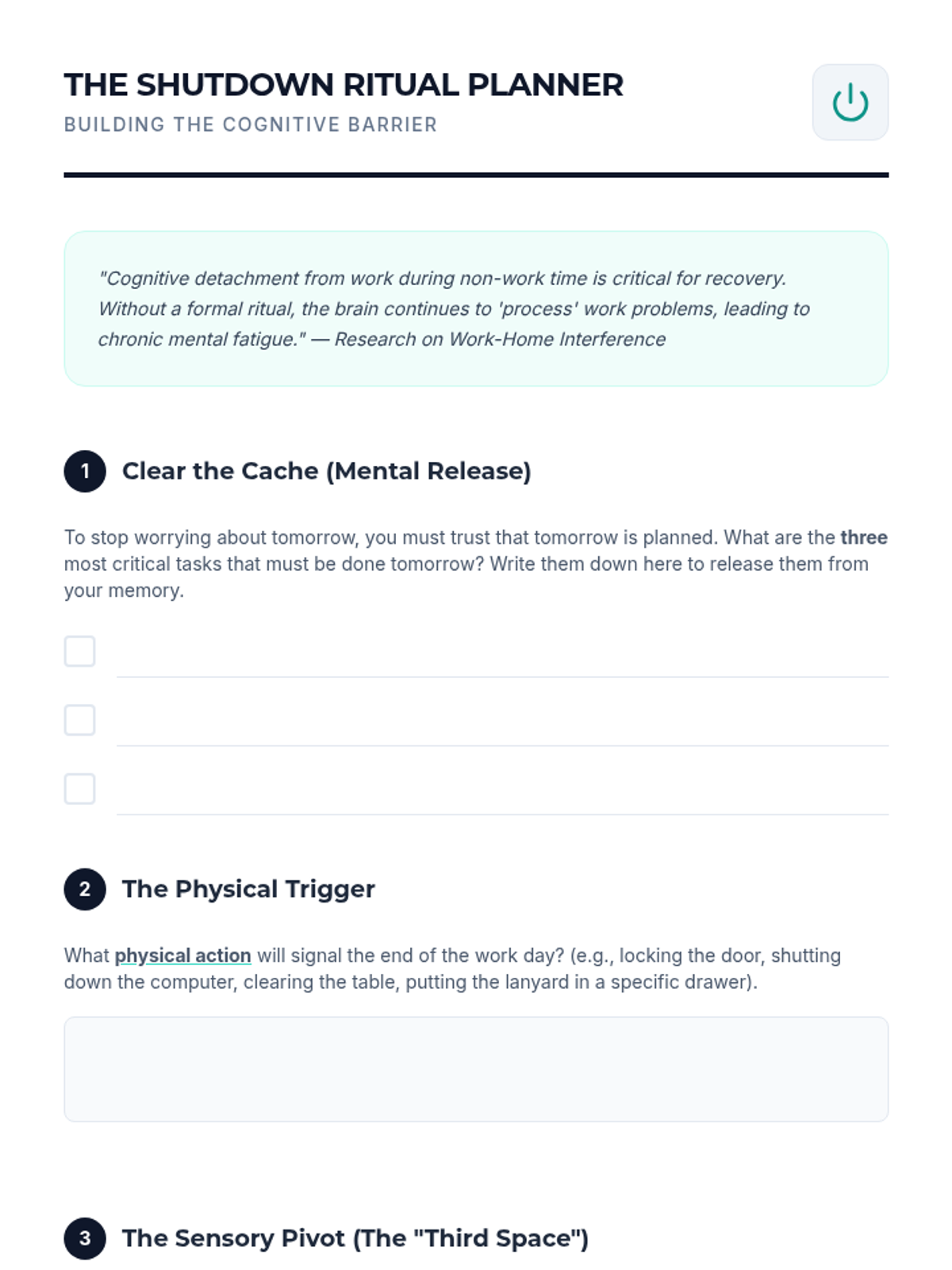
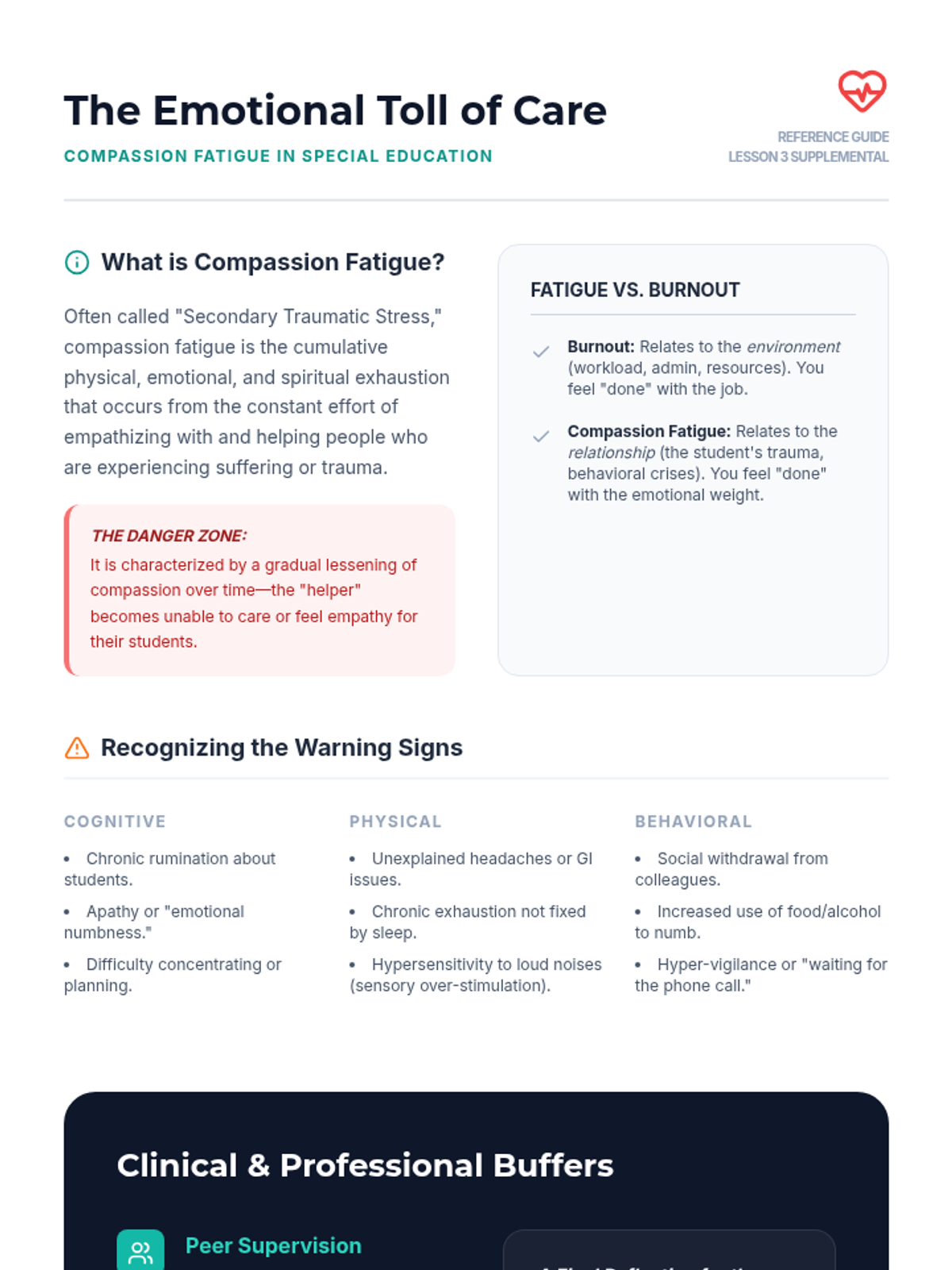
Explores the psychological impact of compassion fatigue and provides evidence-based strategies for cognitive detachment. Students design personalized transition rituals to separate work life from home life.
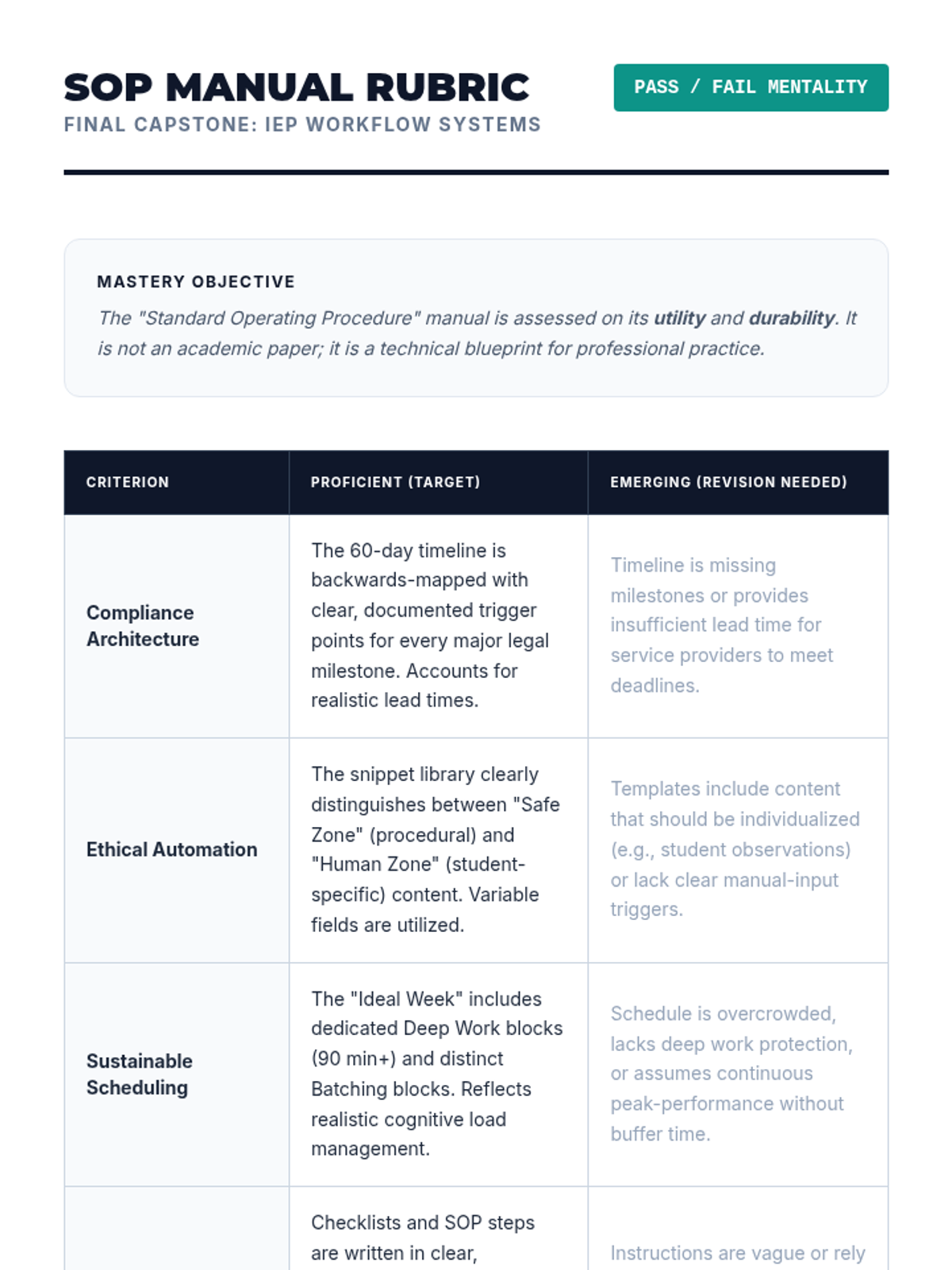
Students synthesize their tools into a personal Standard Operating Procedure (SOP) manual, undergoing peer review to ensure system sustainability and clarity.
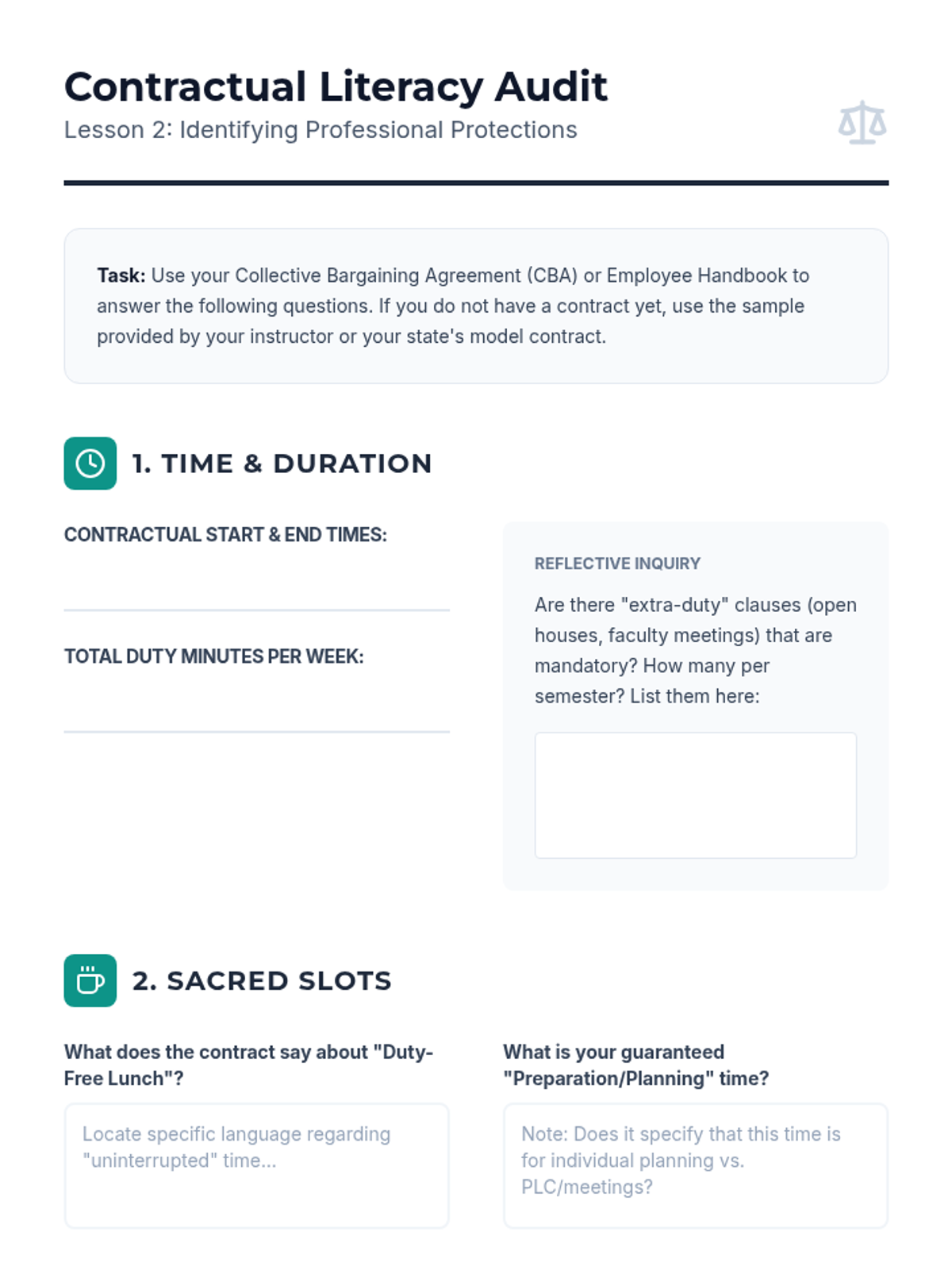
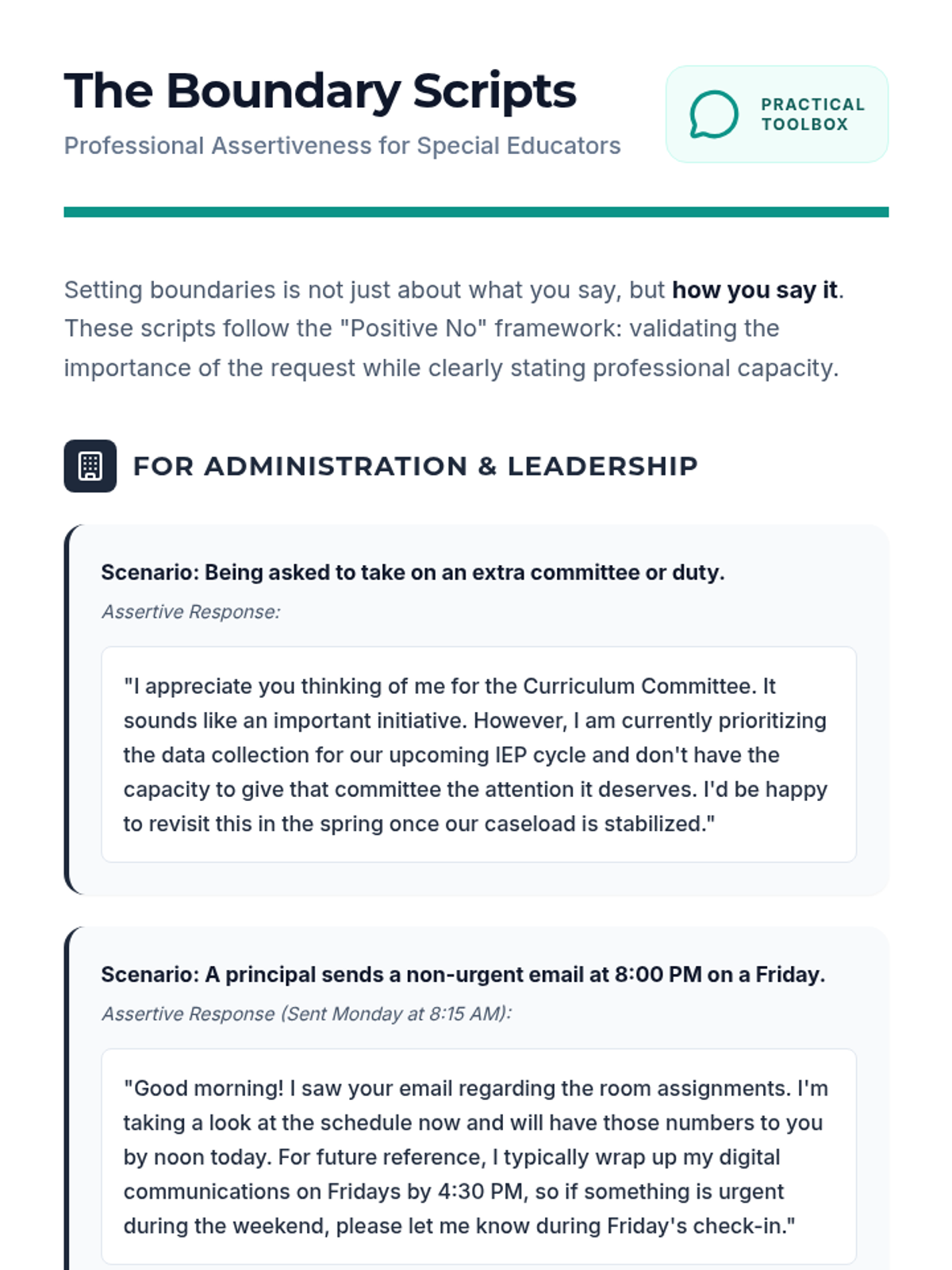
Provides practical strategies for identifying contractual rights and communicating professional boundaries to administration and parents. Includes role-playing and script development for assertive communication.
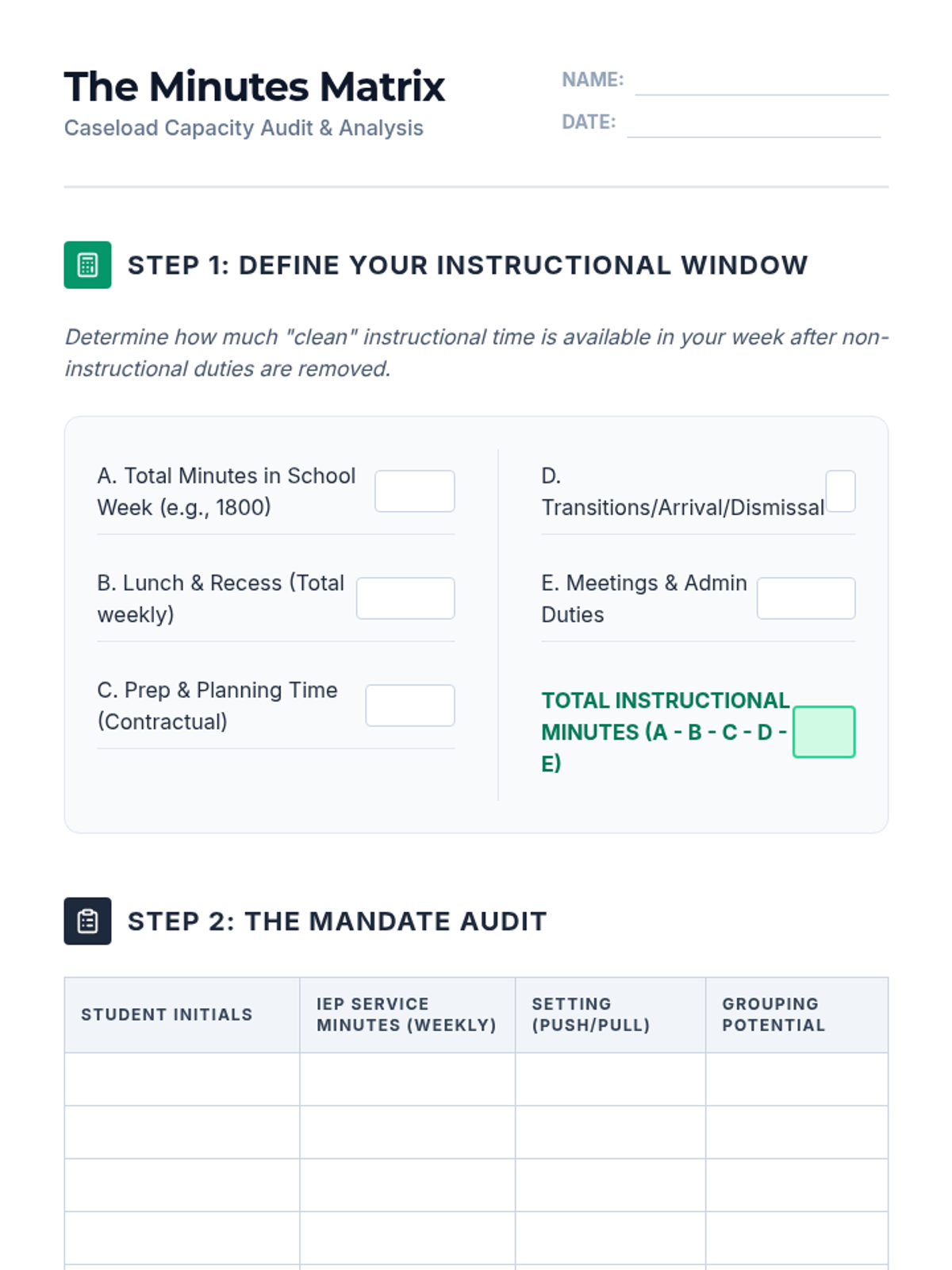
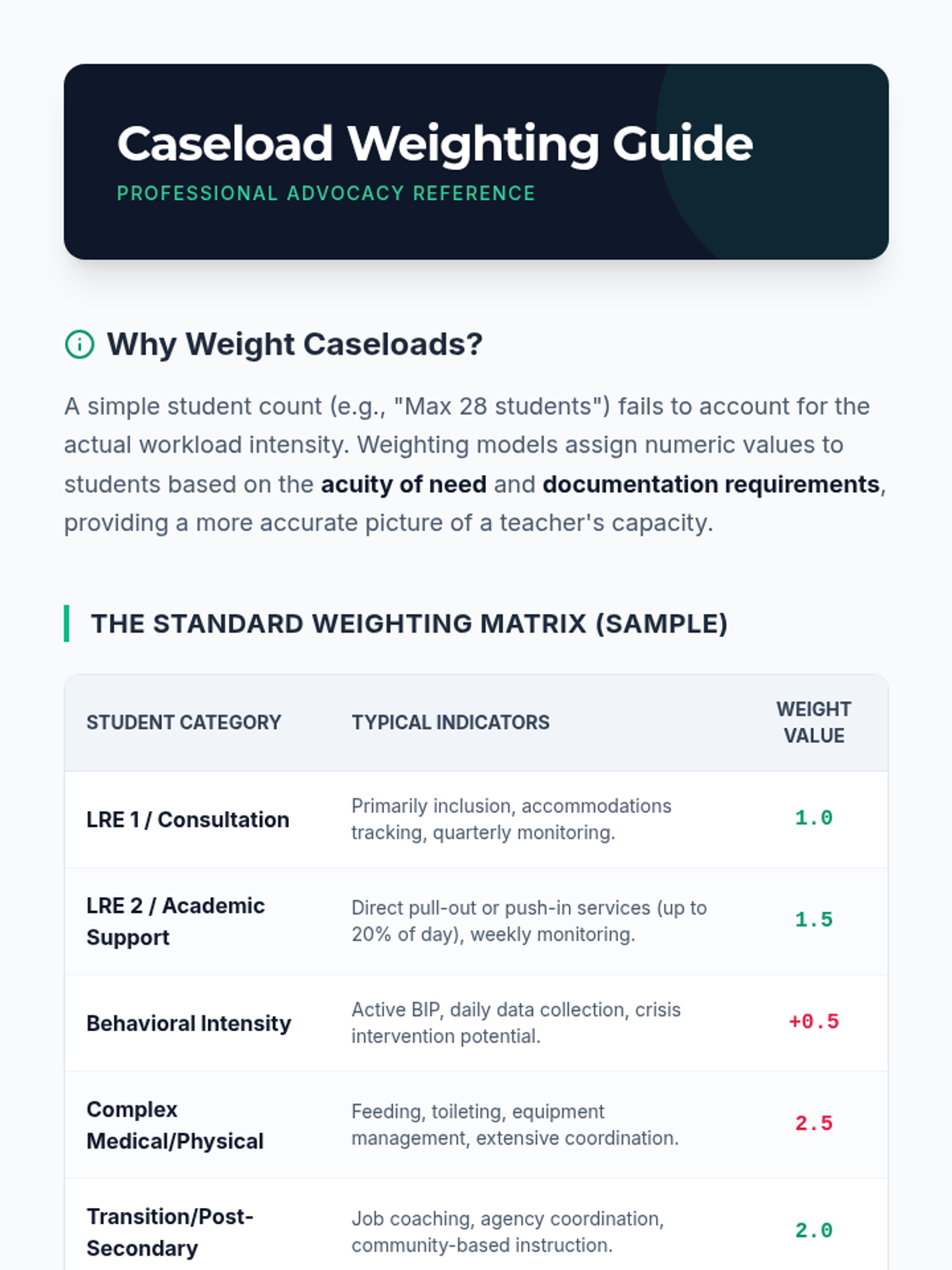
Students calculate total required service minutes for a sample caseload and compare it against available instructional hours. They analyze 'caseload weighting' formulas to advocate for equitable distribution of students.
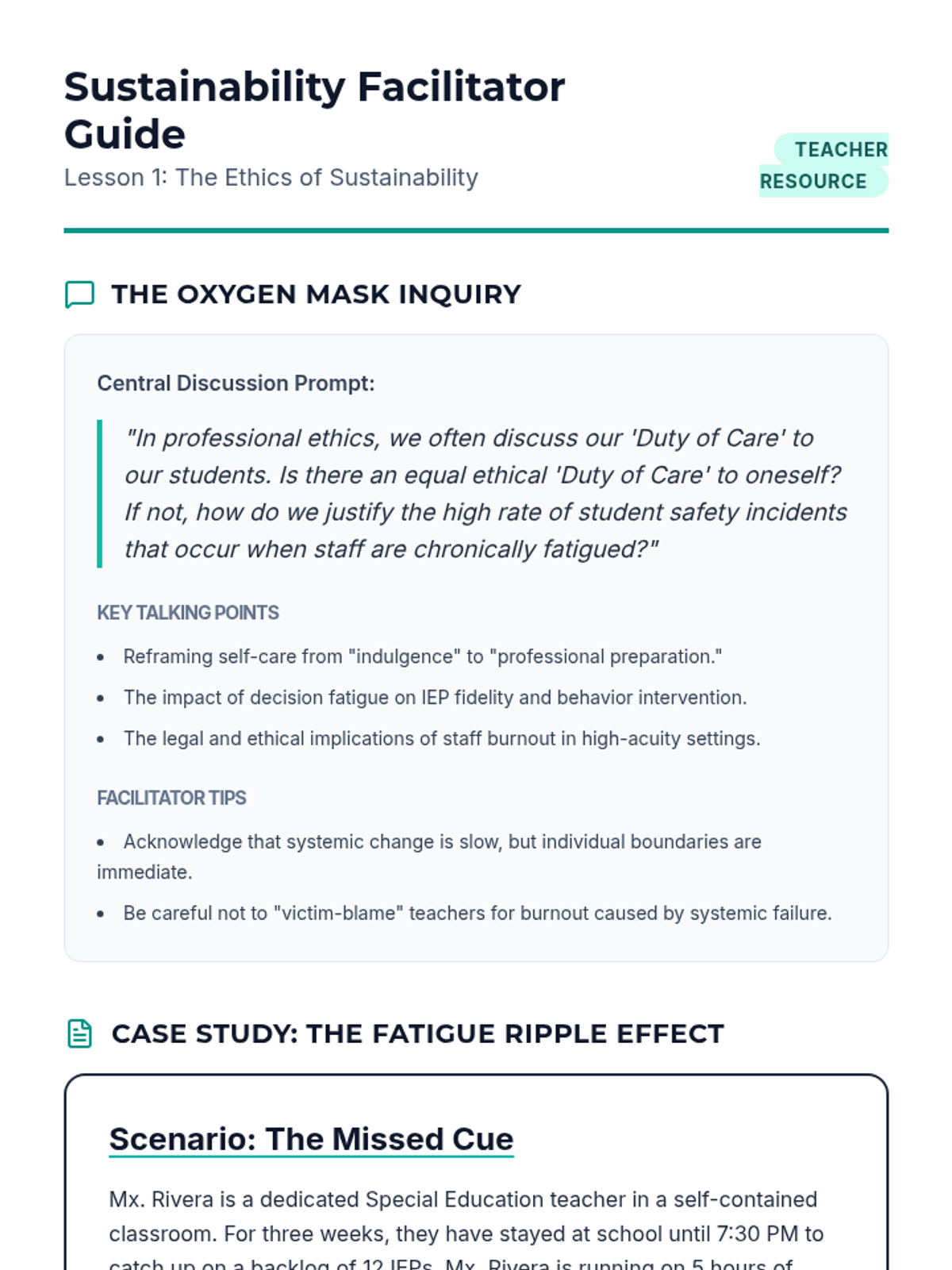
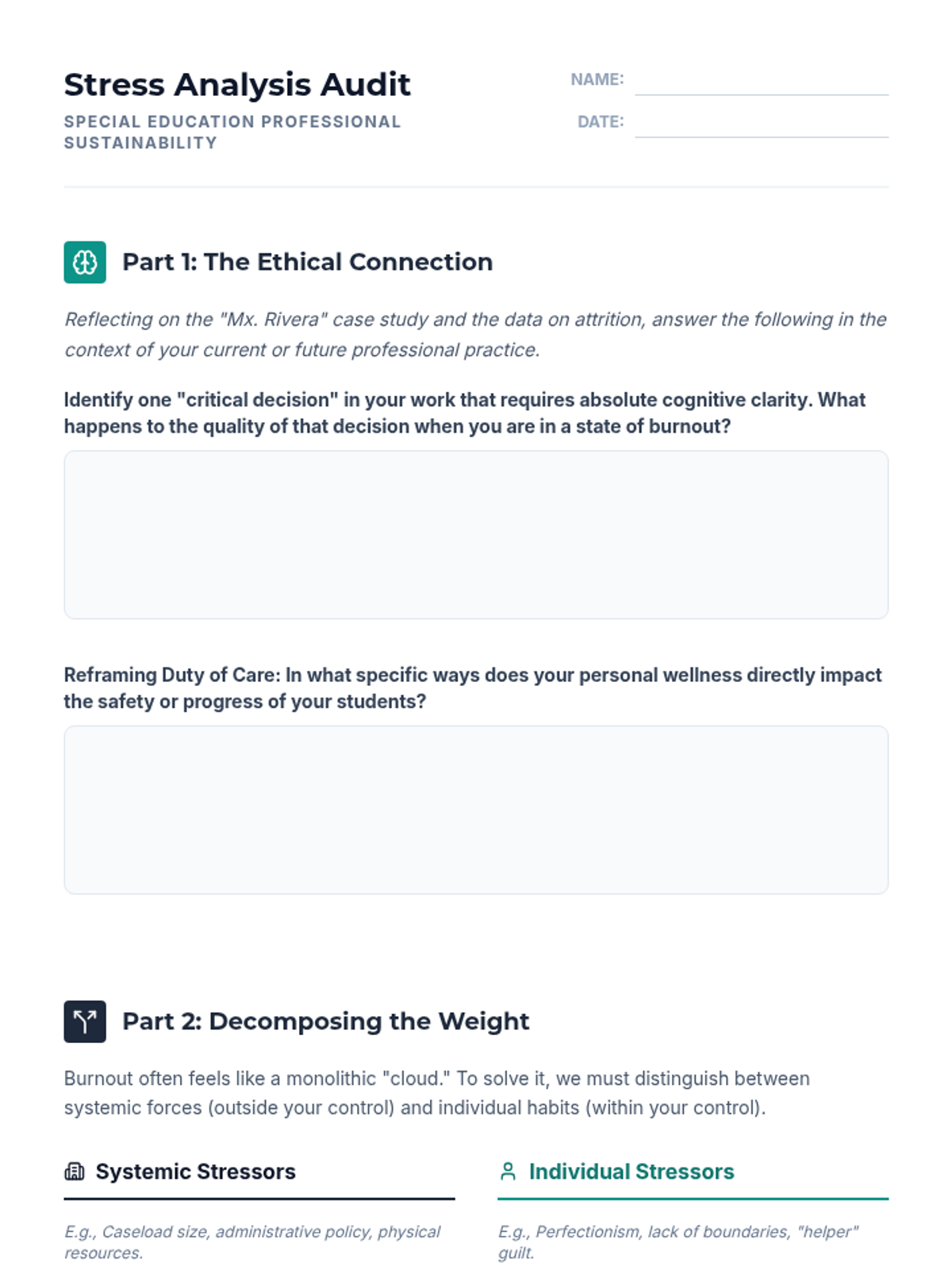
Students analyze the ethical obligation of teachers to maintain their own health as a prerequisite for effective student care. The lesson distinguishes between systemic and individual stressors in the special education landscape.
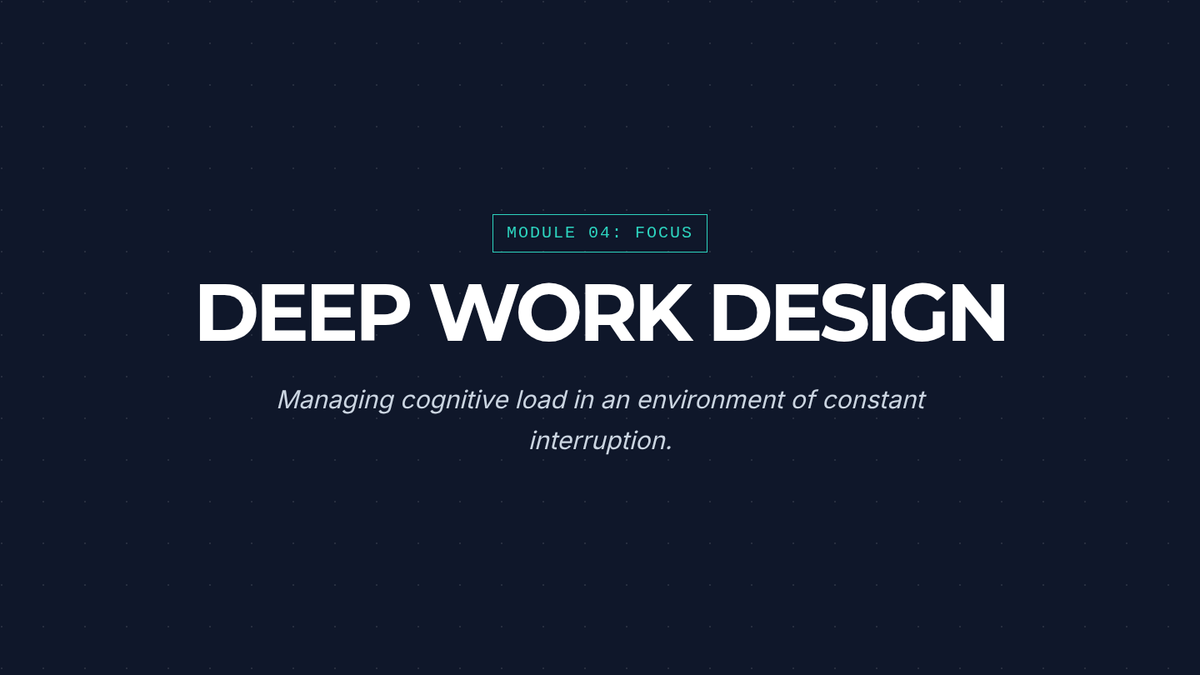
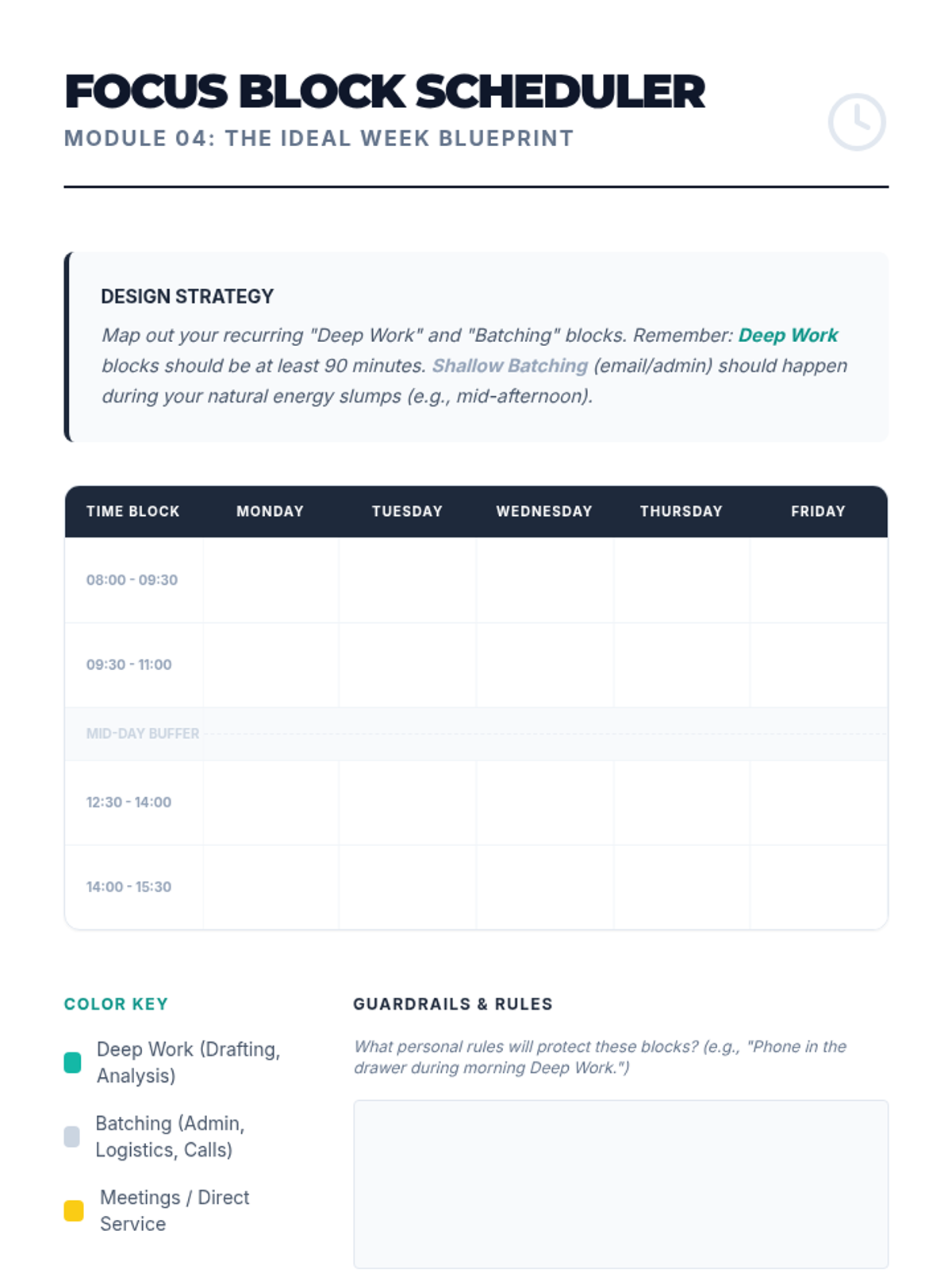
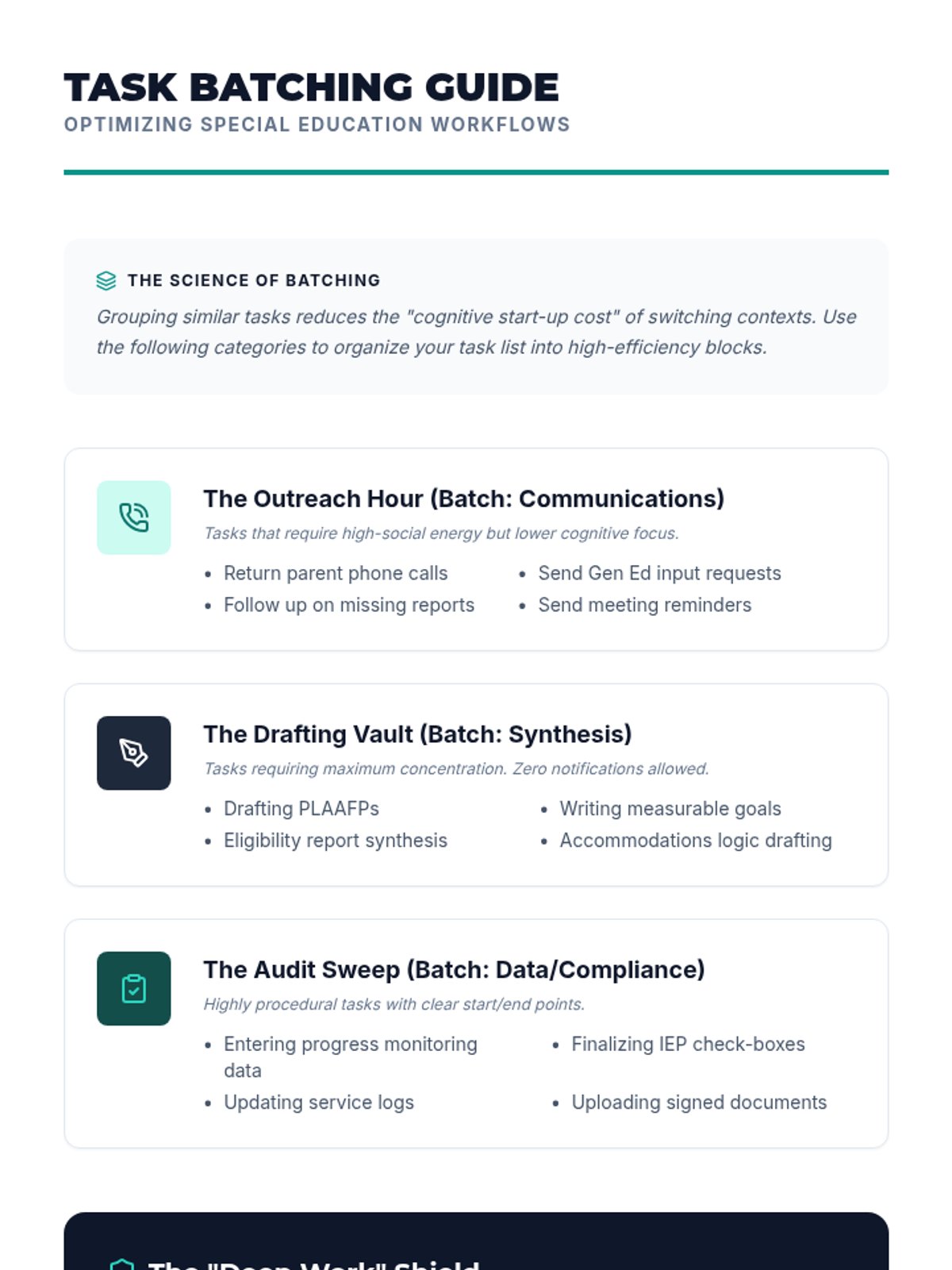
Exploring the cognitive science of deep work to design batch-processed schedules that minimize task-switching and manage cognitive load.
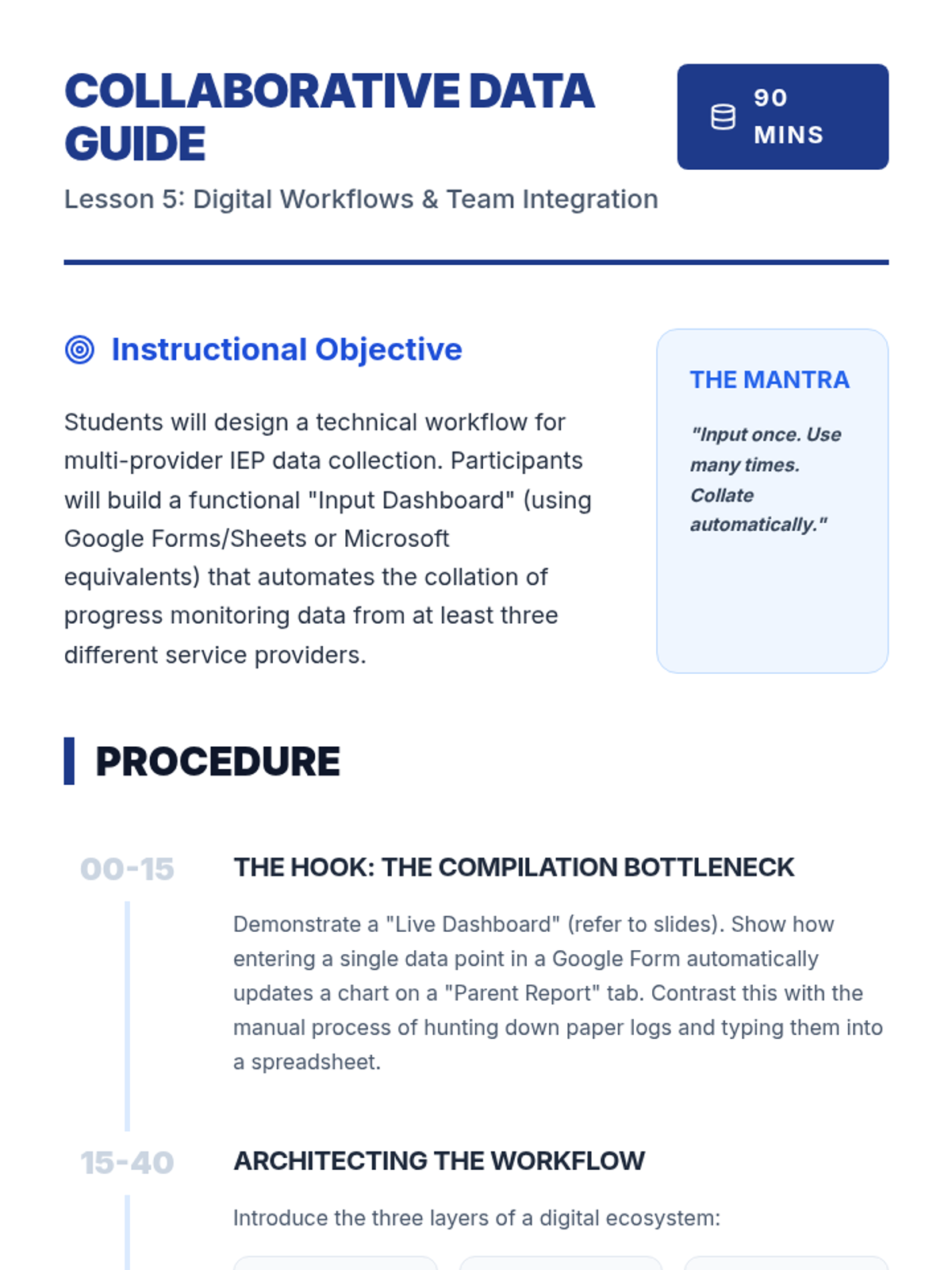
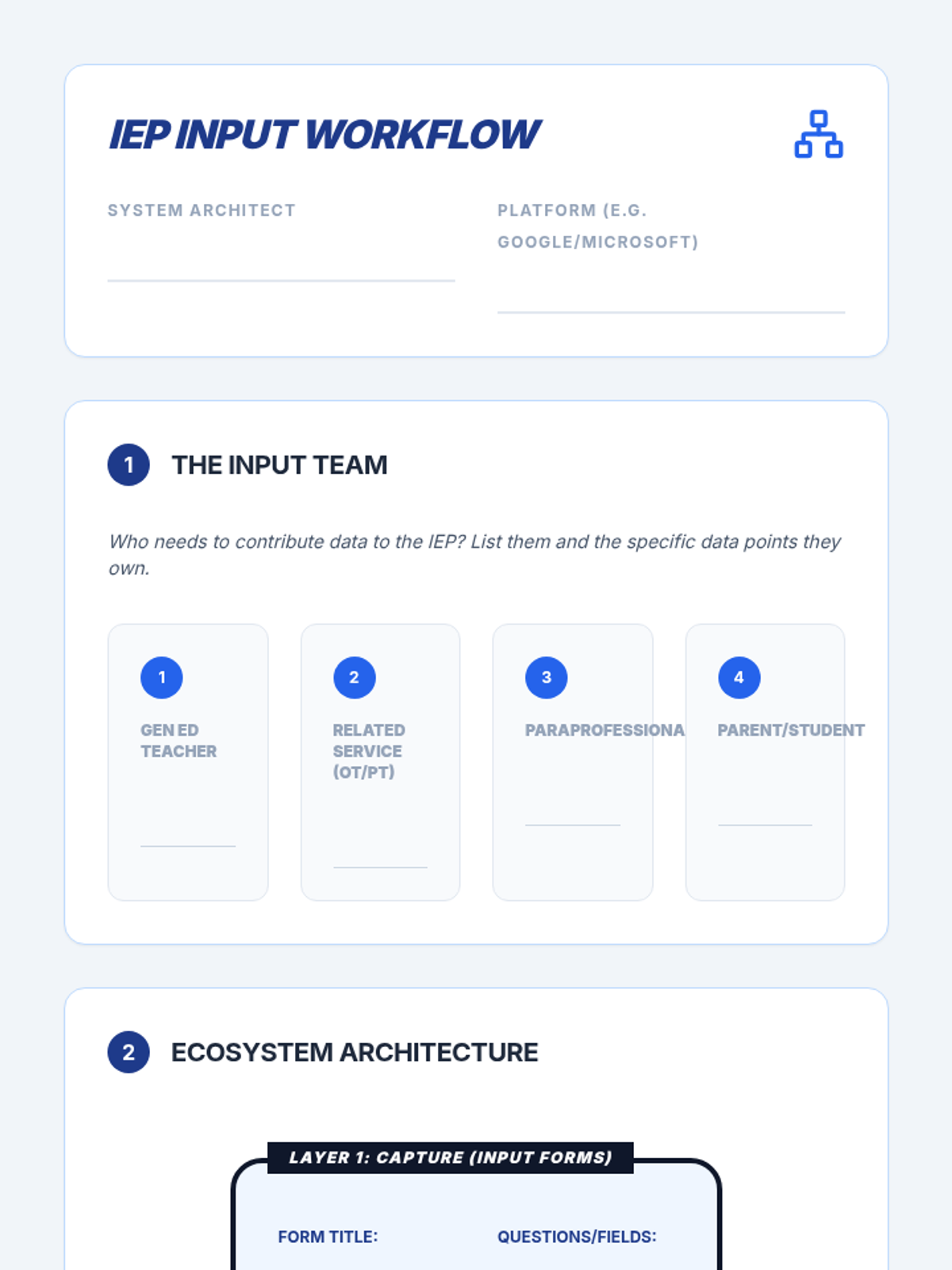
Explores technical workflows in shared digital environments to automate data collection and IEP input from multiple service providers.
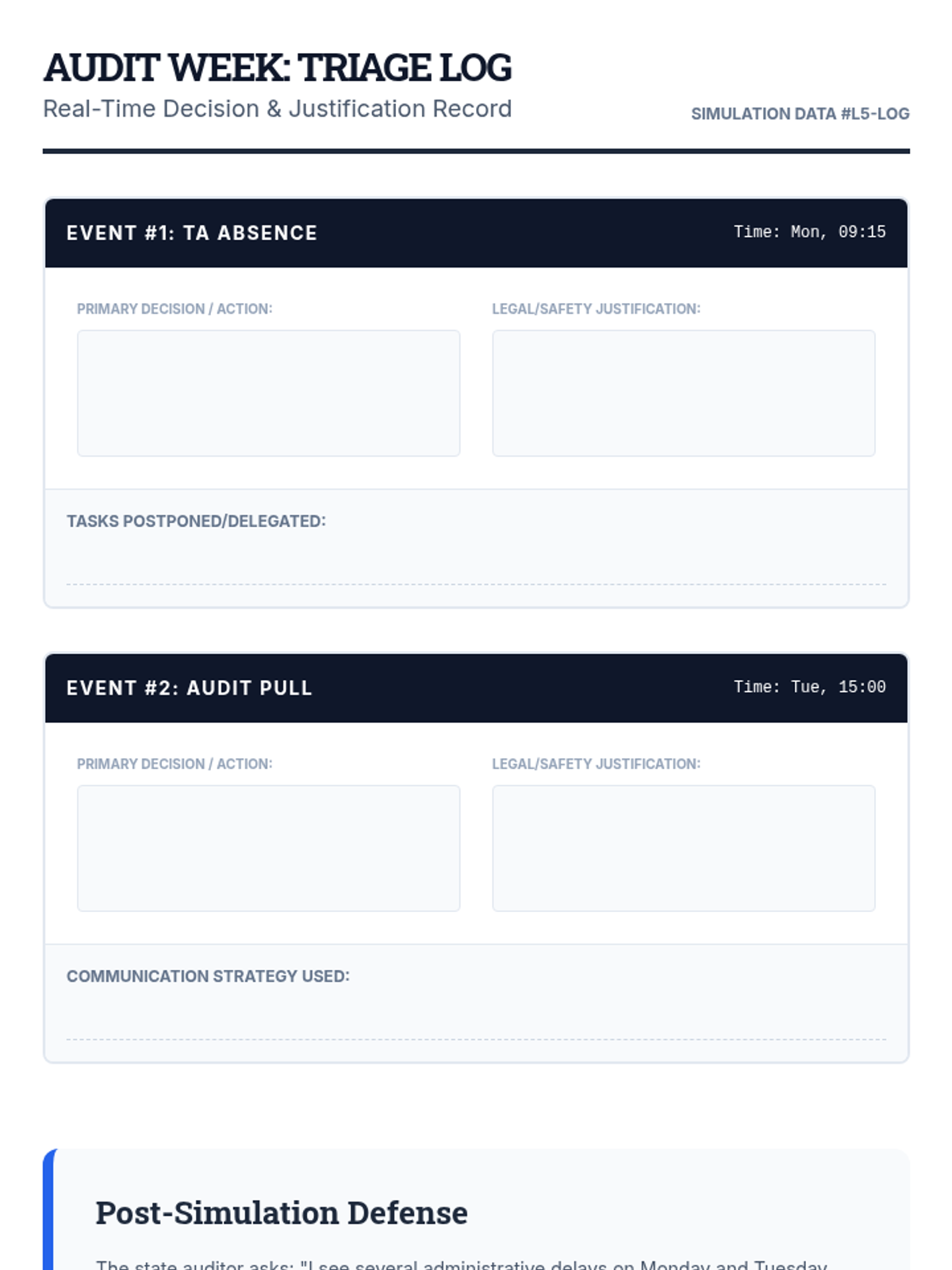
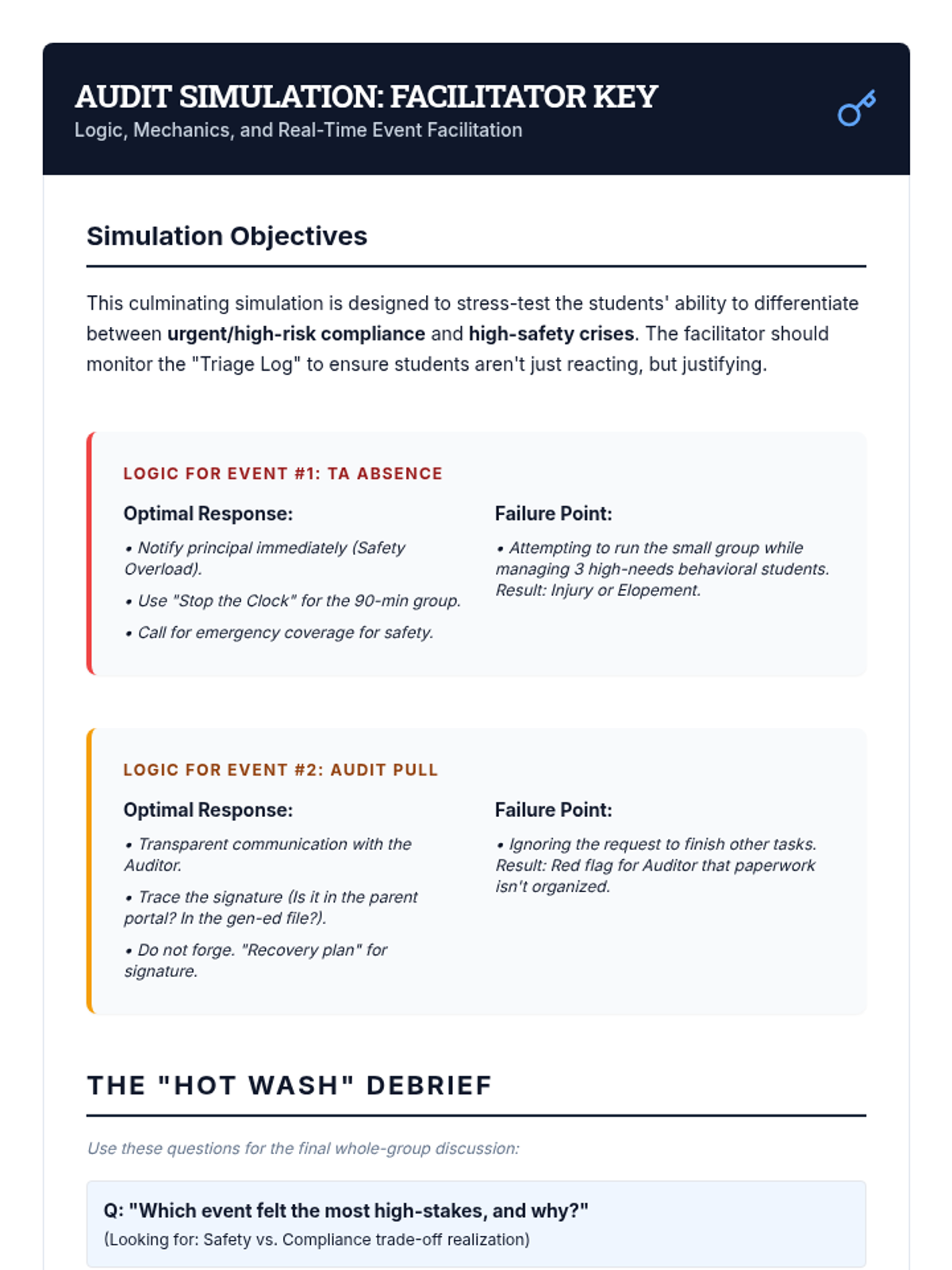
A comprehensive simulation where students manage a mock 'Audit Week' with randomized stressors, requiring real-time prioritization and retrospective justification of choices.
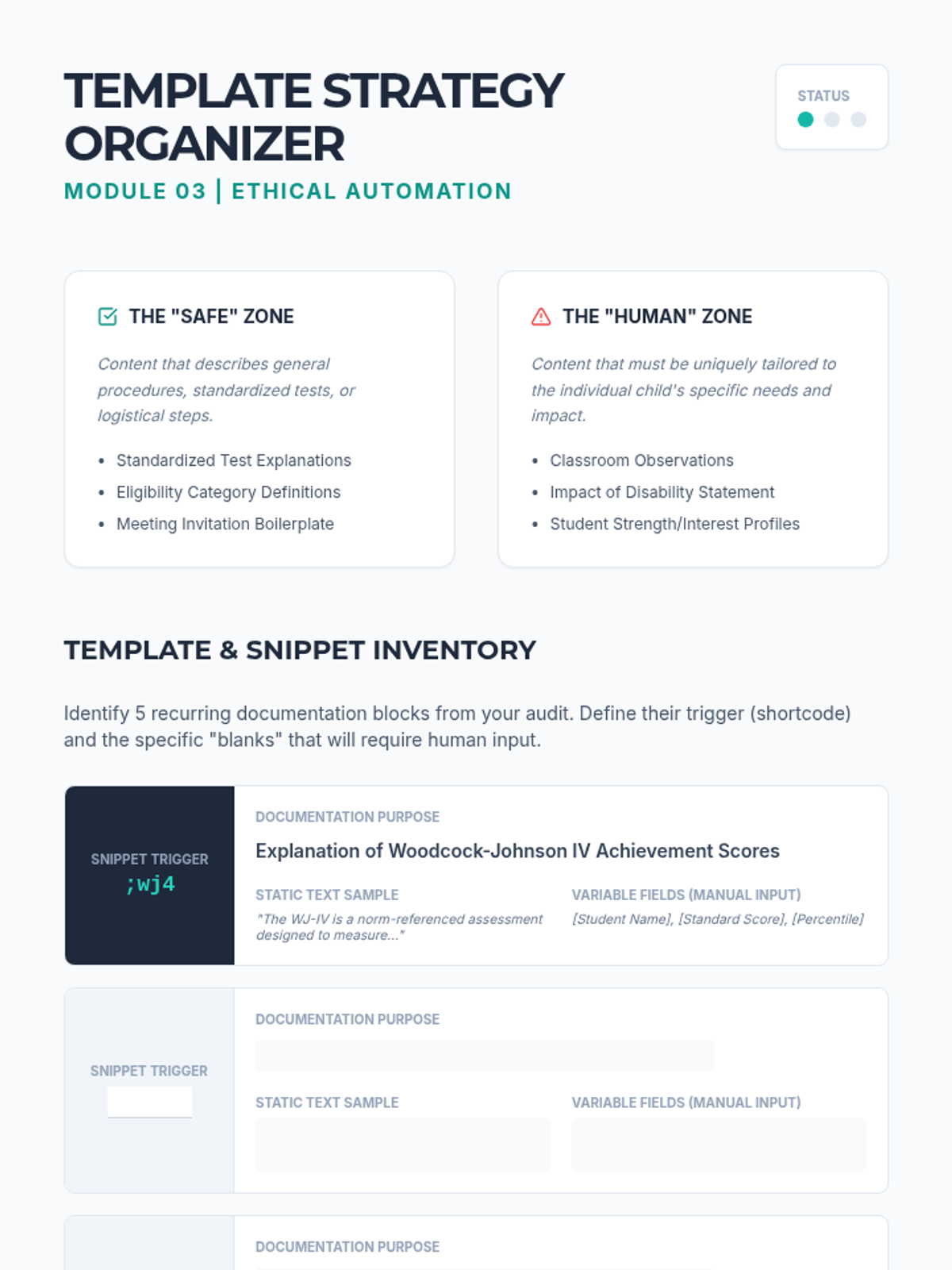
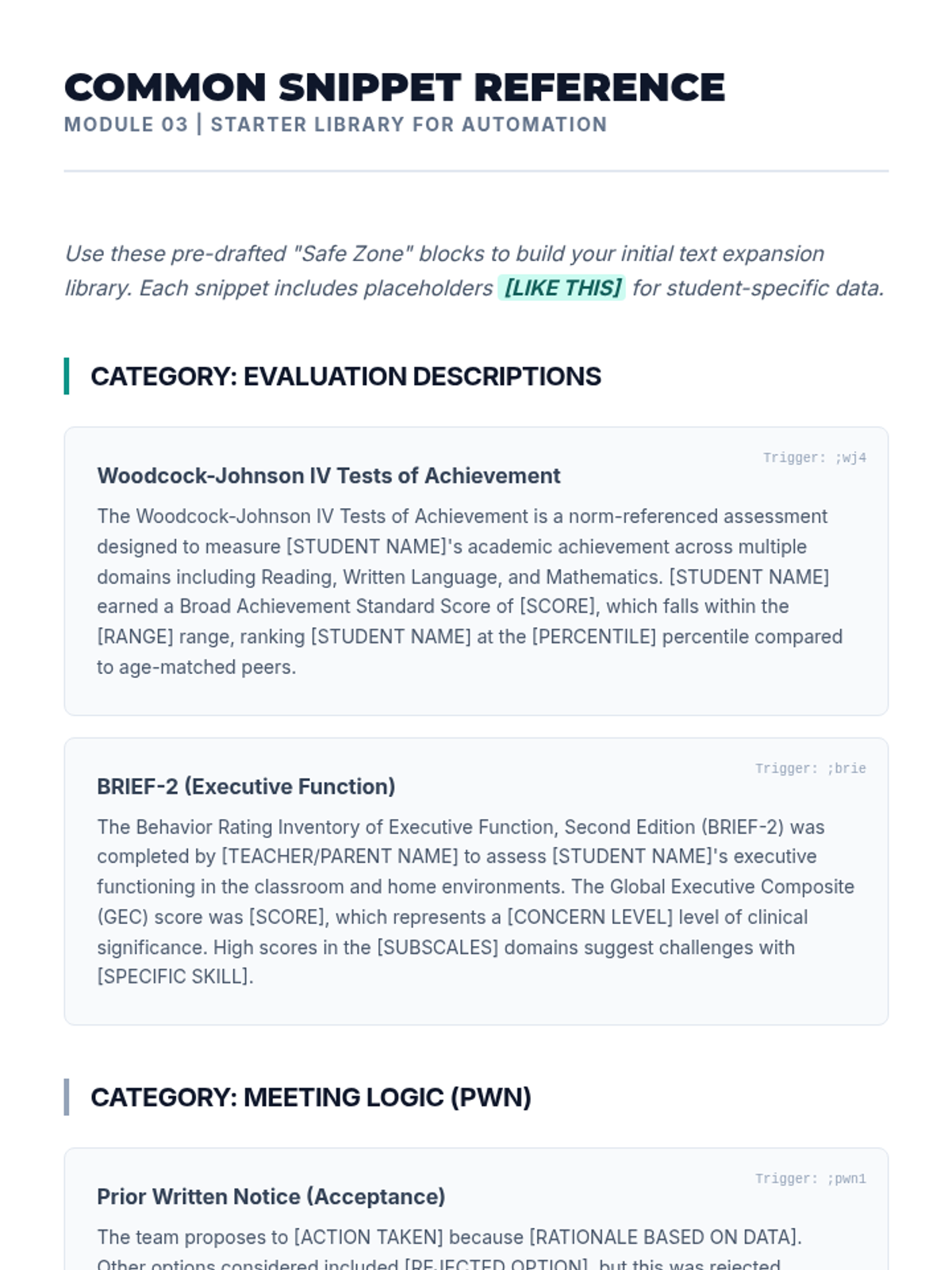
A technical workshop on creating ethical templates and text expanders for documentation while navigating the legal and ethical boundaries of AI and automation.
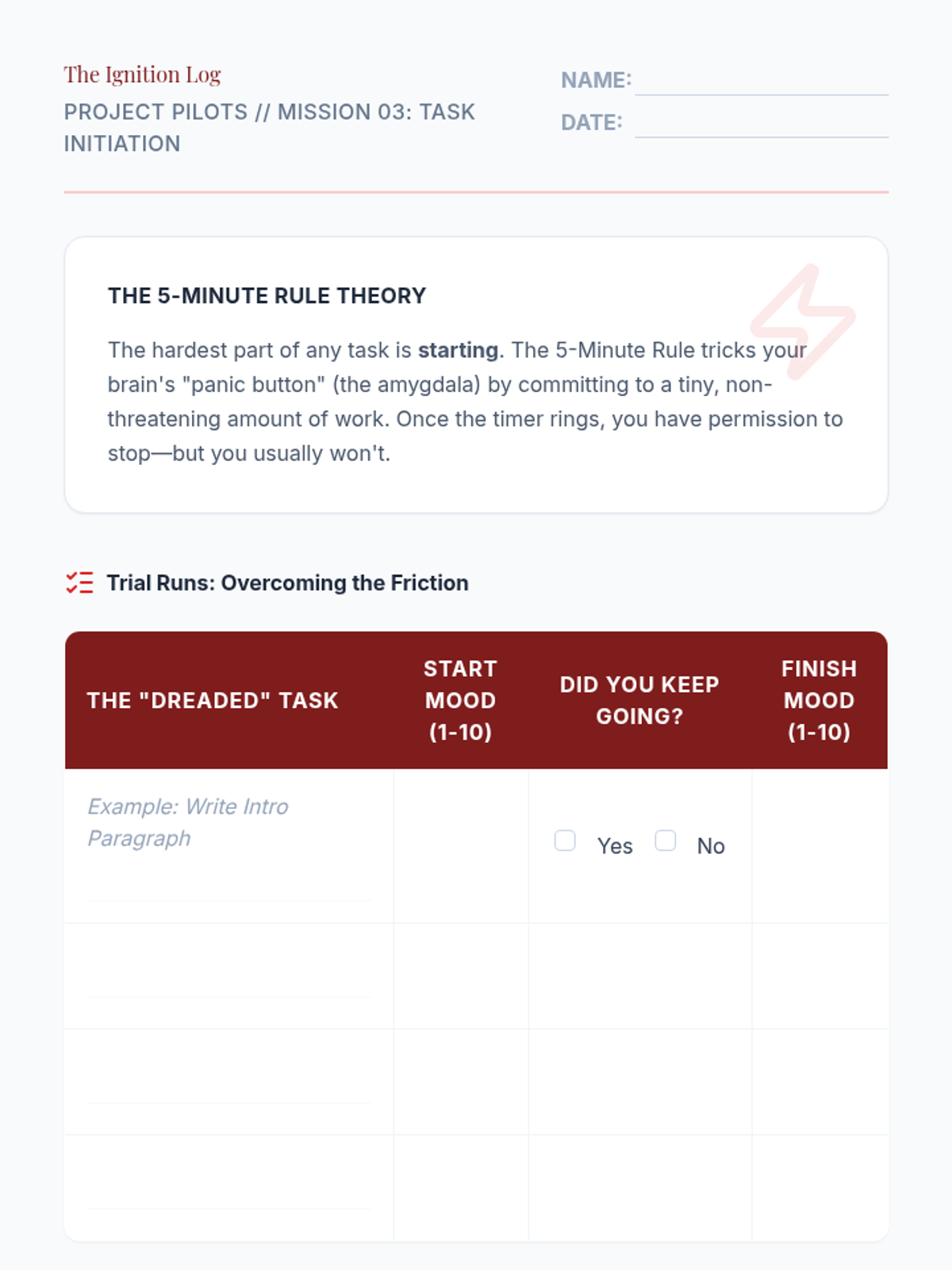
Addresses task initiation friction through micro-commitment strategies like the '5-minute rule' to build momentum on daunting projects.
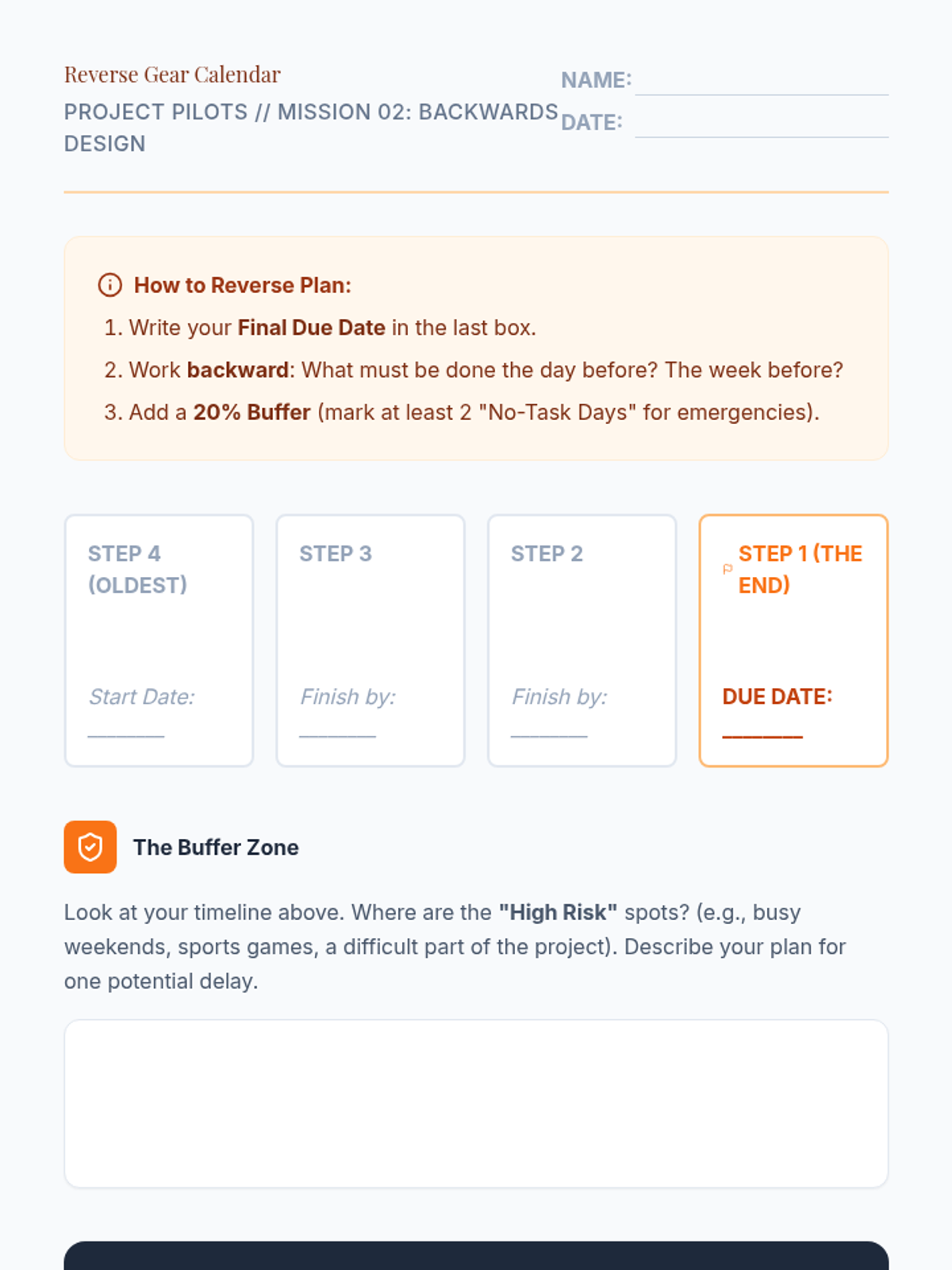
Focuses on backwards design techniques, teaching students to schedule sub-tasks starting from the due date and factoring in realistic time margins.
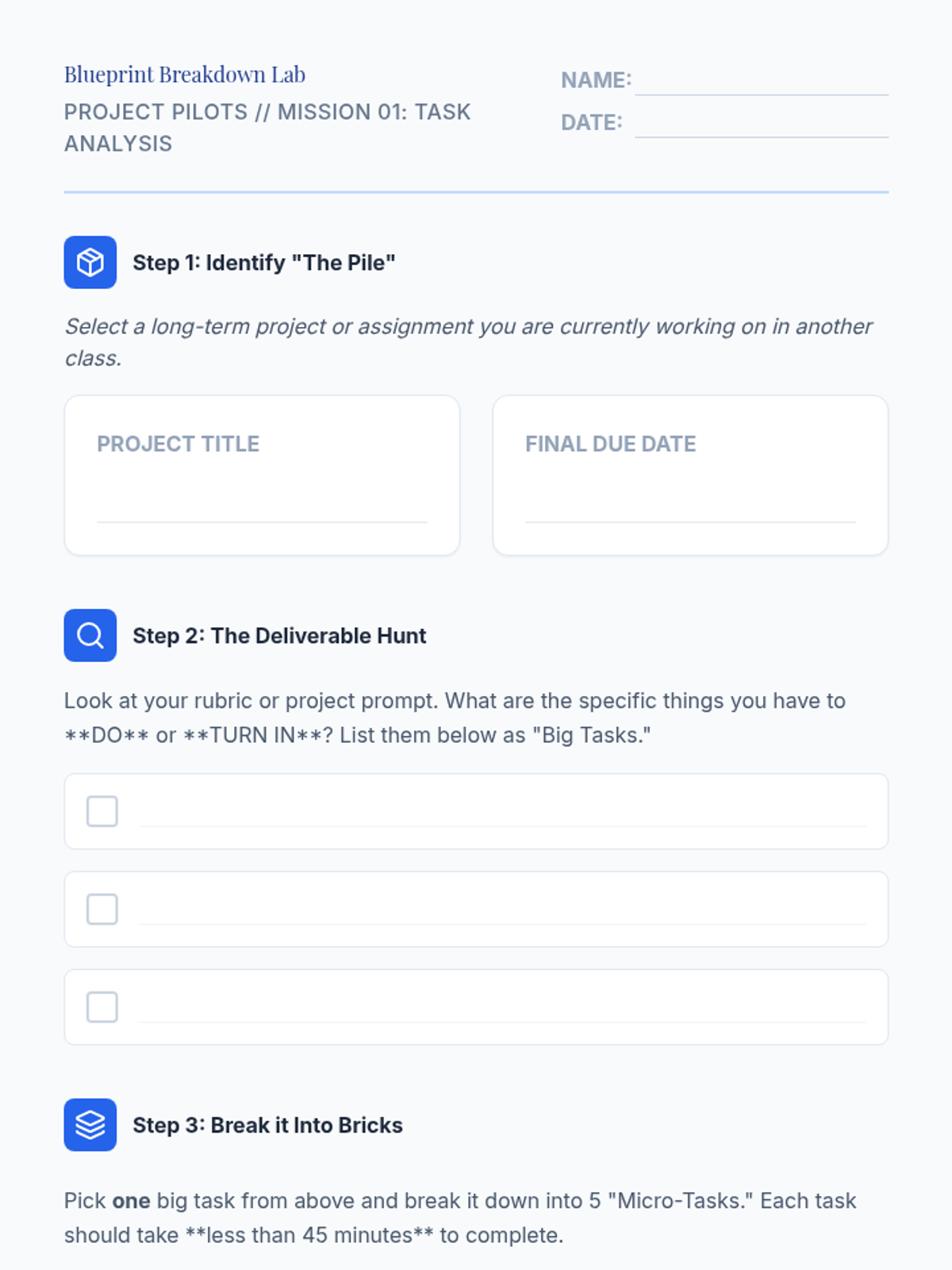
Students learn to analyze project rubrics and syllabi to identify core components and break them into granular, actionable sub-tasks.