Implementation of AAC device navigation, symbol-word communication, and speech recognition for text editing. Builds proficiency in keyboard shortcuts, text-to-speech reading supports, and digital organization through productivity apps and calendars.
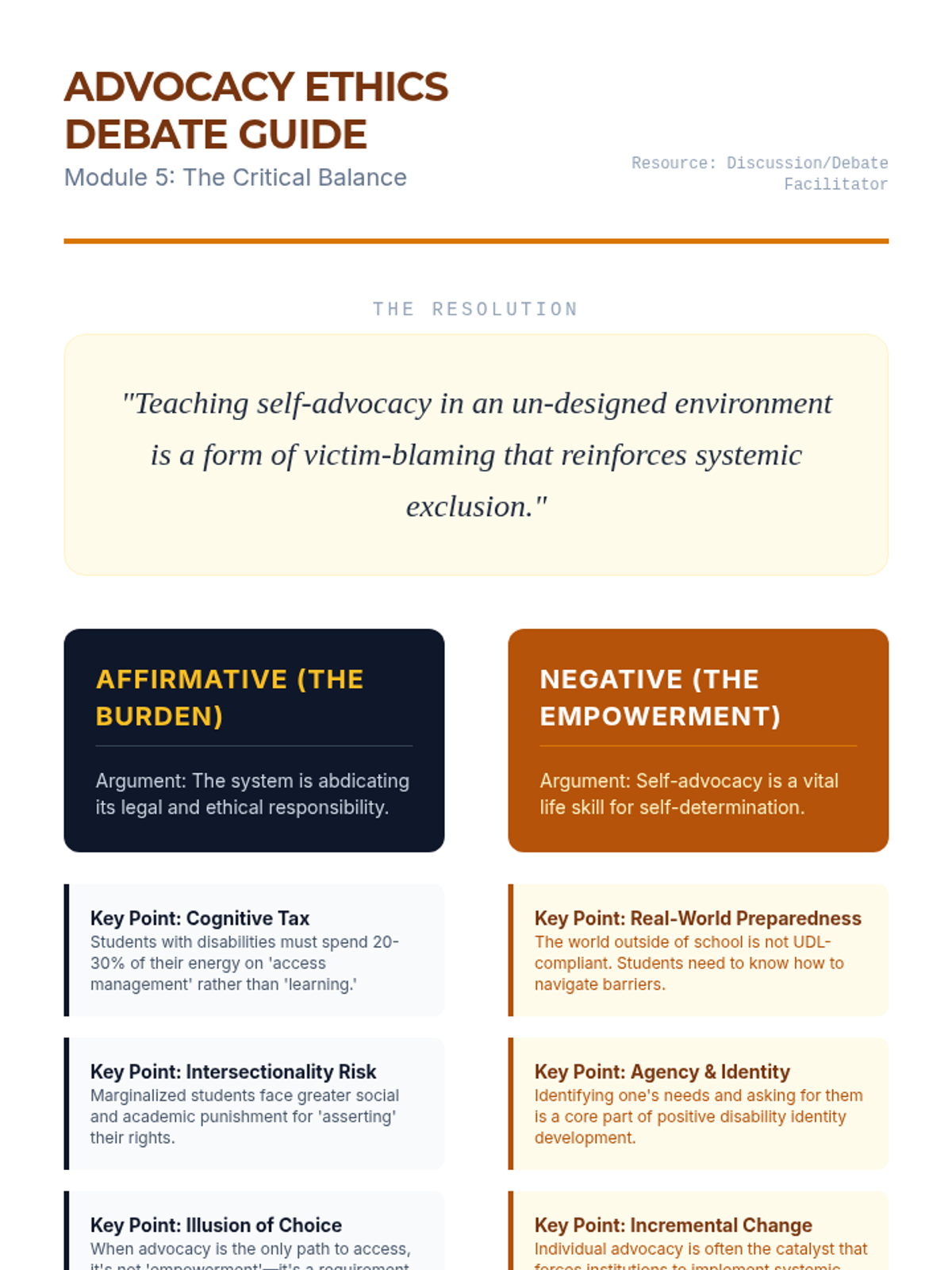
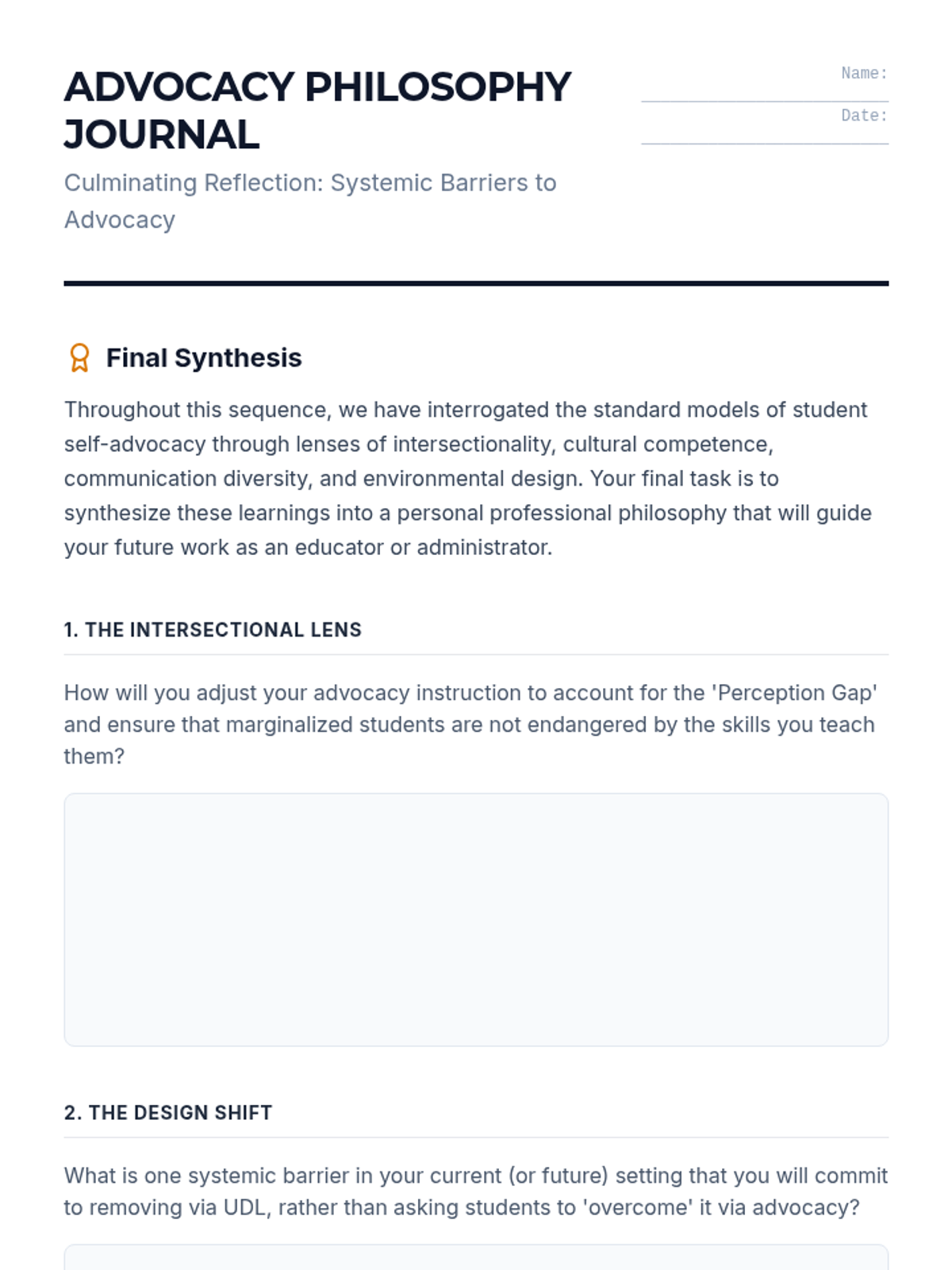
Critically debate the ethical balance between teaching student resilience and institutional responsibility. Synthesize a personal philosophy of advocacy instruction.
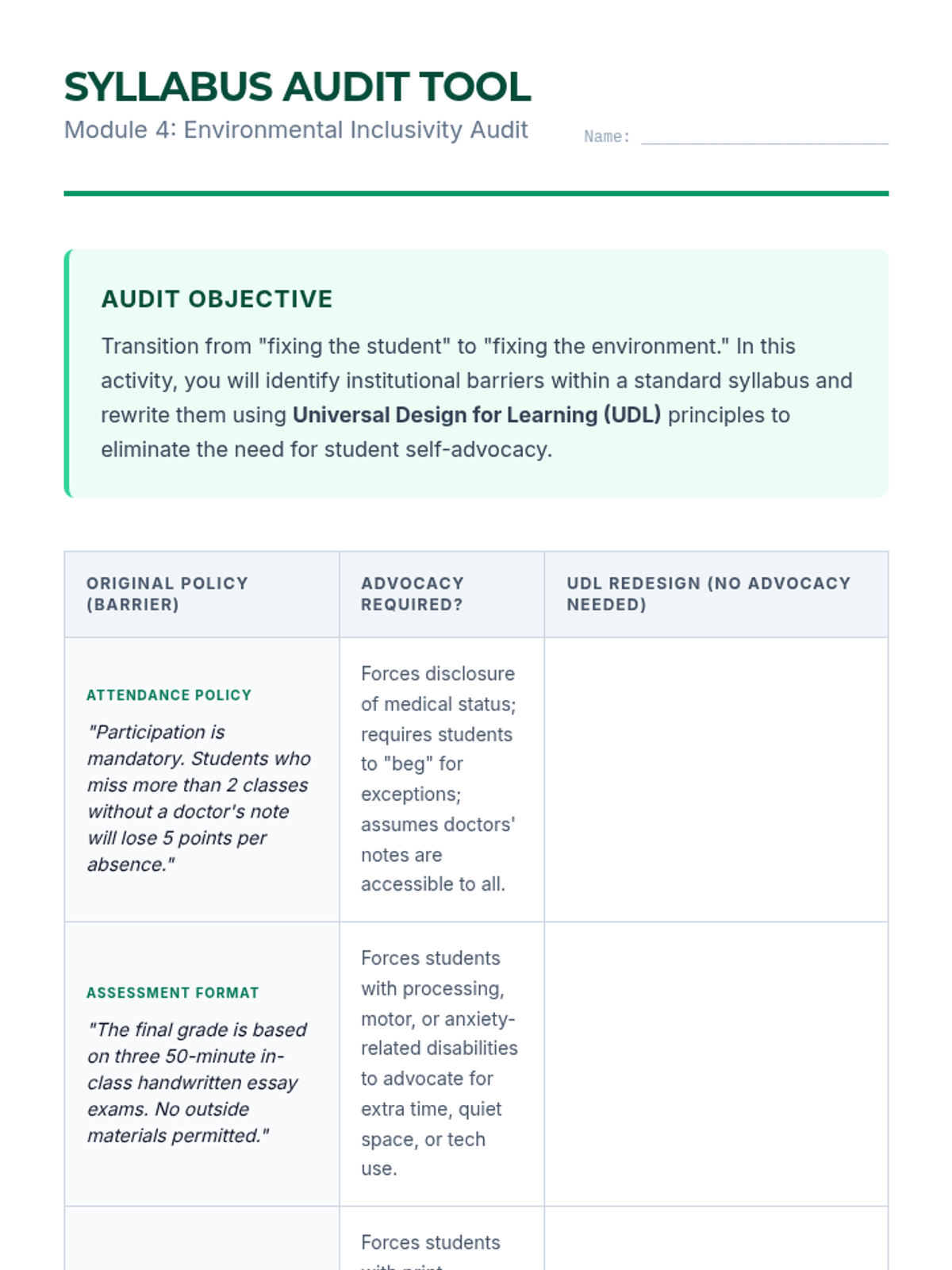
Conduct institutional audits to identify barriers that necessitate self-advocacy. Shift the focus from modifying student behavior to modifying the educational environment using UDL principles.
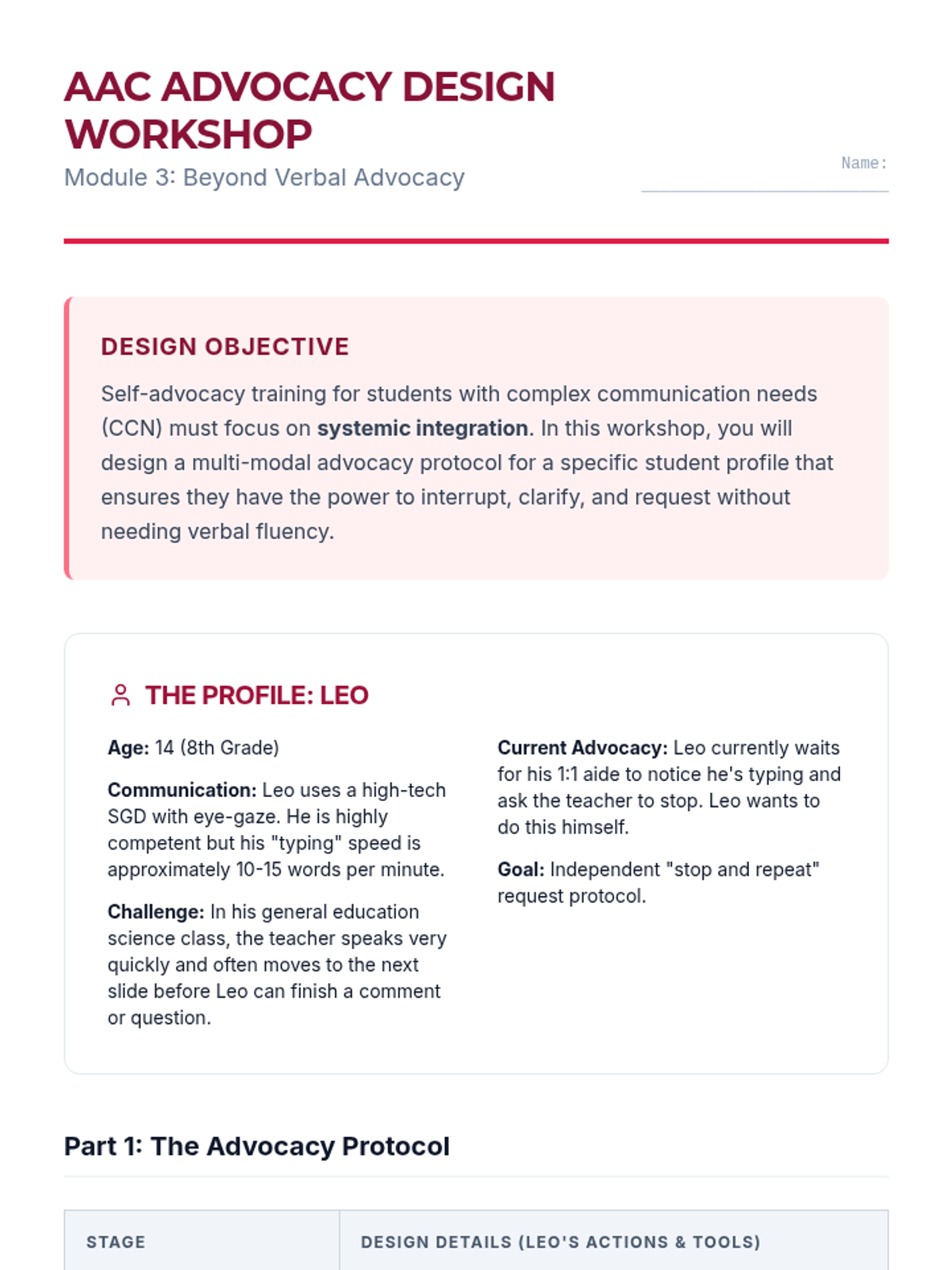
Design advocacy protocols for students with significant cognitive disabilities or those who use AAC. Focus on building autonomy for students without reliance on verbal fluency.
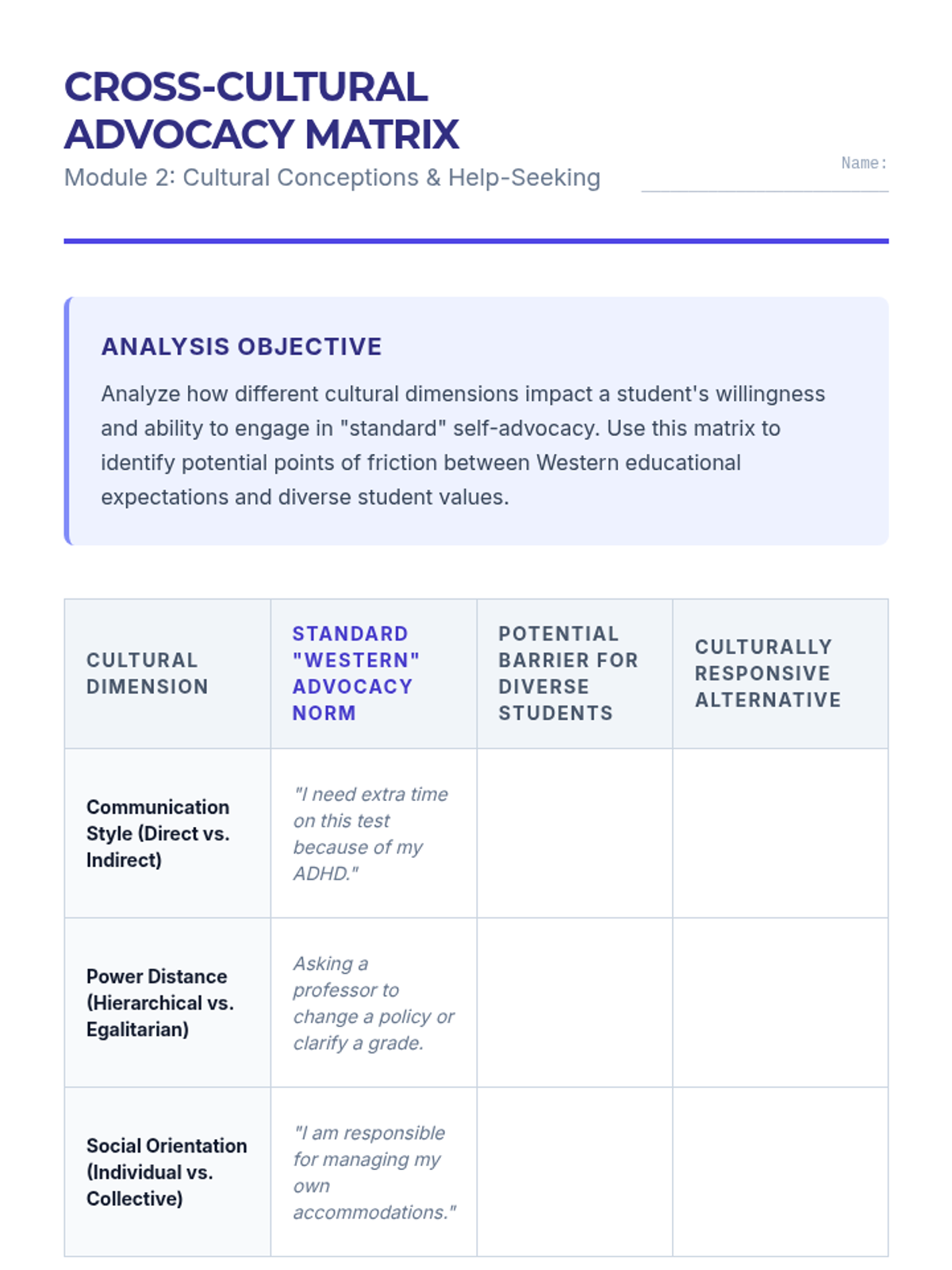
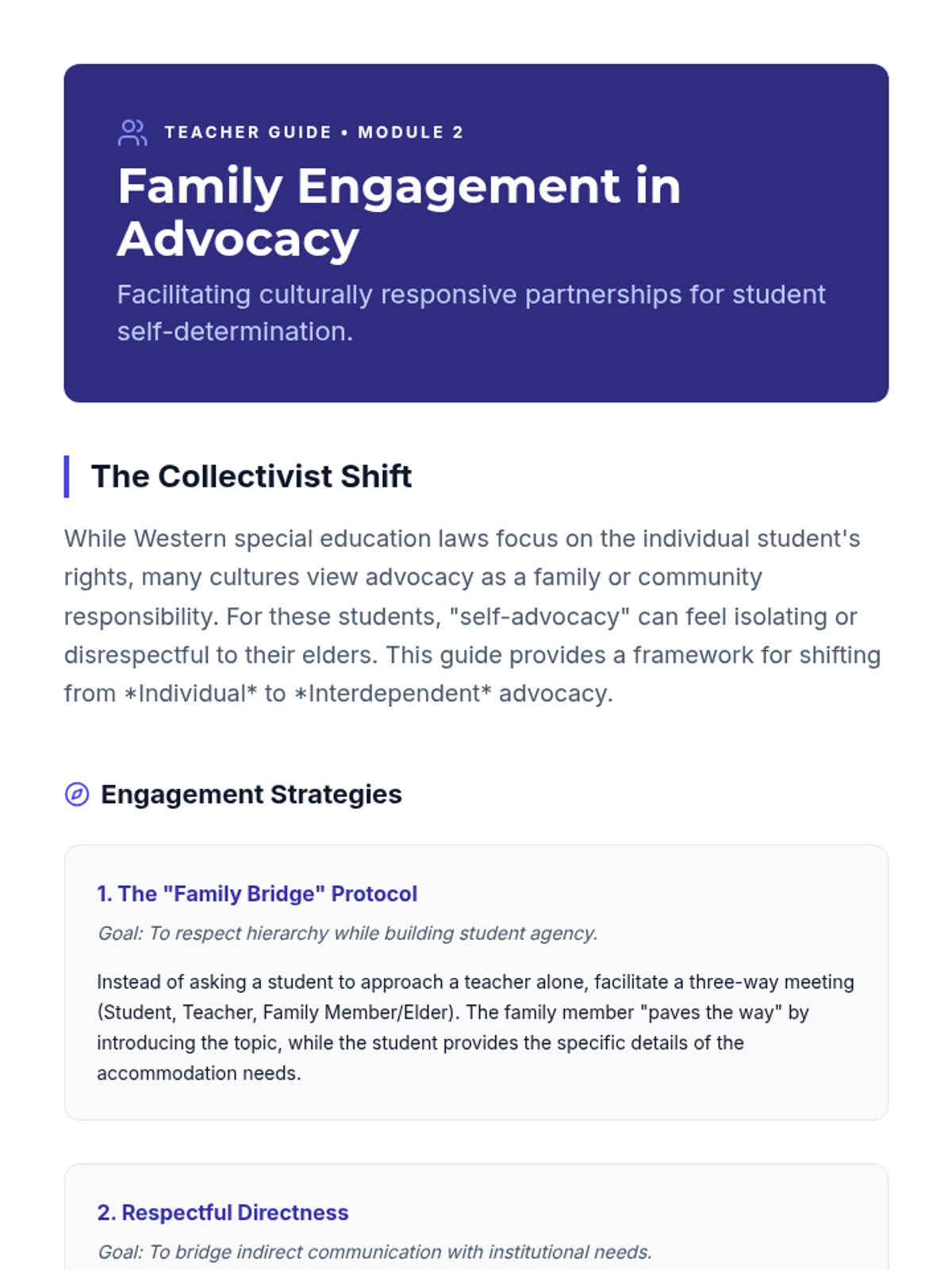
Examine how cultural values regarding authority, independence, and disability impact help-seeking behaviors. Develop strategies for culturally responsive family engagement in advocacy.
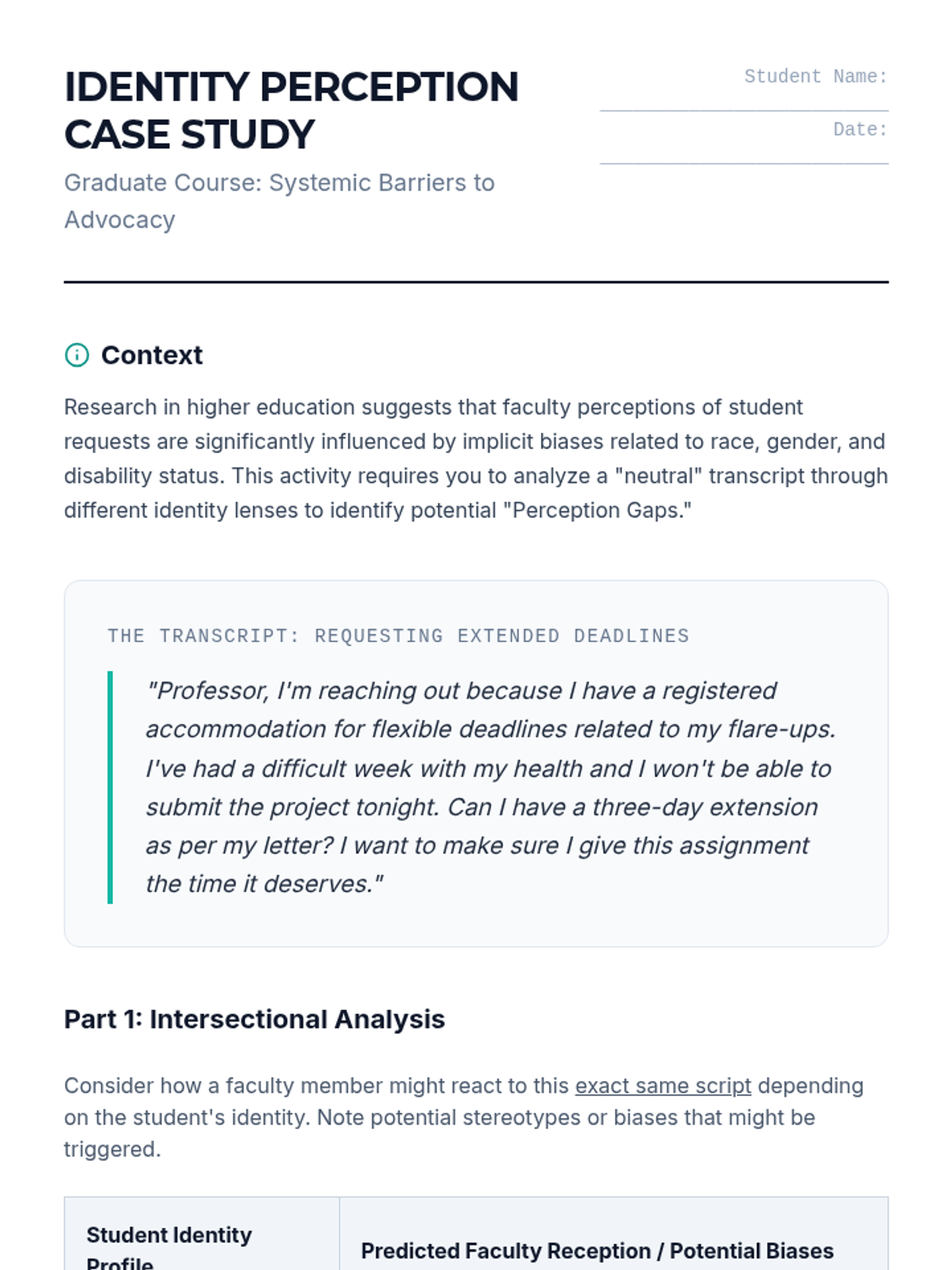
Analyze how race, gender, and disability intersect to influence faculty and institutional perceptions of student advocacy efforts. Analyze research on the 'perception gap' and critique standard advocacy scripts.
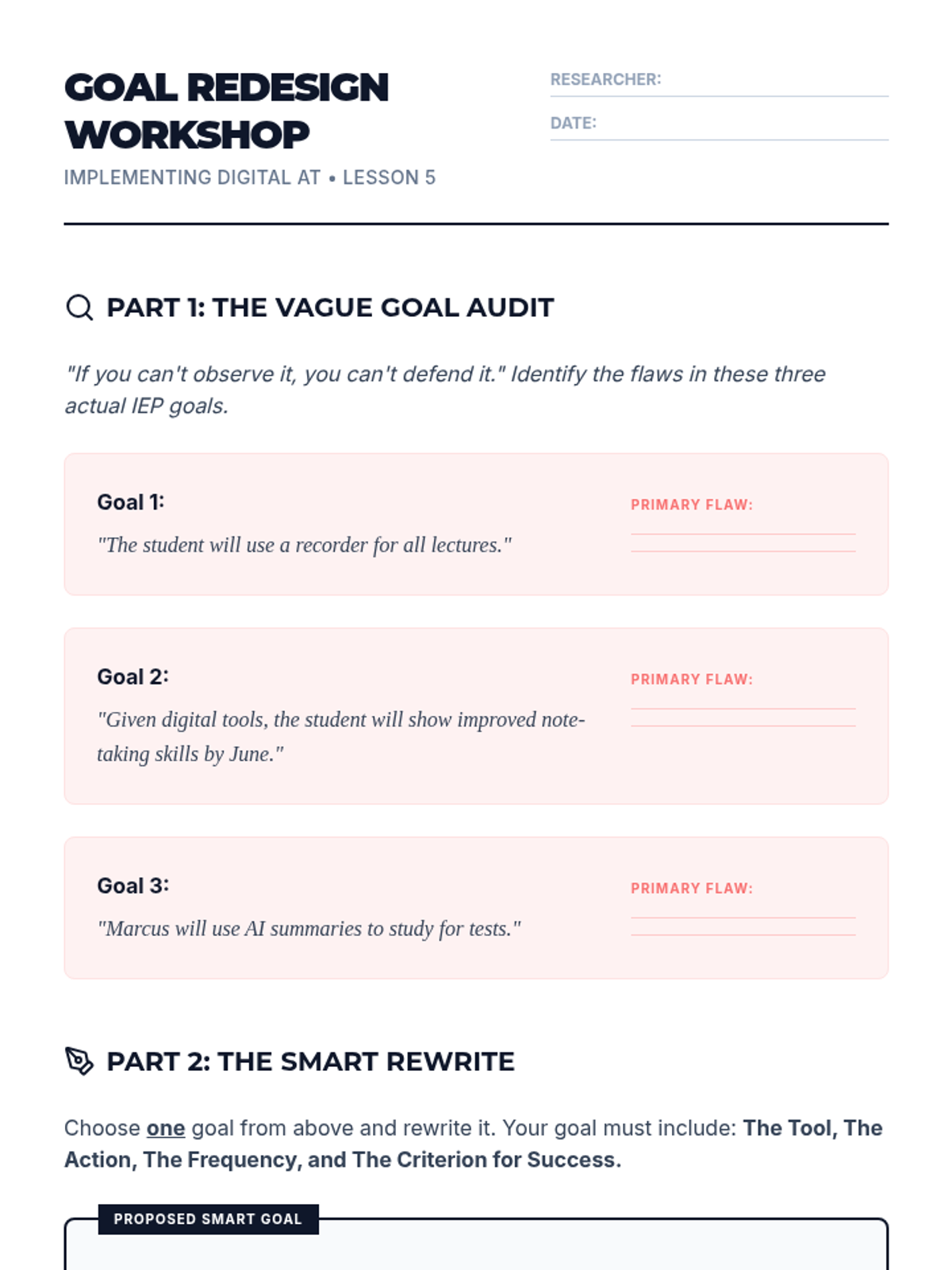
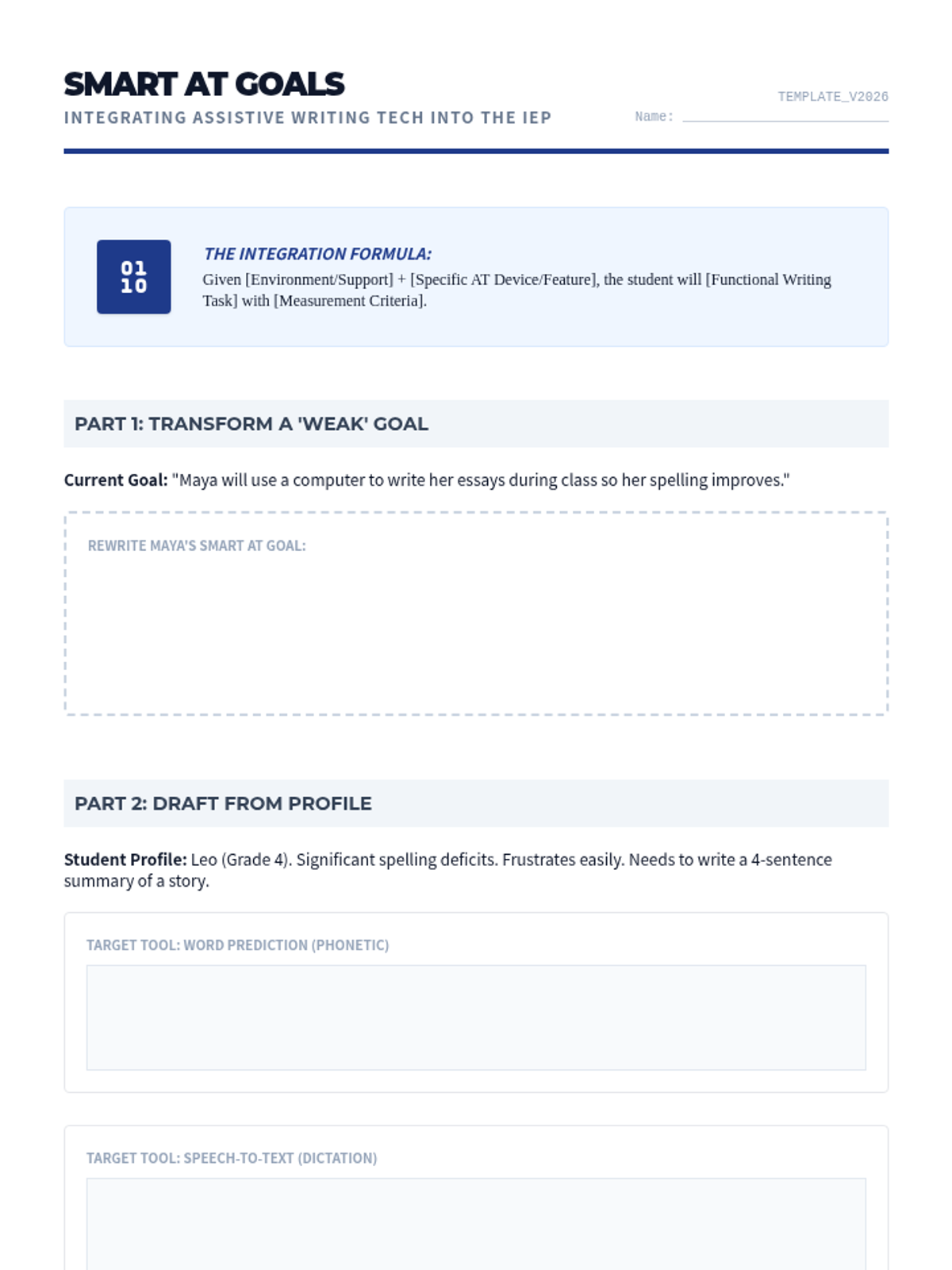
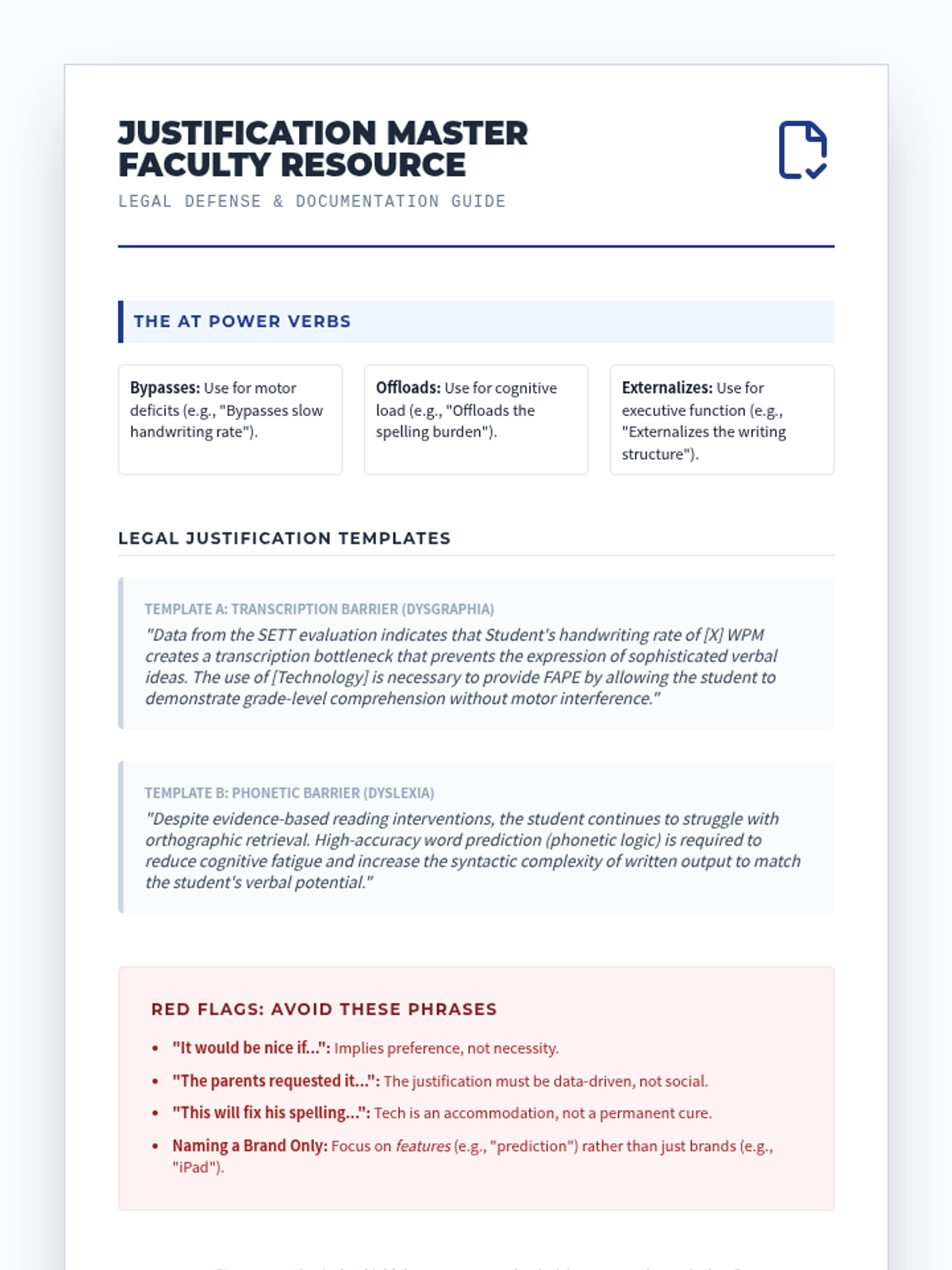
Translates technical knowledge into legal documentation. Students practice writing specific, measurable IEP goals for assistive technology use and implementation.
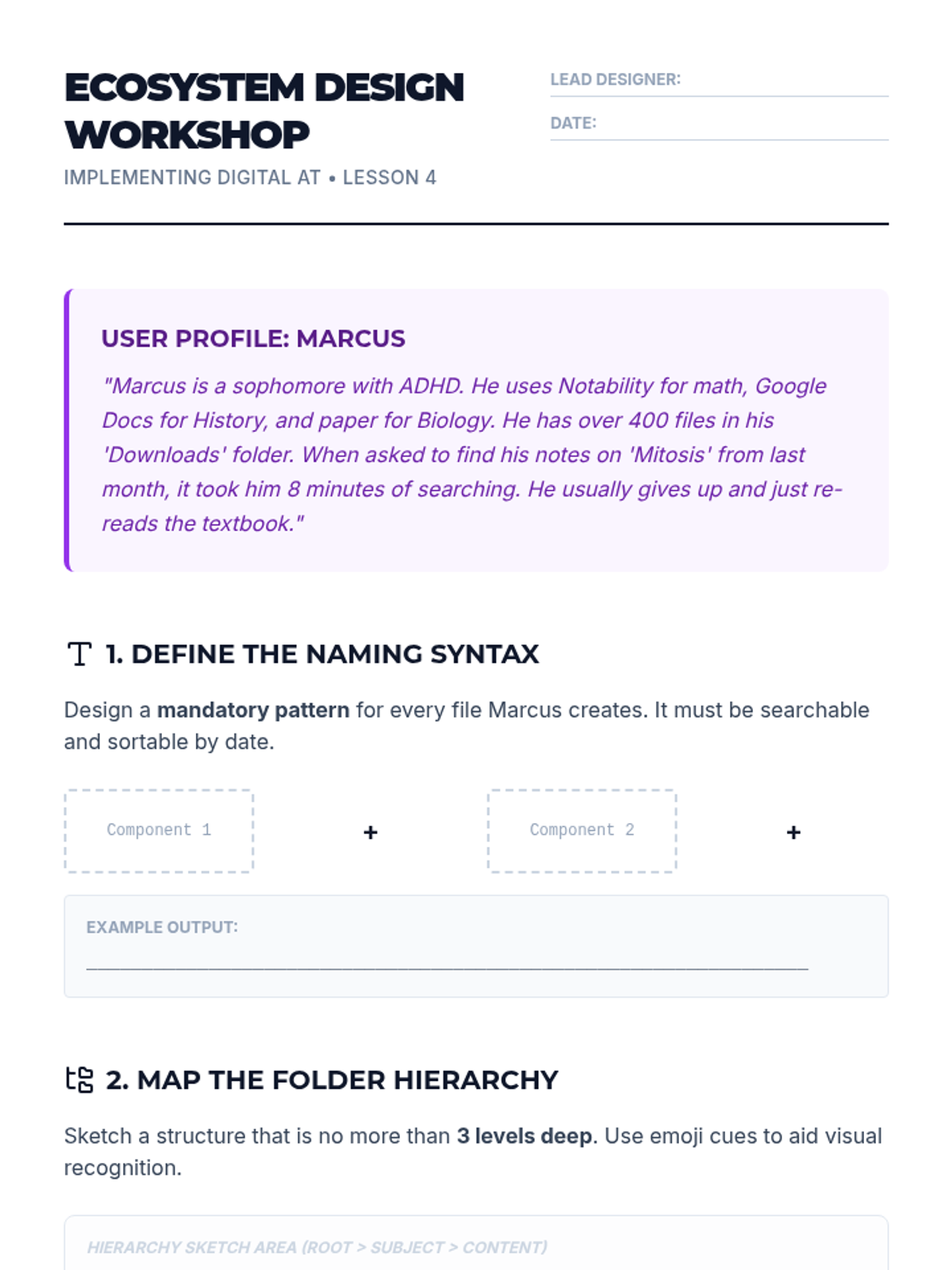
Addresses the "after" of note-taking: retrieval and organization. Students design systems to support students with executive dysfunction in managing digital files.
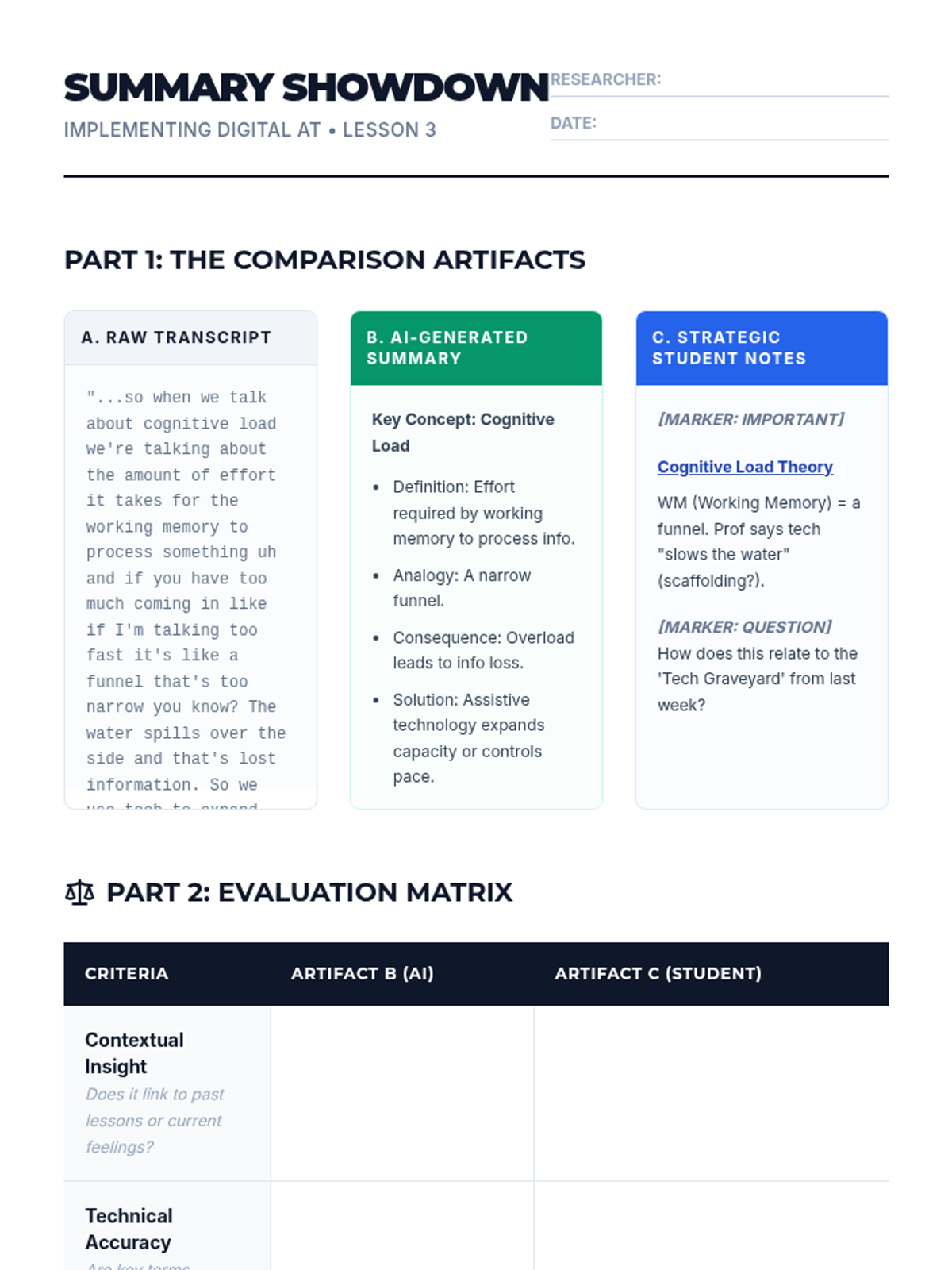
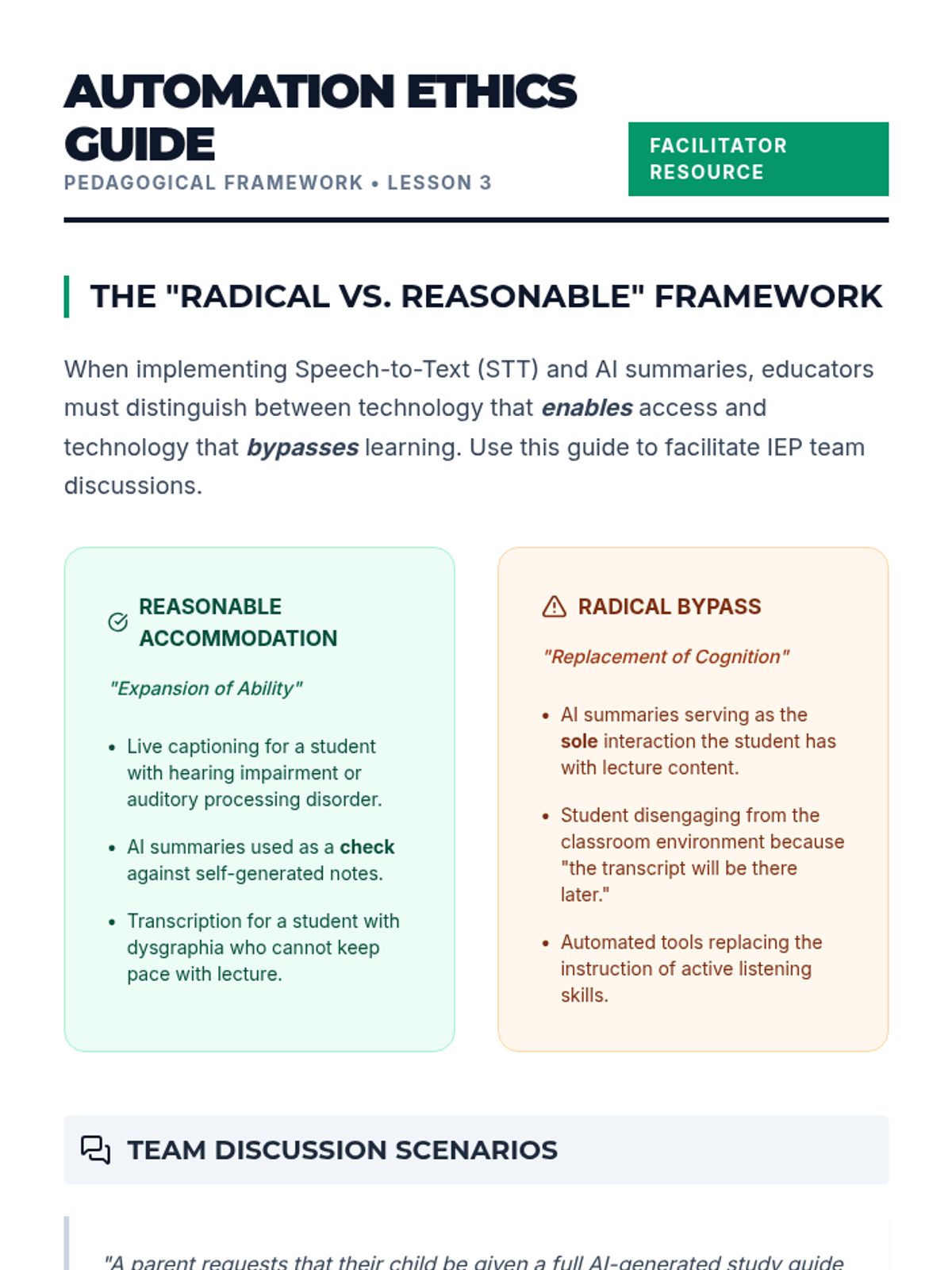
Explores Speech-to-Text (STT) and AI summarization. Students evaluate the accuracy and pedagogical implications of automated classroom supports.
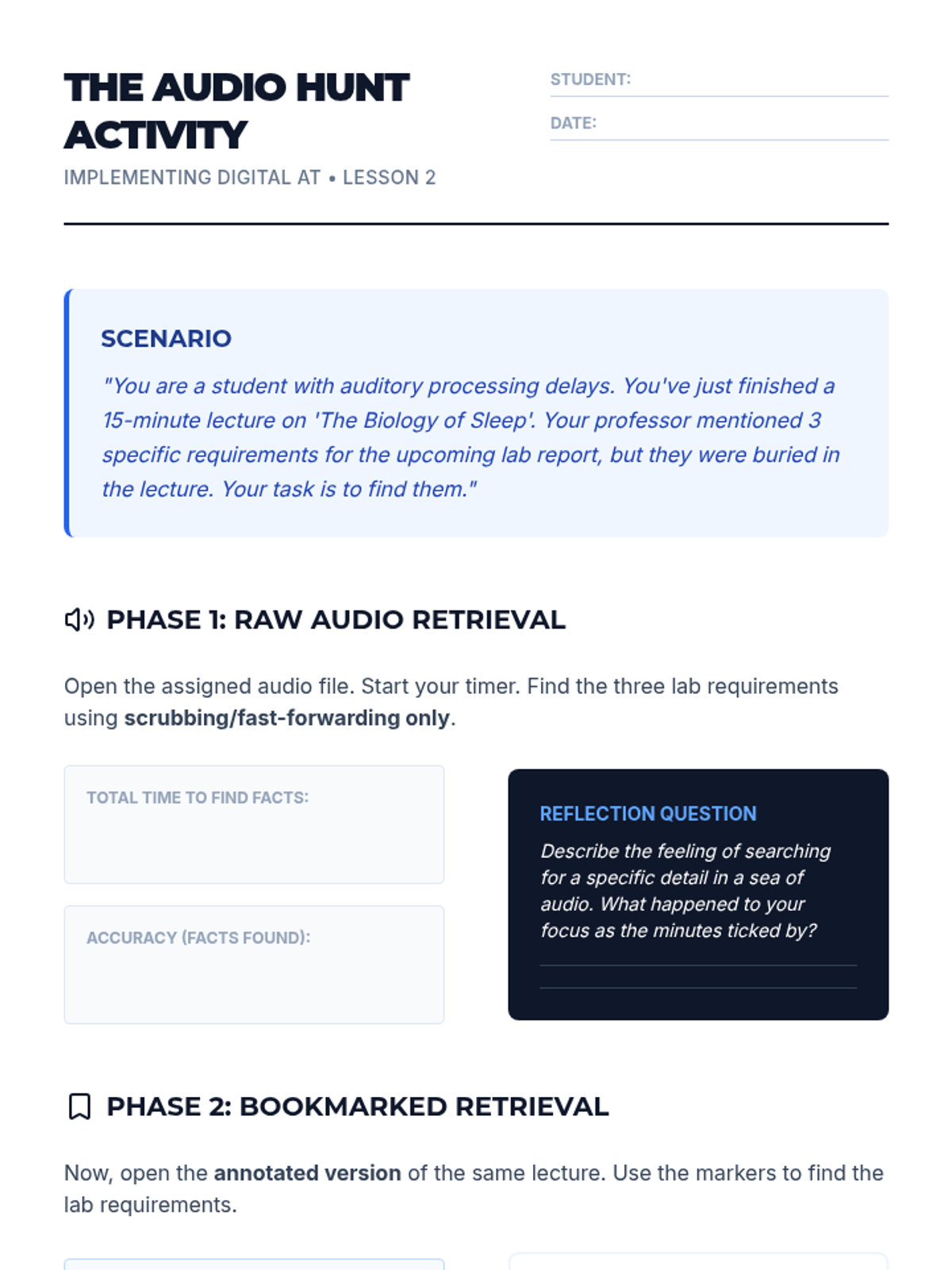
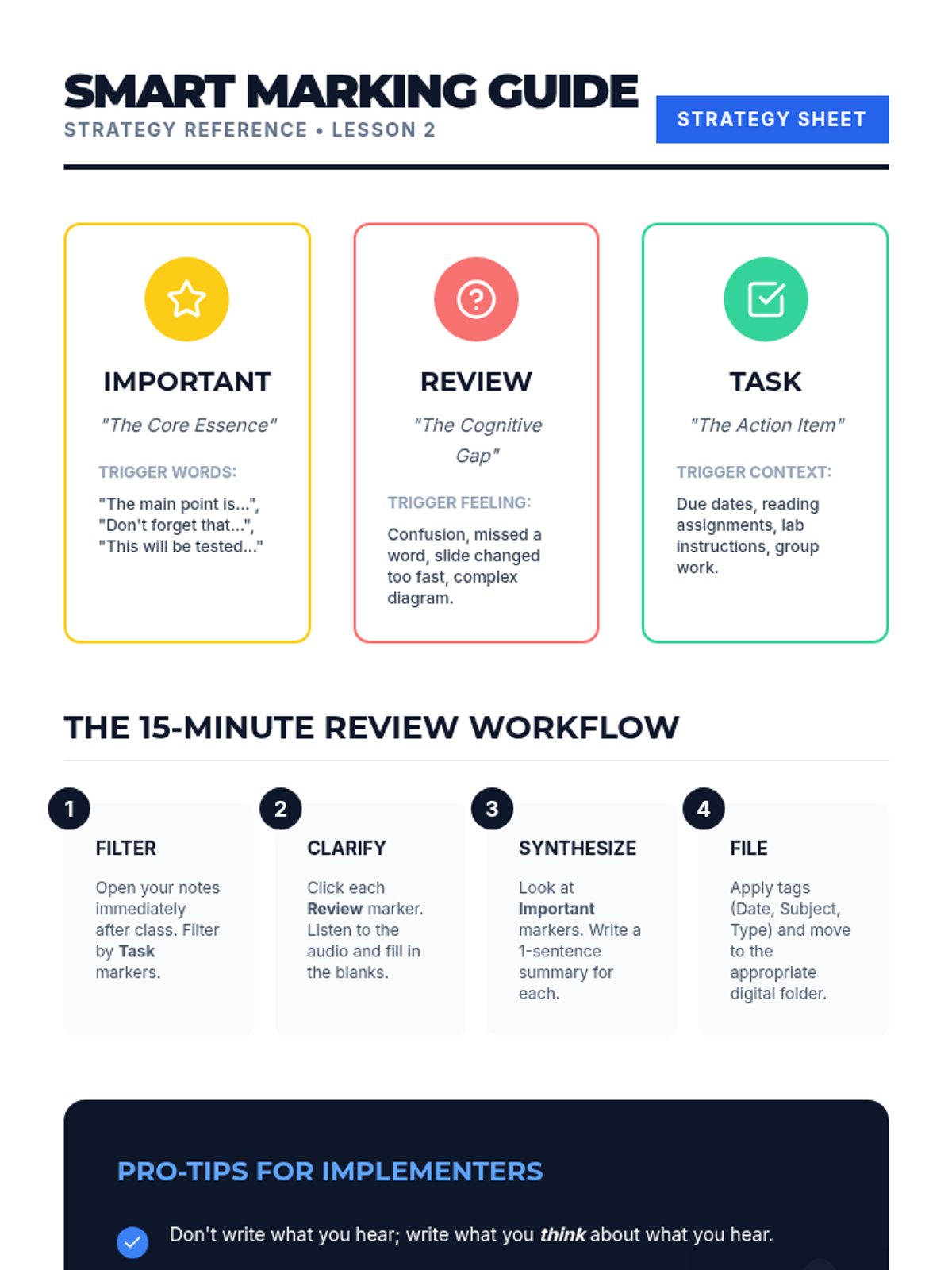
Focuses on audio-synchronization tools like Glean and Notability. Students learn to use bookmarking strategies to reduce cognitive load during lectures.
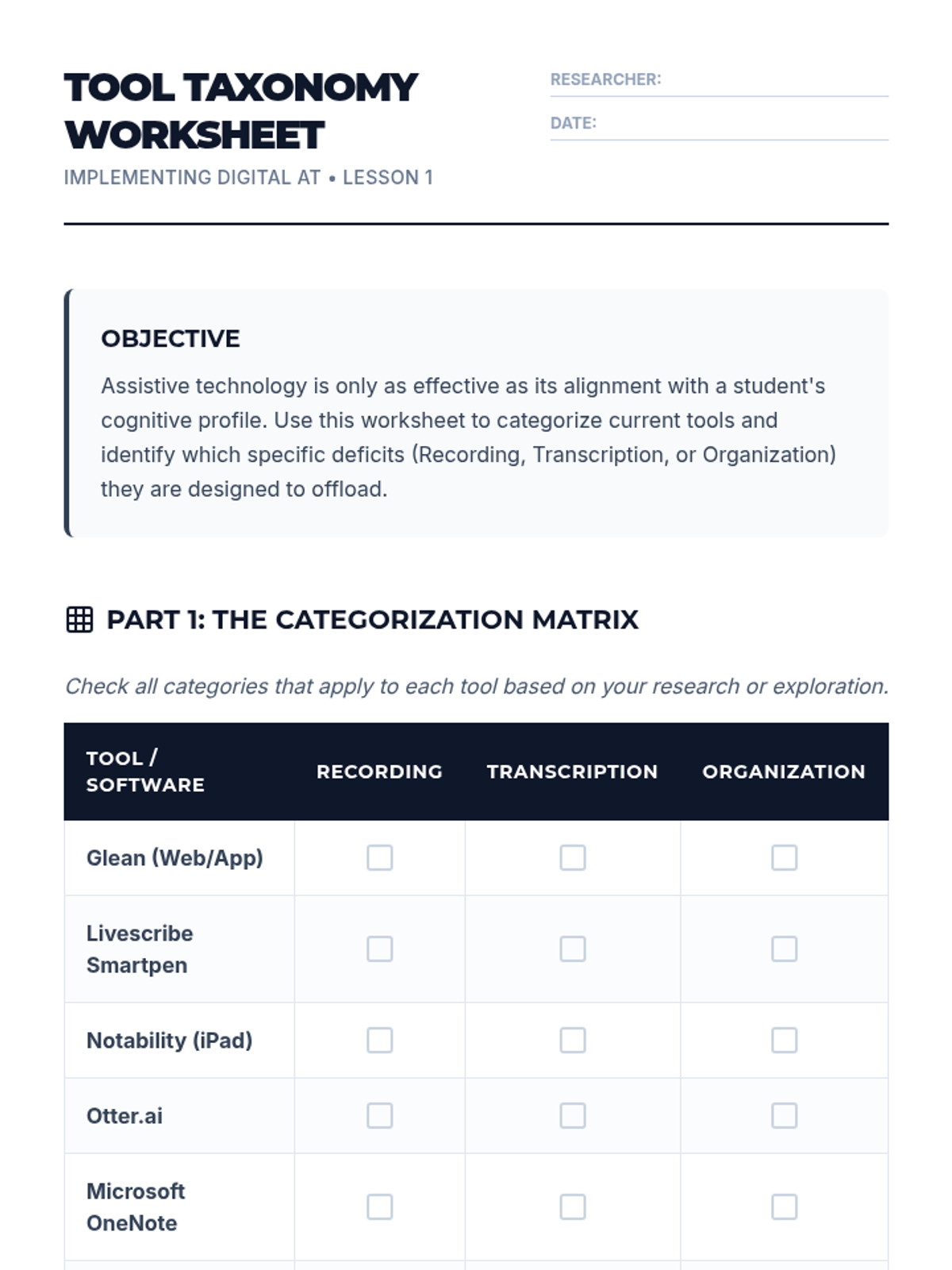
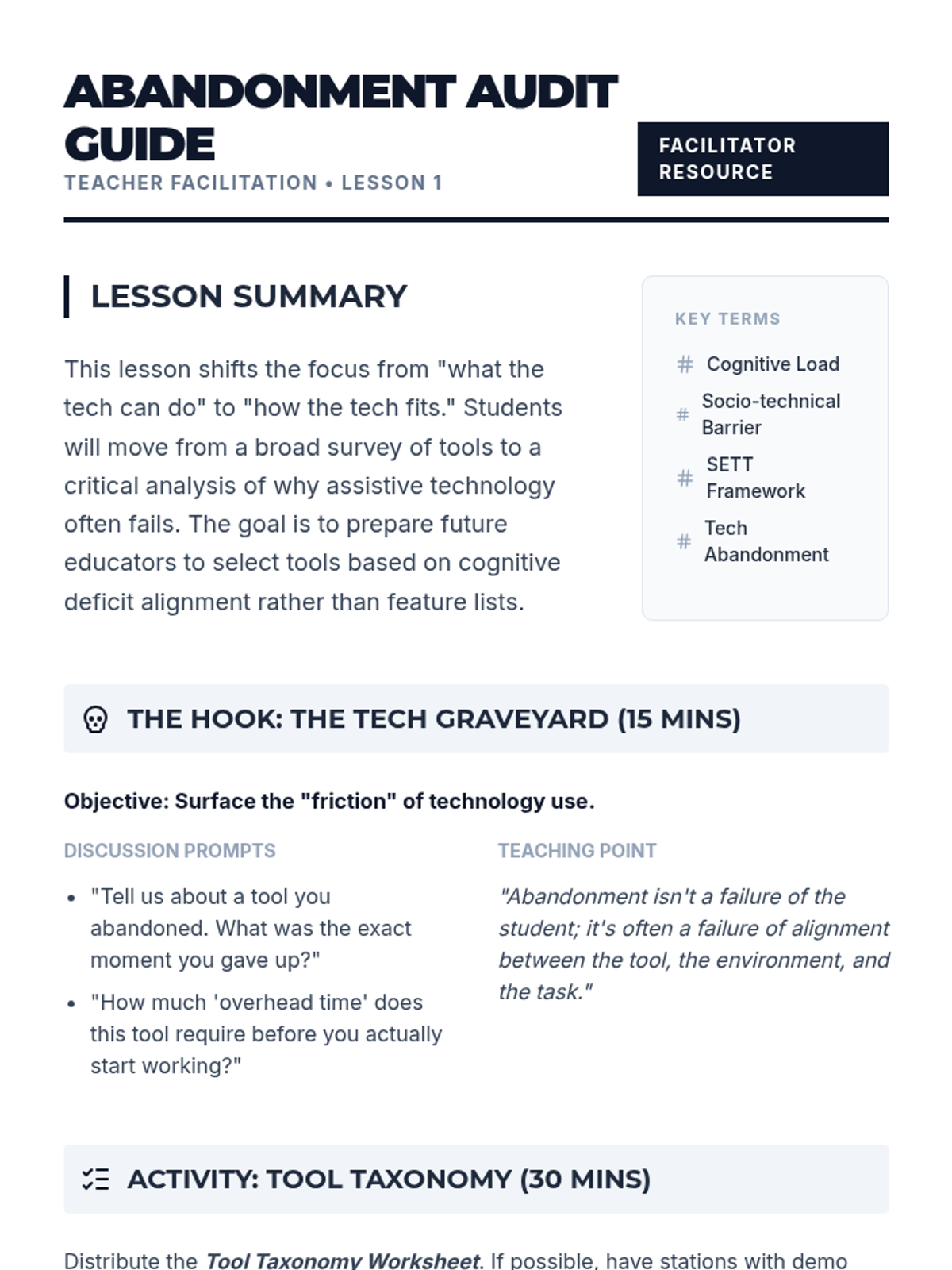
A survey of current note-taking hardware and software. Students categorize tools by the cognitive deficit they address and discuss the phenomenon of technology abandonment.
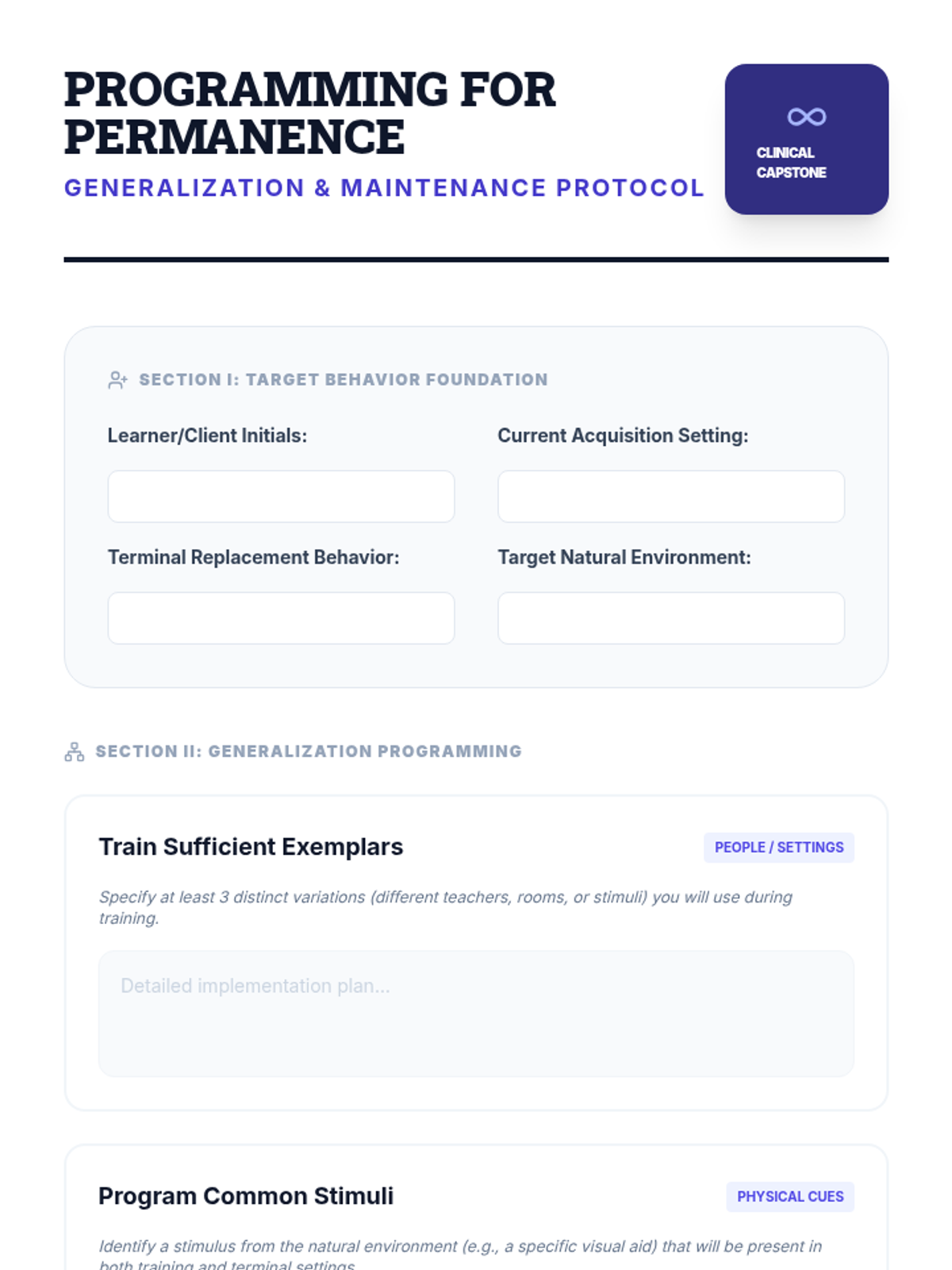
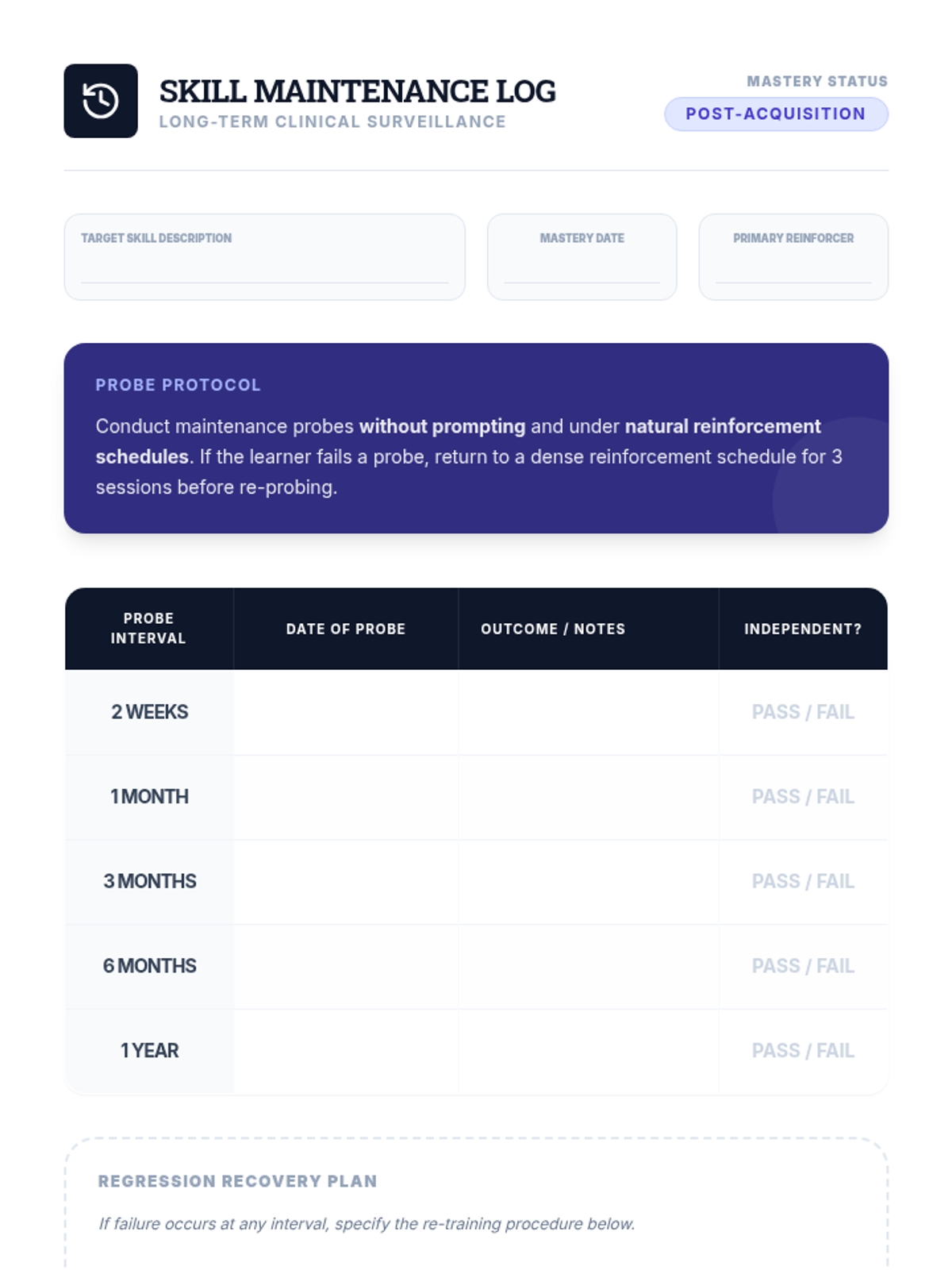
Addresses the critical phase of ensuring behaviors persist across time, people, and environments. Students move beyond 'train and hope' to strategic programming for maintenance.
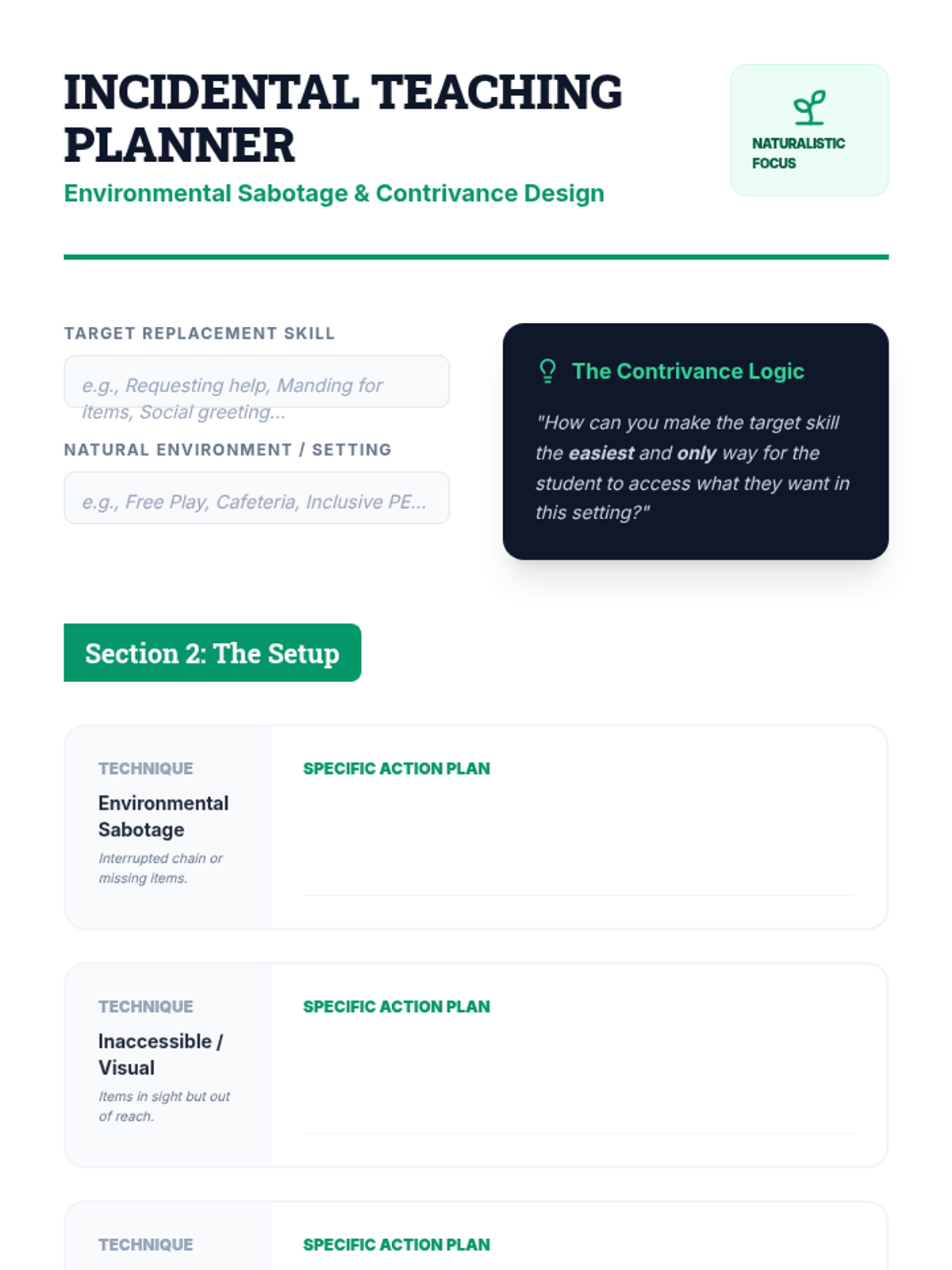
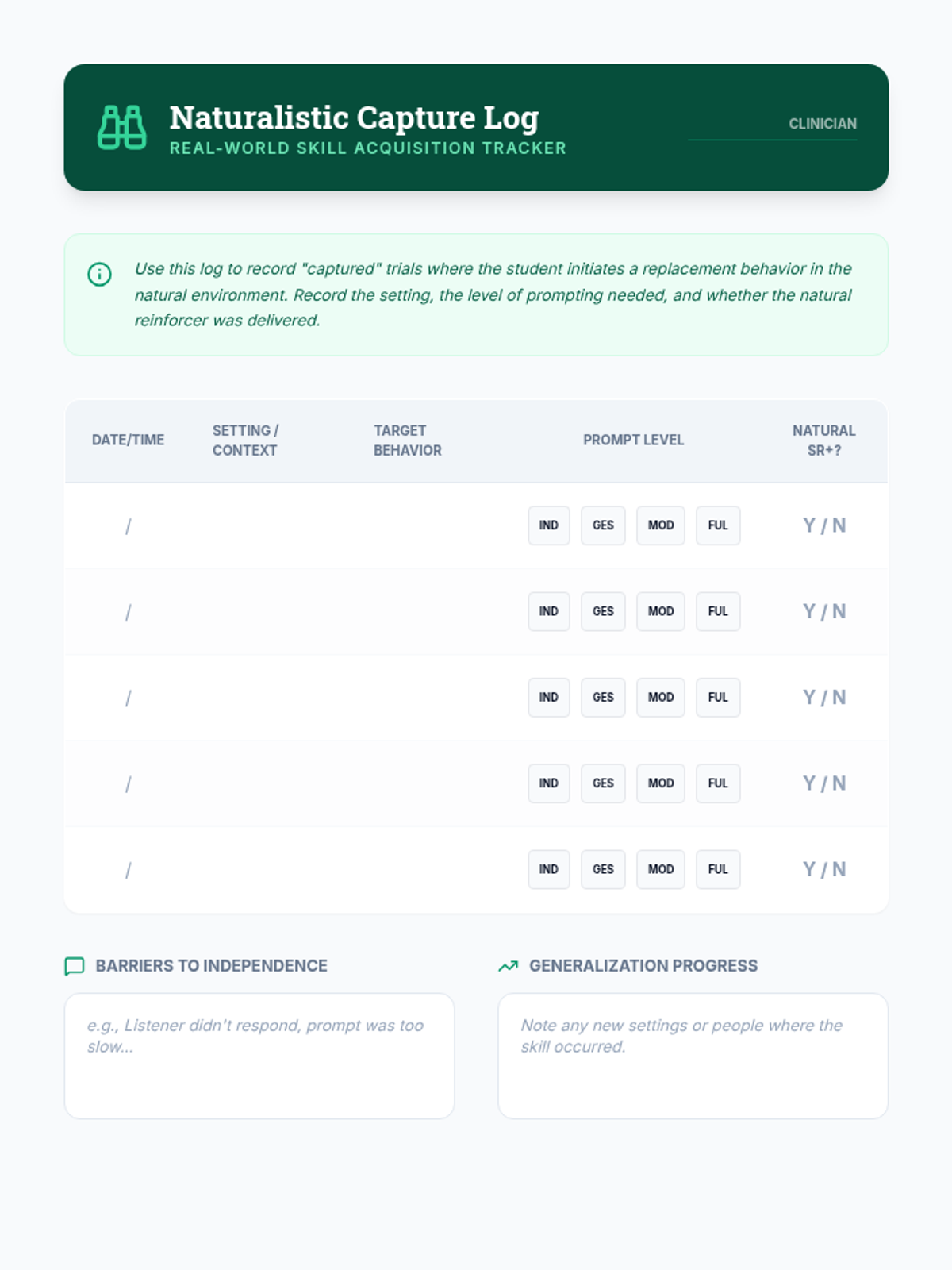
Contrasts structured teaching with incidental and naturalistic strategies. Students learn how to contrive learning opportunities and capture motivation in real-world settings.
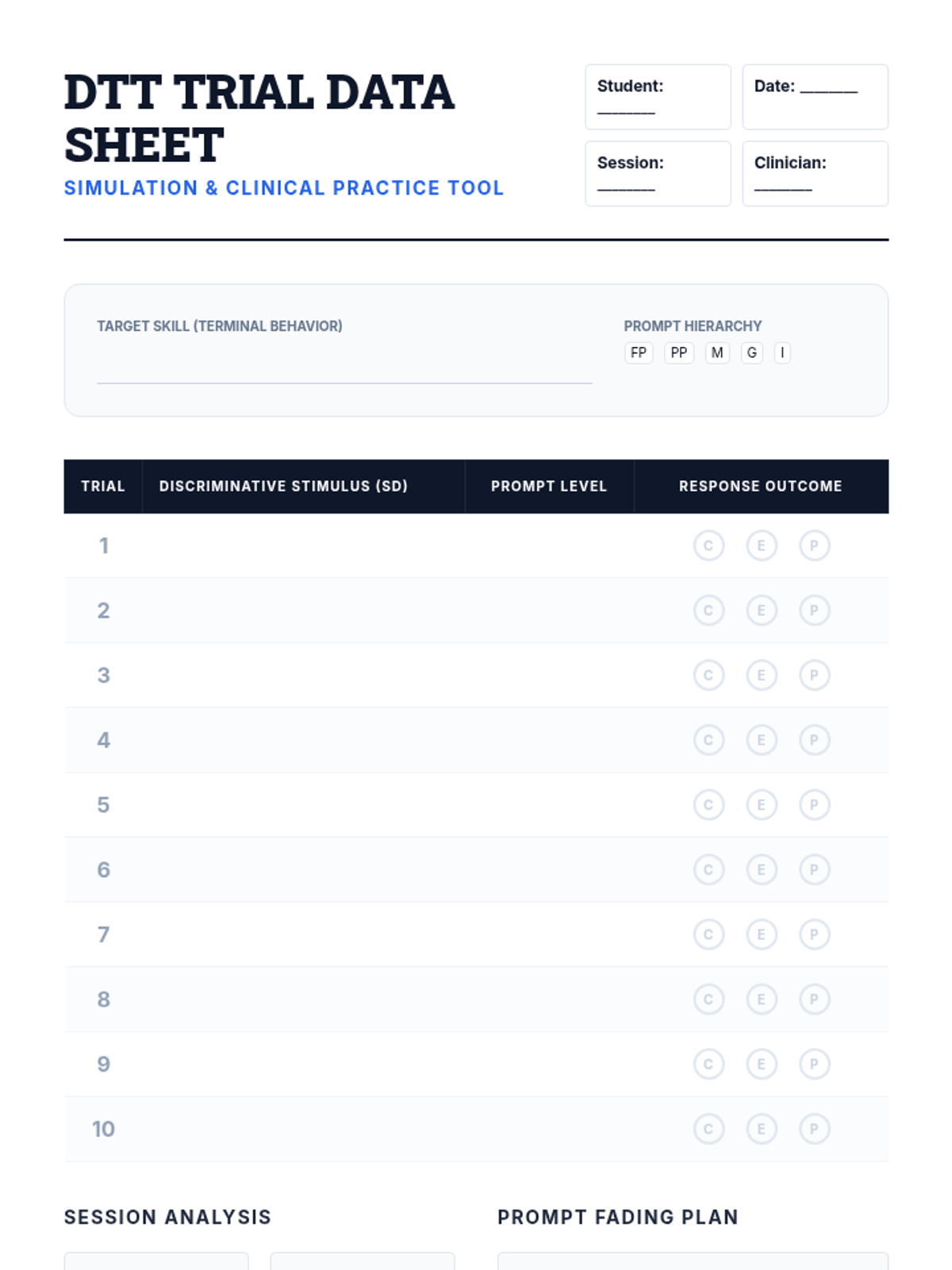
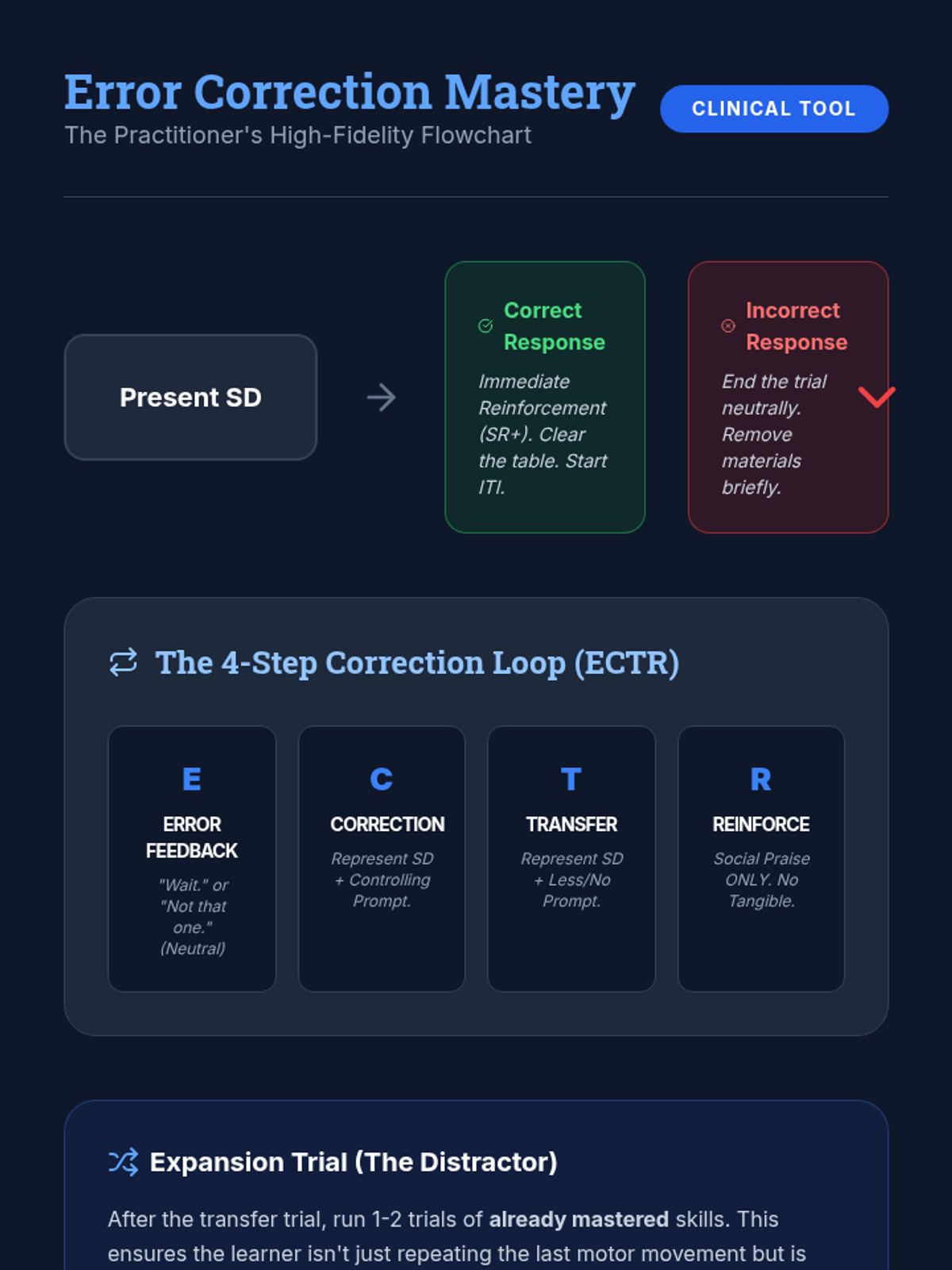
A deep dive into the technical implementation of Discrete Trial Training. Covers the three-term contingency, prompting hierarchies, and high-fidelity error correction procedures.
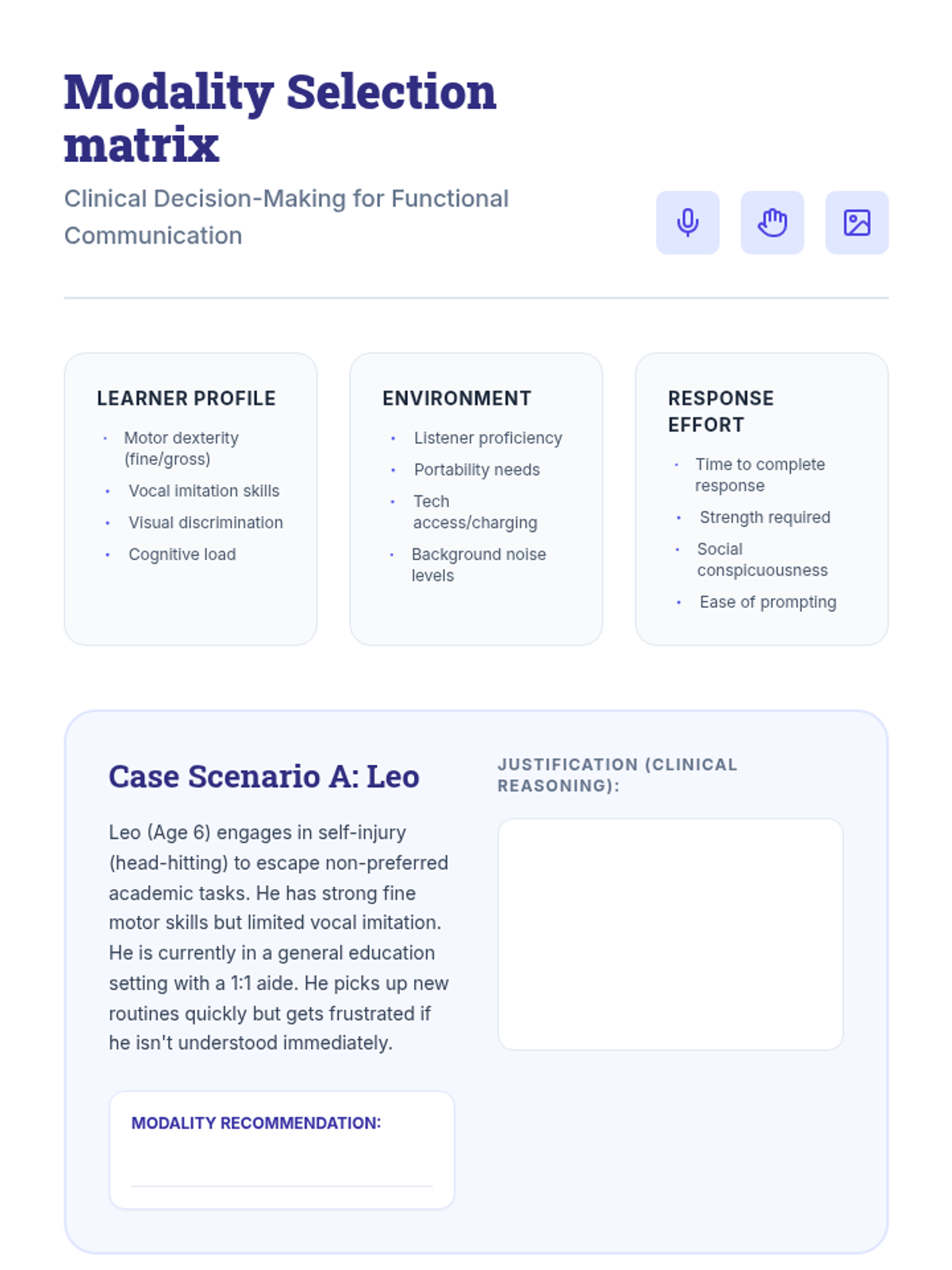
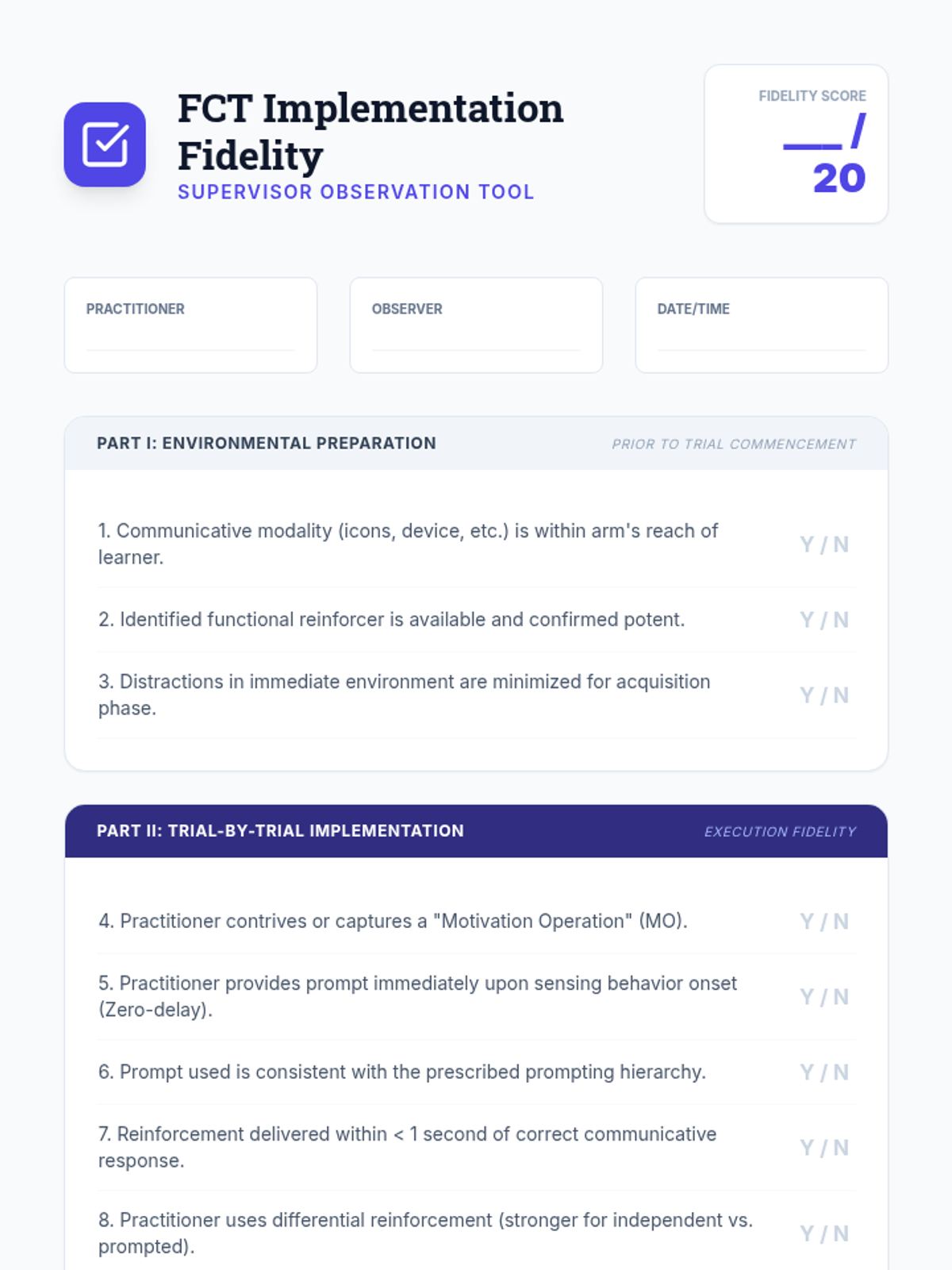
Explores Functional Communication Training (FCT) as a primary intervention for challenging behavior. Topics include modality selection (vocal, PECS, SGD) and the design of reinforcement schedules to promote use.
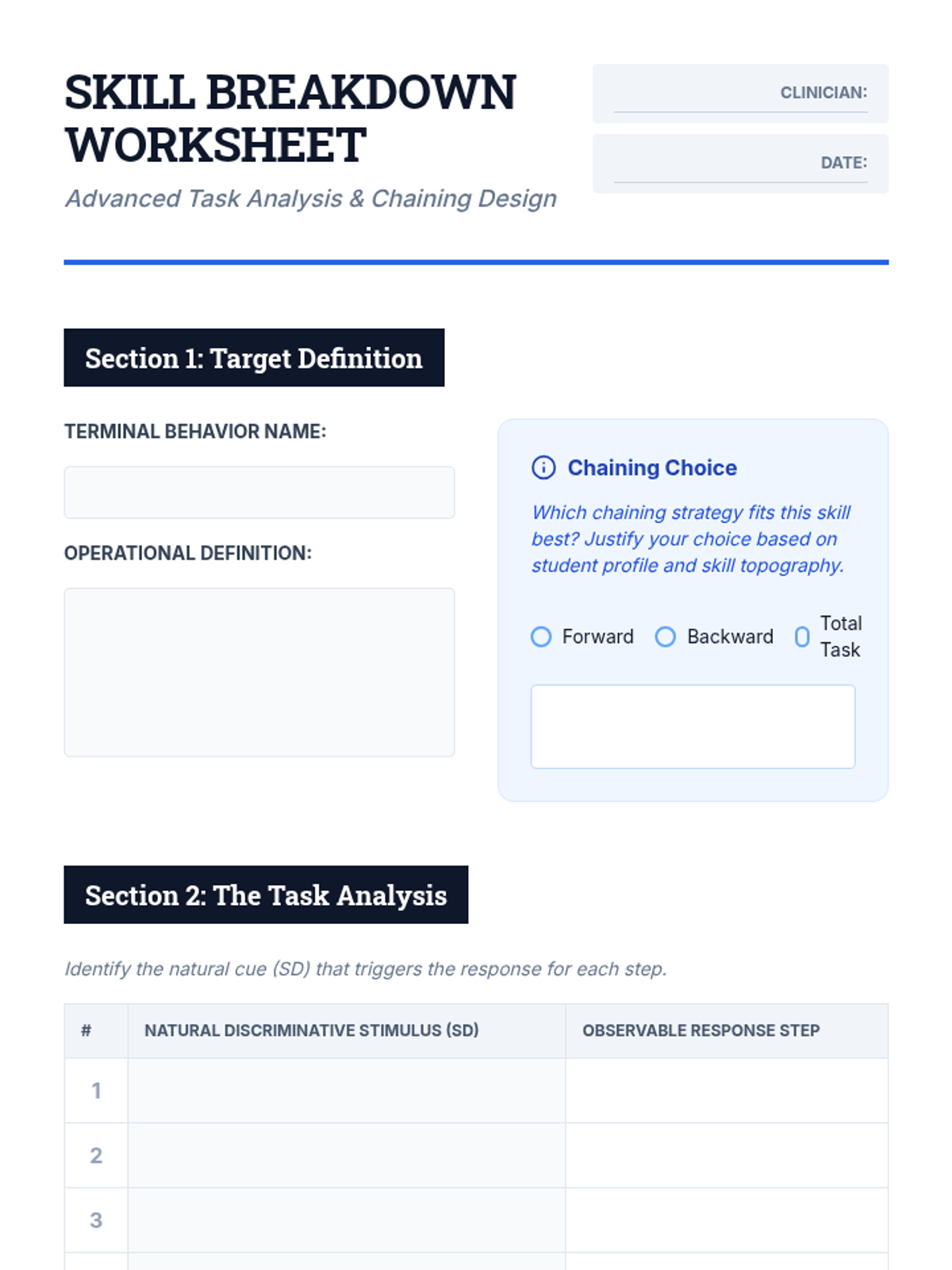
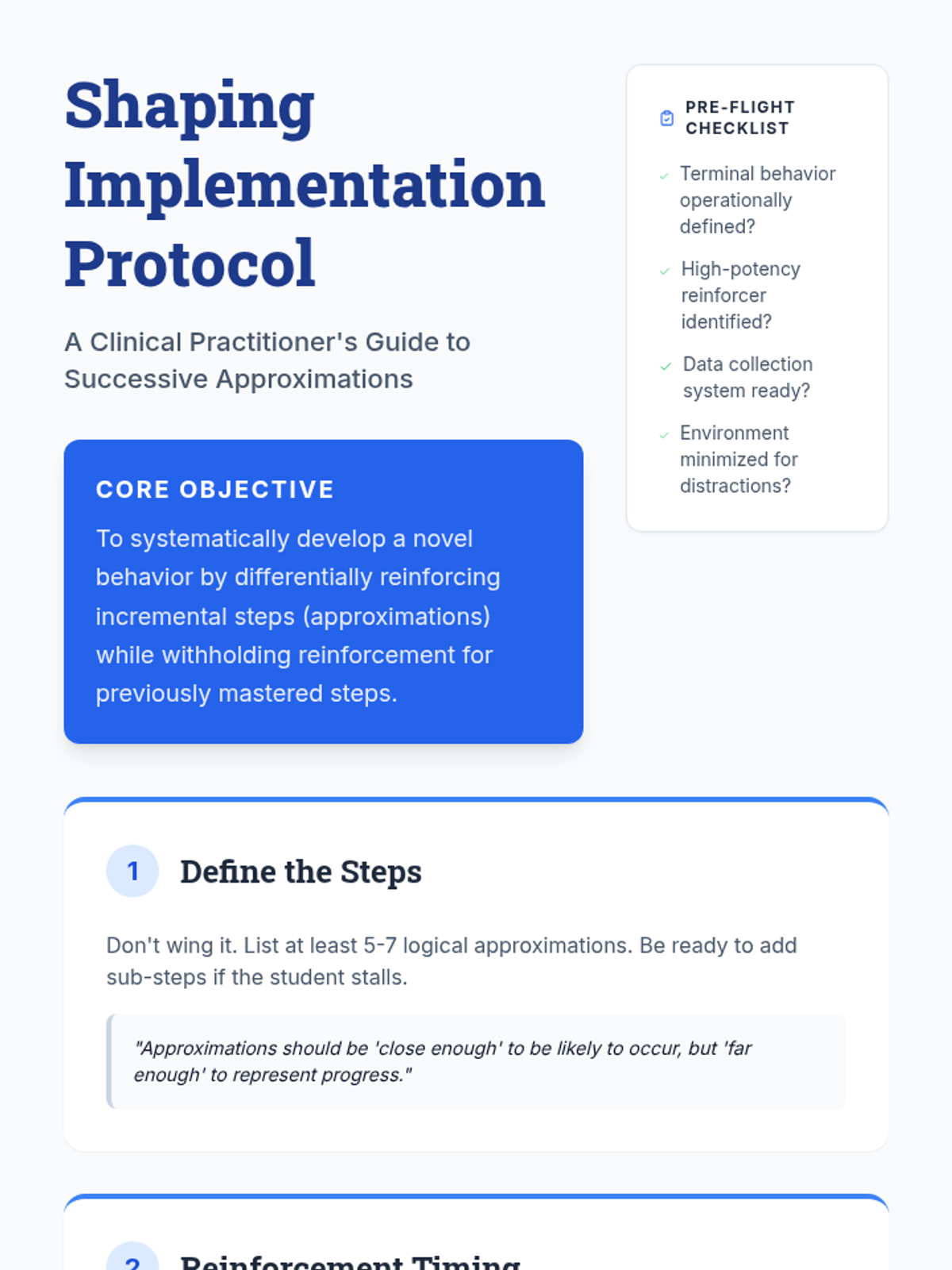
Focuses on the art of reinforcing successive approximations (shaping) and linking discrete behaviors into complex sequences (chaining). Students learn to write robust task analyses for clinical use.
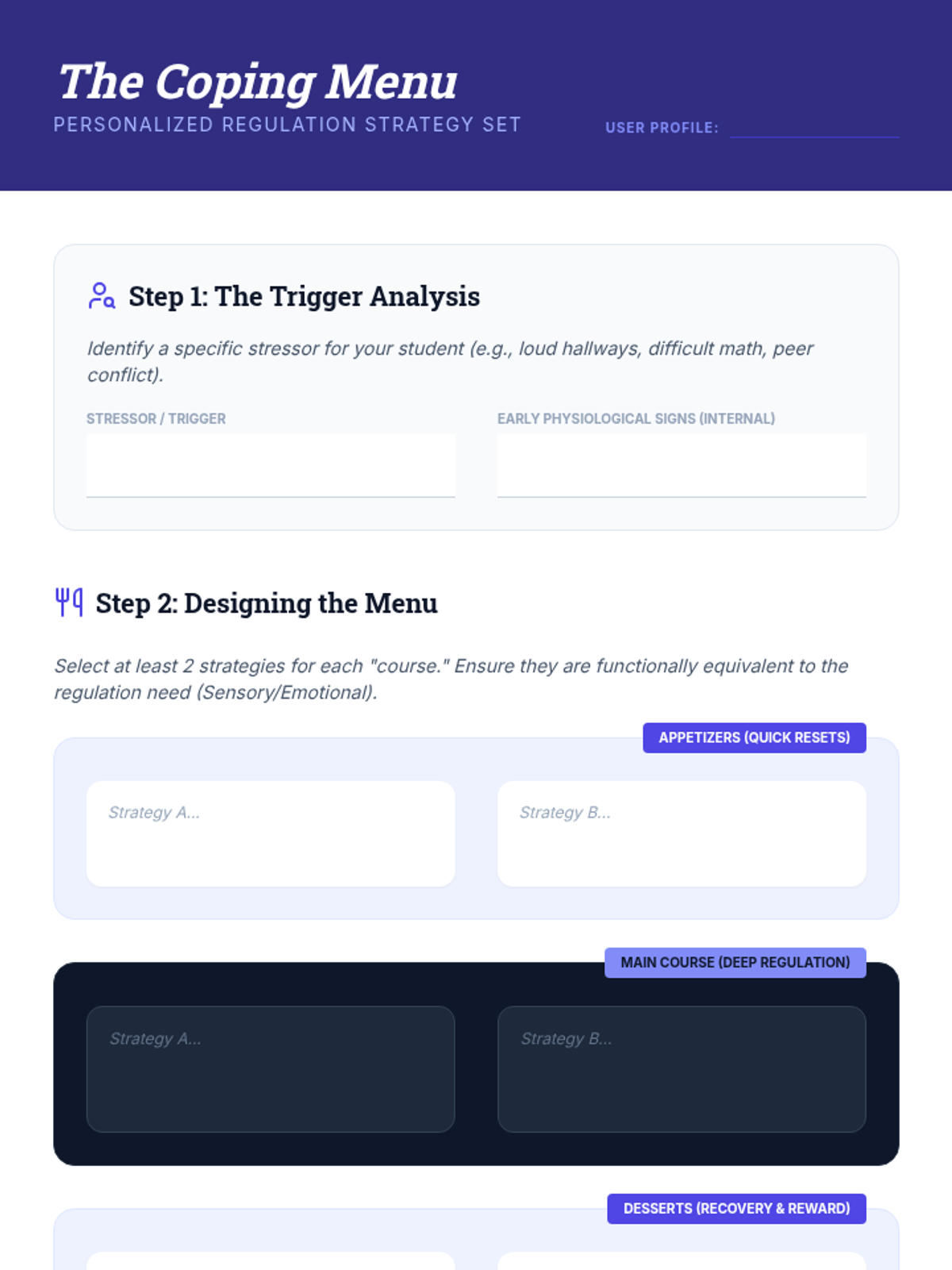
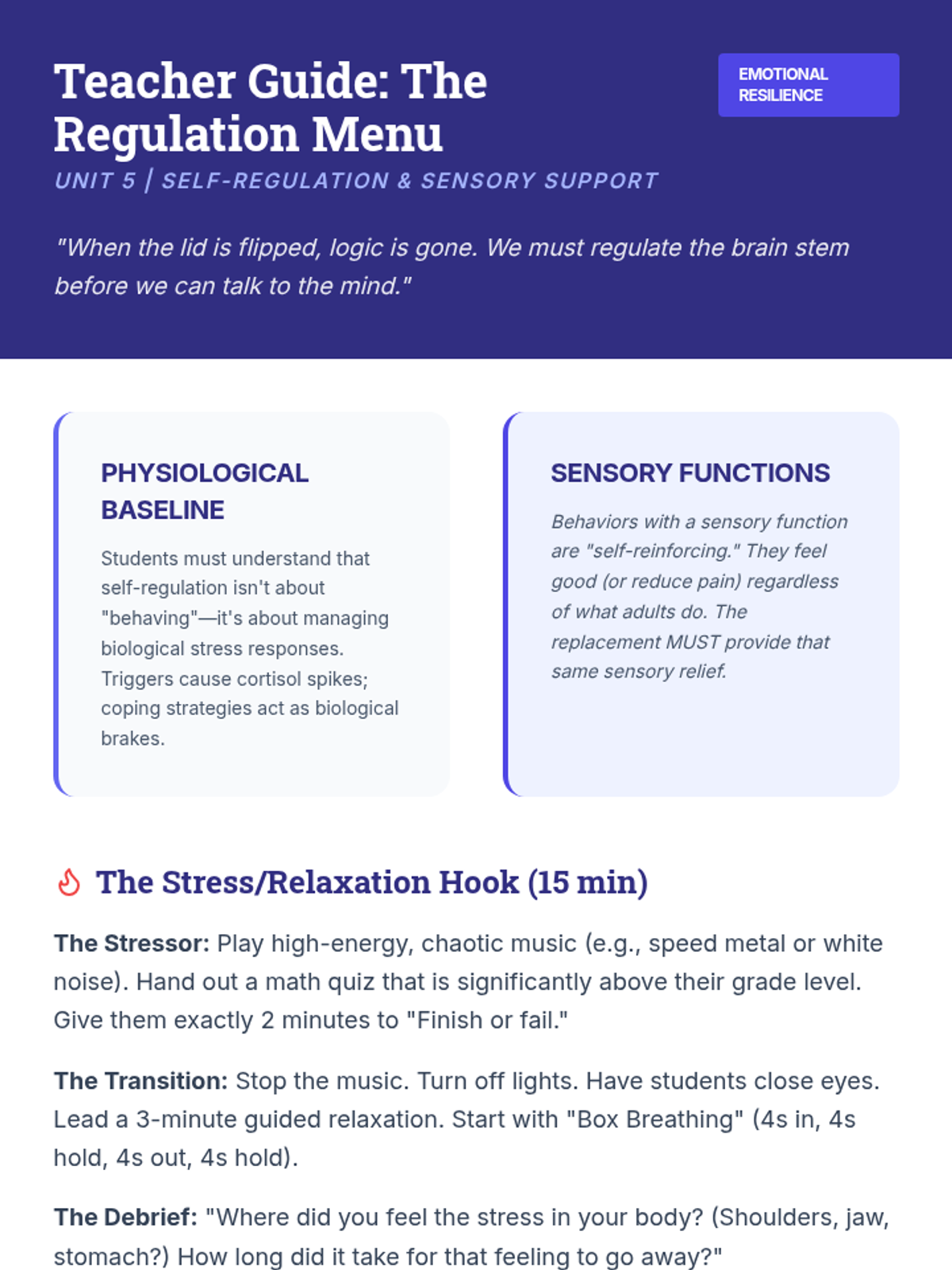
Students explore strategies for behaviors maintained by sensory or emotional functions. They learn to design "coping menus" that include physiological regulation and self-monitoring tools.
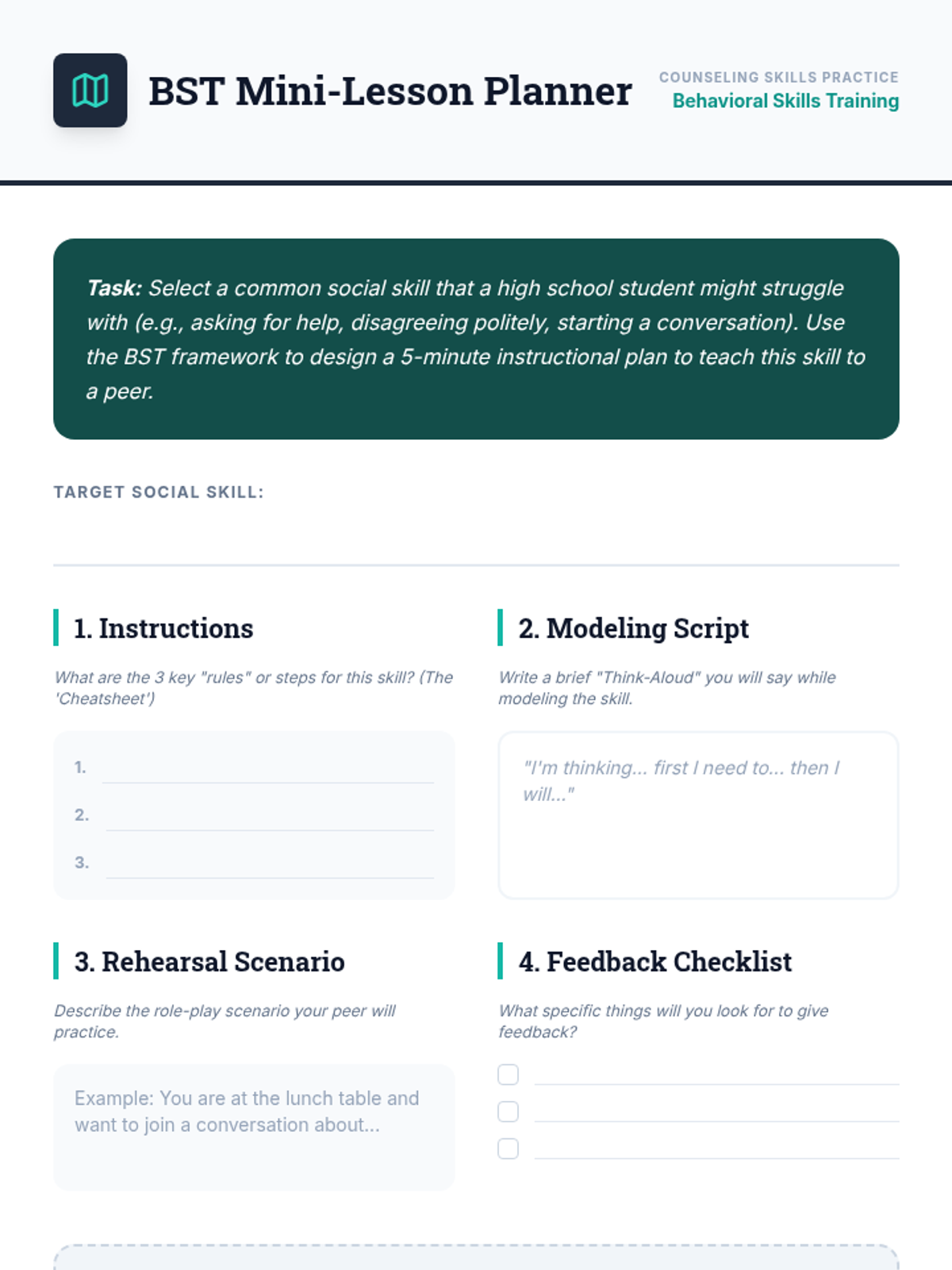
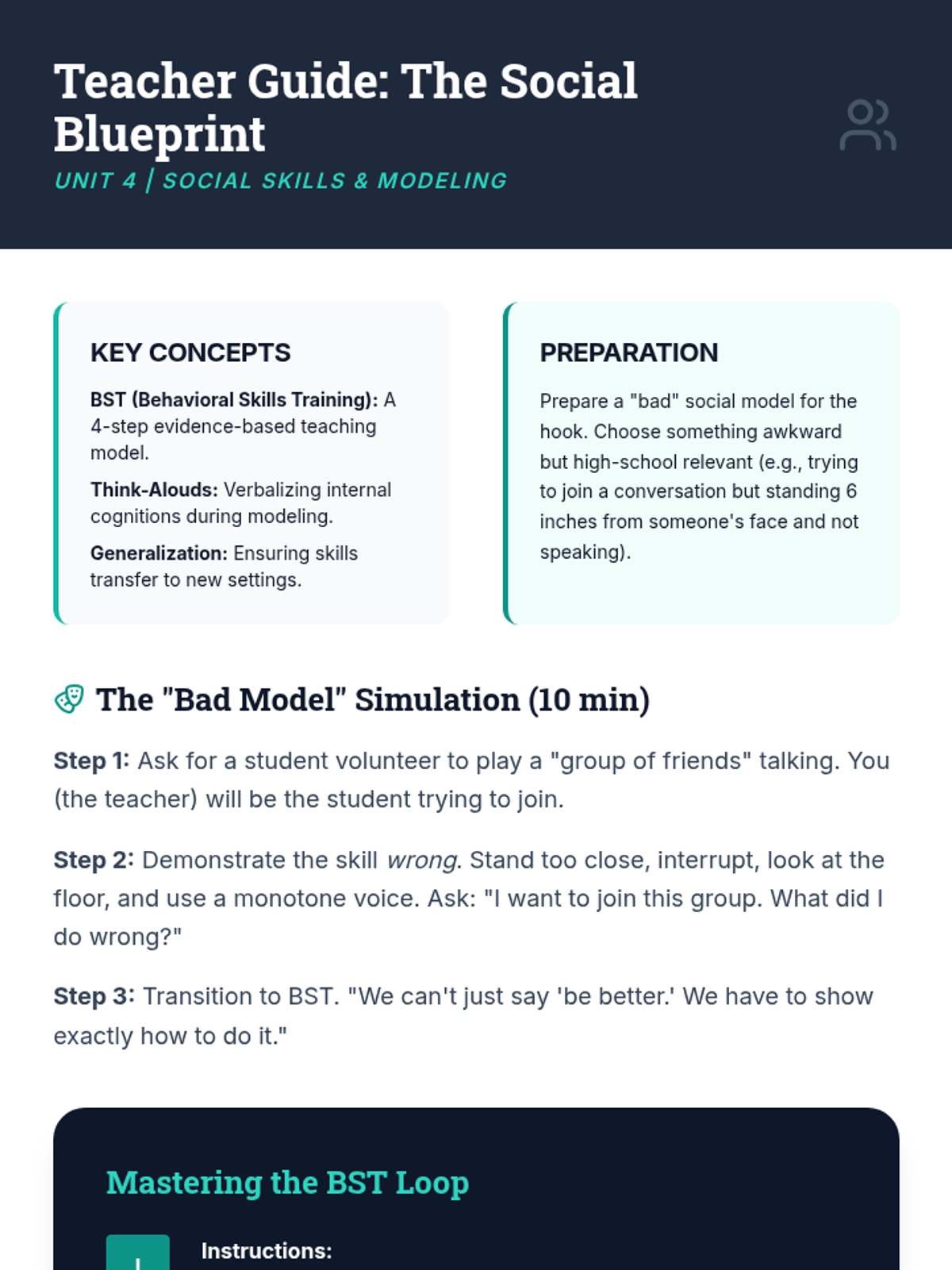
Students learn the Direct Instruction and Behavioral Skills Training (BST) models for teaching complex social behaviors. Focuses on modeling, rehearsal, and providing constructive feedback.
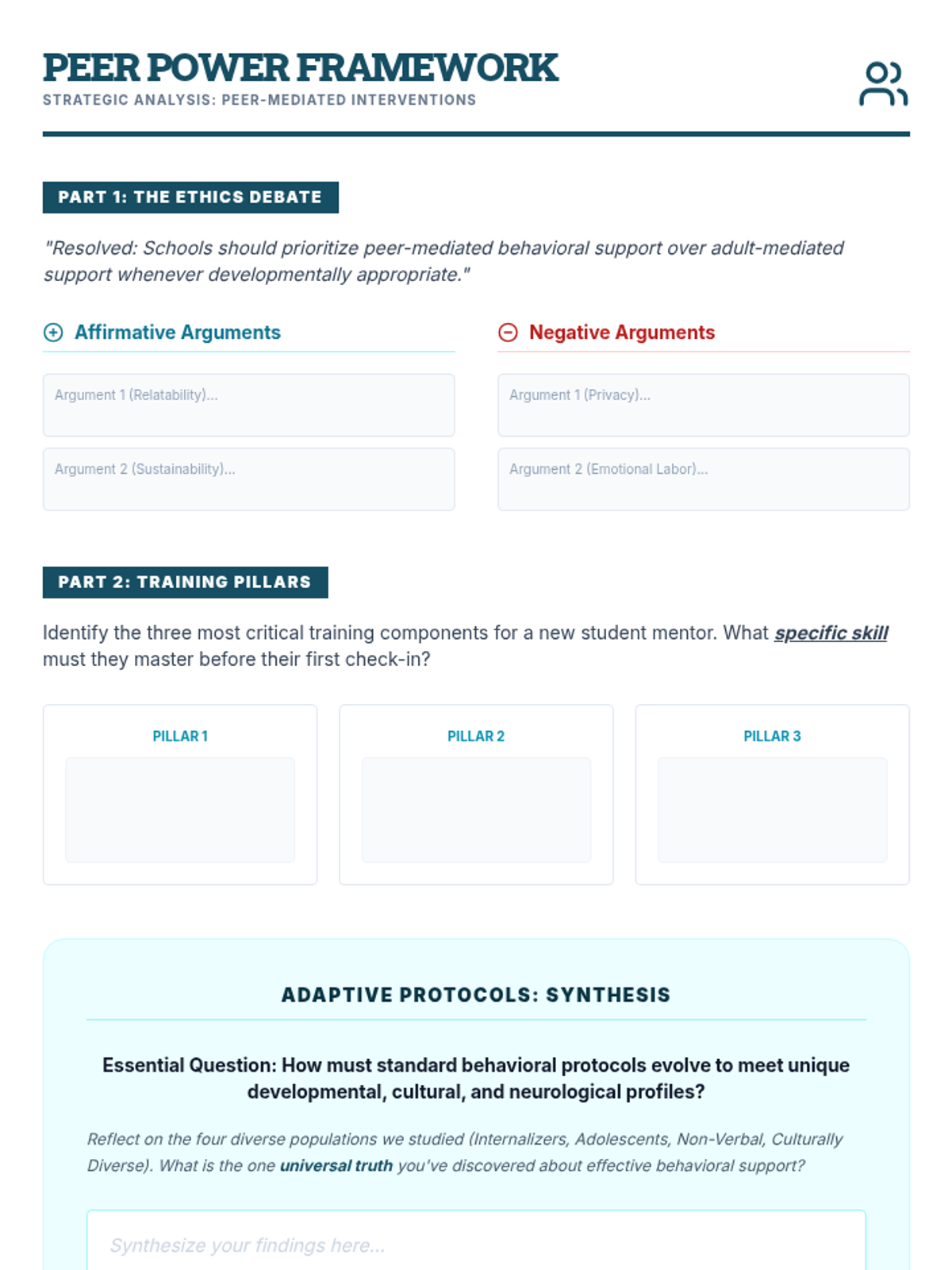
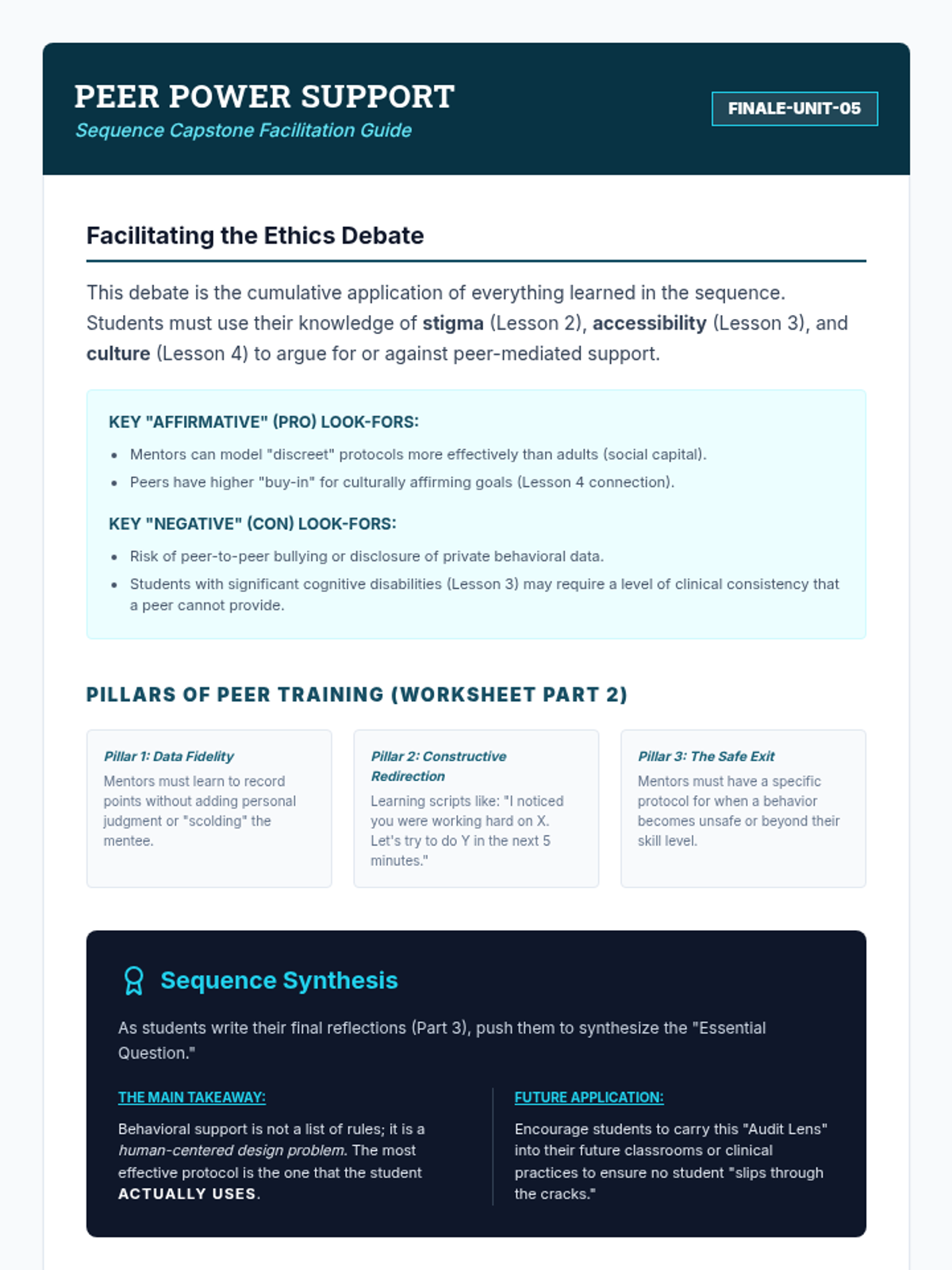
The sequence concludes with an evaluation of peer-to-peer check-in systems. Students debate the ethical and practical considerations of using students as behavioral mentors and design training protocols for peer leaders.
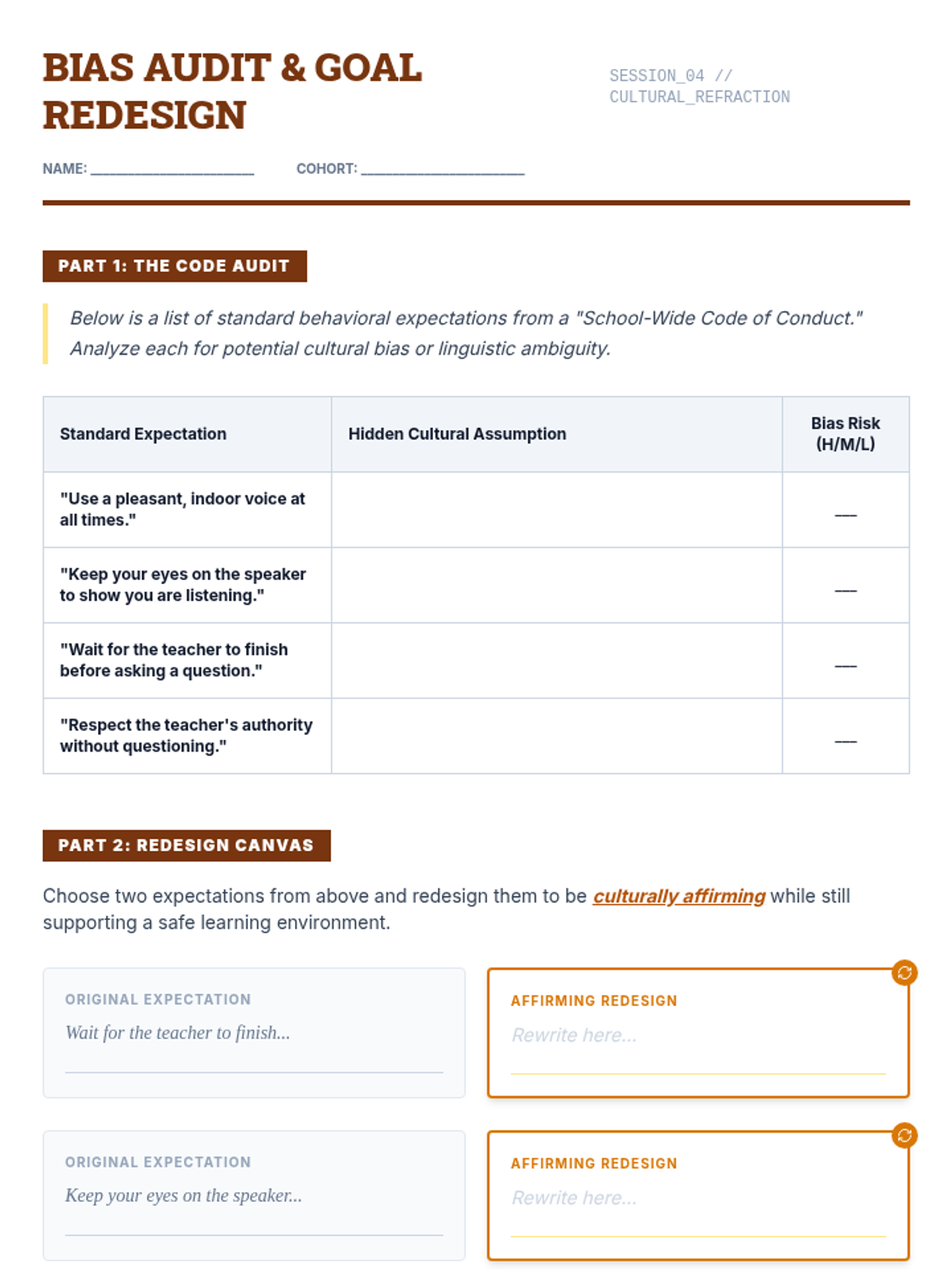
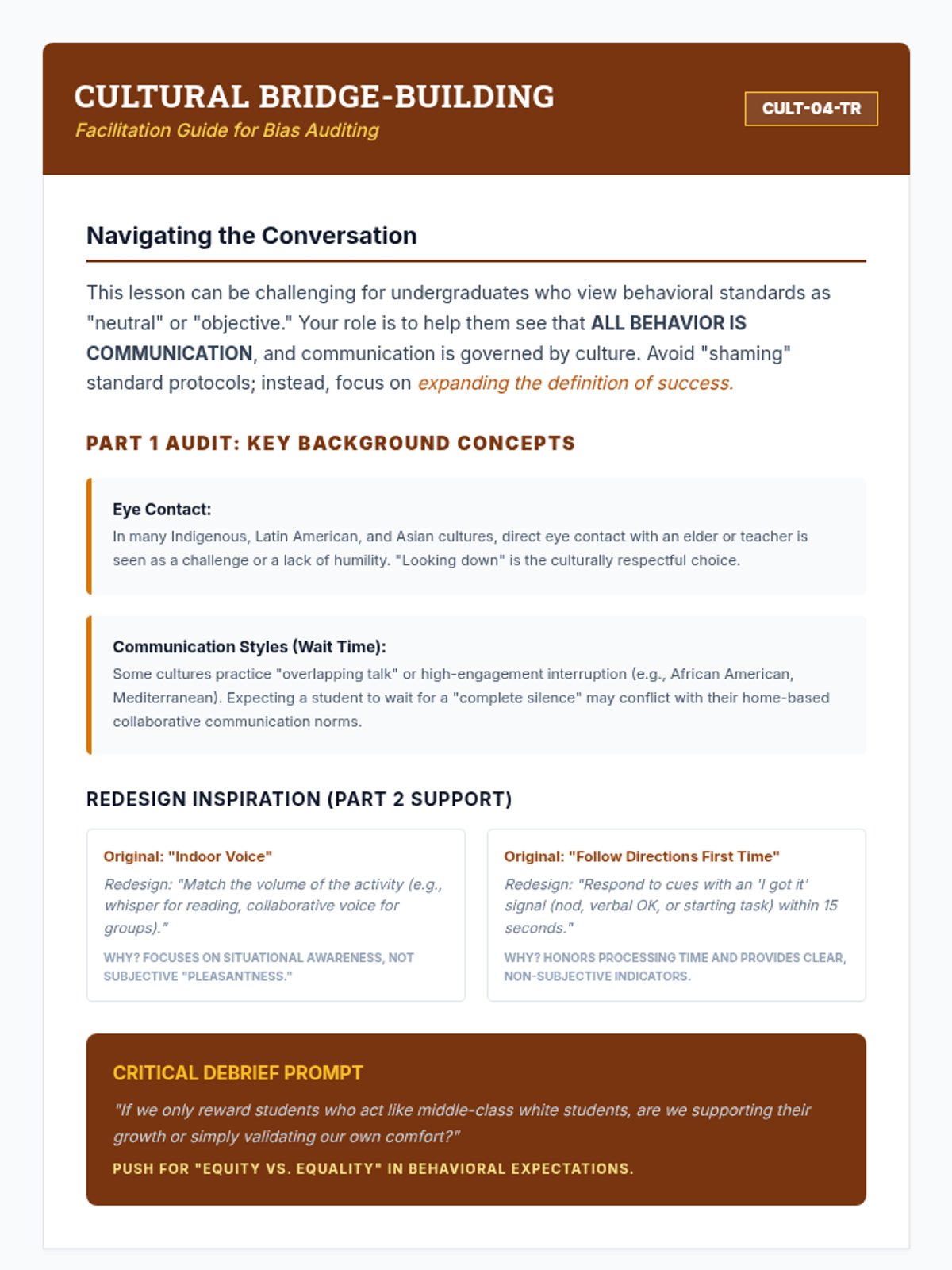
This lesson examines the potential for cultural bias in behavioral expectations. Students will audit standard behavioral codes of conduct and redesign goals to be culturally affirming and relevant to students' lived experiences.
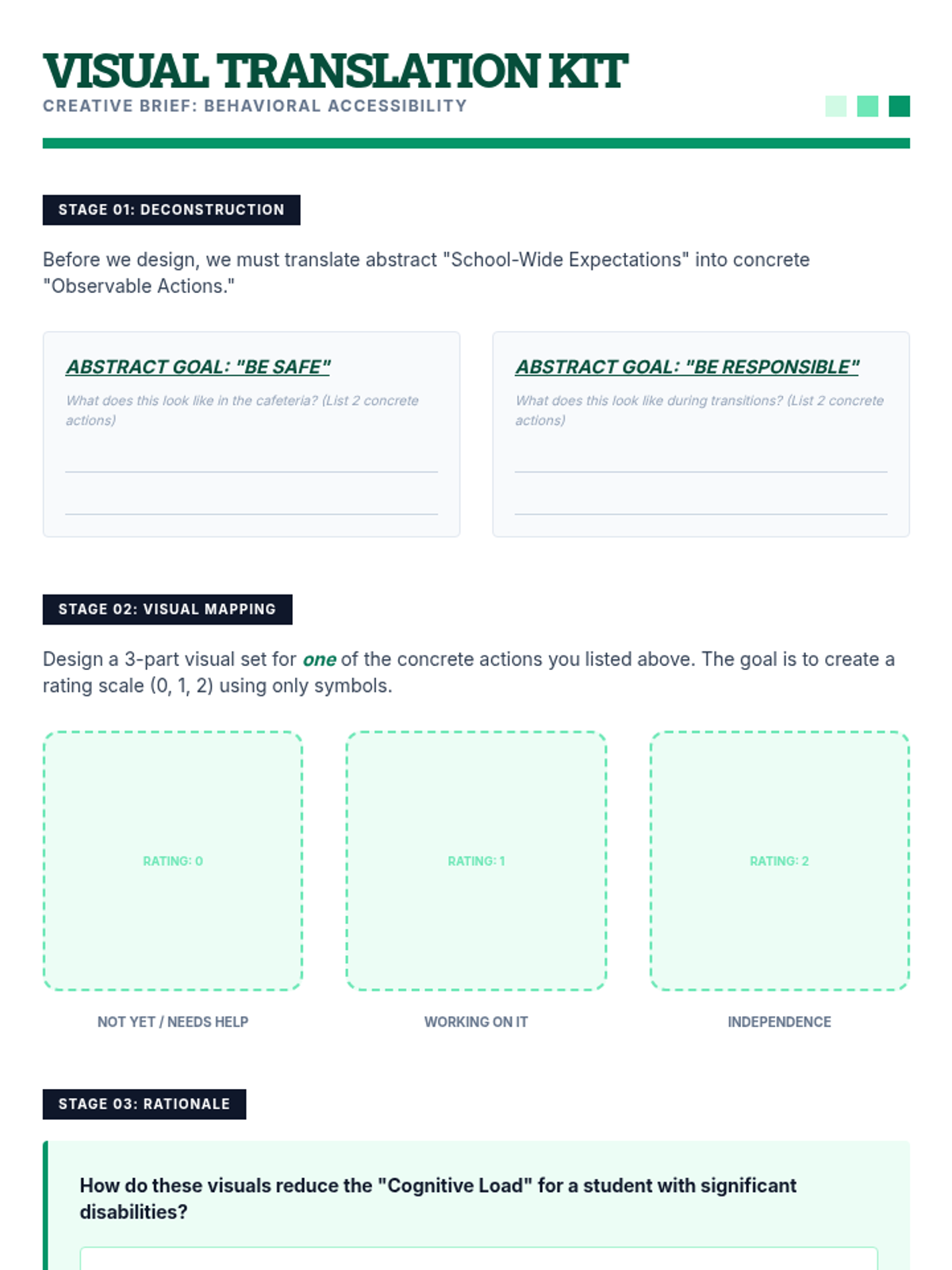
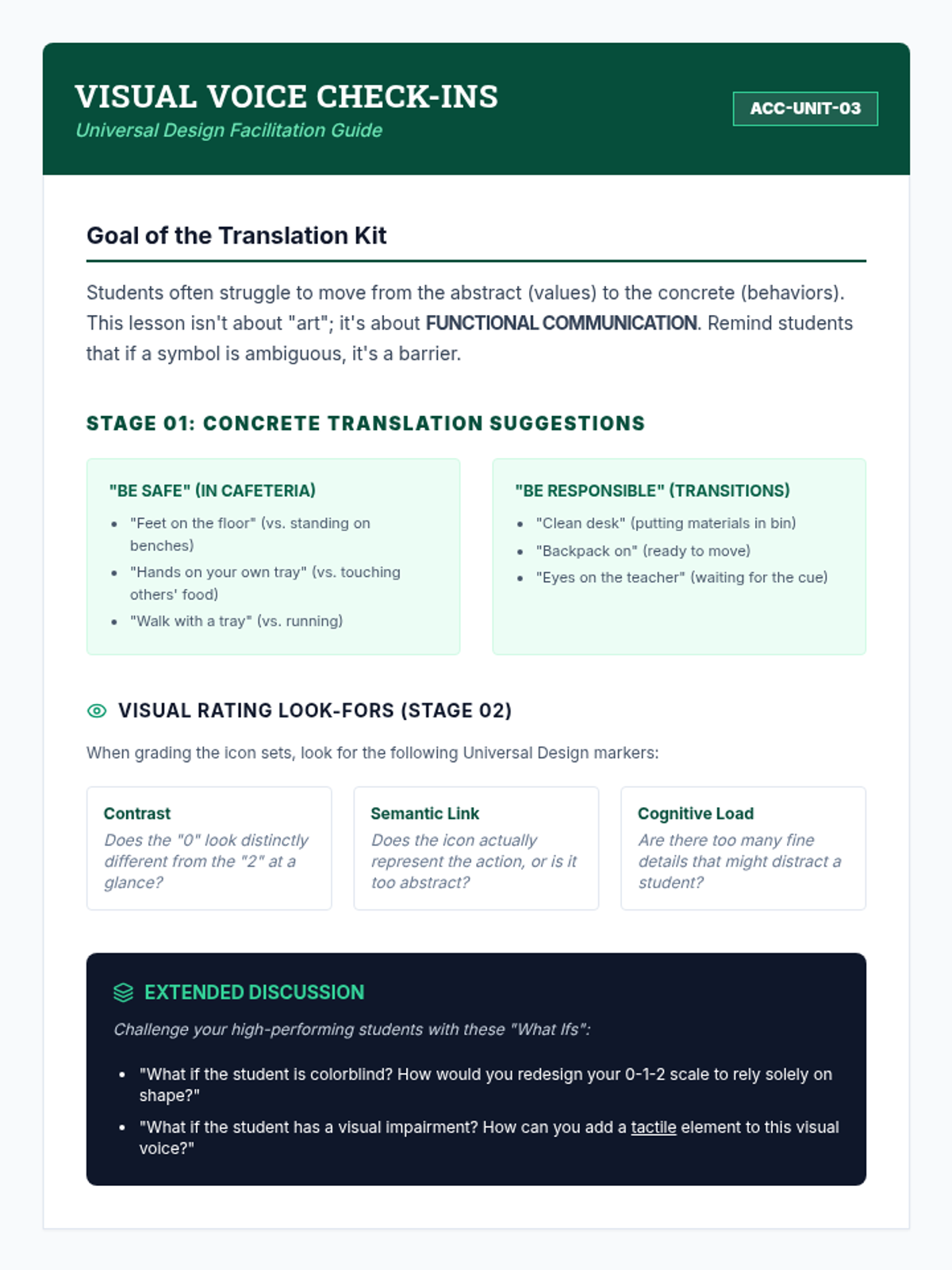
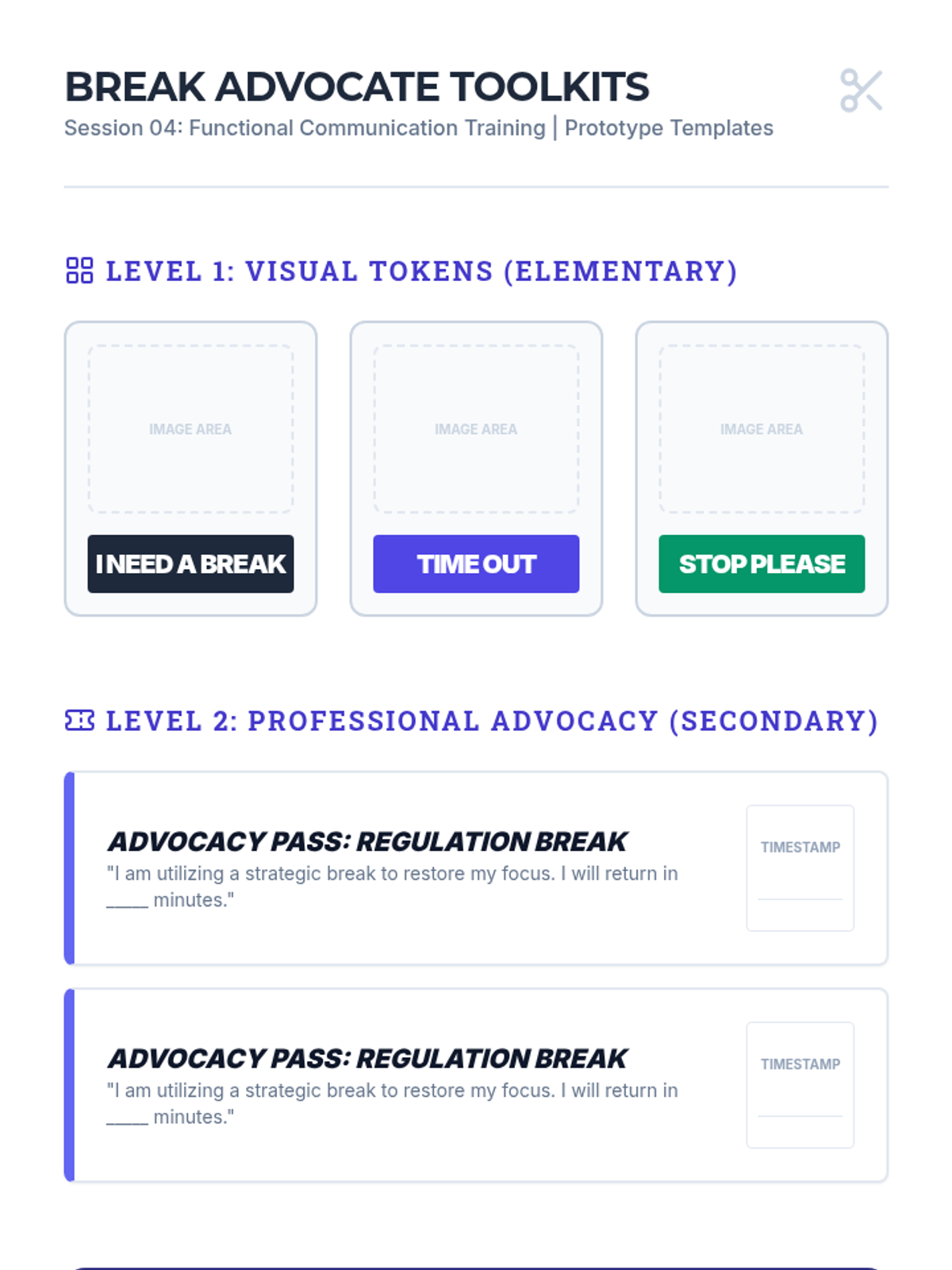
Students learn to utilize visual supports and non-text-based communication for students with cognitive disabilities or those who are non-verbal. They will practice translating abstract behavioral goals into concrete visual representations.
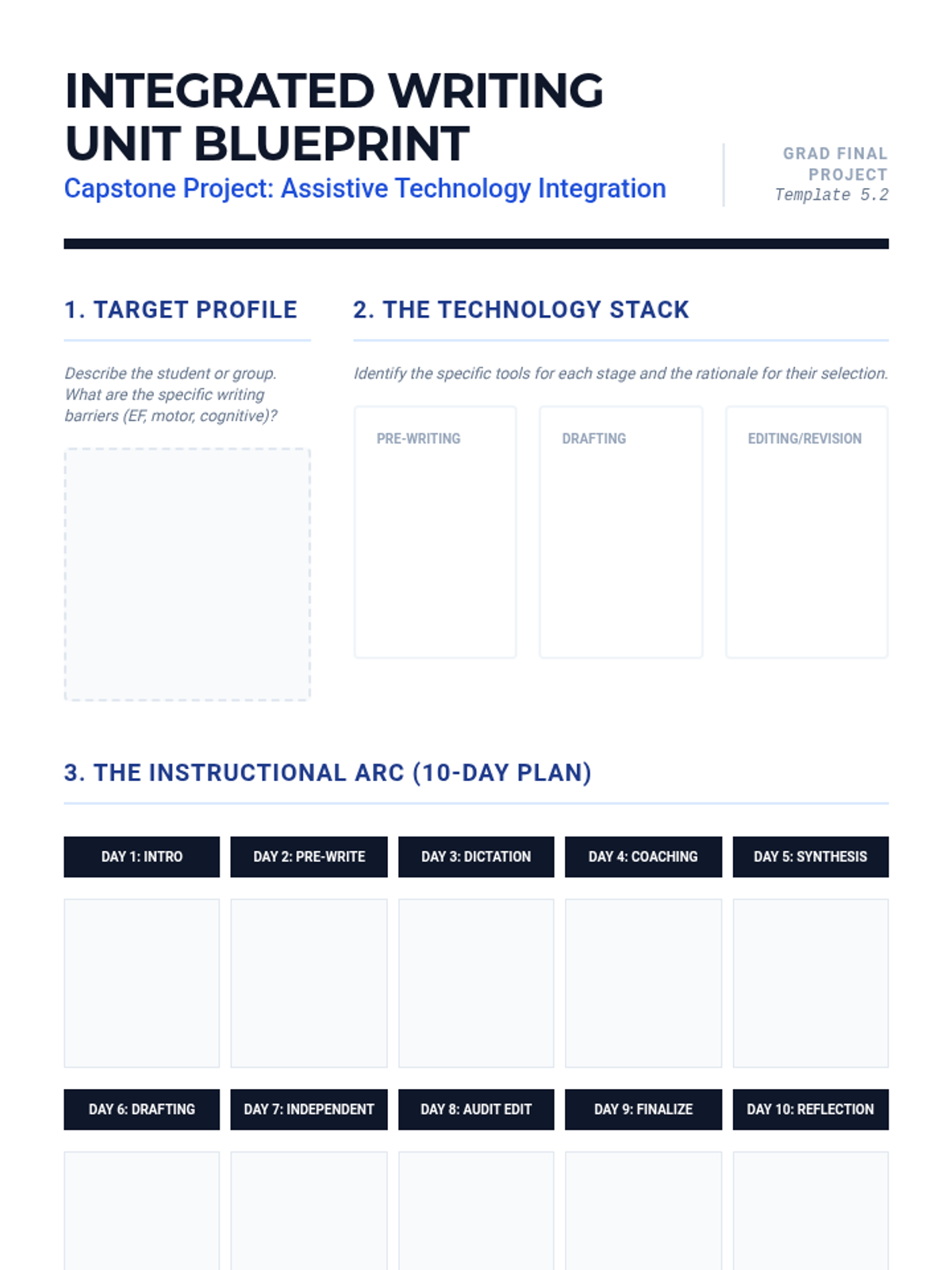
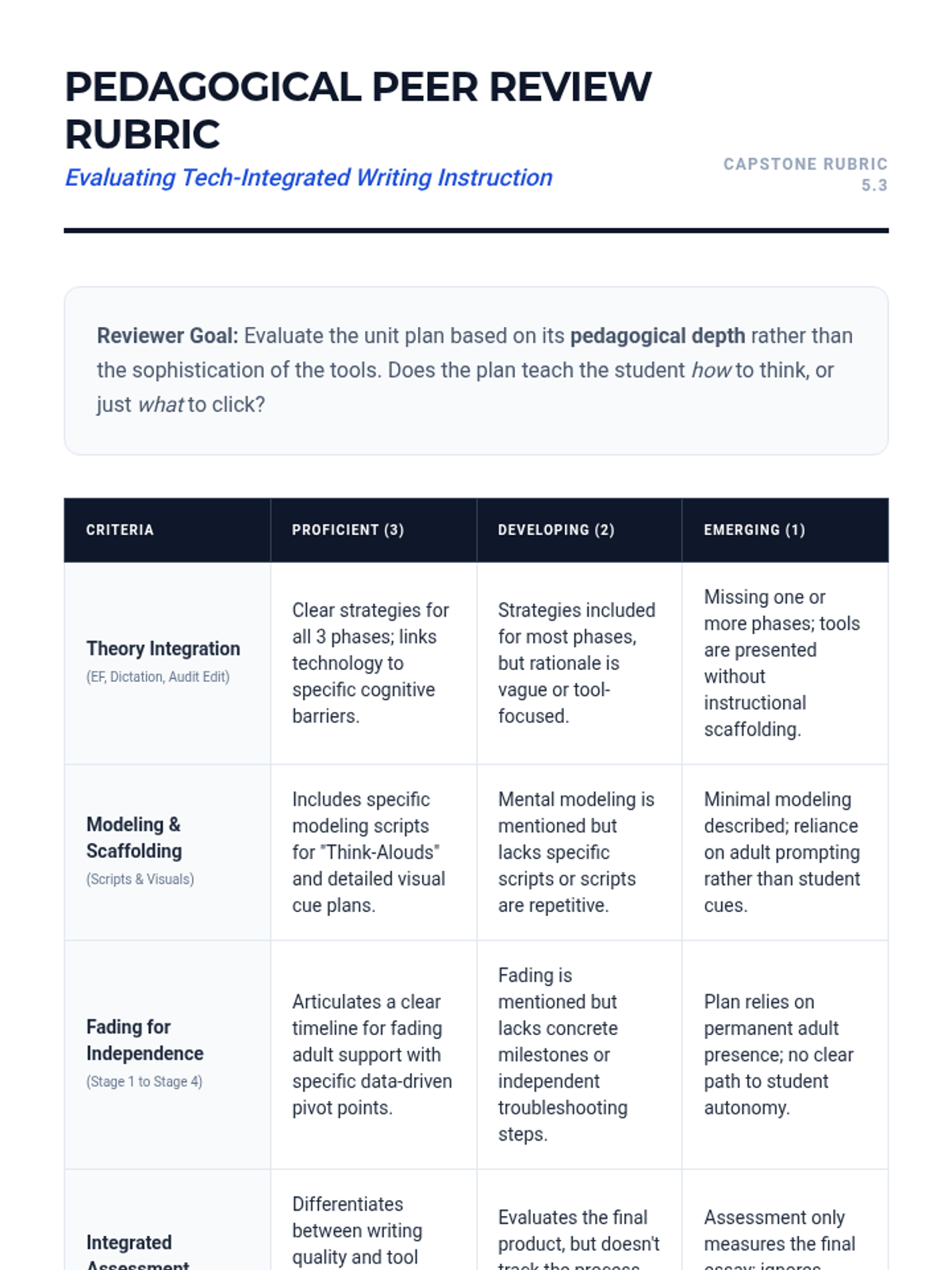
A synthesis lesson where participants design a 2-week writing unit integrating assistive technology. Includes modeling, guided practice, and assessment of tech-integrated writing products.
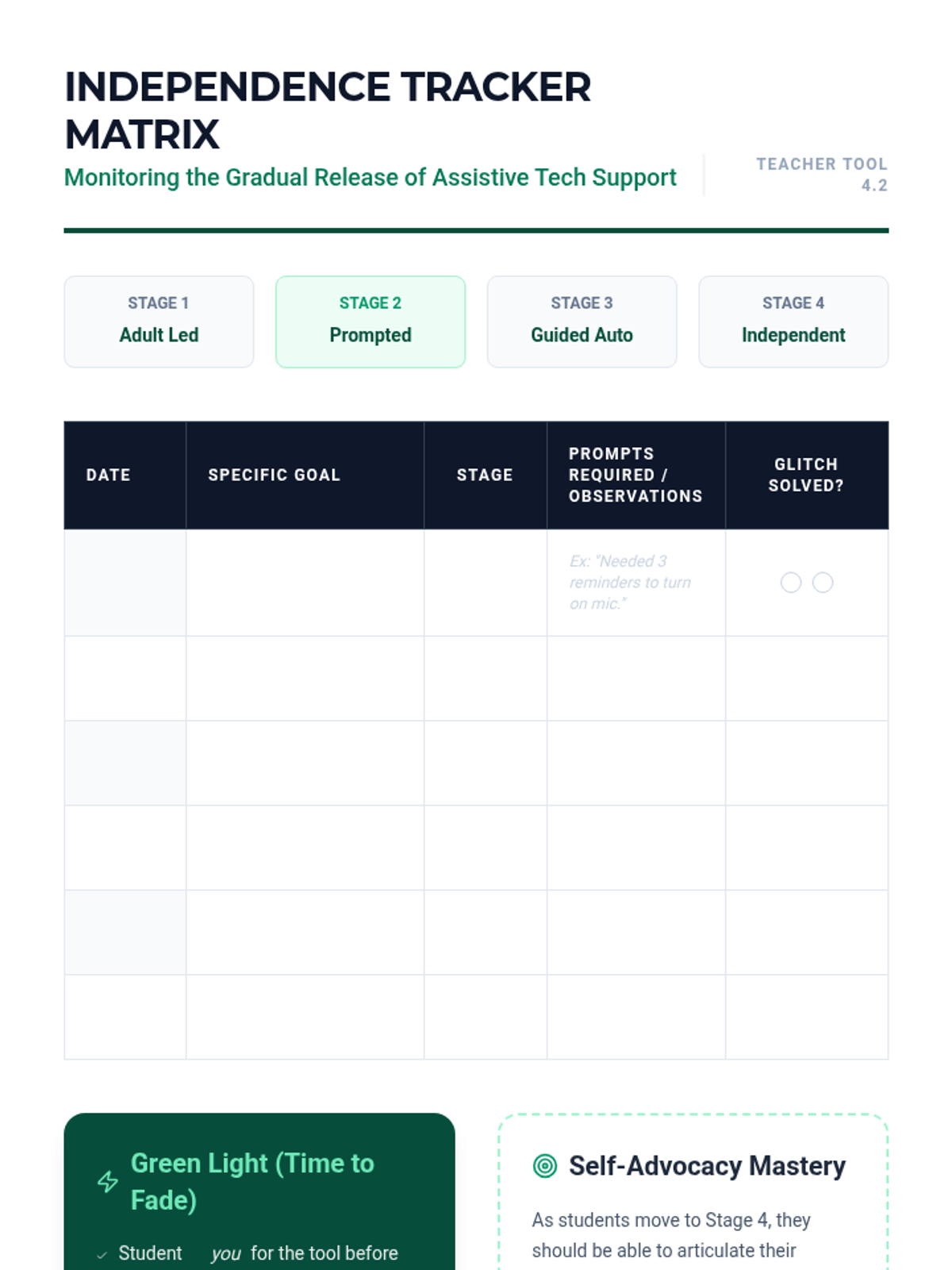
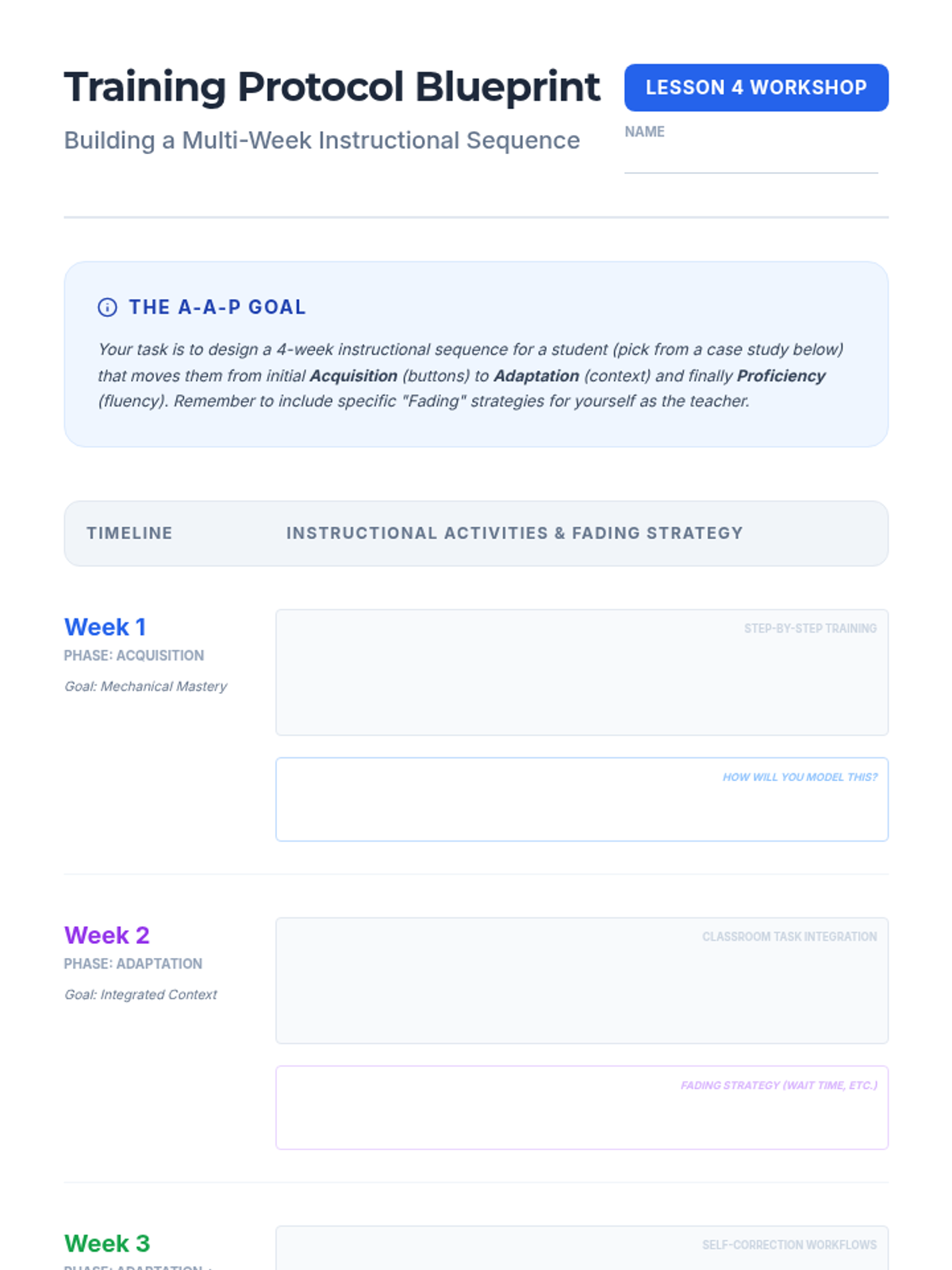
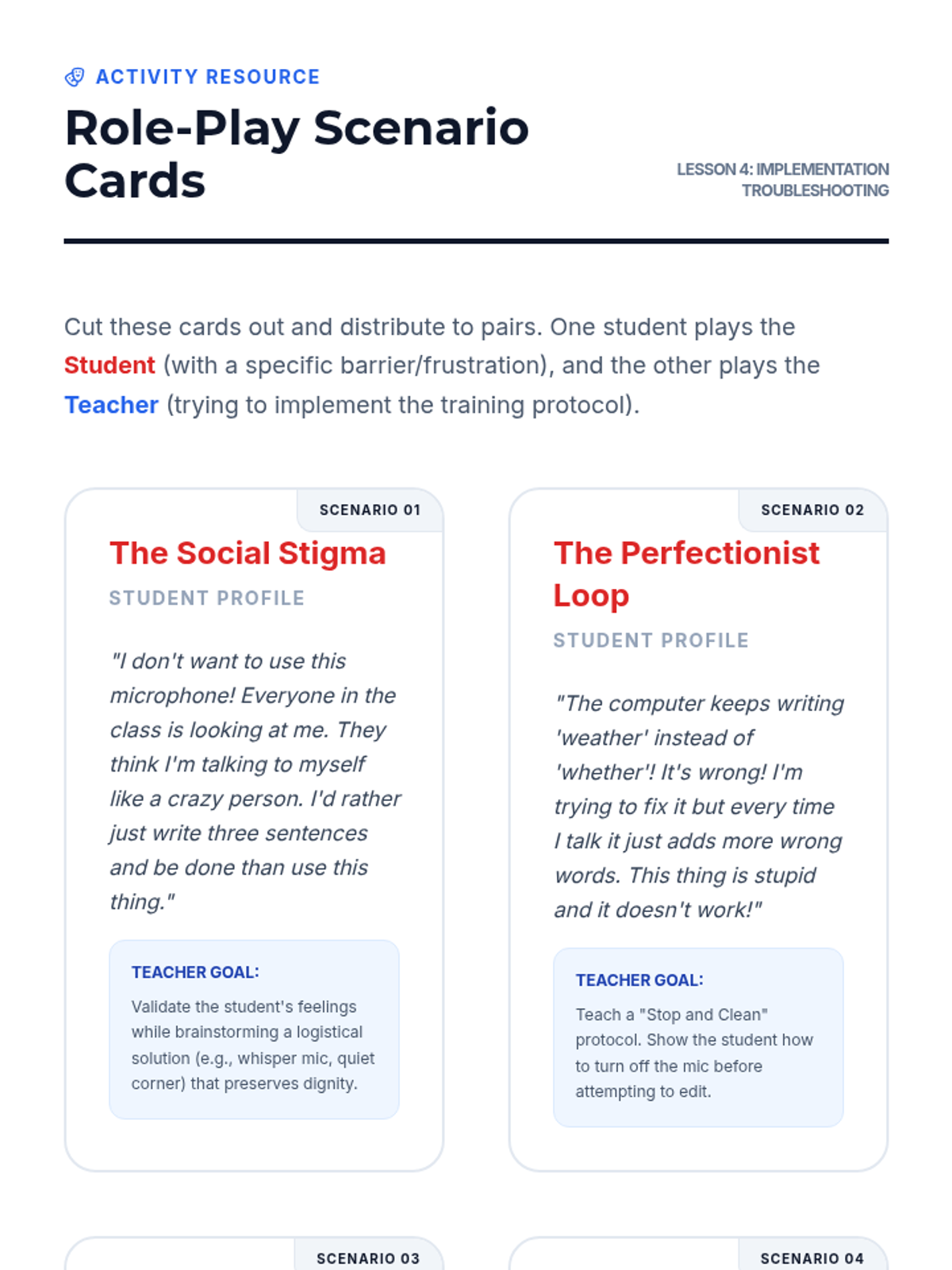
Addresses the transition from adult-prompted technology use to student independence. Focuses on data-driven fading plans and teaching students to manage their own troubleshooting.
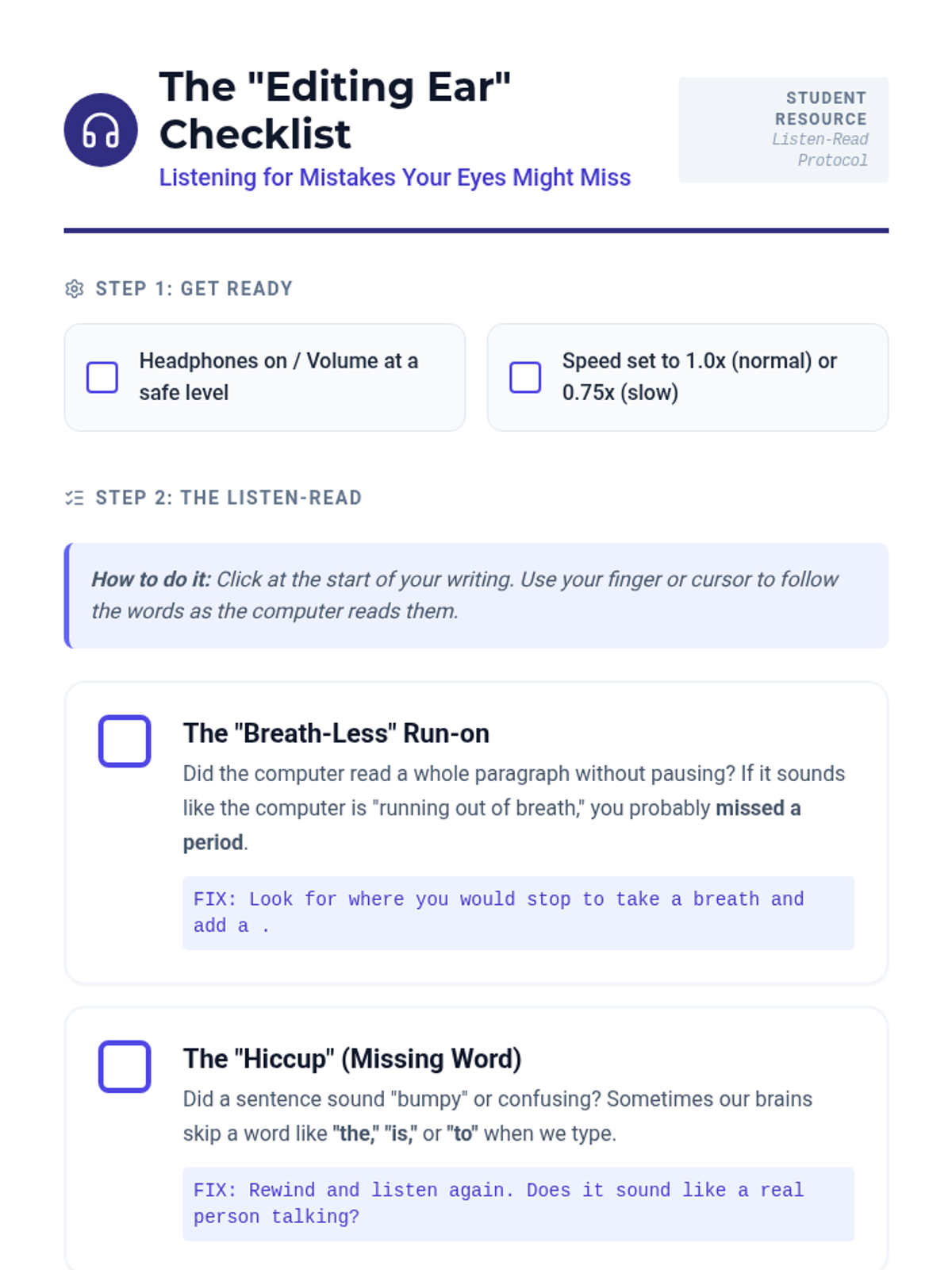
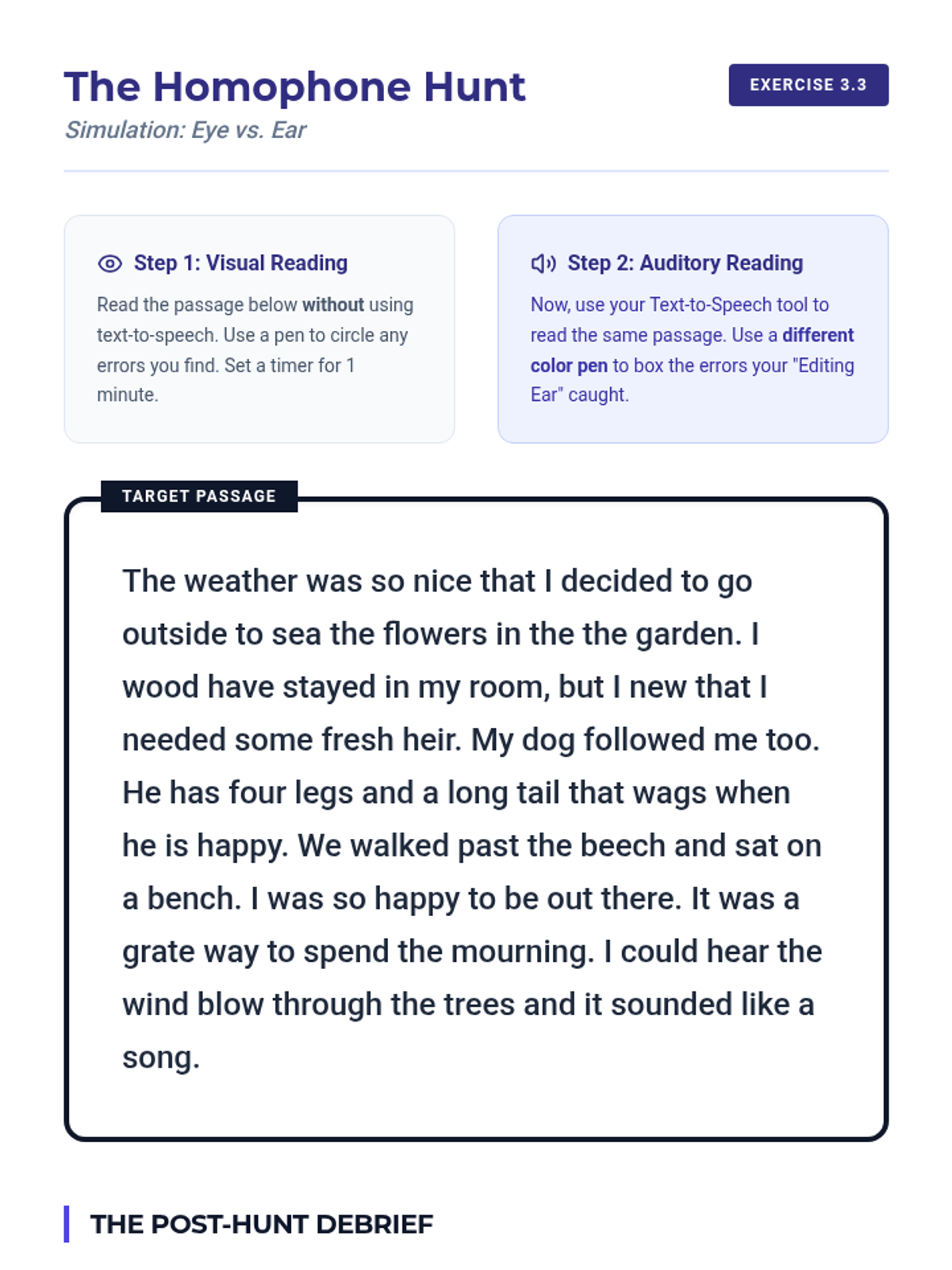
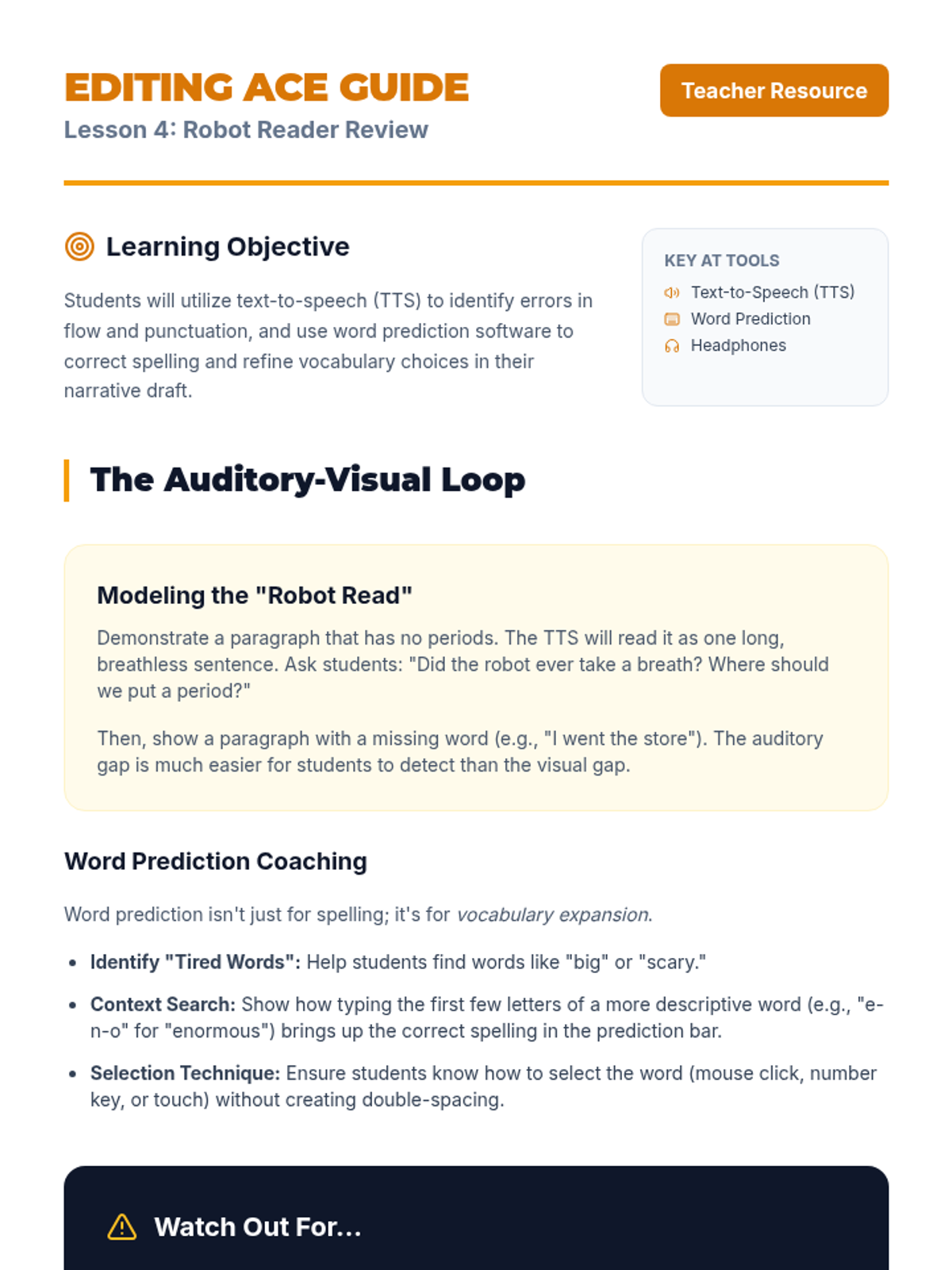
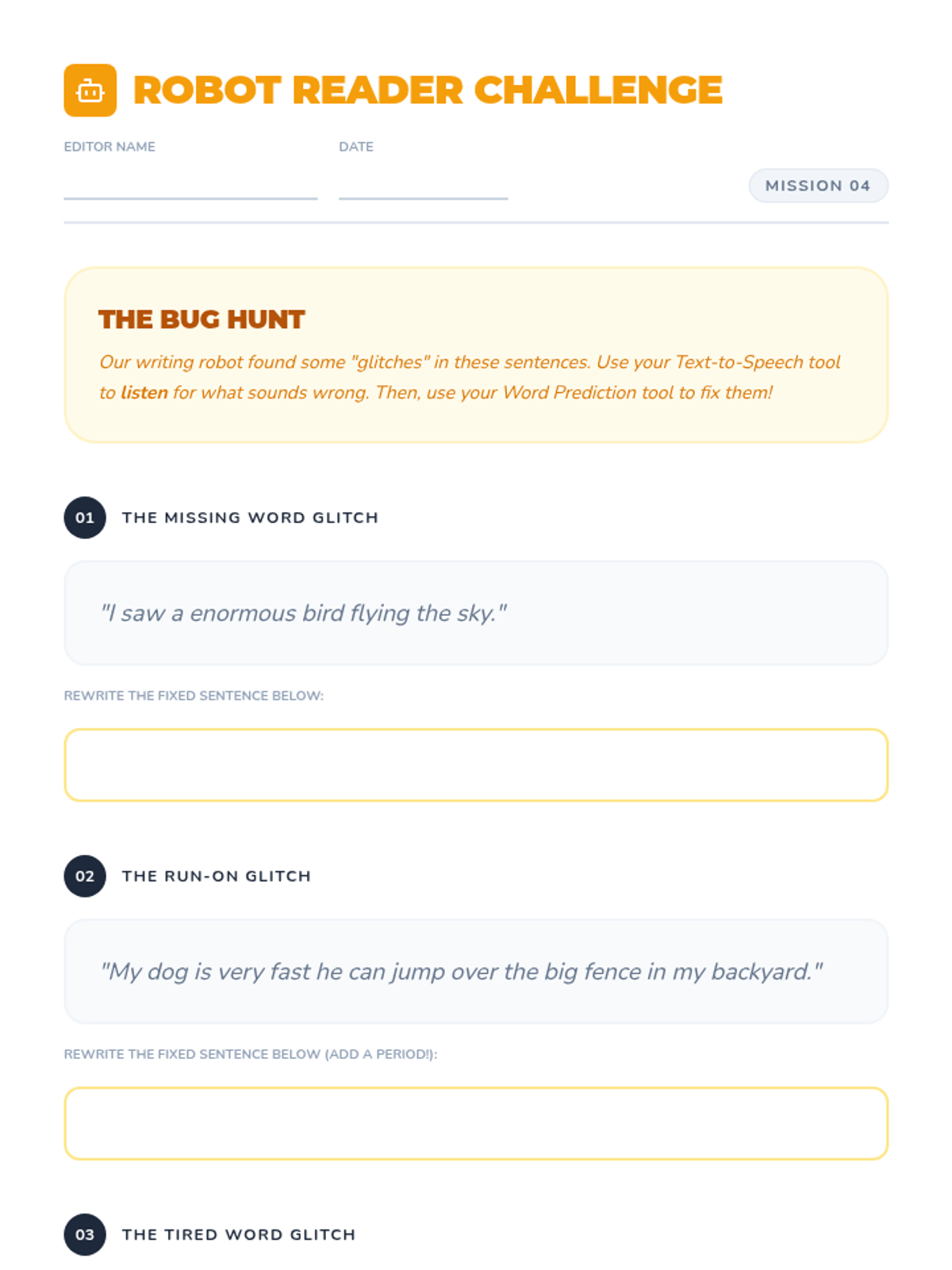
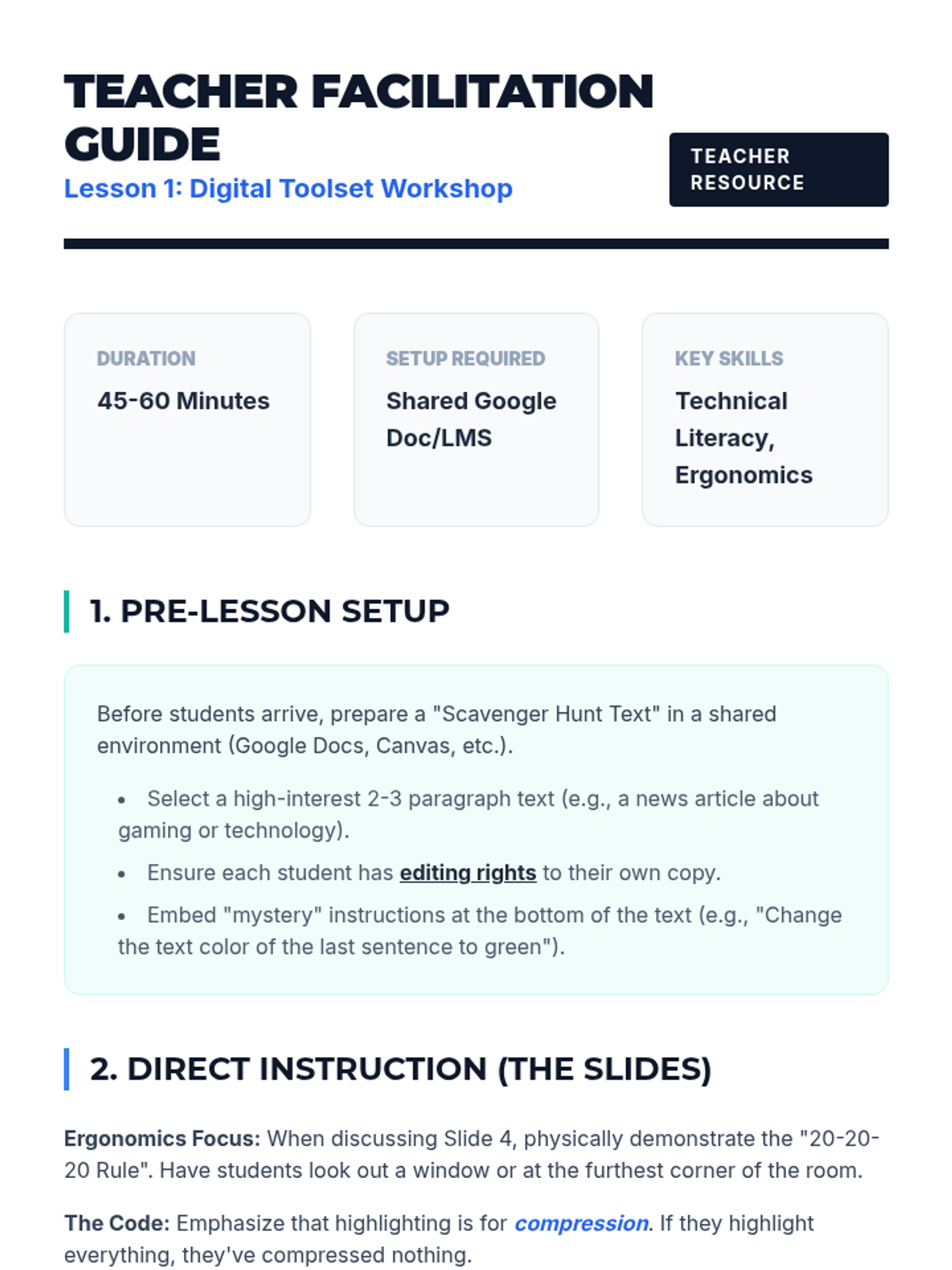
Teaches the 'Listen-Read' method for auditory editing using Text-to-Speech (TTS). Participants develop student checklists to catch syntax errors and omissions that visual reading might miss.
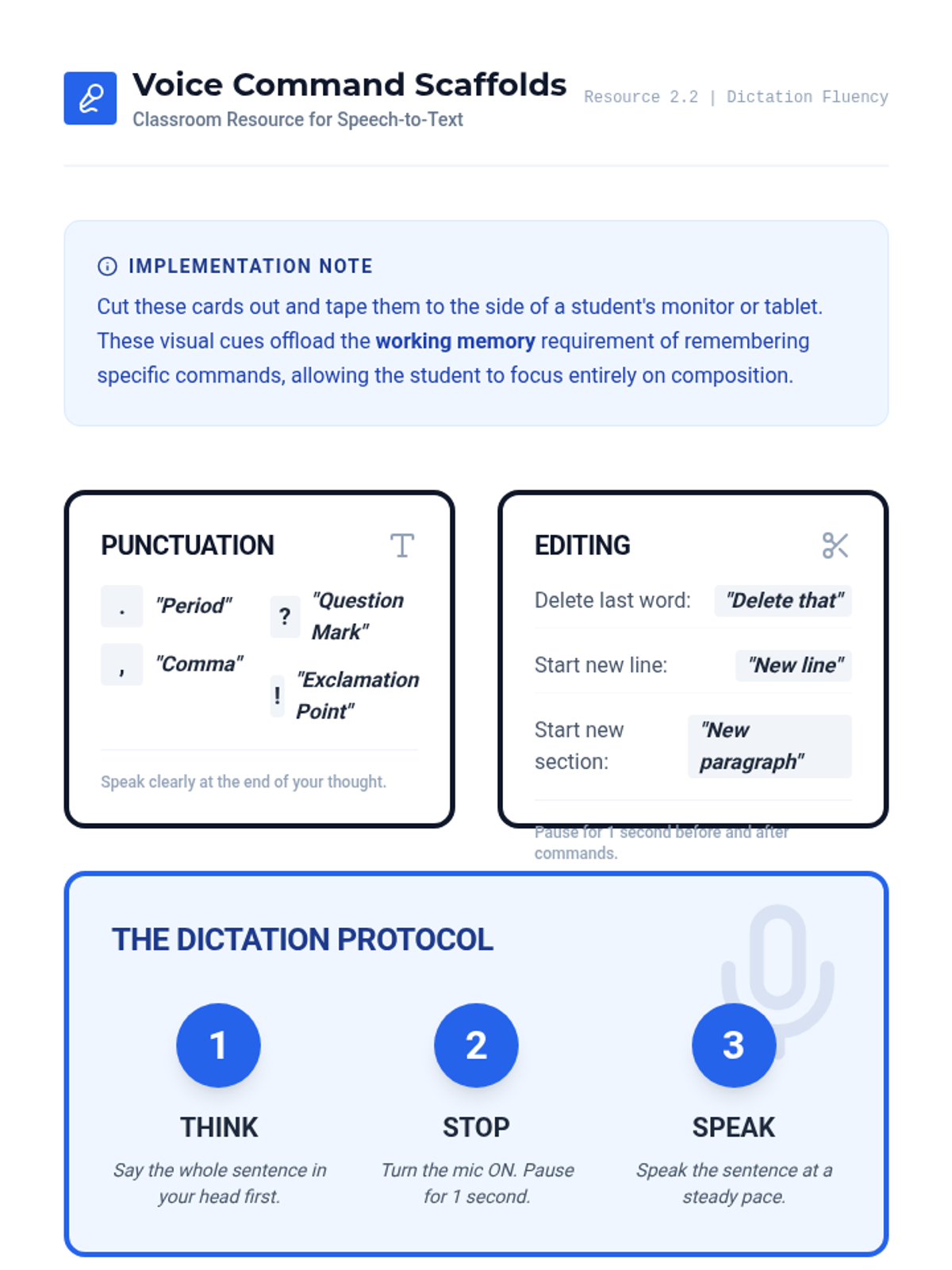
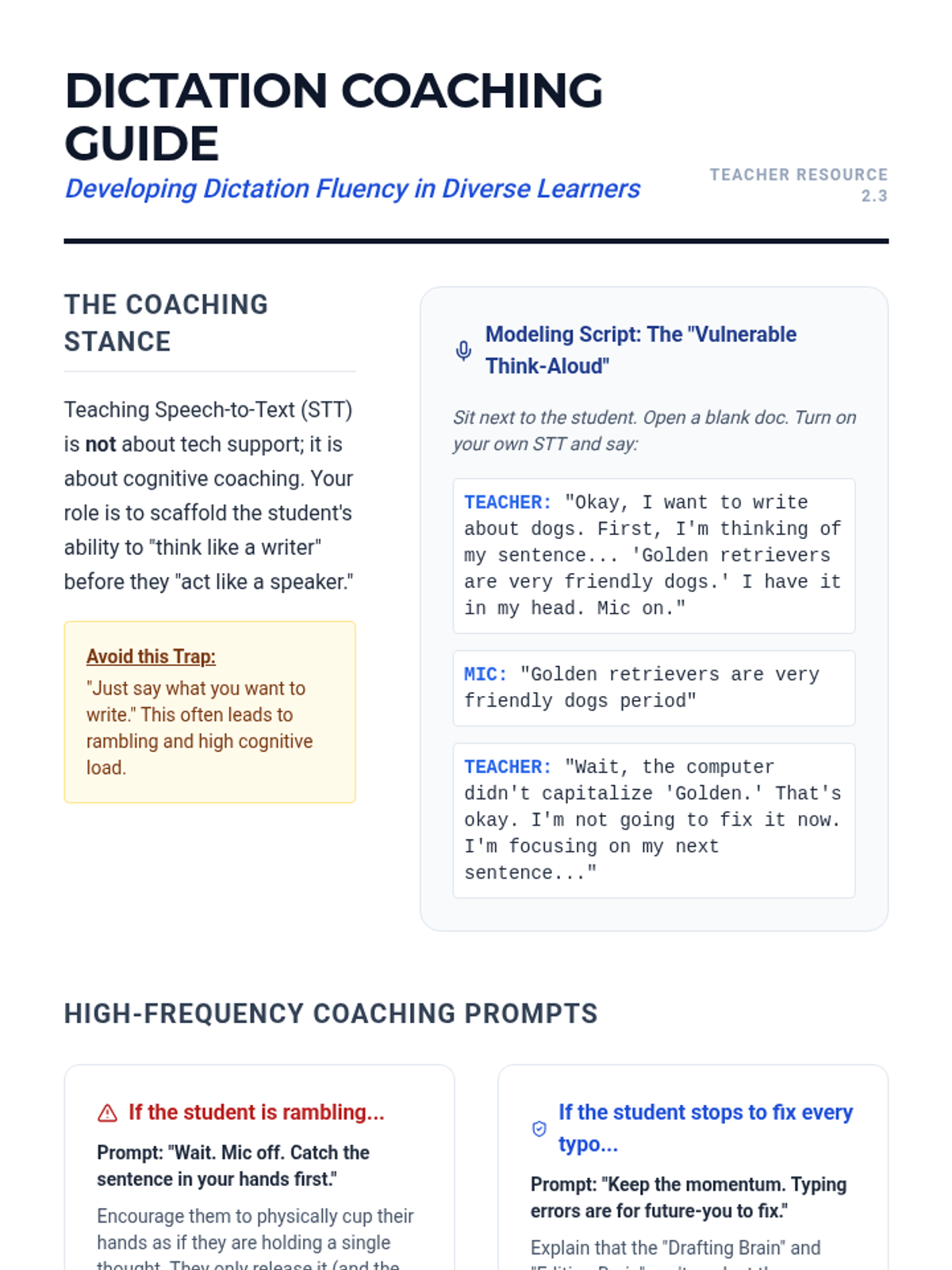
Focuses on 'dictation fluency' and the coaching techniques required for effective speech-to-text use. Covers 'think-alouds', short-burst drafting, and creating visual scaffolds for voice commands.
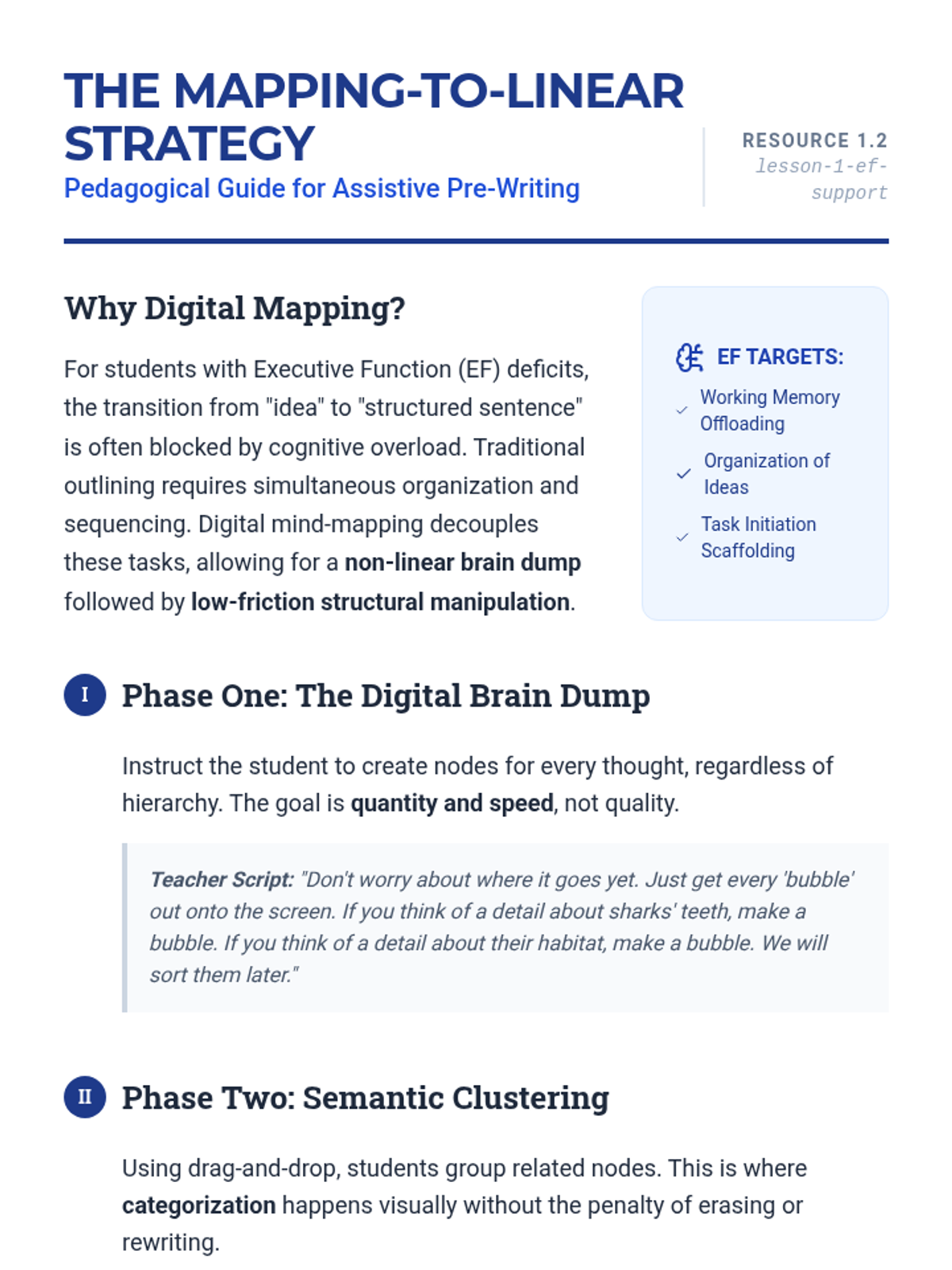
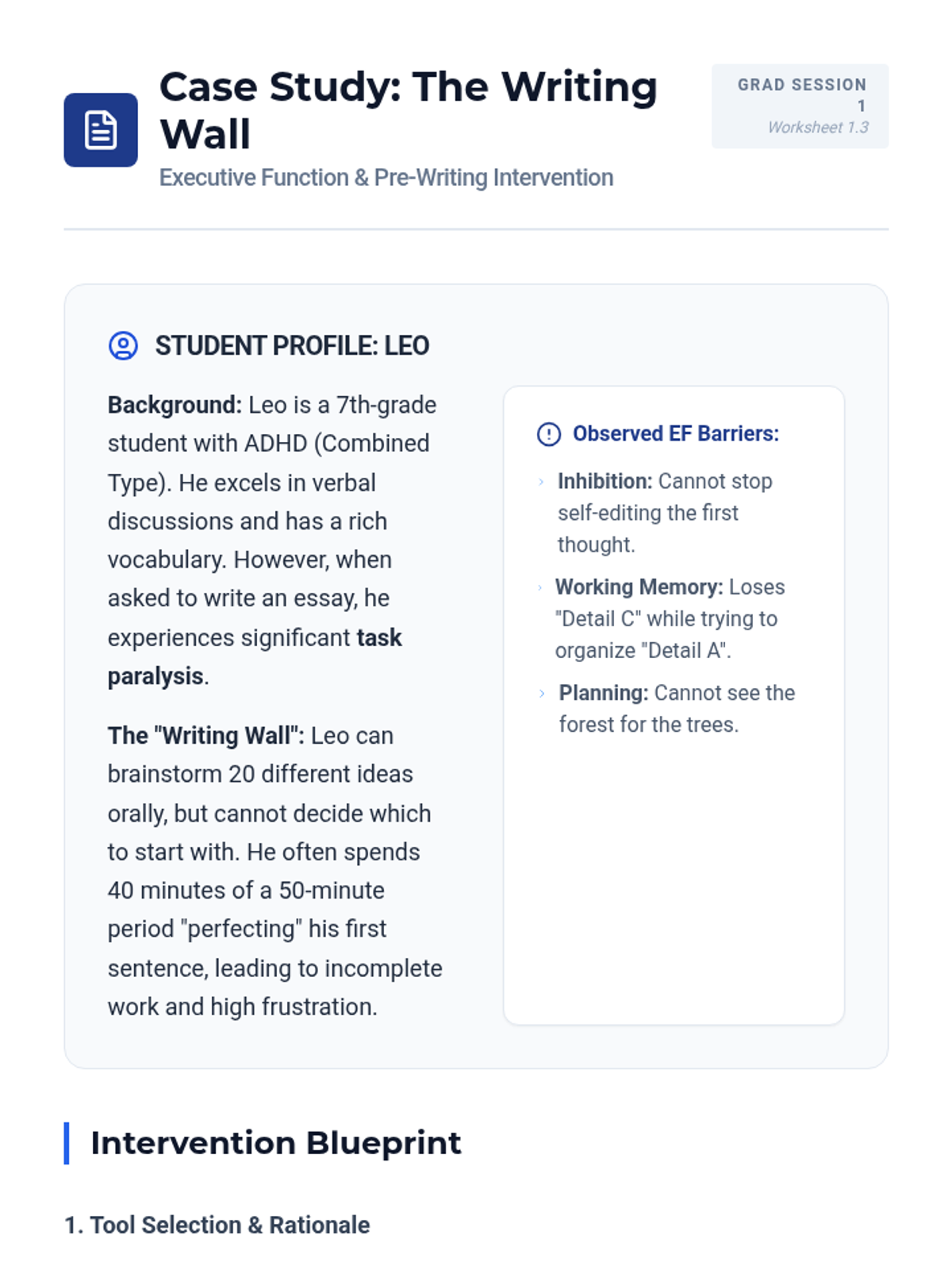
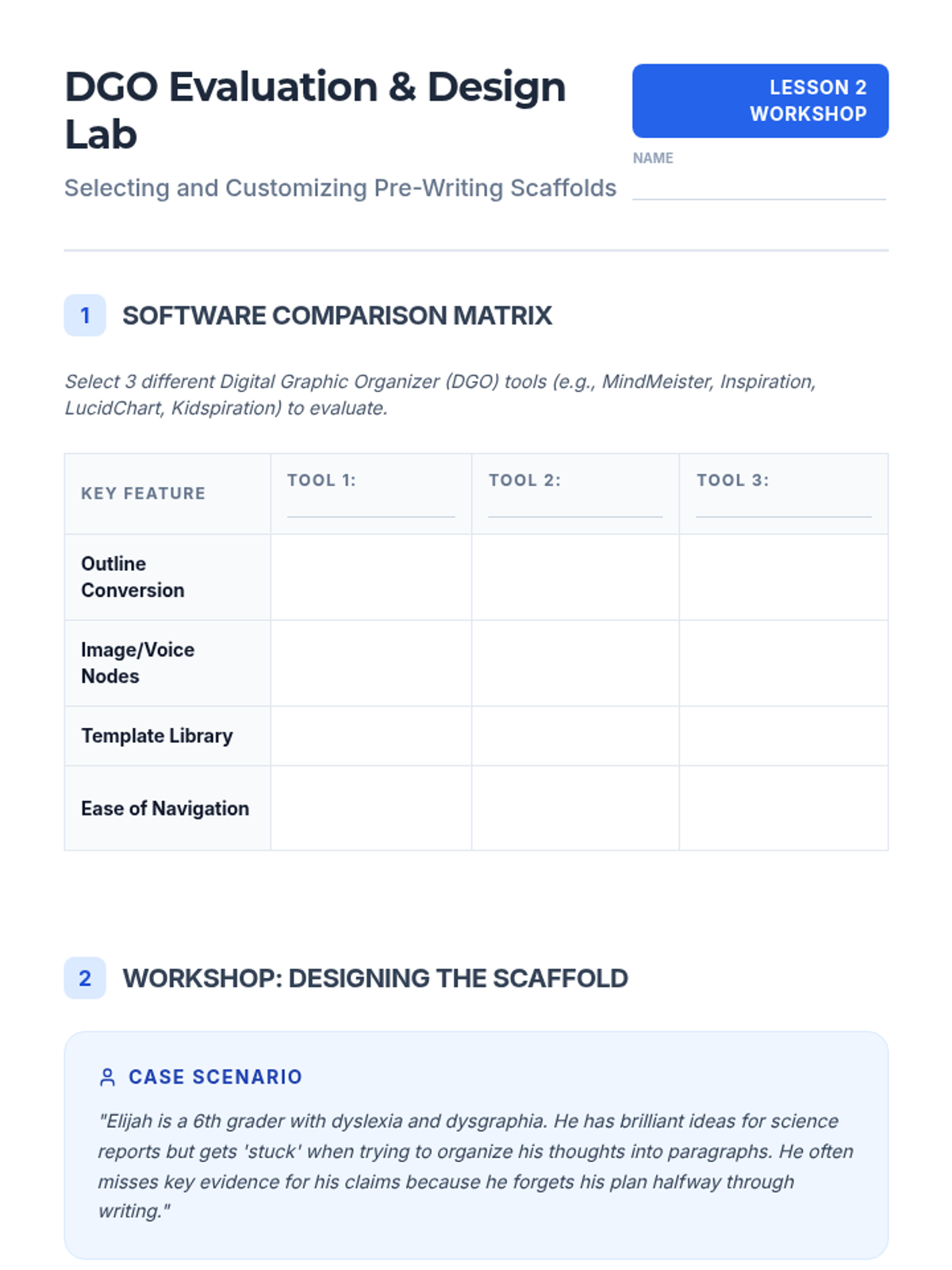
Explores how digital graphic organizers support executive function in the pre-writing stage. Graduate students learn to teach the conversion of mind-maps to linear outlines using drag-and-drop technology.
Master the legal and administrative requirements for documenting AT in the IEP. Draft SMART goals and data-driven justification statements for assistive devices.
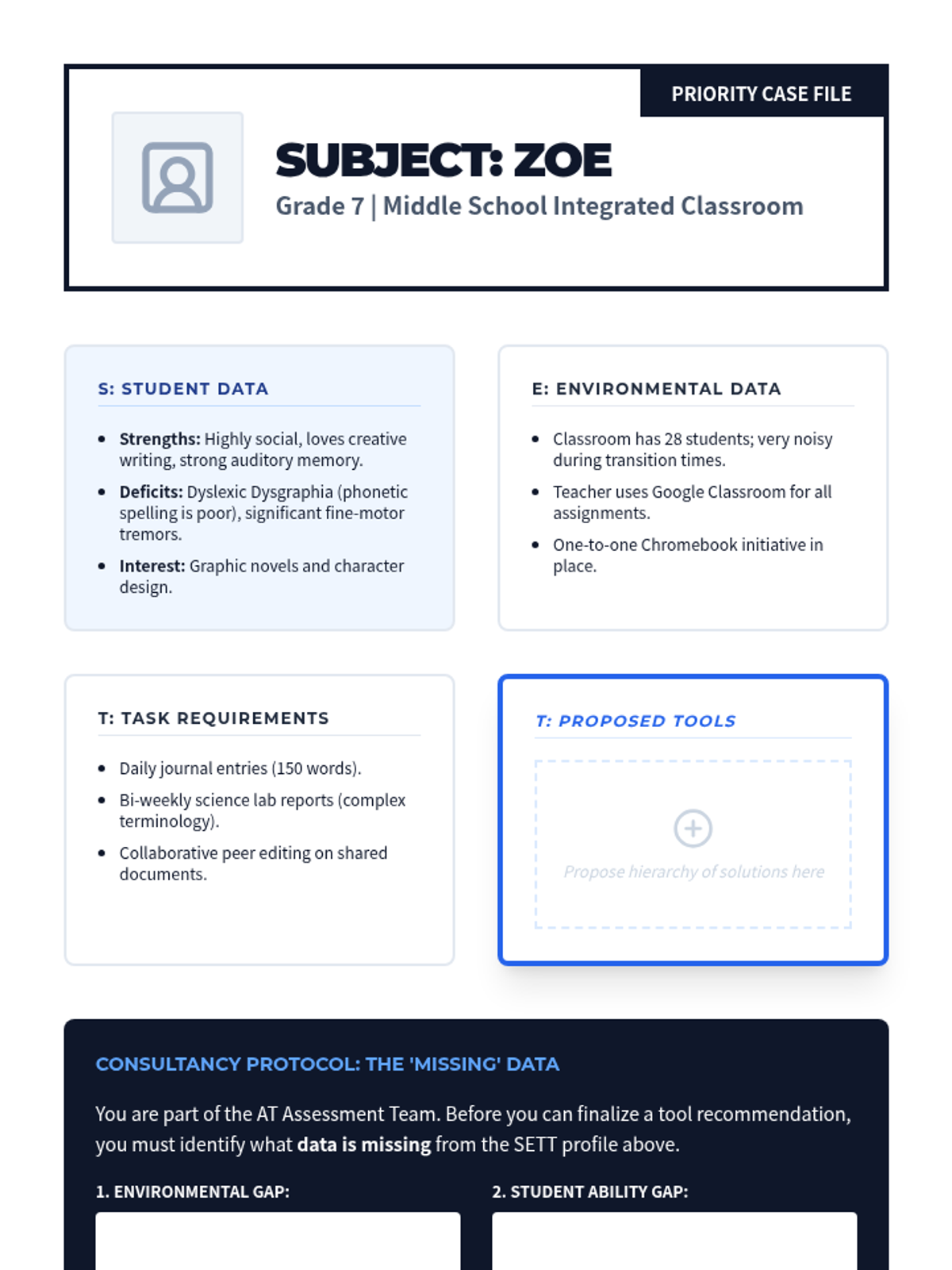
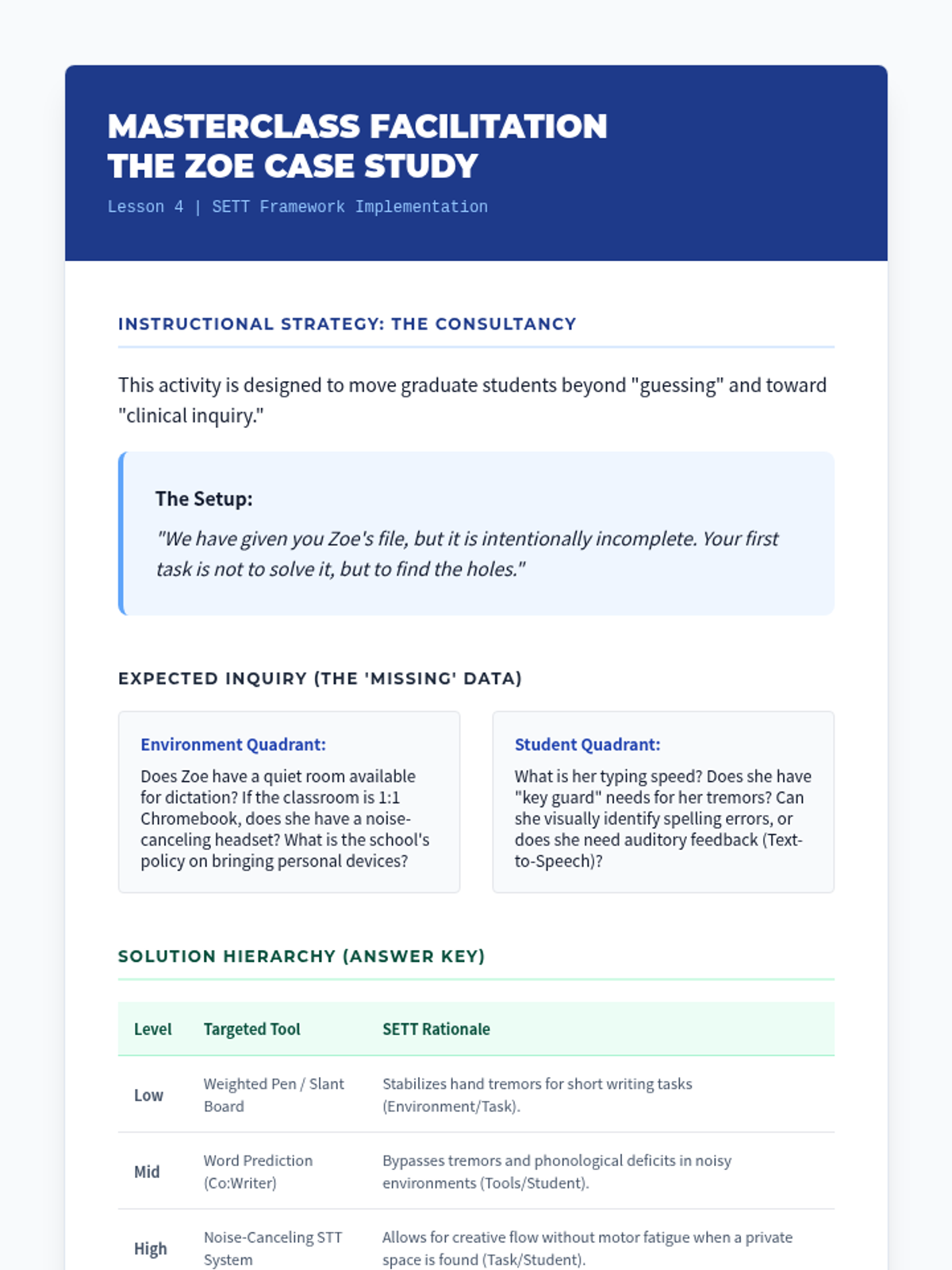
Synthesize student profiles and environmental data using the SETT Framework to propose a hierarchy of assistive writing solutions. Includes a consultancy protocol for complex cases.
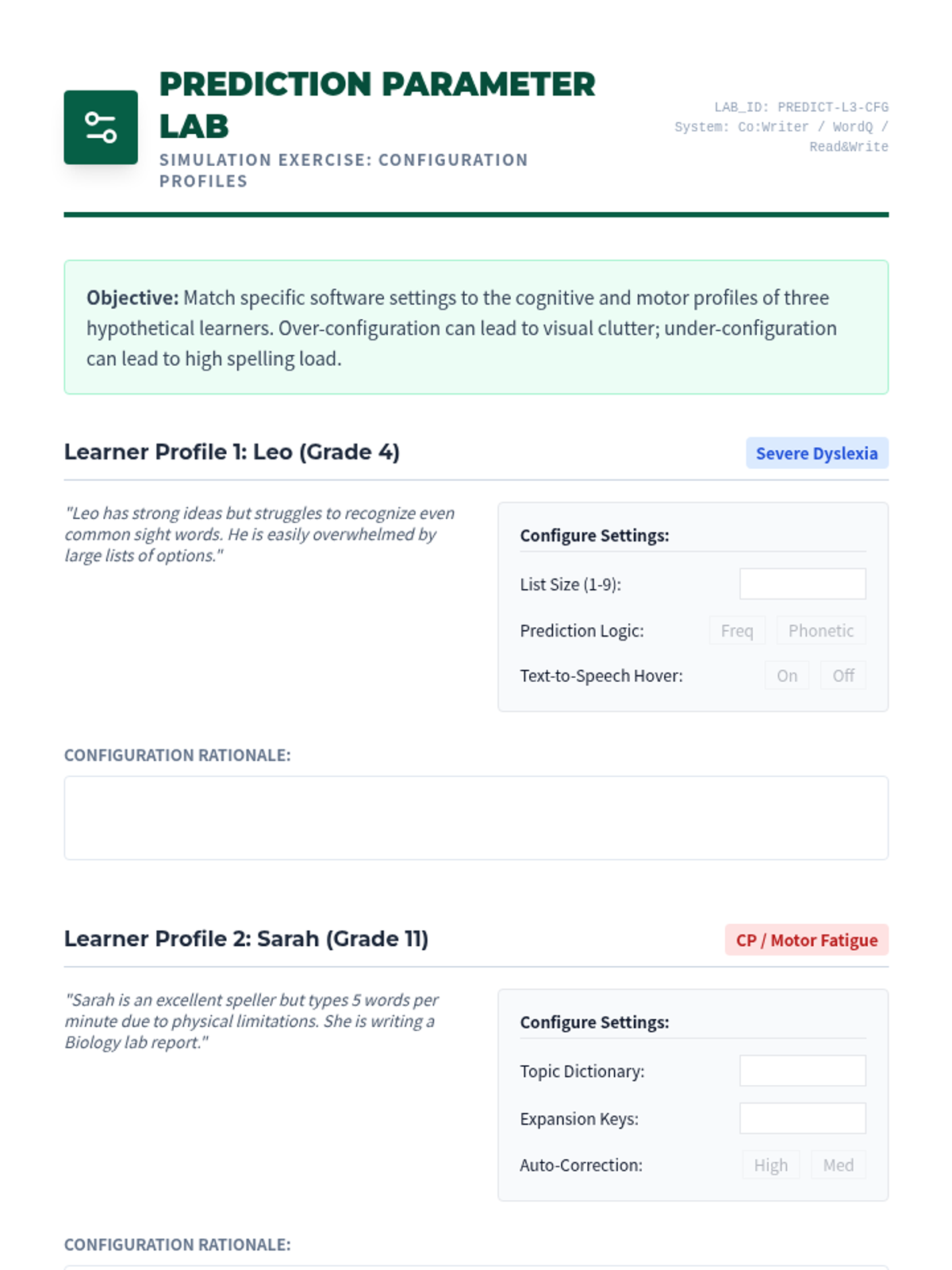
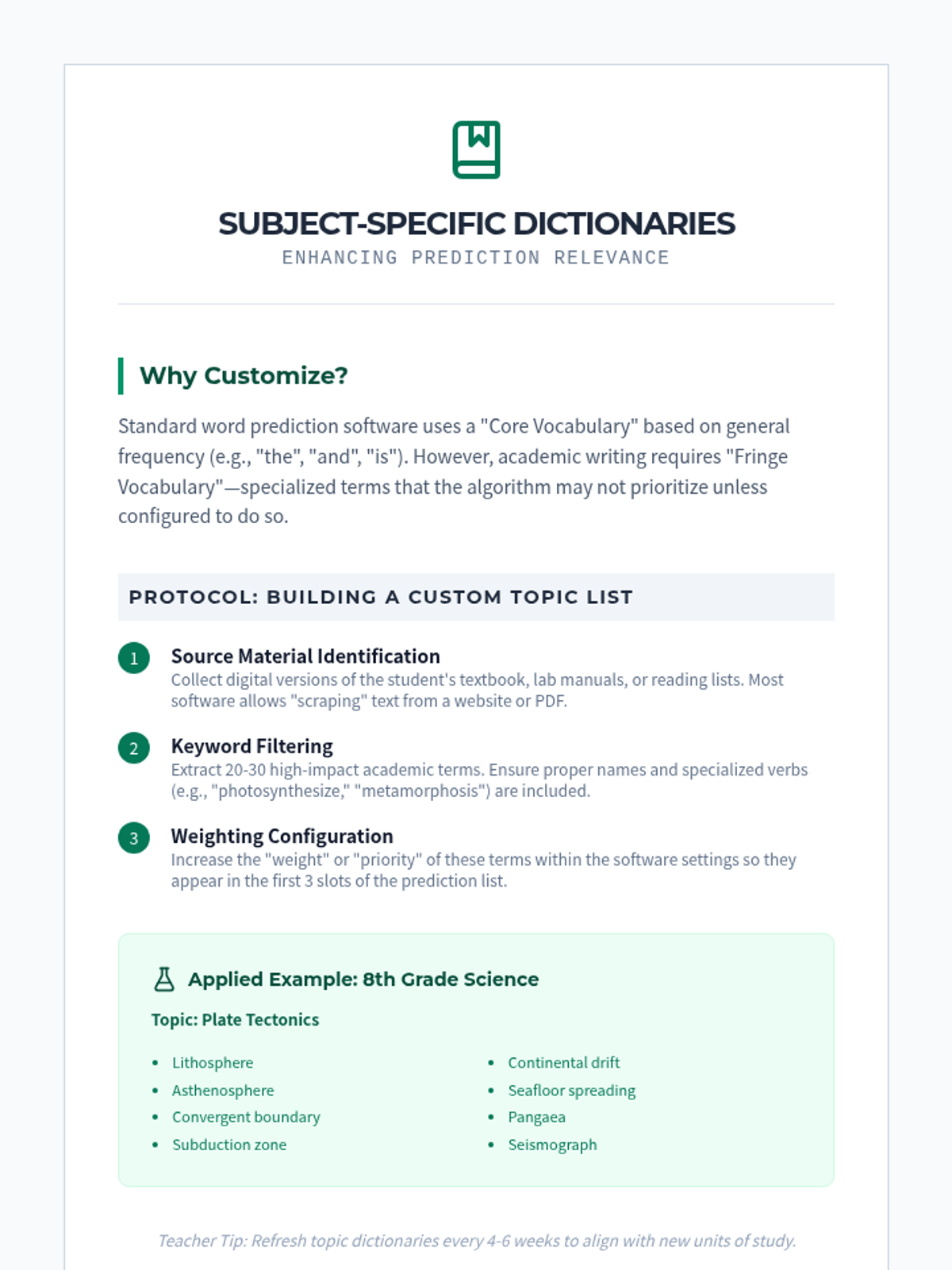
Investigate the logic of word prediction and text expansion tools. Learn to configure phonetic vs. frequency-based prediction and customize dictionaries for specific learner needs.
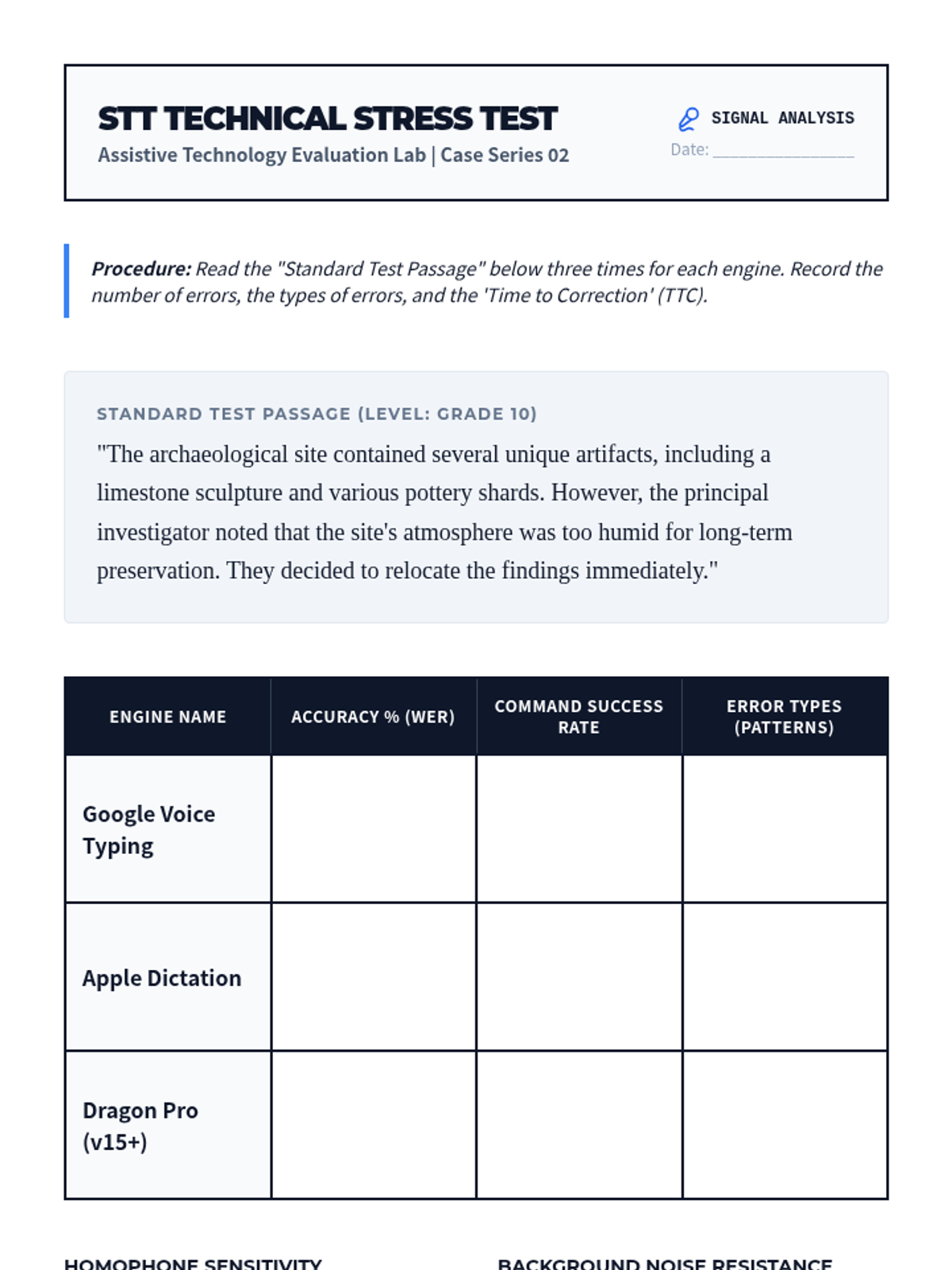
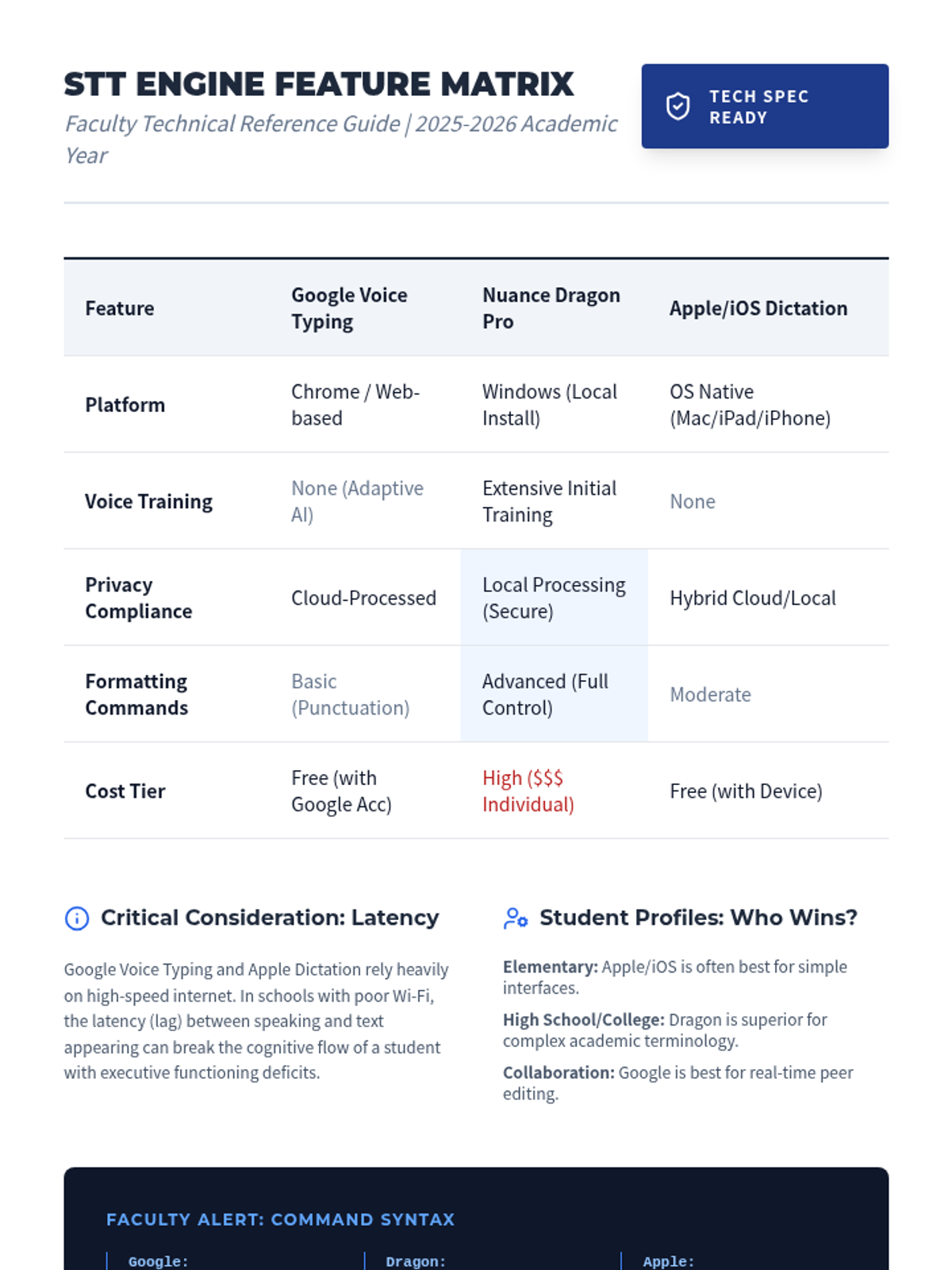
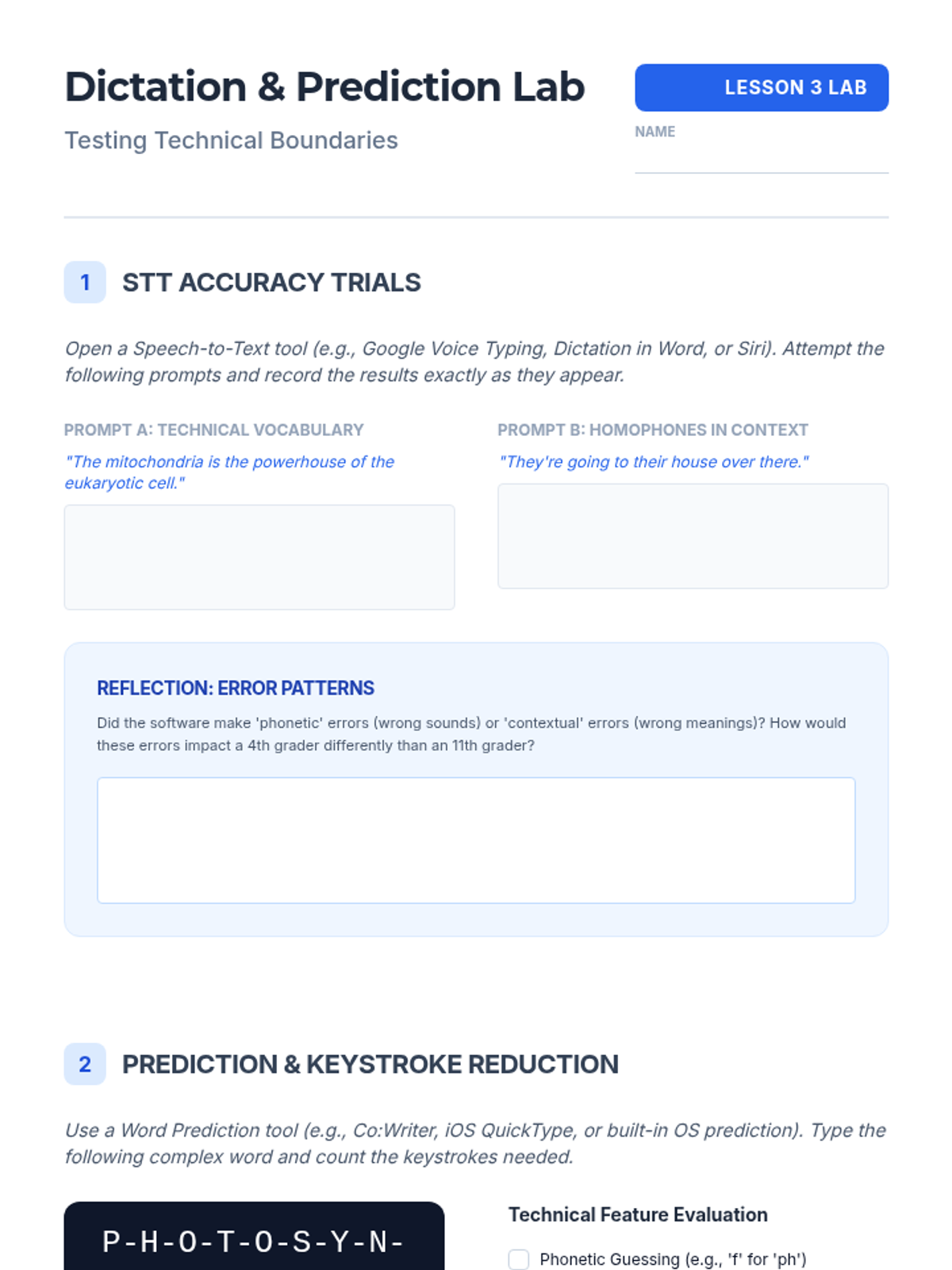
Perform a technical stress test of various speech-to-text engines to evaluate accuracy and cognitive prerequisites. Focuses on command sets and error pattern analysis.
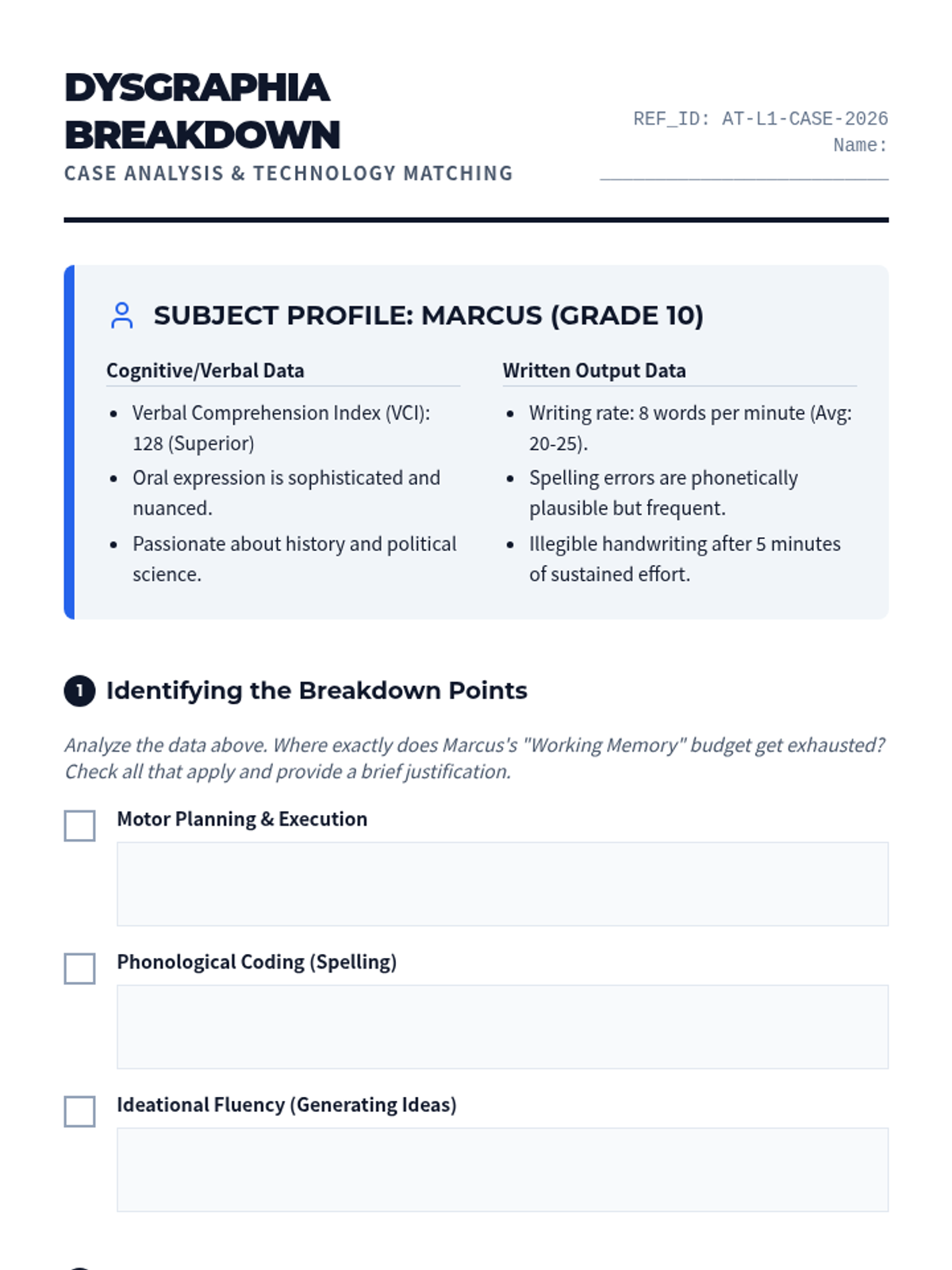
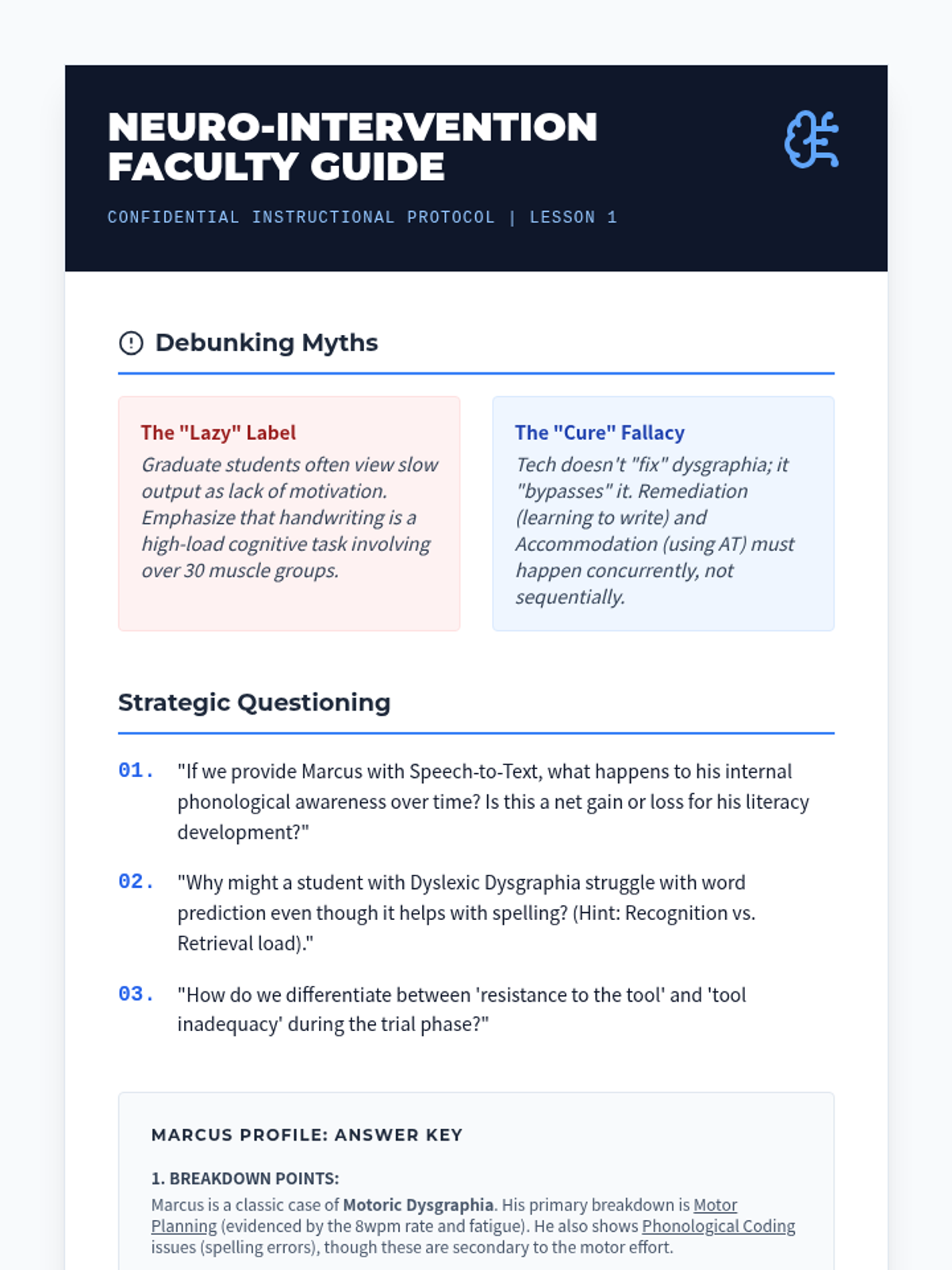
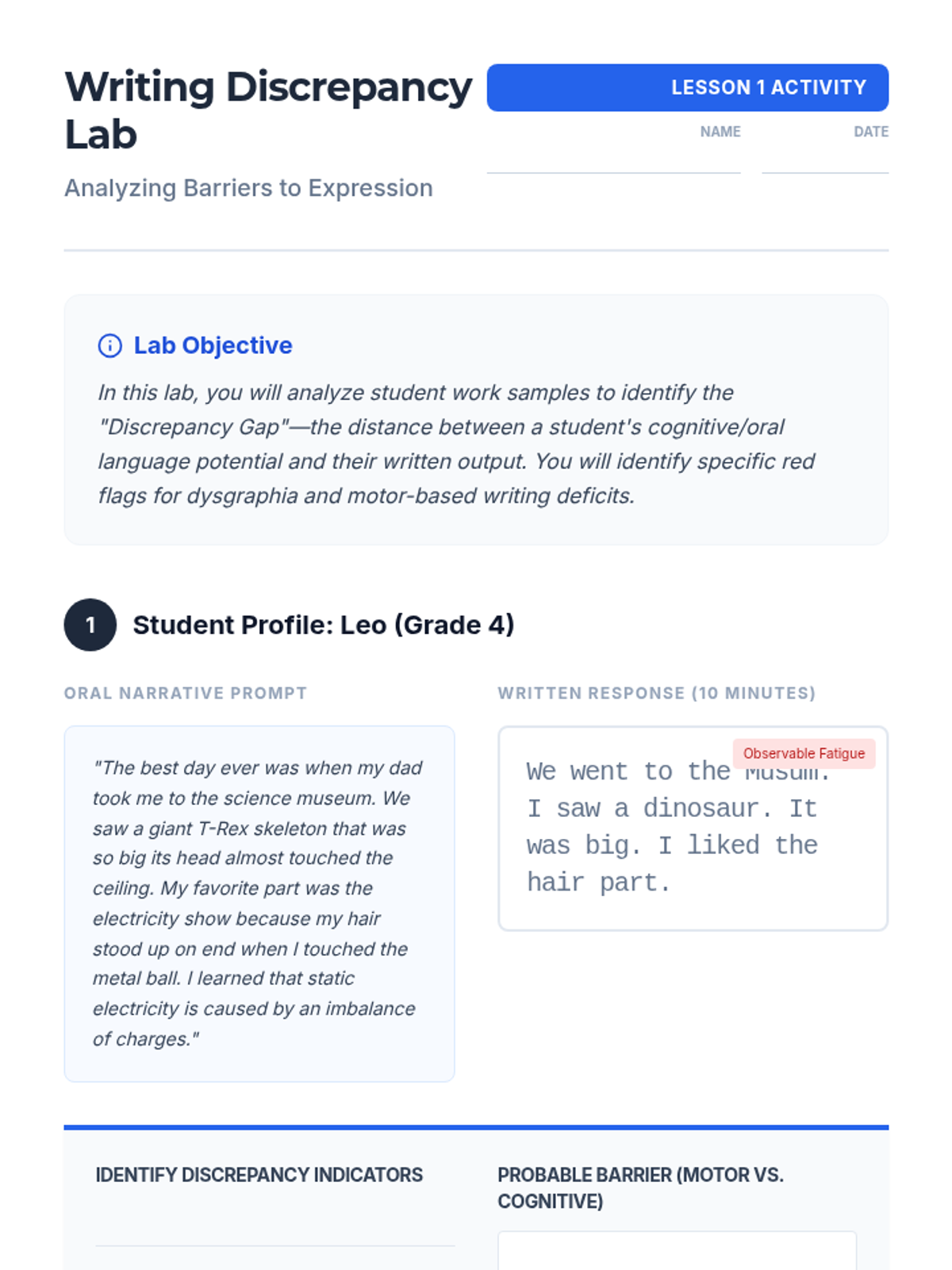
Examine the cognitive and motor bottlenecks of dysgraphia and learn to match specific technological features to neurological deficits. Includes case study analysis and a 'breakdown' identification framework.
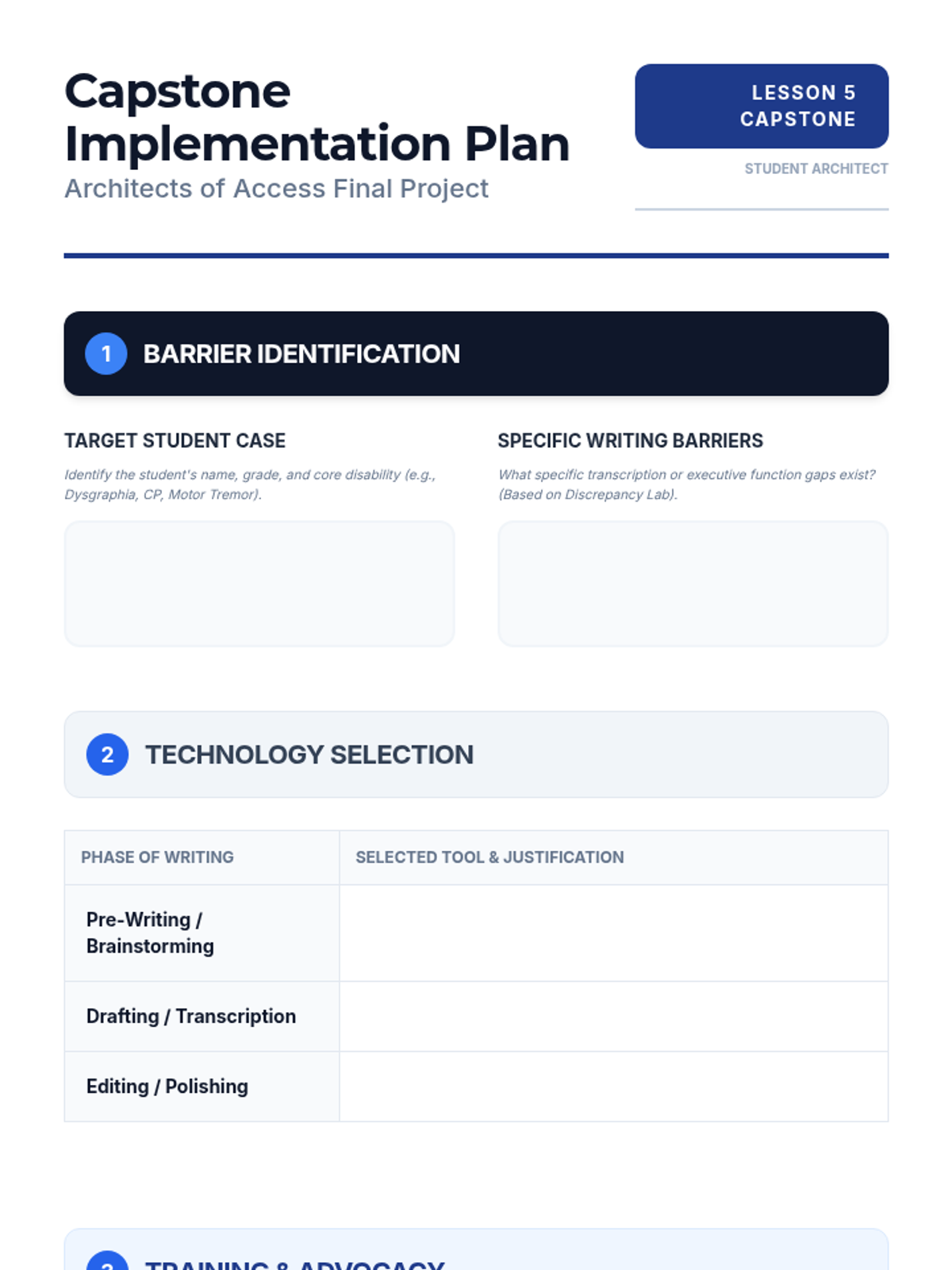
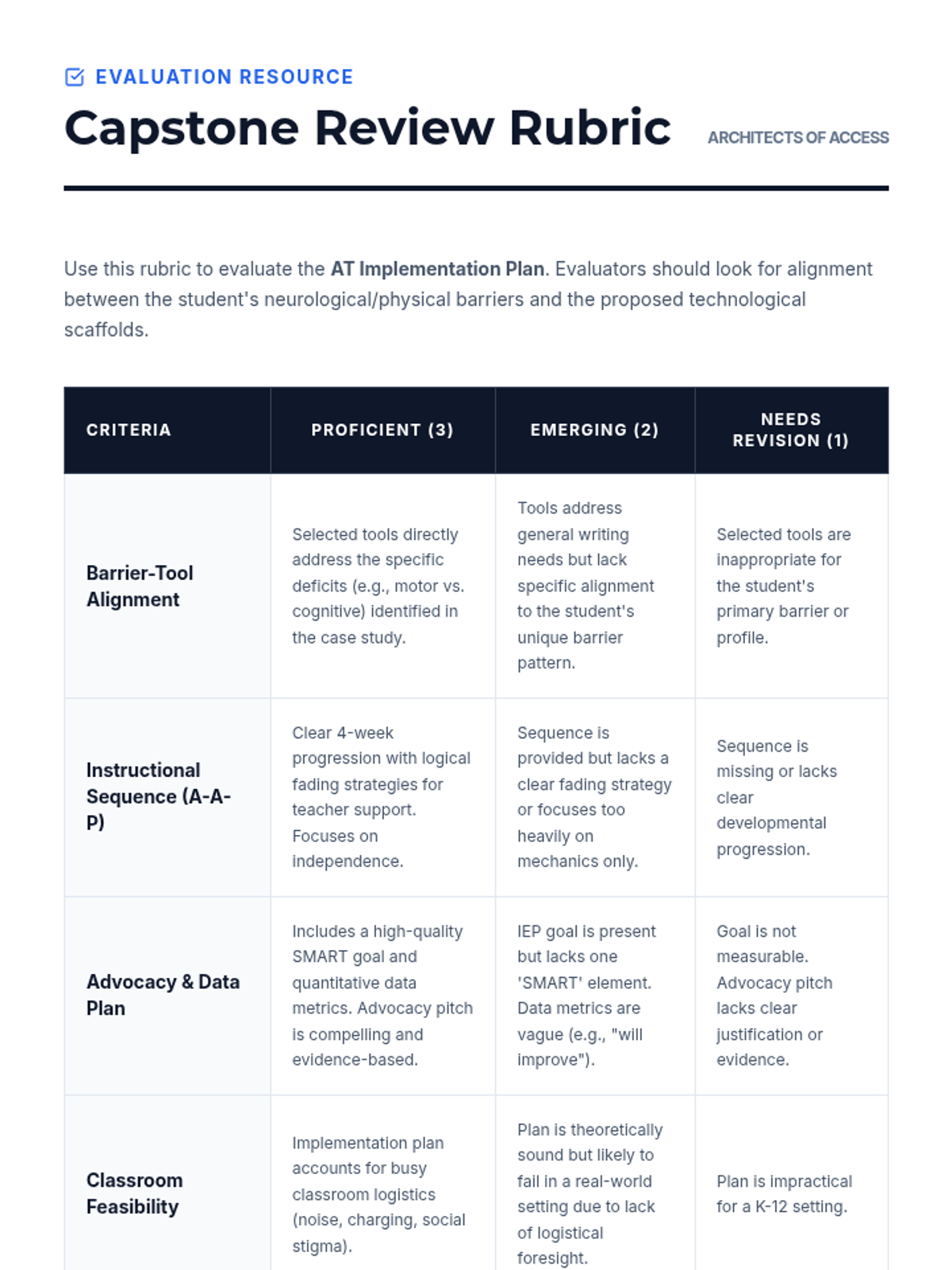
Synthesize learning by developing a comprehensive AT implementation plan for a complex case study, including advocacy and data collection strategies.
Develop instructional sequences that move students from basic technology acquisition to independent proficiency in classroom settings.
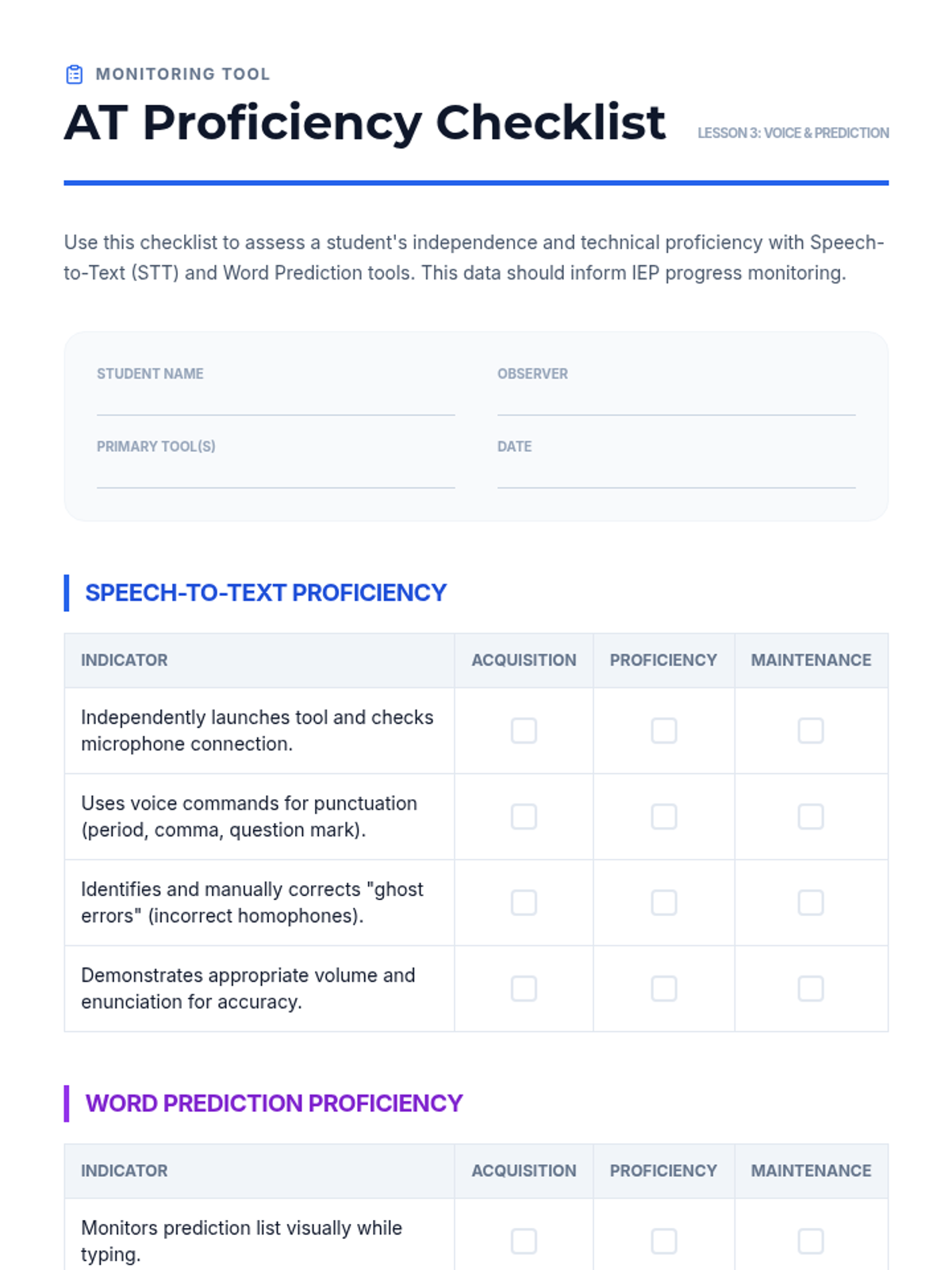
Master speech-to-text and word prediction tools, focusing on technical limitations and instructional strategies for 'speaking to write.'
Explore how digital graphic organizers support executive functioning and organization during the pre-writing phase for students with writing deficits.
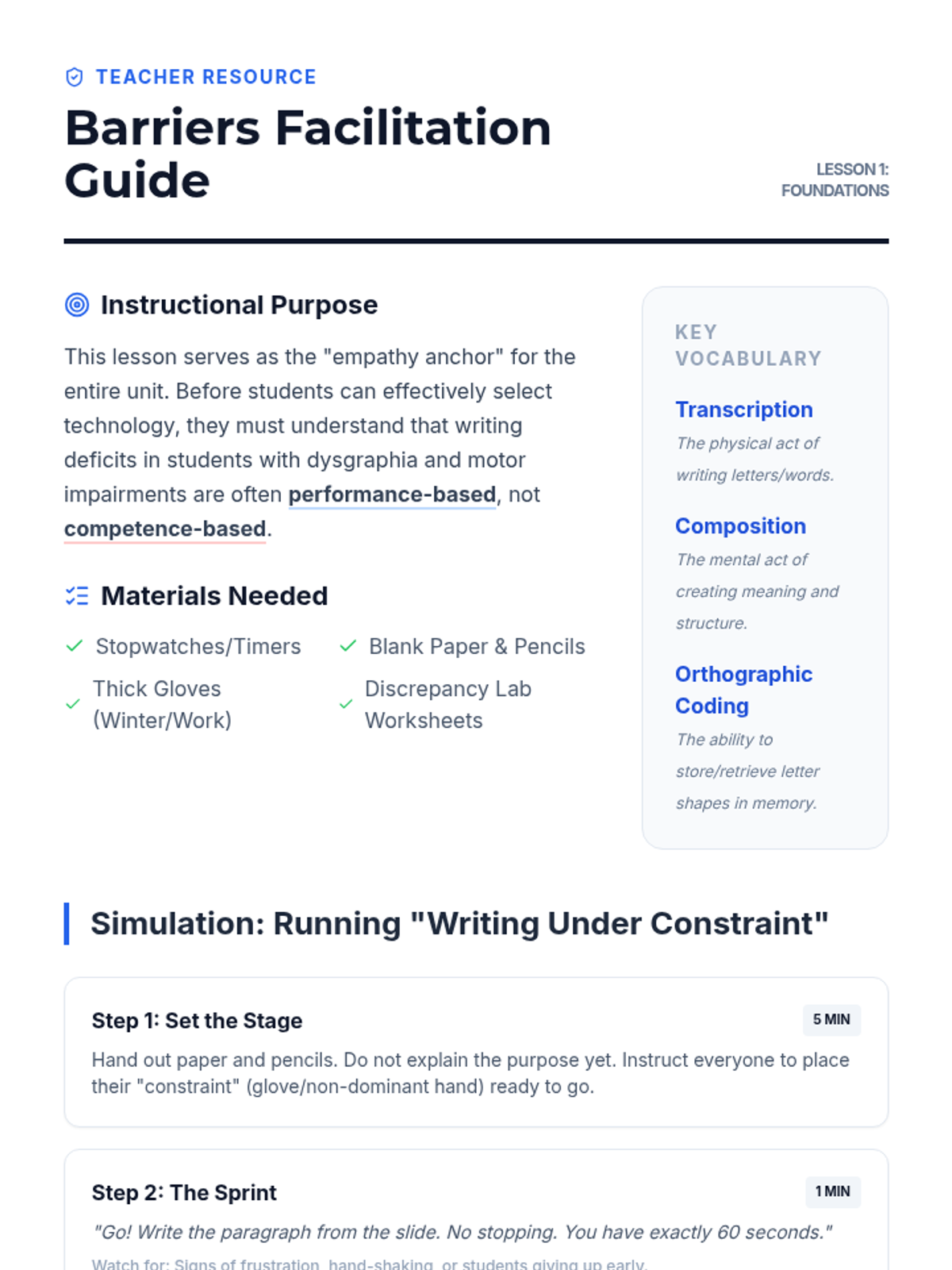
Examine the neurological and physical underpinnings of dysgraphia and motor impairments through simulation and work sample analysis to understand the 'why' behind AT integration.
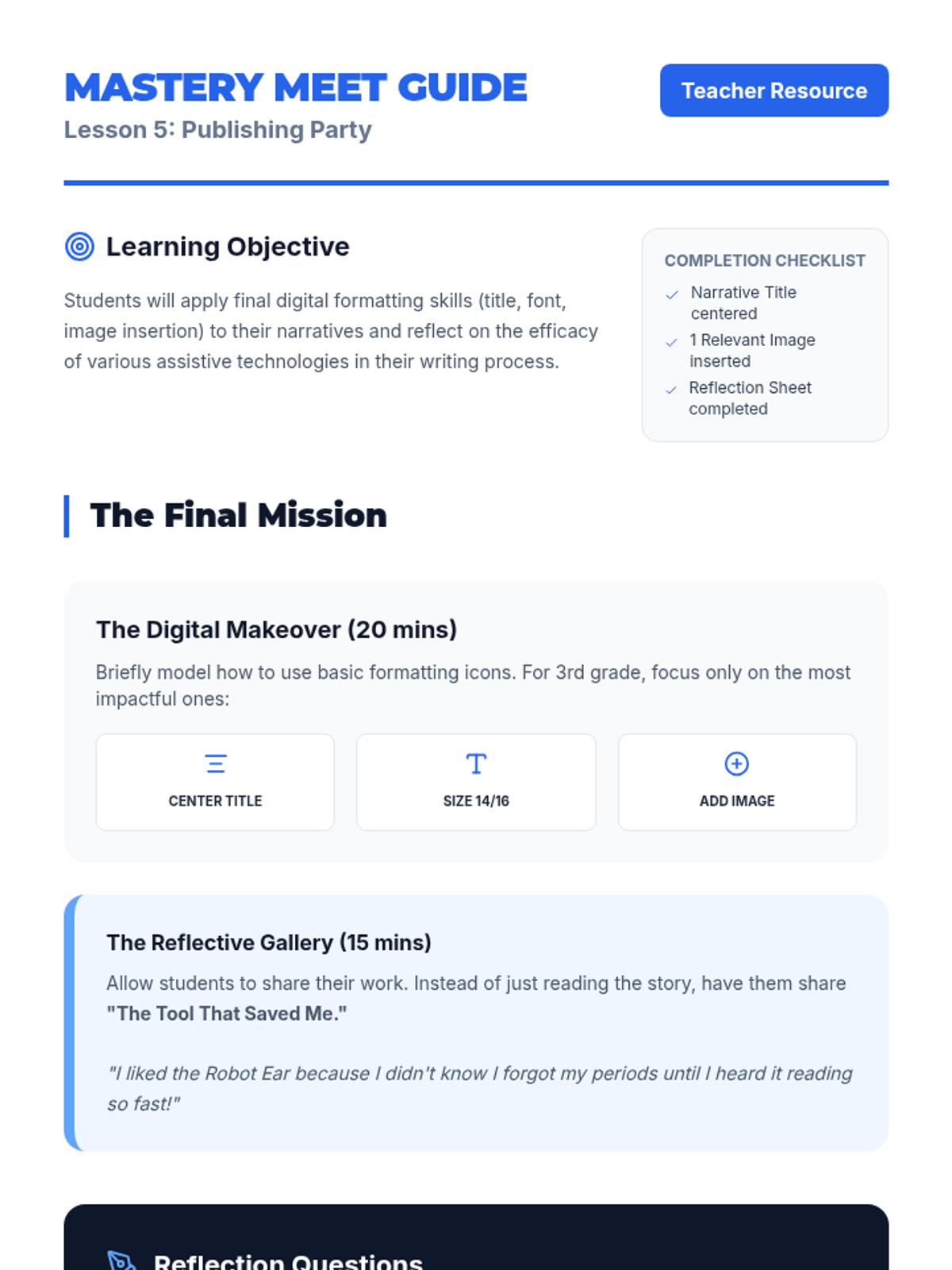
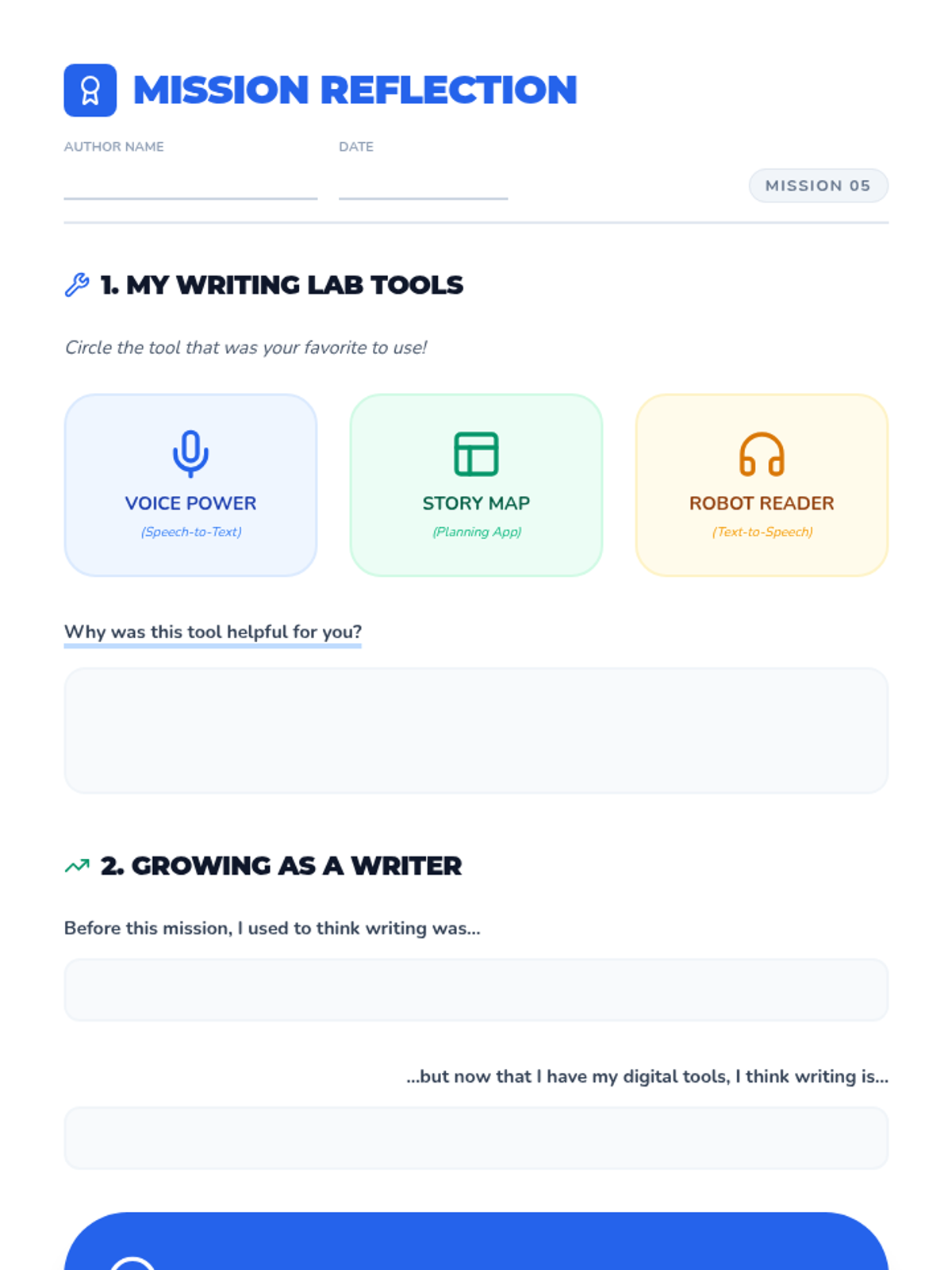
Students perform final formatting tasks such as adding a title, adjusting font size, and inserting an image. They conclude with a reflection on which assistive tool helped them the most.
Students utilize text-to-speech features to listen to their own drafts for flow and errors, then employ word prediction software to correct spelling and enhance vocabulary.
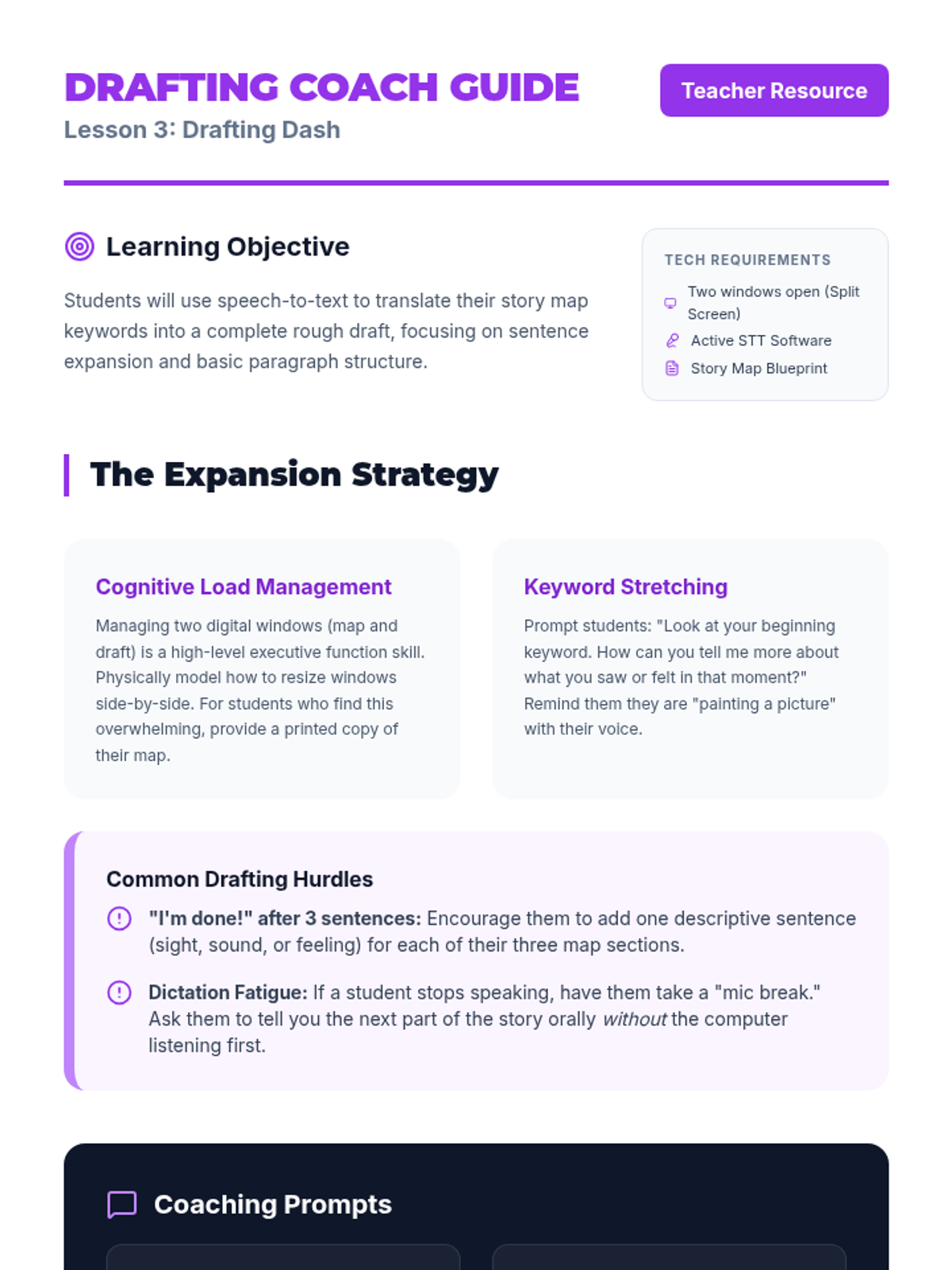
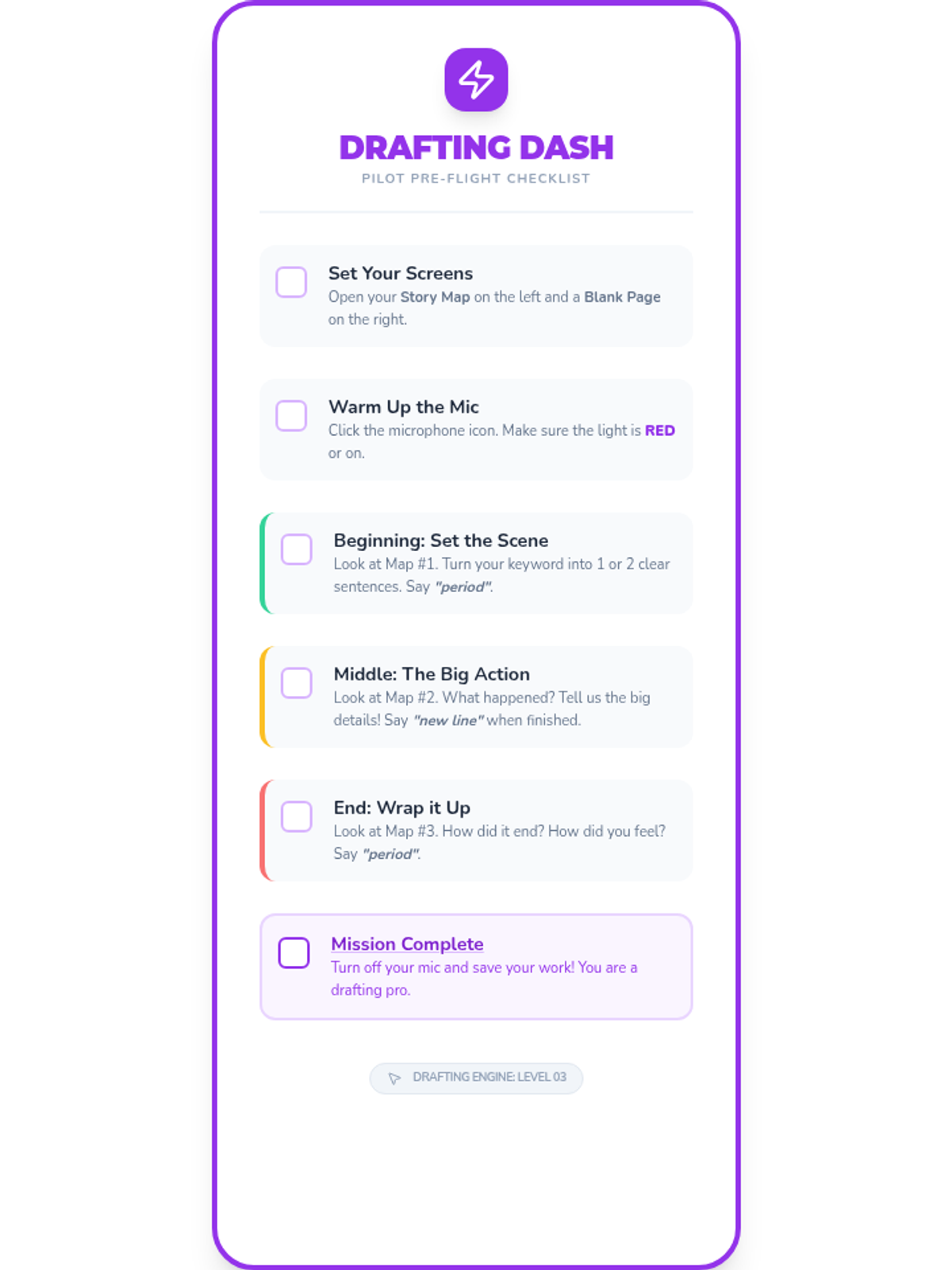
Using a split-screen view approach, students reference their digital organizer while using speech-to-text to generate their full draft, focusing on translating notes into complete sentences.
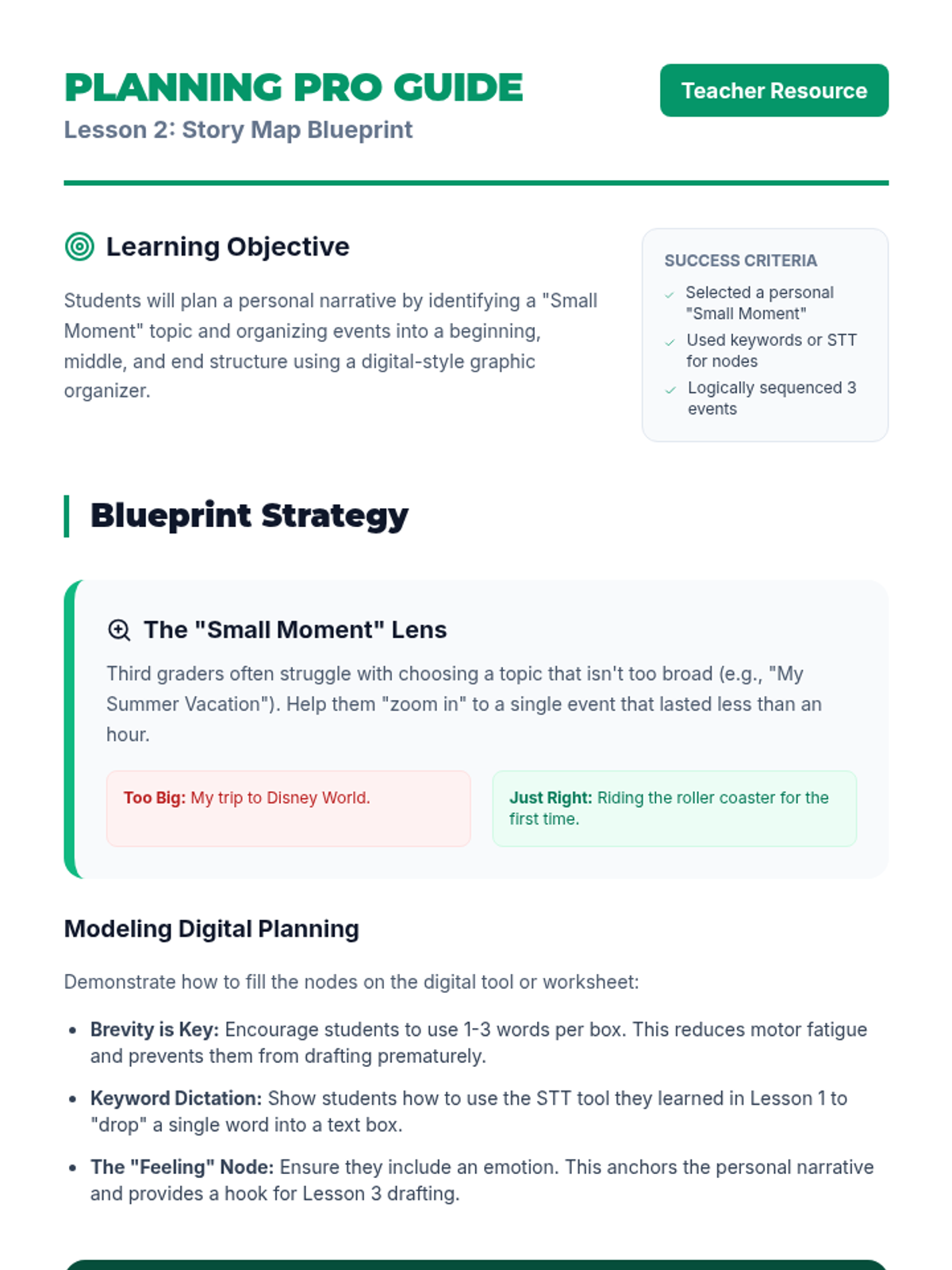
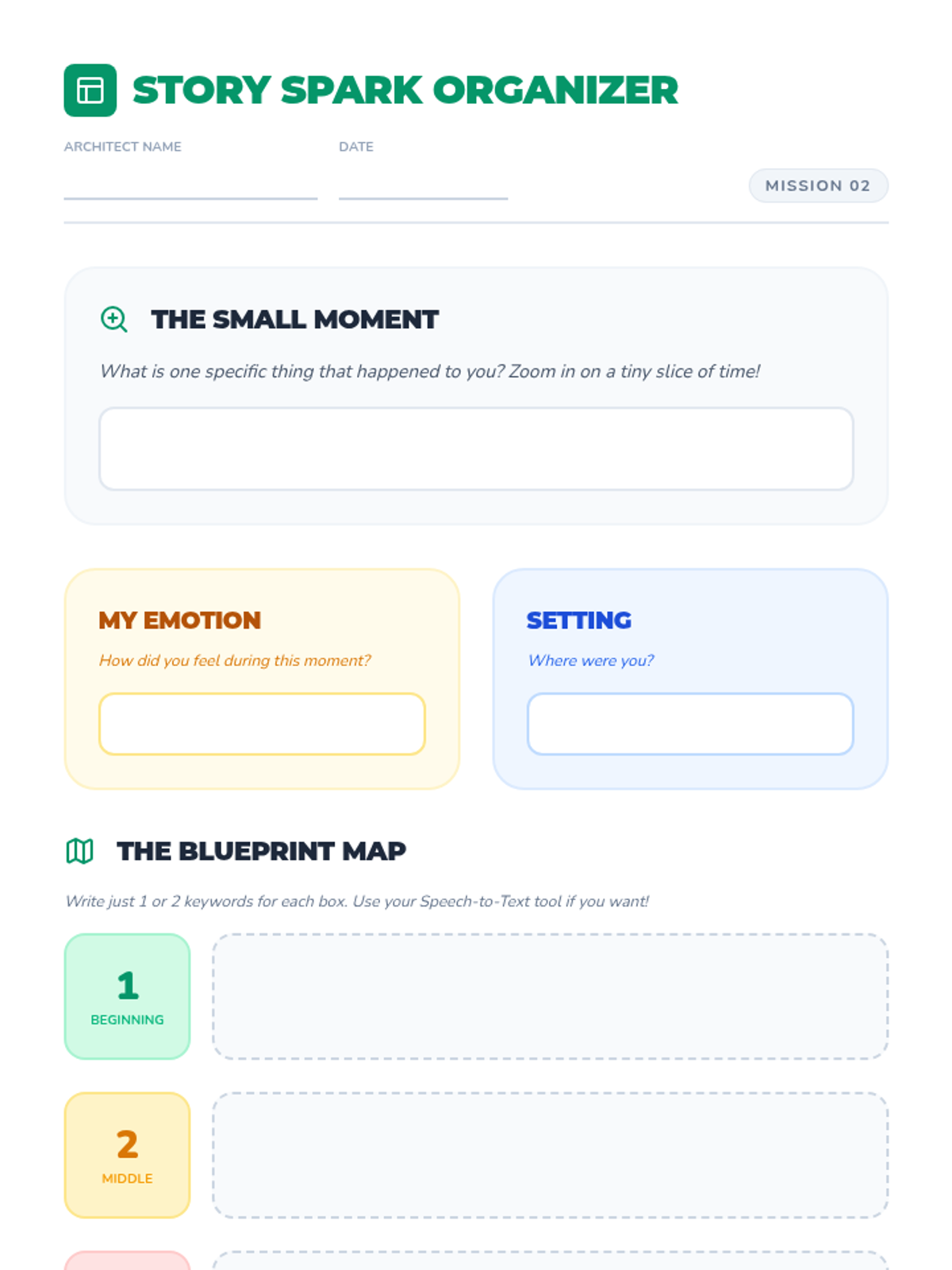
Students use a digital-style story map to outline a personal narrative, focusing on beginning, middle, and end structure. They learn to use keywords or single-word dictation to fill in the organizer.
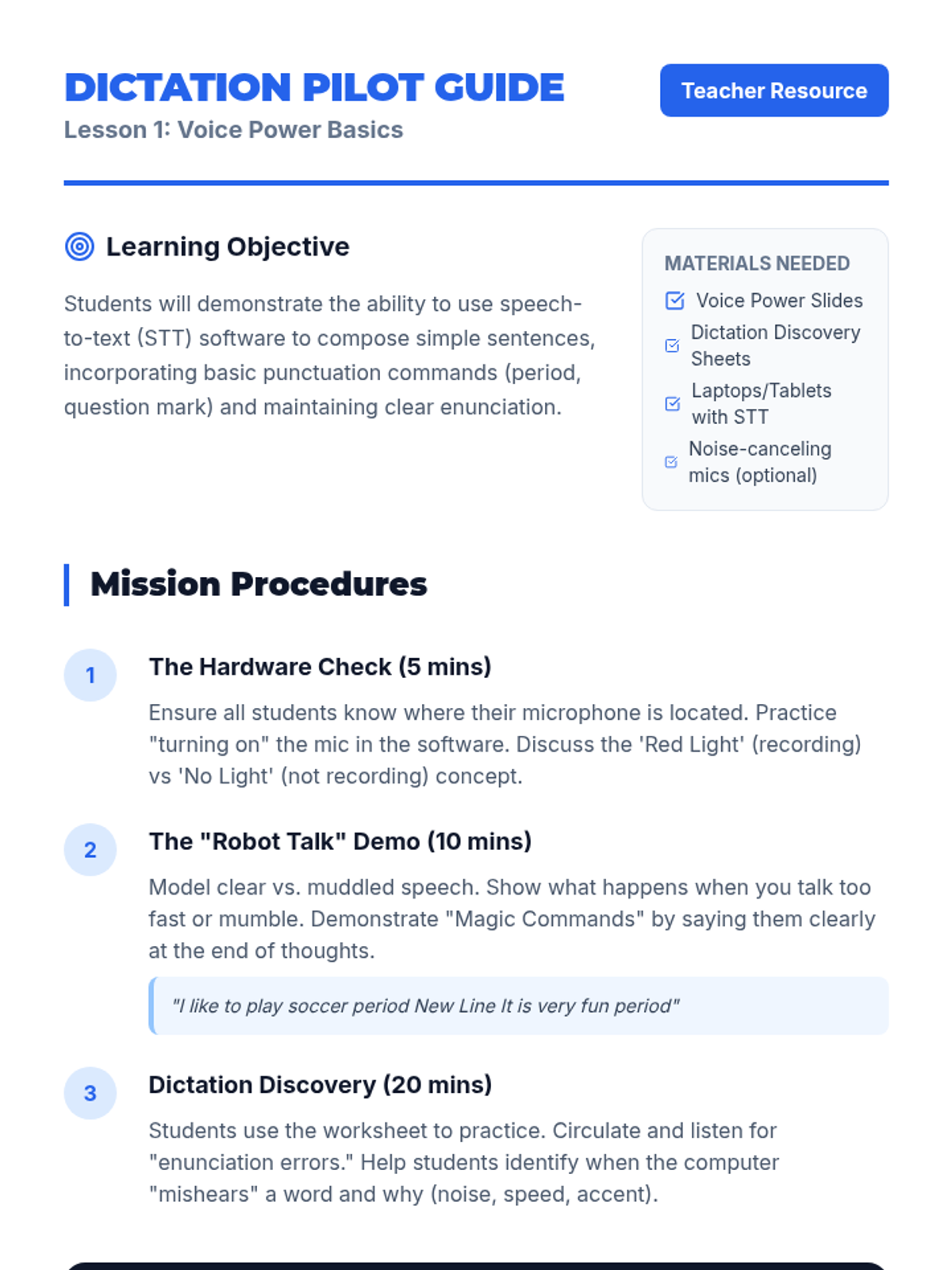
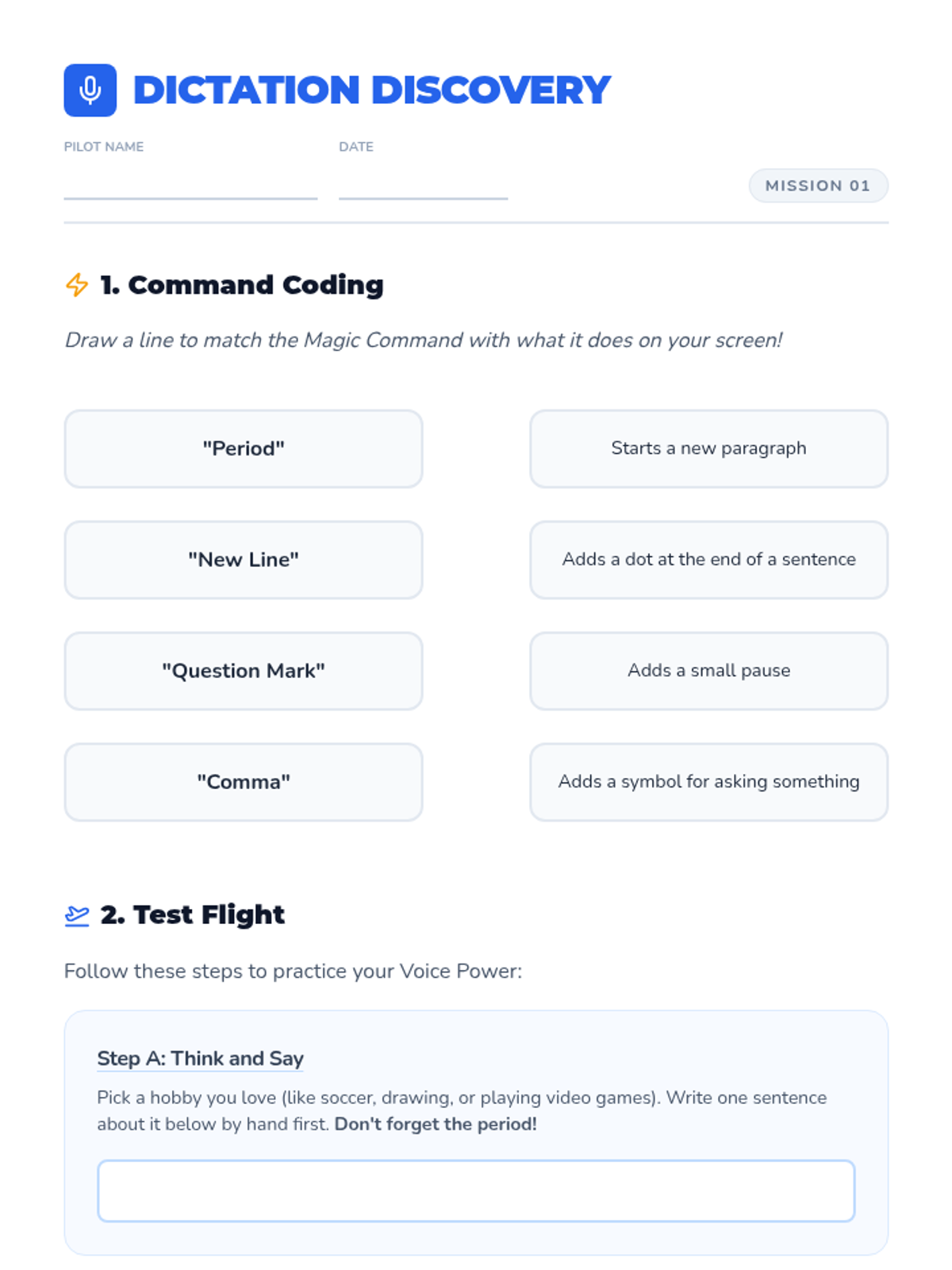
Students explore the speech-to-text interface, learning the basics of dictation including clear enunciation and speaking punctuation commands. They practice by dictating short sentences about their favorite hobbies.
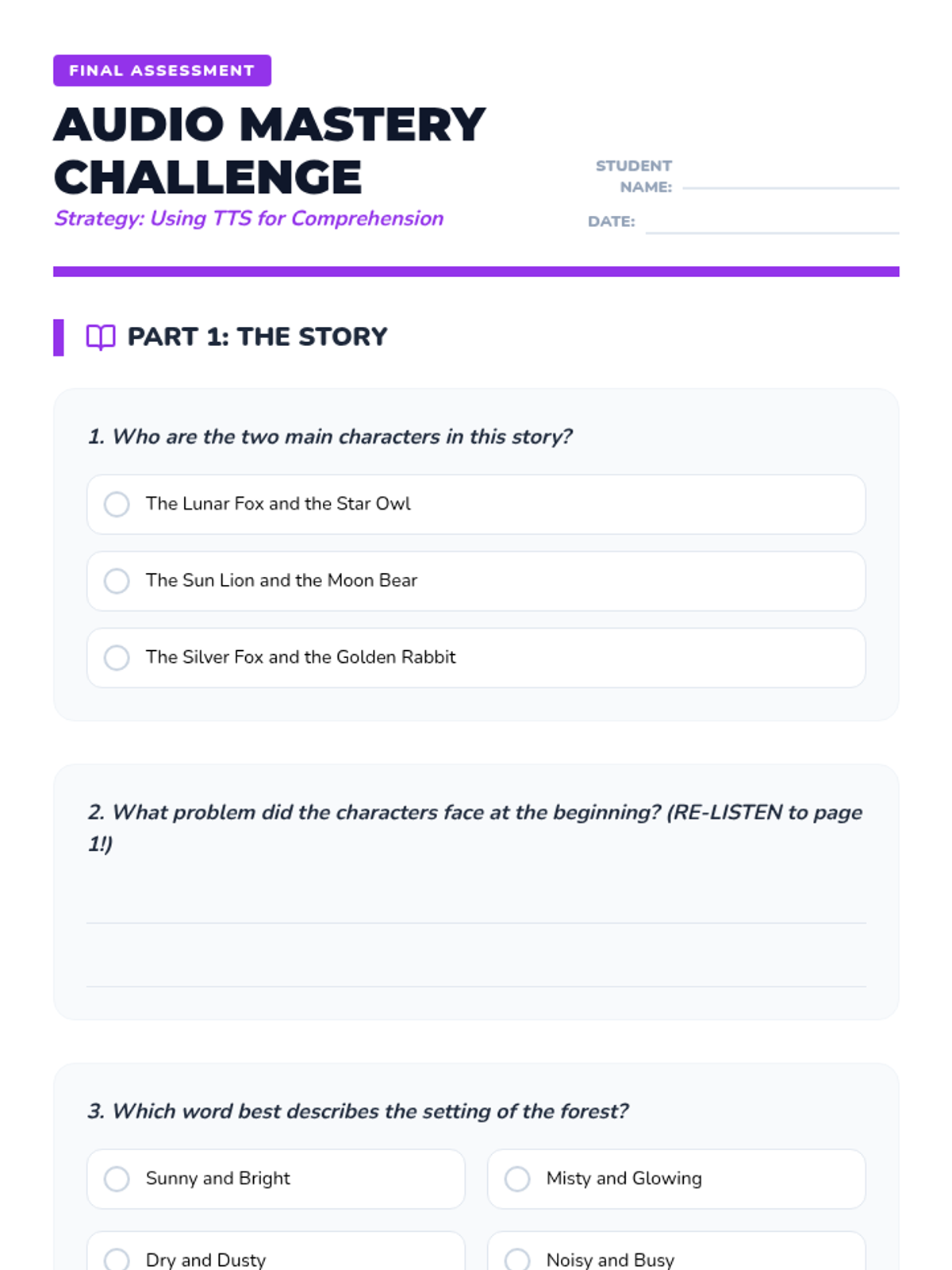
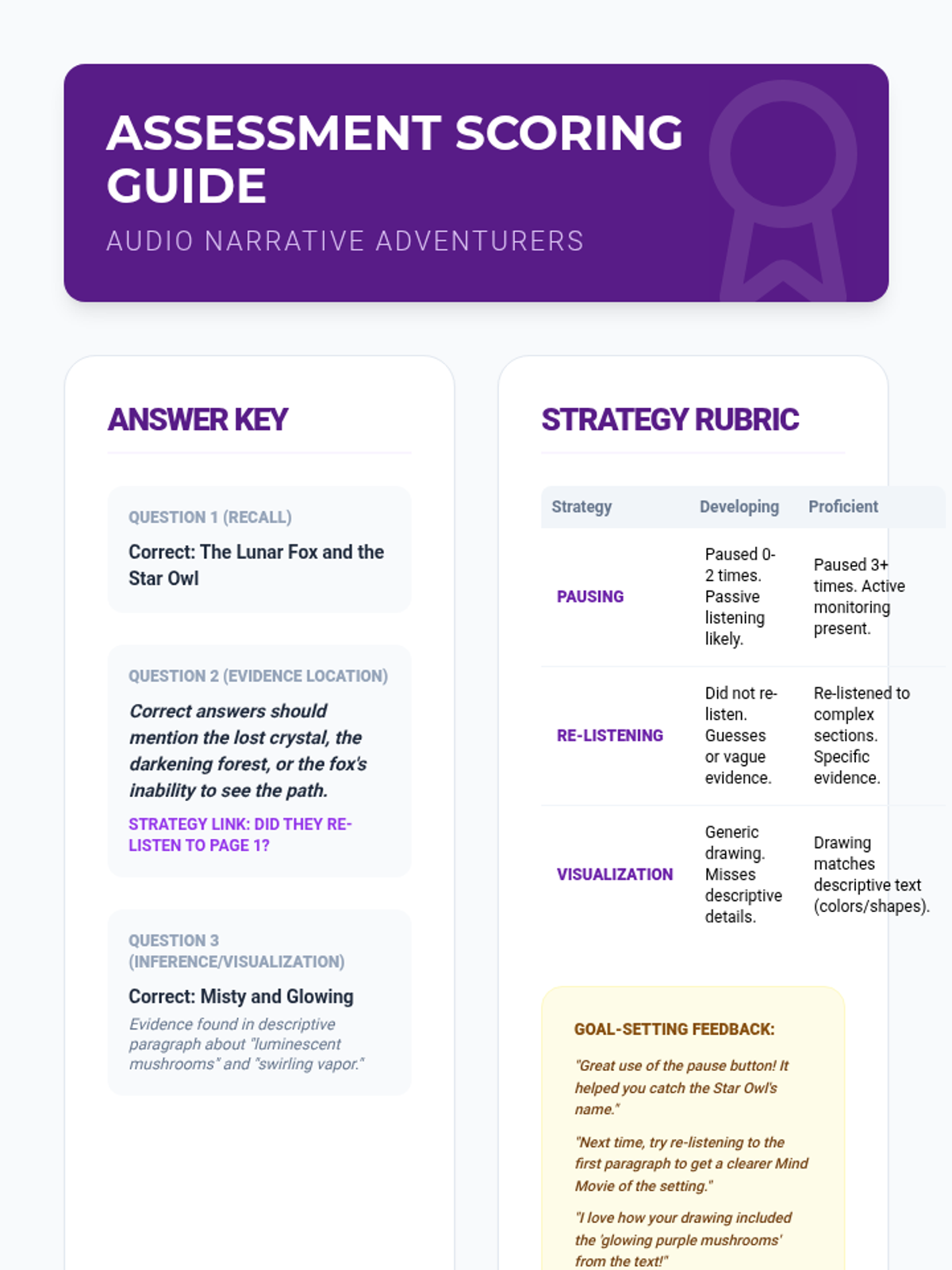
Students apply all strategies to read a grade-level fiction passage using TTS and answer standard comprehension questions. They document when they paused and what sections they re-played.
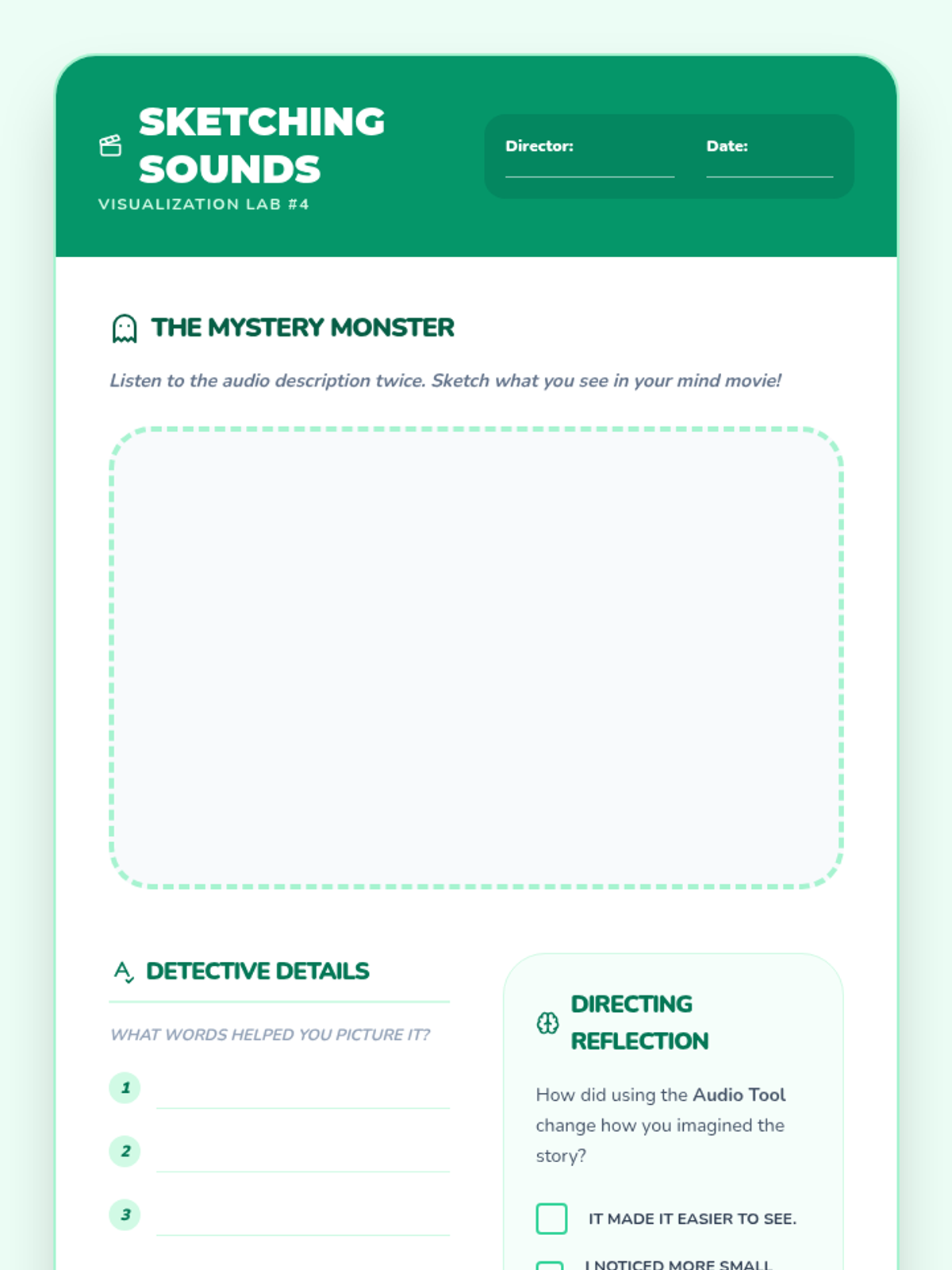
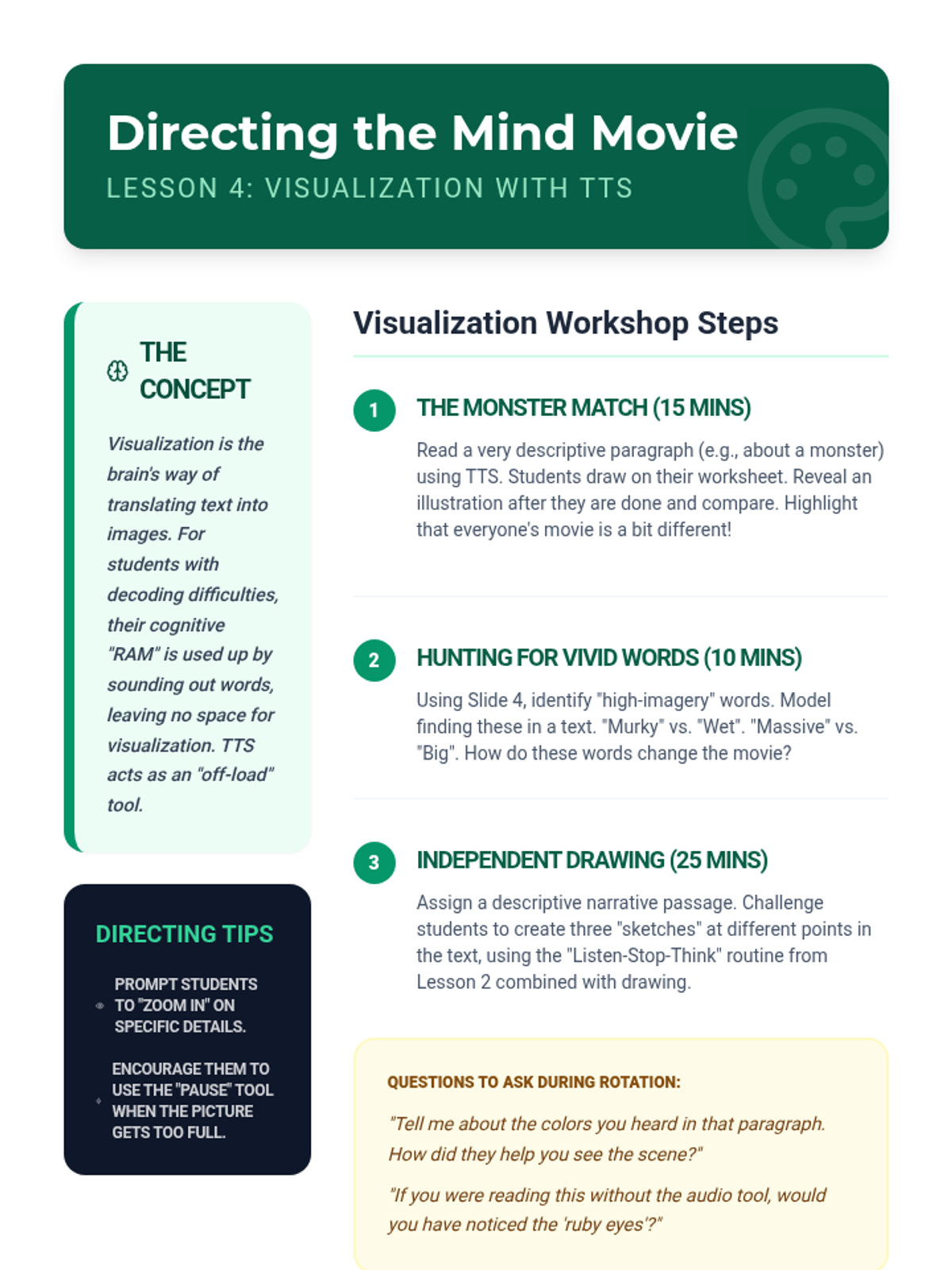
Students focus on mental imagery while listening to descriptive passages read by the TTS tool. They compare how listening helps them picture the action compared to struggling with decoding alone.
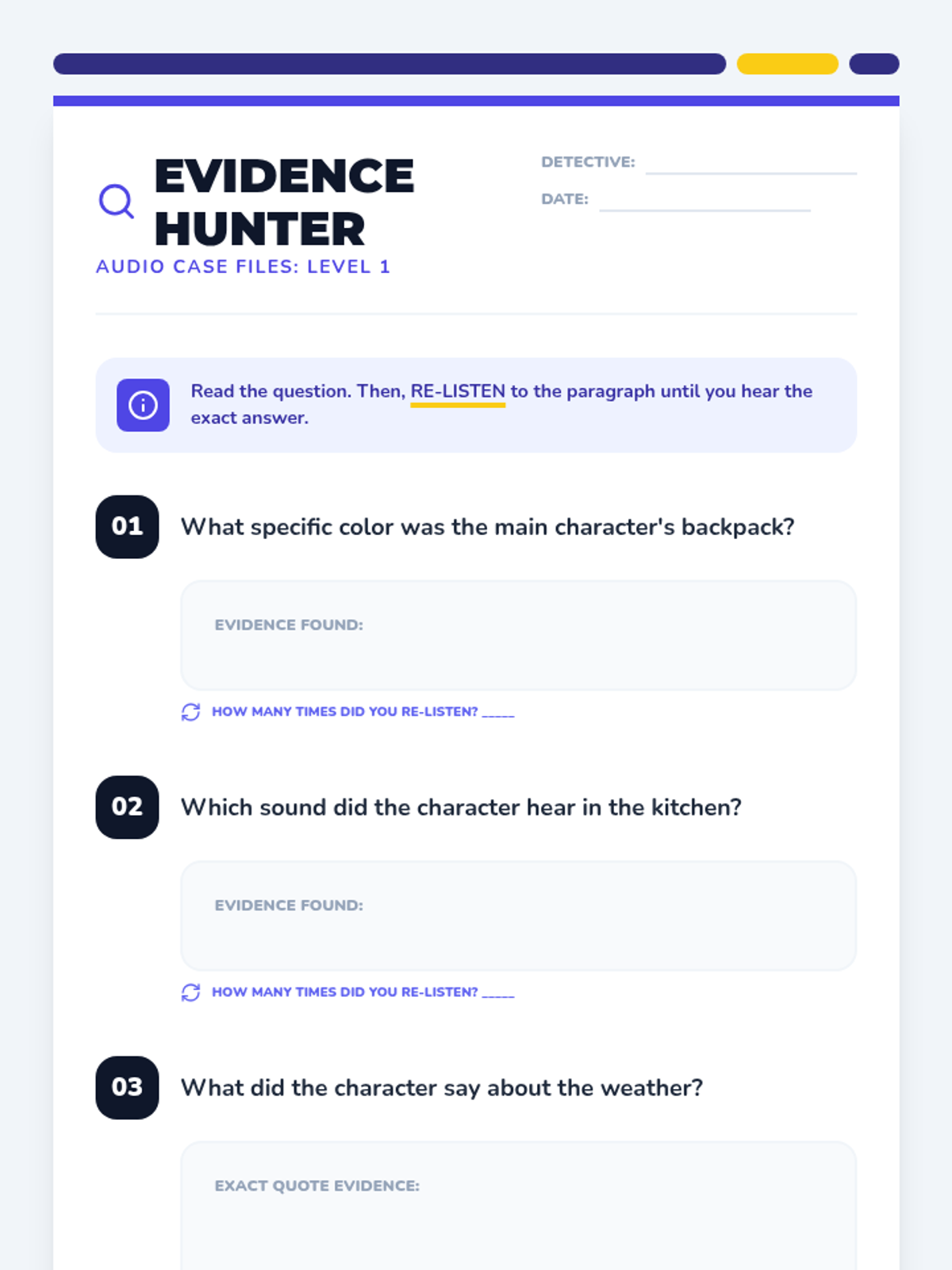
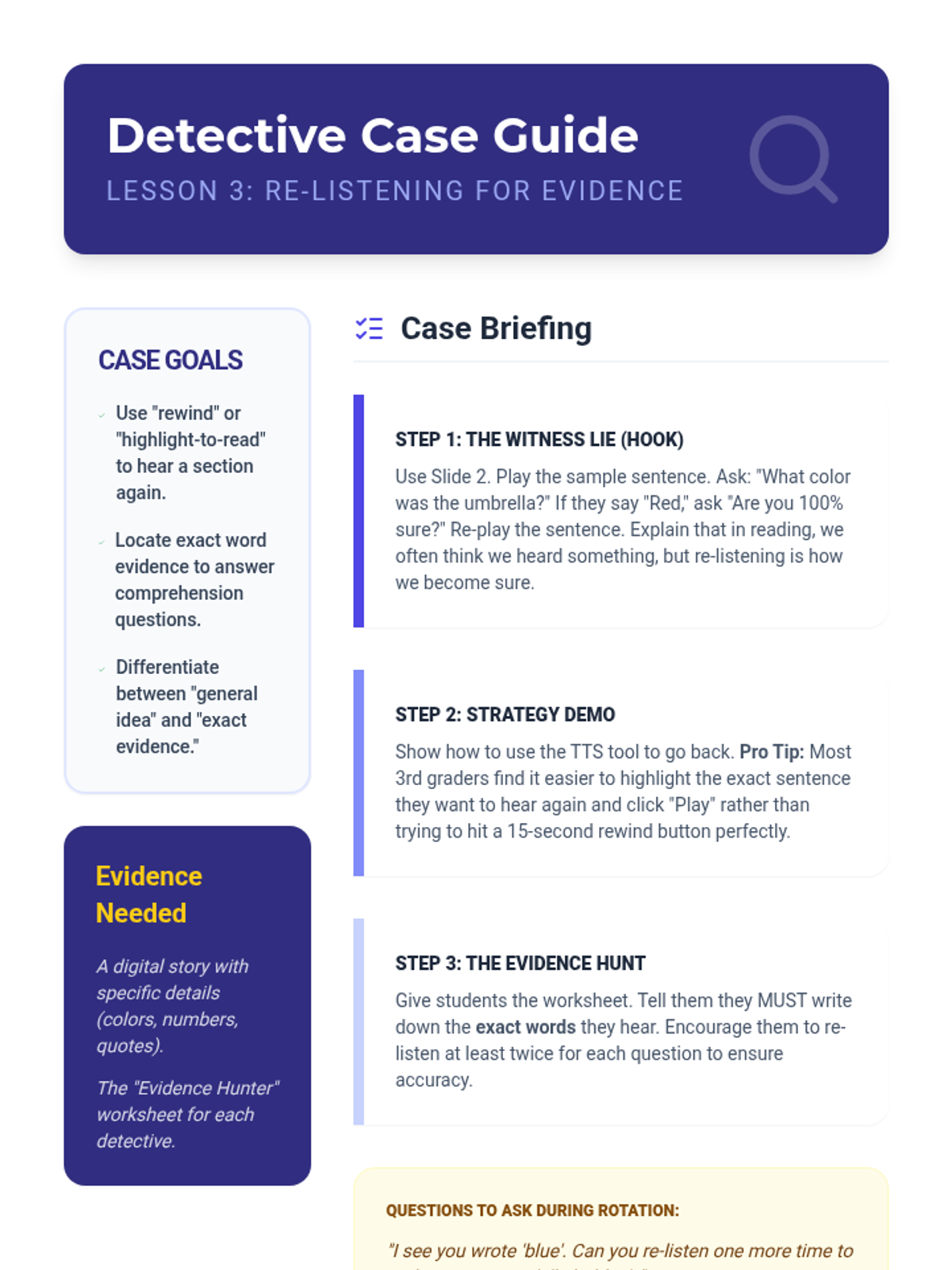
Students learn to use TTS to scan back and re-listen to specific sections to answer comprehension questions. They practice locating evidence in the text by listening to a paragraph multiple times.
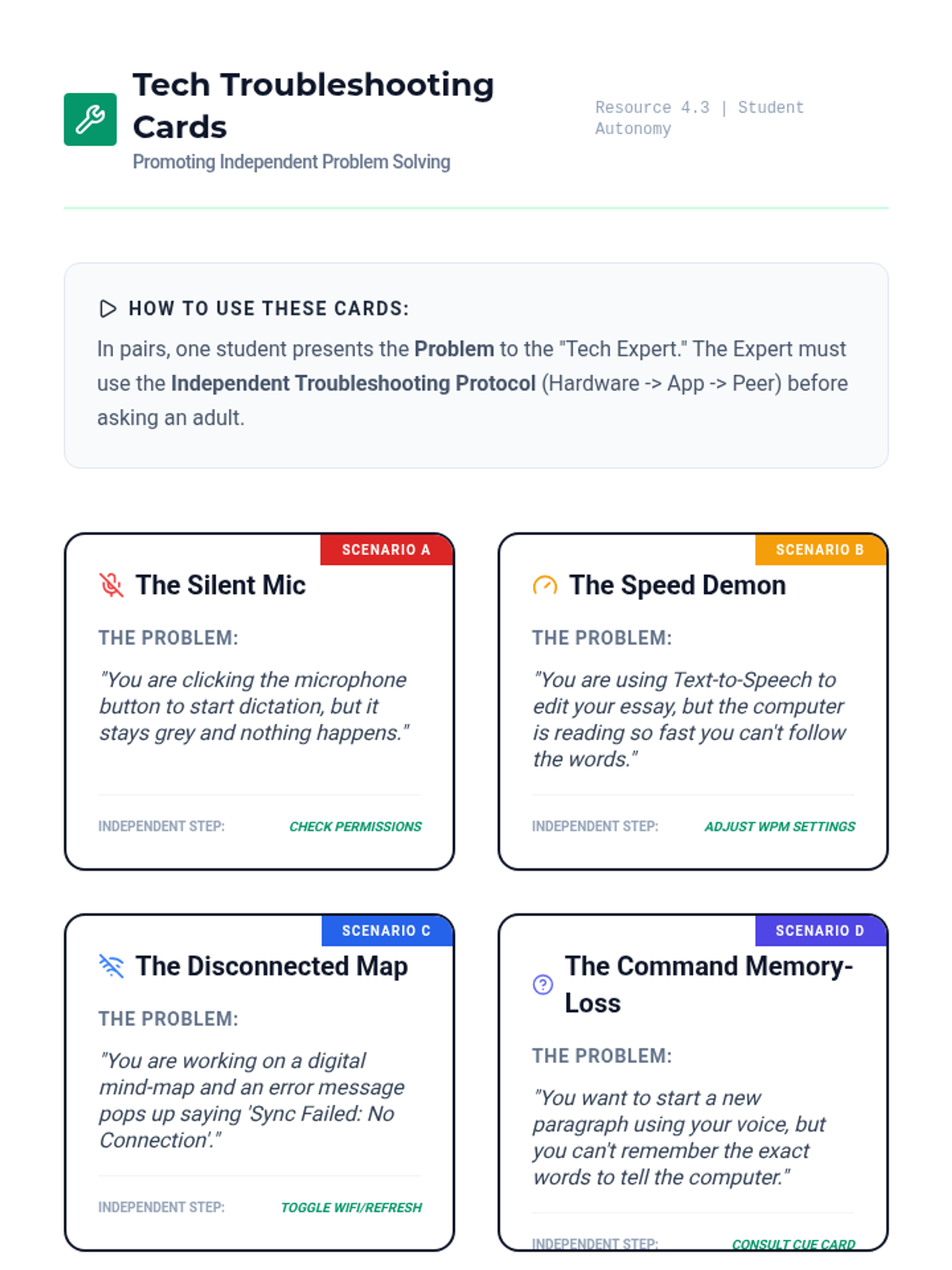
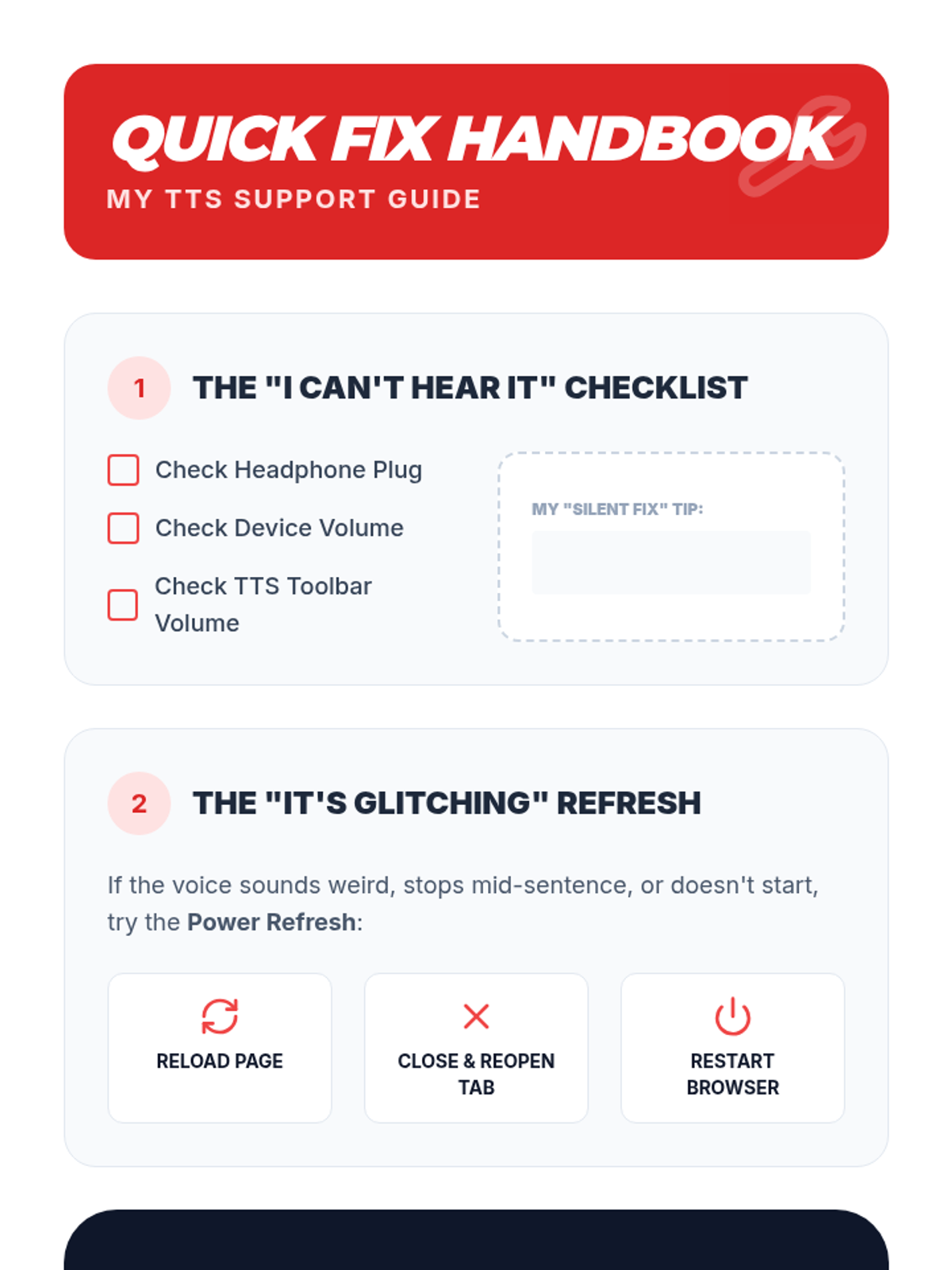
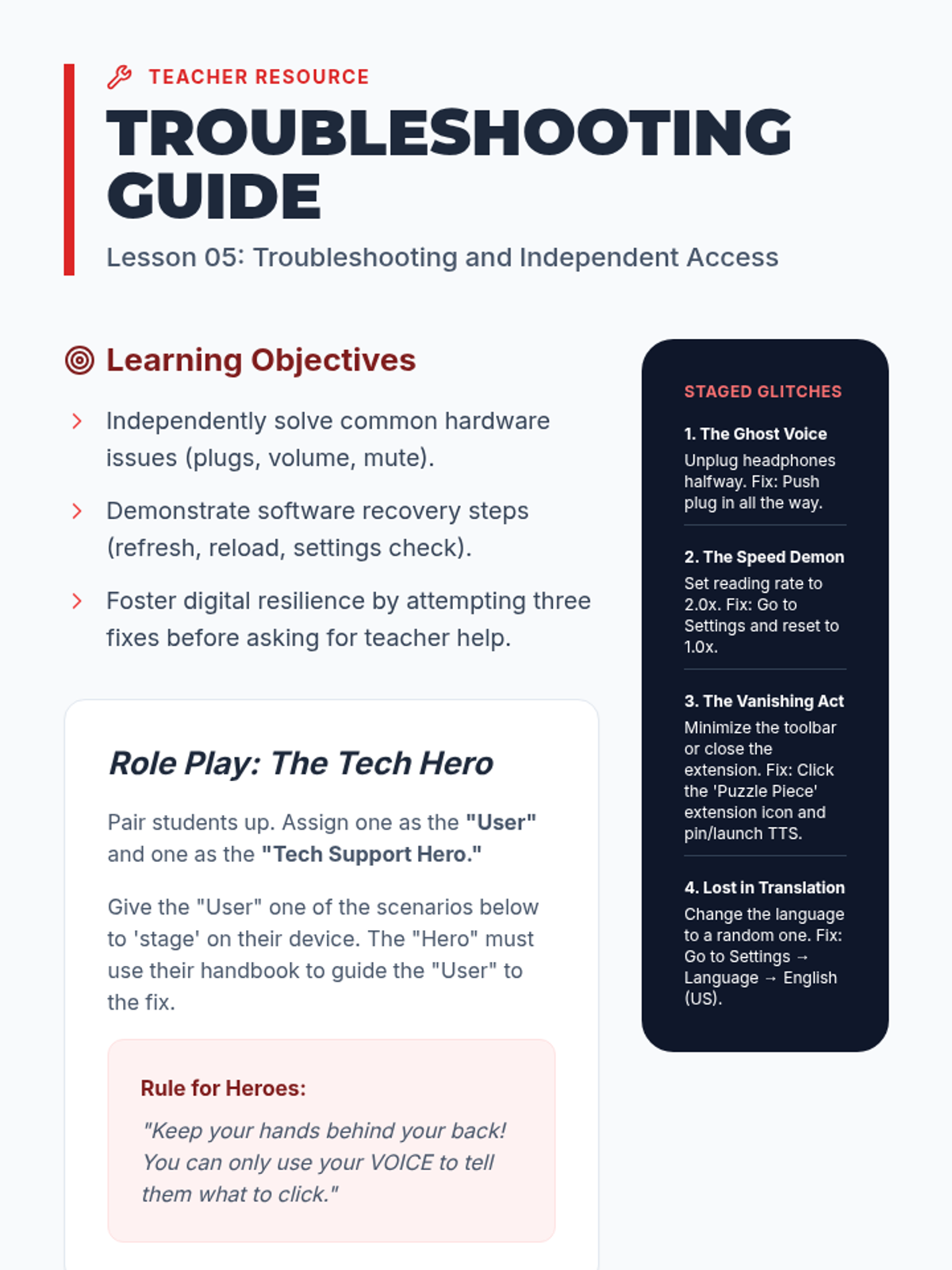
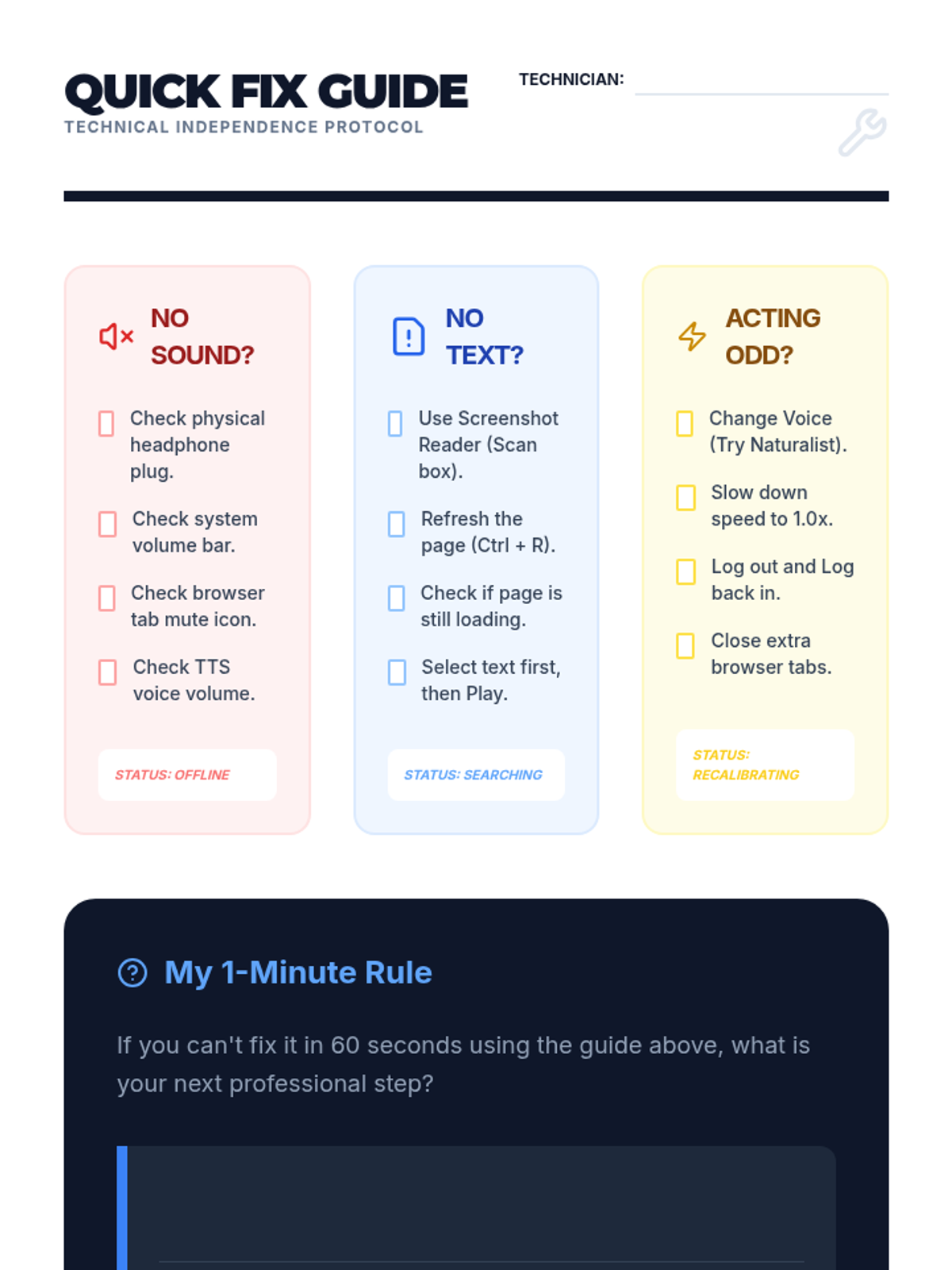
The final lesson covers common technical glitches (e.g., muted volume, disconnected headphones) and login procedures. Students create a 'Quick Fix' guide to solve their own technical issues without teacher intervention.
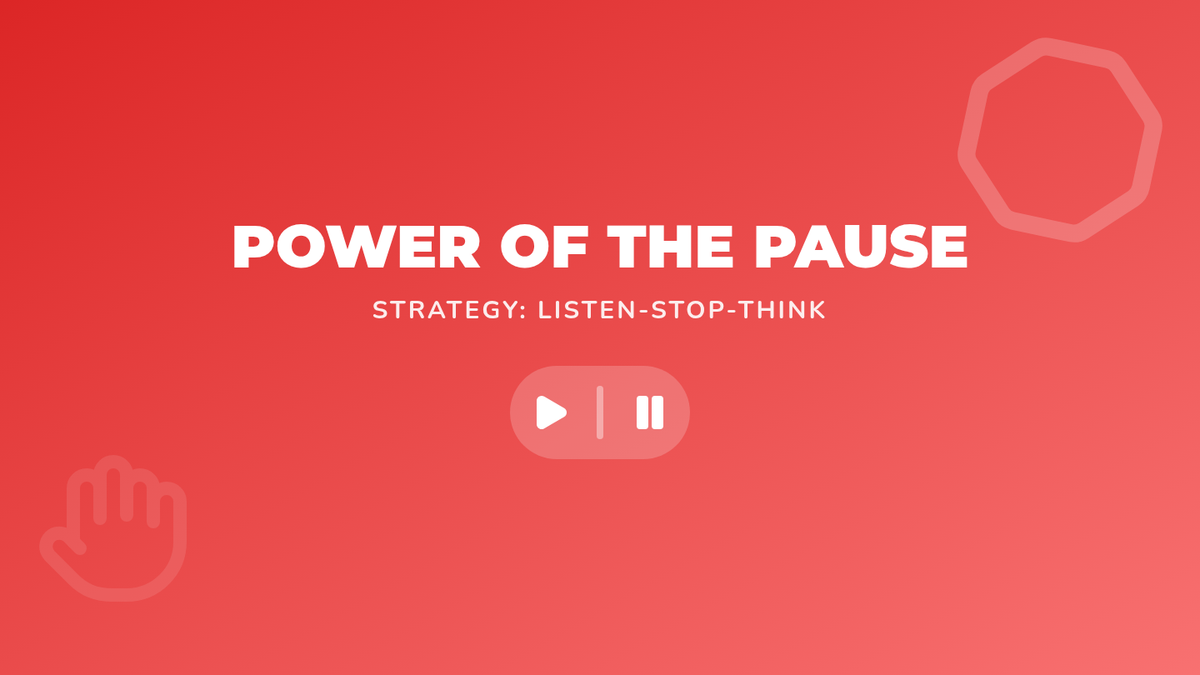
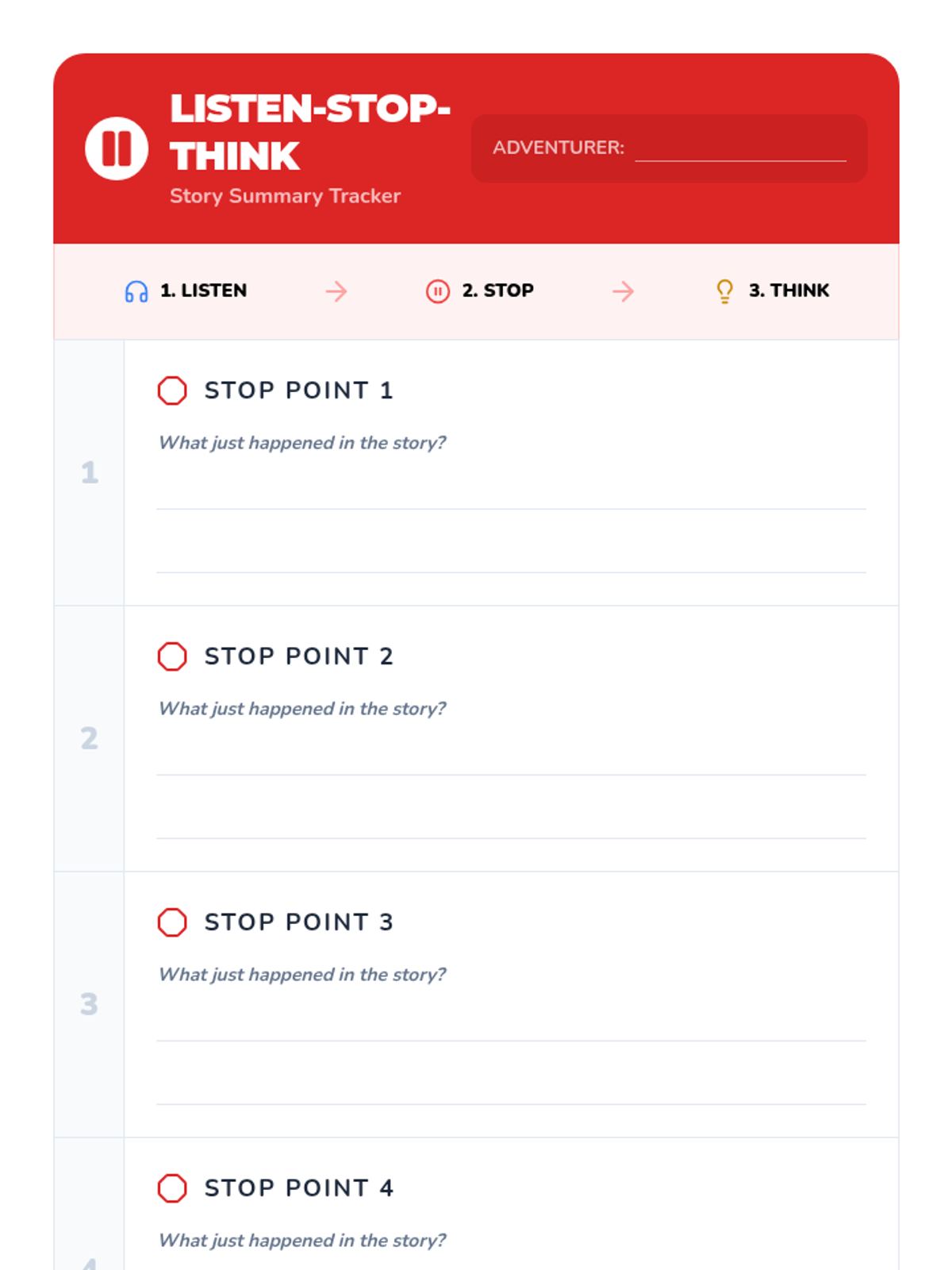
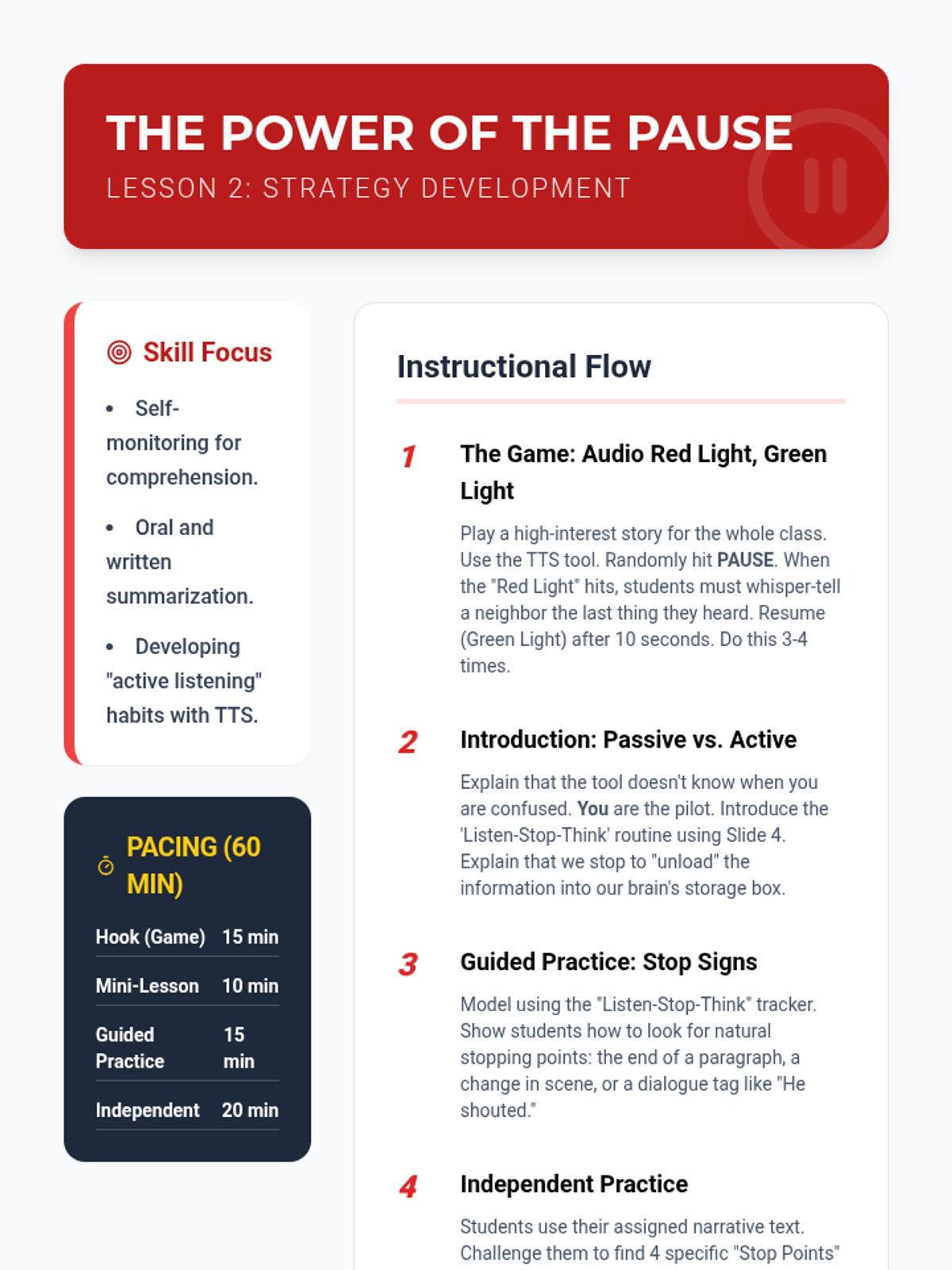
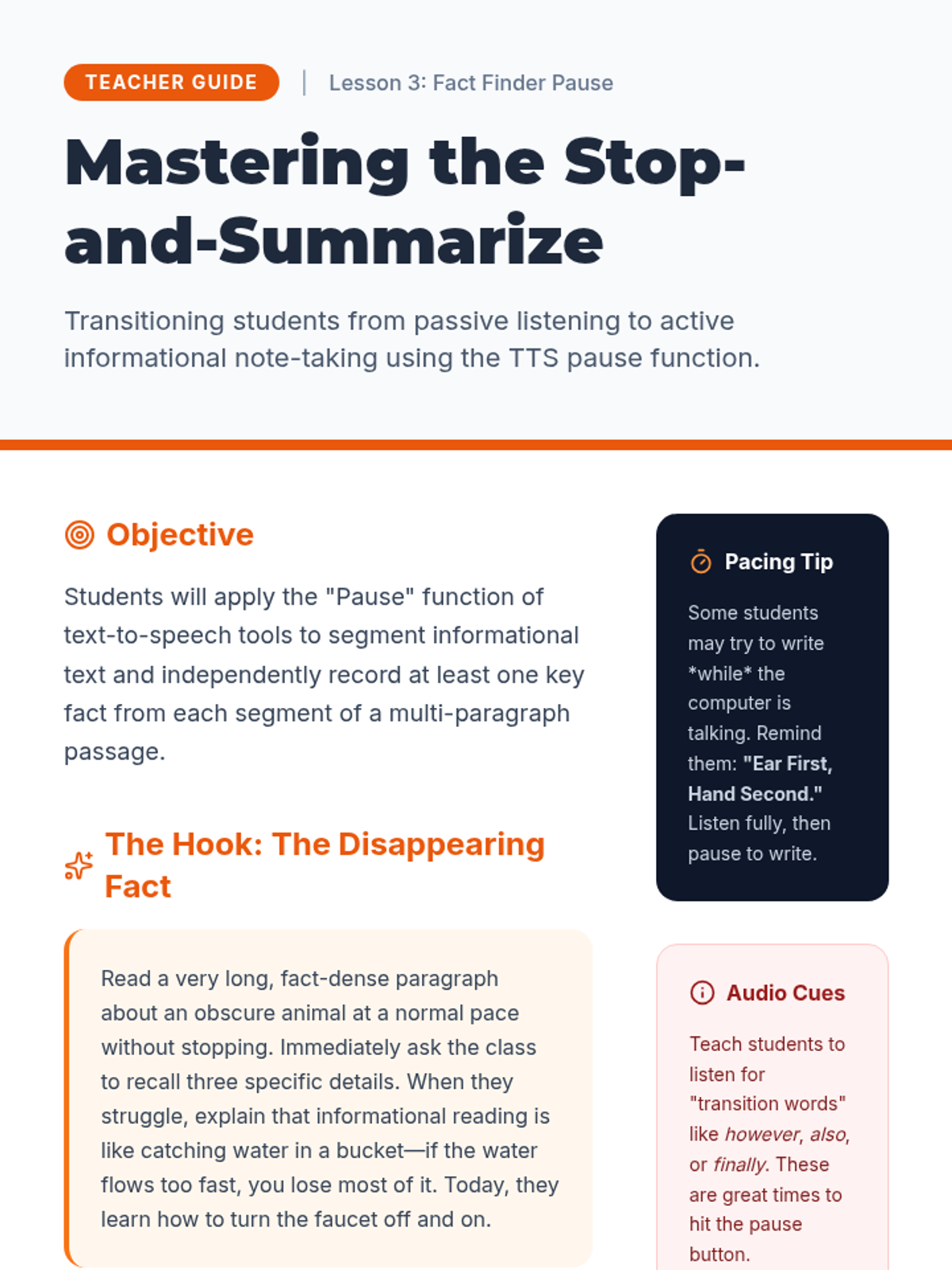
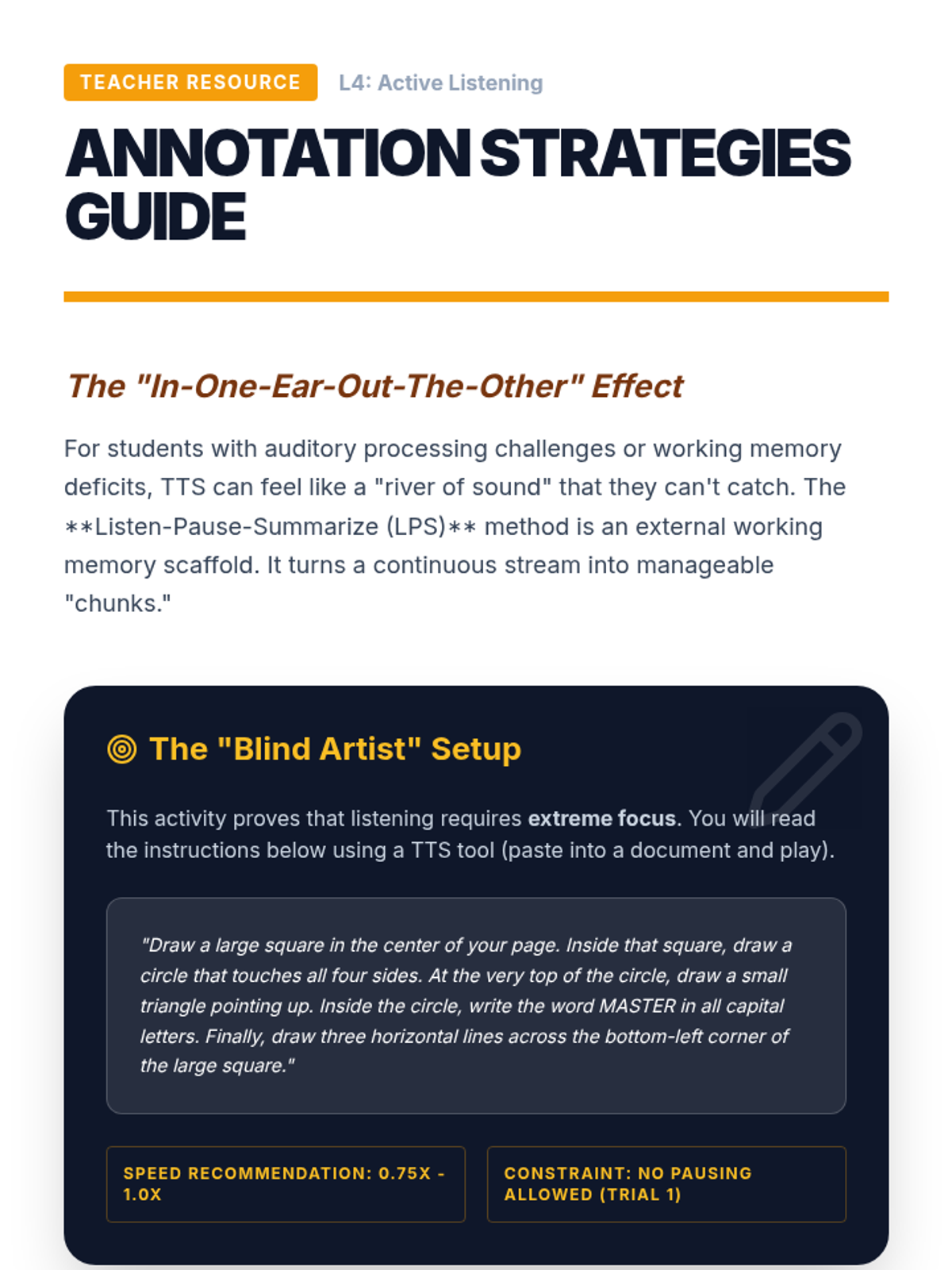
This lesson teaches students the strategy of pausing TTS at the end of every page or section to summarize what happened. Students practice the 'Listen-Stop-Think' routine to ensure they aren't just letting the audio wash over them.
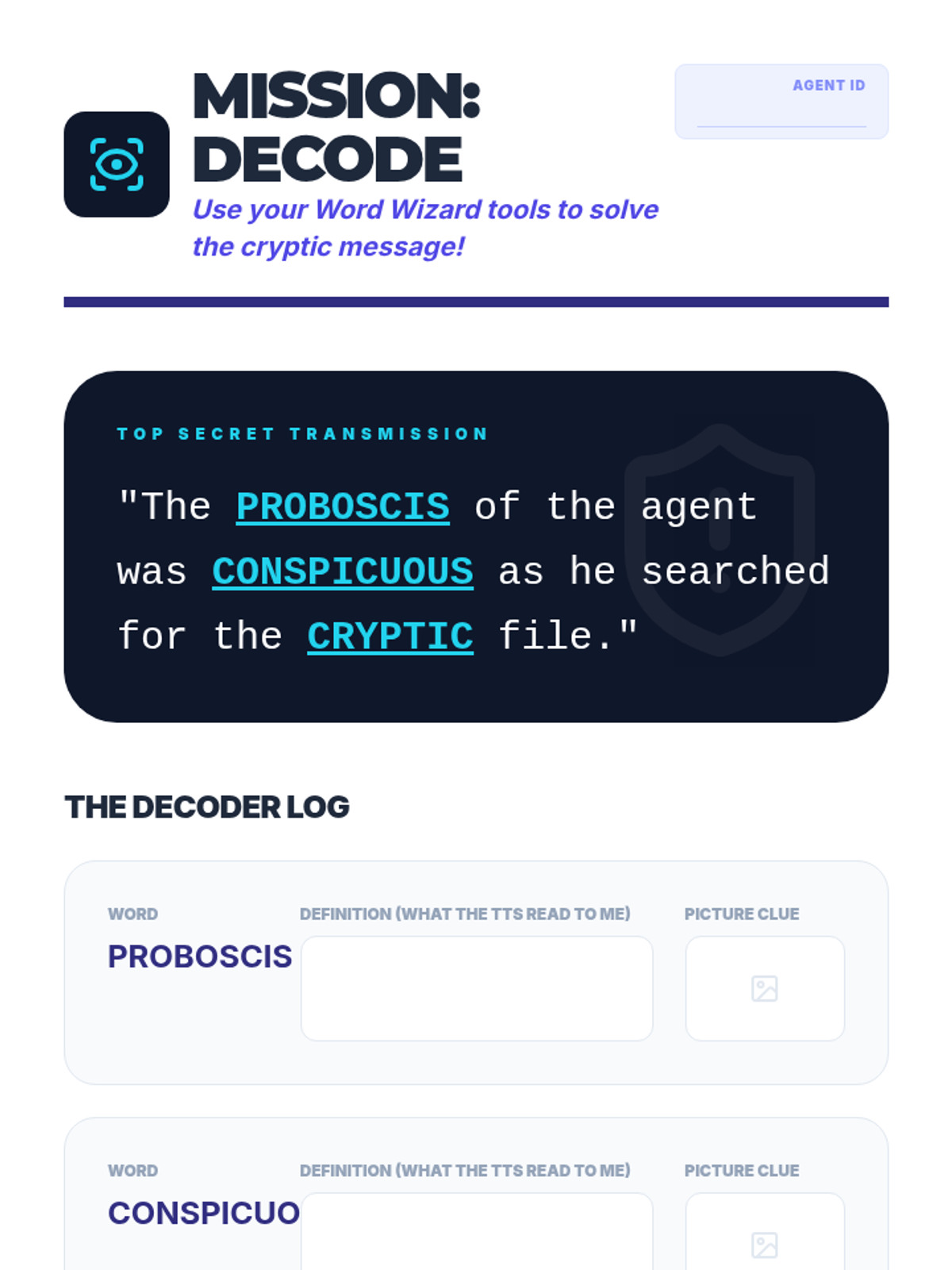
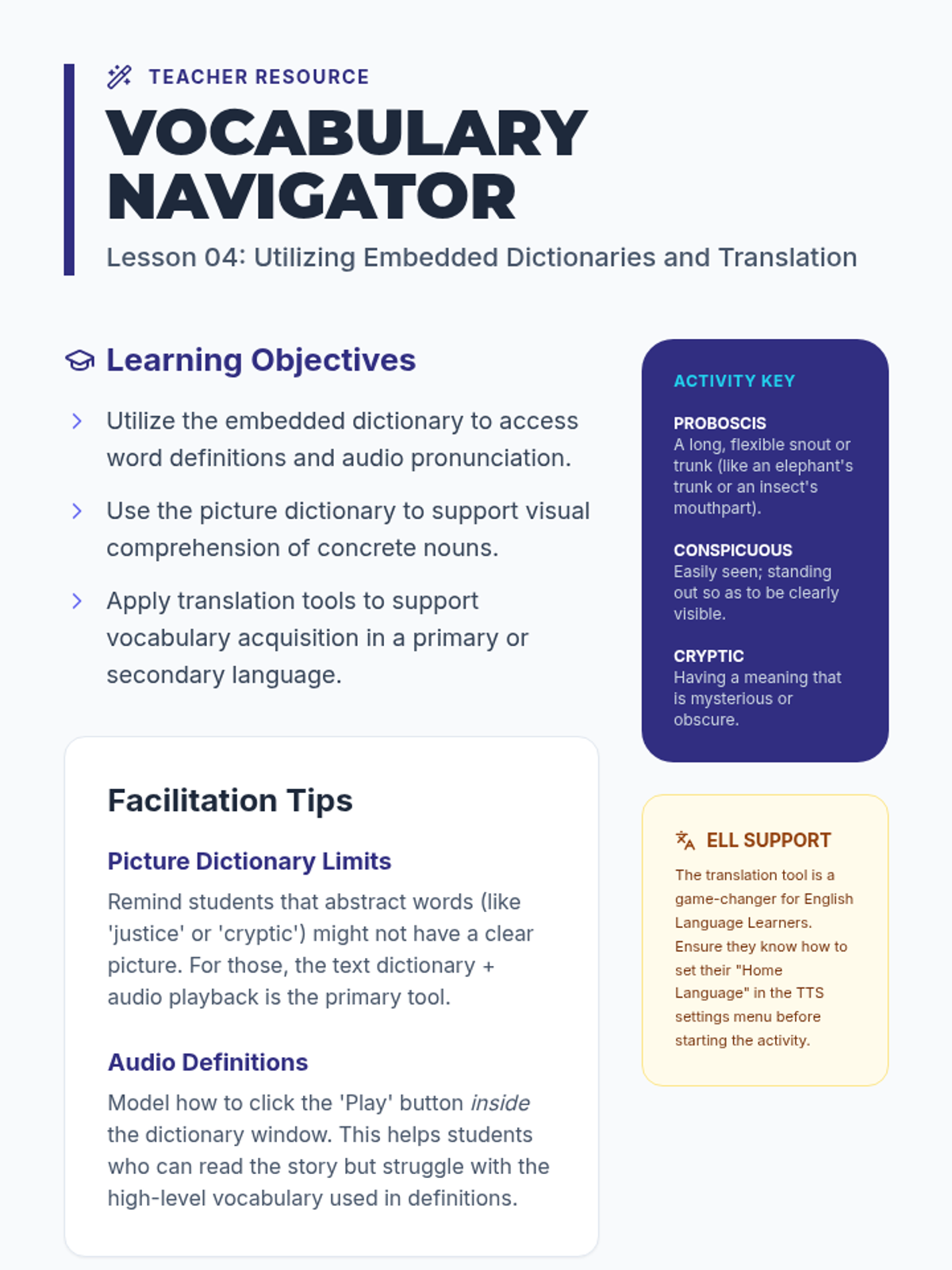
Participants explore secondary features often paired with TTS, such as click-to-define or translation tools. They practice using audio support to decode unfamiliar vocabulary words encountered in science or social studies texts.
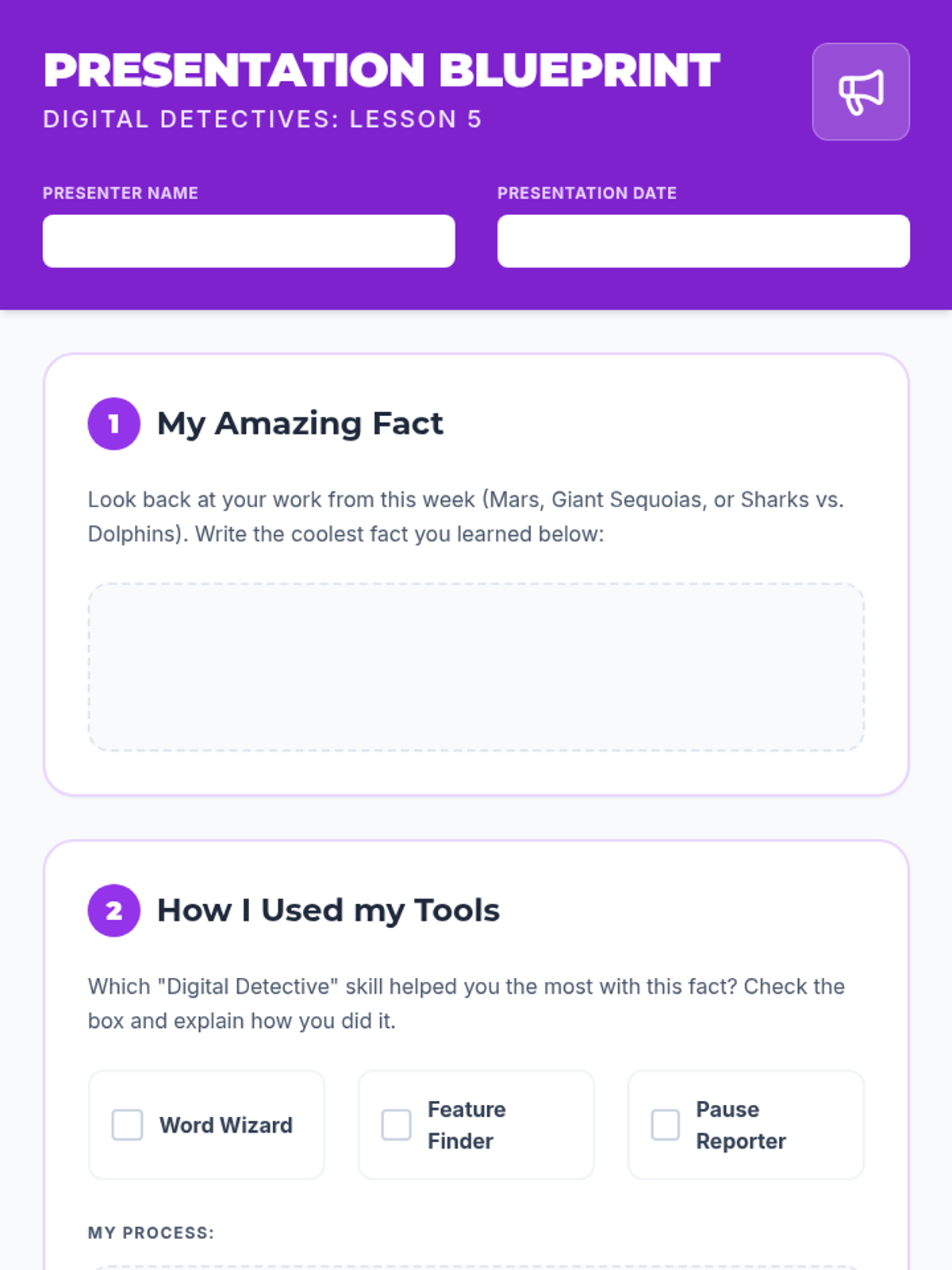
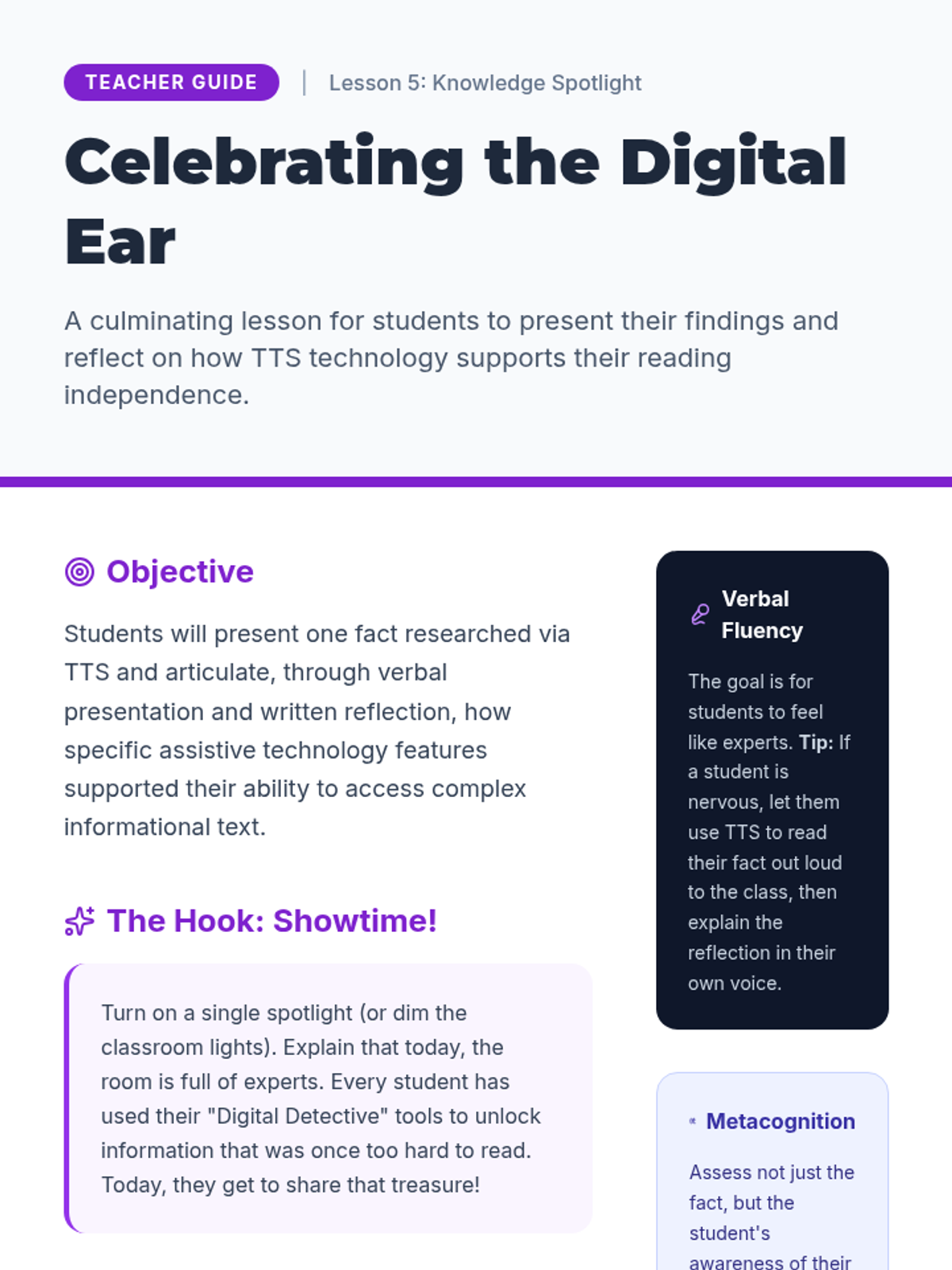
Students create a presentation about a topic researched using TTS and reflect on how the tool helped them access information independently.
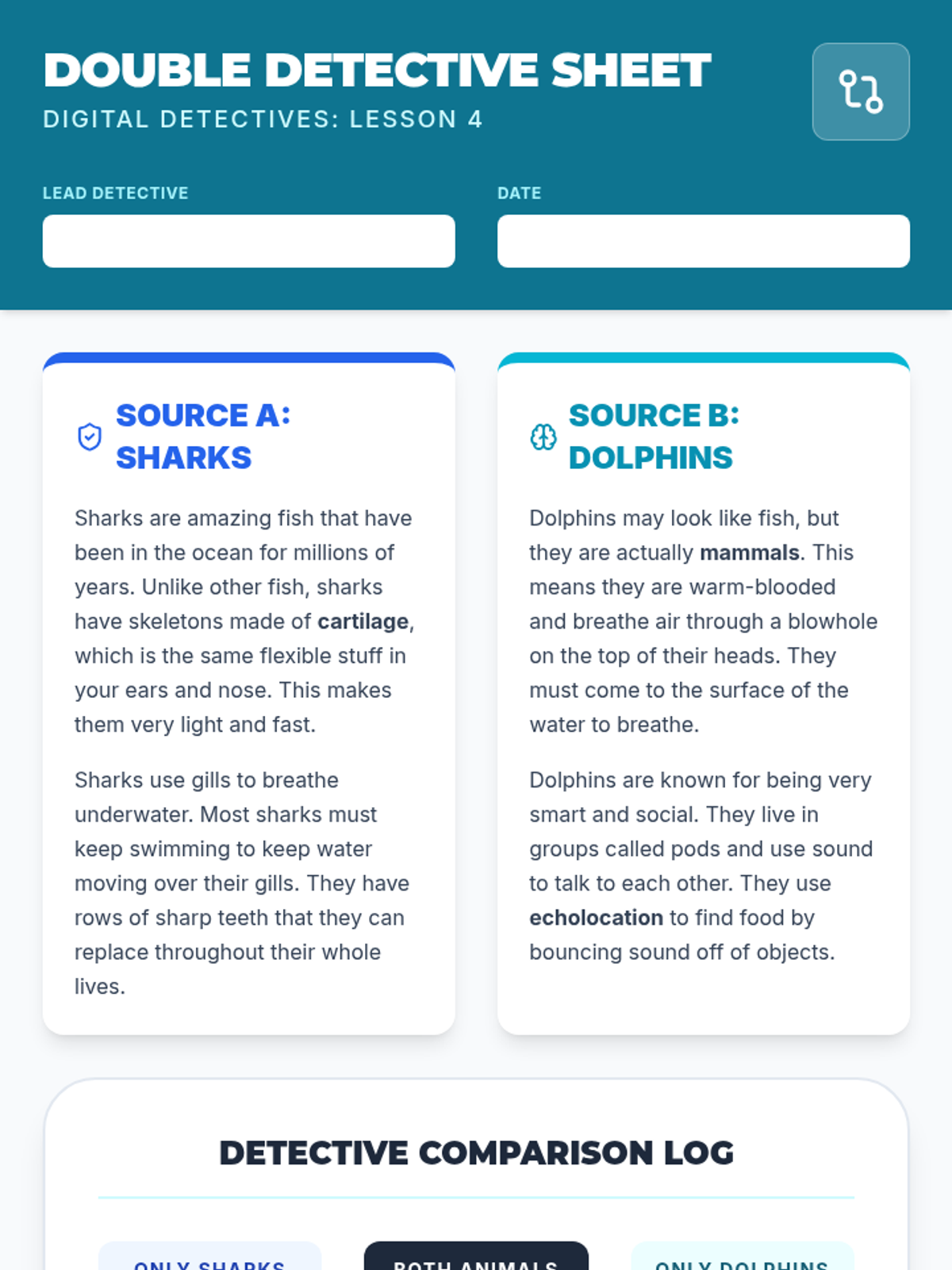
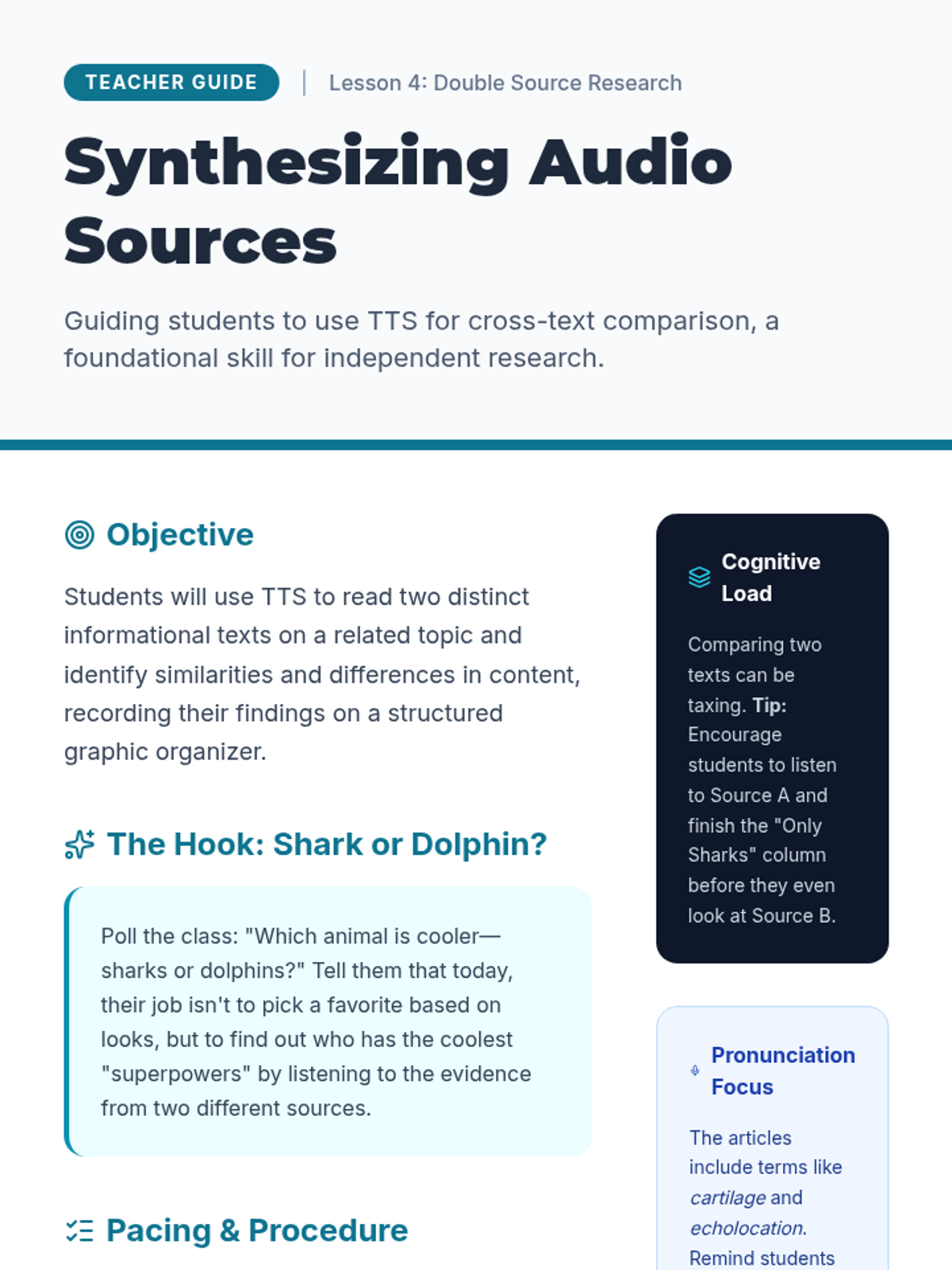
Students use TTS to read two short articles on the same topic and practice comparing the information heard to build a broader understanding.
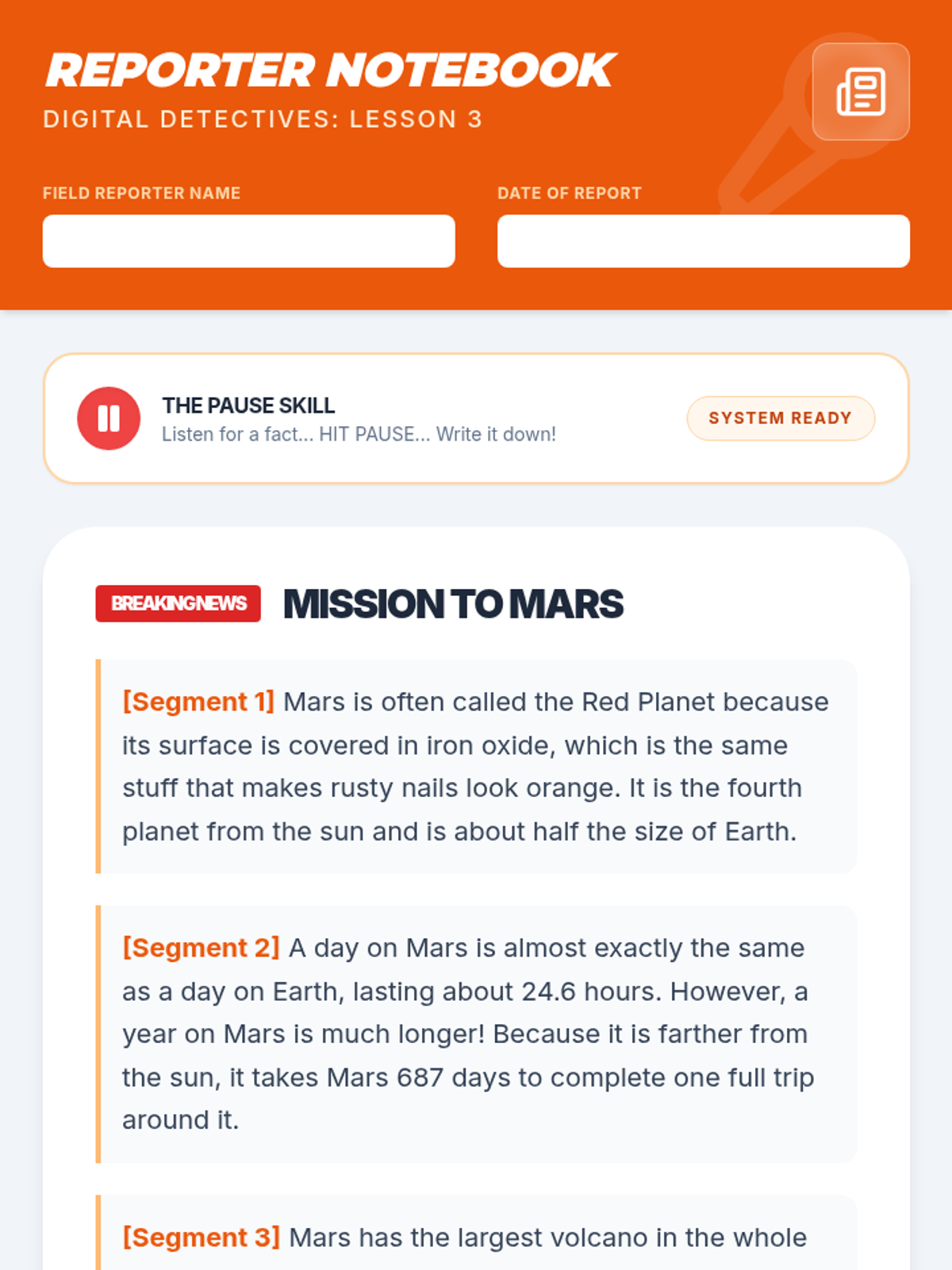
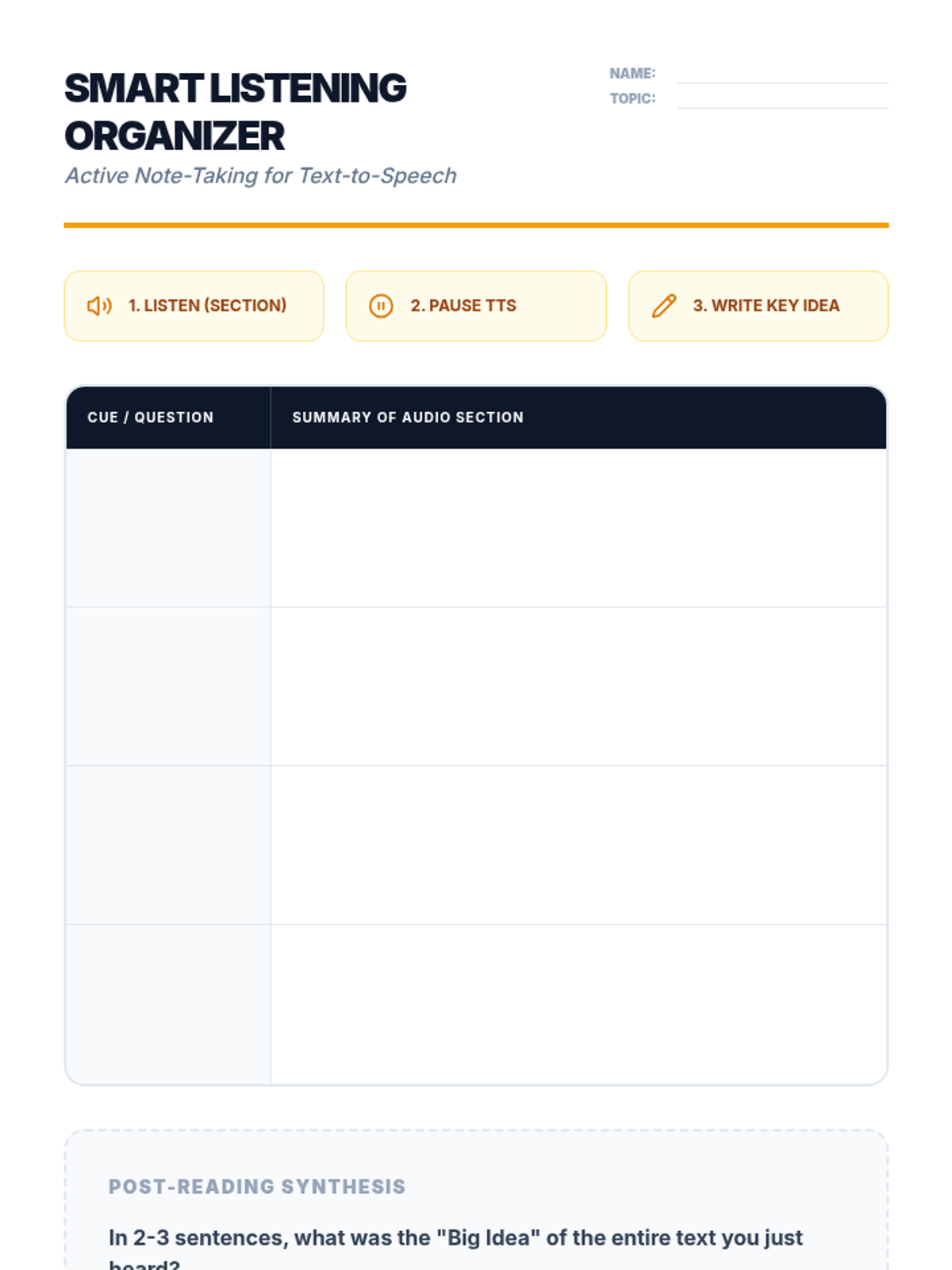
Students listen to informational passages and use the pause function to write down key facts, distinguishing between narrative listening and listening for information.
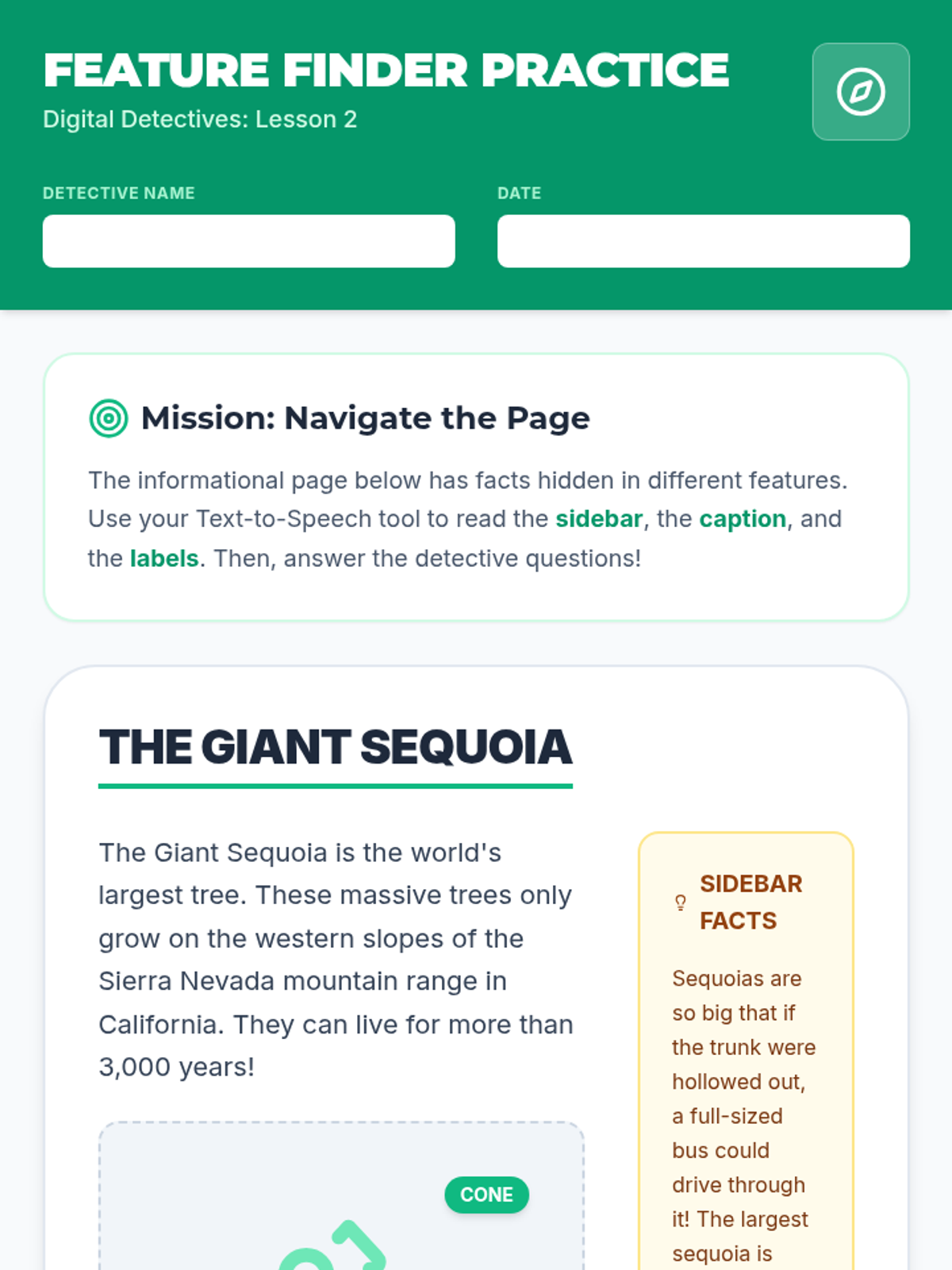
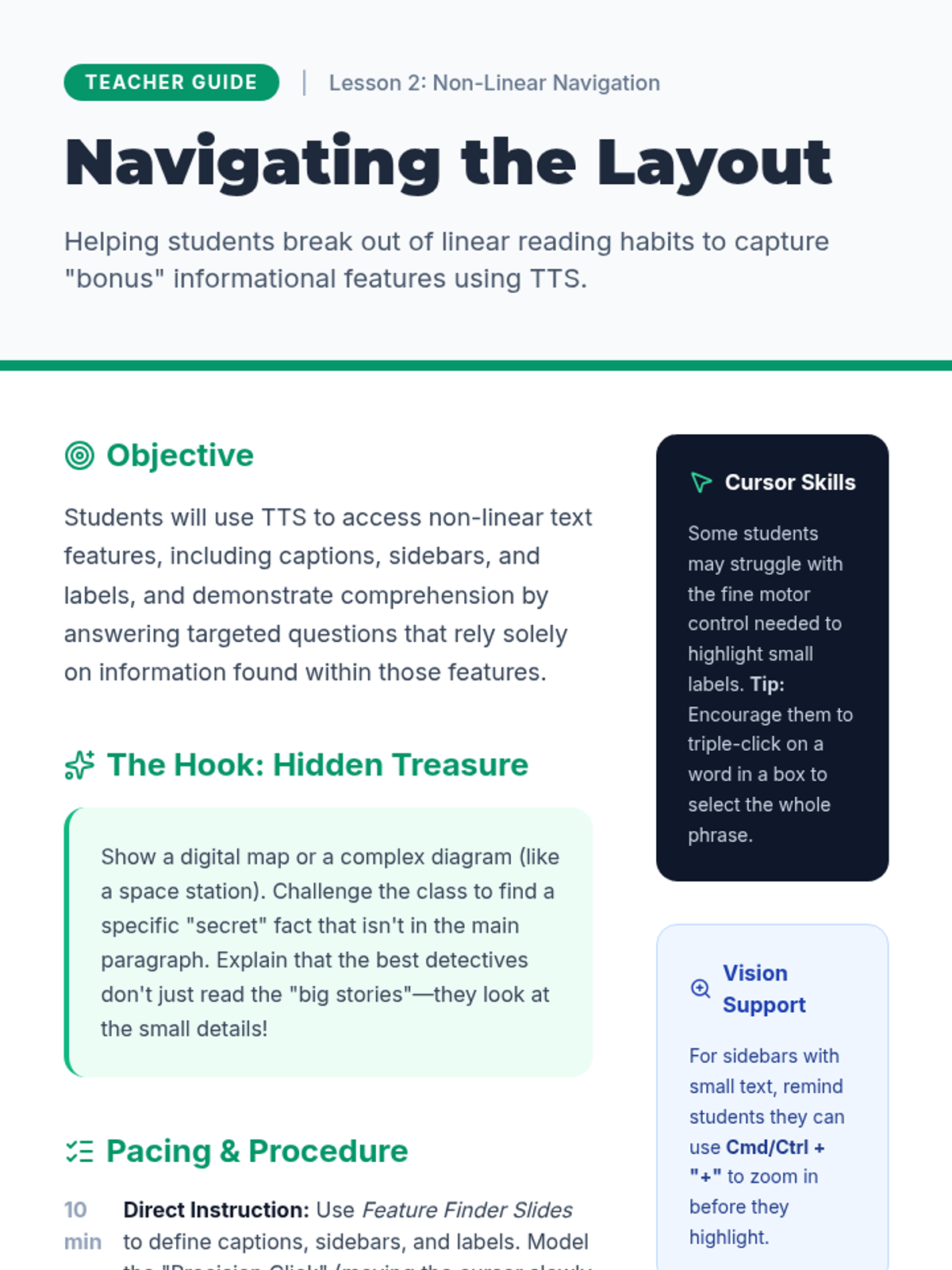
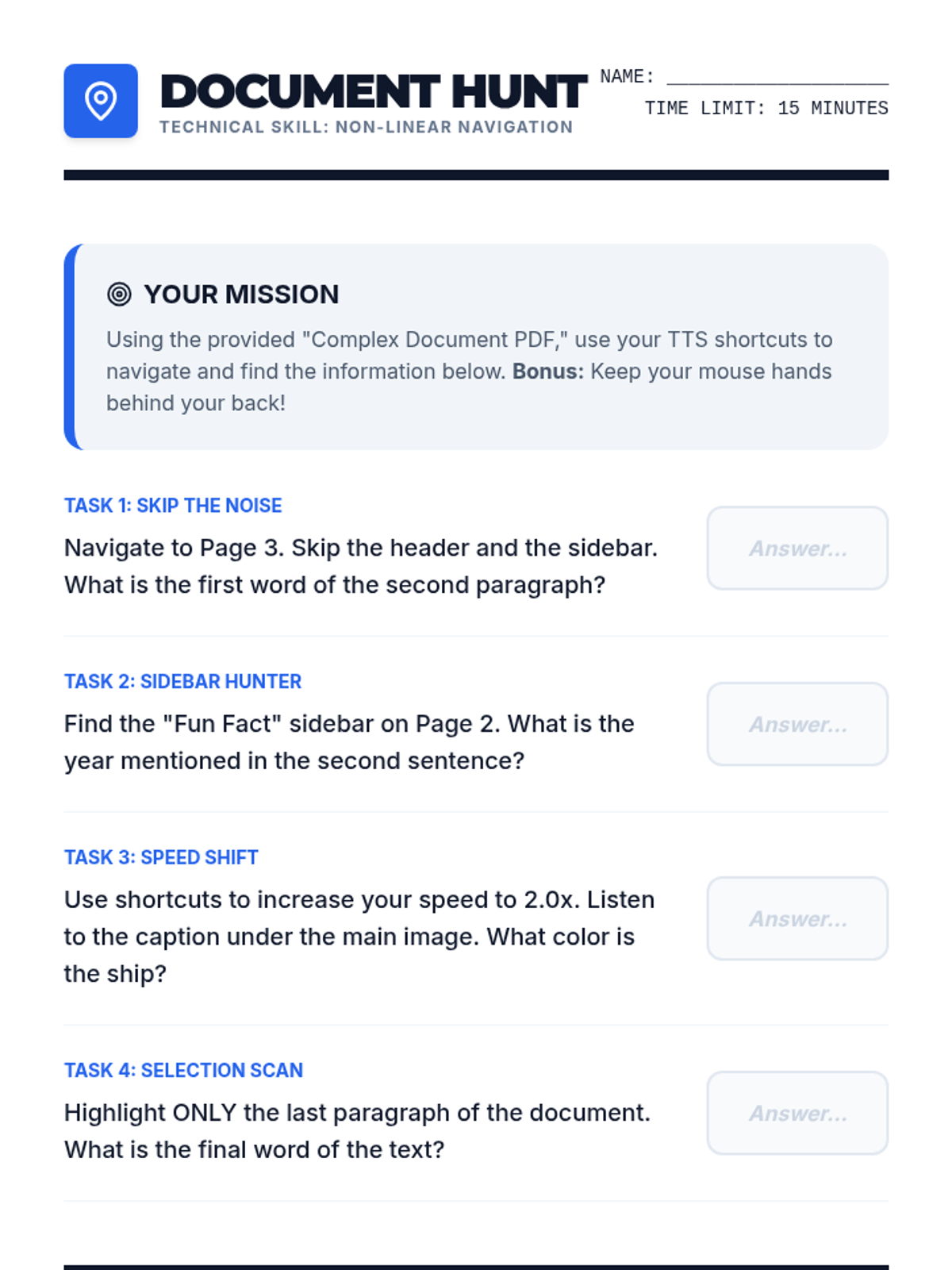
Teaches students how to direct the TTS tool to read non-linear elements like captions, diagrams, and sidebars rather than just the main body text.
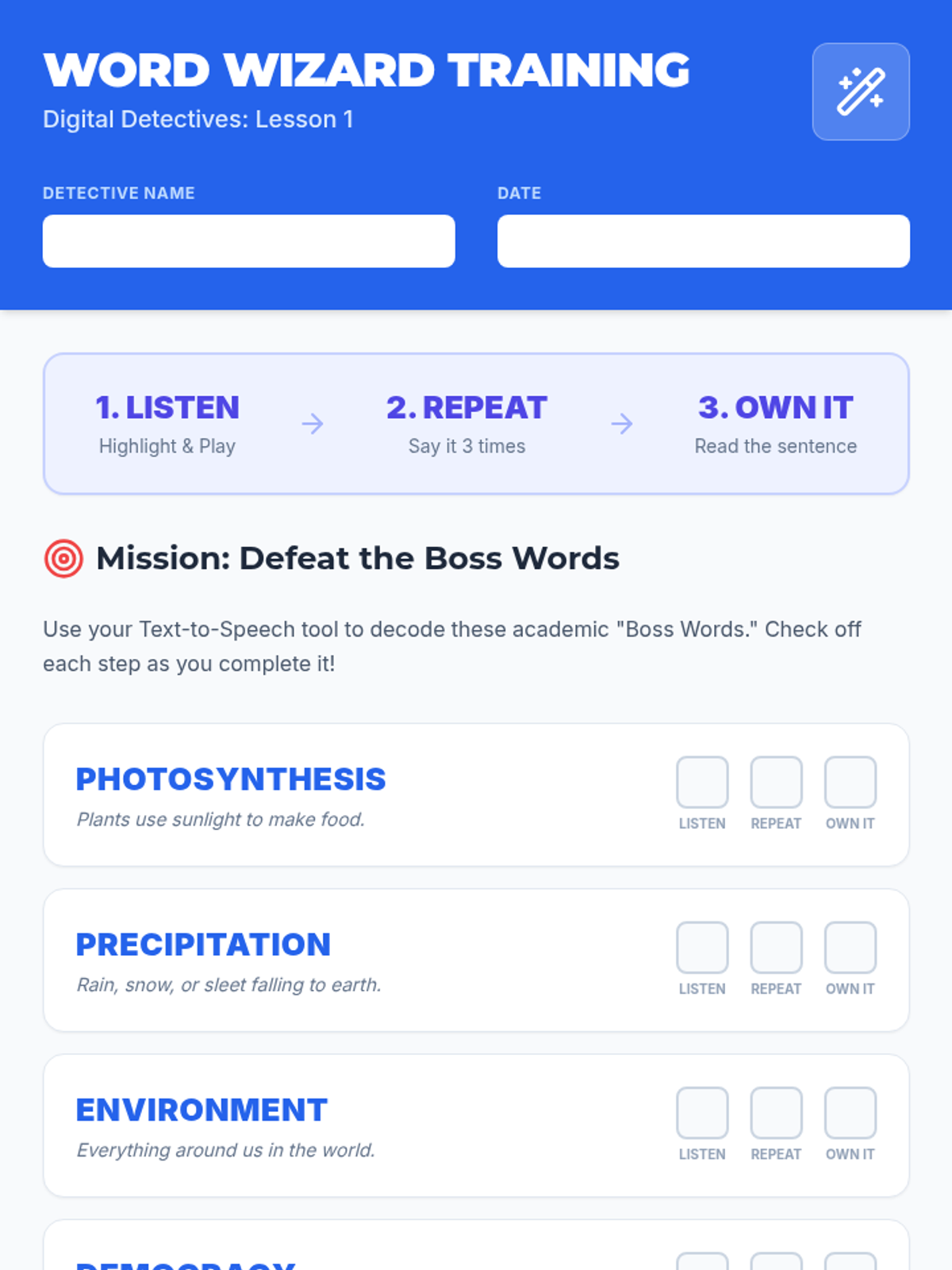
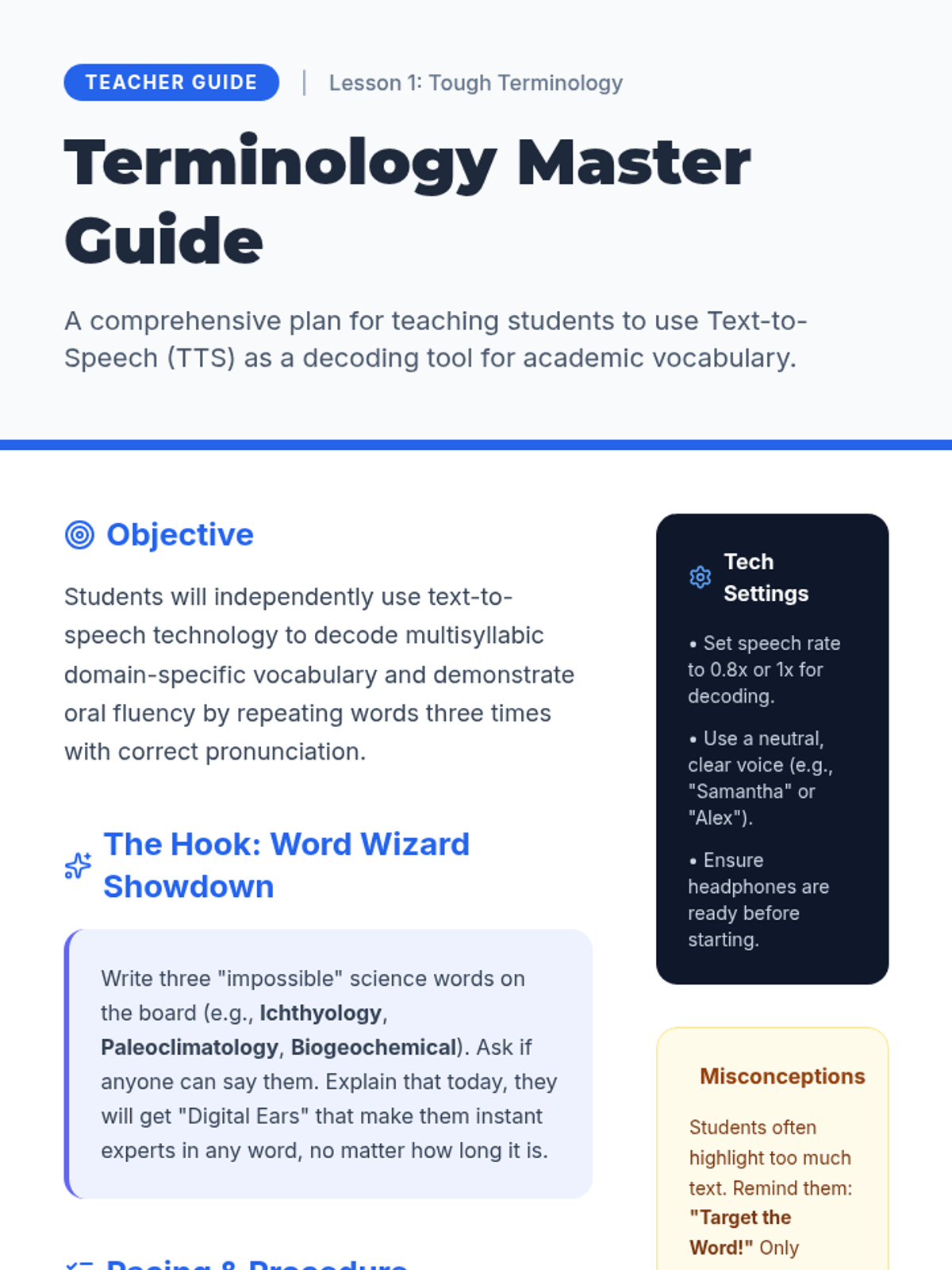
Students practice using TTS to decode specific domain-specific vocabulary by highlighting difficult words to hear the pronunciation and building oral fluency through repetition.
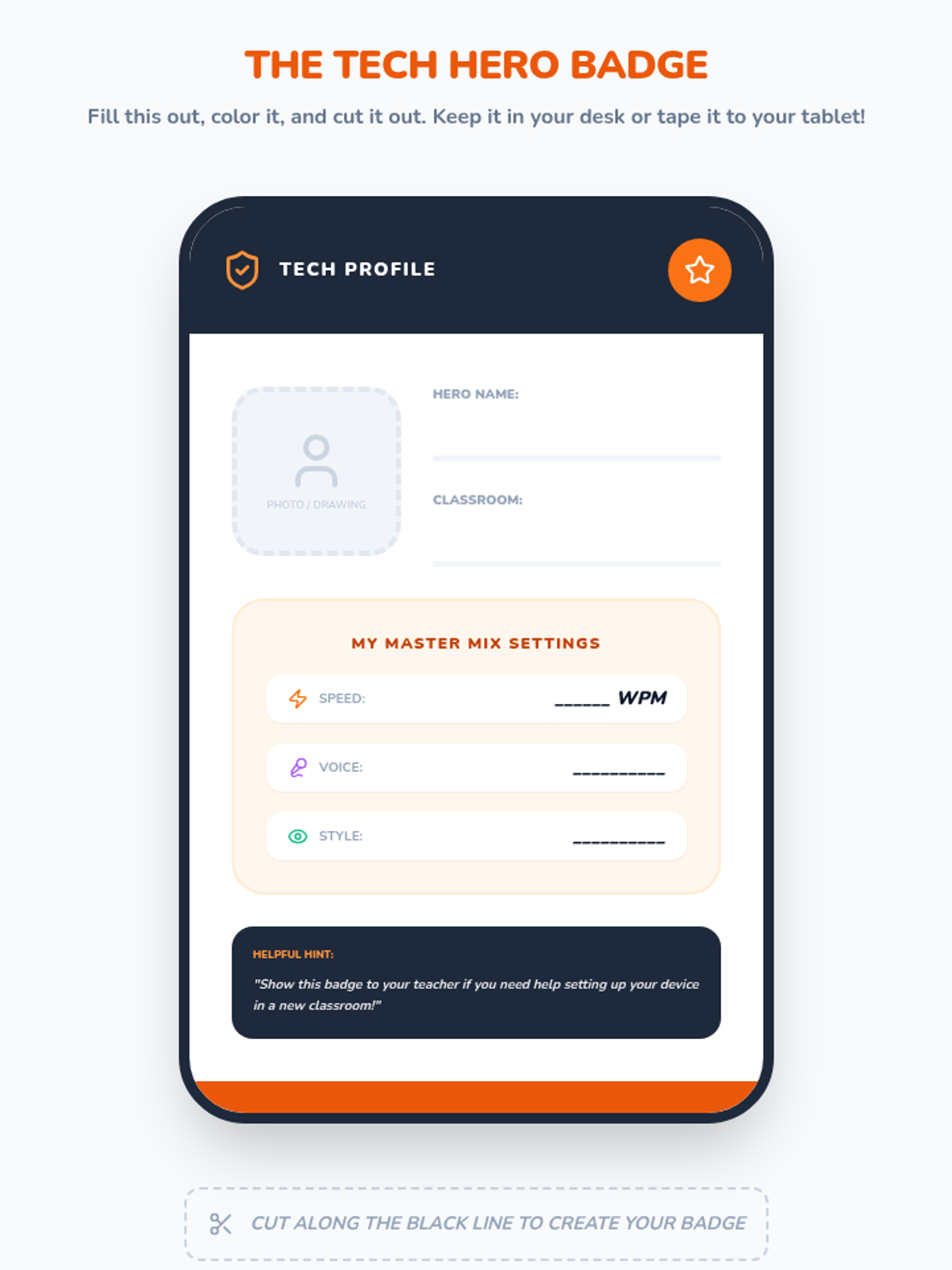
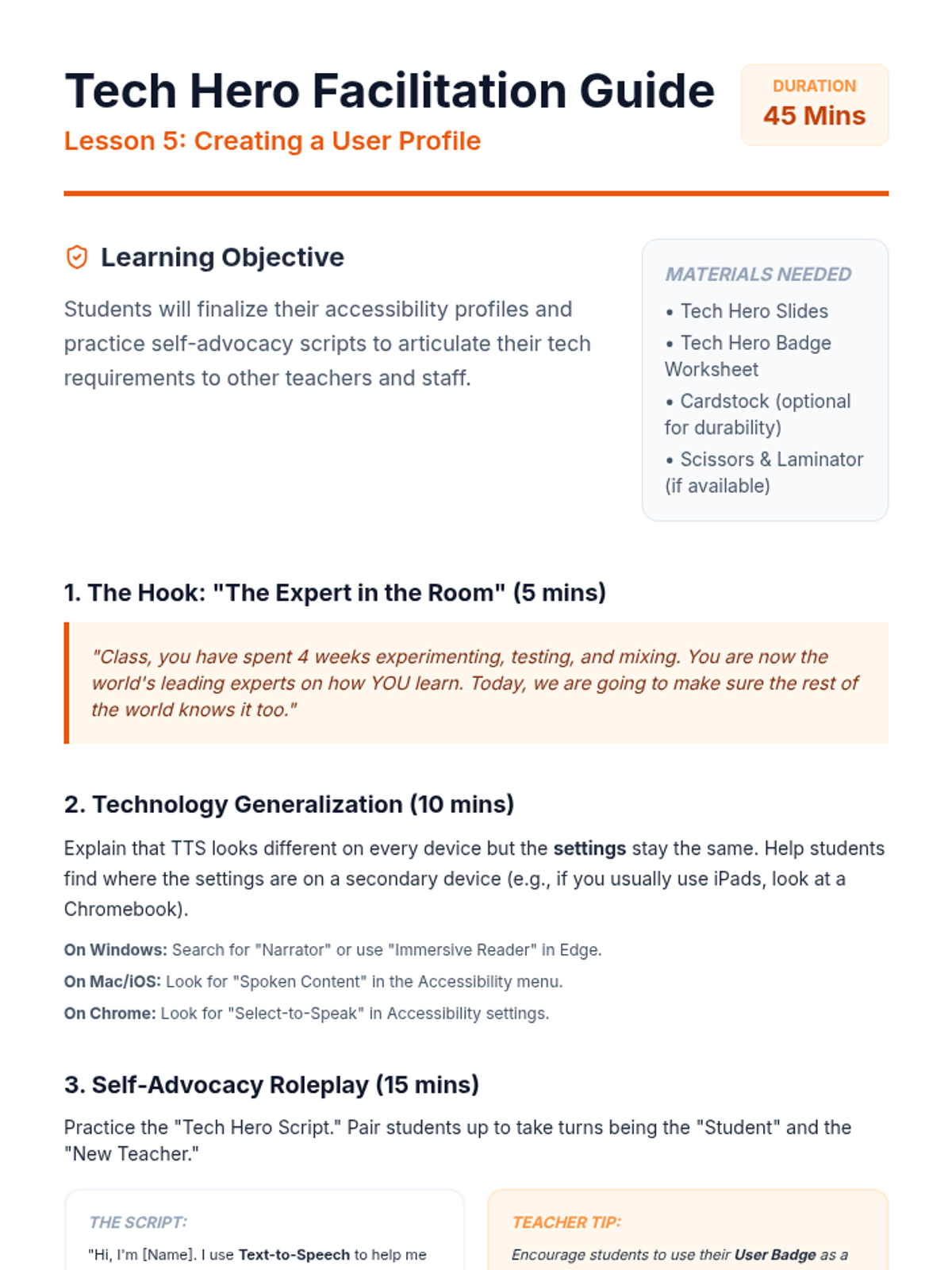
Students finalize their settings and create a portable 'User Badge.' They practice self-advocacy skills to explain their technical needs to teachers across different classrooms and devices.
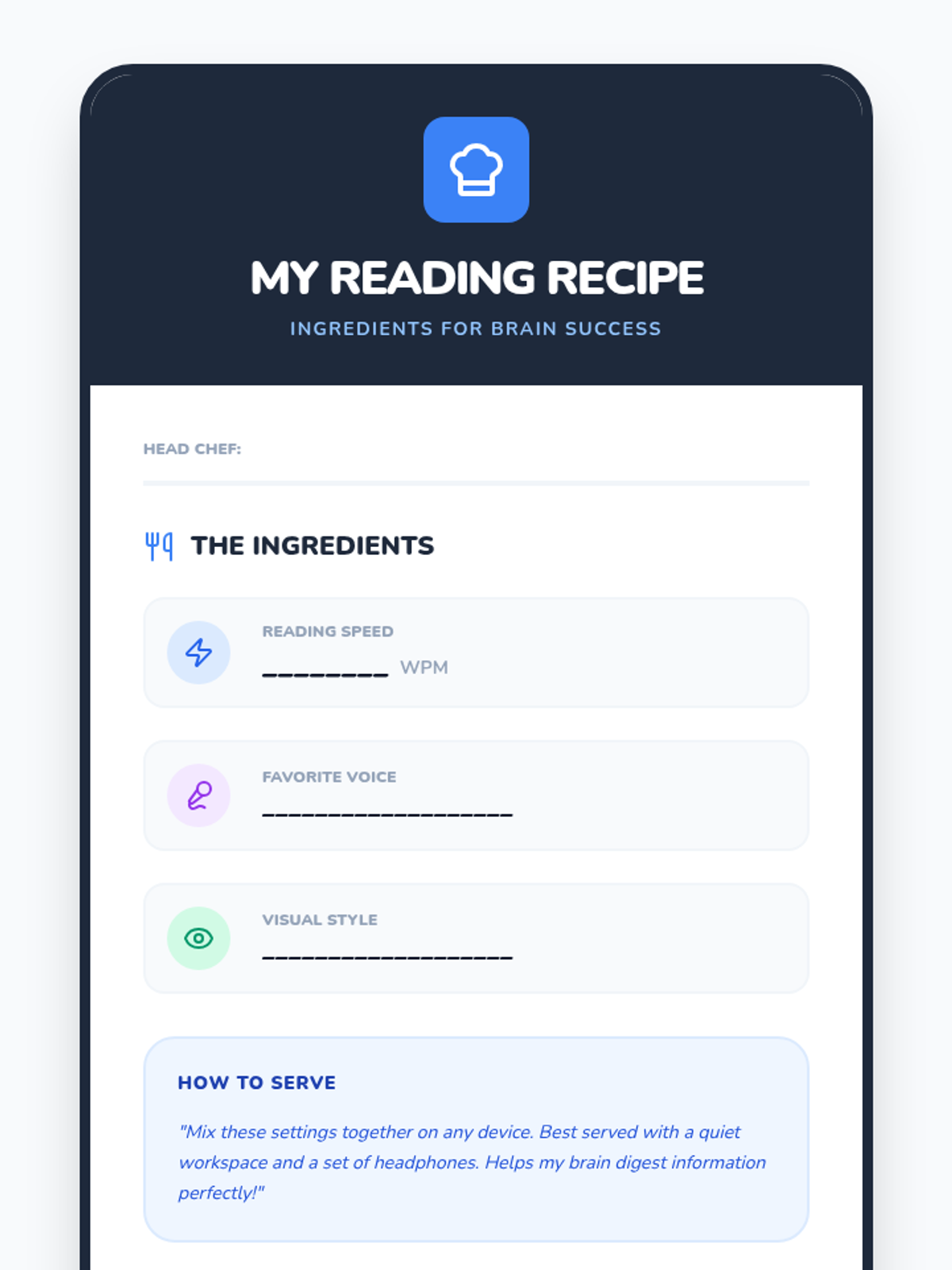
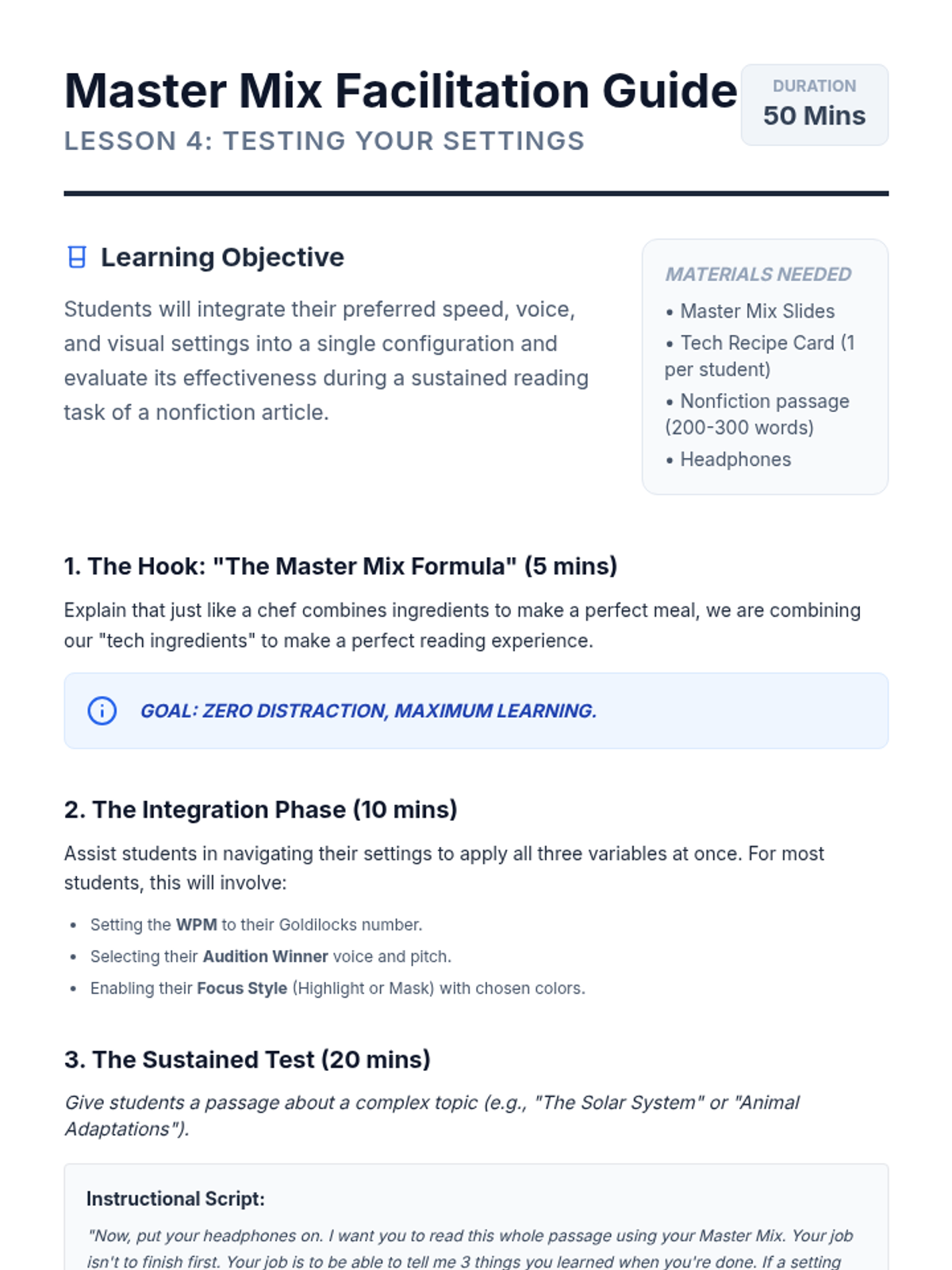
Students combine their chosen speed, voice, and visual settings into a final configuration. They test this 'Master Mix' on a nonfiction article and reflect on their ability to focus and understand.
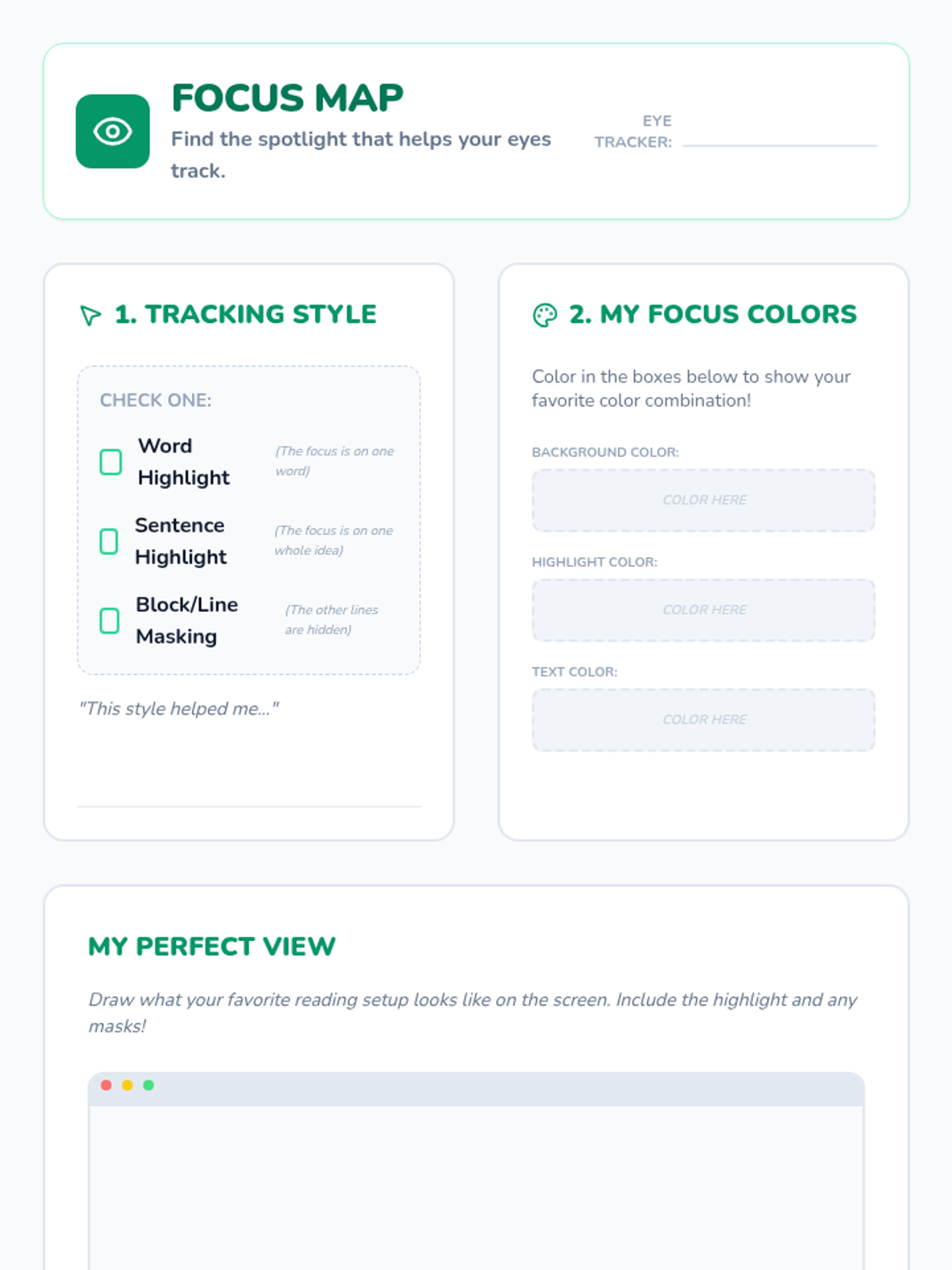
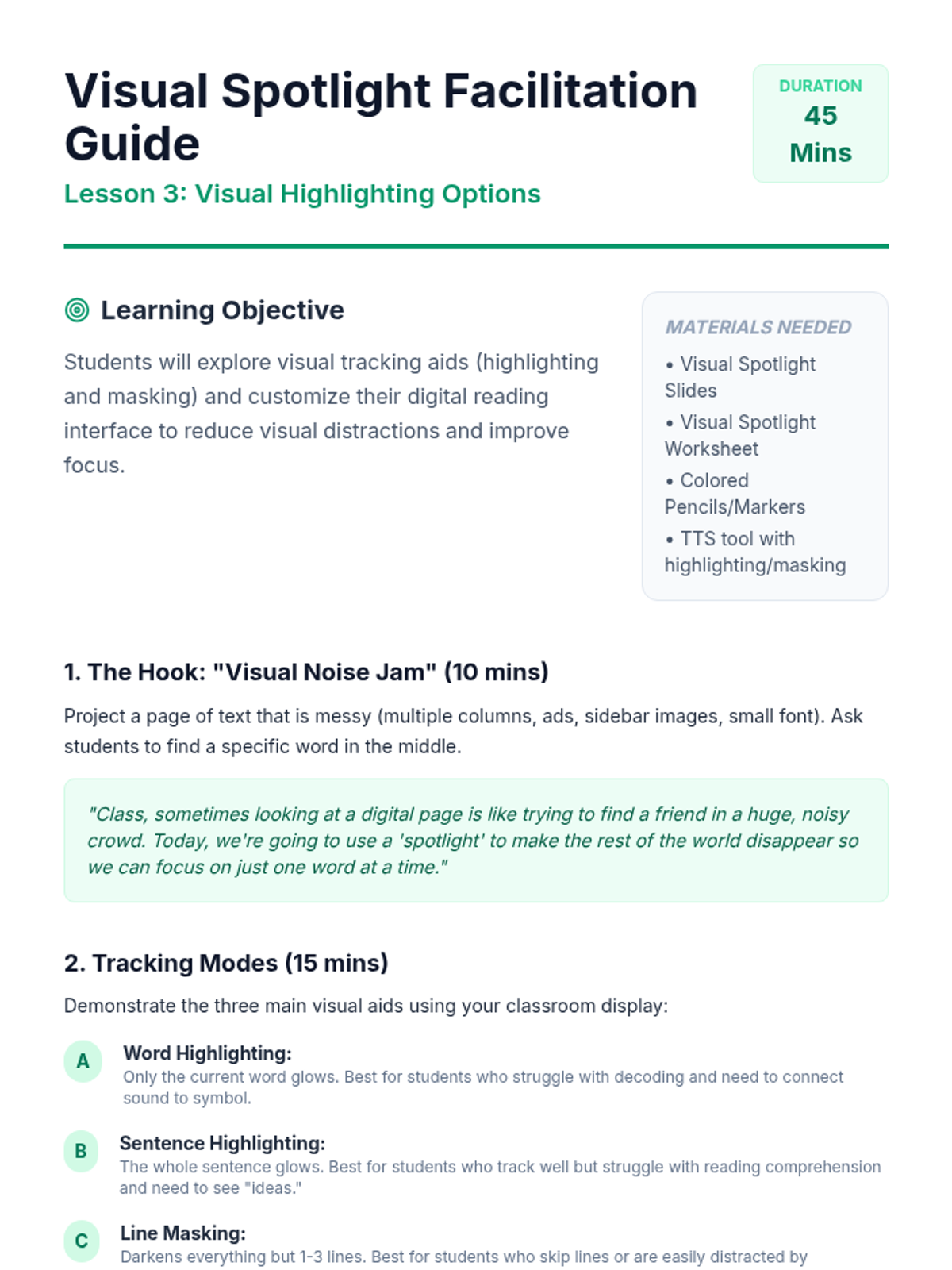
Students investigate visual aids like word-by-word highlighting and masking. They compare reading with 'visual noise' versus a 'spotlight' to find settings that reduce distraction and improve tracking.
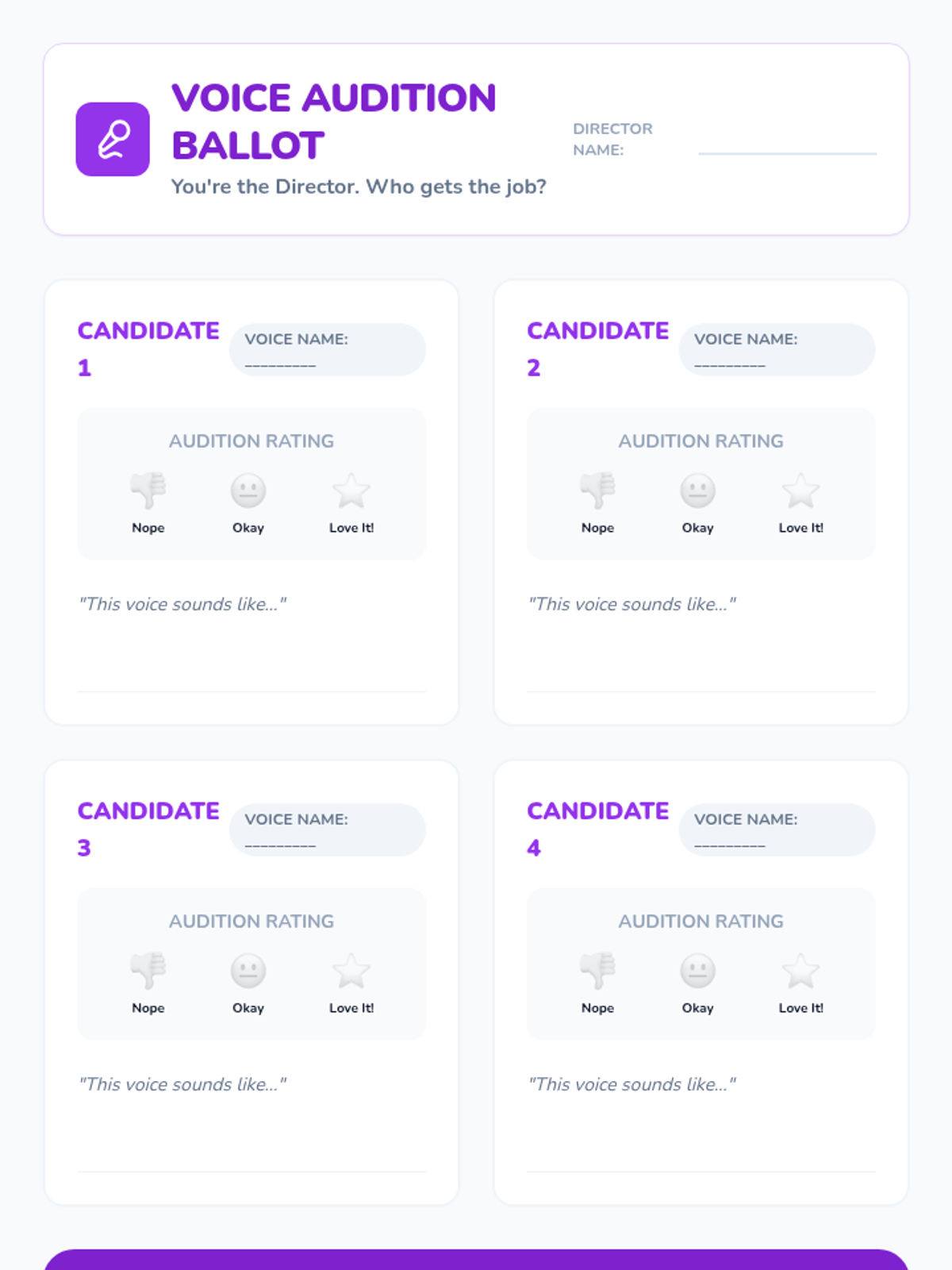
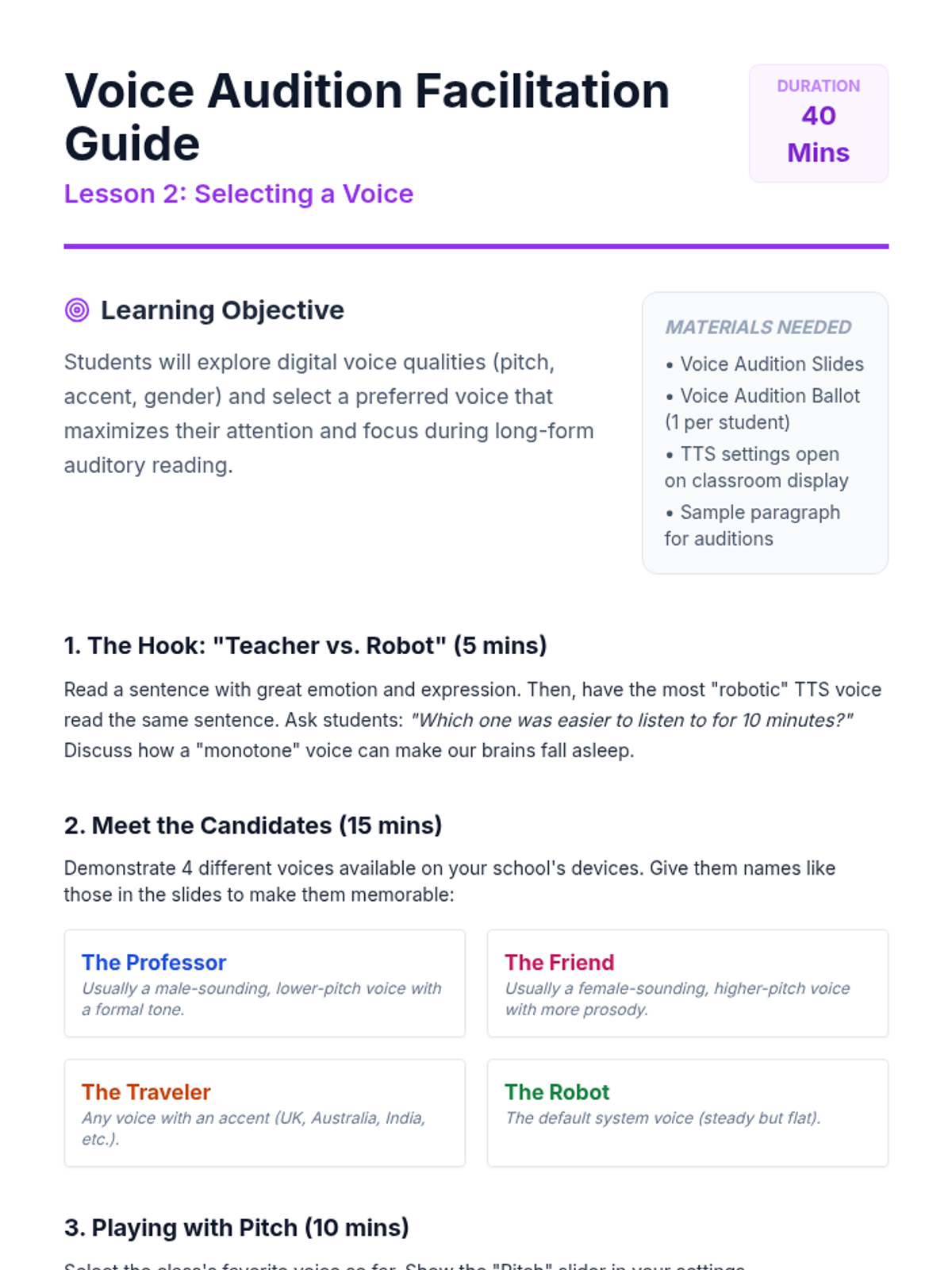
Students explore digital voice options including pitch, accent, and gender. They learn to identify which voices help them stay focused and which feel most natural for long-form reading.
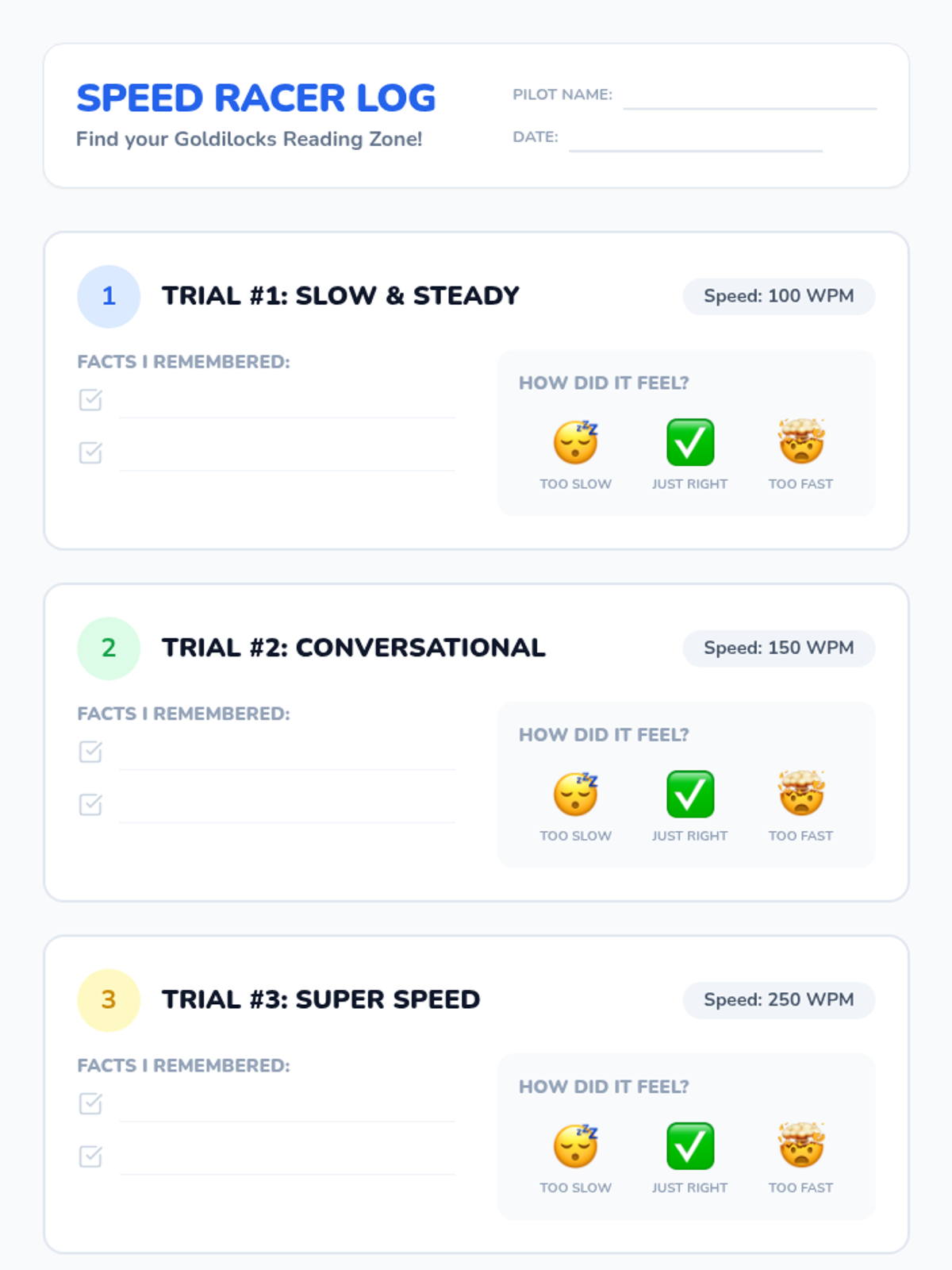
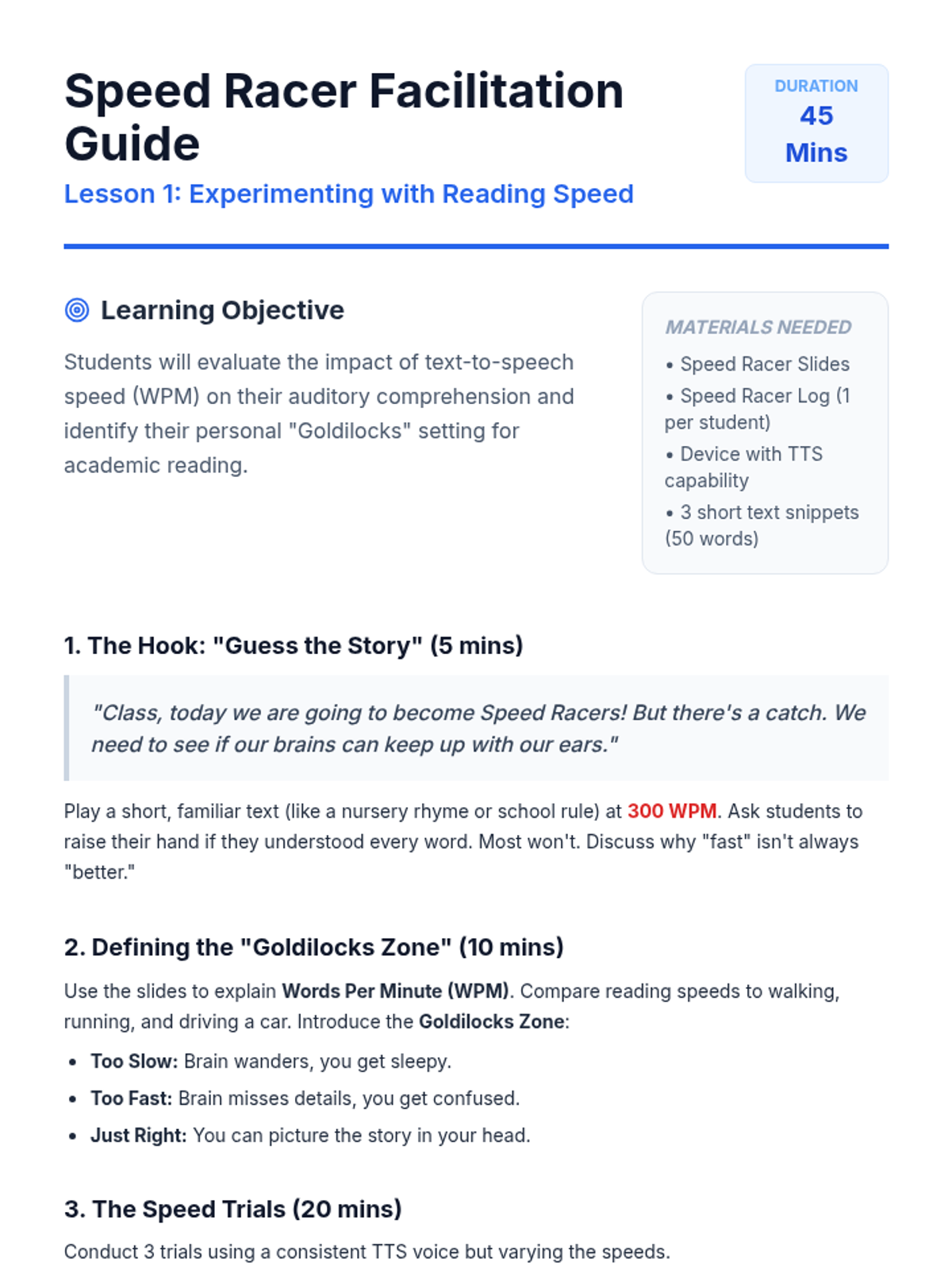
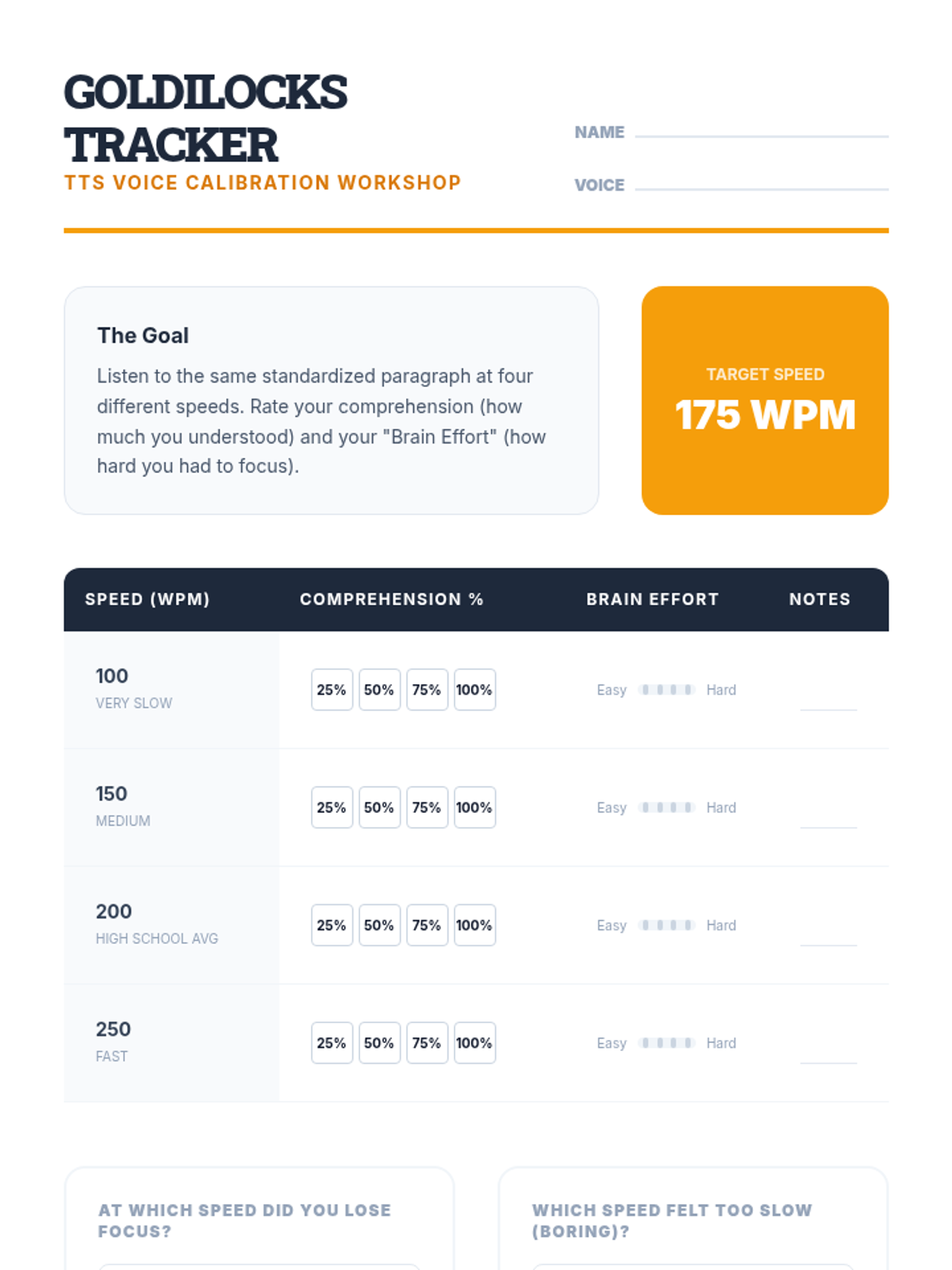
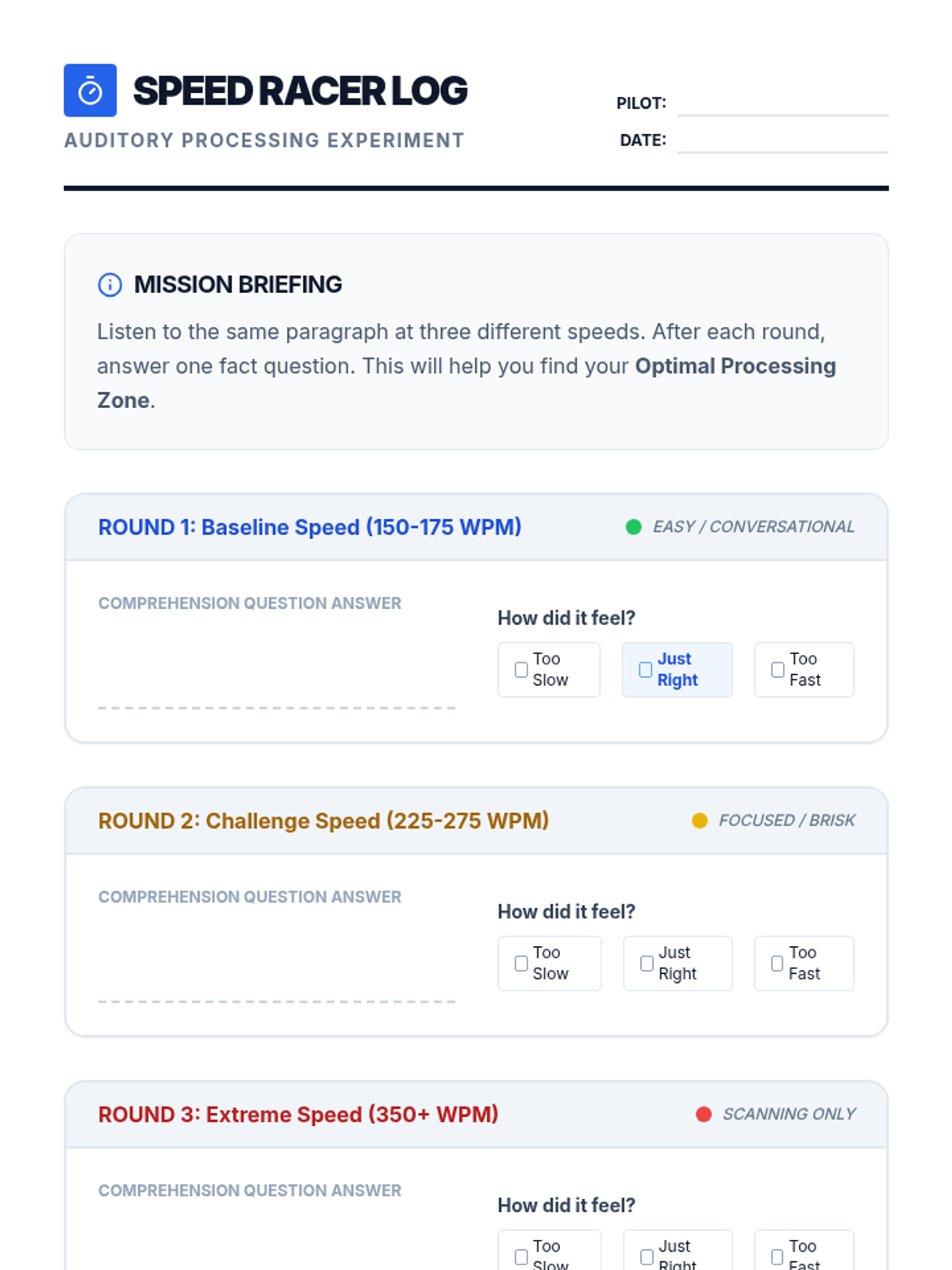
Students test different words-per-minute settings to find their 'Goldilocks' zone. They participate in a Speed Racer challenge to understand how speed impacts their auditory processing and memory.
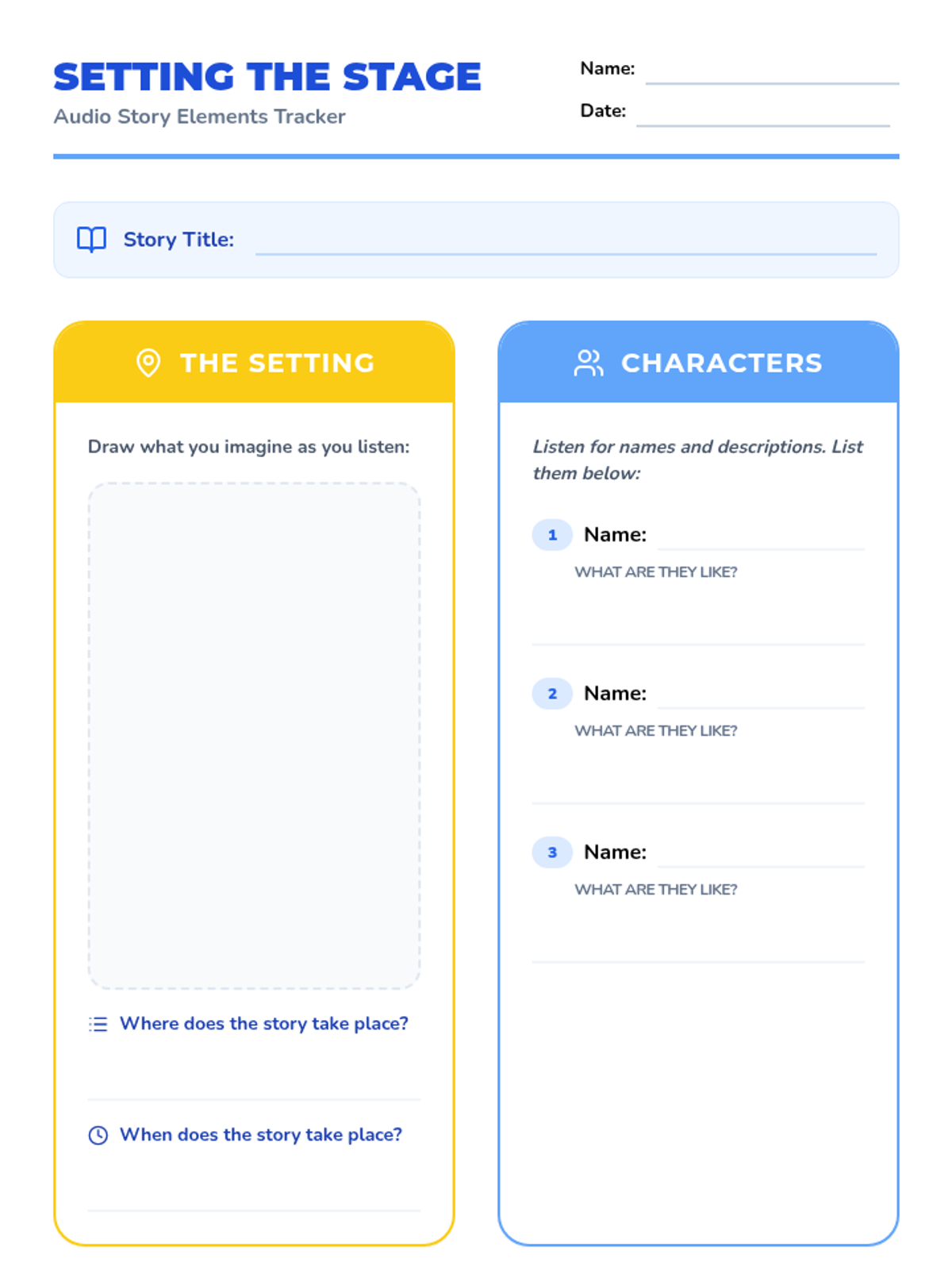
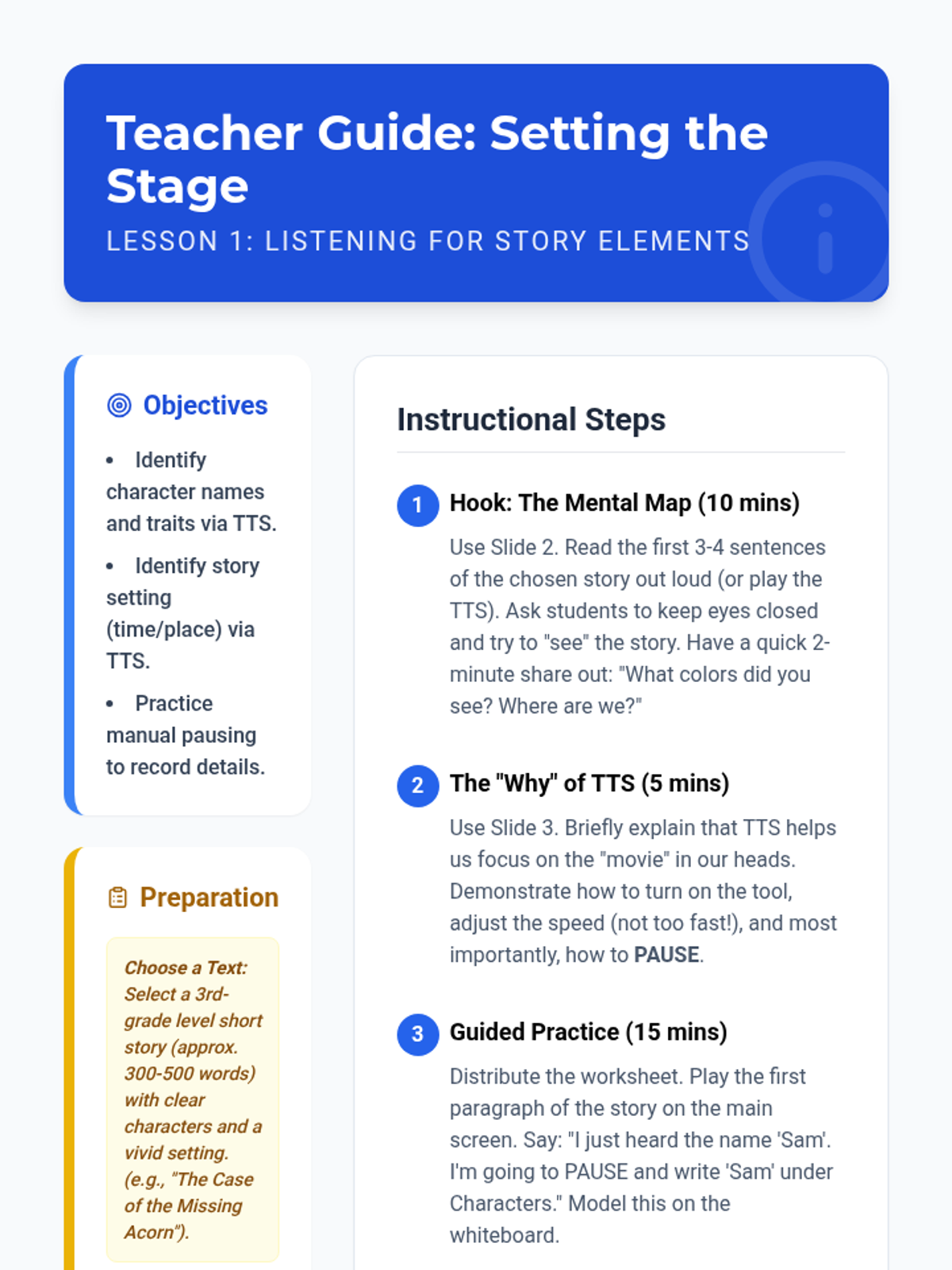
Students use TTS to listen to a story, focusing on identifying characters and setting. They practice pausing the audio to record these elements on a graphic organizer.
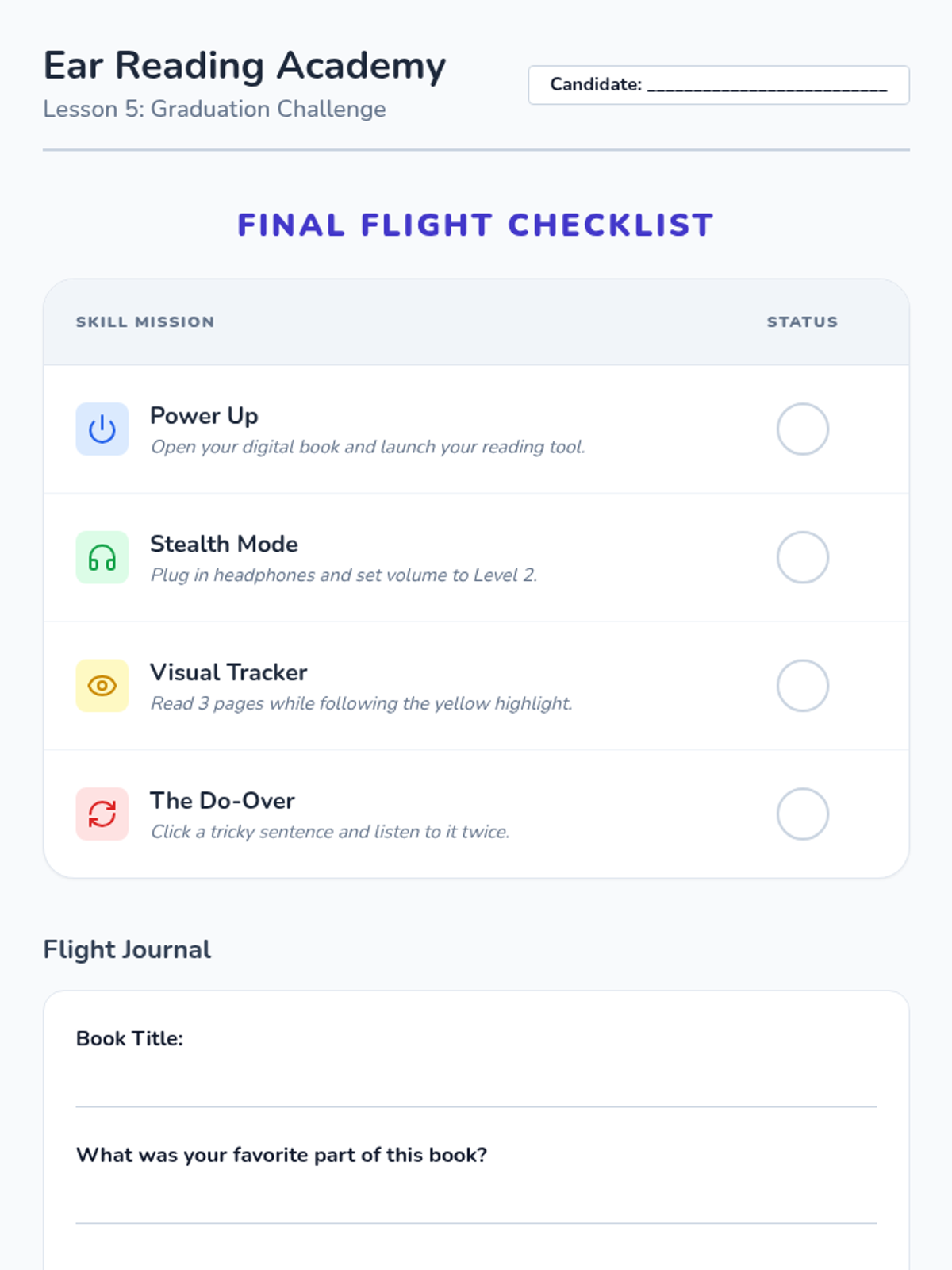
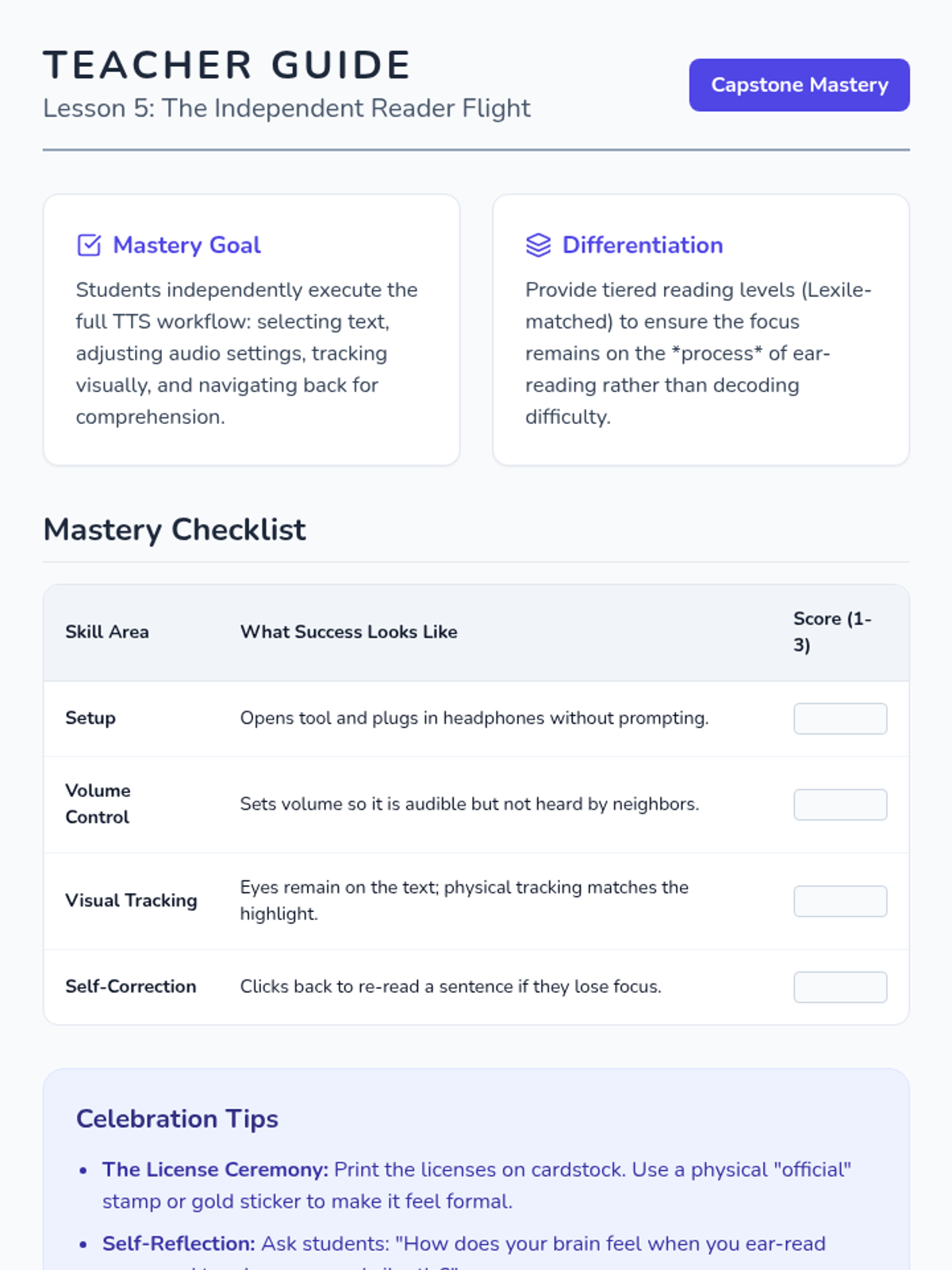
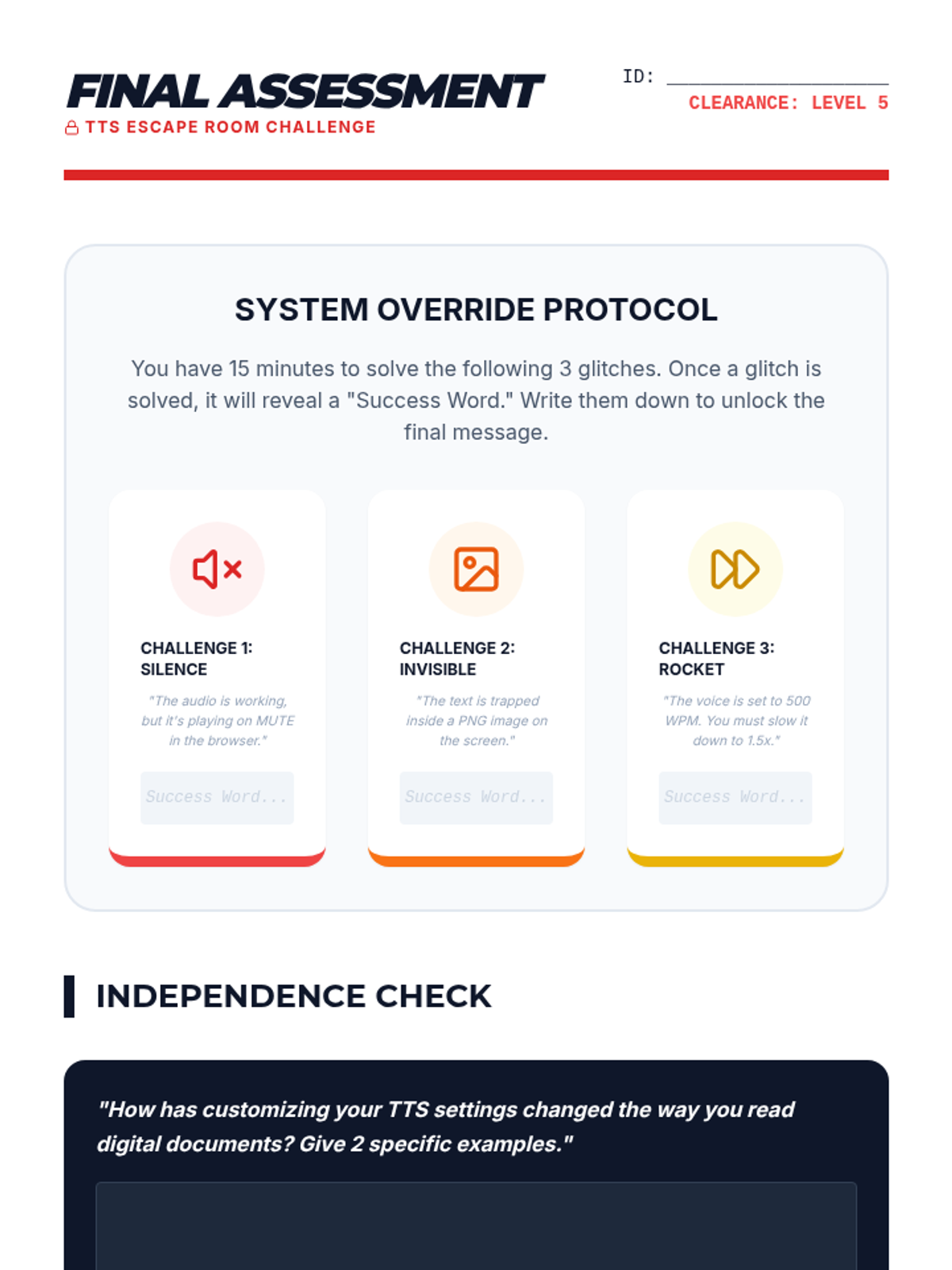
Culminating lesson where students use all learned skills to read a full digital book independently and earn their 'Digital Reader License'.
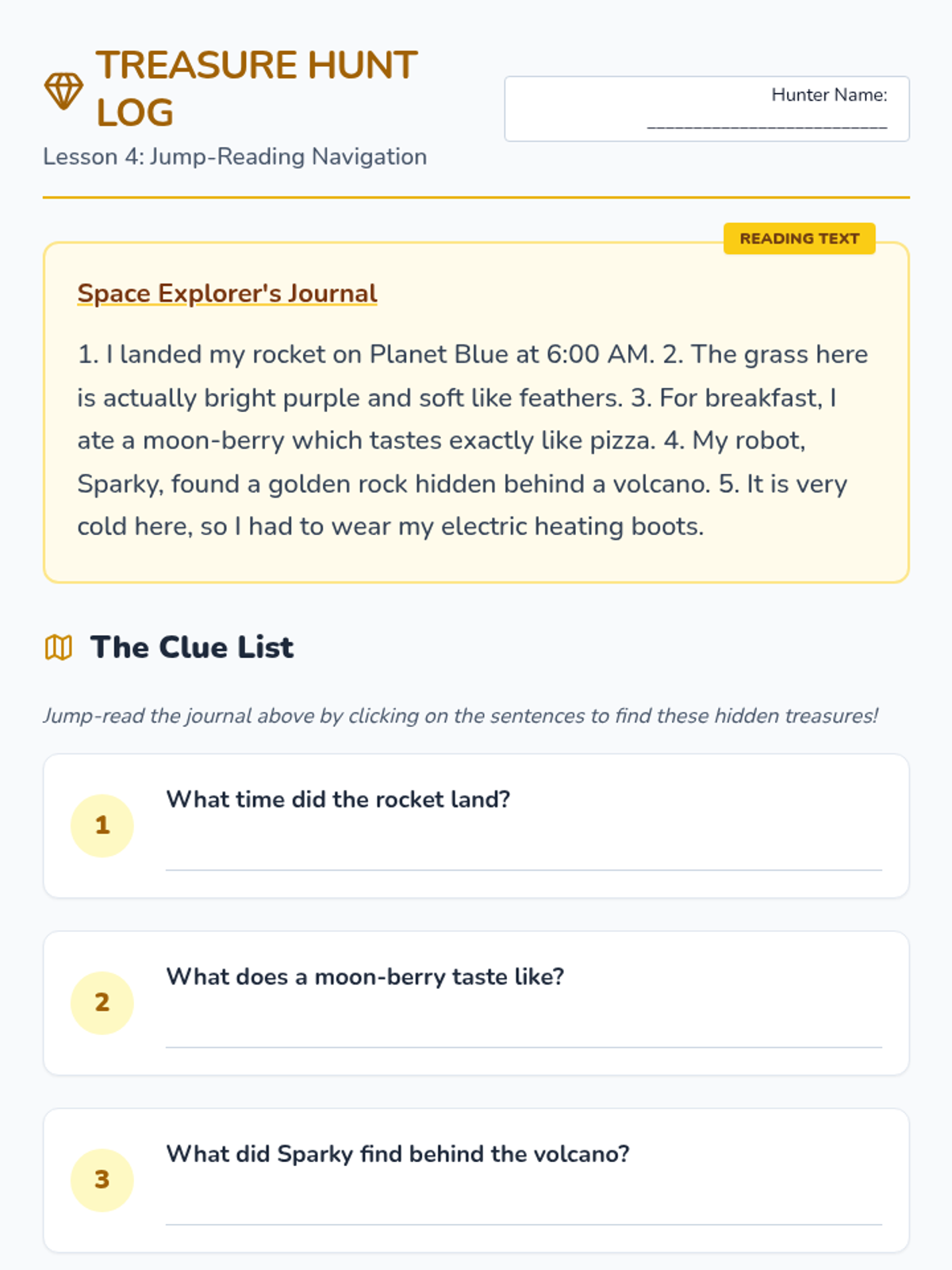
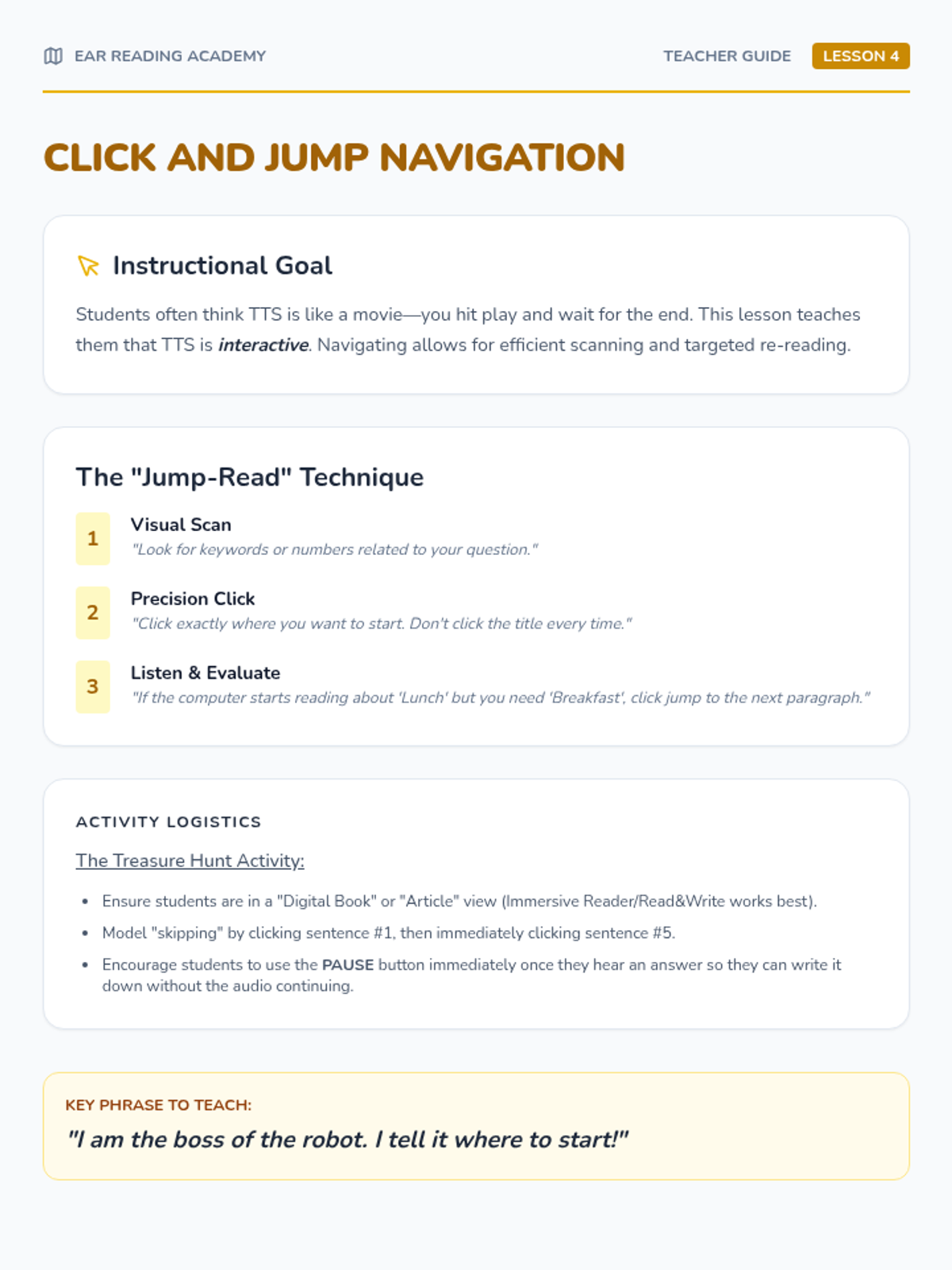
Teaches students how to click specific parts of text to start reading from the middle. Includes a 'treasure hunt' to find details within digital paragraphs.
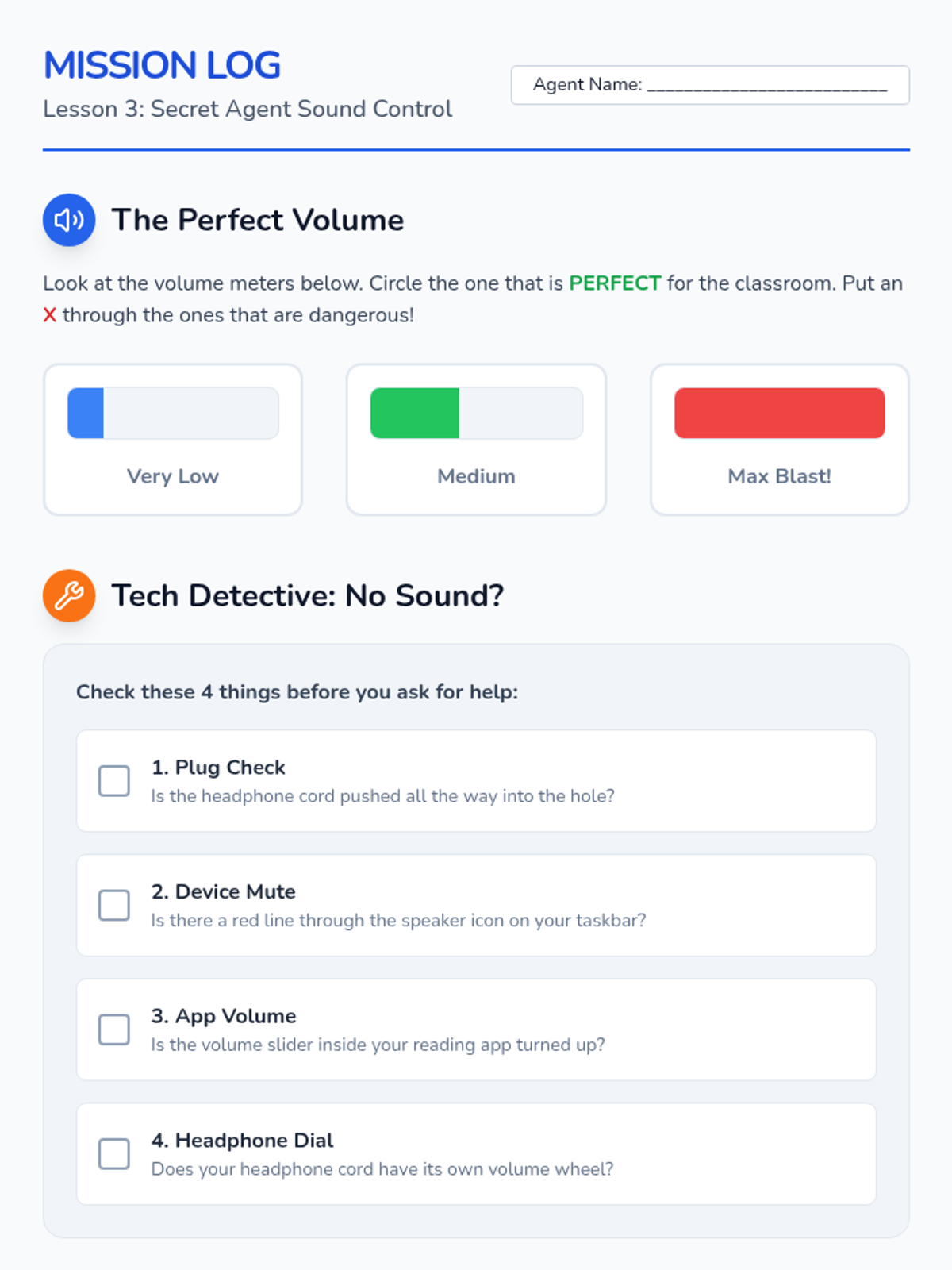
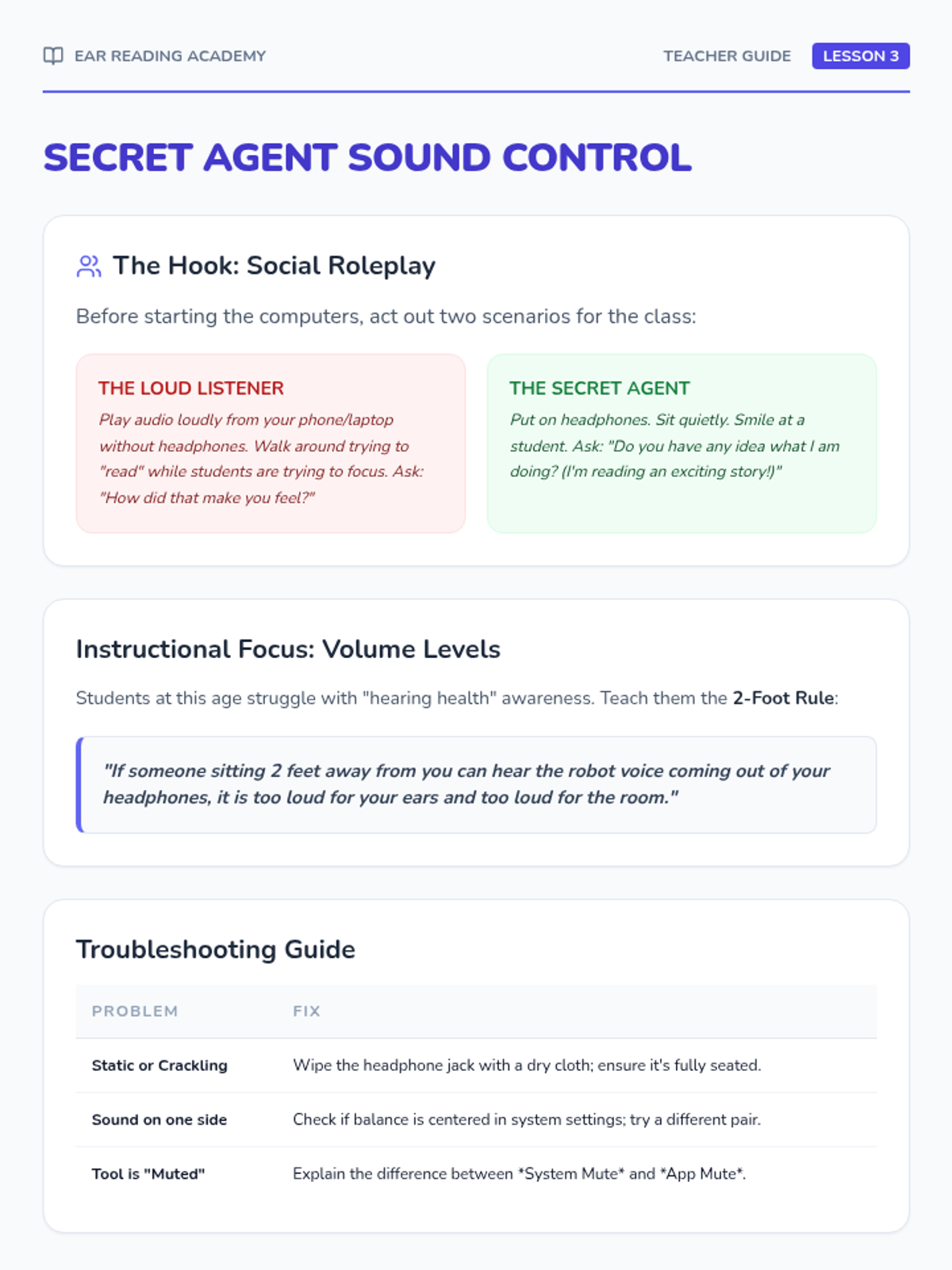
Students learn volume control, headphone management, and digital etiquette. Includes troubleshooting basic connections and role-playing classroom manners.
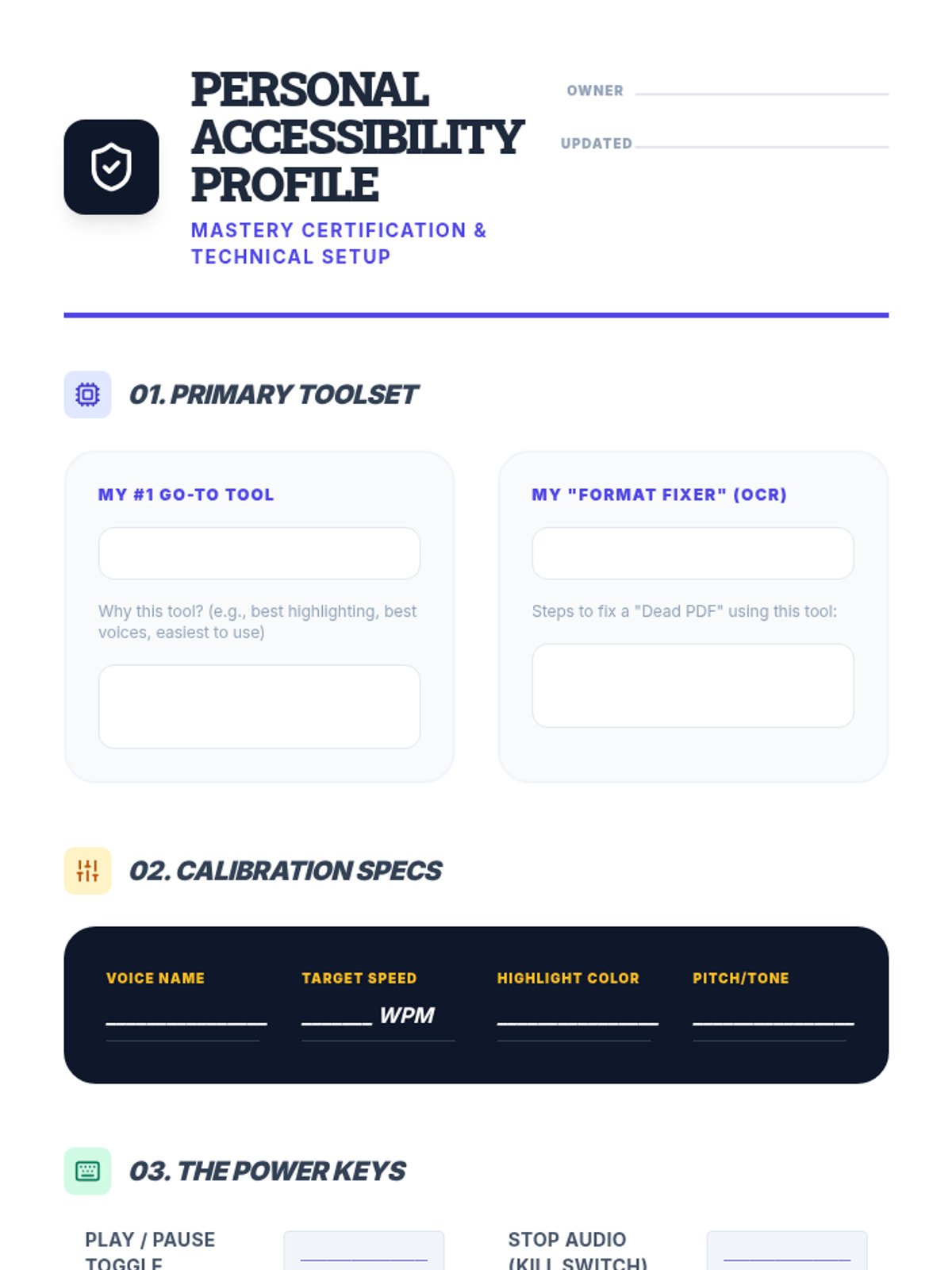
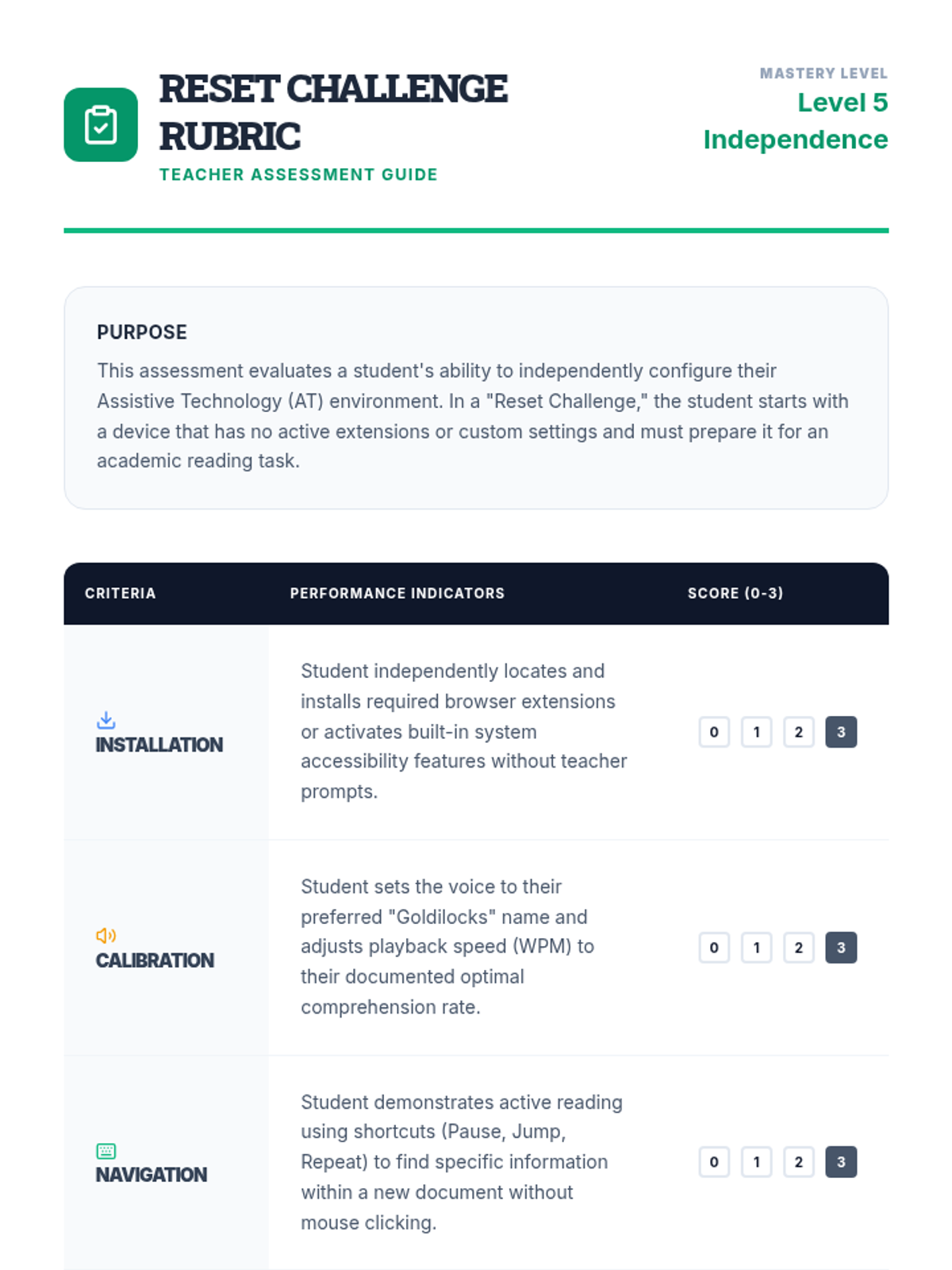
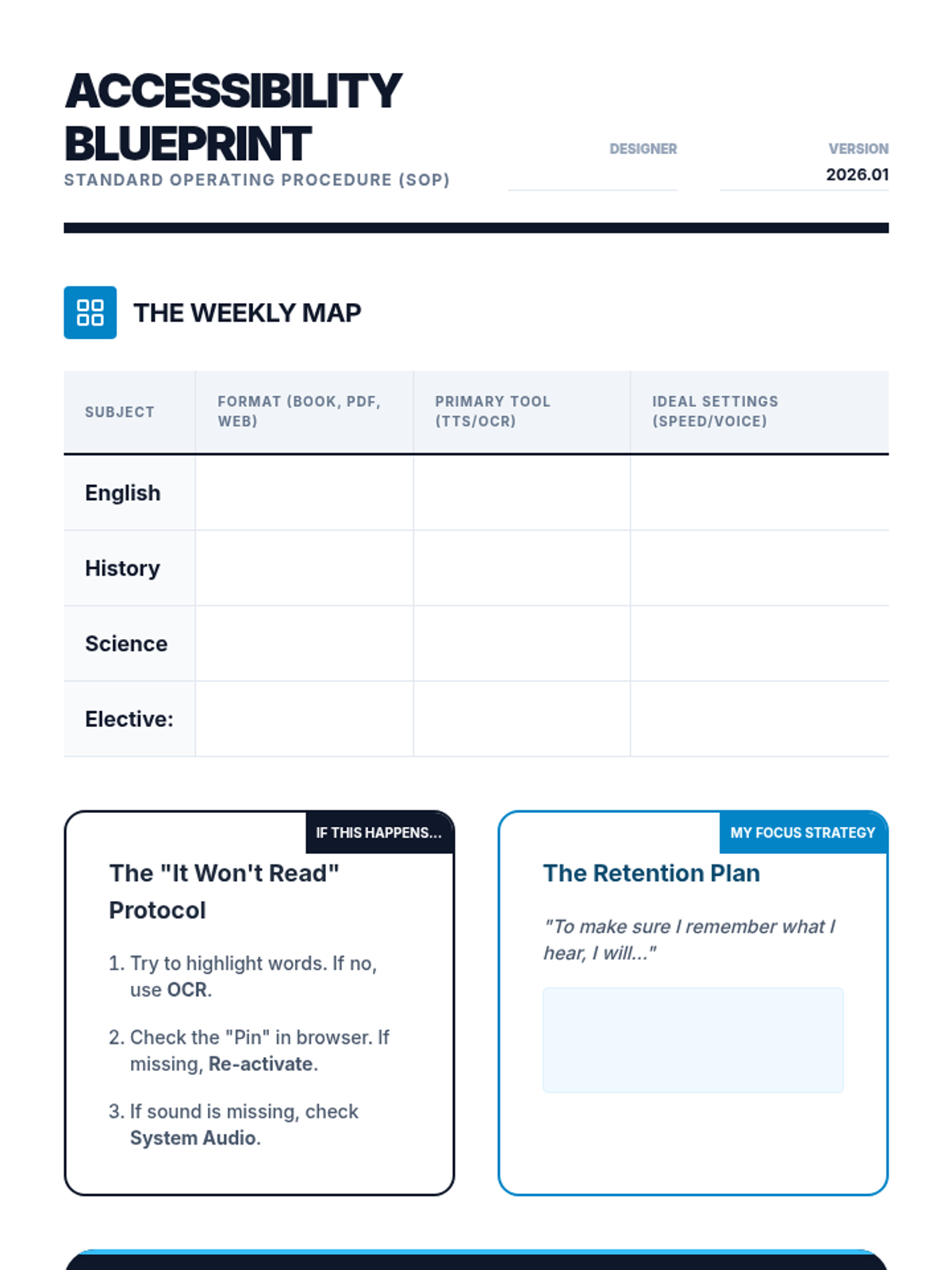
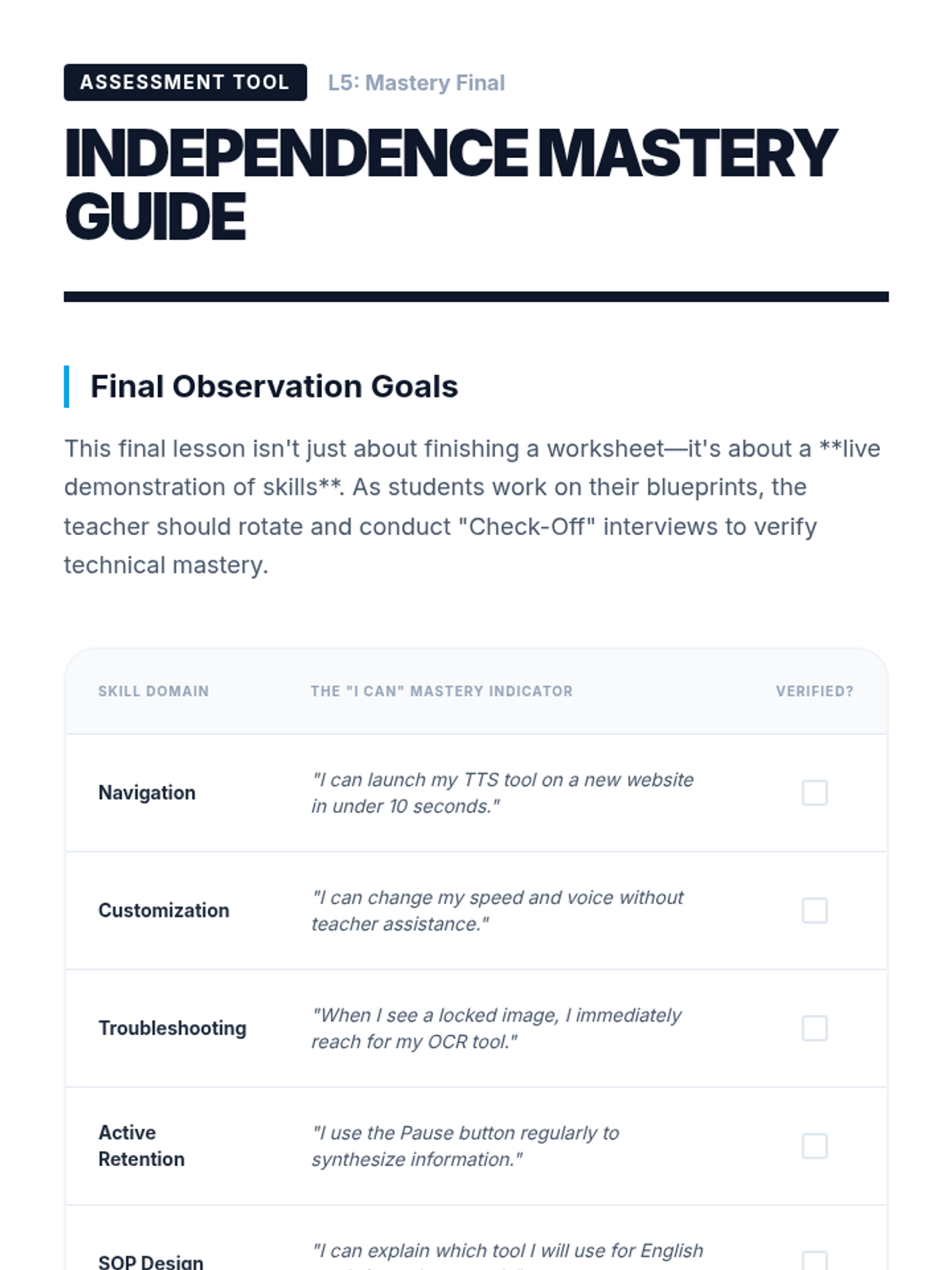
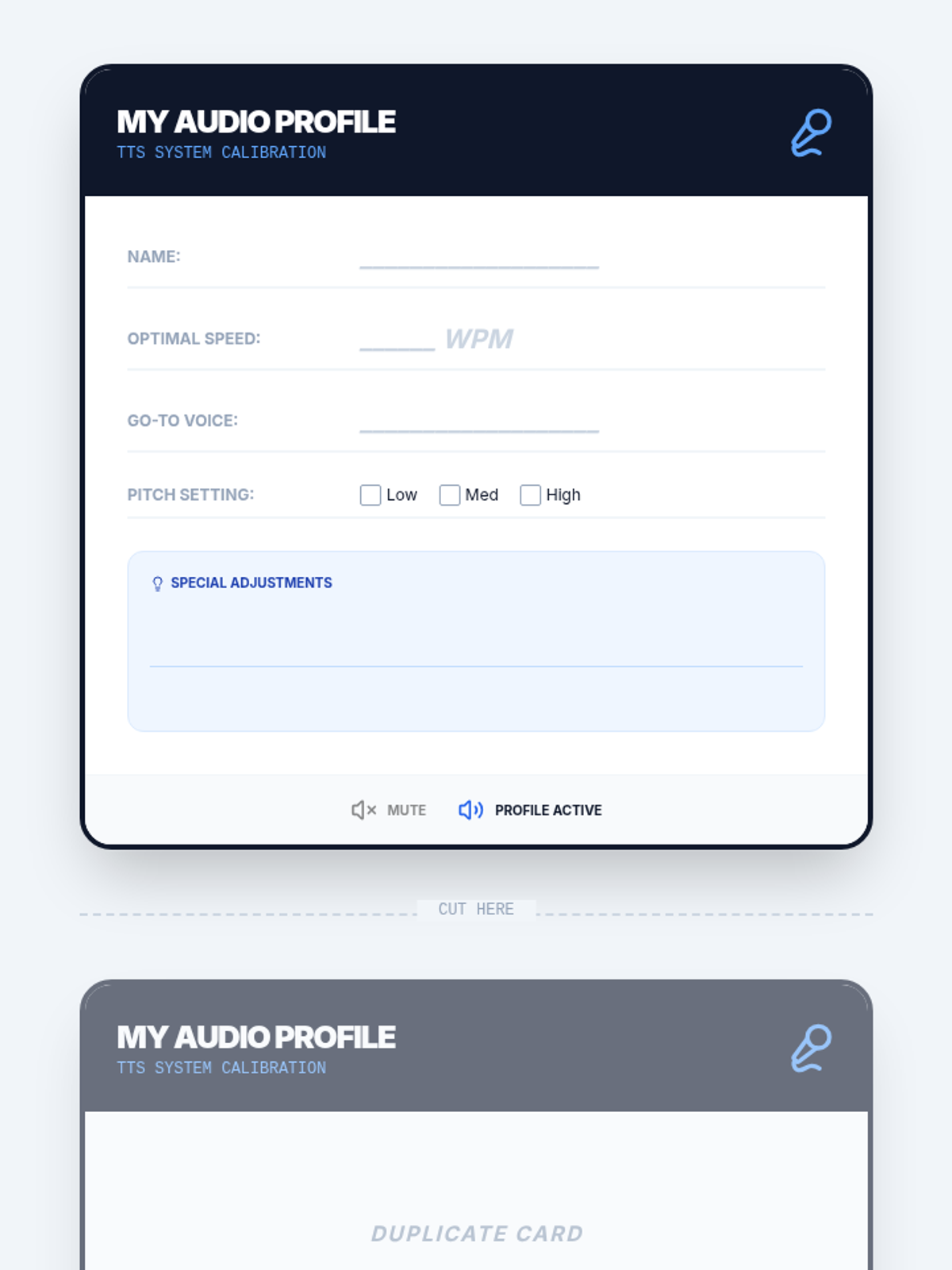
Students synthesize their preferences into a 'Personal Accessibility Profile' document that lists their preferred tools, settings, and strategies. They demonstrate mastery by configuring a 'clean' device to their specifications within a set time limit.
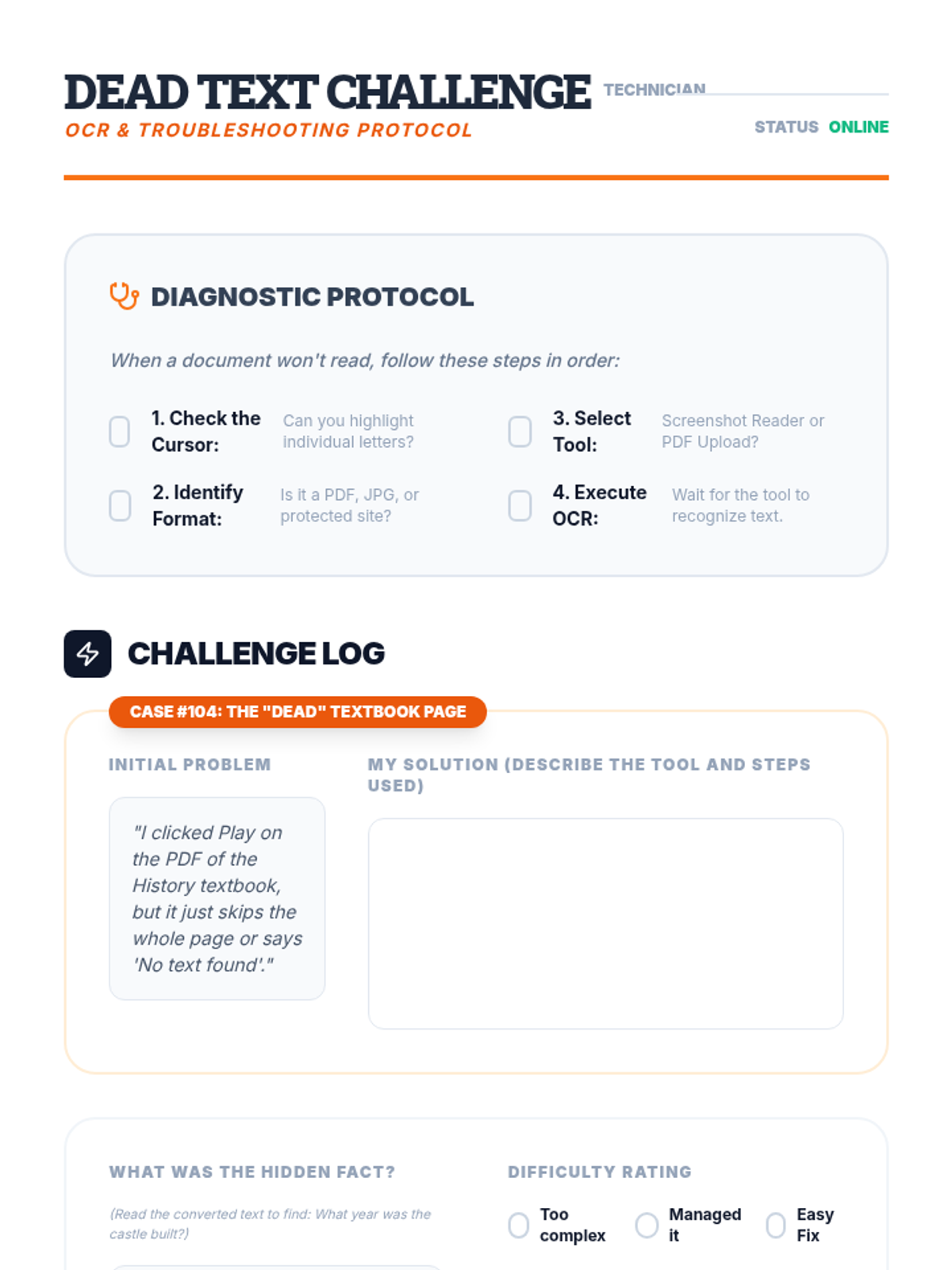
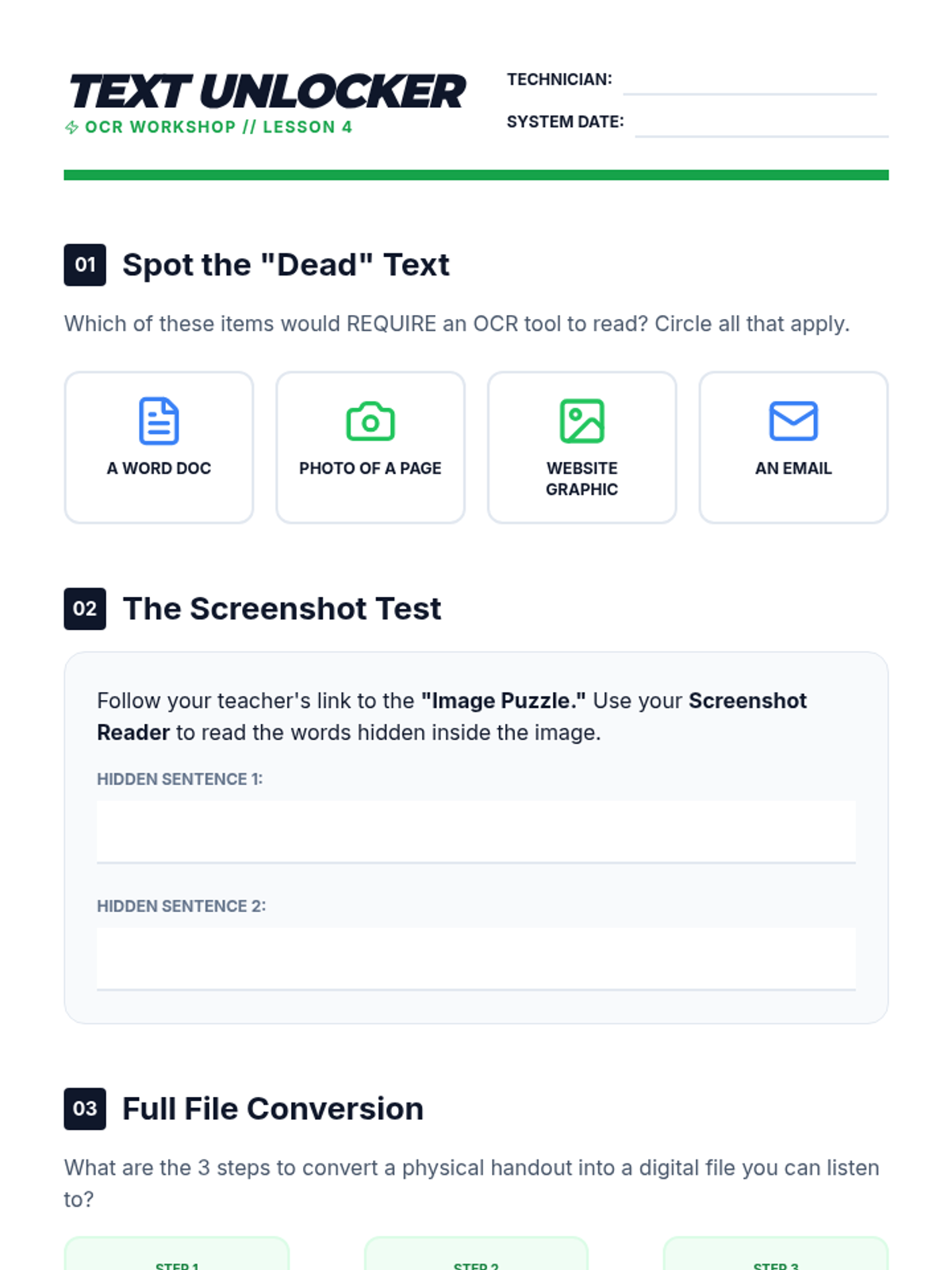
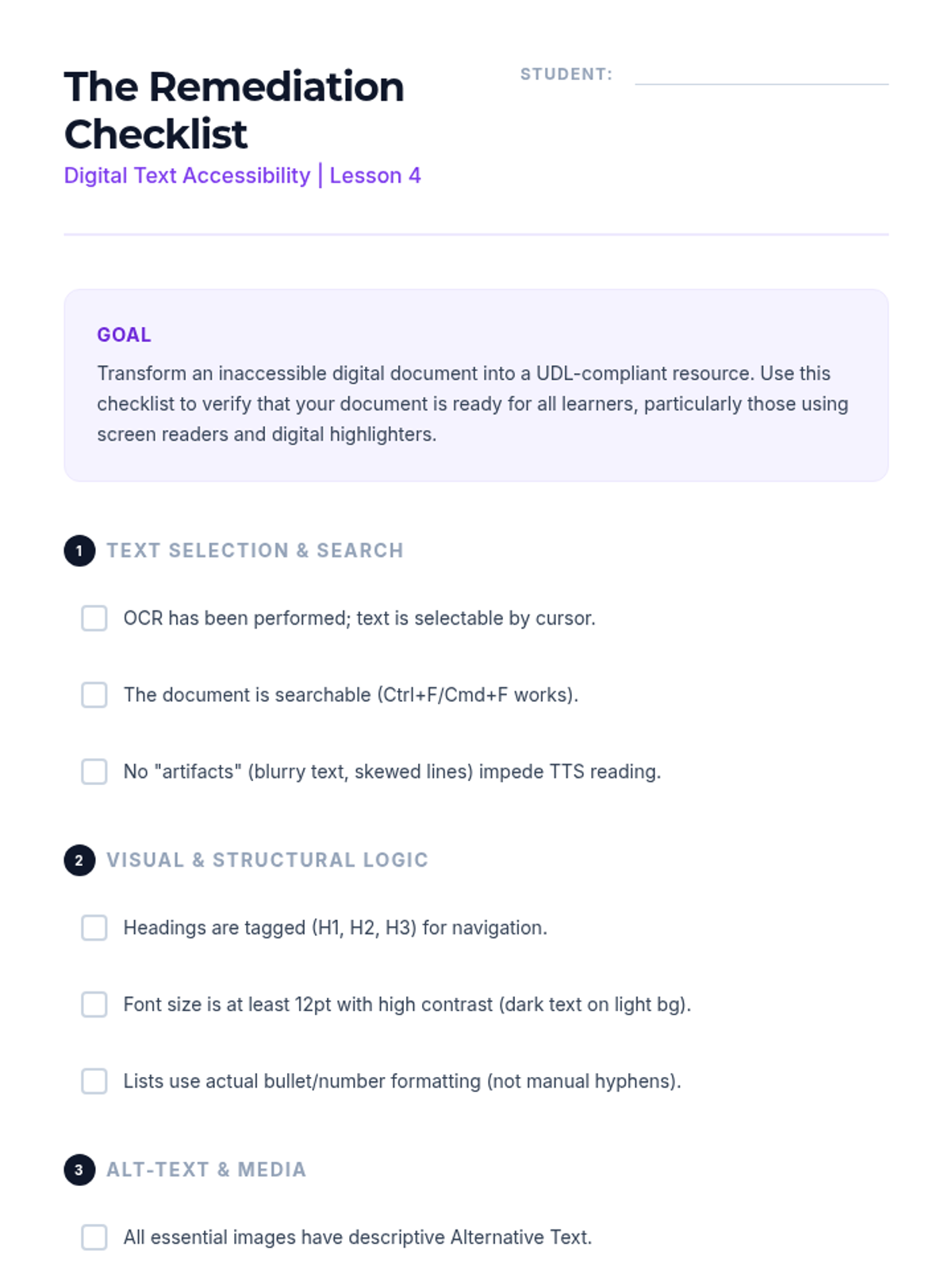
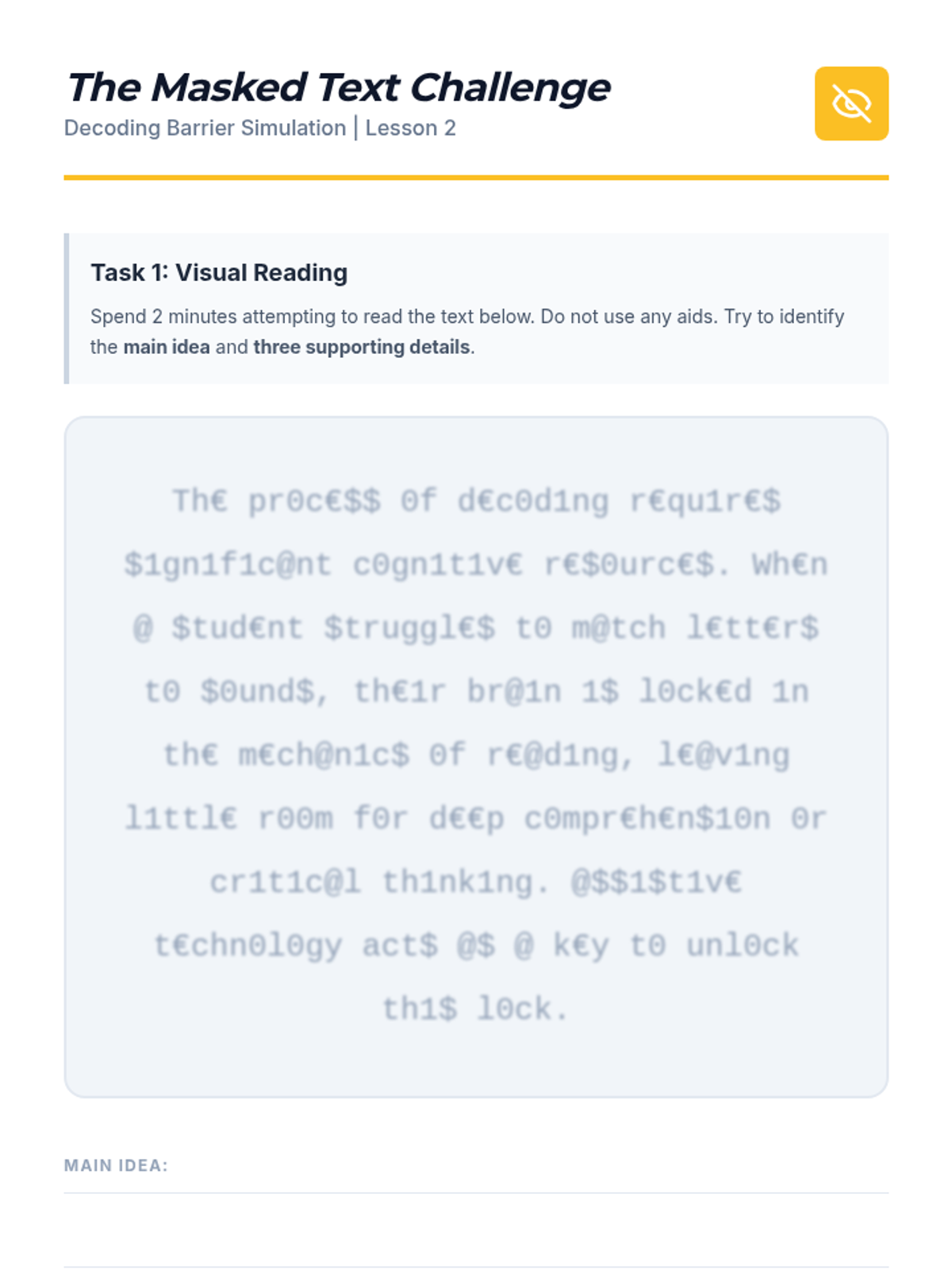
This lesson addresses common barriers, such as inaccessible PDFs or text embedded in images, by teaching students to use OCR (Optical Character Recognition) tools. Students practice converting 'dead text' into readable formats compatible with their TTS software.
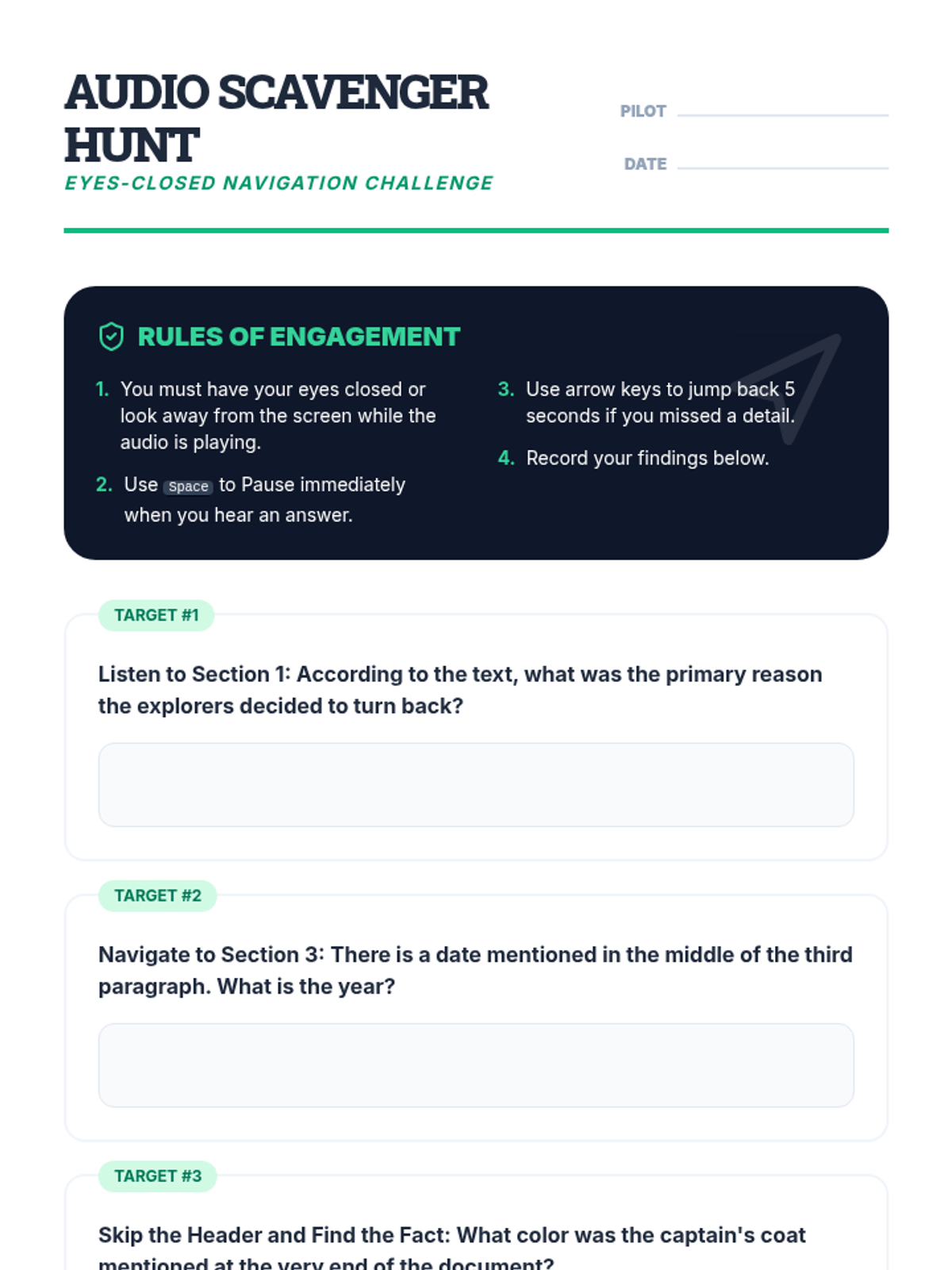
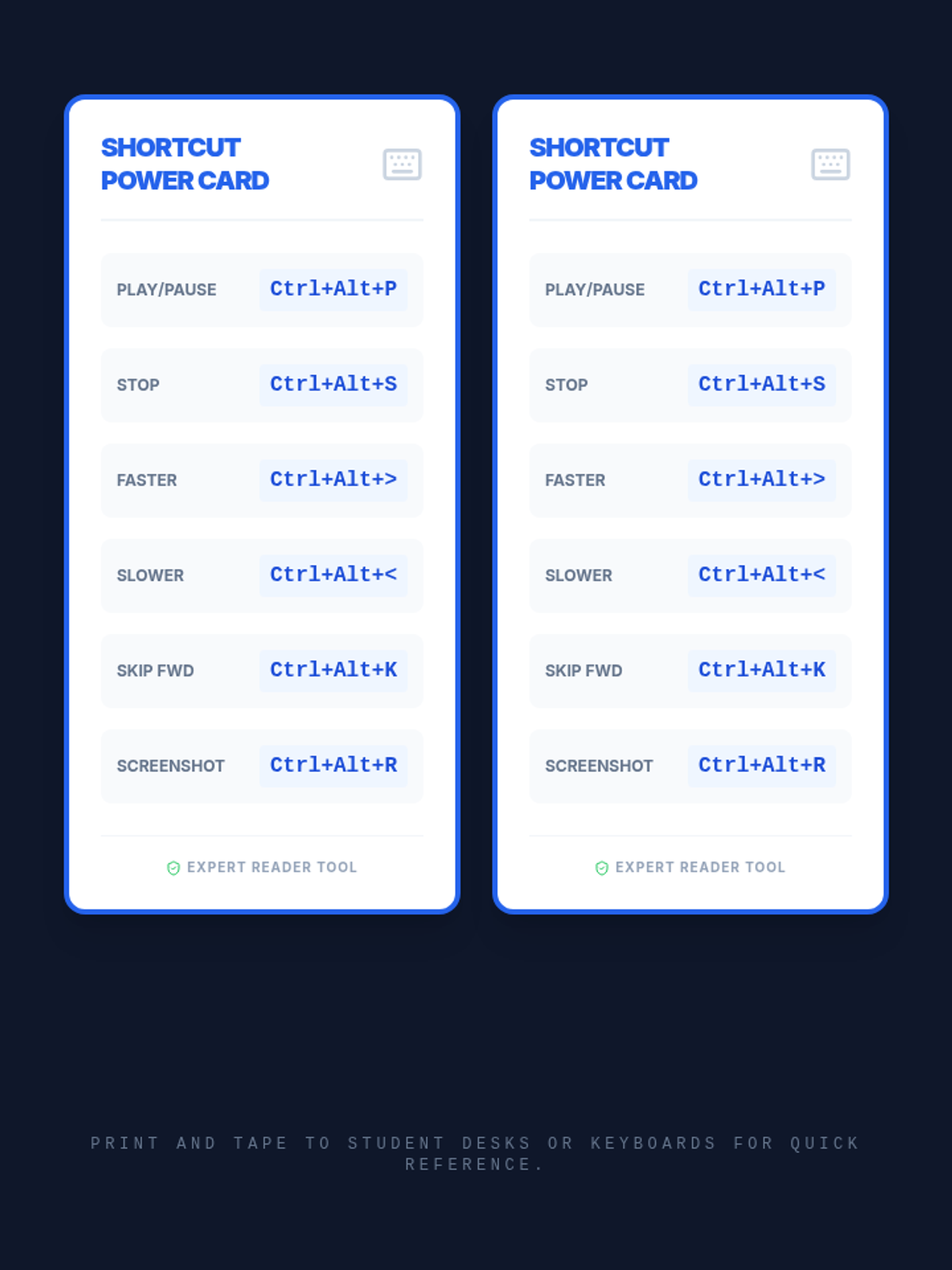
Students learn to control the flow of information by using navigation shortcuts to skip headers, repeat sentences, and jump between paragraphs. The lesson focuses on moving beyond passive listening to active navigation required for academic reading.
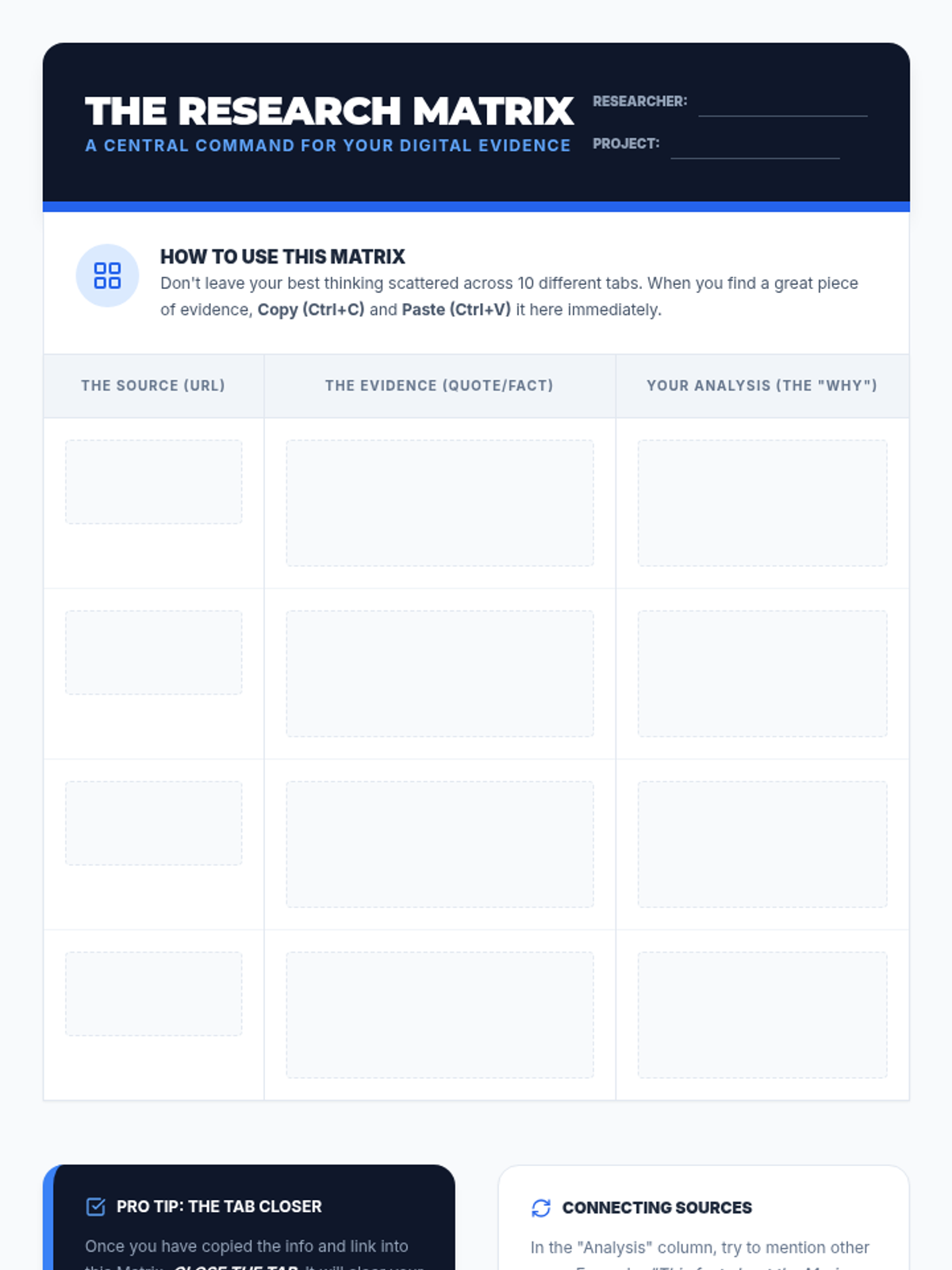
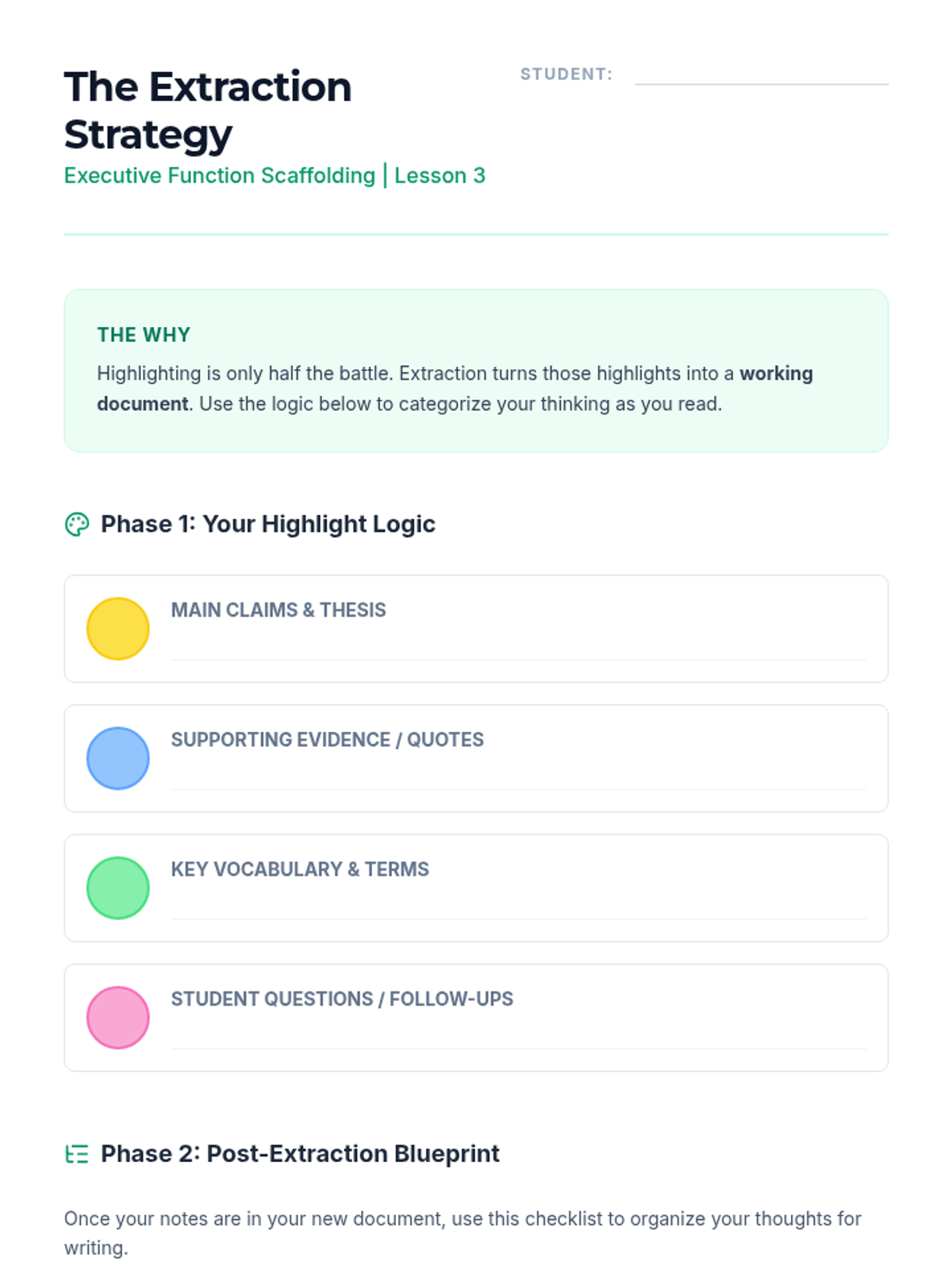
Focuses on data management and synthesis, teaching students how to move annotations from source texts into a structured research matrix.
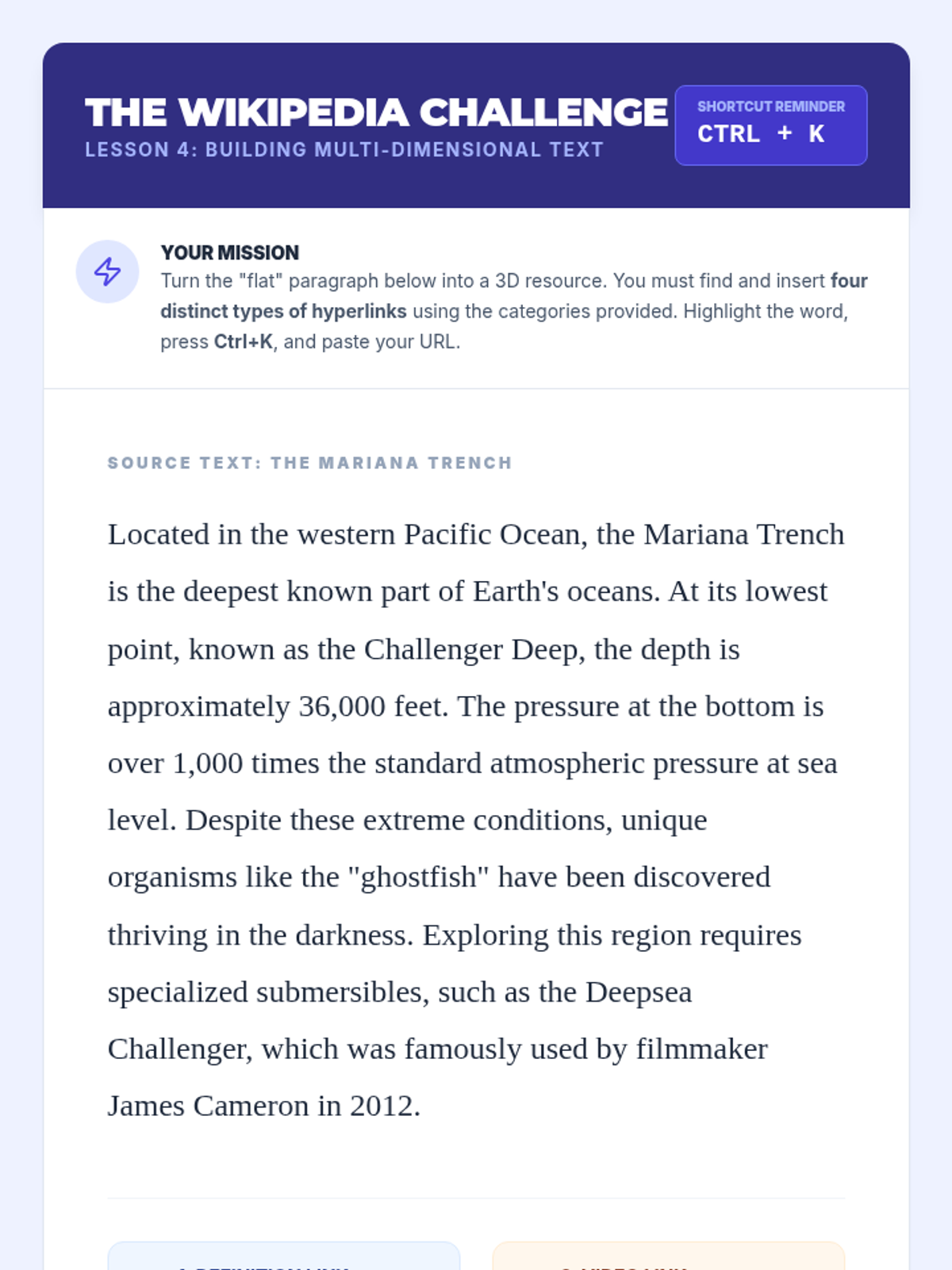
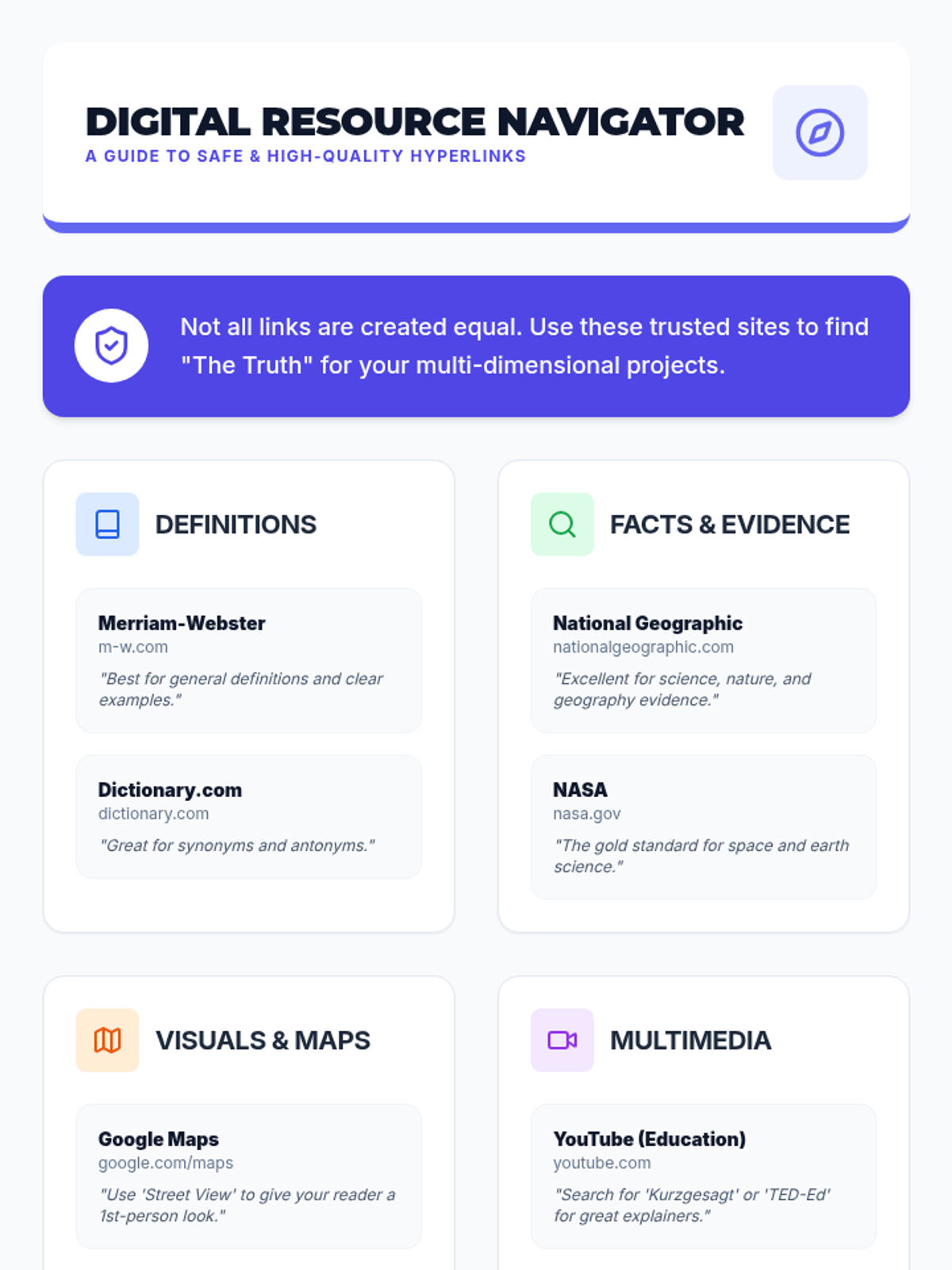
Students learn to turn static text into rich resources by hyperlinking to external evidence, definitions, and multimedia.
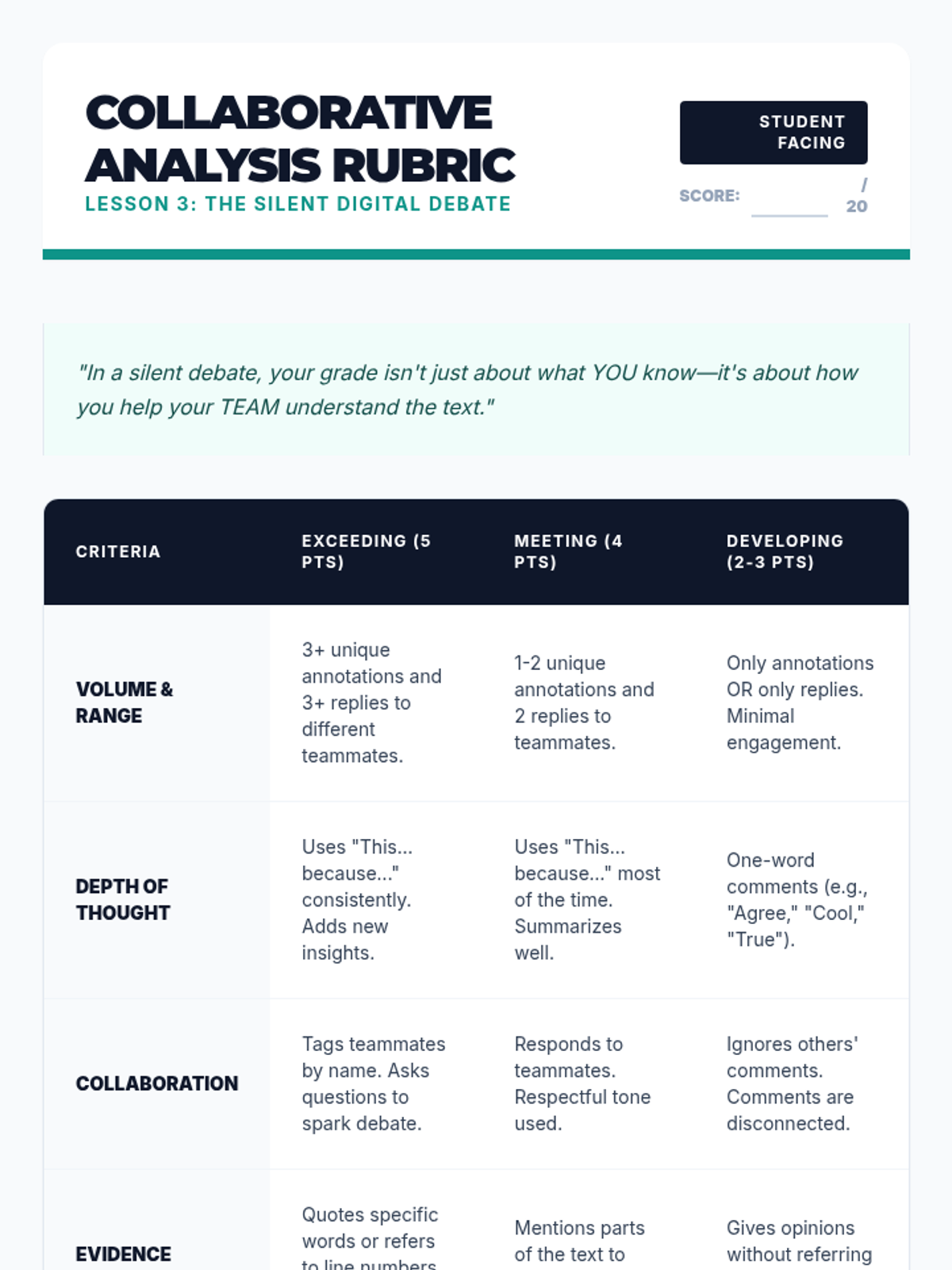
A collaborative lesson where students use shared documents to debate and analyze text in real-time using only digital annotation tools.
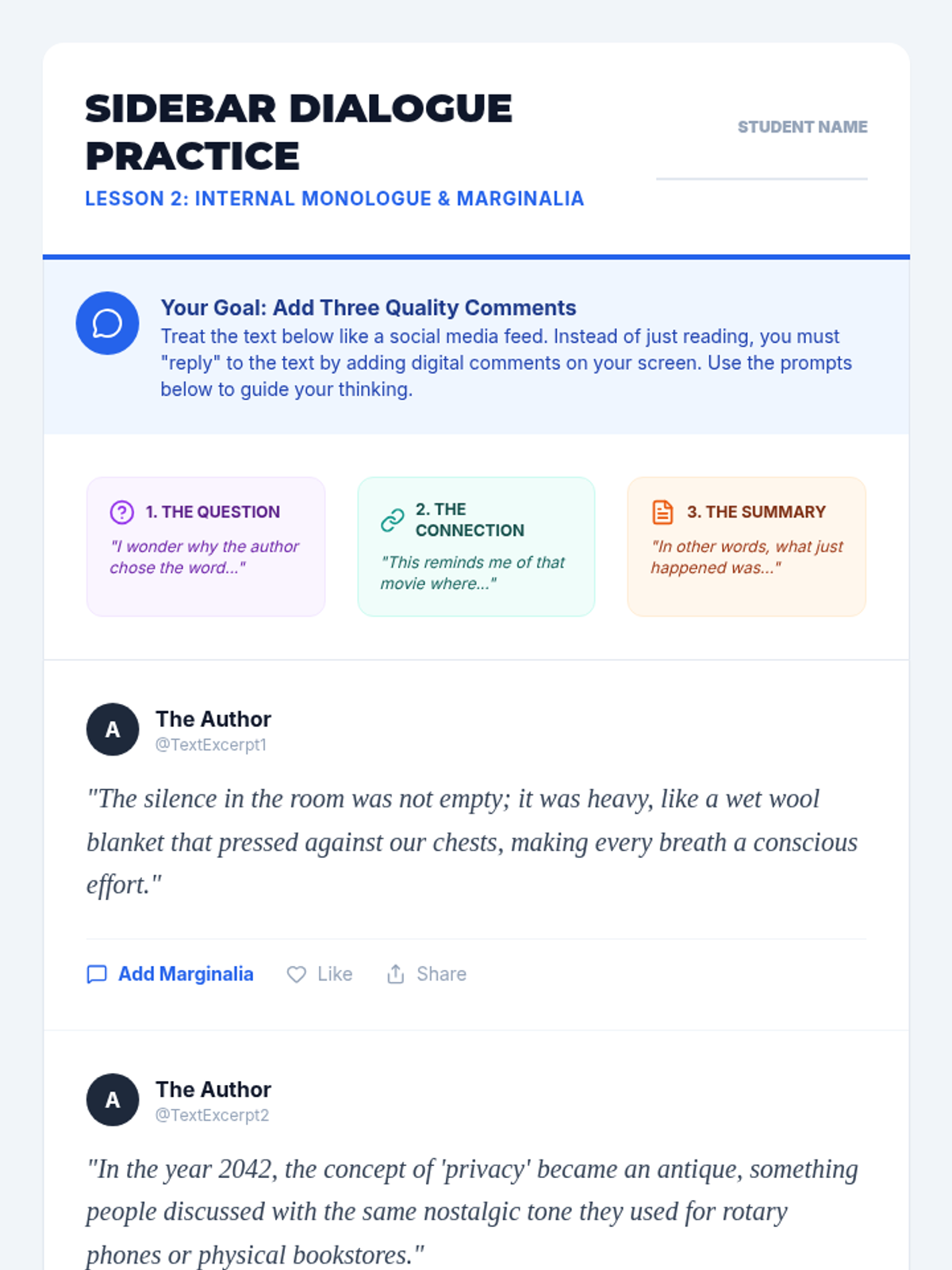
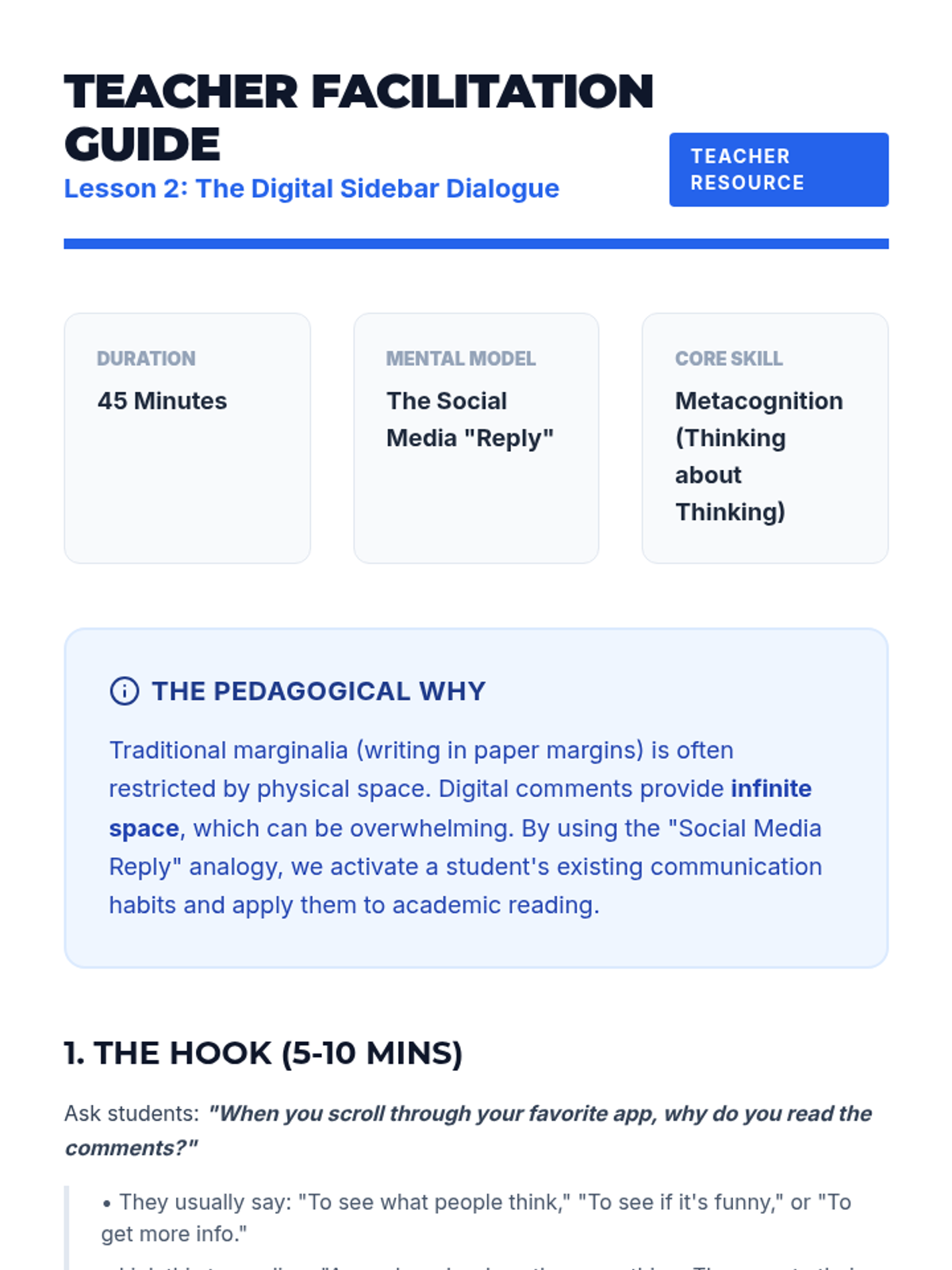
Using the analogy of social media threads, students learn to use digital comments as marginalia to record their internal dialogue and questions.
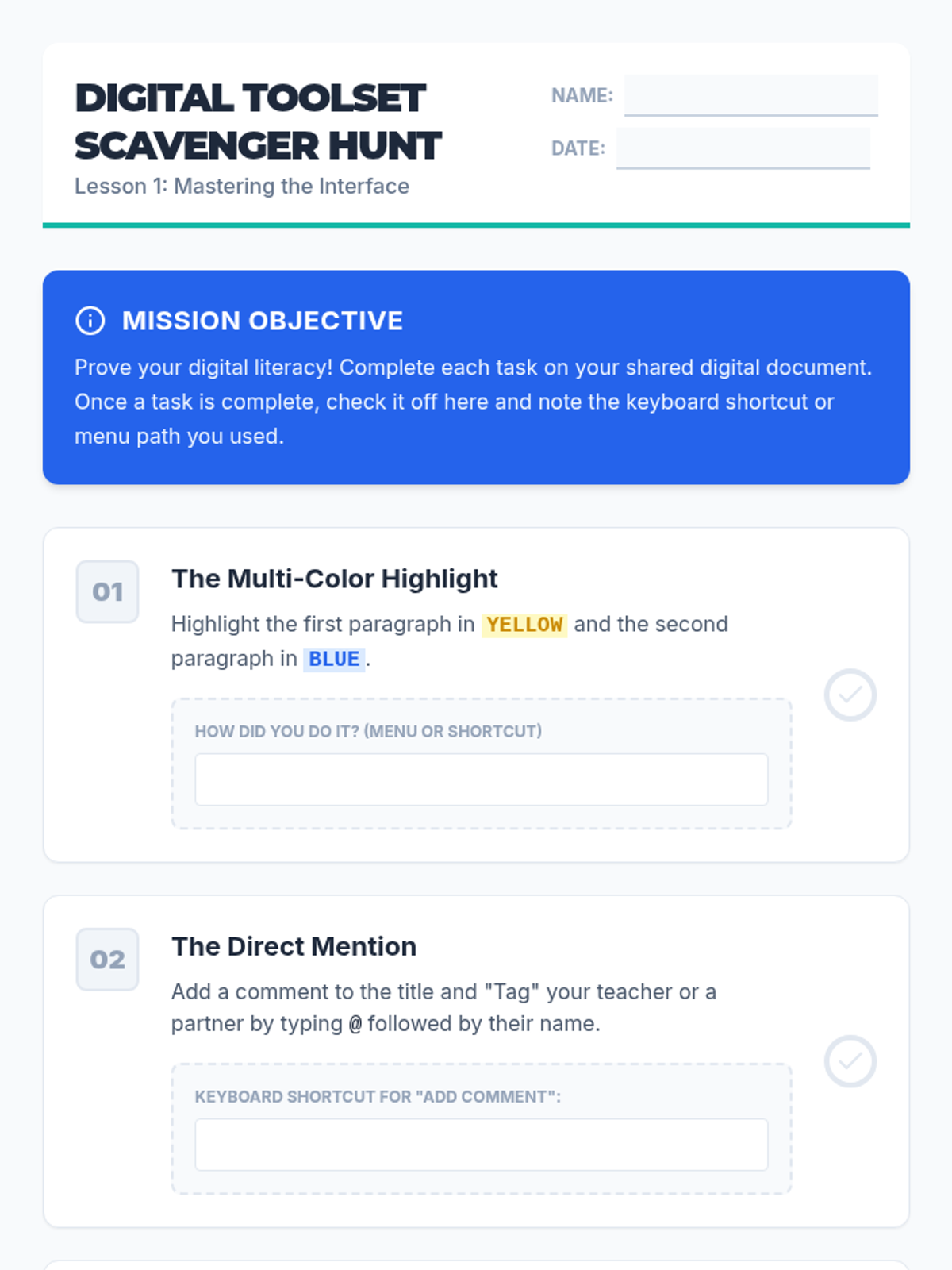
Students explore the technical toolsets of digital annotation, including highlighting palettes and comment features, while navigating the ergonomic differences of screen reading.
Students simulate common technical failures and apply troubleshooting strategies, resulting in a personal "Quick Fix" guide for future independence.
In this technical workshop, students experiment with voice synthesis options and playback rates to determine their optimal comprehension speed. Students track their understanding of a standardized text at various words-per-minute settings to find their 'Goldilocks' zone.
Students learn how to use Optical Character Recognition (OCR) tools to convert image-based text and physical handouts into readable, audio-ready formats.
Students learn to use keyboard shortcuts and TTS navigation tools to skip headers, jump to specific content, and manage non-linear text structures like sidebars.
In this culminating session, students synthesize their skills to create a 'Standard Operating Procedure' for their own academic week. They map out which tools they will use for specific subjects (e.g., history textbook vs. English novel) and verify their proficiency.
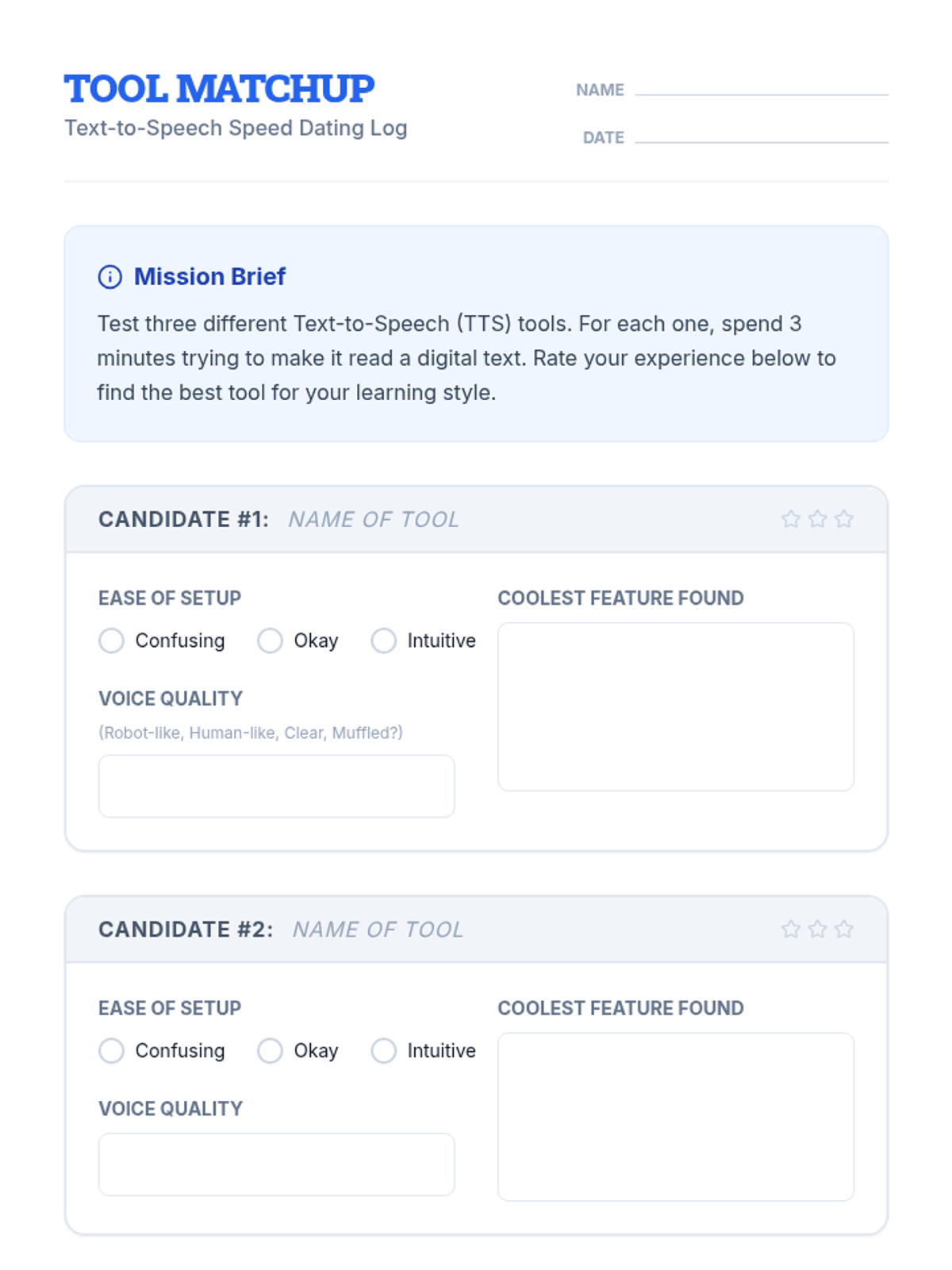
Students explore and compare various TTS tools, extensions, and built-in features to find the platform that best fits their learning style and device.
Students move beyond passive listening to active engagement by practicing specific note-taking strategies while using TTS. They learn to pause, annotate digital text, and summarize sections, ensuring that auditory input translates to long-term memory.
Students conduct experiments with playback speed (WPM) and voice types to find their optimal listening comprehension zone, focusing on self-monitoring and auditory processing.
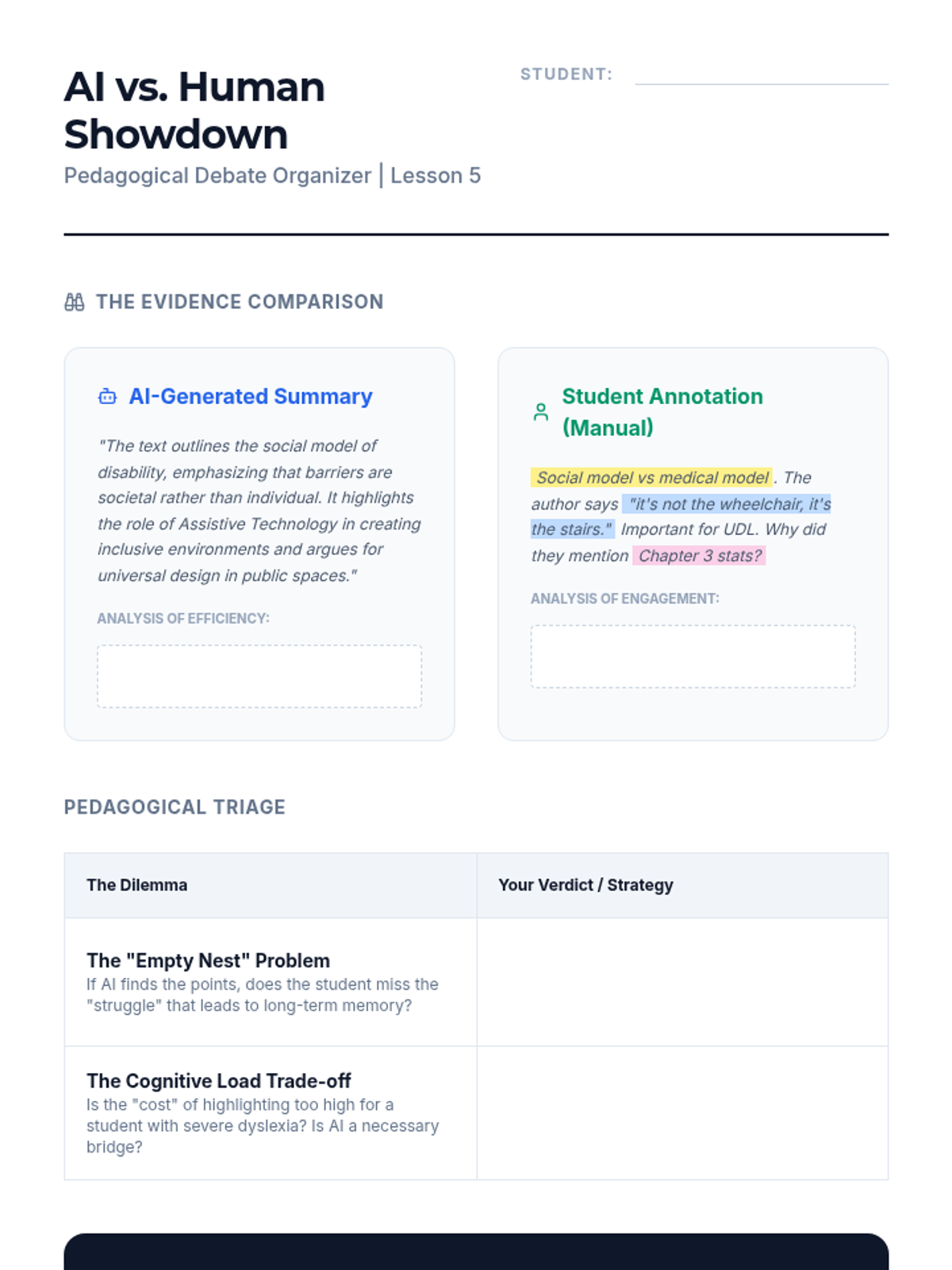
Debate the role of AI summarization versus student-generated highlighting, focusing on ethical and pedagogical implications in special education.
Apply UDL principles to digital text, ensuring compatibility with screen readers and learning to remediate inaccessible documents.
Master 'collect and extract' features to pull highlighted text into outlines, supporting students with executive function challenges.
Explore the dual-modality approach of listening while highlighting, examining workflows for students with decoding barriers.
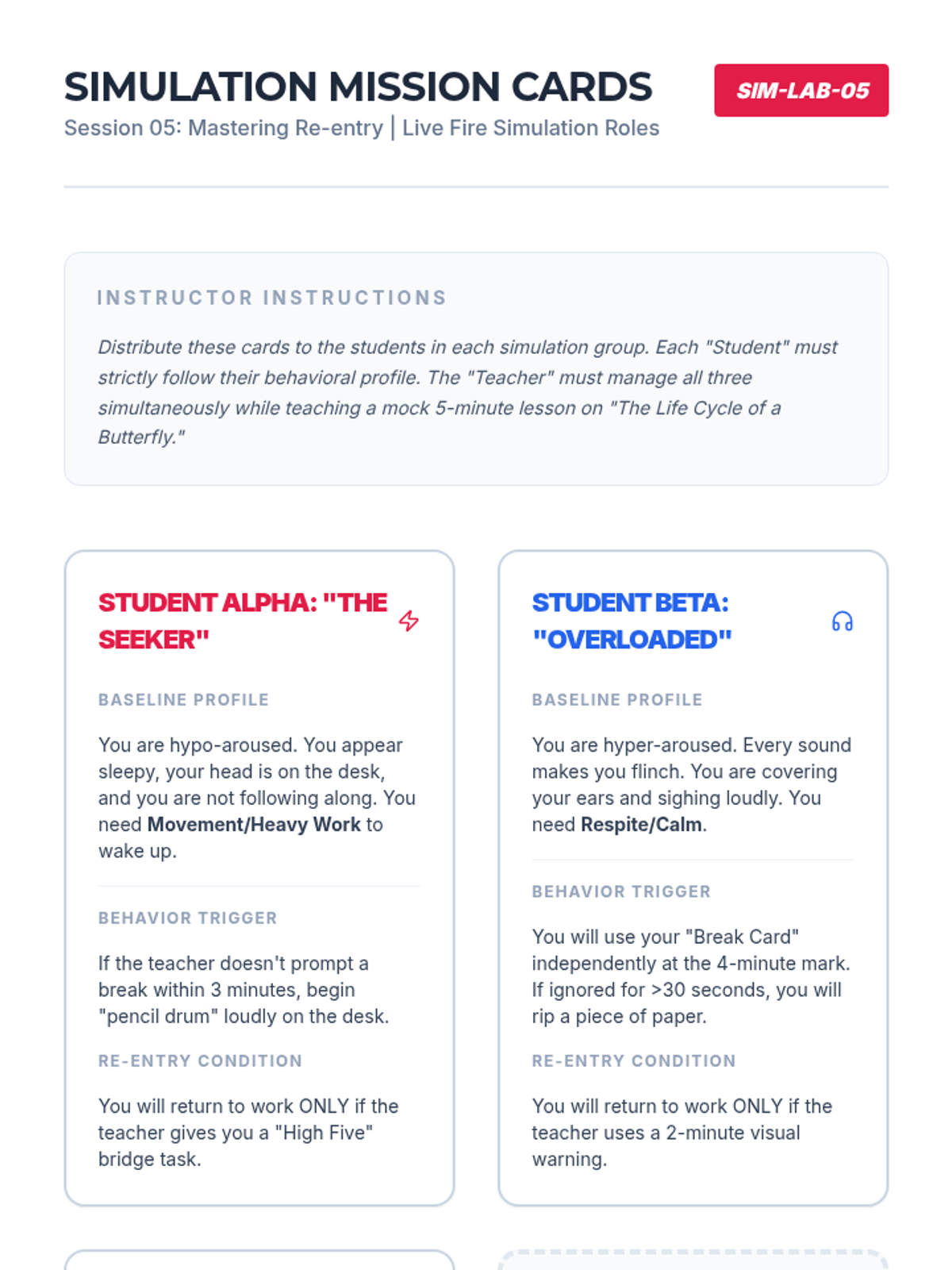
Simulate the full cycle of a strategic break, focusing on the re-entry protocols and managing multiple student schedules simultaneously.
Learn Functional Communication Training (FCT) to teach students how to self-advocate for breaks using cards, gestures, or devices.
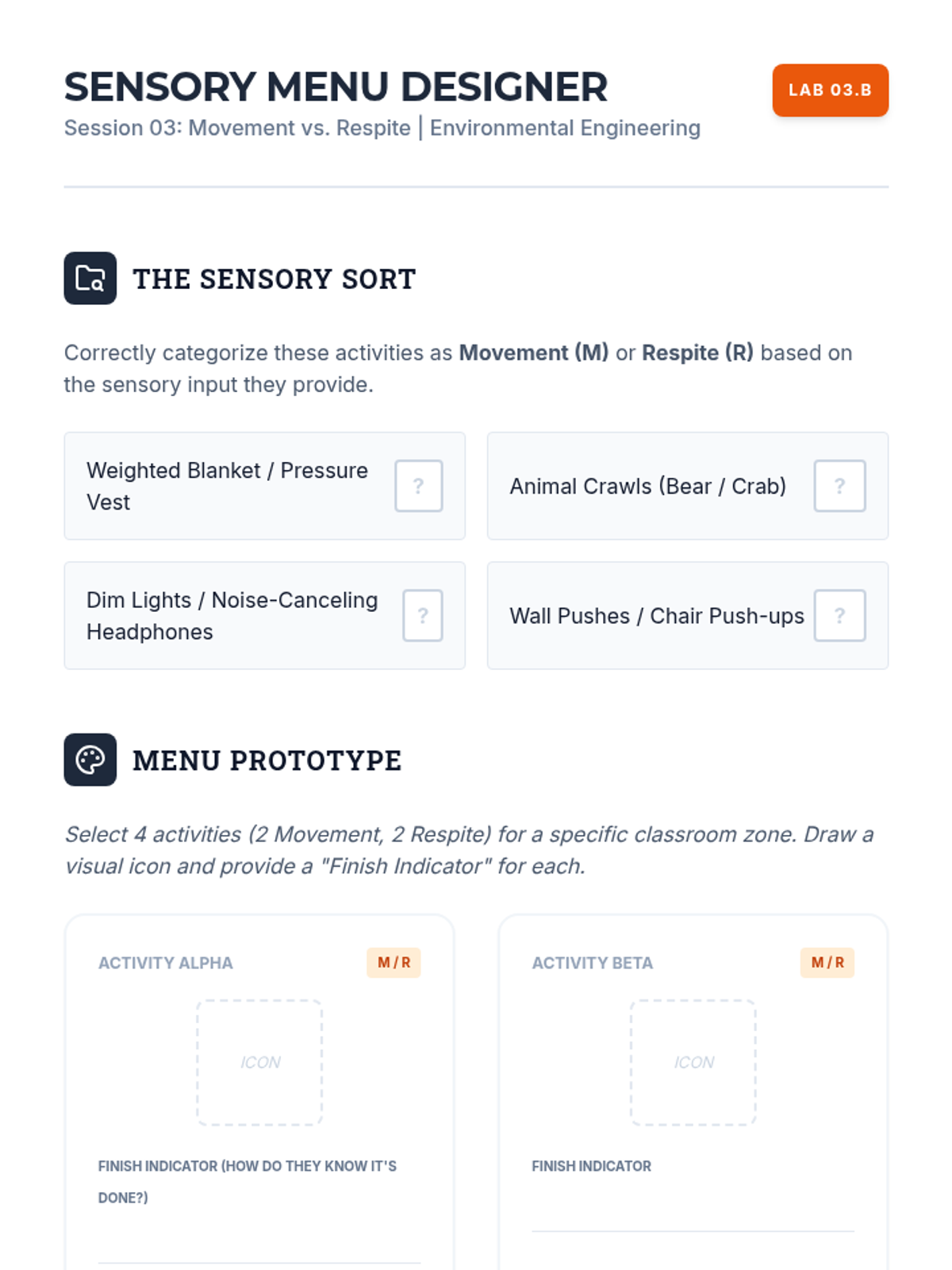
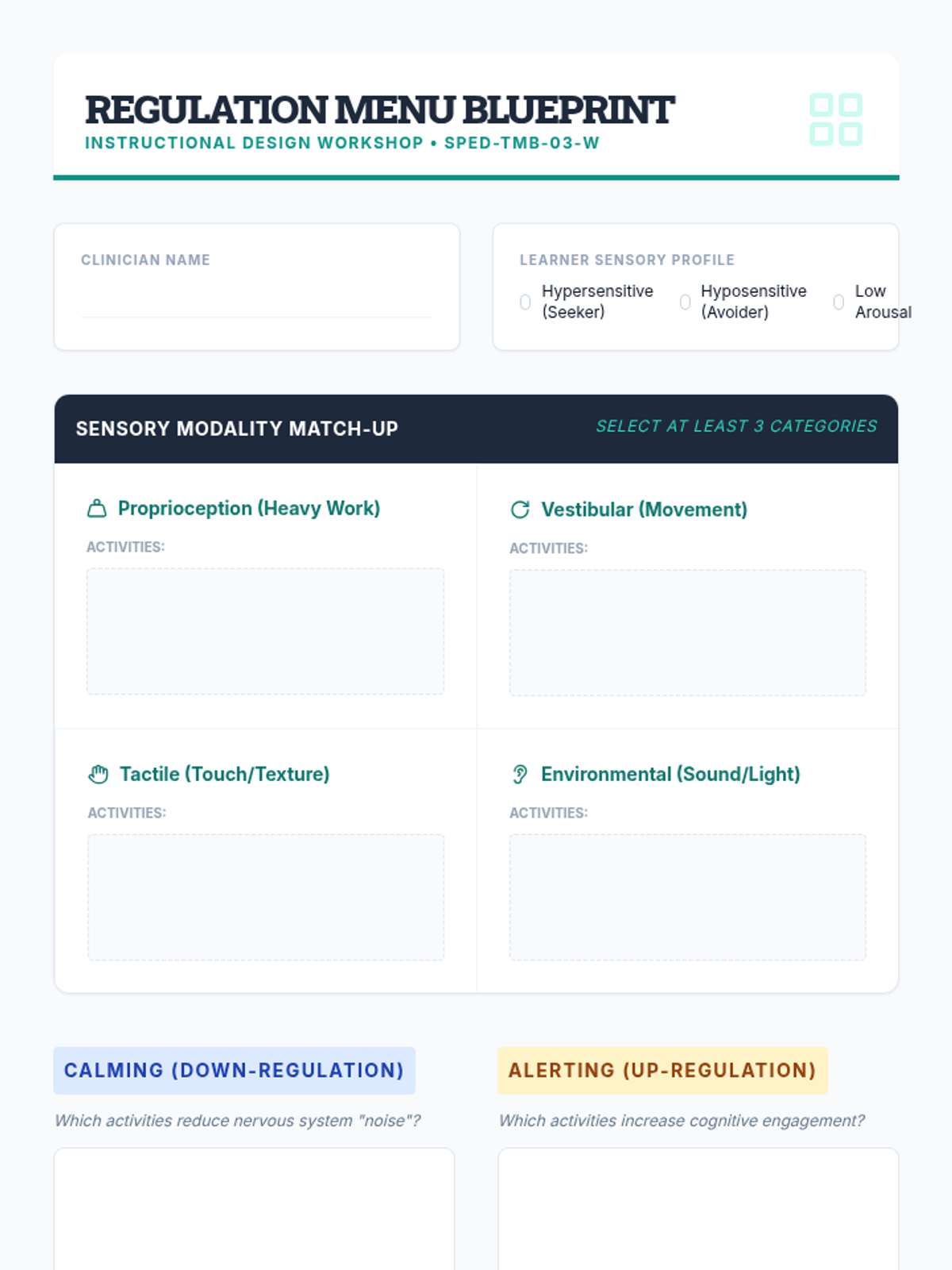
Categorize break activities into movement and respite categories, mapping sensory inputs to specific student needs to create effective 'Break Menus'.
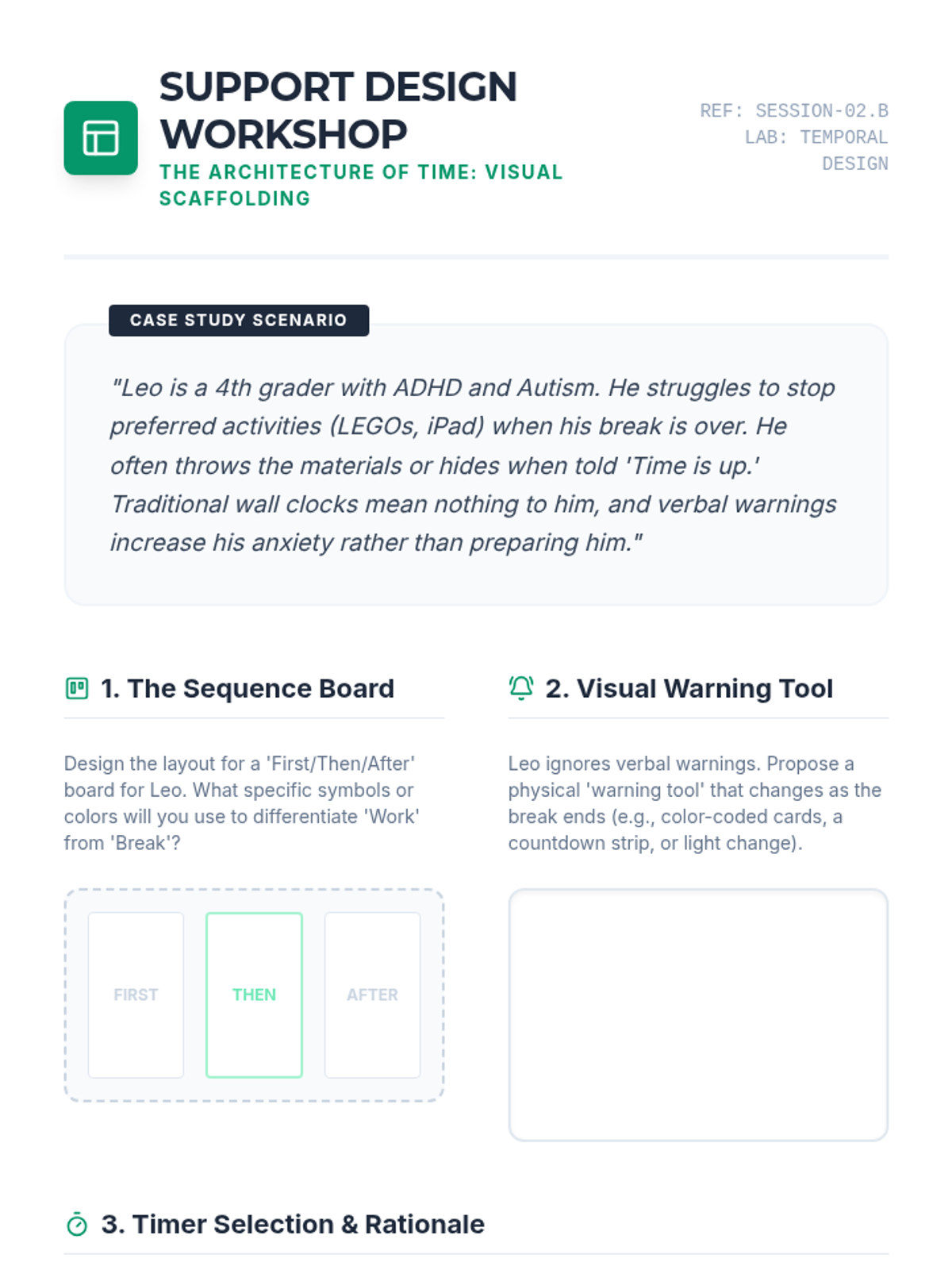
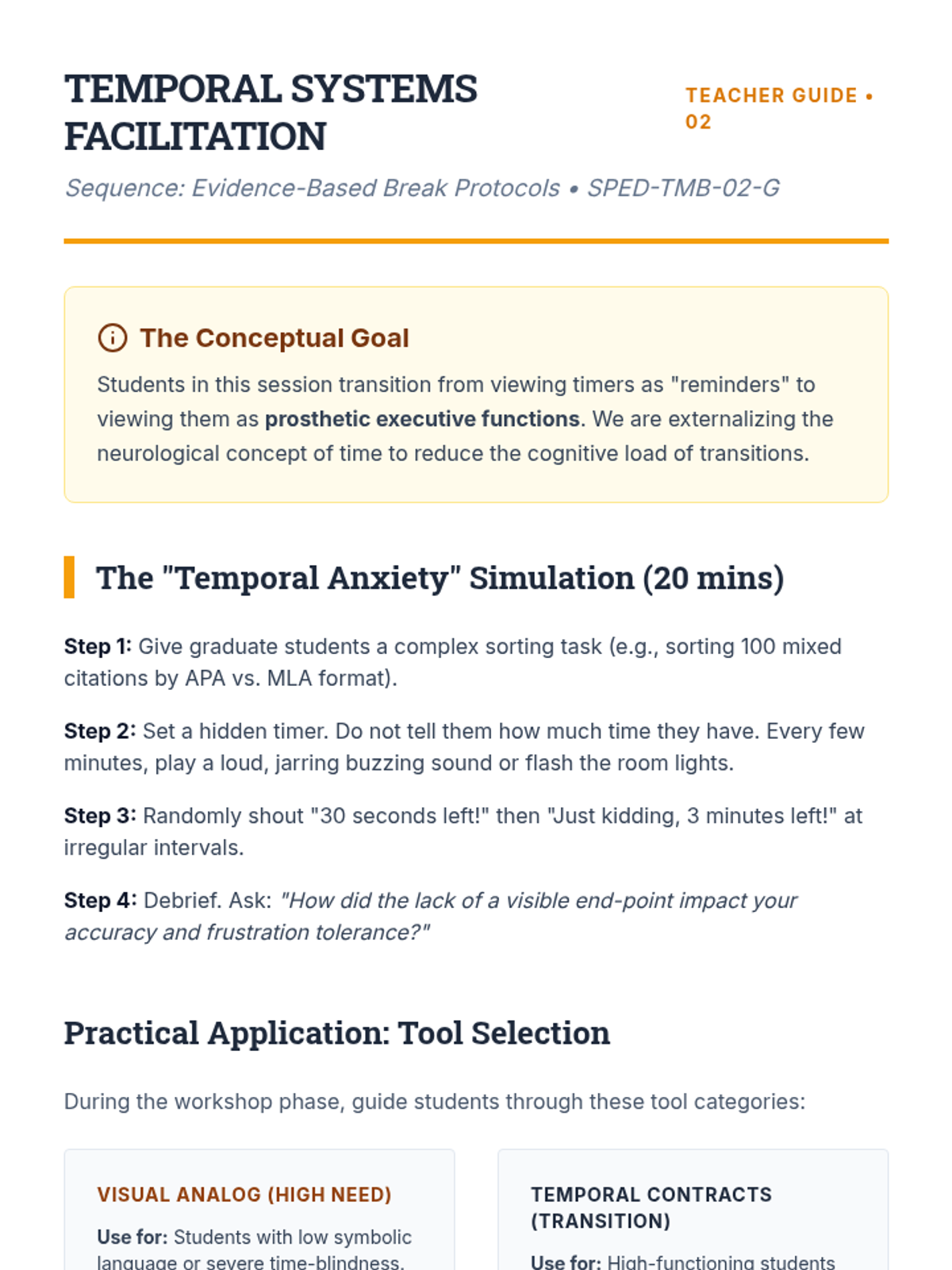
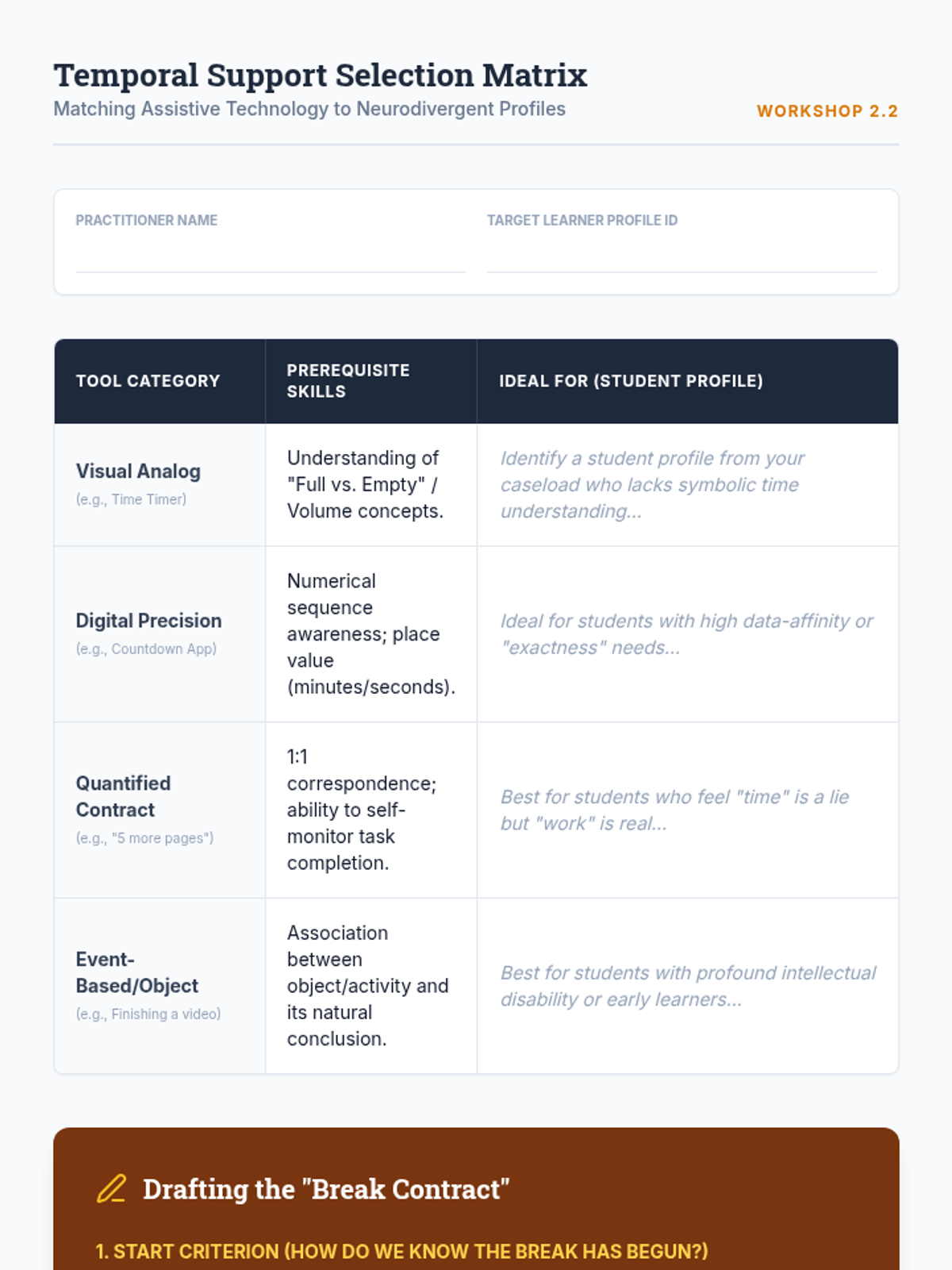
Focuses on the creation and selection of temporal visual supports, evaluating timer types and designing visual schedules to reduce transition anxiety.
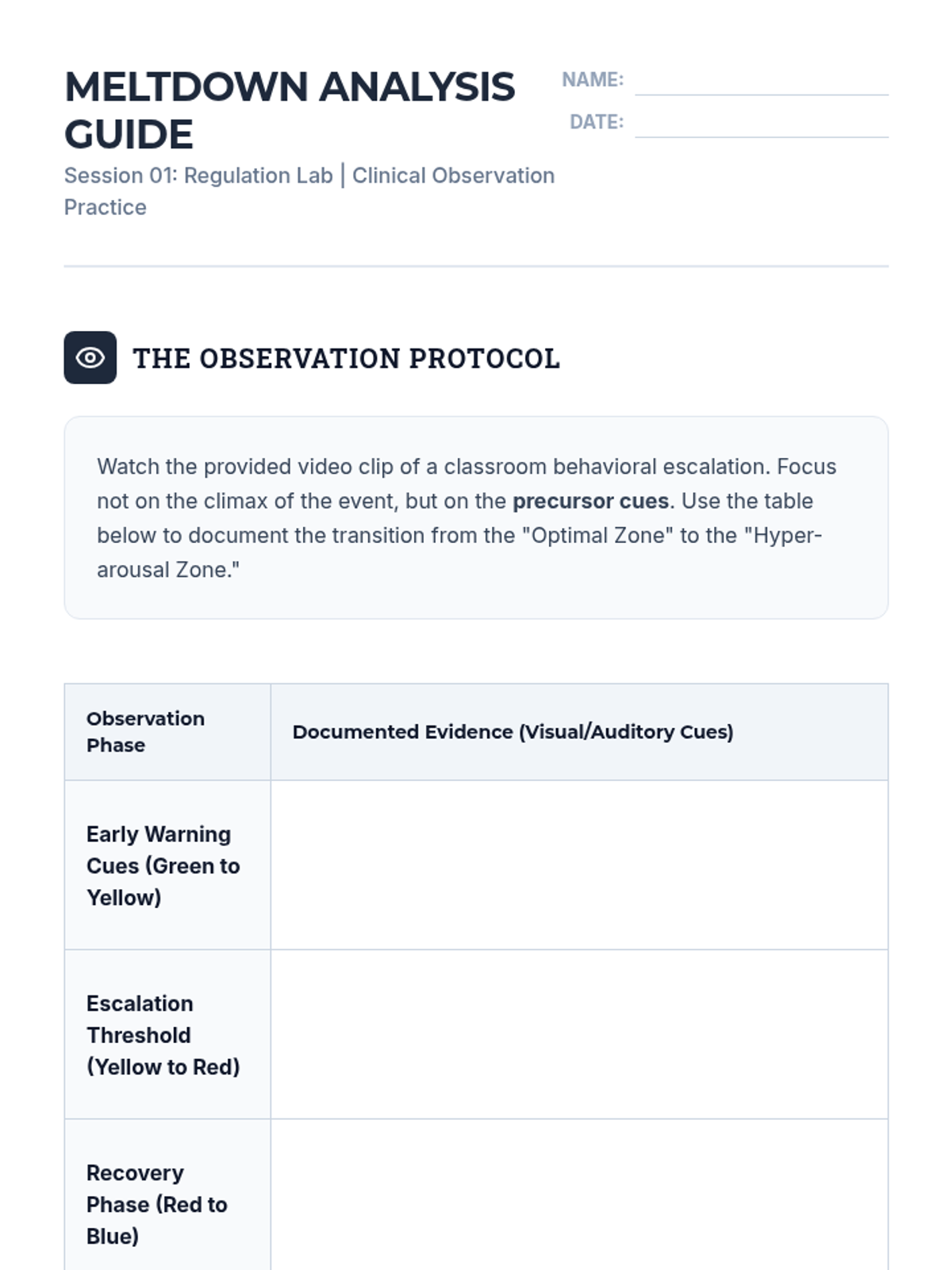
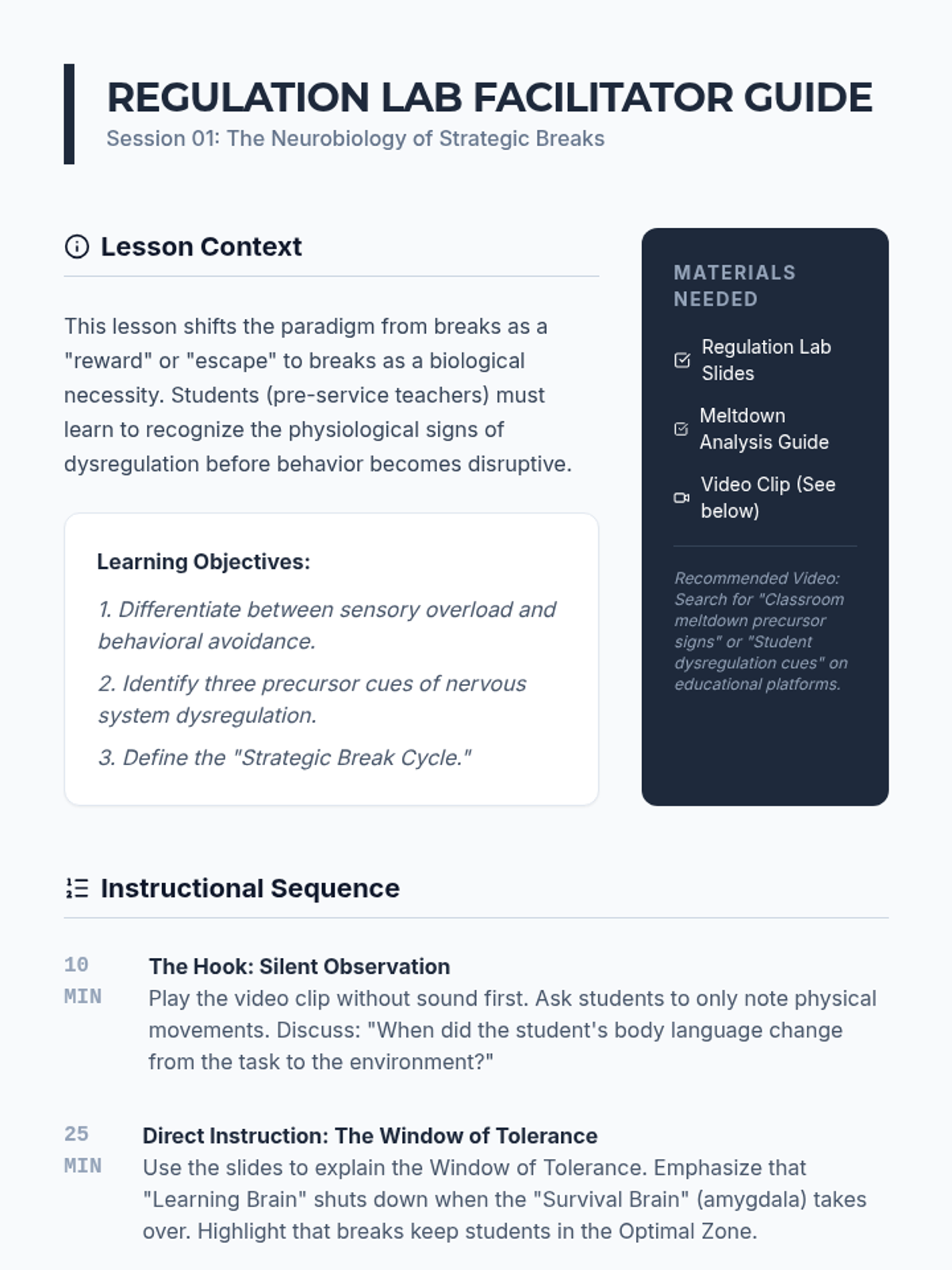
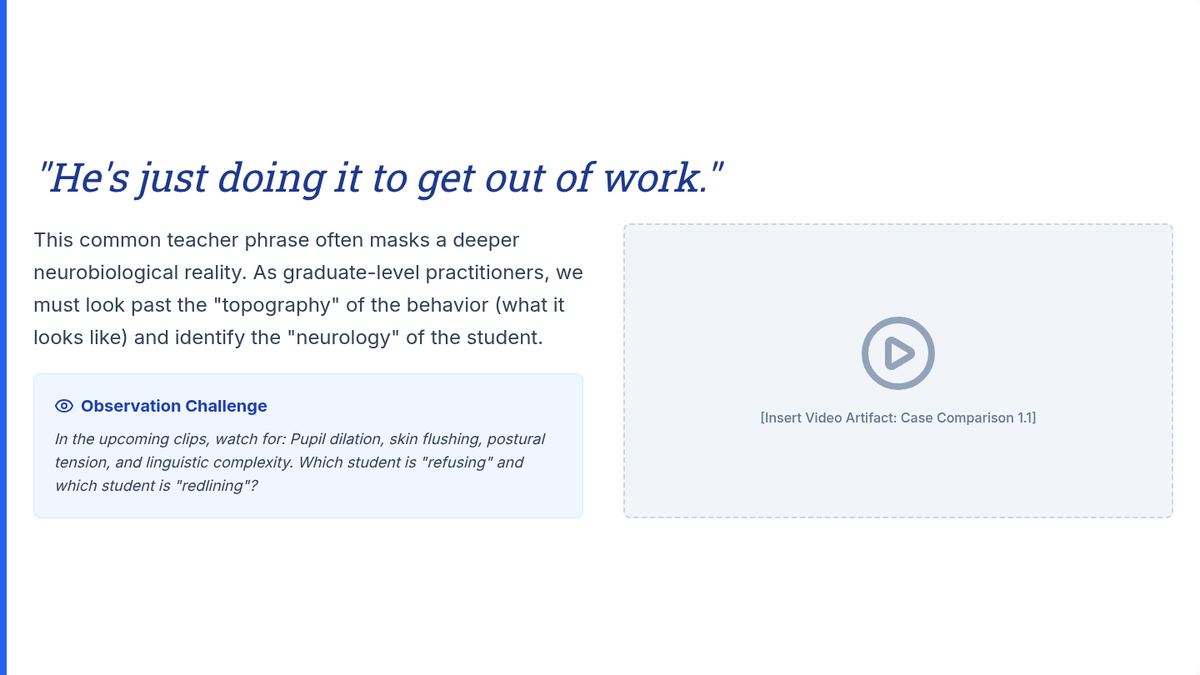
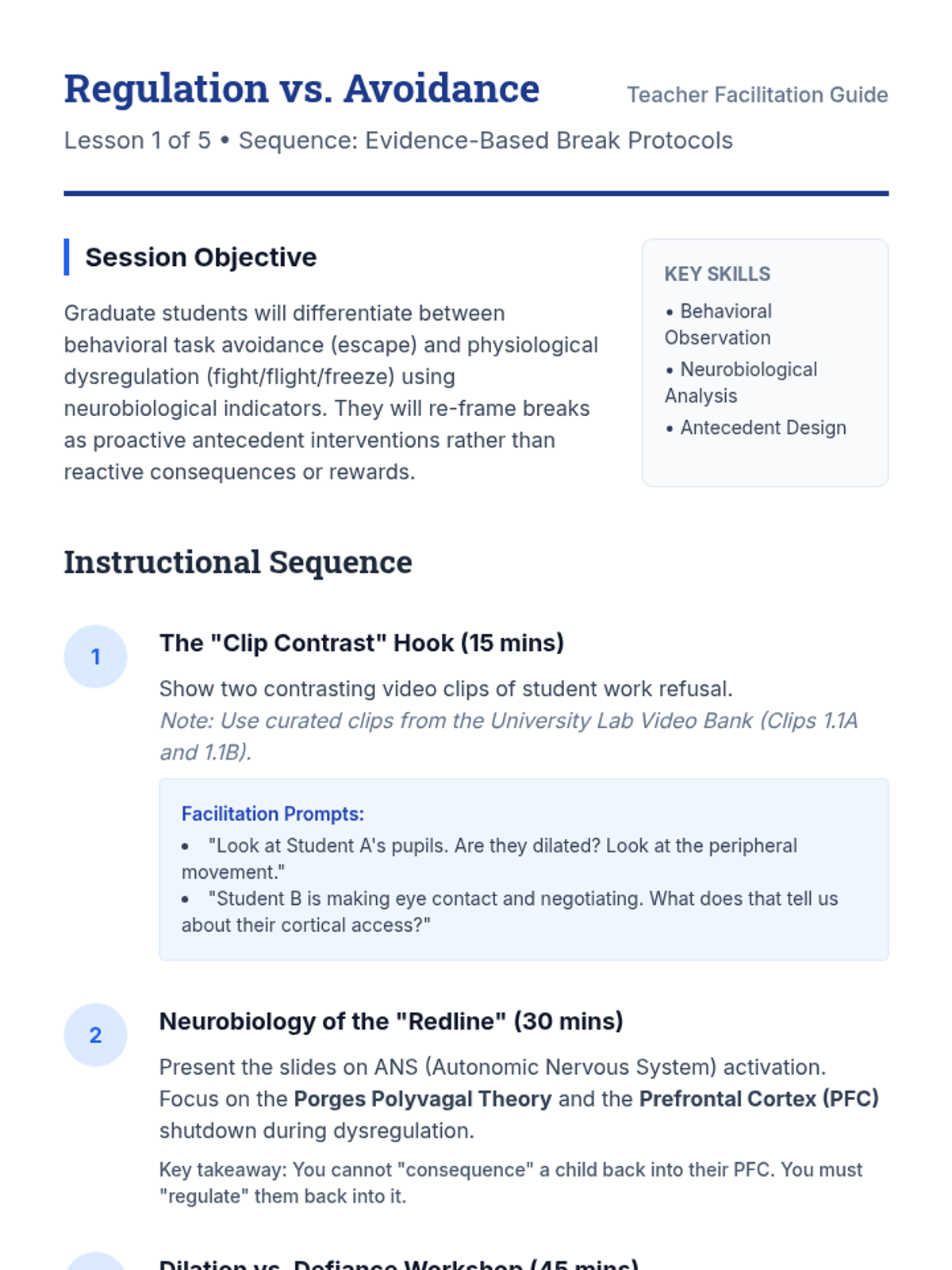
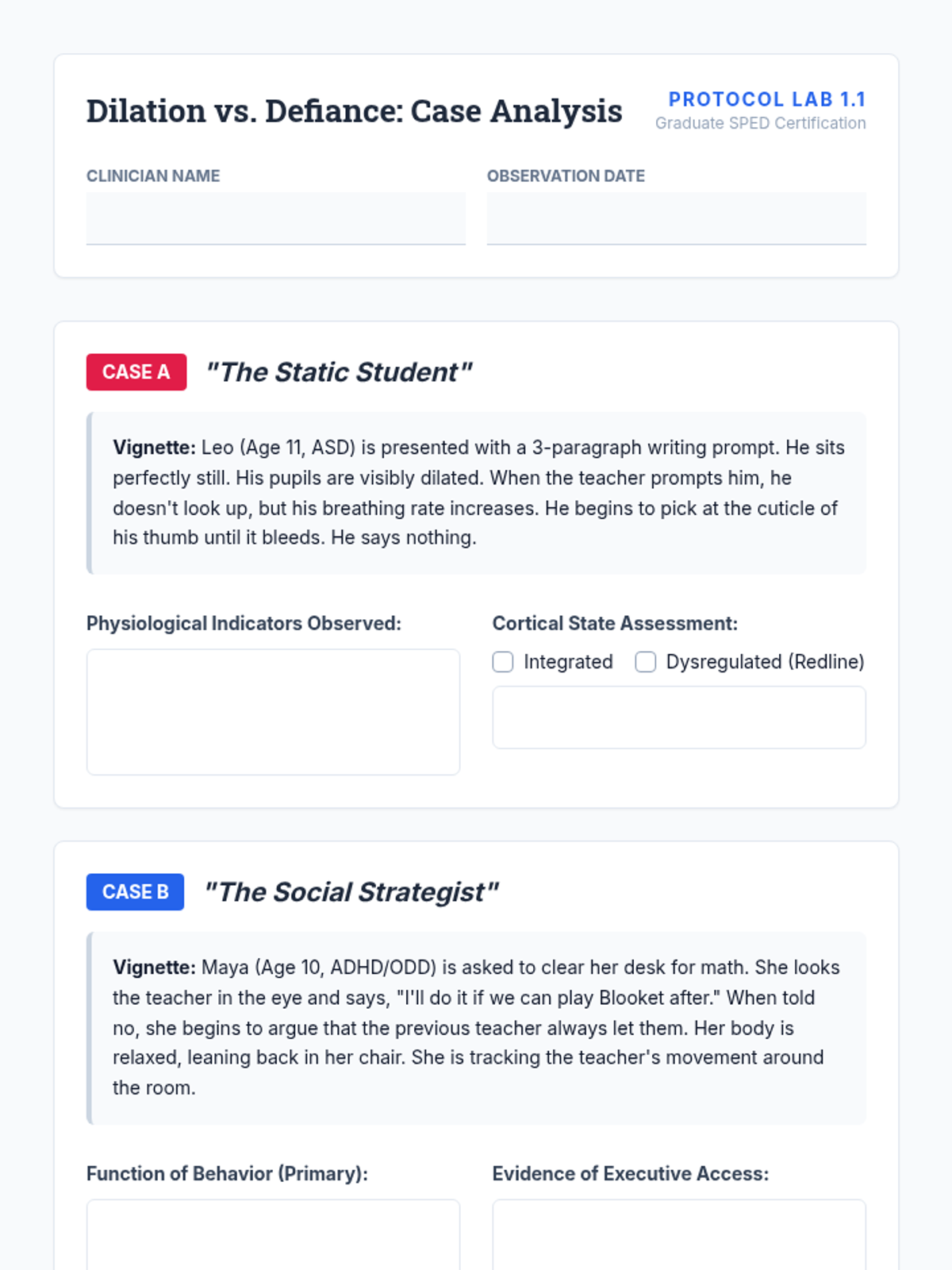
Explore the physiological basis of regulation and the difference between sensory overload and behavioral avoidance to understand the necessity of breaks.
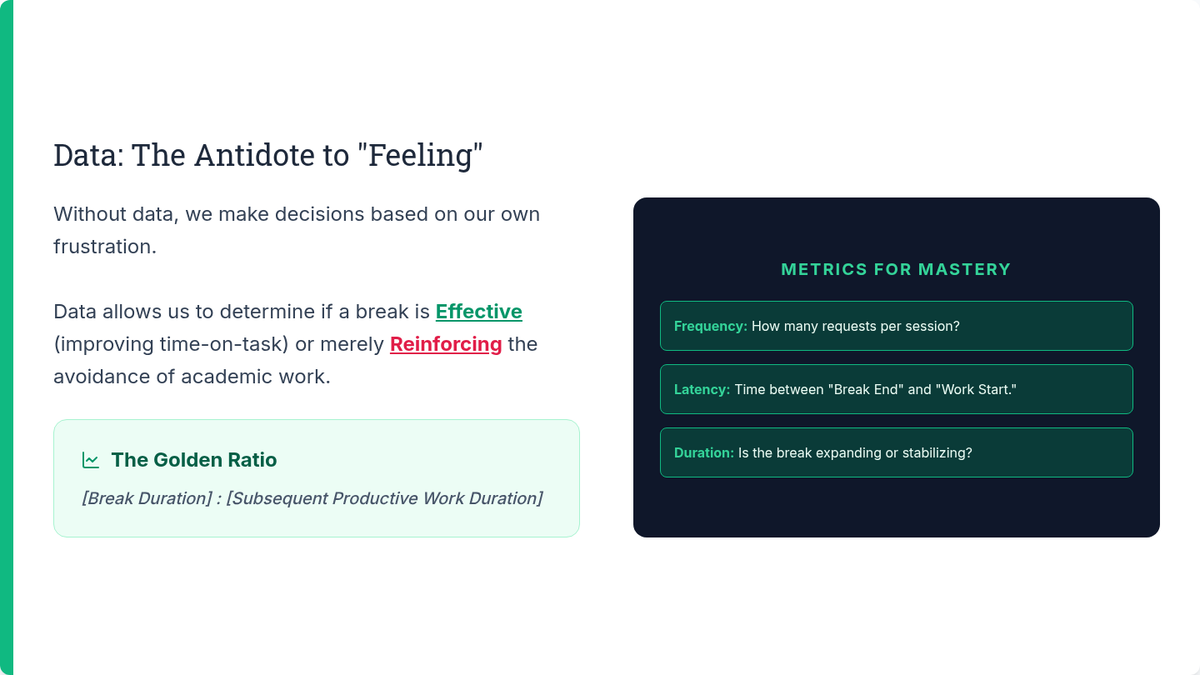
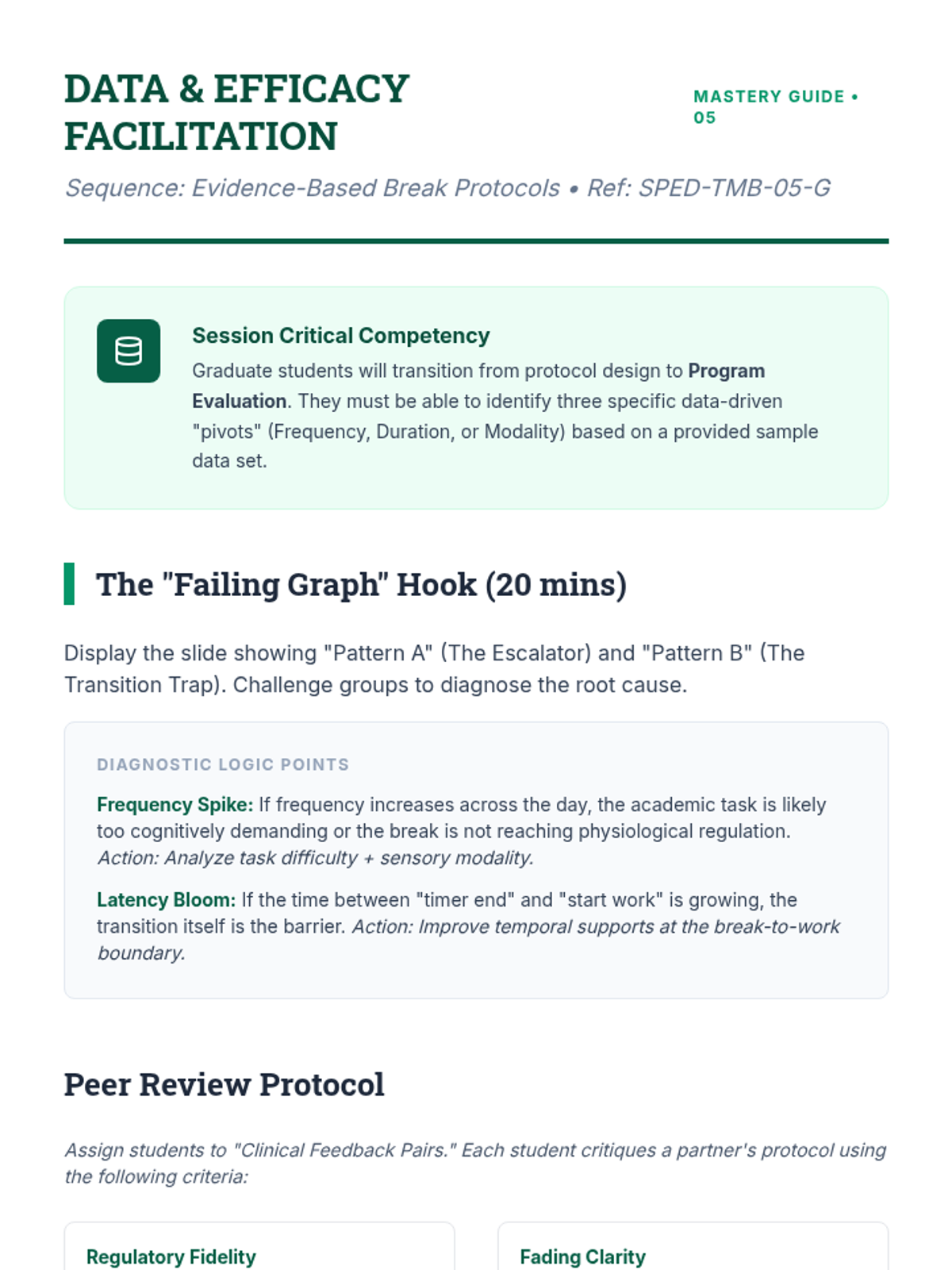
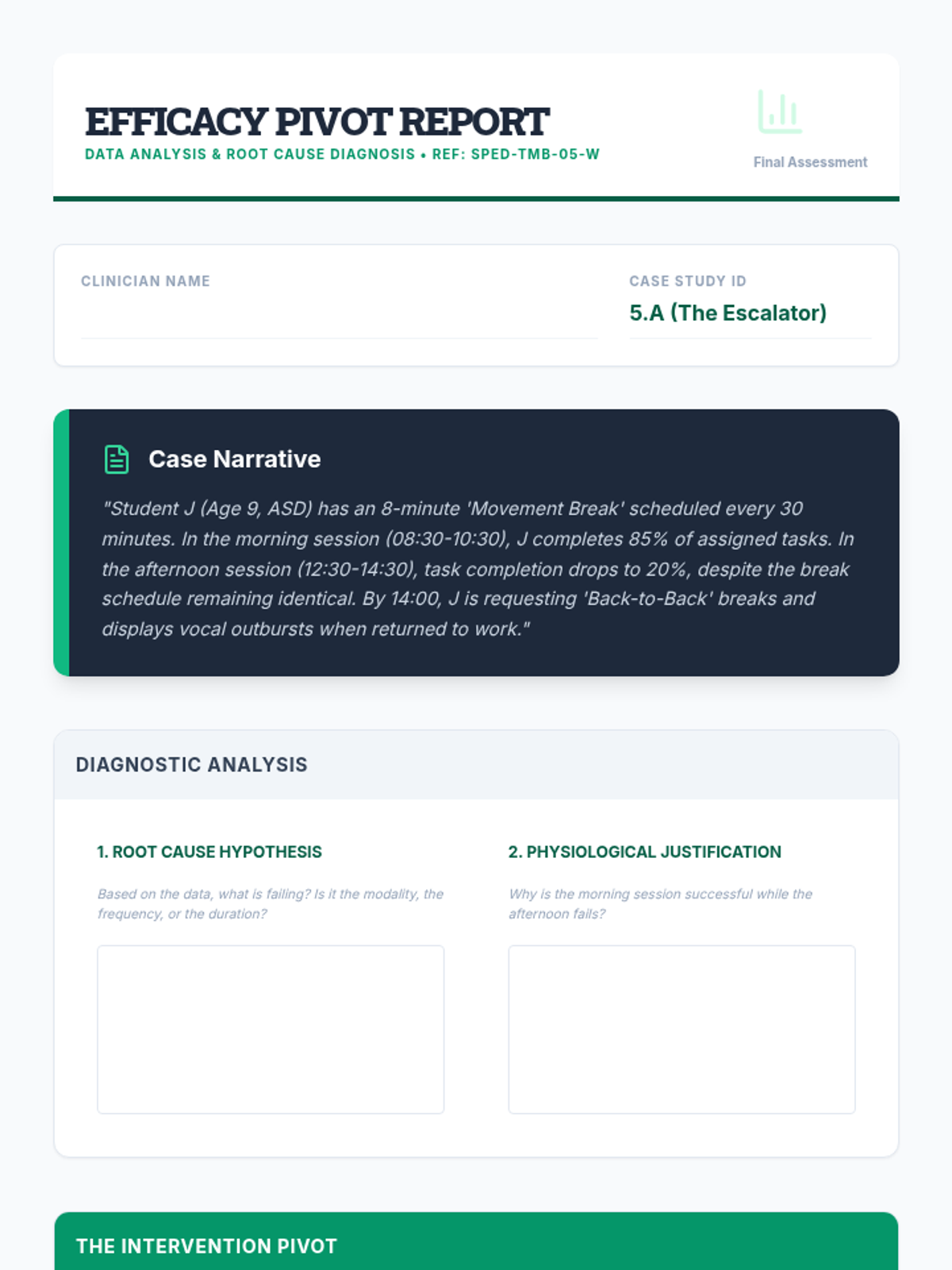
Develop data collection systems to monitor break effectiveness on time-on-task. Analyze data sets to pivot intervention strategies based on efficacy.
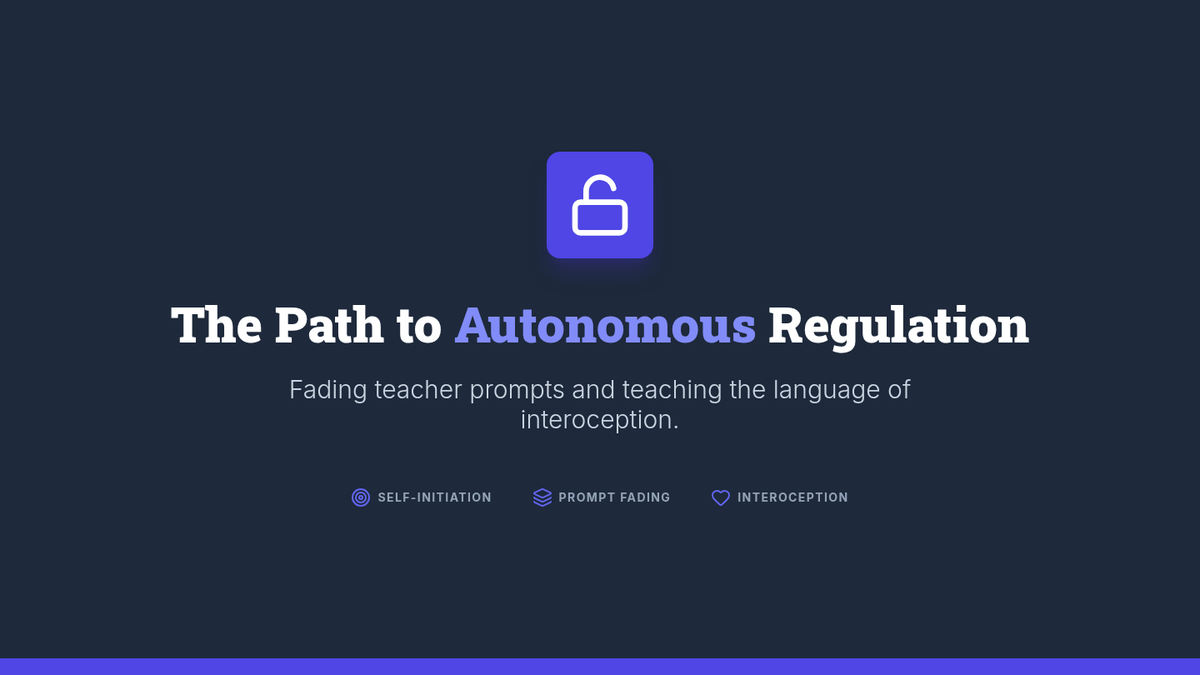
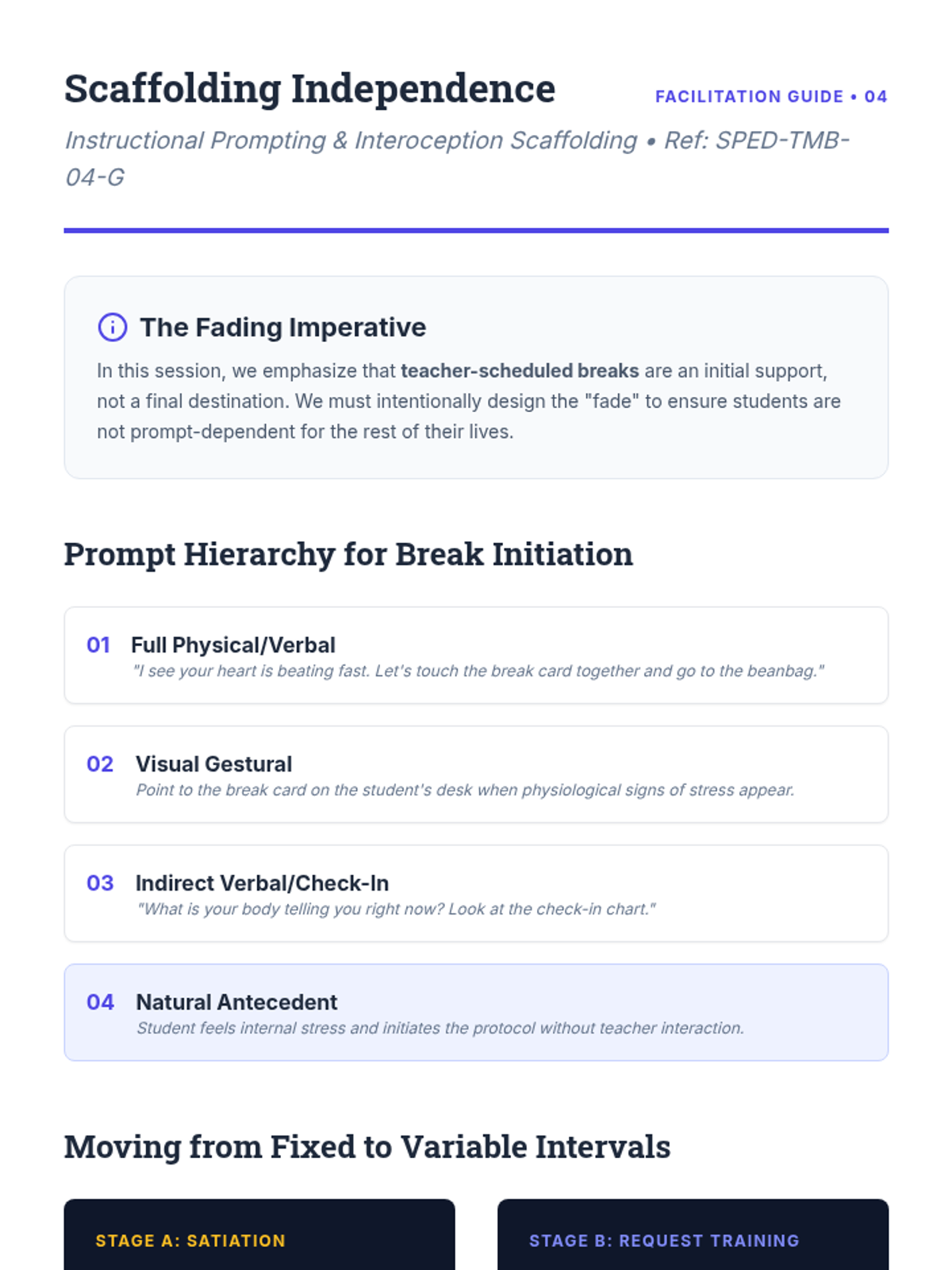
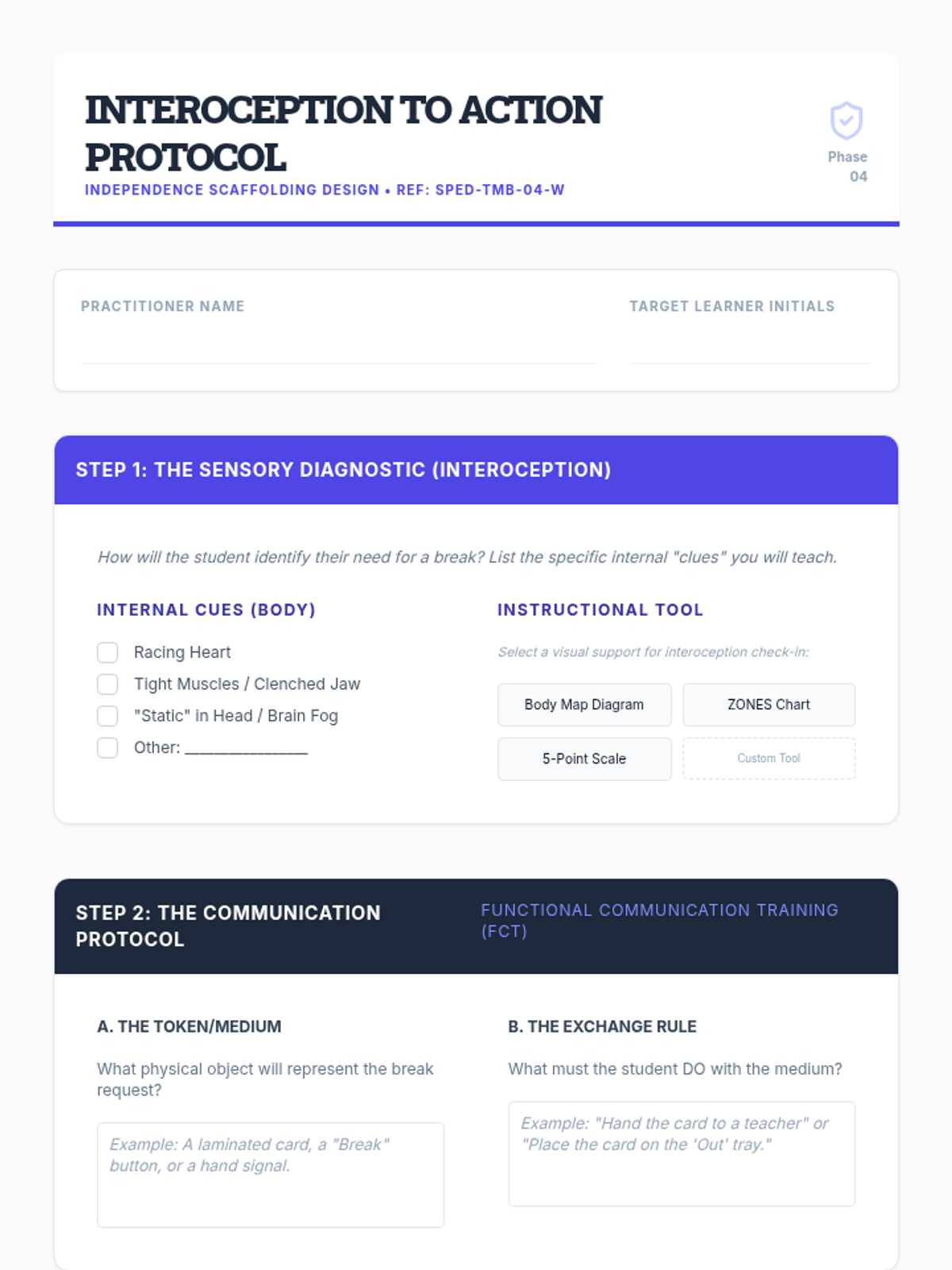
Design protocols for student-initiated regulation through interoception training and communication tokens. Develop fading processes from teacher-scheduled to student-initiated breaks.
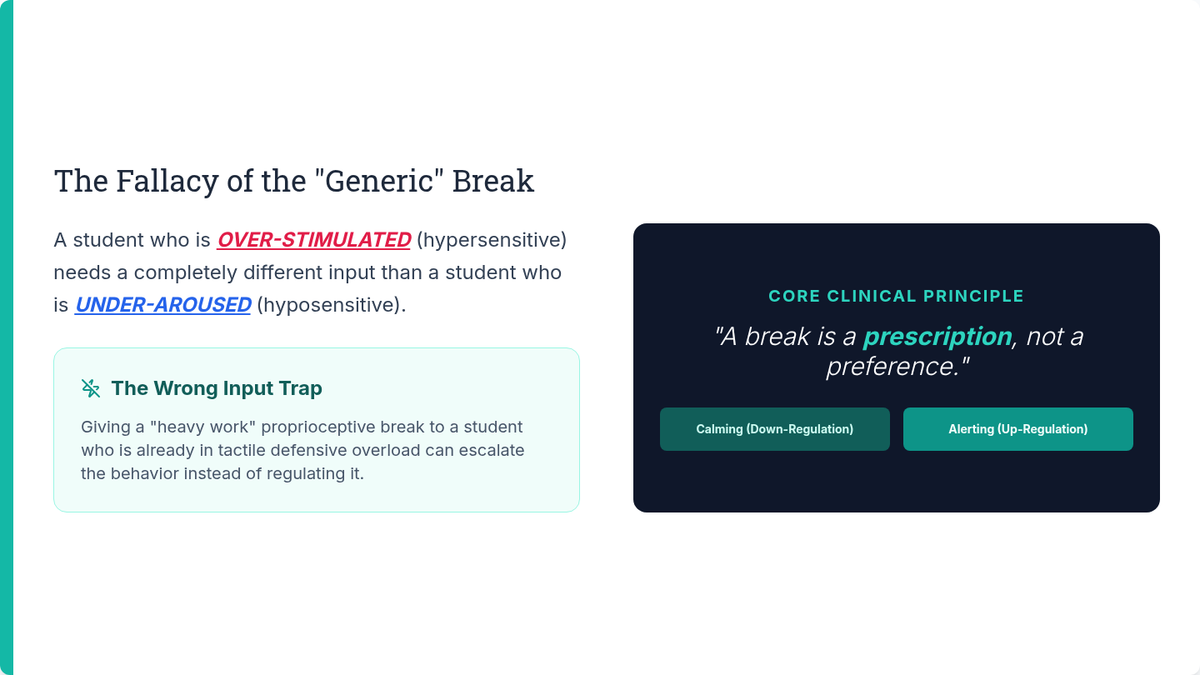
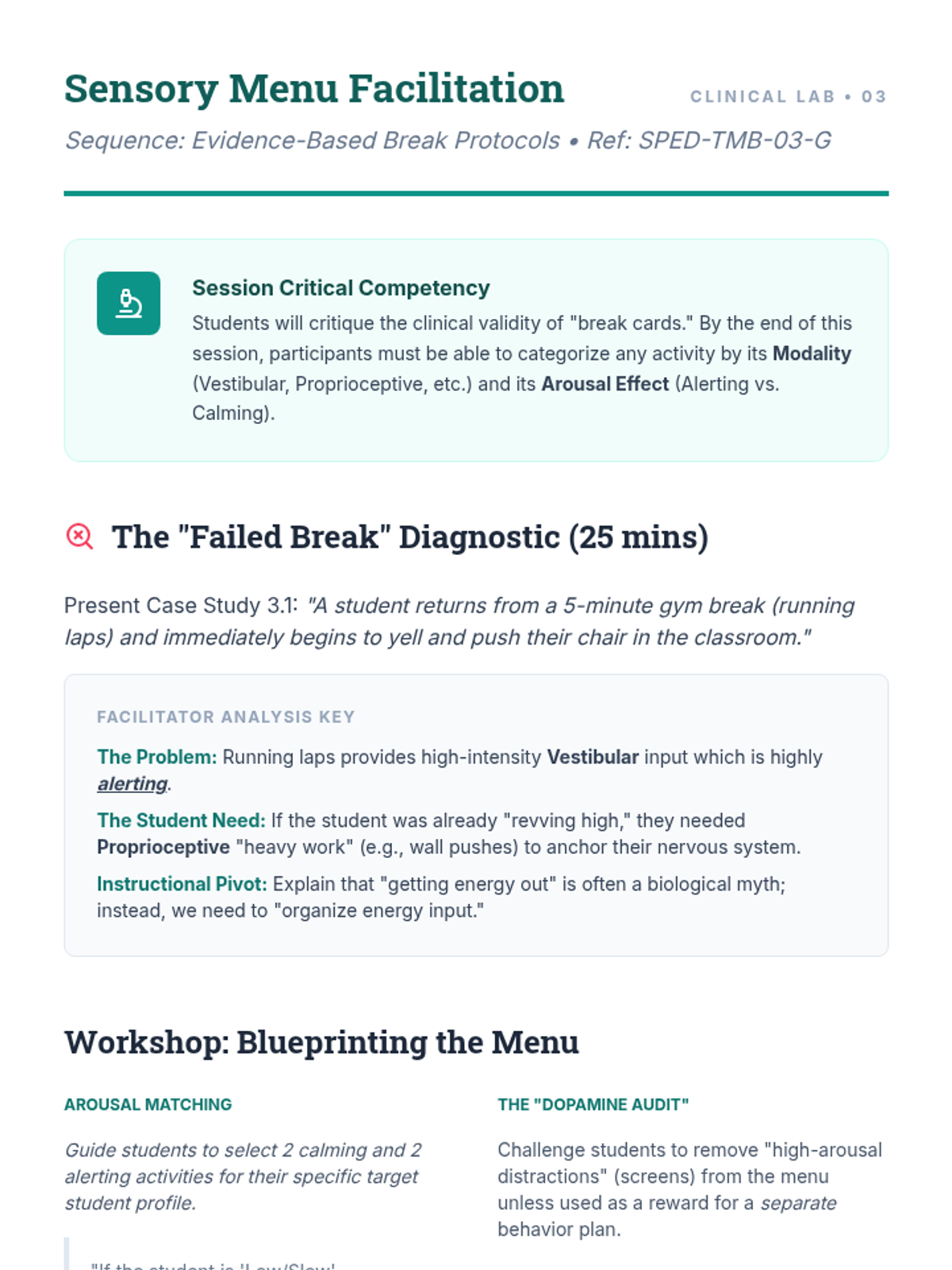
Curate sensory and movement menus categorized by regulatory effect (calming vs. alerting). Match break activities to the specific dysregulation profile of the learner.
Implement visual timers and temporal supports to reduce transition anxiety and externalize time for students with time-blindness. Design break contracts with clear start and stop criteria.
Differentiate between behavioral task avoidance and physiological dysregulation through neurobiological research and case analysis. Establish breaks as an antecedent intervention rather than a reward.
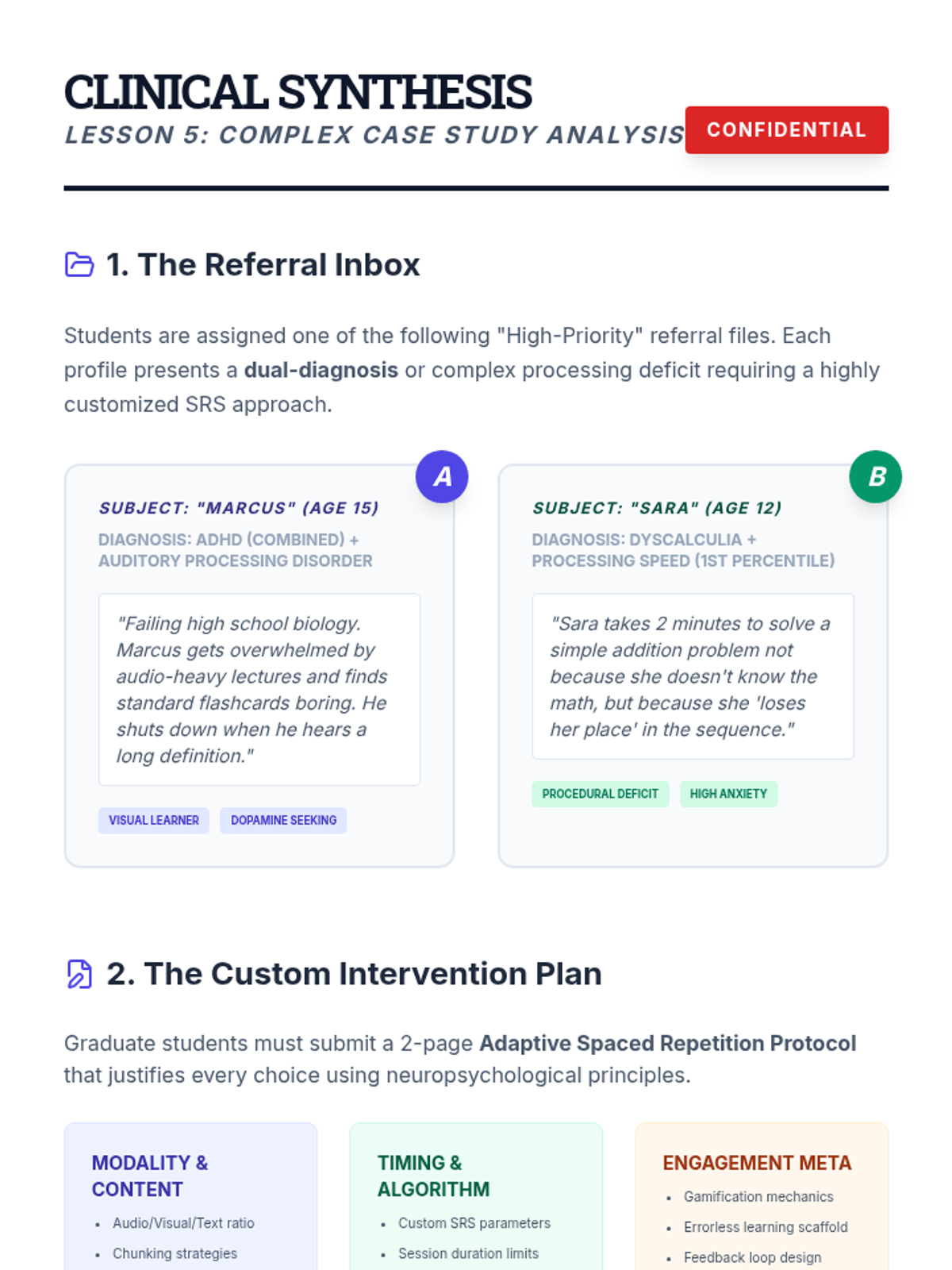
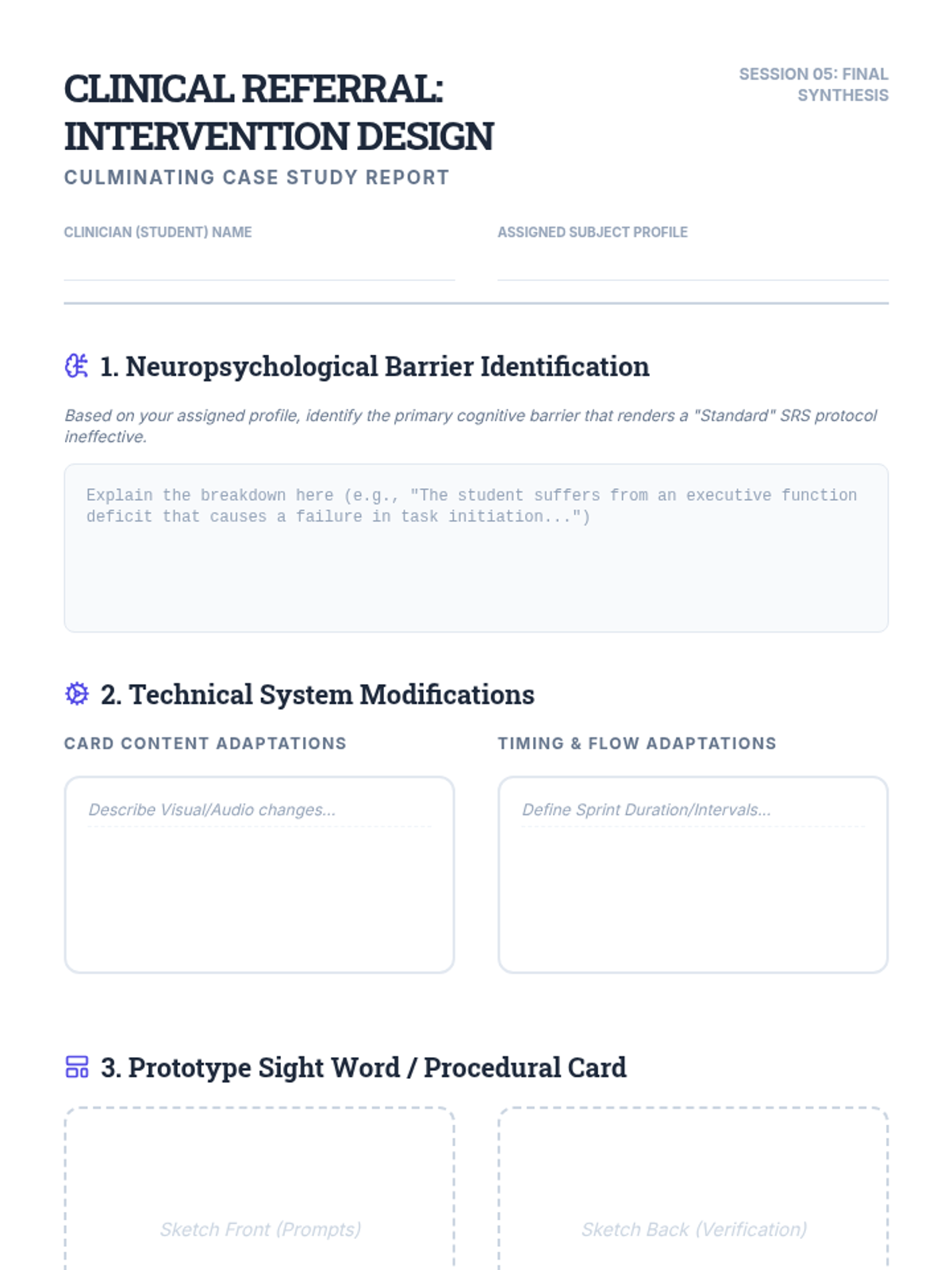
A culminating project where students design tailored SRS interventions for complex, dual-diagnosis student profiles.
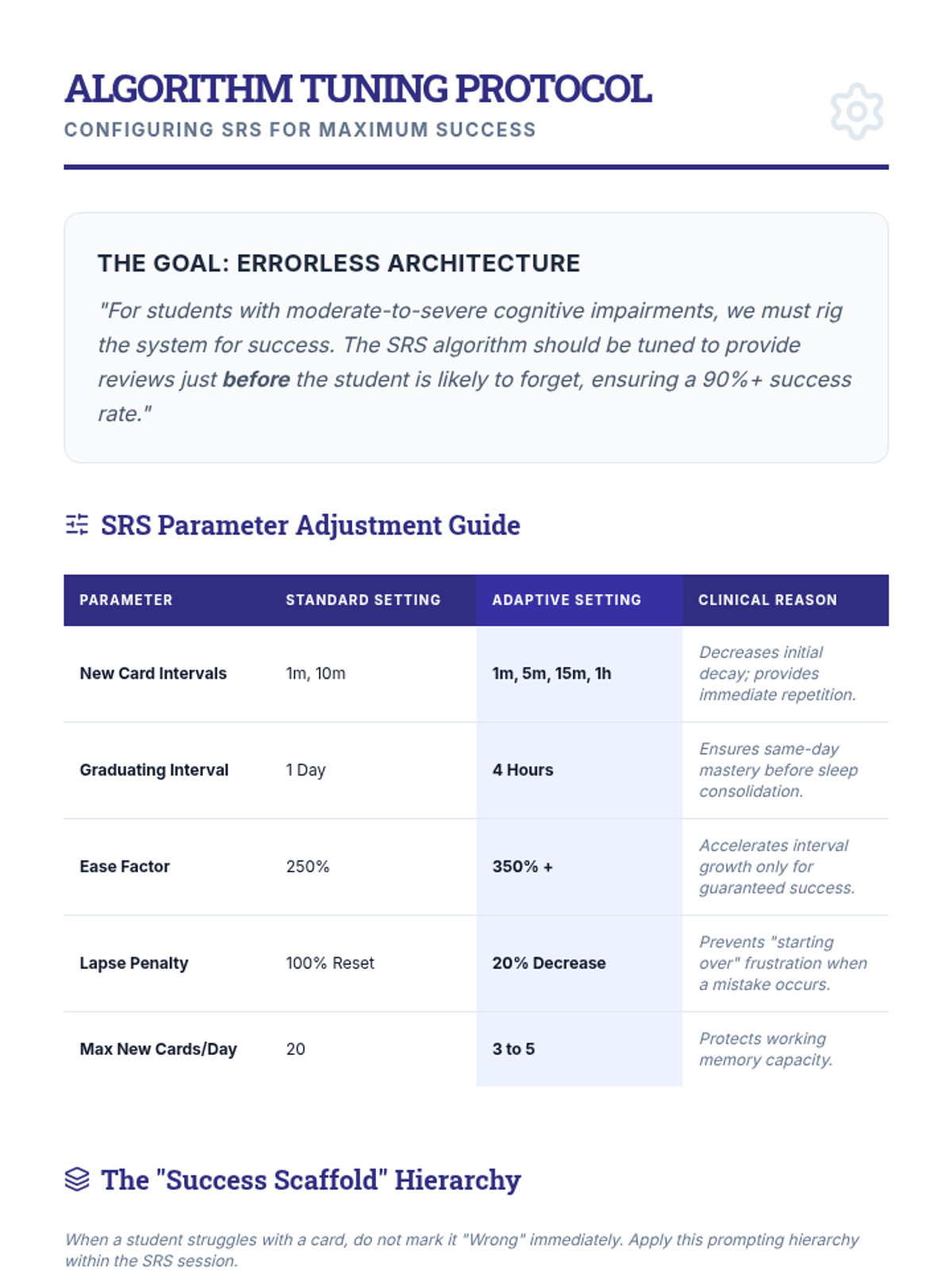
Covers 'errorless learning' adaptations for students with cognitive impairments, focusing on algorithm adjustments and scaffolding.
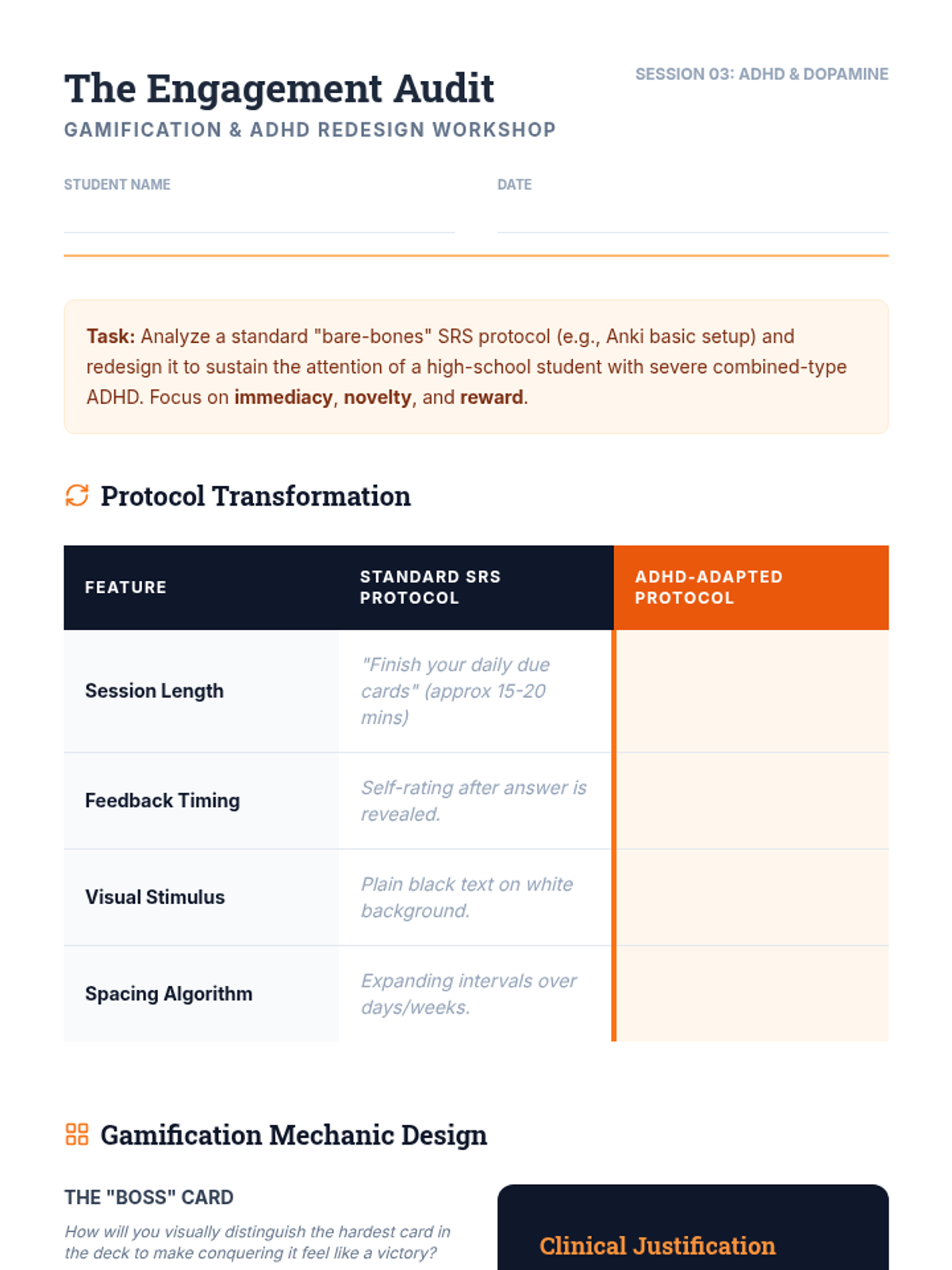
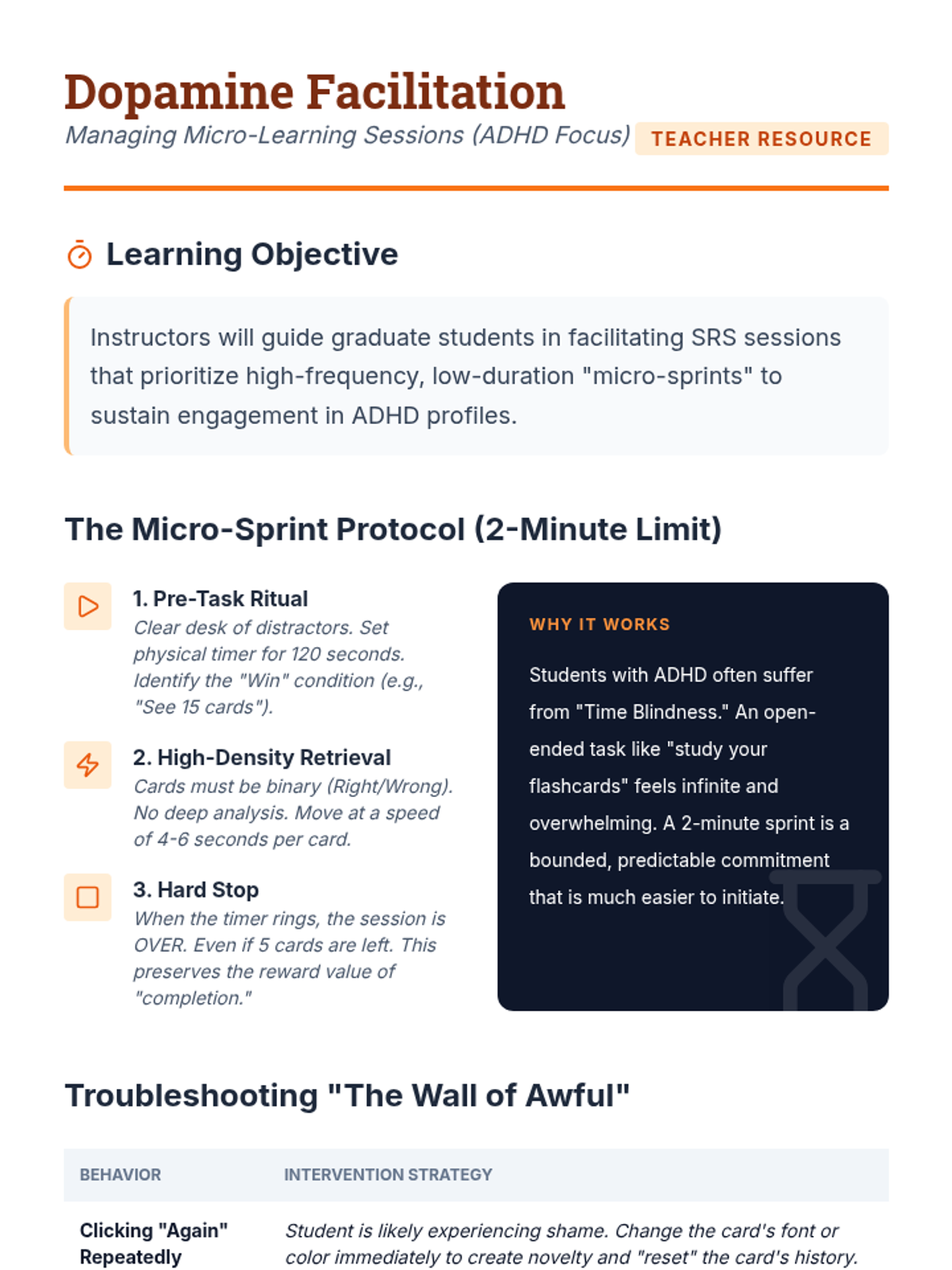
Investigates gamification and micro-learning techniques to sustain engagement for students with ADHD during repetitive memory tasks.
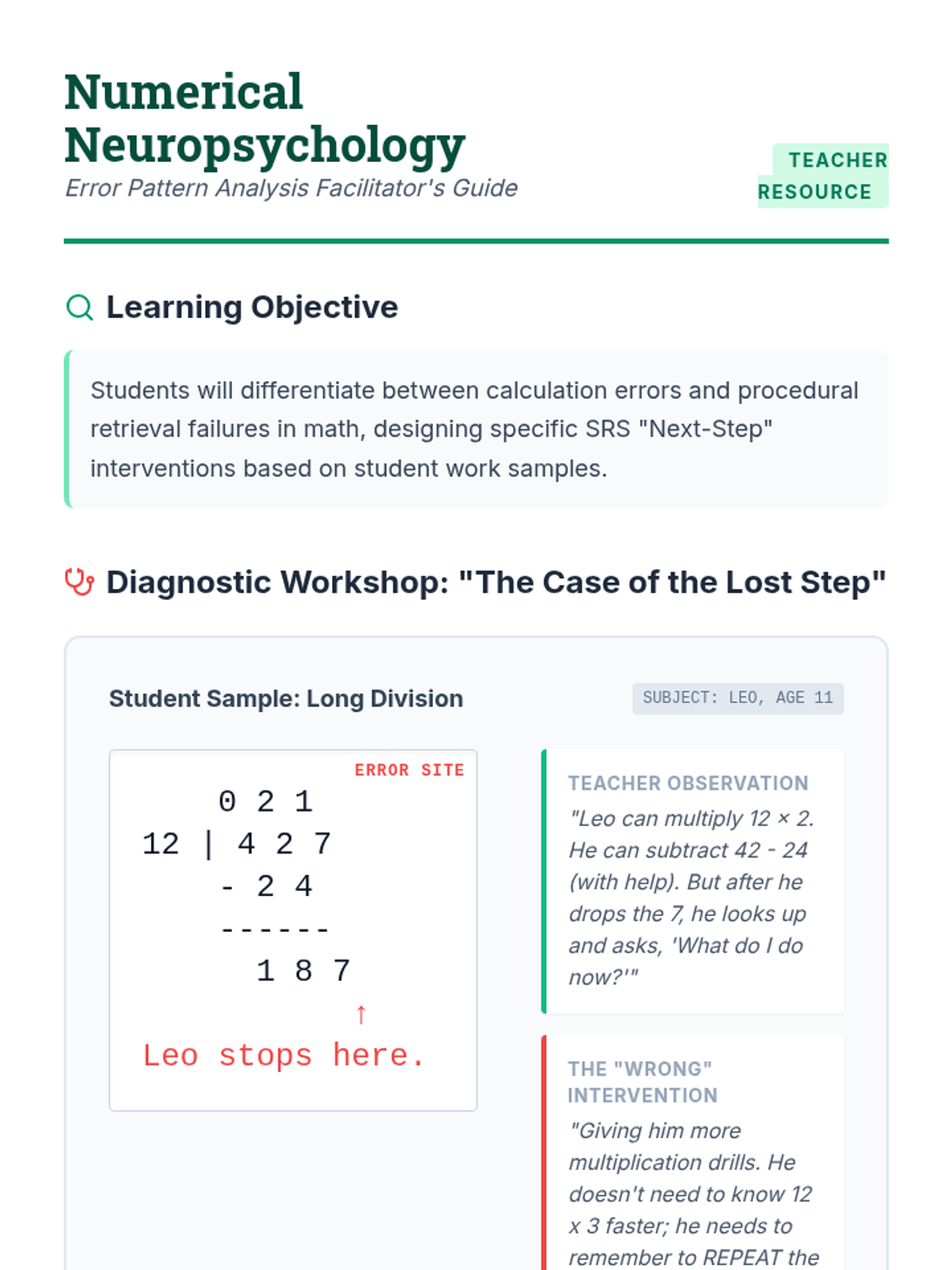
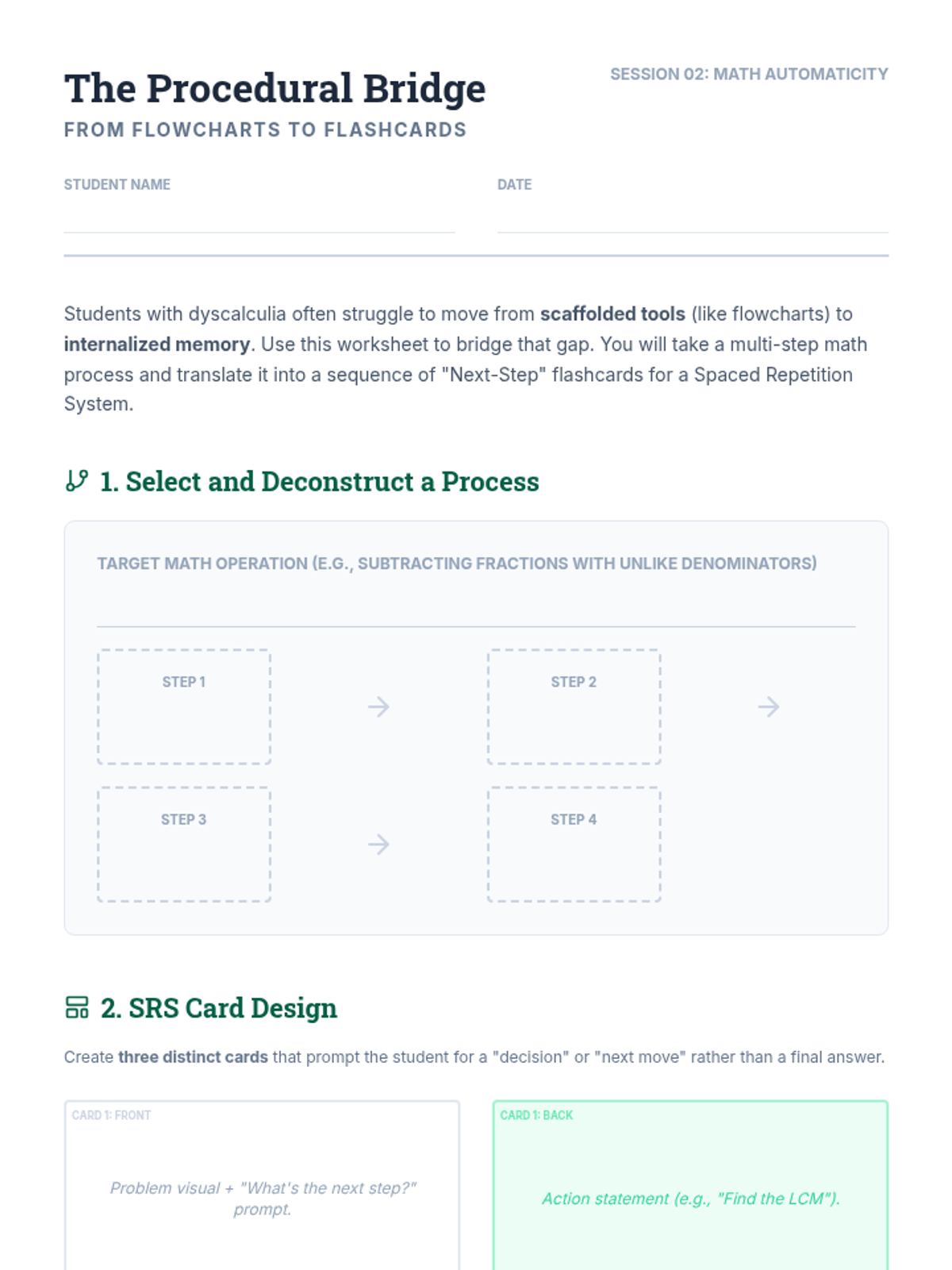
Explores how to use SRS to build math automaticity and procedural fluency for students with dyscalculia.
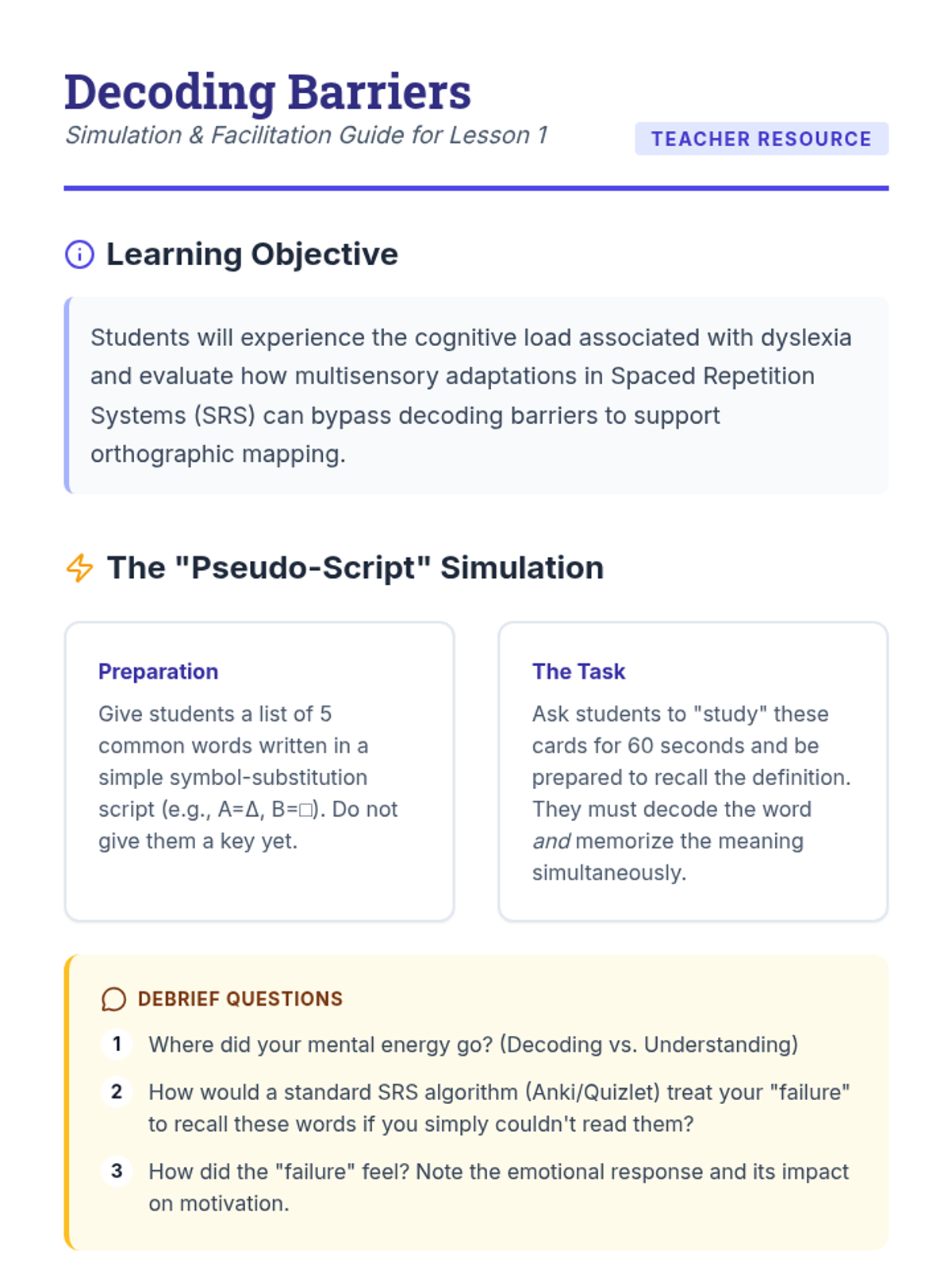
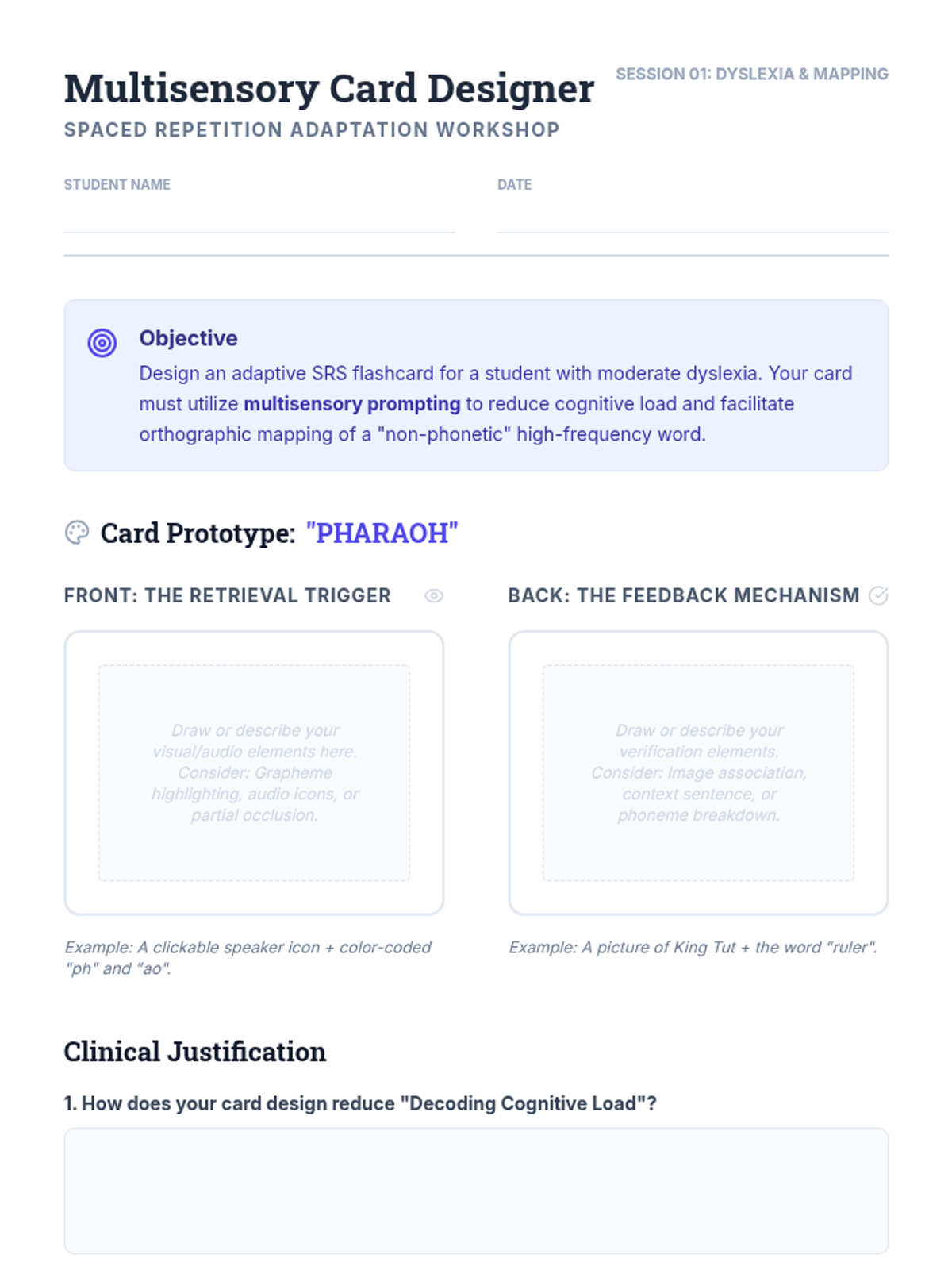
Focuses on using multisensory SRS to support sight word acquisition and phoneme-grapheme correspondence for students with reading disabilities.
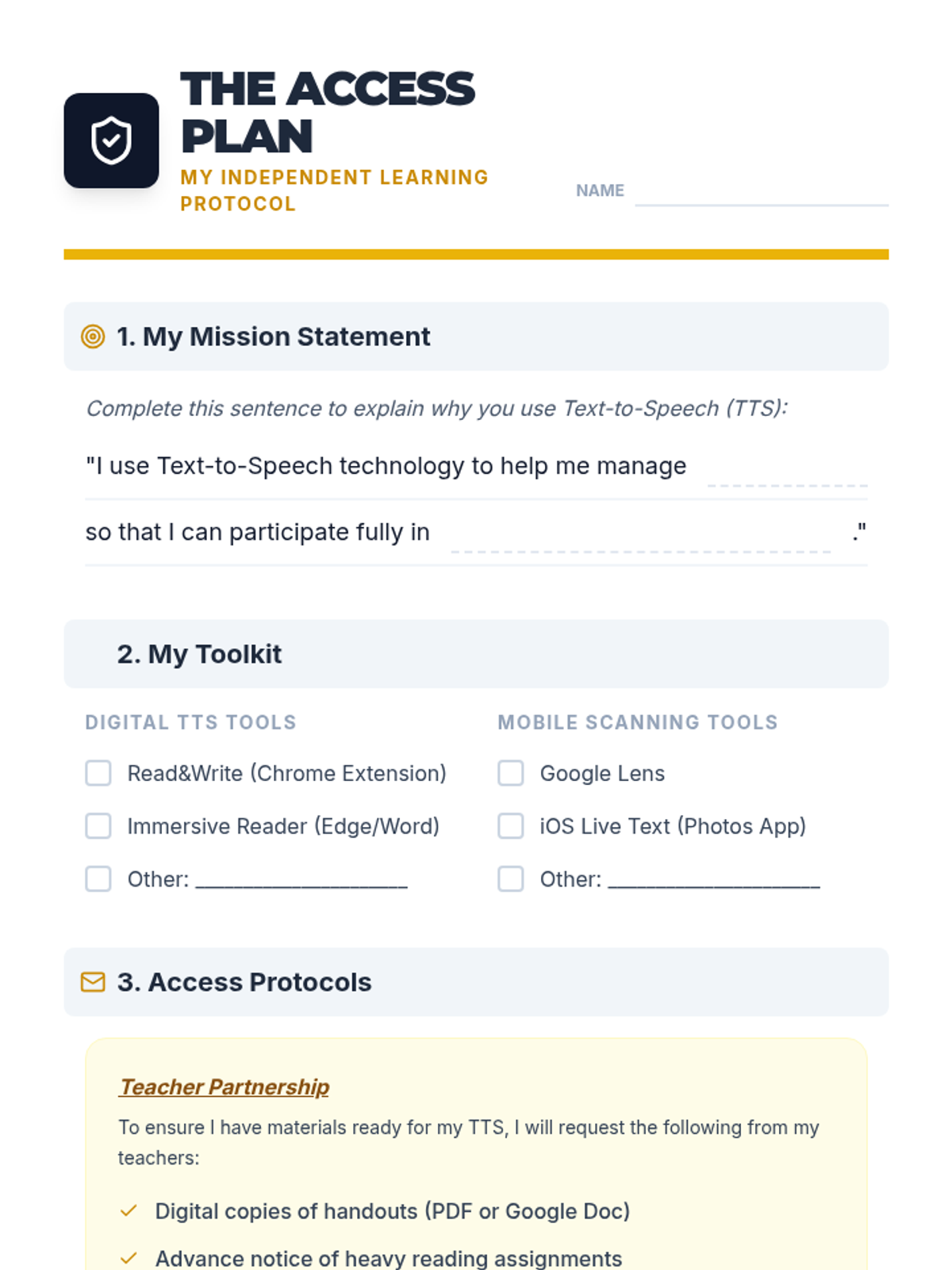
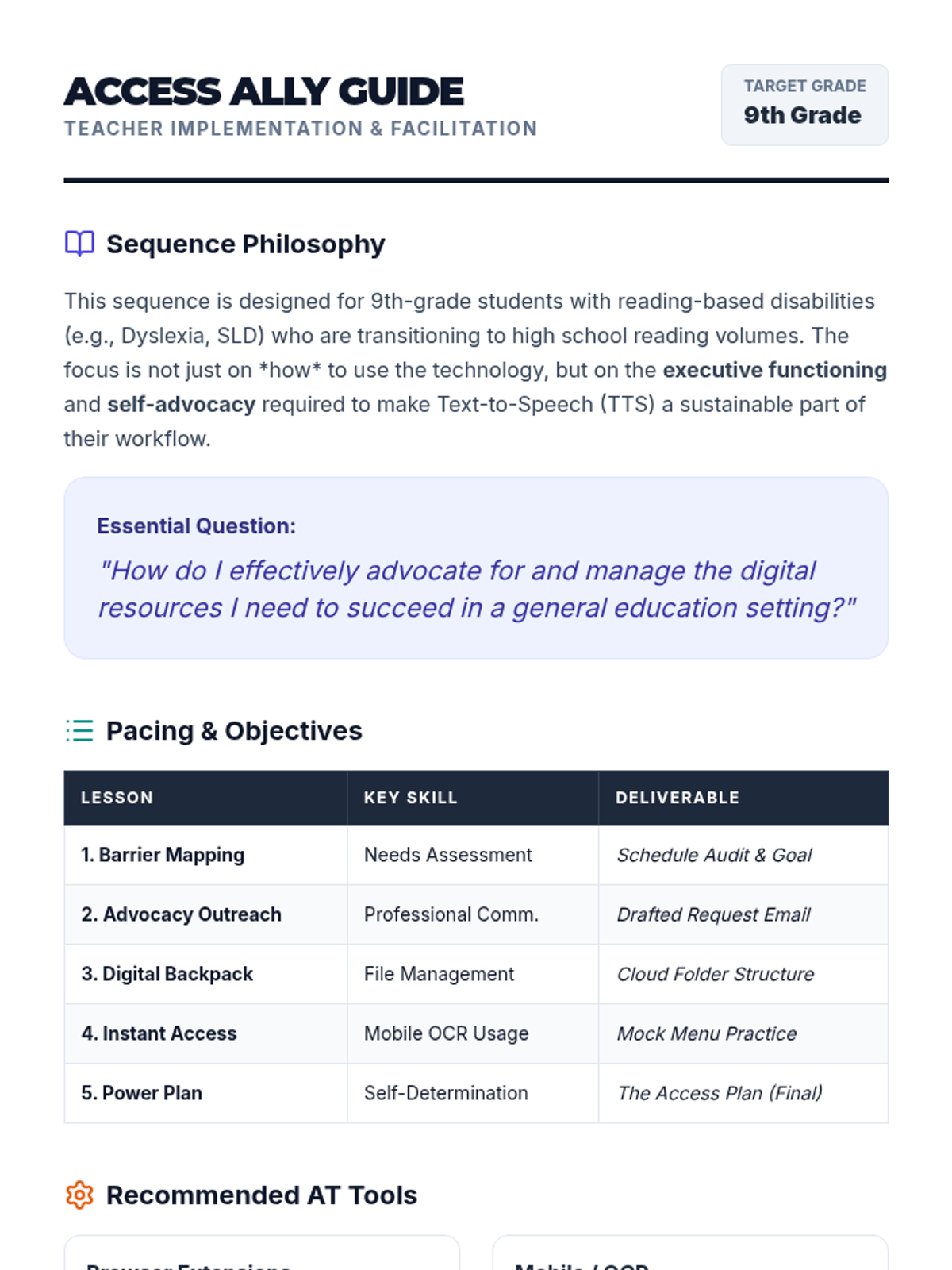
Culminating project where students synthesize their learning into a one-page 'Access Plan' and practice presenting it to teachers or IEP team members.
Students master the use of mobile OCR (Optical Character Recognition) apps to convert physical handouts into digital, speech-ready text on the fly.
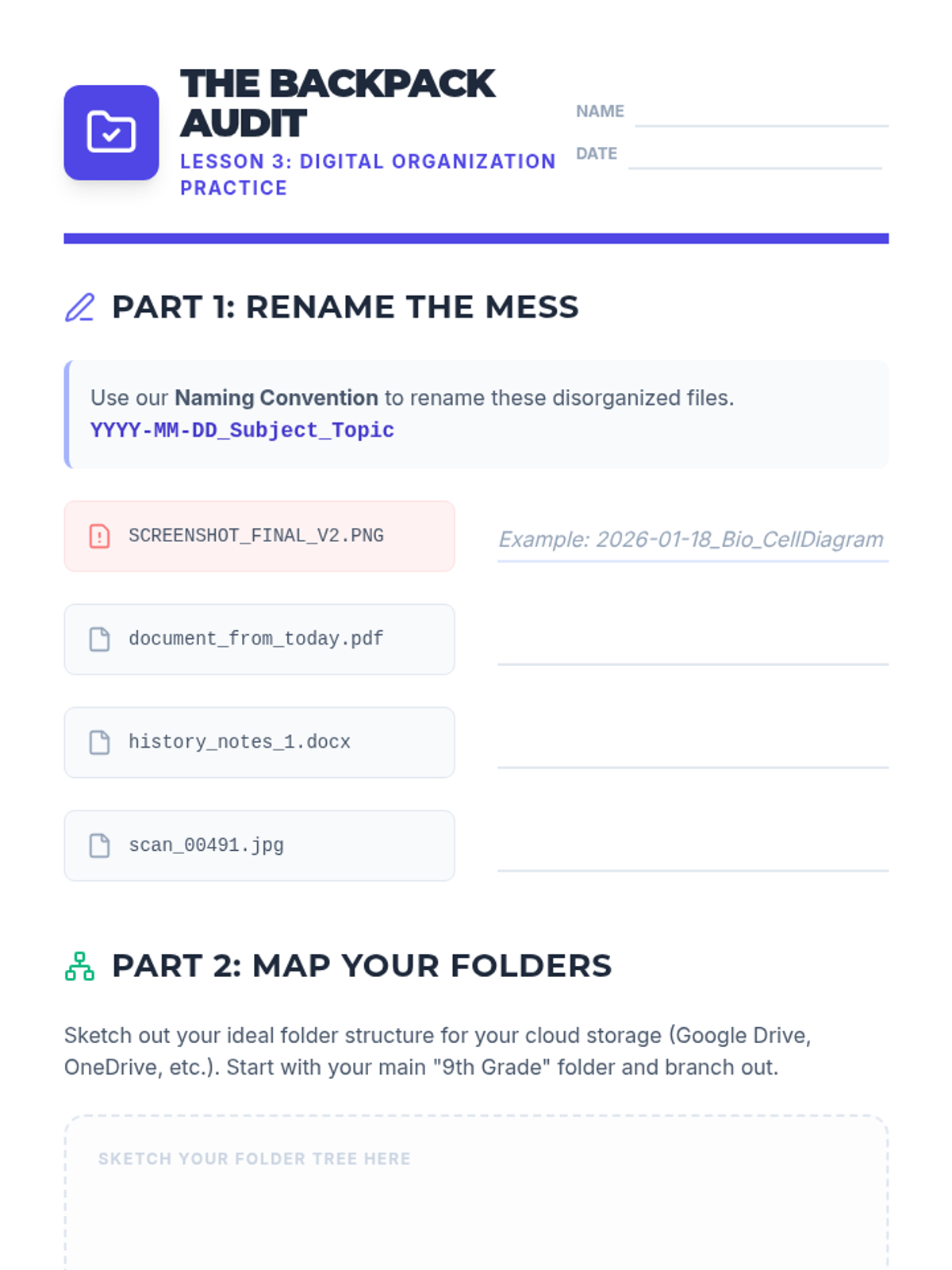
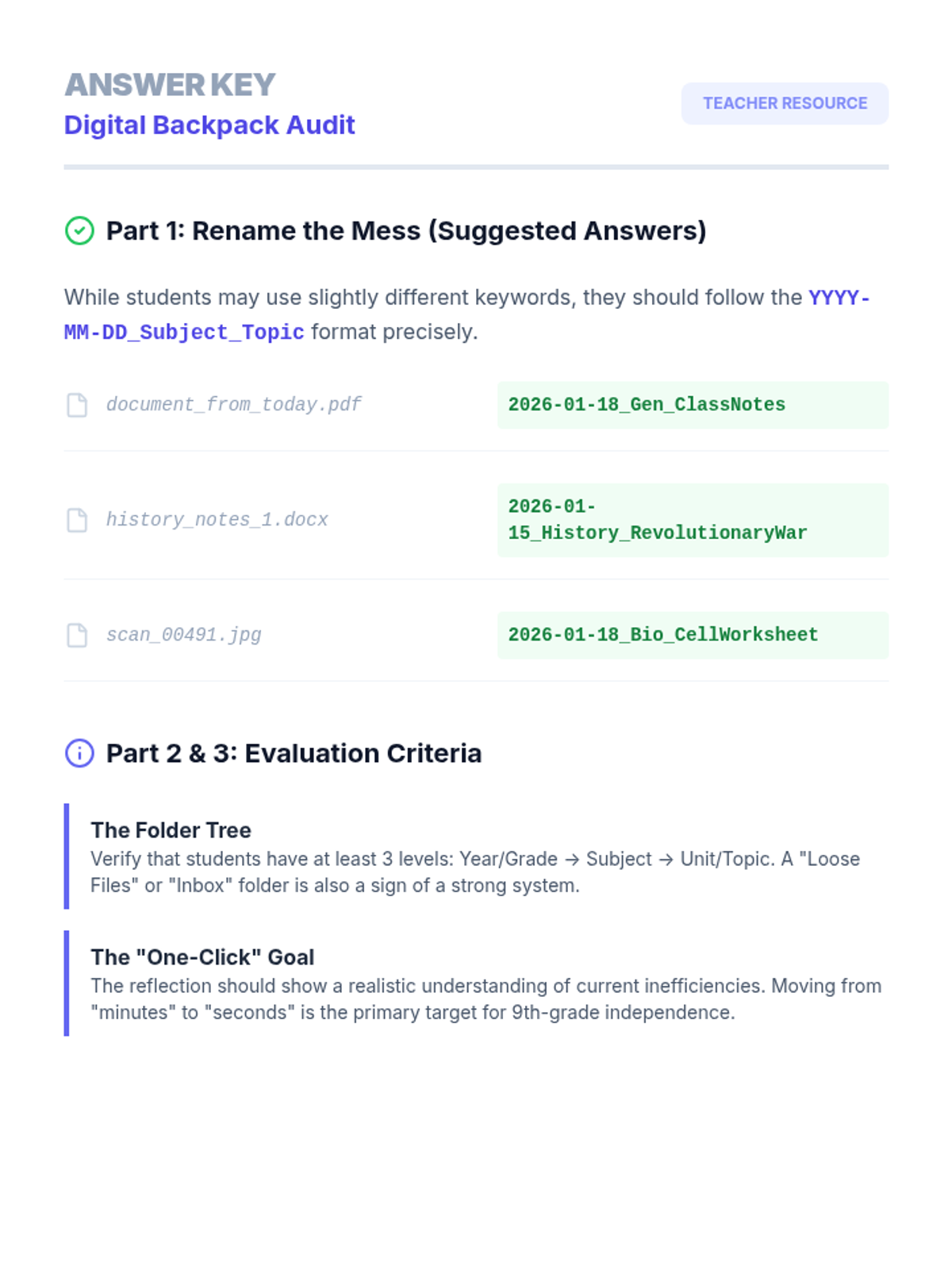
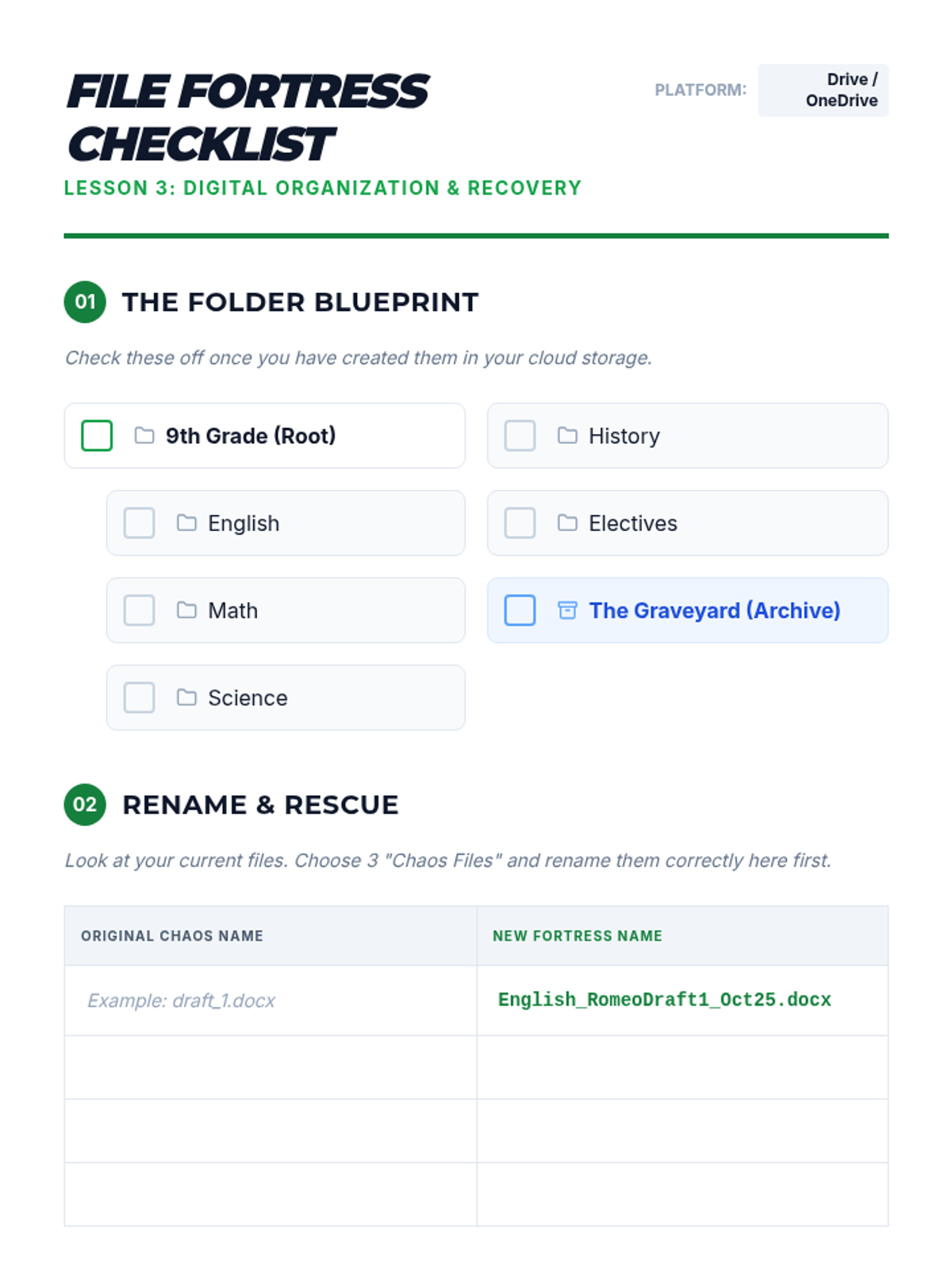
Focuses on the executive functioning skills needed to organize digital files for easy use with TTS. Students develop naming conventions and cloud storage systems to keep their 'digital backpack' accessible.
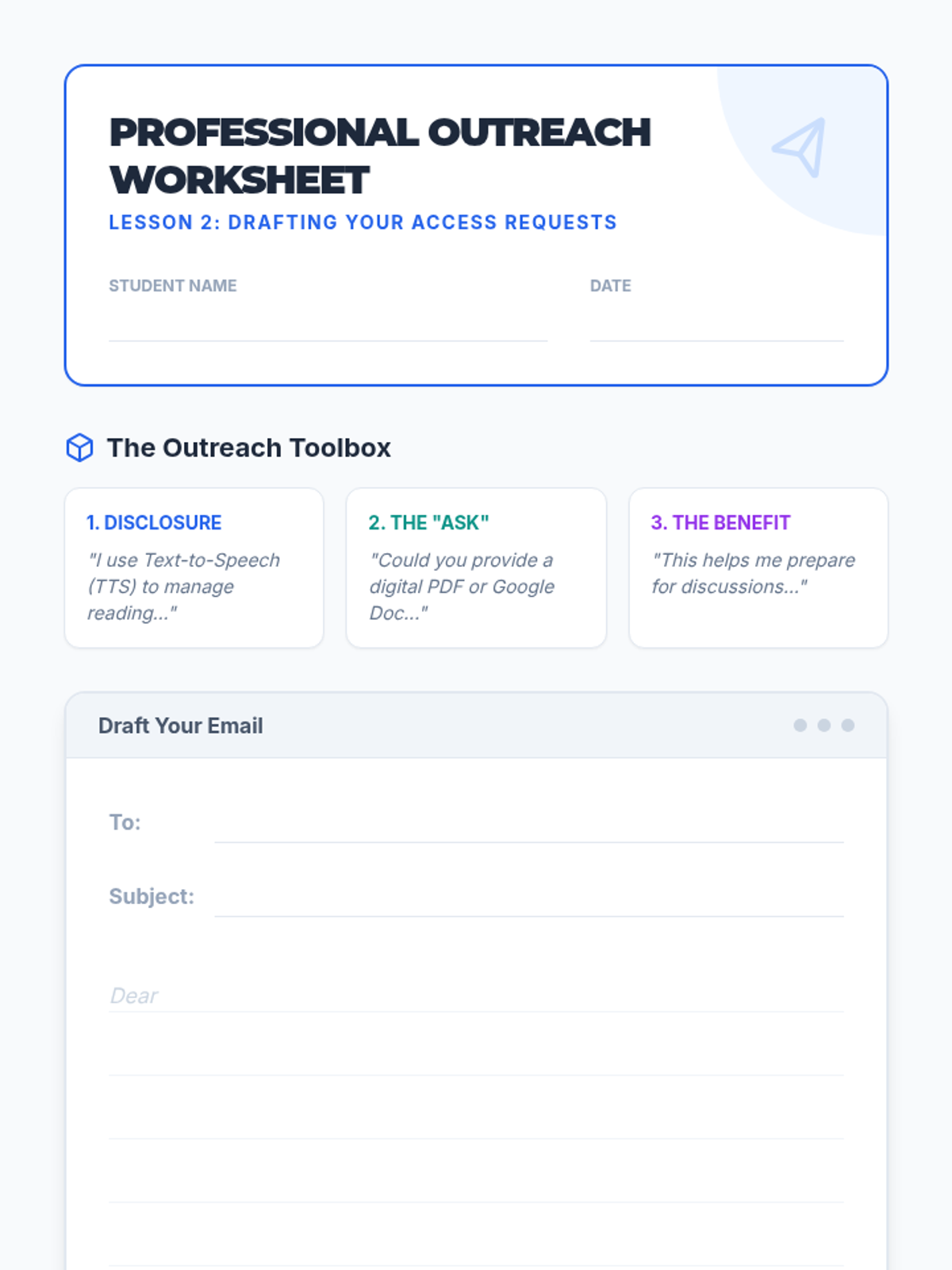
Students learn the components of professional communication to request digital versions of classroom materials. They practice drafting emails that clearly articulate their need for accessible text.
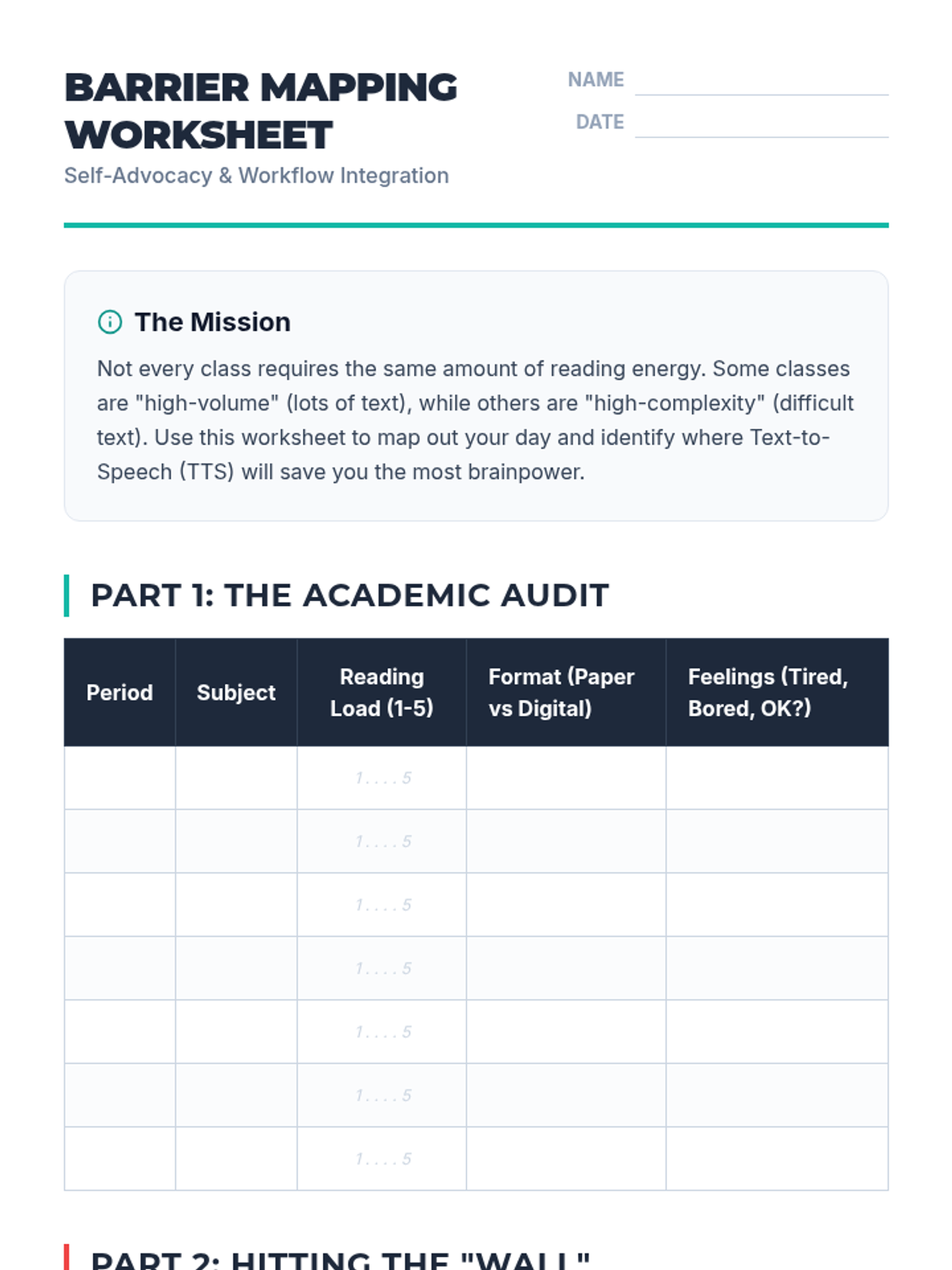
Students analyze their class schedules to identify high-volume reading tasks and pinpoint where Text-to-Speech (TTS) will provide the most benefit. They create a visual 'Barrier Map' to guide their advocacy efforts.
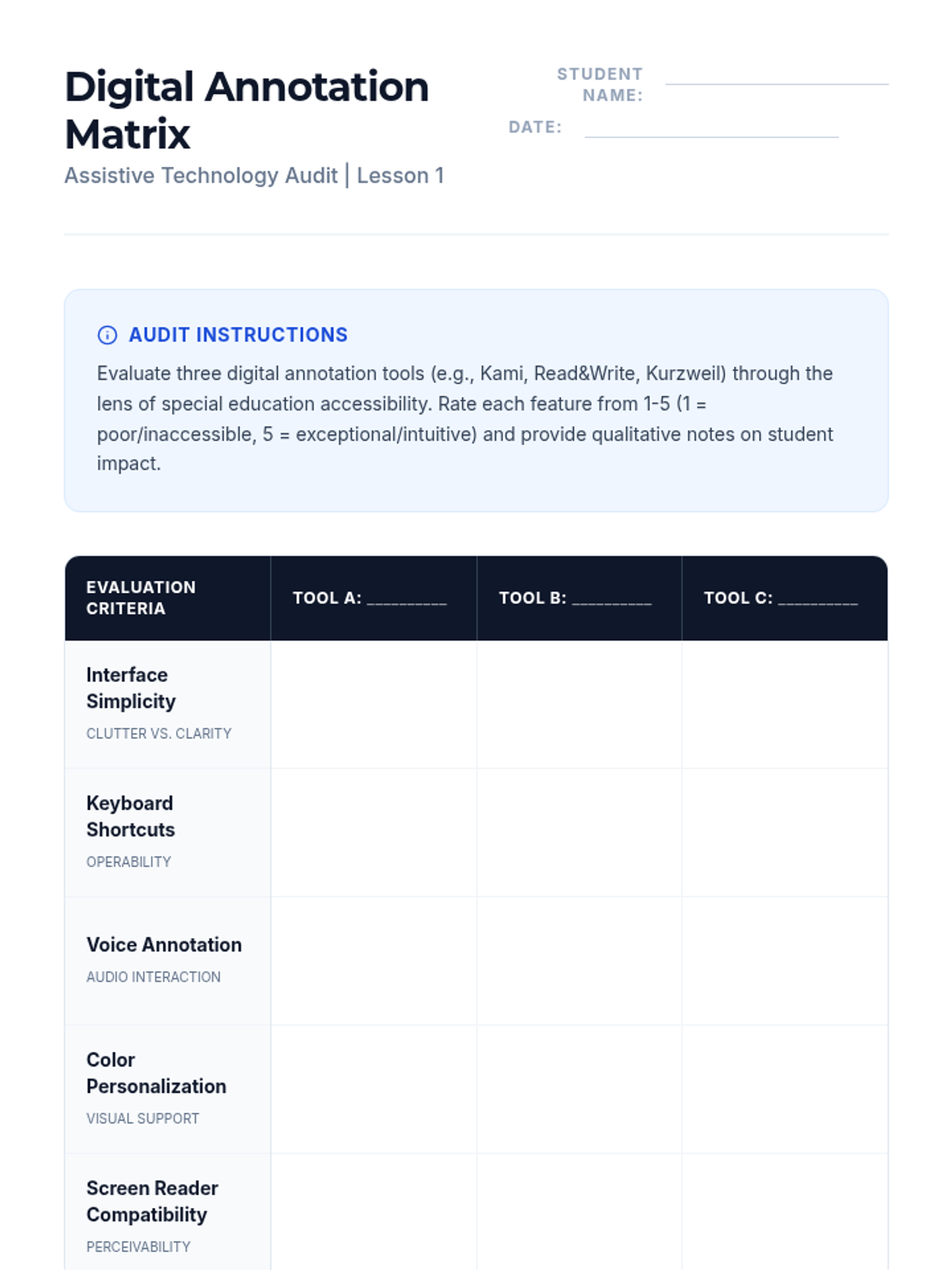
Students audit current assistive technologies to evaluate their annotation features, assessing interface accessibility and learning curves for students with disabilities.
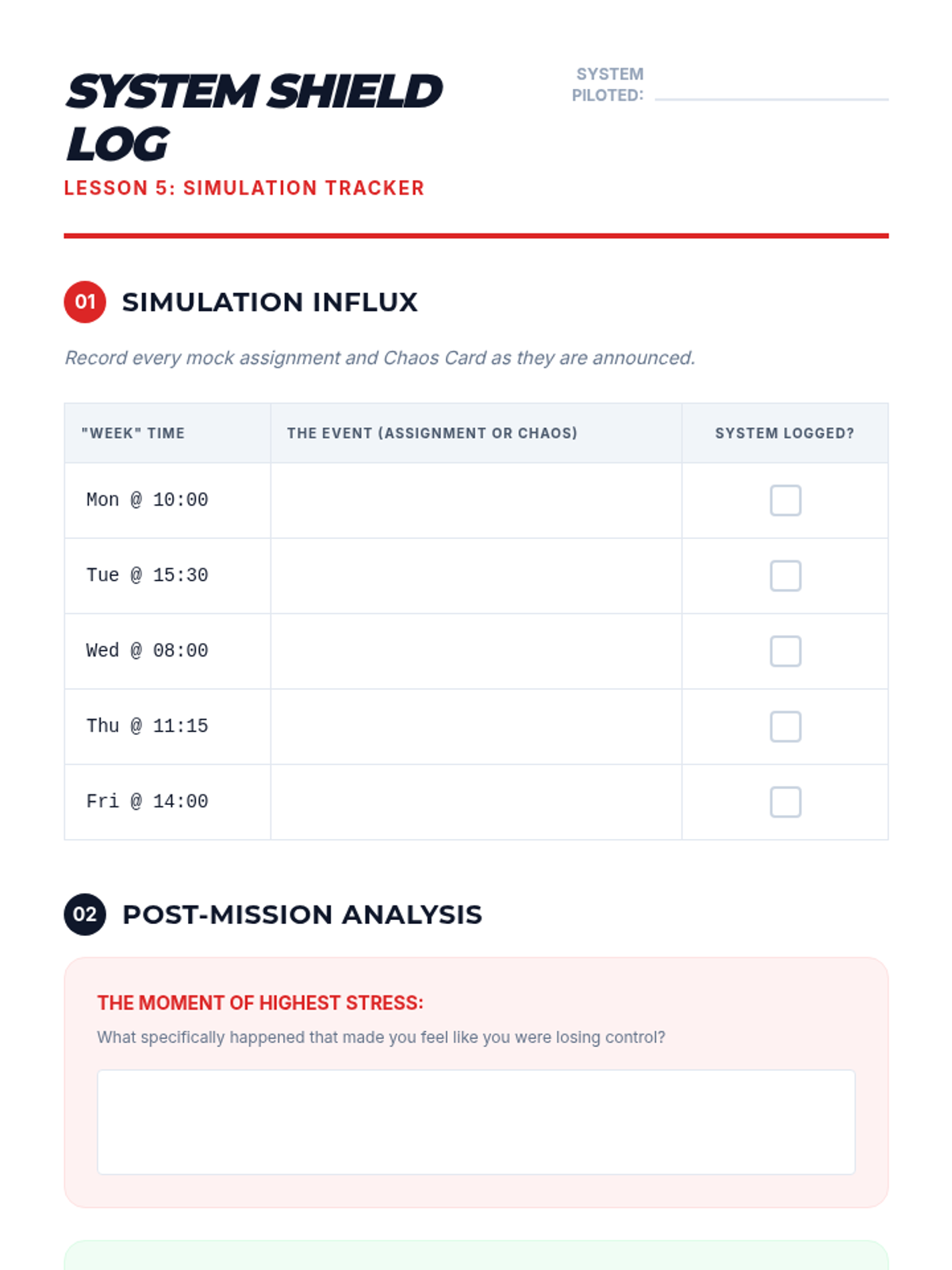
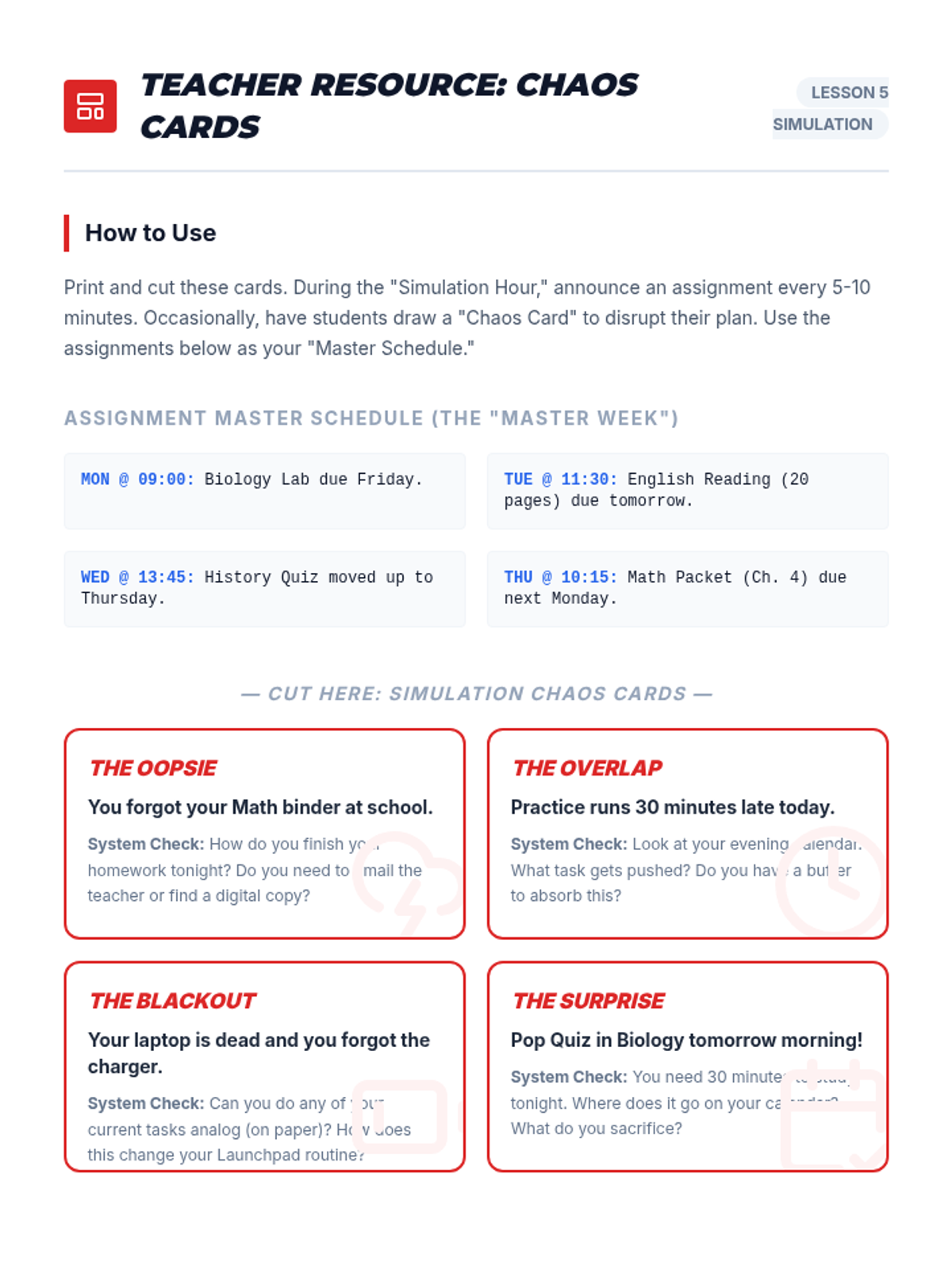
Students put their systems to the test with a 'Simulated Week' activity involving mock assignments and surprise events, followed by reflection.
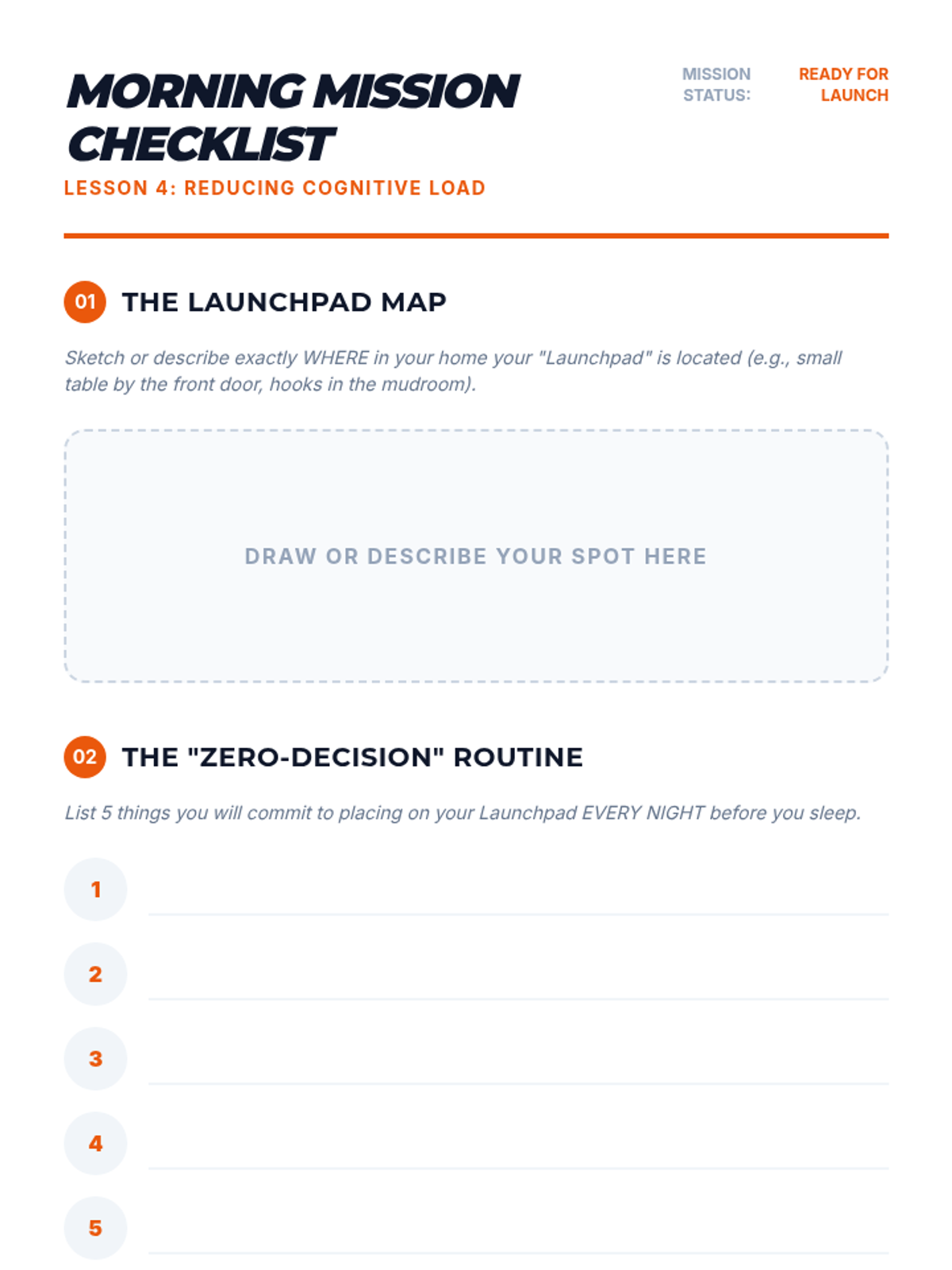
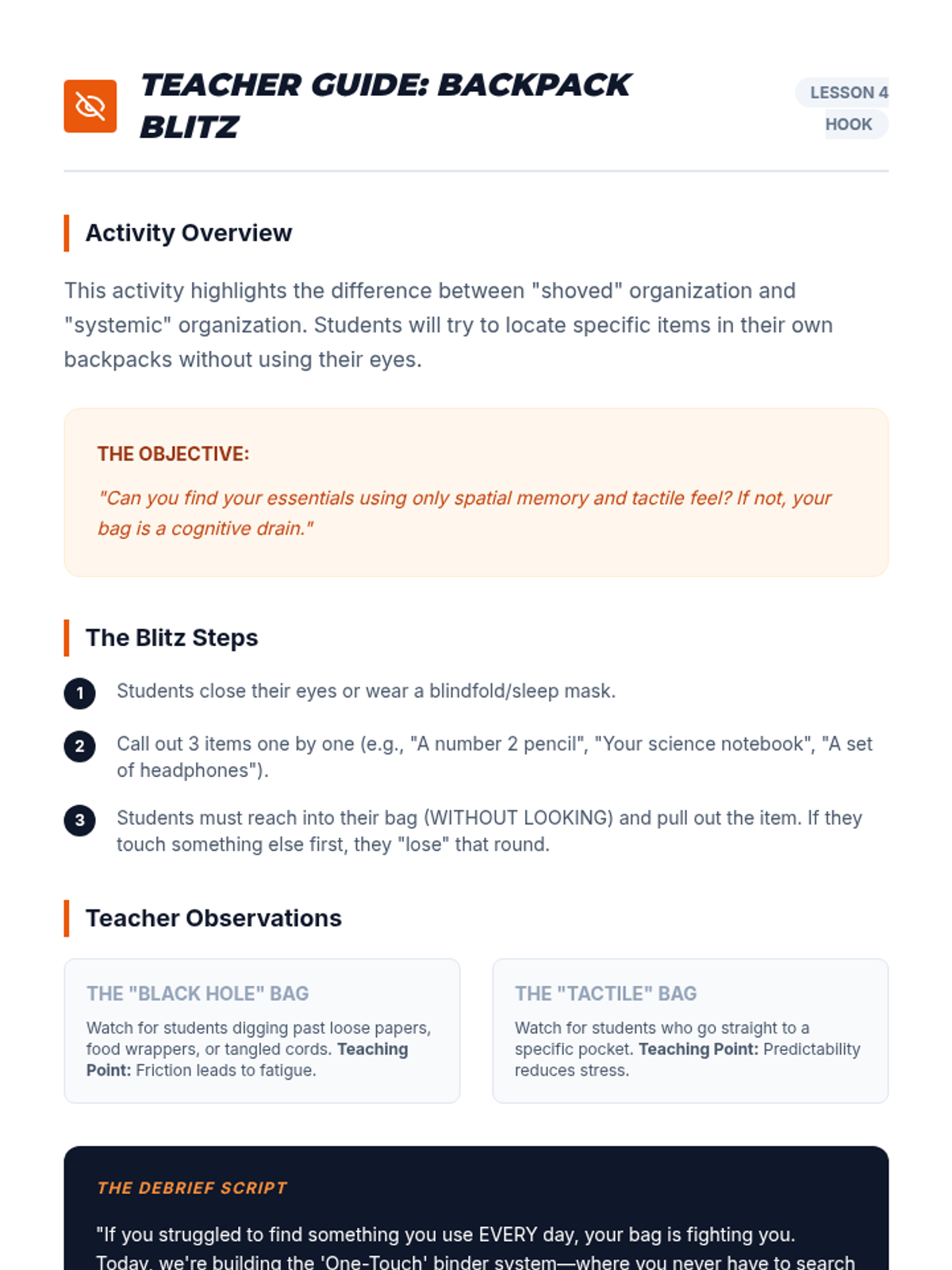
Students develop systems for physical materials, including binder organization and a 'launchpad' routine to reduce morning cognitive load.
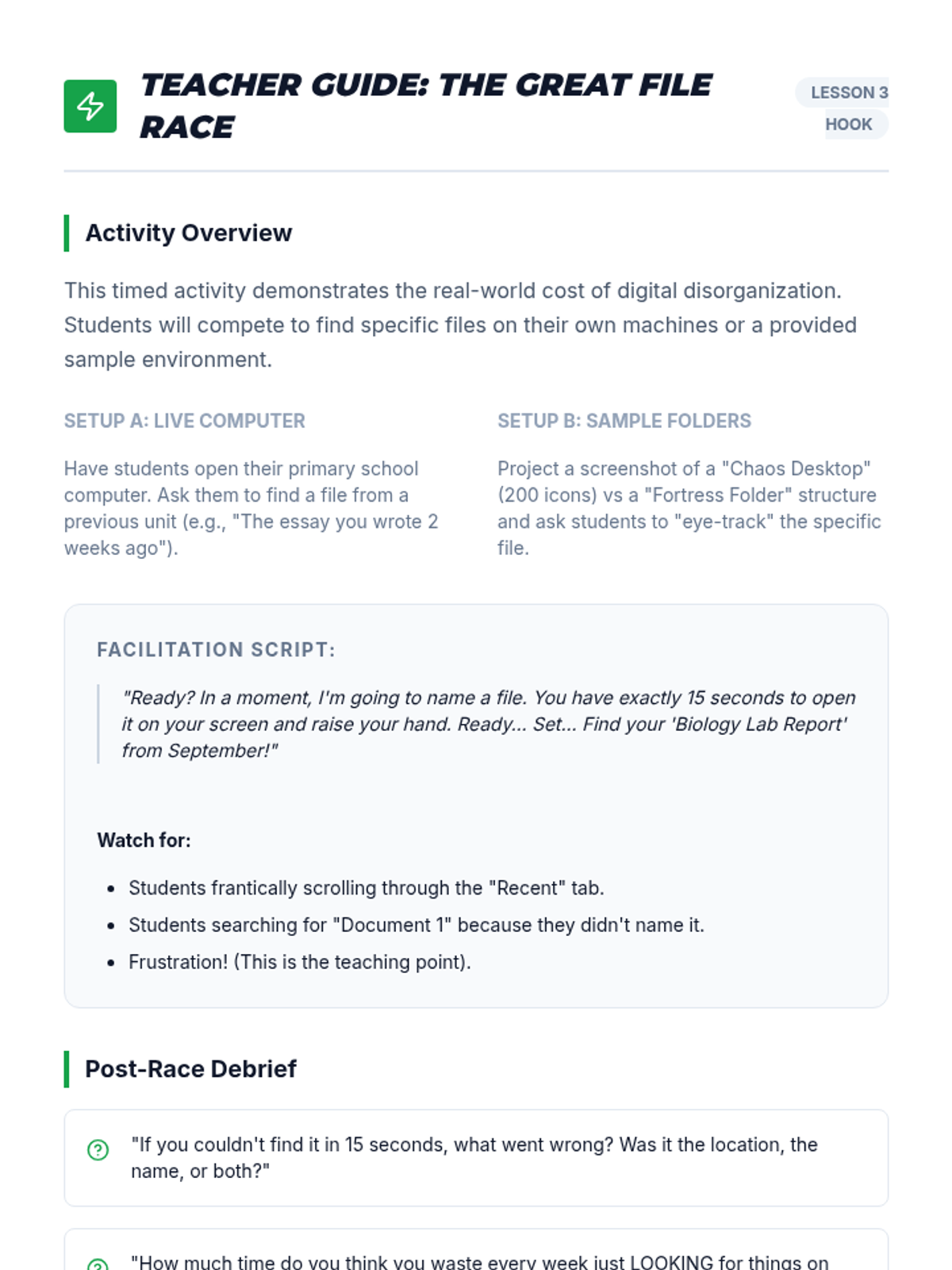
Students learn naming conventions and folder hierarchies for digital storage, focusing on quick retrieval to avoid the 'missing homework' cycle.
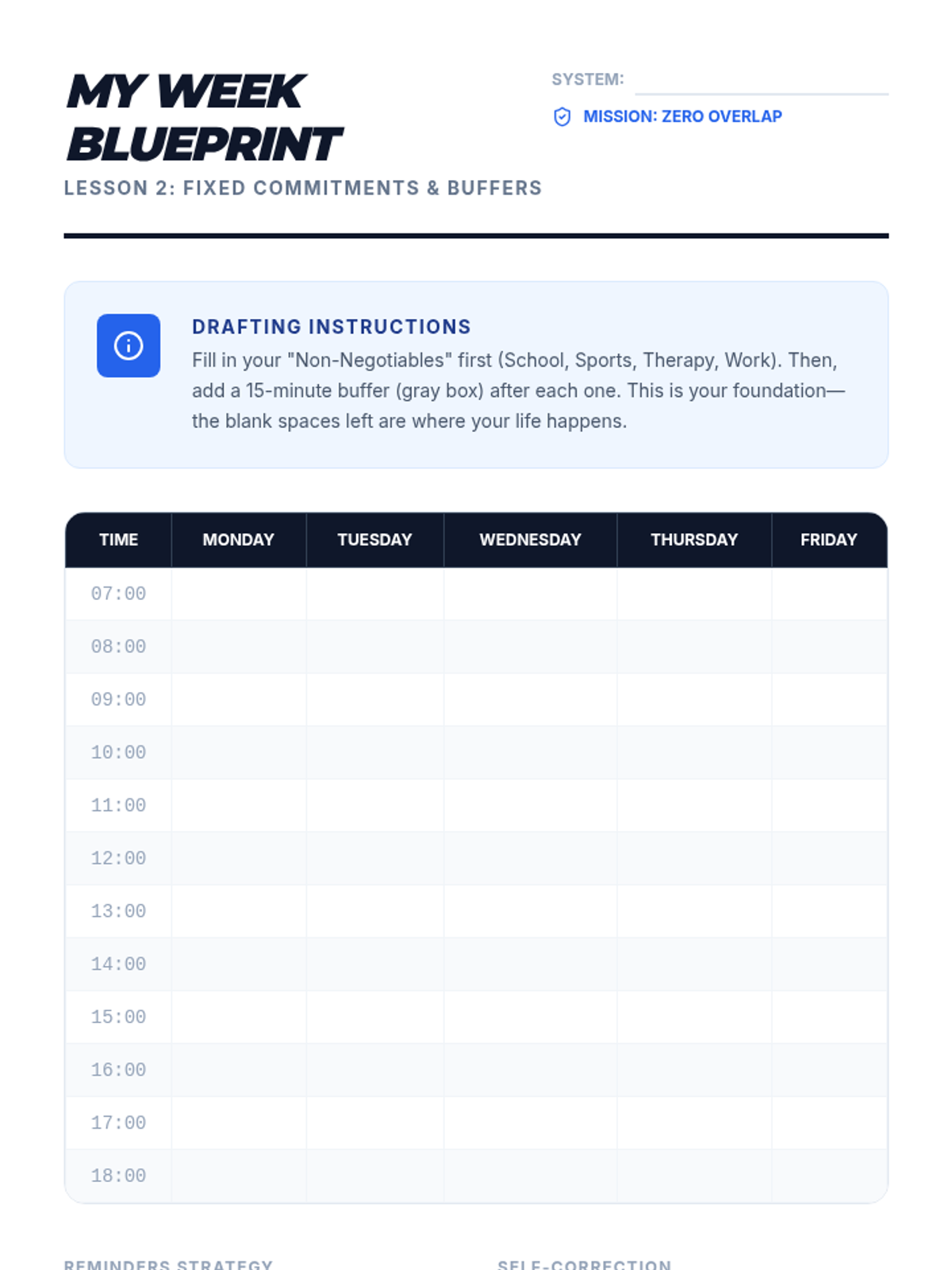
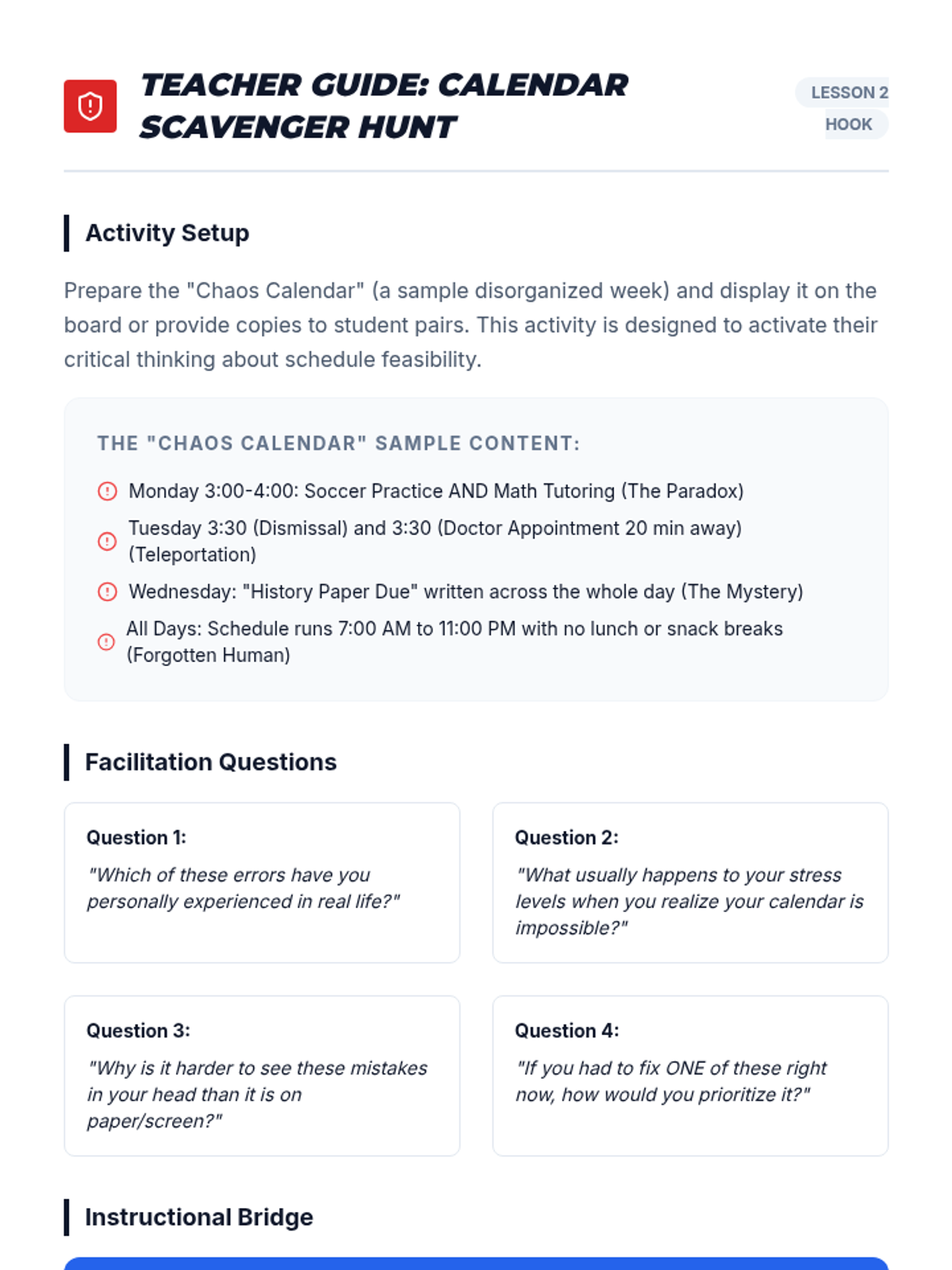
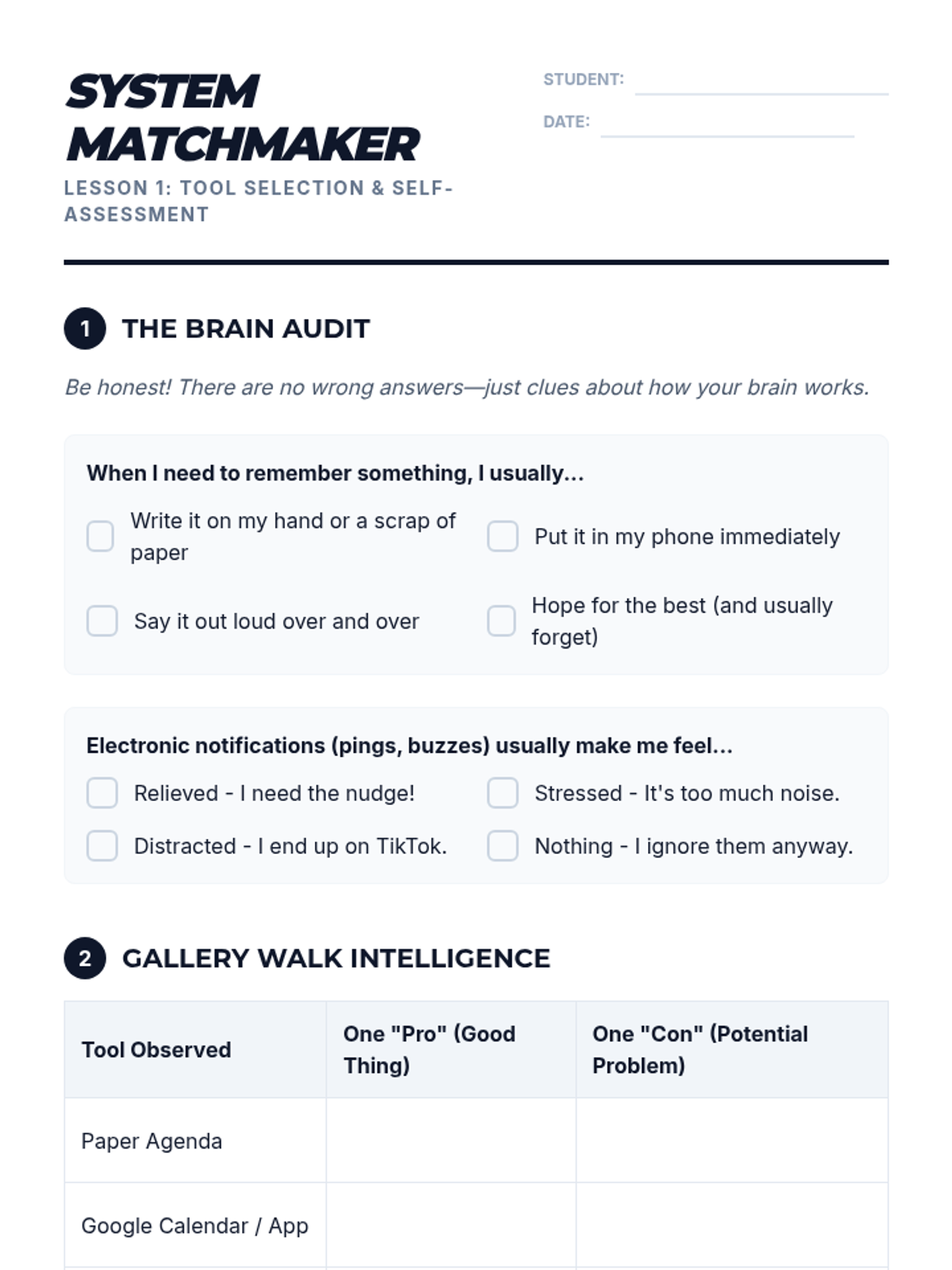
A workshop where students populate a calendar with fixed commitments, learning to set effective reminders and buffers for transition times.
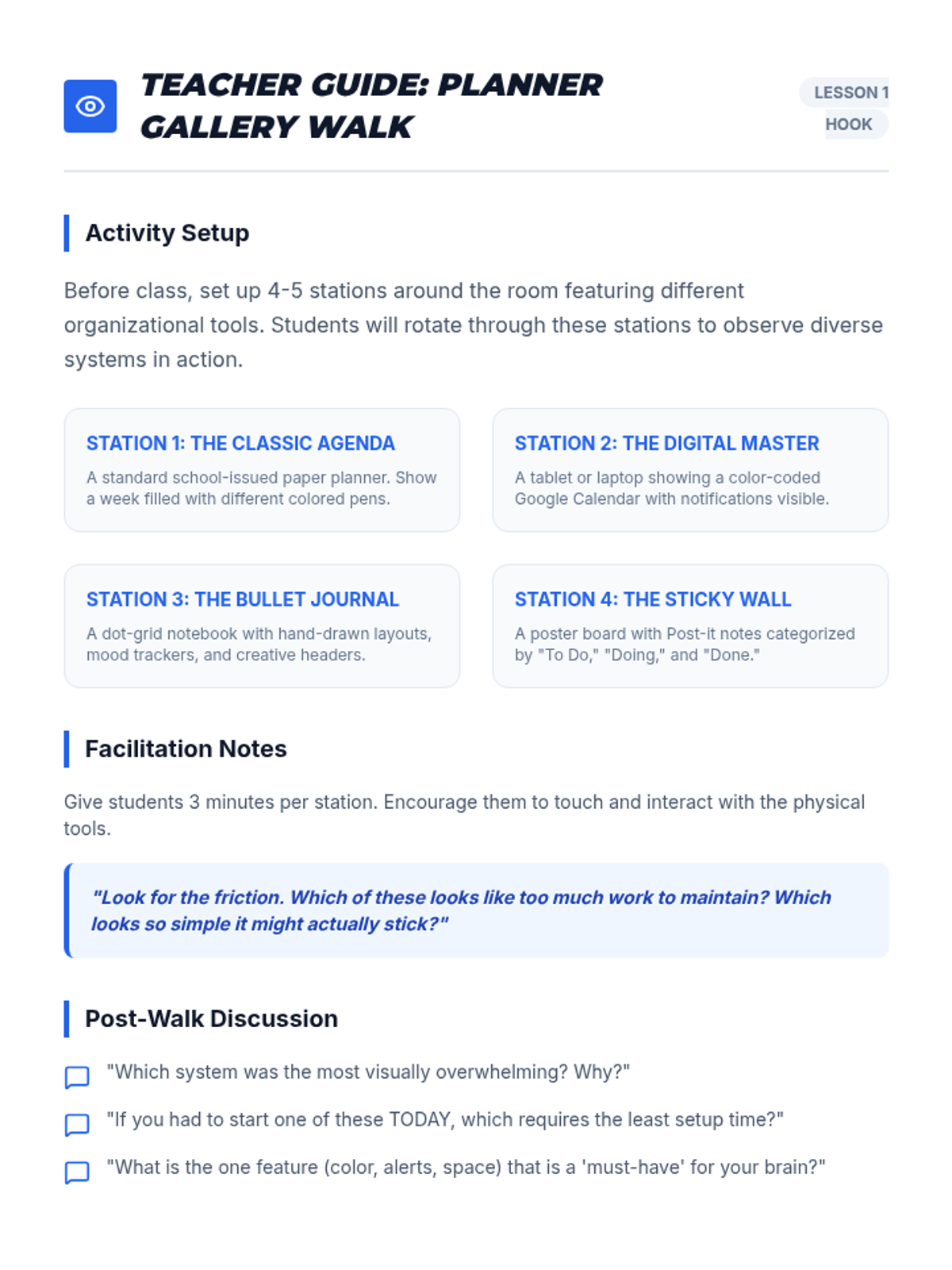
Students explore various planning tools, from paper agendas to apps, evaluating the pros and cons of each based on their own processing styles and accessibility needs.
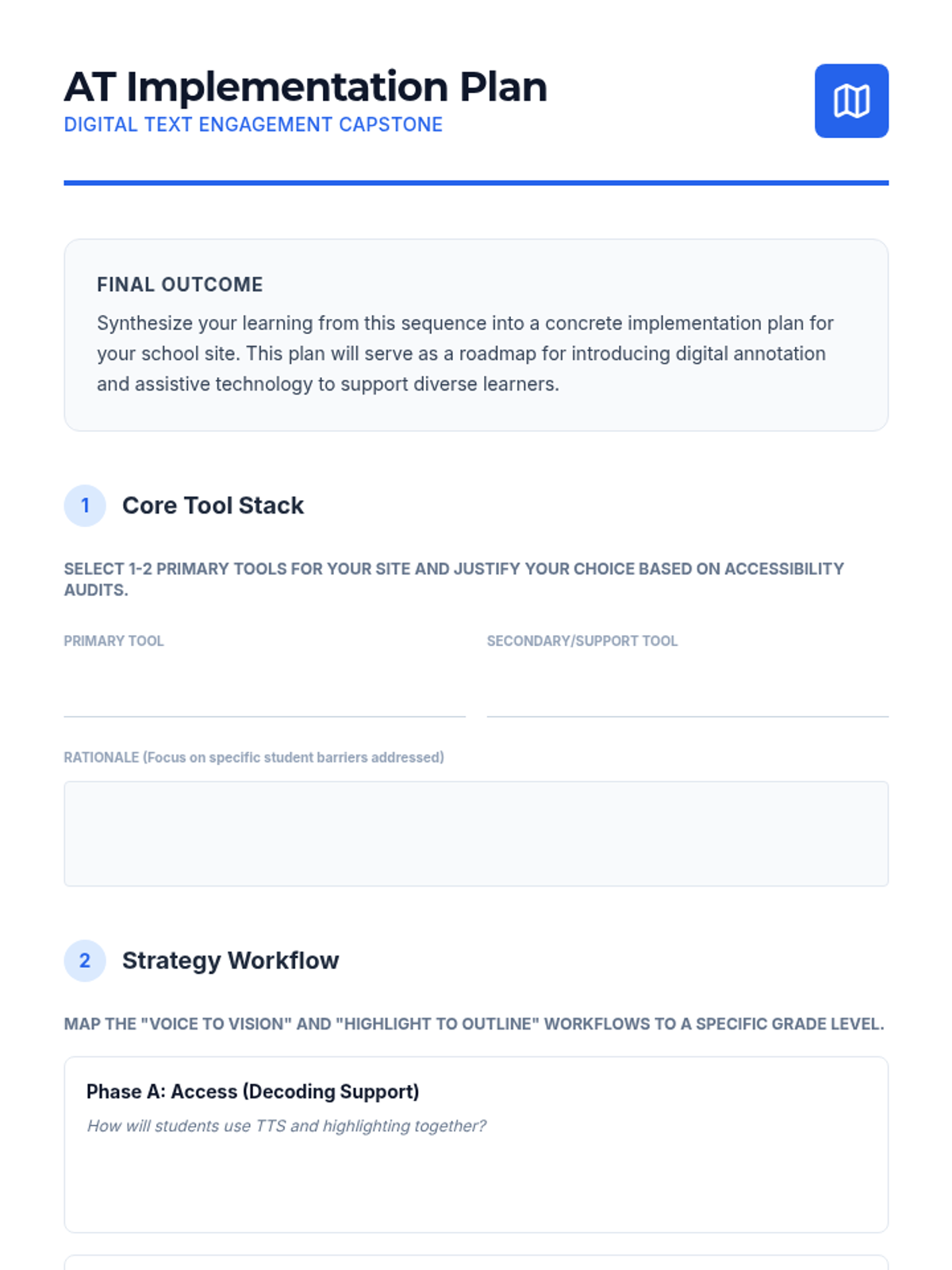
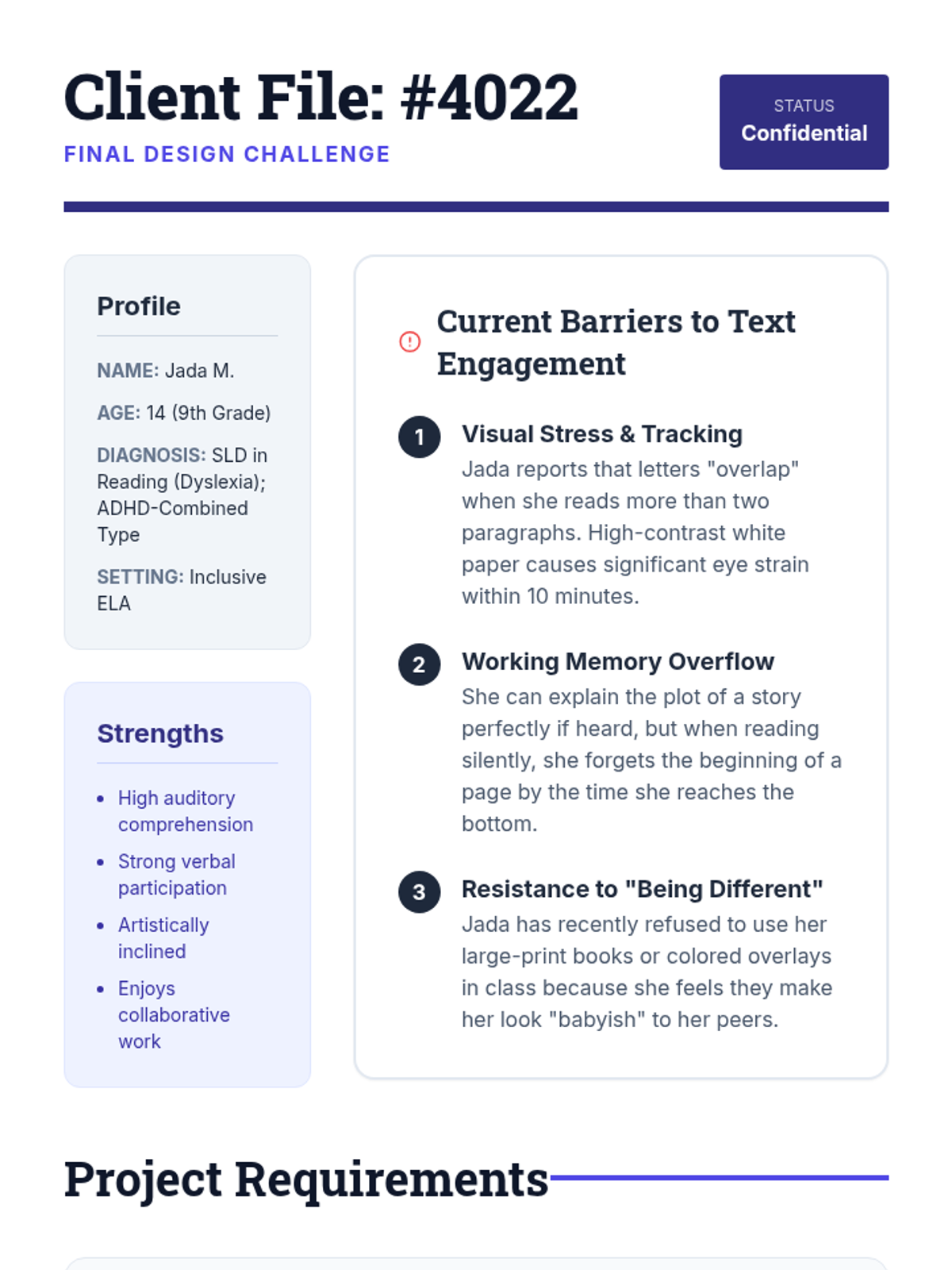
In this culminating workshop, students are given a detailed IEP profile and must design a comprehensive text engagement plan, selecting tools and instructional progressions suited for a specific learner.
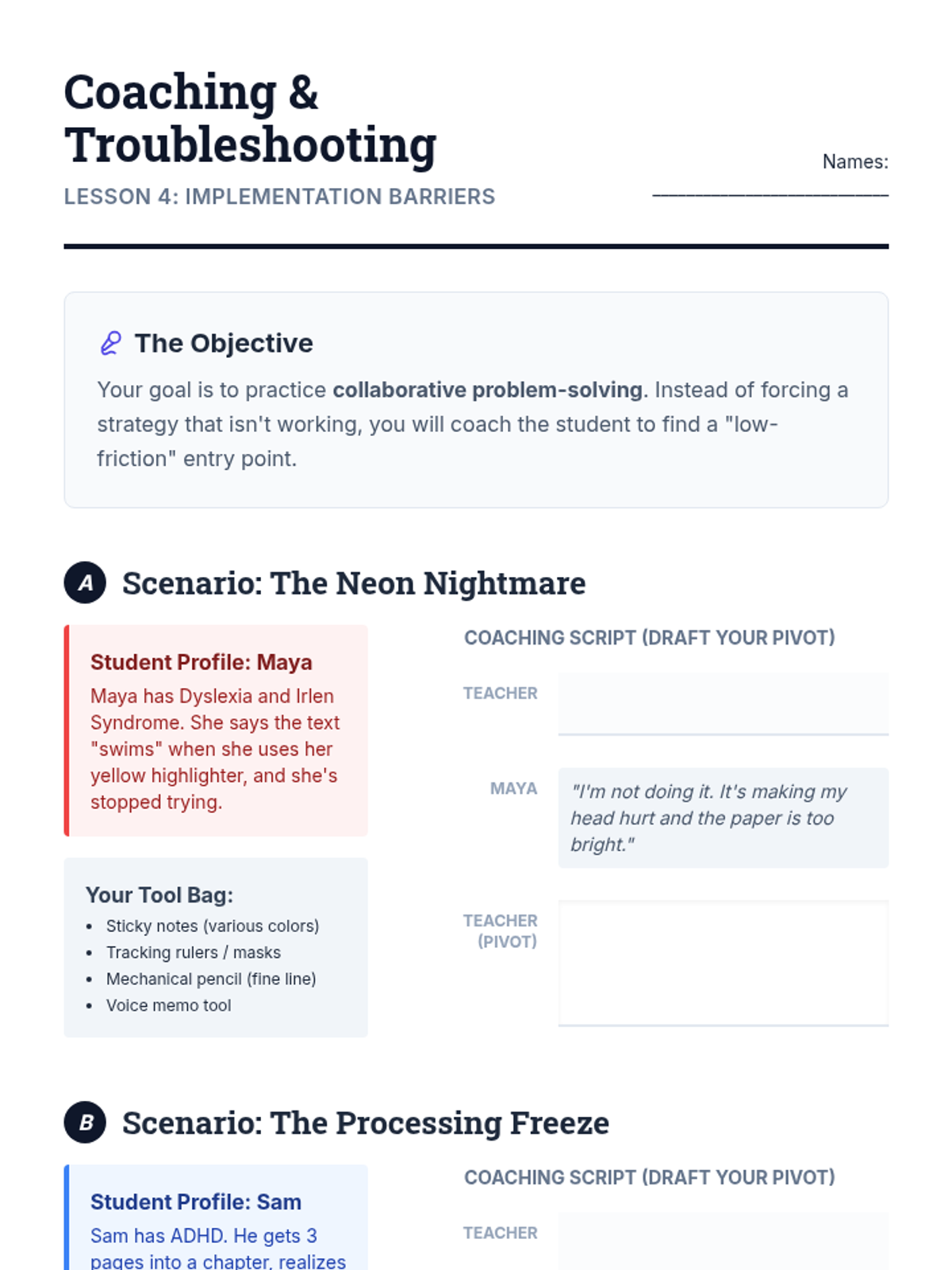
Students analyze cases where learners refuse to annotate or do so ineffectively. They role-play coaching conversations to explain the 'why' to students and adjust strategies when a specific method causes frustration.
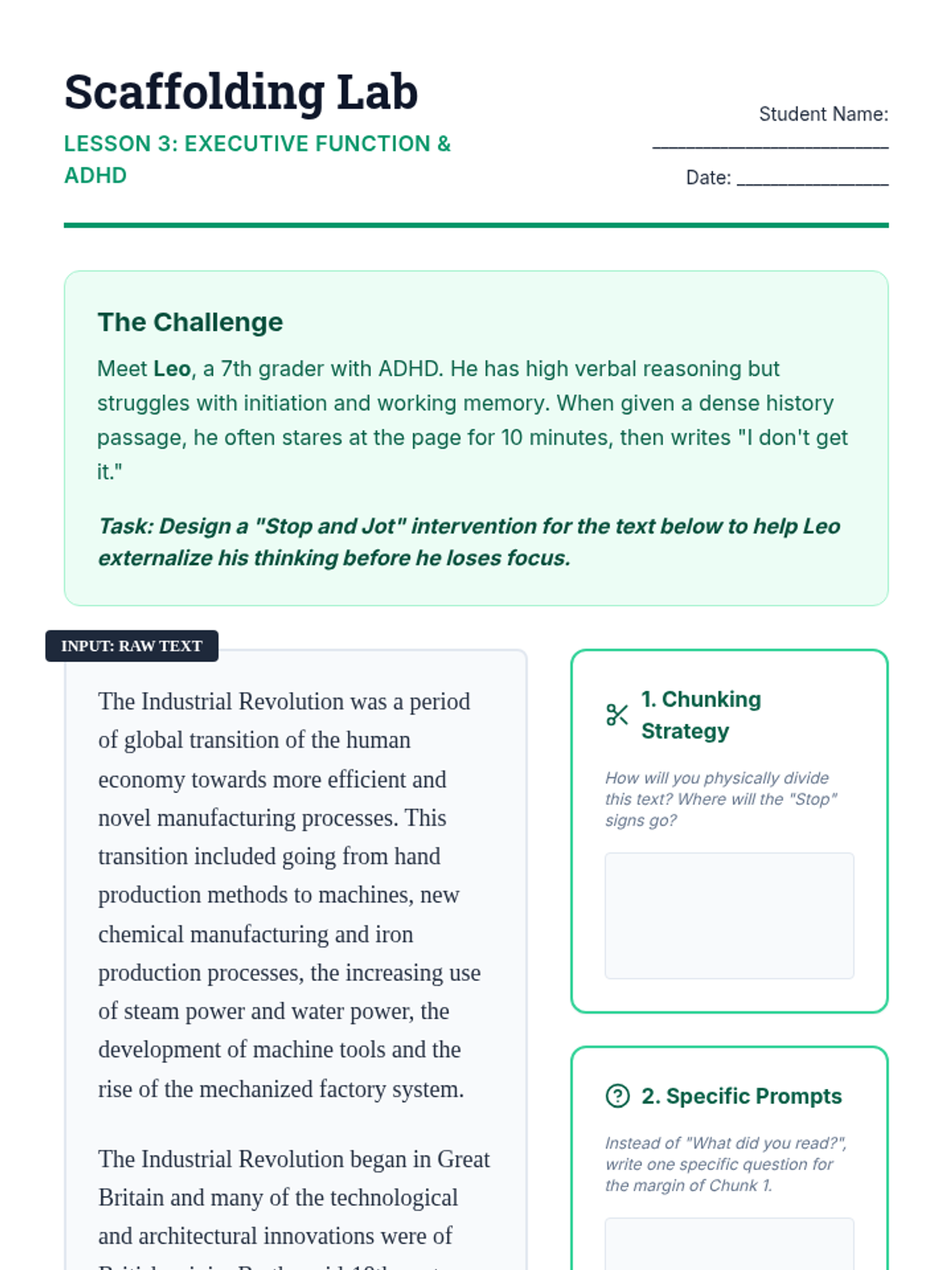
Focusing on executive function, students design 'Stop and Jot' protocols and create pre-annotated texts to reduce cognitive load and initiation thresholds for learners with ADHD.
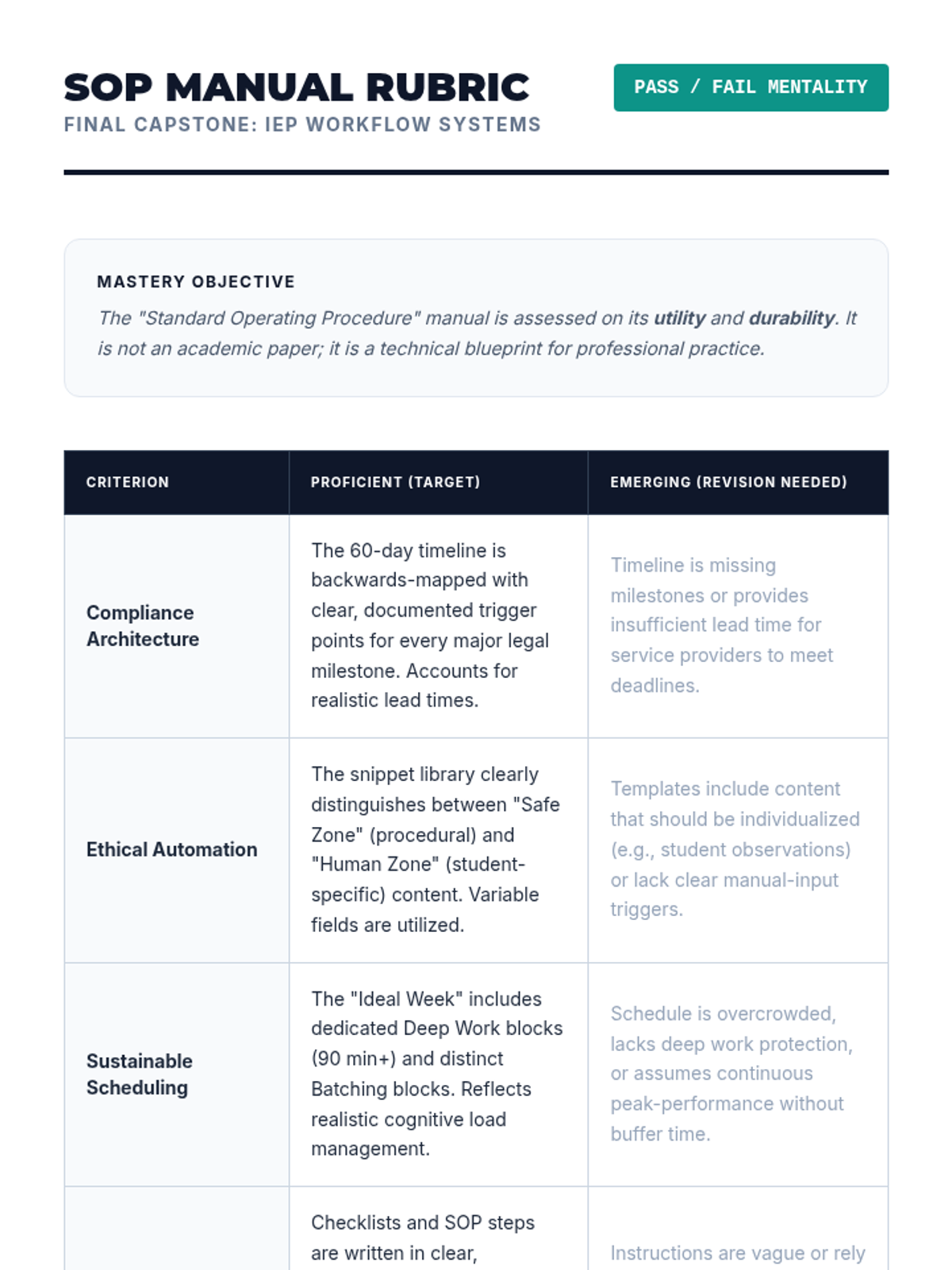
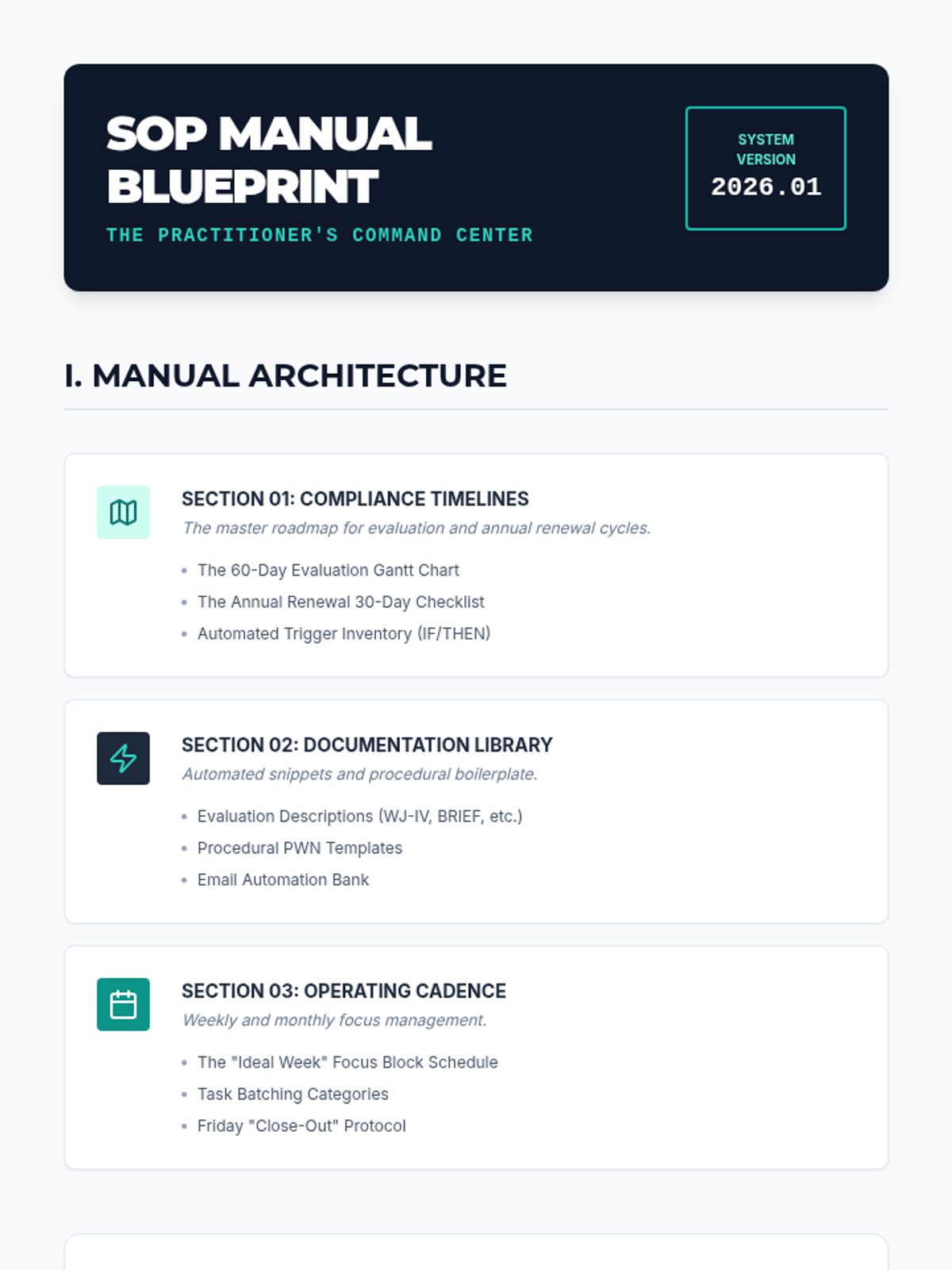
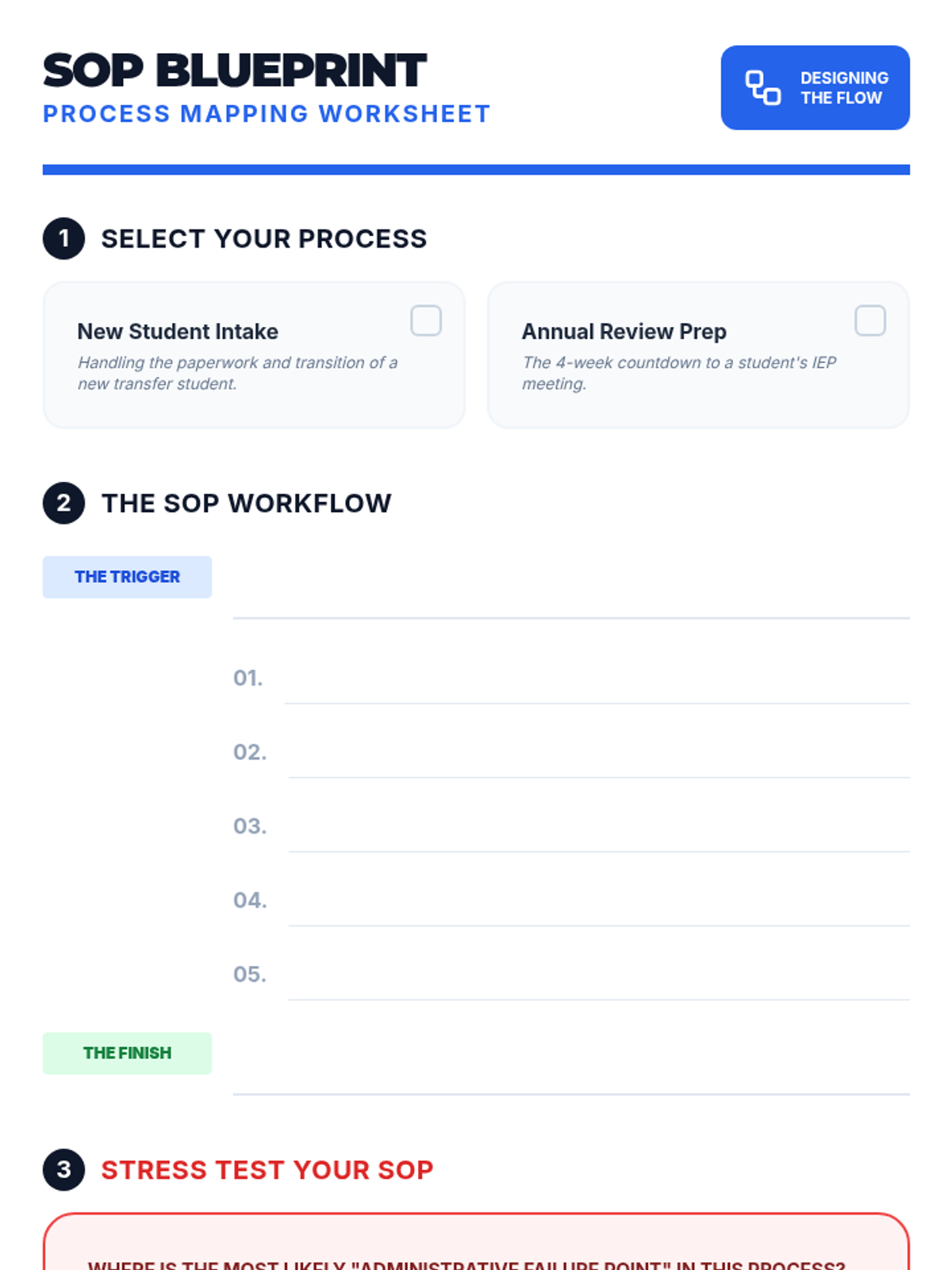
Students synthesize their tools into a personal Standard Operating Procedure (SOP) manual, undergoing peer review to ensure system sustainability and clarity.
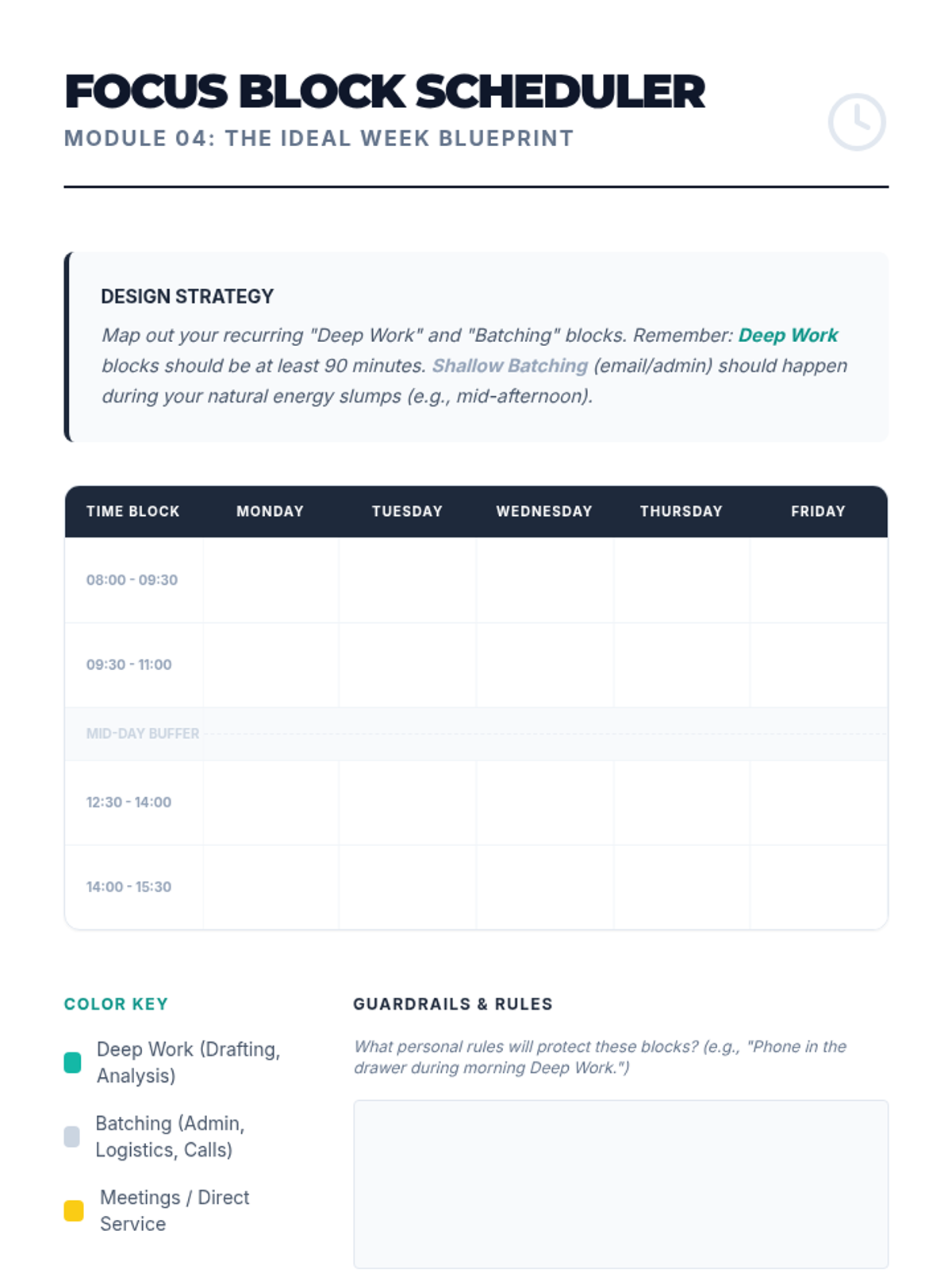
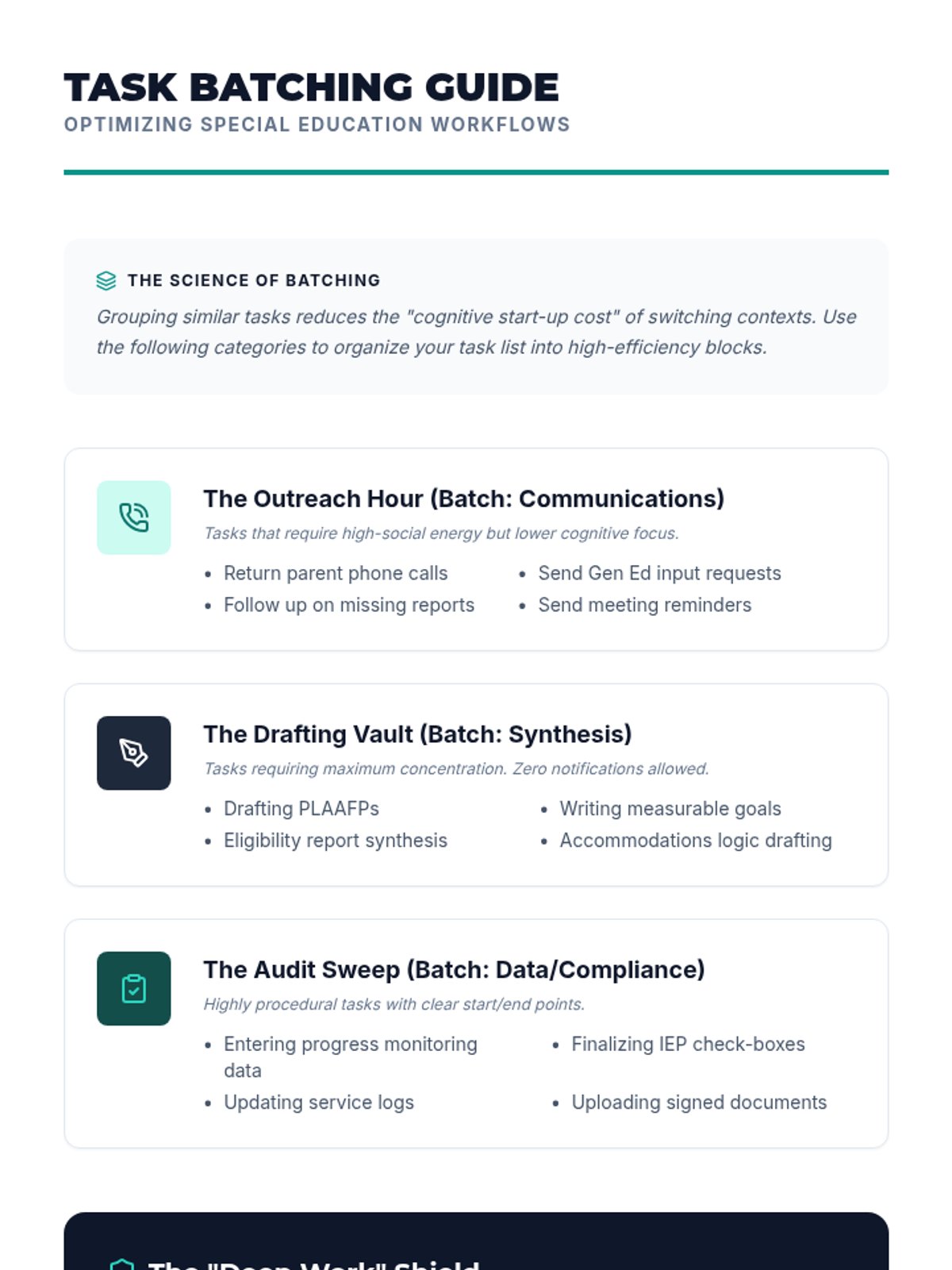
Exploring the cognitive science of deep work to design batch-processed schedules that minimize task-switching and manage cognitive load.
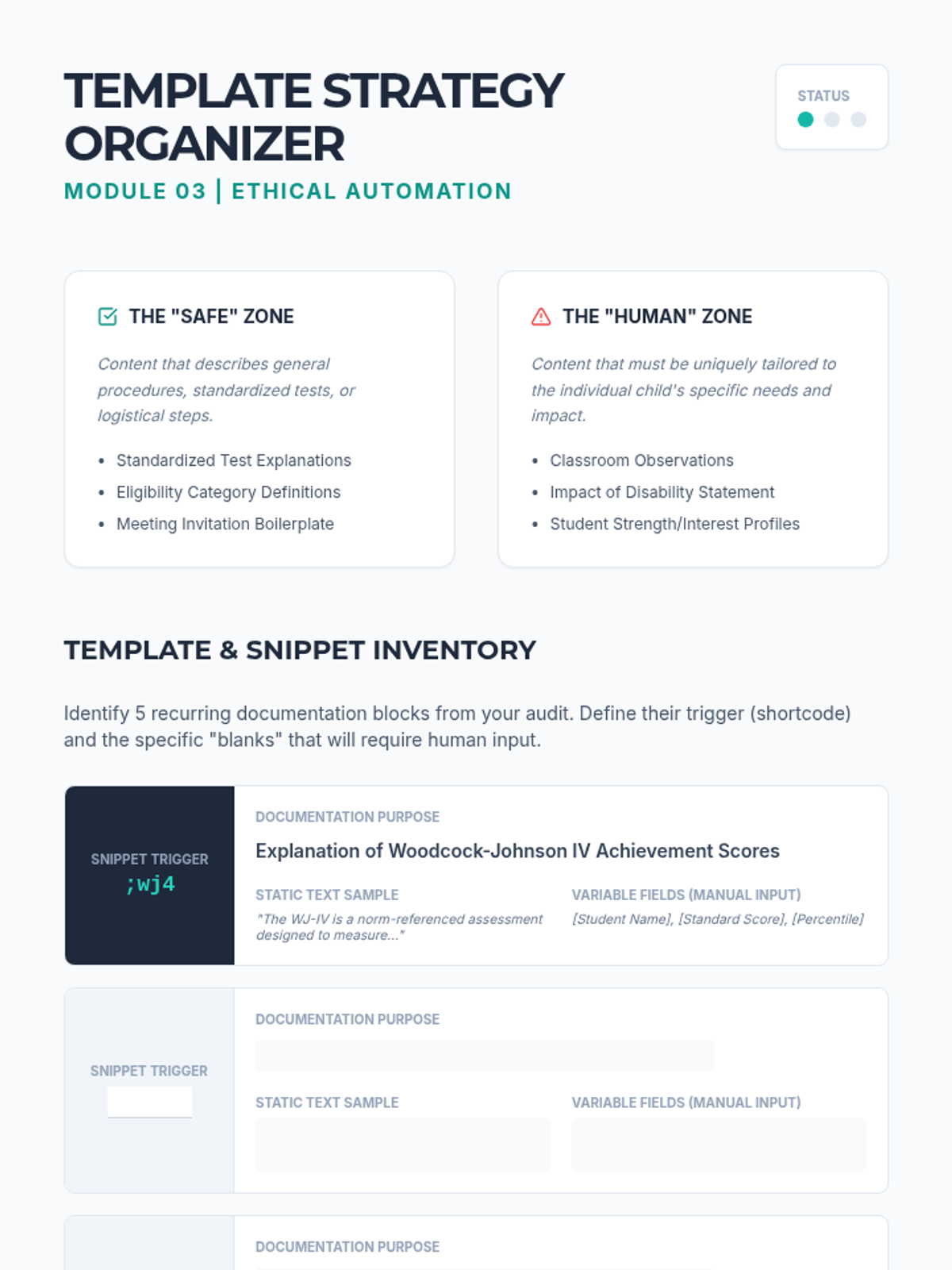
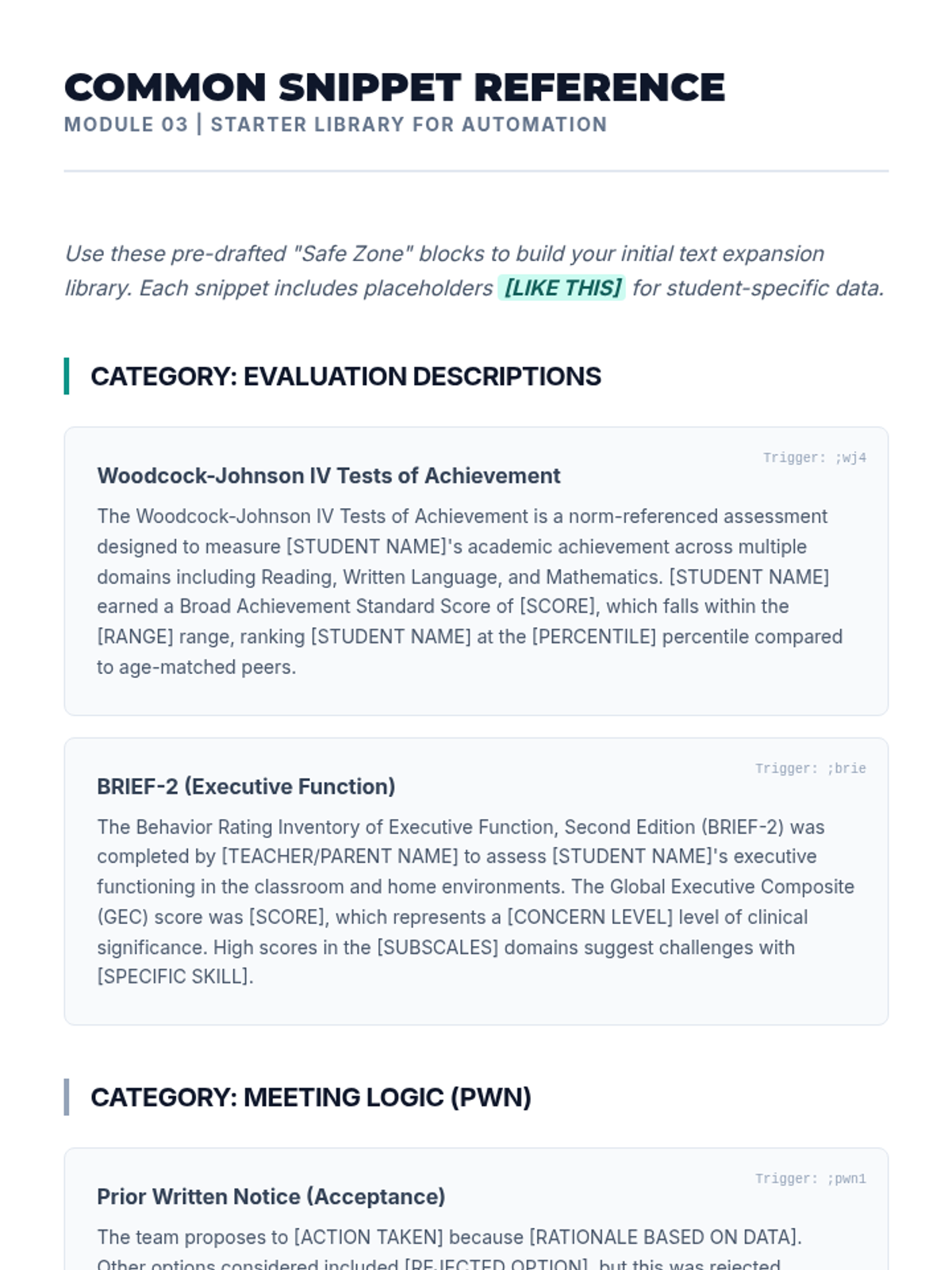
A technical workshop on creating ethical templates and text expanders for documentation while navigating the legal and ethical boundaries of AI and automation.
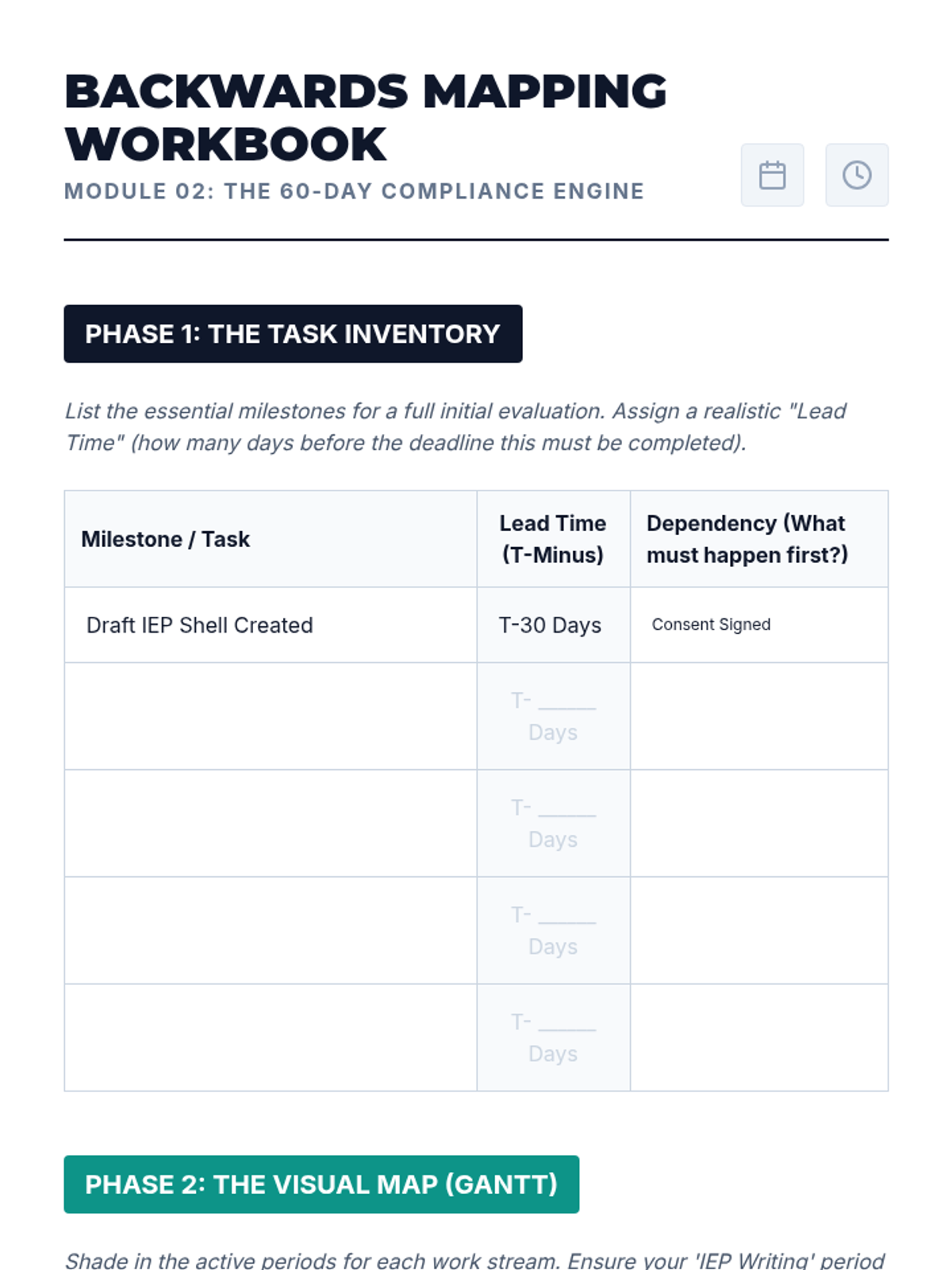
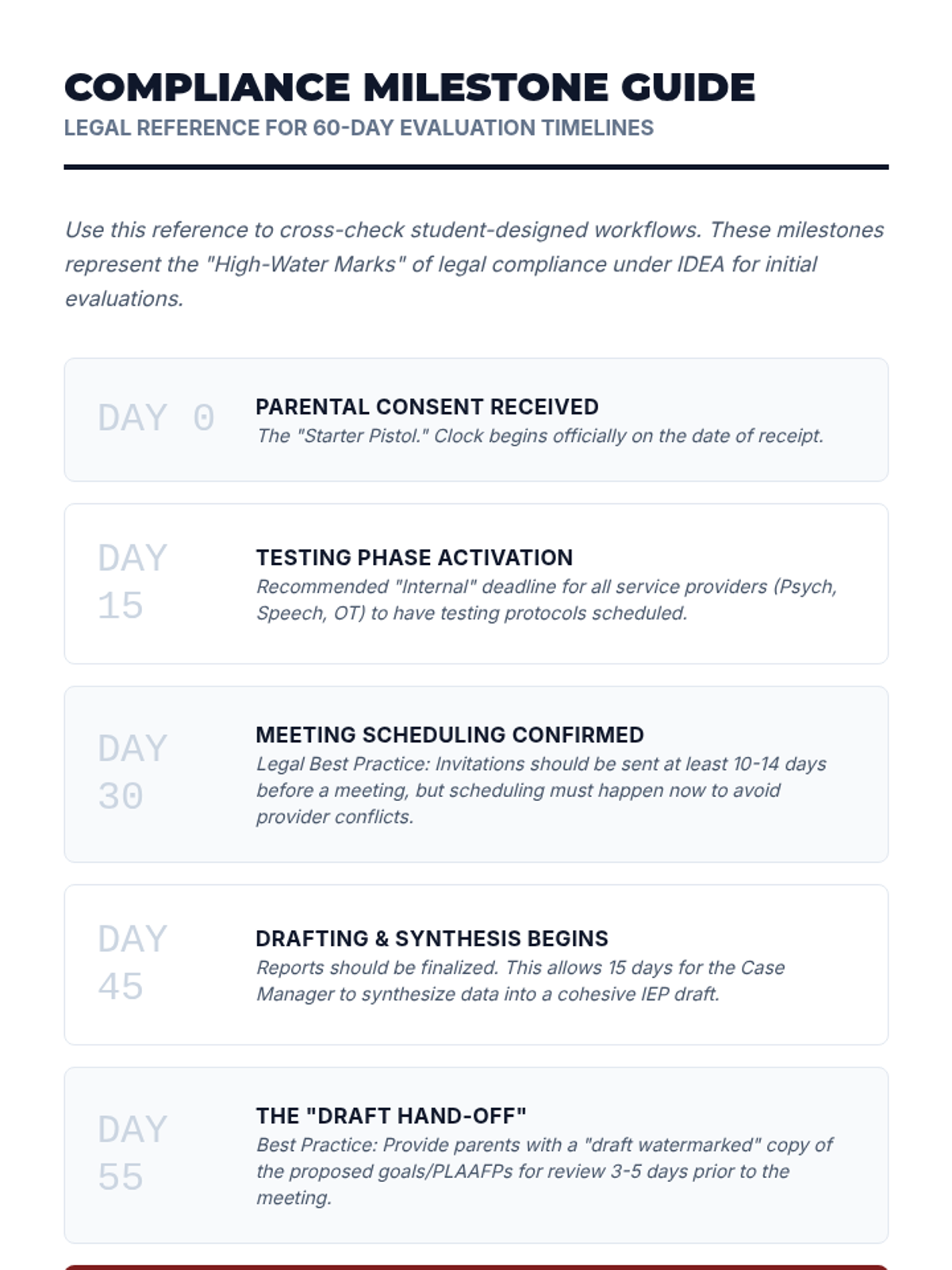
Participants use project management tools to backwards-map the 60-day evaluation timeline and annual renewal cycles, creating reliable trigger systems for compliance.
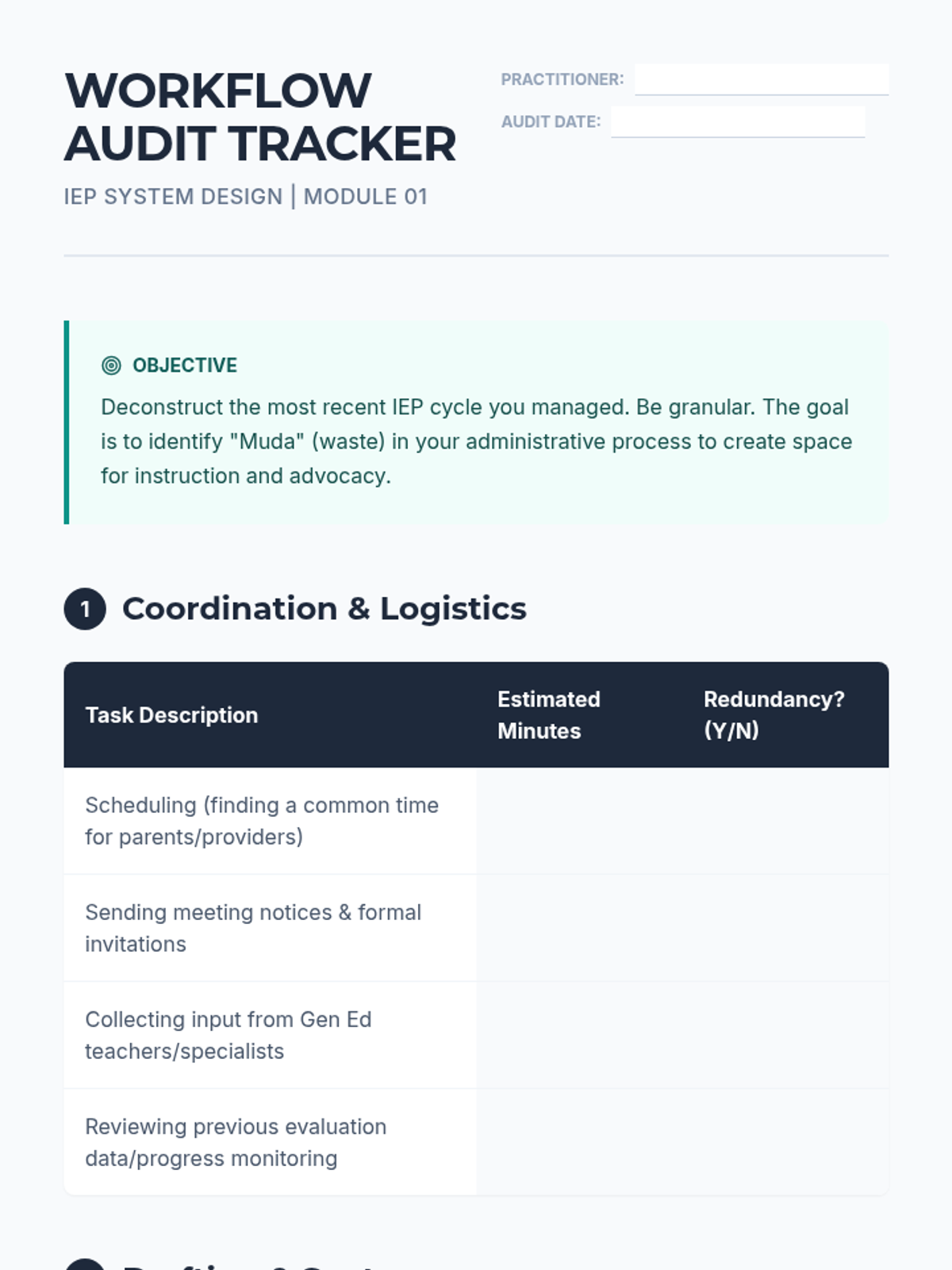
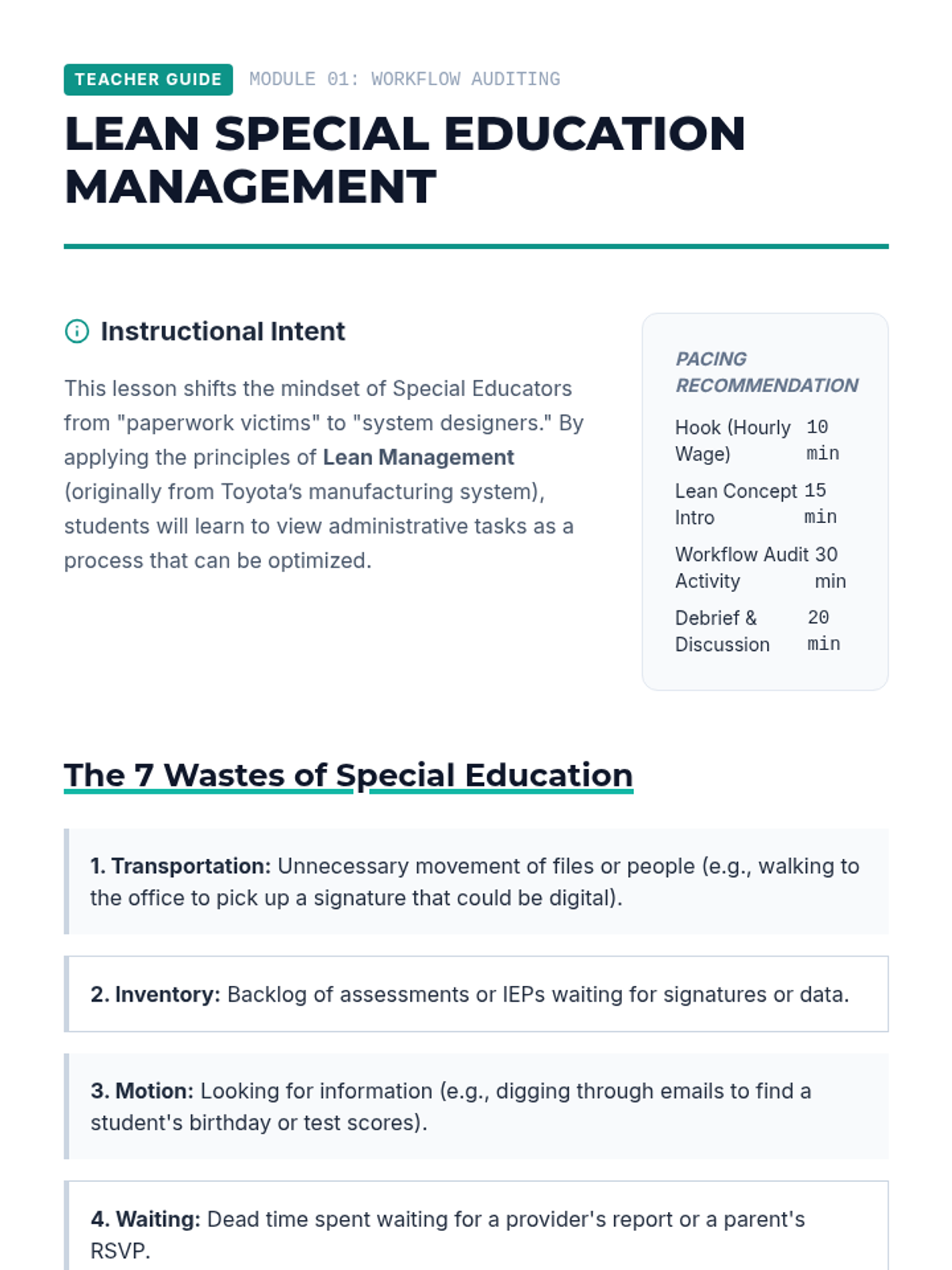
Students conduct a time-audit of the typical IEP writing process to identify bottlenecks and apply Lean Management principles to eliminate administrative waste.
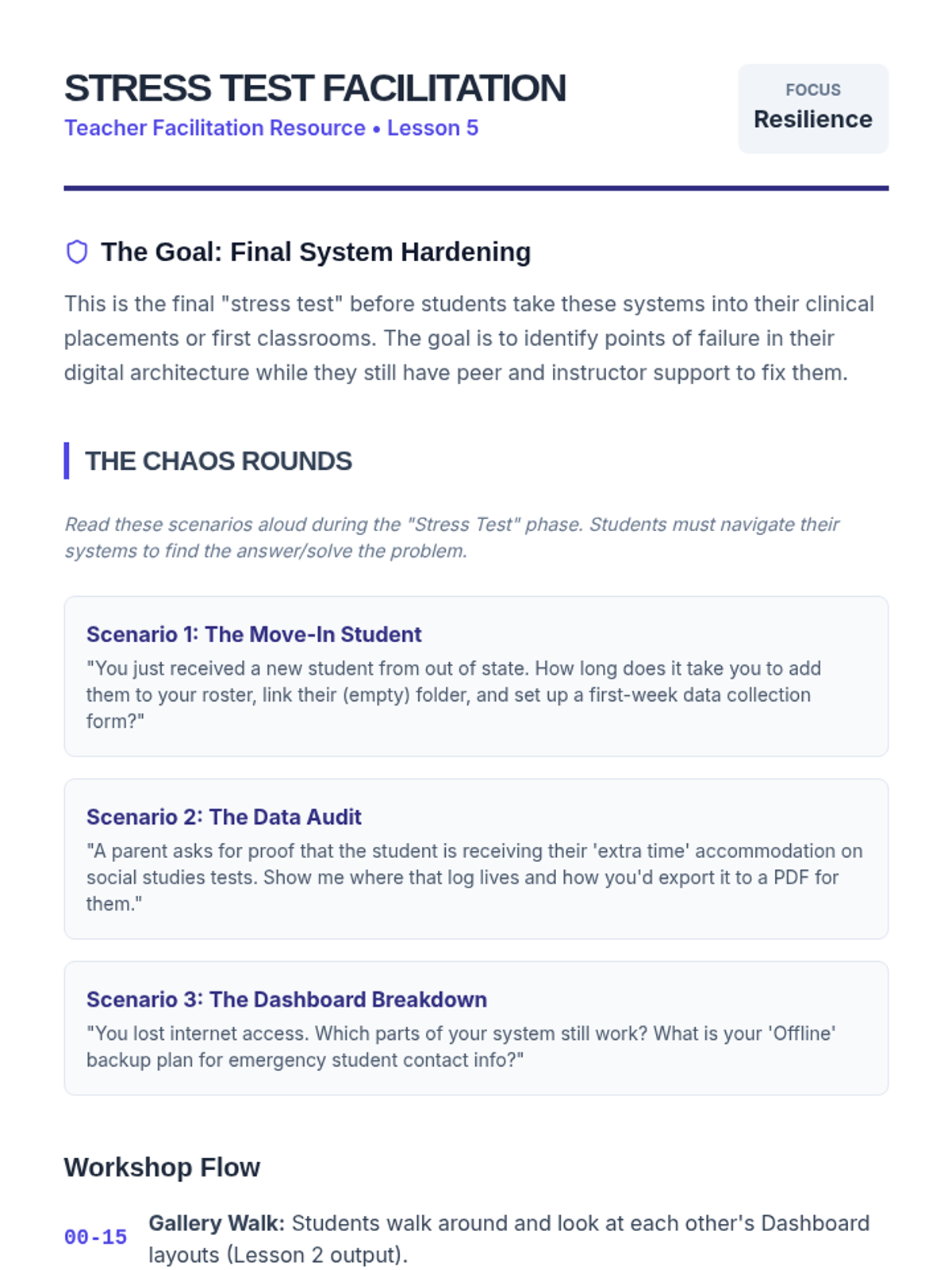
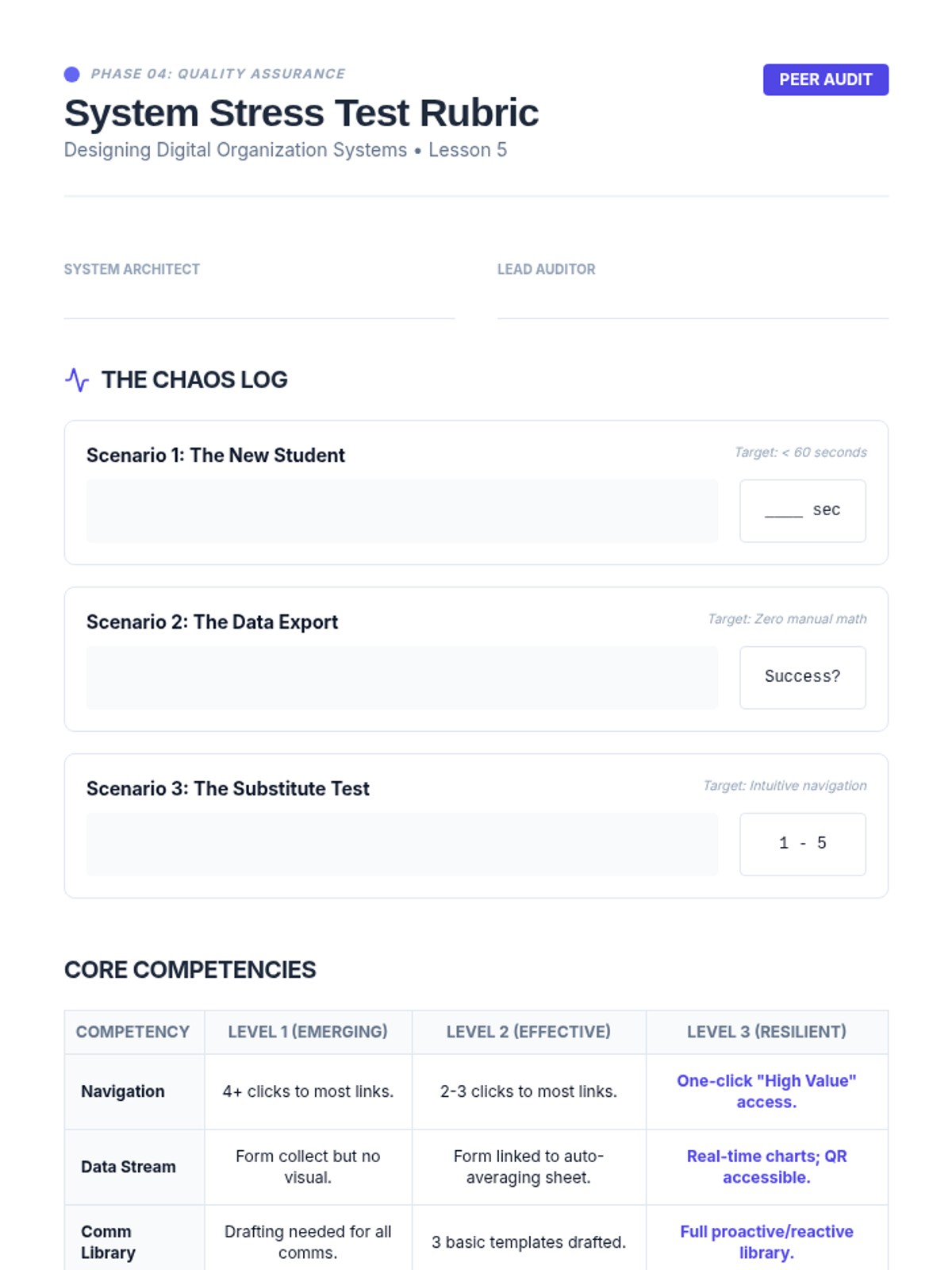
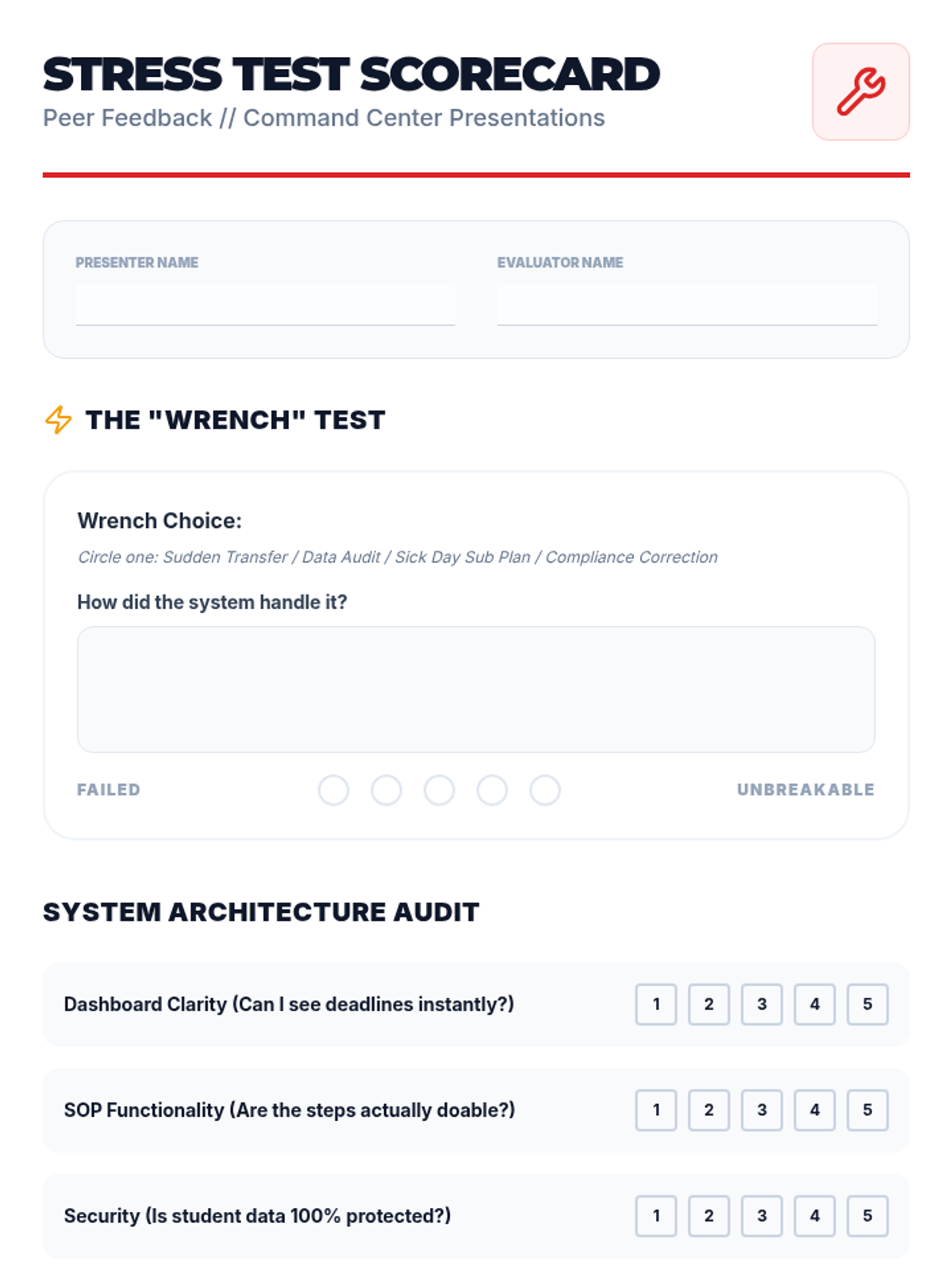
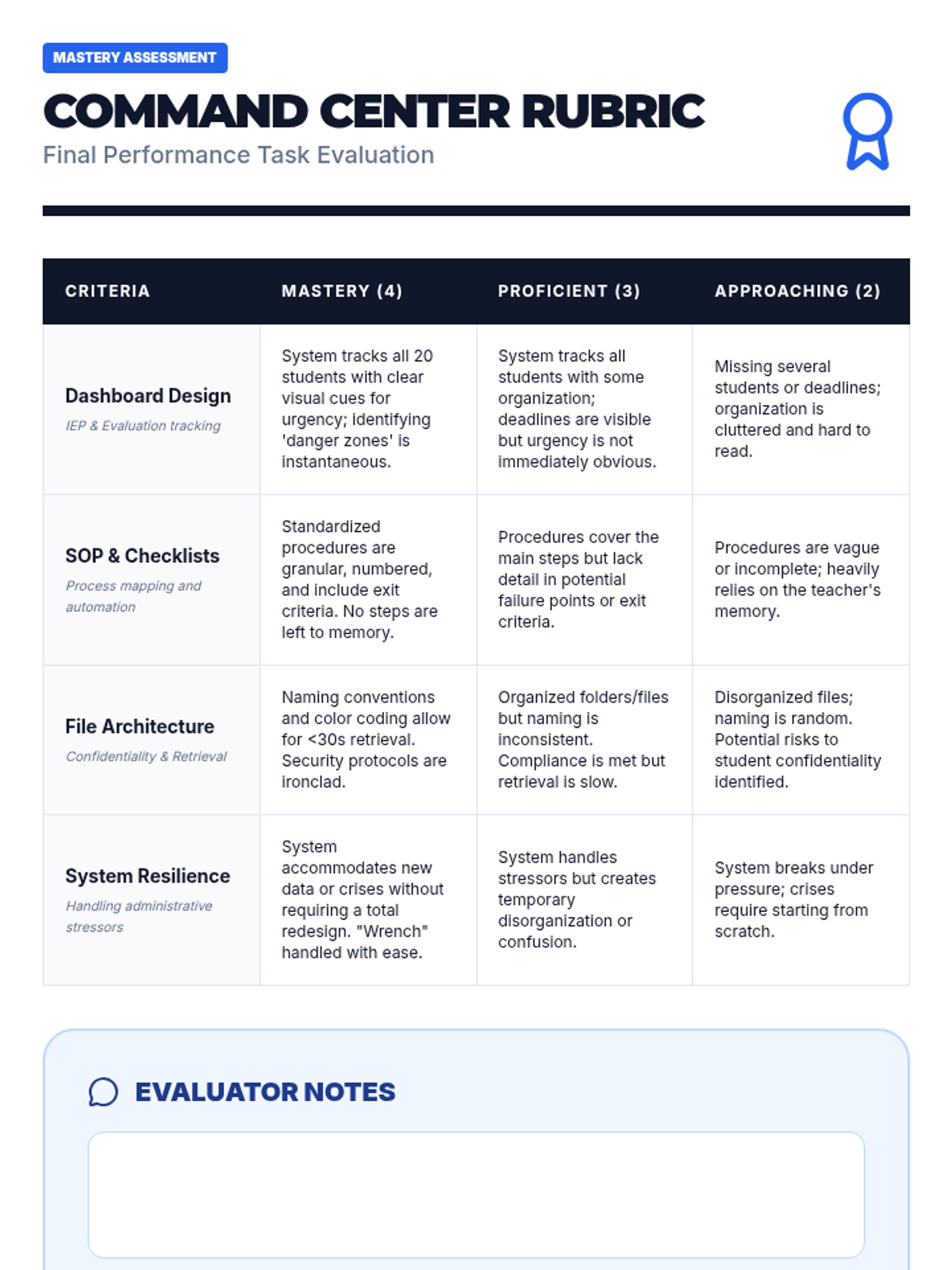
Students present their completed Organizational Ecosystems to peers. They conduct a 'stress test' by posing hypothetical complex scenarios to see if the peer's system can handle the data flow efficiently.
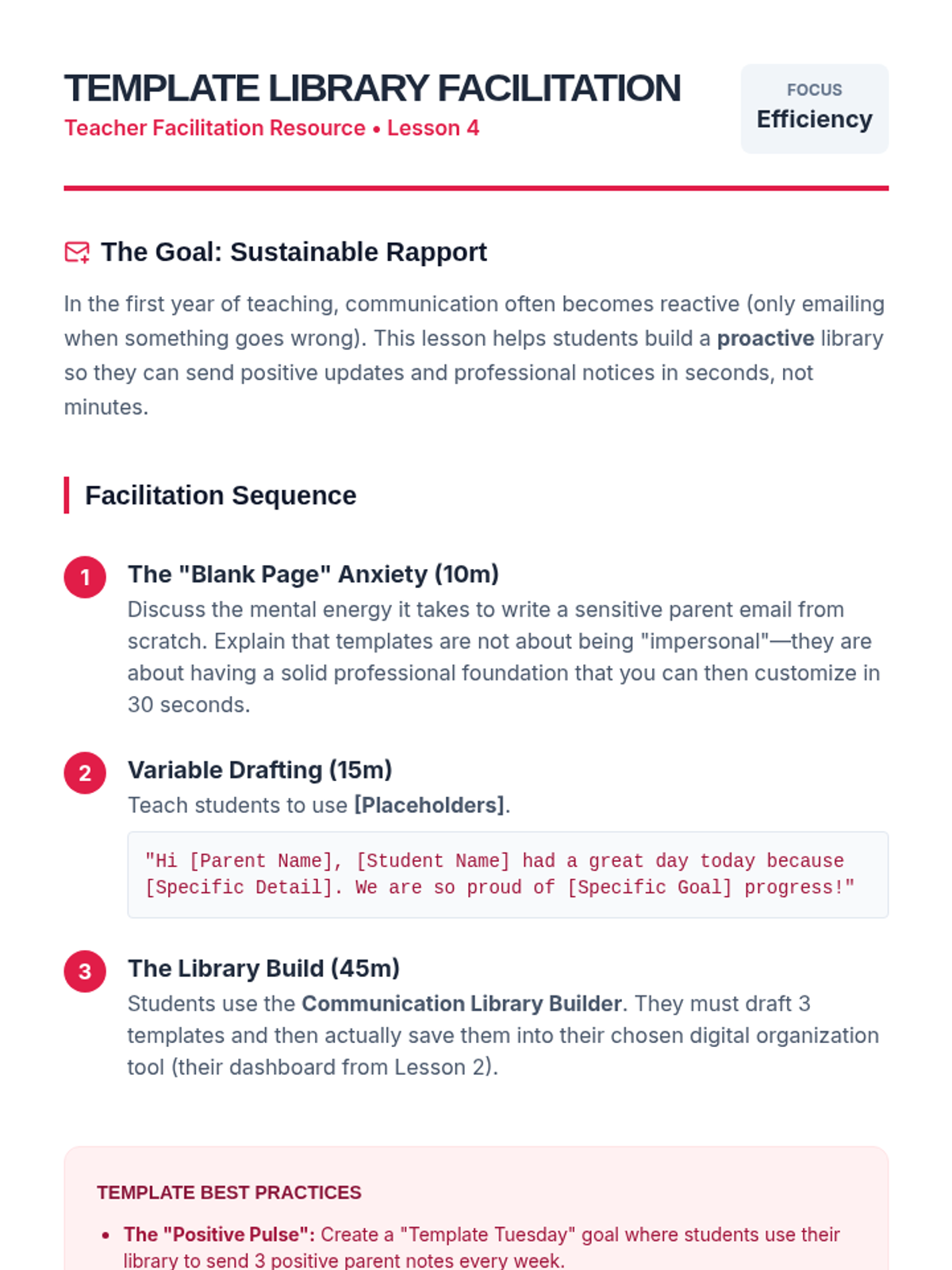
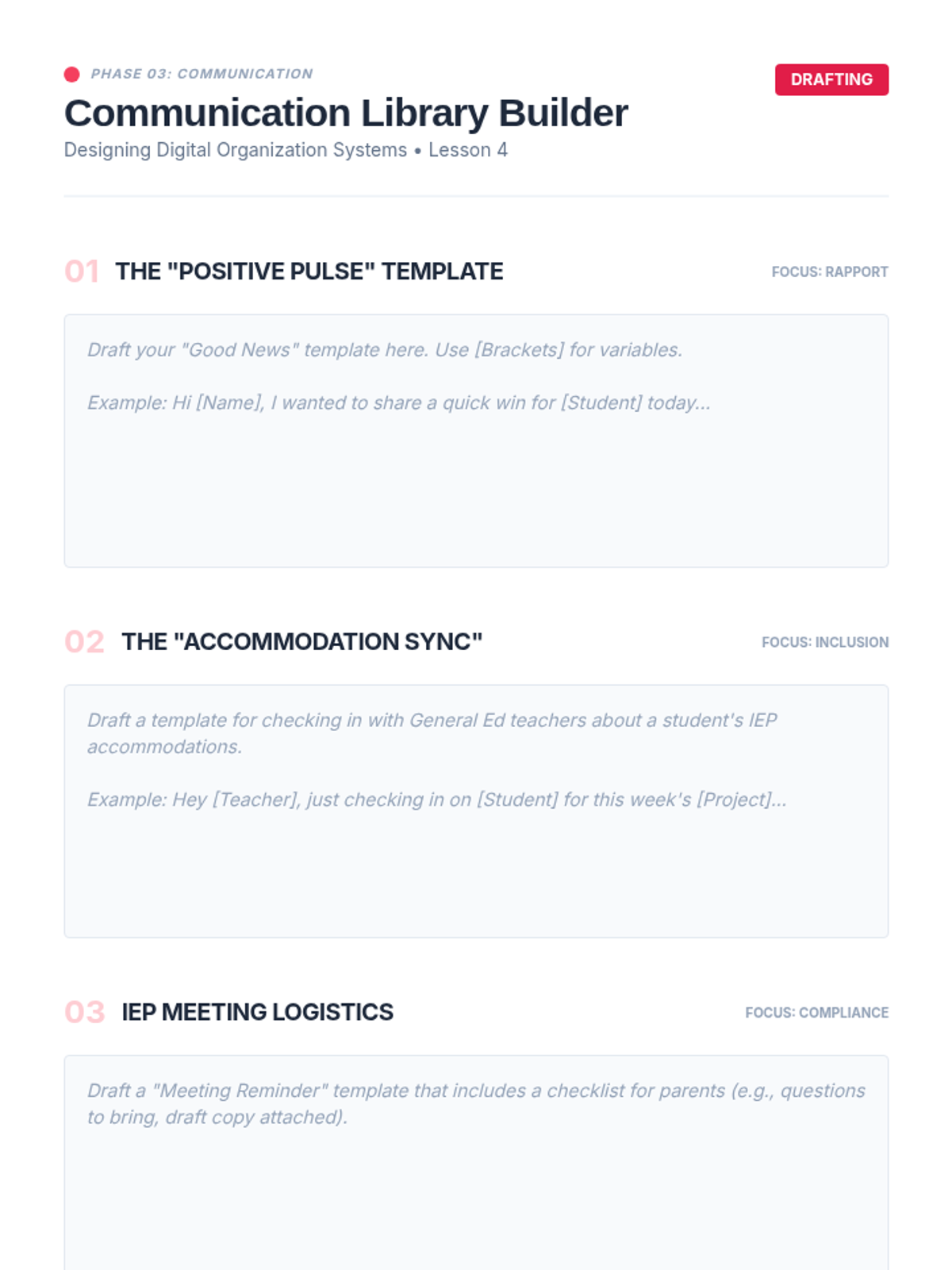
Students develop templates for common communications, including meeting notices, positive parent contact, and general education teacher check-ins. They organize these into a quick-access library to speed up routine correspondence.
Students synthesize their learning into a comprehensive 'Organizational Toolkit' proposal, pitching their systems for physical, digital, and administrative management.
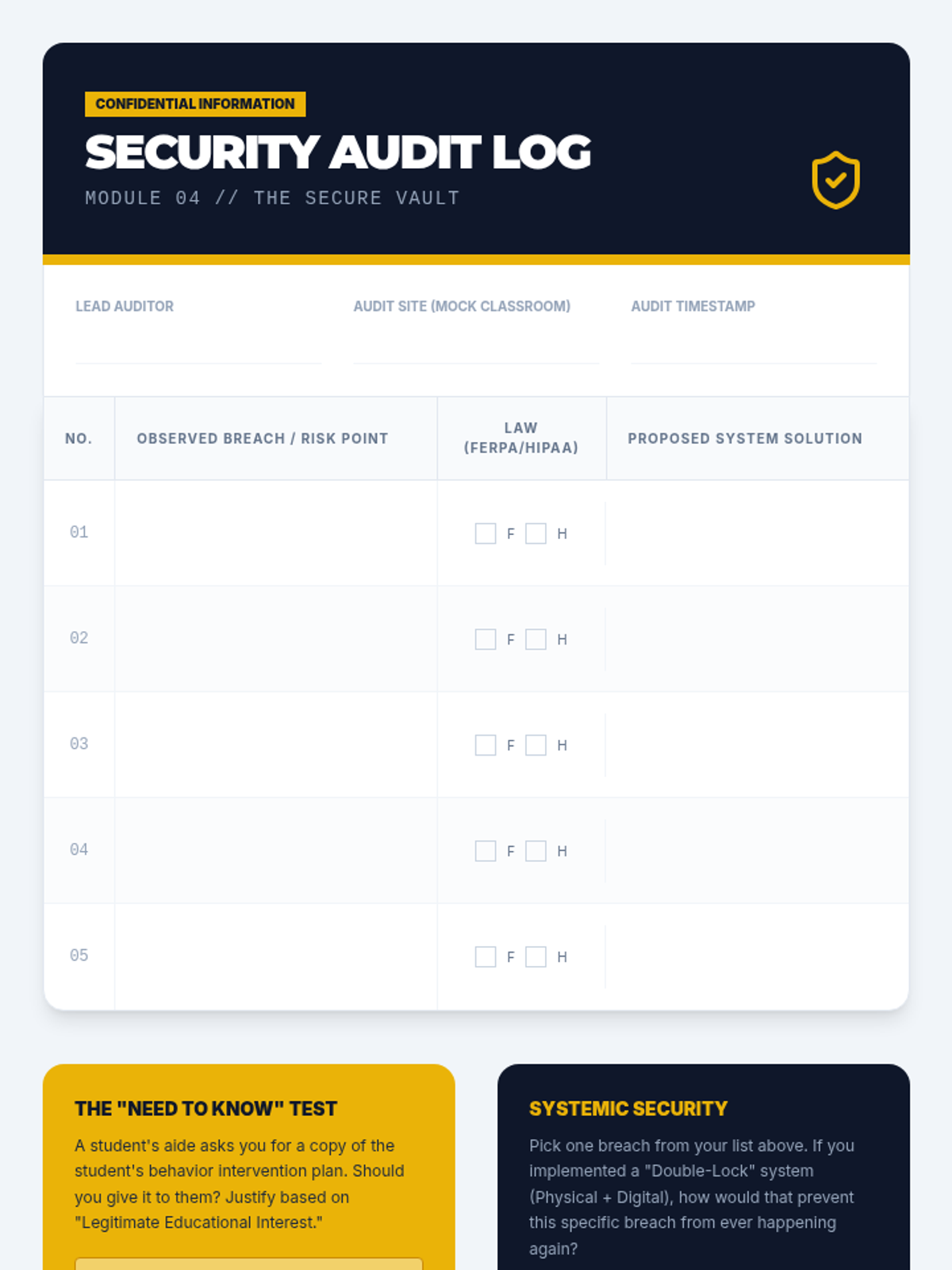
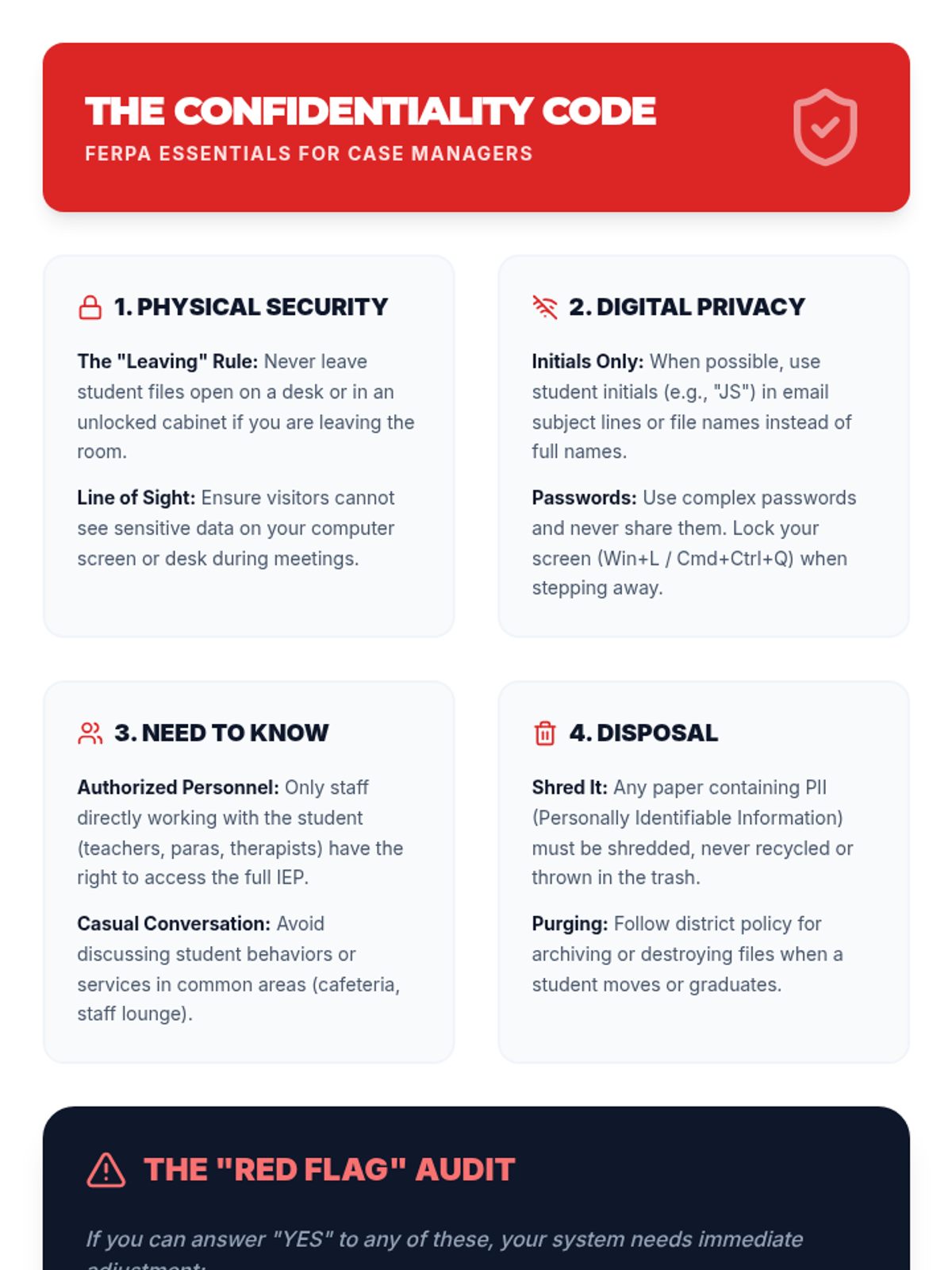
Students navigate the legal requirements of FERPA and HIPAA through organizational systems that protect sensitive student information.
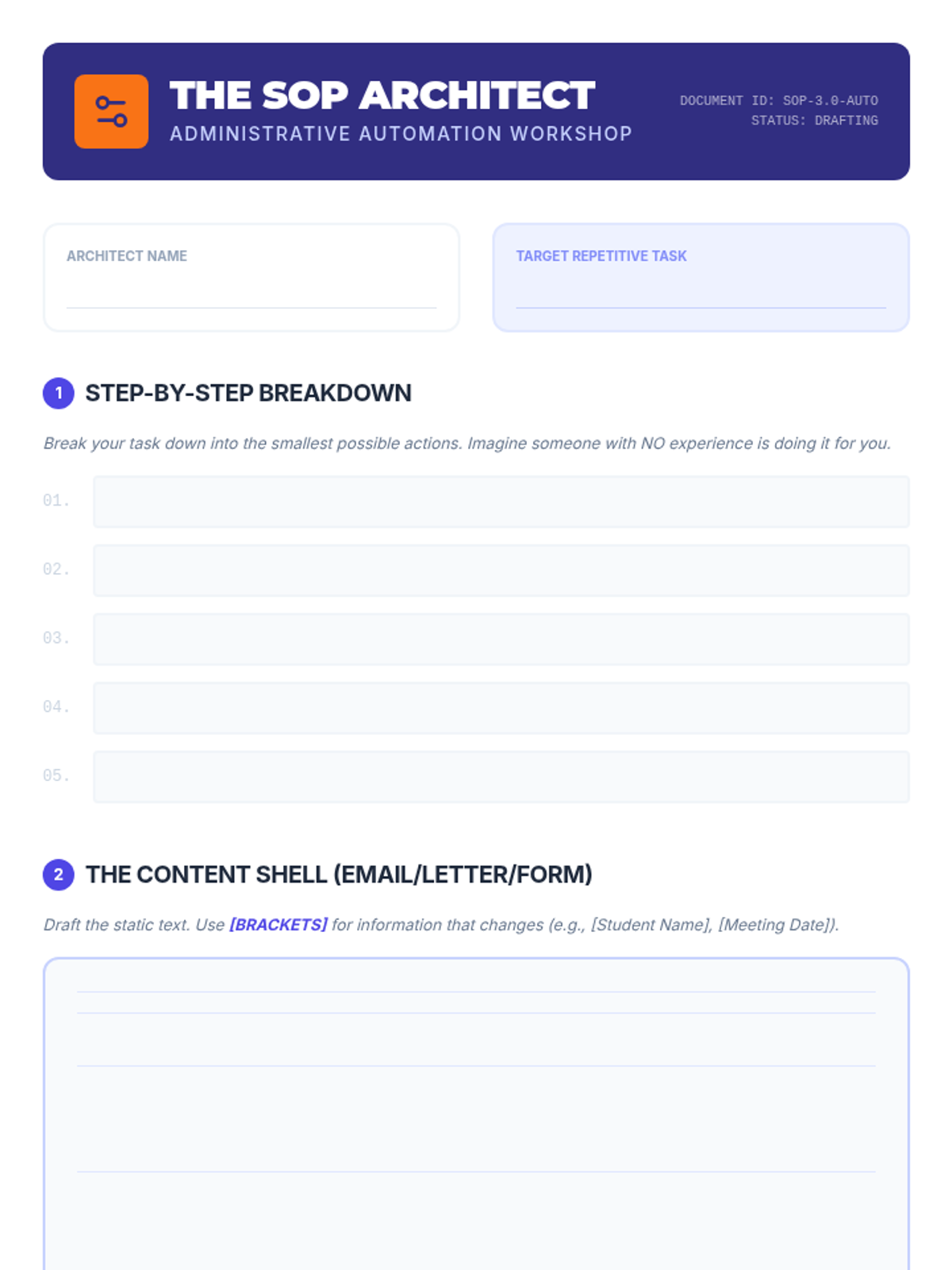
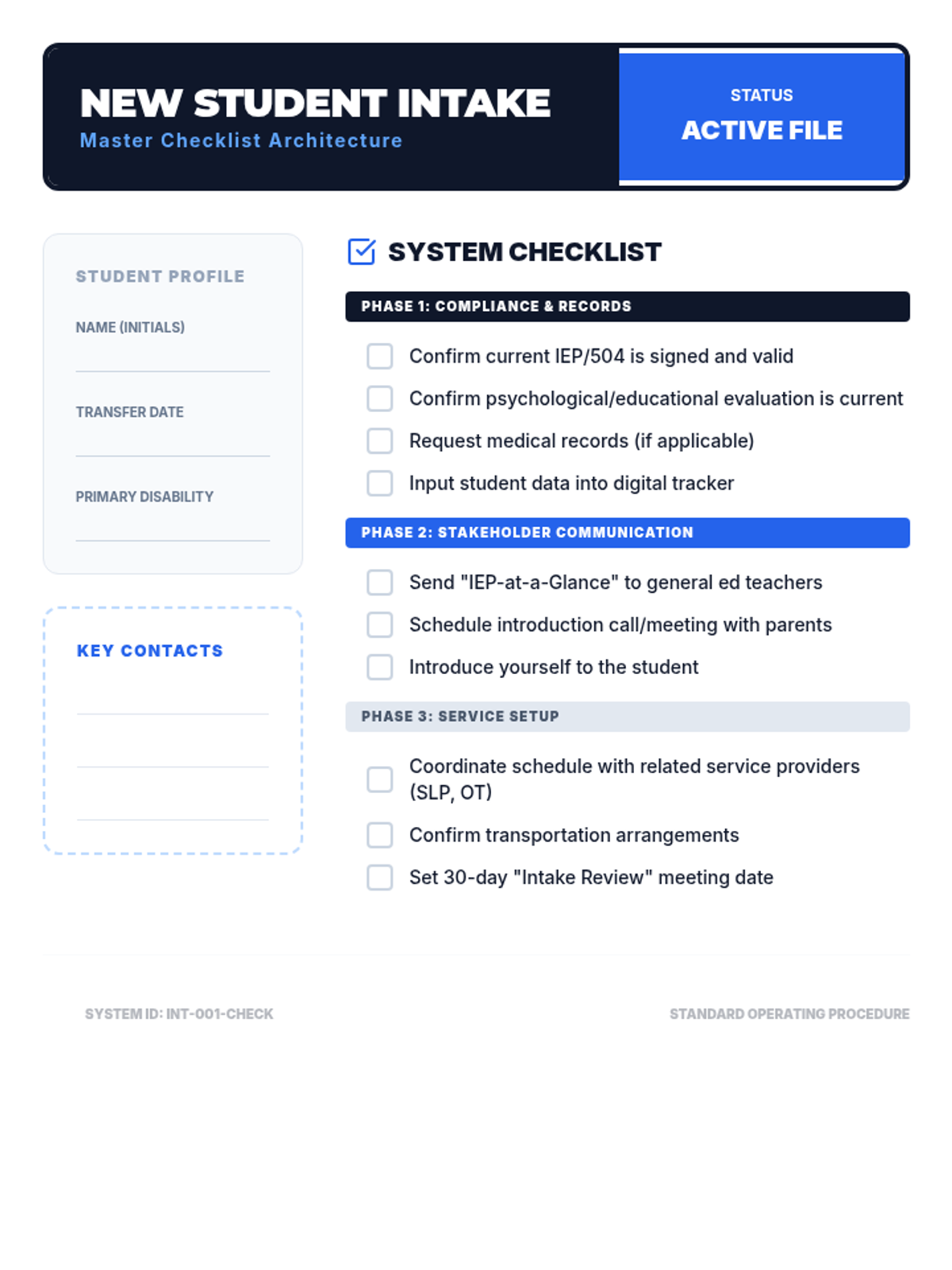
Students learn to create Standard Operating Procedures (SOPs) and automation templates to reduce cognitive load during repetitive administrative tasks.
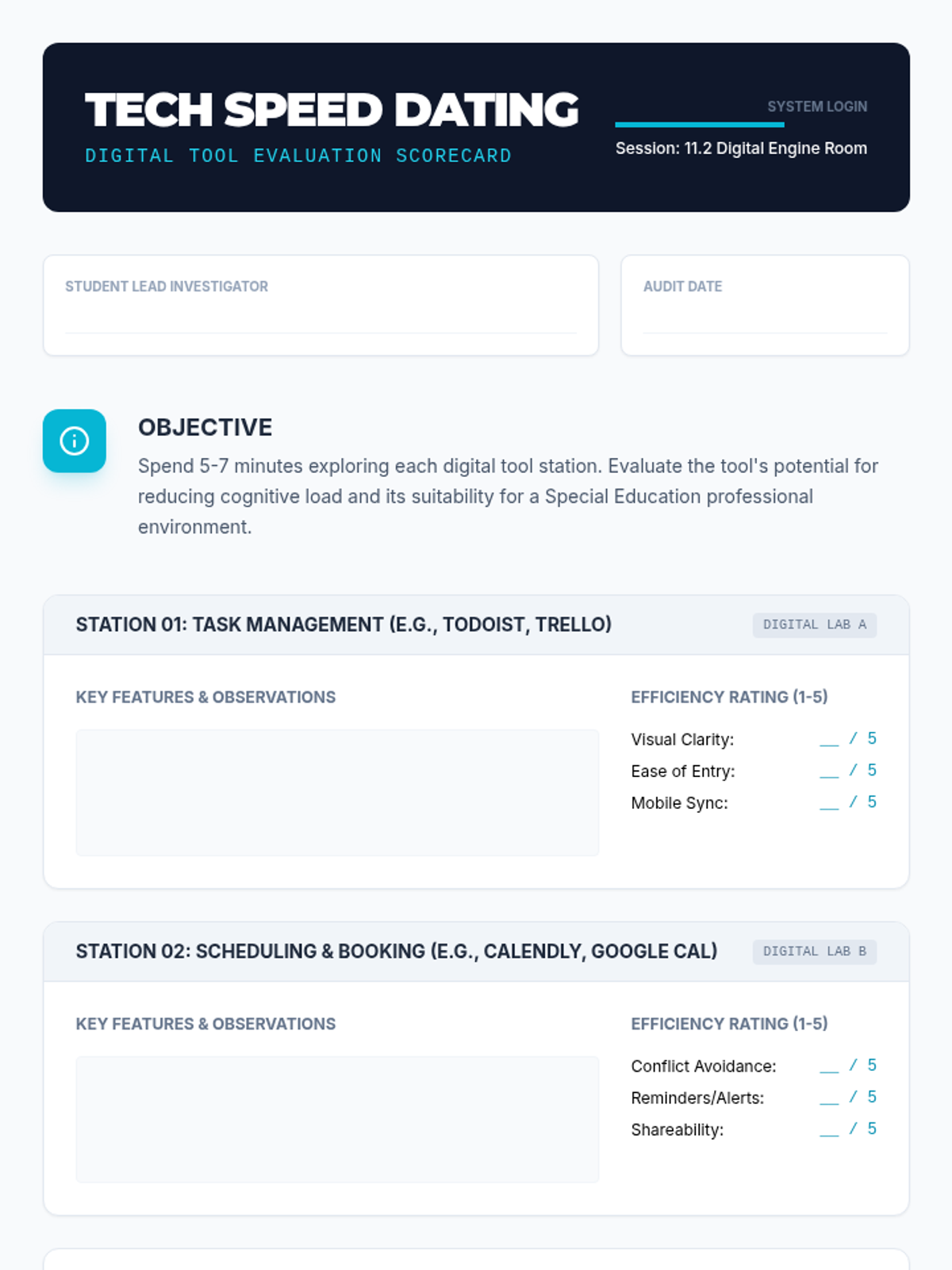
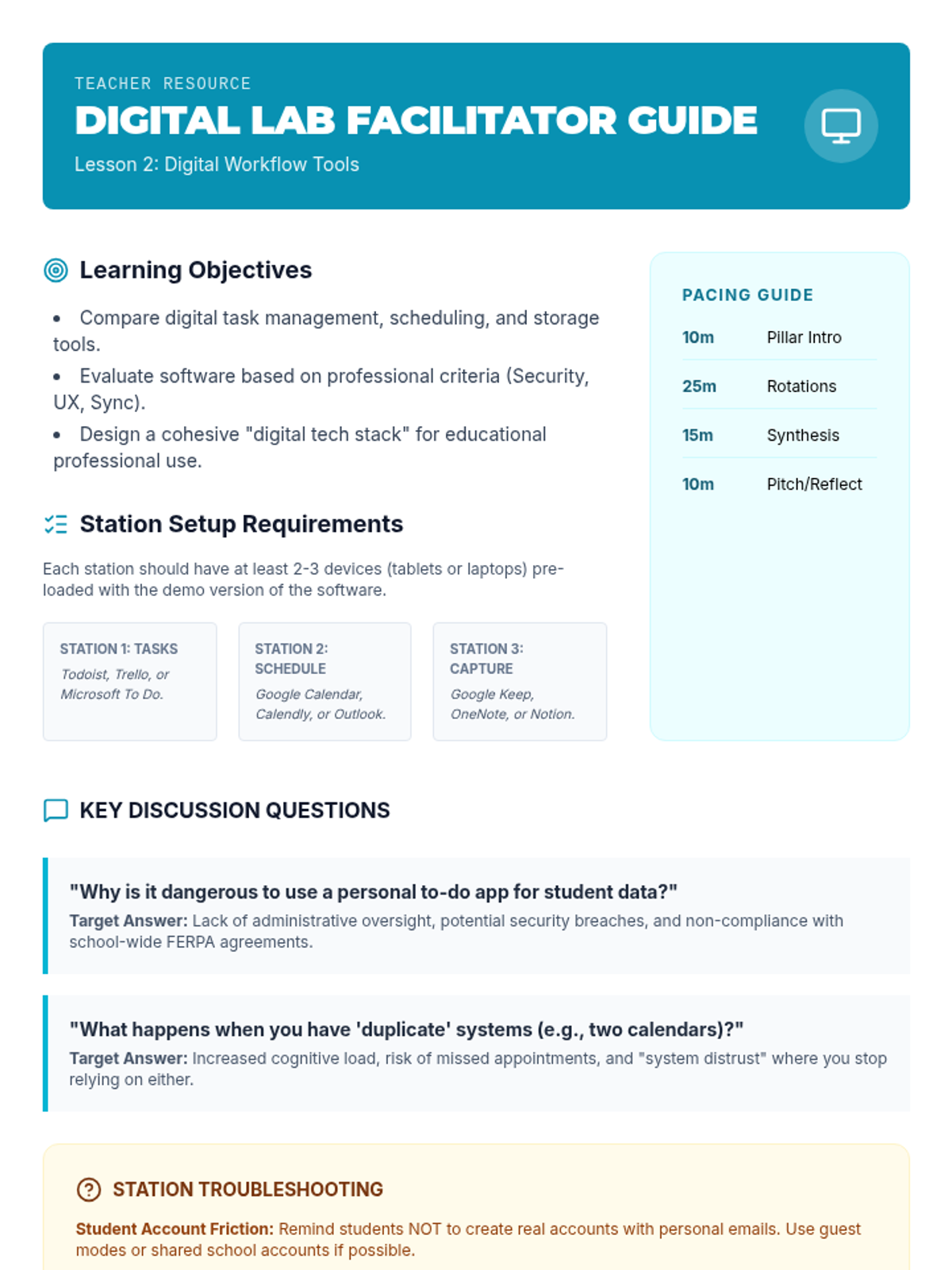
Students evaluate and test digital tools for task management, scheduling, and file storage, focusing on professional efficiency and data privacy.
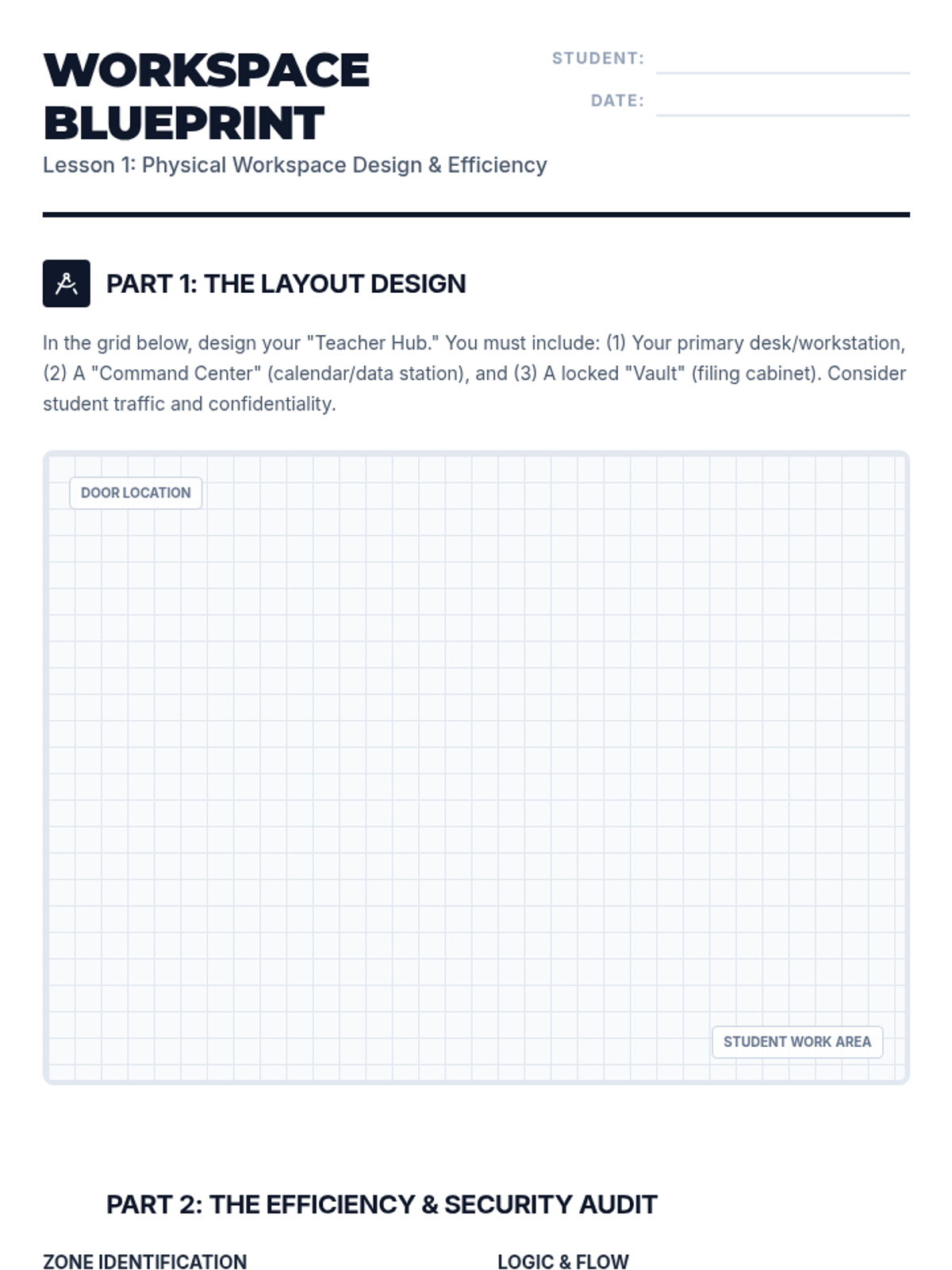
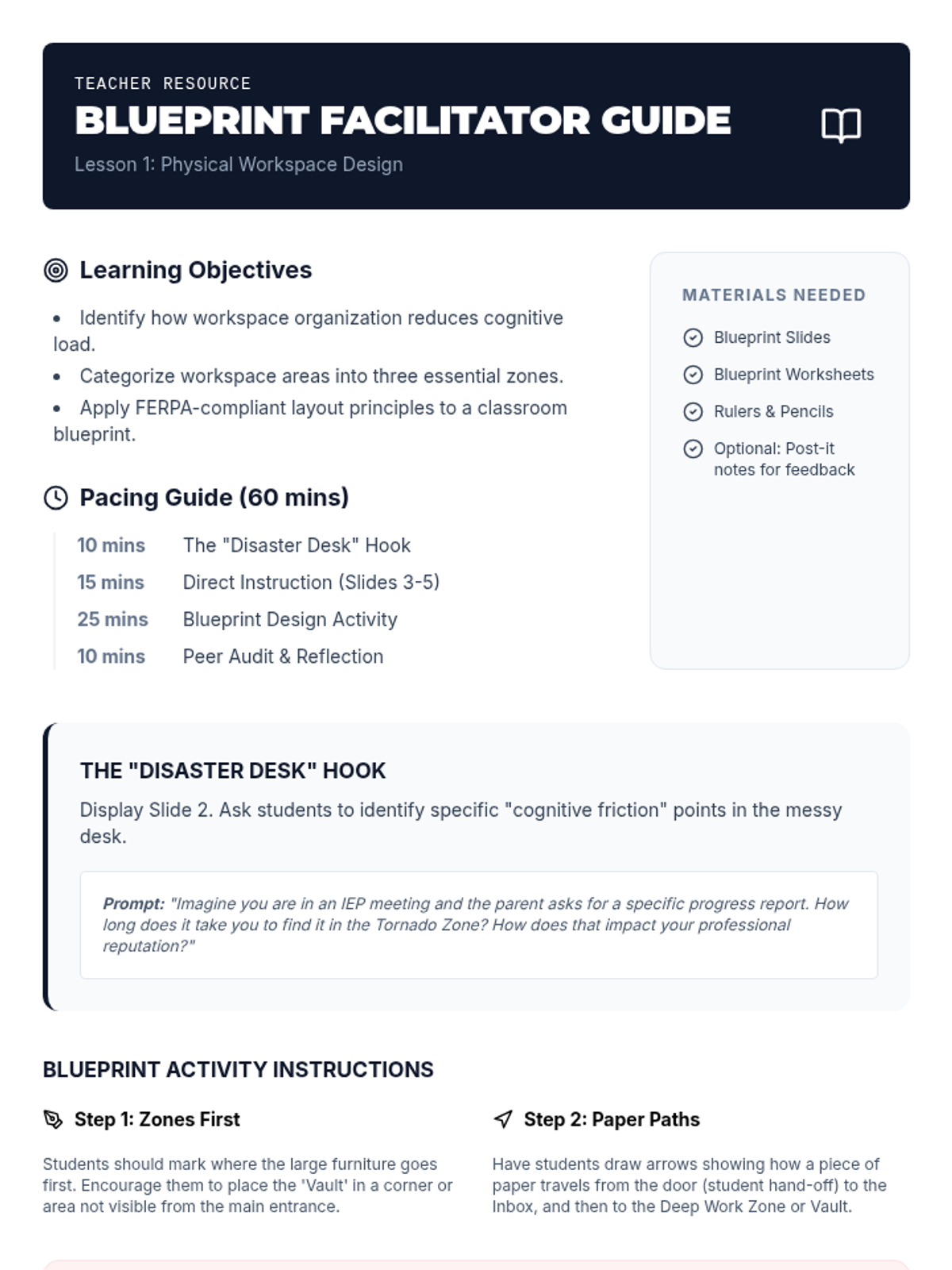
Students explore principles of workspace organization and design a classroom layout that optimizes efficiency and maintains confidentiality of instructional and legal materials.
Students present their completed organizational systems and defend their design against hypothetical stressors.
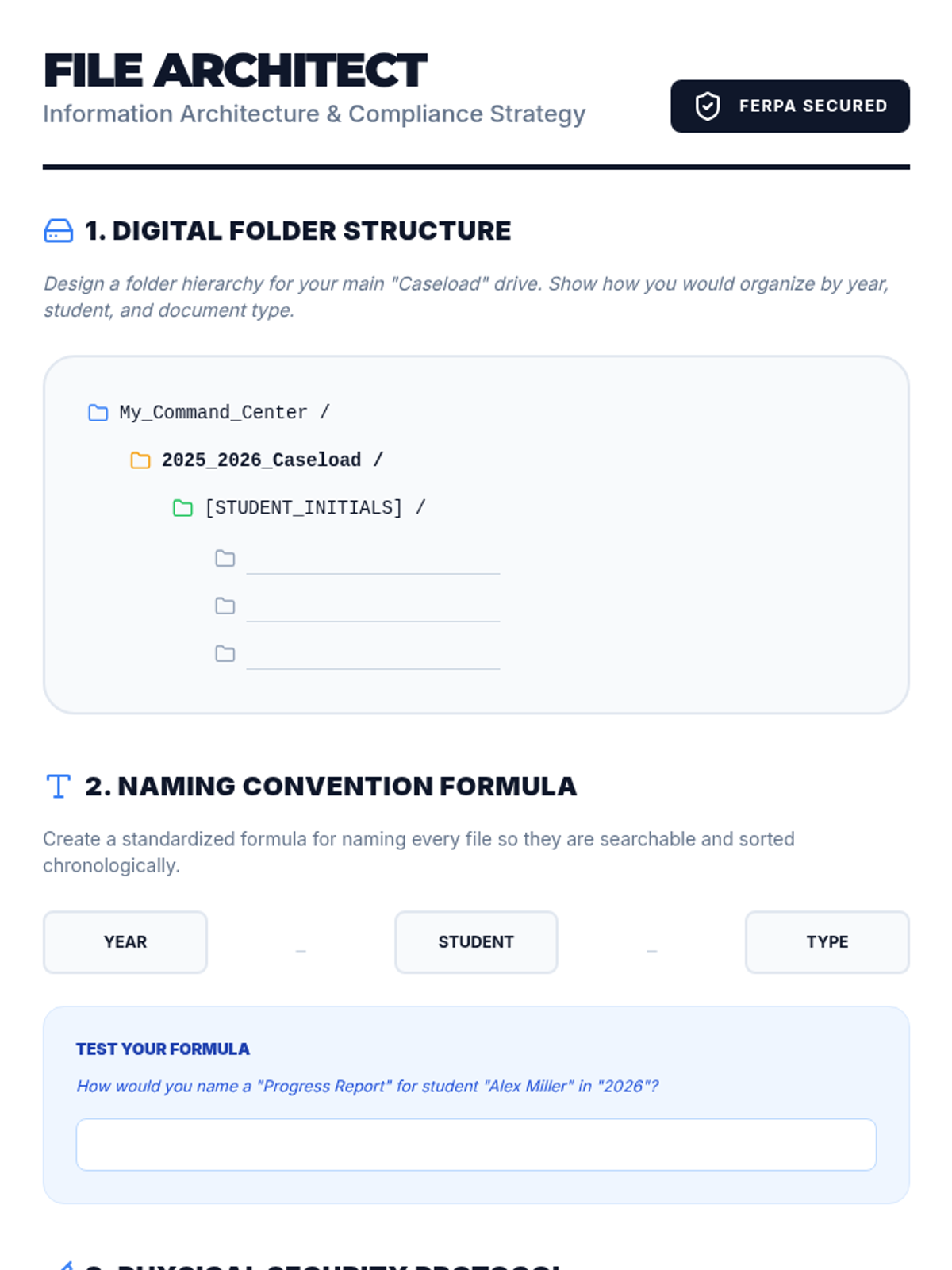
Students design secure digital and physical filing systems that comply with FERPA regulations.
Students develop standard operating procedures and checklists to automate recurring case management tasks.