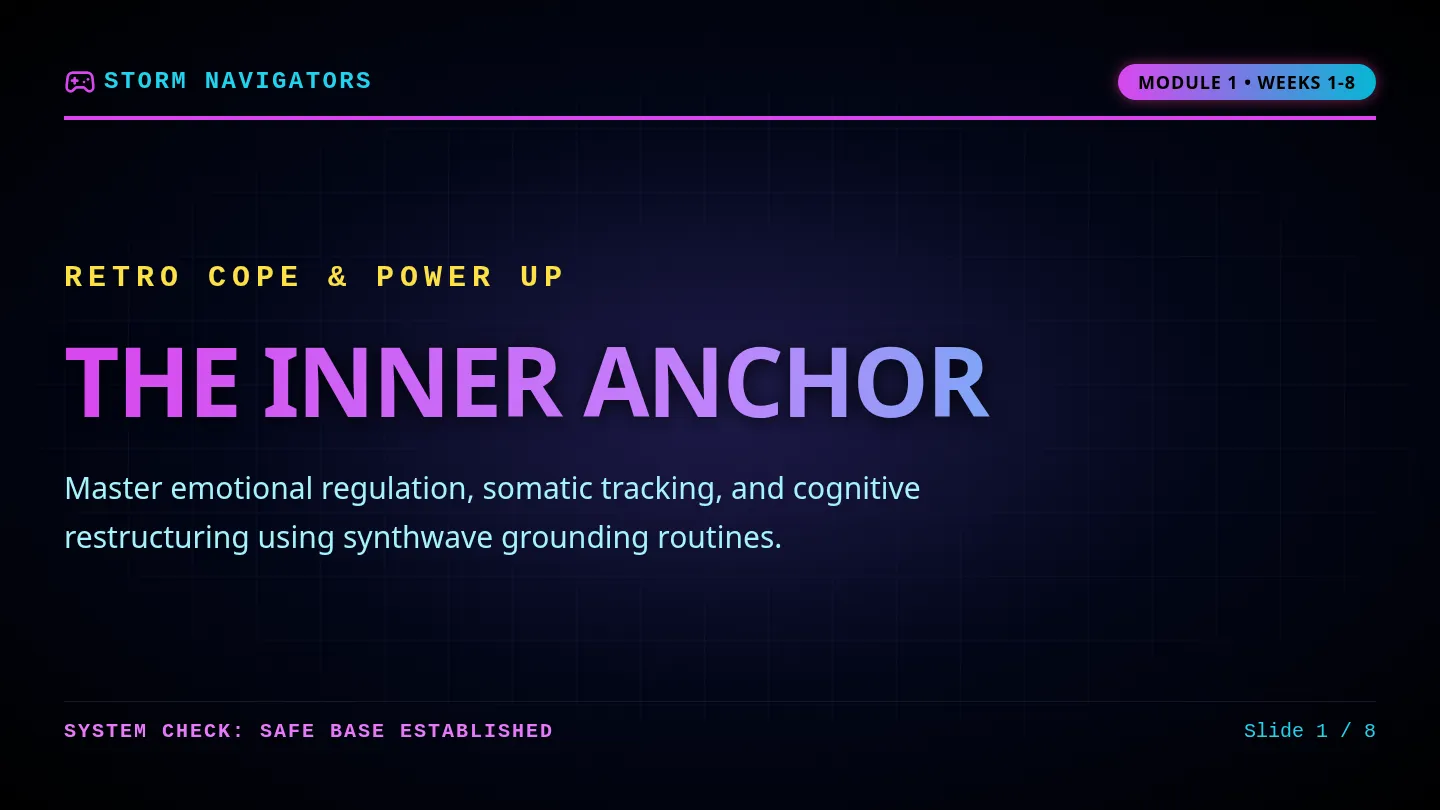
Swipe Smart Slides
Swipe Smart
// CORE CITIZENSHIP PRESENTATION
Mastering the Digital World
Simple, powerful rules for keeping your footprints clean, your accounts safe, and your screen time healthy.
Digital Safety Expanded 90-Min Pacing
Swipe Smart Curriculum
Today's Journey
01 // ROADMAP
Your Digital Trail
Understanding what we leave behind online and why it stays there forever.
PART ONE (25 MINS)
Spotting the Bait
How to recognize tricky emails, links, and fake warnings instantly.
PART TWO (30 MINS)
Digital Balance
Simple tricks to outsmart app traps and regain control of your attention.
PART THREE (35 MINS)
4 core video discussions included. Let's start!
PART 1
Your Invisible Trail
02 // FOOTPRINTS
What is an Online Footprint?
Every time you post, search, click, or stream a video, you leave behind digital prints. Together, they create a permanent story of you.
Who can see your footprint?
Future schools, coaches, employers, safety algorithms, and even complete strangers.
Active Steps
The things you post, share, comment on, and send intentionally.
Passive Steps
Data left behind automatically, like search history and your location trail.
👢 THE BOOT RULES: Treat apps like clean floors—don't track mud where you walk!
PART 1
Permanence Check
03 // THE TATTOO RULE
The Pencil Myth
Many popular apps promise that posts "disappear" after a few seconds. This is a false sense of security!
- Screenshots take less than a second to capture.
- Once sent, you lose control of who copies it.
Like permanent ink
Your digital prints behave like permanent ink. Even if you press "delete" on your screen, backups preserve files forever on servers.
Rule: If you wouldn't want the world to see it forever, don't send it.
Is your footprint helpful or harmful? You choose.
Video Discussion
04 // FOOTPRINTS VIDEO
Embedded media
Video 1 // 4:30 Mins
Cyber Safety Overview
How small sharing habits build a digital path, and simple things we can do to protect ourselves.
Watch & Discuss:
- • What surprises you about online data backups?
- • Why is sharing personal clues risky?
Note down your answers in Section 1 & 2 of the Activity Sheet.
PART 2
Spotting the Bait
05 // PHISHING INTRO
What is Phishing?
Phishing is when scammers use trick messages, fake prizes, or scary warnings to steal your personal secrets (like passwords or key codes).
The Bait Principle
Scammers don't hack computers. They hack human trust!
Urgent Messages
"Act in 10 minutes or your account is gone forever!"
Fake Domains
Slightly misspelled site names, like netflix-login-portal.com
Mystery Senders
Strangers pretending to be a close friend, school teacher, or principal.
Always stop and think before you tap or link.
PART 2
Deconstructing the Scam
06 // ANATOMY
FROM: security-alert@noreply-support-instagram-app.com SUSPICIOUS SENDER
SUBJECT: CRITICAL: Account compromised - Verify Immediately! HIGH URGENCY
Dear User,
We detected an unauthorized login attempt from an unknown location. To prevent immediate permanent suspension, you must verify your identity immediately by clicking the link below:
🔗 HTTP://INSTAGRAM.SECURE-PORTAL-AUTH.NET/VERIFY MOCKED SPOOFED DOMAIN
If you doubt, reach out using the official website directly, never the link provided.
Video Discussion
07 // SCAMS VIDEO
Embedded media
Video 2 // 5:30 Mins
Phishing & Cyber Safety
How scammers use lookalike pages and scary warnings to trick us, and how we can see right through their traps.
Check for Understanding:
- • How do scammers make fake websites look official?
- • What should you do when a message demands immediate information?
Complete Section 3 (Scam Buster Case Files) of the Activity Sheet.
TED Talk Discussion
08 // HACKER PSYCHOLOGY
Embedded media
Video 3 // 10:00 Mins
Minds of Cyber Hackers
How scammers target natural human traits like curiosity, fear, or helpfulness to bypass security firewalls.
Mind Hack Tactics:
- • Why is hacking a person easier than hacking complex code?
- • How do we balance curiosity with caution online?
Note down your answers in Video Checkpoint 3 of the Activity Sheet.
PART 3
The Screen Trap
09 // SCREEN TIME
Designed for Hooking You
Popular apps and gaming feeds are specifically structured like "endless snack bowls" to make sure you never hit a stop point.
Infinite Scroll
Eliminates natural pause points so you swipe mindlessly.
Dopamine
Likes, alerts, and notifications trigger reward loops in your brain.
The Habit Loop
1
Trigger: Feeling bored or hearing an alert beep
2
Action: Open app, infinite scroll
3
Reward: Quick laughs, shiny alerts
Awareness is the first step to breaking the loop.
TED Talk Discussion
10 // DOPAMINE LOOP
Embedded media
Video 4 // 12:00 Mins
The Dopamine Loop
How technology companies design screens to compete for our focus, and why random rewards make it hard to put devices away.
Screen Check:
- • How do "Variable Rewards" resemble game slot levers?
- • Why is setting limits difficult when app designs are infinite?
Complete Part 4 (Digital Habit Hackers) on Page 2 of the Activity Sheet.
PART 3
Reclaim Your Attention
11 // BALANCE HACKS
Mute Alerts
Turn off non-human alerts. If it's not a real message from a real person, mute the notification!
STEP ONE
Go Grayscale
Strip away appetizing bright colors. Greyscale screens are vastly less interesting to our animal brains!
STEP TWO
Device Boundaries
Keep screens out of physical spaces like bedrooms and dining tables. Build a separate charging spot!
STEP THREE
CHALLENGE: Which screen-free step will you try this weekend?
SUMMARY
Become Swipe Smart
The Swipe Smart Oath
"I will protect my trail, hover before I hook, lock down my critical credentials, and reclaim my attention from the infinite scroll."
Footprints Safe
Scams Outsmarted
Focus Reclaimed
Go forth and swipe smart. Complete your worksheet now.
Swipe Smart Teacher Guide
Teacher Resource Guide
SWIPE SMART LESSON PLAN
FACILITATOR EDITION
GRADE: All-Ages
DURATION: 90 min (Extended)
SUBJECT: Digital Citizenship
VIDEOS: 4 Embedded Clips
Lesson Objectives & Core Design
Students will understand passive and active digital footprints, analyze phishing attacks to find red flags, examine how scammers trick human trust, and formulate screen boundaries to protect personal focus.
PREP CHECKLIST: Projector with Slides Swipe Smart Worksheet Audio Enabled for Videos
Pacing & Facilitation: Footprints & Scams
PART 1: THE DIGITAL TRAIL (25 mins) SLIDES 1 - 5 // PAGE 1
Key Concept: Deliver the "Muddy Boots" analogy. Explain that every online action leaves tracks on clean floors. Present Video 1 (4:30 mins). Instruct students to list active and passive trails, then answer why online posts are permanent like ink tattoos.
Script prompt: "If you walk through mud and tread inside, the prints stay. That is how the internet handles everything you send."
PART 2: SPOT SCAMS & TRUST TRAPS (30 mins) SLIDES 6 - 9 // PAGE 2
Key Concept: Explain that phishing is like "bait on a hook" trying to catch passwords. Present Video 2 (5:30 mins). Review the fake email mockup on Slide 7. Play Video 3: TED Talk (10 mins) to detail social engineering, prompting student Case File responses.
Discussion Question: "Why do scammers design fake warnings to look urgent? To trigger fear and stop us from checking links."
Answer Key: Worksheet Page 1
Part 1: Trail Tracker
• Active: Public posts, comments, messaging, and search input.
• Passive: Browser histories, site cookies, device locations.
Part 2: Tattoo Analogy
• Core Point: Erasing a screen post doesn't delete it from database systems. Backups and screenshots keep online files permanent.
SWIPE SMART FACILITATOR DOCUMENT PAGE 1 OF 2
Teacher Resource Guide
SWIPE SMART LESSON PLAN
Part II & III // SCAMS & HABITS
Pacing & Facilitation: Screen Habits
PART 3: THE DOPAMINE DILEMMA (35 mins) SLIDES 10 - 13
Key Concept: Explain the "Endless Snack Bowl" analogy (Slide 10). If a bowl has no bottom, you keep eating without thinking. Social feeds act the same way. Present detailing attention loops. Guide students to outline habit hacks (Slide 12). Recite Oath together on Slide 13.