A comprehensive onboarding module designed to help educators master Lenny Learning, from initial login to generating high-quality custom resources for their classrooms.
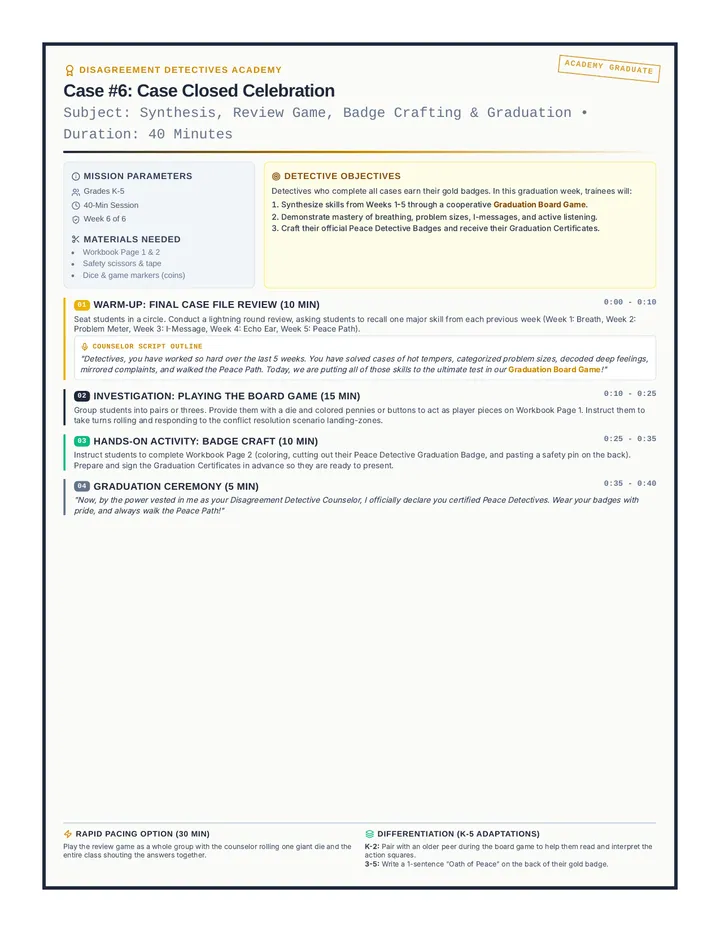
A 6-week conflict resolution group for mixed elementary students. Through a fun detective-themed curriculum, students learn to cool down, identify problem sizes, express feelings with I-messages, listen actively, and walk the Peace Path to solve peer conflicts.
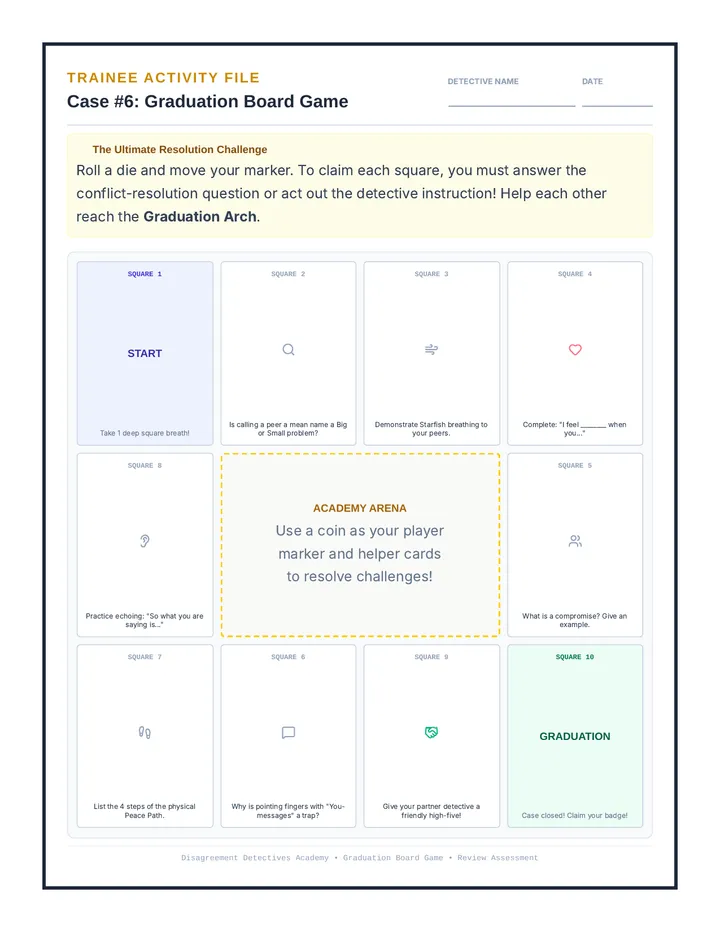
Week 6 is the graduation and celebration session. Trainees review all detective techniques by playing a graduation board game, and then craft their official Peace Detective Badges and receive their Graduation Certificates.
Student Activity Bundle for Week 6. Page 1 contains a 'Detective Graduation Board Game' review activity. Page 2 contains 'Official Peace Detective Badge' and 'Graduation Certificate' printables.
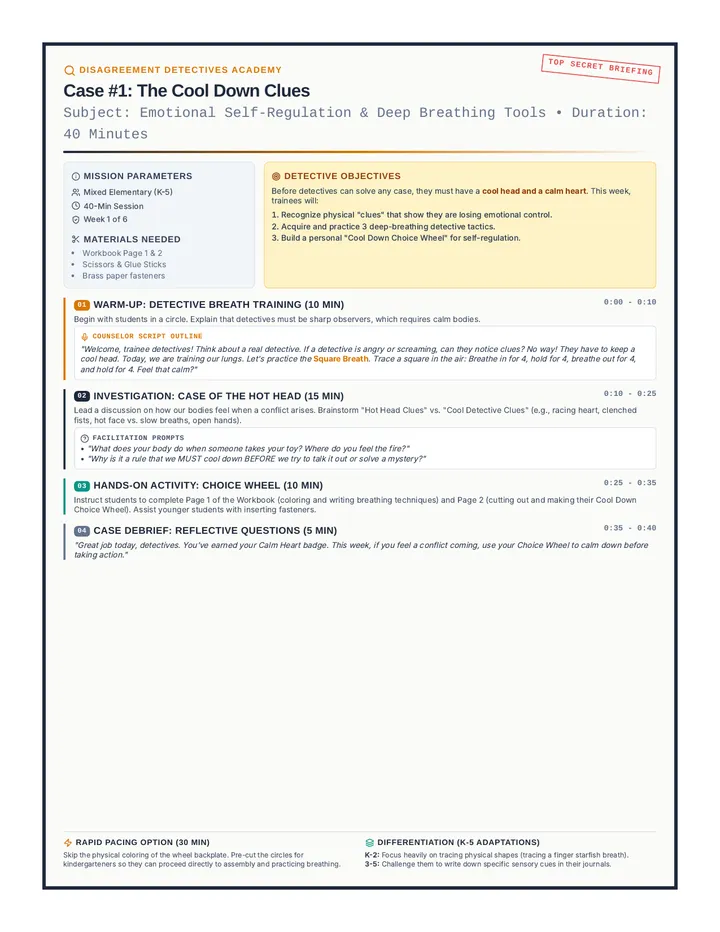
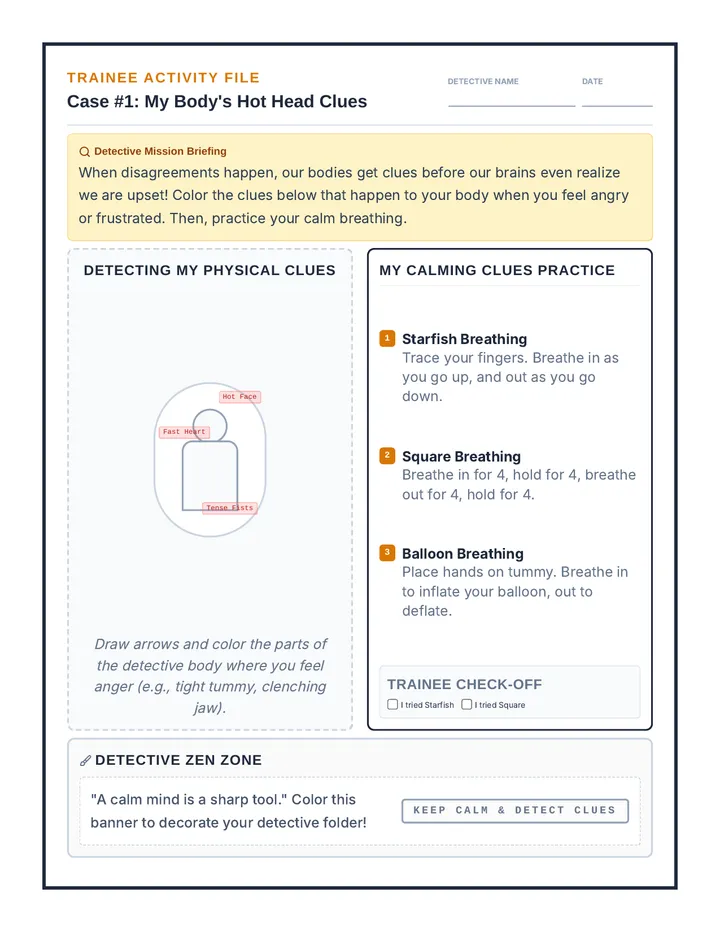
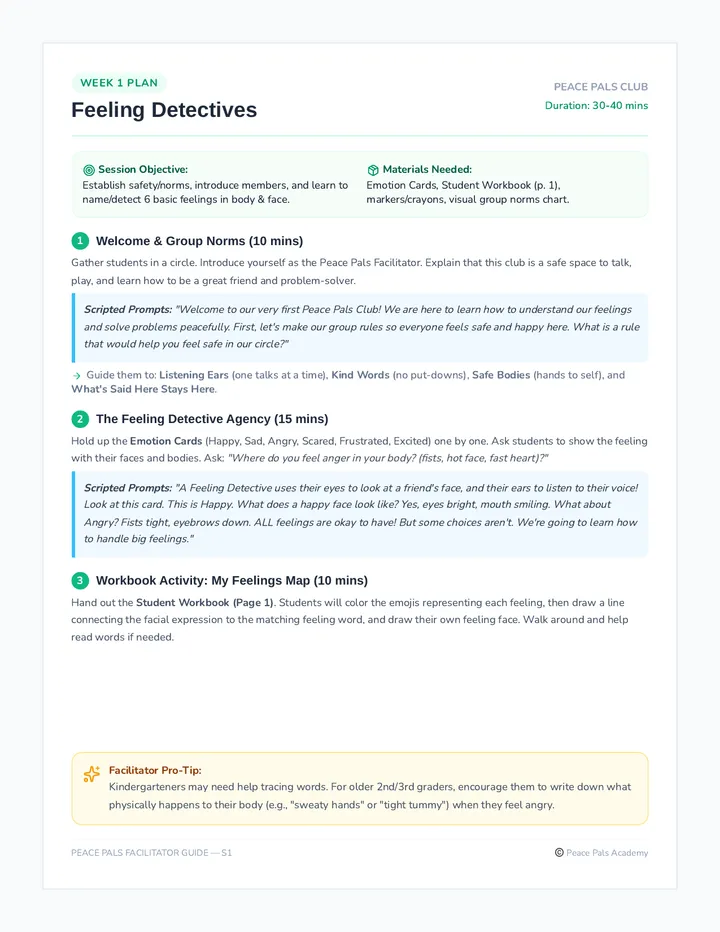
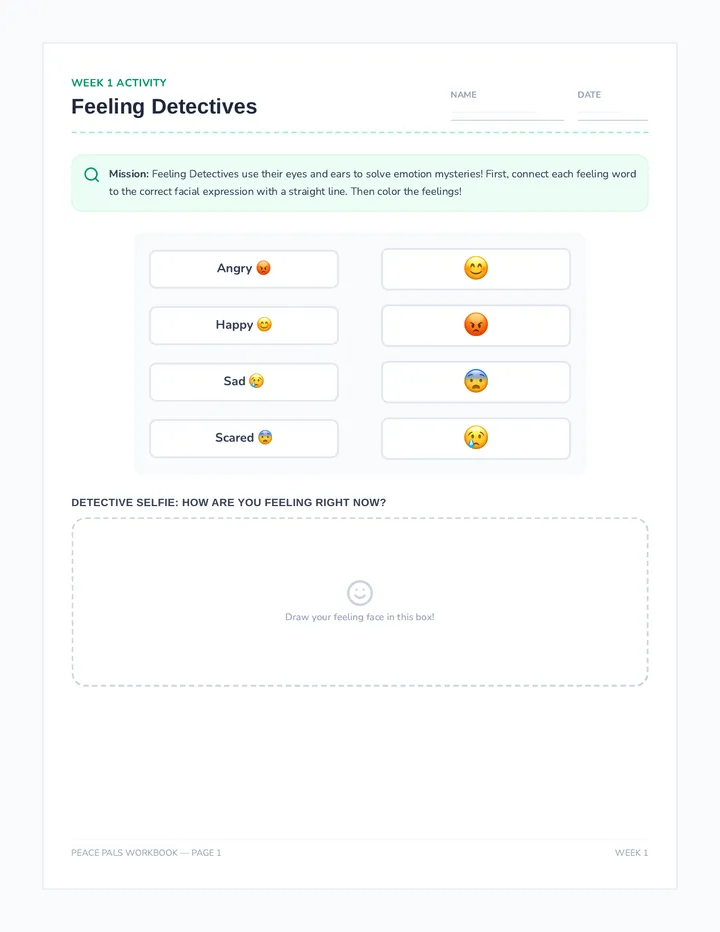
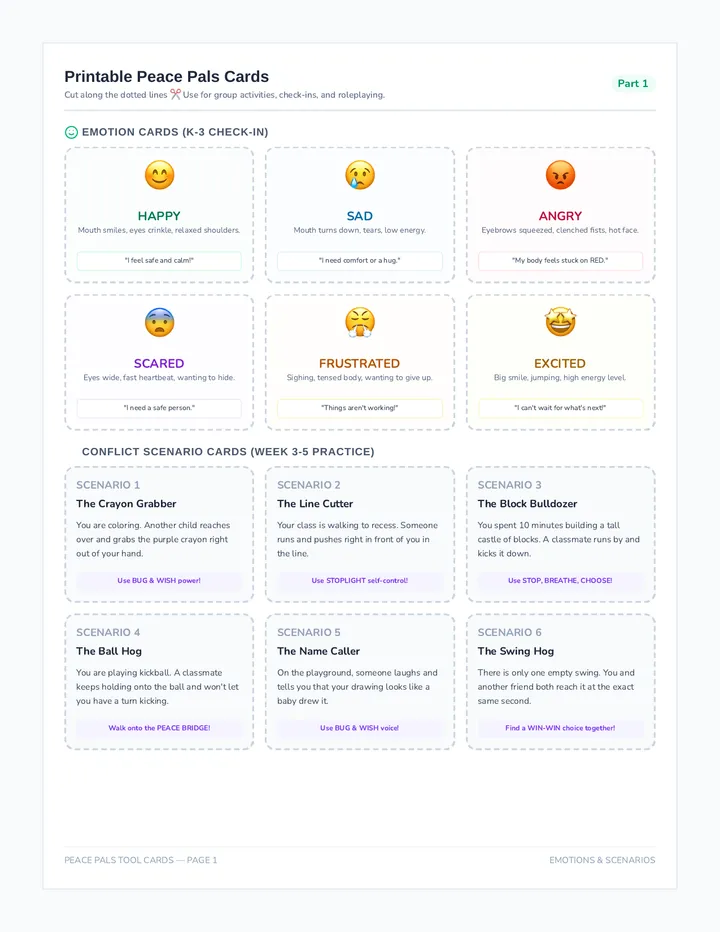
A 6-week conflict resolution small group sequence for K-3 students, focusing on self-regulation, emotion identification, active listening, assertion, and collaborative problem-solving. This cohesive program includes a comprehensive facilitator guide, student workbook, visual tools, and a calm-down poster.
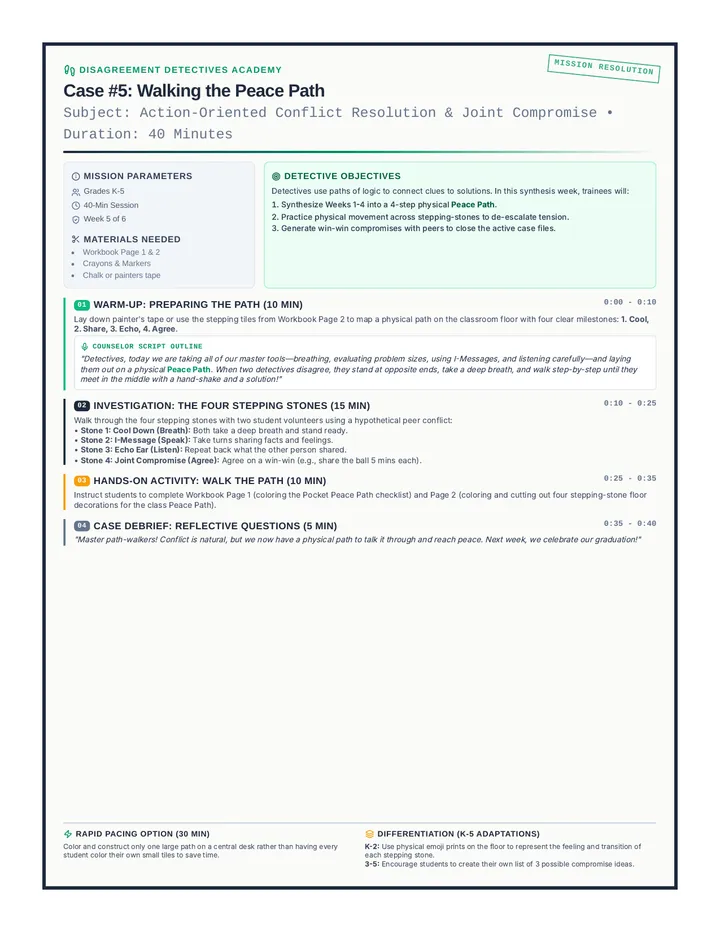
Week 5 synthesizes the skills into a concrete physical Peace Path. Students learn the sequential steps to talk through a conflict and walk the actual steps from cool down to compromise.
Facilitator Guide for Week 6 of Disagreement Detectives. Includes counselor scripts, game facilitation instructions, and graduation presentation guides.
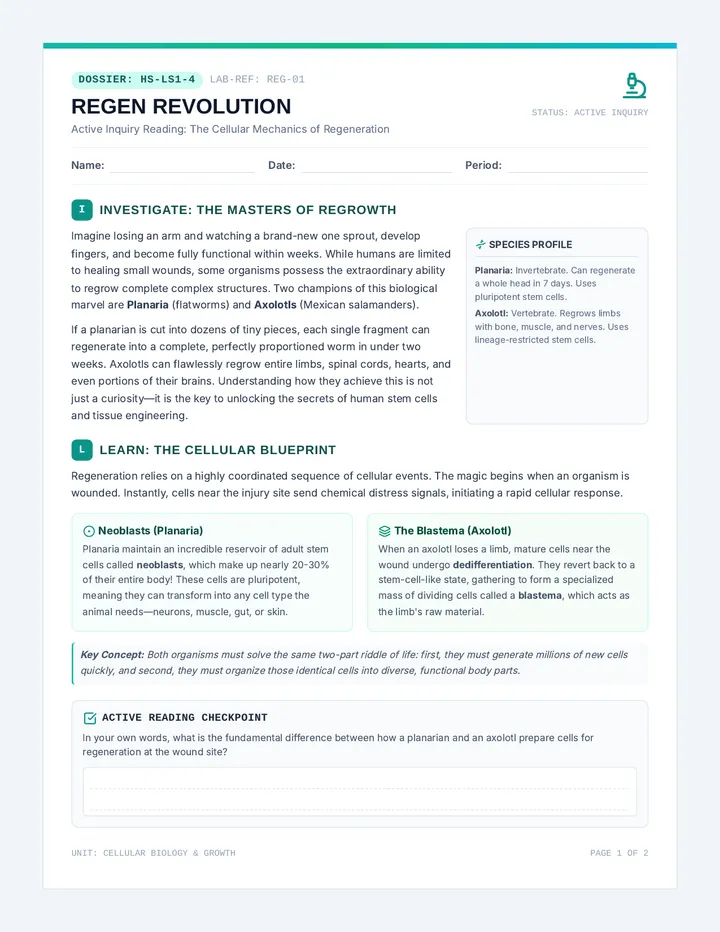
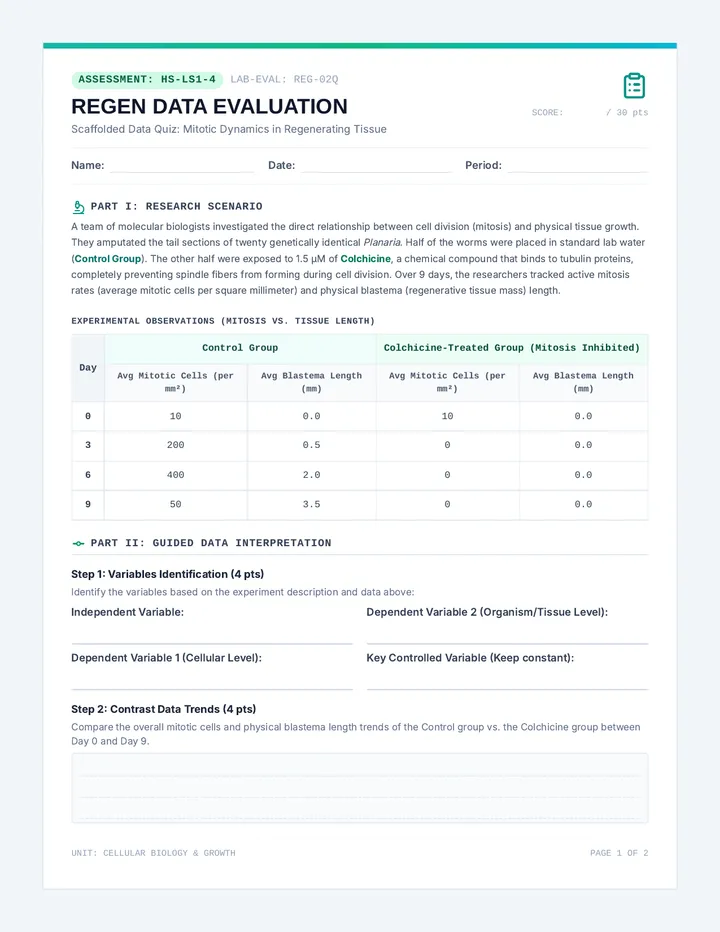
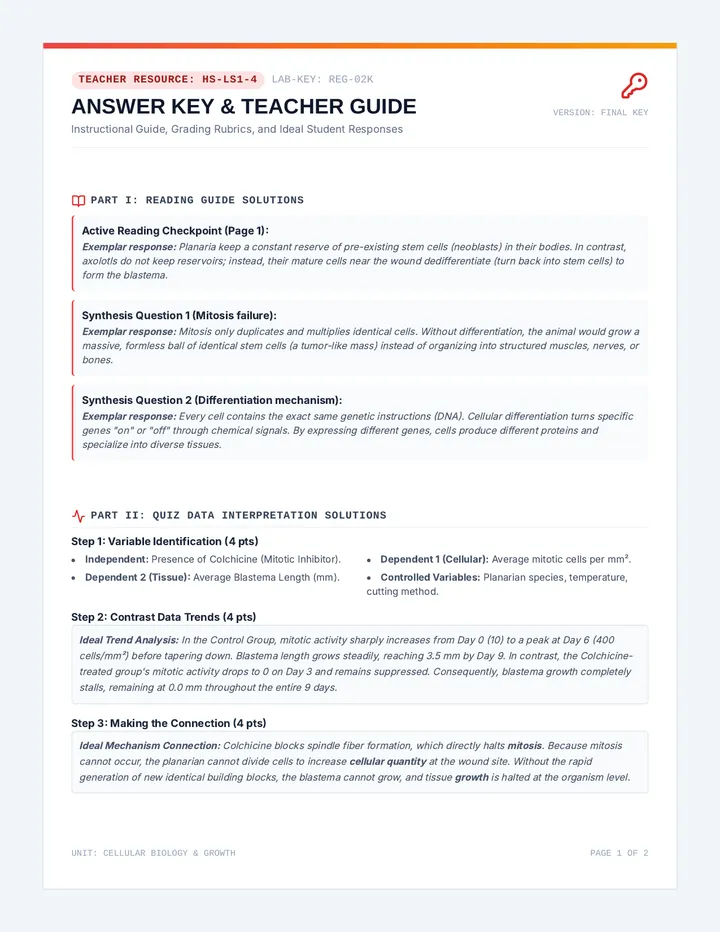
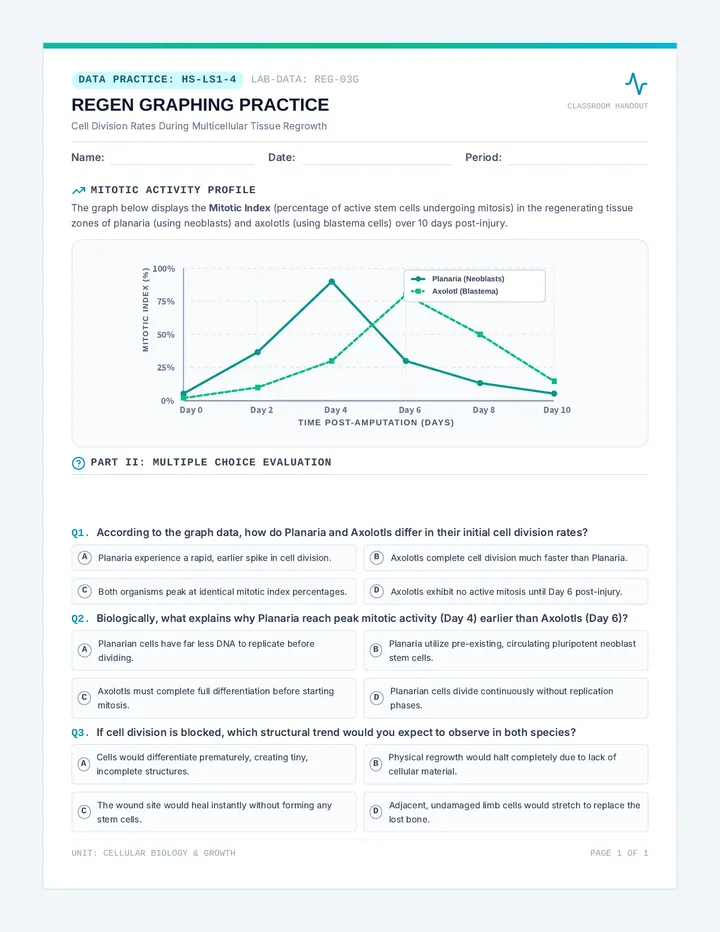
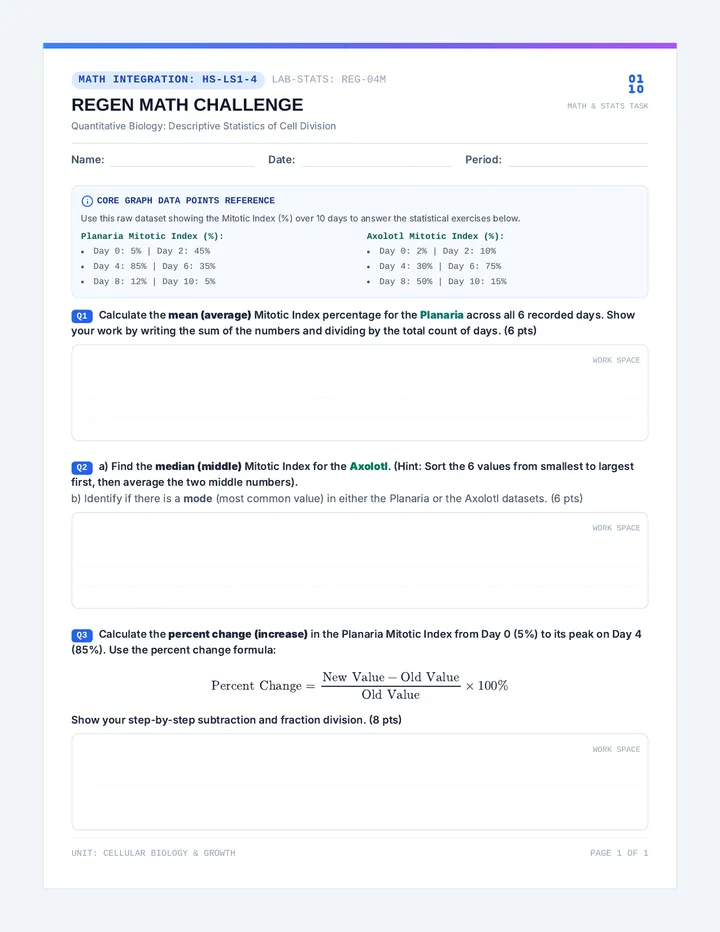
An instructional sequence exploring cellular growth, cell division, and cellular energetics. Students investigate multicellular regrowth and regeneration (HS-LS1-4) and model the transformation of solar energy into chemical energy via photosynthesis (HS-LS1-5).
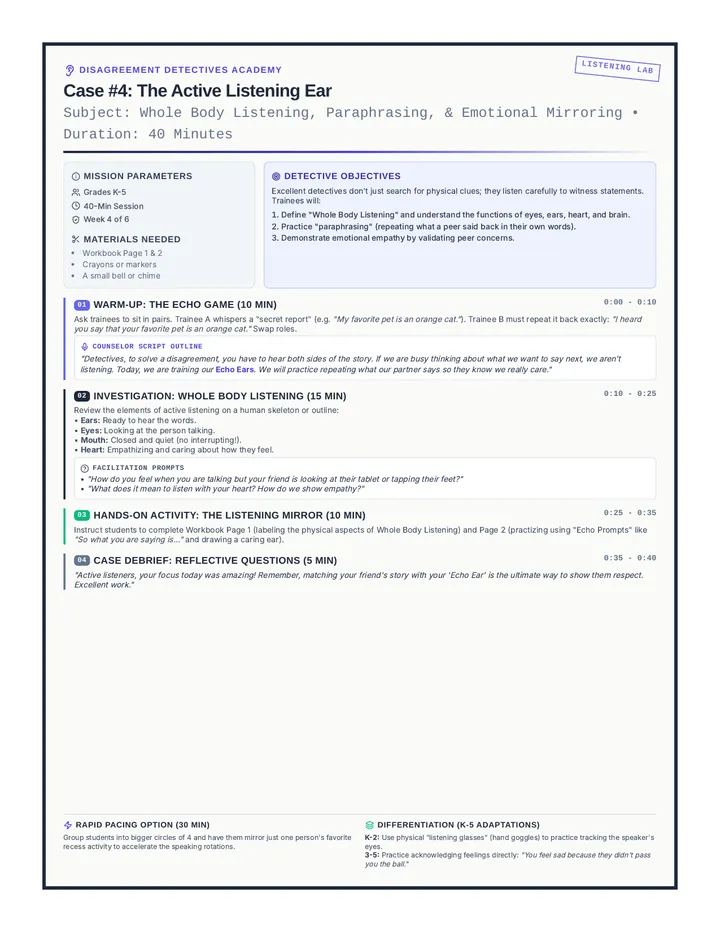
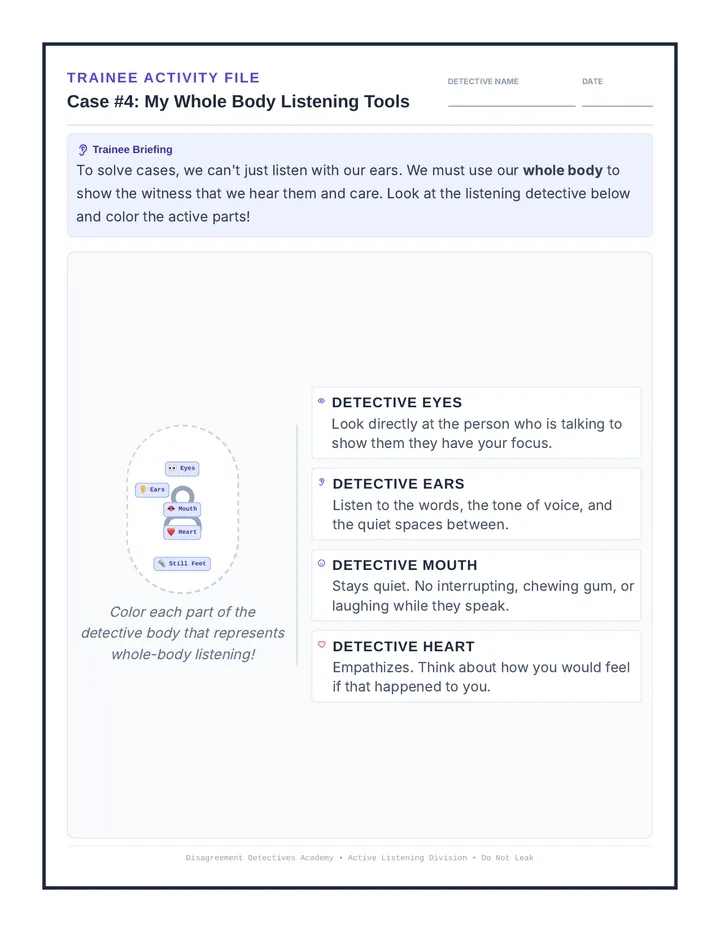
Week 4 focuses on the power of active listening. Students learn how to show they are listening with their bodies, and how to repeat back or mirror what their peer said to ensure accuracy.
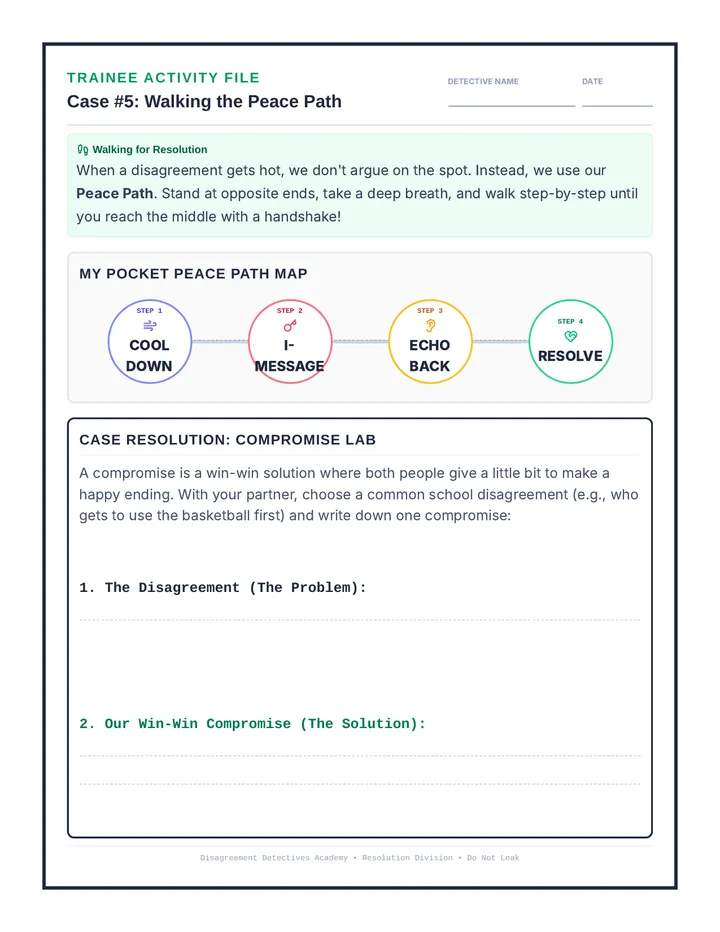
Student Activity Bundle for Week 5. Page 1 contains a 'Pocket Peace Path' visual walkthrough checklist. Page 2 contains 'Peace Path Floor Mat Tiles' cut & color printable templates.
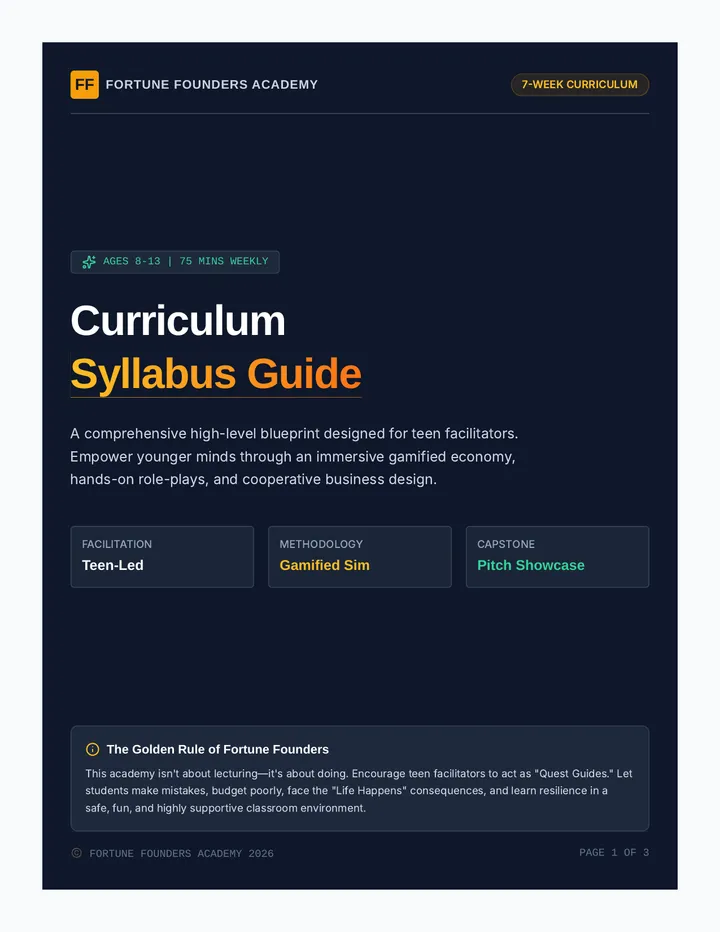
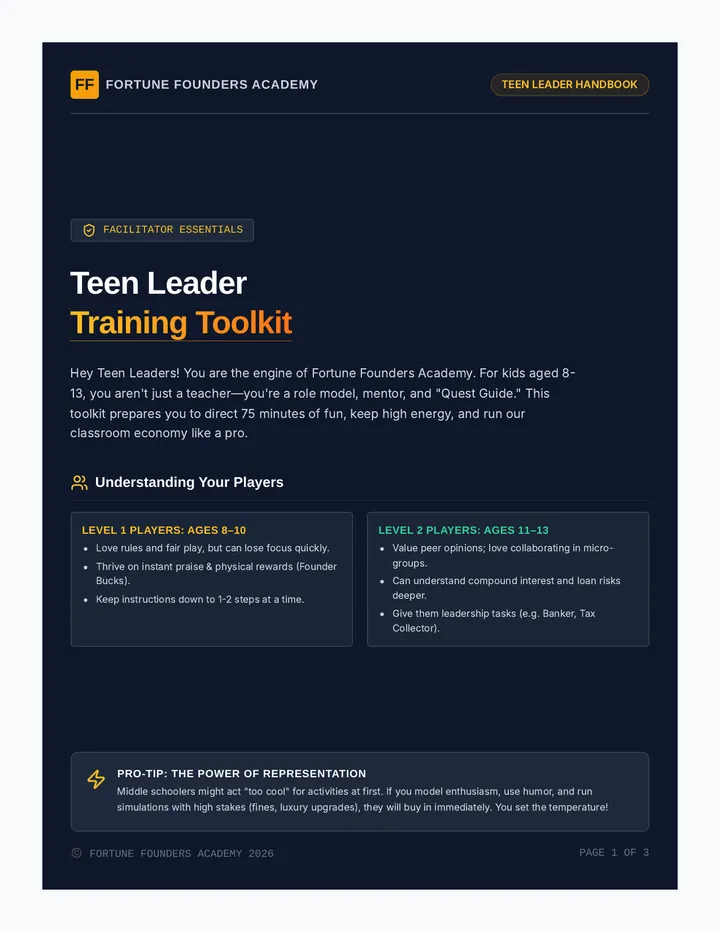
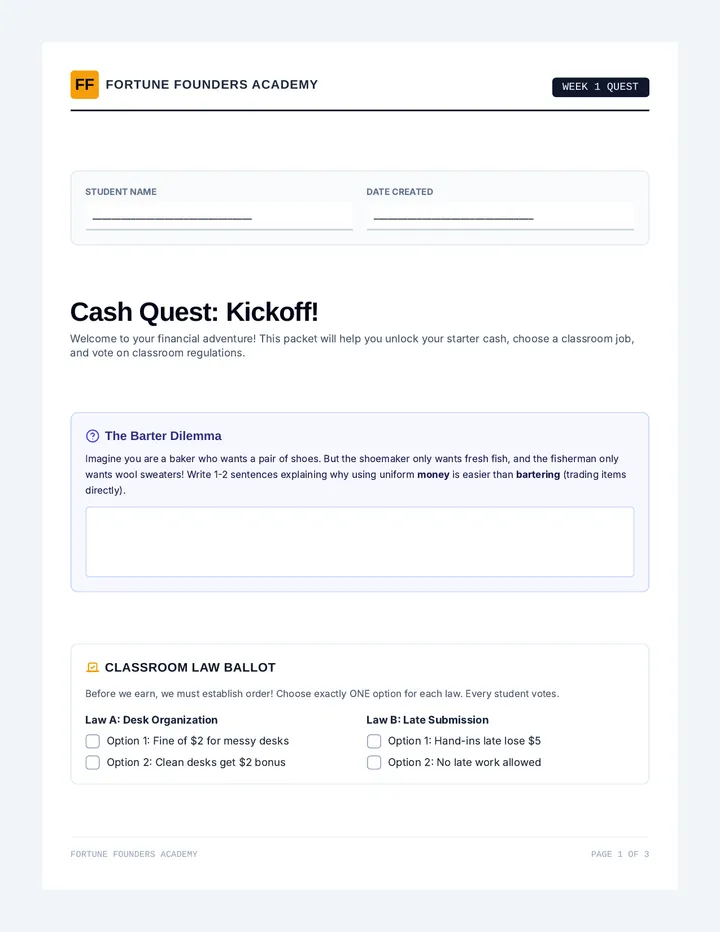
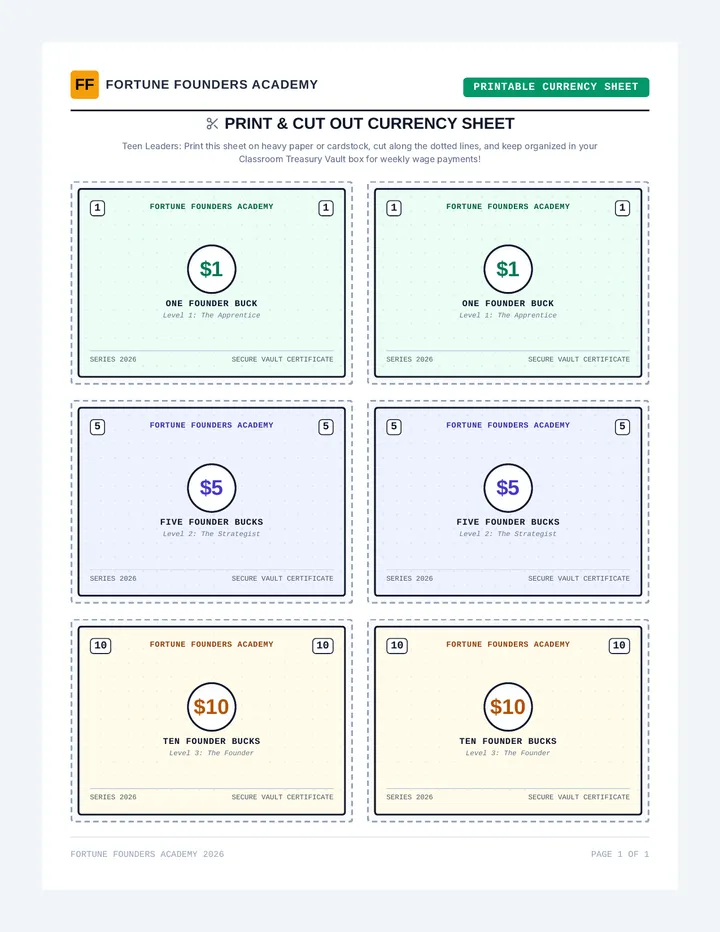
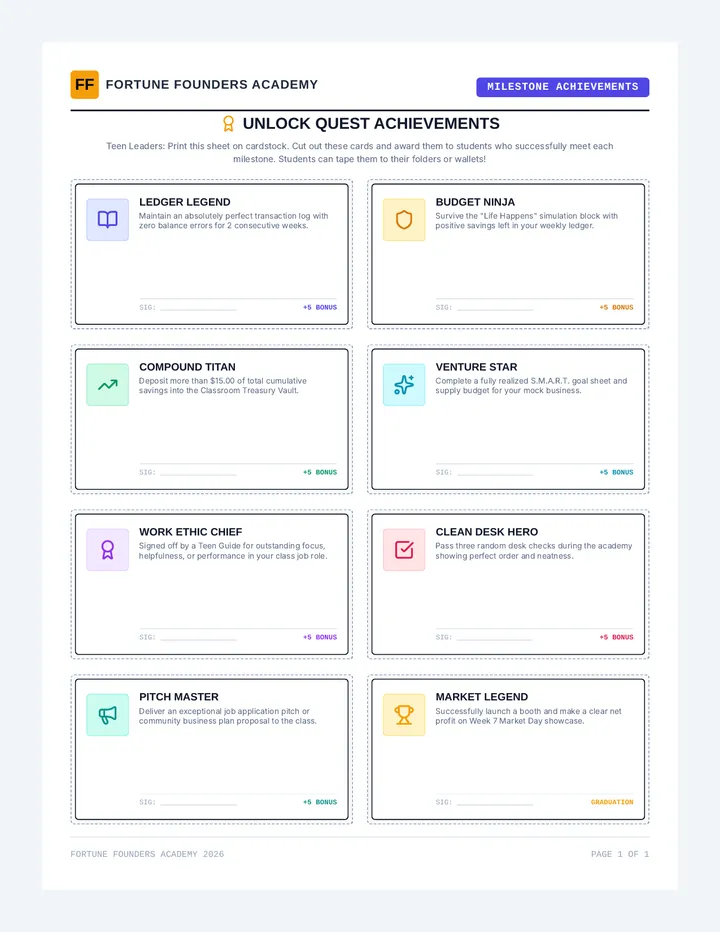
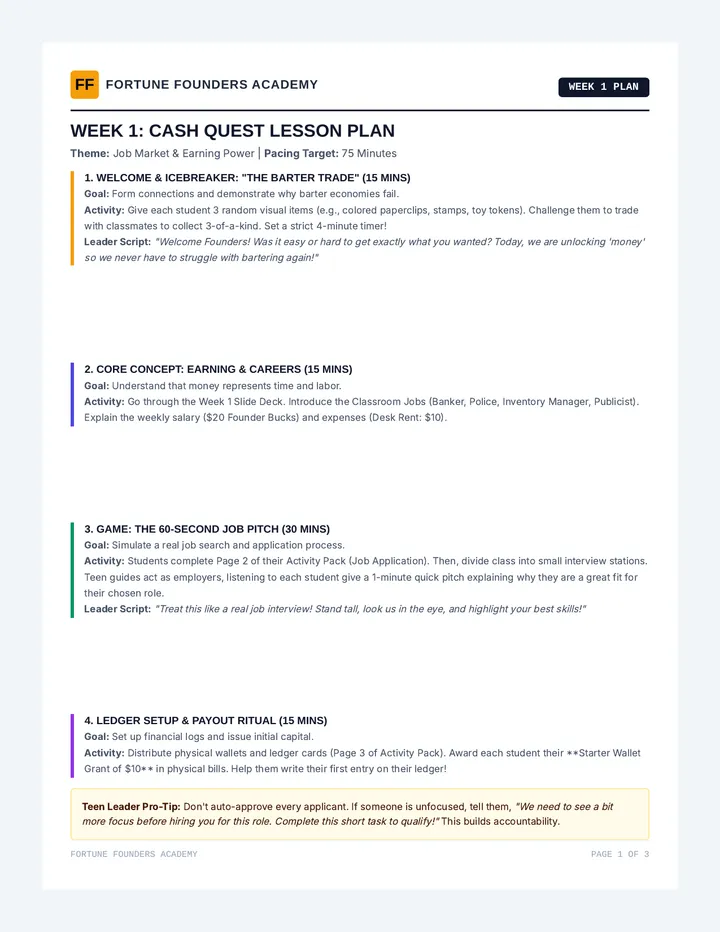
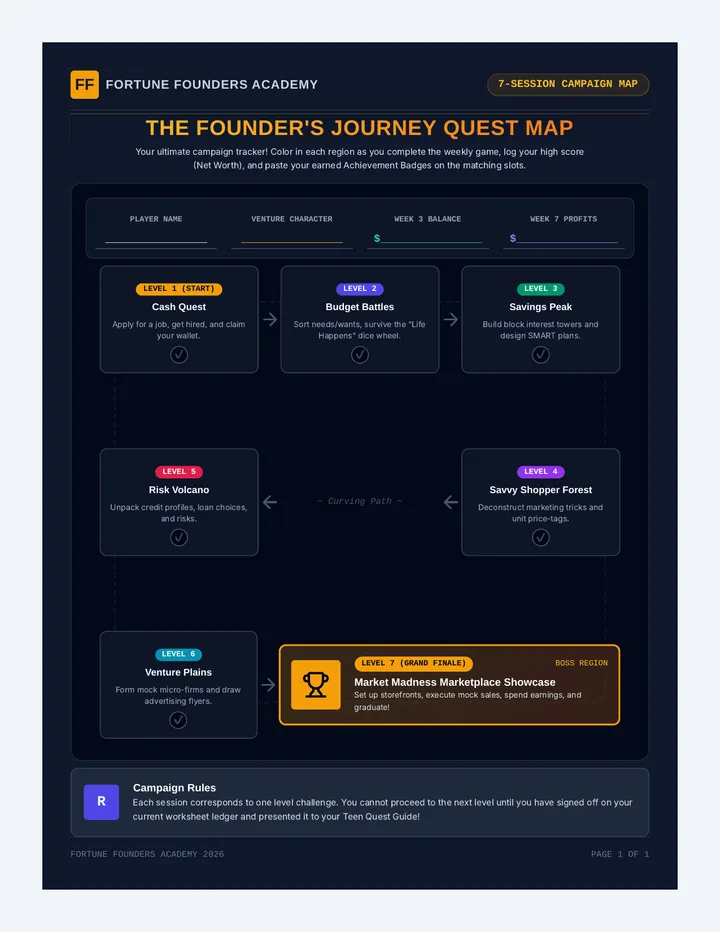
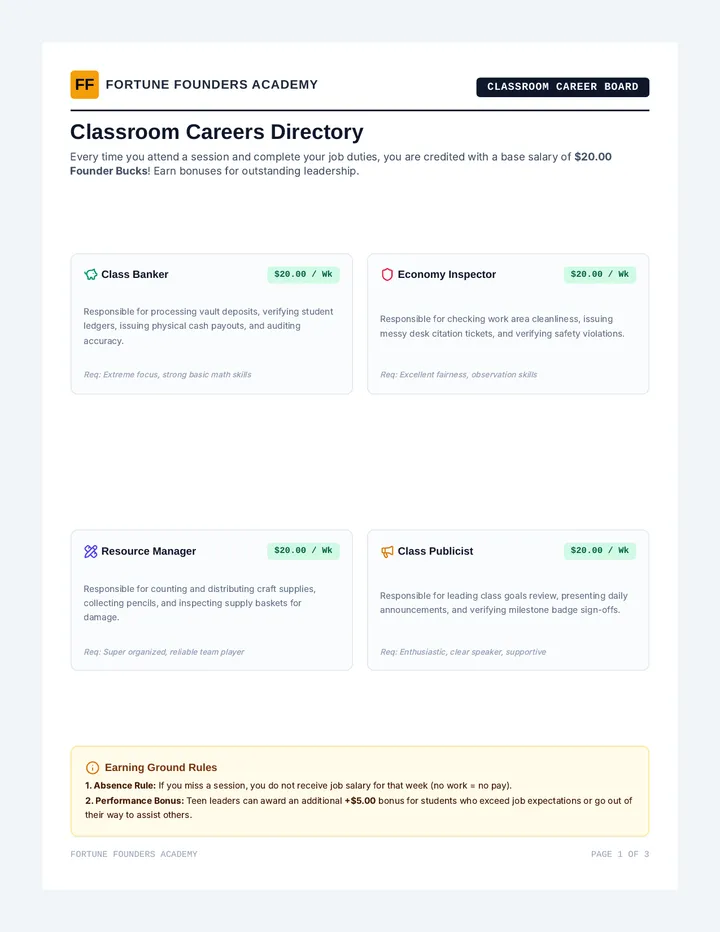
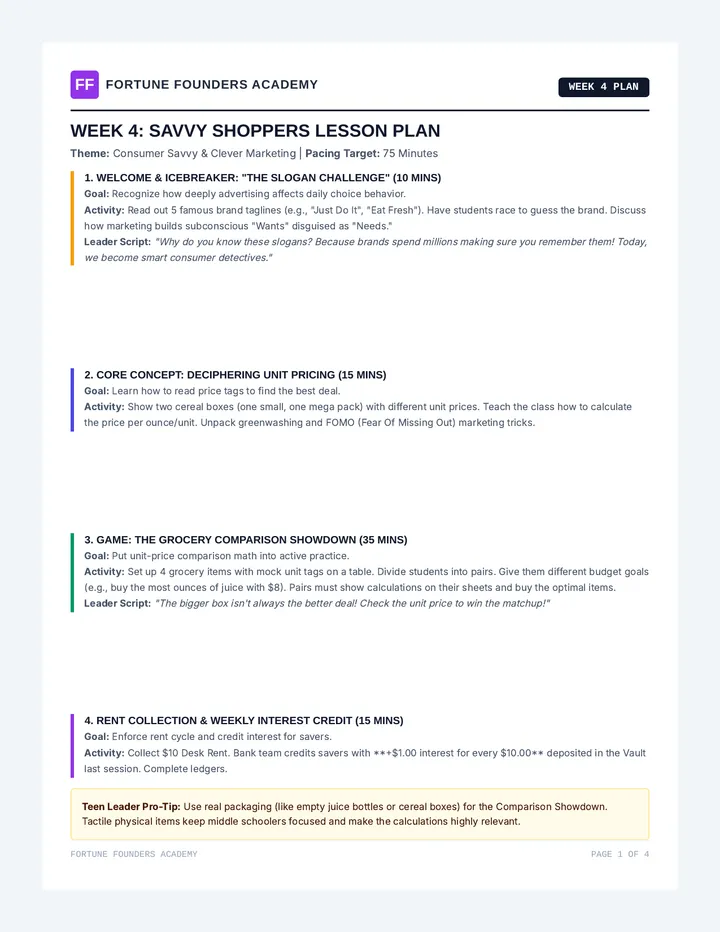
Fortune Founders Academy is a 7-week interactive financial literacy program for youth ages 8-13, facilitated by teen leaders. It features a game-based classroom economy, hands-on role-play, and a final community business showcase project.
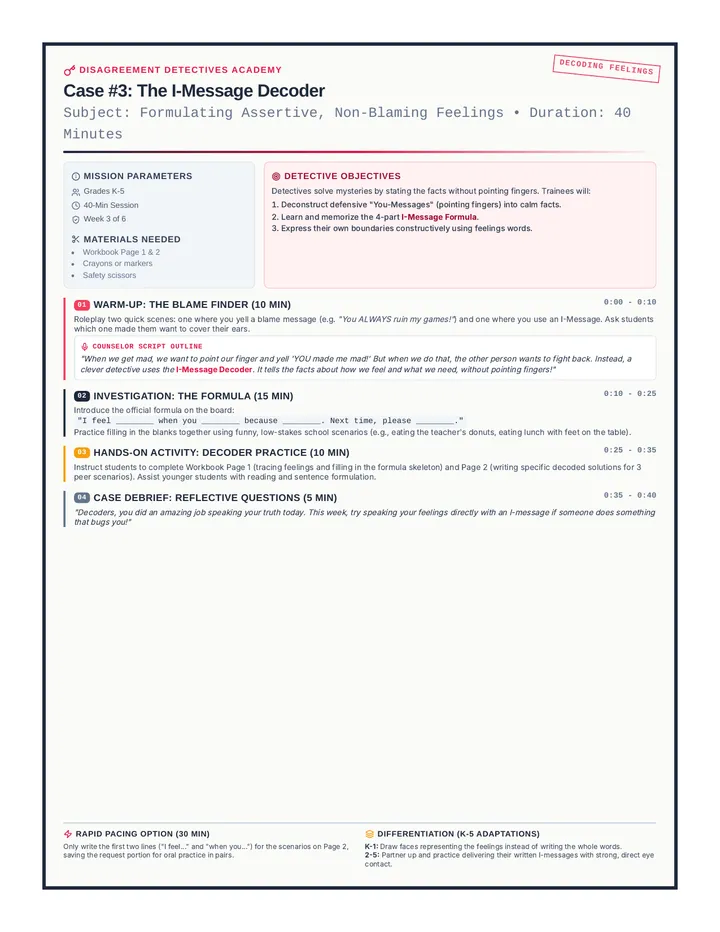
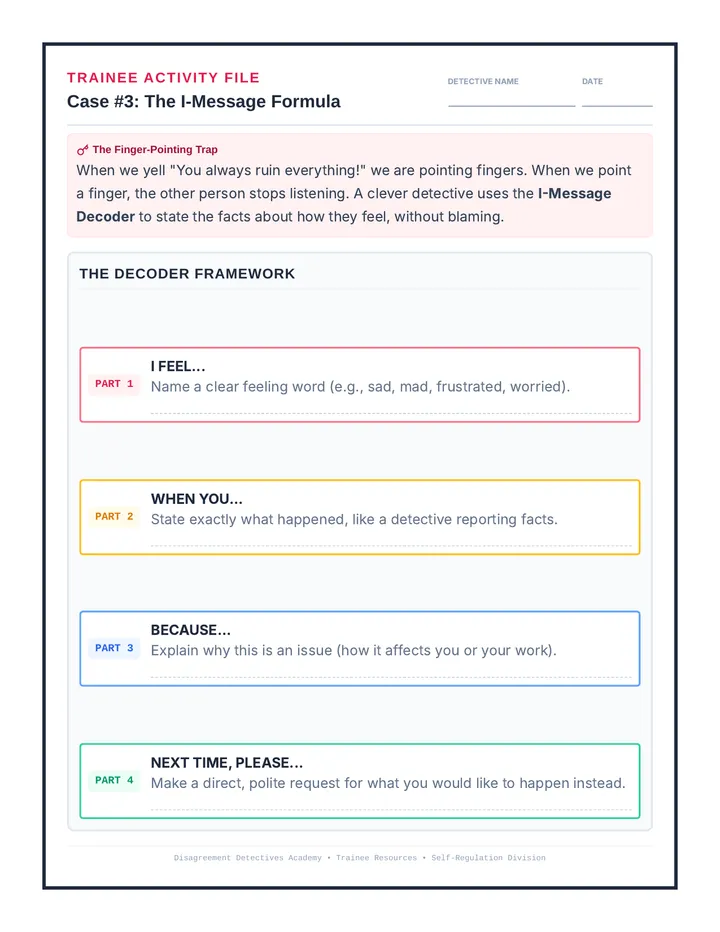
Week 3 teaches students how to formulate and use I-messages to express their feelings without blaming others.
Facilitator Guide for Week 5 of Disagreement Detectives. Includes counselor scripts, teaching frameworks for the physical Peace Path steps, and roleplay facilitation guides.