Vids Mastery Slides
Google Workspace
Creator Series
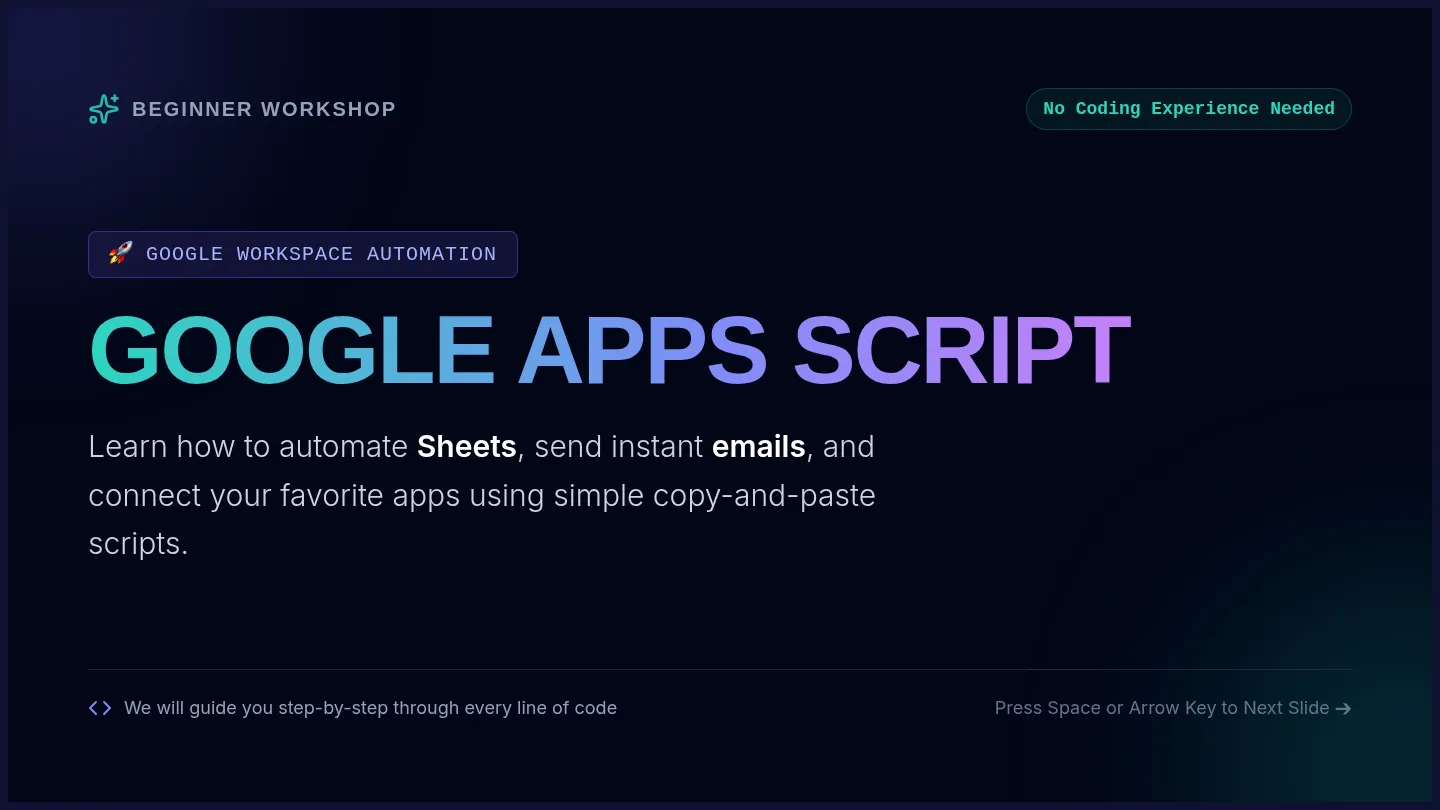
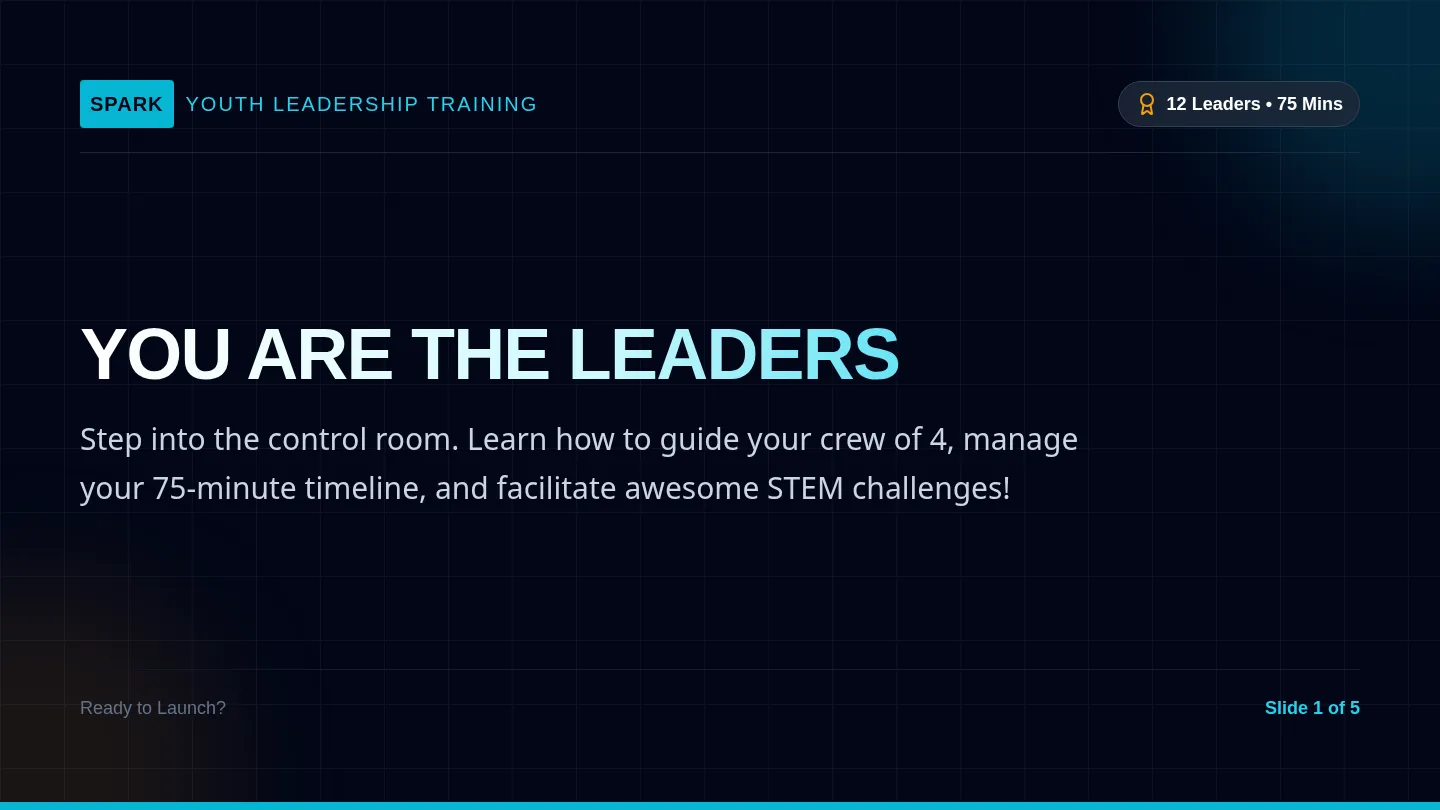
VIDS MASTERY
Create awesome, high-quality videos for school projects, club events, presentations, and personal ventures.
Core Target Audiences
Students • Creative Creators • Aspiring Professionals
01 / 05
Visual Communication Unleashed
The Creative Shift
Visual stories are simpler than ever to build
Explaining complex ideas doesn't require deep film background or professional production gear. Now, you can transform basic text into rich visual assets.
Convert essays, study notes, or ideas into stunning video frames.
Invite teammates to collaborate in real-time inside Google Docs styled editors.
Hook Your Audience
Keep peers, teachers, or potential buyers fully engaged with slick motion and audio.
Save Effort & Hours
Bypass steep software learning curves and complete video homework in minutes.
Google Vids • Interactive Visual Projects
02 / 05
Prompt to Creative Storyboard
AI Generation
How Google Gemini Drafts Your Video Outline
1
Outline Your Vision
Describe your assignment topic, main milestones, target viewers, and vibe (e.g., "A light school history project").
"Casual and easy to follow"
2
Adjust Scene Cards
Vids lays out clean scene cards. You are free to drag-and-drop elements, rewrite lines, or change graphics.
"Rearrange slides intuitively"
3
Render & Share
Compile free video stock, smooth transitions, text designs, and dynamic music loops into a finished shared file.
"Add team editors instantly"
Google Vids • AI-Driven Layouts
03 / 05
Personal Style & Editing Toolkit
Student Creators
Custom Style Kits
Customize and save distinctive colors, clean fonts, and signature logo decals to establish an identity for your club or channel.
Voiceovers & Audio
Choose friendly, natural AI text-to-speech voices or capture and edit your own microphone narrative seamlessly.
Free Media Search
Instantly search high-quality royalty-free video clips, sound effect files, sticker animations, and icons directly in the editor.
Google Vids • Fluid Media Resources
04 / 05
Creation Styles in Action
Project Blueprints
Business
Startup & Club Pitch
Turn business plan documents, fundraising proposals, or school club goals into organized, persuasive video slides.
Vibe: Focused charts, neat layouts, professional
Fun
School Spirit Reel
Celebrate tournament wins, promote social media hypes, or summarize team milestones with high-energy animated cuts.
Vibe: Dynamic beats, cute stickers, quick transitions
Casual
Study Vlogs & Intros
Share weekend vlogs, document study sessions, or introduce classmates in a relaxing, highly personal storytelling format.
Vibe: Friendly tone, natural ambient audio, soft tints
Google Vids • Adaptable Creative Styles
05 / 05
Vids Playbook Cheat Sheet
Vids Playbook
Student & Creator
AI-Powered Project & Presentation Creation Guide
Student / Creator Name: __________________________________________
Class / Subject: _____________________________________
1. The Prompt Engineering Formula
To get a high-quality storyboard draft and narrative script on your first attempt, organize your Google Gemini prompt inside Google Vids using this 4-part syntax:
The Vids Prompt Anatomy
[Role/Objective] Create a relaxed 60-second video explaining our biology photosynthesis project.
[Target Audience] For high school science students and our teacher.
[Core Deliverable] Summarize the light absorption steps and display custom animations of plant cells.
[Tone & Style] The tone should be friendly, clear, and energetic with soft acoustic music loops.
2. Scenario-Specific Blueprints
The Casual Student Vlog Daily Highlights Template
"Generate a casual 1-minute study recap. Highlight our team study session, quick laughs during library coffee breaks, and three main math formulas we mastered. Keep the vibe highly conversational and warm."
The Startup & Club Pitch Proposal Template
"Create a clean, 60-second business pitch for our proposed student recycling startup. Briefly highlight the classroom waste problem, explain our smart-sorting app idea, and call viewers to sign up today."
3. My Custom Video Planner
Sketch out your initial objective, audience, and your exact AI prompt before opening Google Vids.
My Video Goal
e.g., Promote school tournament wins...
My Target Audience
e.g., My classmates, family, and friends...
My Draft AI Prompt
Draft your descriptive outline here... Recommended: 100-300 characters
Page 1 of 2
Vids Creation
Creative Controls
Creative Guidelines and Administrative Workspace Configurations
1. Style & Production Checklist
Follow these baseline style items to ensure your student videos feel polished, engaging, and readable on screen.
Consistent Color Theme
Select a palette of 2 or 3 distinct colors. Match lighter backdrops with dark title cards.
Microphone Recording
Record high-quality vocals directly in Vids, or pick a friendly AI speech voice model.
Royalty-Free Assets
Filter the built-in library for educational images, background beats, and funny emojis.
Real-Time Editing
Add your team members as editors using direct Drive share controls for simultaneous build.