A hands-on lesson where students explore the journey of digital data, from encoding letters into binary to transmitting signals through wires or air, and finally decoding them back into information.
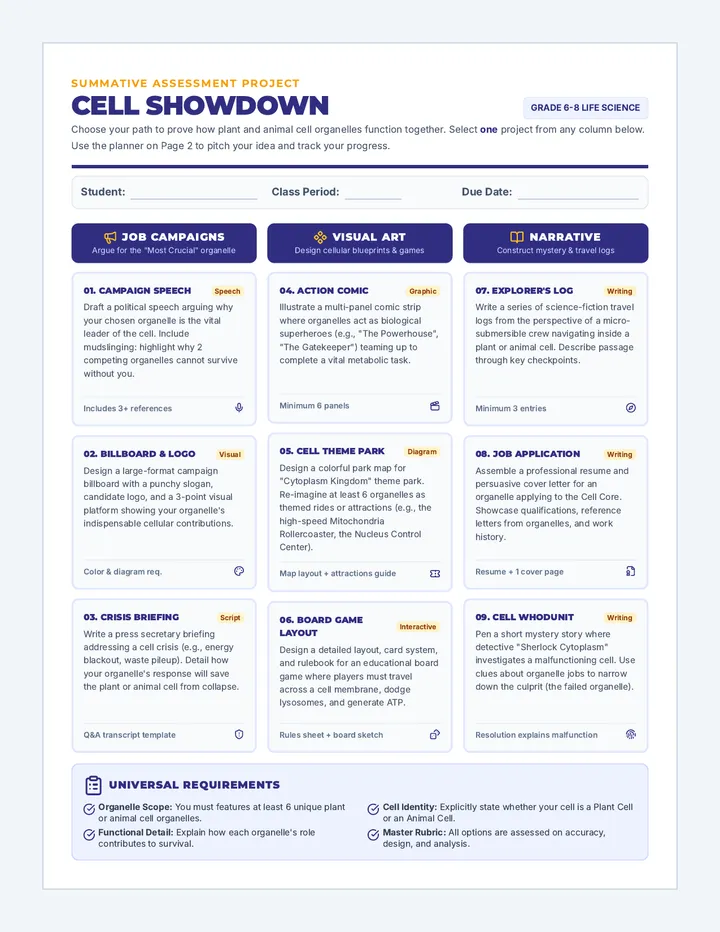
An ecology and life science curriculum sequence exploring the microscopic and macroscopic systems of our planet, from cellular organelles and biological organization to Earth's interconnected spheres.
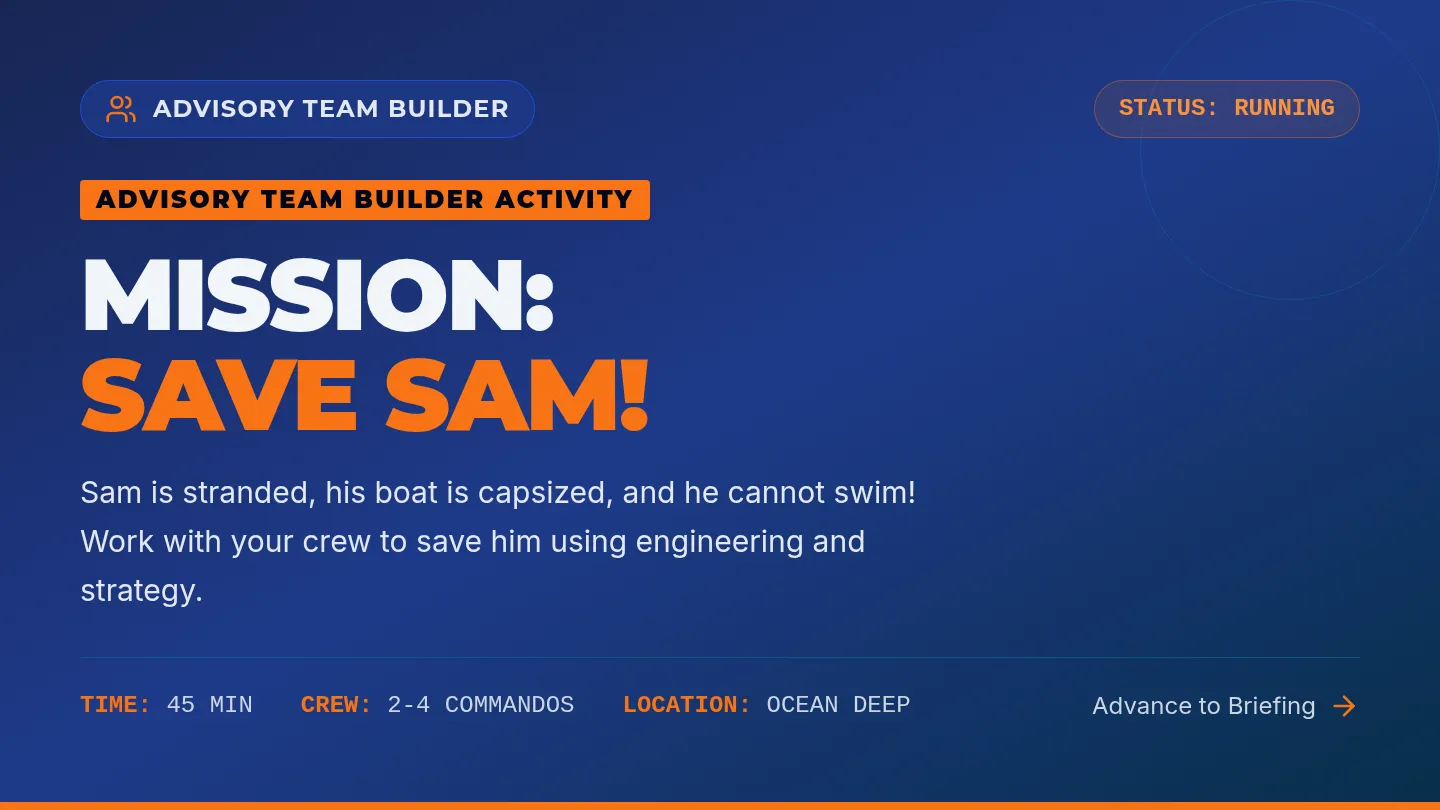
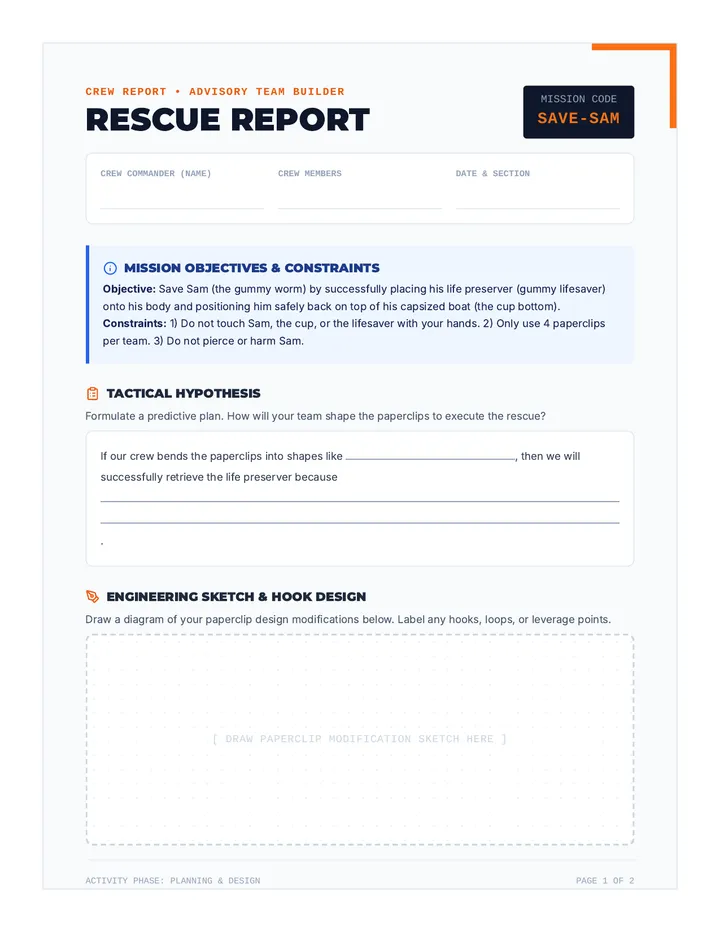
An introductory STEM and cooperative learning lesson where students work in teams to save Sam, a gummy worm stranded on a capsized boat, using only paperclips to retrieve and equip his life preserver.
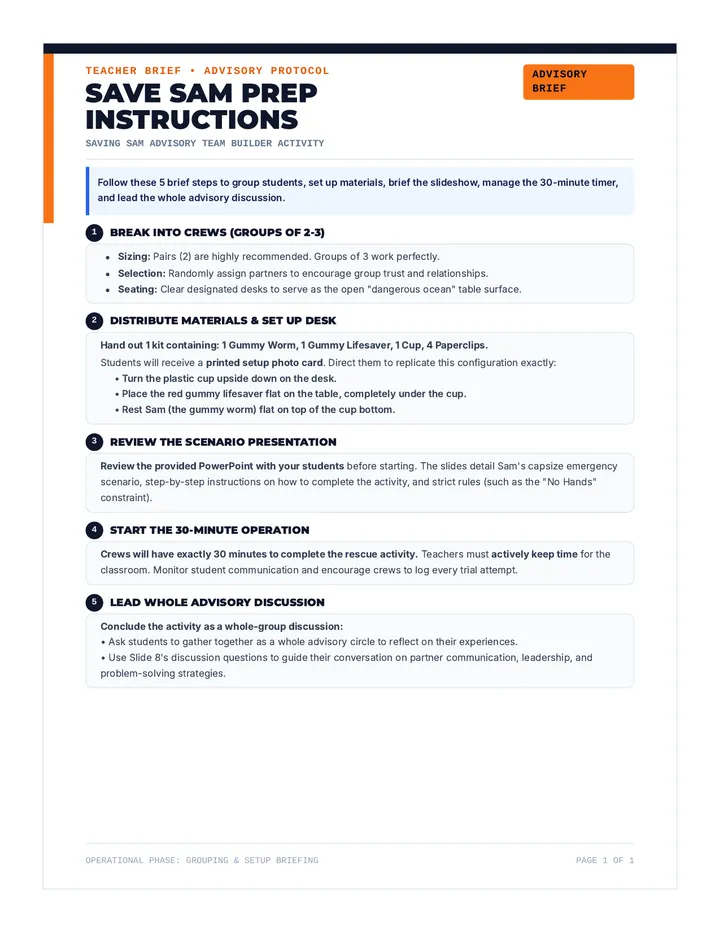
A brief, step-by-step instructional guide for teachers on breaking students into groups of 2-3, distributing materials, briefing the scenario via slides, and managing the 30-minute timer.
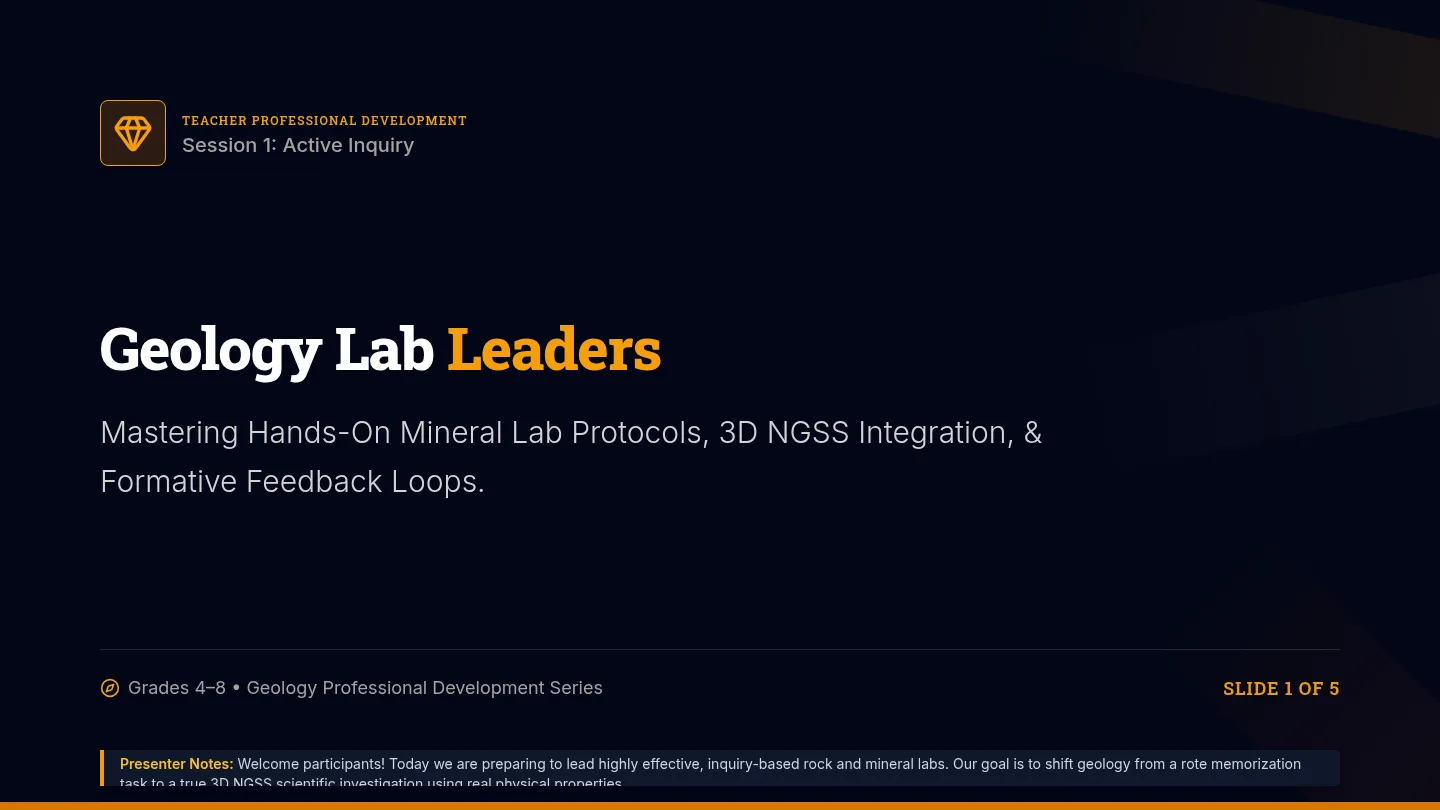
A comprehensive teacher professional development and model lesson plan sequence. It equips educators with hands-on mineral testing protocols, inquiry-based (3D) NGSS teaching strategies, geological vocabulary support, and formative assessment tools for grades 4-8.
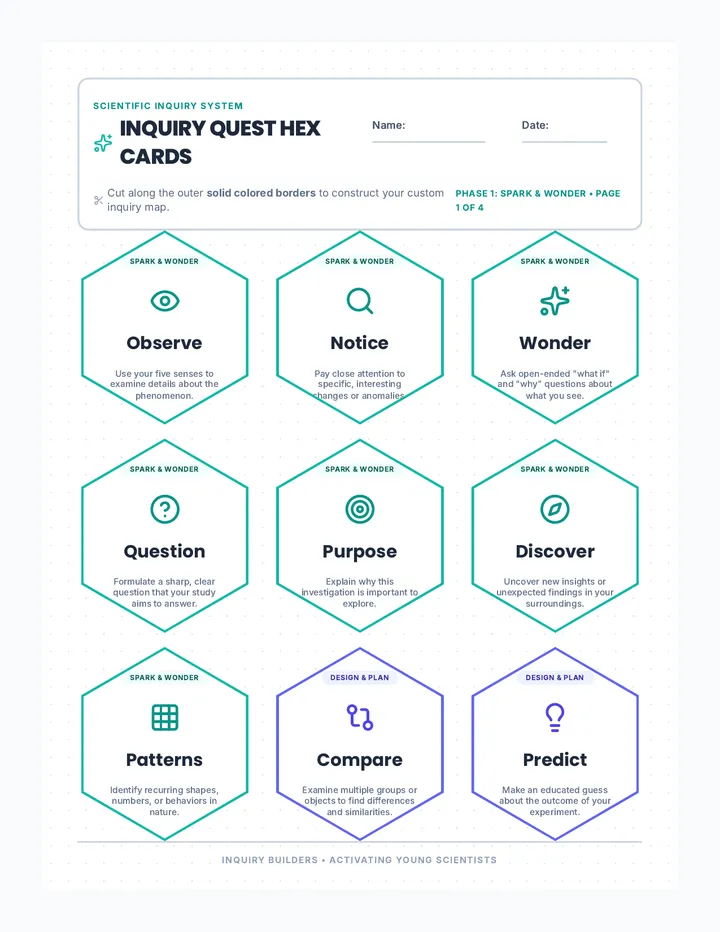
A lesson designed to guide students through the fundamental stages of scientific inquiry using tactile, color-coded hex cards to map, sort, and collaborate on scientific investigations.
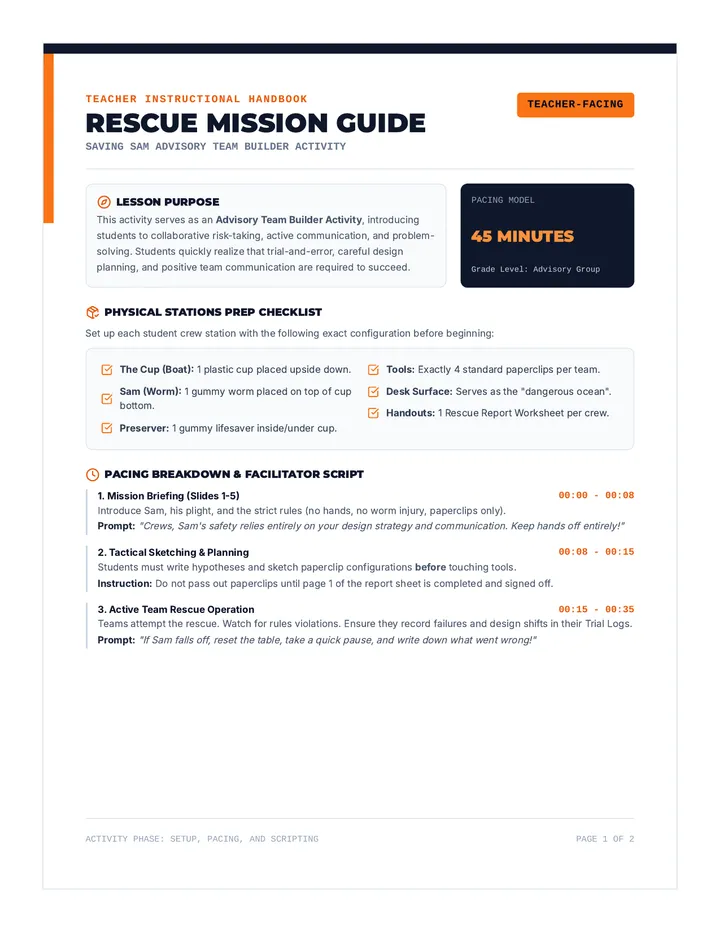
A comprehensive, 2-page instructional guide for teachers containing step-by-step setup instructions, material lists, scripted prompts, pacing suggestions, common student misconceptions, and a 4-point cooperative rubric.
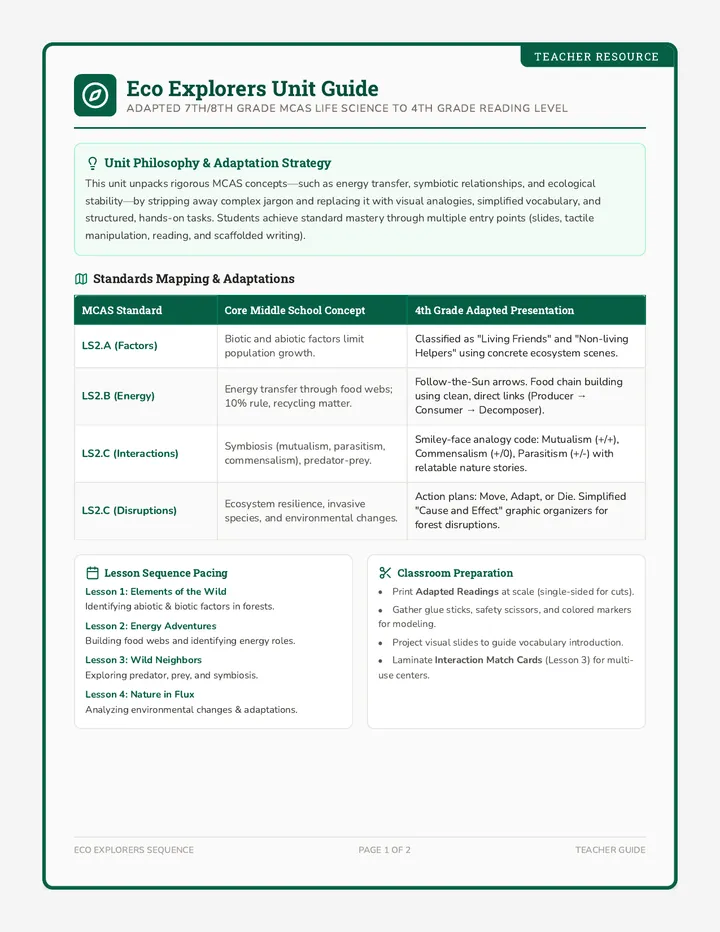
An interactive, highly visual ecosystem unit designed for 7th/8th grade MCAS standards but adapted to a 4th-grade reading and comprehension level. The unit explores abiotic/biotic factors, energy flow, interactions, and disruptions through hands-on activities, adapted readings, visual slides, and scaffolded assessments.
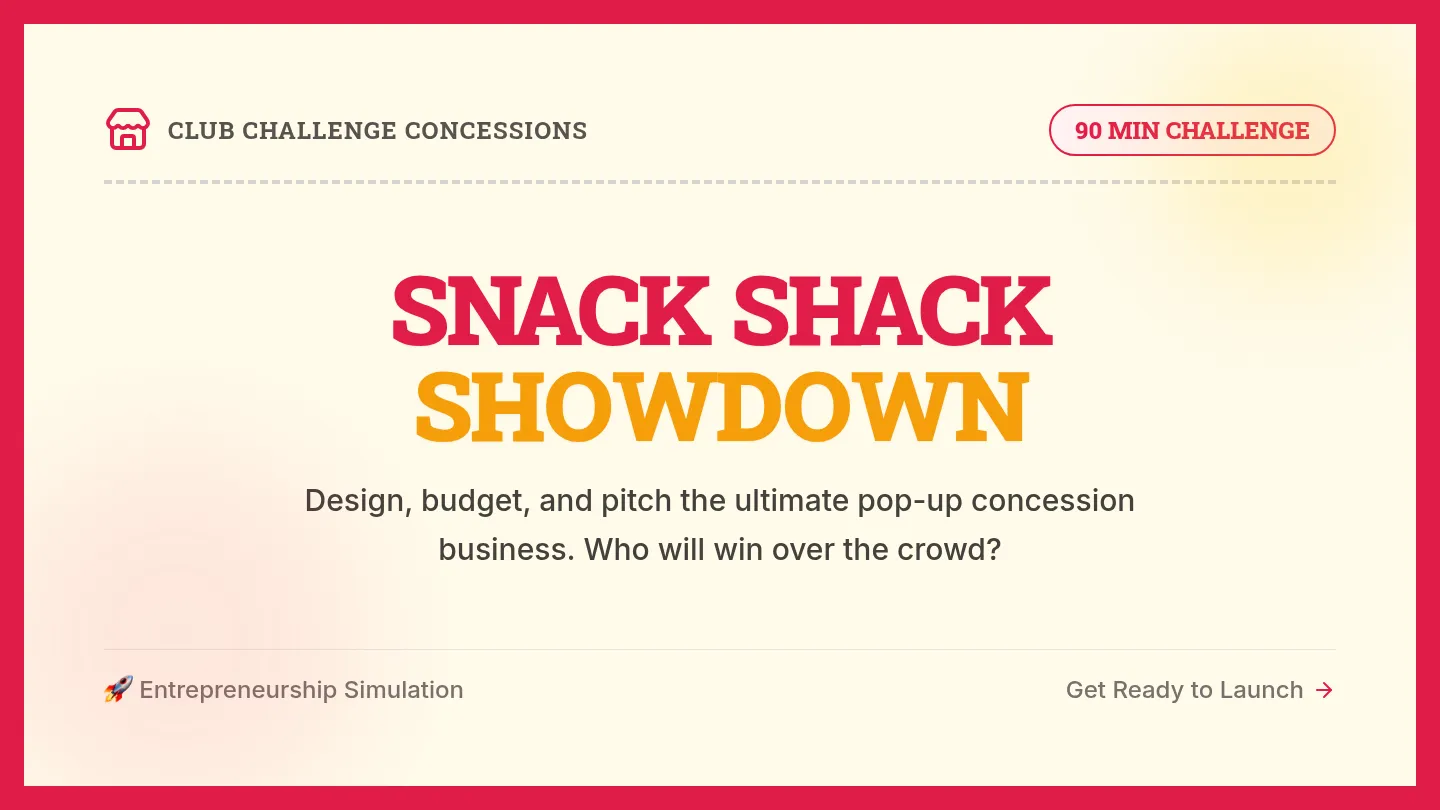
An immersive, 90-minute entrepreneurial challenge where teams collaborate to design, budget, and present a fully functional snack shack business while navigating real-world supply chain and staffing twists.
A structured, 2-page print-ready student worksheet designed to guide students through the engineering design process during the challenge. Includes space for design sketches, hypothesis writing, a trial tracking log, and team reflection questions.
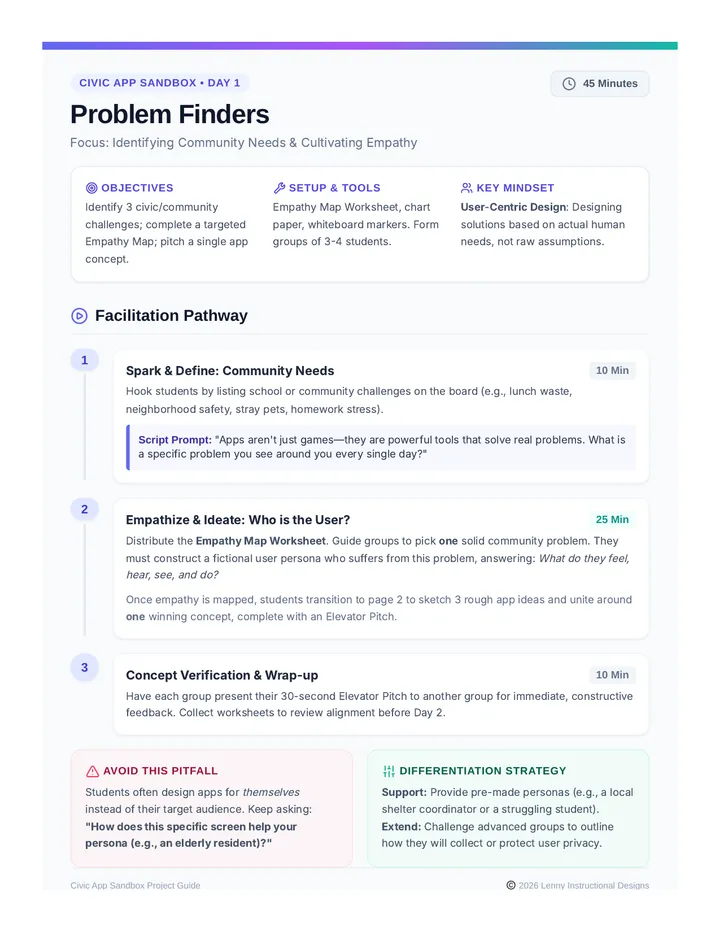
A three-day project-based learning unit where students design and pitch interactive paper prototypes of apps that address real-world community challenges.
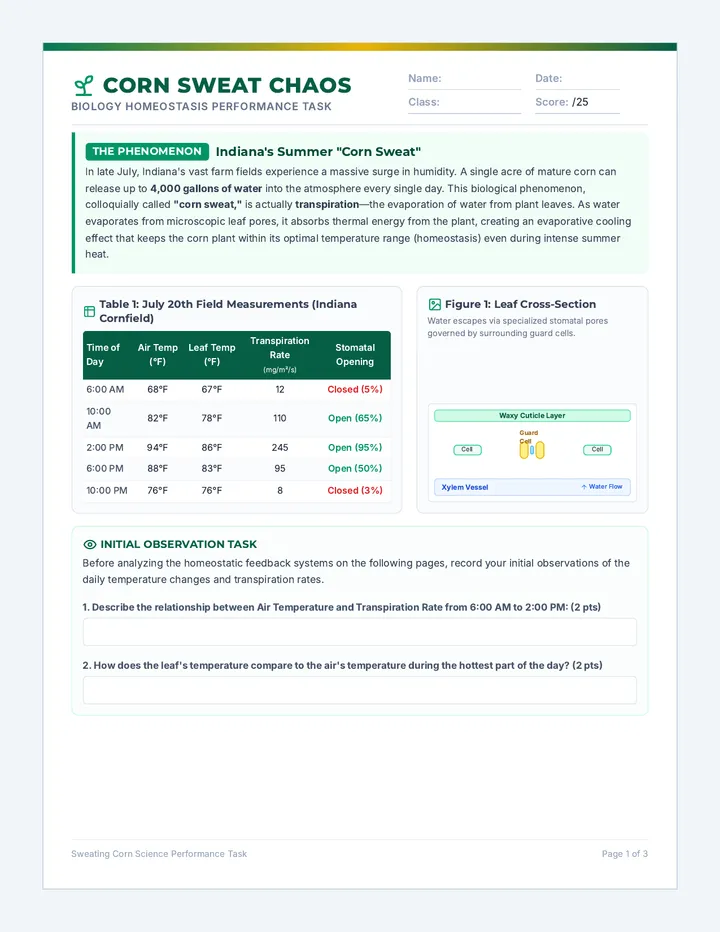
A middle/high school biology performance task exploring homeostasis through the lens of Indiana's massive cornfields. Students analyze how corn transpiration (locally known as 'corn sweat') regulates water balance and temperature during humid July days.
An interactive, highly visual presentation designed to guide students through the Saving Sam STEM challenge. It features step-by-step visual rules, clear success criteria, and structured team discussion prompts using a high-contrast marine rescue theme.