Classroom AI Copy Card
Quick Copy Kit Ready to Use
Classroom AI Copy-Paste Kit
Choose the format that fits your situation, copy the text, and use it directly.
4 TEMPLATES
Option 1: Quick & Direct (For Text, Chat, or In-Person Note) Short • Direct
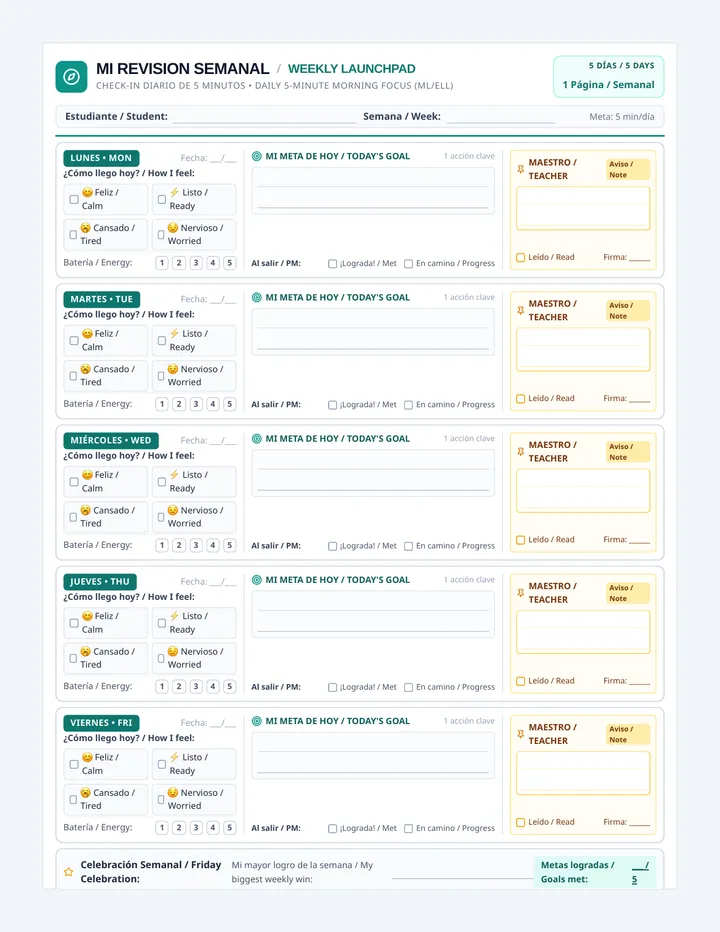
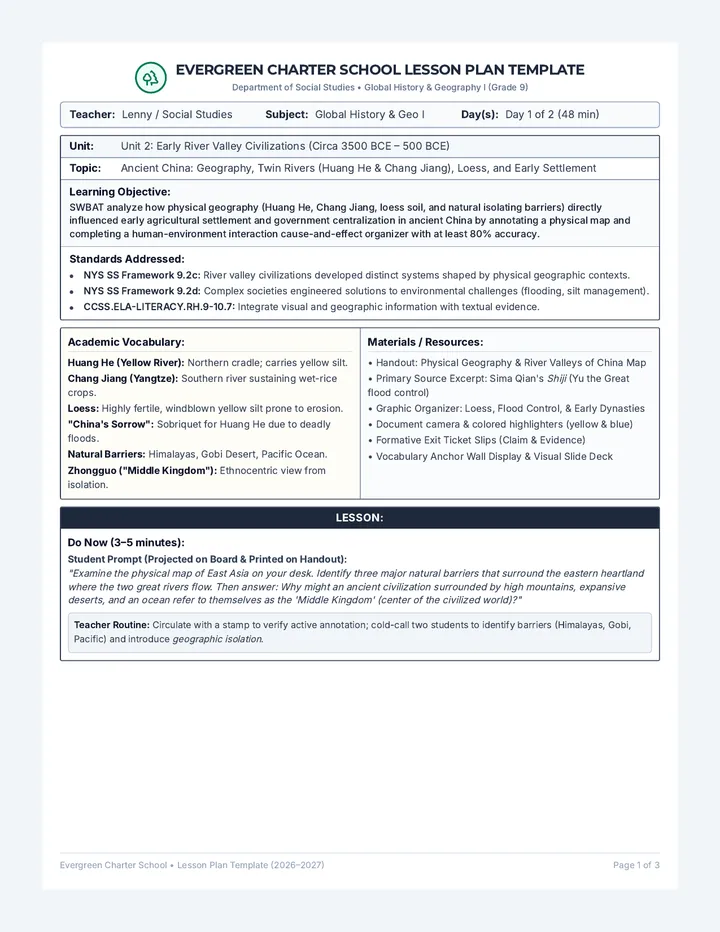
"I noticed our assignments come from Lenny, which is an automated generative AI tool. Since we are repeatedly told not to use AI at all, it feels unfair and confusing that AI is being used to make our work while being told it's not AI. Can we have an honest discussion about this?"
Option 2: Polite Email to the Teacher Formal • Respectful
"Dear [Teacher's Name],
I wanted to ask about our recent coursework. You mentioned previously that the assignments were not created with AI, but Lenny (lenny.com) is confirmed to be an automated generative AI platform that produces educational text and worksheets.
As students, we are held to strict academic honesty standards and told that hiding sources is wrong. Seeing AI-generated materials used repeatedly without disclosure while students face zero-tolerance AI bans feels contradictory. Can we talk about establishing fair, transparent guidelines for everyone?
Thank you,
[Your Name]"
Option 3: Just the Facts (Quick Evidence Bullets) Bullet Points • Fact-Check
• Fact 1: Lenny (lenny.com) is an automated Generative AI platform powered by language models. Claiming it isn't AI is factually incorrect.
• Fact 2: Academic honesty requires truthful source attribution from both students and educators.
• Fact 3: Banning students from basic search overviews while generating coursework with AI creates an unfair double standard.
Option 4: Note for Parents or School Administration Official • Escalation
"Our class enforces a strict zero-tolerance AI policy for students, but our teacher has been assigning coursework generated by Lenny, an automated AI platform, while denying that it is AI. We would like clarification on school policy regarding academic honesty and whether AI attribution standards apply equally to teachers and students."
Classroom AI Ethics & Communication Kit Select text directly on screen to copy