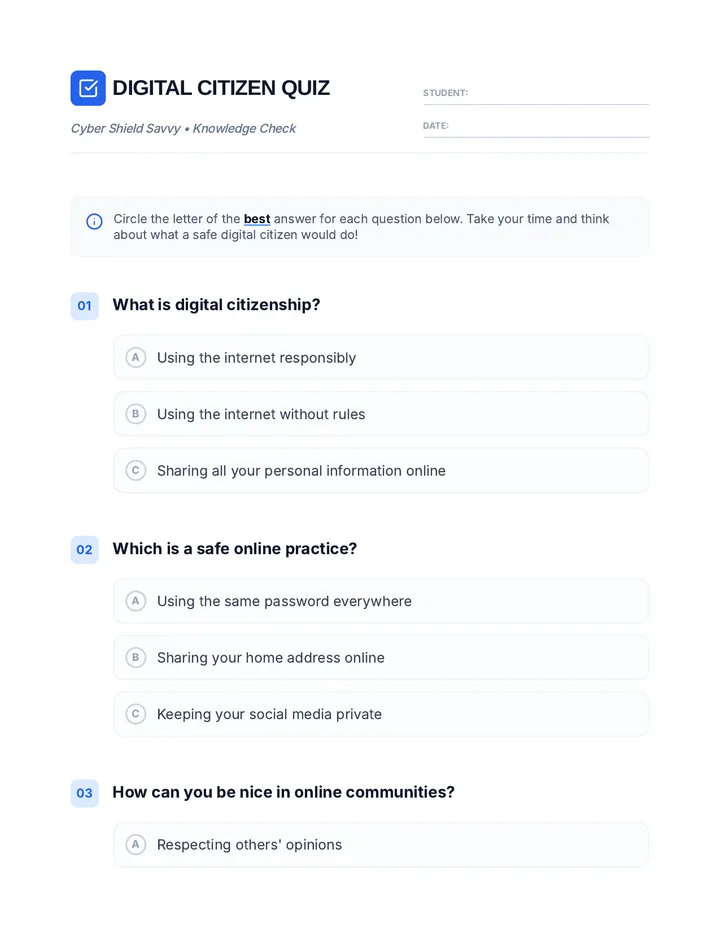
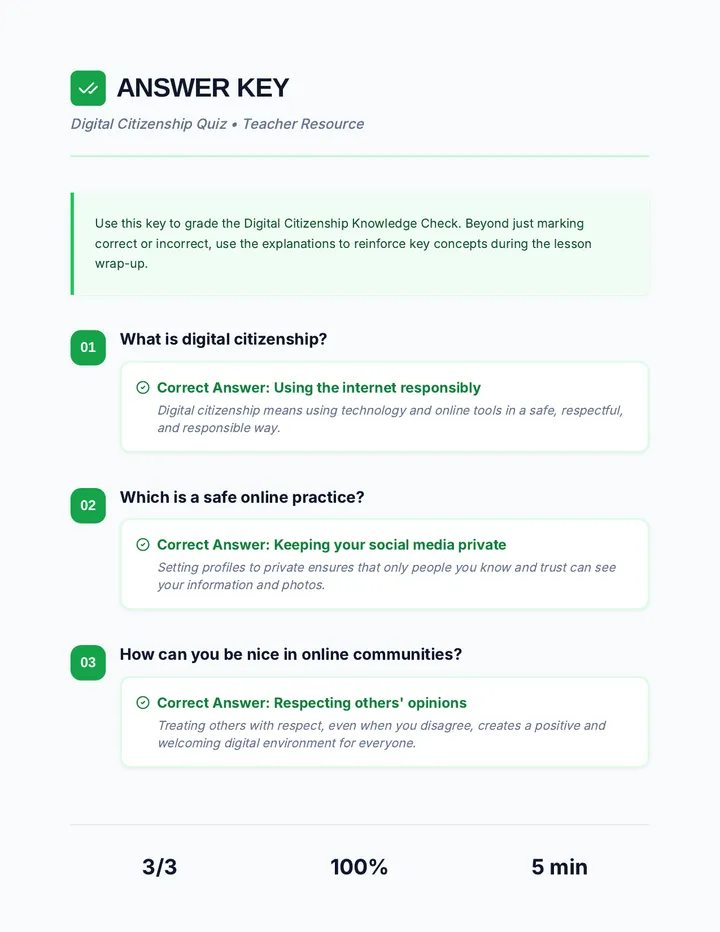
Fundamental hardware proficiency, secure online behavior, and ethical social media engagement. Equips learners with productivity tool mastery, web publishing skills, and critical evaluation of emerging technologies.
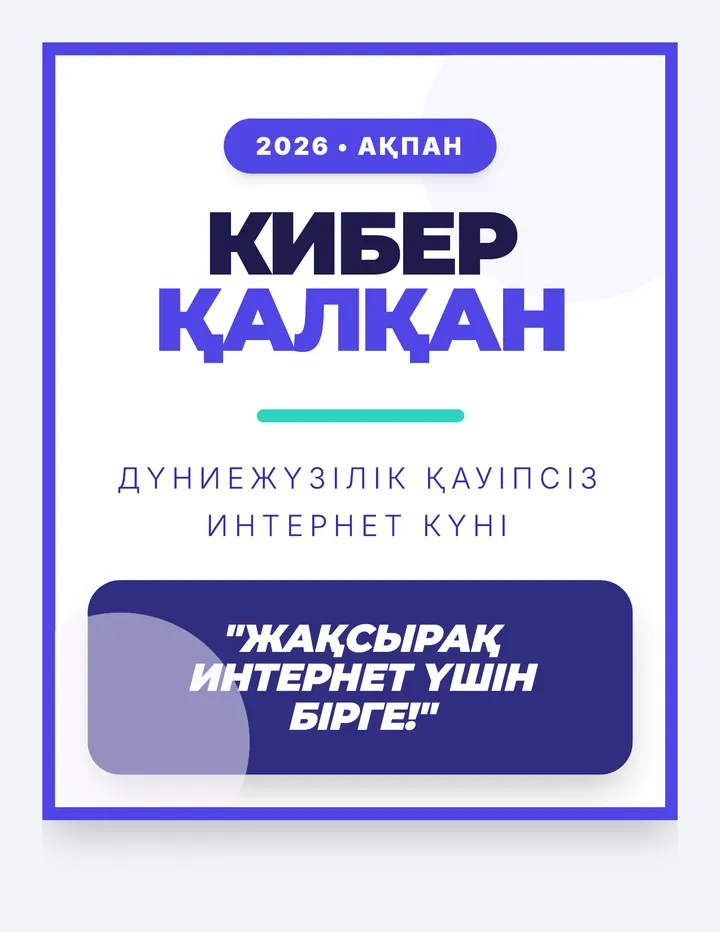
Set of 5 individual large-format posters for a school wall newspaper. Includes: Title Poster, Primary School Guide (1-4), Middle School Guide (5-9), Video/QR Poster, and an Interactive Quiz/Sticker Zone. Each page is designed as a high-visibility, standalone piece for World Safer Internet Day.
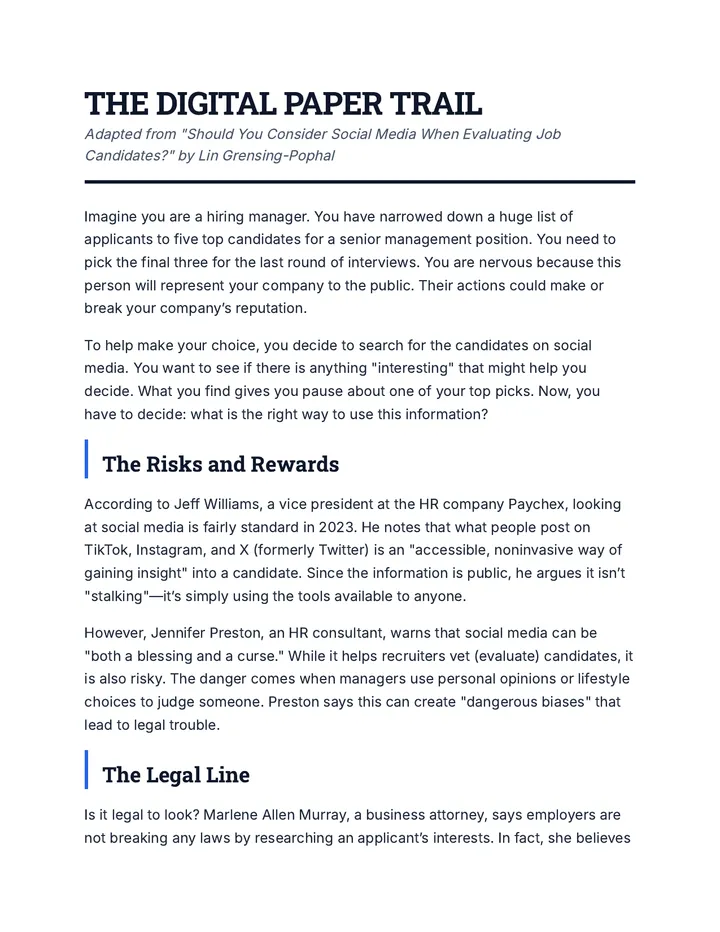
An abbreviated reading passage for 9th-grade students discussing the ethics and legalities of using social media to screen job candidates. Includes reflection questions and student work areas. Adjusted to fit the requested 1.2-page format.
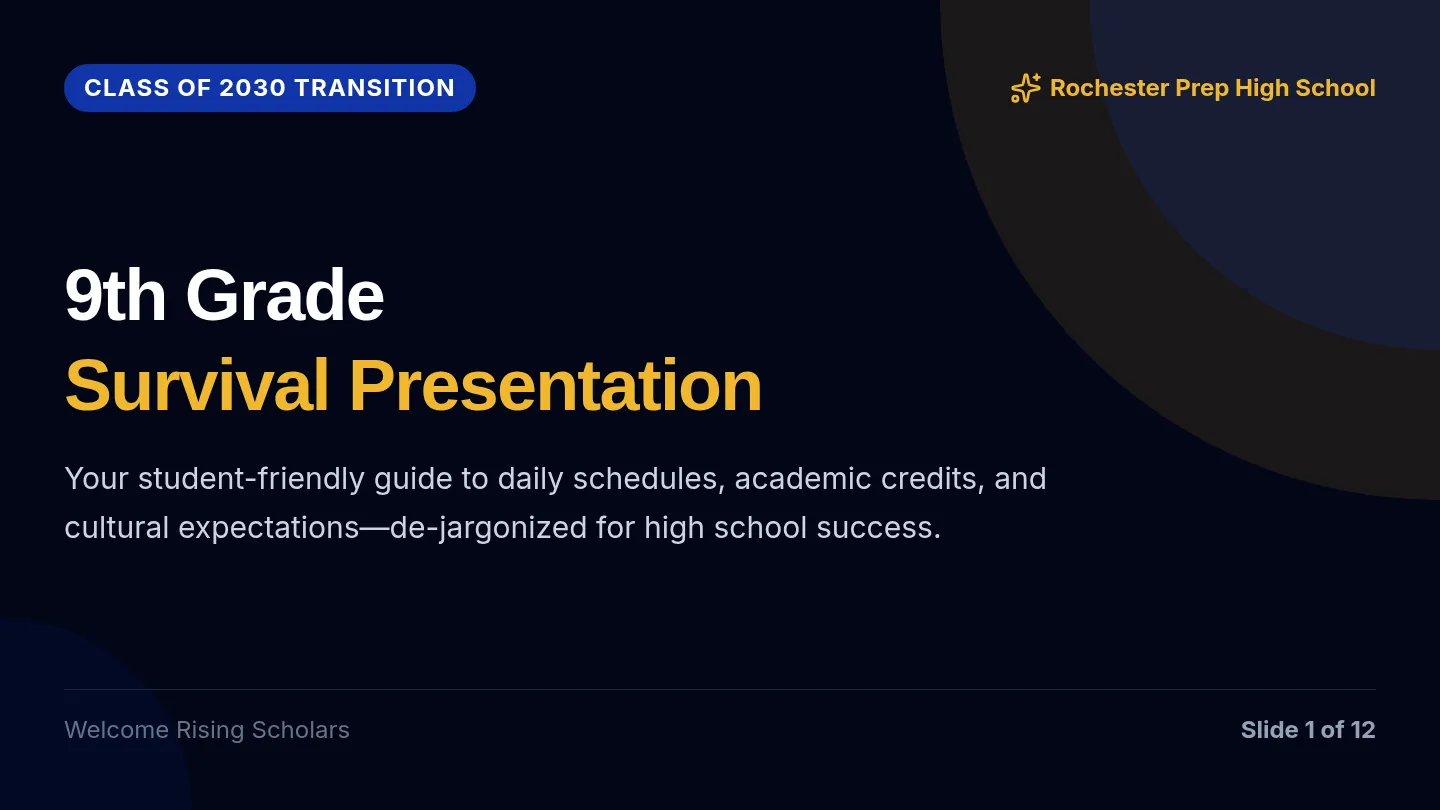
A student-friendly, twelve-slide transition presentation designed for rising 9th graders, de-jargonizing the handbook expectations around academic promotion, cell phones, Chromebooks, hours, and locker search rules, including independent navigation, Google Classroom submissions, and a student-friendly GPA guide.
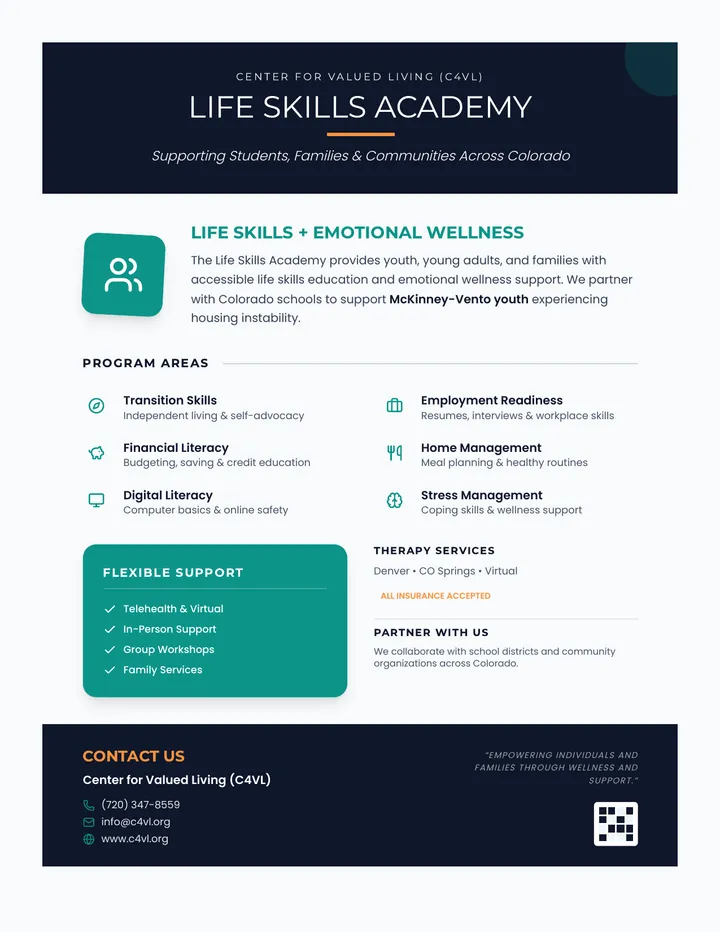
A professional one-page informational flyer for the C4VL Life Skills Academy, featuring a clean teal and navy blue design with sections on program areas, support options, and partnership opportunities.
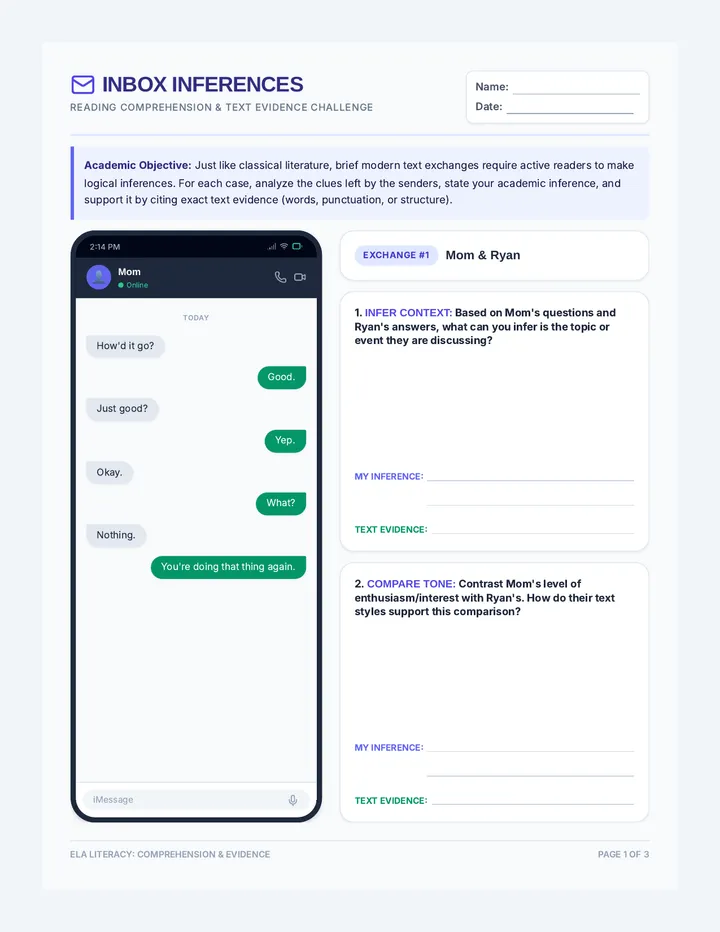
A 3-page academic ELA reading comprehension worksheet called 'Inbox Inferences Worksheet' focused purely on inferencing, tone, character analysis, and citing text evidence from text message exchanges, ending with an academic synthesis activity.
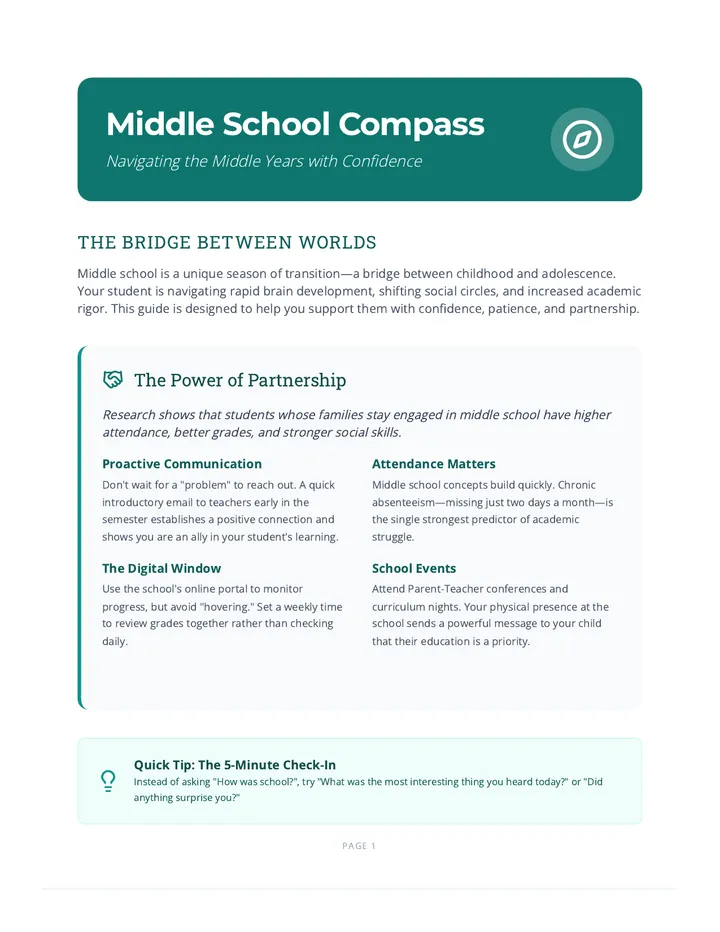
A comprehensive 5-page parent resource guide for middle school families, covering academic organization, social dynamics, healthy habits (sleep, nutrition, movement), digital safety, and drug awareness.
A simplified, professional fidelity checklist for instructors featuring a single, clean continuous list of key components. This version removes all section titles, phases, and note areas for a focused assessment tool.
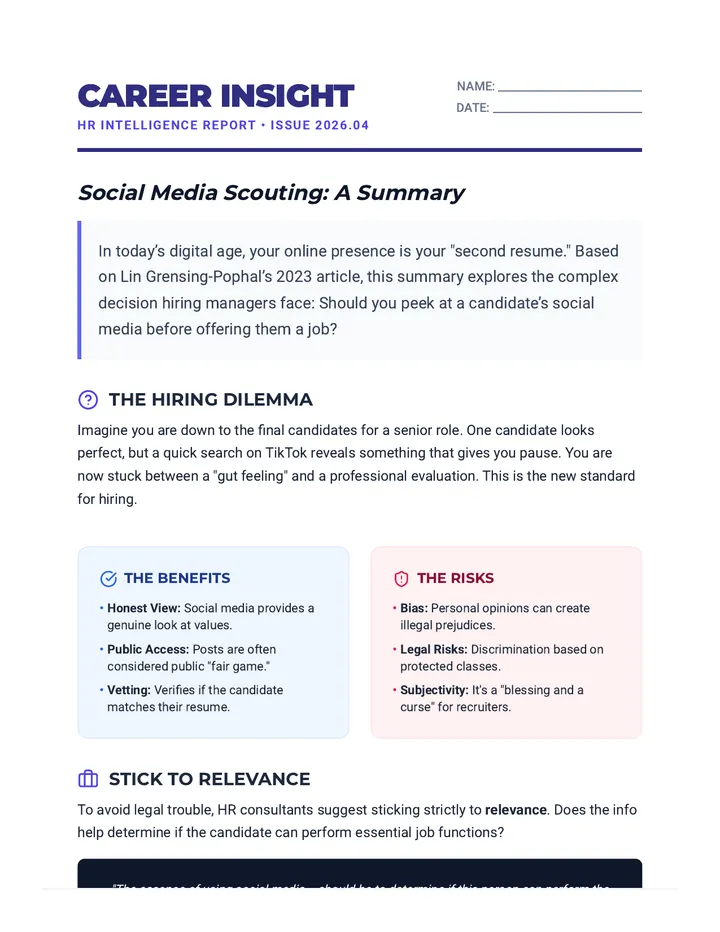
An abbreviated summary of the article 'Should You Consider Social Media When Evaluating Job Candidates?' designed for 9th-grade students. This document uses a professional HR report theme and covers the dilemma, benefits, risks, and best practices of social media screening in hiring. Revised to fix page break issues and improve overall polish.
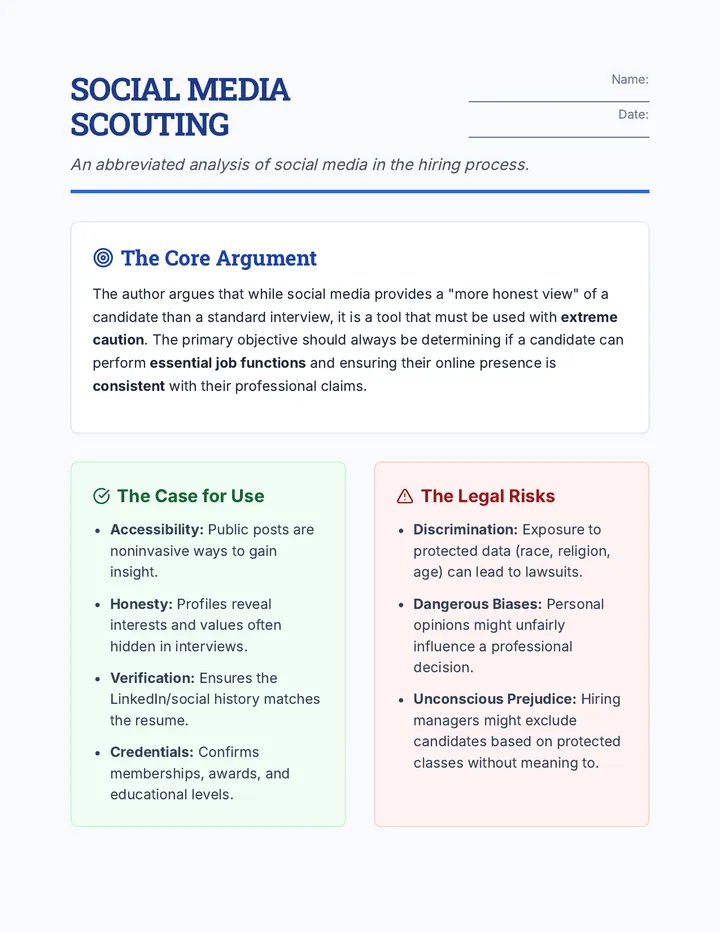
A one-page abbreviated summary of a text regarding the ethics and legalities of using social media to screen job candidates. Includes a core argument breakdown, risks vs. benefits comparison, and a student work area for critical analysis.
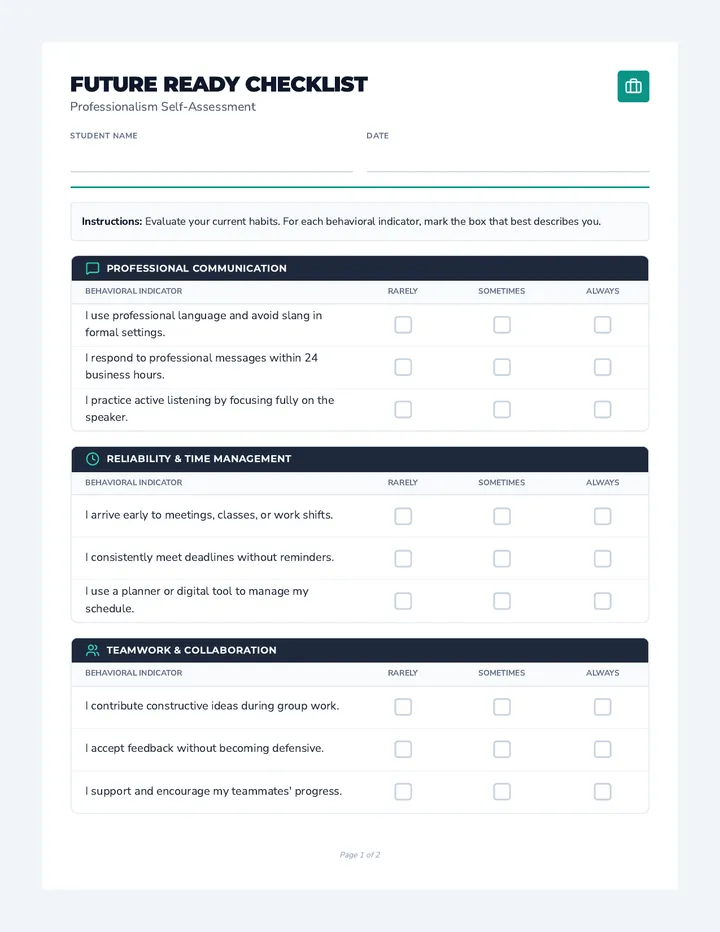
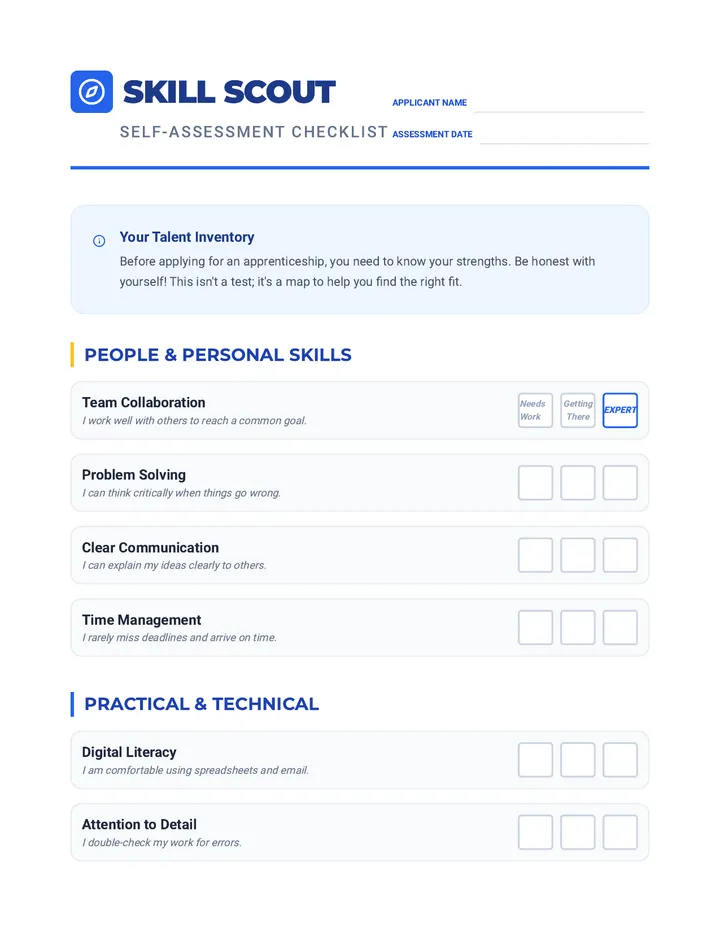
A refined two-page professional self-assessment checklist for students to evaluate their college and career readiness across five core domains including communication, reliability, and digital professionalism.
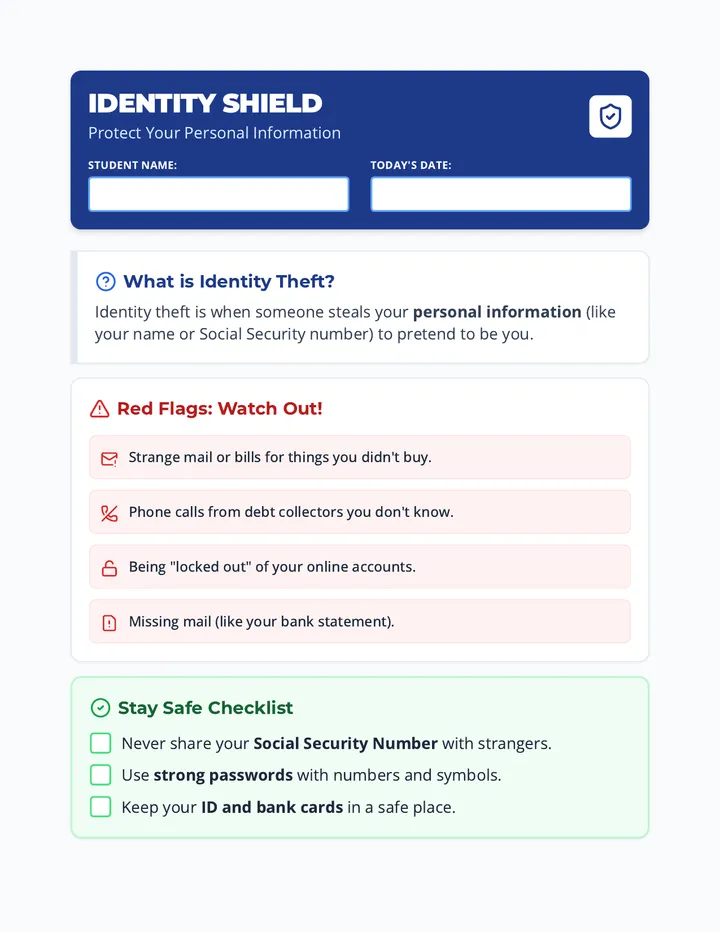
A clear, high-contrast handout for Special Education students explaining identity theft, common warning signs, and safety steps with a practical scenario-based activity.
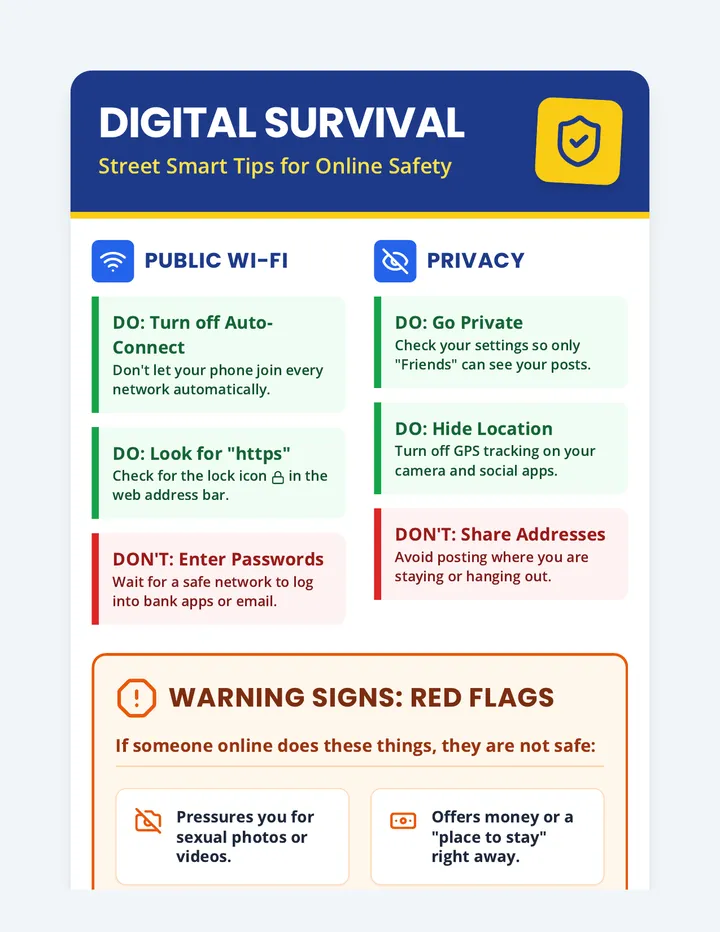
A high-contrast, visual infographic poster designed for neurodivergent youth experiencing homelessness. It provides clear, direct guidance on public Wi-Fi safety, social media privacy, identifying predatory red flags, and safe protocols for meeting online friends in person.
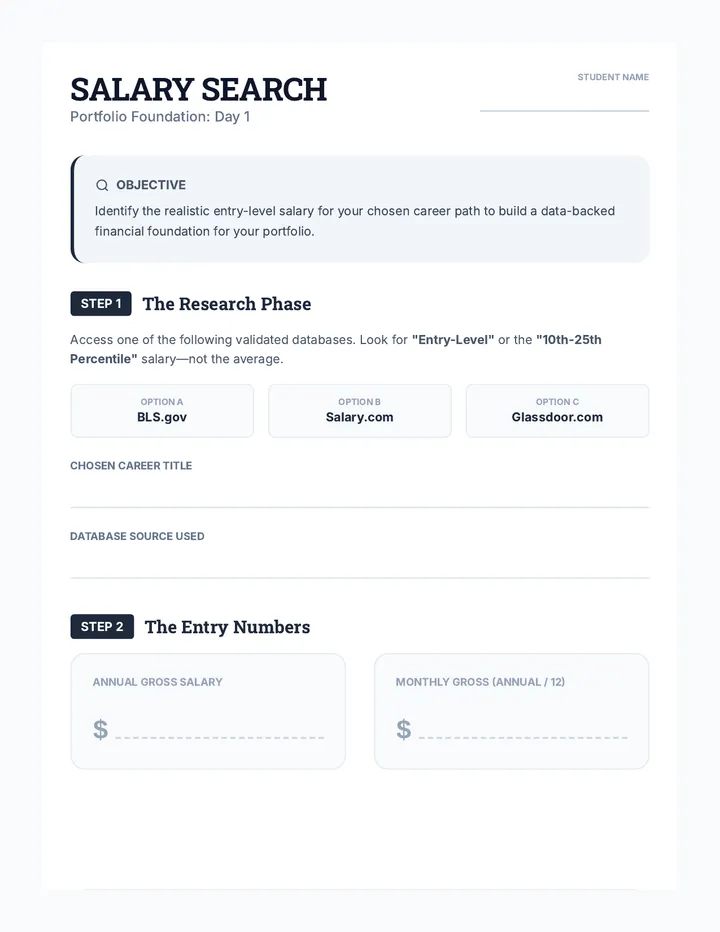
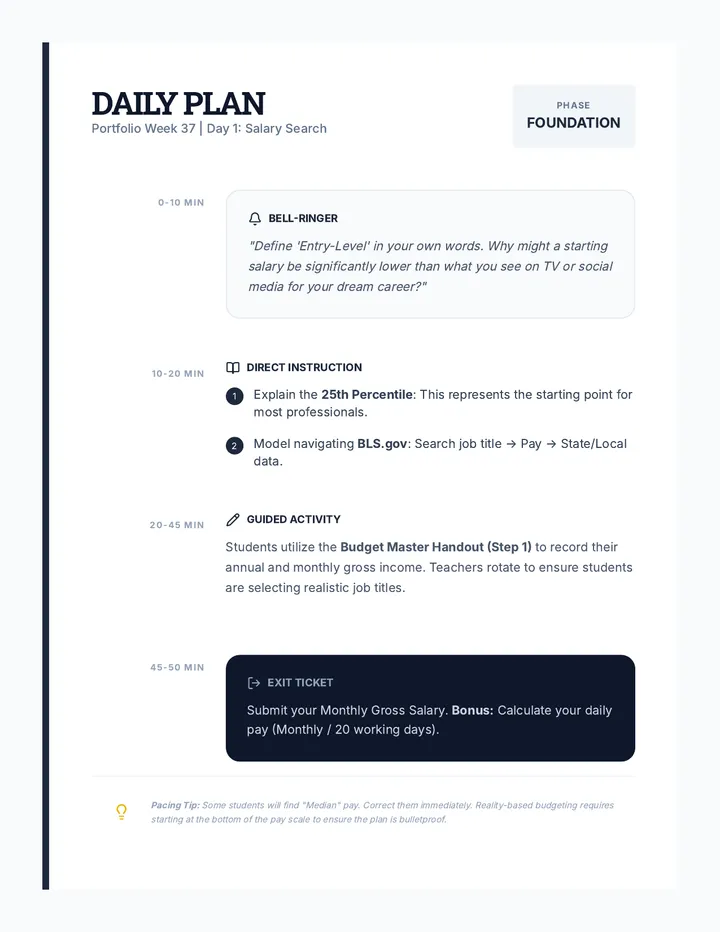
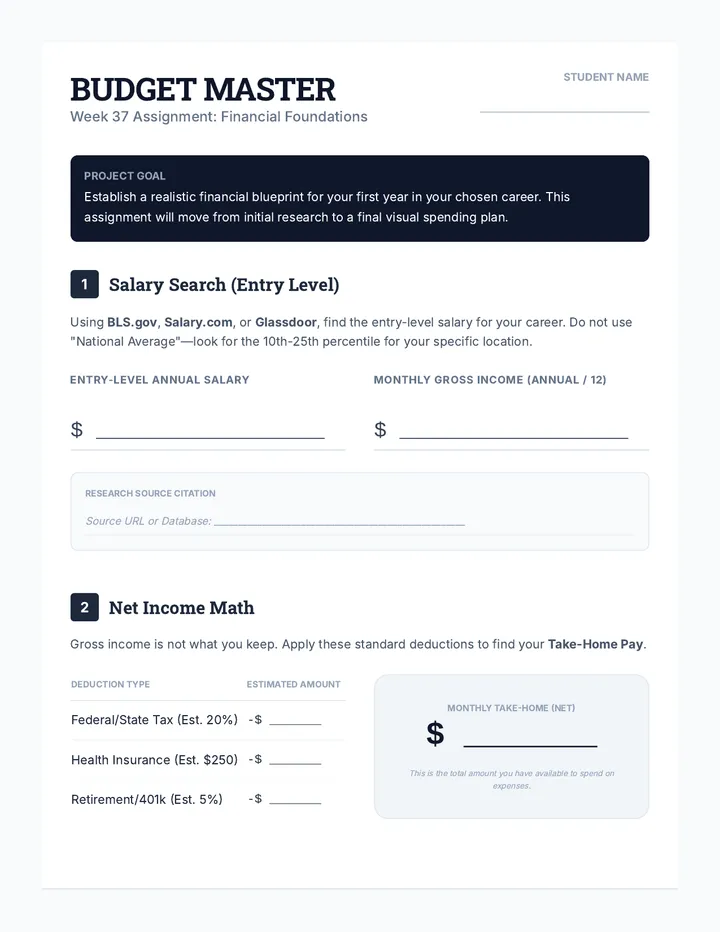
A comprehensive 5-week sequence for high school juniors to finalize their professional portfolio and career budget, culminating in a formal defense. Includes financial planning, executive summary refinement, resume building, and branding.
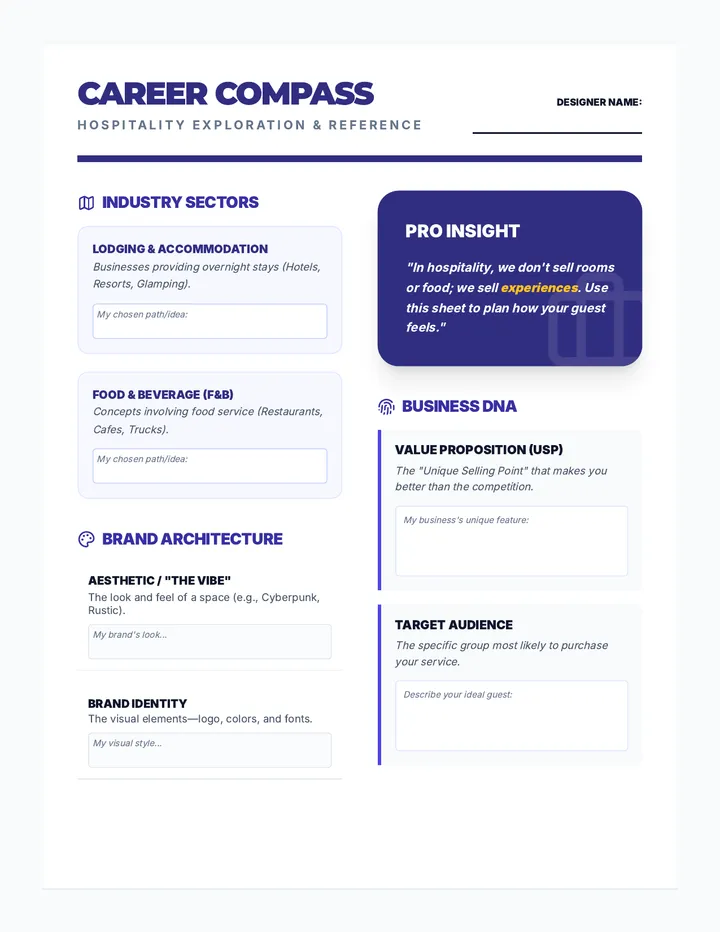
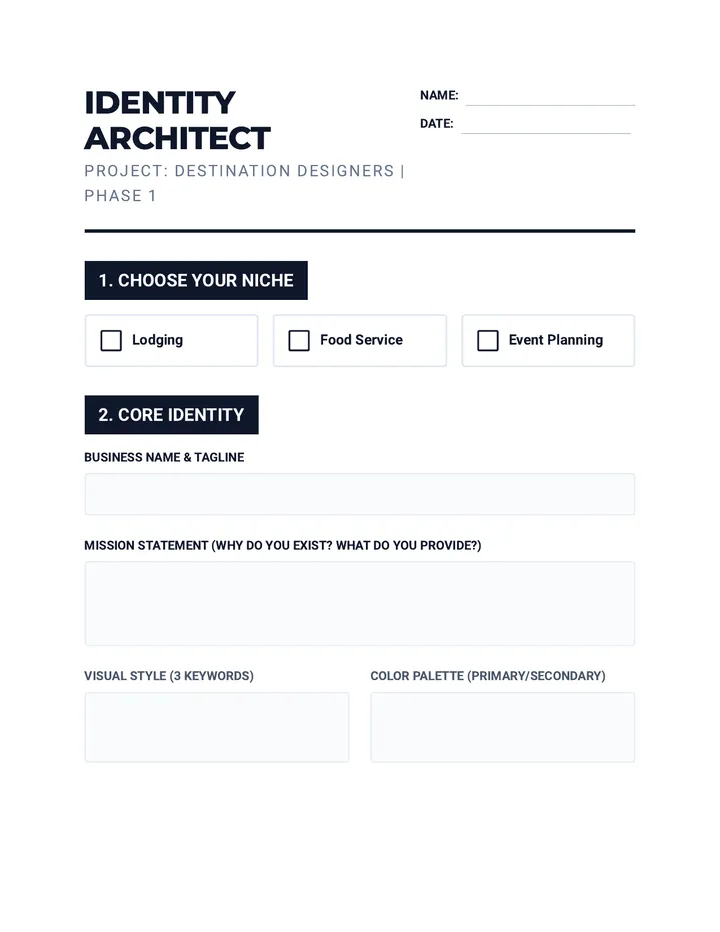
A project-based learning unit where high school students design and market a new hospitality venture, from initial concept to a full marketing campaign and presentation.
A comprehensive unit focused on the digital launch of marketing campaigns, bridging the gap between design and messaging to create persuasive online presences.
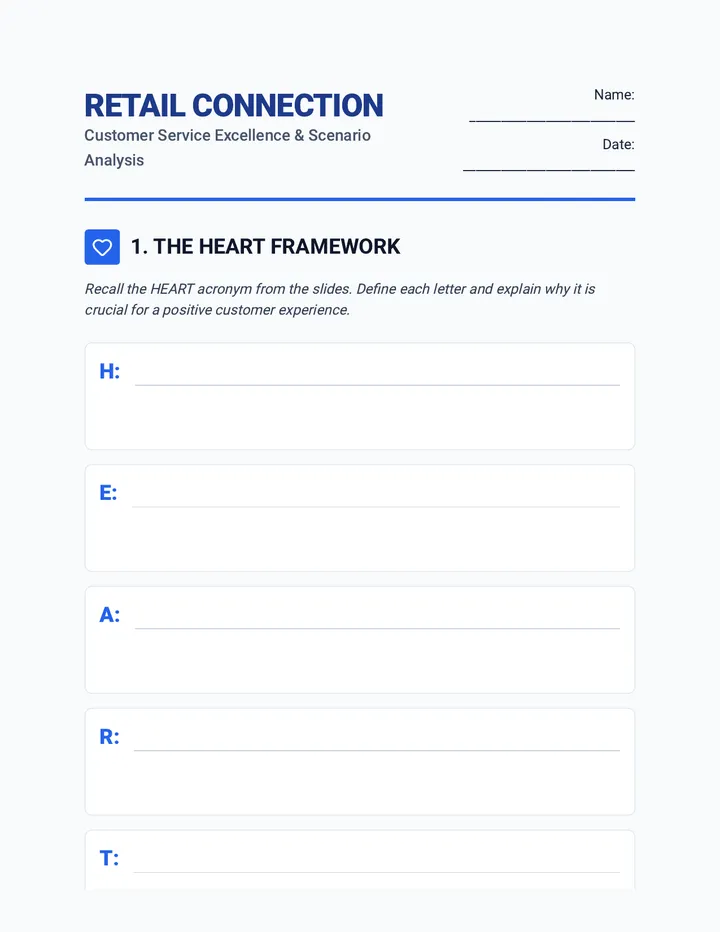
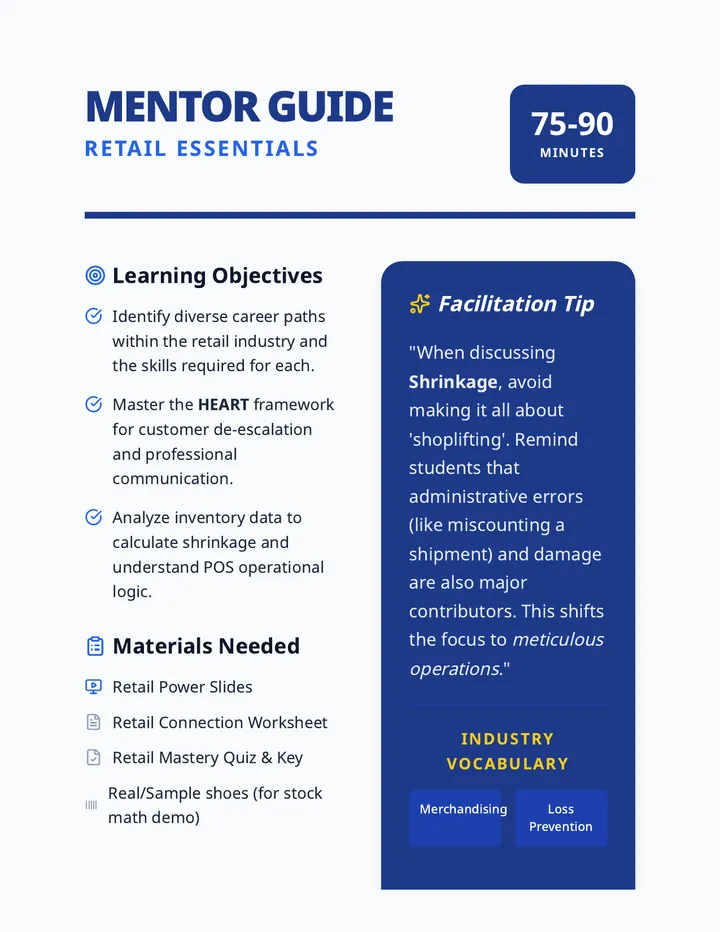
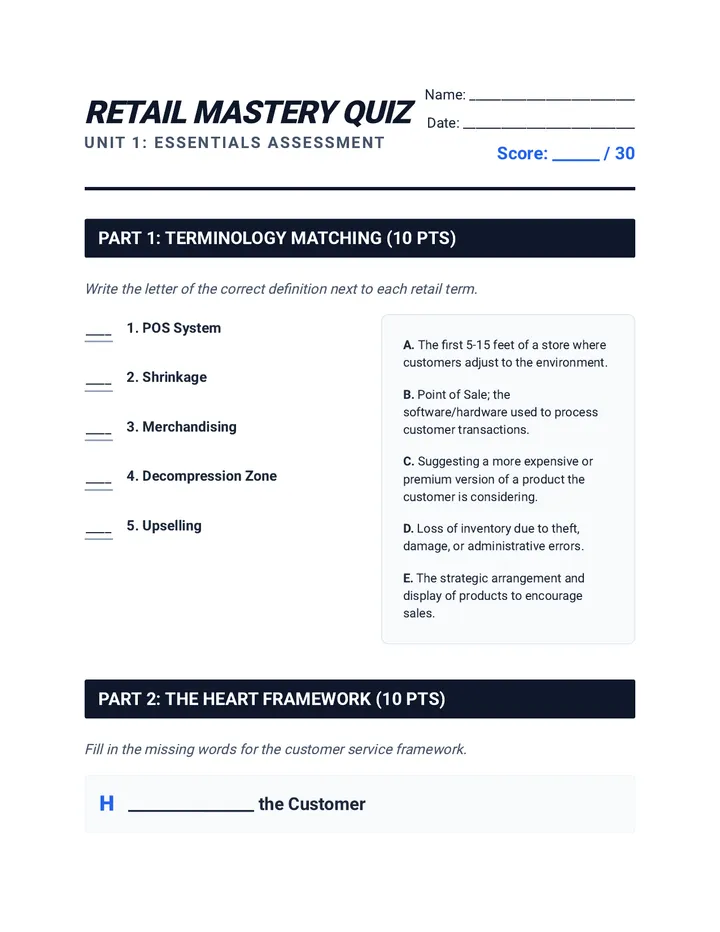
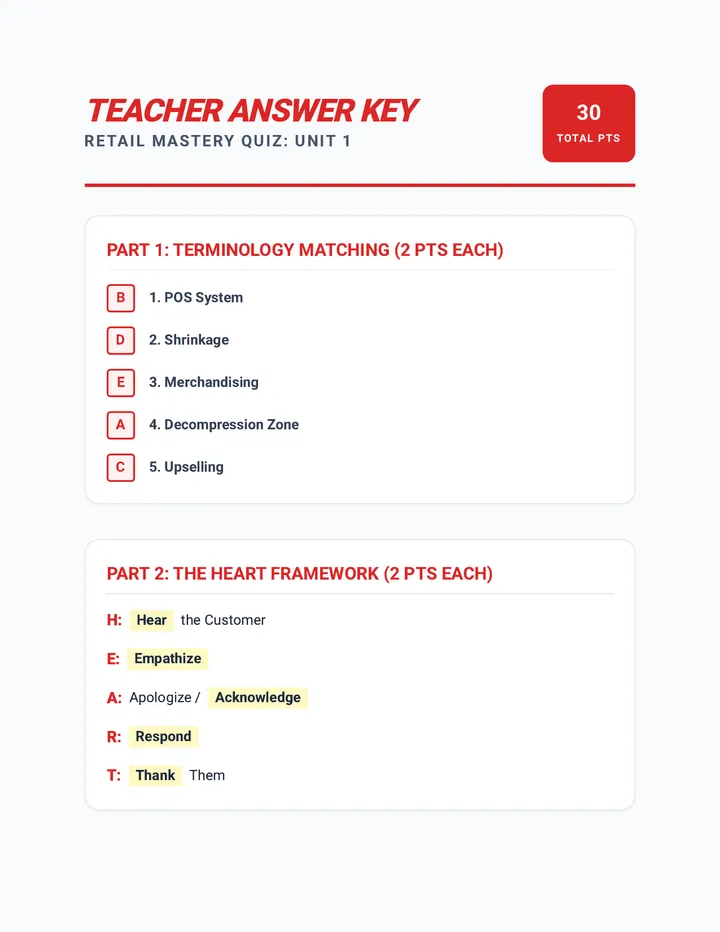
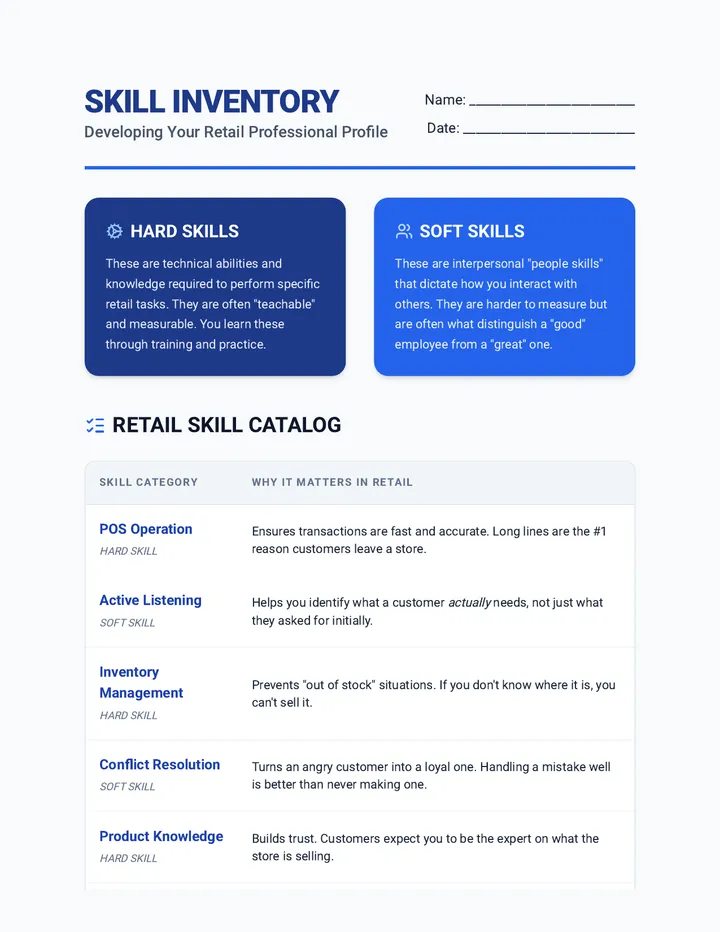
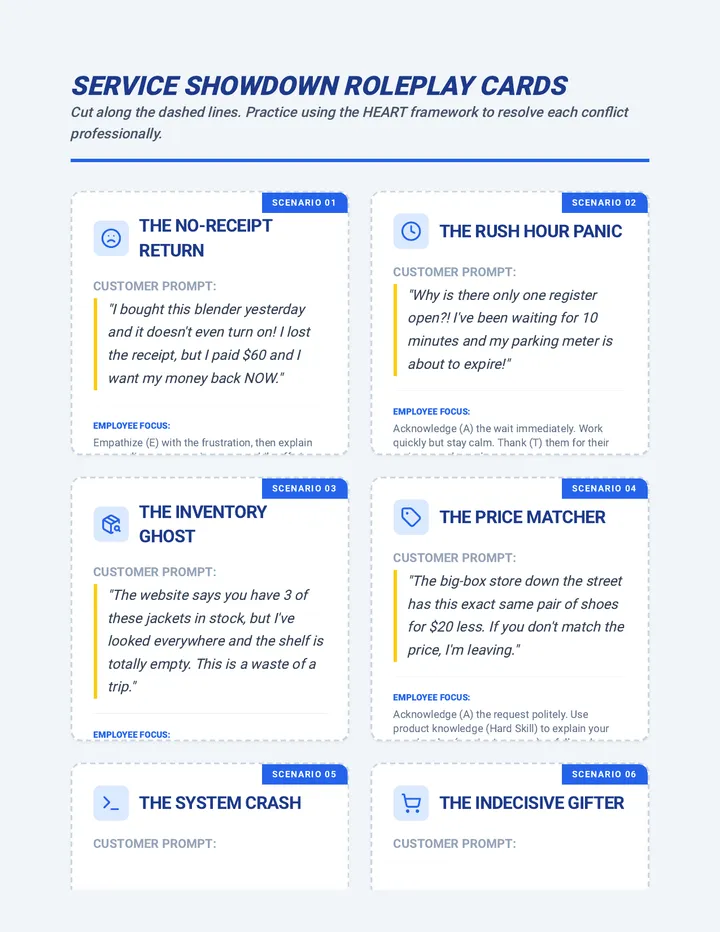
A hands-on career exploration unit focusing on the dynamic world of retail. Students will master customer service excellence, learn retail operations like inventory and POS systems, and design their own retail floor plan and brand strategy.
A 10-session unit for middle schoolers to master the art of business branding, covering everything from logos and voice to audience personas and marketing assets.
A graduate-level sequence focused on long-term career architecture through strategic continuing education. Students perform gap analyses, forecast industry trends, and use backward design to build a 'Living Syllabus' for their professional advancement.
A comprehensive sequence for 5th-grade students exploring the ethics and skills of digital publishing. Students learn to write for web audiences, navigate copyright laws, cite media correctly, optimize images for performance, and protect their digital privacy.
This sequence explores the therapeutic and ethical dimensions of digital memory. Students learn to curate digital artifacts, edit for emotional resonance, and create multimedia archives that honor loss and preserve personal legacies.
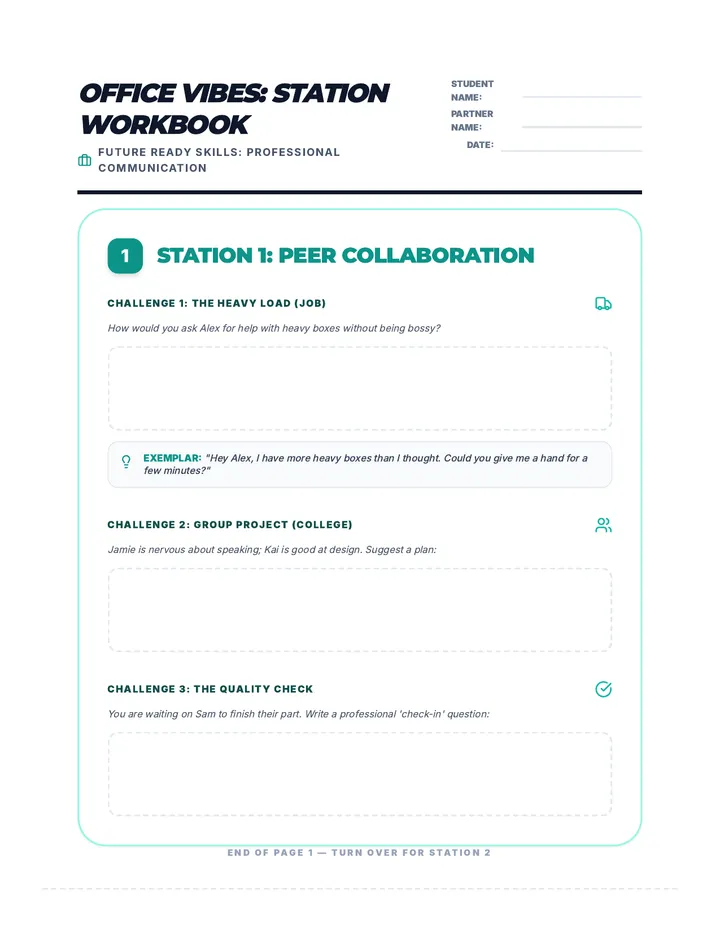
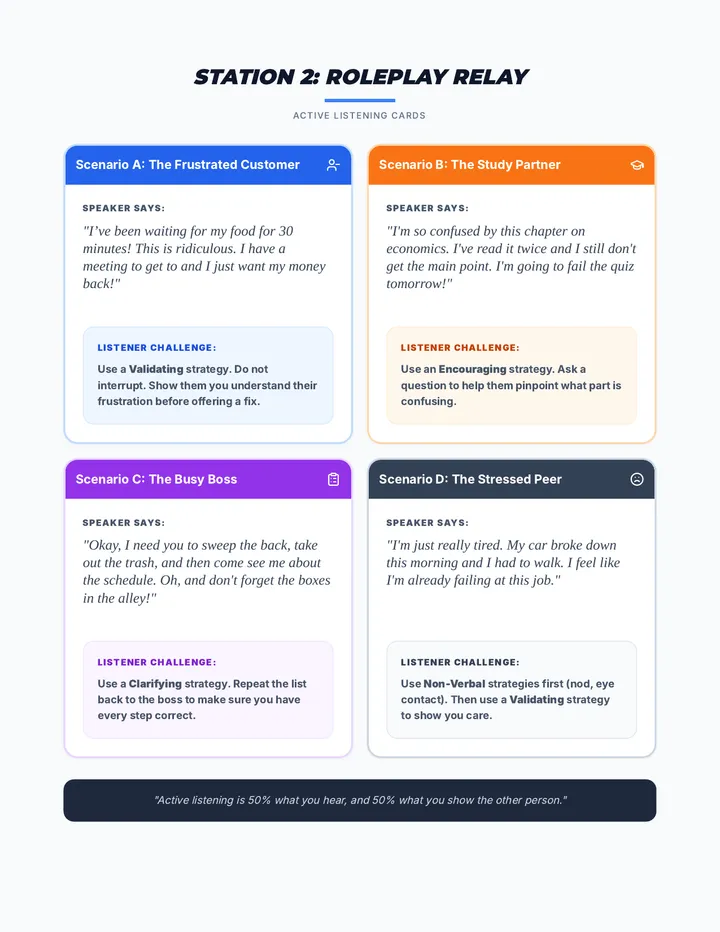
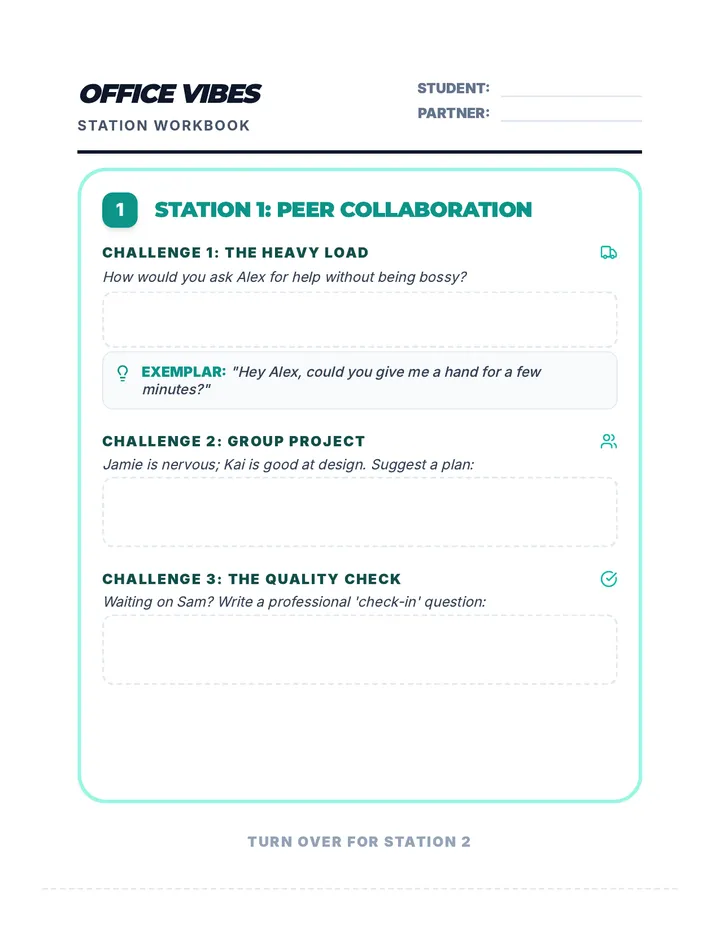
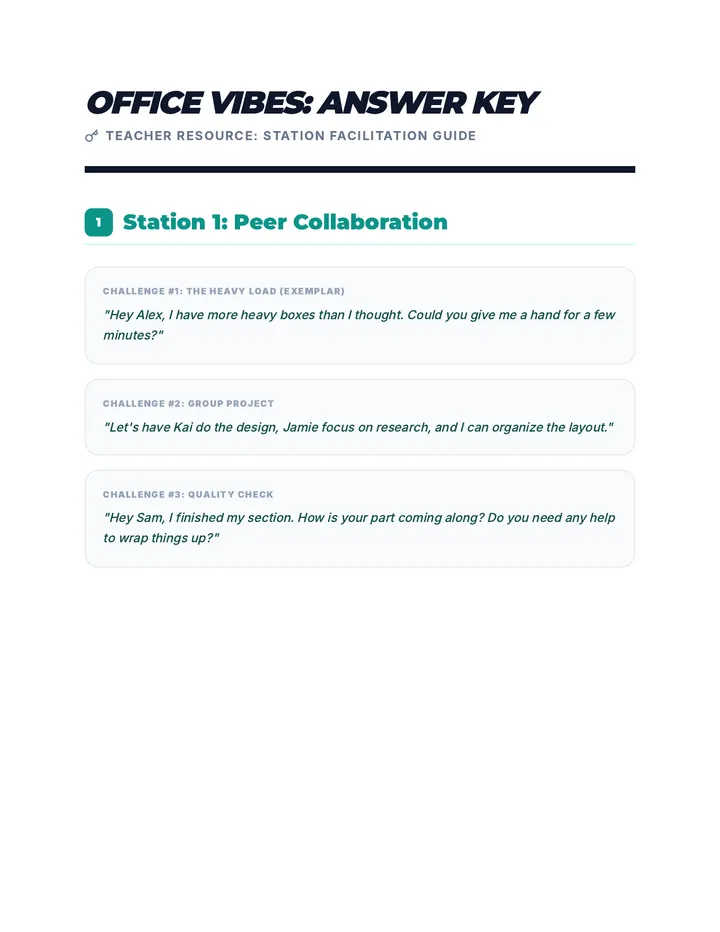
A series of lessons designed to prepare students for the transition to the workforce by developing critical soft skills, digital literacy, and professional communication strategies.
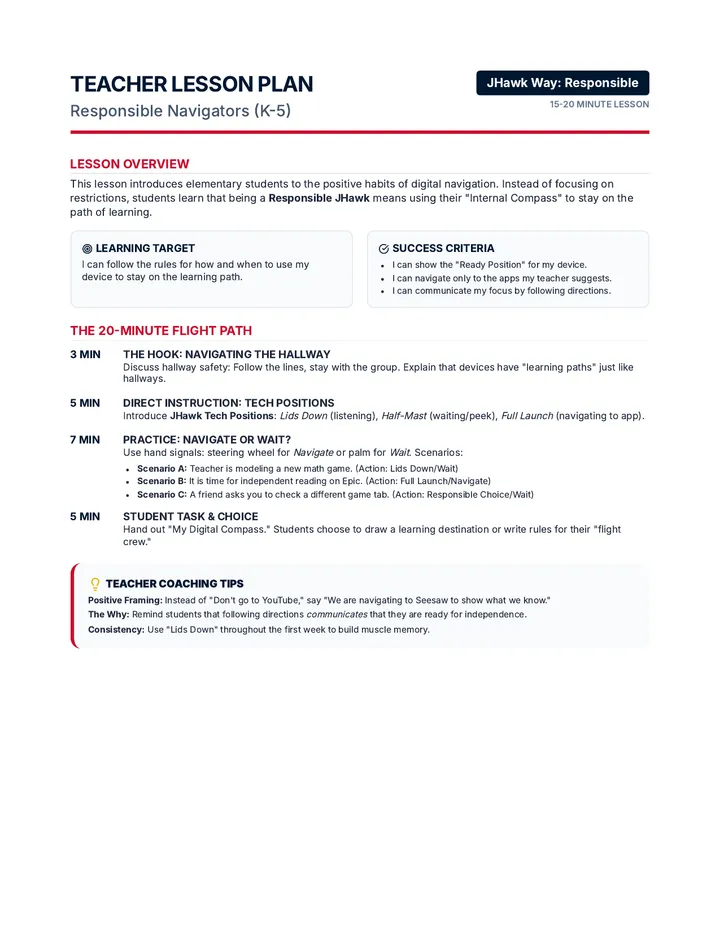
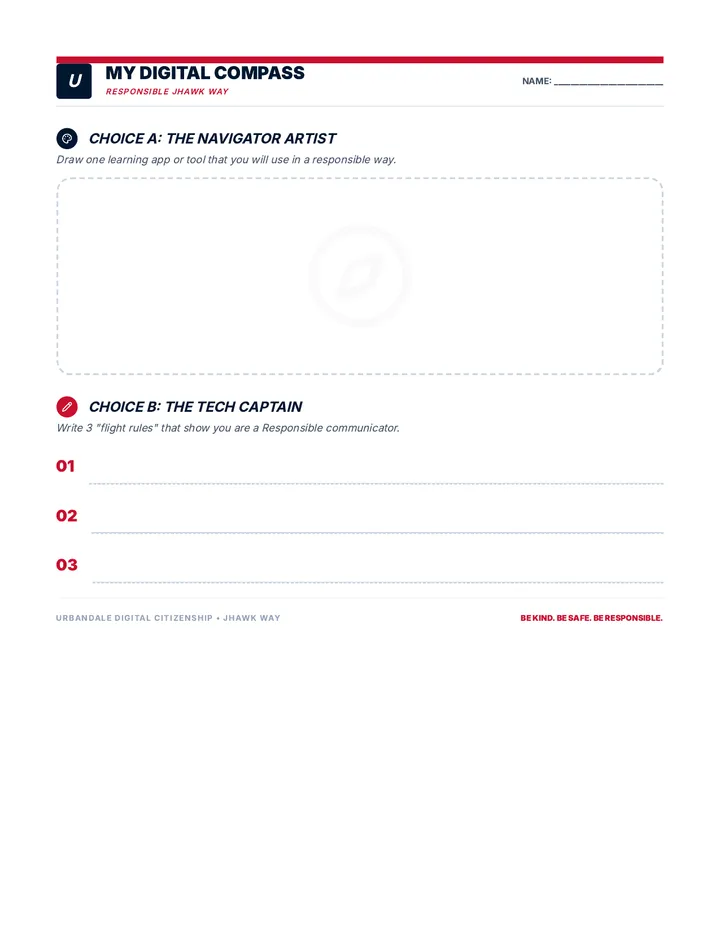
A series of Digital Citizenship lessons for Urbandale Community School District, focusing on the responsible and accountable use of school-issued devices through the lens of the JHawk Way. Students learn to navigate and communicate effectively by following screentime and teacher guidance.
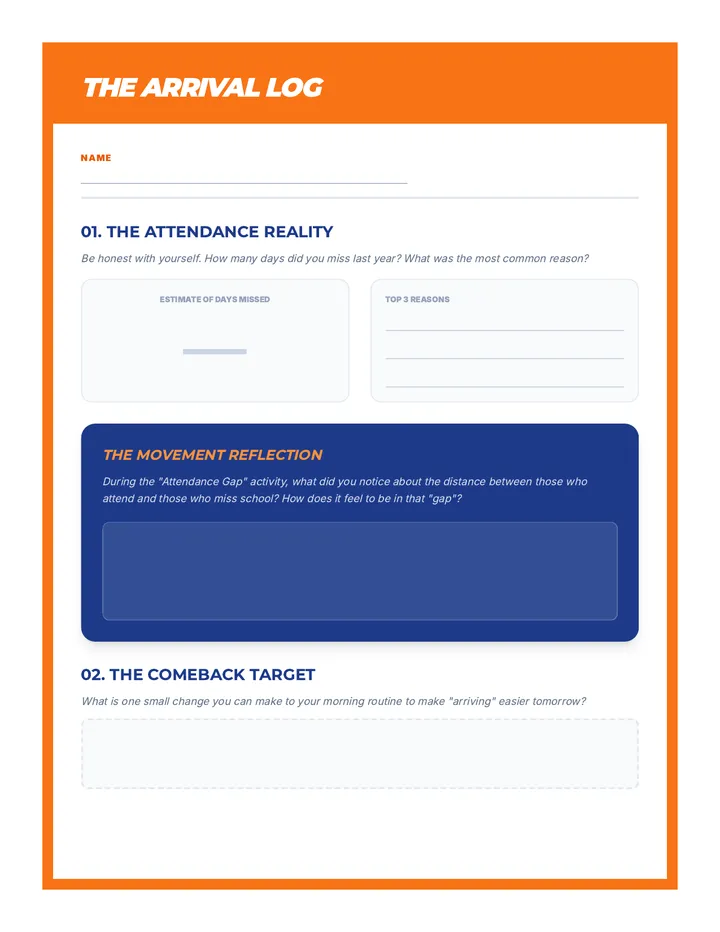
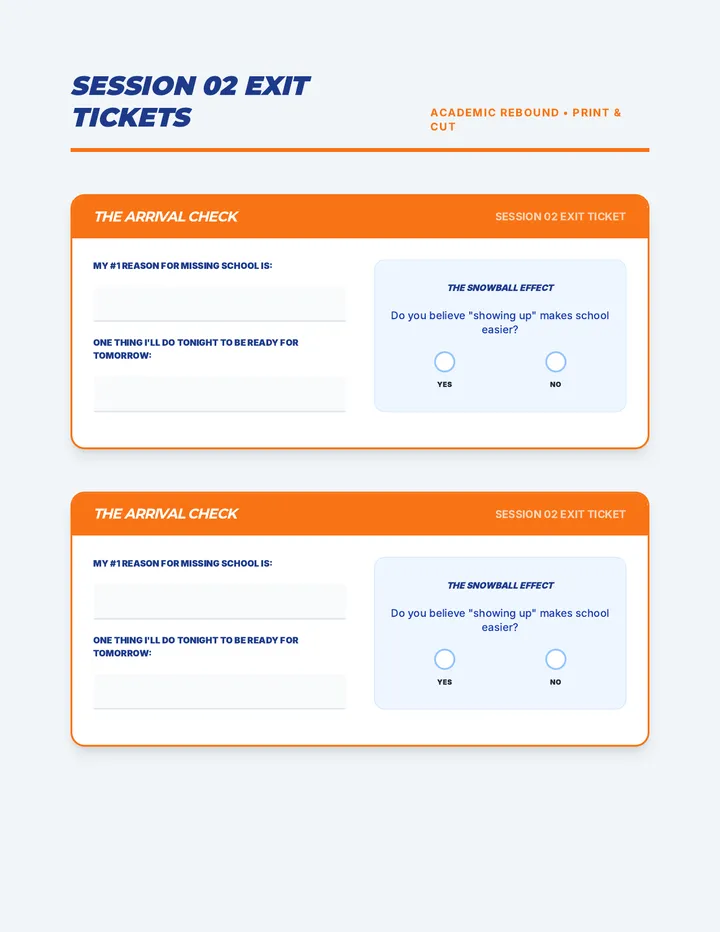
A 6-week academic intervention program for middle schoolers, focusing on attendance, organization, study skills, and self-advocacy through movement-based learning and reflective practice.
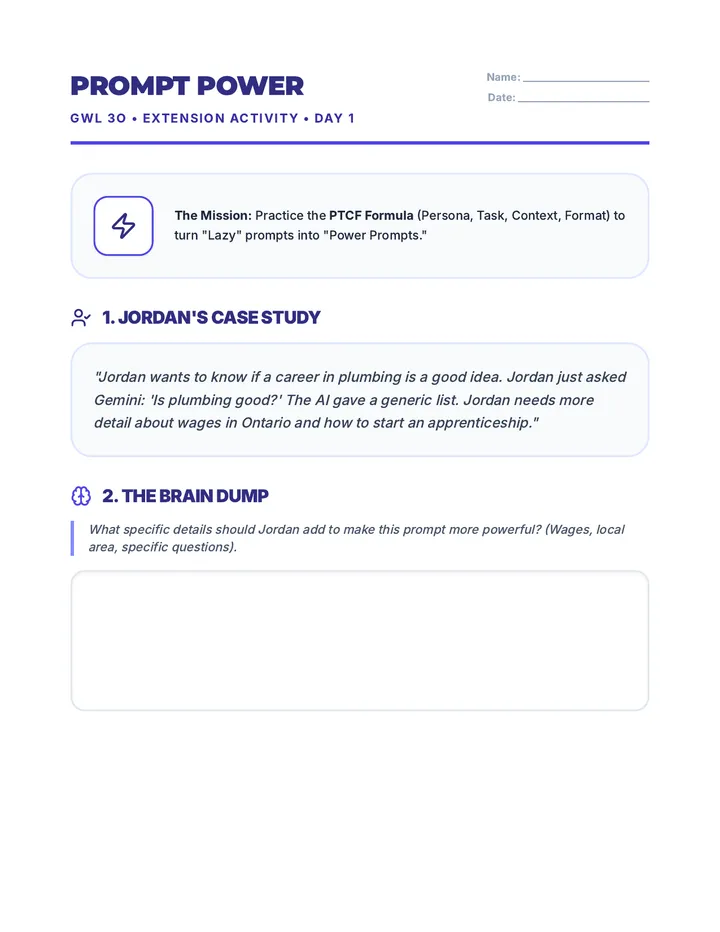
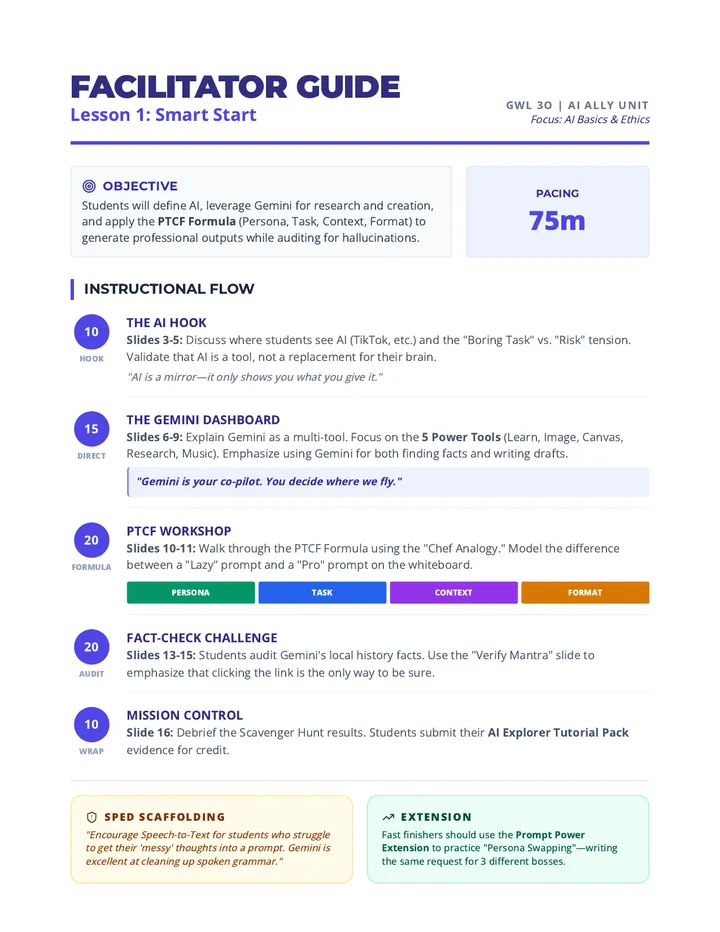
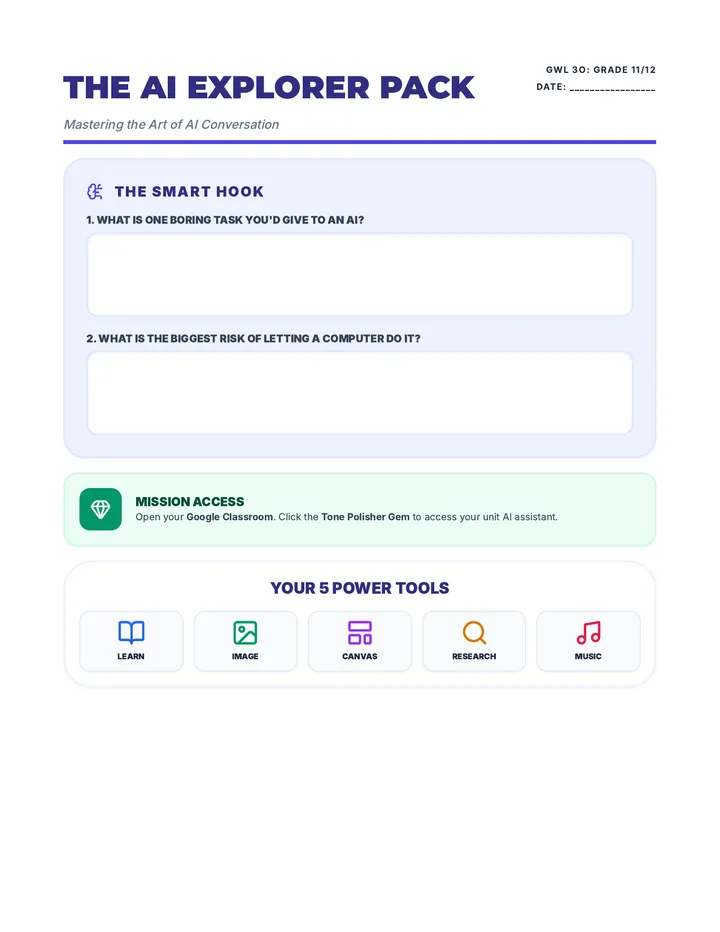
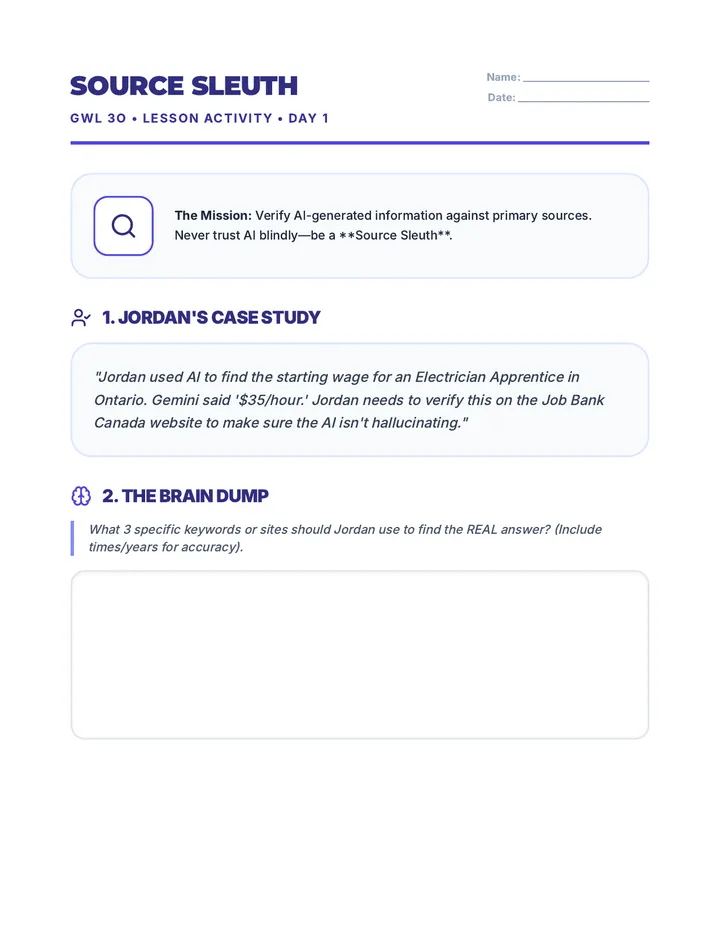
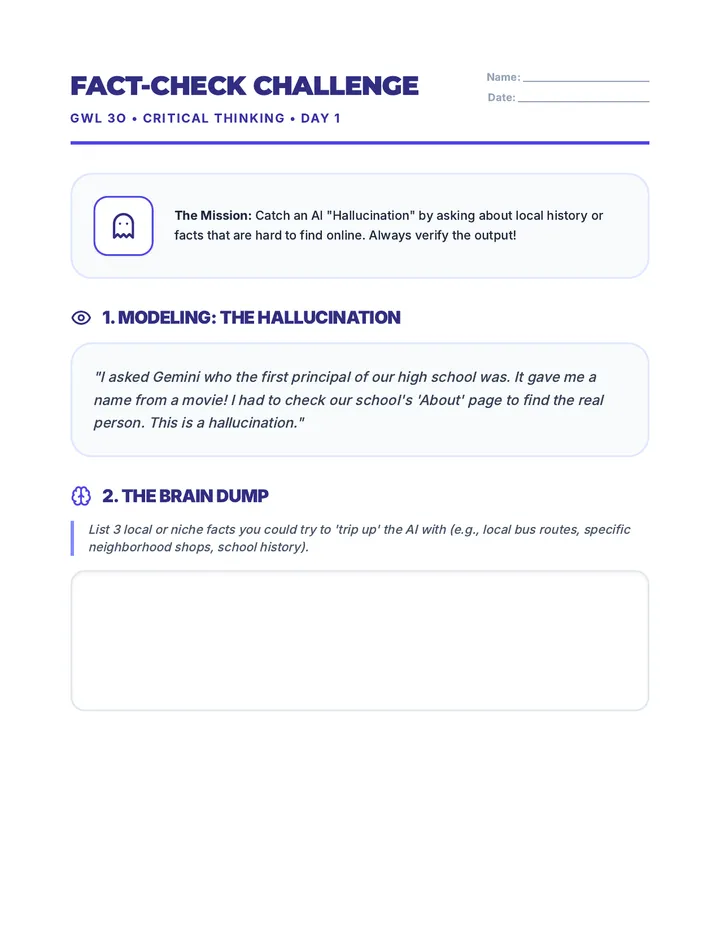
A comprehensive 7-day unit for Grade 11/12 Designing Your Future students, focusing on leveraging AI tools like Gemini for workplace and college success. Designed for special education contexts, it emphasizes self-advocacy, professional communication, research, and project management through visual and digital tasks.
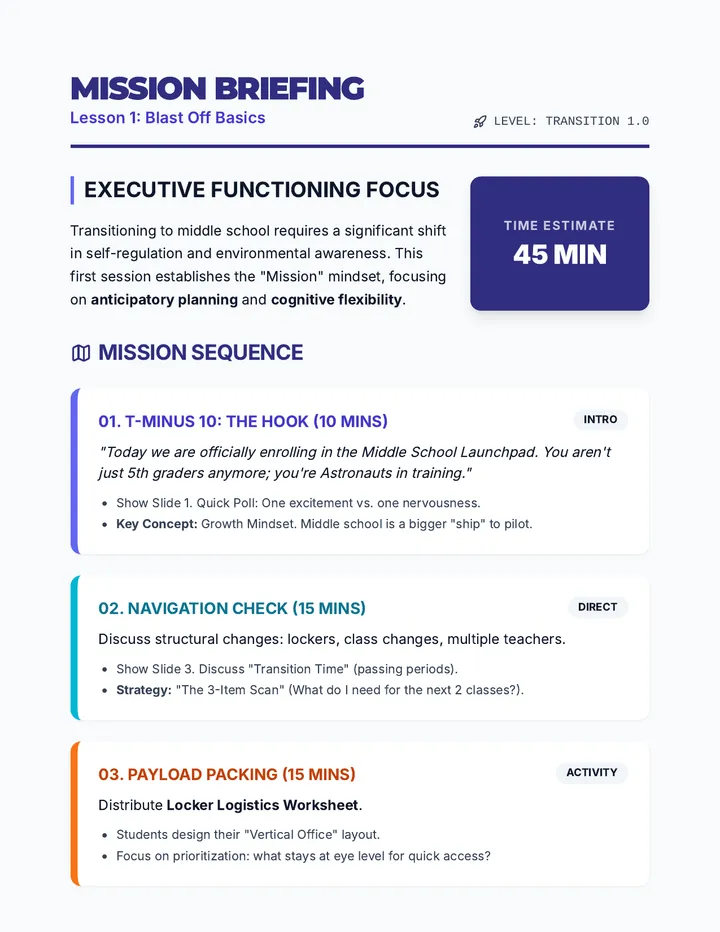
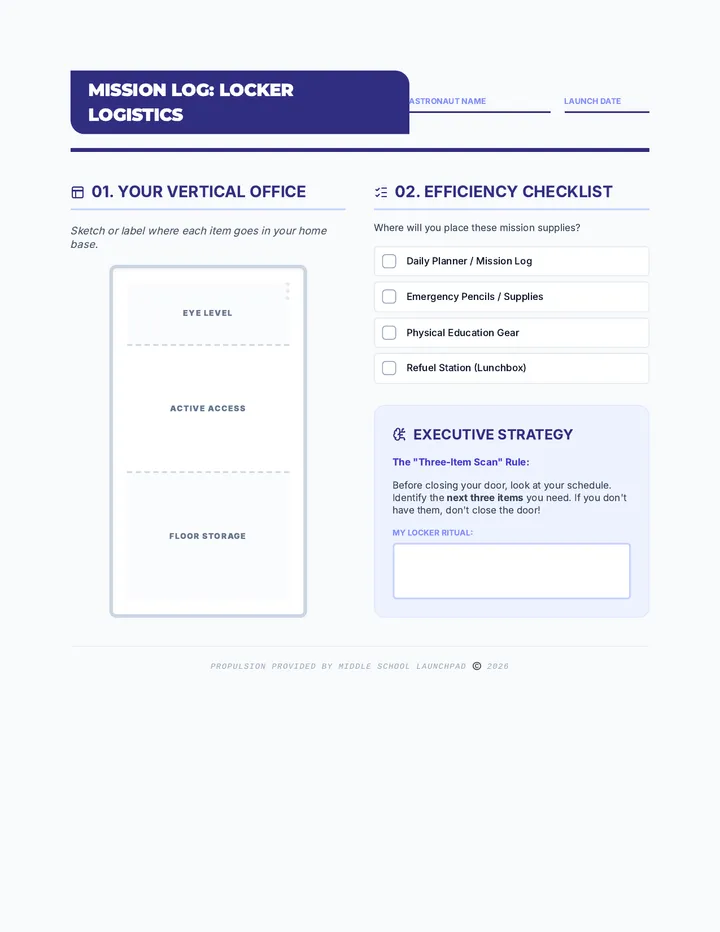
A 6-session transition bootcamp for 5th graders moving to middle school, focusing on executive functioning skills like planning, task initiation, and independence within a 'Mission to Middle School' space theme.
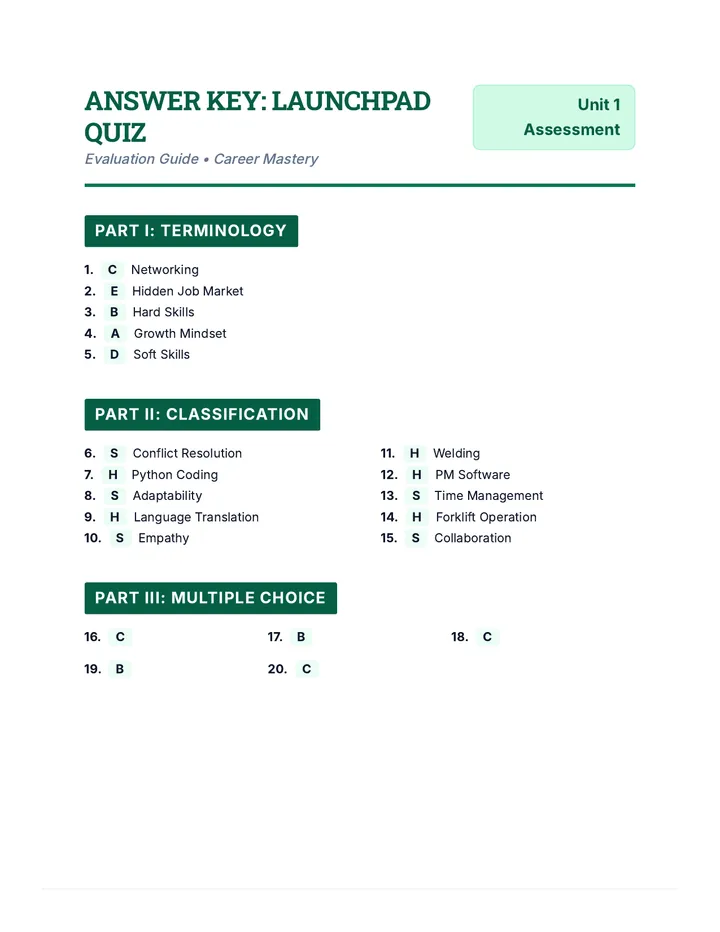
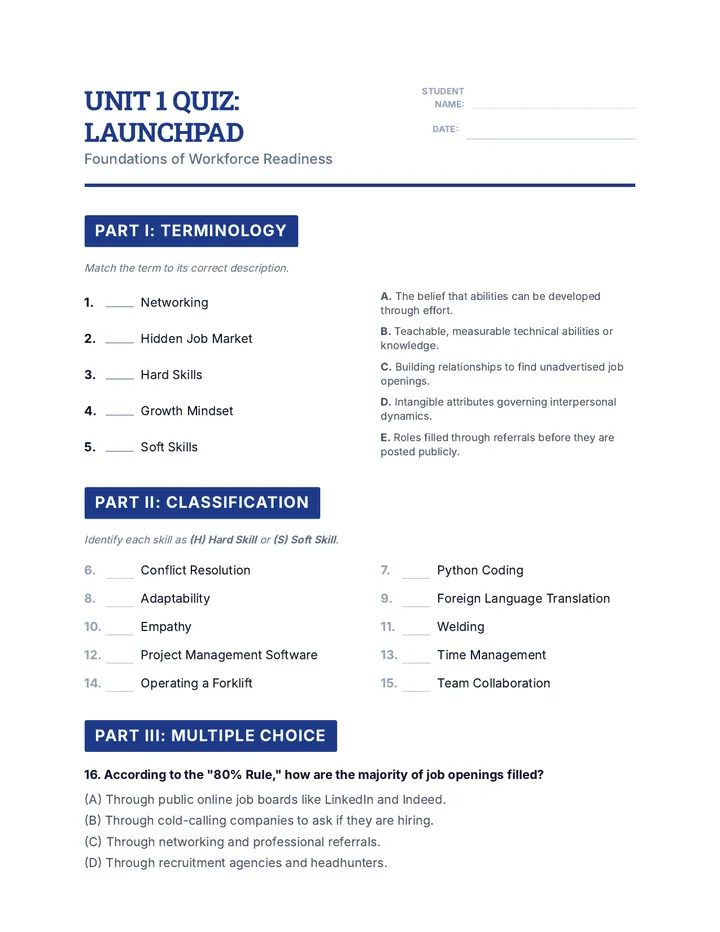
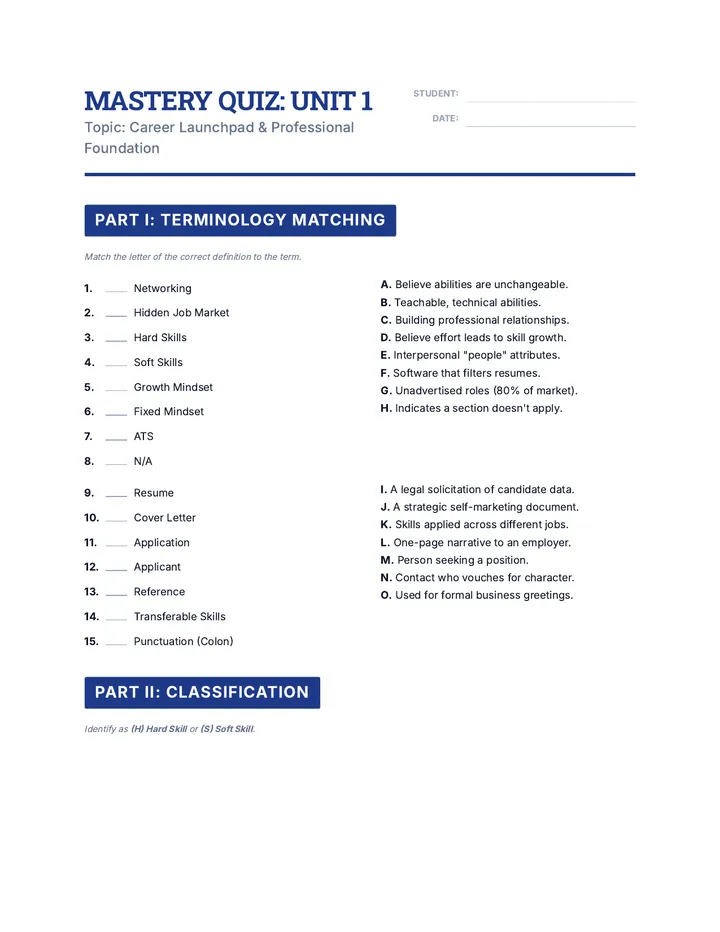
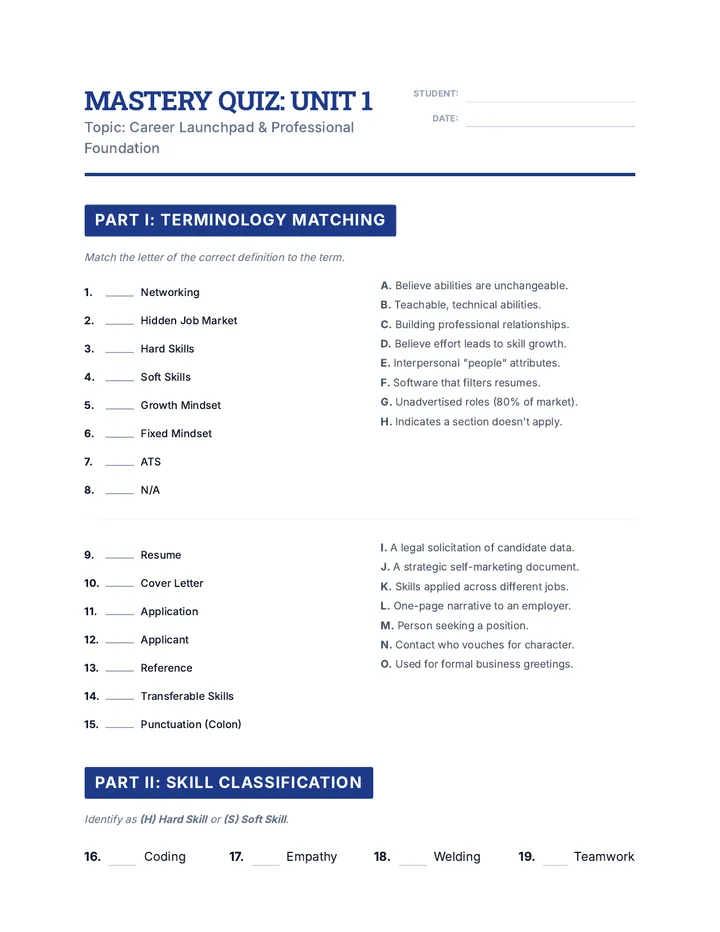
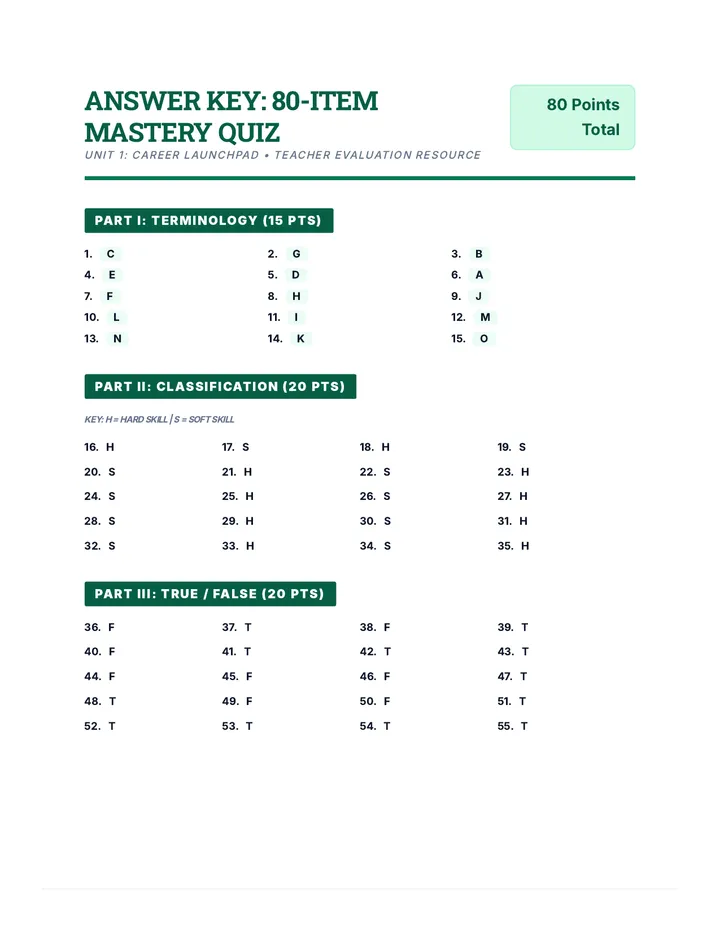
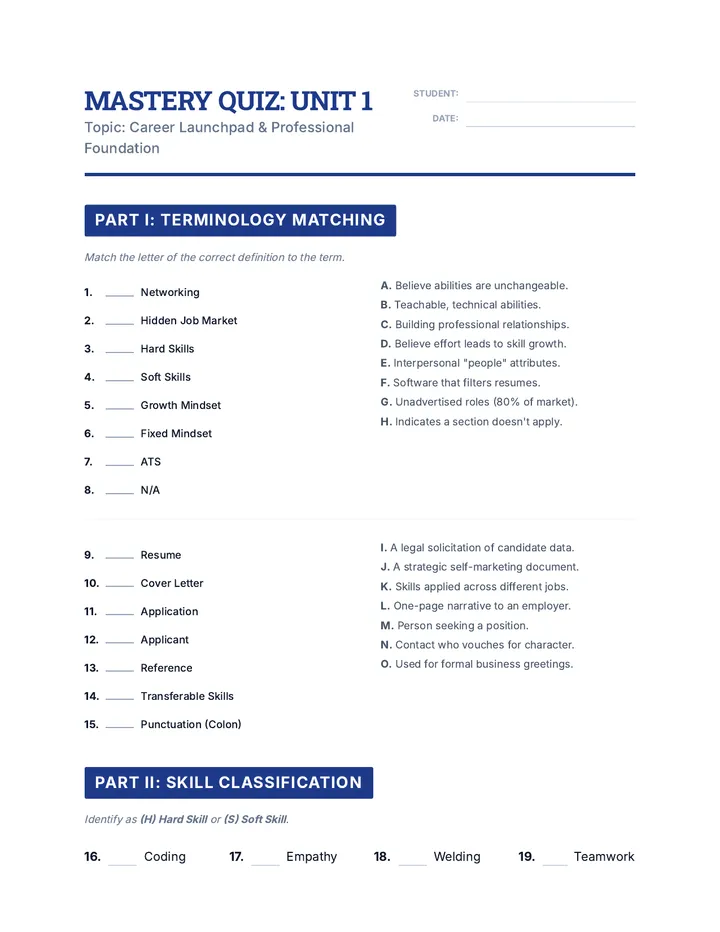
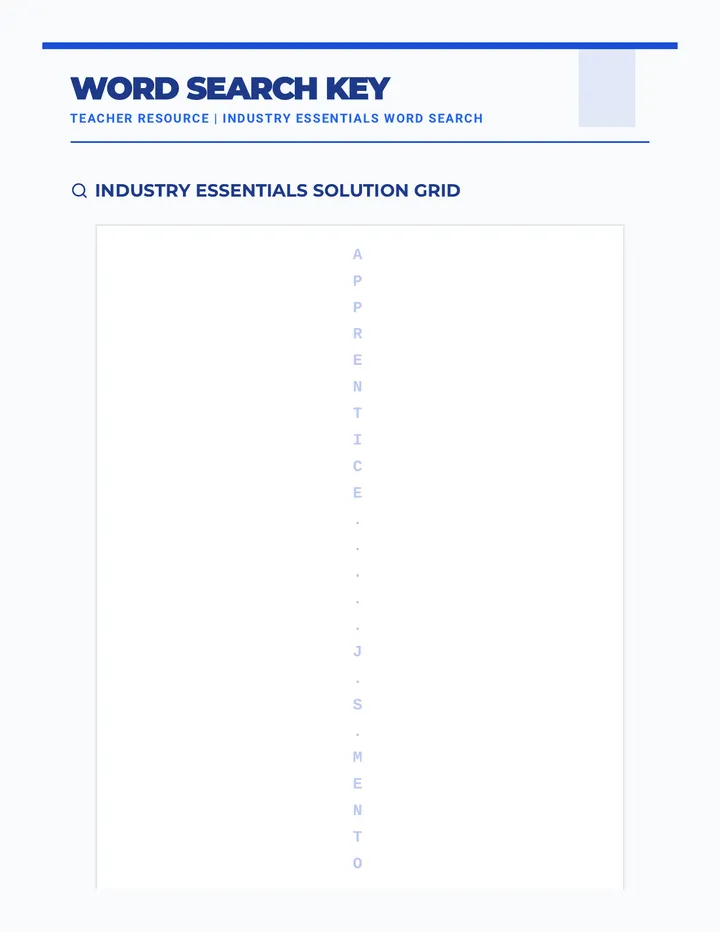
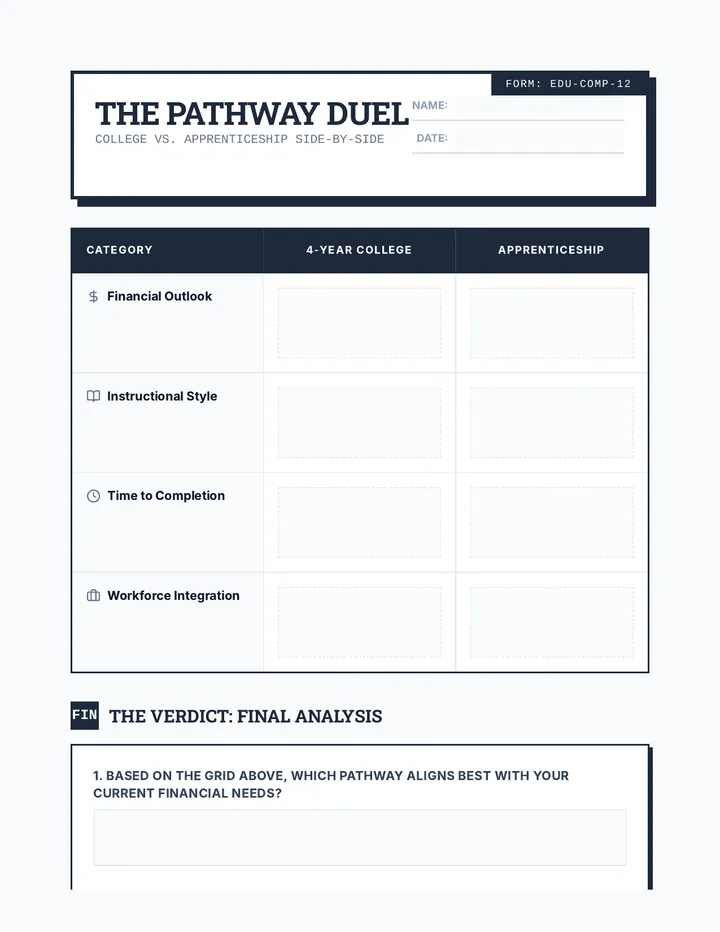
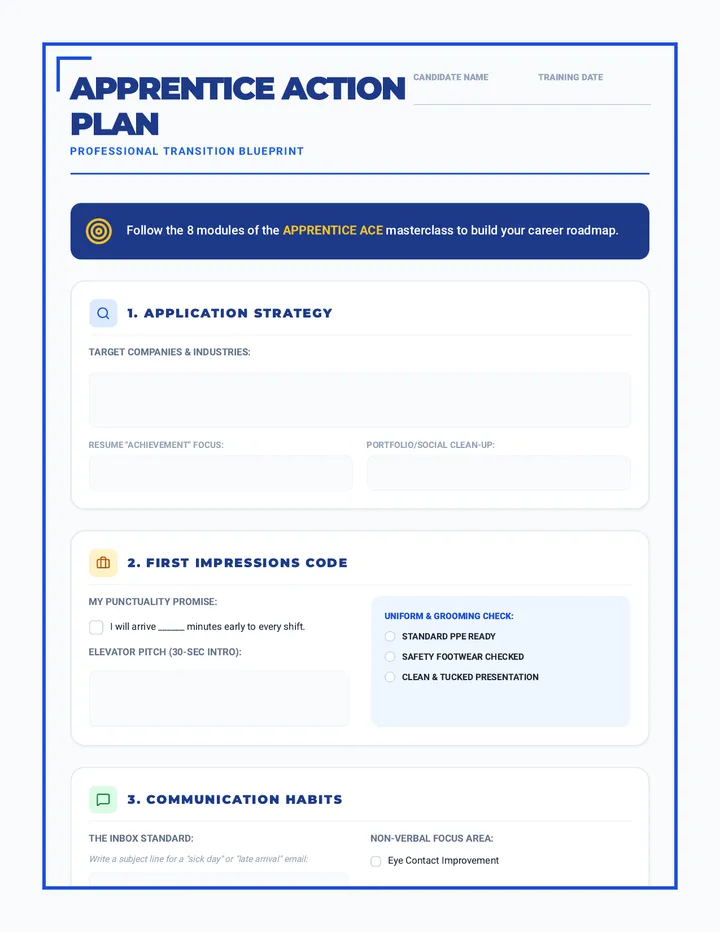
A comprehensive program designed to guide students through the essentials of career exploration, professional document preparation, and the job application process.
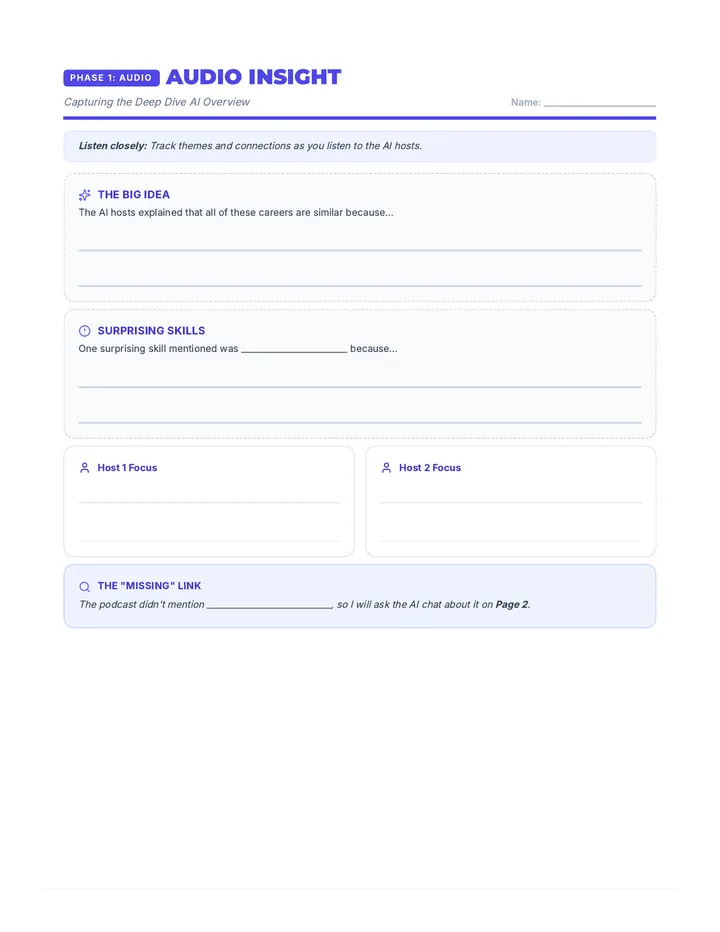
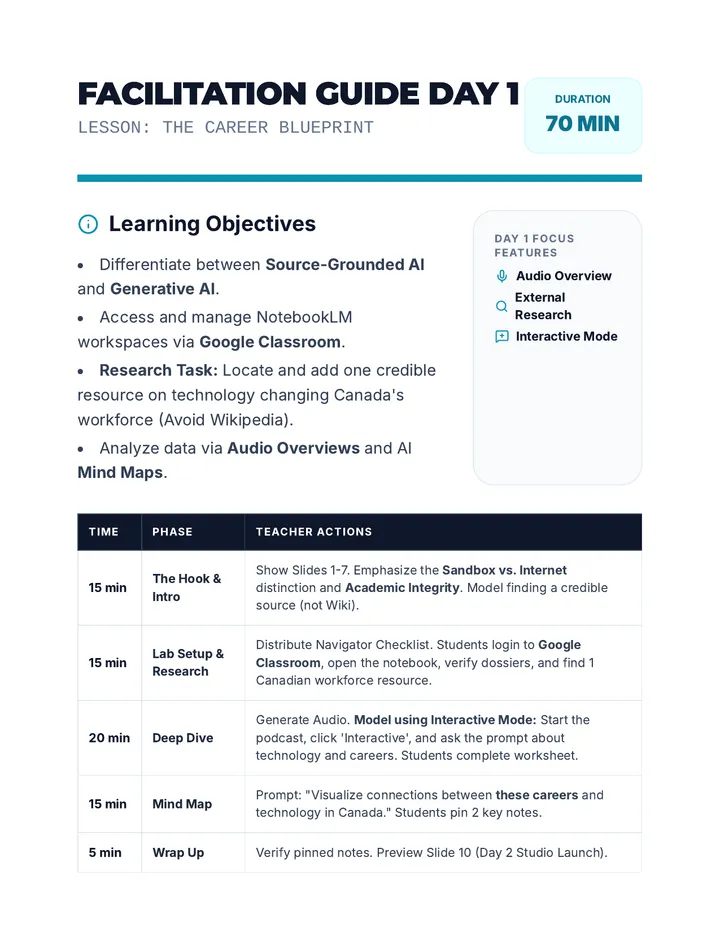
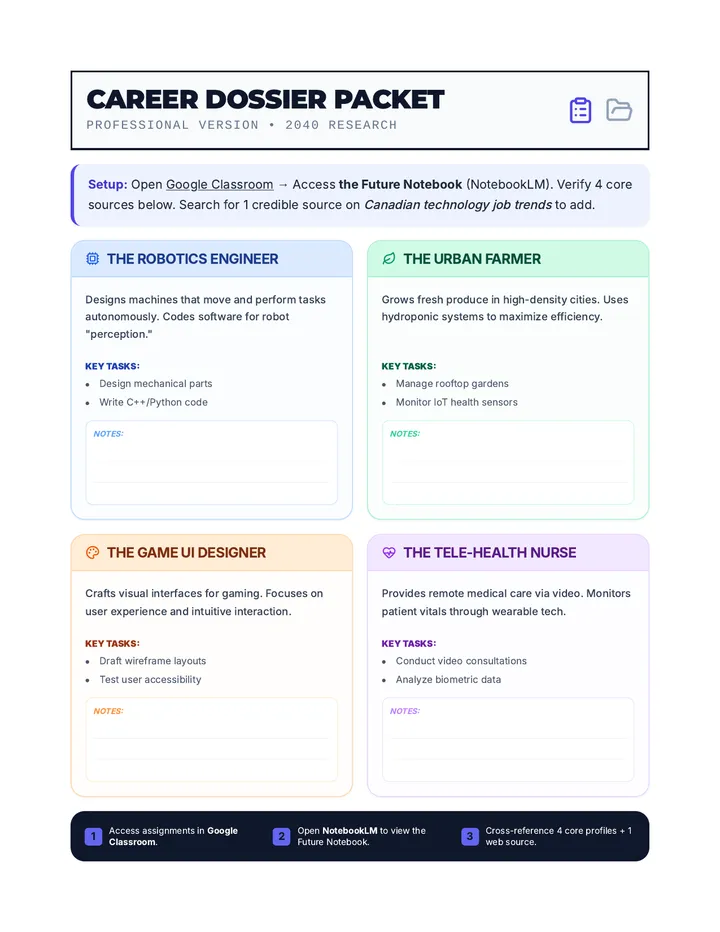
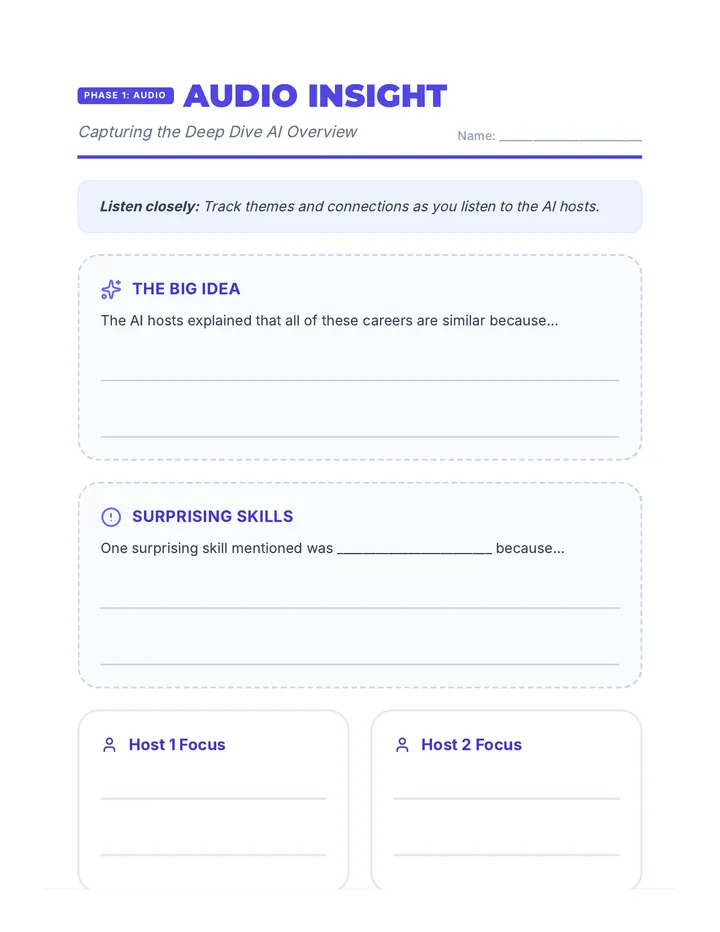
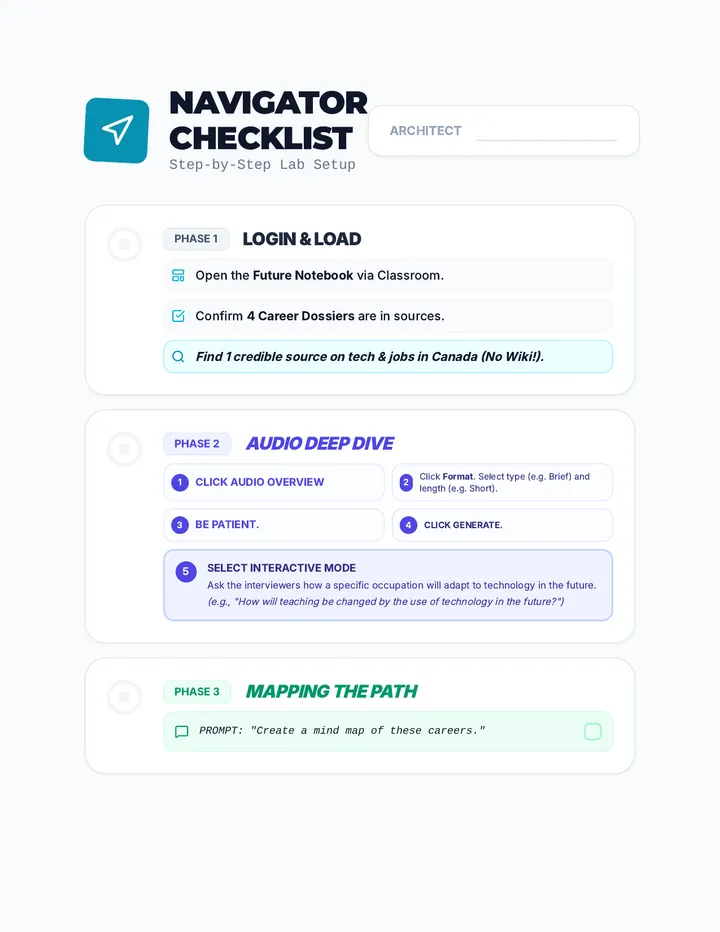
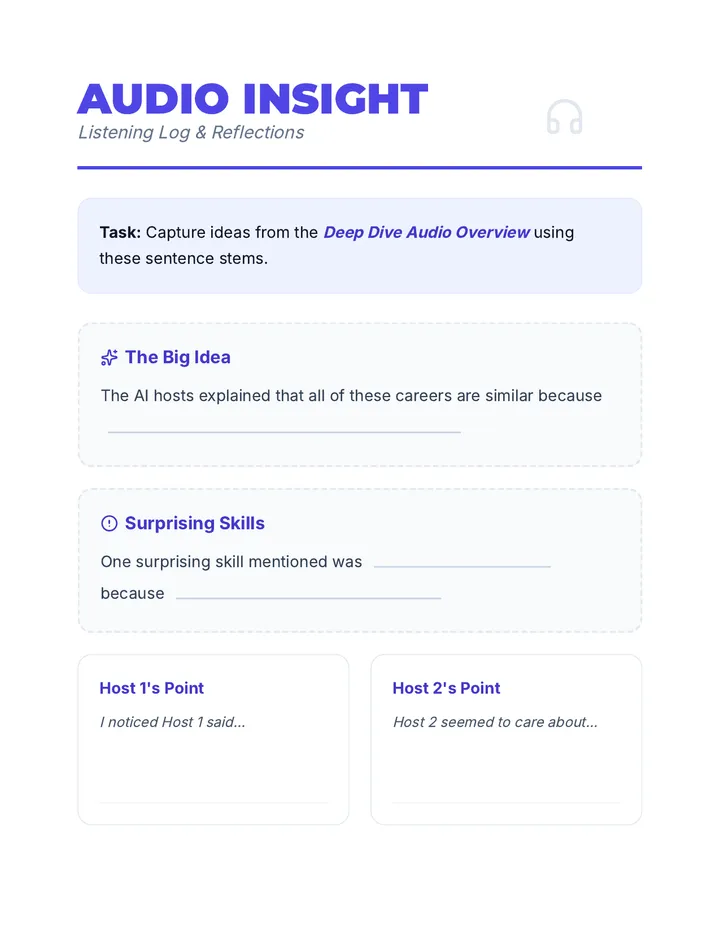
A 2-day intensive workshop where students use NotebookLM to research and design their future careers, exploring advanced features like Audio Overviews, Mind Maps, and Studio outputs with professional career dossiers and visual supports.
A 4-week small group curriculum for 8th graders focused on identifying study habits, prioritizing schoolwork, and implementing effective organizational systems. The sequence uses a 'Success Blueprint' theme to engage students in 'designing' their academic life.
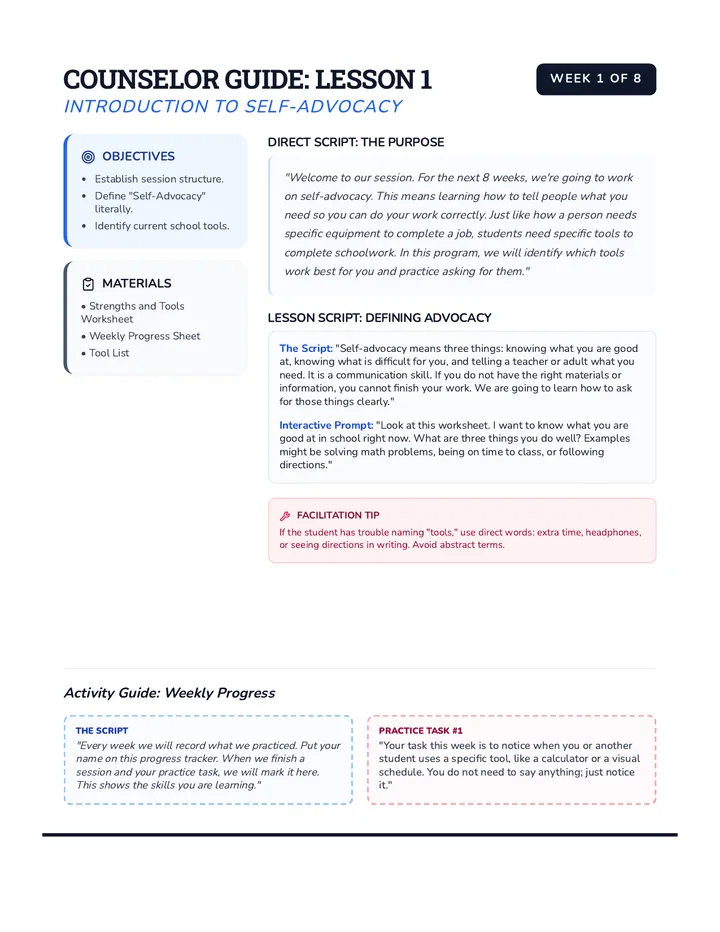
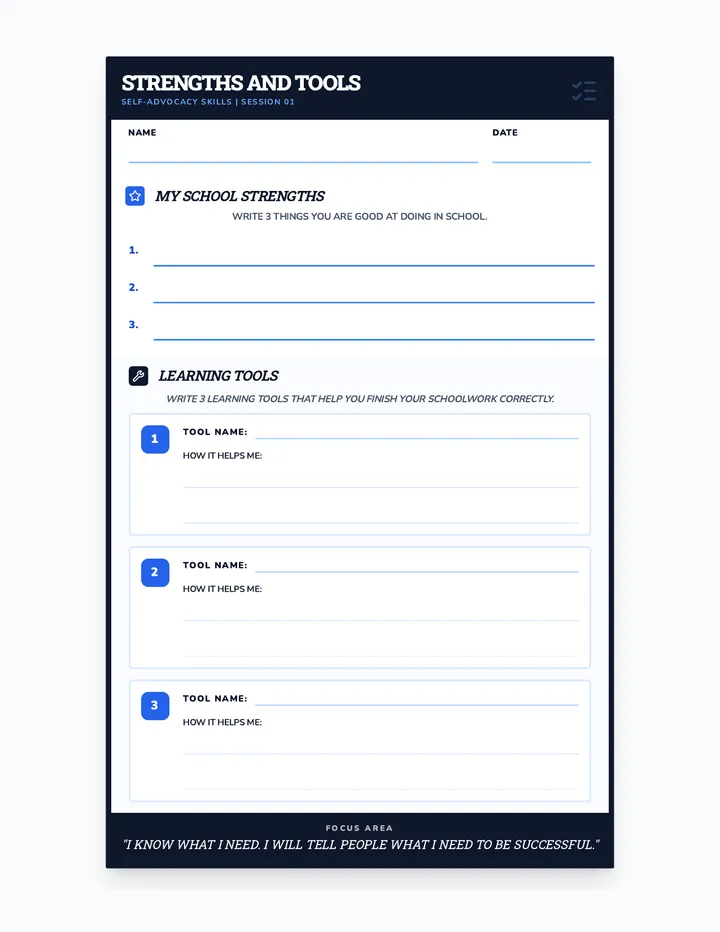
An 8-week individual counseling sequence designed for 8th-grade students with autism to develop self-advocacy skills, focusing on requesting learning tools and clarification. Content uses direct, literal language.
A comprehensive 10-week instructional module designed to build and refine 9 core executive functioning skills including goal setting, organization, and self-regulation.
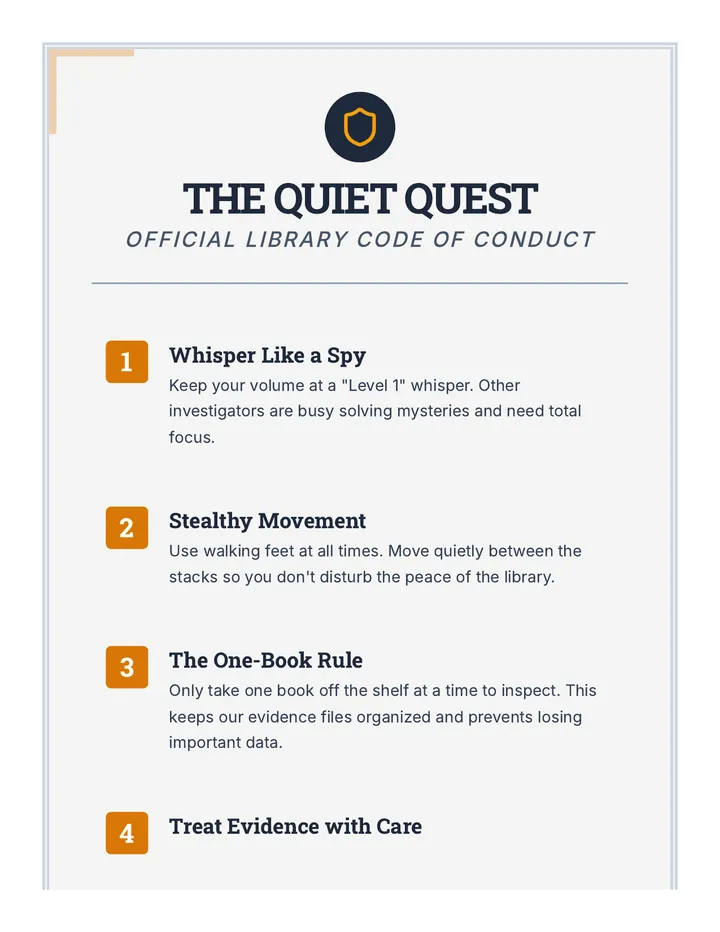
A series of lessons designed to turn students into "Library Legends" by mastering the library catalog, understanding library etiquette, and engaging with books through reviews.
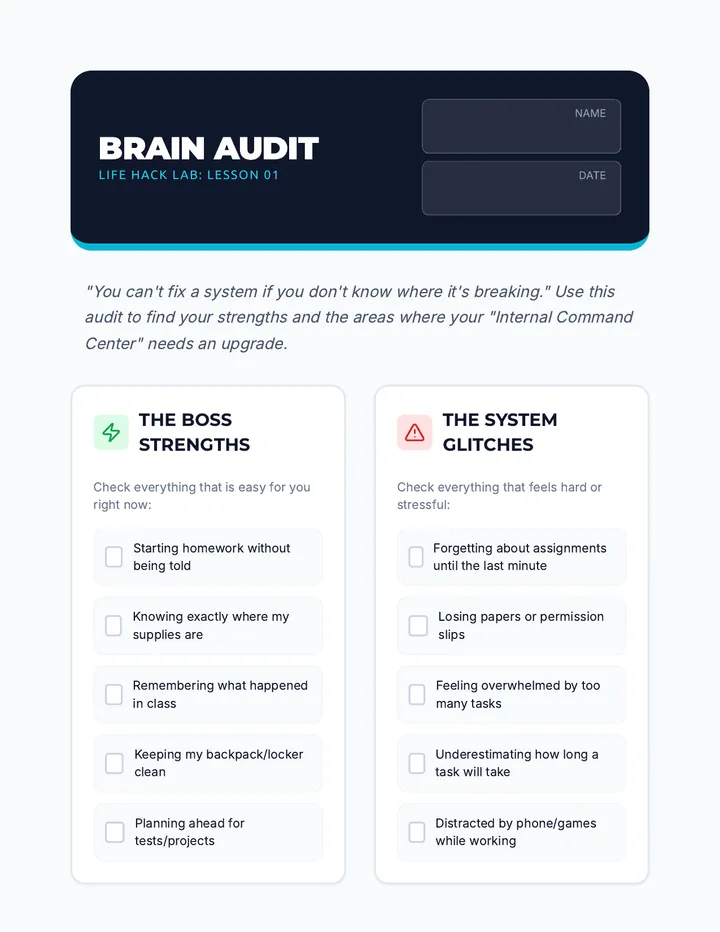
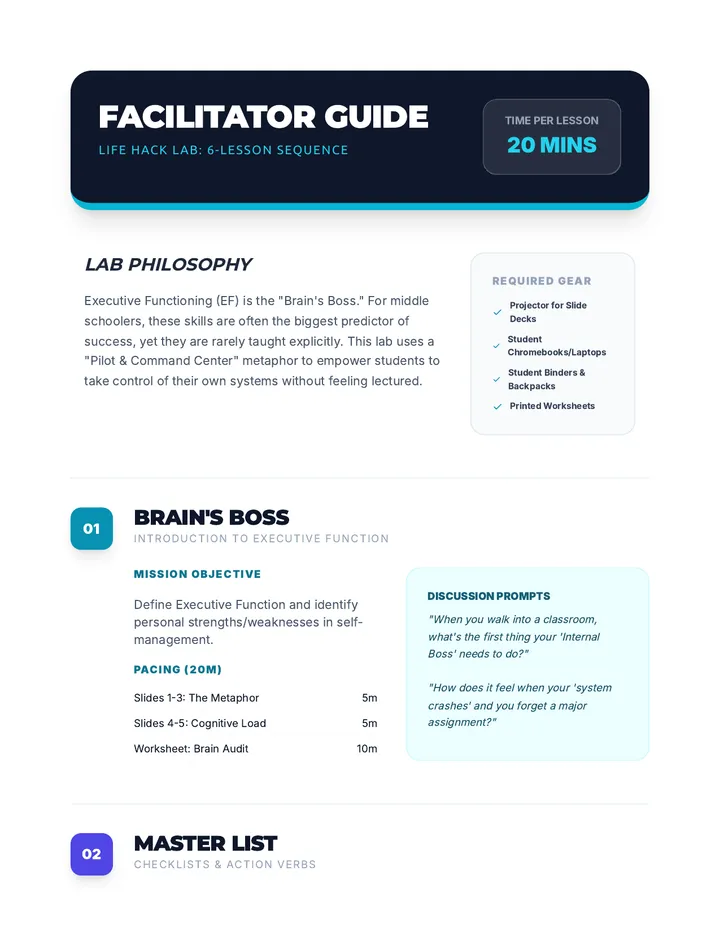
A 6-lesson sequence for middle schoolers to master executive functioning skills, focusing on task management, physical and digital organization, and building sustainable routines.
A comprehensive year-long curriculum for high school seniors focusing on college readiness, career planning, financial literacy, and social-emotional well-being. This sequence guides students through the complexities of post-secondary transitions with a special focus on arts-based pathways.
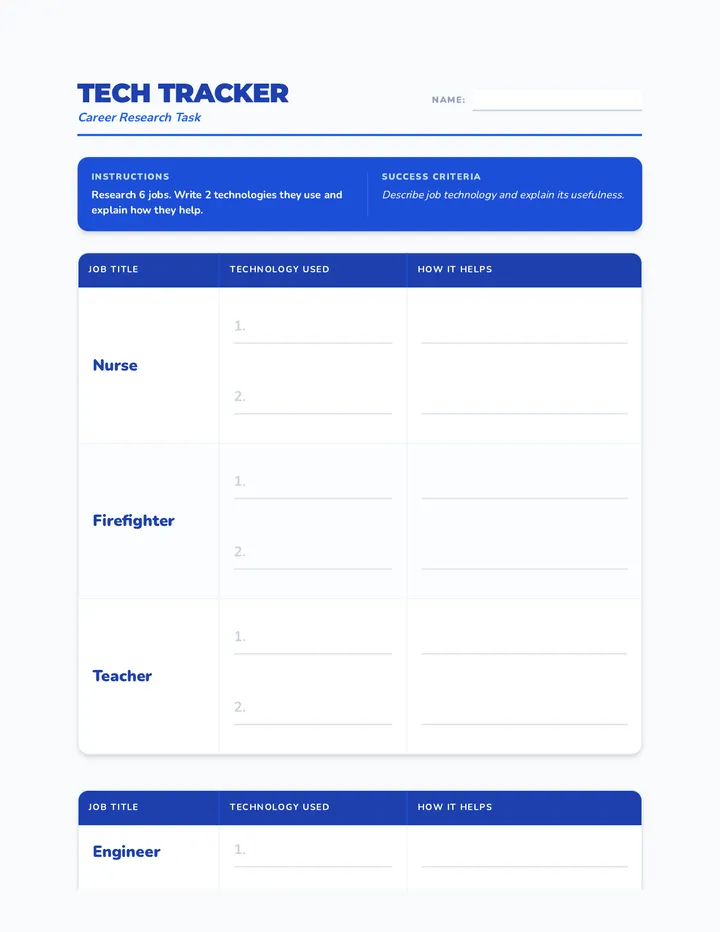
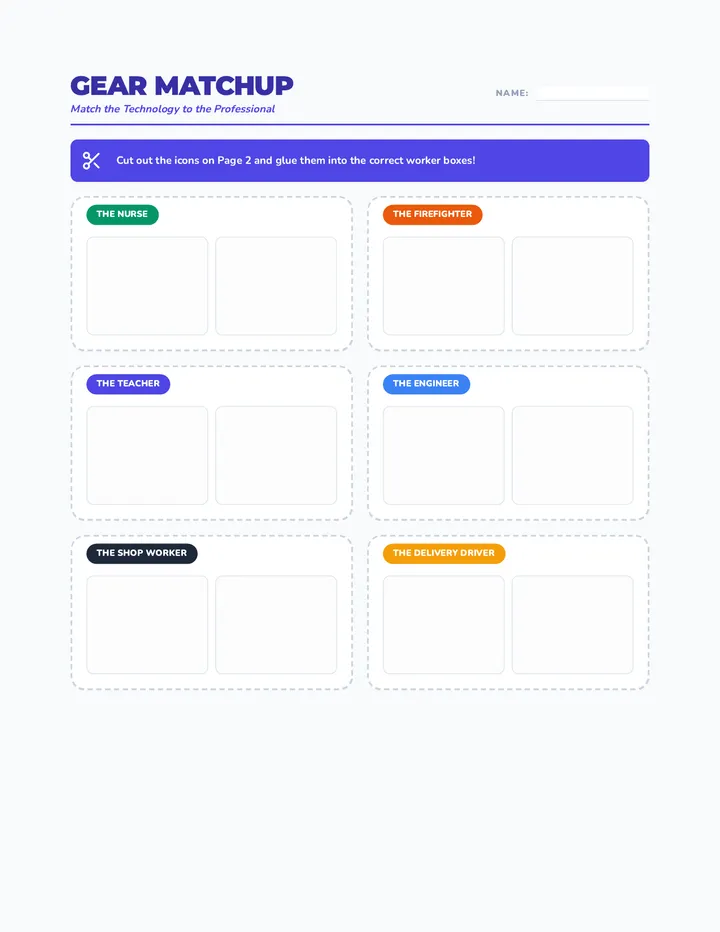
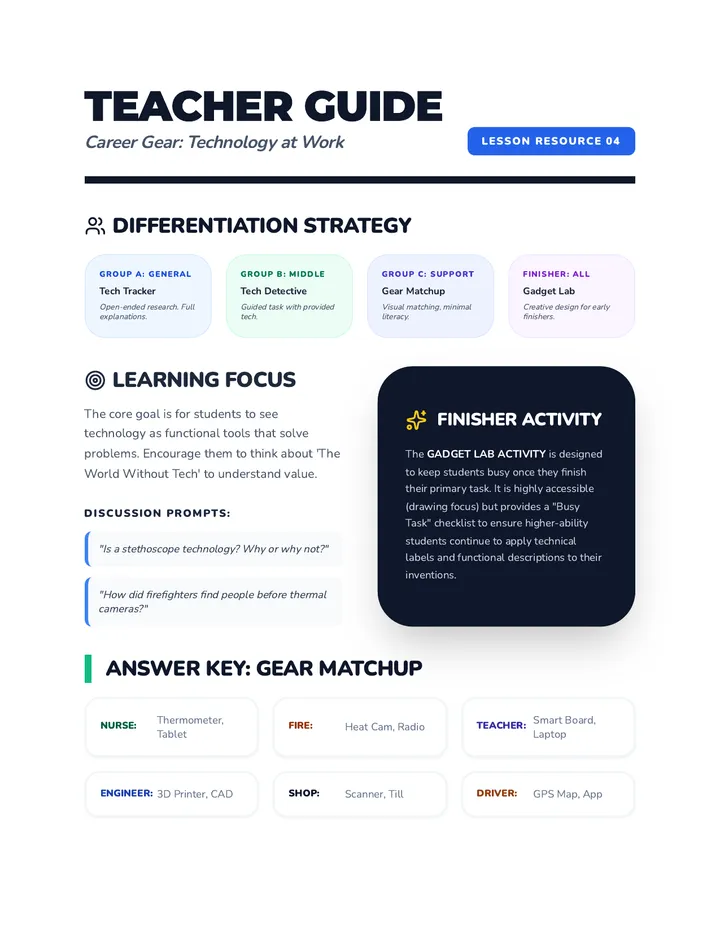
A comprehensive series of P3 and P4 lessons covering social-emotional learning, technology in work, and human rights. Differentiated for varied literacy and developmental levels.
A collection of lessons focused on emotional intelligence and career awareness for Primary 4 students.
A 6-lesson sequence divided by grade level (5th, 6th, and 7th), celebrating 100 years of Black history through school values. Each grade explores two distinct lessons focusing on community joy, personal excellence, and mental health advocacy.
A comprehensive curriculum covering financial literacy, economic principles, and civic systems through historical case studies, ethical dilemmas, and real-world simulations.
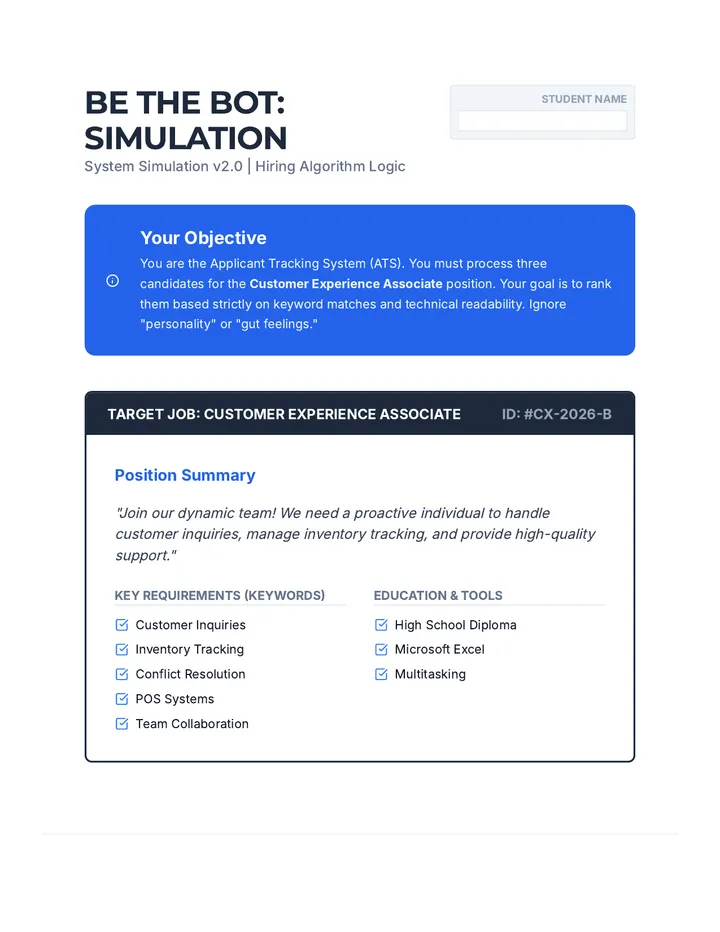
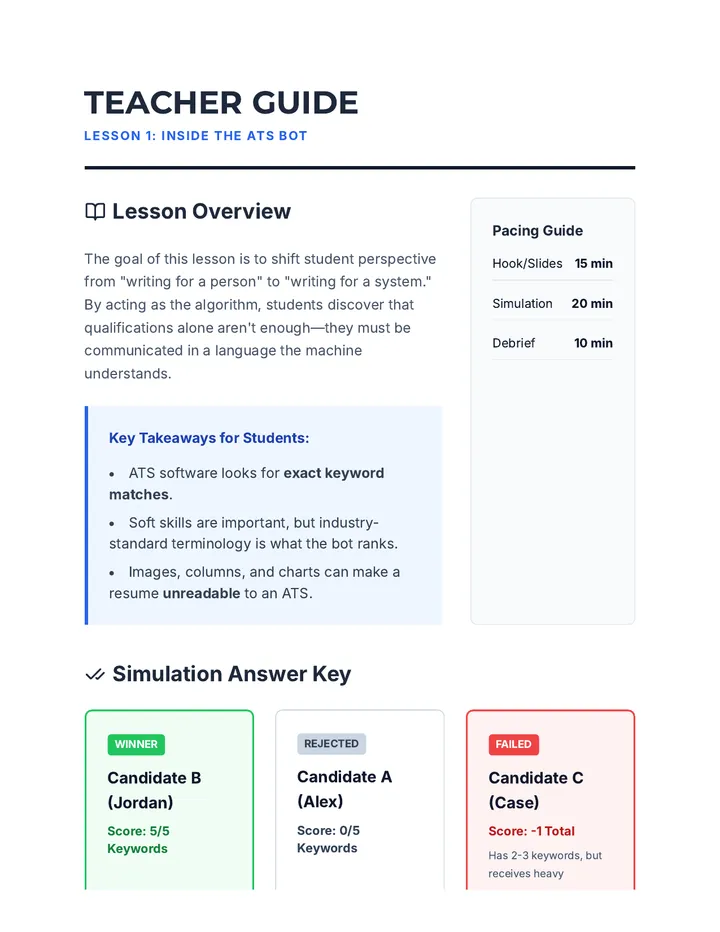
A comprehensive 5-lesson sequence for 12th-grade students on the strategic art of tailoring resumes. Students learn about ATS algorithms, decode job descriptions, translate youth experiences into professional keywords, and culminate in a project where they adapt a single resume for two distinct career paths.
A comprehensive deep dive into the technical intersection of human resources and artificial intelligence, equipping graduate students to navigate and master Applicant Tracking Systems (ATS). Students learn to leverage semantic analysis and keyword optimization to ensure their qualifications are recognized by algorithmic gatekeepers while maintaining a compelling human narrative.
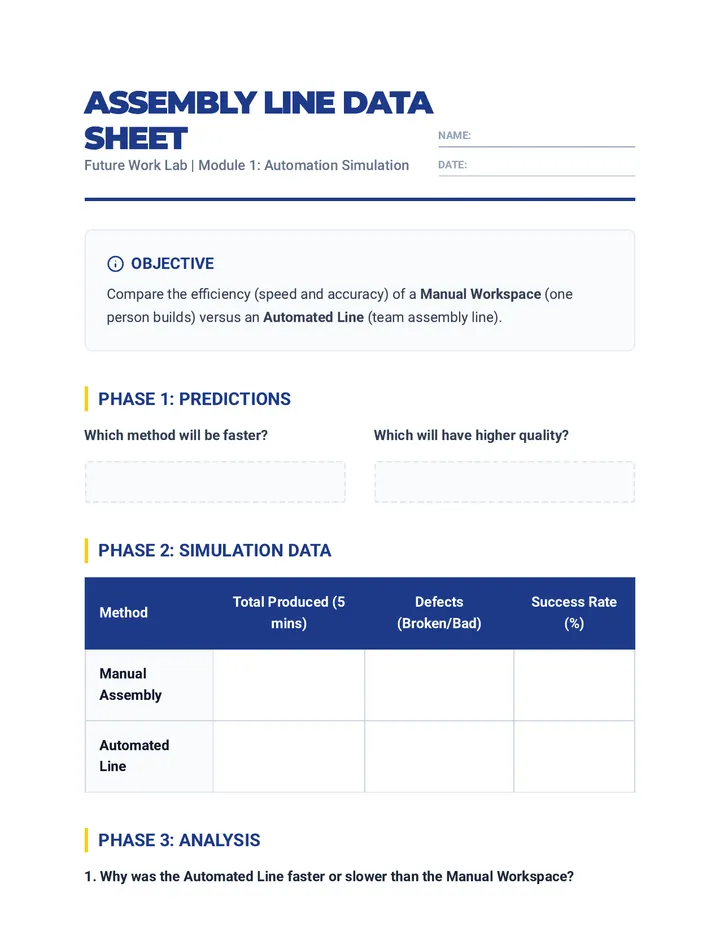
This sequence explores how technology transforms the workplace, from assembly line automation to the rise of remote work and the gig economy, concluding with identifying essential human skills for the future.
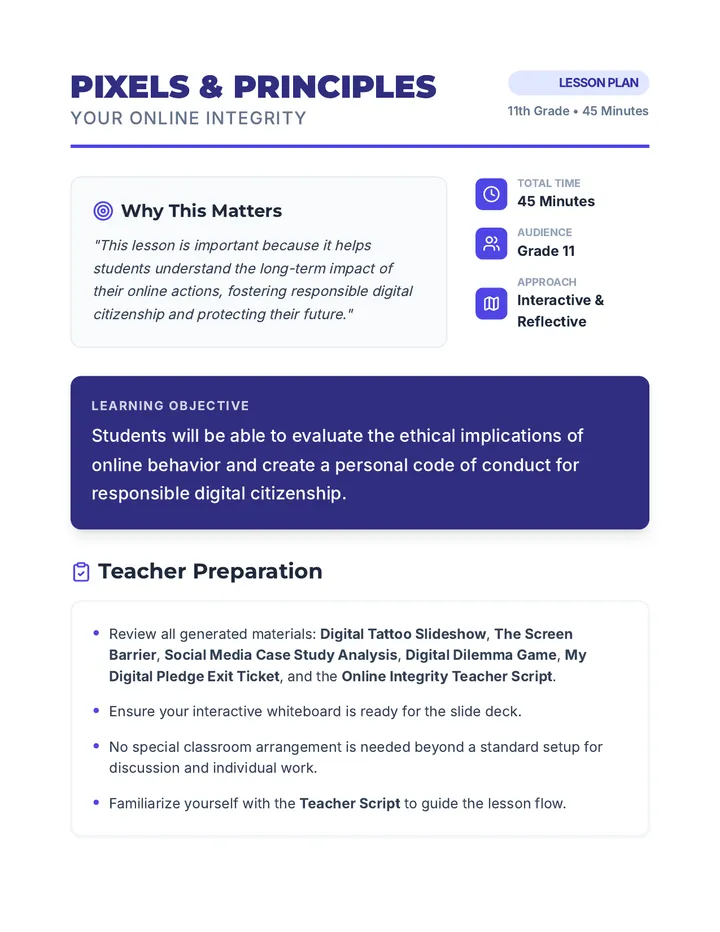
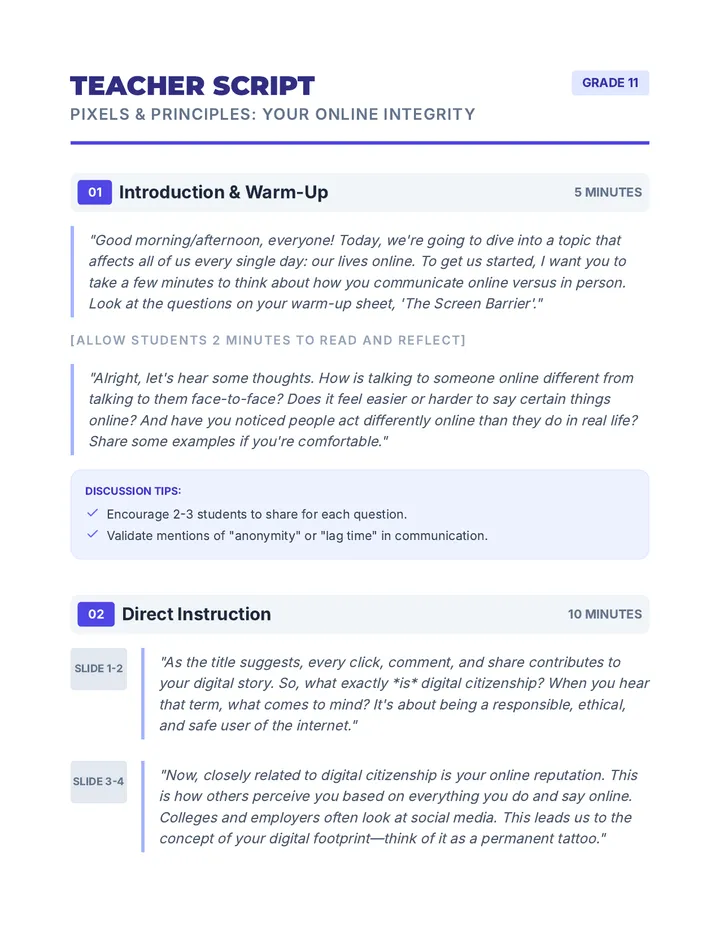
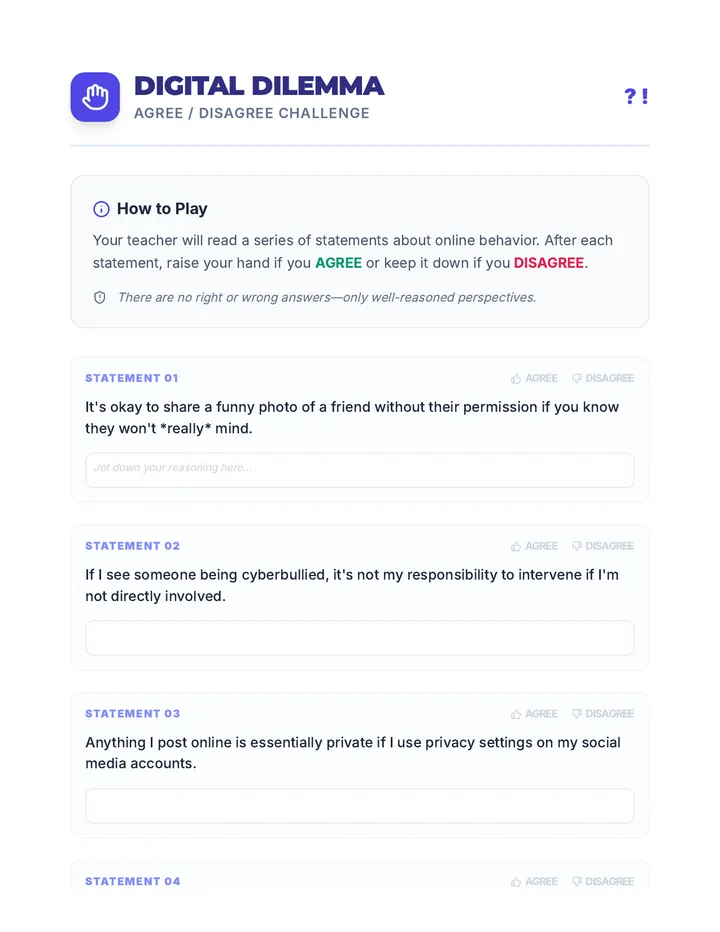
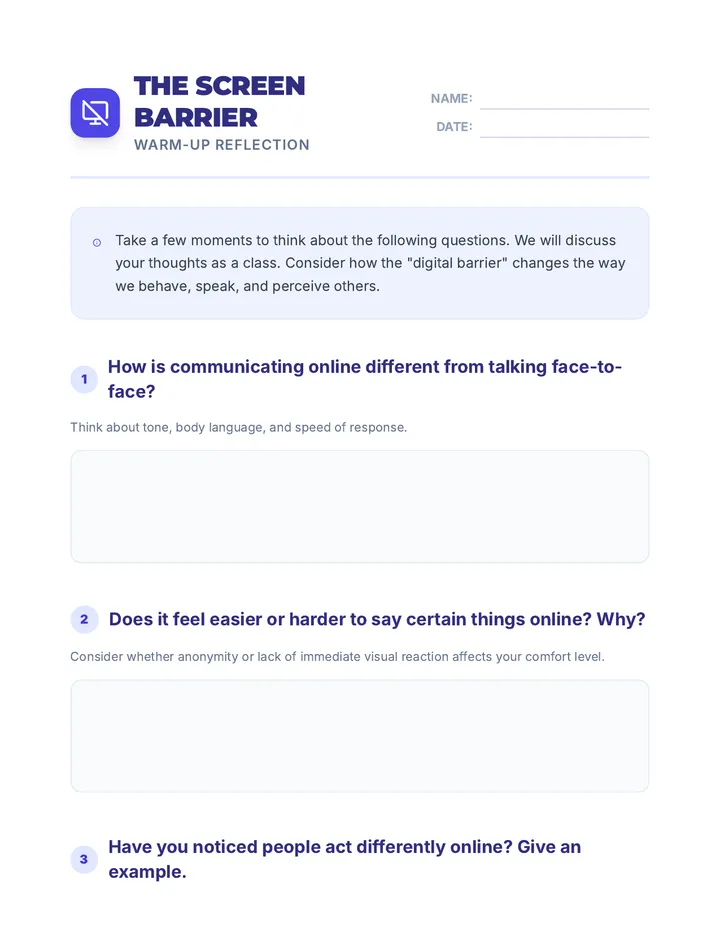
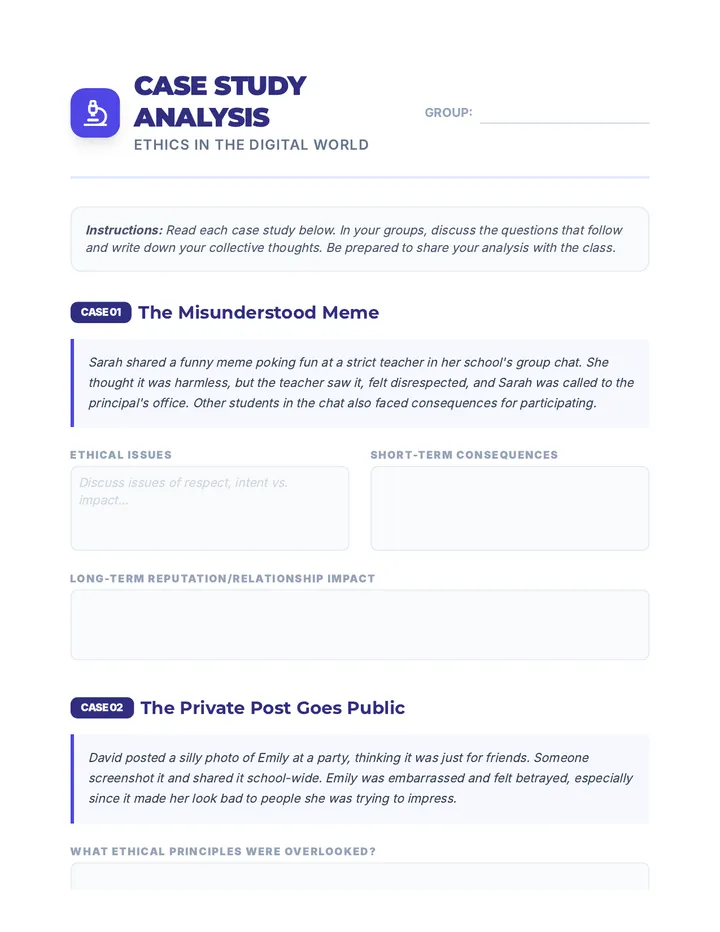
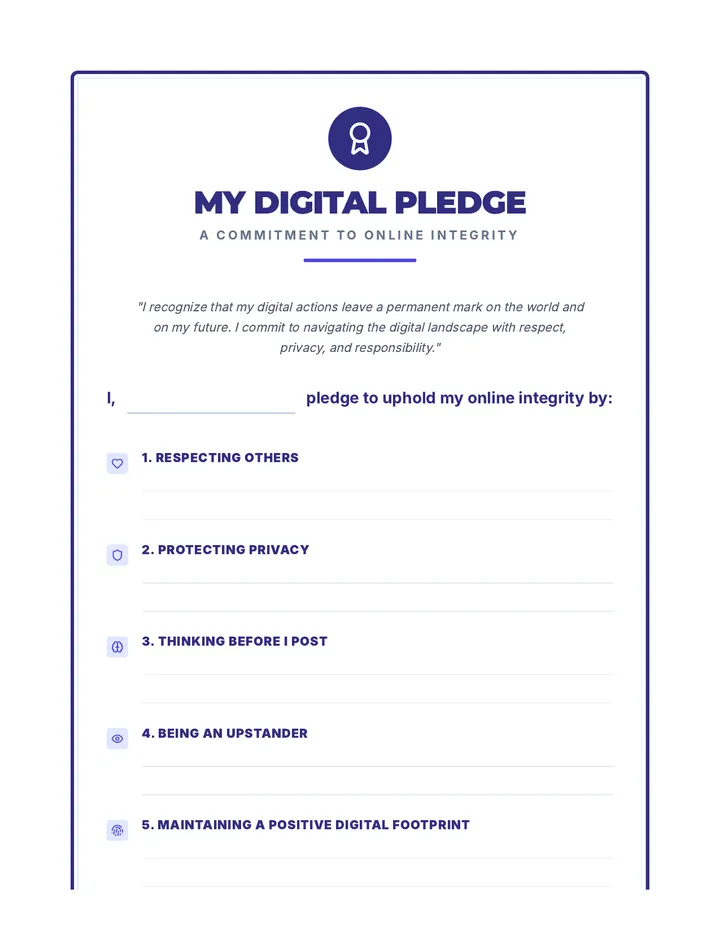
This lesson empowers 11th-grade students to critically evaluate ethical online behavior and develop a personal code for responsible digital citizenship through case studies, discussions, and a personal pledge.
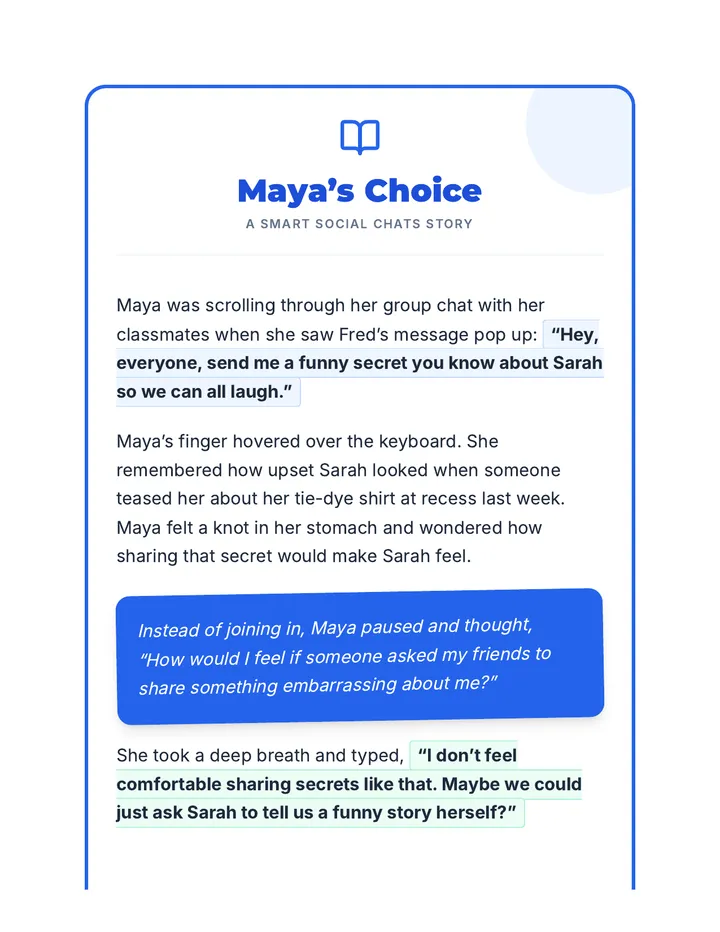
A 30-minute Tier 2 group lesson for 4th graders focused on responsible social media use, group chat etiquette, and digital safety through scenario-based learning and interactive play.
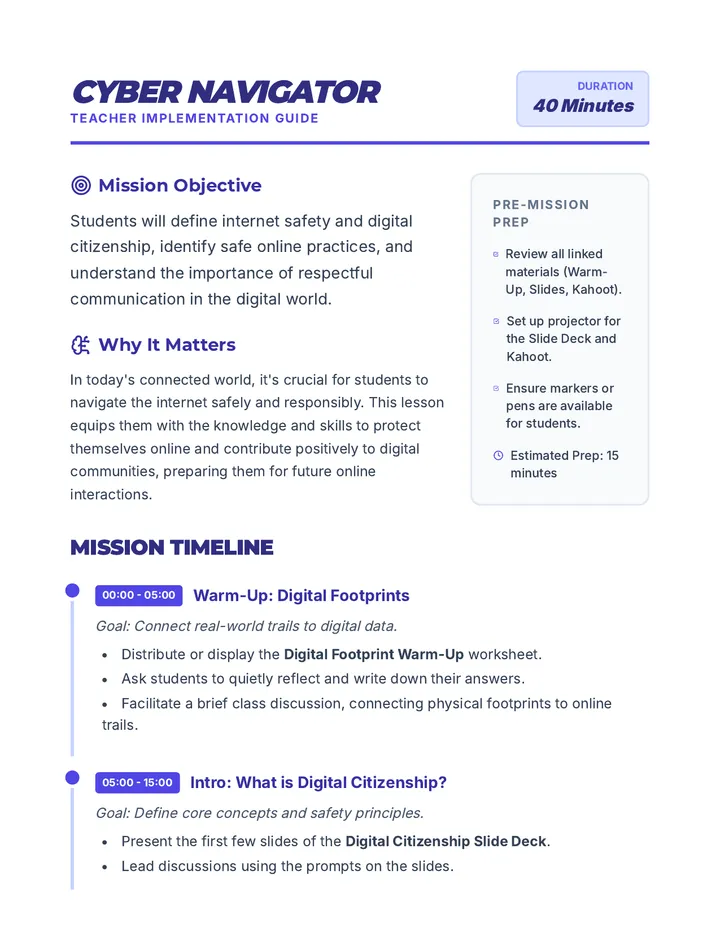
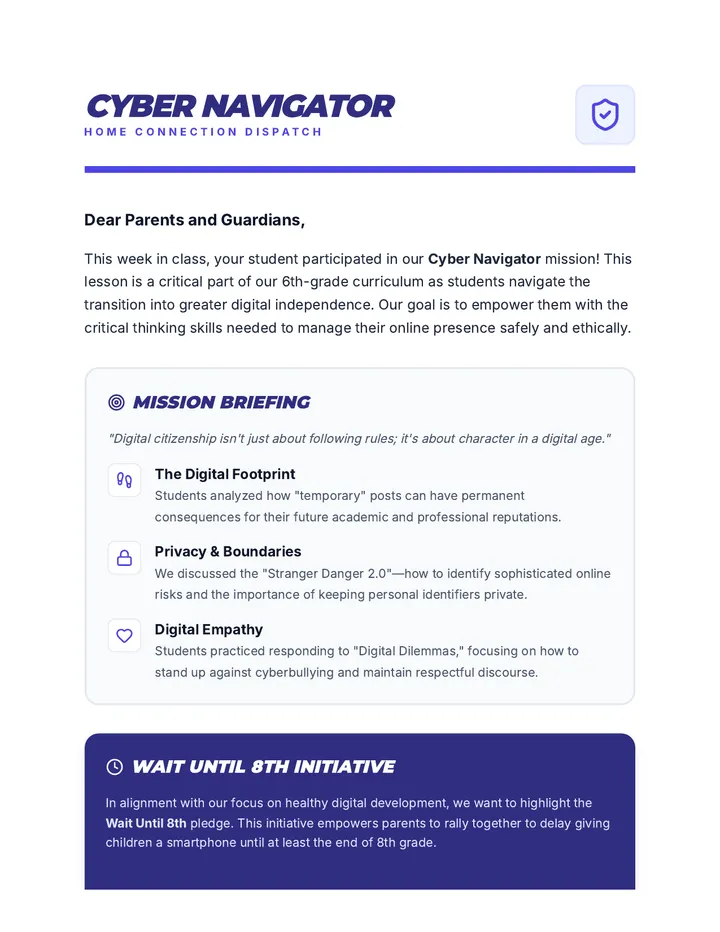
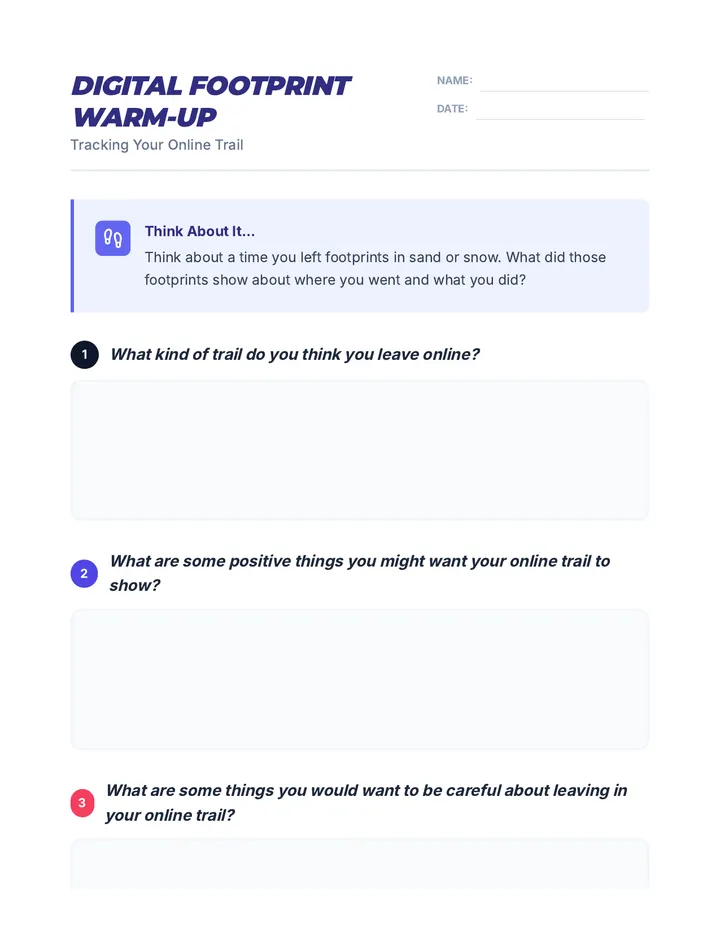
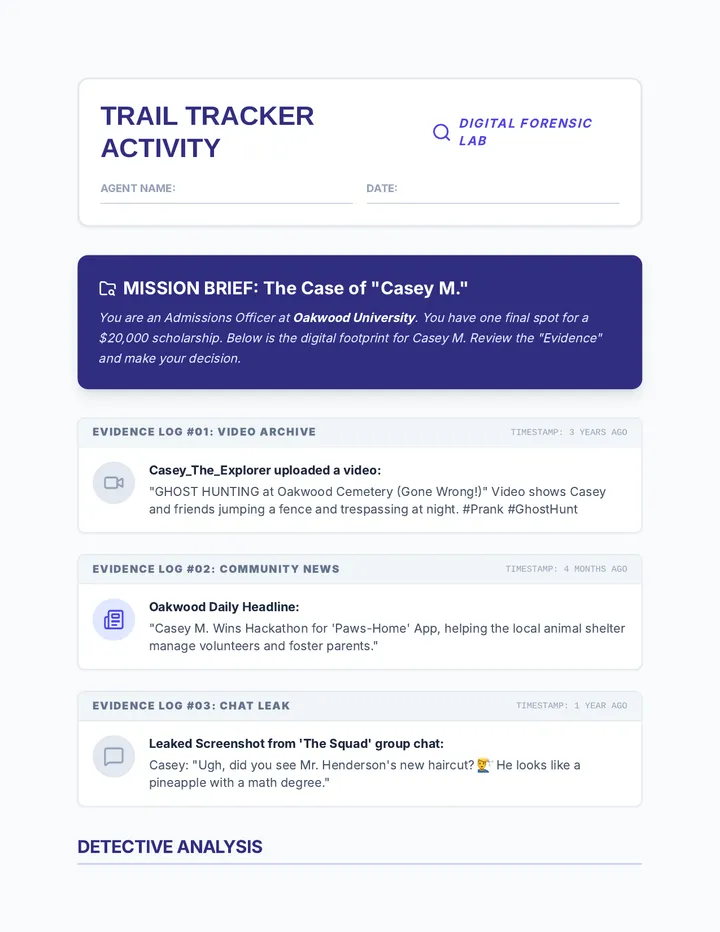
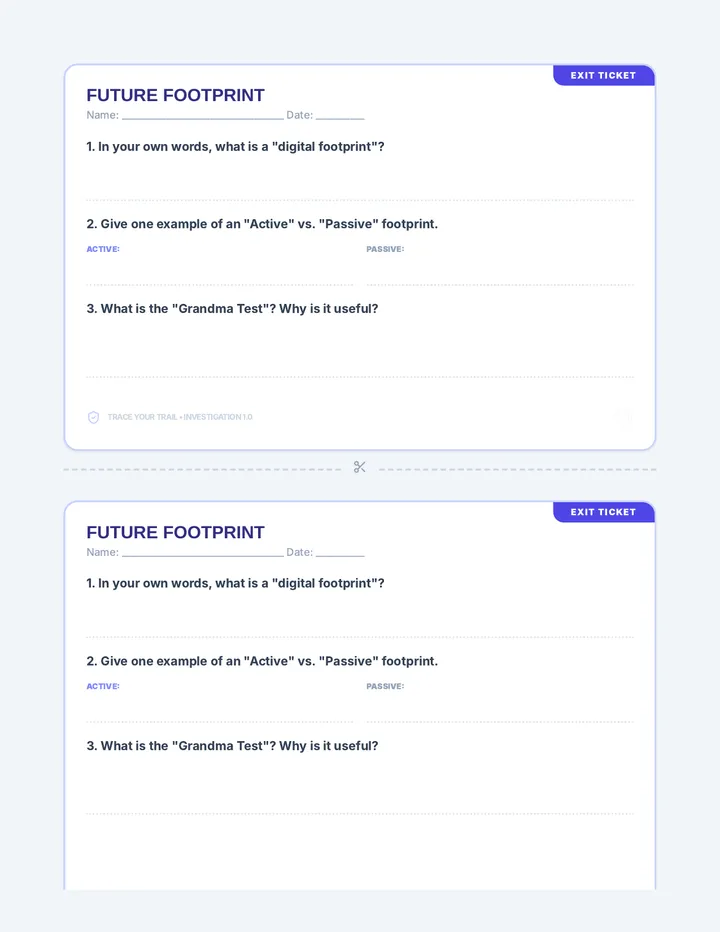
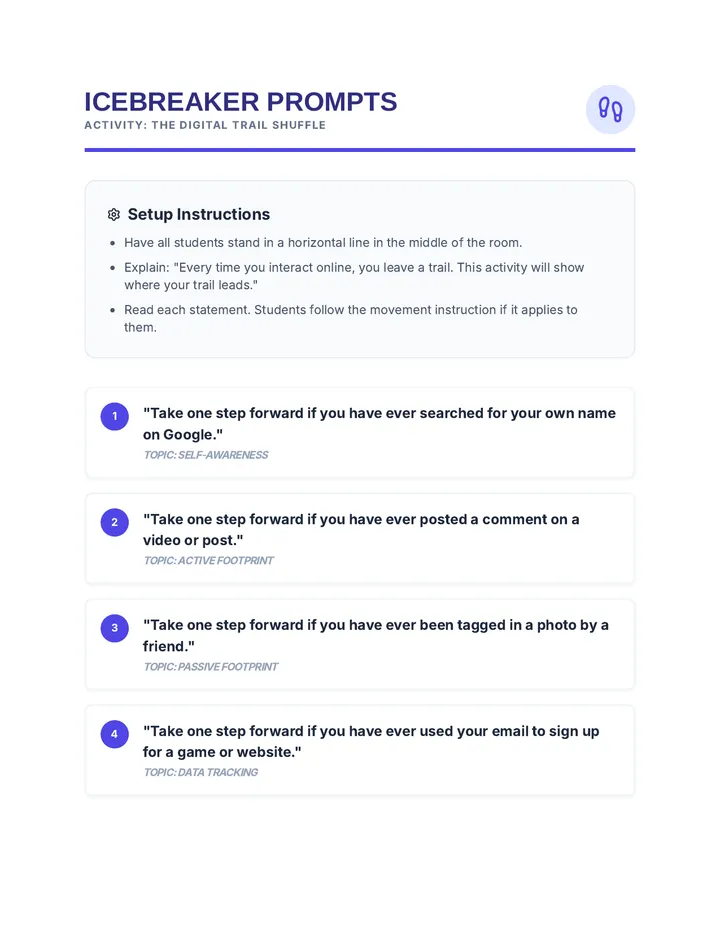
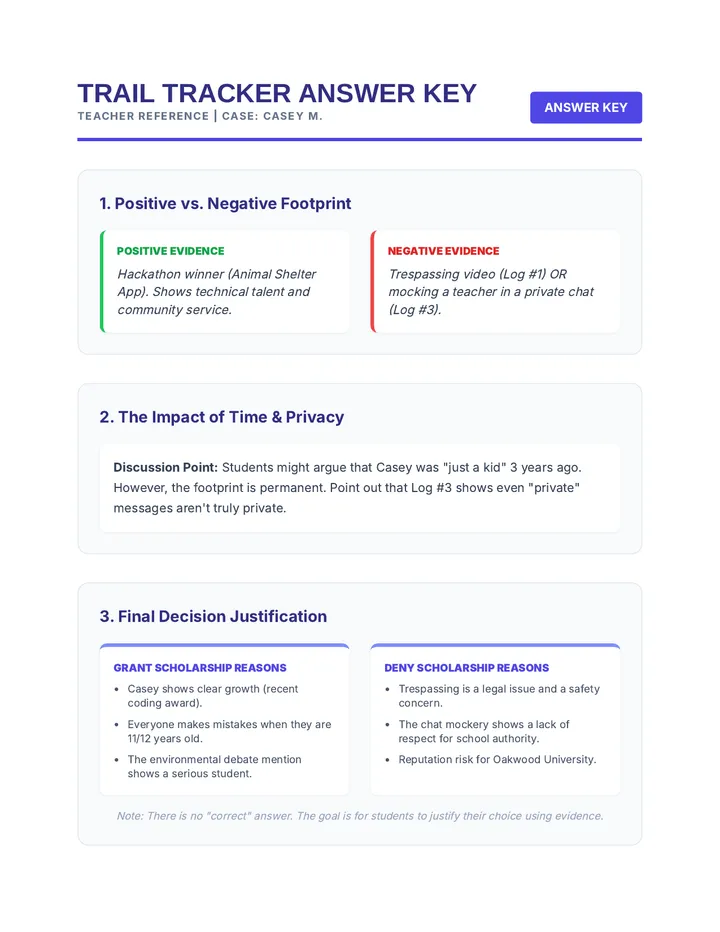
This lesson empowers 6th-grade students to become responsible digital citizens by understanding internet safety and the value of positive online interactions. Students will analyze their digital footprints, discuss safety principles, and practice decision-making through interactive scenarios.
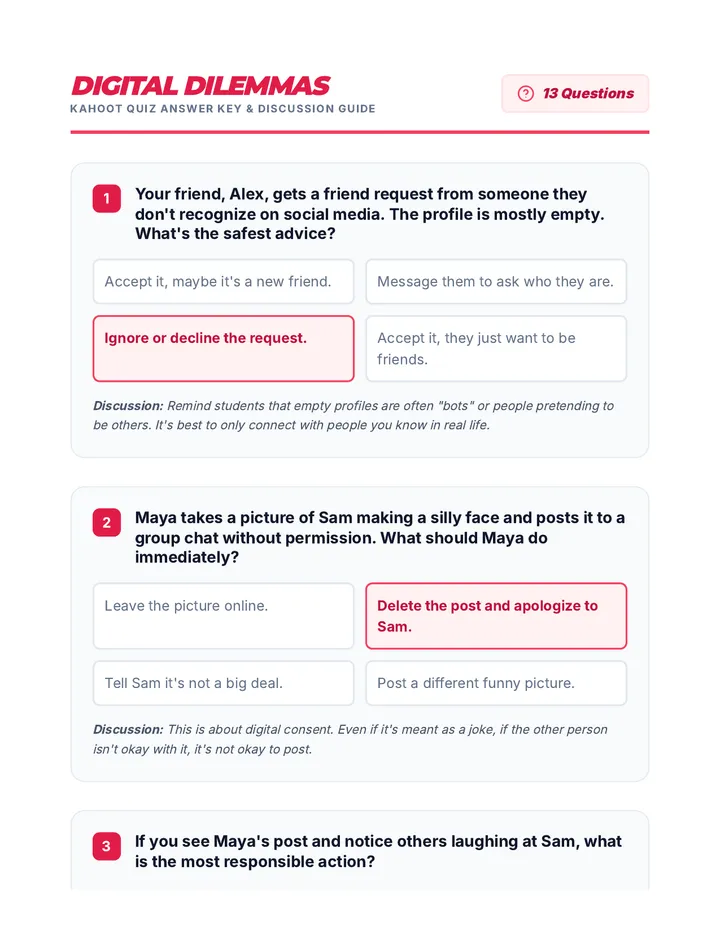
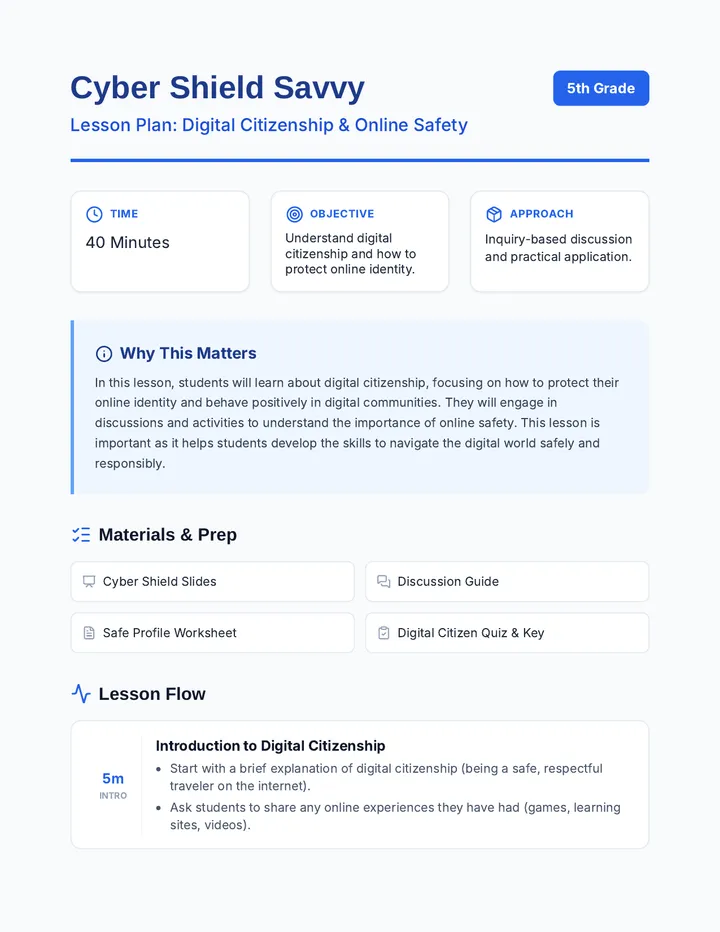
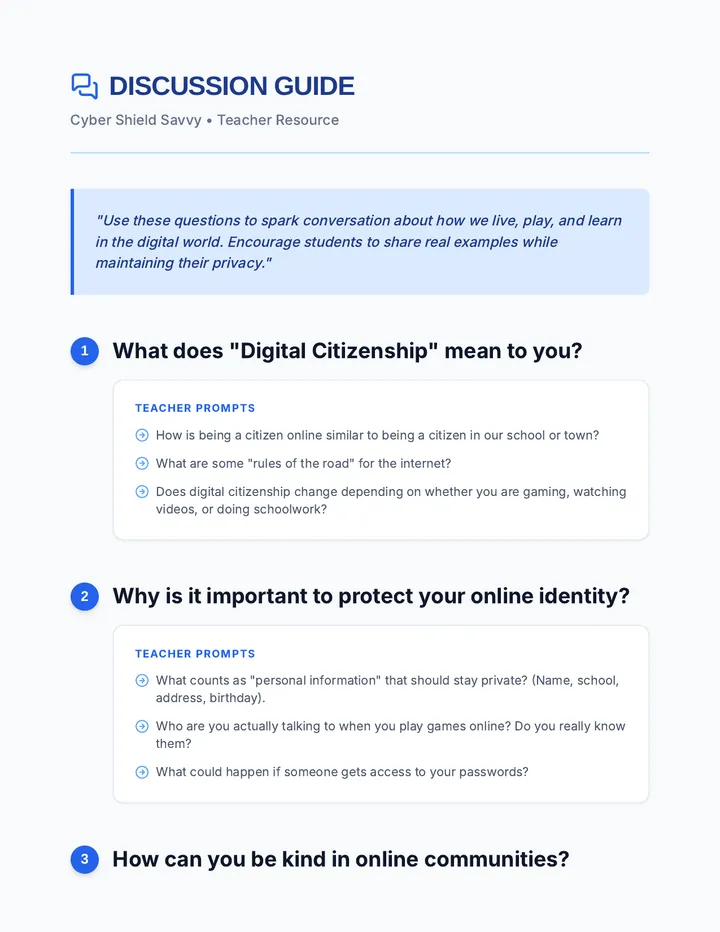
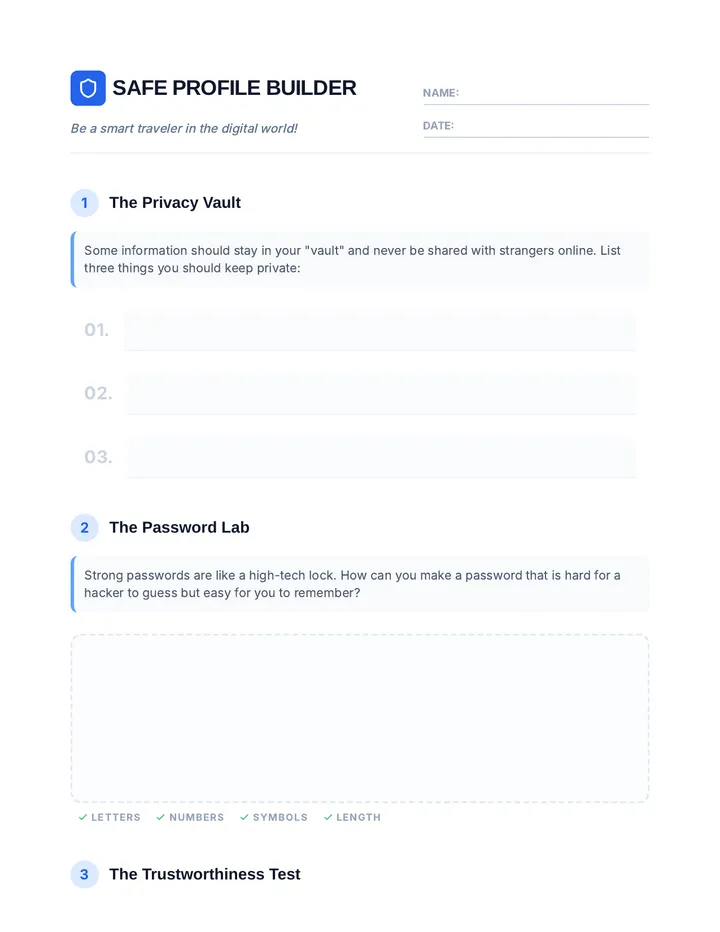
A comprehensive lesson for 5th graders on digital citizenship, focusing on online safety, privacy, and positive digital behavior. Students will learn to protect their online identity and build a safe digital profile.
A comprehensive 45-minute lesson for K-2 students focused on internet safety, protecting personal information, and responding to cyberbullying through the story of Sammy the Seal.
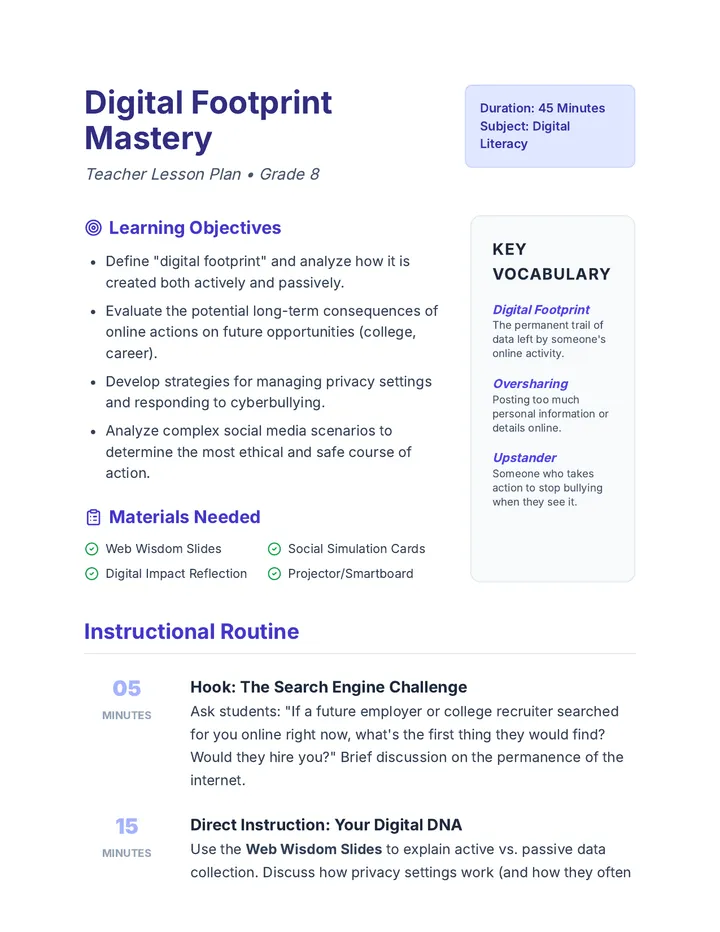
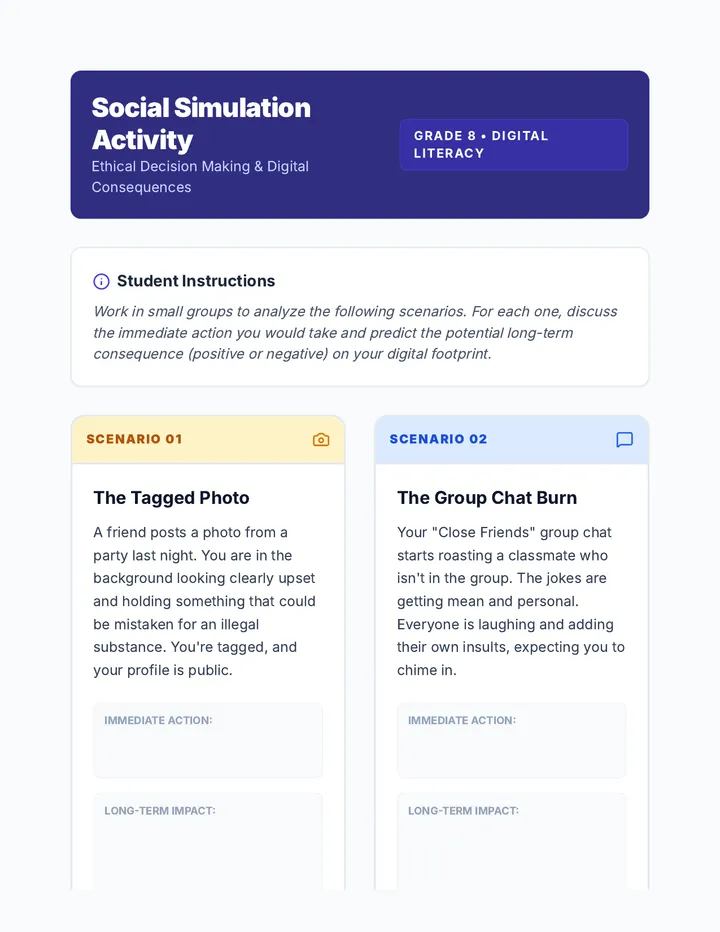
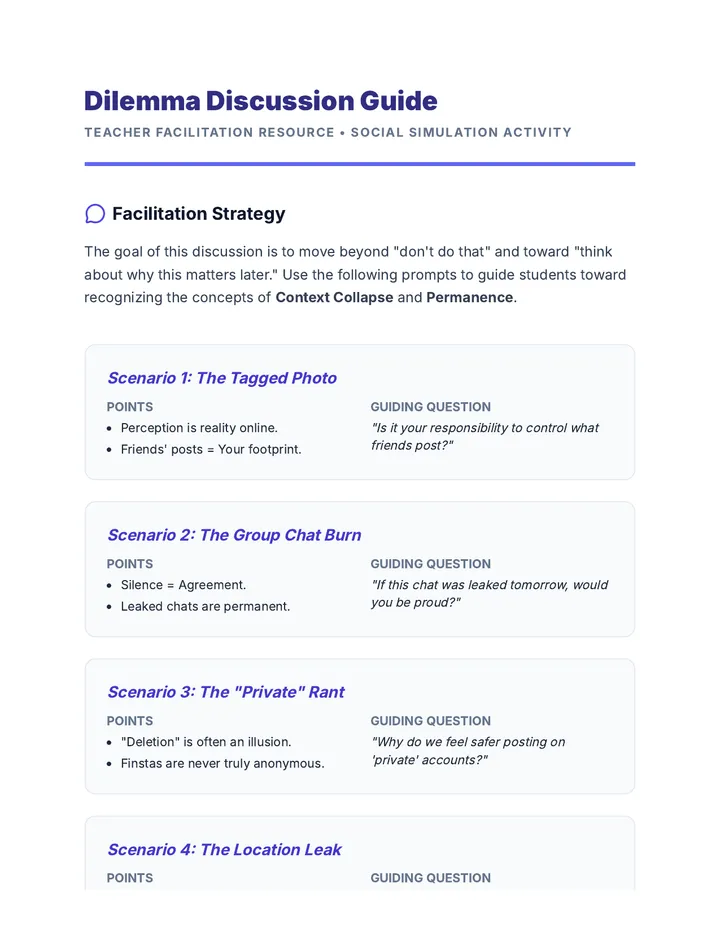
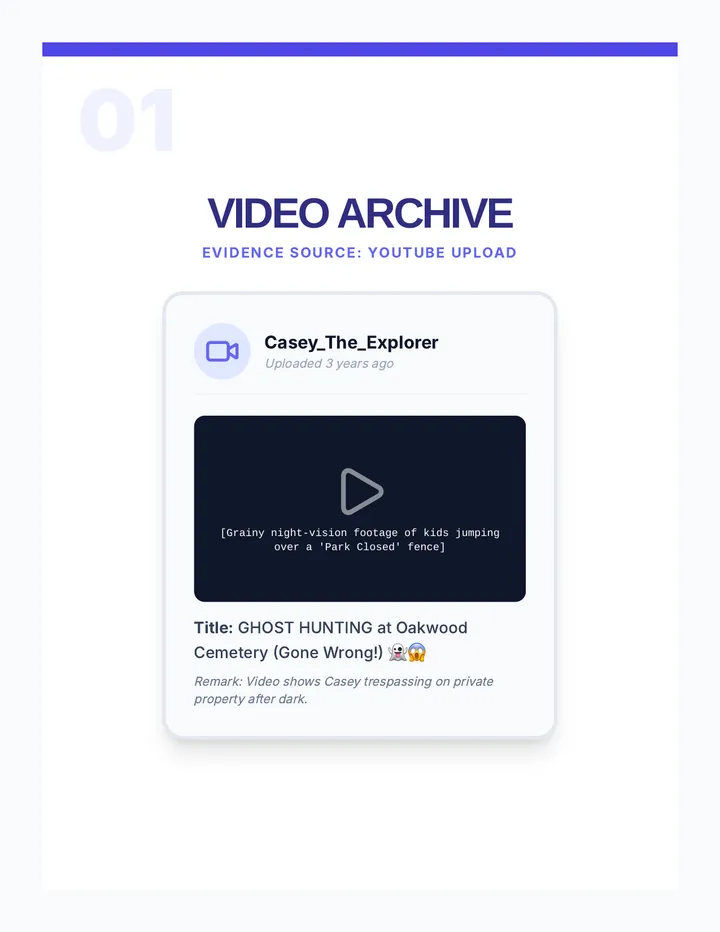
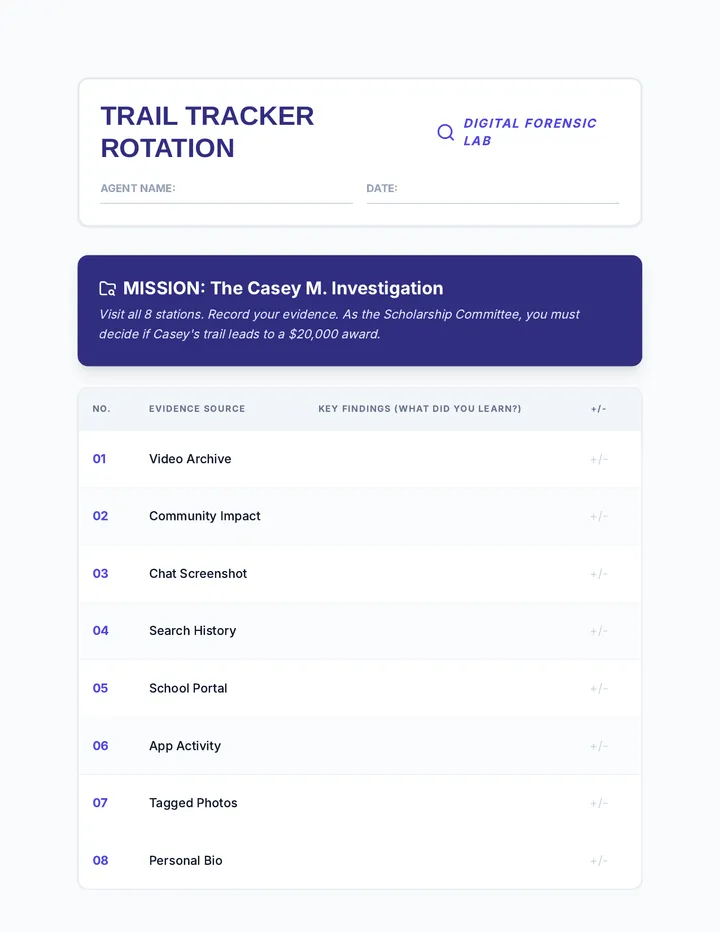
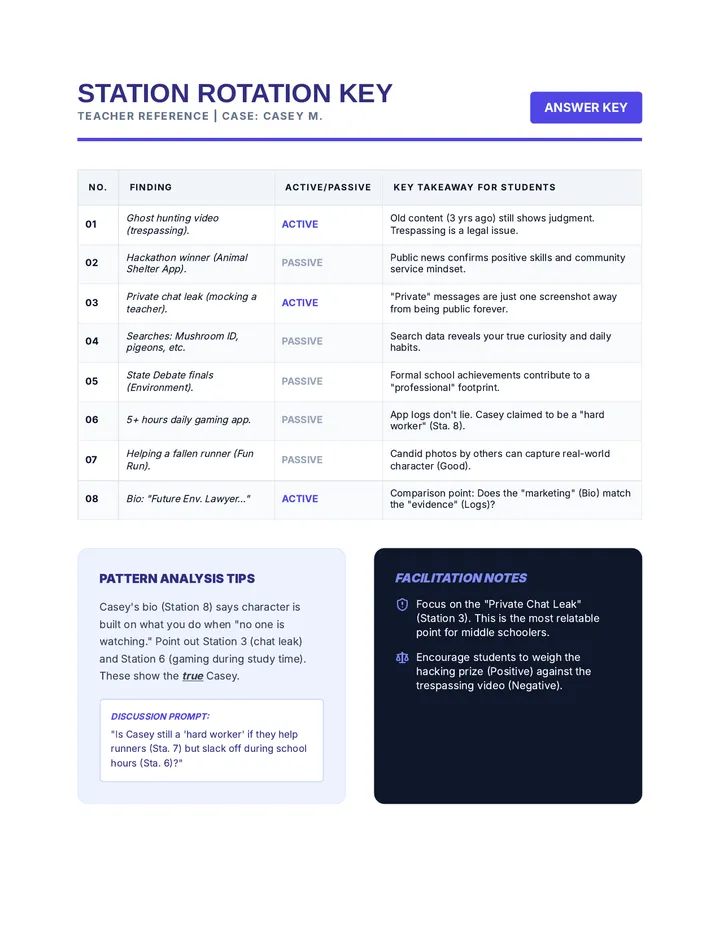
A comprehensive digital citizenship lesson for 8th graders focusing on digital footprint management, online ethics, and navigating complex social media scenarios. Students analyze the long-term impact of their online presence and develop strategies for responsible digital communication.
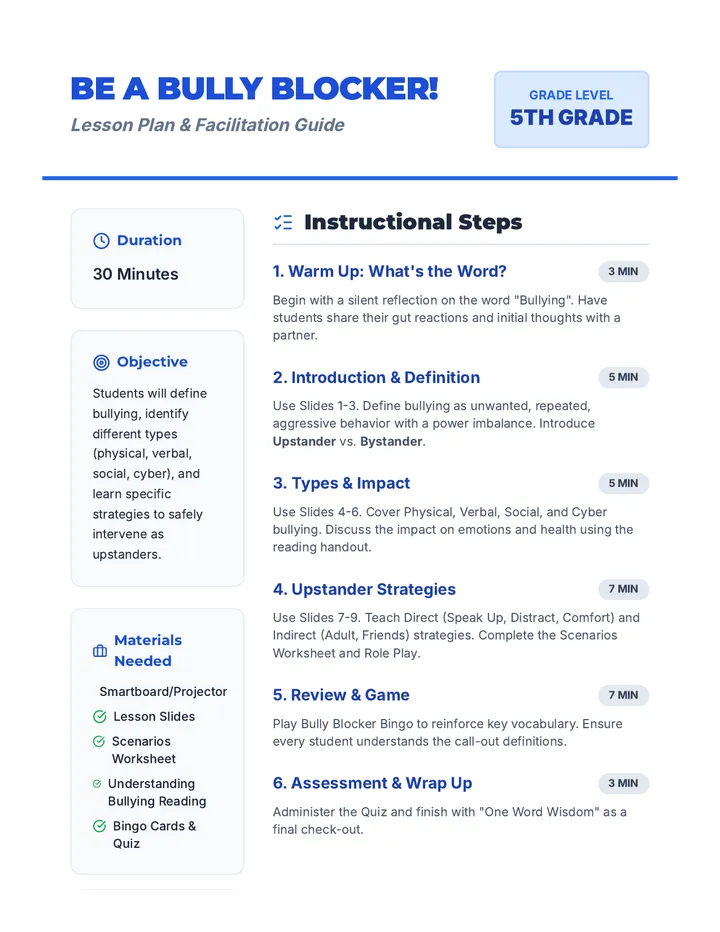
A 30-minute lesson for 5th graders to identify bullying and learn upstander strategies to create a safe school community.
A 25-minute lesson for 6th graders exploring the impact of their actions on their community and digital world, focusing on responsibility, accountability, and respect.
A 50-minute lesson for middle school students on the permanence of digital footprints, online privacy risks, and responsible social media behavior. Students explore real-world scenarios and develop strategies to protect their online identity.
This lesson empowers 11th-grade students to take action against cyberbullying by teaching them effective strategies to support victims and report incidents. Through role-playing scenarios, students will practice these skills, enhancing their ability to intervene and make a positive impact.
This lesson guides 12th-grade students in critically assessing their digital footprint and understanding the importance of online authenticity. Students will learn to curate an online image that aligns with their future academic and professional aspirations through discussions and reflection activities.
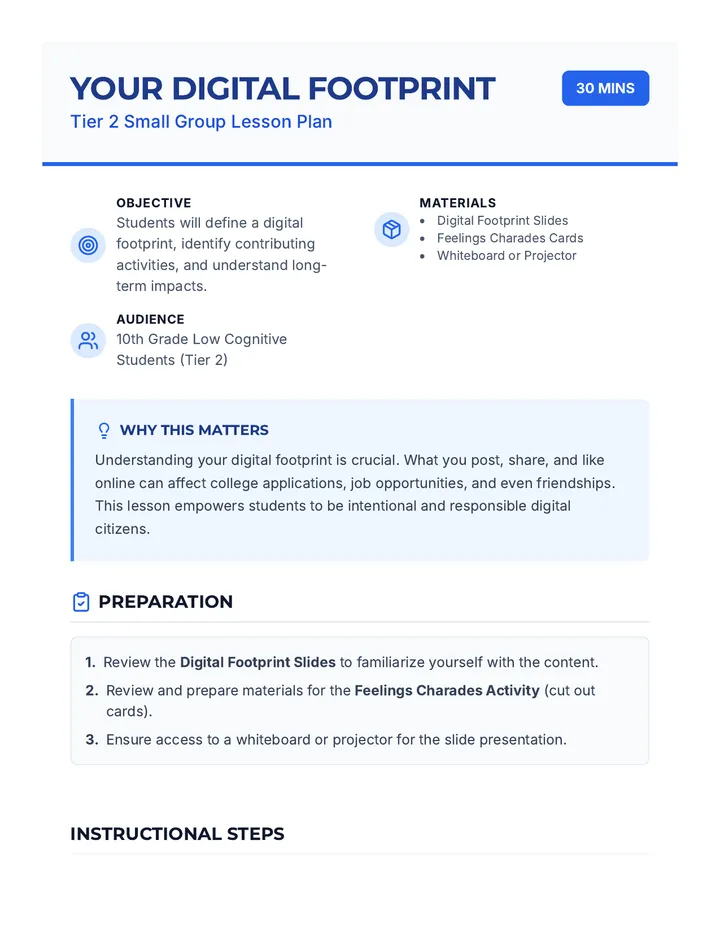
A 30-minute Tier 2 lesson for 10th-grade students exploring the concept of a digital footprint, its long-term impacts, and strategies for maintaining a positive online presence.
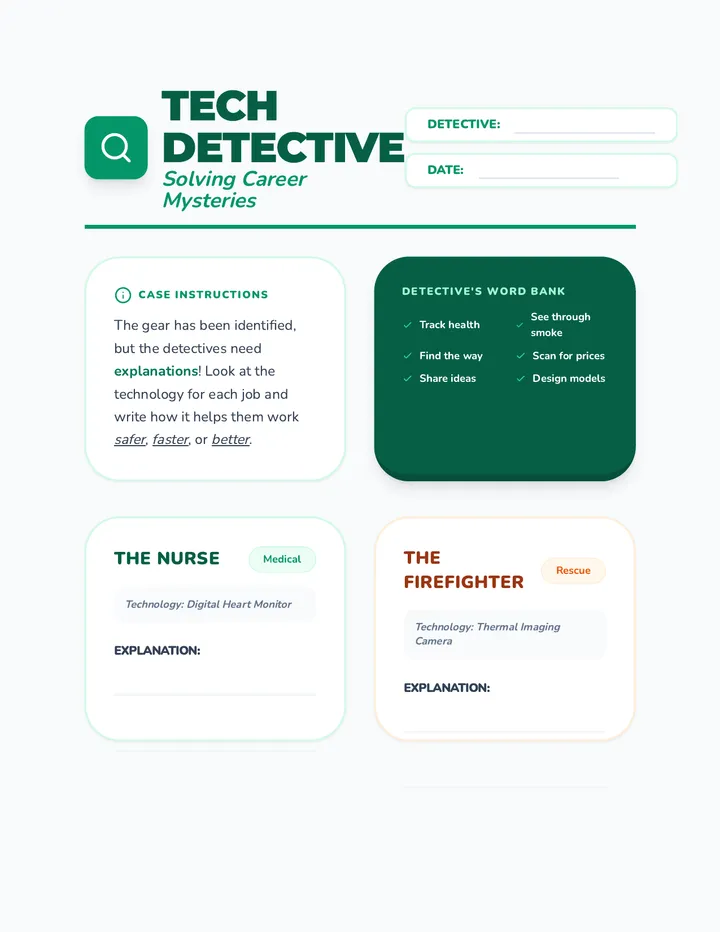
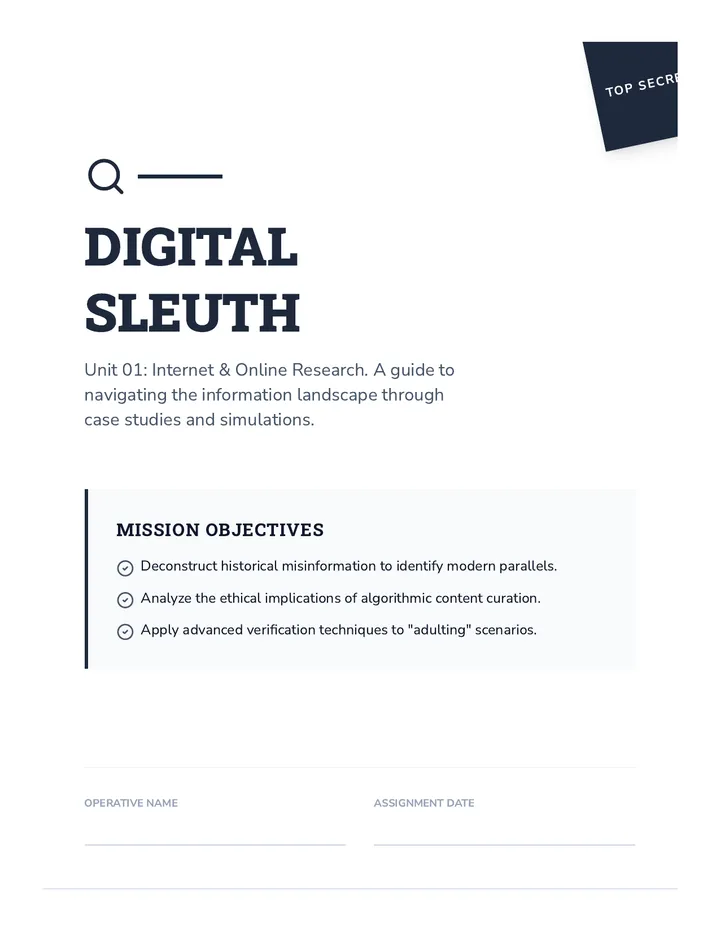
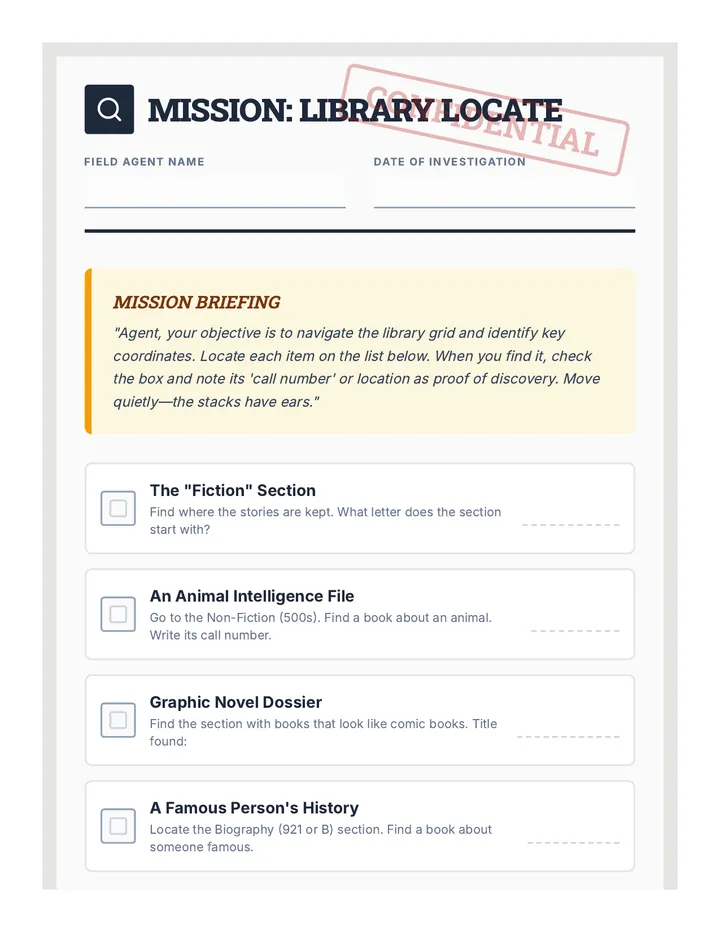
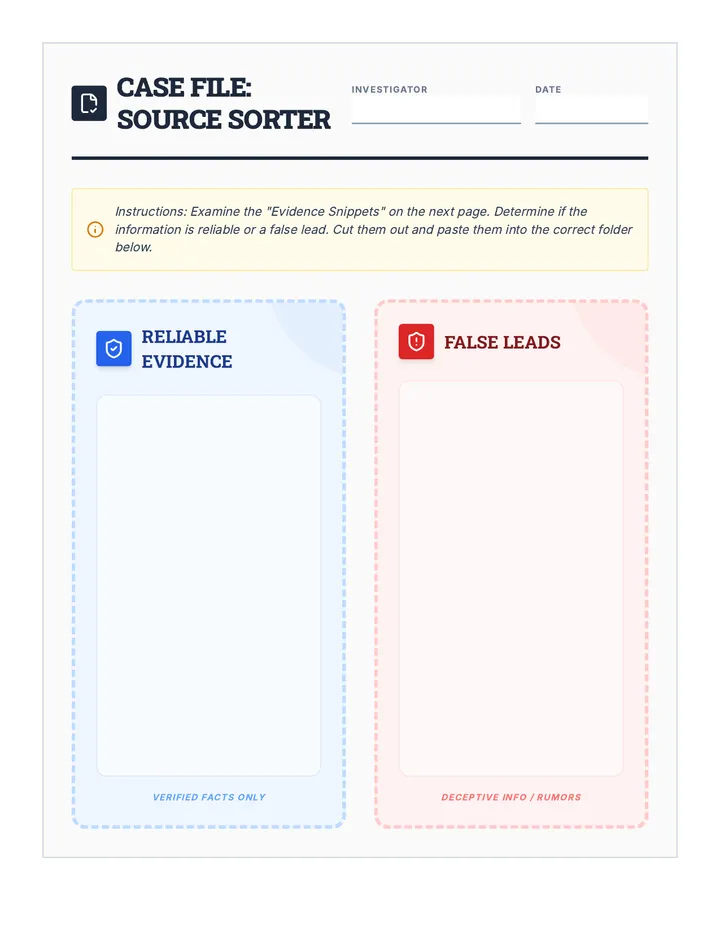
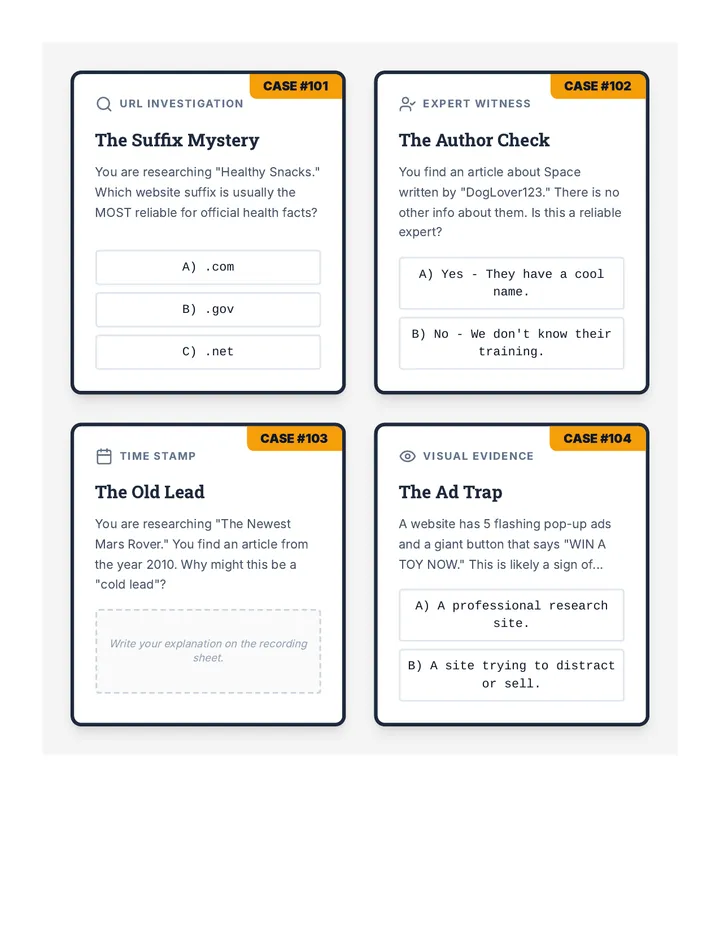
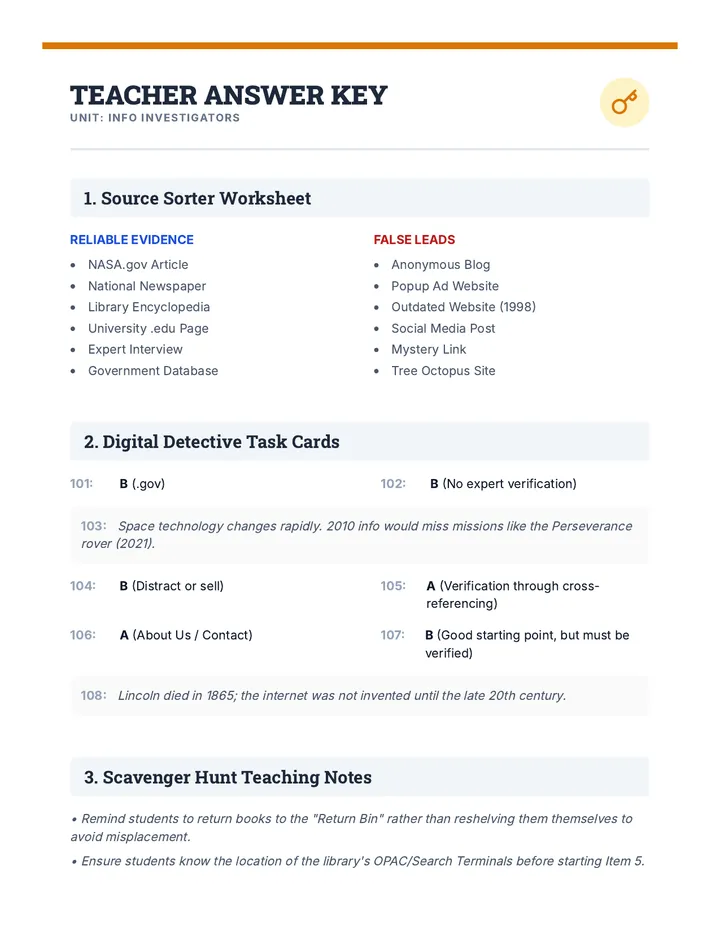
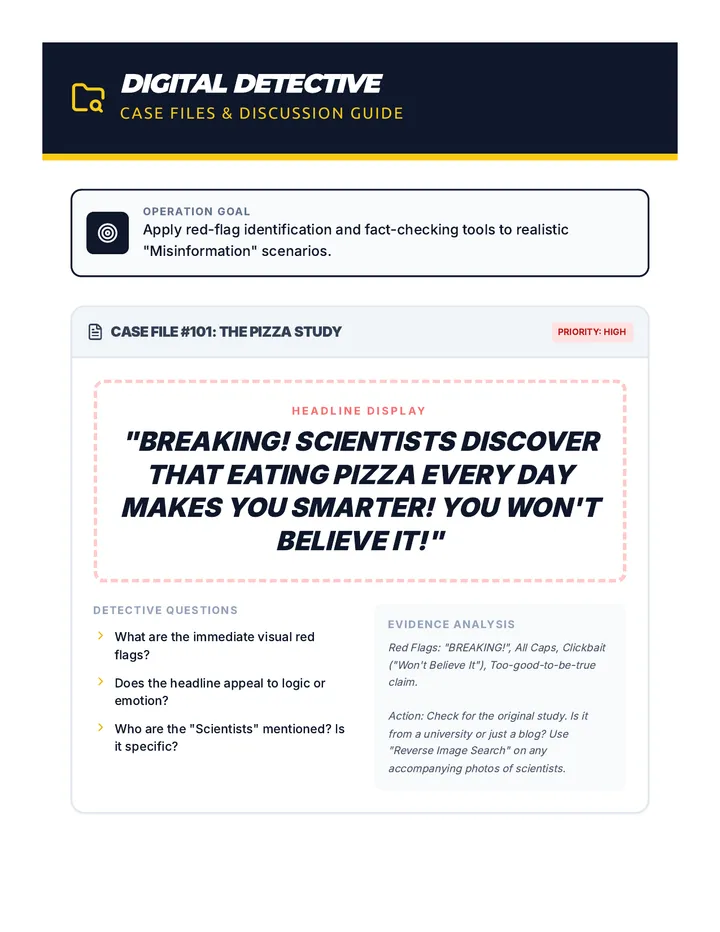
A comprehensive set of resources to teach students how to navigate the physical library and critically evaluate online information using a detective-themed approach.
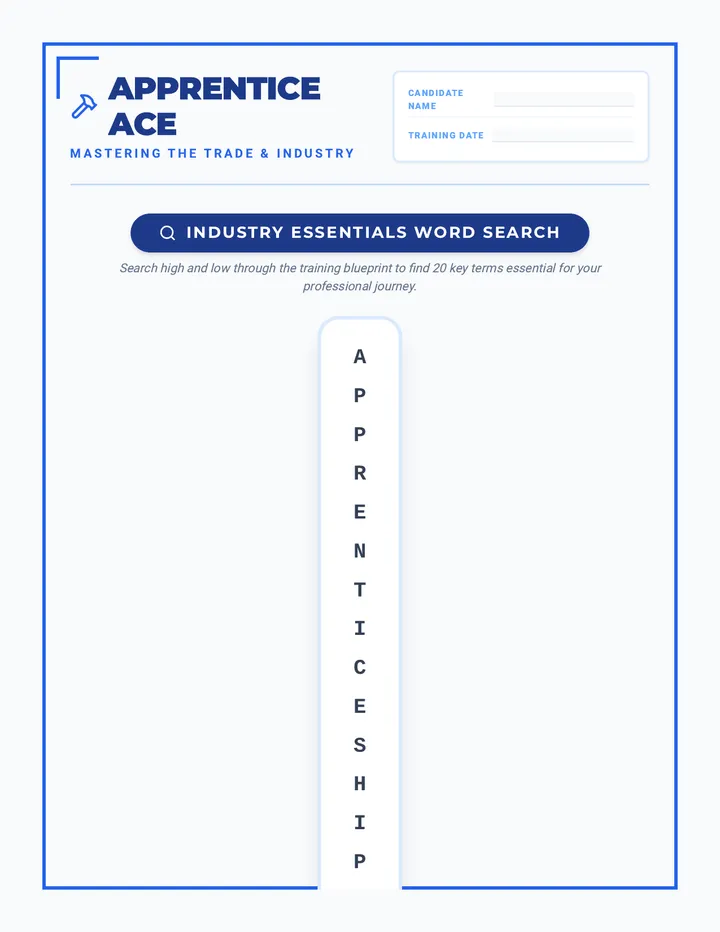
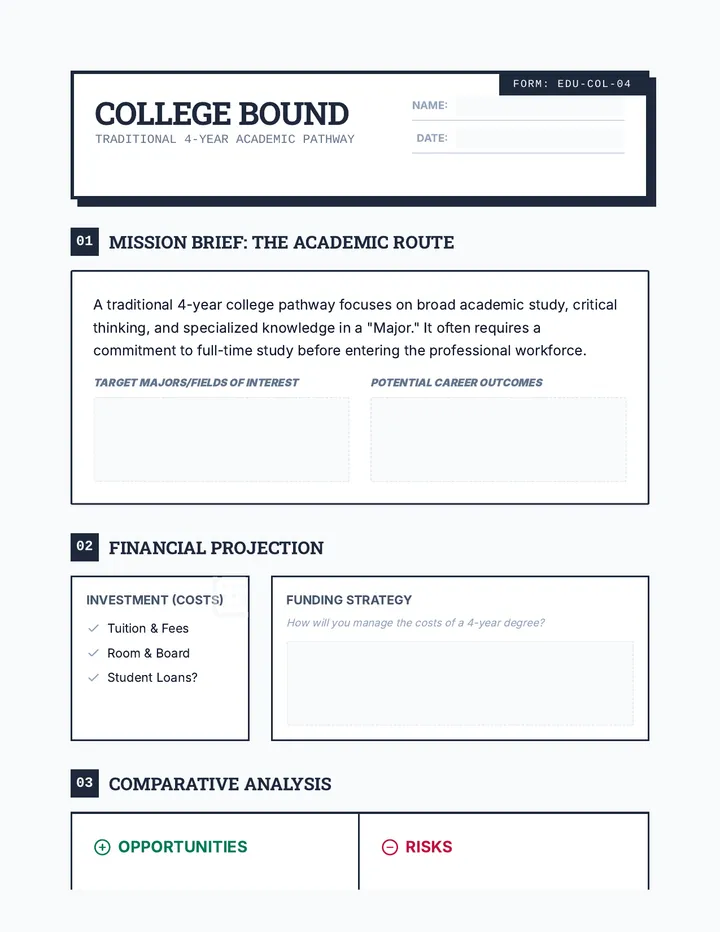
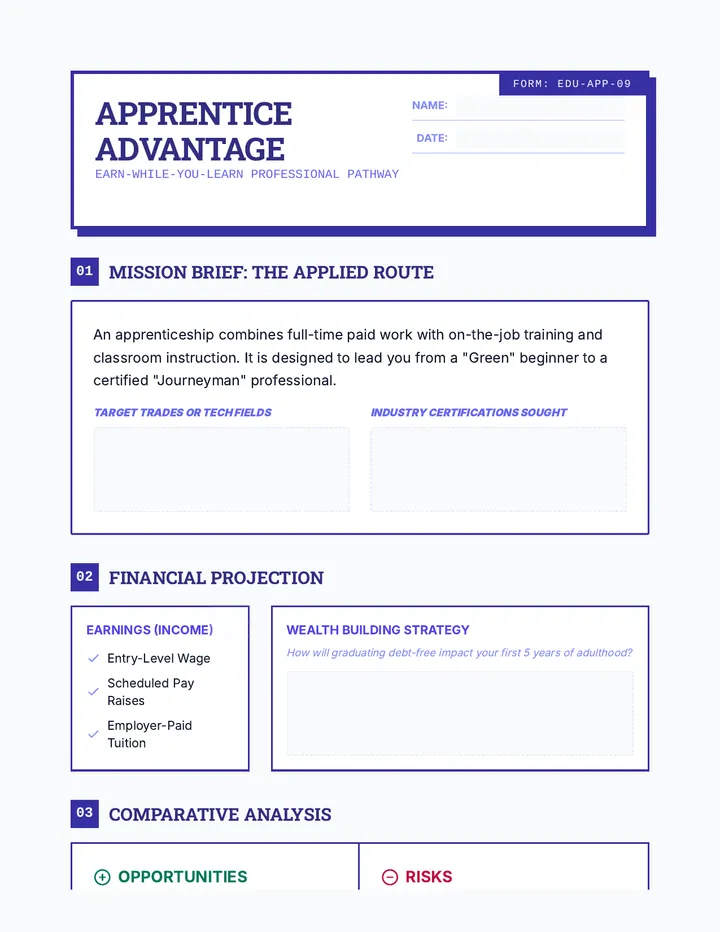
Master the transition from student to professional. This lesson covers workplace etiquette and the application process through engaging puzzles and reflective self-assessments.
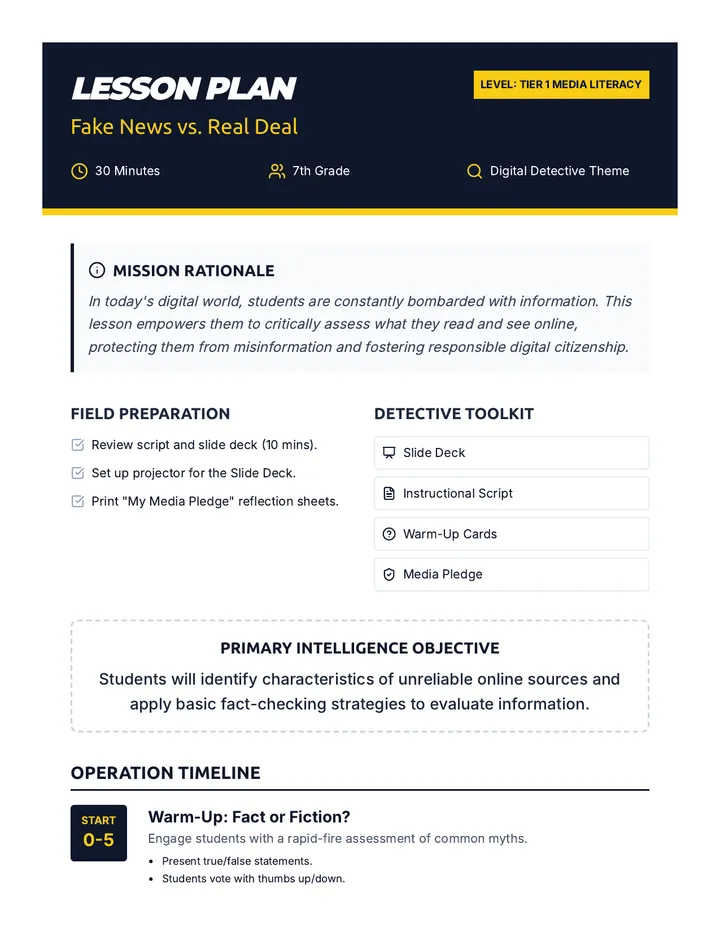
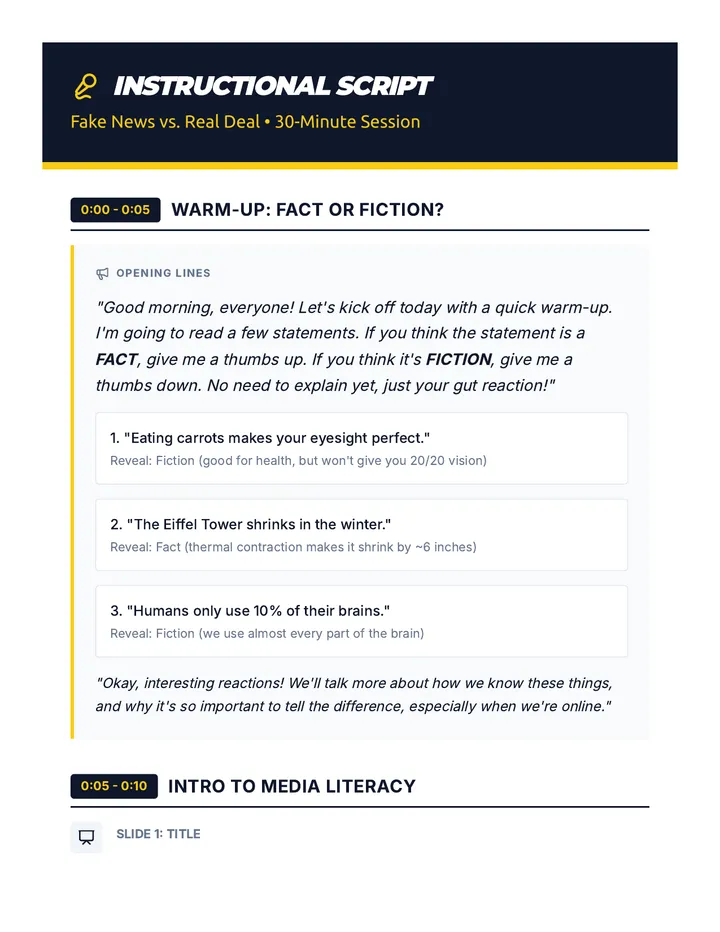
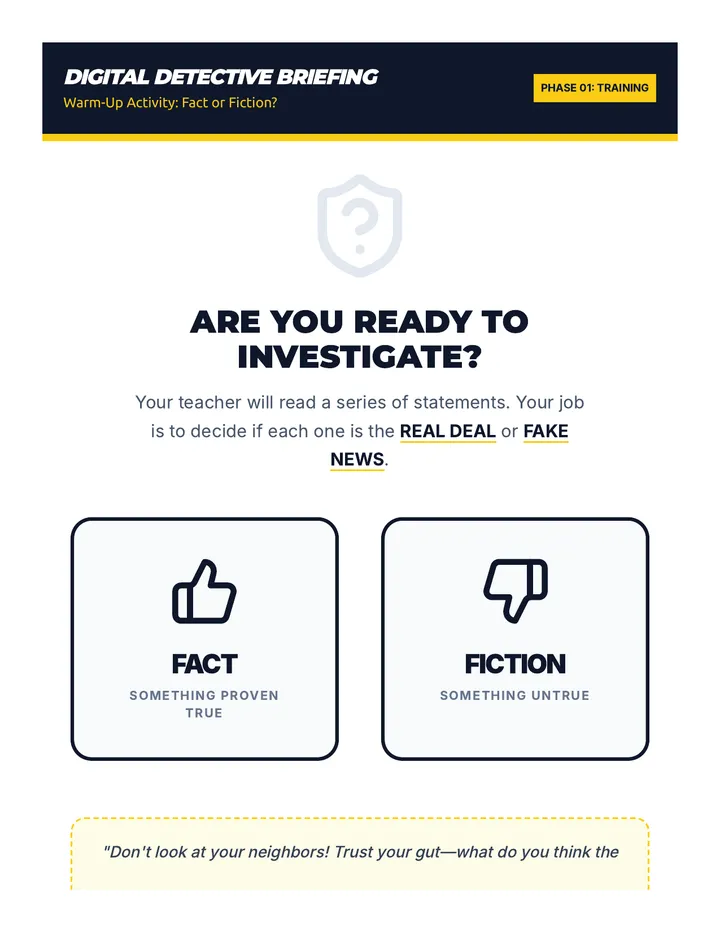
A 30-minute media literacy lesson for 7th graders that teaches students how to identify 'fake news' and evaluate online sources using the 'Digital Detective' framework.
Une séance approfondie de 2 heures alignée sur le référentiel de compétences 2024, centrée sur la compétence "Rechercher et traiter des données professionnelles et scientifiques". La séance combine rigueur méthodologique, pratique intensive de la norme APA 7 et analyse critique de sources en soins infirmiers.
A comprehensive guide for New Tech High School juniors to prepare for the SAT on March 4th, covering logistics, importance, and key strategies.
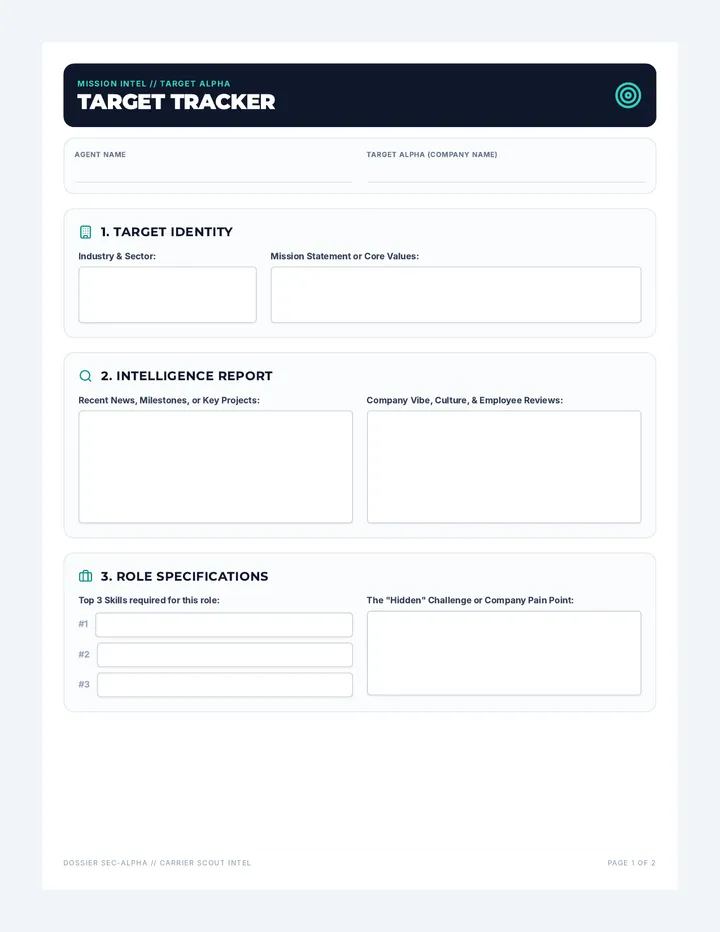
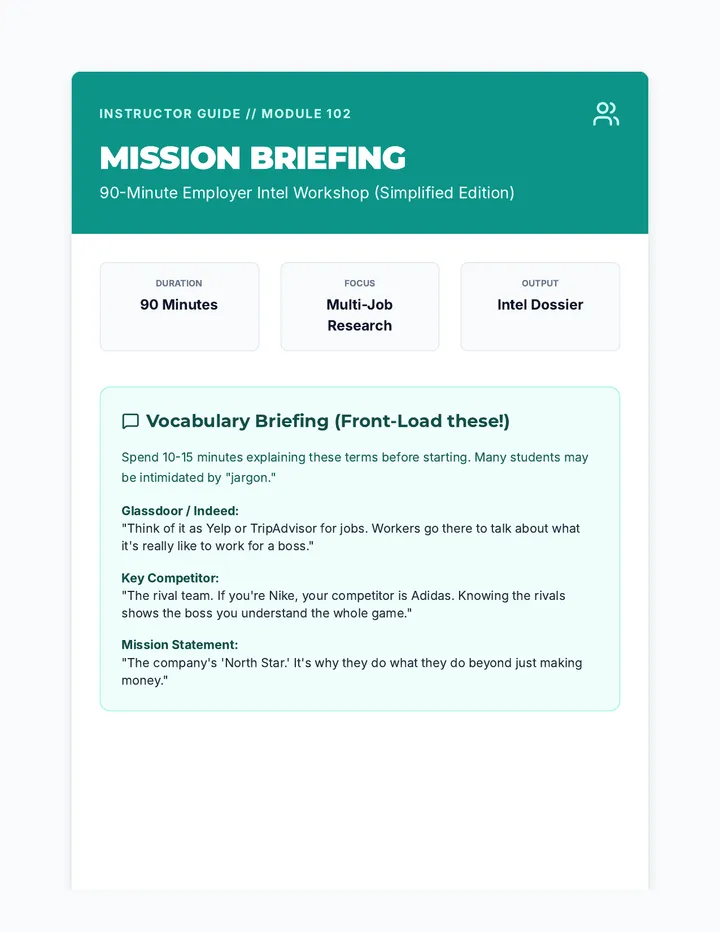
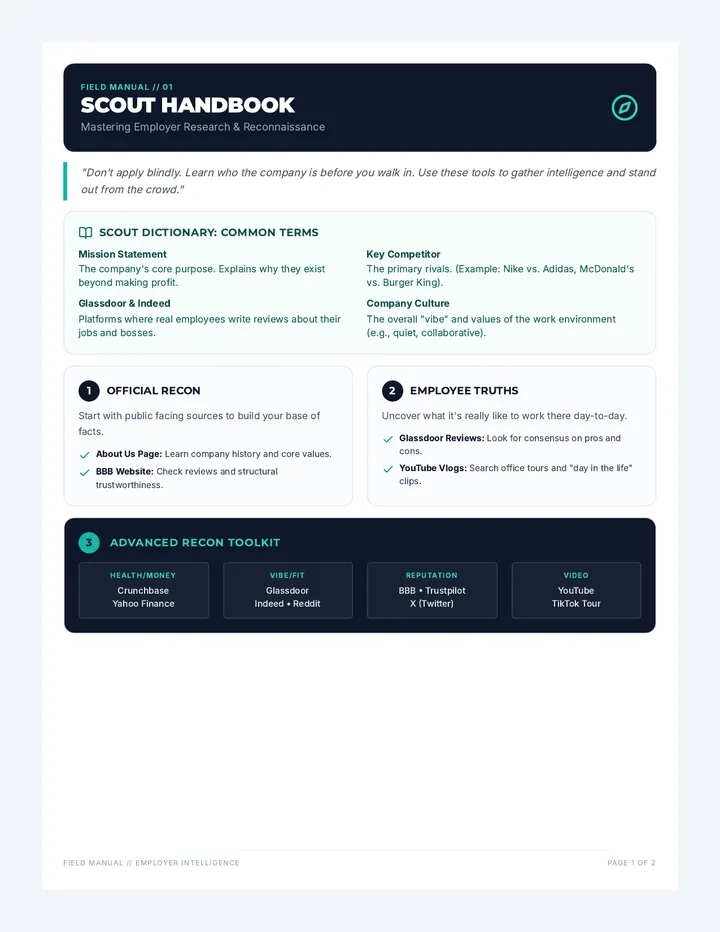
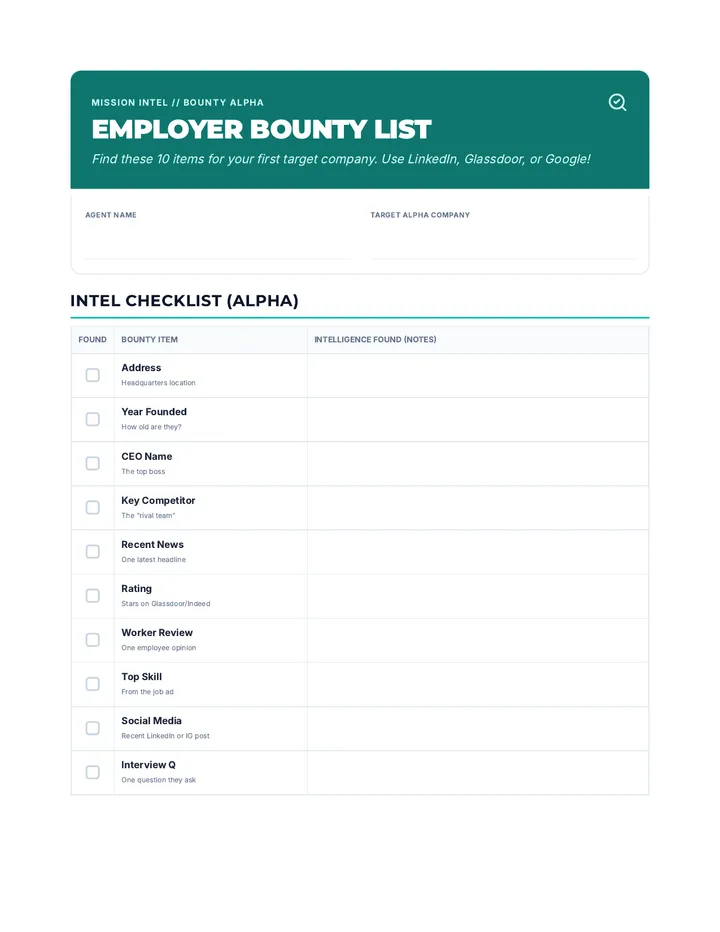
A comprehensive training module focused on teaching job seekers how to perform deep-dive research into potential employers and job listings to prepare for applications and interviews.
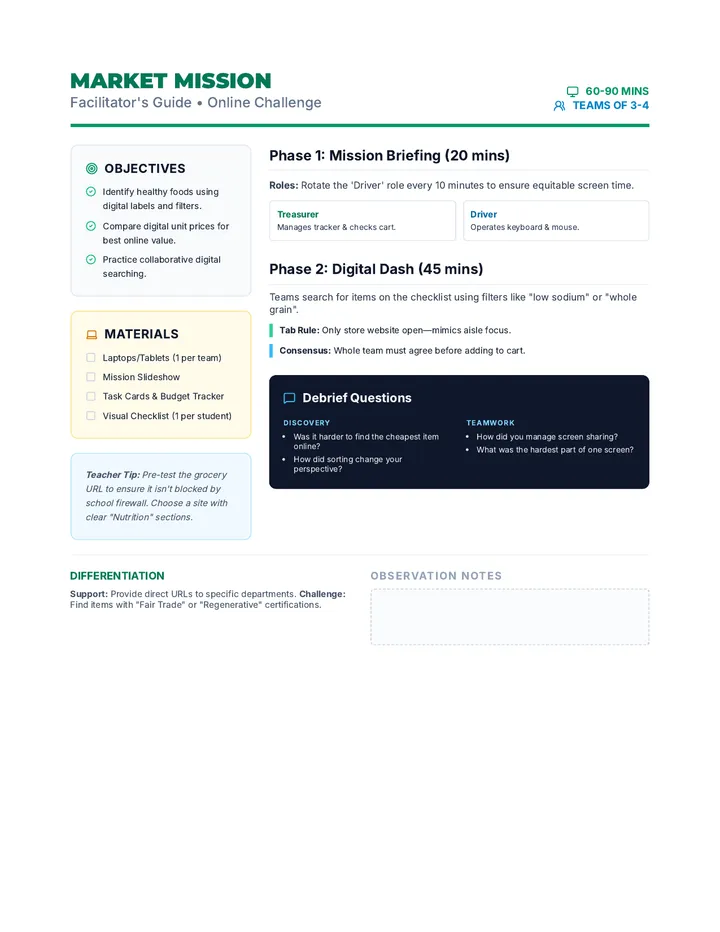
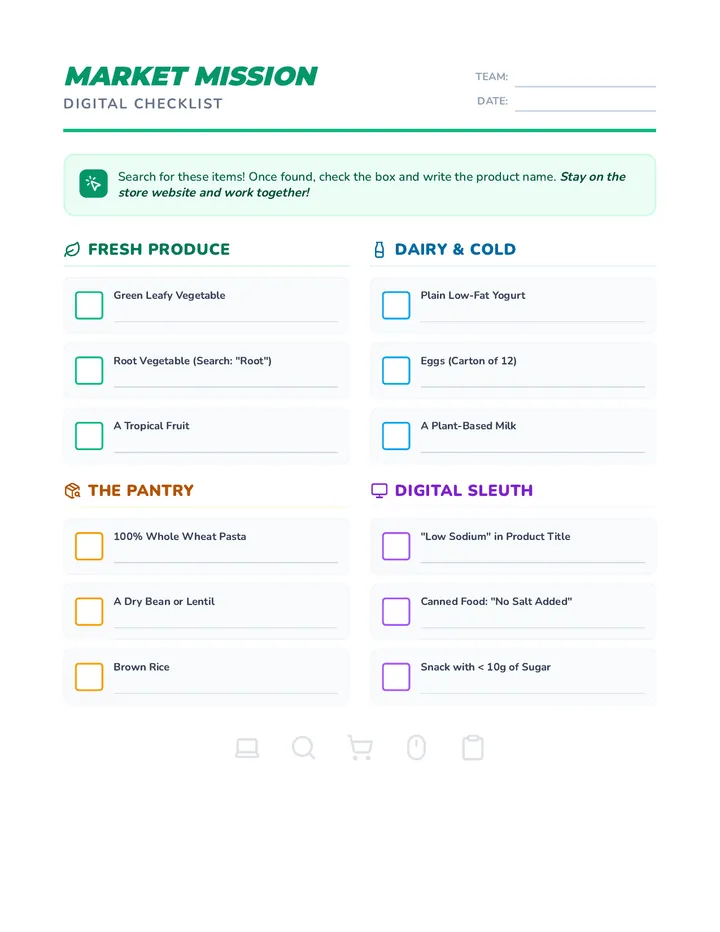
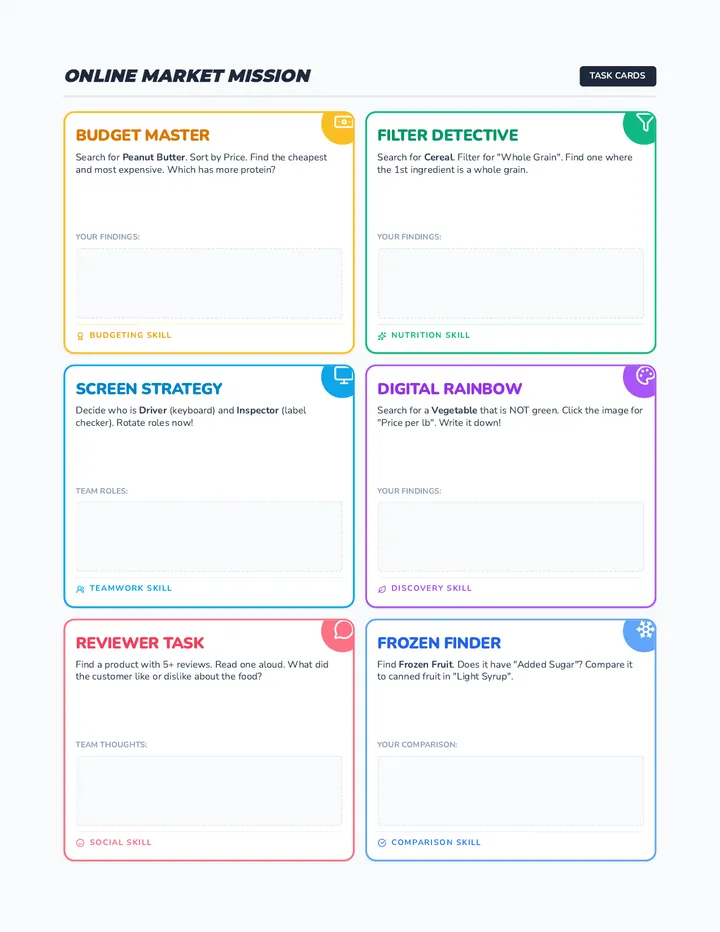
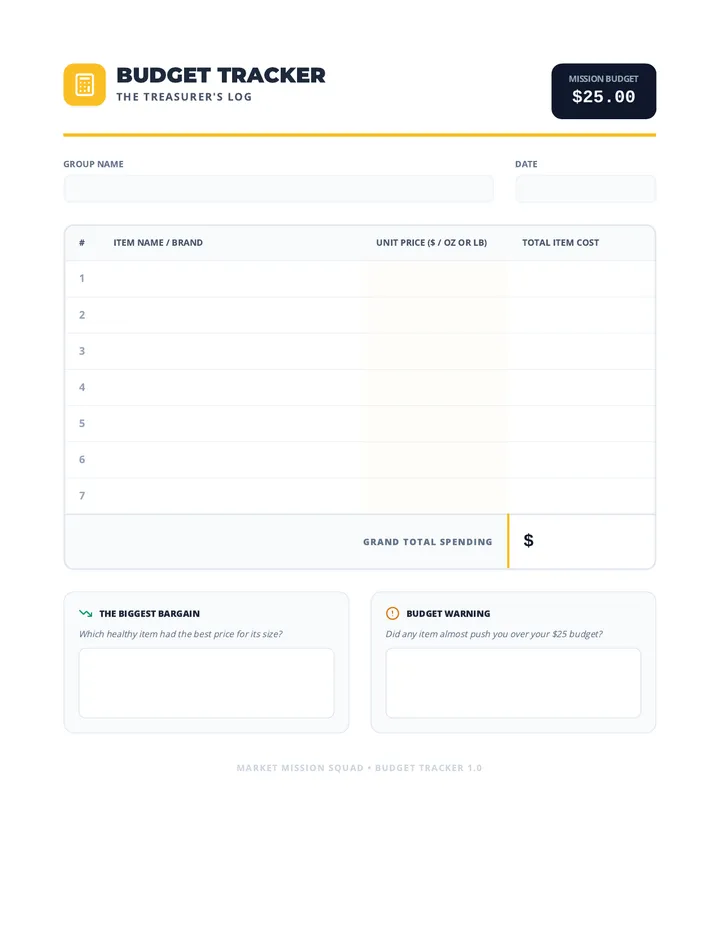
A group-building scavenger hunt where students work in teams to identify healthy foods, manage a budget, and practice social skills in a real-world grocery setting.
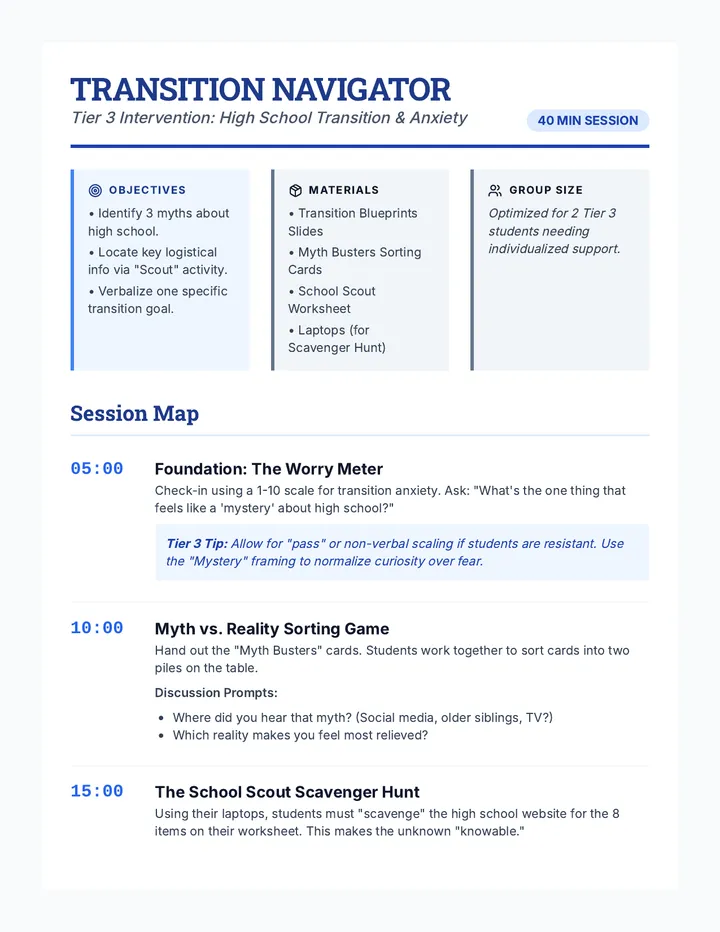
A 40-minute counseling lesson designed for middle school boys to address anxiety about the high school transition through interactive myth-busting and information gathering.
A presentation exploring non-traditional career pathways in green construction and the trades, focusing on NYC's climate initiatives and training opportunities.
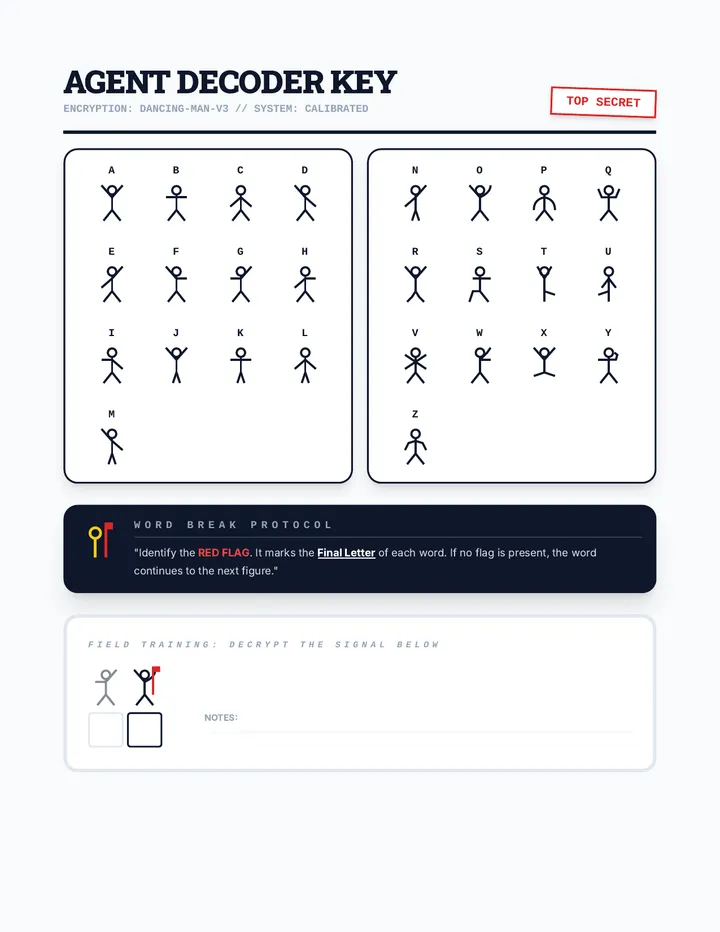
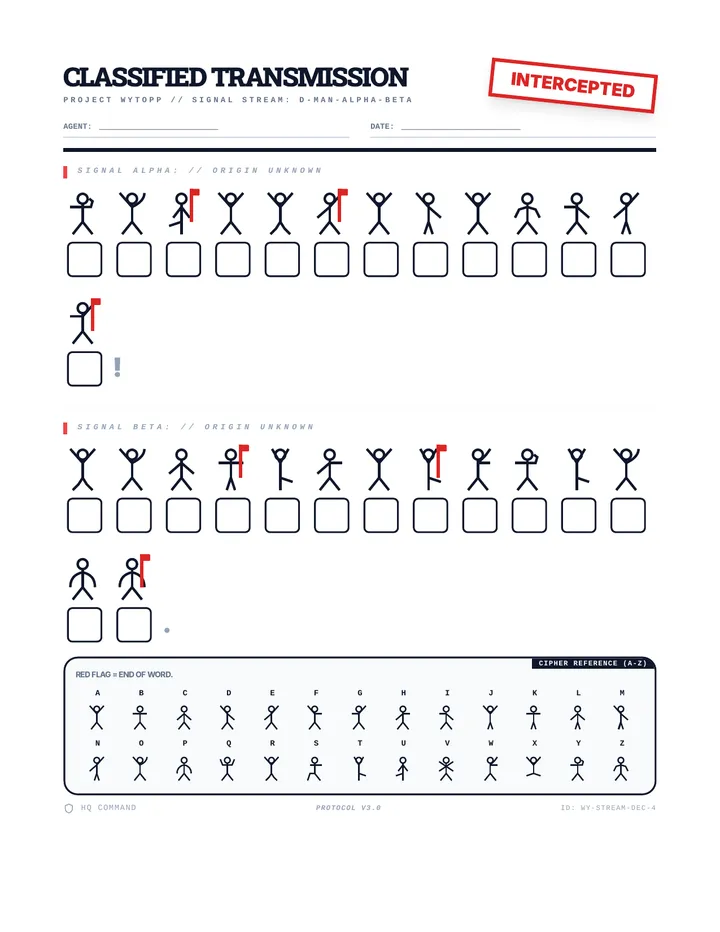
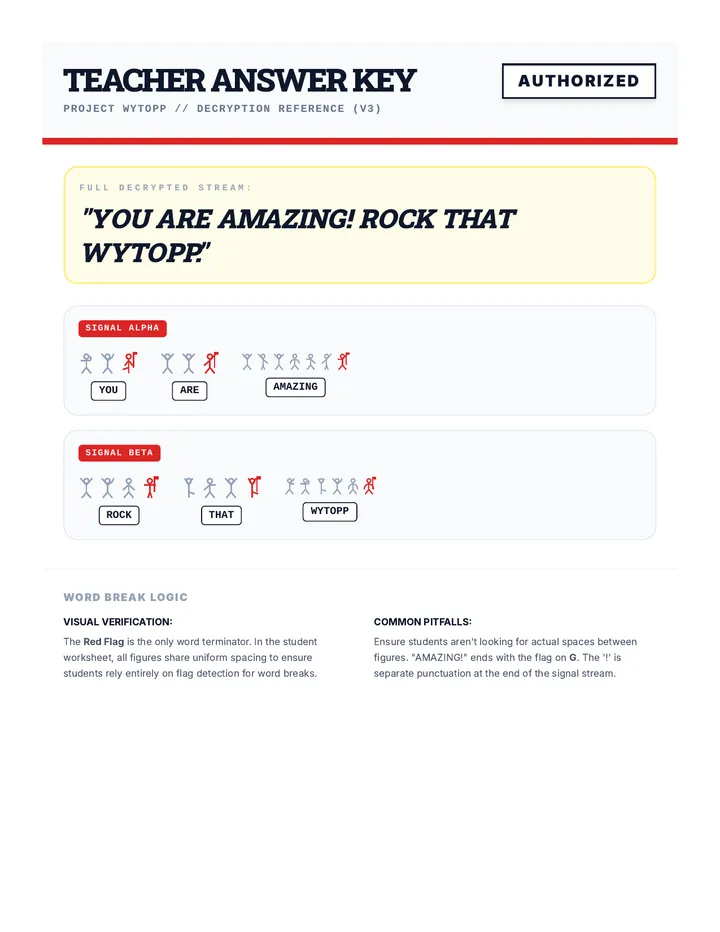
A high-energy lesson on cryptography and the history of the Enigma machine, designed to motivate students before the WYTOPP state assessment. Students learn about substitution ciphers and decode a secret message of encouragement.
A comprehensive 60-minute advisory lesson designed to help 9th-grade students connect their high school elective pathways (Performing Arts, Design, Culinary, and STEM) to future career requirements, focusing on hard and soft skills, certifications, and research strategies.
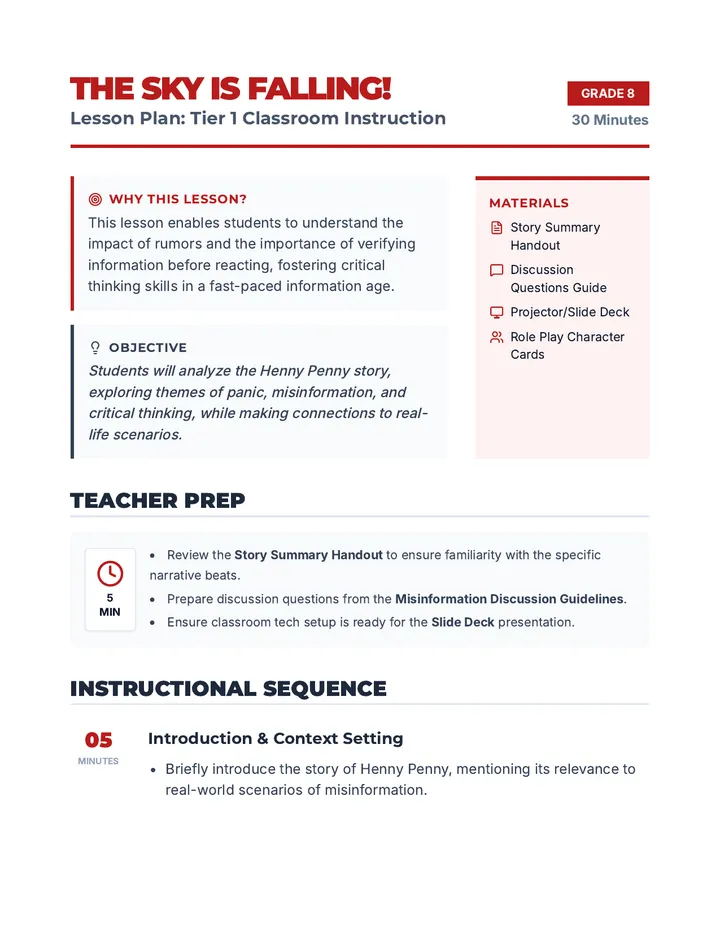
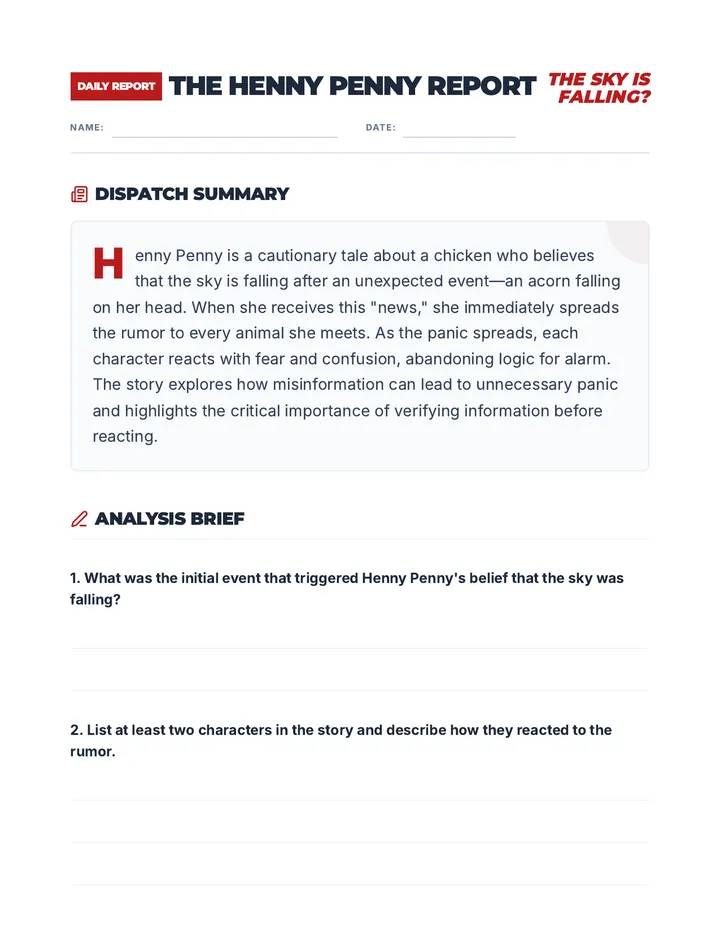
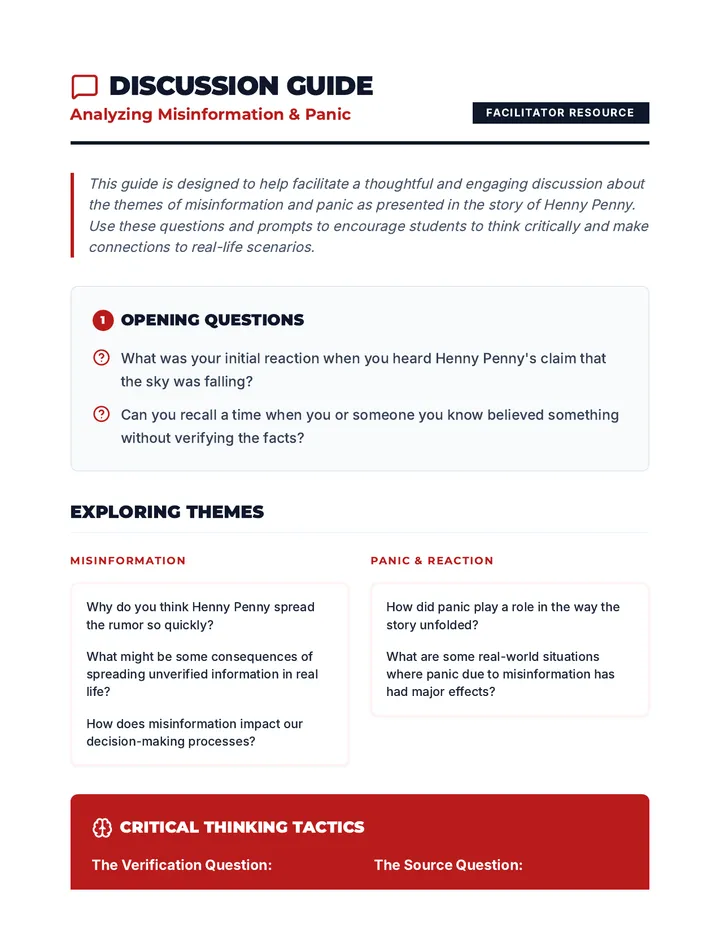
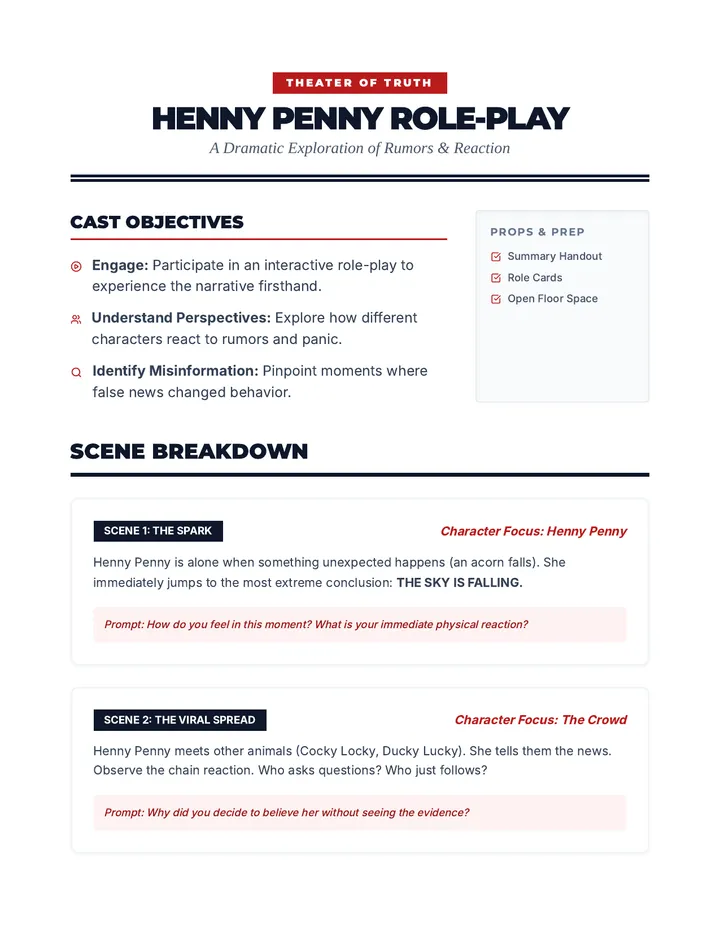
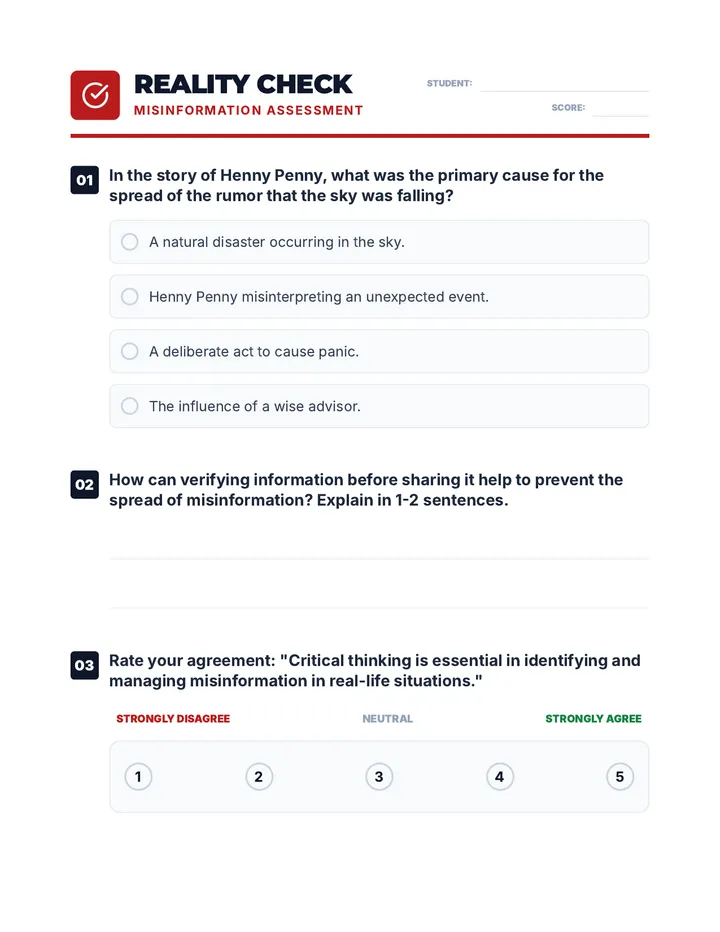
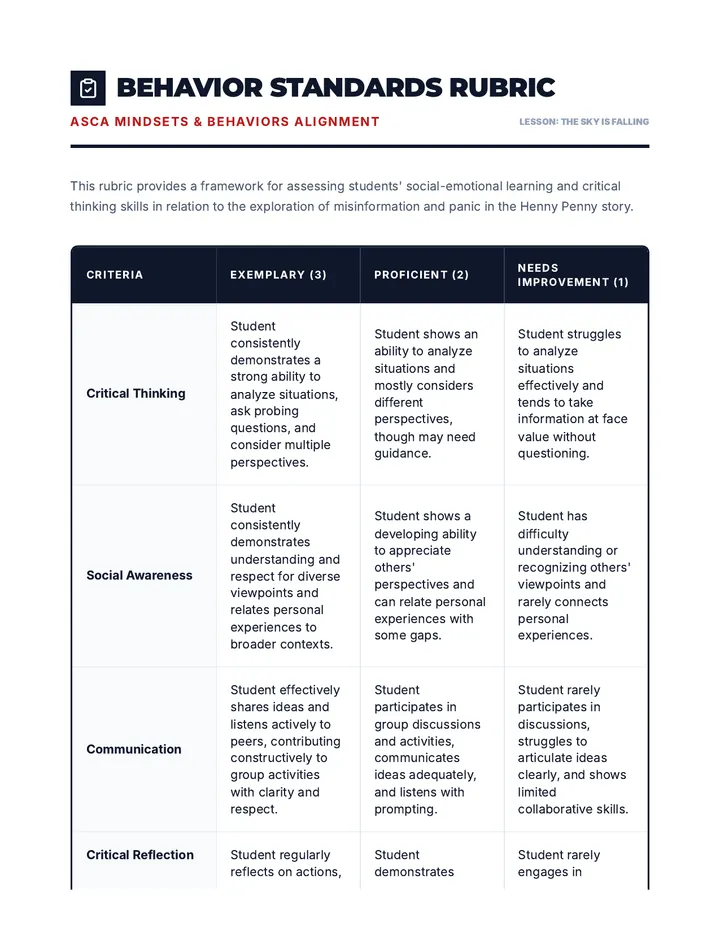
A 30-minute lesson for 8th graders exploring the themes of misinformation, panic, and critical thinking through the classic tale of Henny Penny. Students will analyze how rumors spread and learn the importance of verifying information before reacting.
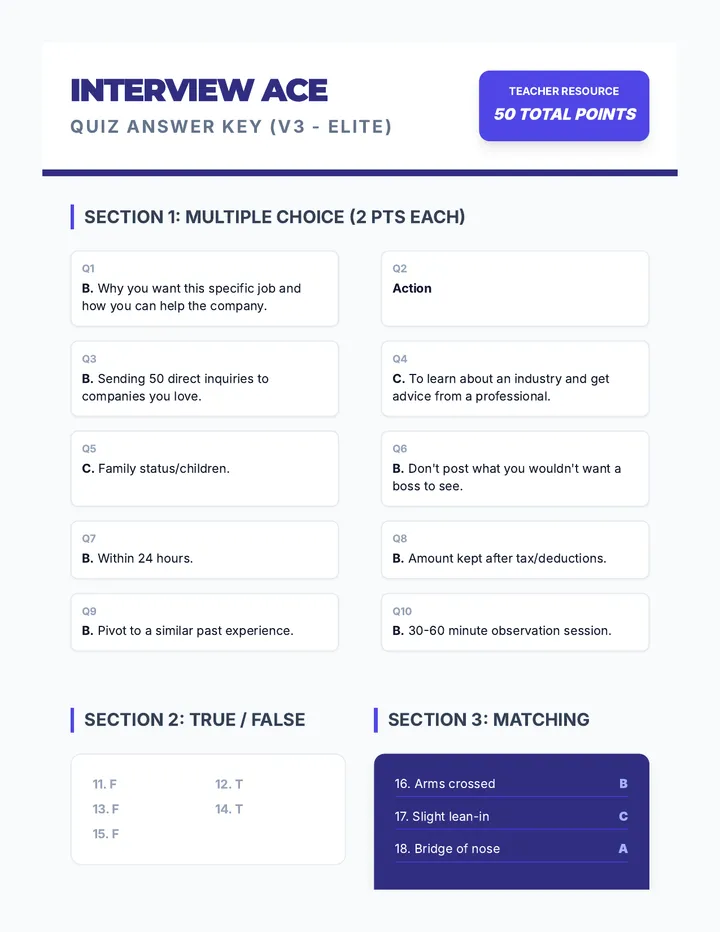
A comprehensive lesson for high school students on mastering their first job interviews, focusing on personal branding, soft skills, and professional inquiry.
A comprehensive 2-hour training focused on identifying emerging trends in prevention science and integrating them into evidence-based strategies to maximize community impact.
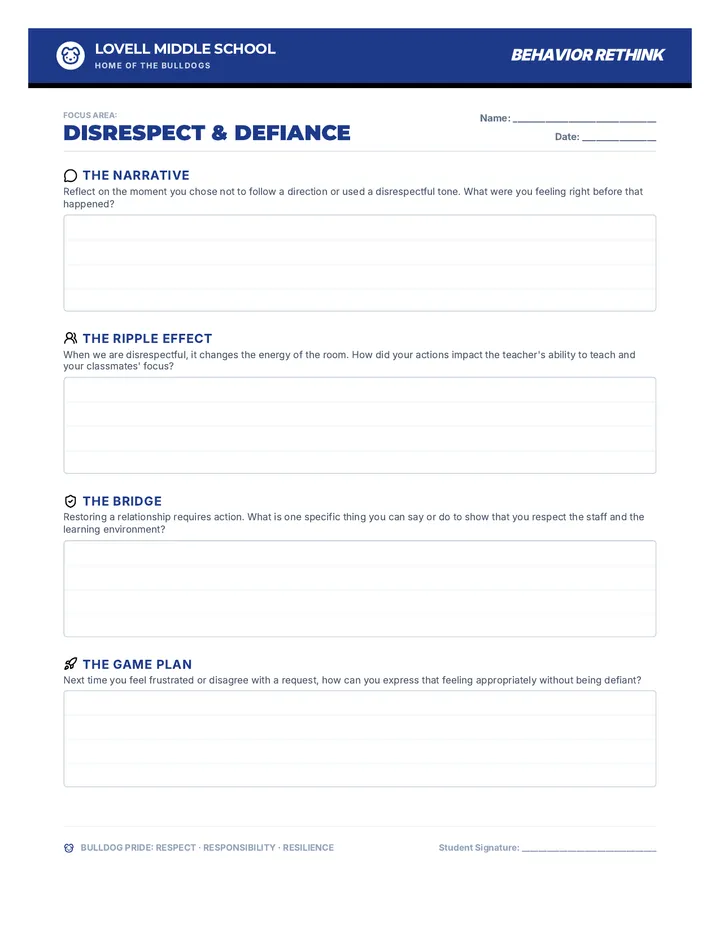
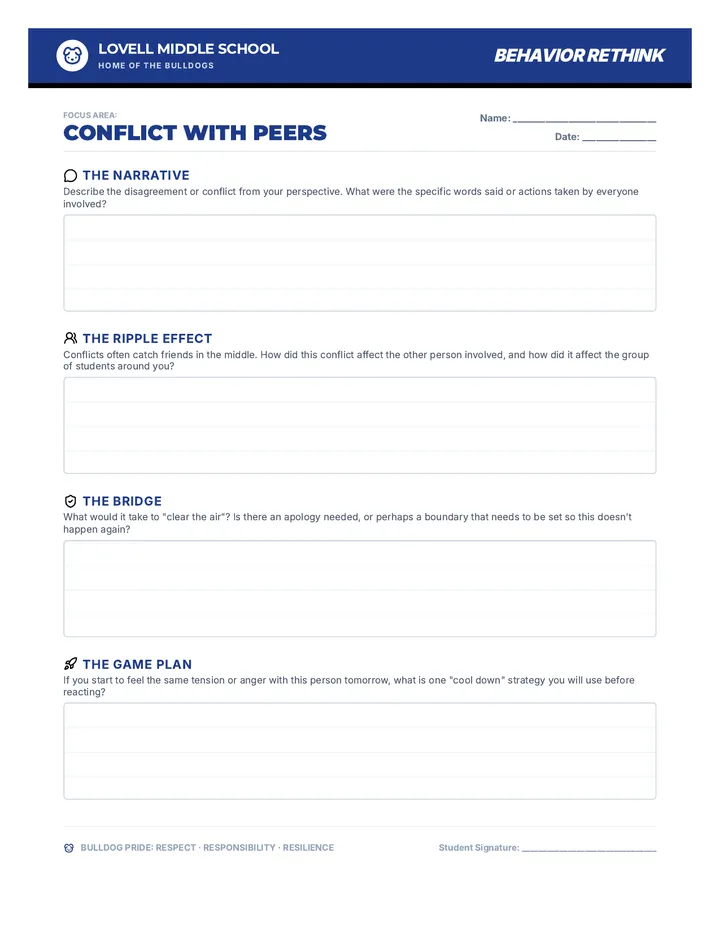
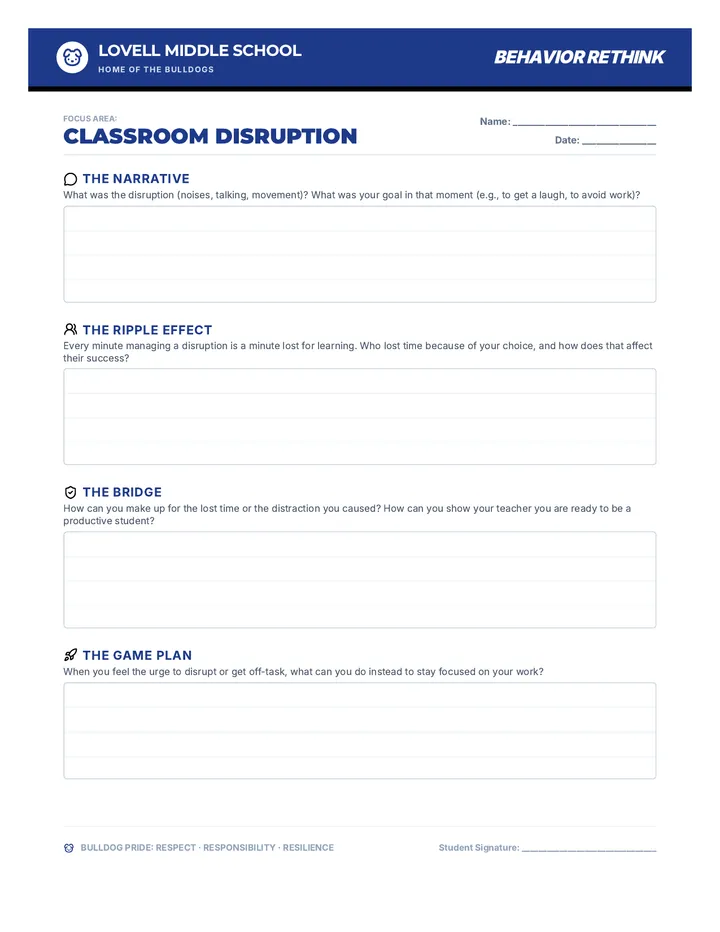
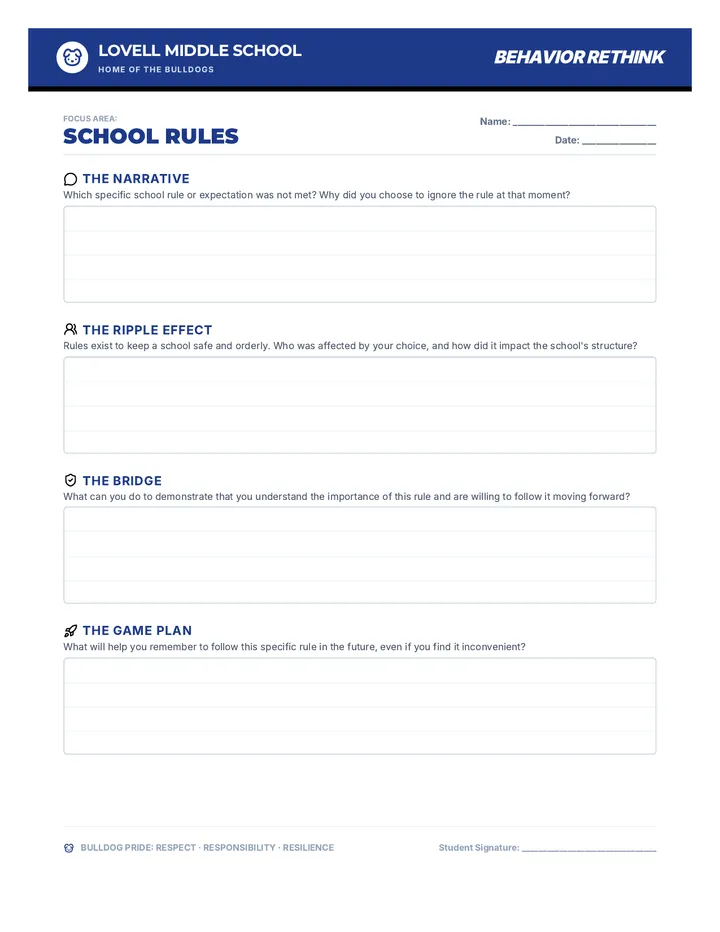
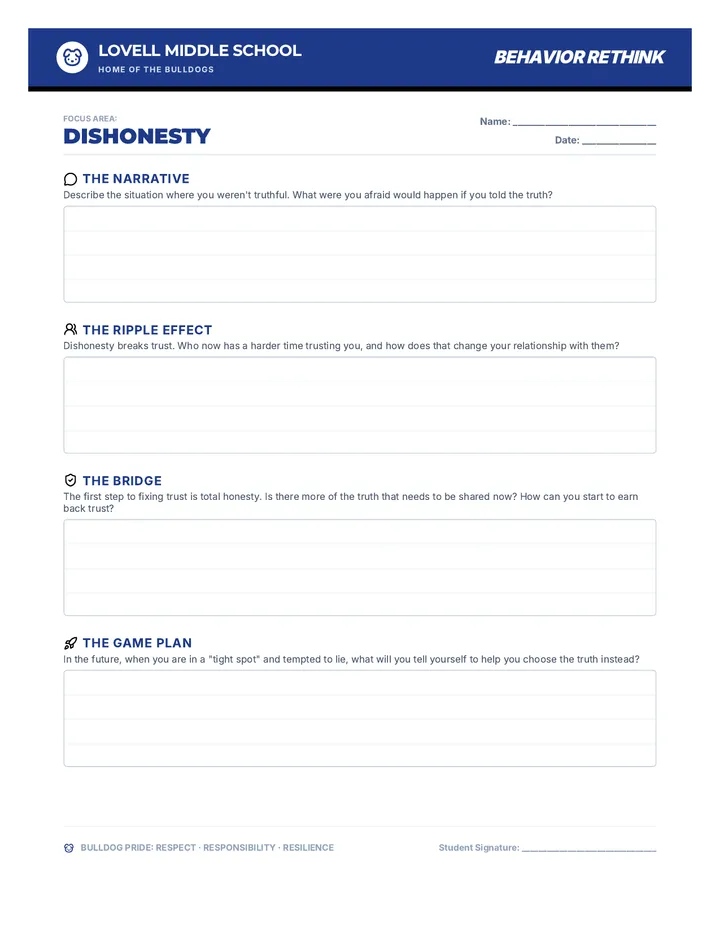
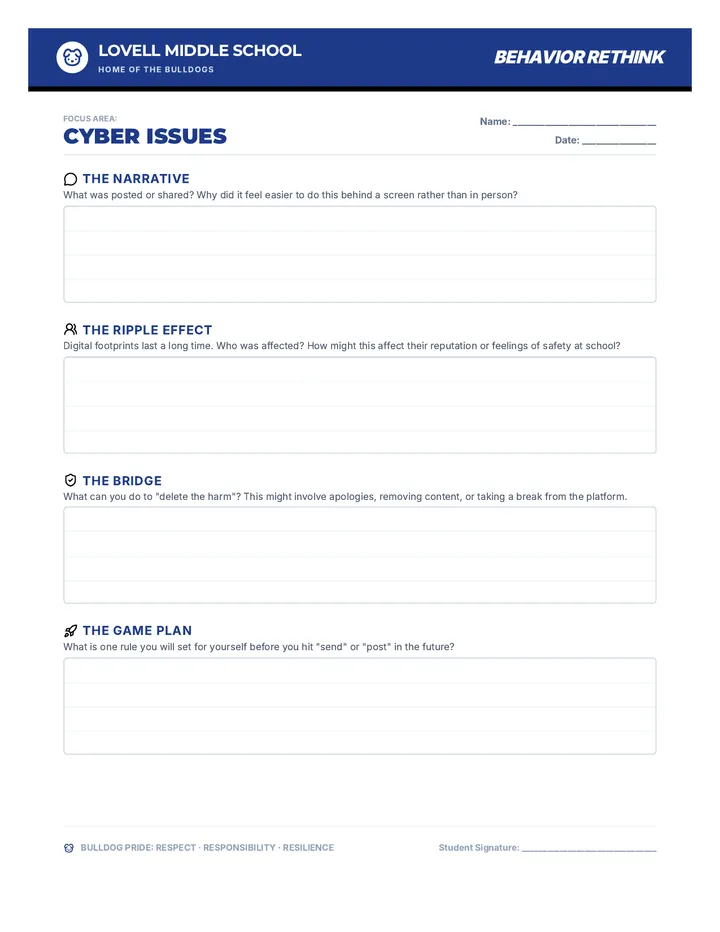
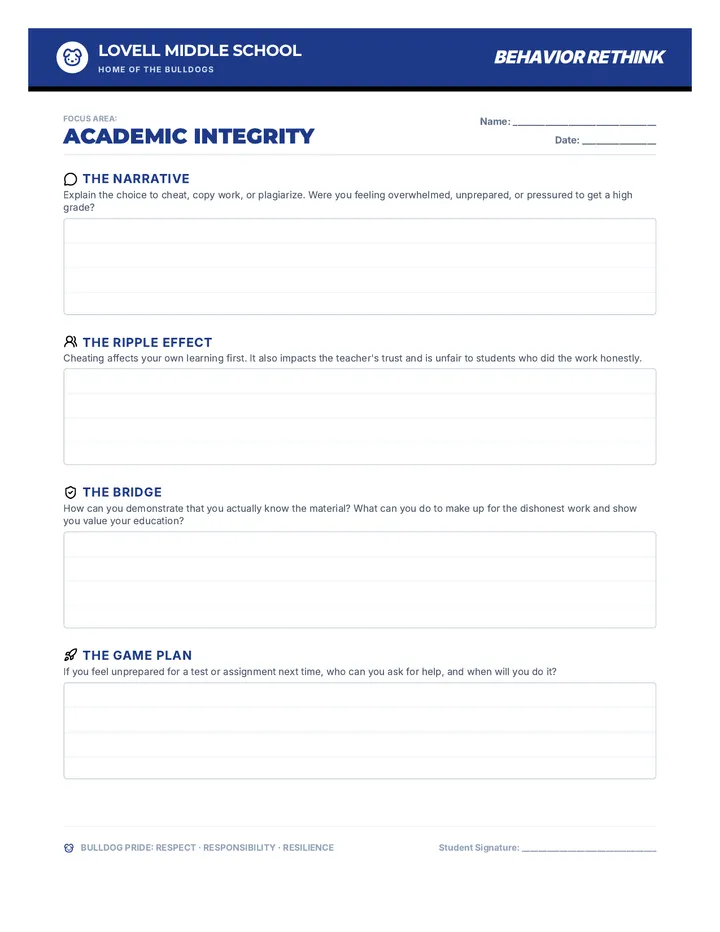
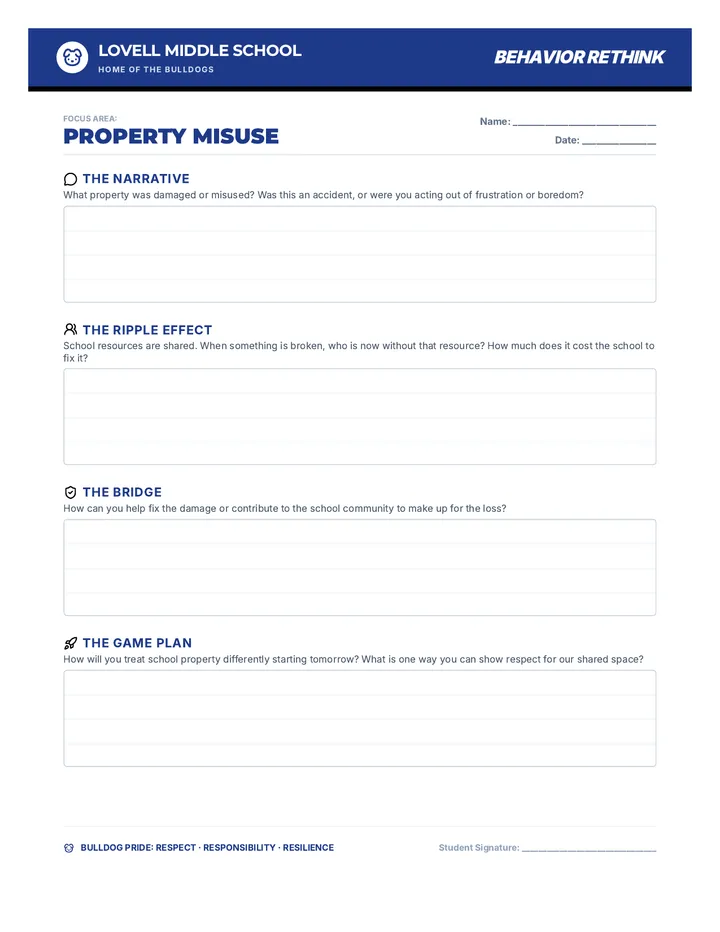
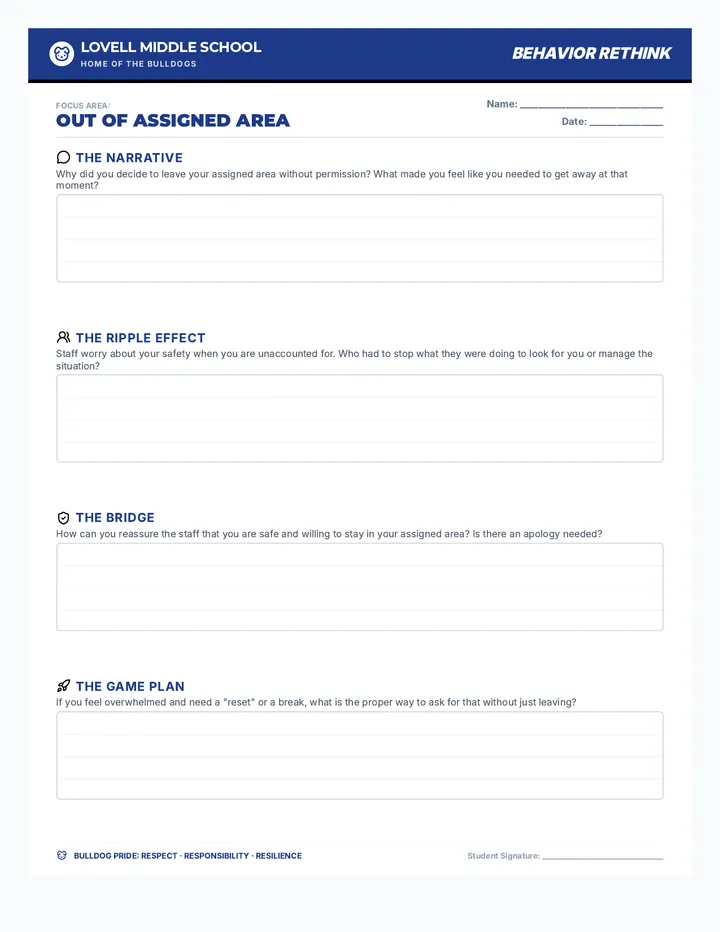
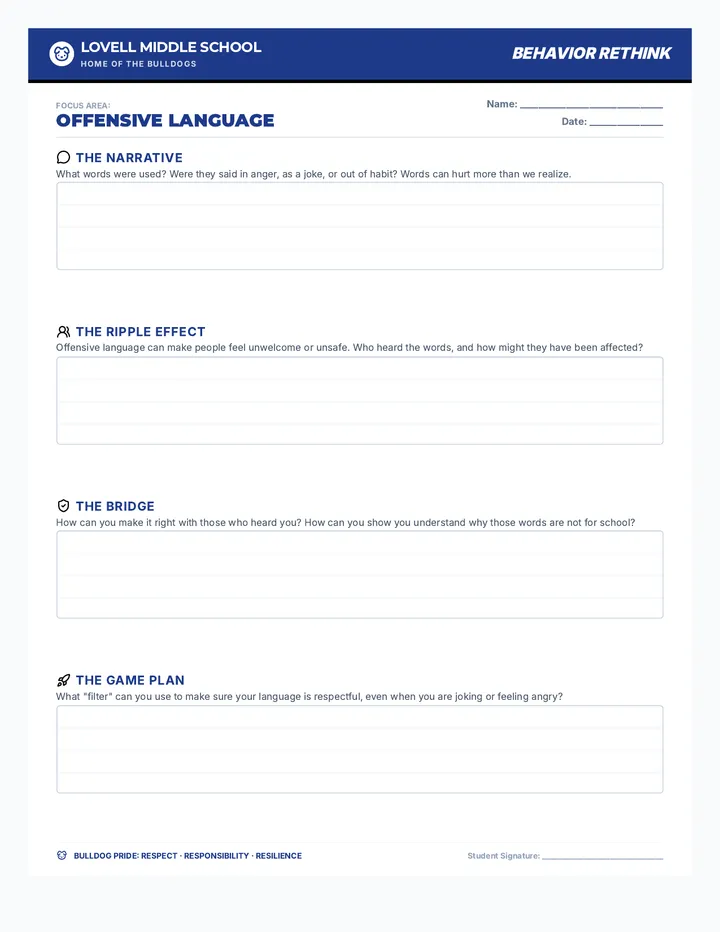
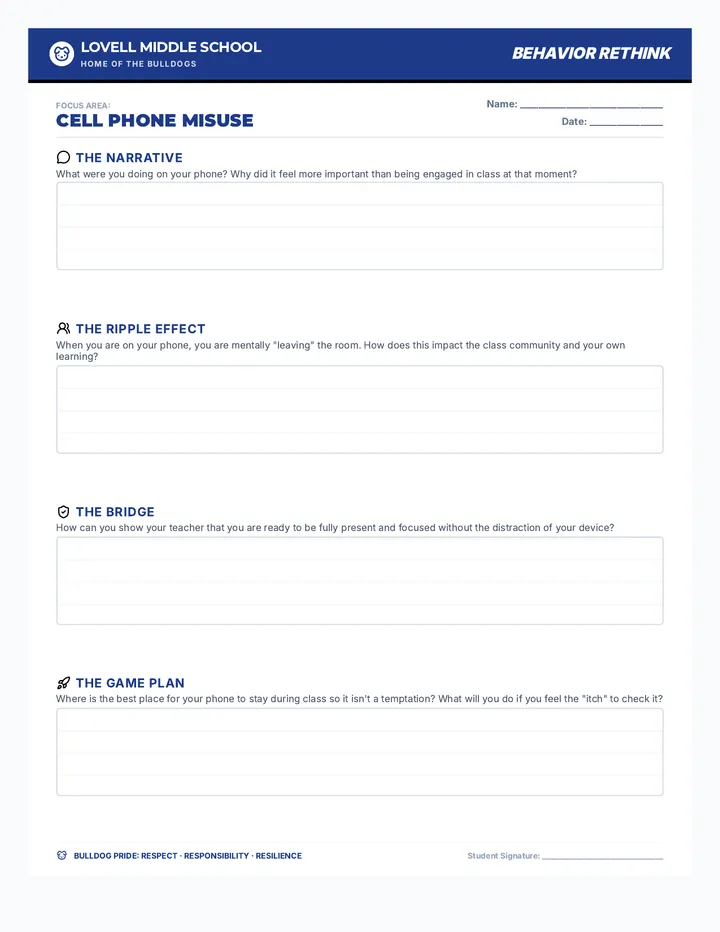
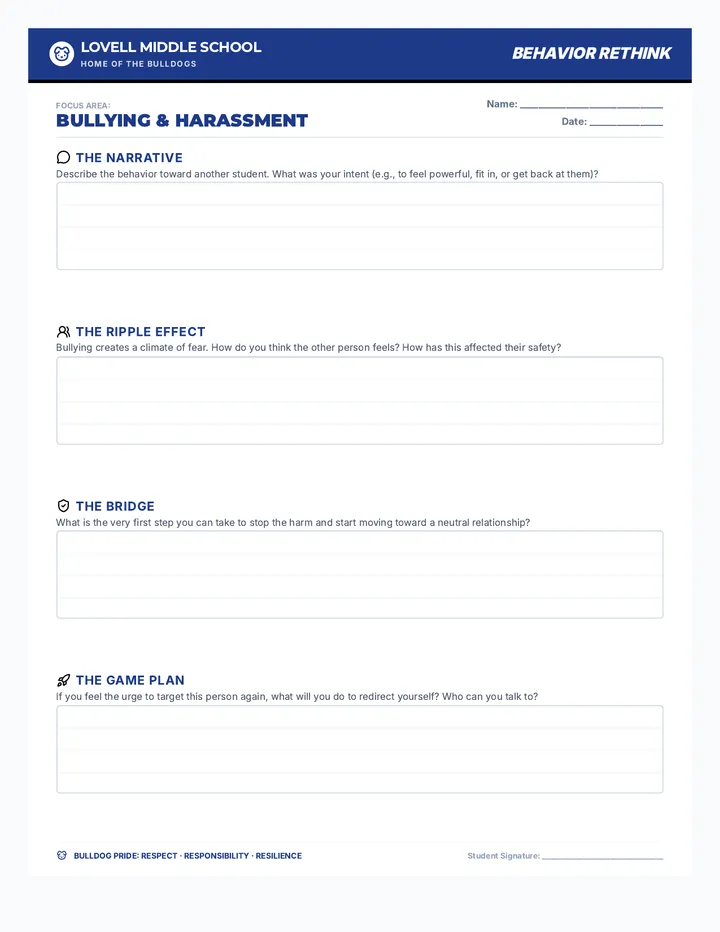
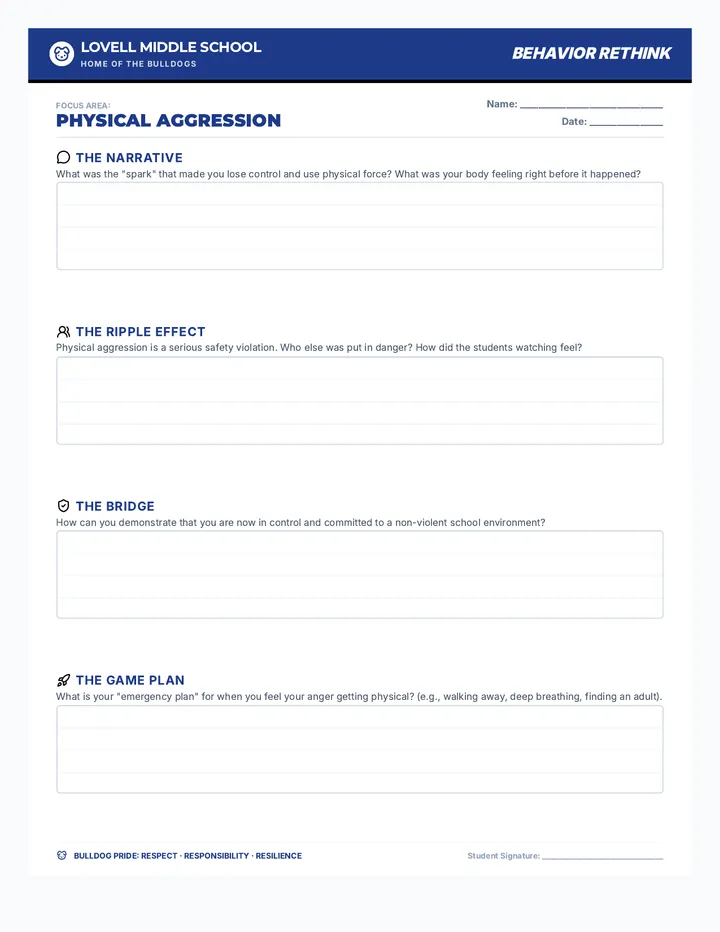
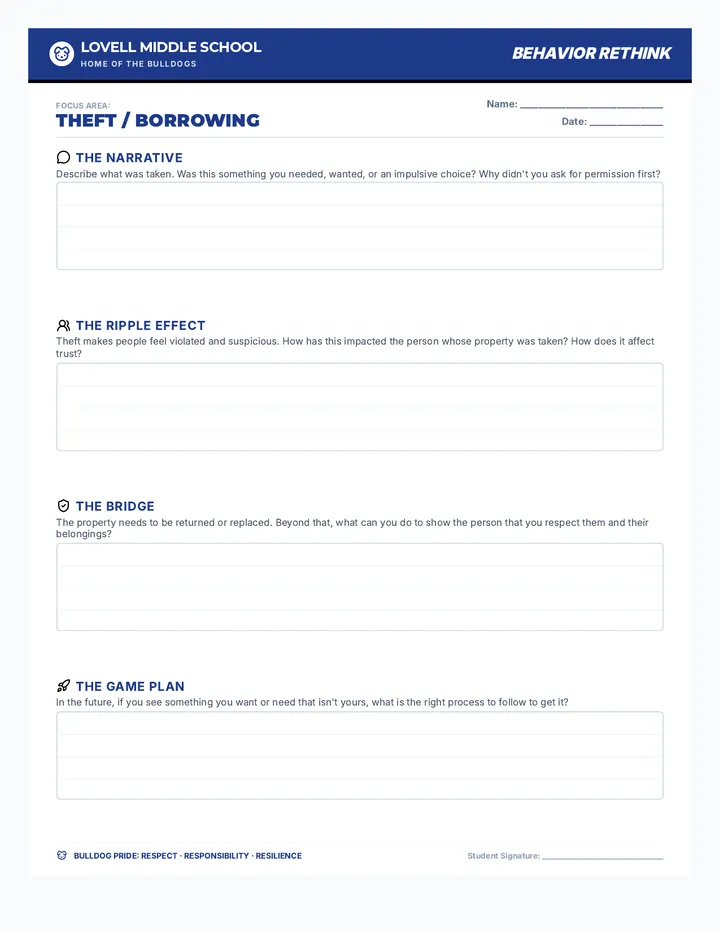
A collection of restorative writing prompts and reflection tools designed to help middle school students process behavioral incidents, understand impact, and plan for repair.
A 30-minute interactive lesson focused on identifying and practicing respectful behaviors across three key environments: school, home, and the digital world. Students use a 'radar' metaphor to scan their surroundings and choose the best way to show respect.
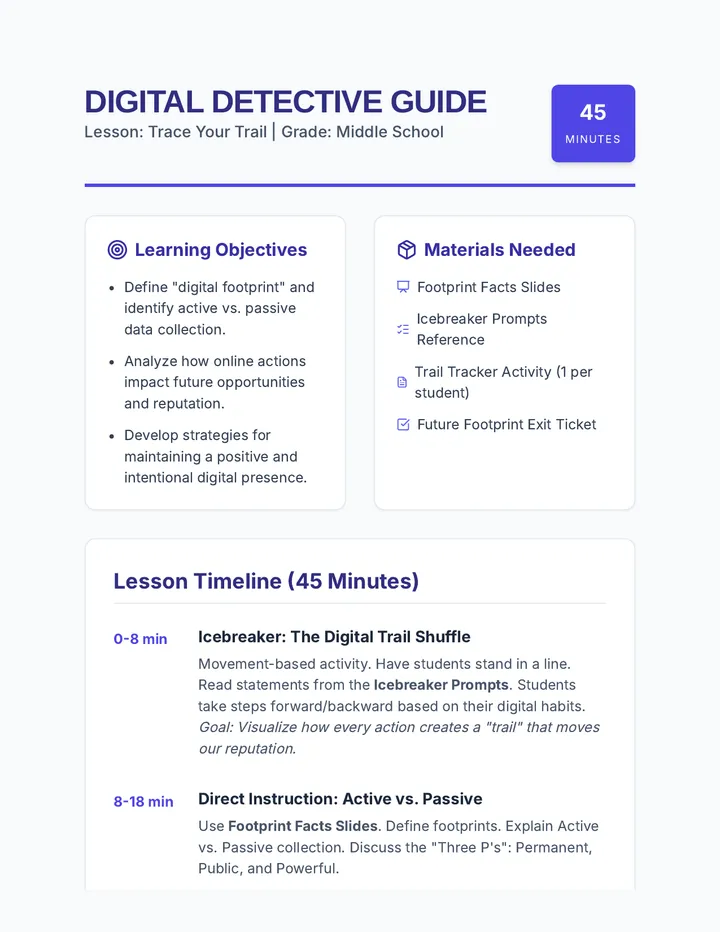
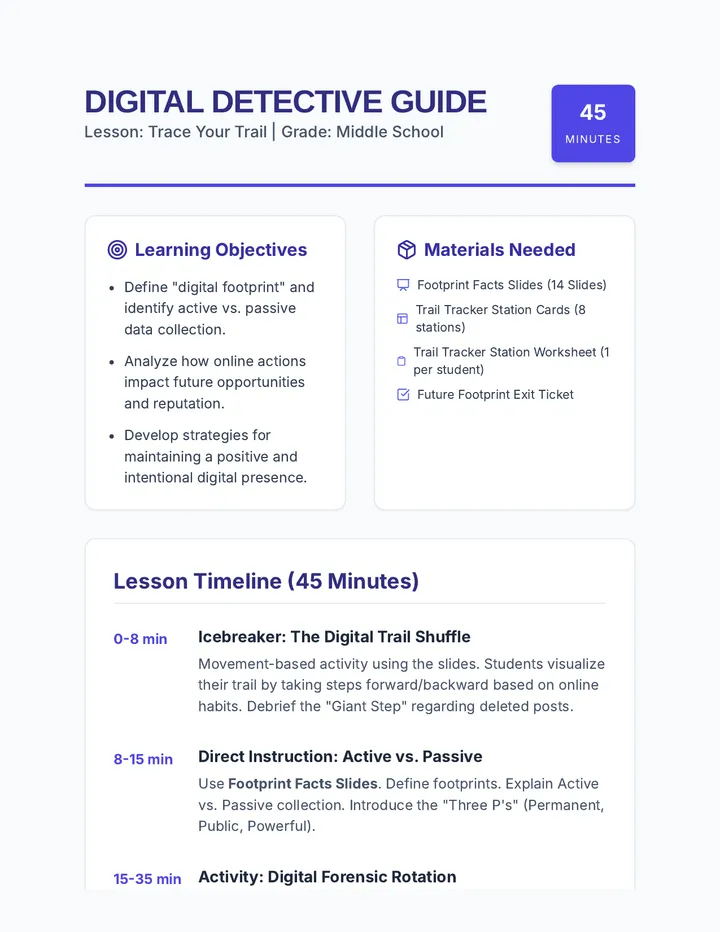
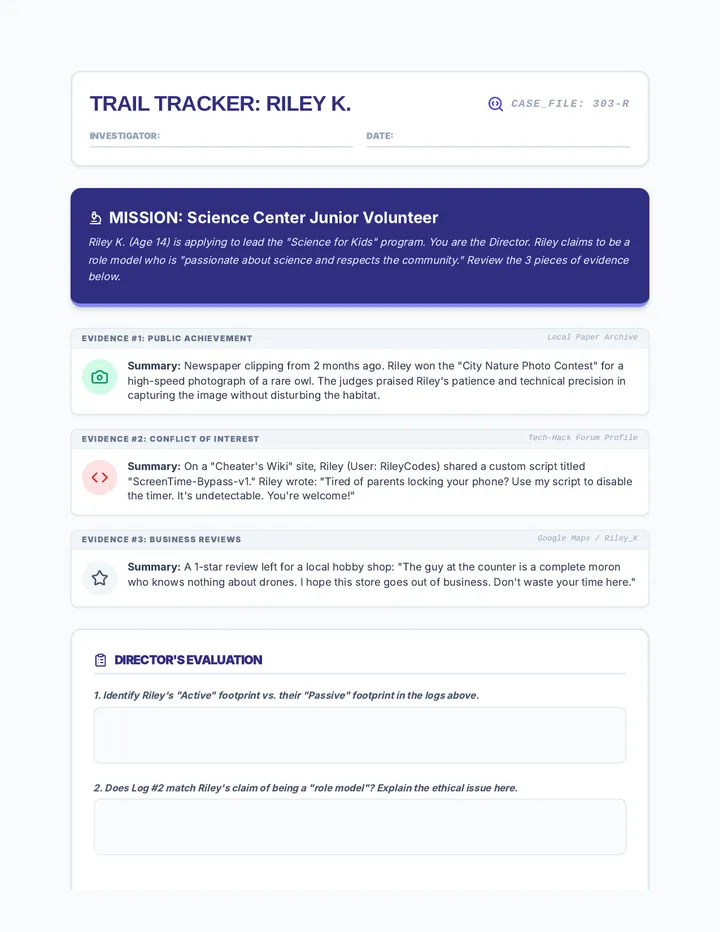
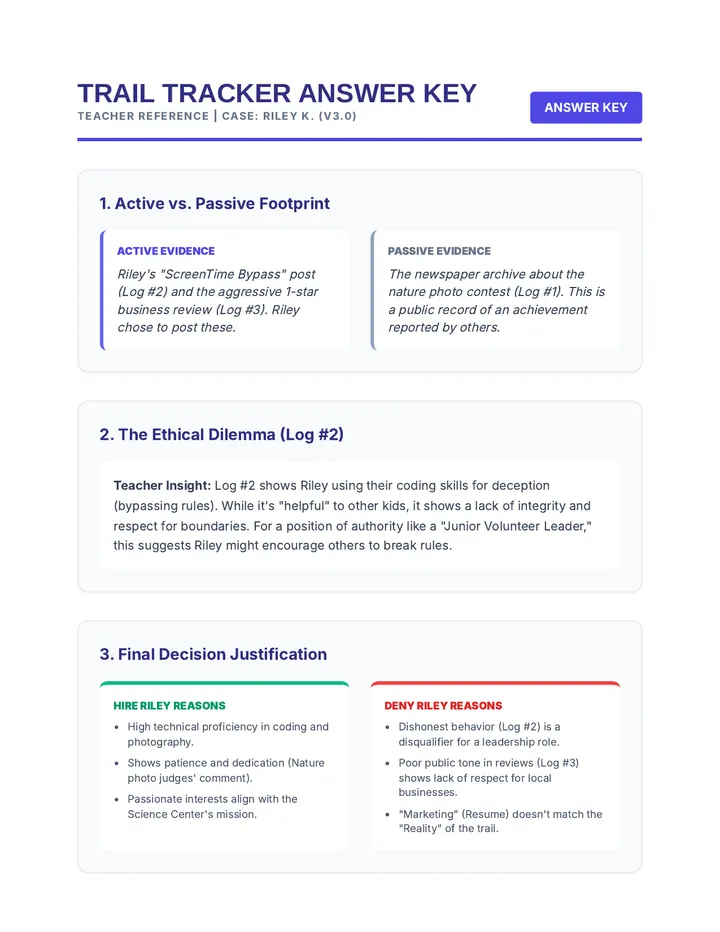
A 45-minute lesson helping middle schoolers understand the permanency of their online actions, how digital footprints are formed, and how to curate a positive online reputation.
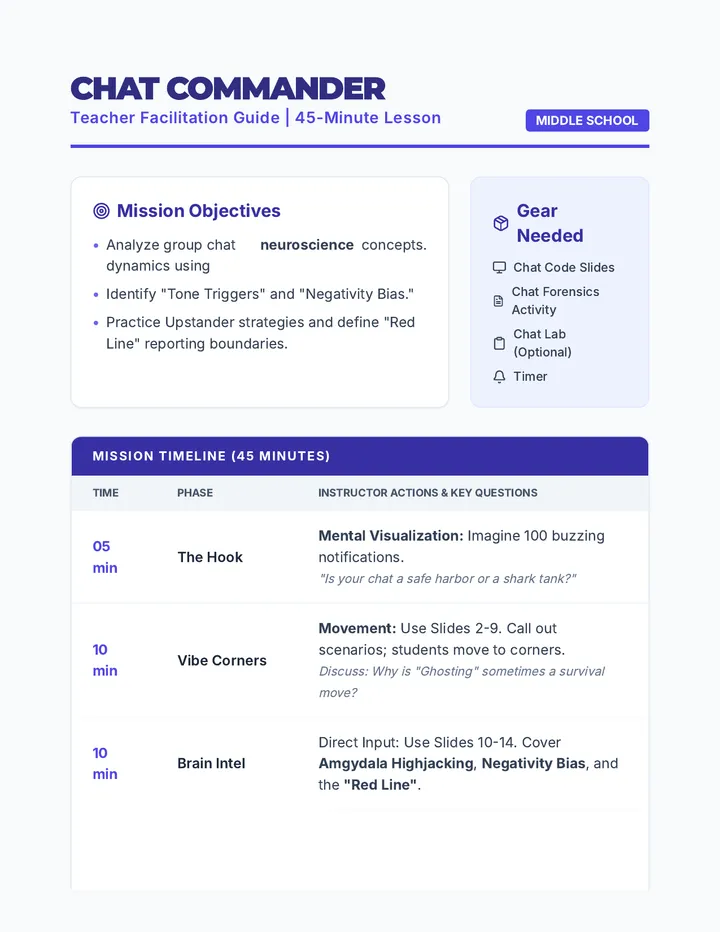
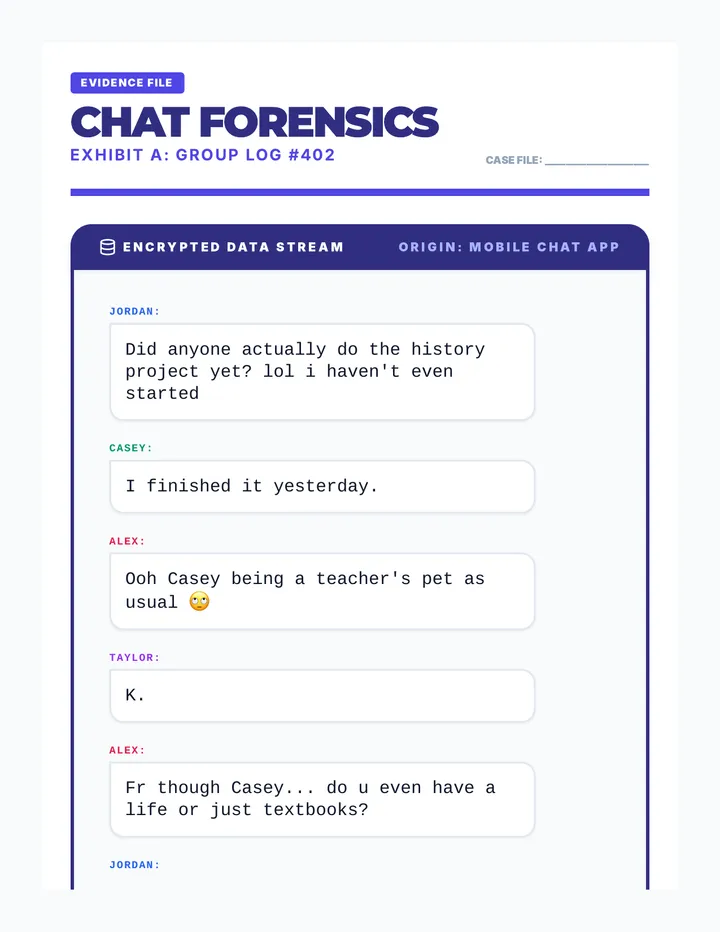
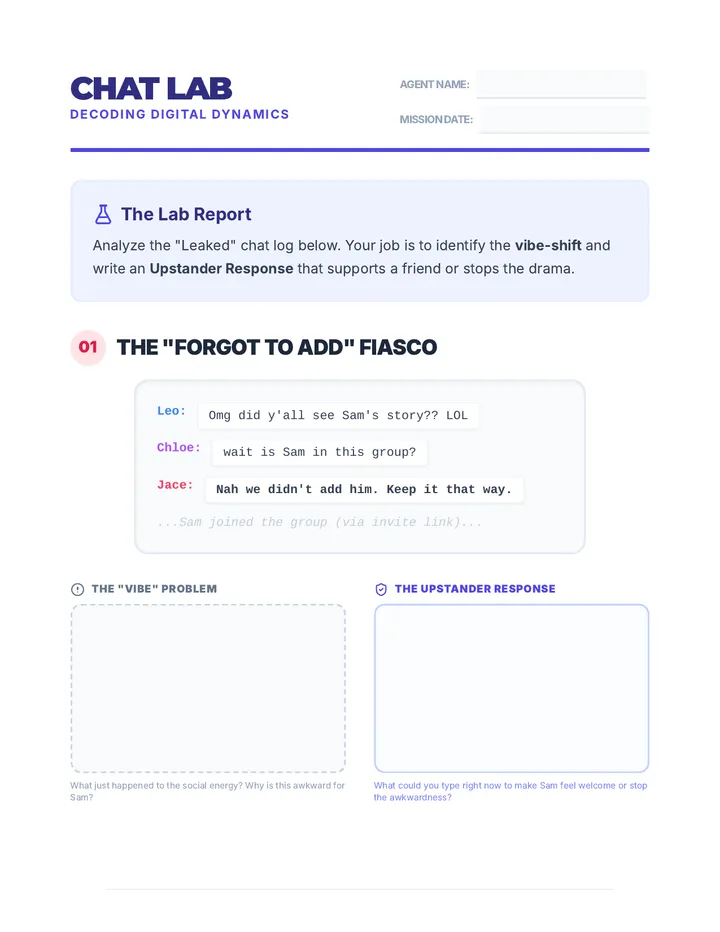
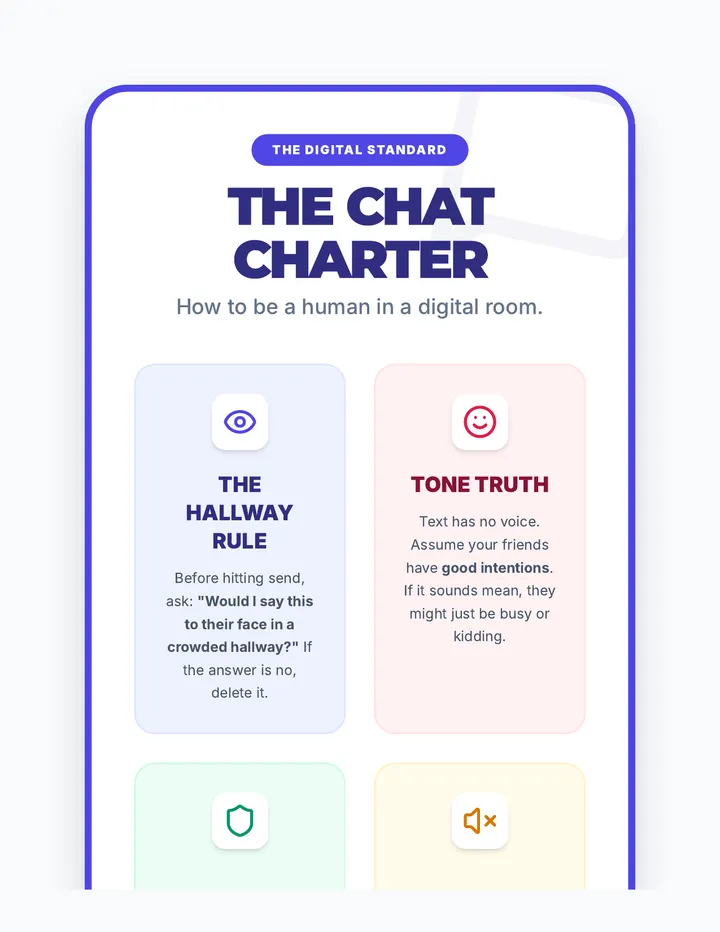
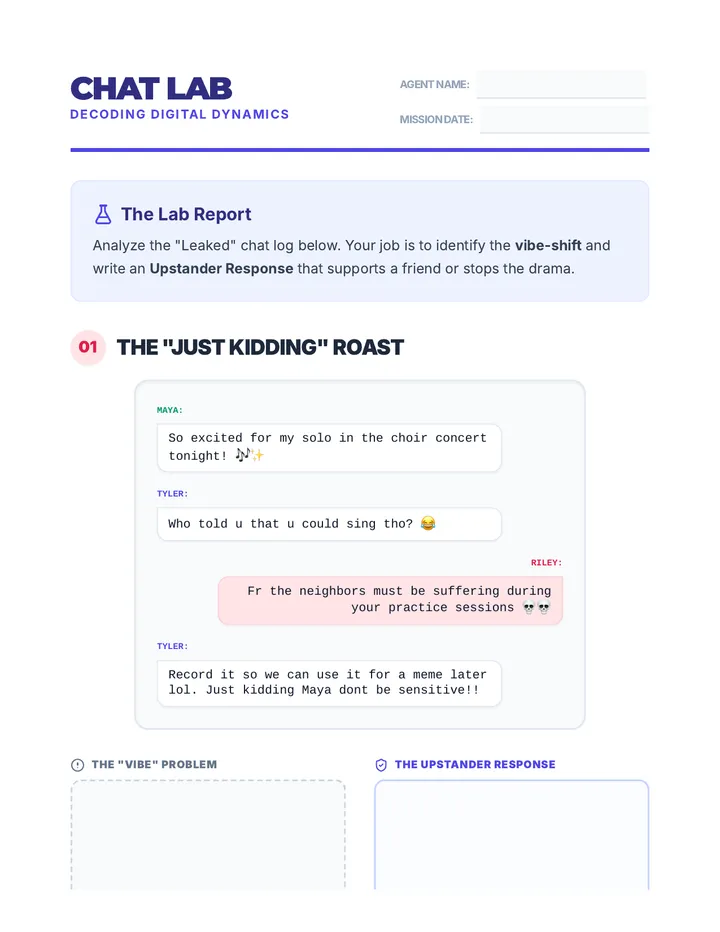
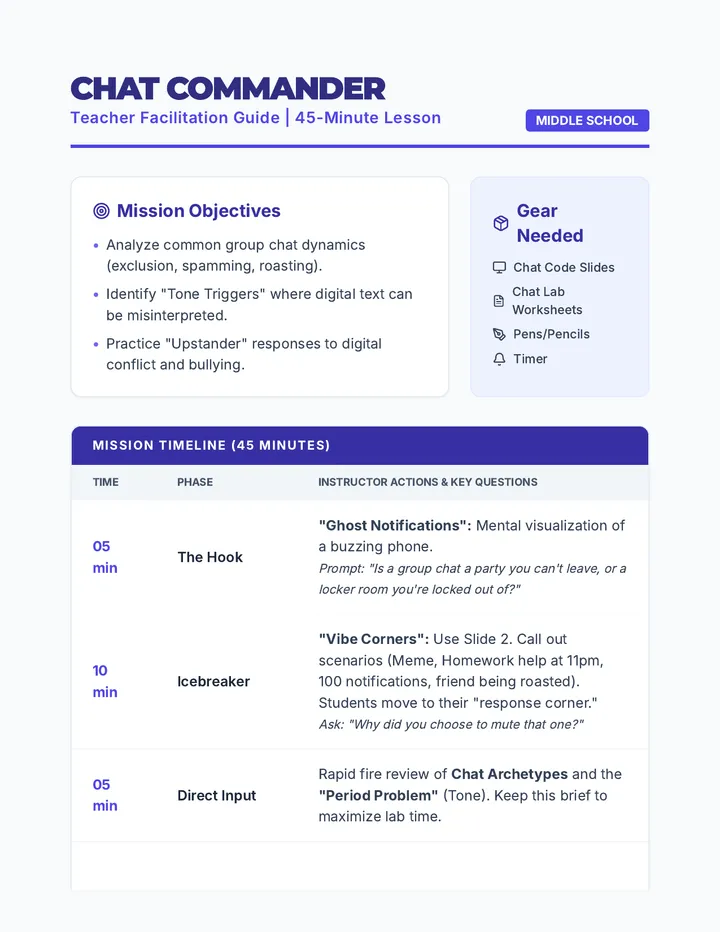
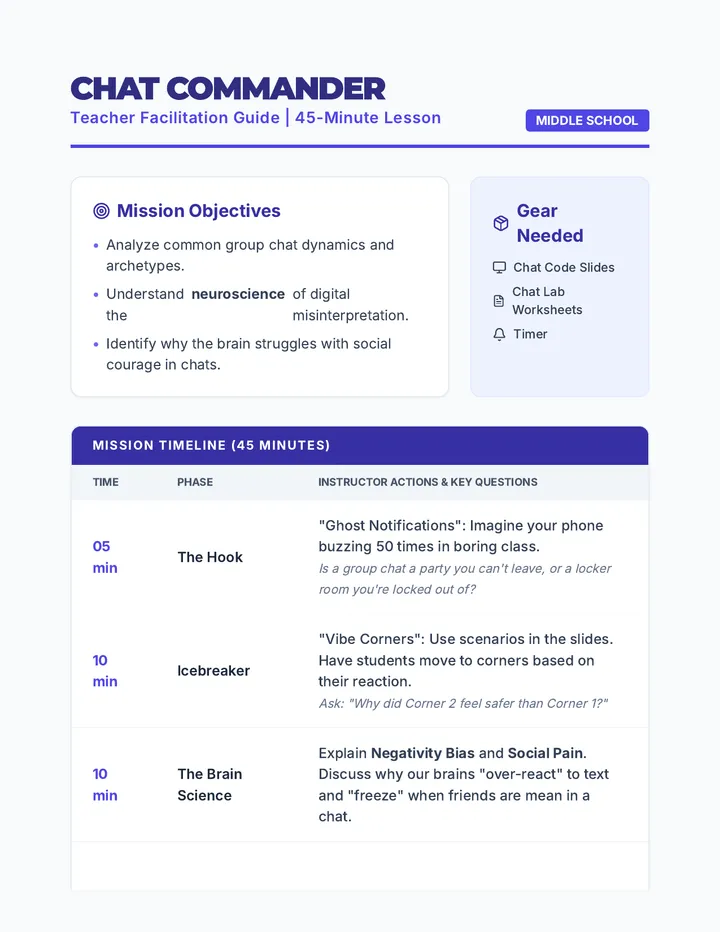
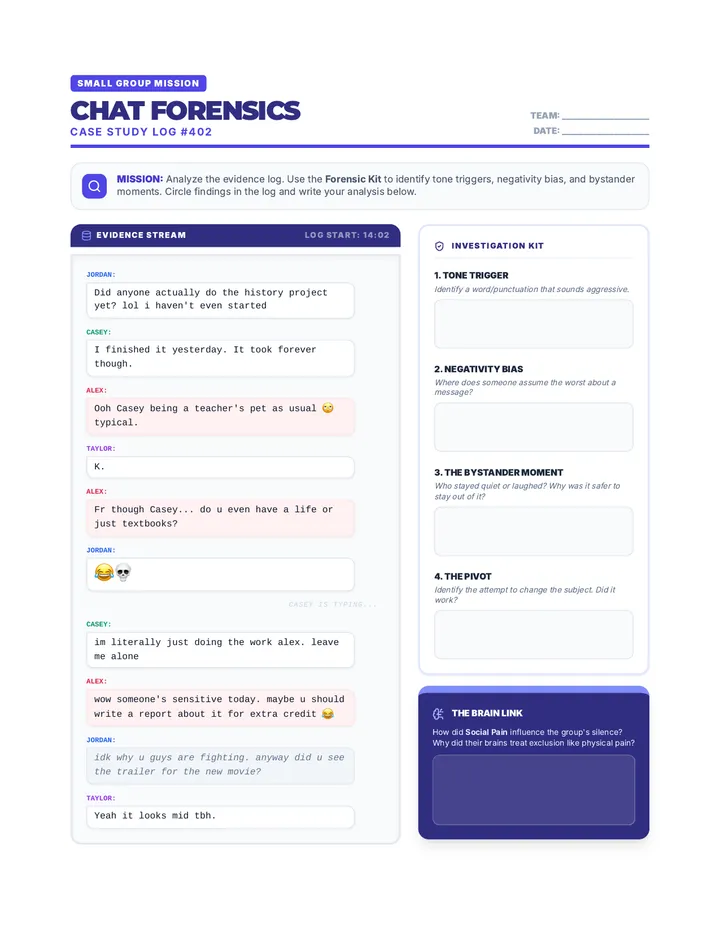
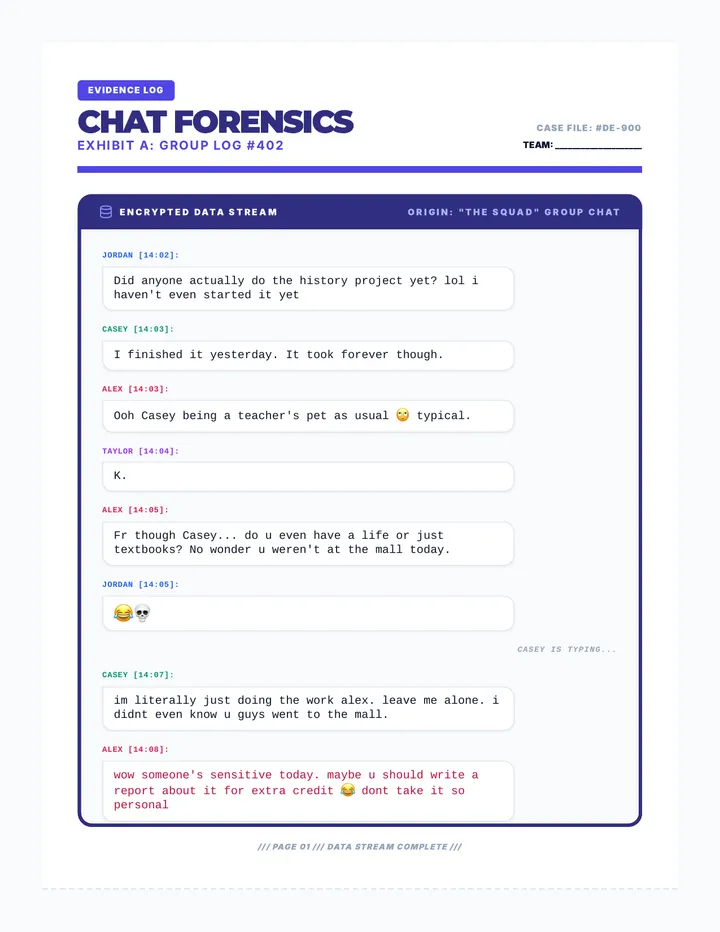
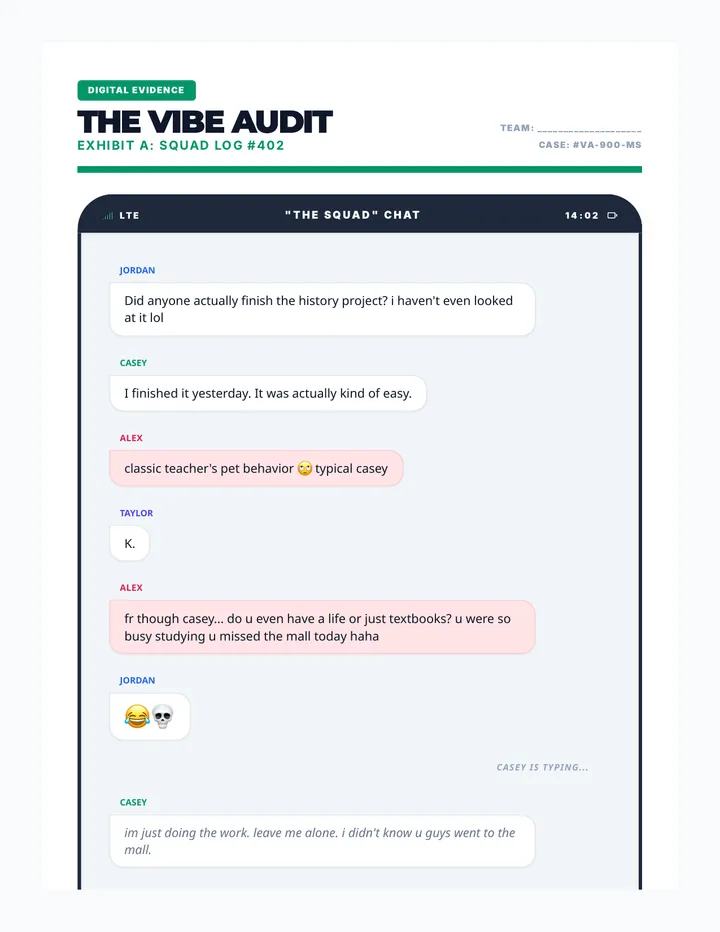
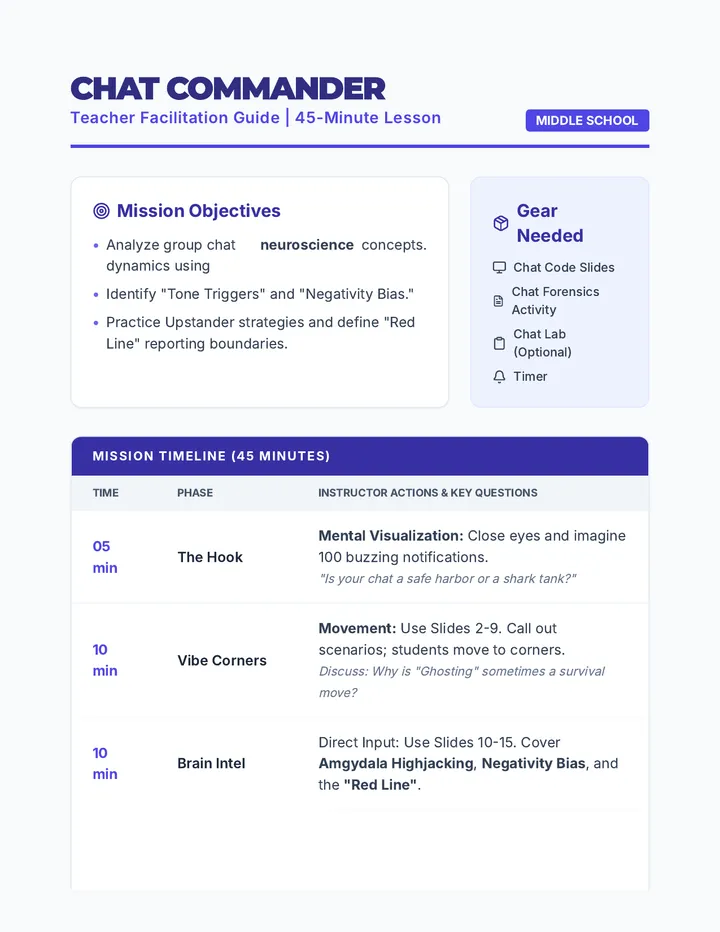
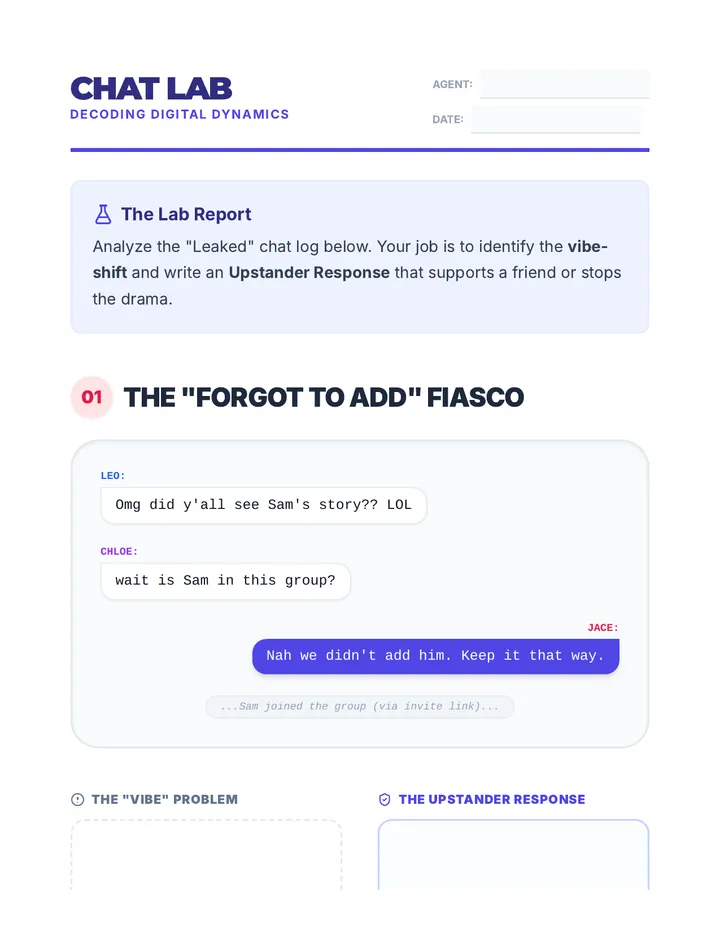
A 45-minute lesson designed for middle schoolers to navigate the social complexities of group chats, focusing on digital empathy, tone interpretation, and being a supportive 'upstander' in digital spaces.
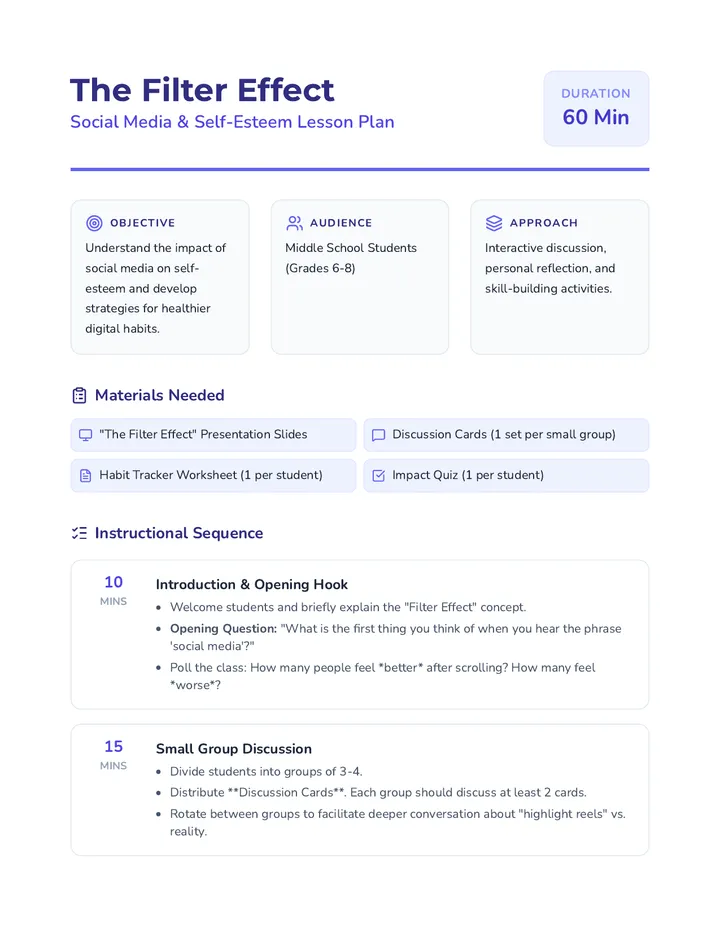
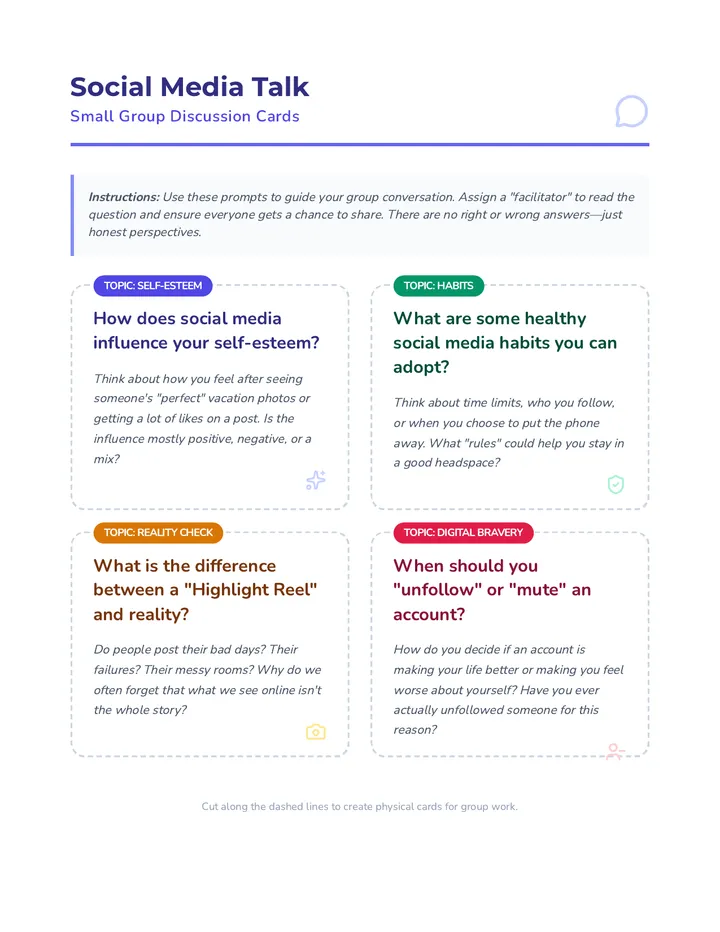
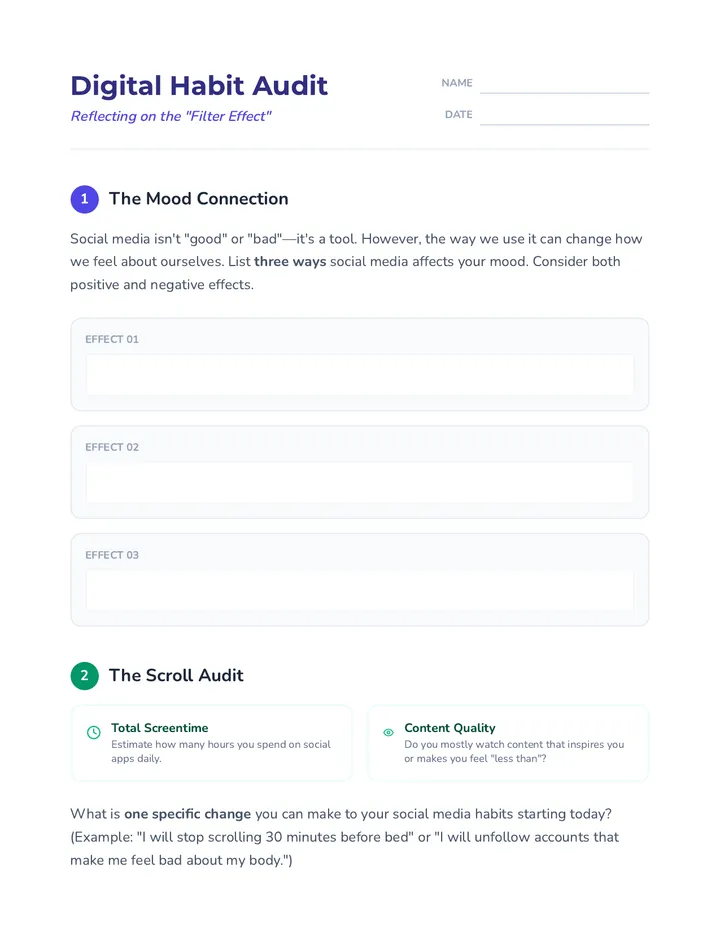
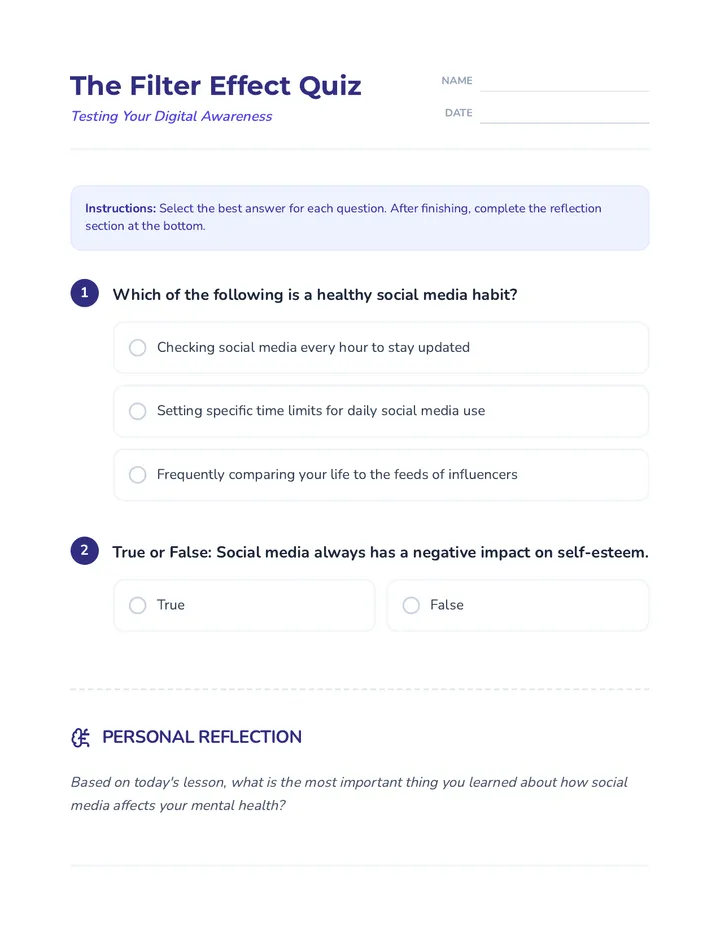
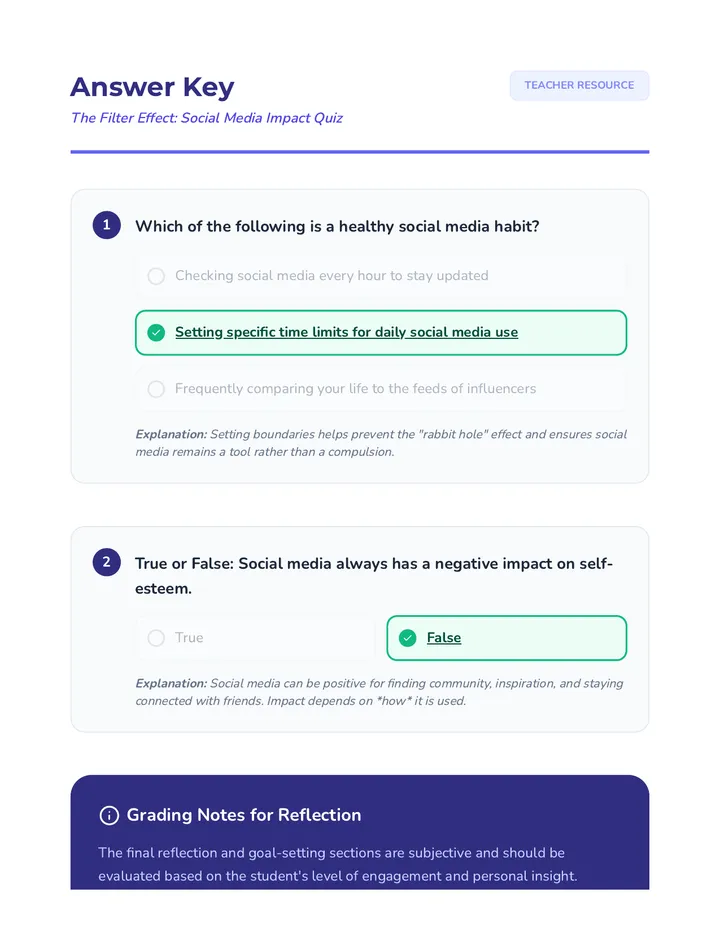
A comprehensive lesson for middle schoolers exploring how social media affects self-esteem, featuring interactive discussions, habit reflection, and practical strategies for a healthier digital life.
A foundational lesson for middle schoolers to define consent, explore personal boundaries, and practice navigating social scenarios with respect and clarity.