Fundamental hardware proficiency, secure online behavior, and ethical social media engagement. Equips learners with productivity tool mastery, web publishing skills, and critical evaluation of emerging technologies.
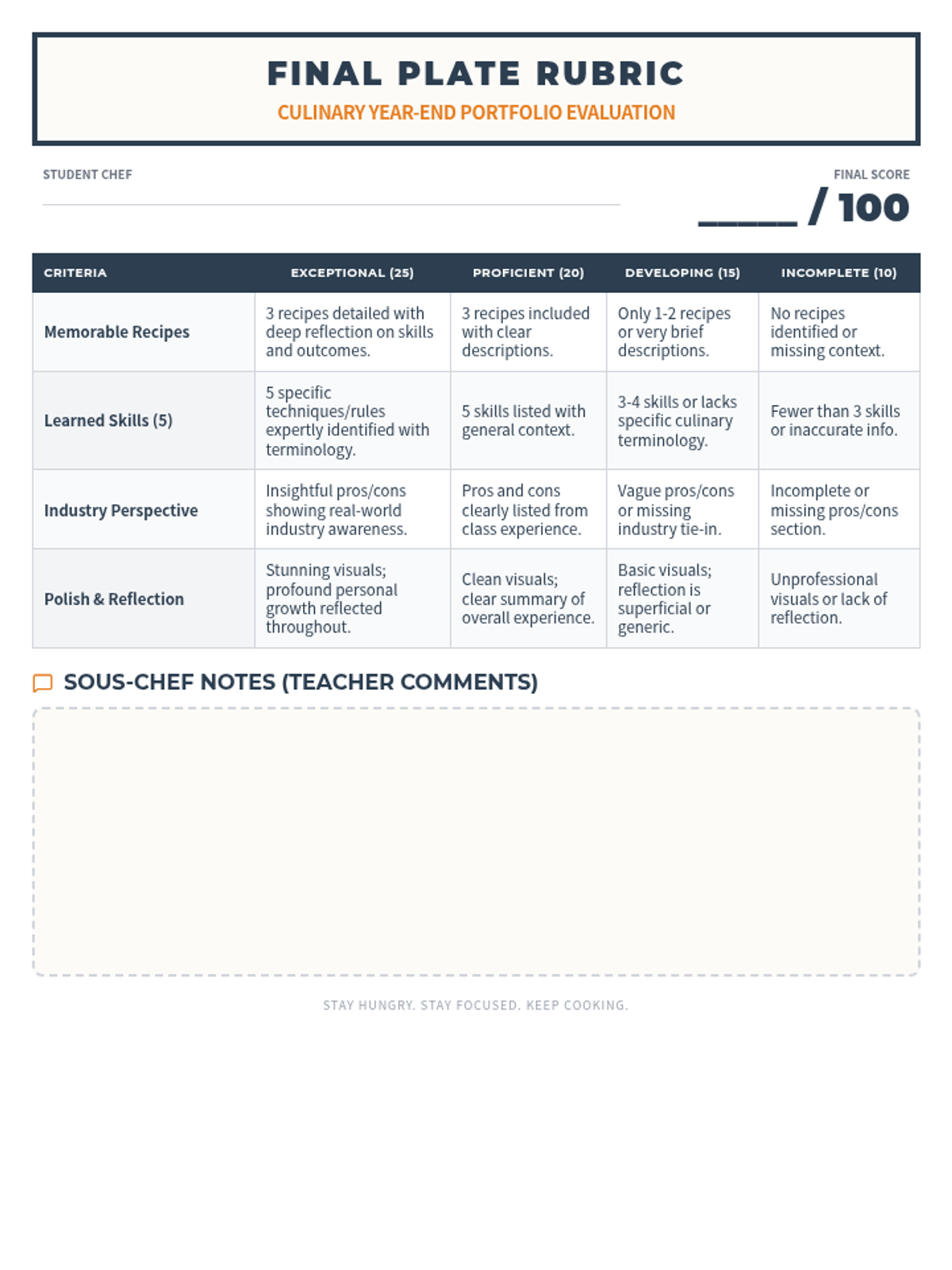
A structured grading rubric for teachers to evaluate the Culinary Journey presentations, focusing on content, industry perspective, and visual reflection.
A set of 5 presentation slides designed as a template for culinary students to follow when creating their end-of-year reflection, featuring sections for recipes, skills, pros/cons, and overall experience.
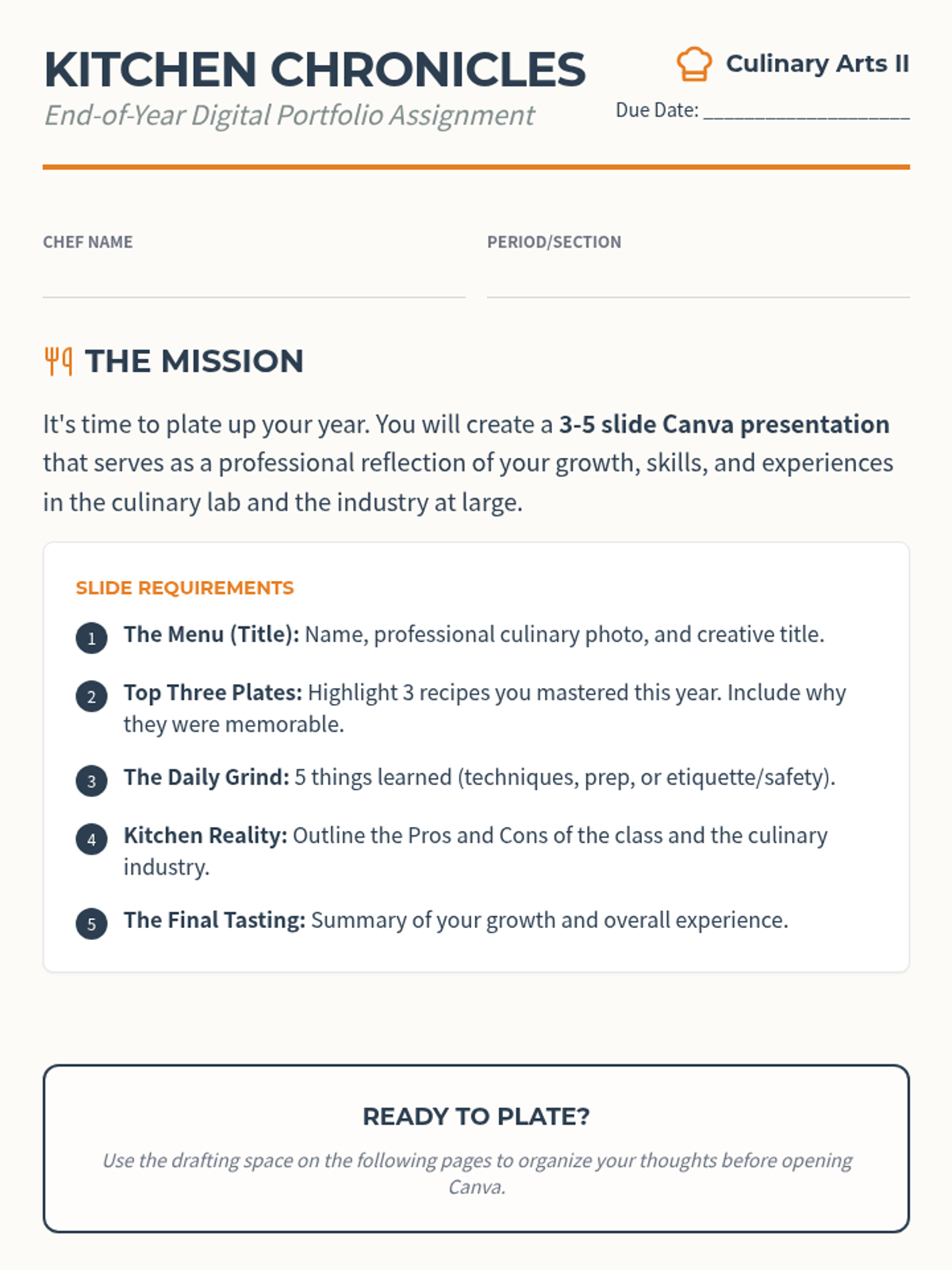
A detailed project instruction sheet for culinary students, outlining the requirements for an end-of-year reflection presentation including slide content and grading criteria.
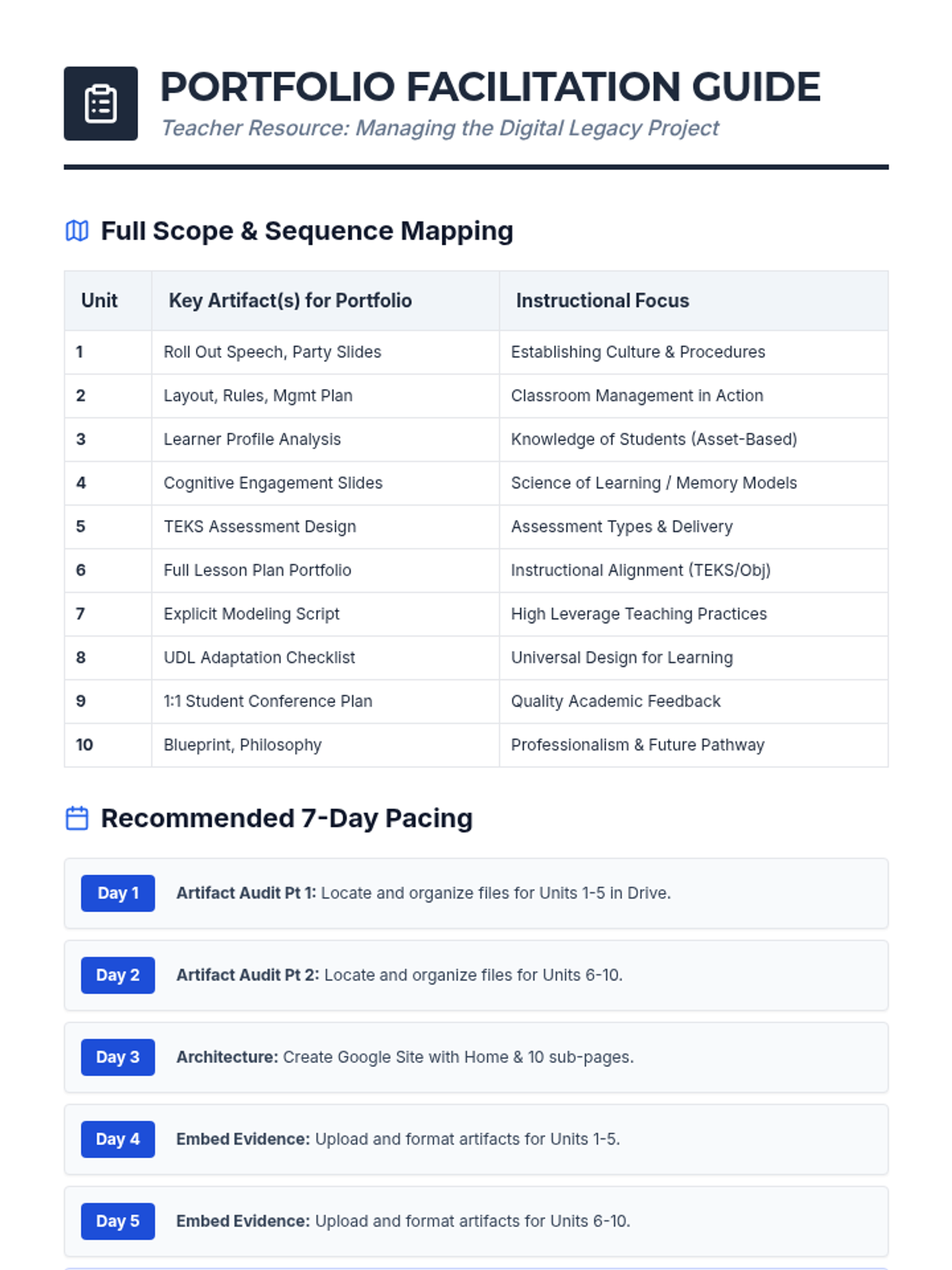
An updated teacher facilitation guide including artifact mapping and pacing for all 10 units of the Instructional Practices Scope and Sequence.
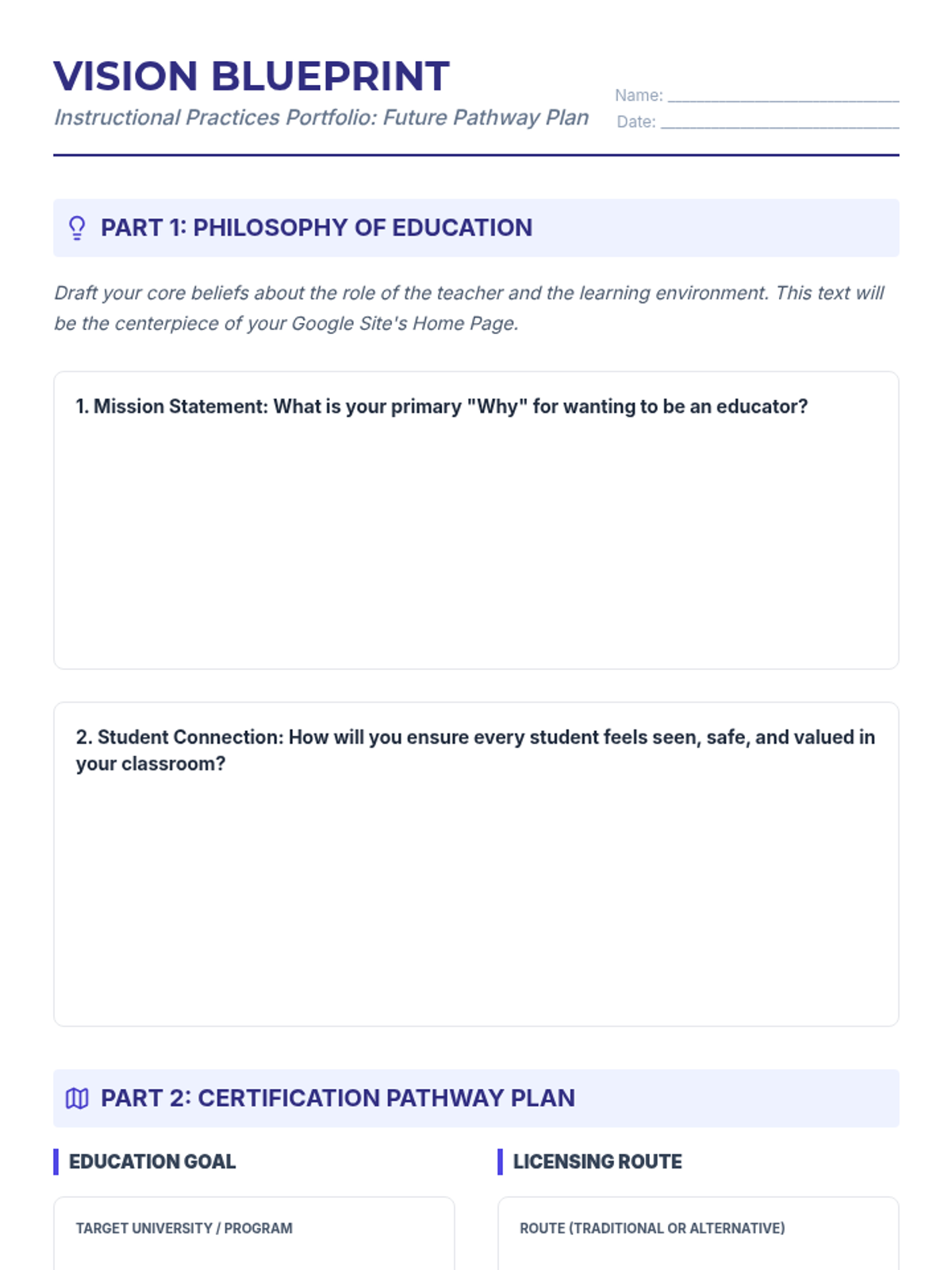
A planning worksheet for students to draft their Philosophy of Education and their long-term teacher certification pathway.
Expanded presentation slides for the Digital Legacy Portfolio, now highlighting the inclusion of all 10 units and providing updated artifact lists.
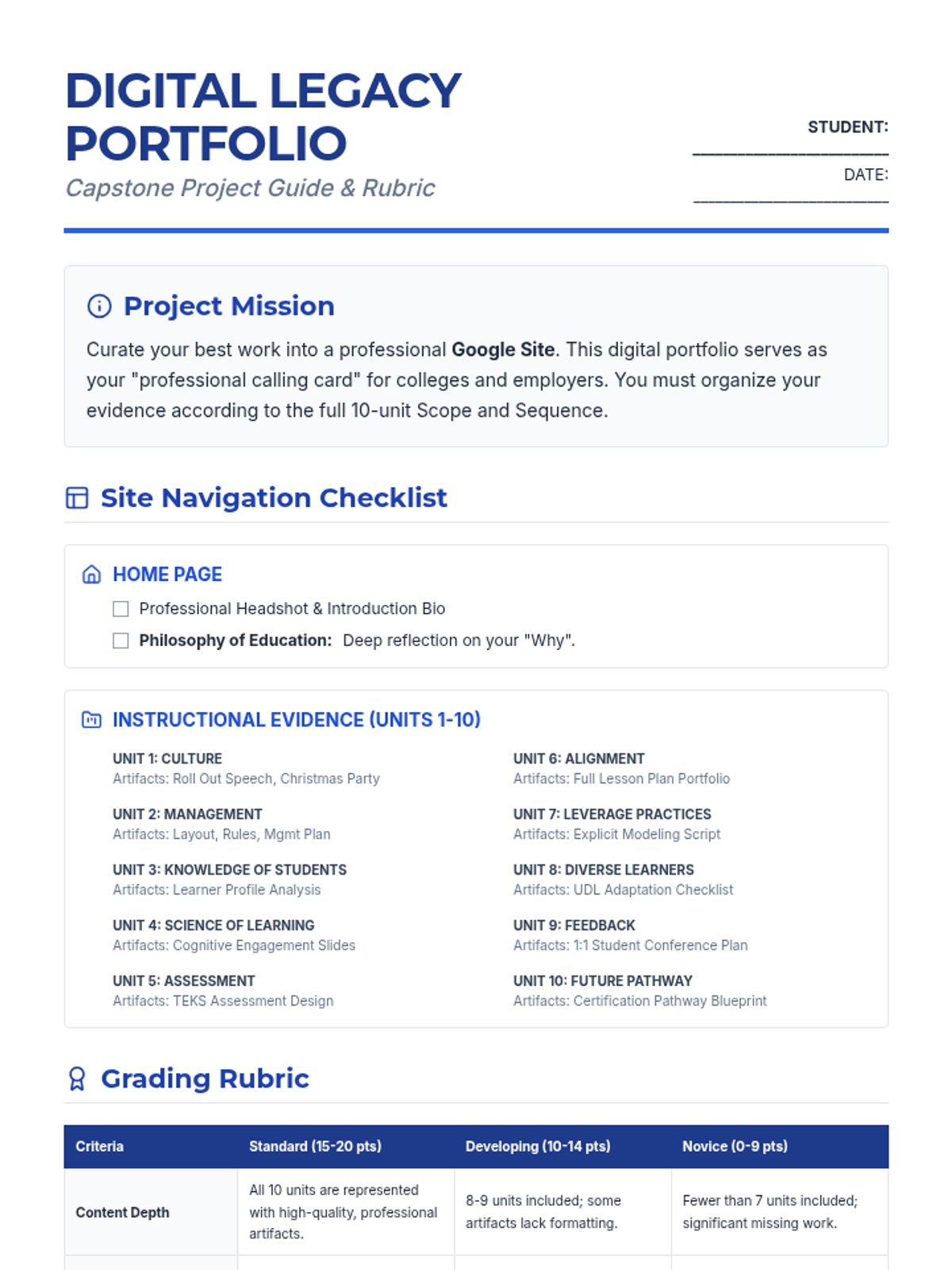
An updated comprehensive project guide and rubric for the end-of-year Digital Legacy Portfolio, now including all 10 units from the Scope and Sequence.
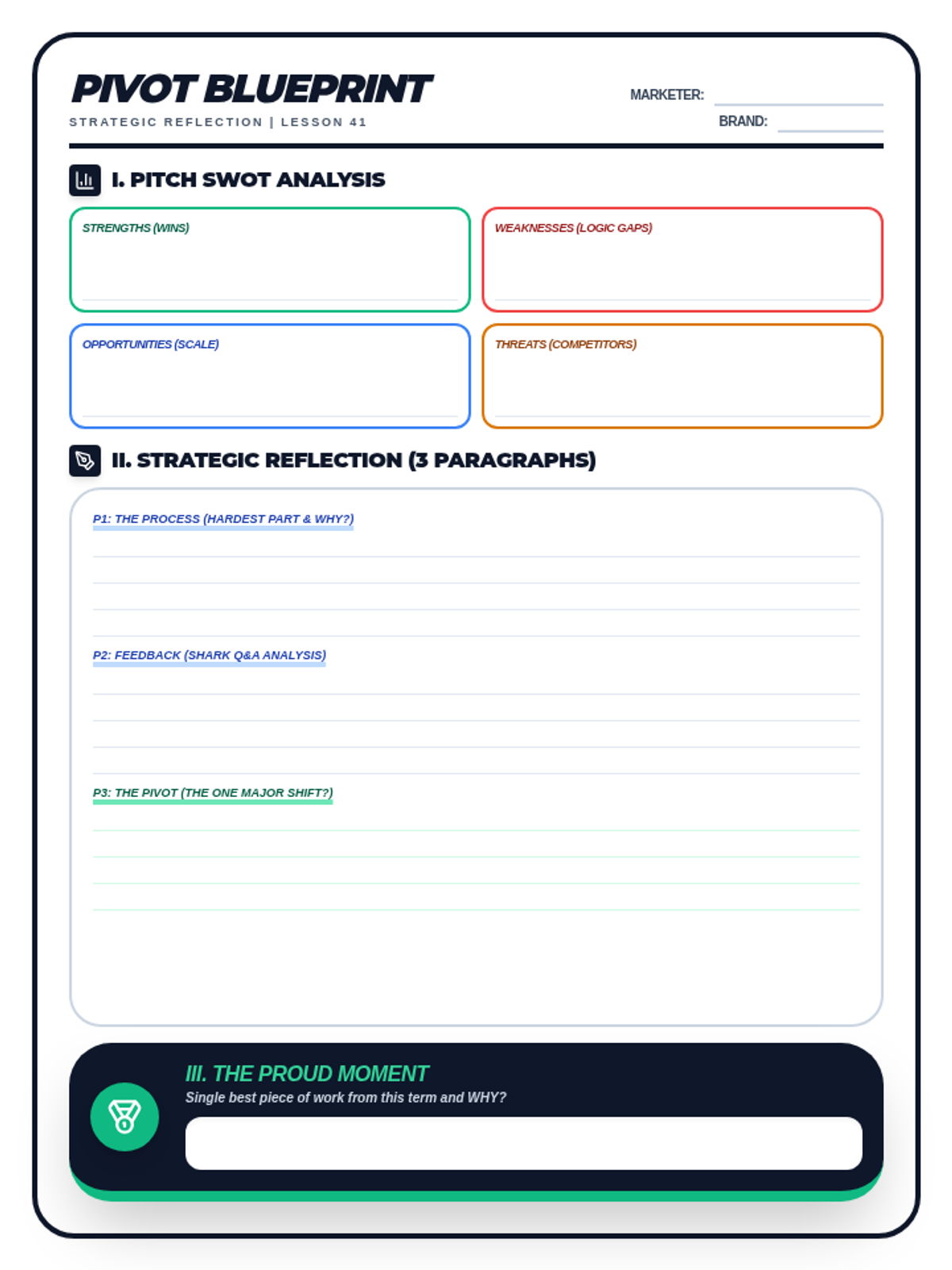
A student drafting worksheet for Lesson 41: The Business Reflection. Includes a SWOT analysis matrix for the pitch, space for a 3-paragraph strategic reflection (The Pivot Document), and an end-of-semester proud moment exit ticket. Optimized for single-page printing.
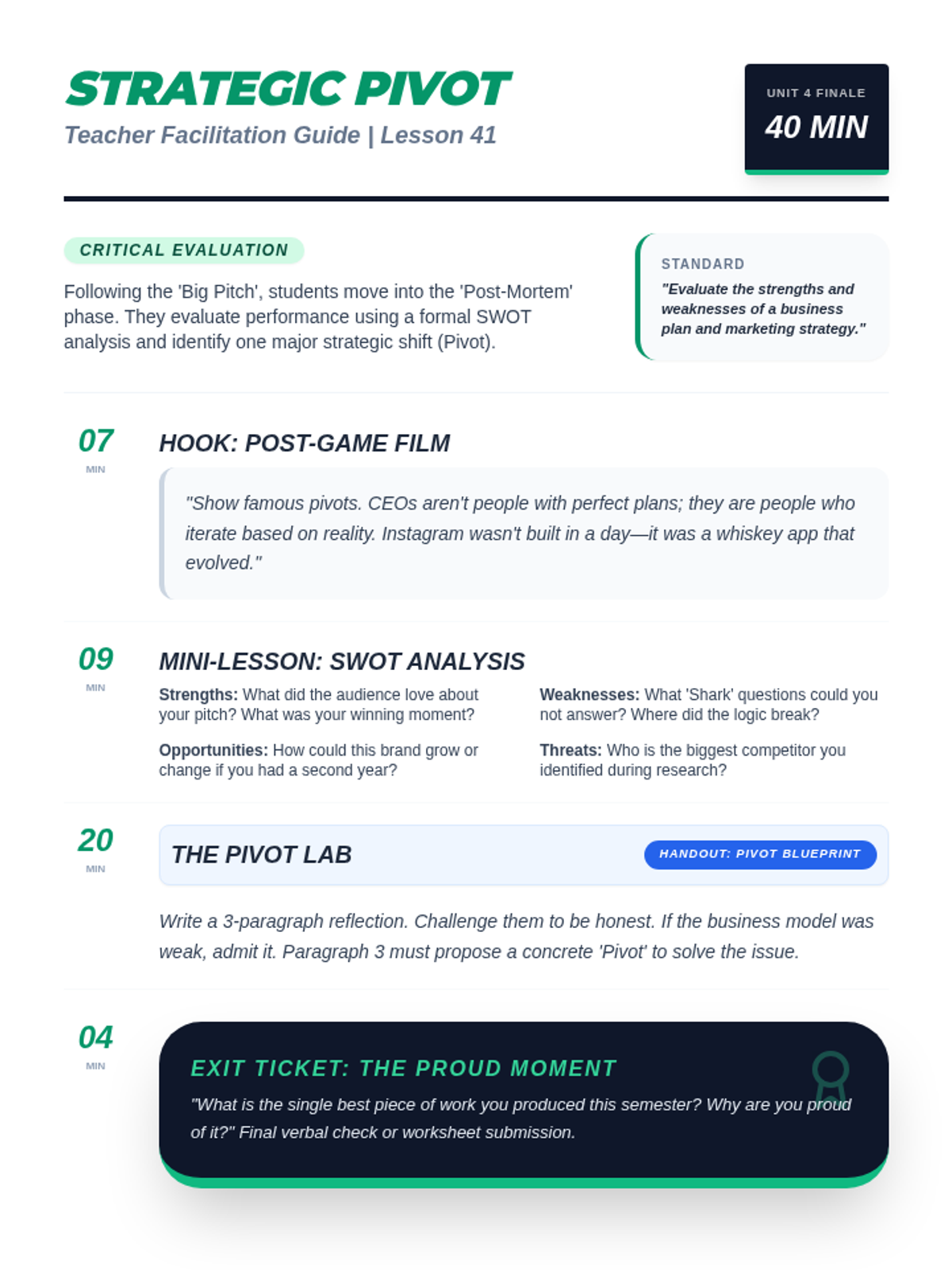
A teacher facilitation guide for Lesson 41: The Business Reflection. Includes instructional scripts for the 'famous pivot' hook, SWOT analysis instruction, and professional context on business retrospectives. Optimized for single-page printing.
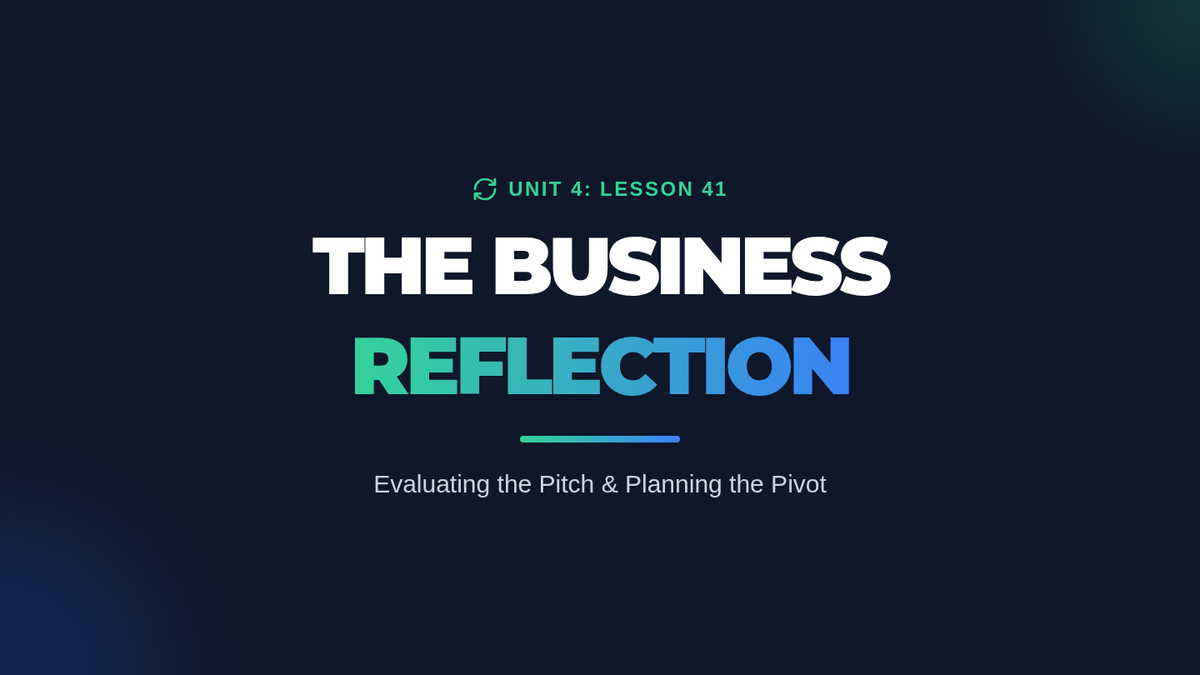
A reflective slide deck for Lesson 41. Covers famous business pivots, introduces the SWOT analysis framework for performance evaluation, and guides students through drafting a 3-paragraph strategic reflection.
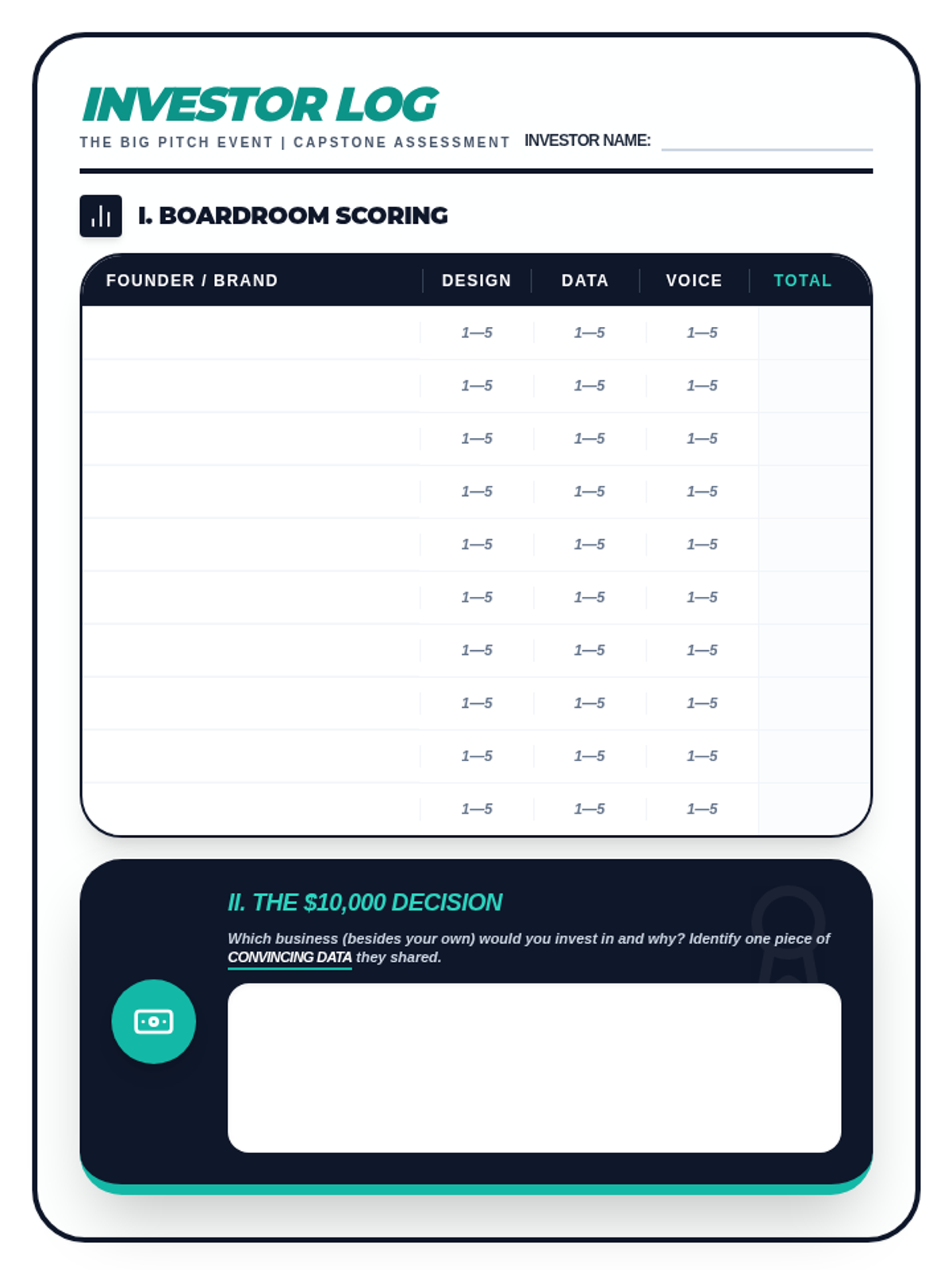
A student evaluator rubric and investment log for the two-day "Big Pitch" event. Includes a boardroom scoring table for peer feedback on visual design, data, and delivery, plus the final "Class Cash" investment decision. Optimized for printing.
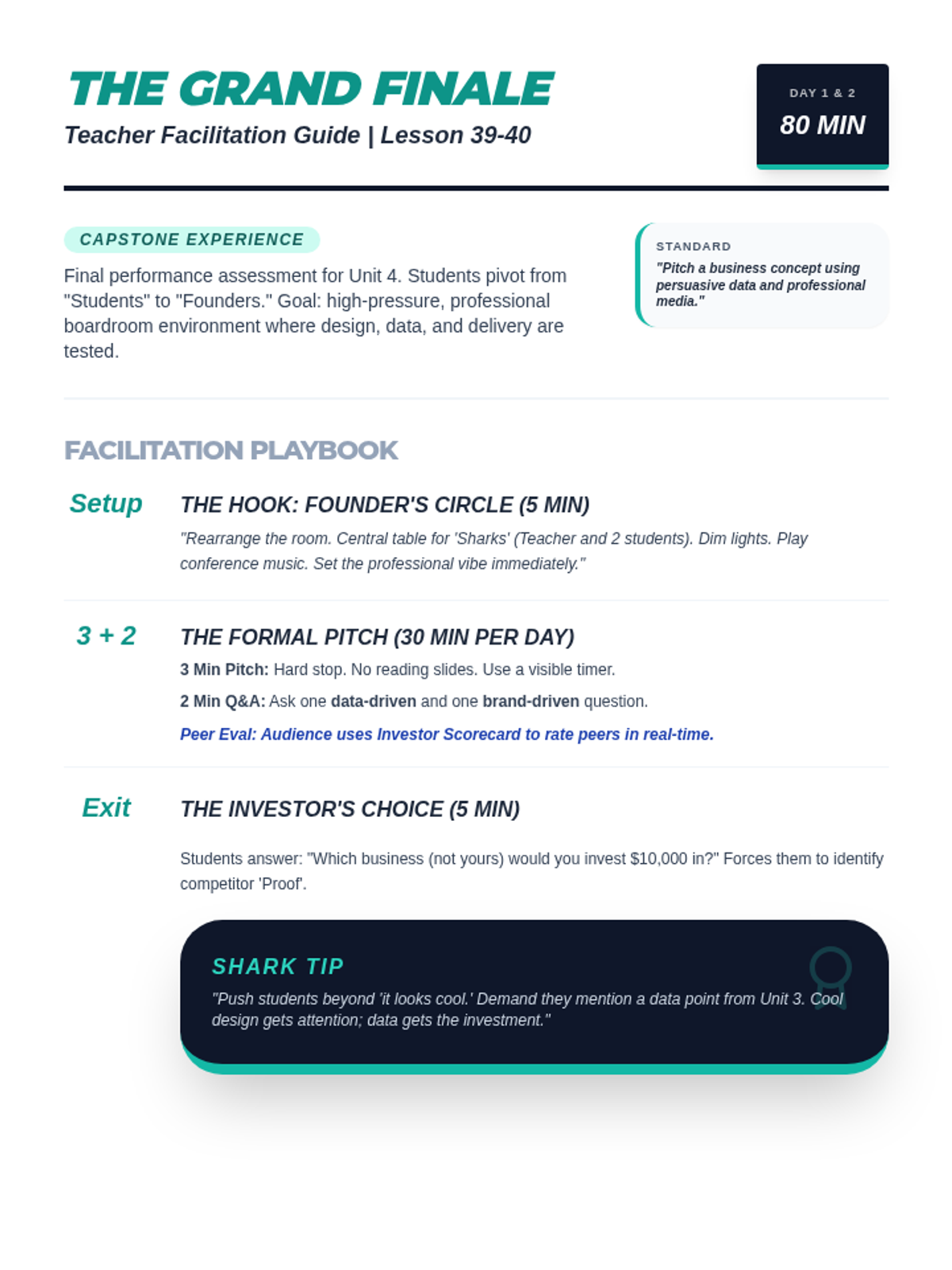
A two-day facilitation guide for the Unit 4 Capstone: The Big Pitch. Includes room setup instructions, the 3+2 minute timing rules, and instructional scripts for the "Shark Tank" Q&A and final "Class Cash" investment reflection. Optimized for single-page printing.
A high-stakes presentation slide deck for the Unit 4 Capstone: The Big Pitch. Includes "Founder's Circle" hooks, 3+2 pitch rules, scoring criteria for design, data, and delivery, and the final "Investor's Choice" exit ticket.
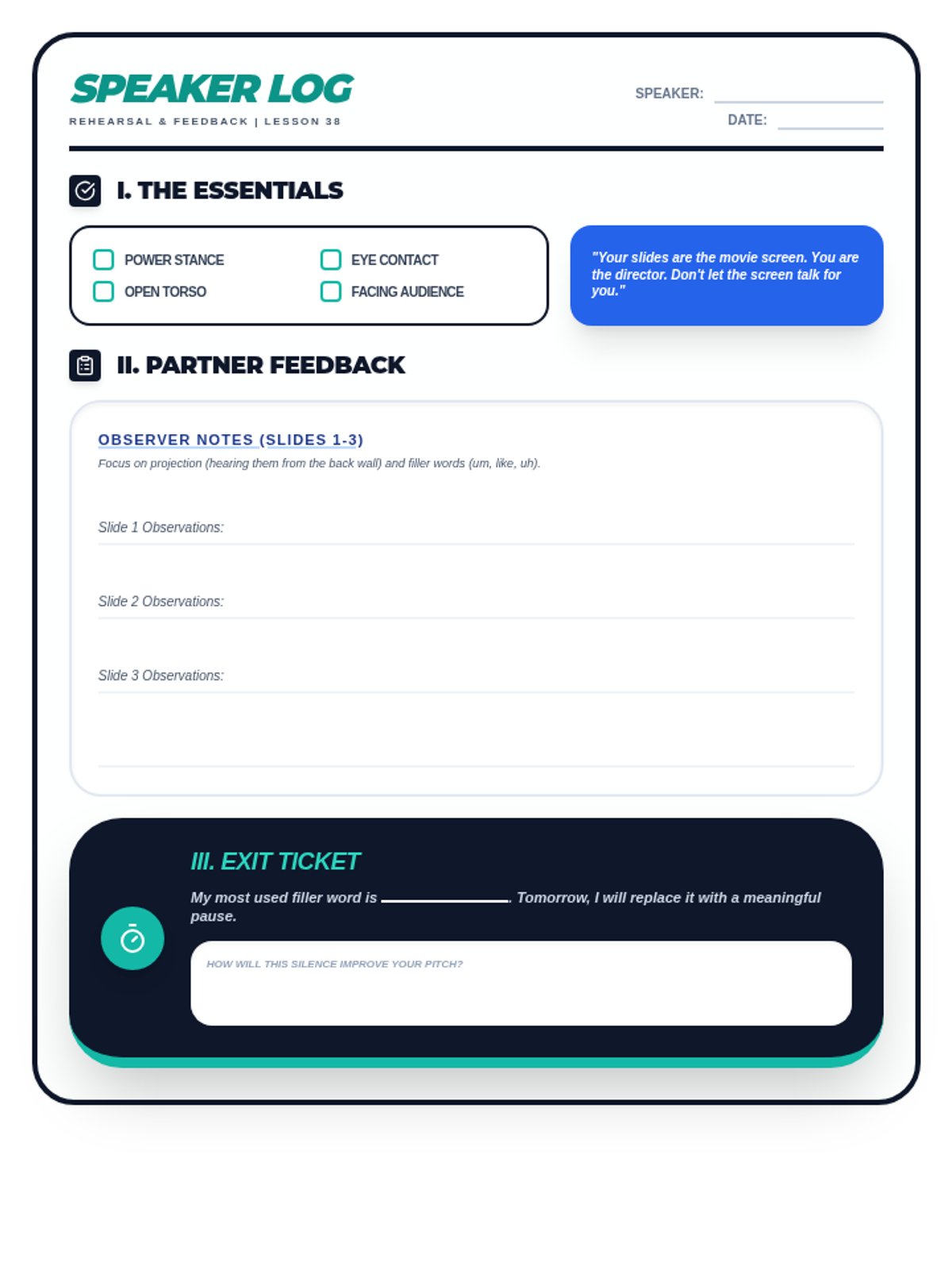
A student rehearsal log and peer-feedback worksheet for Lesson 38. Includes a non-verbal fundamentals checklist, space for partner feedback on projection and filler words, and an exit ticket for self-correction. Optimized for single-page printing.
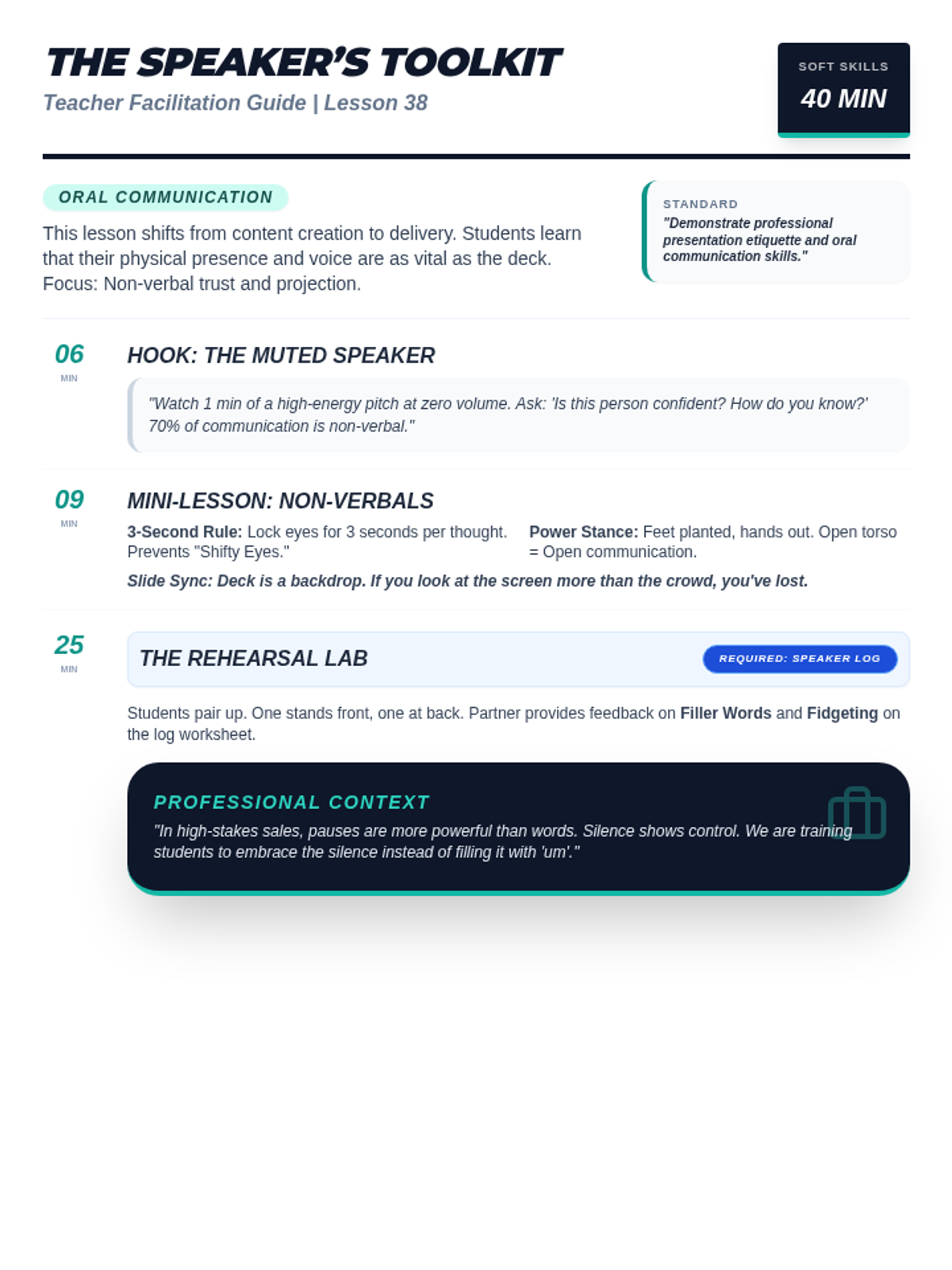
A facilitation guide for teachers covering Lesson 38: Public Speaking with Media. Includes instructional scripts for non-verbal communication, projection coaching tips, and professional speaking context. Optimized for single-page printing.
A high-impact slide deck for Lesson 38: Public Speaking with Media. Covers non-verbal communication, the speaker's toolkit (eye contact, posture), projection techniques, and a rehearsal roadmap.
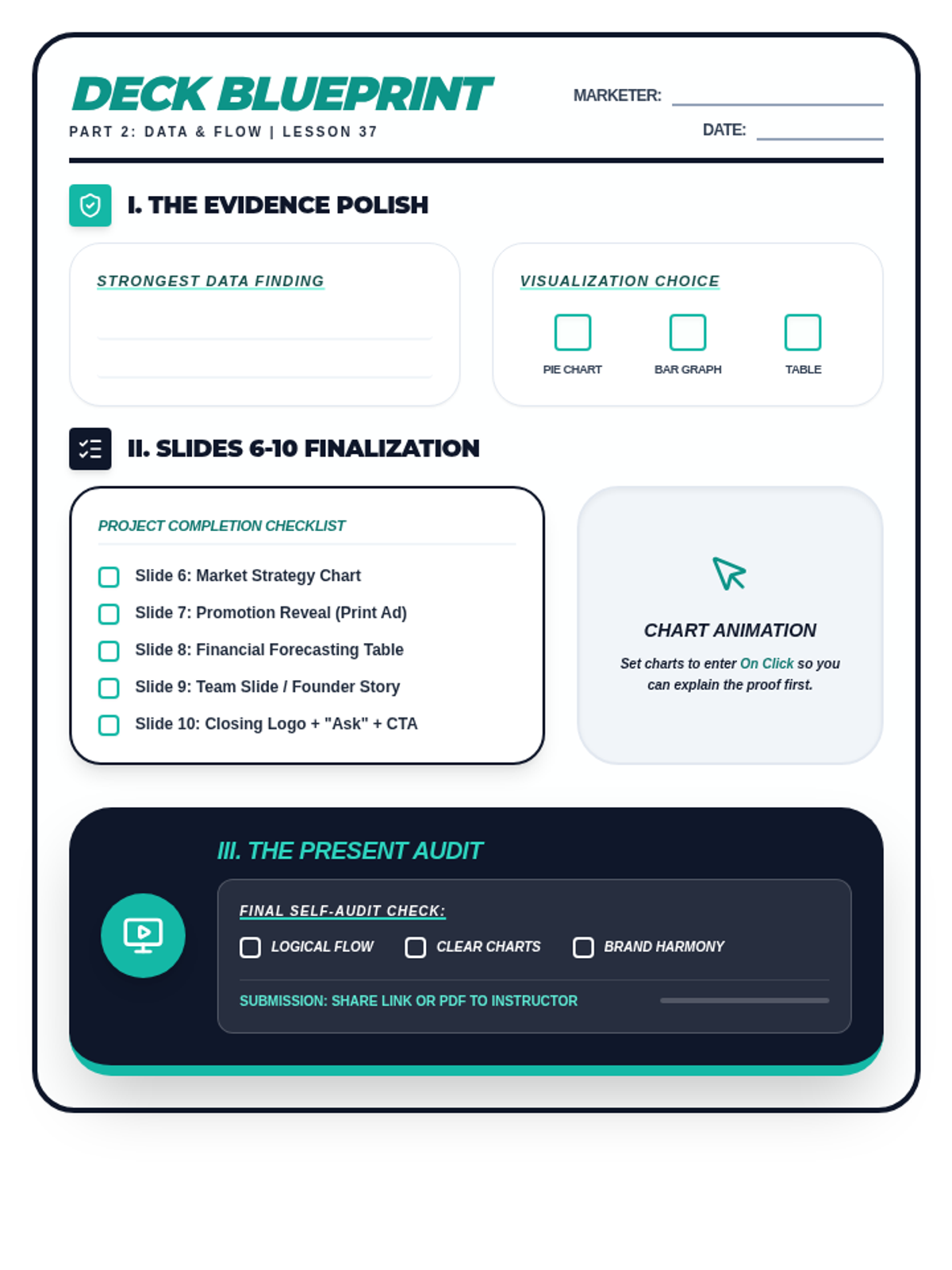
A student planning and checklist worksheet for Lesson 37. Includes a data proof strategy section, a slide asset checklist for the final five slides of the pitch deck, and a project self-audit checklist. Optimized for printing.
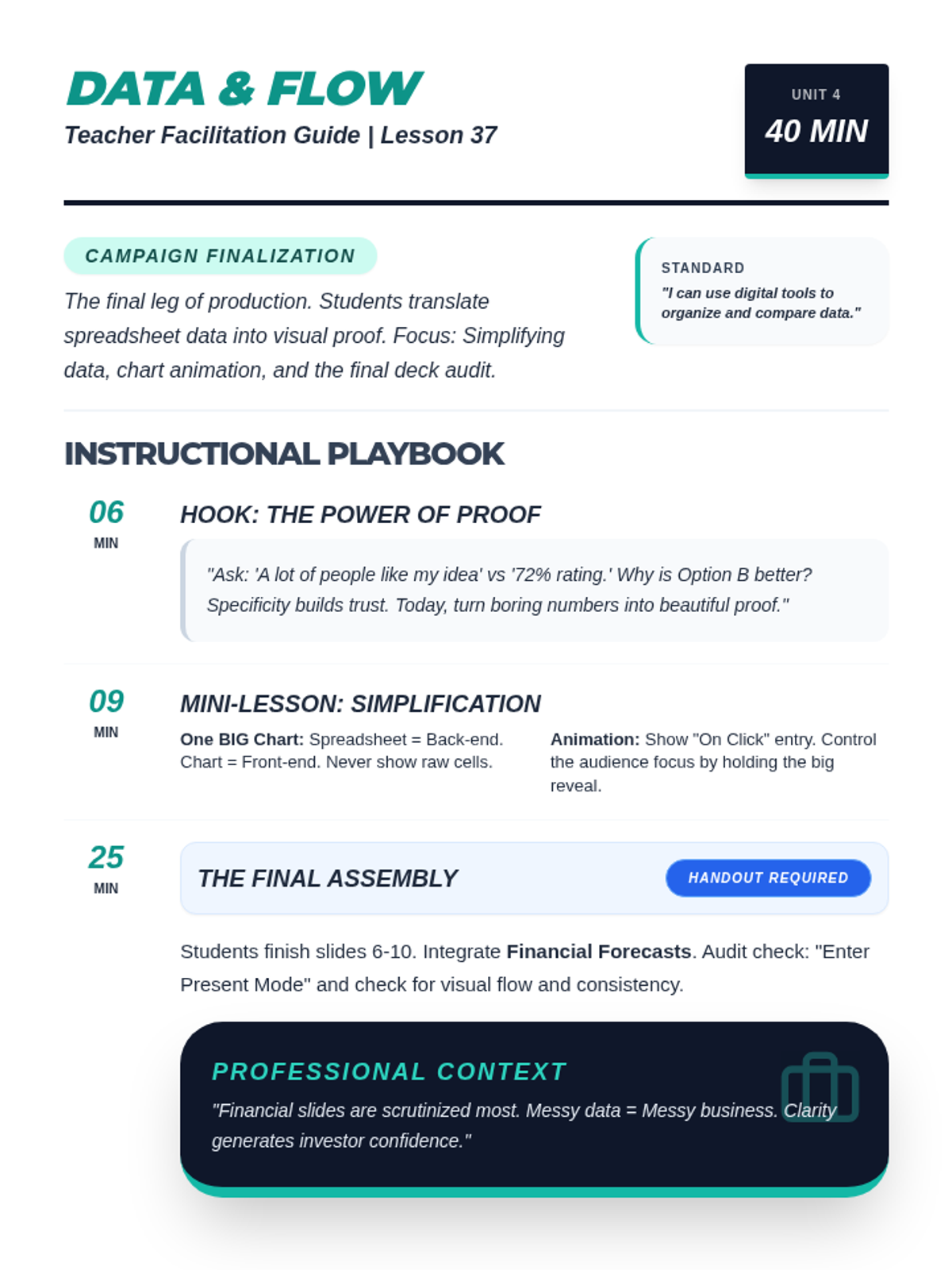
A comprehensive teacher facilitation guide for Lesson 37: Building the Deck. Includes pacing, simplification strategies for data slides, animation techniques, and professional context on financial scrutiny. Optimized for single-page printing.
A professional slide deck for Lesson 37 focusing on data integration and presentation flow. Covers chart simplification, animation for storytelling, and provides a final project checklist for the full pitch deck. Corrected numbering and syntax.
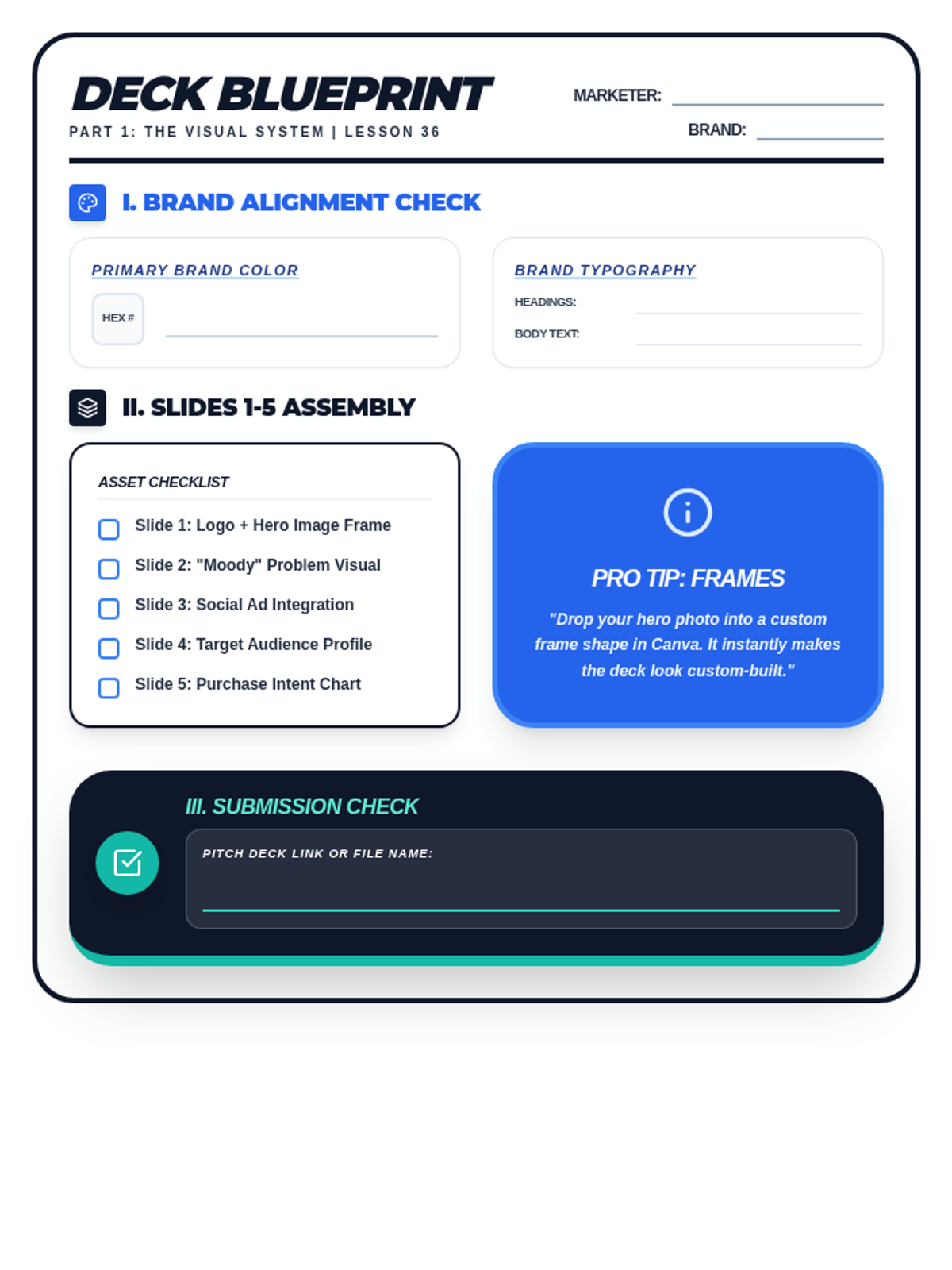
A student drafting and checklist worksheet for Lesson 36. Includes brand alignment fields for HEX codes and typography, a slide asset checklist for the first five slides, and a professional audit section for visual consistency. Optimized for printing.
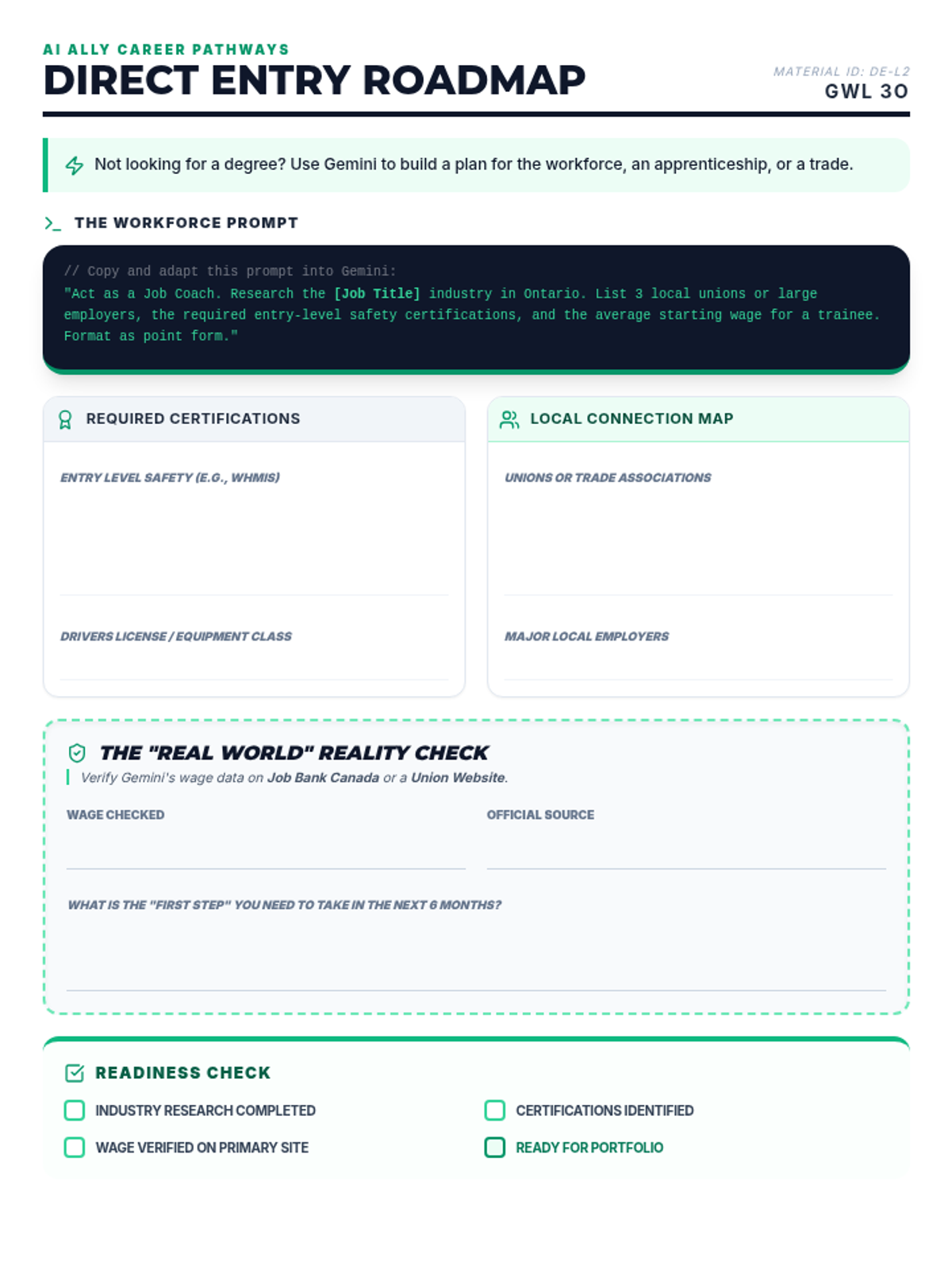
An alternate activity for Lesson 2 designed for students pursuing apprenticeships, trades, or direct workforce entry. Revised to fit on a single page, remove the digital portfolio checklist item, and standardize visual headers. Now includes a student completion checklist.
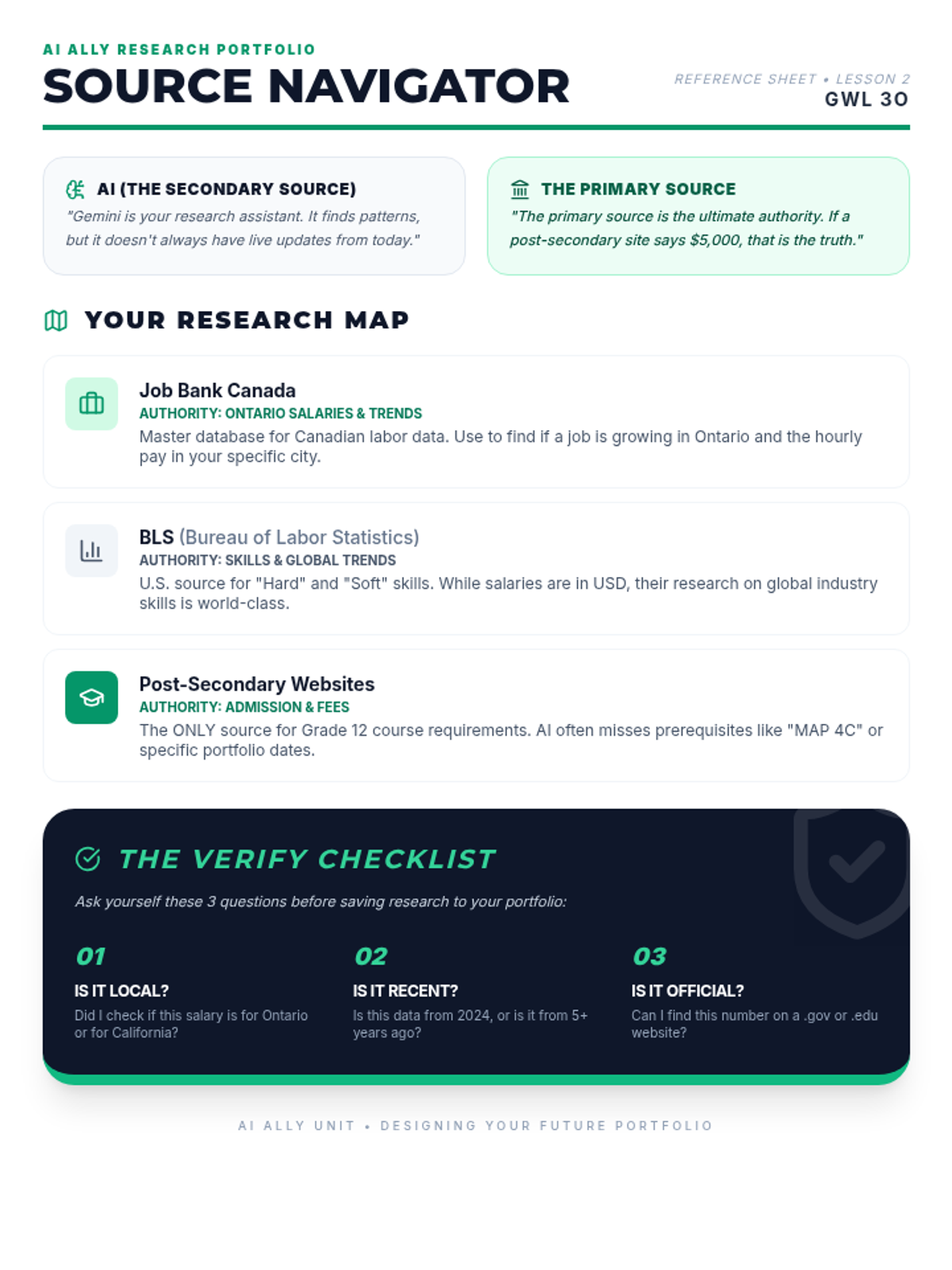
A source reference sheet for Lesson 2 defining key career research databases like BLS and Job Bank Canada. Revised to use "post-secondary" terminology.
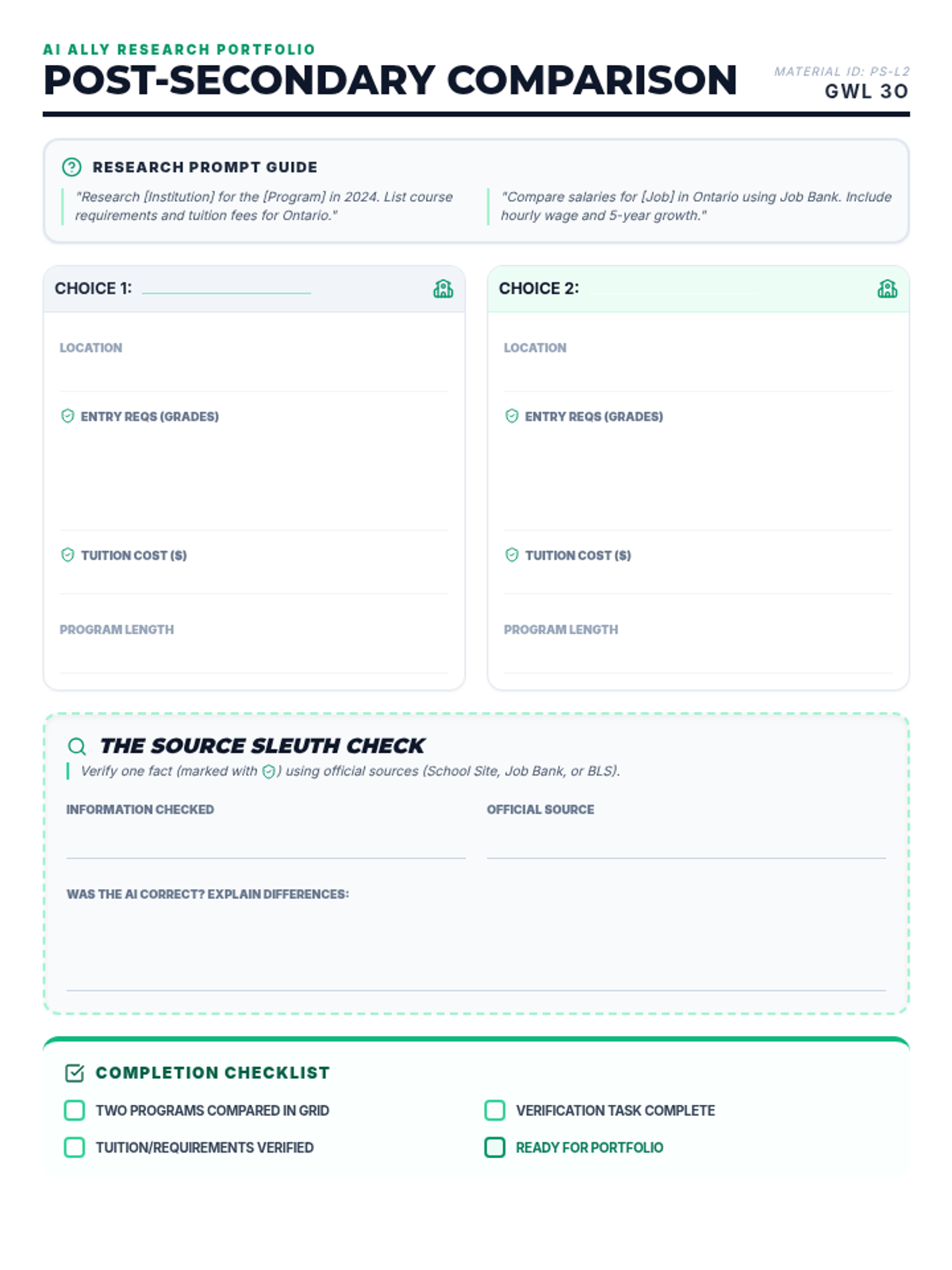
A research organizer for comparing two post-secondary programs. Revised to fit on a single page, remove the digital portfolio checklist item, and standardize visual headers. Now includes a student completion checklist.
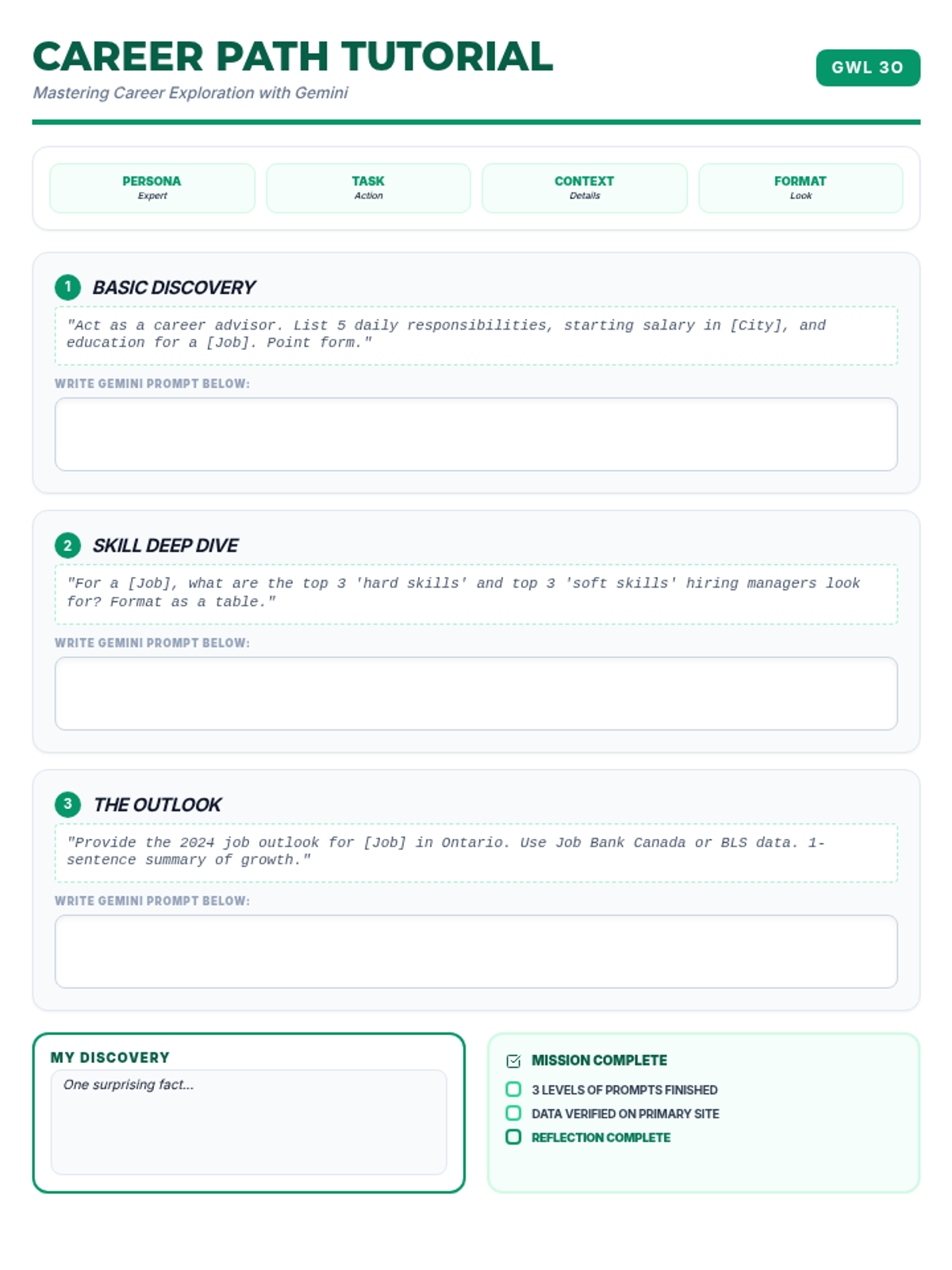
A tutorial pack for Day 2 focusing on career exploration. Revised to fit on a single page, remove the digital portfolio checklist item, and standardize the visual flow. Consolidated vertical spacing to prevent overflow.
A slide deck for Lesson 2 focusing on career research strategies and path selection. Updated with high-impact visuals and choice cards. Fixed heading spacing issues and finalized content for classroom use.
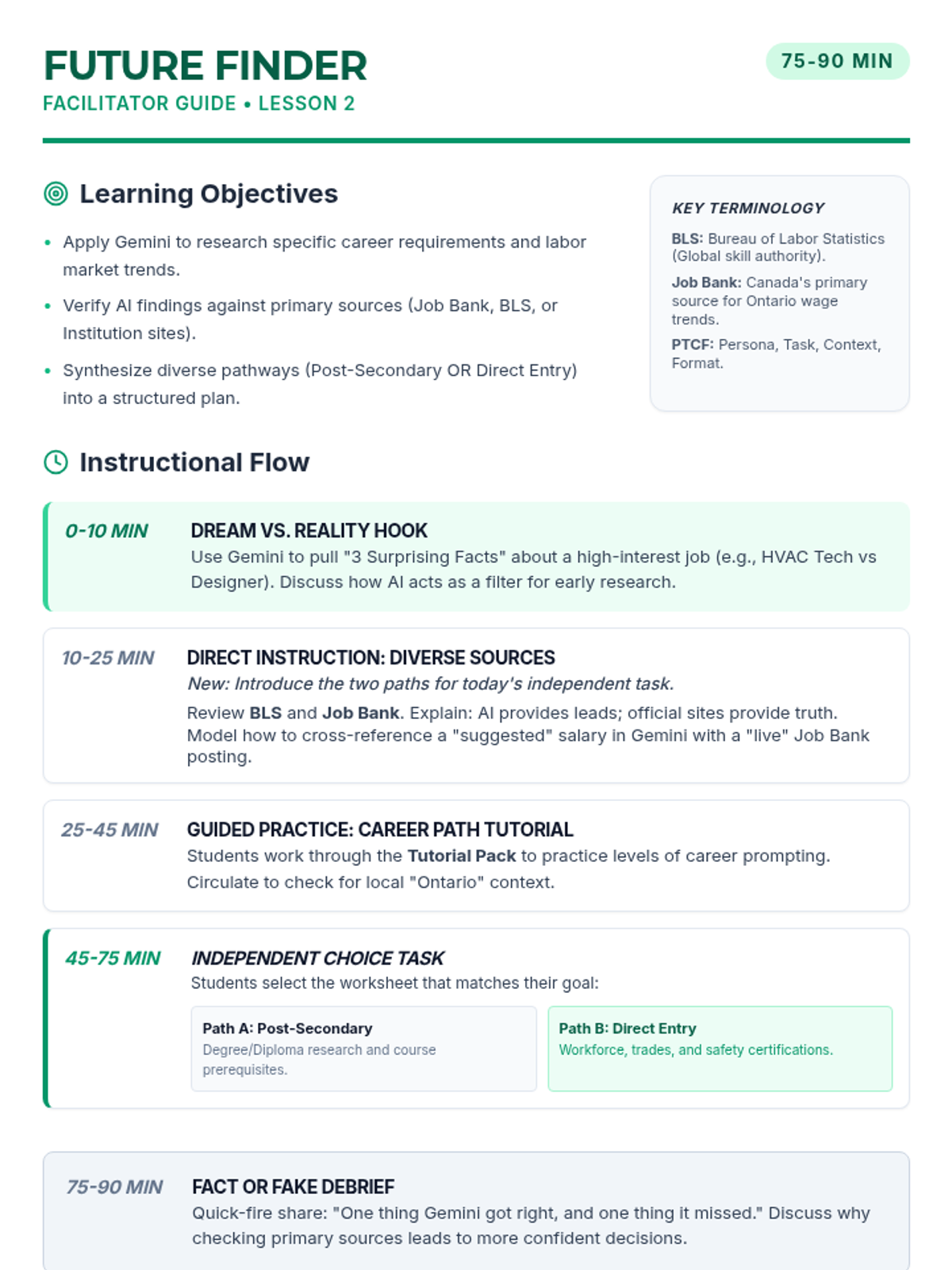
A facilitator guide for Lesson 2 focusing on career and post-secondary research. Updated to include the alternate Direct Entry Roadmap for students not pursuing college. Includes definitions for BLS and Job Bank, pacing, and SpEd scaffolding strategies.
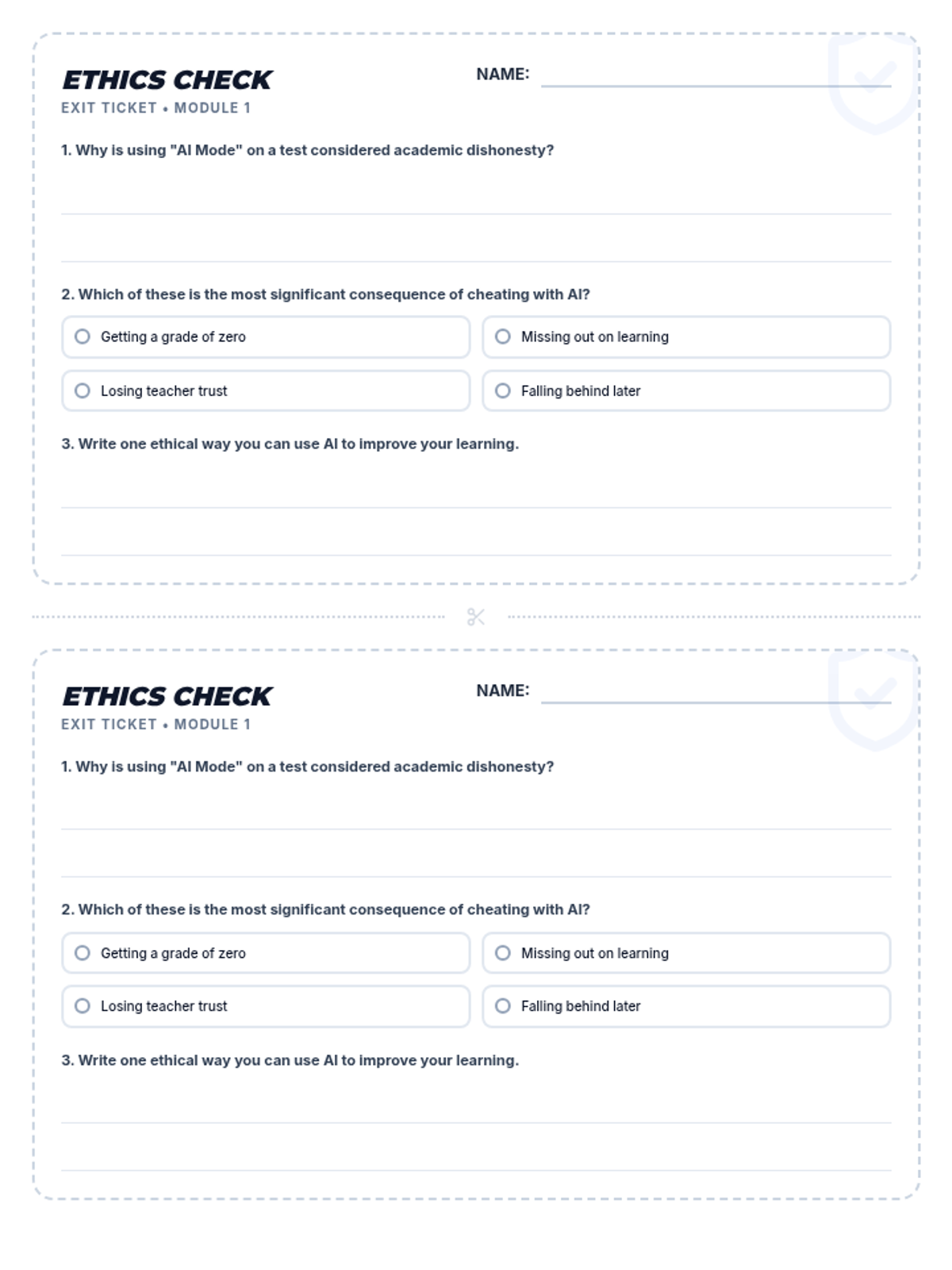
A double-sided exit ticket for assessing student understanding of academic integrity and the ethical boundaries of AI use after the lesson.
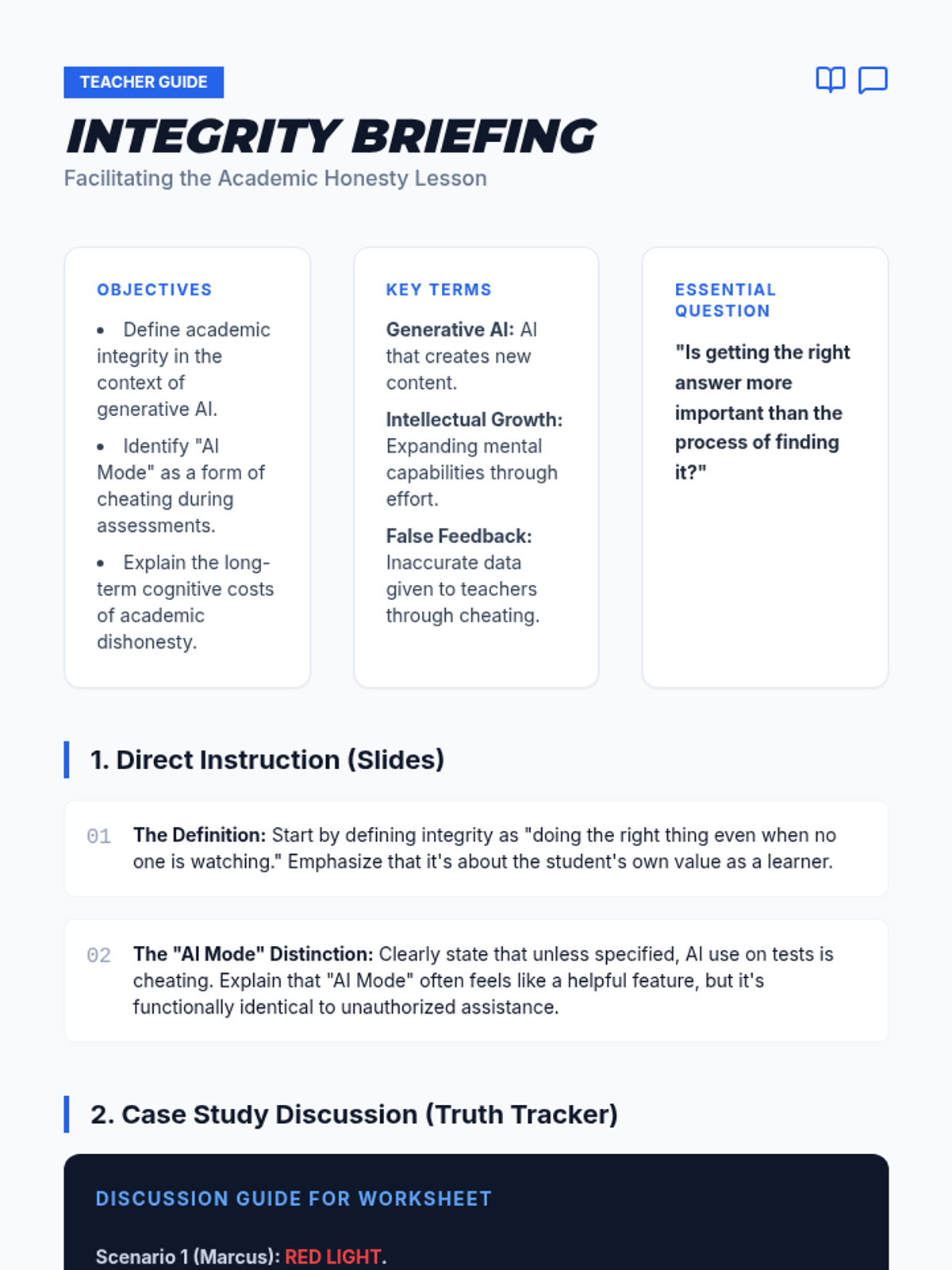
A teacher guide providing facilitation tips, discussion prompts, and an answer key for the Truth Tracker case studies, with strategies for addressing common student justifications for AI misuse.
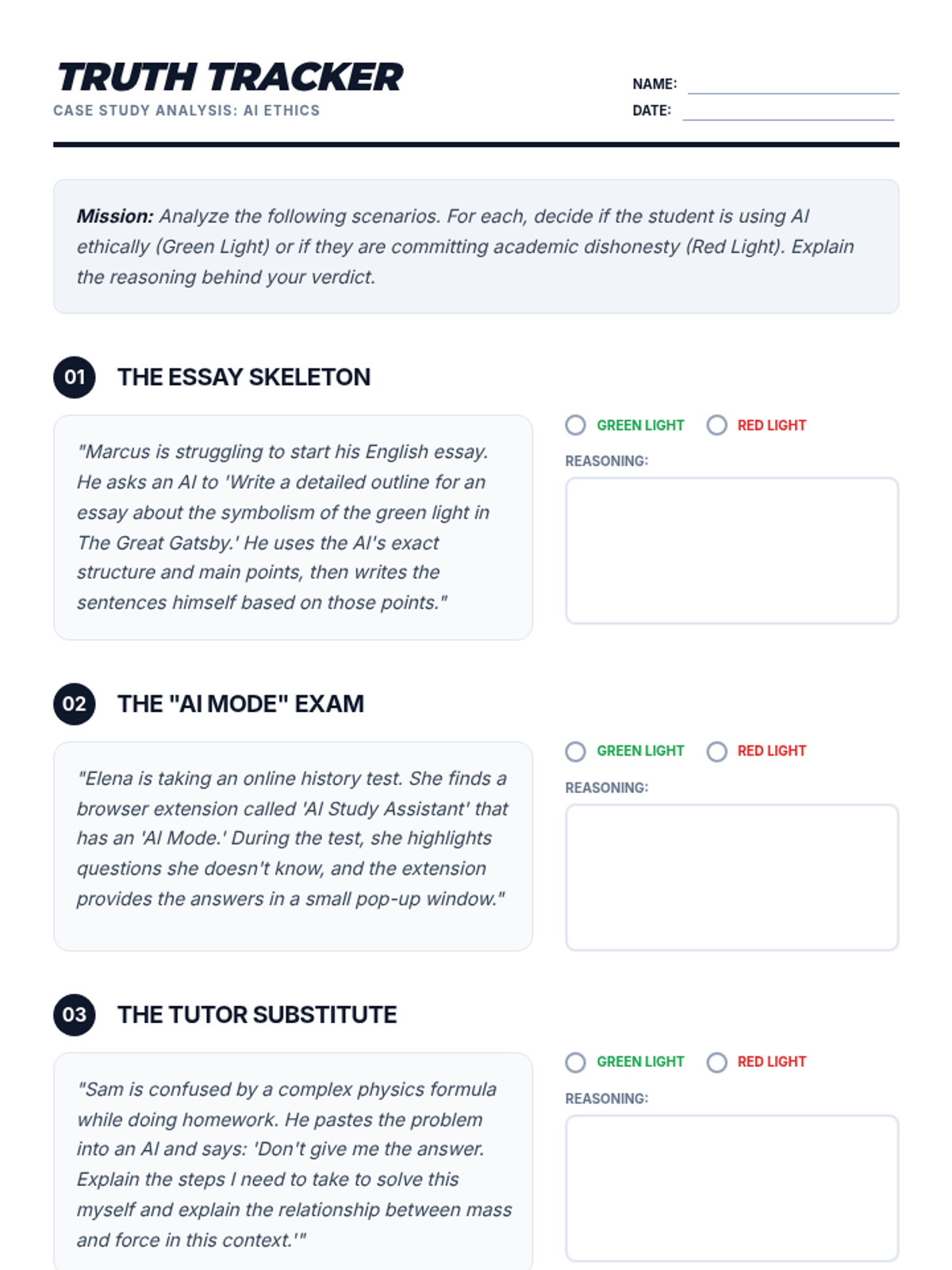
A worksheet featuring case studies where students evaluate scenarios involving AI use in school, determining whether the actions constitute academic honesty or cheating.
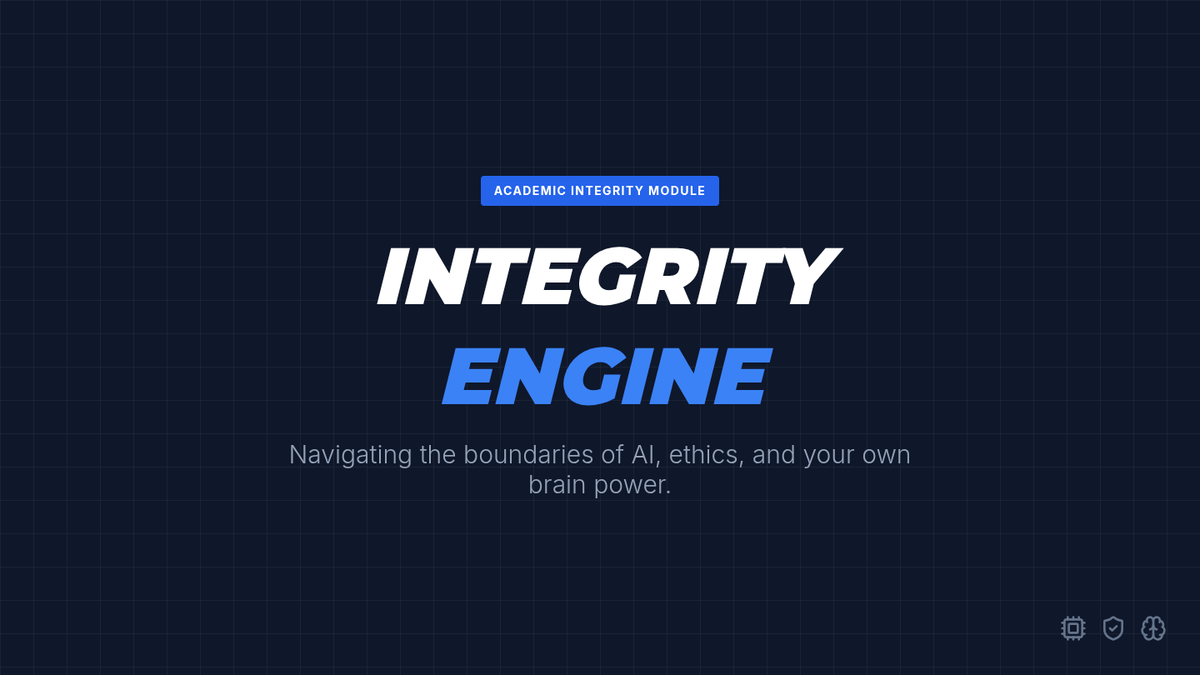
A presentation about academic honesty and the ethical use of AI, specifically addressing why using AI during assessments is considered cheating and the negative impact it has on student learning.
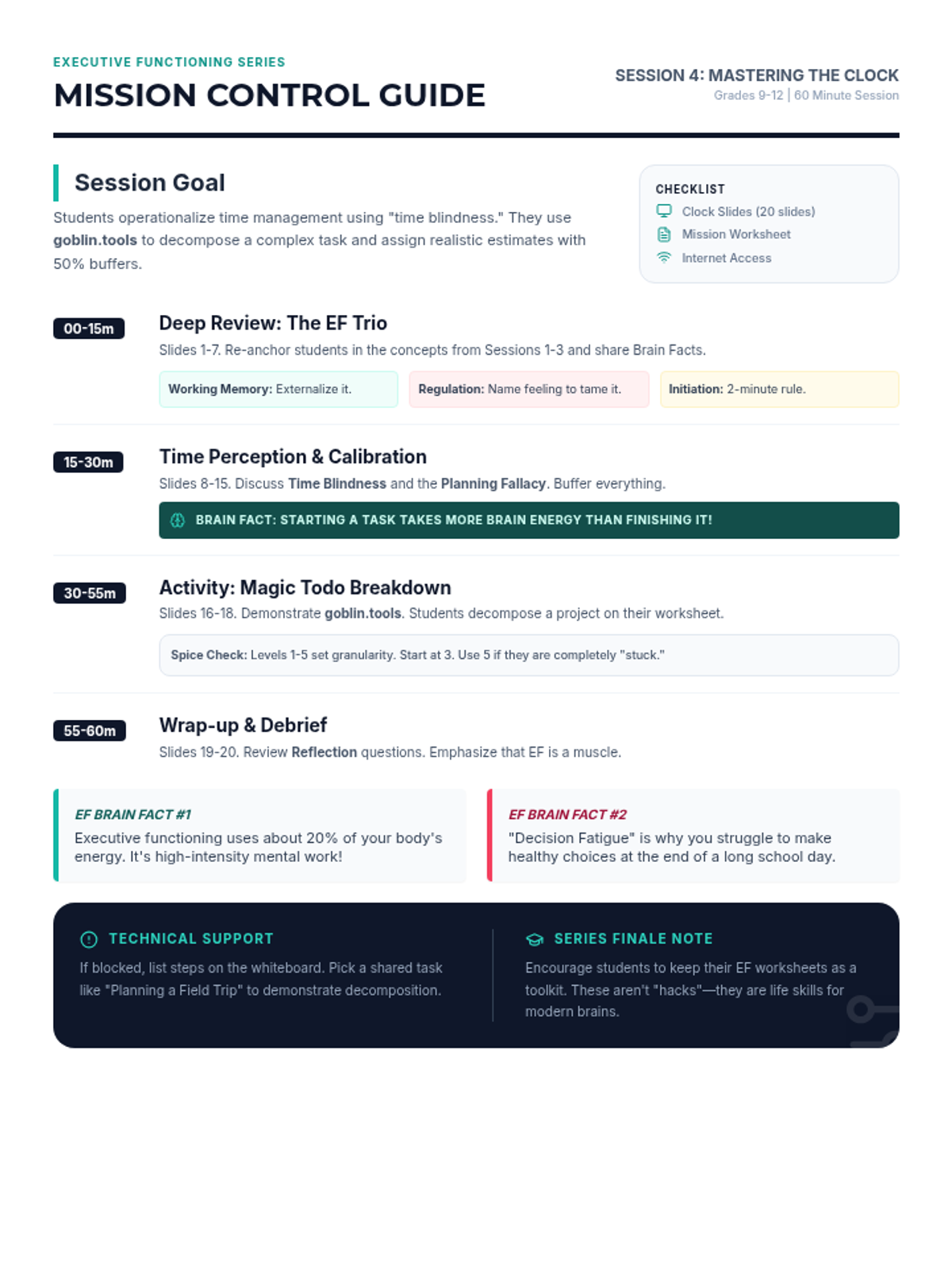
A teacher's facilitation guide for the "Mastering the Clock" session, including pacing, discussion prompts, and activity instructions for using goblin.tools. Compressed to a single page with all EF Brain Facts and pacing included. Updated slide references and footer font size.
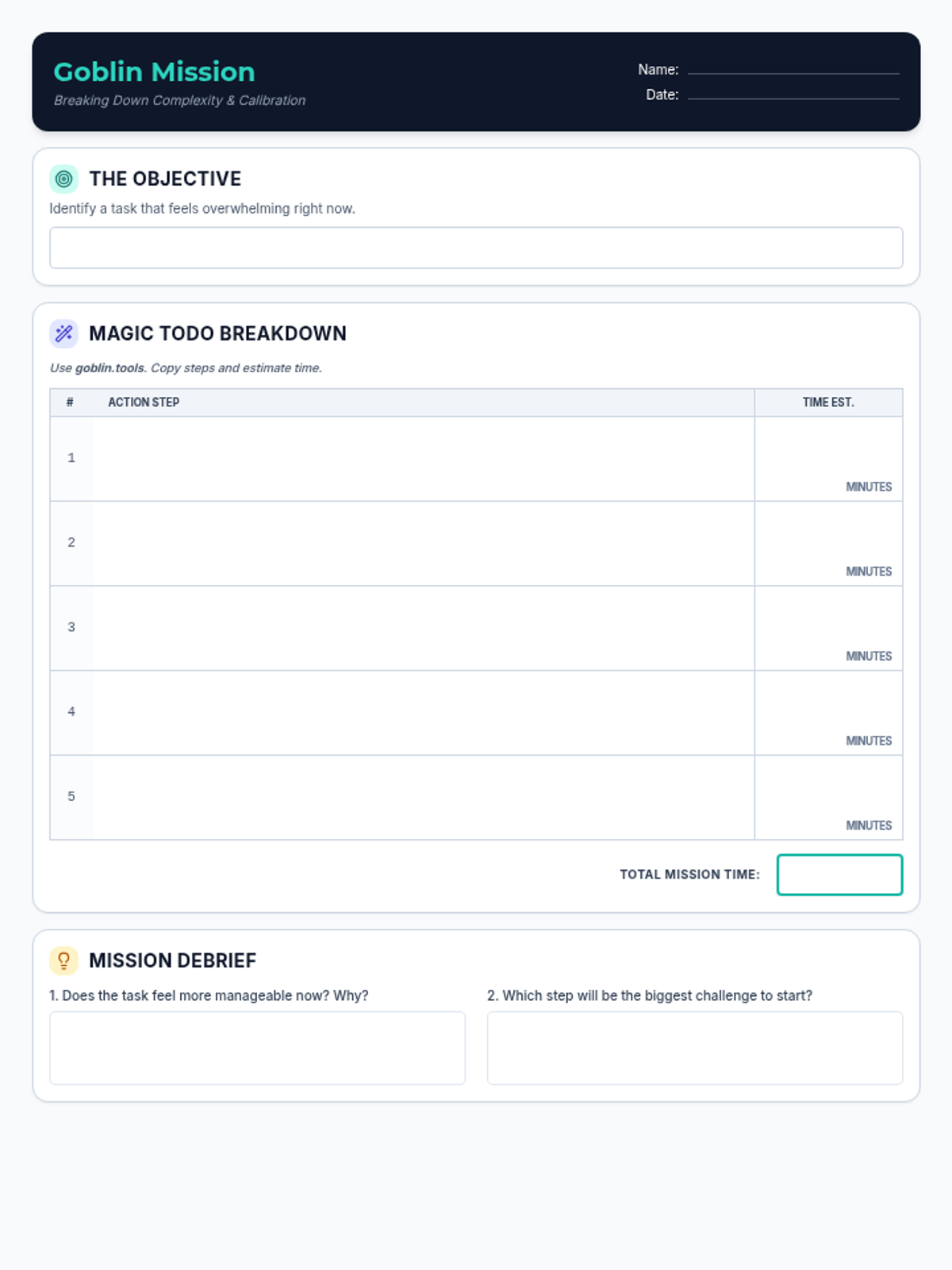
A worksheet for students to record tasks broken down by goblin.tools, estimate the time required for each sub-step, and reflect on the process. Updated to fit on a single page with high-contrast borders and larger writing areas.
A comprehensive 20-slide presentation for the final executive functioning session, featuring detailed reviews of core skills, new time management strategies, and interesting brain facts. Updated to remove "Part 4" branding and fix layout issues on slides 9, 13, 16, and 17.
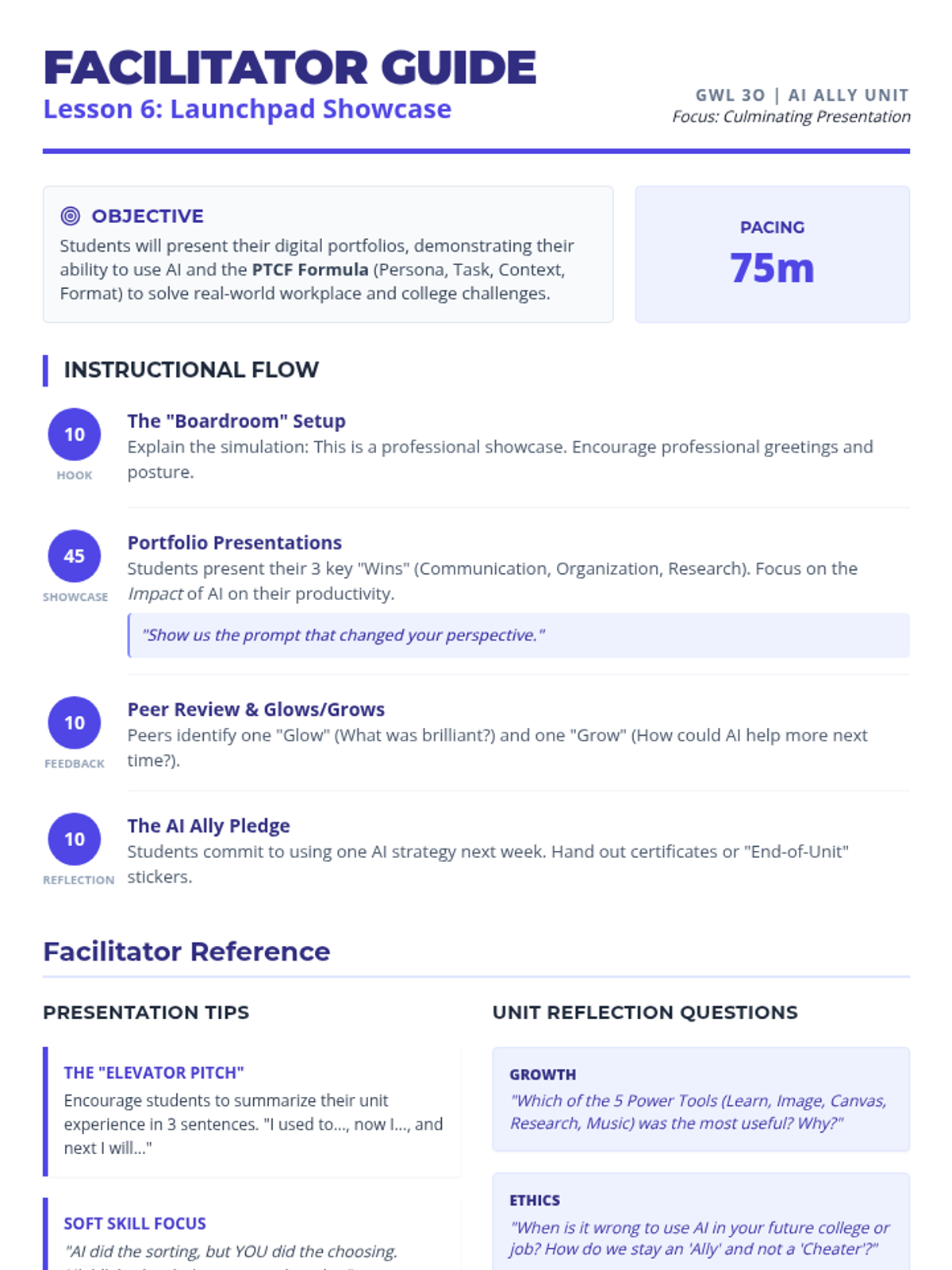
A facilitator guide for the final showcase lesson. Includes presentation tips, professional simulation guidance, SpEd scaffolding for anxiety, and unit-wide reflection prompts. Revised for 2-page efficiency and fixed page breaks. cleaned up code and fixed orphaned headers.
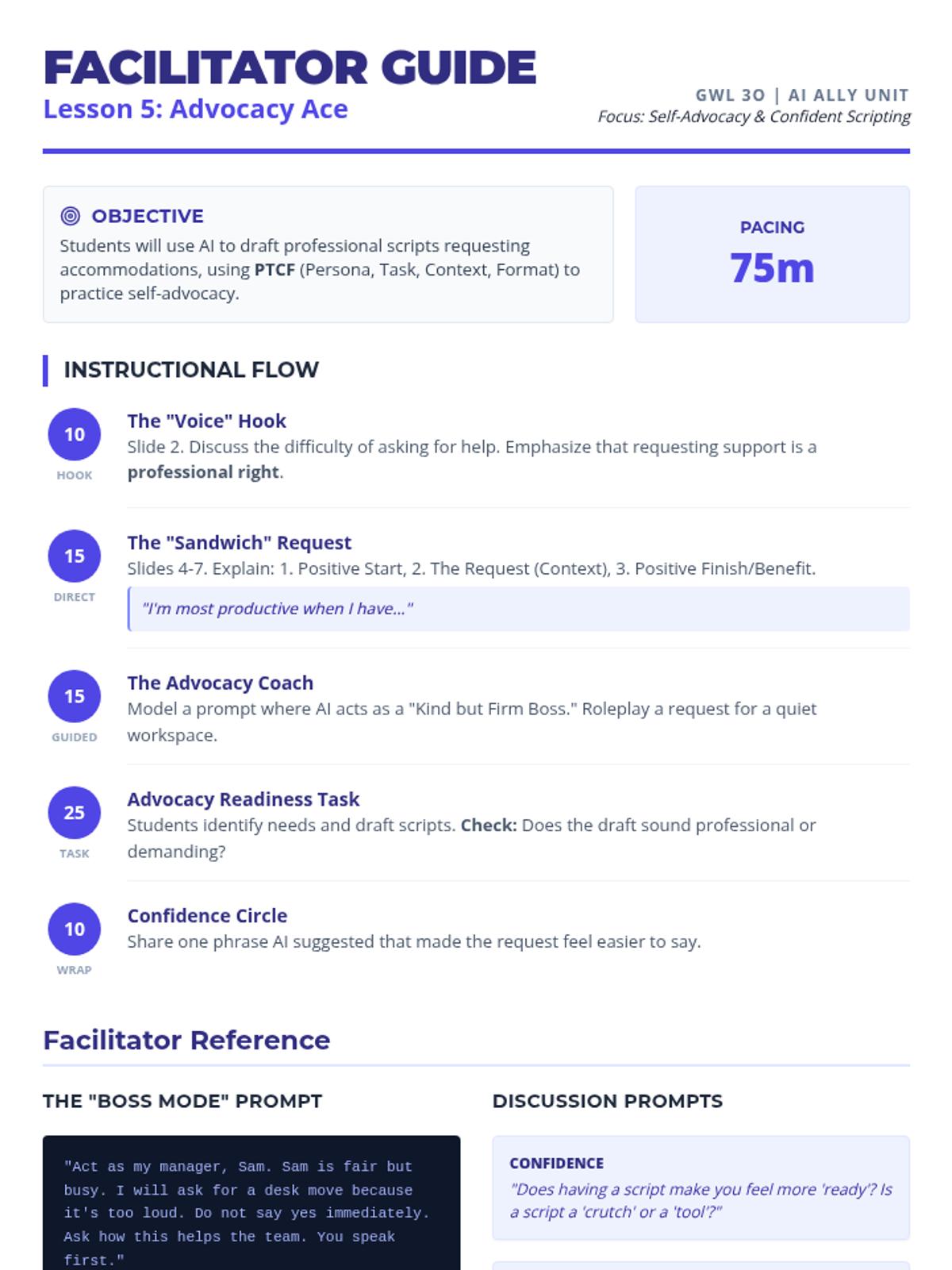
A facilitator guide for Lesson 5 focusing on self-advocacy and project planning. Includes pacing, instructional scripts, SpEd support strategies, and a guide to using AI as a roleplay coach for professional requests. Revised for 2-page efficiency and fixed page breaks.
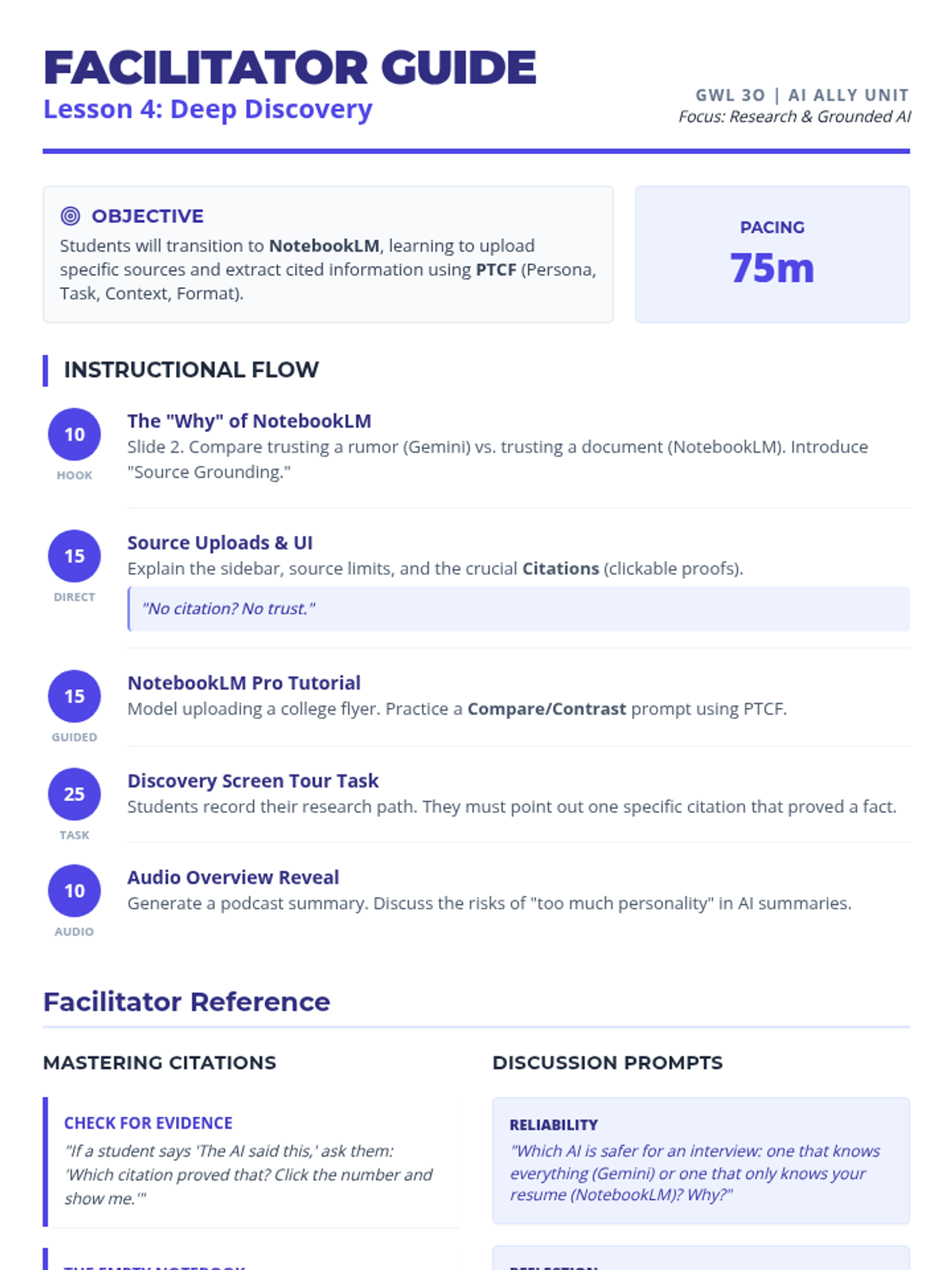
A facilitator guide for Lesson 4 focusing on research skills and NotebookLM. Includes pacing, instructional scripts, SpEd support strategies, and a guide to using citations for evidence-based research. Revised for 2-page efficiency and fixed page breaks.
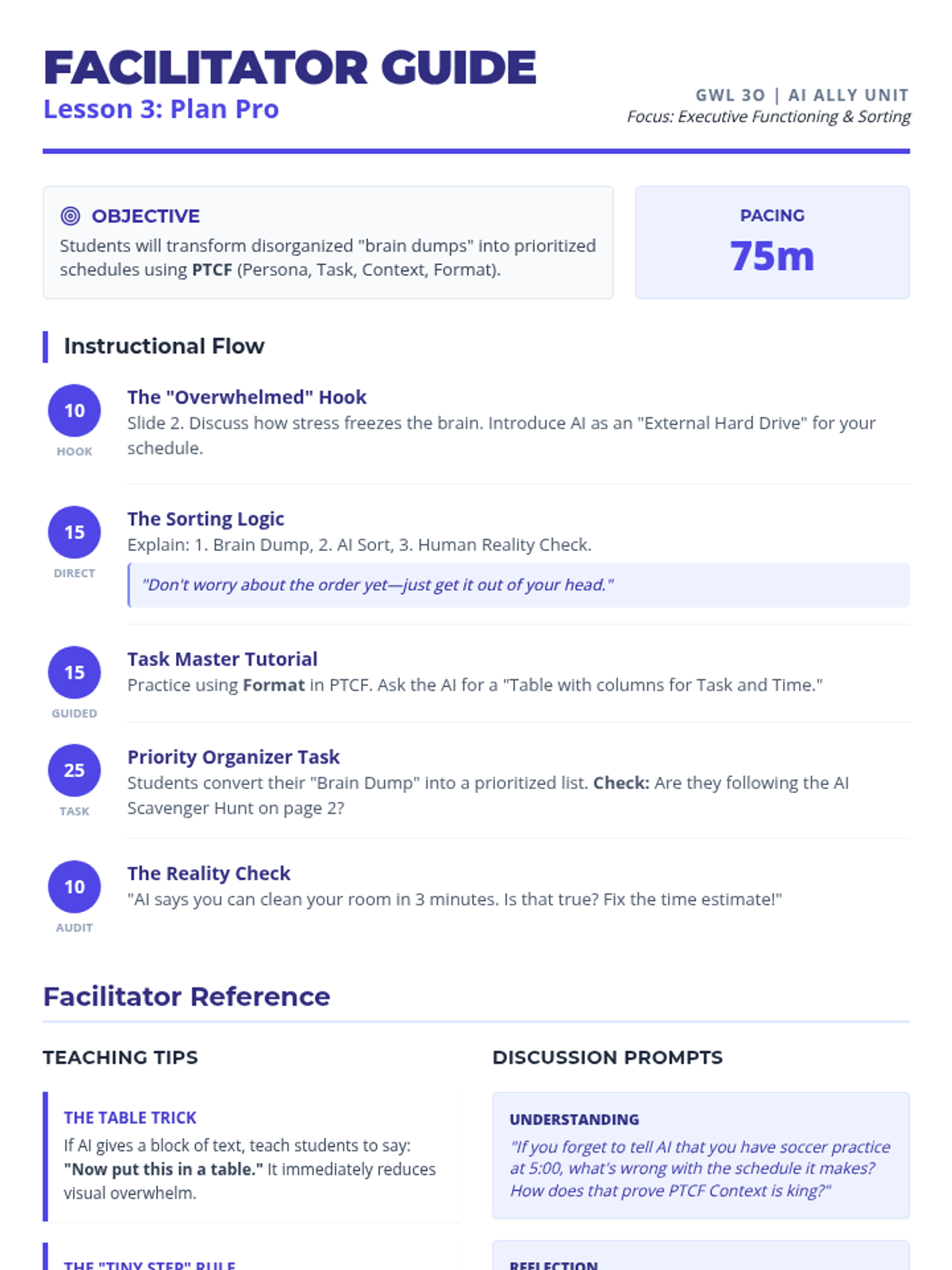
A facilitator guide for Lesson 3 focusing on organizational skills and task management. Includes instructional flow, executive functioning scaffolds, and tips for using AI to generate visual organizers. Revised for 2-page efficiency and fixed page breaks. Replaced 'bulleted' with 'point form'.
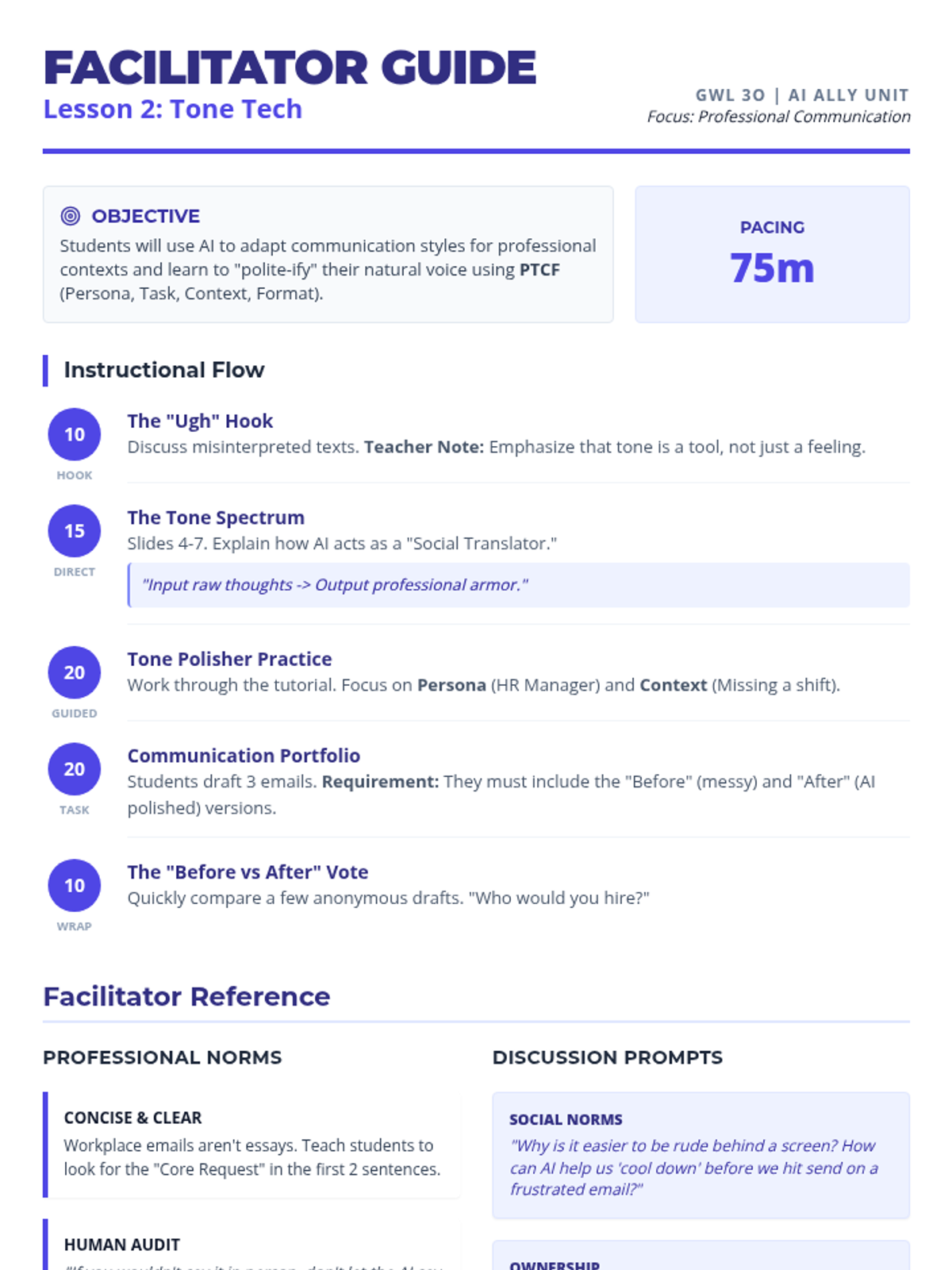
A facilitator guide for Lesson 2 focusing on professional communication. Includes pacing, instructional scripts, SpEd support strategies, and a guide to professional norms. Revised for 2-page efficiency and fixed page breaks.
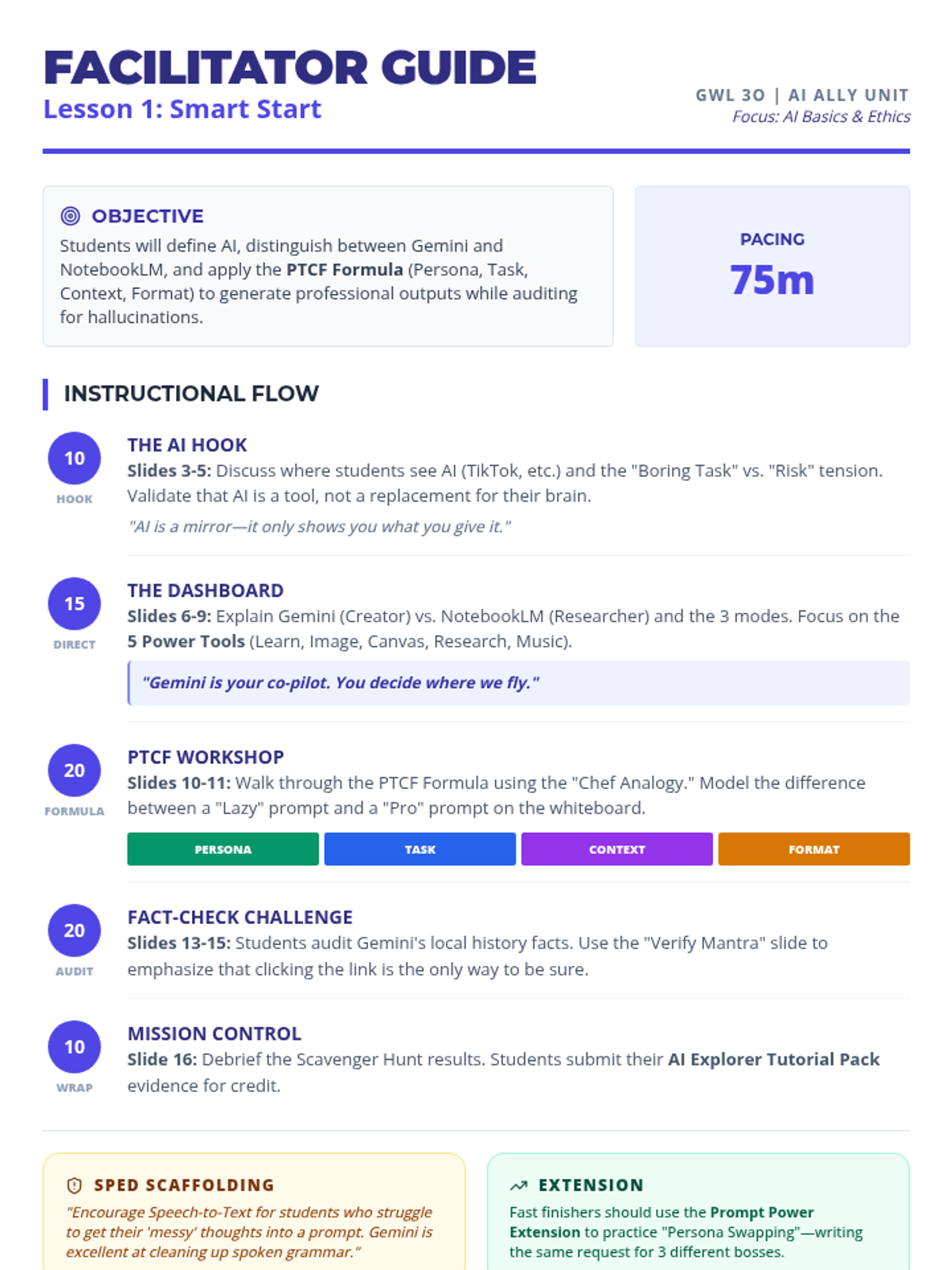
A comprehensive facilitator guide for Lesson 1, featuring a timed instructional flow, preparation checklists, SpEd scaffolding tips, and discussion prompts. Designed for teacher use in the GWL 3O course. Revised for 2-page layout efficiency and improved page breaks. Updated to match the new slide sequence and hook. Revised for improved heading spacing and text rendering. Removed AI Ally Profile Card references.
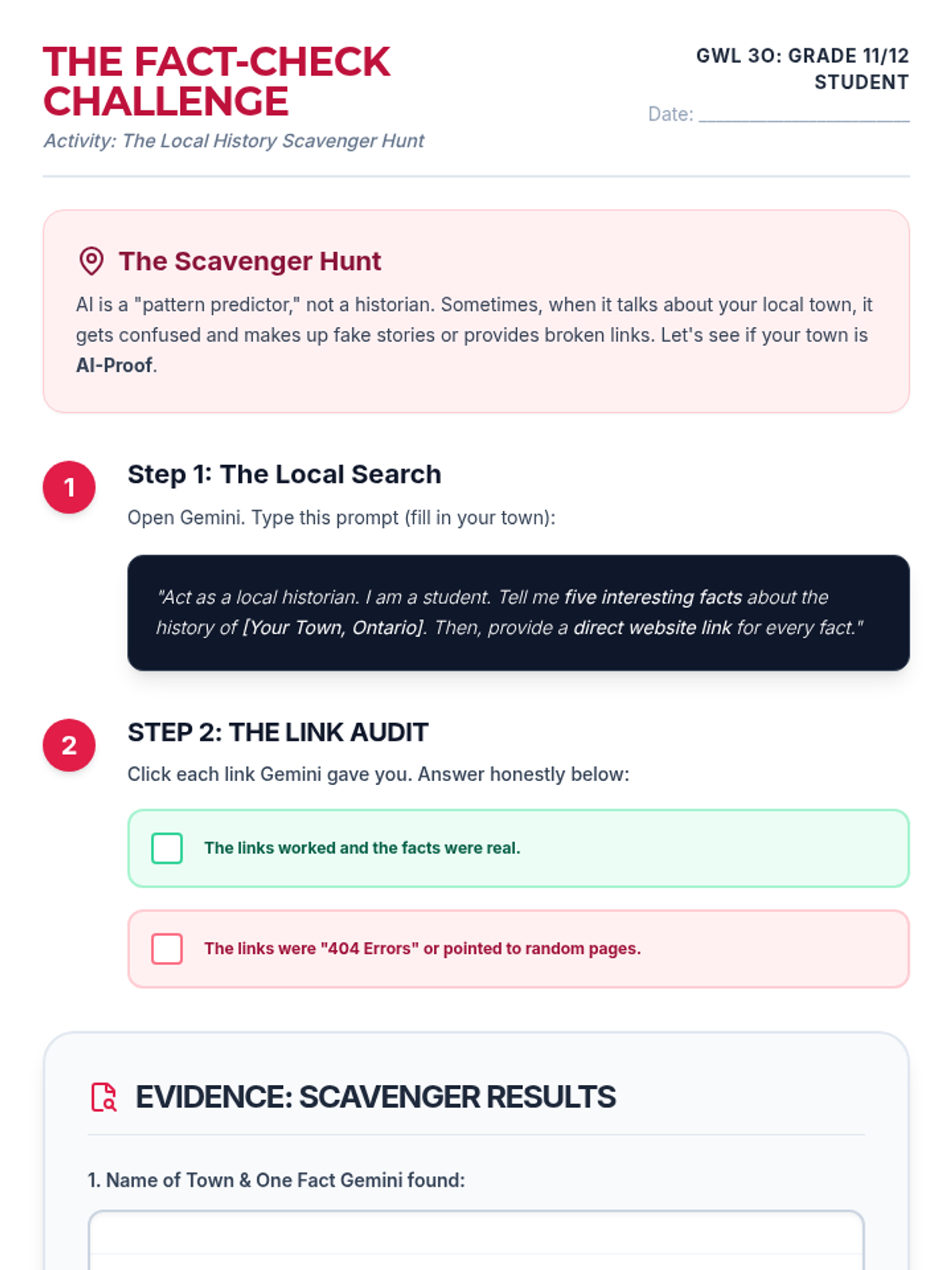
The Fact-Check Challenge activity for Day 1. Students perform a "Local History Scavenger Hunt" to identify AI hallucinations. Now includes a student completion checklist, an alternate career pathway, and lighter visual elements. Revised for layout consistency and writing space. Fits on one page. Removed portfolio reference.
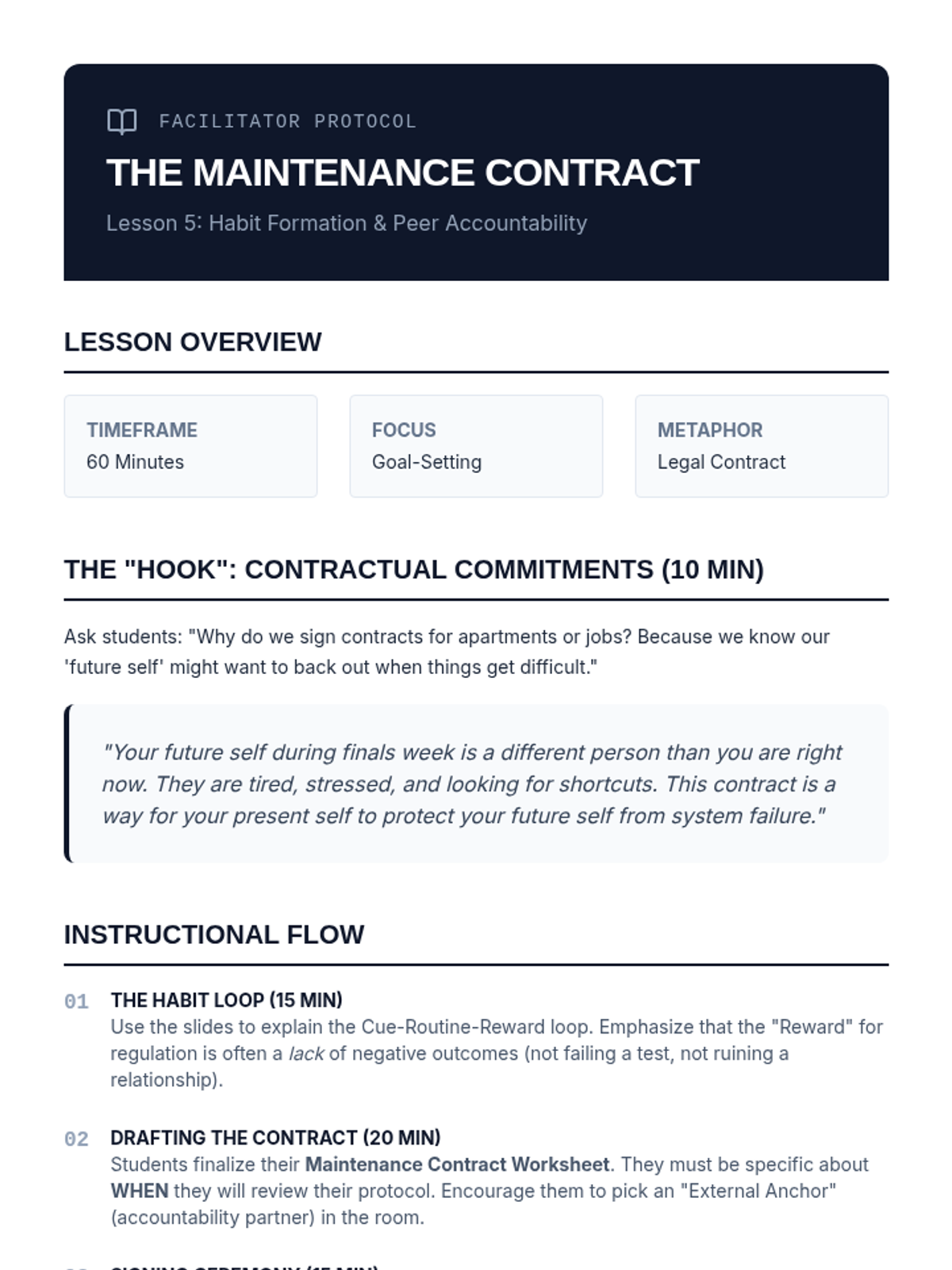
Facilitator guide for Lesson 5, outlining the instructional flow, discussion prompts, and key concepts for the maintenance contract and habit formation.
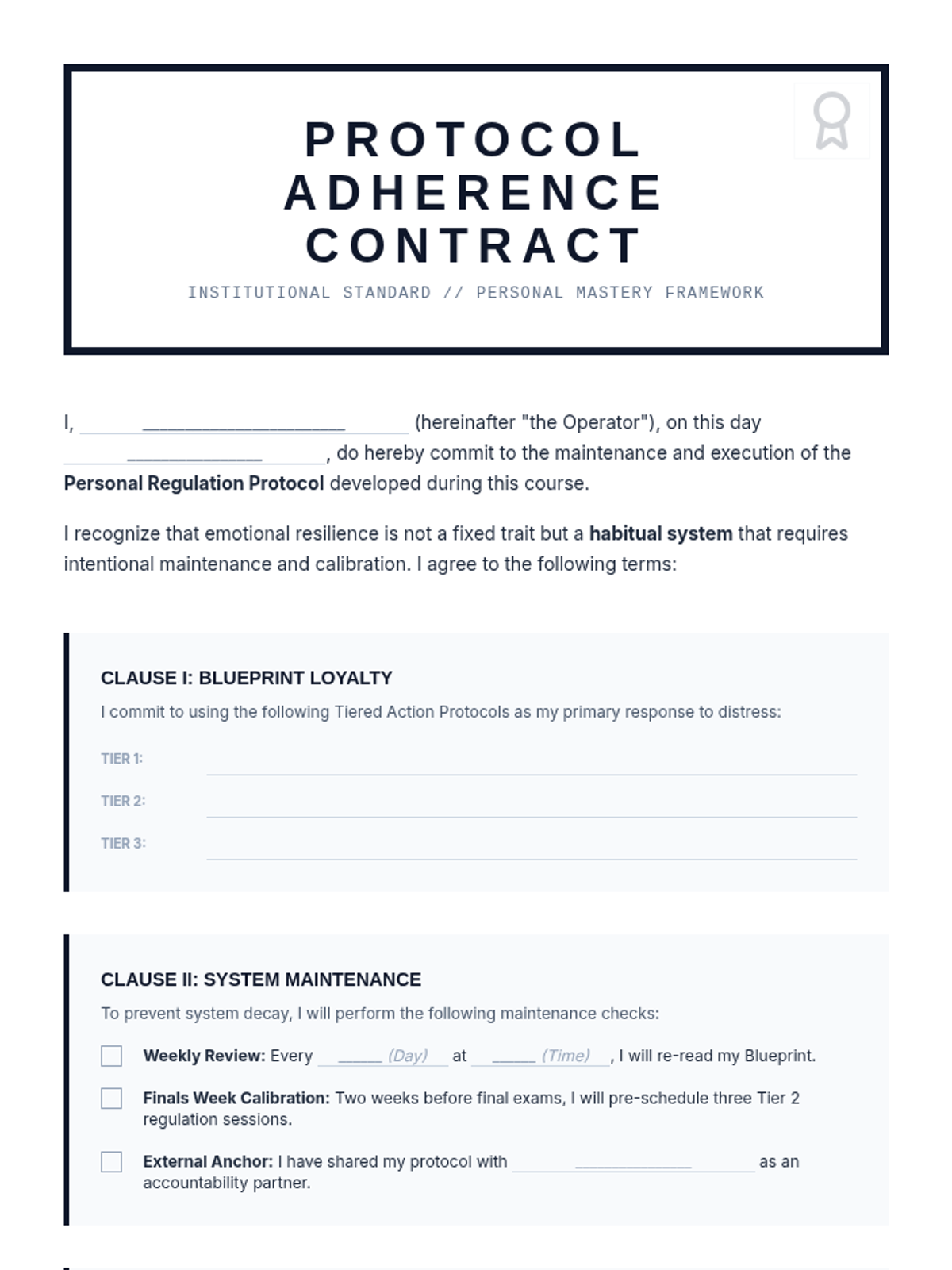
A formal maintenance contract for students to commit to their regulation protocols, establishing maintenance schedules and accountability partners.
Final slide deck for Lesson 5, focusing on habit formation, maintenance schedules, and the commitment to protocol adherence.
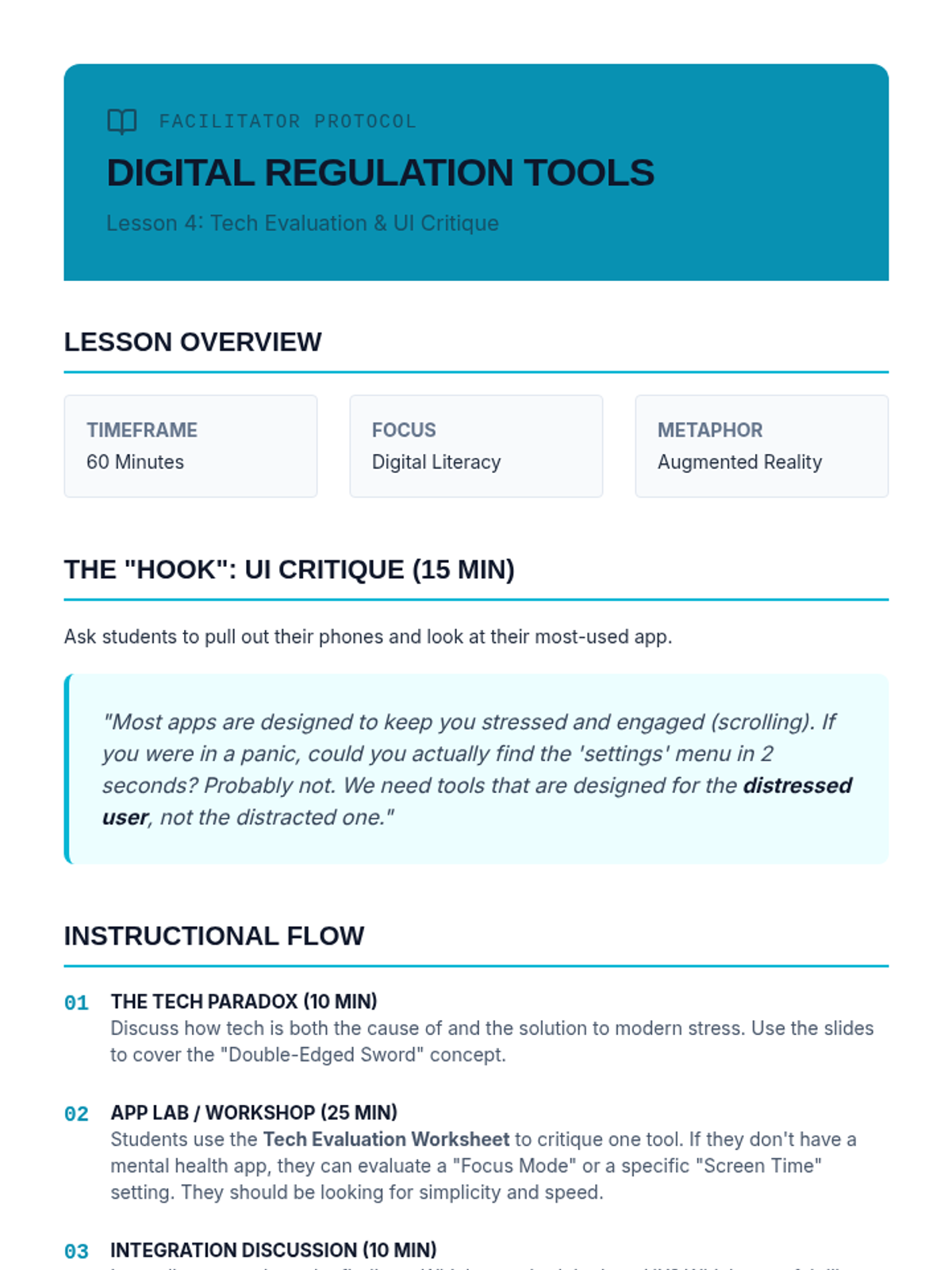
Facilitator guide for Lesson 4, outlining the instructional flow, discussion prompts, and key concepts for the digital tool evaluation and UI critique.
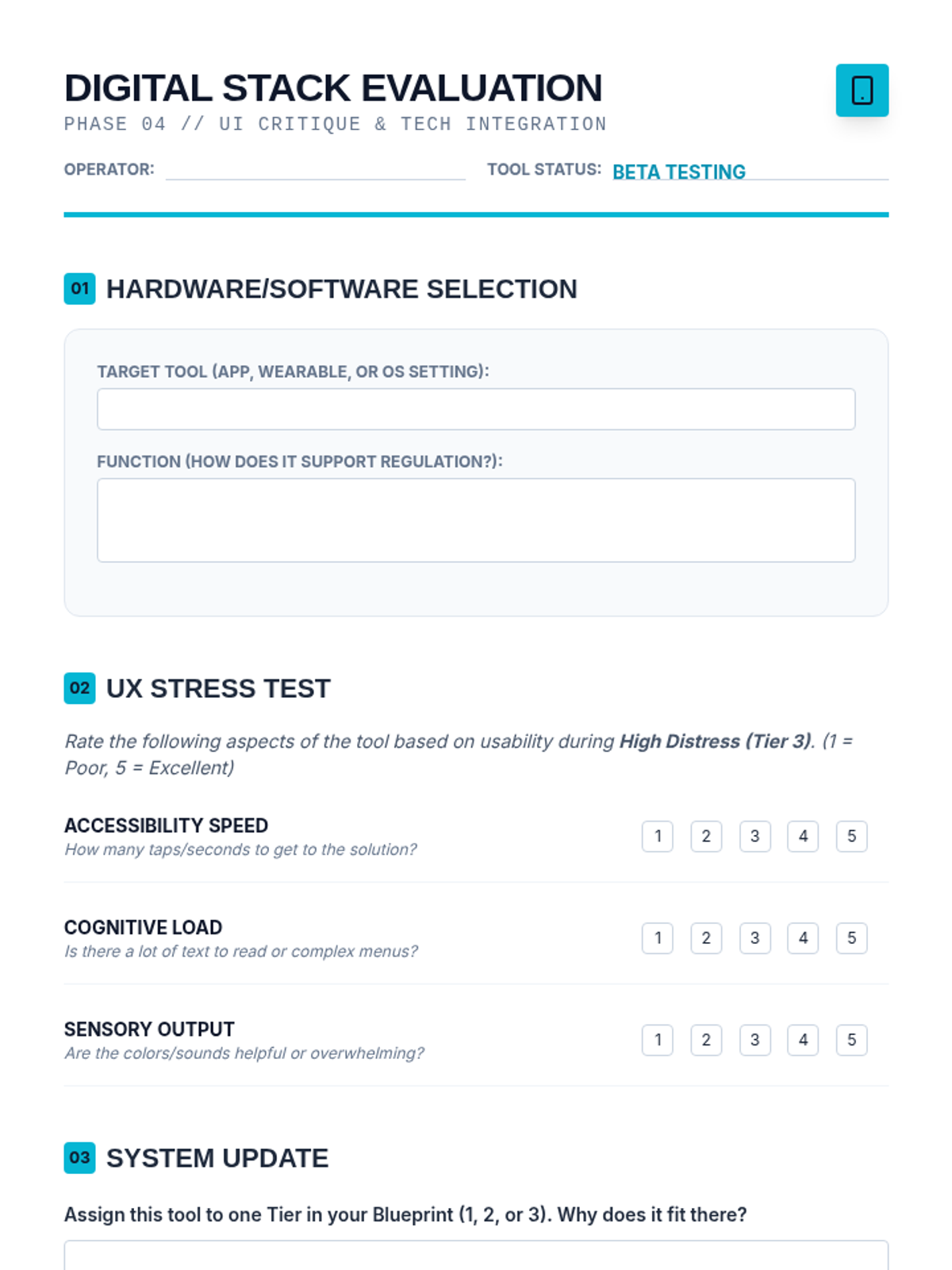
Worksheet for students to evaluate mental health apps and digital tools, specifically focusing on their user interface and accessibility during high-stress moments.
Slide deck for Lesson 4, introducing the concepts of digital support tools, UI critique for distress, and integrating tech into regulation protocols.
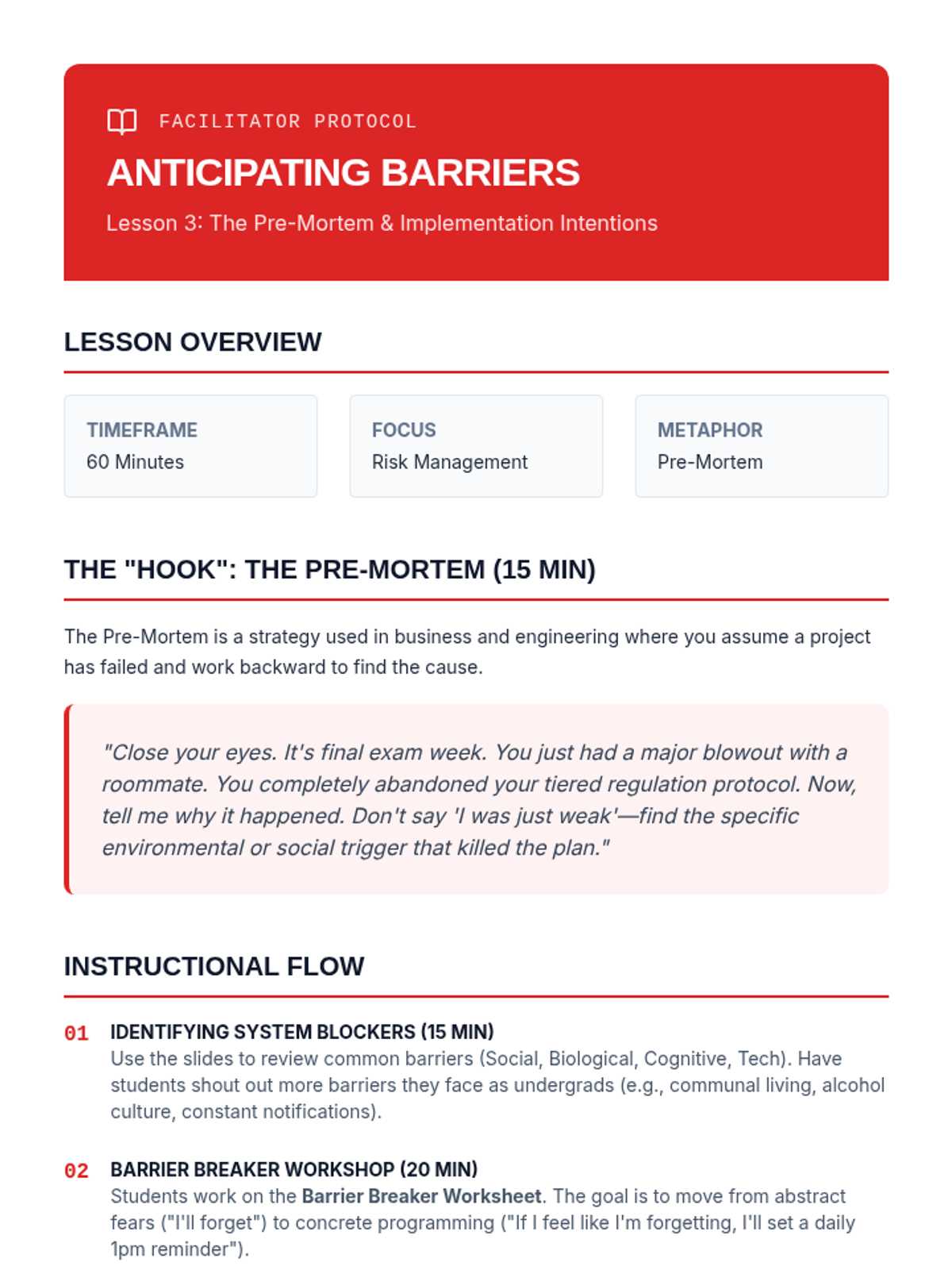
Facilitator guide for Lesson 3, outlining the instructional flow, discussion prompts, and key concepts for the "pre-mortem" and "If-Then" planning.
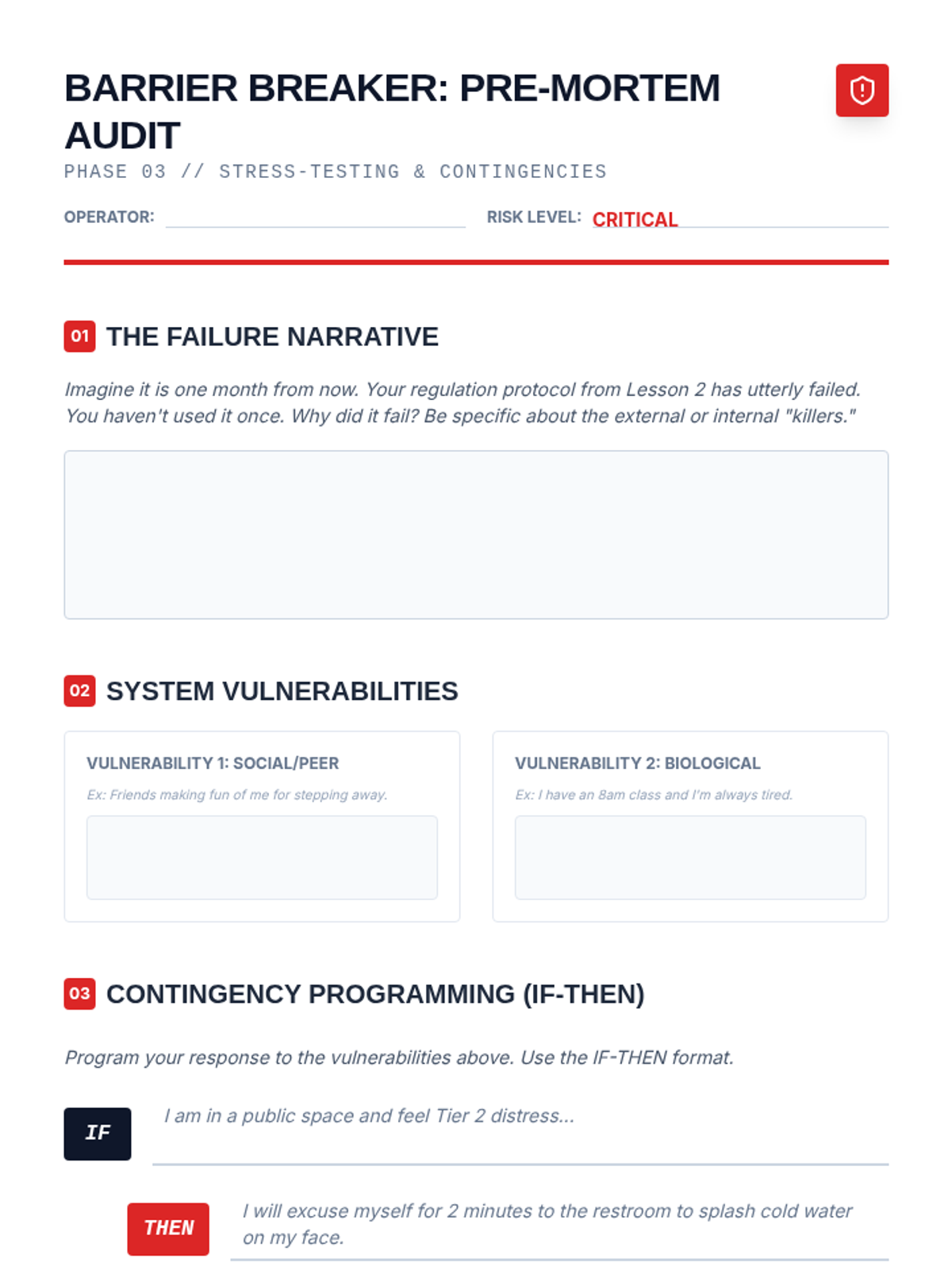
Worksheet for identifying potential obstacles and creating 'If-Then' implementation intentions to ensure protocol adherence during distress.
Slide deck for Lesson 3, introducing the concept of the "pre-mortem" and "If-Then" implementation intentions to overcome barriers to regulation.
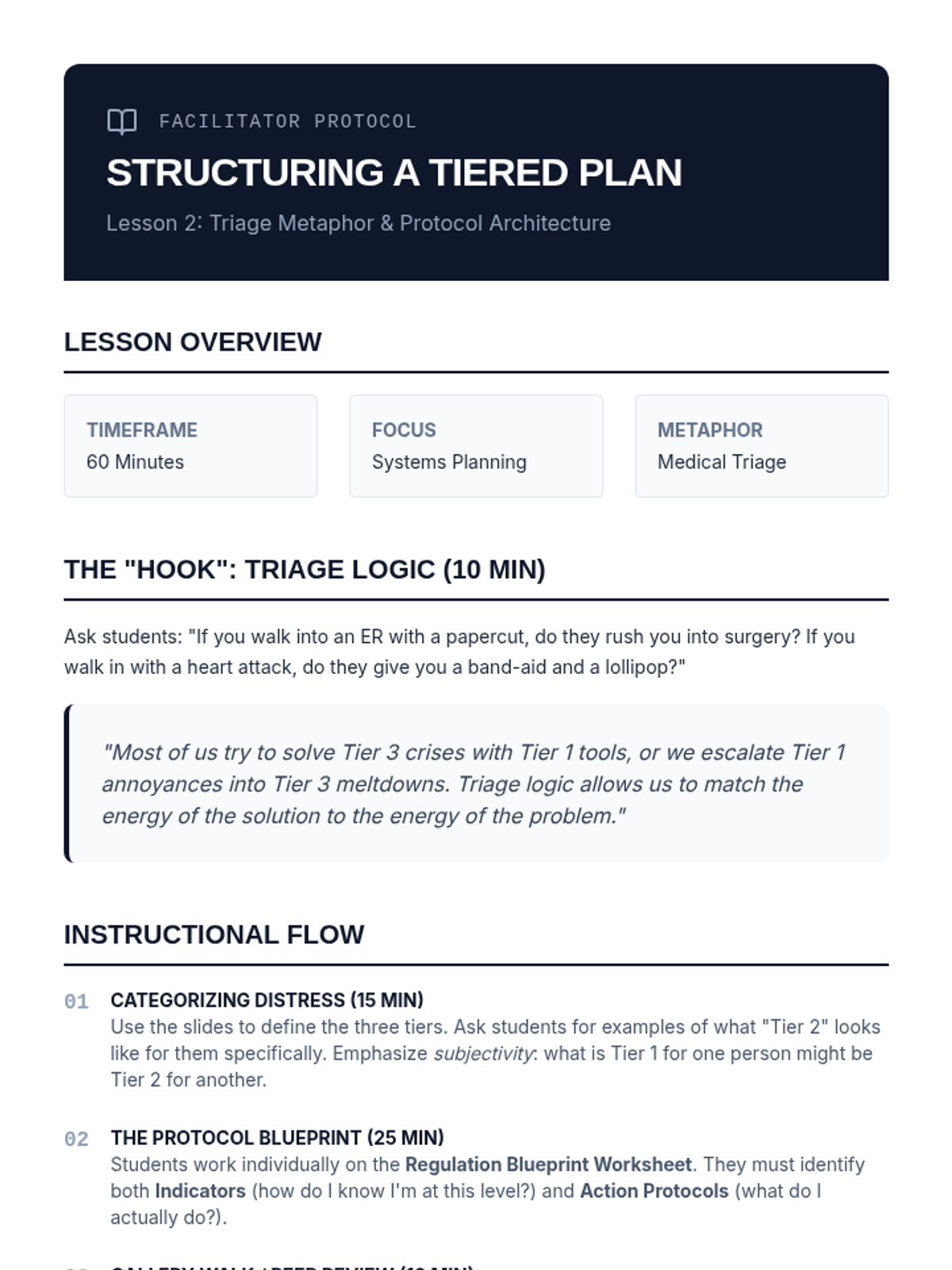
Facilitator guide for Lesson 2, outlining the instructional flow, discussion prompts, and key concepts for the tiered regulation plan.
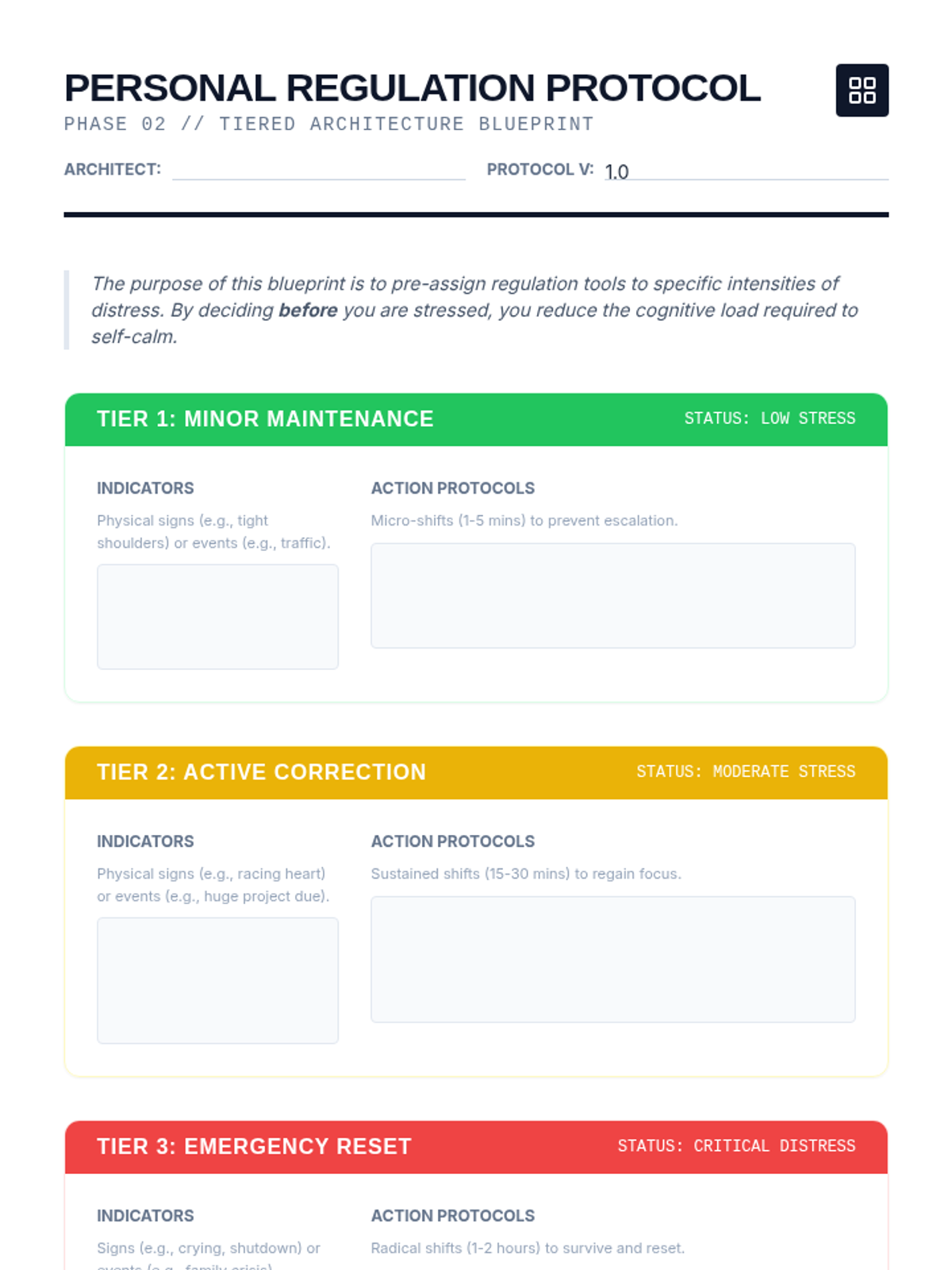
A comprehensive design worksheet for students to map out their three-tiered emotional regulation plan, including indicators and specific action protocols.
Slide deck for Lesson 2, introducing the triage metaphor and the three-tiered system for emotional regulation.
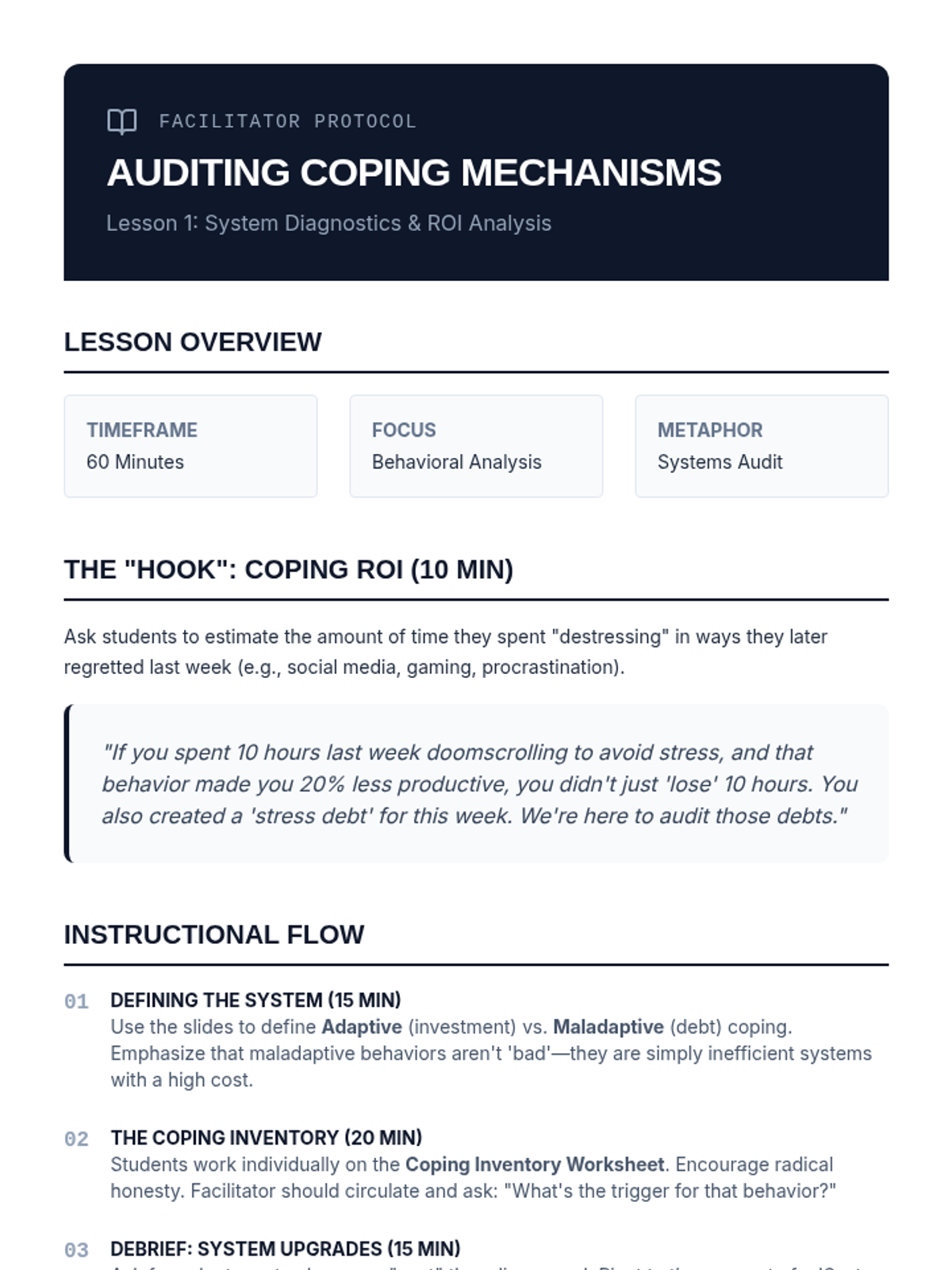
Facilitator guide for Lesson 1, outlining the instructional flow, discussion prompts, and key concepts for the coping mechanism audit.
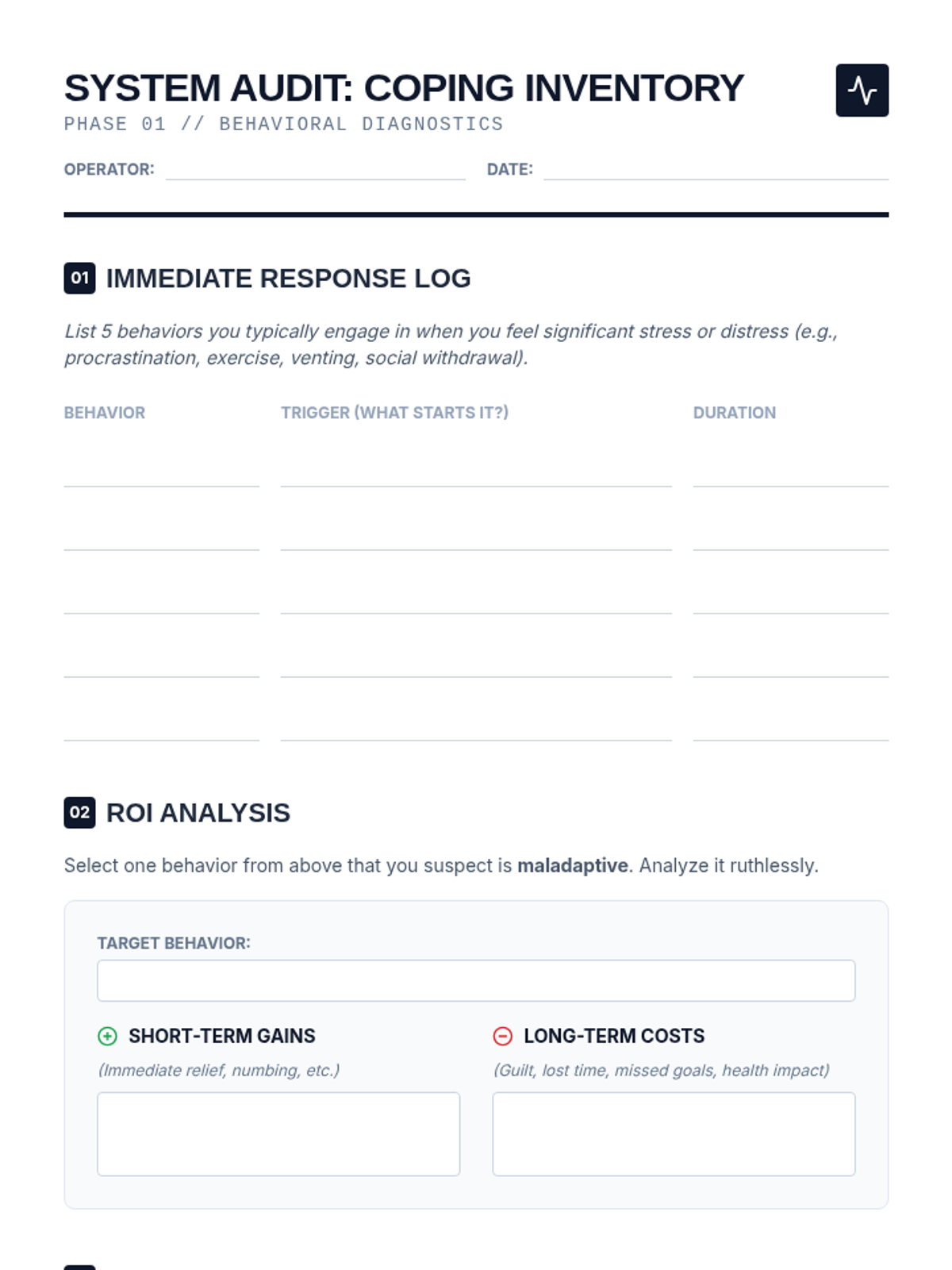
A structured worksheet for students to inventory their current stress responses and perform a cost-benefit analysis of maladaptive behaviors.
Introductory slide deck for Lesson 1, focusing on the distinction between adaptive and maladaptive coping mechanisms using a data-driven systems metaphor.
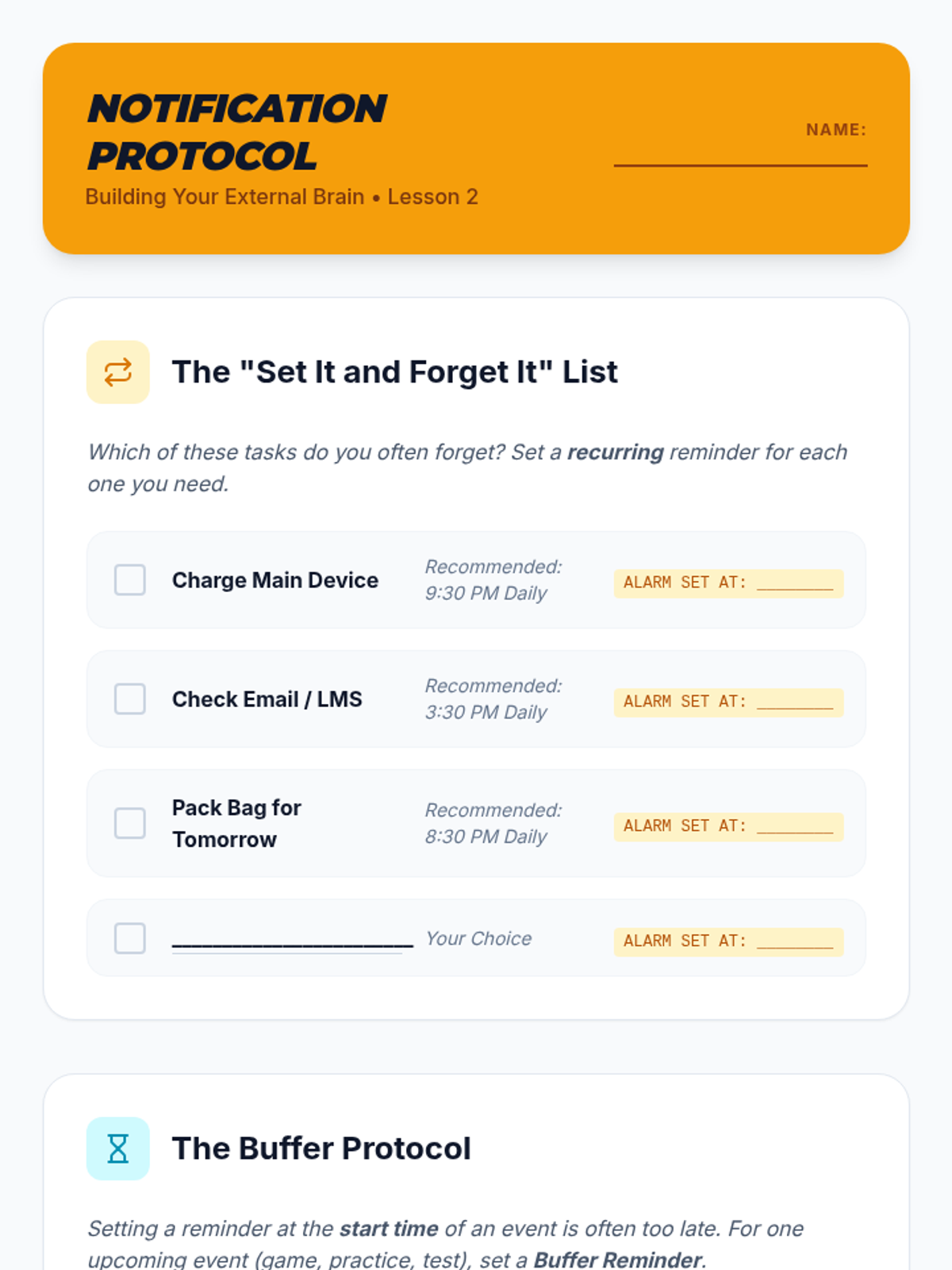
A student worksheet for Lesson 2 to help students configure automated alerts and "Buffer Protocol" reminders on their devices.
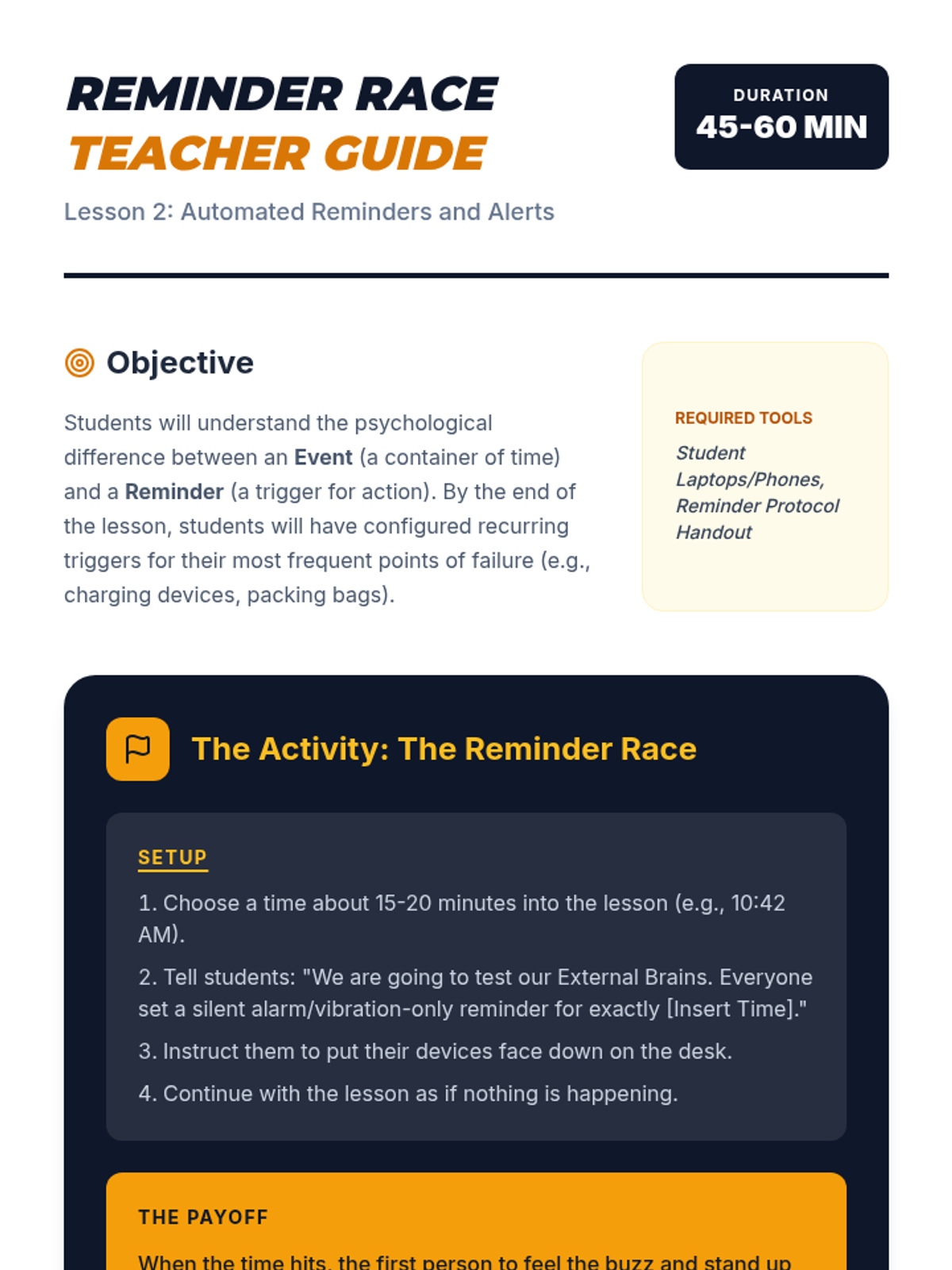
A teacher guide for Lesson 2 focusing on the interactive "Reminder Race" activity and key strategies for proactive time management.
A visual presentation for Lesson 2 focusing on the difference between events and reminders, the "Buffer Protocol," and recurring automation.
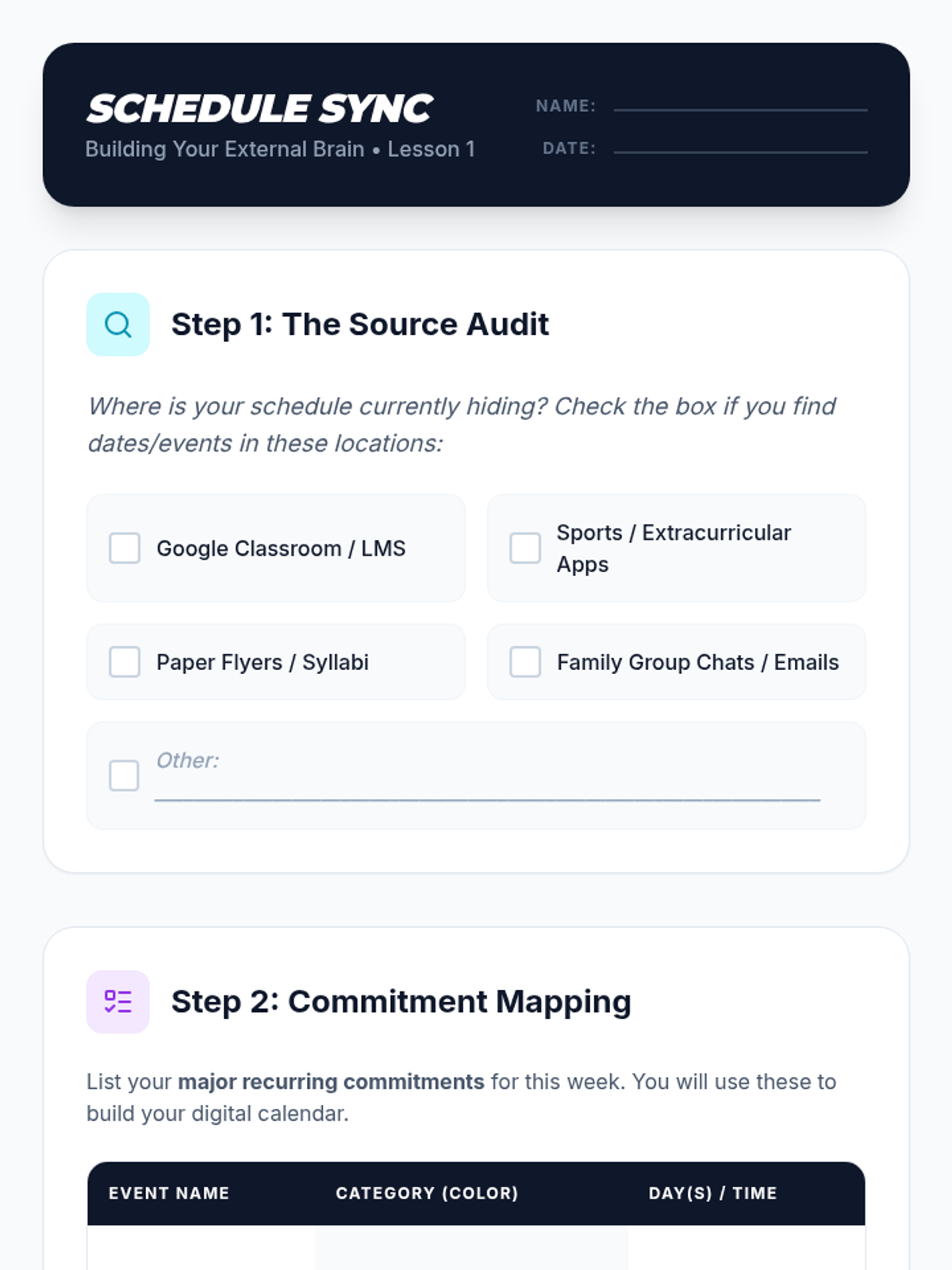
A student worksheet for Lesson 1 to help students audit their information sources and map out commitments before digital entry.
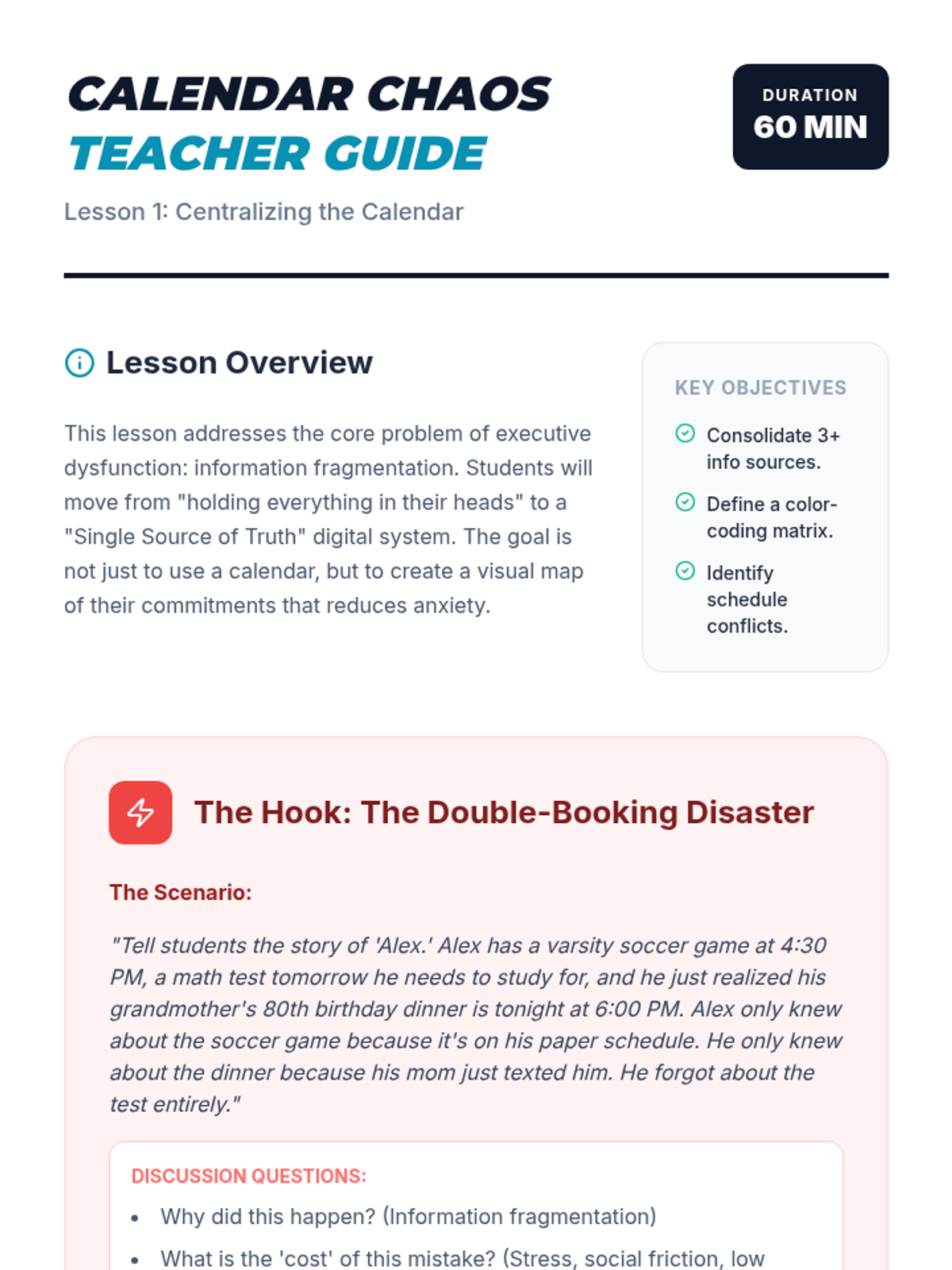
A teacher guide for Lesson 1 on centralizing digital calendars, featuring the "Calendar Disaster" hook and step-by-step facilitation notes.
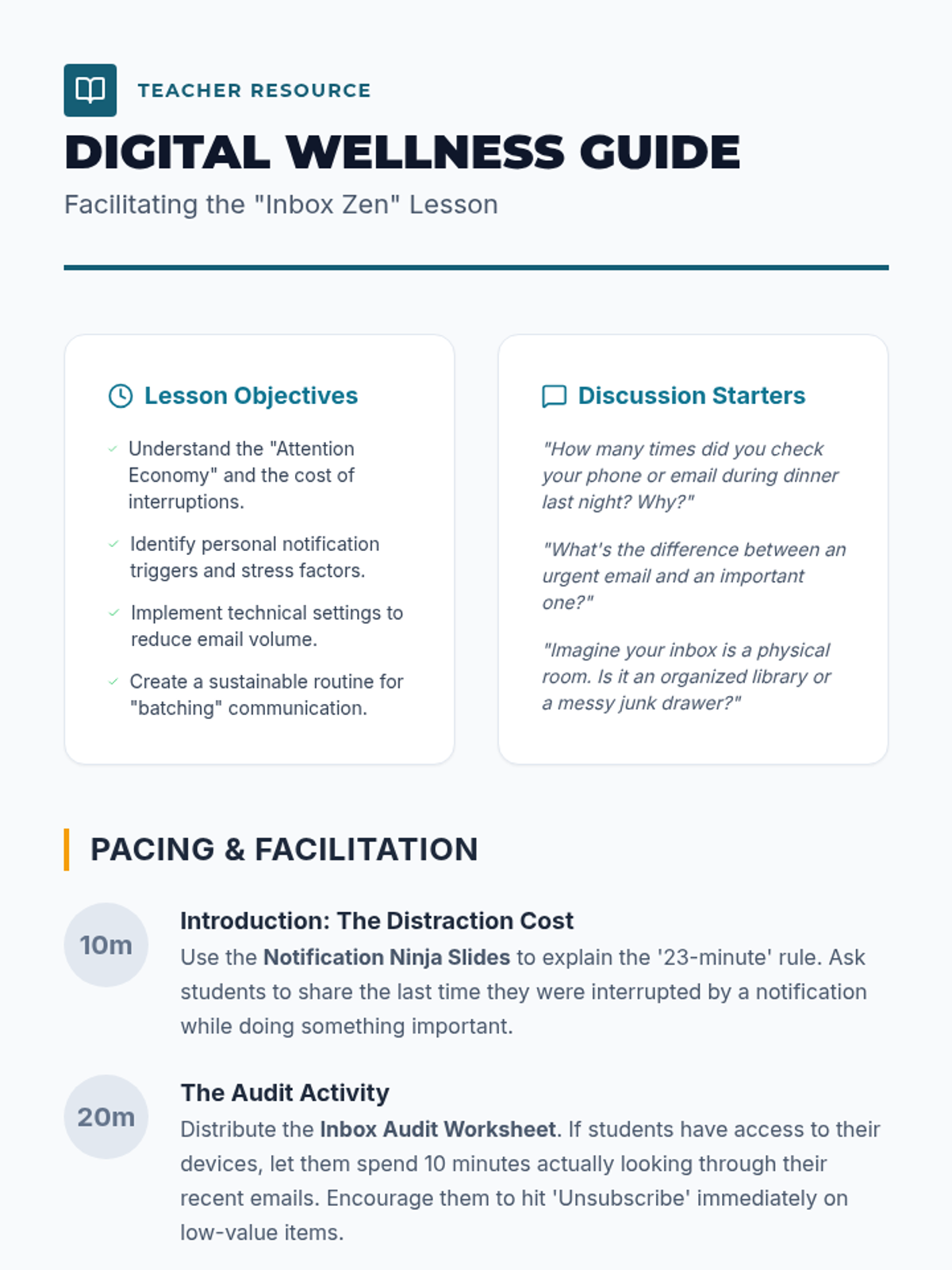
A comprehensive facilitation guide for teachers to lead the Inbox Zen lesson, including discussion prompts, pacing, and digital wellness tips.
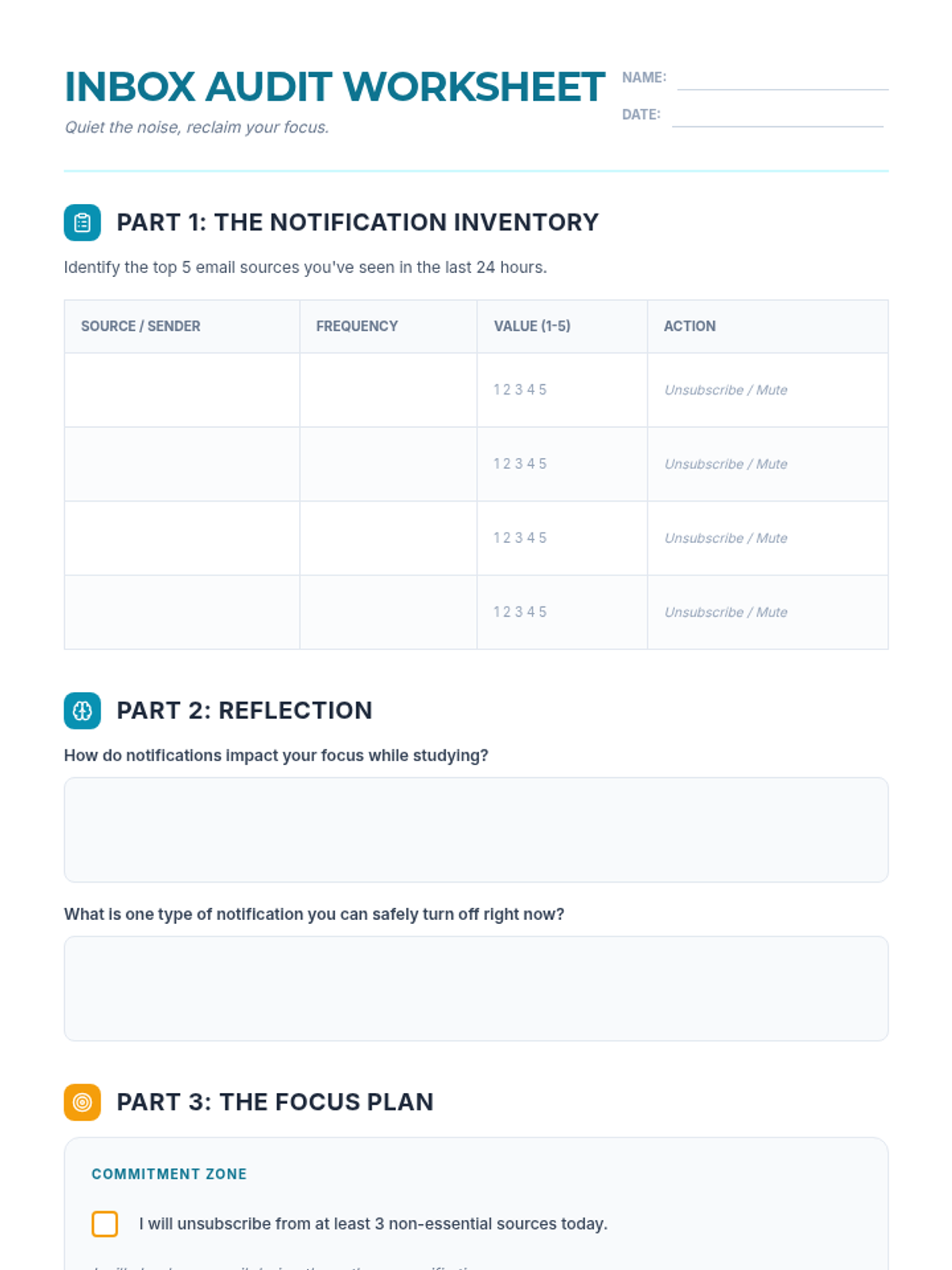
A practical worksheet for students to audit their email notifications, reflect on their digital habits, and create a commitment plan for focused "batching" times.
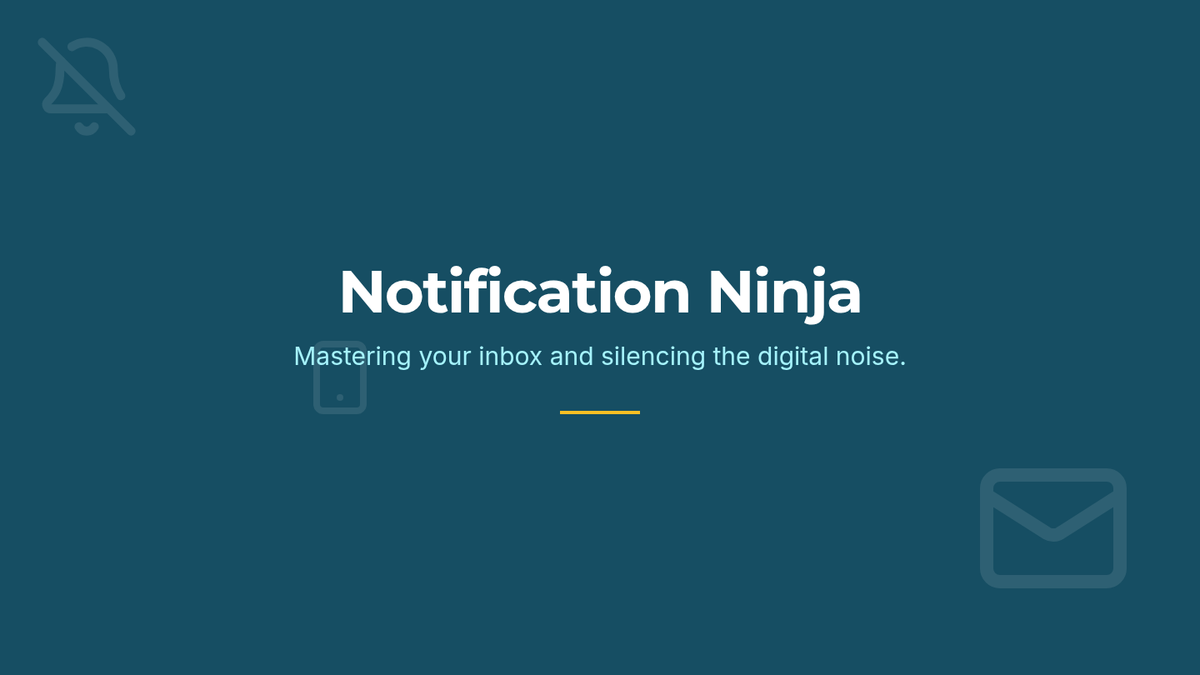
An engaging slide deck teaching students about the distraction of email notifications and providing strategies for batching and auditing digital communications.
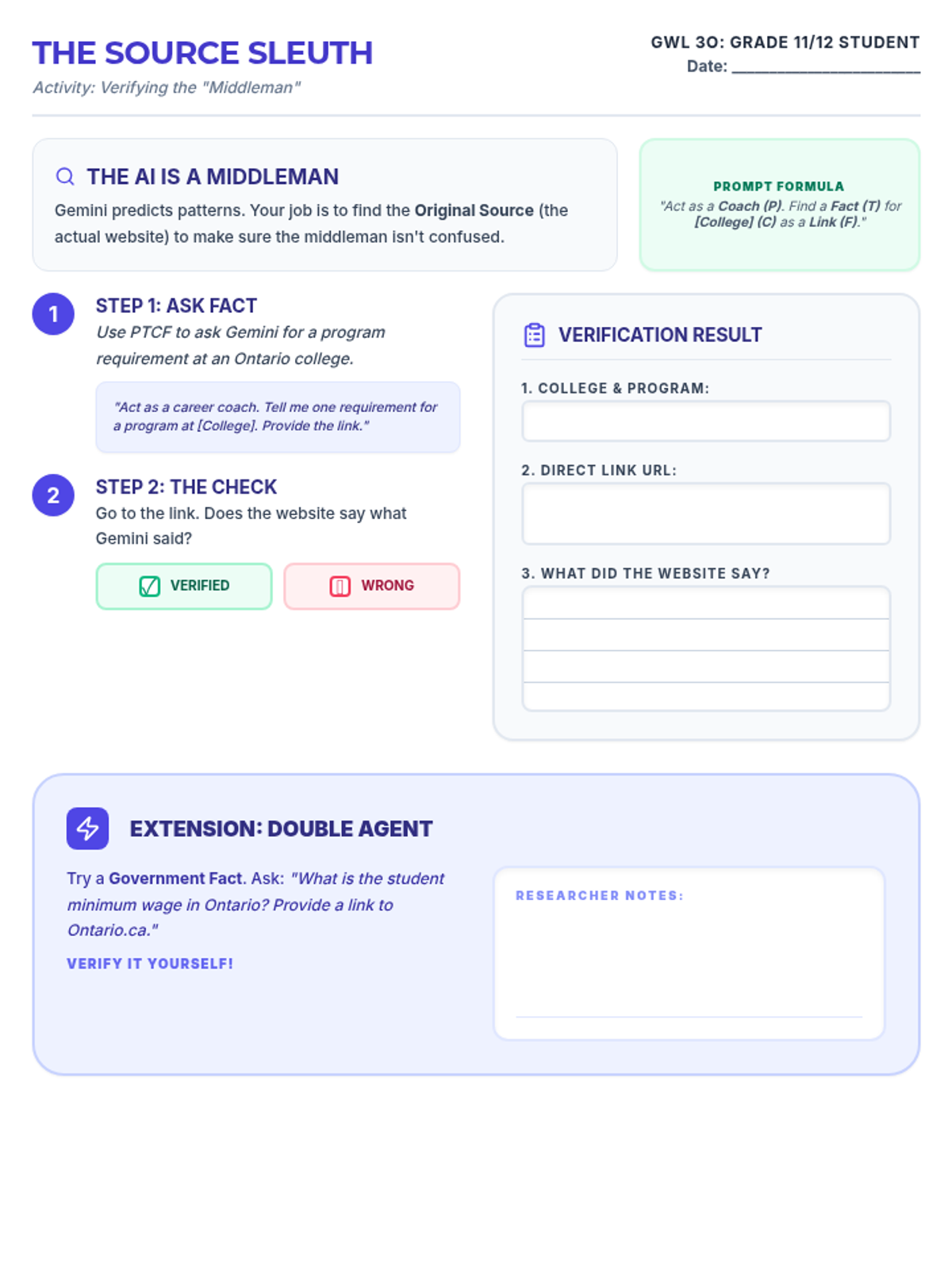
A hands-on activity for Day 1 where students verify AI-generated information against primary sources. Now includes a student investigation checklist, an alternate Direct Entry pathway, and improvedTerminology. Revised for layout consistency and writing space. Fits on one page. Removed portfolio reference.
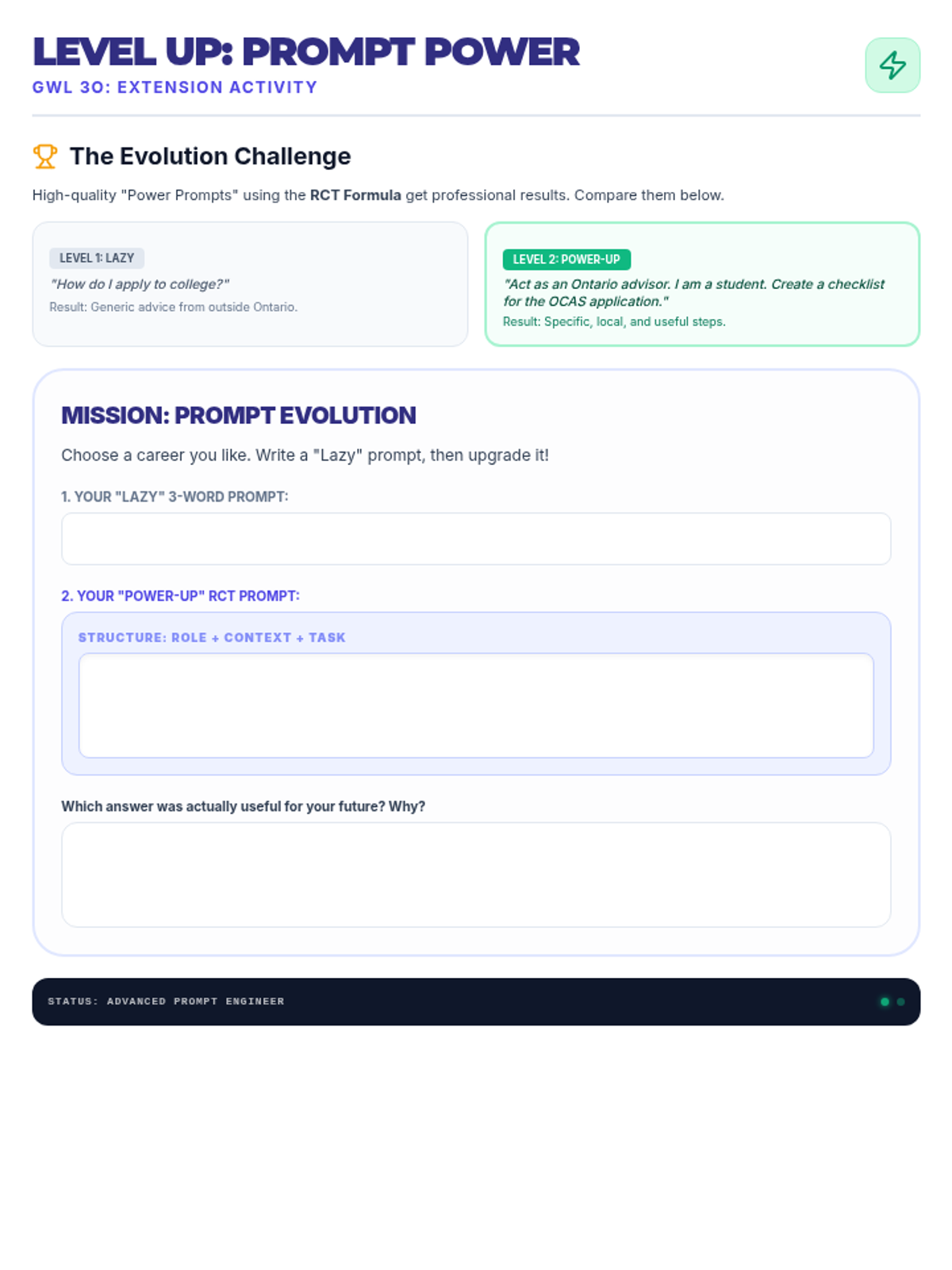
An extension activity for Day 1 where students refine "Lazy" prompts into "Power Prompts" using the PTCF formula. Now includes a student completion checklist and lighter visual elements. Revised to fit on a single page, remove the digital portfolio checklist item, and improve contrast.
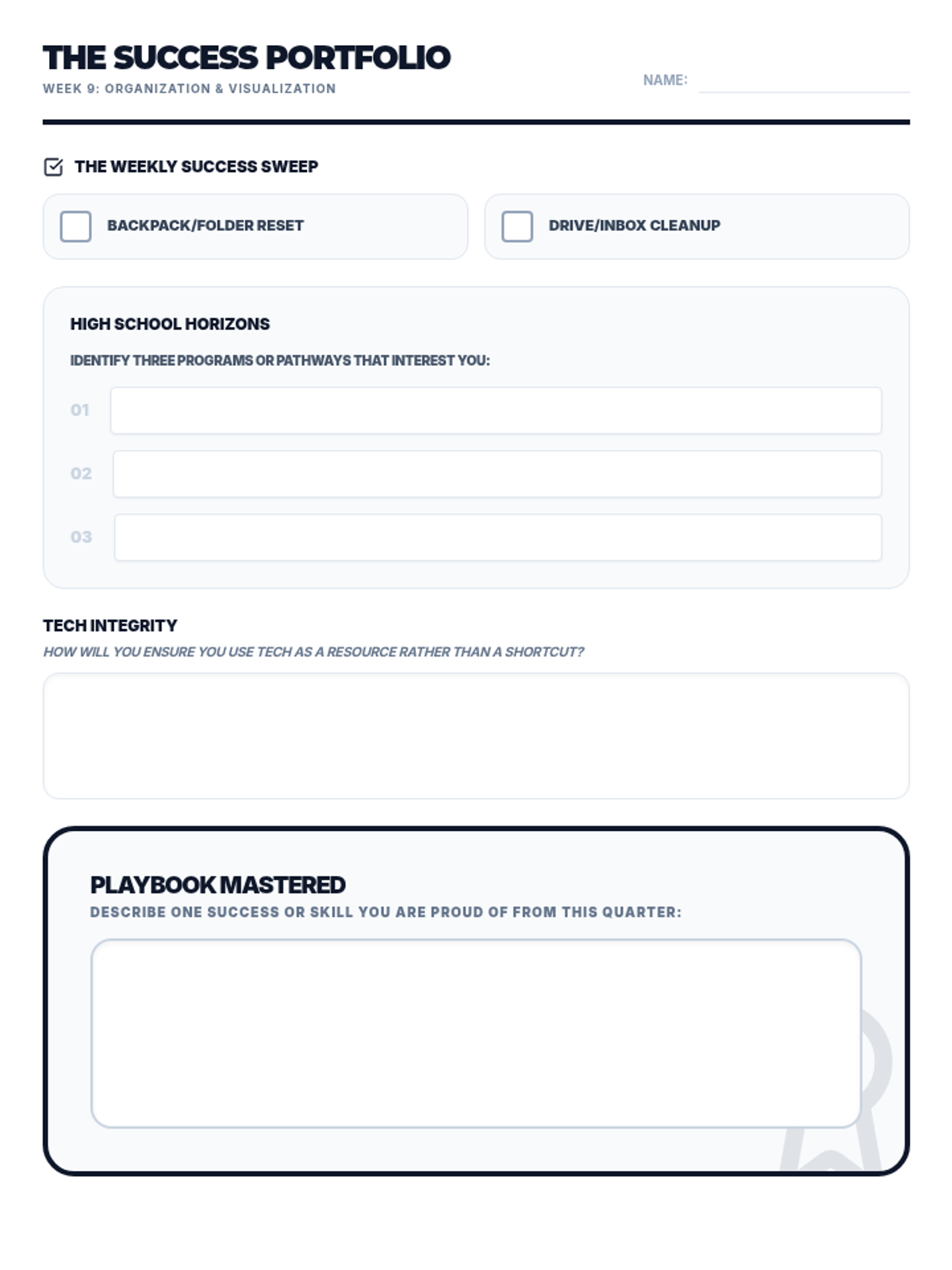
Updated Future Finder Worksheet: Consolidated all content onto a single page, increased writing area heights for reflection, and improved visual hierarchy between sections.
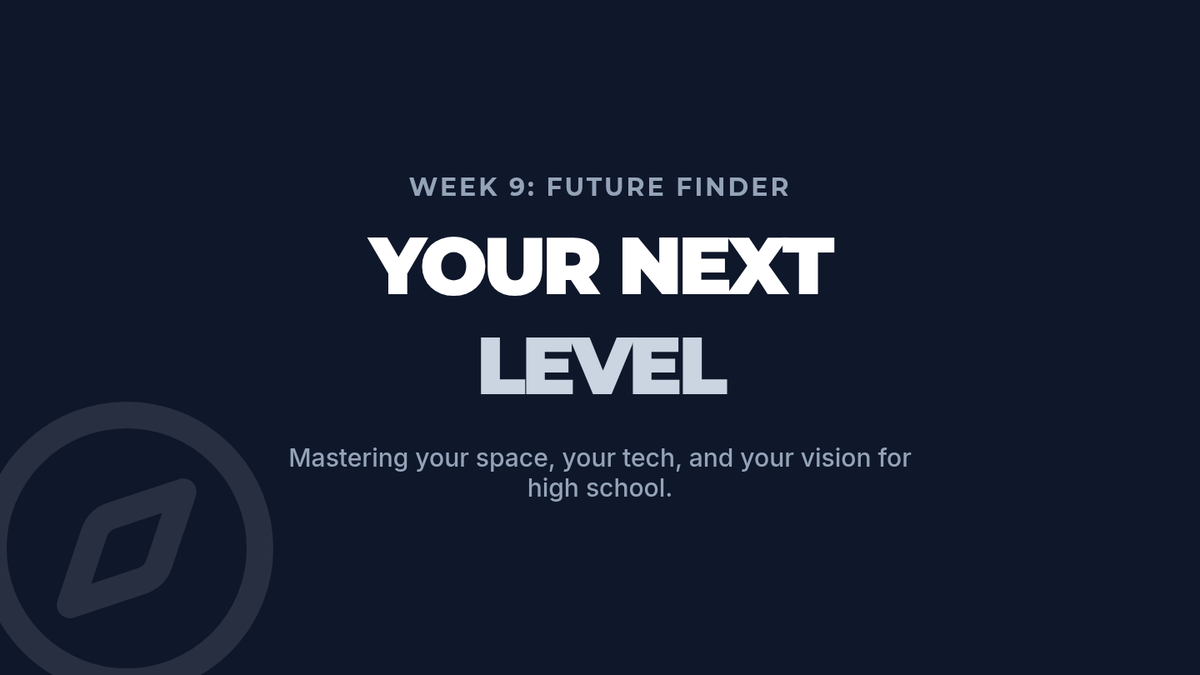
Updated Future Finder Slides: Fixed header spacing, improved text contrast on Slide 3, and refined the high school overview layout.
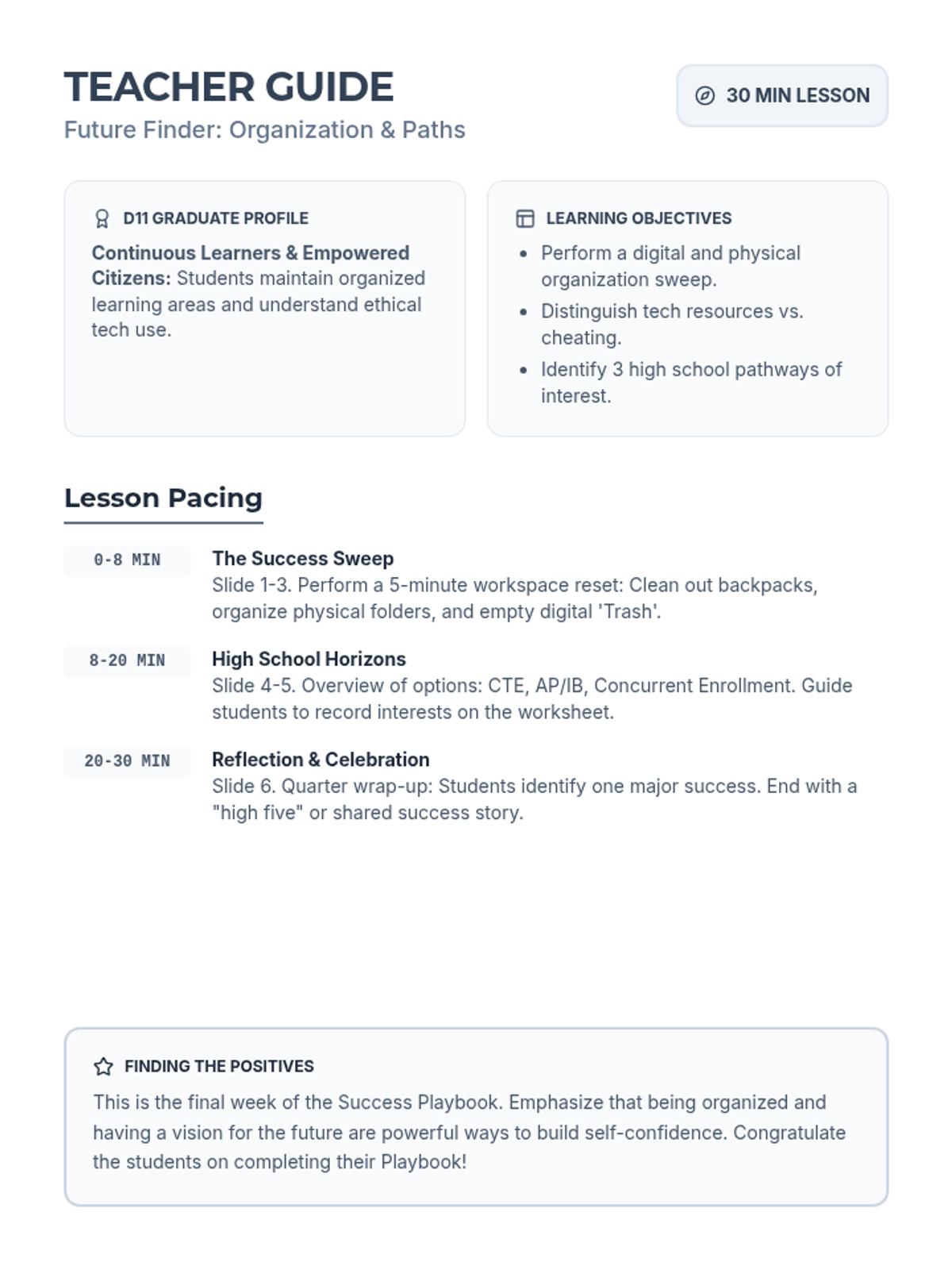
Updated Future Finder Teacher Guide: Fixed page break issue, consolidated to one page, and improved instructional details for the final 9-week wrap-up.
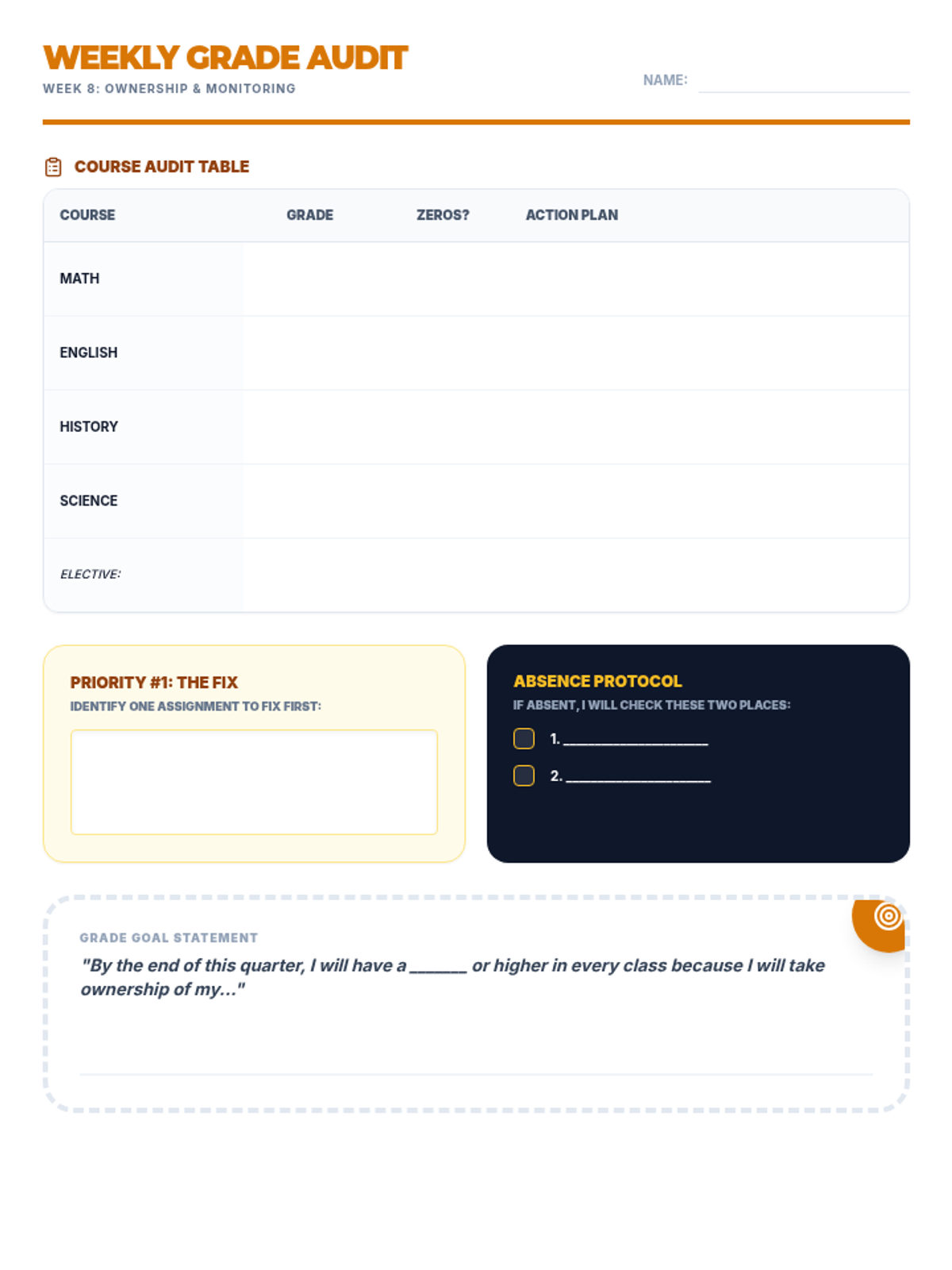
Updated Grade Guardian Worksheet: Consolidated all content to a single page, darkened table headers for contrast, increased table row heights, and fixed the overflowing goal statement box.
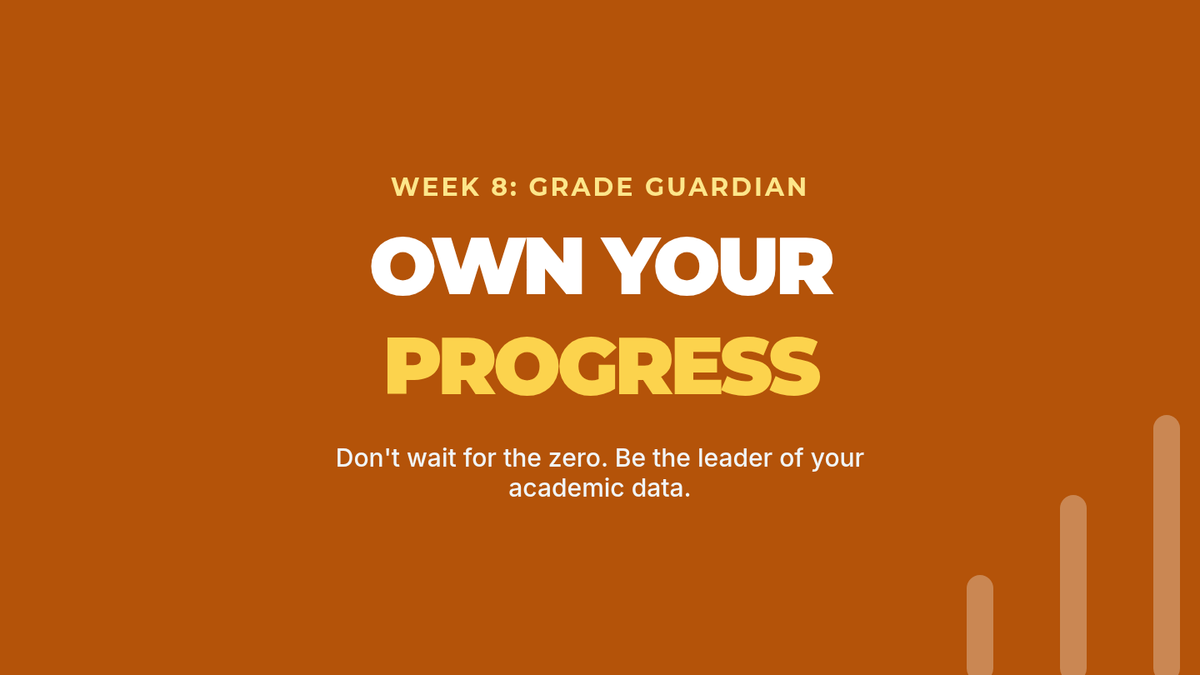
Updated Grade Guardian Slides: Fixed heading spacing and improved text contrast for better classroom visibility.
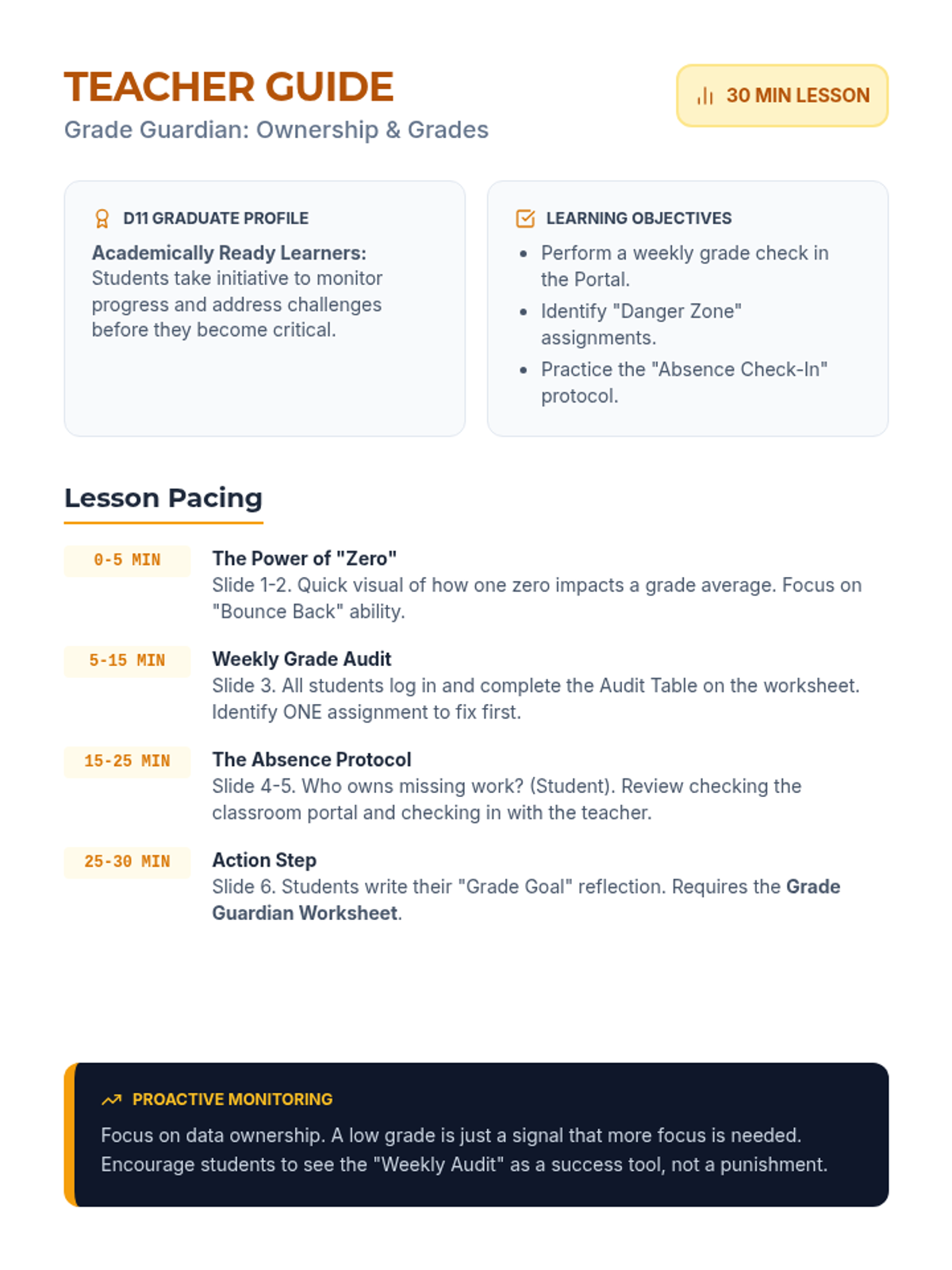
Updated Grade Guardian Teacher Guide: Fixed page break issue with the Proactive Monitoring box, consolidated to one page, and improved pacing details.
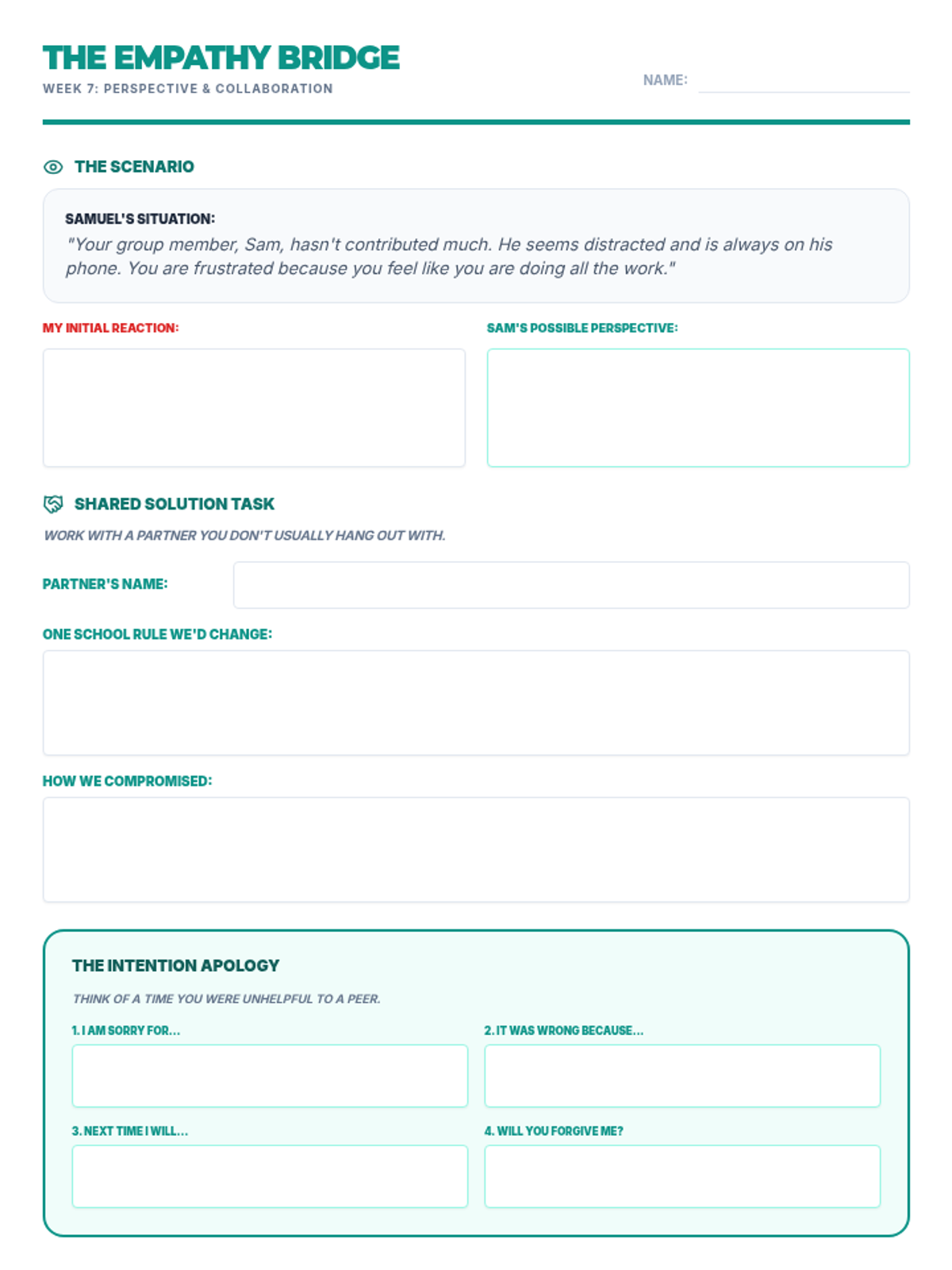
Updated Team Player Worksheet: Consolidated all content to a single page, increased response area heights for better handwriting space, fixed Partner name field background, and improved label clarity.
Presentation slides for Lesson 7 focusing on the "6 vs. 9" perspective analogy, building empathy bridges, and the 4-part intentional apology.
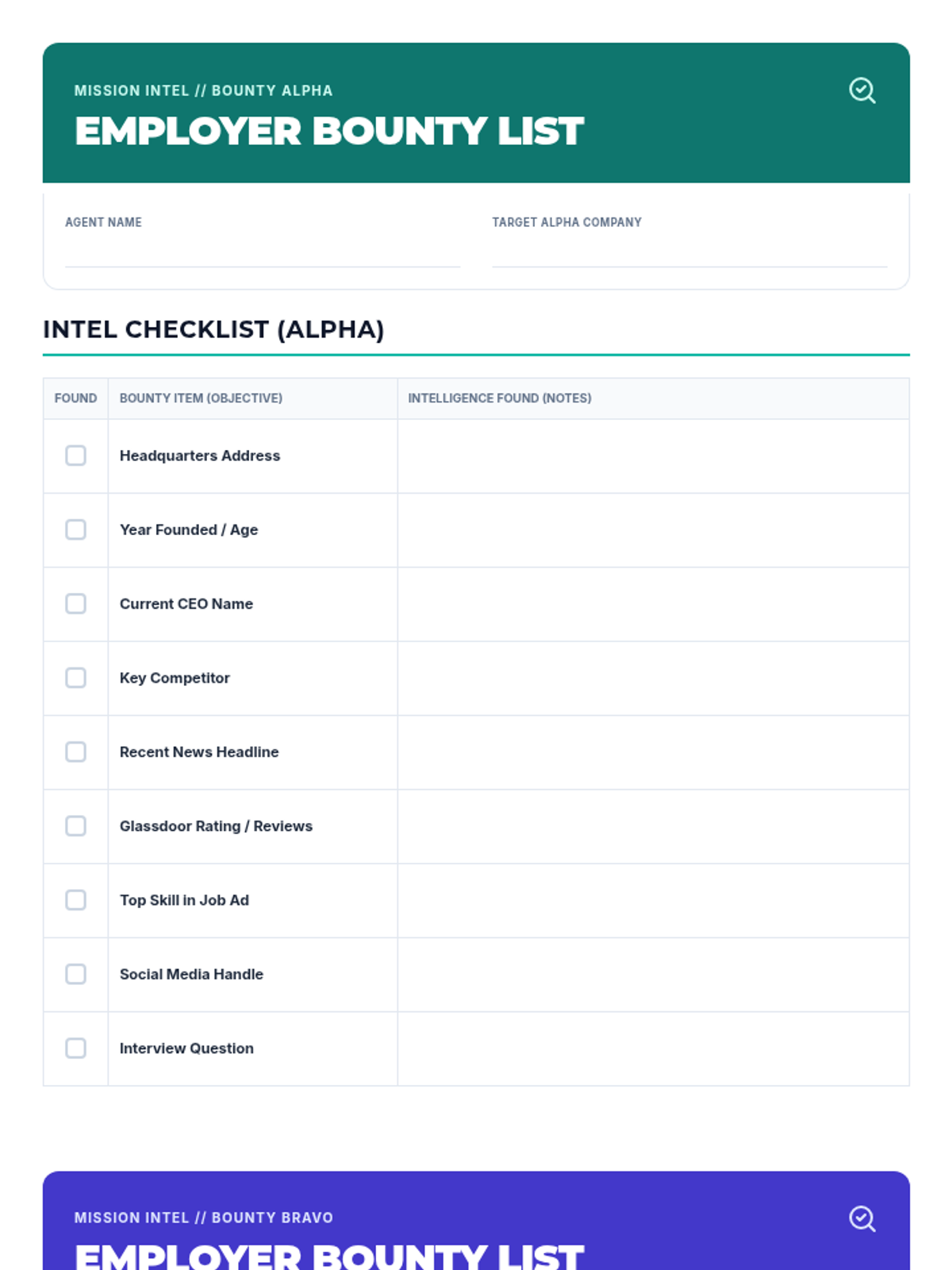
A comprehensive research checklist for finding information about two different potential employers. Revised with synchronized content for both targets, improved handwriting space, and helper descriptions for items like "Key Competitor." Optimized for 2-page print layout.
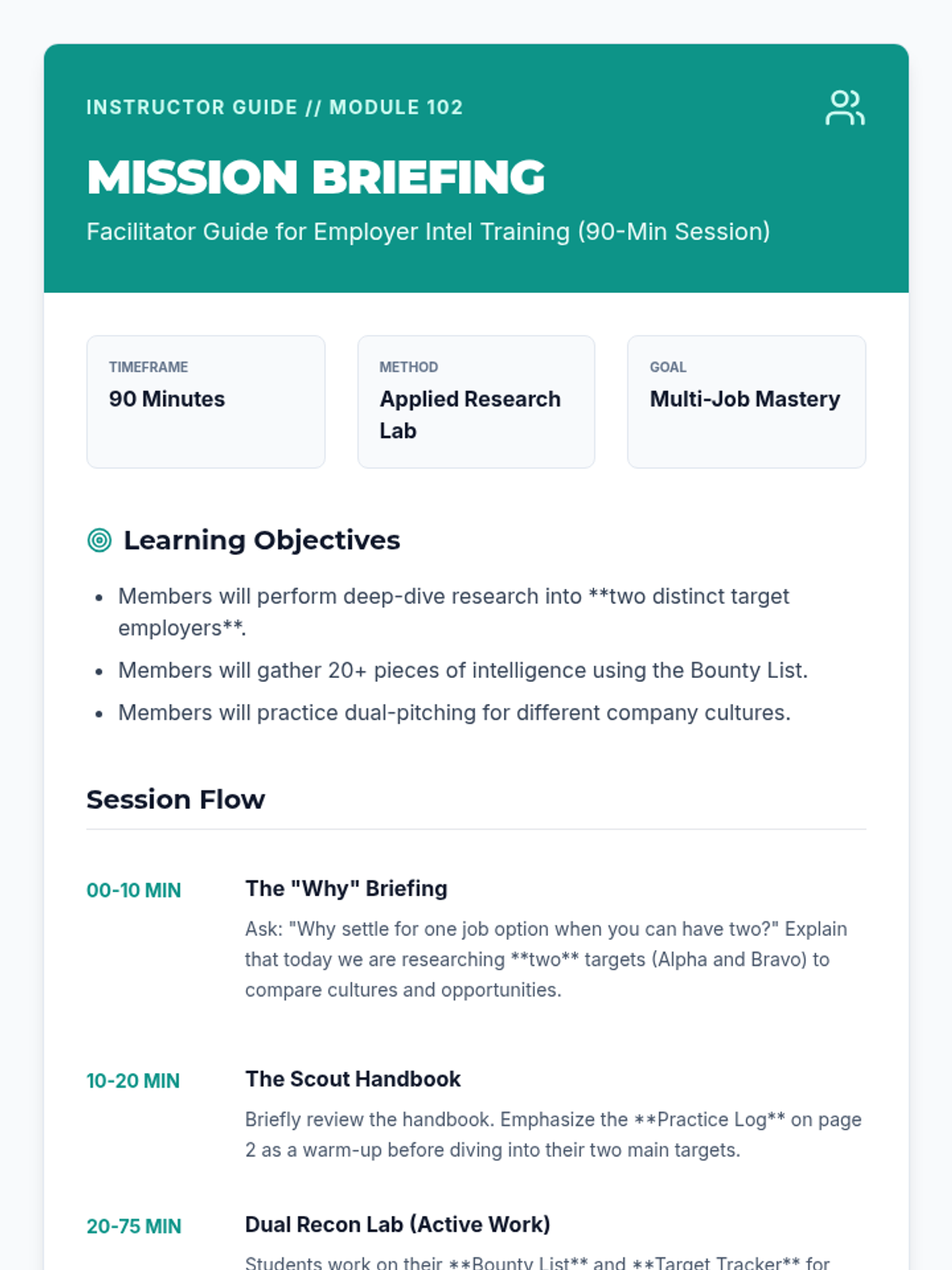
A detailed facilitator guide for leading a 90-minute employer research workshop. Revised with a "Vocabulary Briefing" section and tips for explaining complex terms like "Glassdoor" and "Key Competitor" to students. Optimized for print and session flow.
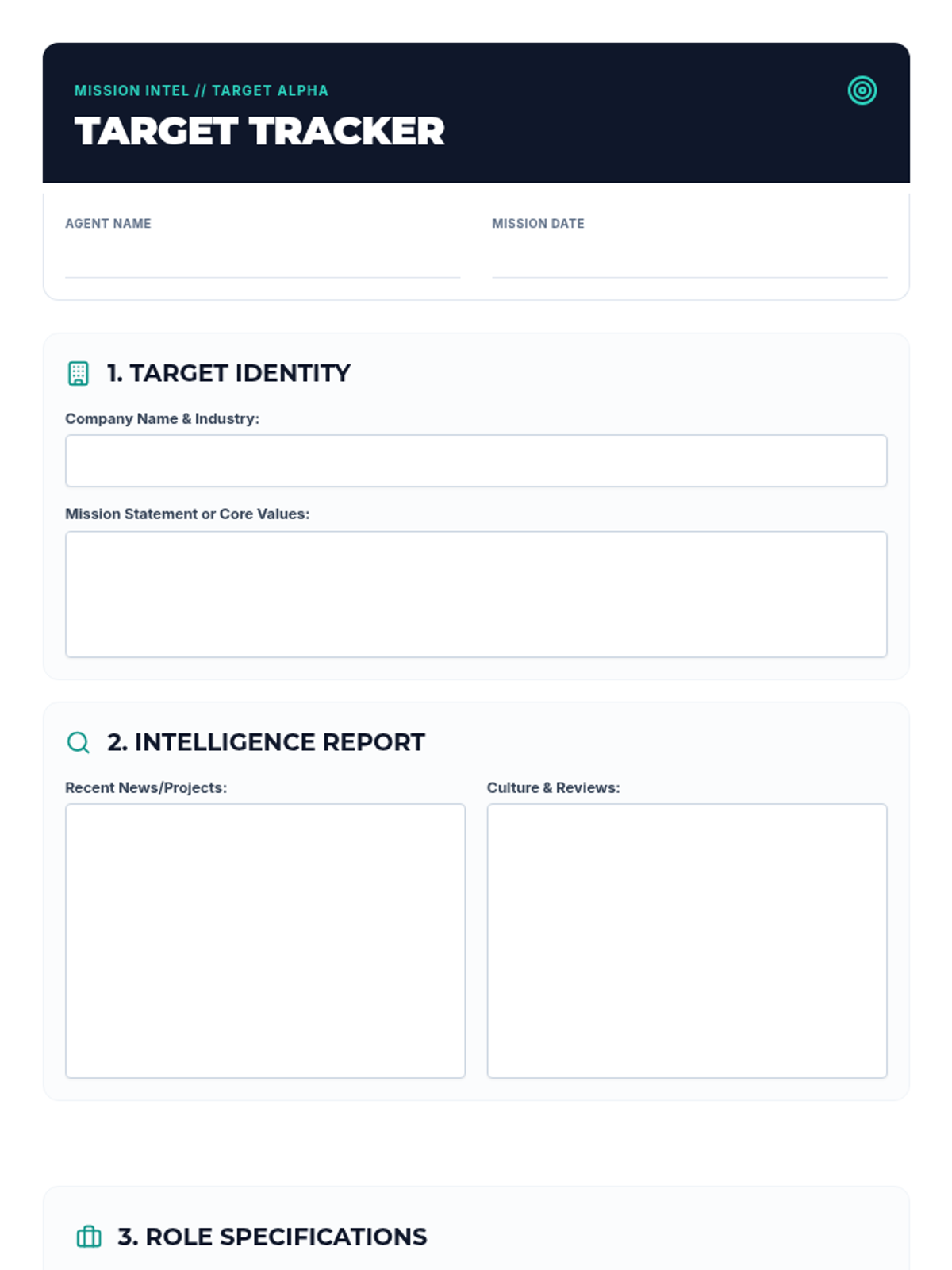
A guided research worksheet (Target Tracker) for club members to record their findings on two potential employers, including company values, news, culture, and required skills. Revised to ensure consistent page breaks and improved workspace for each target.
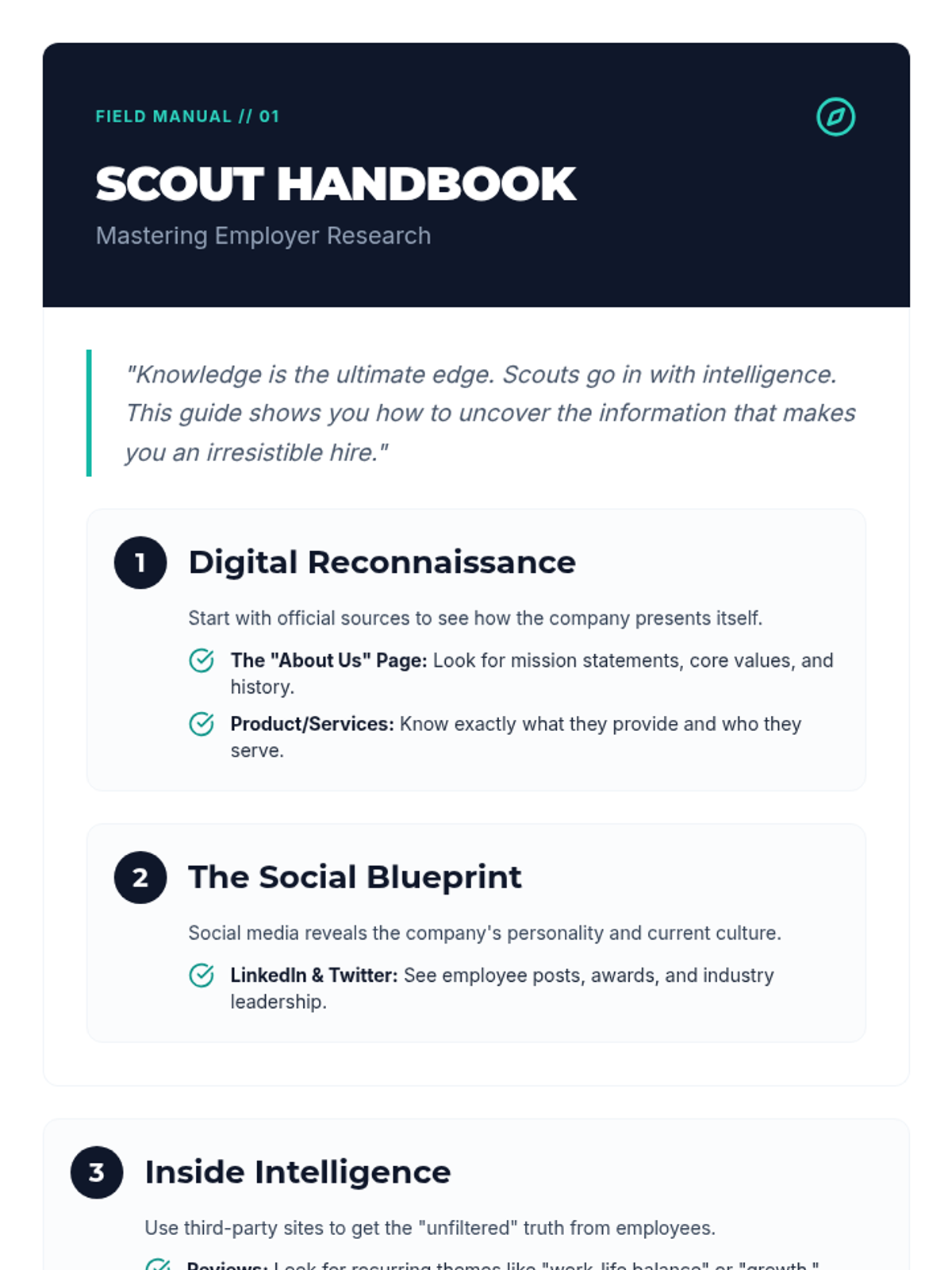
A step-by-step instructional guide for performing employer reconnaissance. Revised with a "Scout Dictionary" to explain complex terms, more research sites like YouTube and BBB, and a robust warm-up practice area. Optimized layout to prevent page bleed.
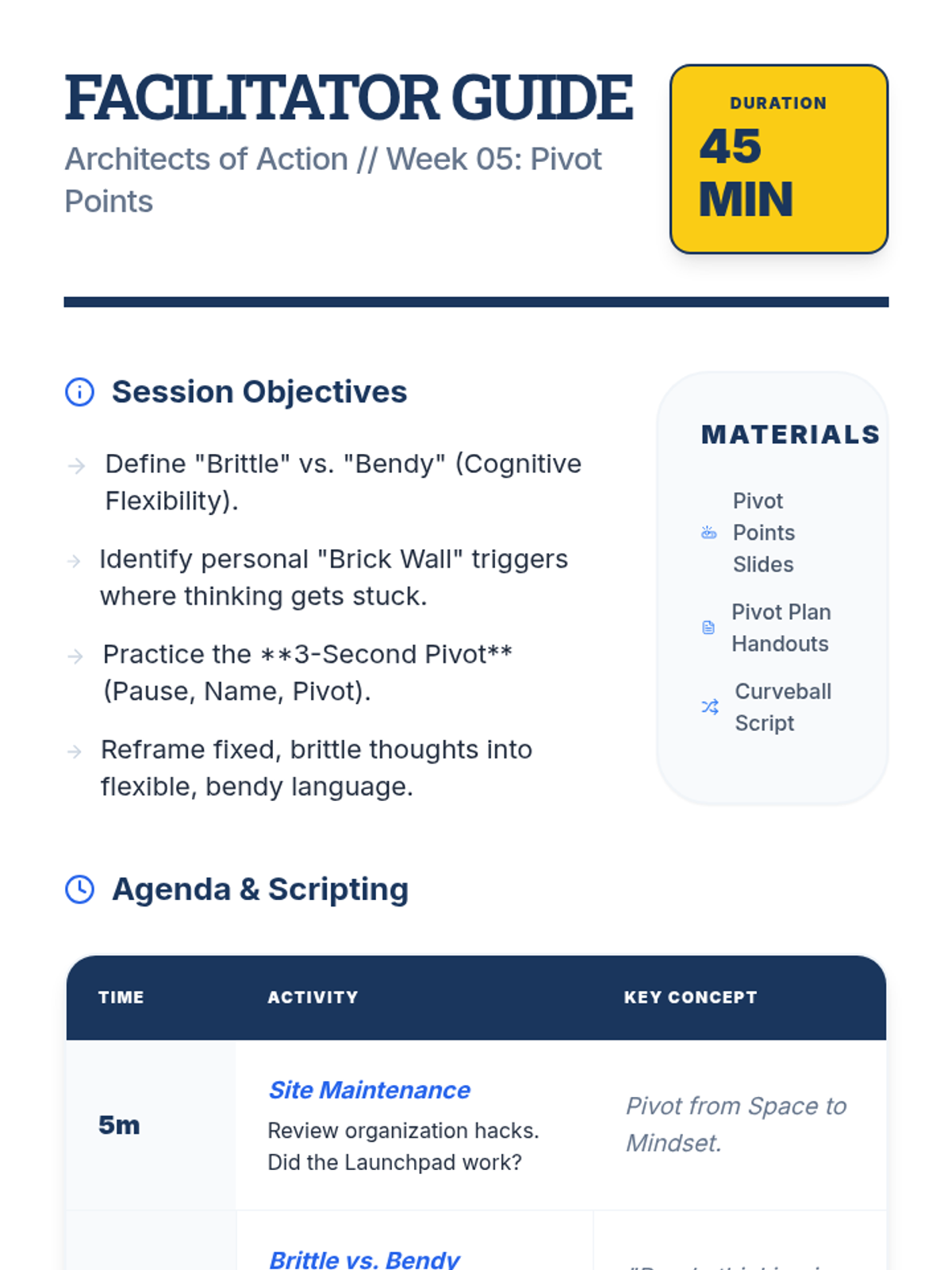
A detailed facilitator guide for the fifth week of the executive functioning group, focusing on cognitive flexibility and "bending instead of breaking" in response to change.
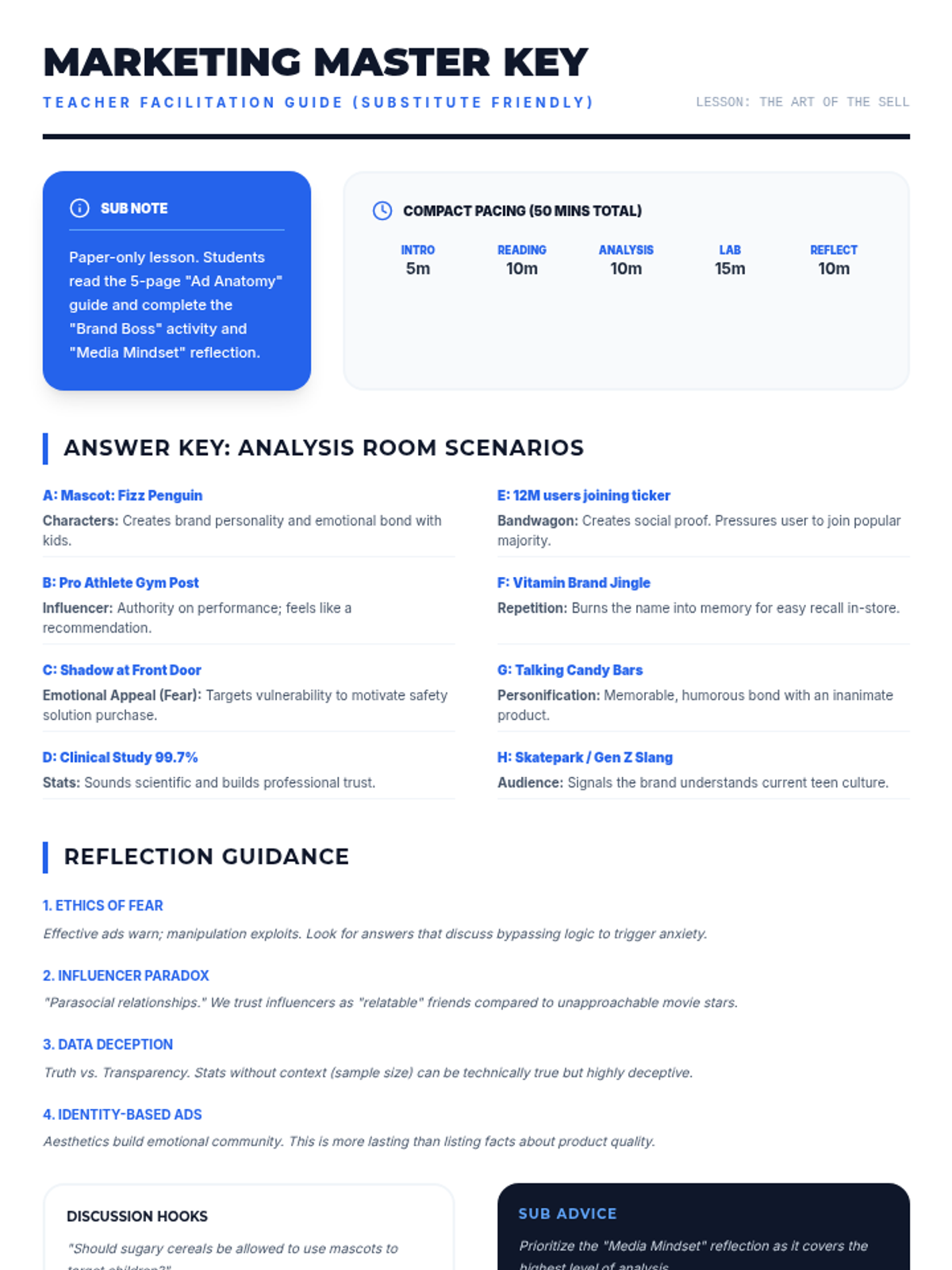
A sub-friendly teacher facilitation guide including a lesson pacing guide, detailed answer keys, reflection guidance, and classroom management tips.
A visual presentation introducing ten advertising techniques with bold graphics, key definitions, and real-world examples for a classroom setting.
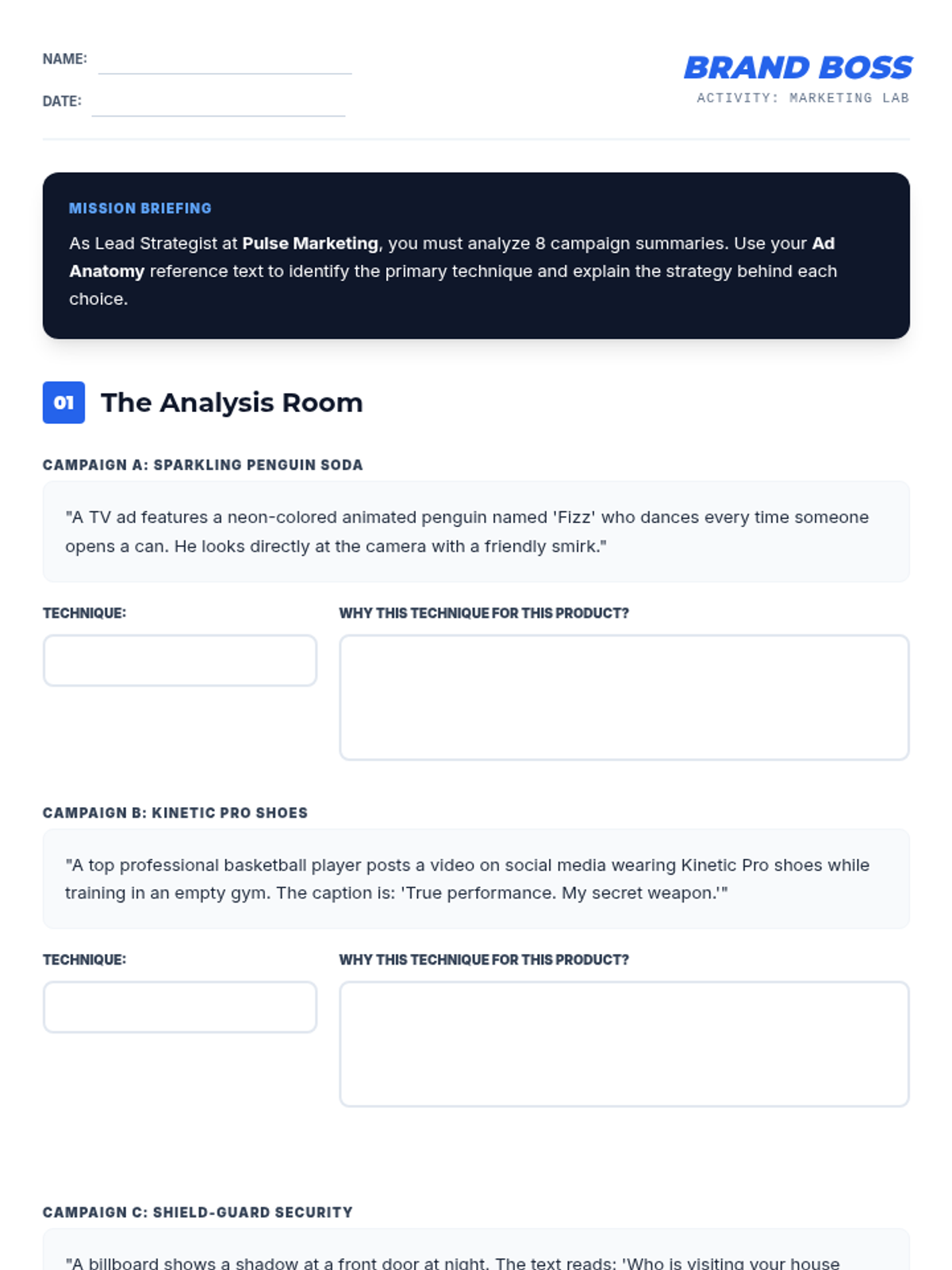
A four-part student activity involving a detailed eight-scenario analysis of advertising techniques and a creative project where students design an original ad campaign for a fictional product.
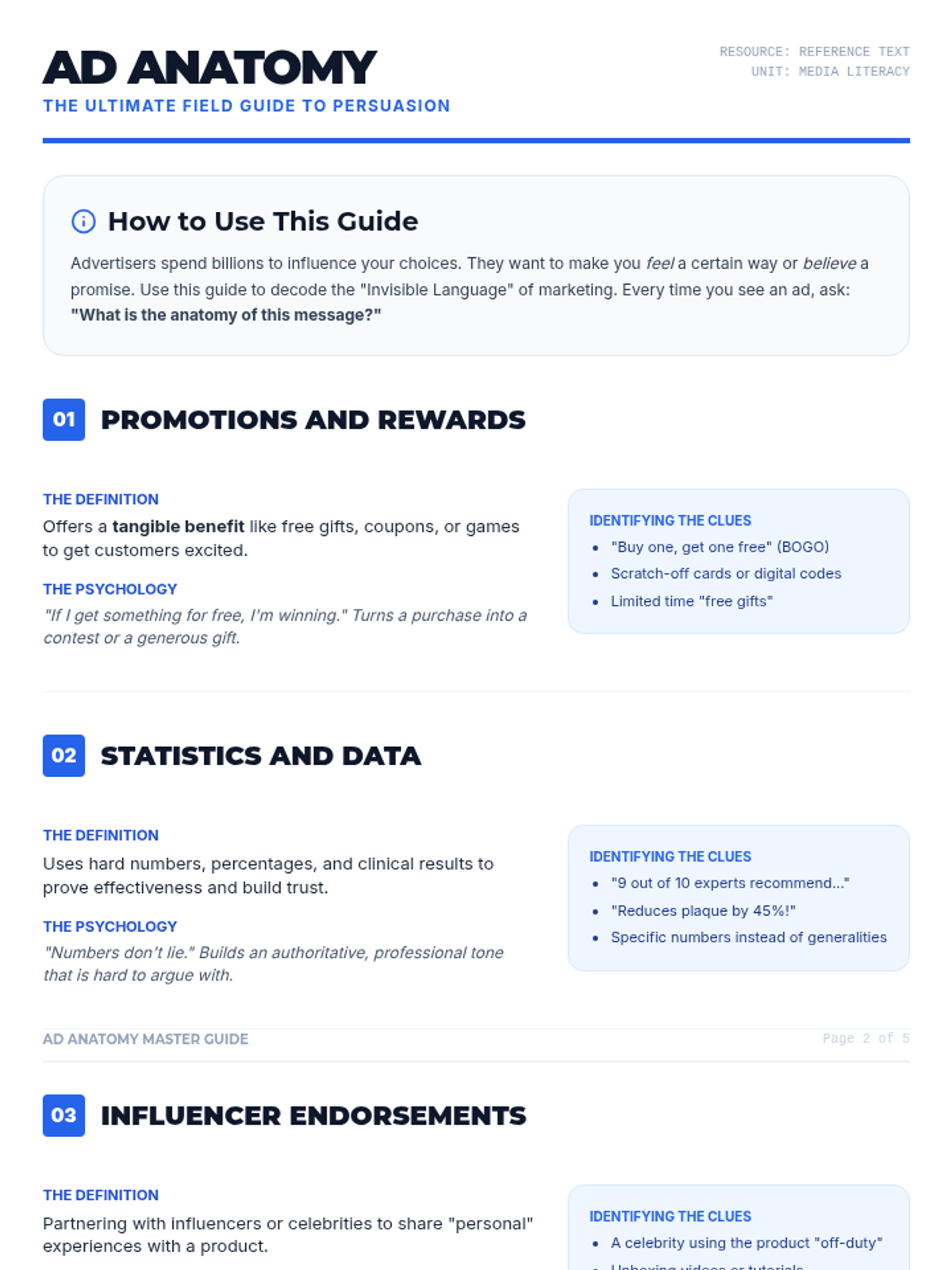
A detailed five-page master guide for 8th-grade students covering ten advertising techniques with definitions, psychological explanations, and identifying clues. Perfect for independent or sub-led instruction.
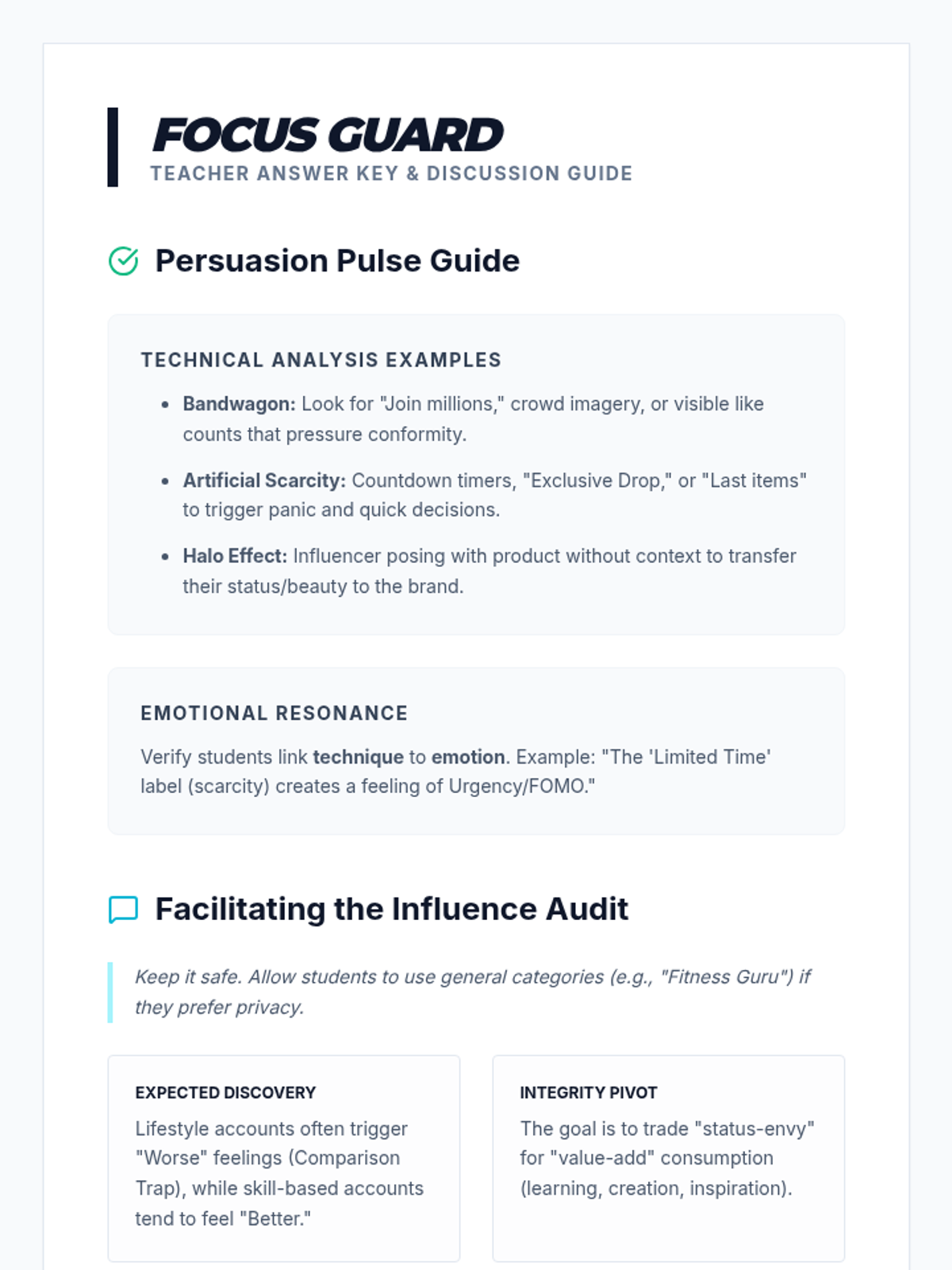
A teacher's answer key and discussion guide titled "Focus Guard." Revised for better legibility with larger text, fixed spacing in headers, and a tighter layout to ensure all content fits on one page. Increased visibility for student discovery notes.
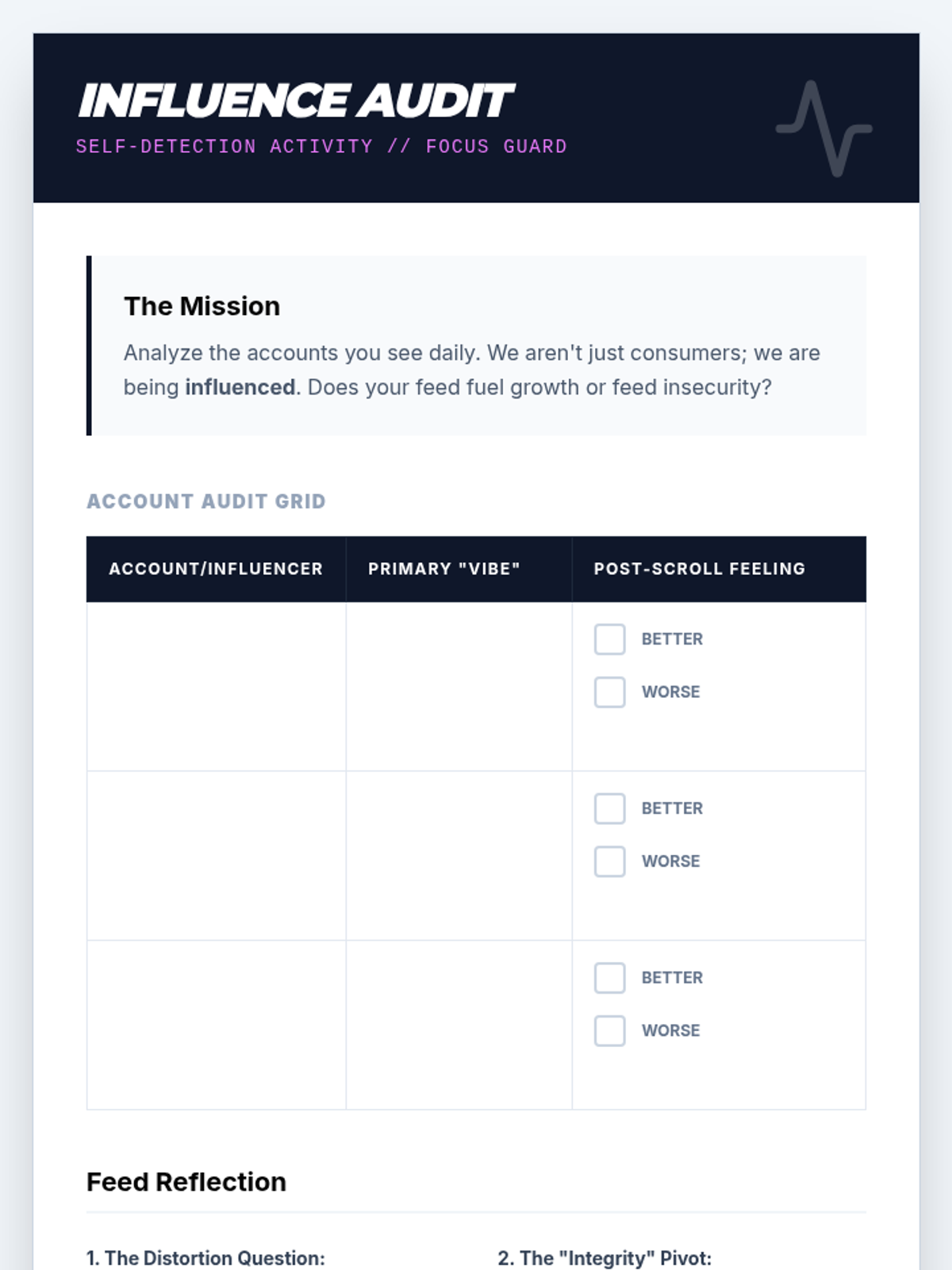
A reflective activity document titled "Influence Audit." Revised to ensure content fits on a single page by removing fixed height constraints and increasing font sizes for better legibility. Table rows are now significantly taller to accommodate student handwriting.
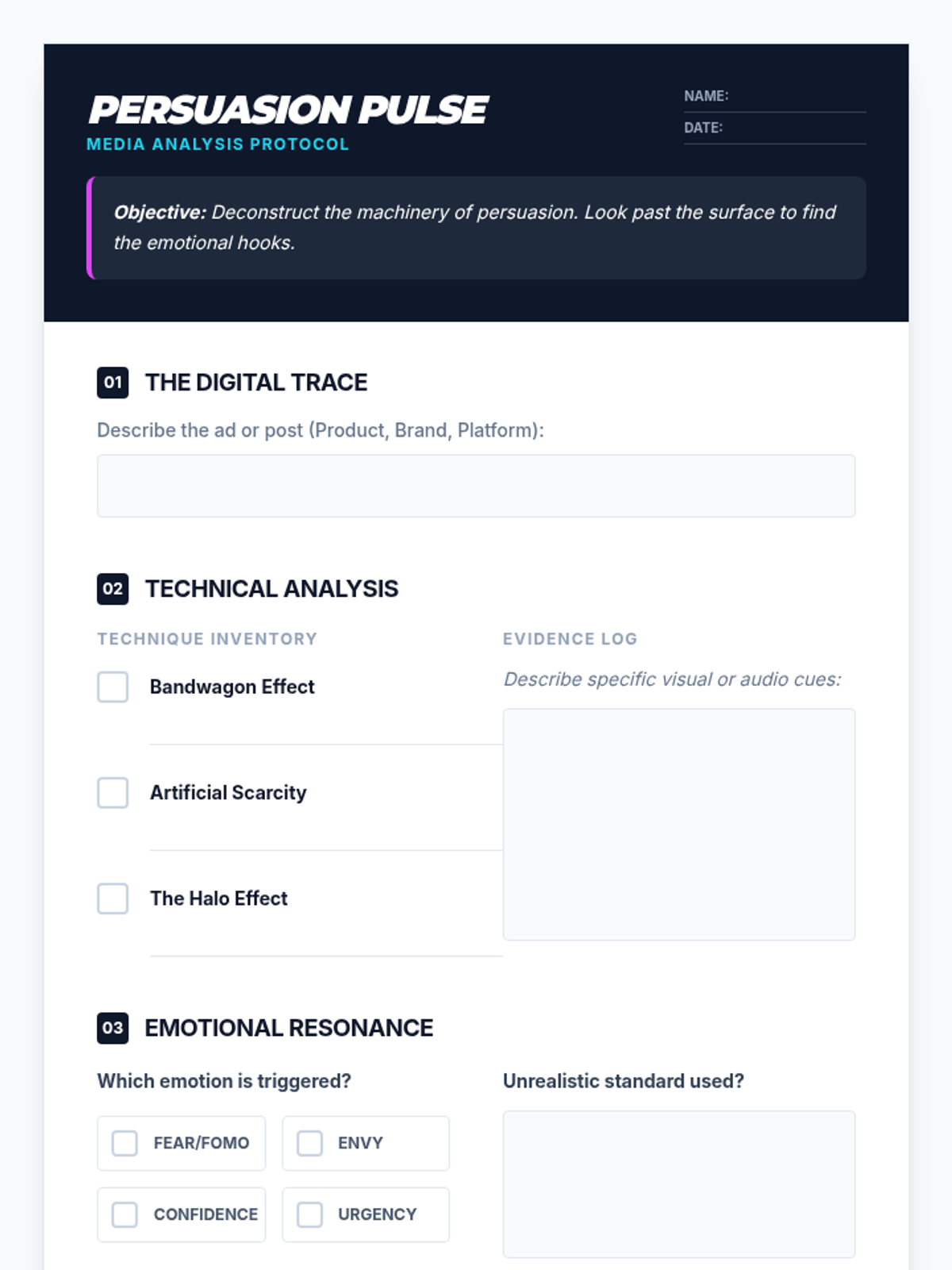
A structured 1-page analysis worksheet titled "Persuasion Pulse." Designed for 9th graders to deconstruct media messaging. Revised for maximum print compatibility by removing fixed heights, increasing font sizes for legibility, and ensuring all sections fit on one sheet.
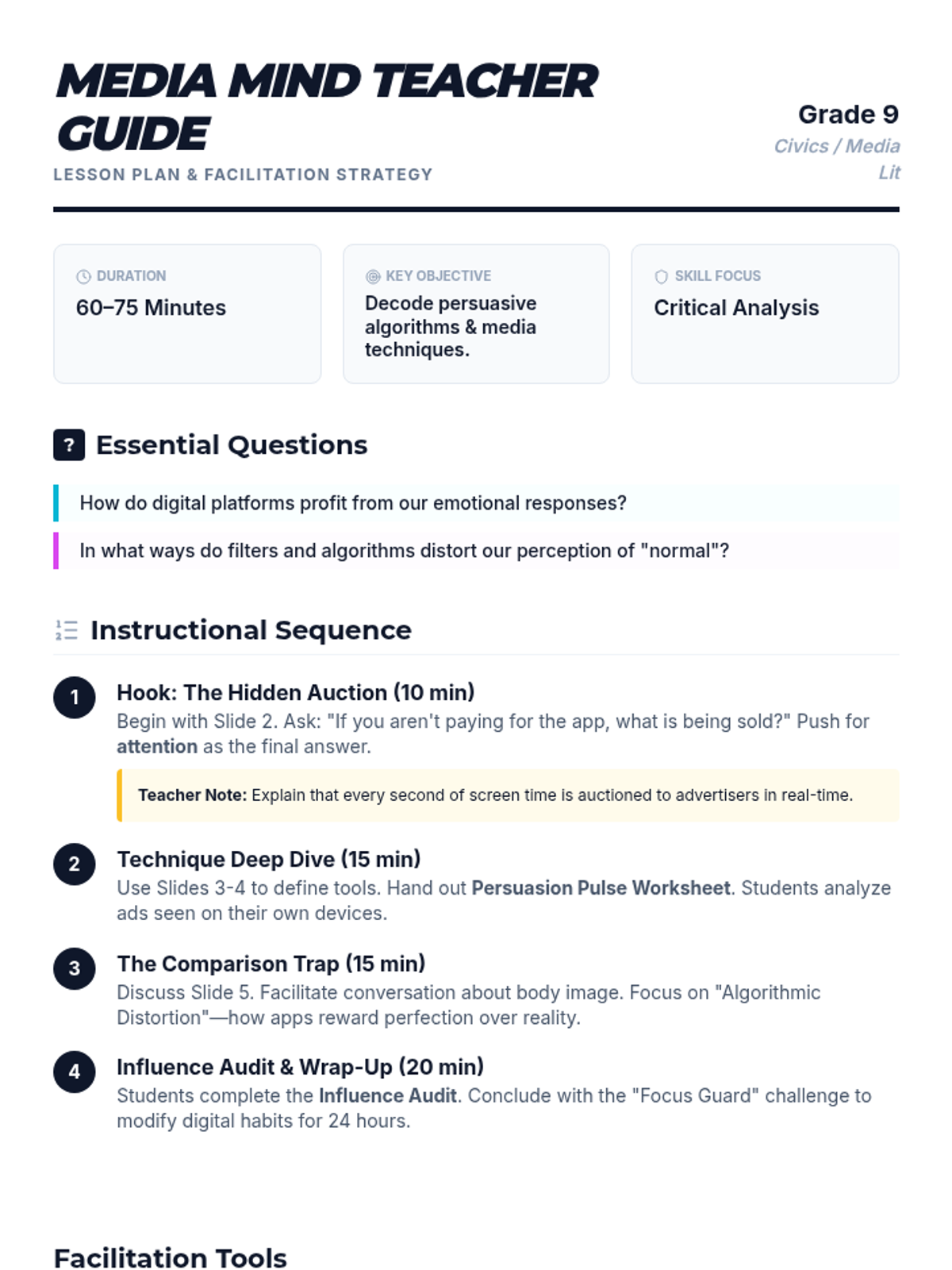
A comprehensive 2-page teacher guide and lesson plan for "The Media Mind" lesson. Includes instructional sequences, Socratic discussion prompts, activity instructions, and differentiation strategies. Revised for better page flow and print optimization.
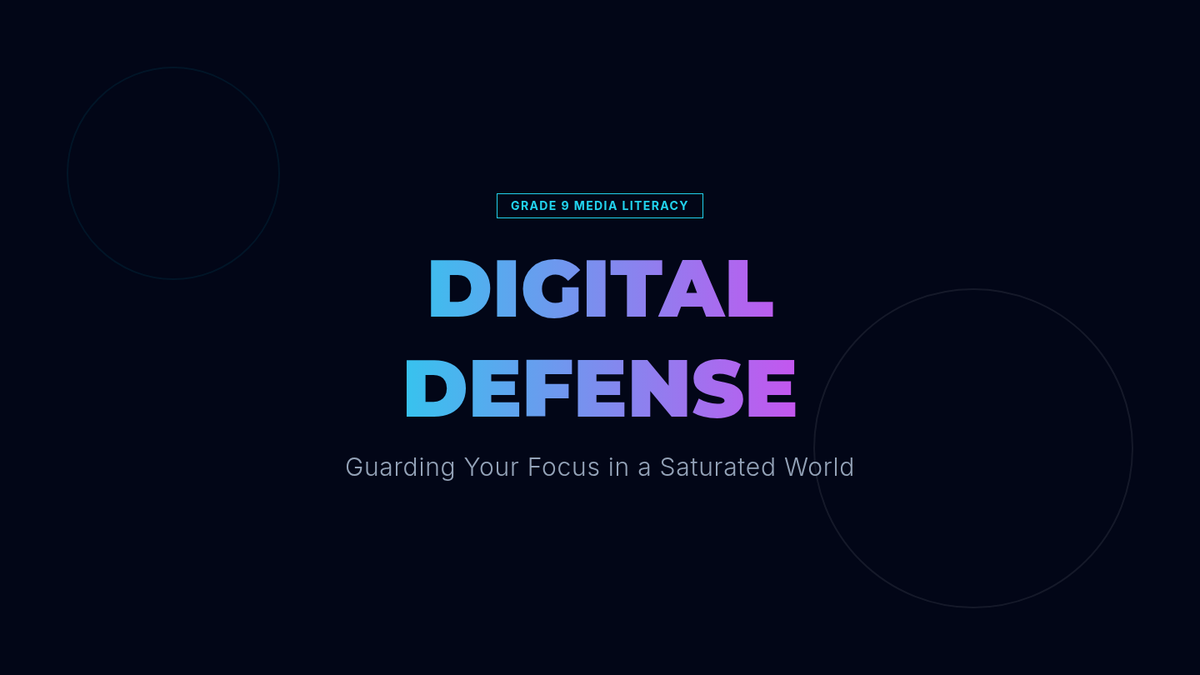
A 7-slide presentation deck titled "Digital Defense" focusing on media literacy, persuasion techniques, and the attention economy for 9th-grade students. Featuring a high-contrast dark theme with neon accents and technical visual motifs.
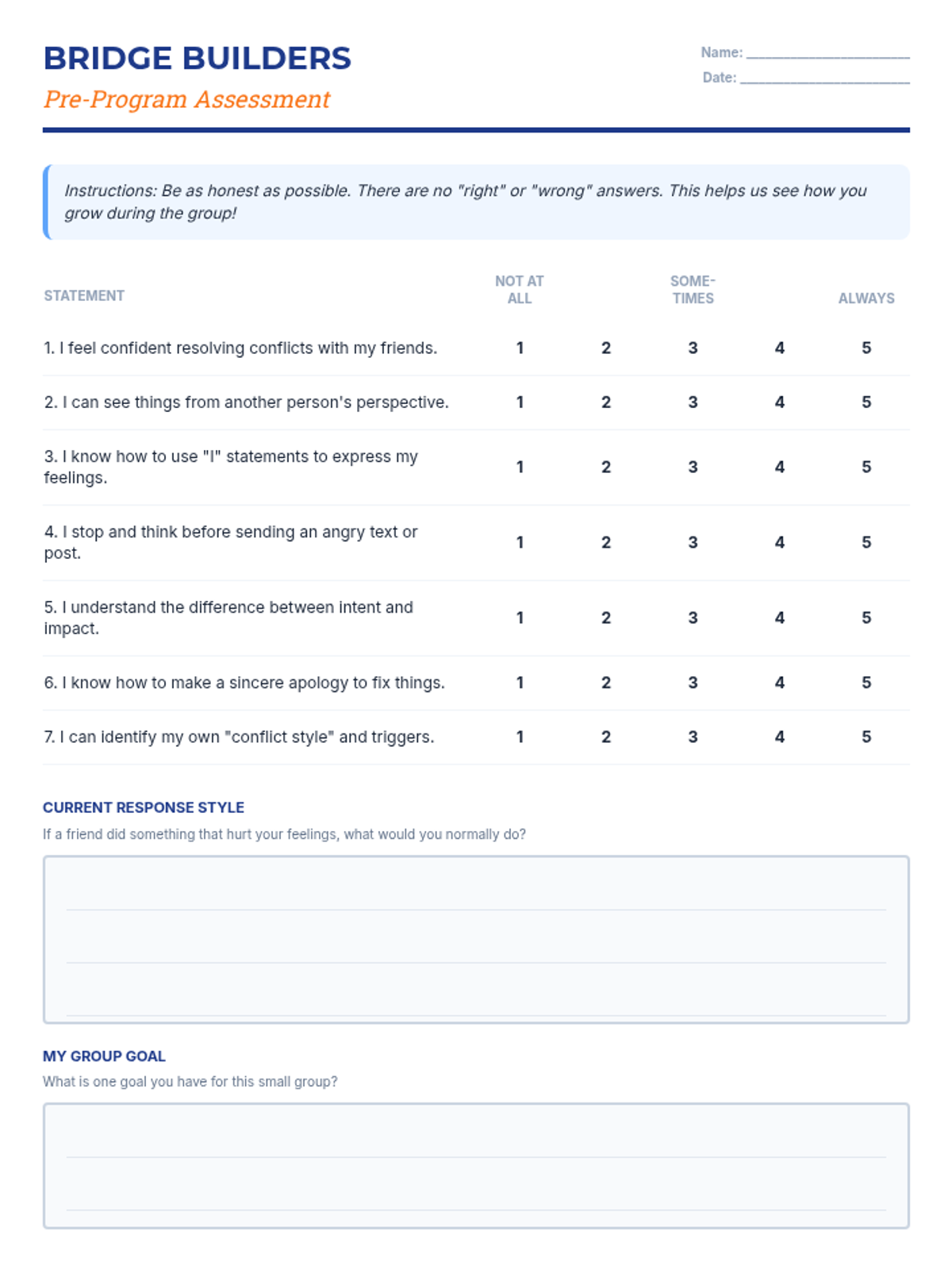
A dual-purpose assessment tool containing both the pre-program and post-program evaluations to measure student growth in conflict resolution, empathy, and social-emotional skills.
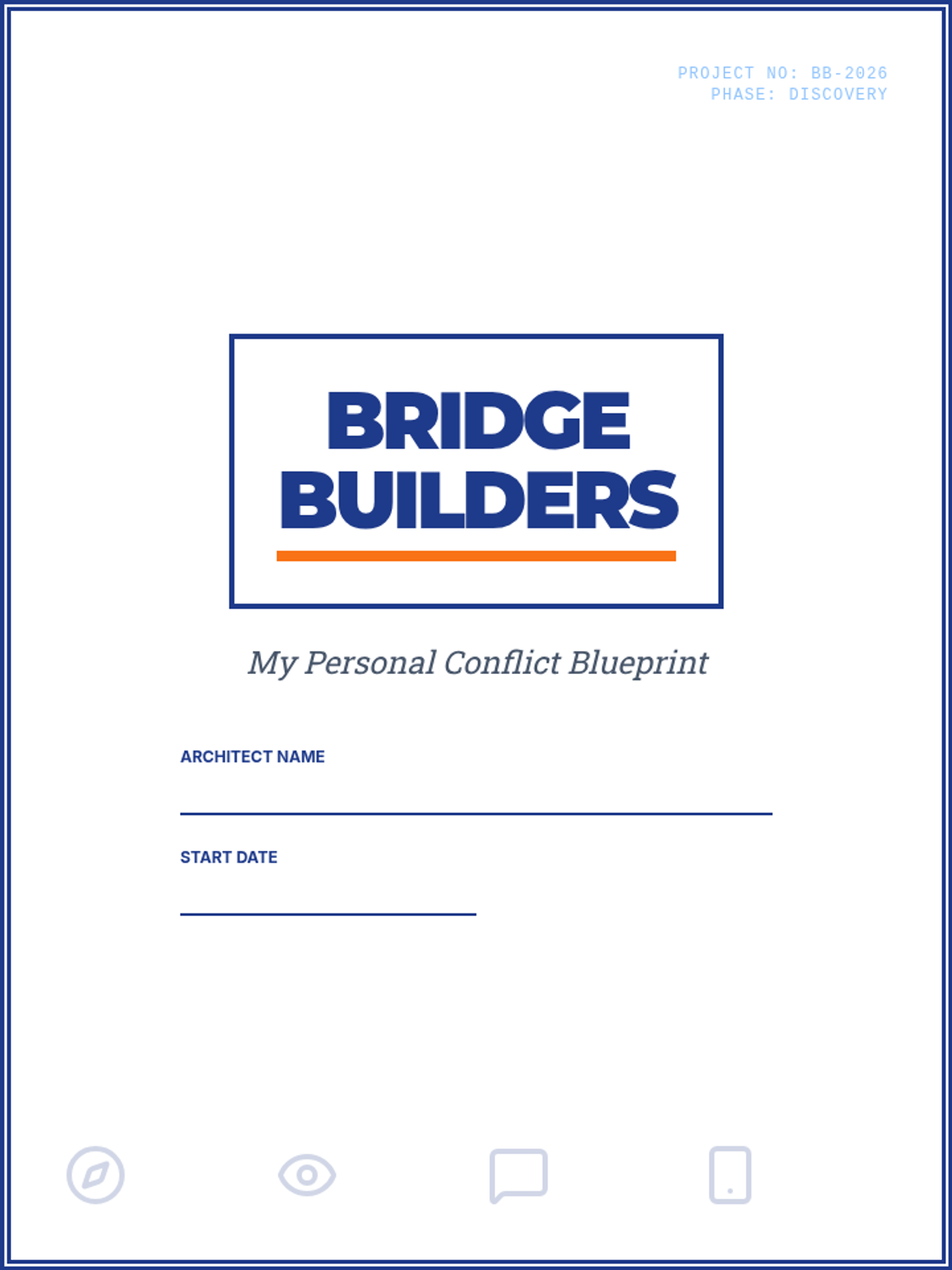
A student-facing journal containing reflection prompts, conflict style assessments, and skill-building activities for all 6 sessions of the Bridge Builders program.
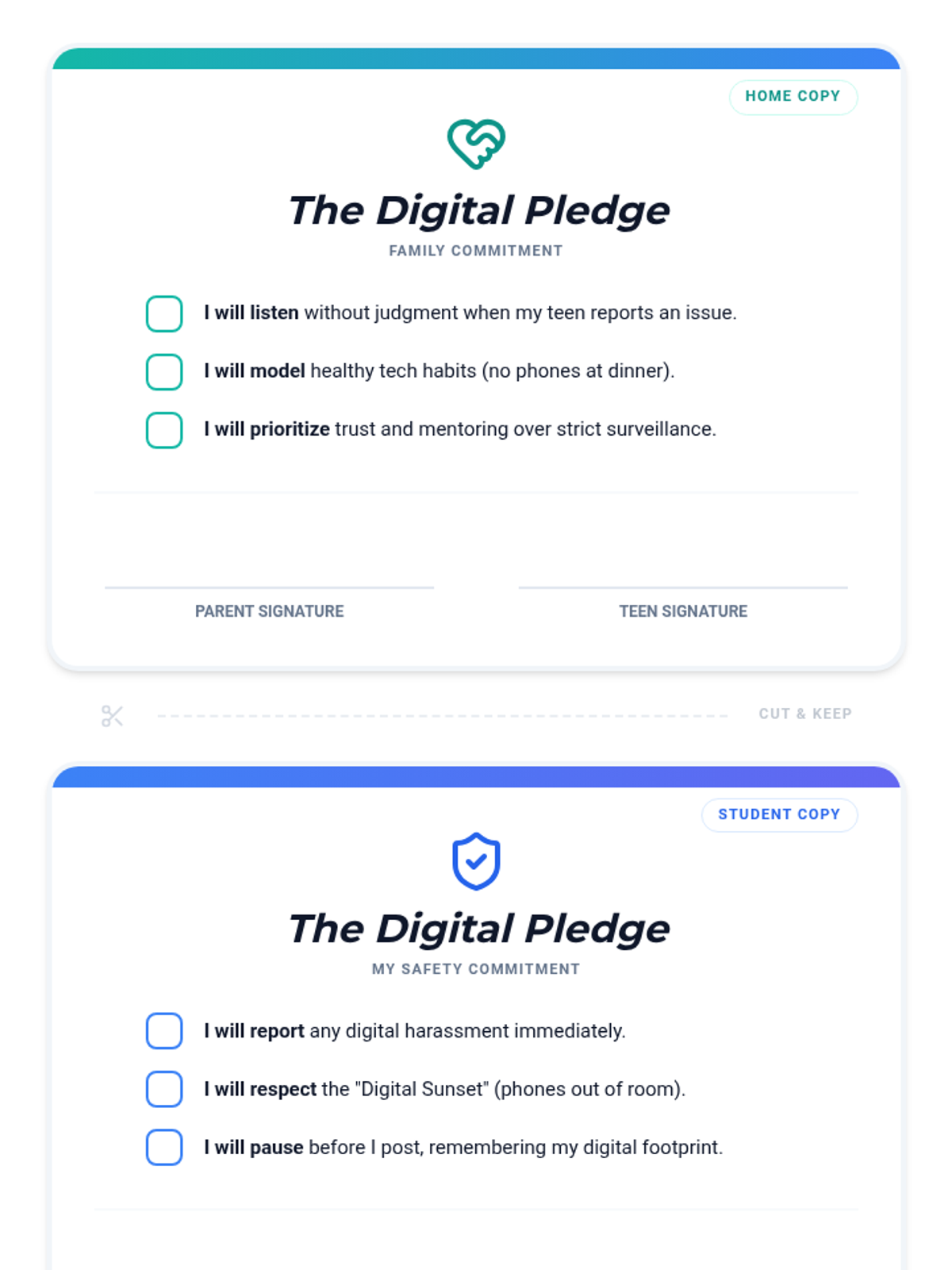
A printable pledge card for families to sign together, committing to healthy technology boundaries, mutual respect, and open communication regarding digital mistakes.
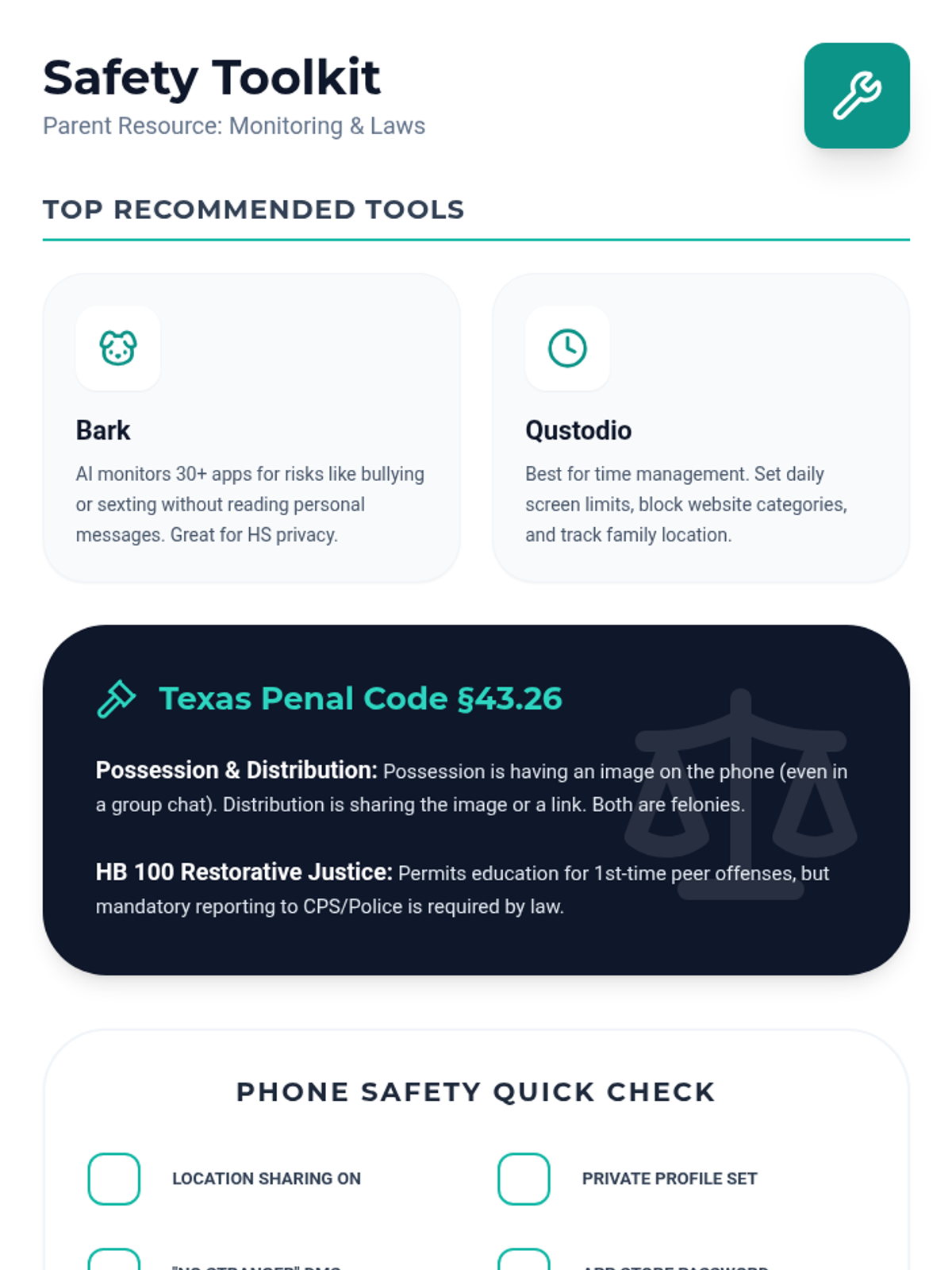
A parent resource listing recommended monitoring tools (Bark, Qustodio) and a clear summary of Texas Penal Code §43.26 regarding digital transmission of visual material.
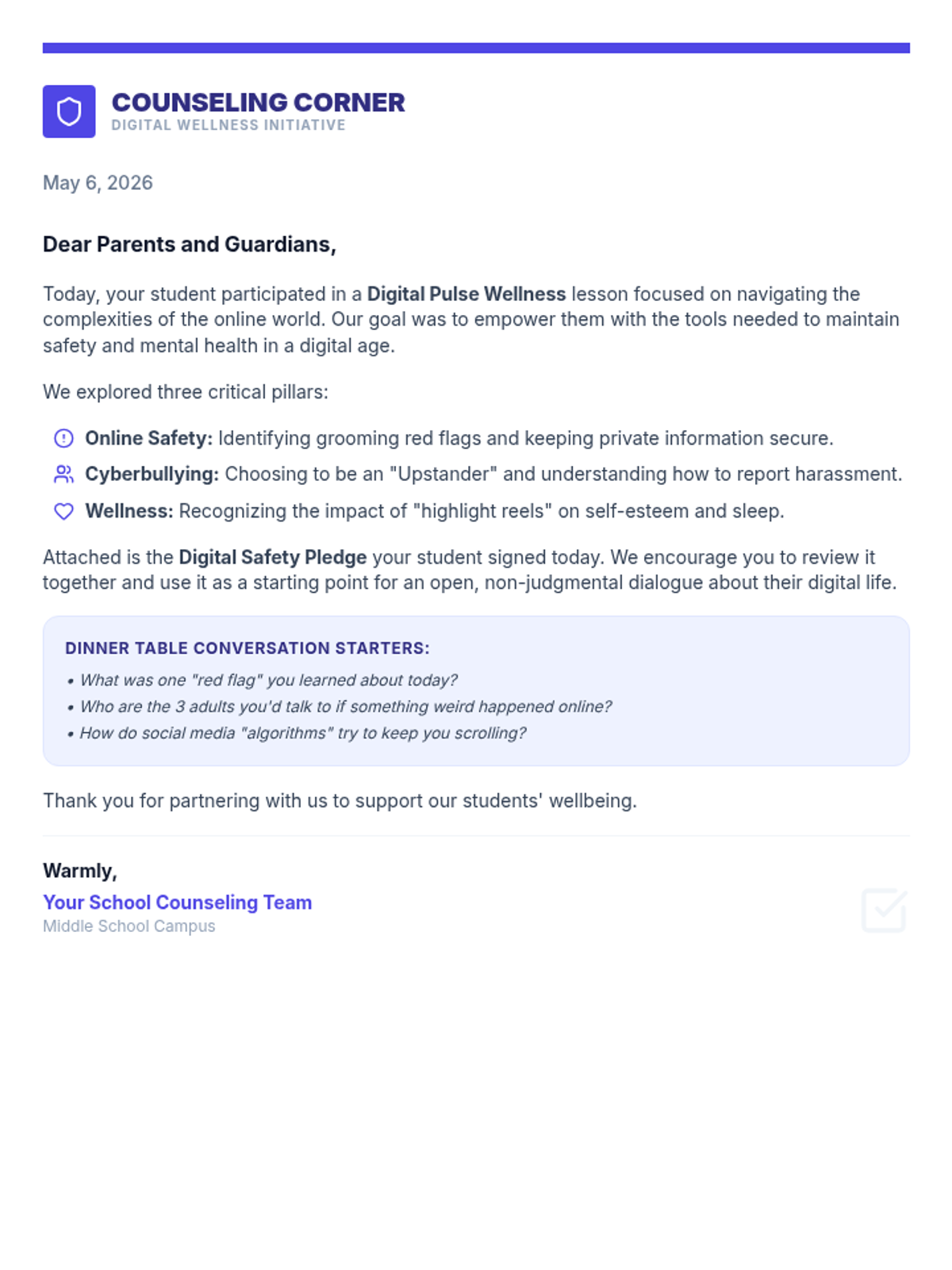
A professional parent communication letter outlining the Digital Pulse Wellness lesson. Revised for single-page fit and improved layout.
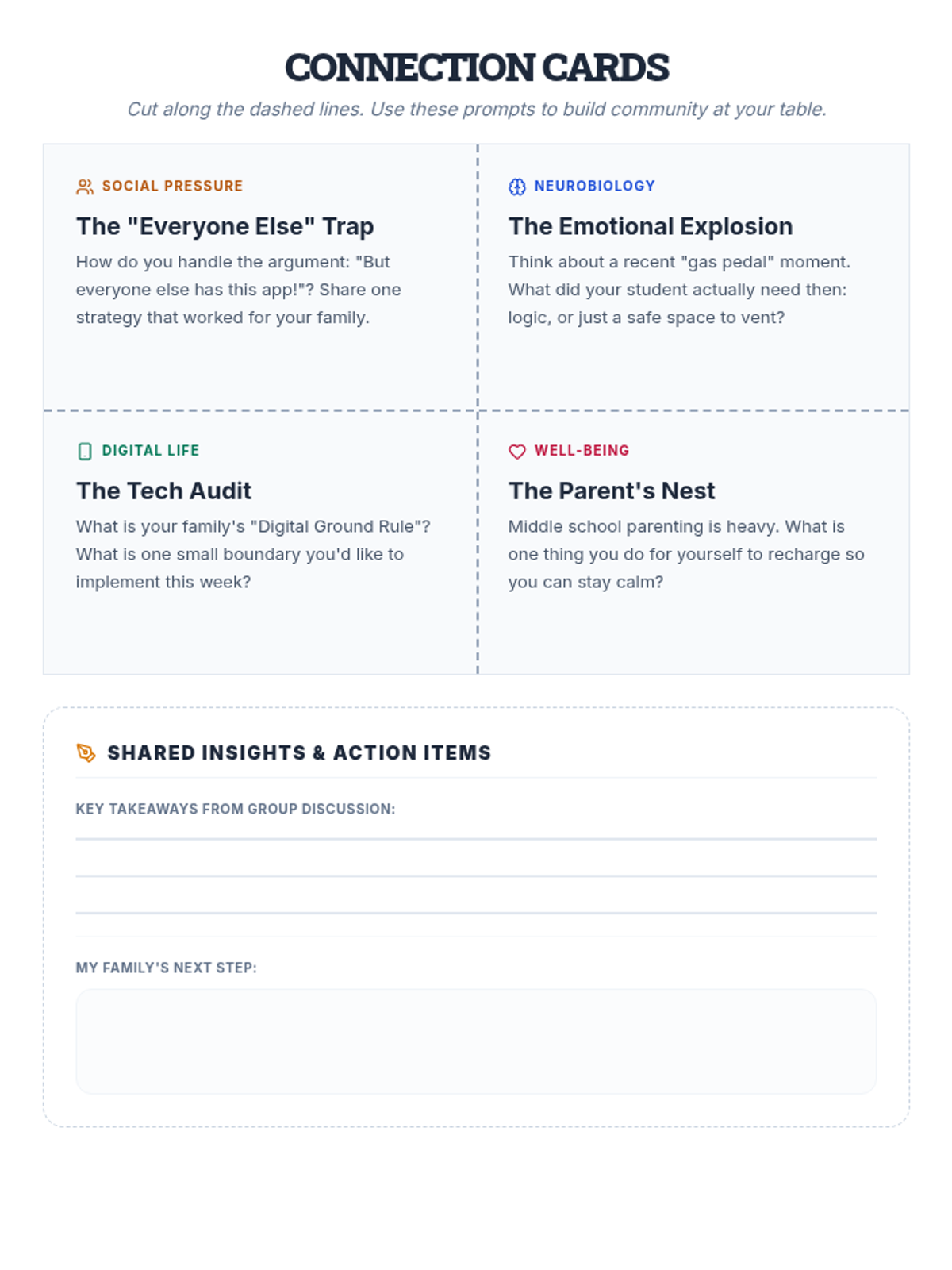
A set of four printable discussion cards for parents to use in small groups, covering peer pressure, brain development, tech boundaries, and parental self-care.
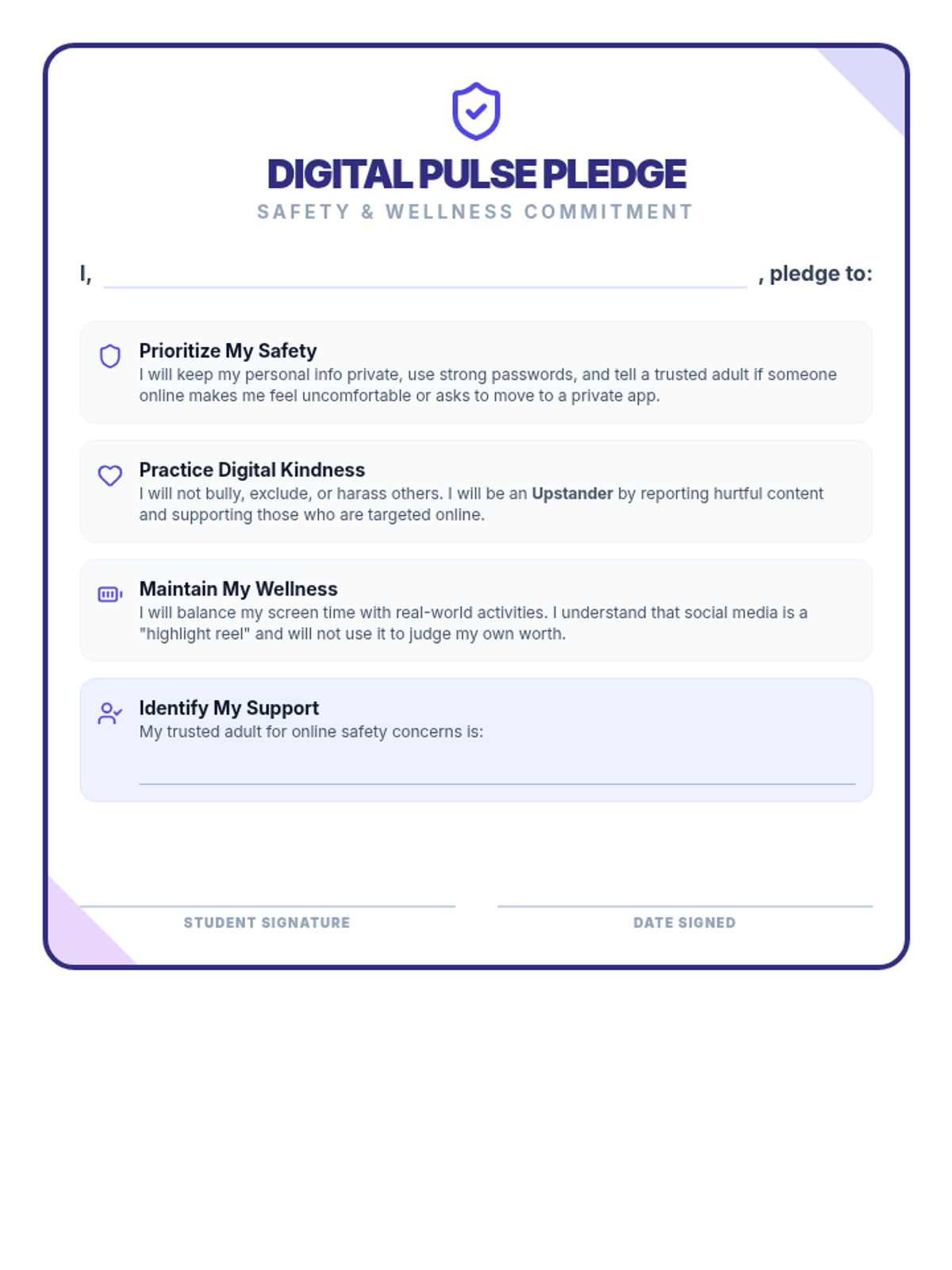
A formal Digital Safety Pledge for students. Revised to fit onto a single page with corrected field lines and improved decorative placement.
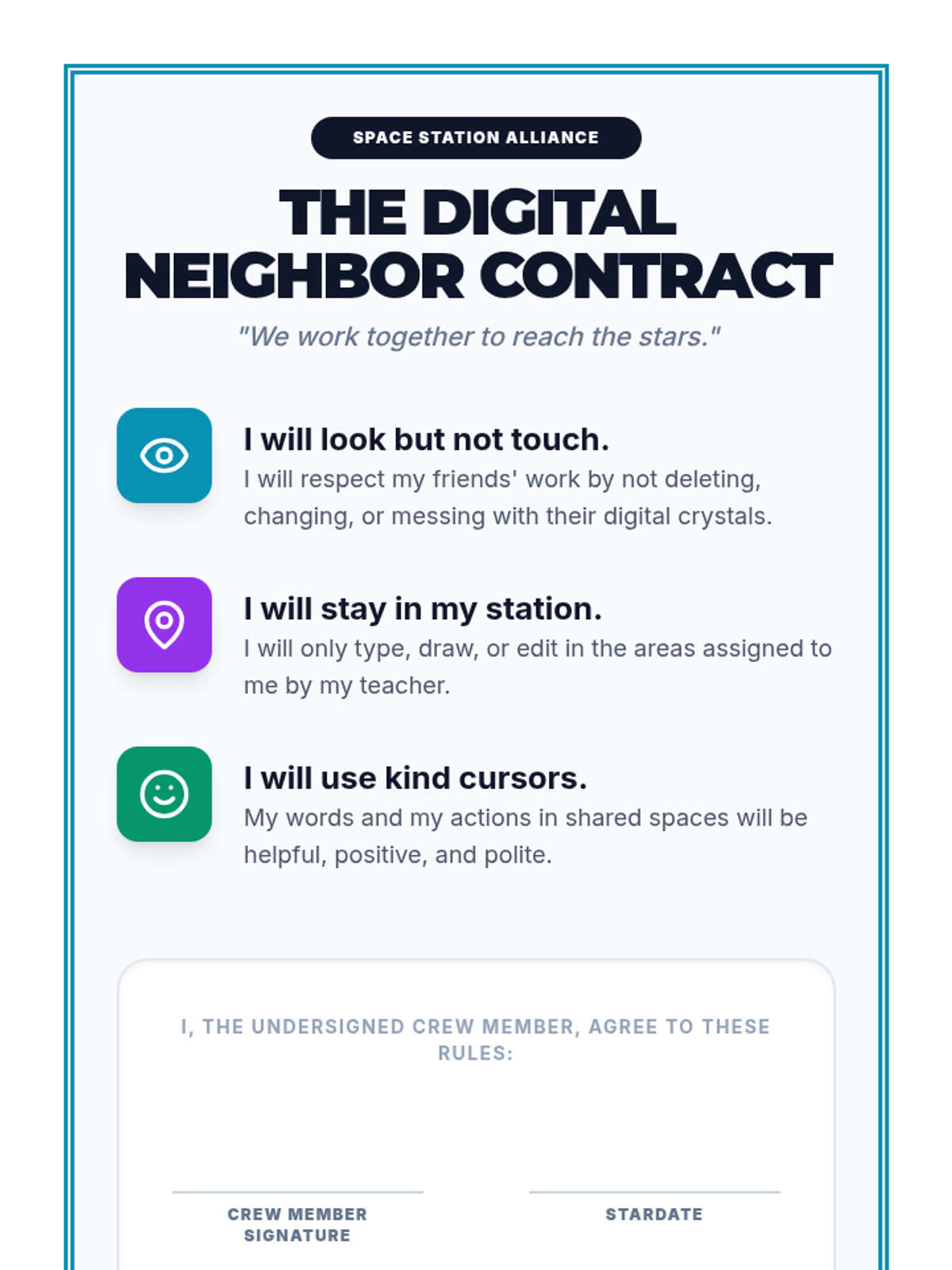
A formal 'Digital Neighbor Contract' for 2nd-grade students to sign, reinforcing the rules of collaborative digital work and etiquette. Designed for print and display.
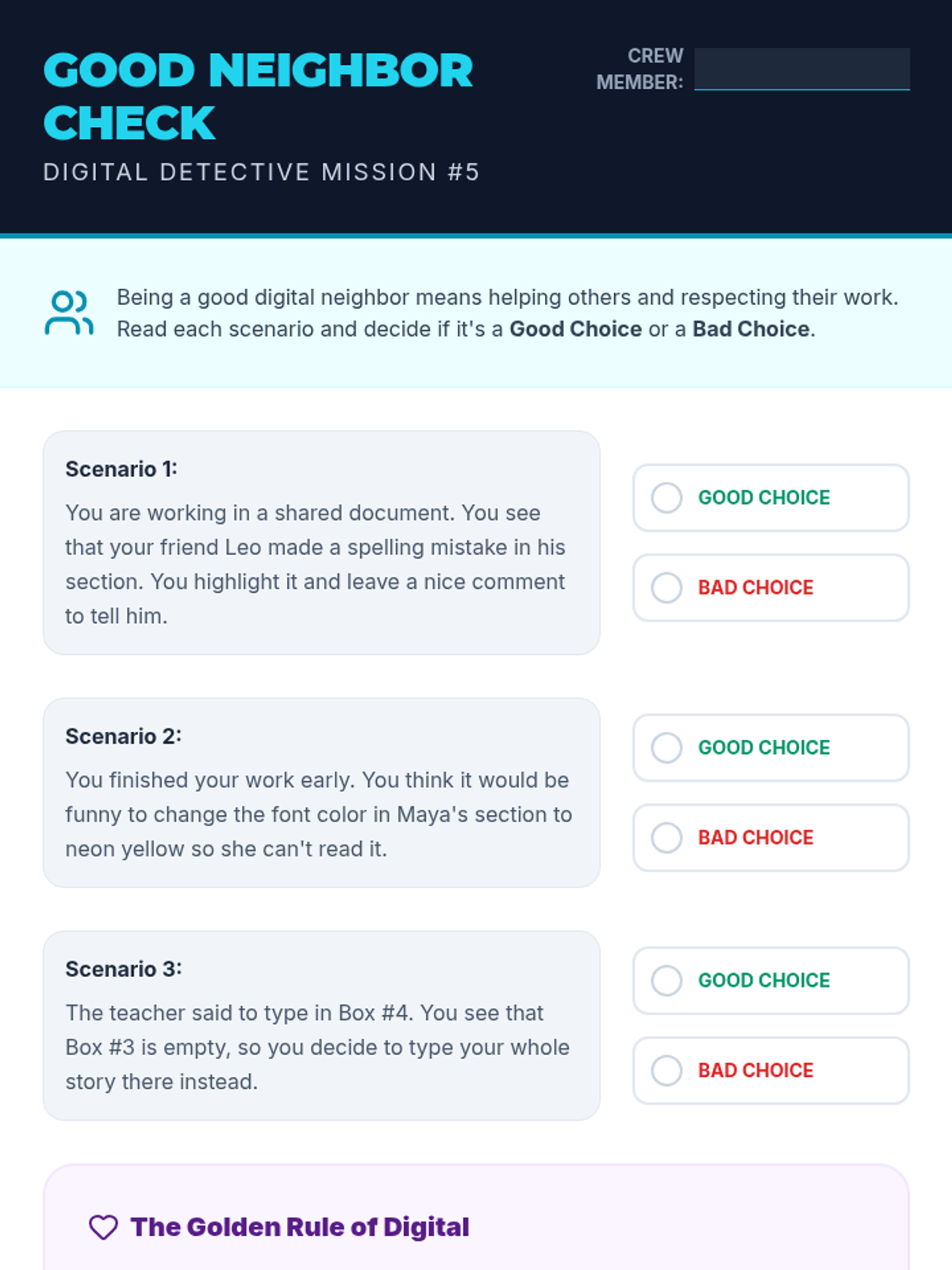
A digital etiquette worksheet for 2nd graders. Features scenarios of collaborating in shared documents and asks students to identify good vs bad choices.
A slide deck for 2nd graders on digital collaboration. Covers the basics of shared documents, real-time editing visibility (cursors), and the 'Rules of the Room' for digital etiquette.
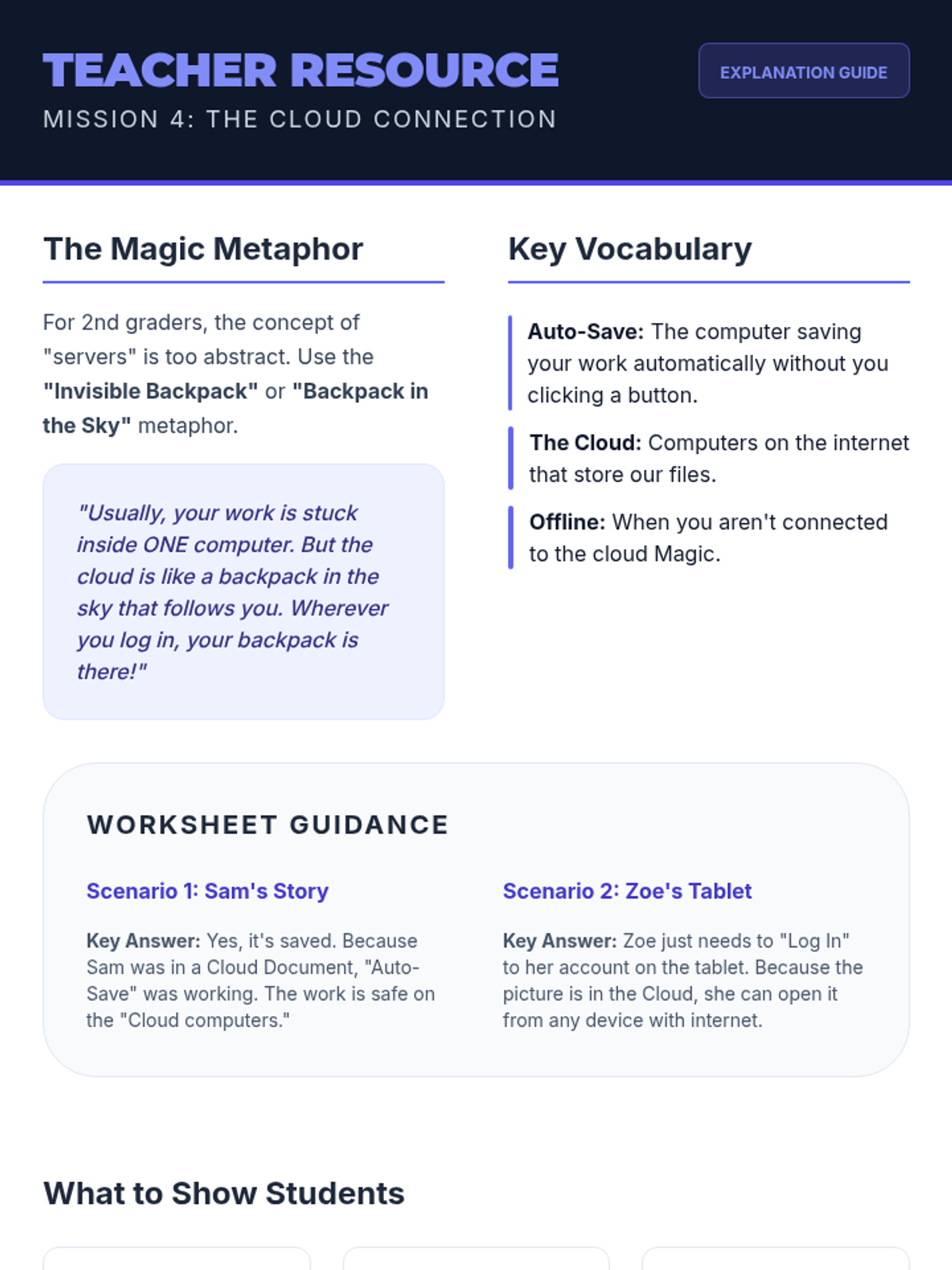
Teacher resource for teaching cloud storage concepts to 2nd graders. Includes metaphors, vocabulary, answer guidance for the student worksheet, and visual checkpoints.
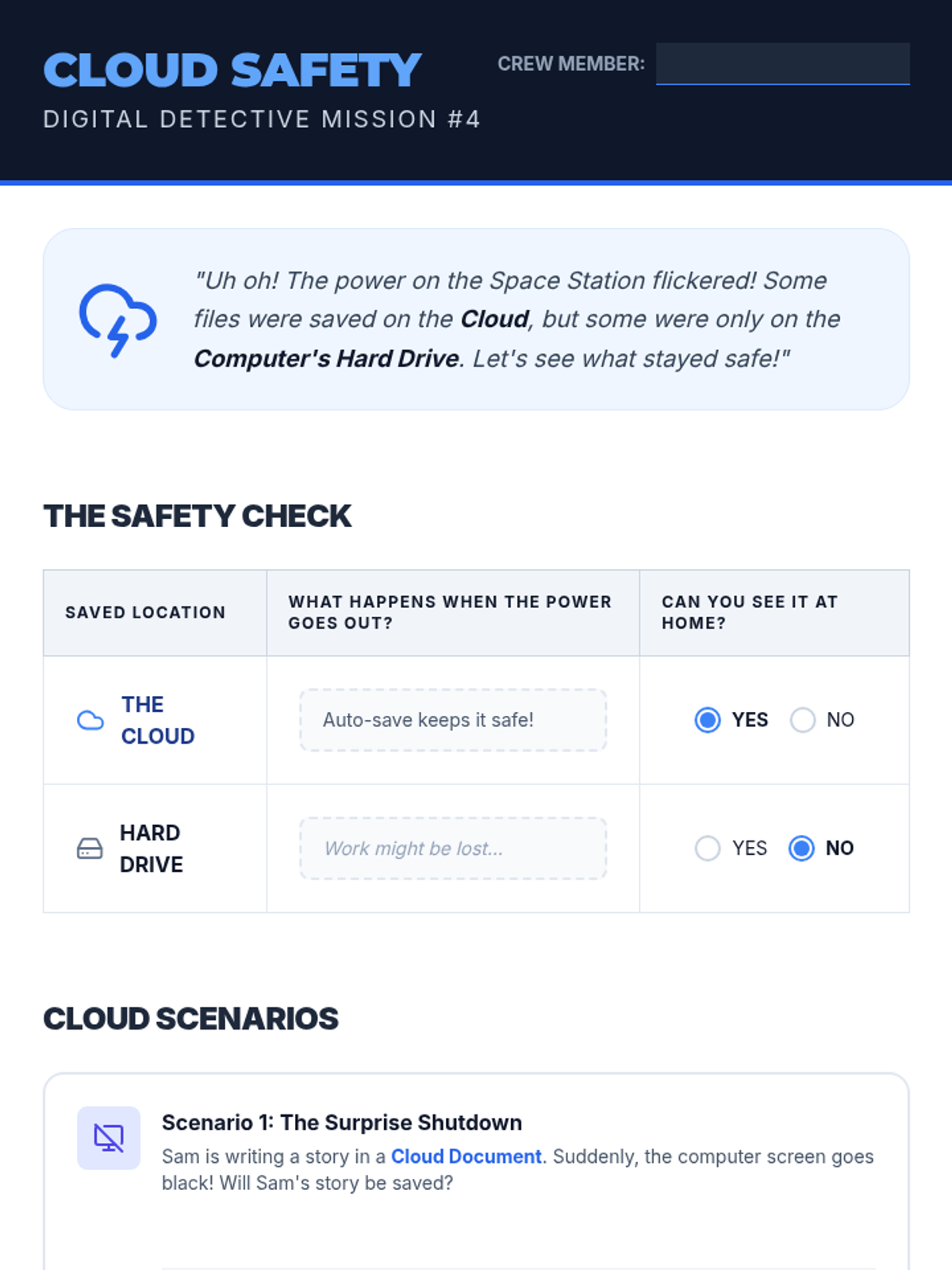
A 2nd-grade worksheet about cloud storage concepts. Includes a comparison between cloud and hard drive saving, and scenario-based questions to assess understanding.
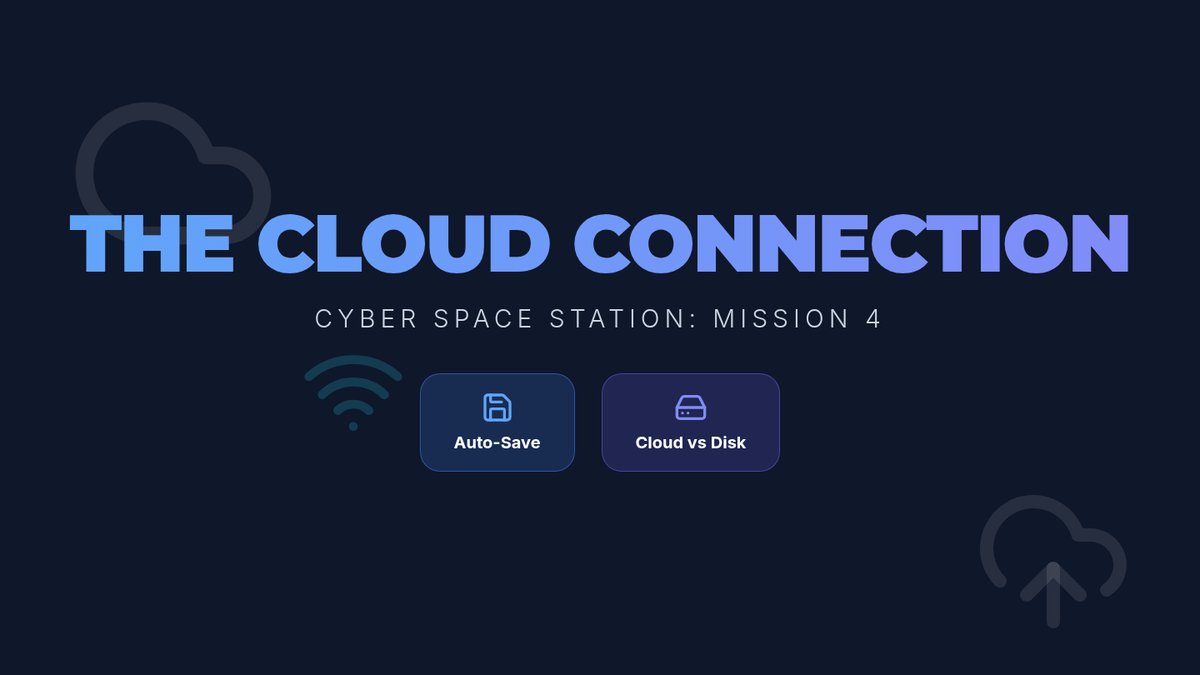
A slide deck for 2nd graders explaining cloud storage and the concept of auto-saving work. Uses metaphors and simple visuals to make abstract concepts understandable.
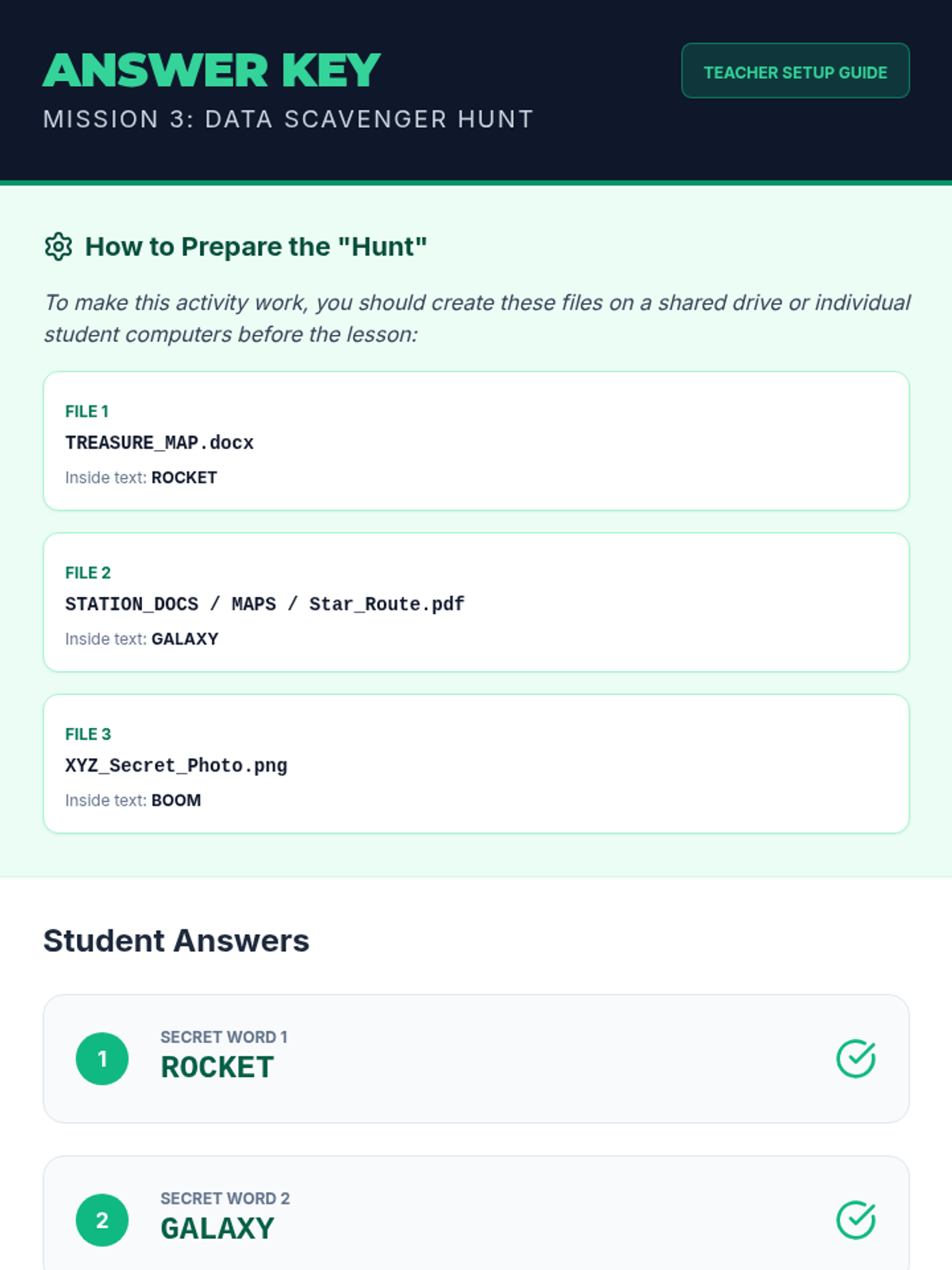
Answer key and setup guide for the Data Scavenger Hunt activity. Provides instructions on how to prepare the hidden files for students.
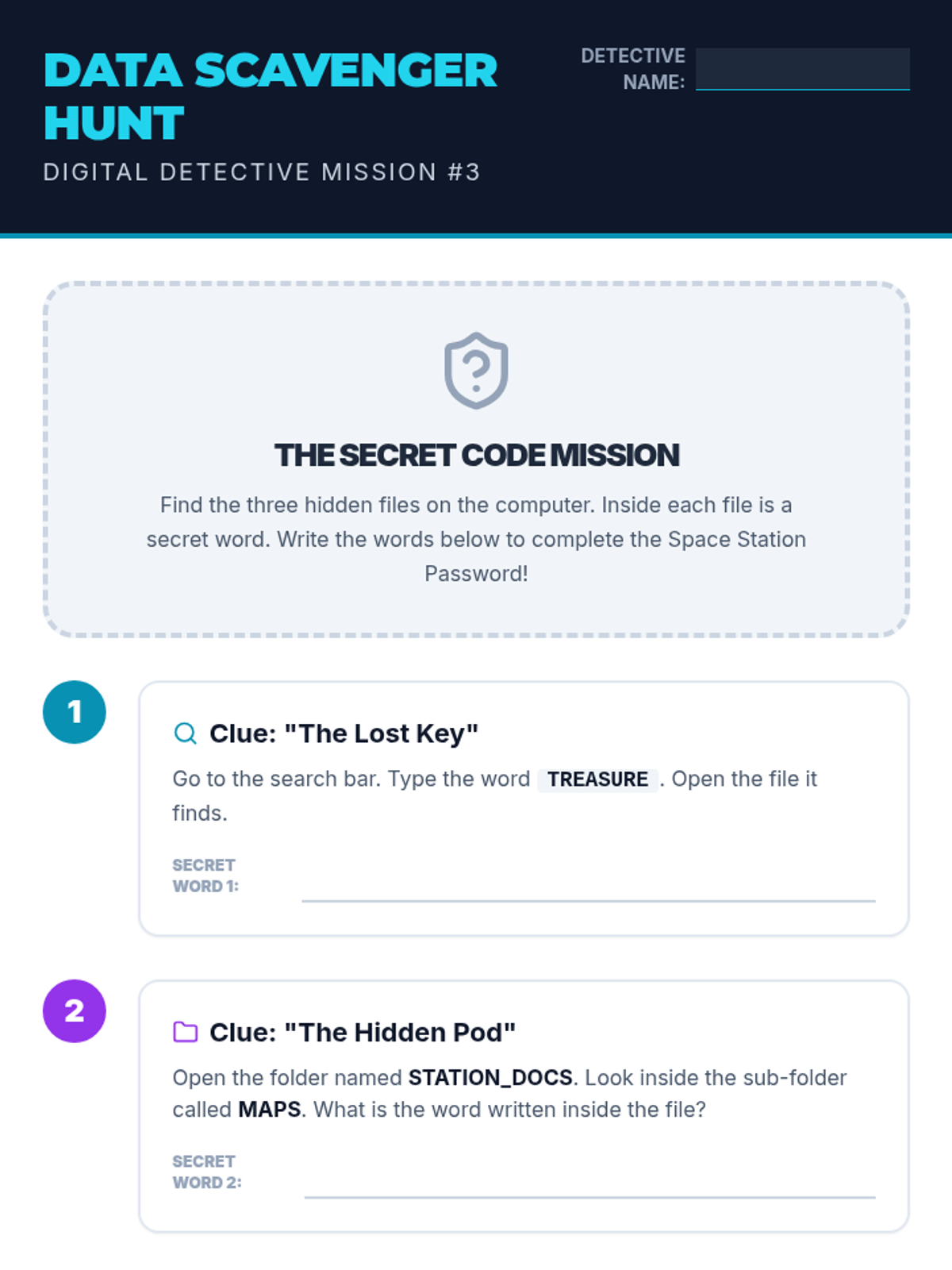
A scavenger hunt worksheet where 2nd-grade students use search tools and folder navigation to find 'secret files' and solve a puzzle. Requires teacher to set up files on student devices or simulate the experience.
A slide deck teaching 2nd graders how to use digital search tools and navigate folder structures. Uses a 'Scavenger Hunt' theme to make file retrieval engaging.
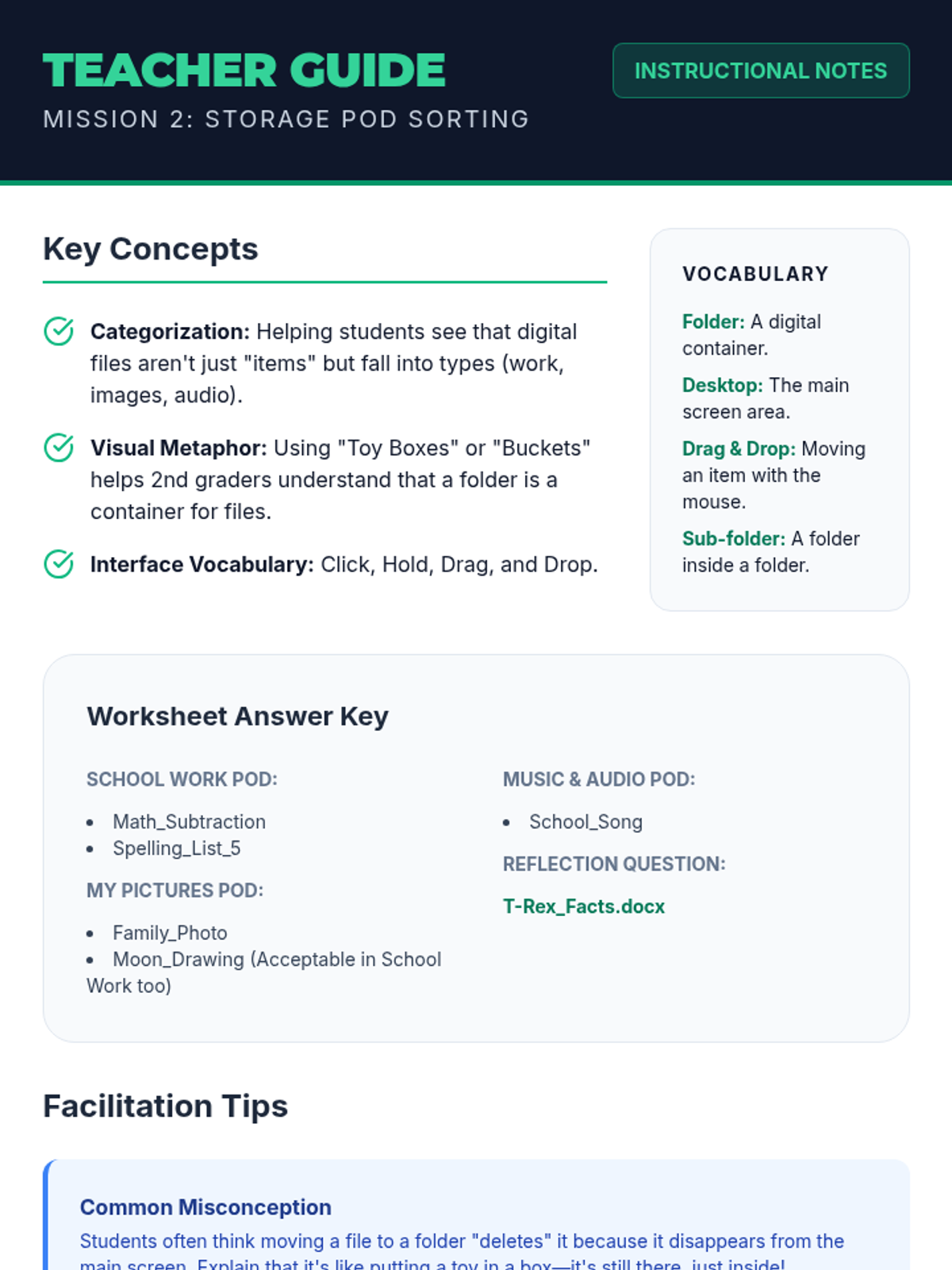
Teacher guide for the Storage Pod Sorting lesson. Includes key concepts, vocabulary, answer key for student worksheet, and facilitation tips for 2nd-grade digital literacy.
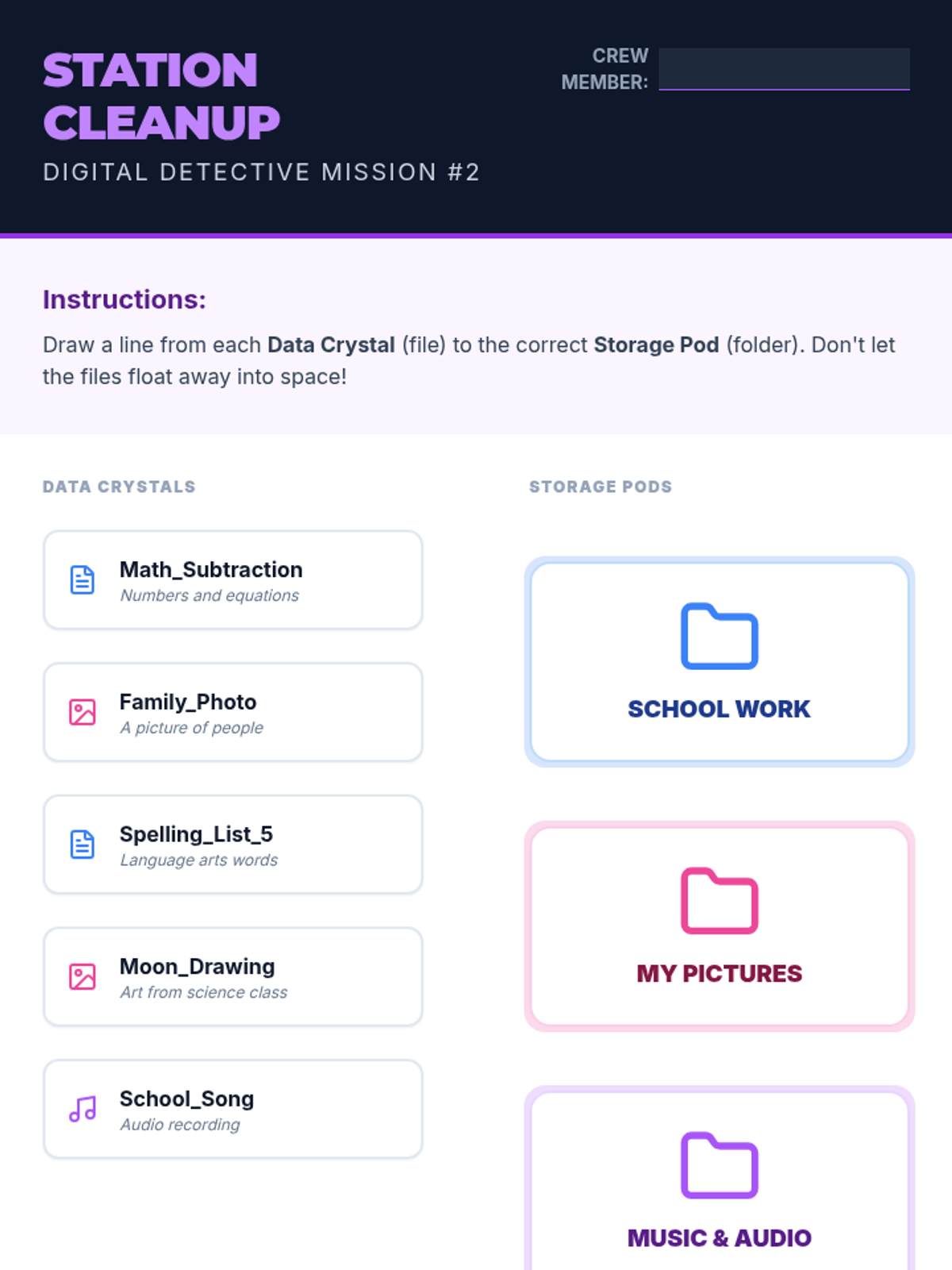
A 2nd-grade matching activity where students practice categorizing files (Data Crystals) into themed folders (Storage Pods) to learn digital organization.
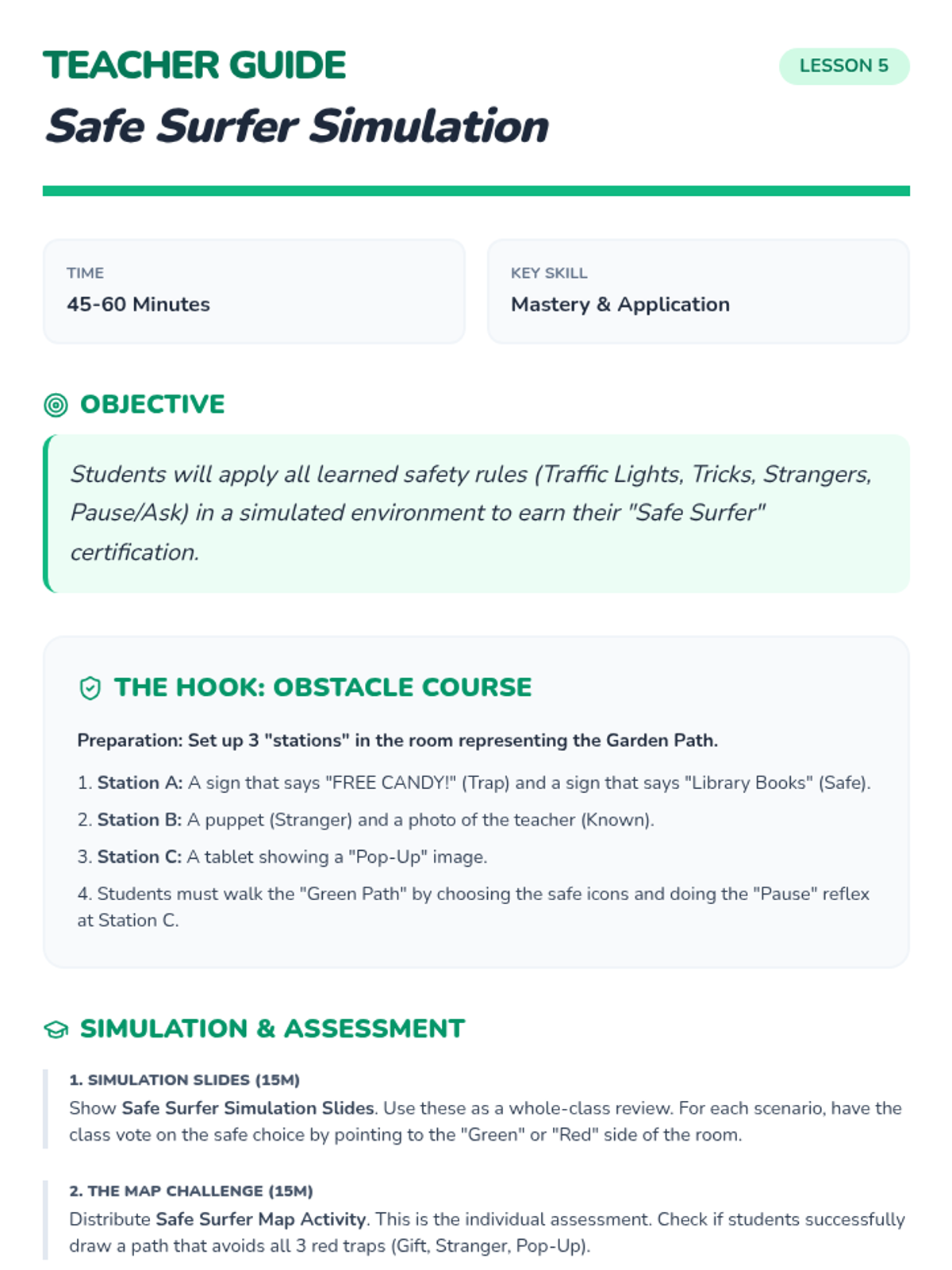
Teacher lesson guide for the final simulation and certification, providing a recap of all safety rules and assessment instructions.
A slide deck for 2nd graders explaining folder creation and file organization using a 'Storage Pod' theme. Covers the concept of digital organization and drag-and-drop actions.
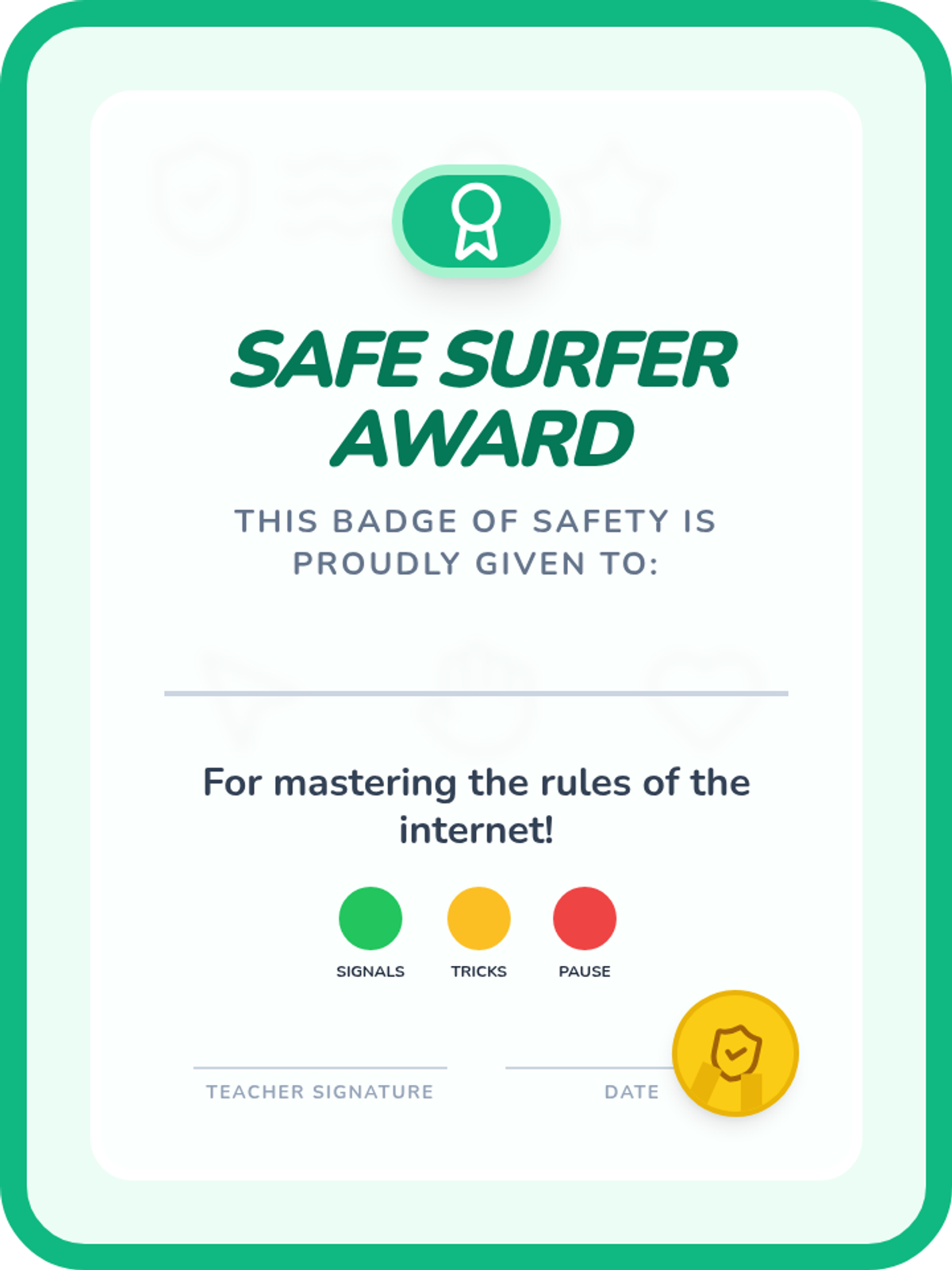
A printable graduation certificate for Kindergarteners who complete the Online Safety Signals sequence.
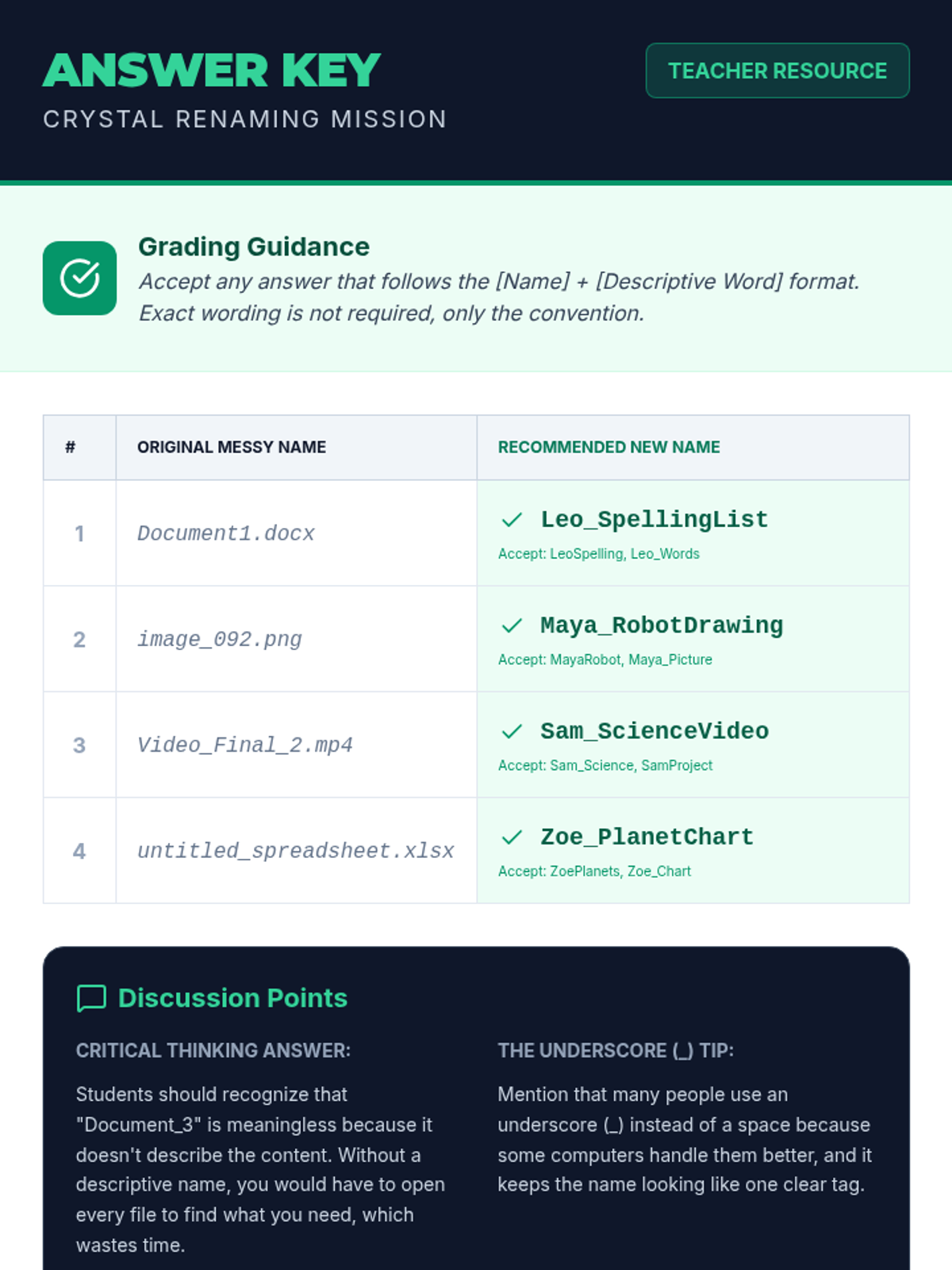
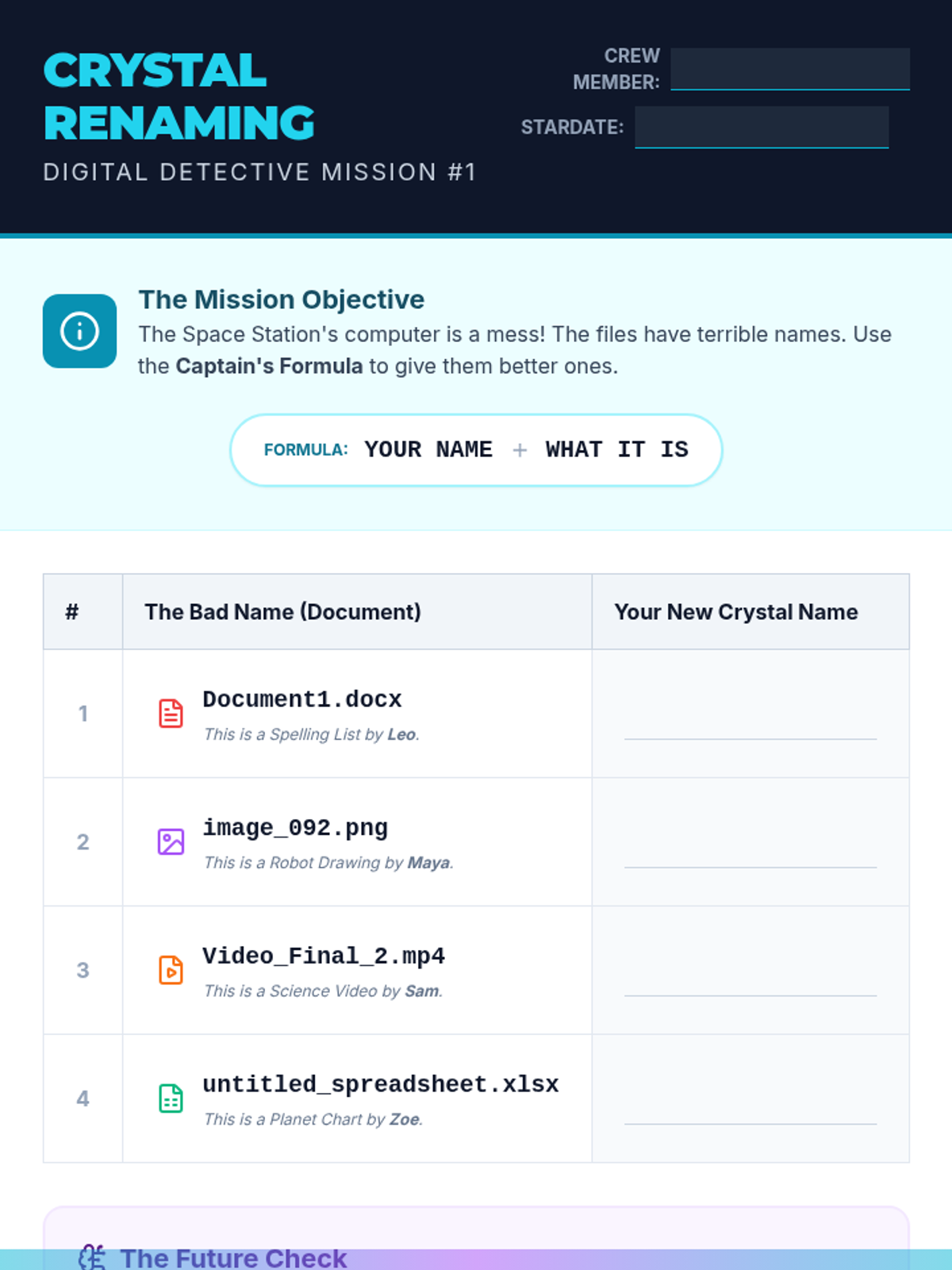
Answer key and teacher guide for the Crystal Renaming Worksheet. Includes grading guidance and discussion points for 2nd-grade teachers.
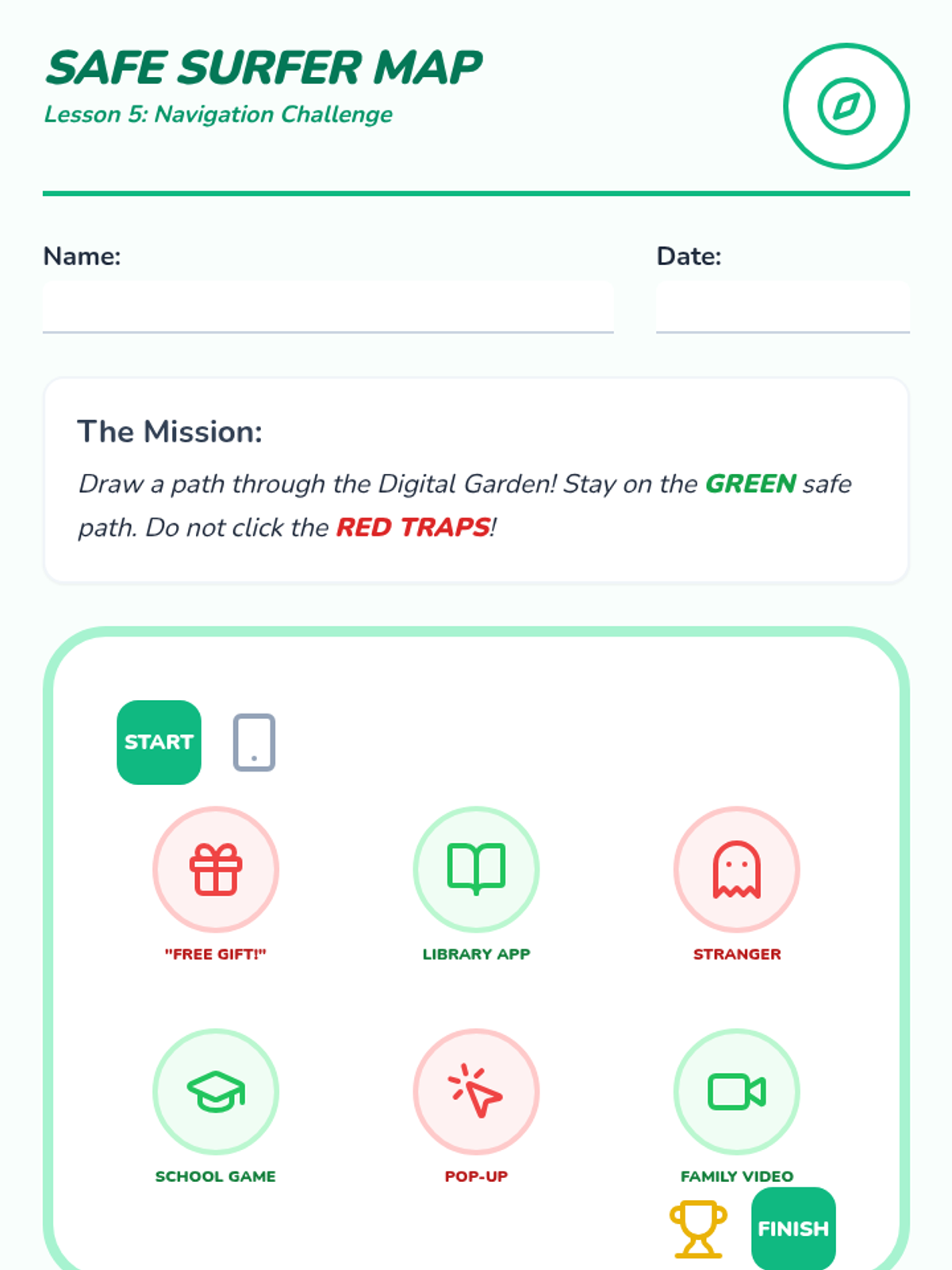
A Kindergarten map activity where students draw a path through safe digital "zones" while avoiding tricky traps.
A 2nd-grade worksheet where students practice renaming files from generic names to descriptive names following a 'Name_Assignment' convention.
Visual slide deck for Lesson 5 including final assessment scenarios and the "Safe Surfer Promise."
A slide deck introducing 2nd-grade students to the importance of file naming using a 'Cyber Space Station' theme. Explains the 'Name_Assignment' naming convention.
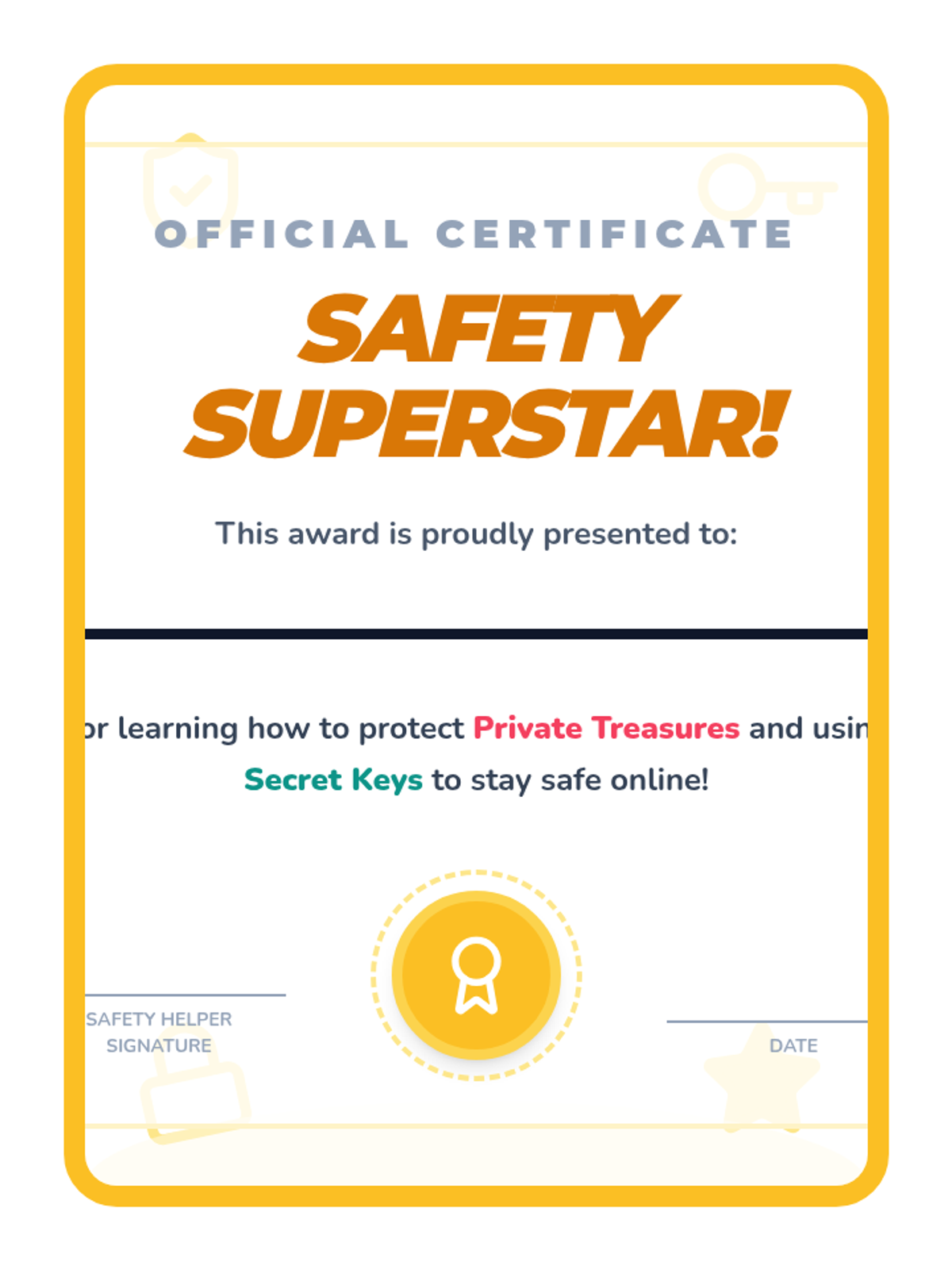
A celebratory certificate for students who complete the Safety Superstars sequence.
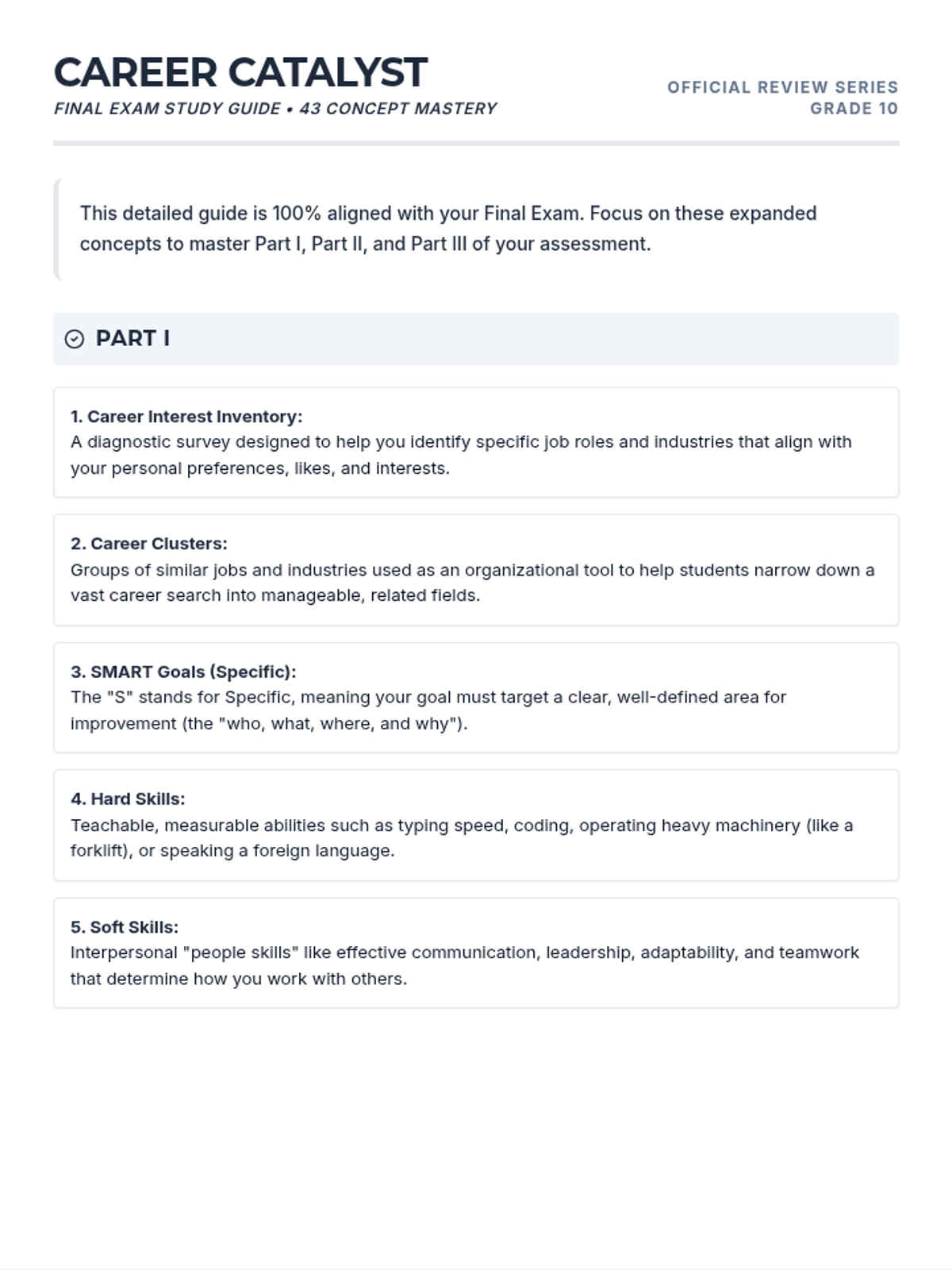
A revised 5-page study guide with shortened headers (Part I, Part II, Part III) and detailed concept definitions, fully aligned with the final exam structure. Question #43 updated to focus on professional legacy.
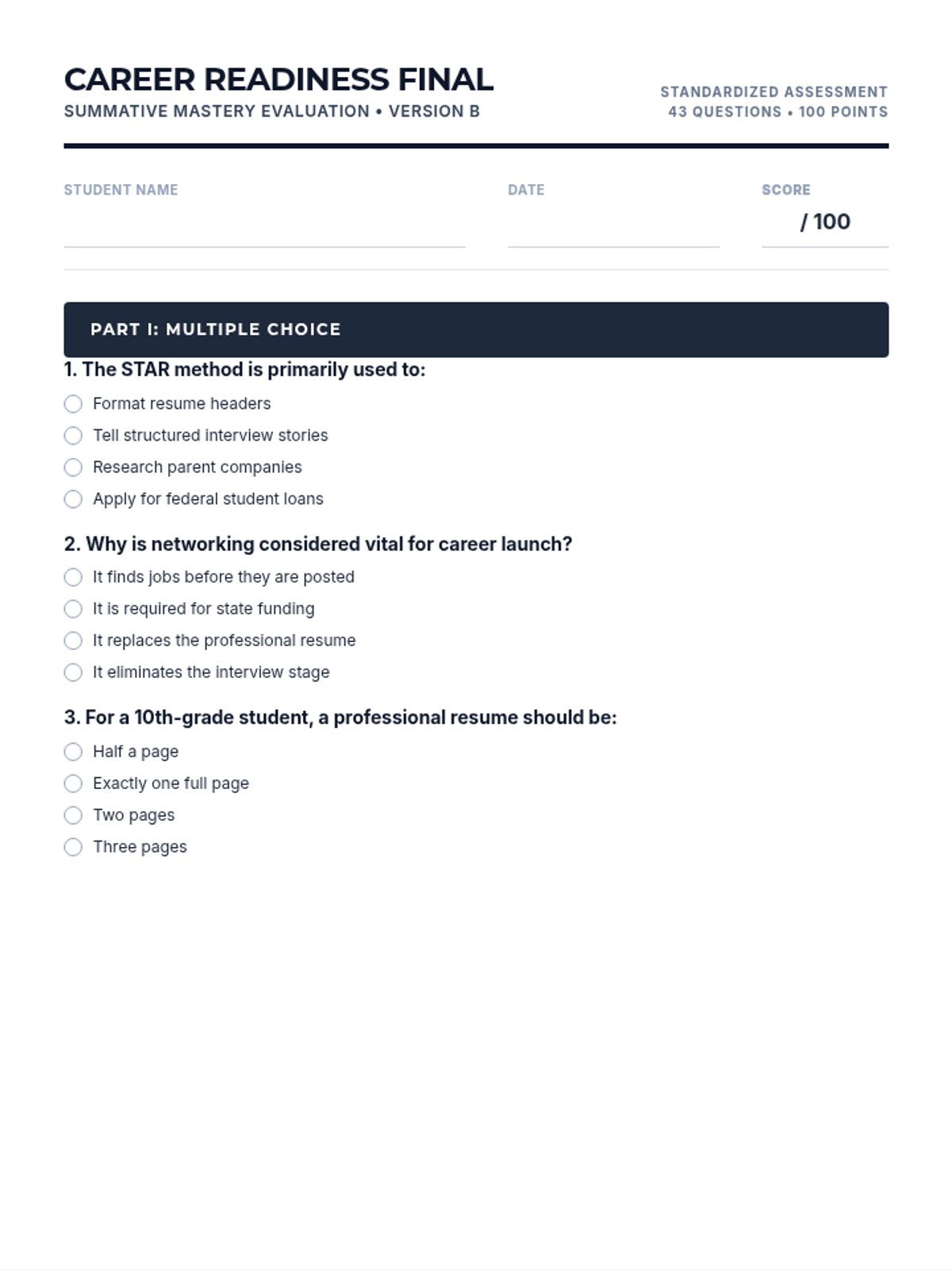
A high-quality printable version of the scrambled 43-question career readiness final exam with clear page breaks, consistent margins, and professional formatting. Version B. Fixed layout issues in Part II and updated Q43.
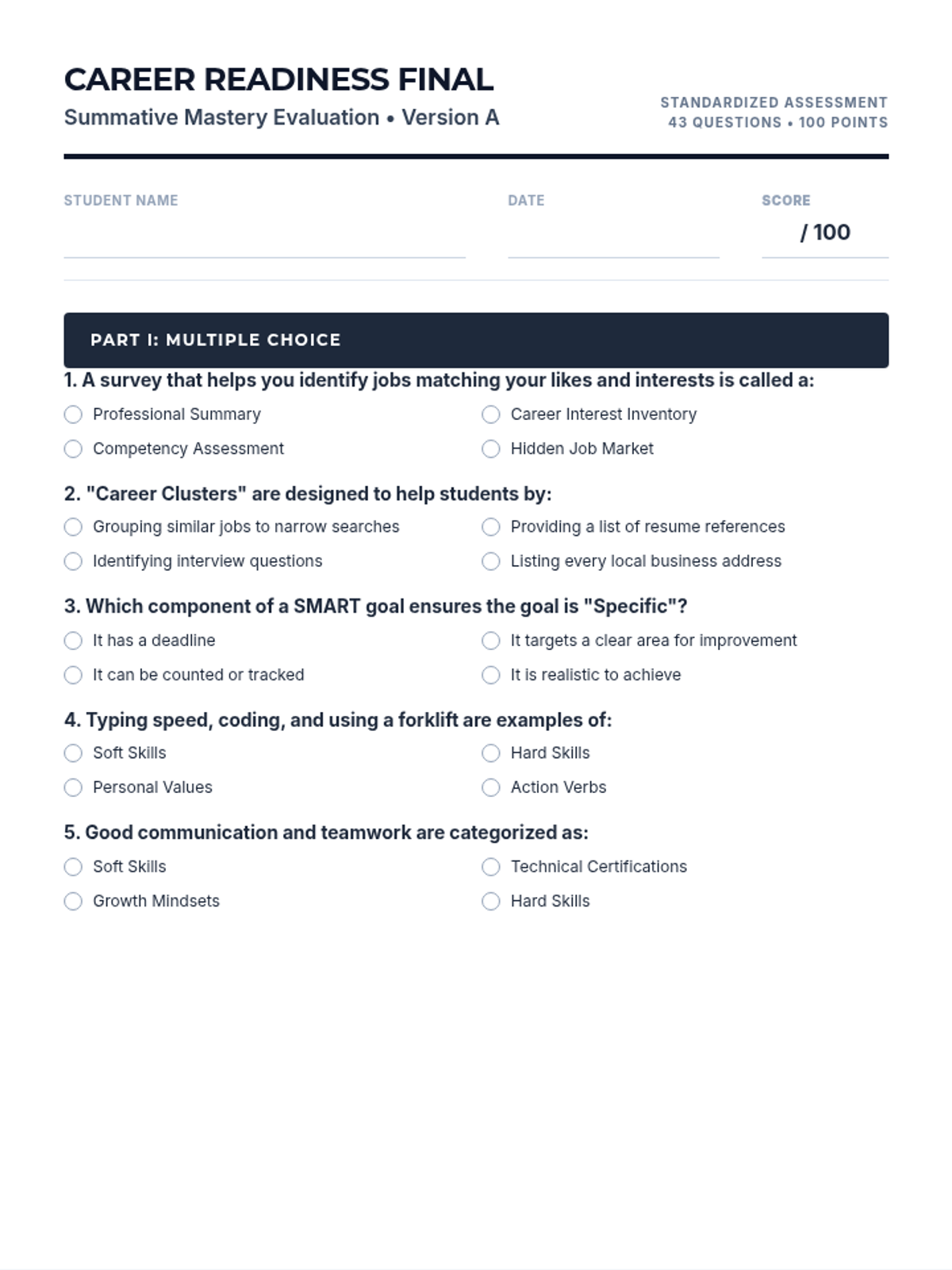
A finalized 43-question career readiness exam with standardized print margins, improved section header visibility, and question #43 updated to focus on professional legacy. Improved rendering for PDF export.