Fundamental hardware proficiency, secure online behavior, and ethical social media engagement. Equips learners with productivity tool mastery, web publishing skills, and critical evaluation of emerging technologies.
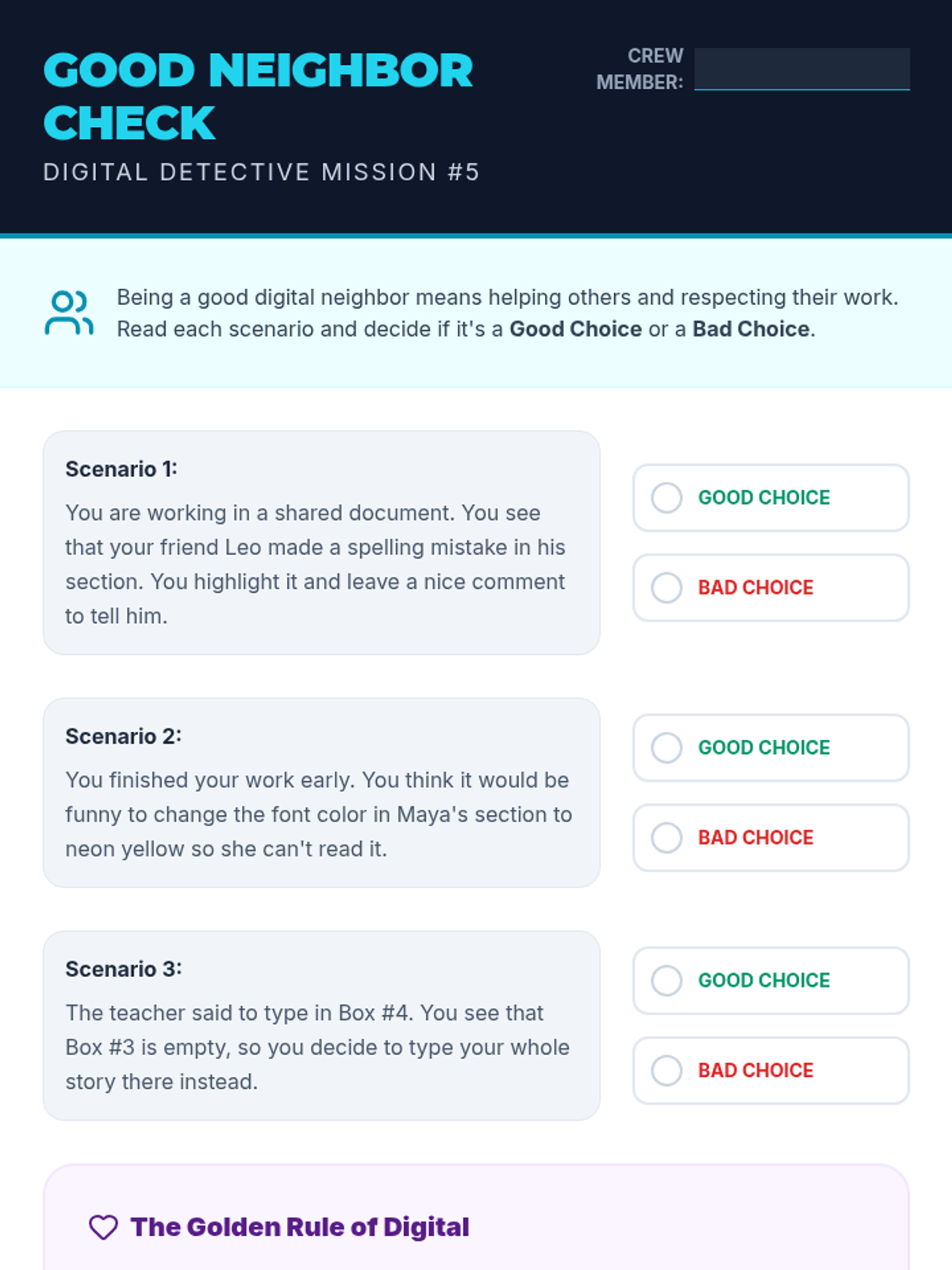
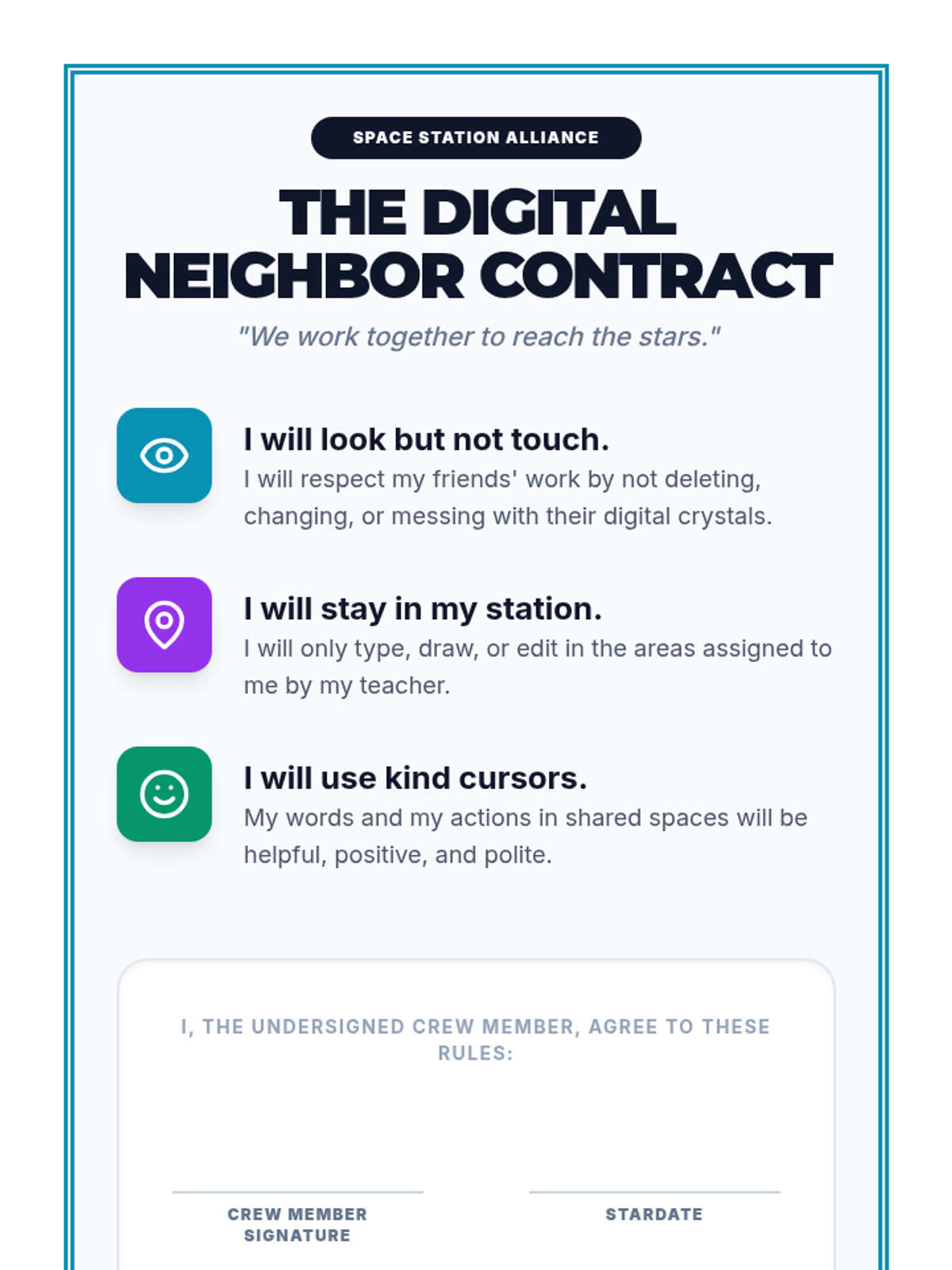
Students learn the rules of sharing digital spaces, focusing on collaborative editing and respecting others' work in a shared document.
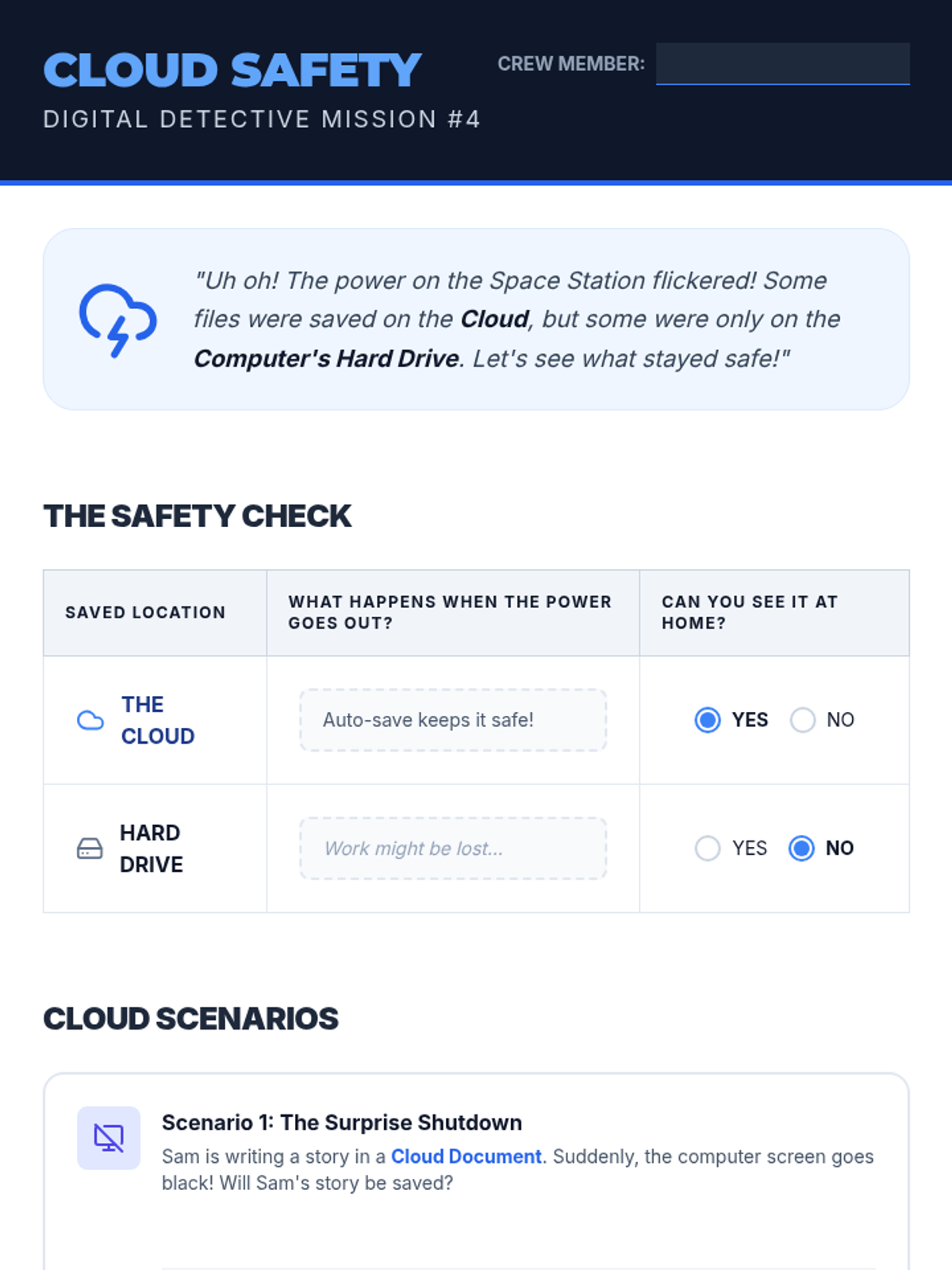
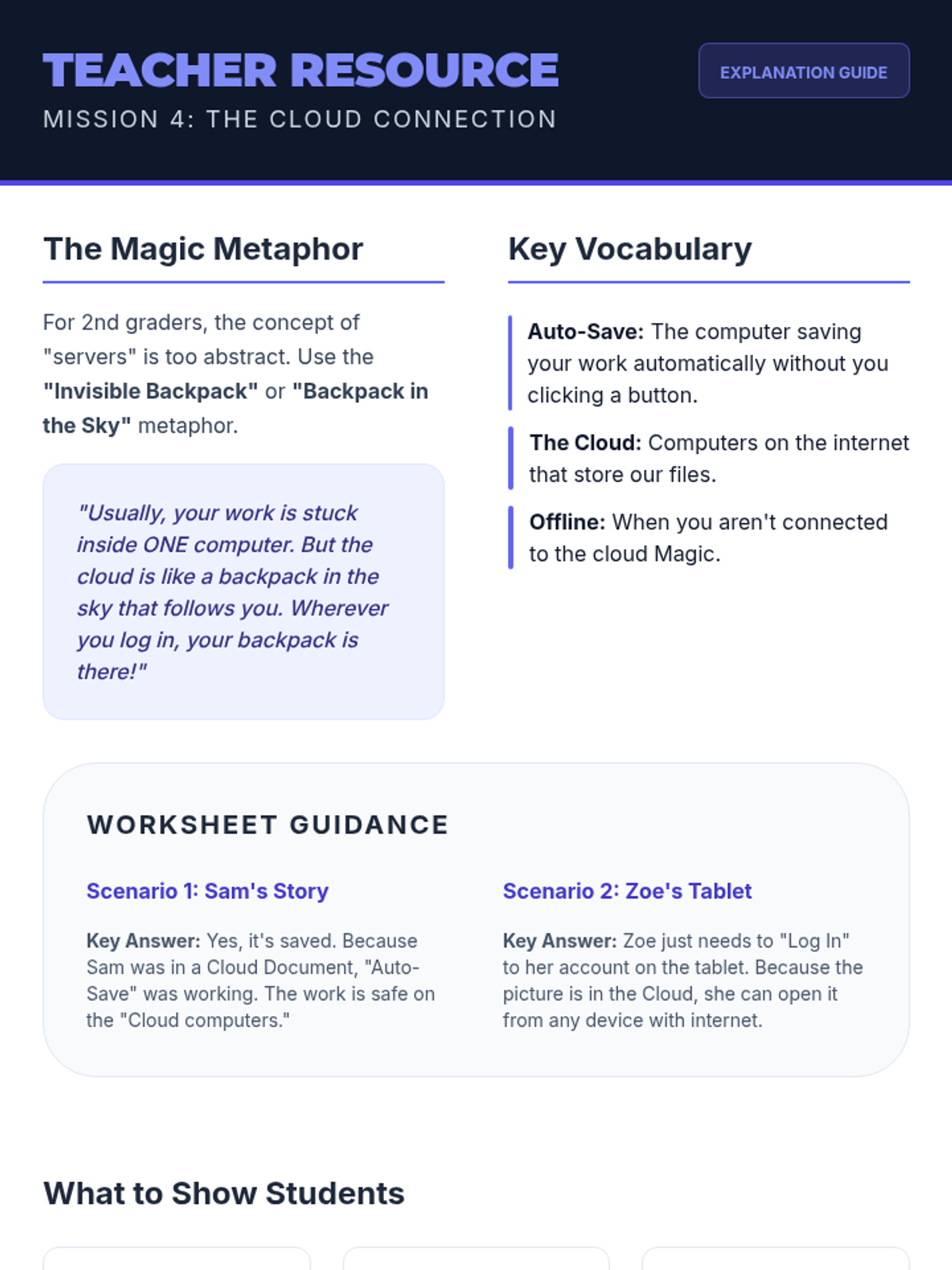
An introduction to cloud storage and the importance of saving work online to ensure accessibility across different devices.
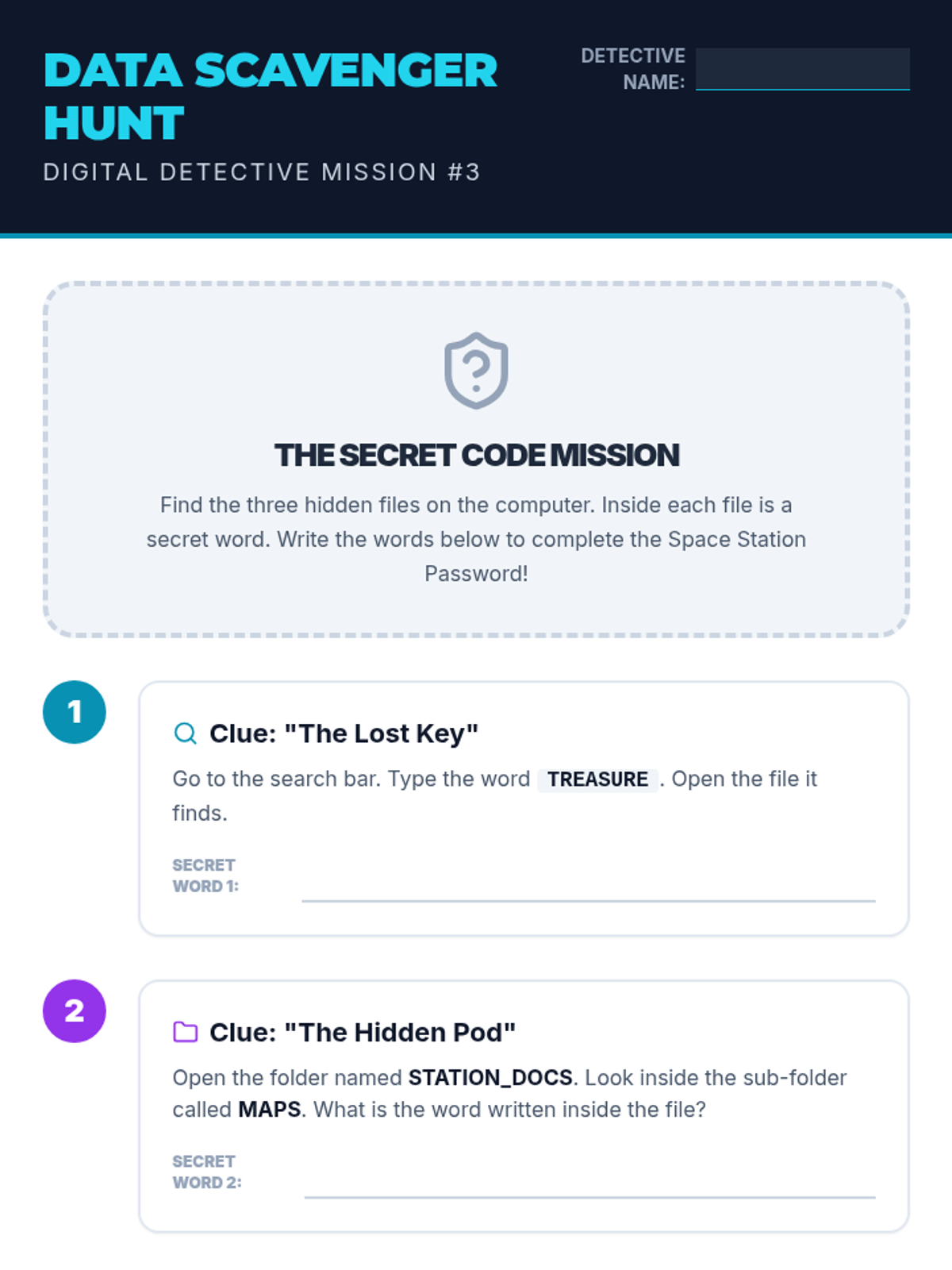
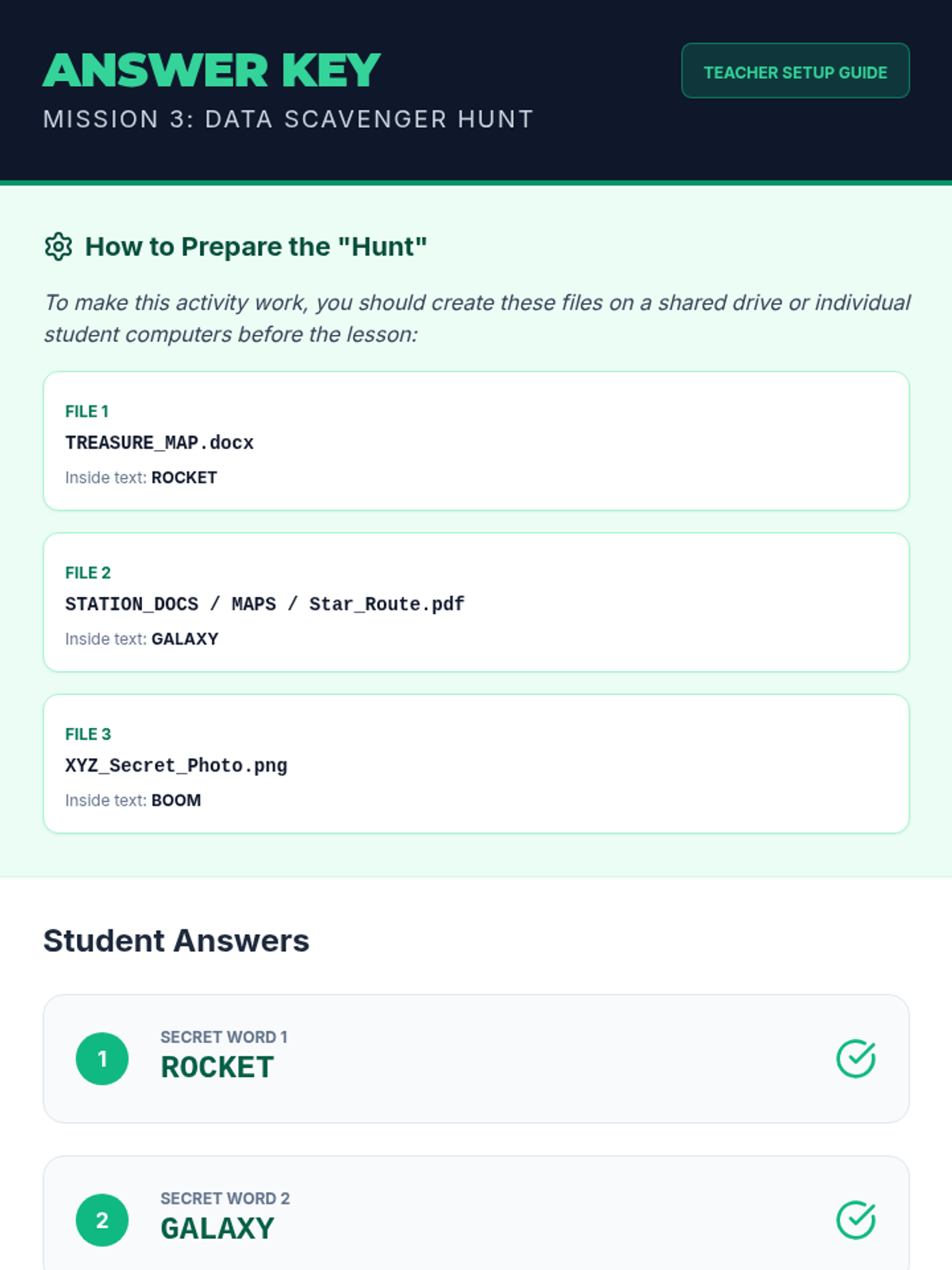
Students use search tools and folder navigation to find specific files in a simulated directory structure.
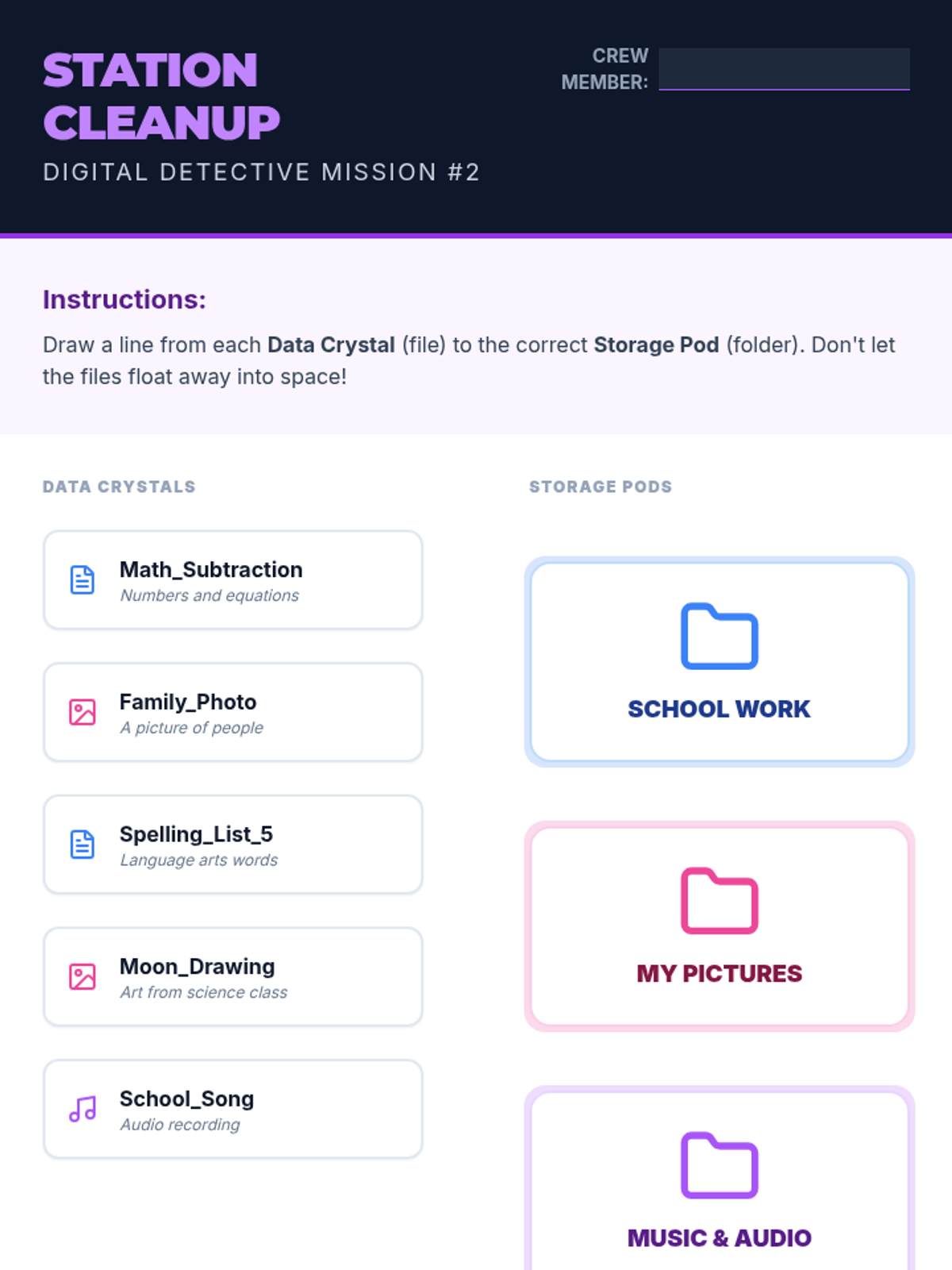
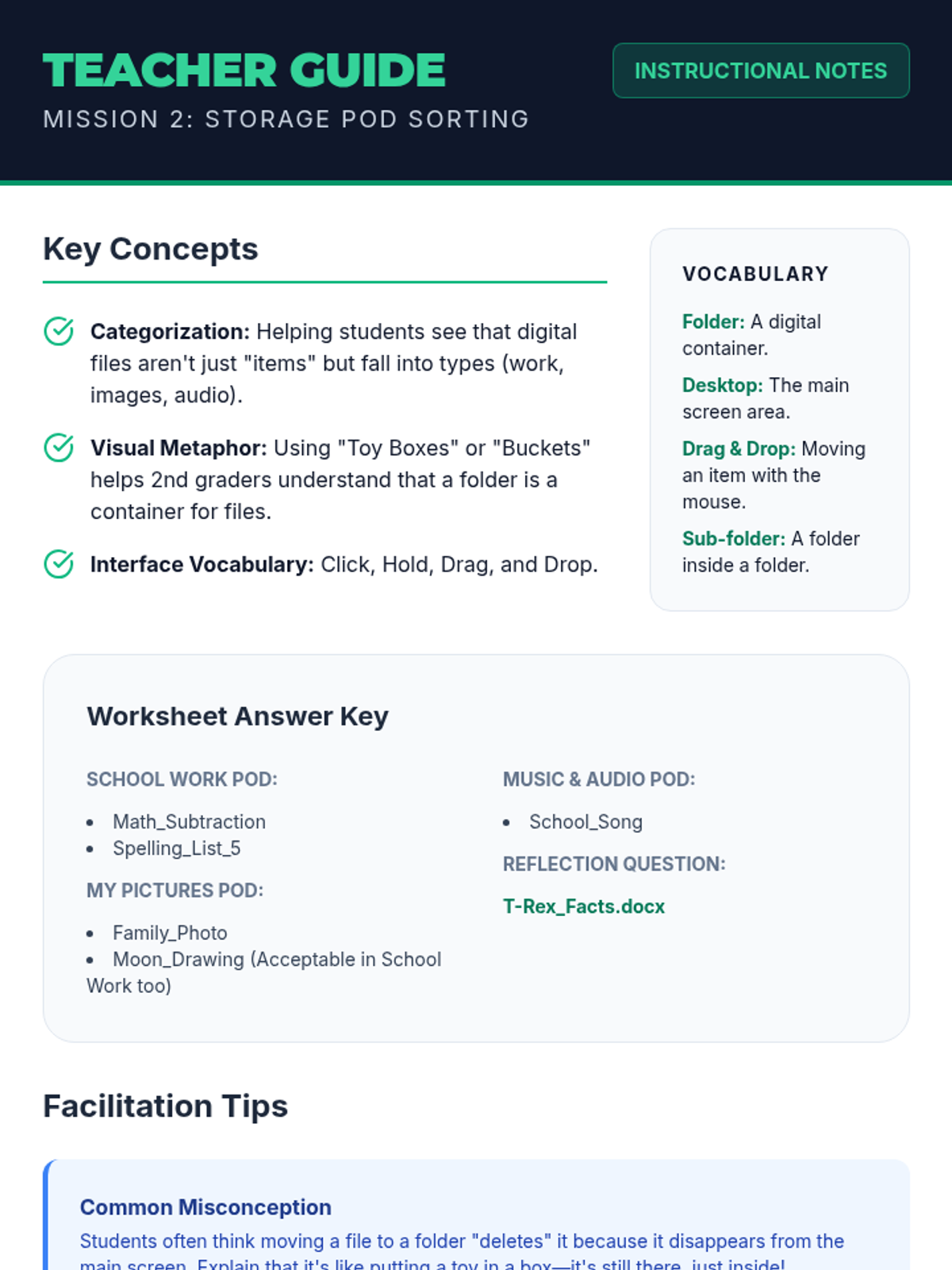
Learners practice creating storage pods (folders) and sorting data crystals (files) into categories using drag-and-drop concepts.
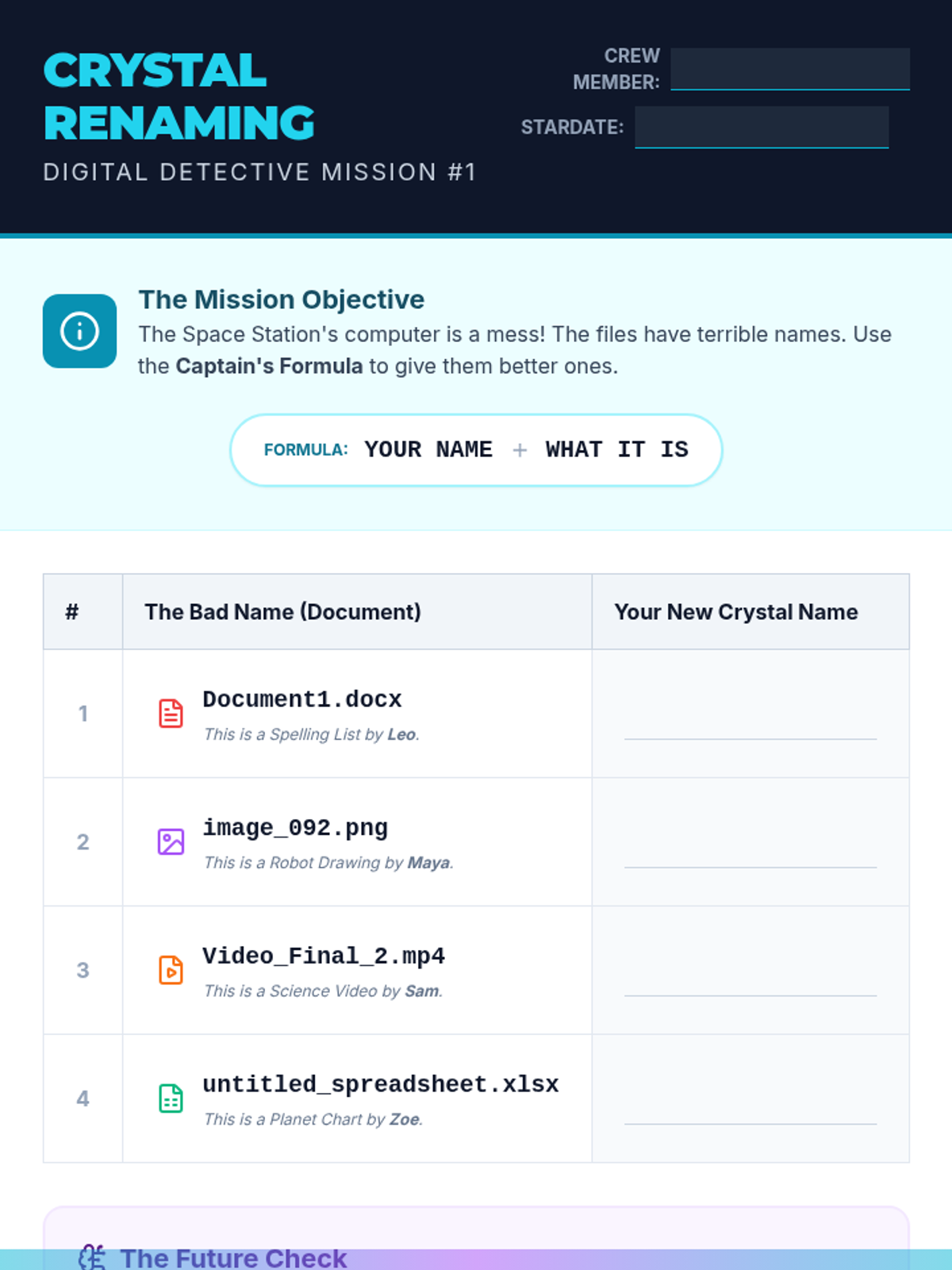
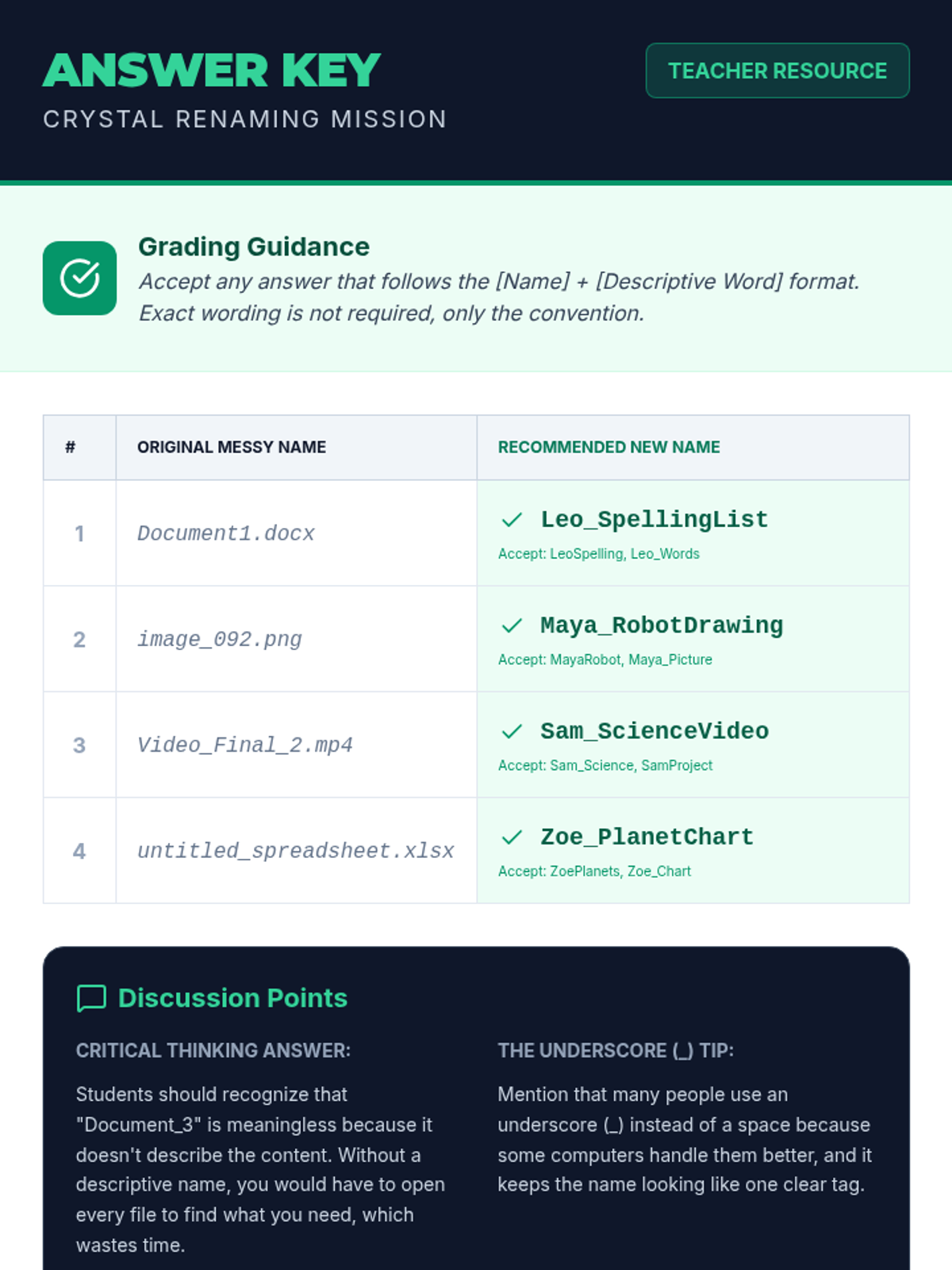
Students learn why specific file names are important and practice a naming convention (Name_Assignment) to keep their digital work identifiable.
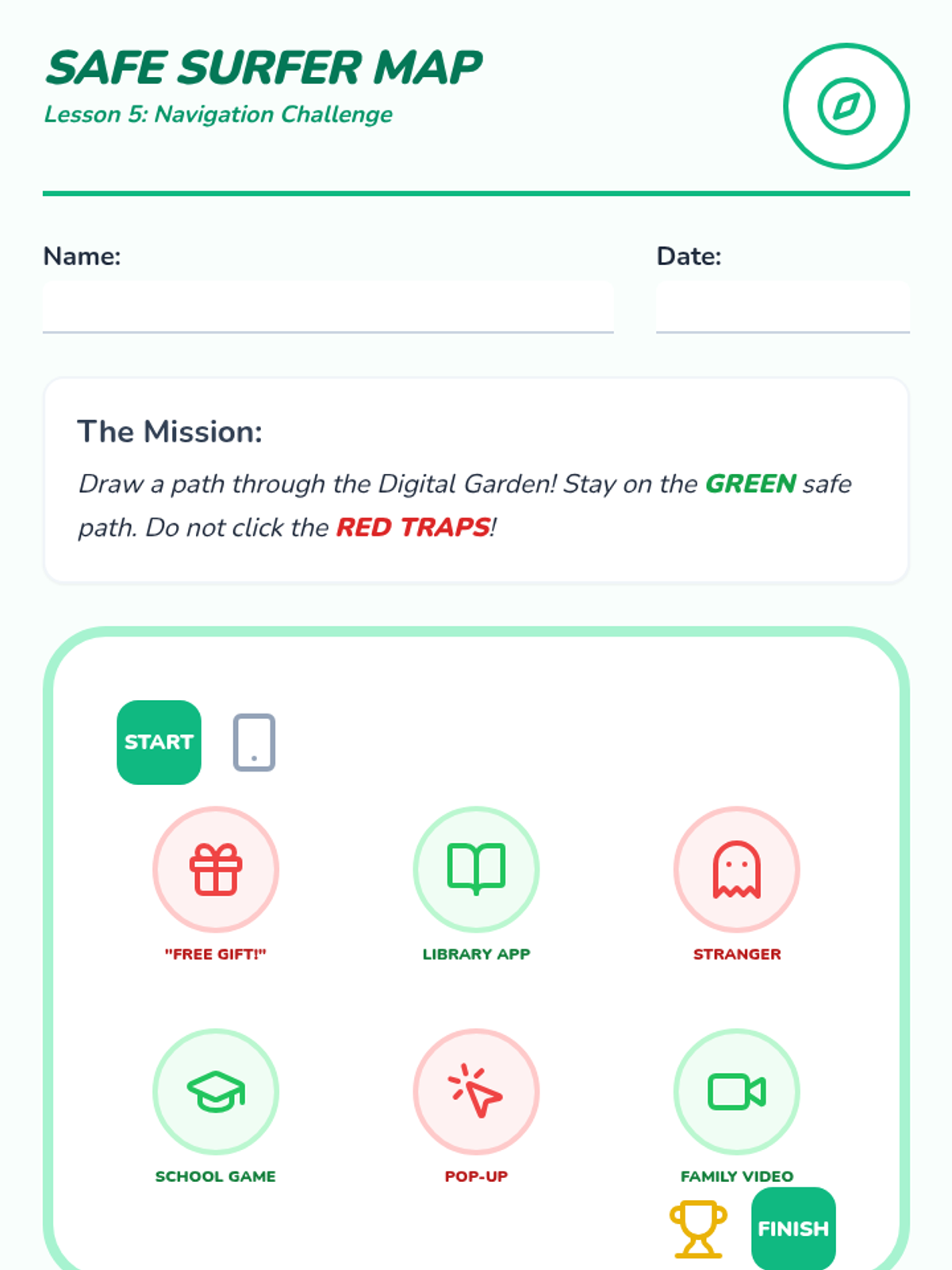
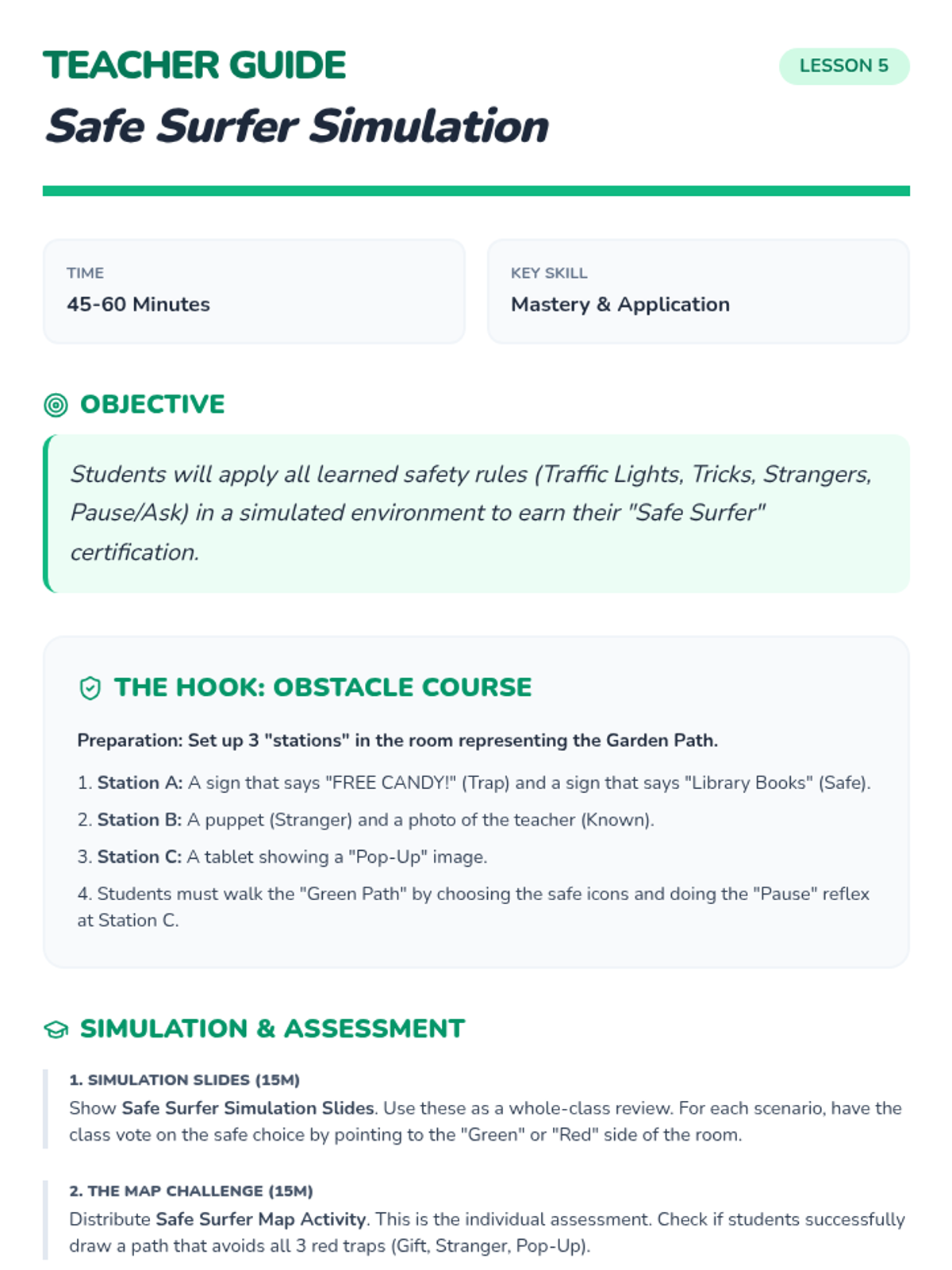
A final simulation where students apply their knowledge to navigate a safe digital environment and earn their 'Safe Surfer' certificate.
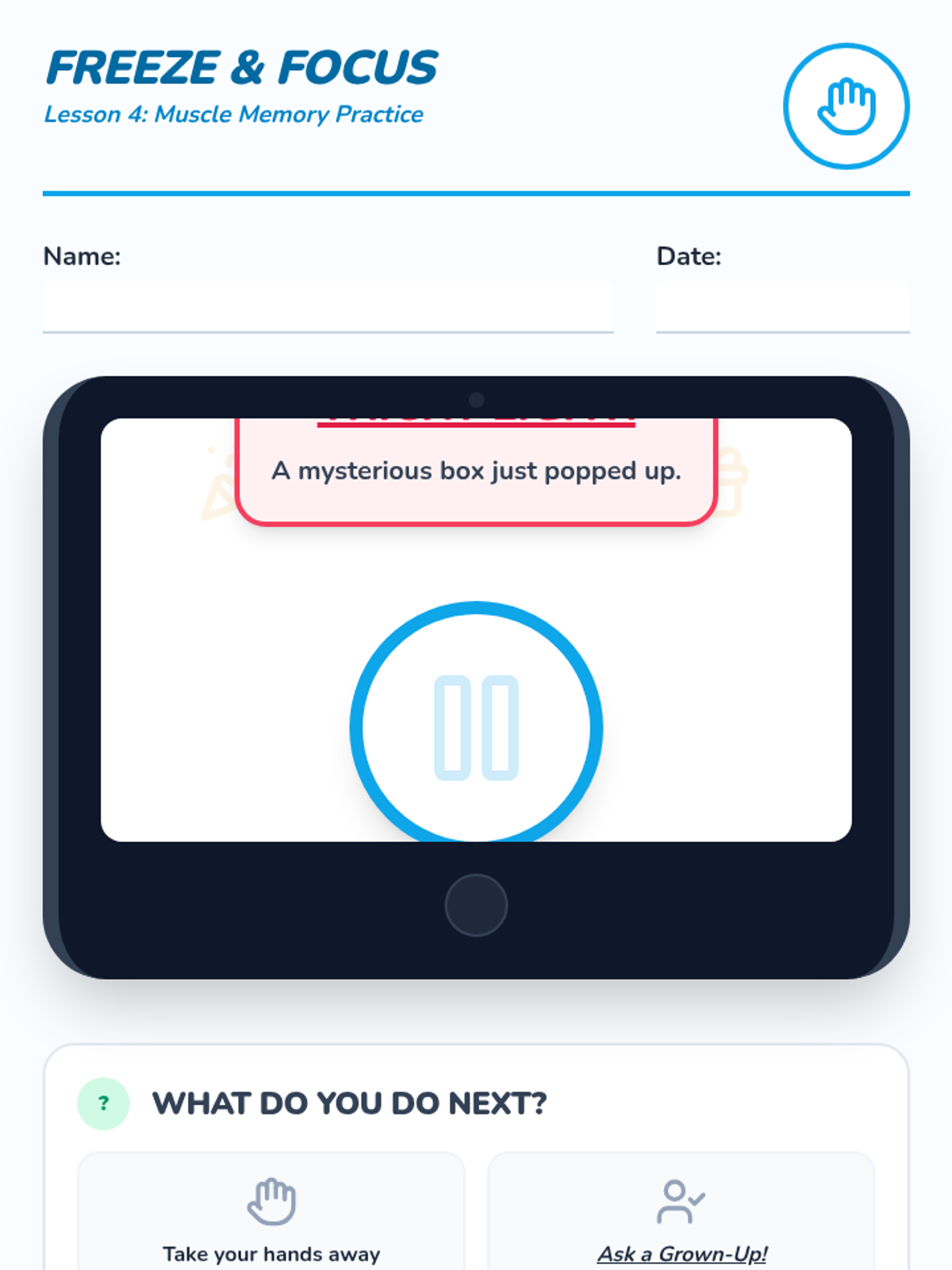
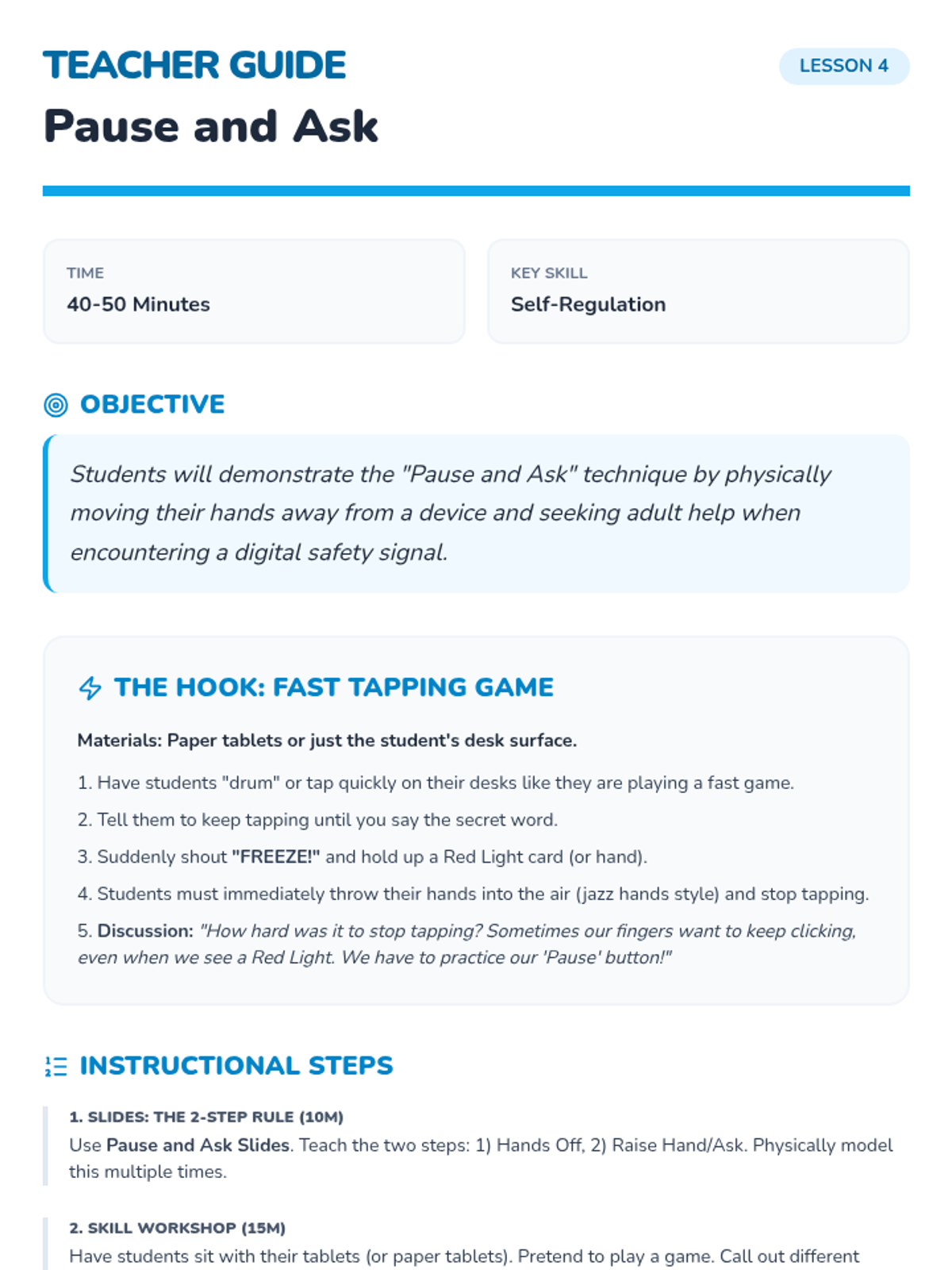
Students build muscle memory for the 'Pause and Ask' technique to handle unexpected or scary online encounters.
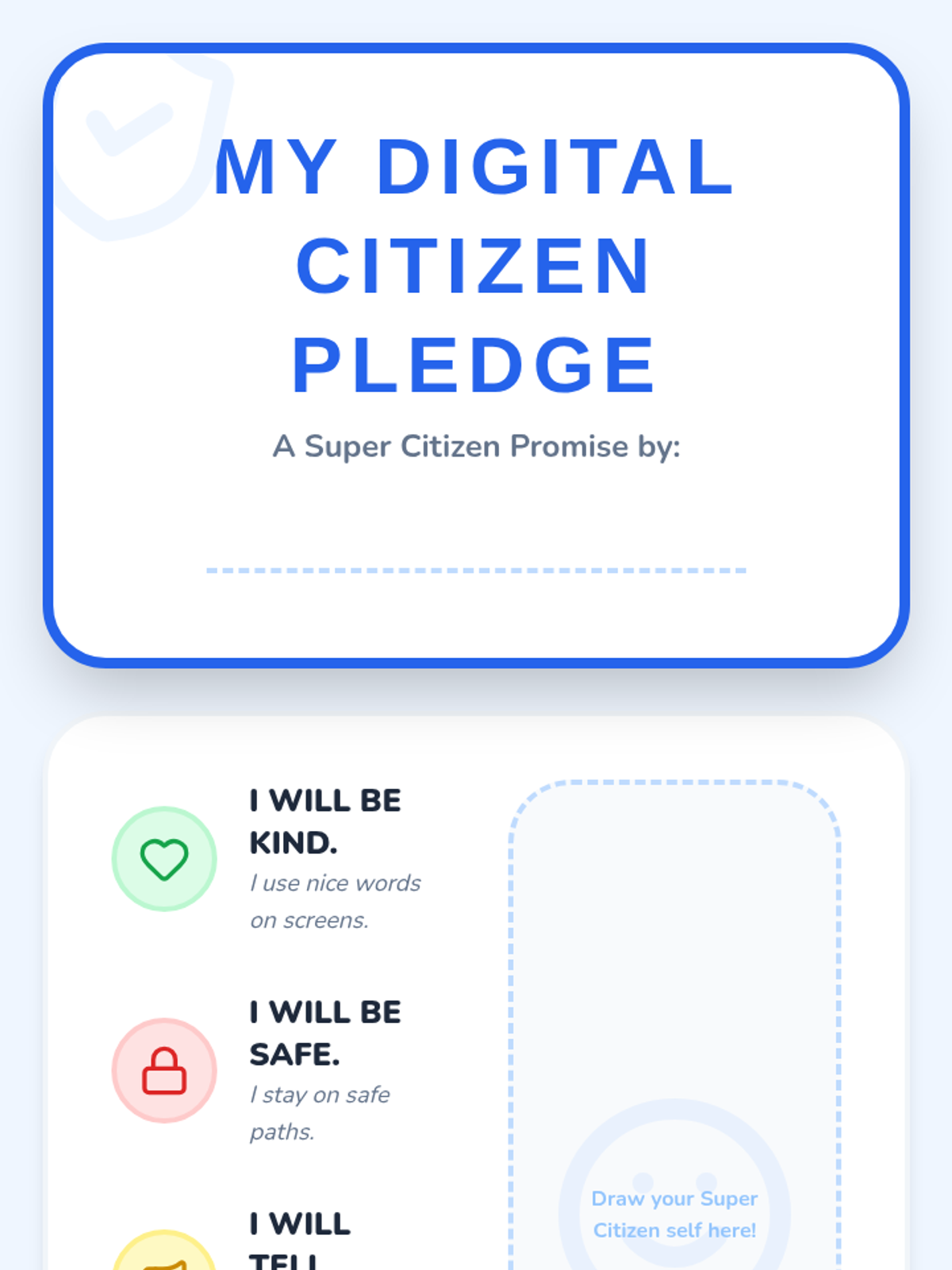
Students synthesize their learning by creating a personal Digital Citizen Pledge and earning their Super Citizen badges.
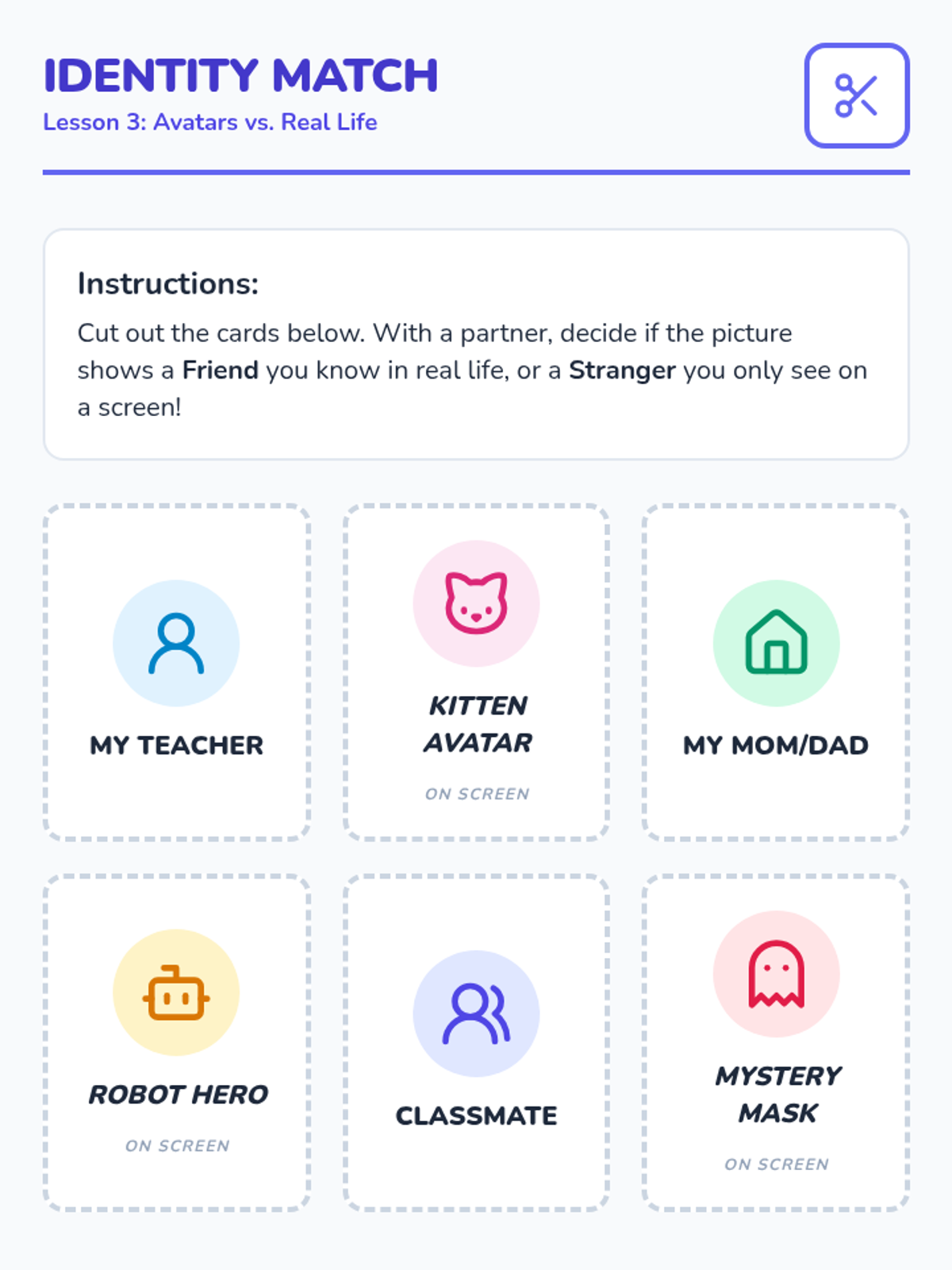
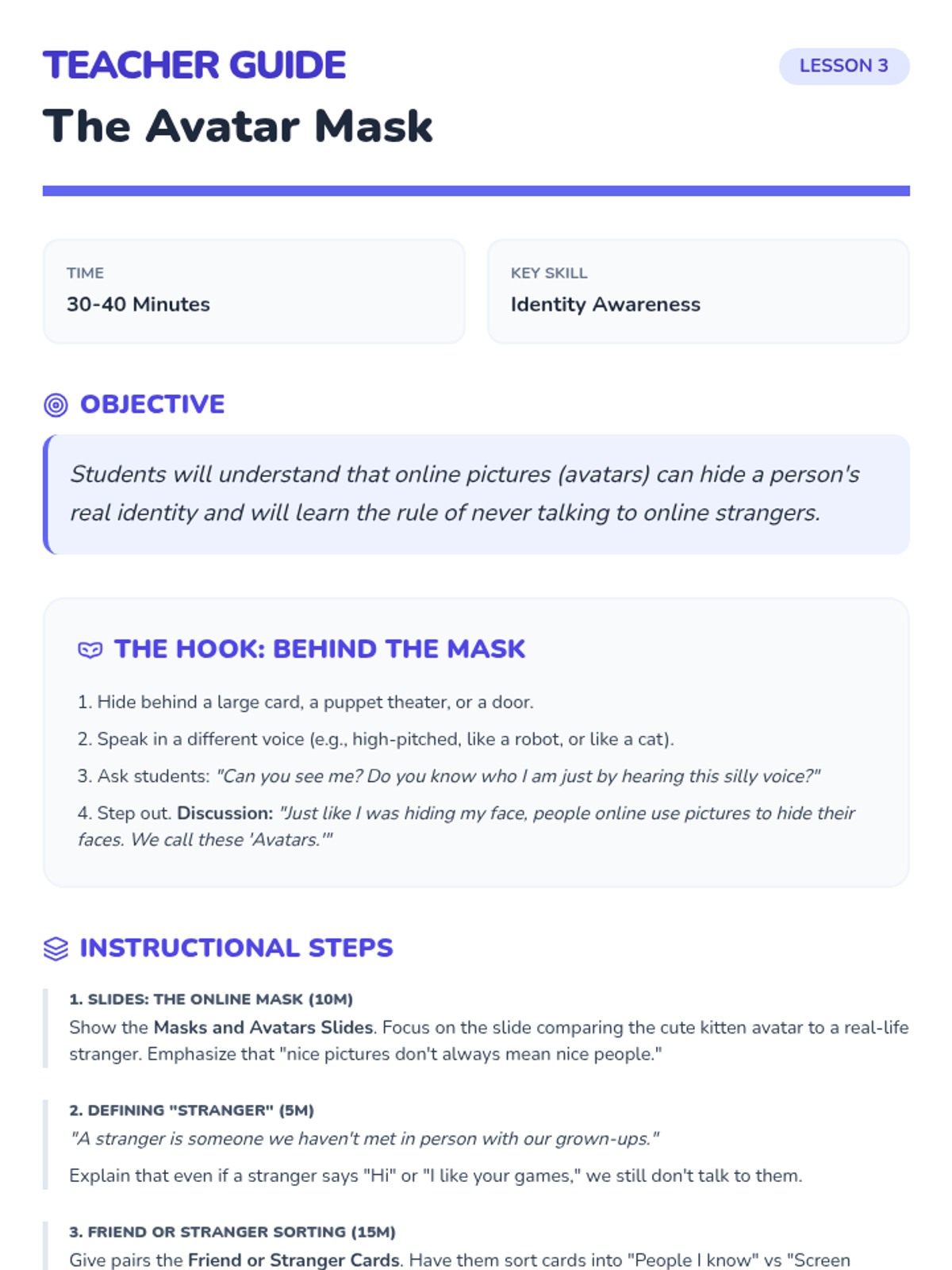
Students learn that avatars can hide a person's true identity and establish the rule of never talking to strangers online.
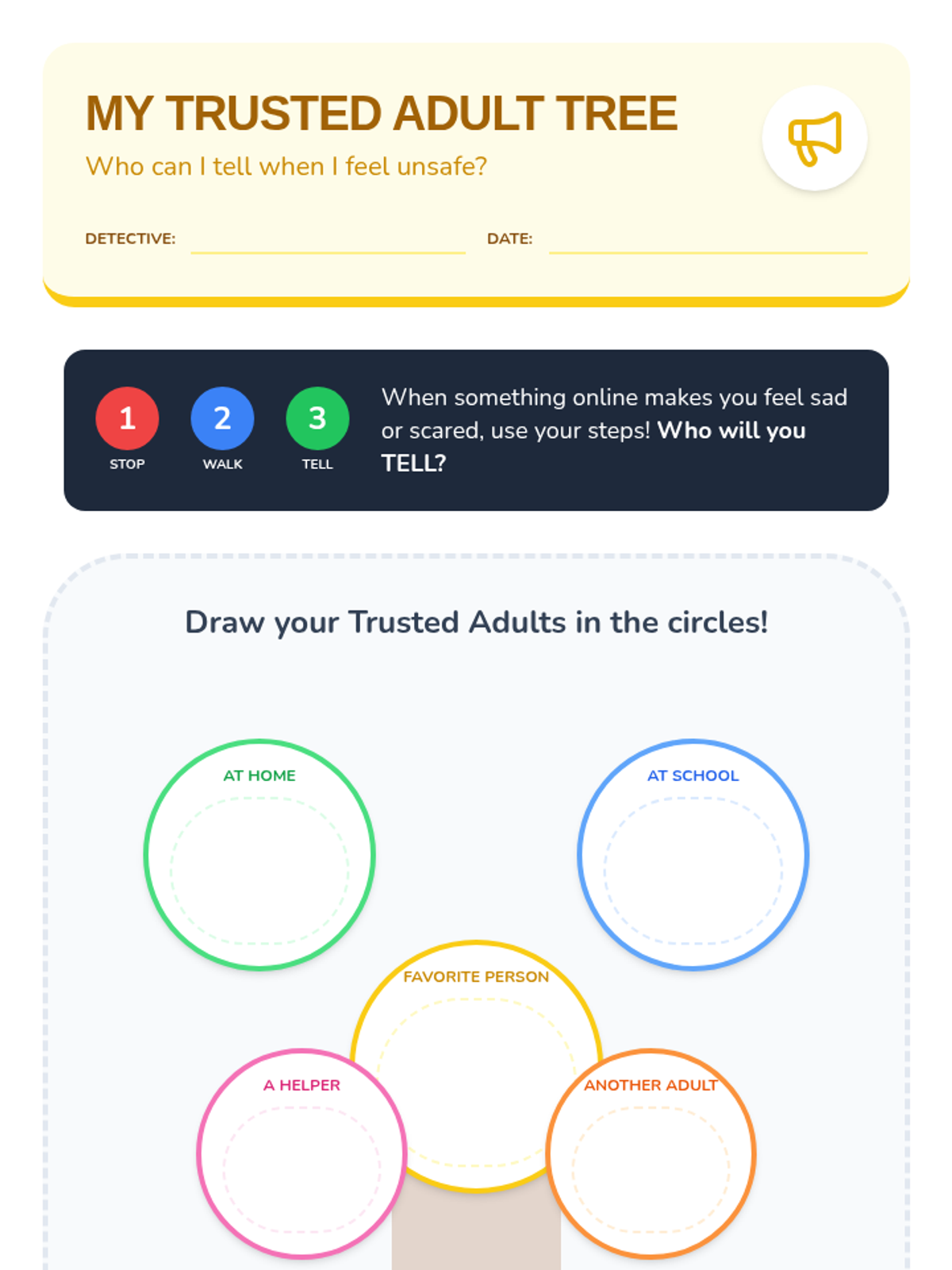
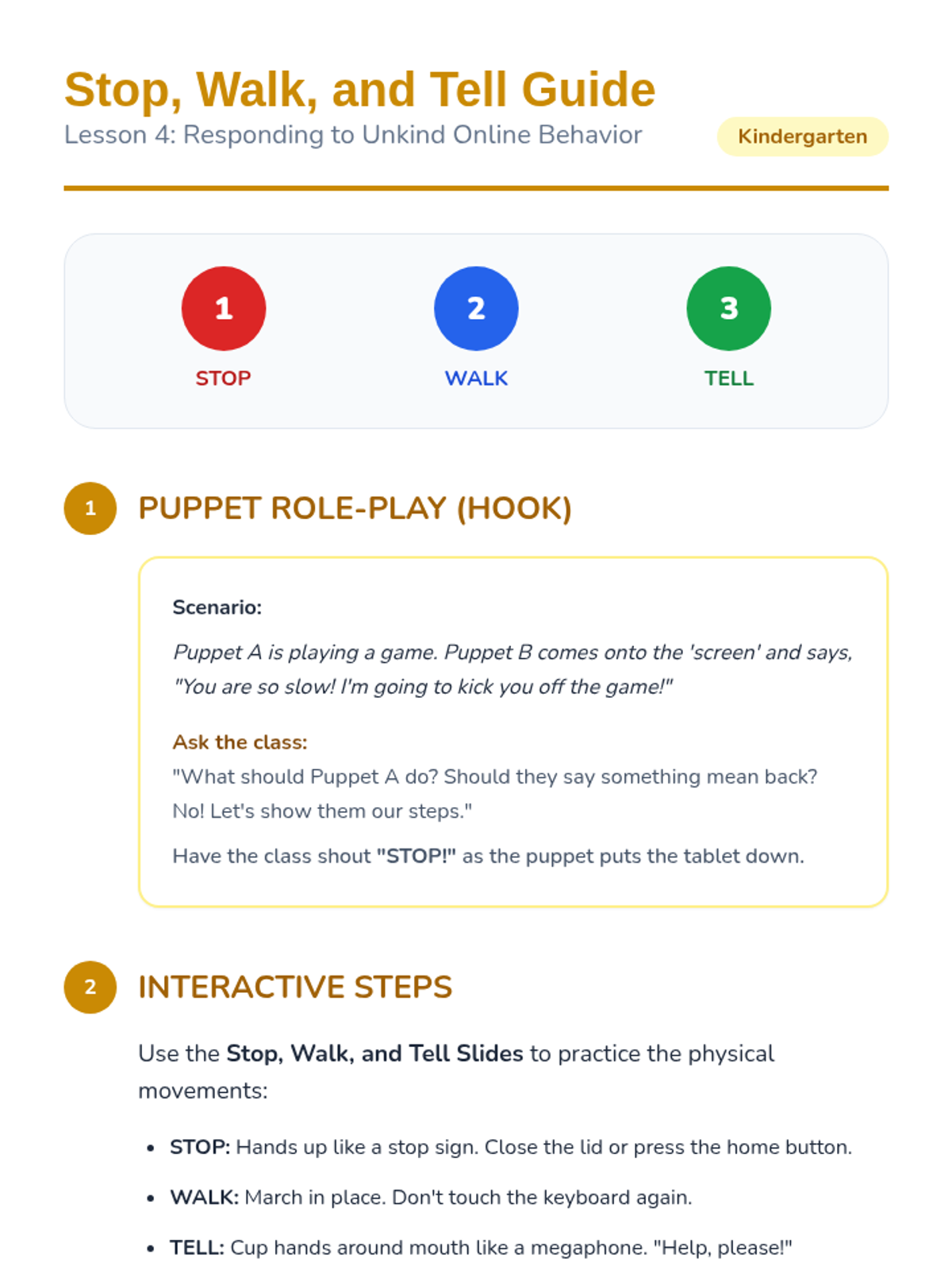
Students practice the "Stop, Walk, and Tell" strategy to respond to unkind behavior or scary content online, focusing on seeking help from trusted adults.
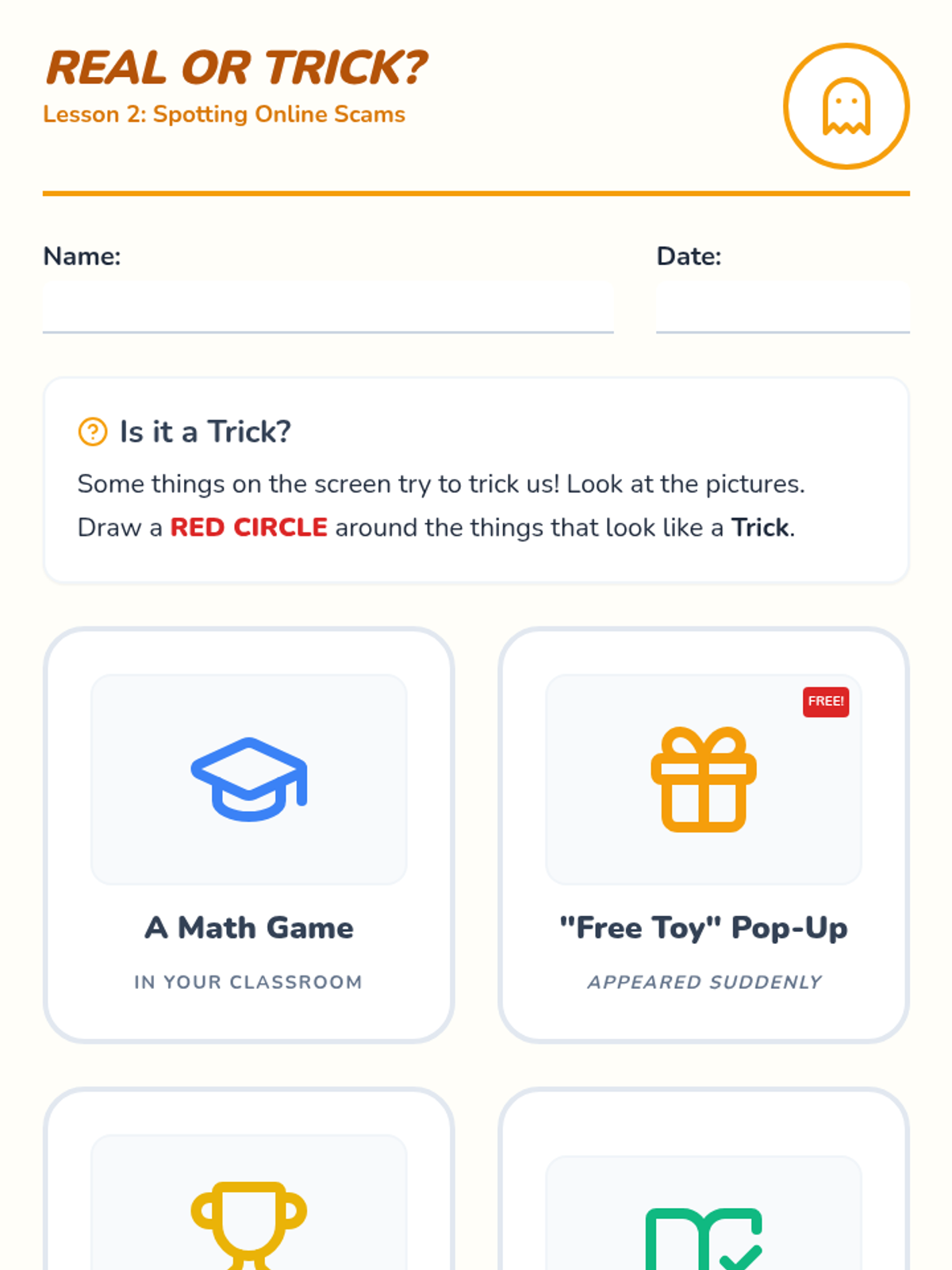
This lesson focuses on identifying 'tricky' online content like pop-up ads and fake prizes that look too good to be true.
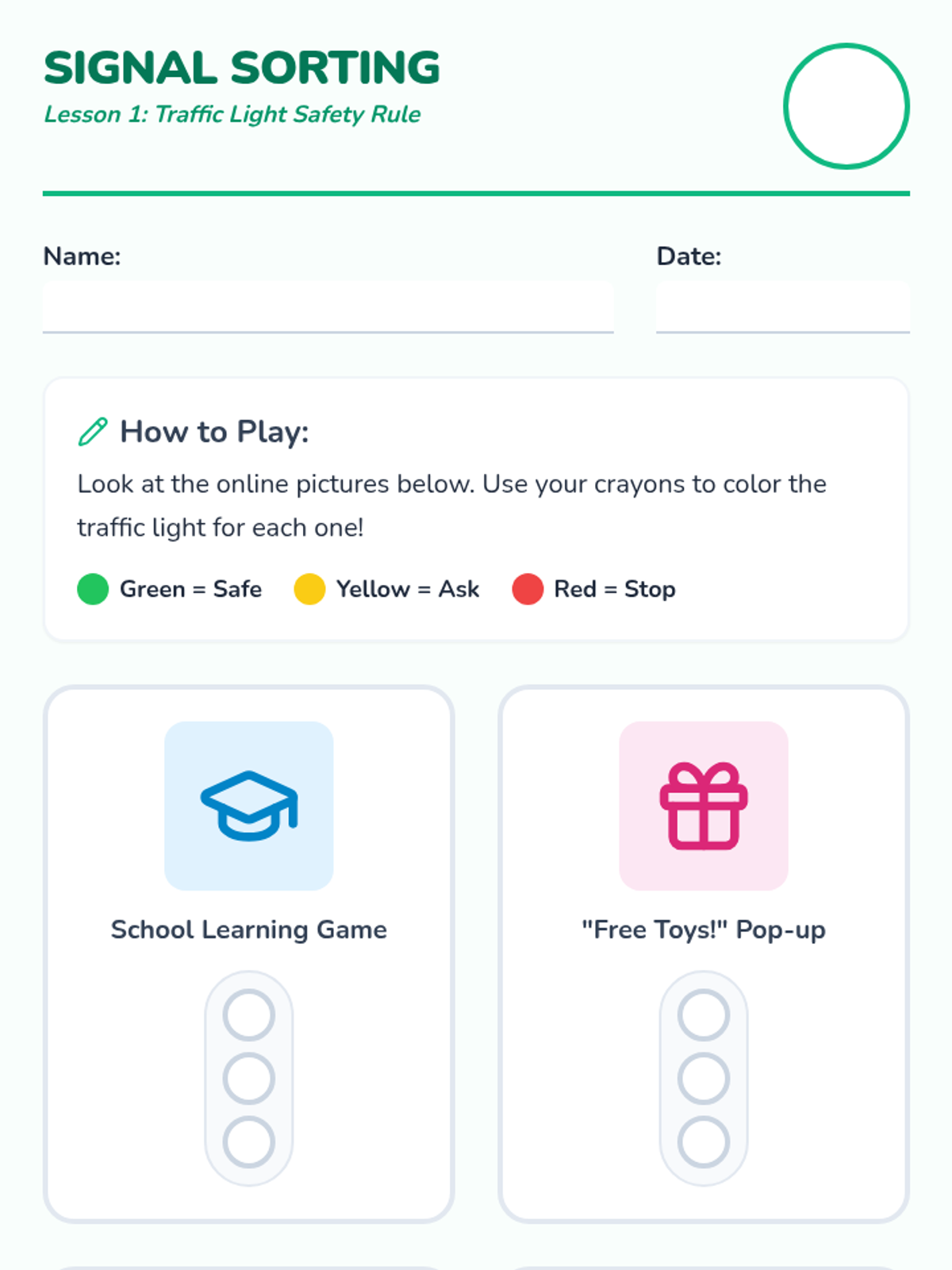
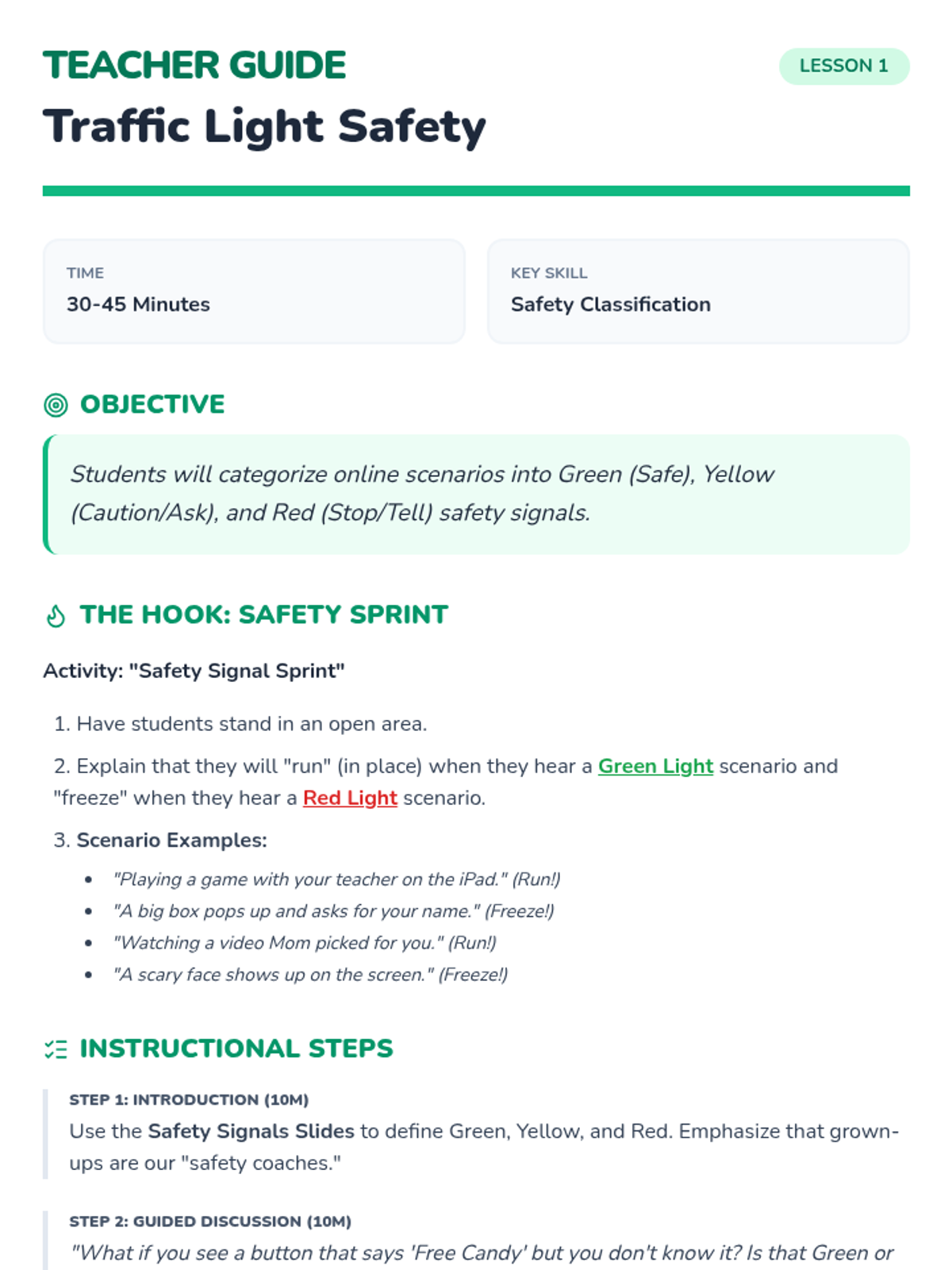
Students are introduced to the Green/Yellow/Red framework for internet safety, learning to categorize sites as safe, cautious, or dangerous.
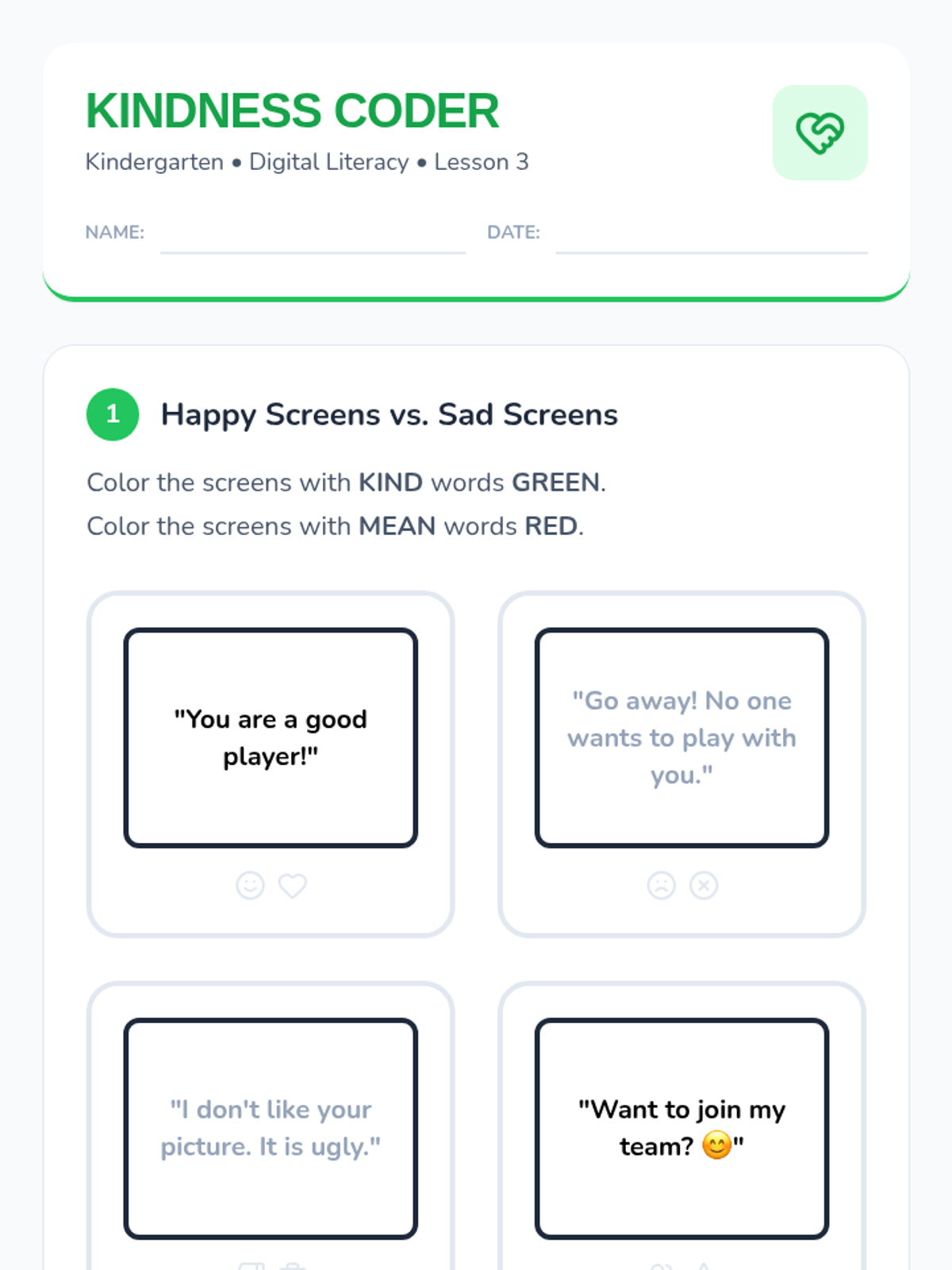
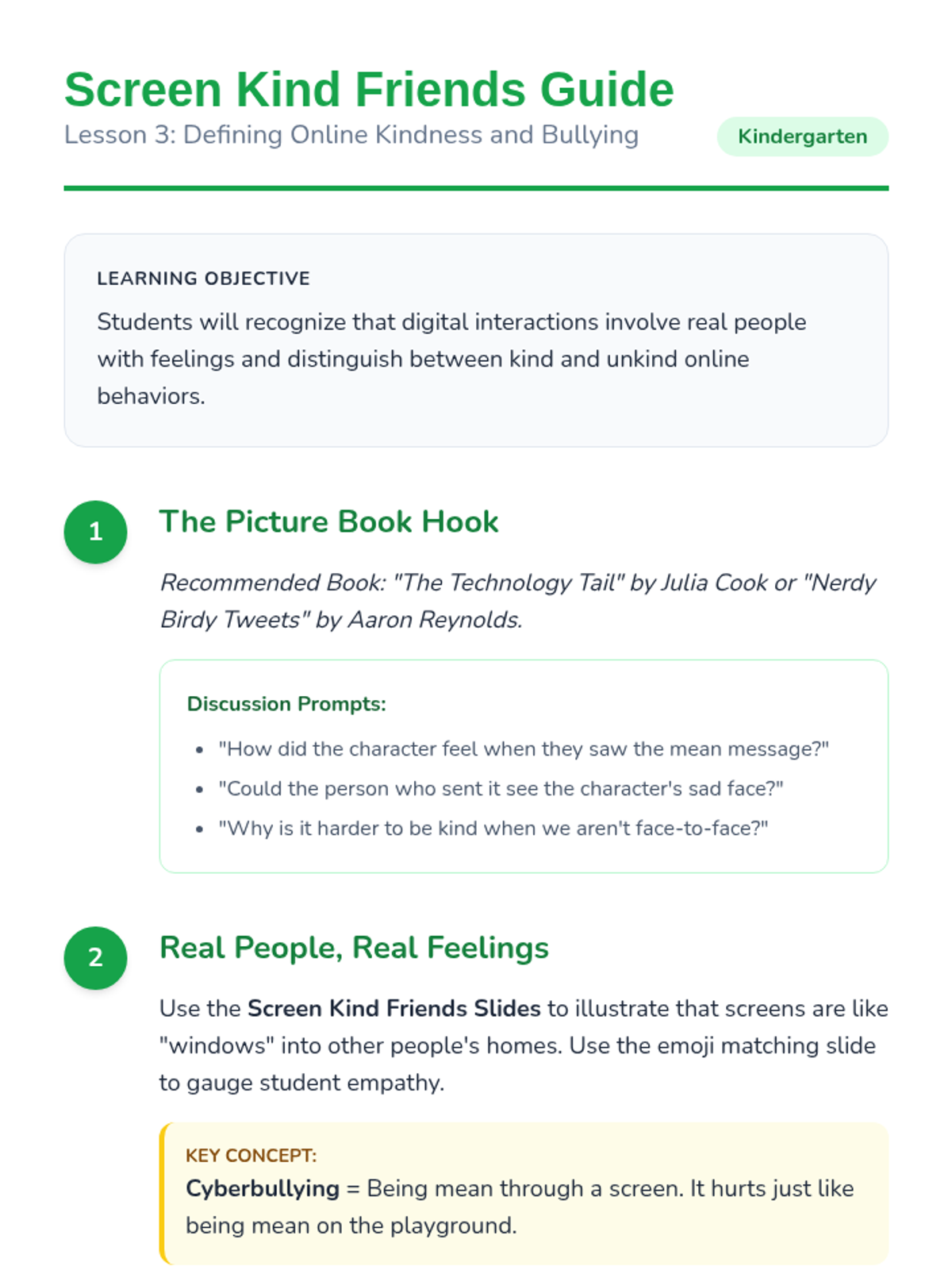
Students learn to identify kind and unkind digital behaviors, focusing on the feelings of others behind the screen and the basics of cyberbullying prevention.
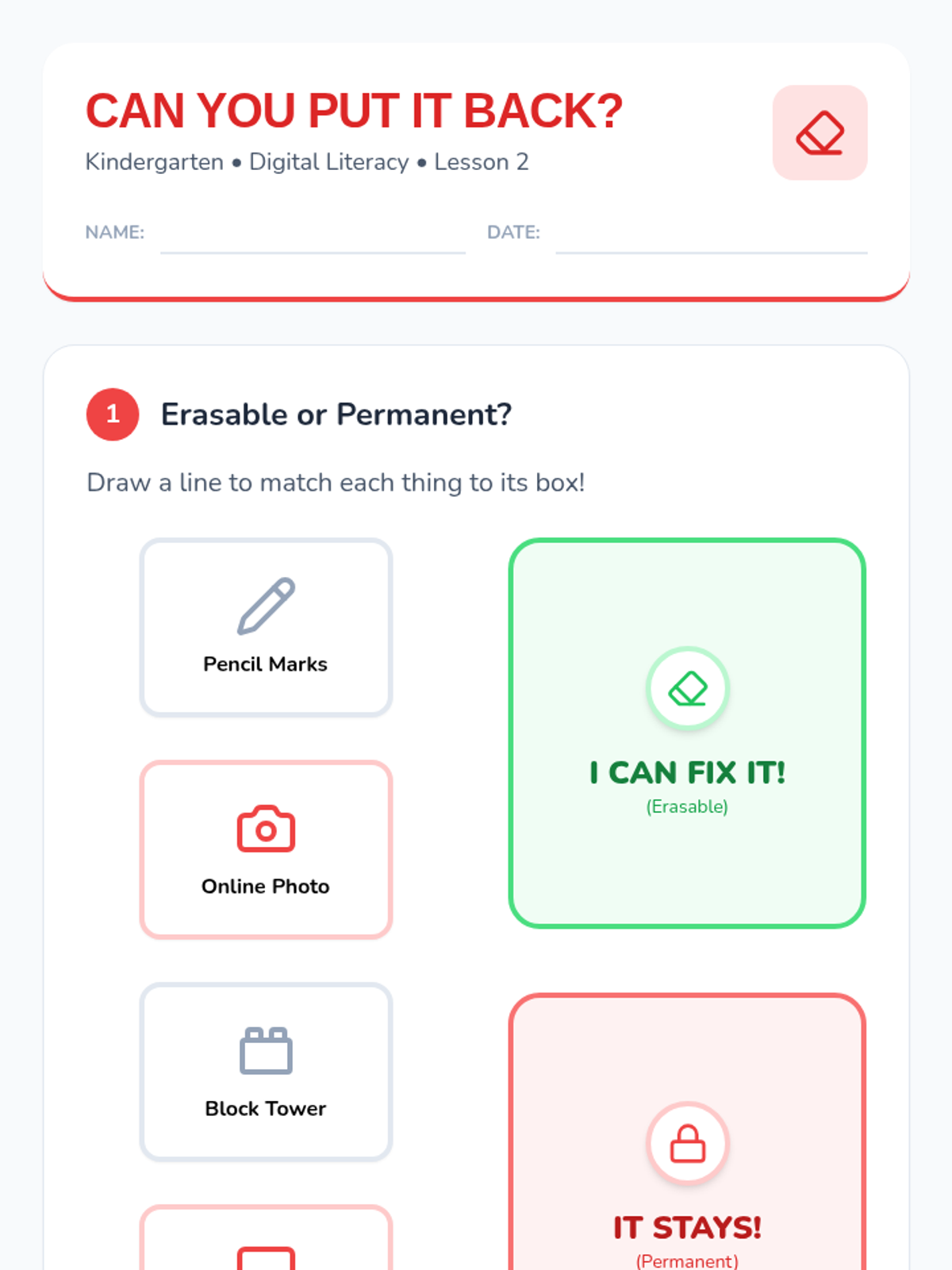
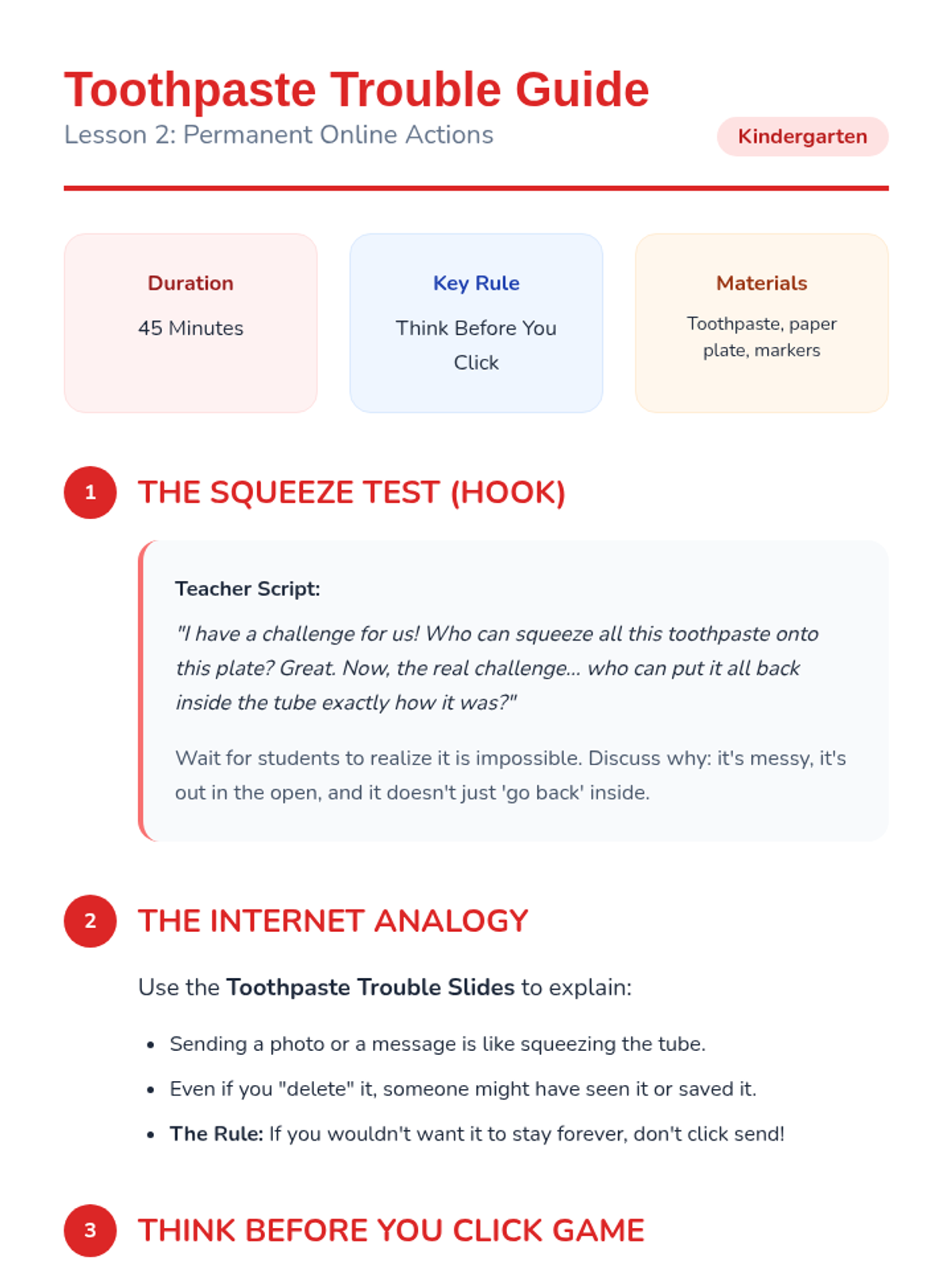
Using the toothpaste analogy, students learn that online actions are permanent and practice the "Think Before You Click" strategy to manage their digital presence.
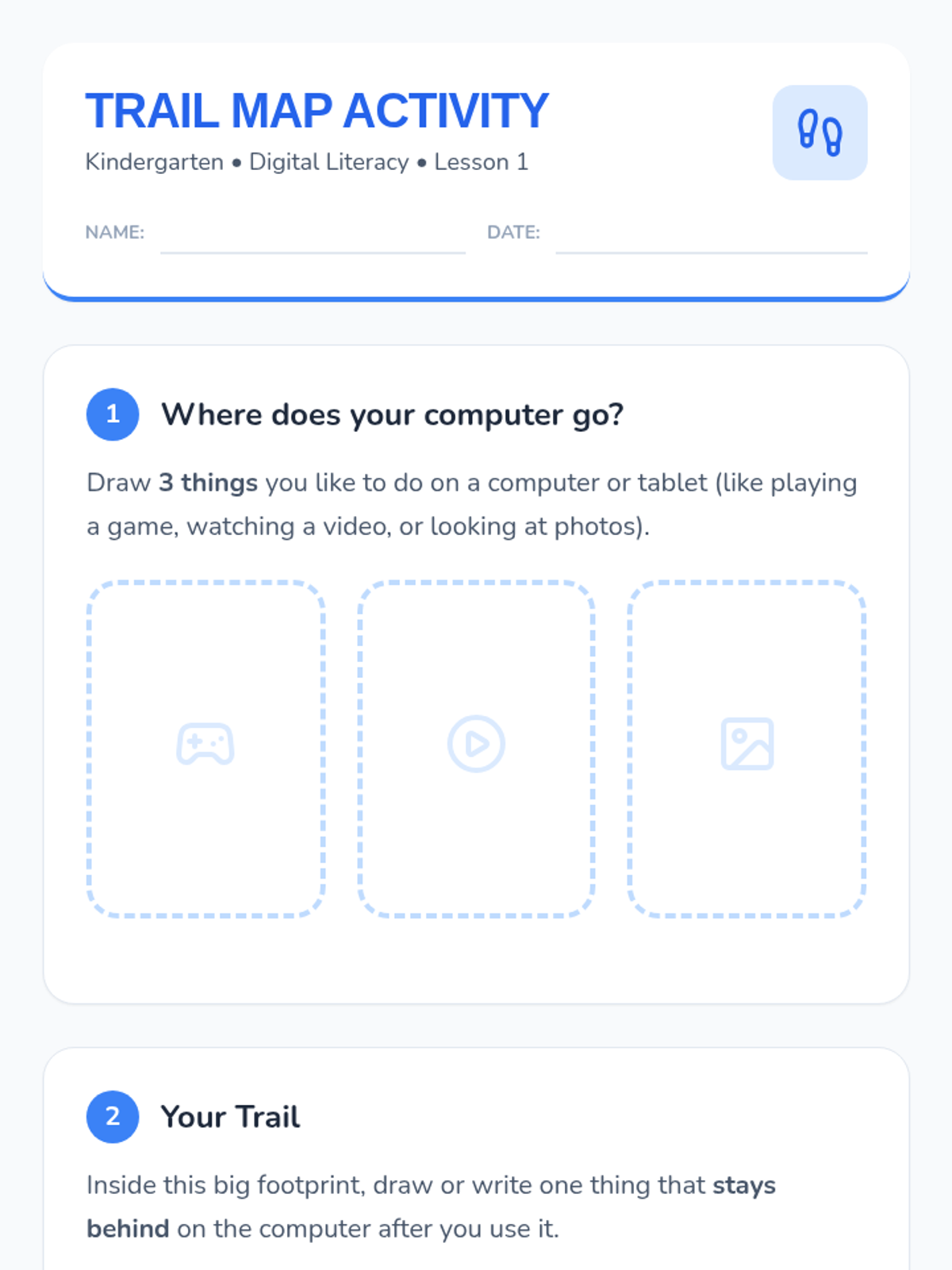
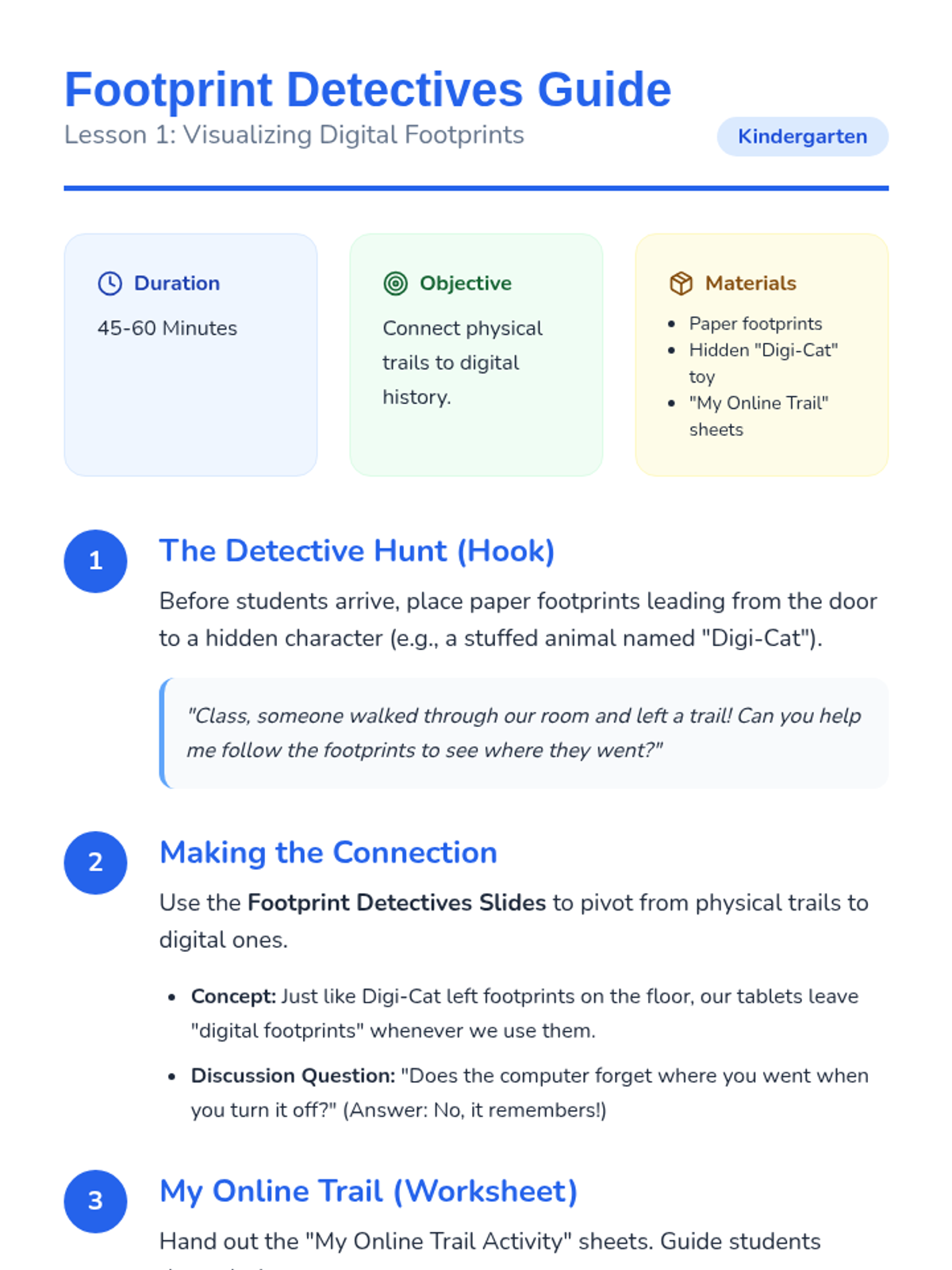
Students explore how digital actions leave trails by connecting physical footprints to their digital history, emphasizing that computers remember our paths.
A culminating lesson where students apply their knowledge through role-play and a 'Stop and Ask' decision-making game.
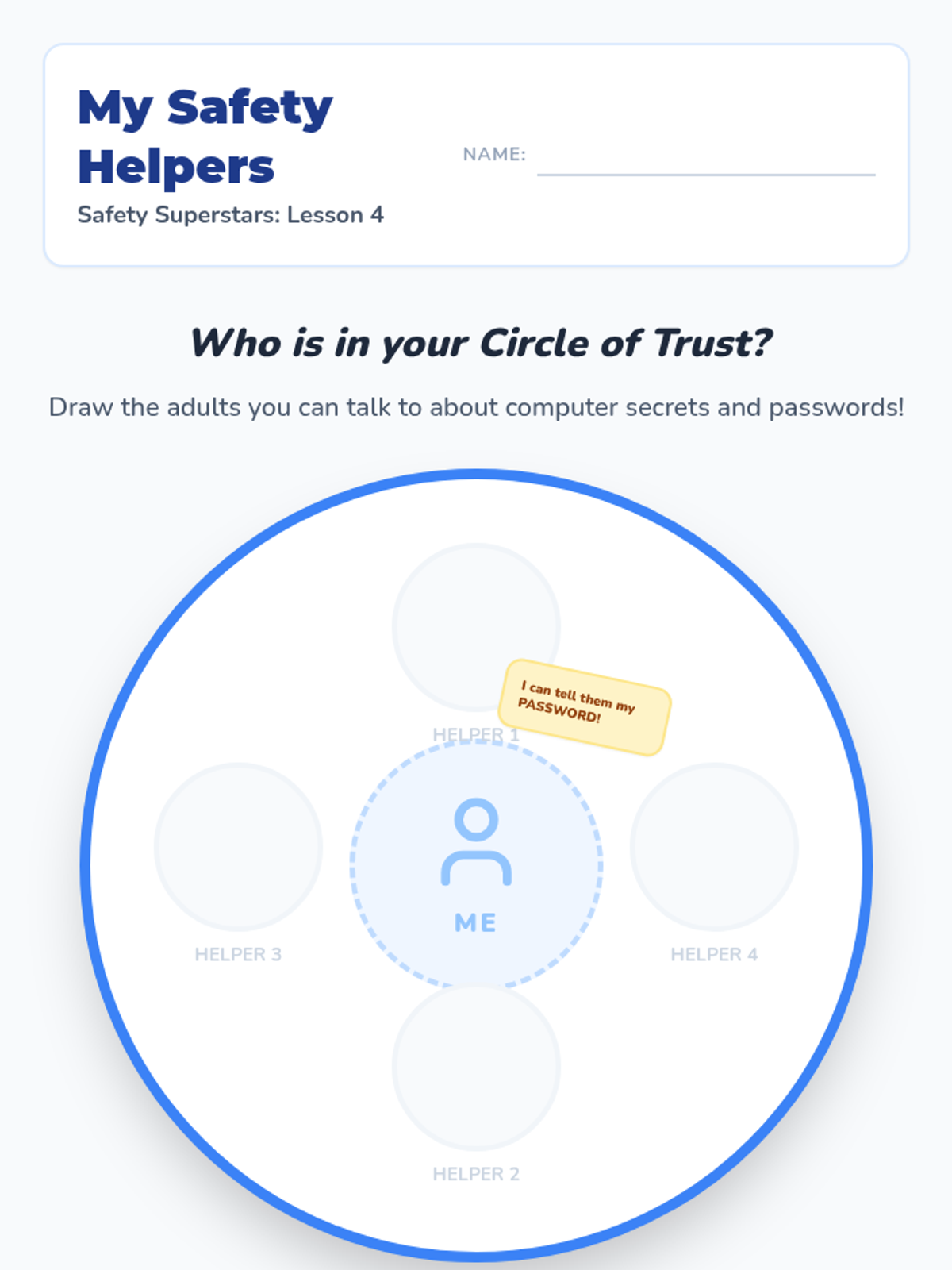
Students identify their 'Circle of Trust'—the adults they can safely share digital secrets with and ask for help.
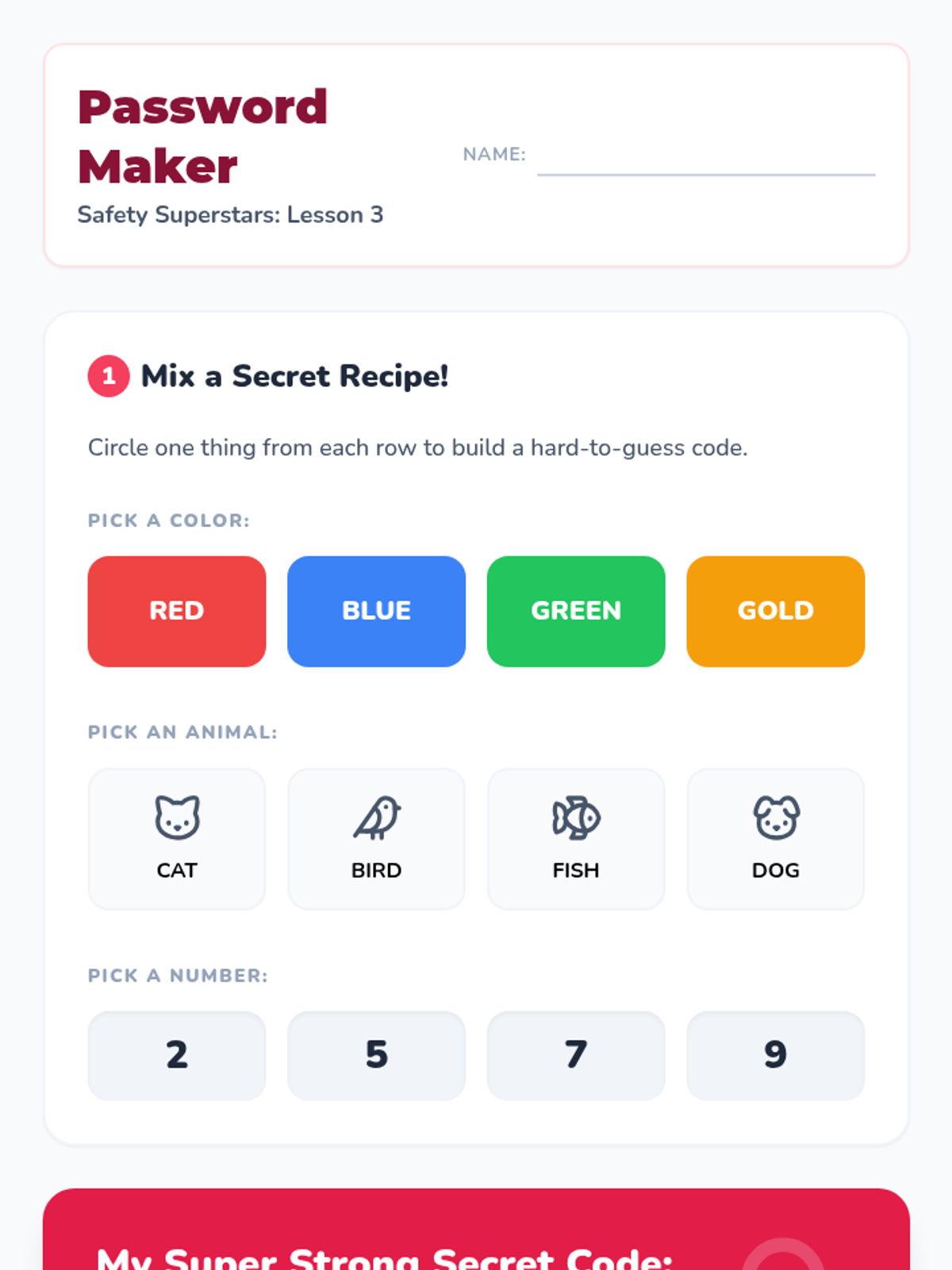
Students practice creating simple, hard-to-guess passwords and learn why simple sequences are not safe.
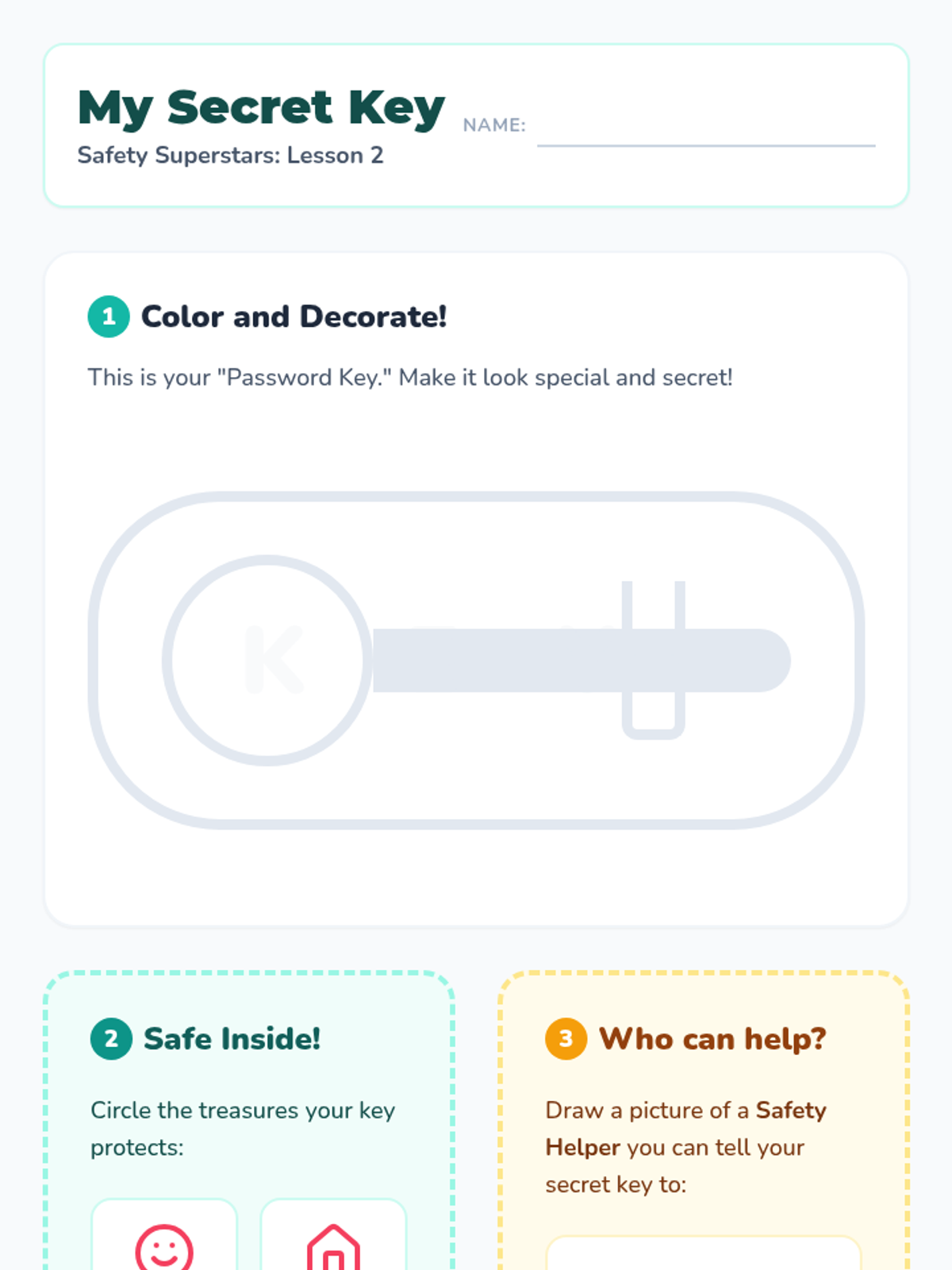
Using the analogy of a house key, students learn how passwords protect personal information and who should know them.
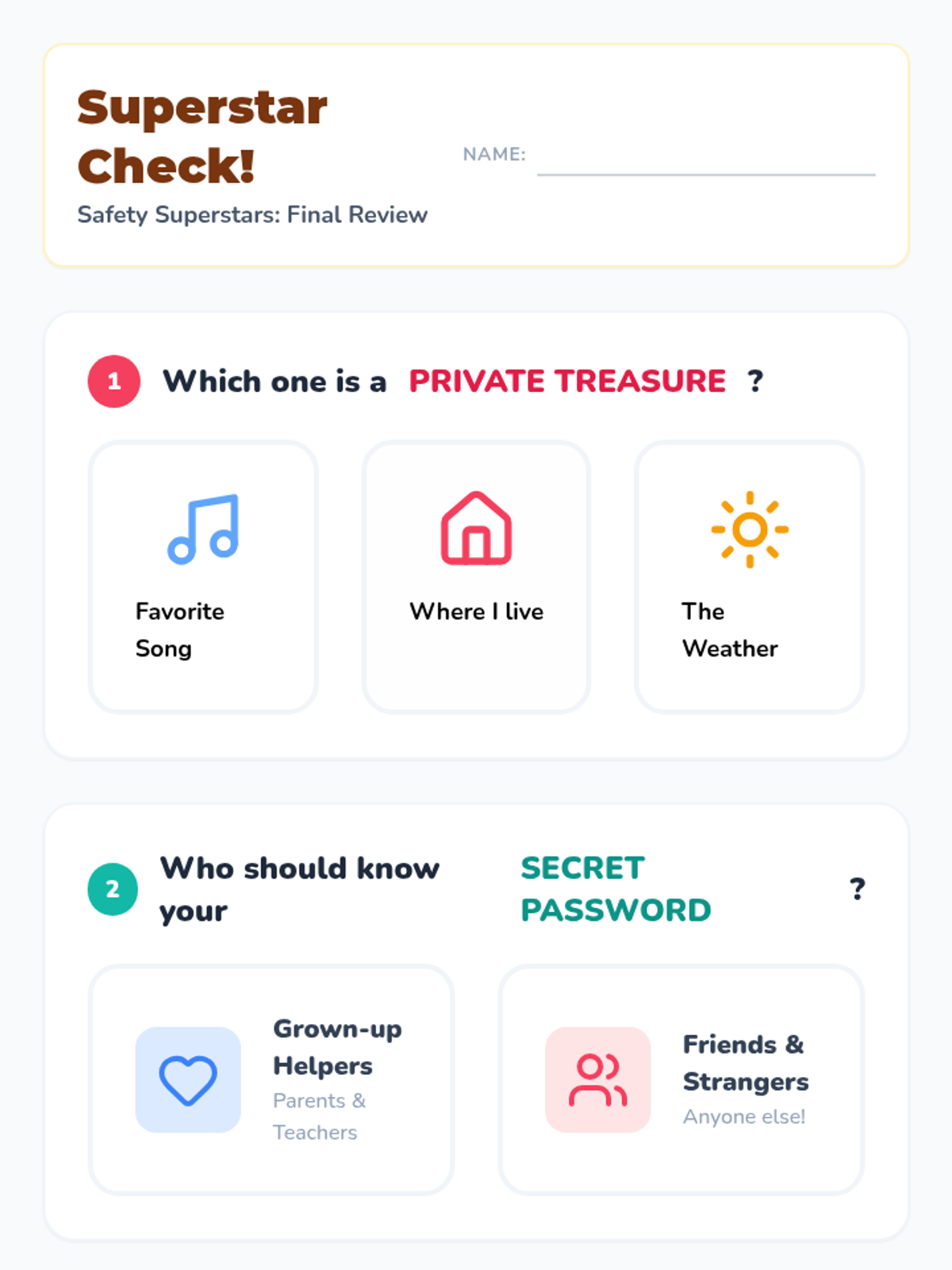
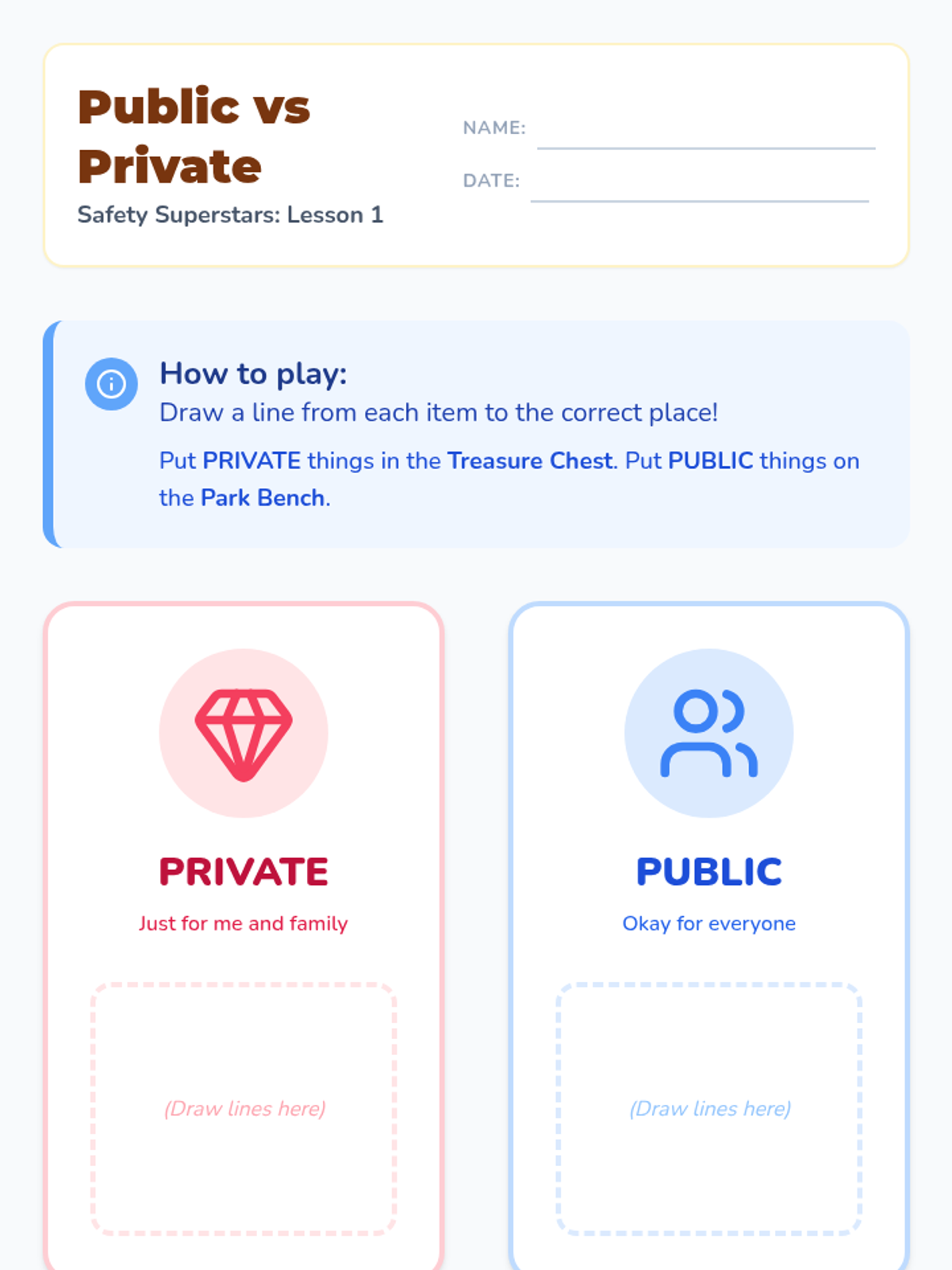
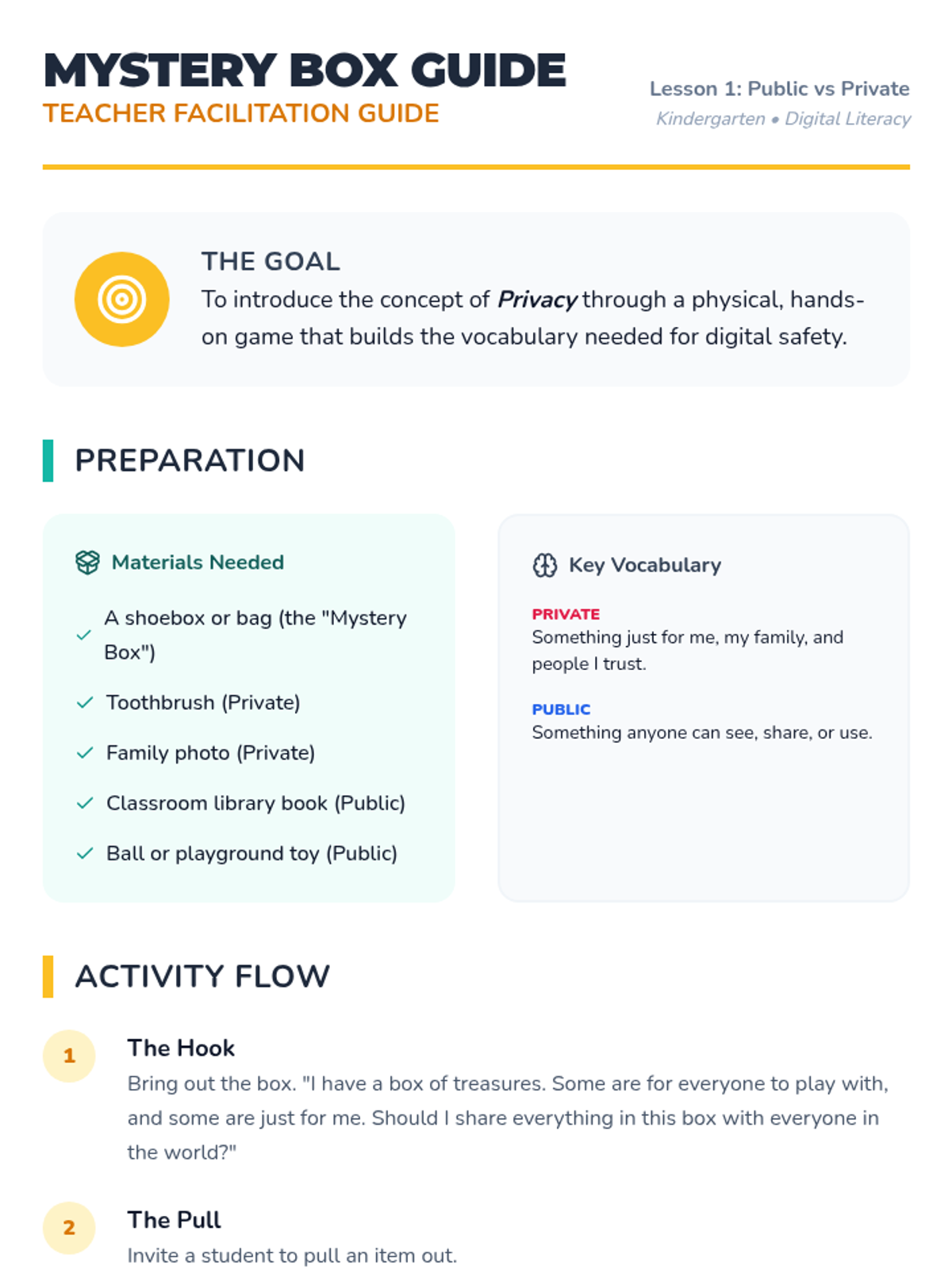
Students categorize items and information as 'Public' or 'Private' using concrete analogies like a mystery box and personal treasures.
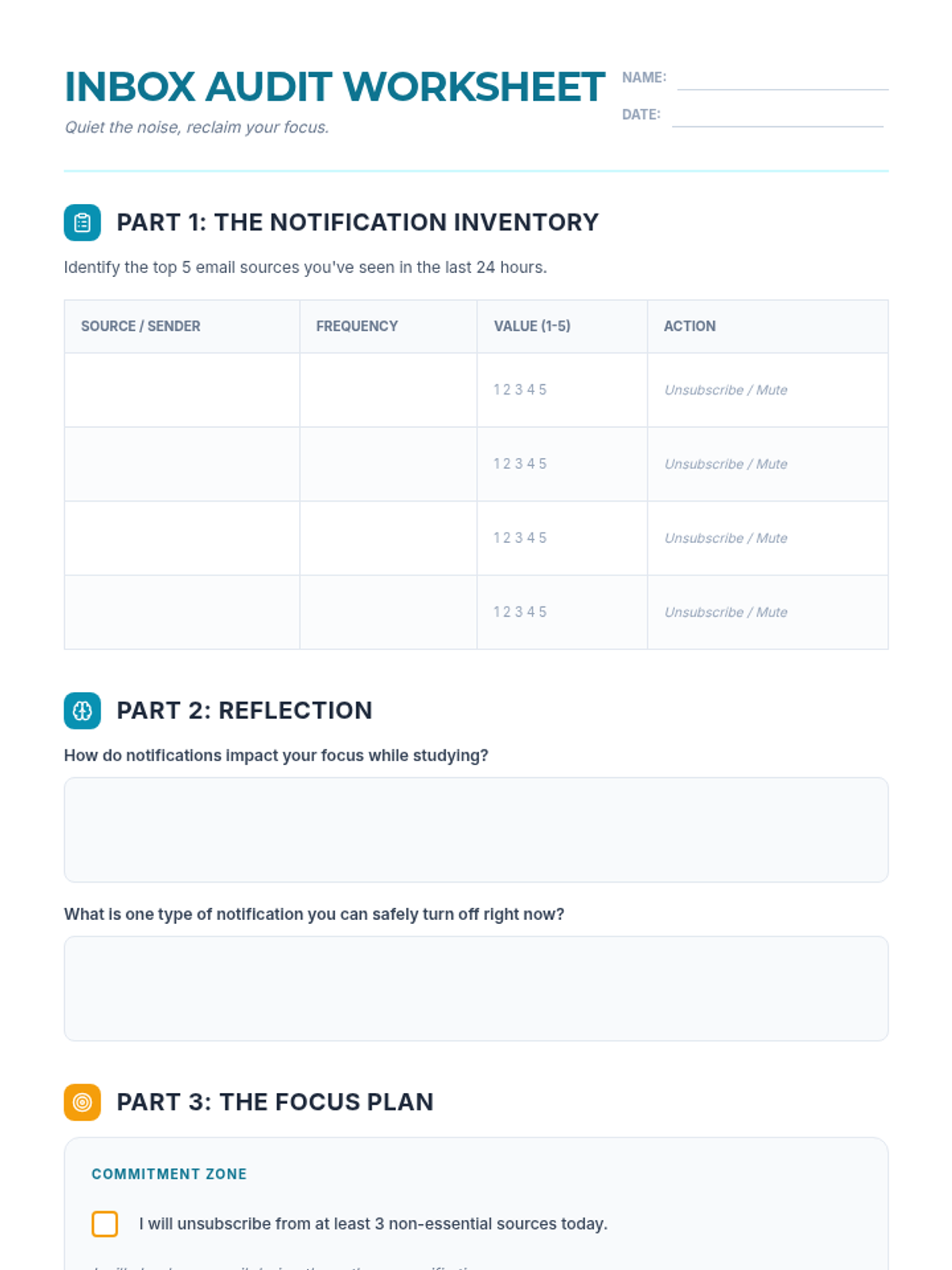
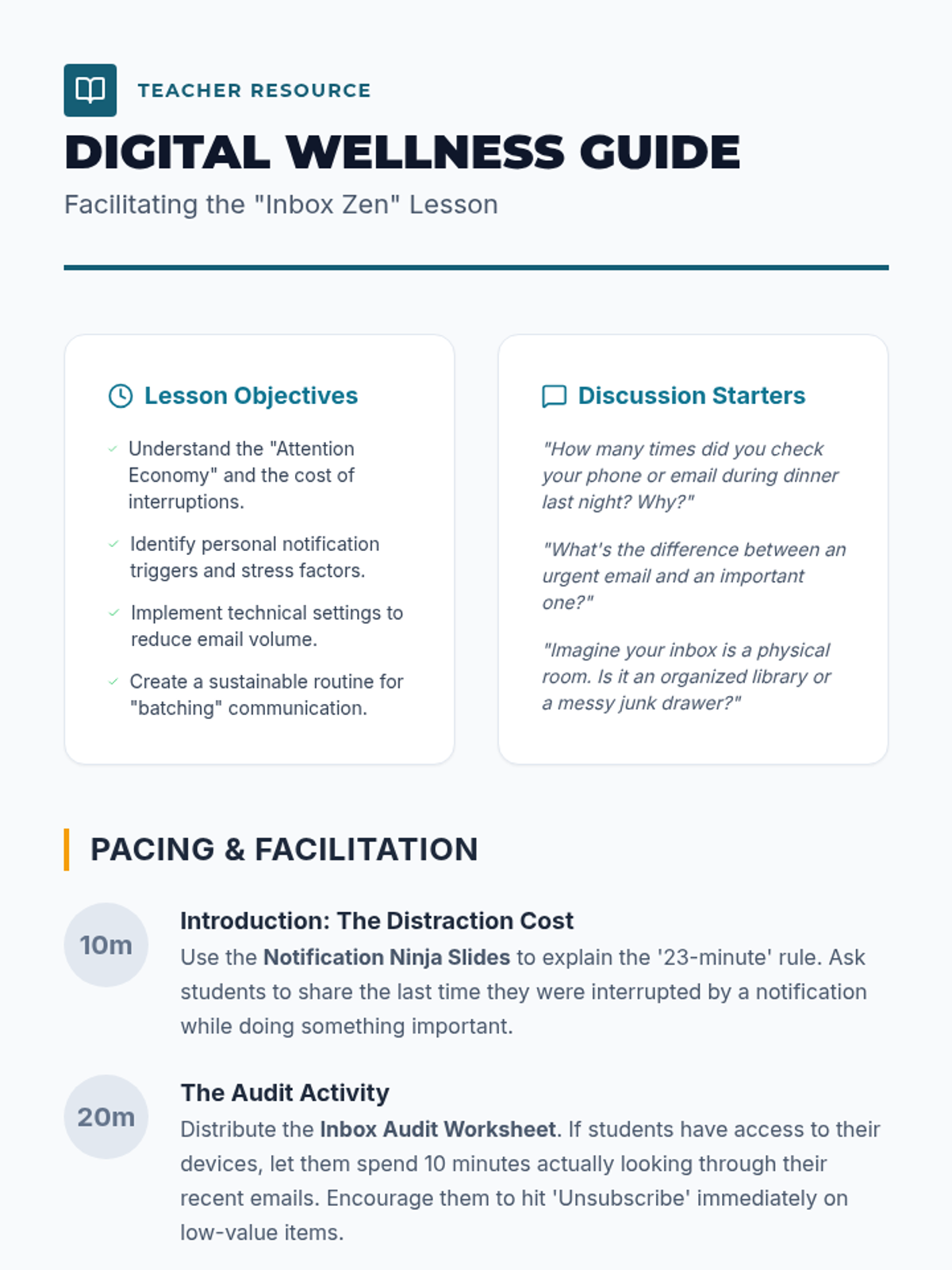
A digital literacy lesson designed to help students master their email notifications, reduce digital distractions, and reclaim their focus. This lesson covers the psychology of notifications and practical steps for inbox organization.
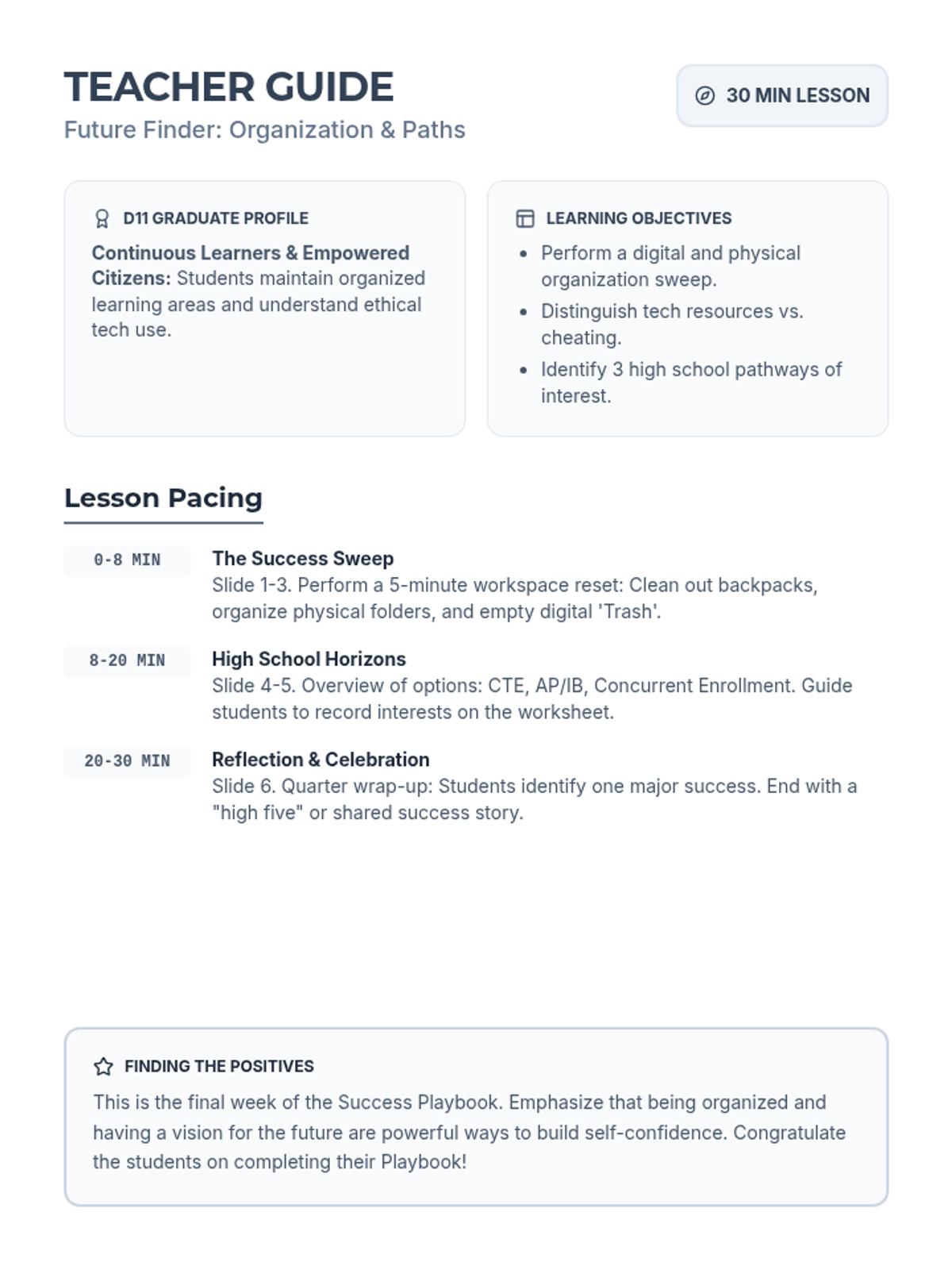
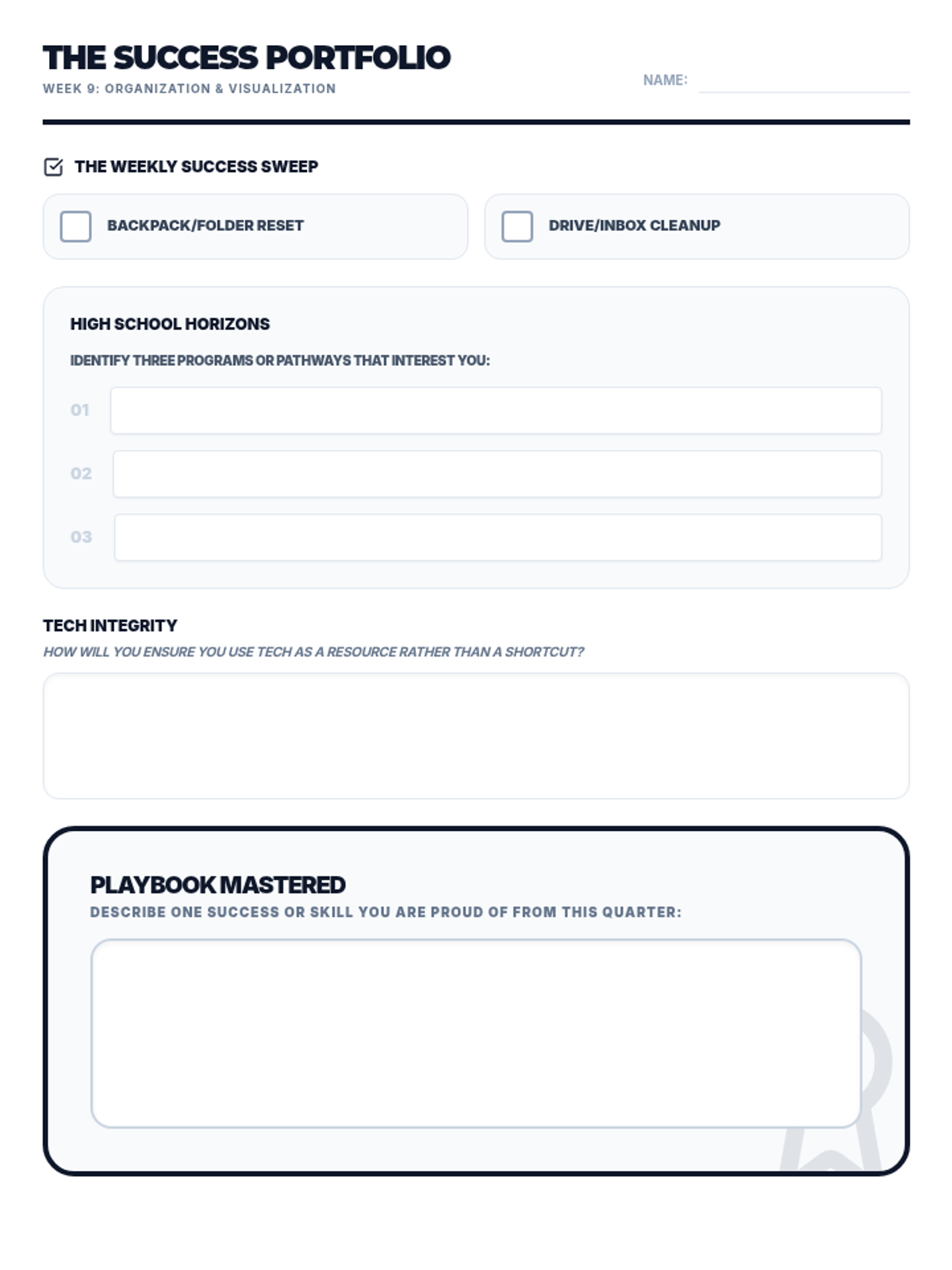
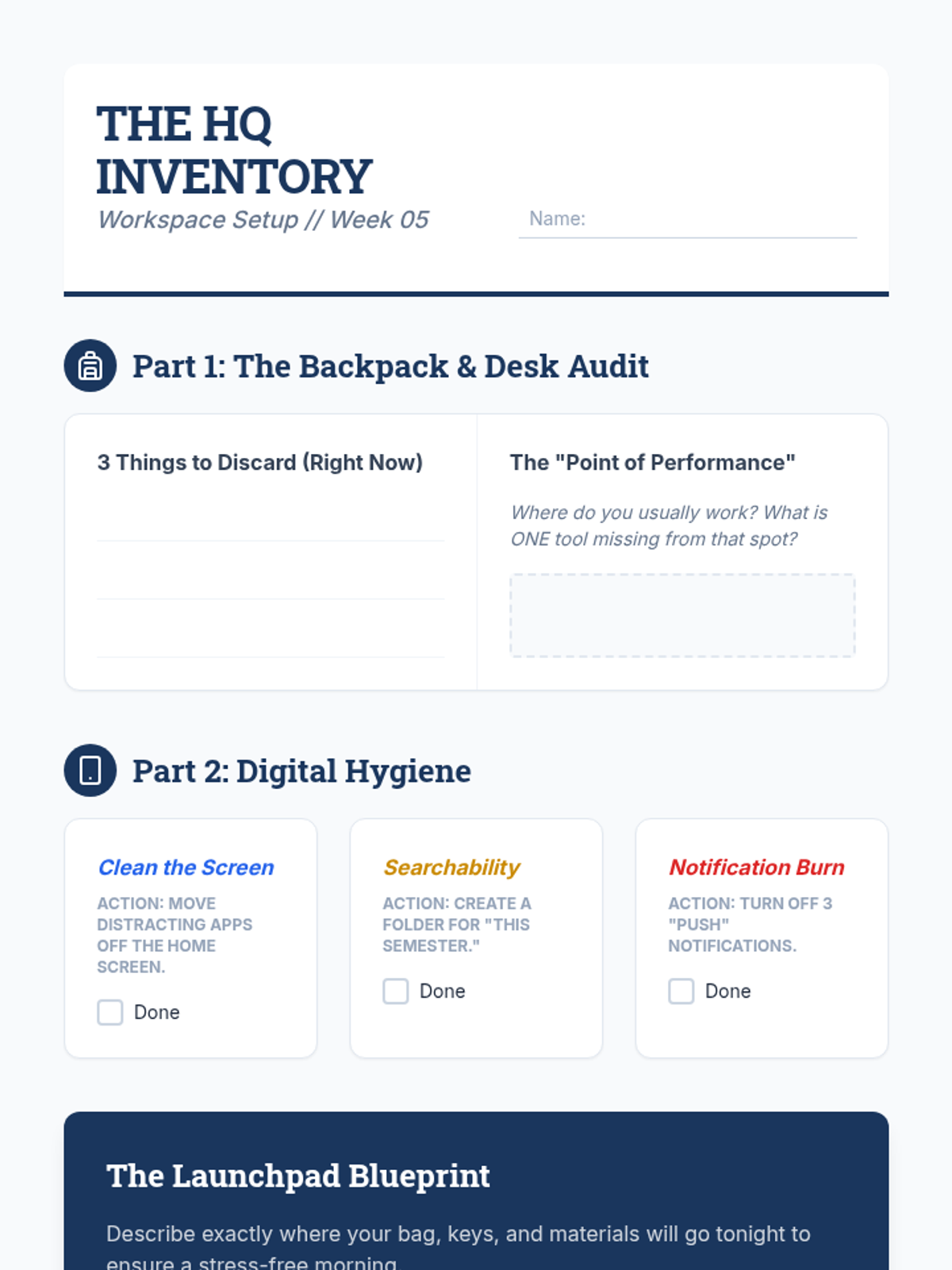
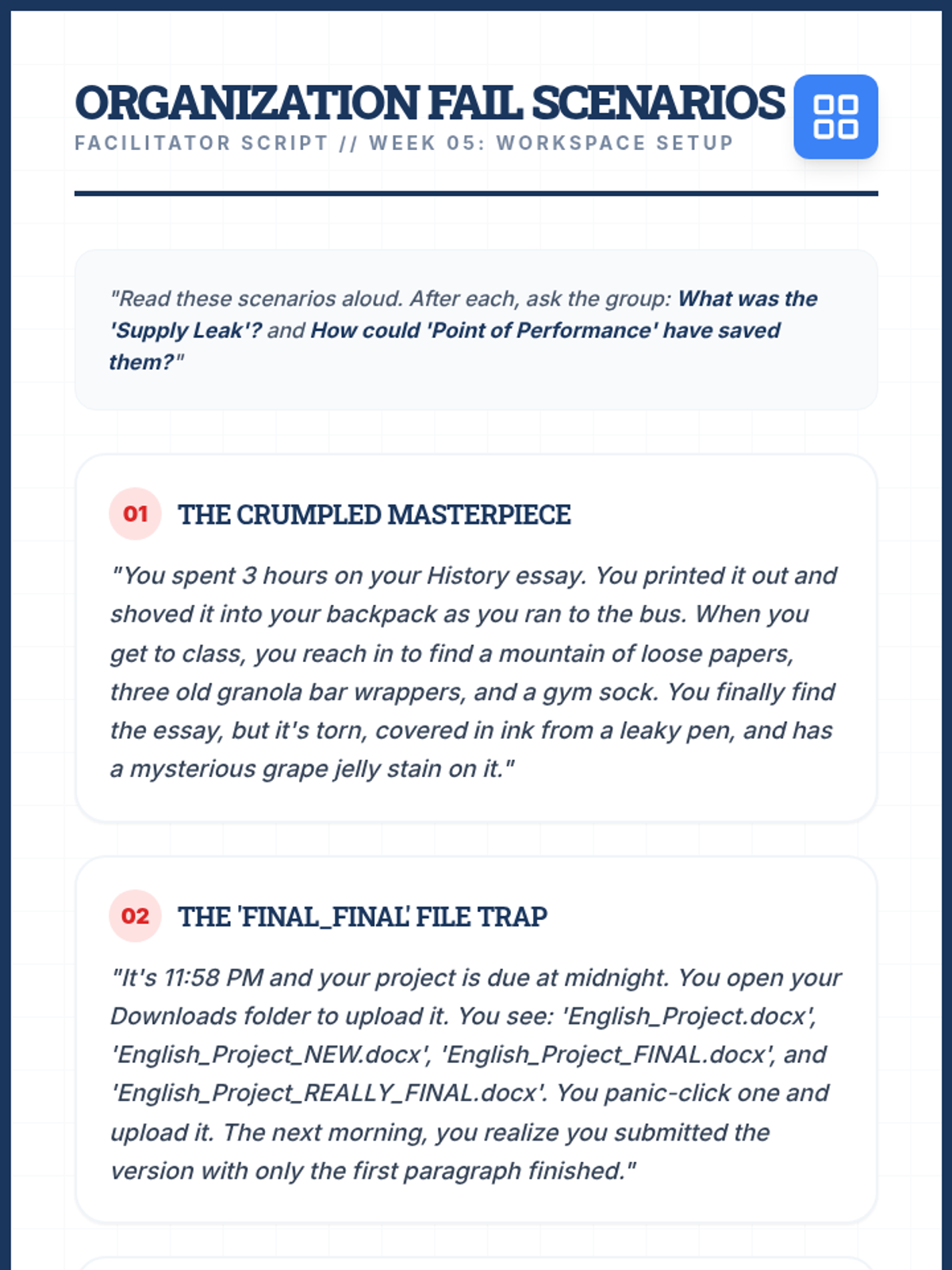
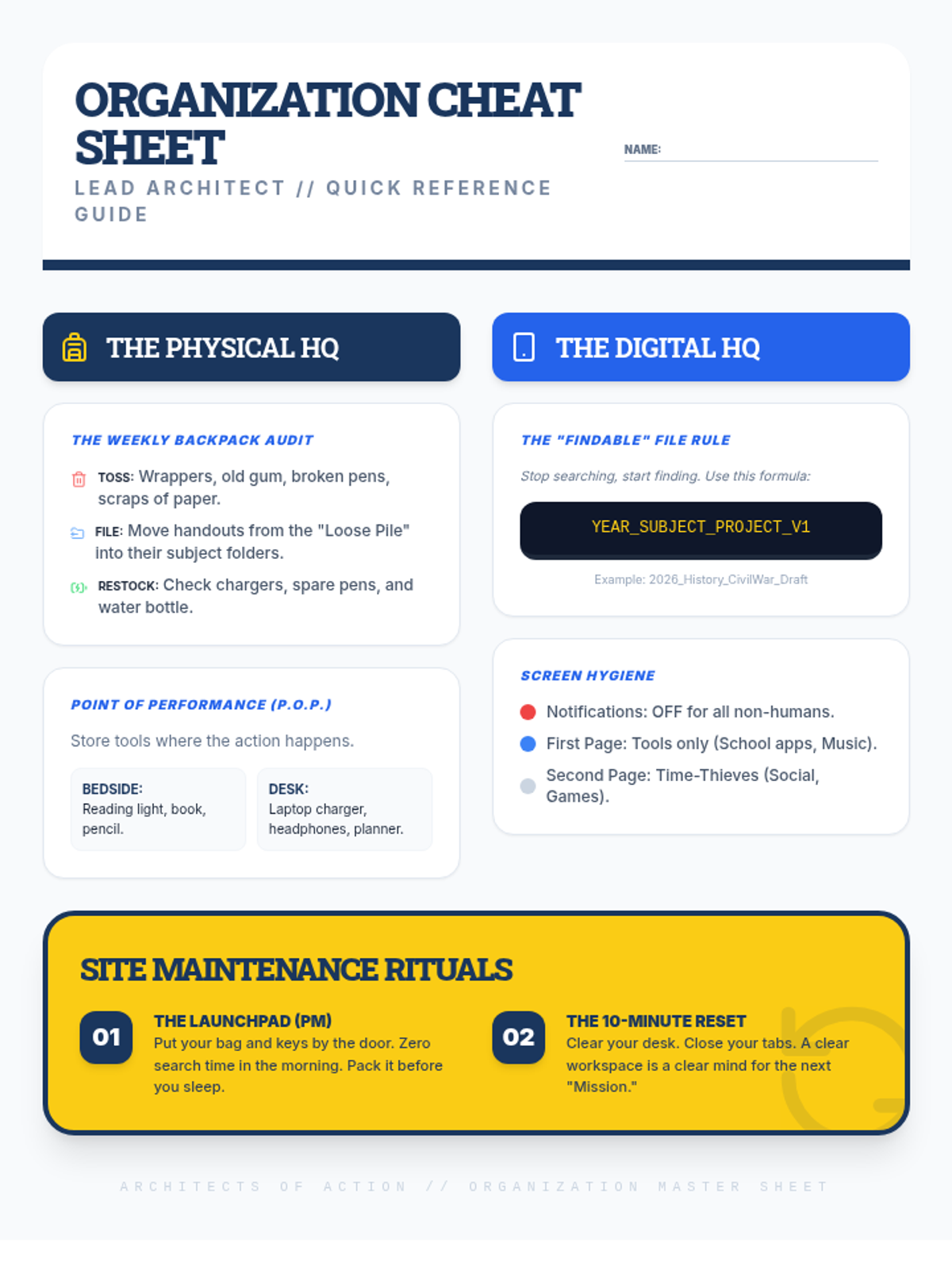
Covers physical and digital organization, ethical technology use, and exploring high school pathways.
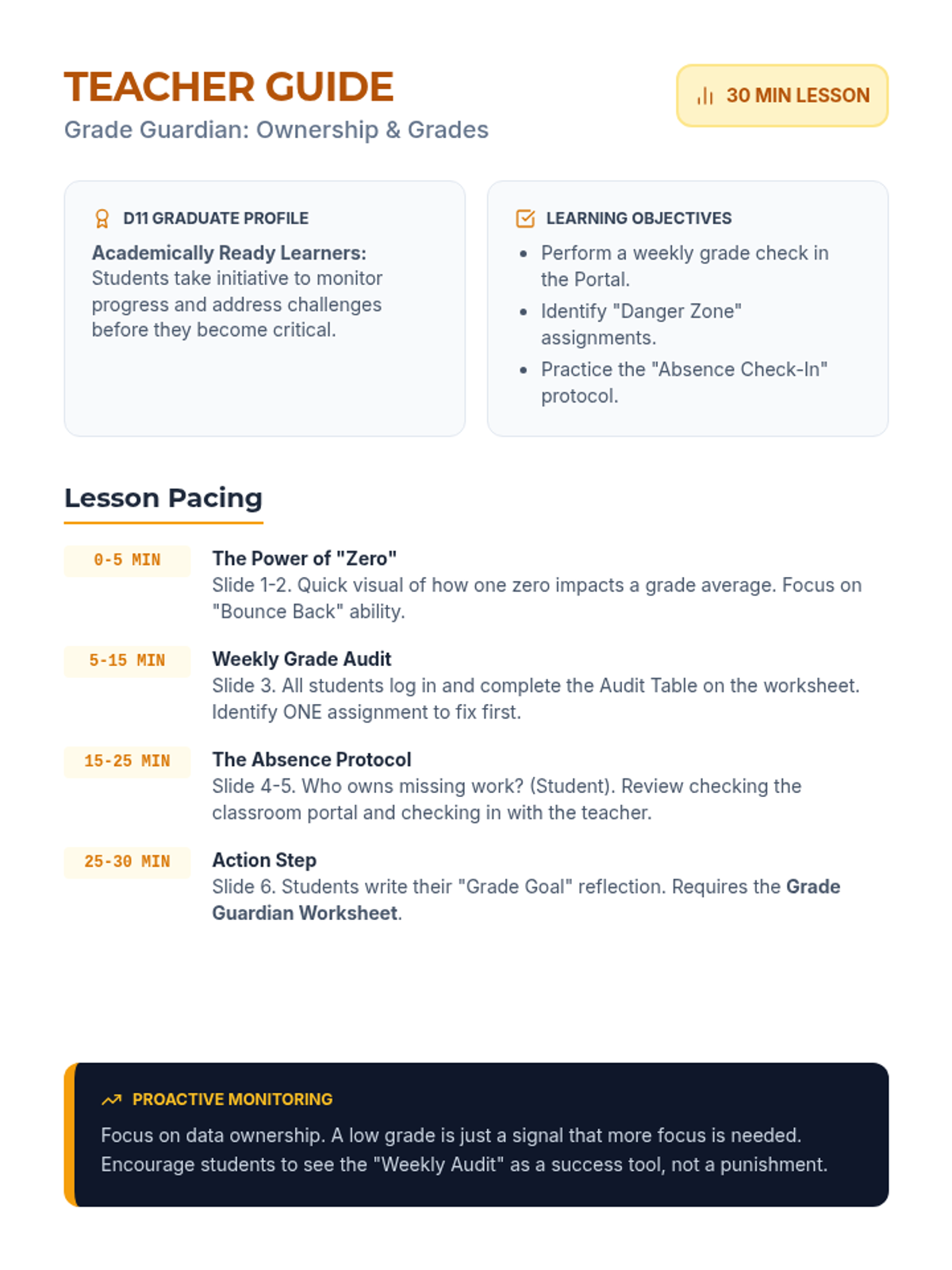
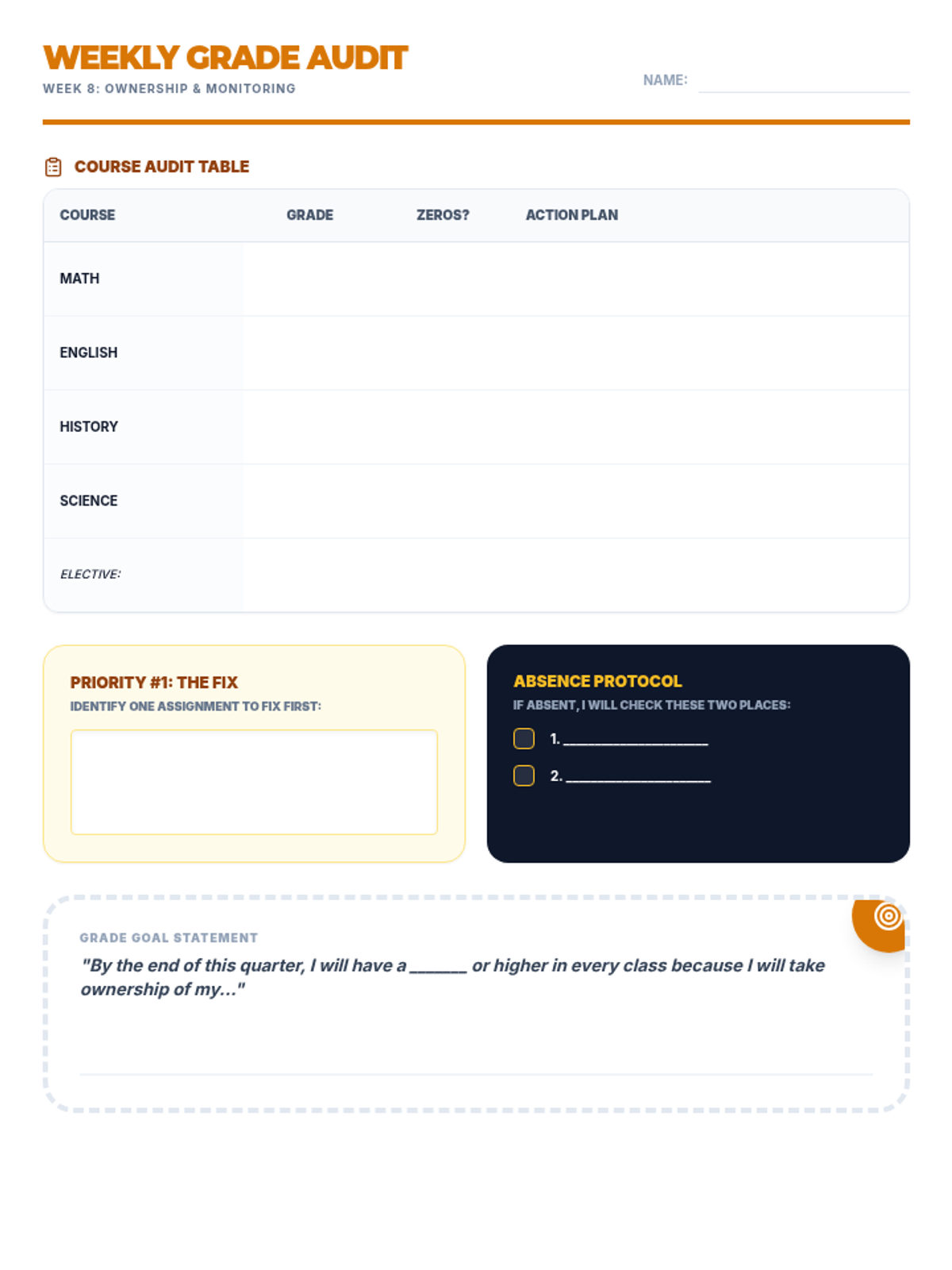
Empowers students to take ownership of their academic progress through proactive grade monitoring and absence follow-up.
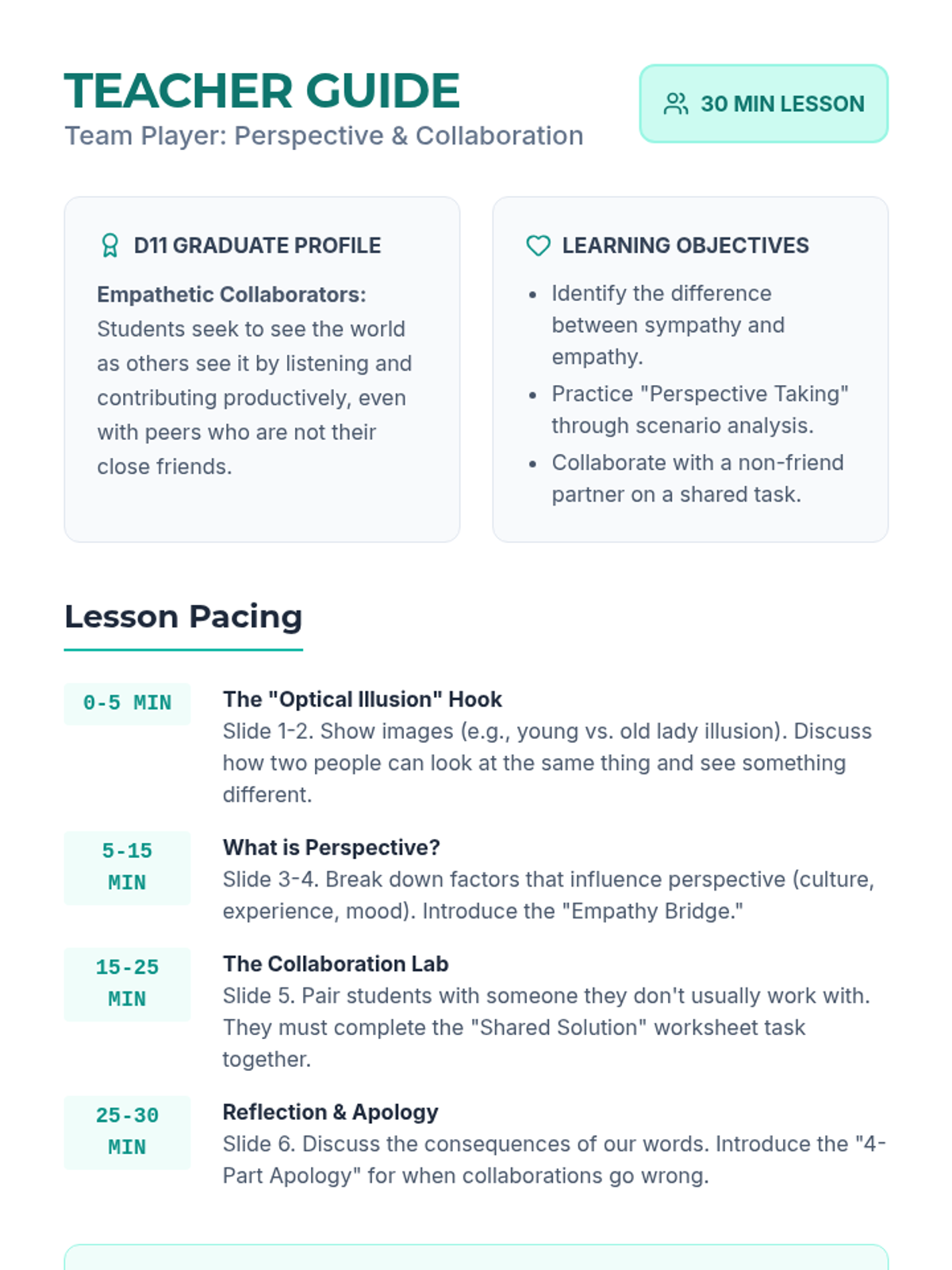
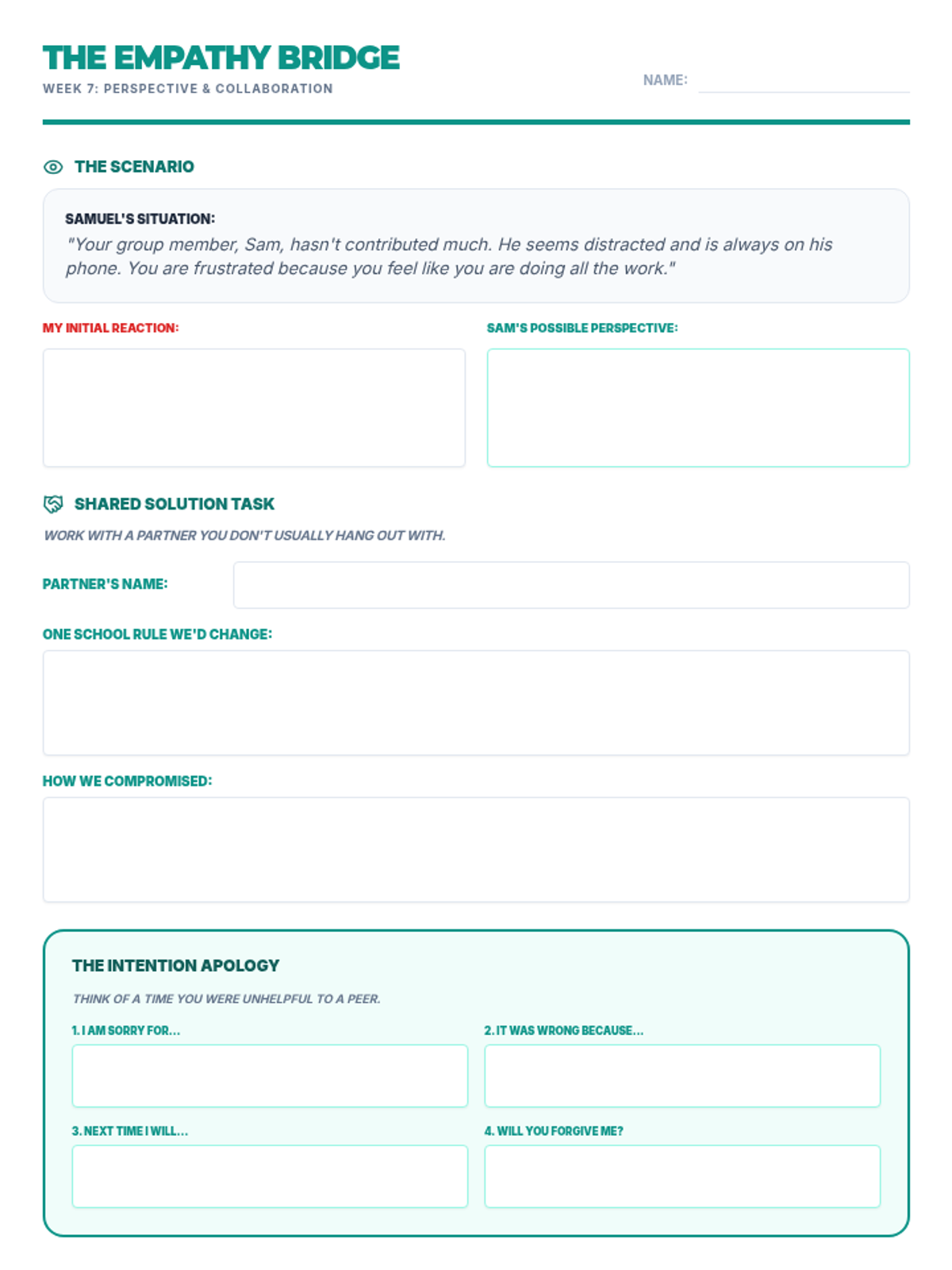
Focuses on perspective-taking and collaborating effectively with diverse peers to achieve shared goals.
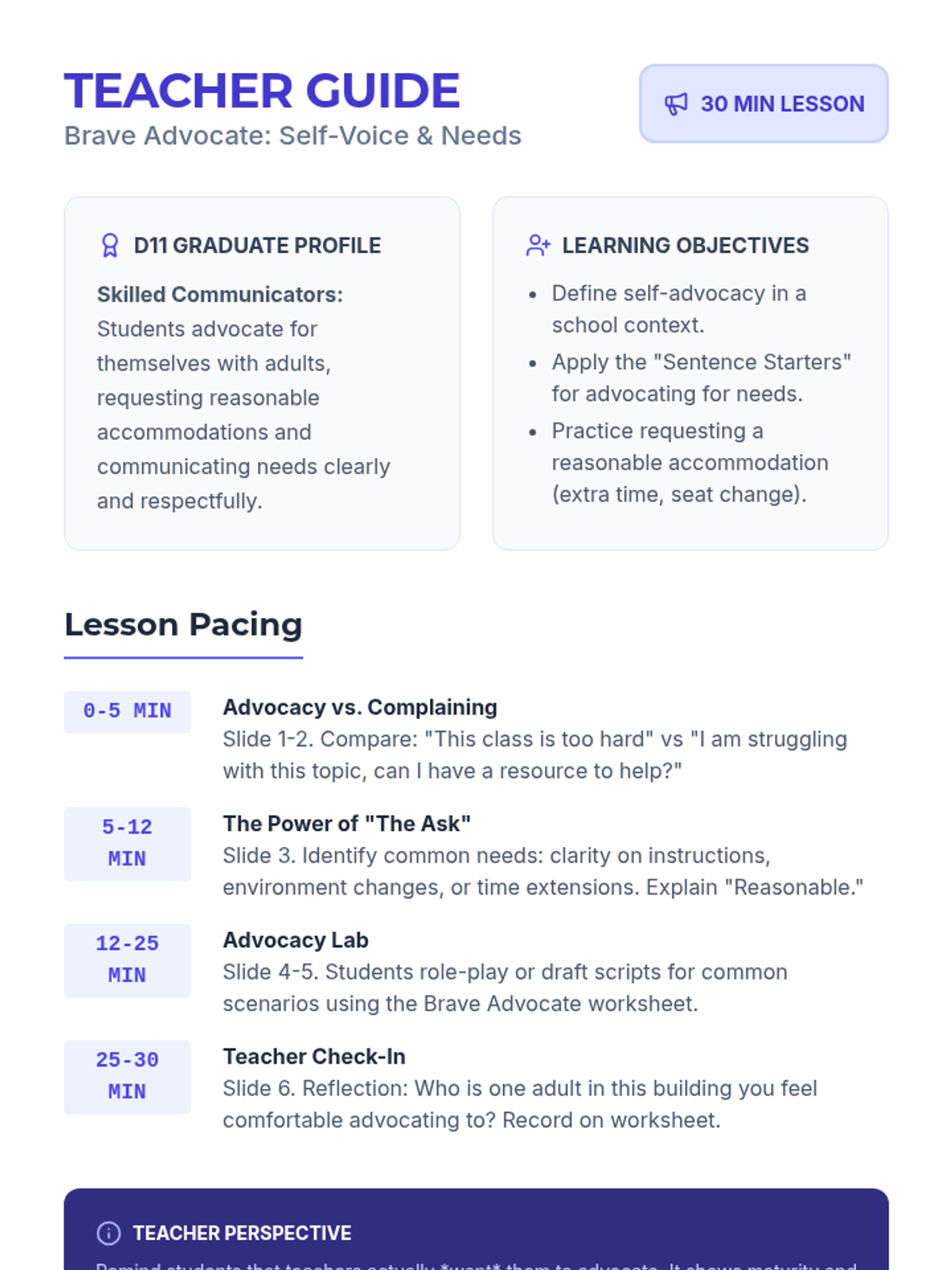
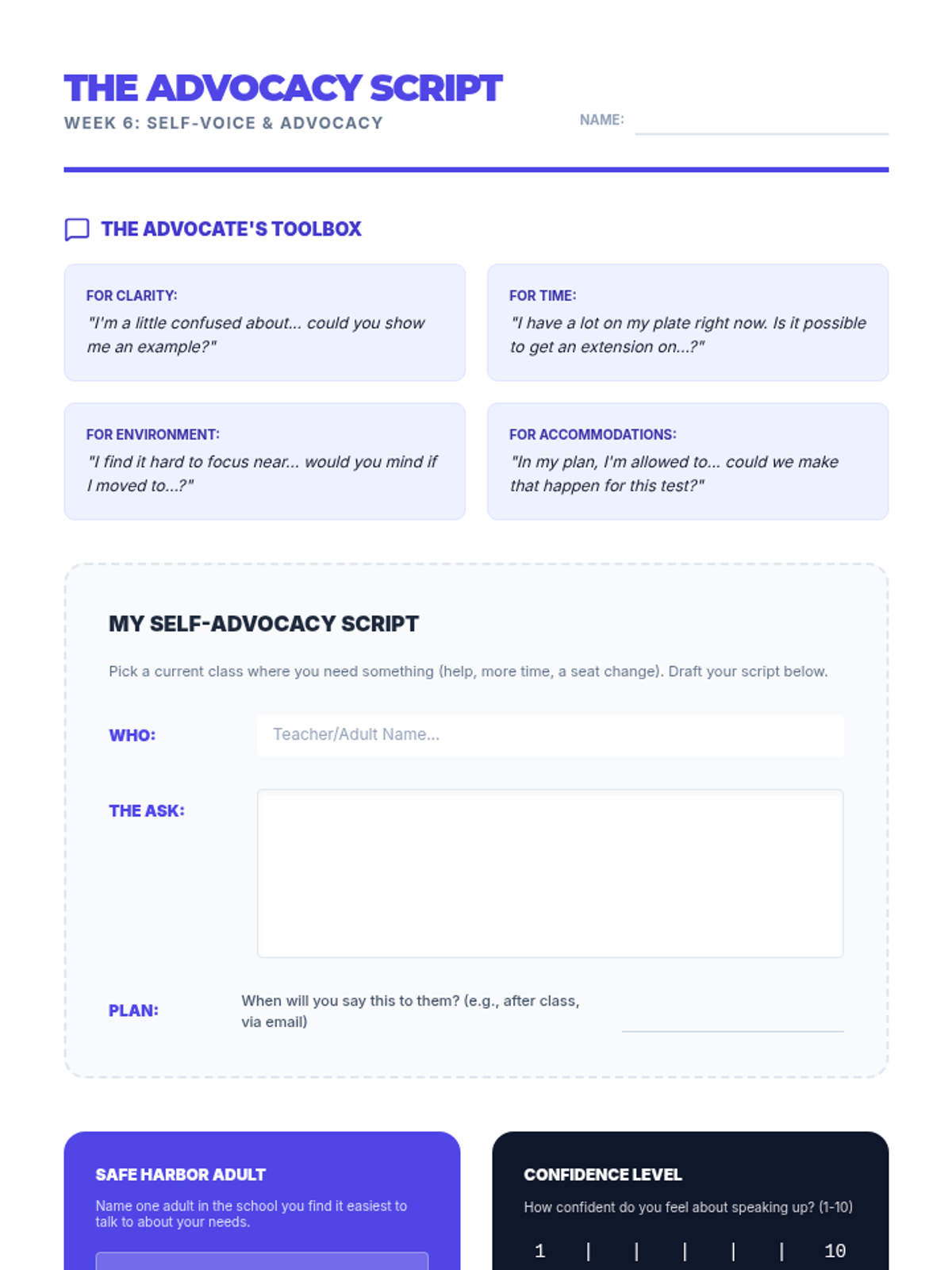
Develops self-advocacy skills, teaching students how to communicate their needs and request accommodations respectfully.
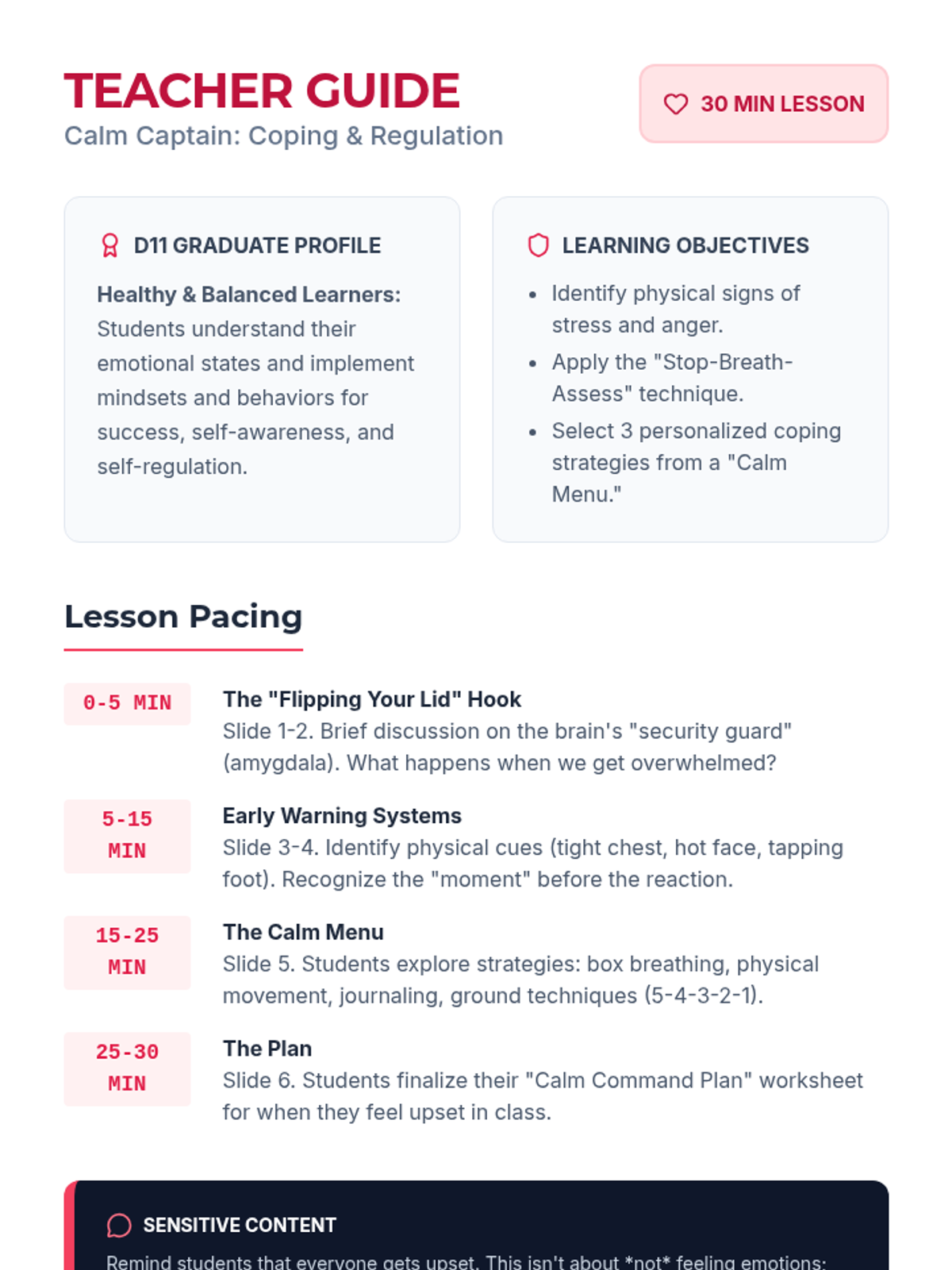
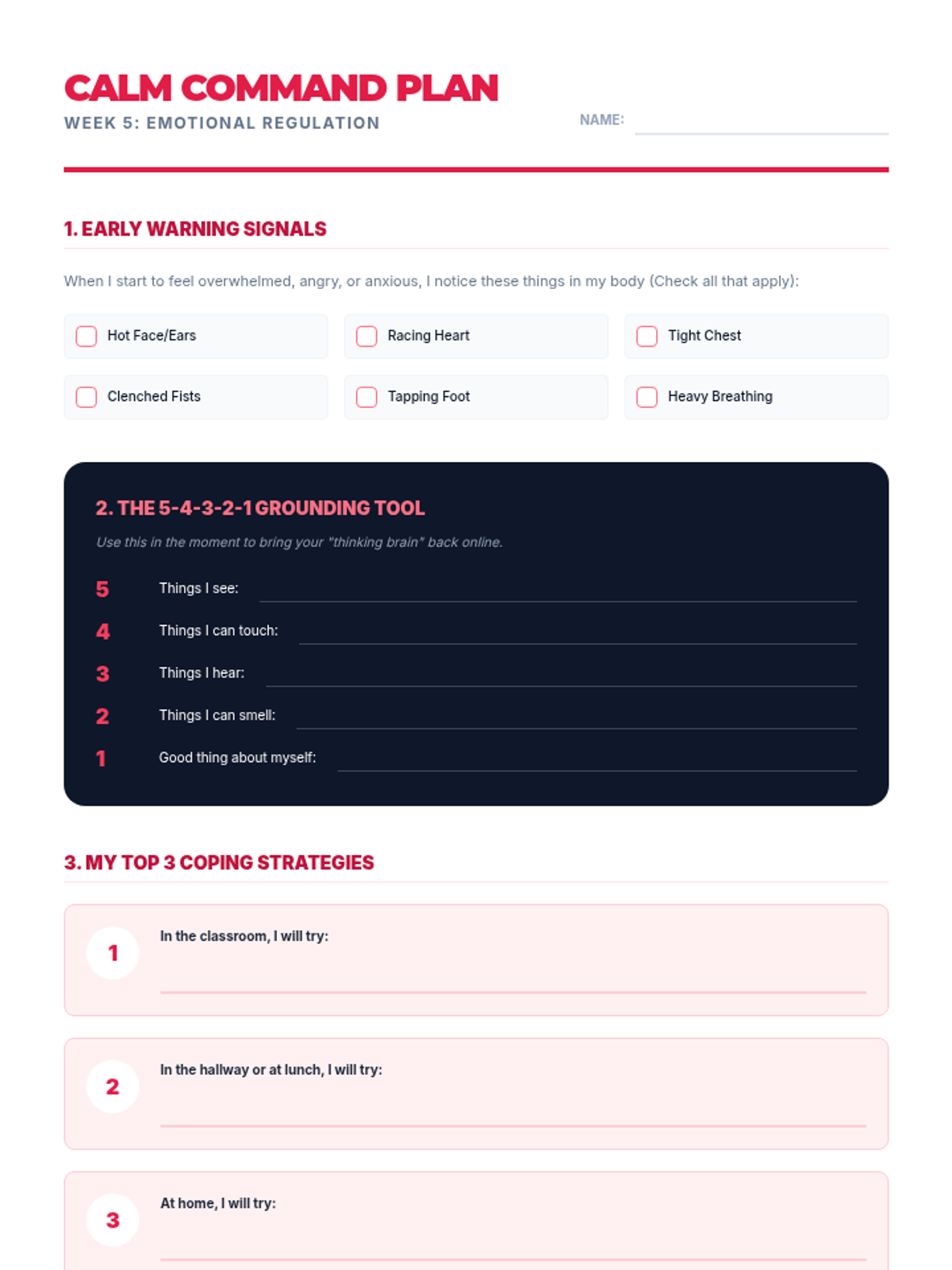
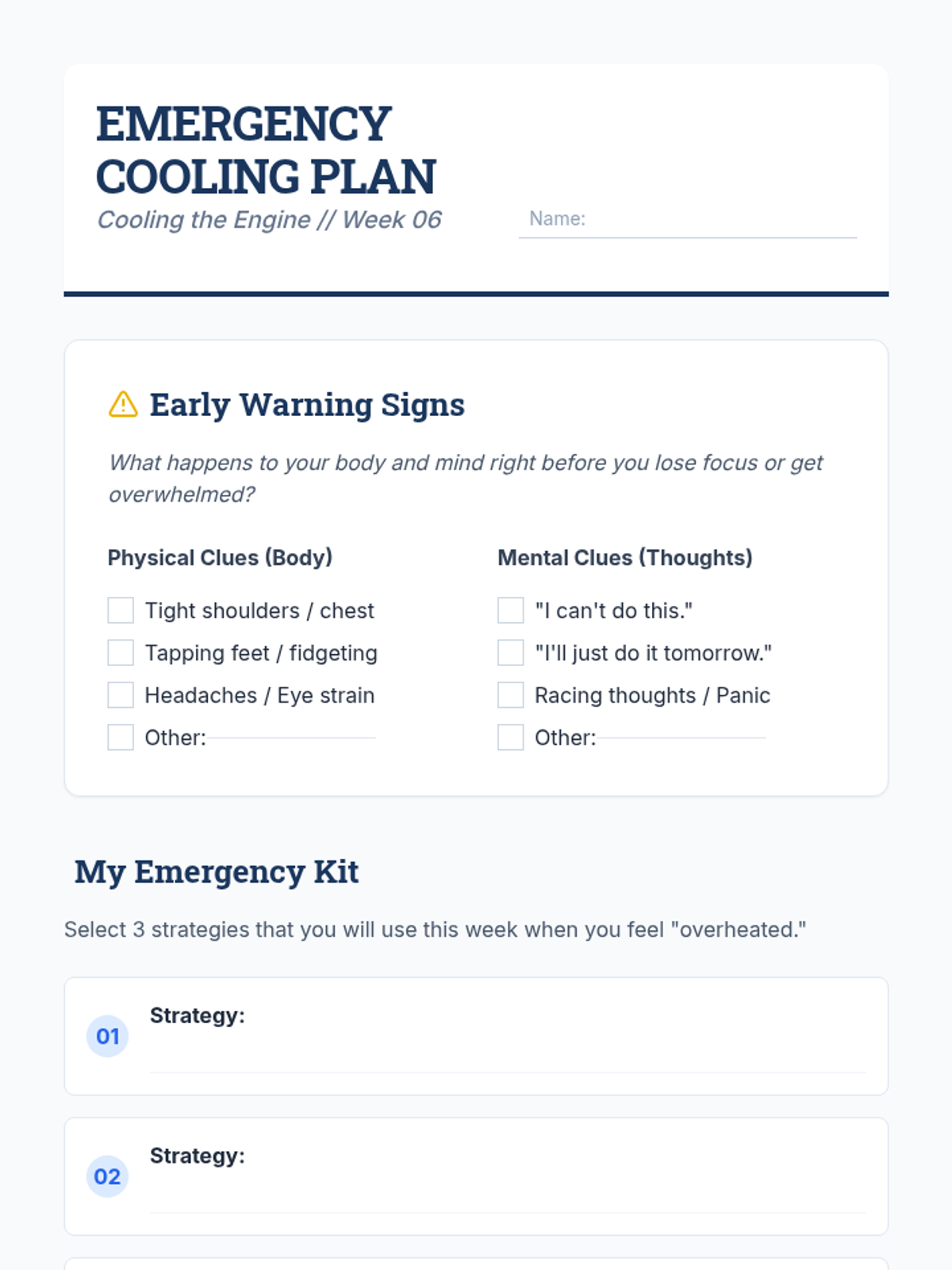
Introduces coping strategies and emotional regulation techniques to help students manage stress and process emotions productively.
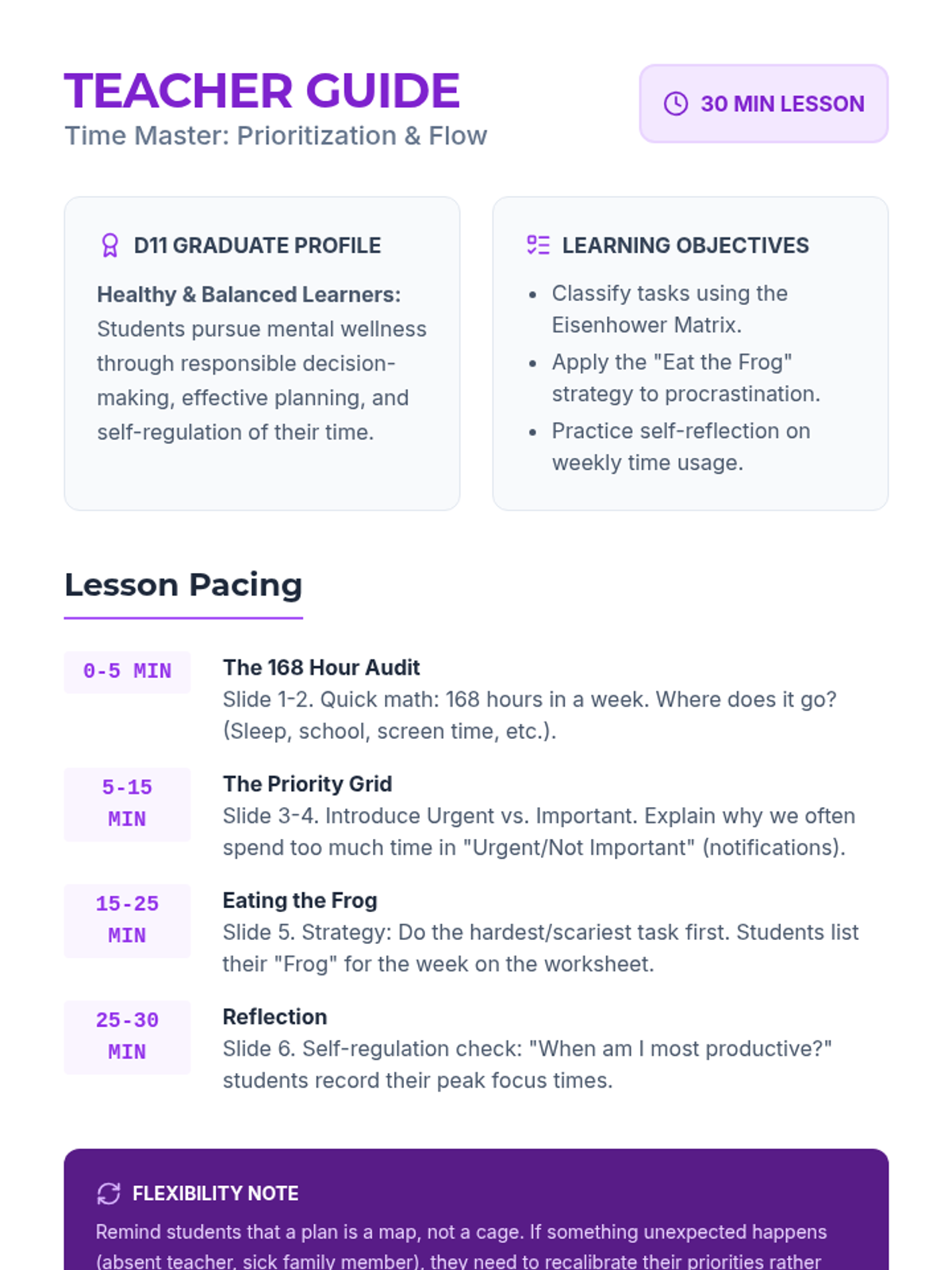
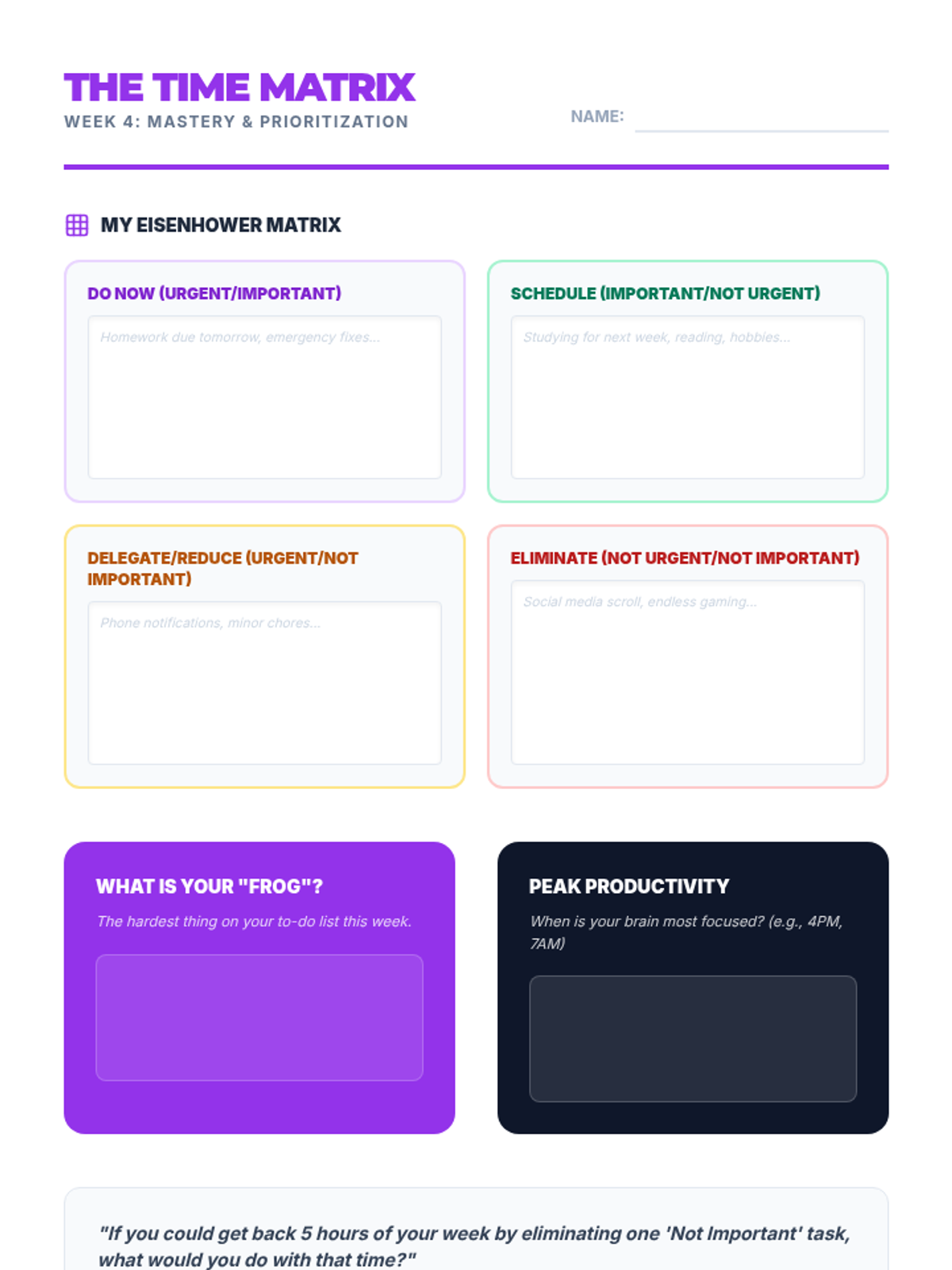
Equips students with time management strategies, prioritization techniques, and the flexibility to adjust plans when needed.
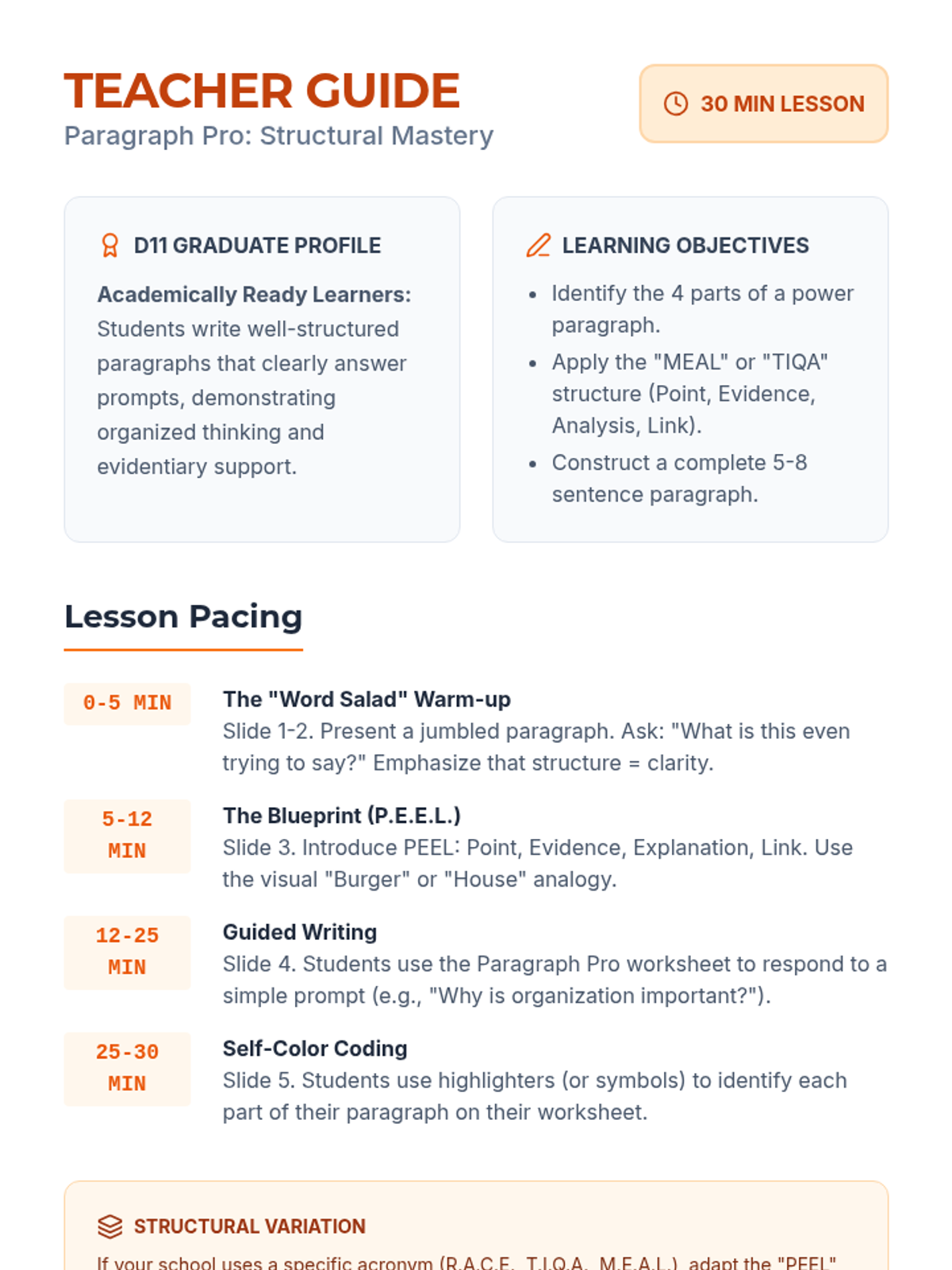
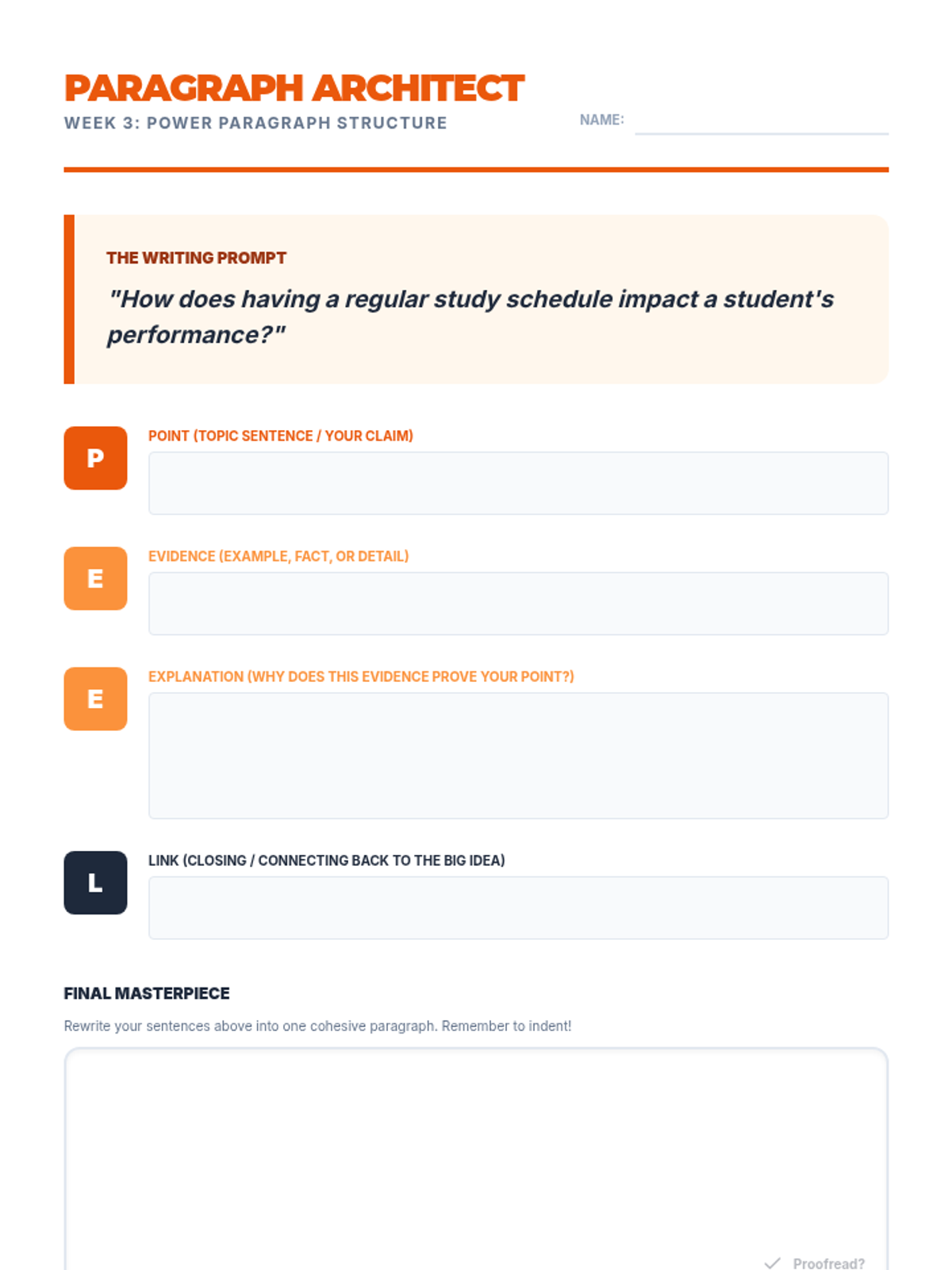
Teaches the structure of a well-organized paragraph to help students express ideas clearly in academic settings.
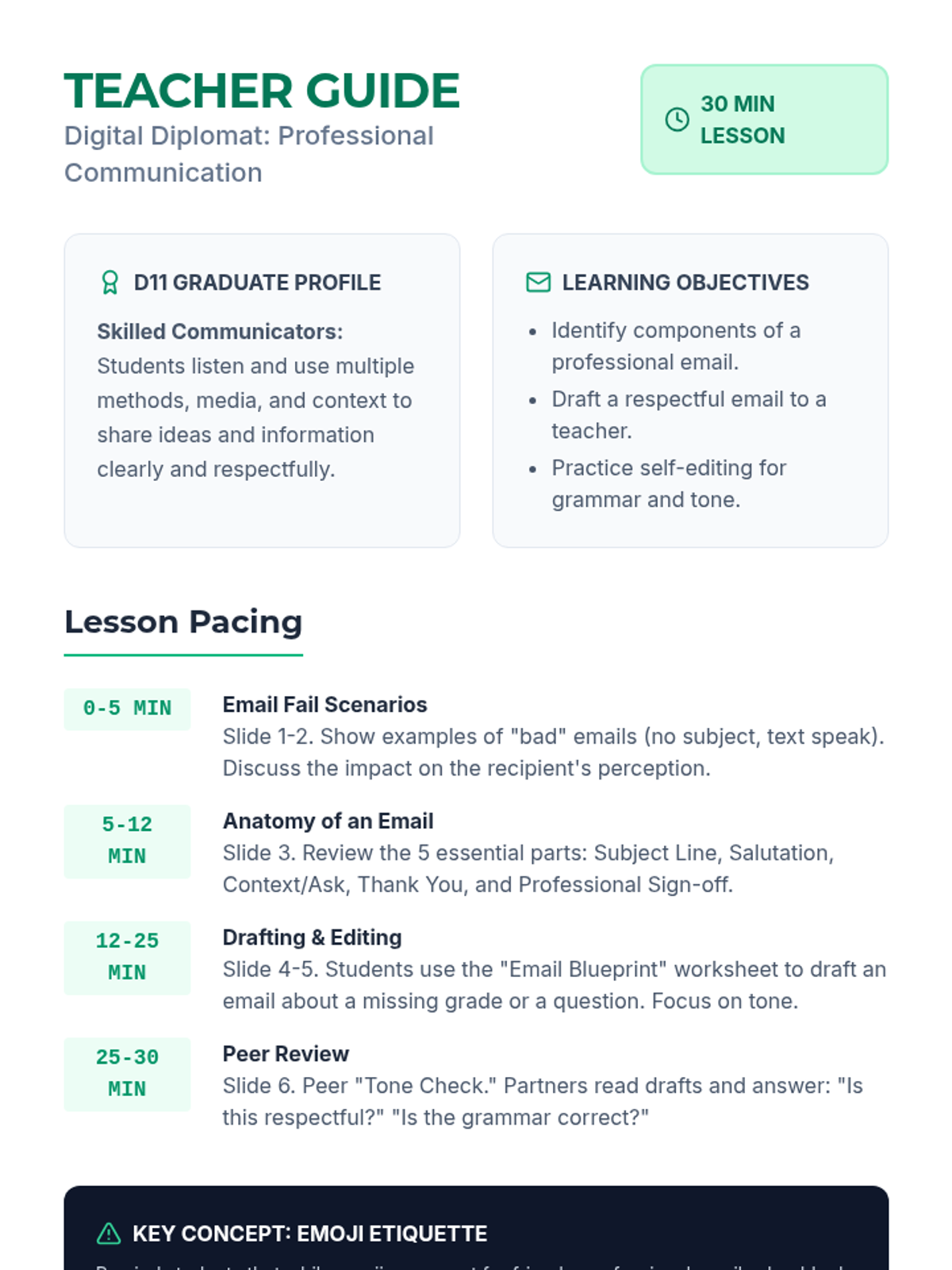
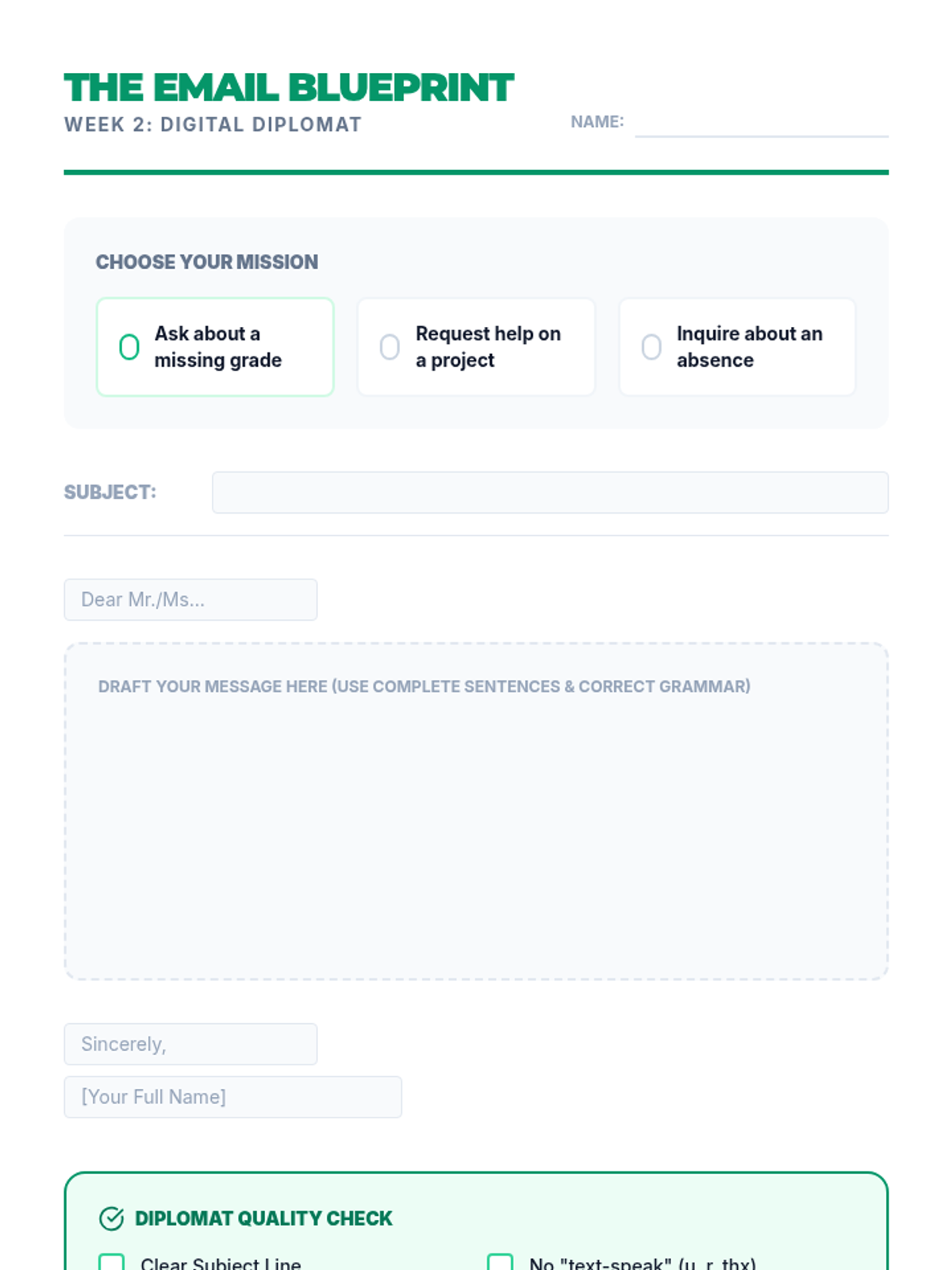
Focuses on professional digital communication, specifically writing respectful and grammatically correct emails to teachers and adults.
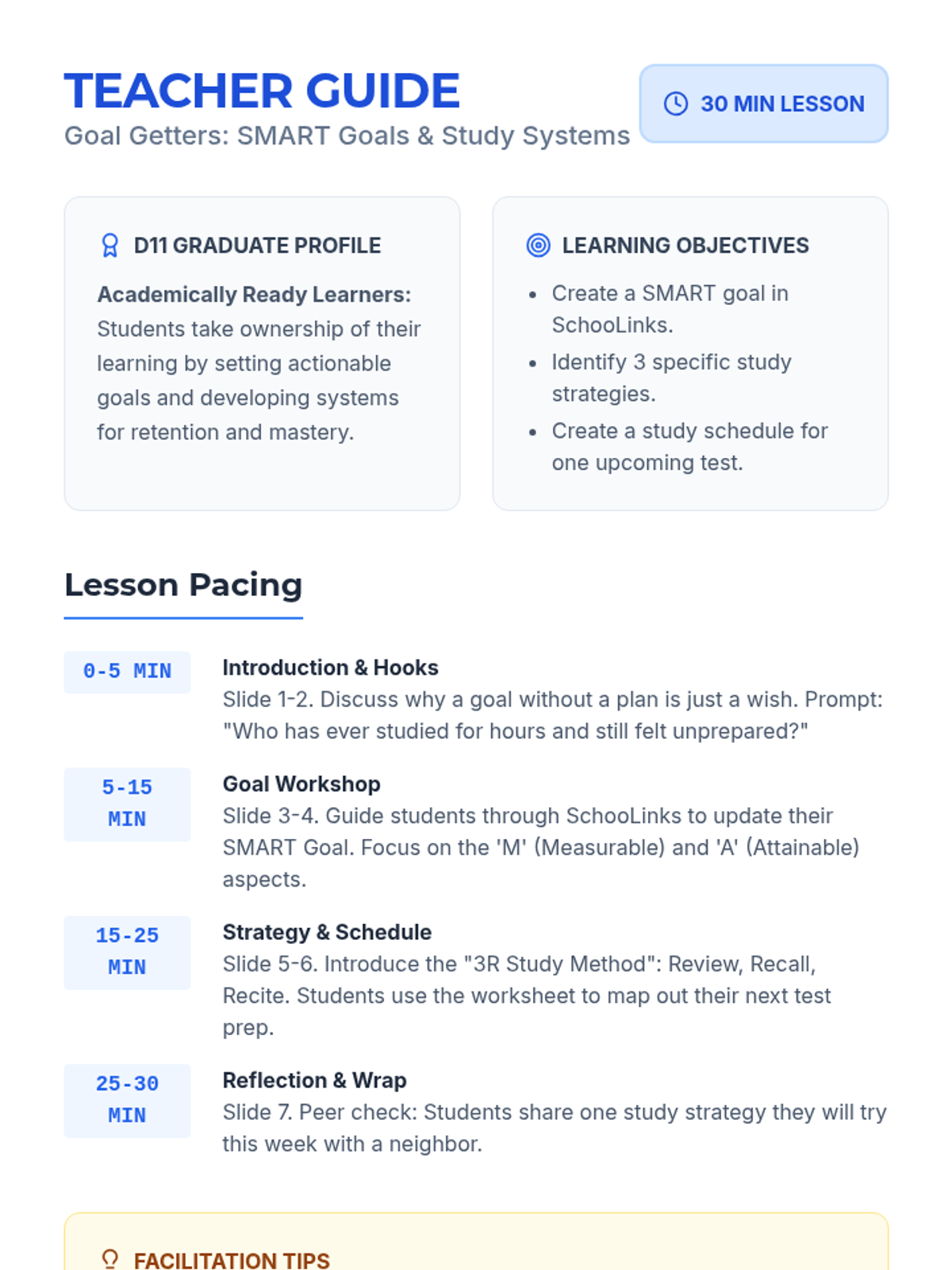
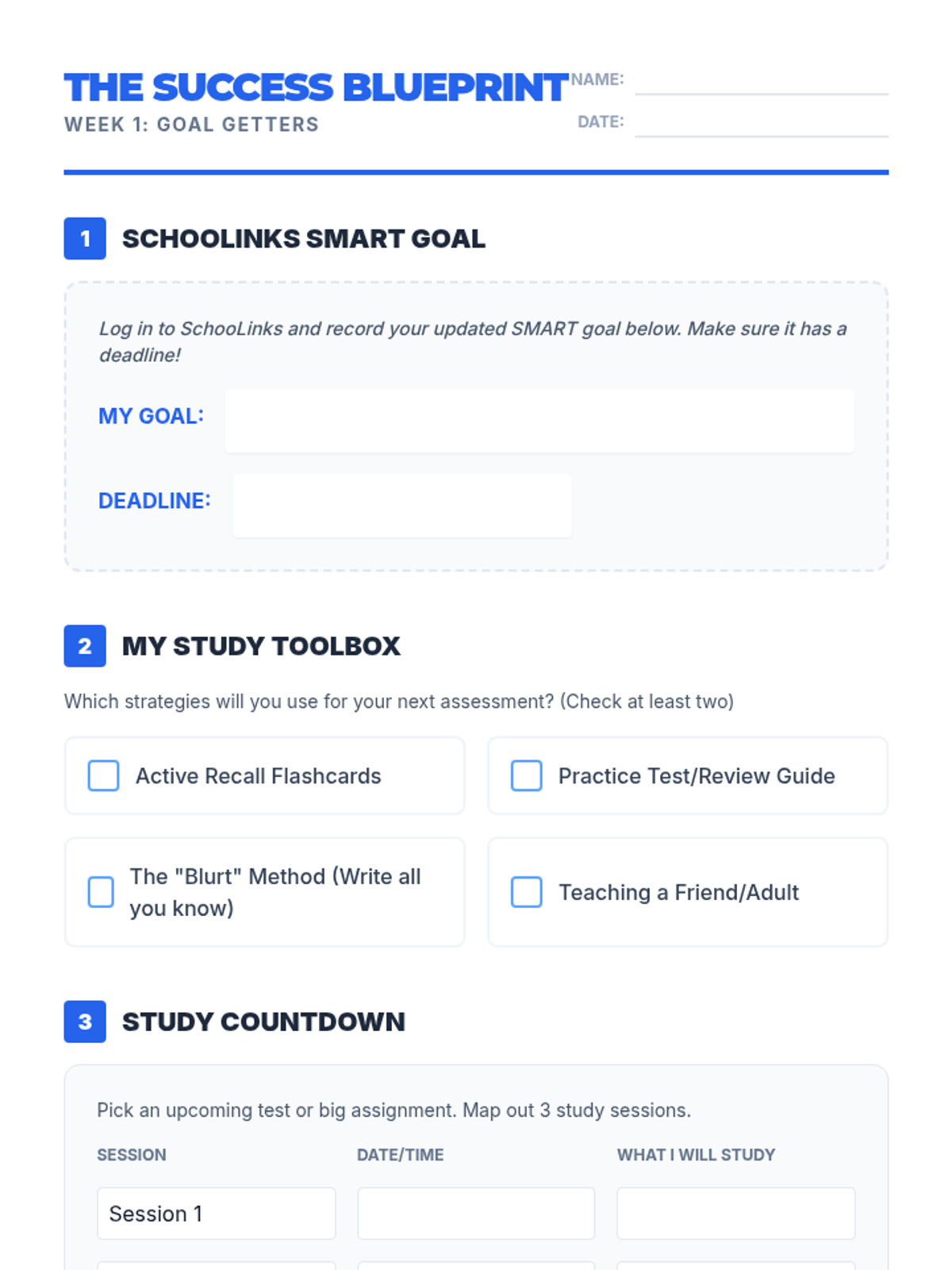
Students learn to set SMART goals for academic success and implement effective study systems including flashcards and review guides.
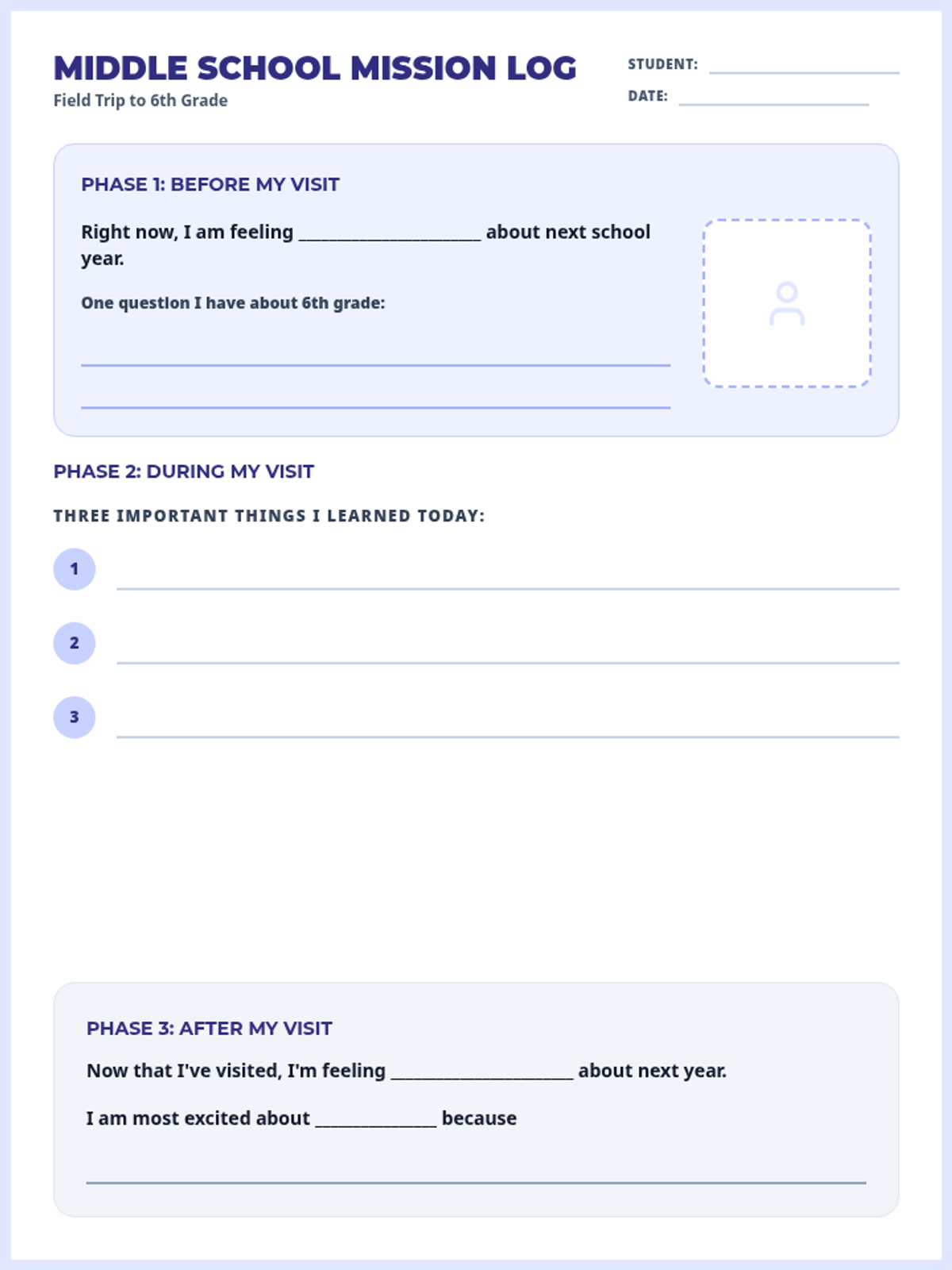
A comprehensive packet to help 5th graders and their families navigate the transition to middle school, featuring reflection guides, practical skills, and updated resource lists.
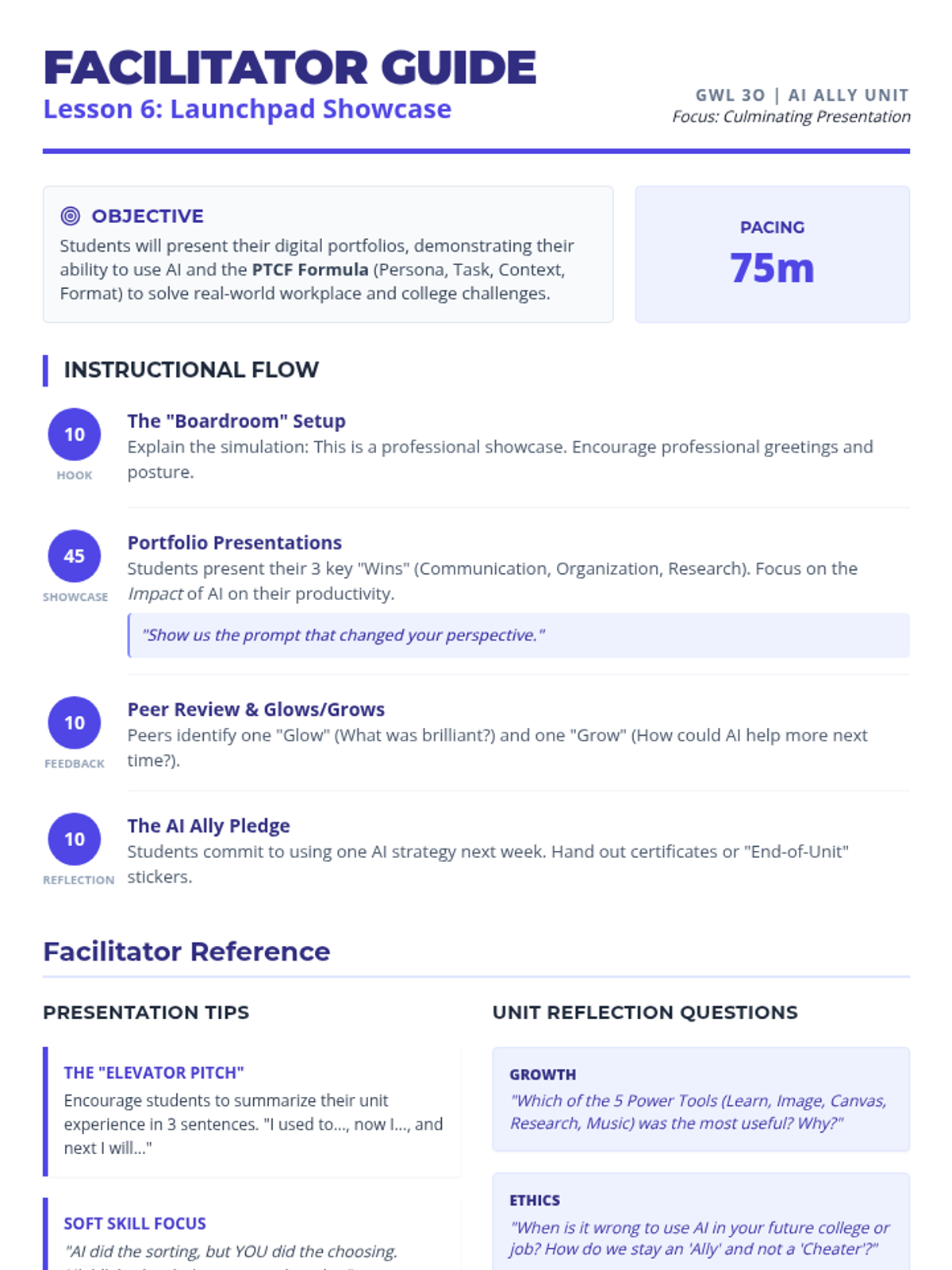
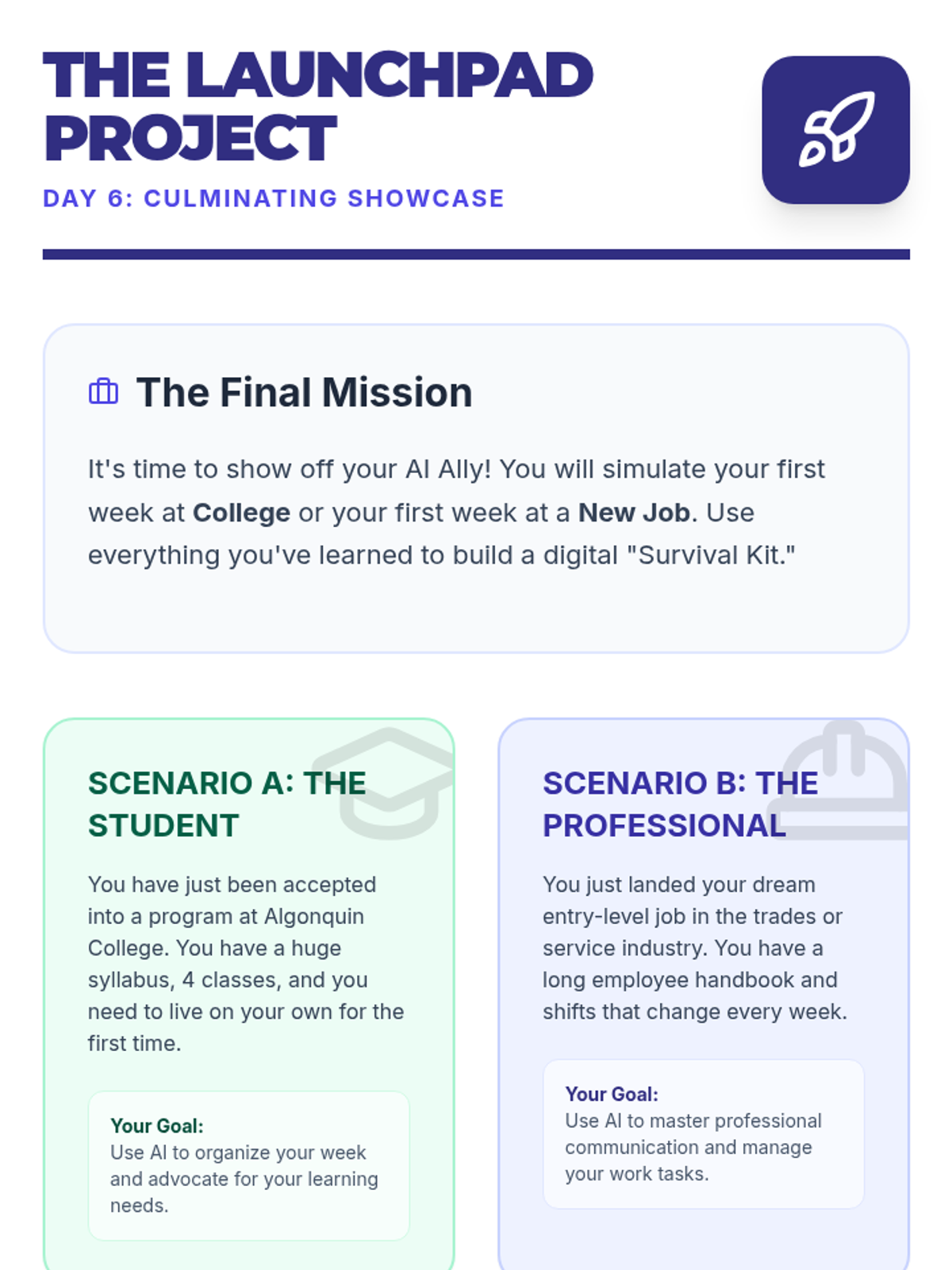
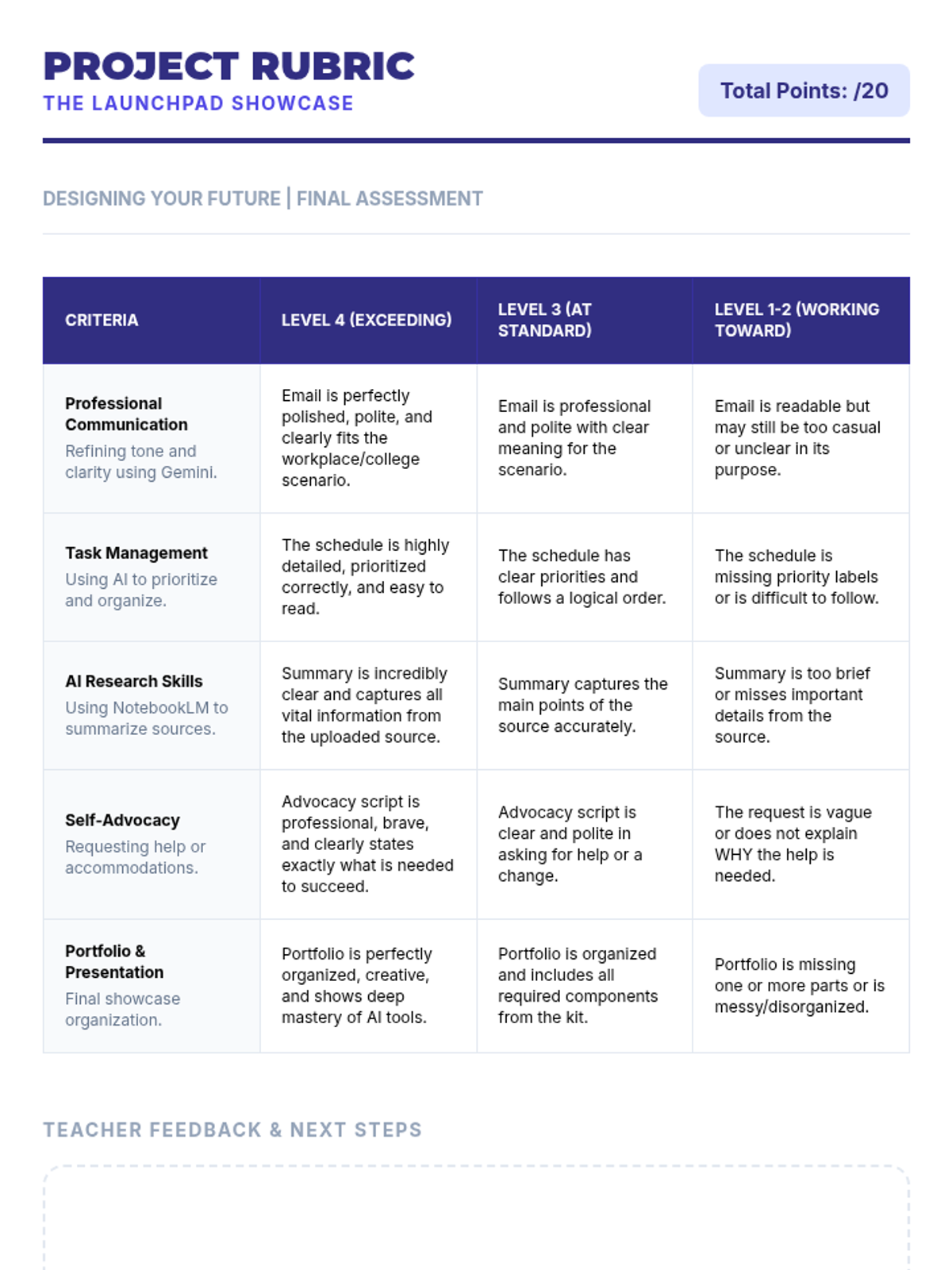
A culminating activity where students apply their AI skills to a real-world college or workplace simulation, presenting their findings in a digital portfolio.
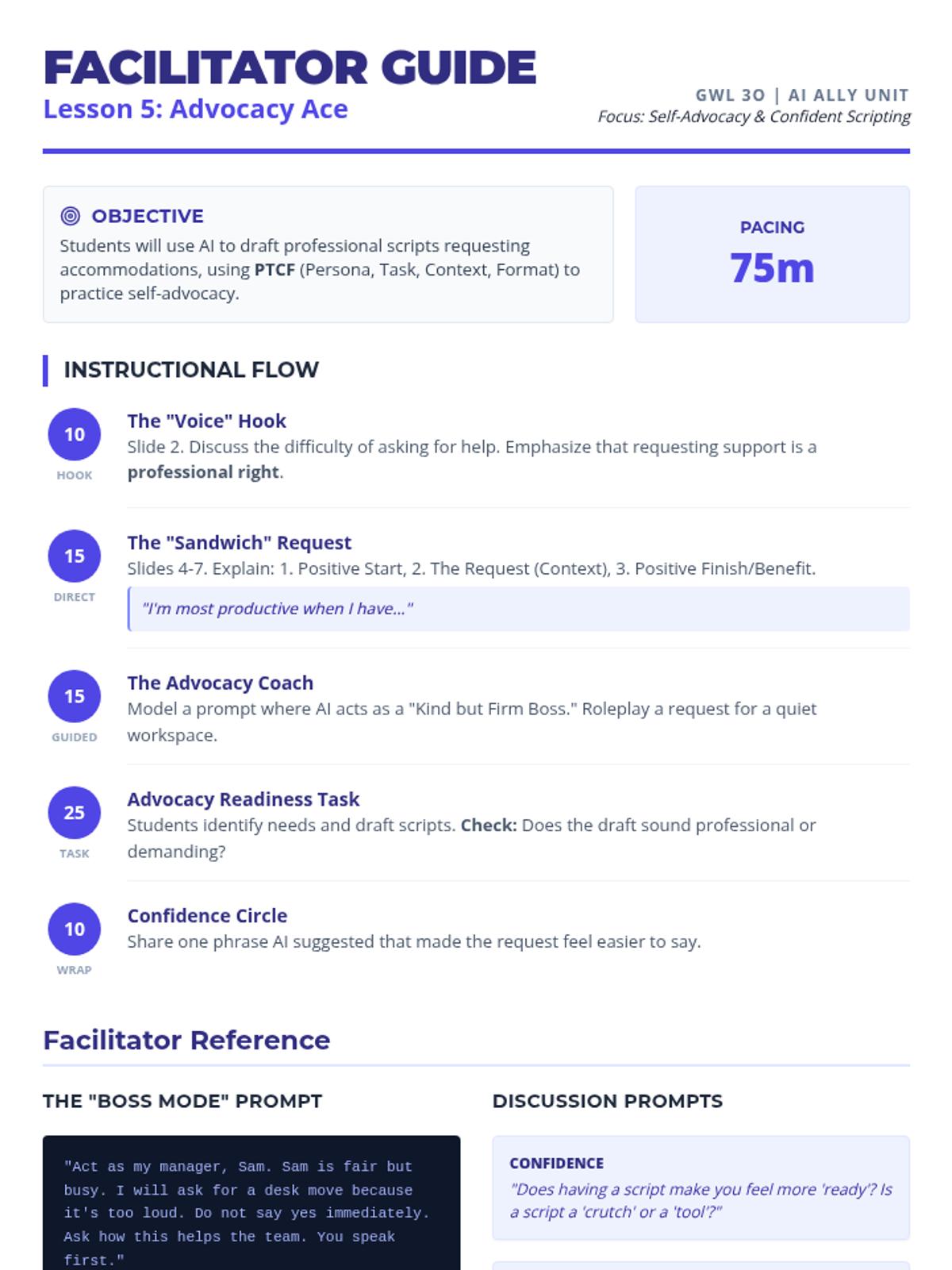
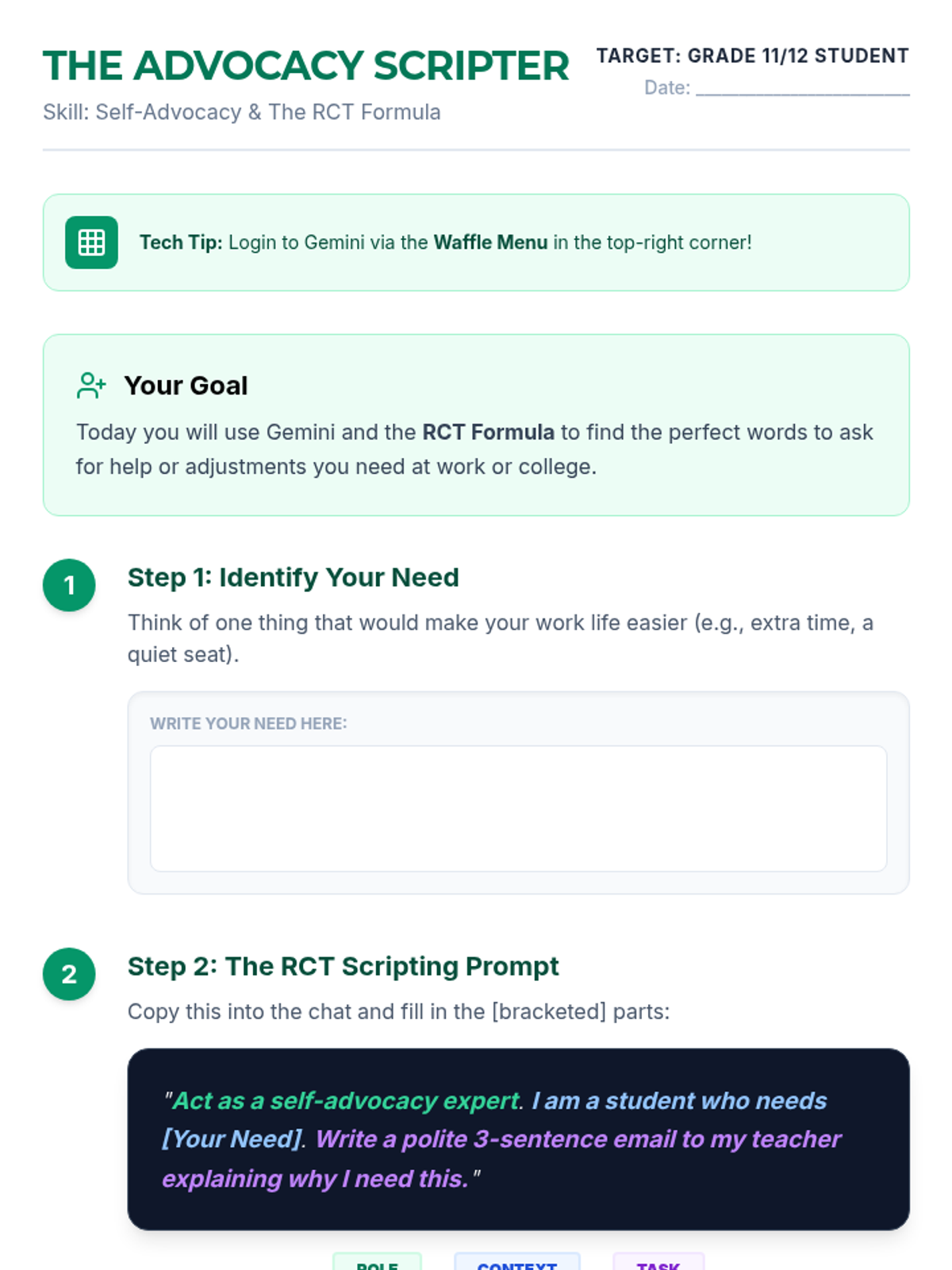
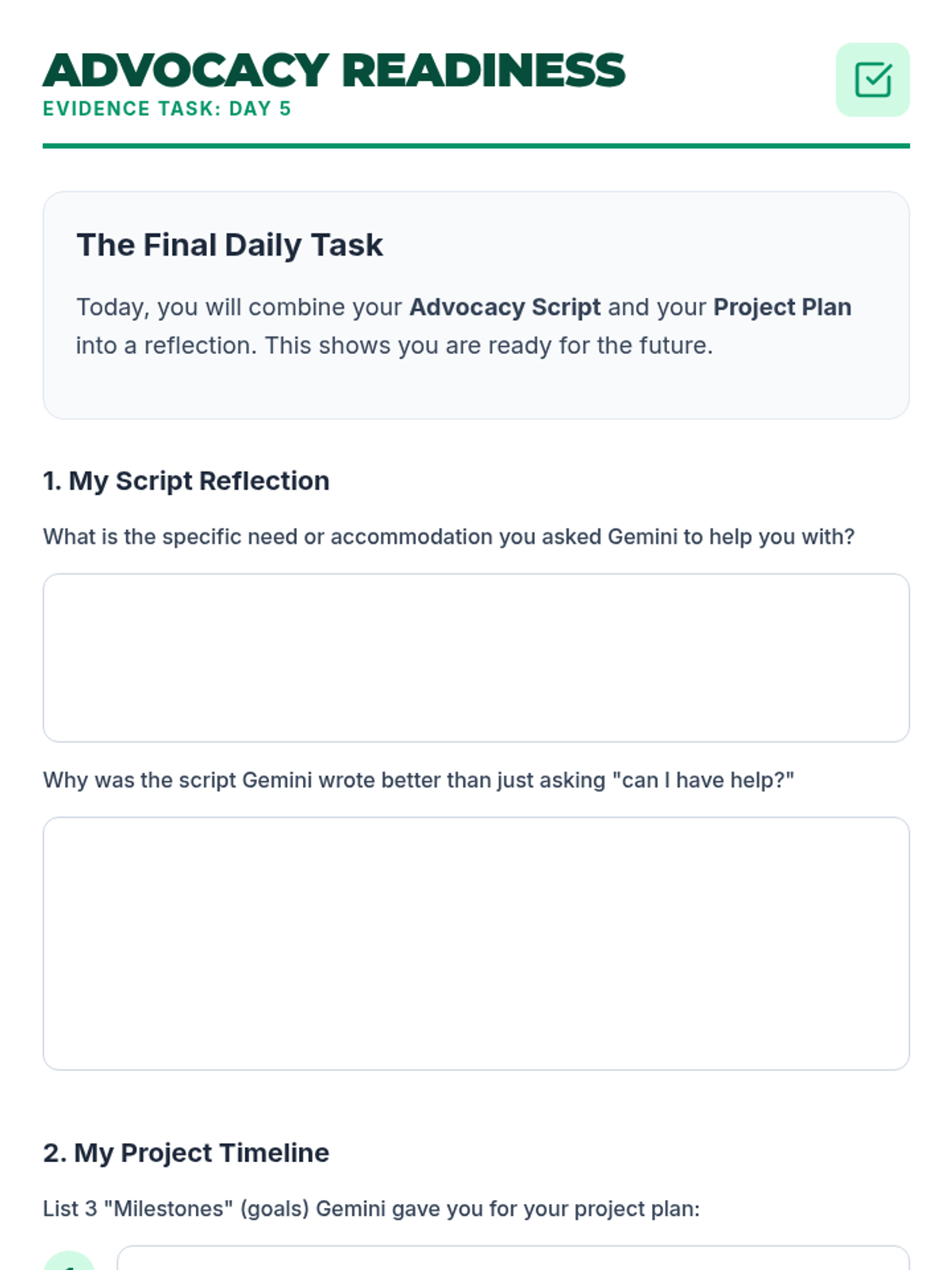
Focuses on self-advocacy and project planning, using AI to draft scripts for accommodation requests and breakdown long-term goals.
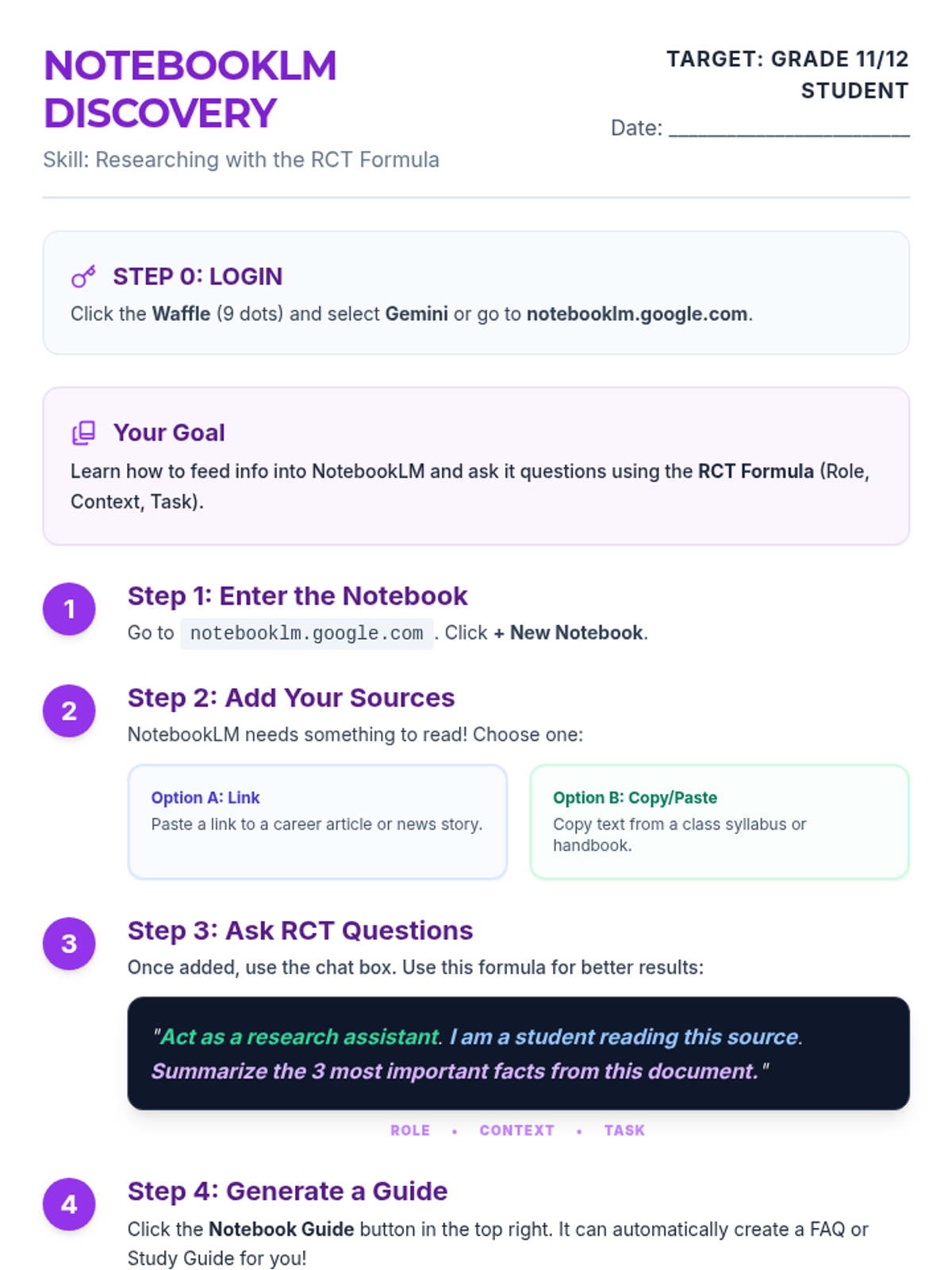
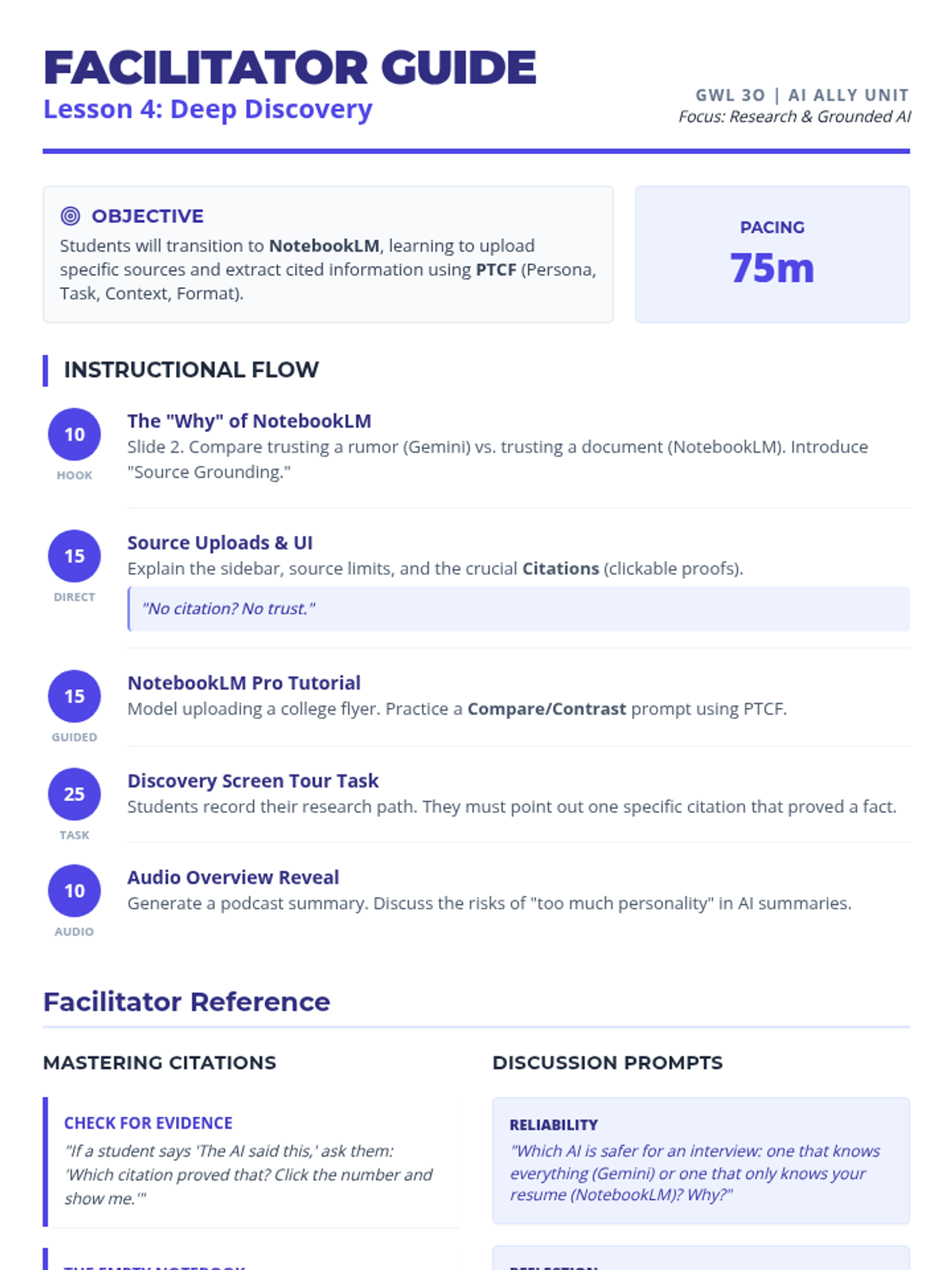
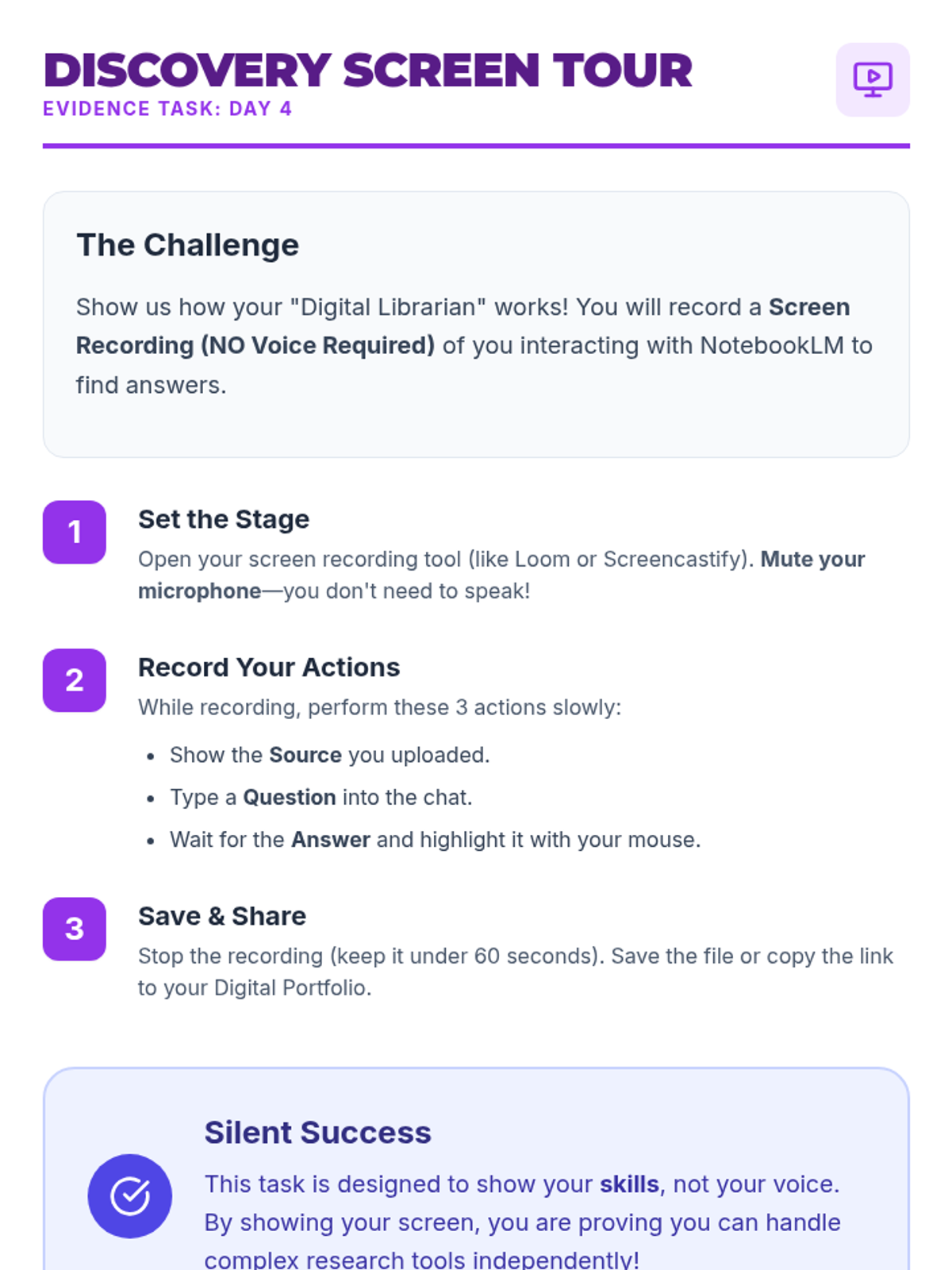
Explores the power of NotebookLM for academic and workplace research, teaching students how to synthesize large amounts of information efficiently.
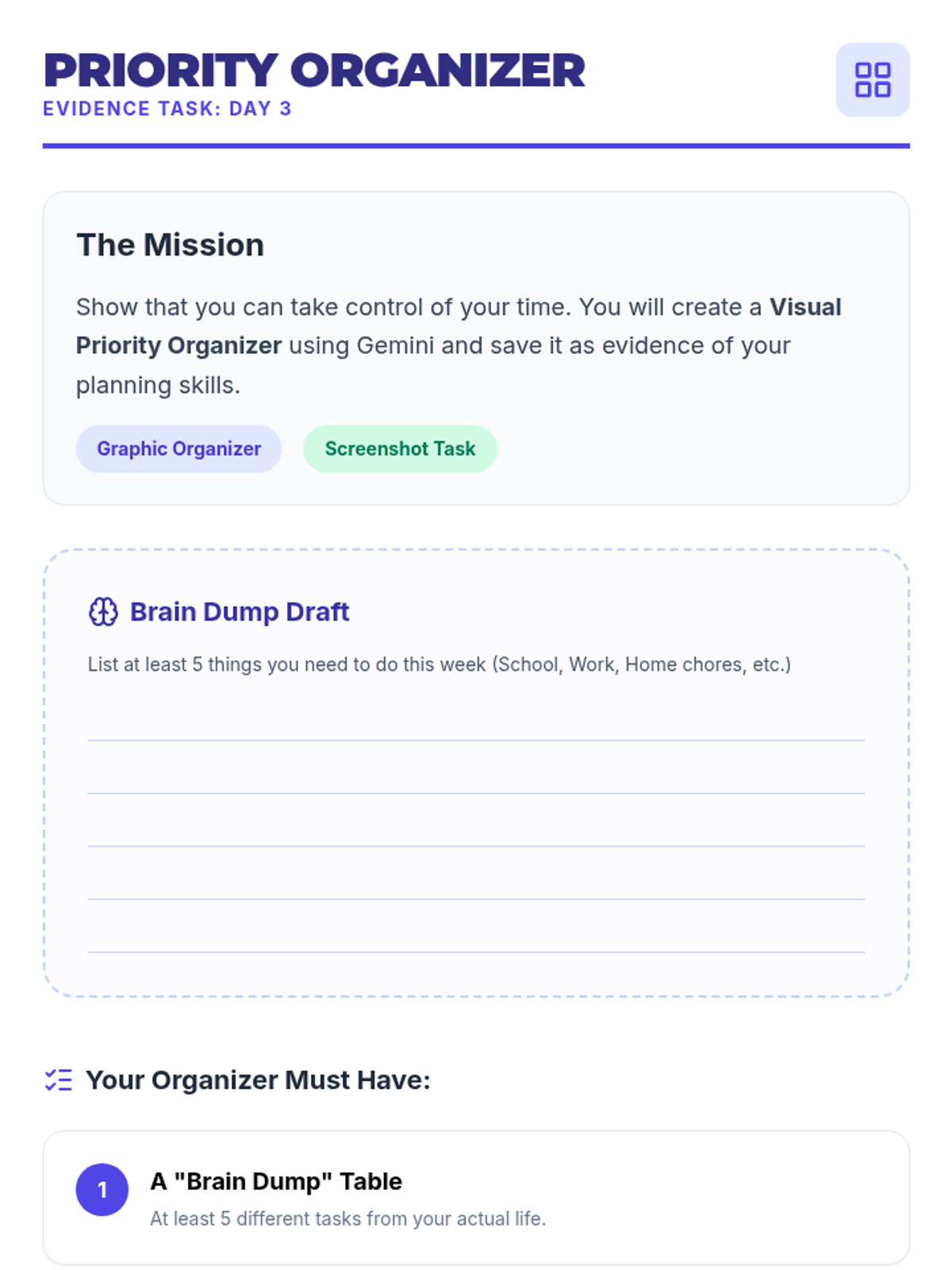
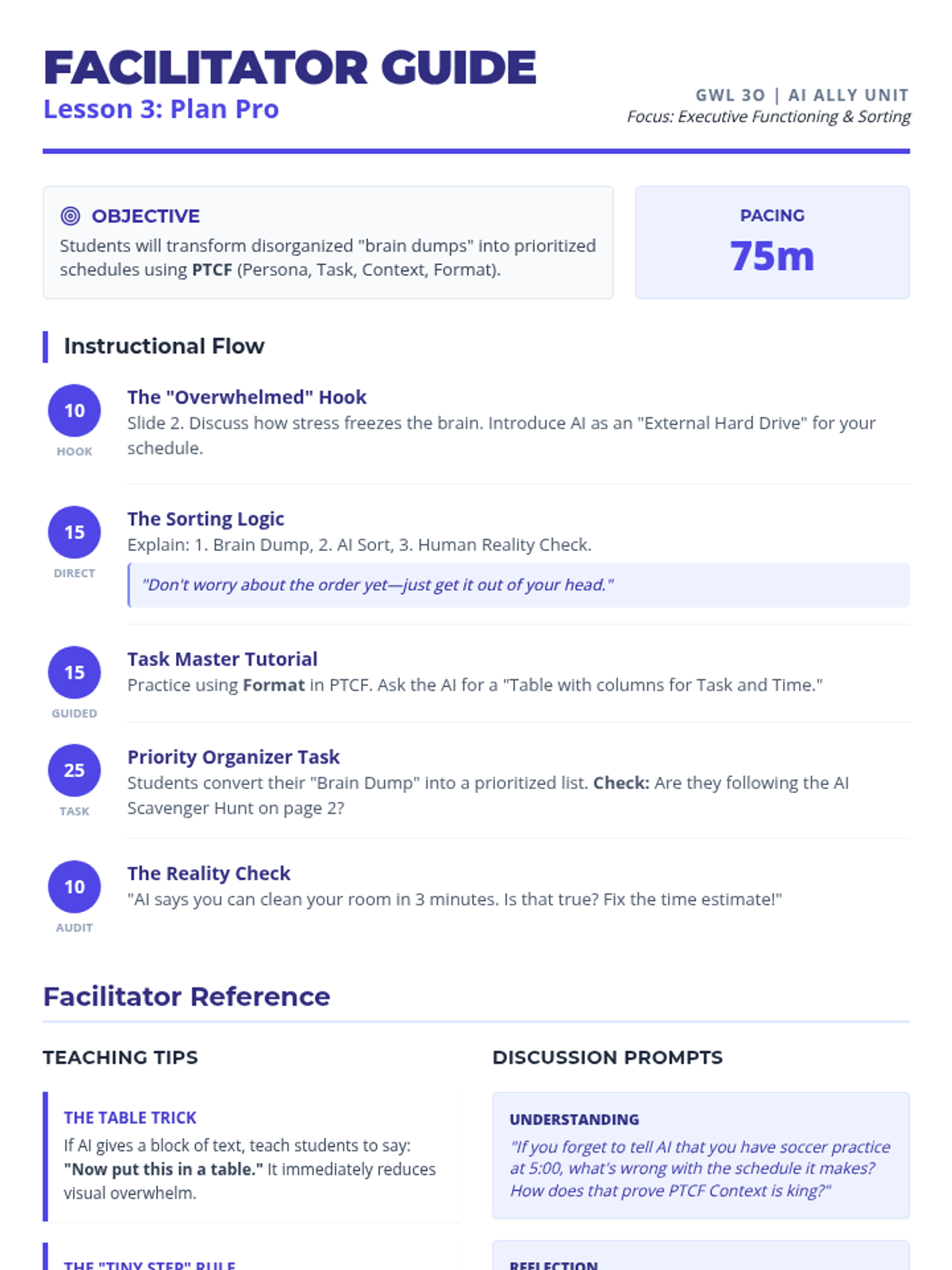
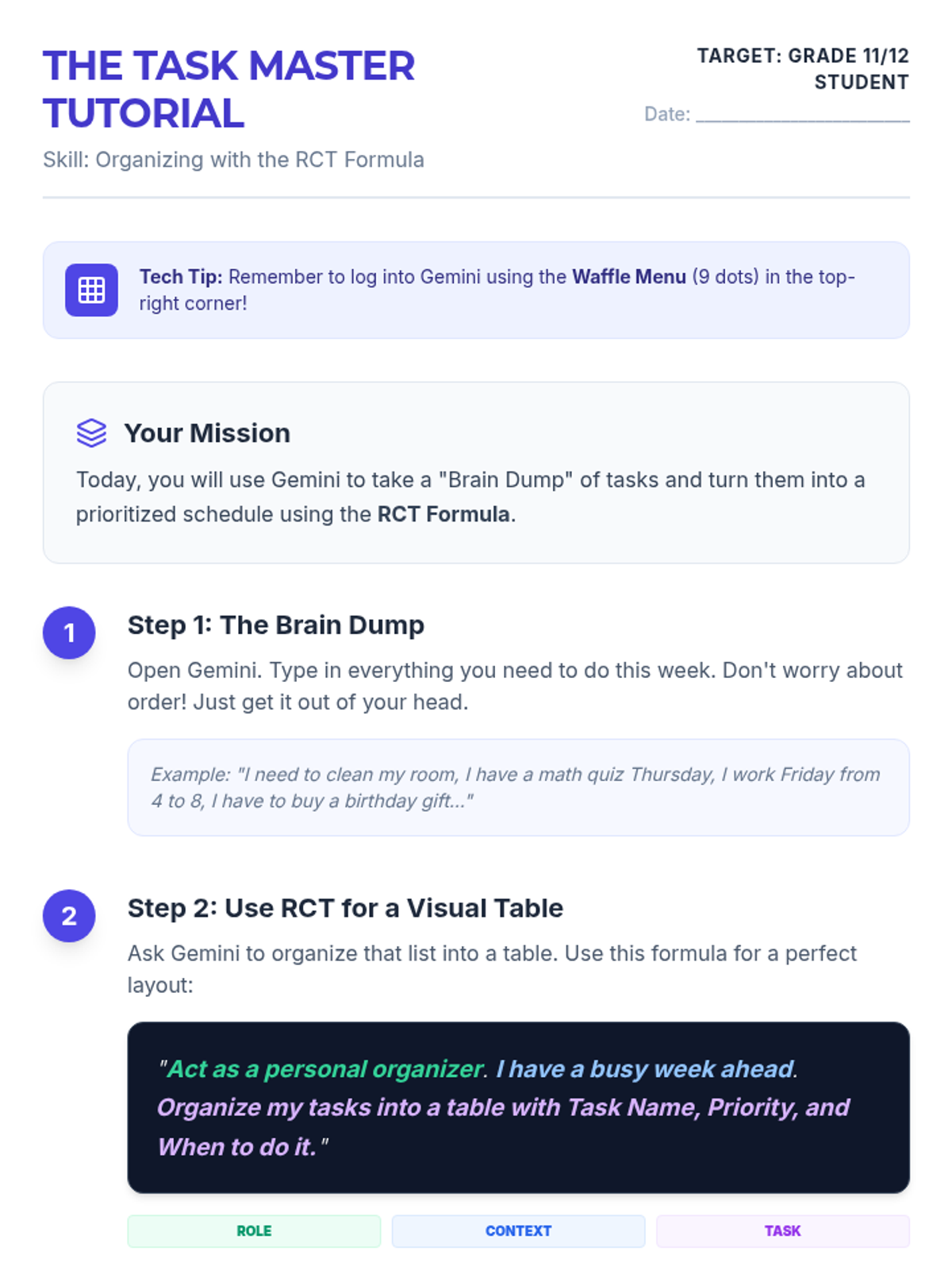
Focuses on organizational skills by using AI to transform messy lists into prioritized schedules and graphic organizers for improved task management.
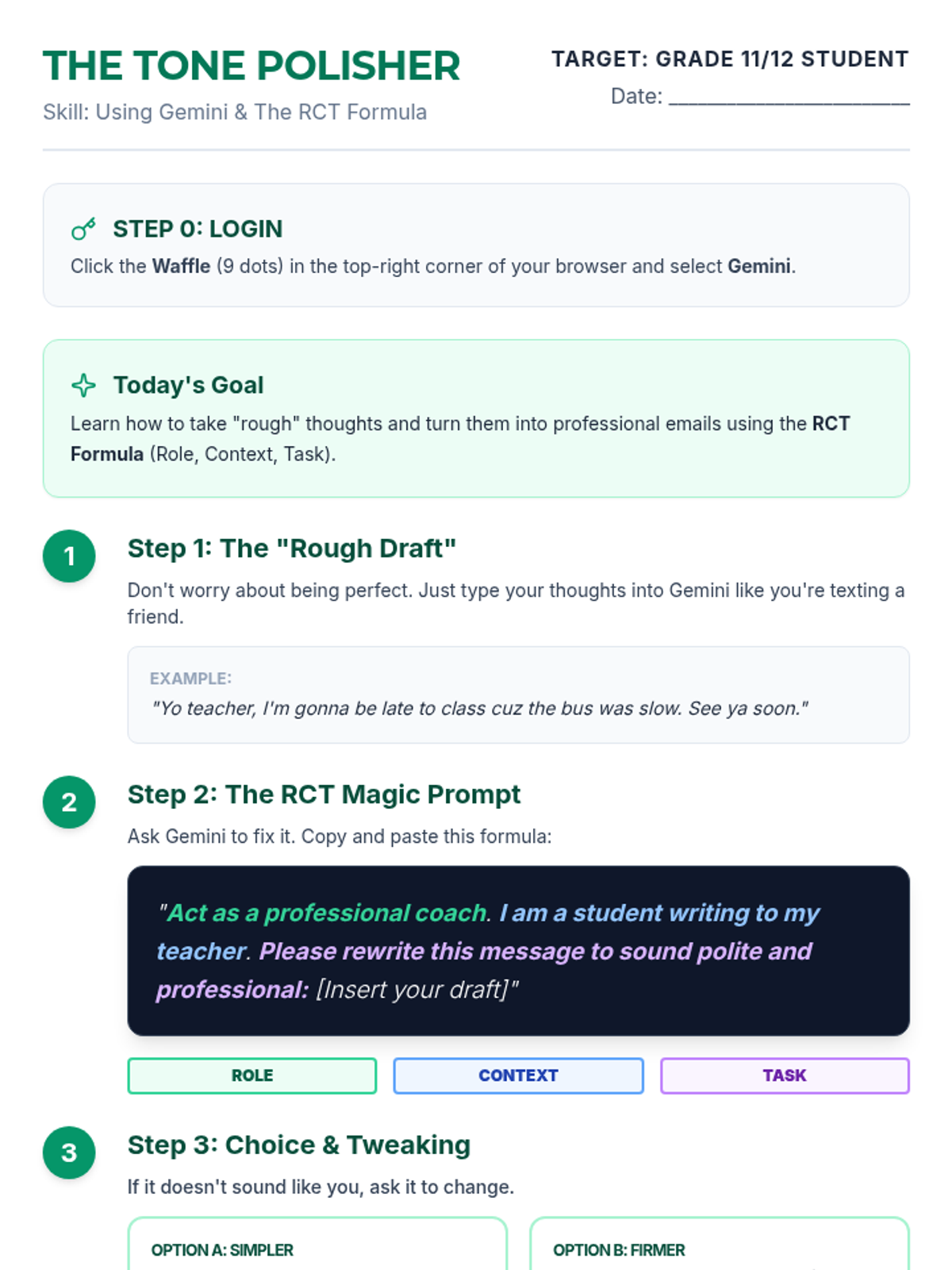
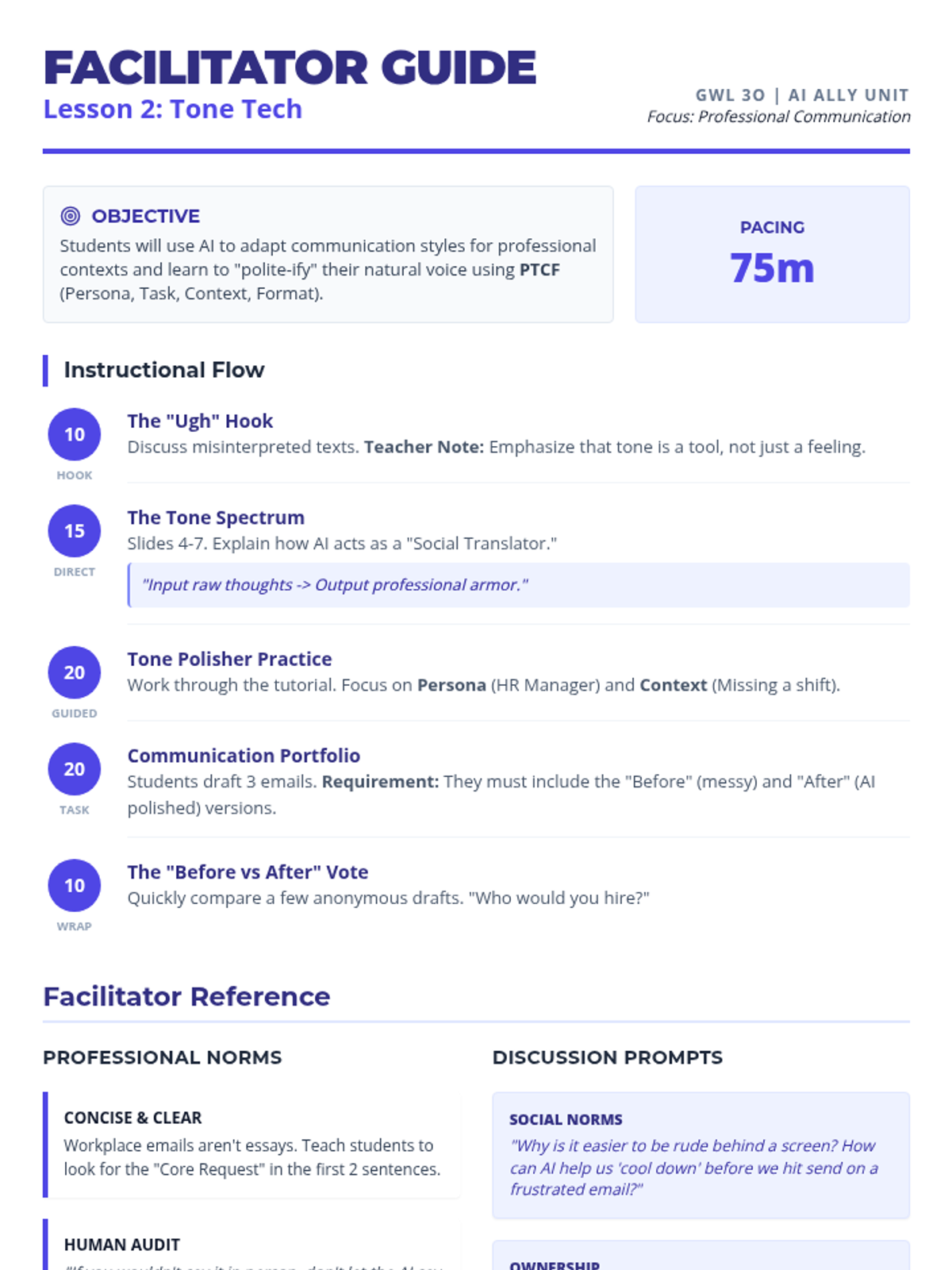
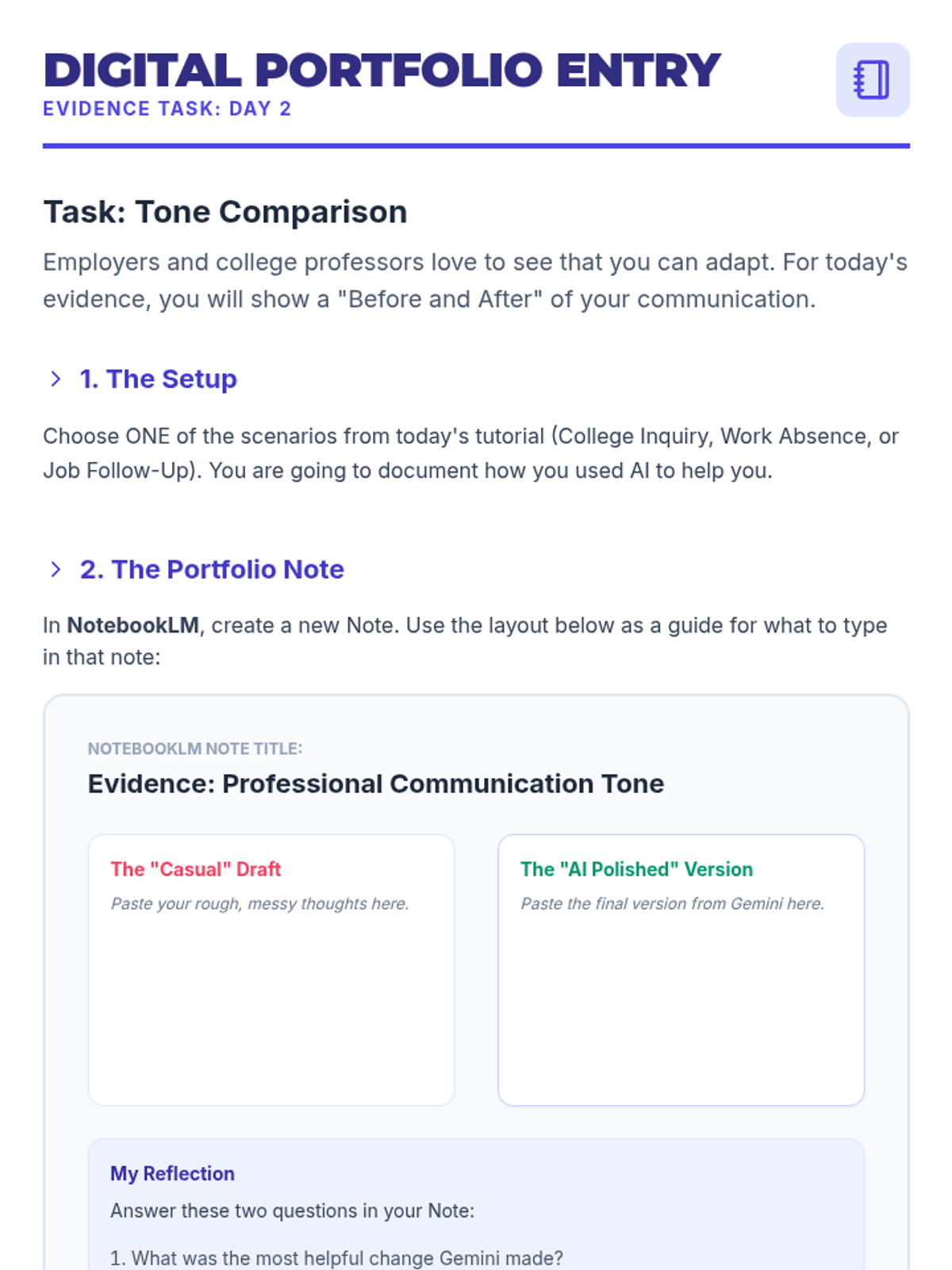
Students learn to use Gemini to refine professional tone and clarity in digital communications, creating a portfolio of email templates for workplace and college scenarios.
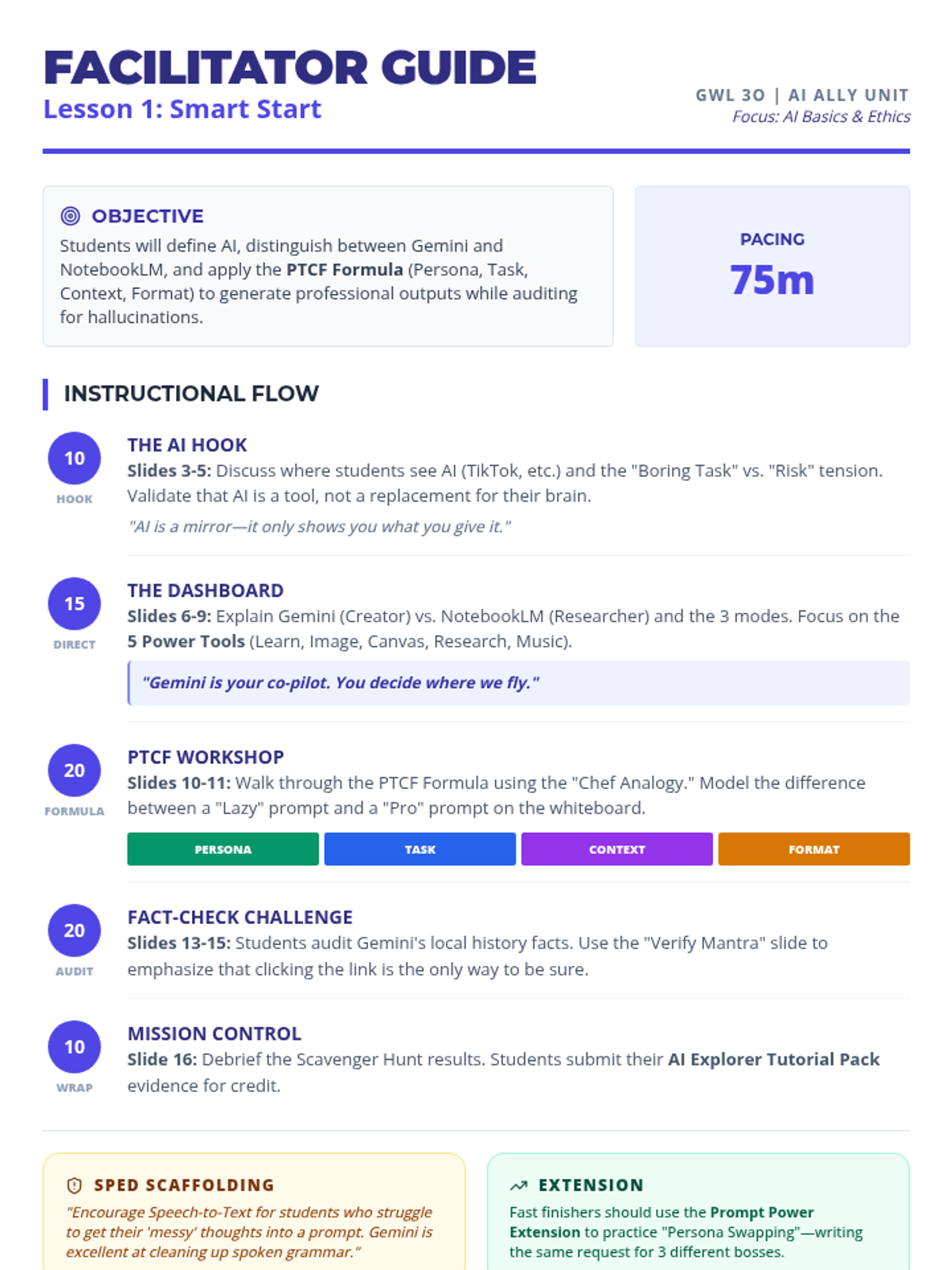
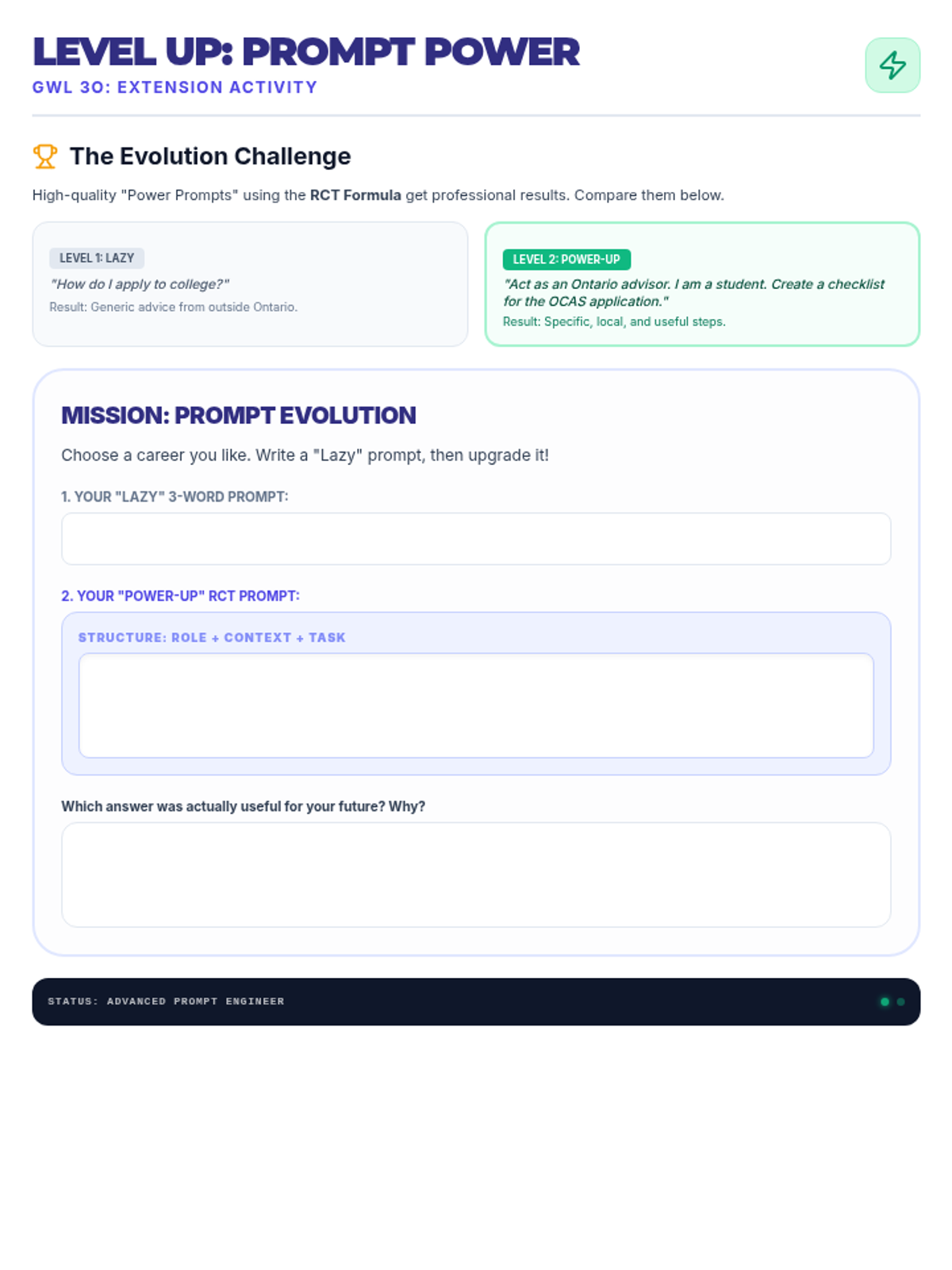
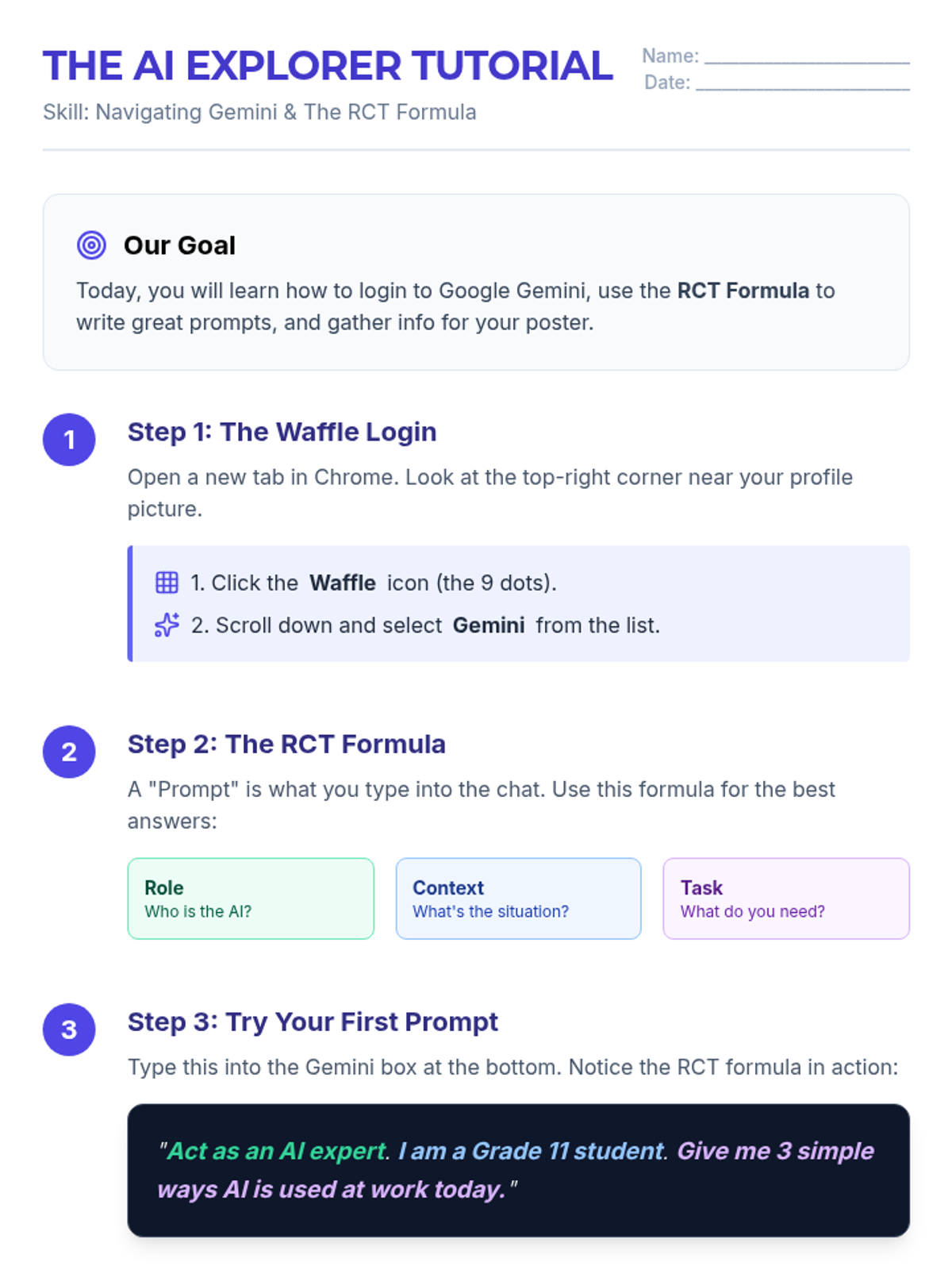
An introduction to AI basics, ethics, and the comparison between Gemini and NotebookLM, culminating in a visual exploration of AI's impact on the future.
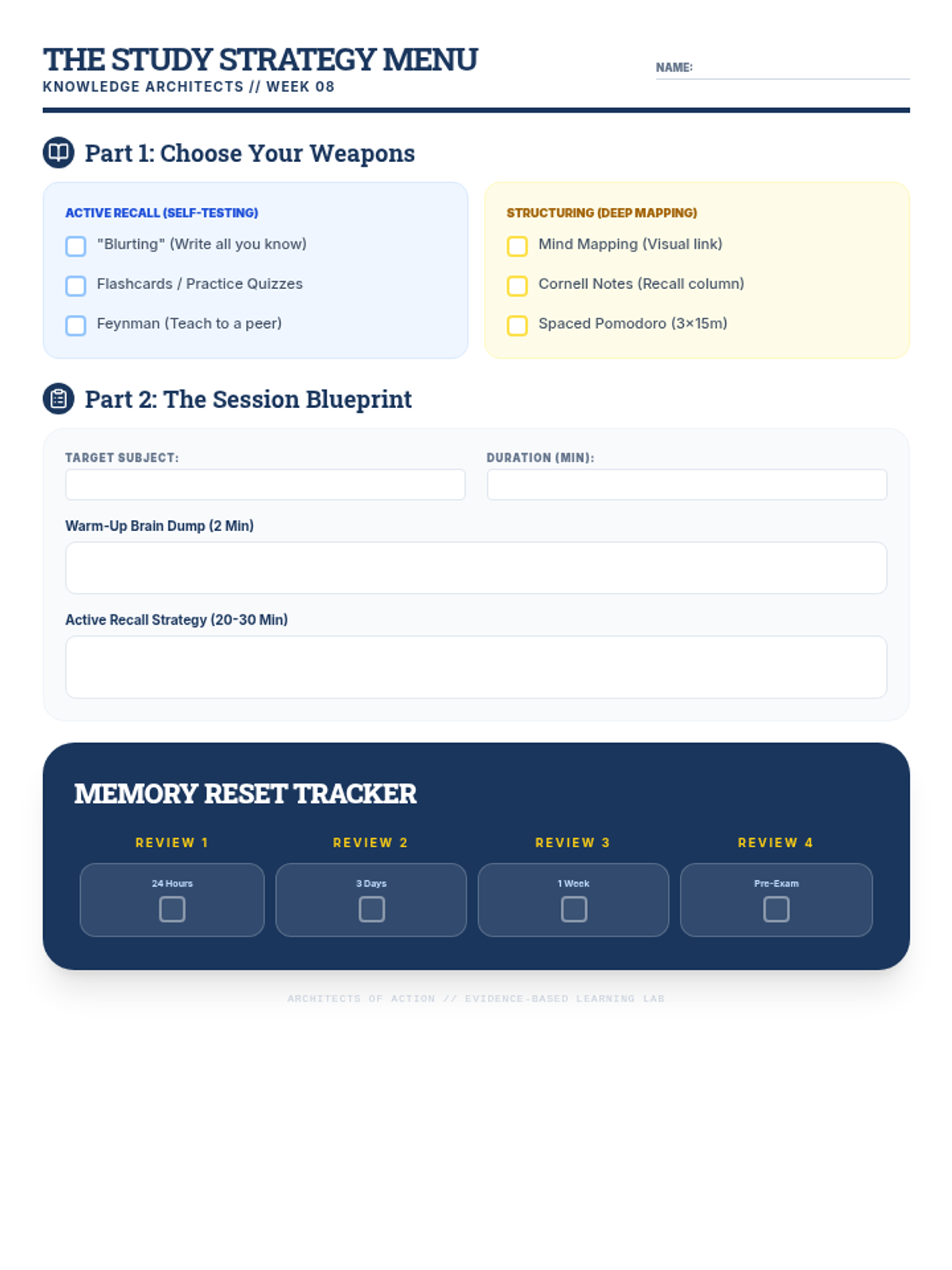
Evidence-based study strategies including active recall, spaced repetition, and personalized note-taking systems.
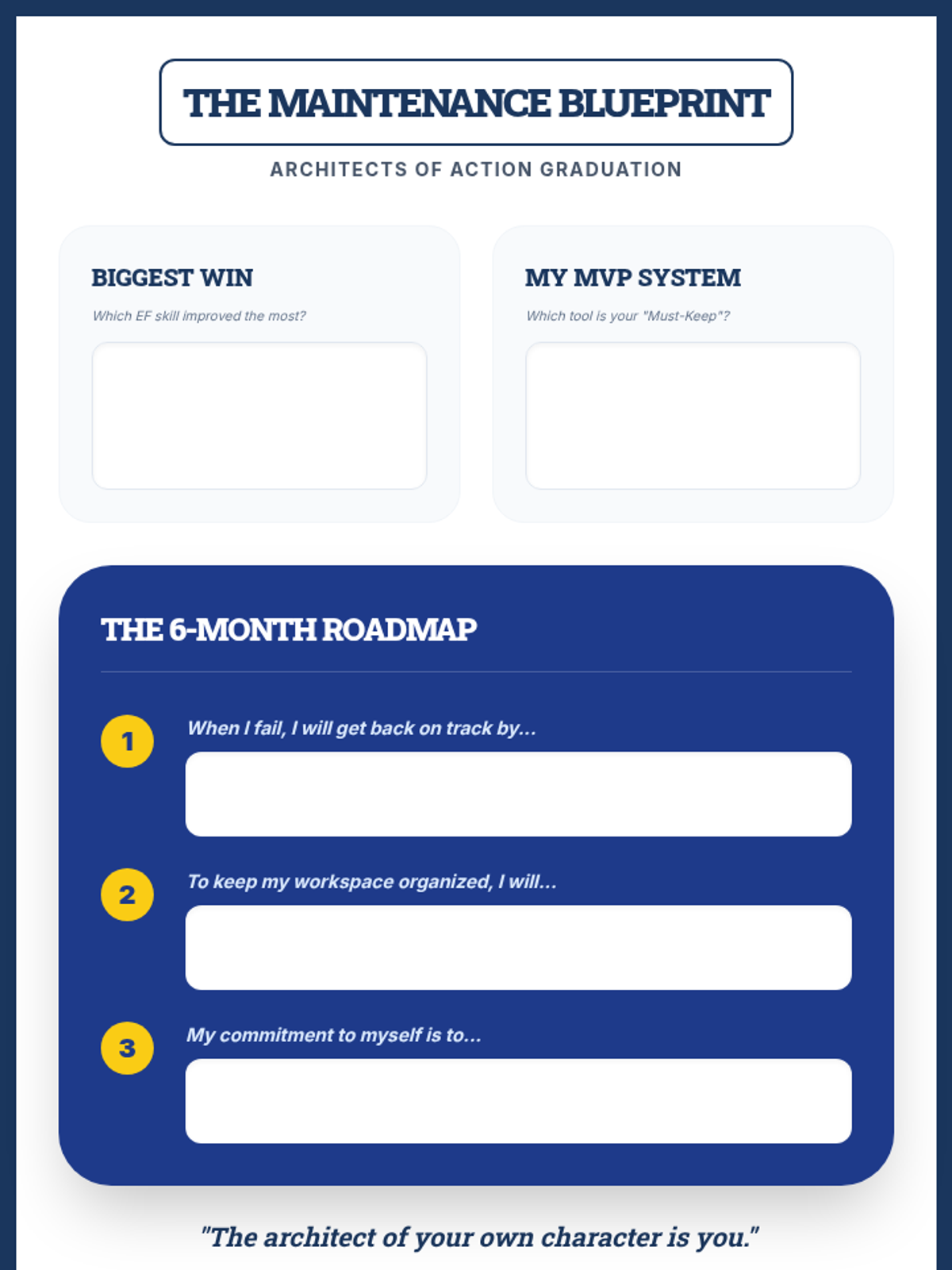
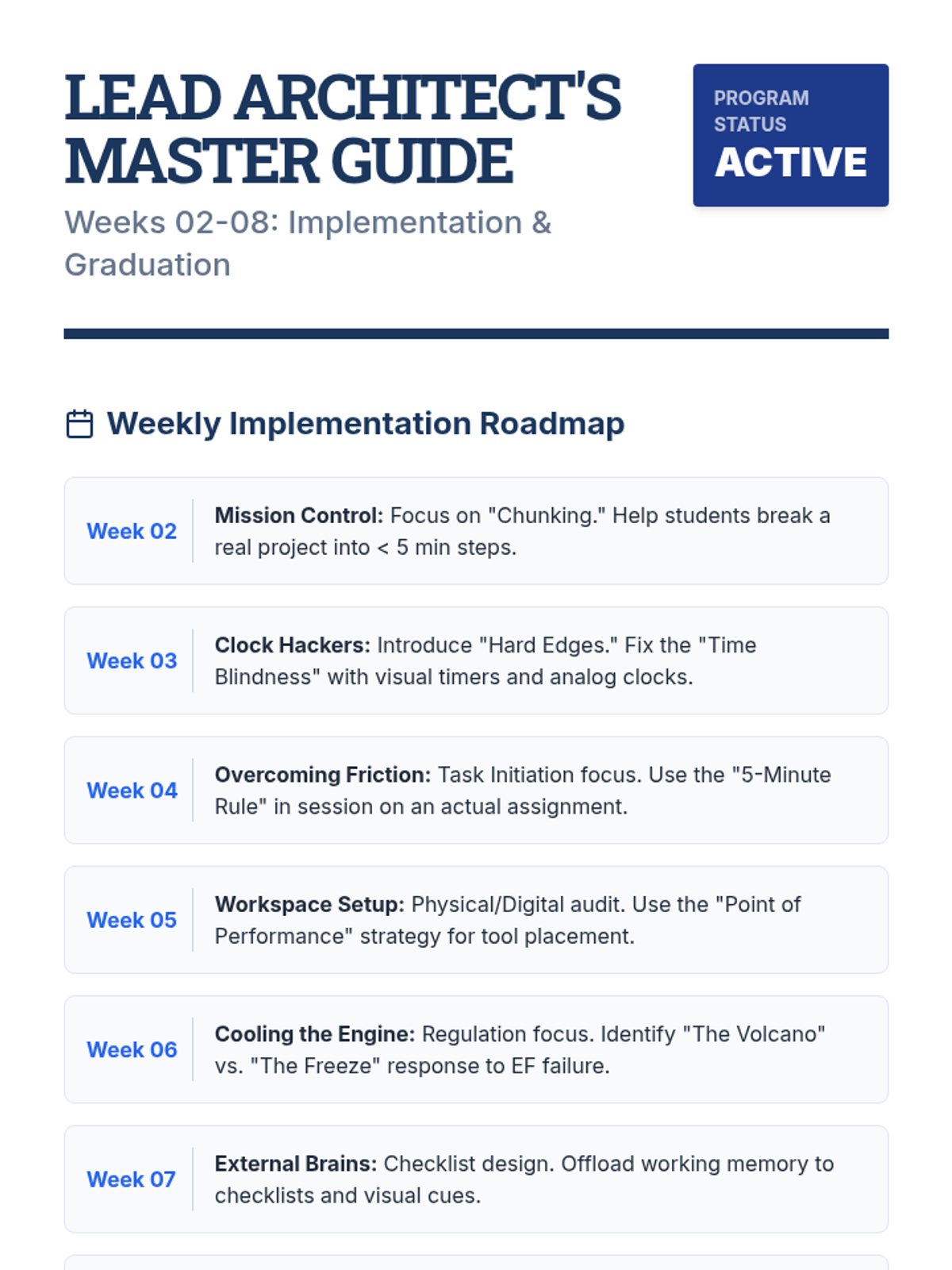
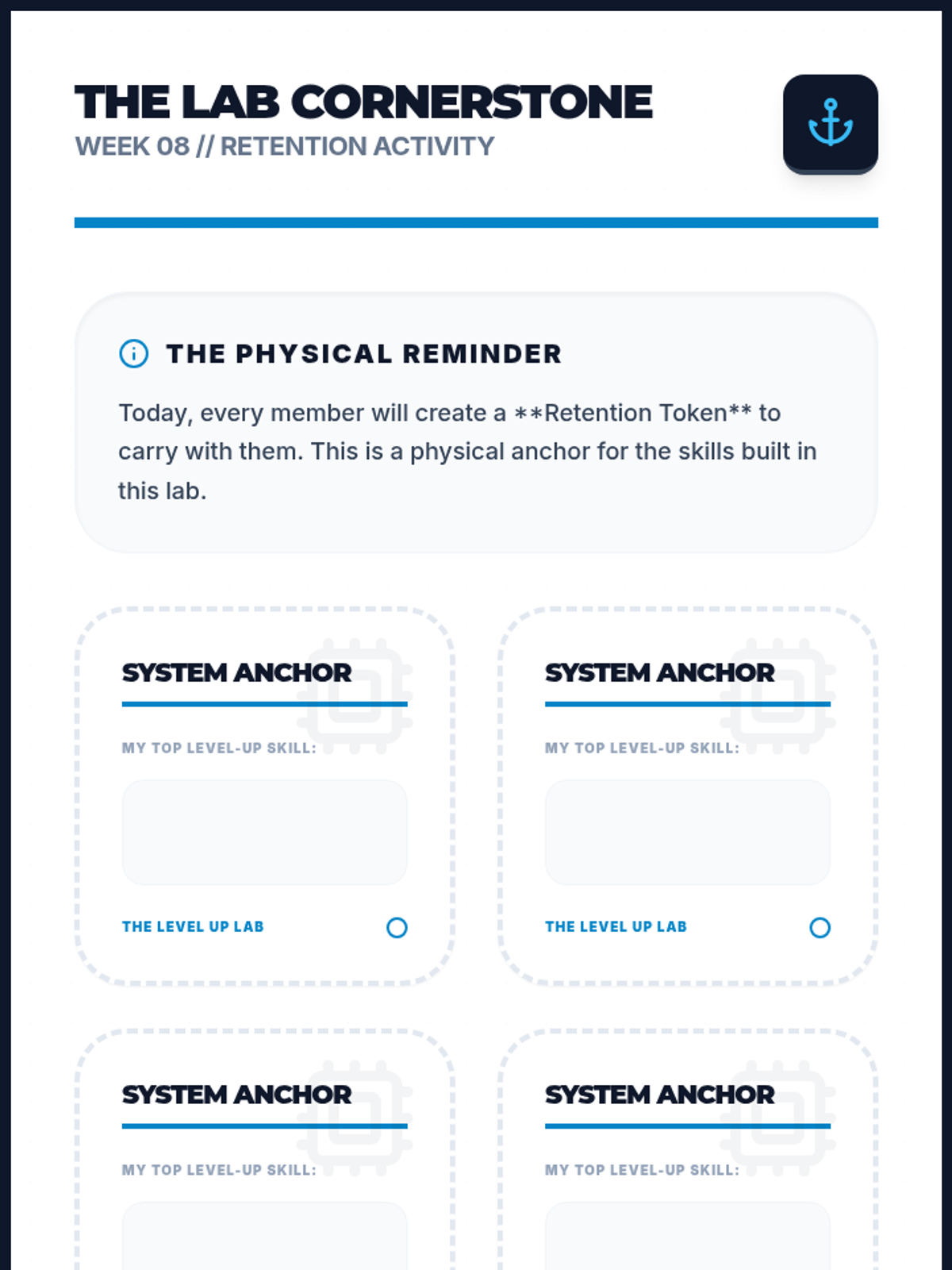
Reflecting on growth, creating a long-term maintenance plan, and celebrating group success.
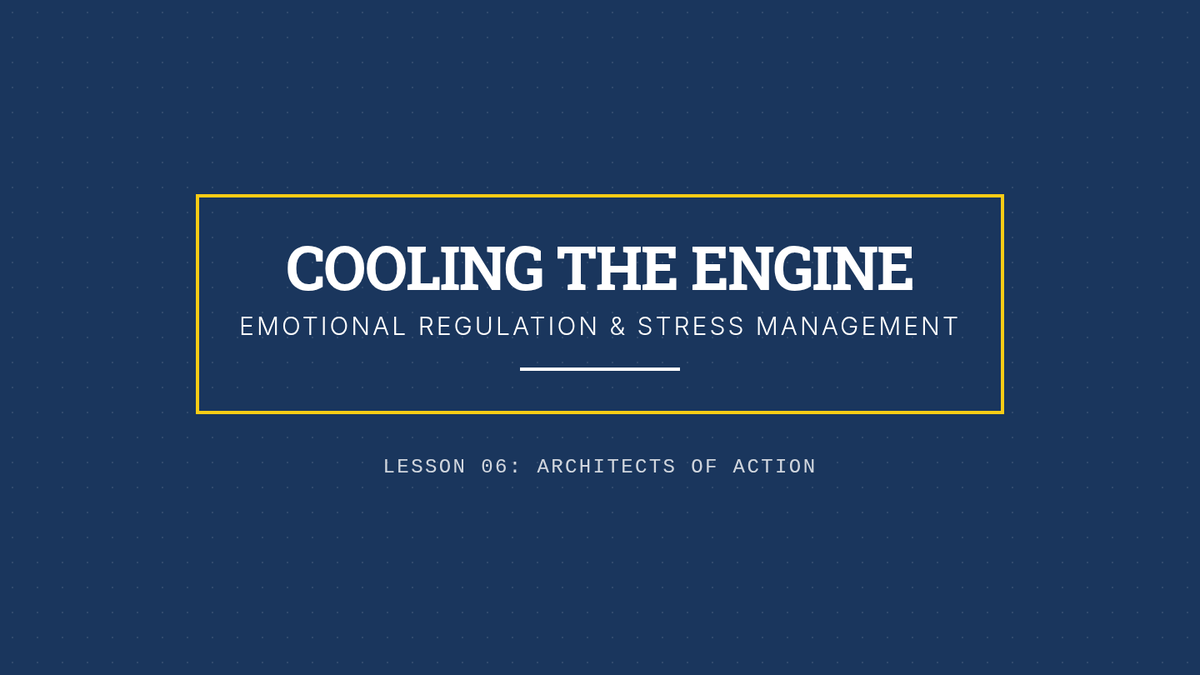
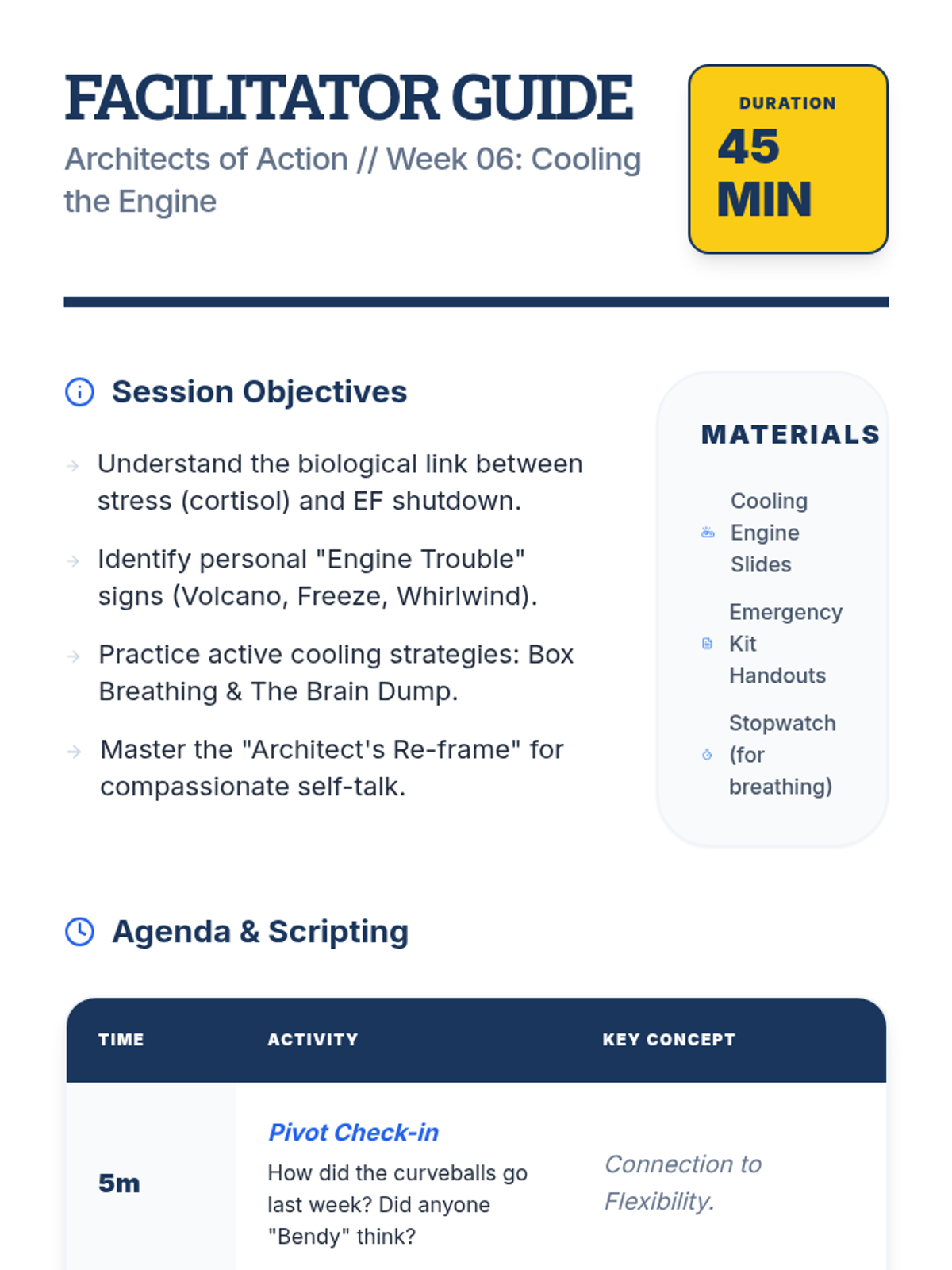
Recognizing how emotions affect EF and learning strategies for self-regulation and stress management.
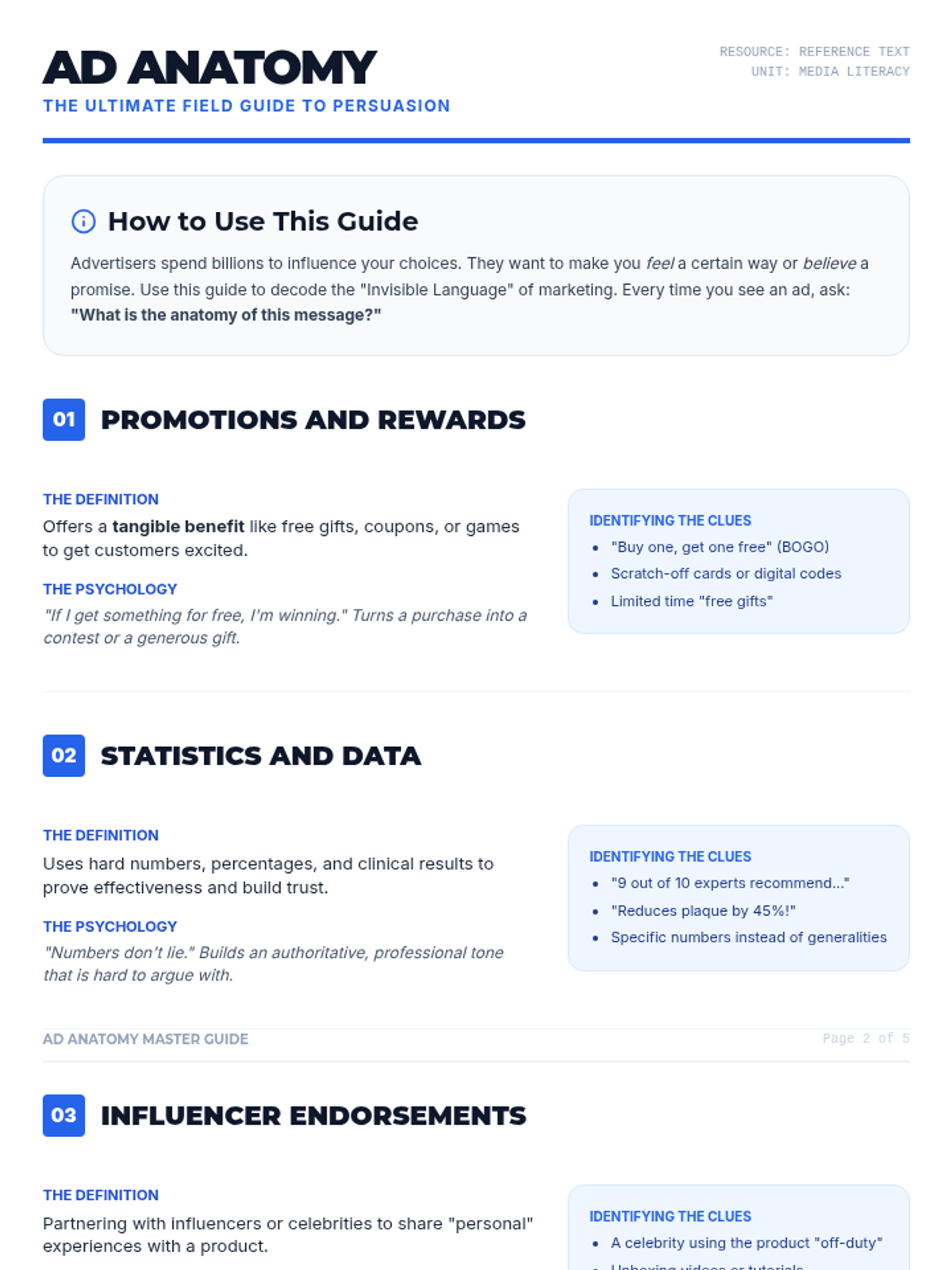
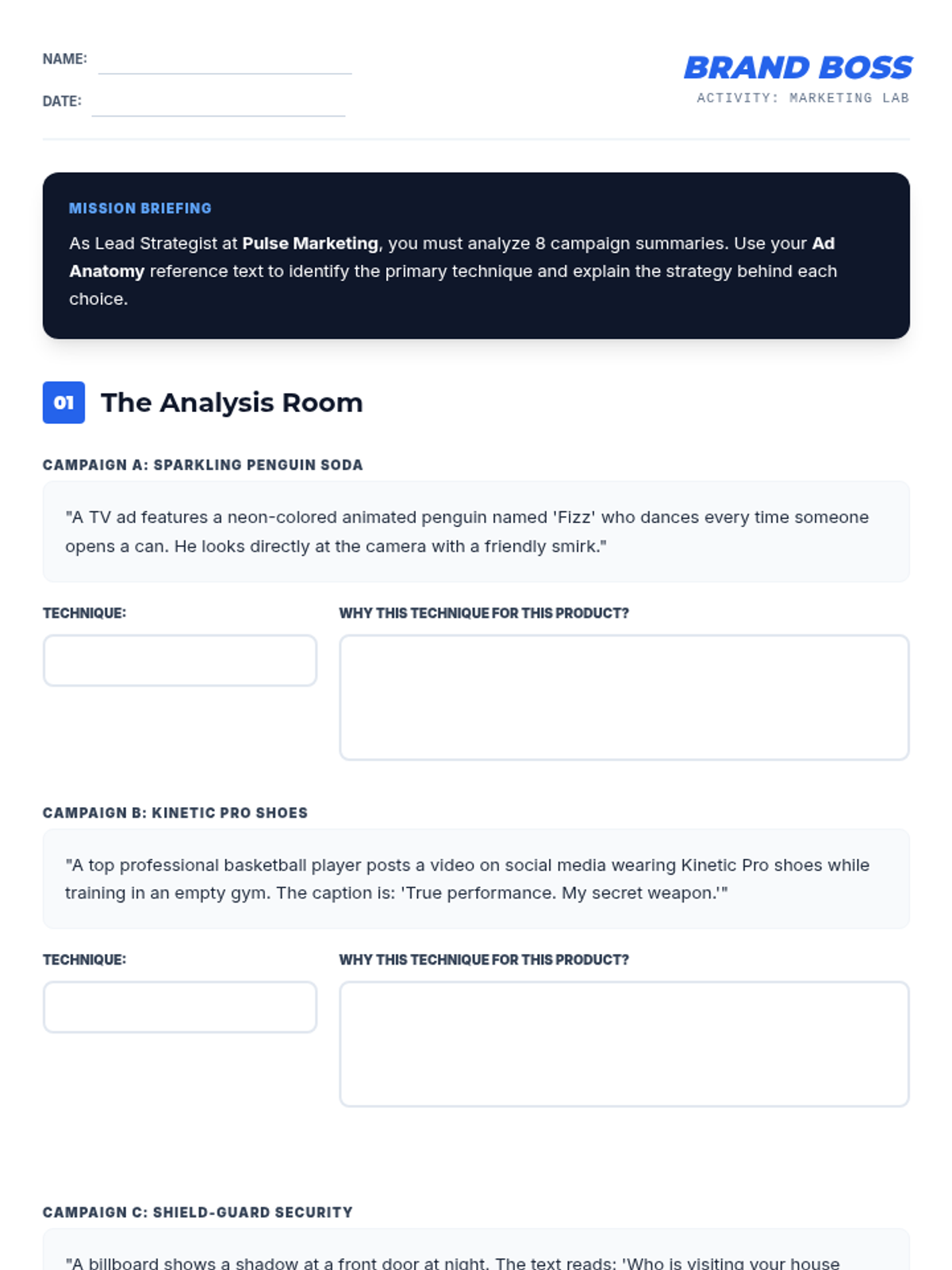
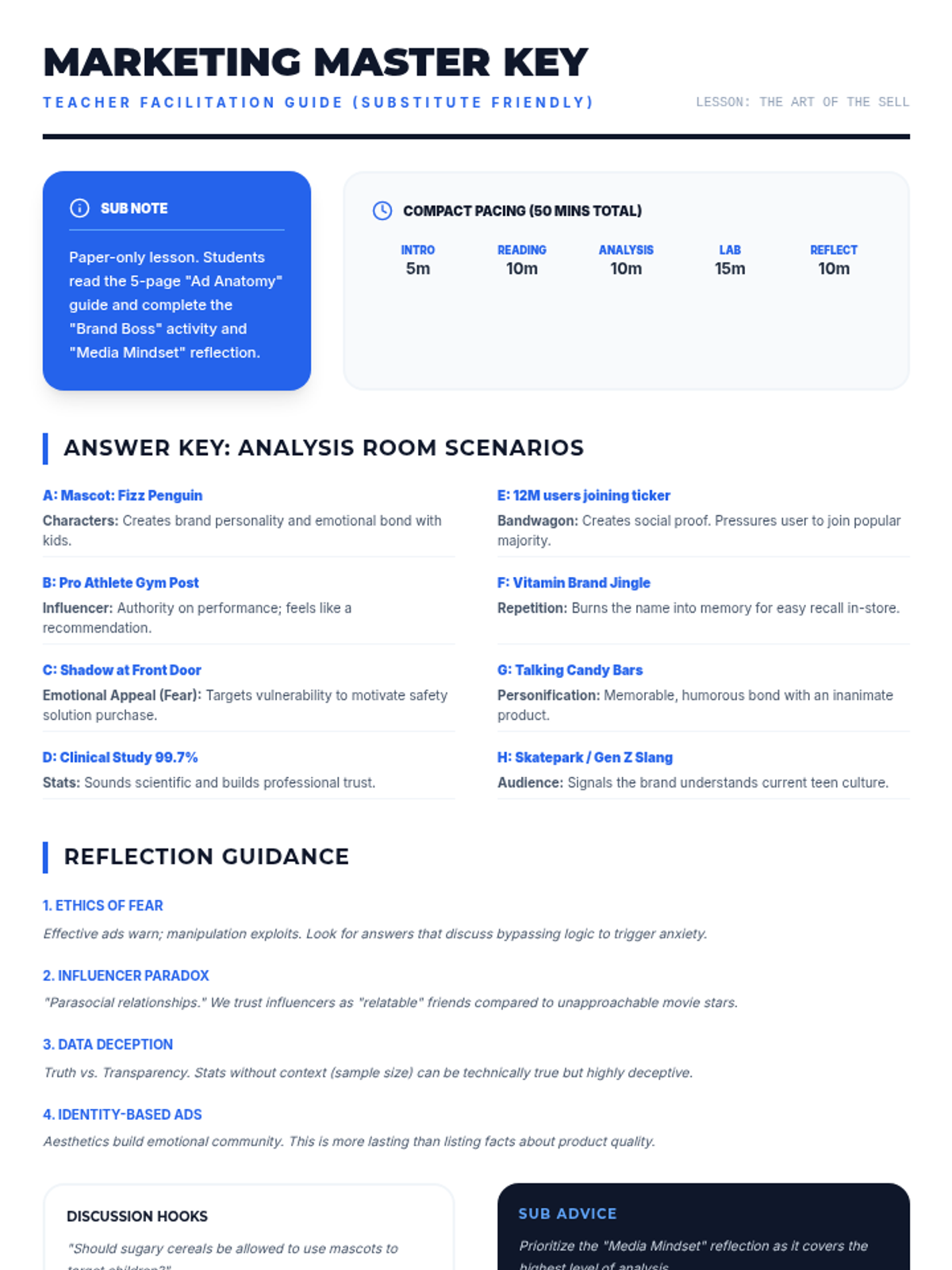
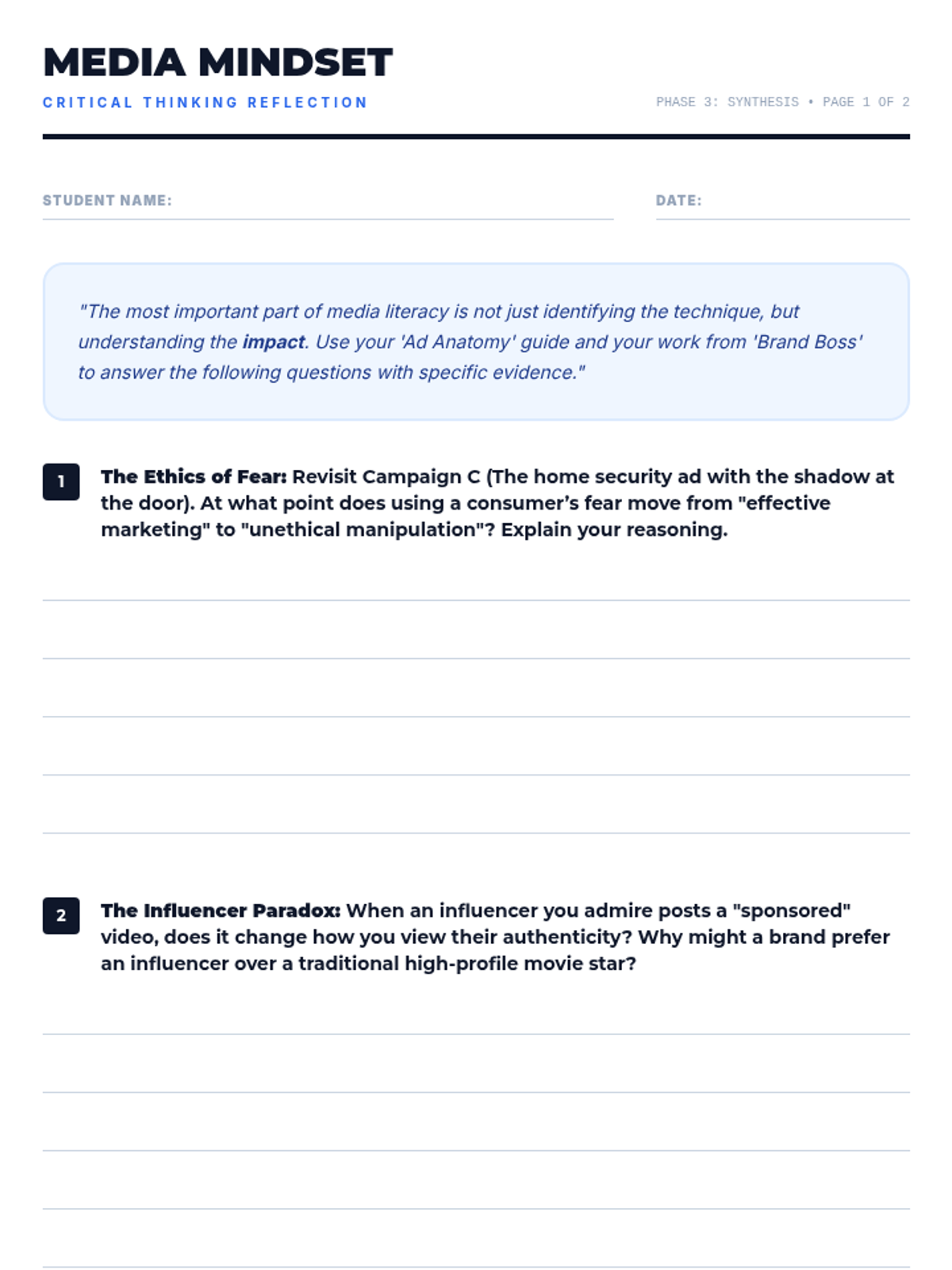
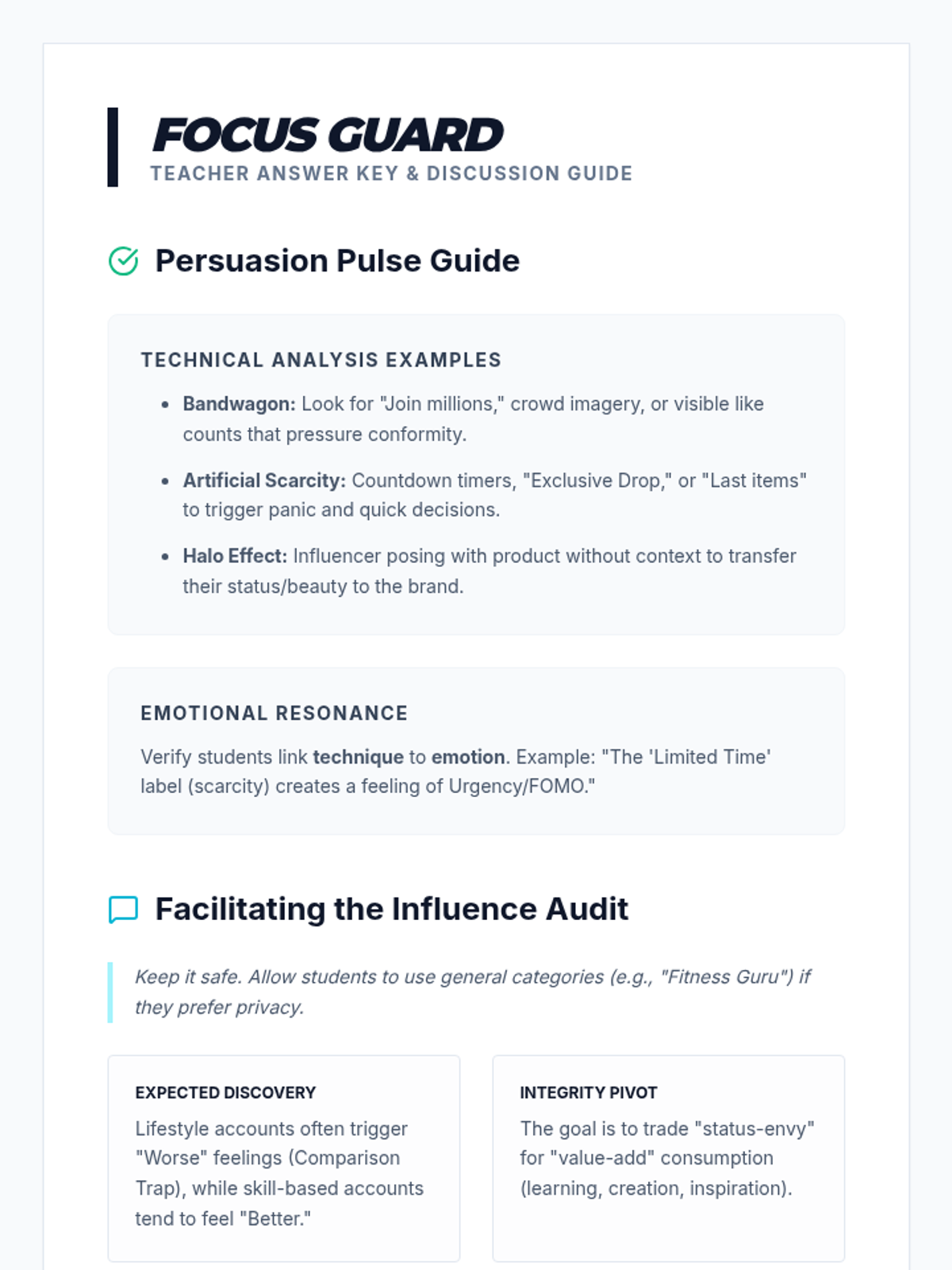
A comprehensive lesson on media literacy and advertising strategies, teaching students to identify and apply ten key persuasive techniques used in modern marketing.
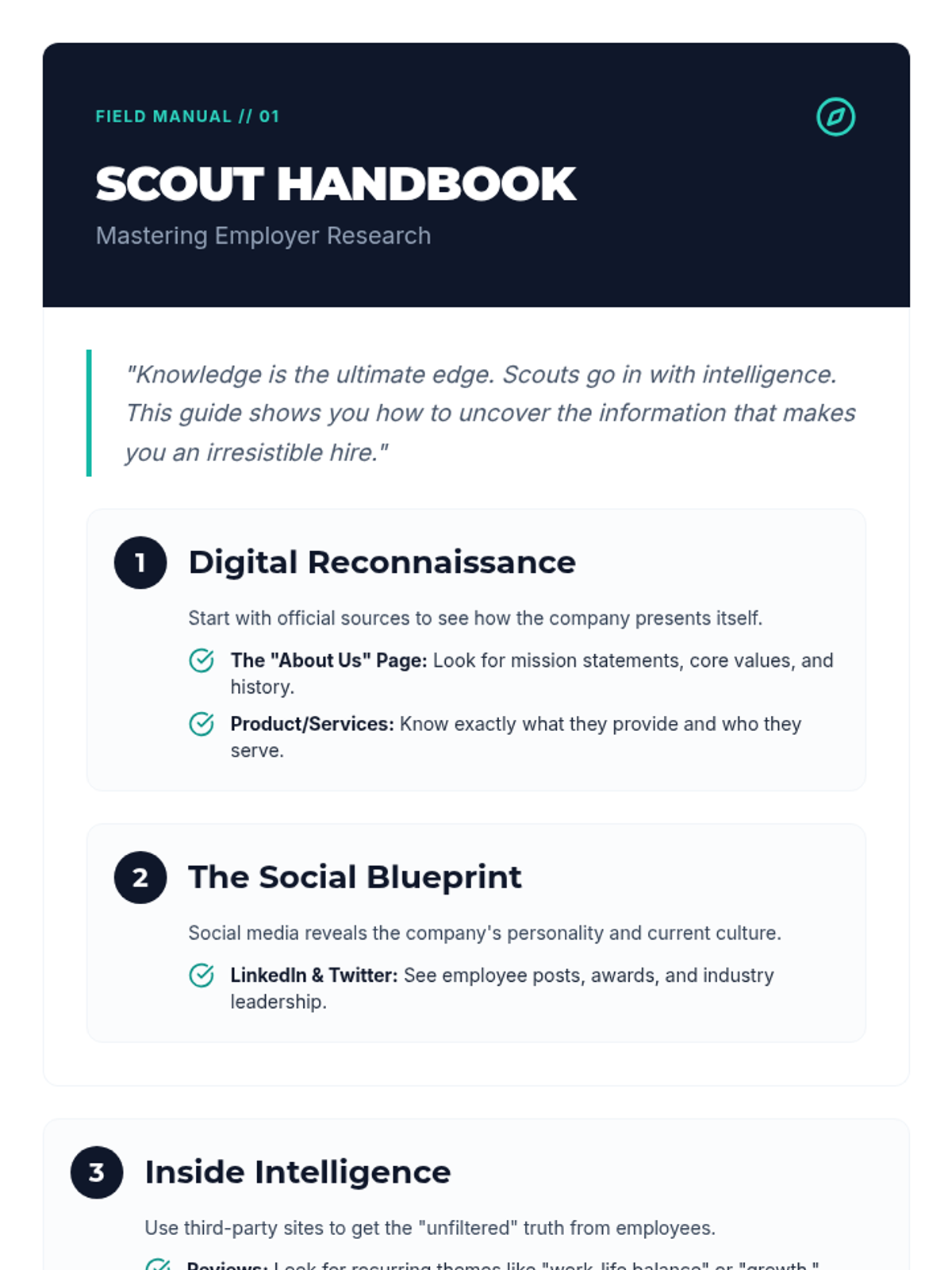
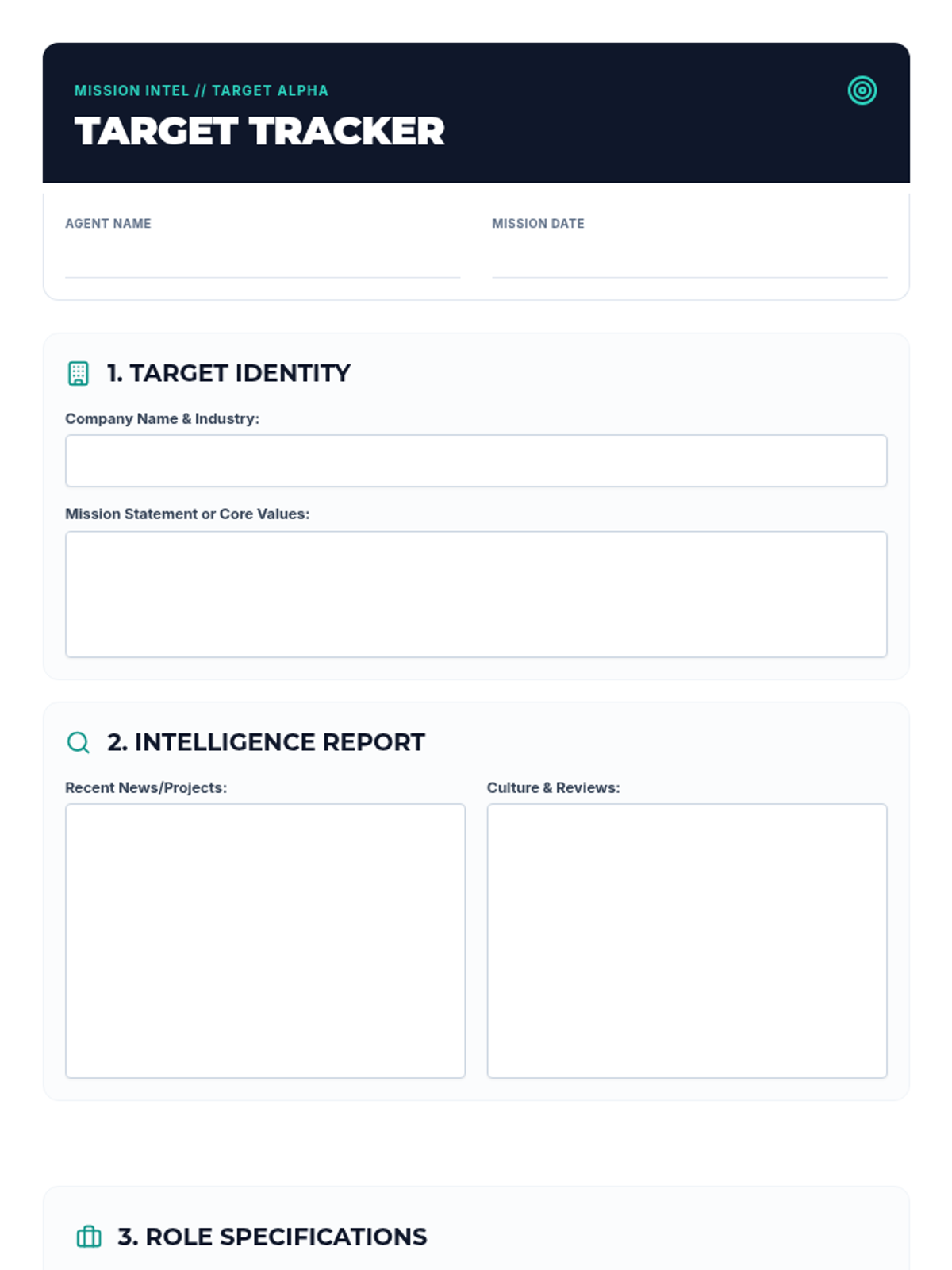
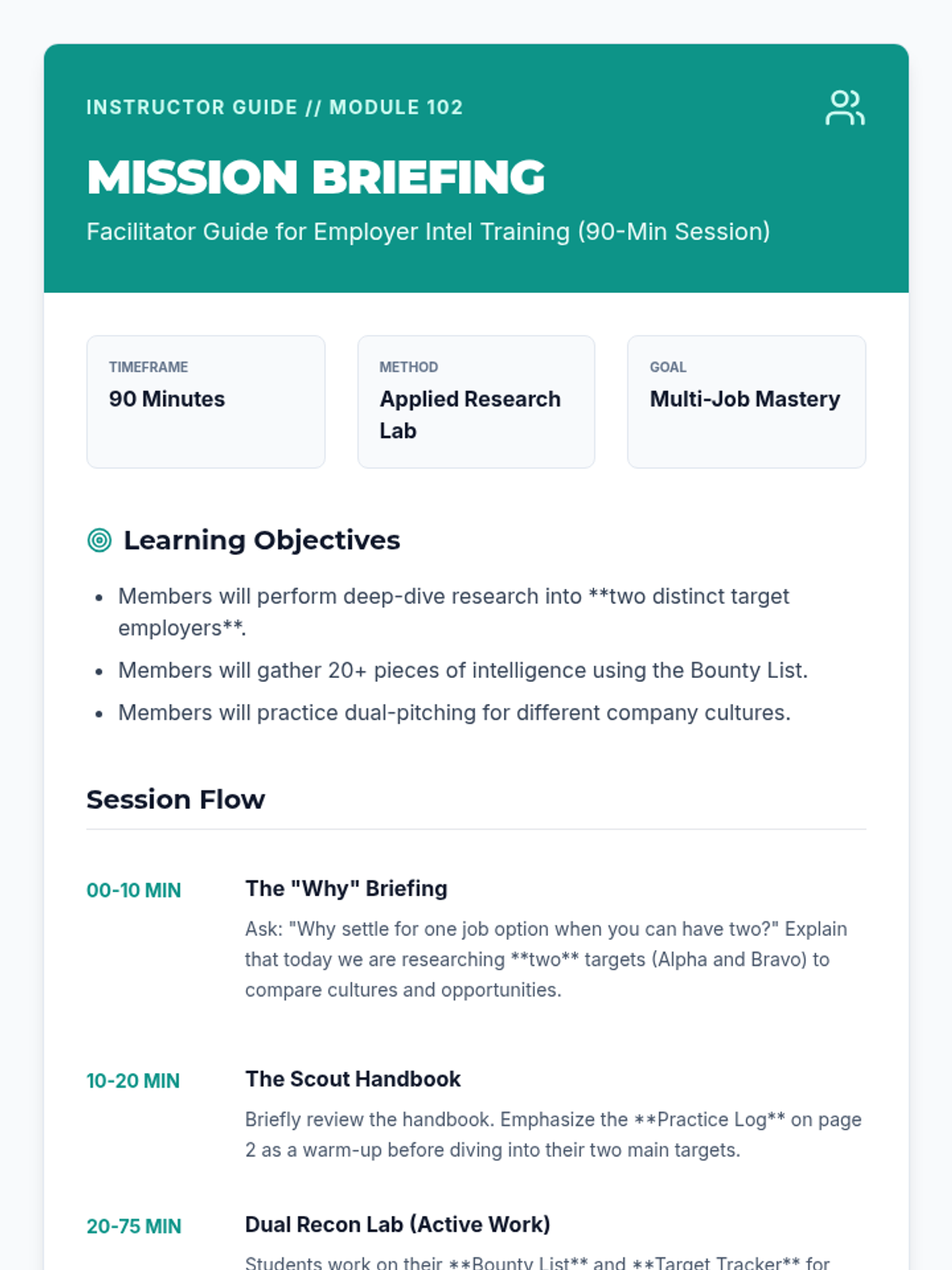
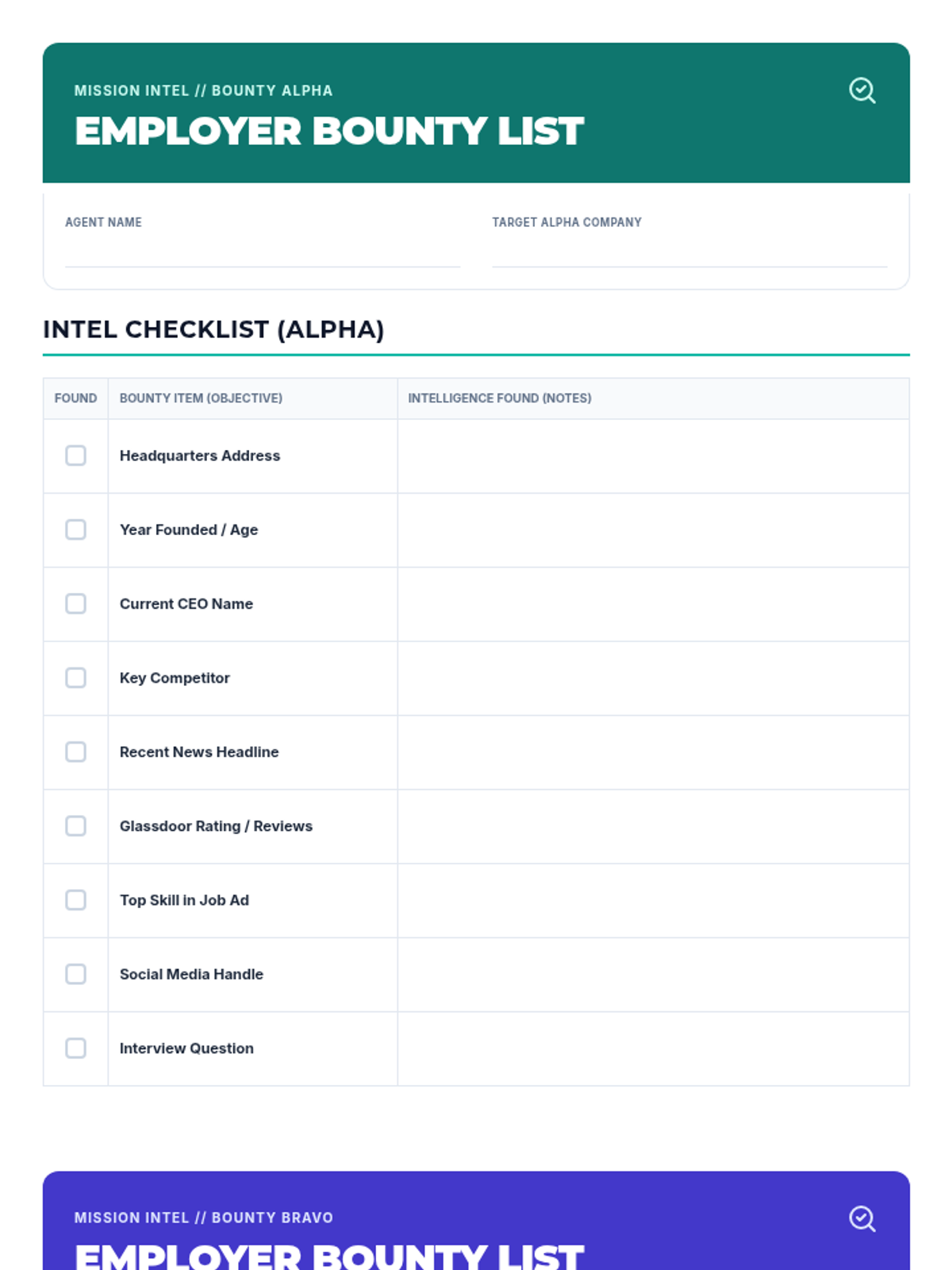
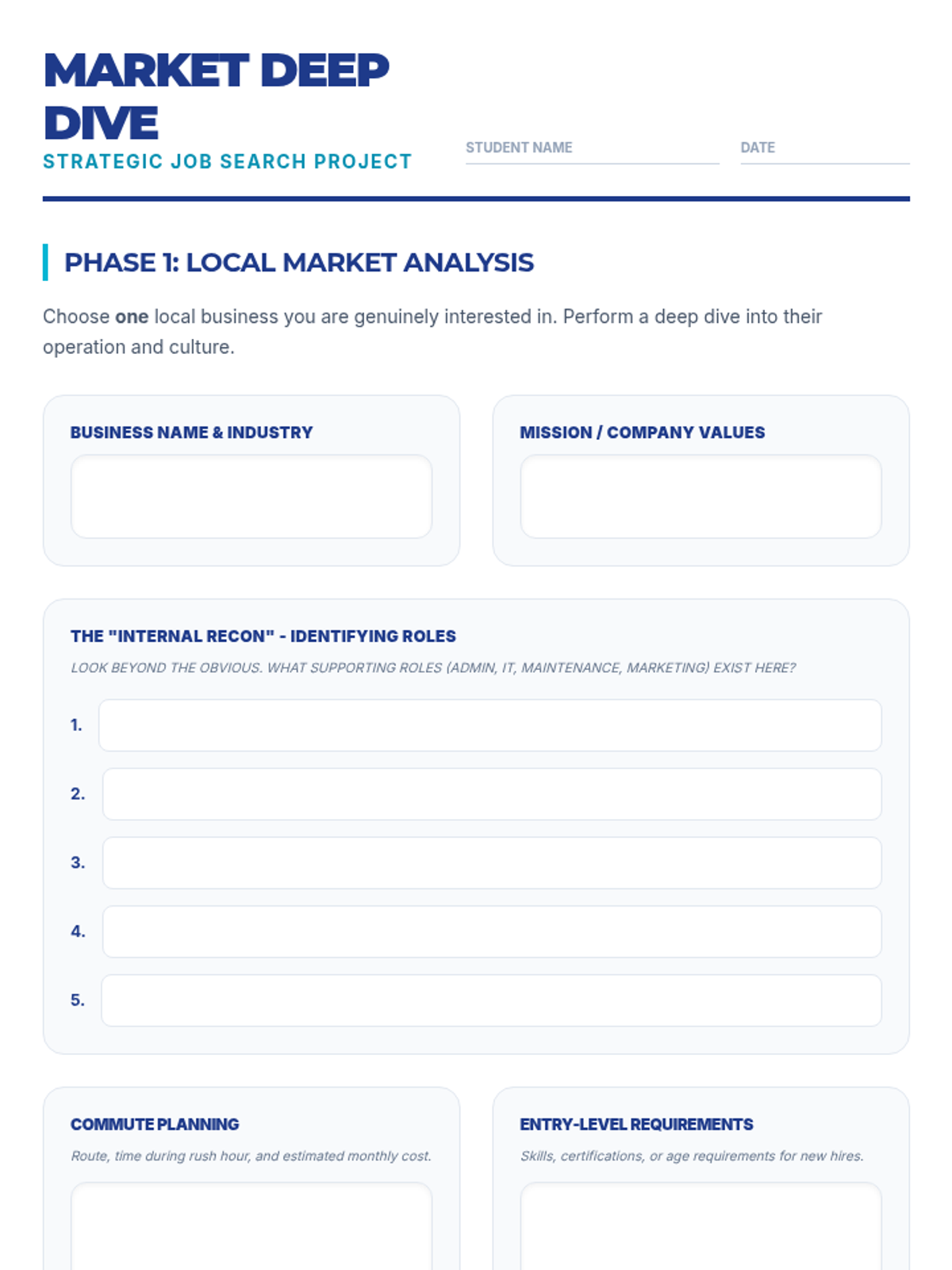
A comprehensive training module focused on teaching job seekers how to perform deep-dive research into potential employers and job listings to prepare for applications and interviews.
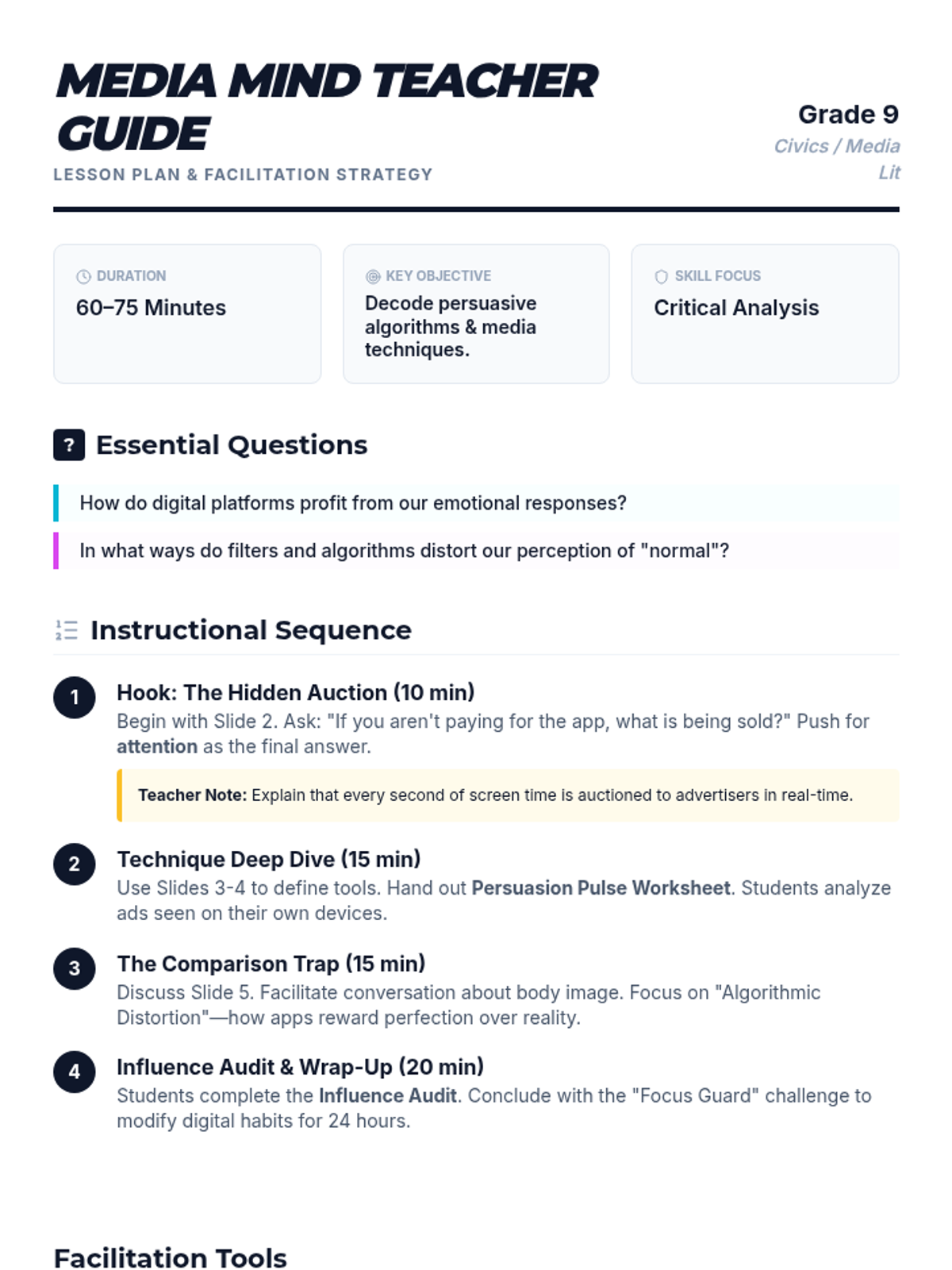
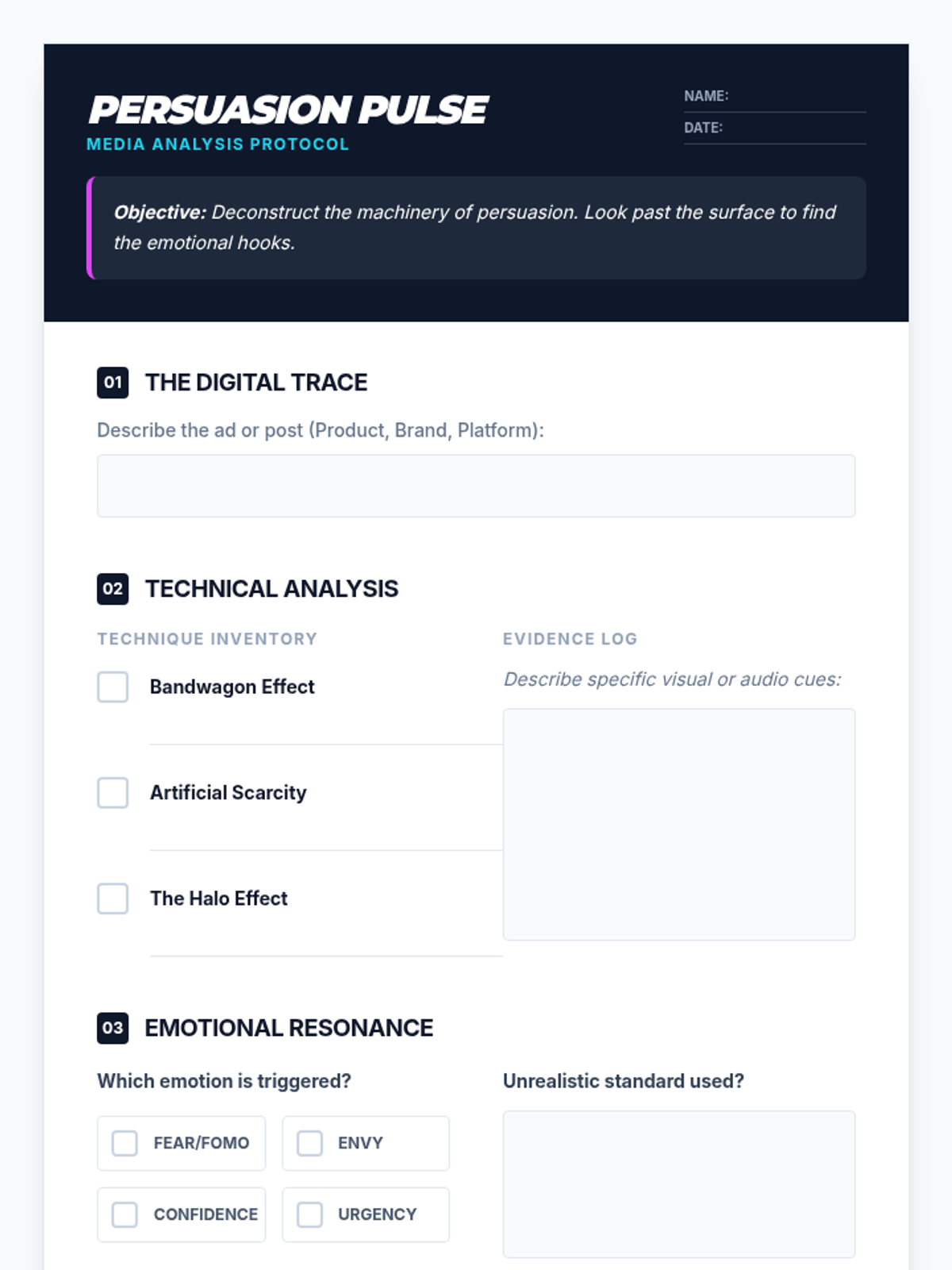
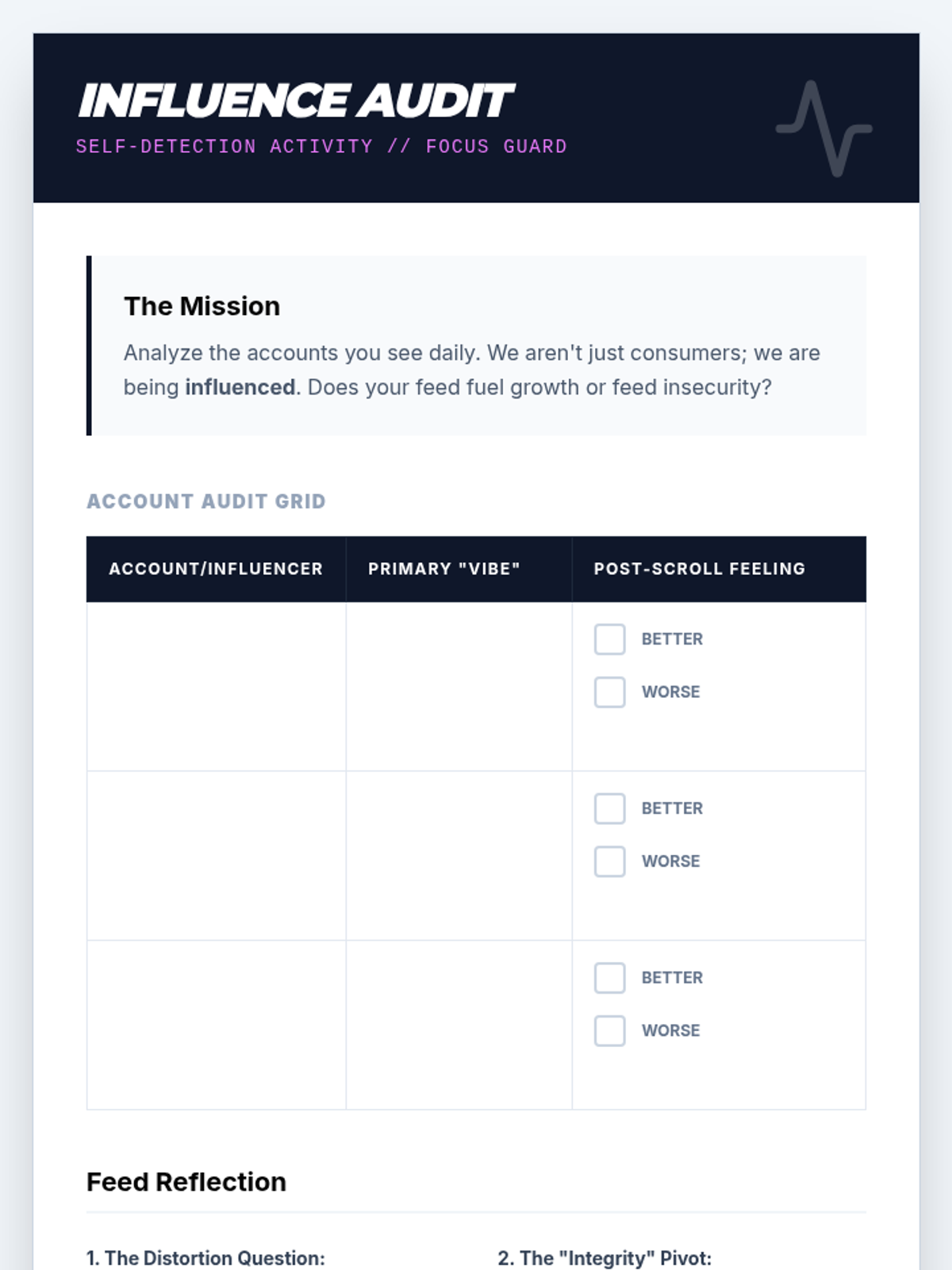
A high-school level lesson designed to help 9th graders decode the persuasive machinery of modern media. Students will analyze advertising techniques and social media algorithms to understand their impact on self-perception and mental focus.
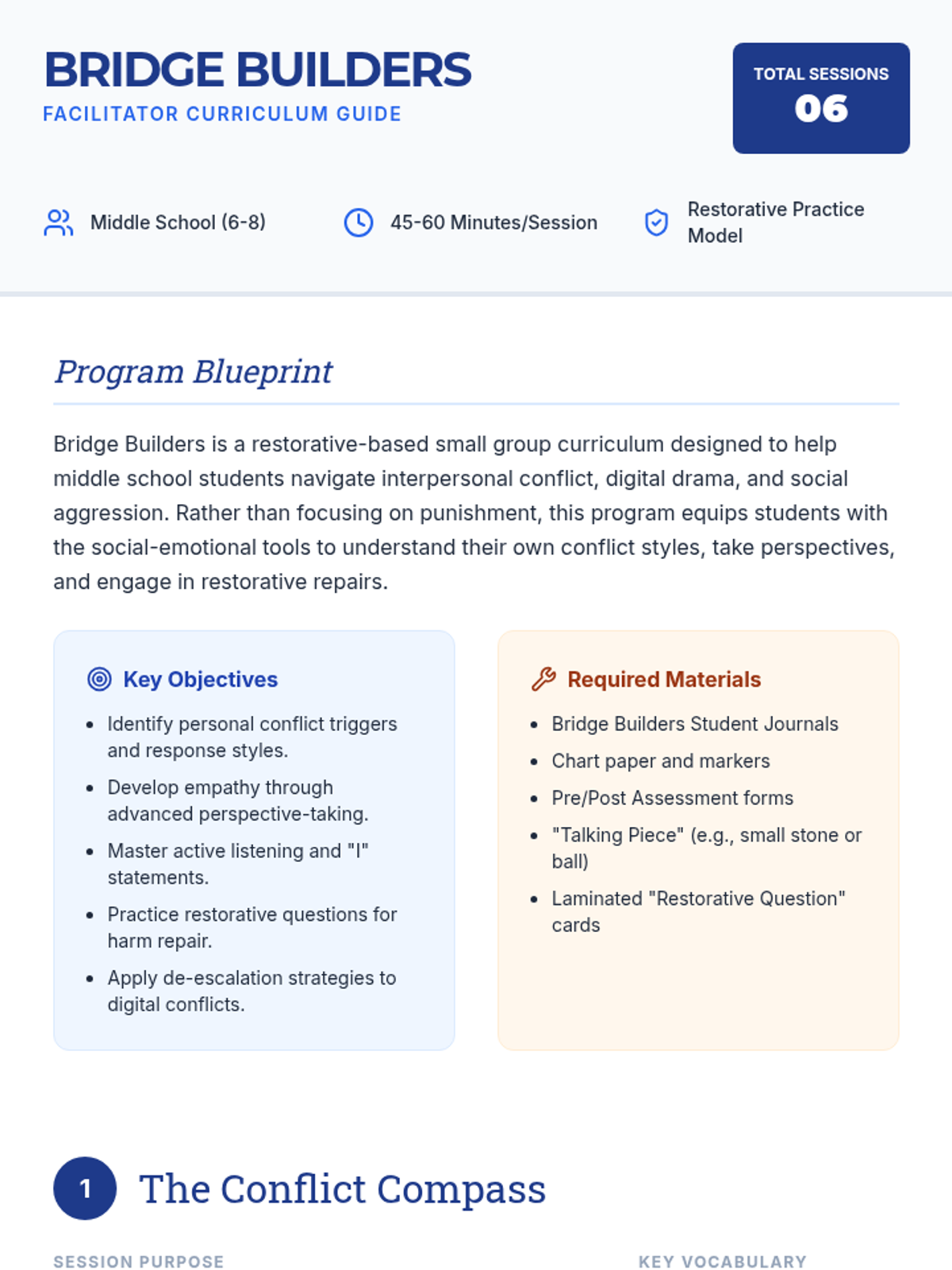
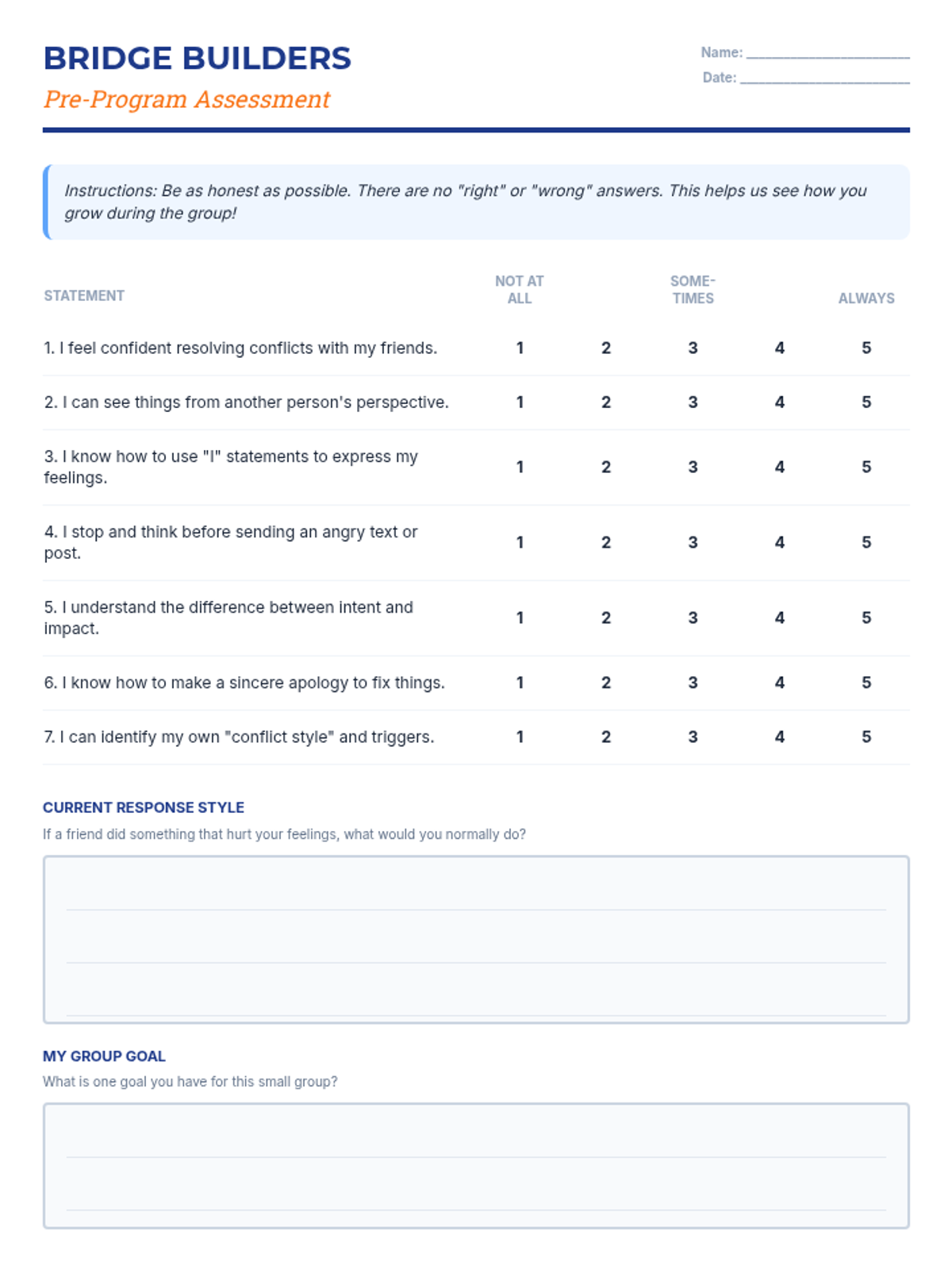
Focuses on establishing group safety, defining conflict, and identifying personal conflict styles using the 'Conflict Compass'. Students set group norms and complete the pre-program assessment.
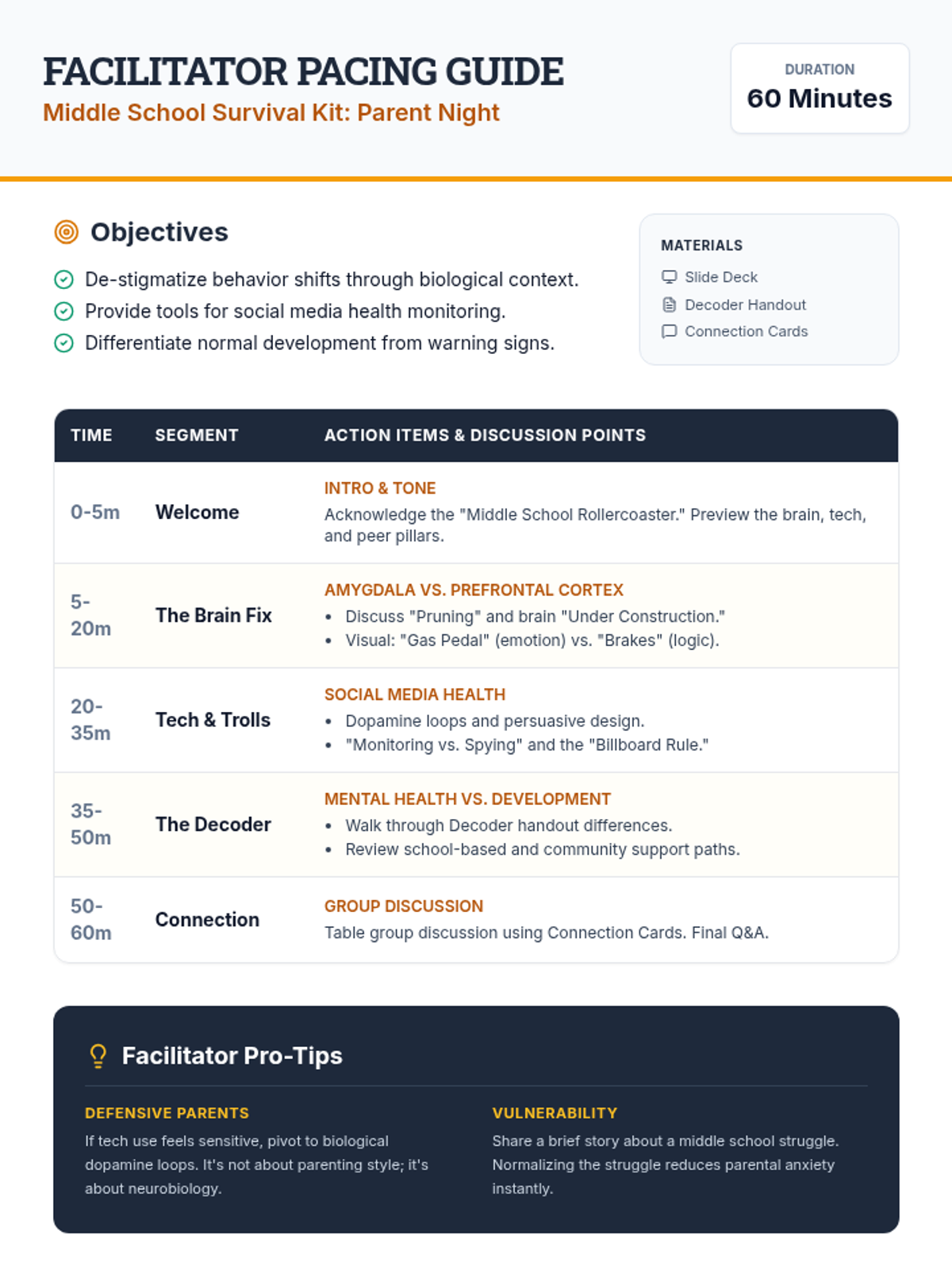
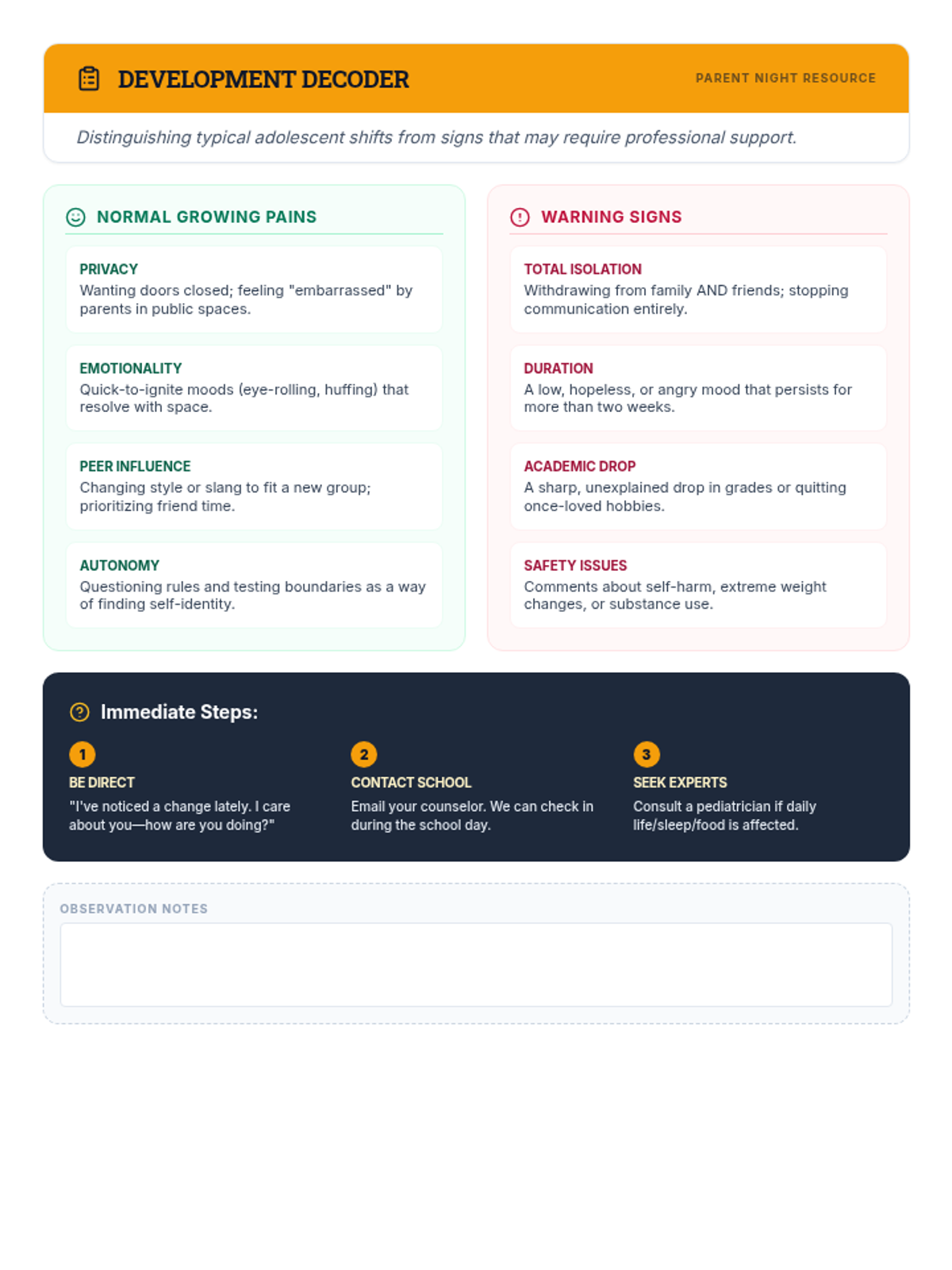
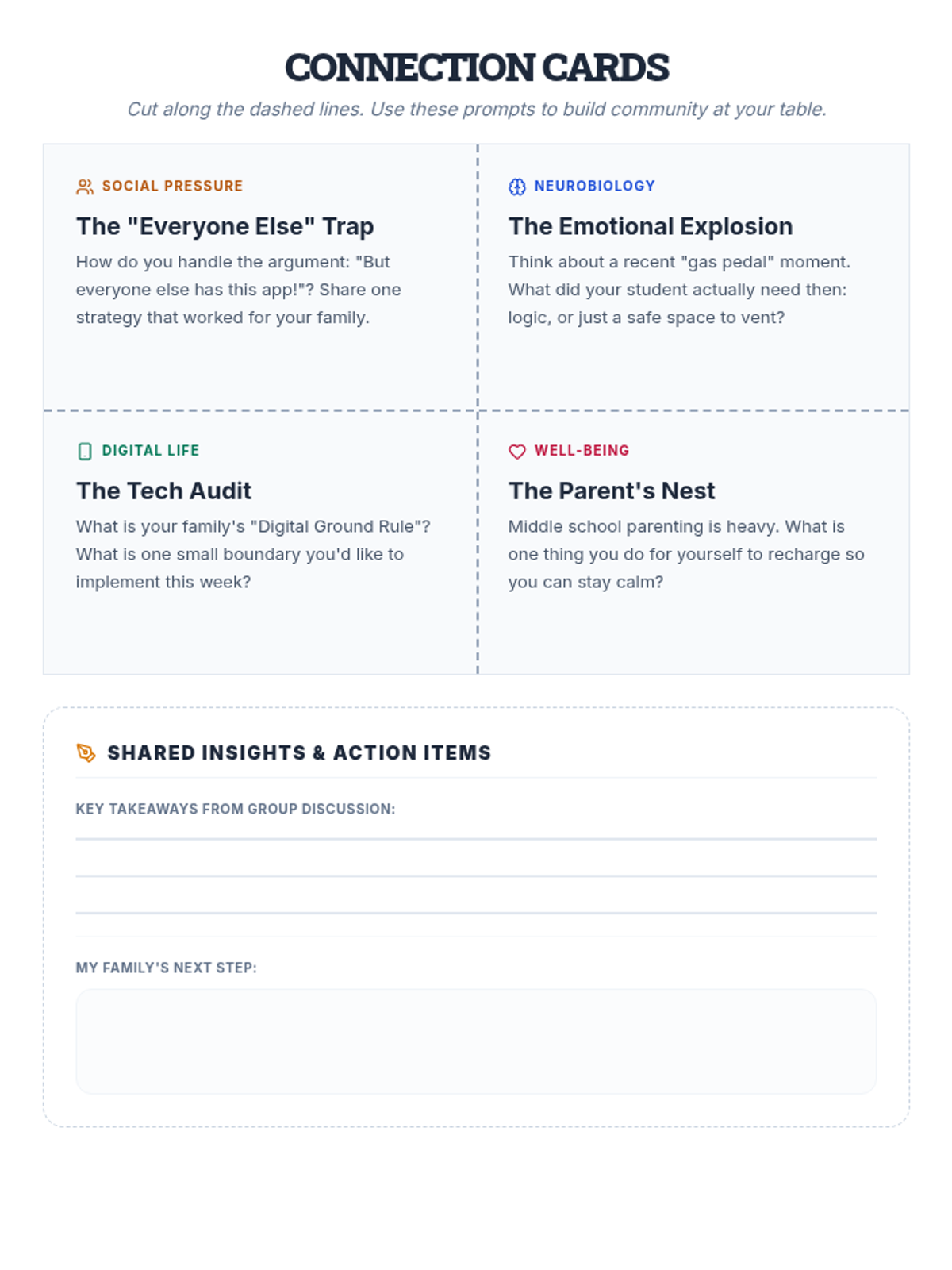
A comprehensive parent education workshop focused on understanding and supporting middle schoolers through behavioral shifts, social media challenges, and peer dynamics.
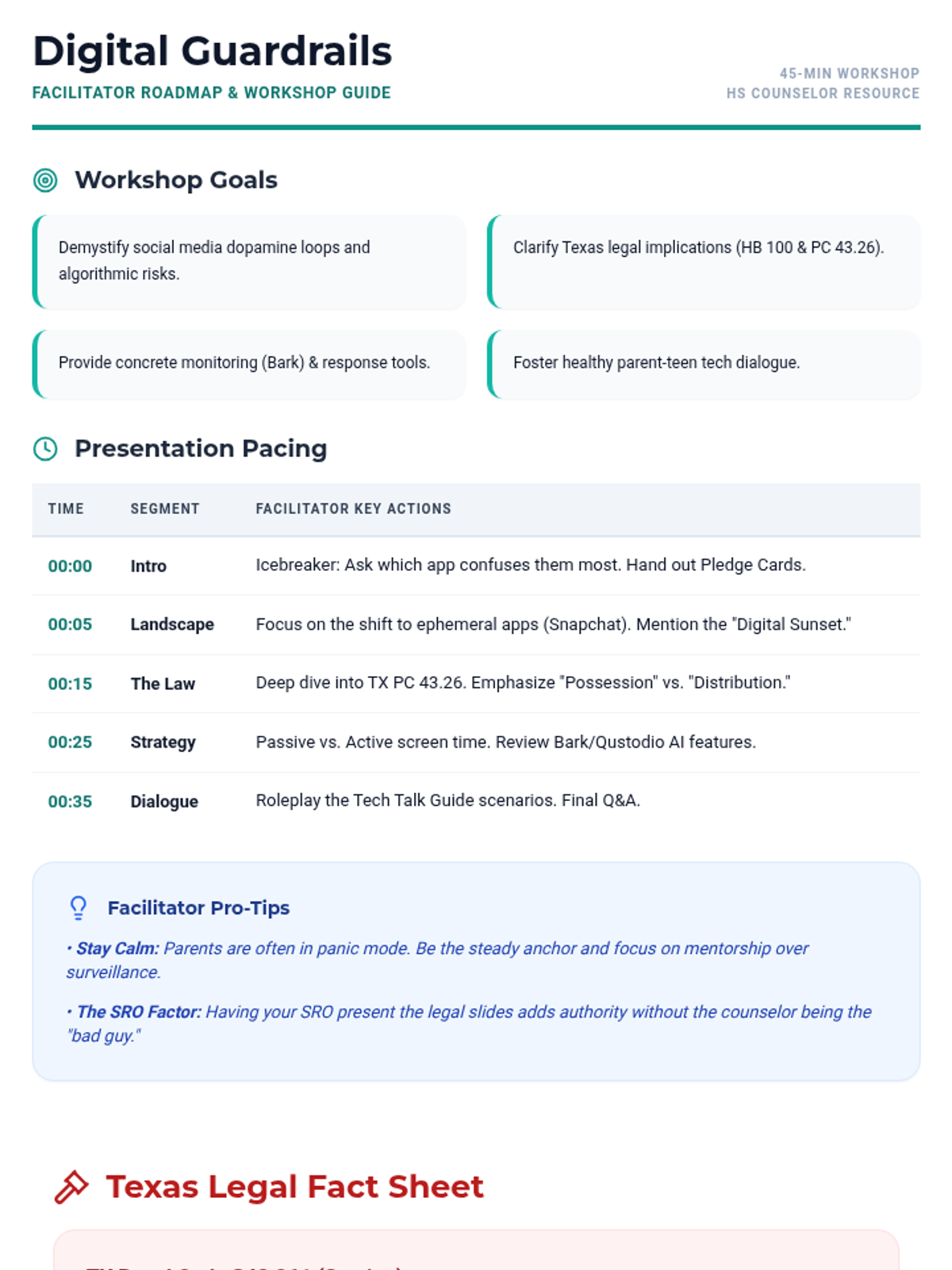
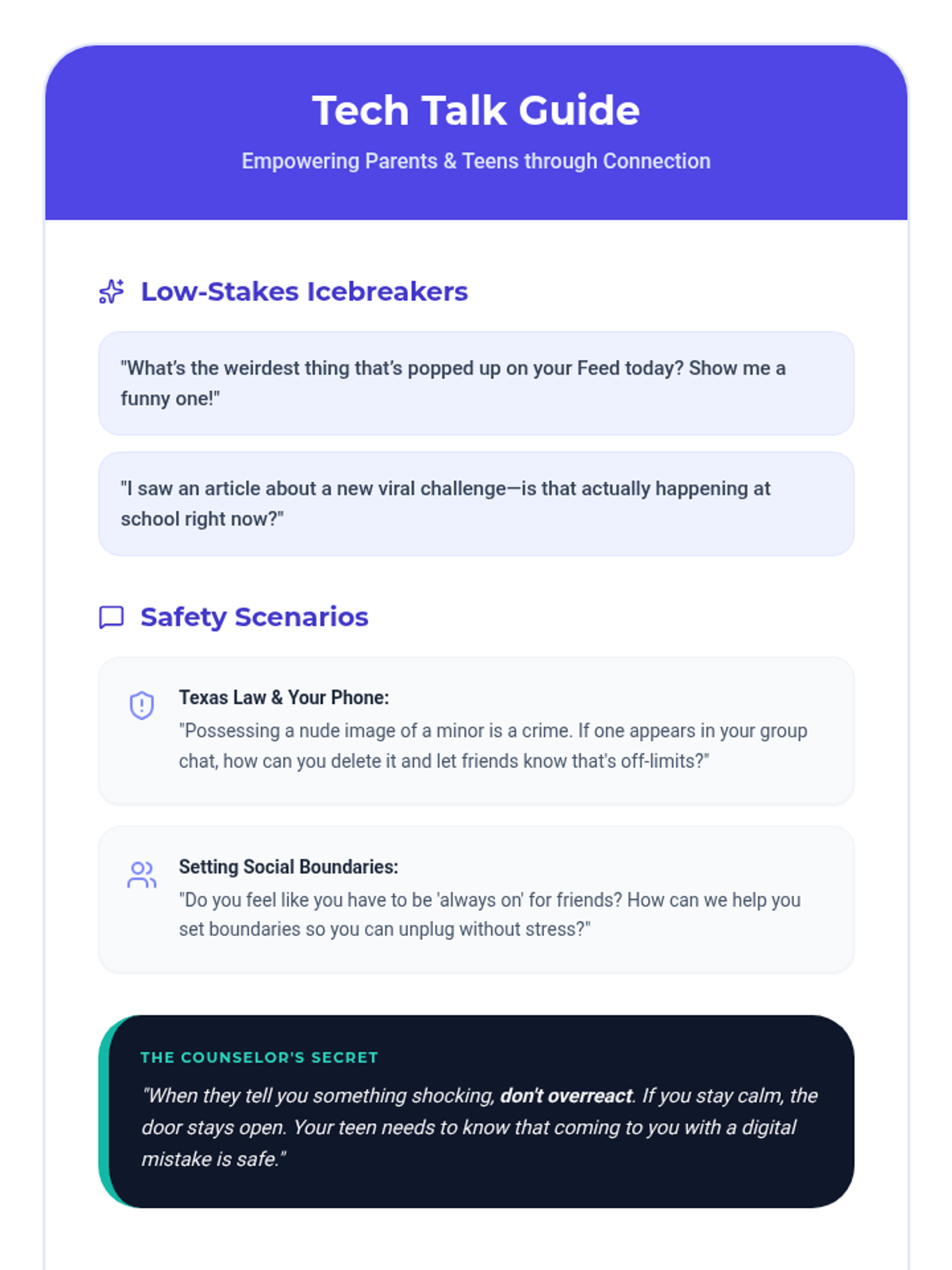
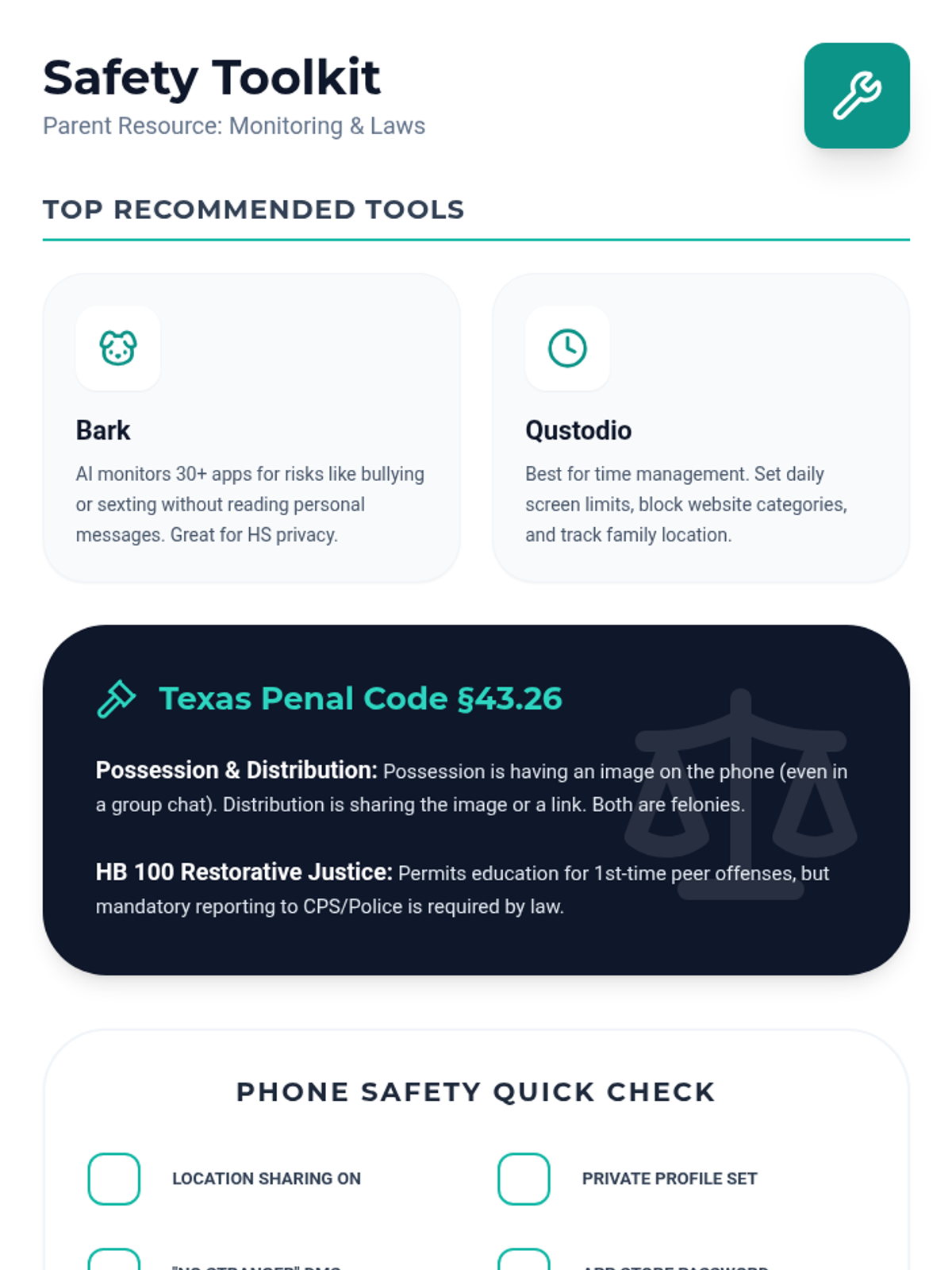
A 45-minute parent workshop covering social media risks, Texas sexting laws, cyberbullying, and practical management strategies.
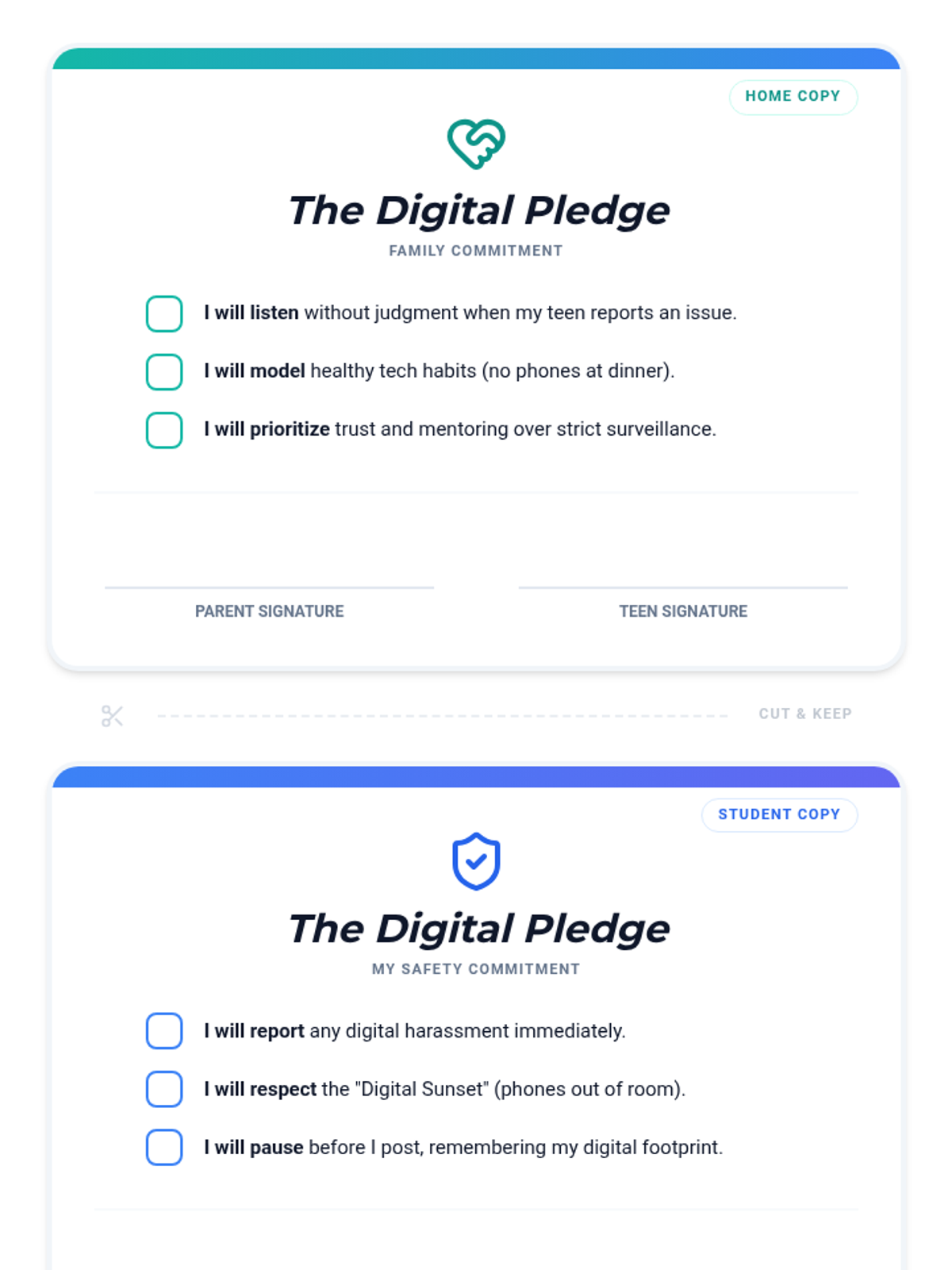
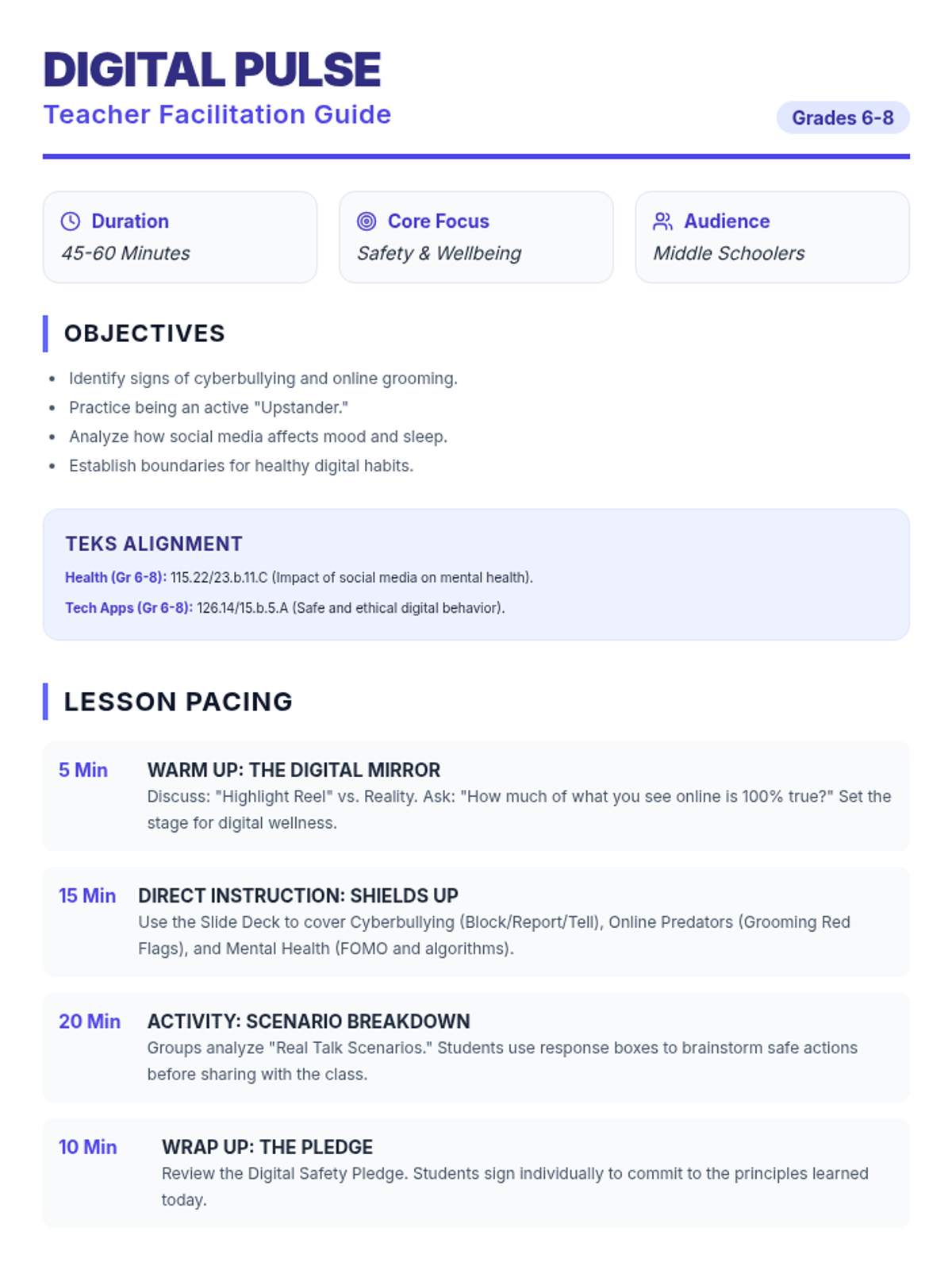
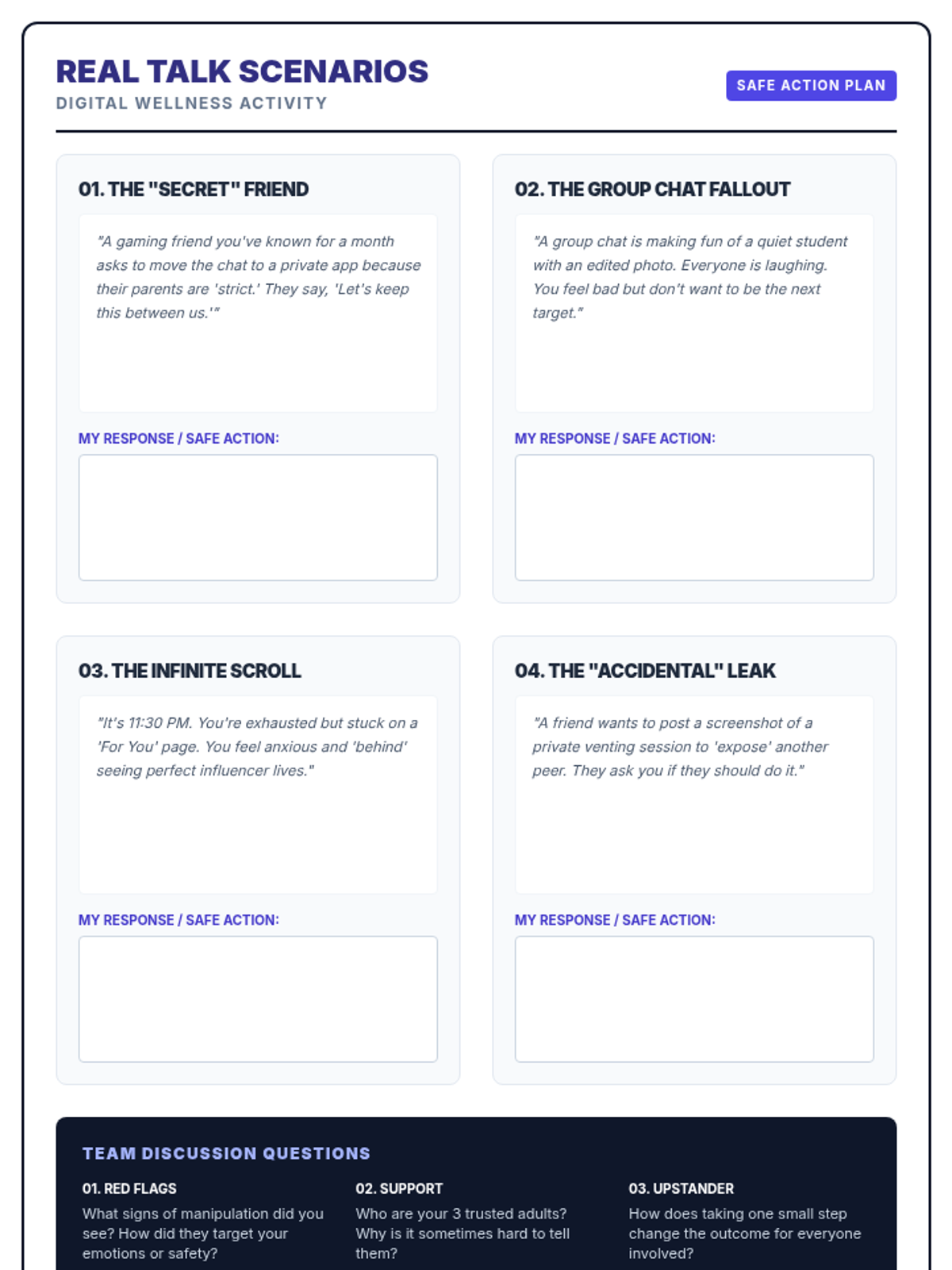
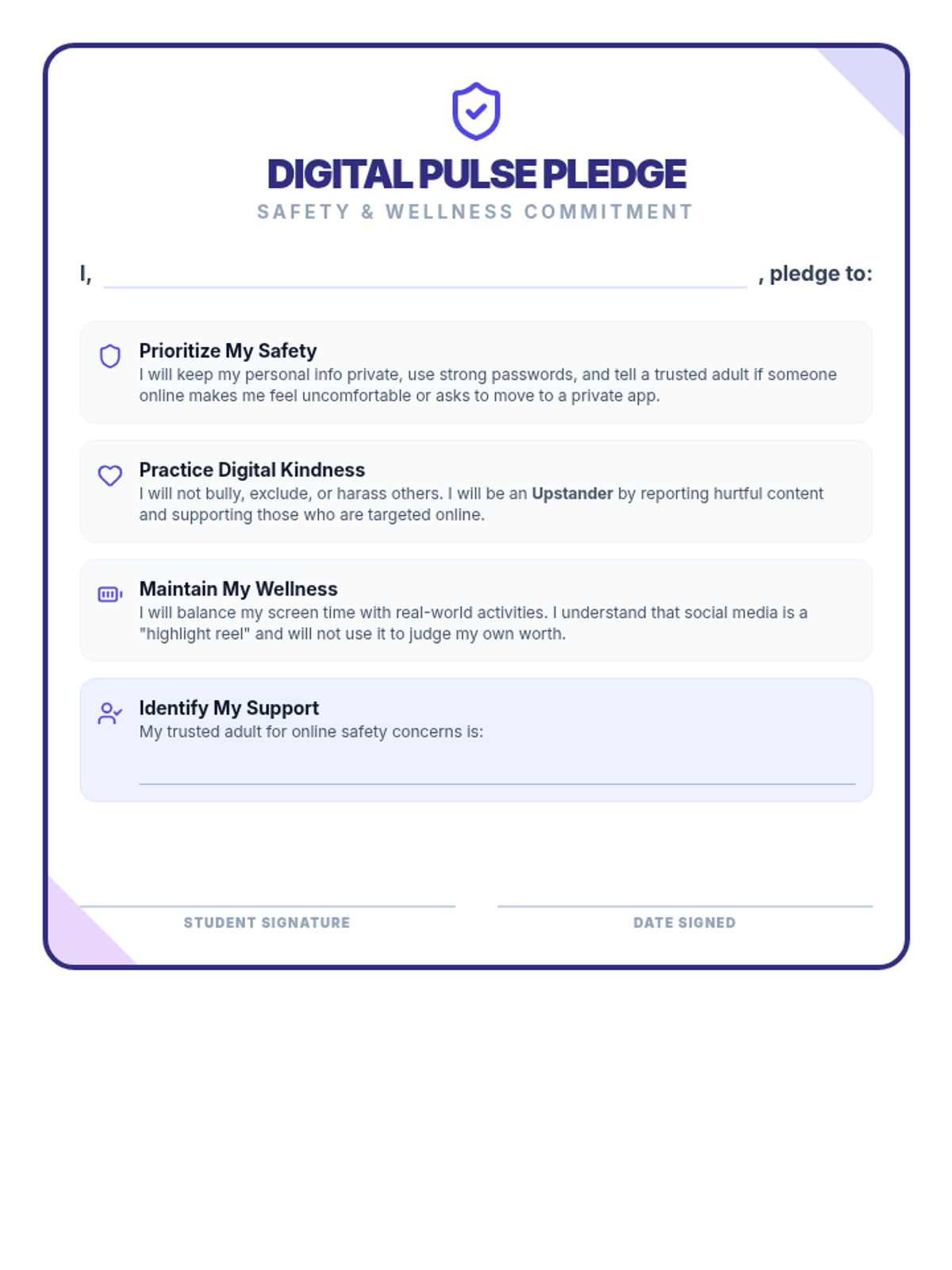
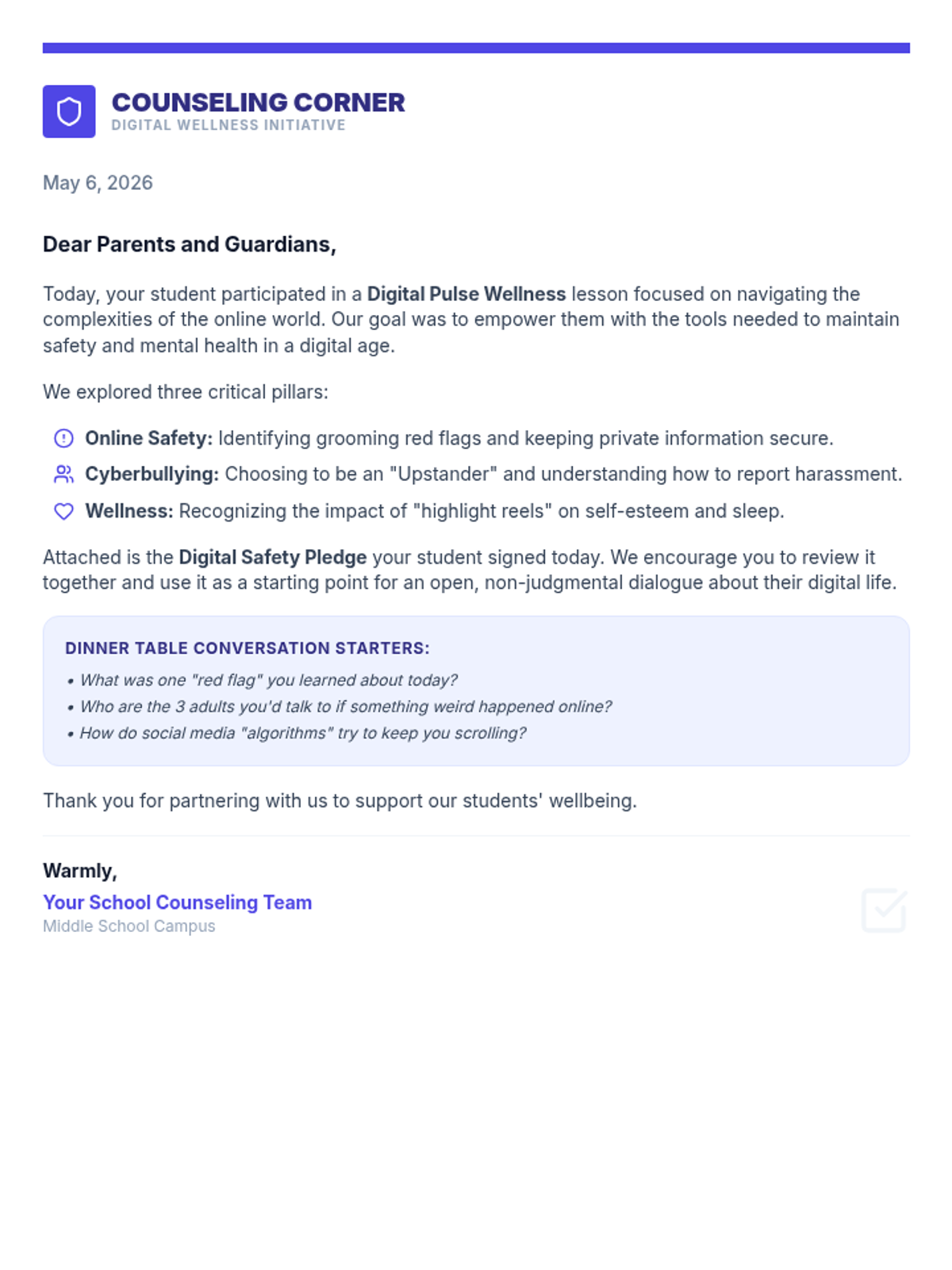
A comprehensive middle school counselor lesson on digital wellness, online safety, and social media's impact on mental health. Includes slides, discussion scenarios, a student pledge, and a parent communication letter.
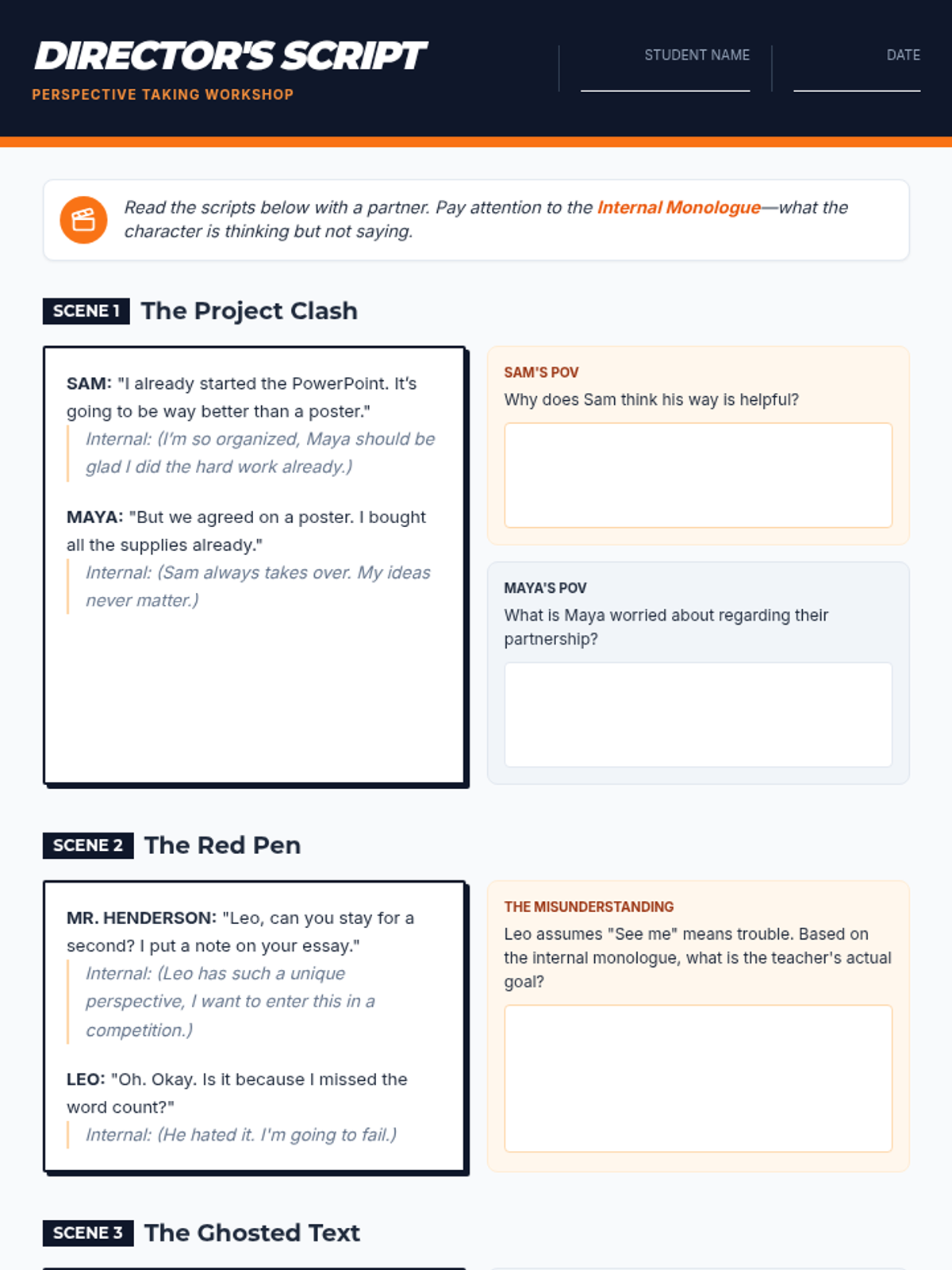
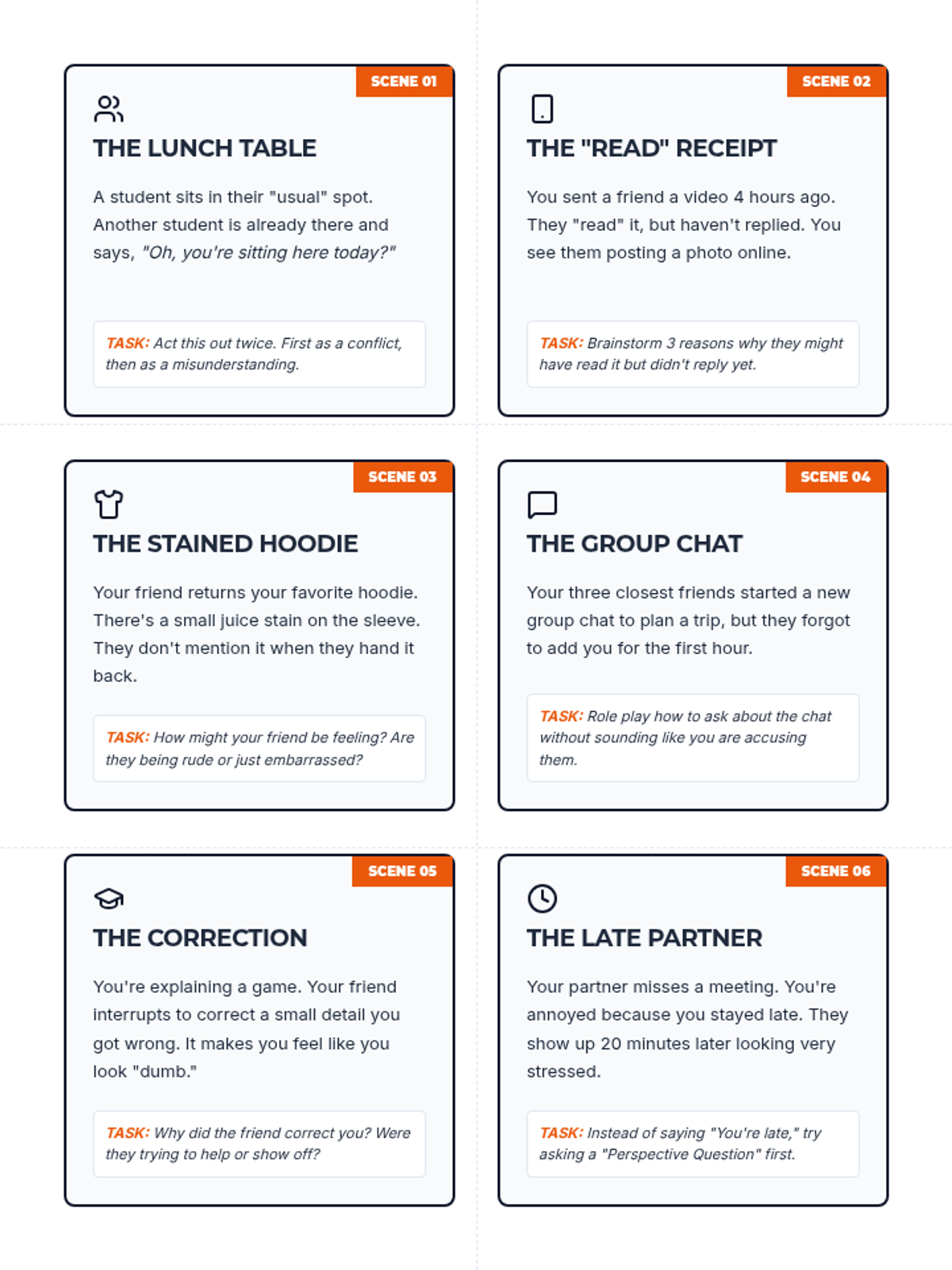
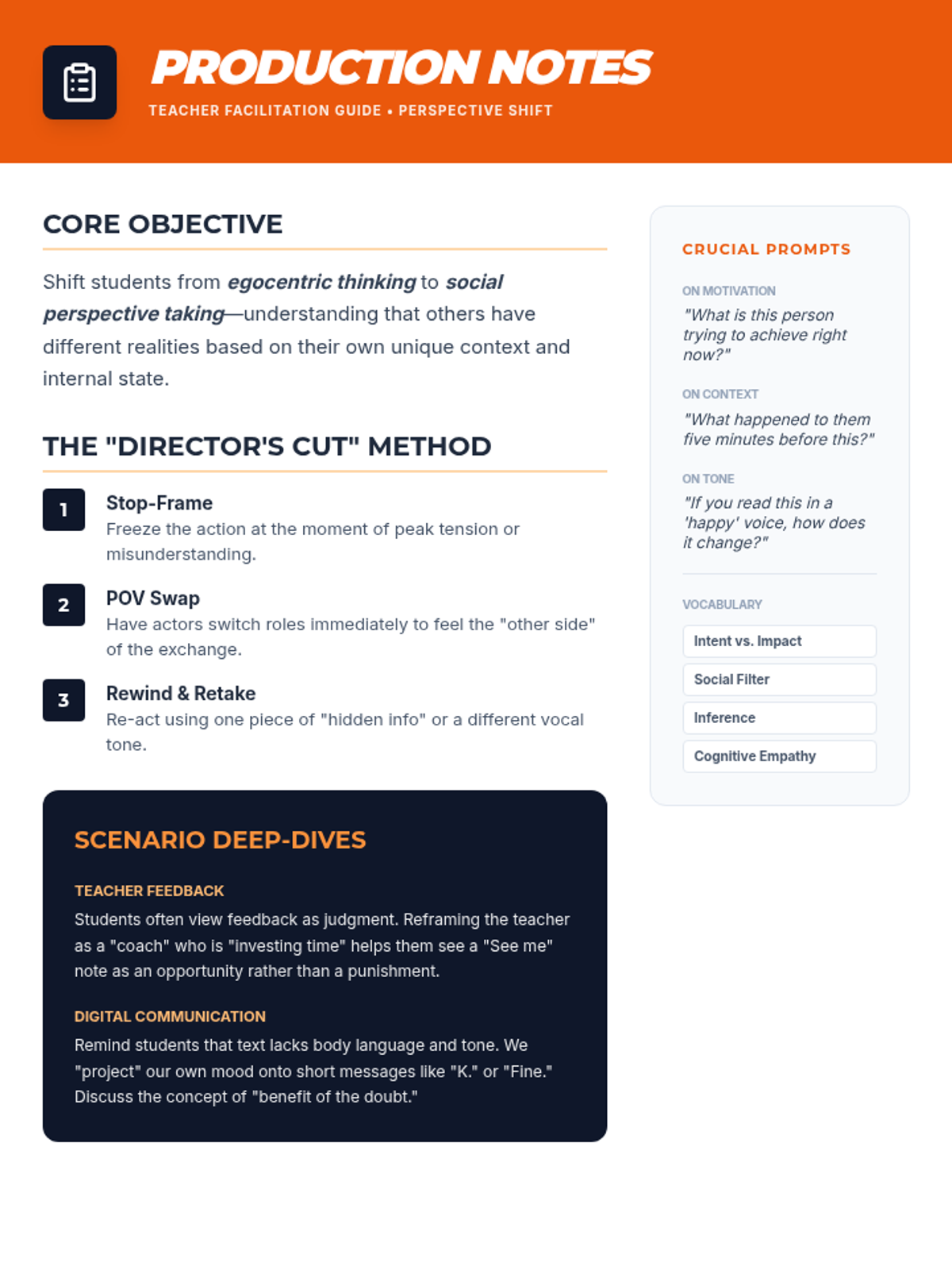
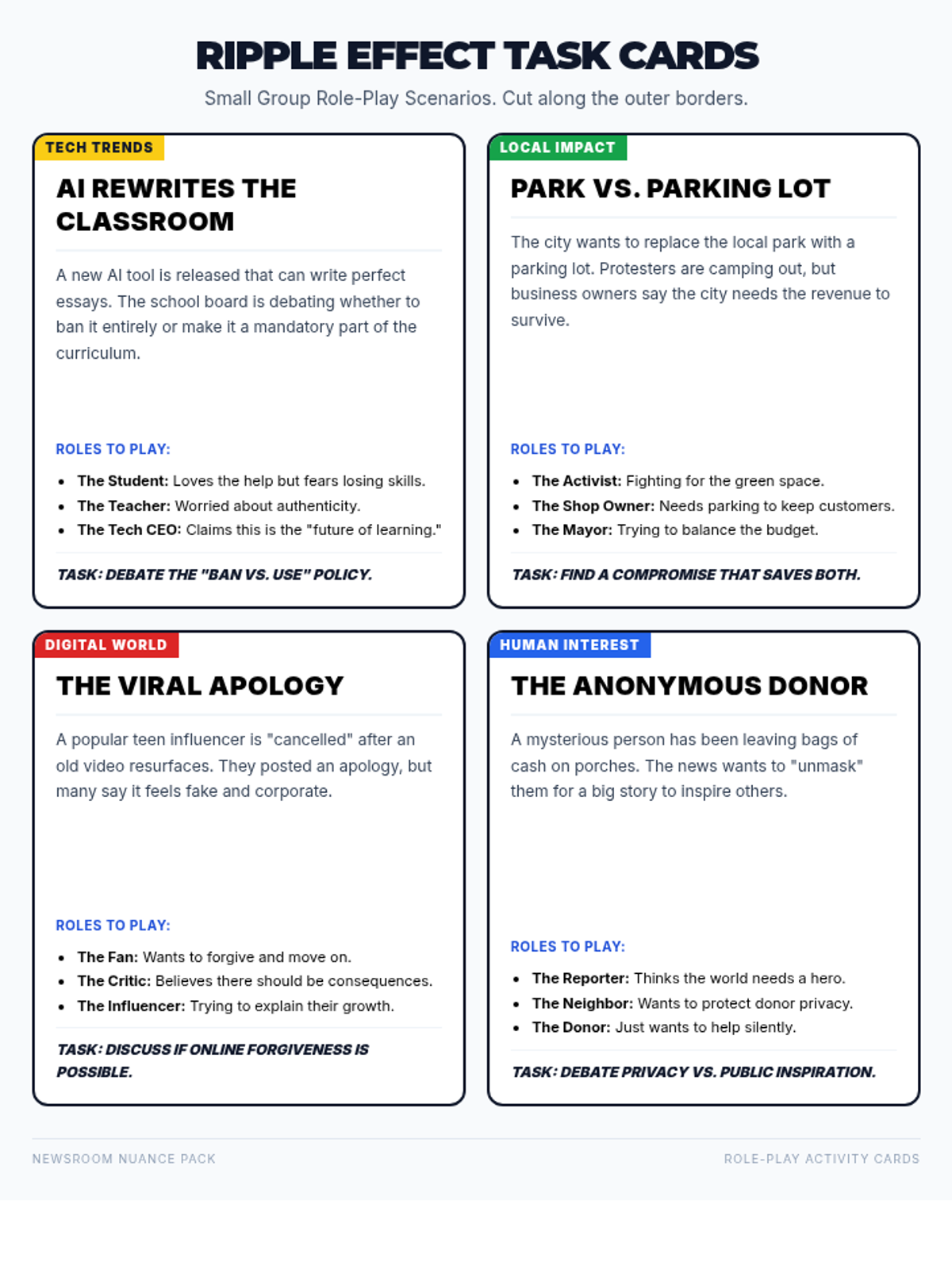
A lesson focused on developing perspective-taking skills through scripted role plays and collaborative task cards, covering group dynamics, adult feedback, and digital communication.
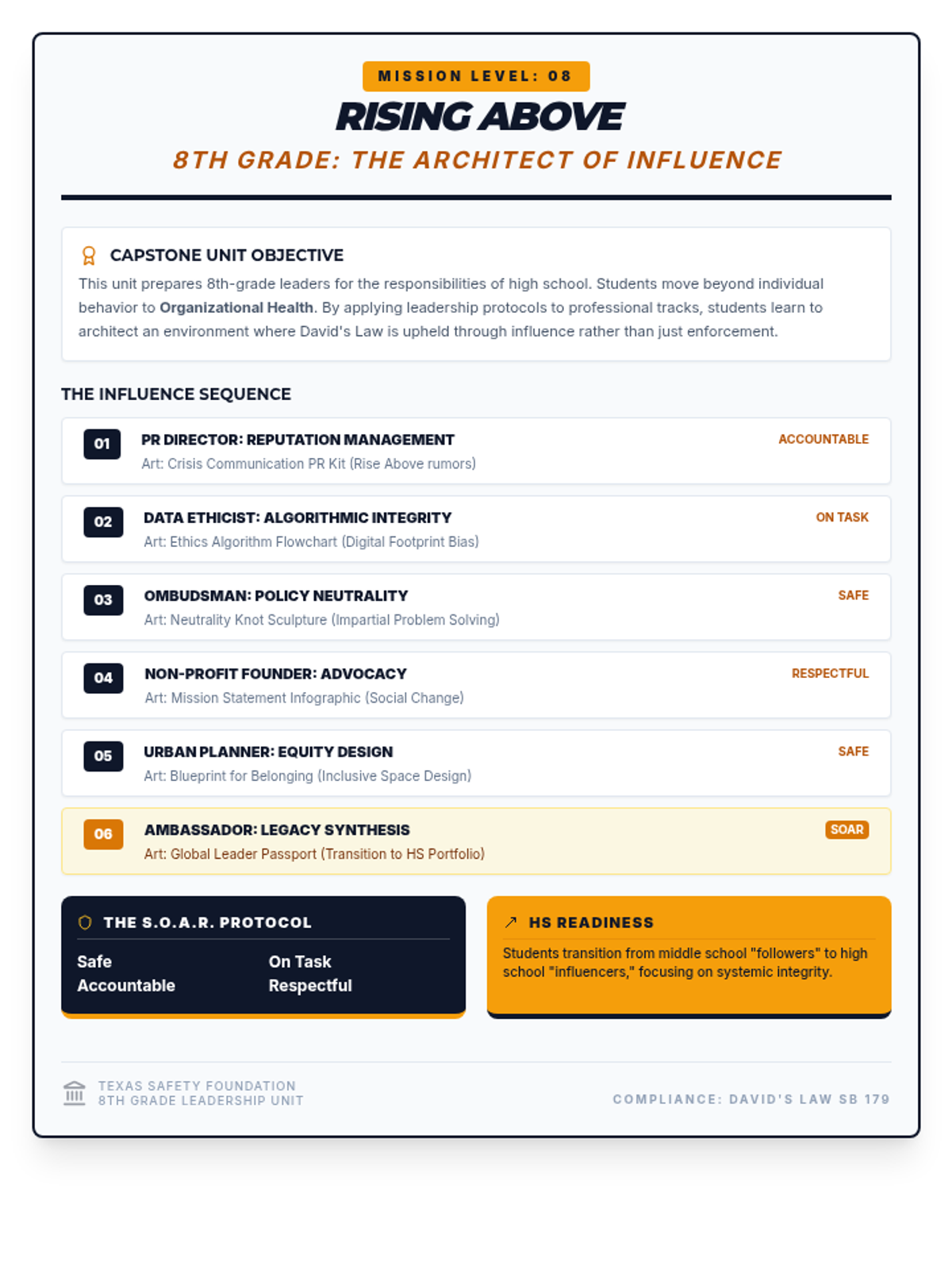
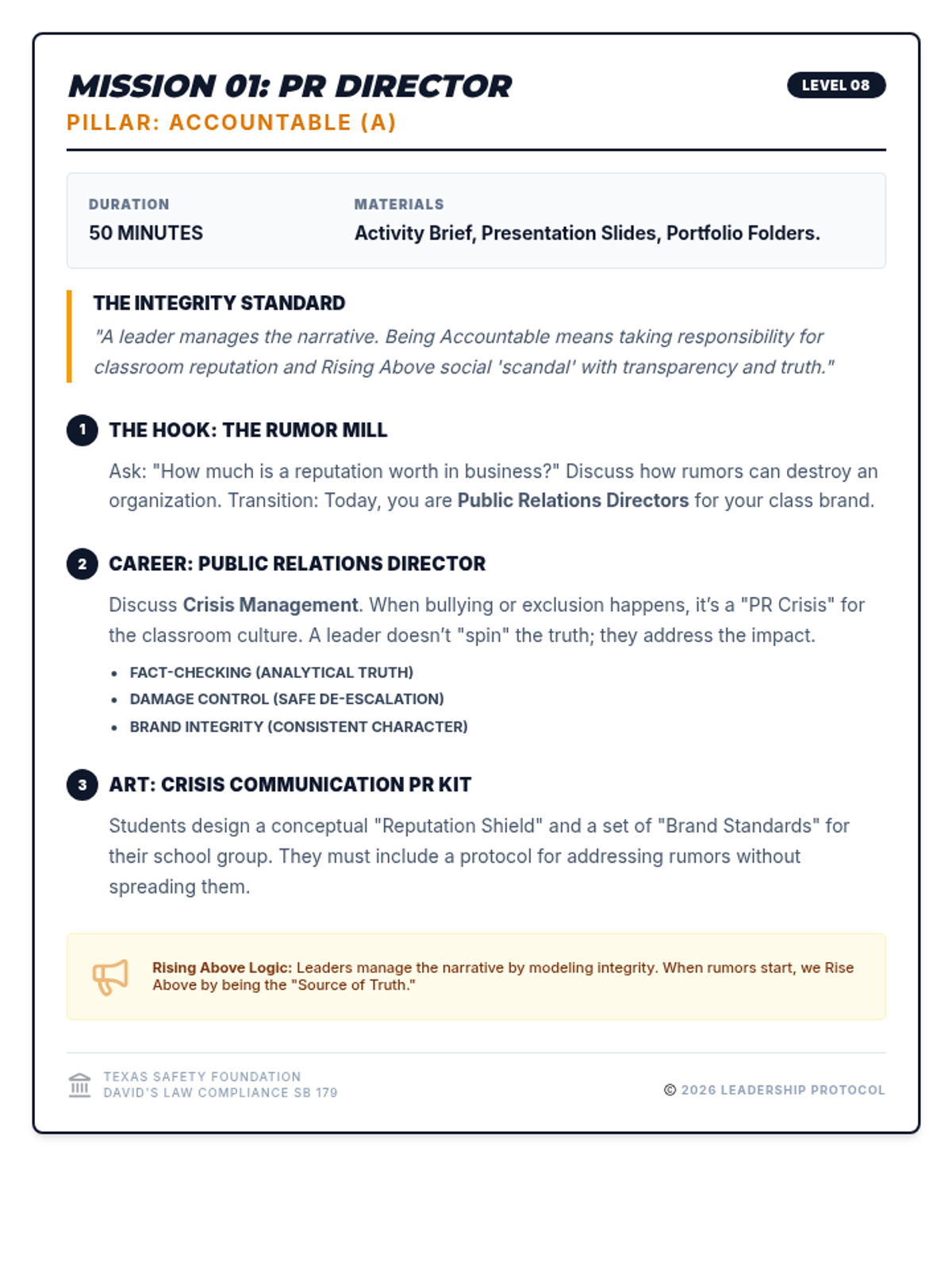
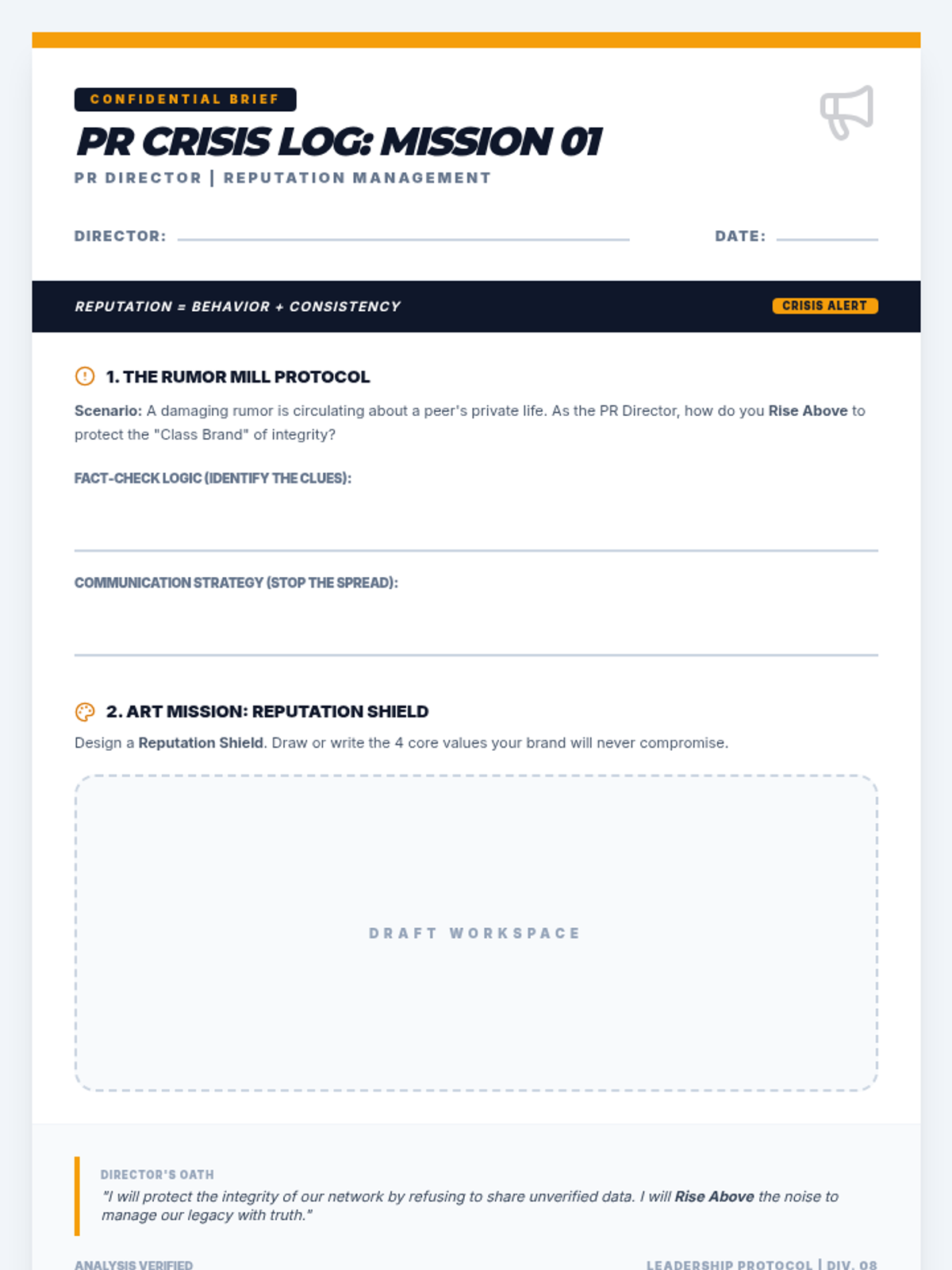
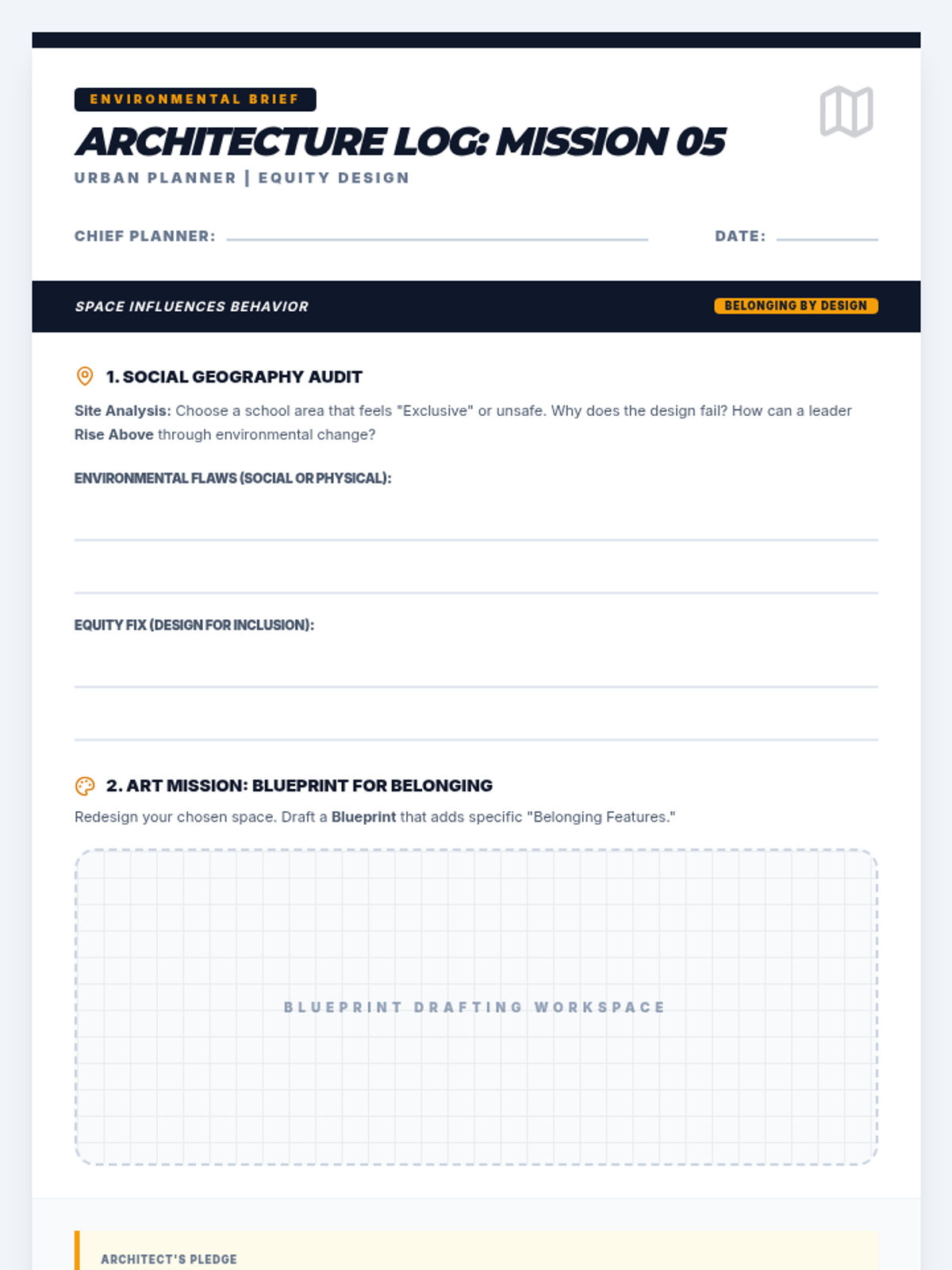
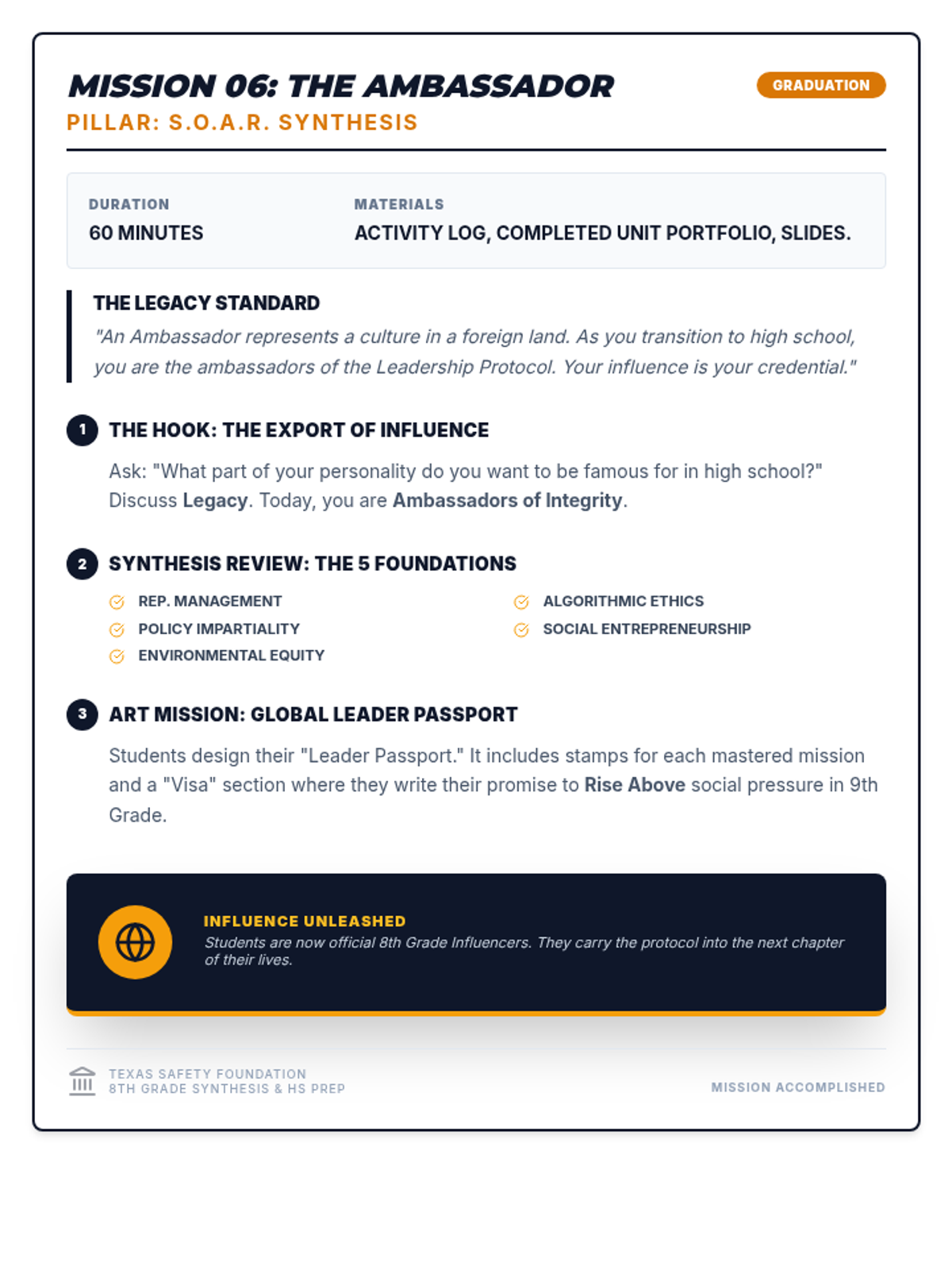
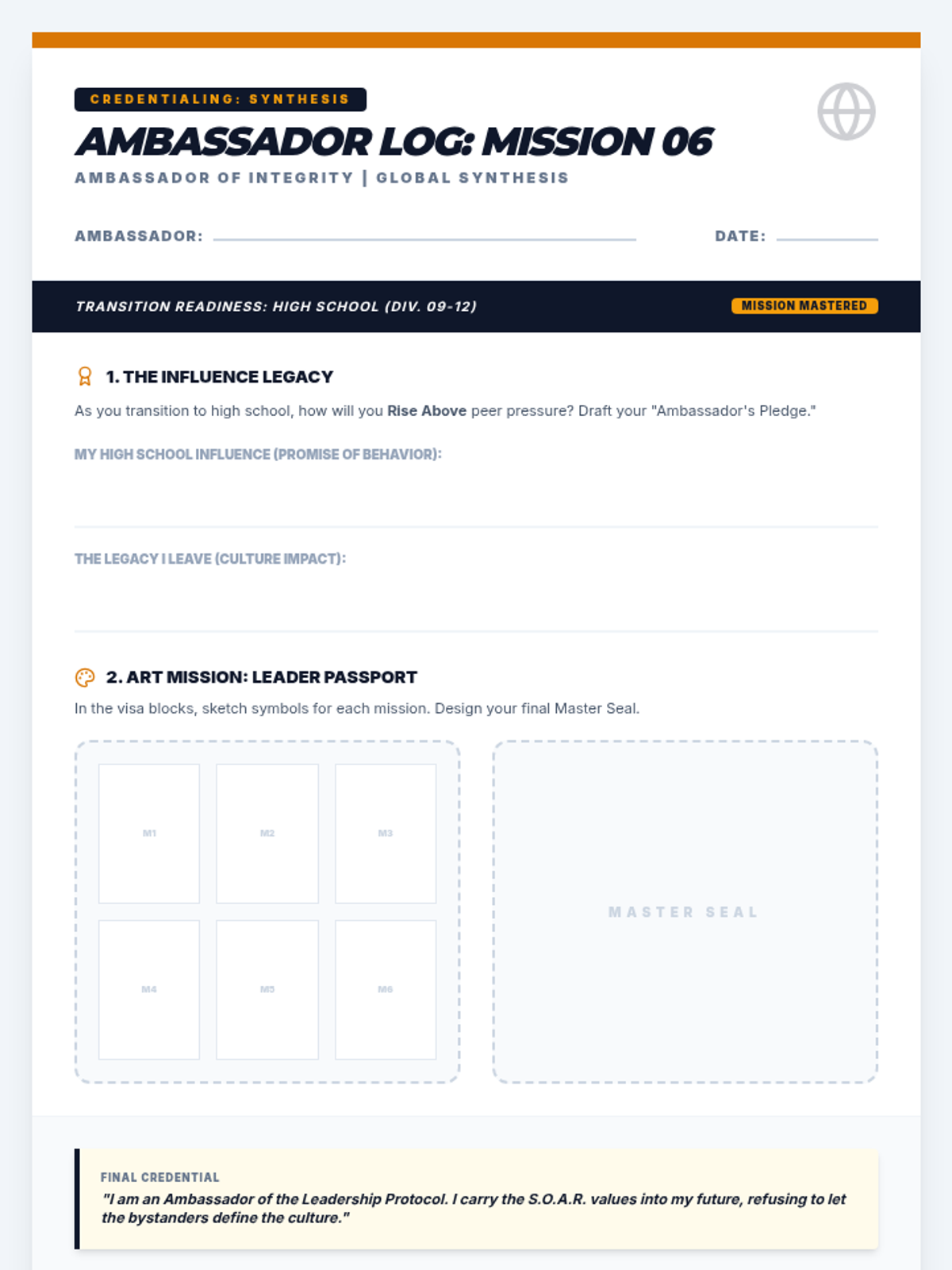
8th Grade focus on reputation management and accountability through a PR Director lens. Art: Crisis Communication PR Kit.
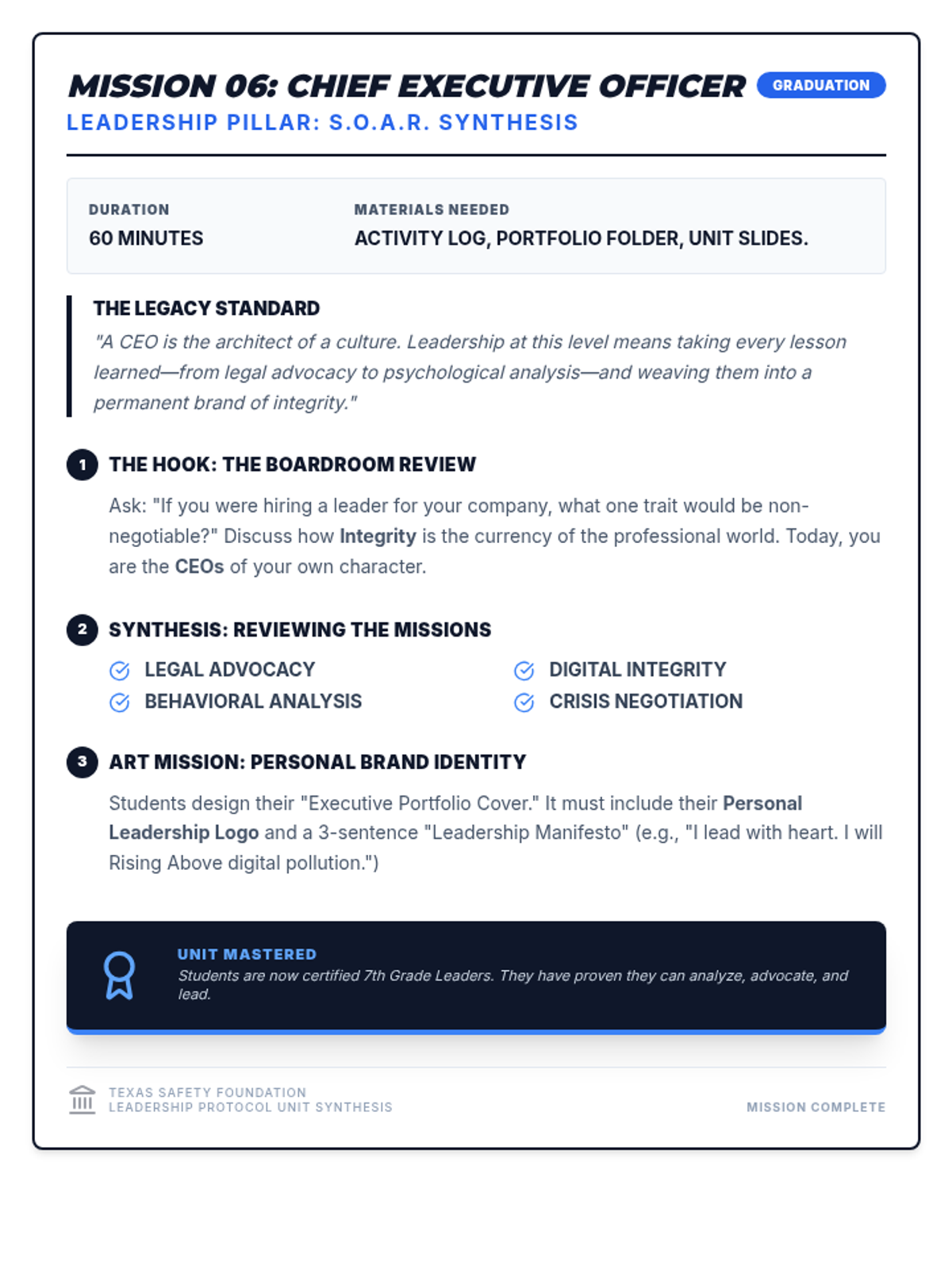
7th Grade unit synthesis focusing on personal leadership branding and the S.O.A.R. framework. Art: Personal Brand Identity.
Students finalize their protocols and establish a formal maintenance contract to ensure long-term adherence and habit formation.
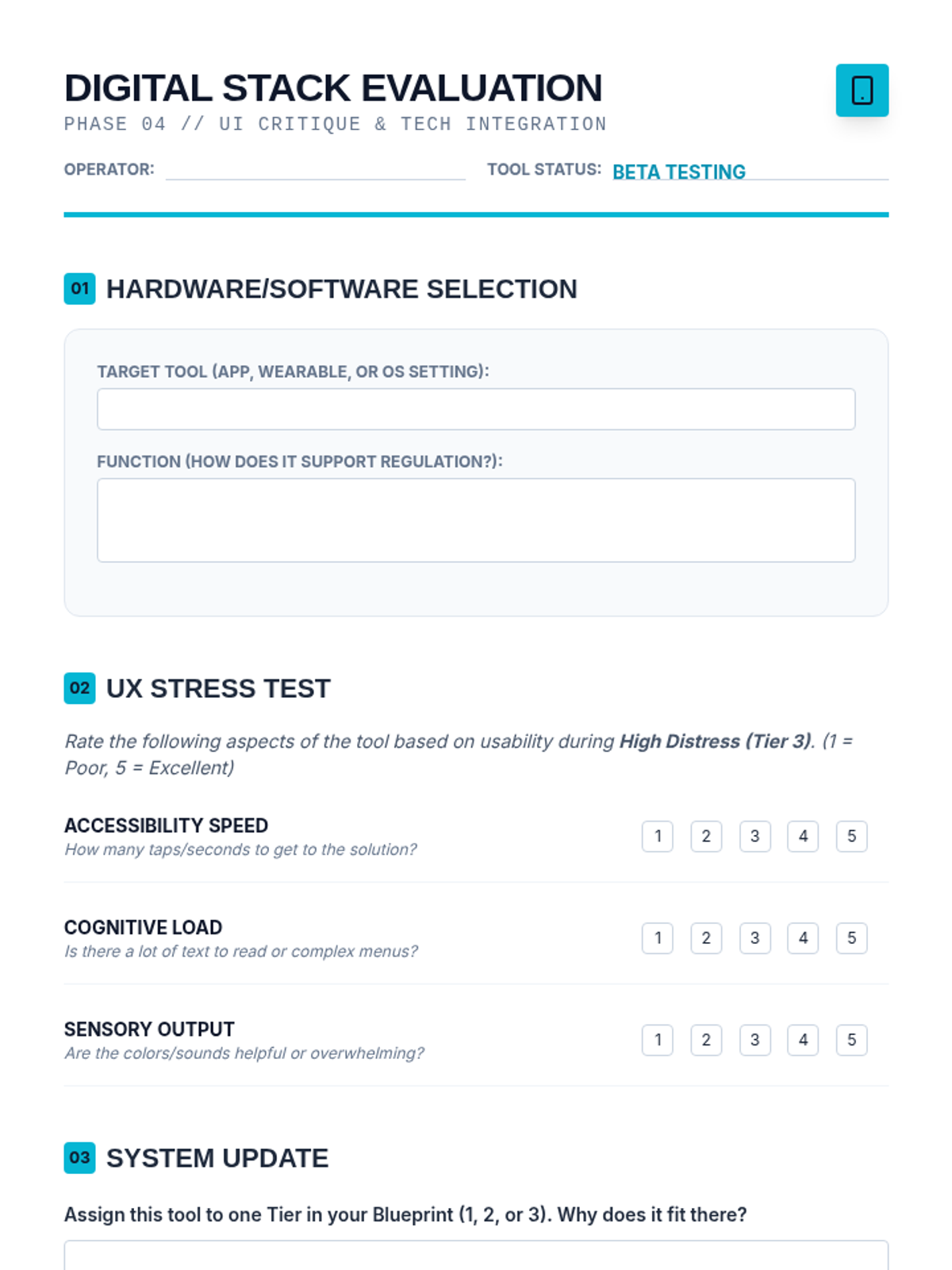
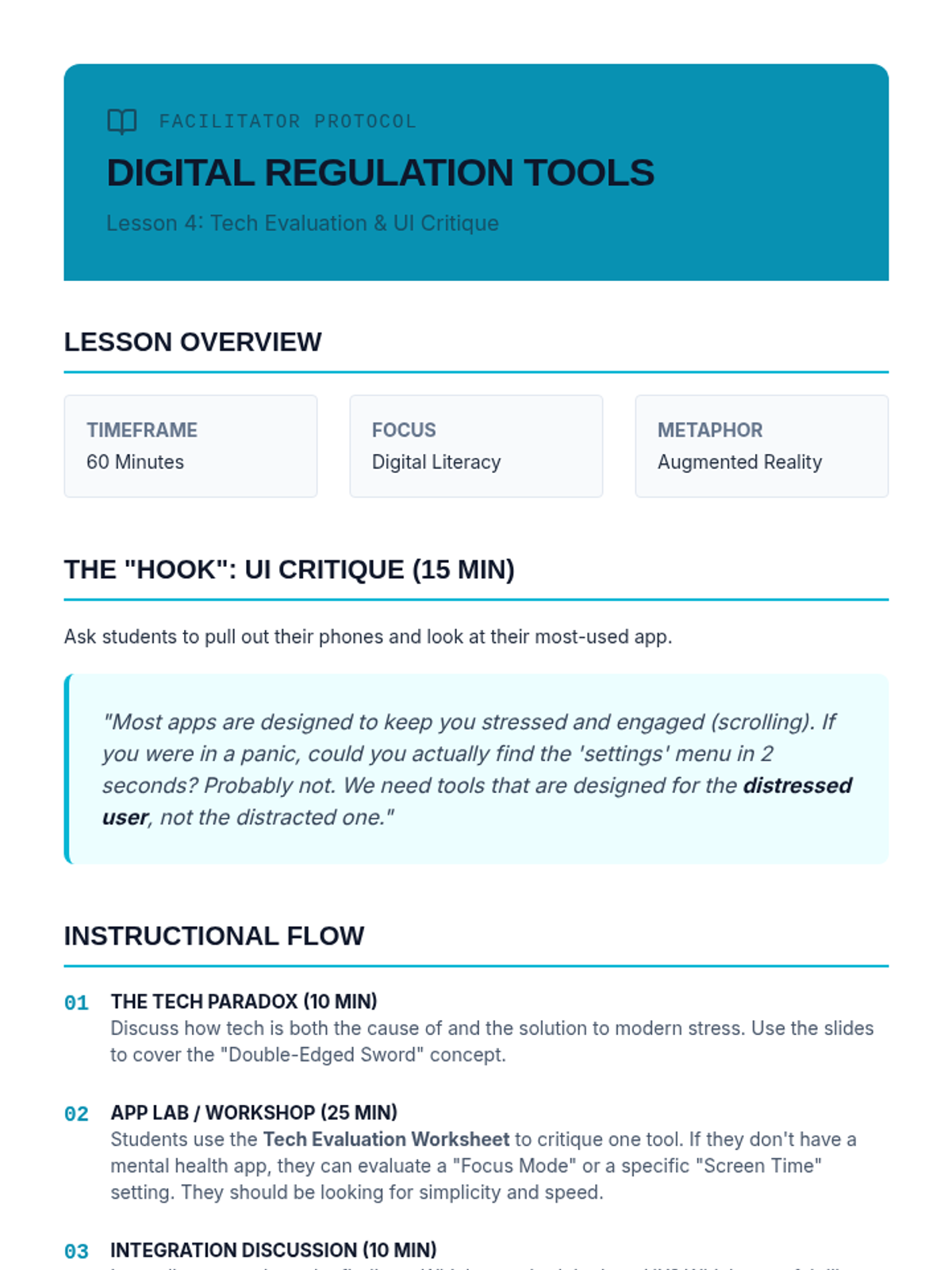
Students evaluate digital tools, apps, and wearables to integrate effective technological supports into their personalized regulation protocols.
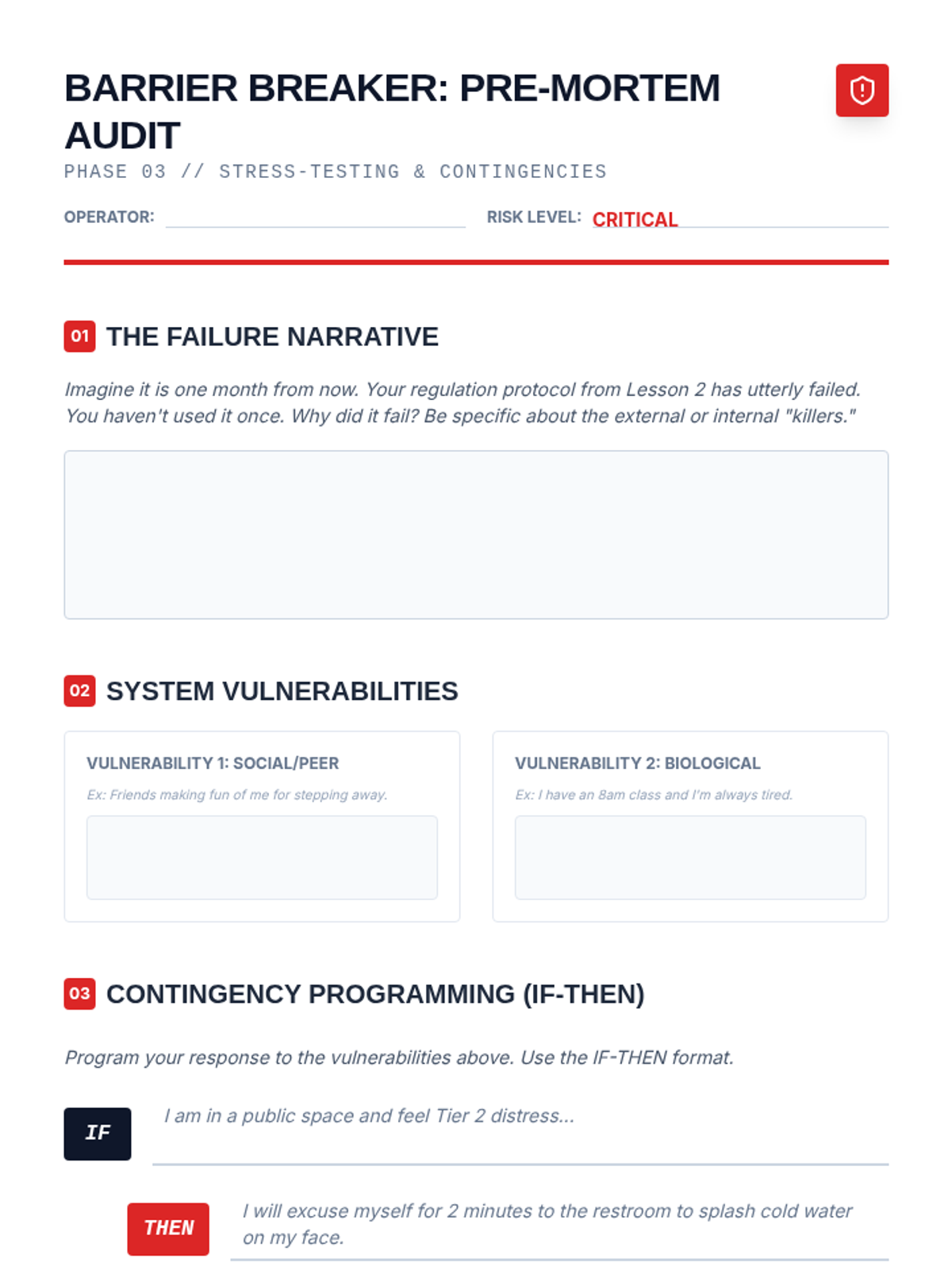
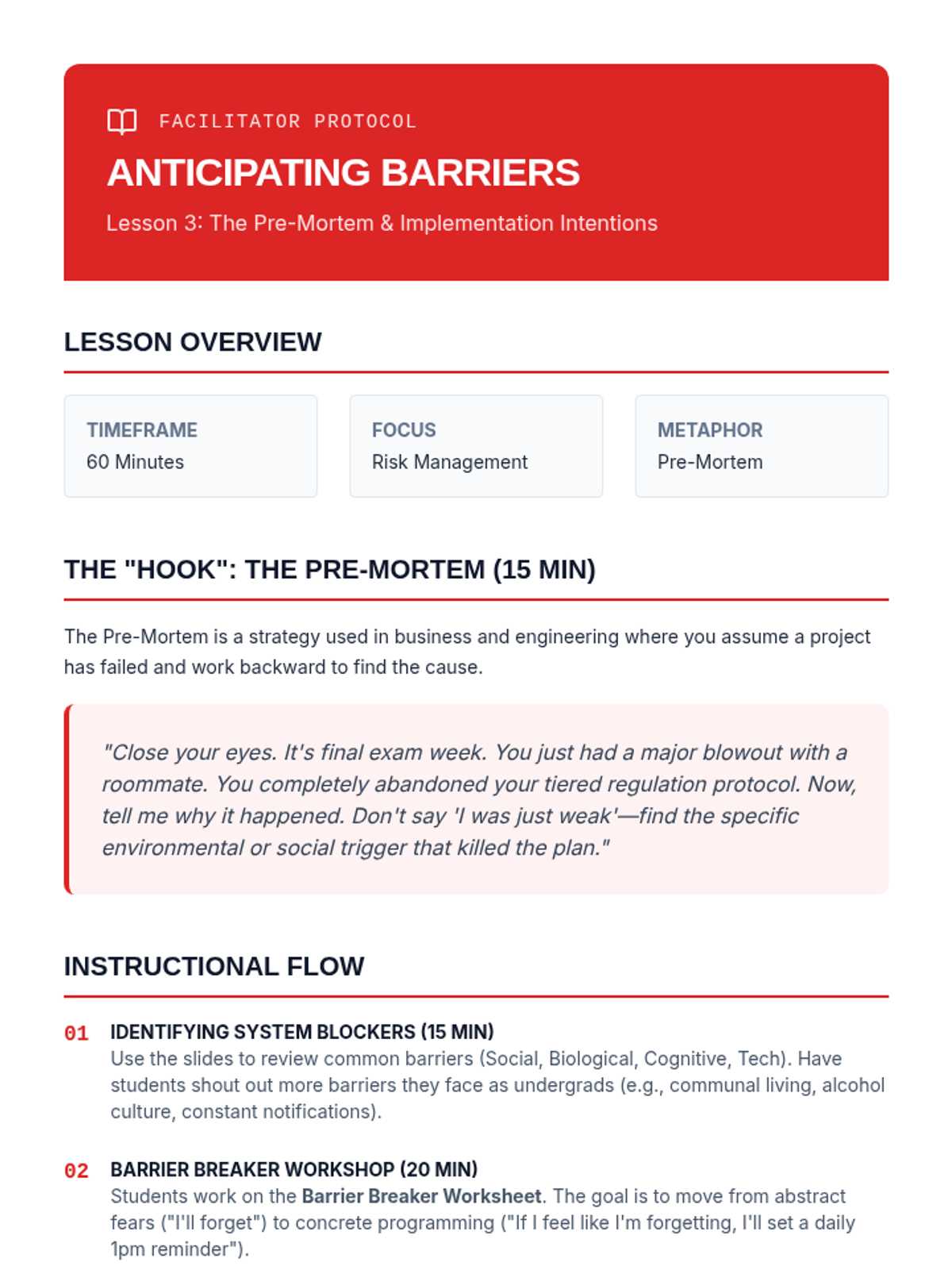
Students identify obstacles to their regulation plan and develop 'If-Then' implementation intentions to navigate triggers and barriers.
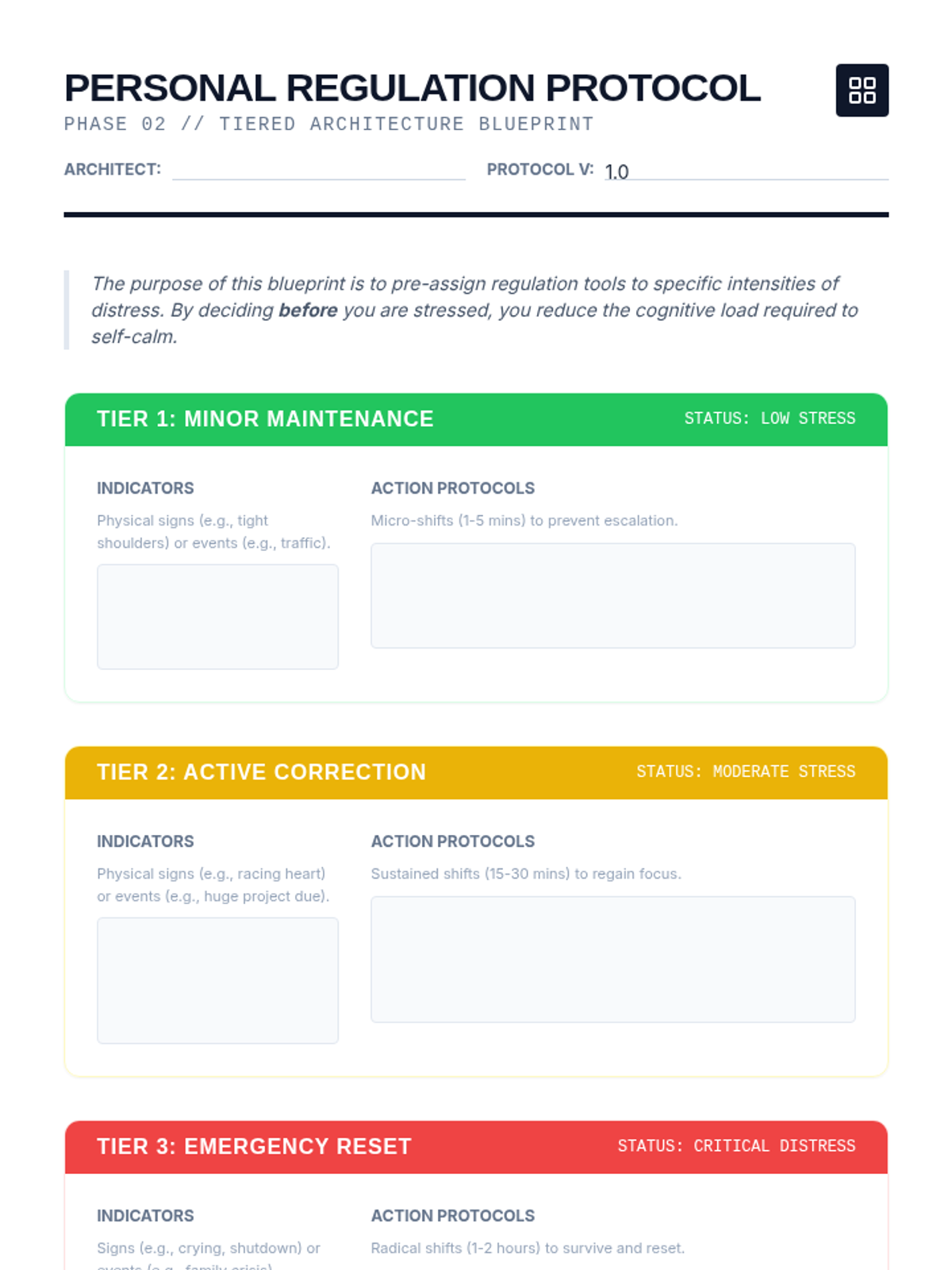
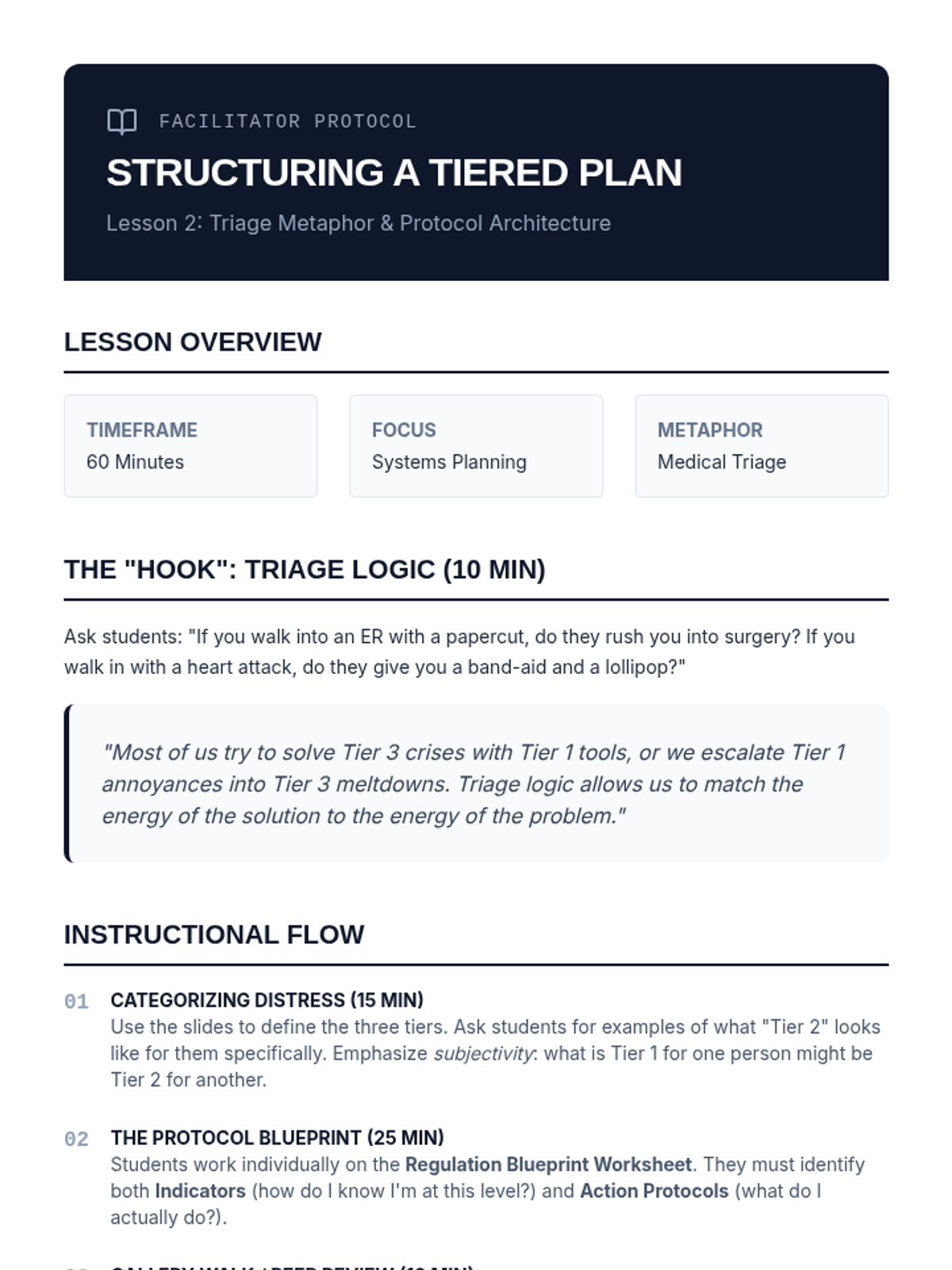
Students use a triage metaphor to design a three-tiered response plan, assigning specific self-calming tools to different intensities of distress.
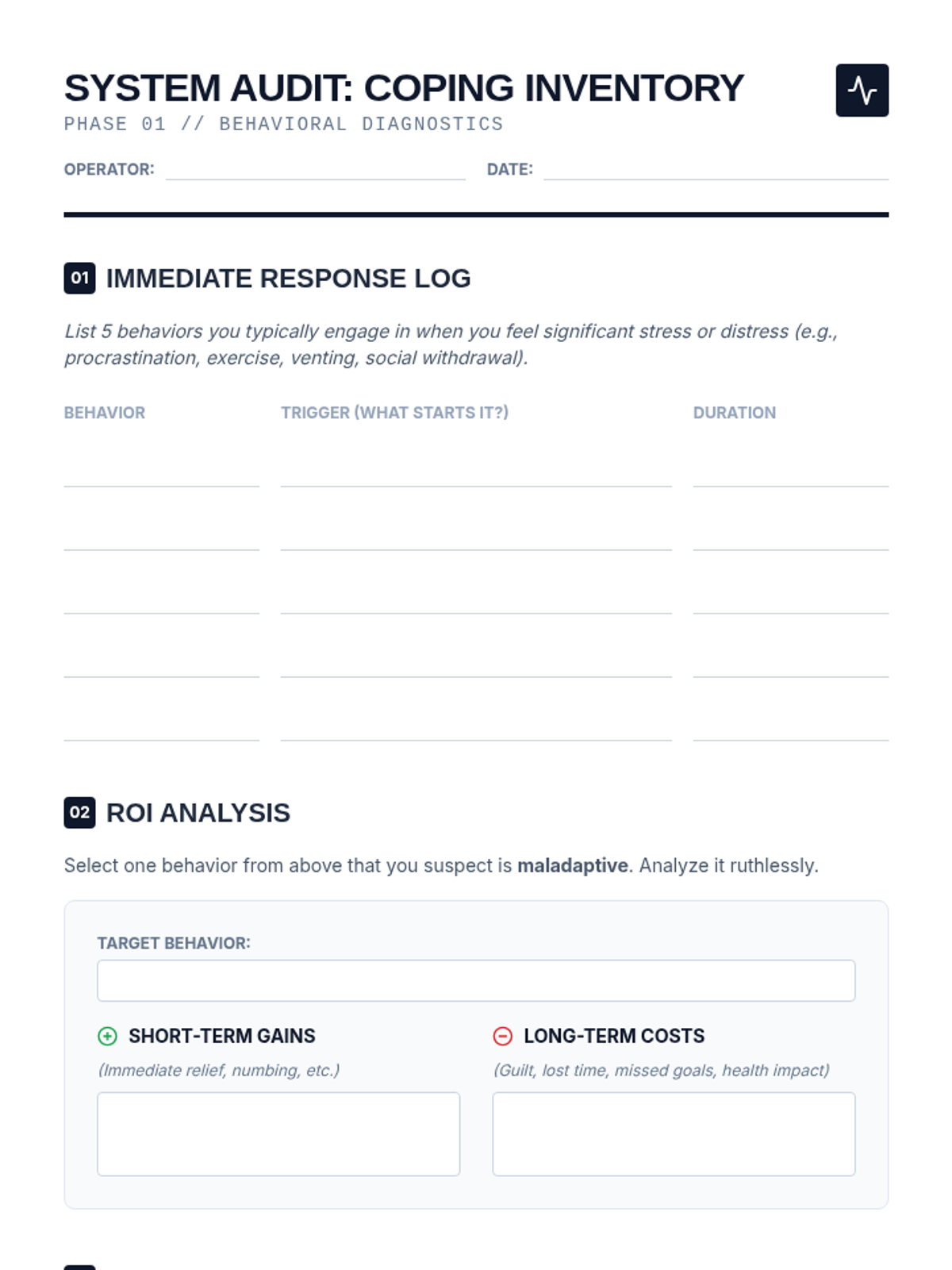
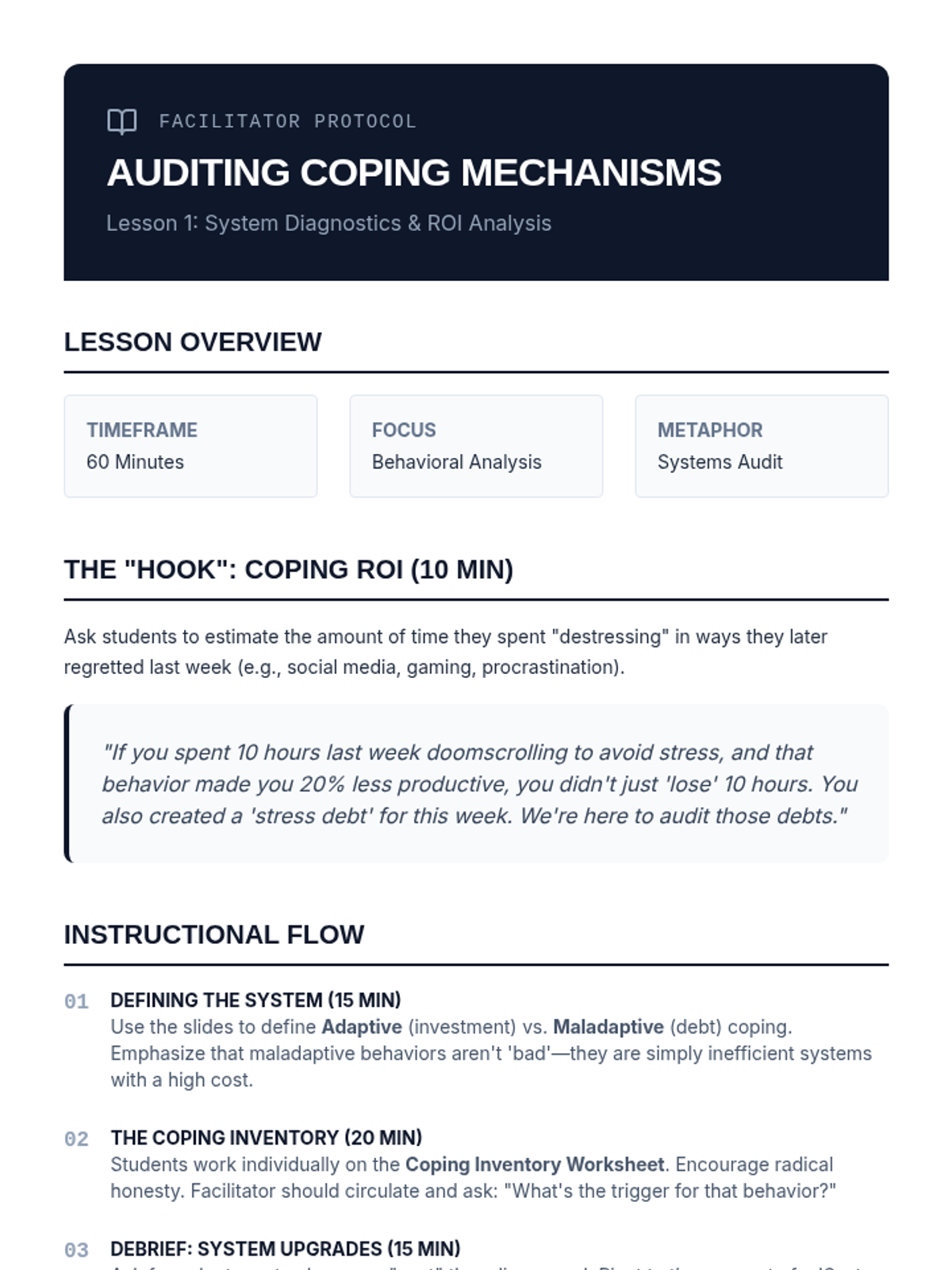
Students conduct an inventory of current stress responses and perform a cost-benefit analysis to distinguish between adaptive and maladaptive behaviors.
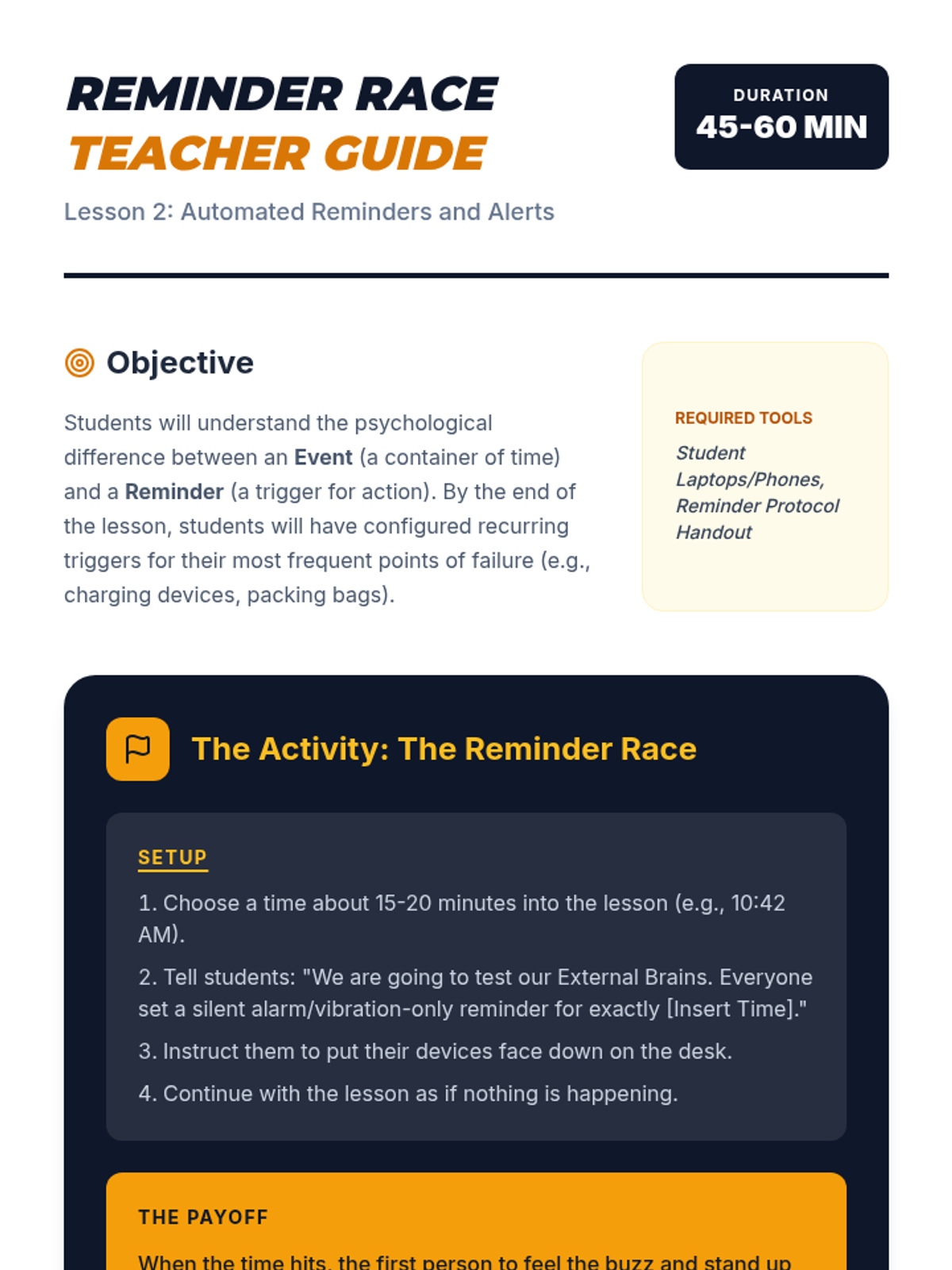
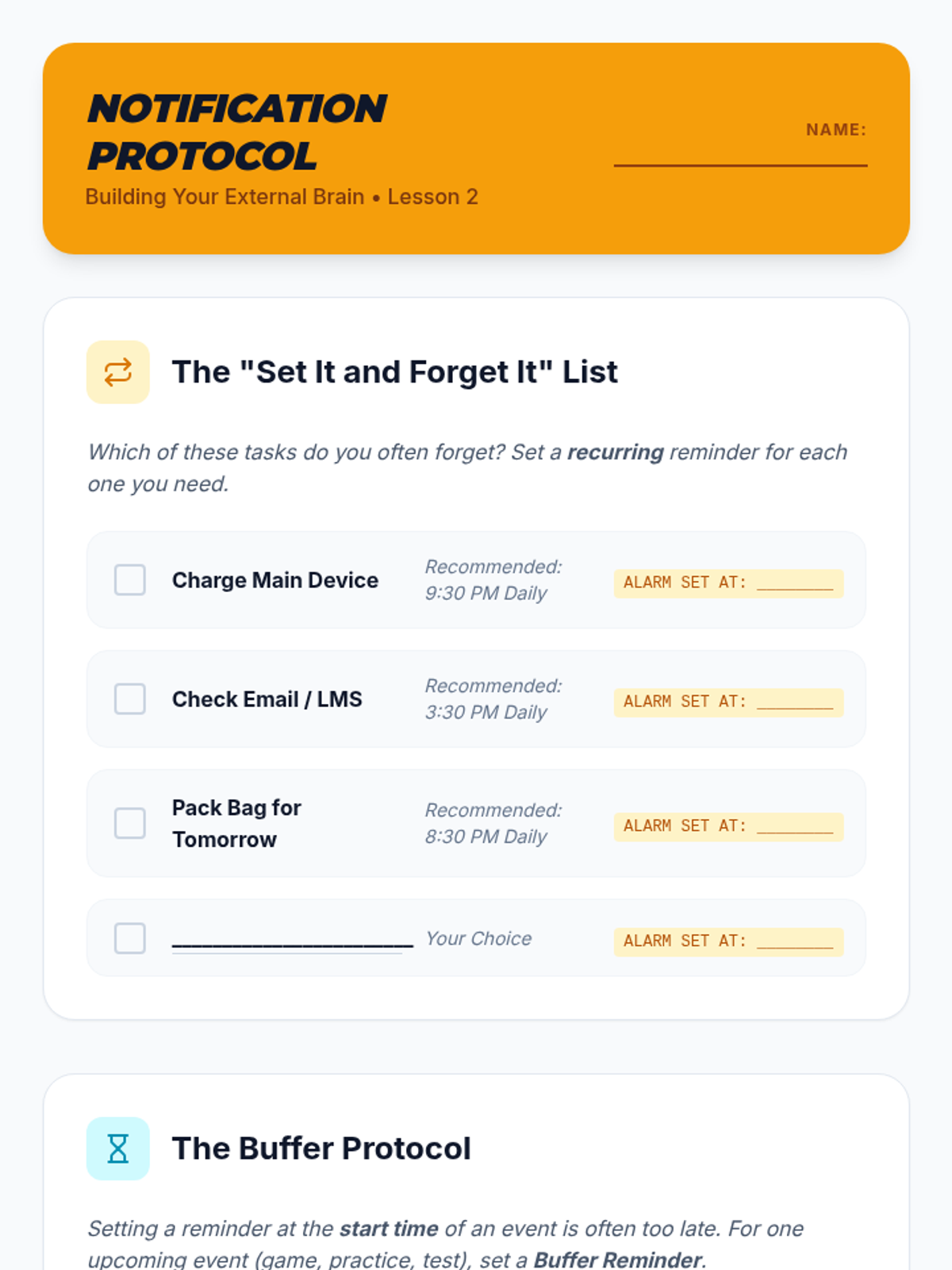
Students configure automated alerts and recurring reminders to manage administrative tasks and prepare for upcoming deadlines.
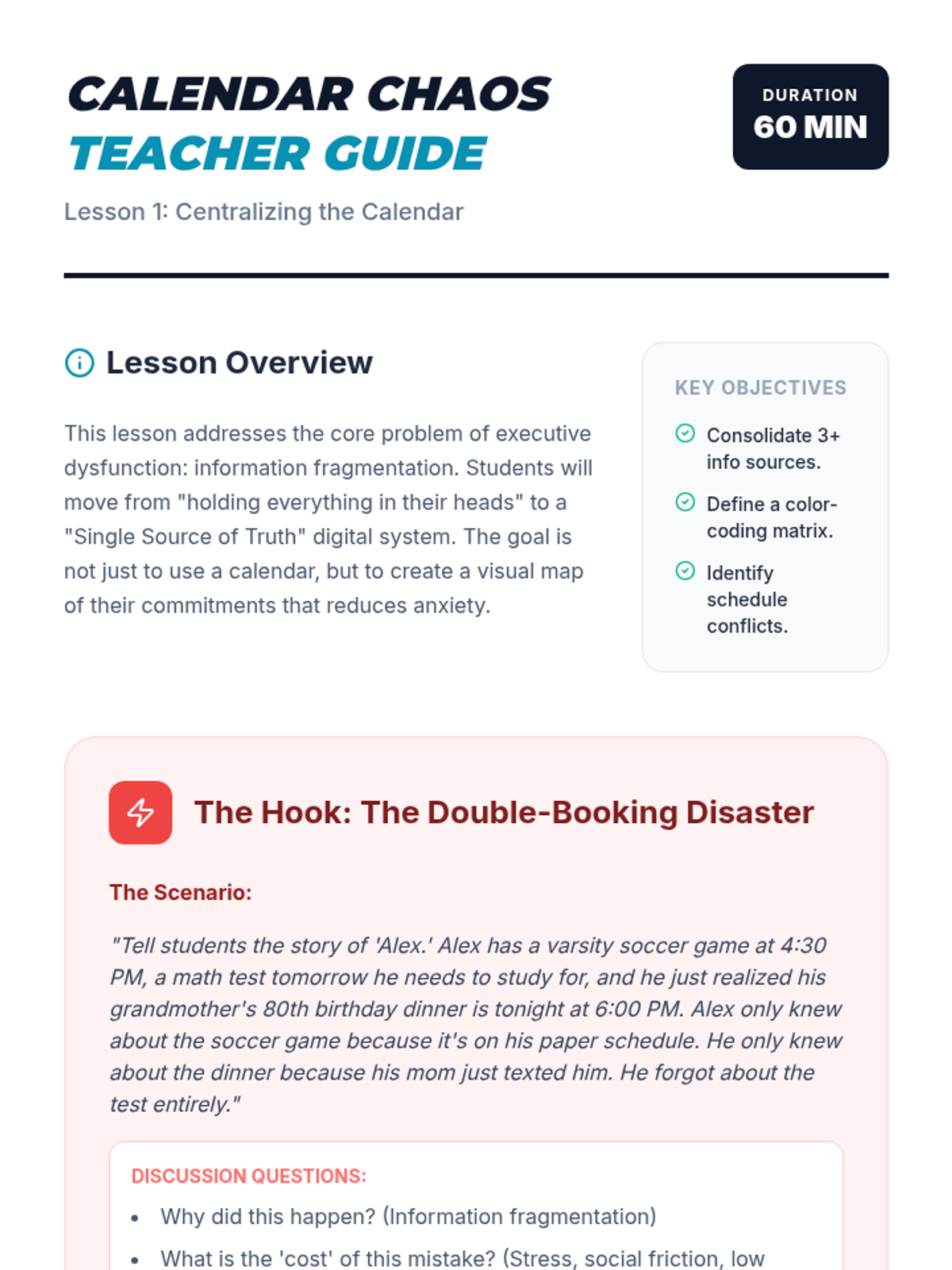
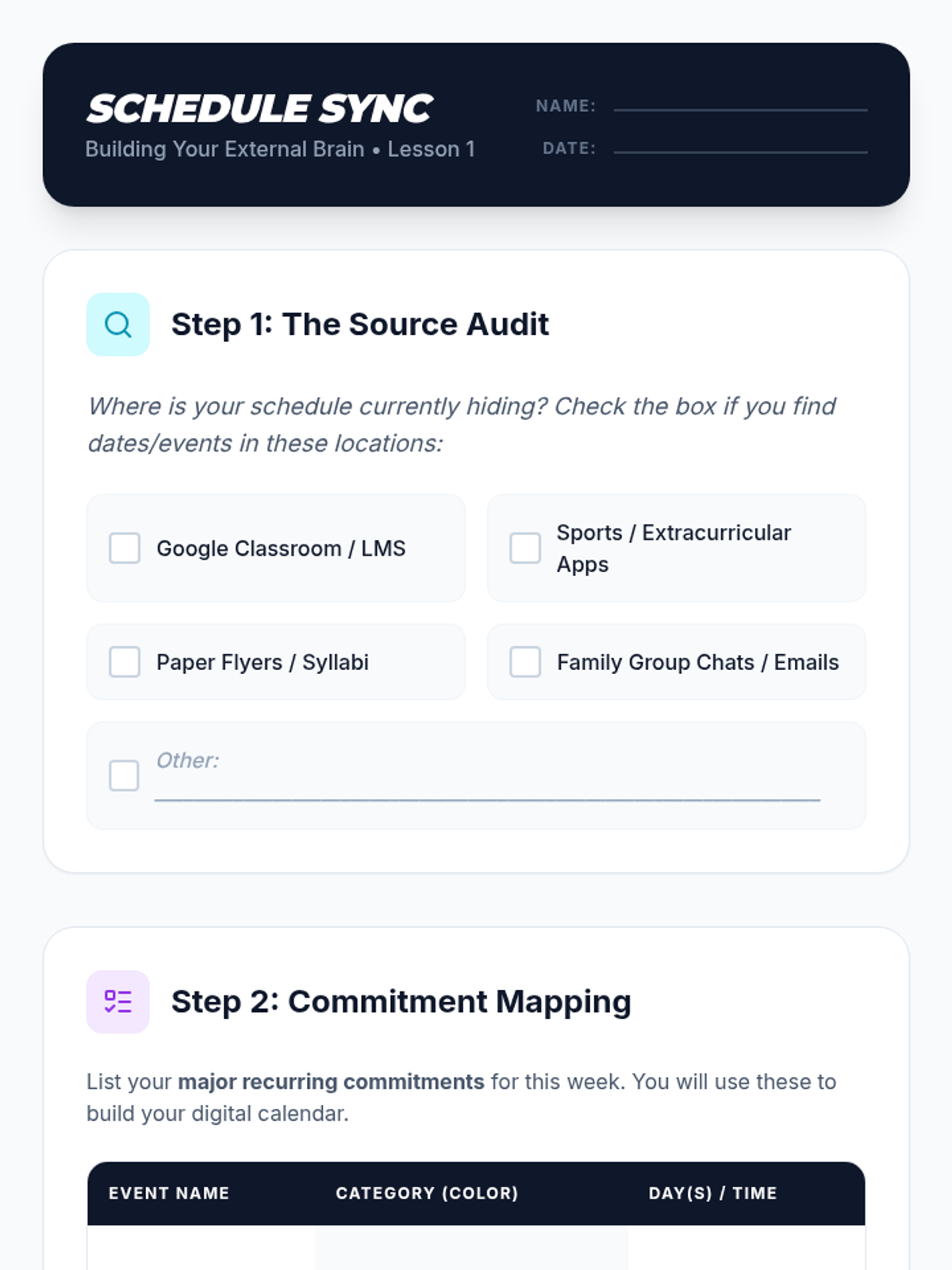
Students learn to consolidate disparate sources of information into a single, color-coded digital calendar system to visualize and balance their commitments.
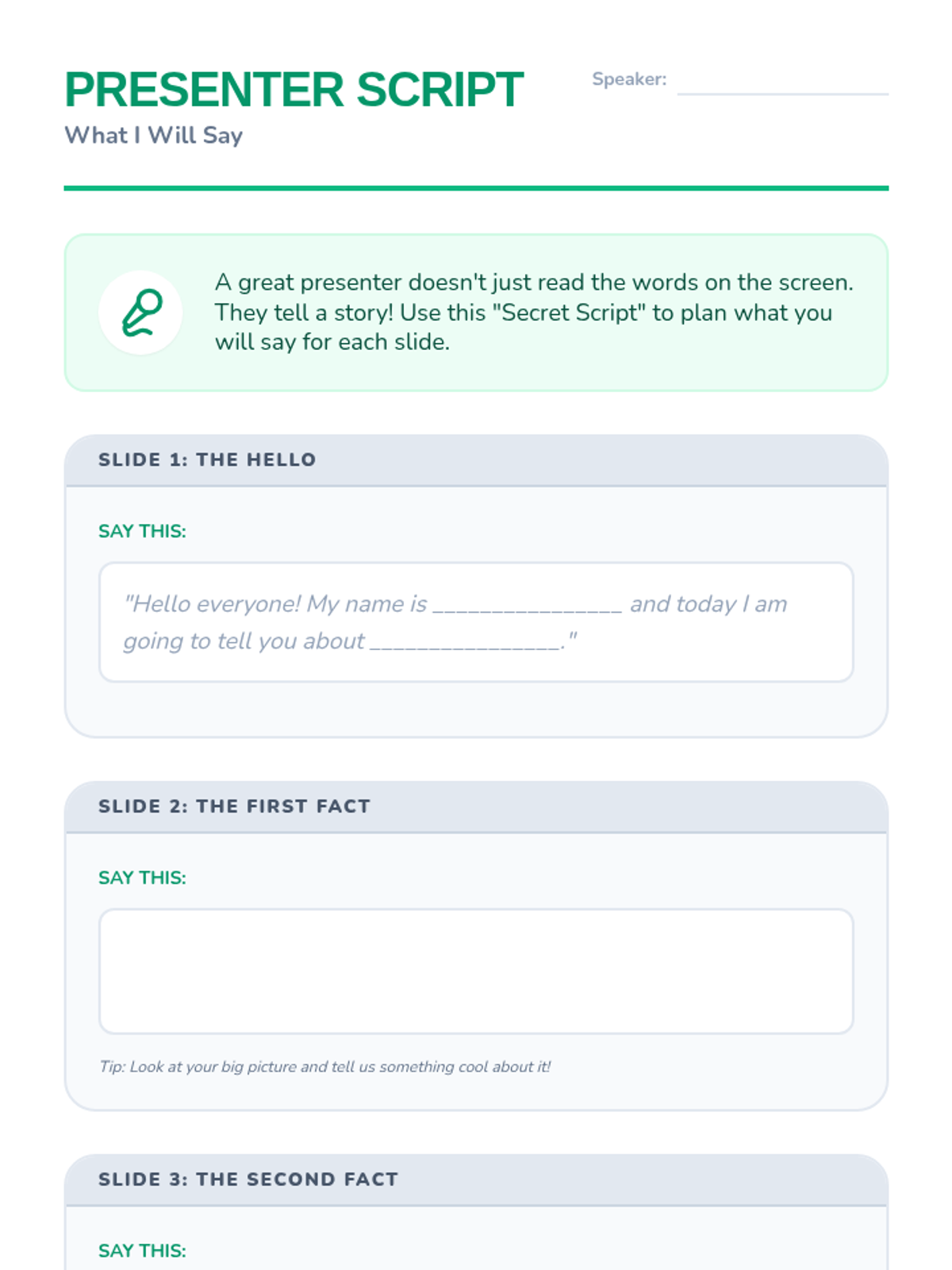
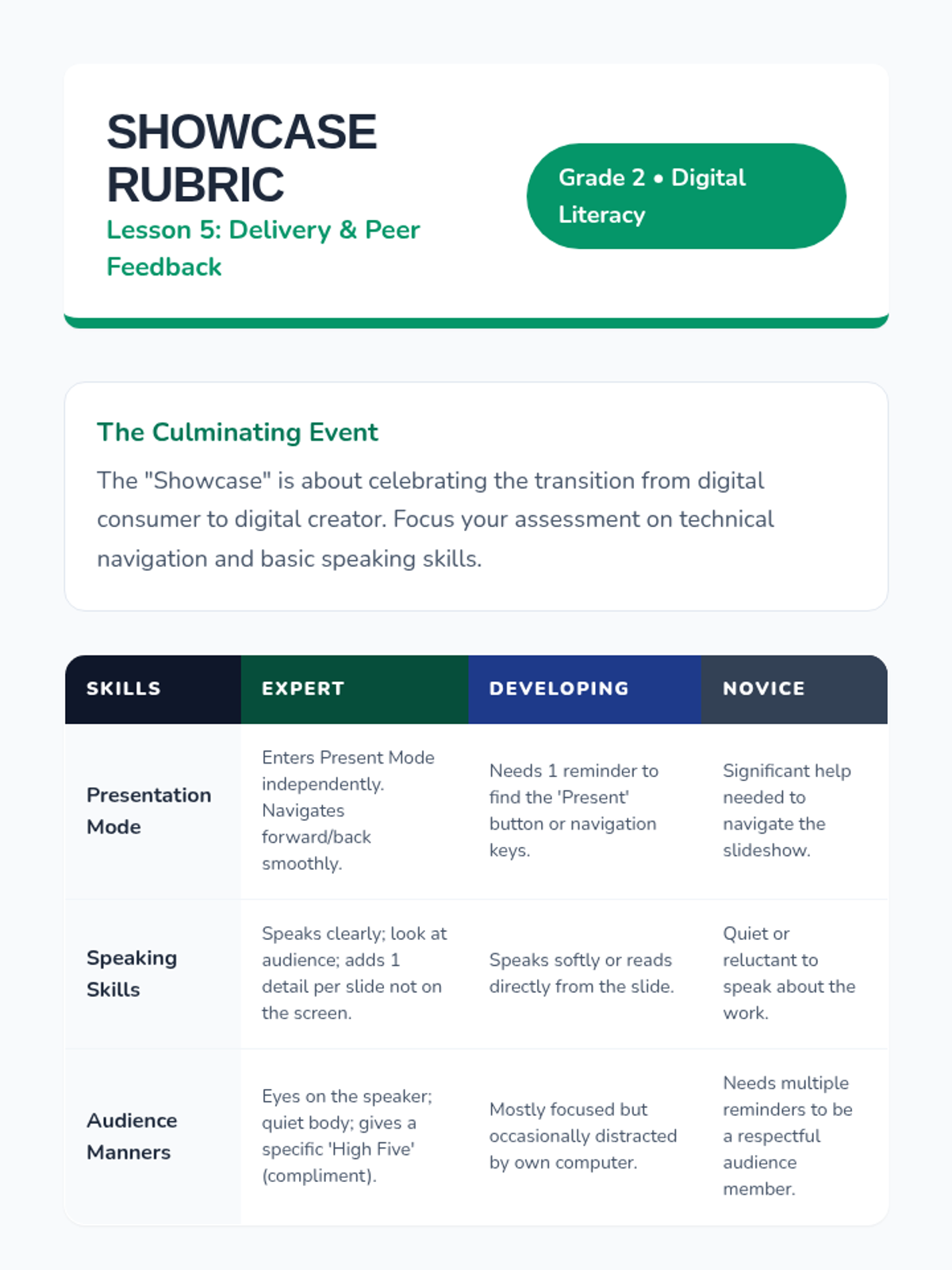
Students learn how to enter 'Presentation Mode', navigate their slides full-screen, and practice speaking about their work to a partner.
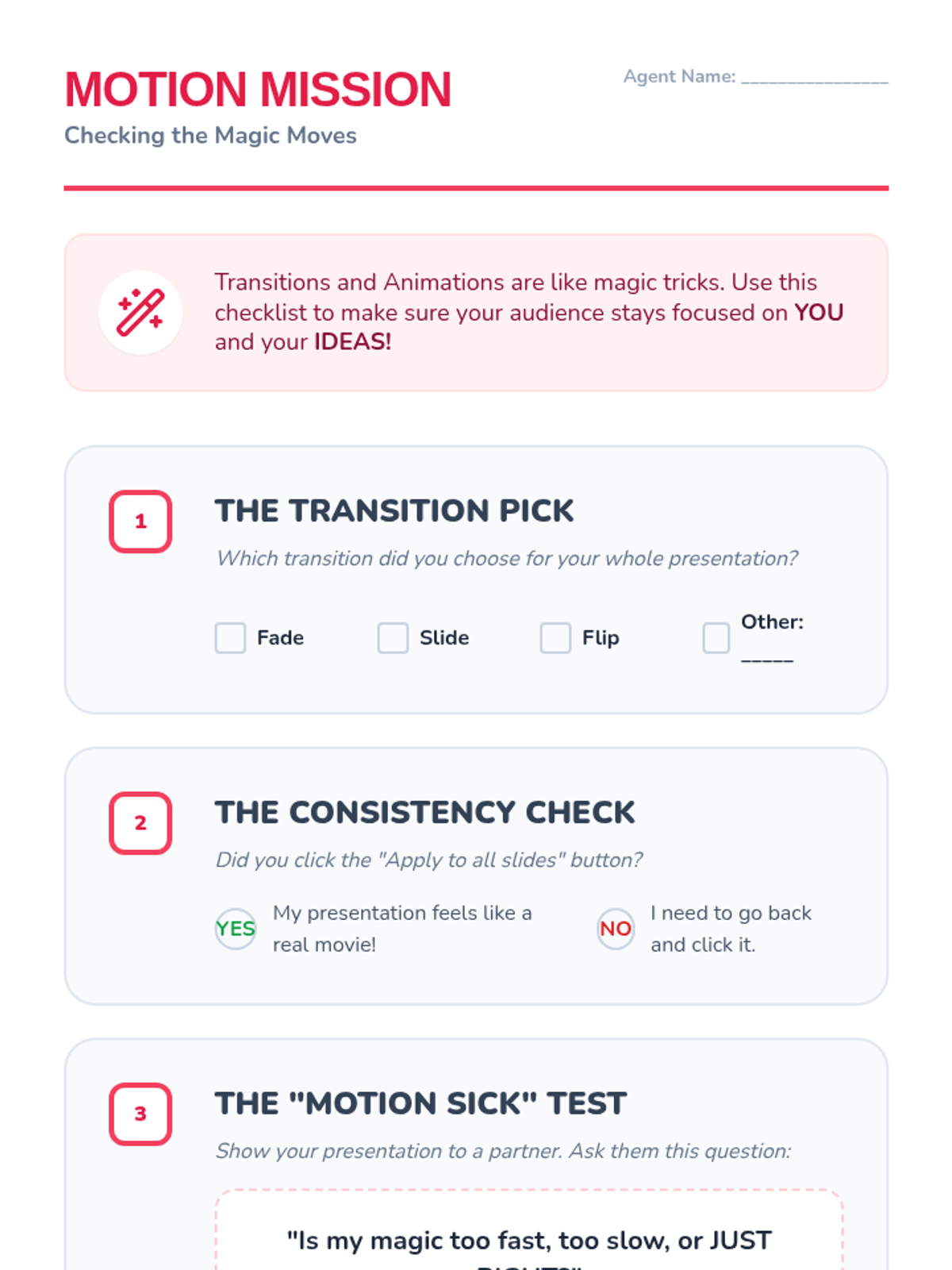
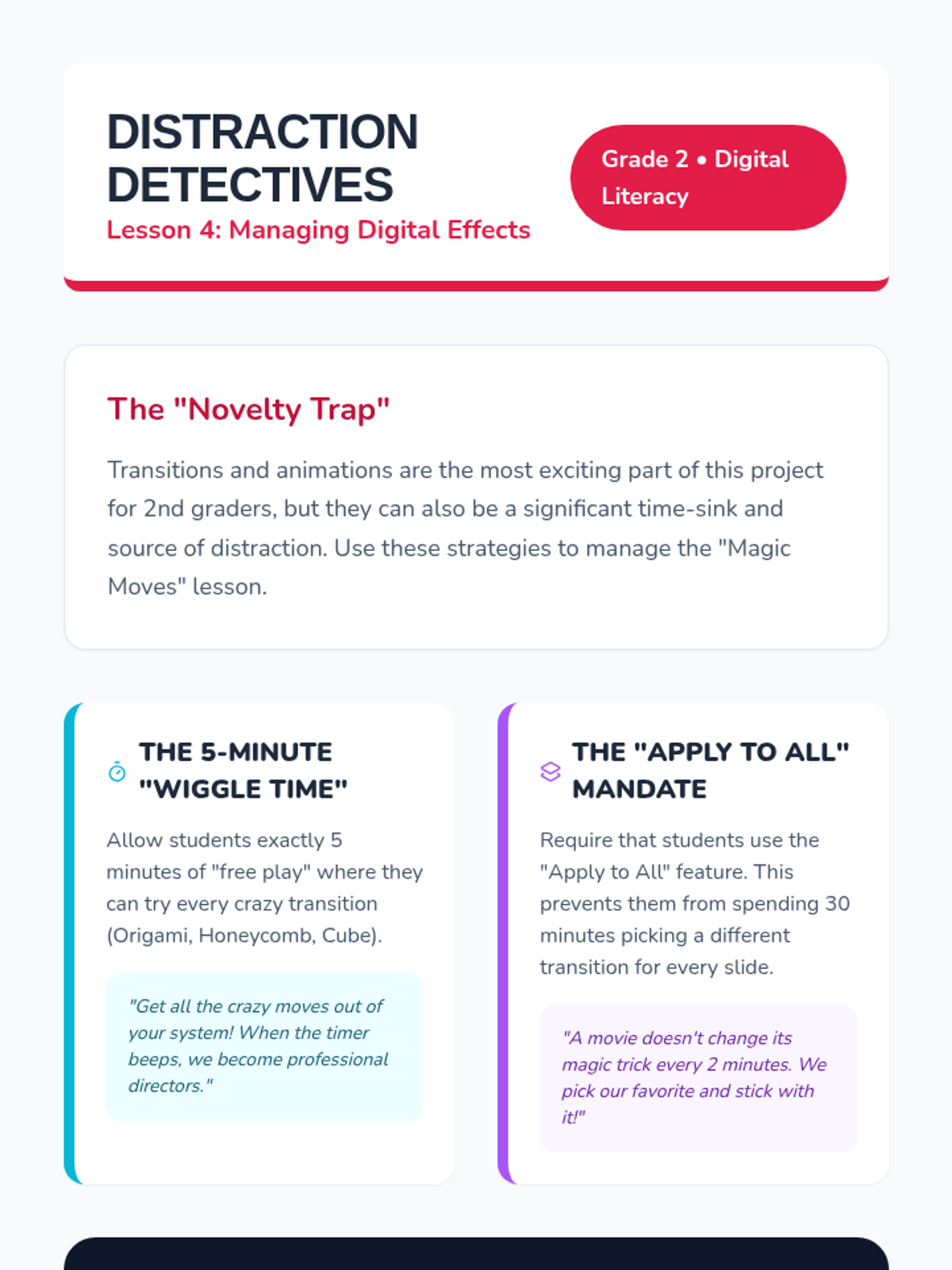
Students are introduced to transitions and animations to add movement to their slides, with a focus on audience awareness and avoiding distracting effects.
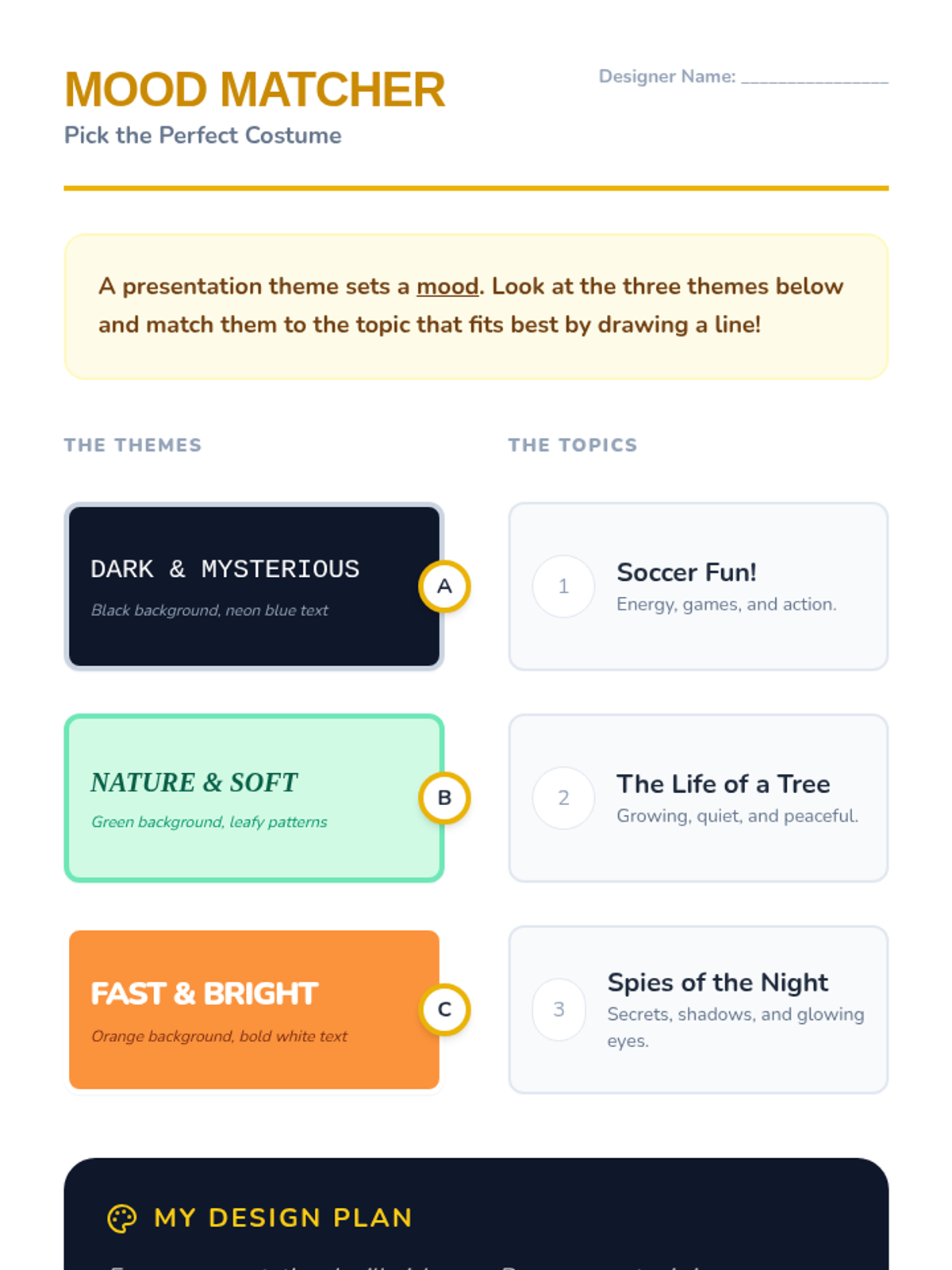
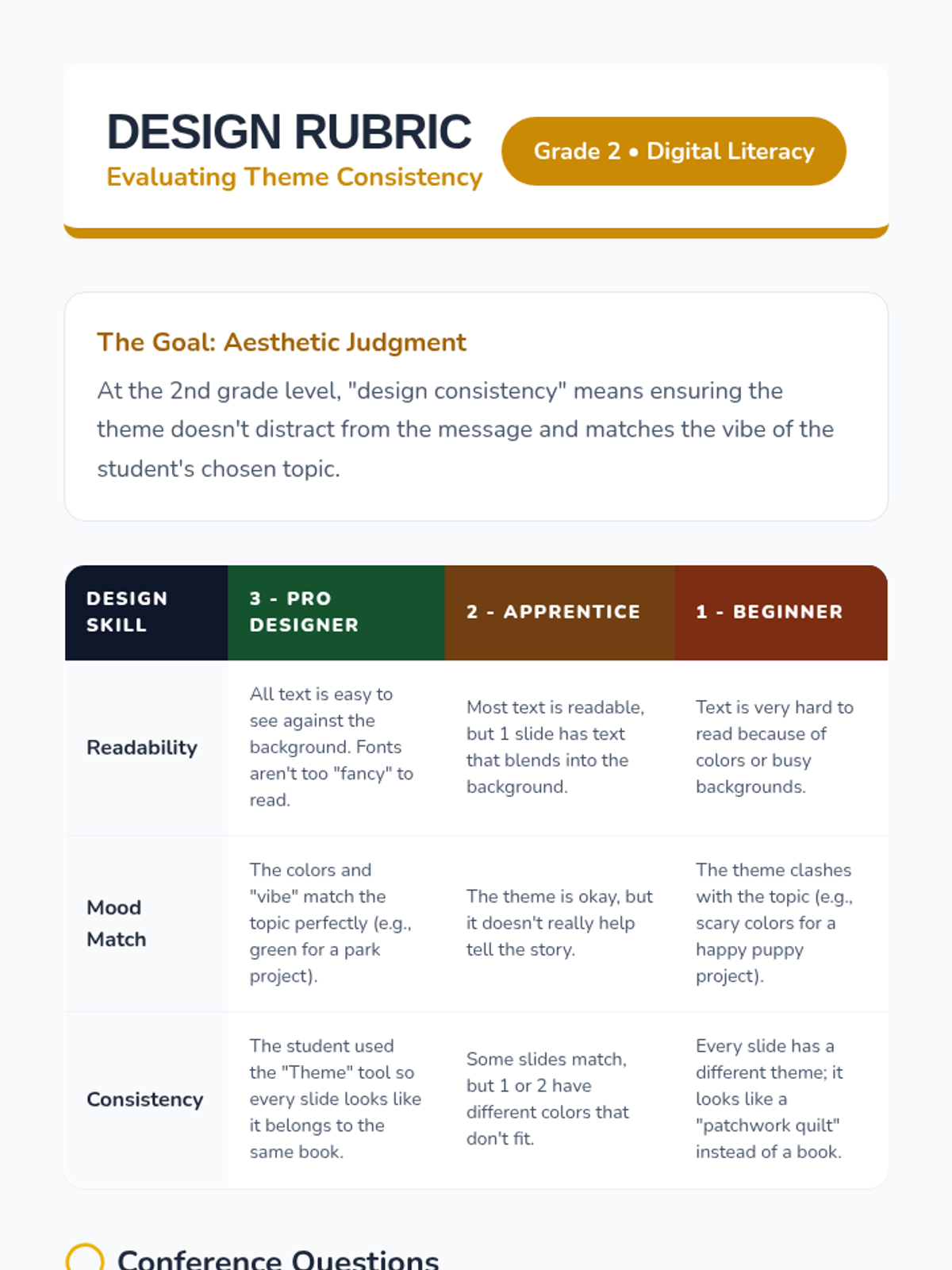
Students explore pre-set themes and backgrounds, learning how colors and design choices set the mood and match the topic of their presentation.
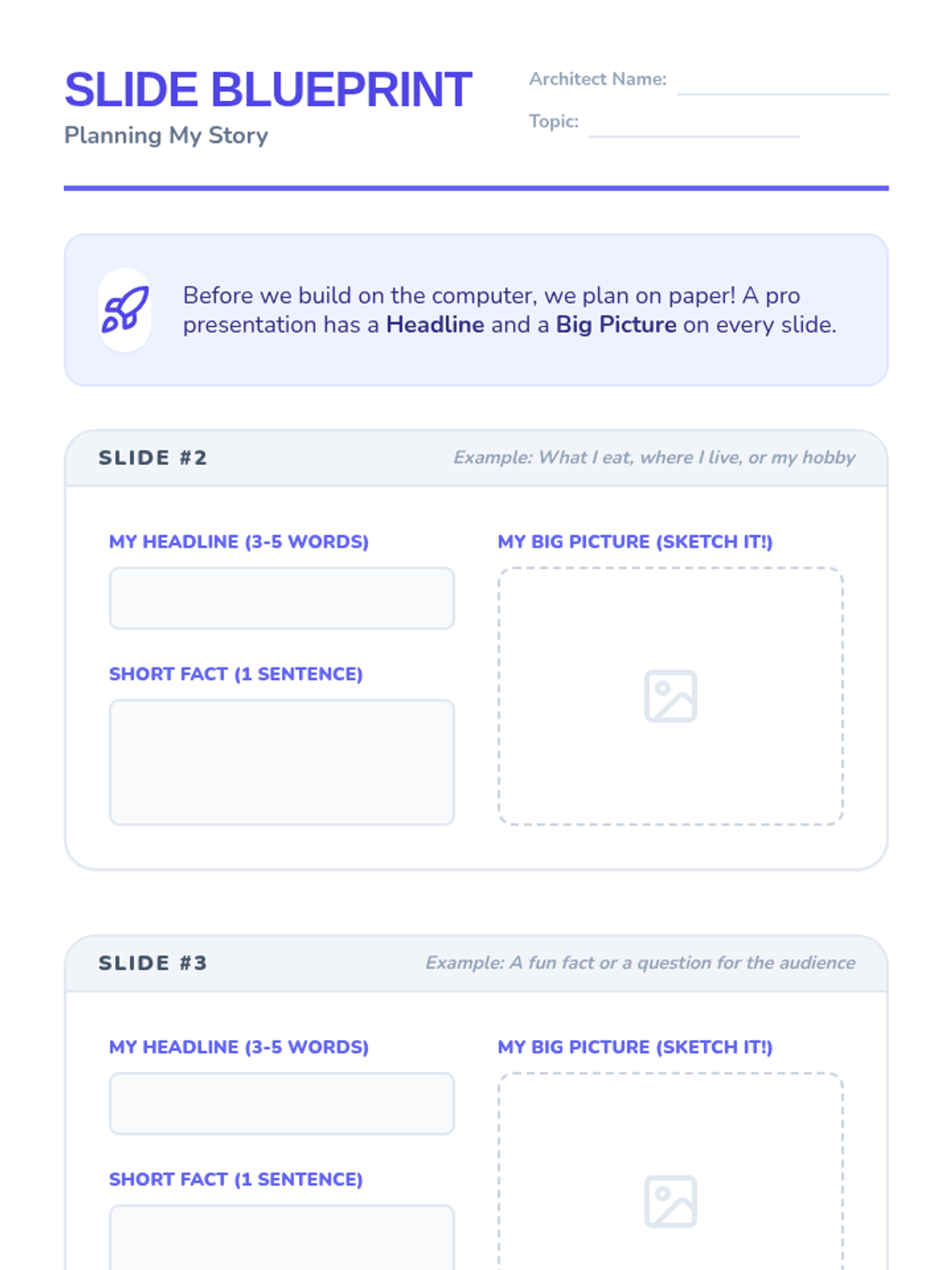
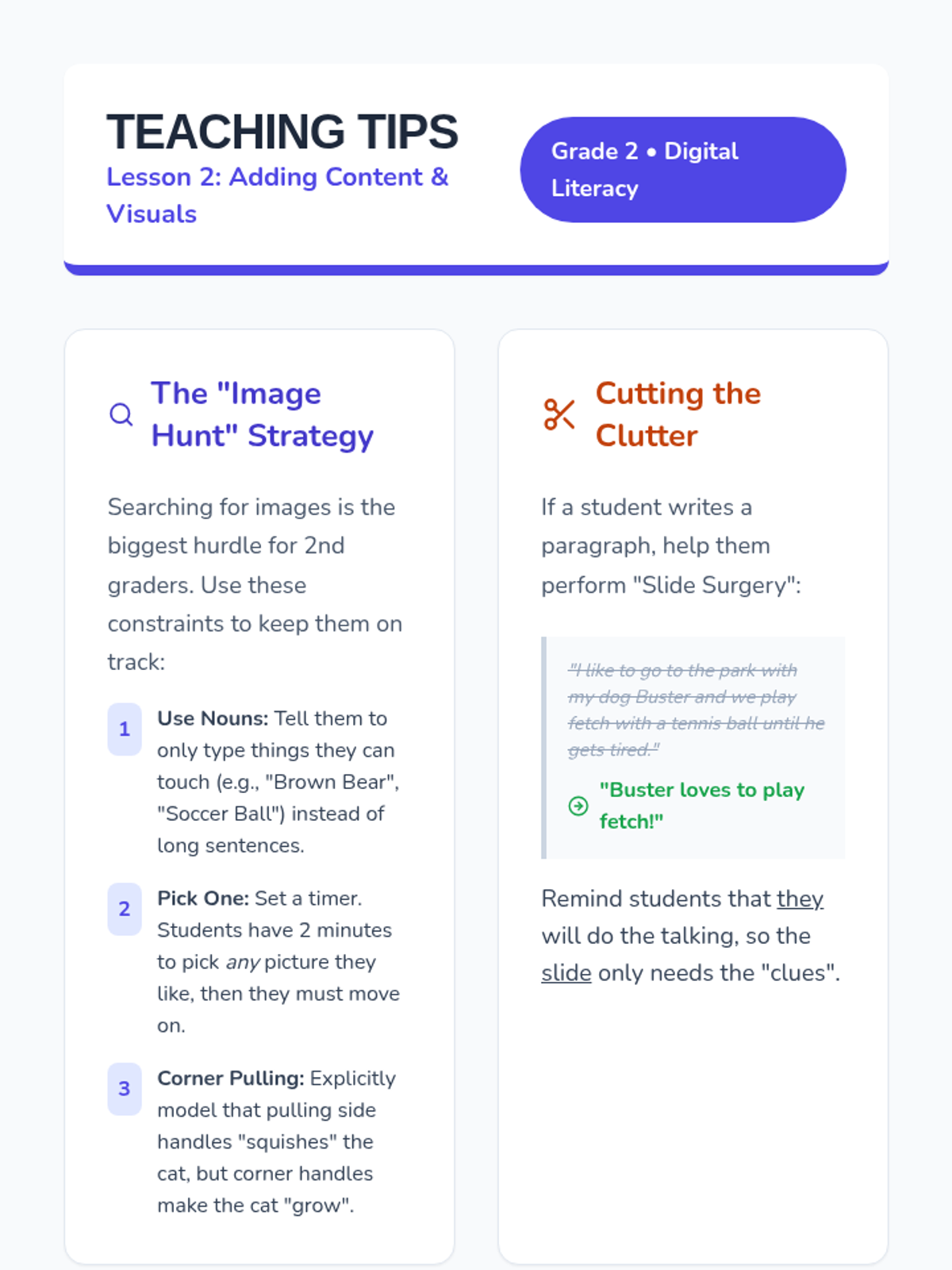
Students add new slides to their deck and learn the balance between text and visuals, focusing on using large images to support their message.
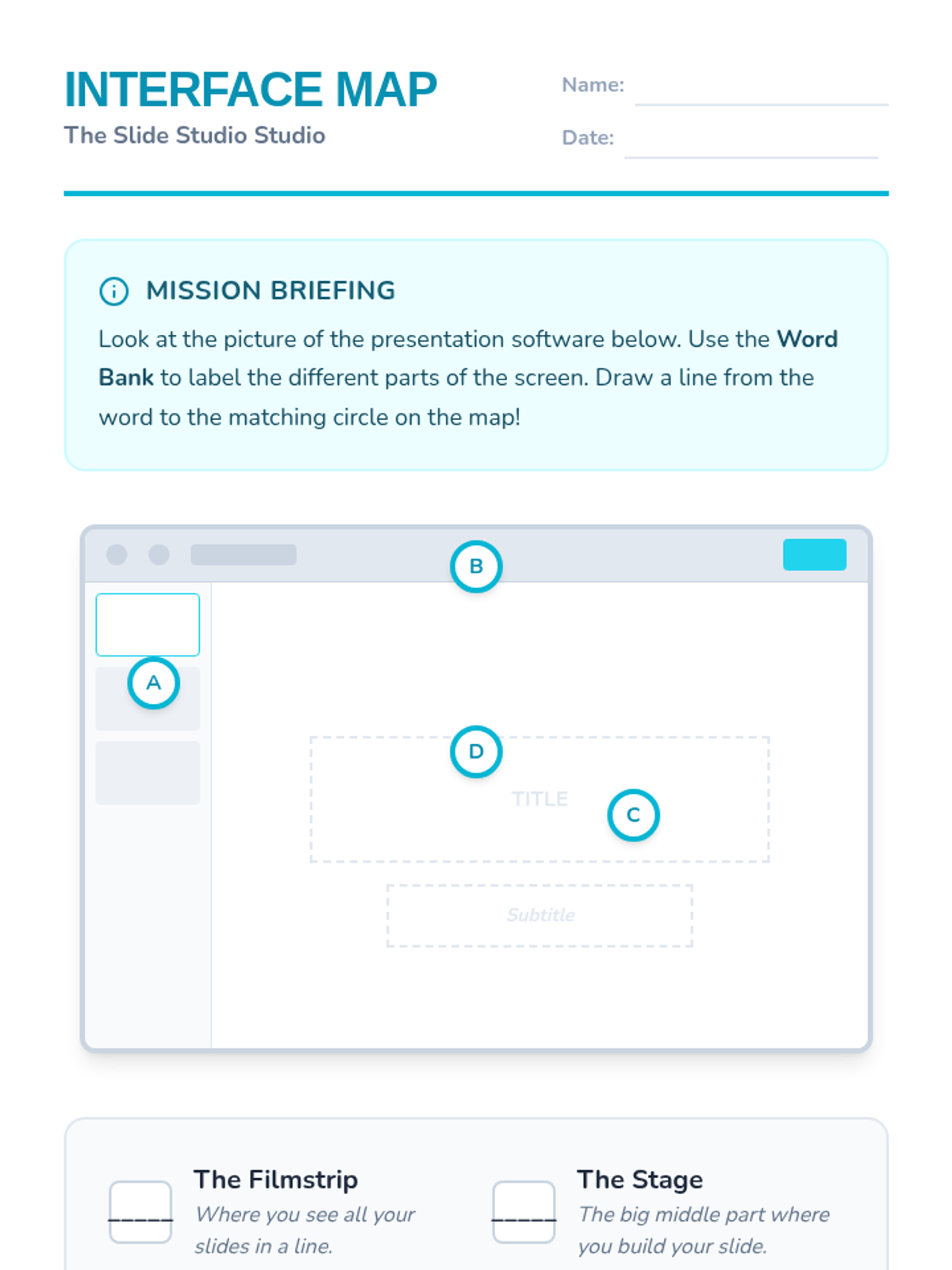
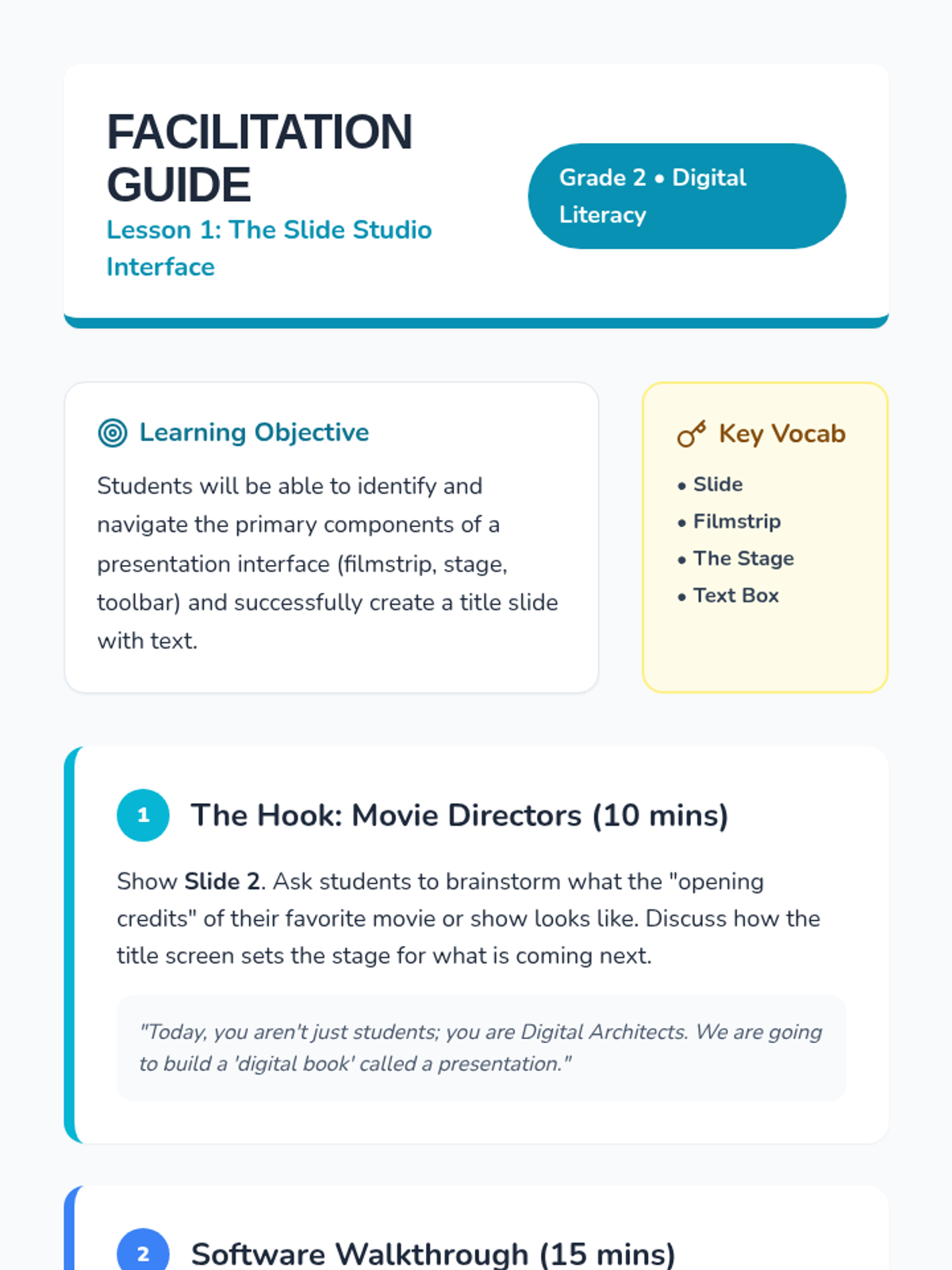
Students identify the key parts of presentation software (slides, filmstrip, text boxes) and create their first title slide.
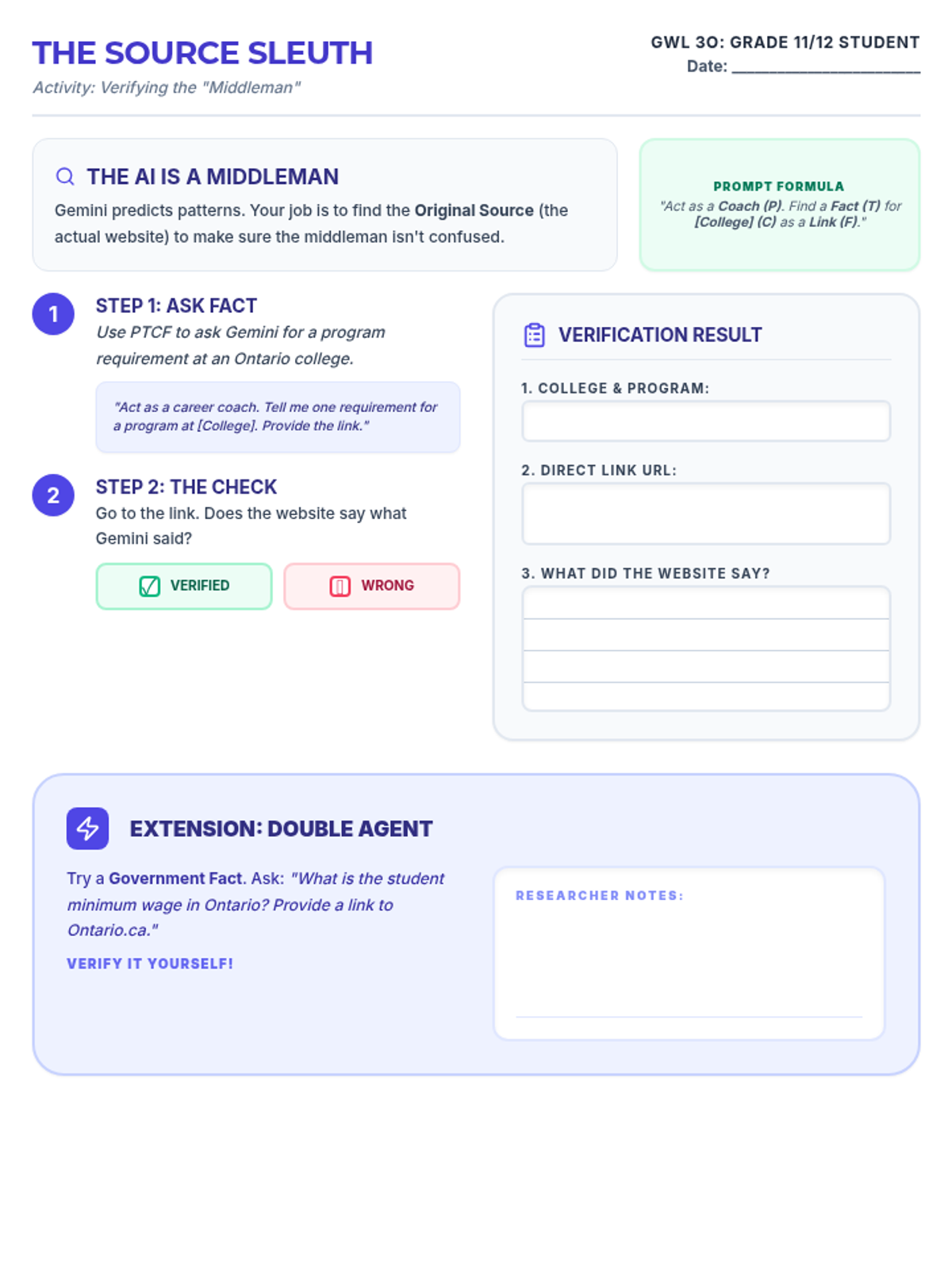
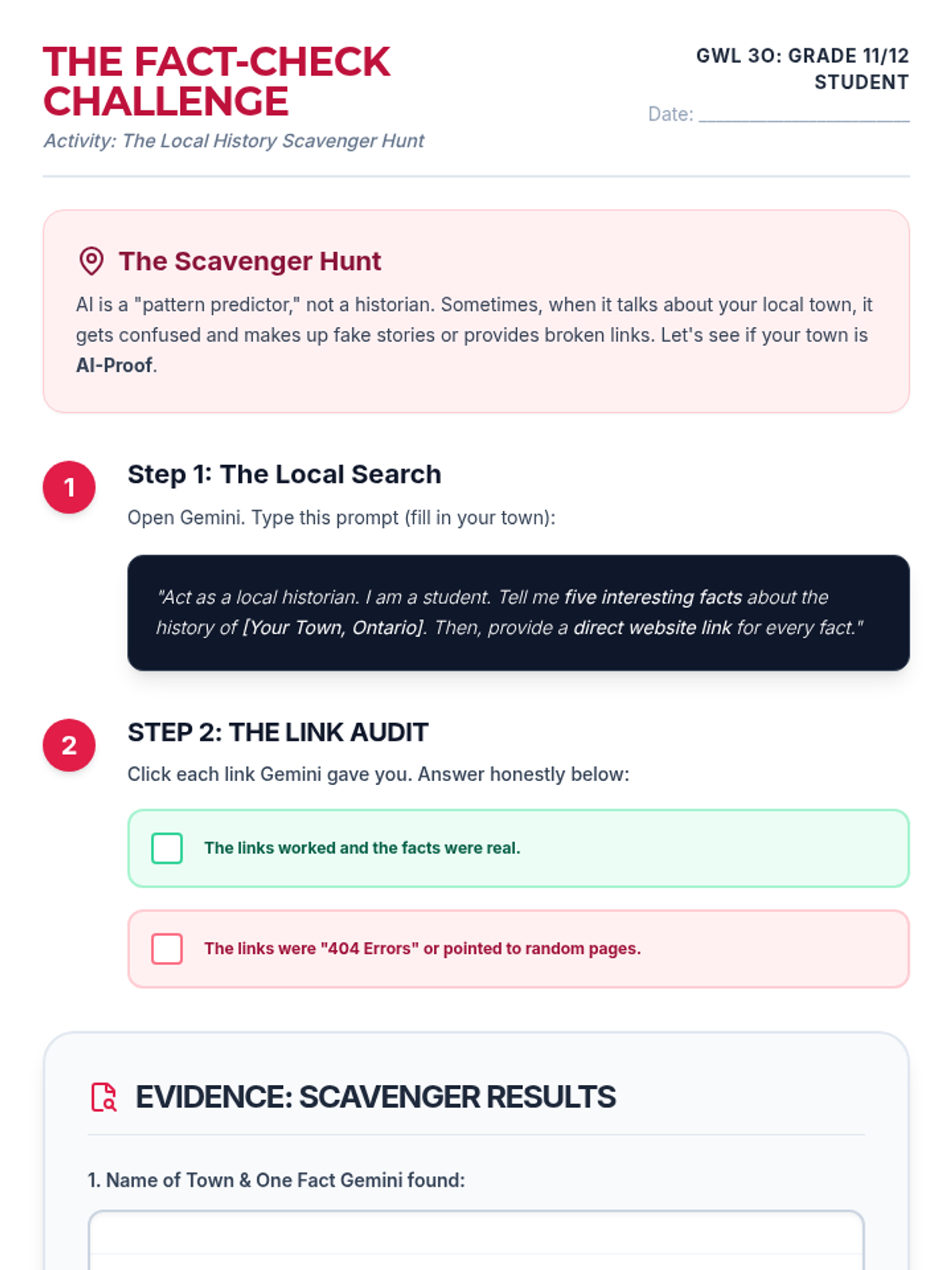
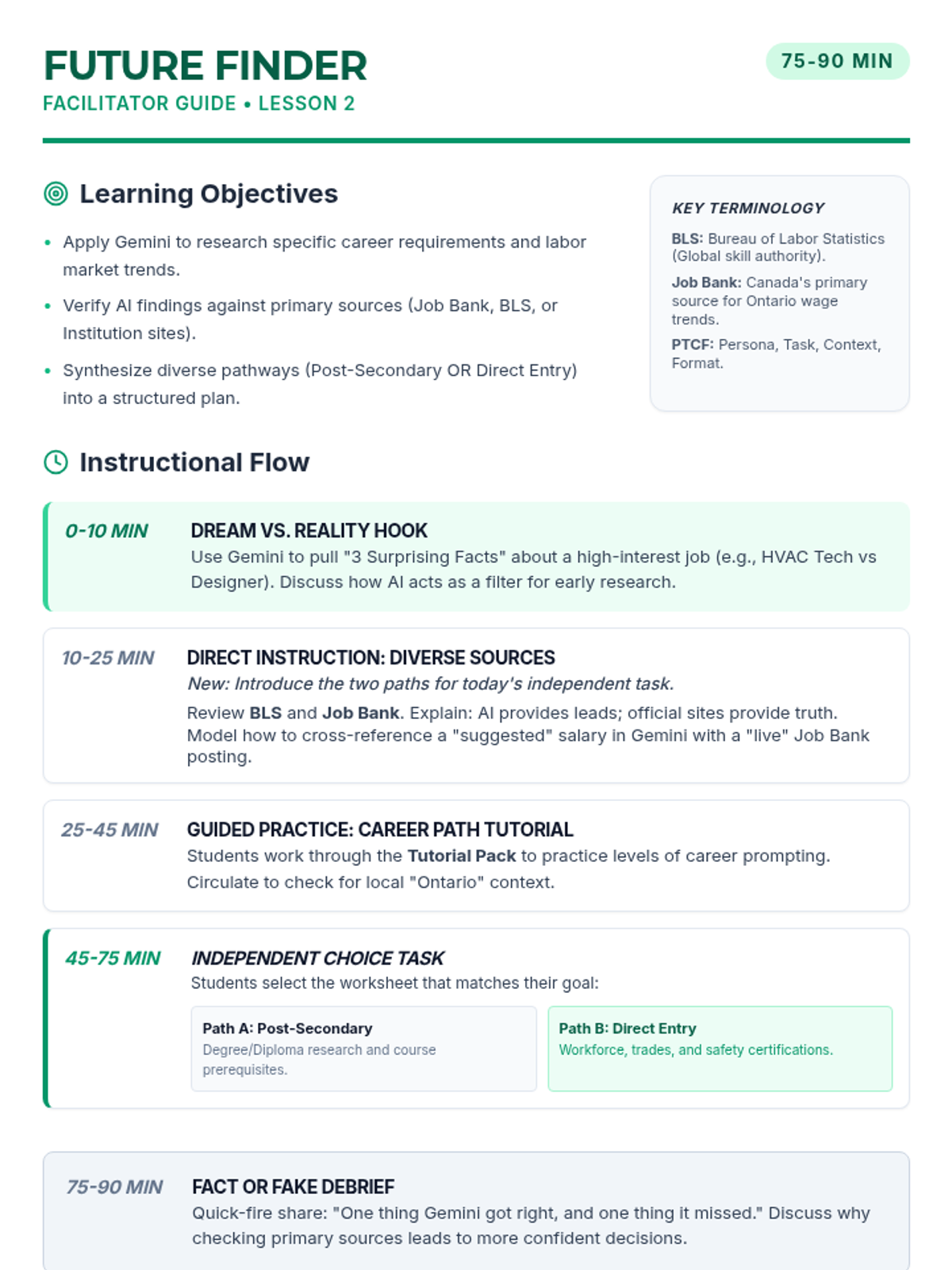
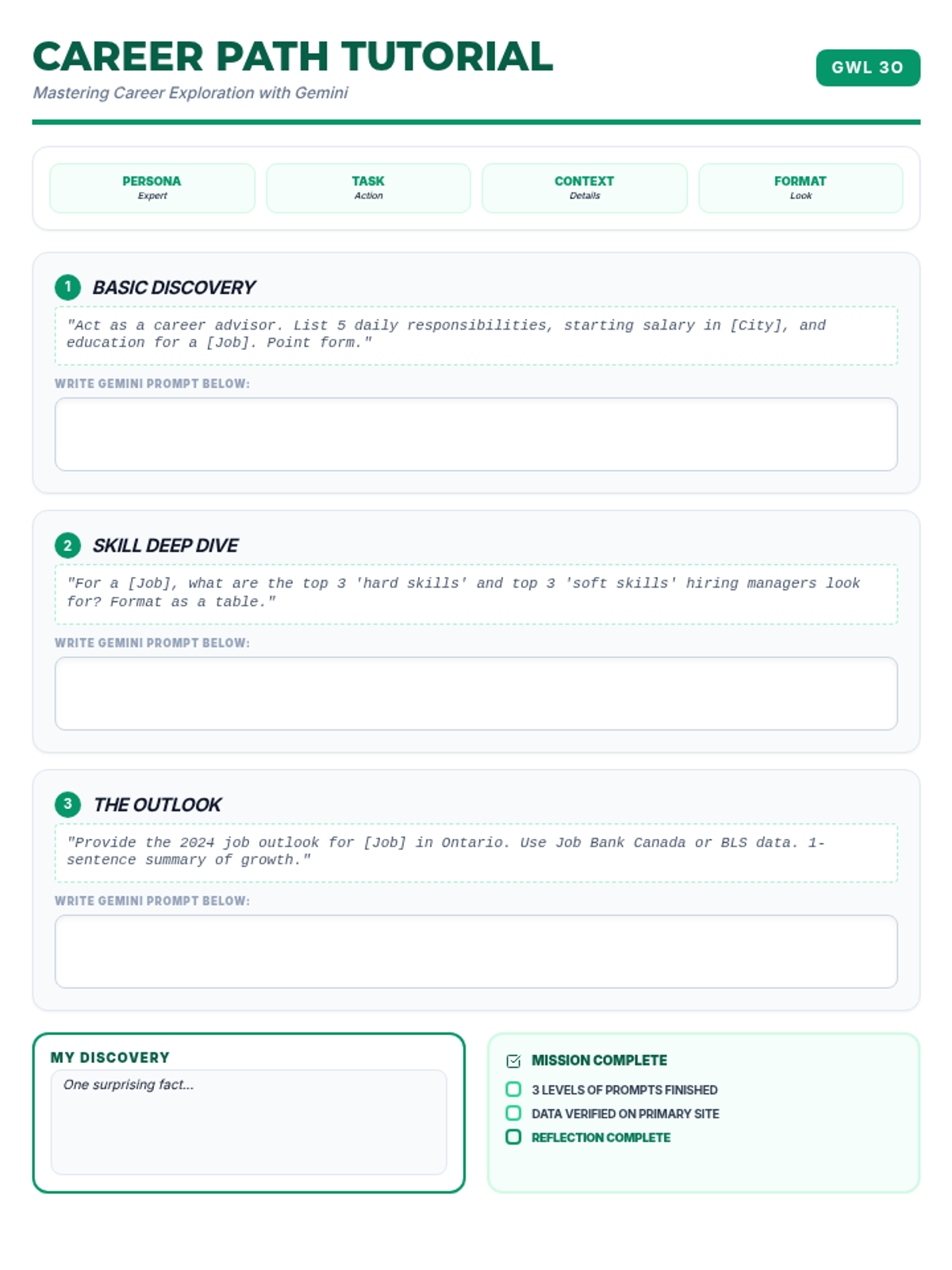
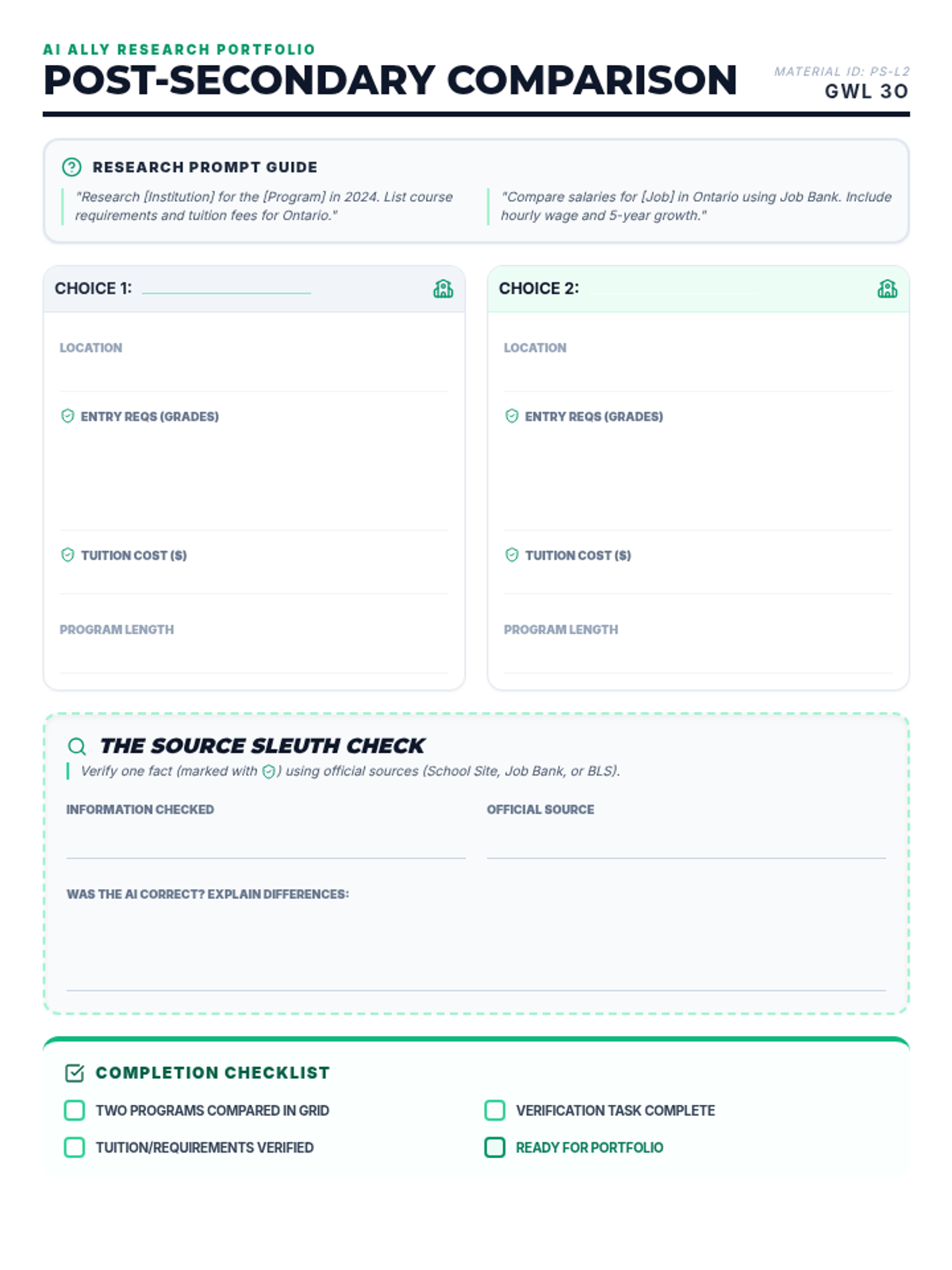
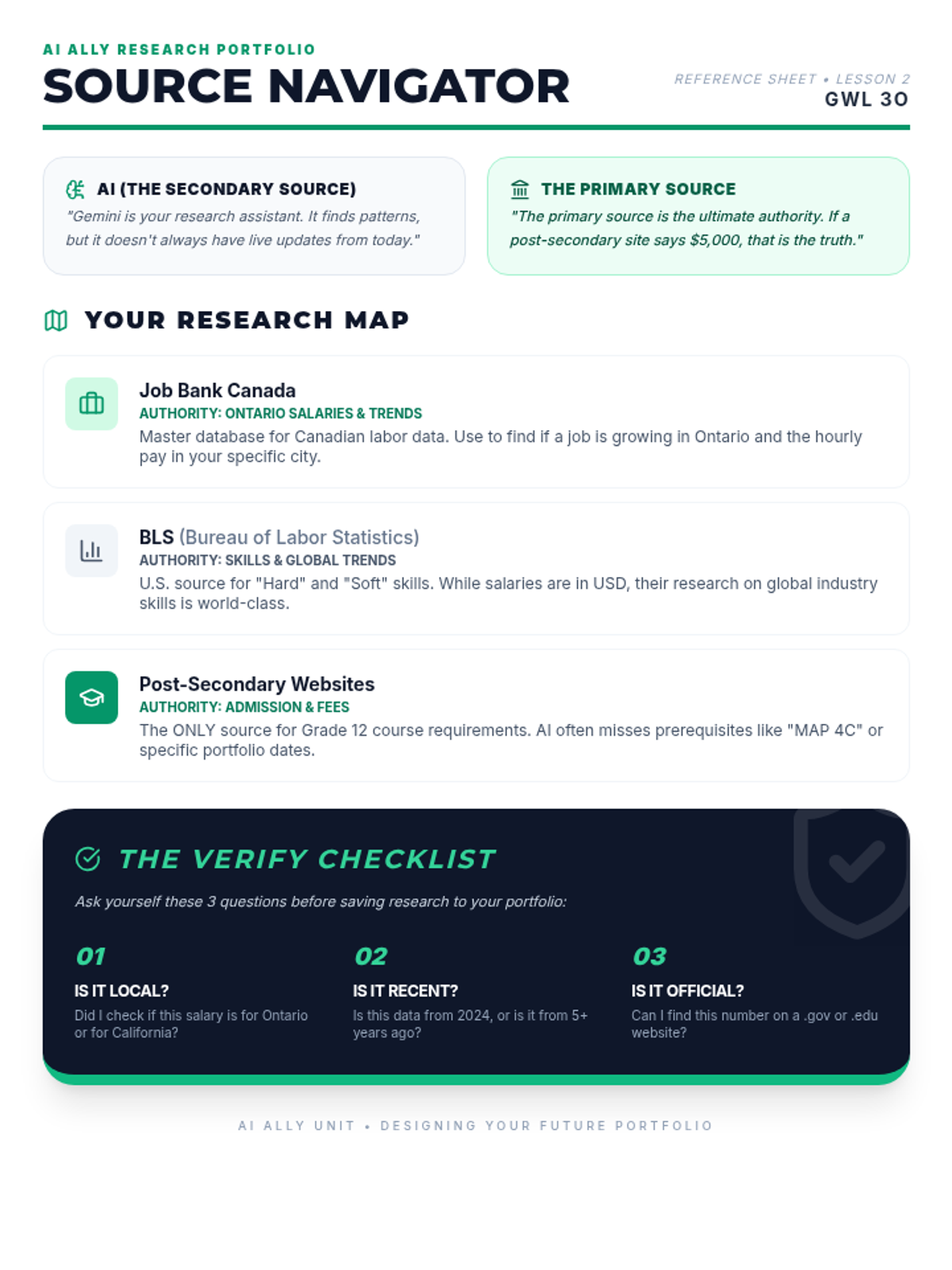
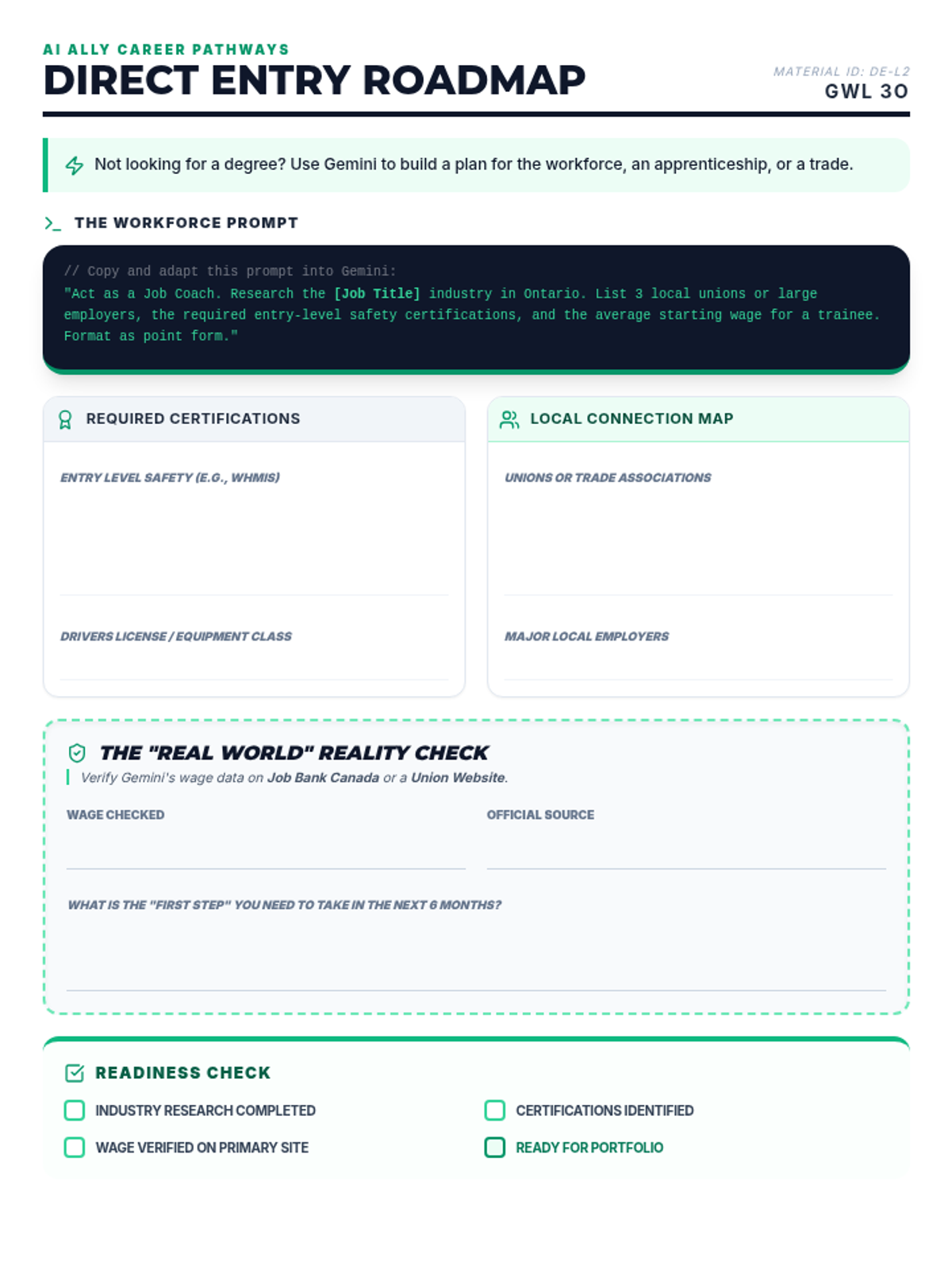
Students use Gemini to explore diverse career pathways, post-secondary requirements, and labor market trends, learning how to cross-reference AI findings with primary sources like government databases and institution websites.
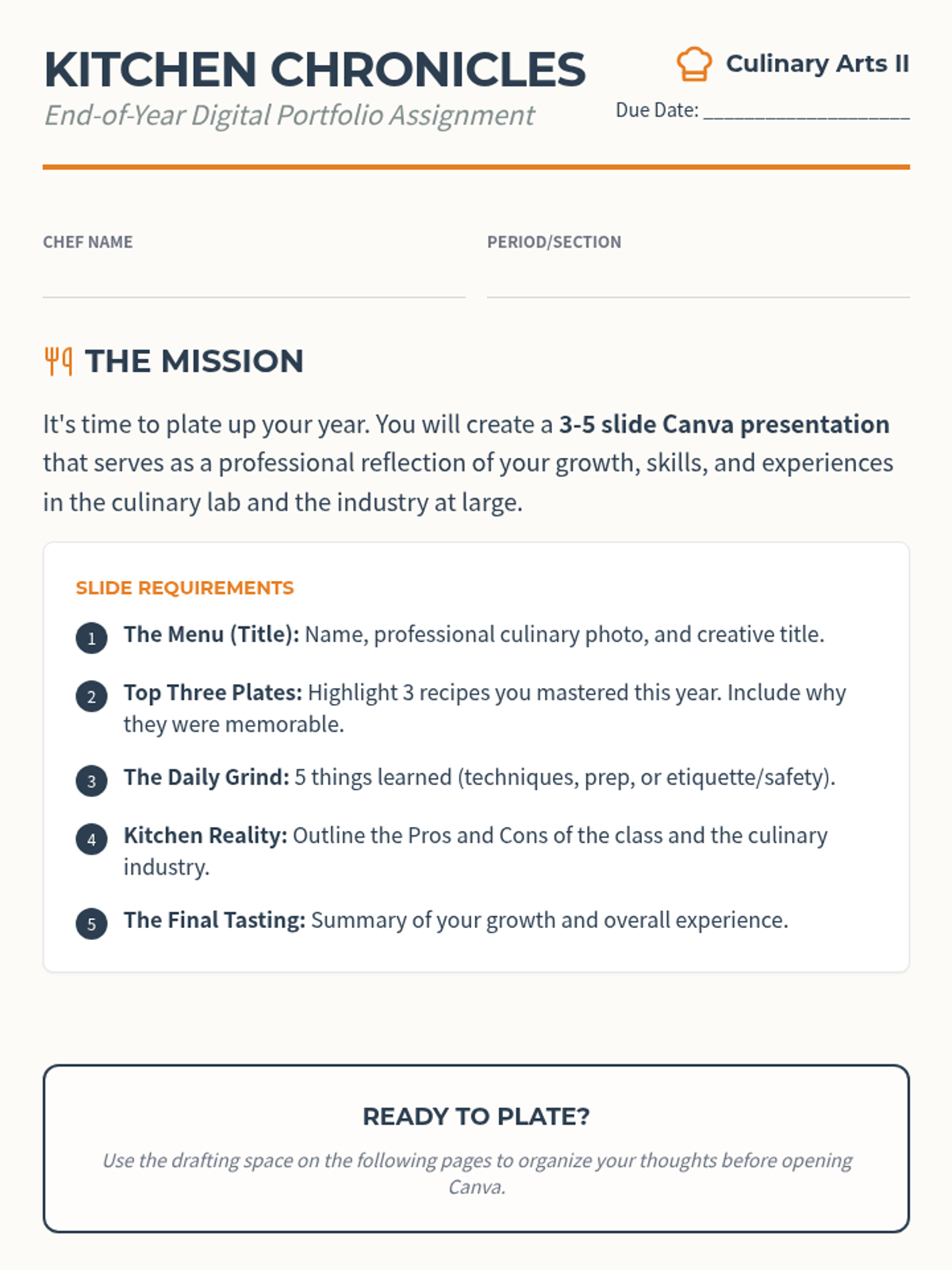
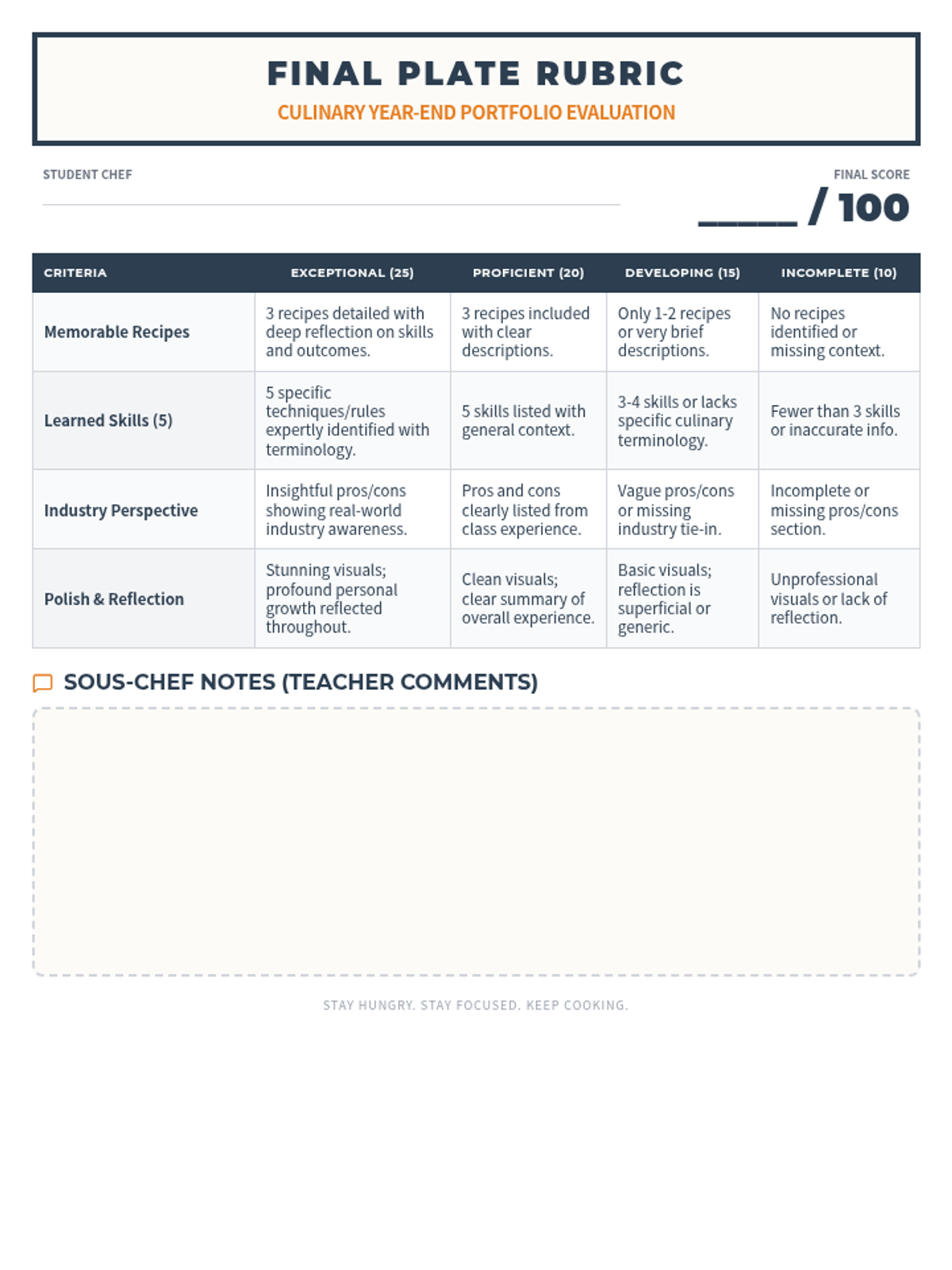
A comprehensive end-of-year reflection project where culinary students document their journey, skills, and industry insights through a digital portfolio presentation.
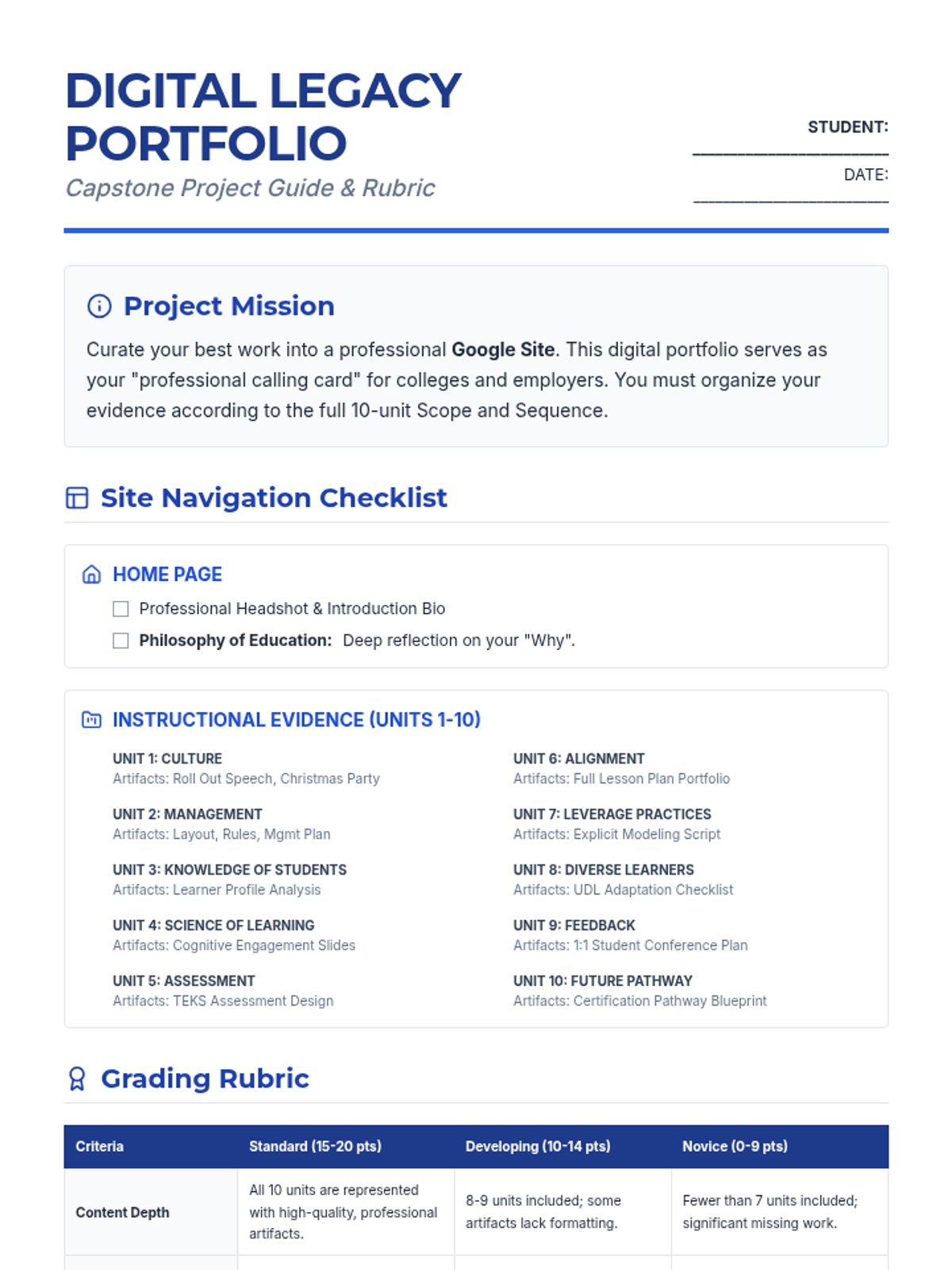
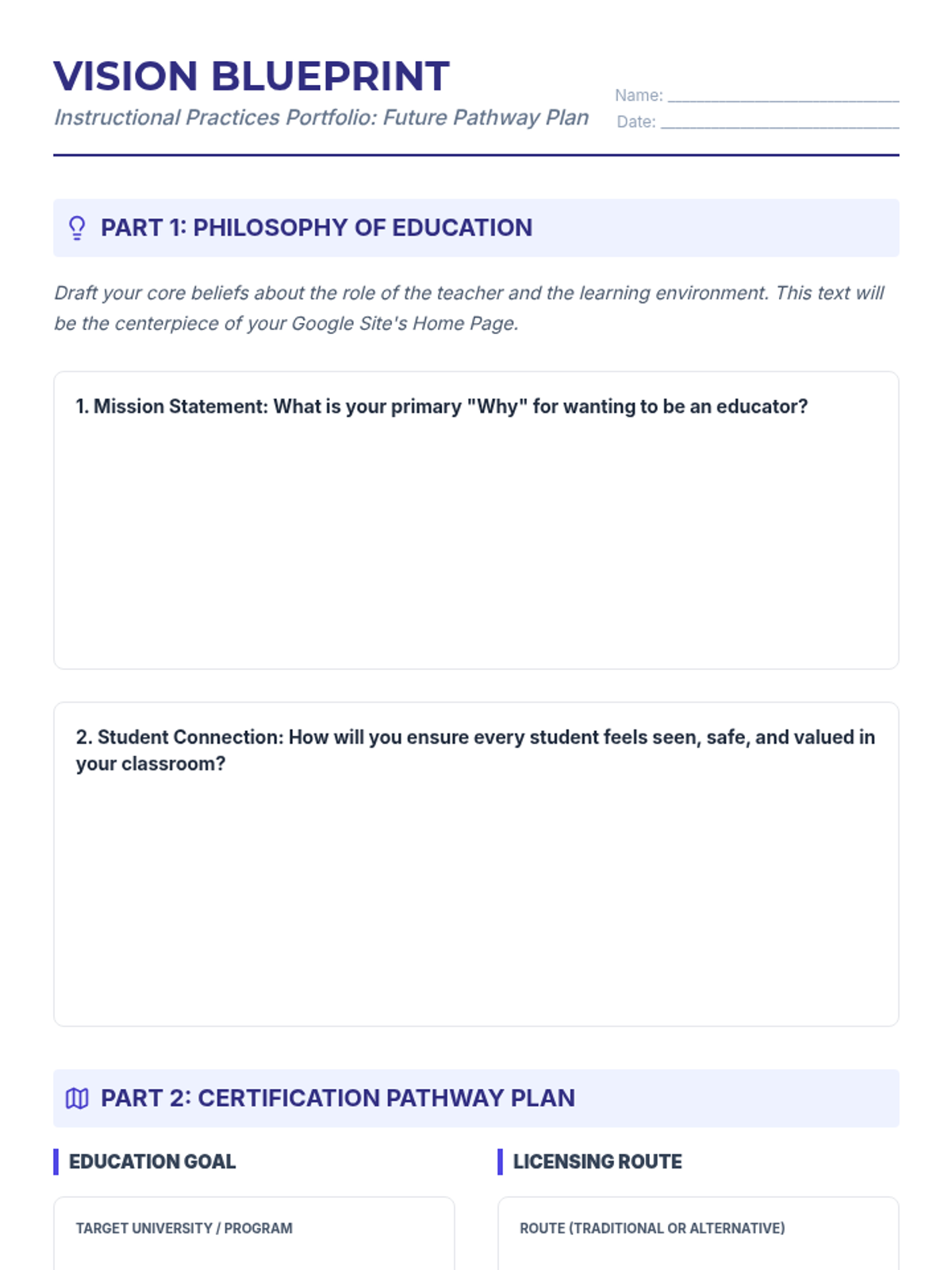
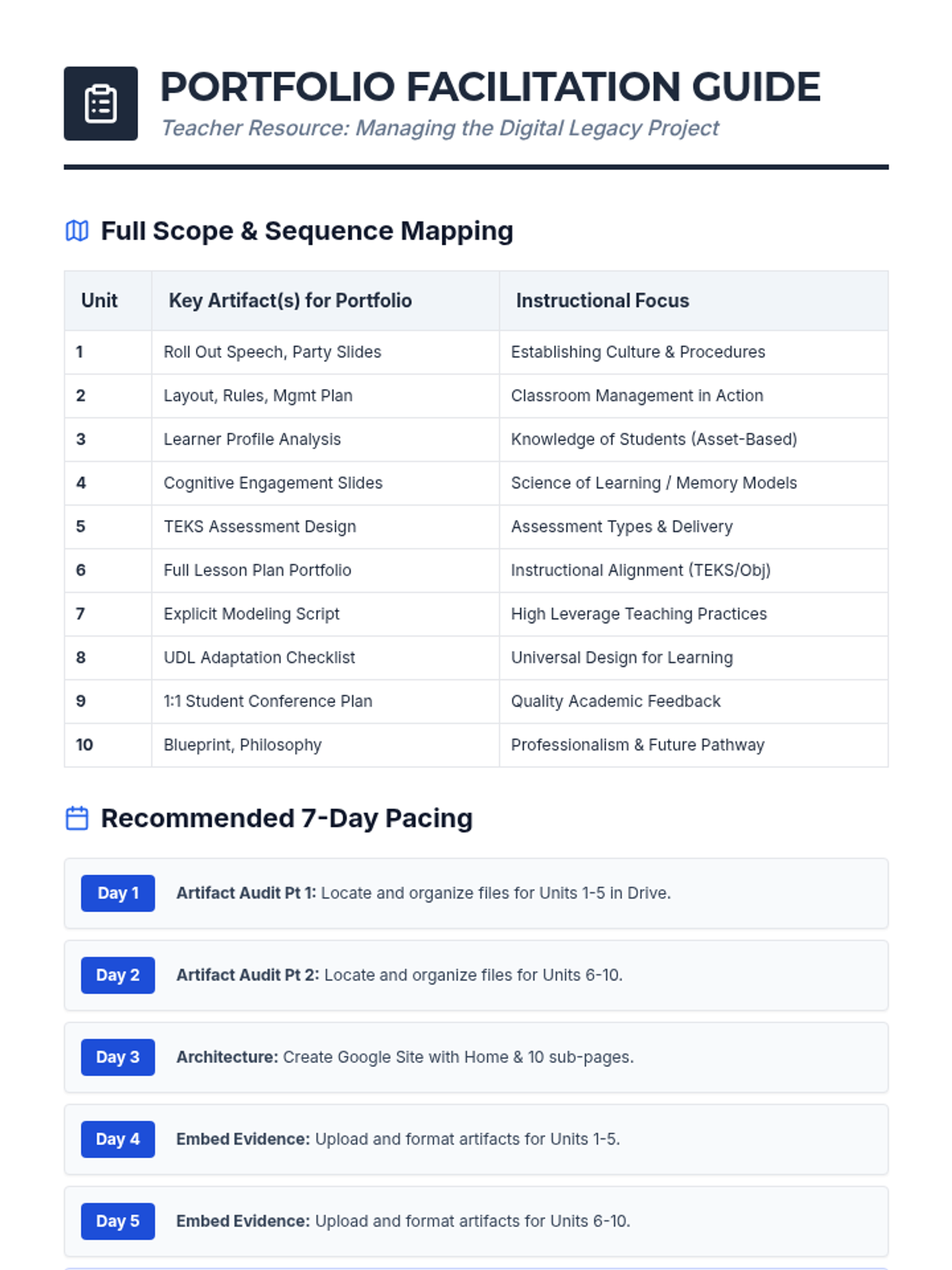
A comprehensive end-of-year portfolio project where students build a professional Google Site to showcase their instructional practices, previous projects, and future career plans in education.
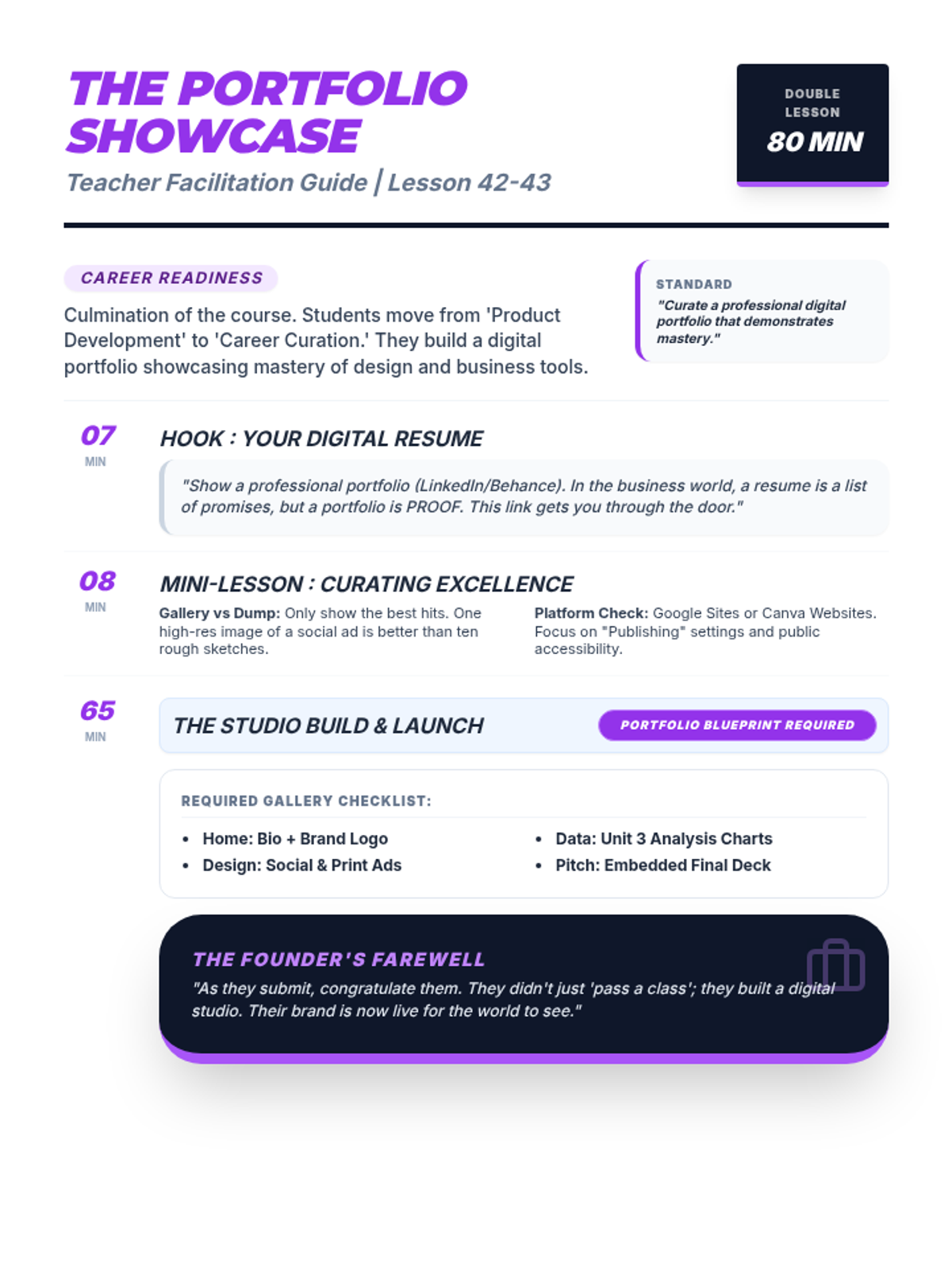
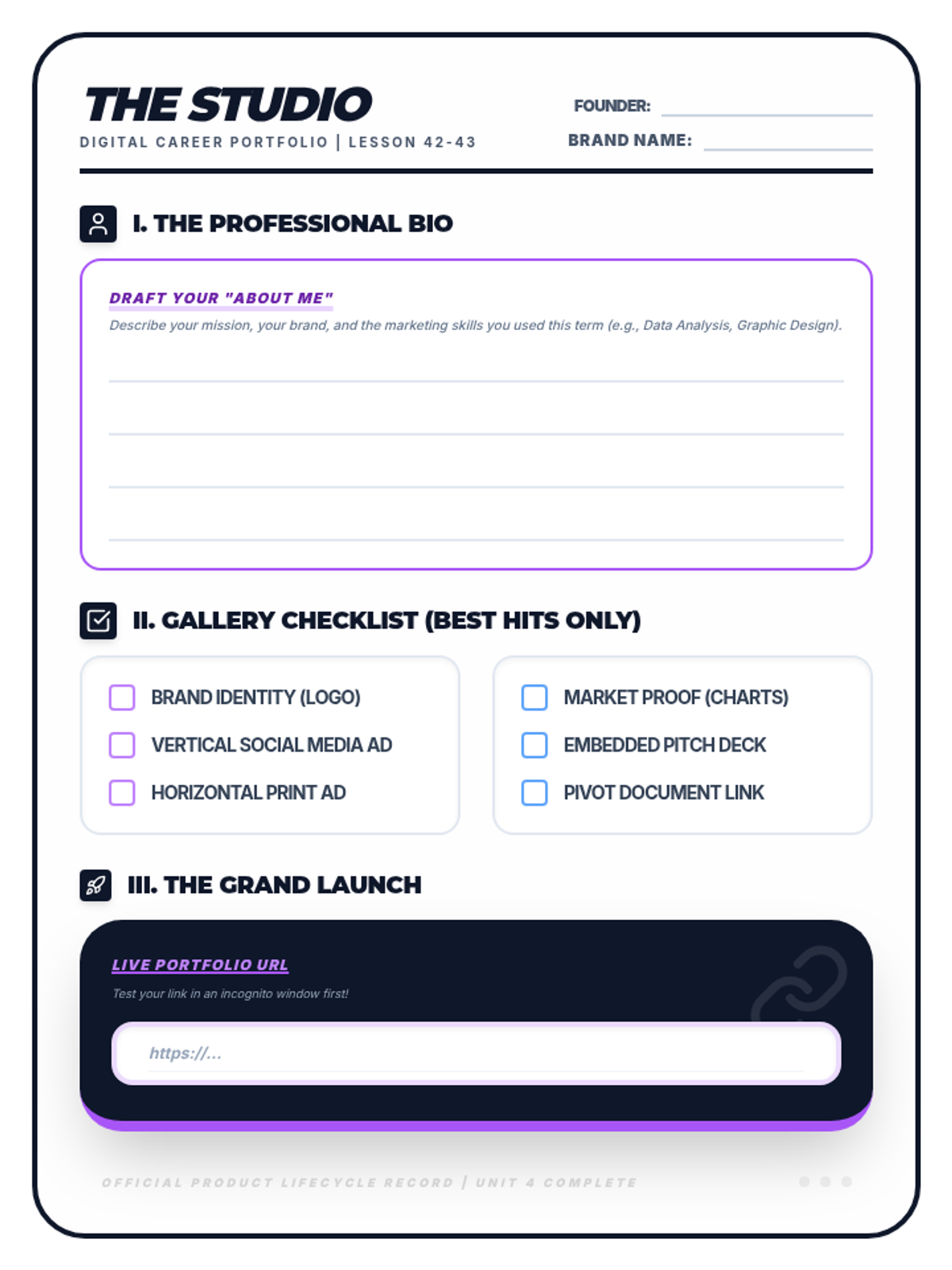
The final project compilation phase where students curate their best work from the term into a professional digital portfolio. Students learn the art of curation and how to publish a simple one-page website as a 'Digital Resume'.
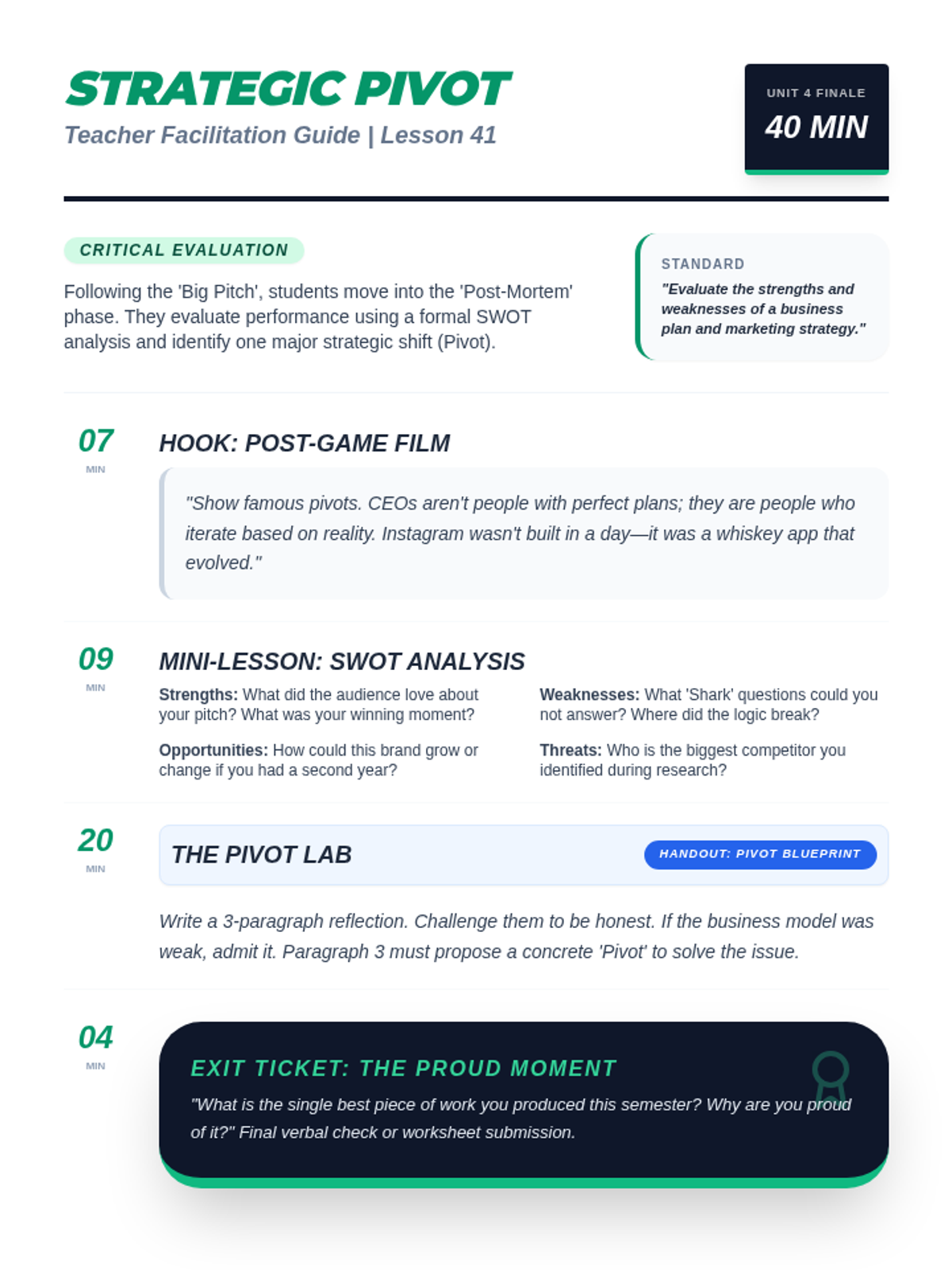
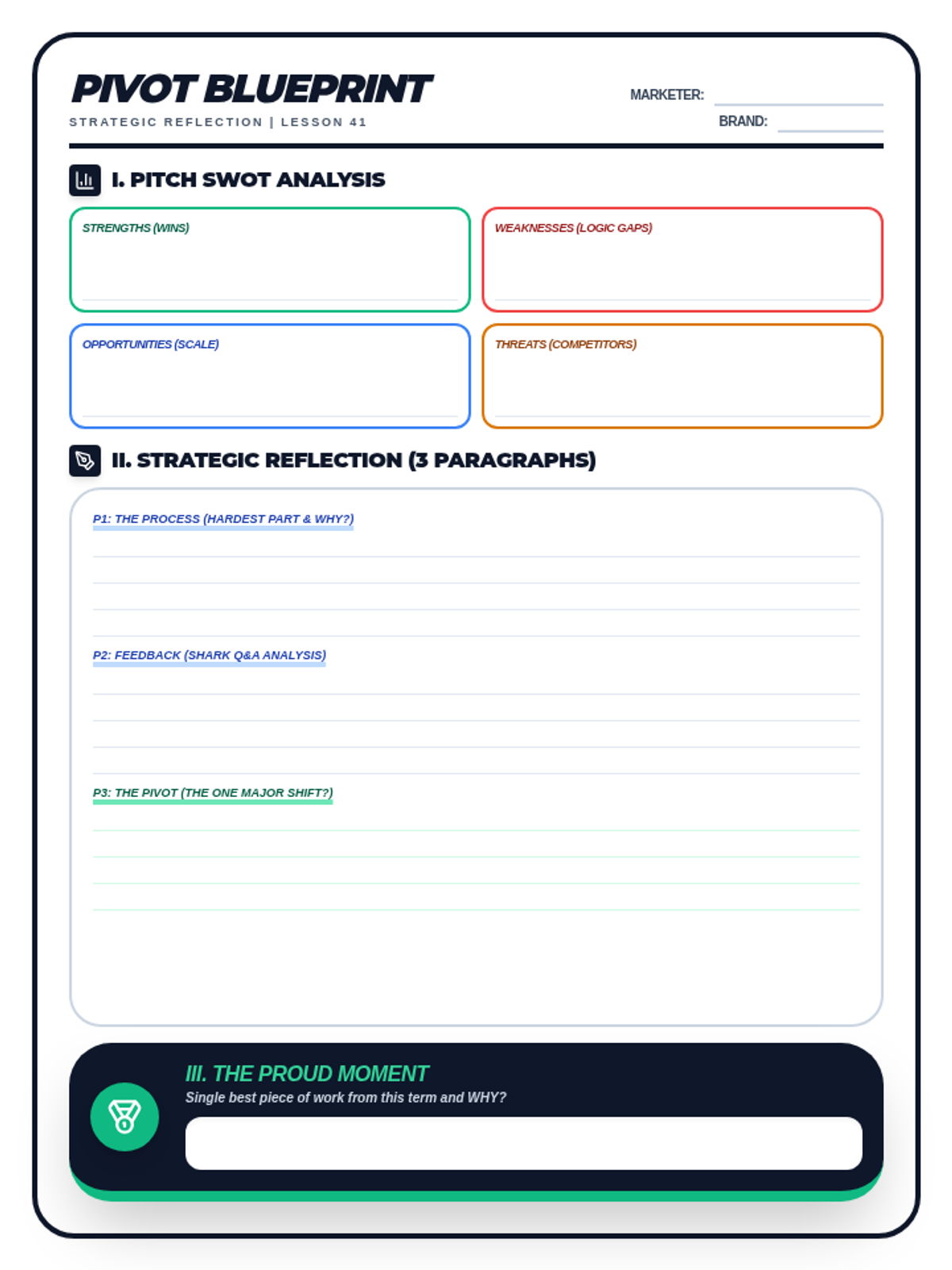
A lesson focused on post-pitch reflection and strategic iteration. Students conduct a SWOT analysis of their own performance and draft a 'Pivot' plan to refine their business concept based on audience feedback.
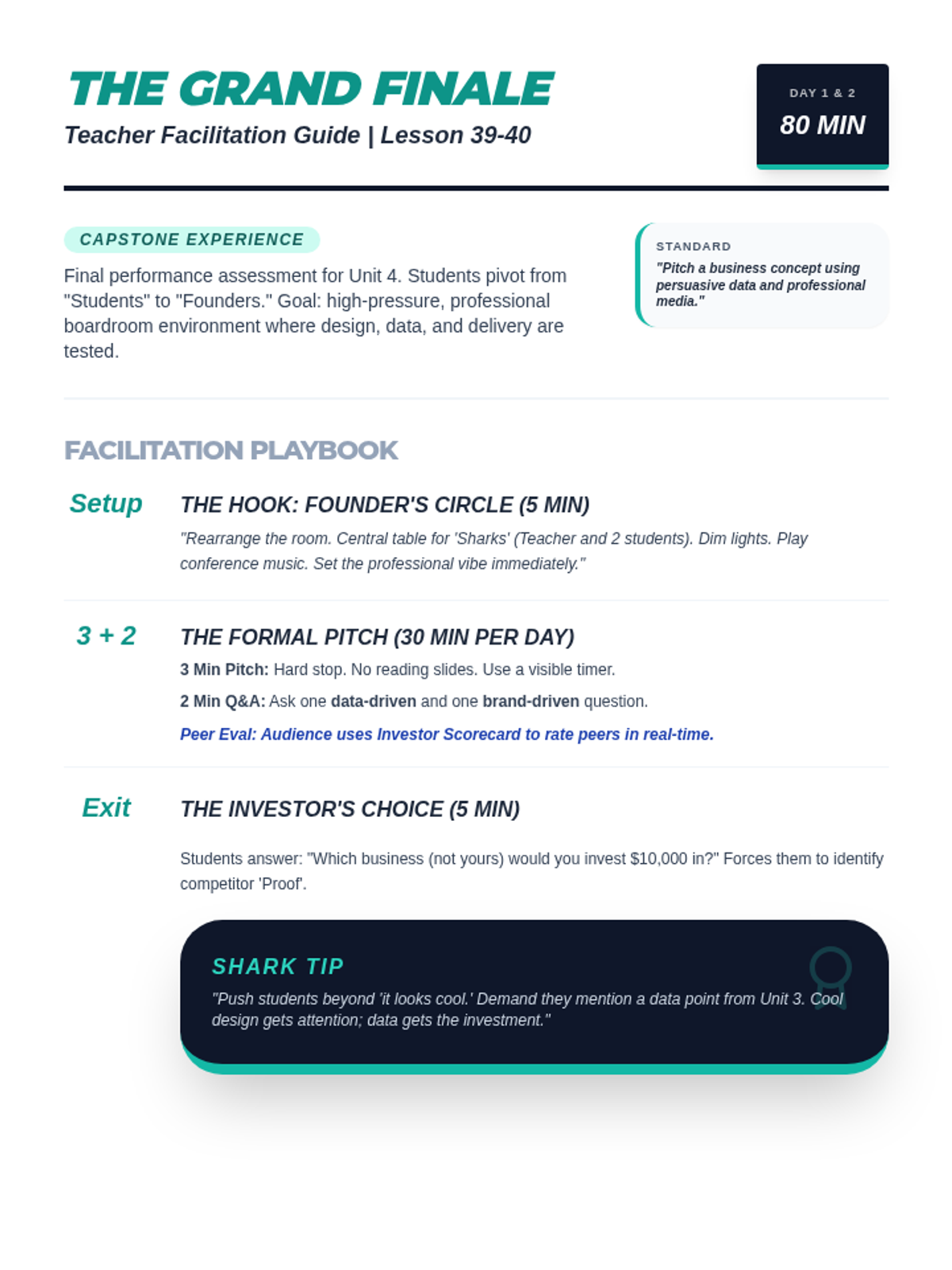
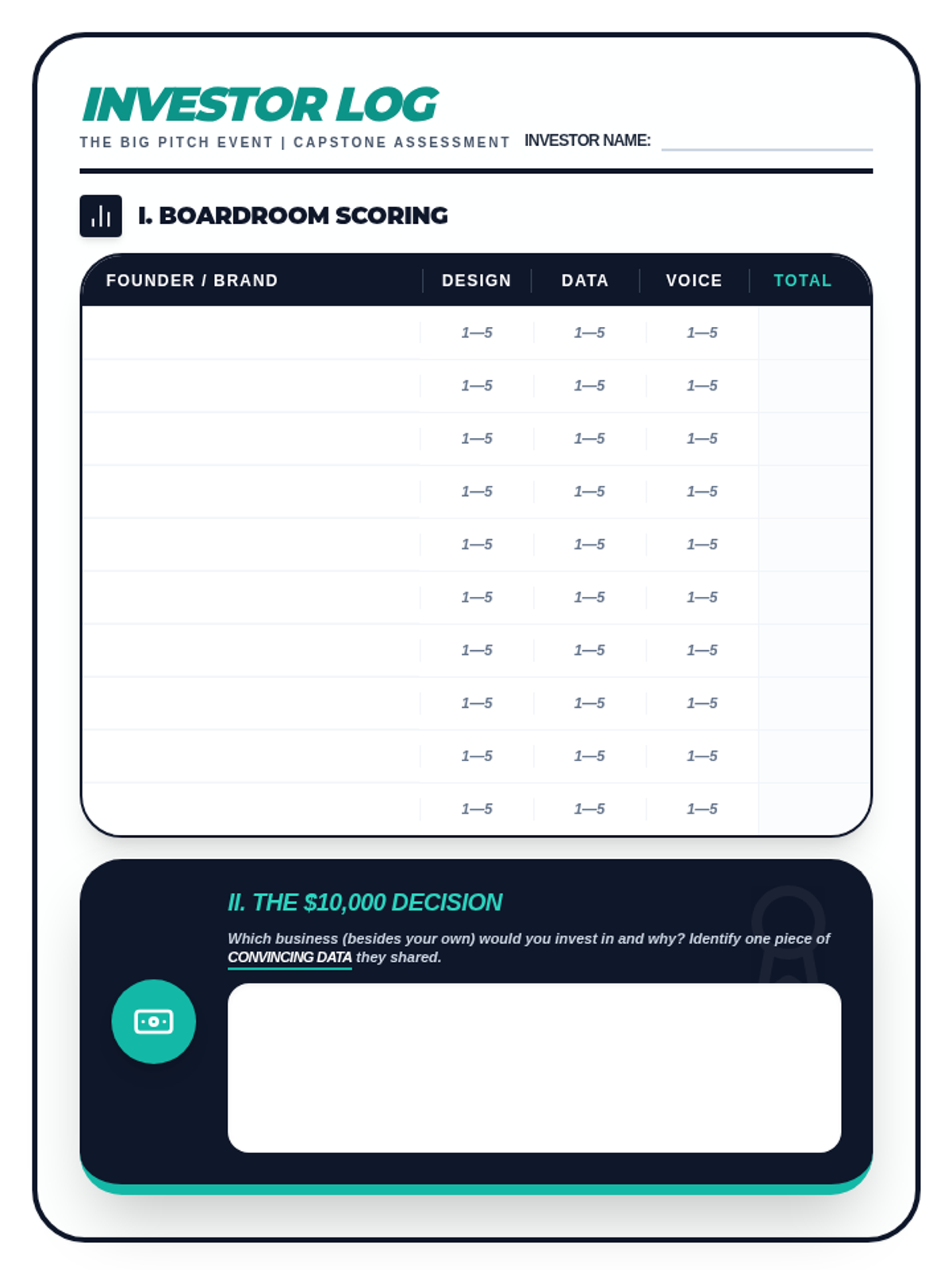
The unit capstone experience where students present their marketing campaigns as founders. Includes a two-day formal pitch event with peer judging, Shark Tank-style Q&A, and 'Class Cash' investment reflections.
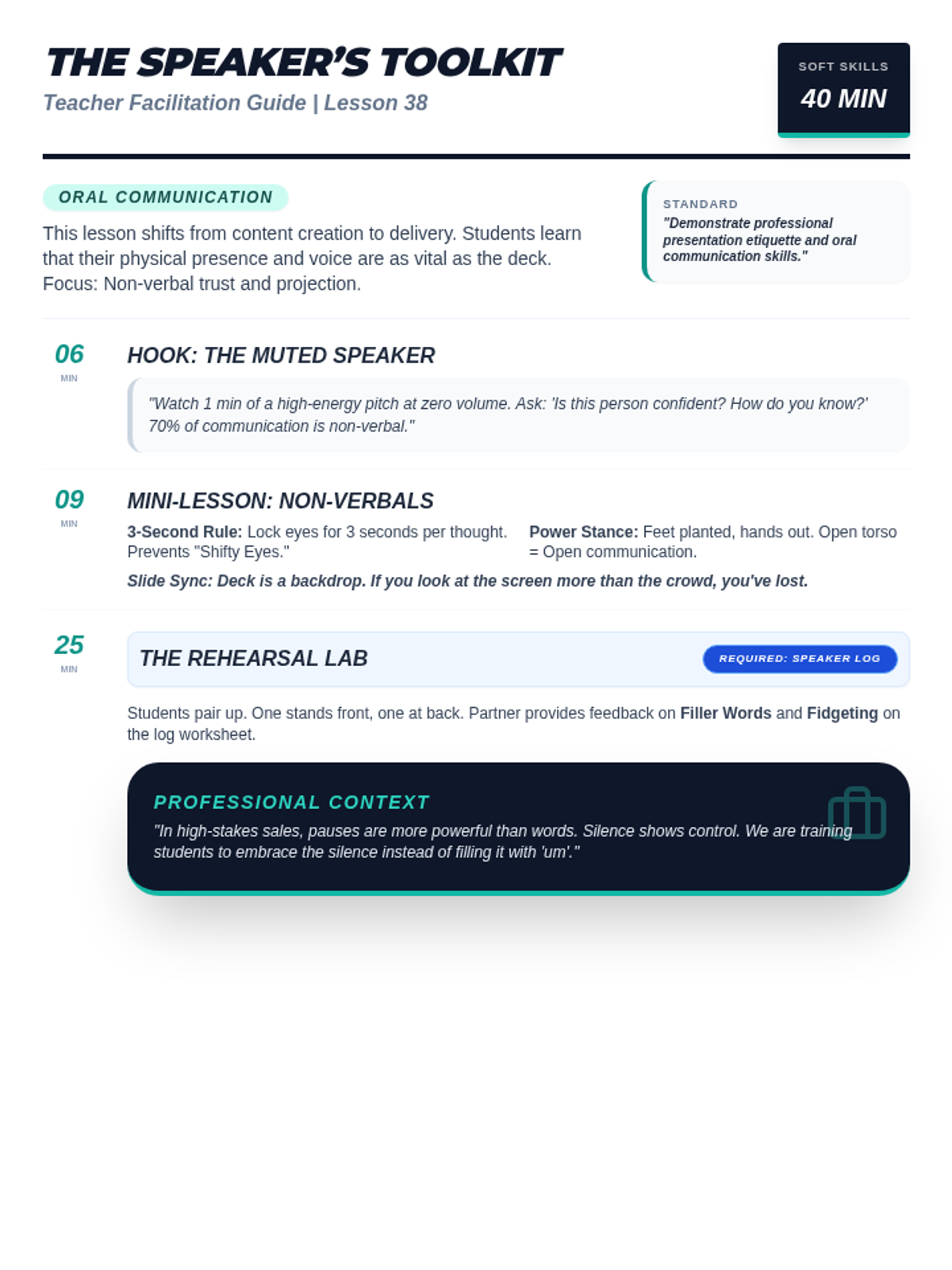
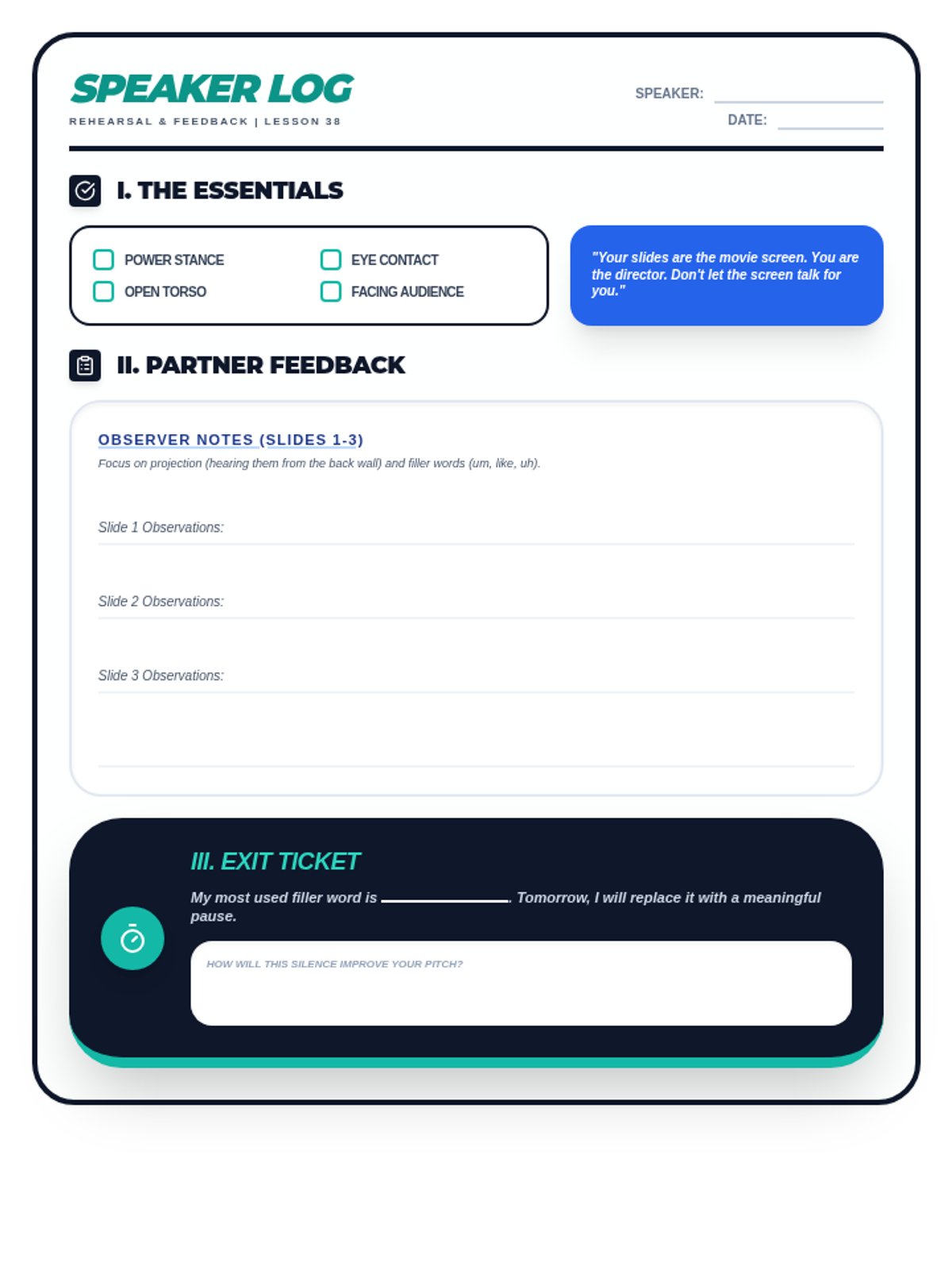
A lesson focused on public speaking and professional presentation etiquette. Students learn non-verbal communication techniques, projection, and how to use digital slides as a backdrop rather than a teleprompter.
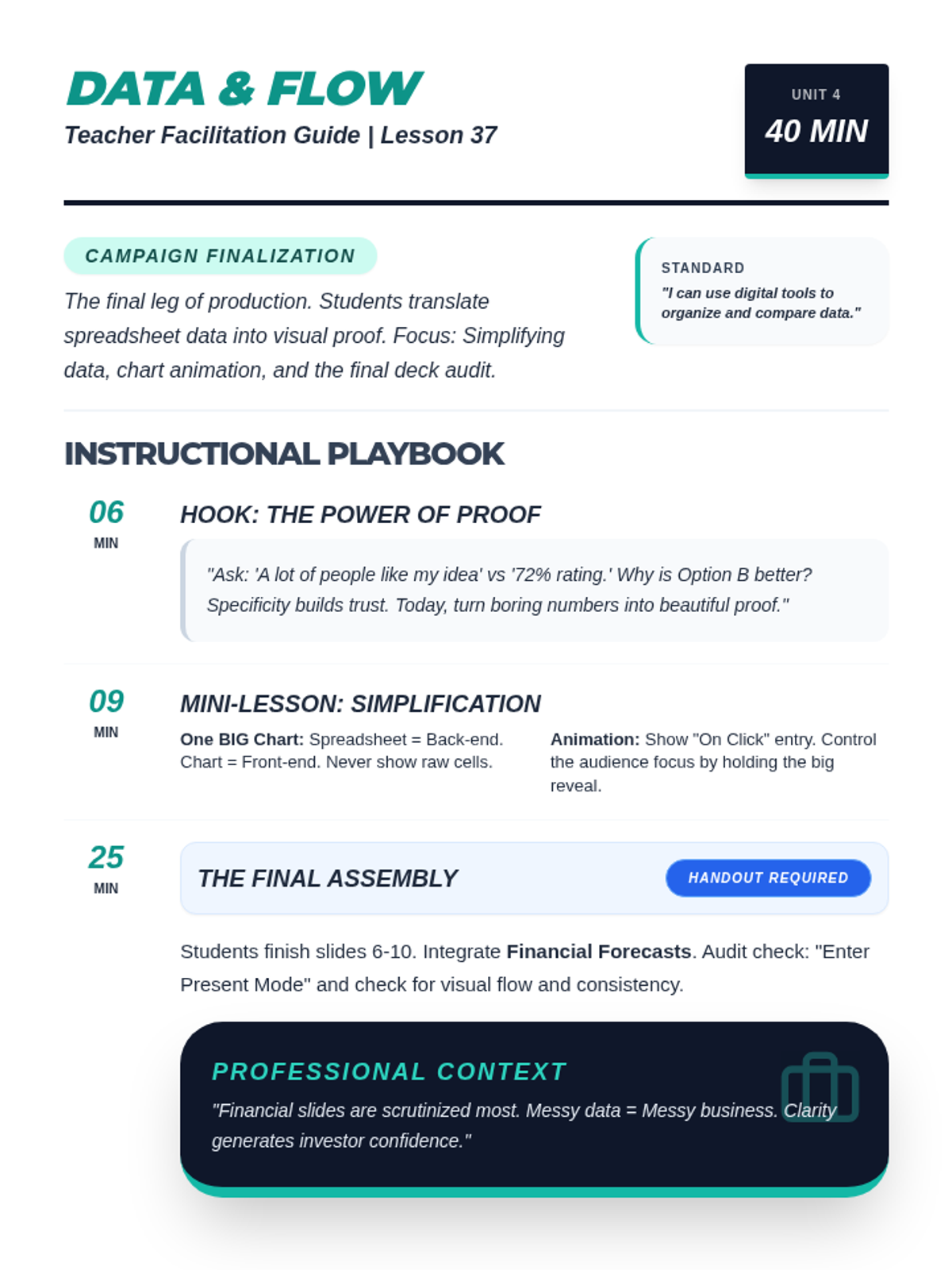
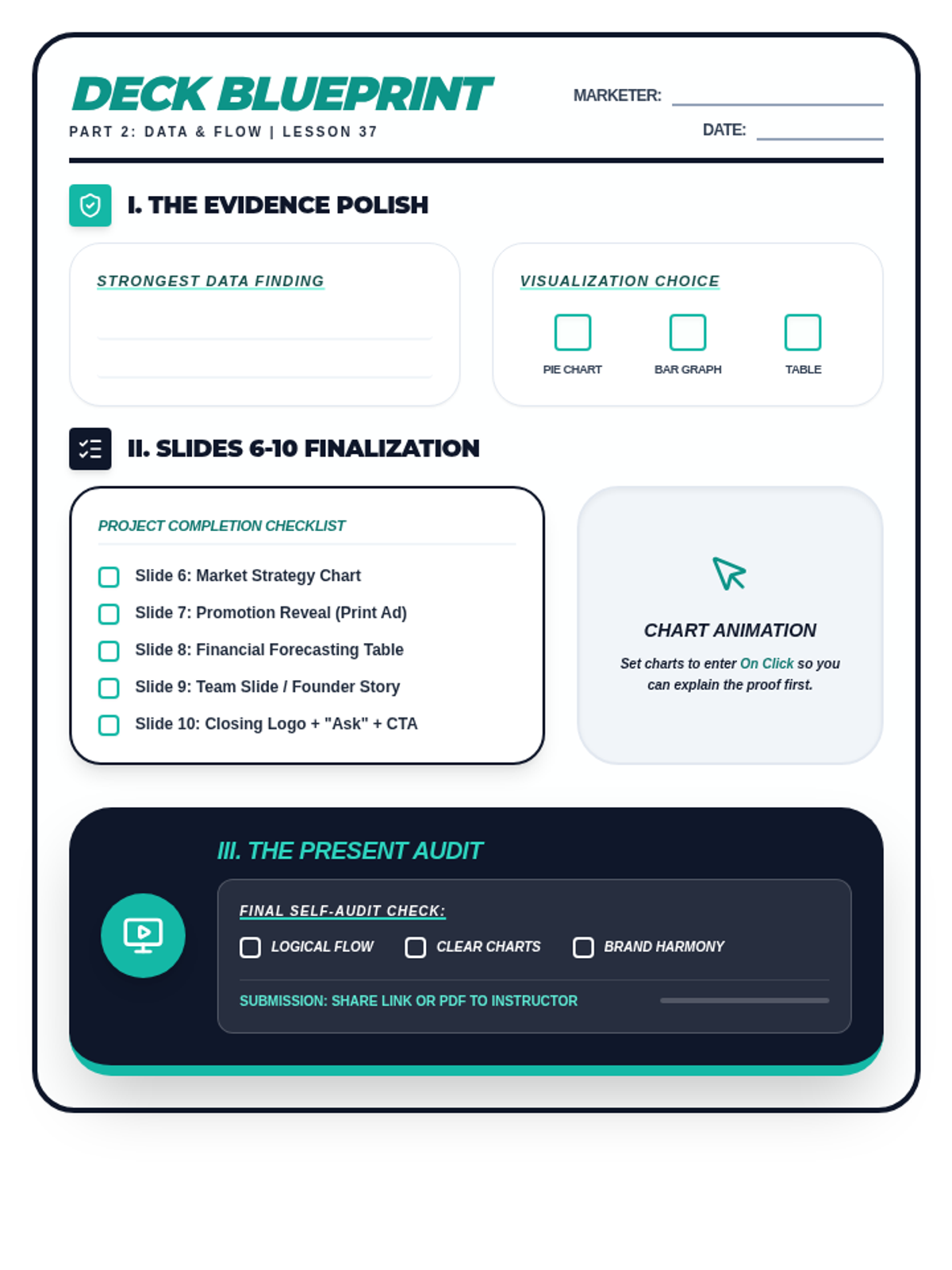
A lesson focused on data visualization and presentation flow. Students learn to simplify complex spreadsheets into high-impact slides, animate charts for storytelling, and finalize their full pitch deck.
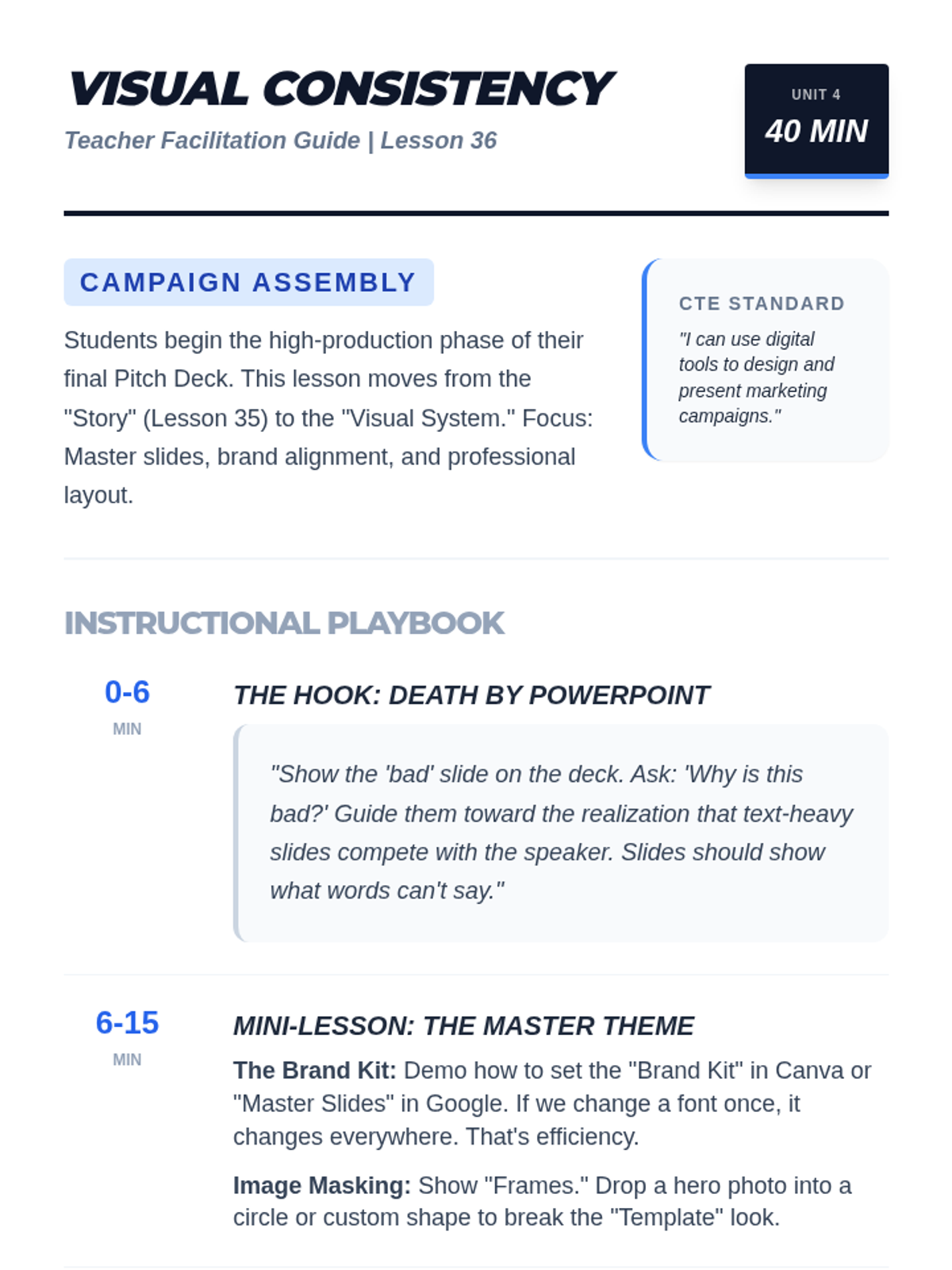
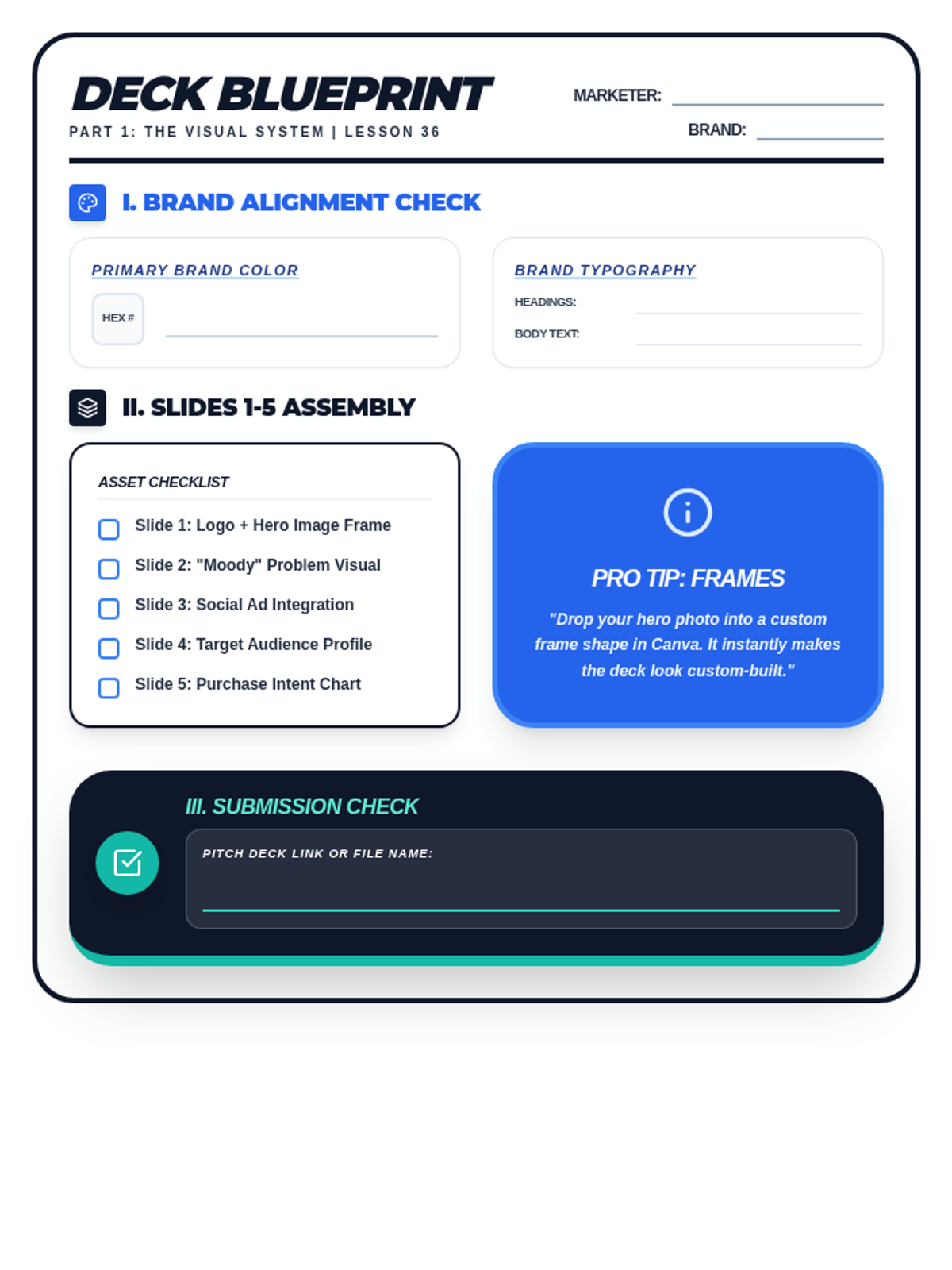
A lesson focused on visual consistency and branding in pitch decks. Students learn to use master slides, image masking, and brand-aligned assets to create the first half of their digital marketing pitch.
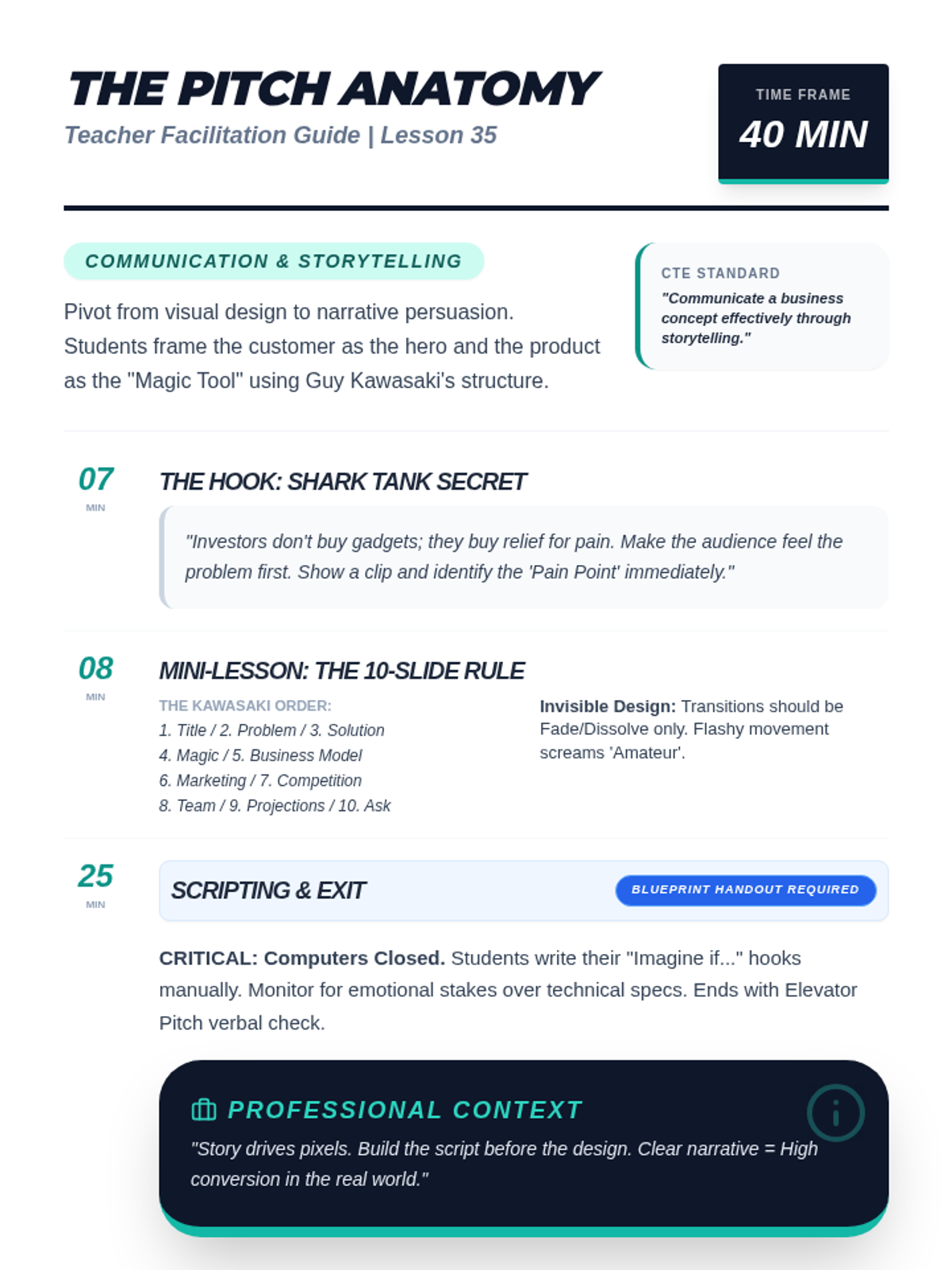
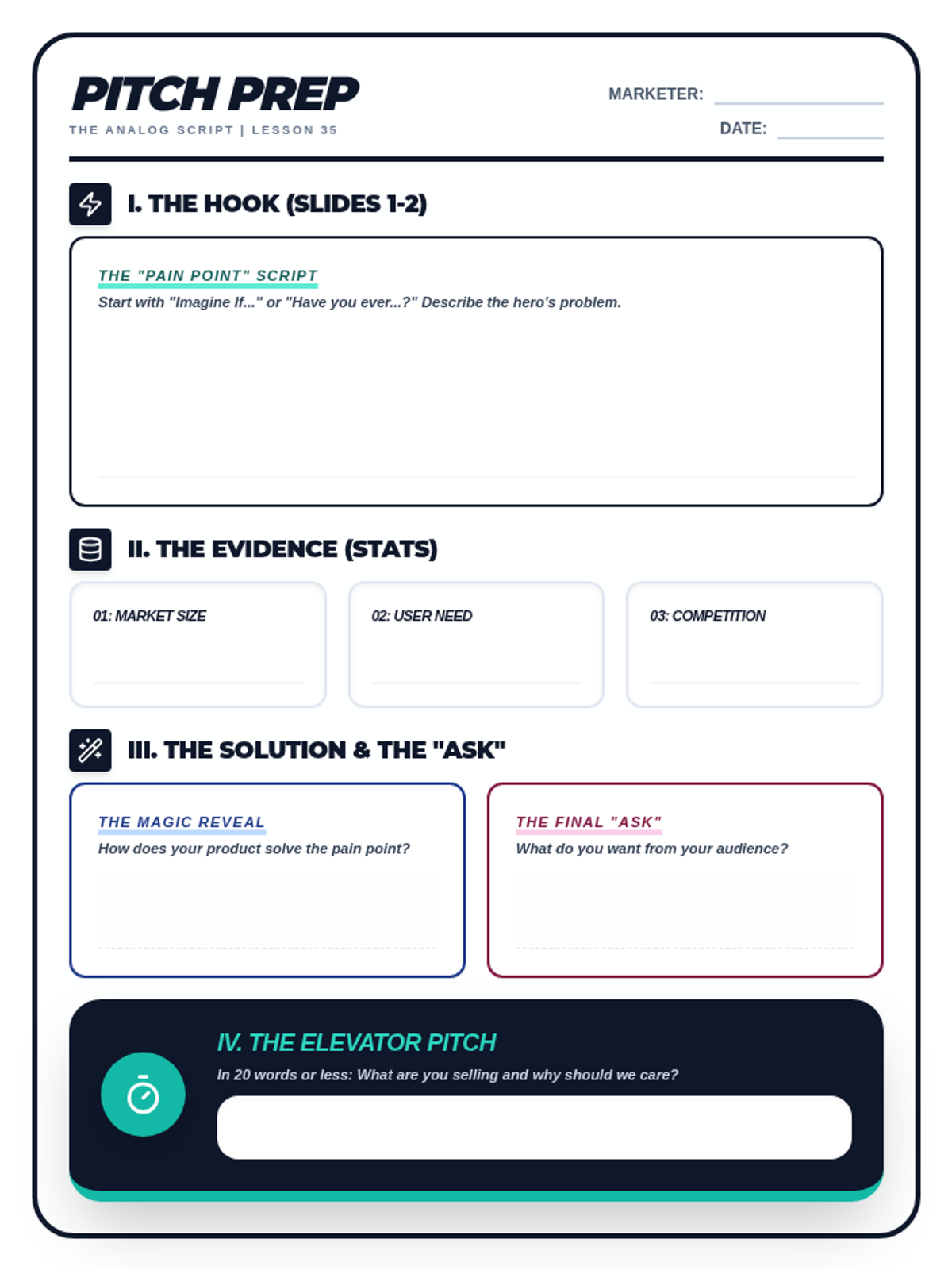
A lesson focused on business storytelling and pitch deck structure. Students learn to frame their marketing campaign as a problem-solving narrative using the 10-Slide Rule and 'invisible' design principles.
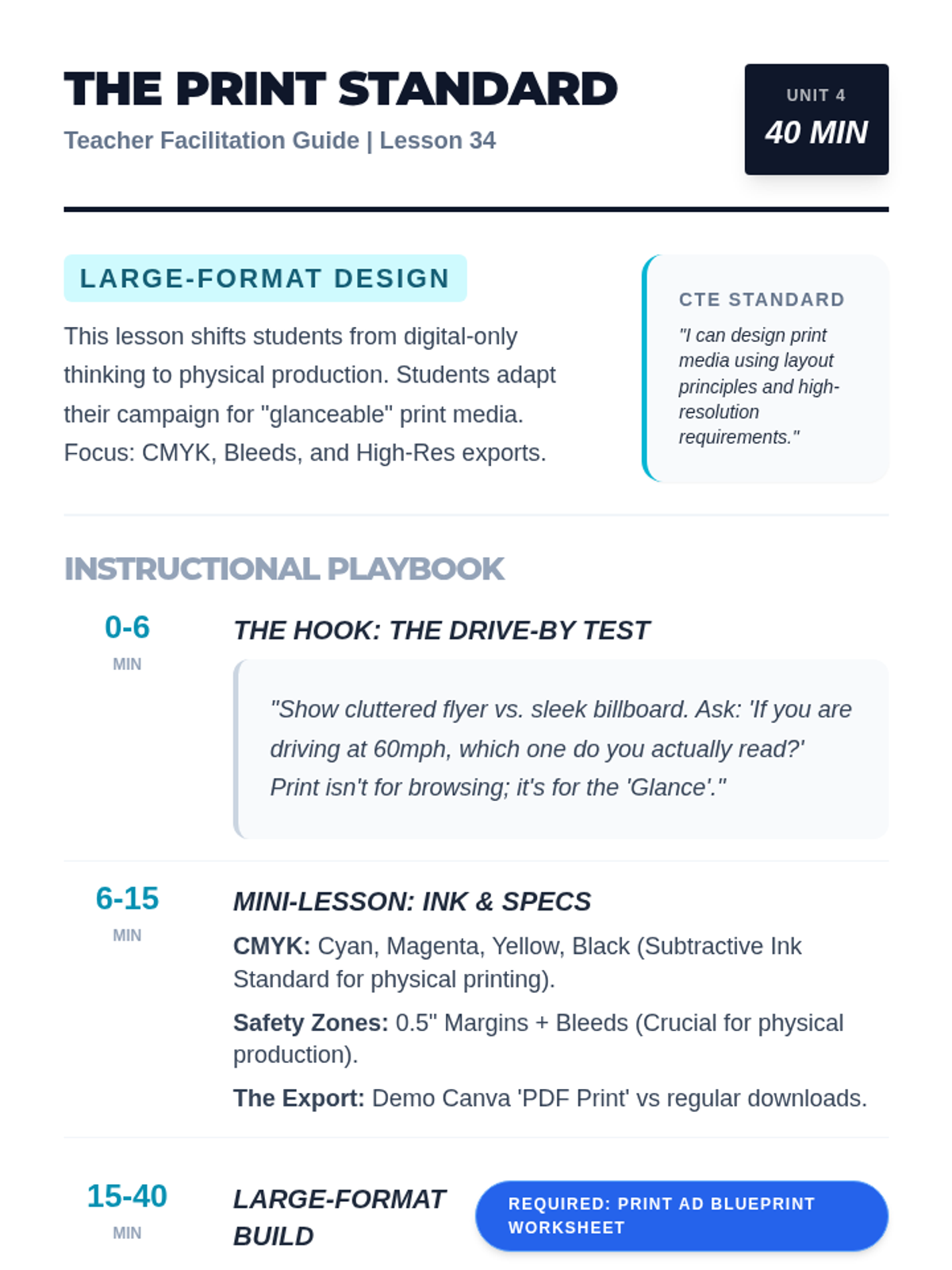
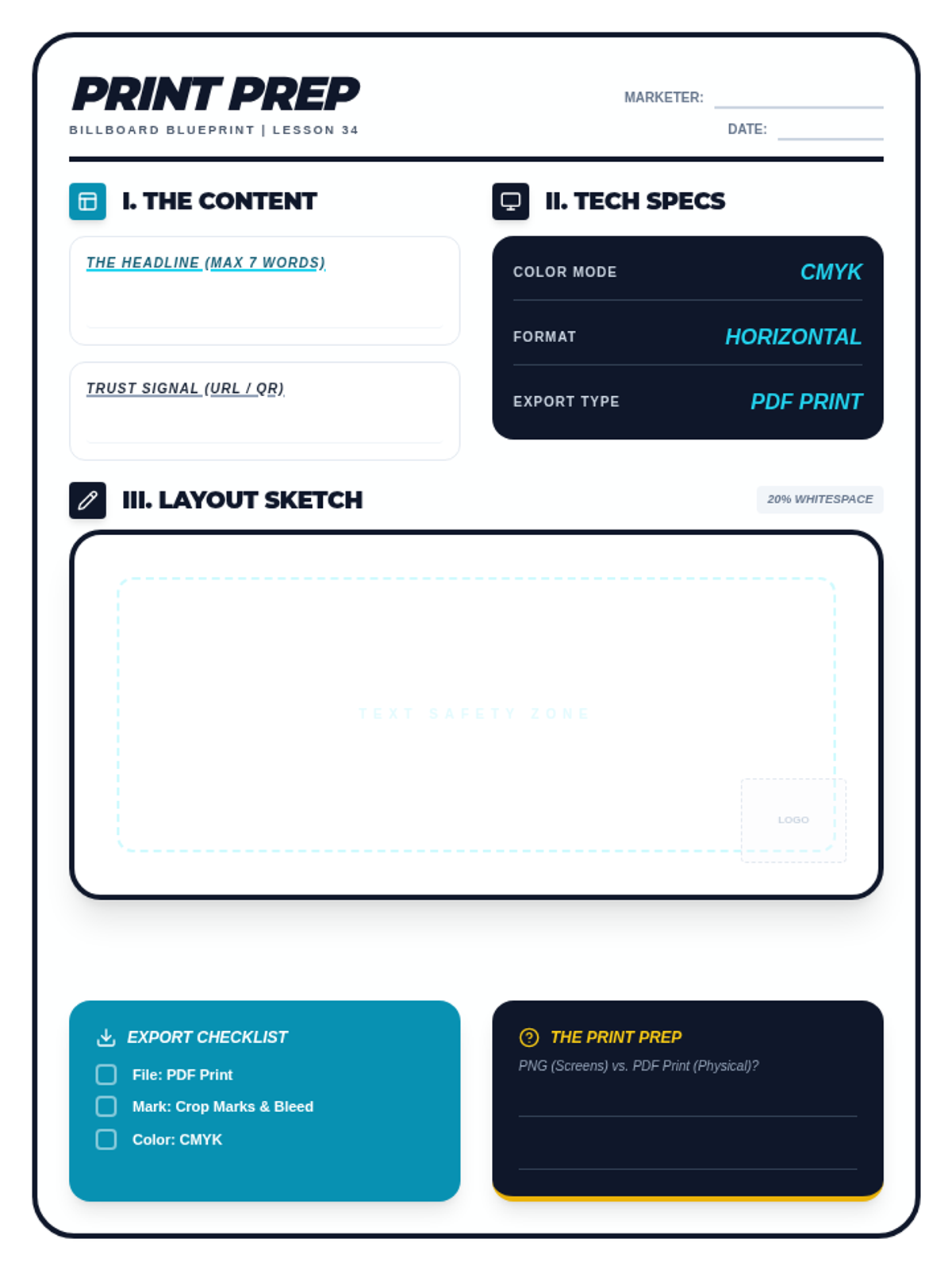
A lesson focused on designing large-format print advertisements. Students learn the differences between RGB and CMYK color modes, resolution requirements, and how to design for 'glanceability' using the Drive-By Test.
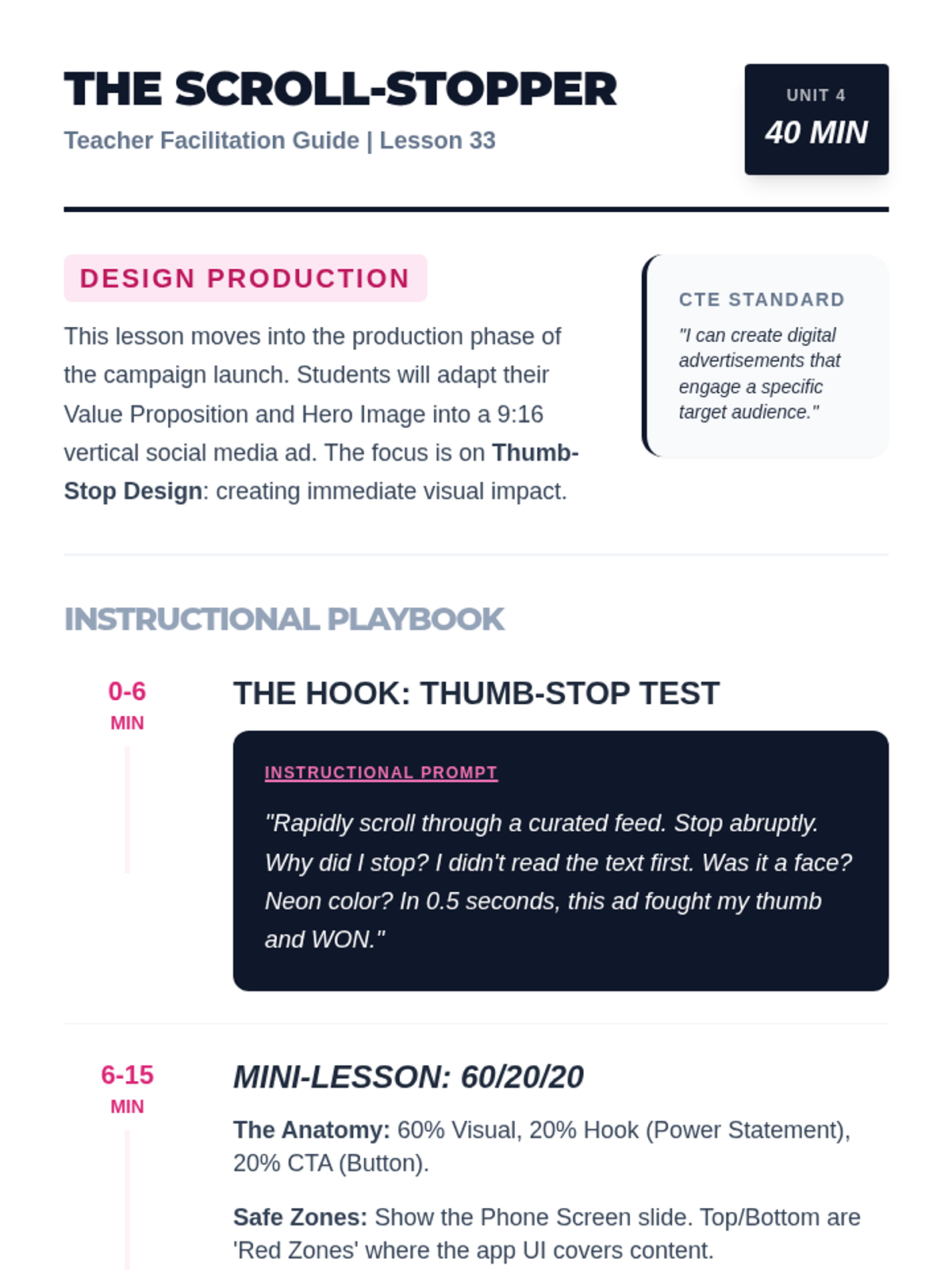
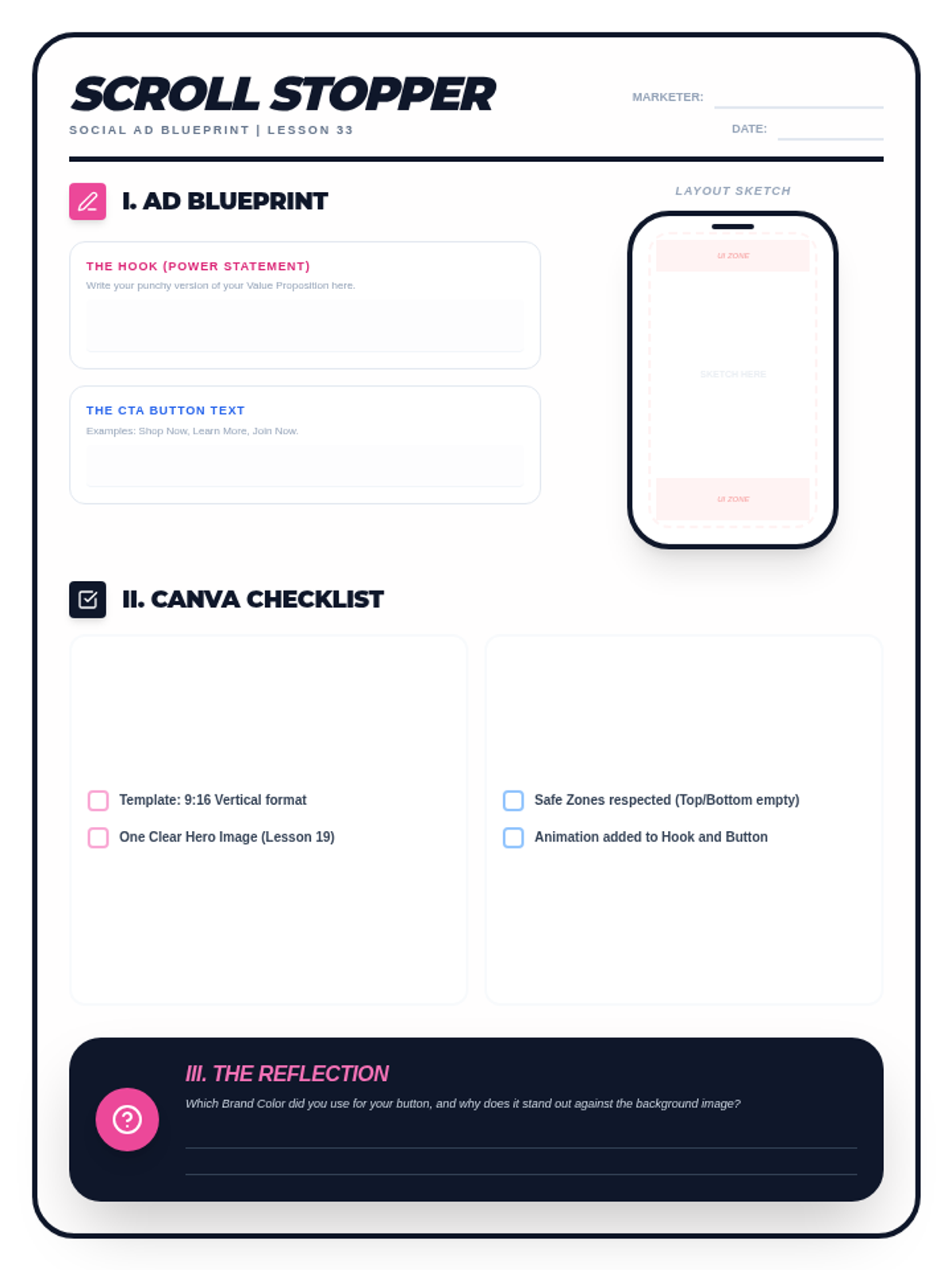
A lesson focused on creating high-impact vertical social media advertisements. Students learn the 'Thumb-Stop' rule, the 60/20/20 anatomy of mobile ads, and design safe-zone techniques in Canva.
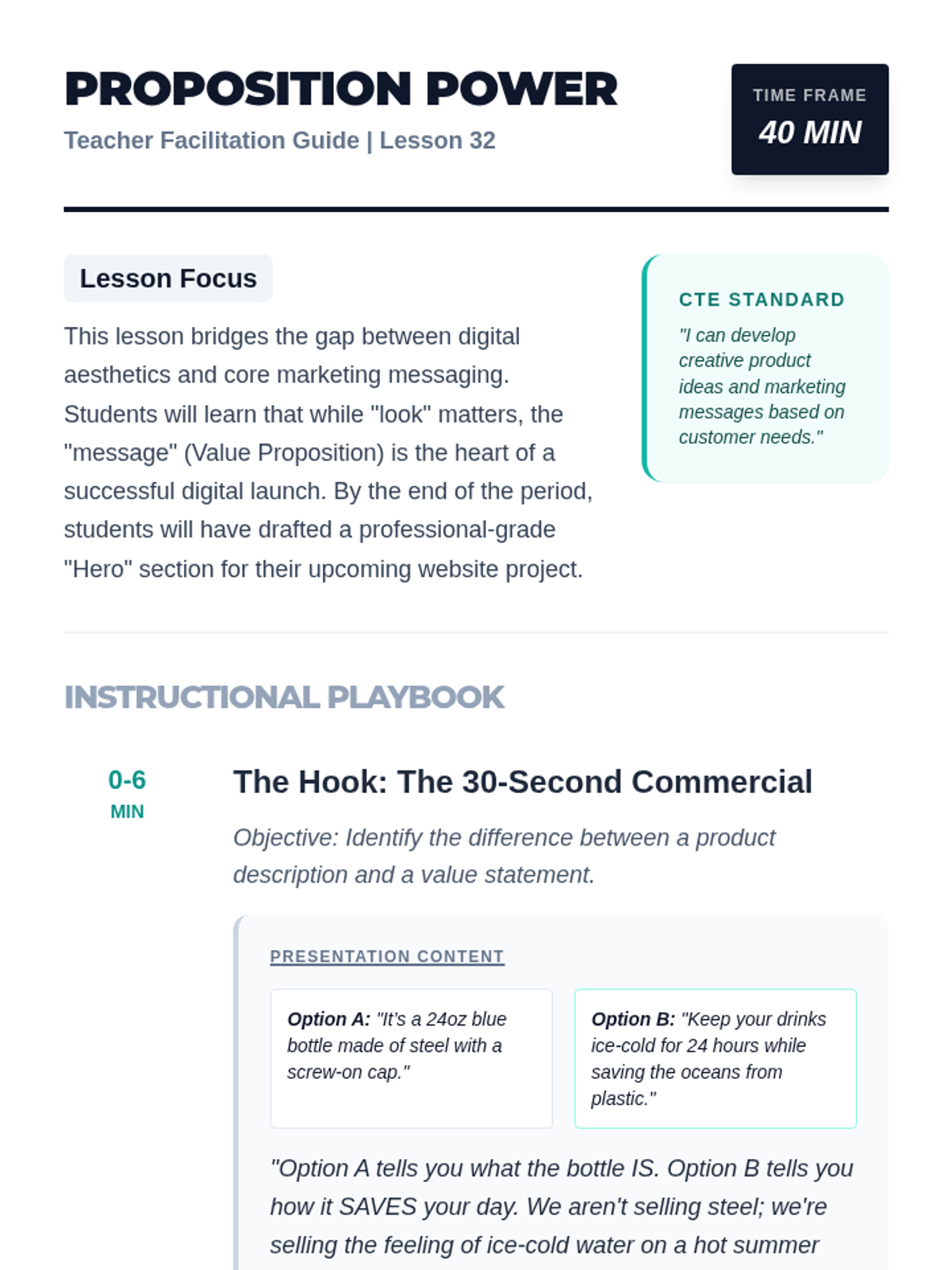
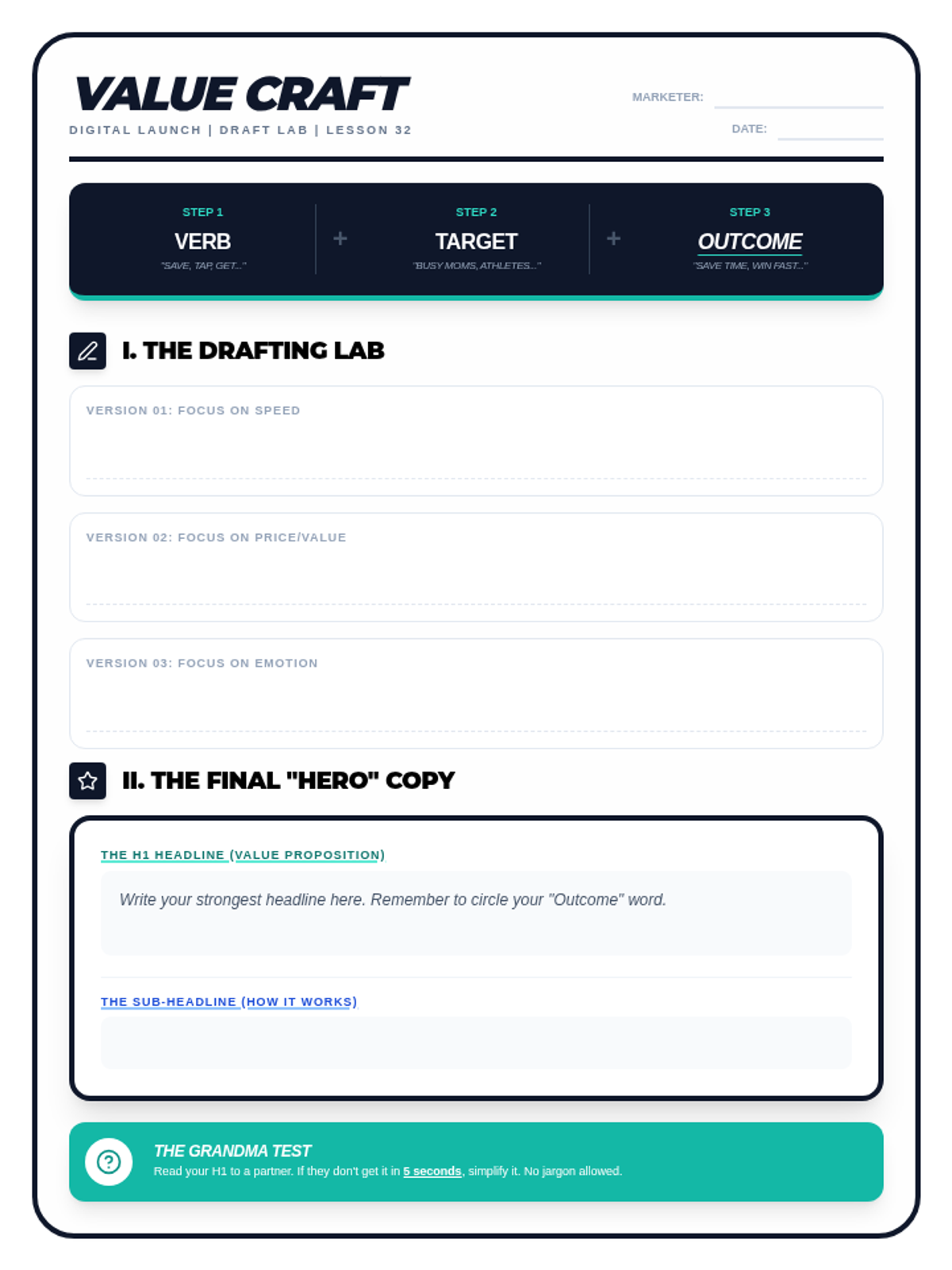
A lesson focused on the core marketing message: the Value Proposition. Students learn the formula for persuasive messaging and how to design high-impact 'Hero Text' for digital landing pages.
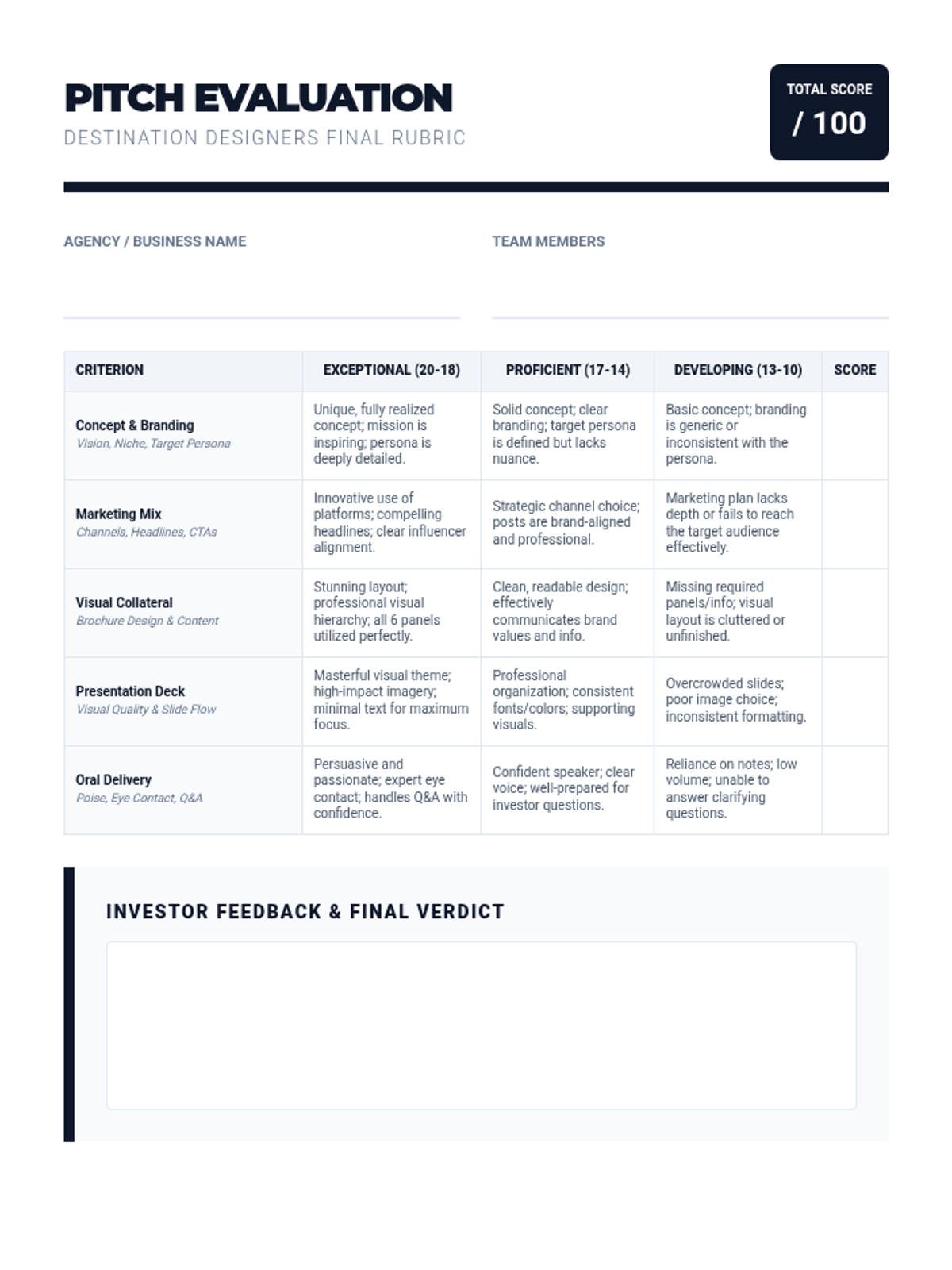
Students compile their work into a professional presentation and pitch their hospitality concept to potential 'investors' using a structured rubric.
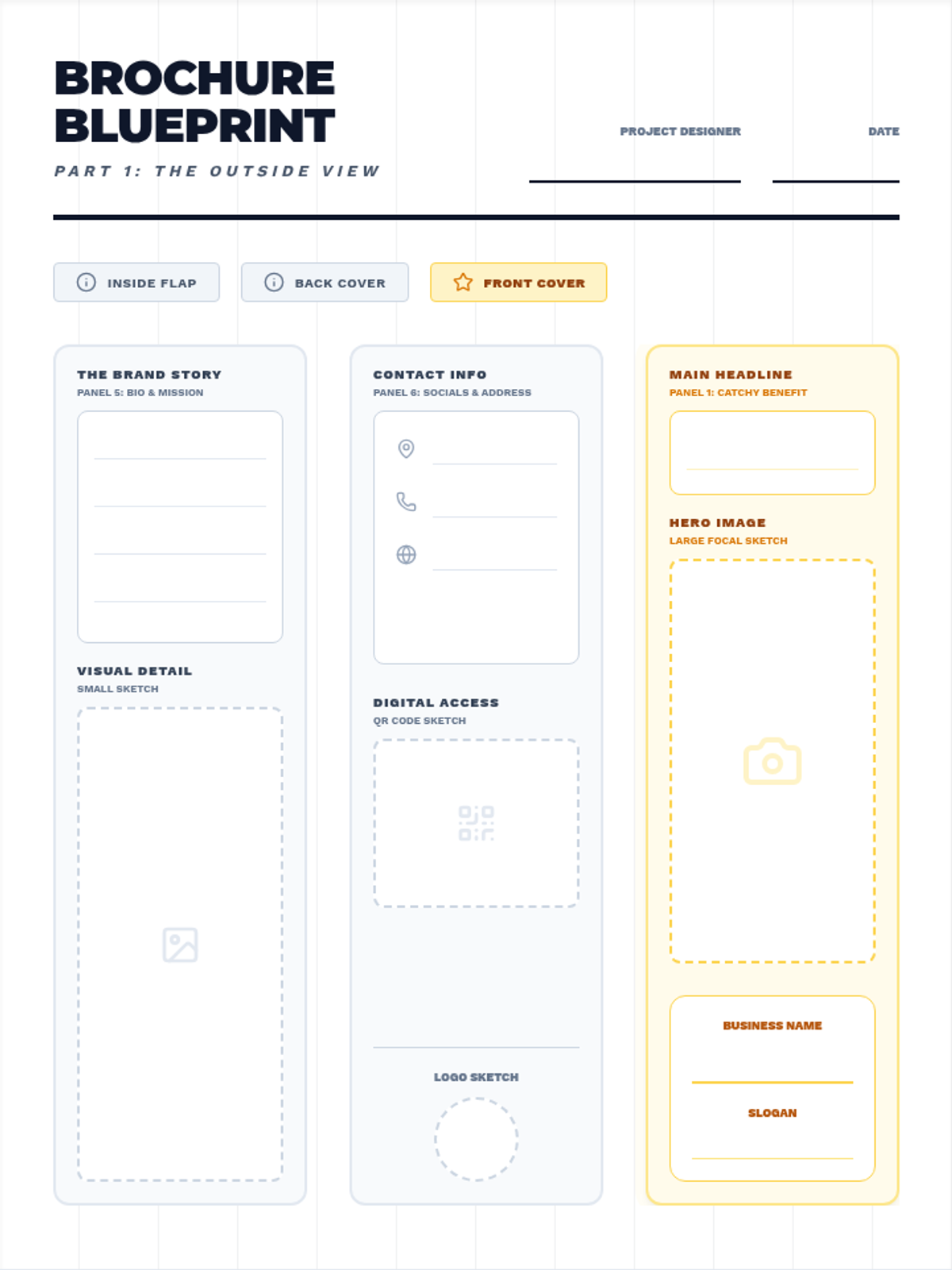
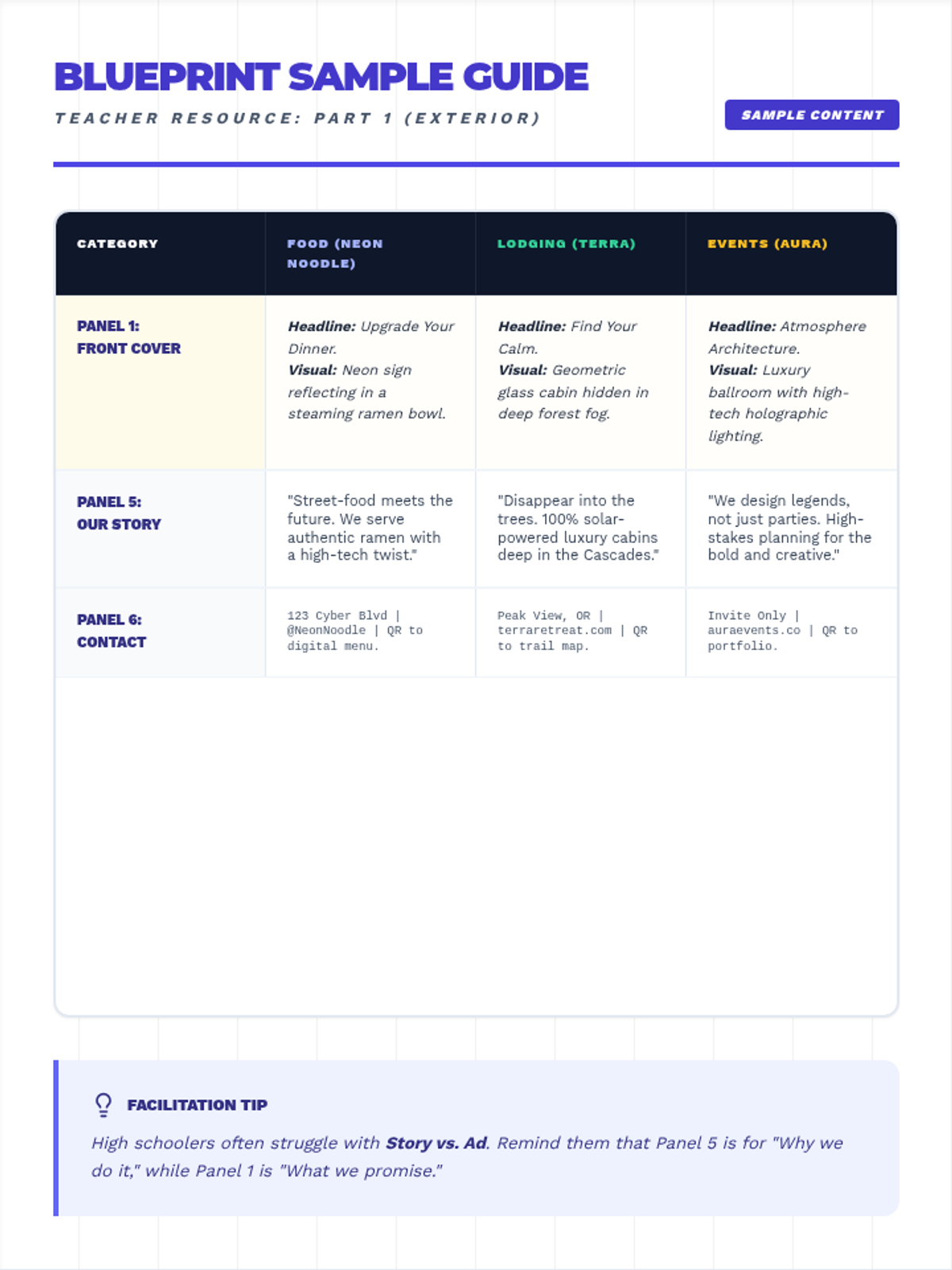
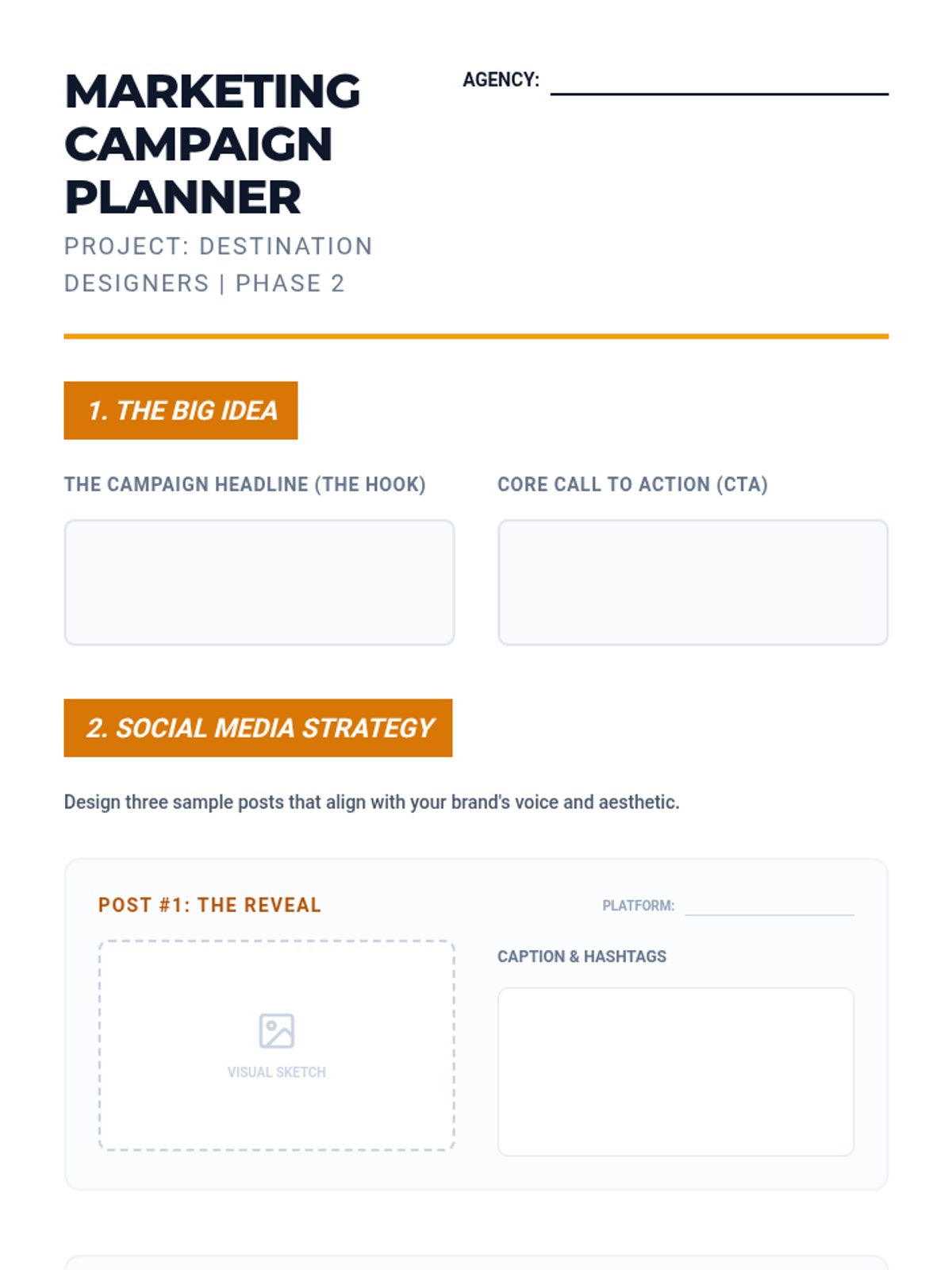
Students develop a comprehensive marketing strategy, including social media tactics and the layout for a professional promotional brochure.
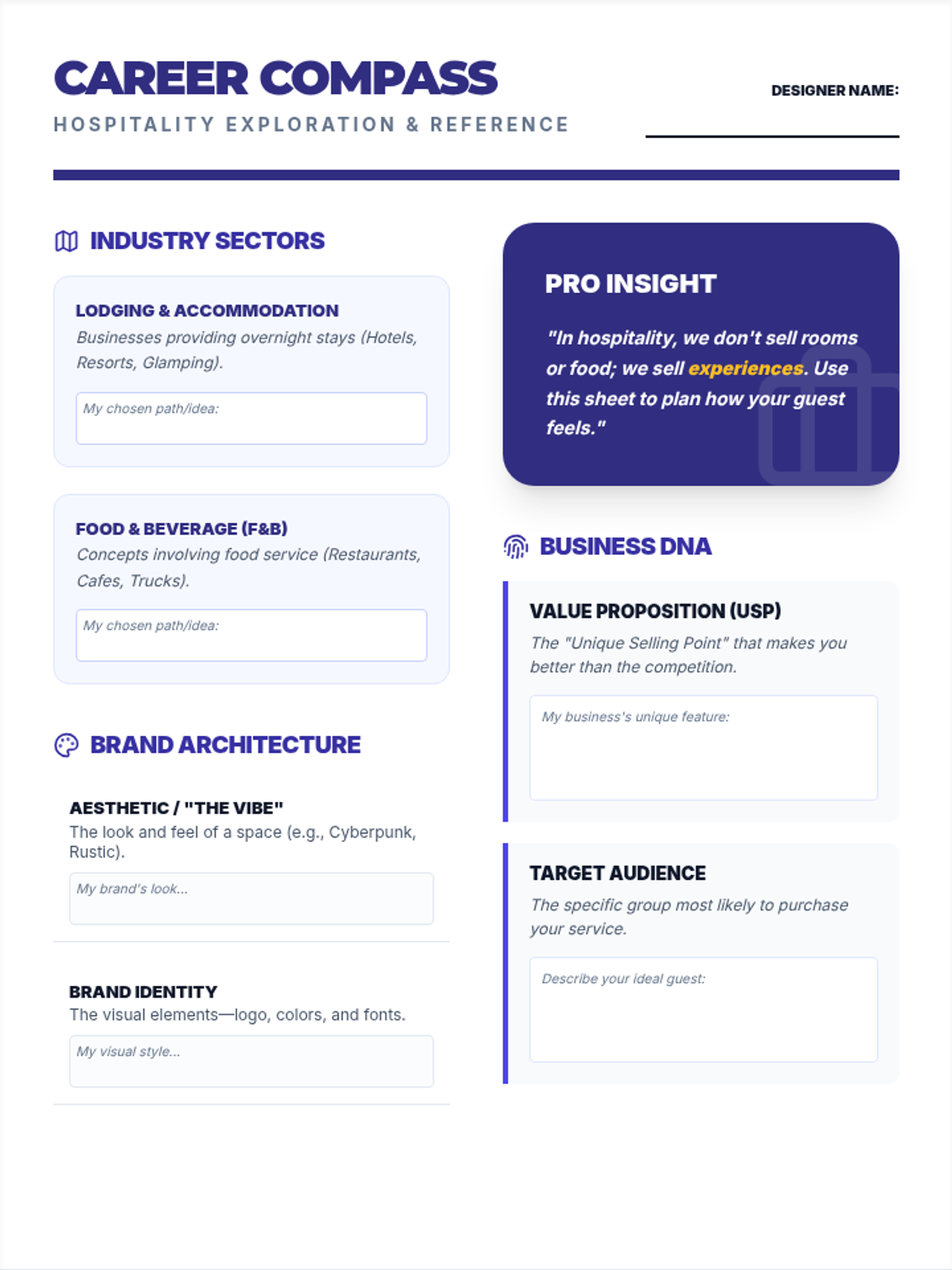
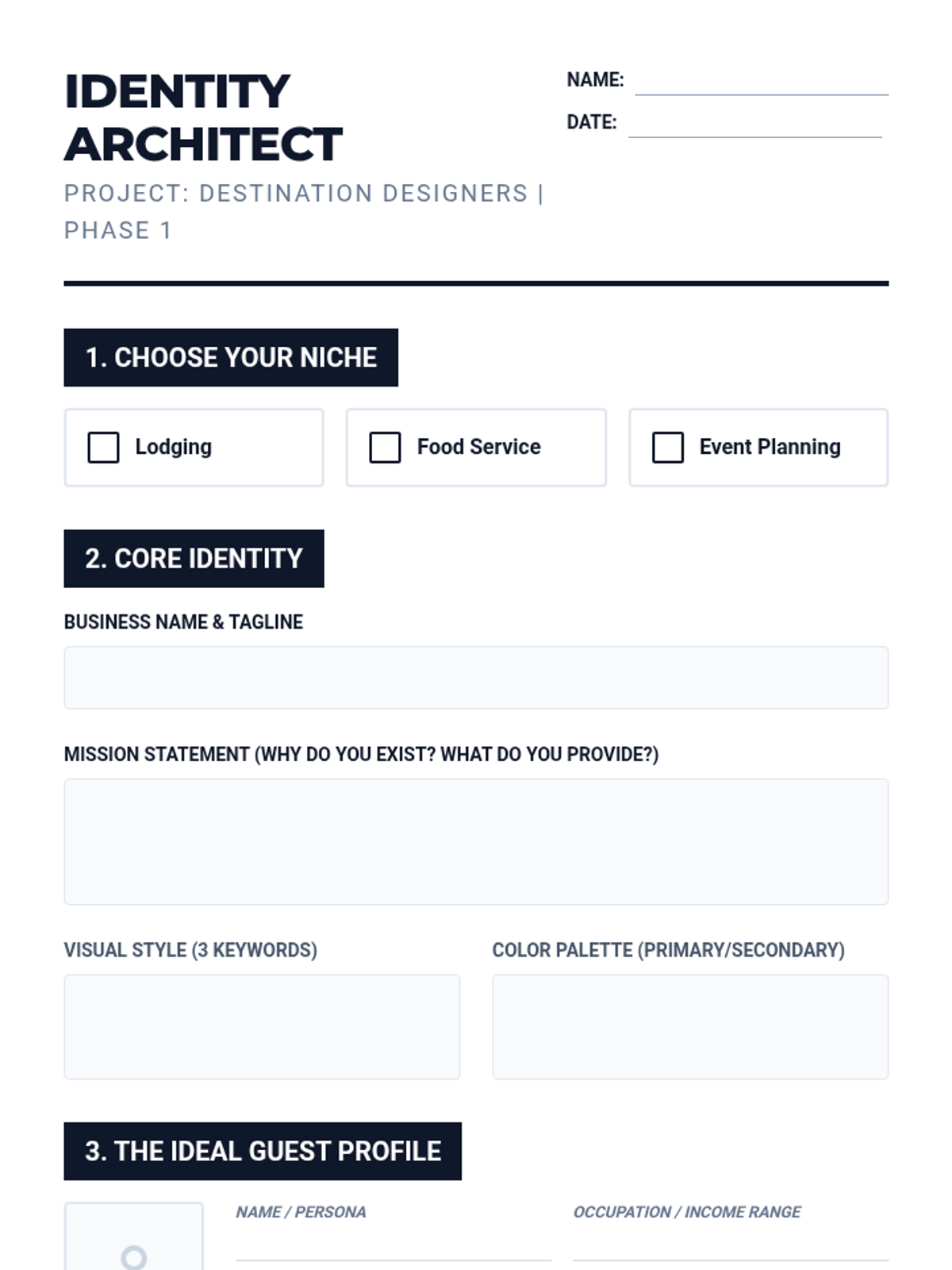
Students define their hospitality niche (Lodging, Food Service, or Event Planning) and establish their brand's identity, target audience, and unique value proposition.
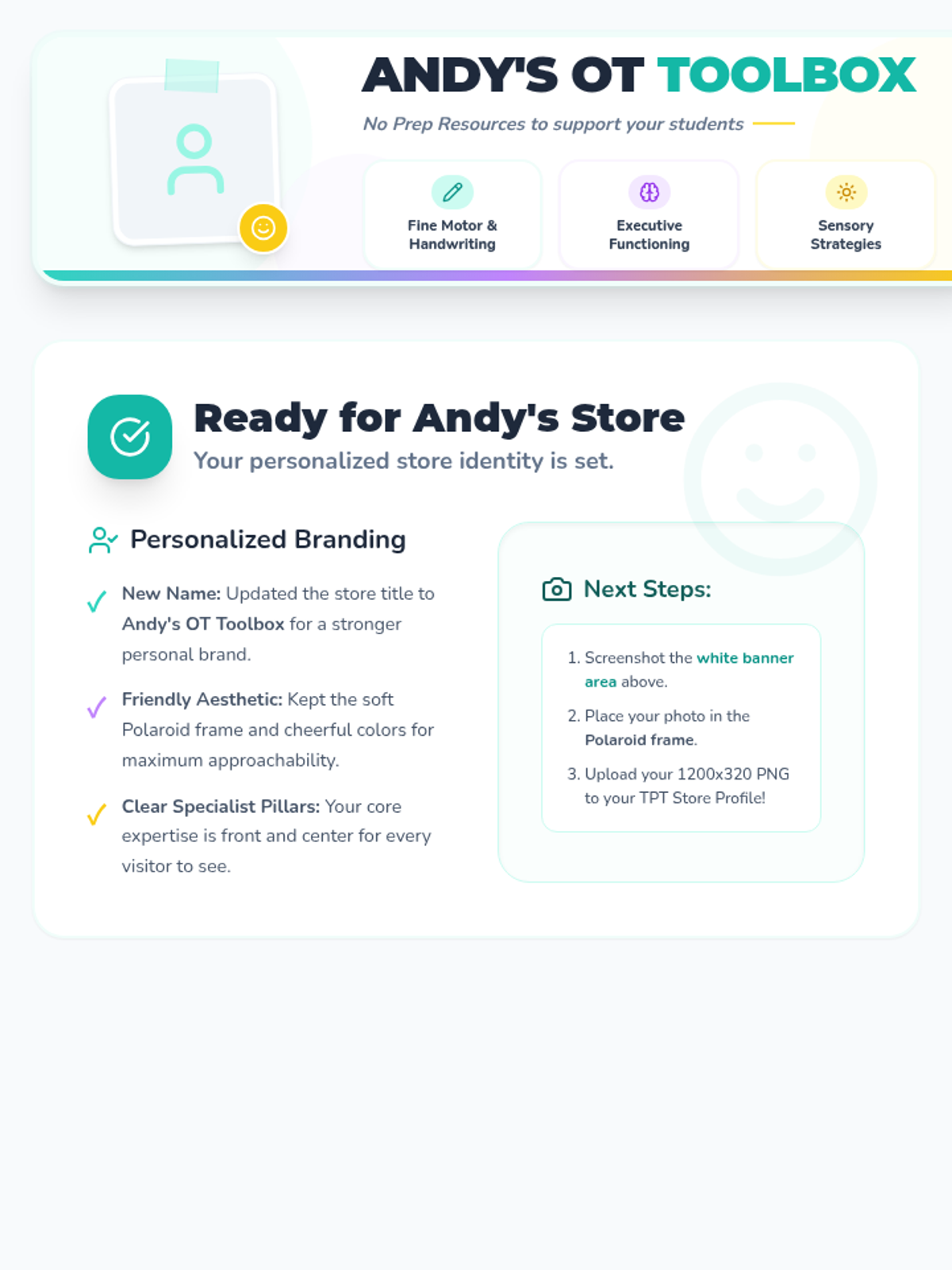
A cohesive set of professional store branding assets for Andy's OT Toolbox, including a custom banner and matching circular logo.
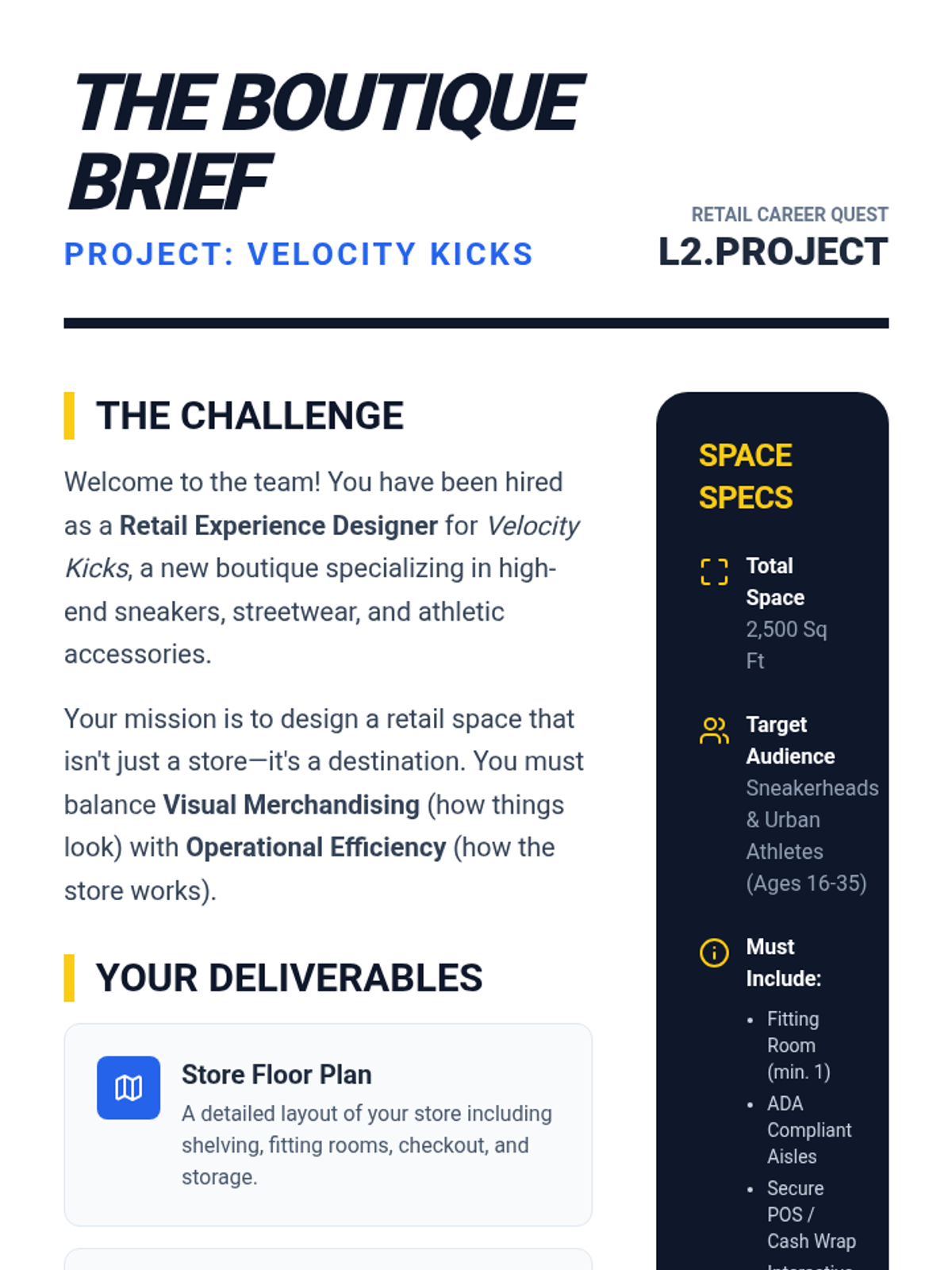
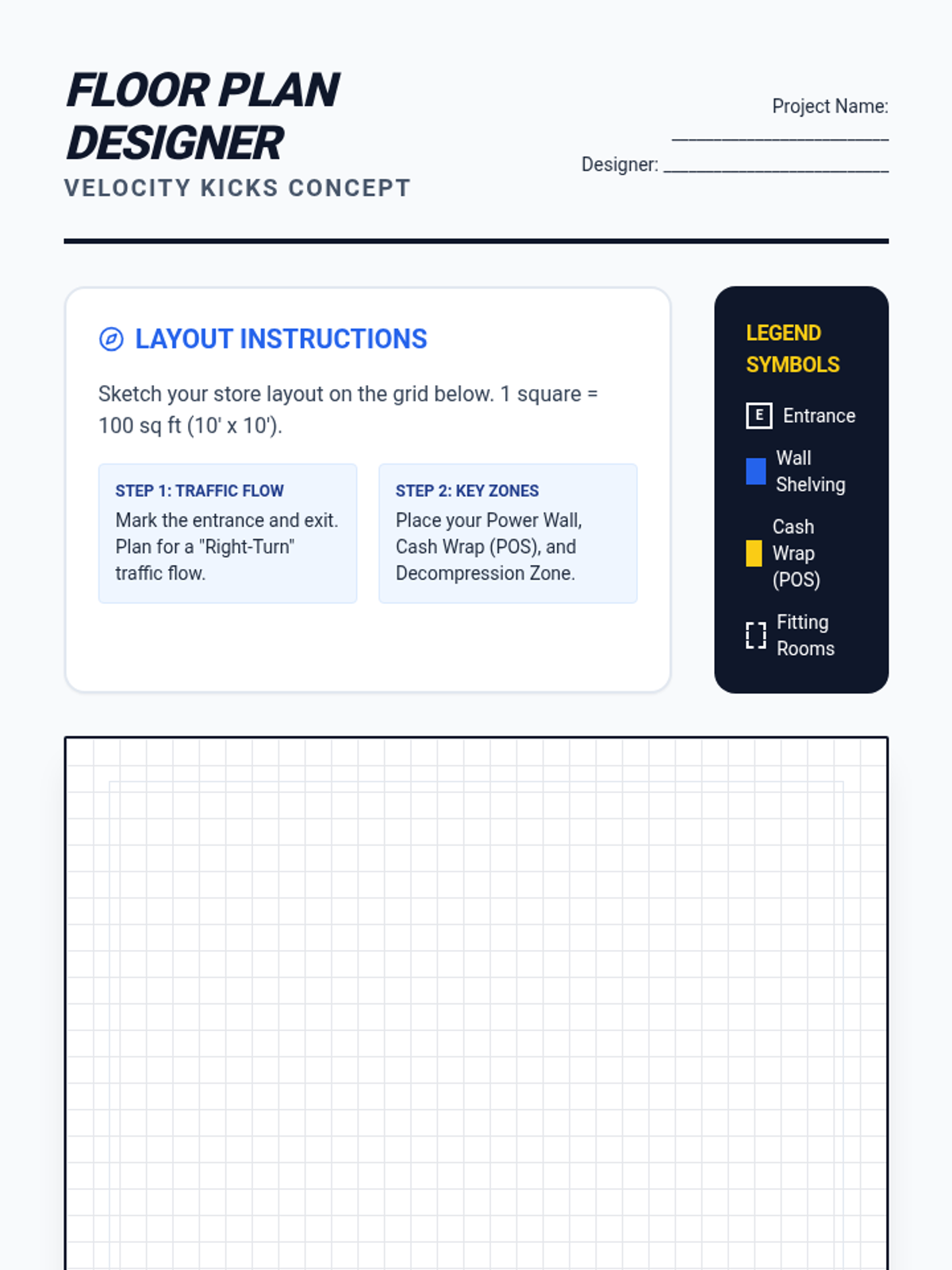
A practical project where students apply their knowledge to design a retail store, including product selection, floor layout, visual merchandising, and a promotional plan.
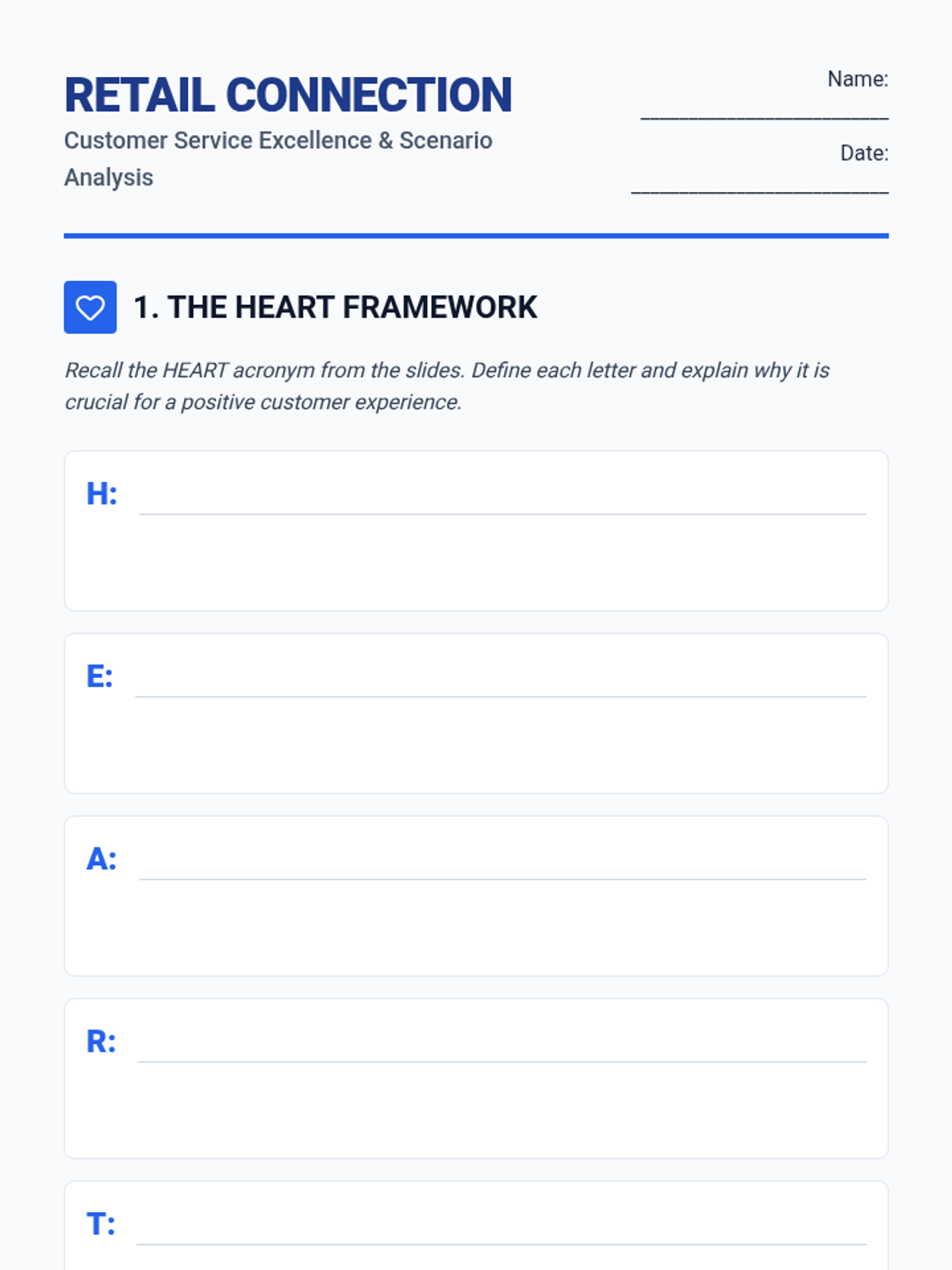
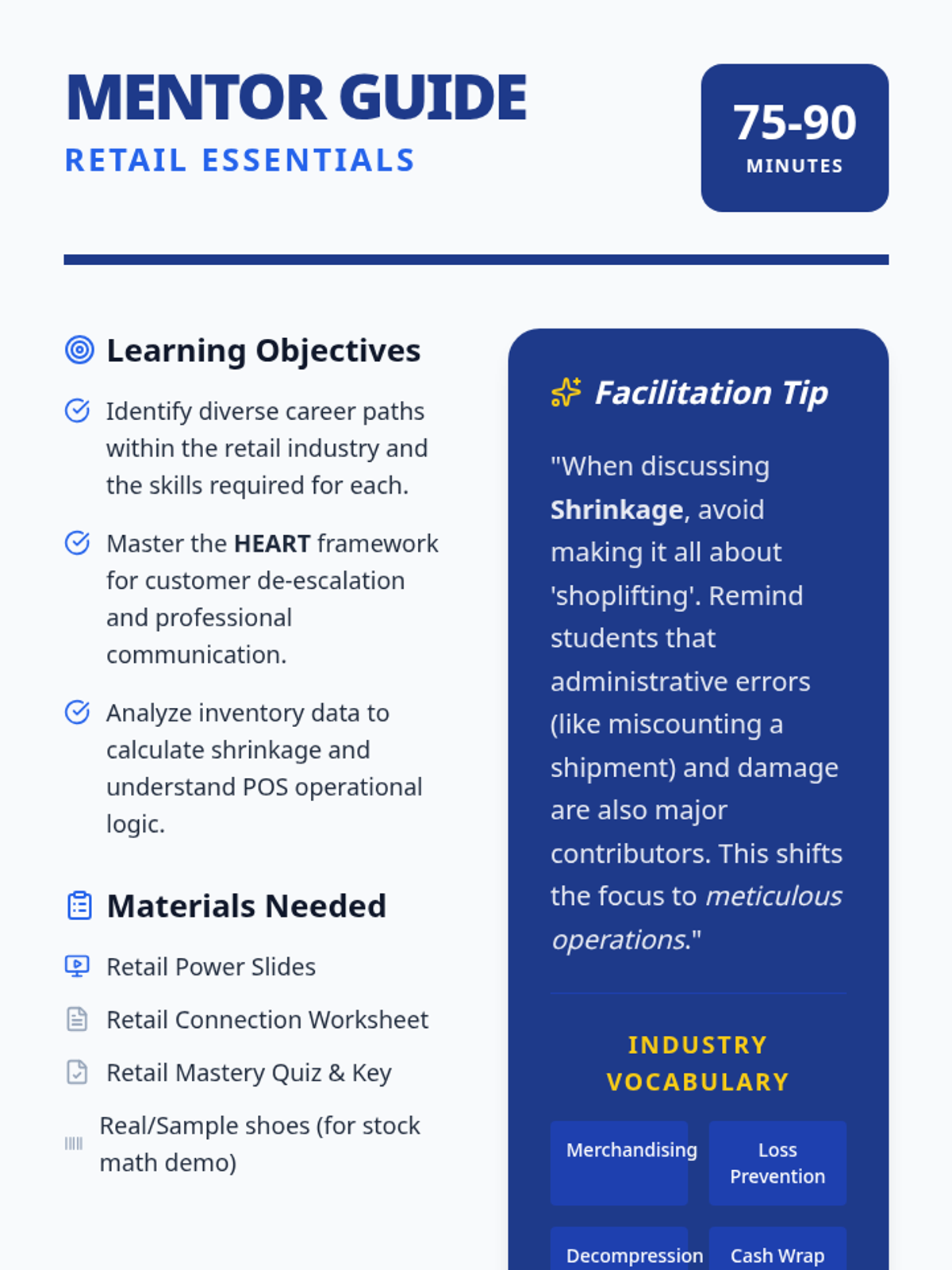
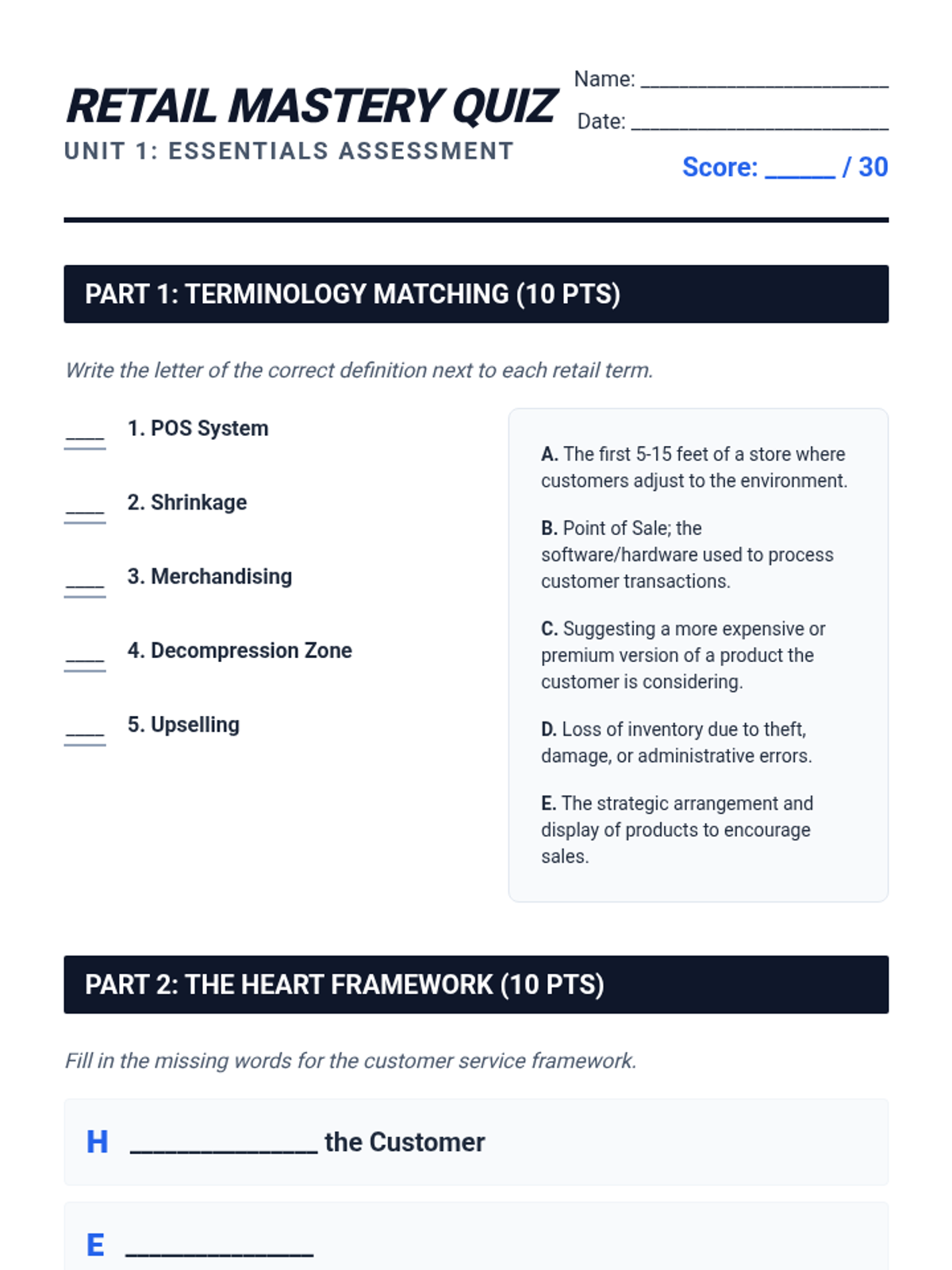
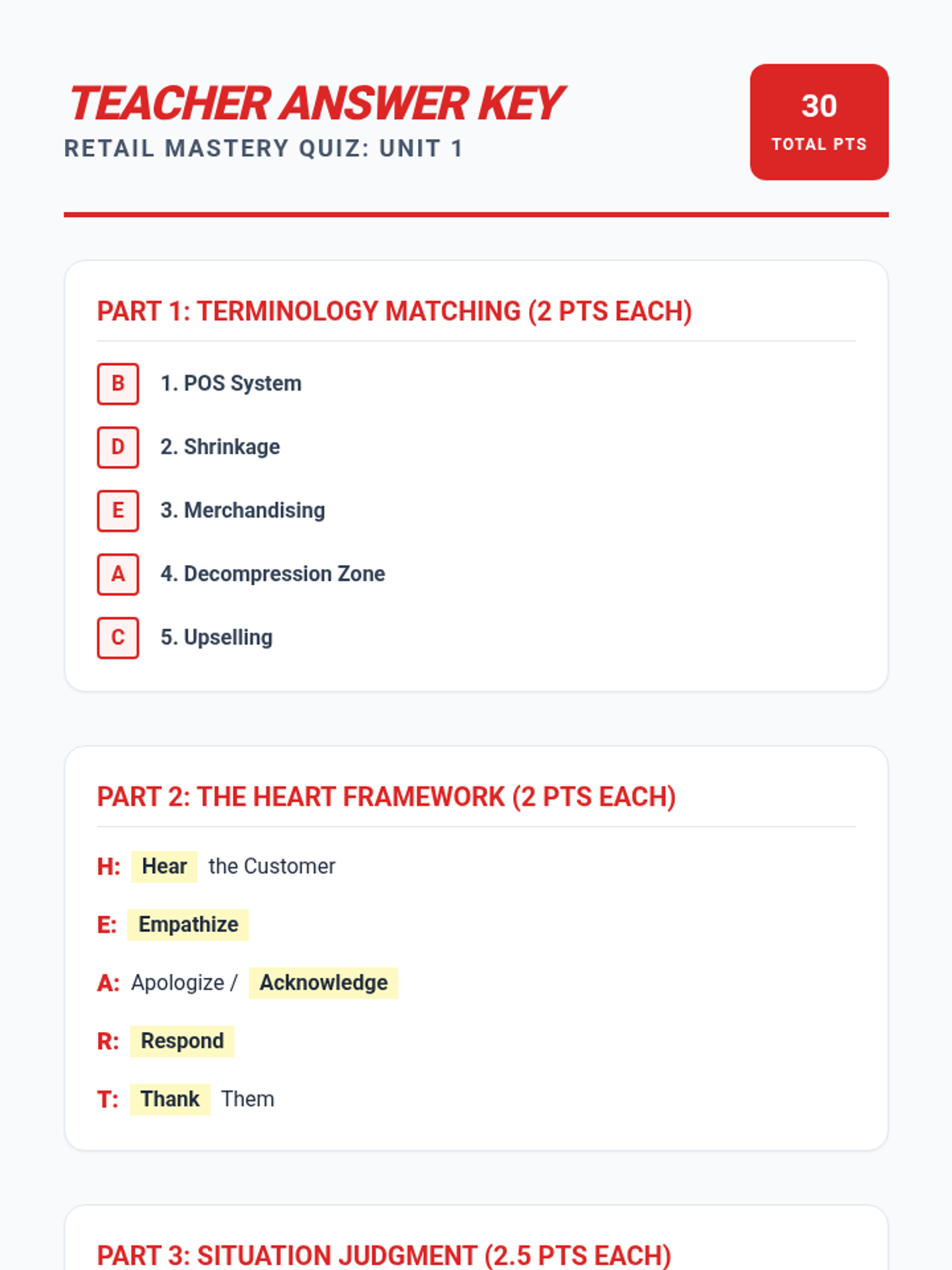
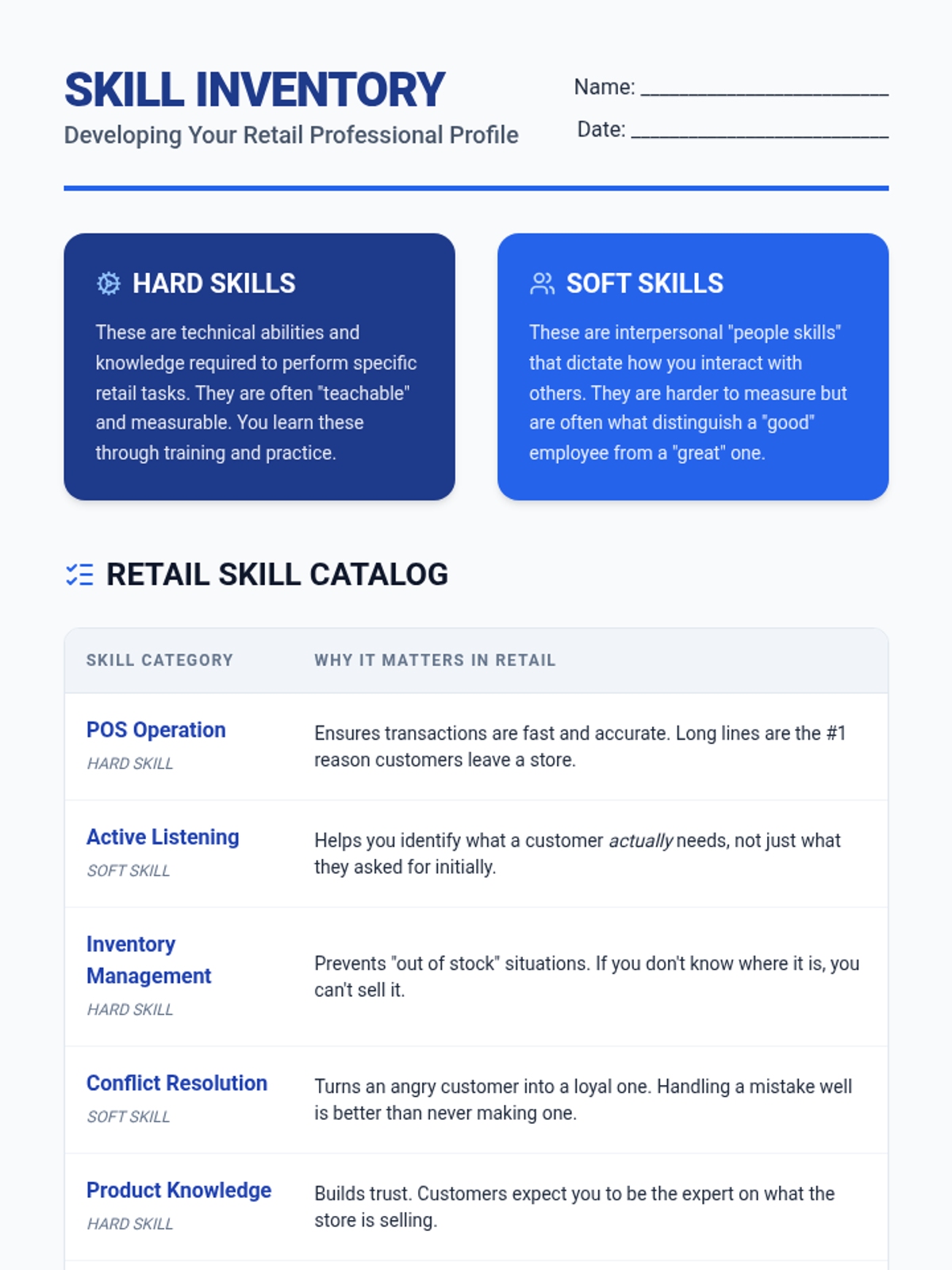
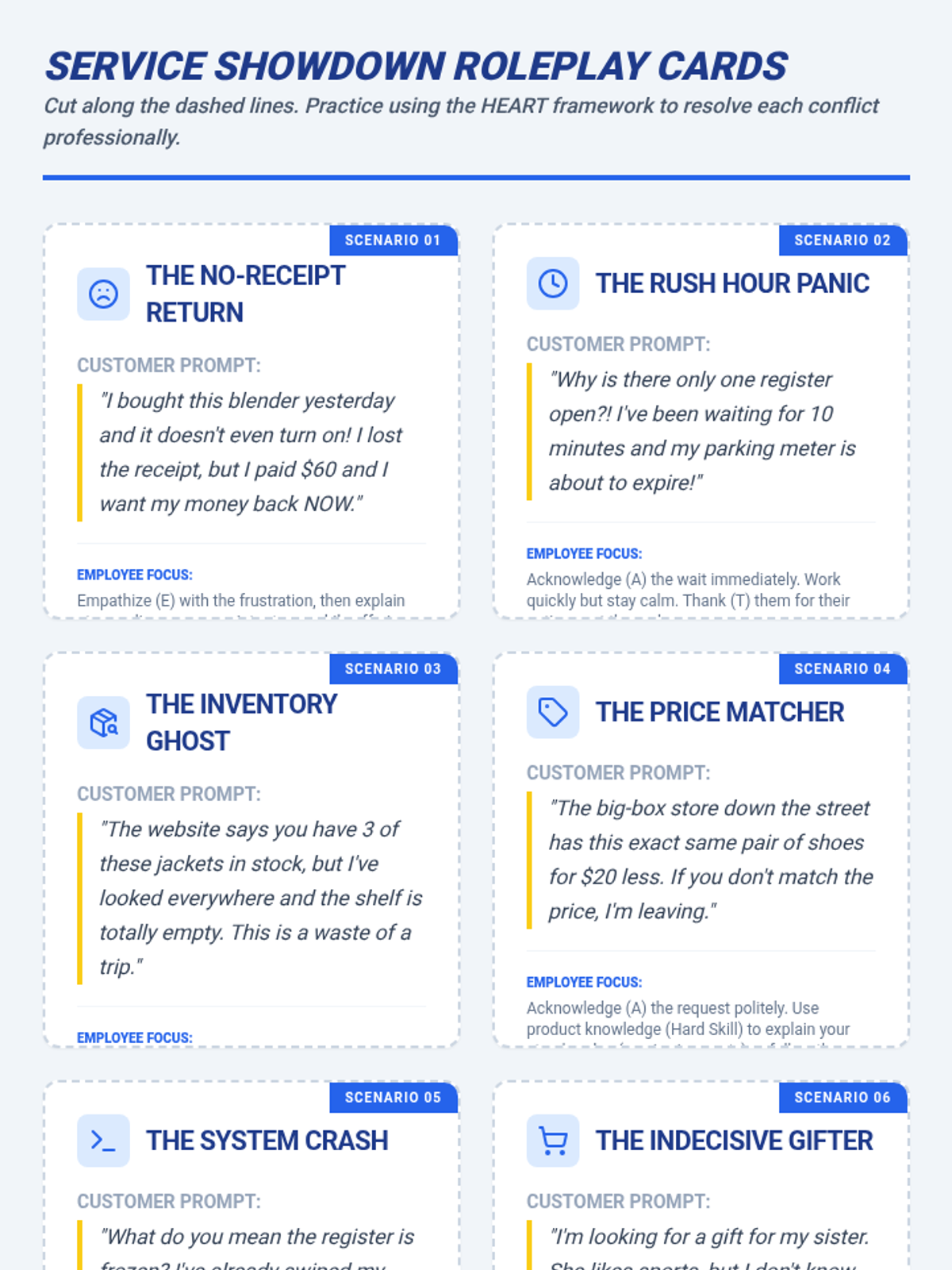
An introduction to the foundational skills of the retail industry, covering customer service techniques, cash handling, inventory management, and the professional communication required for successful sales.
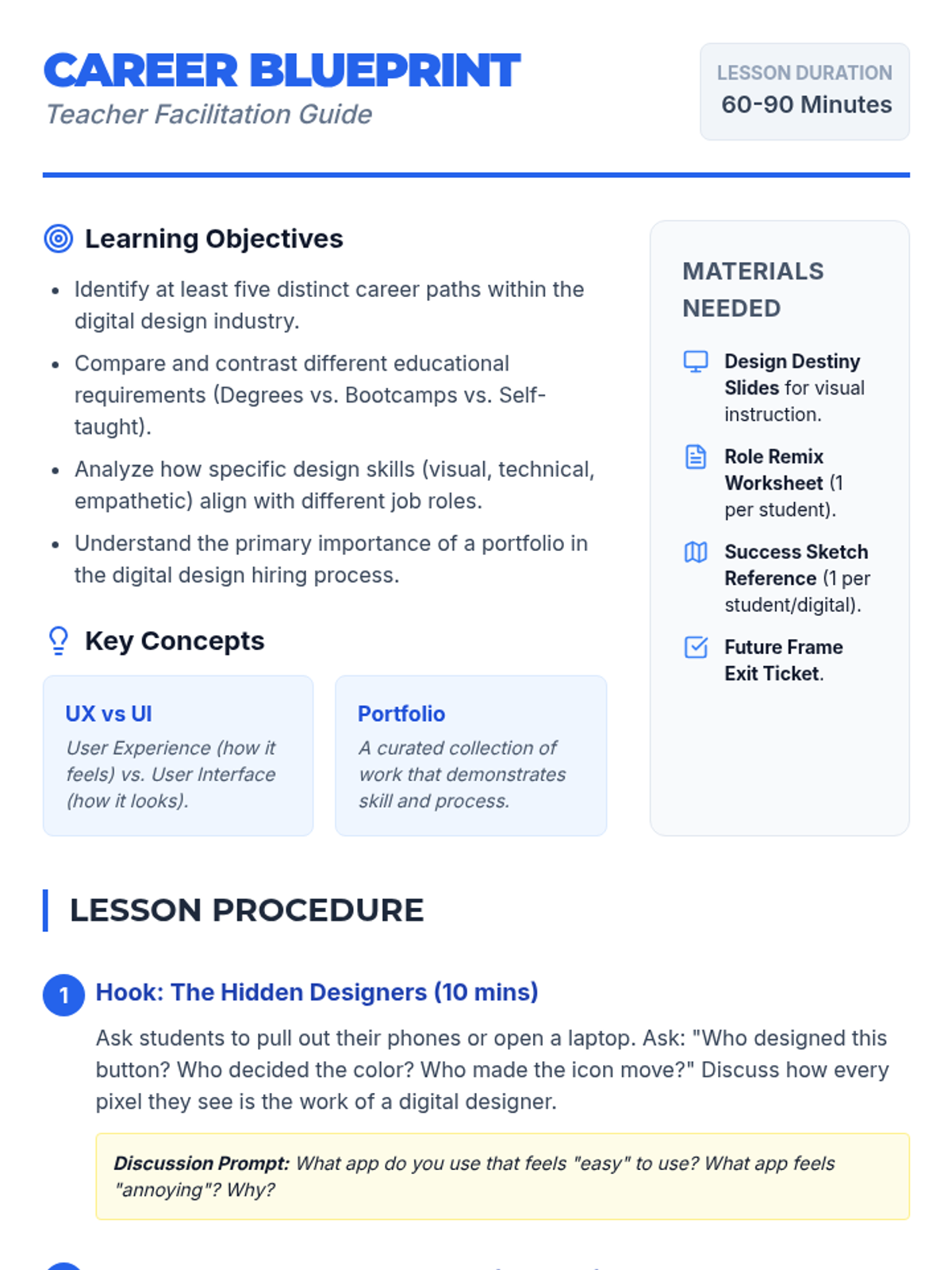
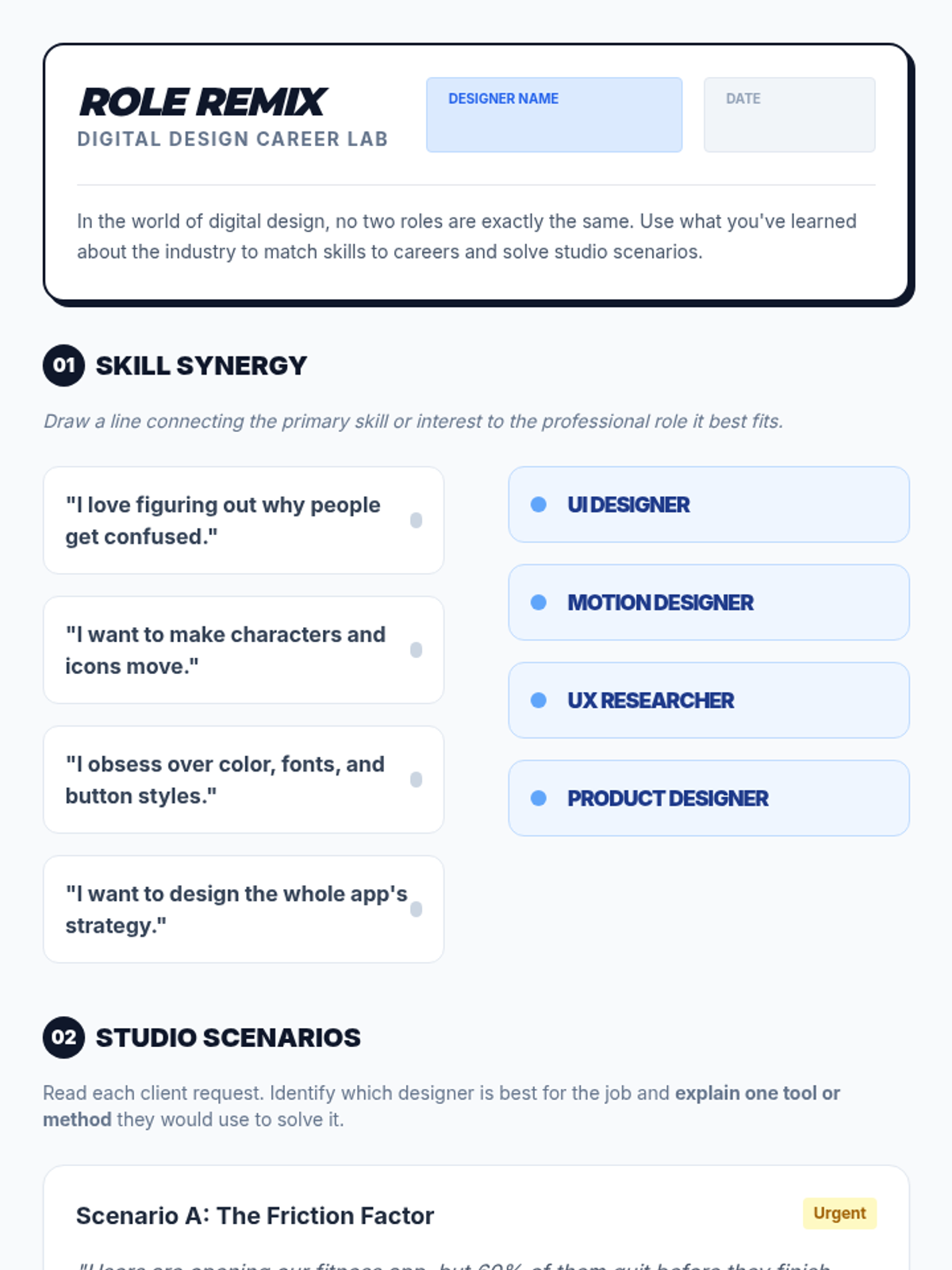
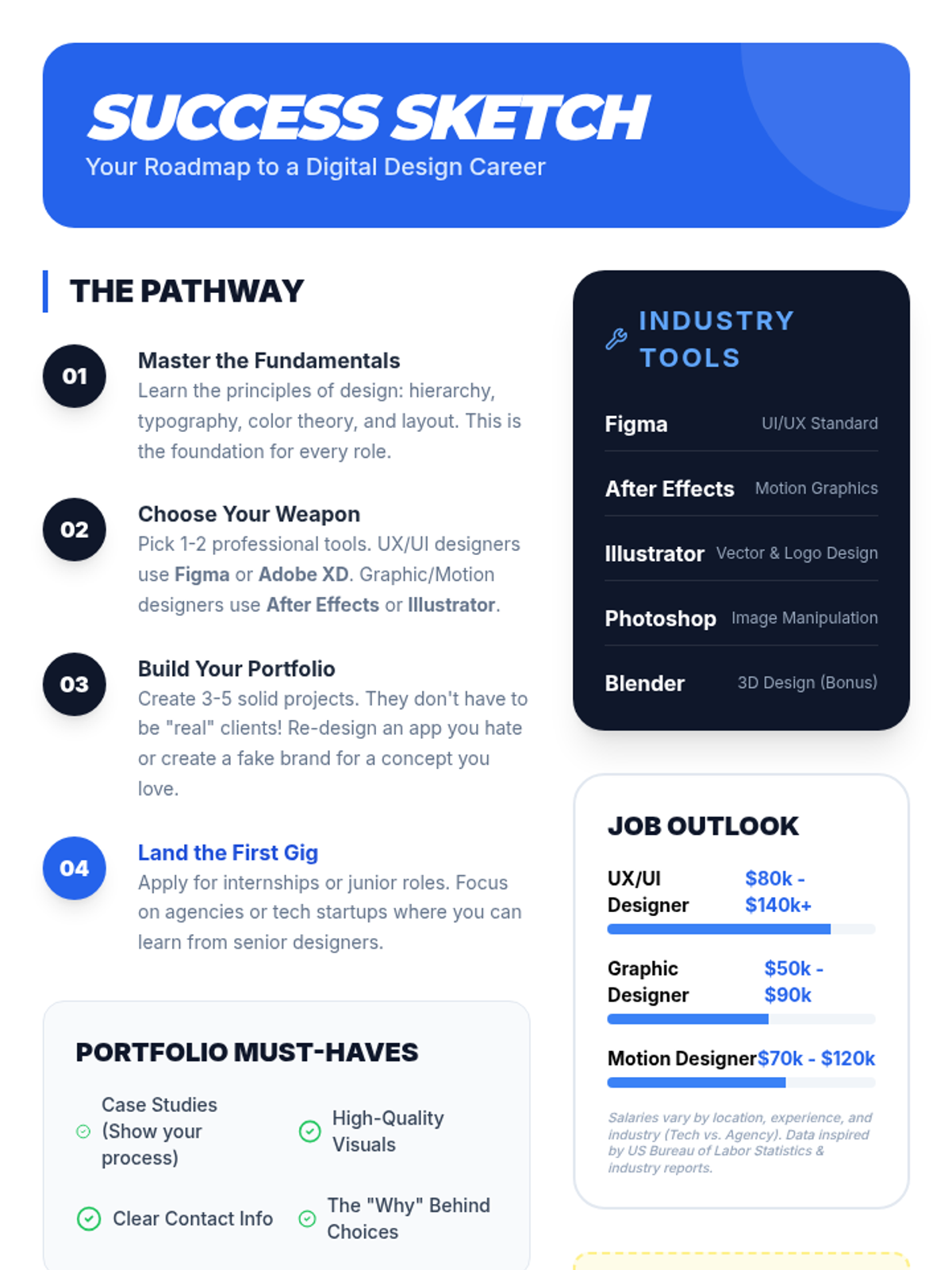
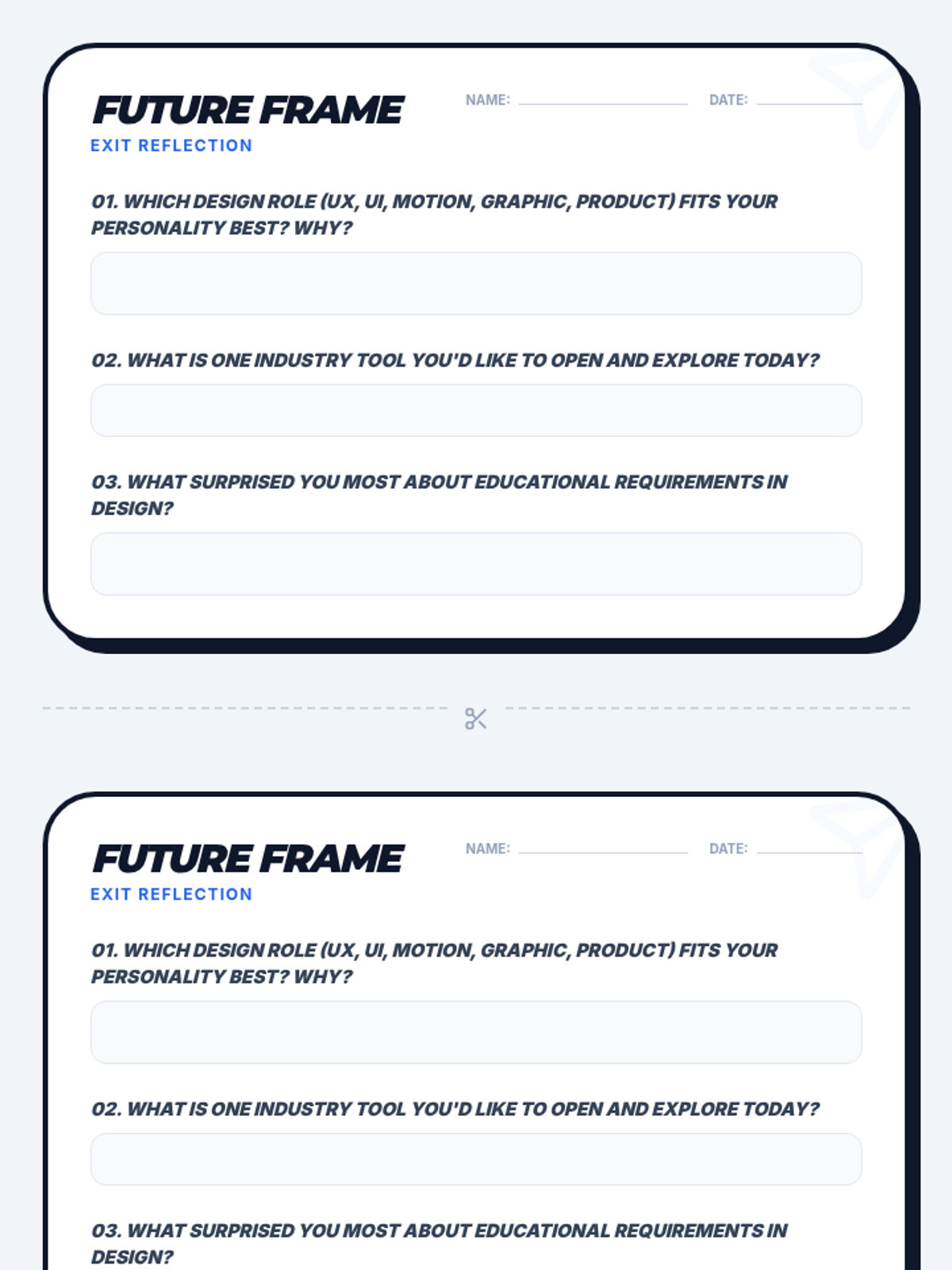
An introductory career exploration lesson where students discover the diverse world of digital design, from UX/UI to motion graphics, and map out the education and skills needed for success.
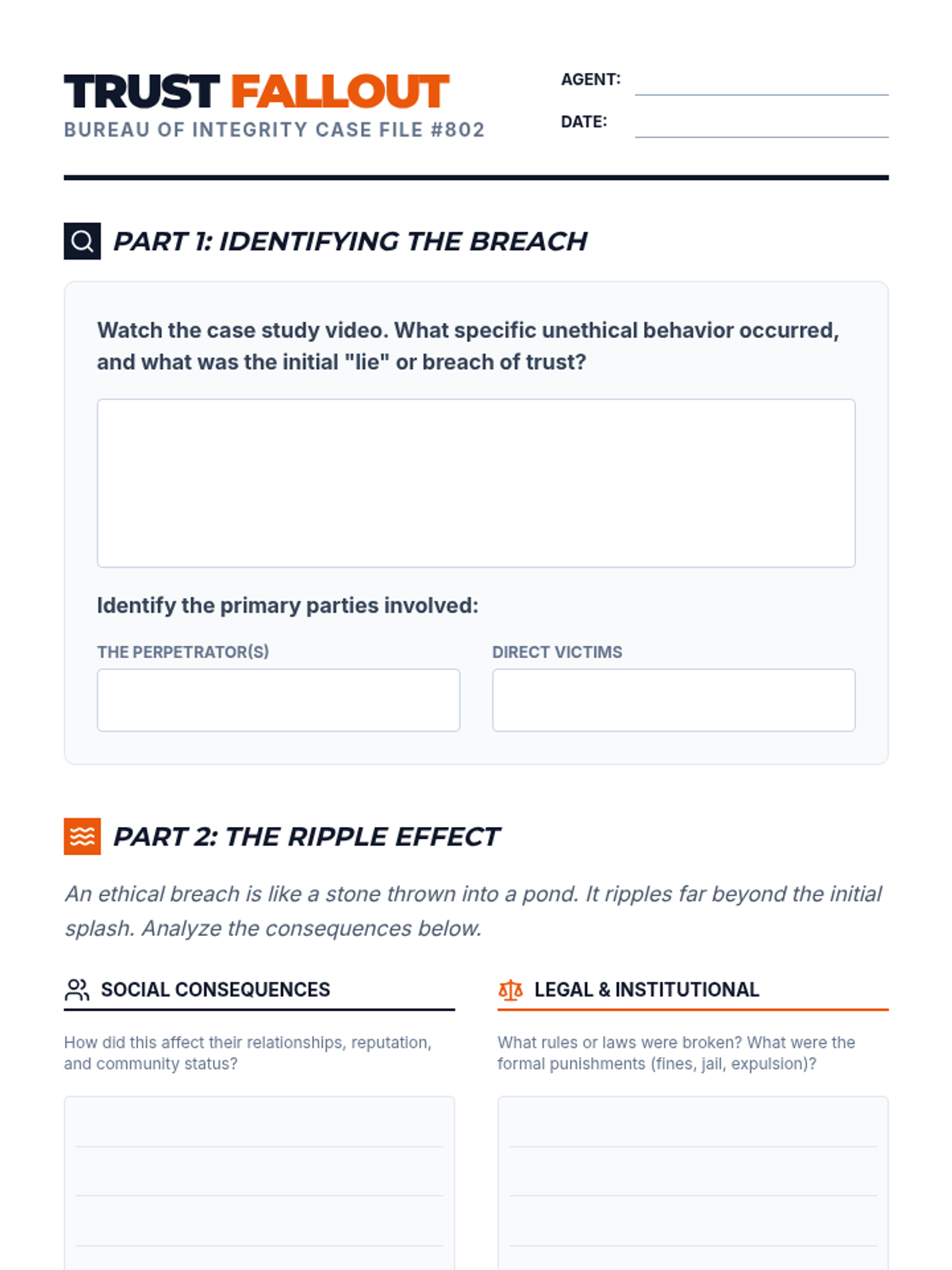
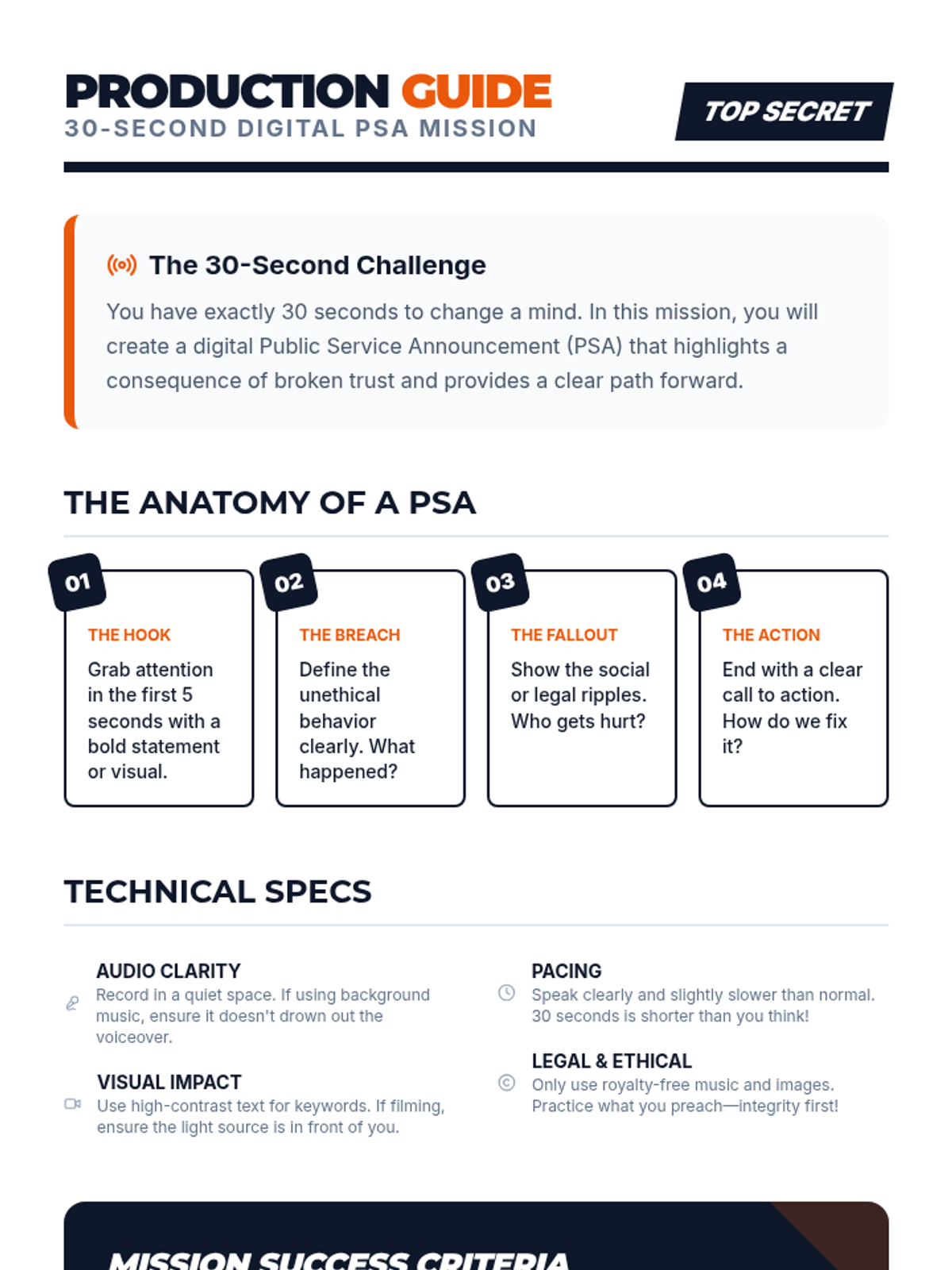
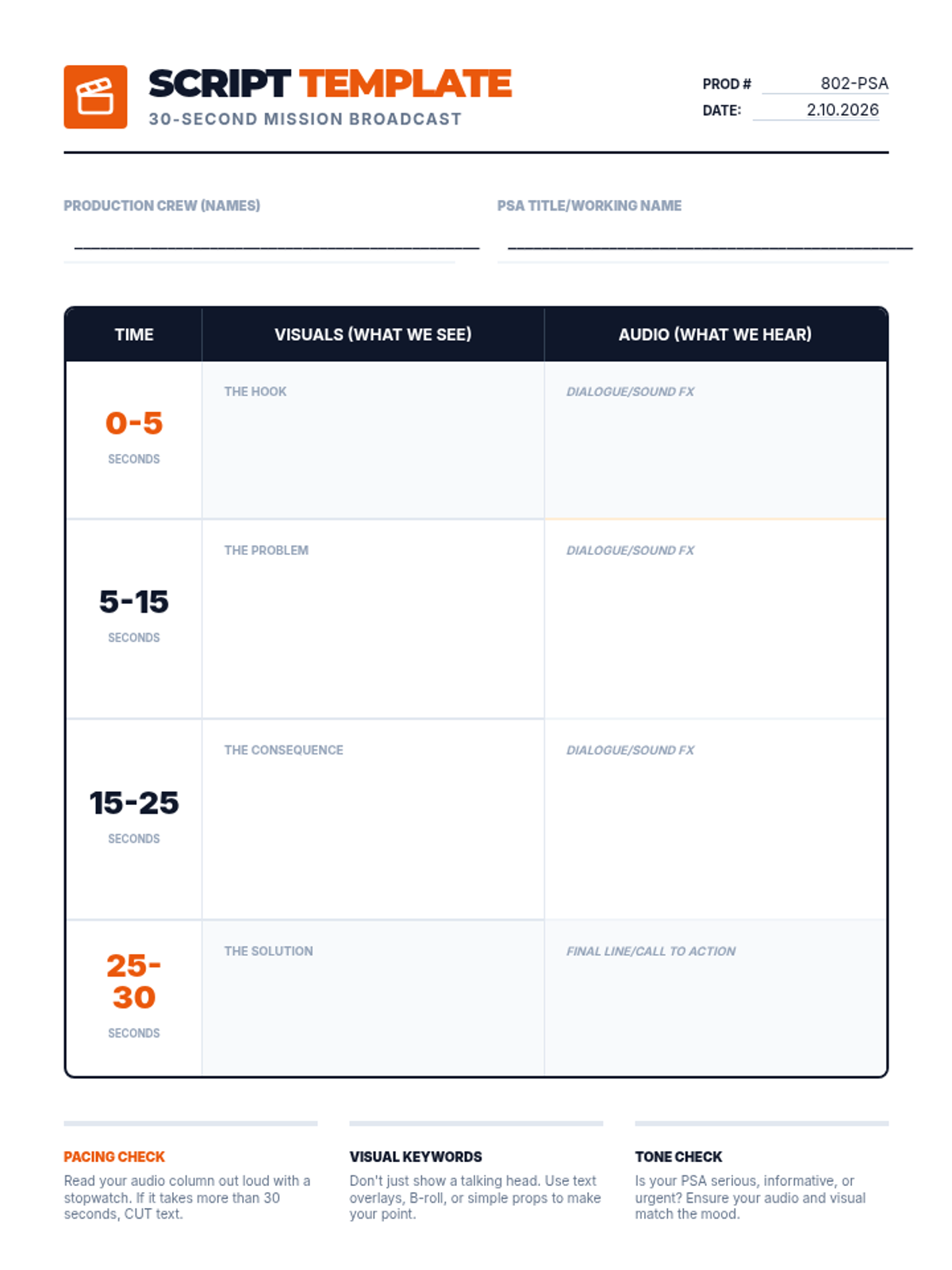
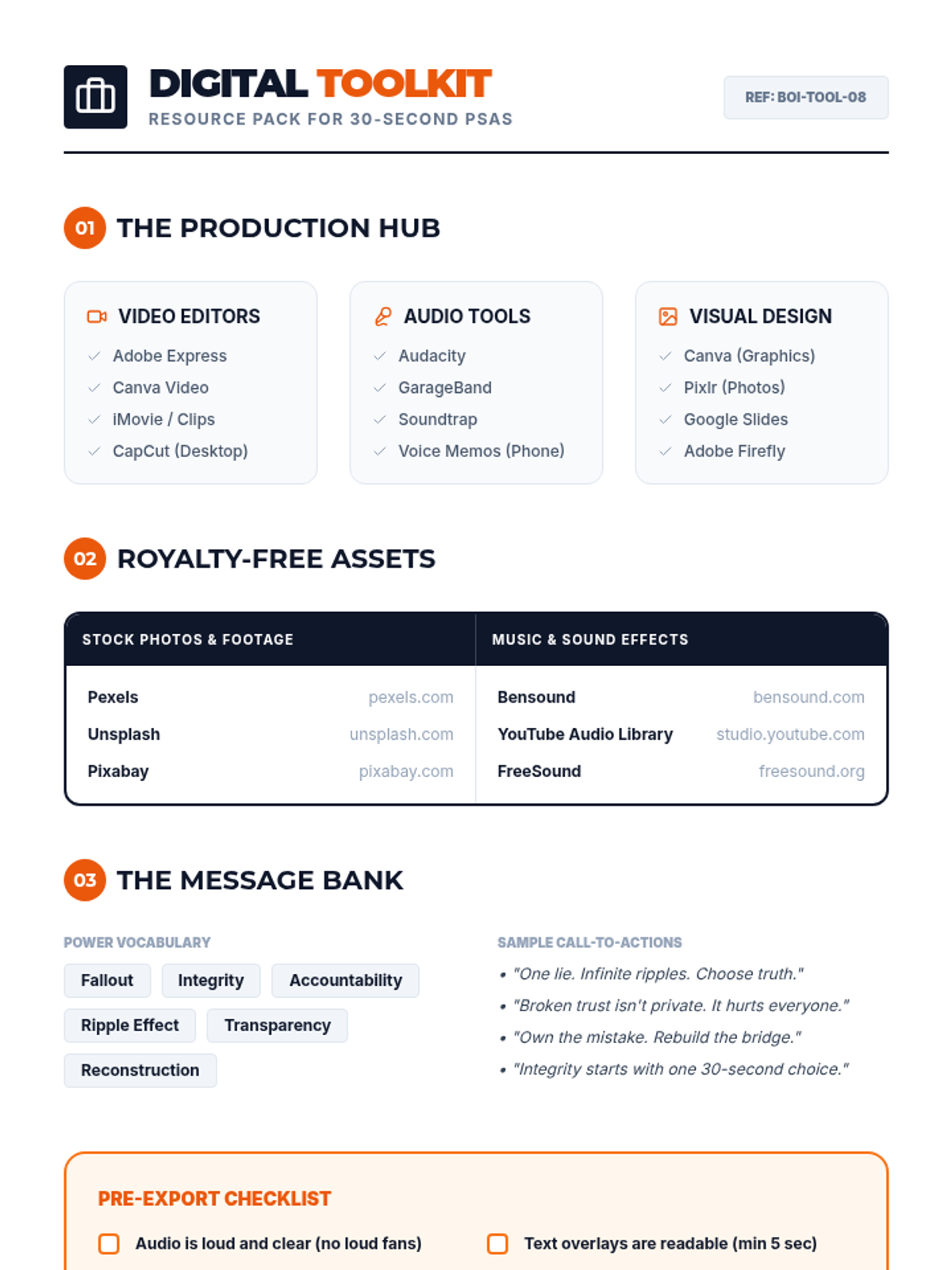
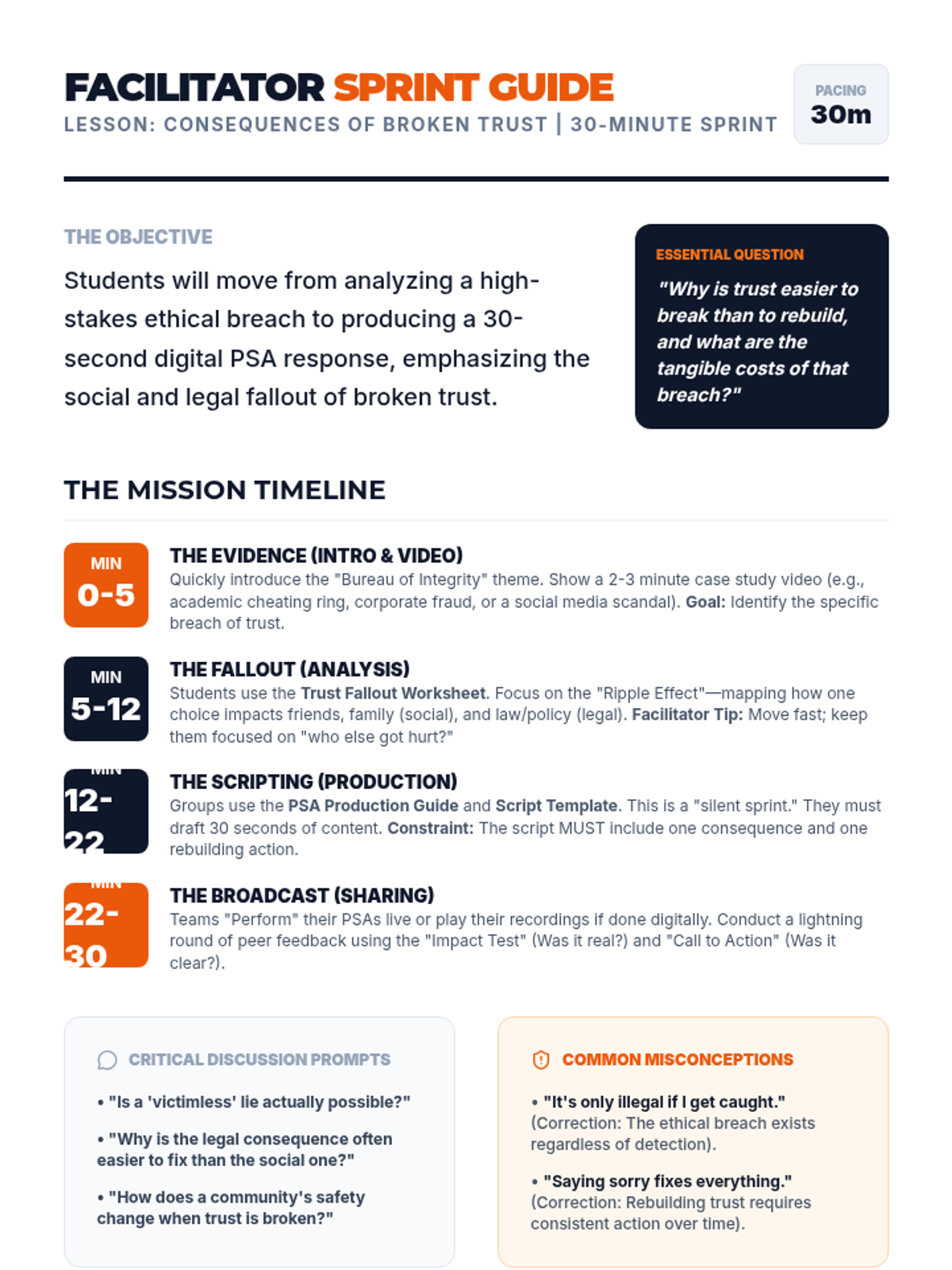
An intensive 30-minute exploration of the social and legal ripples of unethical behavior, culminating in the creation of 30-second digital PSAs to promote integrity.
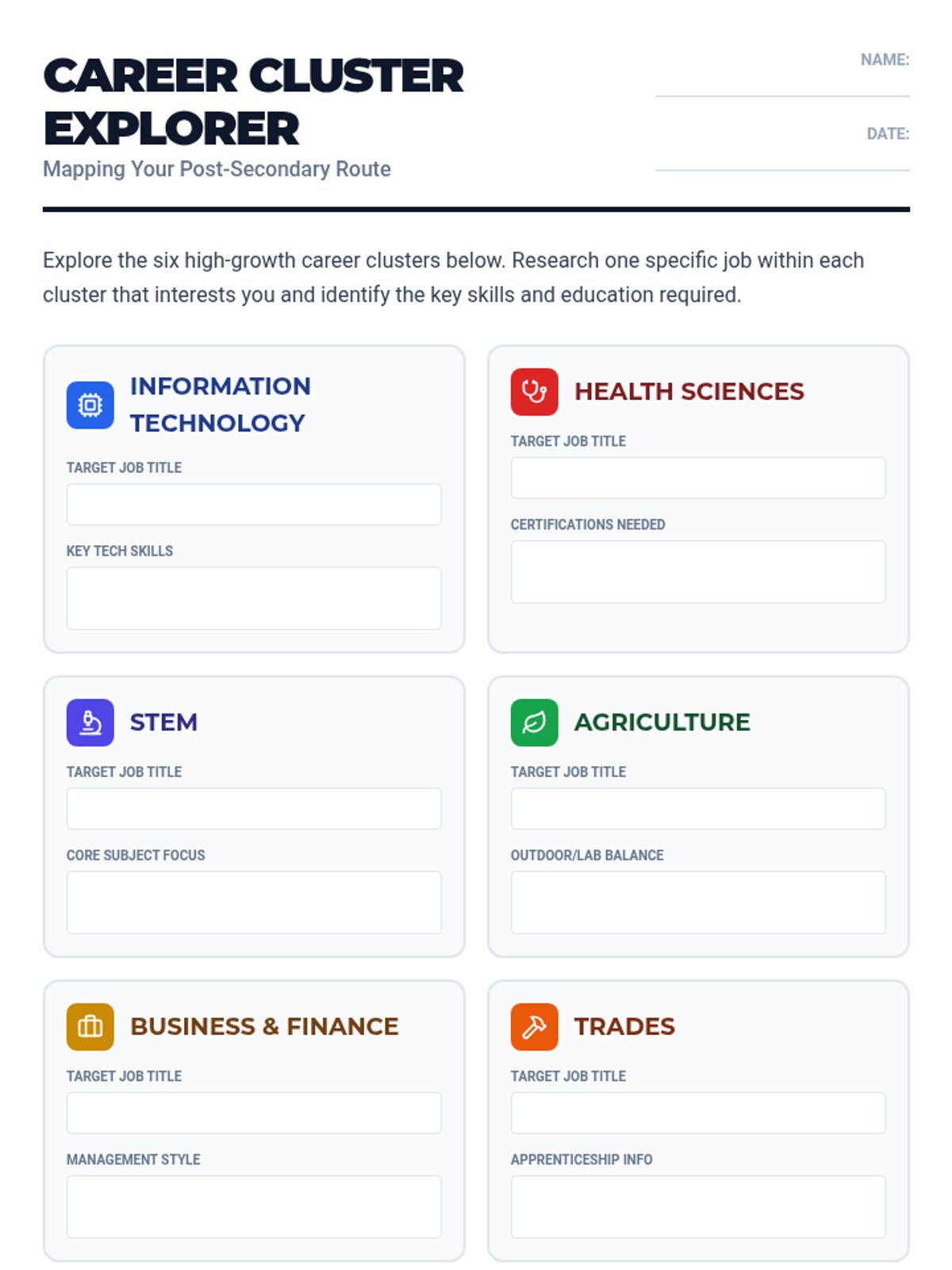
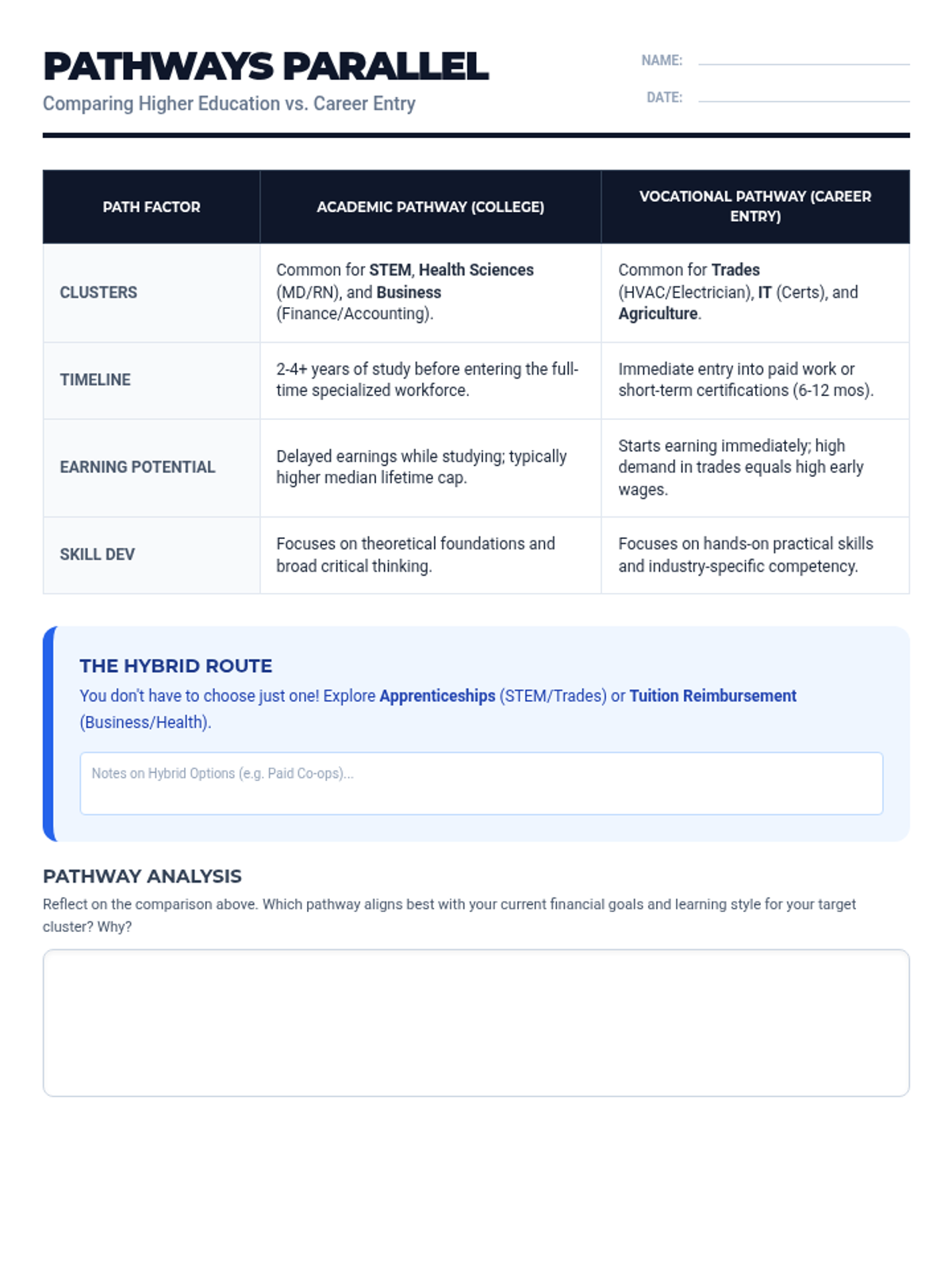
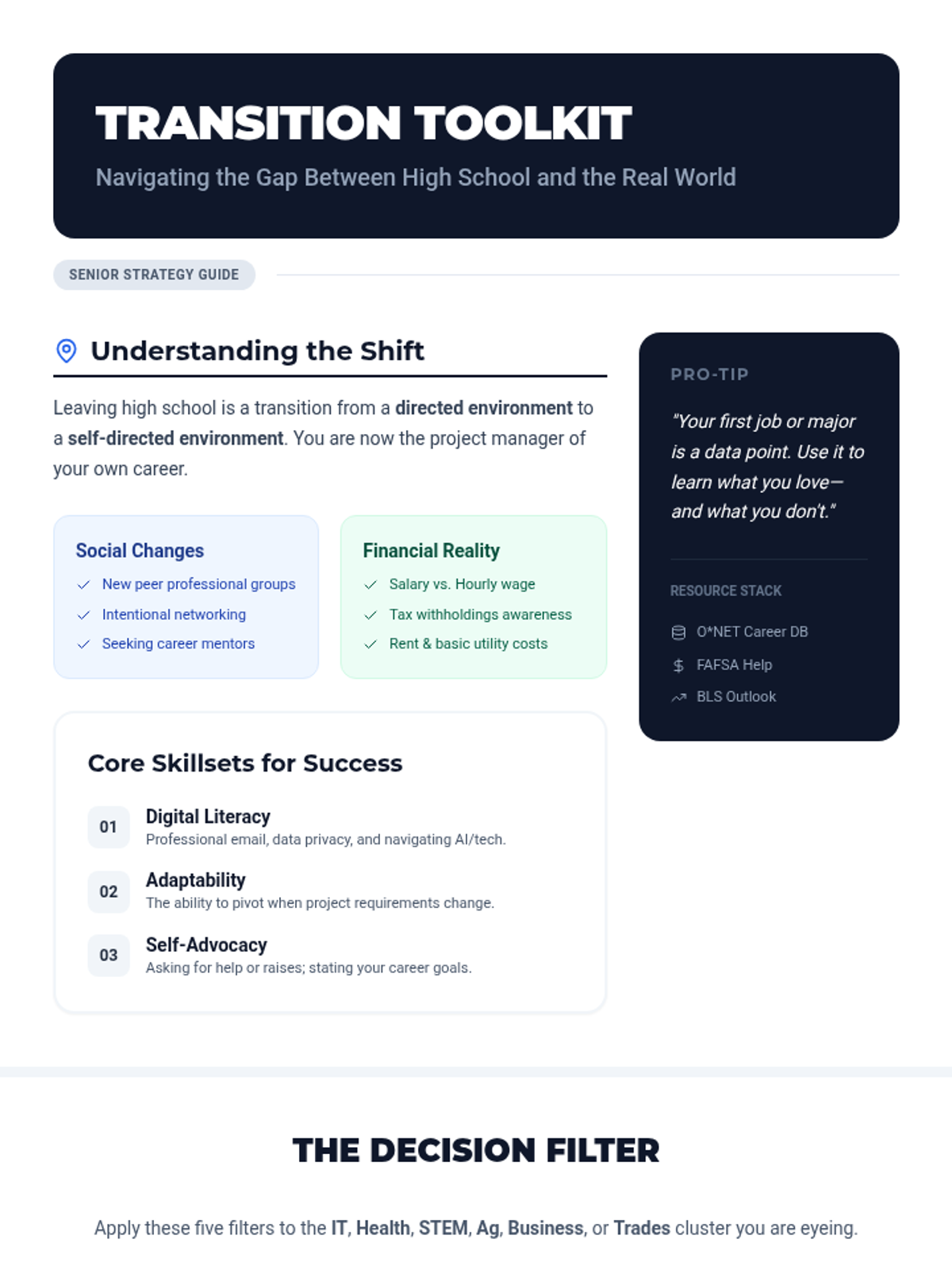
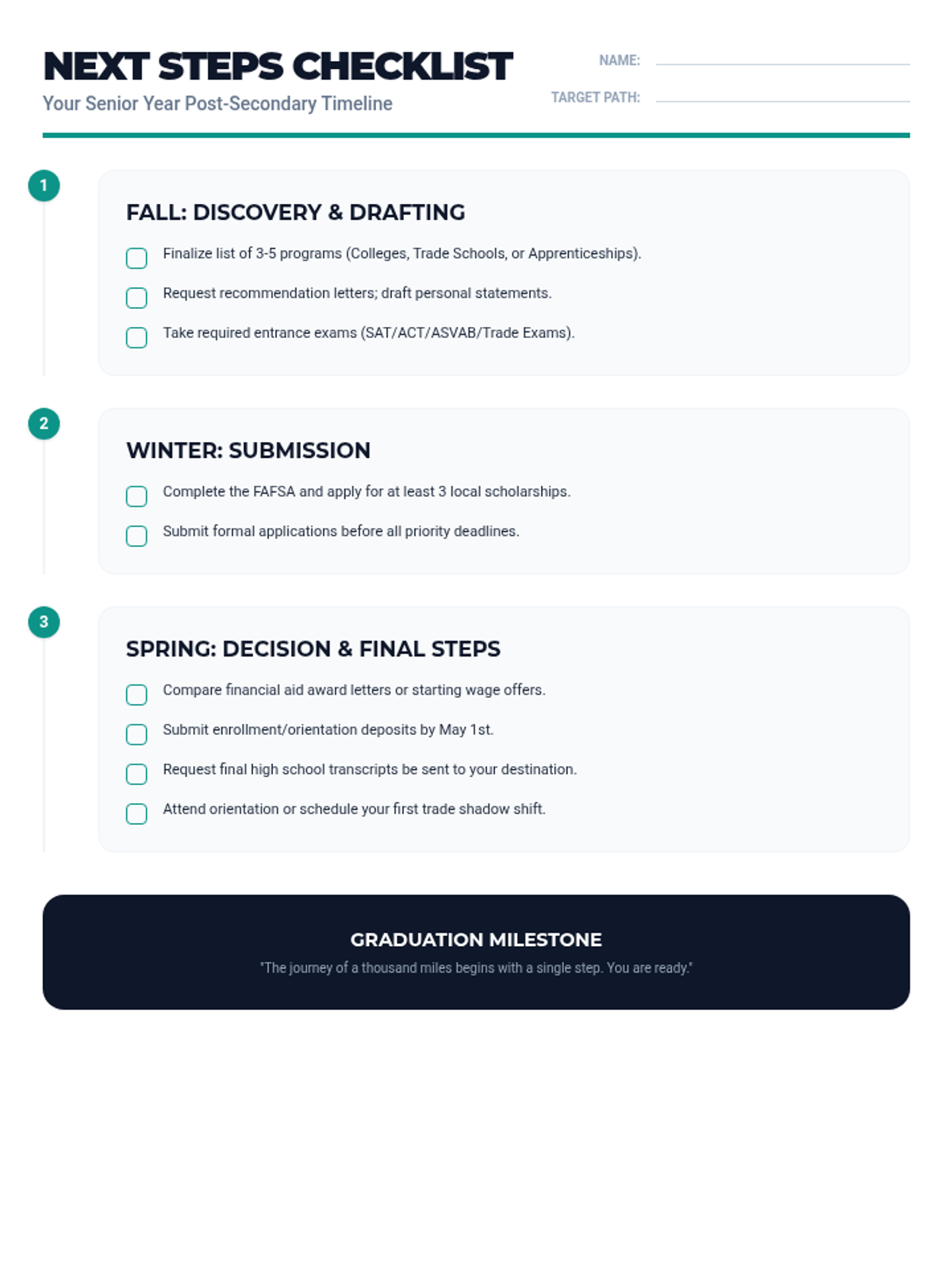
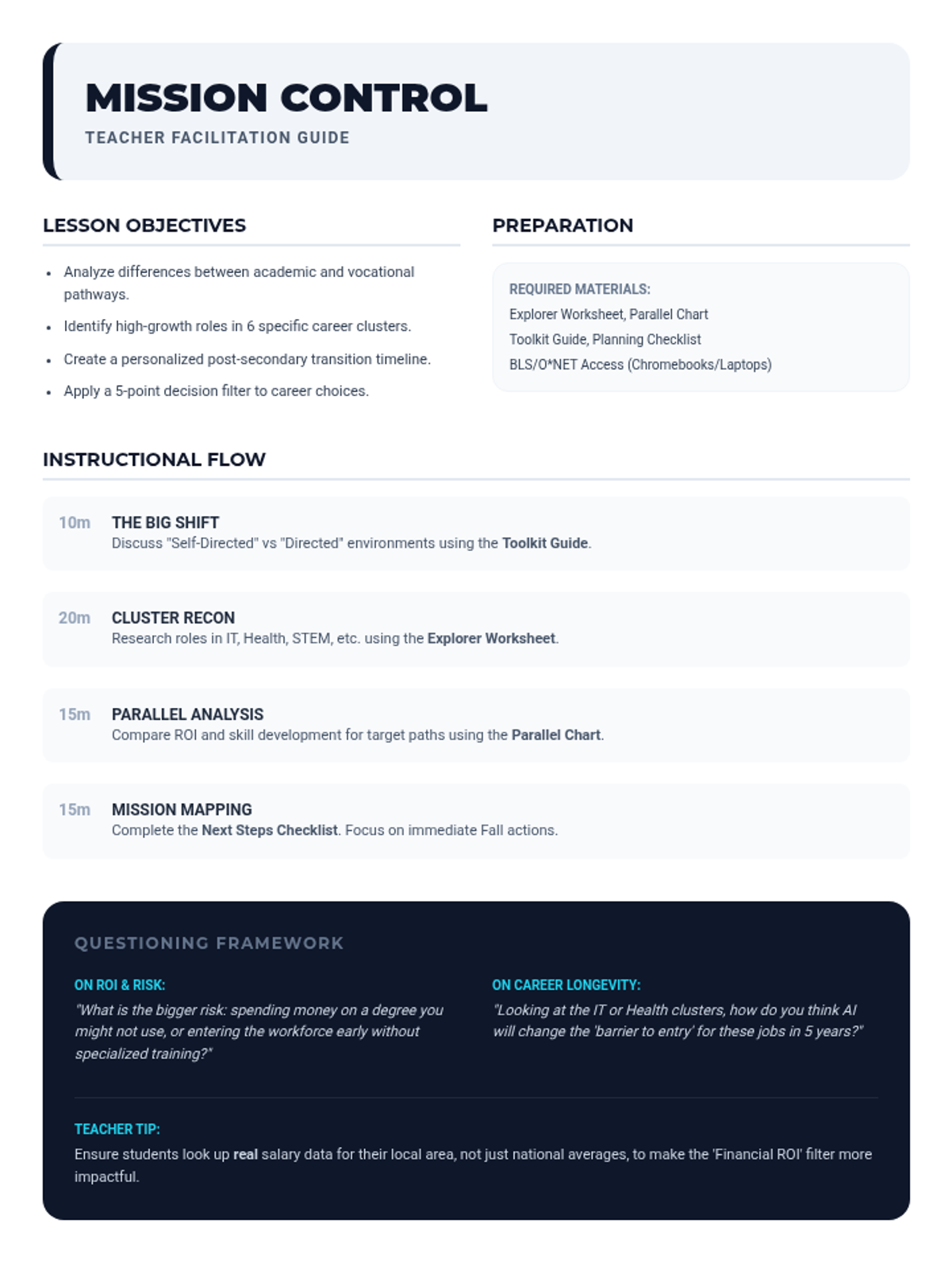
A comprehensive lesson focused on helping high school students explore career clusters and navigate the transition to post-secondary life through planning and comparison.
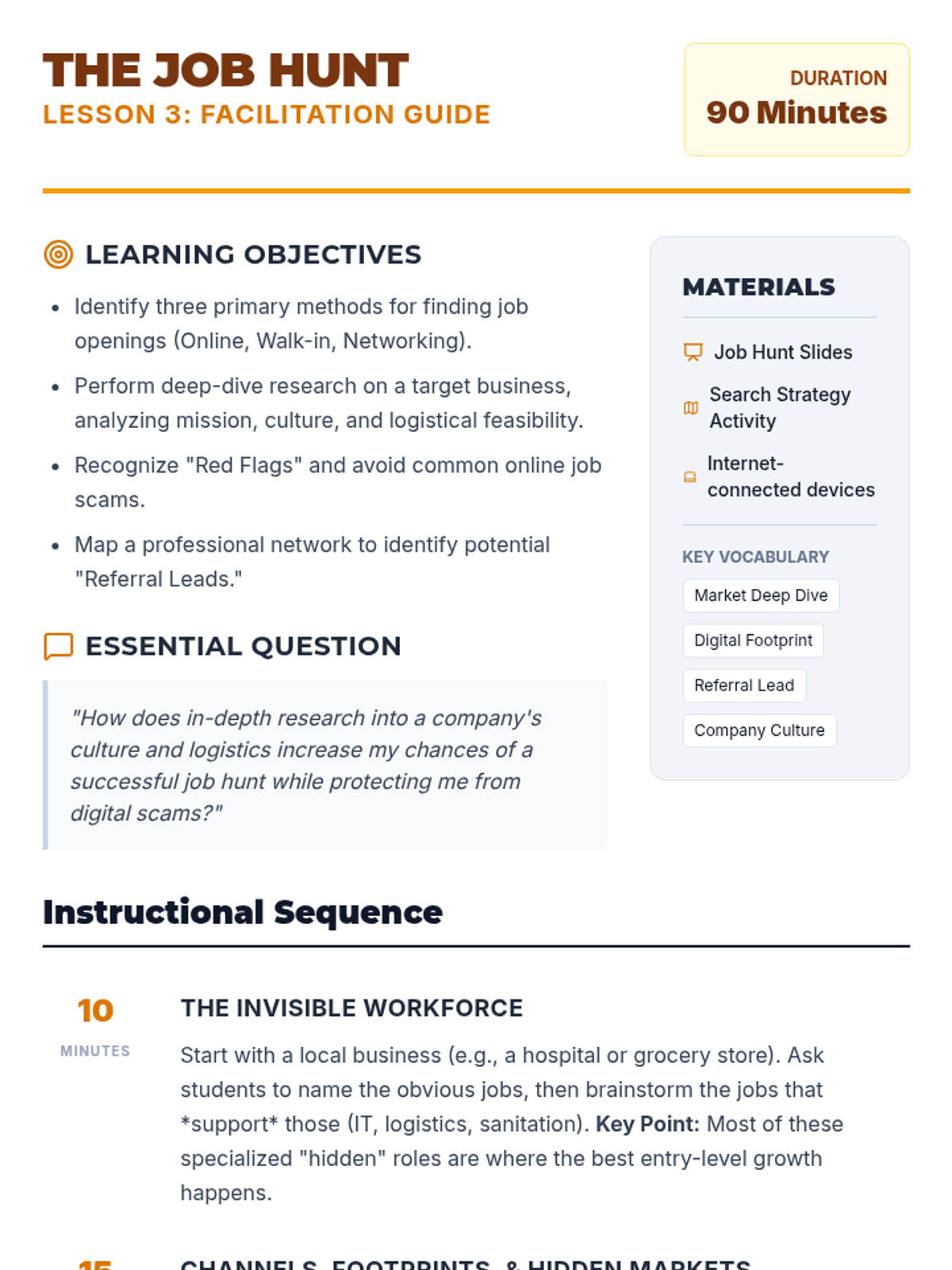
An expanded 90-minute lesson on job search strategies, covering digital platforms, the hidden job market, identifying job scams, and practicing professional elevator pitches.
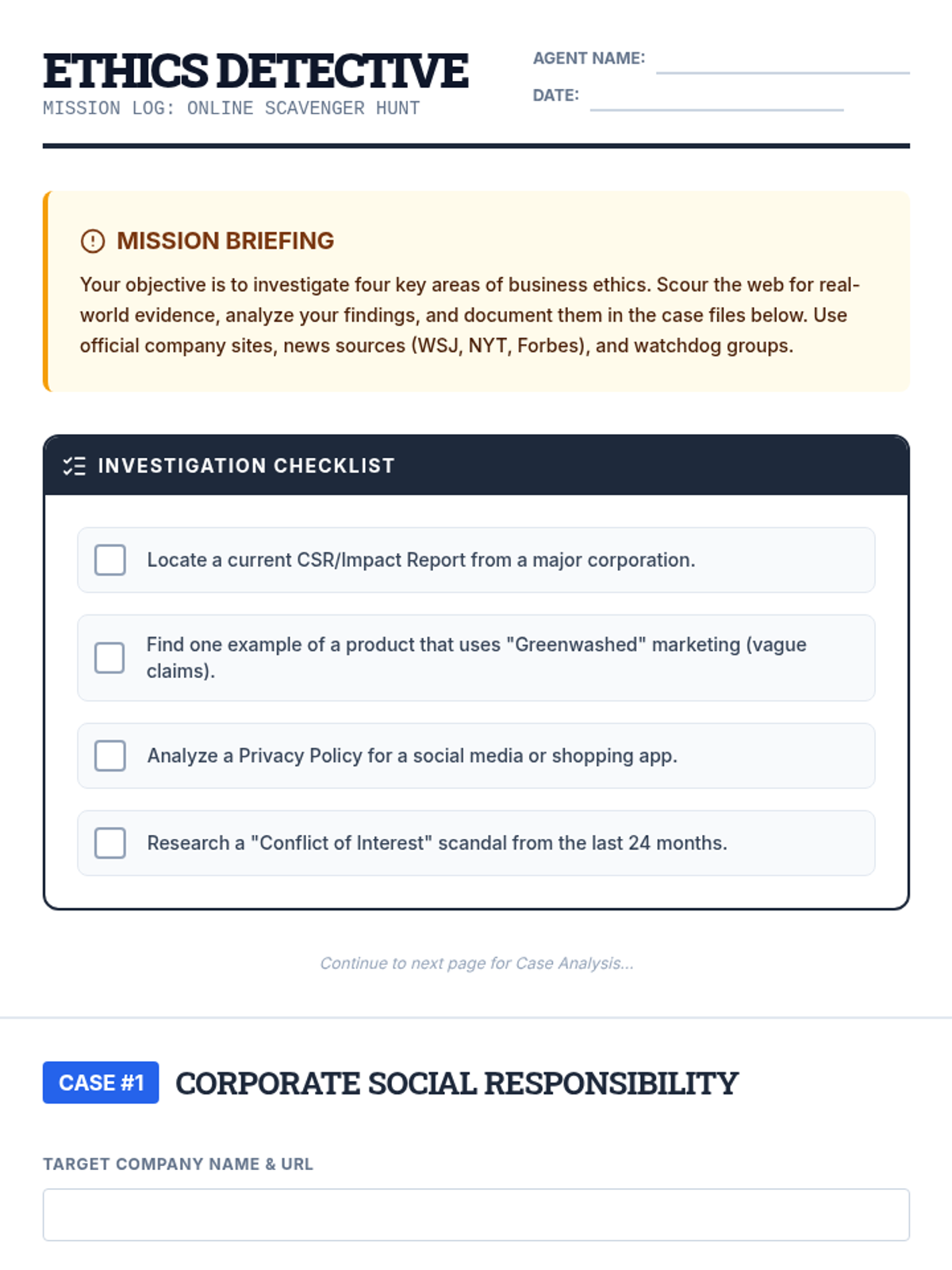
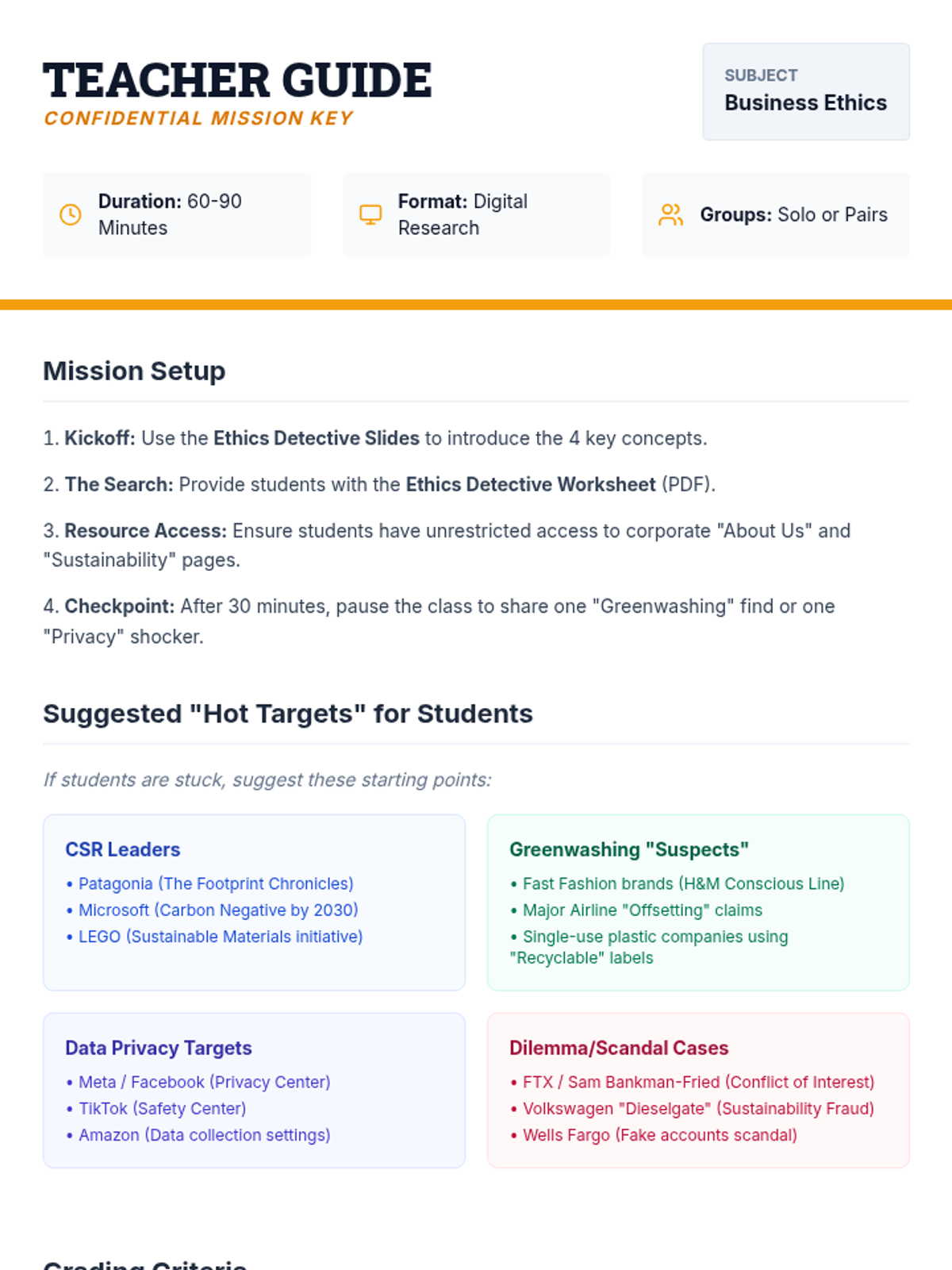
Students conduct a guided online research scavenger hunt to identify and analyze key business ethics concepts in modern corporations.
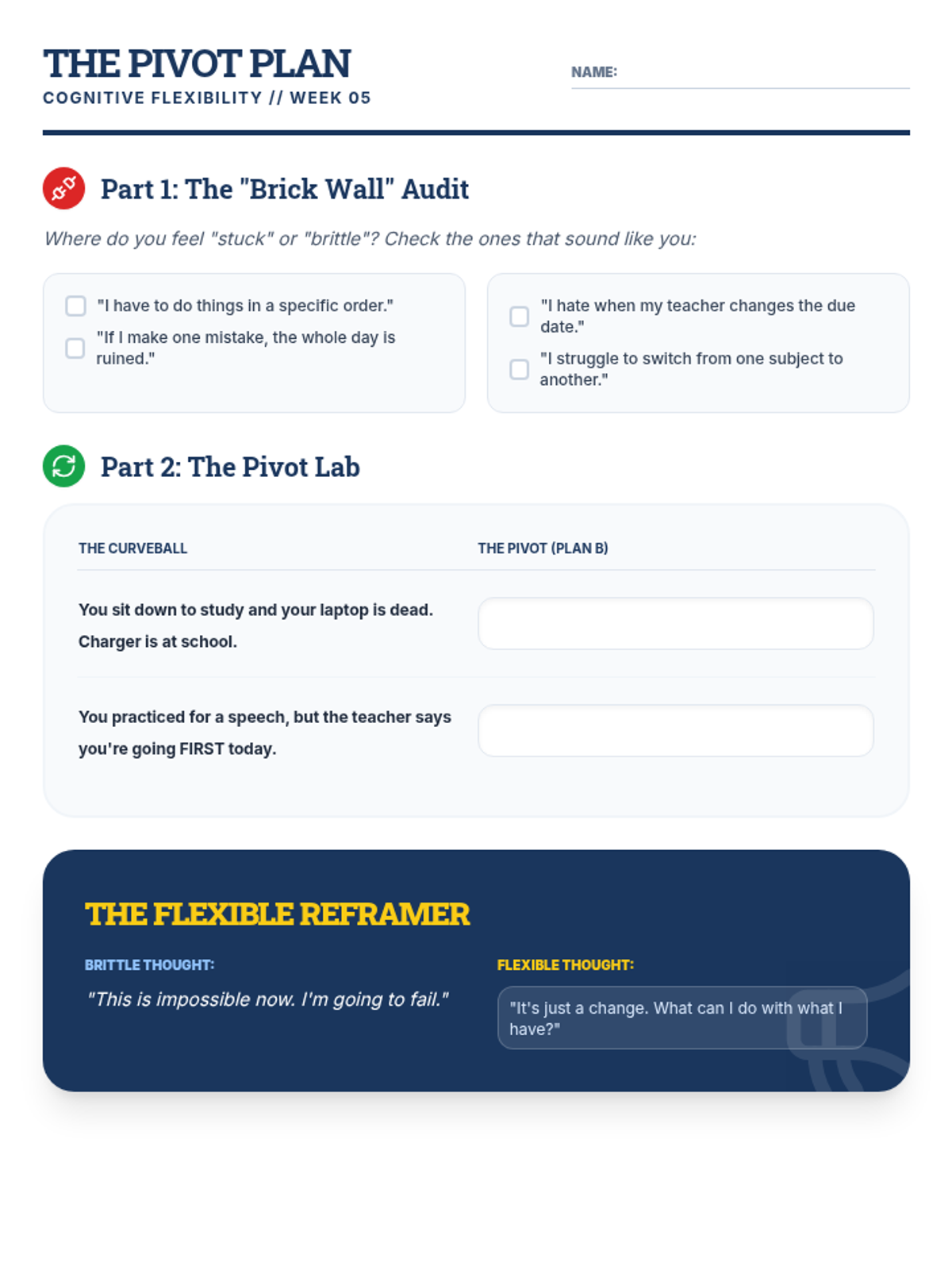
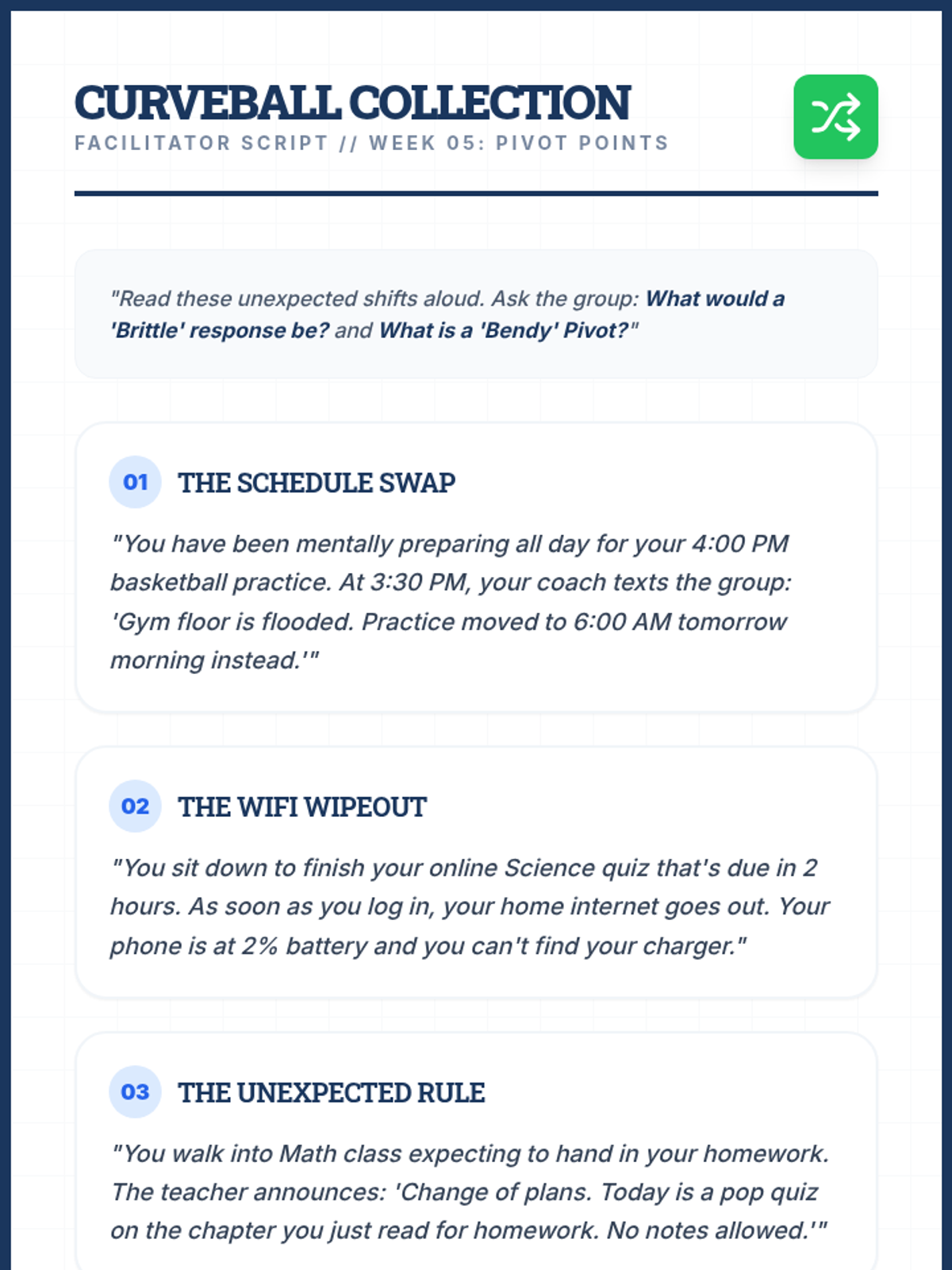
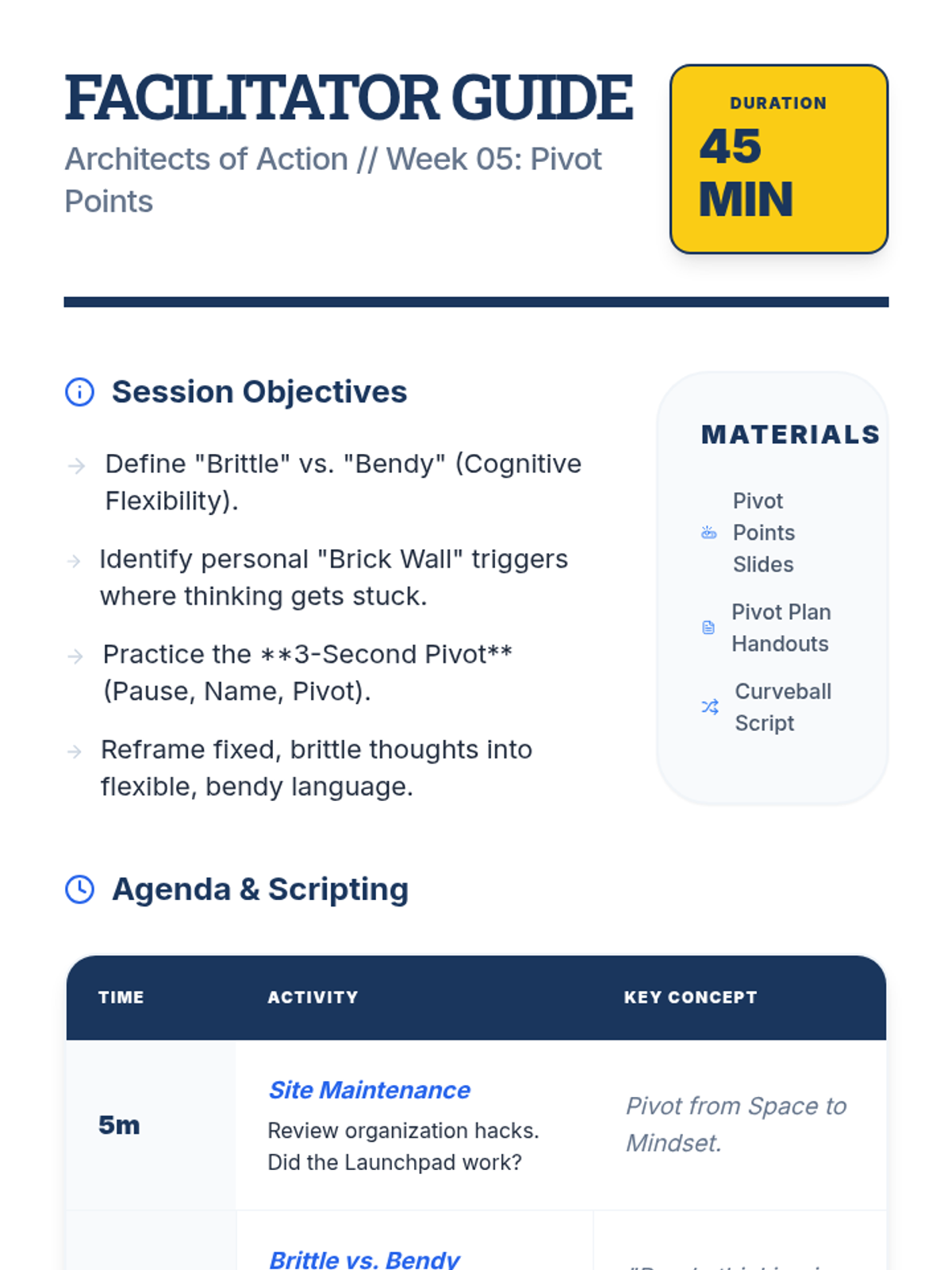
Developing the ability to adapt to changes, switch mindsets, and solve problems from new angles.
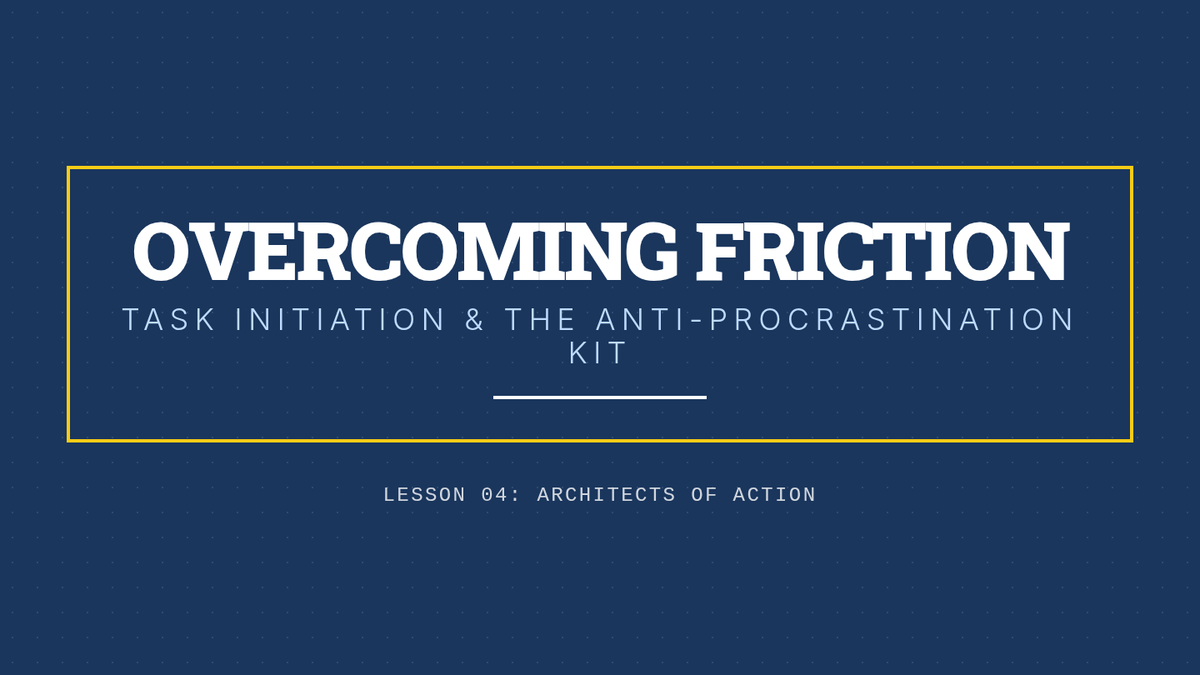
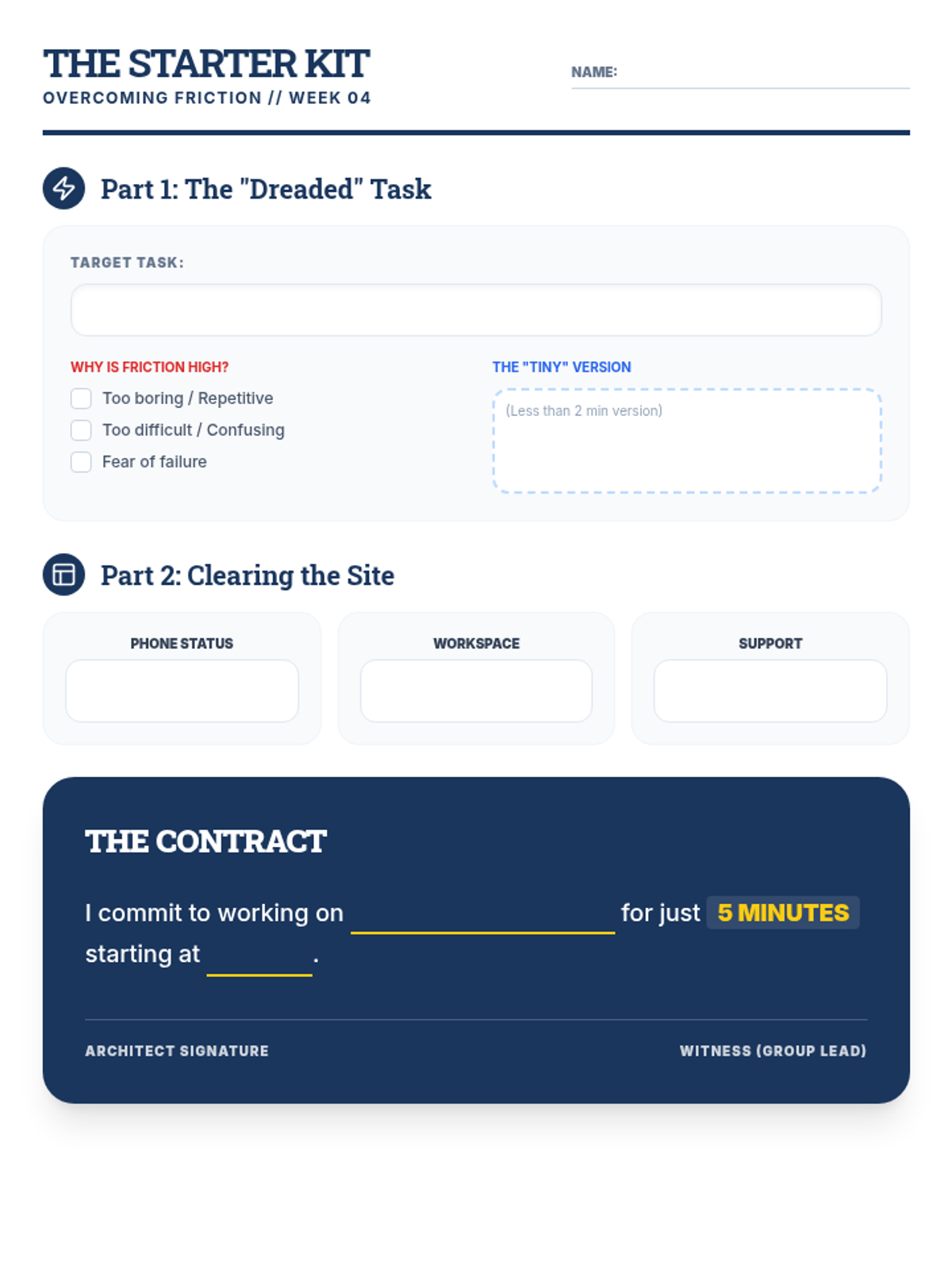
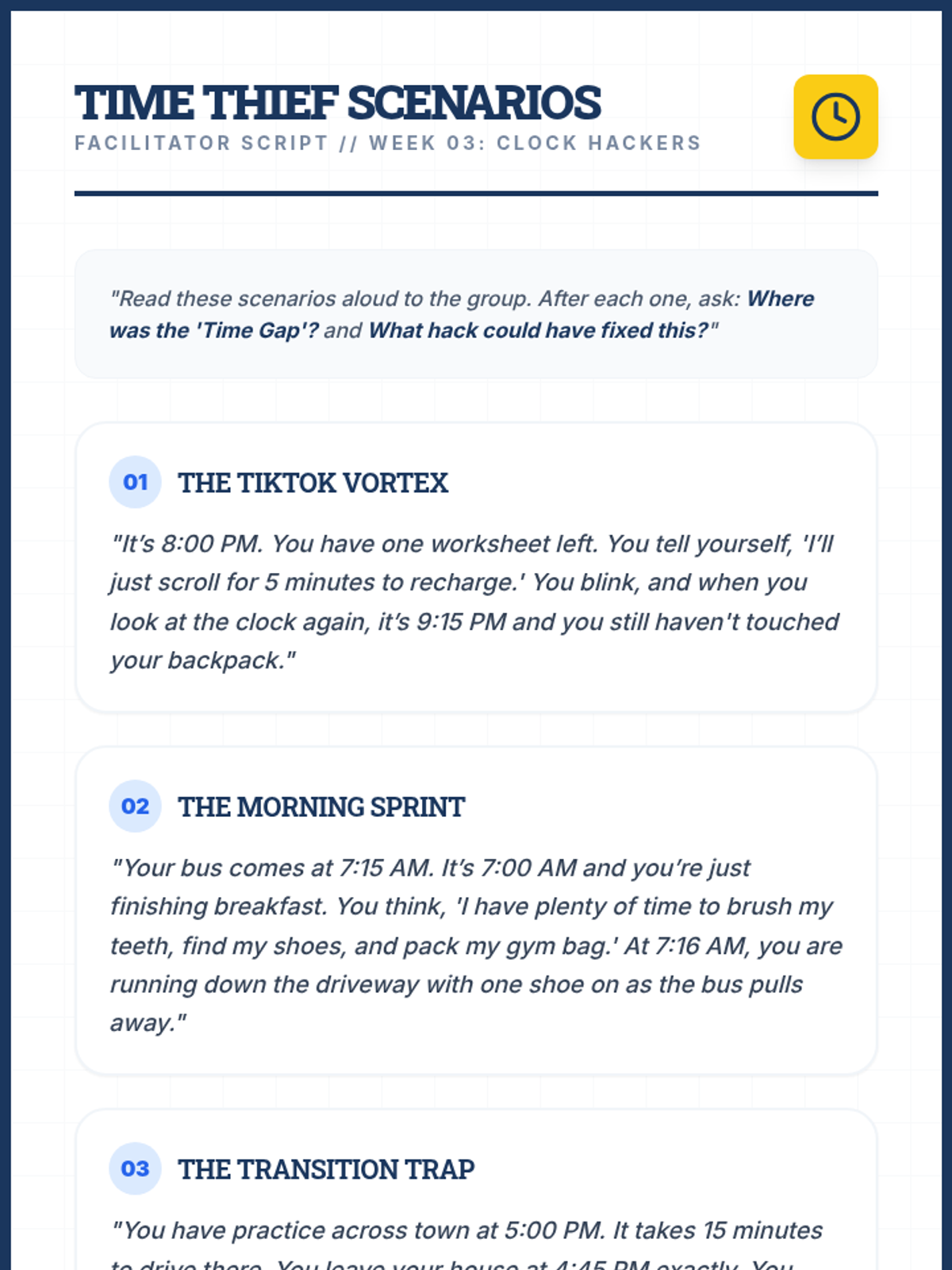
Strategies for task initiation, overcoming procrastination, and maintaining focus in a world of distractions.
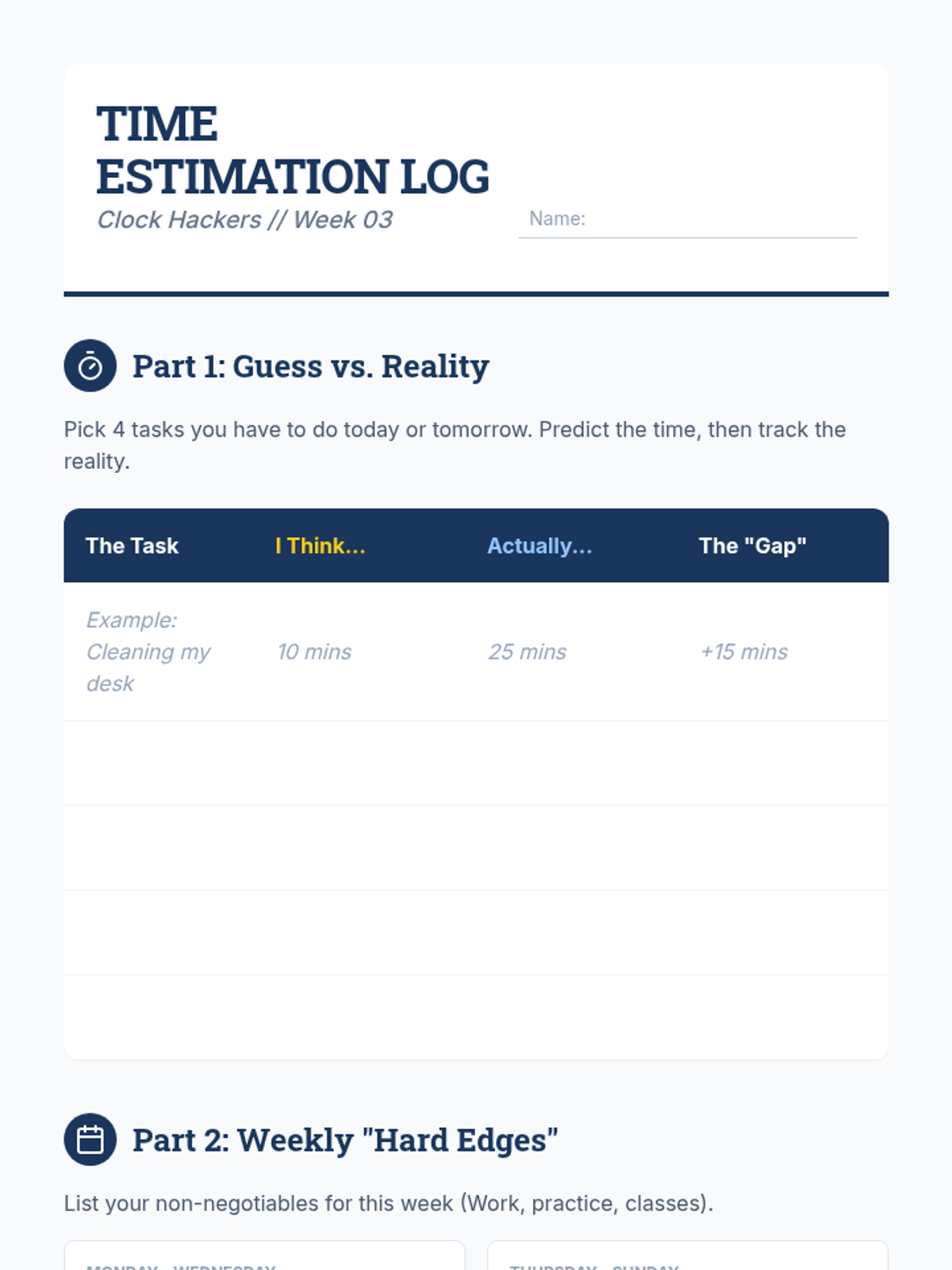
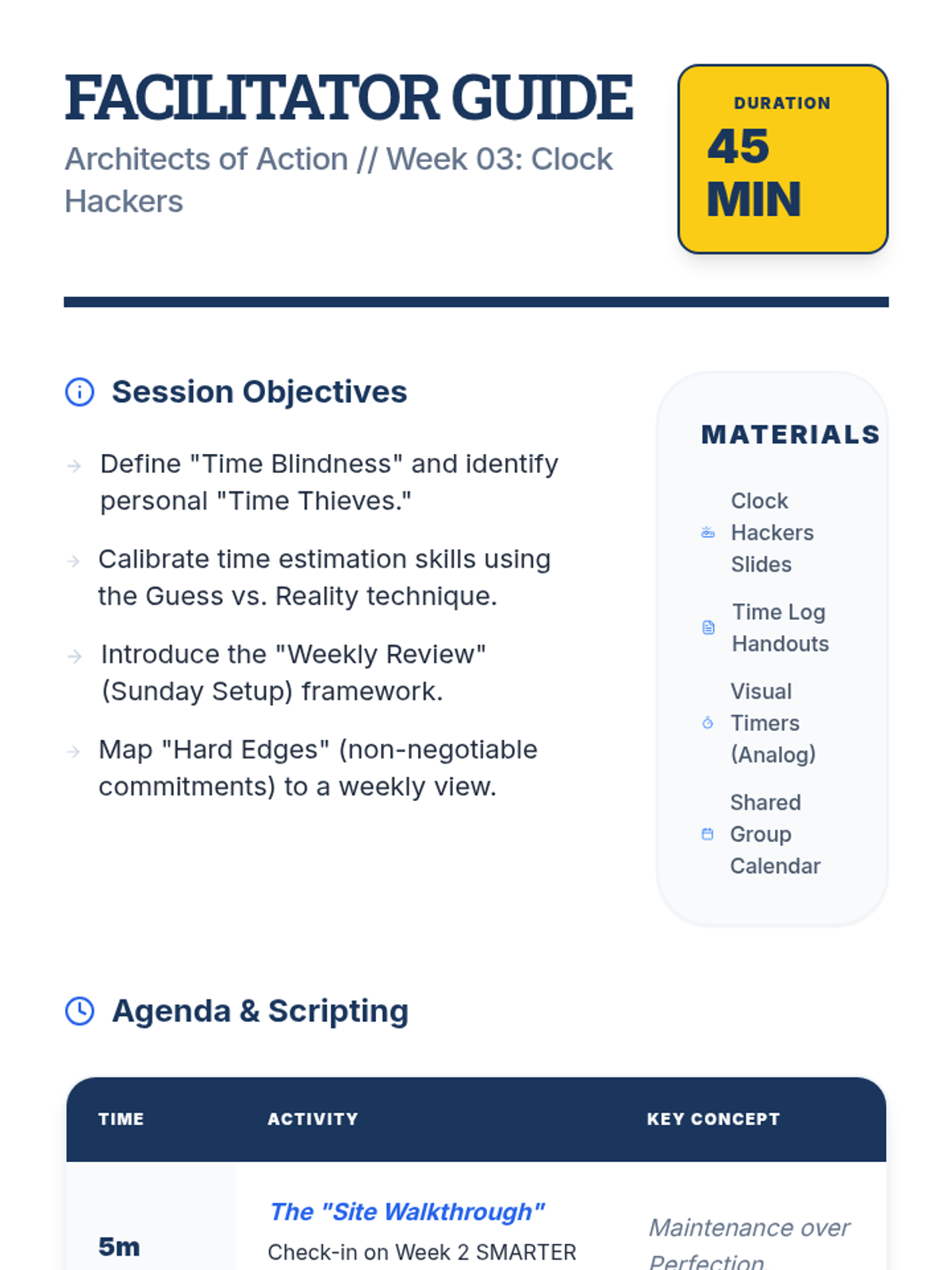
Understanding time blindness, using calendars effectively, and mastering the weekly review.
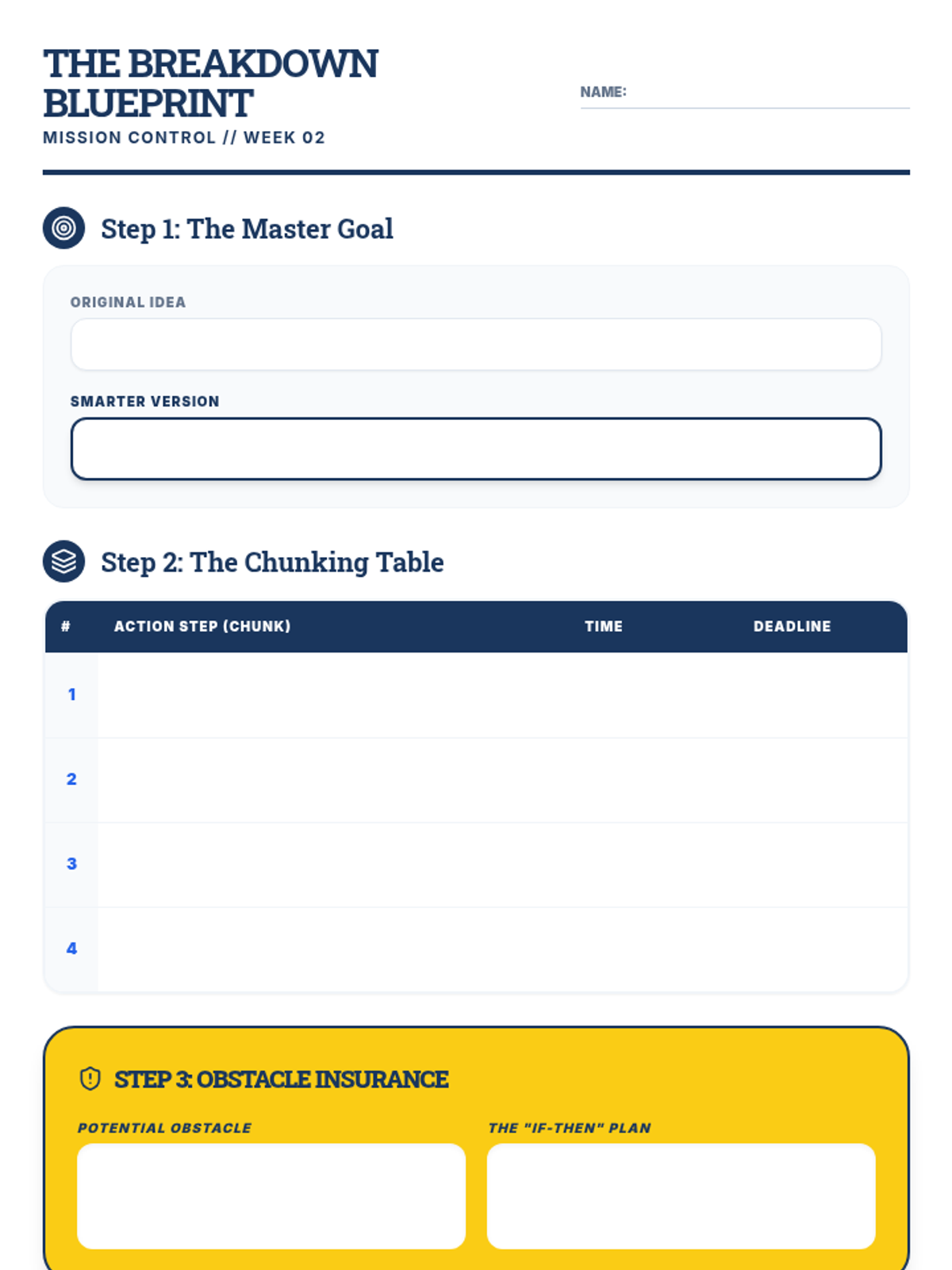
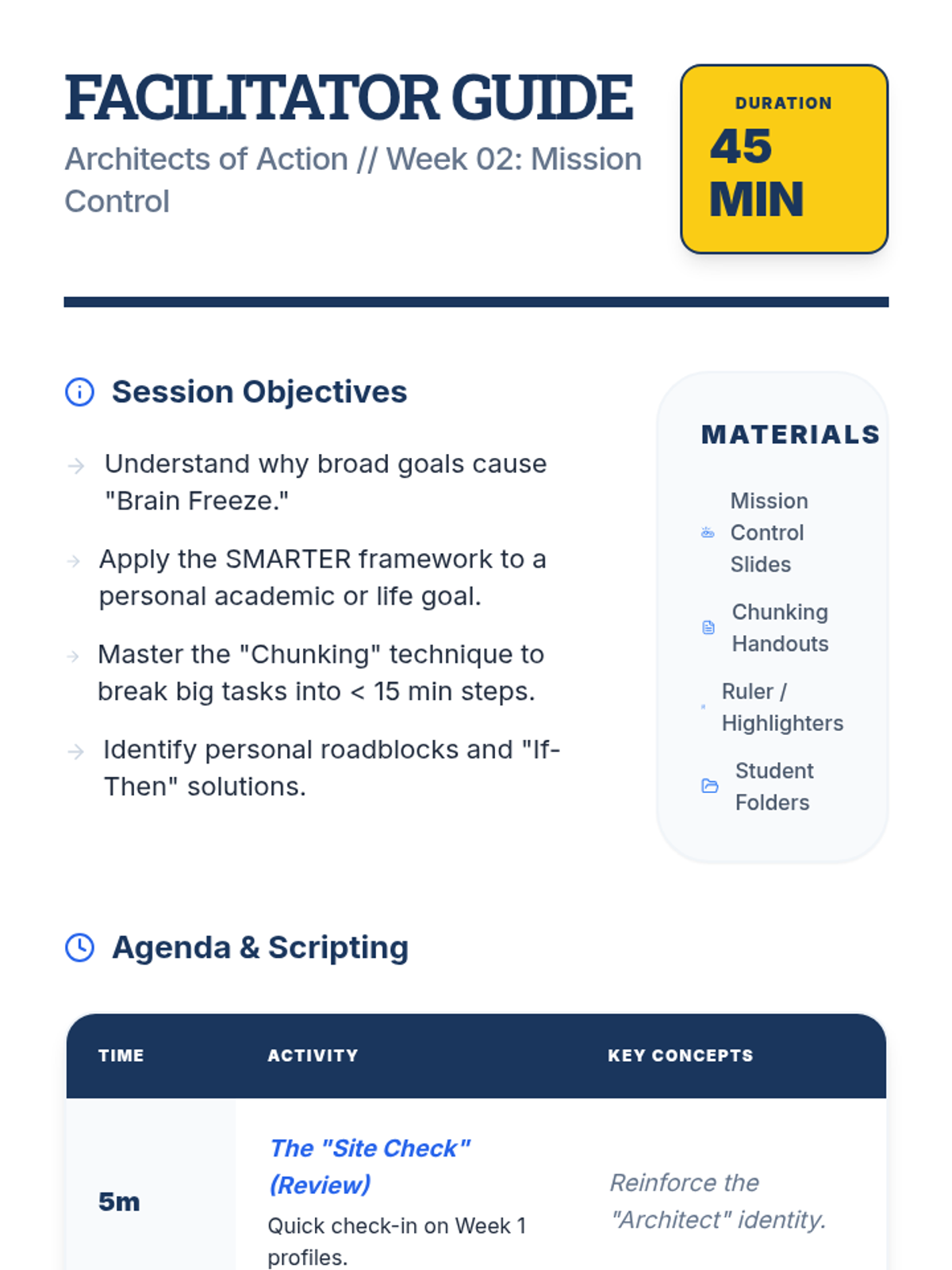
Setting SMARTER goals and learning to break down large projects into manageable chunks.
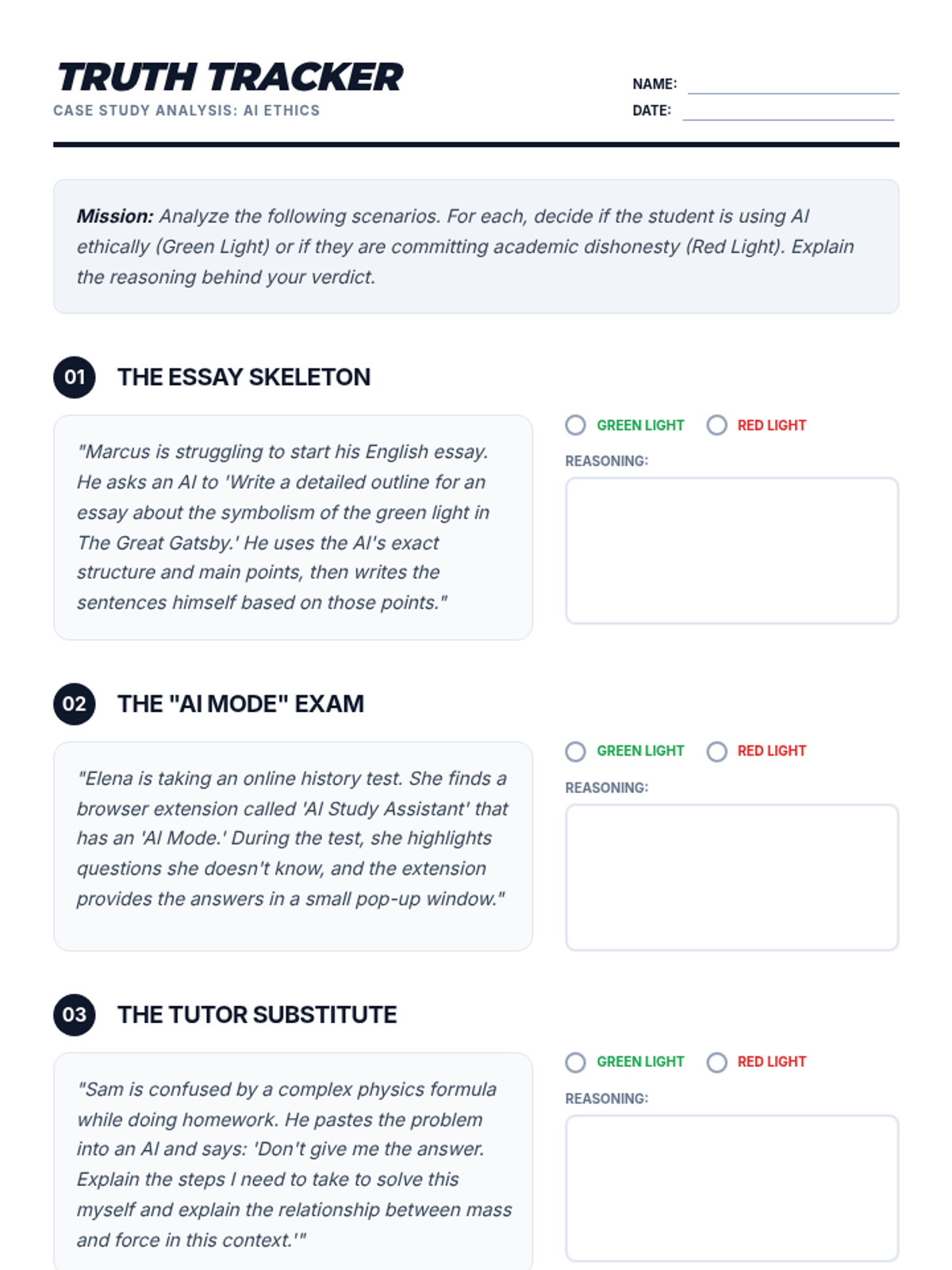
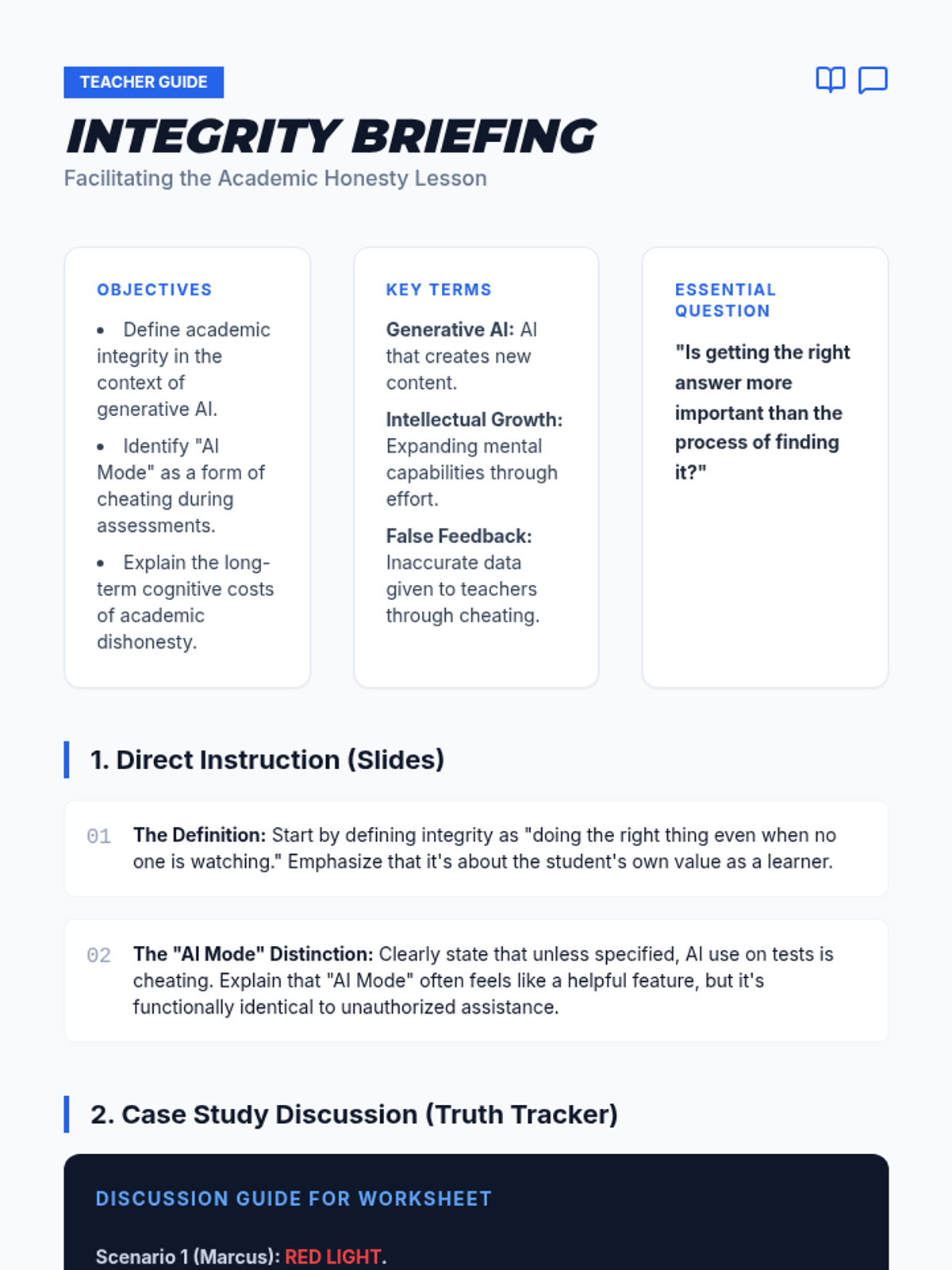
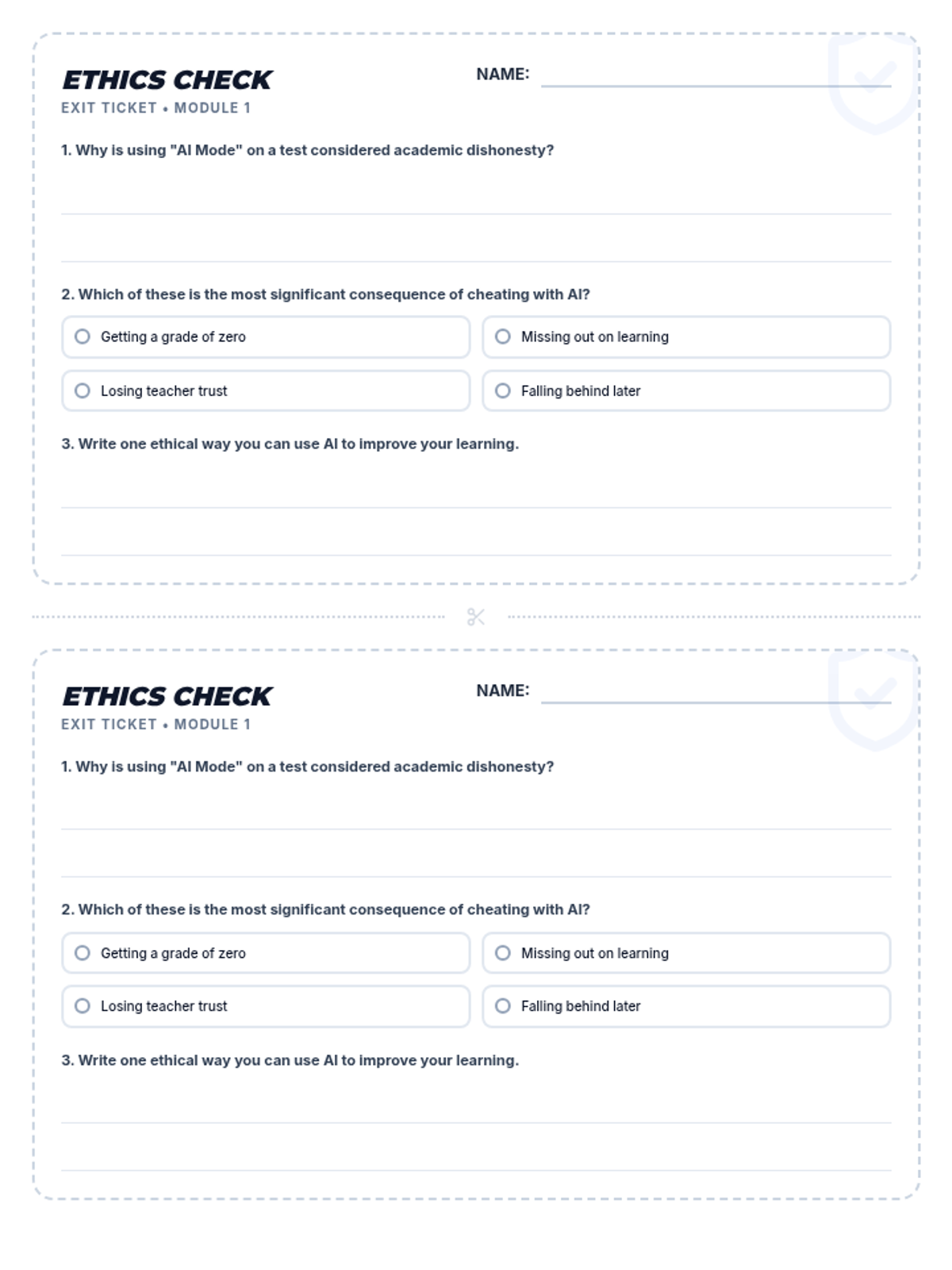
A comprehensive lesson exploring the ethical implications of using AI in academic settings, specifically focusing on the misuse of AI during assessments and the value of personal intellectual growth.
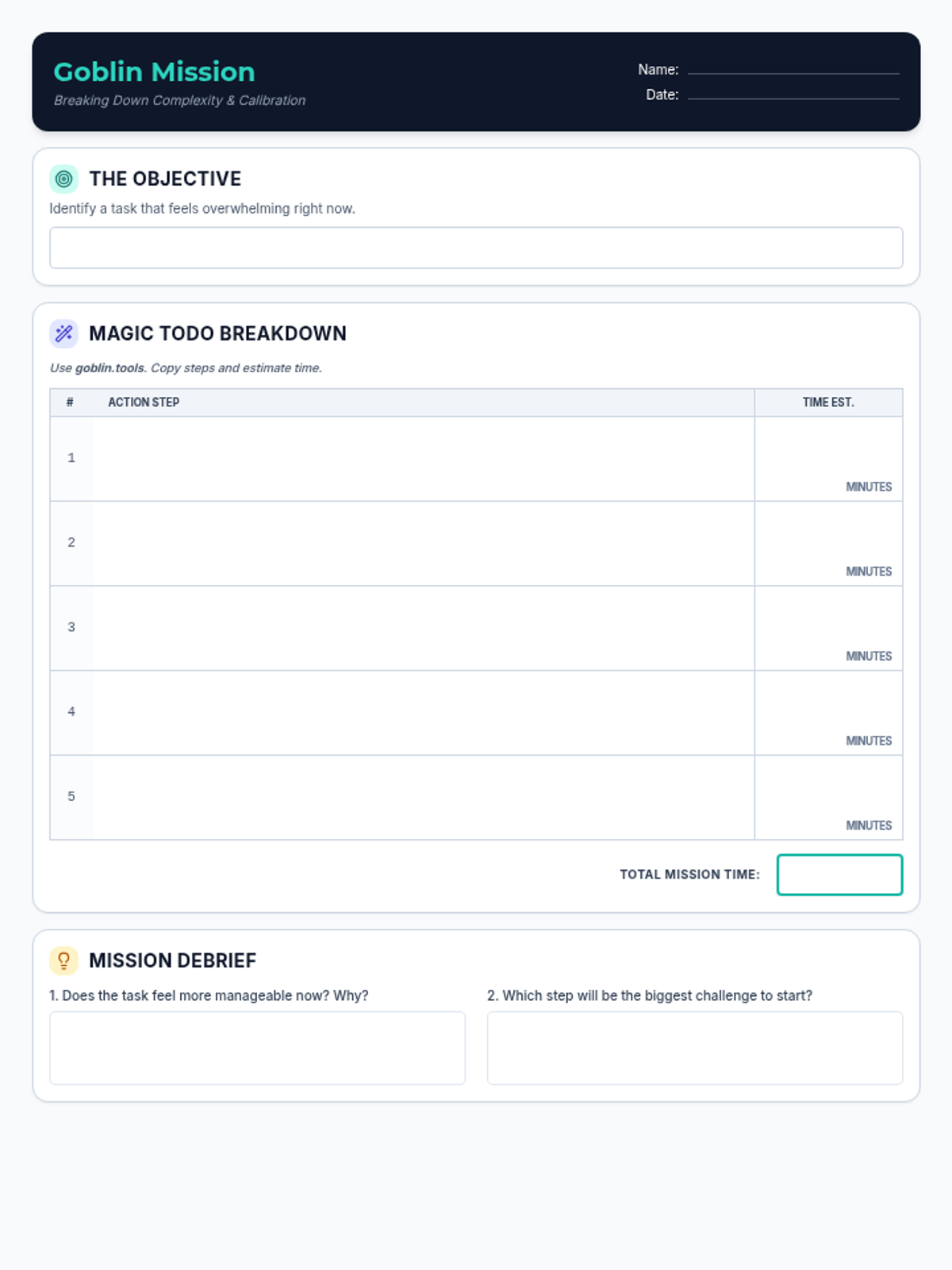
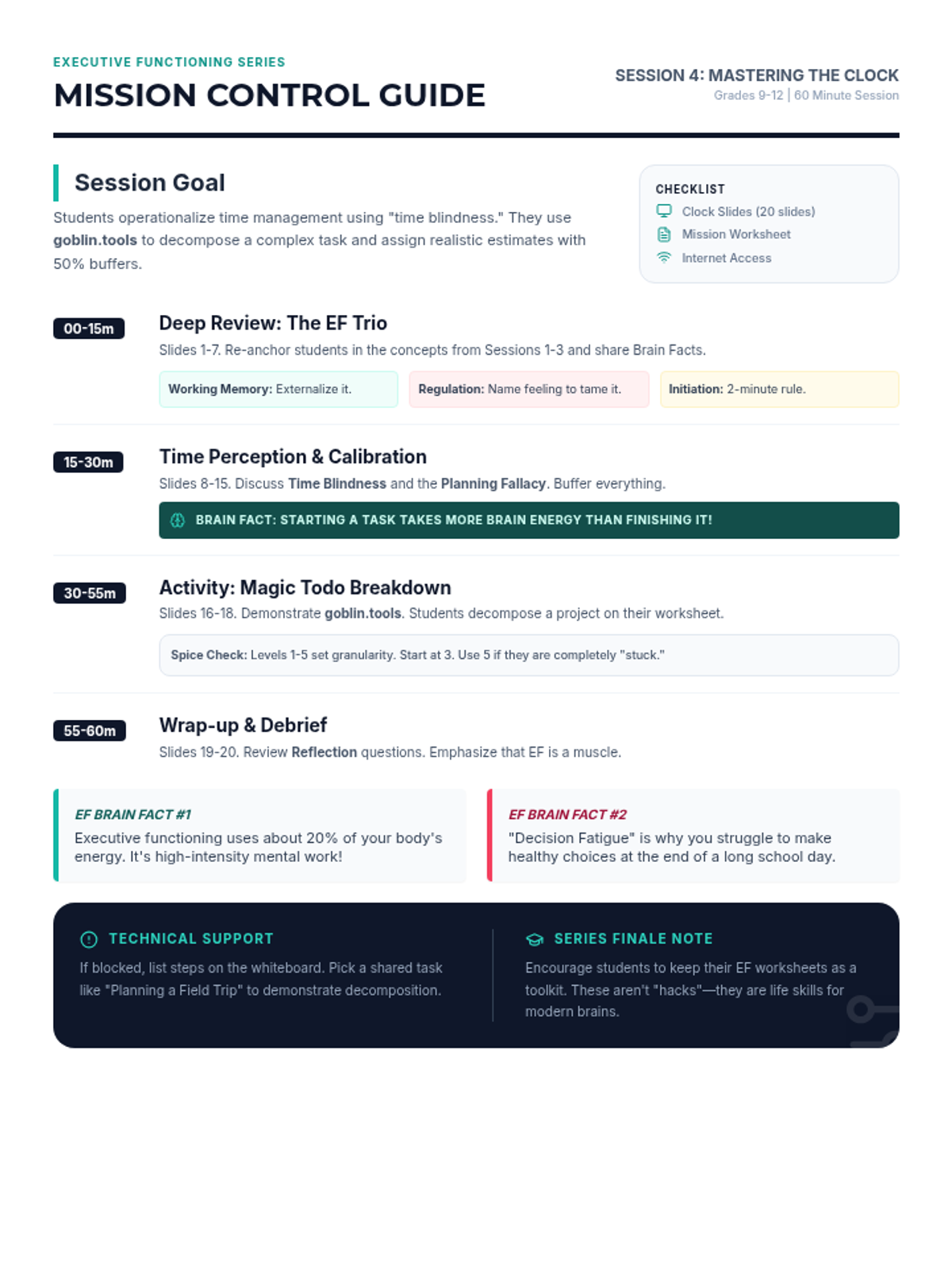
The final session in an executive functioning series, covering time management, pacing, and deadlines, with a review of working memory, emotional regulation, and task initiation. Students use digital tools to practice breaking down complex tasks.
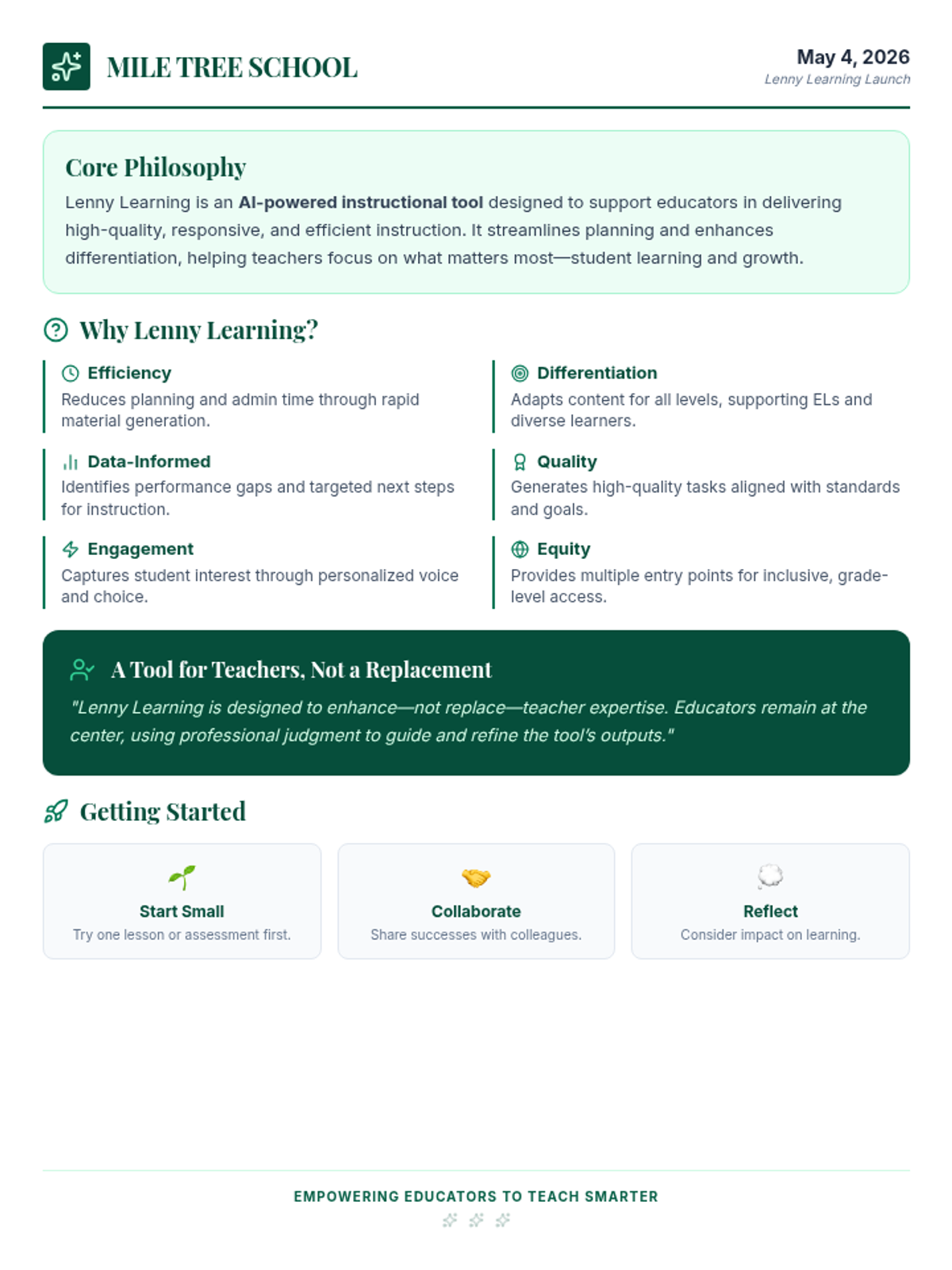
A professional staff presentation introducing Lenny Learning to educators at Mile Tree School, highlighting efficiency, differentiation, and student engagement.
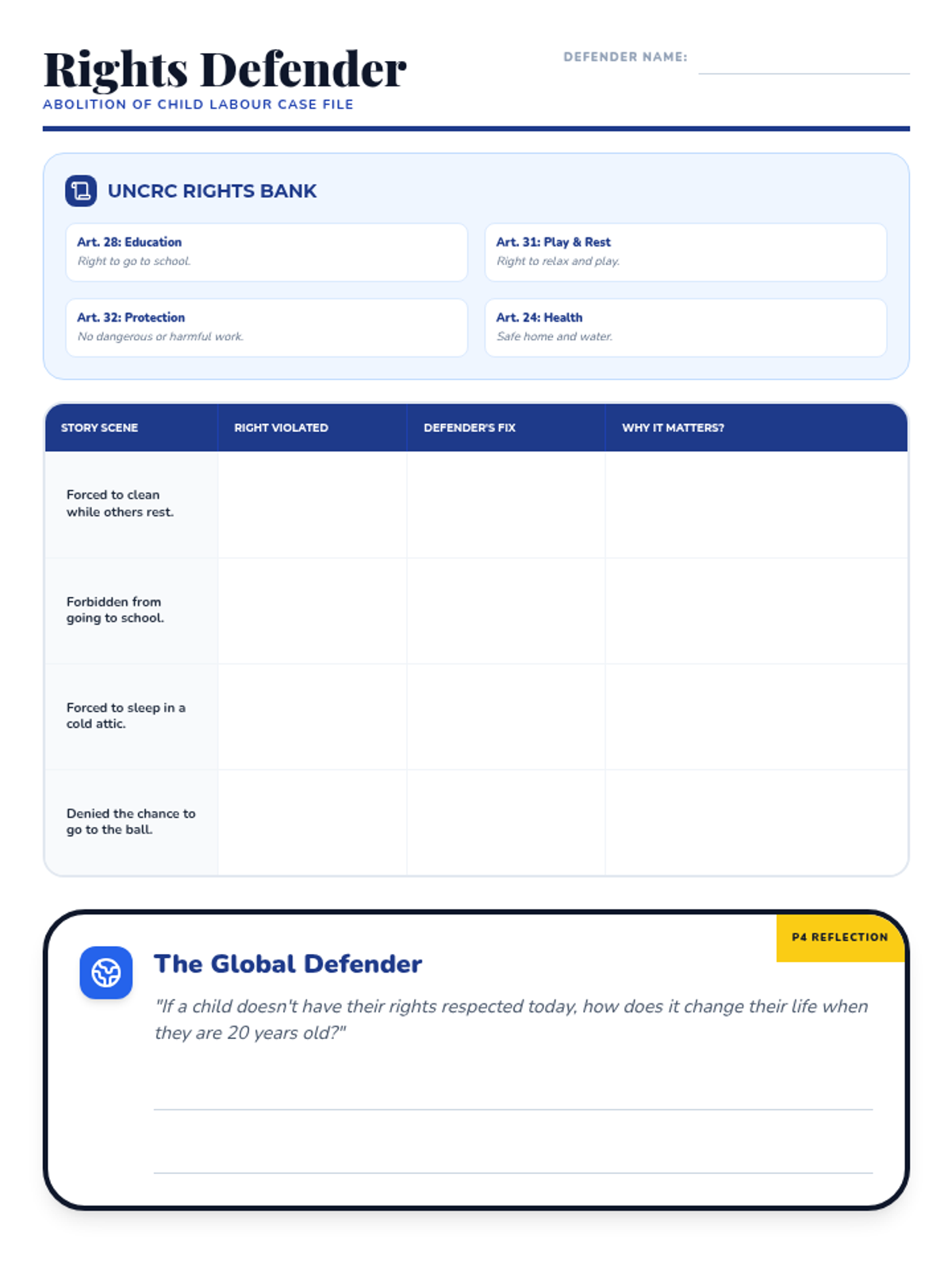
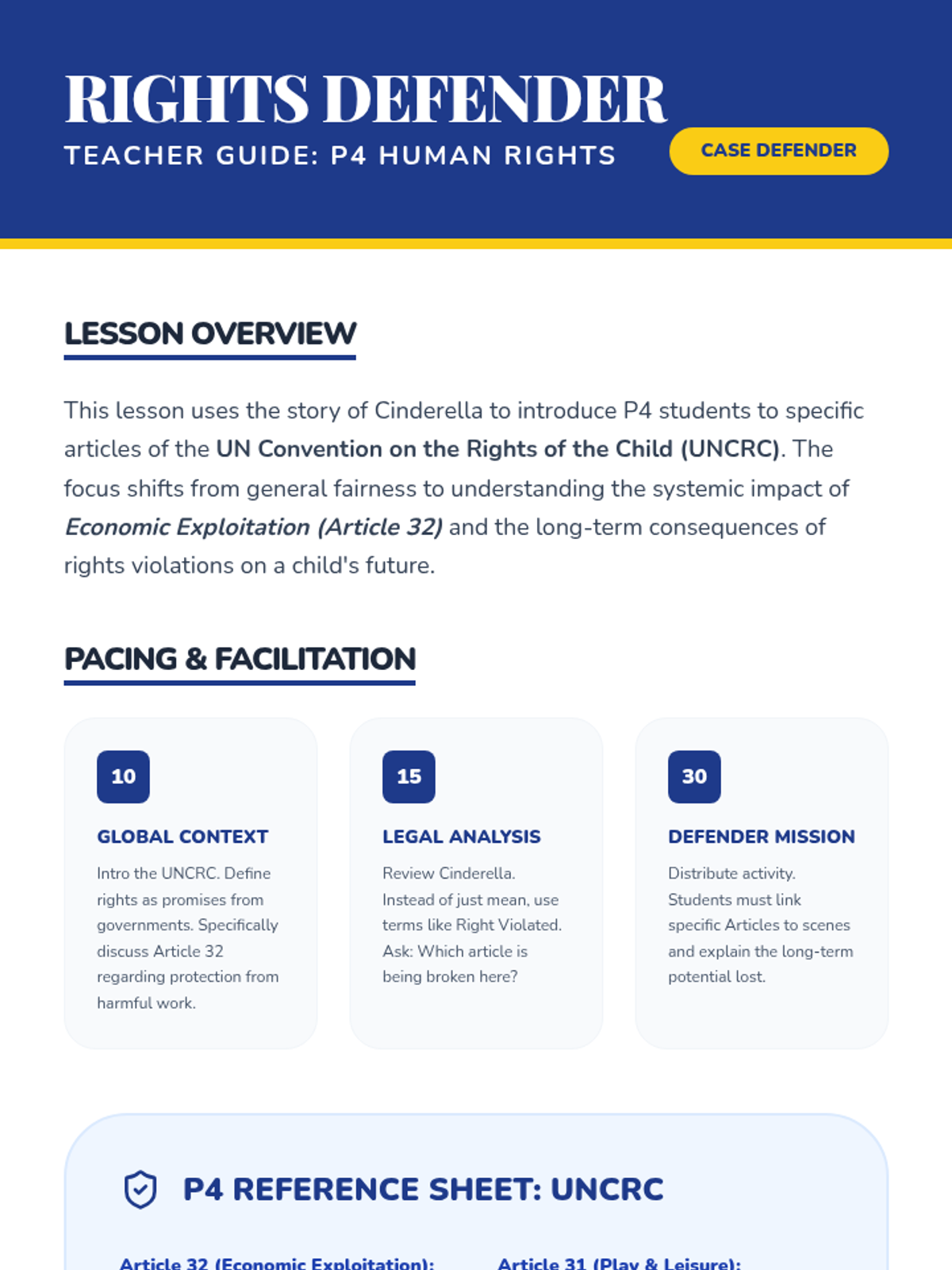
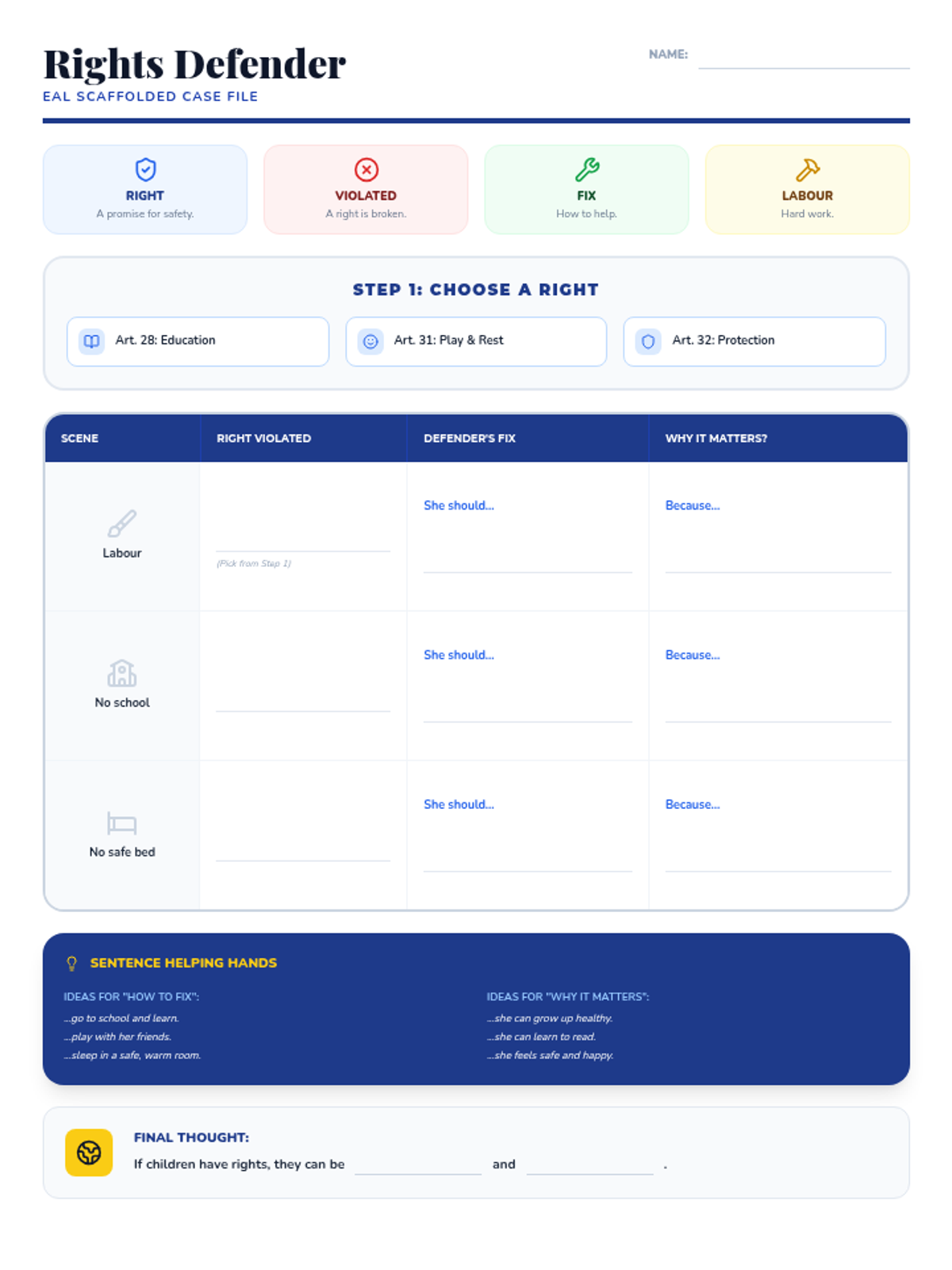
A P4 lesson for the International Day for the Abolition of Child Labour. Students analyze Cinderella through the lens of specific UNCRC articles and explore the global impact of child labour.
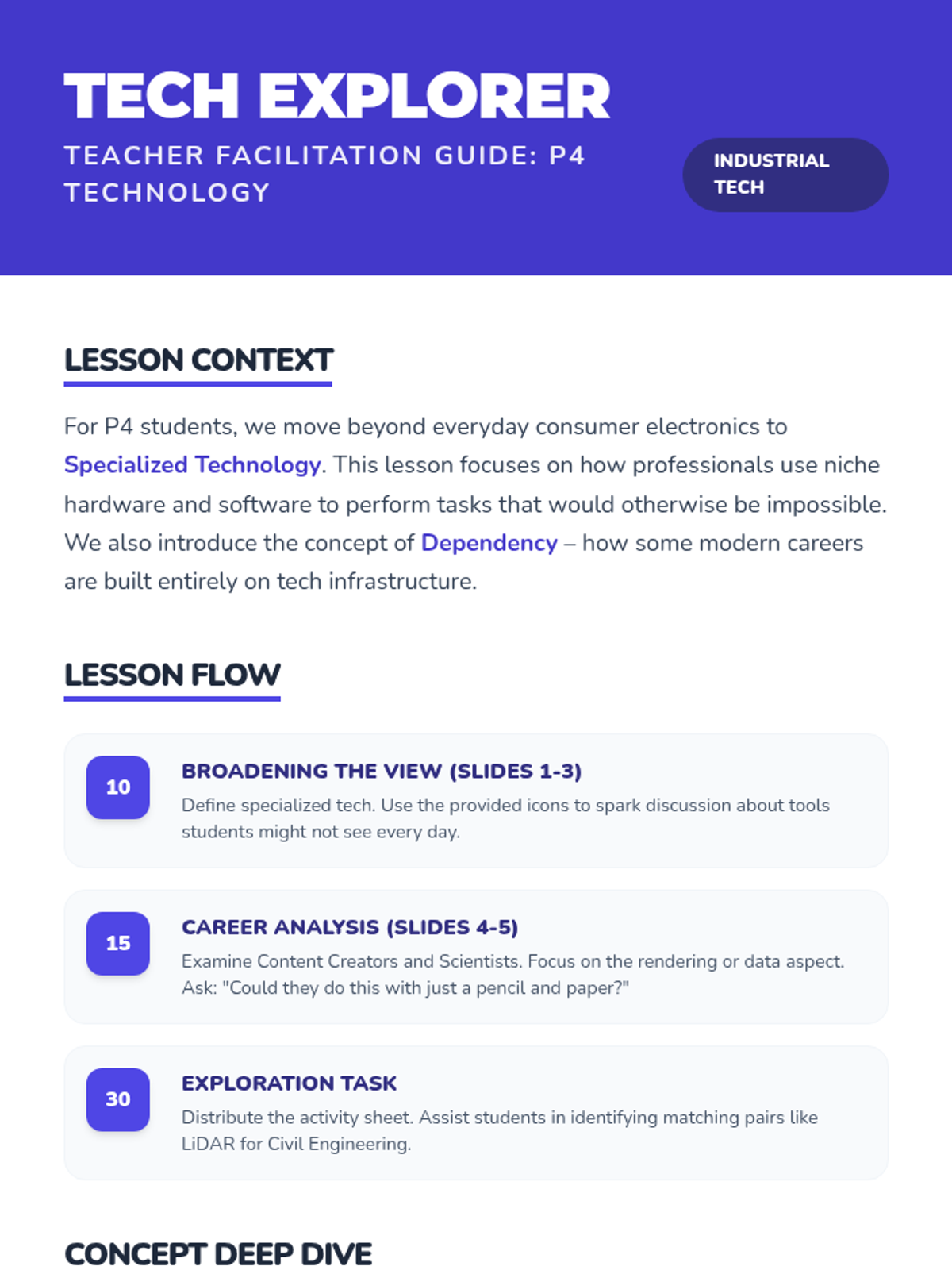
A P4 Technology lesson exploring specialized technology in modern and future careers. Focuses on the role of specialized software, hardware, and automation in professional fields.
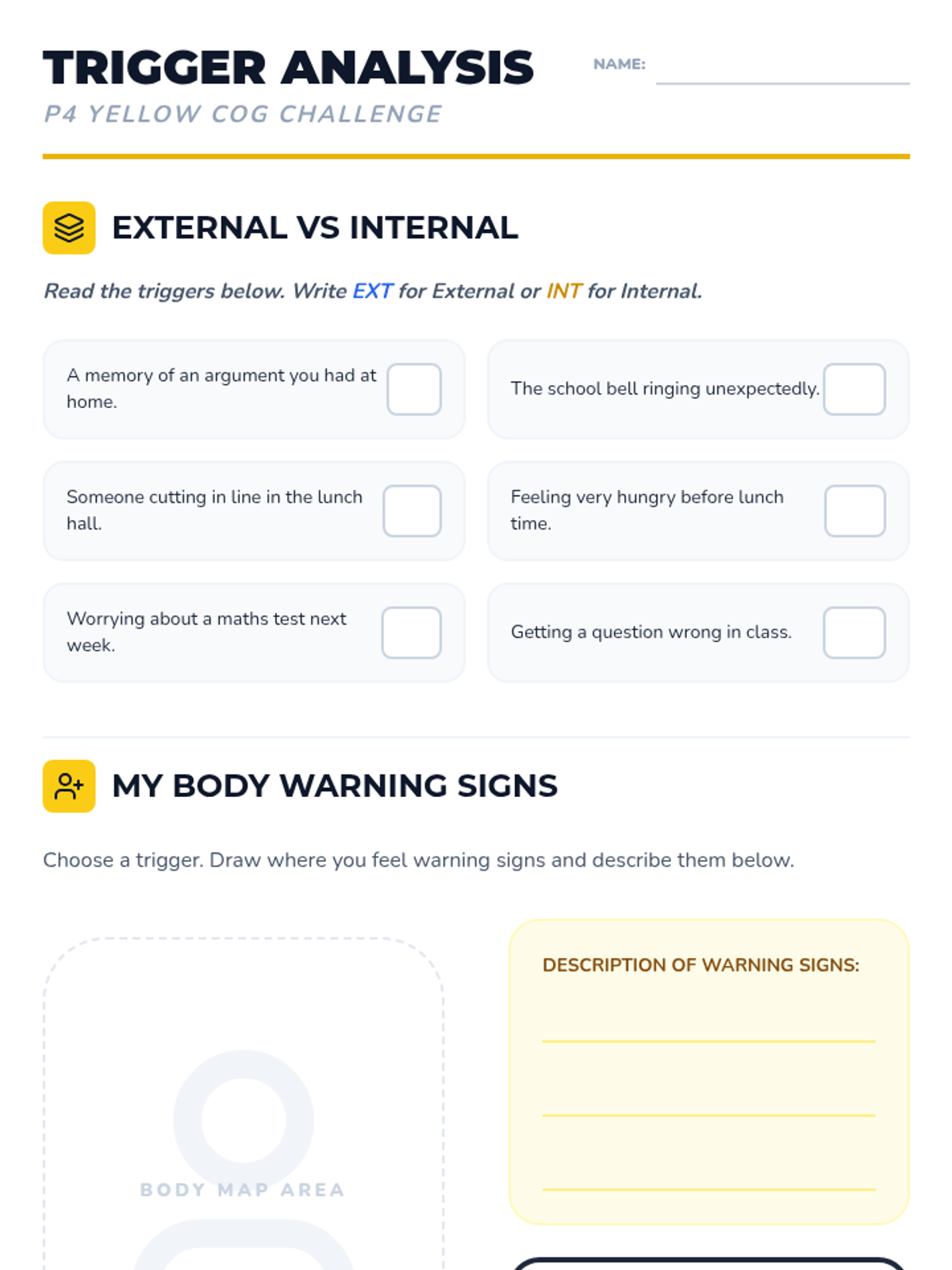
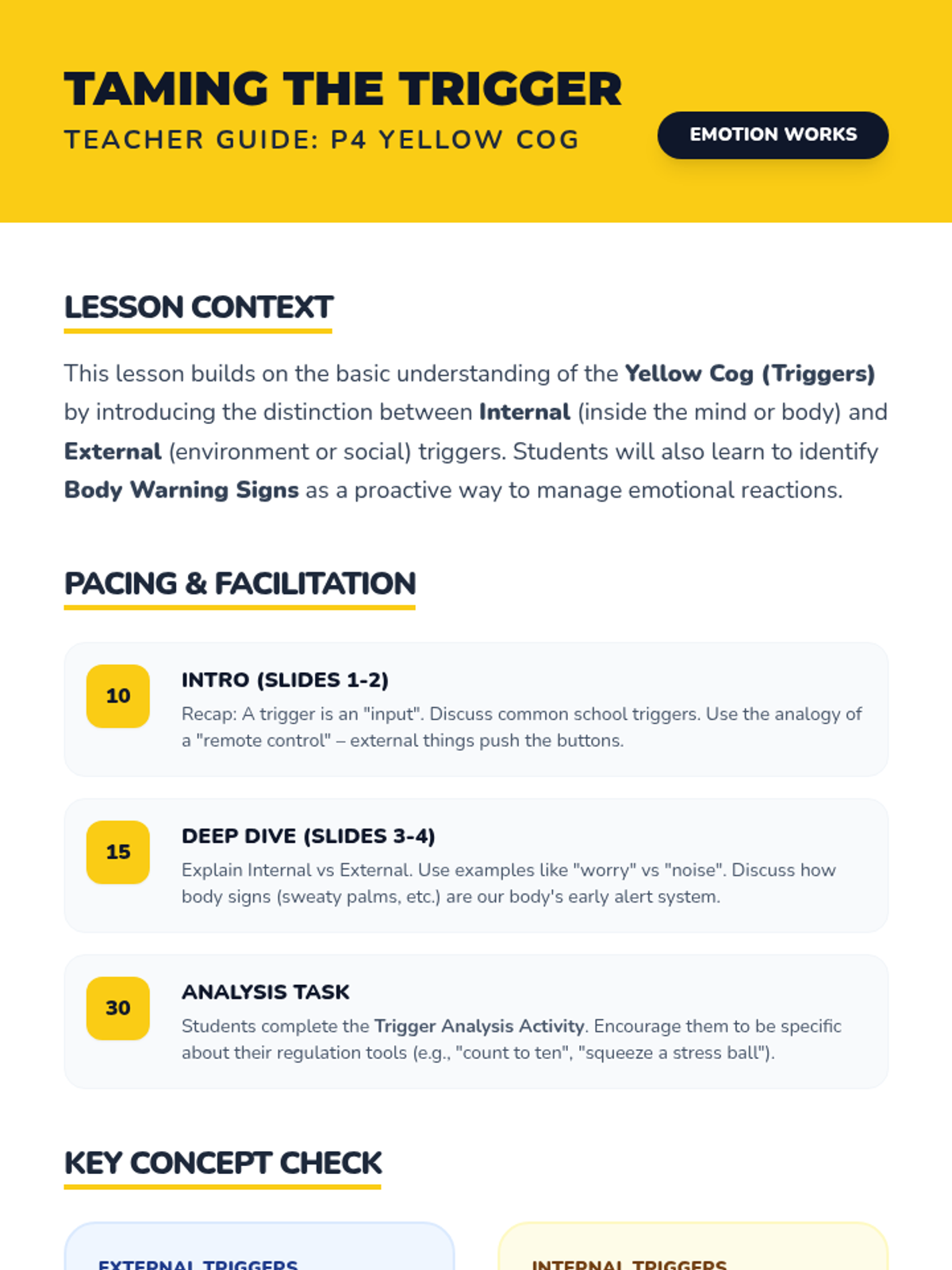
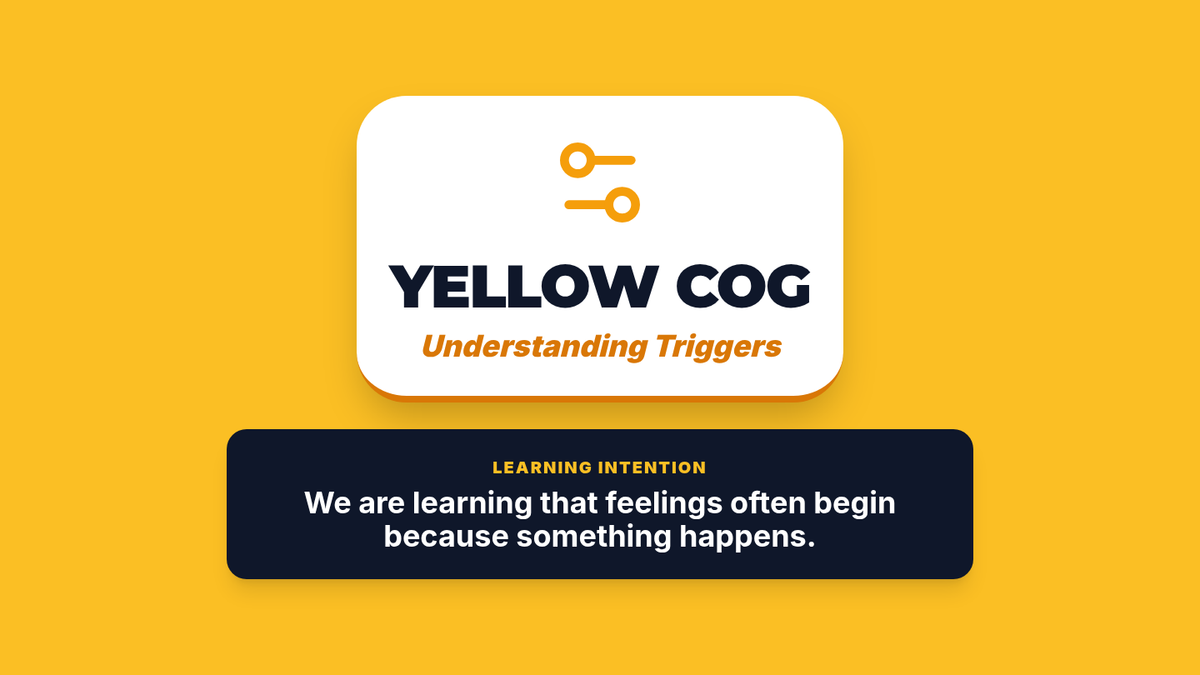
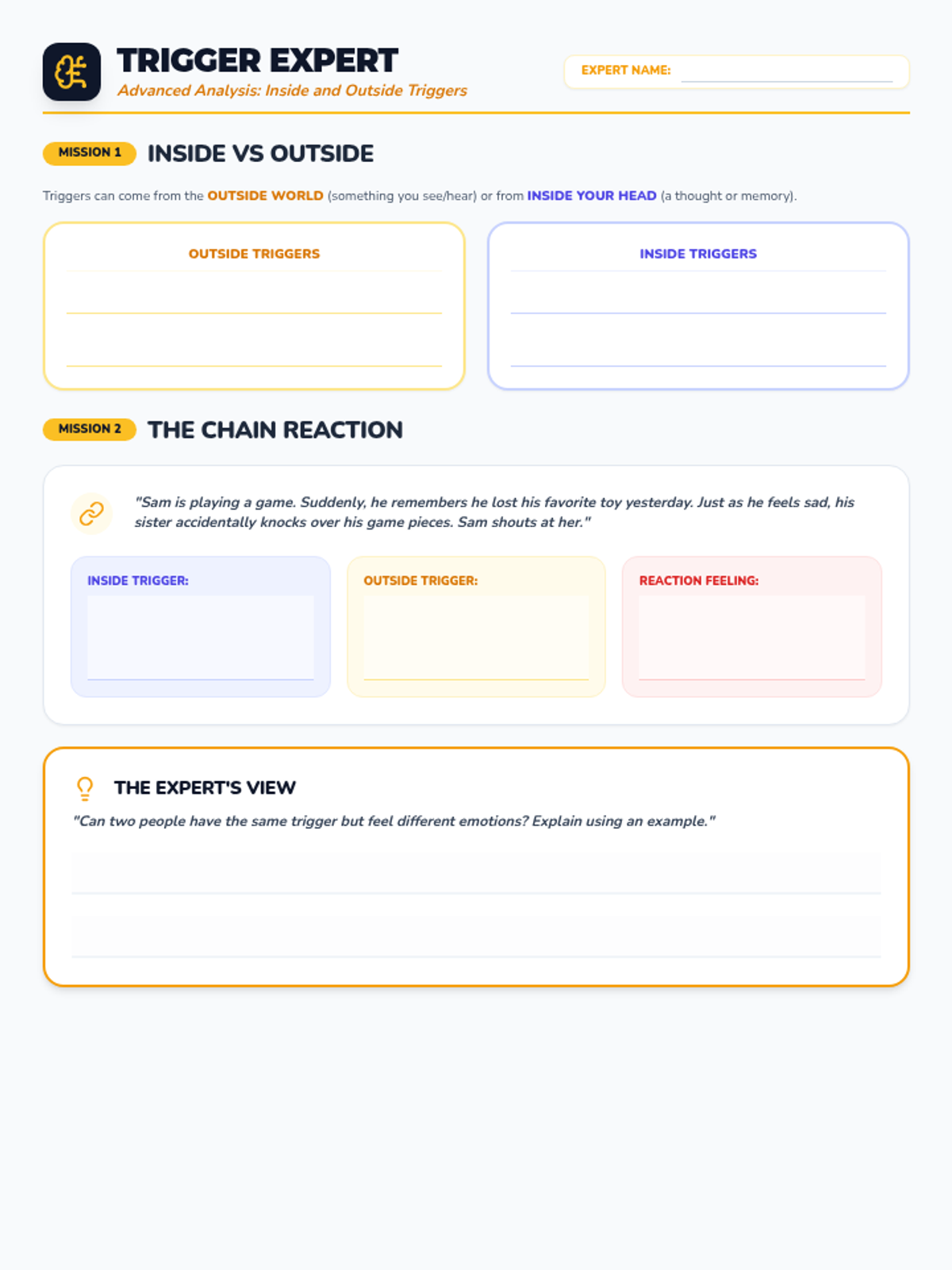
A P4 lesson advancing the Yellow Cog (Triggers) concept. Focuses on differentiating between internal and external triggers, recognizing body warning signs, and managing complex social triggers.
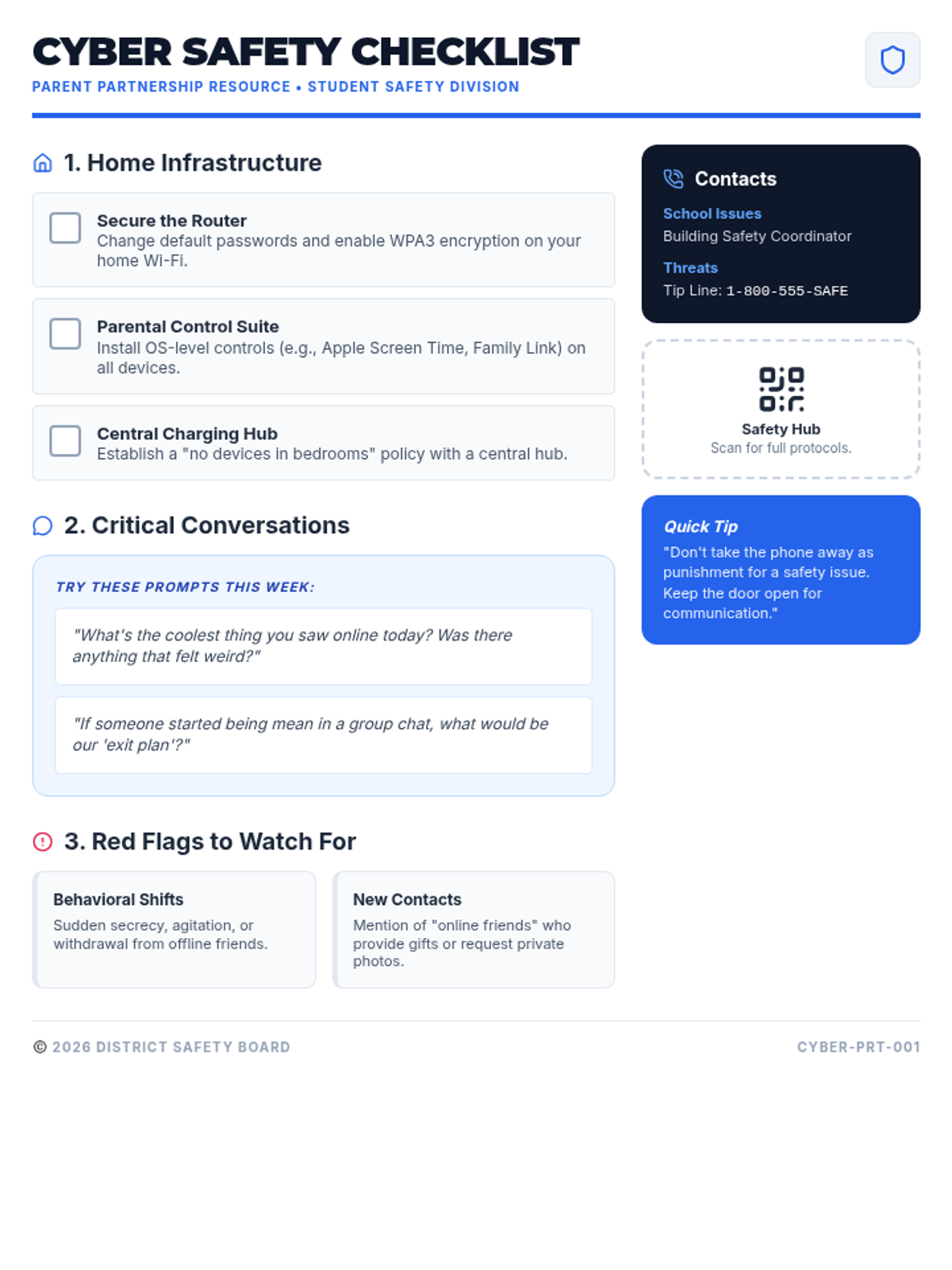
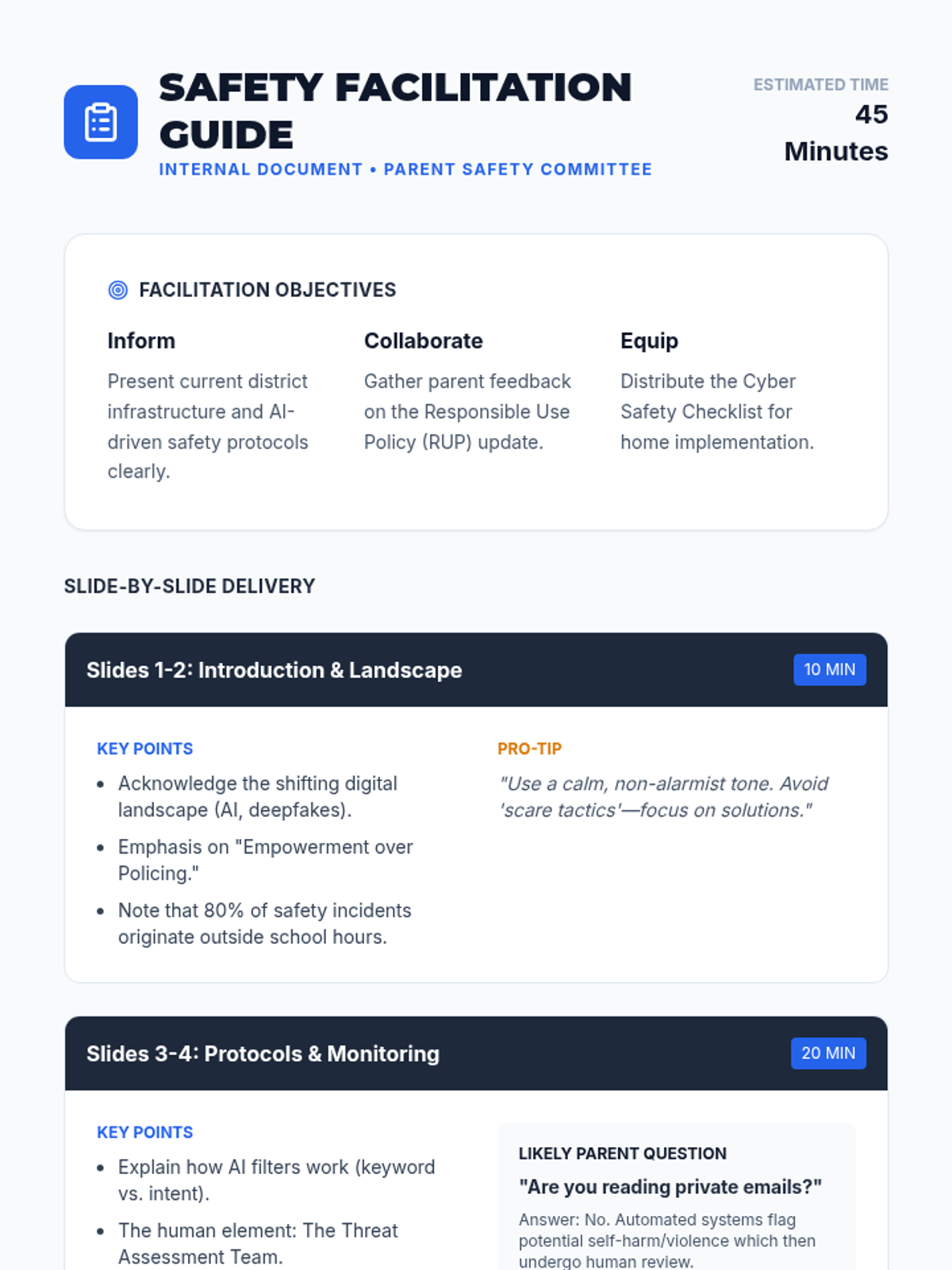
A comprehensive session for the Parent Safety Committee focusing on district-wide digital and cyber safety protocols, risks, and proactive measures.
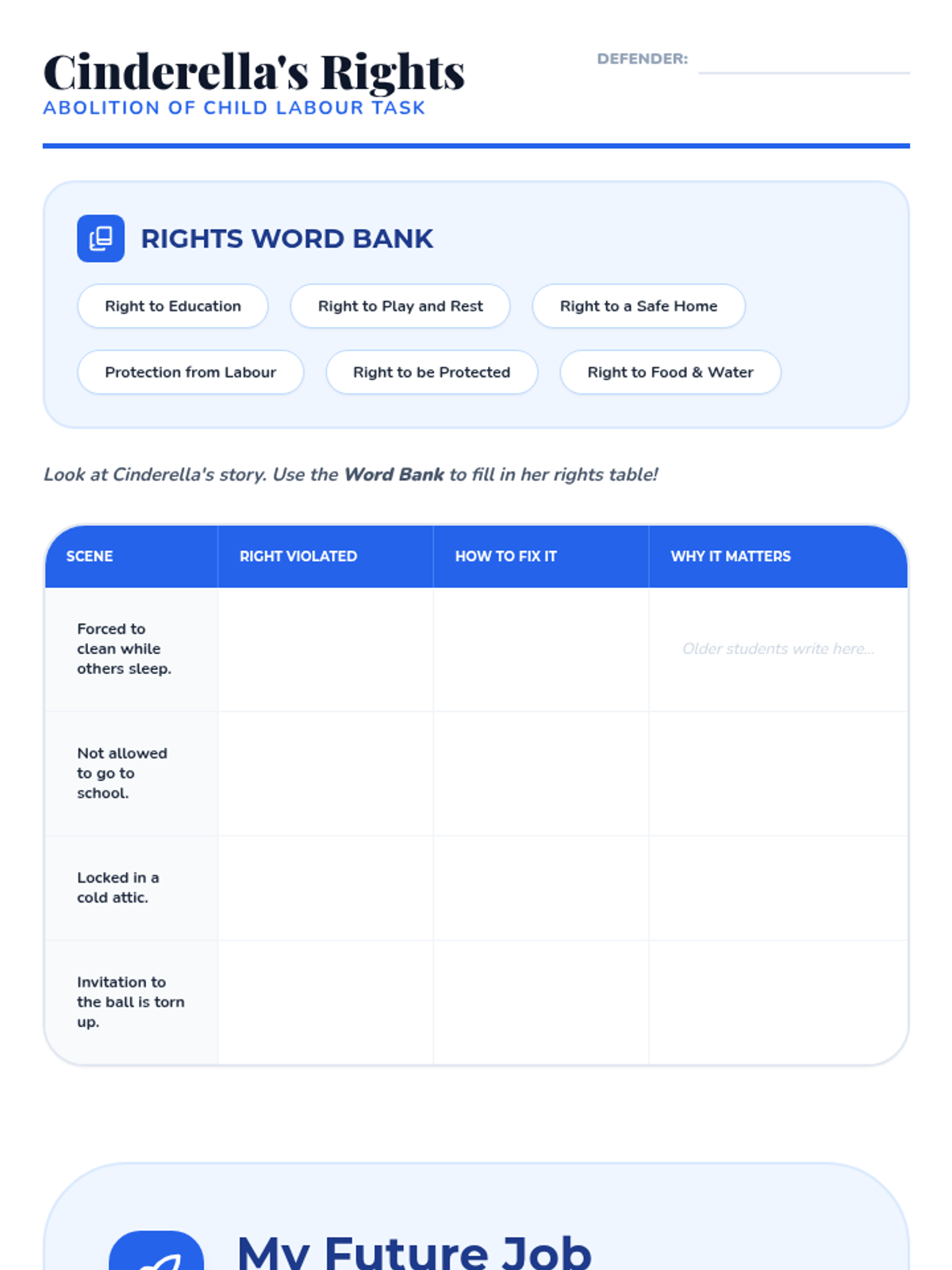
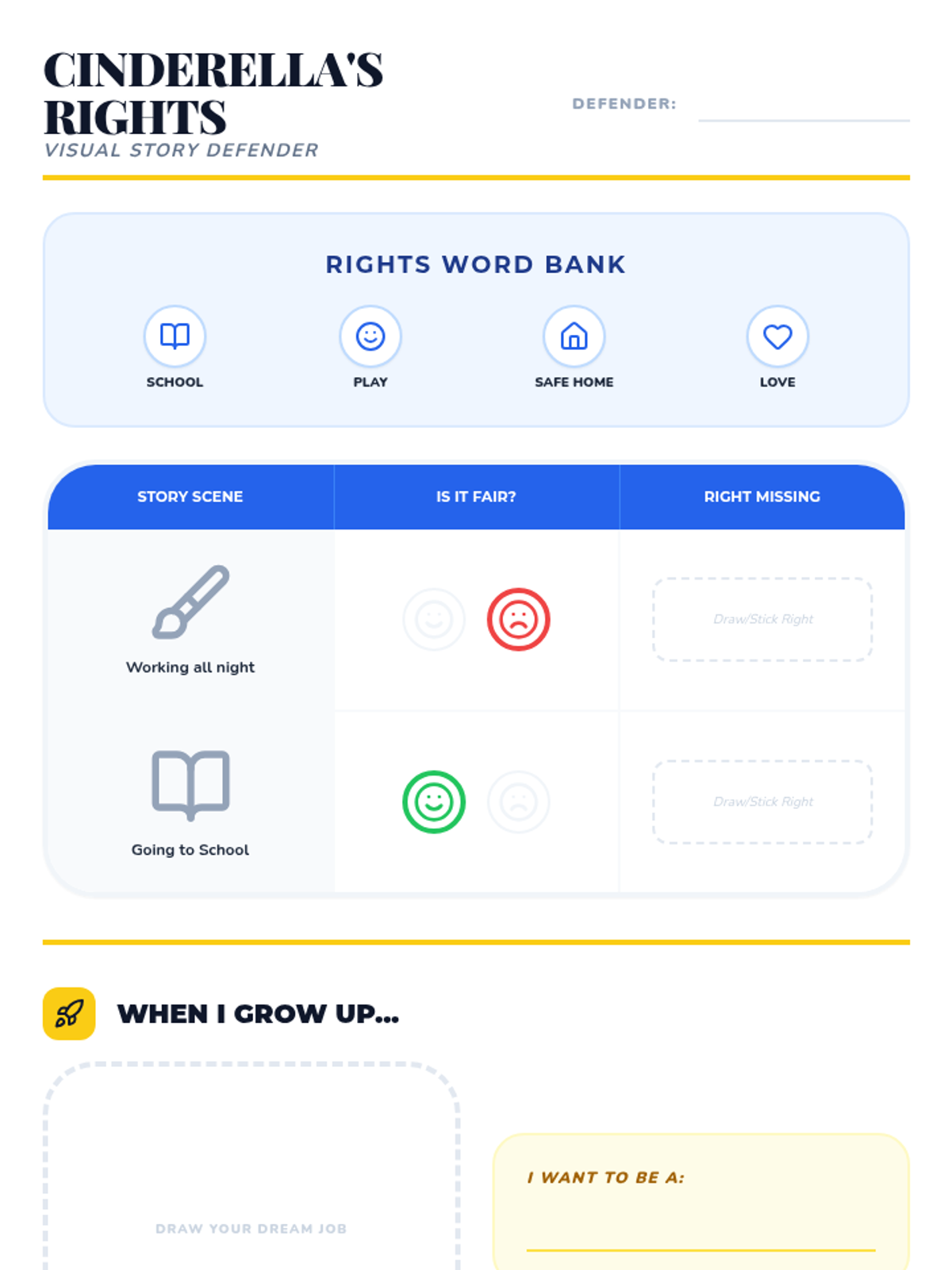
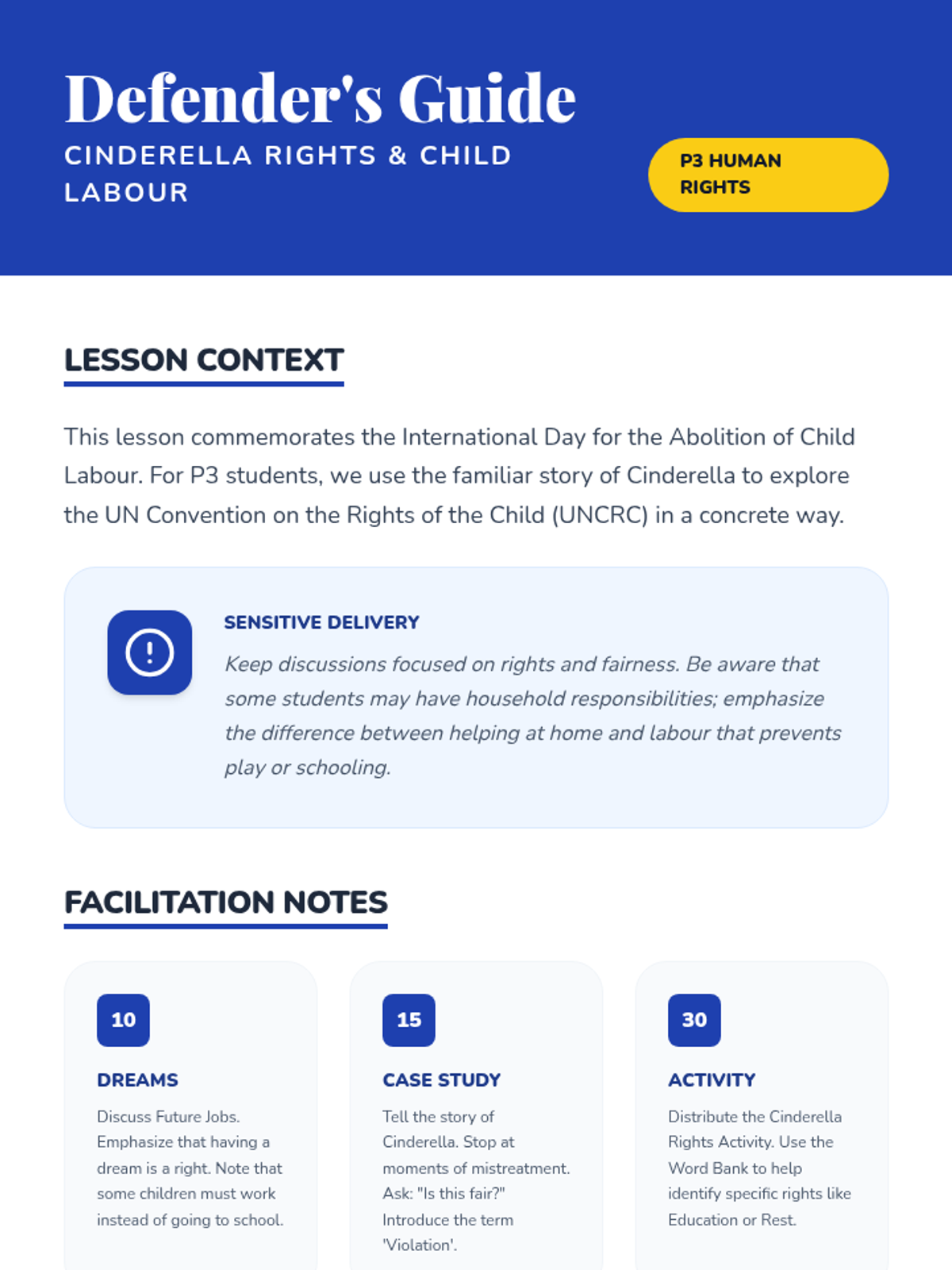
A P3 lesson for the International Day for the Abolition of Child Labour, exploring children's rights through the story of Cinderella. Includes a 'Rights Table' activity with differentiated tasks for varied literacy levels.
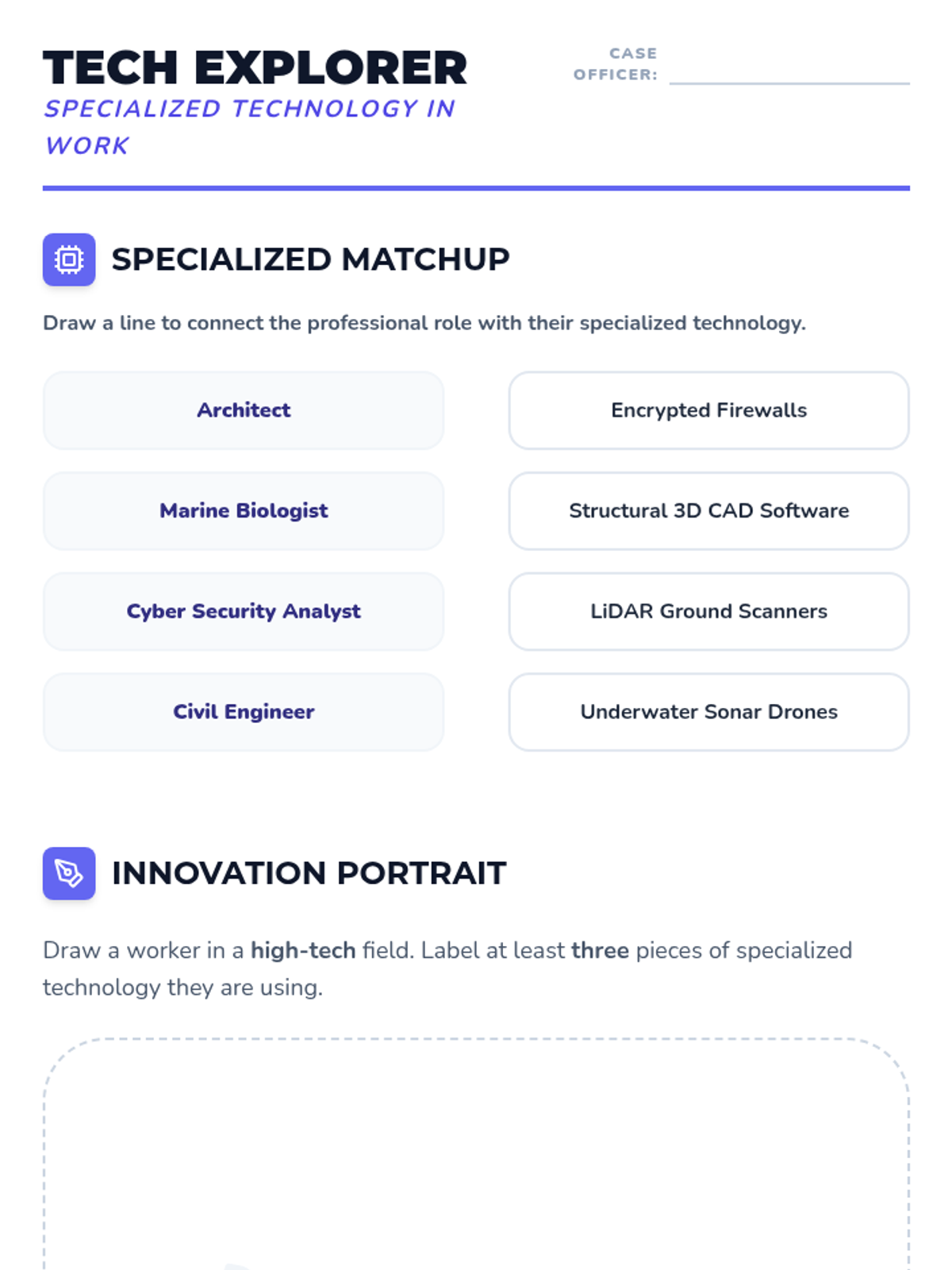
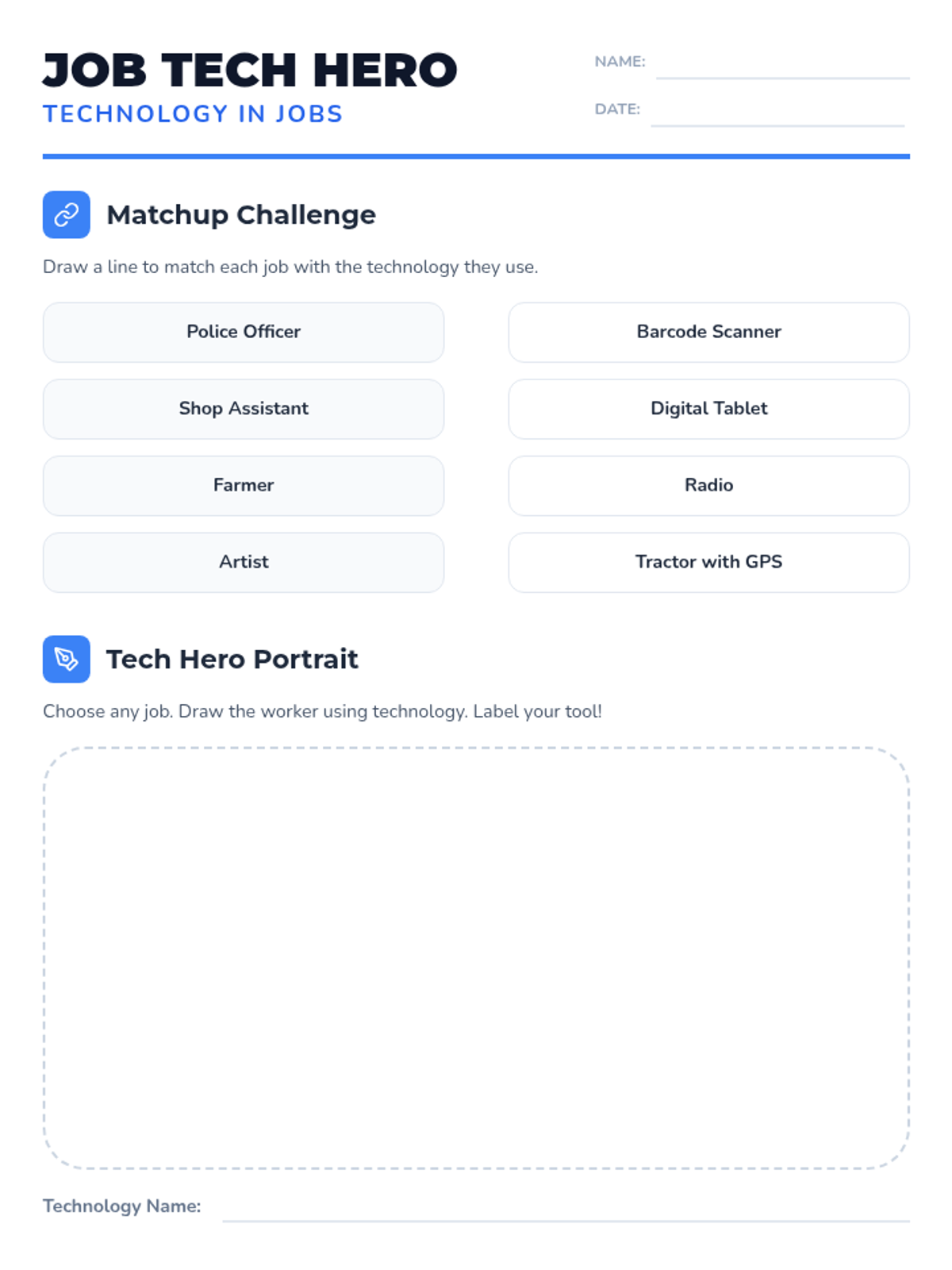
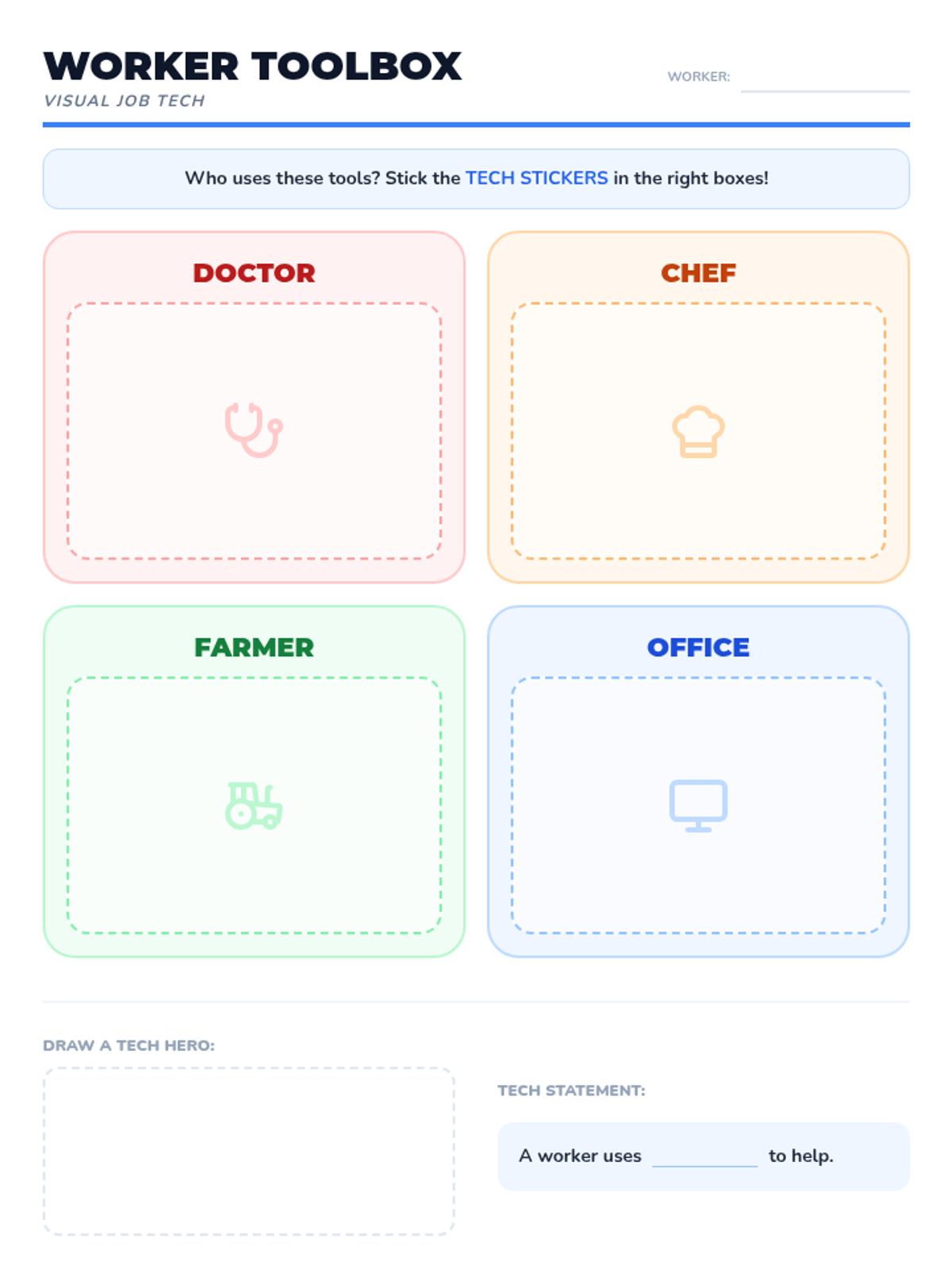
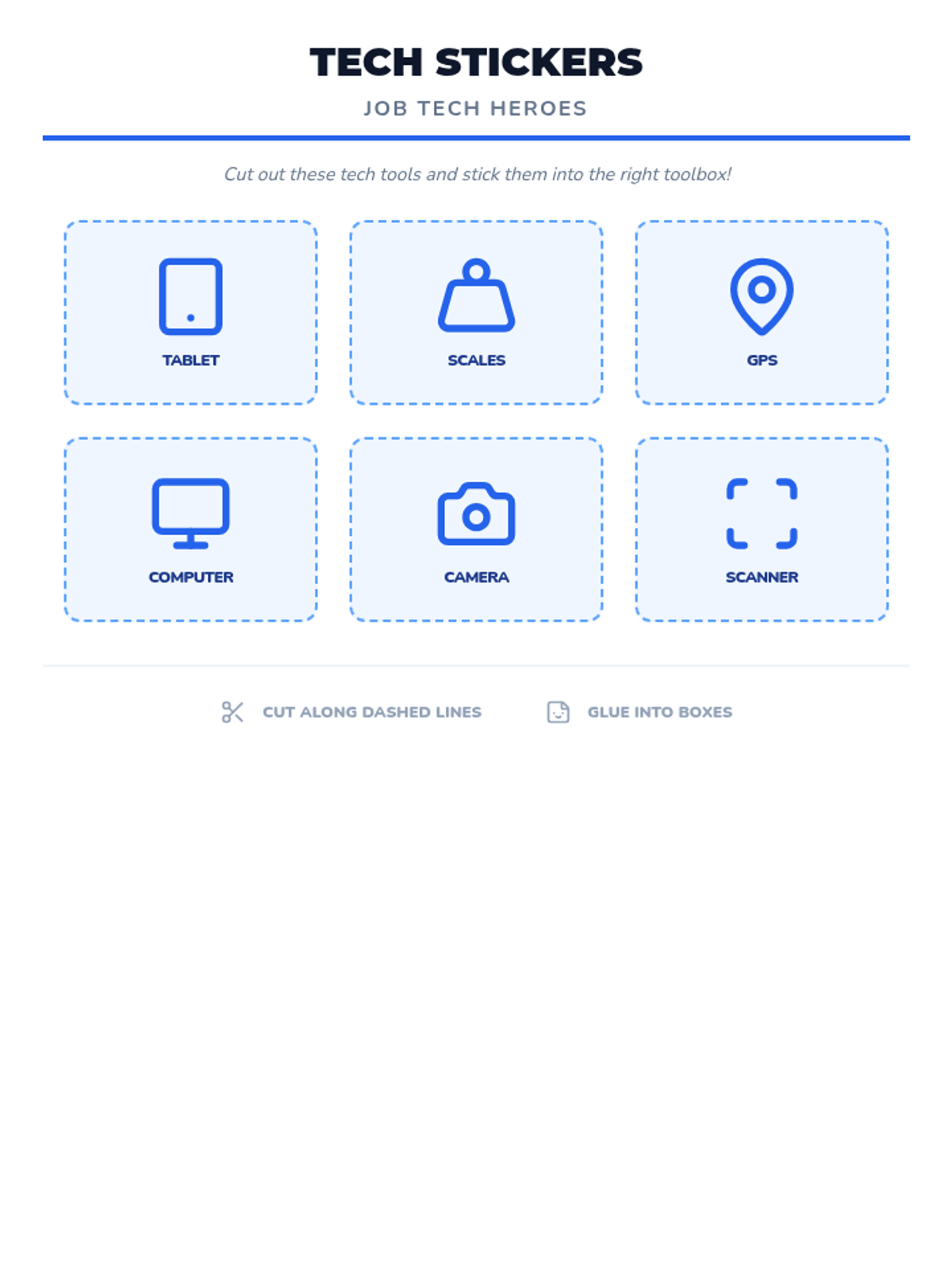
A P3 Technology lesson exploring how different workers use technology in their jobs. Includes differentiated matching and drawing tasks for varied literacy levels.
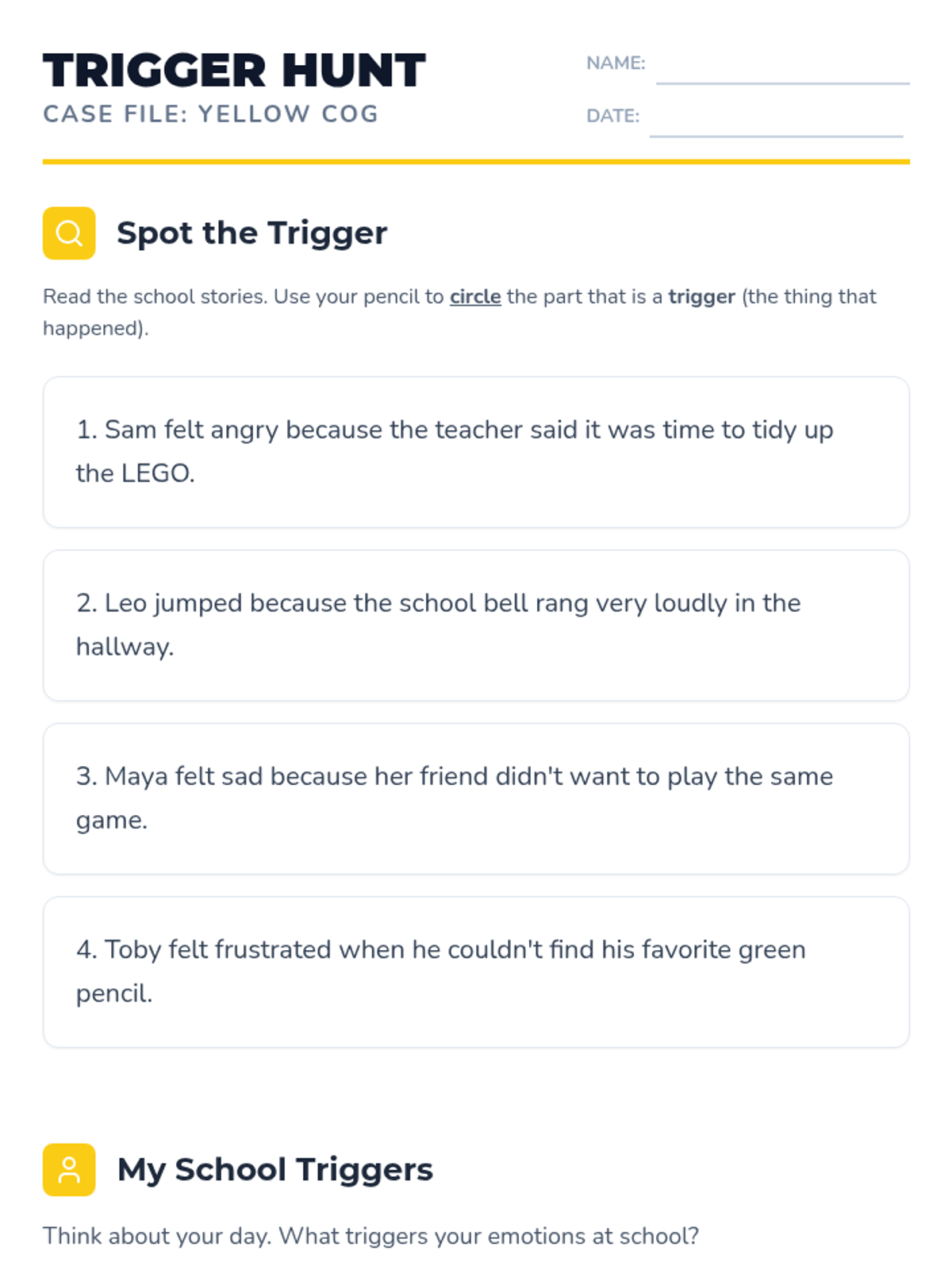
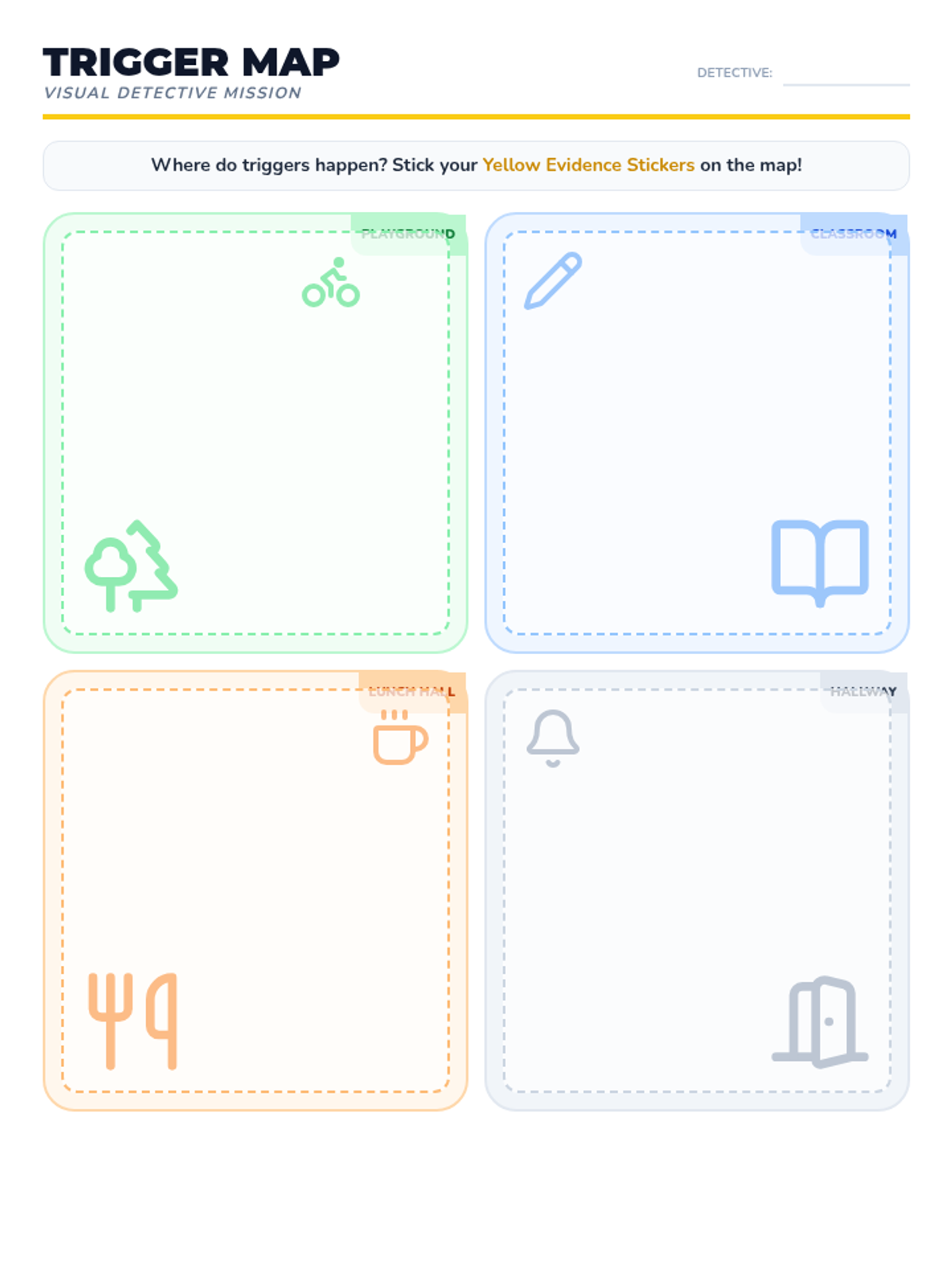
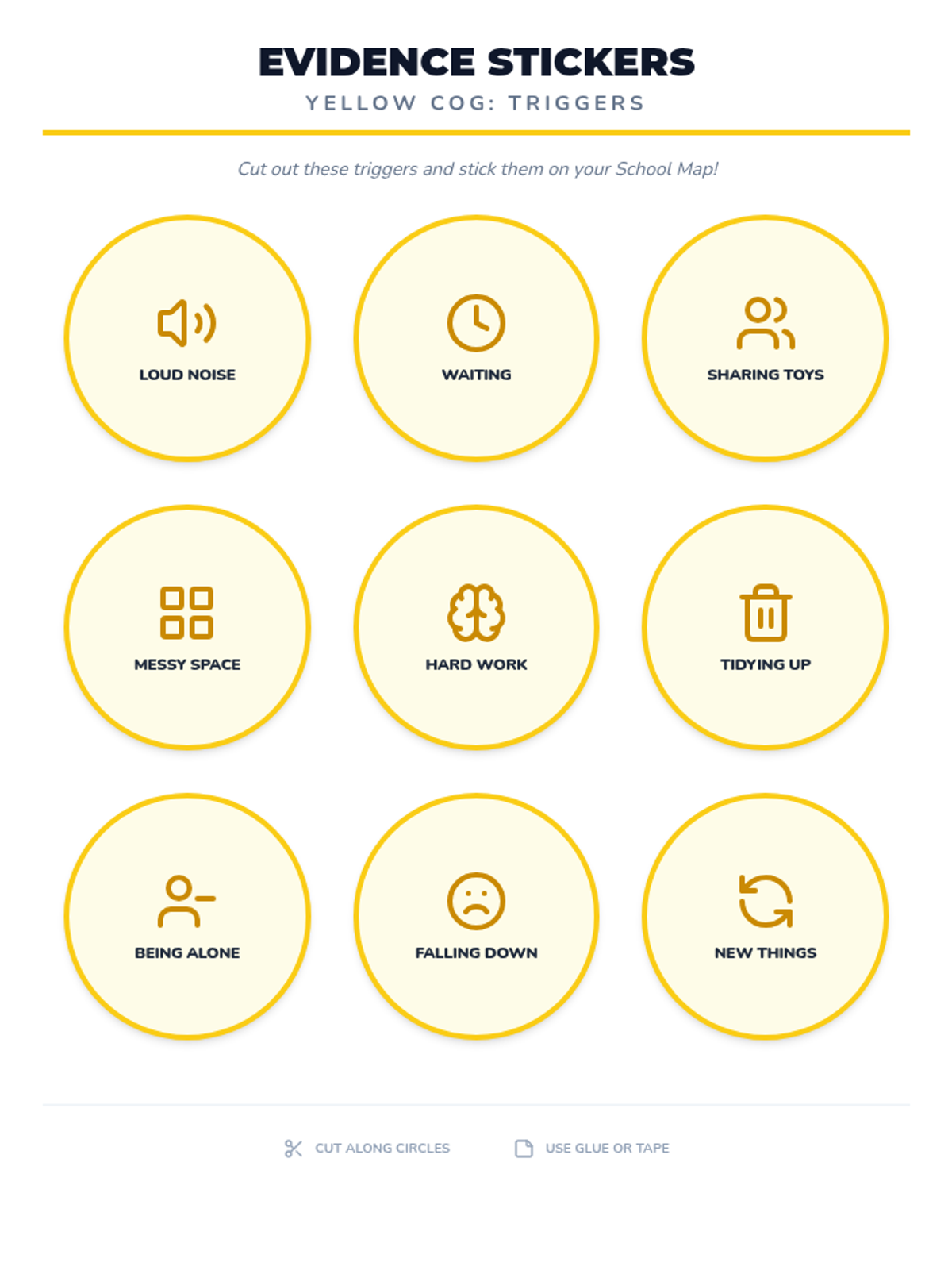
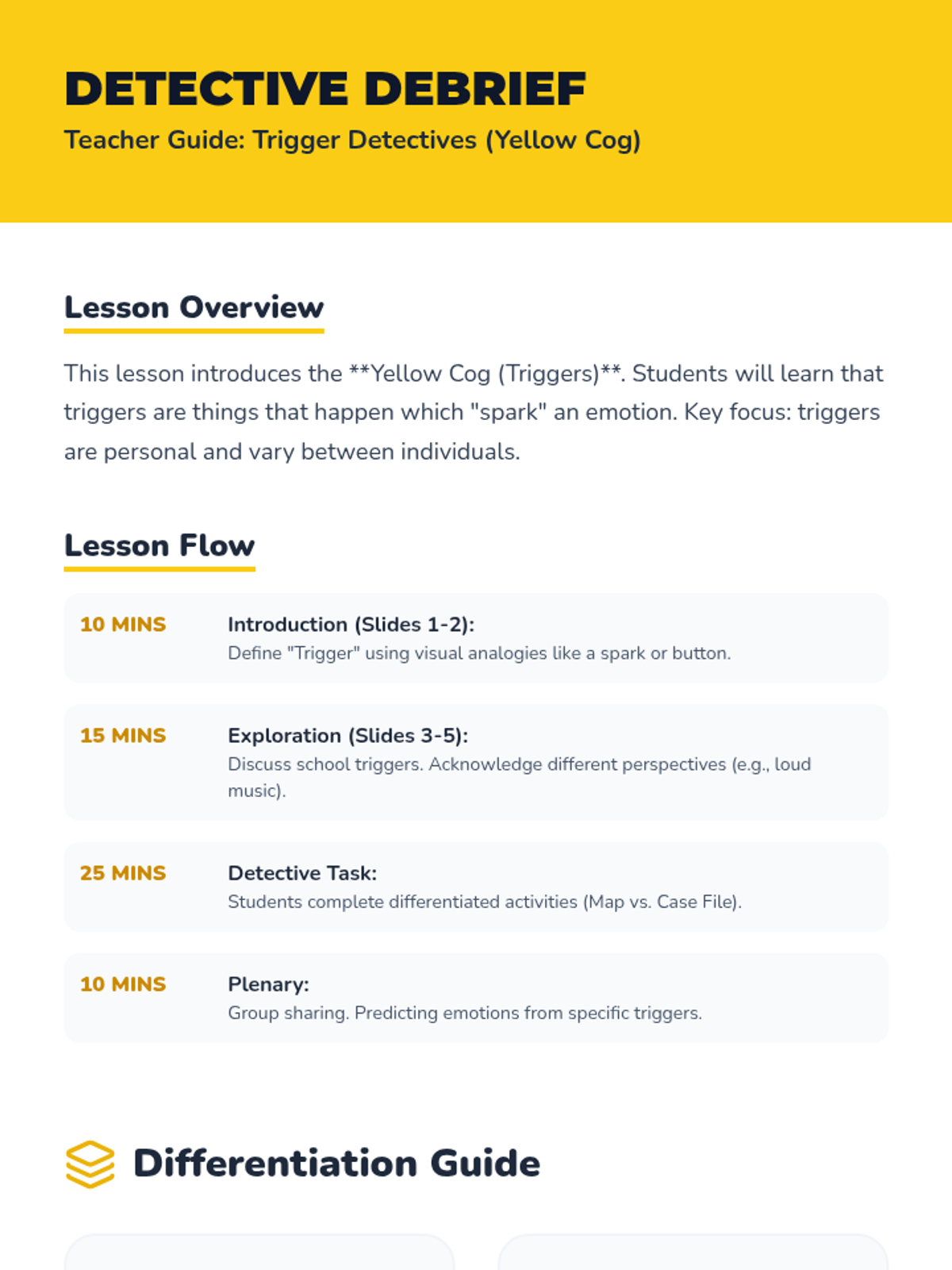
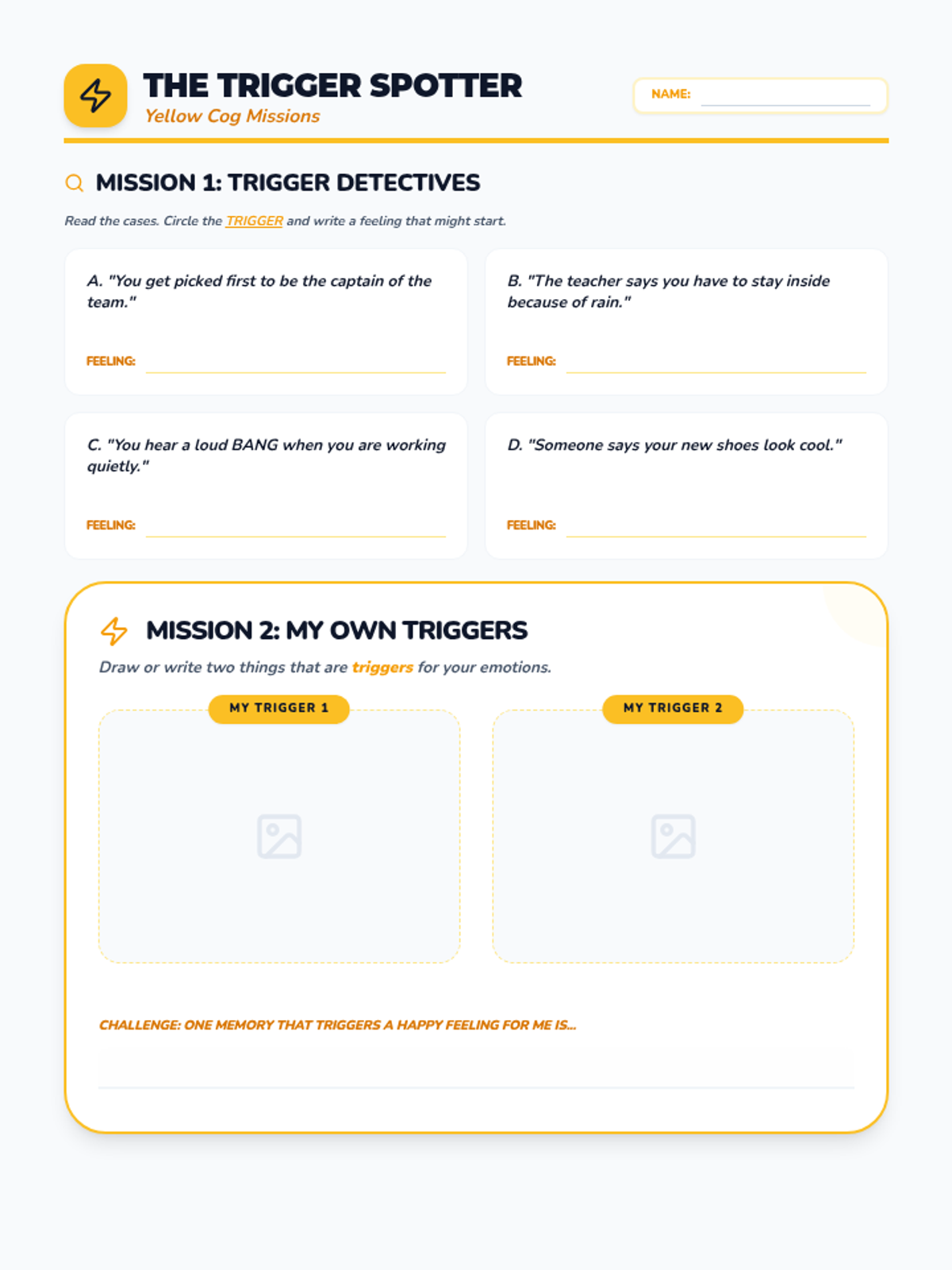
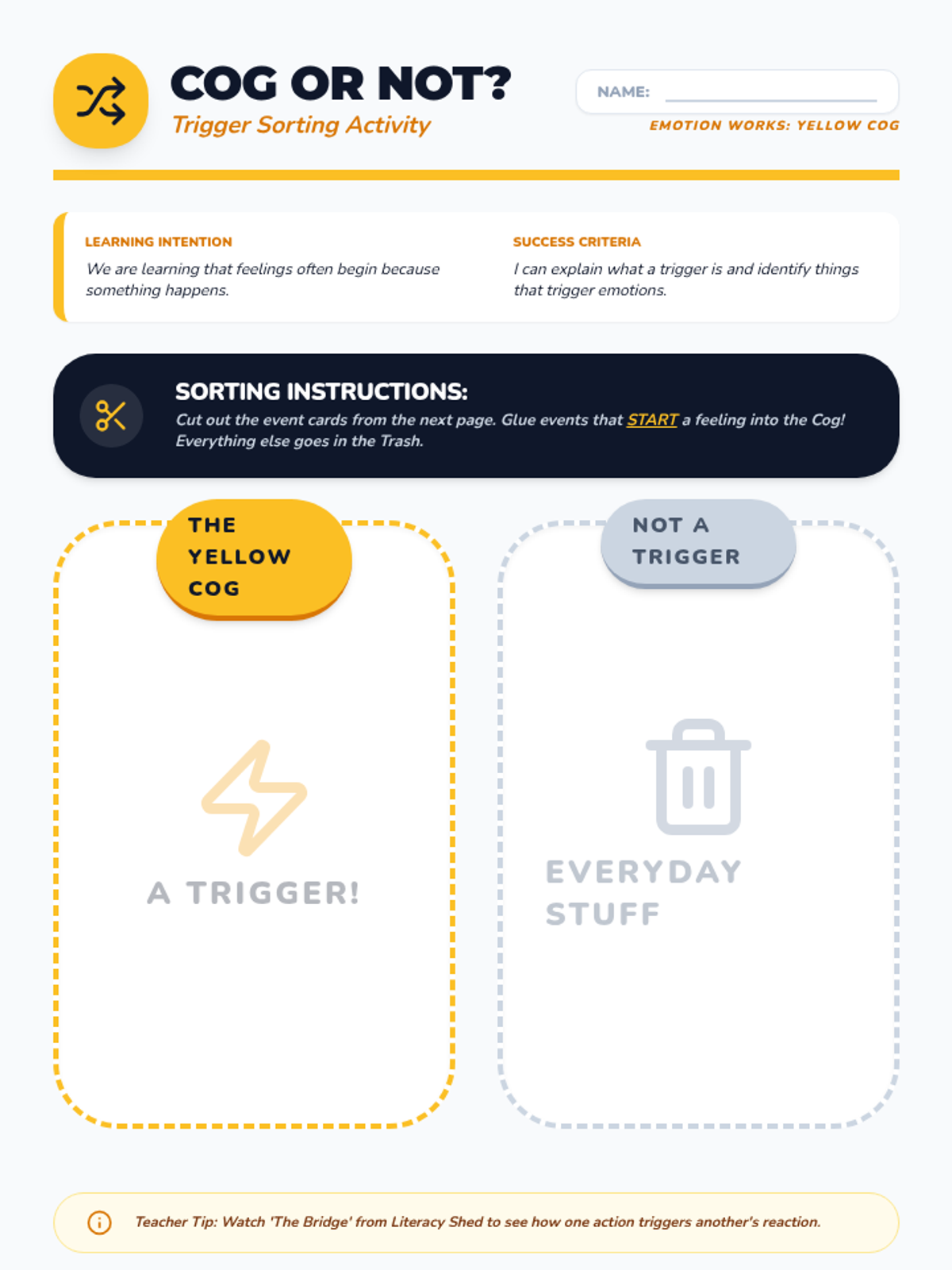
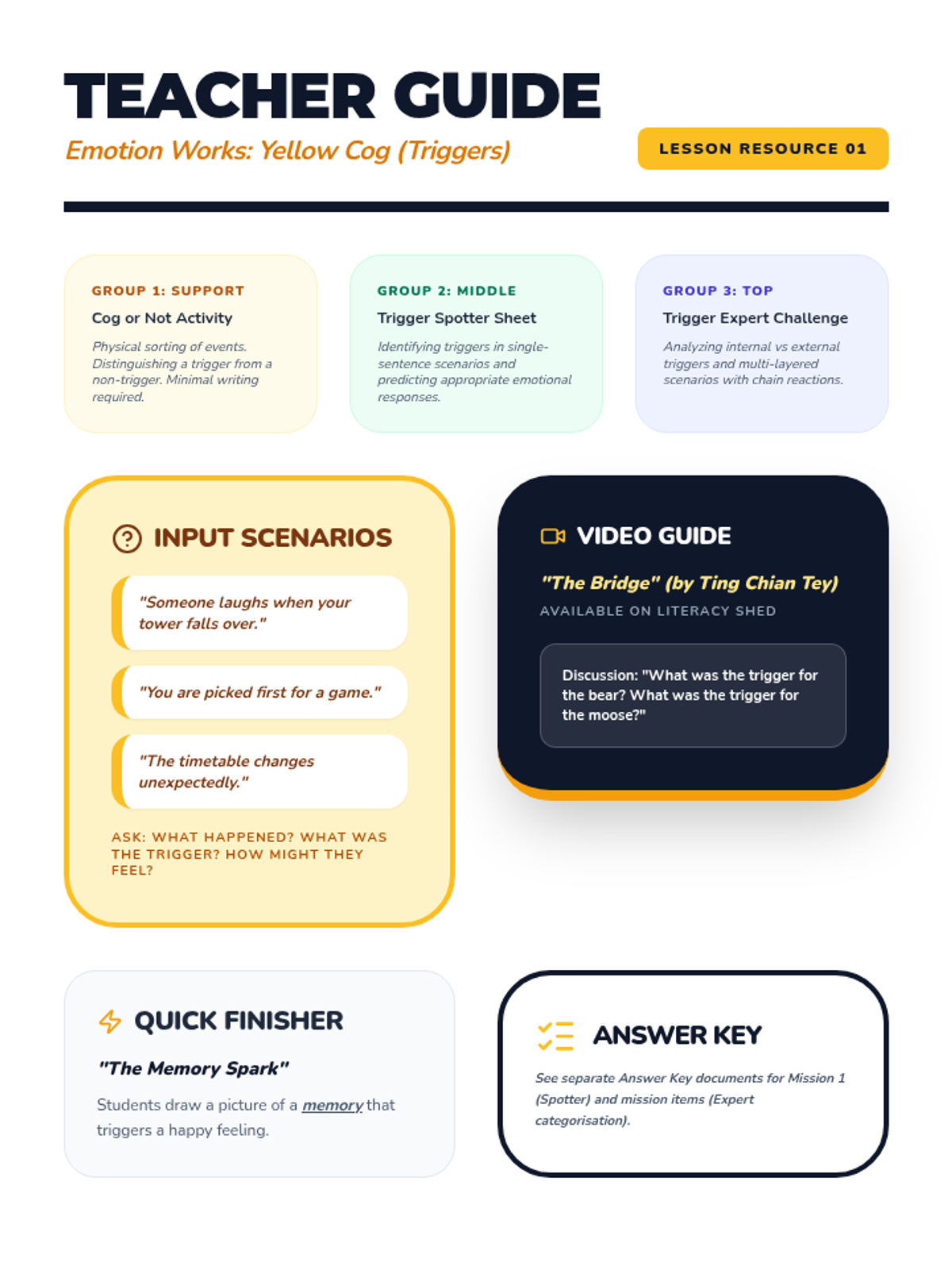
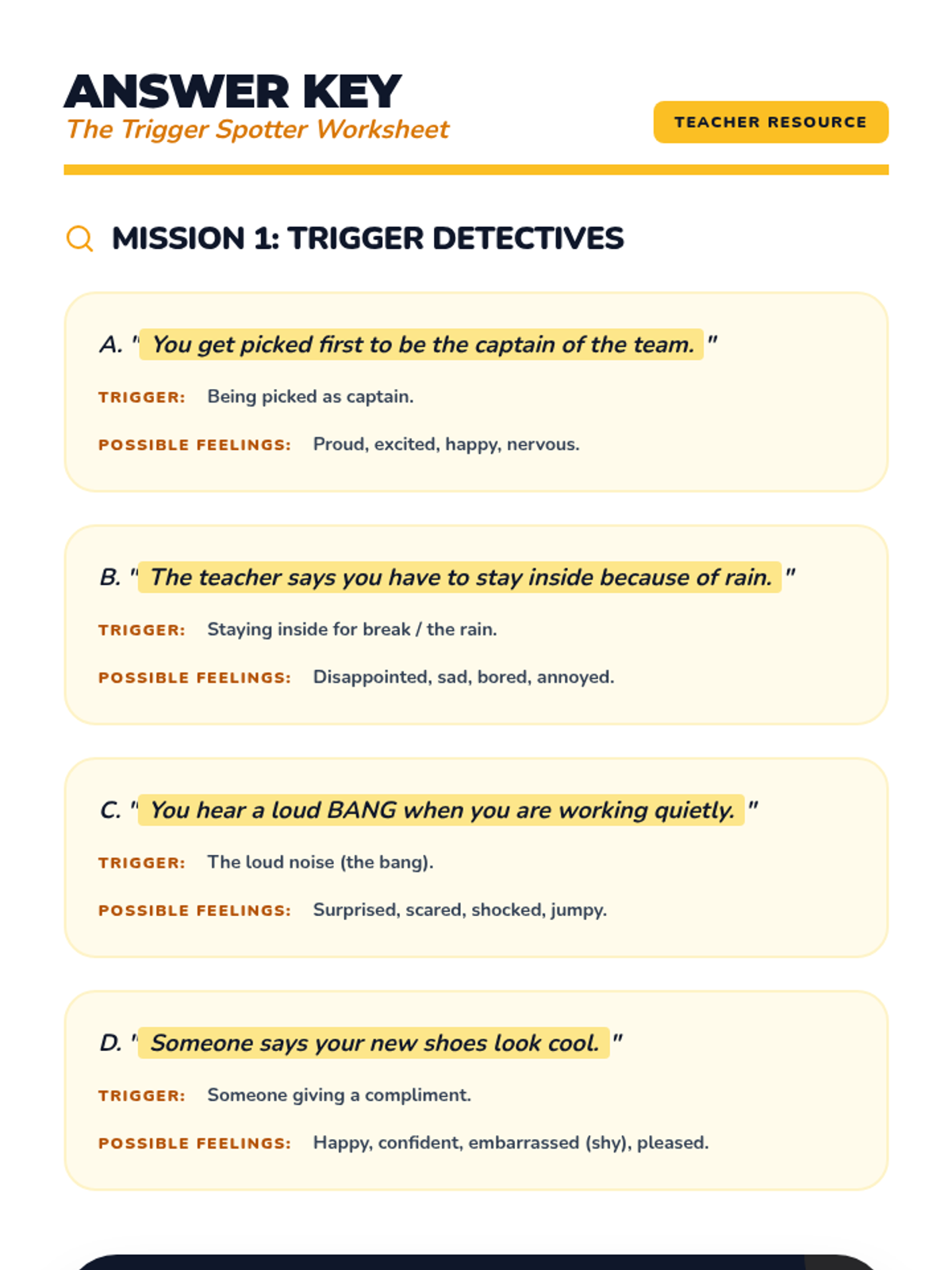
A P3 lesson introducing the Yellow Cog (Triggers) from the Emotion Works system, focusing on school-based scenarios with differentiated activities for various literacy levels.
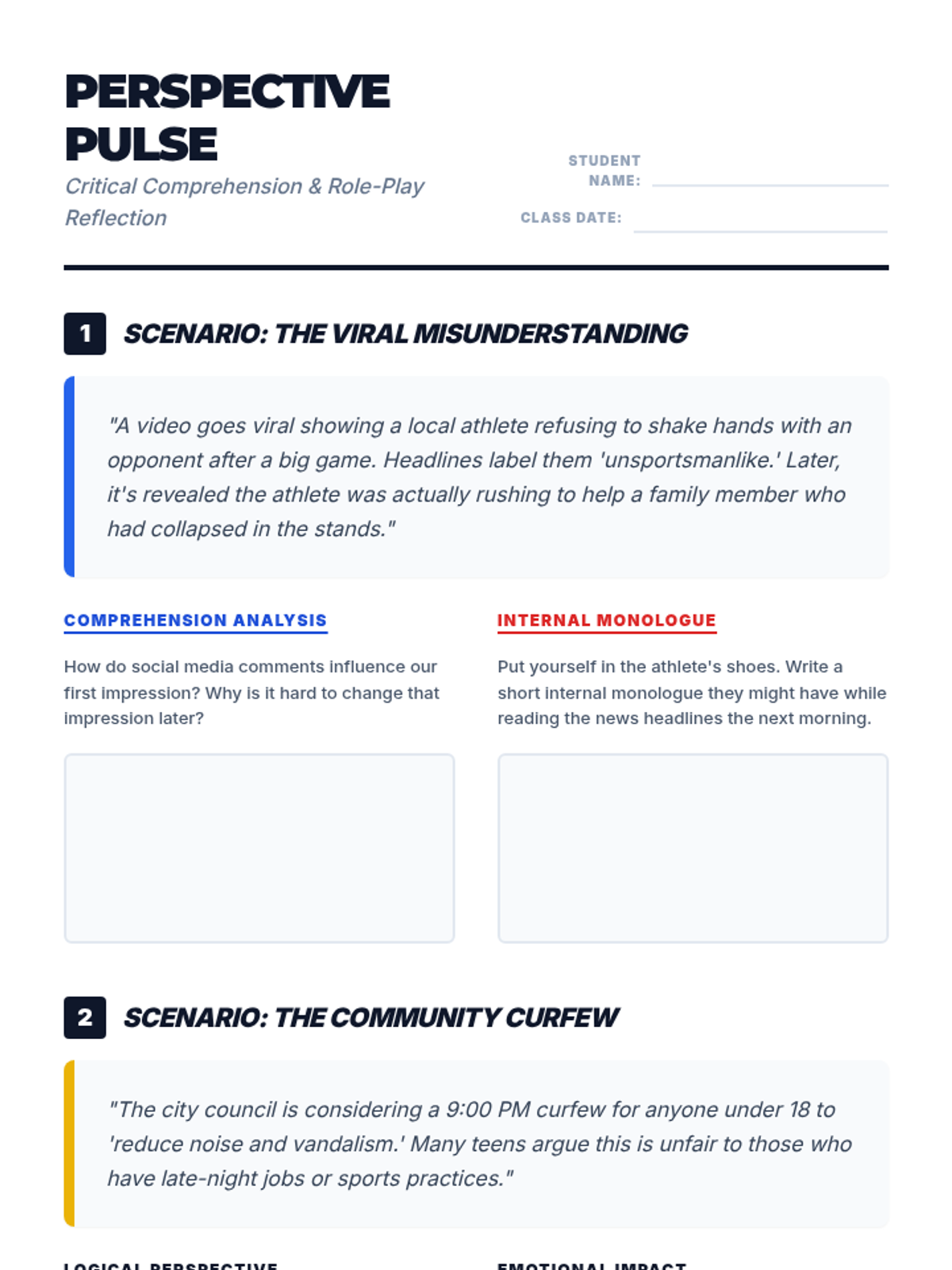
A lesson for 8th graders focused on navigating current news events through a social-emotional lens, using role-play to build empathy and critical thinking.
A lesson exploring the 'Yellow Cog' from the Emotion Works framework, focusing on how specific events, words, or changes act as triggers for our feelings.