An analysis of the tempo of evolution through time, testing the hypothesis of punctuated equilibrium against phyletic gradualism. Students apply statistical models to differentiate between random walks and directional selection.
An introductory lesson on sizing water supply pipes using the Massachusetts 248 CMR plumbing code, focusing on Water Supply Fixture Units (WSFU) and table interpretation.
Teacher guidance and student tracking tools for the 5-week Tech Capstone project, including evaluation rubrics and progress monitoring.
A hands-on inquiry into the vital role of pollinators in the Indiana ecosystem. Students explore local species, simulate the pollination process, and record their findings in a field journal.
Introduction au SQL dans le contexte du Big Data, de l'optimisation des requêtes et de la préparation des données pour l'IA.
Maîtriser l'art de combiner plusieurs tables avec INNER JOIN, LEFT JOIN et comprendre les relations entre les données.
Utilisation des fonctions d'agrégation (SUM, AVG, COUNT) et de la clause GROUP BY pour générer des rapports statistiques.
Apprendre à organiser les résultats de recherche avec ORDER BY, LIMIT et à éliminer les doublons avec DISTINCT.
Introduction aux concepts de base des bases de données et apprentissage des commandes SELECT, FROM et WHERE pour extraire des données spécifiques.
Utilisez des sous-requêtes et des CTE pour structurer des analyses de haut niveau prêtes pour le Big Data.
Apprenez l'art de combiner plusieurs tables pour créer des vues de données complètes et complexes.
Maîtrisez les fonctions d'agrégation et le regroupement pour transformer des lignes de données en statistiques actionnables.
Découvrez l'anatomie d'une base de données et apprenez à extraire vos premières informations avec SELECT, FROM et WHERE.
Students explore the anatomy of the ear and the physics of sound waves to understand how noise impacts their health and focus. The lesson includes hands-on noise monitoring and the development of protective strategies for auditory well-being.
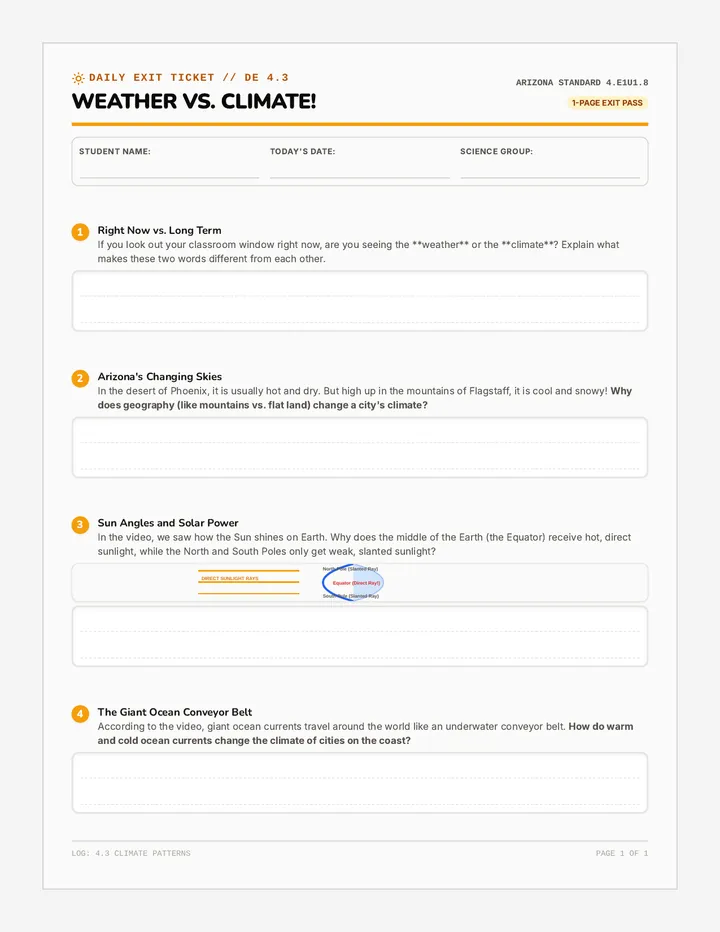
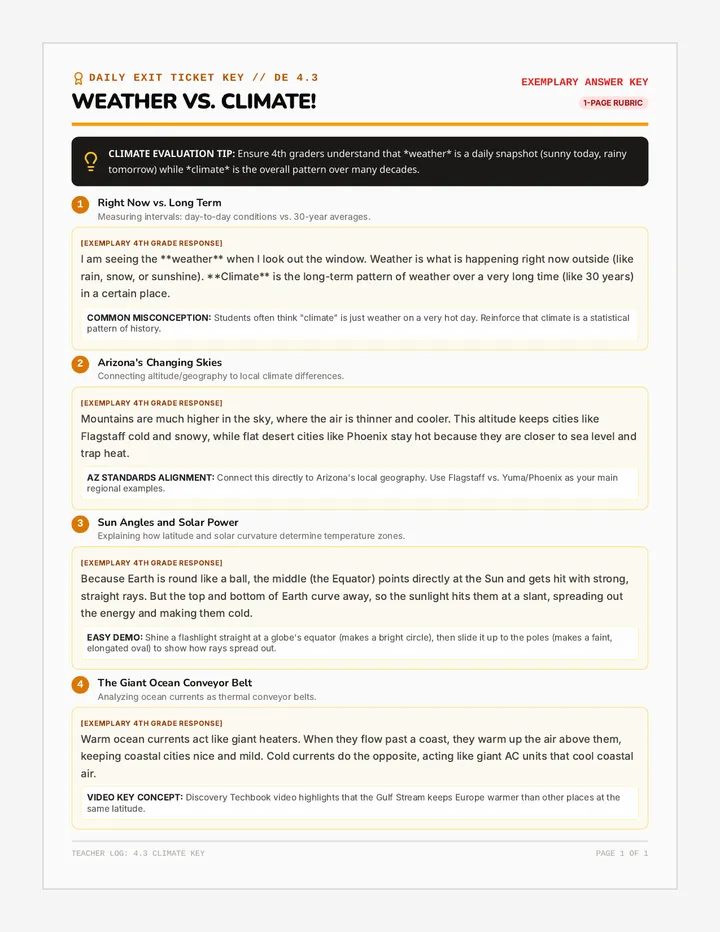
A lesson exploring the science of how ice cools water through the transfer of thermal energy. Students will learn that heat moves from warm to cold, dispelling the common myth that 'cold' moves into the water.
Cette leçon explore le fonctionnement de l'intelligence artificielle appliquée à un distributeur de croquettes intelligent. Les élèves découvrent l'apprentissage supervisé pour distinguer les chiens des chats en utilisant l'interface Vittascience.
Une séquence complète sur l'utilisation des robots dans les missions de sauvetage et de secours, comprenant vocabulaire technique, lecture et atelier d'écriture.
A comprehensive teacher evaluation suite focused on an architectural scaling lesson, incorporating the Marzano framework for formal feedback and professional growth.
Teachers learn to break complex tasks into smaller, manageable steps using classroom routines and Iowa Core standards as examples.
A critical examination of how systemic inequities influence environmental health outcomes, focusing on Flint's water and urban air quality. Students analyze data and develop advocacy products to promote environmental justice.
A hands-on project where students explore waste management through the lens of Shoji Yamasaki's art, culminating in a creative video showcasing their own upcycling process or performance.
Students gain 'x-ray vision' over large datasets by learning to sort and filter information. They explore conditional formatting to visualize trends and identify specific target segments within their market research data.
Students transition from data entry to data analysis by mastering fundamental spreadsheet formulas. They learn the power of the equals sign, cell referencing, and essential functions like =SUM, =AVERAGE, and =COUNT to automate business calculations.
Students explore the efficiency of automated data collection by linking their market research forms to live spreadsheets. They learn the concept of real-time data syncing and master the 'Freezing Rows' skill to manage large datasets effectively.
Students learn the art of professional survey design to gather market intelligence. They distinguish between quantitative and qualitative data, identify biased questioning, and build a multi-format survey in Google Forms or Microsoft Forms to collect clean data from their target audience.
This lesson introduces students to the fundamental structure of spreadsheet software. They learn about cells, rows, columns, and addresses while performing basic data entry and formatting to align with their brand identity.
Students transition from brand design to market analysis by distinguishing between demographic data (external facts) and psychographic data (internal values). They apply these concepts by building a formal User Persona for their brand, justifying their earlier design choices based on audience data.
Students participate in a professional 'Gallery Walk' to provide and receive constructive feedback on their Brand Style Guides and One-Pagers. They apply the 'Glow and Grow' framework to refine their designs, fulfilling standards for artistic critique and professional communication.
Students master the principle of visual hierarchy to lead a customer's eye through a design. They apply the 'Rule of Three' (Size, Weight, and Contrast) to create a professional brand 'One-Pager' in Canva, ensuring their most important brand assets receive maximum visibility.
Students define their brand's 'personality' by selecting and filtering imagery that aligns with a specific tone. They complete their formal Brand Style Guide by documenting photography standards and brand keywords, focusing on the principles of repetition and unity.
Students transition from brand creation to documentation by building a formal Style Guide. They learn the importance of brand consistency through 'The Brand Police' concept and document their logo usage, hex codes, and typography pairings in Canva using alignment rulers and guides.
Students transition to Canva as a layout tool to assemble their brand assets into a professional Mood Board. They learn to 'break' templates by replacing generic elements with their own custom logos and colors, focusing on brand consistency and visual harmony.
Students refine their logo drafts for professional use, focusing on simplicity, negative space, and contrast. They learn to create multiple versions (Full Color and Solid Black) and understand the technical export requirements for digital vs. print media (PNG vs. PDF).
Students transition from creating isolated assets to building their official brand logo. They learn the anatomy of a logo (Symbol + Logotype), master alignment guides in Google Drawing, and perform the 'Squint Test' to ensure their design is clear and balanced.