A comprehensive visual guide to Java programming fundamentals, covering core syntax, data types, variables, and control flow. Designed as a high-contrast desk reference for student workstations.
An introductory, hands-on shop class curriculum for high school students. It covers the fundamentals of three essential trades: woodworking, light-duty electrical wiring, and basic pipe fitting. Each unit guides absolute beginners through tool safety, technical reading, and practical assembly.
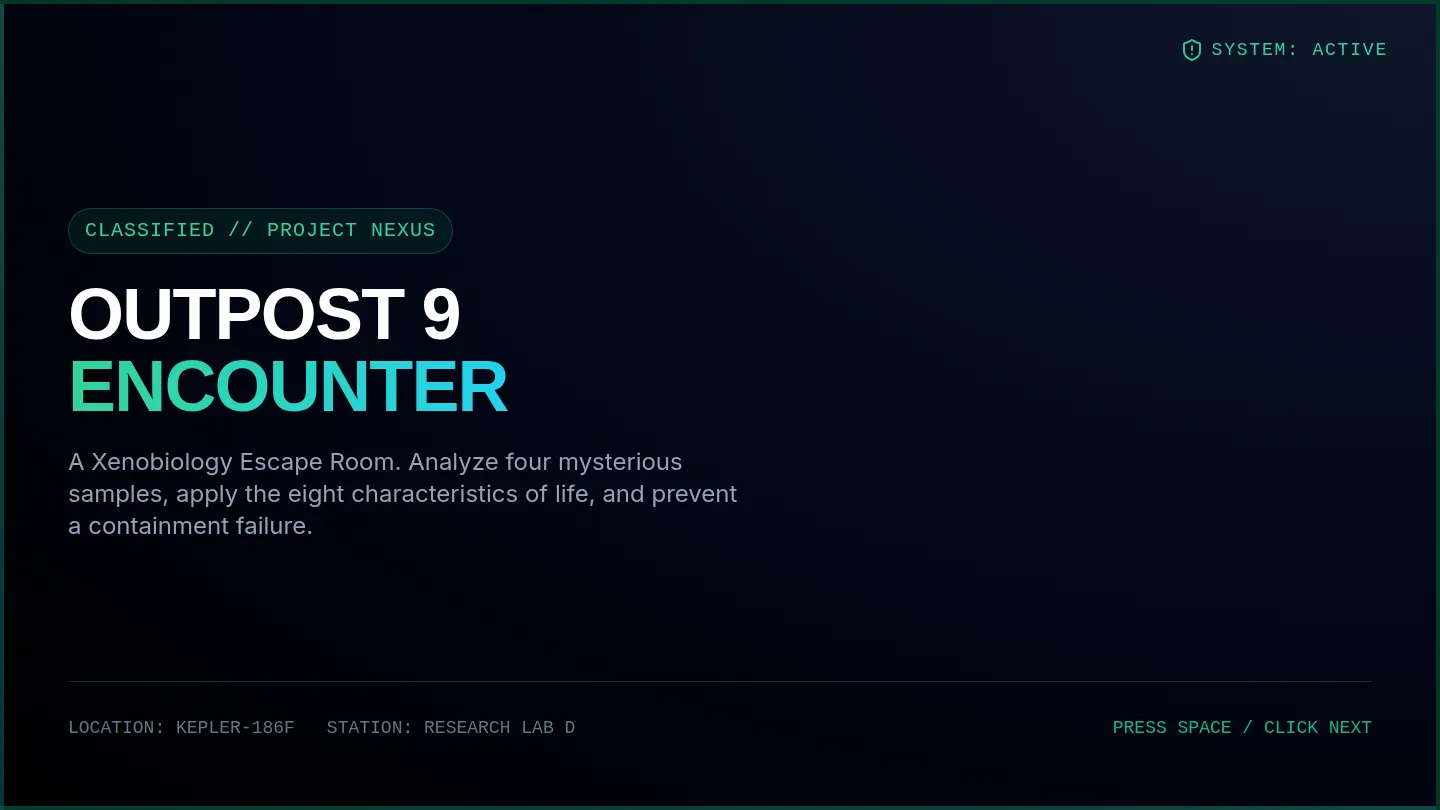
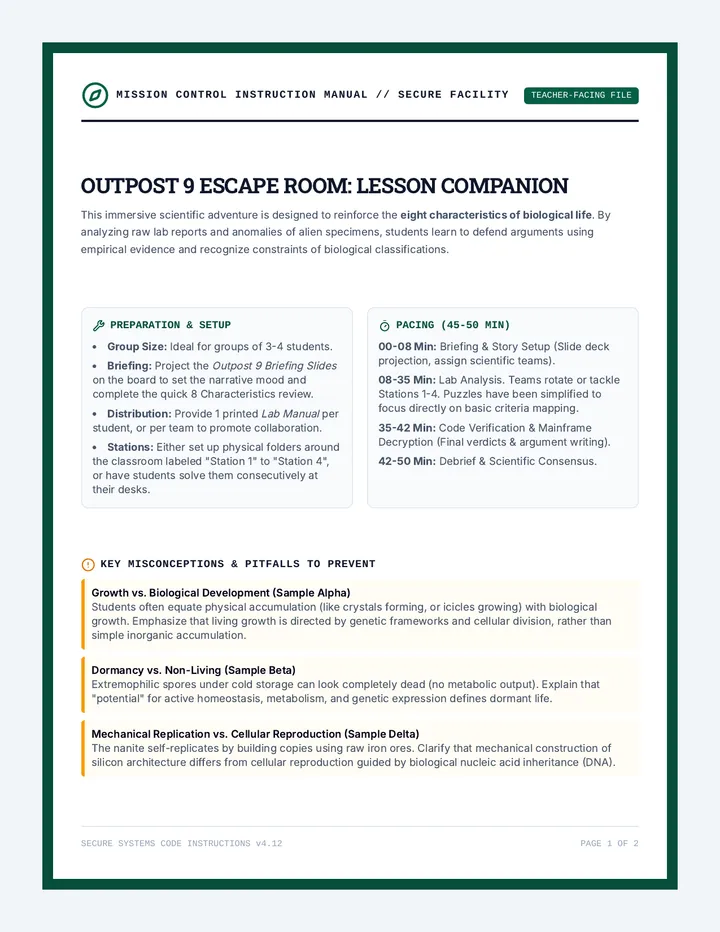
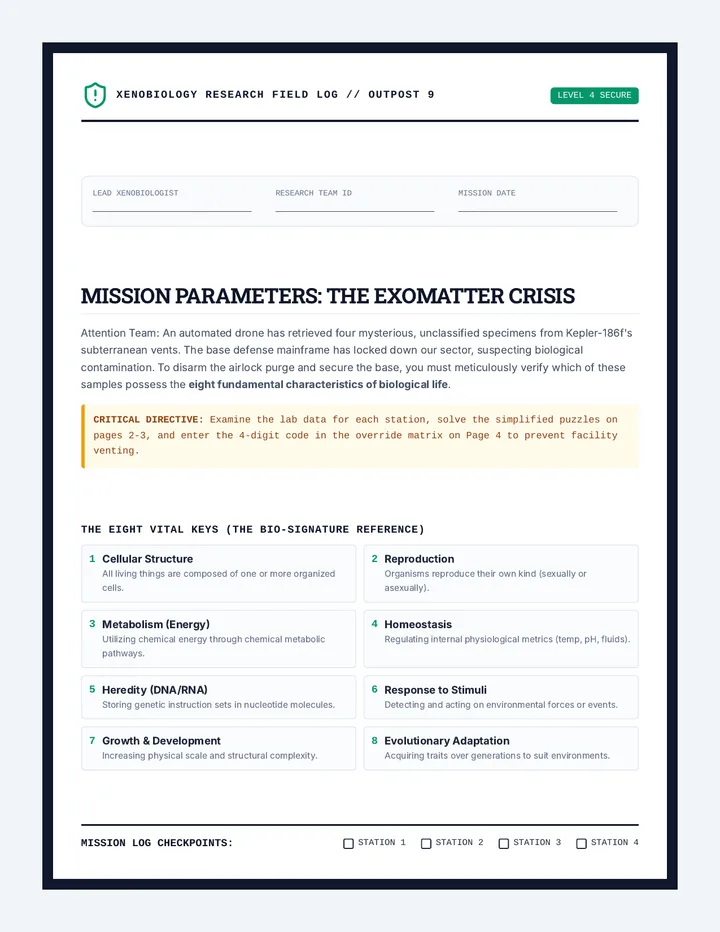
An immersive xenobiology escape room activity where high school students analyze mysterious extraterrestrial samples to determine if they meet the eight characteristics of life.
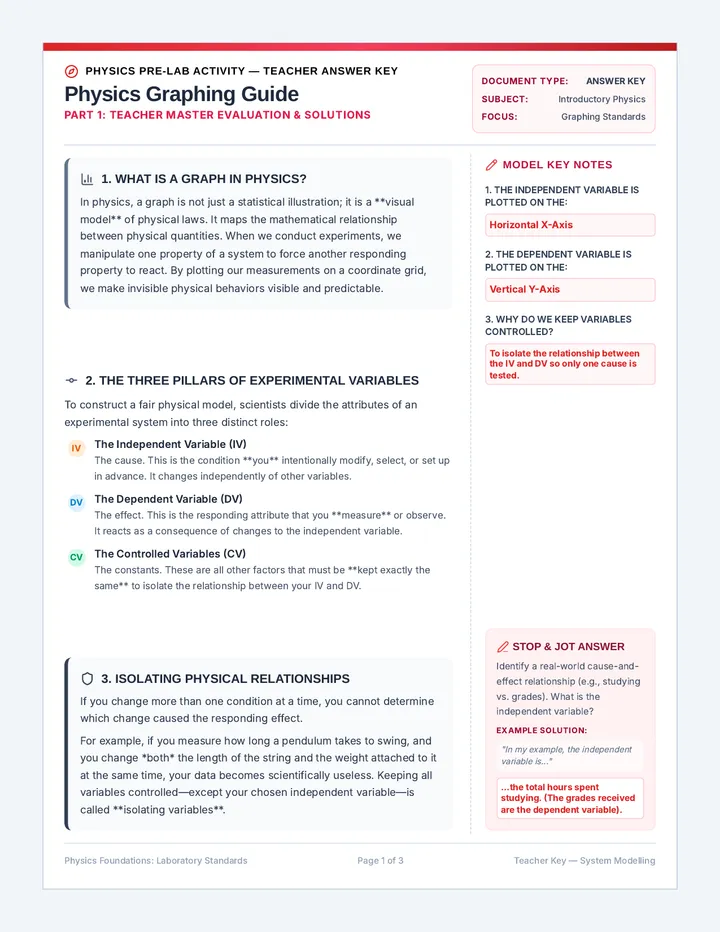
A premium, three-page teacher answer key that matches the Stress Test Graphing Guide. All guided note-taking spaces, stop-and-jot prompts, Think-Pair-Share blocks, conceptual questions (Questions 4, 5, and 6), and the sandbox graphing chart are completed with model answers rendered in highly-legible red/crimson.
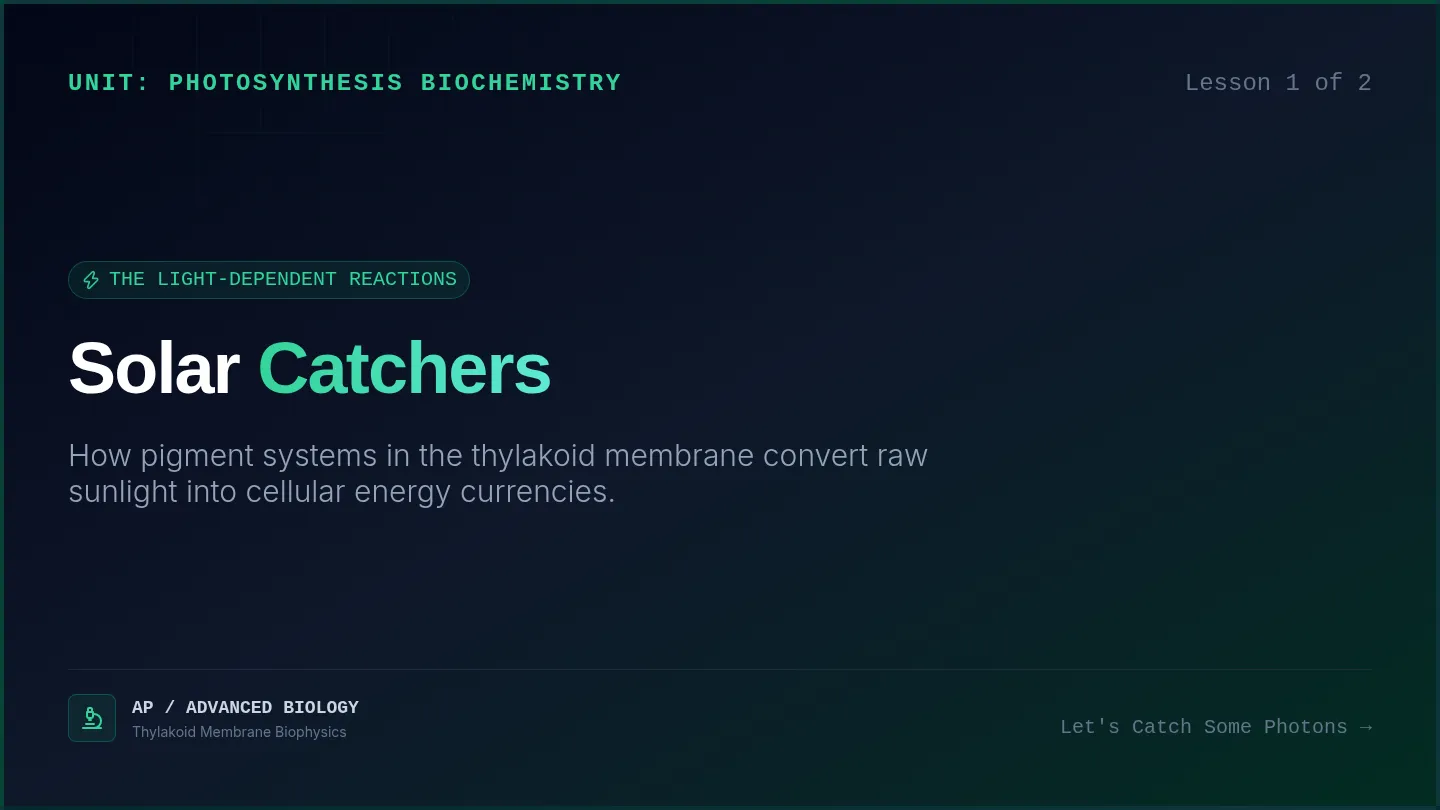
A comprehensive high school biology unit covering the biochemistry of photosynthesis. Includes detailed explorations of the thylakoid light-dependent reactions and the stroma-based Calvin cycle, paired with instructional slides and matching guided notes.
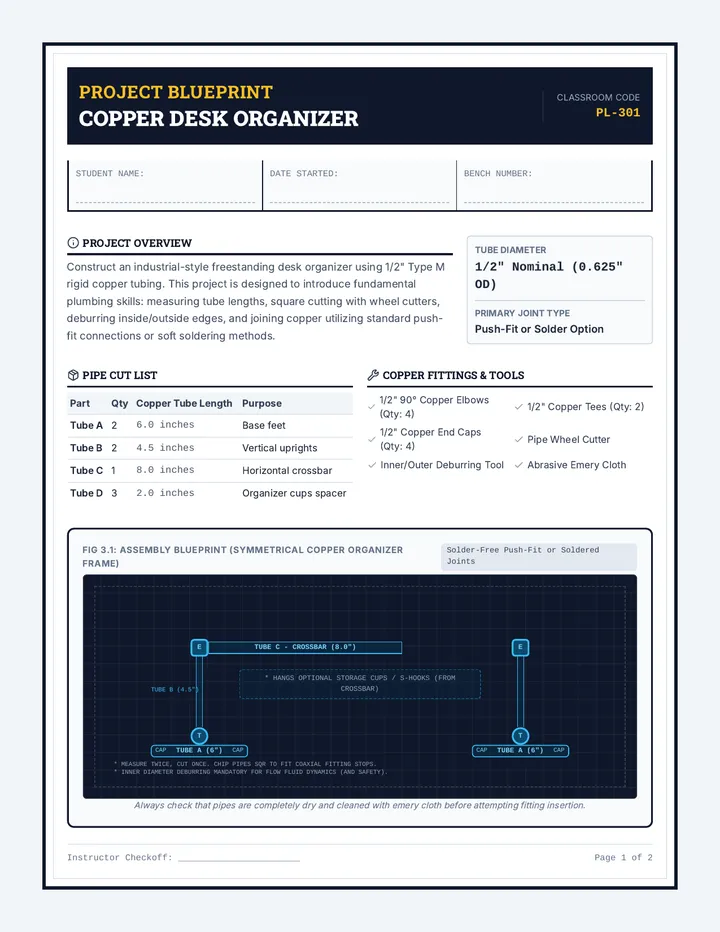
Covers basic residential plumbing, including technical terms, pipe sizing, and the preparation/joining of copper and PEX piping. Students build a freestanding copper pipe organizer to practice cutting, deburring, and push-fit/soldering assembly.
A teacher's escape room guidebook containing preparation steps, staging scripts, the complete mathematical answer key (code: 6232), and discussion prompts.
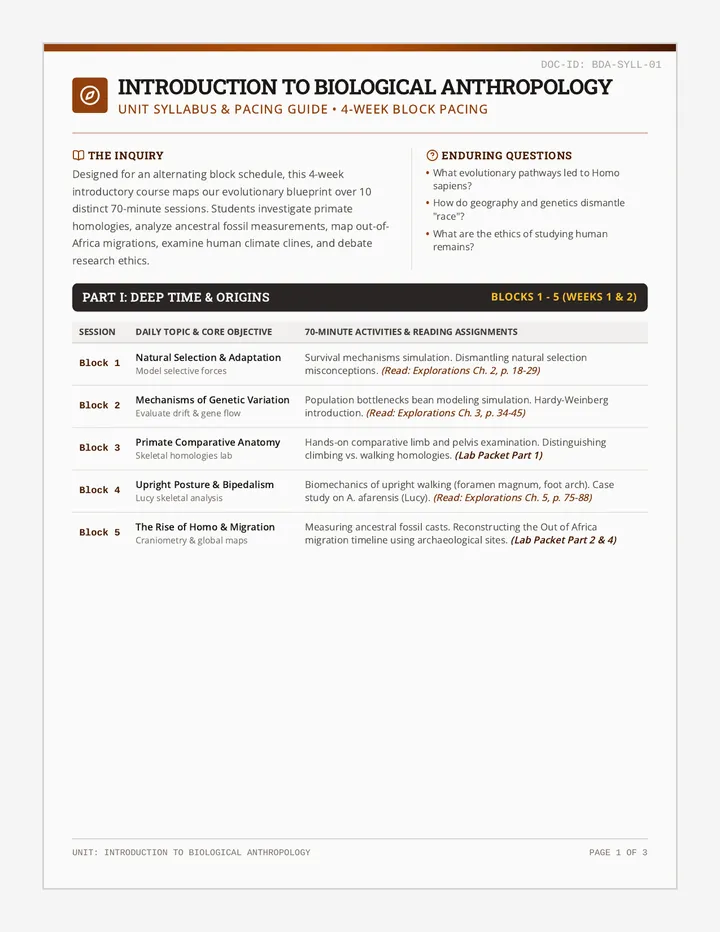
A four-week introductory sequence in biological anthropology designed for grades 9-10. Students explore primate structural homologies, map hominin evolutionary history, investigate human biological diversity and genetics, and examine the biocultural connections and ethical dilemmas of studying human remains.
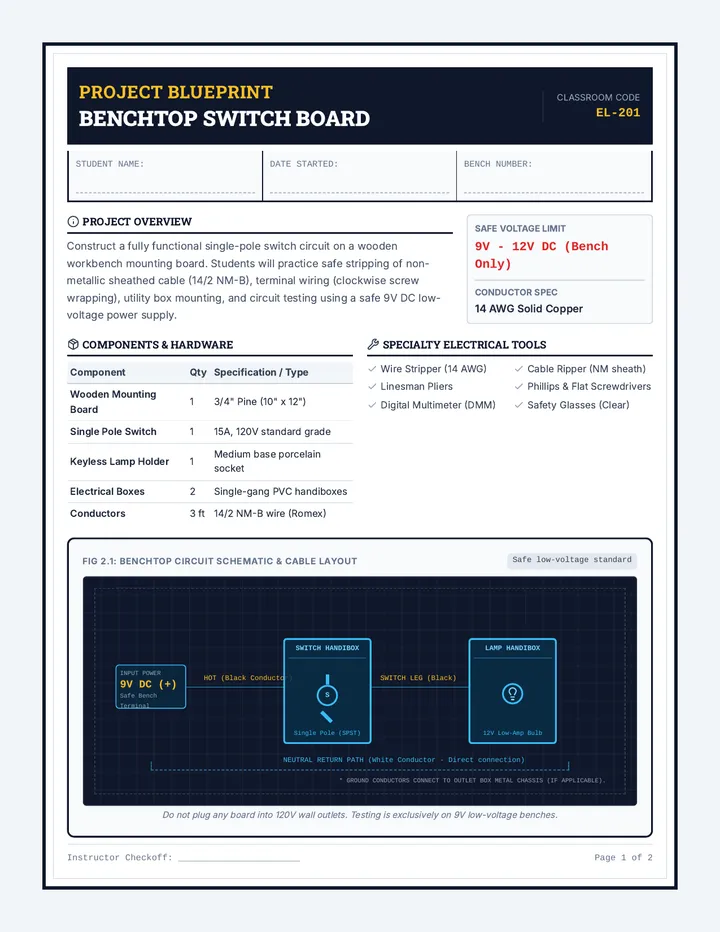
Teaches students the core concepts of simple electrical circuits, wire preparation, terminal connections, and residential device wiring. Students build a functional light-switch testing board under safe, non-energized (low-voltage or benchtop) conditions.
An immersive, printable student escape room lab manual containing four simplified station puzzles, scientific checklists, and a final decryption matrix to solve.
An immersive 3-day scientific inquiry studio where students investigate the impact of music and sound on human performance, using the scientific method to collect real-world data.
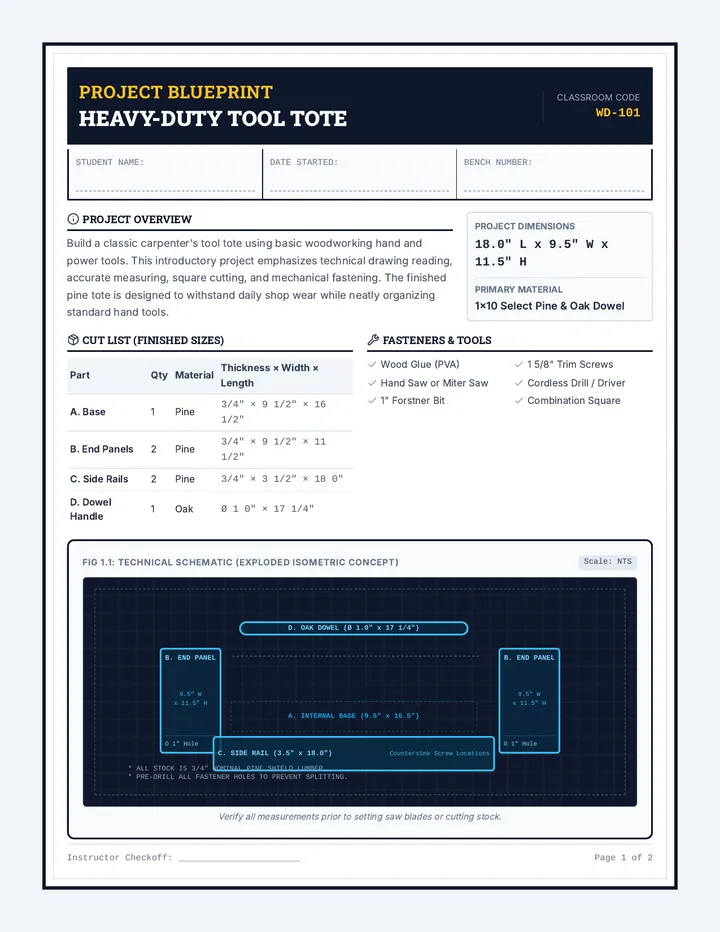
Introduces students to fundamental woodworking skills, including tape measure reading, lumber standards, safe hand/power saw usage, and assembly. Students apply these skills by building a classic, heavy-duty wooden Tool Tote.
Futuristic briefing slides for the escape room activity, introducing the narrative, the 8 characteristics of life, and the 4 mysterious extraterrestrial samples.