A practical worksheet for students to audit their email notifications, reflect on their digital habits, and create a commitment plan for focused "batching" times.
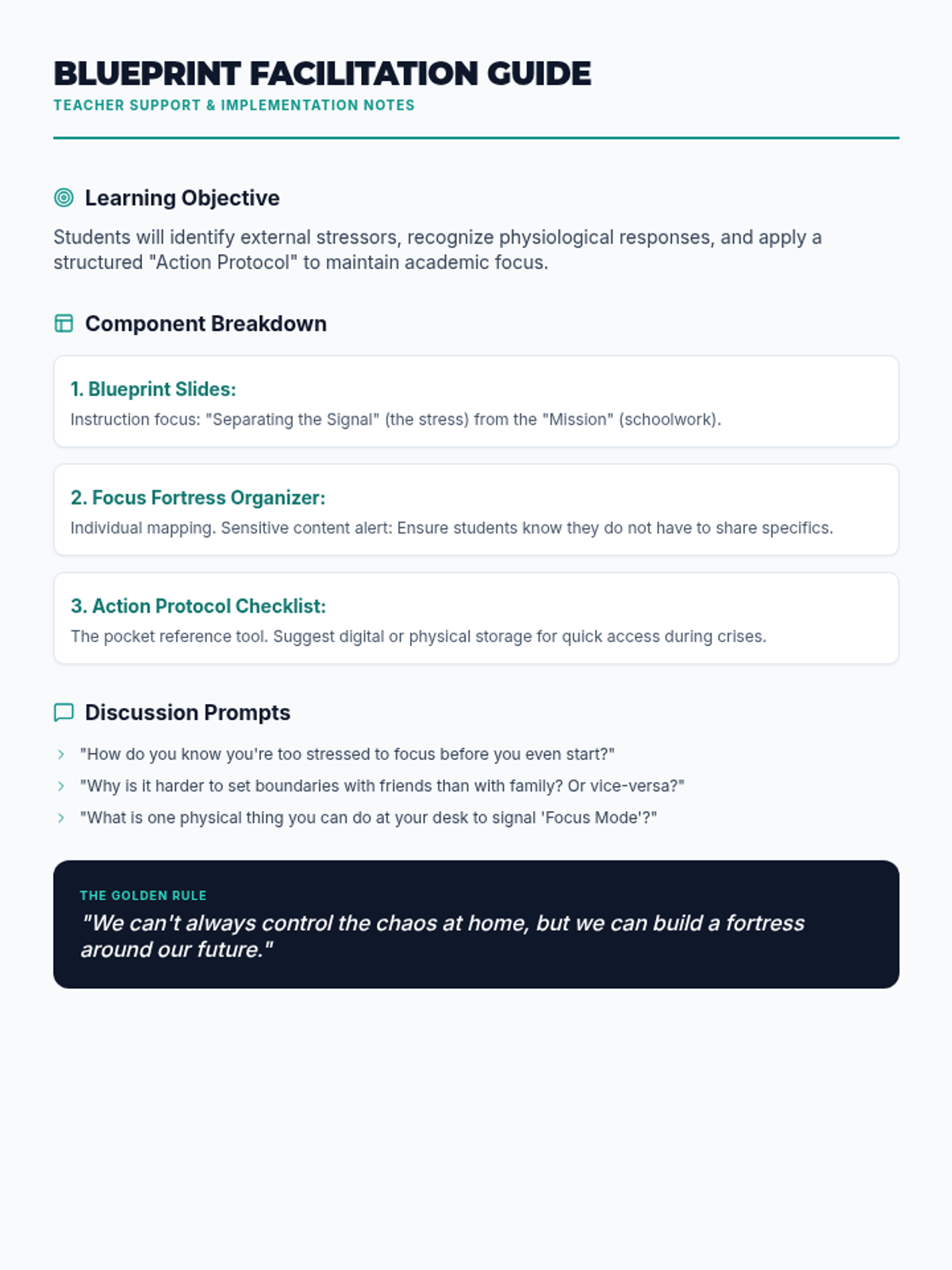
A teacher-facing facilitation guide providing instructional tips, discussion prompts, and implementation strategies for the Clarity Blueprint lesson.
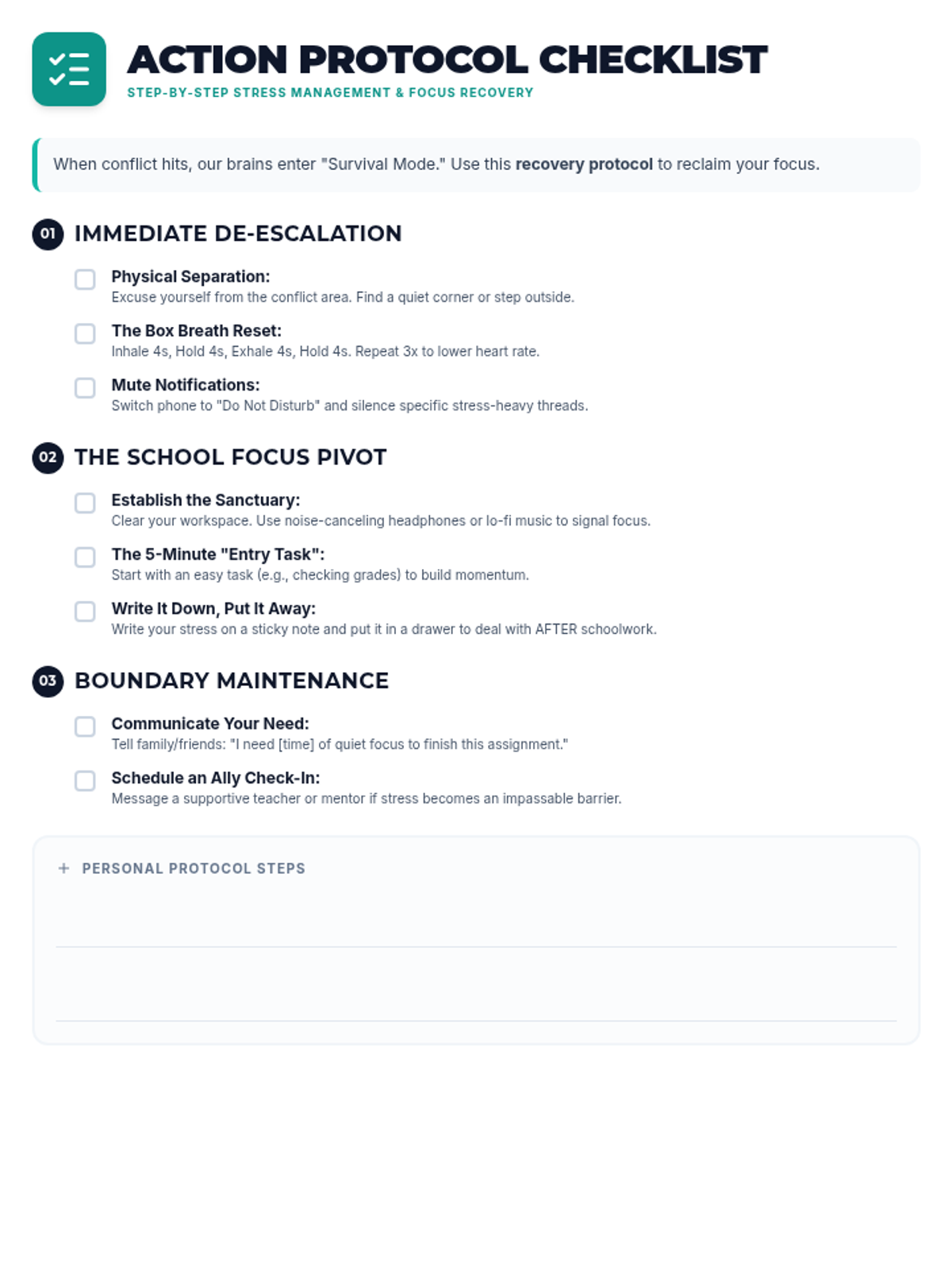
A step-by-step checklist guide for students to follow when stress levels rise, focusing on immediate de-escalation, shifting to a school focus, and long-term boundary maintenance.
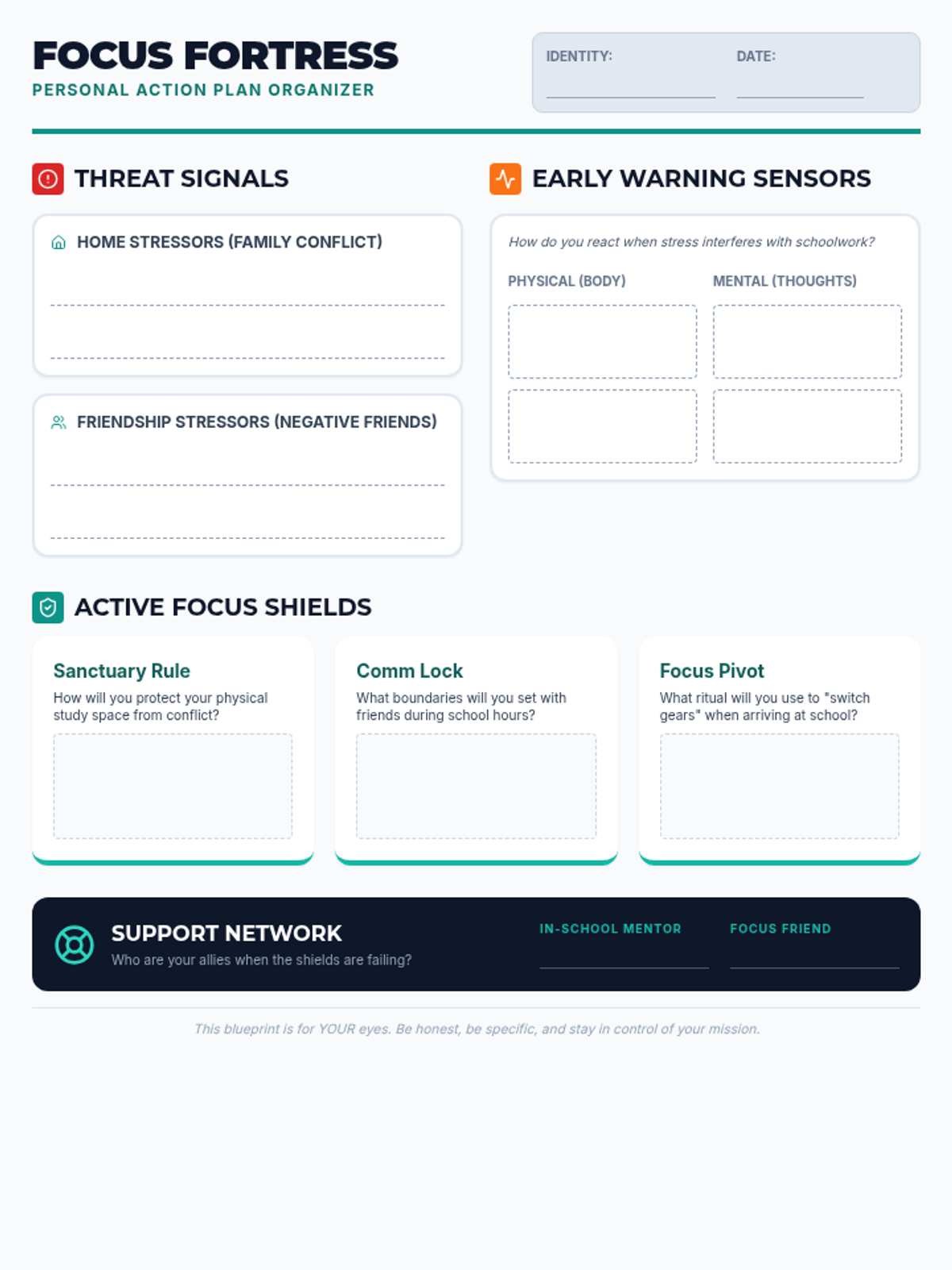
A visual graphic organizer designed for students to map out stress triggers from home and social circles, identify physiological signals, and design specific focus strategies.
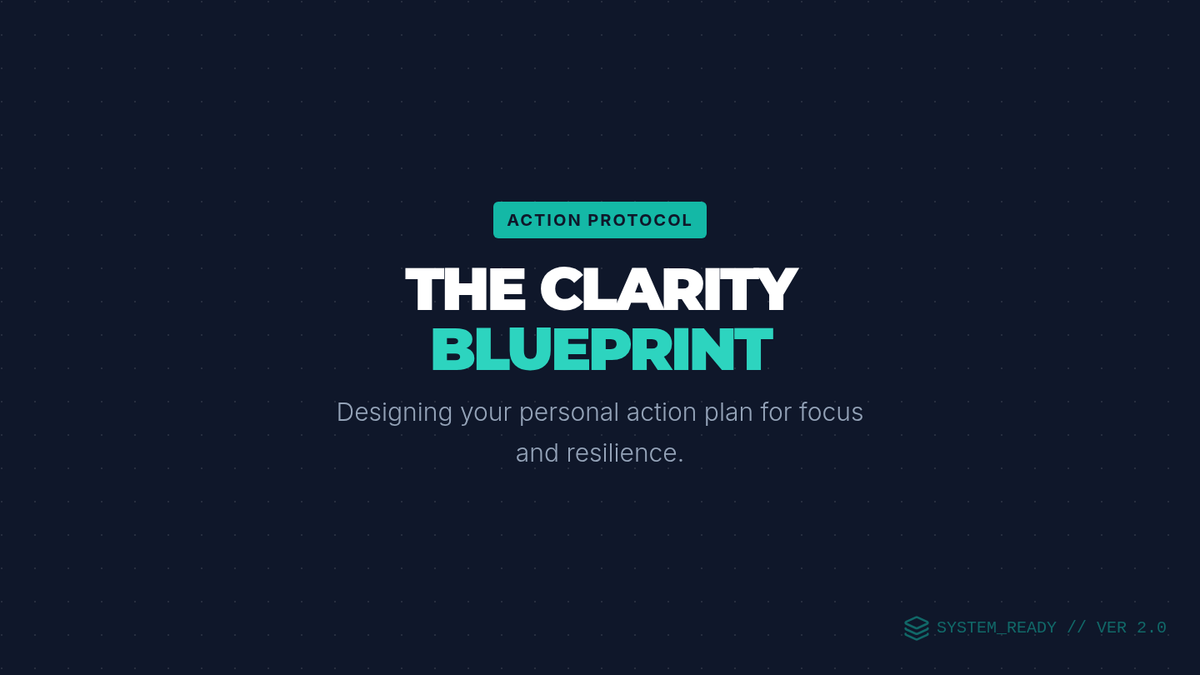
A visual presentation defining personal action plans and providing strategies for managing family conflict and negative friendship influences to maintain school focus.
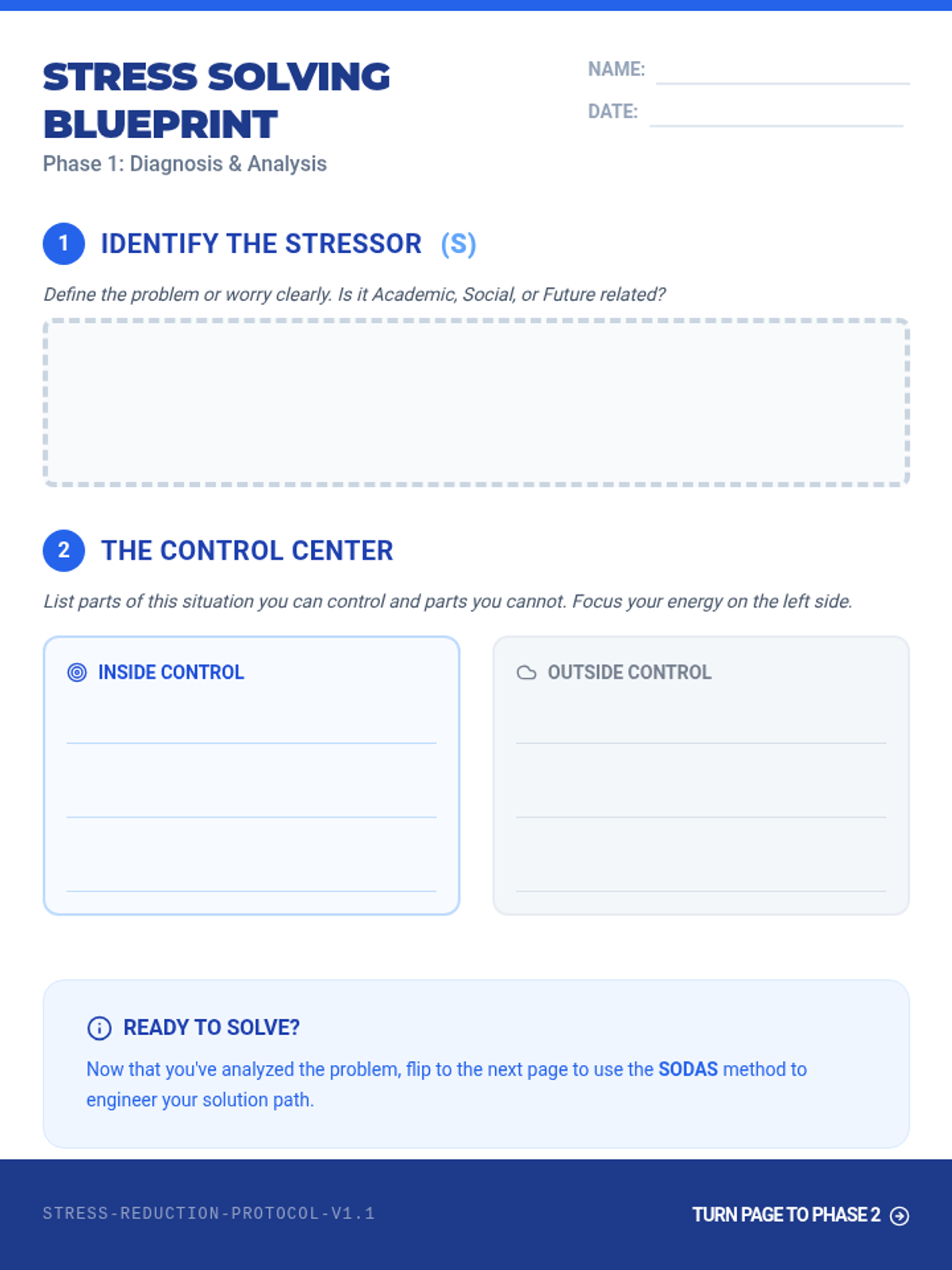
A structured, two-page problem-solving guide that walks students through identifying stressors, categorizing their control, and applying the SODAS method. It concludes with a concrete micro-step action plan and a resilience buffer.
A highly visual, engineering-themed presentation that teaches the SODAS problem-solving framework through the lens of academic, social, and future stressors. Includes interactive scenarios and a focus on identifying the 'Circle of Control'.
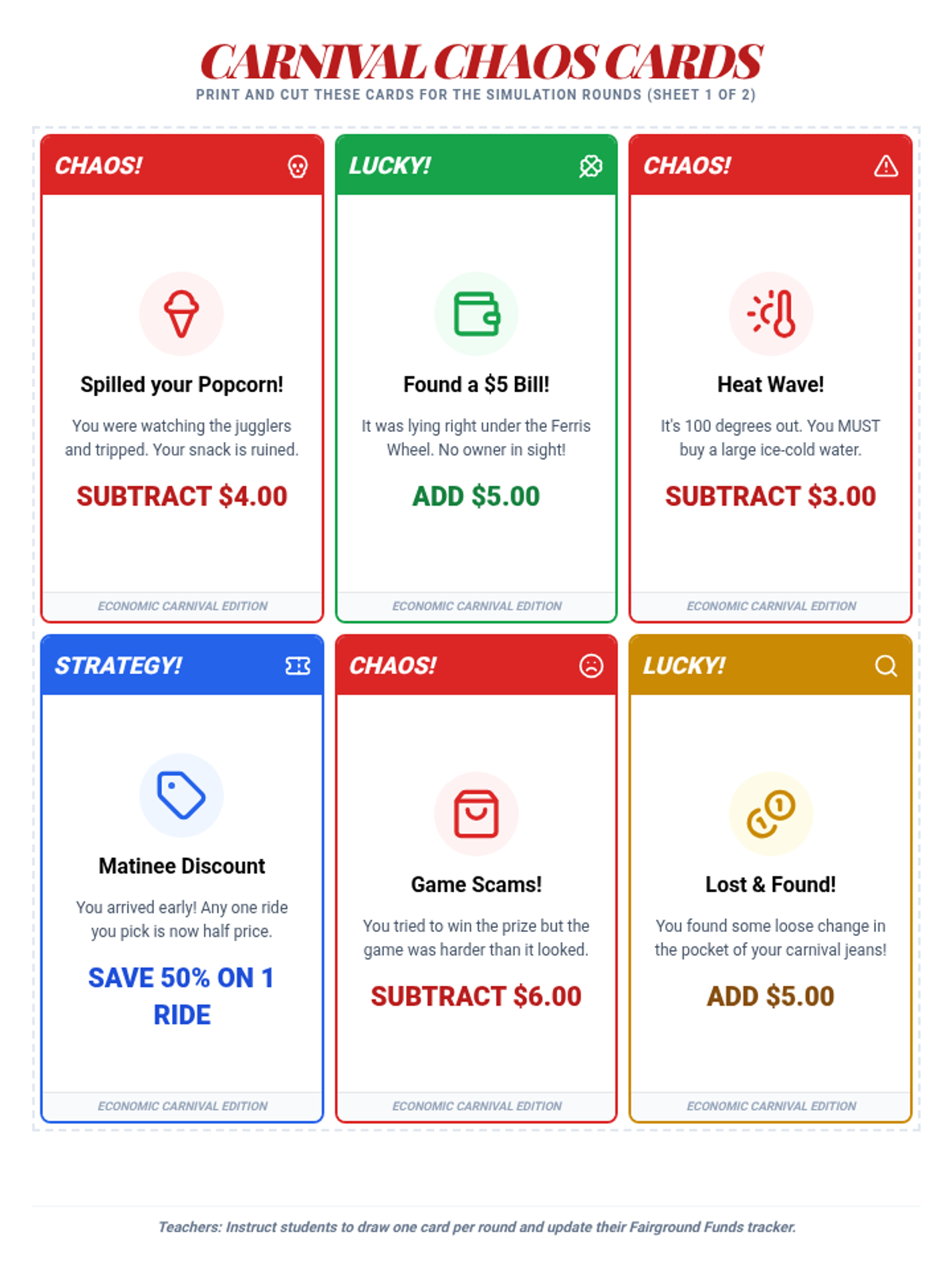
A set of printable 'Chaos Cards' that introduce random economic events into the carnival simulation, forcing students to adjust their budgets and deal with unexpected gains or losses.
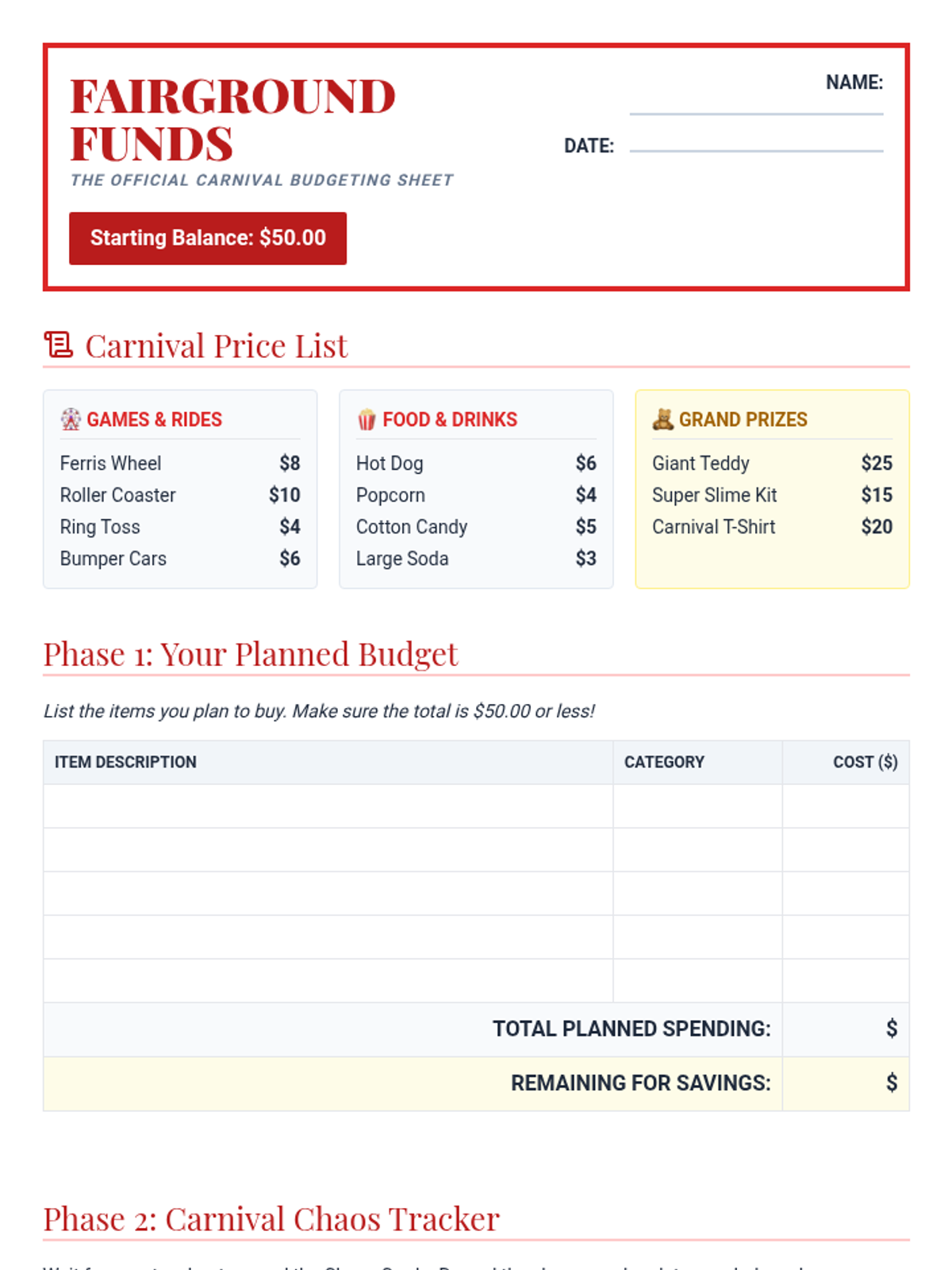
A budgeting worksheet where students plan their carnival spending, track their remaining balance, and record the effects of 'Chaos Cards' on their overall savings goal.
Visual slides to guide students through the Economic Carnival simulation, introducing key economic terms like budget, opportunity cost, and wants vs. needs with a fun carnival theme.
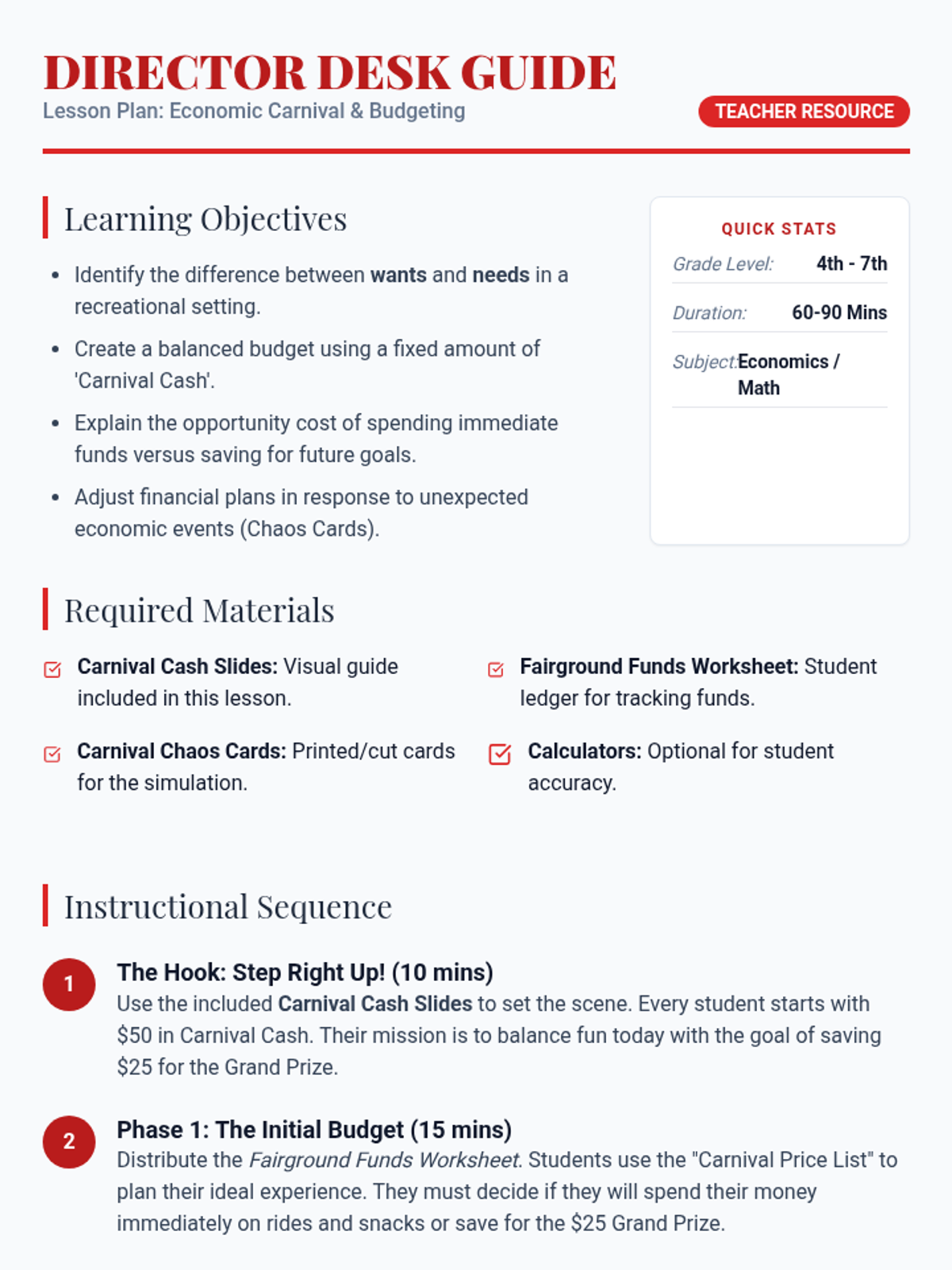
A comprehensive teacher's guide for the Economic Carnival lesson, including learning objectives, a step-by-step instructional sequence, and discussion prompts to facilitate deep learning about budgeting and saving.
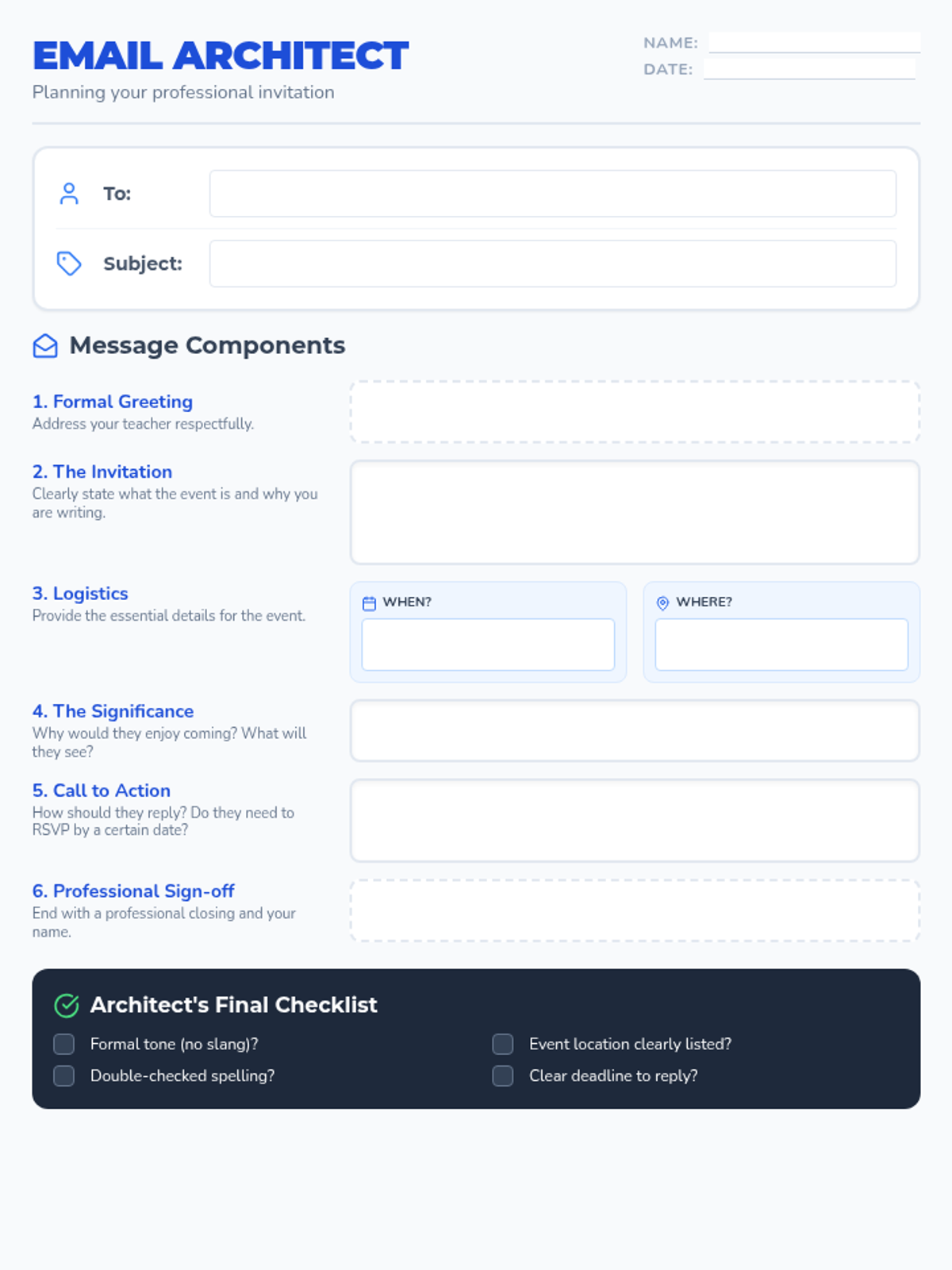
A graphic organizer designed to help students structure a professional email invitation to a teacher, including sections for the subject line, greeting, body, and sign-off.
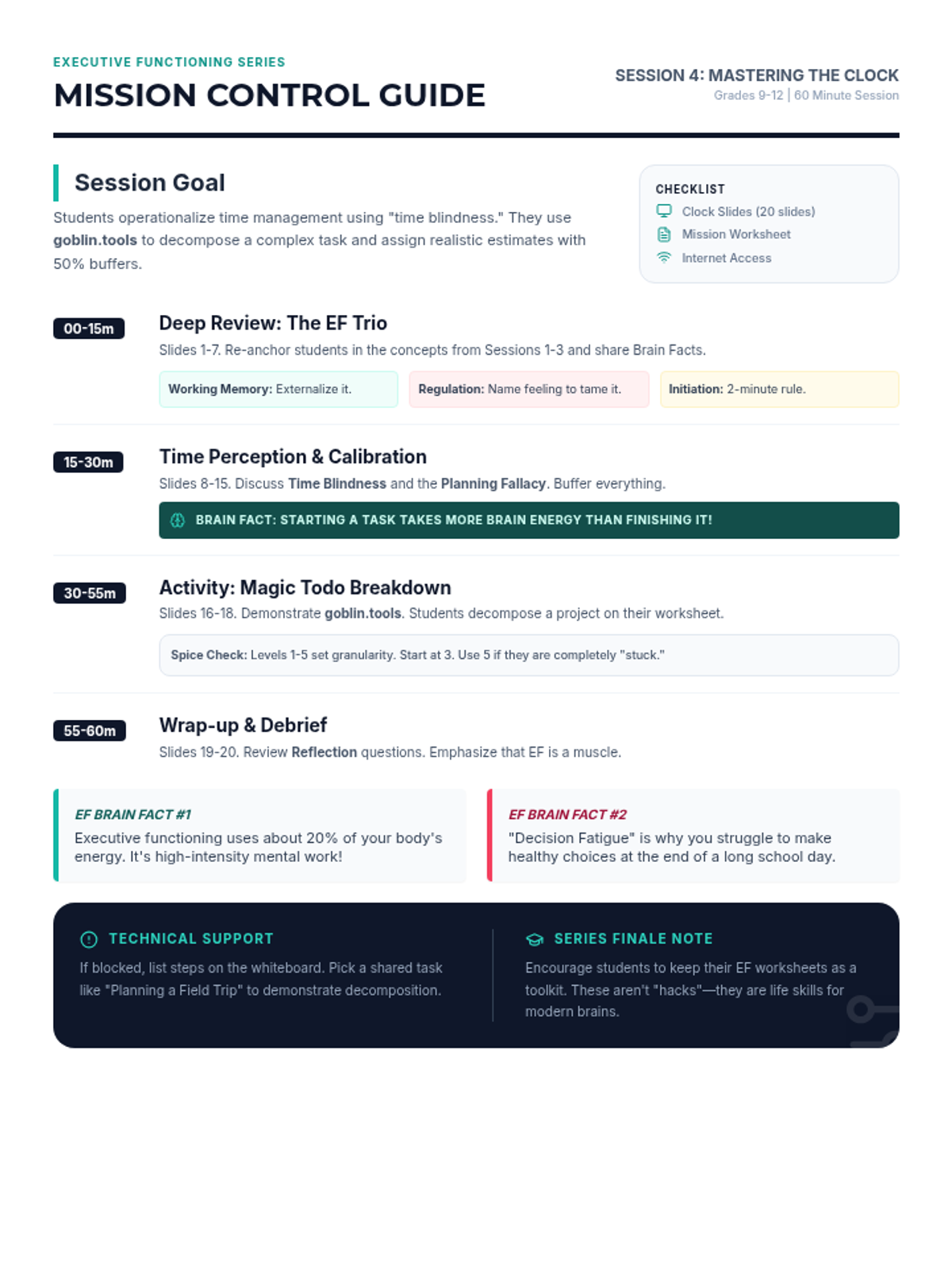
A teacher's facilitation guide for the "Mastering the Clock" session, including pacing, discussion prompts, and activity instructions for using goblin.tools. Compressed to a single page with all EF Brain Facts and pacing included.
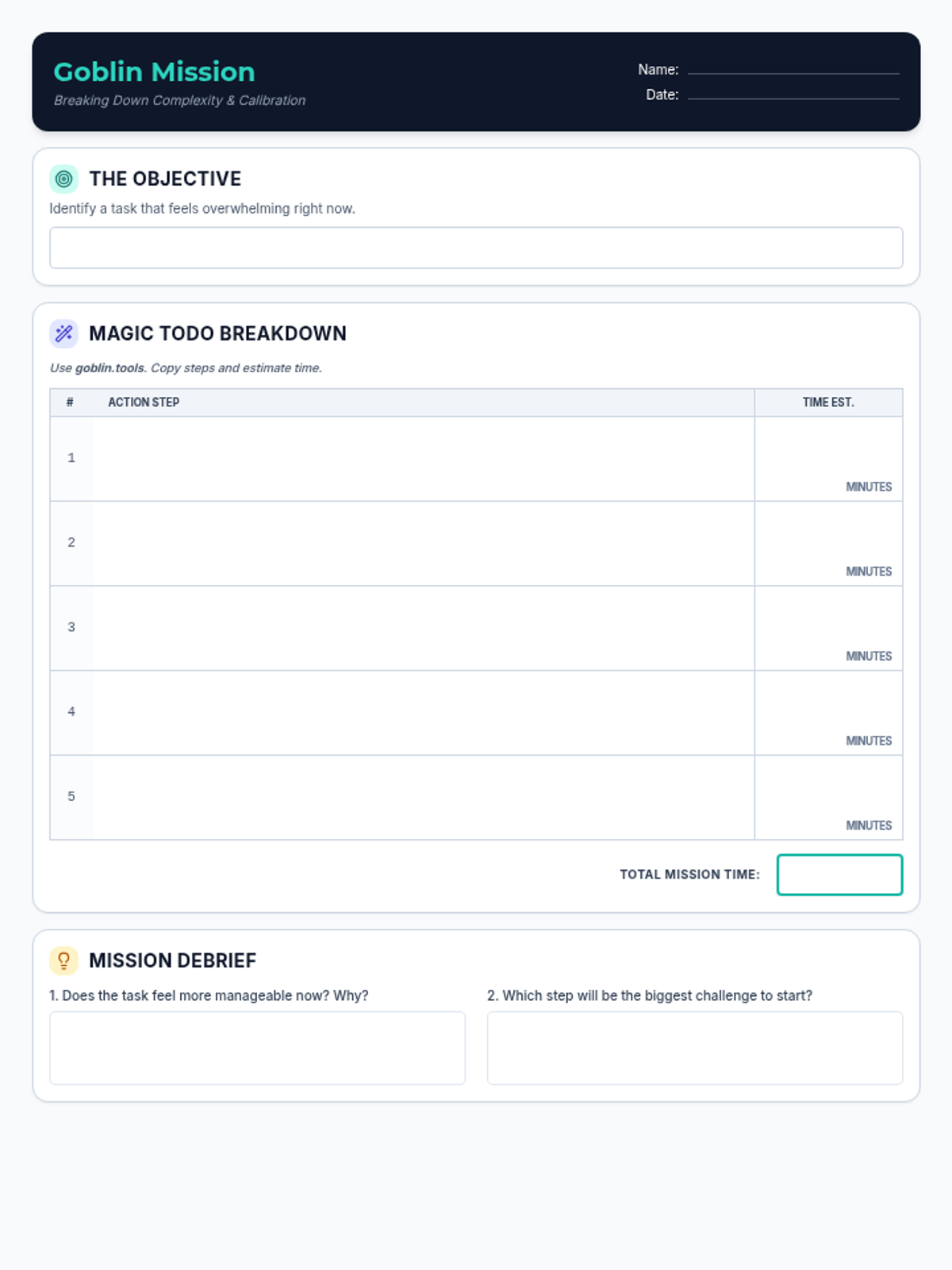
A worksheet for students to record tasks broken down by goblin.tools, estimate the time required for each sub-step, and reflect on the process. Updated to fit on a single page with high-contrast borders and larger writing areas.
A comprehensive 20-slide presentation for the final executive functioning session, featuring detailed reviews of core skills, new time management strategies, and interesting brain facts. Updated to fix layout issues on slides 9, 13, 16, and 17.
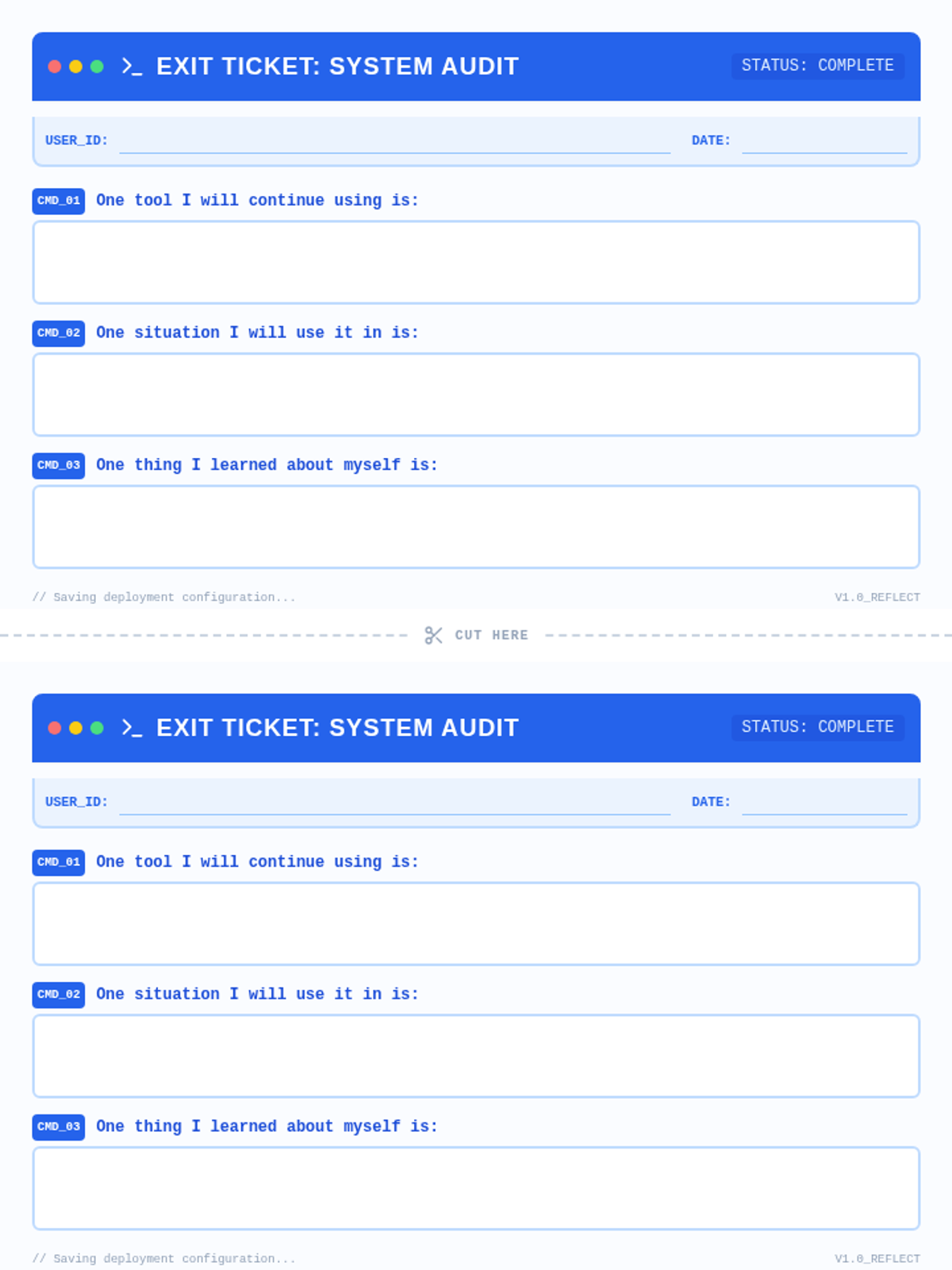
A refined, 1-page document containing two identical coding-themed exit tickets. Each ticket includes three reflection prompts with spacious white writing areas. Features a blue terminal UI aesthetic with a clear central cut line to ensure both tickets fit on a single page.
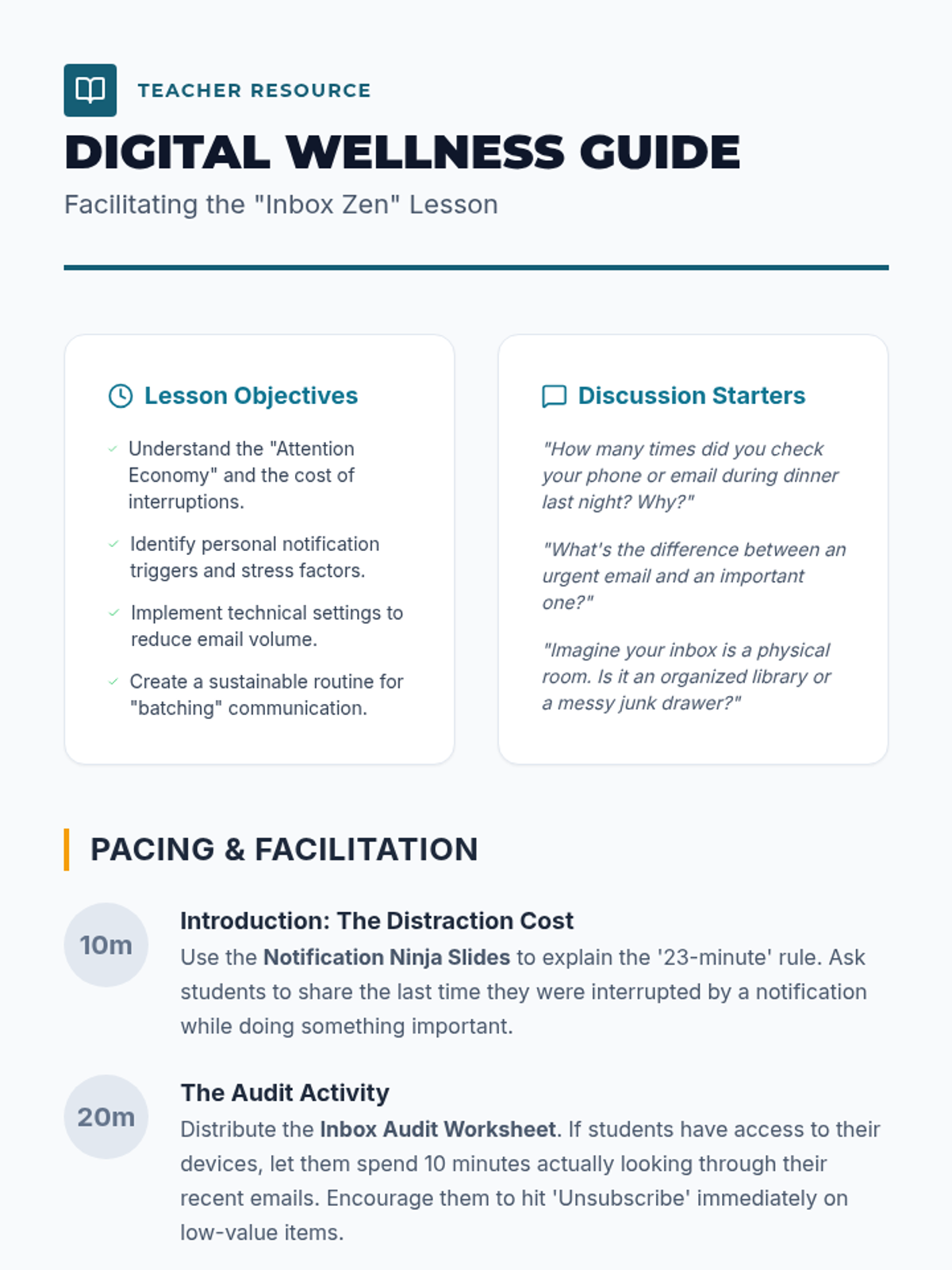
A comprehensive facilitation guide for teachers to lead the Inbox Zen lesson, including discussion prompts, pacing, and digital wellness tips.
An engaging slide deck teaching students about the distraction of email notifications and providing strategies for batching and auditing digital communications.
A revised 6-slide presentation deck titled 'Chief Architect' with a high-contrast light theme. Slide 3 has been redesigned to remove dark background boxes for 'Debugging Practice', replacing them with light-themed slate and blue elements while retaining technical diagnostic metaphors. Optimized for visibility and thematic consistency.
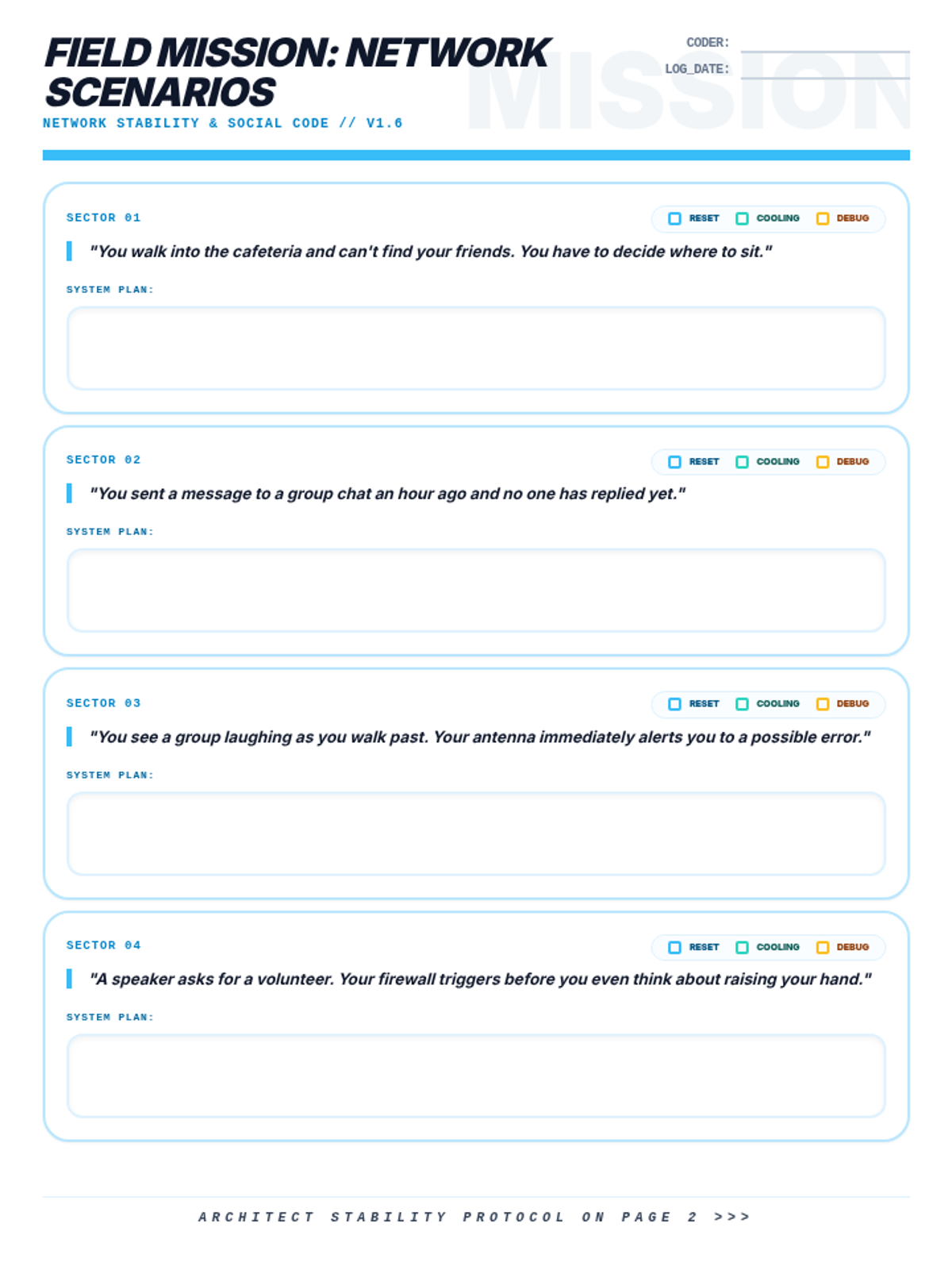
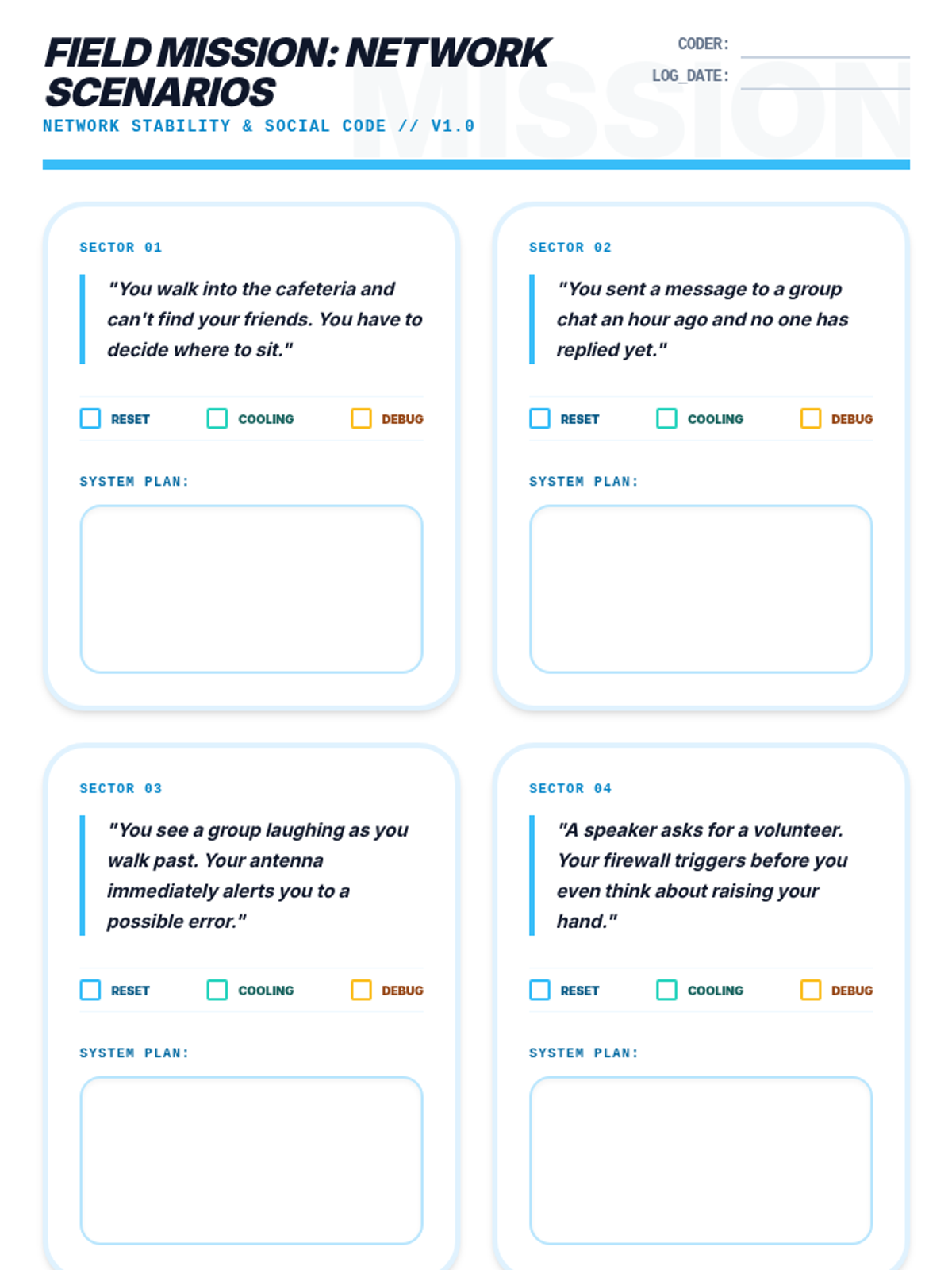
A student practice worksheet for the Social Signals lesson. Revised to fit all 4 sectors on a single page using a vertical list layout with properly sized response boxes. Corrected footer alignment and page breaks for a stable 2-page print layout. Final sweep for spacing and container borders.
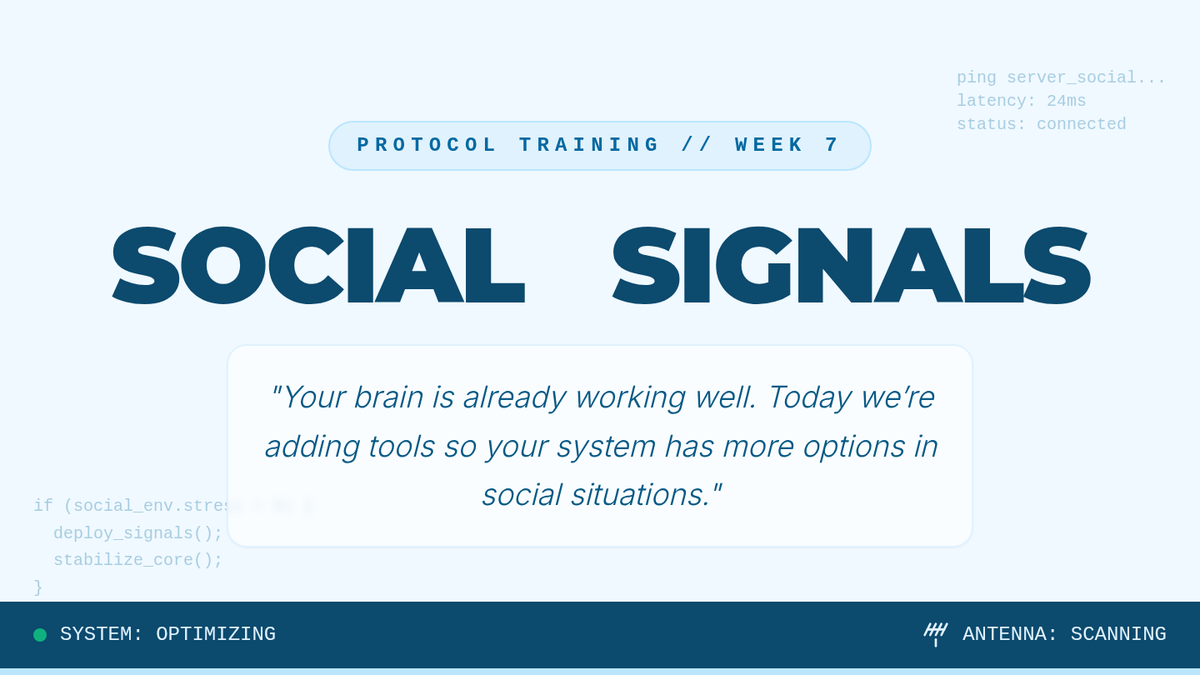
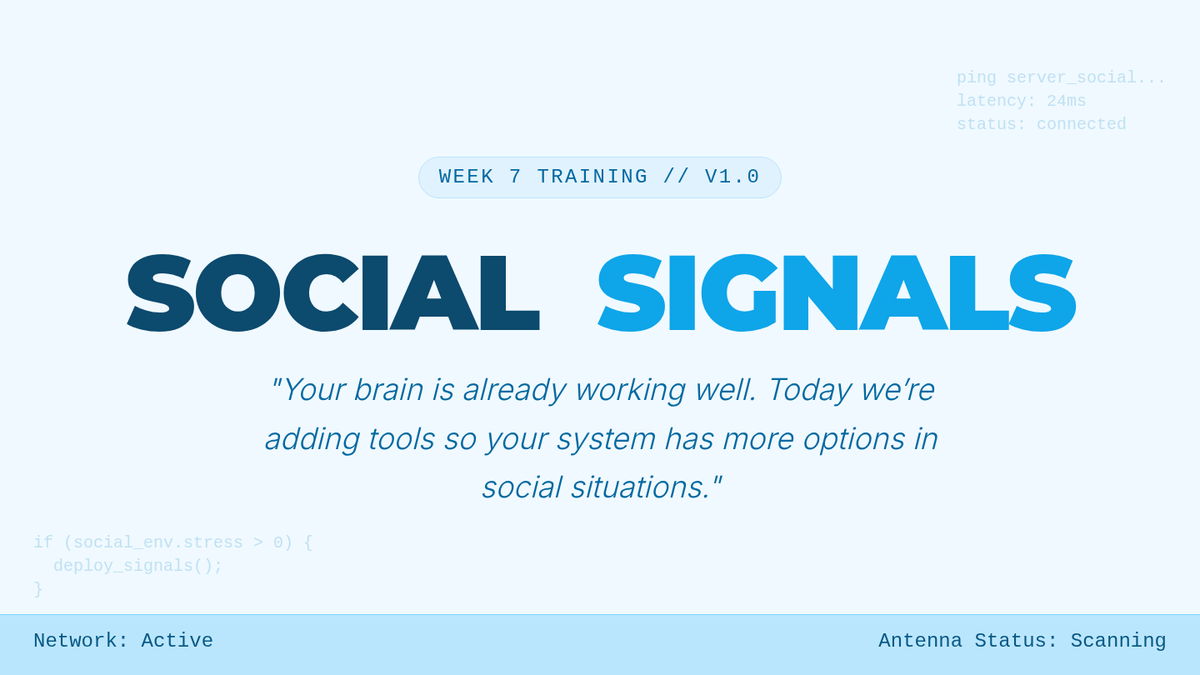
A slide deck for the Social Signals lesson using a professional light blue coding and networking theme. Includes a new Mission Briefing slide to clarify learning objectives. Features improved typographic spacing, higher contrast background elements, and refined visual metaphors for the social antenna and stability protocols.
A student practice worksheet for the Social Signals lesson. Features 4 social scenarios (Sectors 01-04) with structured workspace to plan system responses and a reference for the Architect Stability Protocol. Designed with a professional light blue coding aesthetic.
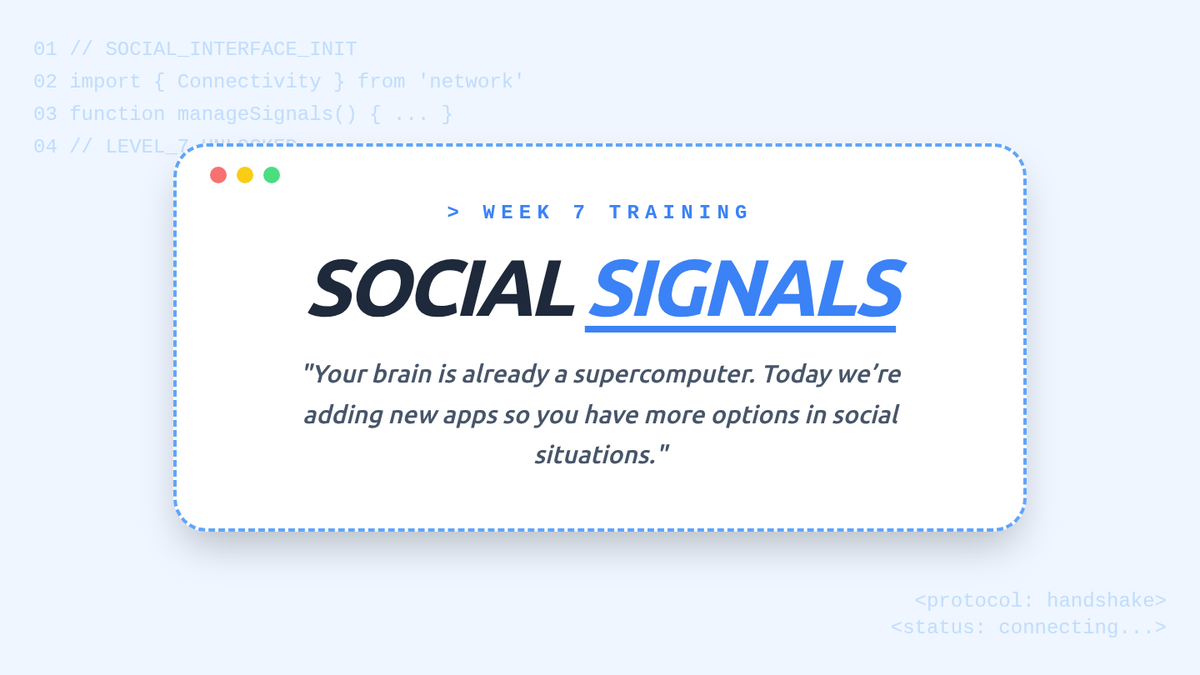
A slide deck for the Social Signals lesson using a professional light blue coding and networking theme. Covers the Architect's Key definitions, the Spotlight Glitch, the Social Antenna metaphor, and the Master Protocol for social connection.
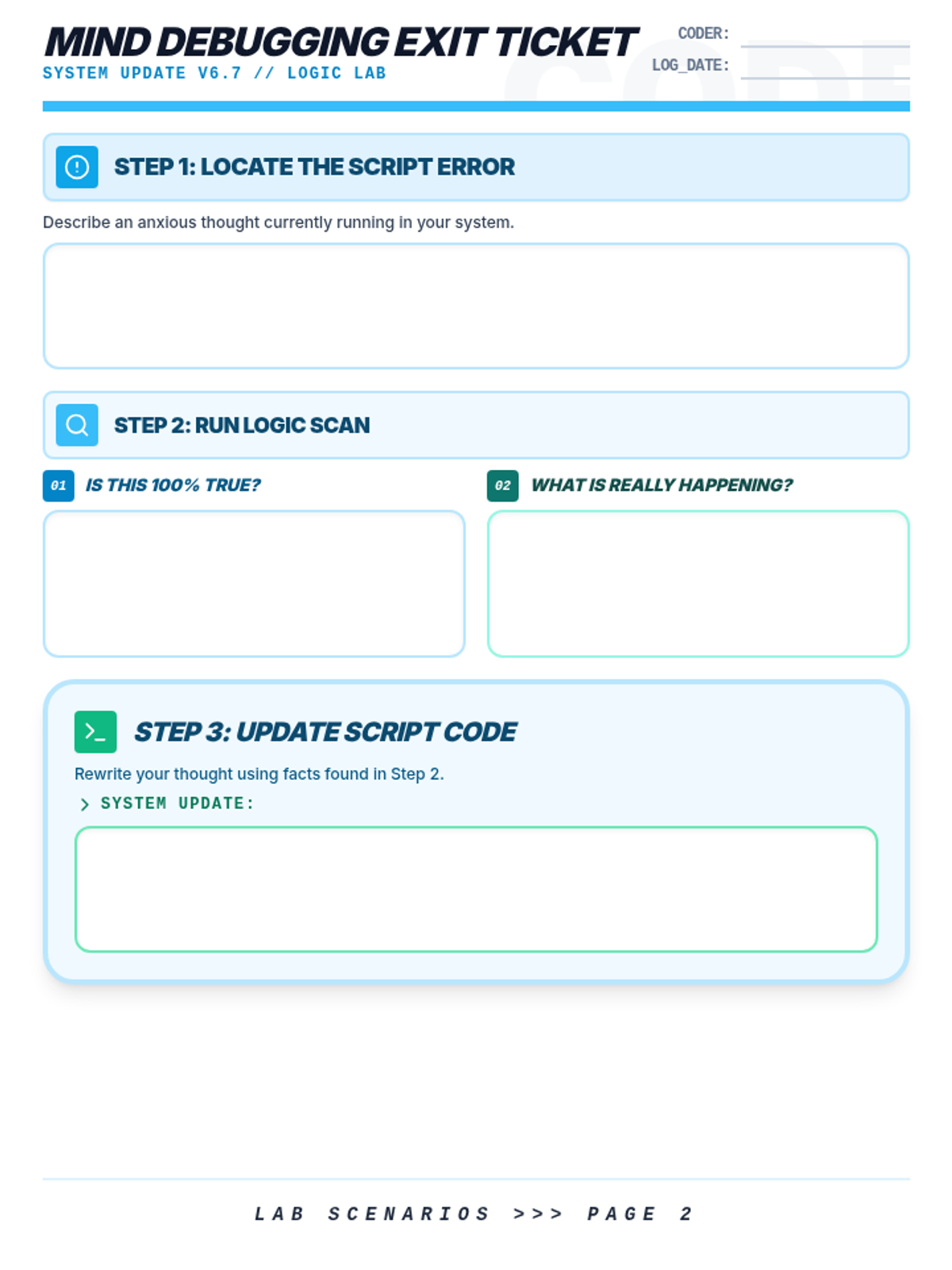
A student exit ticket for identifying and reframing 'Thinking Glitches'. Includes a personal debugging section and 9 practice scenarios *not used in the slides* to ensure independent practice. Features 3-step structured response areas (Identify, Rewrite, Analysis) with consistent headers and optimized for a 4-page layout. Updated 'Coder' label and 'Mind Debugging' headers. Refined workspace allocation to provide more room for system updates.
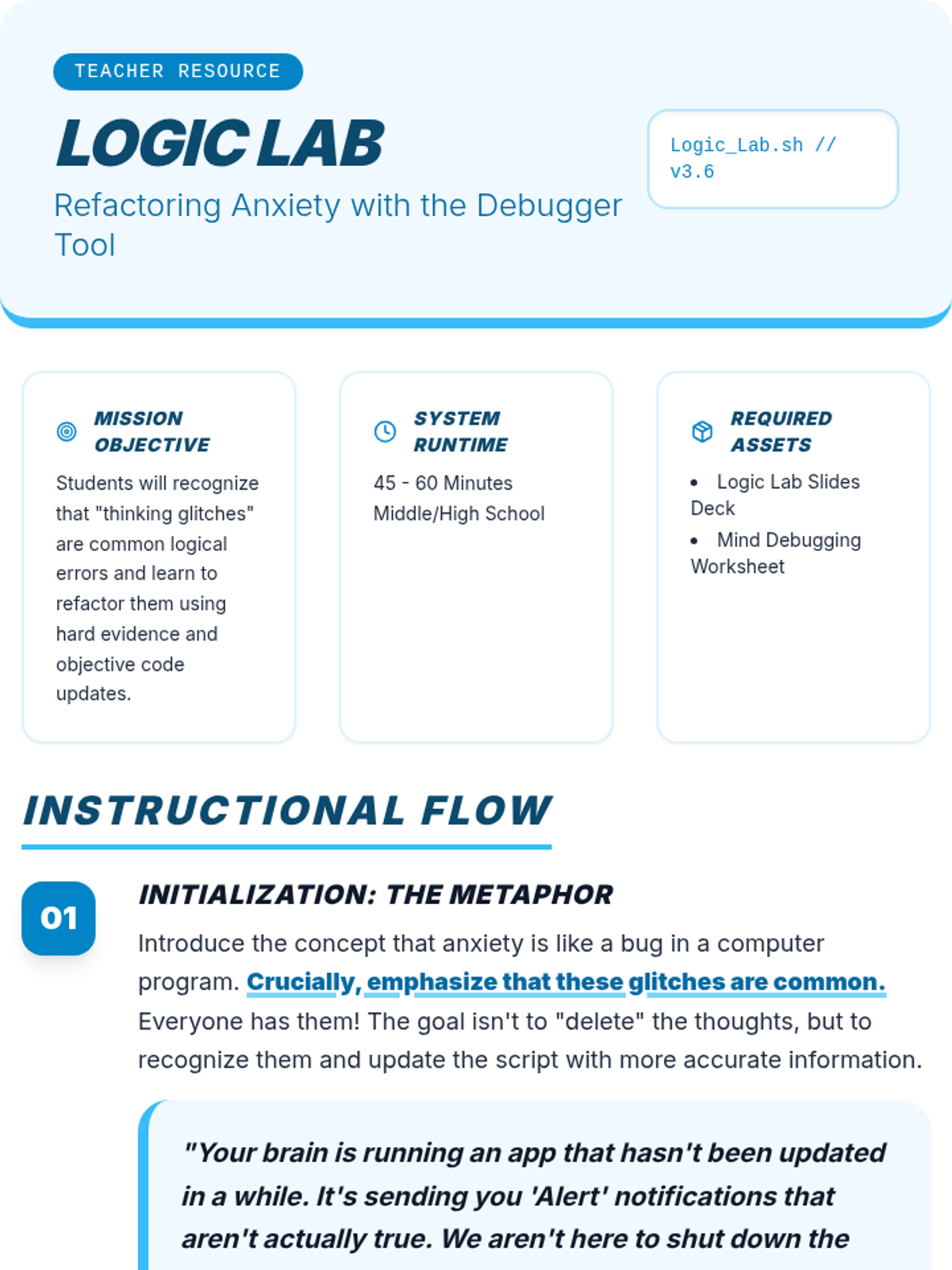
A teacher guide for the Logic Lab lesson. Updated to reflect the separation of scenarios between the slides (group instruction) and the exit ticket (independent practice). Provides clear instructional steps and facilitation strategies for cognitive reframing.
A slide deck explaining cognitive distortions (Thinking Glitches) using a professional light blue coding and debugging aesthetic. Updated with example scenarios and 4 practice cases where the code update is removed to facilitate student participation. Removed specific detected glitch labels as requested. Adjusted instructions to refer to the exit ticket.
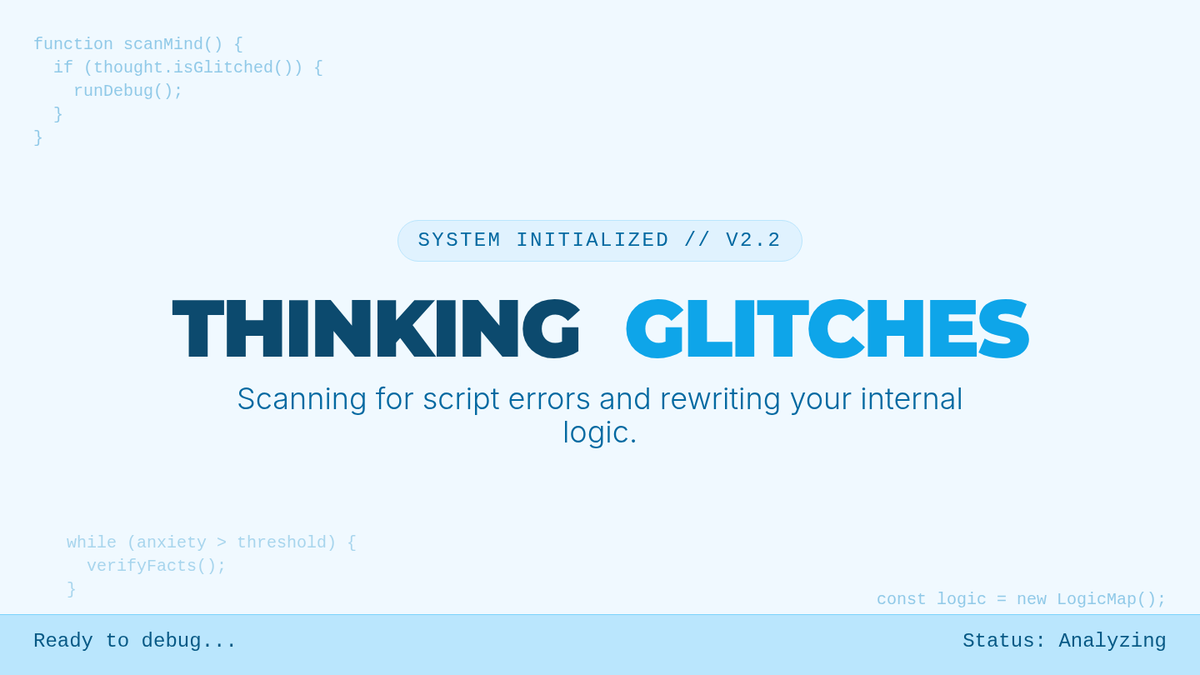
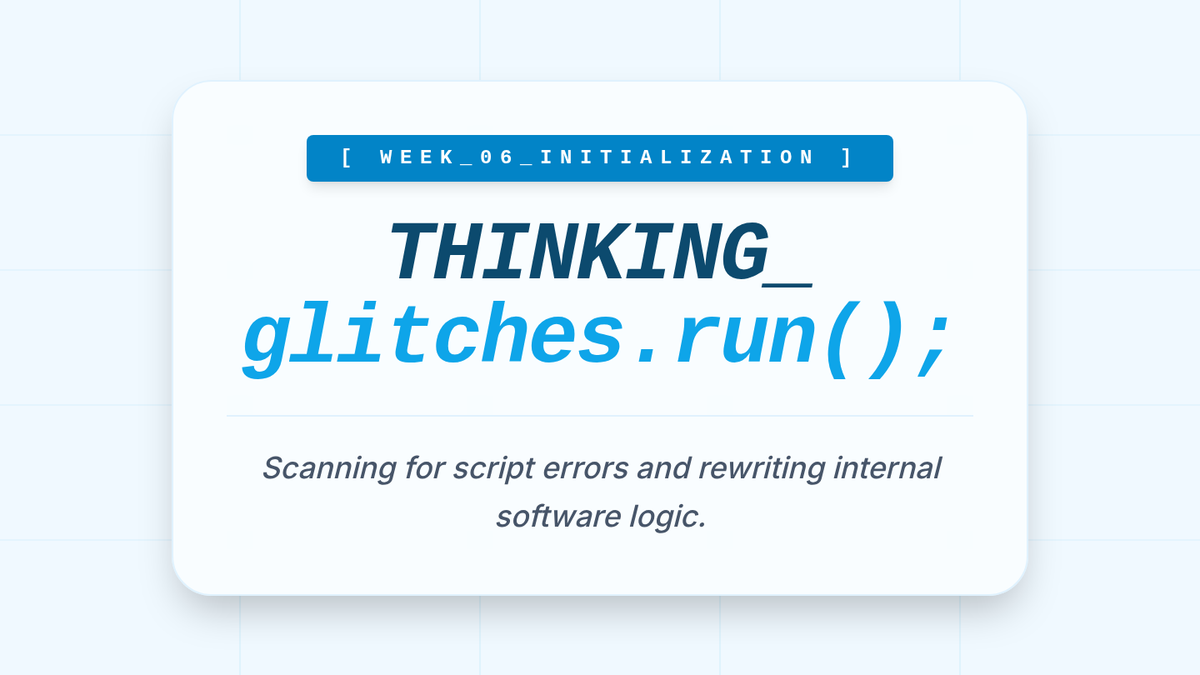
A visual presentation for Week 6 of 'The System Architect' program, focusing on identifying 'Thinking Glitches' (cognitive distortions) and applying a 'Code Update' debugging process to unhelpful thoughts. Formatted into the light blue coding theme with high contrast and optimized layouts.
An updated 9-slide presentation deck titled 'Social Signals'. Replaced the final reflection slide with 'Week 7 Reflection', maintaining the four key debrief questions. Refined visual contrast on multiple slides and corrected title spacing and formatting issues based on review findings. No emojis after titles.
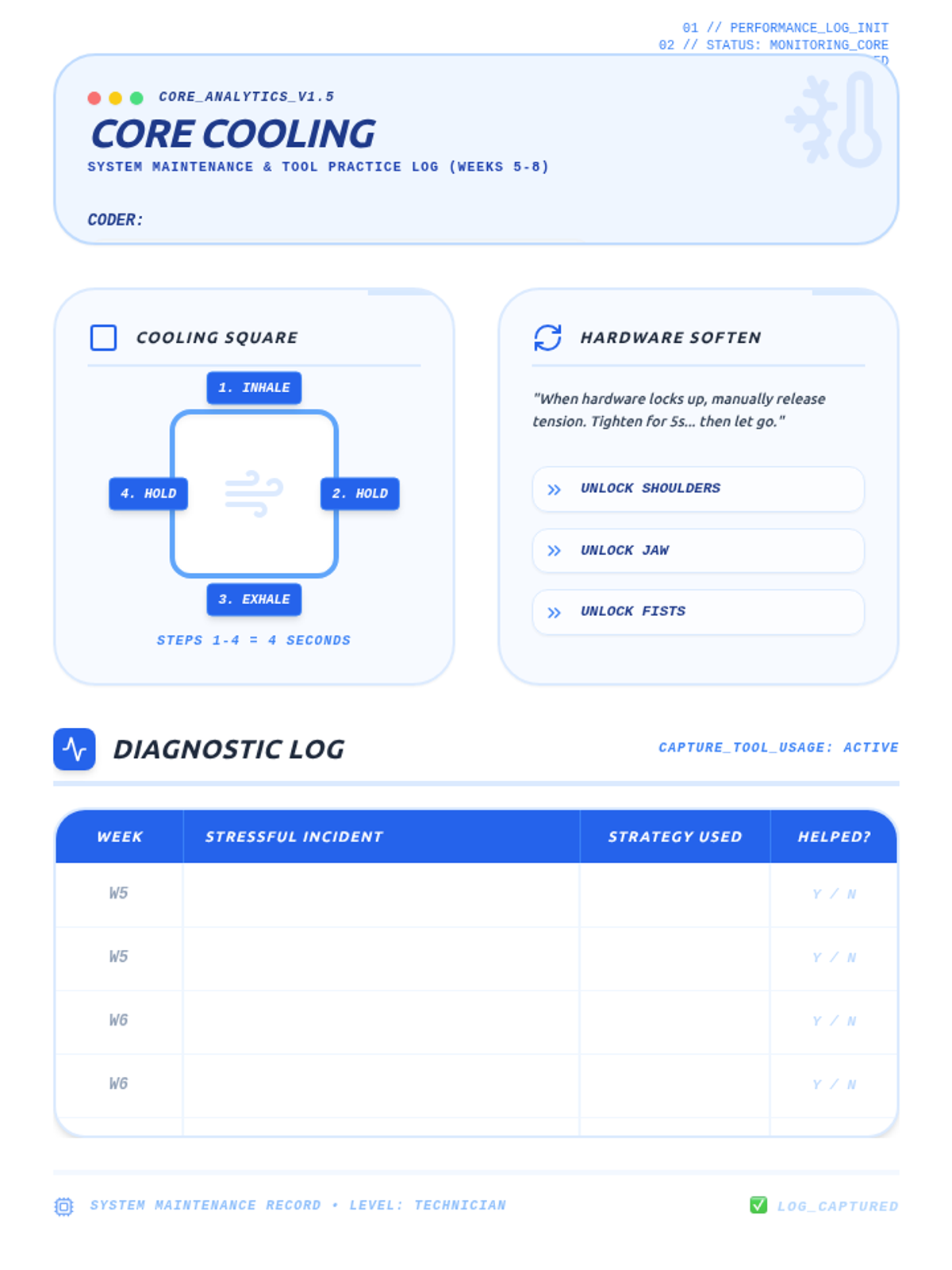
A refreshed student breathing techniques log sheet using the light blue coding theme, now titled 'Core Cooling'. Features visual reminders for 'Cooling Square' and 'Hardware Soften', and a Diagnostic Log table for tracking stressful incidents, strategies used, and their helpfulness. Includes a second page with an Exit Ticket for reflection. No emojis.