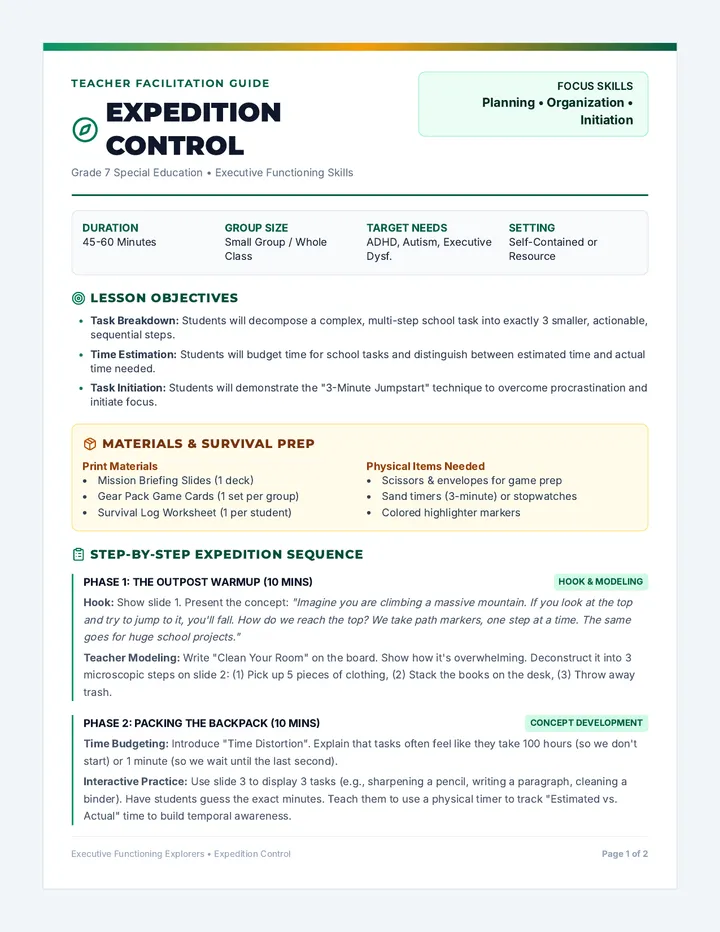
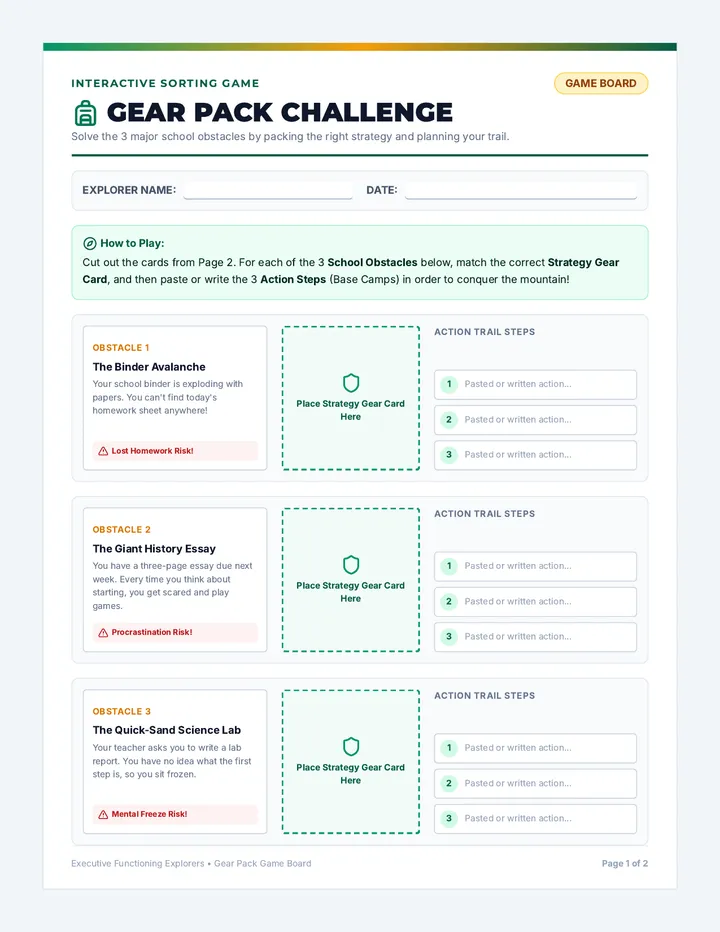
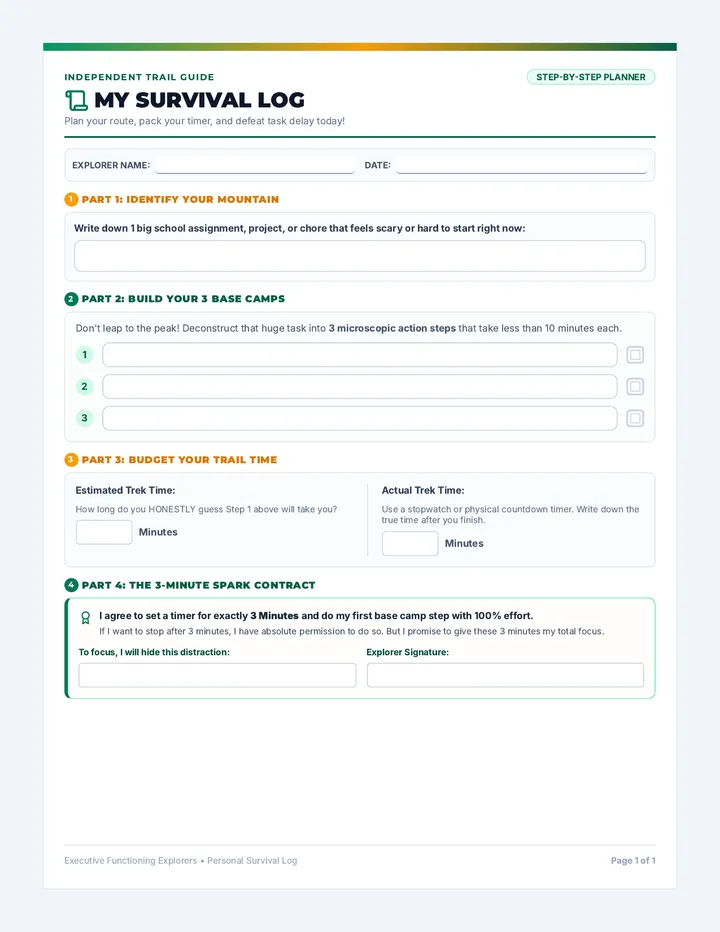
Pause Power Slides PAUSE POWER
Mastering Active Listening with Text-to-Speech Tools
SESSION 01: ACTIVE STRATEGIES
Hearing vs. Listening
Passive Hearing
The words "wash over" you like background noise.
You reach the end and realize you remember nothing.
Your brain is on "Auto-Pilot."
Active Listening
You use the PAUSE button to digest info.
You ask: "What did I just hear?"
You "Jot" down key ideas before moving on.
THE "STOP & JOT" FLOW
1
LISTEN
Read 1-2 paragraphs with TTS.
2
PAUSE
Hit stop. Give your brain a second.
3
JOT
Write 1 sentence or a quick doodle.
RESUME
Keep going with fresh focus.
"If you can't explain what you just heard, you weren't actually listening."
The Sudden Stop Challenge
In a moment, I will play a text. At a random moment, I will hit PAUSE. Your mission: Predict exactly what the next sentence is going to say.
READY...
SET...
LISTEN!
Stop and Jot Worksheet Stop and Jot Game
Active Listening Challenge
NAME:
DATE:
The Mission
Your teacher will play a short scientific text using Text-to-Speech. They will pause the audio at specific points. Your job is to summarize what you just heard and predict what comes next.
1
The Interruption
What was just said?
My Prediction
2
The Mystery Fact
What was just said?
My Prediction
Strategy Reflection
How did hitting the "Pause" button change how you listened compared to just letting it play?
Was it easier to predict when you were listening actively?
Yes
No
One thing I'll try next time:
Listening Launch Guide Listening Launch Guide
Teacher Facilitation • Lesson 1
Duration
45m
Objective
Students will differentiate between passive and active listening and implement the "Pause, Summarize, Predict" strategy while using text-to-speech tools to improve comprehension.
Tools Needed
Classroom TTS tool (e.g., Read&Write, Speechify, Immersive Reader)
"Pause Power" Slide Deck
"Stop and Jot" Worksheet
Sample Text: The Lifecycle of a Star (or similar technical text)
Key Terms
Passive Hearing
Sound entering the ears without mental processing.
Active Listening
Engaging with audio to extract meaning and intent.
Metacognition
Thinking about your own thinking process.
Instructional Flow
05 MIN
The Hook: Sudden Stop
Open the Pause Power Slides to Slide 4. Play a random text for the class. Hit pause mid-sentence. Ask students to shout out what they think the next word or fact is. Discuss why it's hard to predict when you're just "hearing" the noise vs. "listening" for the logic.
15 MIN
Direct Instruction: Stop & Jot
Use the Pause Power Slides to teach the four steps: Listen, Pause, Jot, Resume.
"We aren't just letting the computer read to us. We are the boss of the computer. The pause button is our most powerful weapon."
20 MIN
Guided Practice: Game Time
Distribute the Stop and Jot Worksheet . Read a complex text aloud (or use TTS on speakers). Stop after specific sections.
Round 1 Stop: After the introduction of the main concept.
Round 2 Stop: Before a surprising or detailed fact.
Check students' summaries. Are they capturing the main idea or just random words?
05 MIN
Reflection
Have students complete the Reflection section on their worksheet. Collect as an exit ticket to gauge which students might need more scaffolding for active monitoring.
Word Hackers Slides PHONETIC_DECODE[MULTISYLLABIC] VOCAB_SYNC[ACTIVE] DECODE_INIT... PHONETIC_DECODE[MULTISYLLABIC] VOCAB_SYNC[ACTIVE] DECODE_INIT... PHONETIC_DECODE[MULTISYLLABIC] VOCAB_SYNC[ACTIVE] DECODE_INIT...
Word Hackers
Decoding Complex Vocabulary with TTS Tools
SESSION 02: VOCABULARY ACQUISITION
The "Big Word" Wall
Scientific and technical texts are full of "Big Words" that act like speed bumps.
photosynthesis
metamorphosis
electromagnetic
Hacker Tool: TTS
Text-to-Speech doesn't just read the whole page. It helps you isolate and decode individual syllables.
HIGHLIGHT
LISTEN
REPEAT
Impossible Word Race
In 2 minutes, use your TTS tool to find the correct pronunciation of these three "Impossible" words. The first person to correctly pronounce all three wins the Master Decoder Badge!
SYNECDOCHE
OTORHINOLARYNGOLOGIST
QUINOA
How to Decode with TTS
1. Isolate the Target
Don't listen to the whole sentence yet. Highlight just the ONE word giving you trouble.
2. Looping
Listen to the word 3 times. Try to say it along with the voice. Pay attention to where the emphasis is.
3. Context Check
Now, play the whole sentence. Does hearing the word in context help you figure out what it means?
Decoding Laboratory Worksheet Decoding Laboratory
Syllable Hack & Context Check
Hacker ID:
Date:
TASK 01
Syllable Isolation
Instructions: Use your TTS tool to listen to each word. Break the word into chunks based on how you hear the TTS voice say it.
Target Word My Syllable Breakdown Best Guess Definition Photosynthesis Bioluminescence Crystallization Supernova
TASK 02
Context Sync
The Challenge Sentence:
"The archaeological site yielded numerous extemporaneous findings that confused the researchers."
How did hearing the whole sentence change your understanding of the yellow words?
Define: Archaeological
Define: Extemporaneous
Master Decoder Progress
Vocabulary Velocity Guide Vocabulary Velocity Guide
Teacher Facilitation • Lesson 2
Duration
50m
Objective
Students will use Text-to-Speech (TTS) tools to decode multisyllabic words by isolating them, listening to phonetic cues, and analyzing their meaning within sentence-level context.
Technical Focus
Selective Highlighting: Selecting single words vs. whole blocks.
Looping: Replaying a selection multiple times.
Audio Context: Using prosody and tone to understand word relationships.
Teacher Tips
"Remind students that high-quality TTS voices often use AI to 'read' the logic of a sentence, which helps with homographs (like 'read' vs 'read')."
"Encourage 'Choral Listening'—having students whisper the word along with the TTS voice to build muscle memory."
Instructional Flow
10 MIN
The Hook: Impossible Word Race
Open Word Hackers Slides to Slide 3. Project the words: SYNECDOCHE, OTORHINOLARYNGOLOGIST, QUINOA . Have students race to use their individual TTS tools to hear the pronunciation. Challenge 2-3 volunteers to say them out loud for the class.
Why did the TTS help? (It breaks down the silent letters and vowel shifts we might guess wrong.)
15 MIN
Skill Modeling: Syllable Isolation
Demonstrate Slide 4. Show how to highlight just the "Big Word." Play it on loop 3 times. Model "Choral Listening" by saying the word with the voice. Then, show the difference between hearing the word in isolation vs. hearing the whole sentence to get the meaning.
20 MIN
Lab Practice: Decoding Lab
Students work on the Decoding Laboratory Worksheet .
Task 1: Students use TTS on the worksheet digital copy (or a provided word list) to break the 4 target words into syllables (e.g., Pho-to-syn-the-sis).
Task 2: Students tackle the 'Challenge Sentence' and use the context to define difficult words.
Circulate and ensure students are replaying words multiple times, not just once.
05 MIN
Debrief
Ask: "Which word was the hardest to say even with the TTS?" Discuss how even computers have limits, but they give us a starting point for decoding.
Pacing Your Player Slides Pacing Your Player
Adjusting Speed & Strategy for Different Text Types
STRATEGY CONFIGURATION: 03
Pacing Check
Fast-Paced Rap
Purpose: Vibe & Energy . You catch the rhythm, but you might miss some specific lyrics. That's okay!
Slow News Broadcast
Purpose: Information & Details . You need to hear every date, name, and location clearly.
YOUR TEXT-TO-SPEECH IS NO DIFFERENT.
Choosing Your Settings
Narrative (Stories)
Speed: Fast (1.2x - 1.5x)
Voice: Expressive / Natural
Pauses: Only at the end of chapters
Technical (Articles)
Speed: Normal (0.8x - 1.0x)
Voice: Clear / Robotic (Accurate)
Pauses: After every paragraph
The Strategy Swap
You are about to read a "Recipe for Rocket Fuel" and a "Fable of the Tortoise." Your mission is to find the perfect playback_speed and voice_type for each.
INITIALIZE SIMULATION
Speed vs Purpose Worksheet Speed vs Purpose
THE CONFIGURATION CHALLENGE
Strategist:
Date:
Mission: You will read two very different texts. For each text, you must find the "Golden Ratio" —the perfect combination of speed and voice settings that helps you understand the text best.
A
The Legend of the Fog
Genre: Narrative Fiction
"The mists swirled around the ancient lighthouse like ghostly fingers, reaching for the secrets hidden in the lantern room..."
My Ideal Config
Speed
Voice Tone
Why this worked:
B
Thermal Dynamics Report
Genre: Technical Report
"The second law of thermodynamics states that the total entropy of an isolated system can never decrease over time..."
My Ideal Config
Speed
Voice Tone
Why this worked:
Final Analysis
Complete the sentence: "I found that I need to SLOW DOWN the audio when..."
Complete the sentence: "I can usually SPEED UP the audio when..."
OPTIMIZED_CONFIGURATION: DONE
Strategic Speed Guide Strategic Speed Guide
Teacher Facilitation • Lesson 3
Duration
45m
Objective
Students will evaluate text complexity and purpose to adjust Text-to-Speech playback speed and voice parameters, ensuring optimal comprehension across different genres.
Configuration Focus
Playback Speed: Finding the range between 0.8x and 1.5x.
Voice Selection: Choosing voices that match the tone of the text.
Text Type Awareness: Recognizing the 'density' of information.
Inquiry Questions
"Does faster always mean you're done sooner?"
"Why might a robotic voice be better for science than a natural one?"
Instructional Flow
05 MIN
The Hook: Rap vs. News
Open Pacing Your Player Slides to Slide 2. Discuss the difference between listening to a fast song and a serious news report. Use the "Speed Check" metaphor: When is speed good? When is it bad?
10 MIN
Genre Strategies
Use Slide 3 to define the two main categories.
Narrative: Can go faster because the 'flow' is familiar. Focus on the 'vibe'.
Technical: Must go slower (1.0x or lower) because every word matters. Focus on 'facts'.
25 MIN
Workshop: Configuration Challenge
Students use the Speed vs Purpose Worksheet . Provide them with two digital texts (one story, one technical article). They must:
1. Listen to a paragraph at 1.5x speed.
2. Listen at 1.0x speed.
3. Listen at 0.8x speed.
4. Record which one felt "right" for that specific genre.
05 MIN
Strategy Share
Have 2 students share their "Golden Ratio" for technical text. Is it the same for everyone? (No—it depends on personal processing speed!)
Dual Channel Slides Dual Channel
Note-Taking While Listening with Text-to-Speech
MULTI-TASKING PROTOCOL: 04
Reporter's Deadline
The 5 W's Mission
A "Breaking News" report will play. You have 90 seconds to get the facts. You must capture:
WHO?
WHERE?
WHEN?
WHY?
WHAT HAPPENED?
90s
Can you type while you listen, or will you need the pause key?
The "Sync & Save" System
1. Split It
Resize your windows. TTS text on the LEFT, blank doc on the RIGHT.
2. Pause It
Listen for a key detail. Stop the audio immediately. Type that detail before resuming.
3. Tag It
Use bullet points. Don't worry about perfect spelling—you are a fast-moving reporter.
LIVE FEED INCOMING
Prepare your split screen. Prepare your 5 W's. The news cycle doesn't wait for anyone!
READY...
SET...
SYNC!
Reporter's Notebook Worksheet Reporter's Notebook
THE BREAKING NEWS CHALLENGE
PRESS PASS
REPORTER:
DATE:
The News Brief
W
Who is involved?
W
Where is this happening?
W
When did it occur?
W
Why did this happen?
W
What happened? (Main Story Summary)
Sync Reflection
"While I was taking notes, I hit the pause button about..."
1-2 times
3-5 times
5+ times
The hardest part of typing and listening at the same time was:
LIVE_TRANSCRIPTION_OFFLINE
Sync and Script Guide Sync and Script Guide
Teacher Facilitation • Lesson 4
Duration
55m
Objective
Students will integrate Text-to-Speech listening with digital note-taking by managing a split-screen workflow and using strategic pauses to capture key information in real-time.
Technical Workflow
Split-Screen: Window management for simultaneous viewing.
Pause-to-Type: Stopping auditory flow to capture thoughts.
Keyboard Shortcuts: Using spacebar or Alt-Tab for speed.
Reporter Challenge Text
"Flash: Early this morning at the Luna Space Station , Captain Aris Vane discovered a rare moon-crystal during a routine walk. The discovery happened at 0400 hours . Vane says the crystal might power the station for a year."
Instructional Flow
10 MIN
The Hook: Reporter Deadline
Open Dual Channel Slides to Slide 2. Explain the mission: They are reporters for the "Intergalactic Times." They will hear a news brief (text above) and must fill out the 5 W's in 90 seconds. Do a "practice run" where you play the audio without pausing—most will fail to get every detail. Use this to highlight the need for a better strategy.
15 MIN
Modeling: The Split-Screen
Demonstrate Slide 3. Show how to physically drag windows to the sides. Model the "Listen-Pause-Type" loop:
Listen for a proper noun (Luna Space Station).
PAUSE.
Type it into the doc.
RESUME.
25 MIN
Simulation: Live Feed
Students use the Reporter's Notebook Worksheet (digital or print). Provide a link to a medium-length news article. Students must use their split-screen TTS strategy to capture the 5 W's.
Scaffolding: For students struggling with typing speed, encourage them to use shorthand or bullet points instead of full sentences.
05 MIN
Debrief
Ask: "Did pausing make you feel slower or more accurate?" Most students should feel a boost in accuracy despite the pauses.
Synthesizing the Signal Slides Synthesizing the Signal
Researching & Summarizing Complex Information Using Auditory Tools
FINAL MISSION: 05
The Case of the Missing Data
Three classified documents contain clues to a logic puzzle. But there's a catch:
Rules of Engagement:
You must use TTS to "read" the files.
You must synthesize clues from all 3 files.
You must cite the specific "sound bite" clue.
Classified
MISSION BRIEF
"The clues are hidden in technical jargon. Slow down, pause often, and listen for the signal."
The Master Strategy
Scan & Signal
Listen at 1.5x speed to get the "Big Idea" of the file. Find where the clue might be hidden.
Deep Decode
Once you find the clue, drop the speed to 0.8x. Loop the sentence 3 times to be 100% sure.
The Bridge
Use your notes to connect Clue A from File 1 to Clue B from File 2. What's the pattern?
INITIATING DECRYPTION
You have three files. You have your strategies. You have your ears. Solve the puzzle before the signal fades.
Begin Research
Audio Investigator Worksheet The Audio Investigator
CASE FILE #07-TTS
Lead Investigator:
Timestamp:
Case Objective
Three scientists (Dr. A, Dr. B, and Dr. C) are working on different floors of the station. Use your TTS tool to "read" their memos and determine who is on which floor and what they are studying.
Evidence Log
Use the "Listen-Pause-Jot" method for each memo.
Memo 01: Dr. A's Transcript
Clue Found (Location/Floor)
Clue Found (Subject)
Memo 02: Dr. B's Transcript
Clue Found (Location/Floor)
Clue Found (Subject)
Memo 03: Dr. C's Transcript
Clue Found (Location/Floor)
Clue Found (Subject)
Final Case Summary
Based on the auditory evidence gathered across all classified documents, I conclude that:
I cited 3 specific pieces of evidence.
I used strategic pauses for clarity.
Final Mission Briefing Guide Final Mission Briefing
Teacher Facilitation • Lesson 5
Duration
60m
Objective
Students will demonstrate mastery of Text-to-Speech strategies (pacing, decoding, and active listening) to research a multi-part topic and synthesize a final summary with evidence citations.
Mastery Skills
Strategic Synthesis: Connecting facts across documents.
Auditory Evidence: Capturing specific details from audio.
Adaptive Pacing: Shifting between scanning and deep listening.
Logic Puzzle Clues
Memo 1: Dr. A works on the floor above the floor where Botany is studied.
Memo 2: Dr. B is on Floor 3 studying Robotics.
Memo 3: Dr. C works in Botany, which is on Floor 2. Dr. A studies Lasers.
Instructional Flow
05 MIN
The Hook: Classified Mission
Open Synthesizing the Signal Slides to Slide 2. Set the scene: They are intelligence officers solving a logic puzzle. The clues are buried in dense technical memos. They have 45 minutes to solve it.
10 MIN
Strategy: Scan & Deep Decode
Use Slide 3 to model the "Scanning" vs "Deep Decoding" shift. Demonstrate listening to a paragraph at 1.5x speed just to find a keyword (like a doctor's name), then dropping to 0.8x to catch the specific detail (the floor number).
35 MIN
Final Challenge: Audio Investigator
Students use the Audio Investigator Worksheet . Provide three short digital documents (Dr. A, Dr. B, Dr. C). Students must:
1. Listen to each file using their personal TTS speed.
2. Record location and subject clues.
3. Write a final summary that "solves" the station layout.
10 MIN
Mission Debrief & Graduation
Reveal the solution (Dr. B: Floor 3/Robotics, Dr. A: Floor 4/Lasers, Dr. C: Floor 2/Botany). Discuss how TTS made "reading" these technical files easier. Award "Master Strategic Reader" certificates (verbal or stickers).