Robo Sync Independent WorksheetRobo Sync Match the times to help the robots stay on schedule! Independent Student Name Date Draw a line from each clock in the Blue Column to its matching time in the Purple Column. Blue Column Purple Column 12:00 7:30 3:30 1:00 5:00 12:00 7:30 9:30 10:00 3:30 1:30 5:00 9:30 11:00 11:00 10:00 6:30 1:30 1:00 6:30 Robo Sync System - Independent Performance Unit
Robo Sync Guided WorksheetRobo Sync Guided: Trace the lines to sync the clocks! Guided / Errorless Student Name Date Sync the robots by tracing the dotted lines between the matching times. Left Clock Right Clock 12:00 12:00 3:30 3:30 5:00 5:00 7:30 7:30 10:00 10:00 1:30 1:30 9:30 9:30 11:00 11:00 6:30 6:30 1:00 1:00 Robo Sync System - Guided Calibration Unit
Robo Sync Mixed Guided WorksheetRobo Sync Guided: Trace the dotted paths to sync the robots! Guided / Errorless Student Name Date Connect the robots by tracing the dotted paths between matching times. Blue Column Purple Column 12:00 3:30 5:00 7:30 10:00 1:30 9:30 11:00 6:30 1:00 7:30 1:00 12:00 9:30 3:30 5:00 11:00 10:00 1:30 6:30 Robo Sync System - Mixed Calibration Unit
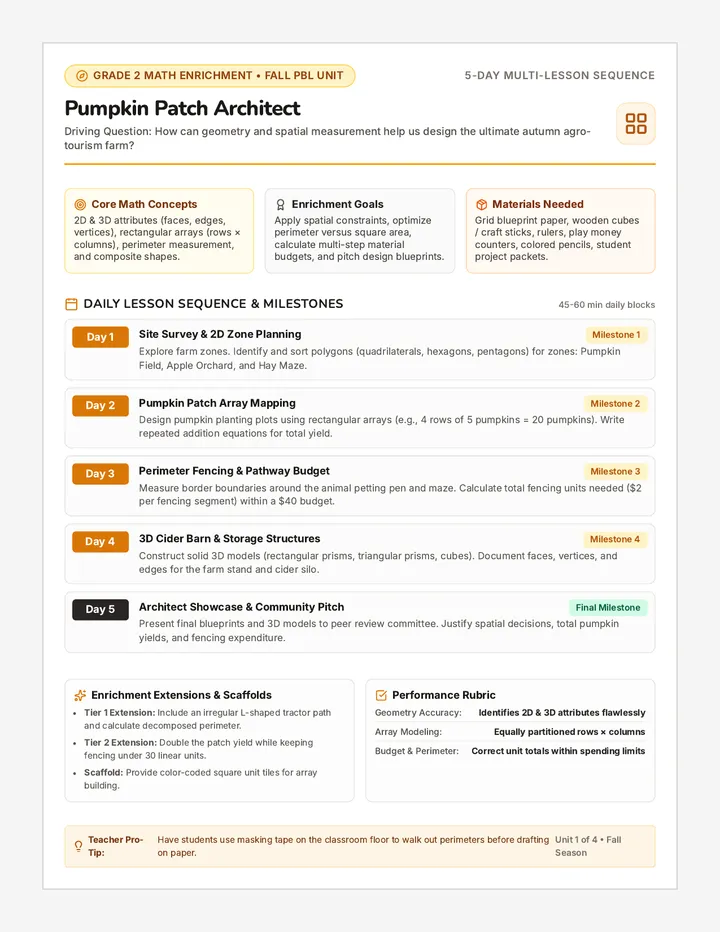
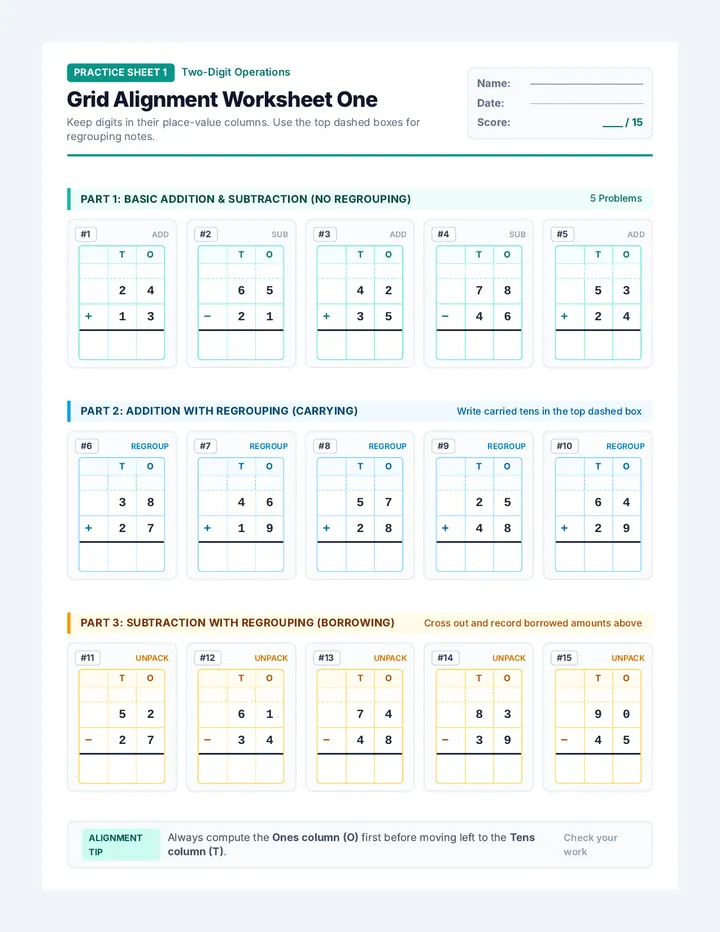
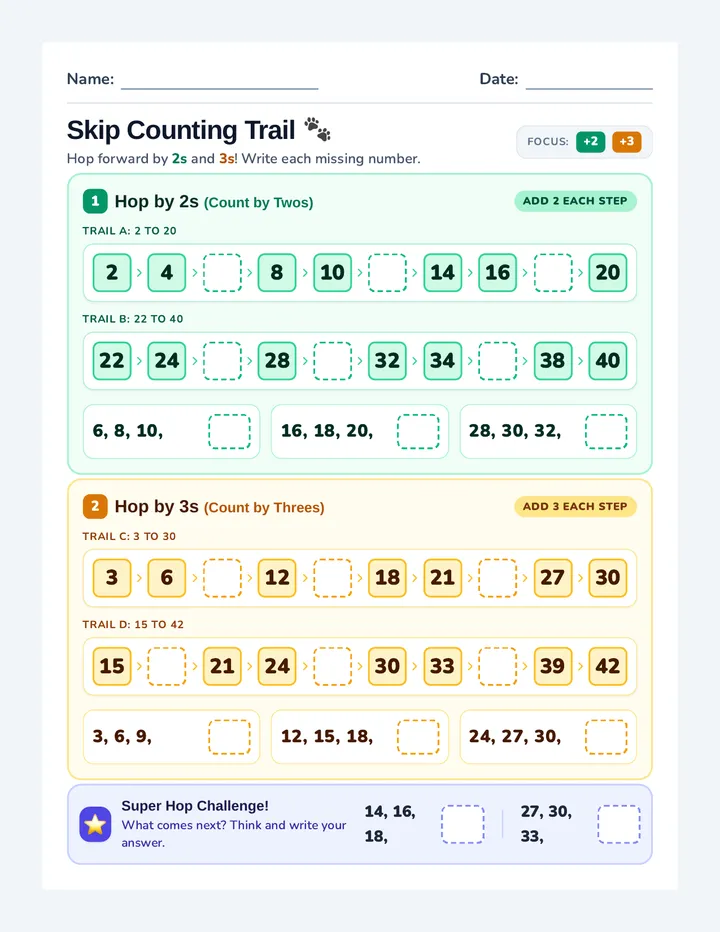
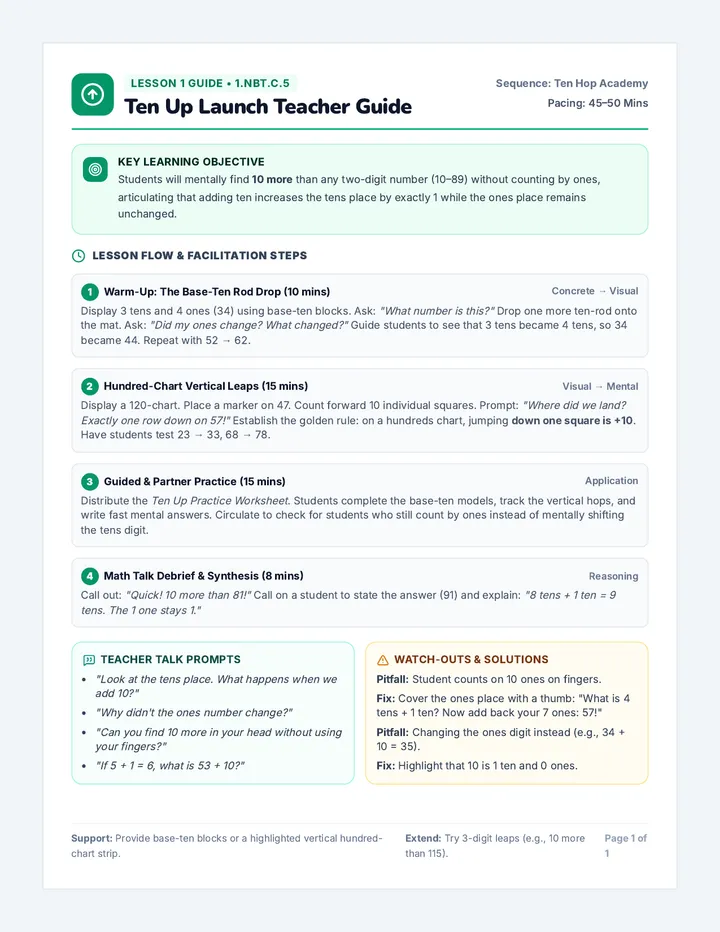
Robo Builder WorksheetRobo Builder Cut and paste the correct parts to help the robots show the right time! Activity Cut & Paste Student Name Date ROBO-01 Hour : Minutes Time: 4:00 ROBO-02 Hour : Minutes Time: 11:30 ROBO-03 Hour : Minutes Time: 8:30 ROBO-04 Hour : Minutes Time: 1:00 Cut Parts Below 4 HOUR 11 HOUR 8 HOUR 1 HOUR 00 MIN 30 MIN 30 MIN 00 MIN Robo Builder Unit - Construction Level 1
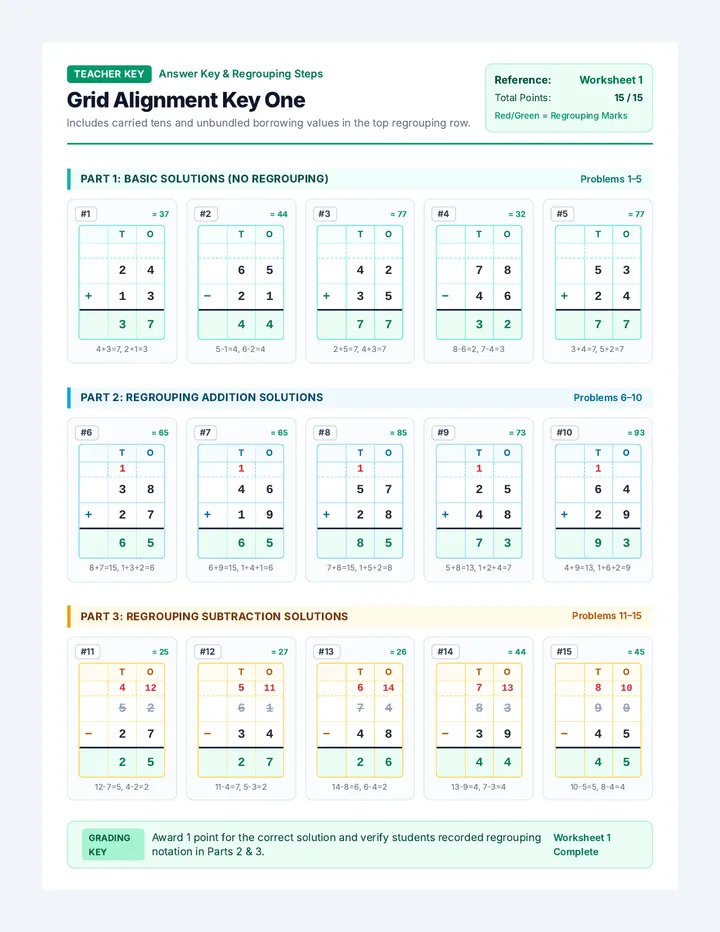
Robo Sync Answer KeyRobo Sync Teacher Answer Key Mathematics Matching Connections CODE: SYNC-2026 12:00 12:00 3:30 3:30 5:00 5:00 7:30 7:30 10:00 10:00 1:30 1:30 9:30 9:30 11:00 11:00 6:30 6:30 1:00 1:00 Teacher Implementation Notes • This key supports the Independent, Guided, and Mixed Guided worksheets. • All worksheets use the same 10 time pairs to ensure consistency across differentiation levels. • The Mixed Guided version uses SVG paths to connect these specific pairs. Robo Sync System - Teacher Calibration Log