Programmer Console Worksheet Programmer Console
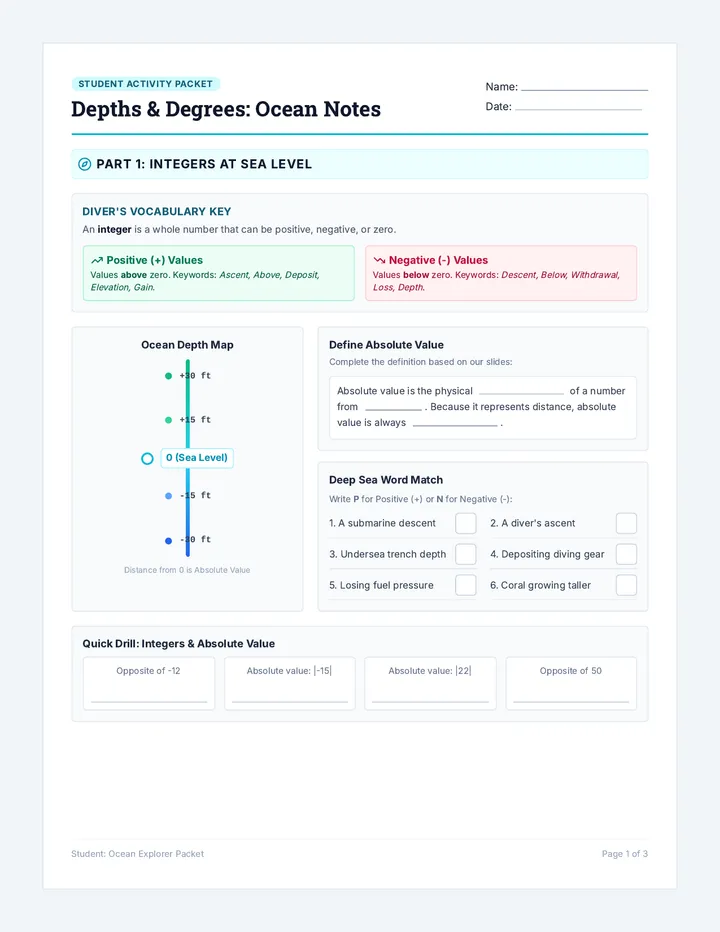
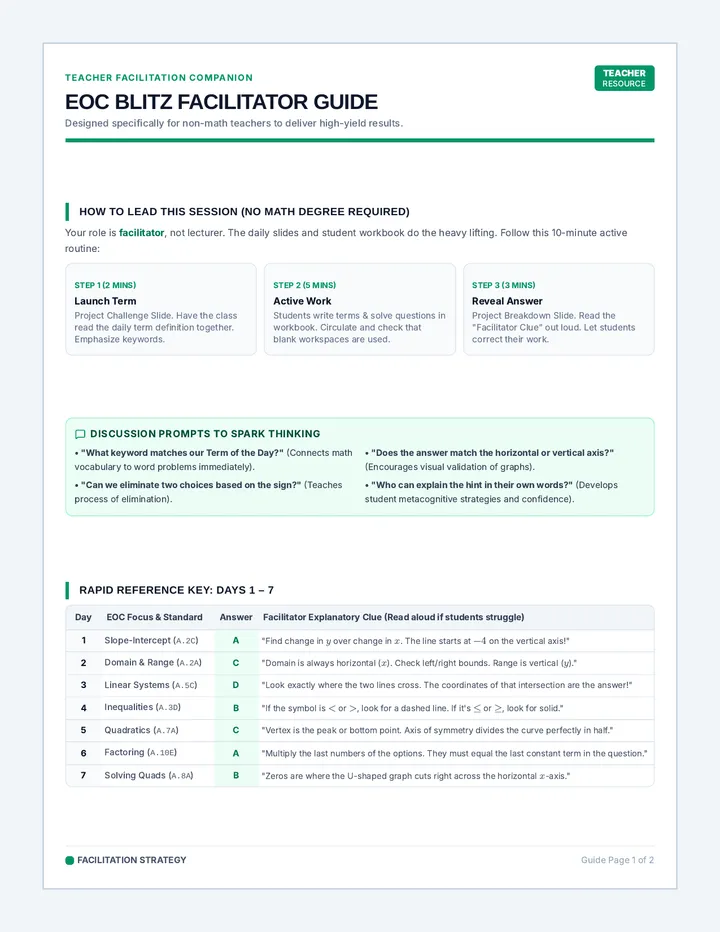
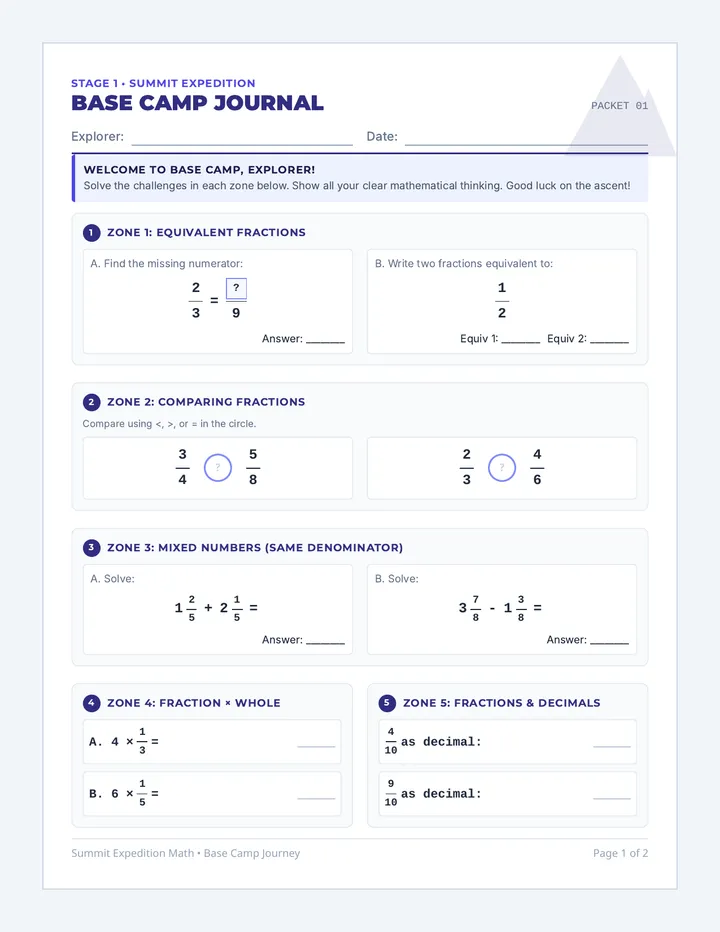
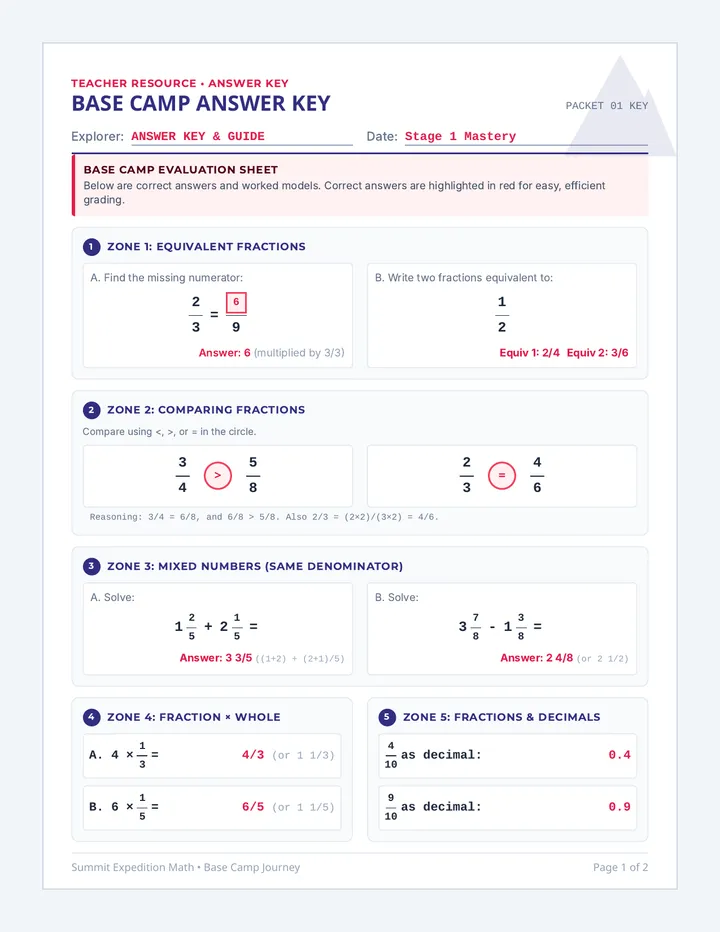
Vector Navigation Protocol // v1.0
Operator:
Timestamp:
01. Boot Sequence: Standard Position
Sketch the following angles starting from the horizontal axis (0°) and rotating counter-clockwise.
45°
120°
210°
02. Core Logic: Polar to Rectangular
When a vector is given as Magnitude (|v|) and Direction (θ), we use trigonometry to find the Component Form <x, y>.
Horizontal Component (x)
\( x = |v| \cdot \) _________________
Vertical Component (y)
\( y = |v| \cdot \) _________________
θ
Magnitude |v|
x component
y component
Command Test: Magnitude = 10 units, Direction = 70°
CALCULATION SPACE
Resulting Component Form
< ____ , ____ >
03. Robot Navigation Log
As the Lead Programmer, convert the following movement commands into grid components. Provide these to your Robot (classmate) to execute on the floor grid.
Sector Magnitude (Steps) Direction (θ) Calculation (Show Work) Component Form <x, y> A 5 steps 0° < , > B 4 steps 90° < , > C 8 steps 30° < , > D 6 steps 135° < , > E 10 steps 240° < , >
04. Video Game Movement Logic
In a 2D video game, the character's speed is a vector. If a player holds a joystick at an angle θ, the game engine must update the character's X and Y coordinates. How does the code use the speed (magnitude) and angle to prevent the character from moving "too fast" when moving diagonally?
// ANALOG_READ(STICK_X) // ANALOG_READ(STICK_Y) // VELOCITY = BASE_SPEED * VECTOR(X,Y)
Robot Vector Commands Slides Vector Protocol
Robot Vector
Commands
Mastering Magnitude and Direction through Robotics Simulation
Precision: High
Movement: Active
Boot Sequence
"Angles in Standard Position"
Sketch on your console:
45° 120° 210°
0°
90°
180°
270°
Core Intelligence
CLIP: 09:06 - 11:22
Embedded media
The Mission:
Learn how to use Sine and Cosine to break a diagonal vector into horizontal and vertical steps.
Horizontal
x = |v| cos θ
Vertical
y = |v| sin θ
Robot Programming
Teams of 2
One Programmer and one Robot.
The Protocol
Convert the Magnitude/Angle commands into <x, y> grid steps.
Execution
The Robot walks the calculated steps. Robot must only move in straight lines!
IF (Robot_Fails) THEN Debug_Logic();
Extension: Game Code
Why do characters in early games move too fast when walking diagonally?
The Bug: Moving 1 unit Right + 1 unit Up results in a distance of √2 ≈ 1.41!
The Fix: We need to Normalize the vector by calculating the components using sine/cosine for the desired speed.
// Character Movement Protocol
float speed = 5.0f;
float angle = getJoystickAngle();
// Converting to components...
velocity.x = speed * cos(angle);
velocity.y = speed * sin(angle);
character.position += velocity;
Grid Master Teacher Guide Grid Master Guide
Facilitation & Setup Protocol
Activity Objective
Students practice converting vectors from magnitude and direction (e.g., "Walk 5 steps at 30°") into component form (horizontal and vertical steps). By acting as "robots" on a floor grid, students see how trigonometry allows us to navigate diagonal paths using only orthogonal movements.
Required Materials
Blue Painter's Tape
Calculators (w/ Trig functions)
Programmer Console Worksheets
Measuring Tape or Meter Stick
Grid Setup Protocol
Step 1: The Axes
Using painter's tape, create a large X and Y axis on the classroom floor (approx 10ft x 10ft). Identify the Origin (0,0).
Step 2: The Compass
Clearly mark 0°, 90°, 180°, and 270° around the origin so students can visualize standard position.
Step 3: The Tiling
If your floor isn't tiled, use tape to mark 1-foot increments along both axes. These are your "steps."
90° 0° 270° 180°
Facilitation Tips
The Robot Protocol
"Robots can only move along the grid lines. They move X units horizontally, then Y units vertically. They cannot walk diagonally."
Common Bug
Students often confuse sine and cosine. Remind them: Cosine is for the Component on the horizontal axis (X).
Decryption Key
Correct Values for Navigation Log
Sector Calc Method Expected Output <x, y> A 5 cos(0°) , 5 sin(0°) < 5 , 0 > B 4 cos(90°) , 4 sin(90°) < 0 , 4 > C 8 cos(30°) , 8 sin(30°) < 6.93 , 4 > D 6 cos(135°) , 6 sin(135°) < -4.24 , 4.24 > E 10 cos(240°) , 10 sin(240°) < -5 , -8.66 >
Discussion Guide: Video Game Extension
The Problem: If you simply add velocity when a player presses two keys (e.g., Up and Right), the character moves at a magnitude of \( \sqrt{1^2 + 1^2} = 1.41 \). This gives diagonal movement a 41% speed boost!
The Math Solution: Modern games calculate the Unit Vector of the joystick direction and multiply it by the intended speed.
X = MaxSpeed * cos(JoystickAngle)
Y = MaxSpeed * sin(JoystickAngle)
This ensures that no matter the direction, the Magnitude of the velocity vector is always exactly equal to MaxSpeed.