A hands-on lesson teaching students how to use a geometric compass to create precise circles and apply those skills to design a functional garden layout. Students move from basic technique to architectural application.
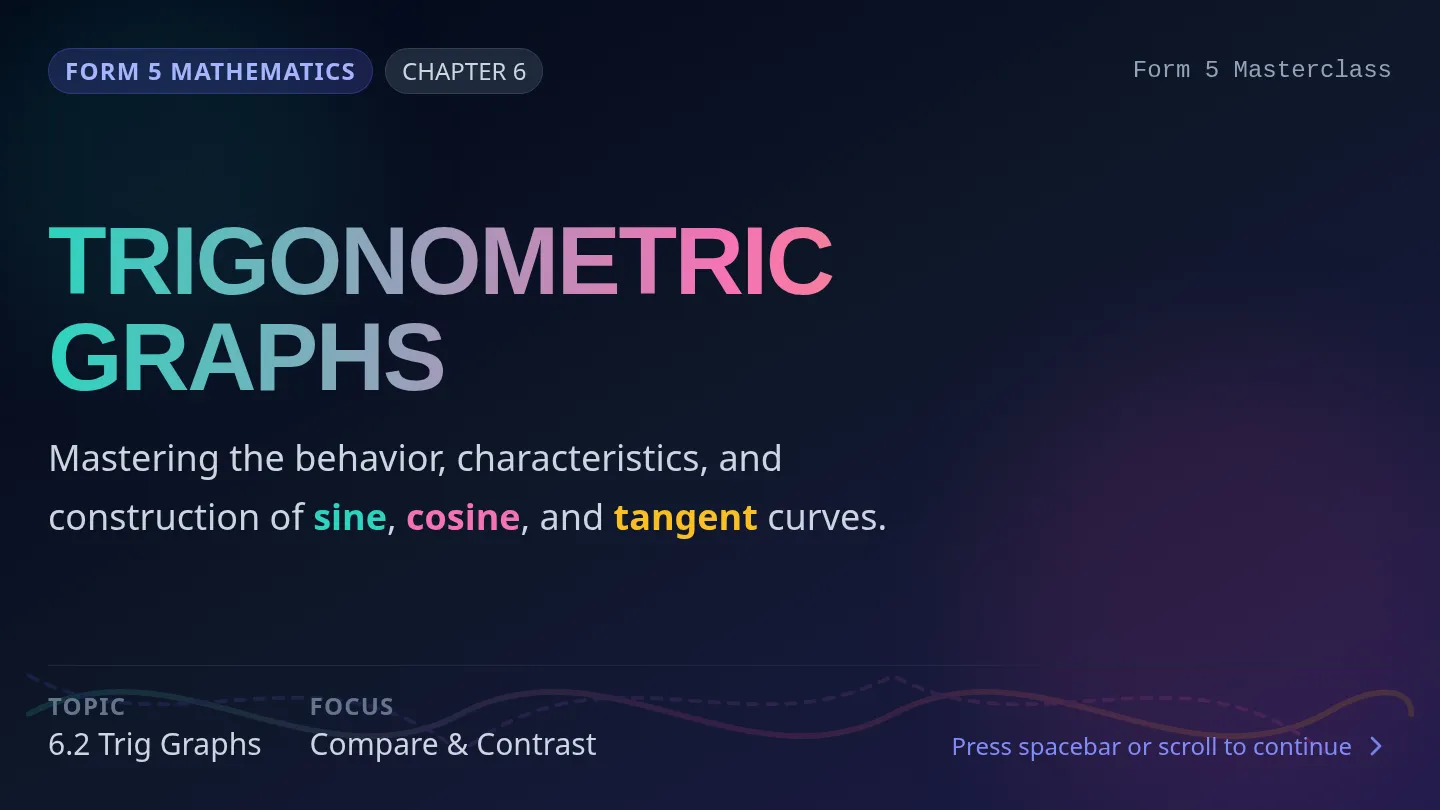
A master sequence containing curriculum-aligned lessons for Malaysian secondary school students. It covers Form 5 Mathematics and Form 2 English UASA revision.
A comprehensive introductory lesson set for the SAM Podcast Project-Based Learning program. This lesson incorporates critical parent communication tools alongside specialized teacher lesson plans linking core academic subjects like KSSM Mathematics to real-world digital podcast applications.
Slaid Pembelajaran (Slides) 5 slaid interaktif untuk sesi Google Meet/Google Classroom yang membimbing murid melukis Graf Laju-Masa mengikut kaedah Contoh 10 & 11 Buku Teks Matematik Tingkatan 4 KSSM. Tulisan bersaiz minimum 24px untuk keterbacaan digital yang cemerlang.
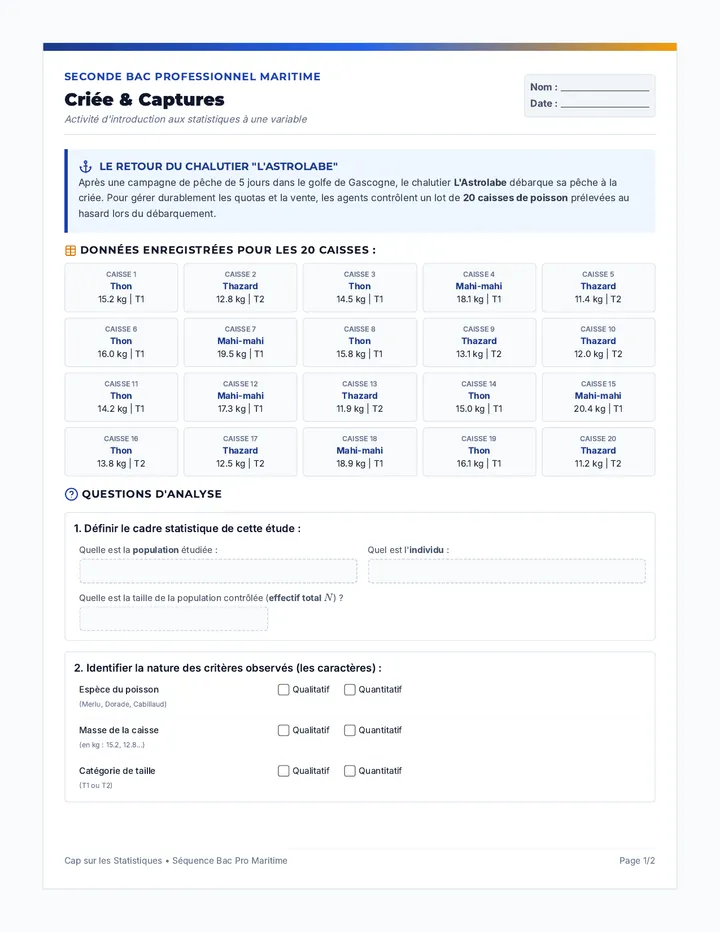
Séquence clé en main sur le module de chimie « Comment caractériser une solution ? » du programme de Seconde Bac Pro, contextualisée dans l'univers de la marine et de l'analyse des eaux.
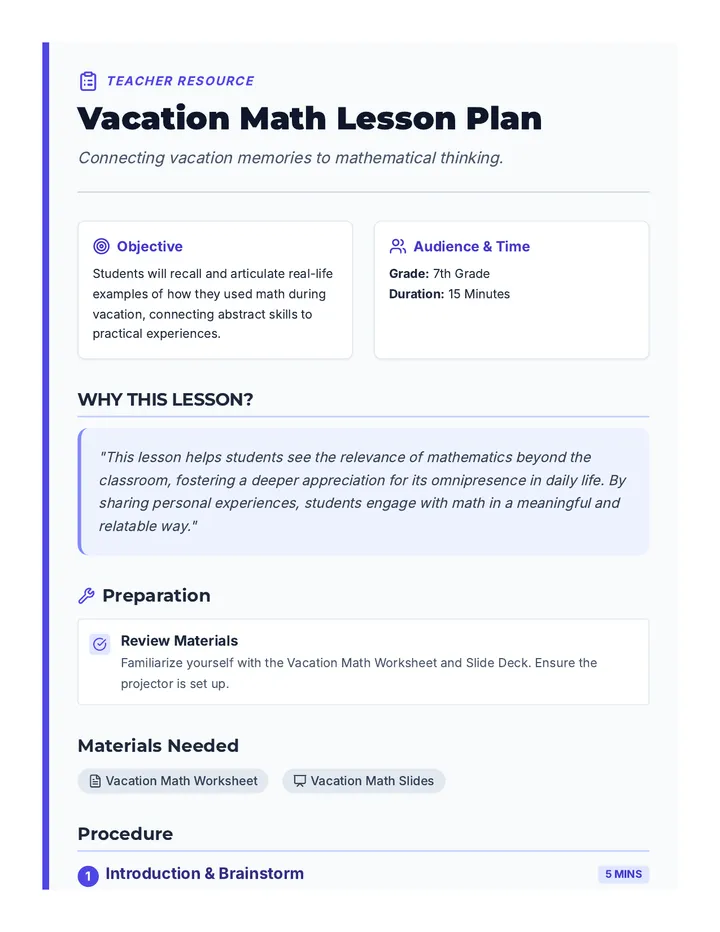
A quick and engaging 15-minute warm-up for 7th-grade students to bridge the gap between vacation and the classroom by identifying real-world math applications in their own lives.
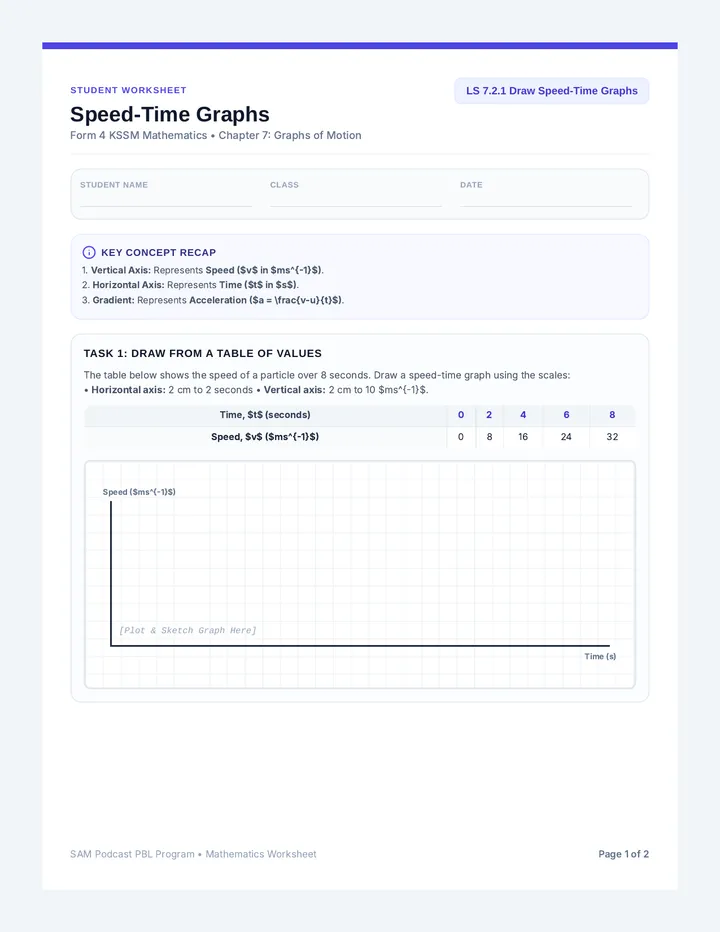
Student Worksheet (2 pages) aligned with KSSM Form 4 Mathematics (Chapter 7). Features step-by-step guidance, plotting grids for Examples 10 & 11, and the "SAM Drone Mission" collaborative task with handwriting-friendly whitespace.
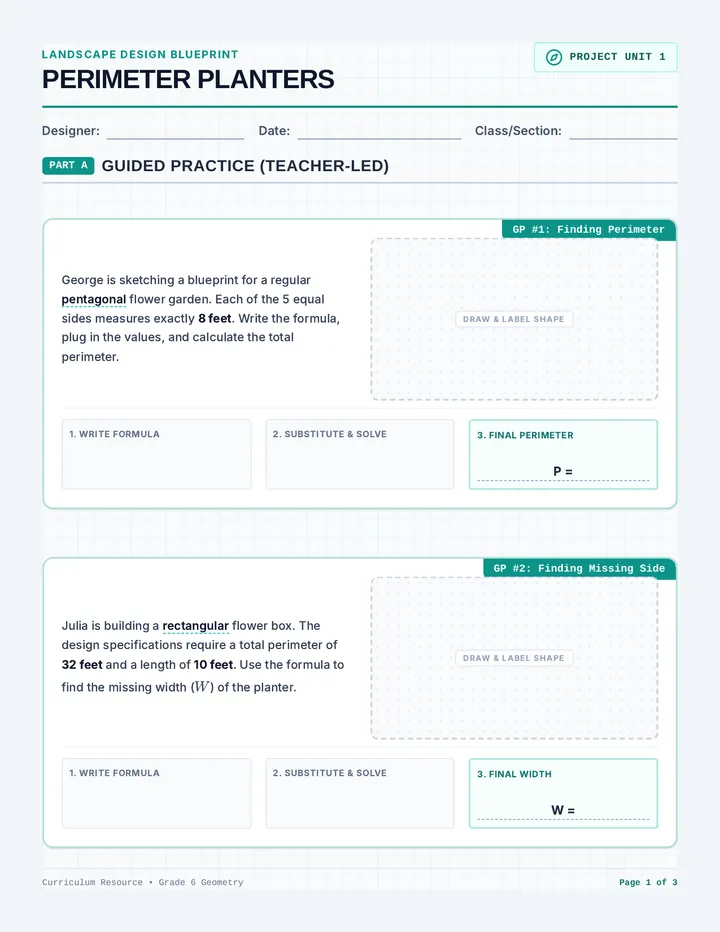
A comprehensive 6th-grade math unit that applies area and perimeter formulas to real-world garden planter designs. Students sketch architectural blueprints, calculate boundaries, determine surface coverage, and solve for missing dimensions across squares, rectangles, triangles, parallelograms, circles, and pentagons.
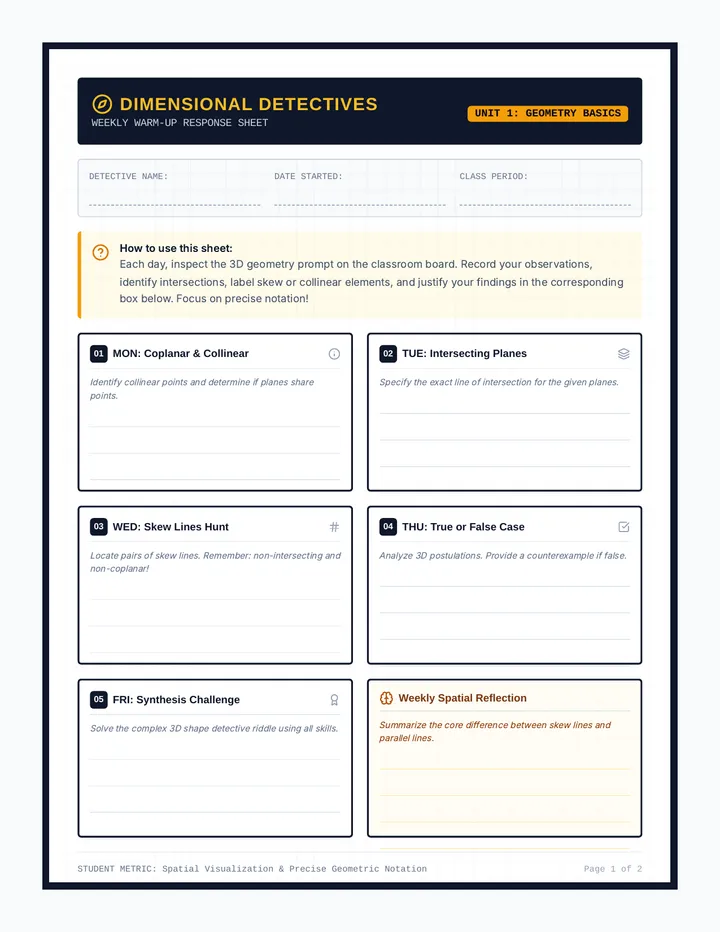
A geometry lesson focusing on visualizing 3D relationships, including intersecting planes, collinear points, coplanar lines, and skew lines in space. Includes projection-ready slide decks, task cards, and a weekly response sheet.
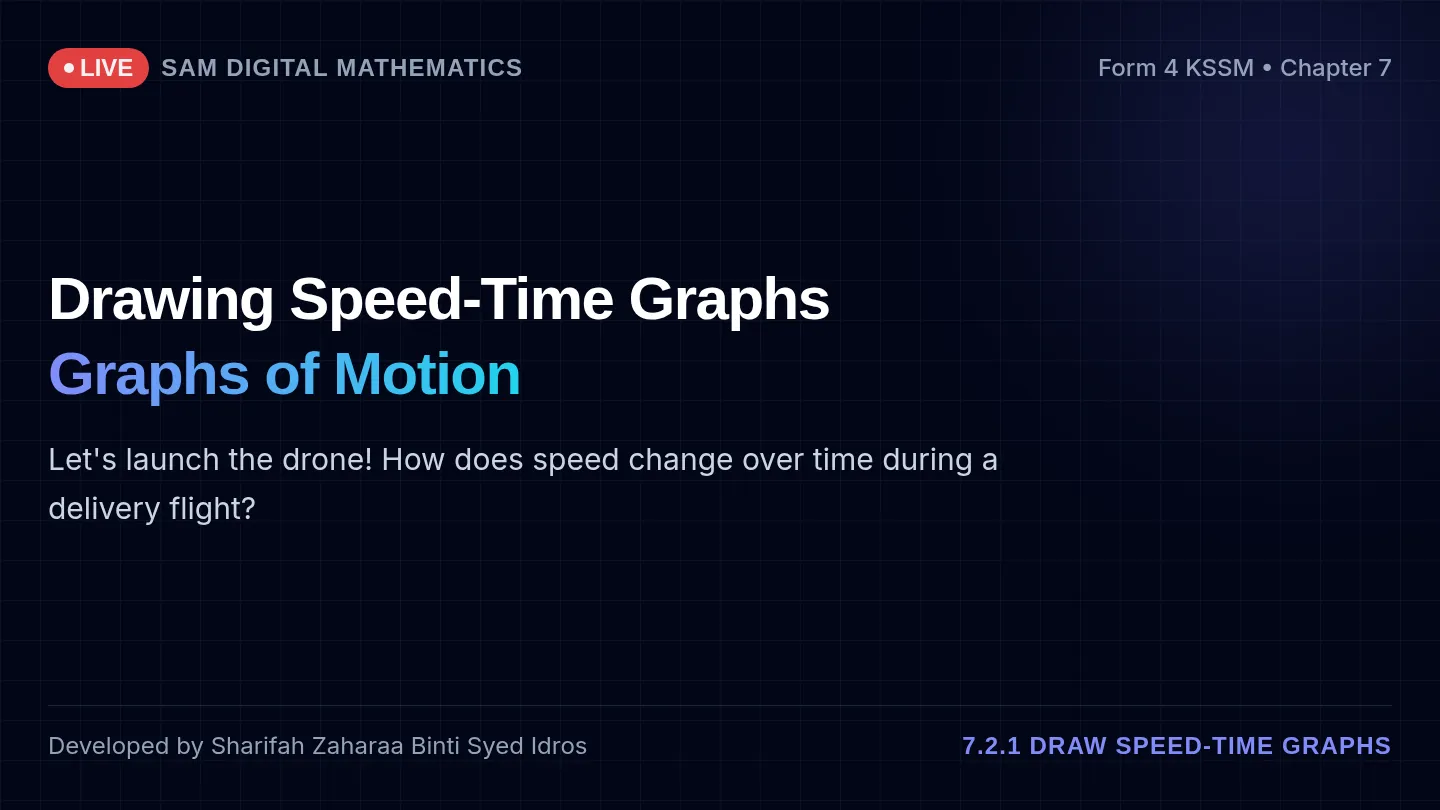
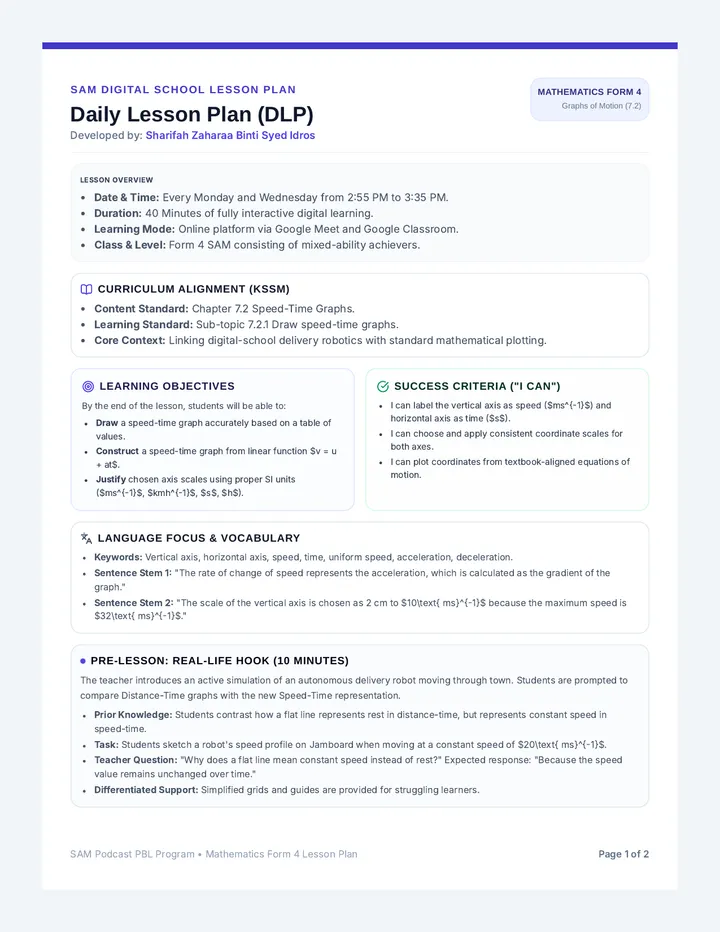
Mathematics Form 4 Lesson Plan (Chapter 7: Graphs of Motion) for learning standard 7.2.1 Draw speed-time graphs. Structured elegantly using bullet points and clear sentences for a highly readable and clean layout, fully aligned with Textbook Examples 10 & 11.
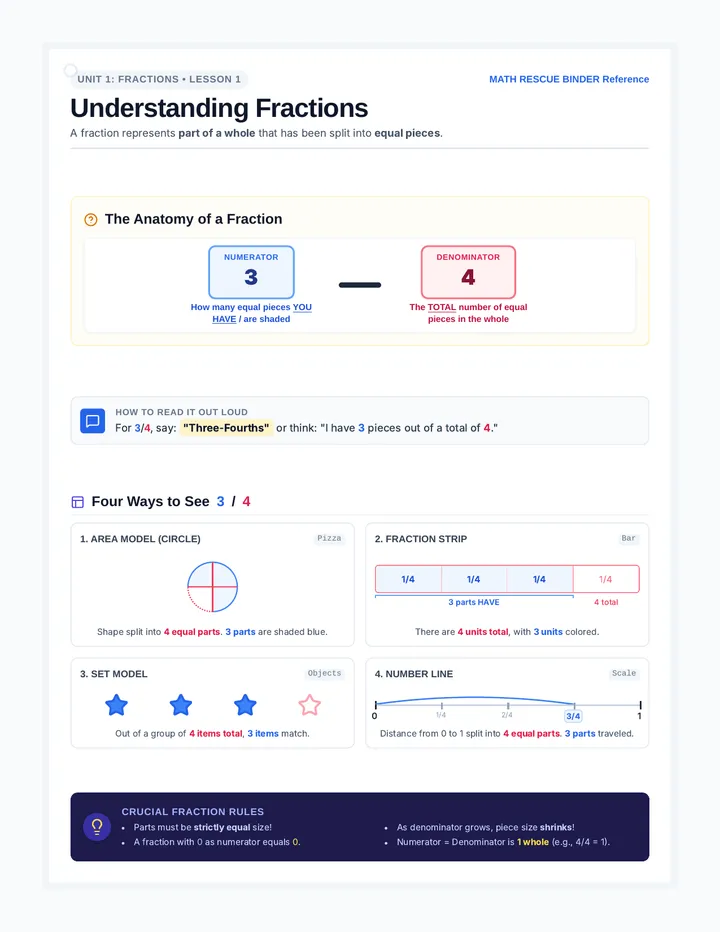
An intensive high-school math intervention binder focused on rebuilding foundational rational number operations, equivalent representations, and visual modeling for resource room or co-taught classrooms.
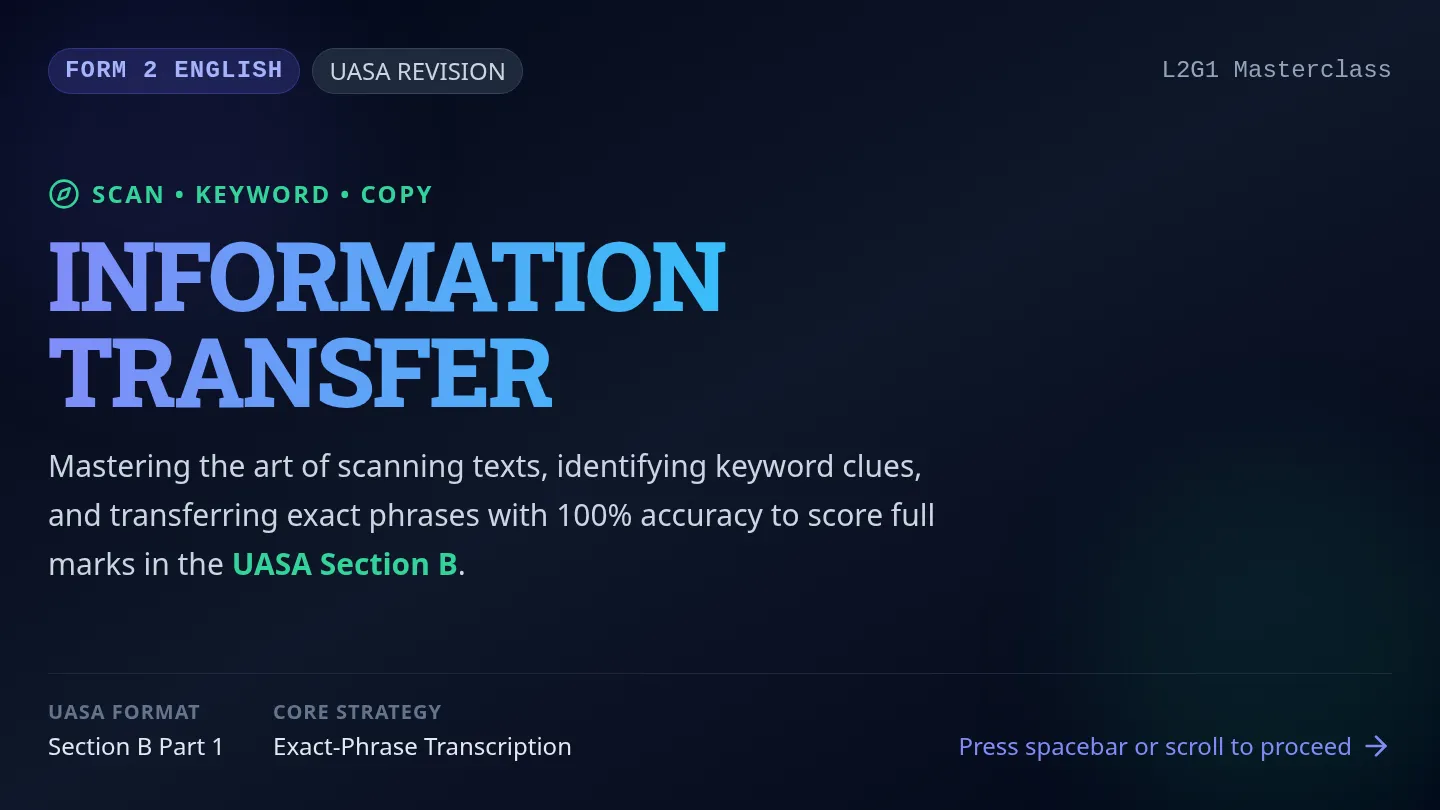
Form 2 English lesson focusing on the UASA Information Transfer format. Teaches scanning, keywording, and exact-phrase transcription strategies through real-world texts, hands-on graphic organizers, peer collaboration, and a post-lesson assessment.
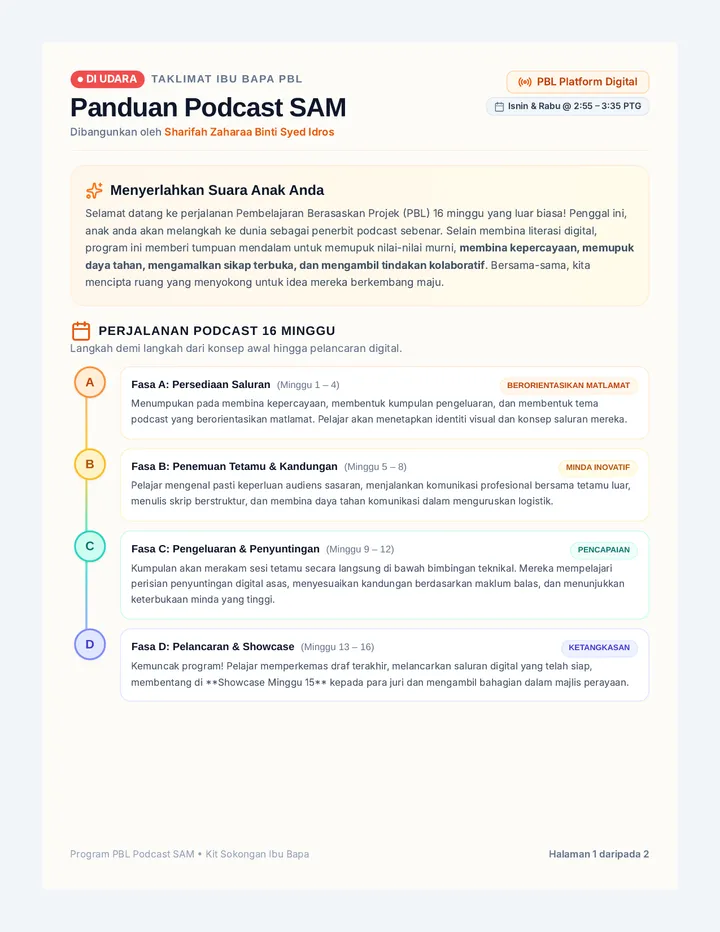
Satu Panduan Taklimat Ibu Bapa dan Kit WhatsApp Sedia-Salin 2 halaman yang komprehensif, mesra, dan penuh inspirasi dalam Bahasa Melayu untuk program Pembelajaran Berasaskan Projek (PBL) Projek Podcast SAM. Merangkumi peta jalan visual 16 minggu, butiran jadual kelas (Isnin & Rabu jam 2:55-3:35 petang), panduan sokongan rumah, dan templat mesej siaran mudah alih yang dioptimumkan.