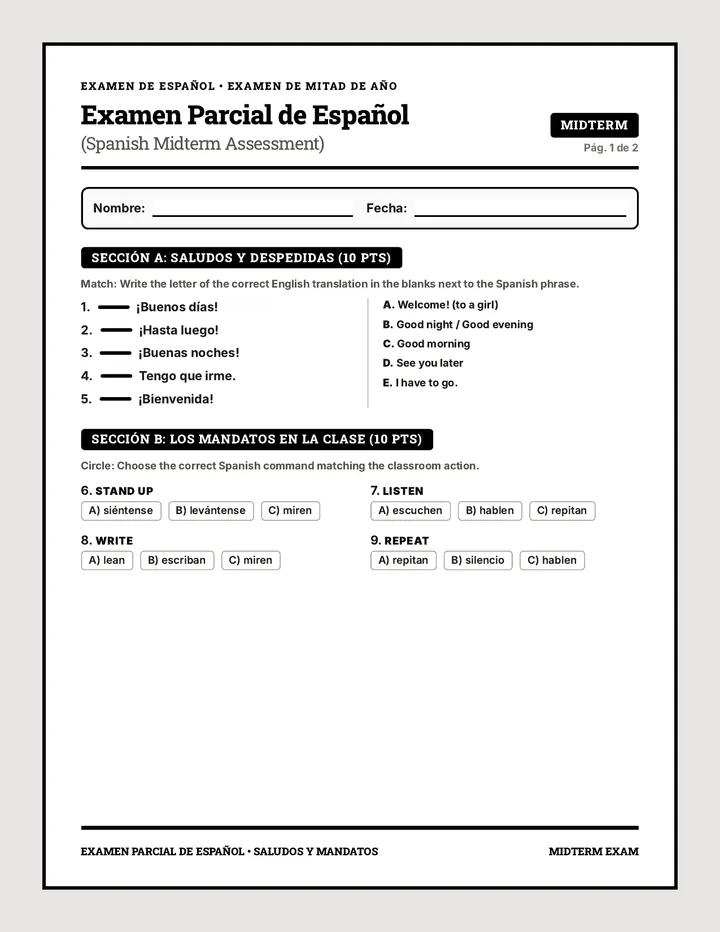
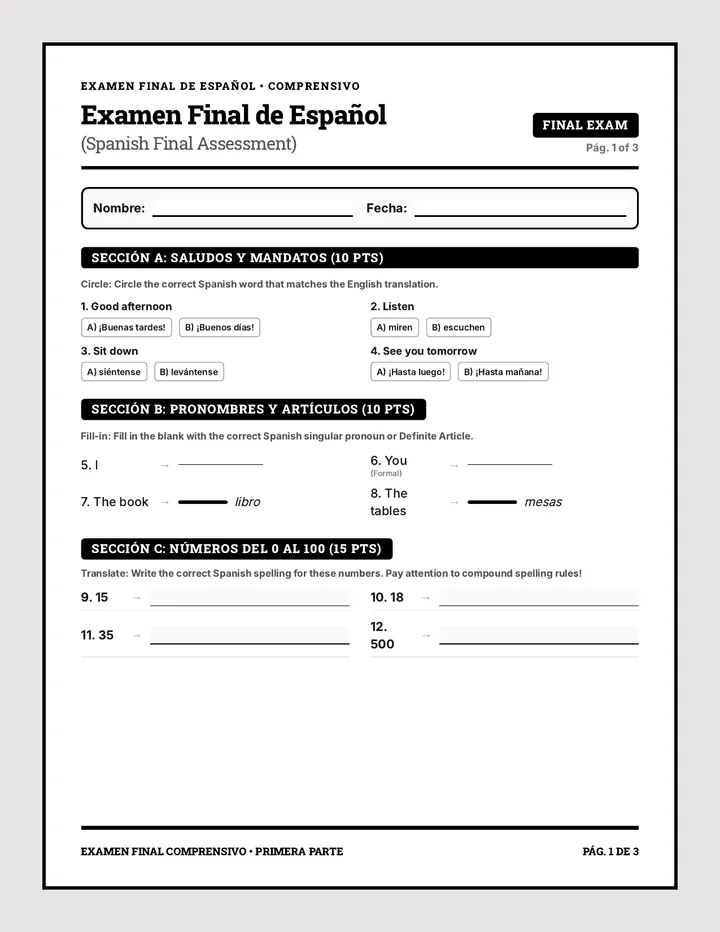
A single-page proctor instruction guide for a Spanish Interim Assessment, detailing timing for multiple-choice sections, specific audio-visual protocols for the conversation portion, and the final task for seniors.
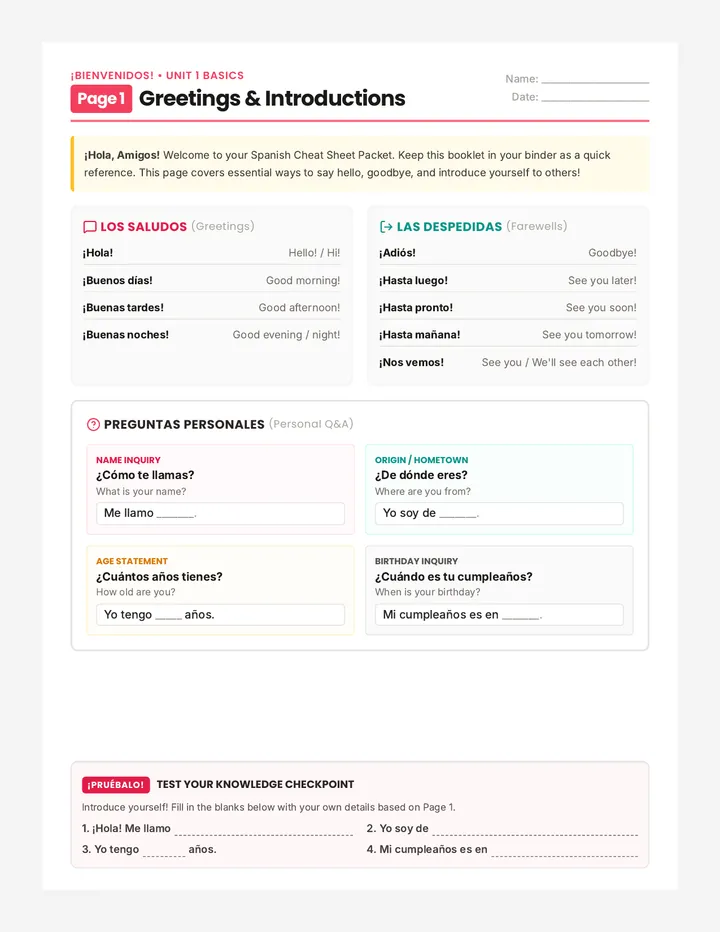
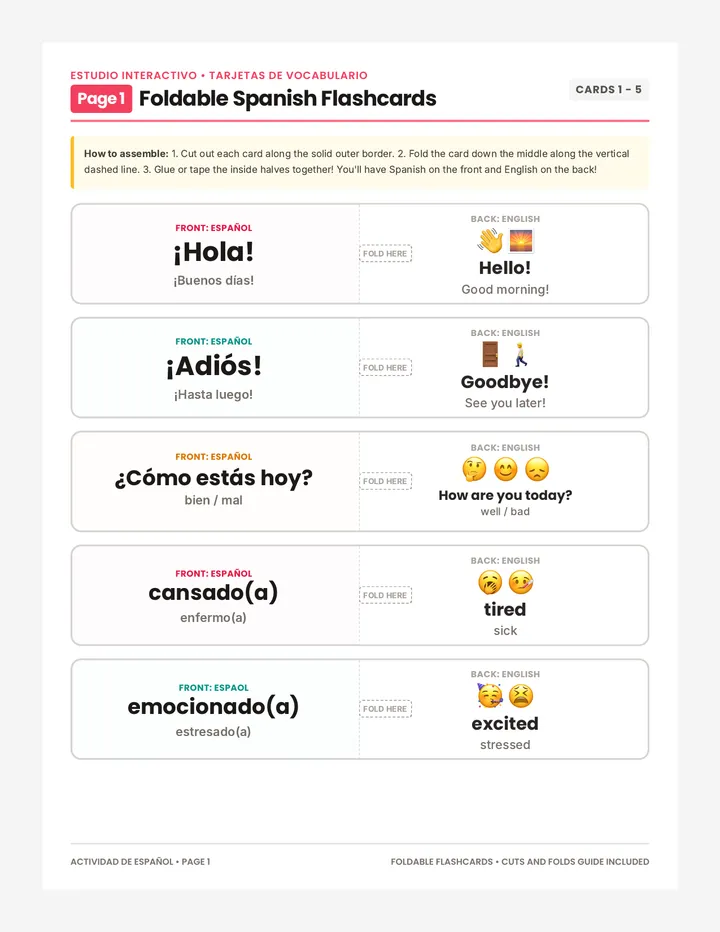
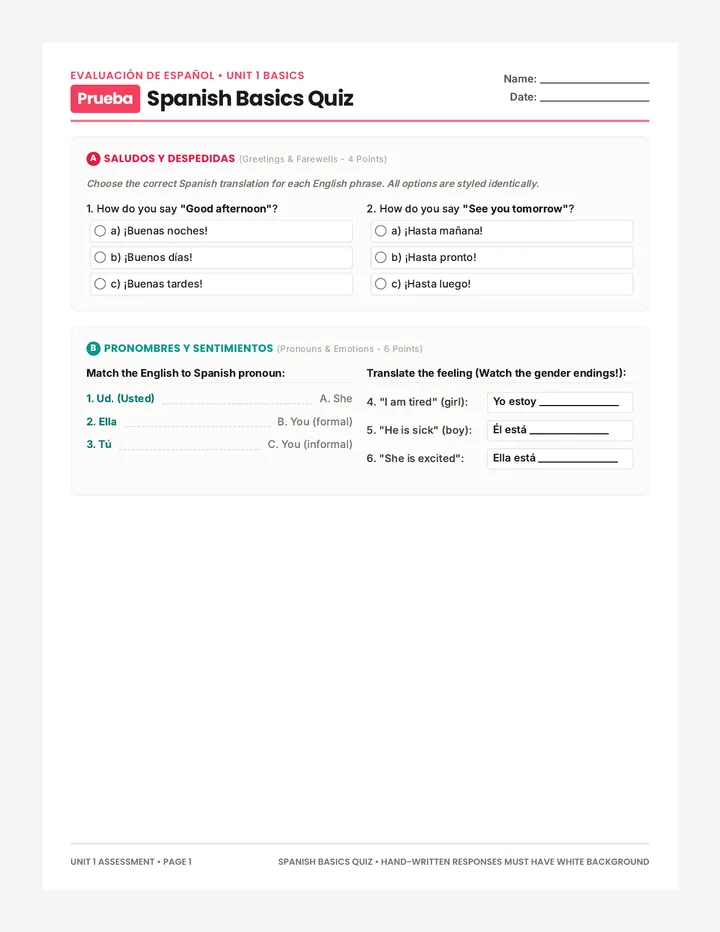
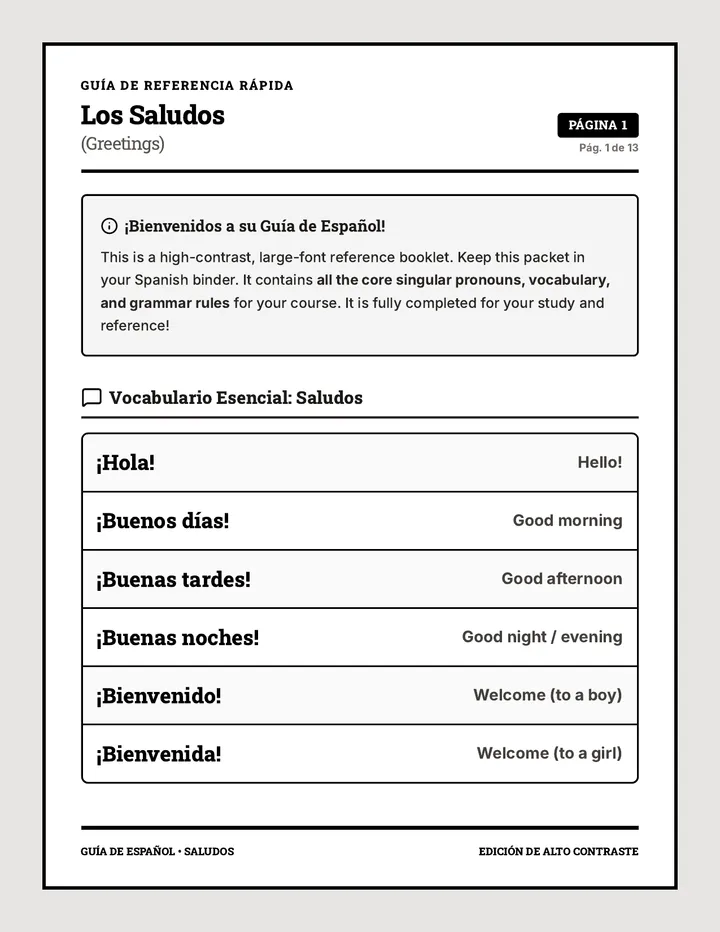
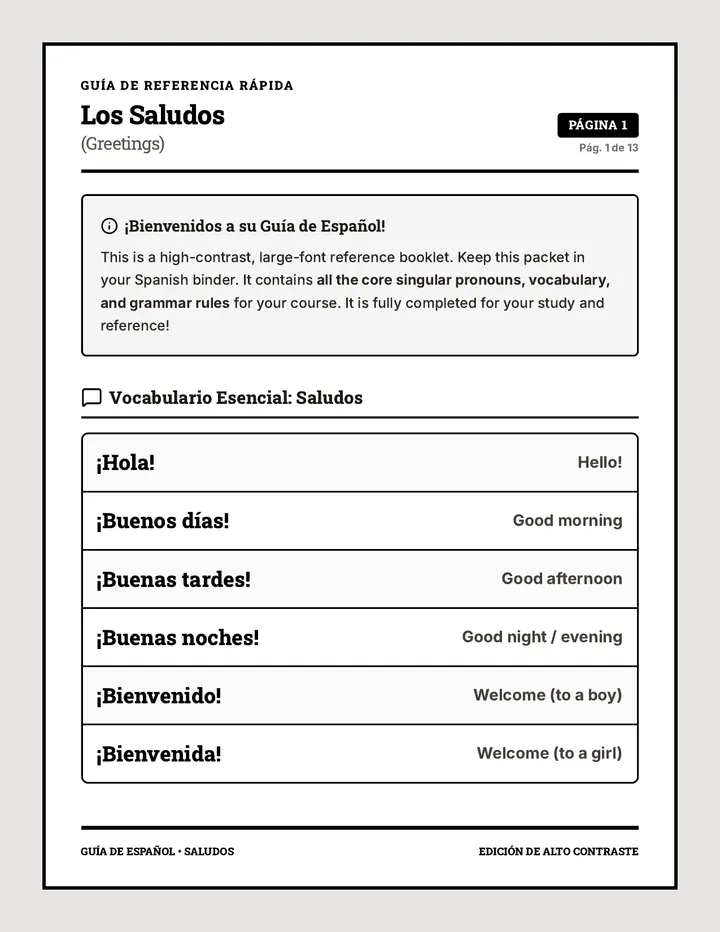
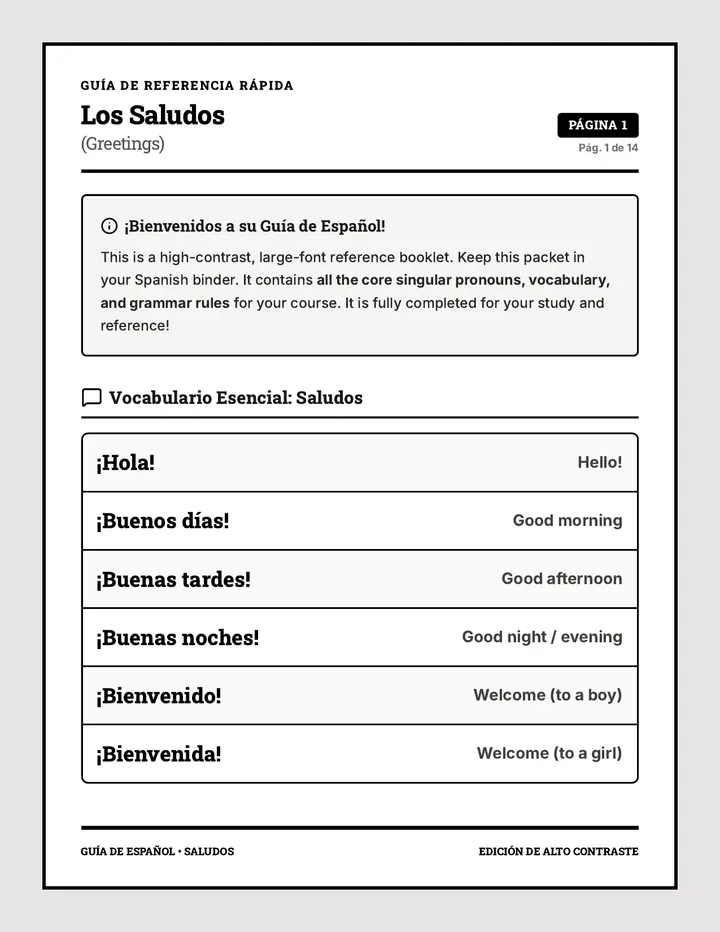
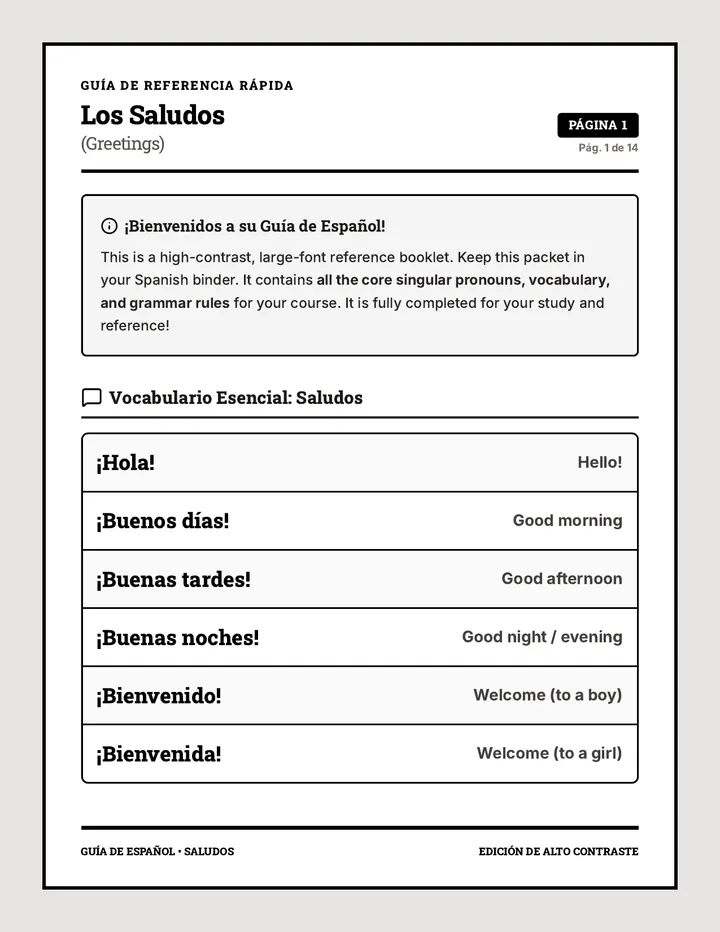
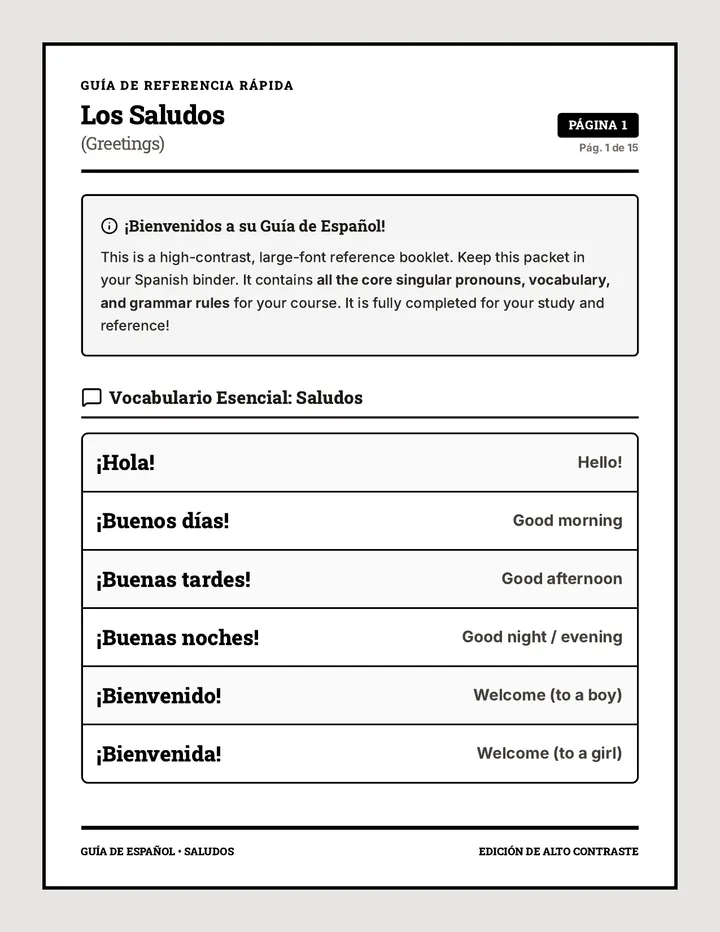
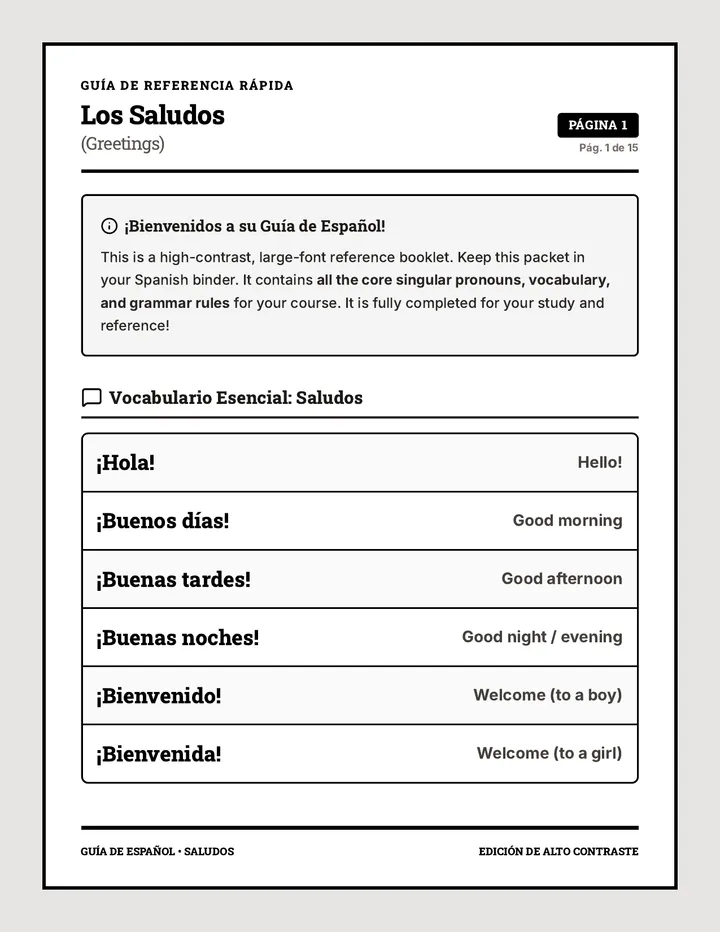
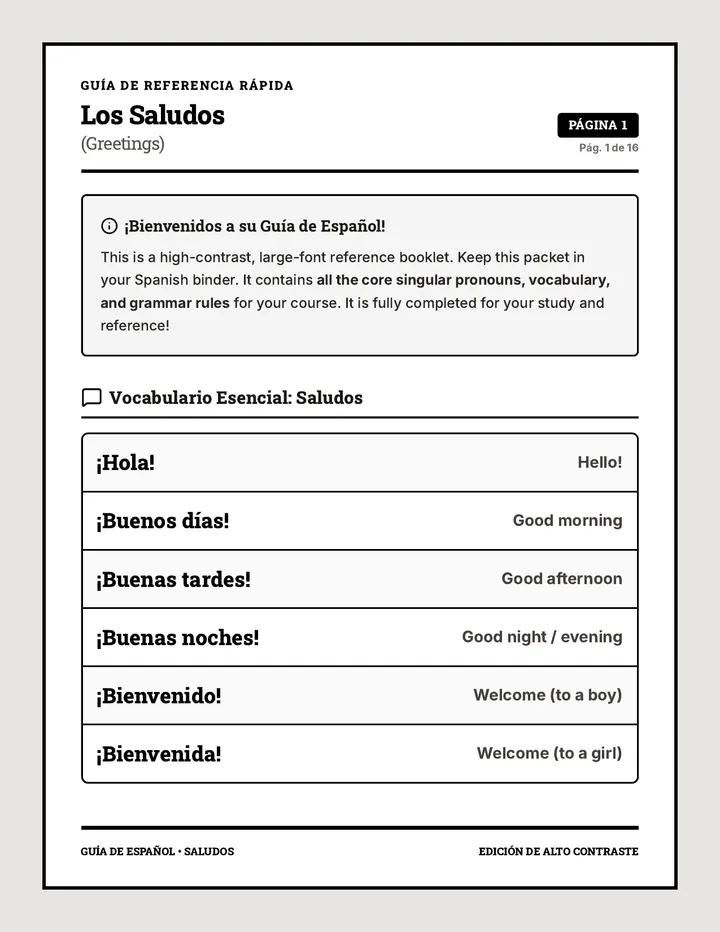
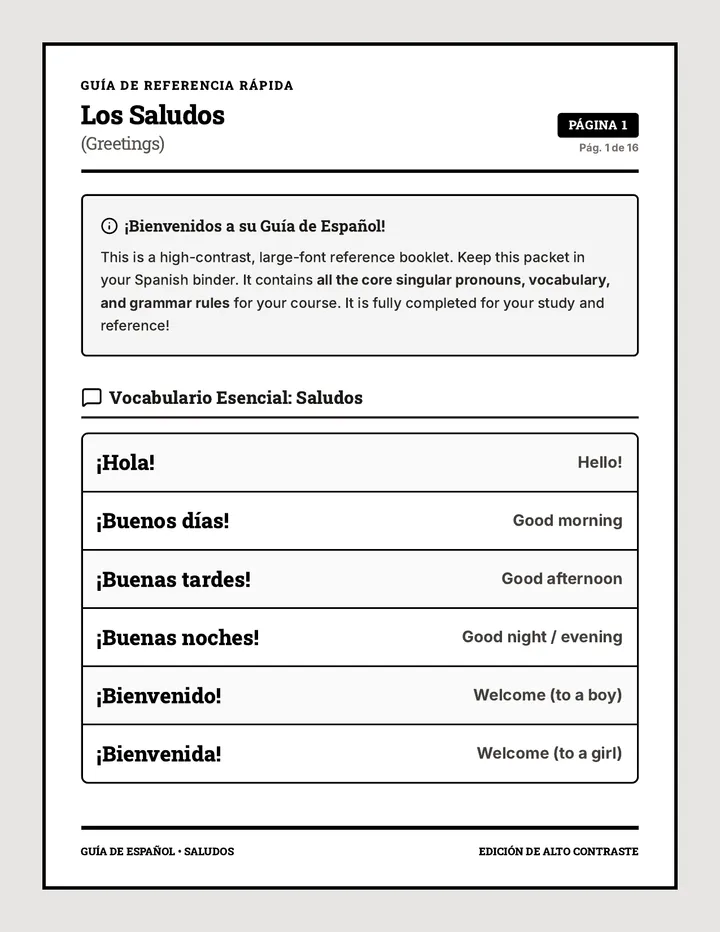
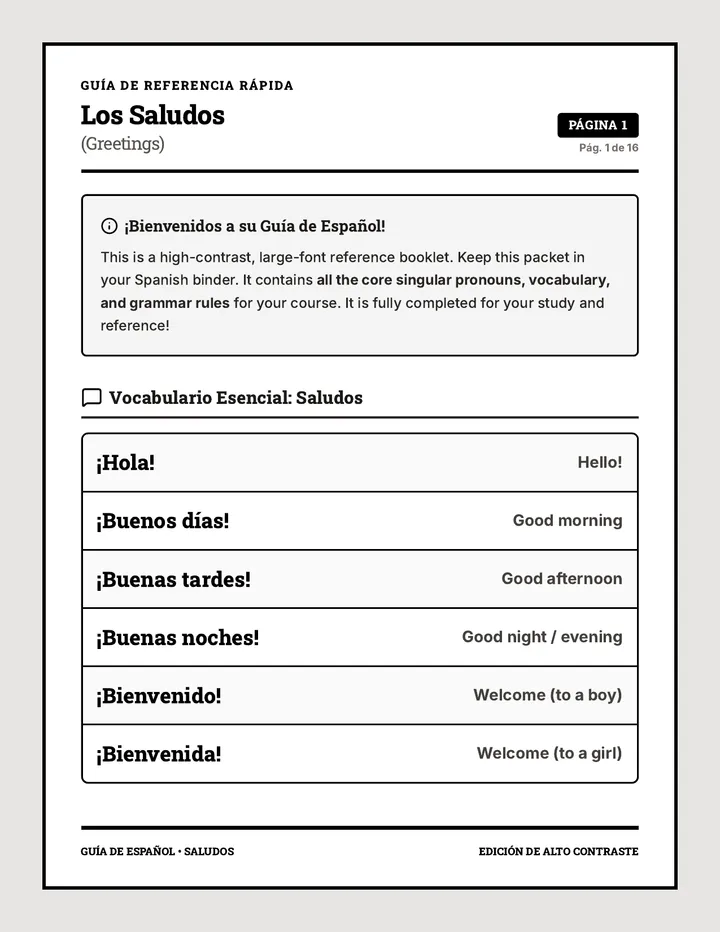
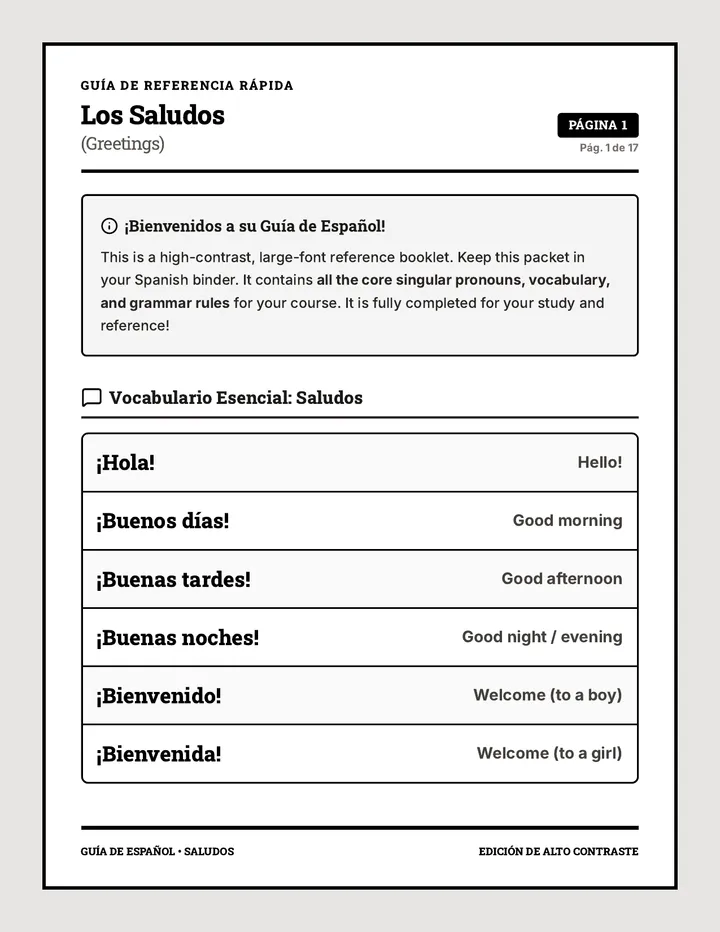
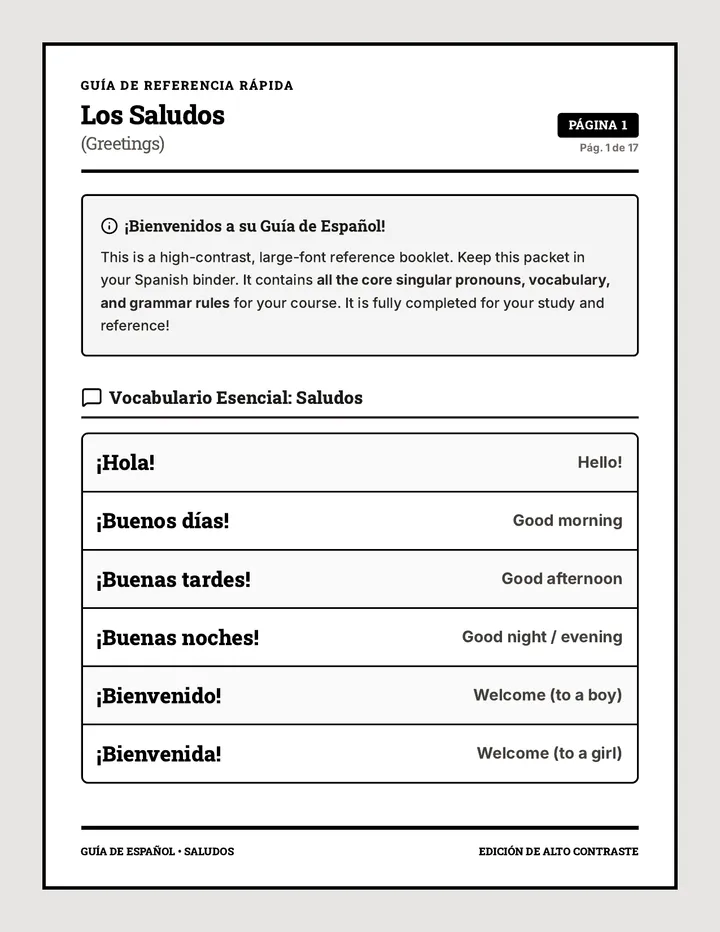
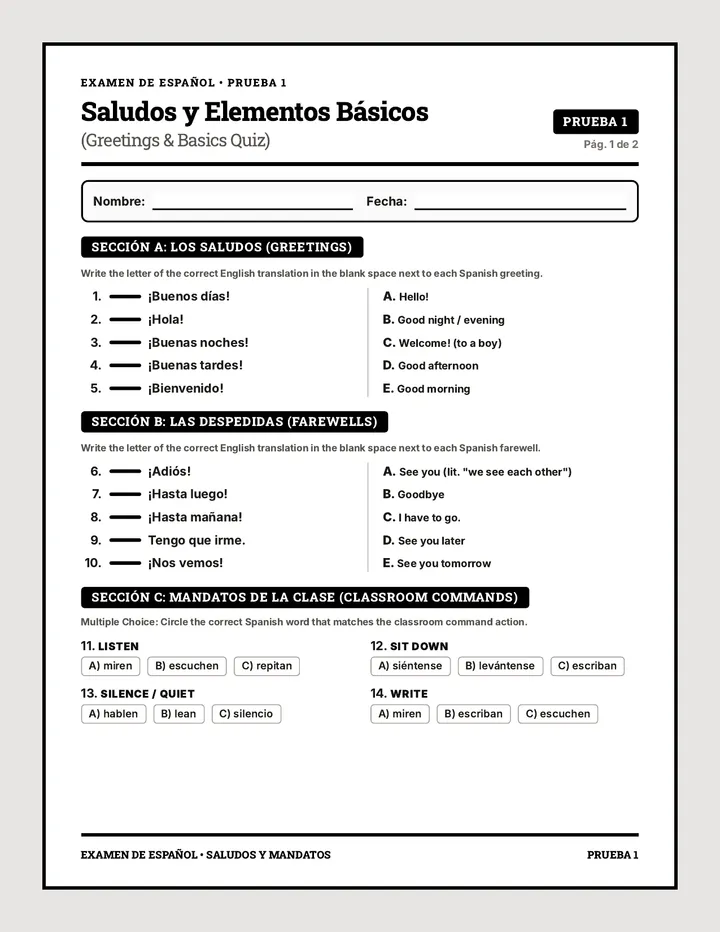
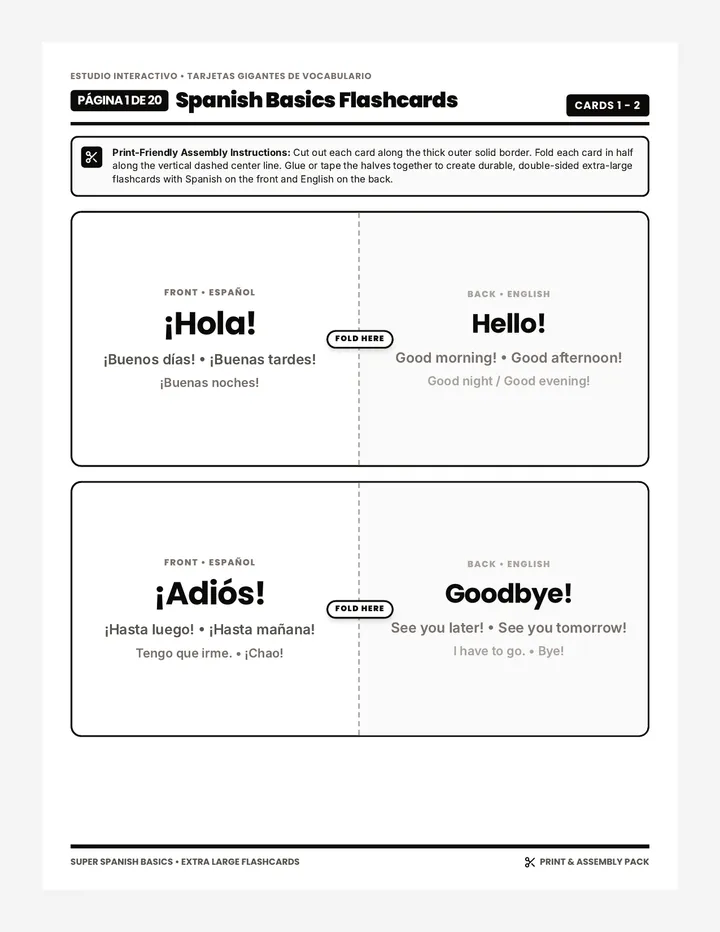
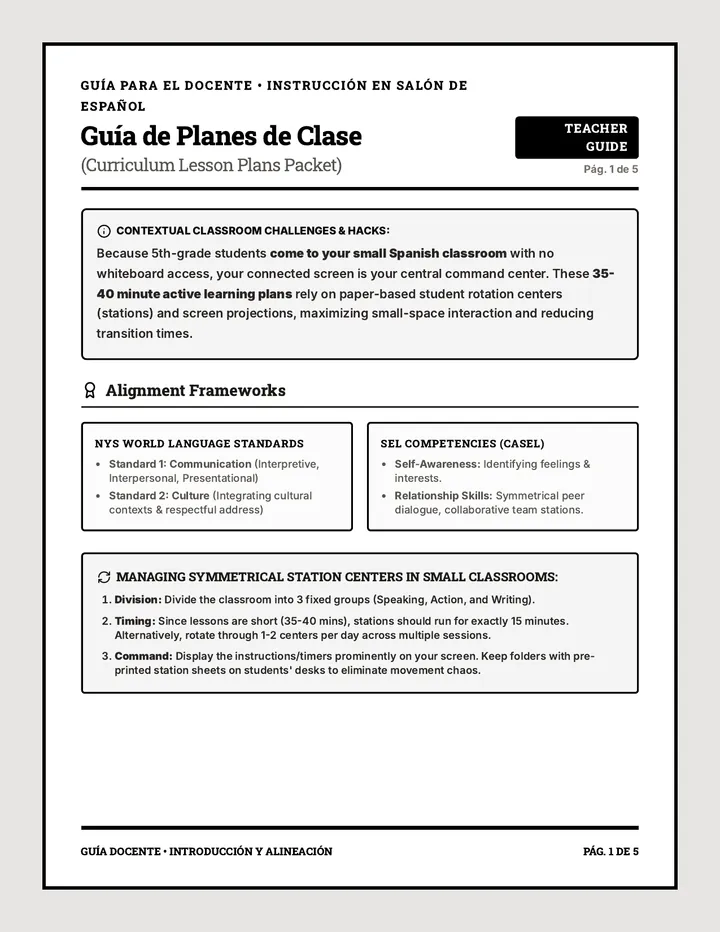
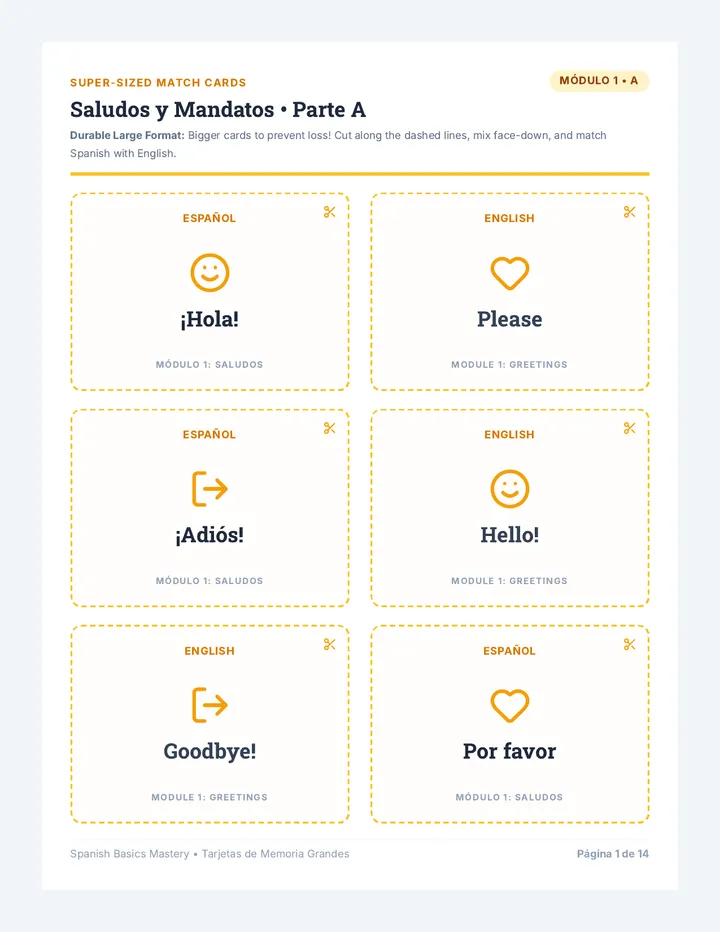
A comprehensive introductory Spanish curriculum designed for 5th-grade students. Features highly structured lessons with focused active-learning centers spanning greetings, grammar, numbers, calendar, weather, nature, animals, and adjectives.
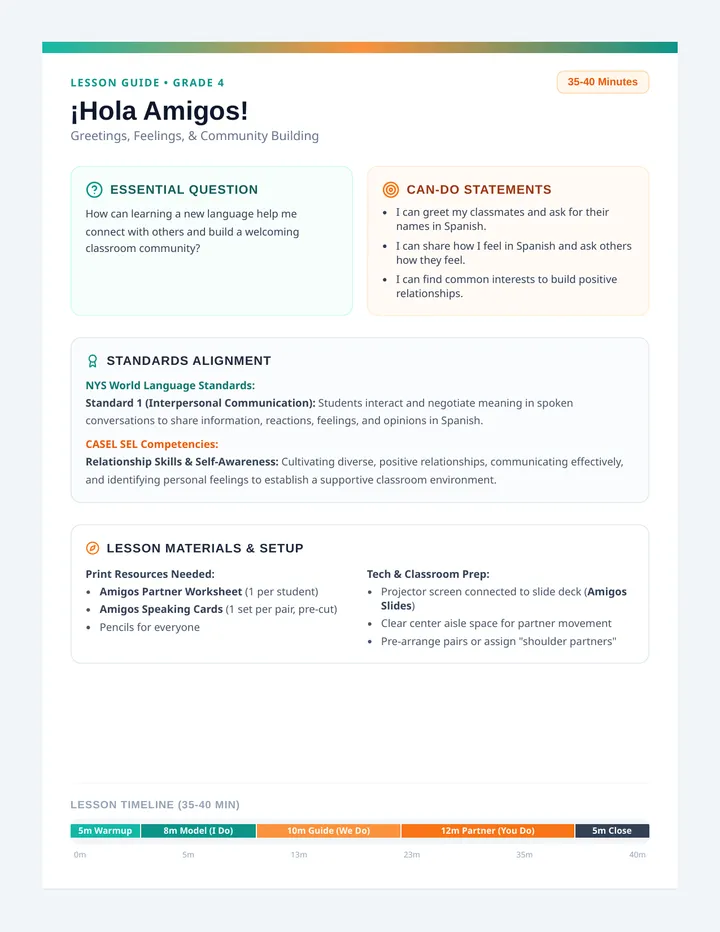
A beginning-of-the-year 4th-grade Spanish lesson focused on greetings, exchanging names, identifying feelings (SEL), and establishing a collaborative classroom community. Developed in alignment with NYS World Language Standards and CASEL benchmarks, it structured around a 35-40 minute I Do, We Do, You Do framework.
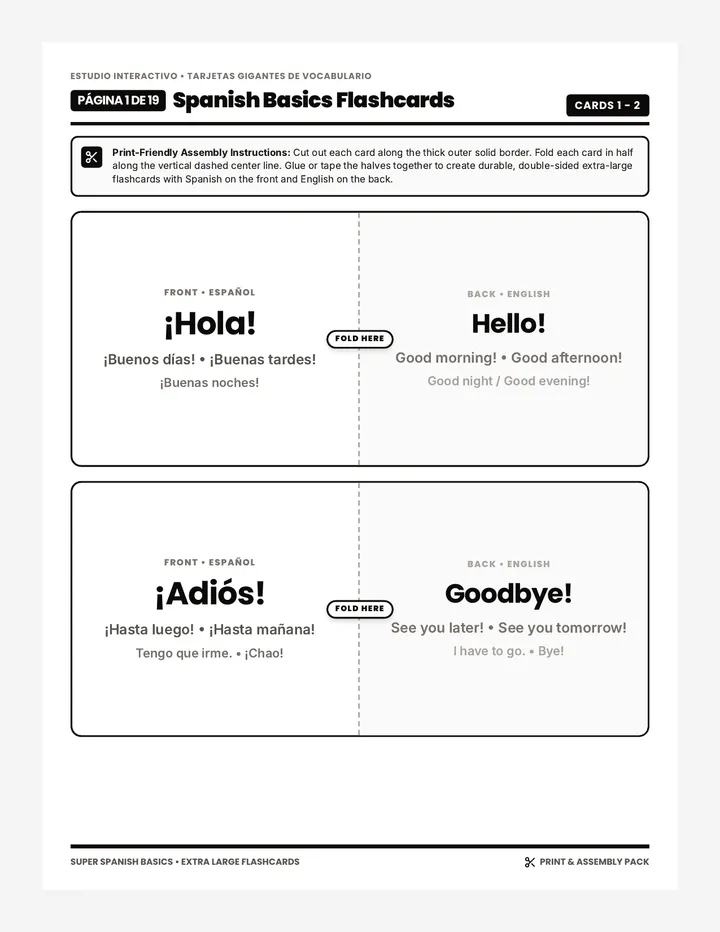
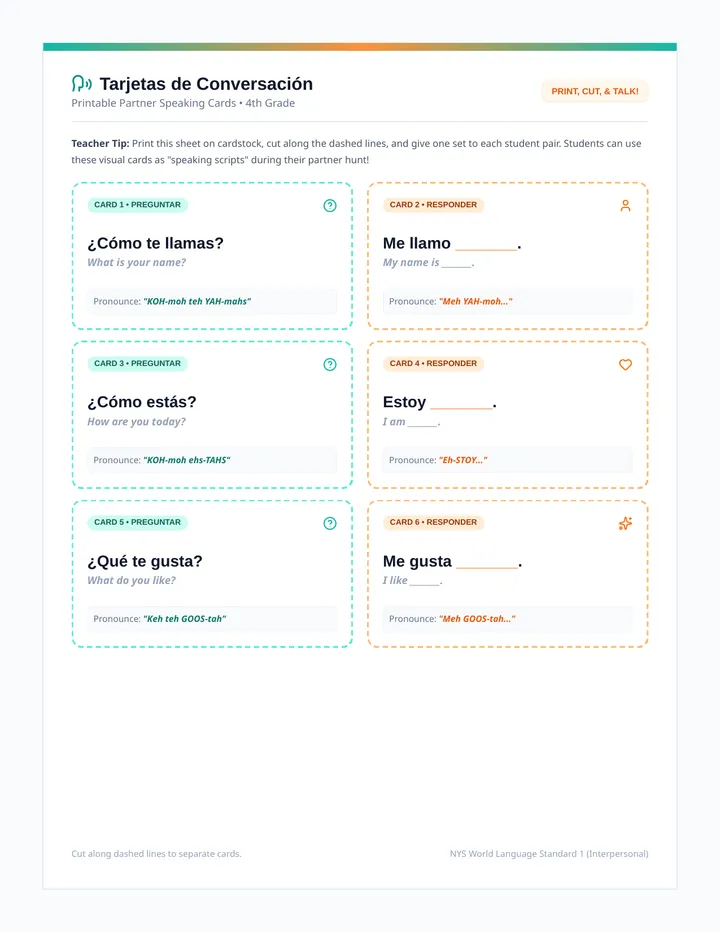
A 1-page printable resource featuring 8 pre-formatted, visually engaging conversational 'Speaking Cards' designed to be cut out and distributed to student pairs to guide their Spanish dialogues.
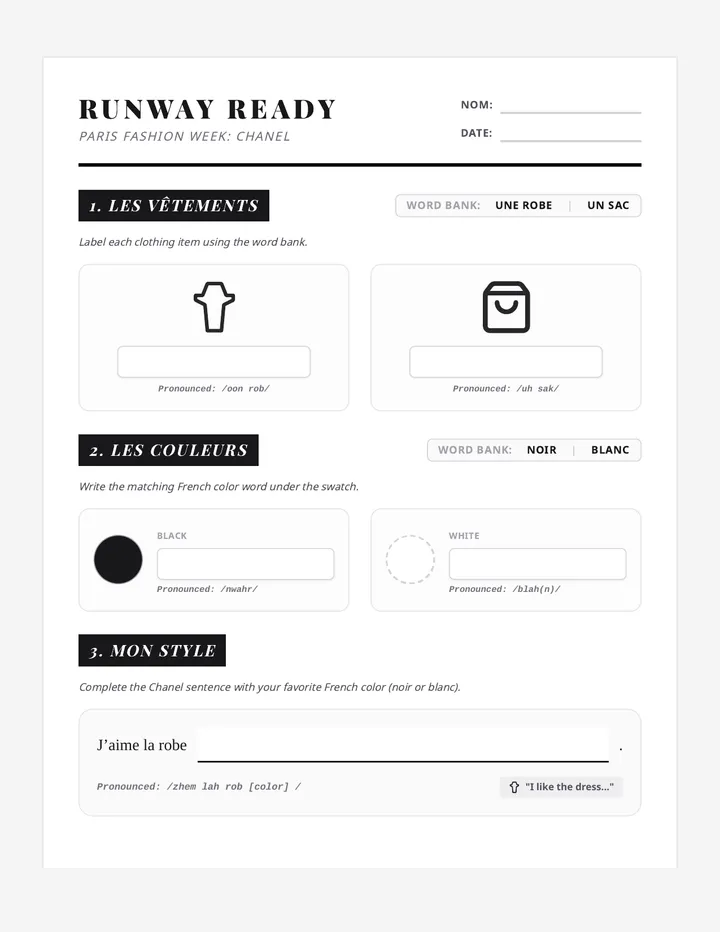
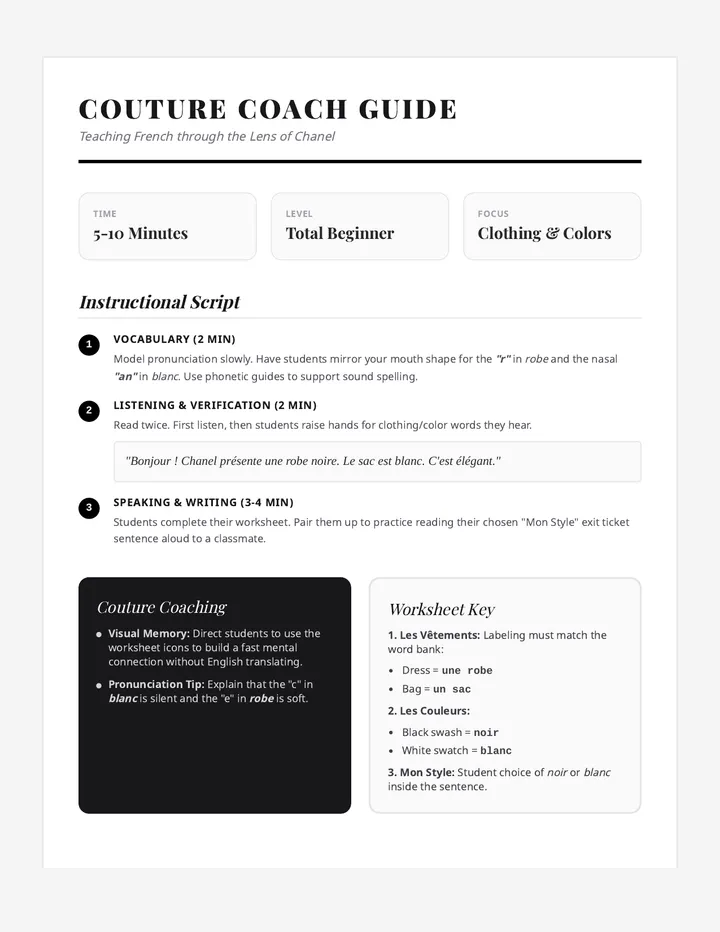
A beginner-level French sequence focusing on basic vocabulary related to fashion and colors through the lens of Paris Fashion Week and Chanel. Students learn to describe clothing and express preferences in a high-interest cultural context.
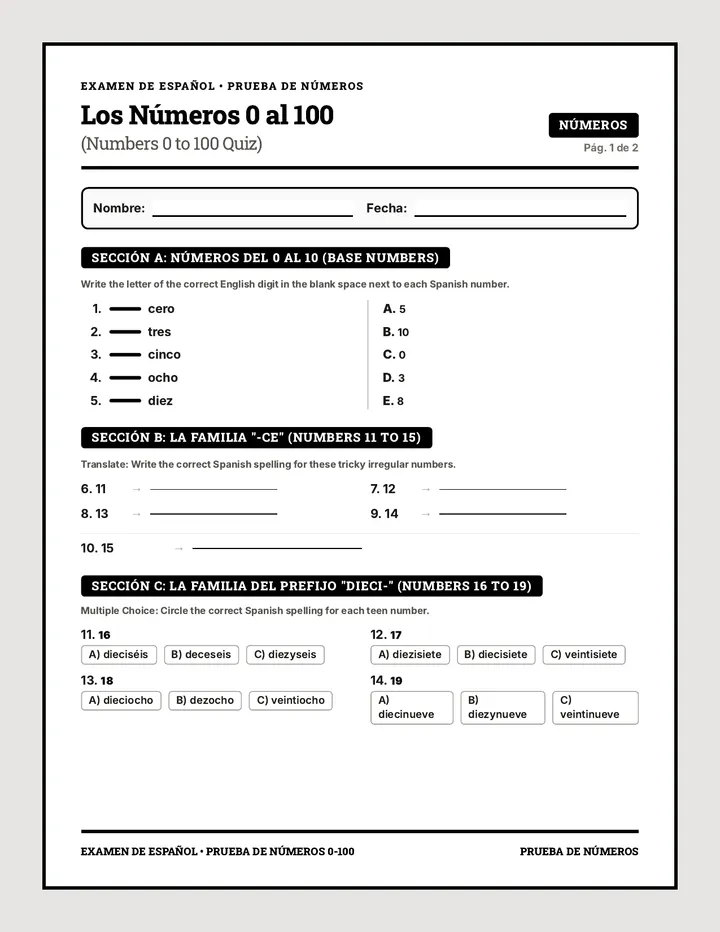
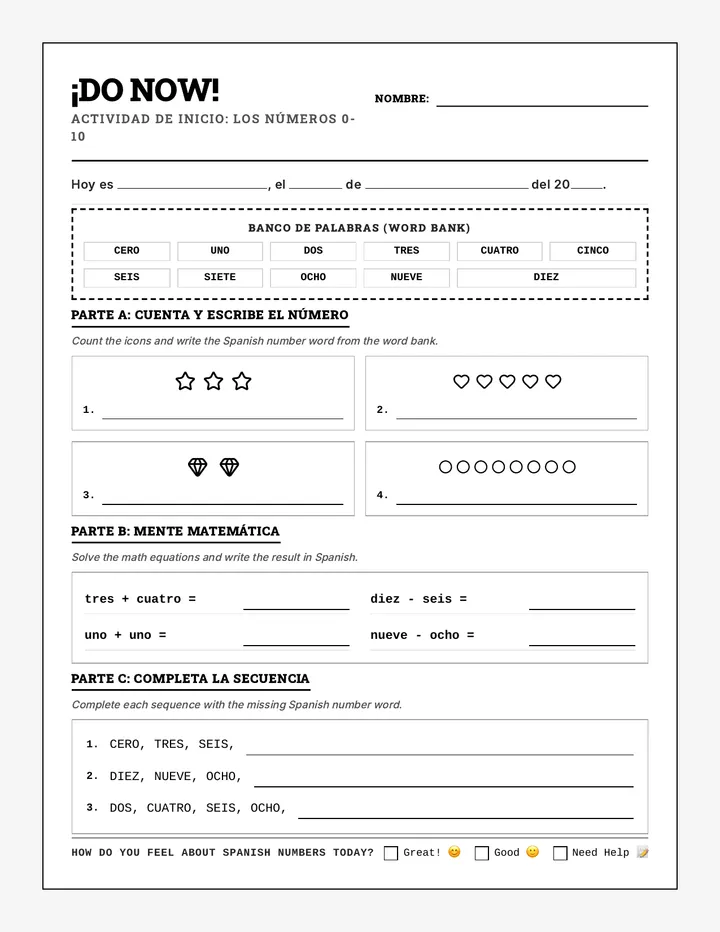
An introductory lesson designed to teach Spanish numbers 0-10. It utilizes high-contrast, print-friendly materials to help students master counting, spelling, and basic math calculations in Spanish.
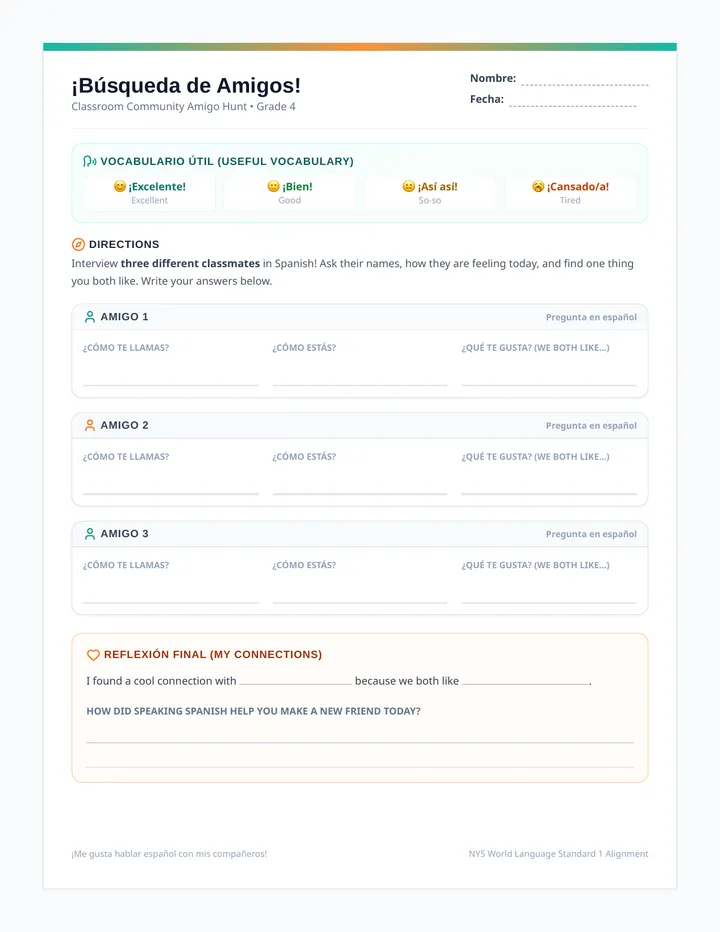
A clean, 1-page student worksheet designed for the 'You Do' partner interview activity, featuring visual vocabulary support and guided prompts for reflection.
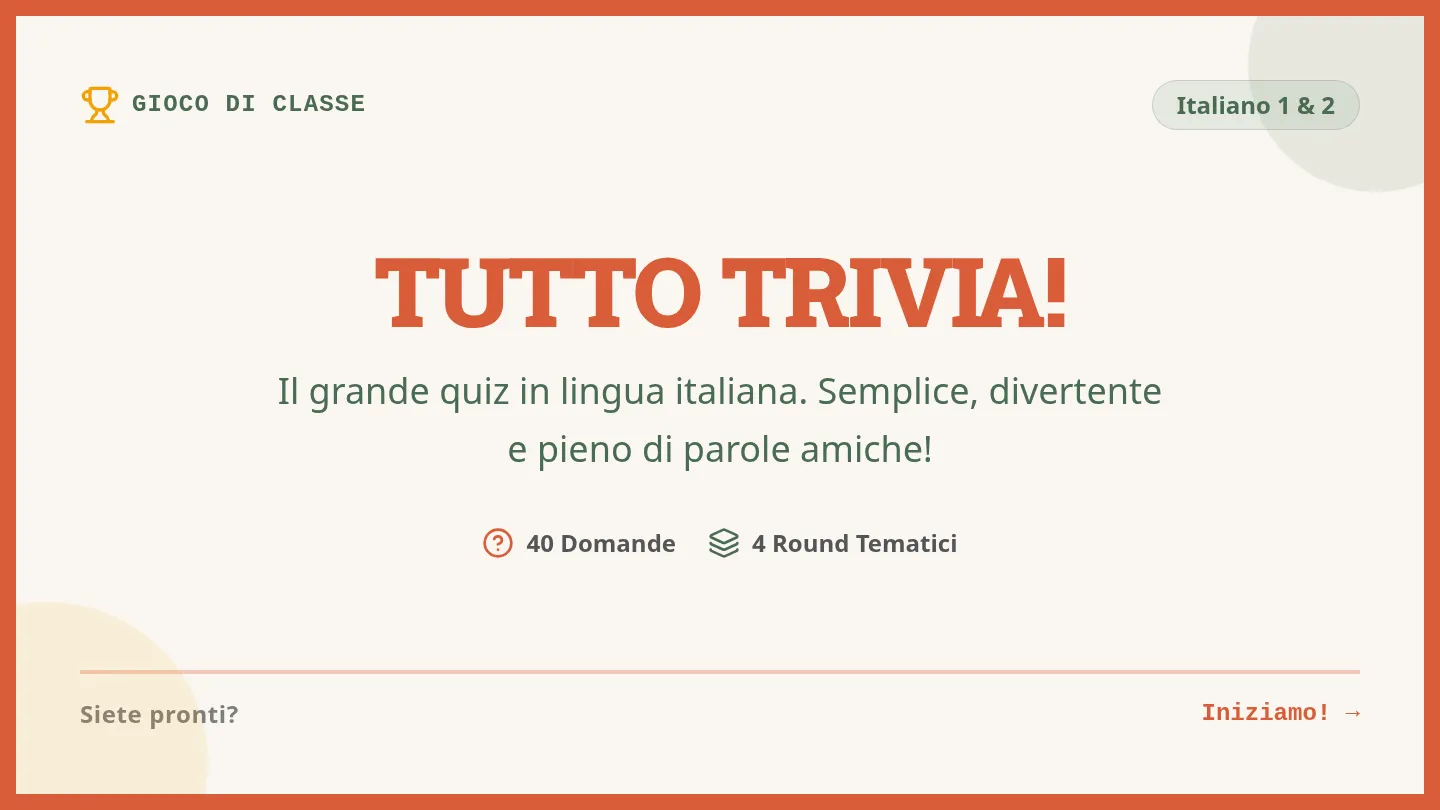
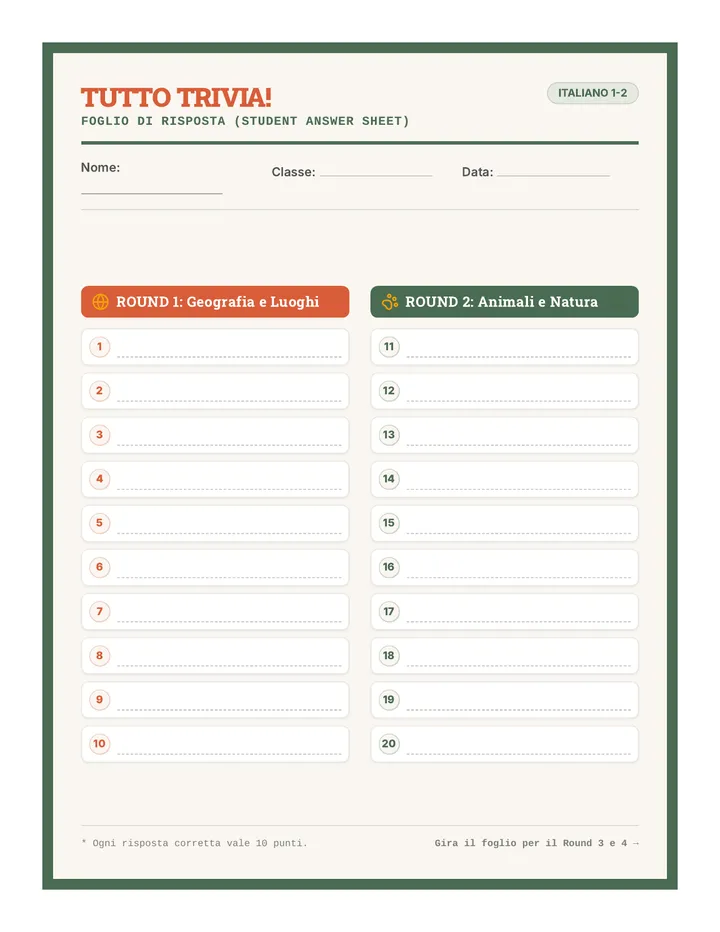
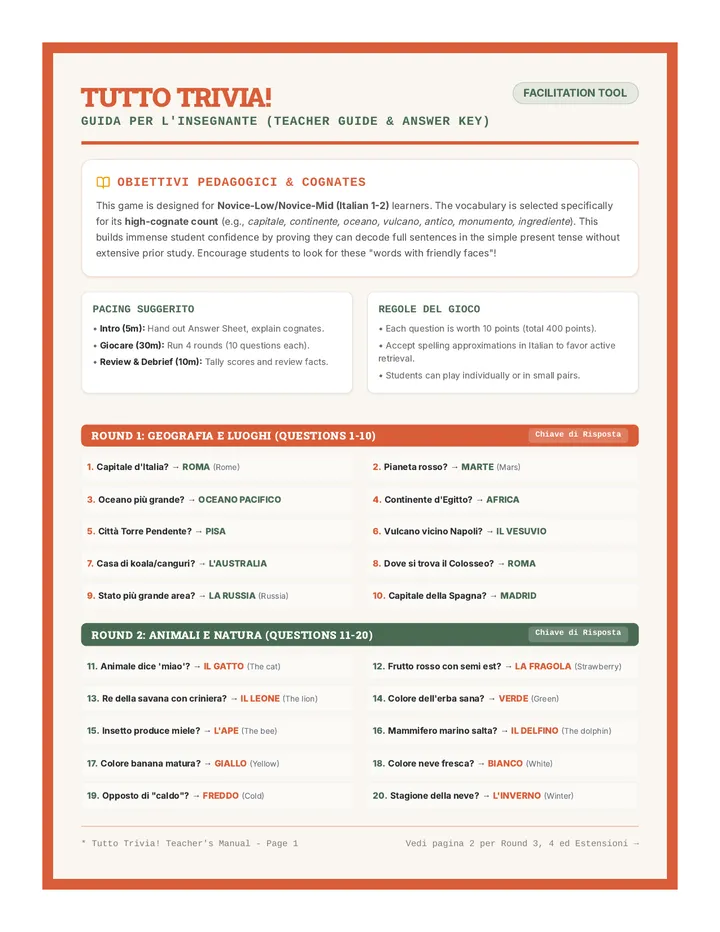
A high-engagement trivia module designed for novice Italian students (Italian 1-2) to practice vocabulary, comprehension, and general knowledge using highly cognate-rich questions and simple present tense. The unit features interactive slides, a student recording sheet, and a teacher facilitation guide.
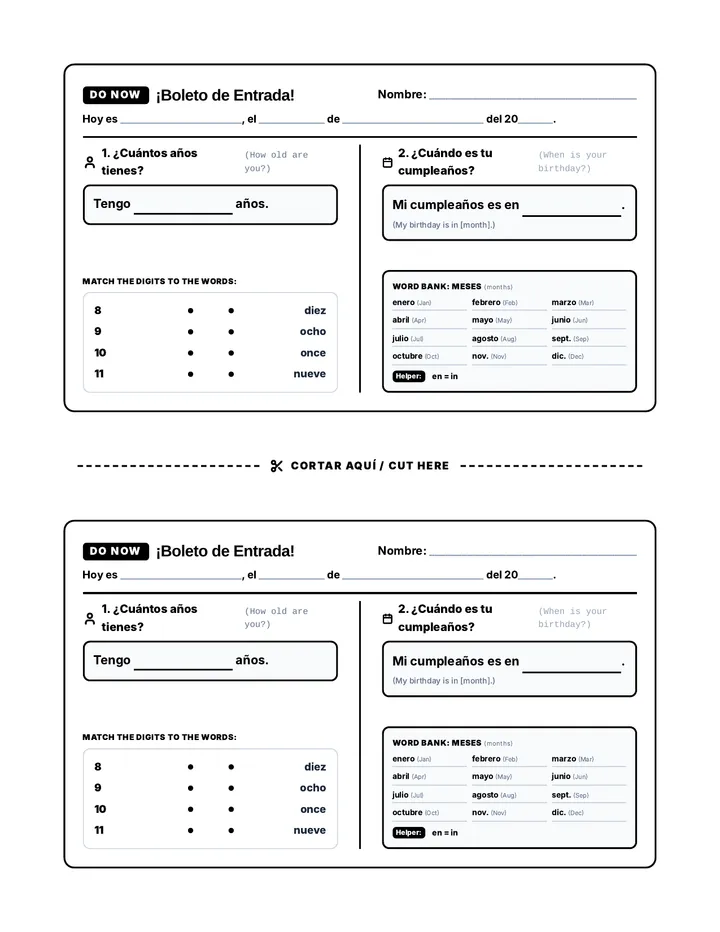
A collection of quick warm-ups and Do Now activities designed to build confidence in foundational Spanish conversation topics.
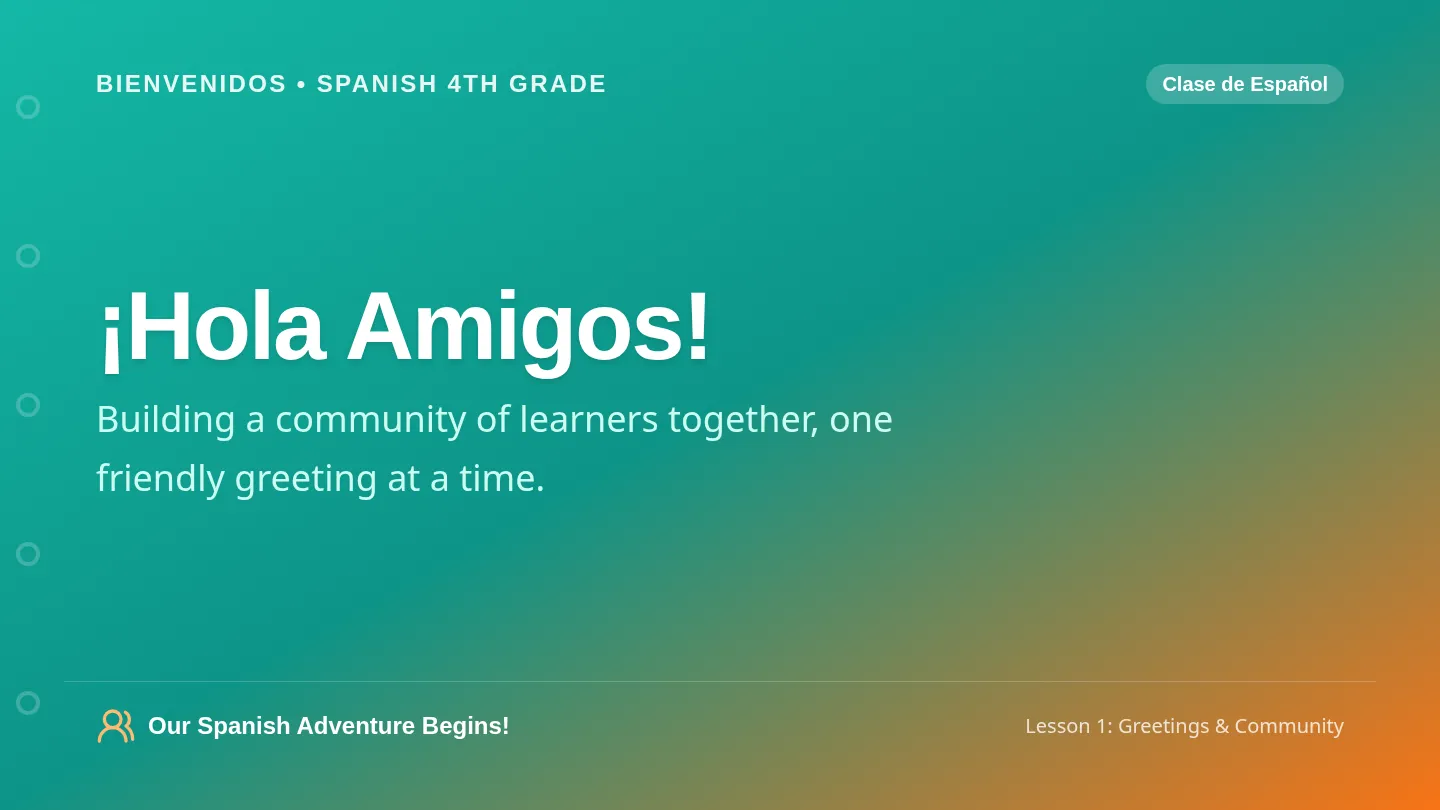
An interactive 7-slide presentation designed for projection, featuring visual guides, vocabulary with illustrations, clear steps for the partner activity, and classroom community cues.
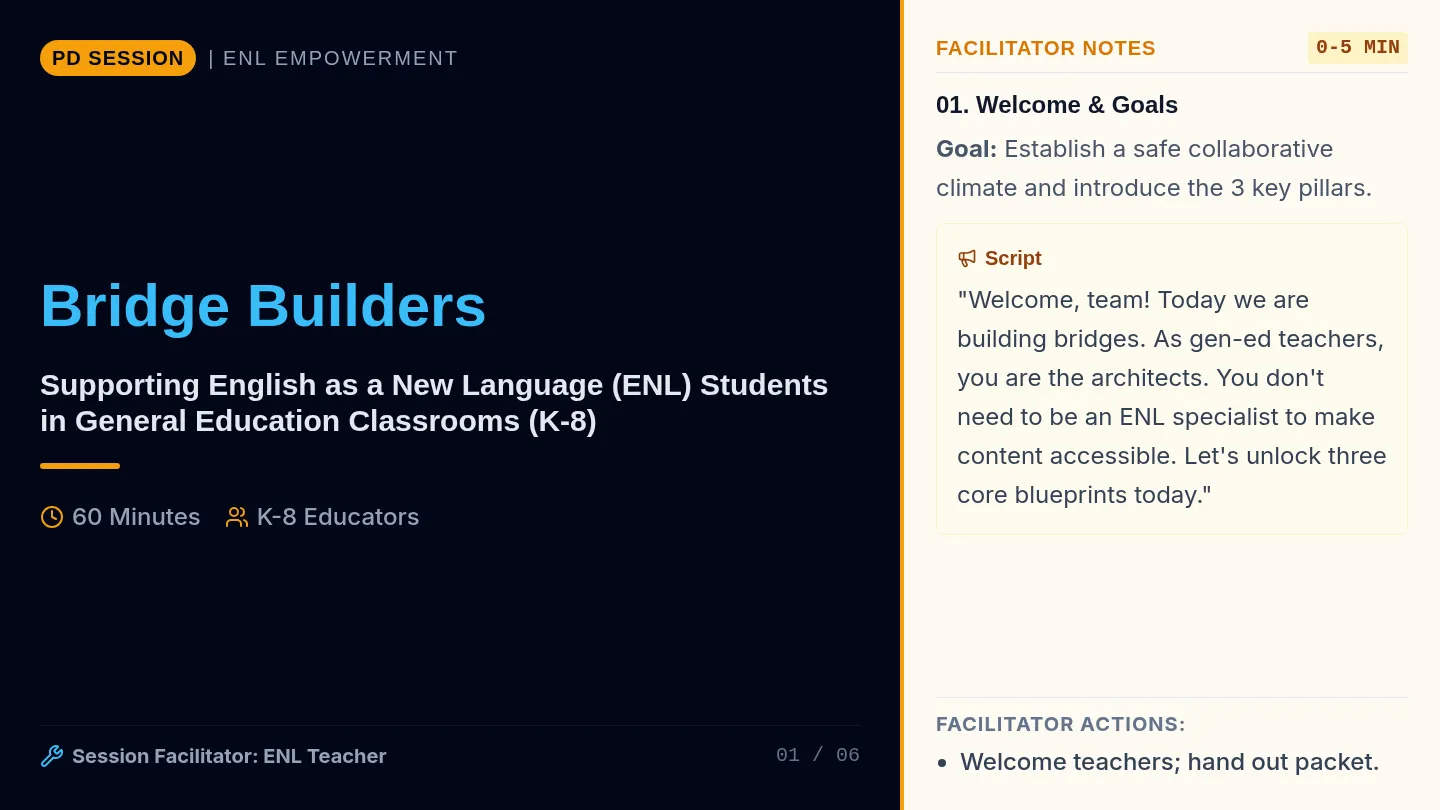
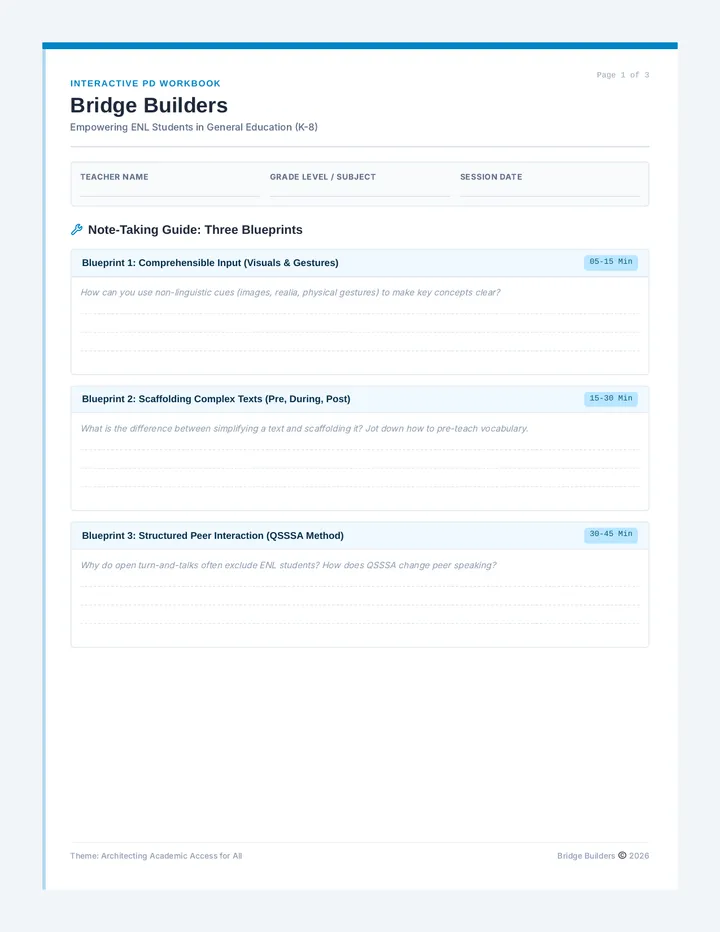
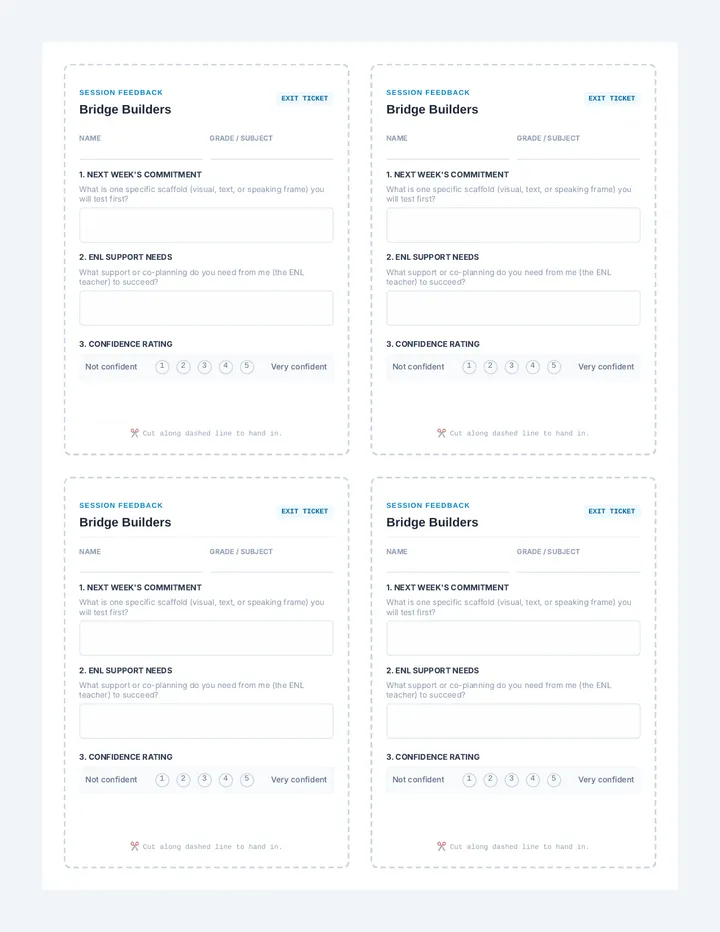
A professional development program designed to empower general education teachers (K-8) to support English as a New Language (ENL) students using evidence-based language acquisition strategies.
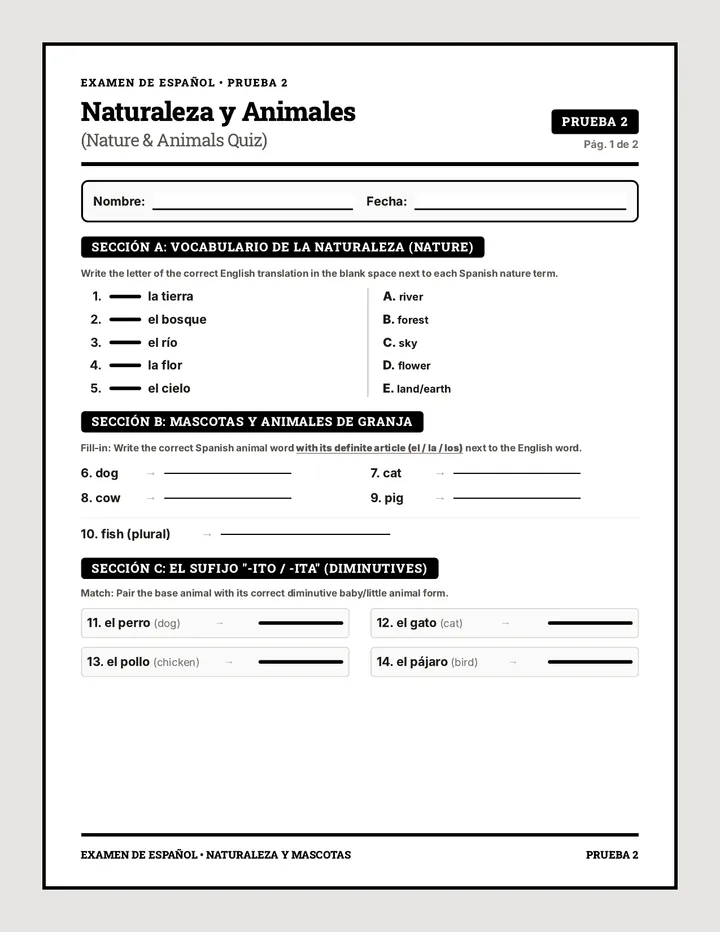
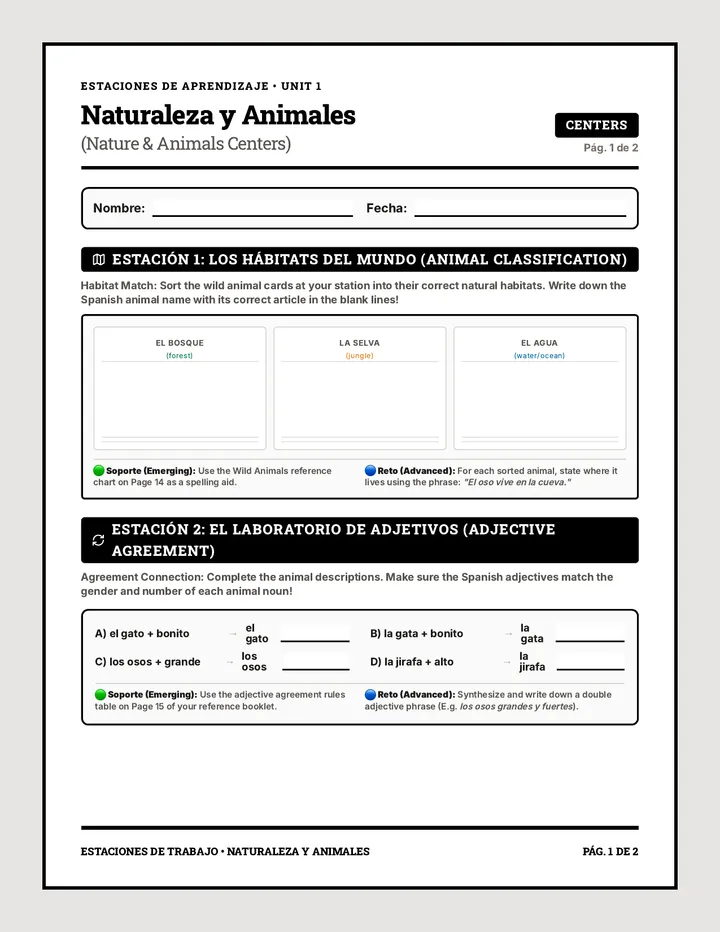
An interactive, active-learning lesson on Nature, Animals, Suffixes, Adjectives, and Conversations. Features animal habitat, adjective agreement, and favorite Q&A station centers for 5th graders.
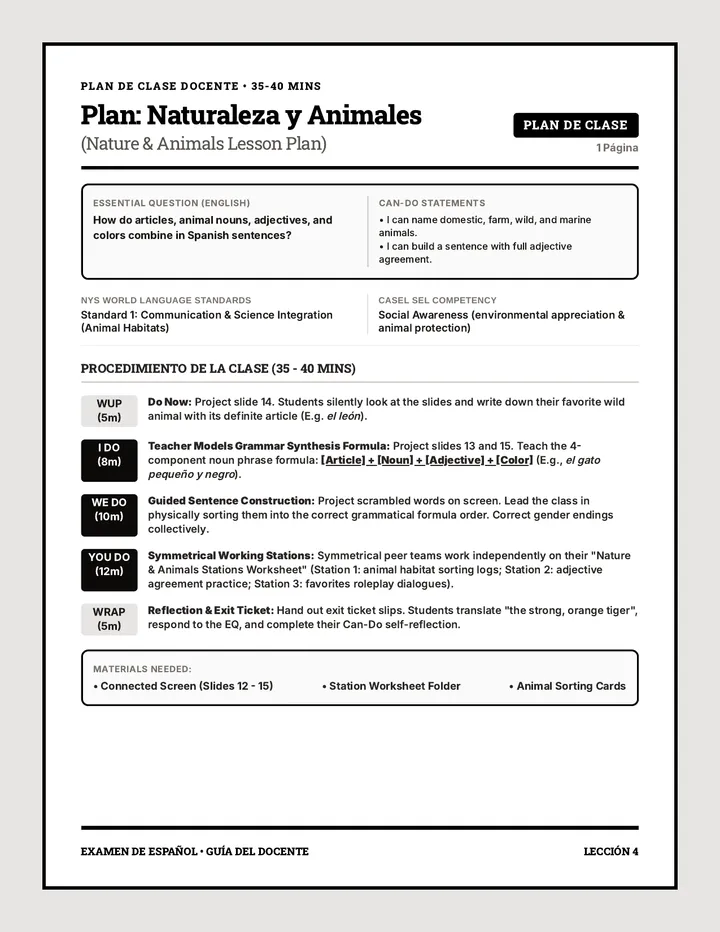
A comprehensive 2-page teacher guide outlining the lesson structure, alignment with NYS World Language Standards and SEL benchmarks, teaching scripts, pacing, and facilitation tips for managing a classroom of 27 students.